
Accessories
Pixel Buds suffer from laggy audio and uneven battery, users complain
Google responds to one problem

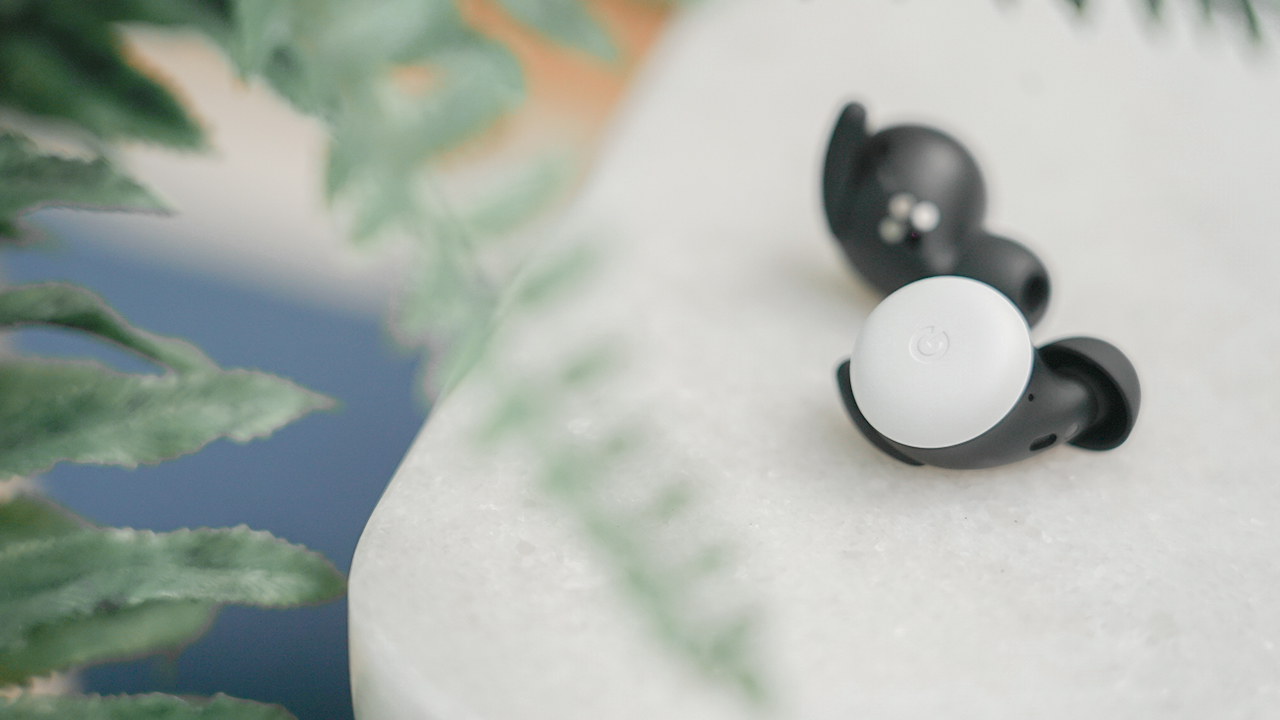
Contrary to the technical superiority of wired earphones, wireless earbuds are now as commonplace as smartphones themselves with every brand coming up with their own branded version of the popular device. Among these are Google’s new Pixel Buds released earlier this year. 2020’s Pixel Buds successfully blends audio performance and Google’s suite of functionalities inside a Google-friendly package.
However, all is not right in Google’s wireless world. Spread across social media, numerous complaints are piling up on the device’s various flaws. For one, the audio can apparently cut out if you move or shake your head too vigorously. Naturally, the flaw completely deflates the Pixel Buds’ effectiveness for runners and joggers. Additionally, some users are reporting that the audio in one bud lags behind the other, creating a garbled distortion.
Further reported by Forbes, the battery drain can also differ from bud to bud. The difference can get as high as 30 percent, wherein one bud is considerably more drained than the other. However, Google has already replied to this particular concern. Apparently, the Pixel Buds can optimize battery drain by limiting some features to only one bud, prompting the uneven battery drain. As soon as the affected battery reaches a certain threshold, the device taps the other earbud for the feature, eventually leveling them out.
In any case, the company does not have an explanation for the uneven audio issues yet. Affected users can turn in their defective devices for a replacement. If the replacement device is still faulty, Google can issue a full refund.




Accessories
England, Wales start banning Meta Glasses
The smart glasses are now banned in courtrooms.

Earlier this year, New York became the first state to issue a blanket ban against smart glasses in courtrooms. The new regulation marks one of the first public spaces to prevent the contentious devices. Now, England and Wales are following suit in their courtrooms by banning Meta glasses inside.
As reported by The Guardian, courtrooms in both countries will confiscate Meta Glasses from those taking them into the building. Owners can retrieve them again upon exit.
Like the decision in New York, the English and Welsh bans are simple enough to follow. As it is everywhere, it’s forbidden to record video inside courtrooms in England and Wales. Because Meta Glasses have cameras (and are primarily used for their video capturing capabilities), they fall under prohibited items.
Notably, smartphones are not included on this list, despite having sizable cameras themselves. Although, to be fair, it’s much more difficult to discreetly record video using a smartphone. Smart glasses pride themselves with the ability to take videos seamlessly.
Meta Glasses are having such a moment today. Though some users, especially creators, are excited for them, a significant chunk of the population is concerned over their ability to take videos without subjects knowing they’re being recorded. Some users have even found ways to disable the built-in LED indicators which should, in theory, warn the public that the glasses are recording. It’s since turned into a privacy nightmare.
Accessories
Peak Design’s new City Line combines minimalism and color
Less padding, more personality


Known for its camera-friendly bags with generous padding to protect photography gear, Peak Design is taking a different approach with the City Line.
The new collection prioritizes lightweight construction and everyday functionality, stripping away unnecessary bulk while still delivering the thoughtful organization the brand is known for.
The new collection includes the City Backpack in 15L and 22L sizes, the 15L City Tote, the City Crescent in 6L and 12L options, and the compact 2L City Sling. While each bag serves a different purpose, they all share the same minimalist aesthetics and intuitive organization.
To achieve that lighter design is Peak Design’s new weather-resistant MonoShell material, along with a seam-reduced construction that cuts down on unnecessary bulk.

It also comes with Peak Design’s built-in BagLev hook, allowing you to hang your bag from a table instead of placing it on the floor.
Beyond the neutral and muted finishes we’ve seen in the past, Peak Design is also introducing brighter options that add more personality to the collection.
The vibrant Lapis blue, in particular, stands out as a fun alternative for anyone looking to move beyond the usual black everyday bag.
The City Line is now available through peakdesign.com and authorized retailers worldwide.

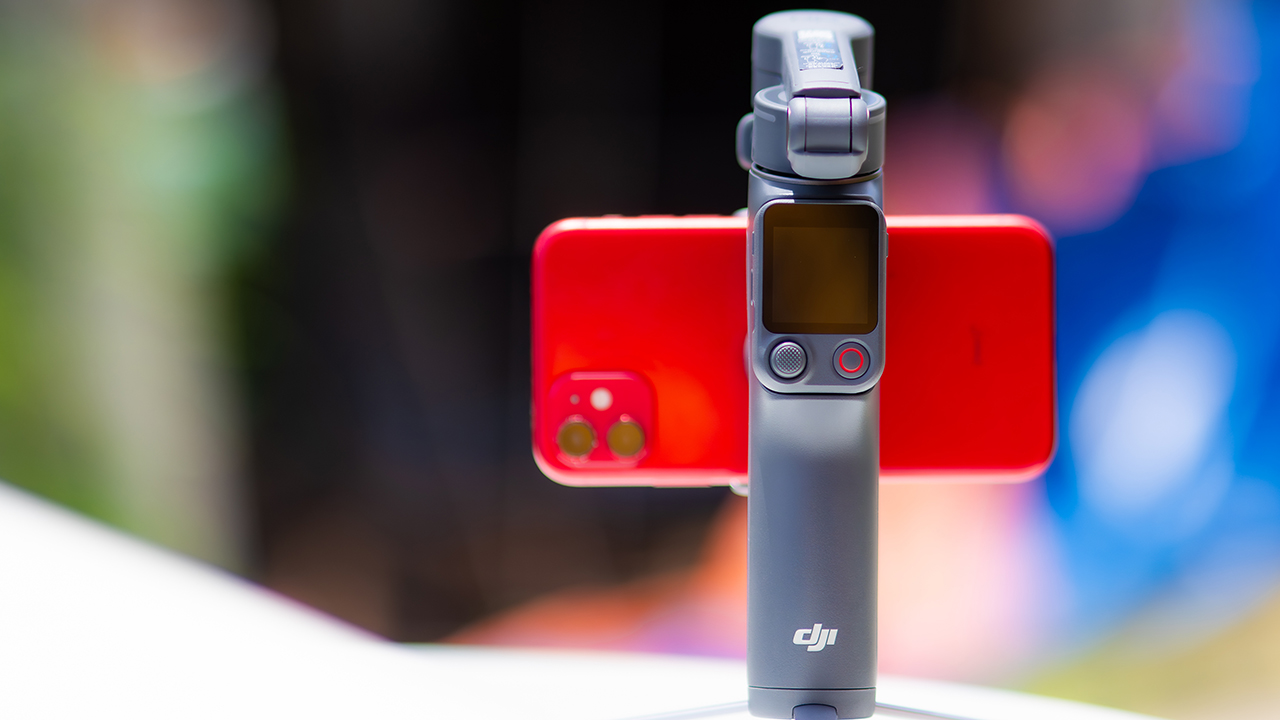
DJI’s smartphone gimbals have always chased one goal: delivering cinema-smooth footage without forcing you to carry a heavy rig.
The Osmo Mobile 8P (OM 8P) makes its priorities clear right out of the box. This is not a simple refresh. DJI rebuilt how you control the gimbal, and that decision shapes the entire shooting experience.
Freedom behind the lens
The biggest change is the FrameTap remote, and it’s the kind of upgrade that fixes a problem you didn’t realize was slowing you down until it’s gone.
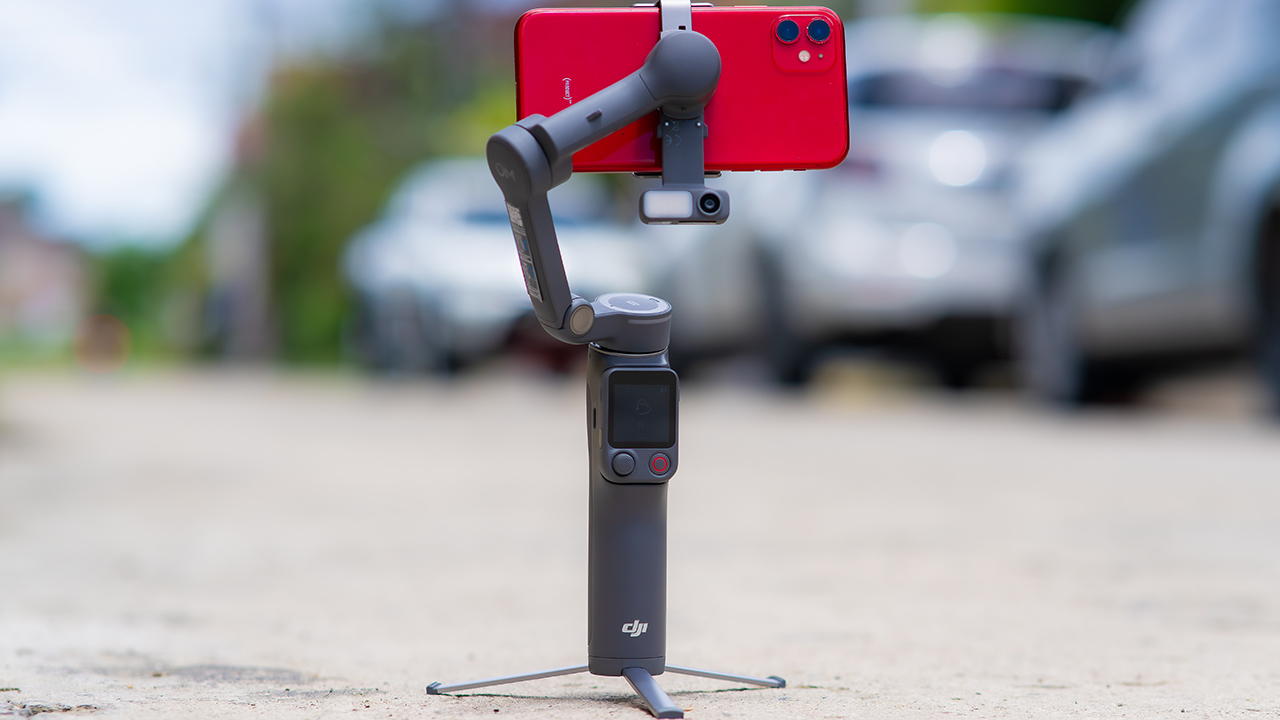
On the standard OM 8, adjusting your framing meant reaching for your phone every time, which broke the flow of shooting and pulled you out of the moment.
FrameTap puts that control back in your hand. You can reframe shots and manage the gimbal without touching your phone at all, and for anyone shooting solo, that alone changes how usable the whole setup feels. Tracking has taken a real step forward too.
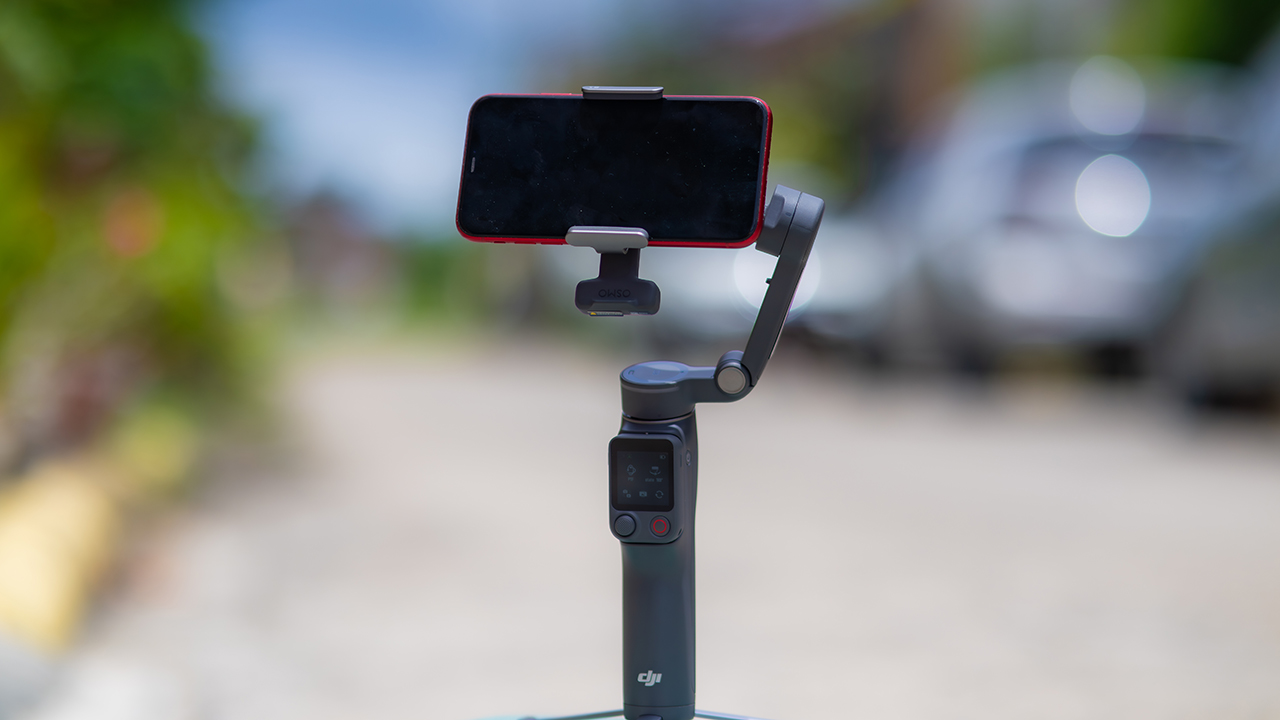
ActiveTrack 8.0, paired with Module 2, held onto its subject even after they stepped out of frame for a moment, then picked them back up without much fuss.
It also lets you sit off-center in the shot instead of forcing you into the middle every time, which gives you more room to compose something that doesn’t look like every other gimbal video.
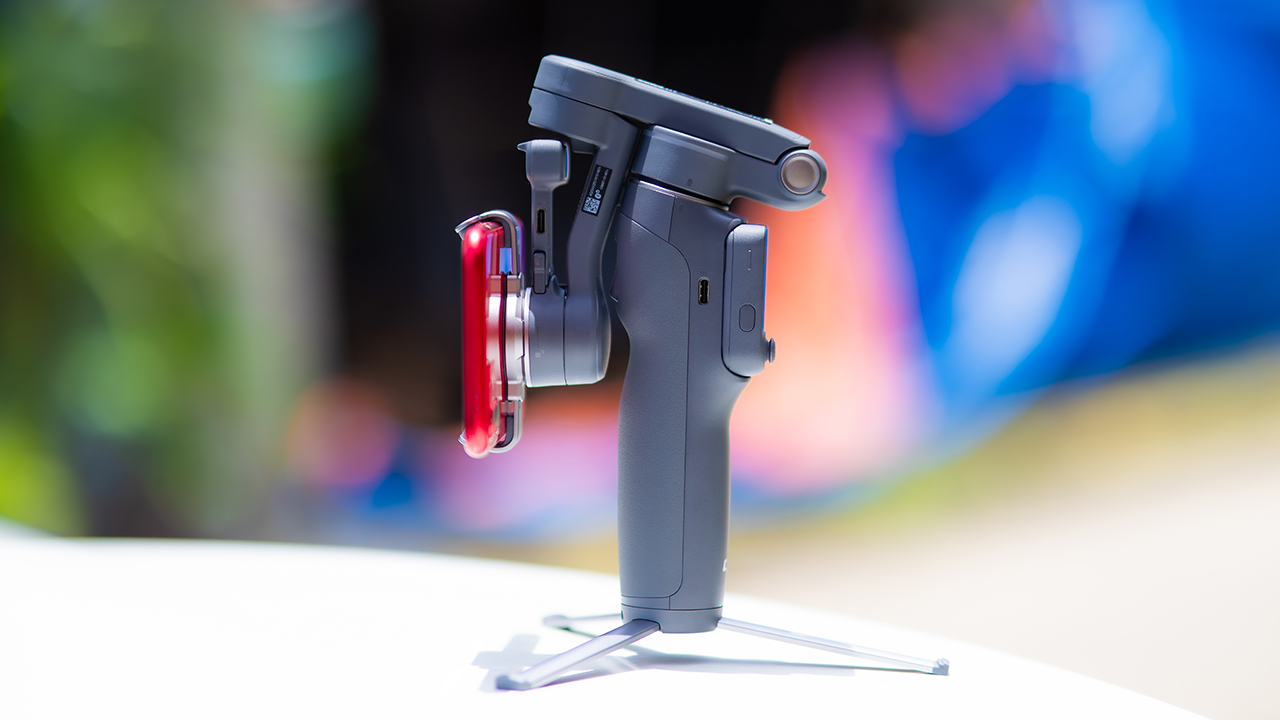
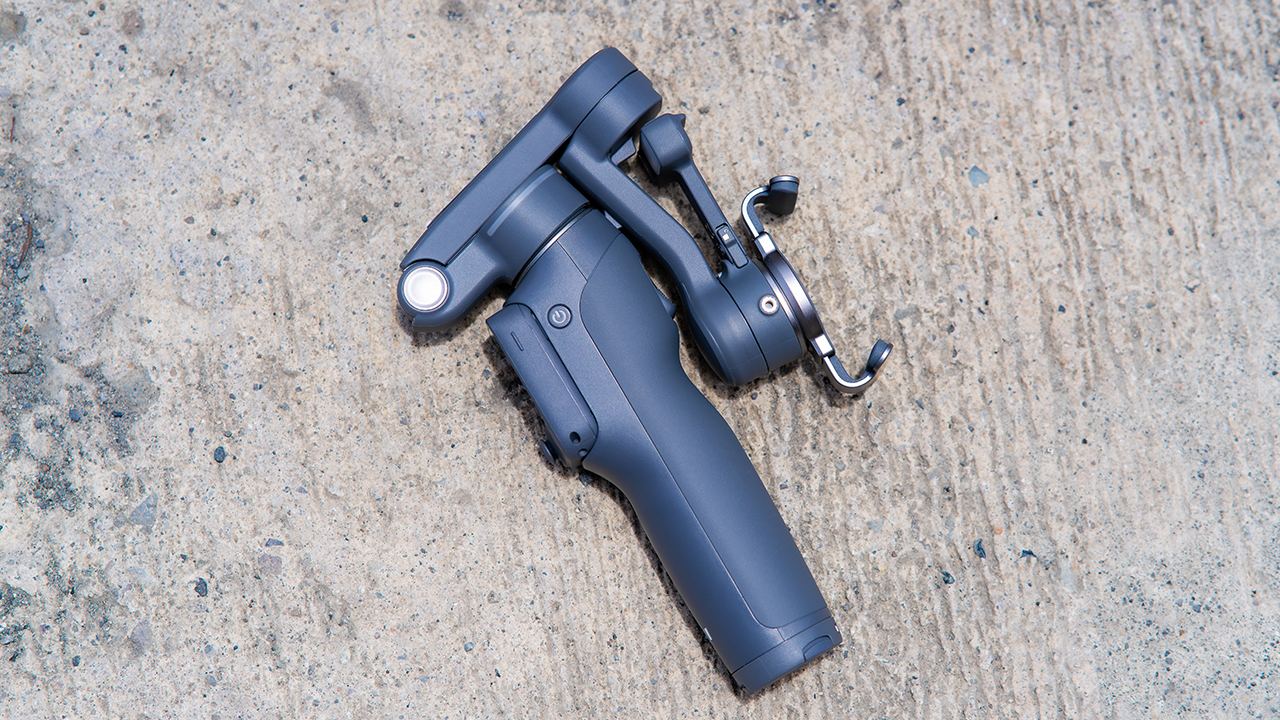
None of that would matter much if the gimbal itself wasn’t solid, and it still is. The OM 8P holds onto the same foldable design, magnetic phone clamp, and built-in tripod that made the OM 8 easy to live with.
And it remains one of the better compact options for stabilization, tracking, and portability in one package.
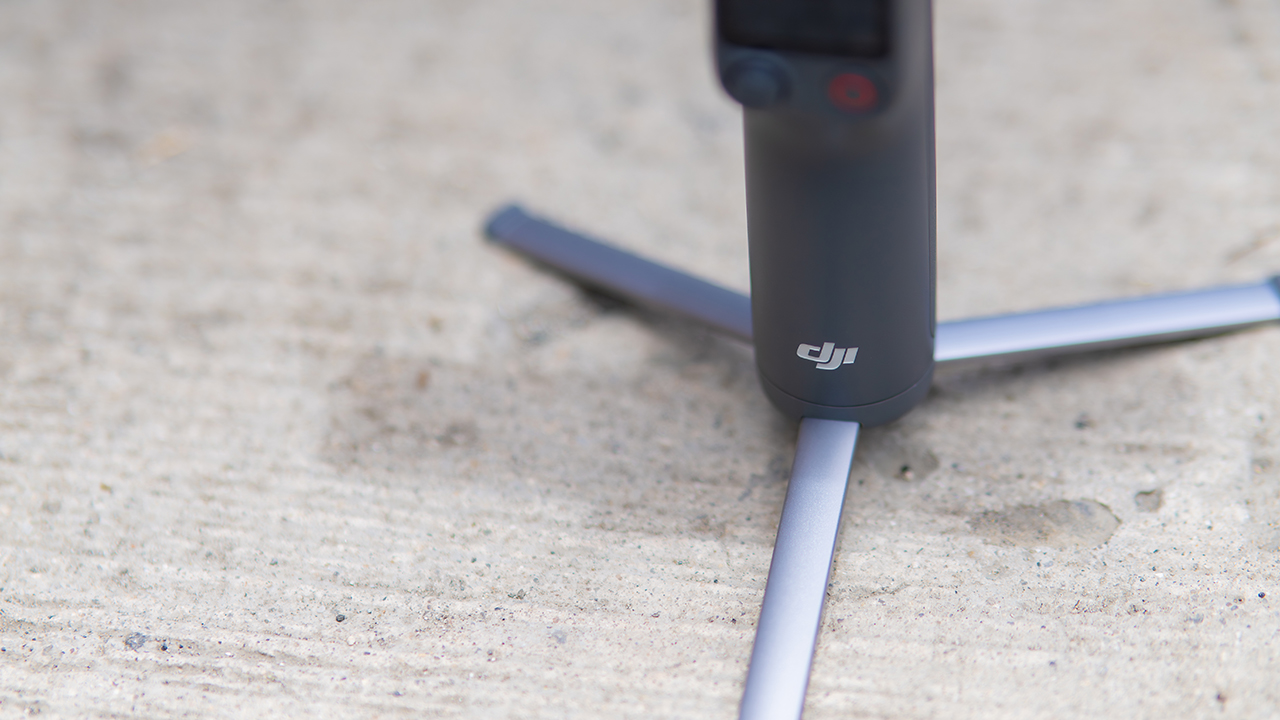
The tripod legs are a touch wider this time, and that extra width does make a noticeable difference on uneven ground.
The trade-offs in touch
The trade-off for all that new remote functionality is a control scheme that takes more getting used to. More of the gimbal’s functions now live on the FrameTap touchscreen, the joystick is smaller, and switching between shooting modes takes a few extra taps compared to the OM 8. It’s not a dealbreaker, but it’s a learning curve you’ll need to budget time for.
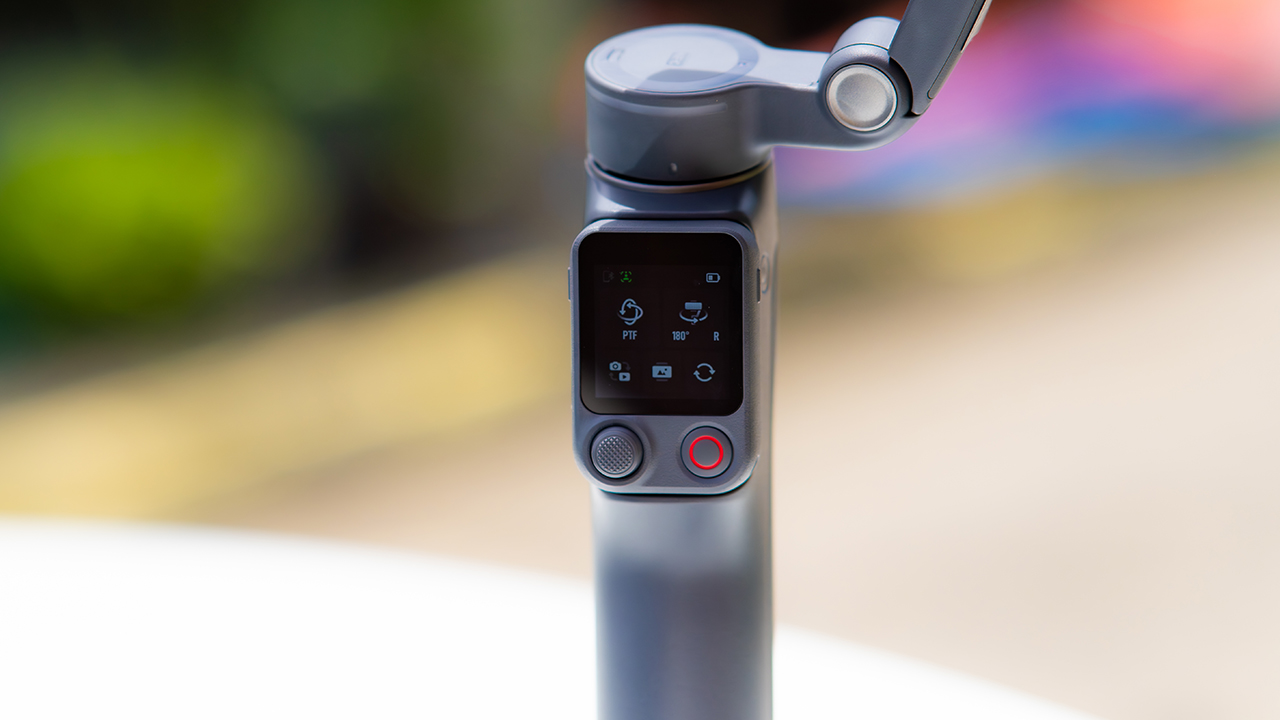
DJI also removed the zoom and focus wheel, so if you leaned on that dial for quick adjustments, you’ll feel its absence here. Module 2 no longer lets you plug a DJI wireless mic in directly either.
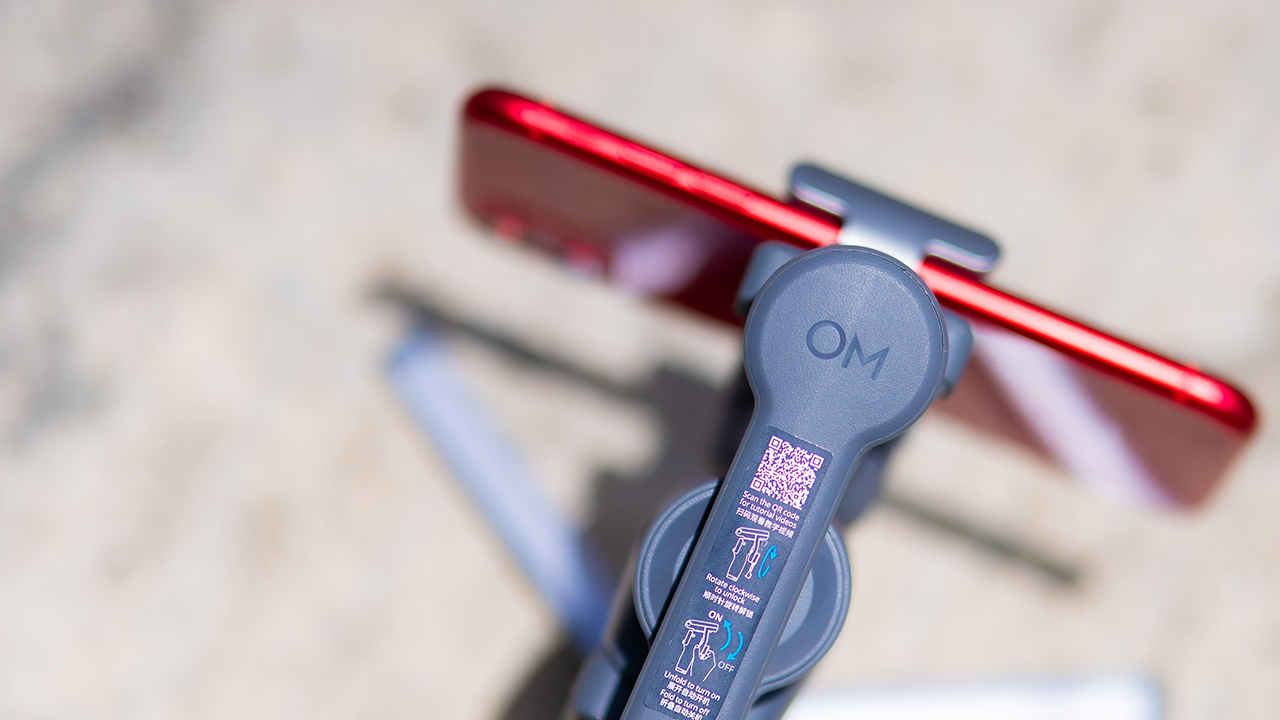
You’ll need to connect it to your phone instead, which adds a step to a setup that used to be simpler. Phone compatibility is still a limiting factor as well. DJI lists support for phones up to around 300g and 11mm thick, so bigger phones or ones in chunky cases may not clamp in properly.
Finding your ideal workflow
The OM 8P makes the most sense for solo creators who want dependable tracking and the freedom of remote framing without stepping up to a dedicated camera like the DJI Osmo Pocket.
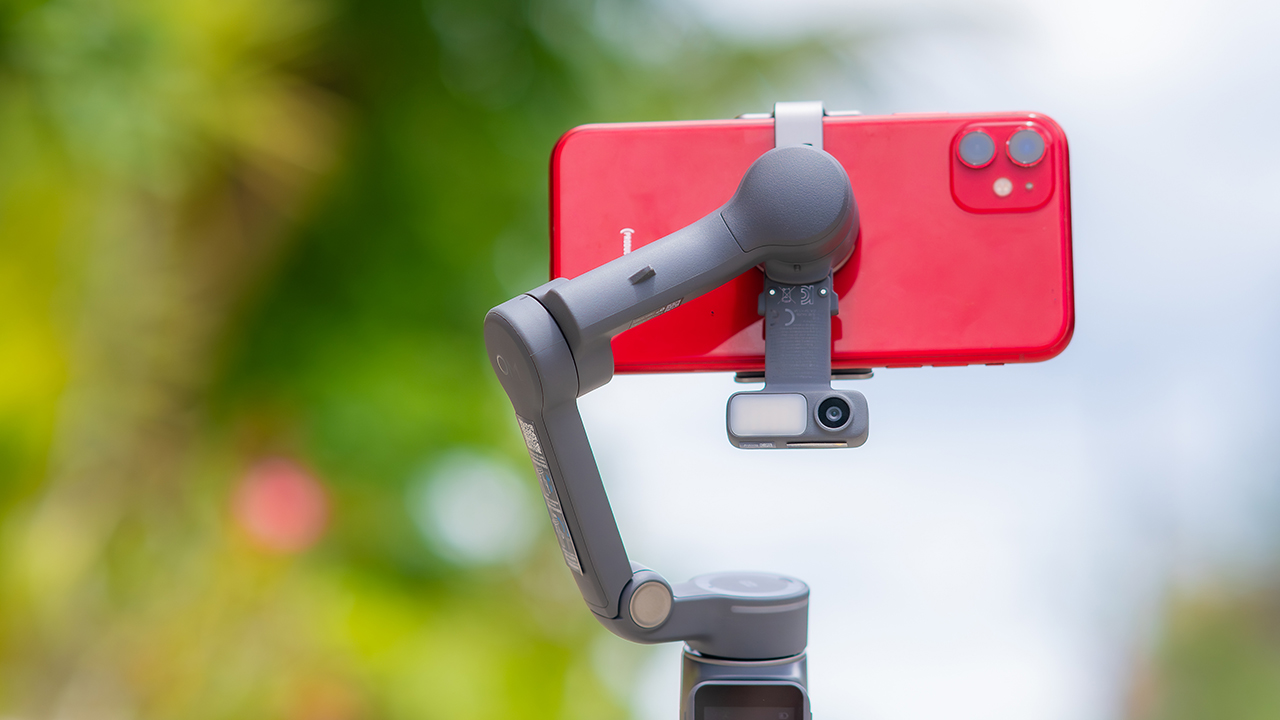
If you’re already shooting on a phone with a solid camera, this fills the gap nicely. It’s a tougher sell if you prefer physical buttons over touchscreen menus, or if your phone runs on the larger and heavier side, since fitting it onto the clamp might be a problem before you even get to shooting.
Price, availability
DJI is offering the OM 8P in three combos, so how much you pay depends on how much of the ecosystem you actually need.
- Standard Combo (PhP 7,499): the gimbal itself, with 8th-gen stabilization and the detachable FrameTap remote included.
- Advanced Tracking Combo (PhP 9,199): adds the Multifunctional Module 2 for the improved subject tracking we tested.
- Creator Combo (PhP 11,099): the full kit, built for creators who want everything DJI bundles in from the start.
Is the DJI Osmo Mobile 8P your GadgetMatch?
The DJI Osmo Mobile 8P asks you to relearn a few habits in exchange for a gimbal that finally lets go of your phone. If hands-free framing and steadier tracking matter more to you than a dedicated zoom dial, this is worth the adjustment.
If you’d rather keep things exactly as they were on the OM 8, that learning curve might be the deciding factor.
Swipe right if you shoot alone often and have been waiting for a gimbal remote that actually works. The FrameTap remote alone justifies the upgrade if reaching for your phone mid-shot has been slowing you down.
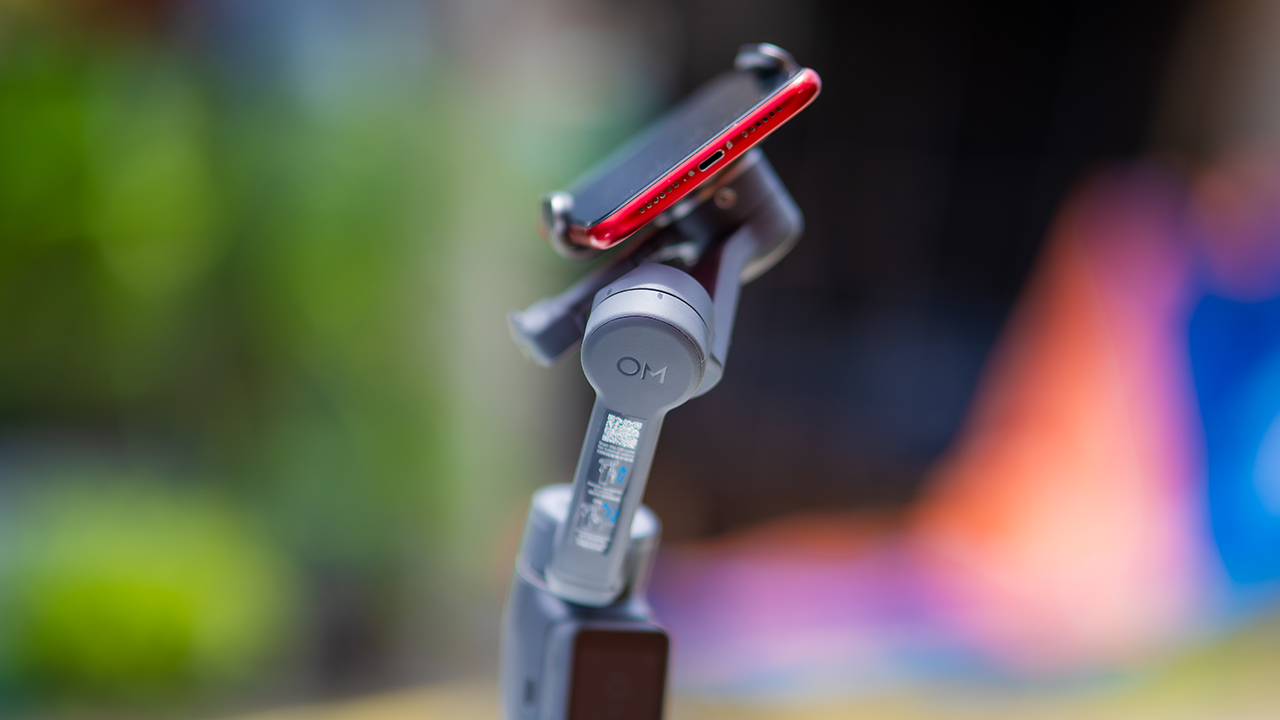
Consider this if reliable tracking matters to you, especially if you’ve had a subject wander out of frame and stay lost on older gimbals.
And of course, get this if you already own a capable phone under the weight and thickness limits, and you’d rather invest in a smartphone rig than jump to a dedicated camera like the Osmo Pocket.
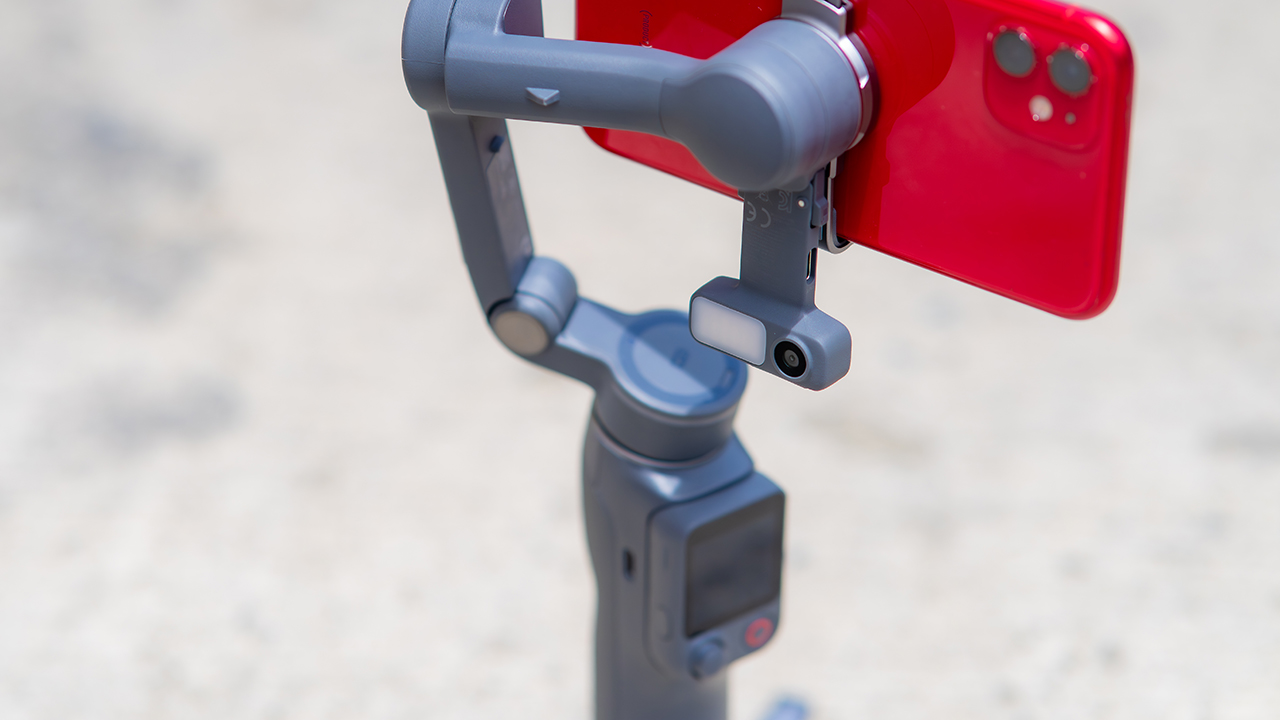
Swipe left if you lean on physical dials for zoom and focus, and moving those functions to a touchscreen sounds like a downgrade rather than an upgrade.
This is not for you if you use a DJI wireless mic and want it plugged directly into the module without routing through your phone first. Or, your phone runs heavier or bulkier than DJI’s limits allow, since no amount of enthusiasm fixes a clamp that won’t close.


30 days later with the ASUS ExpertBook Ultra: Like seeing an ex
Felt exactly as I remembered.

ROG STRIX G16 Review: Building for the moment
Setting it up however you want to make the most out of it

realme C100: Enduring and durable in spite of entry-level realities
Enough power but needs more agility

HONOR Robot Phone’s camera can move on its own

HONOR Robot Phone officially launches after its MWC debut

Marvel Wolverine Limited Edition PS5 bundle SEA pricing

Galaxy Z8 series drives record-high foldable pre-orders in SEA, Oceania

England, Wales start banning Meta Glasses

Hands-on: Samsung Galaxy Z Fold8, Flip8, Ultra

Garmin launches its first screenless fitness band

VinFast debuts two-wheeler models, opens 21 e-motorcycle showrooms

Samsung releases teaser with Spider-Man: Brand New Day Easter eggs

Most of the world’s PlayStations will be officially useless by 2028


-
 Automotive1 week ago
VinFast debuts two-wheeler models, opens 21 e-motorcycle showrooms
-
 Computers2 weeks ago
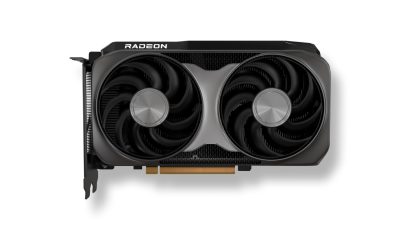
AMD launches Radeon RX 9050 graphics card
-

 Automotive2 weeks ago
Xiaomi debuts SkyNomad Series featuring new Kunlun platform
-

 News1 week ago
OnePlus officially leaves the United States and Canada
-

 Gaming1 week ago
Call of Duty: Modern Warfare 4 clip shows Losing Ground 1st look
-

 Automotive2 weeks ago
GAC launches new trio of MPVs
-

 News2 weeks ago
TECNO unveils the world’s first 0mm bezel-less phone
-

 Gaming1 week ago
Genshin Impact opens Snezhnaya in Version 7.0 this August 12