
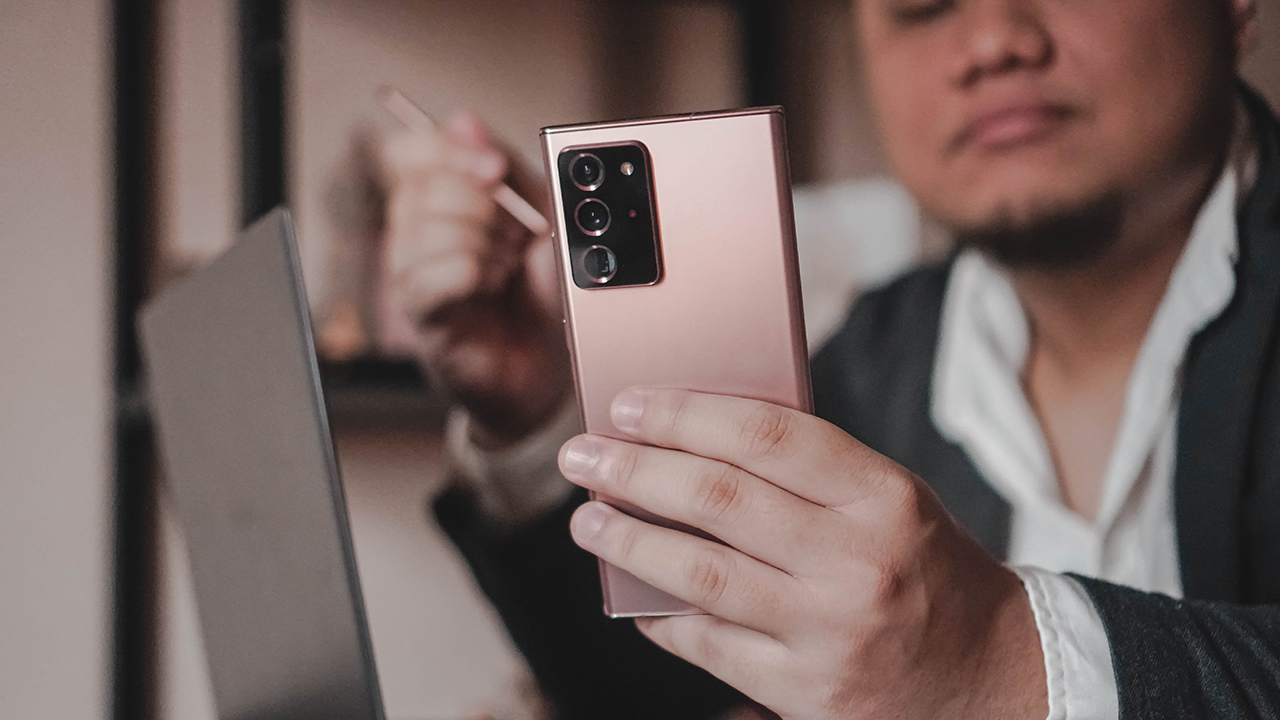
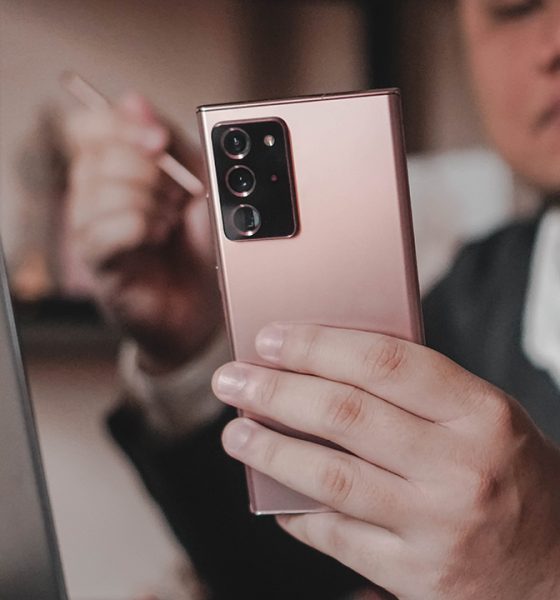

The Samsung Galaxy Note 20 Ultra represents the current pinnacle of the Galaxy Note line. That’s why it’s not far fetched to think that it can seamlessly add value to people from different walks of life.
In this first of a three-part feature, we’ll explore how the Galaxy Note 20 Ultra can be reliable partner for three specific people:
- The Manager
- The Casual User
- The Multimedia Creative
A balancing act
Having the ‘Manager’ title entails a lot of things. But more than anything, it’s a balancing act: juggling tasks, weighing interests, and considering several options. Having the right device to let you… manage, and give you one less thing to think about goes a long way.
In many ways that’s what the Samsung Galaxy Note 20 Ultra is — a device so good at so many things that you don’t have to worry whether it can do something or not. It just works.
My daily grind
On any given day, I’m jumping from app to app, doing anything and everything from answering emails, coordinating via chat apps, taking unexpected calls, copy-editing, sharing stuff on social media, and also going on zoom meetings/events. When I said the work involved a lot of juggling tasks, I wasn’t exaggerating.
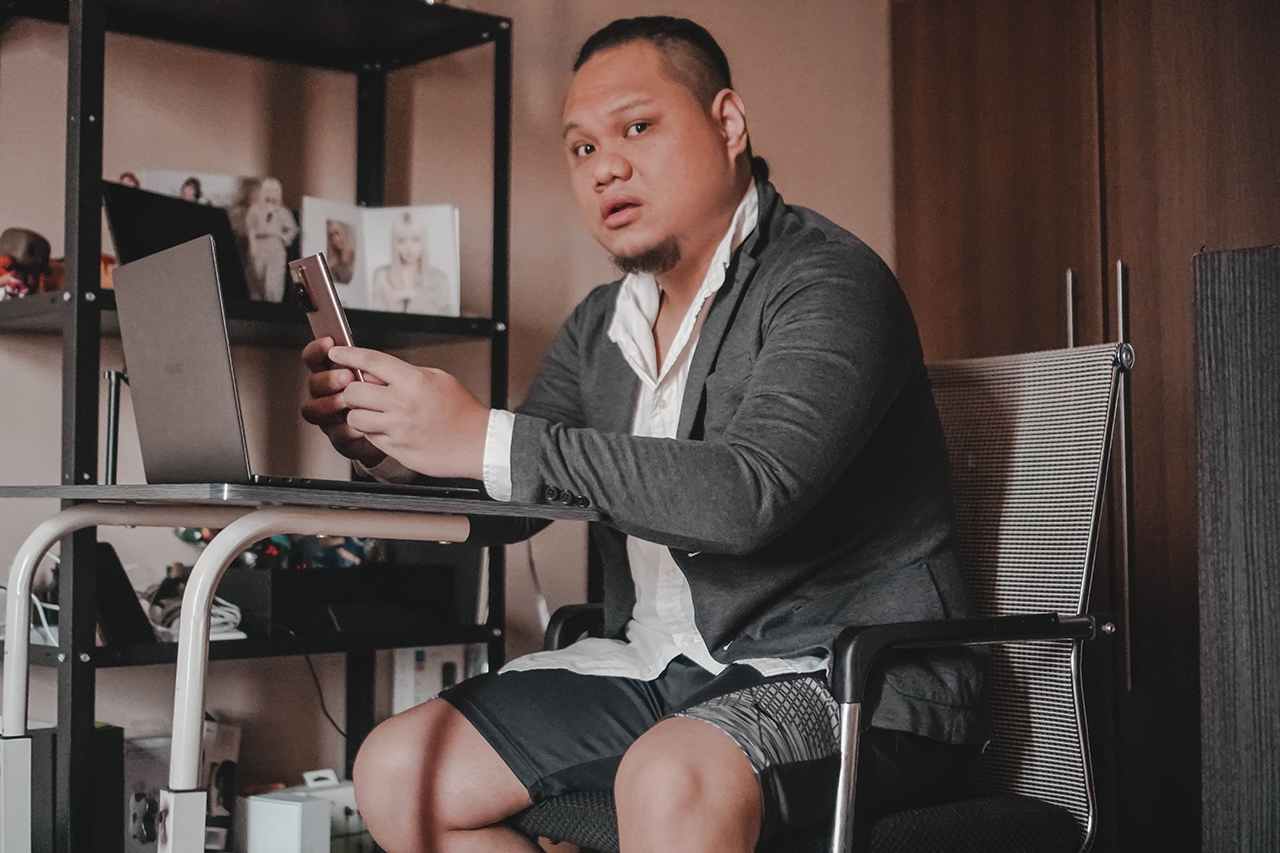
What “work from home” actually looks like
Thankfully, I shared a good chunk of these days with the Galaxy Note 20 Ultra. With it, I didn’t have to worry about whether my phone would conk out on me out of nowhere.
During random afternoons where my lower back would hurt, I can leave my laptop for a while and do all my work on the phone. Yes, that includes writing and copy-editing. The large 6.9-inch display is as close to tablet territory as you can get on a device that’s still somewhat pocketable.
It’s the perfect size for tasks that need plenty of screen real estate.
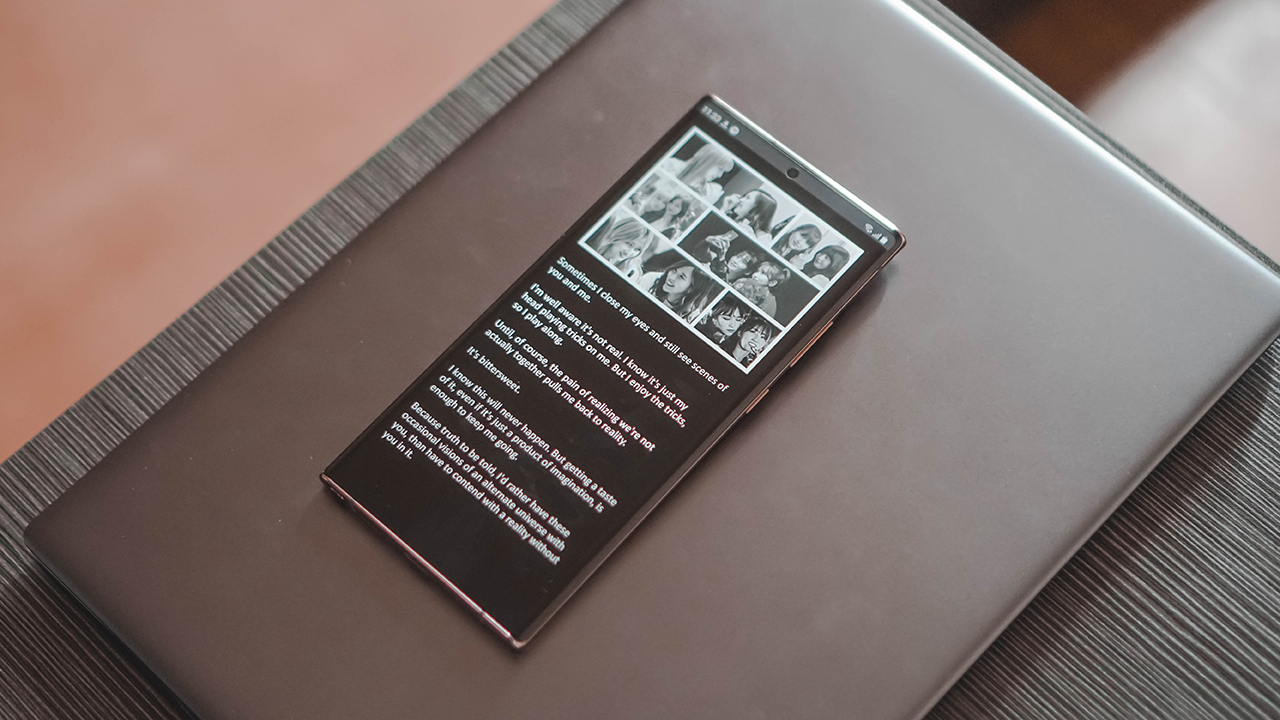
Not an actual article lol
This is true as well for some basic video editing. I hadn’t fully adjusted to any video editing app on Windows (I’ve mostly used Final Cut on Mac), but that’s not the case on Android. I’ve primarily been using CapCut, and the large display again comes into play in making video edits relatively easy even with my stubby fingers.
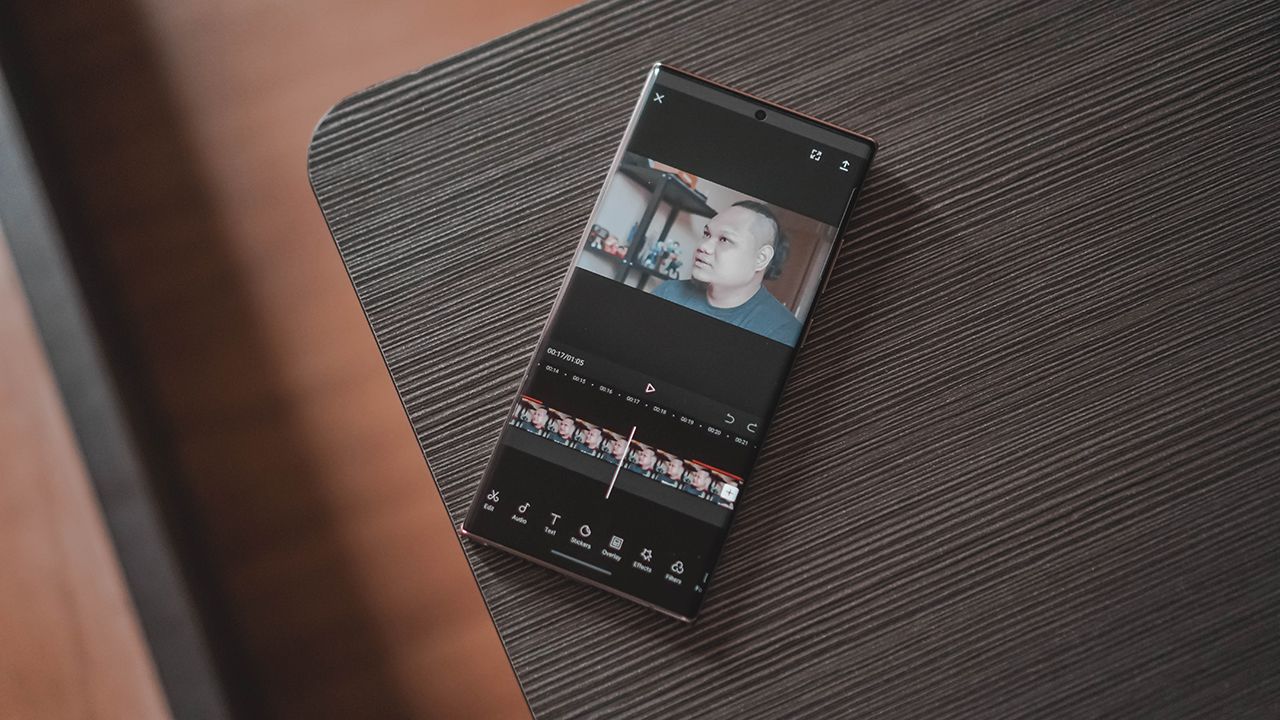
Video editing is less cumbersome on a bigger display
The processor, RAM, and storage naturally all played a part in this as well. Tackling all these tasks hiccup free won’t be possible without the 12GB+512GB combo as well as the Exynos 990 chip equipped on the unit I used.
A polished gadget
What stood out to me on the Galaxy Note 20 Ultra is just the overall polish of the device. At this point, we’ve all seen the design and the majestic look of the copper variant. But the polish goes beyond its physical look.
Samsung’s move from TouchWiz to ONE UI has been one of the best things to ever happen to the brand’s smartphone line. TouchWiz borderline unbearable. Meanwhile, ONE UI is as smooth and clean an experience as you’re going to get.

The UI plays a huge part in our interactions with our phones. And Samsung’s ONE UI does all these little things that truly make it easy to use.
I can long press on an app and immediately jump to a task or a conversation that I had left off. Switching from a paired bluetooth speaker to a bluetooth headset, and to the phone’s own speakers is seamless with the SmartThings app working in the background.
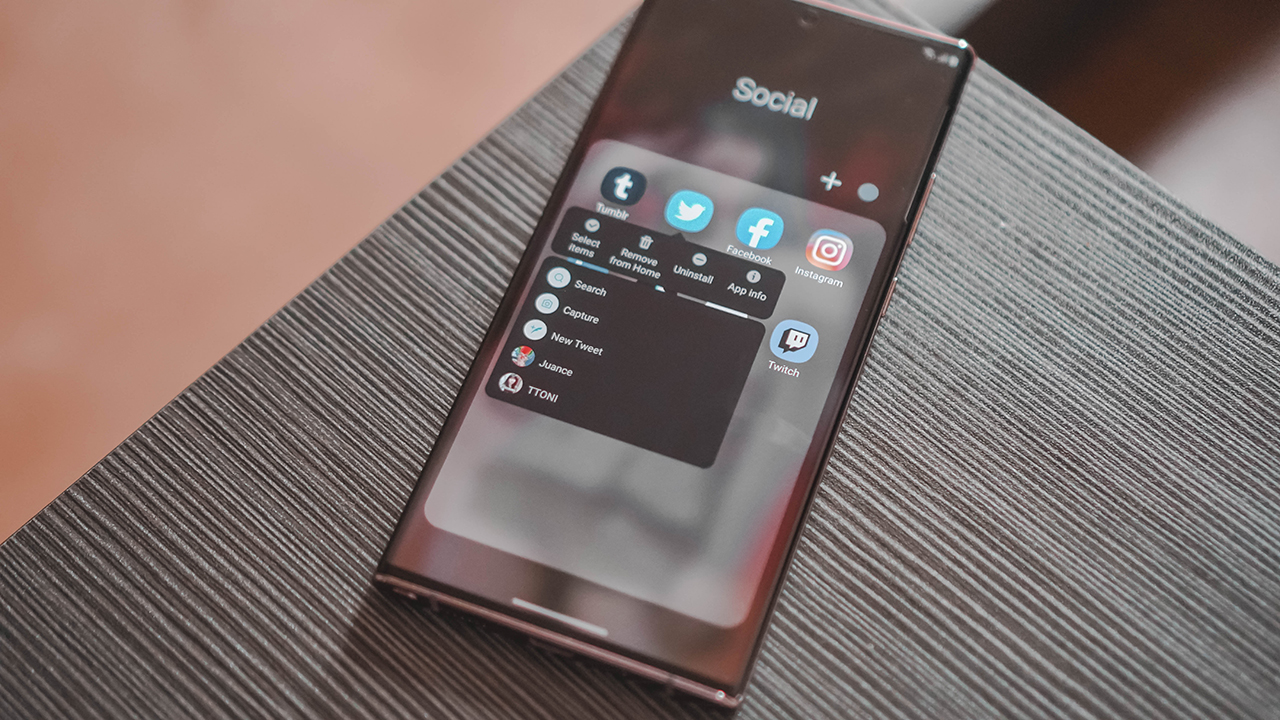
These quick actions are really nice
These little things are easy to miss or take for granted if you’ve only ever used a Samsung phone, but for us who jump from phone-to-phone due to the nature of our work, it’s such a welcome thing.
Things I wish I could have used more
There are two things on the Galaxy Note 20 Ultra that truly make it stand out against other phones. Unfortunately, those are the two things I barely used.
The S Pen is the Galaxy Note’s headline feature. It’s improved over the years and will continue to do so as the Galaxy Note line evolves. But I found little use for it in my day-to-day life.
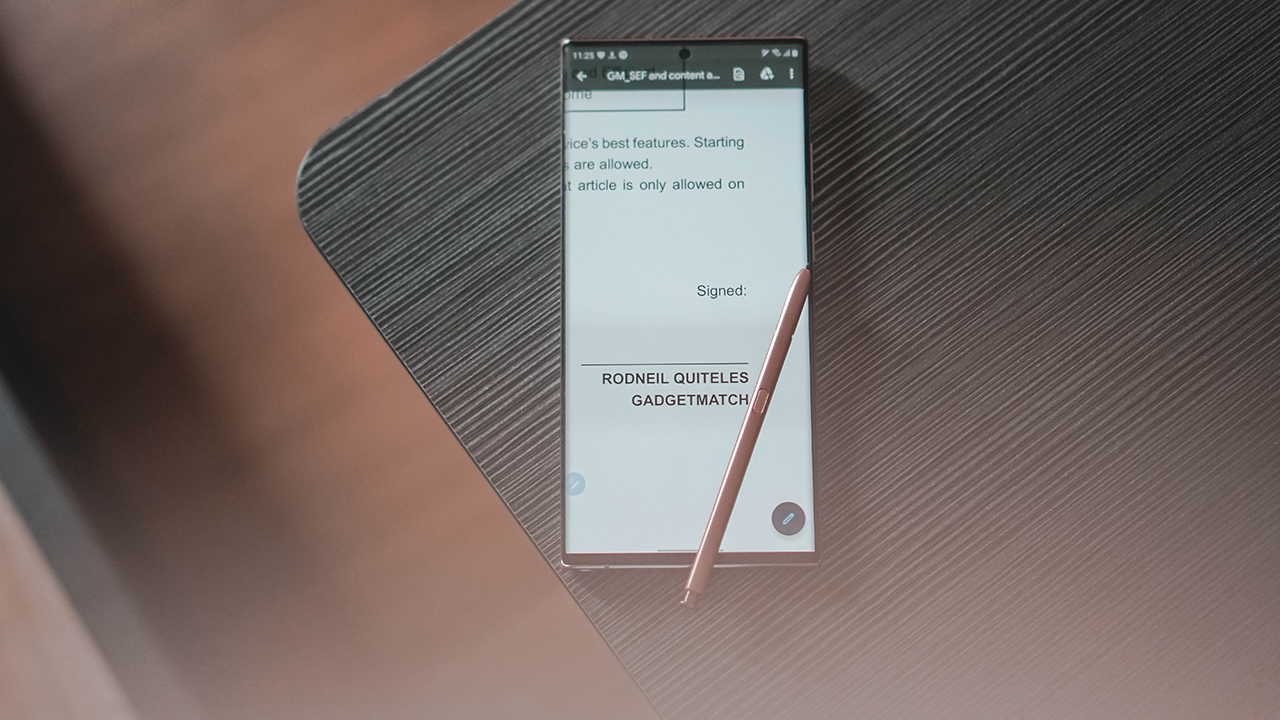
S Pen underutilized
Sure, it’s useful for signing documents here or there. But it’s not something I do very often. And I’ve also already established a workflow on this particular task that doesn’t require the assistance of a stylus.
I tried sketching with it too. But my days of sketching to help my mind glide are far behind me. Plus, I had also recently experienced sketching on a larger screen and that just feels more natural and intuitive than doing so on what feels like a tiny canvass.

I suck at sketching now. Not that I was any good to begin with
Lastly, there’s the camera. Despite not rating as the absolute best, we all pretty much already know what to expect from Samsung flagship cameras. They capture detail well and ups the saturation just a little bit for that distinct Samsung look.
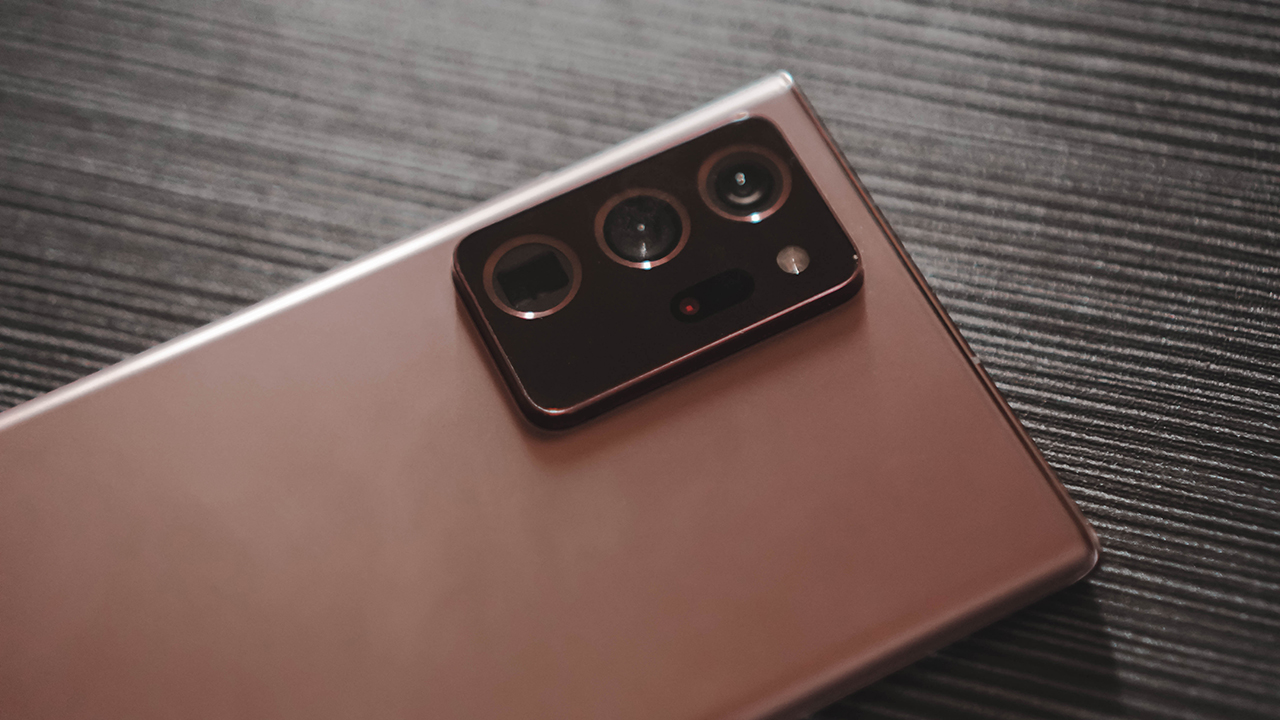
However, being stuck at home and having a pile of work left me with little to no time to really explore the Galaxy Note 20 Ultra’s cameras. I do take photos regularly. But these are product shots that I still prefer to use my mirrorless camera on versus a smartphone camera.
It wasn’t all work
Naturally, I didn’t just use the phone for work. Every now and then I’d play a match or two of Call of Duty: Mobile. Naturally, the phone had no trouble running it on max settings.
My one takeaway is the uneven feeling when you’re holding the phone while you’re playing. The camera bump on this thing is massive, and it’s almost impossible not to grace the lenses when you’re in the heat of the moment.
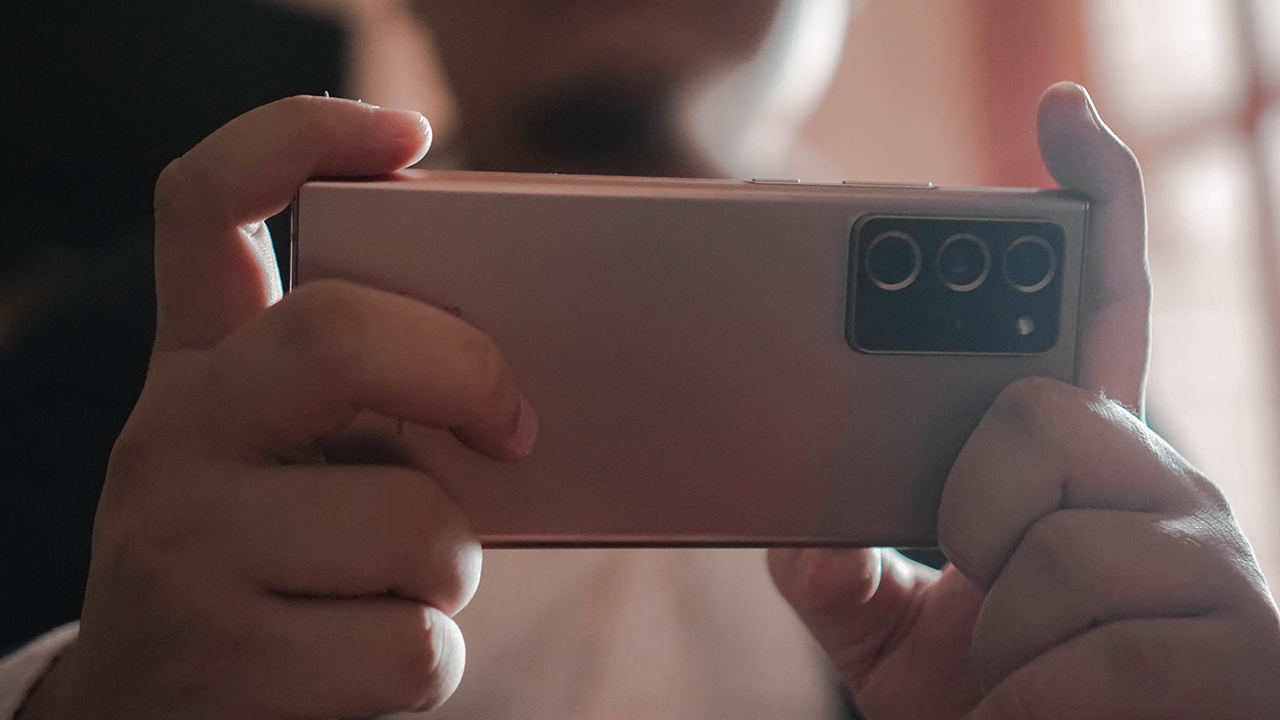
Speaking of heat, I did experience some heating on this phone, although nothing that’s significant. But it didn’t happen while playing. The most strain happened while I was screen recording a live stream. It’s hard to imagine that to be something that most managers would do.
I also watched the K-Drama Memories of the Alhambra on this thing. I intentionally did so because of the gorgeous display. Plus pairing it with HiFi speakers was just an overall better experience versus the (relatively old) TV I currently own.
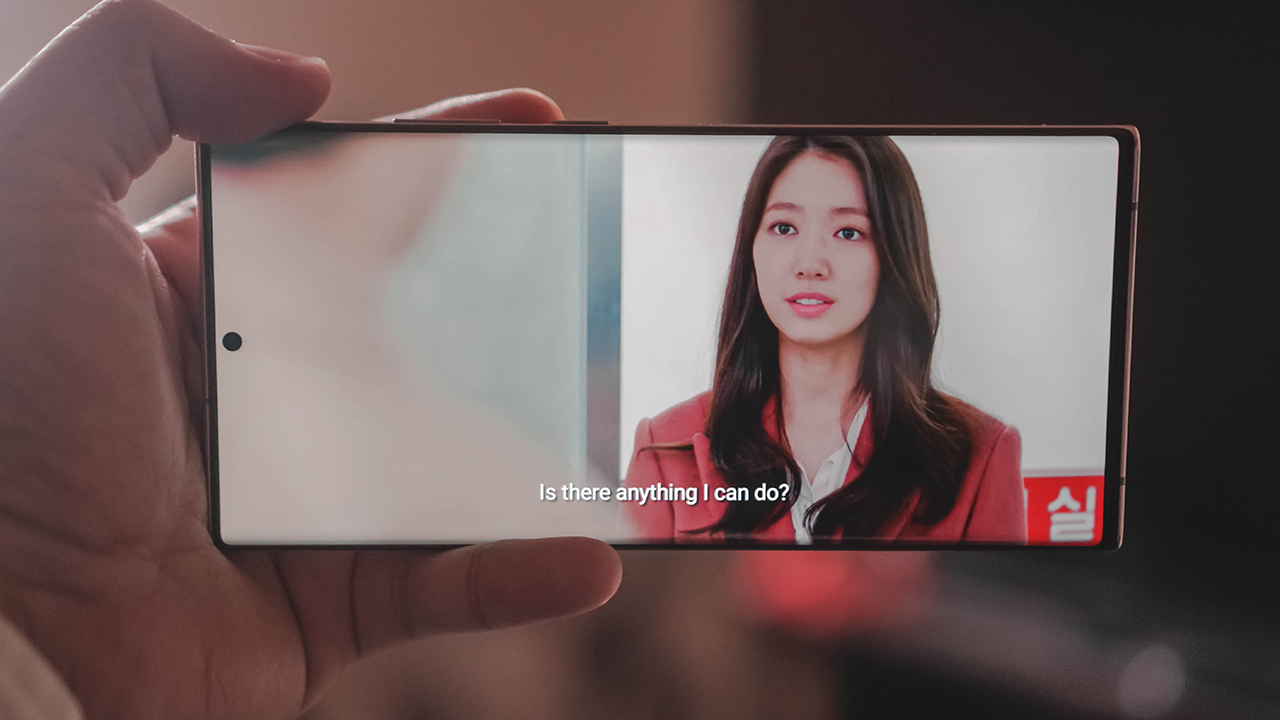
Watched this because of Park Shin-Hye
Is the Galaxy Note 20 Ultra fit for a Manager?
It surely is. The Galaxy Note 20 Ultra is filled to the brim in terms of specs and features. Anything you think you would need, the phone has it. One can even say it’s an overkill. But for getting practically anything done without any trouble whatsoever, the Galaxy Note 20 Ultra is an absolute killer.

Our Associate Creative Director insisted that this photo be included
I’ve had a personal infatuation with the Galaxy Note line. But as my need (and want) for the S Pen has waned, so has my desire for a Galaxy Note. One of its biggest appeals to me — a large display — is now also present on most phones today.
Personally, it’s no longer the perfect fit for me in terms of need. But for any other manager, it’s easy to say that the Galaxy Note 20 Ultra has everything you need. And then some. If you have the means to splurge, this phone will go a long way in helping you with your tasks and making you look good.






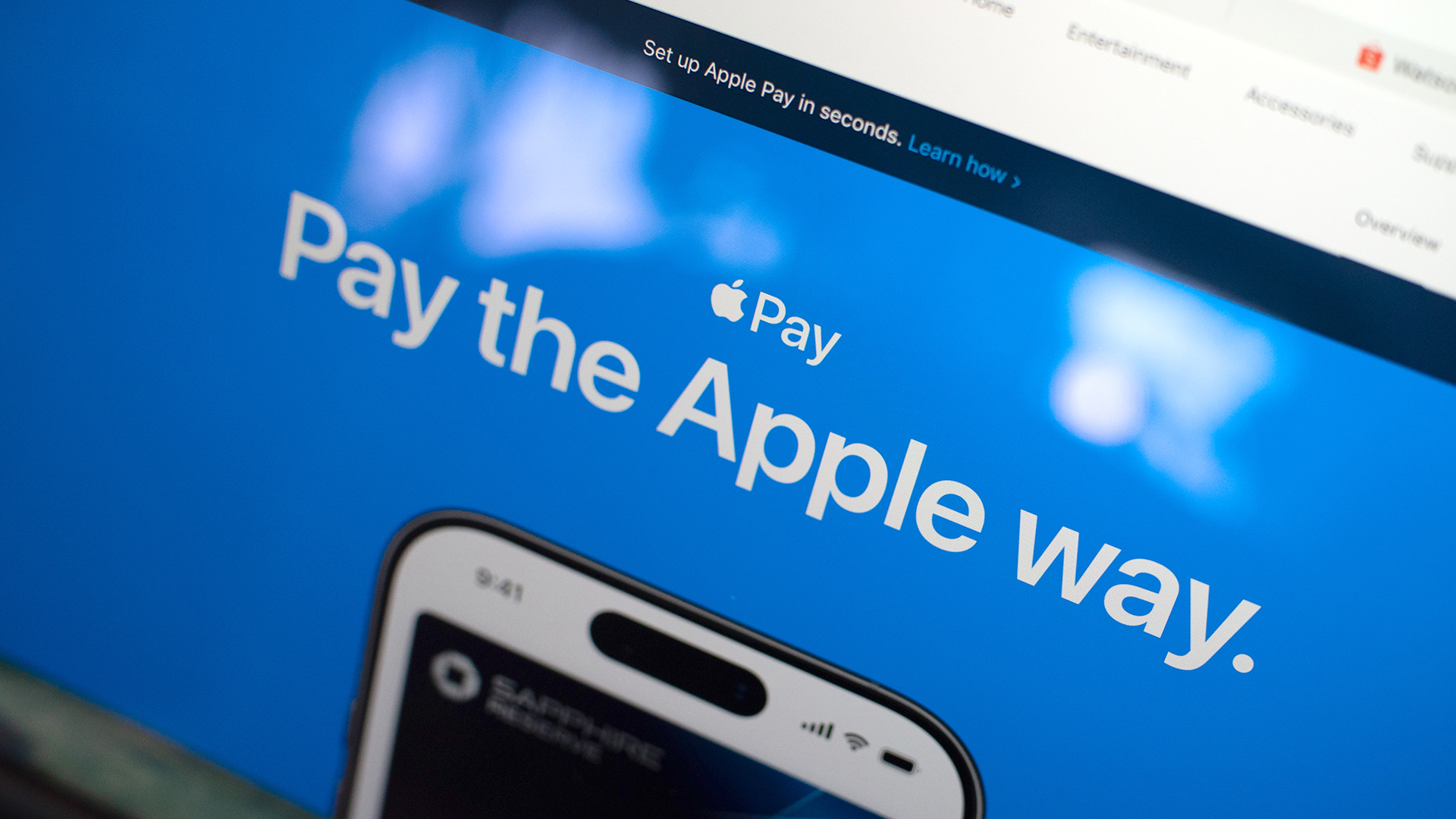
Apple Pay is officially in the Philippines!
Pushing the country forward into a cashless and cardless future, Apple has now brought its contactless payment system to the Philippines. As with other countries, Apply Pay will work seamlessly and easily even for those who have problems with technology.
Now, despite how easy it is, sometimes we need to be pointed in the right direction. Here’s how you can set up Apple Pay on your iPhone:
Everything starts with the Wallet app. First, open your Wallet app. Tap the “+” button on the top and select “Debit or Credit Card.”
Normally, this is where you can input your card details (which you can still do, by the way), but the default method now is to just tap your card on the back of your iPhone. Your phone does the rest. You might need to confirm with your bank, but it’s as easy as a single tap.
Pick which cards to use. Once you have your cards online, you might need to change which one is the default card. Again, it’s easy. Just drag your preferred card to the front.
Afterwards, you can tap to pay in supported stores by priming the Wallet app for use. Tapping to pay is also available for Apple Watch. Meanwhile, online transactions can also work on MacBook.
Secure, all the time. If you’re worried about your security especially with online transactions, Apple keeps your information only between you and the seller. They don’t store your data.
Also, it’s not easy to make a transaction without your consent. You need Face ID, Touch ID, or your password. If you lose your phone, you can easily shut your phone down with the Find My app to prevent malicious parties from making transactions.

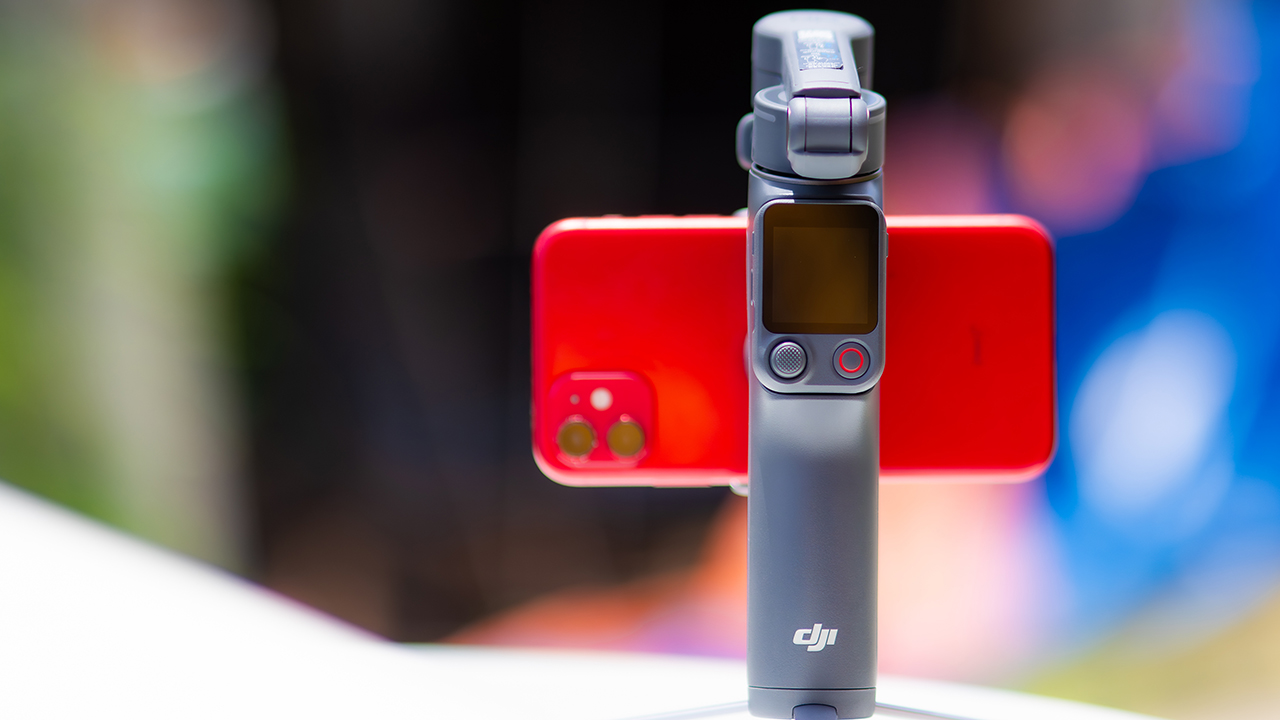
DJI’s smartphone gimbals have always chased one goal: delivering cinema-smooth footage without forcing you to carry a heavy rig.
The Osmo Mobile 8P (OM 8P) makes its priorities clear right out of the box. This is not a simple refresh. DJI rebuilt how you control the gimbal, and that decision shapes the entire shooting experience.
Freedom behind the lens
The biggest change is the FrameTap remote, and it’s the kind of upgrade that fixes a problem you didn’t realize was slowing you down until it’s gone.
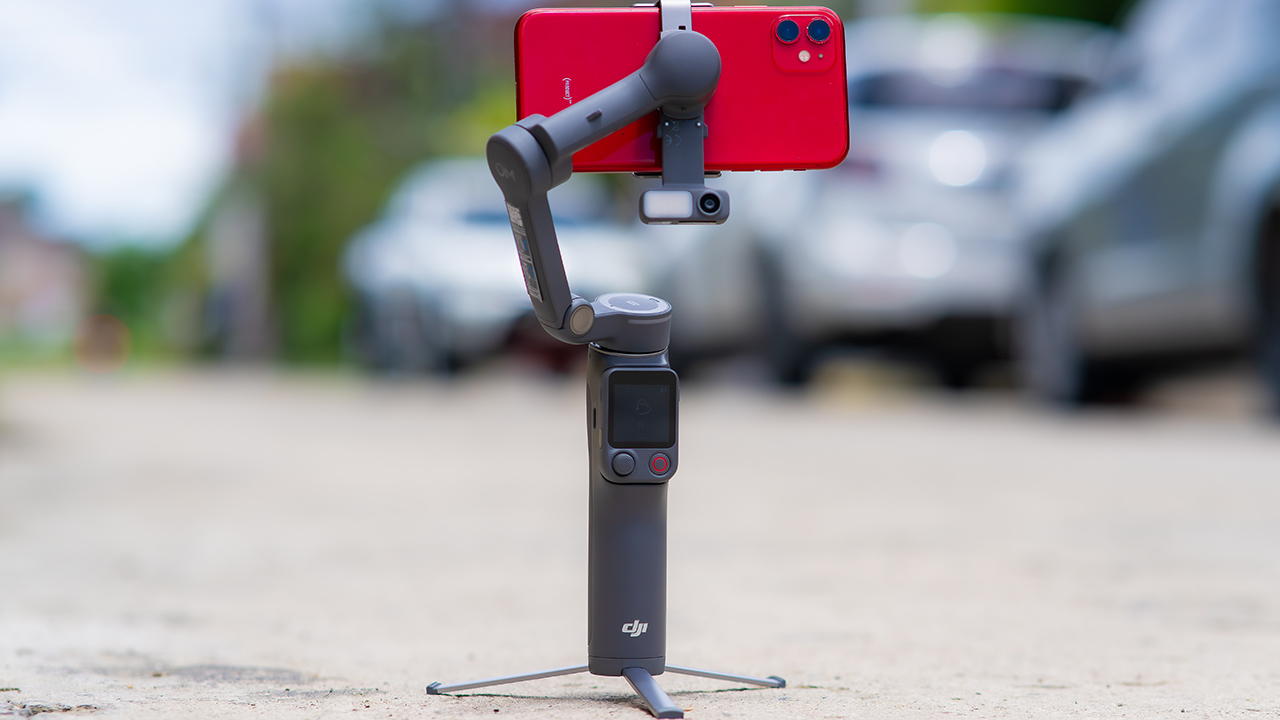
On the standard OM 8, adjusting your framing meant reaching for your phone every time, which broke the flow of shooting and pulled you out of the moment.
FrameTap puts that control back in your hand. You can reframe shots and manage the gimbal without touching your phone at all, and for anyone shooting solo, that alone changes how usable the whole setup feels. Tracking has taken a real step forward too.
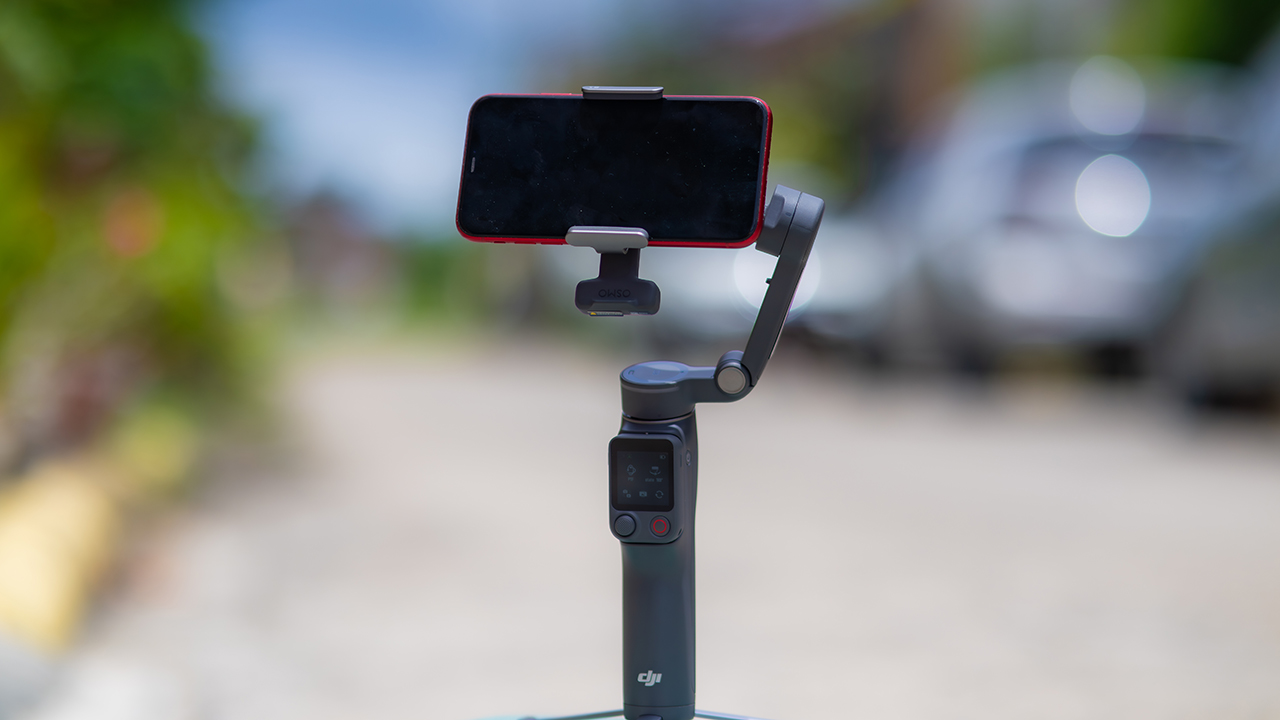
ActiveTrack 8.0, paired with Module 2, held onto its subject even after they stepped out of frame for a moment, then picked them back up without much fuss.
It also lets you sit off-center in the shot instead of forcing you into the middle every time, which gives you more room to compose something that doesn’t look like every other gimbal video.
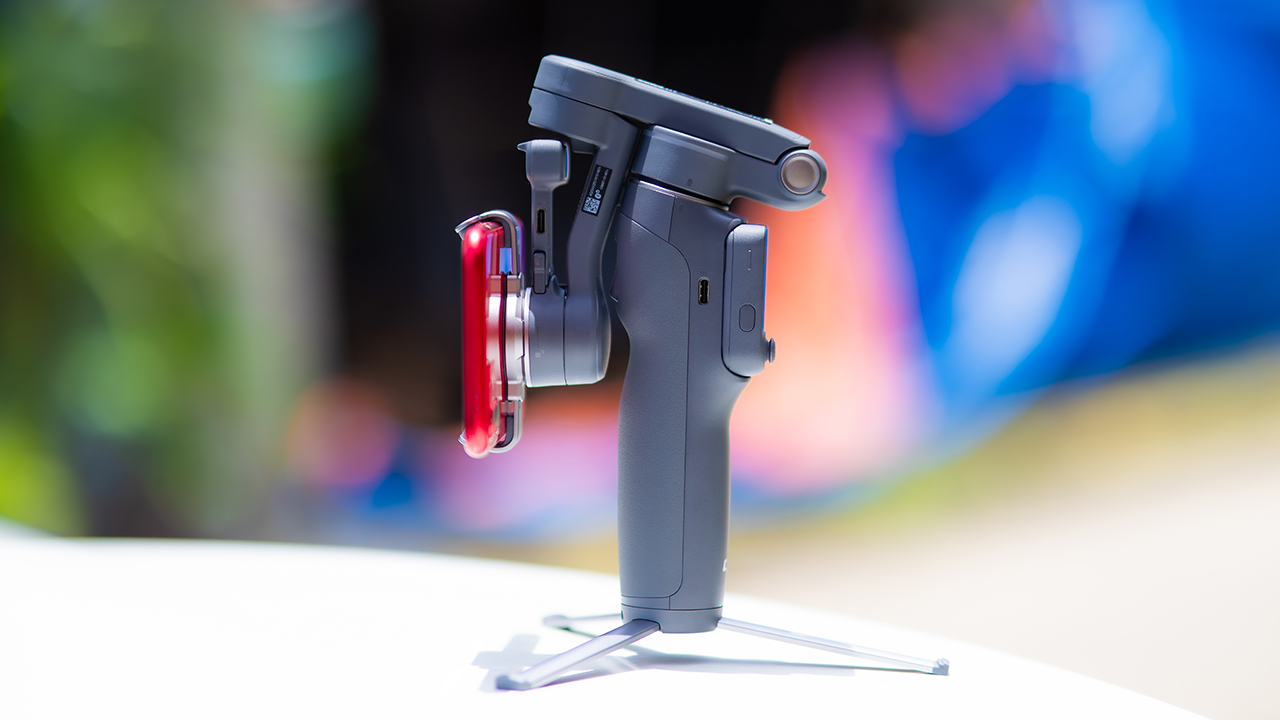
None of that would matter much if the gimbal itself wasn’t solid, and it still is. The OM 8P holds onto the same foldable design, magnetic phone clamp, and built-in tripod that made the OM 8 easy to live with.
And it remains one of the better compact options for stabilization, tracking, and portability in one package.
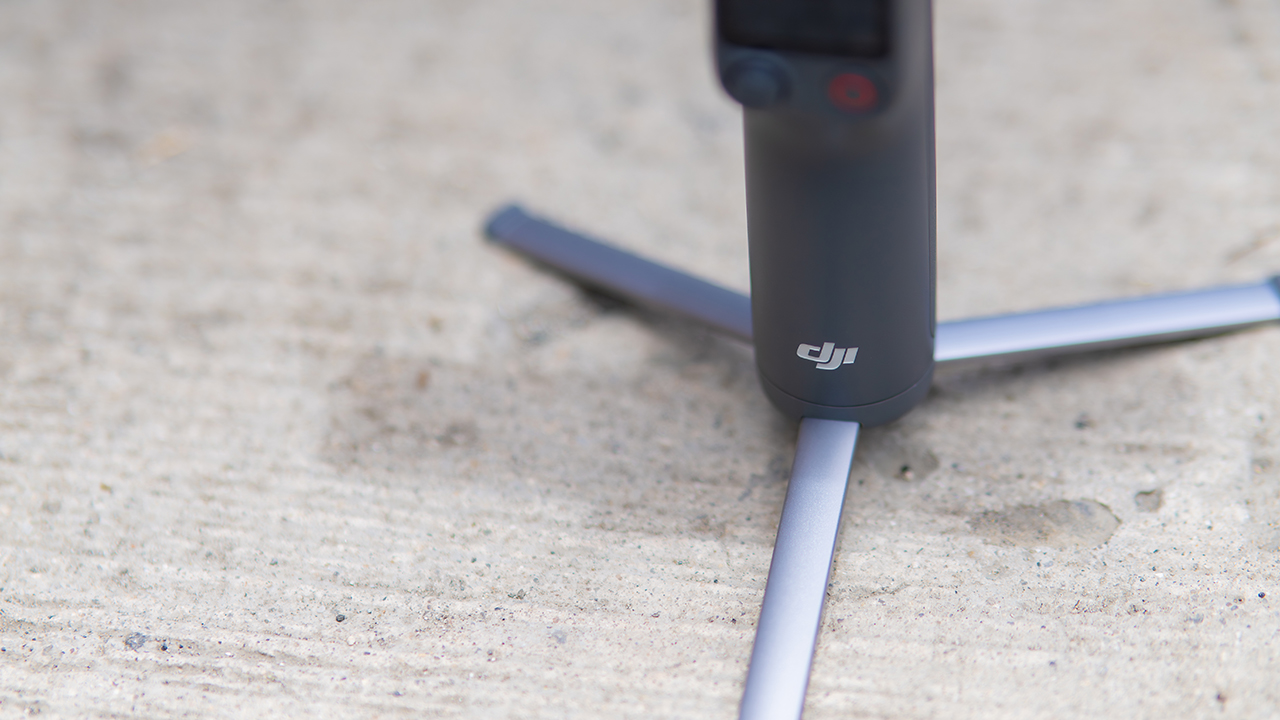
The tripod legs are a touch wider this time, and that extra width does make a noticeable difference on uneven ground.
The trade-offs in touch
The trade-off for all that new remote functionality is a control scheme that takes more getting used to. More of the gimbal’s functions now live on the FrameTap touchscreen, the joystick is smaller, and switching between shooting modes takes a few extra taps compared to the OM 8. It’s not a dealbreaker, but it’s a learning curve you’ll need to budget time for.
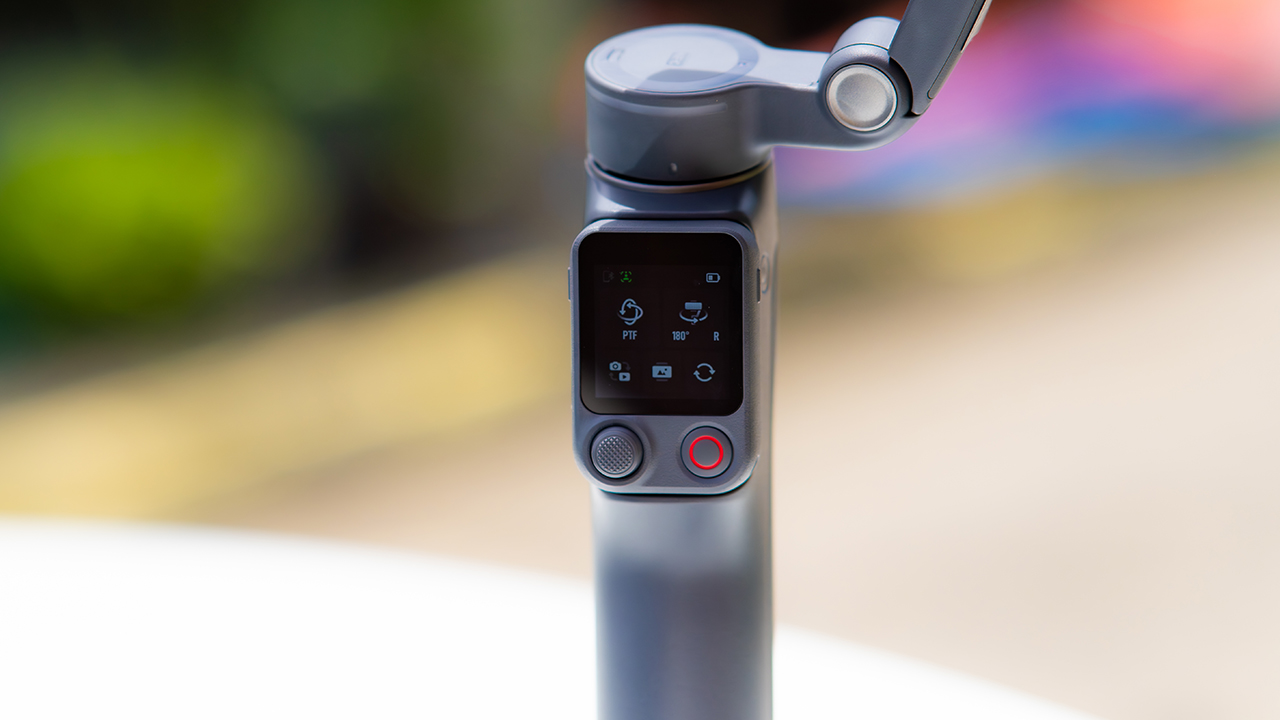
DJI also removed the zoom and focus wheel, so if you leaned on that dial for quick adjustments, you’ll feel its absence here. Module 2 no longer lets you plug a DJI wireless mic in directly either.
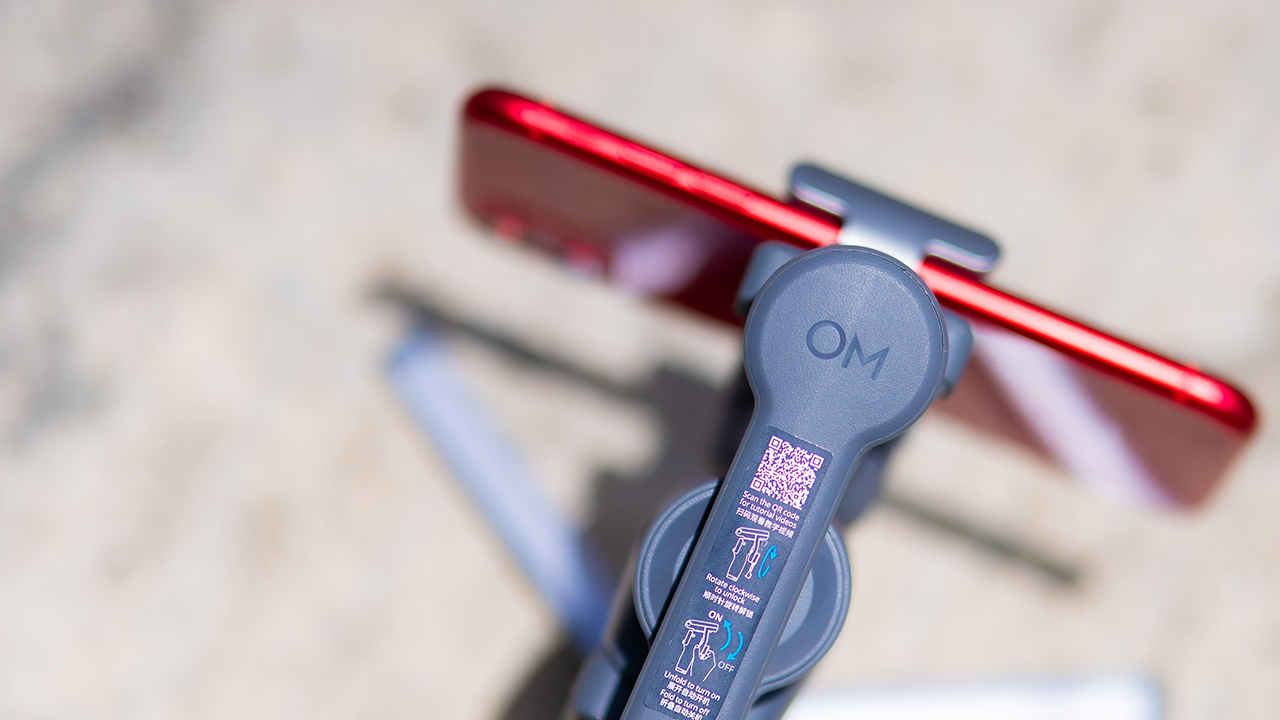
You’ll need to connect it to your phone instead, which adds a step to a setup that used to be simpler. Phone compatibility is still a limiting factor as well. DJI lists support for phones up to around 300g and 11mm thick, so bigger phones or ones in chunky cases may not clamp in properly.
Finding your ideal workflow
The OM 8P makes the most sense for solo creators who want dependable tracking and the freedom of remote framing without stepping up to a dedicated camera like the DJI Osmo Pocket.
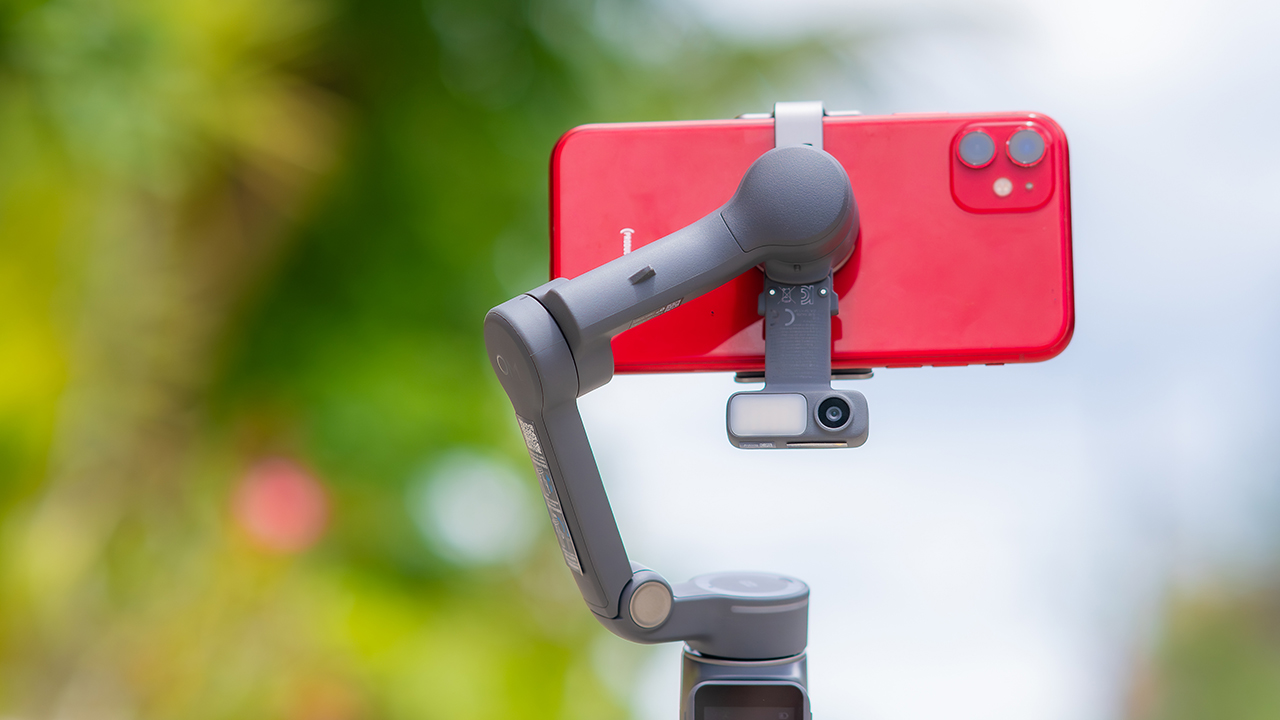
If you’re already shooting on a phone with a solid camera, this fills the gap nicely. It’s a tougher sell if you prefer physical buttons over touchscreen menus, or if your phone runs on the larger and heavier side, since fitting it onto the clamp might be a problem before you even get to shooting.
Price, availability
DJI is offering the OM 8P in three combos, so how much you pay depends on how much of the ecosystem you actually need.
- Standard Combo (PhP 7,499): the gimbal itself, with 8th-gen stabilization and the detachable FrameTap remote included.
- Advanced Tracking Combo (PhP 9,199): adds the Multifunctional Module 2 for the improved subject tracking we tested.
- Creator Combo (PhP 11,099): the full kit, built for creators who want everything DJI bundles in from the start.
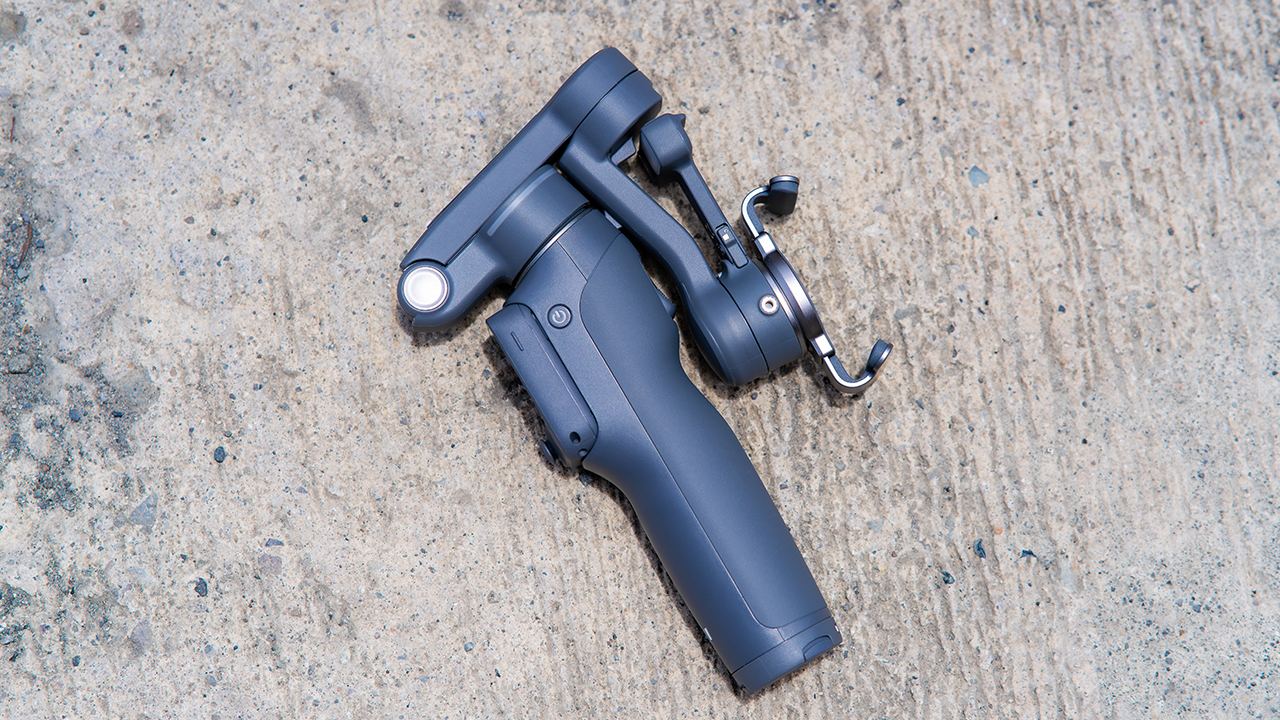
Is the DJI Osmo Mobile 8P your GadgetMatch?
The DJI Osmo Mobile 8P asks you to relearn a few habits in exchange for a gimbal that finally lets go of your phone. If hands-free framing and steadier tracking matter more to you than a dedicated zoom dial, this is worth the adjustment.
If you’d rather keep things exactly as they were on the OM 8, that learning curve might be the deciding factor.
Swipe right if you shoot alone often and have been waiting for a gimbal remote that actually works. The FrameTap remote alone justifies the upgrade if reaching for your phone mid-shot has been slowing you down.
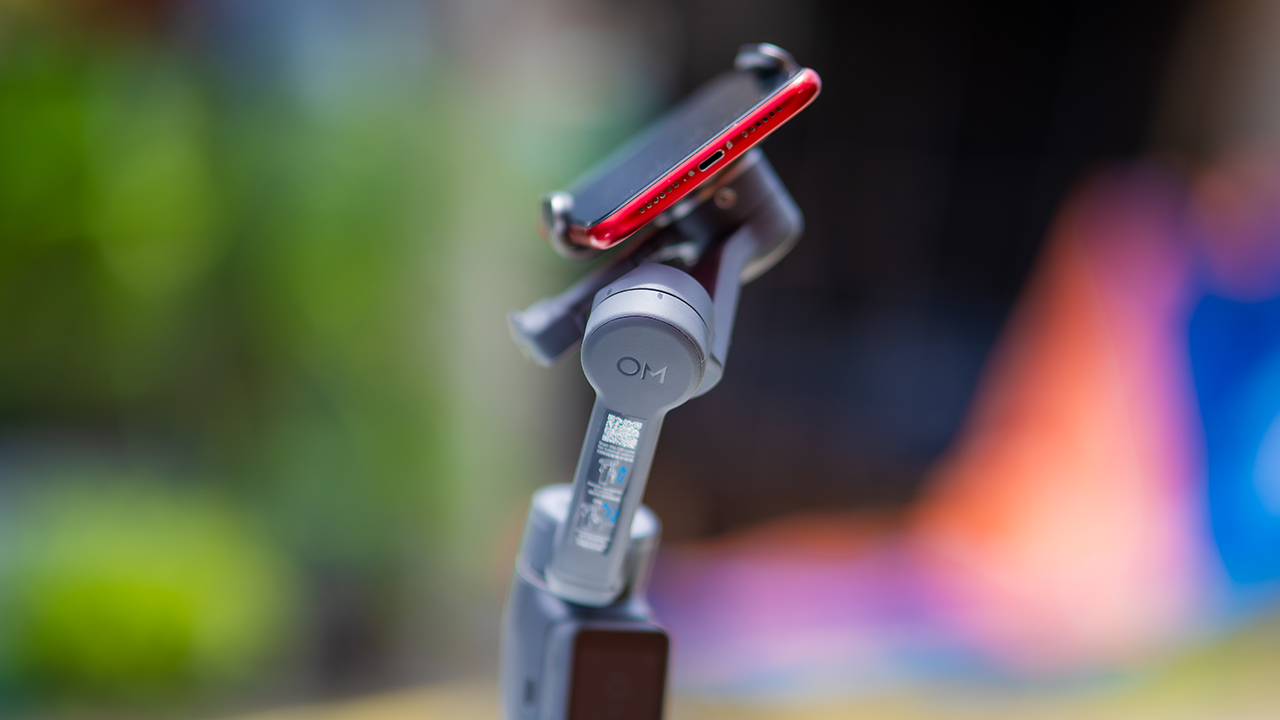
Consider this if reliable tracking matters to you, especially if you’ve had a subject wander out of frame and stay lost on older gimbals.
And of course, get this if you already own a capable phone under the weight and thickness limits, and you’d rather invest in a smartphone rig than jump to a dedicated camera like the Osmo Pocket.
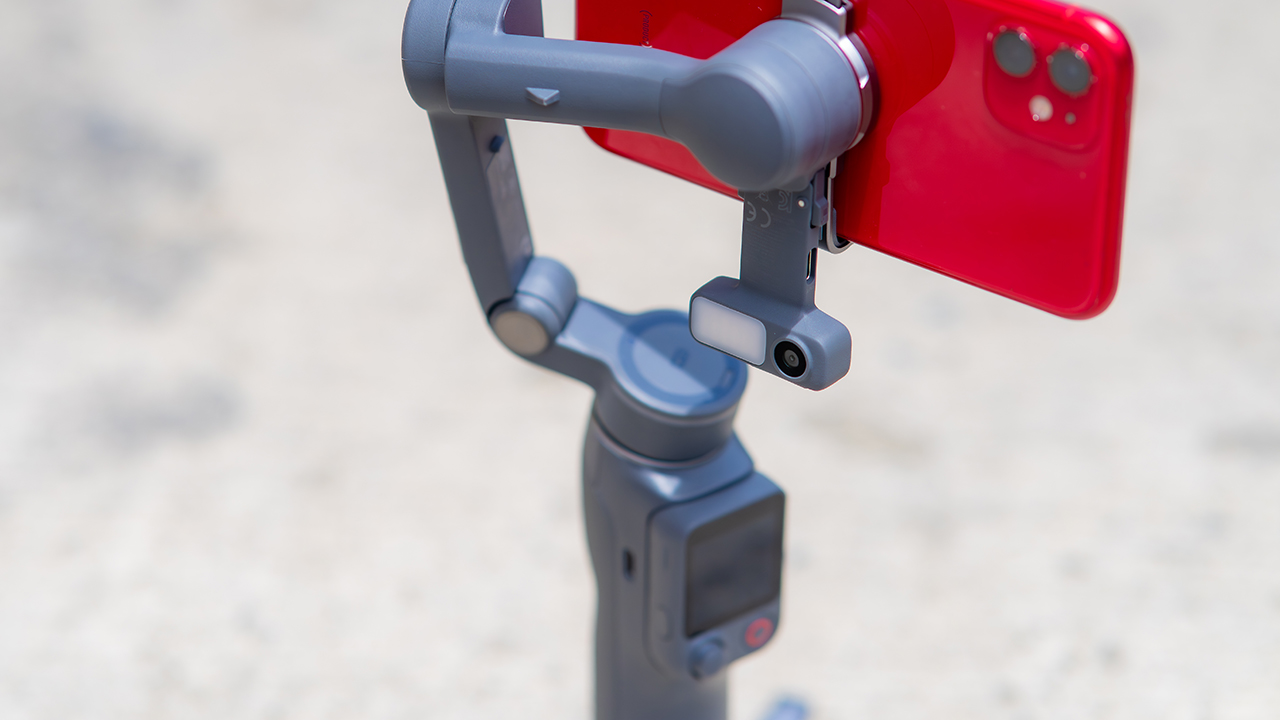
Swipe left if you lean on physical dials for zoom and focus, and moving those functions to a touchscreen sounds like a downgrade rather than an upgrade.
This is not for you if you use a DJI wireless mic and want it plugged directly into the module without routing through your phone first. Or, your phone runs heavier or bulkier than DJI’s limits allow, since no amount of enthusiasm fixes a clamp that won’t close.
Features
GadgetSnaps: Westminster Abbey
A thousand years of history, unfolded with the Samsung Galaxy Z Fold8 Ultra

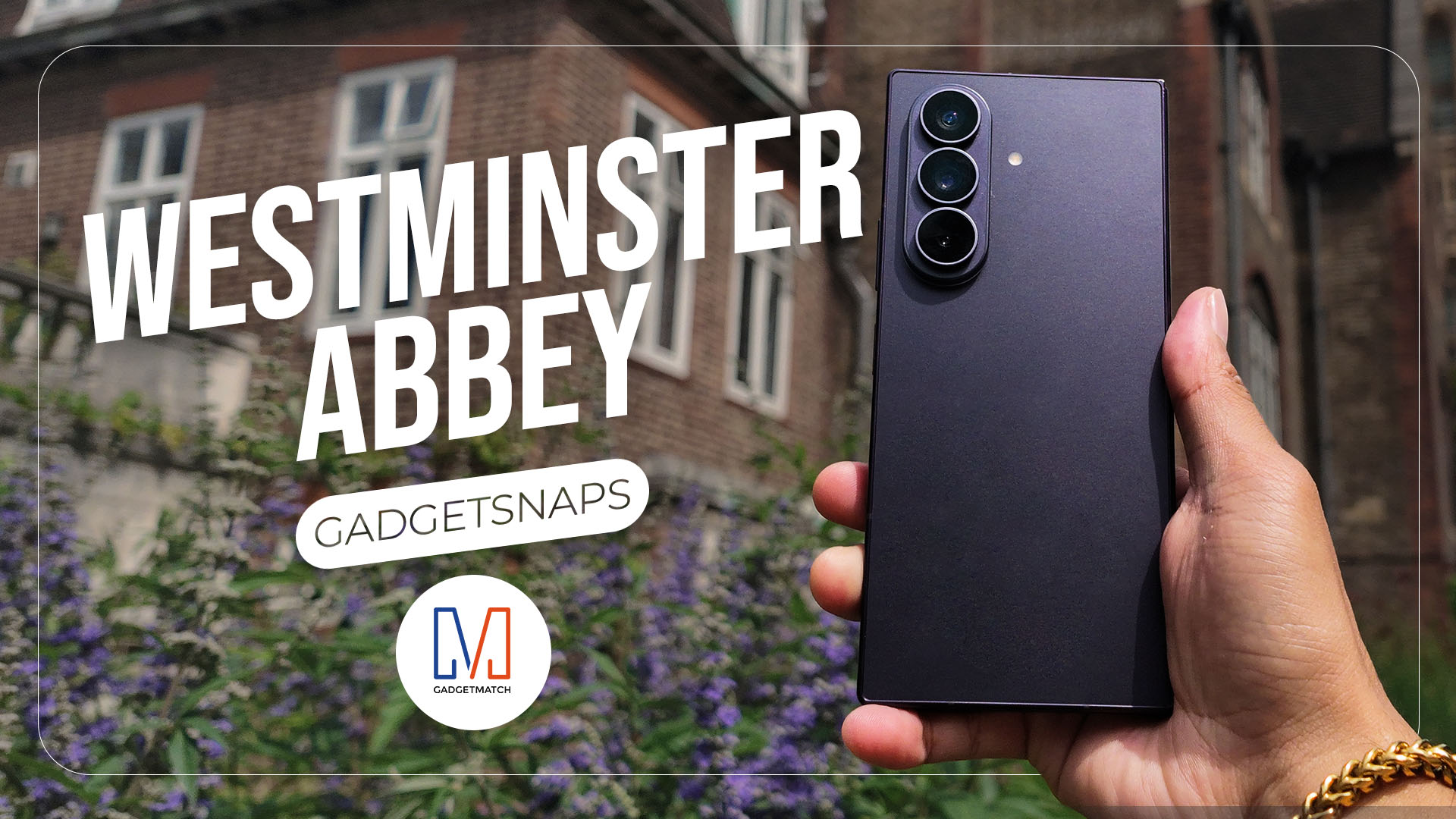
Westminster Abbey isn’t just another stop on the London tourist trail.
It’s the stage for coronations, royal weddings, and burials that span nearly a thousand years, all still playing out under the same vaulted ceilings that have been standing since before most countries had names.
Once you get past the crowds and the audio guides, a quieter version of the abbey starts to show itself: worn stone steps, poets resting a few feet from kings, light that shifts across the nave like it’s in on the performance too.
While losing track of time in Poets’ Corner (yes, me, playing amateur historian for an afternoon), I unfolded the Samsung Galaxy Z Fold8 Ultra and decided the abbey deserved more than a quick tourist snap.







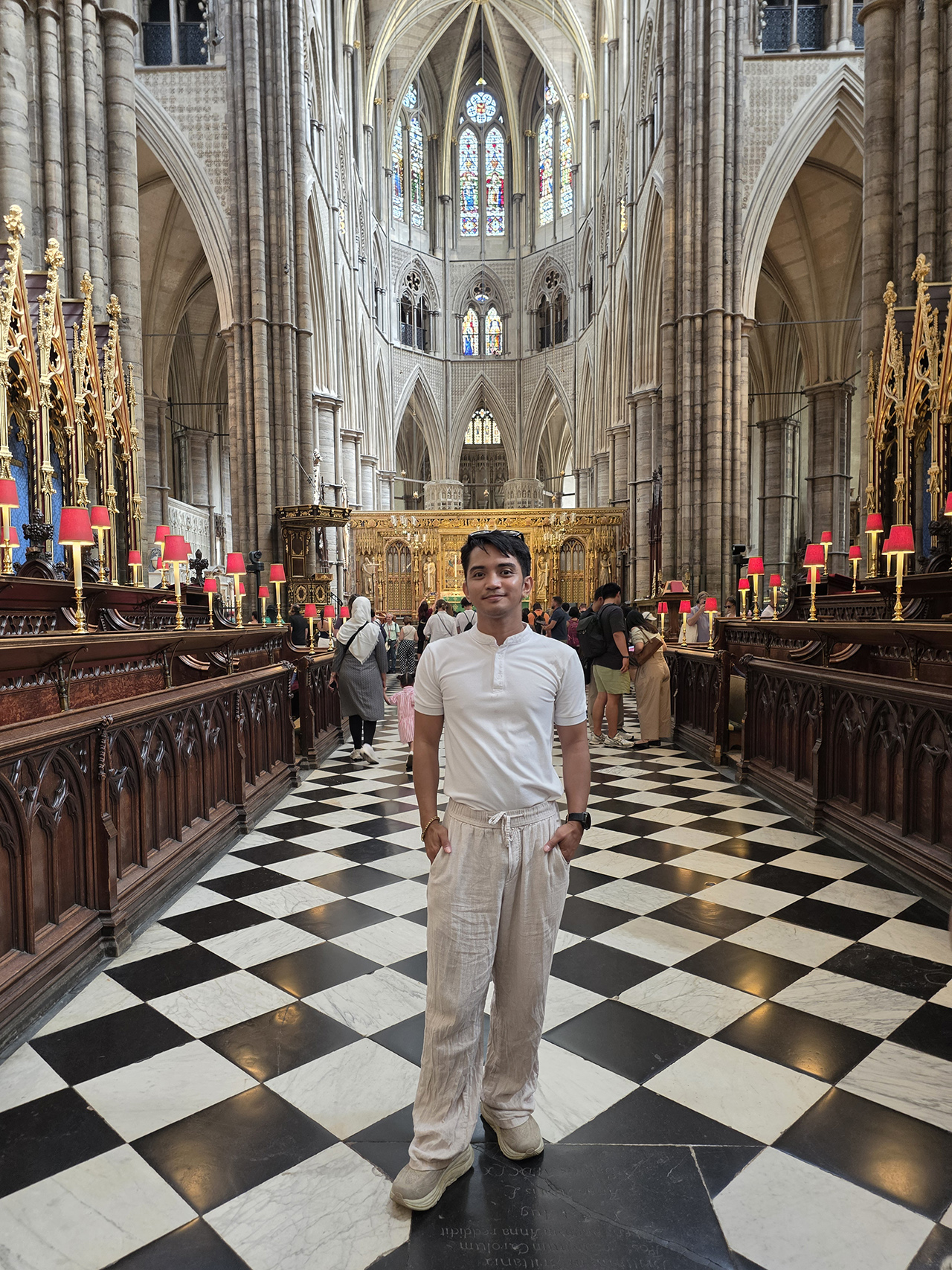

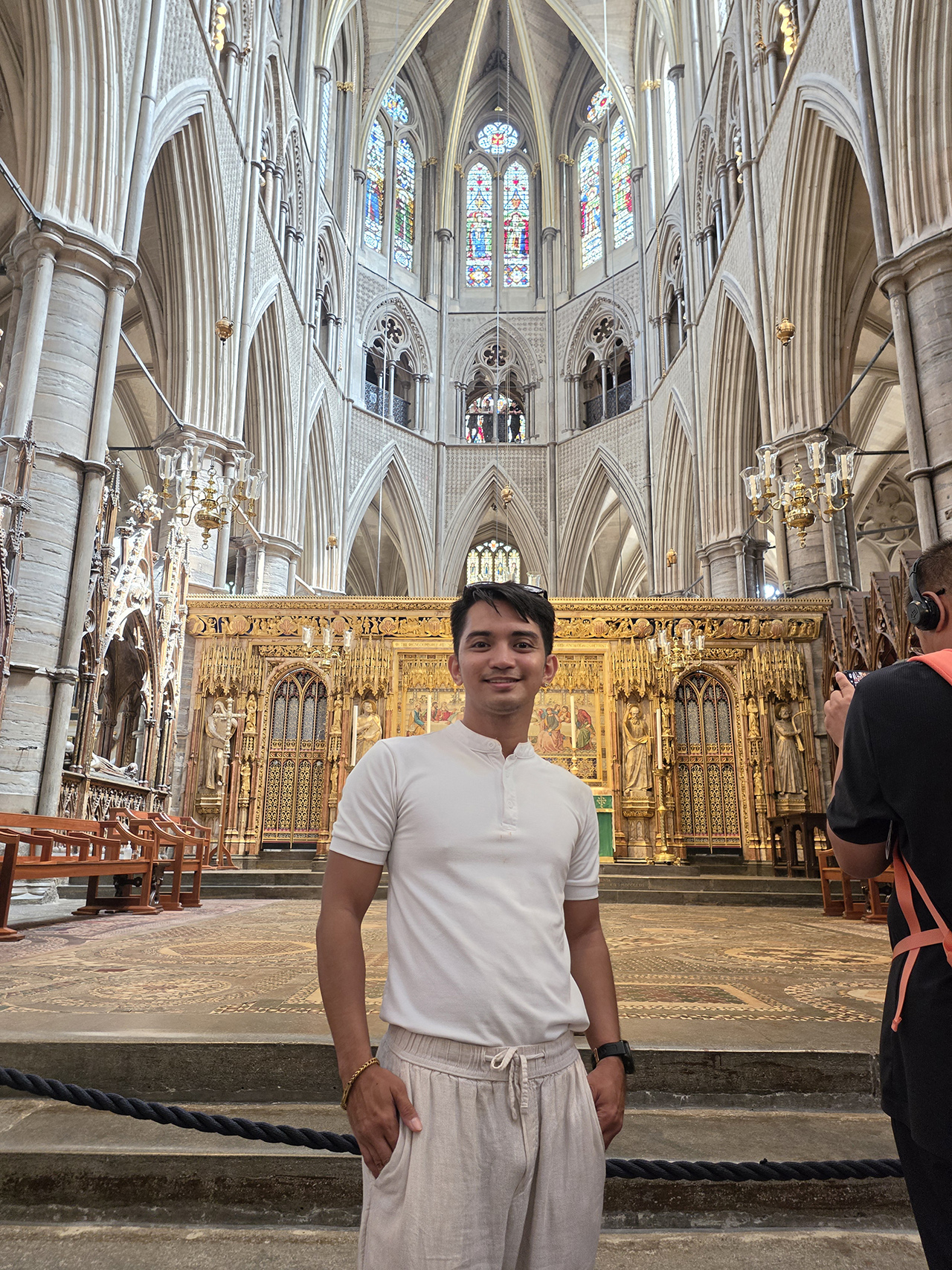













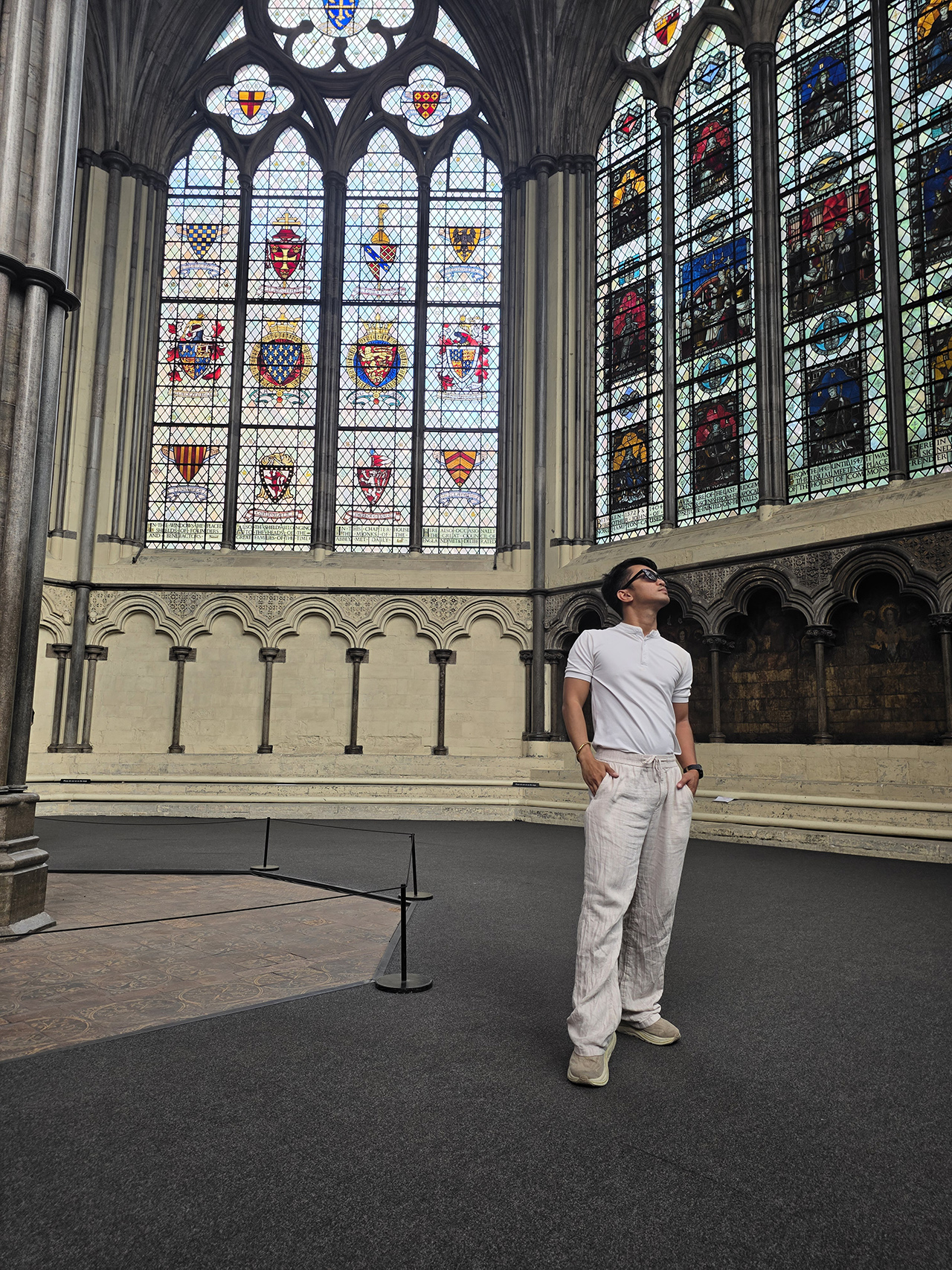












All photos captured using the Samsung Galaxy Z Fold8 Ultra.
-

 Automotive5 days ago
VinFast debuts two-wheeler models, opens 21 e-motorcycle showrooms
-
 Computers1 week ago
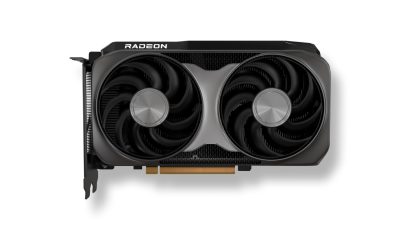
AMD launches Radeon RX 9050 graphics card
-
 Computers2 weeks ago
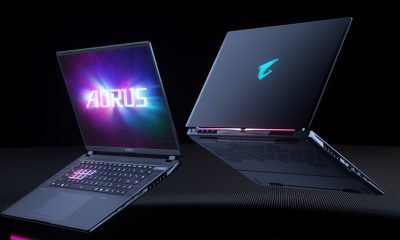
AORUS MASTER 16 Gen 2 2026 AI gaming laptop launches
-

 Gaming2 weeks ago
God of War Laufey finally confirms its highly anticipated launch date
-

 Automotive1 week ago
Xiaomi debuts SkyNomad Series featuring new Kunlun platform
-

 News4 days ago
OnePlus officially leaves the United States and Canada
-

 Gaming2 weeks ago
NBA 2K27 gameplay trailer showcases new dunk mechanics, Rucker Park, and more
-

 Gaming6 days ago
Call of Duty: Modern Warfare 4 clip shows Losing Ground 1st look