
Accessories
Fitbit Alta HR review


Working out is like falling in love. The awkward and hesitant start may be quite daunting to most but eventually, something inside (whether it be attraction or diabetes) will compel you to at least try. In fitness (and in love), consistency is key.
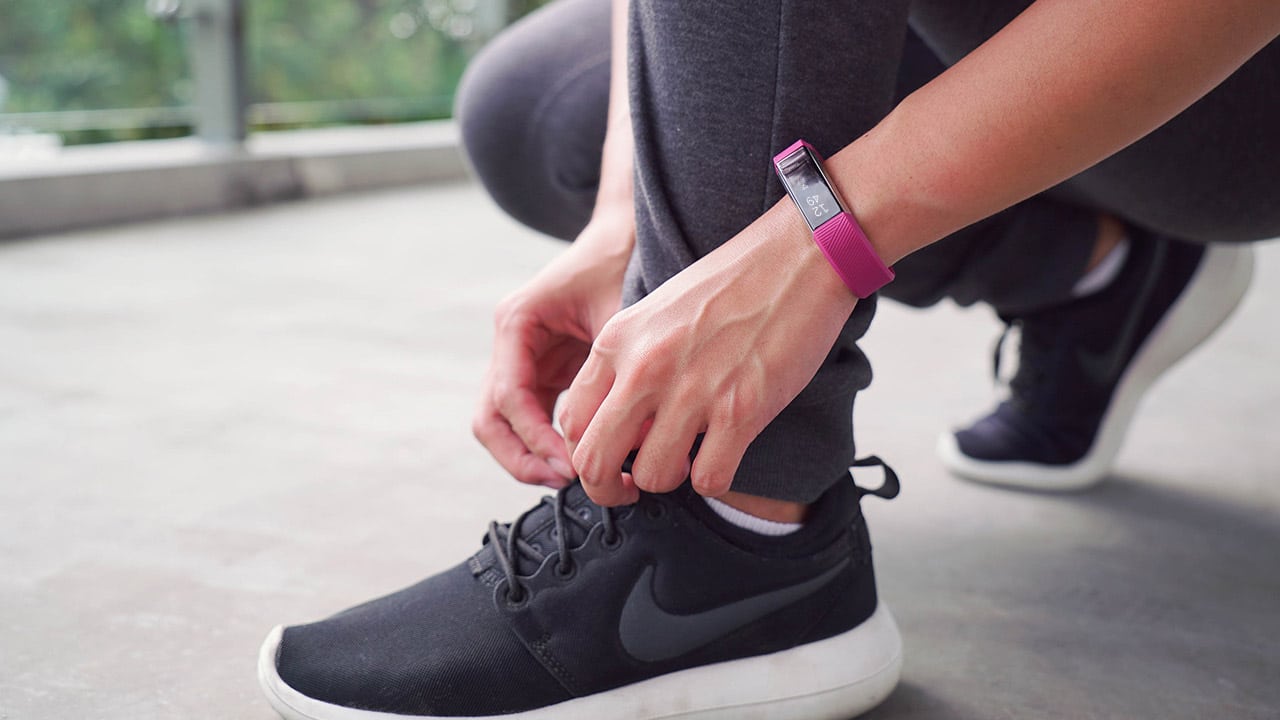
This is what I’ve learned in the last two years of attempting a healthier lifestyle (and maybe a few relationships along the way). To be able to achieve a certain level of fitness, one must commit to changing multiple aspects of everyday life. It doesn’t end with just weekly workouts. Diet, sleep, exercise, water intake — they’re all part of the healthy equation; take one out and your fitness progress isn’t optimized.
A good way to get yourself to commit (big word) to this healthy lifestyle is through tracking your daily activity. This is easily doable via a fitness wearable. The Fitbit Alta HR was my weapon of choice for the last few months, and this is how it fared.
Meeting and initial impressions
This newest member of the Fitbit collection features a slim rubber band that comes in many different colors (of course, I chose fuschia) and an equally slim face. It sits comfortably on my small wrist with an unassuming blank screen.
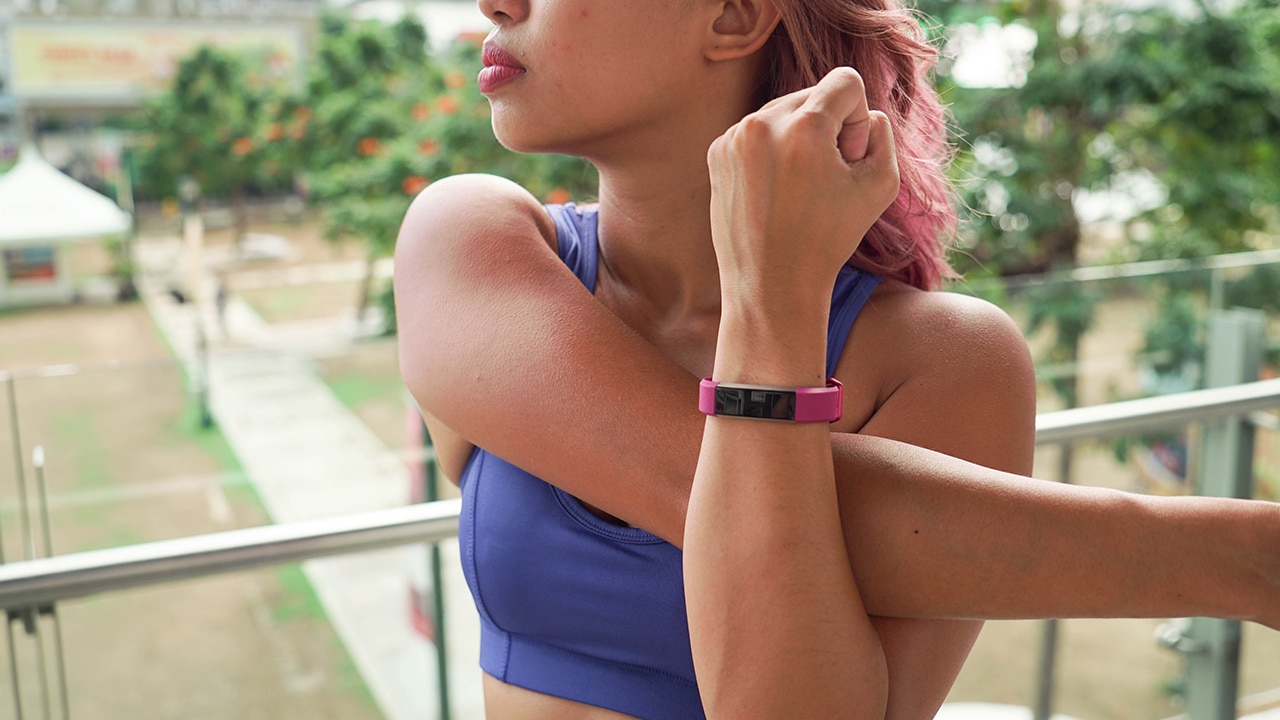
Tap to view, lift to activate
It looks good and it’s very cute, but it matches nothing other than my workout clothes and purple hair.
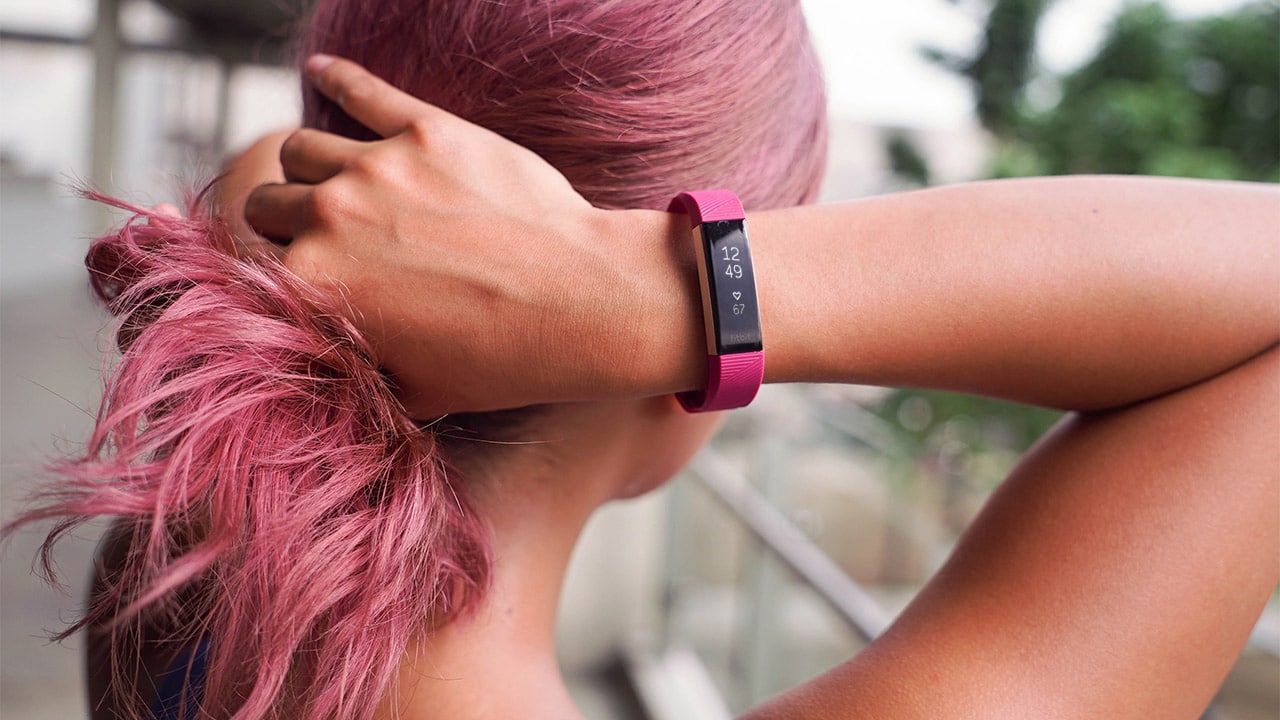
As cute as the fuschia is, it will most definitely clash with most outfits.
This becomes a problem because the whole point of a fitness wearable is having it on 24/7, and that can’t happen if it does not match half of my wardrobe. (Even I can’t wear athleisure wear all the time.)
After moving on from my initial fashion apprehensions on color matching (i.e., I stopped caring), I now focus on function.
Dates and working out
The Alta HR automatically tracks all your movement and computes your active minutes. Now, a recurring problem I’ve had with other wearables I’ve tried is that they usually wouldn’t record my less basic exercises. Sure, there’s always a built-in tracker for running, but my other activities like HIIT or DragonBoat paddling were exercises nowhere to be found on the pre-made list of workouts.
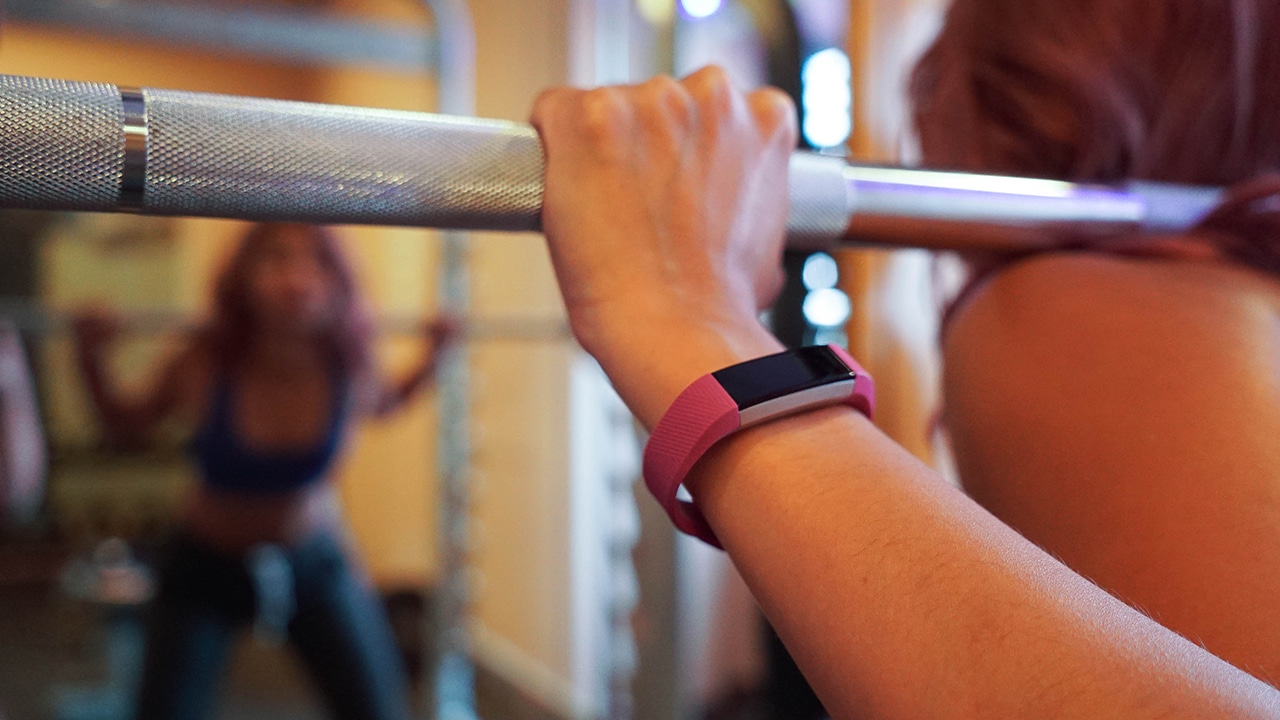
On the FitBit app, though, that shouldn’t be a problem. Although some exercises aren’t on the list, the Alta HR records the activity with corresponding workout details (like duration, heartbeat, and calories burned). For my Dragonboat training, it usually recorded under “Aerobic exercise” and I just edited the label afterwards.
Sleeping together
Did I mention that this thing is supposed to be on your person at all times? Yes, that includes sleeping and everything in between.
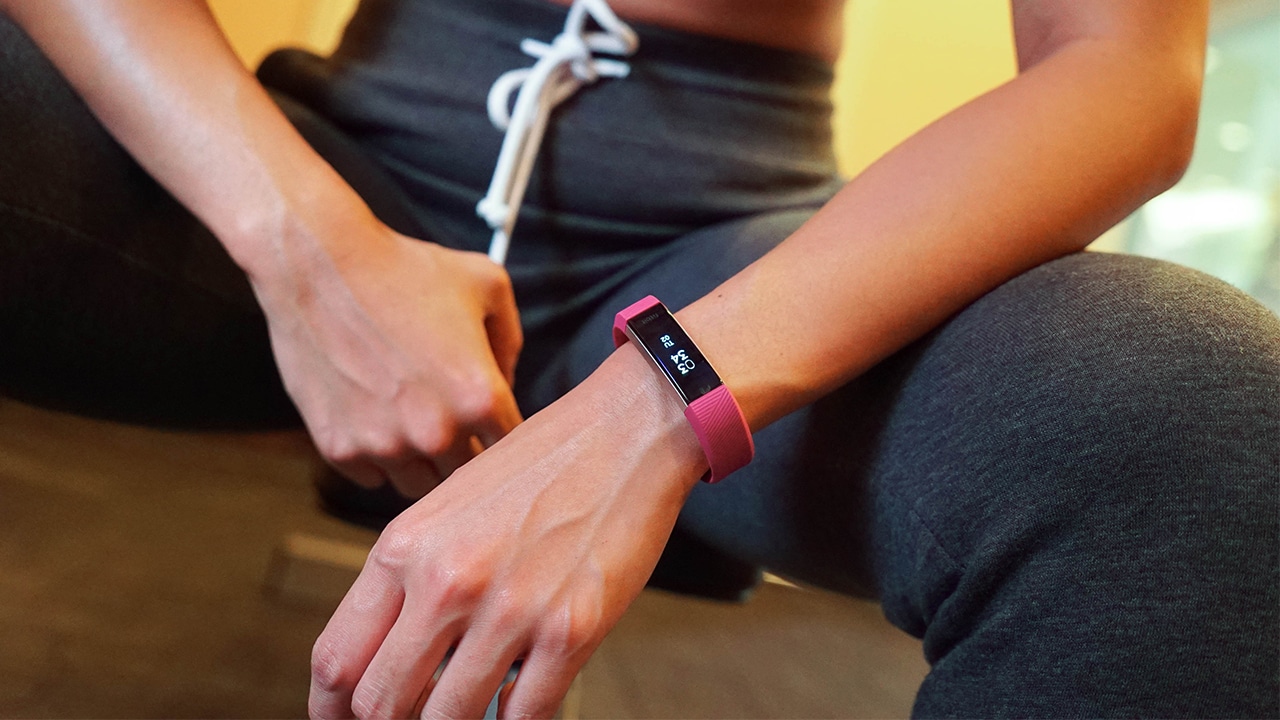
The Alta HR tracks your sleep cycle and it lets you know what quality of sleep you’re getting. This is done through measuring your heart rate and movement throughout the night. What’s great about this is you can also set alarms that will indicate what time you should sleep and wake up to ensure you get enough rest — something that definitely helps if you’re someone who tends to work late nights like me.
The morning after
Updates on your activities are sent via email weekly, which means you could track your fitness progress more easily. I personally appreciate this, as it serves as little benchmarks for my progress or little nudges to get my fitness on (if I’ve been lazy throughout the week).
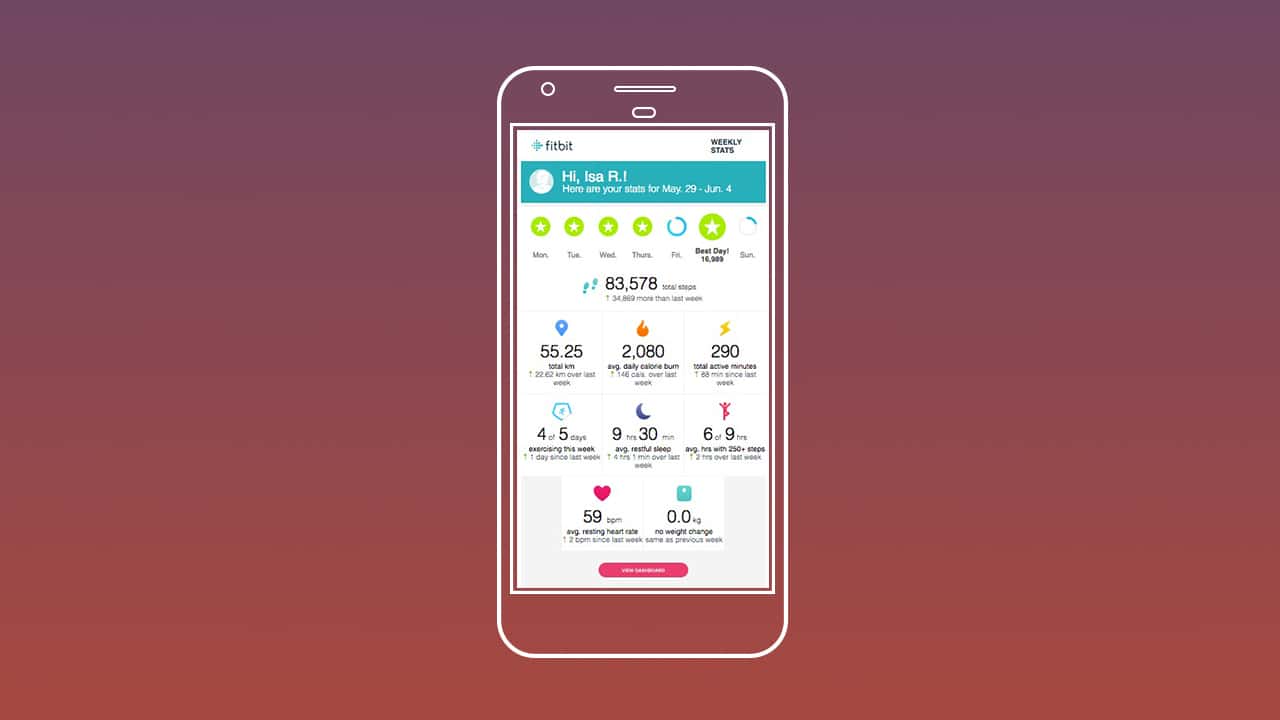
The Fitbit app is able to track your food intake. If calorie counting is your thing, this will definitely help. I’ve found that consolidating all your health data simplifies everything — calories burned throughout the day are computed against your caloric intake automatically. Additionally, water intake can also be tracked.
Is this your GadgetMatch?
For something that you’re supposed to wear everywhere, I would’ve loved for it to have been water resistant and not just splash resistant. Although it did fare well against the many splashes it endured, this extra feature would have given me a better peace of mind. One too many times (because of my many random activities), I paused what I was doing to worry about if my band would get wet.
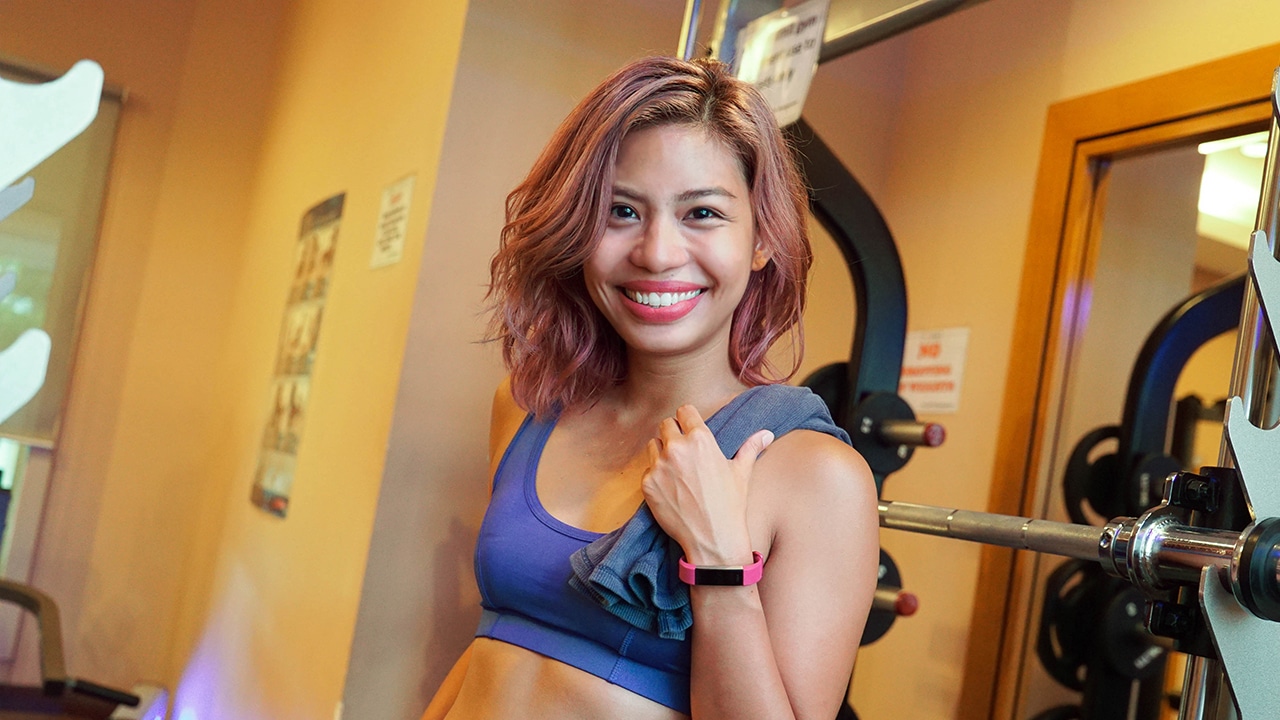
By design (even the ones that came in black and neutral colors), the band itself looks cute but a little too sporty for my everyday aesthetic. I would have liked it to look a little less screaming “I WORK OUT!”
I do love the idea of being able to translate everything I do into concrete information, and aside from just taking note of my activities, I found that wearing one does push me to be more consistent in trying to reach my fitness goals.
If you’re someone looking for commitment and a little more consistency in your life, the Fitbit Alta HR is for you; this machine is never too complicated, won’t ever let you down, and never flake on you.
It all works out, like I’ve been doing.
The Fitbit Alta HR retails for PhP 8,490 in the Philippines and INR 14,999 in India.
SEE ALSO: App Review: The road to getting Kfit
[irp posts=”10747″ name=”App Review: The road to getting Kfit”]





Accessories
Peak Design’s new City Line combines minimalism and color
Less padding, more personality


Known for its camera-friendly bags with generous padding to protect photography gear, Peak Design is taking a different approach with the City Line.
The new collection prioritizes lightweight construction and everyday functionality, stripping away unnecessary bulk while still delivering the thoughtful organization the brand is known for.
The new collection includes the City Backpack in 15L and 22L sizes, the 15L City Tote, the City Crescent in 6L and 12L options, and the compact 2L City Sling. While each bag serves a different purpose, they all share the same minimalist aesthetics and intuitive organization.
To achieve that lighter design is Peak Design’s new weather-resistant MonoShell material, along with a seam-reduced construction that cuts down on unnecessary bulk.
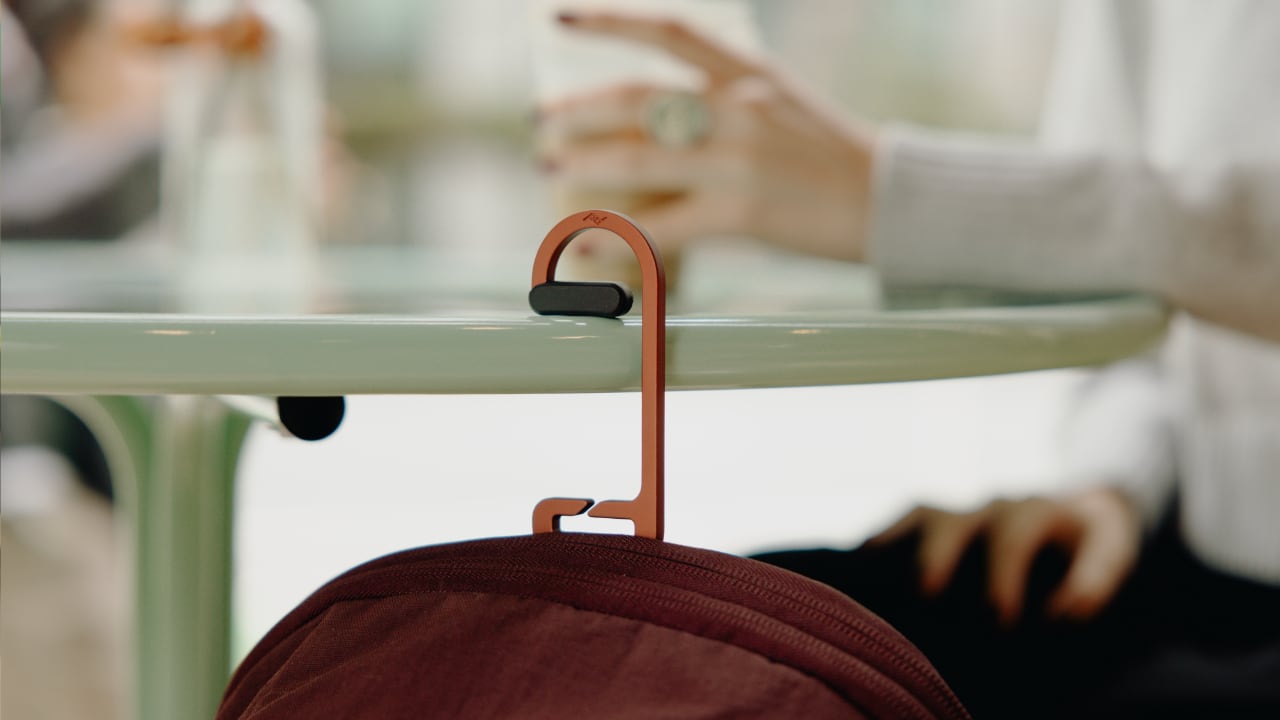
It also comes with Peak Design’s built-in BagLev hook, allowing you to hang your bag from a table instead of placing it on the floor.
Beyond the neutral and muted finishes we’ve seen in the past, Peak Design is also introducing brighter options that add more personality to the collection.
The vibrant Lapis blue, in particular, stands out as a fun alternative for anyone looking to move beyond the usual black everyday bag.
The City Line is now available through peakdesign.com and authorized retailers worldwide.

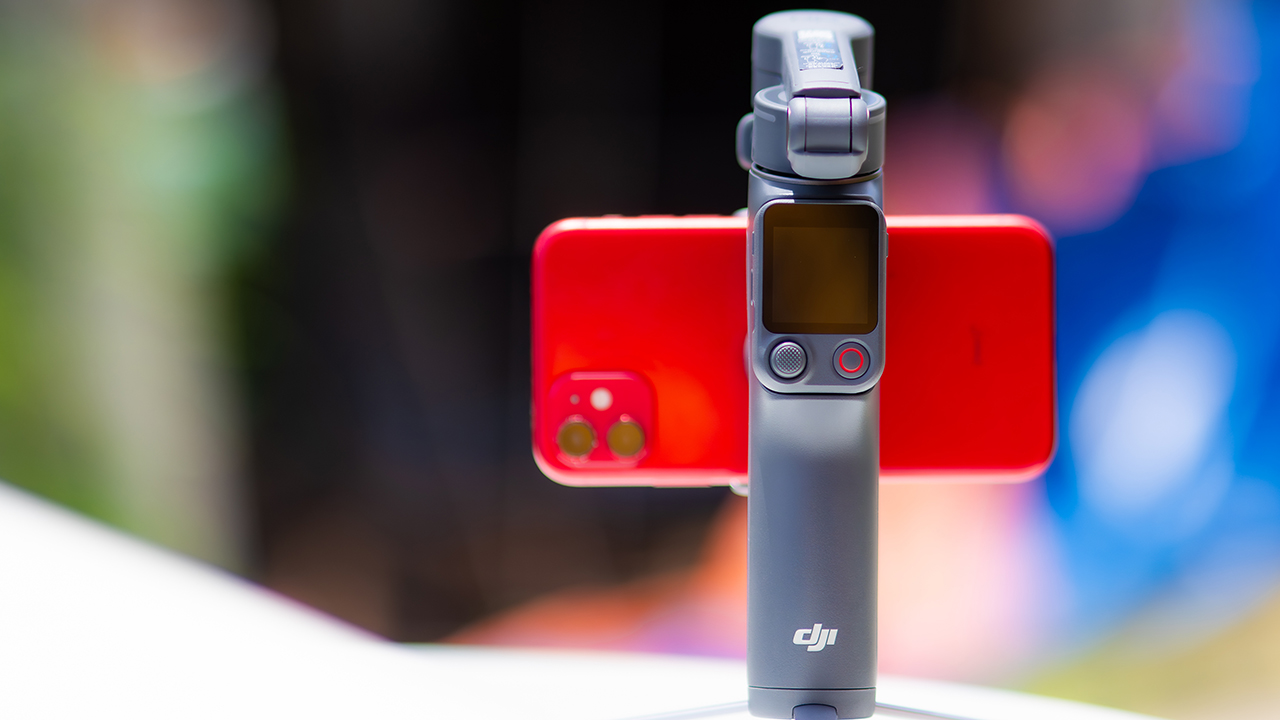
DJI’s smartphone gimbals have always chased one goal: delivering cinema-smooth footage without forcing you to carry a heavy rig.
The Osmo Mobile 8P (OM 8P) makes its priorities clear right out of the box. This is not a simple refresh. DJI rebuilt how you control the gimbal, and that decision shapes the entire shooting experience.
Freedom behind the lens
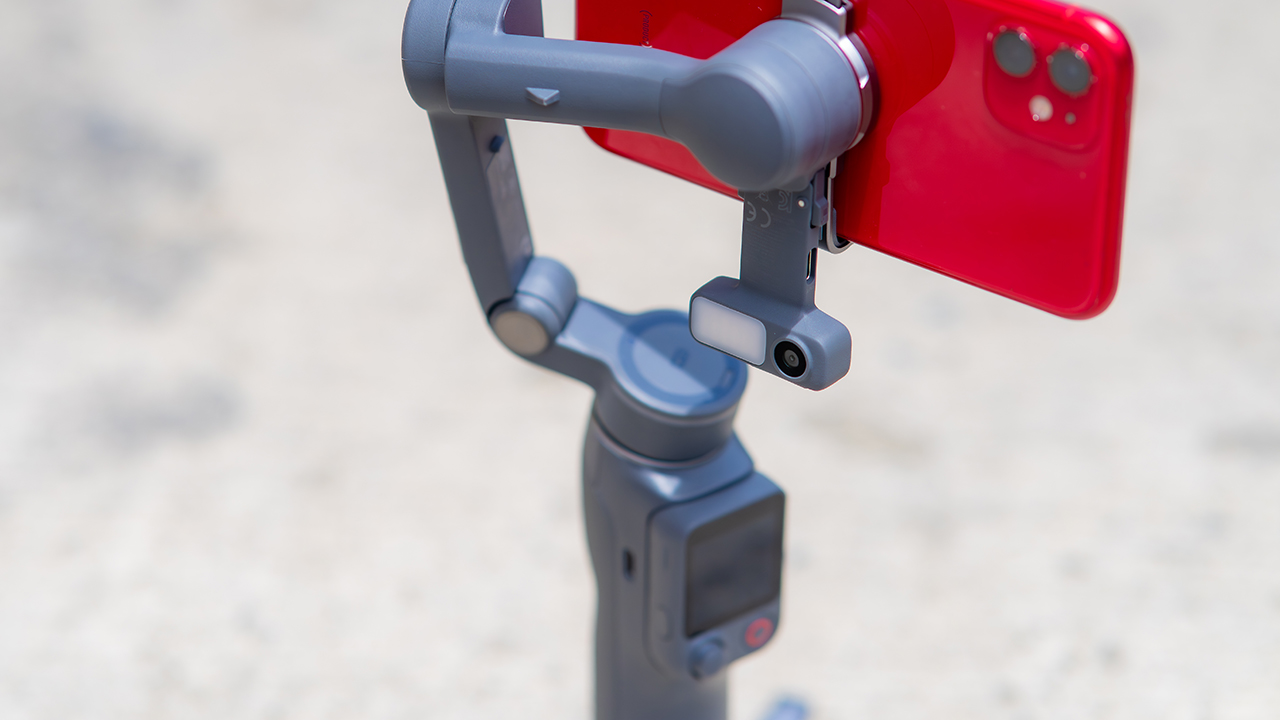
The biggest change is the FrameTap remote, and it’s the kind of upgrade that fixes a problem you didn’t realize was slowing you down until it’s gone.
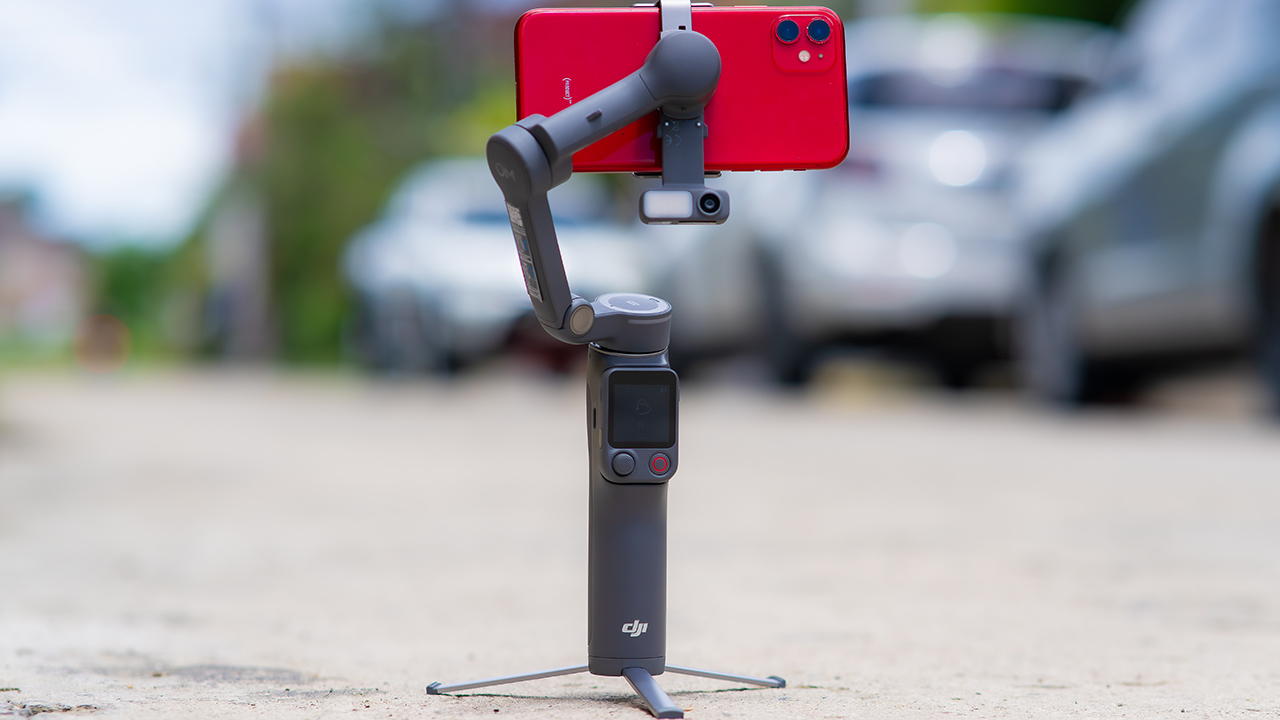
On the standard OM 8, adjusting your framing meant reaching for your phone every time, which broke the flow of shooting and pulled you out of the moment.
FrameTap puts that control back in your hand. You can reframe shots and manage the gimbal without touching your phone at all, and for anyone shooting solo, that alone changes how usable the whole setup feels. Tracking has taken a real step forward too.
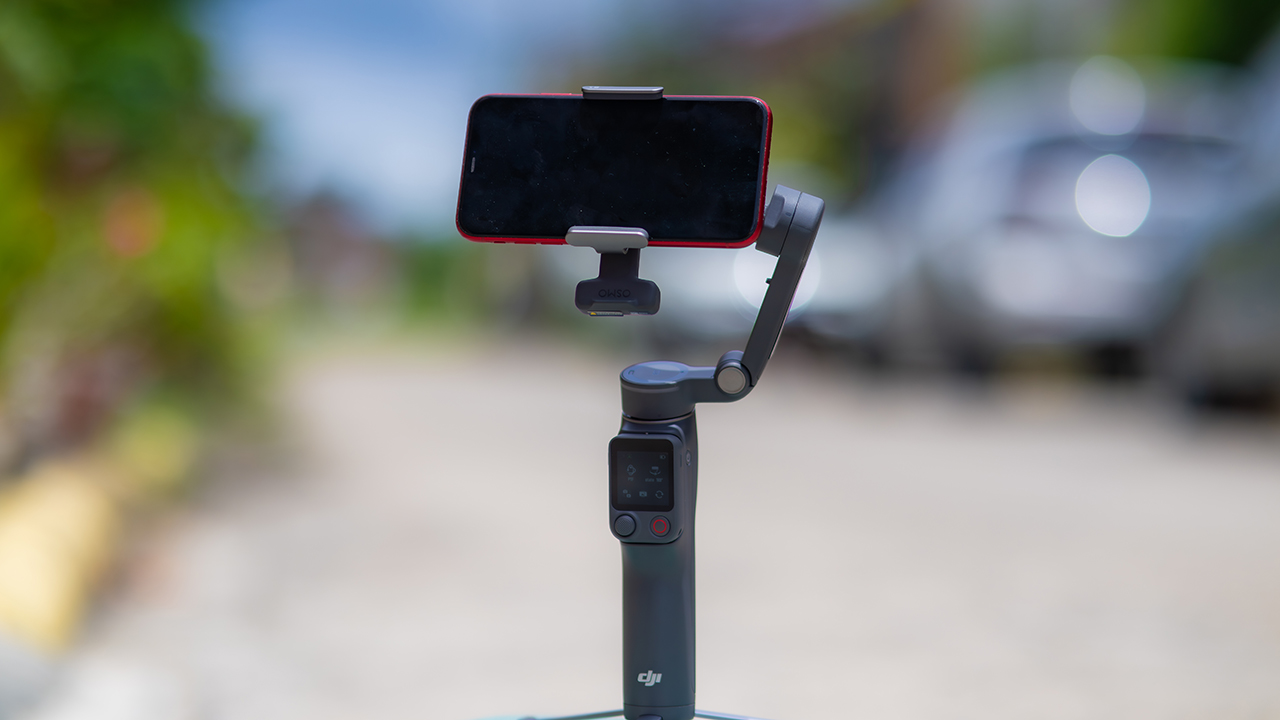
ActiveTrack 8.0, paired with Module 2, held onto its subject even after they stepped out of frame for a moment, then picked them back up without much fuss.
It also lets you sit off-center in the shot instead of forcing you into the middle every time, which gives you more room to compose something that doesn’t look like every other gimbal video.
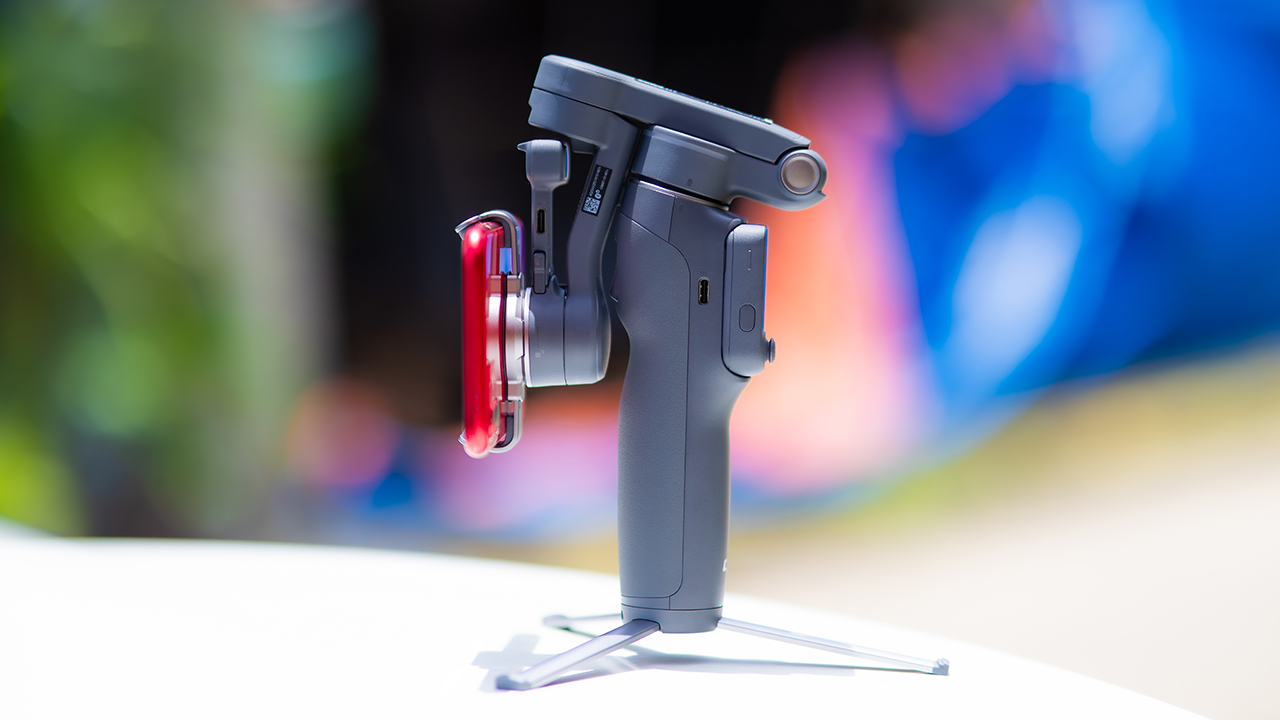
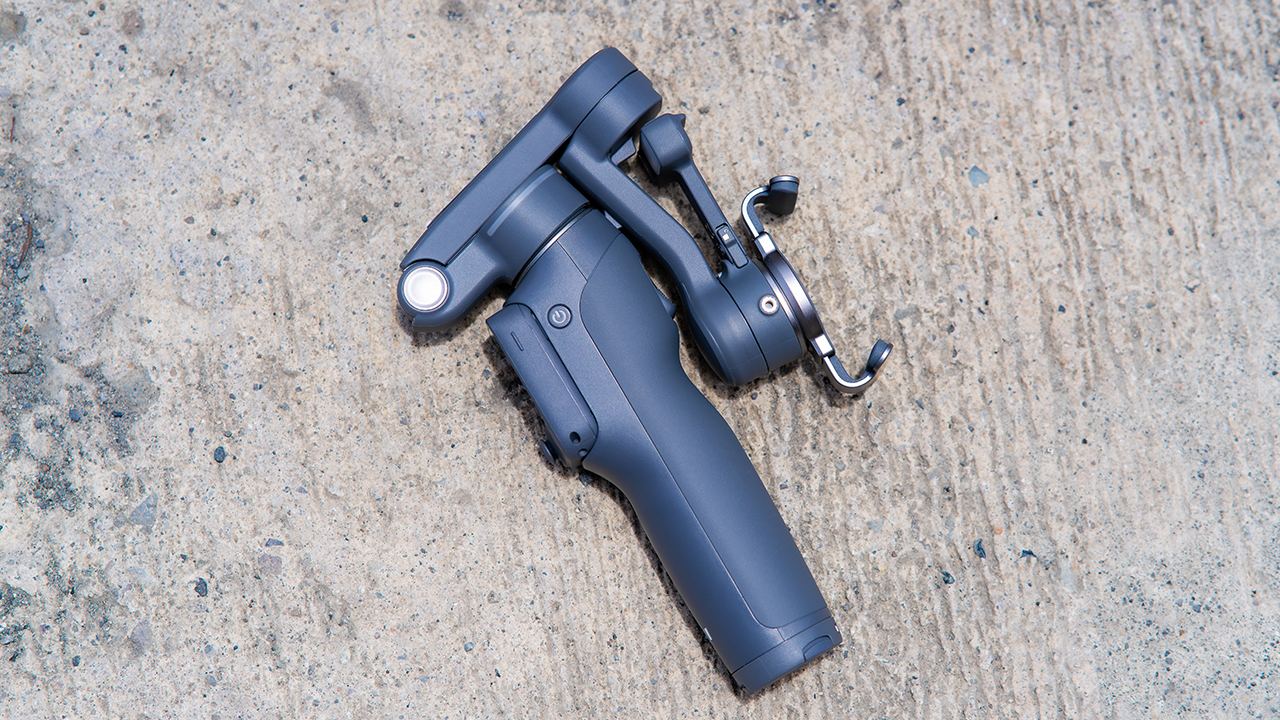
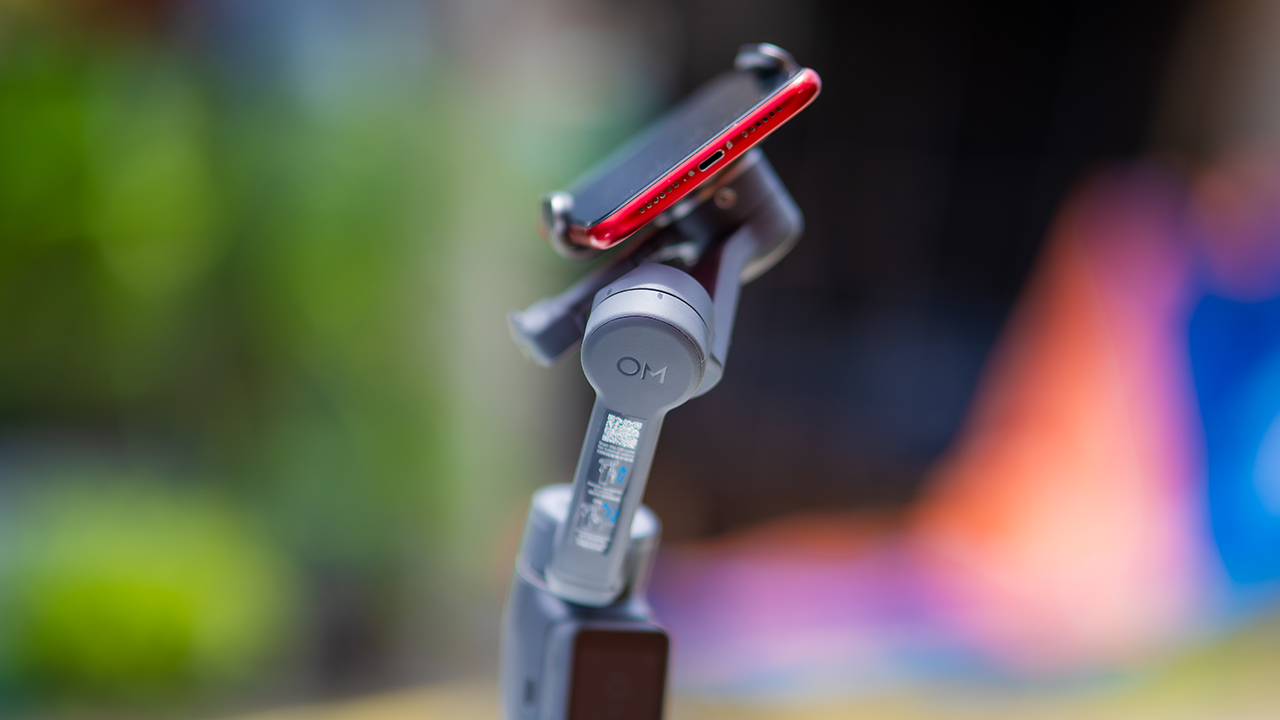
None of that would matter much if the gimbal itself wasn’t solid, and it still is. The OM 8P holds onto the same foldable design, magnetic phone clamp, and built-in tripod that made the OM 8 easy to live with.
And it remains one of the better compact options for stabilization, tracking, and portability in one package.
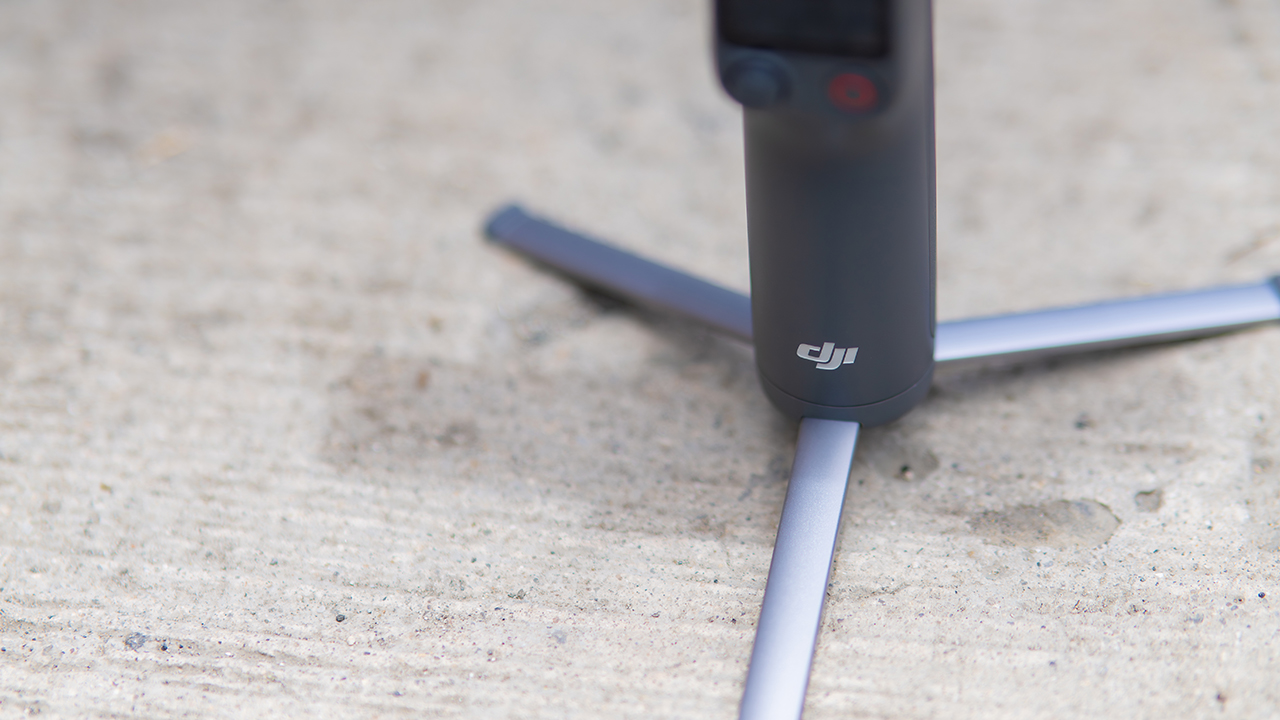
The tripod legs are a touch wider this time, and that extra width does make a noticeable difference on uneven ground.
The trade-offs in touch
The trade-off for all that new remote functionality is a control scheme that takes more getting used to. More of the gimbal’s functions now live on the FrameTap touchscreen, the joystick is smaller, and switching between shooting modes takes a few extra taps compared to the OM 8. It’s not a dealbreaker, but it’s a learning curve you’ll need to budget time for.
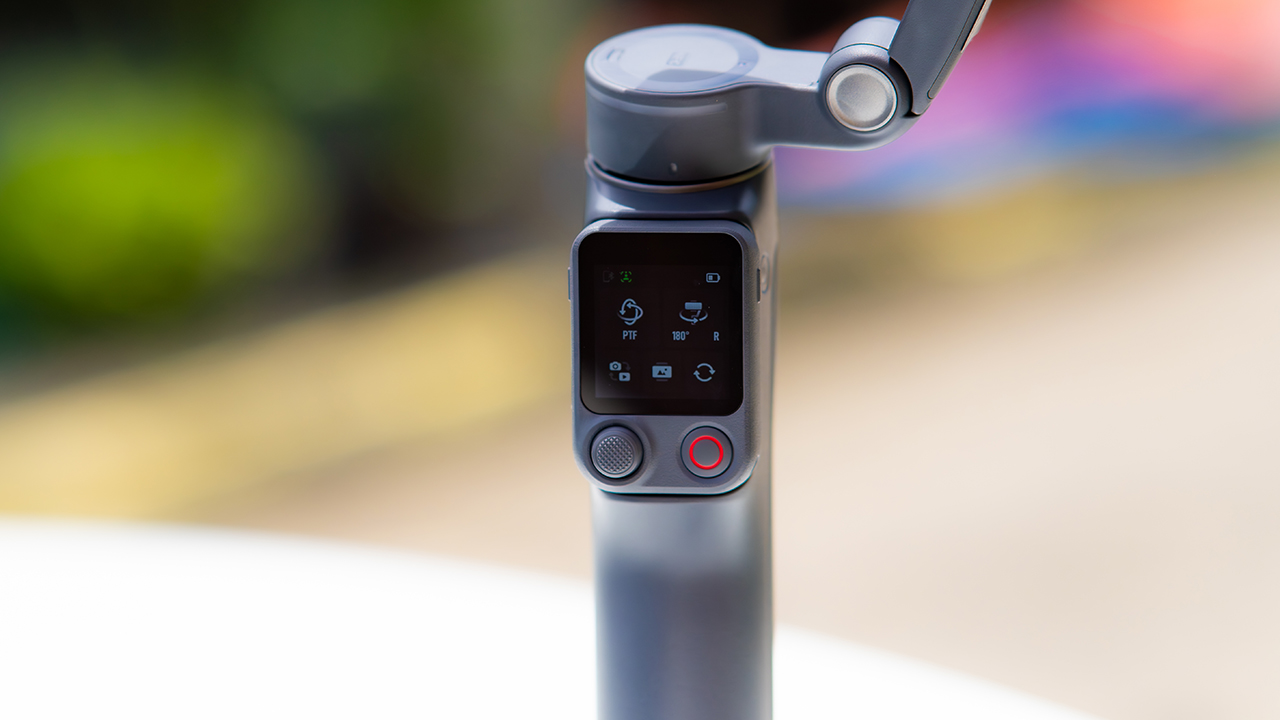
DJI also removed the zoom and focus wheel, so if you leaned on that dial for quick adjustments, you’ll feel its absence here. Module 2 no longer lets you plug a DJI wireless mic in directly either.
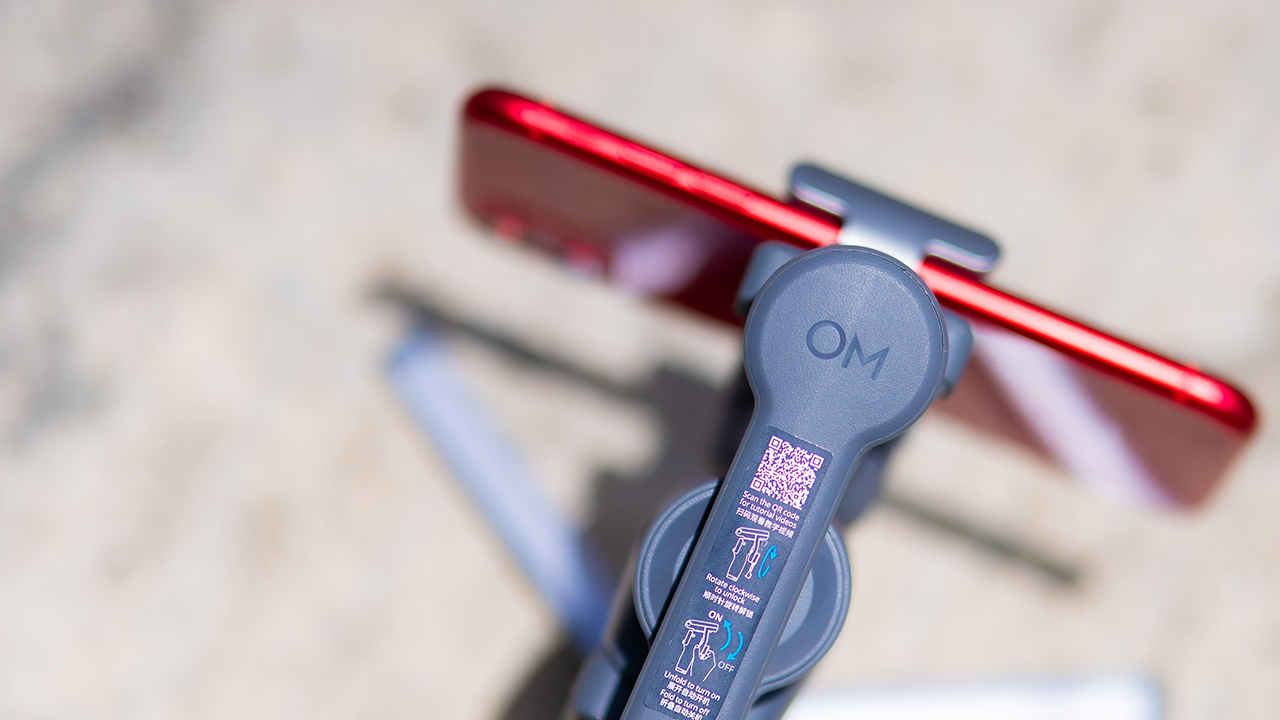
You’ll need to connect it to your phone instead, which adds a step to a setup that used to be simpler. Phone compatibility is still a limiting factor as well. DJI lists support for phones up to around 300g and 11mm thick, so bigger phones or ones in chunky cases may not clamp in properly.
Finding your ideal workflow
The OM 8P makes the most sense for solo creators who want dependable tracking and the freedom of remote framing without stepping up to a dedicated camera like the DJI Osmo Pocket.
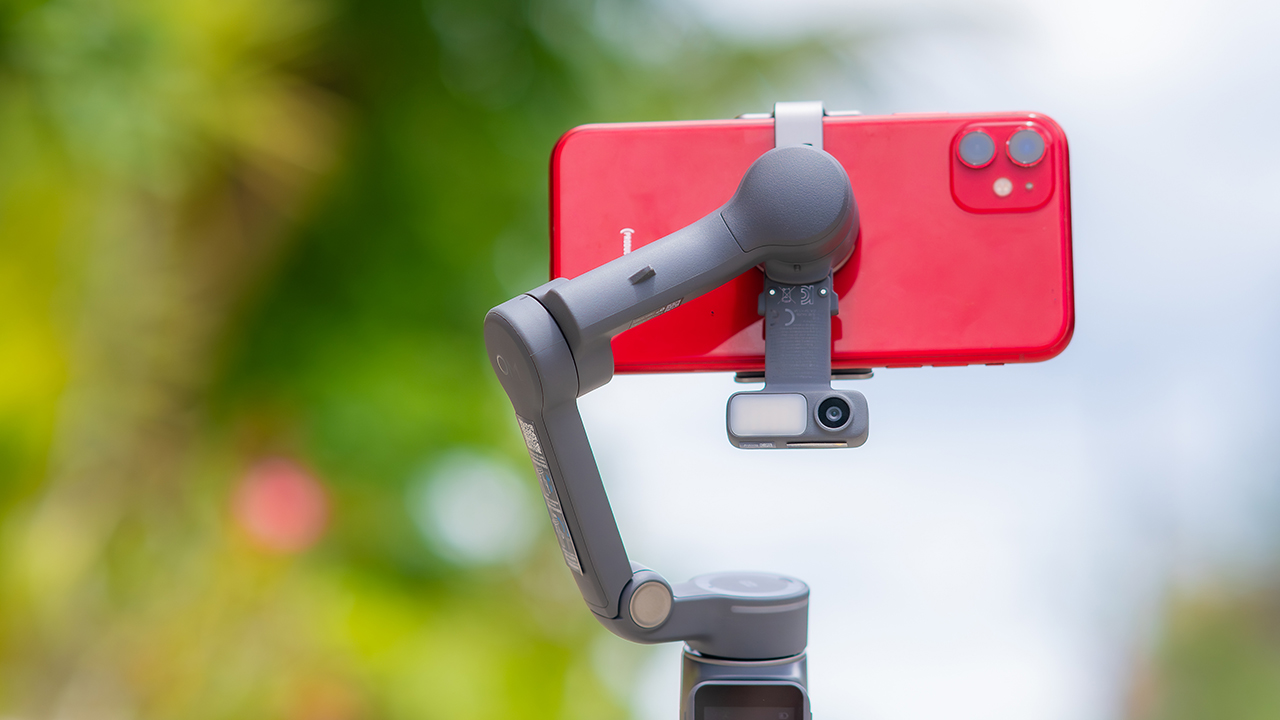
If you’re already shooting on a phone with a solid camera, this fills the gap nicely. It’s a tougher sell if you prefer physical buttons over touchscreen menus, or if your phone runs on the larger and heavier side, since fitting it onto the clamp might be a problem before you even get to shooting.
Price, availability
DJI is offering the OM 8P in three combos, so how much you pay depends on how much of the ecosystem you actually need.
- Standard Combo (PhP 7,499): the gimbal itself, with 8th-gen stabilization and the detachable FrameTap remote included.
- Advanced Tracking Combo (PhP 9,199): adds the Multifunctional Module 2 for the improved subject tracking we tested.
- Creator Combo (PhP 11,099): the full kit, built for creators who want everything DJI bundles in from the start.
Is the DJI Osmo Mobile 8P your GadgetMatch?
The DJI Osmo Mobile 8P asks you to relearn a few habits in exchange for a gimbal that finally lets go of your phone. If hands-free framing and steadier tracking matter more to you than a dedicated zoom dial, this is worth the adjustment.
If you’d rather keep things exactly as they were on the OM 8, that learning curve might be the deciding factor.
Swipe right if you shoot alone often and have been waiting for a gimbal remote that actually works. The FrameTap remote alone justifies the upgrade if reaching for your phone mid-shot has been slowing you down.
Consider this if reliable tracking matters to you, especially if you’ve had a subject wander out of frame and stay lost on older gimbals.
And of course, get this if you already own a capable phone under the weight and thickness limits, and you’d rather invest in a smartphone rig than jump to a dedicated camera like the Osmo Pocket.
Swipe left if you lean on physical dials for zoom and focus, and moving those functions to a touchscreen sounds like a downgrade rather than an upgrade.
This is not for you if you use a DJI wireless mic and want it plugged directly into the module without routing through your phone first. Or, your phone runs heavier or bulkier than DJI’s limits allow, since no amount of enthusiasm fixes a clamp that won’t close.

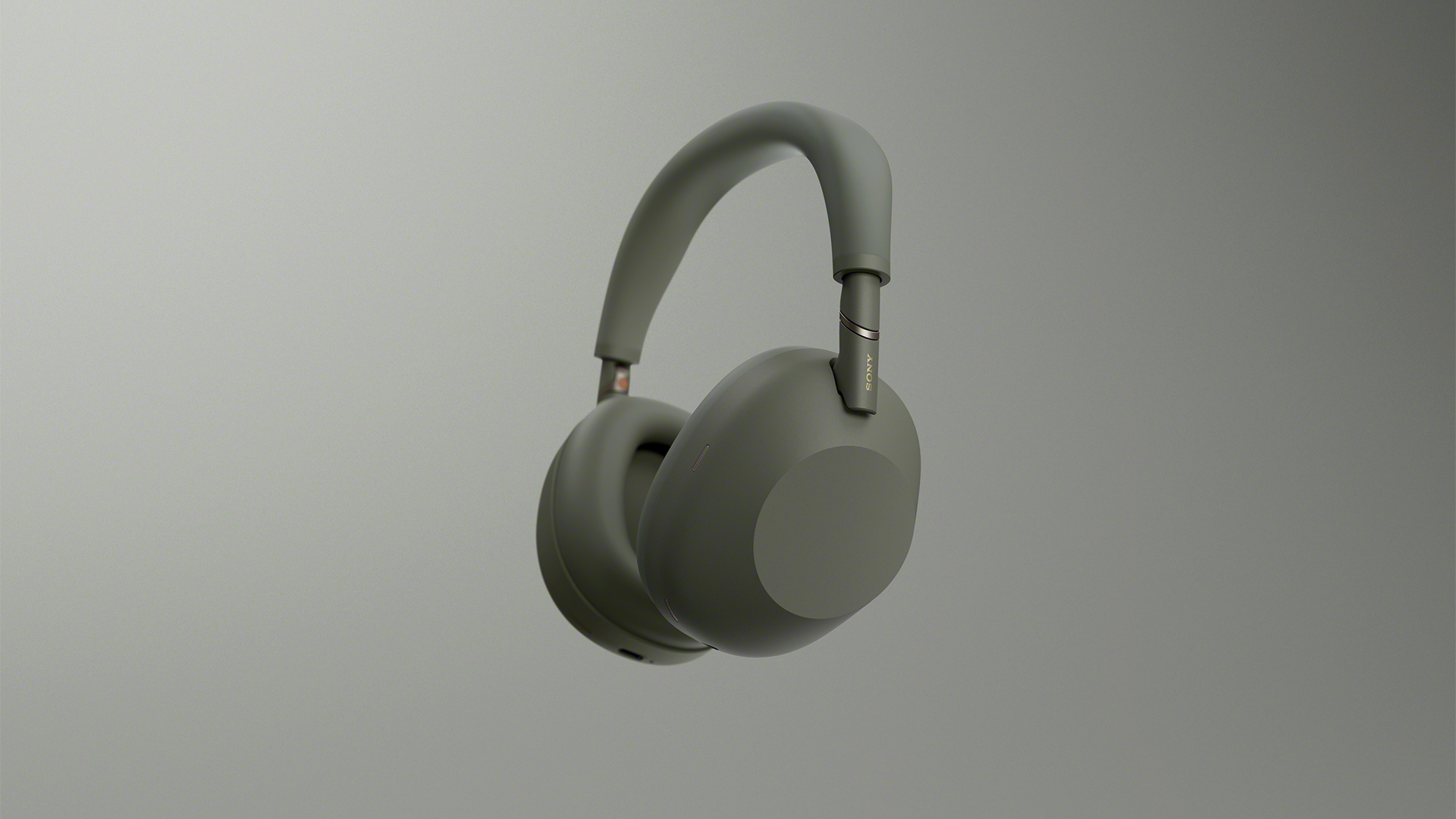
Last year, the Sony WH-1000XM6 quickly became our favorite pair of noise-cancelling headphones. The audio quality pairs remarkably well with its ANC capabilities. Now, a year into the accessory’s life cycle, new colors are still coming out. Today, the acclaimed WH-1000XM6 is getting an Olive Gray variant.
A few months ago, Sony expanded the WH-1000XM6’s colorway options with a Sandstone version, launching alongside the Sony 1000X THE COLLEXION. At the time, the new color added a splash of life to an already blossoming lineup.
Now, much like the rest of the lineup, the new Olive Gray version is a subdued mashup between olive green and gray. Though it stands out on its own, the color is still cool enough to mix well with the contours of the user’s head.
Other than that, the new version is still identical to the inner workings of the original device. The Sony WH-1000XM6 comes with a new HD Noise Canceling Processor QN3, providing 12 microphones for effective noise cancellation. In terms of audio quality, the headphones support High-Resolution Audio and High-Resolution Audio Wireless, thanks to LDAC support.
Also, the accessory sits comfortable on the head with a high rigidity carbon fiber composite material dome, cushioned well with synthetic leather.
As always, the Olive Gray version, launching today, will sell for US$ 459.99.
In Singapore, the Sony WH-1000XM6 in Olive Gray is available starting today through Sony Stores, the Sony Store Online, and authorized dealers for S$649, matching the pricing of the existing color options.
SEE ALSO: Sony WH-1000XM6: Master of sound quality and noise cancellation

realme C100: Enduring and durable in spite of entry-level realities
Enough power but needs more agility


The ASUS ExpertBook Ultra wins you over
The laptop sneaks up on you

Nexal Watch Sport review: A rugged watch for small budgets
I couldn't believe that watches this good could come for this cheap.

Apple Watch, AirPods get exclusive offers via Beyond the Box

Canva teams up with SB19 to turn A’TIN’s passion into creativity

SQUARE ENIX STORE Plus expands presence in Asia, Oceania

Maya: Convert purchases to 0% interest Mini Payment plans

Netflix: Kris Aquino makes on-screen comeback with fictional role


-

 Automotive6 days ago
VinFast debuts two-wheeler models, opens 21 e-motorcycle showrooms
-
 Computers1 week ago
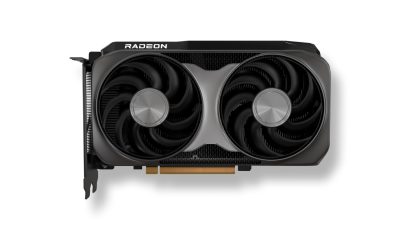
AMD launches Radeon RX 9050 graphics card
-

 Computers2 weeks ago
AORUS MASTER 16 Gen 2 2026 AI gaming laptop launches
-

 Gaming2 weeks ago
God of War Laufey finally confirms its highly anticipated launch date
-

 Automotive1 week ago
Xiaomi debuts SkyNomad Series featuring new Kunlun platform
-

 News4 days ago
OnePlus officially leaves the United States and Canada
-

 Gaming2 weeks ago
NBA 2K27 gameplay trailer showcases new dunk mechanics, Rucker Park, and more
-

 Gaming7 days ago
Call of Duty: Modern Warfare 4 clip shows Losing Ground 1st look