
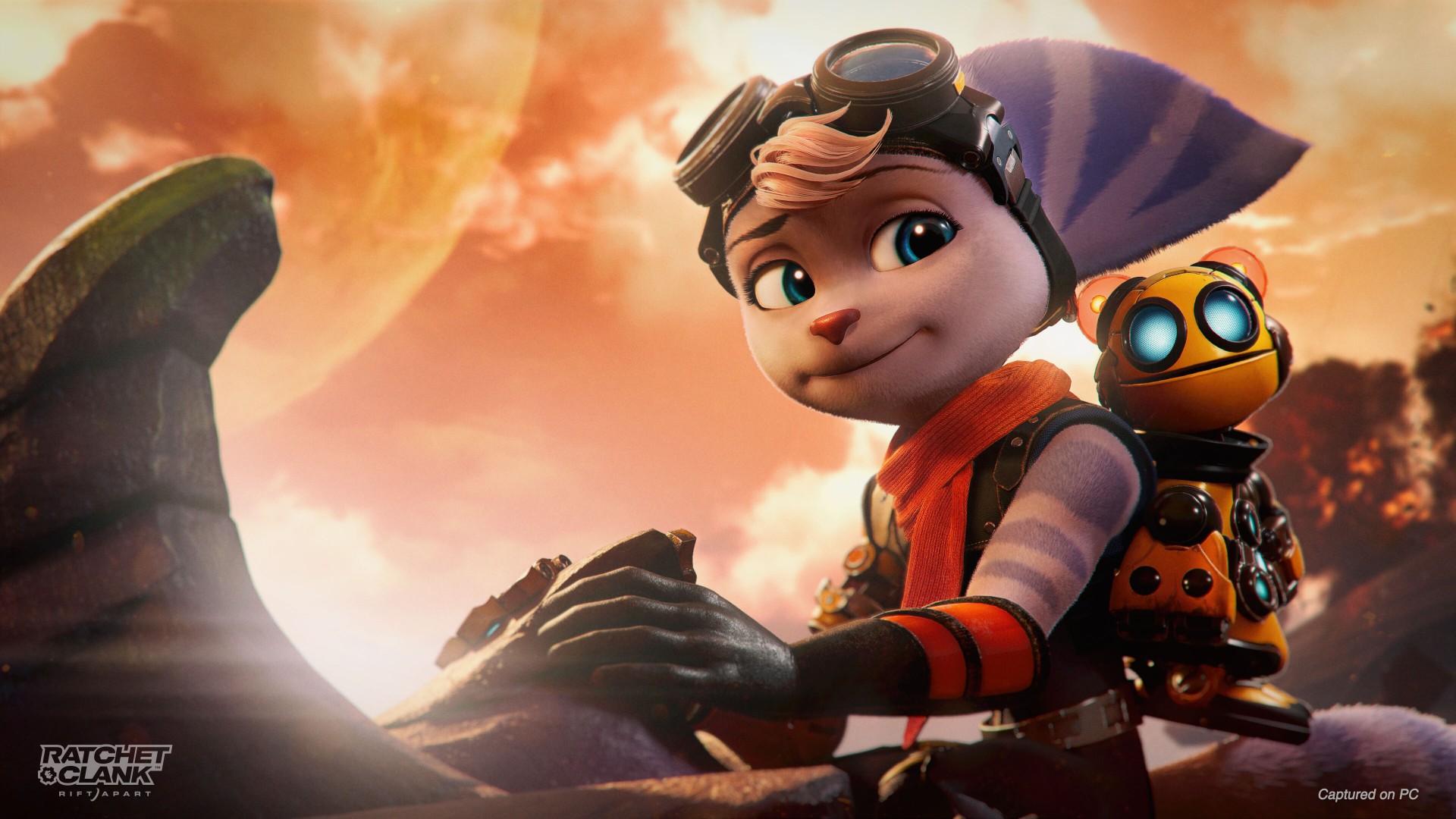


Ratchet & Clank: Rift Apart PC has been out for over a month as of writing. Performance Reviews are out and we encourage you to check those out for a more by-the-numbers detailed look.
For our part, we played the game on three (3) different devices to find out how it runs, what the experience is like, and to make a recommendation on whether you should pick it up or not.
Before we share what those devices are, here are the system requirements and some reminders to run Ratchet & Clank: Rift Apart for PC.
System requirements
| Minimum | Recommended | High | Amazing Ray Tracing | Ultimate Ray Tracing | |
| Avg Performance | 720p @ 30 FPS | 1080p @ 60 FPS | 1440p @ 60 FPS (4K @ 30 FPS) | 1440p @ 60 FPS (4K @ 30 FPS) | 4K @ 60 FPS |
| Graphics Preset | Very Low | Medium | High | High
Ray Tracing High* |
High
Ray Tracing Very High* |
| GPU | NVIDIA GeForce GTX 960
or AMD Radeon RX 470 |
NVIDIA GeForce RTX 2060
or AMD Radeon RX 5700 |
NVIDIA GeForce RTX 3060 Ti
or AMD Radeon RX 6800 |
NVIDIA GeForce RTX 3070 | NVIDIA GeForce RTX 4080 |
| CPU | Intel Core i3-8100
or AMD Ryzen 3 3100 |
Intel Core i5-8400
or AMD Ryzen 5 3600 |
Intel Core i5-11400
or AMD Ryzen 5 5600 |
Intel Core i5-11600K
or AMD Ryzen 5 5600X |
Intel Core i7-12700K
or AMD Ryzen 9 5900X |
| RAM | 8 GB | 16GB | 16 GB | 16 GB | 32 GB |
| OS | Windows 10 64-bit (version 1909 or higher) | Windows10 64-bit (version 1909 or higher) | Windows 10 64-bit (version 1909 or higher) | Windows10 64-bit (version 1909 or higher) | Windows 10 64-bit (version 1909 or higher) |
| Storage | 75 GB HDD space (SSD Recommended) | 75GB SSD space | 75 GB SSD space | 75GB SSD space | 75 GB SSD space |
Sony PlayStation also made sure to note that while it will indeed run in the minimum requirements, they still encourage players to play, at least, on an SSD to best experience the fluid dimension-hopping feature.
We were also reminded to update our GPU’s drivers. Outdated ones could cause issues.
The 3 devices
Naturally, we played on devices that meet the requirements as indicated above. The three devices are as follows, listed with the relevant specs:
Steam Deck
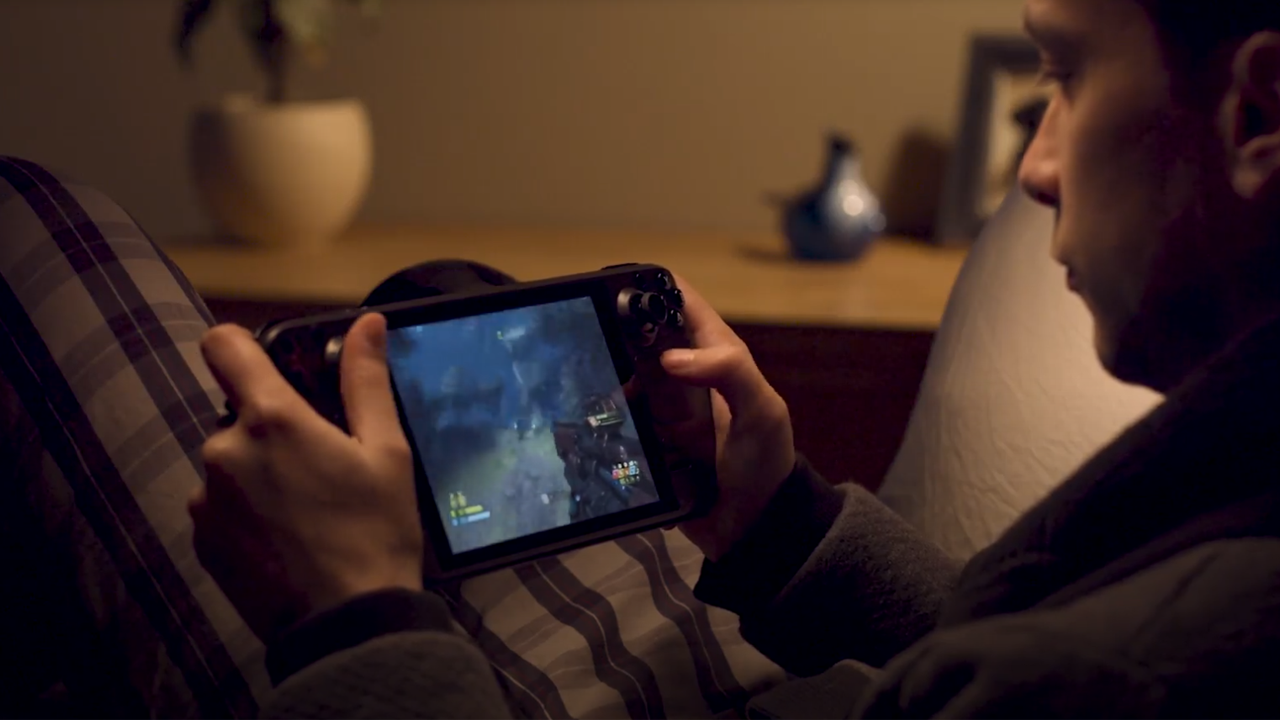
- AMD APU
- CPU: Zen 2 4c/8t, 2.4-3.5GHz (up to 448 GFlops FP32)
- GPU: 8 RDNA 2 CUs, 1.0-1.6GHz (up to 1.6 TFlops FP32)
- APU power: 4-15W
- 16 GB LPDDR5 on-board RAM (5500 MT/s quad 32-bit channels)
- 256 GB NVMe SSD (PCIe Gen 3 x4 or PCIe Gen 3 x2*)
ROG Flow X13 (2021)
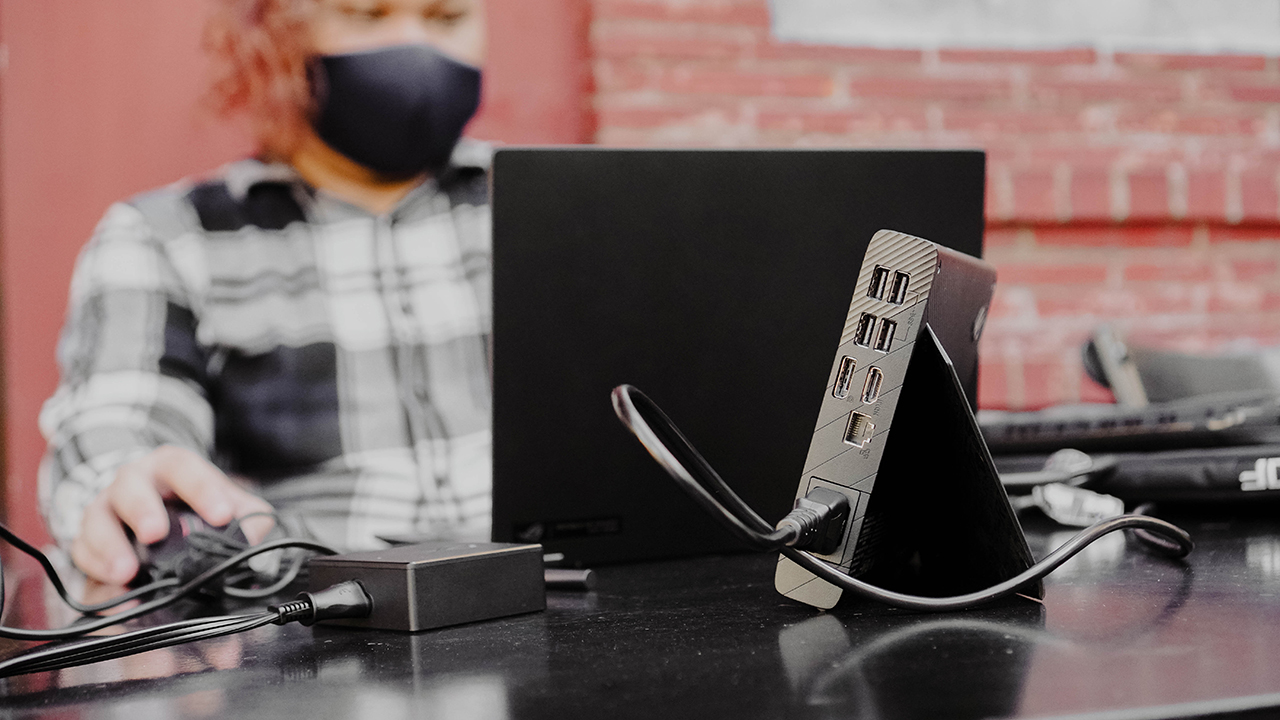
- AMD Ryzen 9 5900Hs with Radeon Graphics 3.30Hz
- NVIDIA GeForce GTX 1650 Laptop GPU, 4GB GDDR6 VRAM
- On board LPDDR4X RAM 4266MHz 16GB x 2 Dual channel
- 1TB M.2 2230 PCIe 3.0 x4 SSD
- With ROG XG Mobile (eGPU+)
- NVIDIA GeForce RTX 3080 16GB GDDR6 (150w)
ROG Zephyrus G14 (2023)
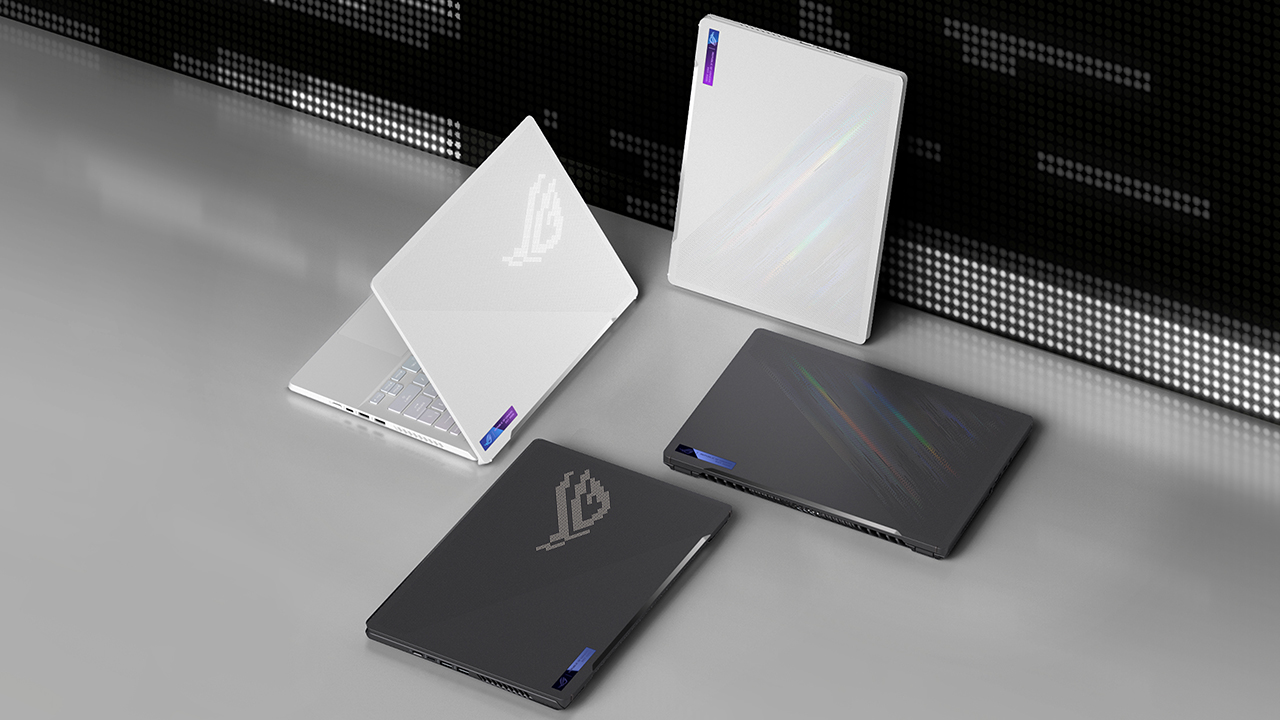
File Photo: Zepyhrus G14 (2020)
- AMD Ryzen 9 7940HS Mobile Processor (8-core/16-thread, 16MB L3 cache, up to 5.2 GHz max boost)
- NVIDIA GeForce RTX 4070 Laptop GPU
- ROG Boost: 2030MHz* at 125W (1980MHz Boost Clock+50MHz OC, 100W+25W Dynamic Boost)
- 16GB DDR5 on board
- 1TB PCIe 4.0 NVMe M.2 SSD
Experience per device

Just by looking at the specs, you can kind of picture already, at the very least, the graphical fidelity and general performance that each of the devices offered. Yes, to keep things simple, Steam Deck is on Medium, ROG Flow X13 is on High (with some caveats), and ROG Zephyrus G14 on Ultimate Ray Tracing.
For the most part, each device was automatically on the most ideal graphical settings as you fire up the game. We didn’t have to bother too much with tweaking things here and there. But that’s just us. The beauty of playing on PC is that you can make adjustments to your heart’s content. But we just wanted to play right away and stuck with the mostly vanilla settings.
Steam Deck
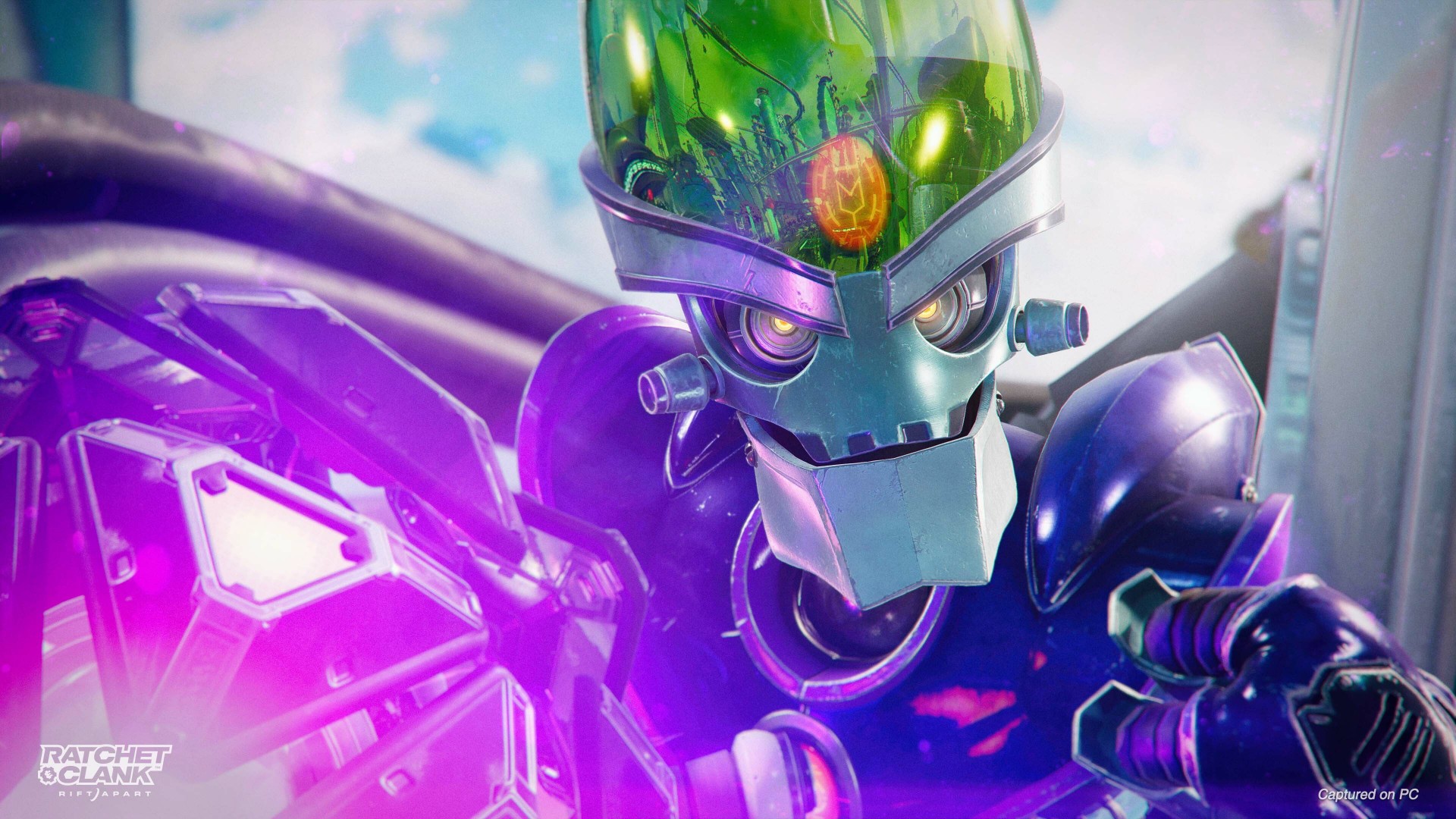
As a Steam Deck verified title, Ratchet & Clank: Rift Apart PC ran pretty well. Only a few things really stood out. This being a AAA title, you can expect to play for about two hours max if you’re unplugged.
You won’t enjoy the mind-bending visuals present when you play on the PS5. The graphics look closer to a late cycle PS3 game. It still looks fantastic which is a testament to the game’s overall art style. In the simplest terms, it’s like watching a video in 540p as opposed to the 4K, ultra-fine detail on its mother console.
The dimension-hopping didn’t feel as seamless as it did on the PS5 and that was to be expected. Still, the game ran mostly with just minor hiccups, never crashed, but we did have to force close it once when we missed a platform and it seemed like Ratchet was just falling endlessly into the void.
ROG Flow X13 (2021)
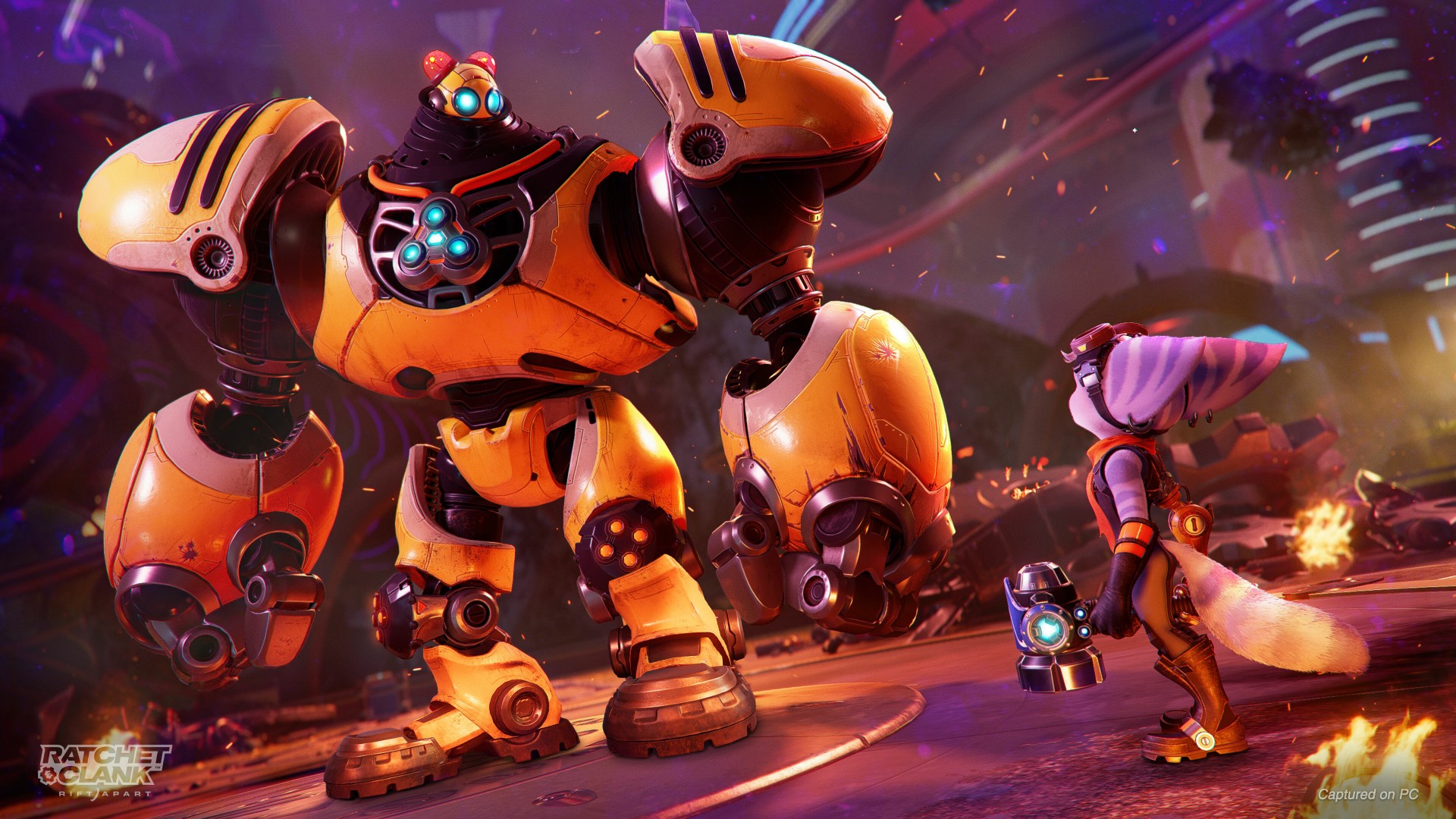
On the ROG Flow X13, the game was automatically on High settings even without the ROG XG Mobile plugged in. But the experience was rather dicey. There were plenty of graphical glitches when we played. Do note that we also did this unplugged. During that session, the laptop struggled to play on High. The game ran better when we switched to Medium later on.
Later on, in much more optimal conditions and with the ROG XG Mobile plugged in, Ratchet & Clank: Rift Apart PC ran exactly like how we expected it to. We even dated to bump it up to High Ray Tracing and enjoyed an experience that’s incredibly close to the one on the PS5.
In case you’re curious, we played using a GameSir G7 Wired Controller. It felt just like a regular Xbox controller but wired. If you’re used to the PS5 Dual Sense controller, it might take a few hours to get used to the feel. But the longer adjustment will be the face buttons, especially since both feature an “X” but on a different button placement.
ROG Zephyrus G14 (2023)
This is a review device that came in later and is the reason why we waited a little bit longer before publishing. And well, it was worth the wait. Playing on the latest Zephyrus G14 felt like a one-to-one recreation of the PS5 experience.
To truly match the console-like feel, we hooked up the laptop to a 55-inch 4K TV for good measure. Save for the controller, this was the closest we got to how we experienced the game back when it first came out. Graphically and performance-wise, there was hardly any difference.
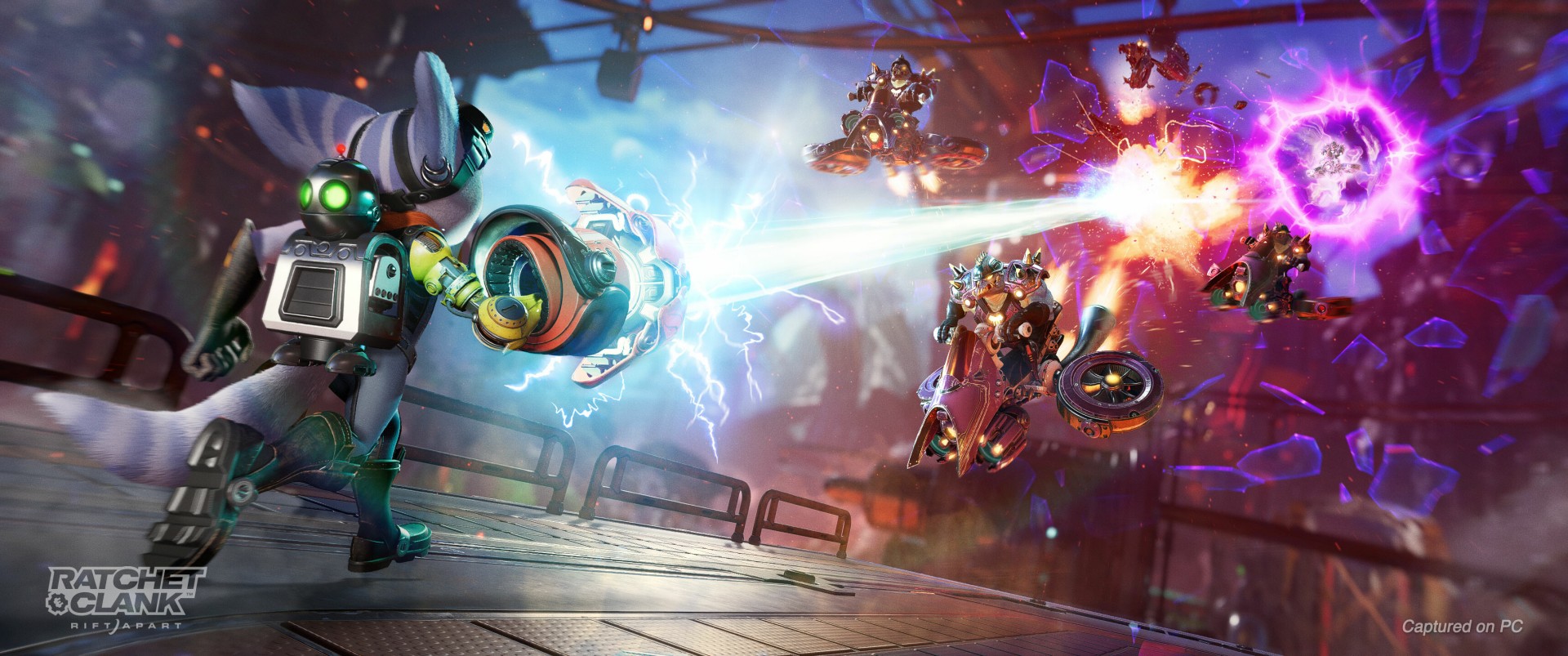
It’s a shame we didn’t have an ultra-wide gaming monitor during the review period to see how well the game translates visually on that kind of display.
Should you play Ratchet & Clank: Rift Apart PC?

This seems like an easy enough question to answer, but there are plenty of things to consider. First of all, do you already own a machine that can run the game and where in the graphical and performance settings does your machine fall?
At Medium, it feels like you’re getting only about 50-60% of what the game has to offer. It’s a visual marvel as much as it is a virtual adventure worthy of pouring over 20 hours on. When it first came out, many reviewers called it a “Pixar movie that you can play.” You won’t get that experience if you’re only playing on the Medium to High range.
But if you’re only in it for the story and gameplay – both of which are very much worth your time, then by all means jump right in. We do, however, recommend that you hold out for a sale to get the most bang for your buck.
SEE ALSO: Ratchet & Clank: Rift Apart Review: A damn good time




Gaming
NBA 2K27 gameplay trailer showcases new dunk mechanics, Rucker Park, and more
First gameplay details revealed


NBA 2K27 is giving fans their first look at this year’s gameplay.
2K has released the official gameplay trailer for NBA 2K27, showcasing enhanced visuals and several gameplay updates ahead of the game’s September 4 launch. The trailer also features cover athletes Victor Wembanyama, Caitlin Clark, and Derrick Rose while teasing changes across Gameplay, MyCAREER, MyTEAM, MyNBA, and the MyPLAYER Builder.
The publisher also confirmed the Preseason Breakdown: NBA 2K27 Game Reveal, which streams on August 18 at 10:00 AM PT. During the presentation, 2K will reveal this year’s biggest gameplay innovations and mode updates before Early Access begins on August 28 for Deluxe Edition and Ultra Edition owners.
Smarter AI and a new Dunk Meter headline gameplay changes
NBA 2K27 introduces several gameplay refinements based on community feedback.
AI defenders now contest shots more effectively and hold their defensive positioning better, especially in online modes like The REC. The changes aim to create a more balanced experience on both ends of the floor.
The game also introduces a fully dynamic Dunk Meter. Instead of locking in the timing at takeoff, the meter continuously evaluates defensive positioning throughout the dunk attempt. Open driving lanes create a larger green window, while late defensive rotations shrink it, making each dunk attempt feel more responsive to the action on the court.
MyPLAYER Builder expands with more Badges
The MyPLAYER Builder now features 53 total Badges, up from 40 in last year’s game. Players can also experiment with 19 brand-new Badges designed to support more specialized builds.
Cap Breakers are also making a return. This time, players can preview attribute boosts directly inside the Builder before finalizing their character.
MyTEAM and MyNBA receive community-requested updates
MyTEAM introduces the franchise’s first unified Auction House across PlayStation 5, Xbox Series X|S, and Nintendo Switch 2. The shared marketplace creates the largest pool of community-listed cards in the mode’s history. It should also make card prices more consistent across supported platforms.
Winning an auction is now faster, too. Purchased cards go straight into your collection without a verification delay.
MyNBA also receives several franchise management updates that reflect today’s NBA. These include second apron salary cap rules from the league’s latest collective bargaining agreement and the ability to offer No-Trade Clauses to free agents.
Rucker Park comes to MyCAREER
The City returns with the same centralized layout introduced last year. This time, however, it gets a new nighttime look filled with neon lights.
NBA 2K27 also recreates the legendary Rucker Park. The iconic streetball court serves as the setting for this year’s MyCAREER prelude story, Fire & Concrete, and also appears in the Street Kings mode.
NBA 2K27 launches on September 4 for PlayStation 5, Xbox Series X|S, PC via Steam, and Nintendo Switch 2. Players who purchase the Deluxe Edition or Ultra Edition can jump in early starting August 28 through Early Access.
Gaming
God of War Laufey finally confirms its highly anticipated launch date
Set your calendars next year.

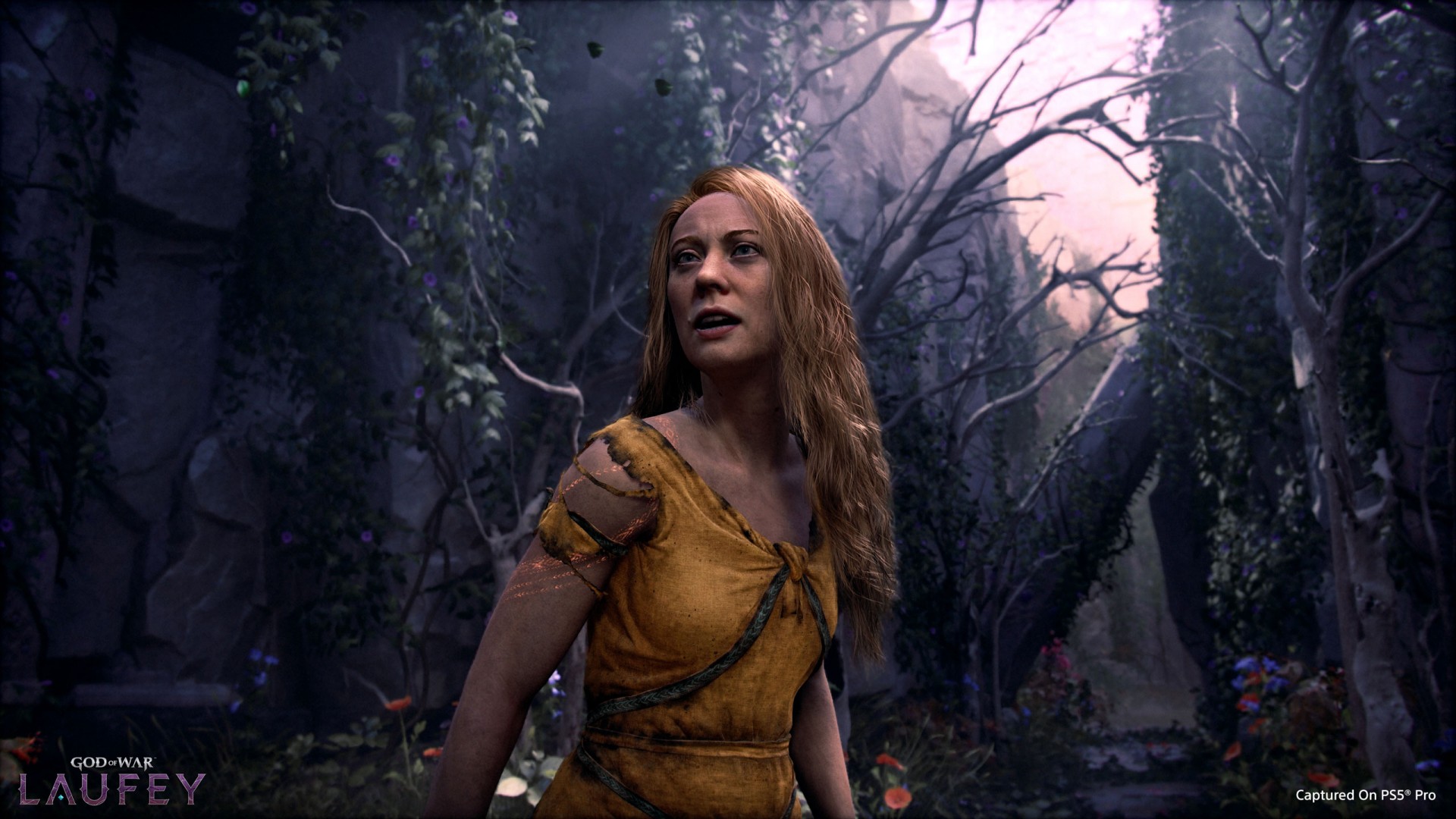
It’s about time we get excited for God of War Laufey. The upcoming entry into the acclaimed franchise takes off on a tangent as it follows Faye, Kratos’s late wife, as she traverses an afterlife filled with similarly deceased gods. It’s a different perspective but with still the same action we’ve come to expect from the series. Now, we know when to expect it: February 16.
In the ongoing Norse saga, Faye’s death is everything. Her passing pushes Kratos and Atreus towards a path that eventually led to Ragnarok. In Laufey, a deceased Faye wakes up in Everywhen, an afterlife where gods from different mythologies converge. She then discovers that the carefully laid plans she made to help her husband and her son are unravelling, so she has to find a way to save the living world from past the veil.
Laufey will still have the iconic battles that the God of War series is known for. However, because Faye is nimbler than the burly Kratos, fighting is more fast-paced with a mix of grounded and air-based fighting. All in all, there’s a lot to be excited about for Laufey, despite its different take on the series.
Over the weekend, during San Diego Comic Con, PlayStation confirmed when the title is launching. Thankfully, it’s not a long wait. God of War Laufey is launching for the PlayStation 5 on February 16 next year.
Additionally, Santa Monica Studio has also confirmed that Kratos will lead another entry after Laufey.
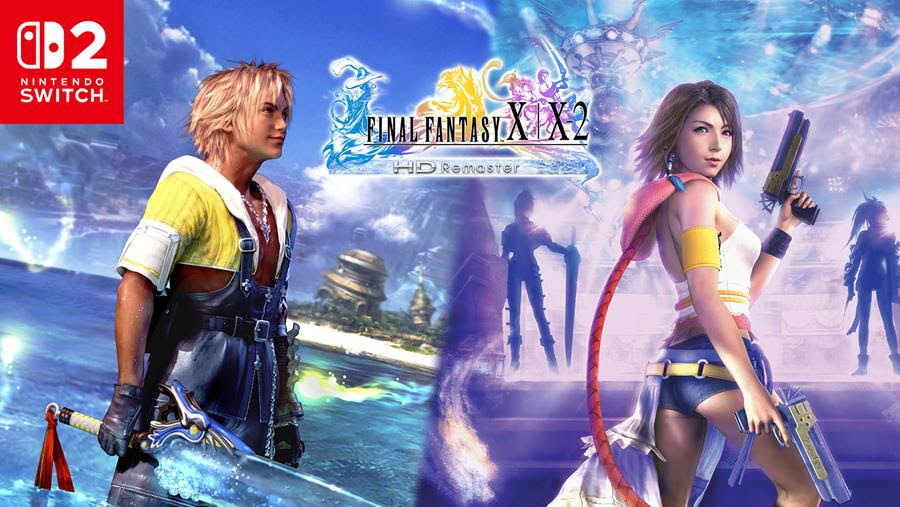
Bandai Namco Entertainment Asia and Square Enix have announced that FINAL FANTASY X | X-2 HD Remaster is now available on Nintendo Switch 2. Physical copies are also on sale across Southeast Asia.
The collection brings together FINAL FANTASY X and FINAL FANTASY X-2, two of the most celebrated entries in the long-running RPG franchise. Both games feature enhanced HD visuals while preserving their original stories and gameplay.
Two classic adventures in one package
In FINAL FANTASY X, players follow Tidus, a star blitzball athlete whose journey becomes intertwined with the summoner Yuna as they travel across the world of Spira to confront a devastating threat.
Its direct sequel, FINAL FANTASY X-2, takes place two years later. Players take control of Yuna alongside Rikku and Paine as they uncover ancient mysteries and face new enemies.
The release also coincides with the 25th anniversary of the original launch of the game in Japan, giving longtime fans and newcomers another opportunity to experience the pair of RPG classics at home or on the go.
Bandai Namco notes that physical edition availability may vary by country across Southeast Asia.
Watch the launch trailer below:
About the FINAL FANTASY series
The FINAL FANTASY franchise has entertained players for more than 35 years. Known for its cinematic storytelling, memorable characters, imaginative worlds, and technical innovation, the series has sold more than 212 million copies worldwide.


realme C100: Enduring and durable in spite of entry-level realities
Enough power but needs more agility


The ASUS ExpertBook Ultra wins you over
The laptop sneaks up on you


Nexal Watch Sport review: A rugged watch for small budgets
I couldn't believe that watches this good could come for this cheap.

Spartan Philippines brings DEKA to local athletes

Is the Pixel 11 copying a feature from Nothing?

HONOR debuts refreshed brand identity ahead of Robot Phone launch

OBSBOT’s Meet Flip is your next best pocketable 4K webcam

Now Playing: Spider-Man: Brand New Day


-

 Wearables1 week ago
Garmin launches its first screenless fitness band
-

 Automotive2 weeks ago
Mercedes-Benz celebrates 140th anniversary at the Presidential Car Museum
-
 Hands-On1 week ago
Hands-on: Samsung Galaxy Z Fold8, Flip8, Ultra
-

 Accessories6 days ago
CASETiFY revives Spider-Man collection for Brand New Day
-

 Cameras1 week ago
Sony announces new FX5 full-frame camera
-
 Gaming2 weeks ago
Street Fighter 6’s first Filipina fighter arrives August 3
-
 Gaming1 week ago
Call of Duty, Aston Martin unveil Dreadnought for Modern Warfare 4
-
 Gaming1 week ago
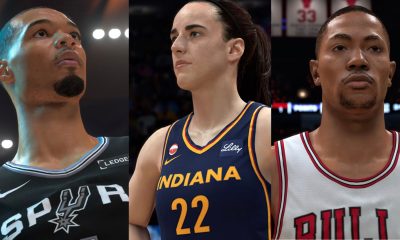
NBA 2K27 cover athletes unveiled: Wemby, Clark, DRose