
News
ZTE Blade Z Max comes with dual cameras, super-affordable price


The big players may be grabbing all the headlines, but ZTE is discreetly building a lineup of smartphones with excellent value. The Blade Z Max is the newest of which, and it offers features you’d normally find in handsets more than twice its price.
You wouldn’t think the Blade Z Max could offer anything substantial with its US$ 129 price tag, but all that changes at the first glance alone.
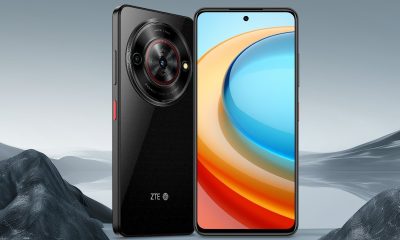
The back shows off a dual-camera setup composed of a 16-megapixel sensor coupled with a secondary 2-megapixel shooter to help with portrait duties. Below that, you can find the fingerprint scanner — another feature that was once reserved for much more expensive phones.

You can’t tell by the renders above, but the Blade Z Max has a massive 6-inch Full HD display and 8-megapixel selfie camera up front, as well as a 3.5mm audio port at the bottom. While the large screen would suck more energy out of the battery, the capacity is a healthy 4080mAh, and unlike most entry-level phones, this one has the more future-proof USB-C connection.
To keep things efficient, this ZTE model has a Snapdragon 435 processor and a decent amount of memory at 2GB. This means it’ll struggle to play graphics-intensive games, but running several light apps simultaneously should be manageable. On the bright side, its 32GB of storage can be expanded using a single microSD card.
All these are encased in a metal frame and textured back — again, not bad for a Android Nougat-powered smartphone costing less than US$ 150! The official release date is August 28; if you want it earlier, you may pre-order through MetroPCS in the US starting today.
SEE ALSO: Best Budget Smartphones below $300 (August 2017 Edition)
[irp posts=”16997″ name=”Best Budget Smartphones below $300 (August 2017 Edition)”]





News
TCL expands mobile lineup with latest NXTPAPER series
3 new smartphone models featuring a paper-like viewing experience

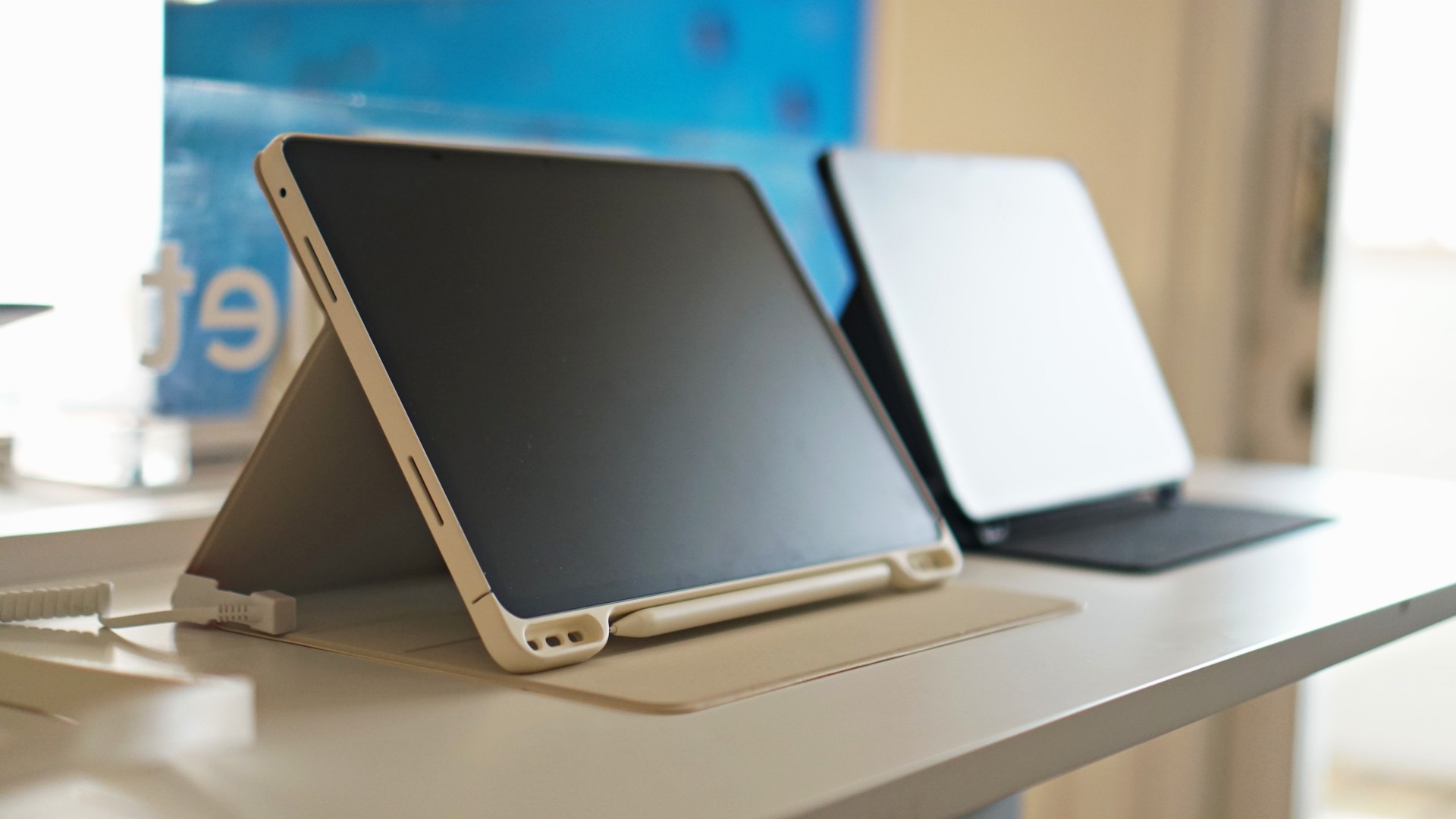
TCL has expanded its mobile lineup with the launch of the latest NXTPAPER smartphone series.
Part of the new NXTPAPER roster are the NXTPAPER 60 Ultra, NXTPAPER 70 Pro, and K70 Power 4G.
The new generation of smartphones is designed to deliver smarter, more comfortable, and more powerful mobile experiences for today’s connected lifestyle.
At the heart of the lineup is the company’s proprietary NXTPAPER technology, and award-winning display innovation.
It combines both hardware and software advancements to reduce eyestrain while preserving vivid colors and sharp picture quality. The result is a paper-like viewing experience.
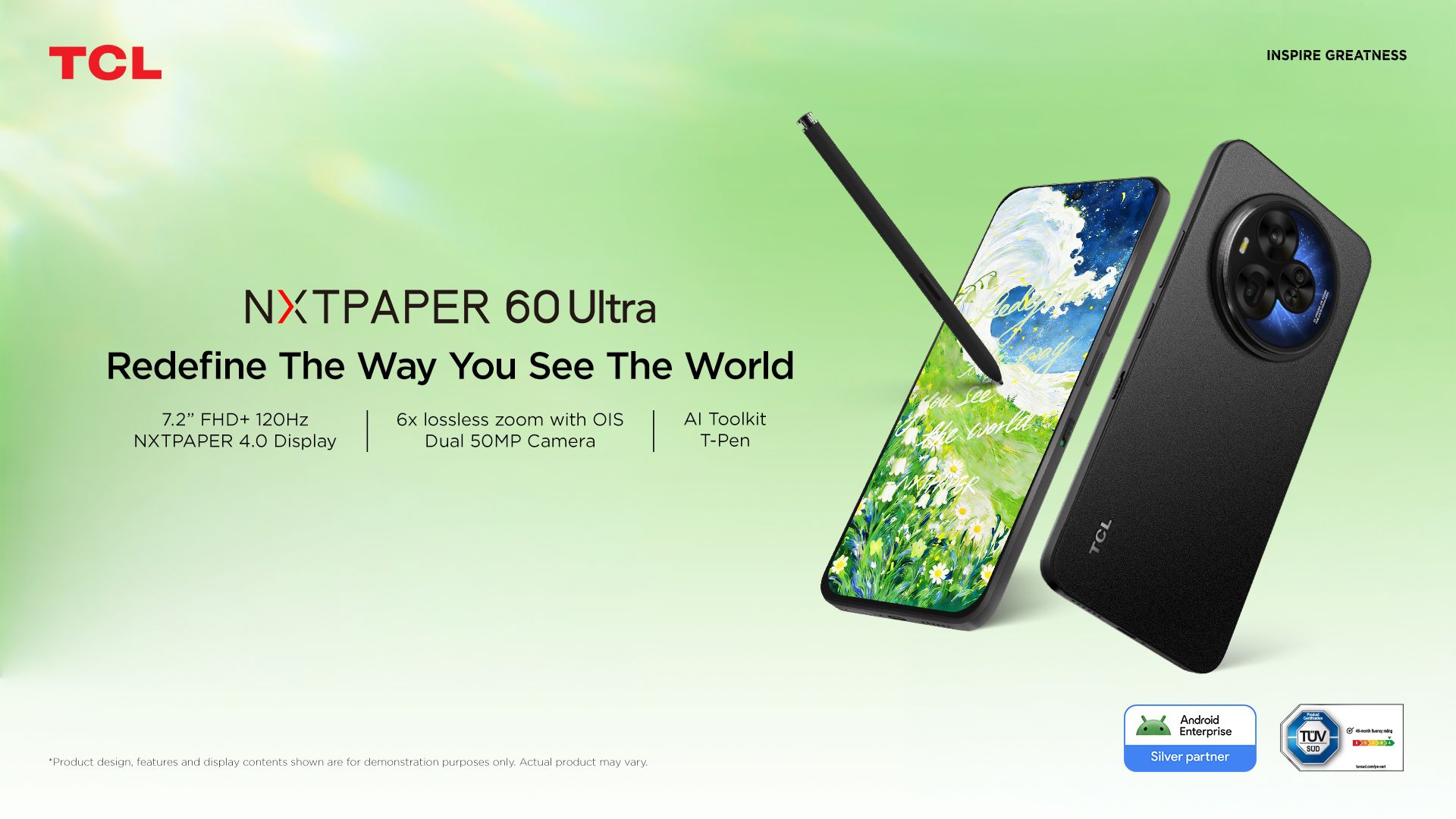
Bannering the roster is the NXTPAPER 60 Ultra. It is powered by a Dimensity 7400 Elite processor and runs on Android 16.
It comes with up to 512GB of internal storage and 12GB of base RAM, plus 12GB more for expansion.
In front is an expansive 7.2-inch 120Hz FHD+ display featuring Nxtpaper 4.0 and a 32MP selfie camera, while at the back is a 50MP main camera, along with a 50MP 3X telephoto camera.
This variant houses a 5,200mAh battery with support for 33W charging.
Right under the 60 Ultra is the NXTPAPER 70 Pro. It is powered by a Dimensity 7300 processor, and comes with a 6.9-inch 120Hz FHD+ display and a 50MP main shooter.
This model has 8GB of RAM and 256GB of internal storage. It has a similar 5,200mAh battery with 33W charging.
Lastly, the K70 Power 4G is a budget choice, with a Helio G100 Ultra chipset, 6.75-inch 120Hz display, 4GB of RAM, 128GB of storage, and a 50MP main camera.
Price, availability
In the Philippines, the latest NXTPAPER smartphones are available for the following pricing:
- NXTPAPER 60 Ultra: PhP 35,995
- NXTPAPER 70 Pro: PhP 22,995
- K70 Power 4G: PhP 9,495
All devices are available through Shopee.
Apps
Canva teams up with SB19 to turn A’TIN’s passion into creativity
Campaign lets fans access assets, editable templates, more

Canva Philippines has joined forces with SB19 and Sony Music Entertainment to launch the “Kaya sa Canva” campaign.
This first-of-its-kind initiative is aimed at transforming the popular Filipino boy band’s fanbase into creators by giving them access to official design assets, exclusive templates, and powerful creative tools.
That’s of course as fans have a way of creating artwork, banners, and more outputs to honor their idols.
As such, the partnership enables the A’TIN (SB19’s fanbase) to access the Canva-exclusive SB19’s Creative Hub.

This dedicated space lets fans access assets, including SB19-inspired sticker packs, custom typography, and editable templates inspired by the group.
Fans around the world will initially have access to templates for photo-booth strips, wallpapers, posters, and videos.
The campaign will then expand with Canva-exclusive assets celebrating the group’s New Era, as well as their latest single, “Lawless”.
Meanwhile, the original song “KAYA” is accompanied with an upbeat music video, doubling as a love letter to A’TIN and a masterclass in Canva’s tools.
Every visual and animation is fan-inspired, a celebration of the creativity, passion, and dedication that’s defined in the community from day one.
News
The iPhone 18 might sell out for an unexpected reason
The ongoing shortage might play a part in the phone selling out earlier than expected.

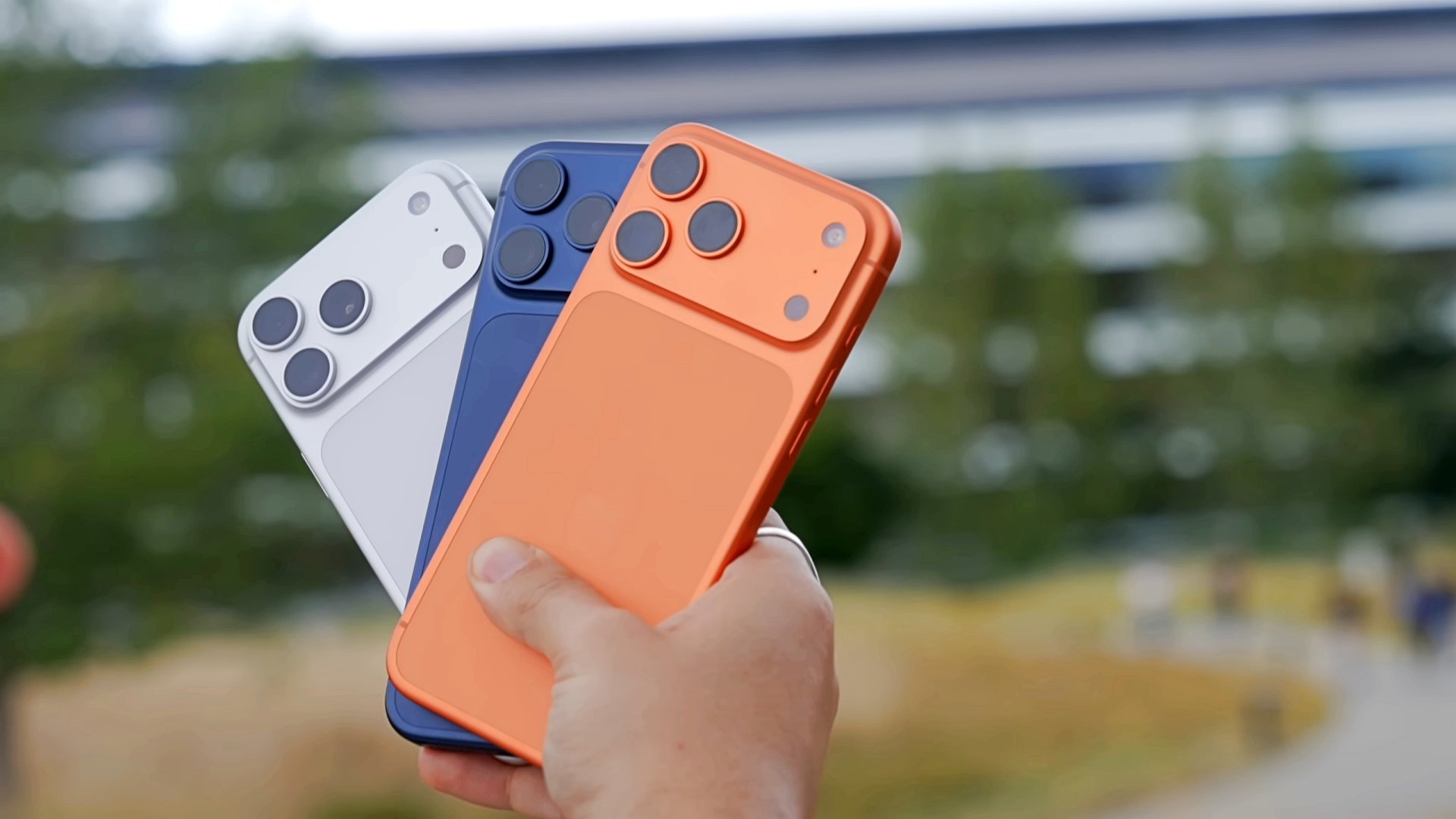
An iPhone selling out is not news. Because of how popular the phones are, it’s within the realm of probability that Apple runs out of stock at some point. According to a new report, this year won’t be any different… but it’s for an entirely different reason.
First reported by analyst Tim Culpan, Apple is reportedly struggling to meet its demand for semiconductors for the iPhone 18 and the foldable iPhone. The ongoing memory shortage is cutting off Apple’s ability to deliver the required supply of smartphones in a timely fashion. The report even claims that TSMC, which helps produce the iPhone, is sitting on a shipment of processors, worth US$ 1 billion, that don’t have memory chips.
Now, Apple is still confident that it can weather the launch. However, if the shortage persists, the iPhone 18 generation will likely sell out much more quickly than expected.
It’s an interesting time for Apple to experience such a shortage. It’s been heavily rumored that the company will launch its very first foldable phone next month, creating a new market for the brand. Apple definitely wants this attempt to succeed after the tepid response to its last new product, the Vision Pro.
SEE ALSO: Did Tim Cook just confirm that iPhone prices are going up?


30 days later with the ASUS ExpertBook Ultra: Like seeing an ex
Felt exactly as I remembered.


ROG STRIX G16 Review: Building for the moment
Setting it up however you want to make the most out of it


realme C100: Enduring and durable in spite of entry-level realities
Enough power but needs more agility
30 days later with the ASUS ExpertBook Ultra: Like seeing an ex

TCL expands mobile lineup with latest NXTPAPER series
ROG STRIX G16 Review: Building for the moment

Smart opens HUAWEI Pura 90s Series pre-orders with exclusive freebies

Apple Watch, AirPods get exclusive offers via Beyond the Box

Hands-on: Samsung Galaxy Z Fold8, Flip8, Ultra

Garmin launches its first screenless fitness band

VinFast debuts two-wheeler models, opens 21 e-motorcycle showrooms

Samsung releases teaser with Spider-Man: Brand New Day Easter eggs

Most of the world’s PlayStations will be officially useless by 2028


-
 Automotive1 week ago
VinFast debuts two-wheeler models, opens 21 e-motorcycle showrooms
-

 Computers2 weeks ago
AMD launches Radeon RX 9050 graphics card
-

 Automotive1 week ago
Xiaomi debuts SkyNomad Series featuring new Kunlun platform
-

 News6 days ago
OnePlus officially leaves the United States and Canada
-

 Gaming2 weeks ago
NBA 2K27 gameplay trailer showcases new dunk mechanics, Rucker Park, and more
-

 Gaming1 week ago
Call of Duty: Modern Warfare 4 clip shows Losing Ground 1st look
-
 Automotive2 weeks ago
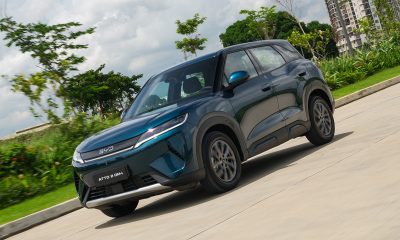
BYD Atto 2 launches with EV, plug-in hybrid options
-

 Automotive1 week ago
GAC launches new trio of MPVs