

Hands-On
Smart ZTE Blade A75 5G speed test and hands-on
How far can a budget 5G smartphone take you?

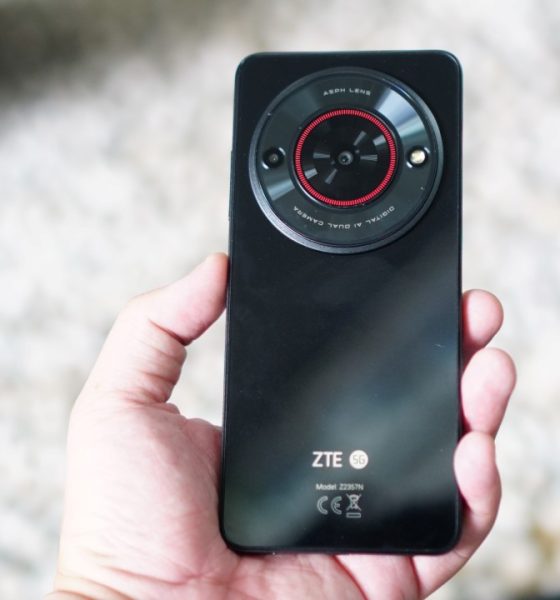
Late last month, Philippine telco giant Smart announced a sub-US$ 100 5G-capable smartphone: the Smart ZTE Blade A75 5G. It’s a collaboration with Chinese company ZTE, intended to make 5G technology more accessible for Filipinos.
Aside from its 5G capability, the phone comes with the usual specs expected of an extremely affordable device. It has 4GB of base RAM with 4GB of expansion, and 128GB of internal memory.
The Smart ZTE Blade A75 also has a 50MP main camera, the usual 720p resolution screen, a Unisoc T760 octa-core processor, and a 5,000mAh battery.
Smart ZTE Blade A75 5G speed test
Now, all these features make up for a reliable budget device on paper. Having stable 5G signal means being able to consume content at a better quality, and staying connected wherever you are, at least on 5G-ready areas.
According to Statista, the average 5G mobile connectivity speed is at 375.4 Mbps. To test whether the ZTE Blade A75 can at least be competitive when it comes to 5G connectivity, we brought the handset to different parts of Metro Manila and more.
📍Bonifacio Global City (BGC), Taguig
We unboxed the device inside a popular cafe in BGC, Taguig City. After setting the phone up and activating the 5G SIM, the download speed ranged from about 60Mbps to 80Mbps.
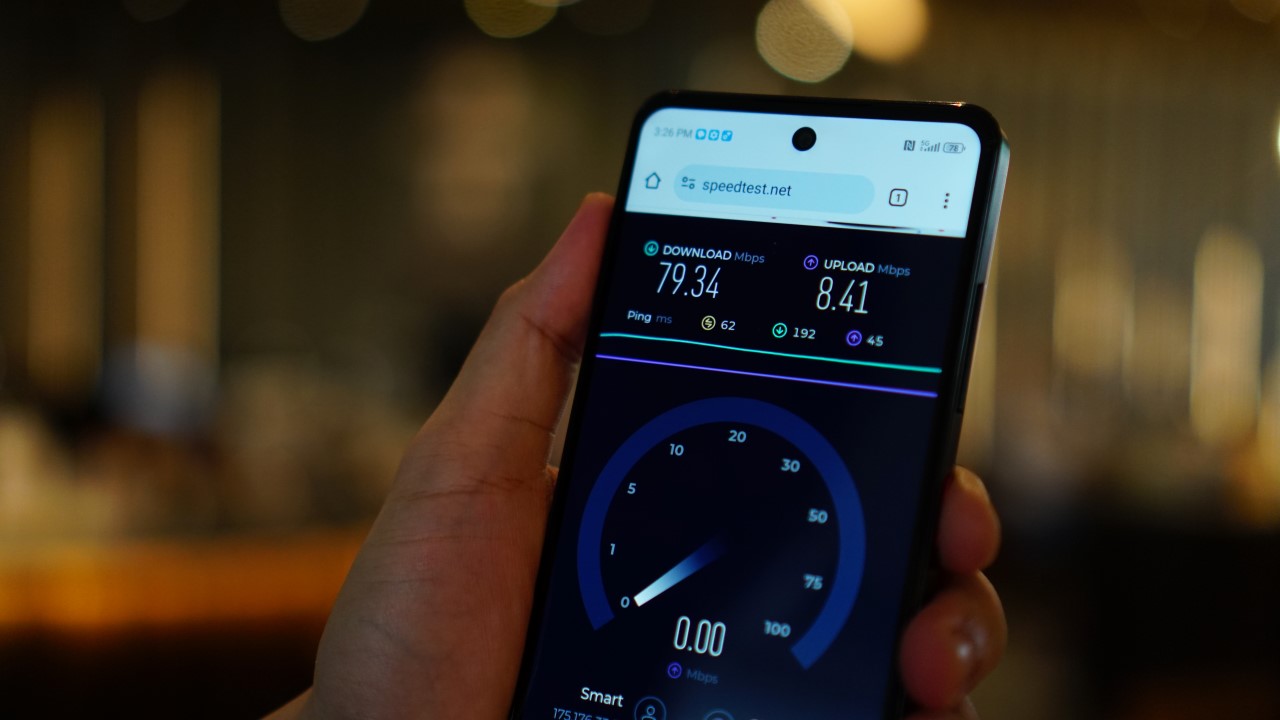
Testing the Smart ZTE Blade A75 coincided on a week where I had several trips, so I was able to bring the phone along.
📍Pasig City

I stayed for a few days in a cheap accommodation along Shaw Boulevard in Pasig City, just right next to the bustling Ortigas CBD.
I got download speeds of below 100Mbps indoors, but that shot up to about 150 to 200Mbps once I stepped outside the lobby.
📍Cubao, Quezon City
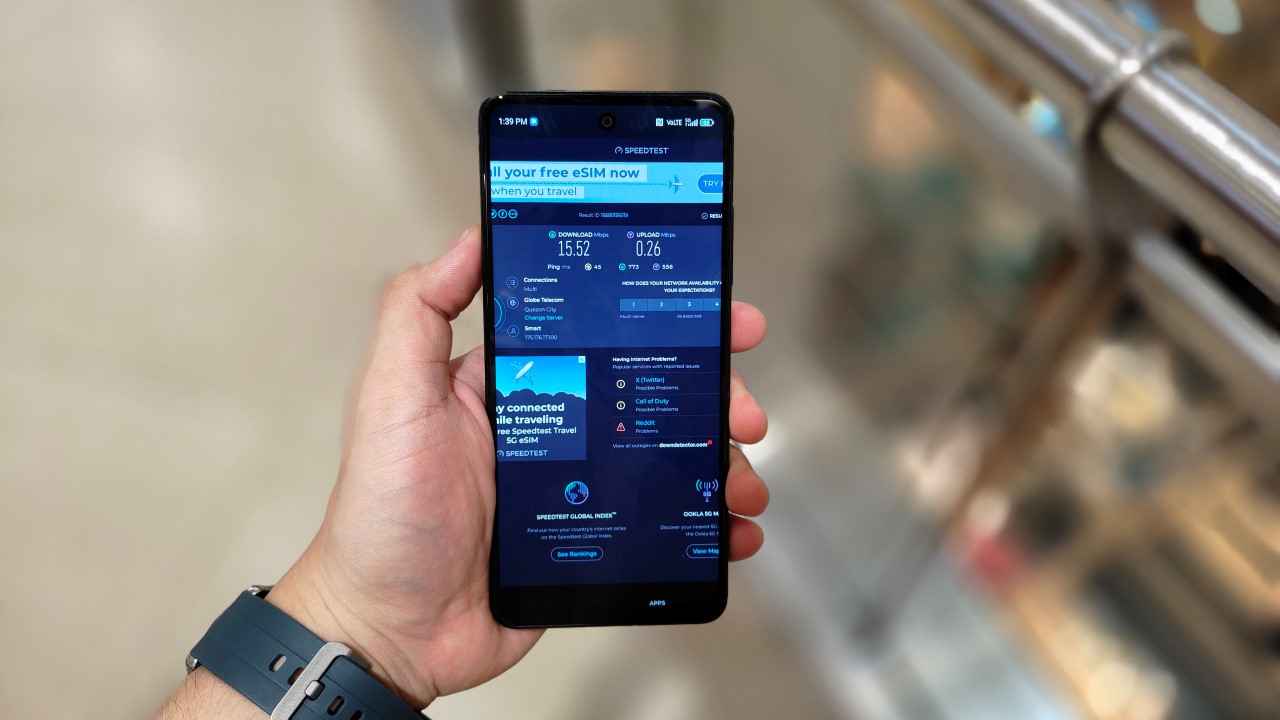
Inside Gateway Mall 2.
In Quezon City, I went to different malls to check how the device is able to connect to the 5G network in spite of being surrounded by concrete walls from several directions.
From the malls’ lower levels, the phone struggled, registering anywhere from just 10 to 30mbps. There were also dead spots in the areas close to the MRT station here. The phone switched to the 4G network.
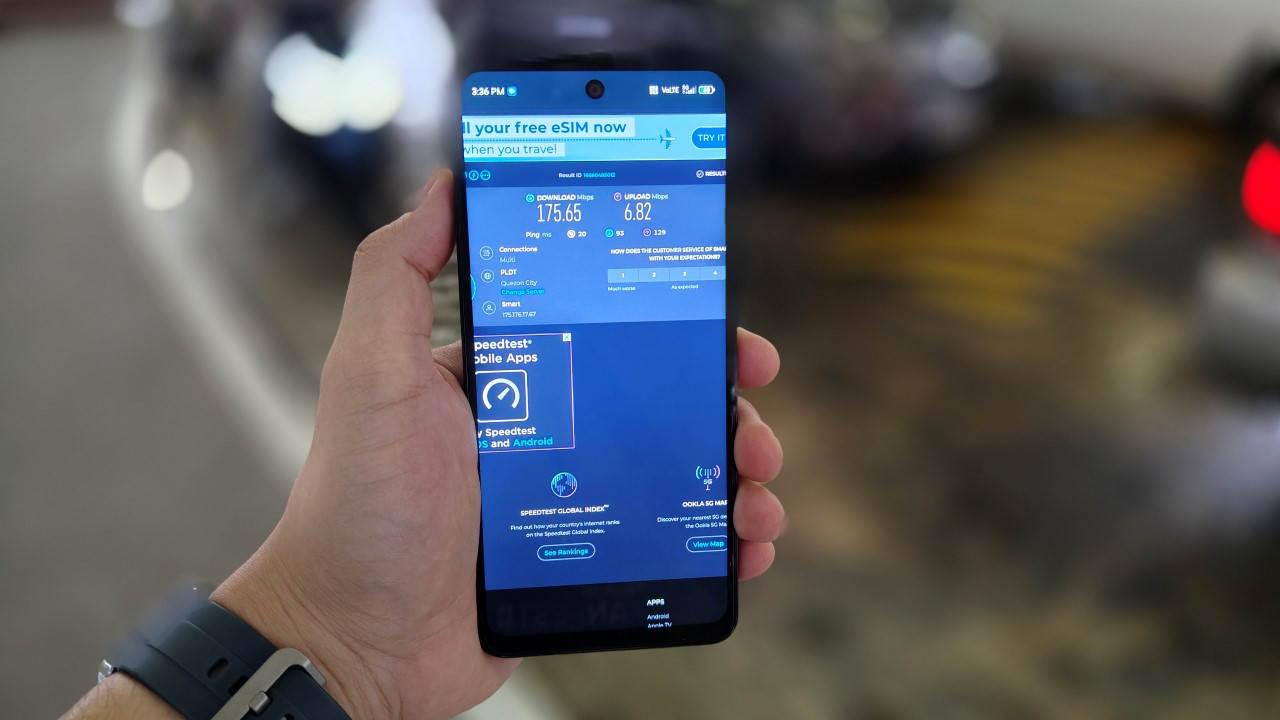
Outside Gateway Mall.
Although, once, there was an outlier result inside Farmer’s Plaza, at a download speed of 455.39mbps. Outside, the speed once again picked up, reaching just below 200mbps.
Obviously, there several factors affecting network speeds, from walls to congestion and many more. When you’re in the heart of Cubao, chances are there are flocks of people watching events inside the Smart Araneta Coliseum, which also affects the bandwidth allocation in the area.
📍Makati City
I was quite surprised the signals inside One Ayala were disappointing. Perhaps, it’s the congestion of the vicinity, as this area is a chokepoint for those traversing the MRT station here, as well as those enroute to the many malls in the area. Not to mention, the One Ayala building itself has upper floors for corporate spaces.
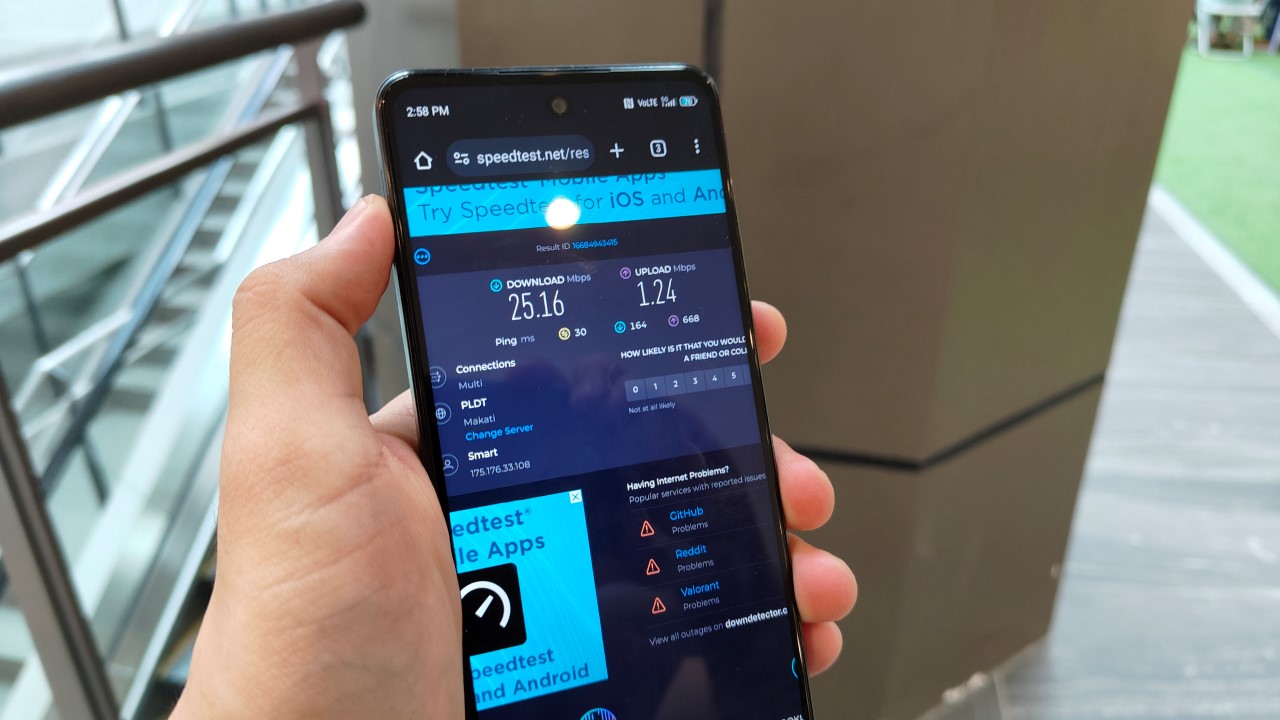
Speed test inside One Ayala (concourse level) in Makati City.
But whenever I was close to a window or a certain establishment’s veranda area, the ZTE Blade A75 gave me speeds of about 150 to 200Mbps yet again.
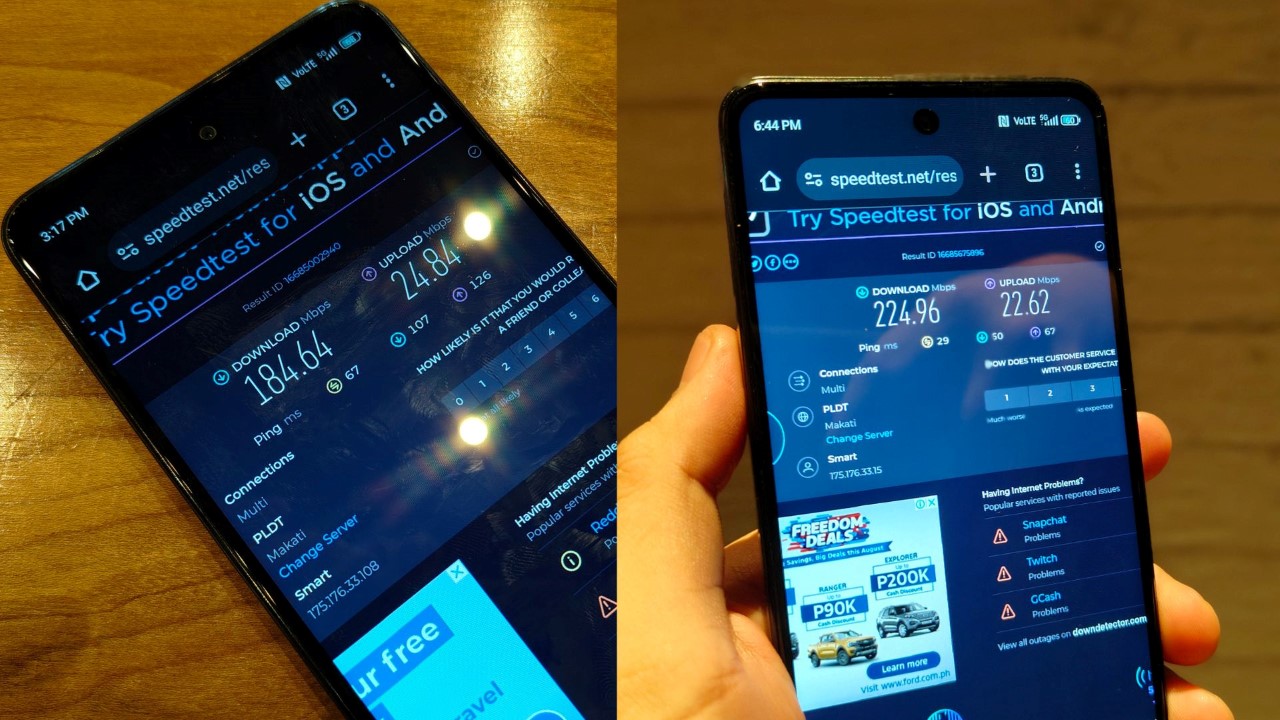
Technically inside other establishments but nearby windows or veranda areas.
It increased even further when I stayed inside a coffee shop in the fourth floor of Glorietta, but by the window. And this was during the night, where the “internet rush hour” usually happens.
🚌In transit: Paranaque City and beyond
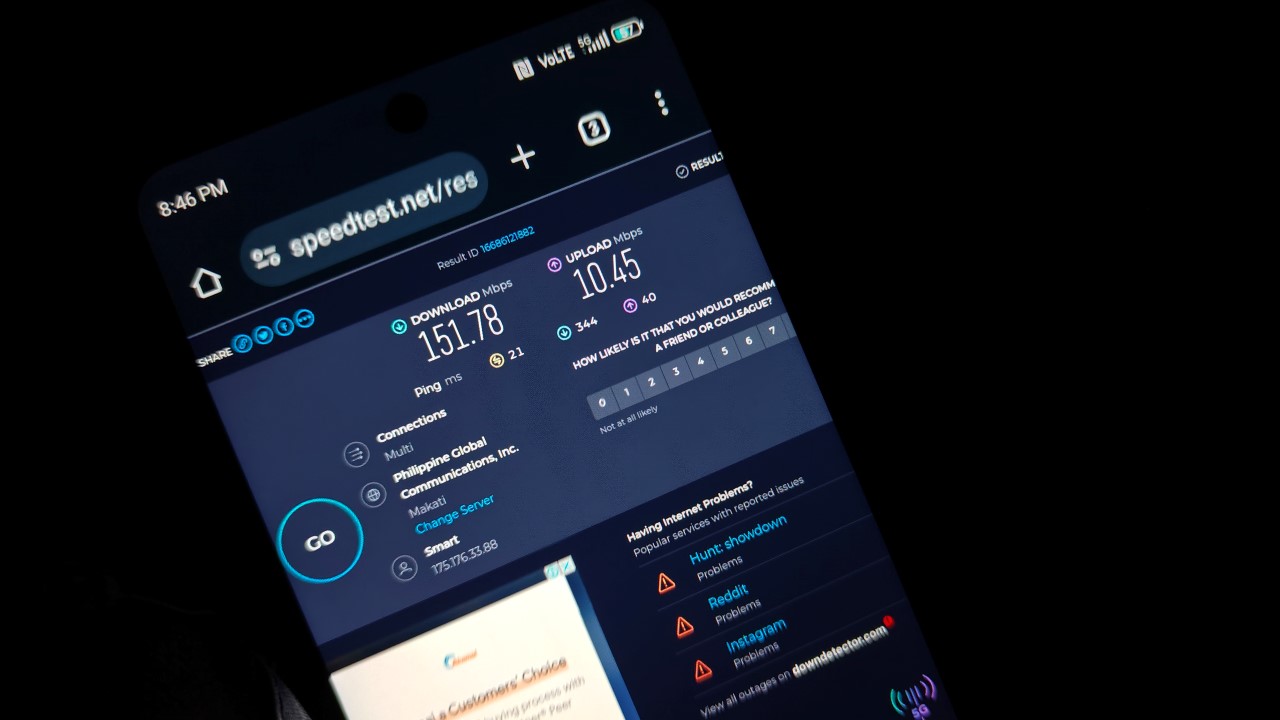
For more challenging scenarios, we also tested to see how the ZTE Blade A75 faired when in transit and from inside a moving vehicle.
As someone who travels frequently across cities, watching content is my main way of passing time especially when the traffic is heavy or if ever I got caught up in rush hour.
Surprisingly again, the internet download speed was still above par while traversing NAIAX. This was just past the Newport World Resorts complex and as you see NAIA Terminal 3 from a distance.
🚌In transit: Bacoor and Imus, Cavite
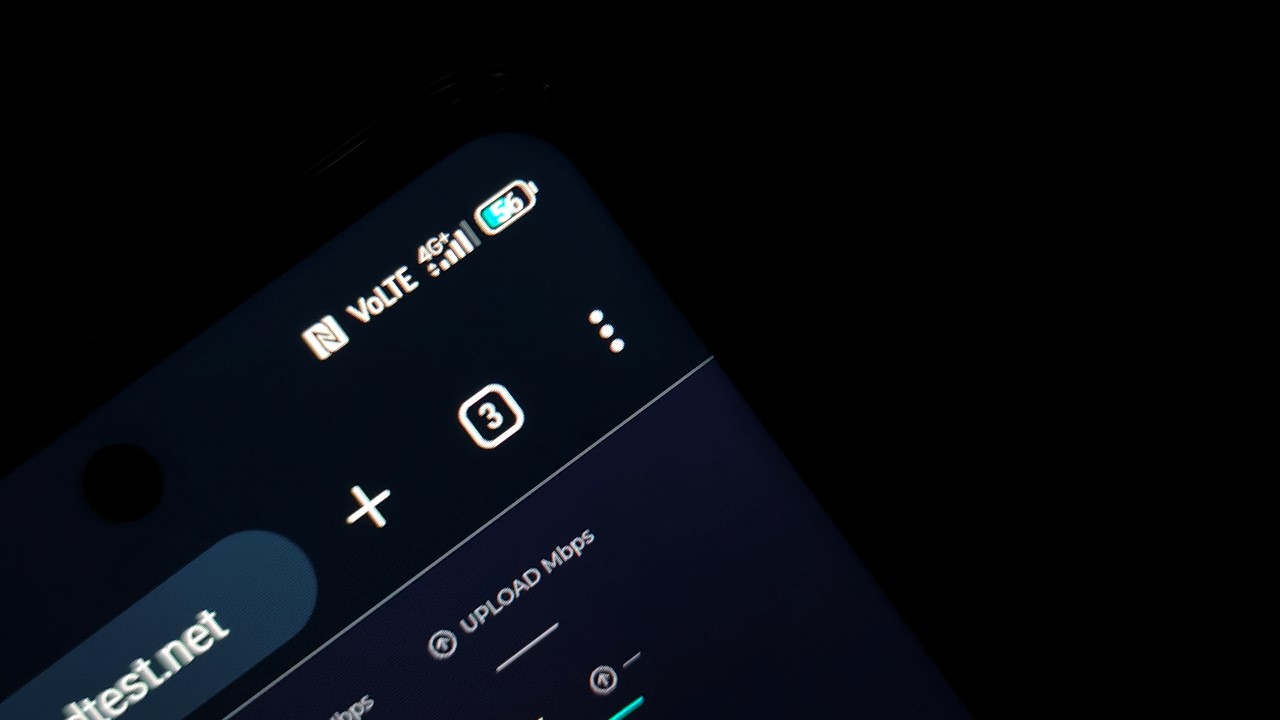
Best to just look at the Manila Bay scenery from Cavitex when travelling to Southern Luzon, especially during golden hour where the sunset can look picturesque.
For the usual dead spots along Cavitex, the device once again switched to 4G and sometimes, even 3G/H+. This was quite expected given that I have been using a SIM from the same network for my other smartphones.
It only picked up when I reached the busy parts of Aguinaldo Highway close to a main mall here. Once the van I was riding reached the City of Imus, I was amazed at how the speed shot up to more than 300Mbps.
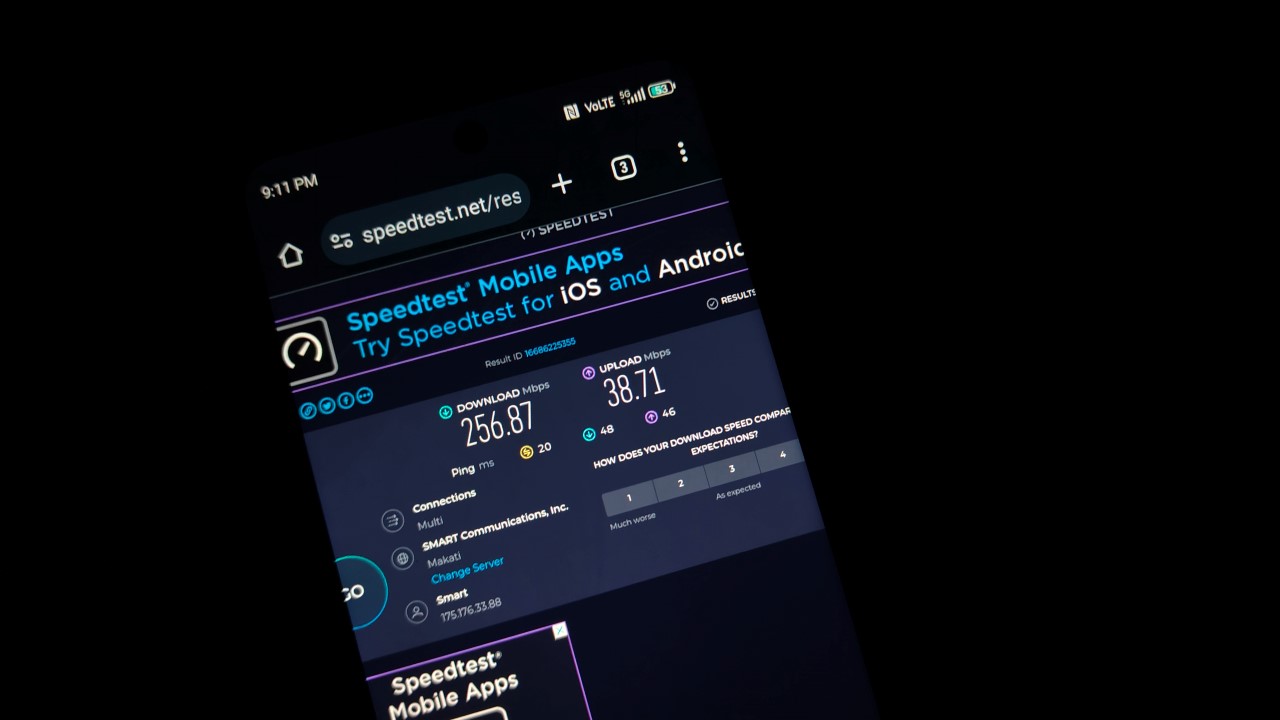
Speed check while along Aguinaldo Highway, Imus, Cavite.
With many local coffee shops springing left and right in Cavite, having this stable signal can be helpful for freelancers like me who often thrive in remote work setups.
📍At home
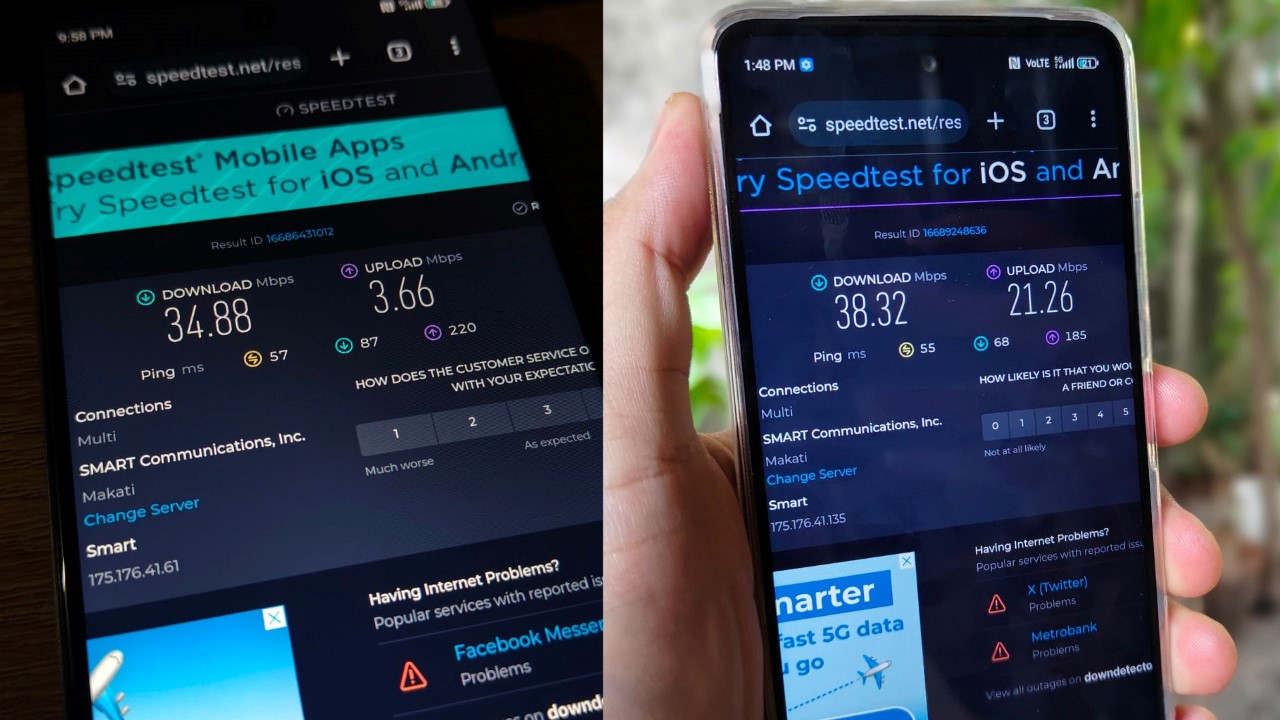
Finally, I had similar results when I tested the device while at home. That’s for both indoor and outdoor tests.
Nevertheless, a 30Mbps speed is actually enough to stream content at 720p quality or play online multiplayer games.
Interestingly, the upload speed was above 20mbps, which is decent if I decide to go on a livestream or virtual meeting session. That’s of course, using the ZTE Blade A75 as a hotspot device.
Know your ‘speed limit’
While the Blade A75 can generally support reliable 5G speeds, it’s important to remember that it is still ultimately budget handset. We cannot isolate the 5G capability feature and judge it in a vacuum.
5G capability is usually reserved for devices starting with the lower midrange segment at the very least, because the hardware and software complement the internet speed.
I like Smart’s intent to democratize 5G, but perhaps, smartphone manufacturers should also begin making materials for such handsets a lot cheaper.
Make no mistake, phones that cost about US$ 200 already have much better specs than, say, about two to three years ago. And the average 4G internet speed is usually sufficient for browsing at HD or FHD, as well as gaming.
But the trend with budget phones seems to be that you have to choose which features you have to sacrifice to save money. Some phones in the segment offer durability and shock or water resistance. But they’re not smooth. Others are a little more fragile but can give you decent performance. The same goes with Smart’s handset.
Expect slowdowns
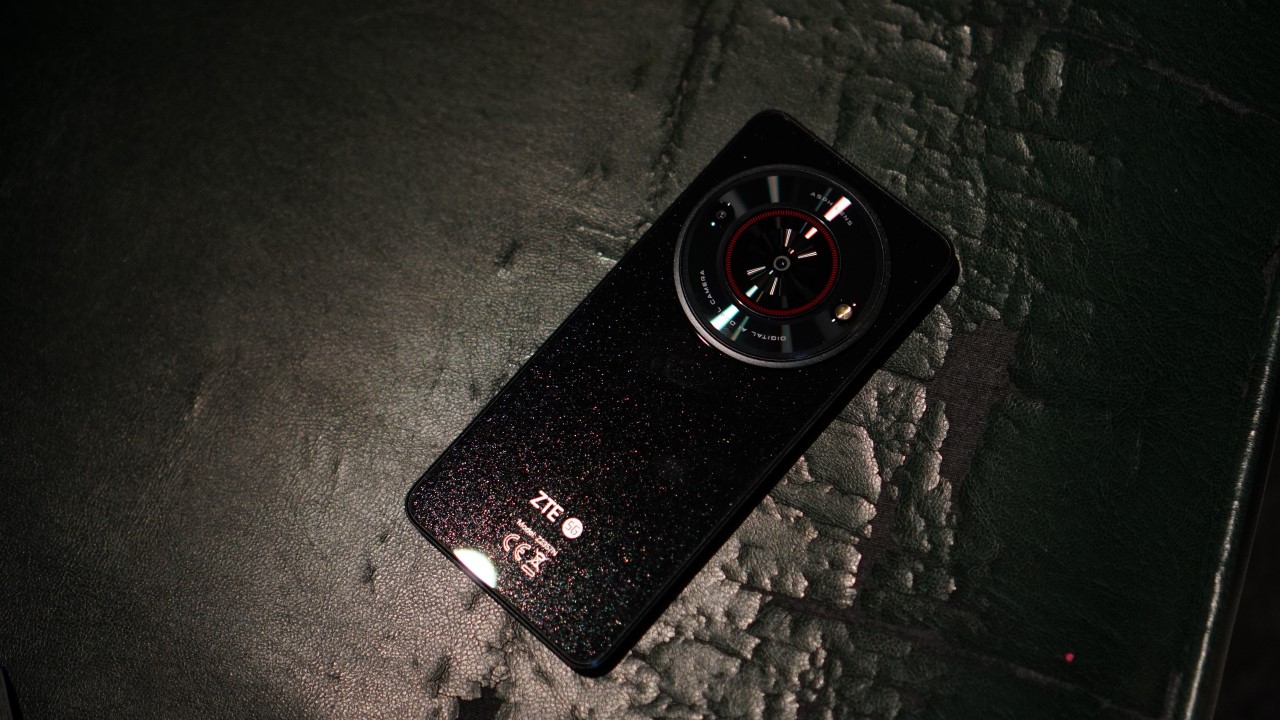
All that said, expect slowdowns or delays on Smart’s device whenever there are multiple apps open. These are all natural considering its limits. In my case, the screen isn’t exactly smooth at times. Everything else is also cheap. It’s not necessarily a negative thing. It’s just what it is.
For instance, when turning up the volume to full, the speakers produce sound that’s a little distorted and lacking in clarity. There are many delays in responsiveness too whenever tapping or swiping on the screen.
Another caveat is the lack of fast charging on this device. It takes about three hours to charge it to 100 percent. I can’t confidently say this can be a BudgetMatch for TNVS drivers for instance, who have to keep multiple apps open and turn on location services and real-time navigation apps when in duty.
Perhaps, a workaround here would be to utilize this device as a mobile hotspot. If you happen to have an extra phone or have extra income to purchase one, the Smart ZTE Blade A75 will definitely be a huge help.
With budget-friendly prepaid promos from Smart, I don’t see any problem why this device can’t be used as a channel for blazing fast data.
Sample photos

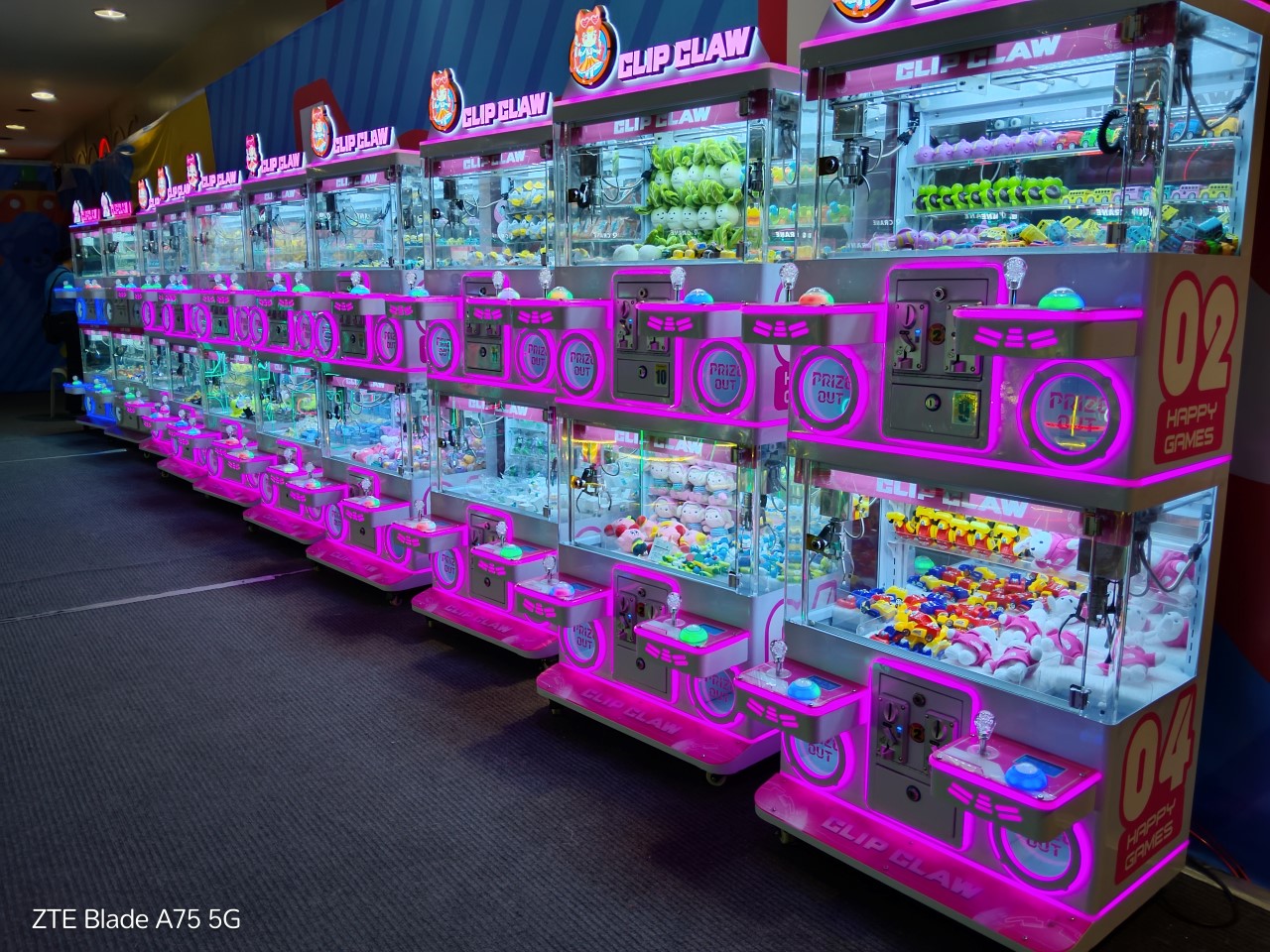
The Blade A75’s shooter is primarily for your documenting needs, and not for social media-worthy captures. It does its job but results, as expected, lack clarity and sharpness at times.
At the very least, you can get legible details at up to 3x zoom should you need to record important information. The camera works well for close-ups, too. Think of reviews for your ecommerce buys, proofs for deliveries, and more practical scenarios.
You just have to be patient with shooting because the shutter doesn’t respond fast enough. You also have to be extra still right after tapping because it won’t process right away.

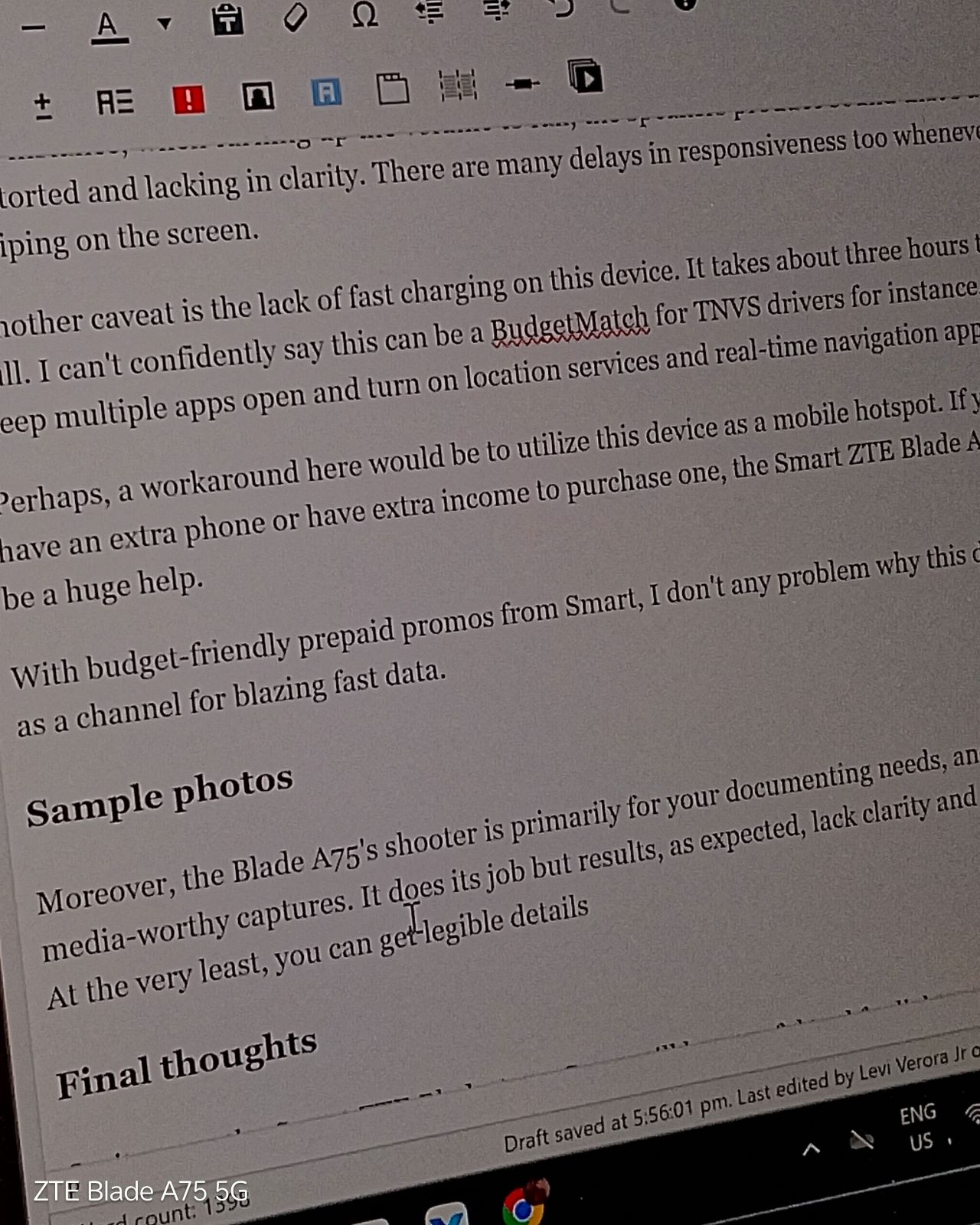
Zoom in further and it the results look as if taken by a 2MP camera from an those old QWERTY mobile phones.
The camera system does have HDR for better detail retention at times. It may or may not process the photo well for against-the-light captures.
Moreover, it even has a portrait mode but expect segmentation errors. As for videos, it works as is, but if your hands are shaky, good luck.

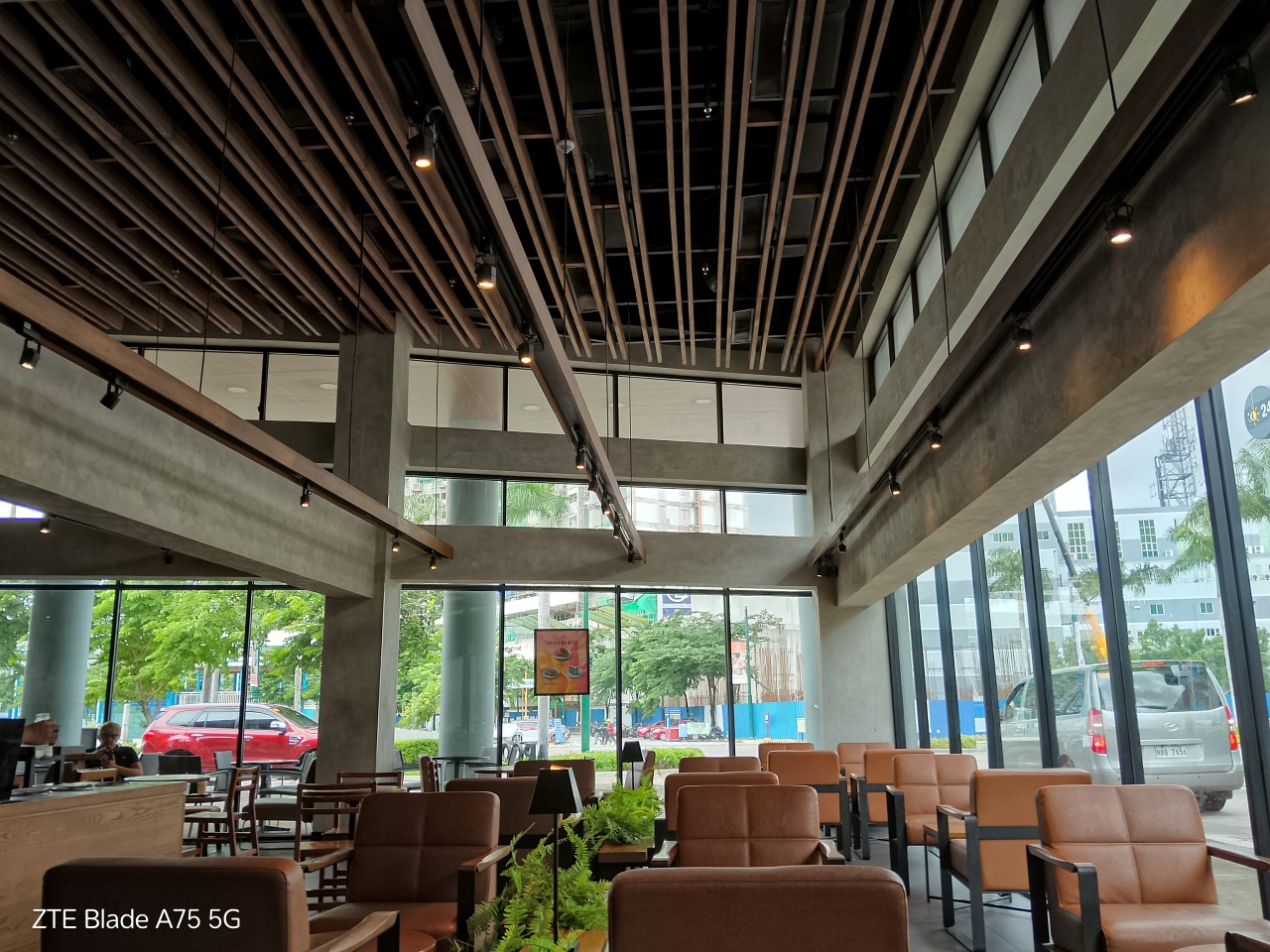



In fairness, light absorption is generally decent. Night mode can get you sufficient brightness for some shots.


Final thoughts
On its own, the Smart ZTE Blade A75 5G can still be a useful tool for light everyday use. You can take photos with it and use it to browse social media with stable connection speeds. You can upload as many stories and videos as you please if you’re on an unlimited 5G promo, too.
How long it performs at par for its asking price in the long run ultimately depends on how well you take care of it and keep the overall usage in moderation.
Smart ZTE Blade A75 5G specs:
- Unisoc T760 processor, up to 2.2GHz
- 4GB RAM + 4GB RAM expansion
- 128GB internal storage
- MyOS based on Android 13
- 6.6-inch HD+ (720 x 1612) display, 120Hz
- 50MP AF main camera plus 2MP extra camera
- 8MP selfie camera
- 5,000mAh battery
- Dual SIM (one exclusively for Smart/TNT, another for all networks)







Hands-On
Apple iPhone 18 Pro Series Hands-on
And everything announced during Apple’s September 2026 Event


The latest Apple event isn’t just about the shiny new Apple Duo. There’s a lot to talk about!
In this video, we break down everything Apple has announced during their September 2026 keynote.
First, there’s the updated iPhone 18 Pro and 18 Pro Max. That’s alongside their design and color changes, battery and performance improvements. Even that massive camera upgrade.
There’s even the ANC-infused AirPods 5 alongside the newer Apple Watch Series 12 and Apple Watch Ultra 4. Plus, the latest software updates coming to both these wearables.
So, are these worth the upgrade?

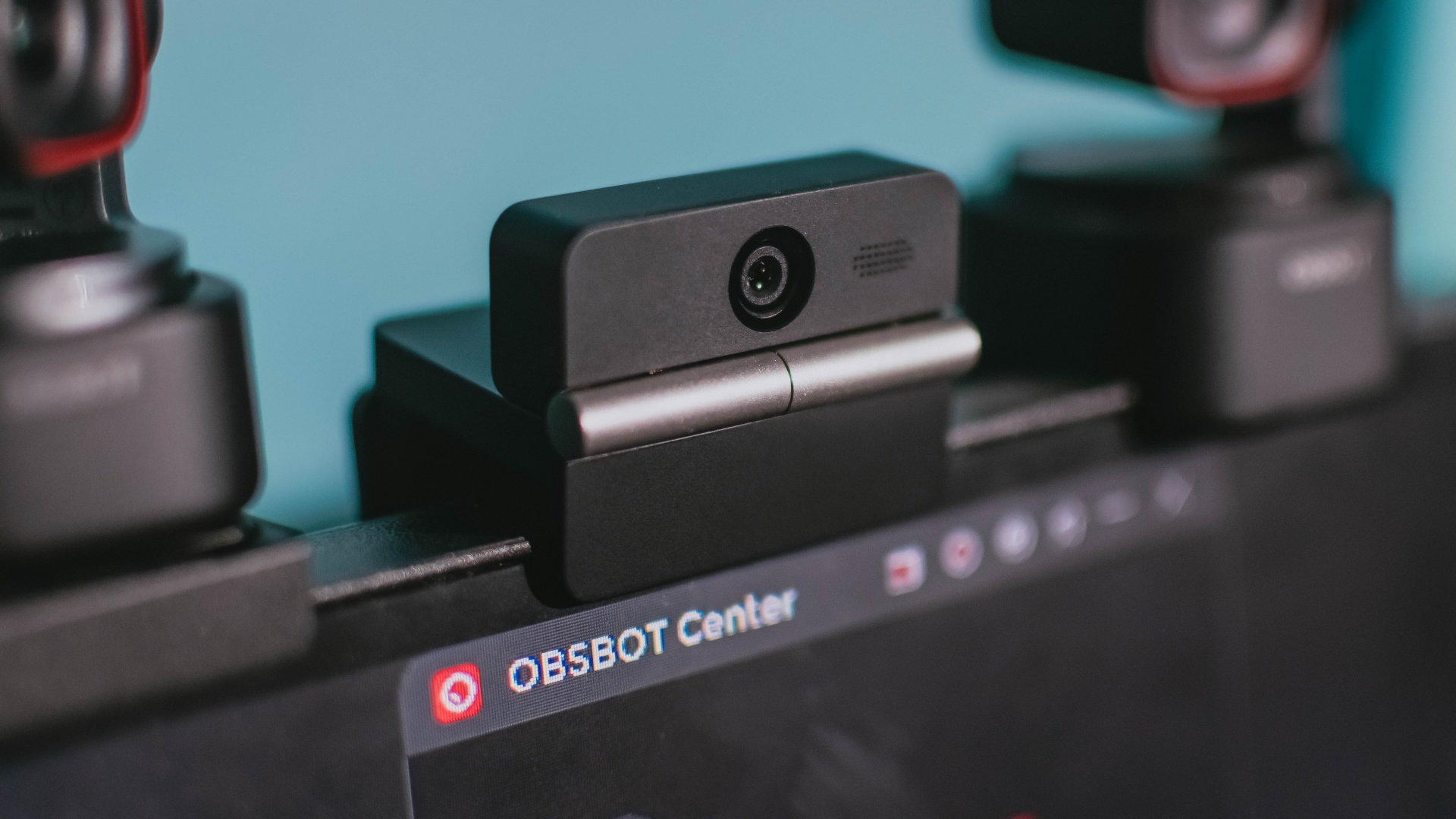
Phones flip and fold. Now webcams do too.
Foldable screens have found their way into phones, tablets, and laptops in recent years. Now, OBSBOT is taking that idea in a considerably smaller direction: the webcam.
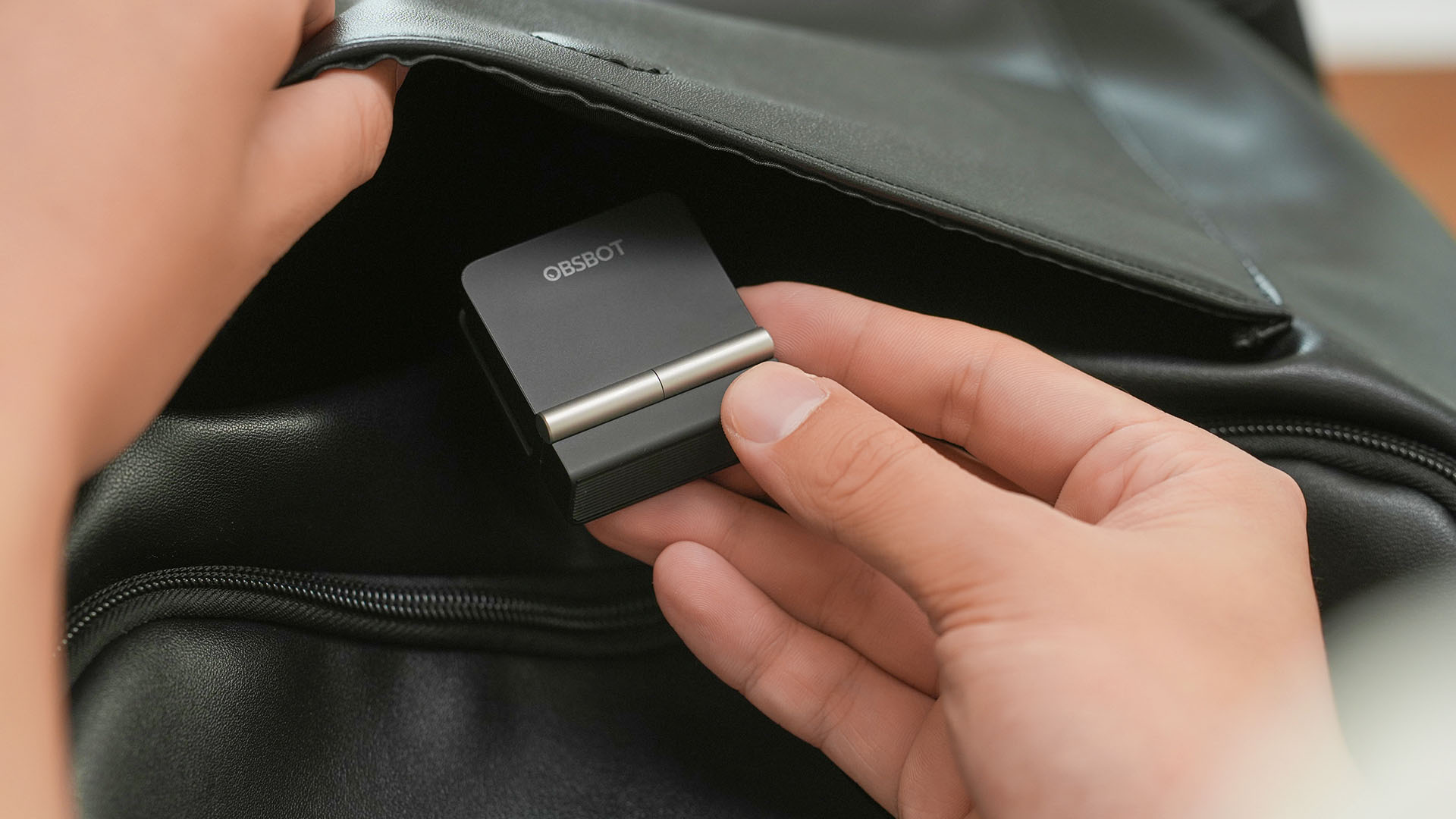
The OBSBOT Meet Flip is the company’s first foldable 4K webcam packing:
- 1/2-inch stacked CMOS sensor
- intelligent audio
- a collection of AI-powered meeting tools
All of these inside a body weighing just 37.7 grams.
A fold that does something, not just a gimmick
The OBSBOT Meet Flip isn’t foldable just to make it easier to throw into a bag.
Closing the webcam physically blocks the lens and puts the device into sleep mode. Open it when you want to be seen, flip it shut when you don’t.
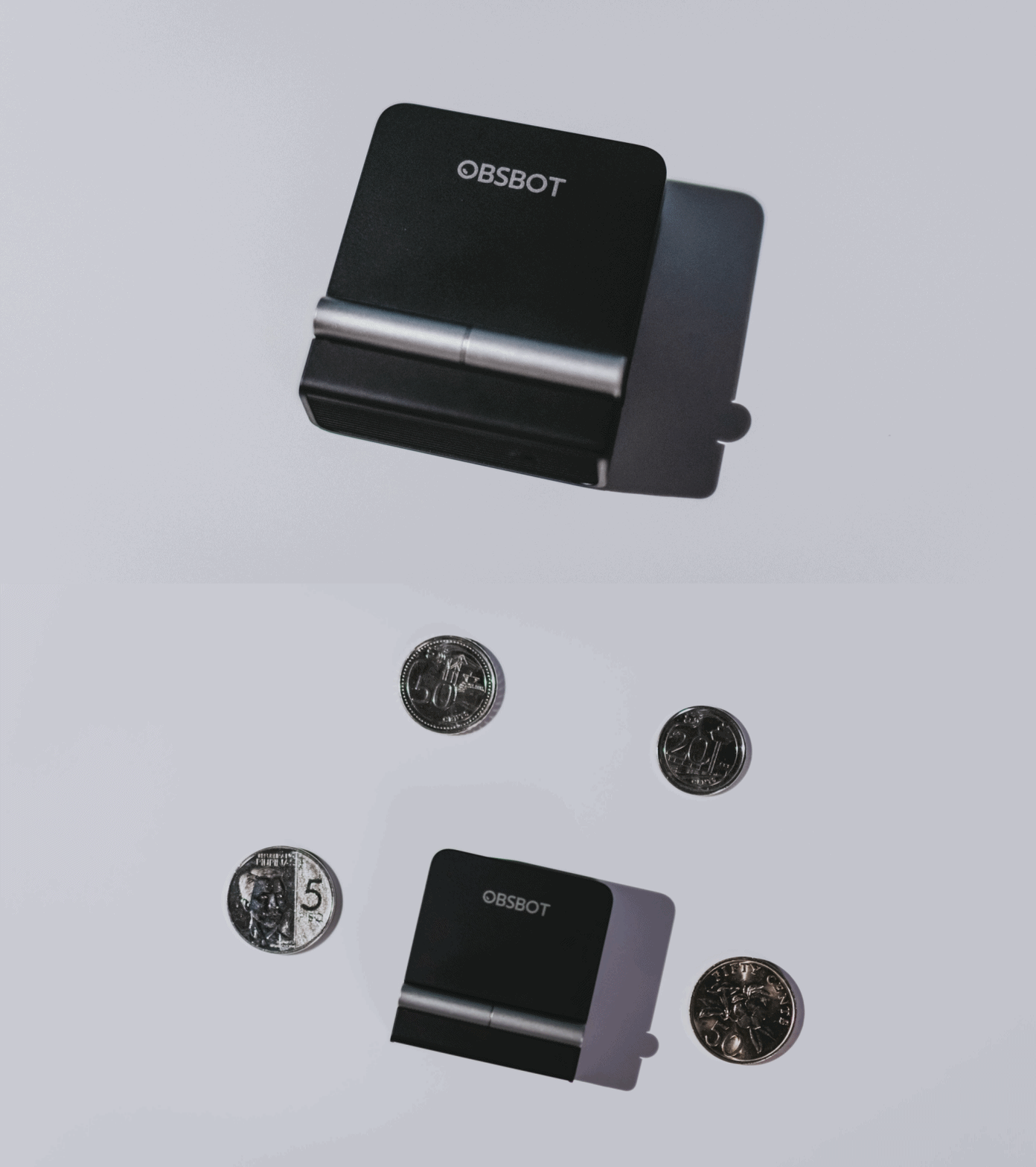
A physical privacy cover isn’t novel in itself. What’s clever here is how it’s part of the folding design.
As someone with a love-hate relationship with data privacy, I almost always keep some physical barrier over my laptop webcam. And if I can avoid having a webcam there entirely, even better.
Serious camera hardware in a pocket-sized webcam
Despite its size, OBSBOT hasn’t treated the Meet Flip like a basic laptop-camera replacement.
Inside is a 1/2-inch Exmor RS stacked CMOS sensor with Quad Bayer technology, capable of recording 4K UHD at 30 fps or 1080p at 60 fps. It also packs an f/1.8 aperture, HDR, PDAF autofocus, ISO 100–6400, and up to 4x digital zoom.
At its core is a 1/2-inch Exmor RS stacked CMOS sensor with Quad Bayer technology.
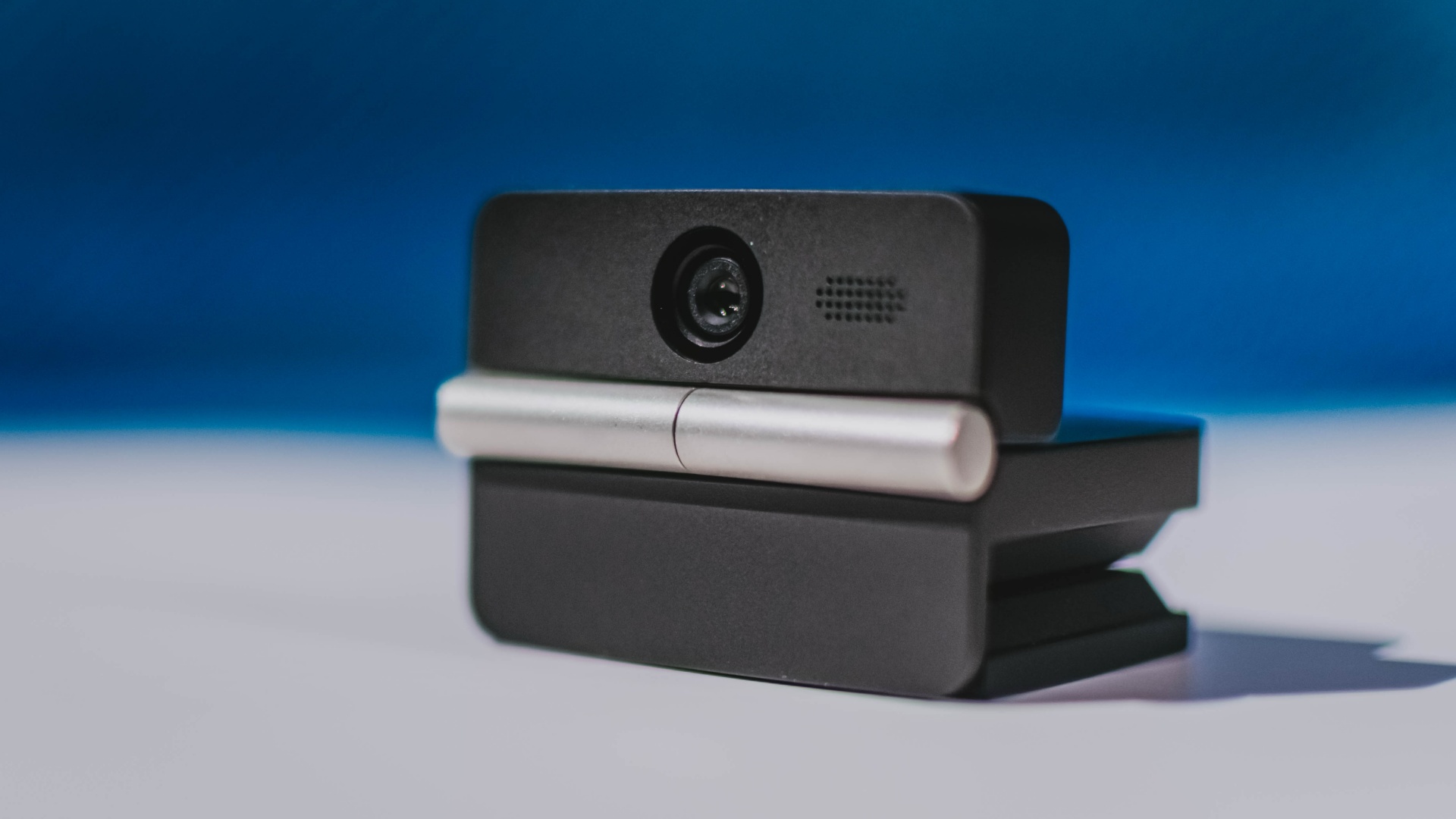
It can record:
- 4K UHD at 30fps
- 1080p at 60fps
You also get:
- f/1.8 aperture
- HDR
- PDAF autofocus
- ISO 100–6400
- up to 4x digital zoom
On paper, that gives the Meet Flip a better shot at handling the situations built-in laptop webcams often struggle with: dim rooms, harsh backlighting, changing lighting conditions, or simply moving around in front of the camera.
HDR helps keep faces visible against bright backgrounds, while PDAF autofocus continuously adjusts focus as you move closer to or farther from the lens.
The wider f/1.8 aperture should also help in less-than-ideal lighting.
The point is that once the Meet Flip is set up, you shouldn’t have to spend much time thinking about the camera itself.
It listens differently depending on the room setup
The Meet Flip also uses an intelligent dual-microphone system combining omnidirectional and directional microphones.
Instead of relying on one pickup pattern for every situation, it offers four audio modes for different setups:
Directional Mode focuses on sound coming from the front, making it the obvious choice for solo calls.
Dual-Directional Mode listens to both the front and rear of the webcam, which could be useful for interviews or conversations between two people sitting across from each other.

Smart Omni Mode is designed for group meetings, picking up voices from around the room.
And Pure Audio Mode provides unprocessed left and right stereo channels for users who would rather handle the audio themselves in post-production.
Auto Gain and AI Noise Reduction also work across the first three modes, helping clean up audio without requiring much manual adjustment.
It gives the Meet Flip more flexibility than a typical webcam microphone, especially if you regularly switch between solo calls, interviews, and group meetings.
AI that doesn’t intrude
AI has become an almost obligatory addition to new hardware in 2026, but several of the Meet Flip’s features put it to work on real-world meeting annoyances.
AI Auto Framing keeps you in frame, with options for:
- Group
- Single Close-up
- Upper Body
- Full Body
Gesture controls can also toggle Auto Framing or adjust the zoom without reaching for a keyboard or mouse.
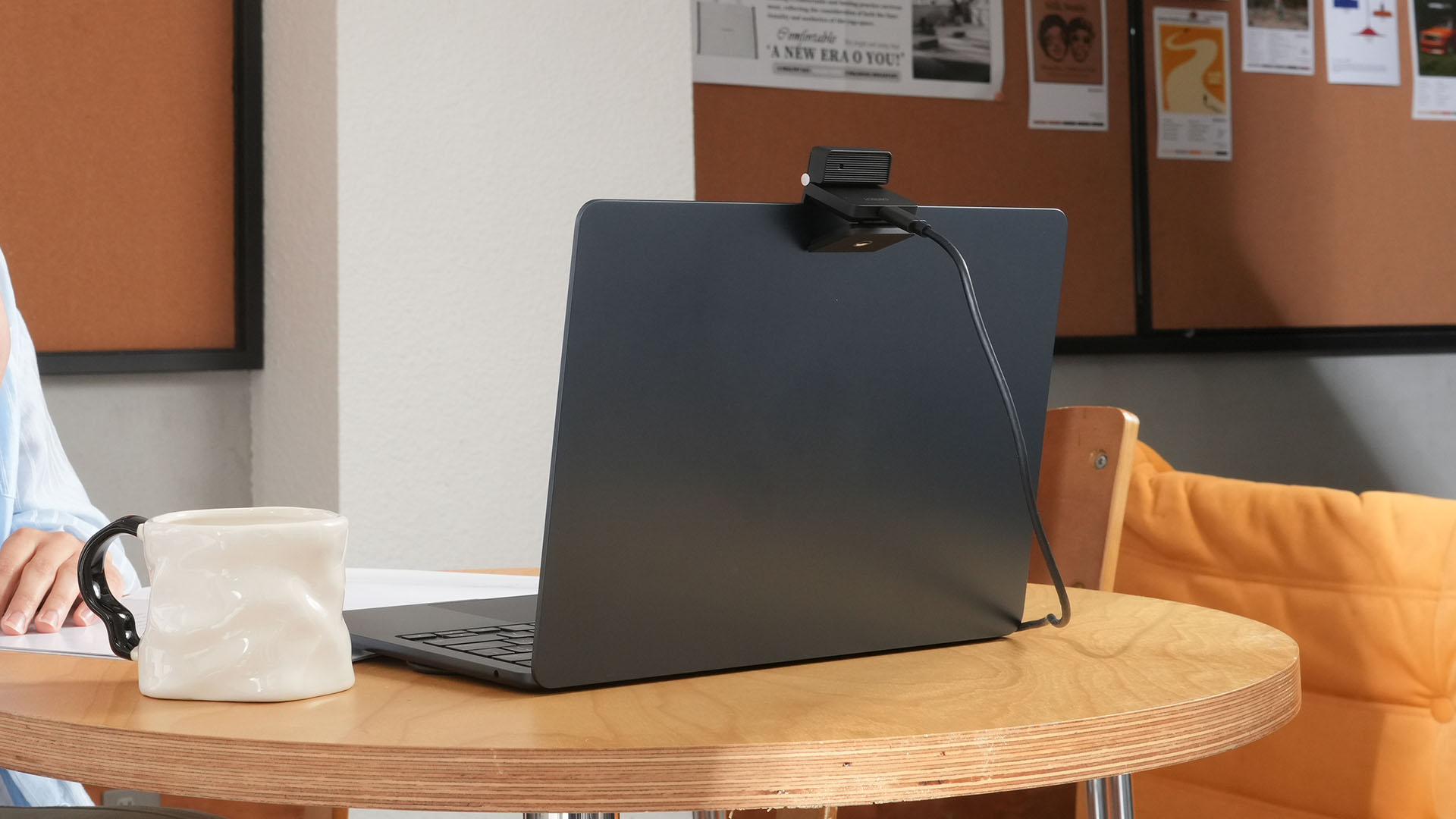
More interesting is AI Magic Notes.
Through OBSBOT Center, it provides real-time transcription and can automatically generate meeting summaries with key points, decisions, and action items. It works across Google Meet, Zoom, and Microsoft Teams.
Although AI Magic Notes is offered as a subscription service, every Meet Flip includes 120 complimentary minutes to get started.
MORE with OBSBOT Center & OBSBOT Live
There are plenty of other software features as well. OBSBOT Center includes:
- Background Blur and Background Replacement
- Real-Time Beauty Mode
- Picture-in-Picture overlays
- Smart Eye Tracking
- Teleprompter support
- Detailed image adjustments
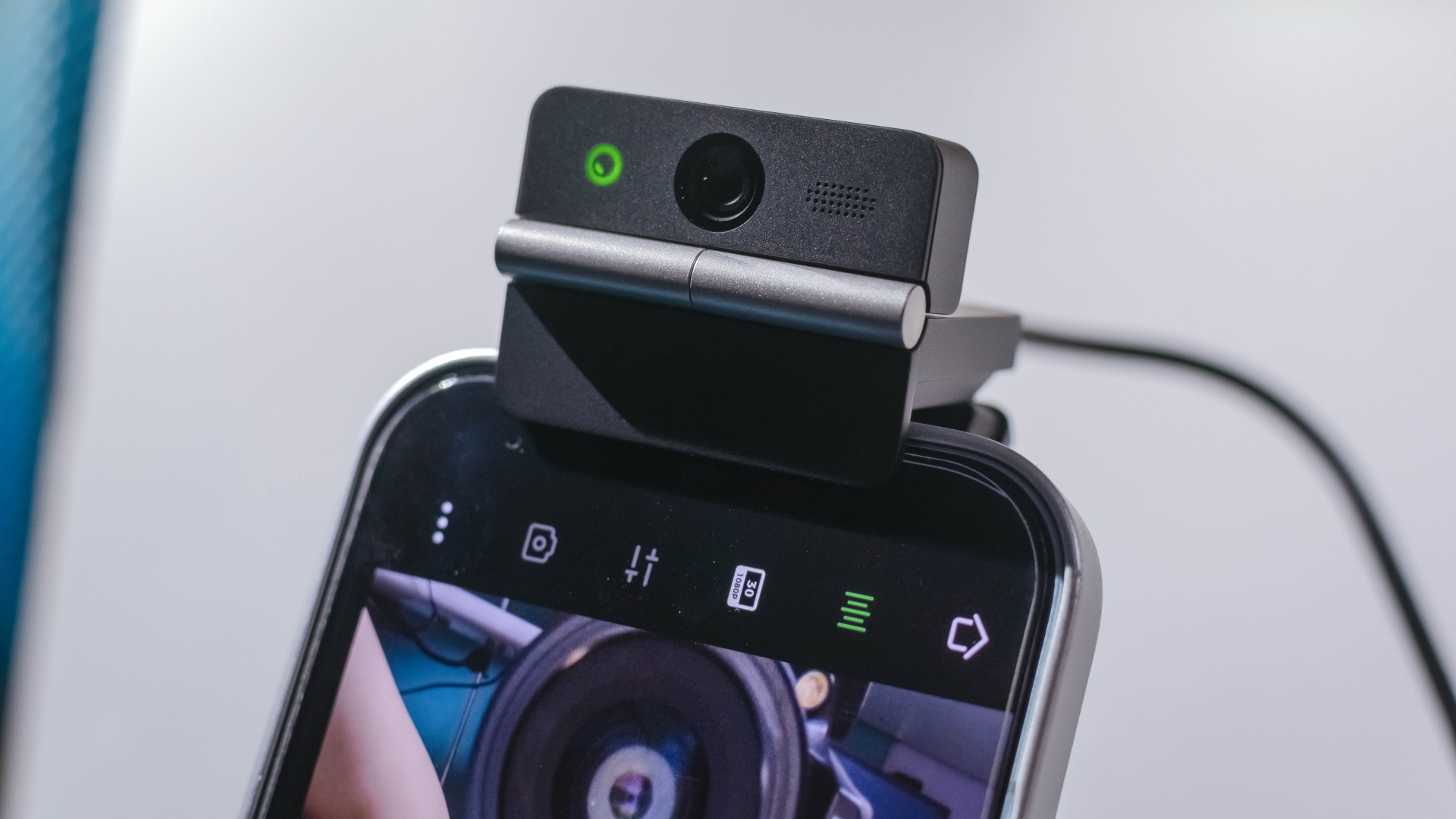
The Meet Flip isn’t limited to laptops or desktops either. Through OBSBOT Live, it can connect directly to smartphones and tablets over USB-C for mobile streaming and content creation.
Flip it open. Fold it away.
None of those features reinvent the webcam on their own.
Taken together, though, they make the Meet Flip a more thoughtful take on a piece of hardware whose basic design and features have barely changed.
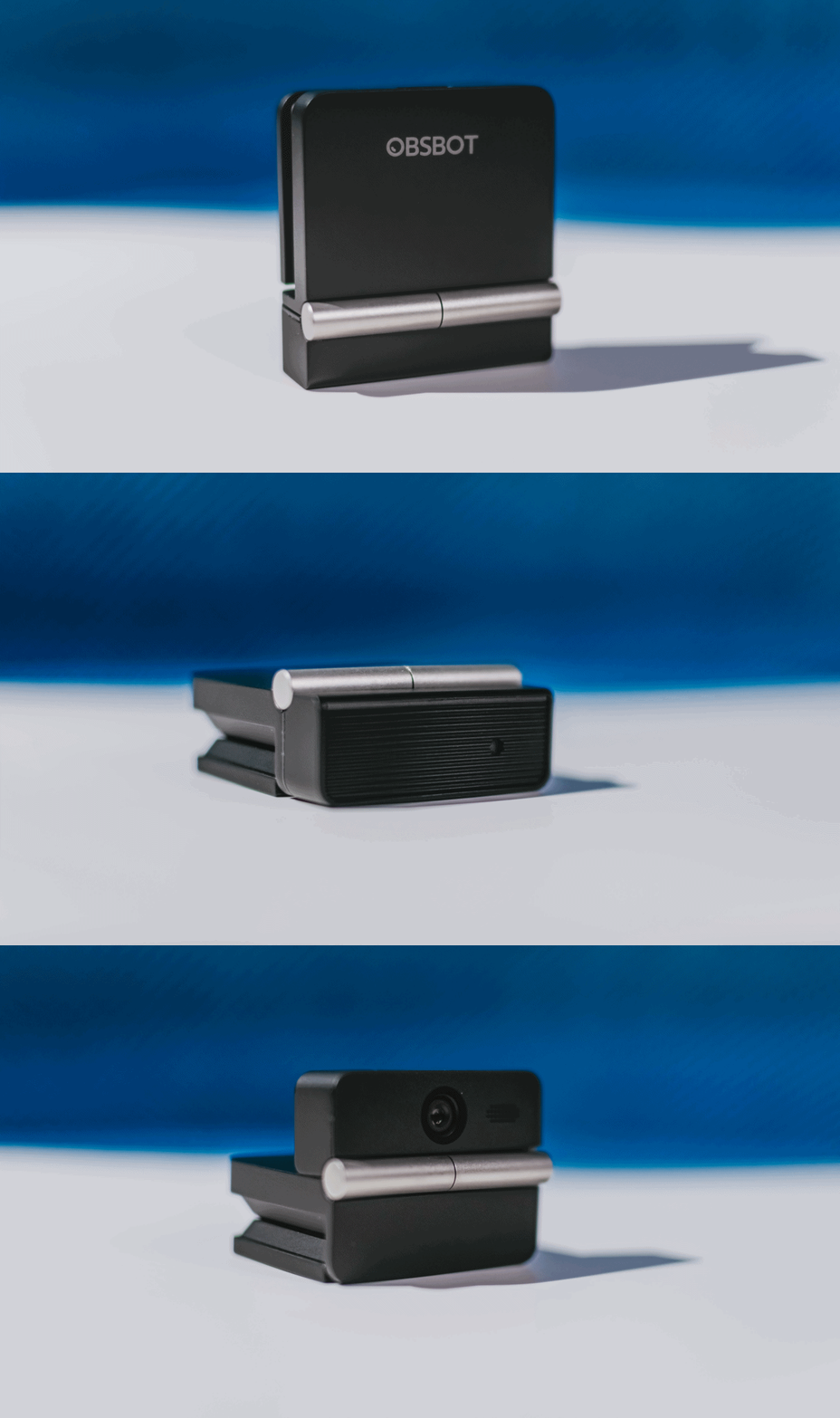
The flip may grab your attention first, but it’s how OBSBOT uses that design alongside its camera, audio, and software features that makes the Meet Flip interesting.
The OBSBOT Meet Flip is now available at US$ 119 and is currently available through OBSBOT’s official store, Amazon US, and select retailers.
&
@gadgetmatchPhones flip. Now webcams do too. 👀 Meet the OBSBOT Meet Flip, a tiny foldable 4K webcam with a lot packed inside. ✨
If you buy one, here’s what you’ll get out of the box!

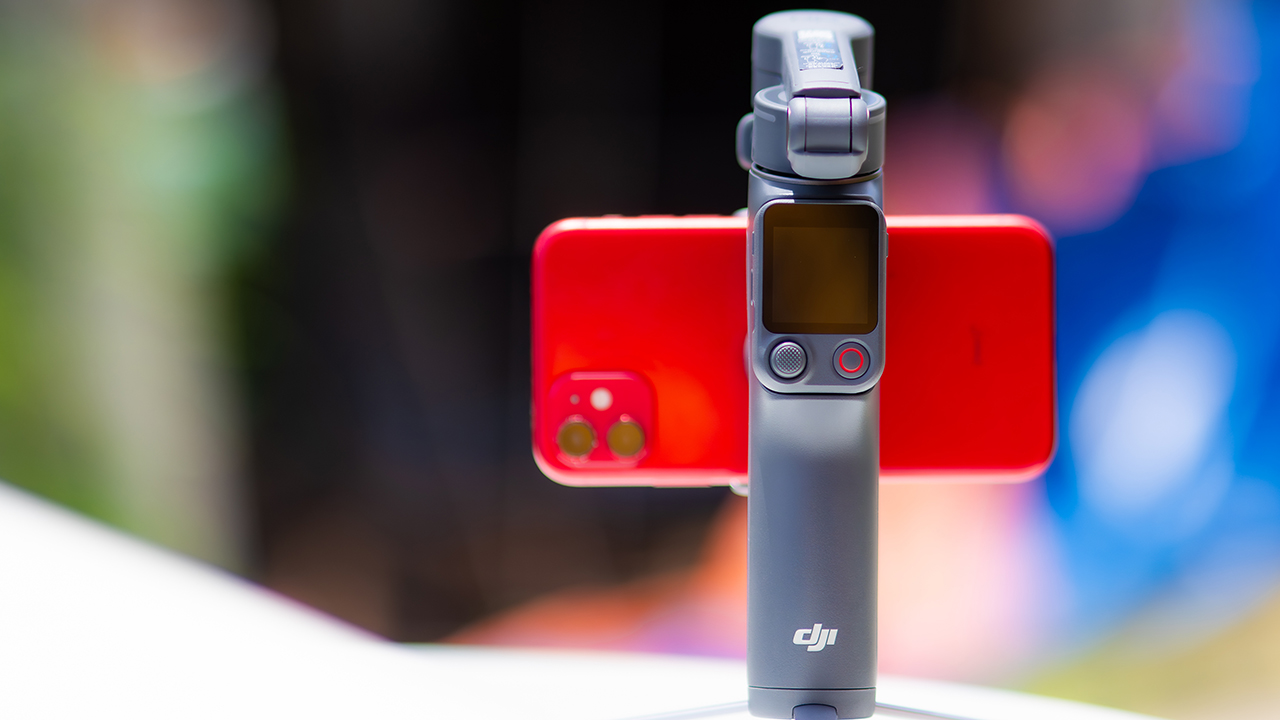
DJI’s smartphone gimbals have always chased one goal: delivering cinema-smooth footage without forcing you to carry a heavy rig.
The Osmo Mobile 8P (OM 8P) makes its priorities clear right out of the box. This is not a simple refresh. DJI rebuilt how you control the gimbal, and that decision shapes the entire shooting experience.
Freedom behind the lens
The biggest change is the FrameTap remote, and it’s the kind of upgrade that fixes a problem you didn’t realize was slowing you down until it’s gone.
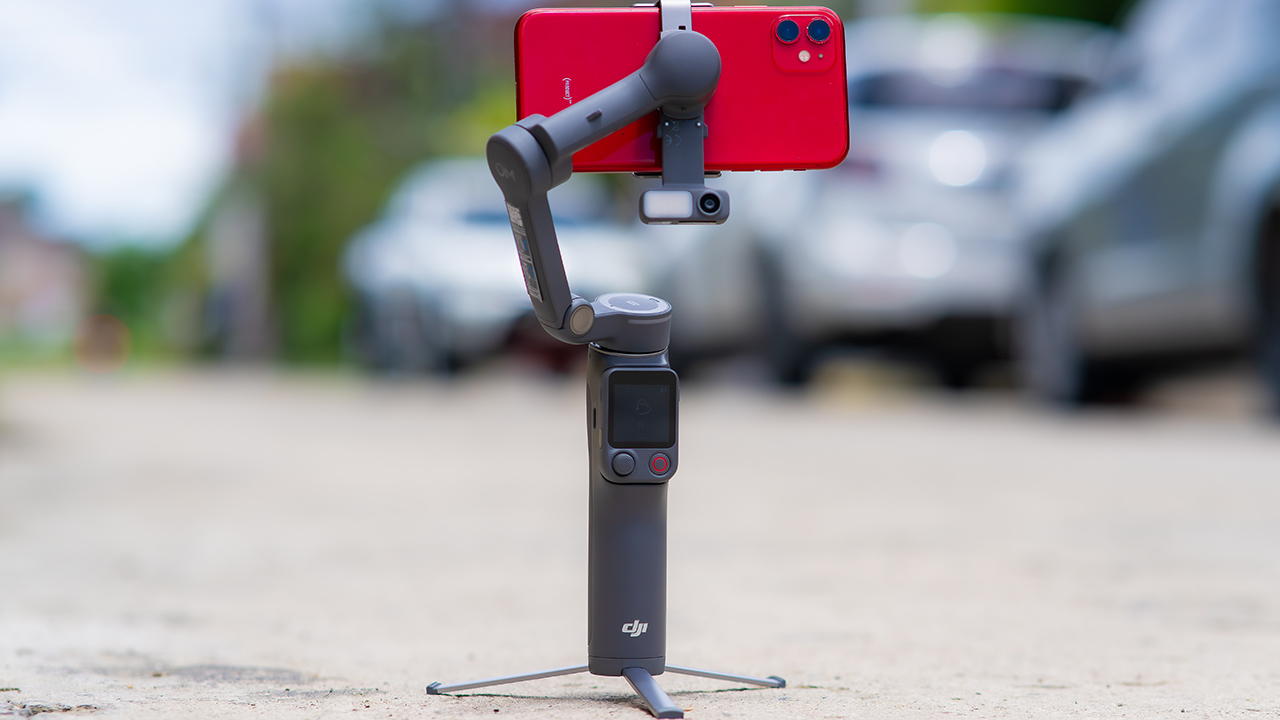
On the standard OM 8, adjusting your framing meant reaching for your phone every time, which broke the flow of shooting and pulled you out of the moment.
FrameTap puts that control back in your hand. You can reframe shots and manage the gimbal without touching your phone at all, and for anyone shooting solo, that alone changes how usable the whole setup feels. Tracking has taken a real step forward too.
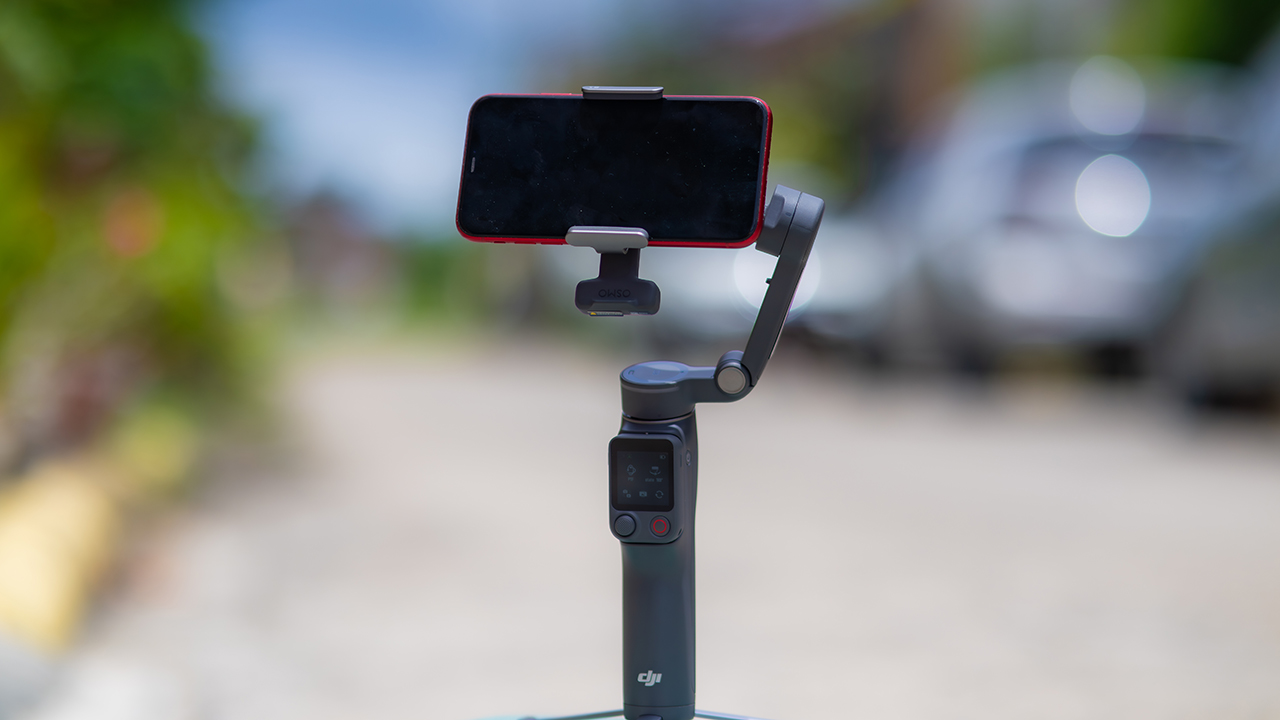
ActiveTrack 8.0, paired with Module 2, held onto its subject even after they stepped out of frame for a moment, then picked them back up without much fuss.
It also lets you sit off-center in the shot instead of forcing you into the middle every time, which gives you more room to compose something that doesn’t look like every other gimbal video.
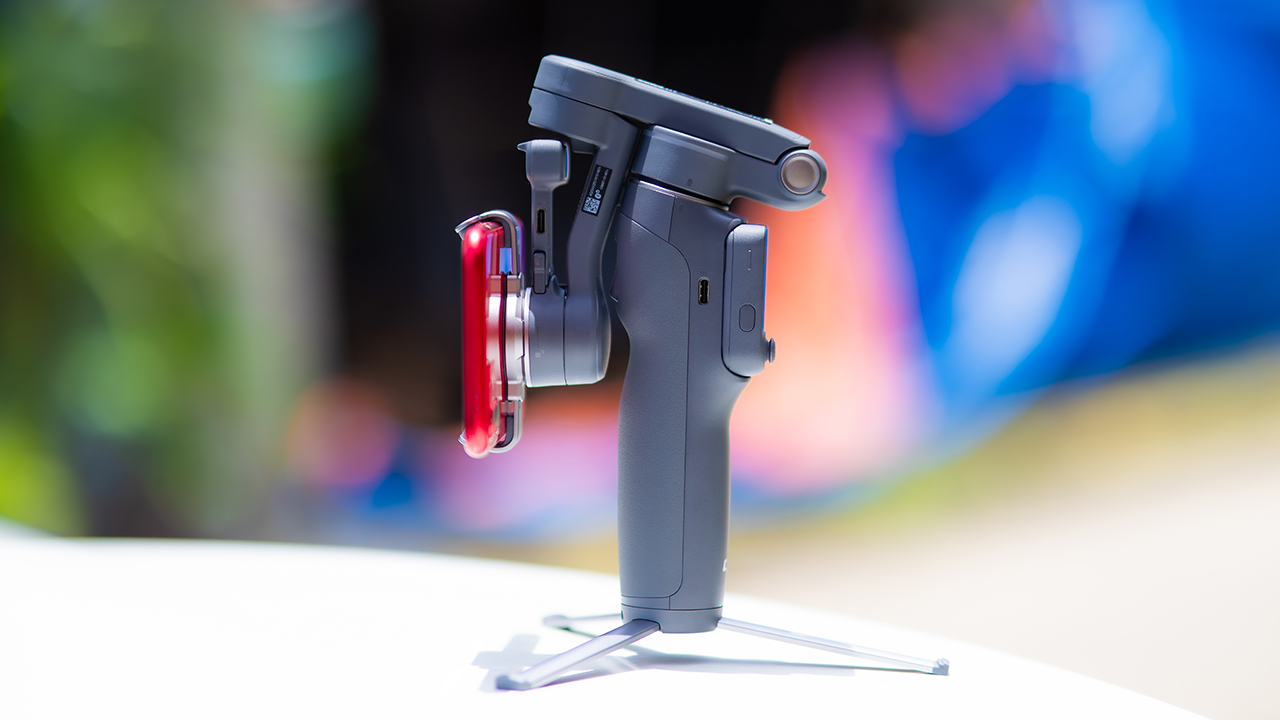
None of that would matter much if the gimbal itself wasn’t solid, and it still is. The OM 8P holds onto the same foldable design, magnetic phone clamp, and built-in tripod that made the OM 8 easy to live with.
And it remains one of the better compact options for stabilization, tracking, and portability in one package.
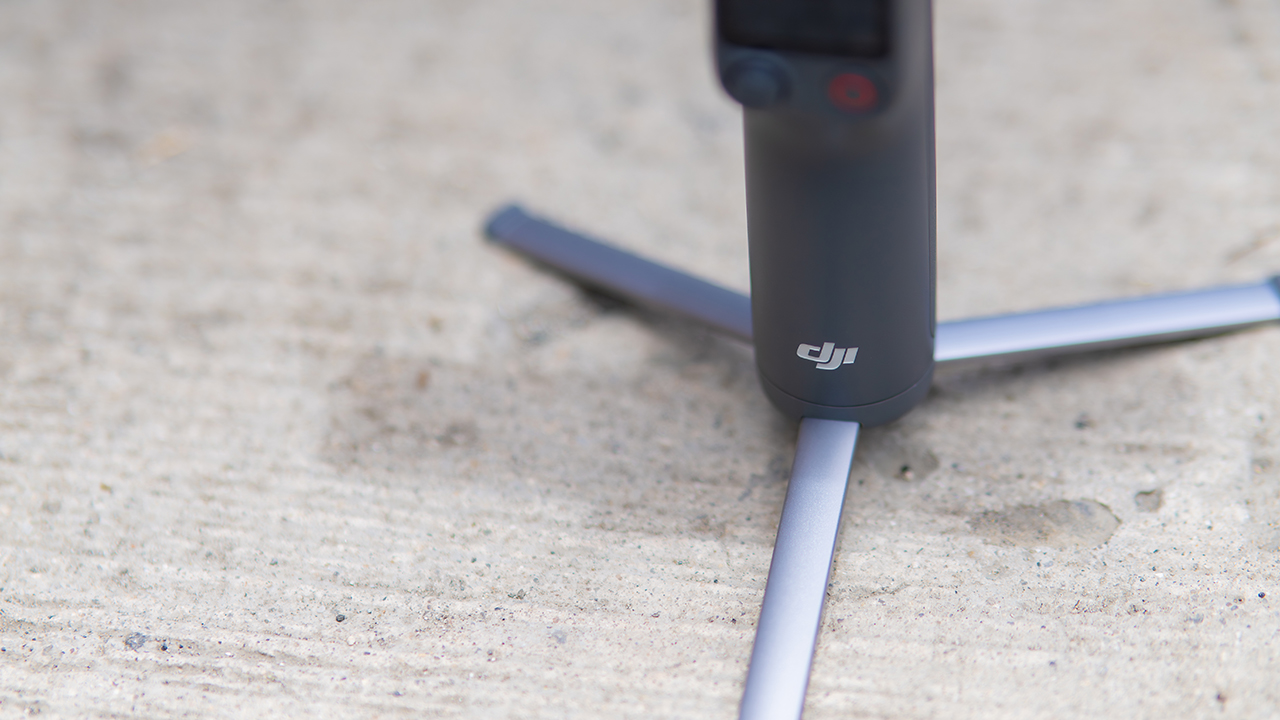
The tripod legs are a touch wider this time, and that extra width does make a noticeable difference on uneven ground.
The trade-offs in touch
The trade-off for all that new remote functionality is a control scheme that takes more getting used to. More of the gimbal’s functions now live on the FrameTap touchscreen, the joystick is smaller, and switching between shooting modes takes a few extra taps compared to the OM 8. It’s not a dealbreaker, but it’s a learning curve you’ll need to budget time for.
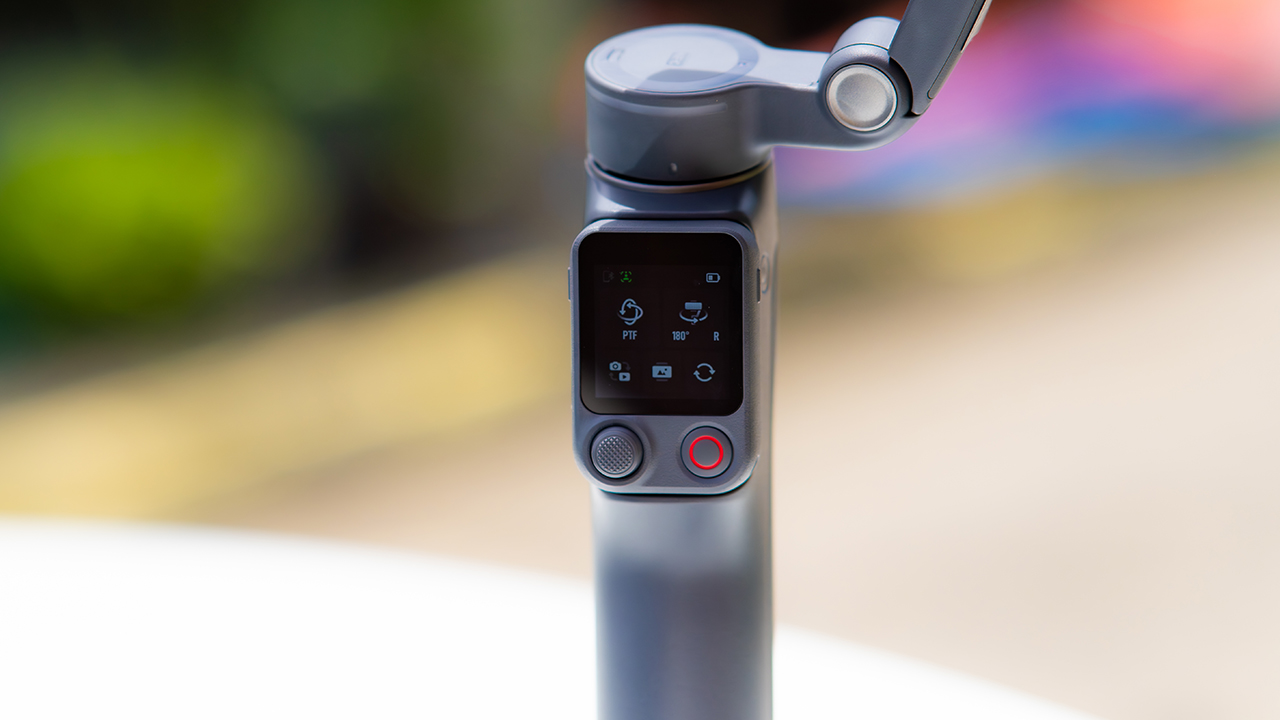
DJI also removed the zoom and focus wheel, so if you leaned on that dial for quick adjustments, you’ll feel its absence here. Module 2 no longer lets you plug a DJI wireless mic in directly either.
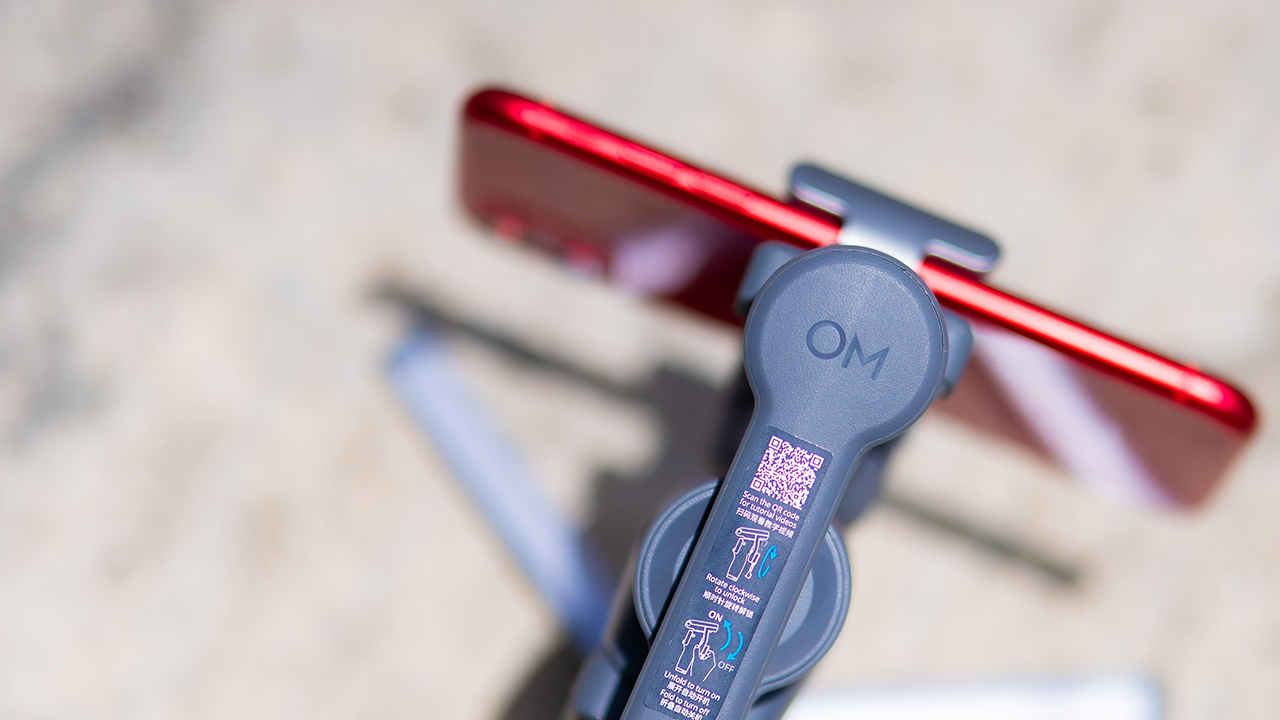
You’ll need to connect it to your phone instead, which adds a step to a setup that used to be simpler. Phone compatibility is still a limiting factor as well. DJI lists support for phones up to around 300g and 11mm thick, so bigger phones or ones in chunky cases may not clamp in properly.
Finding your ideal workflow
The OM 8P makes the most sense for solo creators who want dependable tracking and the freedom of remote framing without stepping up to a dedicated camera like the DJI Osmo Pocket.
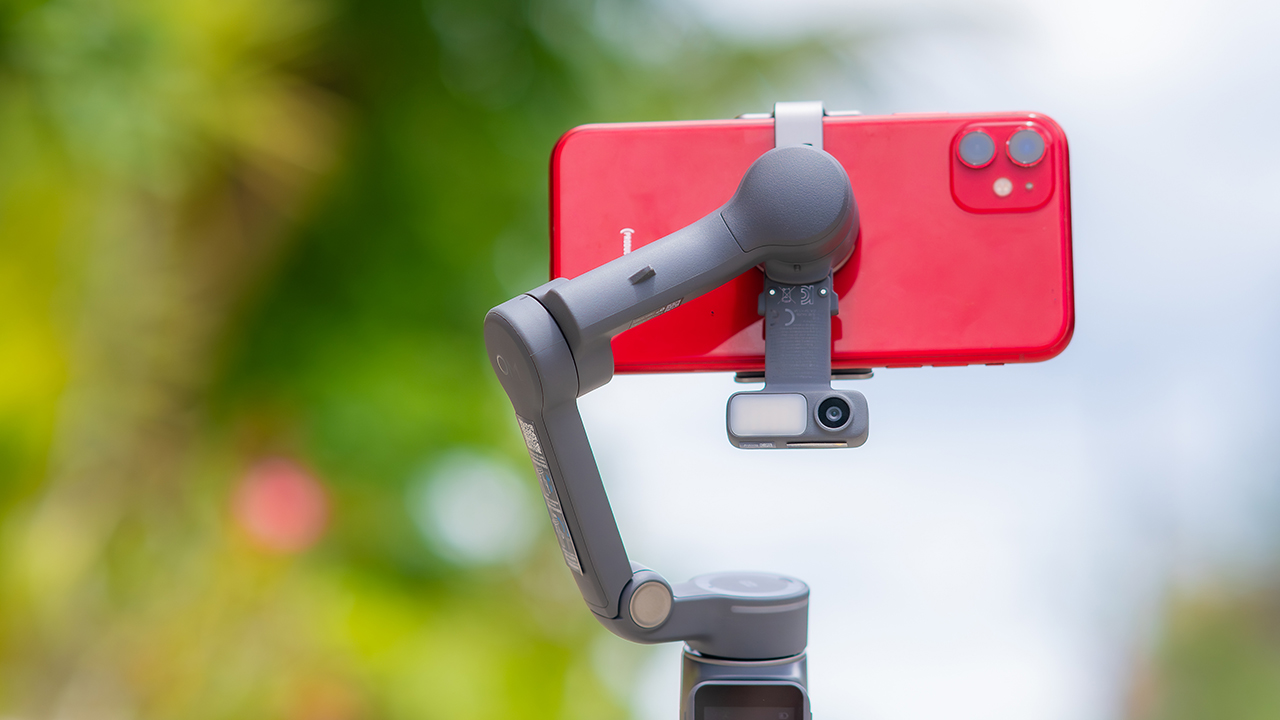
If you’re already shooting on a phone with a solid camera, this fills the gap nicely. It’s a tougher sell if you prefer physical buttons over touchscreen menus, or if your phone runs on the larger and heavier side, since fitting it onto the clamp might be a problem before you even get to shooting.
Price, availability
DJI is offering the OM 8P in three combos, so how much you pay depends on how much of the ecosystem you actually need.
- Standard Combo (PhP 7,499): the gimbal itself, with 8th-gen stabilization and the detachable FrameTap remote included.
- Advanced Tracking Combo (PhP 9,199): adds the Multifunctional Module 2 for the improved subject tracking we tested.
- Creator Combo (PhP 11,099): the full kit, built for creators who want everything DJI bundles in from the start.
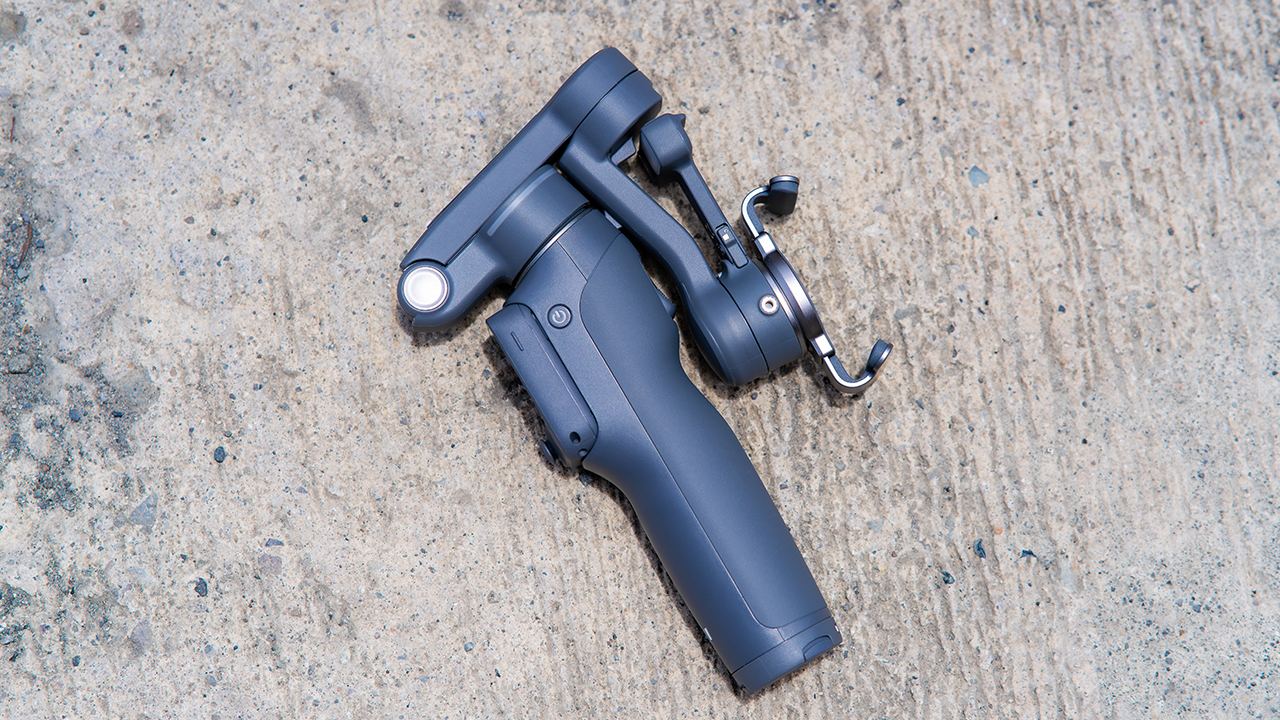
Is the DJI Osmo Mobile 8P your GadgetMatch?
The DJI Osmo Mobile 8P asks you to relearn a few habits in exchange for a gimbal that finally lets go of your phone. If hands-free framing and steadier tracking matter more to you than a dedicated zoom dial, this is worth the adjustment.
If you’d rather keep things exactly as they were on the OM 8, that learning curve might be the deciding factor.
Swipe right if you shoot alone often and have been waiting for a gimbal remote that actually works. The FrameTap remote alone justifies the upgrade if reaching for your phone mid-shot has been slowing you down.
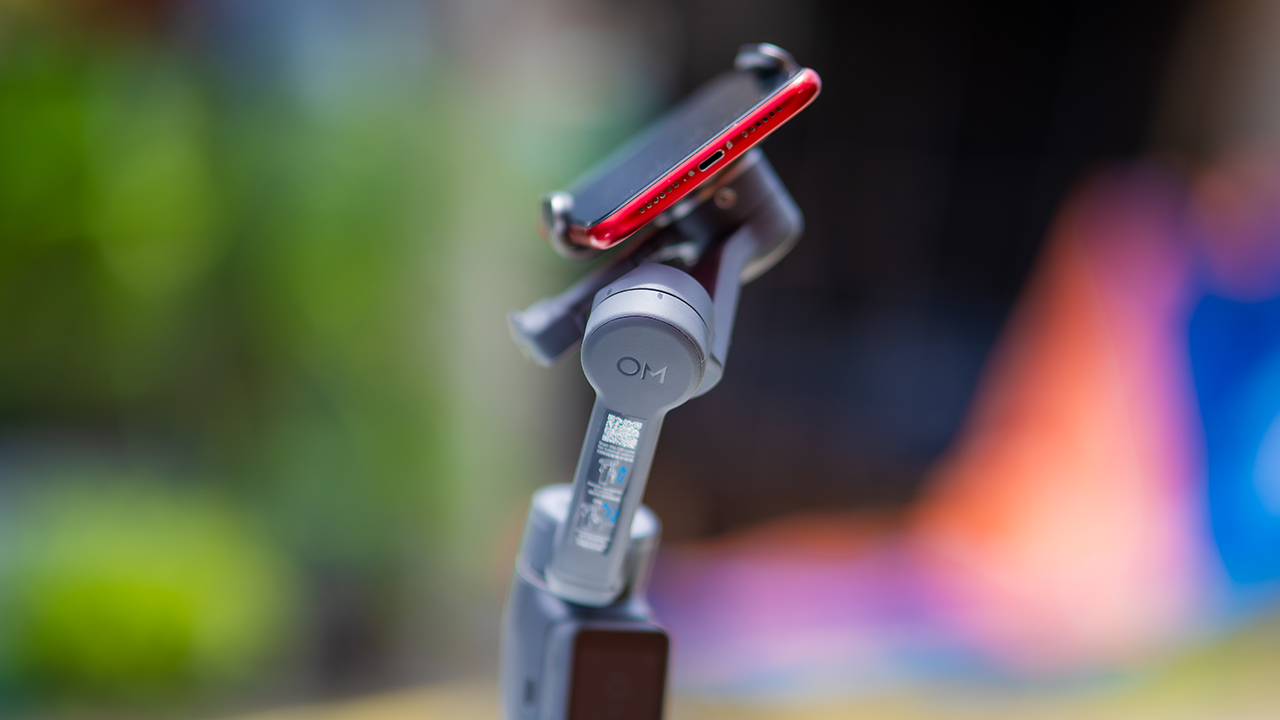
Consider this if reliable tracking matters to you, especially if you’ve had a subject wander out of frame and stay lost on older gimbals.
And of course, get this if you already own a capable phone under the weight and thickness limits, and you’d rather invest in a smartphone rig than jump to a dedicated camera like the Osmo Pocket.
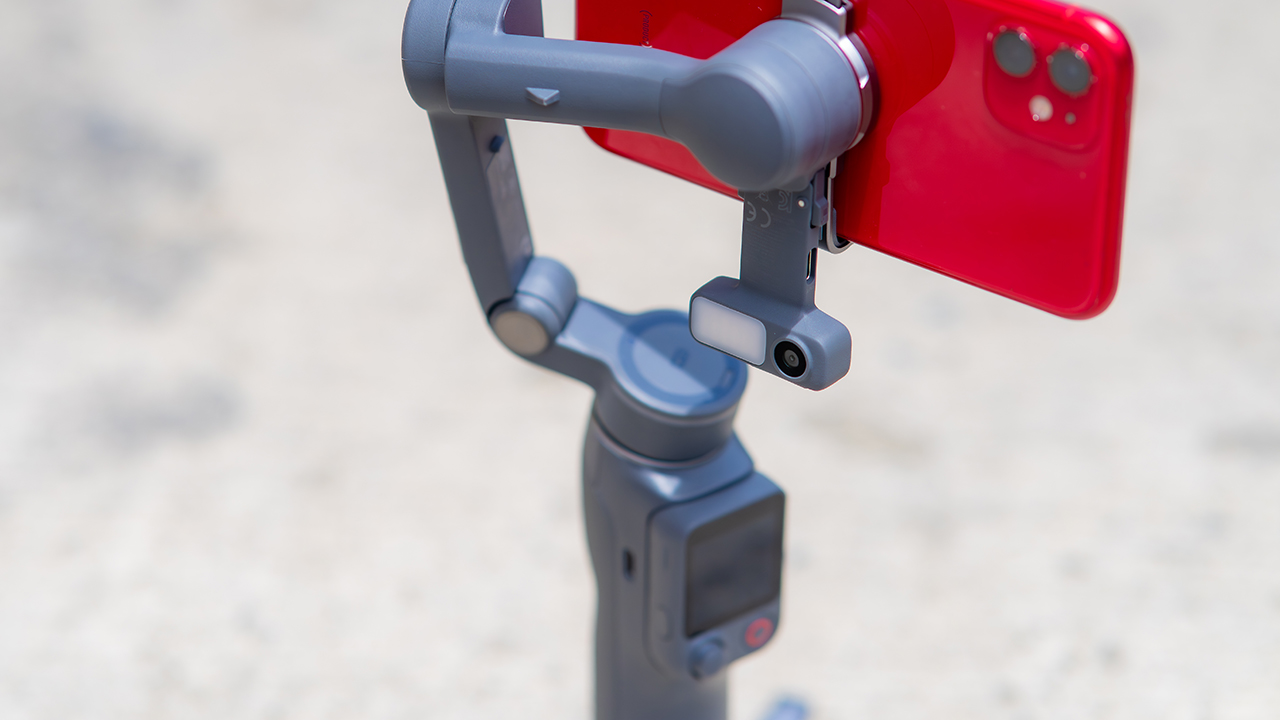
Swipe left if you lean on physical dials for zoom and focus, and moving those functions to a touchscreen sounds like a downgrade rather than an upgrade.
This is not for you if you use a DJI wireless mic and want it plugged directly into the module without routing through your phone first. Or, your phone runs heavier or bulkier than DJI’s limits allow, since no amount of enthusiasm fixes a clamp that won’t close.







Bambu Lab opens first Authorized Store in the Philippines

Lenovo tech behind DreamWorks Animation hit ‘Forgotten Island’

Samsung joins the clip-on earbud trend with the Galaxy Buds On

vivo X Fold6 makes global debut with 200MP camera and 6900mAh battery

Smart opens iPhone 18 Series pre-orders in the Philippines

HUAWEI Pura X View is 2026’s first WIDE slab-type smartphone

The CAMON Slim 5G is TECNO’s latest ultra-slim smartphone

iPhone 18 Pro series: Price, availability in the Philippines

vivo X500 Series launches with major imaging upgrades

iPhone 18 Pro series: Price, availability in Singapore


-
 News2 weeks ago
vivo X500 Series launches with major imaging upgrades
-

 News2 weeks ago
OPPO Find X10 Pro Max is the first phone with a triple 200MP camera system
-

 Automotive5 days ago
BYD says that way better EV batteries are coming next year
-

 News2 weeks ago
vivo introduces OriginOS 7 with smarter multitasking and AI features
-

 News5 days ago
HONOR Magic9 Pro Max launches in China with ARRI-powered imaging
-
 Accessories2 weeks ago
70mai launches the A900 series with 4K front, rear recording
-
 Smartphones1 week ago
When TECNO-logy meets Tonino Lamborghini legacy
-
 Reviews7 days ago
TECNO POVA 8 Pro Tonino Lamborghini review