
Reviews
CMF Phone 2 Pro review: Only a small step from its predecessor
A few misfires here and there

CMF by Nothing is in the business of creating head turners. Besides being capable daily drivers in their own right, last year’s CMF Phone 1 showcased a welcome innovation in the smartphone industry: a modular rear for accessories. This year, the brand is keeping the train going with the all-new CMF Phone 2 Pro.
Welcoming another head turner
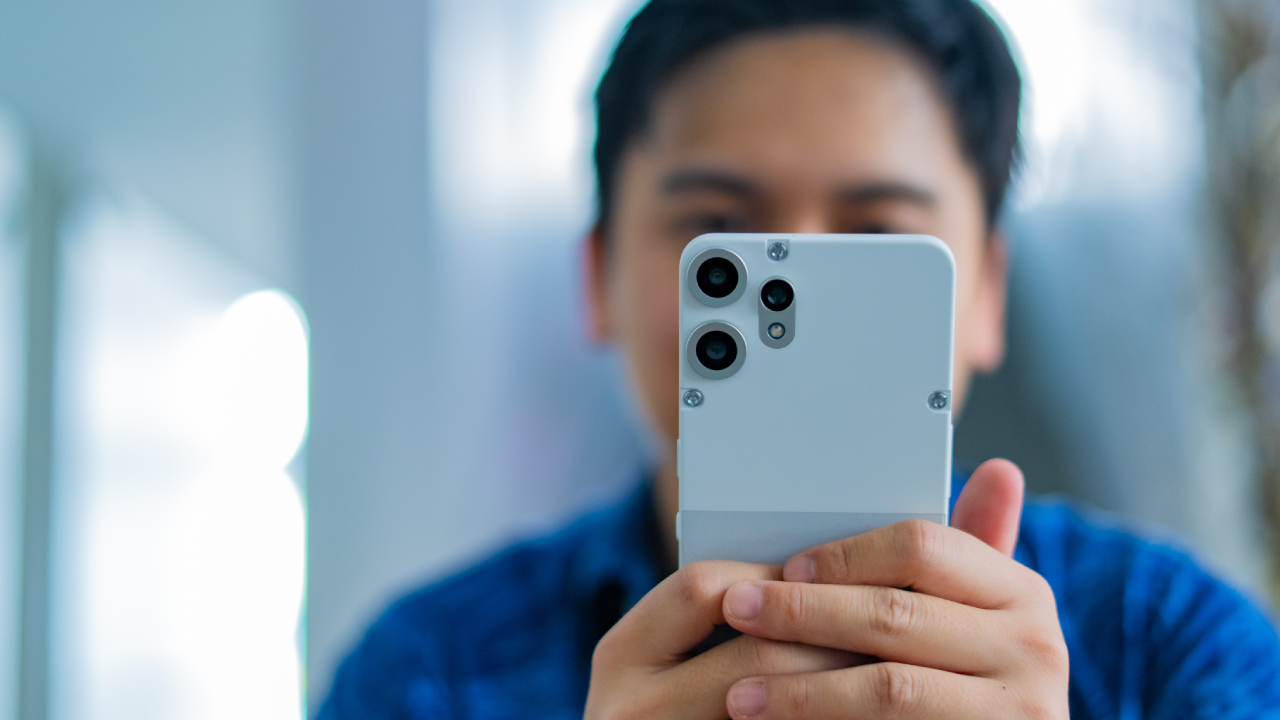
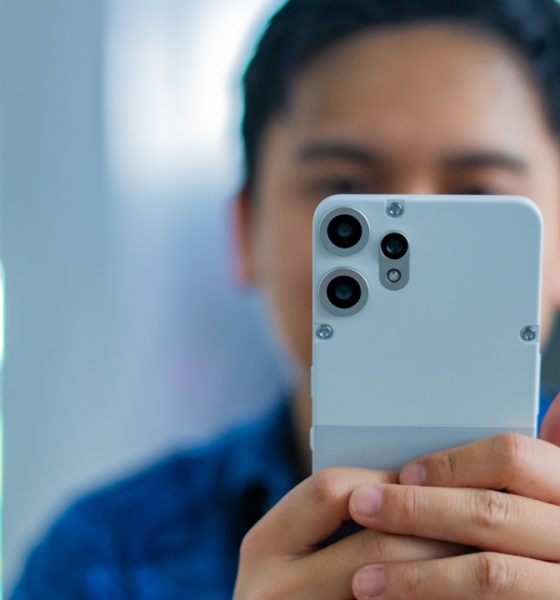
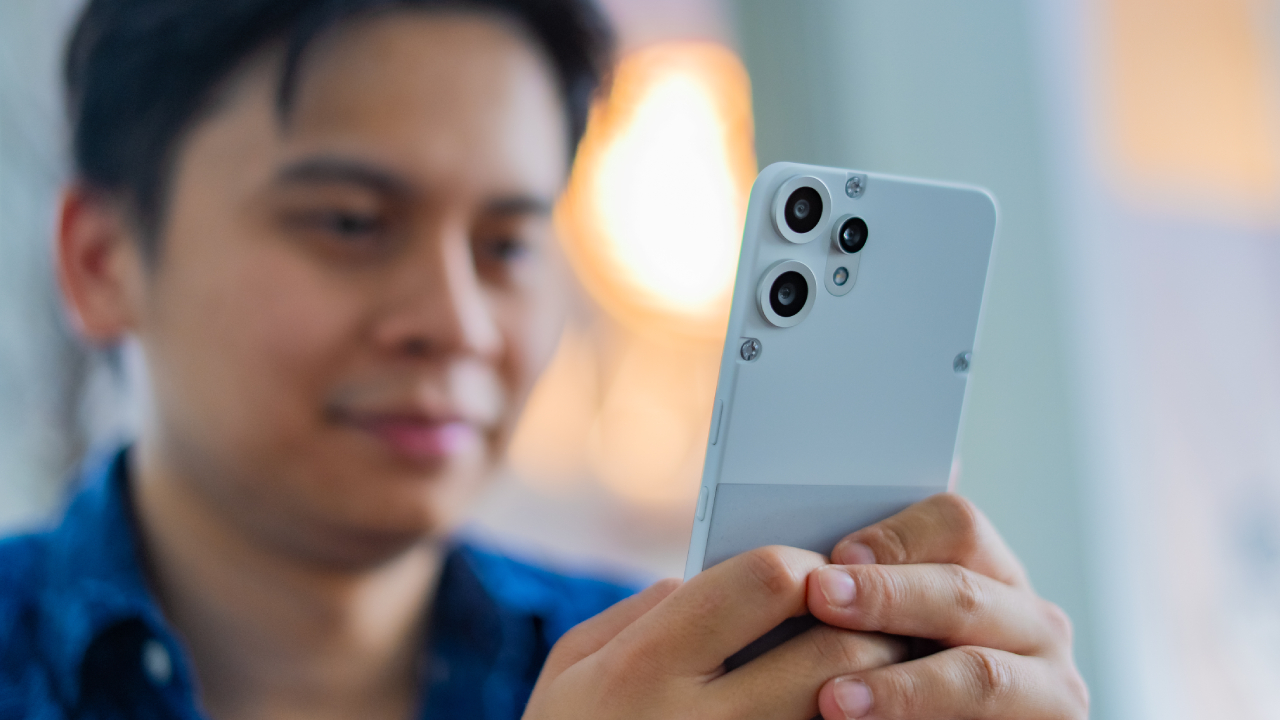
Once again, the CMF Phone 2 Pro brings back the mechanical chic with an aesthetic that can rival the original. The phone sports a tactical chassis that excites the touch every single day. It’s a matte case which can put external cases to shame.
Two of the smartphone’s colorways — Orange and White — come with two segmented panels. Whole most of the rears come in the static matte version of their respective color, the Orange version has a metallic bottom panel, while the White version has a granite-like look. The Black, though the most basic of the lot, is still an impressive looker.
In the camera department, the CMF Phone 2 Pro ditches the single camera island for three individual peepers sprouting from the rear panel itself.
Compared to the original, the sequel feels busier. Since the brand has only two phones so far, it’s difficult to establish which direction it wants to go in. But there were definitely a few times I wished for the simplicity of the original phone.
Barely any upgrades inside
Curiously, the CMF Phone 2 Pro doesn’t sparkle with internal upgrades, despite its Pro moniker. Whereas the original carried a Dimensity 7300 5G chipset, the sequel has only a slightly better Dimensity 7300 Pro 5G. It also has the exact same capacities: 8GB RAM and up to 256GB internal storage.
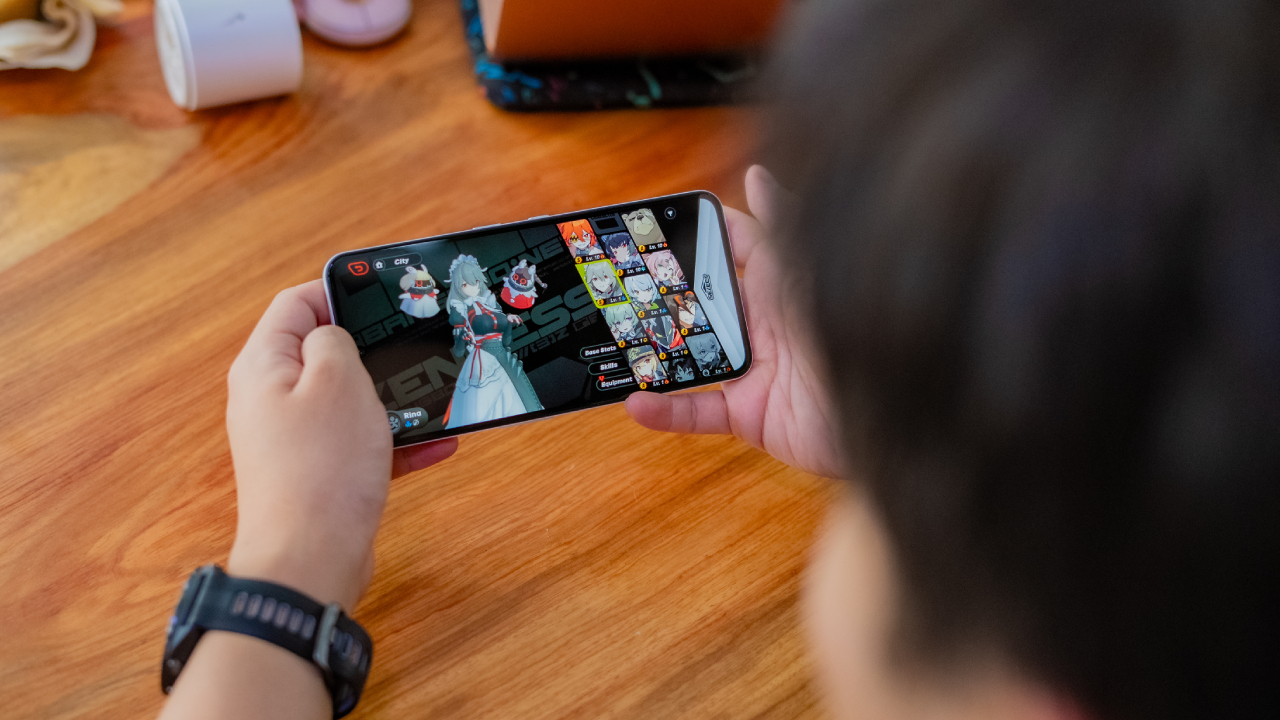
The lack of meaningful upgrades is palpable. Though the smartphone is capable enough to handle everyday tasks well, it’s not exactly built for performance. Technically, it can run Zenless Zone Zero but not without hiccups. The game was stuttering throughout, even in milder walking sections. This isn’t a smartphone I would get for a gamer.
That said, the phone is great at what it can do. If you’re looking for a daily driver capable of handing the hustle and bustle of work life, the CMF Phone 2 Pro can be a favorite, buoyed especially by strong memory and storage.
The secret is in the camera
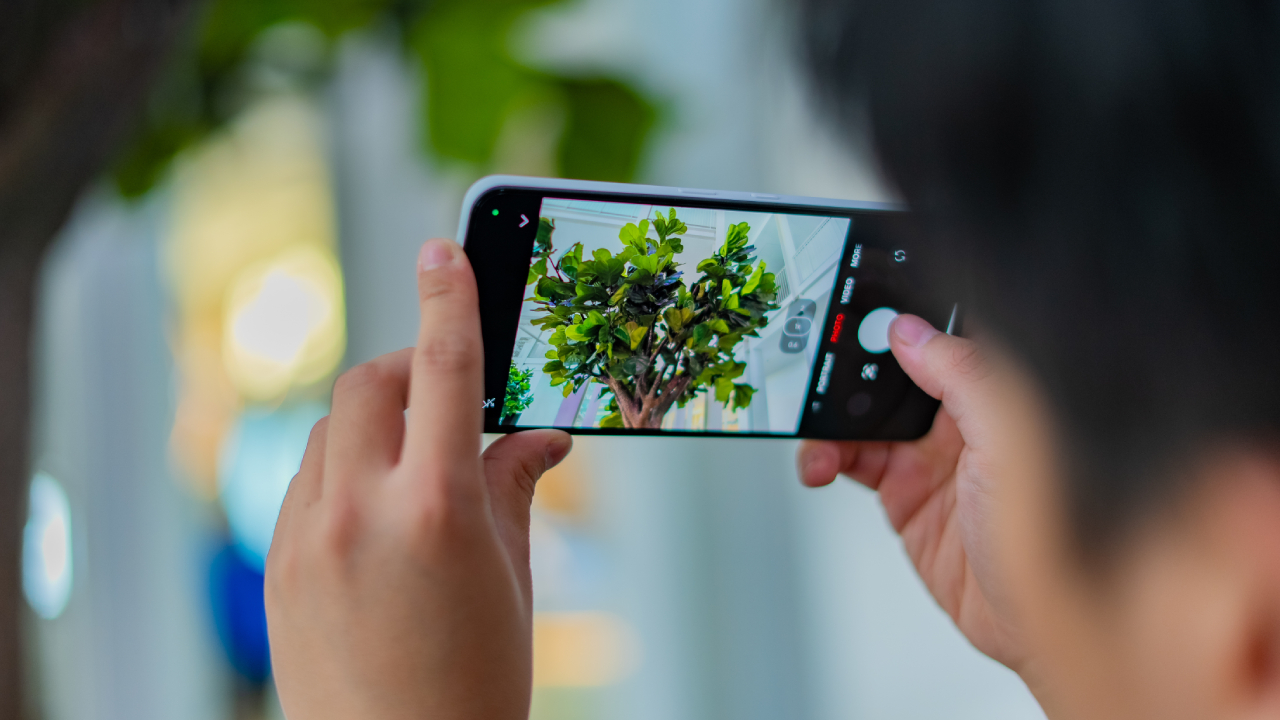
The CMF Phone 2 Pro lives up to its name through the improved cameras. Rather than the original’s 50-megapixel main sensor and portrait sensor, the new smartphone comes with three rear shooters: a 50-megapixel main sensor, a 50-megapixel telephoto lens, and an 8-megapixel ultra-wide sensor.


This time around, photos look more dynamic compared to the ones taken by the original. Subjects are more accurately focused on, especially for close-up shots. Colors are also much better. Though the telephoto lens is a welcome addition, I wouldn’t call it a massive improvement. It did, at the very least, make zooming much smoother.
The Essential Spaces button is anything but essential
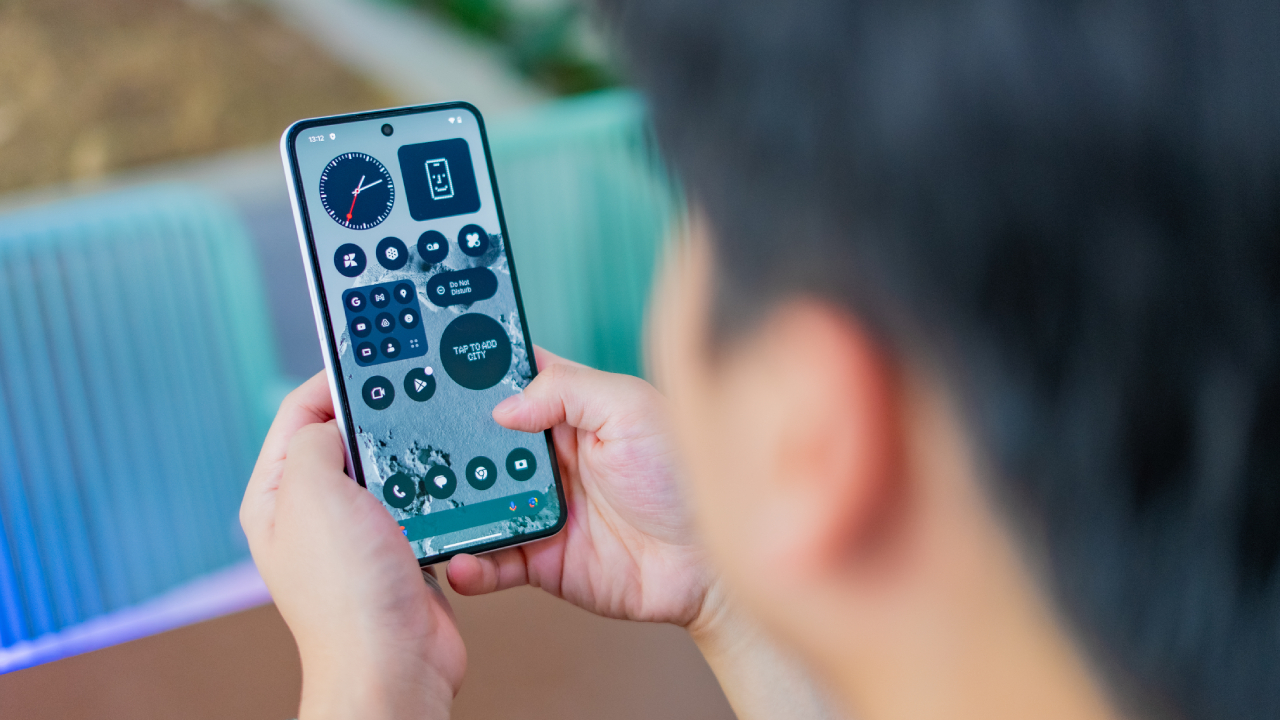
New to the current crop of Nothing’s phones, the Essential Spaces button is the latest in an ongoing trend to create additional buttons for a variety of functions. However, unlike the ill-fated Bixby button (or the slowly dying Copilot button), Nothing’s new button maps to the aforementioned Essential Spaces, an AI-focused organizational app for screenshots and recordings.
To be fair, Essential Spaces does seem fairly useful for those in the habit of collecting screenshots for future content. The software can analyze images and create nifty reminders for future use. At the very least, it’s a more unique take on a simple button to access AI.
Despite the usefulness of the app itself, I can’t say the same for the dedicated button. On other smartphones, I usually rely on double tapping the volume rocker to take screenshots. Though the button already accesses the app on top of creating a screenshot, it’s mostly a frivolous button that should be remappable for other uses, like taking a photo with the camera.
Unfortunately, you can’t. At the time of writing, the Essential Spaces button is dedicated exclusively to the app. It also doesn’t help that I often press the button on accident when I want to use the power button instead.
A strong battery for the day
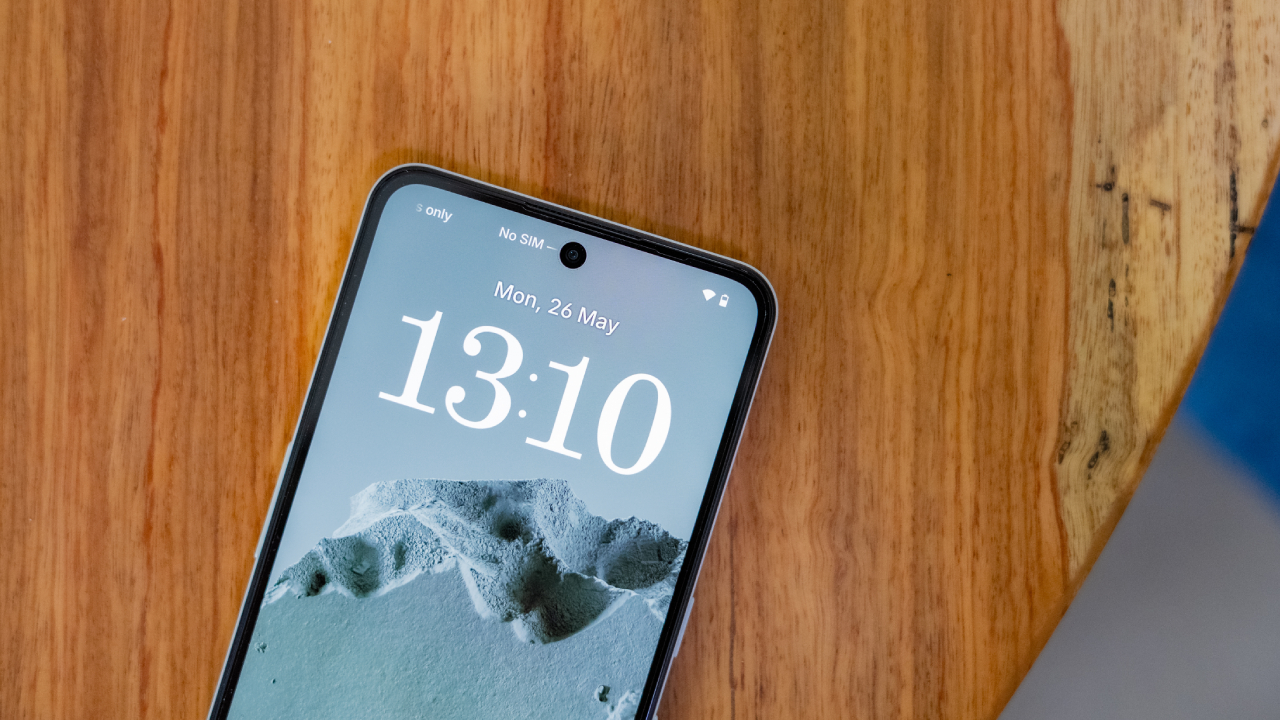
The CMF Phone 2 Pro has the same 5000mAh battery as its predecessor. Though it’s just the same battery, the new phone seems more efficient at usage. After twelve hours looping the same video over and over again, it still had 50 percent of battery left. A more realistic usage test also proves that the phone can last more than a day on a single charge.
Despite being on for long periods of time, the phone does not heat up. At most, it’s a subtle warmth that doesn’t give in to discomfort. Doomscrolling and watching for hours is a delight.
Finally, after charging from a completely empty battery, the CMF Phone 2 Pro takes a little more than an hour to fully get up to speed again. It’s a fairly standard time for a decent battery.
Is the CMF Phone 2 Pro your GadgetMatch?
The CMF Phone 2 Pro is, by no means, a slouch. It’s a capable smartphone with a snazzy design, decent power, and impressive battery. However, the so-called sequel does suffer from some misfires, preventing it from reaching the same heights as the original.
If you’re transitioning from a more budget handset, then the CMF Phone 2 Pro is a Swipe Right. However, if you’re someone who needs more power to justify quirky design choices, then it’s a Swipe Left.
SEE ALSO: Nothing Phone (3) teased as Nothing’s first true flagship






Reviews
realme C100: Enduring and durable in spite of entry-level realities
Enough power but needs more agility

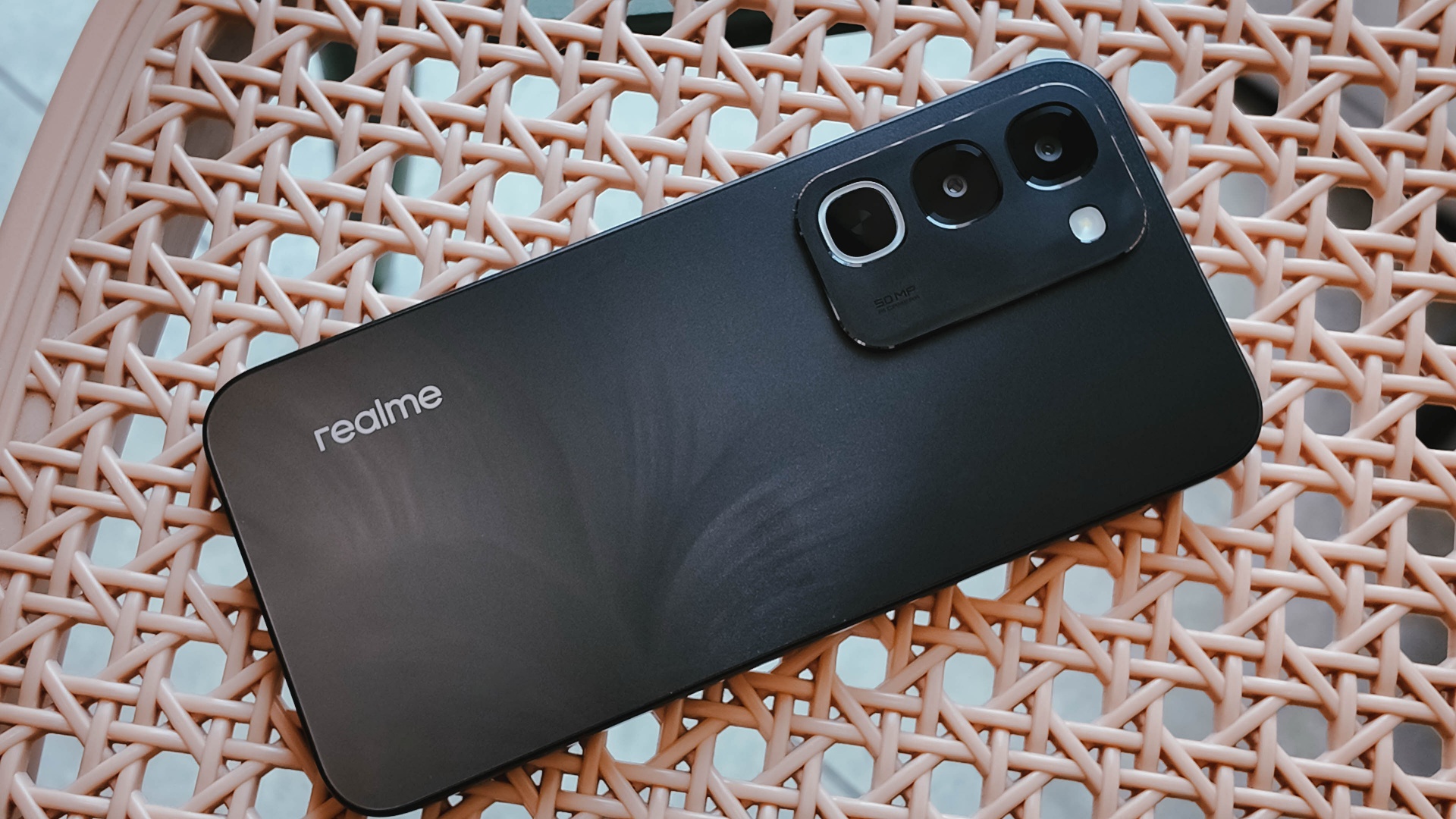
Several smartphone brands have successfully balanced cost and capability in the entry-level and midrange segments. realme, on the other hand, appears to still be navigating this refinement process after the realignment in budget handsets.
The brand’s latest mass market offering, the realme C100, highlights an aggressive focus on physical endurance and battery capacity.
These are two welcome additions to give consumers more value for what they purchase. Yet, there are compromises in other areas that ultimately hold the package back from being a worthy everyday utility.
Long battery life

Bannering the realme C100 is its 8,000mAh Titan battery. This substantial boost in capacity translates to better longevity on a day-to-day basis.
For just casual usage patterns, it can easily last even up to four days. When left on standby, it can even stretch to an impressive nine days or so.
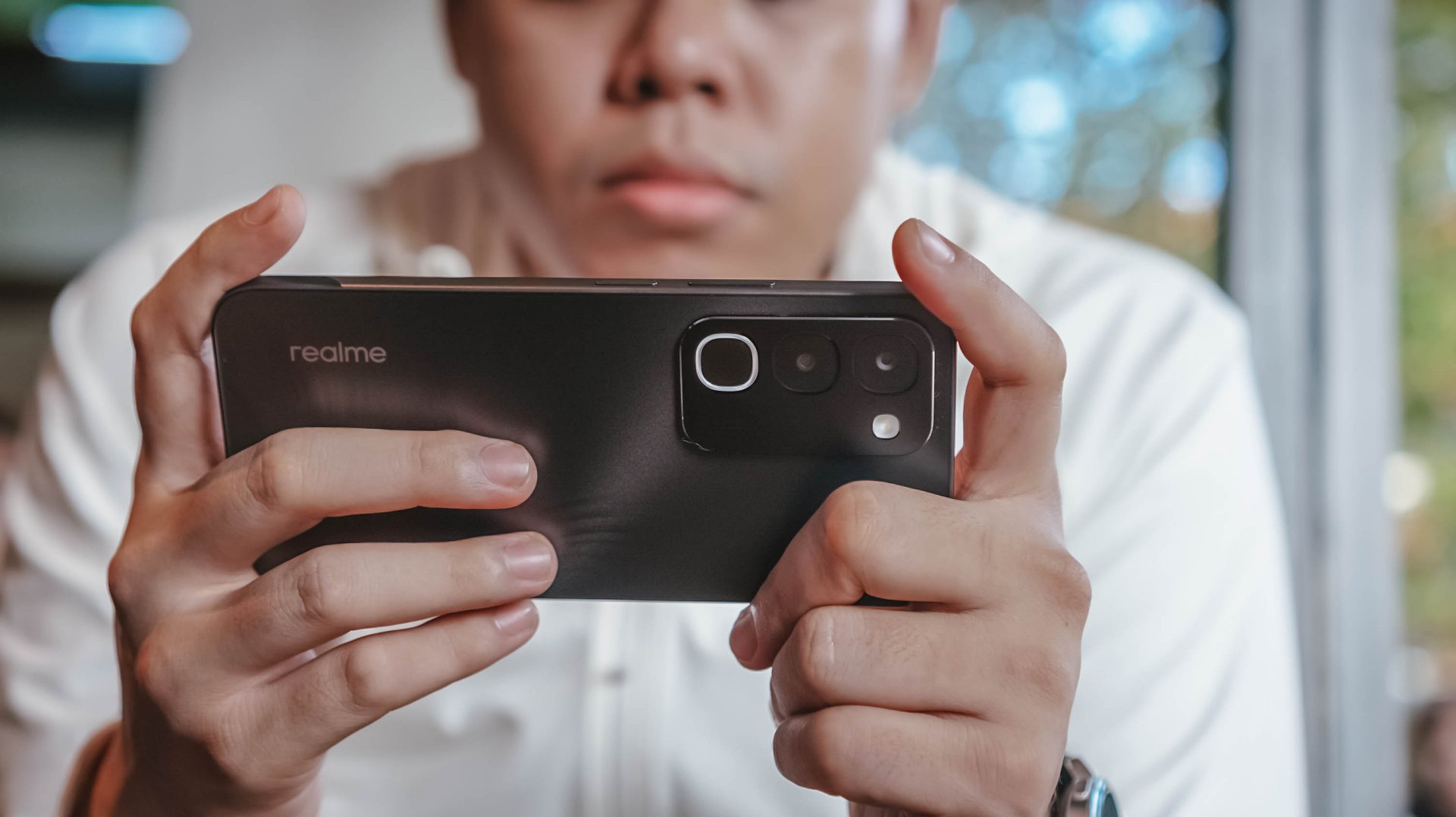
When finally time to recharge, the device supports 45W SUPERVOOC fast charging, which is ample for its segment.
As smartphone brands lean toward offering larger batteries, it’s a positive trade-off for those who don’t plan on purchasing power banks any time soon.
Unoptimized performance
The C100 is powered by a MediaTek Helio G92 Max processor and runs on the Android 16-based realme UI 7.0.
Performance is inconsistent at best. Light social media scrolling and casual streaming aren’t met with hiccups.

But, with gaming, the handset falters a bit, even with the supposedly less demanding titles like Mobile Legends: Bang Bang. There are frame drops, stutters, and a it of lag that disrupts the overall experience.
That’s even with GT Mode turned on.

This would also considerably hamper the workflow of utility workers’ daily routines, should they choose this.
Thankfully, with a long battery life, the C100 is still something you can wield to stay connected throughout the entire day, especially for commuters, students, and young professionals.

However, the lack of 5G connectivity is also a downer, especially if you’ll need a better and faster network.
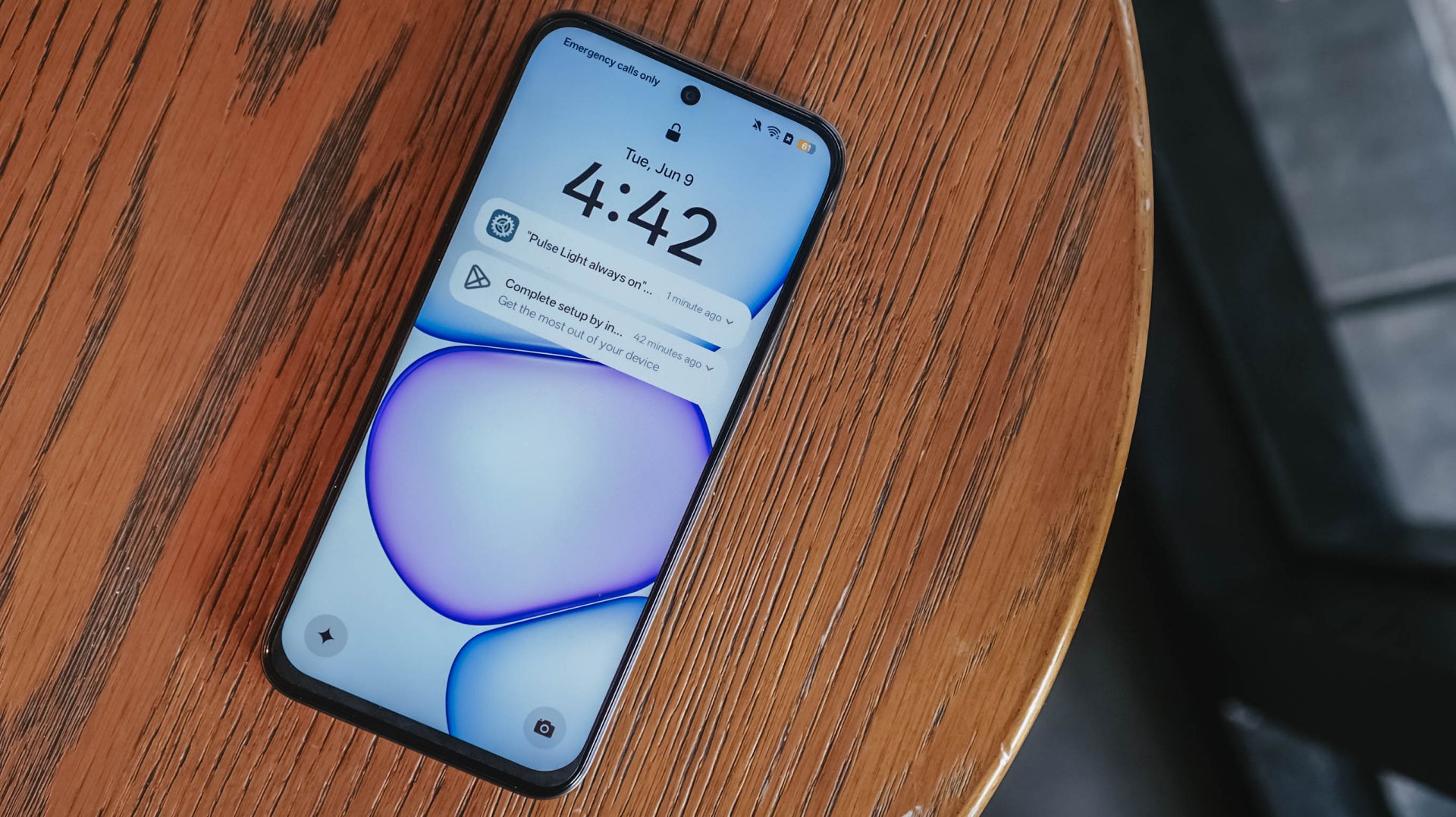
Ideally, I would put it as chiefly just a tool for constant comms and something you’d put on your desk — expecting new messages, emails, and notifications or updates here and there.
Inferior display
In front, the realme C100 sports a 6.8-inch 120Hz display on paper. It has an HD+ resolution but the pixel density sits at just a mere 256ppi.

There’s visible graininess or lack of distinct sharpness, be it streaming YouTube or viewing photos you’ve just taken with the device.
The same hardware limitation reminds me of past compromises in previous C series entries. Photos appear muddy and noticeably soft on screen, so it’s difficult to judge image clarity until files are transferred to another display.

The 1,200 nits of peak brightness helps a bit, although it is still a bit trickier to see things under the bright sunlight.
Cameras: Decent, as usual

For its camera, the realme C100 has quite the standard 50MP main camera. It’s decent for captures in terms of color and detail, but I’ve seen better overall quality from previous C series entries.
It’s tough when its indoors and under low light conditions — as expected. Naturally, you can’t expect the same detail outside of 1x zoom.
Some quick samples:










It’s a you-get-what-you-paid for on the stills department; something you’d use for documentation more rather than artistic captures. I would have hoped for more stability with filming, so you can use it for quick reels or splice them for vlogs.
When I asked my nephew to use the phone for a bit, he didn’t take too many images, which tells a lot about what the camera package can offer.
Look and feel
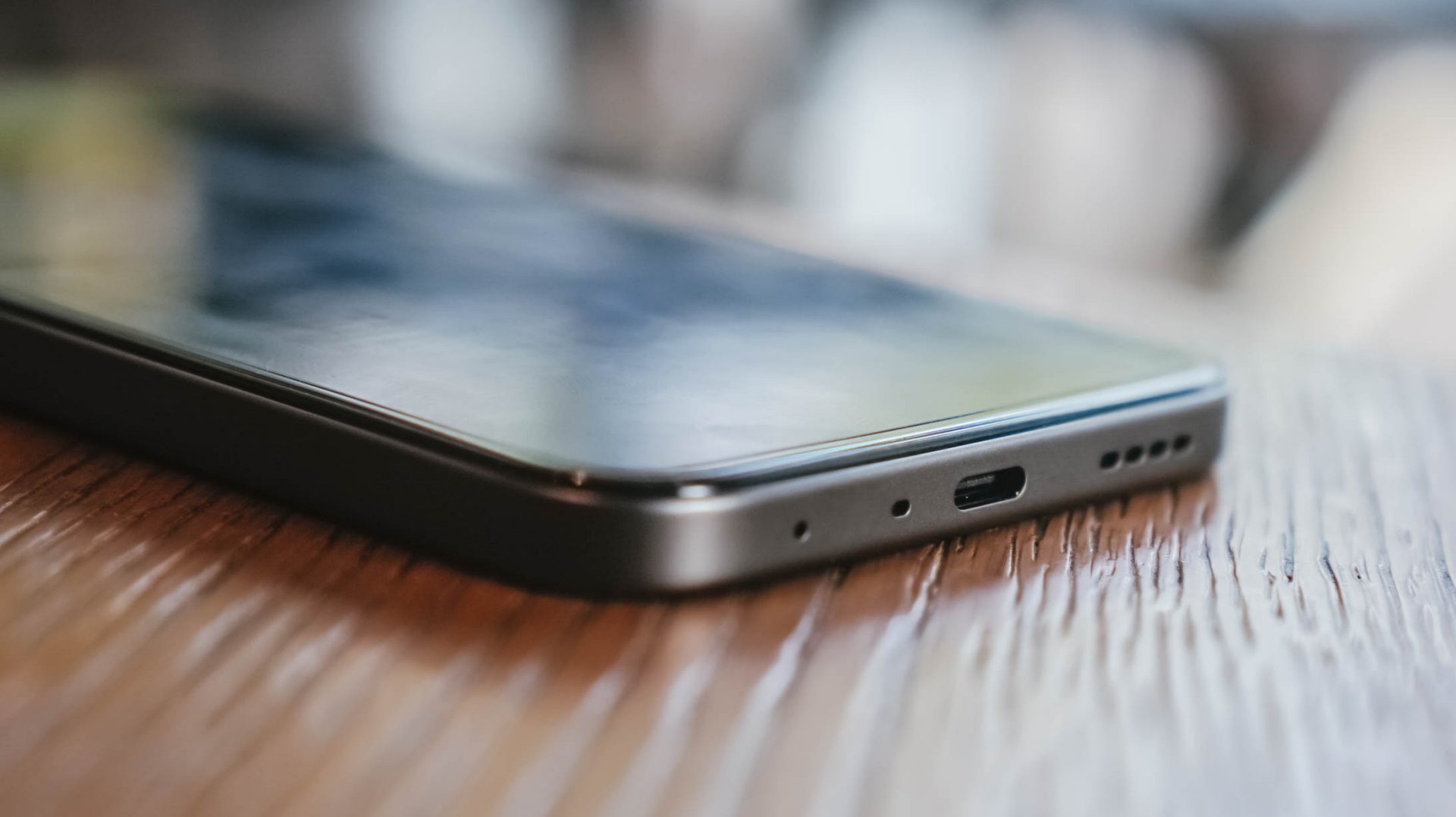
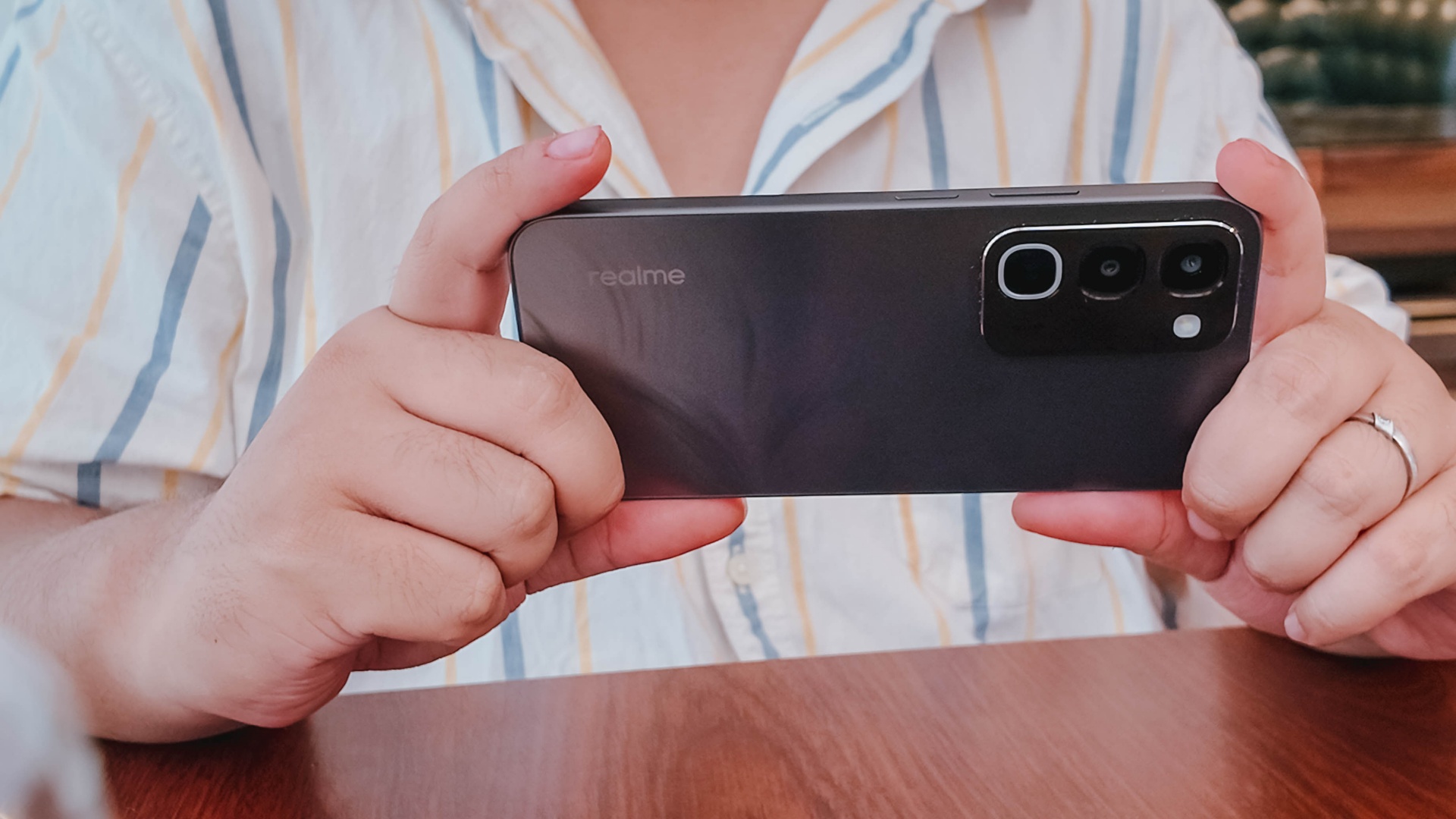
Onto its appearance, the device comes with a simple, squarish build with a faux triple camera island at the back.
It’s nothing we haven’t seen before, though in the place of round cameras, they look more like app icons shape-wise.
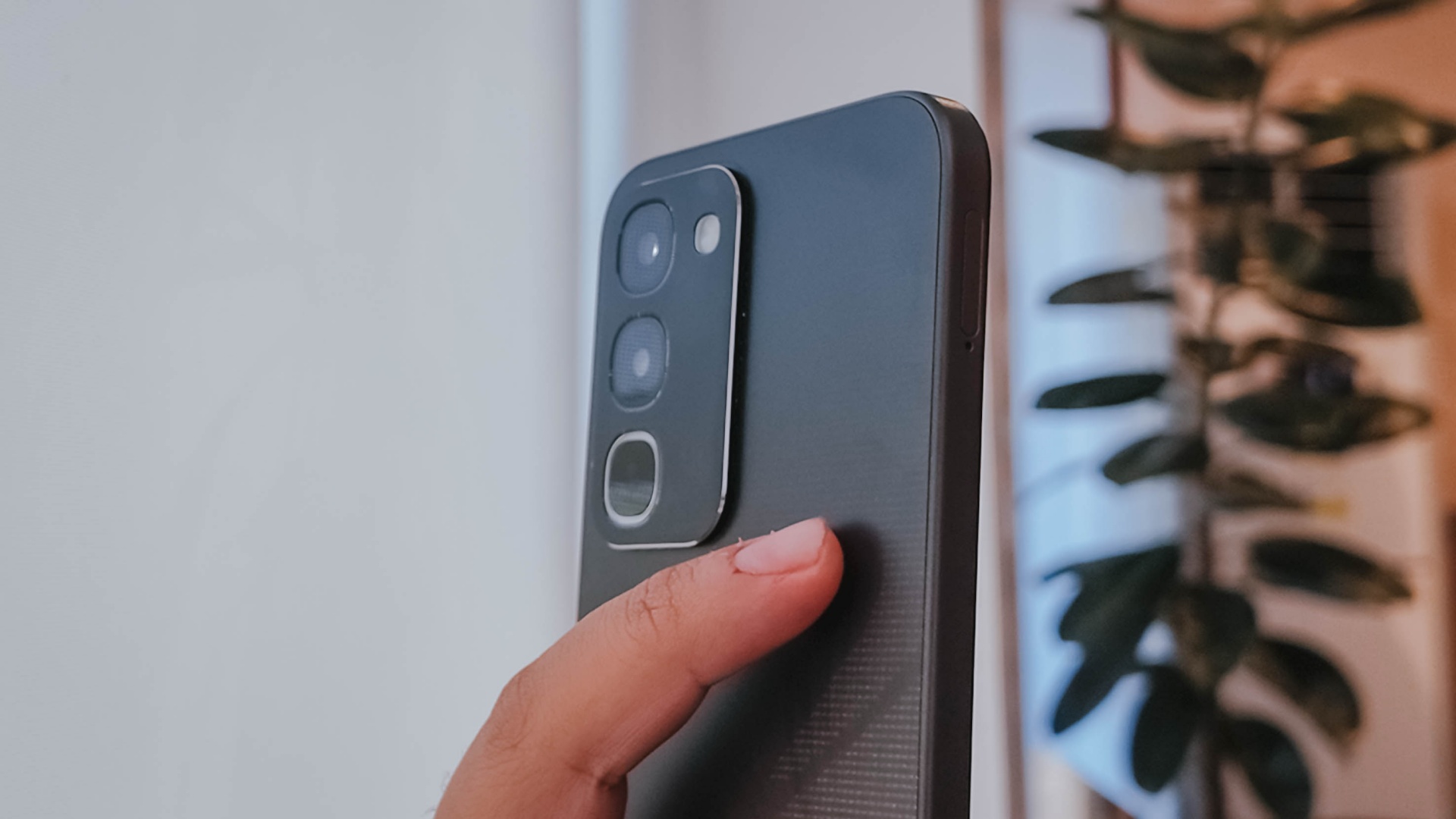
There’s slightly curved corners, just the right amount of thickness, a decent 90.4% screen-to-body ratio, and a bit of weight given the larger battery.
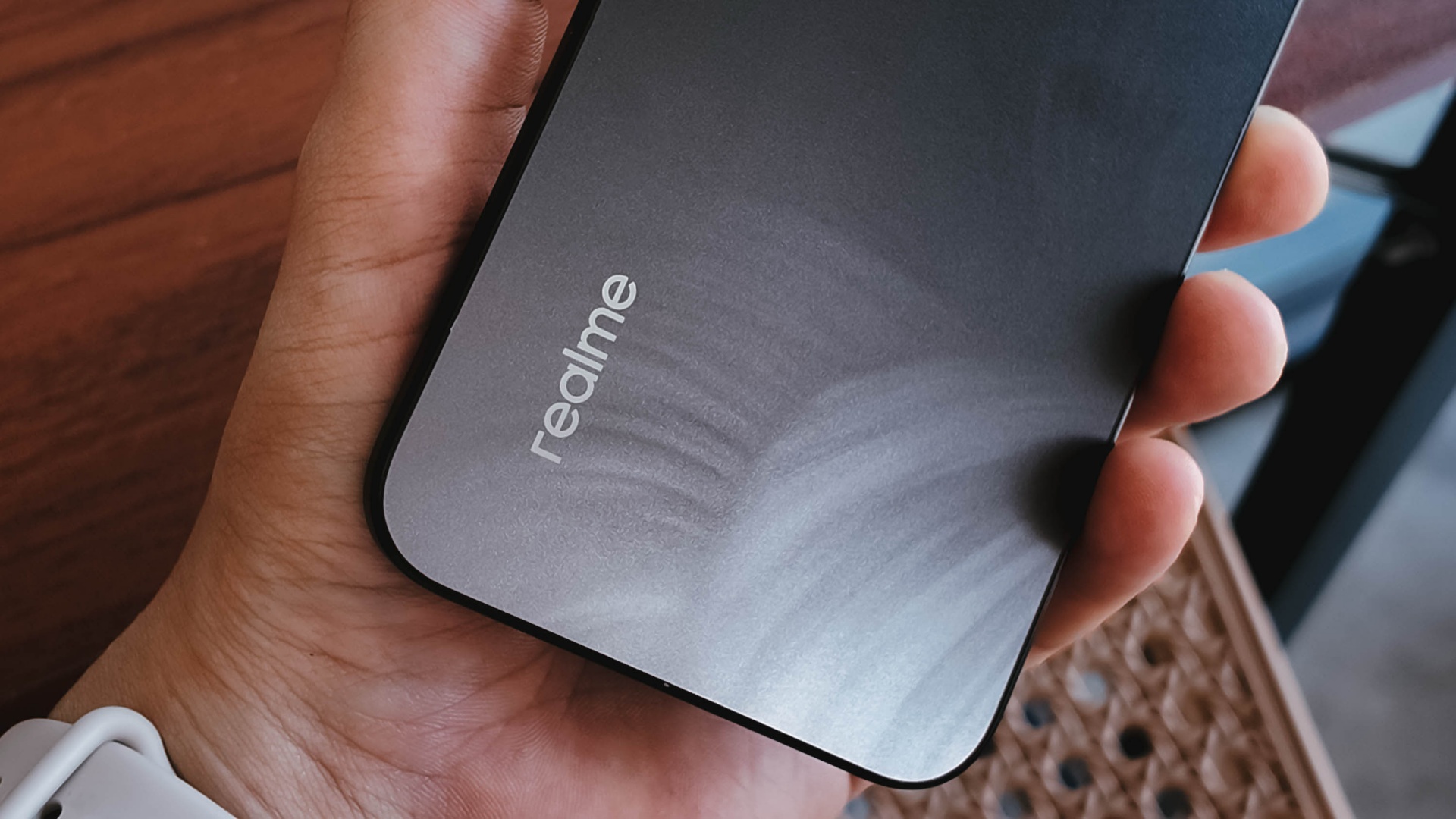
To its credit, the phone has a good grip and a less slippery back, even with its fancy design.
It is obviously great to have ArmorShell Glass protection too, as durability and ruggedness are two non-negotiables in this segment to remain competitive.
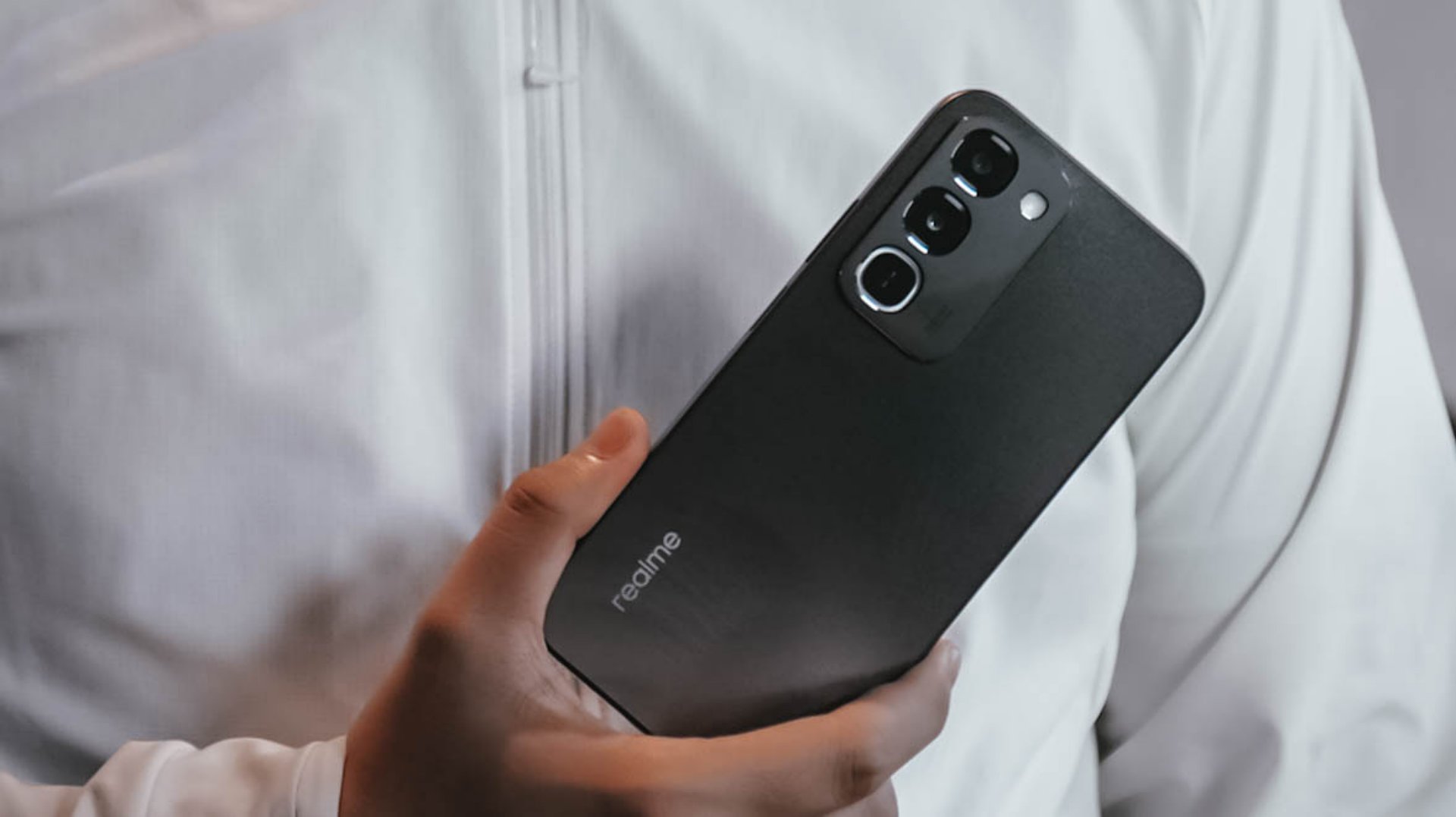
Aside from that, the phone boasts of IP66, IP68, IP69, and IP69K dust and water resistance. The display itself is also optimized for wet touches through Rain Touch Mode.
Is this your BudgetMatch?
For consumers prioritizing raw survival metrics, the final verdict leans toward a Swipe Left. It’s close though.
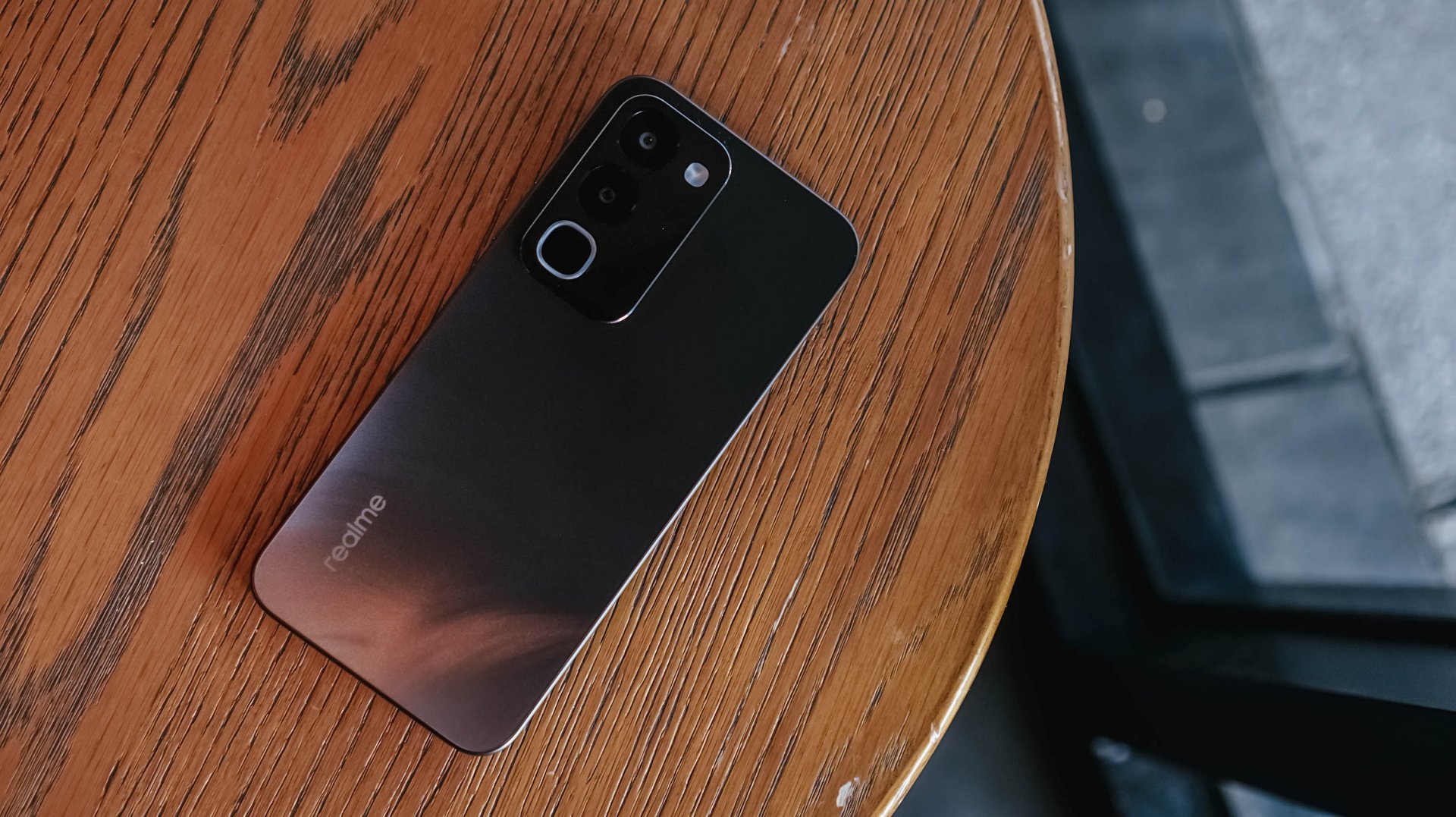
While the market shift toward military-grade drop resistance, high-tier IP waterproofing, and massive batteries makes sense as they save users from the hidden or unexpected costs of broken screens, liquid damage, and purchasing extra power banks, smartphones still requires a baseline level of operational smoothness.
At this price point, there are multiple cheaper alternatives with a more stable and responsive user experience.
There are also niche options providing a better gaming experience or camera performance, if either one is what you’re after.
There is just too many trade-offs with this particular unit, leaving some critical boxes unchecked.

This is coming from someone who has done countless unboxings and has touched a wide variety of devices — the ASUS ExpertBook Ultra was… alright.
My first impression was that it certainly didn’t wow me as much as I expected it to after having read the brief, nor even after attending the tech seminar where ASUS laid out its vision for the laptop.
That’s probably the strangest thing about the ExpertBook Ultra. Because after having spent more time with it, the laptop grew on me.
Put cheekily, the ASUS ExpertBook Ultra wasn’t the laptop that made my head turn. Instead, it was the laptop that kept showing up consistently. Before I realized it, it’s become the one I wanted to keep coming back to.
And I think that’s the best way to describe my experience with ASUS’ flagship business notebook.
The laptop sneaks up on you.
Built to be carried

I got the laptop right after Computex 2026 coverage. That meant my days were closer to how they normally are. That also meant I had to be more intentional about going out and bringing it with me as I tackled my day-to-day duties.
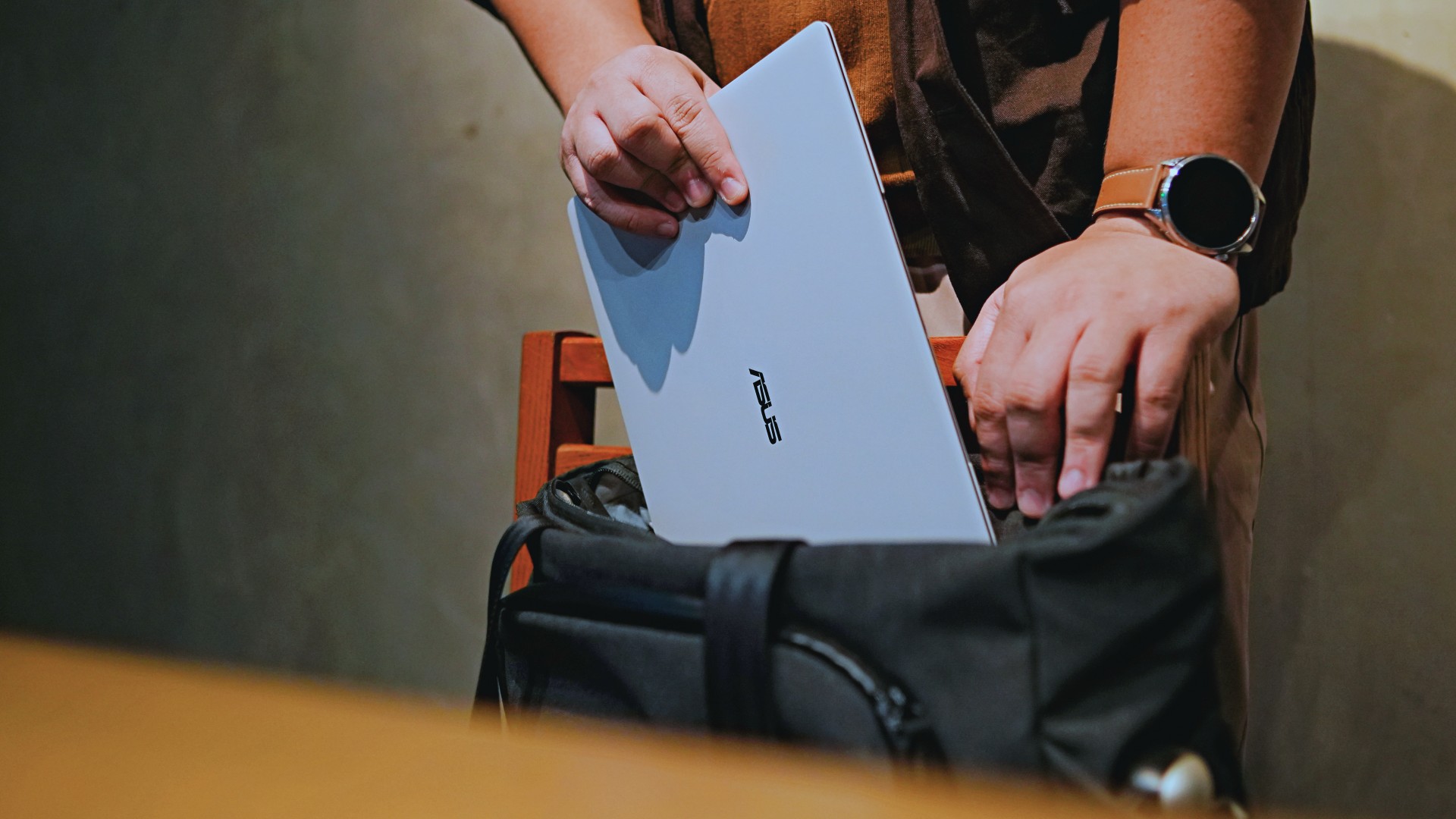
I normally carried it using my trusted EDC — the Alpaka Bravo Tote — and I have to say it definitely felt lighter than my usual laptop, which is the MacBook Pro M4.
The Apple laptop I regularly carry is, I have to admit, chunkier than I would prefer. So having the ExpertBook Ultra for about a week or so literally felt like some load was taken off my shoulders.
Did I ever forget it was there? I wouldn’t go that far.
But if you’re asking me which one I’d rather carry based on build and weight alone, I would, with no hesitation, reach for the ExpertBook Ultra.
That says a lot considering how attached I am to my usual setup.
ASUS likes talking about how light the ExpertBook Ultra is. Normally, that’s the sort of marketing line I acknowledge and quickly move past.
This time, I actually felt it.
The Nano Ceramic effect

One of the first things ASUS will tell you about the ExpertBook Ultra is its Nano Ceramic finish. I’ll admit, it felt like one of those things that sounds good on a slide presentation.
It’s one of those things that look gimmicky at first but actually feels incredible once you come across it on a daily basis.
It’s still early, so you can consider this very much part of the honeymoon phase with the laptop. Even so, the Nano Ceramic finish continues to inspire a bit of awe every time I pick it up.
I do feel like a little weirdo caressing the laptop ever so gently before I begin the day’s work wherever I may be. But that’s just a testament to how good it feels to touch.

And yes, it does reinforce the feeling that, “Hey, I’m working on a pretty fancy piece of machinery.”
It’s easy to underrate the effects of that feeling, but it’s those little intangible things that can sometimes help unlock perspectives and possibilities.
That’s not something you’ll find on a spec sheet. But it’s absolutely part of the experience.
A display that’s difficult to stop staring at

It also helps if STAYC Isa is on screen.
The display is magnificent.
As Captain America would say, “I can look at this all day.” Not the exact phrase, but you’re smart. You get it.
The OLED and matte coating is just a killer combo. Kind of like the Chaewon and Yeji “That’s a No No” challenge collab. Pardon the months-old K-pop reference. I’ve been so busy I haven’t really kept up with what’s new.
Anyway, the combination just comes at you unapologetically and you have no recourse but to bask in it. Maintaining the deep blacks and crisp colors is such a gift to your eyes.
I often sit right next to big windows when I’m out in cafés and the light did nothing to dull the effect of the display.

Two love, two love. I’m falling.
It was so good I often found myself fully diving into STAYC’s 2 LOVE music video in between writing this very review and coordinating with my team.
The matte coating deserves special mention here.
OLED panels already look fantastic. Pairing one with a matte finish that helps cut reflections without sacrificing the strengths of OLED makes for one of my favorite laptop displays in recent memory.
Typing just clicked

This is one of my favorite keyboard experiences. Things just clicked right from the start. No awkward feeling-out phase whatsoever.
I was touch typing like I was Doctor Strange trying to look into over 14 million possible outcomes and still landing on the right key every single time.
The keys feel closer to chiclet-style keyboards than anything else. Even so, the spacing is perfect and the travel satisfying.
Then there’s the haptic touchpad.

I typically don’t like using mice, especially when I’m out and about. With most Windows laptops I’ve used in the past, that eventually becomes a necessity.
That wasn’t the case with the ExpertBook Ultra. It’s easily one of the best-feeling touchpads I’ve used in recent memory.
My standard for touchpads has always been MacBooks. While the software is also doing some heavy lifting in that particular setup, the ExpertBook’s own comes pretty close.
That’s not praise I hand out lightly.
Performance that feels like overkill

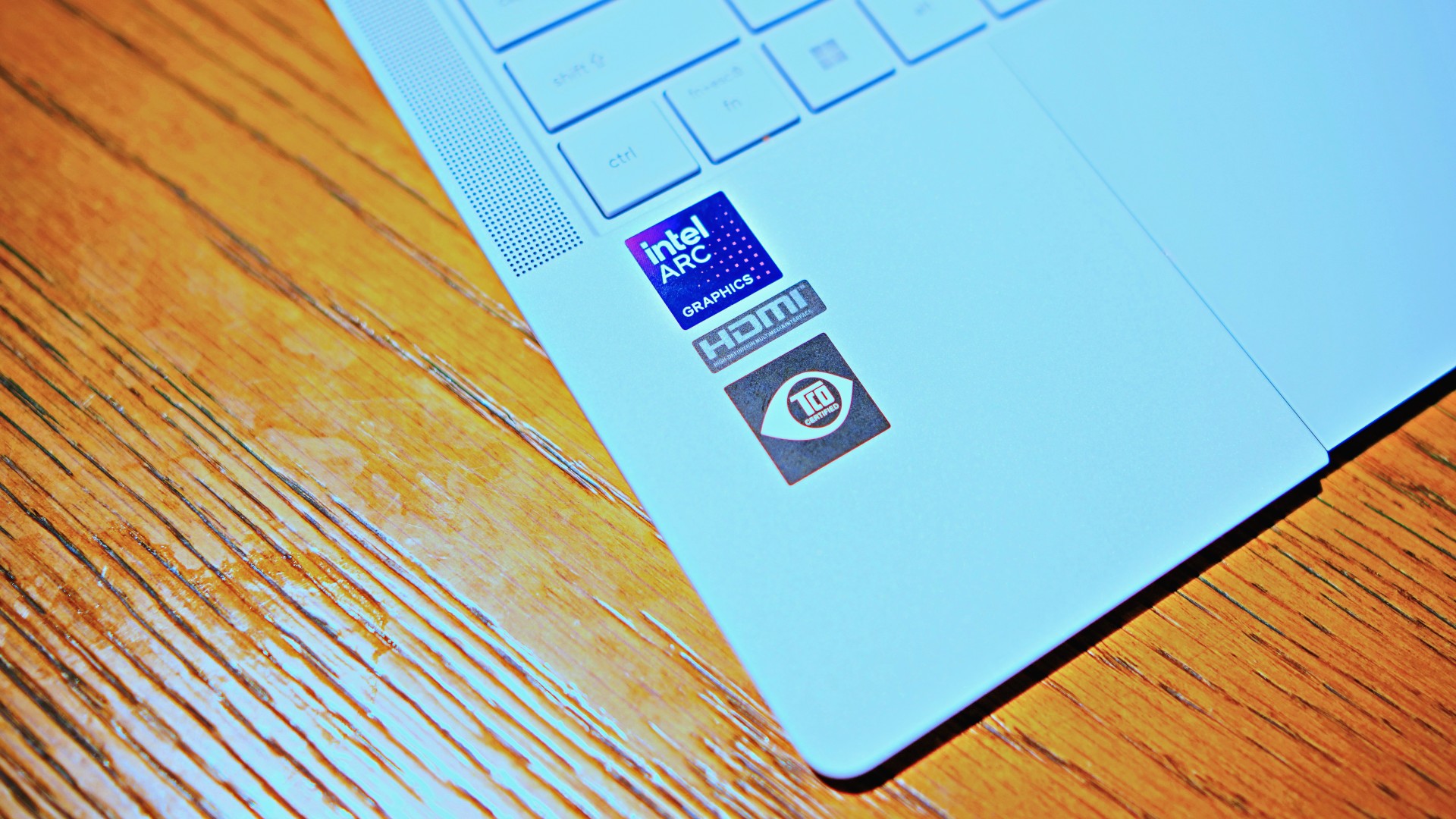
Performance is one area where I cannot claim I fully pushed the capabilities of the ExpertBook Ultra.
Most of my tasks are browser-based. Plenty of tabs open, sure, but I don’t think I ever came close to really testing the capabilities of this business notebook. I imagine that would be the case for most of ASUS’ target audience.
Upon seeing the specs, I already knew this was going to be a bit of an overkill for my own use case. My time with it only proved that assessment.
The most I did with it was jump between browser tabs and chat apps, letting ChatGPT help me process unresolved feelings and questionable timing while I dealt with coordinating shoots, writing scripts and reviews, and dealing with external forces that leave me feeling drained.
Never once did the laptop feel slow. Never once did I find myself waiting.
What noise?
Speaking of things I didn’t notice, let’s talk about fan noise.
Again, since I didn’t really push this thing to its absolute limits, the fan never really kicked into high gear at any point during my time with it.
The same goes for thermals.
No task I did ever raised the temperature to uncomfortable levels. The laptop simply went about its business. Which, come to think of it, is probably the most business-laptop thing I can say about it.

Battery life that simply works
I was very impressed with its overall efficiency.
When I go out to work, I typically don’t stay out longer than five to six hours. Most of the time that’s five to six hours of really focused work—with some K-pop loving in between.
Being generally risk-averse, I still always brought my usual charger with me. Not once during my time with the device did I feel the need to plug in while working outside.
I would typically end my café work days somewhere between 30 to 40 percent and only juice the thing up once I got home while it was closed and not in use.
That’s exactly the kind of battery experience I want from a business laptop.
The AI question
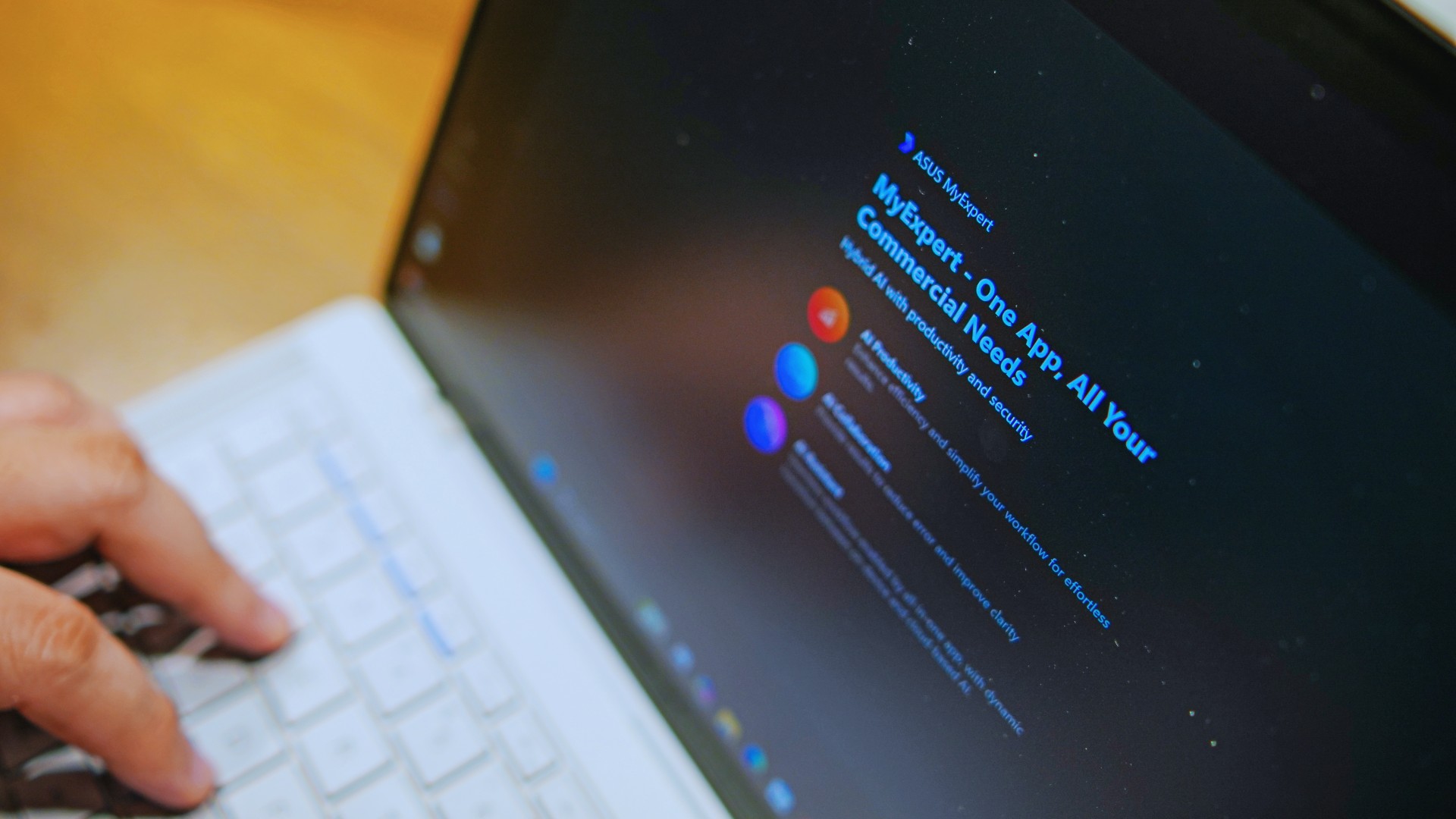
The thing I struggle with when it comes to AI features on this machine is that a lot of them are Windows-based and that’s just not the AI I find reliable.
Right now, many of these features are nice-to-have.
I’m sure one of ASUS’ target users will likely find a use case for them.
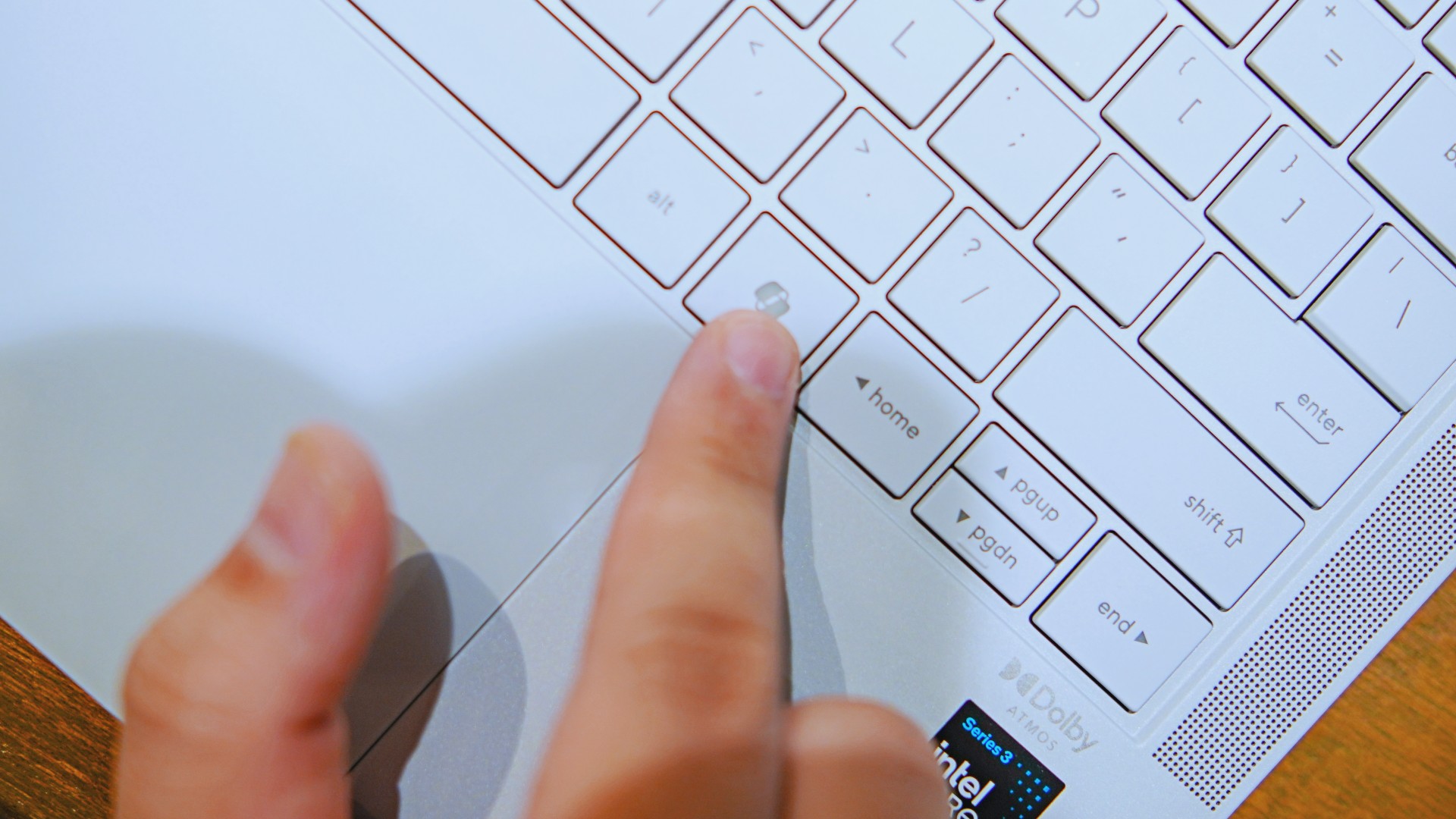
As for me personally, this is one area I’d have to dig deeper into to actually find ways to integrate them into my workflow and general usage.
And honestly, that’s okay. The AI features weren’t the reason I kept reaching for the laptop.
Who is this actually for?

That’s a loaded question. Really, it’s built for anyone who can afford it.
With a starting price of PhP 129,995, this device comfortably sits in aspirational territory.
What I know for sure is that this is a machine for someone who’s already built some momentum in their chosen field and would like to level up.
The ASUS ExpertBook Ultra gives you a machine that can handle your business now and inspire you to dream bigger about your future.
Is the ASUS ExpertBook Ultra your GadgetMatch?
The thing I kept coming back to with the ExpertBook Ultra is that there is no one thing that made me turn to it.
Instead, it’s the combination of everything that it brings to the table. The premium-feeling build, lightweight design, wonderful display, excellent keyboard and touchpad. efficient performance, and the thoughtful extras. Together, they make it a laptop that’s easy to recommend to anyone who’s ready for it.
But what does ready for it actually mean?

It means it’s for people who have leveled up quite a bit in their grind and want a machine that matches their current status and future aspirations.
That’s what the ASUS ExpertBook Ultra represents. A modern classic that’s ready for now and whatever comes next.
That’s why it didn’t wow me. But it certainly won me over.
Reviews
Nexal Watch Sport review: A rugged watch for small budgets
I couldn’t believe that watches this good could come for this cheap.
Between run clubs and HYROX training, fitness these days is a luxury. But it doesn’t have to be. When you realize that buying a new Garmin watch or On running shoe eats so much into your monthly budget, you start to discover those little things that make you go, “hey, maybe I don’t need all that expensive gear just to pound the pavement.” After all, humans perfected running before they figured out wearables.
That’s exactly how I felt with the Nexal Watch Sport.
Rugged as they come
I’ve always had a gripe with affordable smartwatches. Whereas budget smartphones are still able to wow users with unique (and durable) designs, affordable smartwatches often lack that polish, sometimes manifesting in flimsy straps or a clear lack of features.
The Nexal Watch Sport doesn’t suffer from that ailment. Housed in a matte black chassis, the wearable can hang with the rest. In spite of the minimalist design, it goes a long way to make me feel like I have an expensive wearable, rather than one that saves my monthly budget.
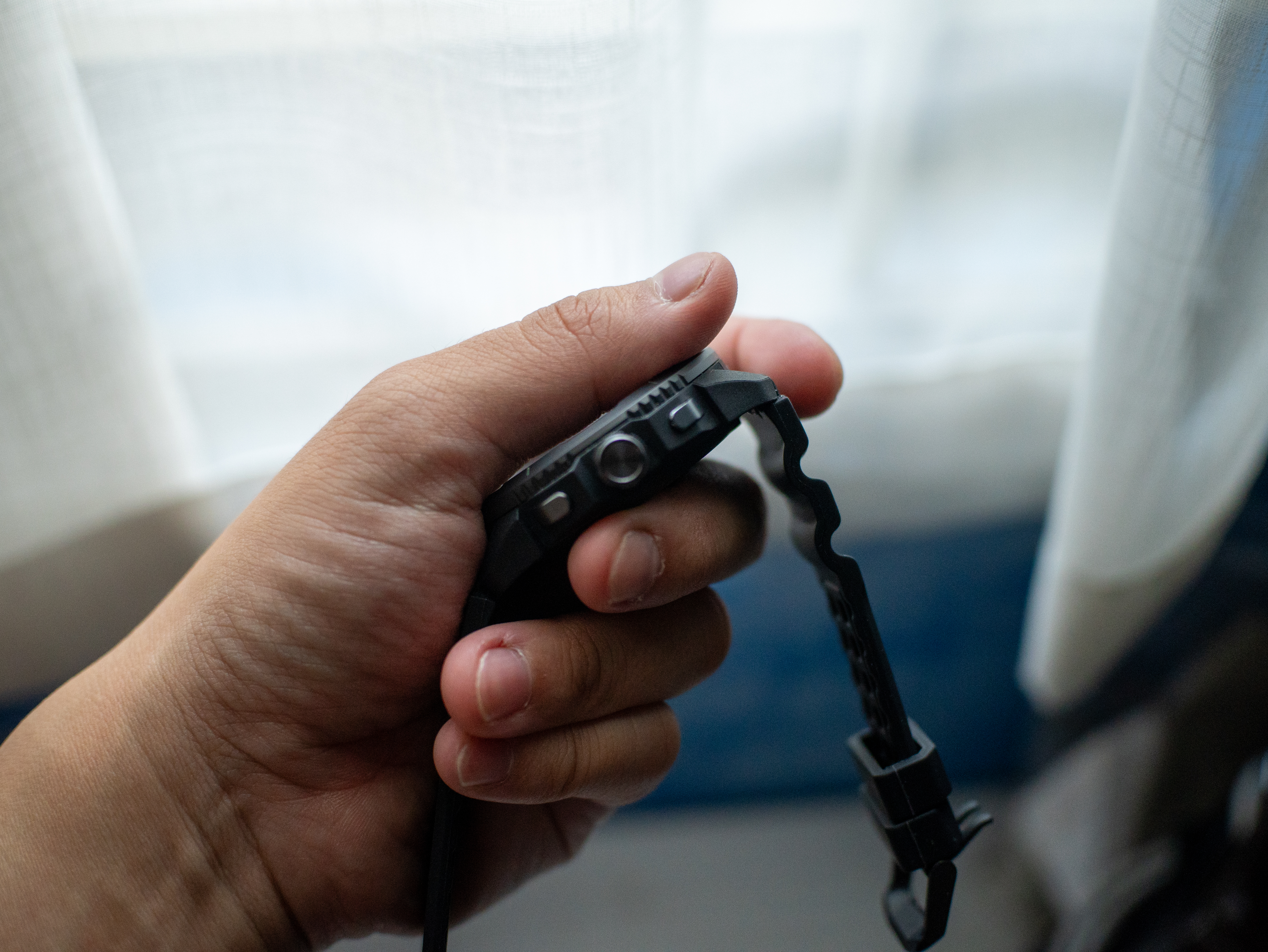
On the side, it comes with two simple buttons, a rotating crown, and a delightful array of flashlights (which I love, by the way). It’s also pleasantly light and doesn’t drag my wrist down, which is perfect for runners. The strap, though very bendy, lets my wrist breathe amid long runs. Finally, the double hooks ensure that the strap remains fixed to my wrist.

No more missed workouts
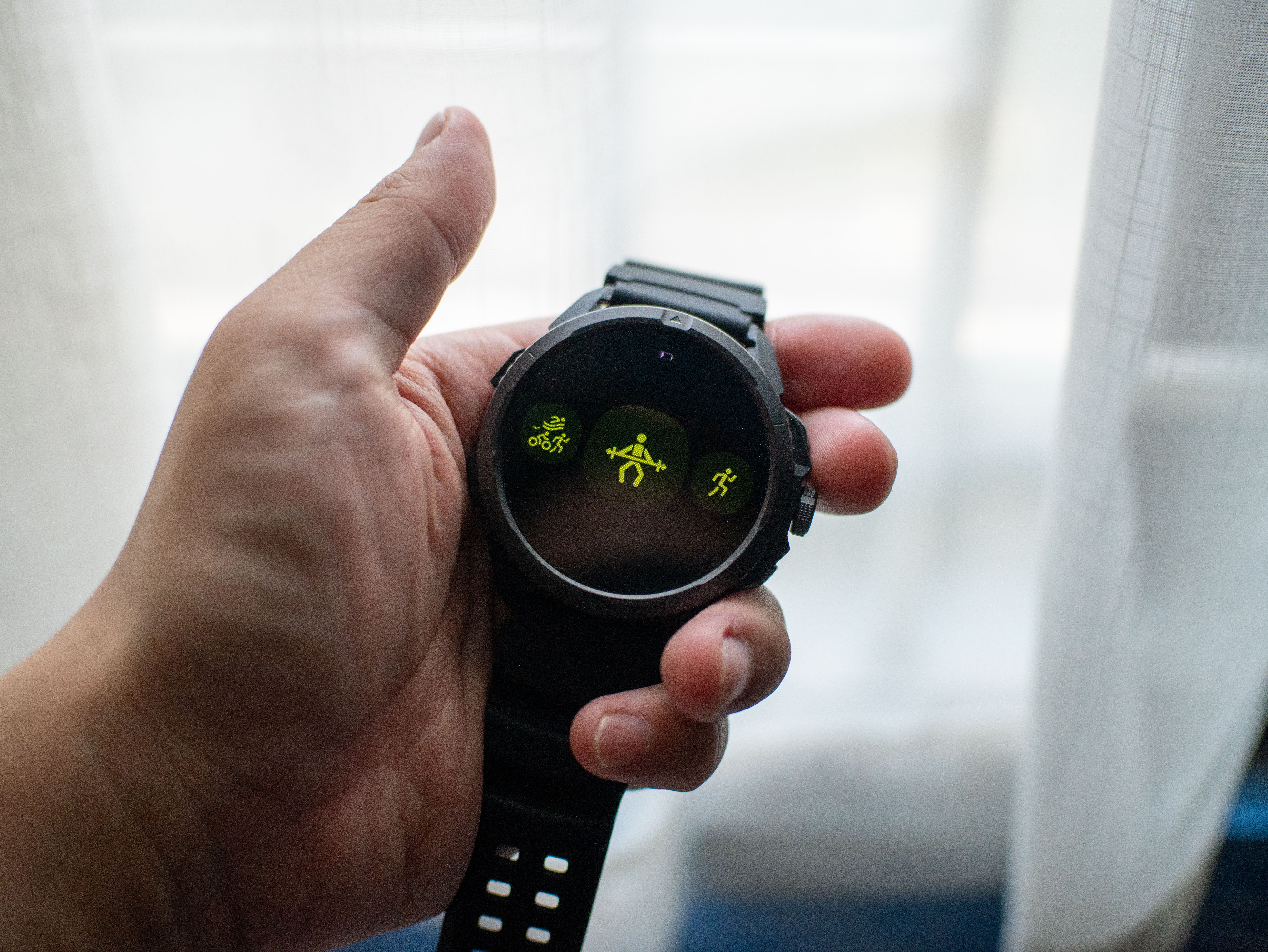
My favorite part about exploring a new smartwatch is going through its list of available workout modes. Offering over a hundred modes, the Nexal Watch Sport has you covered, no matter what you do to get the blood flowing. While you’re naturally getting the usual array ranging from running to lifting weights to pickleball, you’re also getting some pretty niche ones like parkour, darts, and jazz dancing.
Now, I know that I’ll never go for something like parkour, but it’s still nice to have that option. Plus, I’m sure actual practitioners of these sports will appreciate their inclusion. For me, having a wide array of modes to choose from adds that bit of feeling that maybe I can try one of those someday, and that’s an intangible plus with this feature.
As for performance, the modes I used — weightlifting and running — were accurate enough. I didn’t miss my Garmin Forerunner.
A clean interface
Another thing I look out for is the user interface. To my great surprise, the Nexal Watch Sport looks very clean. In fact, the main watch face looks better than a lot of options I’ve seen on either Fitbit or Garmin.
The main interface itself is simple, but that’s just what you need from a smartwatch. You don’t really want to fiddle around with settings on a small screen when all you want to do is to start running.
That said, the smartwatch isn’t the fastest. There’s a pronounced lag of about half a second when you use the screen. Functionally, it’s not too bad, but again, it’s frustrating when you’re about to start a run.
Now that’s a long battery life
“Rugged” describes this smartwatch to a tee. Nexal promises that a single charge can last up to thirty days on light use. Based on my estimates, this is largely true. The Watch Sport keeps on chugging along.
For regular people like me, this extremely durable battery is a boon for those who don’t want to charge their wearables too often. But it’s a godsend for those who prefer rugged outdoorsy sports. If you’re out in the wild, having a durable way to navigate and connect with the world is a must.
In our case, an extra-long battery life is a big benefit for on-the-go lifestyles. Whether I’m just working or working out, this battery is useful.
Is the Nexal Watch Sport your GadgetMatch?
The Nexal Watch Sport costs only PhP 6,999. It’s a bargain compared to even the cheapest models of the more popular brands.
With that price and its abundance of features you’d expect, this is a worthy purchase that you won’t regret. The only real flaw was the relatively slow interface, but that’s still workable. For that, the Nexal Watch Sport gets a Super Swipe.


realme C100: Enduring and durable in spite of entry-level realities
Enough power but needs more agility


The ASUS ExpertBook Ultra wins you over
The laptop sneaks up on you


Nexal Watch Sport review: A rugged watch for small budgets
I couldn't believe that watches this good could come for this cheap.

SQUARE ENIX STORE Plus expands presence in Asia, Oceania

Maya: Convert purchases to 0% interest Mini Payment plans

Netflix: Kris Aquino makes on-screen comeback with fictional role

Hatsune Miku: Colorful Stage! Exclusive shop, Fair, and Gratte schedule

The iPhone 18 might sell out for an unexpected reason

New York becomes first state to ban smart glasses

Sony launches IER-M500 in-ear monitors

Microsoft dictates that a new Fallout game is coming

HoYo FEST 2026 details announced; tickets on sale from July 16
realme C100: Enduring and durable in spite of entry-level realities


-

 Automotive4 days ago
VinFast debuts two-wheeler models, opens 21 e-motorcycle showrooms
-
 Computers1 week ago
AMD launches Radeon RX 9050 graphics card
-

 Computers2 weeks ago
AORUS MASTER 16 Gen 2 2026 AI gaming laptop launches
-

 Gaming2 weeks ago
God of War Laufey finally confirms its highly anticipated launch date
-

 Automotive6 days ago
Xiaomi debuts SkyNomad Series featuring new Kunlun platform
-

 News3 days ago
OnePlus officially leaves the United States and Canada
-

 Gaming1 week ago
NBA 2K27 gameplay trailer showcases new dunk mechanics, Rucker Park, and more
-

 Gaming5 days ago
Call of Duty: Modern Warfare 4 clip shows Losing Ground 1st look