
Accessories
BOYA mini 2: A step-up for content creators, more
Sub-US$ 60 package where audio quality, convenience, and portability align

In today’s vertical-first, voice-over-heavy social media world, audio isn’t just important; it’s the dealbreaker. Better audio sets the tone instantly.
Content creators know this, especially that production for social media consumption has changed dramatically over the past half decade.
It’s only vital for creators to resonate with audiences clearly, as the latter are all ears aside from eyes on videos.
That’s where the BOYA mini 2 can come in and upgrade that aspect of content creation — mine included.
Portable, lightweight, easy to use
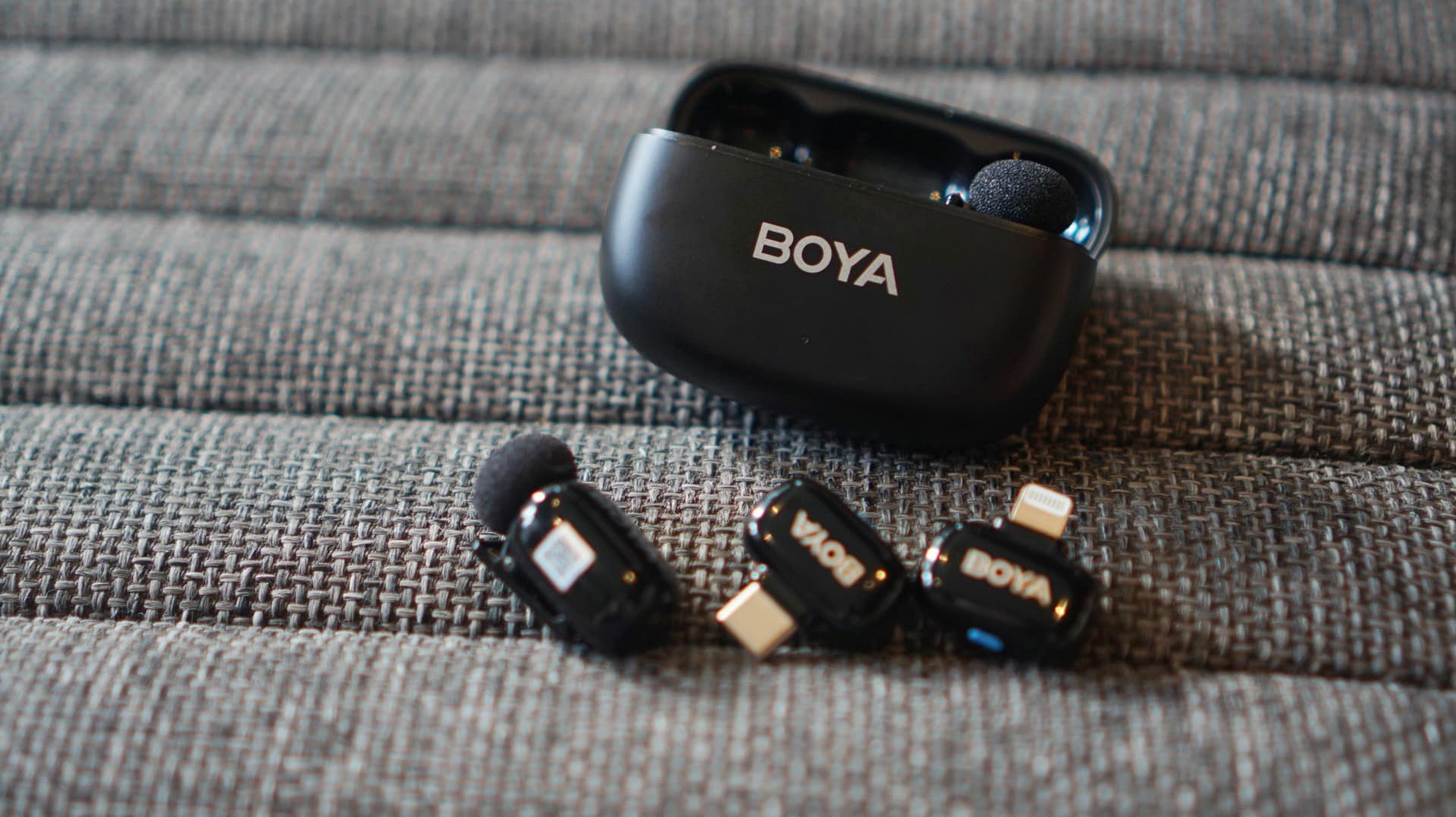
These thumb-sized, 5-gram transmitters are portable, long-lasting, and can give you a quick and easy workflow to finish whatever you’re working on.
Scour quickly on BOYA’s retail website and you’ll find plenty of sets to choose from. You can start with just a charging case and one transmitter and receiver, but you can also opt for two transmitters and both a Lightning or USB-C receiver.
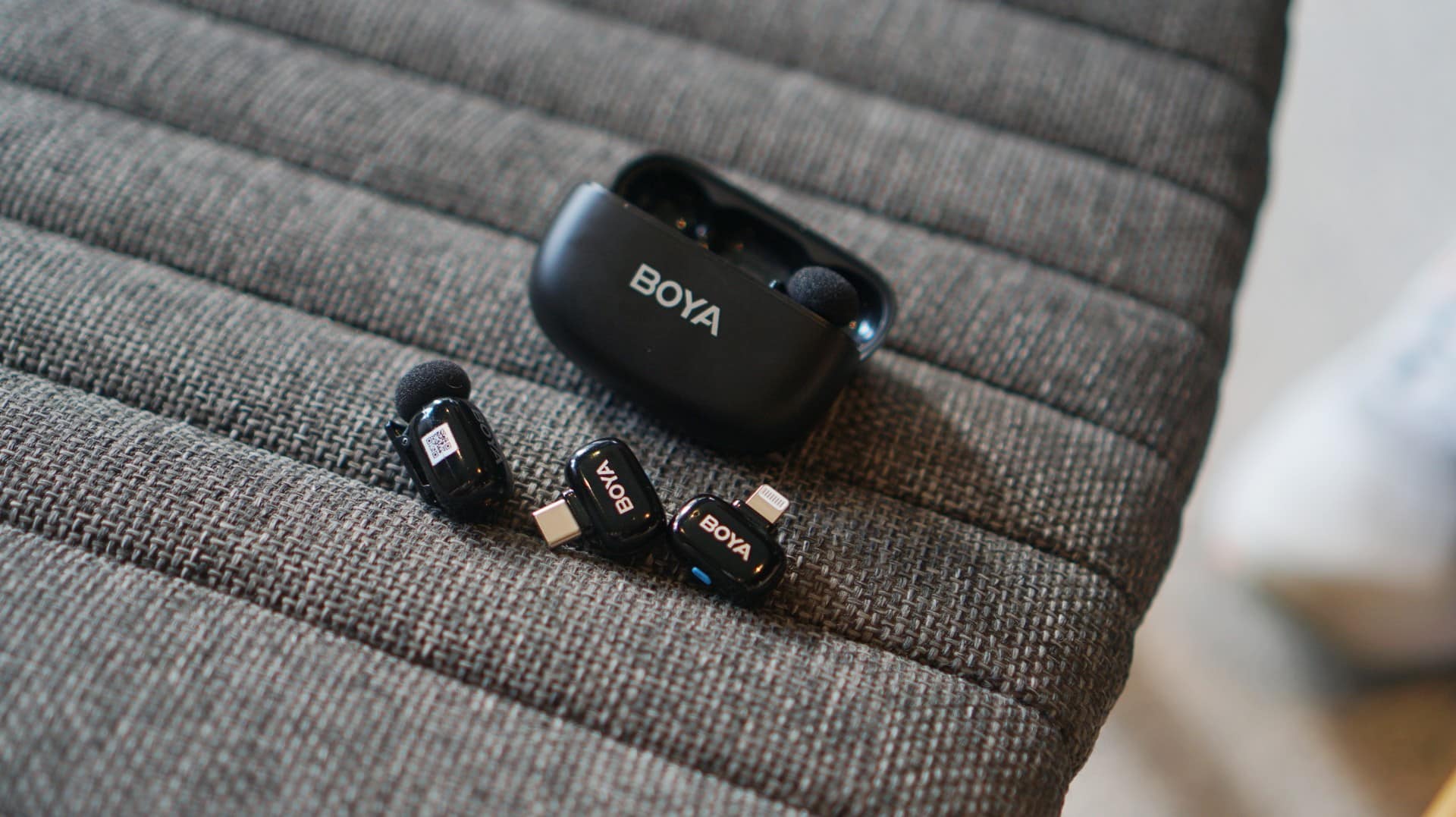
I had the set that had everything, and this entire package costs just US$ 54.99 (PhP 3,290). There’s Matte Black and Lunar Silver color options as well.
The charging case is likewise small and portable, and having it is as if you’re just carrying earbuds along. It fits pockets, pouches, sling bags, handbags, and more. No extra baggage needed.
Plug and use
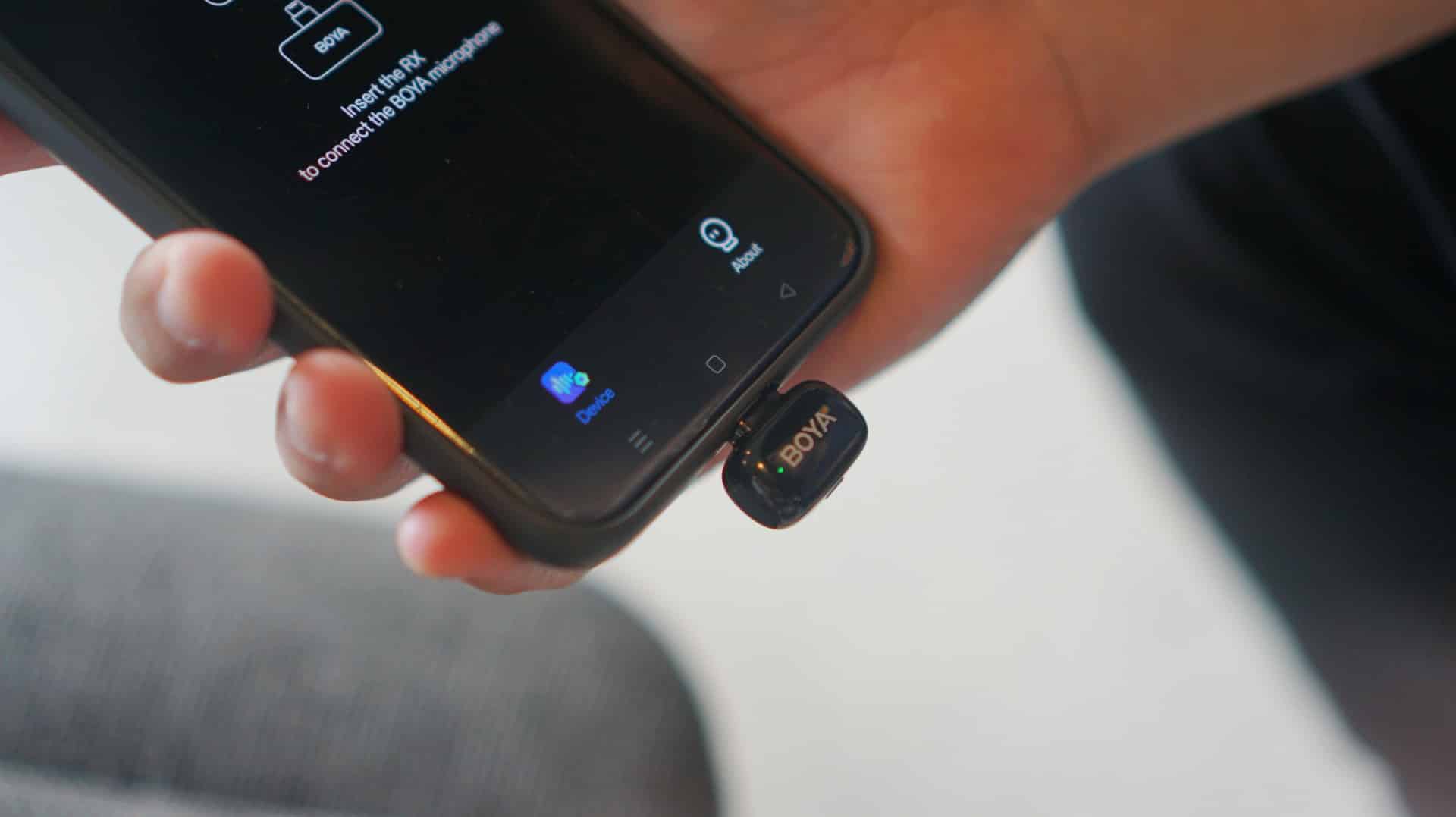
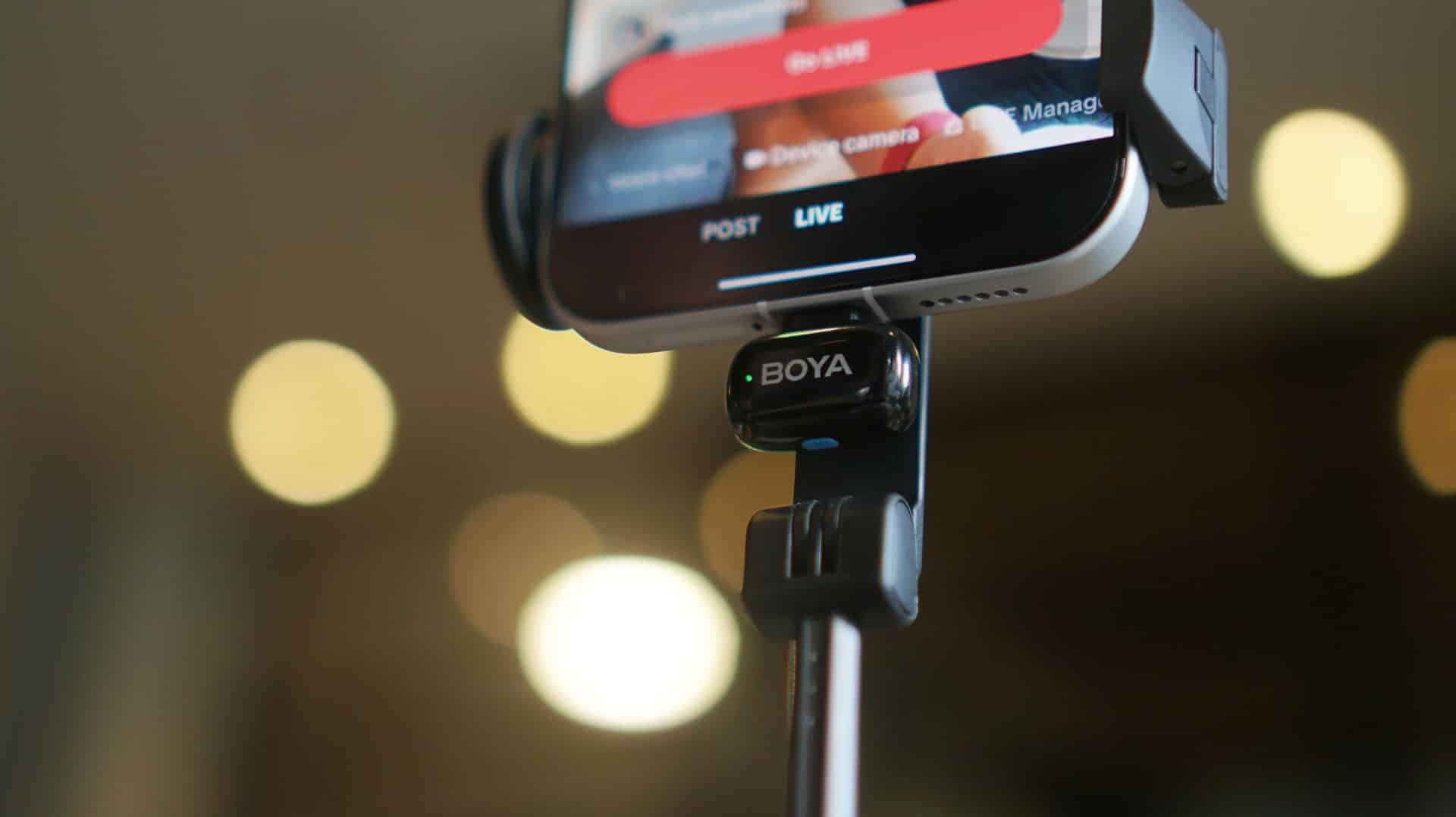
What you’ll love with the BOYA mini 2 is that it works right out of the box. The package I have had both the lightning and USB-C receivers.
Just plug which one is compatible with your phone and you’re ready to go. The default audio quality is already leagues ahead of muffled clip-ons and built-in phone mics.
Each mic lets you record up to 48Khz-24 bit quality audio, giving voices clarity with minimal distortion.
But of course, if you’re big on tailor-fitting the audio for what you’re about to produce, you can just download the BOYA Central app to make changes in several settings.
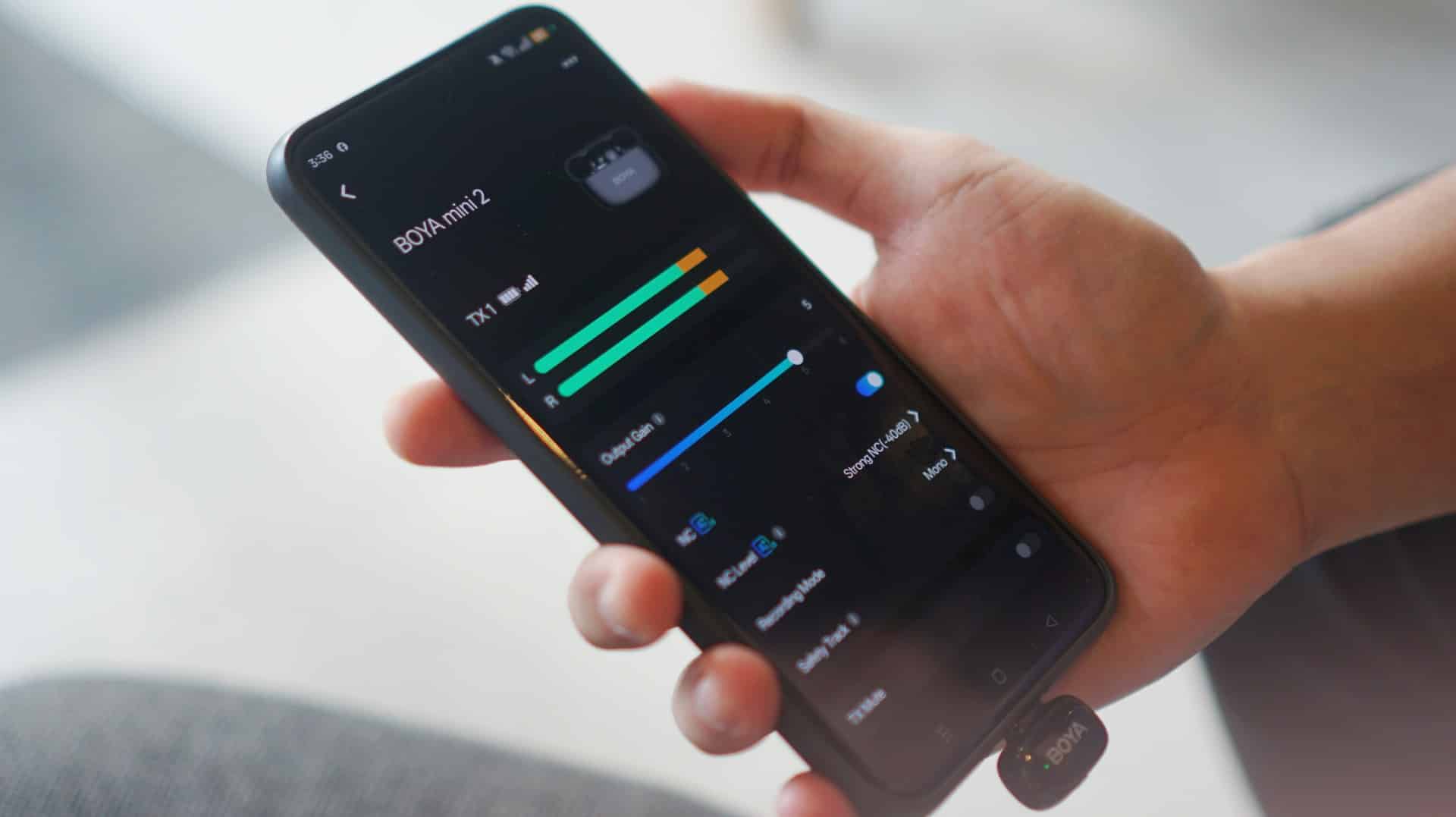
There is a 6-level gain, so you can have the transmitter absorb louder audio. You can also switch between mono and stereo recording if you have two transmitters turned on.
In addition, there are preset EQ modes, but you’re free to customize your own mix as well. My go-to is the Vocal Boost mode which amplifies whatever I say on record.
Speaker mode, meanwhile, allows you to review recorded audio or video immediately afterwards. This is helpful especially if you’re just recording with a phone.
Do note that the app needs internet connection to work, but other than that, you’re all set.
Noise Cancellation: A big help
Moreover, the 3rd-generation AI-powered Noise Cancellation feature works wonders. It blocks off unwanted noise (-21dB to -40dB) to a certain degree.
BOYA trained this with over 700,000 real-world noise samples. In practice, it shows.
There are times I recorded in crowded areas or had a cooling fan behind me for a food review, but I couldn’t hear them whenever I played such videos on my phone.
Conversely, if your area is already quiet enough, the audio stands out even better.
Obviously, if you have more high-end headphones, you’ll be able to hear more layers of sound, but considering the target audiences of creators who’ll likely play content from their phones, it’s all good.
And such feature is helpful for interviews, stand-uppers (i.e., talking-head shots), and more scenarios.
I can imagine traditional media leveraging this and the wireless nature of the mini 2 for packed media scrums where you can’t be in front of the guest/s.
A step-up for vloggers, content creators, more

In my case, I started making vlogs again back in 2023. Before that, I had a YouTube channel that lasted from 2018 to 2021 that focused mainly on Korean BBQ restaurant reviews back when the samgyup hype was at an all-time high.
My videos had the regular 16:9 aspect ratio and lasted about 5 to 10 minutes long. But those days are well behind us.
Nowadays, it’s all about vertical short-form videos with voice-overs. I was well aware of this and had to figure out how to keep up with this generation’s way of making vlogs.
While I’ve always trusted my skills and my midrange smartphones to deliver the visual part, the voice recording side was the one that’s tricky. I used to just record my voice inside my wardrobe closet to block off noise and absorb echo.
At some point, our ever generous managing editor did give me a condenser mic before, but using it also involved a lot of steps in the workflow. I had to use a laptop to start recording and then transfer the audio file to my phone.
Simpler process
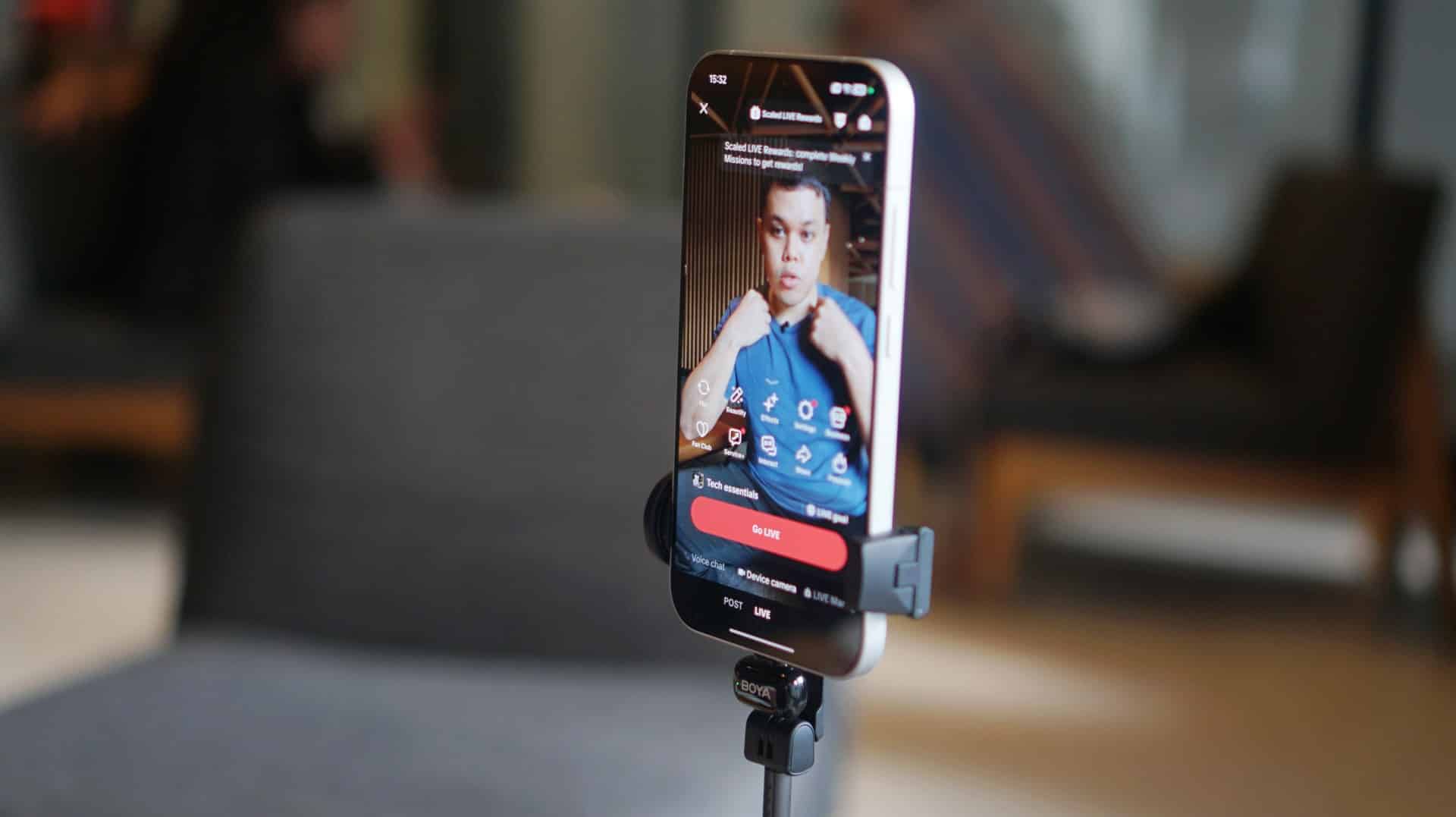
This is where the BOYA mini 2 changed the game for me. The product’s versatility allows for a more simplified and seamless production flow.
My partner, on the other hand, was also able to use the system for her makeup product reviews with front camera shots.
She even leveraged the transmitters for livestreaming sessions so that she could use both arms for swatching different lipstick shades and focusing on Shopee or TikTok’s livestream controls.
A little patience goes a long way
As you’re not paying a fortune per se with the BOYA mini 2, don’t expect perfection either.
The one hurdle we had to deal with was whenever we switched from the Lightning to USB-C receiver, you will have to reconnect the transmitters again.
It takes a while to figure it out. Without reading the manual, I just double-pressed the button on the transmitter until it turned green after blinking steadily. You will also have to do the same with the mics, which restart several times before finally syncing again.
Other than that, there weren’t much problems encountered.
Final thoughts
The BOYA mini 2 isn’t flawless. But convenience, portability, and clear audio quality all align at below US$ 60.
It’s about studio perfection but for creators who need speed, portability, and good enough clarity to keep up with the algorithm.



Accessories
Apple is reportedly working on its own gaming controllers
It might launch under the Beats brand.

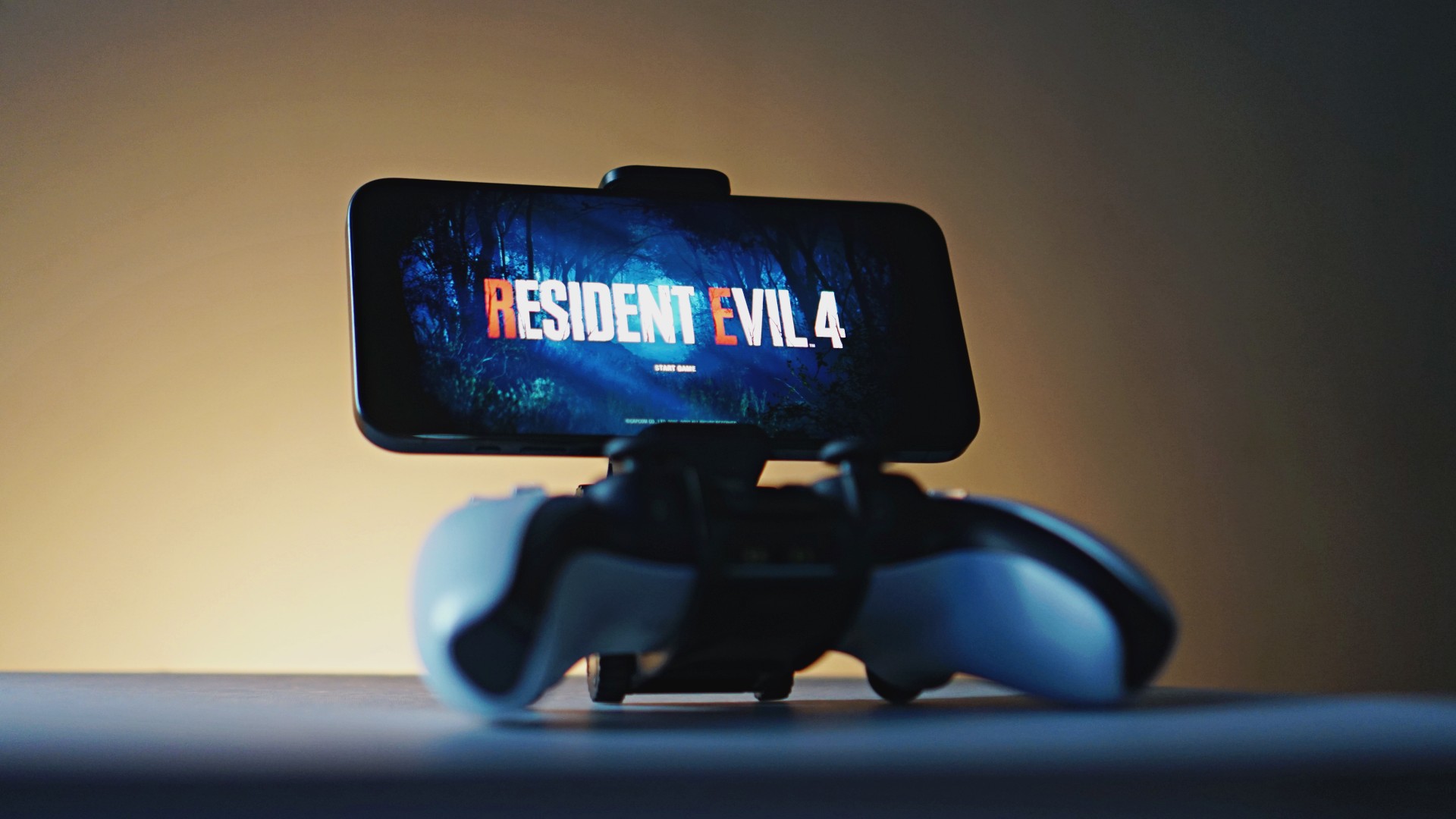
Last week, the iPhone Duo changed how you look at the ubiquitous smartphone. Foldables are in, and Apple is right there with it. But the company isn’t stopping with the foldable segment. Apple is reportedly working on its own branded game controllers.
According to Bloomberg, Apple has been working on a controller since last year. Further, a piece of code linked to macOS 27.4, spotted by MacRumors, includes references to two unknown gaming controllers.
Because Apple just concluded its huge event this month, it will likely be a while before we see confirmation of this controller. And it could be anything. Of course, because the Duo is fresh on our minds, the easiest answer is a mobile controller than can maximize the foldable’s ability to stand by itself. It could also use Apple’s larger screens like the iPad, the MacBook, or the Mac. Some even speculate that this could be Apple’s stronger push into the gaming market.
Outside of the actual hardware, the reports are also claiming that the controller will arrive by way of Beats, rather than from Apple itself. At first, the branding comes off as a surprise, but then again, Beats hasn’t really evolved past an audio brand in a long, long time. Is it time to revitalize Beats as something more than just a peddler of headphones?
SEE ALSO: First Look: Apple iPhone Duo
Accessories
New AGON gaming monitor features up to 1000Hz refresh rate
New level of speed, flexibility for competitive gaming


AGON by AOC has released the new AGON Pro AGP277QK dual-mode gaming monitor for the competitive segment.
This new offering features up to 1000Hz refresh rate at HD and 540Hz at QHD so gamers have the flexibility to prioritize either clarity or speed.
The 27-inch IPS gaming monitor comes with NVIDIA G-SYNC, synchronizing the monitor’s refresh rate with the GPU to help minimize screen tearing, stuttering, and input lag.
This is combined with 0.3ms MPRT and 1ms GtG response times for fast-moving action that is sharp and responsive, giving competitive players a clear visual advantage.
Moreover, the AGON Pro AGP277QK features VESA DisplayHDR 400 certification for enhanced contrast and more vivid, lifelike visuals.
Delta E < 1 color accuracy also provides precise color reproduction not just for gaming but even other scenarios like content creation.
For even smoother high frame-rate gameplay, MBR Sync combines motion blur reduction with variable refresh rate (VRR) technology. This helps maintain clarity during rapid movements.
The monitor also includes Low Input Lag, customizable Light FX ambient RGB lighting, Gaming Mode presets, and Shadow Control.
The display comes with HDMI 2.1 and DisplayPort 2.1 connectivity, along with a height-adjustable stand and G-Menu support.

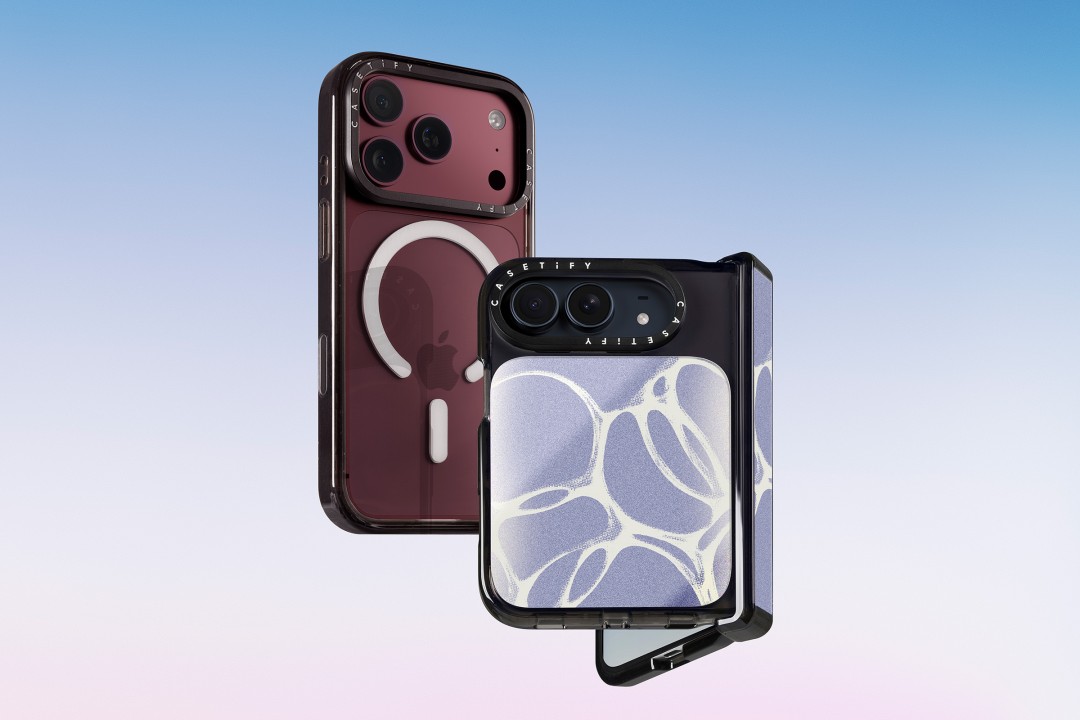
CASETiFY is launching a new collection of cases and accessories for the iPhone 18 series, updating some of its most popular designs with refined finishes, new protection features, and expanded customization options.
Impact Case
The collection is led by the Impact Case, CASETiFY’s best-selling case with more than 19 million units sold worldwide. It uses an internal EcoShock™ design and Duo-Lock by CASETiFY™ bonding for impact absorption and dispersion. The case is tested for drops of up to 8.2 feet and 4x Military Standard 810G. It also features a scratch-resistant Glaze finish, raised bezel, precision-engineered camera control button, and MagSafe and wireless charging compatibility.
The Ultra Impact Case builds on the same family with redesigned, more rounded corners and reinforced structures with internal air cells. It is tested for drops of up to 11.5 feet and 6x Military Standard 810G. It also has a slimmer profile, multiple design options, and MagSafe compatibility.
Both cases are available in Ring Stand variants. These feature a built-in metal camera ring stand that adjusts up to 150 degrees, with a screwless hinge designed for durability and stable hands-free viewing. Select models are also available with Glitter and Mirror finishes.
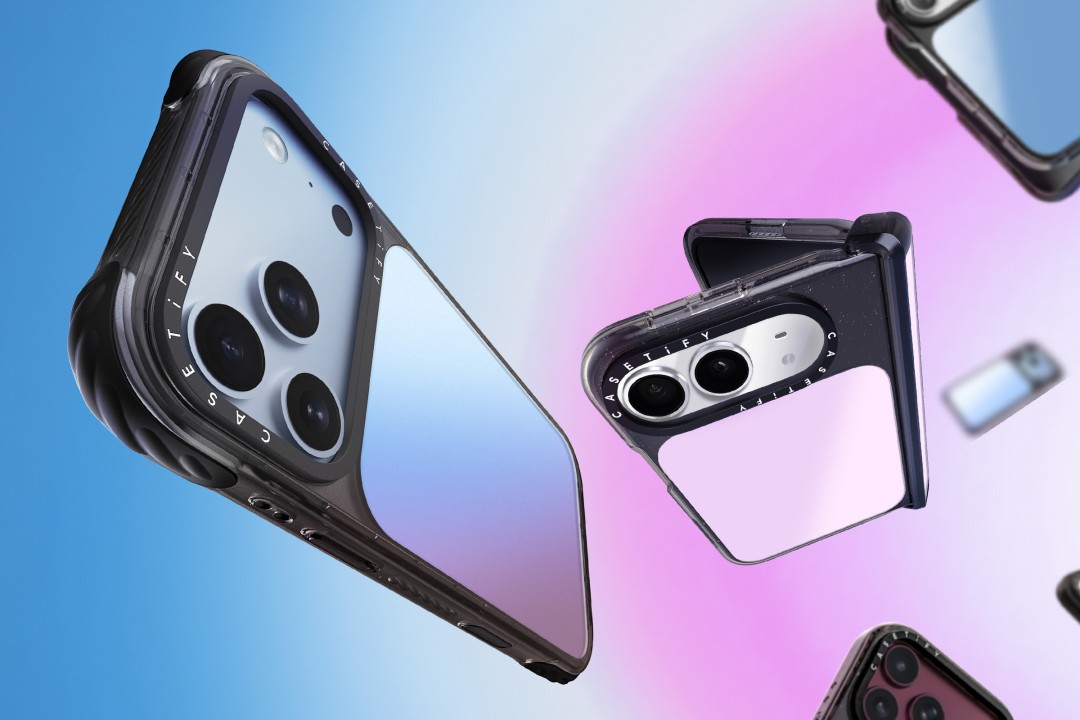
Ripple Case
CASETiFY is also bringing its Ripple Case to the iPhone 18 lineup. The soft-touch silicone case features rippled edges and puffed corners, with protection tested for drops of up to 6.6 feet and 3x Military Standard 810G. New colorways include Banana, Dusty Blue, Blush Pink, and Fig, alongside Black and White.
For users who want more protection, the Bounce Case offers CASETiFY’s highest level of drop protection in the collection. Its Expanded Bounce Corners, TesseLock™ design, and enhanced Duo-Lock bonding support drop protection of up to 21.3 feet and 7x Military Standard 810G.
Alloy Ripple Case
The lineup also includes the Alloy Ripple Case, which reworks the Ripple’s sculptural design in aluminum with an EcoShock™ design and Duo-Lock bonding. It is tested for drops of up to 8.2 feet and 4x Military Standard 810G. The Cloud Case uses a quilted soft-touch design with pillowy bumpers and up to 6.6 feet of drop protection.
Beyond cases, CASETiFY is expanding its accessories with the Ripple Wallet, Grip Stands, Loop Grips, Jelly Wristlets, Bow Charm Wristlets, and other charm-compatible straps. The iPhone 18 cases range from USD 50 to USD 90 , while accessories range from USD 25 to $USD 45.
The collection is available beginning September 10 through CASETiFY. The company is also preparing a case lineup for the upcoming iPhone Duo, with its waitlist already live.


REDMI Note 17 Pro Max review: A new breed born from AI greed
Welcome to the new normal


Marvel’s Wolverine review: When the claws come out
A brutal, cinematic superhero adventure


Setting your bedsheets ablaze with the Lovense Solace Pro
The closest proxy I could find where I'm guilty as sin
REDMI Note 17 Pro Max review: A new breed born from AI greed

REDMI NOTE 17 Series: Price, availability in the Philippines

Max vs 100 will feature Max Verstappen race against 100 go-karters

Apple’s best feature to cure motion sickness is finally on Android

Valve unveils price of the Steam Frame

TECNO MEGAPAD 2 review: Eyes on the size

realme 16T 5G with 8000mAh battery, IP69 Pro rating launches in PH

HUAWEI Pura X View is 2026’s first WIDE slab-type smartphone

REDMI reveals the refreshed Note 17 and Note 17 Pro series

REDMI Note 17 Series focuses on long-term reliability


-
 News1 week ago
HUAWEI Pura X View is 2026’s first WIDE slab-type smartphone
-

 News1 week ago
The CAMON Slim 5G is TECNO’s latest ultra-slim smartphone
-

 Cameras2 weeks ago
DJI Osmo 360 II review: Going all-in on the ecosystem
-

 IFA 20262 weeks ago
TECNO MEGABOOK T15 360 unveiled at IFA 2026
-

 Gaming2 weeks ago
NBA 2K27 review: A two-way All-Star
-

 News6 days ago
iPhone 18 Pro series: Price, availability in the Philippines
-

 IFA 20262 weeks ago
TECNO’s POVA 8 Pro gets a stealthy makeover
-

 Automotive2 weeks ago
Ford’s new Everest lineup brings V6 engine to the top, tech down the line