
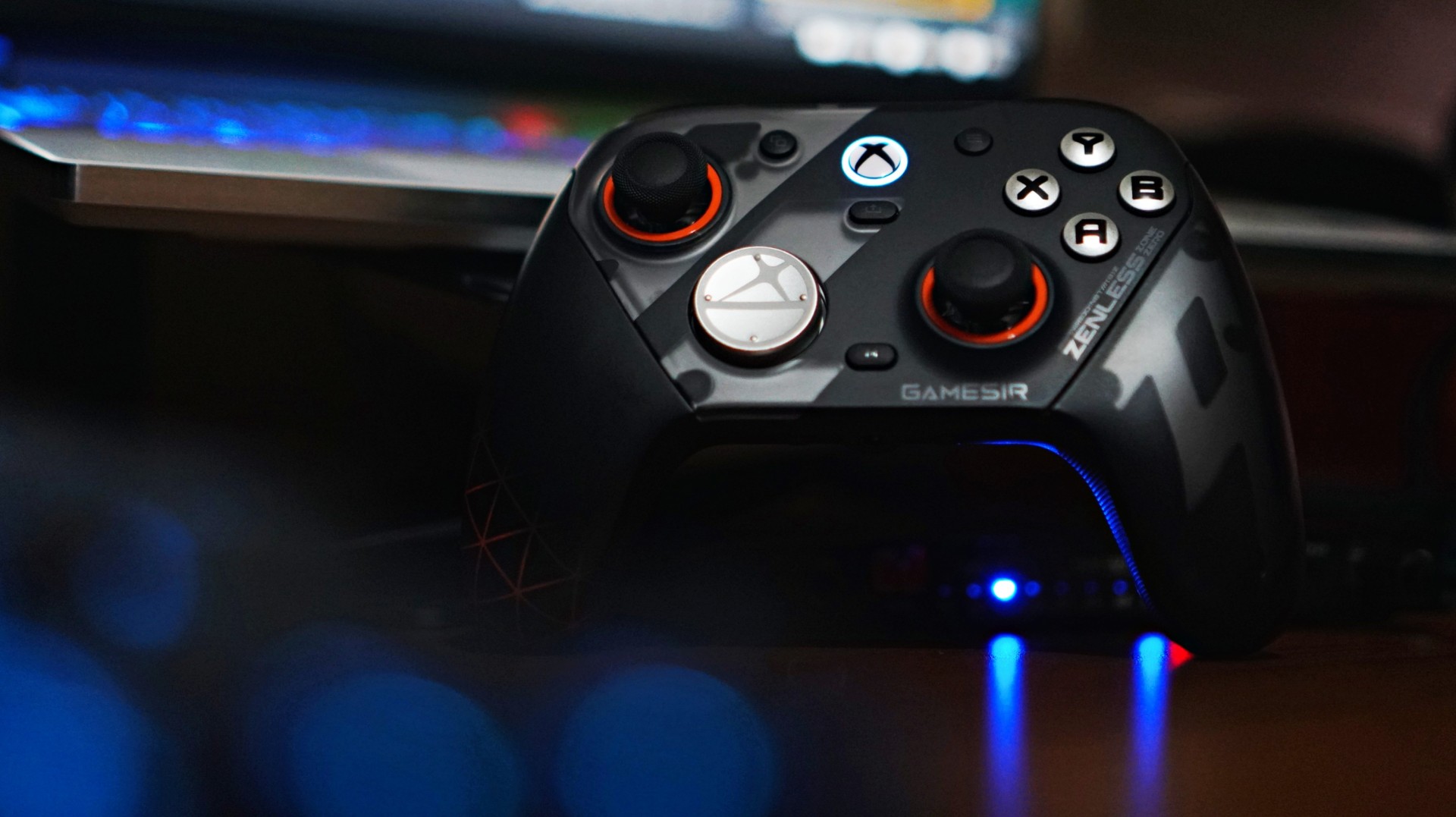
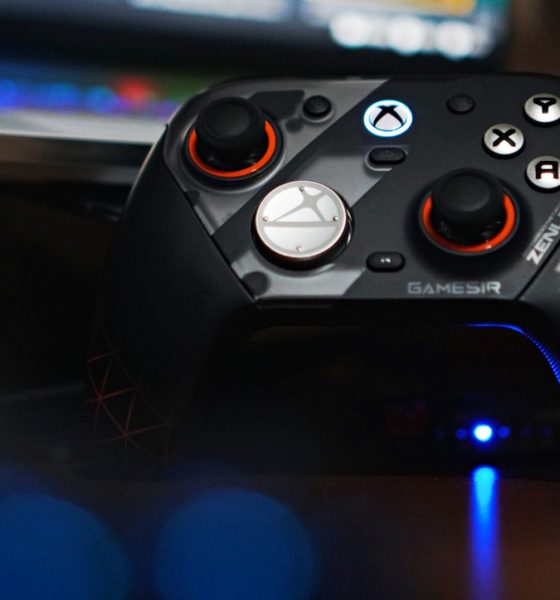

There’s a moment when a new piece of gear stops feeling new. You stop thinking about it. You stop noticing it. It just becomes part of your setup. That’s what happened with the GameSir G7 Pro ZZZ Edition.
I keep saying this about GameSir controllers that I’m starting to sound like a paid shill—but I’m not. The truth is, this is a spectacular controller. It has quietly become my default whenever I game on PC.
And for someone who tends to overthink setups, that says a lot.
I’ve been playing my usual rotation—Sleeping Dogs for quick pick-up sessions, and NBA 2K26 when I just want to zone out. Nothing too hardcore. Nothing too technical. But enough to get a real feel for what a controller is like to actually live with.
And the G7 Pro? It just works.
Familiar, but better
I actually first held this controller at Gamescom in Cologne while playing Honor of Kings: World. At the time, I didn’t even realize it wasn’t a standard Xbox controller. That’s how natural it felt.
It was only during a lull in the demo that I noticed the GameSir branding and went, “Wait, this isn’t first-party?”
That first impression stuck.
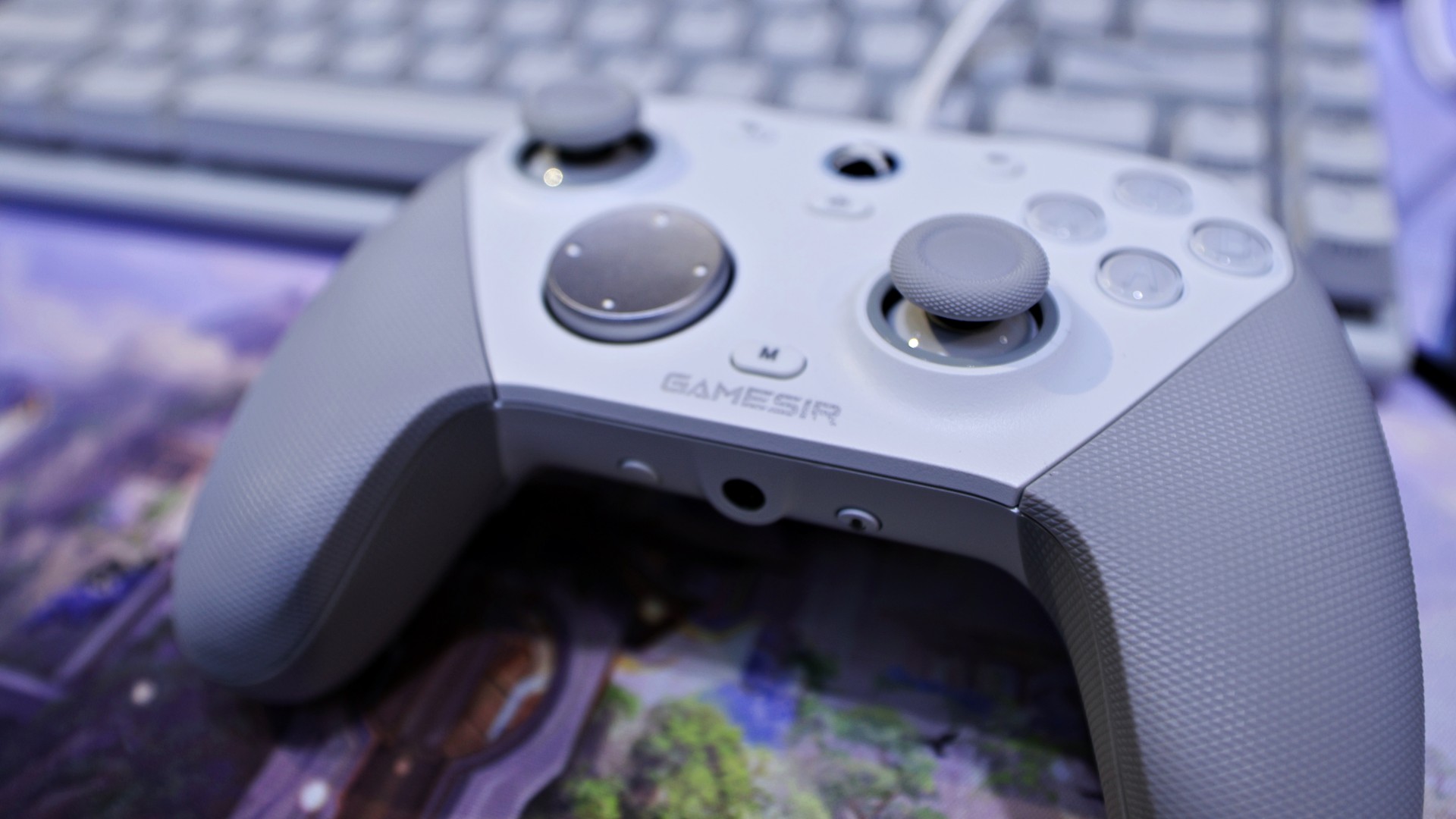
gamescom 2025 | GameSir | Honor of Kings: World
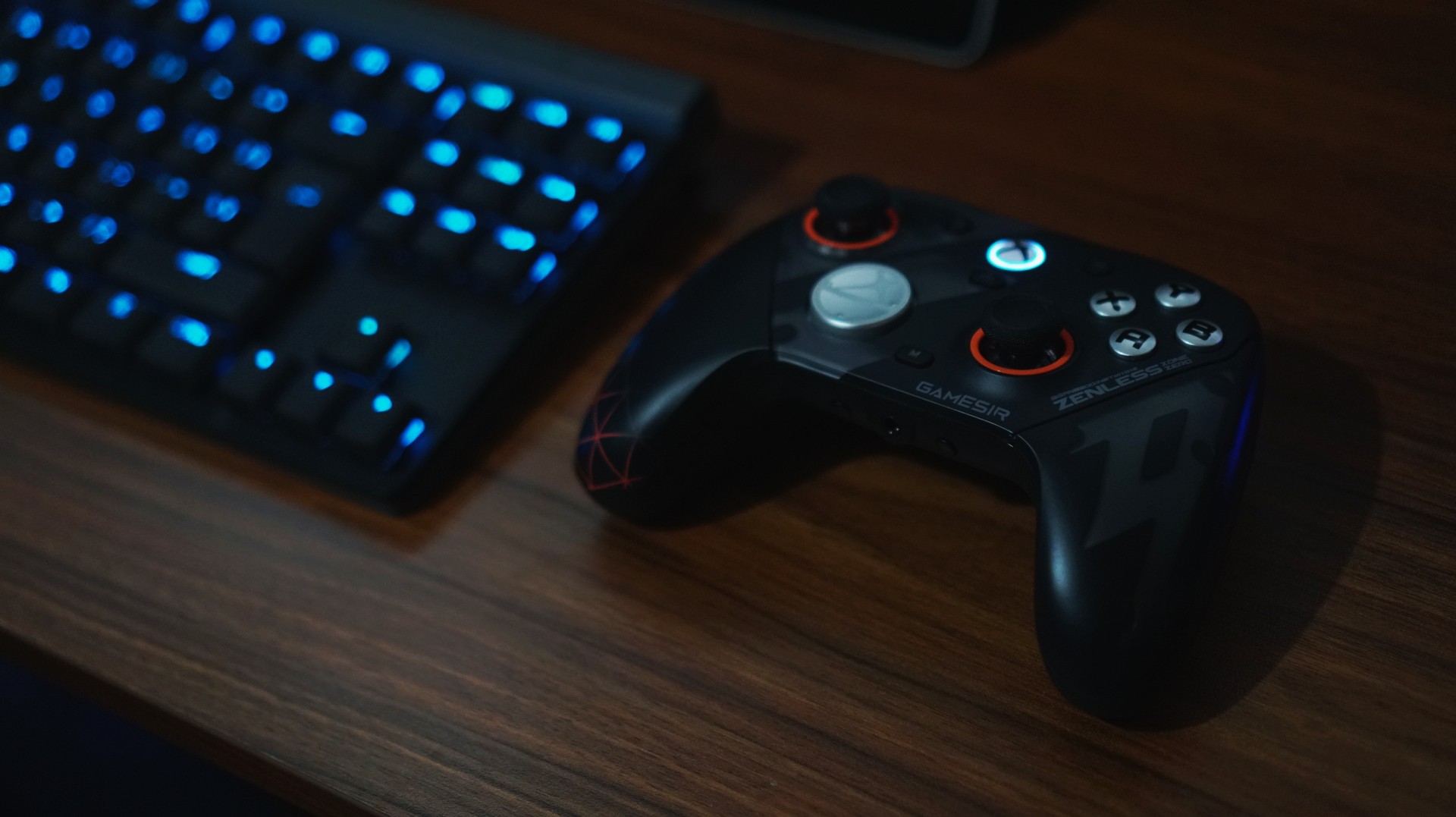
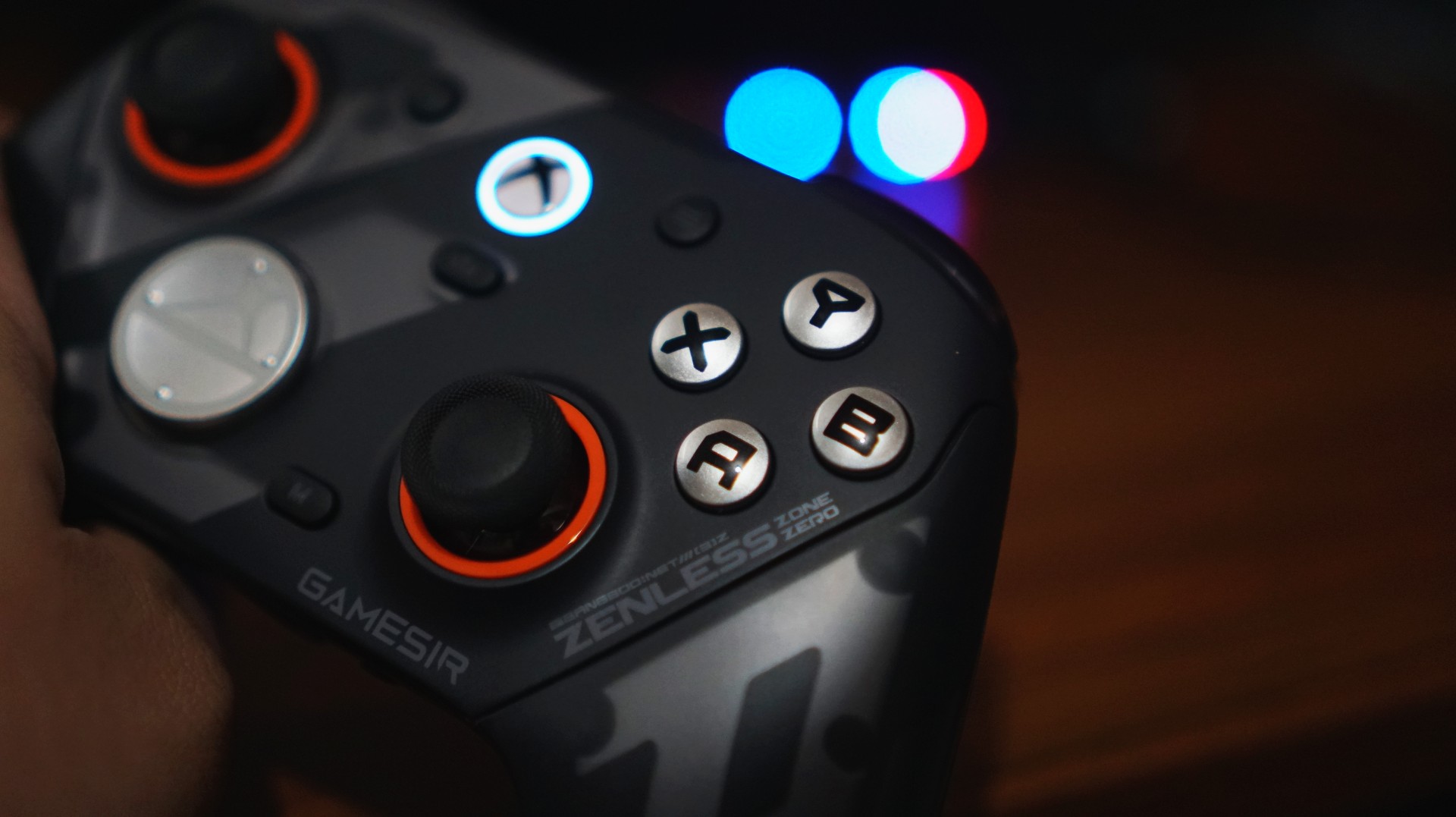
Back home, using it on my own setup, that same feeling carried over. It doesn’t scream premium in the way some flashy controllers do, but it feels solid, balanced, and intentional. The weight distribution is right. The grips feel secure. Nothing about it feels cheap.
There are small touches here that go a long way, too. I’m a big fan of the orange accents around the sticks—it gives the controller just enough character without going overboard.
Even the ZZZ collaboration design, which could have easily gone full loud and chaotic, feels surprisingly restrained. It still has personality, but it doesn’t scream for attention.
And if you do get tired of how it looks, you can just swap things out. Switching from the default black faceplate to a clear version gives it a completely different vibe. It’s a small thing, but it helps the controller feel fresh over time—like it can evolve with your setup instead of being stuck as one look forever.
It’s the kind of controller you don’t have to adjust to.
Just works, right out of the box
I’ve already broken down everything included in the package in our unboxing reel. But what matters more is this: you don’t actually need to touch most of it to enjoy the controller.
And that’s a good thing.
I like my gear to be great by default. Not something I have to tweak before it becomes usable.
The G7 Pro nails that.
View this post on Instagram
Clicks you can trust
The buttons are one of those things you don’t think about—until they’re bad. Here, they’re not.
They’re not loud. Not distracting. You can play comfortably without feeling like you’re announcing every input to the room. I wouldn’t necessarily game beside someone sleeping, but it’s not something I’d worry about either.
What you do notice is how smooth everything feels.
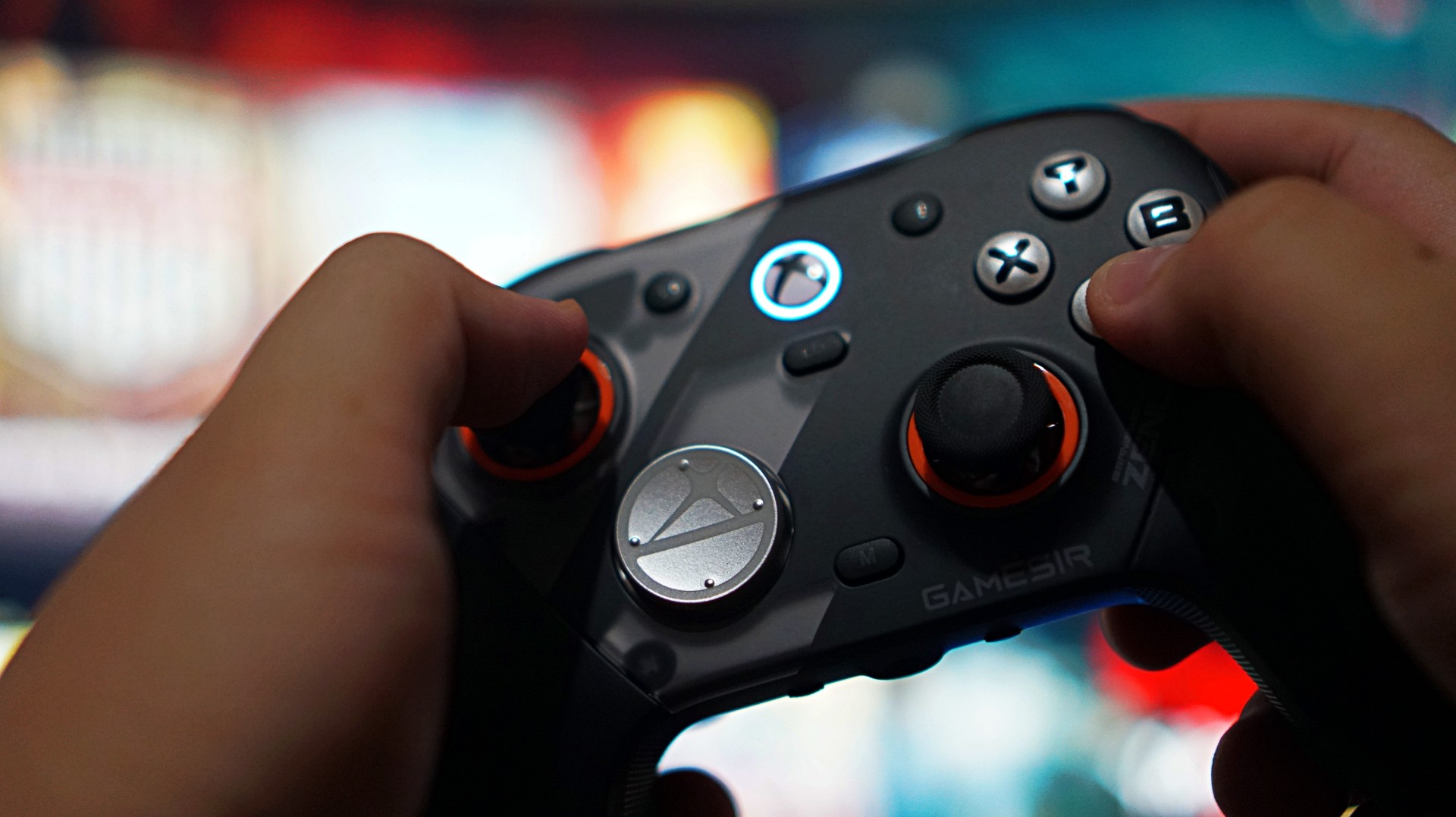
Not necessarily faster than a standard Xbox controller, but more precise. More consistent. There’s a sense of durability to every press, like it’s built to take repeated inputs without wearing down. It’s subtle. But it adds up.
The only thing I didn’t vibe with was the default circular D-pad. It’s not bad—it’s just not for me. Good thing there’s a more traditional option in the box. I swapped that out eventually– after these photos were taken.
When control actually matters
If there’s one moment that sold me on the G7 Pro, it wasn’t in a shooter. It was in NBA 2K26. I usually play a more system-heavy game. Move the ball. Run plays. Keep things controlled.
But with this controller, I found myself leaning into isolation. More dribble-heavy possessions. More one-on-one situations. Not because I had to—but because I felt like I could.
The sticks felt reliable enough to handle it. No hesitation. No second guessing. No fear of drift creeping in. That confidence changes how you play.
And that’s when you realize a controller is doing something right.
Triggers built for a specific kind of player

The triggers are interesting. They come with locks that turn them into near-instant inputs—perfect for competitive shooters. And to be fair, they work. But for me, they feel a little too shallow.
There’s barely any travel, to the point where it almost feels like you’re not pressing anything at all. That’s great if you’re chasing faster reaction times. Not so great if you prefer a bit more feedback.
This is one of those features that will either click with you immediately or not at all. If you play a lot of shooters, you’ll probably love it. If you don’t, it’s easy to ignore.
More control than I actually use

Customization is a big part of the G7 Pro’s appeal. Swappable D-pads. Magnetic faceplates. Extra buttons. Back paddles. It’s all there.
You can see everything included in our unboxing, but the short version is this: it gives you a lot of control over how you want to play.
Personally, I didn’t use most of it.
I tend to stick to default layouts, especially since I jump between platforms and want to keep my muscle memory consistent. The extra buttons can feel a bit overwhelming if you’re not into tinkering.
But that’s the thing—you don’t have to use them.
You can explore at your own pace. Or ignore them completely. And the controller still feels complete.
Seamless where it matters
I mostly used the G7 Pro wired on my Legion 7i. Setup was easy. Plug it in, press the Xbox button, and it just works. No weird pairing issues. No friction.
Any hiccups I ran into were more on Windows than the controller itself. That reliability matters more than any spec sheet.
A controller that fits into your routine

Battery life was never really a concern for me.
Partly because my gaming sessions have been shorter lately—quick bursts here and there. But also because it just didn’t feel like something I had to constantly think about.
I didn’t use the charging dock much yet since I’m still reworking my setup. But I do want to make space for it eventually. It looks good, and it fits the kind of “drop and go” routine I prefer.
For now, I’ve just been using my UGreen Nexode charger alongside everything else on my desk. Not ideal, but it works.
Not perfect—but close
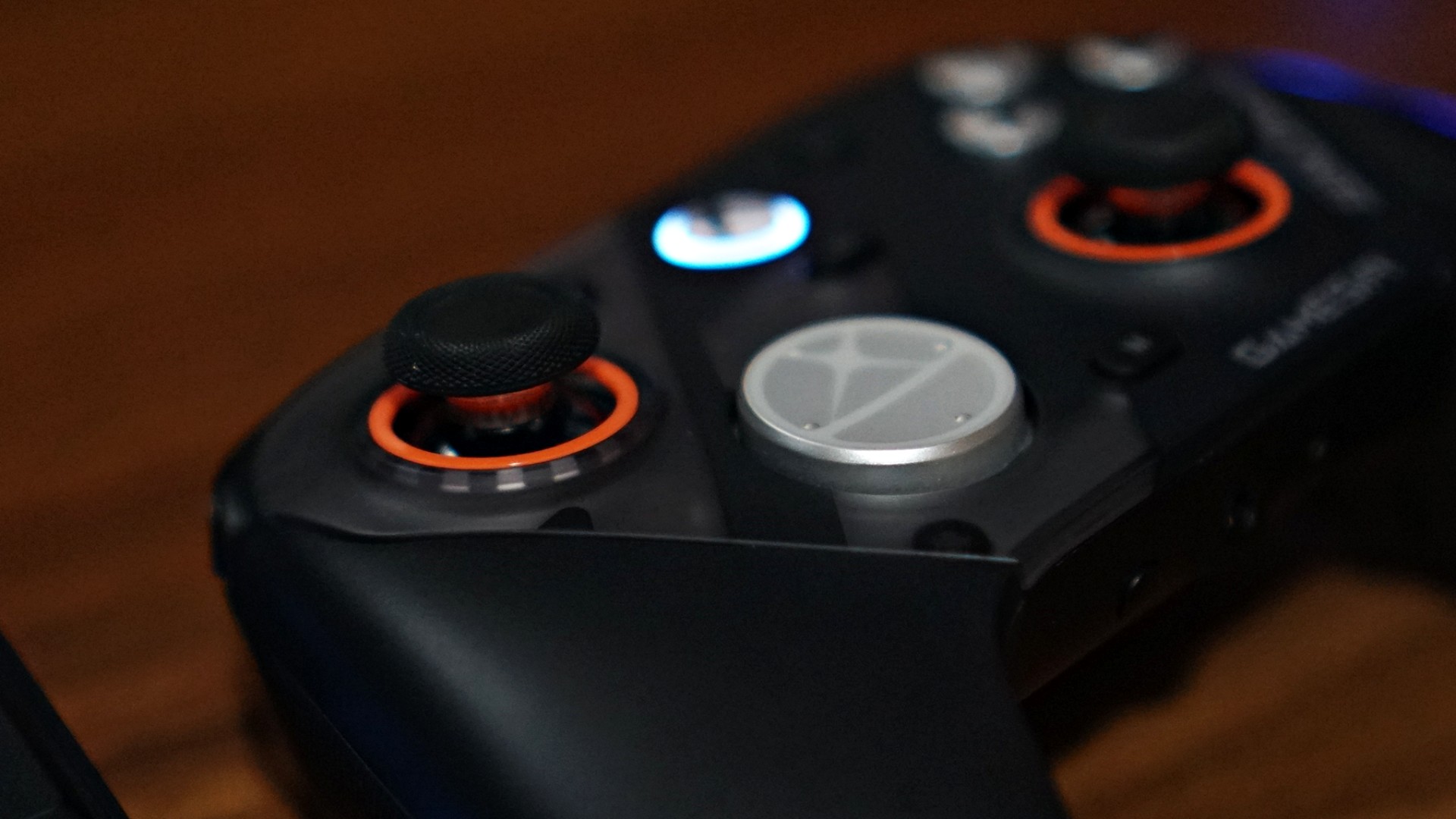
If I had to nitpick, it really comes down to two things.
The default circular D-pad isn’t for everyone. And the extra buttons might feel like overkill if you just want a straightforward experience.
That’s it.
Everything else feels dialed in.
Is the GameSir G7 Pro ZZZ Edition your GamingMatch?
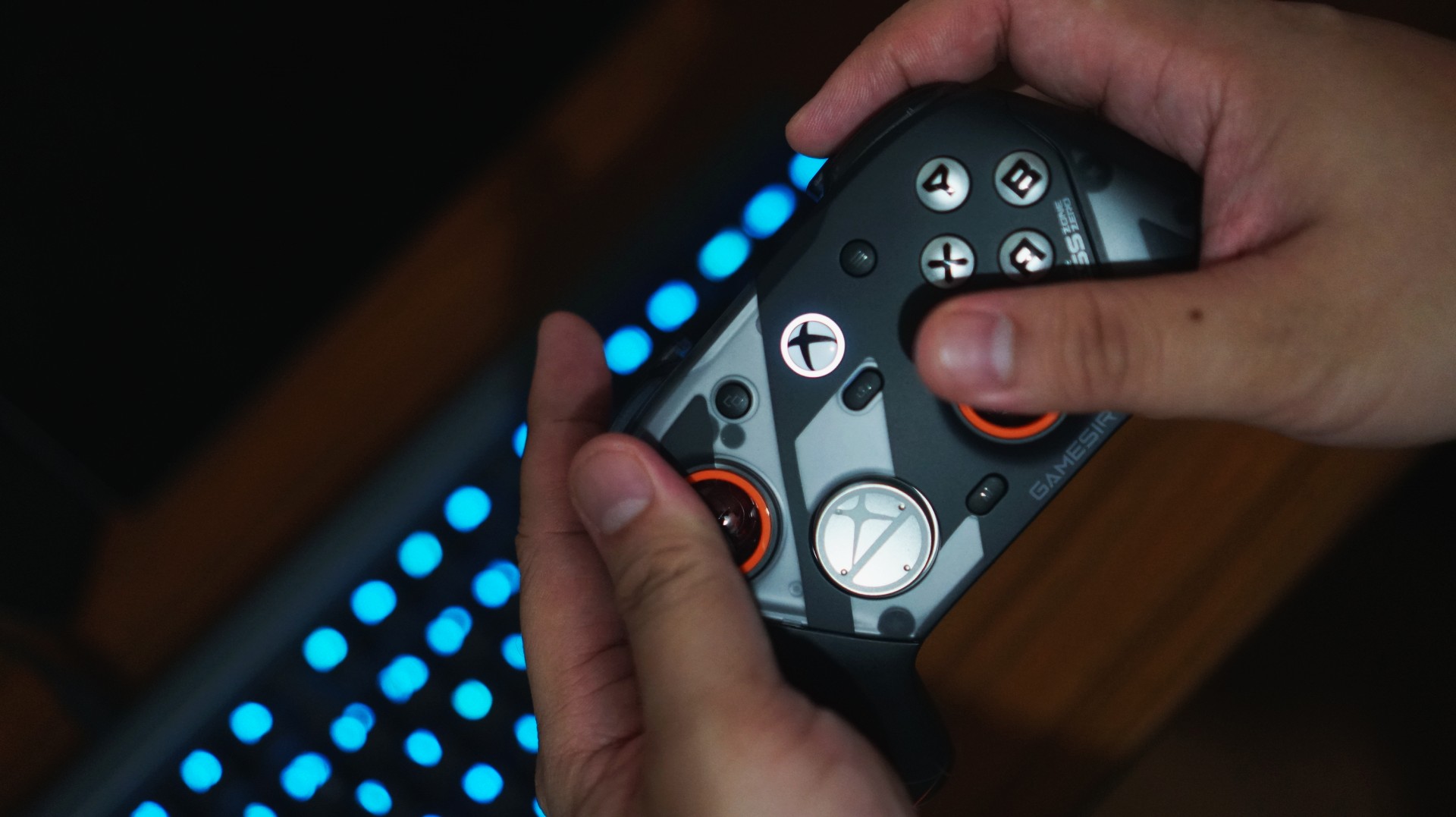
I think the reason I enjoyed using the G7 Pro so much is simple. I’ve already assigned it a role. This is now my go-to PC gaming controller.
As someone who leans PlayStation, the DualSense is still king for me overall. That’s years of muscle memory and familiarity. It’s hard to replace.
But having a dedicated controller for each platform removes friction. It clears space in your head. And the G7 Pro does that effortlessly. From here on out, it’s going to be the standard I measure other PC gaming controllers against.
And that might be the biggest compliment I can give it.








Sony has unveiled the ECM-AX10 microphone, the world’s first Eclipsa Audio-certified microphone for smartphones.
Tailored for vloggers, content creators, and even smartphone filmmakers, the ECM-AX10 helps capture video sound that feels more natural, immersive, and true to the moment.
It features four built-in omnidirectional microphone capsules that can record sound from multiple directions. Sony’s spatial audio processing, meanwhile, recreates a sense of space, direction and distance. This makes videos feel more engaging for viewers.

The mic connects directly to compatible smartphones via USB-C and gives creators three easy ways to capture sound: Ambisonics recording for spatial audio production, binaural recording for an immersive headphone experience, and stereo recording for everyday videos and social content.
When used with Sony’s dedicated Spatial Audio Video Tool app, creators can shoot video, check footage, make simple edits and export content with spatial audio.
This allows users to complete the entire production workflow for spatial audio video on their smartphone.
Creators can also utilize the app for publishing in Eclipsa Audio for an immersive experience on YouTube. In addition, binaural recording can be used for 360 Reality Audio for headphone-optimized three-dimensional sound experience, even where Eclipsa Audio is not supported.

The Sony ECM-AX10 is developed with sound engineers to ensure the delivery of authentic and immersive sound.
Sony worked with Sony PCL, a Sony Group company with extensive expertise in planning and producing content and spatial experiences.
The Sony ECM-AX10 will be available in Singapore from October 2026 at selected retail shops and online stores, with suggested retail pricing at SG$ 249.
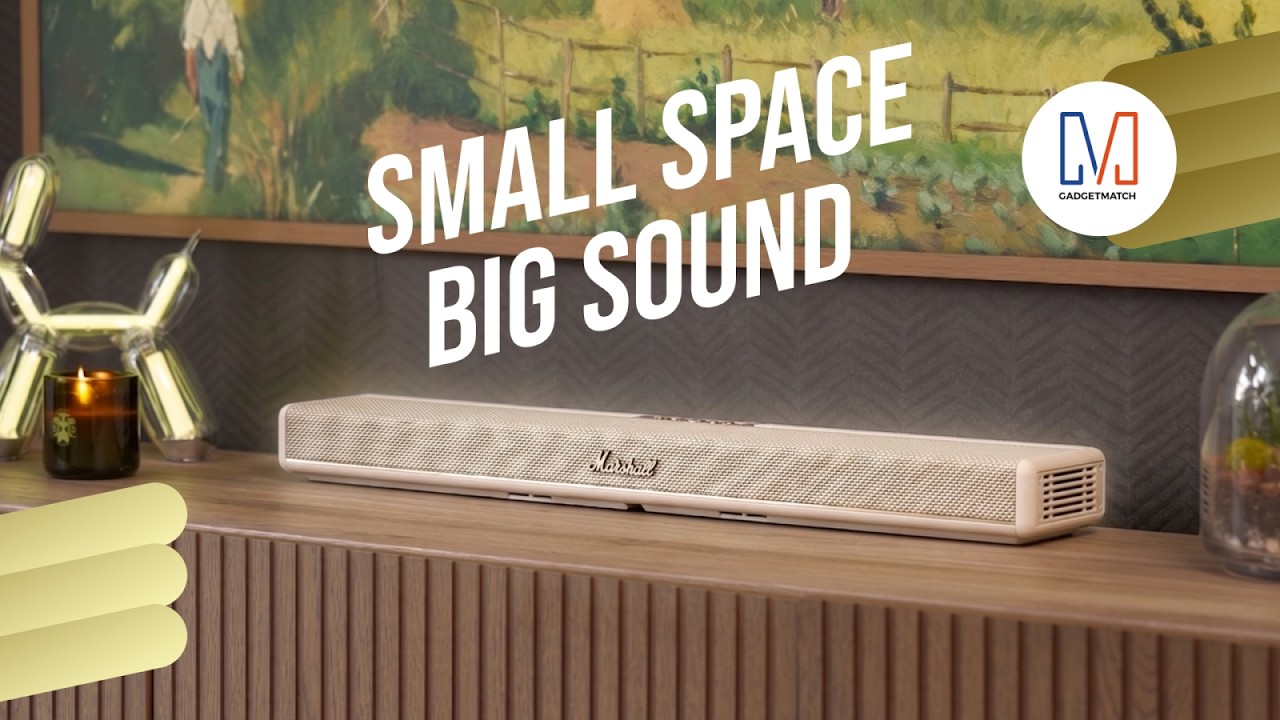
Living in New York means making every square foot count, so why own multiple gadgets when one can do the job?
In this video, THE Michael Josh takes a look at the Marshall Heston 60. It’s a premium TV soundbar that brings more to the living room than just better sound.
With its sophisticated design, powerful audio, and versatile features, it sits in his living room while doing much more than you might expect from a soundbar.
CHECK IT OUT HERE: https://bit.ly/MarshallHeston
Accessories
Samsung joins the clip-on earbud trend with the Galaxy Buds On
But it’s exclusive to South Korea for now.

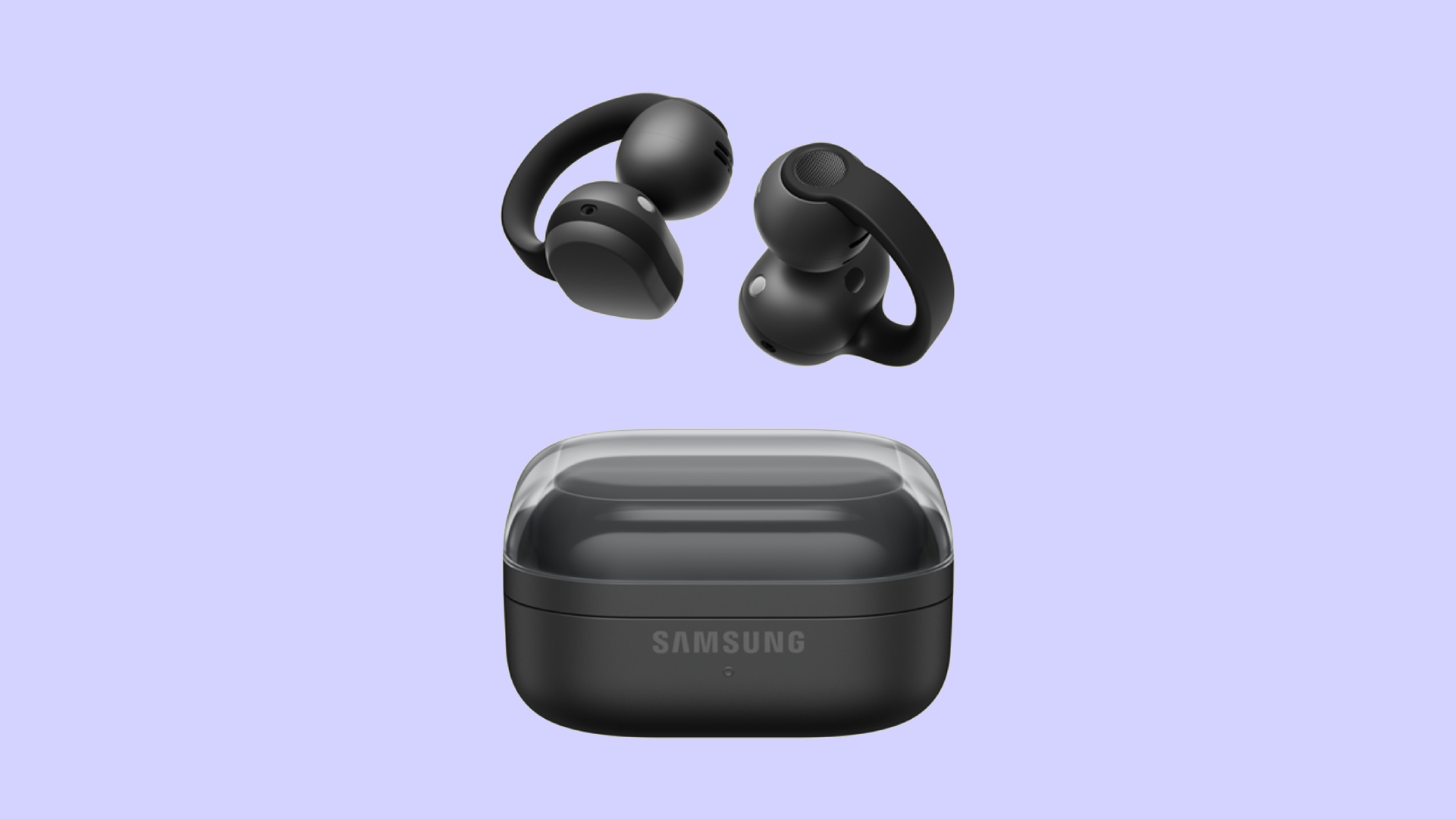
Audio wearables have been getting makeovers as of late. Besides the traditional form factors, the segment is experimenting with bone conduction and clip-on headphones. Today, Samsung is joining that trend with the Galaxy Buds On.
Debuting in South Korea, the Galaxy Buds On is Samsung’s first-ever clip-on earbuds. You’re likely familiar with how these earbuds look like, having seen them grace the ears of many a passerby today. Instead of plugging right into your ear canals, they actually do clip onto your earlobes. Samsung’s take, however, is a little bit heftier, which the brand claims gives it a wider surface area to balance the weight for your ears.
Additionally, the new earbuds has a TwinBoost speaker system. While the system adds better bass to the earbuds, it also adds automatic voice adjustments to better attune the sound according to your environment. It also has an Audio Leakage Reduction feature, so others won’t be able to hear what you’re listening to.
The Galaxy Buds On has a charging case almost identical to the Galaxy Buds4 case. Powered by the Snapdragon S7 Gen 1 Sound Platform, the earbuds can reportedly last up to 9.5 hours on a single charge.
Right now, the wearable is exclusive to South Korea, but Samsung says that a global rollout will happen in the future. In South Korea, the Galaxy Buds On costs KRW 299,000 (or approximately US$ 220).
SEE ALSO: Galaxy Buds4 Pro review: I thought I was done with in-ears



Score PhP 22,000 in guaranteed freebies when you pre-order the iPhone 18 Pro at Beyond the Box

Sony unveils world’s 1st Eclipsa Audio-certified mic for smartphones

Garmin Approach S72 brings swing metrics, green reading to your wrist

Garmin Enduro 4 promises up to 320 hours of battery life

Ubisoft makes The Crew Motorfest available on Switch 2 as Season 11 launches

vivo X500 Series launches with major imaging upgrades

OPPO Find X10 Pro Max is the first phone with a triple 200MP camera system

BYD says that way better EV batteries are coming next year

TECNO CAMON Slim 5G: Price, availability in the Philippines

HONOR Magic9 Pro Max launches in China with ARRI-powered imaging


-
 Philippines2 weeks ago
TECNO CAMON Slim 5G: Price, availability in the Philippines
-
 News2 weeks ago
HONOR Magic9 Pro Max launches in China with ARRI-powered imaging
-

 Reviews2 weeks ago
TECNO CAMON Slim 5G review: Slim on size, big on surprise
-

 News2 weeks ago
Apple wants to release new iPhones more regularly
-

 Computers2 weeks ago
ROG brings out the ultra-stylish G1000 gaming desktop
-
 News1 week ago
vivo X Fold6 makes global debut with 200MP camera and 6900mAh battery
-

 Reviews2 weeks ago
HONOR 600S review
-

 Her GadgetMatch2 weeks ago
TECNO and Angélica Dass visit the Philippines next for its grand portrait project