
Computers
AMD, Rapt AI partner to optimize AI workloads on Instinct GPUs
Commitment to advancing AI workload efficiency together

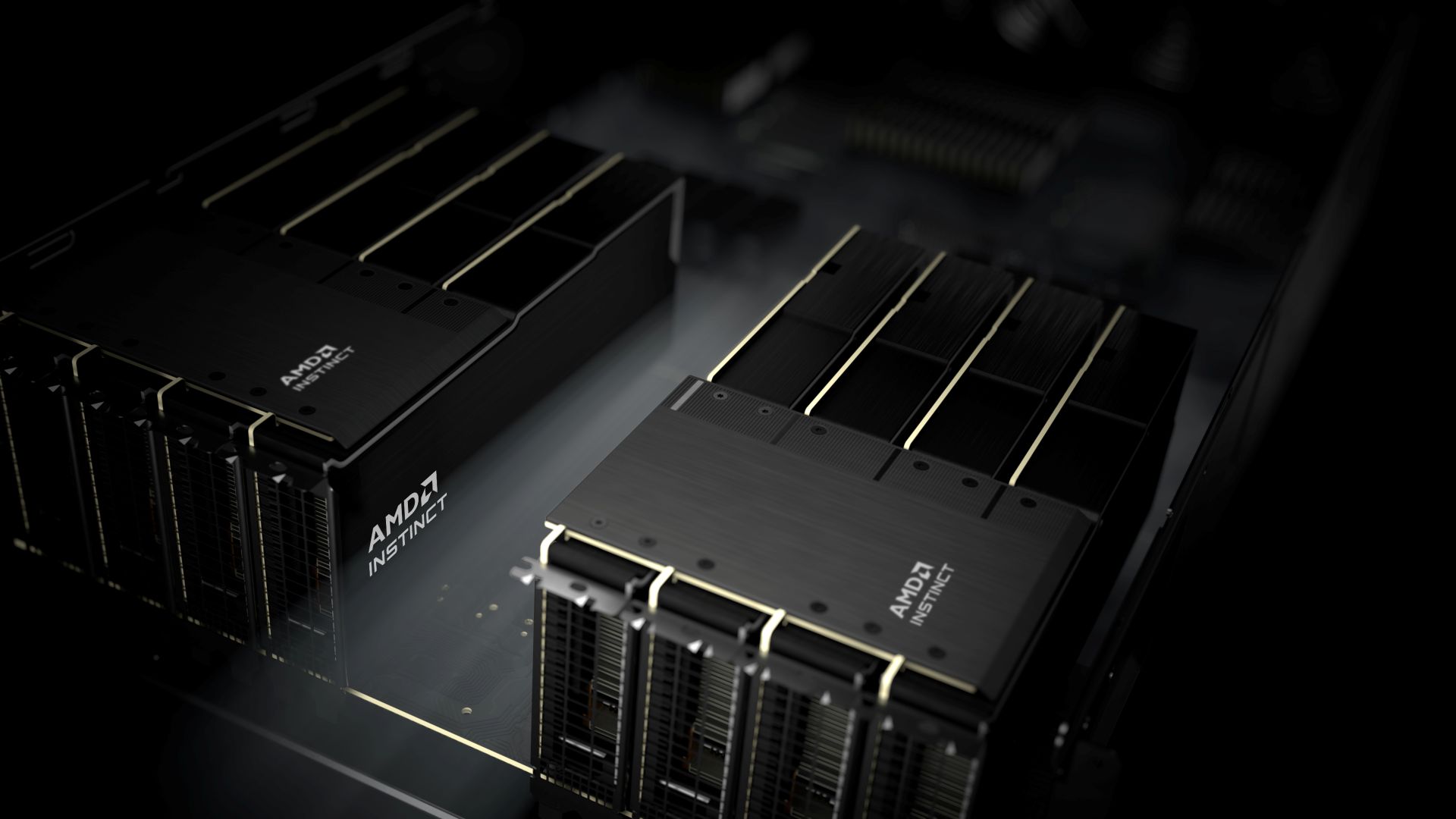
AMD has announced a strategic partnership with Rapt AI, a leading provider of AI-powered AI workload automation.
The collaboration aims to improve AI inference and training workload management and performance on AMD’s Instinct GPUs, including the Instinct MI300X, MI325X and upcoming MI350 series GPUs.
As AI adoption accelerates, organizations are grappling with resource allocation, performance bottlenecks, and complex GPU management.
By integrating Rapt’s intelligent workload automation platform, a scalable, high-performance, and cost-effective solution is delivered.
Rapt’s platform streamlines GPU management, eliminating the need for data scientists to spend valuable time on trial-and-error infrastructure configurations. This platform works out of the box and ensures immediate performance benefits.
Automatically optimizing resource allocation for specific workloads means being able to focus on innovation, rather than infrastructure.
Moreover, the combined solution intelligently optimizes job density and resource allocation on AMD Instinct GPUs. This results in better inference performance and scalability for producion AI deployments.
Rapt’s auto-scaling capabilities further help ensure efficient resource use based on demand, reducing latency and maximizing cost efficiency. Maximum GPU utilization for AI workloads help lower total cost of ownership (TCO).
Furthermore, the ongoing collaboration between Rapt and AMD will drive optimizations in exciting areas such as GPU scheduling, memory utilization and more in the future. These shall help ensure customers are equipped with a future ready AI infrastructure.






Computers
Lenovo accelerates production-ready enterprise AI with NVIDIA
From AI inferencing to gigawatt-scale AI factories

Lenovo has unveiled new Lenovo Hybrid AI Advantage with NVIDIA solutions designed to accelerate AI adoption, reduce time-to-first-token (TTFT), and deliver measurable business results across personal, enterprise, and cloud environments.
Building on the inferencing acceleration introduced at Lenovo Tech World, this next phase of Hybrid AI execution expands the solutions with device to data center to gigawatt-scale AI cloud deployments.
This enables real-time decision-making, operational efficiency, and intelligent automation across industries at global scale. The solutions boost productivity, agility, and innovation by enabling faster AI deployment.
The development comes as AI is seen moving from training models powering real-time decisions. Lenovo is prepared to address the demand for validated hybrid AI platforms built for production-scale inferencing, as organizations will need infrastructure to support such.
In fact, Lenovo’s Hybrid AI Advantage with NVIDIA are now delivering ROI in less than six months. The new inferencing-optimized ThinkSystem and ThinkEdge servers are being utilized for real-time inferencing across retail, manufacturing, healthcare, sports, and smart city scenarios.
The expanded portfolio includes:
- two Lenovo Hybrid AI platforms, featuring NVIDIA RTX PRO 6000 Blackwell Server Edition and Blackwell Ultra
- Hybrid AI inferencing starter platform with RTX PRO 4500 Blackwell Server Edition
- Lenovo ThinkAgile HX650a with Nutanix Enterprise AI and Nutanix Kubernetes Platform
- Lenovo Hybrid AI platforms with Cloudian
Bringing inferencing directly to professionals
Lenovo and NVIDIA are bringing AI from development environments to real-world production at a global scale. This is thanks to new Lenovo AI inferencing platforms with NVIDIA Dynamo and NVIDIA NIM.
Meanwhile, Lenovo AI Cloud gigafactory platforms are powered by NVIDIA Vera Rubin NVL72. Industry-specific agentic AI solutions are also built with NVIDIA Blueprints and software.
For consumers, there’s next-generation NVIDIA RTX Pro Blackwell-powered mobile and desktop workstations. These will be rolled out across the ThinkPad P14s Gen 7, ThinkPad P16s Gen 5, and ThinkPad P1 Gen 1 lineups.
ThinkStation P5 Gen 2 desktops, meanwhile, will get up to two RTX PRO 6000 Blackwell Max-Q GPUs. They will also have support for NVIDIA OpenShell.
For gigawatt-scale scenarios, the next-gen Vera Rubin platform accelerates deployment for hyperscale and sovereign AI cloud providers.
These fully liquid-cooled, rack-scale AI systems are engineered for faster deployment and dramatically improved token economics. They can achieve up to 10x higher throughput and up to 10x lower cost per token.
Computers
CIPTA debuts AI GPU server, edge workstation at CloudFest 2026
Malaysia-made AI infrastructure
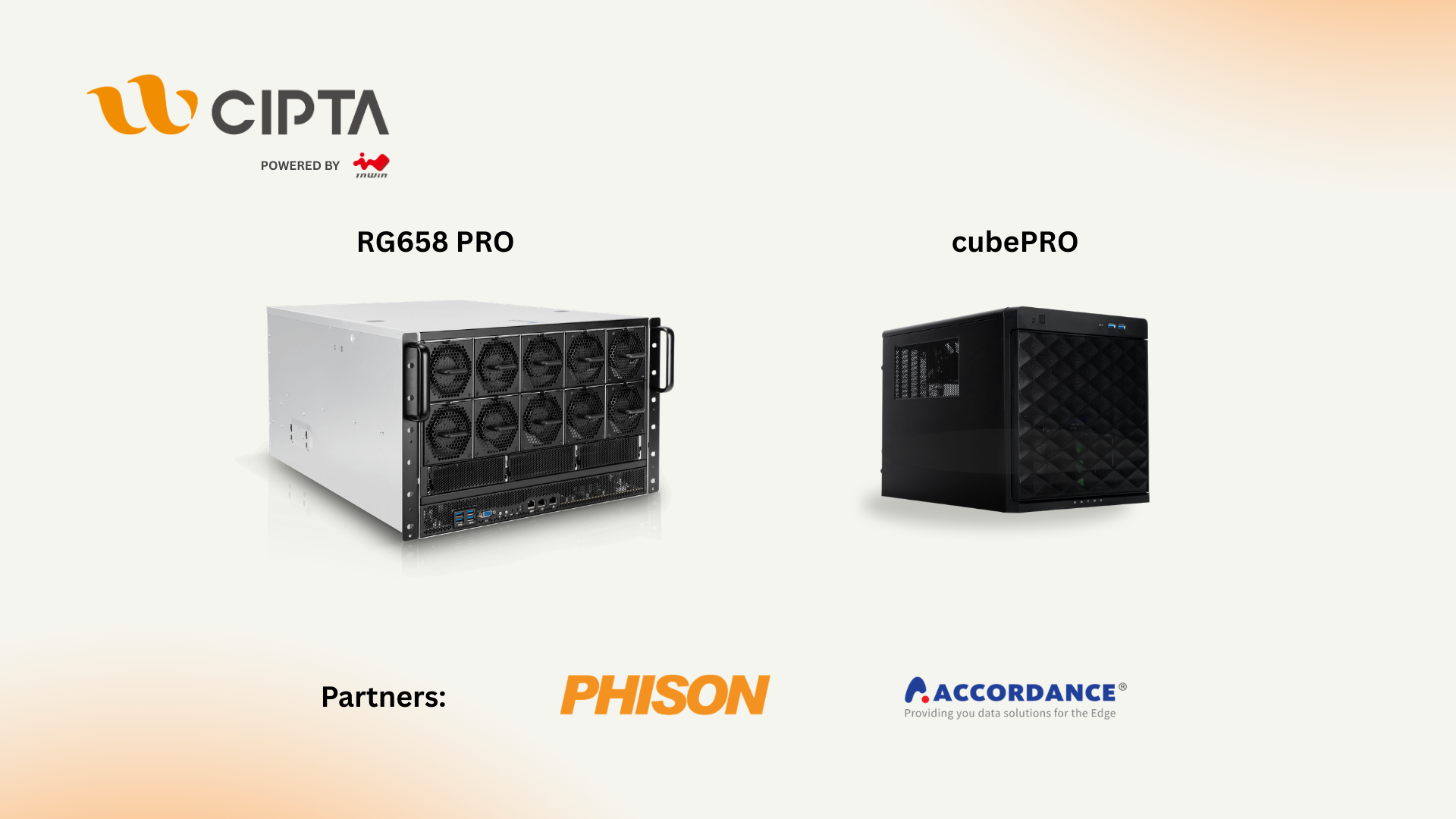
CIPTA Industrial Sdn Bhd steps onto the global stage with its European debut at CloudFest 2026. They introduced high-density AI infrastructure and edge-ready systems built for modern enterprise workloads.
Held at Europa-Park in Rust, Germany from March 23 to 26, the event marks the company’s first major international showcase under its own brand. Backed by InWin Development Inc., CIPTA positions itself as a new-generation EMS provider focused on AI, cloud, and enterprise systems.
At Booth R41, the company is highlighting two key platforms: the RG658 PRO GPU server developed with Phison, and the cubePRO edge workstation created in collaboration with Accordance.
Built for scalable AI workloads
Leading the showcase is the RG658 PRO, a high-density GPU server designed to handle large-scale AI training and inference without pushing costs out of reach for enterprises.
The system supports up to eight high-performance GPUs and integrates Phison’s Pascari aiDAPTIV alongside its PASCARI enterprise SSD lineup. This combination aims to improve data throughput, reduce latency, and streamline AI pipelines.
Thermal performance is a key focus. The RG658 PRO uses a dual-chamber design to separate heat zones, paired with up to 14 high-speed PWM fans for sustained cooling under heavy workloads. Power delivery is handled by a 3+1 redundant configuration of 80PLUS Titanium PSUs, scaling up to 9600W.
The result is a platform built to scale AI deployments on-site while maintaining efficiency and reliability.
Edge computing without downtime
Alongside its GPU server, CIPTA is introducing the cubePRO, a compact edge workstation designed for environments where uptime and data integrity are critical.
The system supports up to four PCIe slots for GPU configurations, making it suitable for AI workloads at the edge. It also features high-capacity multi-SSD setups and optimized airflow for continuous 24/7 operation.
Through its partnership with Accordance, the cubePRO integrates the Disk Array ARAID M500 solution, enabling high-availability storage and data protection. This ensures uninterrupted performance for use cases such as industrial systems, remote nodes, and enterprise branch deployments.
The focus here is clear: bring AI processing closer to where data is generated, without sacrificing reliability.
Strengthening Malaysia’s role in AI infrastructure
CIPTA’s debut also reflects a broader shift in global supply chains. Operating from Malaysia, the company offers end-to-end services—from concept to production—along with flexible manufacturing cycles and cost-efficient operations tailored for Southeast Asia and international markets.
With access to InWin’s server chassis ecosystem and infrastructure solutions, CIPTA combines global platform capabilities with localized integration. The goal is to help enterprises deploy AI and cloud infrastructure faster while diversifying their supply chain footprint.
As demand for AI systems continues to grow, CIPTA is positioning Malaysia as a key hub for scalable, production-ready infrastructure.
Visitors can find CIPTA at Booth R41 during CloudFest 2026 in Europa-Park, Rust, Germany.
Computers
AMD expands Ryzen AI Embedded P100 series lineup
Scalable, efficient AI compute for industrial, edge solutions
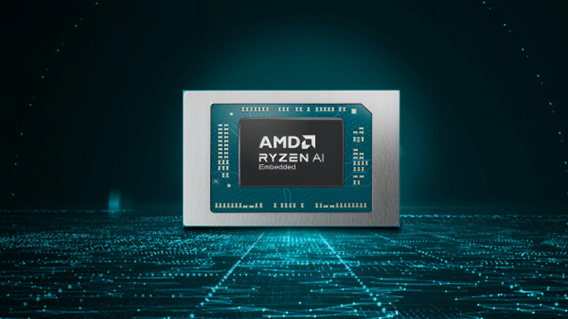
AMD has recently announced the expansion of its AMD Ryzen AI Embedded P100 Series processor lineup.
This enables scalable and power-efficient AI compute tailor-built for industrial and AI edge systems. Scenarios include factory automation, physical AI in mobile robotics, and other AI-driven edge applications.
With eight to 12 high-performance Zen 5 cores, AMD ROCm support, and up to 80 total system TOPS, the new x86 embedded APUs deliver up to:
- 2x more CPU core counts
- 8x higher GPU compute
- 36% higher system TOPS
This way, developers and system designers get an expanded and scalable portfolio of power-efficient edge computing solutions. These processors support real-time AI from vision to control and reasoning, as well as offer advanced graphics capabilities.
On a single chip, clients get up to 80 TOPS physical AI acceleration, AMD RDNA 3.5 graphics for real-time visualization, and an NPU based on the AMD XDNA 2 architecture.
Moreover, the processors can withstand industrial temperature ranges (-40° C to 105° C) and can support continuous 24/7 operations for up to 10-year life cycles. That’s along with low-latency and power-efficient AI inference.
Real-life applications include intelligent factories, autonomous robots, and medical imaging devices. For instance, the processors can deliver CPU performance required for real-time inspection and process optimization.
For mobile robots, meanwhile, processors can manage navigation, motion, control, and route planning while the GPU processes multi-camera feeds for spatial awareness.
Furthermore, for 3D health imaging, the processors can enable the powering of 3D imaging for ultrasounds, endoscopes, tissue classification, and tumor detection at the edge. This is done with models like U-Net, nnU-Net, and MONAI.
The processors then accelerate image-to-report workflows with MedSigLIP and support clinical reasoning and Q&A with Med-PaLM 2.


Galaxy Buds4 Pro review: I thought I was done with in-ears
This Buds4 you


WWE 2K26 lets you live out all the fantasy matches you could want
But you have to play for hours and hours to unlock everyone.


The HONOR X8d is serviceable
Steady but slow?

Life is Strange: Reunion now available on consoles and PC

Why this AI-powered eye health exam is the only reading you need this season

DJI officially launches the Avata 360 with 8K immersive imaging

The Changan Eado Plus officially lands in the Philippines

PLDT Home, Samsung team up for exclusive entertainment deals


-

 Reviews2 weeks ago
POCO X8 Pro Max review: A new beast from the far east
-

 News2 weeks ago
POCO X8 Pro Series: Price, availability in the Philippines
-

 Reviews2 weeks ago
POCO X8 Pro Iron Man Edition review: Midrange phone in superhero armor
-

 Automotive2 weeks ago
VinFast extends free unlimited charging in 3 markets amid rising fuel prices
-
Philippines1 week ago
The HONOR X8d is serviceable
-

 Reviews2 weeks ago
Samsung Galaxy S26 Ultra review: A phone you live with
-

 News2 weeks ago
POCO introduces X8 Pro Series with Dimensity 9500s
-

 Gaming2 weeks ago
NVIDIA’s DLSS 5 can turn your favorite AAA game into AI slop