
Laptops
ASUS ExpertBook B5 review: Stay on top of your business
It surely keeps up with your busy mind and hectic life

I’ve always been on-the-go for the past few months, juggling life as a journalist, an athlete, an entrepreneur, and a sports event organizer. I’ve been used to working remotely ages ago, making my laptop my entire life.
This entire ordeal had me depending on bulky machines when I was younger. I’ve always held a belief that for heavy work, I’ll need a big laptop that weighs too much for my back.
Such belief contributed to my poor posture, added stress in my body, and various inconveniences when working remotely. Fast forward to today, I’m grateful for business laptops made for people who are constantly on the go.
Like the ASUS ExpertBook B5, these business laptops are thin, ultra-portable, yet packs a punch while keeping your data secure.
Strong, durable, but light enough to bring wherever you go
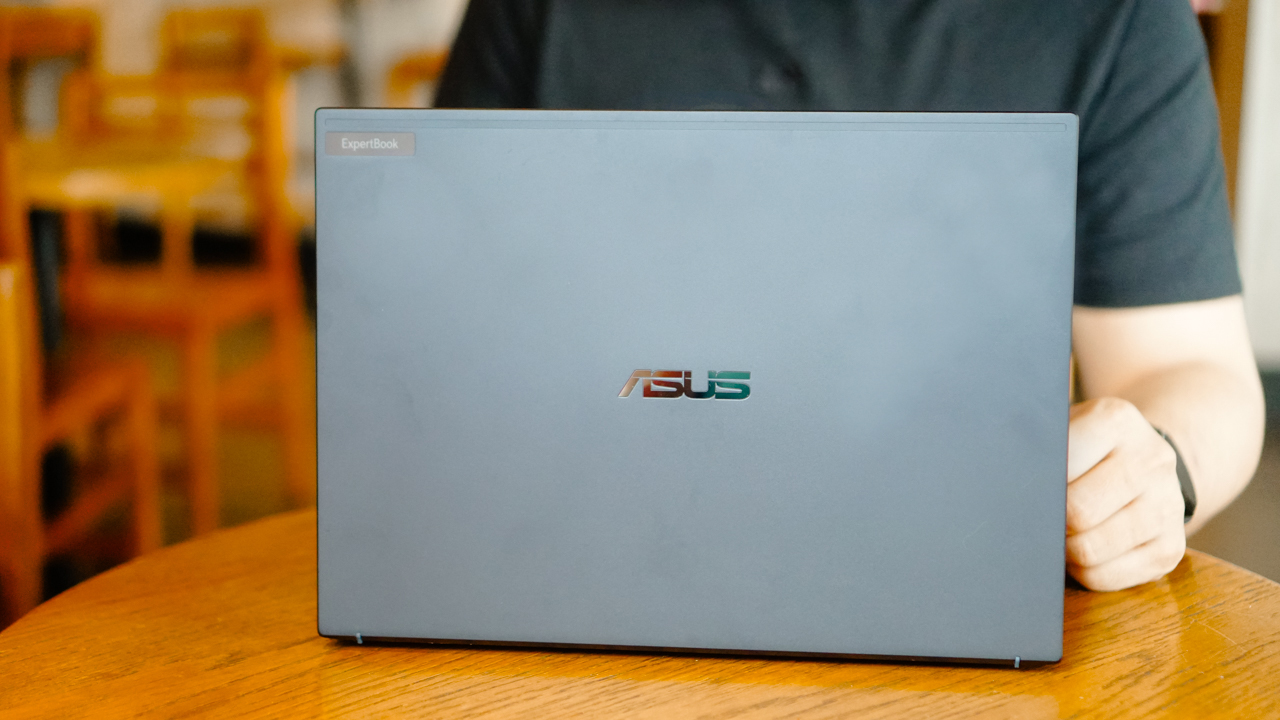
The ExpertBook B5 uses an all-metal chassis, and still keeping it thin at 1.89cm and weighing only 1.29kg. In addition, it has a military-grade durability (rated MIL-STD 810H) which meant it underwent intense panel-pressure, shock, and drop test.

For someone who’s always on-the-go, a military-grade laptop is a feature I always consider. The added safety for my machine, which basically has everything in my working life, is something I wouldn’t take a compromise with.
Most likely, you came across hilarious videos on TikTok where most remote workers work under intense situations. For instance, typing inside trikes, continuously working even when walking–at the airport or at the beach–or just having a call inside a ferry or speedboat. Yes, that’s how I look like on most of my trips.

Thankfully, the ExpertBook B5 came with a luxurious design and light build, even for a business notebook. I don’t have any qualms carrying it wherever I go.
Staying secure
My work in media, communications, and events gave me insurmountable confidential projects. If you travel a lot, you’d know how unsafe most public WiFis are, especially in hotels and airports.
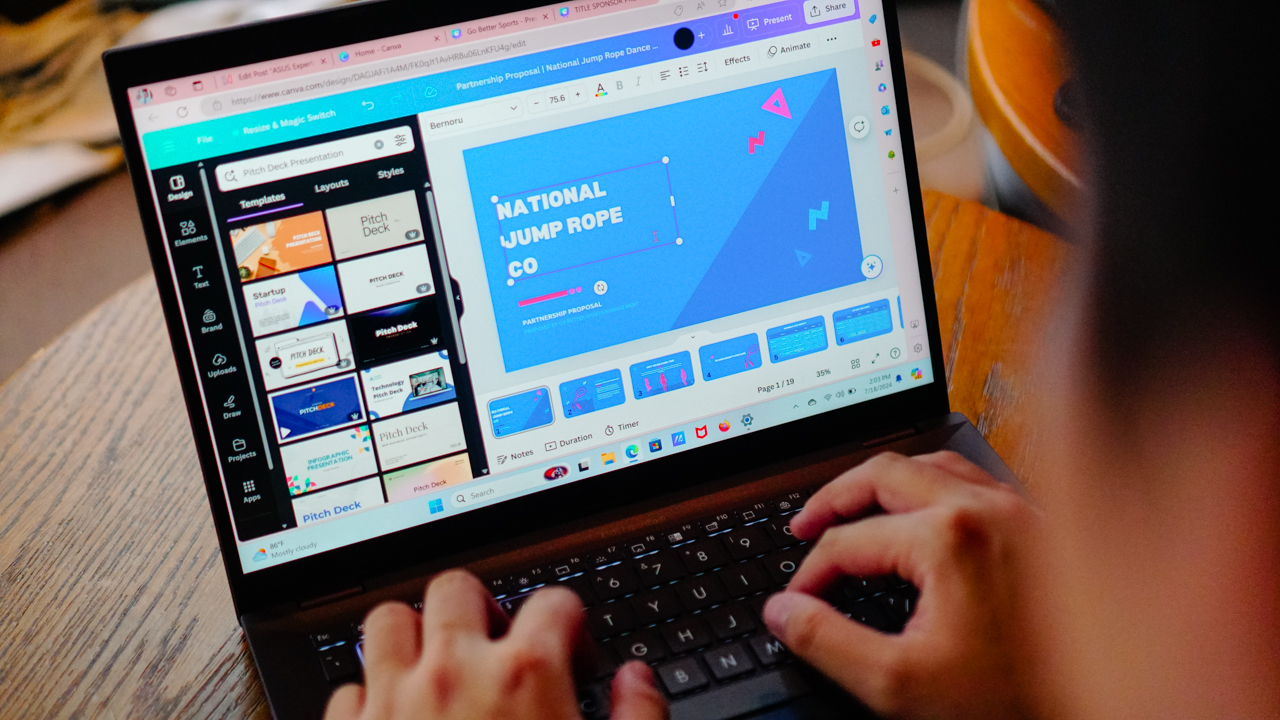
On certain occasions, my mobile data hotspot would fail on me and I have to connect my laptop to an accessible network. This opens up my device to possible attacks.
But when you have enterprise-grade security, you can calm down for a bit. Inside-out, the ExpertBook B5 is heavily protected and guarded.
A minimum for ASUS laptops, for instance, is having a trusted platform module. The ExpertBook B5 uses TPM 2.0, which helps store essential and critical information–safely and securely.

The sensitive information is kept behind a hardware barrier, protecting it from external attacks.
Most data breaches also come from stolen or lost, unprotected devices. Having the Kensington Nano Security Slot ensures that you can lock your device down whether you anchor it to a device, to a desk, or another fixed object.
With all these sophisticated security features, you get to enjoy working remotely, especially when the place uses WiFi 6E or even better, WiFi 7, which the ExpertBook B5 supports.
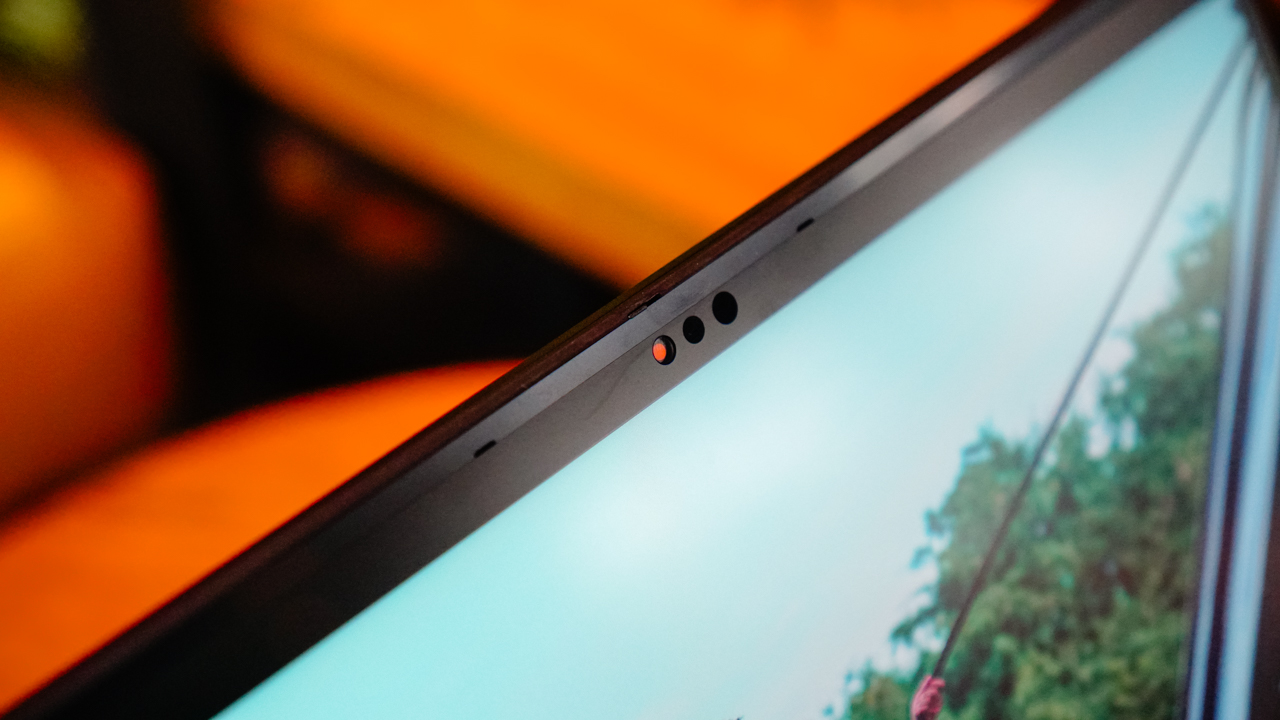
Aside from making sure your data is safe and secure, there’s also something within your control. The ExpertBook B5 uses a webcam shield, so you can be assured that your webcam doesn’t record without your knowledge.
Keeps up with your multiple tabs
There came a time when I had more than 20 tabs open. I was reading various sources for an article, updating a proposal, responding to emails and chats, having an audio meeting, and reviewing video submissions.
I’m not saying I did all of that at once, it would be absurd. But I’ve been known to multitask and juggle all my responsibilities like a mad man, and still able to deliver.
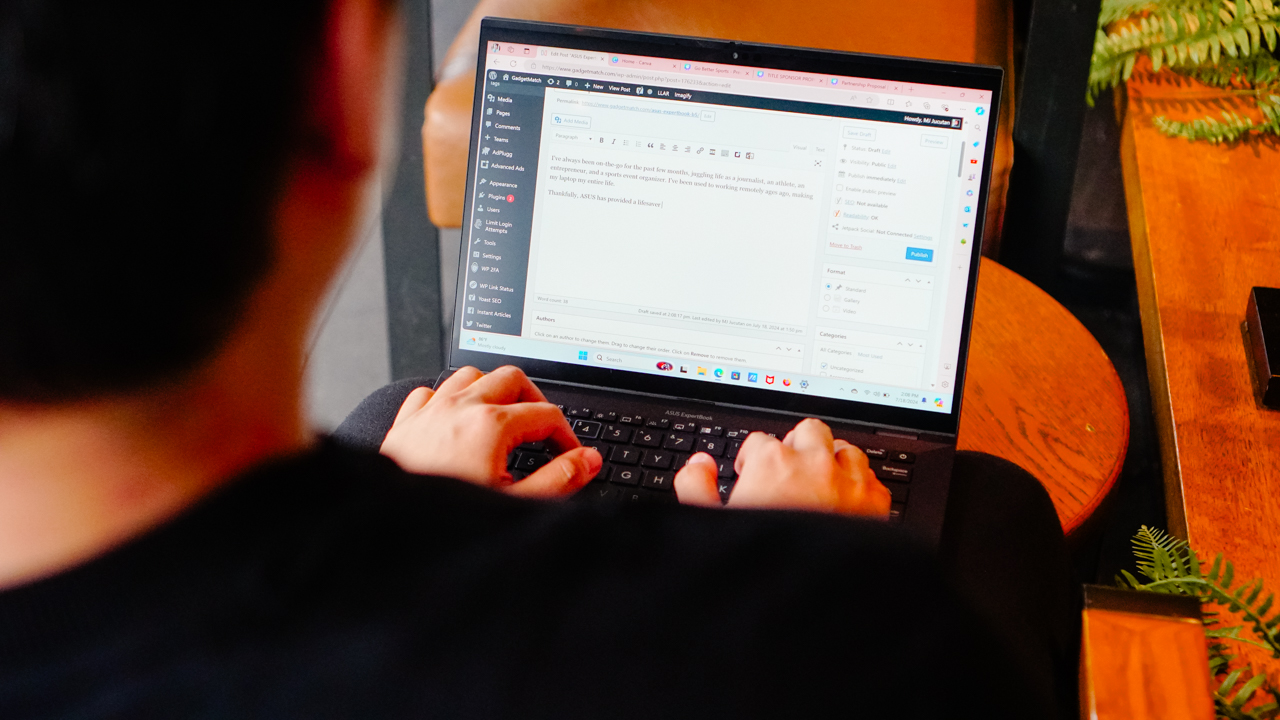
My attention span might be shorter than a goldfish’s, but that’s just how my brain is wired. It’s probably built to thrive in dysfunction.
With the way I use my laptop just like how my mind works, the ExpertBook B5 surely kept up. It came to a point when my brain lagged and froze first than the machine I was using.
Thanks to the ExpertBook B5’s configurations, I was able to keep going without needing for a pause. My unit sports an Intel i7-1360P for its chipset, and comes with a 1TB SSD storage, and powered by a 16GB DDR5 RAM.

It maybe an overkill if your tasks involved drafting proposals, signing documents, reading and writing articles, and managing your businesses remotely.
But if having an overpowered machine enables me to keep going wherever I am without overheating and freezing, I will take it in a heartbeat.
Smart and Intelligent working
The ExpertBook B5 is designed as a business laptop, no doubt. Beside the ExpertBook logo on its top cover, sometimes, it indicates your status like glowing up when you’re on a call. This wards off anyone from disturbing you since it signals being in an important meeting.
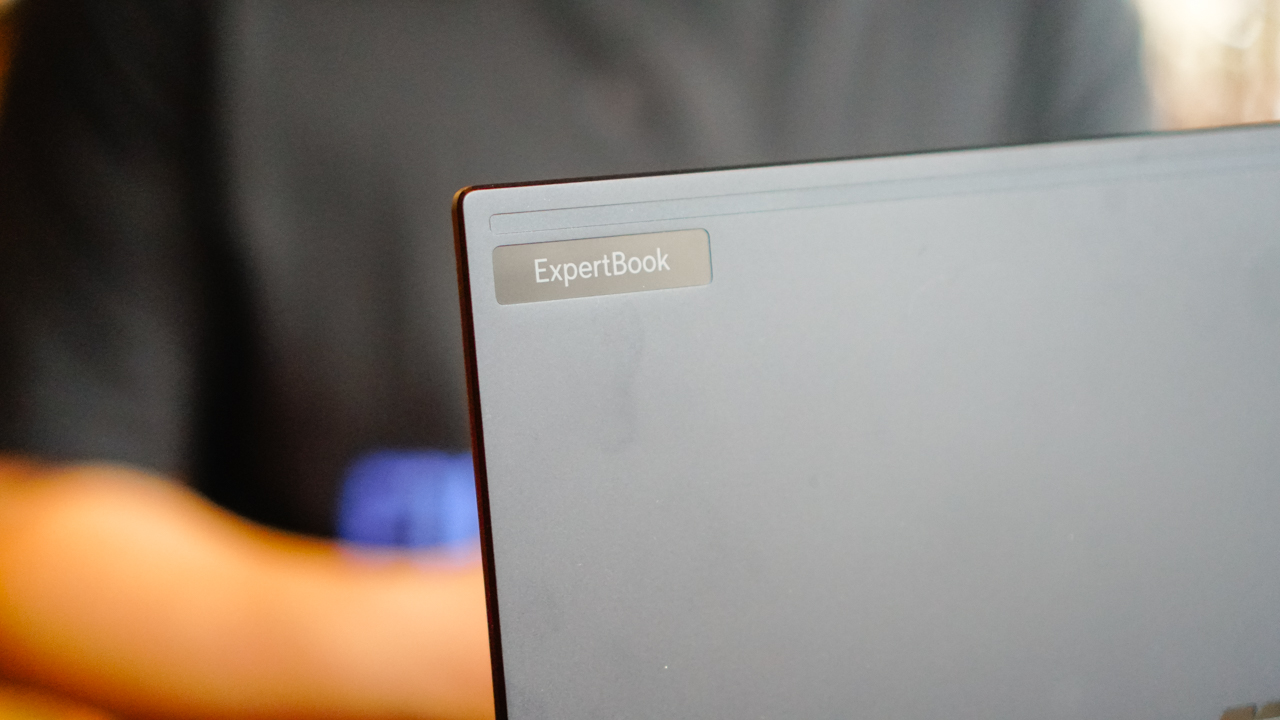
Speaking of meetings, the ExpertBook B5 levels up the way you do your conference calls. It uses AI-powered noise cancellation, isolating unwanted noise picked up around you.
This helped me deliver clear speech even when inside crowded and noisy coffee shops.

I also got to enjoy a stellar video quality during my virtual meetings with clients and sponsors. When waiting for other people to join the meeting, I enjoyed staring at myself — that’s just how good the video quality is.
The ExpertBook B5’s AI-powered camera comes with motion-tracking technology, so it keeps my face centered and adjusts its focus on my eyes.
It also adjusts the image quality and brightness, depending on your lighting condition.

Moreover, there’s a dedicated Copilot key so you can improve your productivity. Now, I’m not a fan of having AI assist me in my day-to-day tasks since that’s another learning curve and I already have a lot on my plate. But for some people, I’m certain that this feature is a godsend.
Connected, always
As someone who juggles with various hard drives for different workloads, the ExpertBook B5 came with a handful of ports.
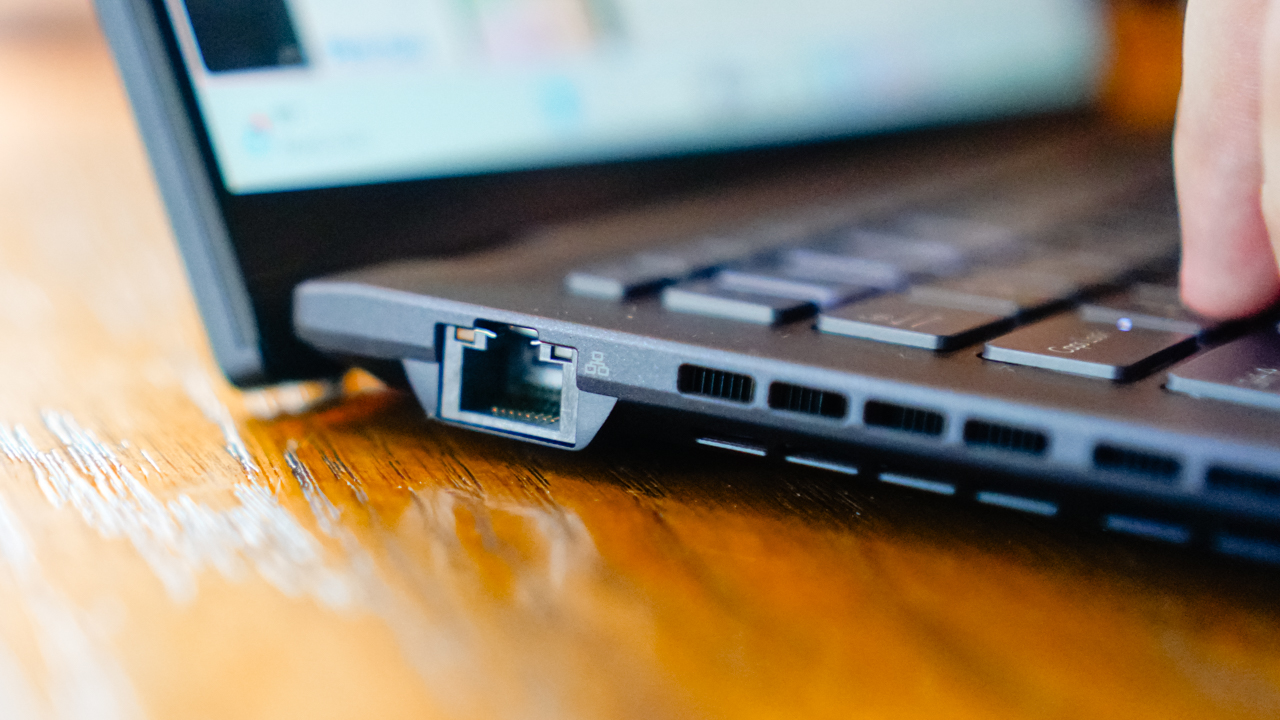
It has two (2) ThunderBolt 4 Type-C ports which you can use for charging and data transfer, and two (2) USB 3.2 Type-A ports. There’s also an HDMI 2.1 slot, and even a smart card reader and nano SIM slot option.

I already use Anker’s 7-in-1 dongle to cover all my other needs, which enables me to use various cables and connect with my laptop on other ports. Honestly, it’s got a lot of ports enough to keep me stationed in a desk and do my work for long hours.
Is this your GadgetMatch?
The ASUS ExpertBook B5 demonstrates how business laptops should be. It’s smart, strong, powerful, keeps up with how fast your mind and thought process change, and enables you to show up the best way you should in the world you live in.

It sounds like I’m describing the ideal partner for an entrepreneur, an achiever, and the goal-driven individuals out there, but it’s really true. What you want out of a partner may have the same qualities, traits, and features as your laptop.
If you want to stay on top of every commitment you have, you just need a machine–or a companion–that would help you achieve every goals you set. Like the ASUS ExpertBook B5.
Learn more about the ASUS ExpertBook B5 via www.asus.com/ph/business/.





Laptops
Alienware celebrates 30th anniversary with new Area-51 laptops
The series features Alienware 30, an all-new design language.

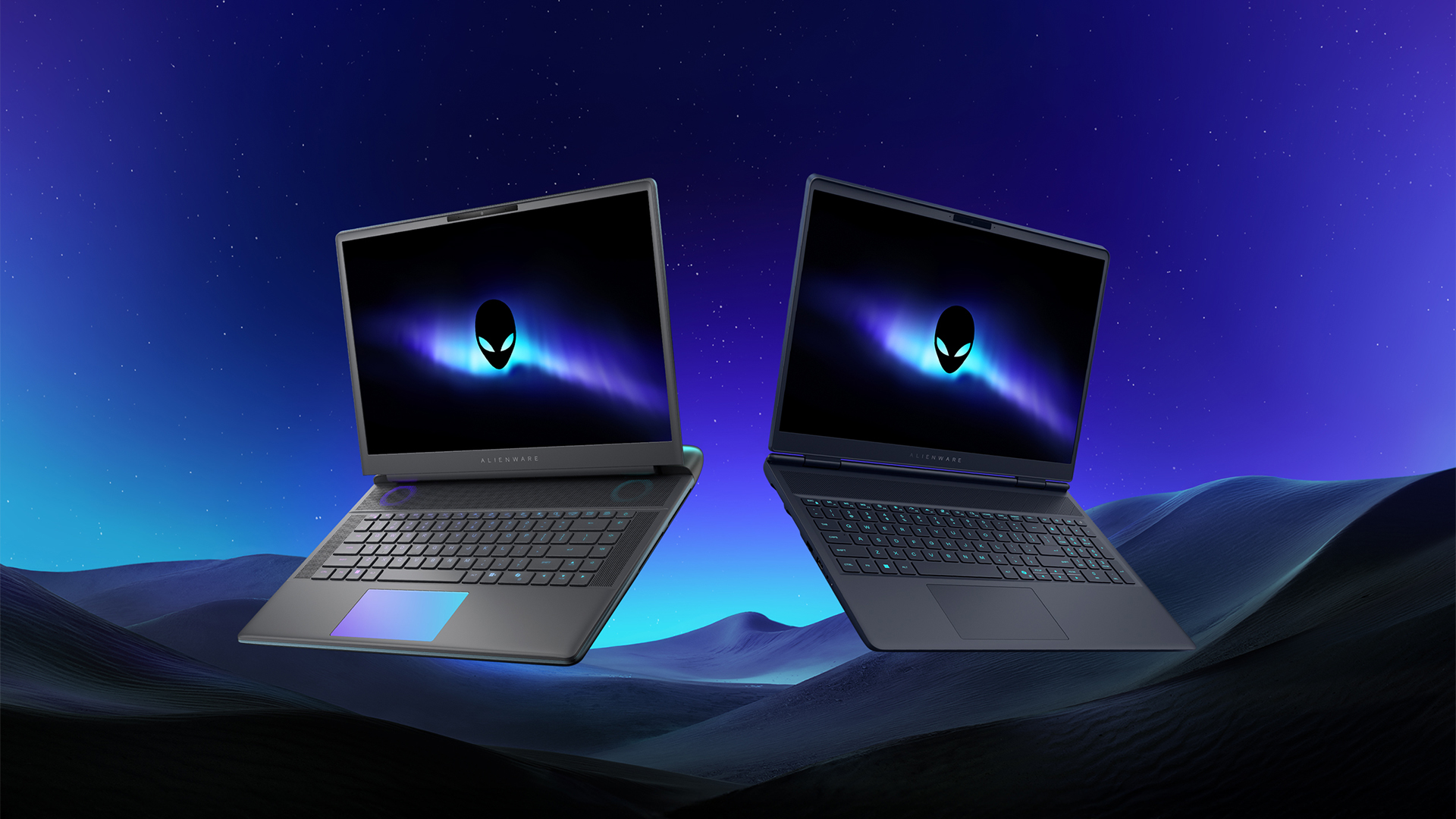
Despite the rise of more gaming brands, Alienware is still one of the most recognizable names for gamers who want dedicated hardware. This year, the brand is celebrating its 30th anniversary. To commemorate the milestone, Alienware has launched the new Area-51 and Aurora notebooks.
Alienware Area-51
Alienware’s Area-51 lineup is the brand’s flagship line of notebooks, packing in the best of the best from the industry. This time is no different.
First of all, the new series will rock Alienware 30, a new design philosophy made especially for the 30th anniversary. On the outside, the laptops have fluid contours, emphasizing curves opposed to the industry’s more angular contemporaries. It also has a Zero Hinge, which hides the laptop’s hinge from view. Finally, it has pillowed palm rests to make usage easy for long gaming sessions.
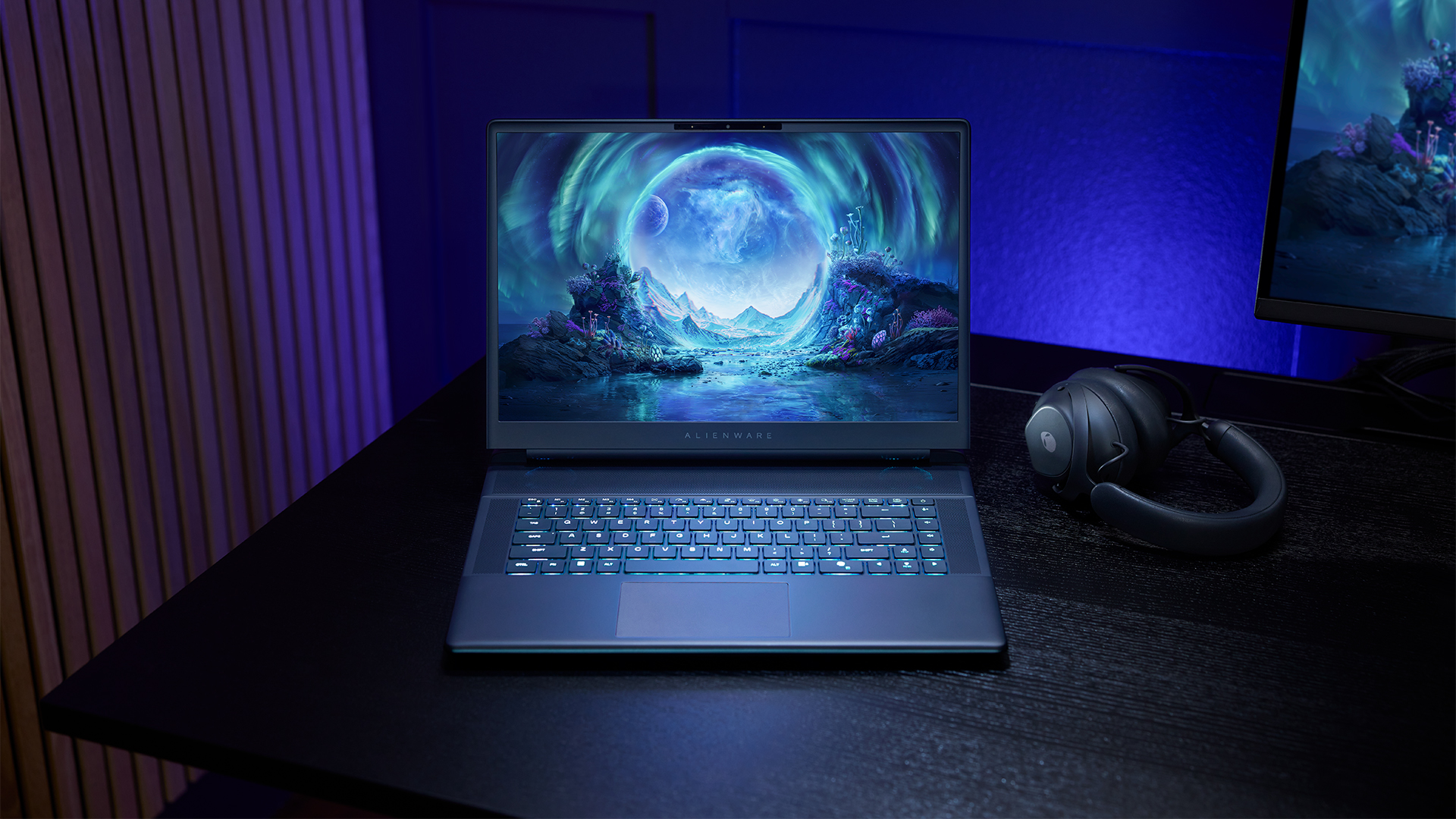
The 16-inch model can rock up to a WQXGA Anti-Glare OLED screen, featuring 240Hz refresh rate and 620 peak HDR nits. It will also have an LCD option. Alternatively, the 18-inch model has a WQXGA screen, featuring 300Hz refresh rate and 500 nits of brightness.
Inside, the Alienware Area-51 boasts up to an Intel Core Ultra 9 290HX processor and up to an NVIDIA GeForce RTX 5090 24GB GPU. For memory, gamers can enjoy up to 64GB Dual-Channel DDR5. Finally, for storage, the series can rock up to 2TB SSD natively but can support up to 3 slots, allowing for up to 12TB of internal storage.
The series will have a sizable 96Whr battery. This is complemented by a 280W adapter and the brand’s largest fans by volume to keep things cool.
Alienware 16X Aurora
For those who portability over raw power, the new Alienware 16X Aurora fits inside any day-to-day kit. For example, it ditches the thermal shelf typical of most gaming notebooks today to increase portability. It has rounded edges to make it easier to grasp and to create a slightly pillowed palm rest, similar to its flagship counterpart.
The 16-inch WQXGA OLED panel touts 240Hz refresh rate, 0.2ms response time, and 620 nits HDR peak brightness.
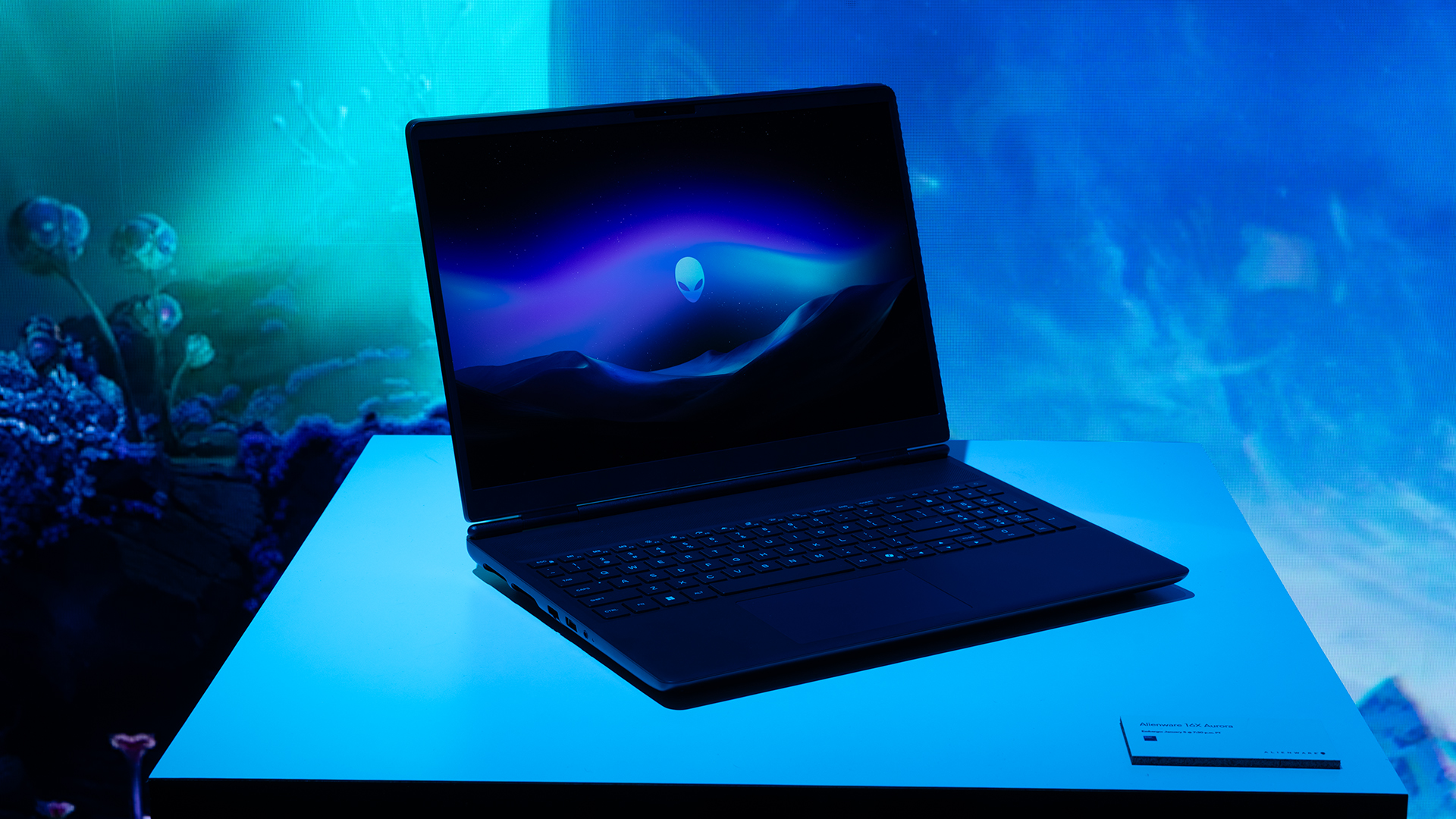
Inside, the notebook has up to an Intel Core Ultra 9 275HX processor and up to an NVIDIA GeForce RTX 5070 Ti GPU. These specs are paired with up to 64GB Dual-Channel DDR5 memory and up to 2TB SSD.
Finally, the Alienware 16X Aurora will have a 90Whr battery. This is supported by up to a 280W charger (for the RTX 5070 variant).
Price, availability
Both series are available starting today, March 17.
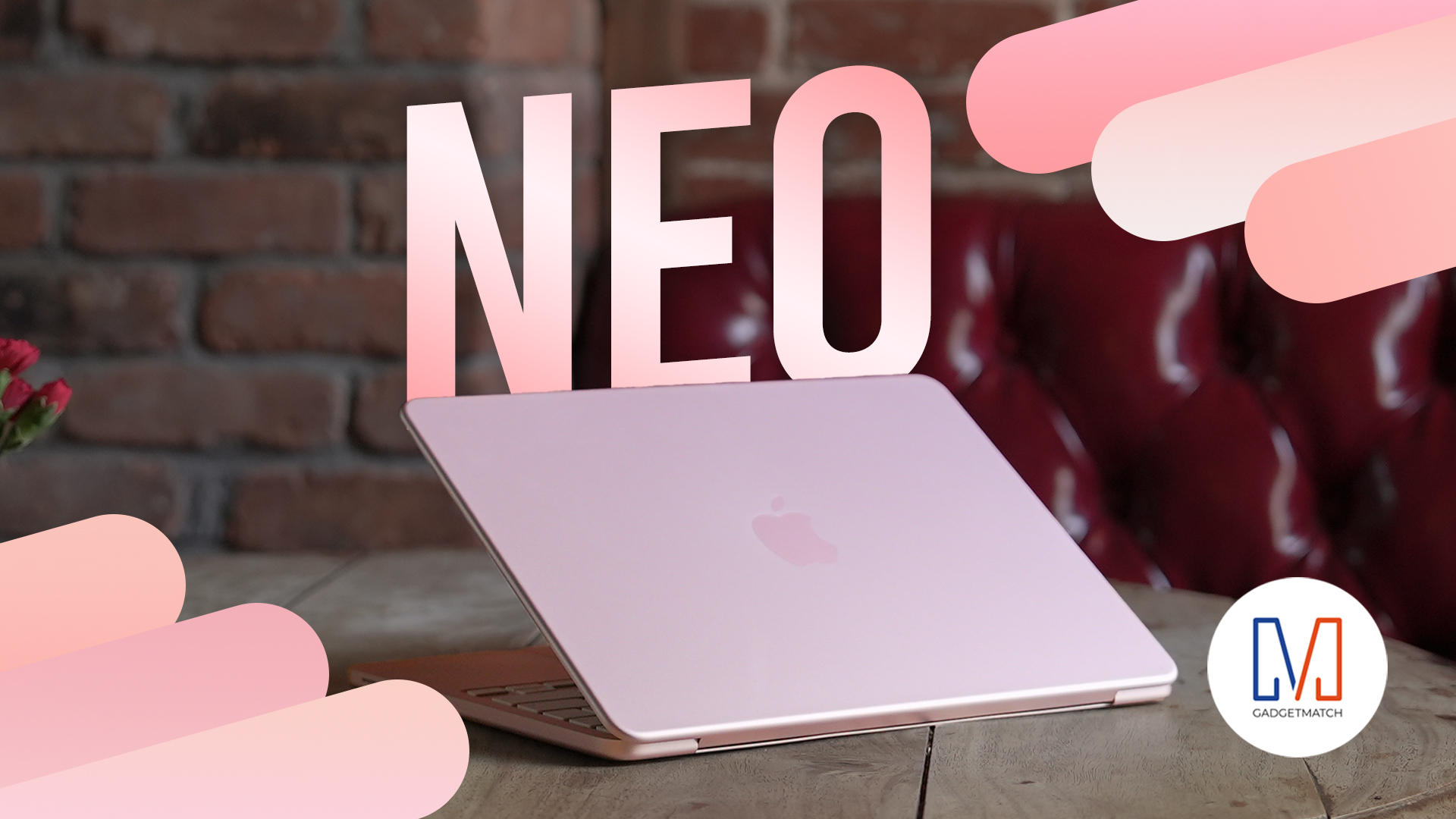
Apple disrupts the industry with their latest MacBook — an affordable to say the very least.
If you’re a student, a first-time Mac owner, someone who’s been priced out of this ecosystem their whole life, someone who just needs a laptop for basic tasks but one that looks great, without slowing them down, this is it!
Or maybe you’re torn choosing between the MacBook Neo and the more powerful M5 MacBook Air?
Well, that’s what we’re here for. Here’s our review with the all-new MacBook Neo.
Laptops
Hands-on: NEW iPhone 17e, iPad Air, MacBooks, Studio Displays
What Apple has announced other than the MacBook Neo


The MacBook Neo was the star of yesterday’s Apple event, and it has every right to be but it’s been a big week for Apple.
So as promised, we also went hands-on with every other device announced this week: iPhone 17e, M4 iPad Air, M5 MacBook Air, MacBook Pro with M5 Pro and M5 Max chips, and the new Studio Displays.





Now Playing: Hoppers

Jackery SolarSaga series: Free power for small devices

UGREEN adds new Nexode Pro power bank, charger to lineup

nubia to launch new Neo 5 series gaming phones on March 28

SHINOBI: Art of Vengeance’s SEGA Villains Stage out on April 3


-

 Reviews5 days ago
POCO X8 Pro Max review: A new beast from the far east
-

 News5 days ago
POCO X8 Pro Series: Price, availability in the Philippines
-

 Laptops2 weeks ago
Apple MacBook Neo Review
-

 Computers2 weeks ago
GIGABYTE collaborates with Capcom for RE Requiem custom PC
-

 Apps1 week ago
Google Maps is finally getting a 3D mode
-

 Entertainment2 weeks ago
The internet is thirsting over the One Piece Season 2 cast
-

 Features1 week ago
Galaxy AI on the Samsung Galaxy S26 Ultra
-

 Automotive2 weeks ago
BYD is reportedly considering an F1 team