



I used to play MMORPGs while doing my schoolwork. Back then, I dreamed about working on a dual-monitor set up so I can multitask. Of course, my younger self won’t be able to afford a customized set up let alone convince his parents to buy one for him.
It was always a dream, given that my attention span is as short as a goldfish; moving from one task to another, wanting to do a lot of things all at once. Unexpectedly, my childhood dream reemerged when I got my hands on the ASUS ZenBook Pro Duo.
Perfect Dual Display
The ASUS ZenBook Pro Duo was first unveiled in Taipei during Computex 2019, enthralling everyone with a stunning, dual touchscreen display. Everyone dubbed it “The Laptop of Tomorrow” since its futuristic design could be a glimpse of how laptops might look like in the near future.

The ZenBook Pro Duo prides itself with a 4K OLED touchscreen 15.6″ main display. Yes, ASUS combined a 4K clarity and OLED display to show-off how premium this laptop is. Watching any form of entertainment is a visual treat in its humongous, stunning screen. You’ll surely build a mini theater at the comforts of your own home.
Additionally, this laptop boasts its crown jewel — the ScreenPad Plus. It’s a 4K secondary touchscreen display using an IPS LCD panel. Most people were amazed when they saw me working on a dual-display laptop. Everyone was curious and mesmerized but little did they know, it’s not that glamorous. Due to its flat placement, you have to look down to see what’s going on. Honestly, it’s impossible to look and read properly without straining your nape.

On top of the problem with its viewing angle, its aspect ratio isn’t perfect. You need to open a minimum of two apps and a maximum of three to fit the screen properly. The software used in ScreenPad Plus needs a lot of improvement.
Looking at the bright side, the ScreenPad Plus is a great way to multitask. I used to open Slack to keep in touch with my colleagues while I work remotely and play either Spotify or Netflix as background noise. In some occasions, creative individuals can use the ScreenPad Plus as an extension of their workspace while working on an artwork.

One of my favorite artists, Lei Melendres, used the secondary screen to watch YouTube videos while viewing his reference photos as a drawing guide. There’s an add-on stylus, too, in case you really love drawing on your screen.
Power that’s more than what you need
The ASUS ZenBook Pro Duo has so much raw power, packed with impressive specs dedicated for professionals. It runs on Intel’s best Core i9-9980HK coupled with a 32GB RAM and 1TB SSD. Additionally, it’s powered by an Nvidia GeForce RTX 2060 GPU. Just looking at its specs can overwhelm an everyday user.

However, if you use powerful apps like Adobe, Corel, Lumion, and SketchUp, this laptop can support you in your creative pursuits. It can handle editing photos and videos, working on heavy illustrations, animations, and architectural renders.
Play games, but moderately
When it comes to performance, you can’t really say anything bad about ASUS. They really outdid themselves with this chunky, premium laptop. Designed with every power user in mind, the ZenBook Pro Duo can be enjoyed not just by content creators and professionals, but also by gamers.
I have to tell you right from the start: The ASUS ZenBook Pro Duo isn’t a gaming machine for all your gaming dreams. It has a problem with cooling, despite its ErgoLift design and Cool-Air express system with five heat pipes for proper venting.

While I have no qualms playing and running multiple apps since, I’m afraid the heat could damage the sensitive components of the laptop. A lot of times, I accidentally break my laptops because of overheating.
Nonetheless, it’s still powerful enough to run Dota 2 and other graphics-intensive games but only do so for a short time. I highly suggest you play on gaming machines if that’s your jam. If you plan on streaming while playing, it has a webcam properly placed on its top bezel but as with any built-in webcams I’ve tried, it’s best to use an external camera to use for better results.
It’s not a laptop
The ZenBook Pro Duo already looks great at first glance, even more so when you test its power and performance. However, only after using it for some time you’ll see how it’s not really a laptop. It’s thick and chunky, too heavy to carry around — definitely not fit for portability.

It has poor battery life, which runs for two-to-three hours of browsing, social media, and watching videos. If you’re a power user, you need to have this laptop stationed in a spot near a power outlet. It felt like I was using a mobile PC than a laptop.
Comfort isn’t one of its strong points
ZenBooks are known for their ErgoLift design. It tilts the laptop to a comfortable typing position, which also improves its cooling and audio performance. This design is truly enjoyable, except for the ZenBook Pro Duo.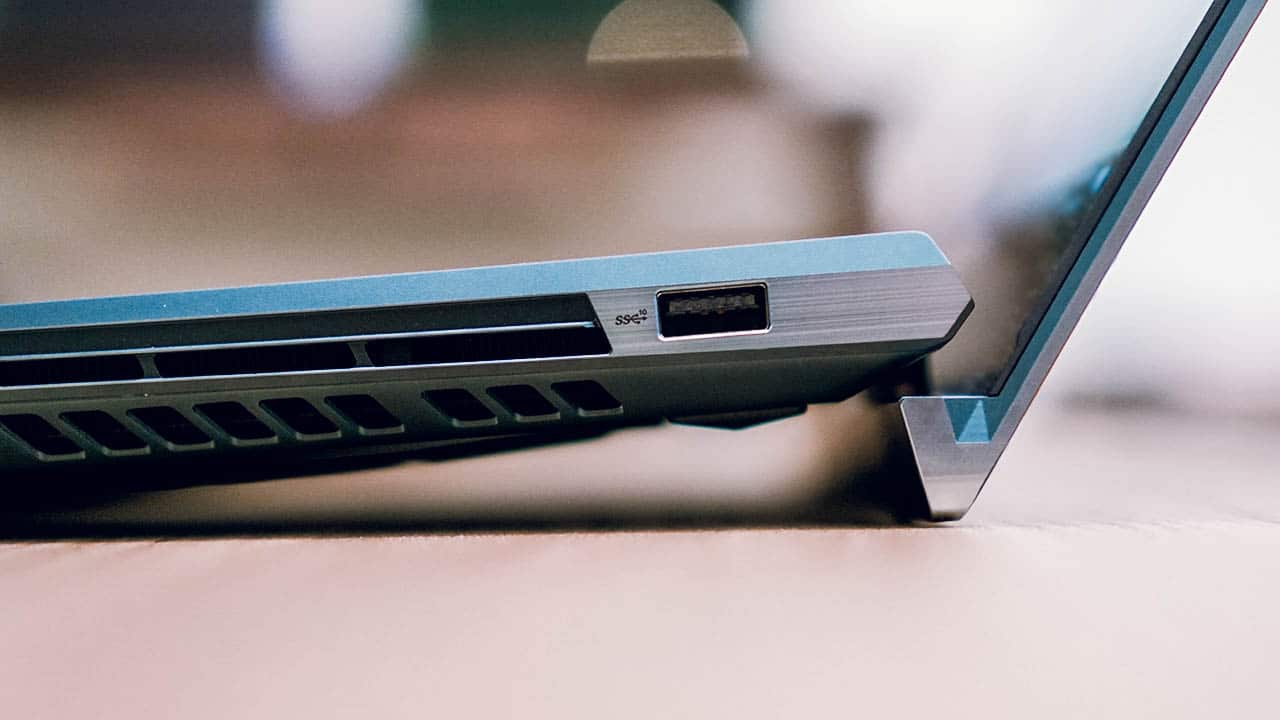
Due to the ScreenPad Plus taking a lot of space, the keyboard was pushed down to the edge leaving no room for your palms to rest. To compensate, the laptop comes with an add-on wrist rest, which is another thing to bring unless you decide to put the laptop in a dedicated work station. But even if you have the added palm rest, its keyboard is too spongey to type on.

Additionally, the trackpad was pushed to the lower right side. It’s practically useless, as it’s too small for you to use on a dual-screen laptop. It also doubles as a calculator and a number pad, which you’ll barely need.

There are a lot of improvements needed for the ZenBook Pro Duo’s functions and ergonomics. Seeing this as a first-gen product, it’s forgivable for ASUS since the laptop will only get better in the coming years.
Design and Details
The ZenBook Pro Duo is beautifully designed. It comes in a futuristic and elegant color called Celestial Blue, decorated with its iconic Zen-inspired aluminum finish, and diamond-cut edges that add subtle sophistication. Who wouldn’t be captivated by this laptop?

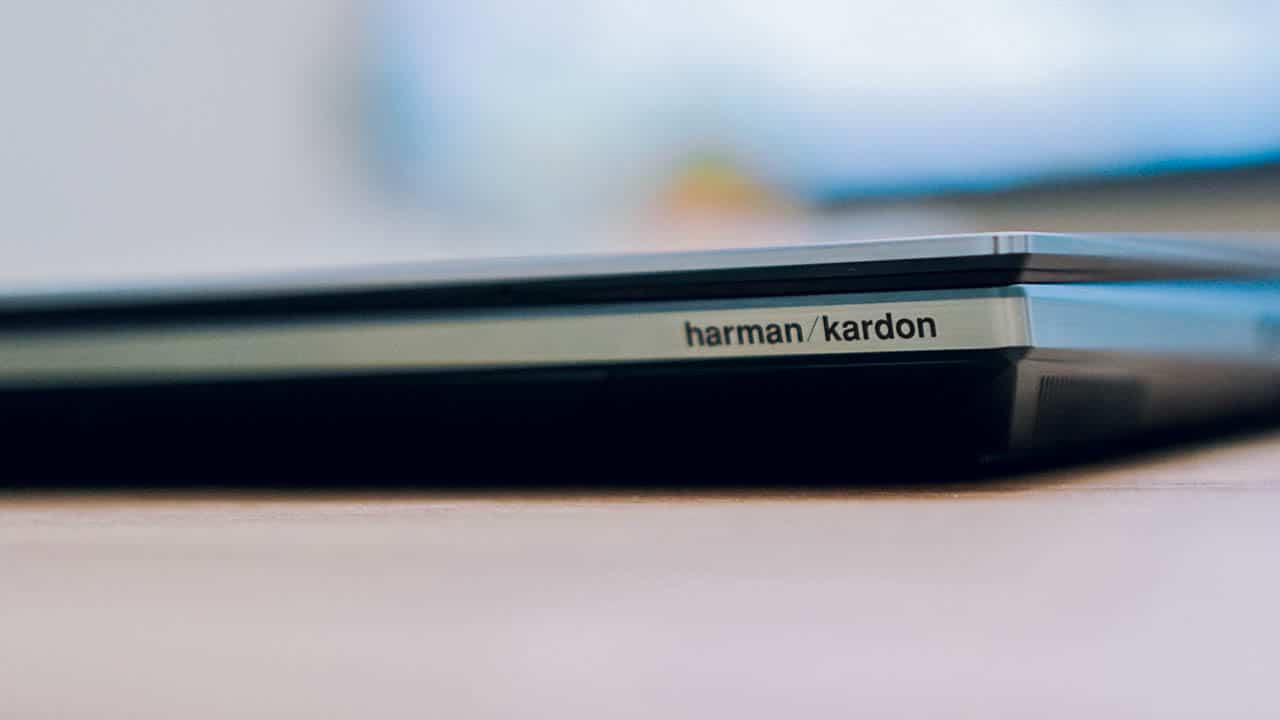
It feels premium in every touch. Whenever you glide your fingers, there’s this awestruck feeling of touching a glimpse of the future. To add more to its elegance, ASUS engineered Harman Kardon speakers providing decent sound quality.
But the classiness has its shortcomings, too. For a chunky and premium laptop made for creative professionals, it doesn’t have an SD card slot and contains a few ports.



It has two USB 3.1 Type-A, one Thunderbolt 3 USB Type-C, one standard HDMI slot, one 3.5mm audio port, and a DC input. Instead of adding more ports, ASUS used the sides to put vents for cooling purposes.
Is this your GadgetMatch?
The ASUS ZenBook Pro Duo has a lot of shortcomings, but it’s easily one of the best laptops today. It’s highly innovative and powerful to help you be more productive and creative. It’s an excellent laptop for creators and professionals willing to gloss over the inconveniences such as its ergonomics, poor battery life, and portability issues. After all, it can do everything you want to do, including bringing your ideas to life.

If money is no object, I would say this laptop is my GadgetMatch. However, there’s a lot more that I can buy than this laptop with a PhP 199,995 (US$ 3931) price tag. It’s expensive, but it’s a price we’ll really pay to use a futuristic laptop packed with innovations we never thought we needed.
Like I said earlier, this laptop is a first-generation product. Just like Samsung’s Galaxy Fold, this is a welcome innovation. Seeing how smartphones and laptops are getting absurd and weird upgrades, it’s astonishing to see a possibility of what our future gadgets could be.





Laptops
Alienware celebrates 30th anniversary with new Area-51 laptops
The series features Alienware 30, an all-new design language.

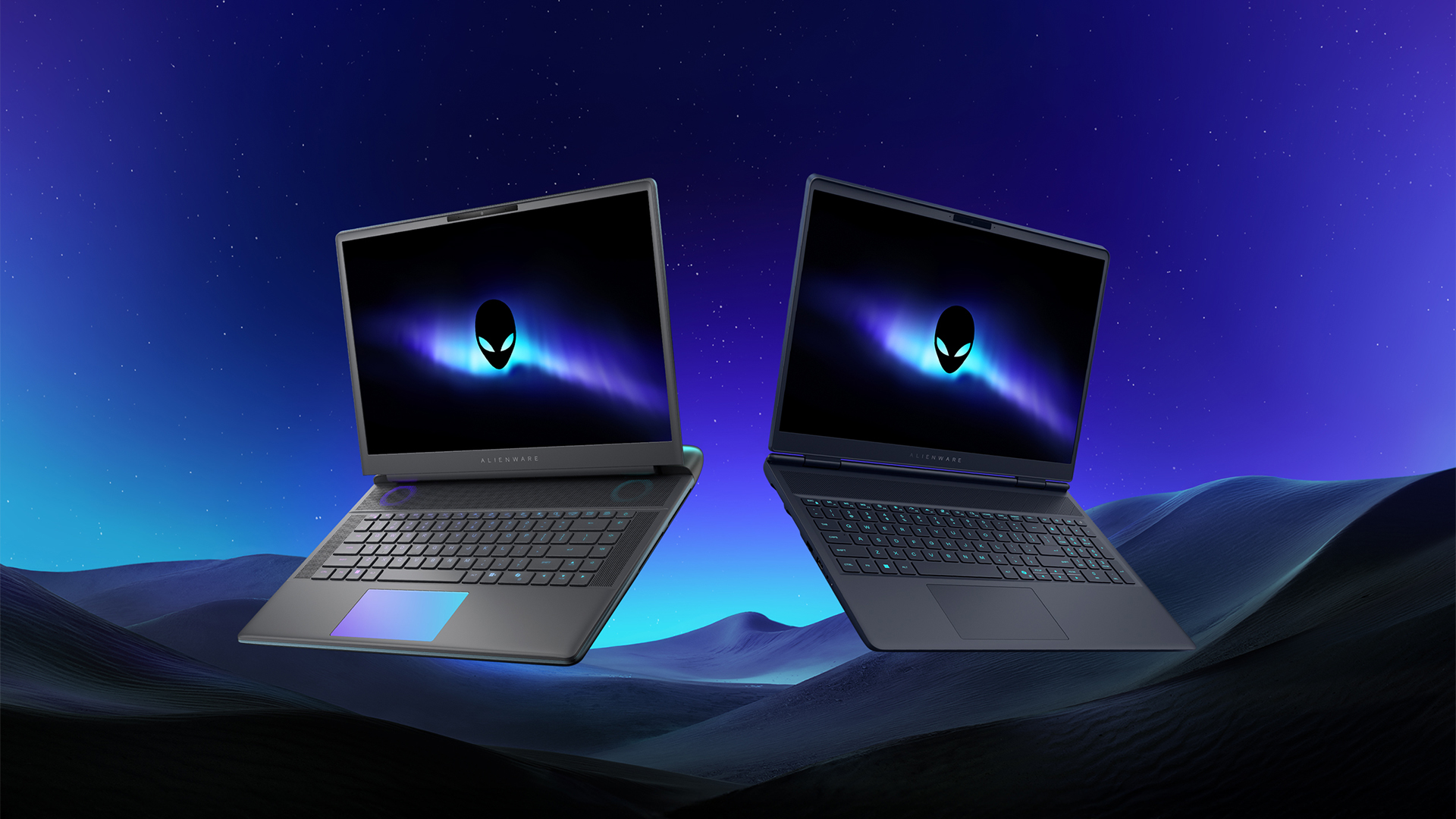
Despite the rise of more gaming brands, Alienware is still one of the most recognizable names for gamers who want dedicated hardware. This year, the brand is celebrating its 30th anniversary. To commemorate the milestone, Alienware has launched the new Area-51 and Aurora notebooks.
Alienware Area-51
Alienware’s Area-51 lineup is the brand’s flagship line of notebooks, packing in the best of the best from the industry. This time is no different.
First of all, the new series will rock Alienware 30, a new design philosophy made especially for the 30th anniversary. On the outside, the laptops have fluid contours, emphasizing curves opposed to the industry’s more angular contemporaries. It also has a Zero Hinge, which hides the laptop’s hinge from view. Finally, it has pillowed palm rests to make usage easy for long gaming sessions.
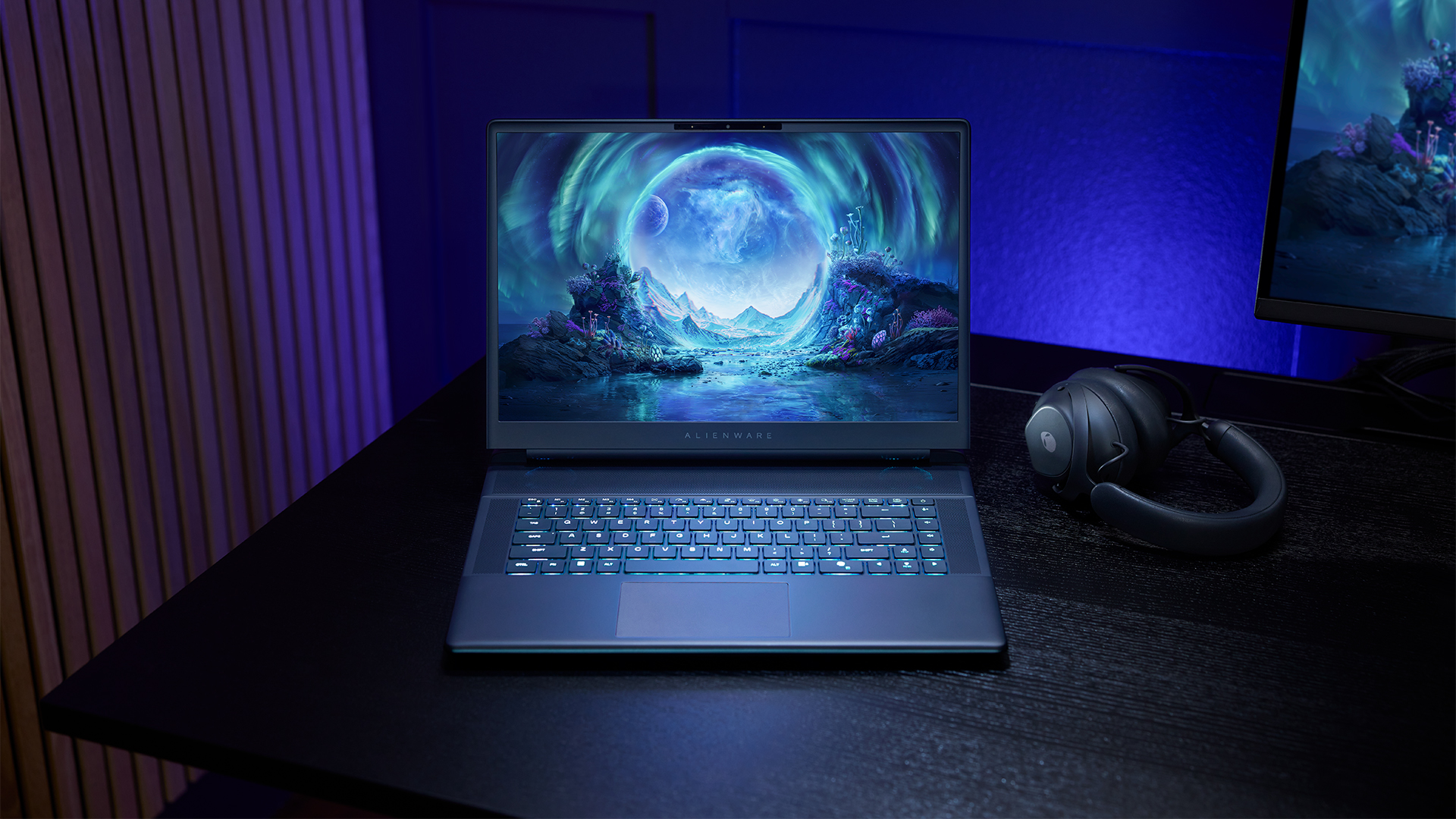
The 16-inch model can rock up to a WQXGA Anti-Glare OLED screen, featuring 240Hz refresh rate and 620 peak HDR nits. It will also have an LCD option. Alternatively, the 18-inch model has a WQXGA screen, featuring 300Hz refresh rate and 500 nits of brightness.
Inside, the Alienware Area-51 boasts up to an Intel Core Ultra 9 290HX processor and up to an NVIDIA GeForce RTX 5090 24GB GPU. For memory, gamers can enjoy up to 64GB Dual-Channel DDR5. Finally, for storage, the series can rock up to 2TB SSD natively but can support up to 3 slots, allowing for up to 12TB of internal storage.
The series will have a sizable 96Whr battery. This is complemented by a 280W adapter and the brand’s largest fans by volume to keep things cool.
Alienware 16X Aurora
For those who portability over raw power, the new Alienware 16X Aurora fits inside any day-to-day kit. For example, it ditches the thermal shelf typical of most gaming notebooks today to increase portability. It has rounded edges to make it easier to grasp and to create a slightly pillowed palm rest, similar to its flagship counterpart.
The 16-inch WQXGA OLED panel touts 240Hz refresh rate, 0.2ms response time, and 620 nits HDR peak brightness.
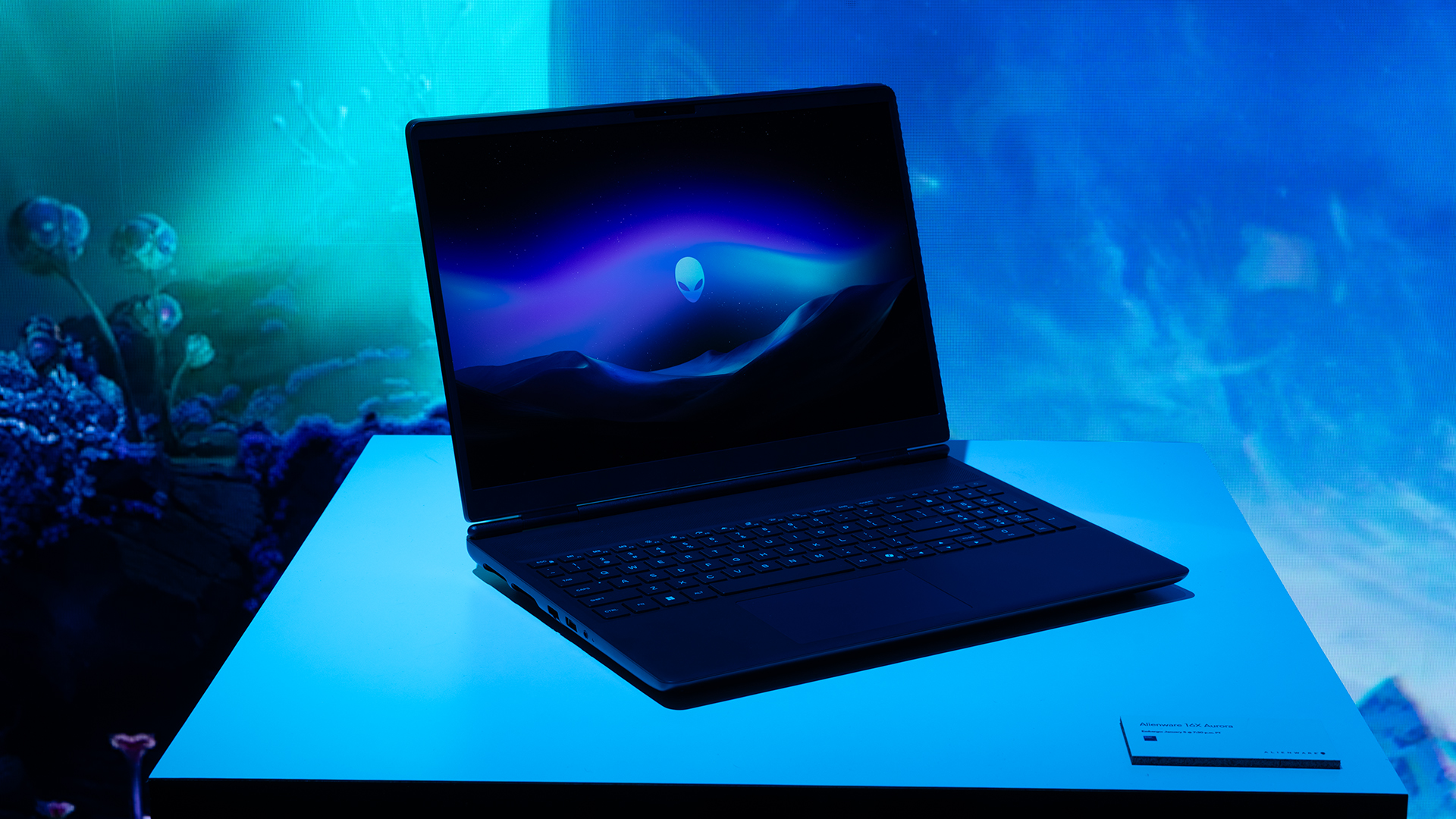
Inside, the notebook has up to an Intel Core Ultra 9 275HX processor and up to an NVIDIA GeForce RTX 5070 Ti GPU. These specs are paired with up to 64GB Dual-Channel DDR5 memory and up to 2TB SSD.
Finally, the Alienware 16X Aurora will have a 90Whr battery. This is supported by up to a 280W charger (for the RTX 5070 variant).
Price, availability
Both series are available starting today, March 17.

Apple disrupts the industry with their latest MacBook — an affordable to say the very least.
If you’re a student, a first-time Mac owner, someone who’s been priced out of this ecosystem their whole life, someone who just needs a laptop for basic tasks but one that looks great, without slowing them down, this is it!
Or maybe you’re torn choosing between the MacBook Neo and the more powerful M5 MacBook Air?
Well, that’s what we’re here for. Here’s our review with the all-new MacBook Neo.
Laptops
Hands-on: NEW iPhone 17e, iPad Air, MacBooks, Studio Displays
What Apple has announced other than the MacBook Neo


The MacBook Neo was the star of yesterday’s Apple event, and it has every right to be but it’s been a big week for Apple.
So as promised, we also went hands-on with every other device announced this week: iPhone 17e, M4 iPad Air, M5 MacBook Air, MacBook Pro with M5 Pro and M5 Max chips, and the new Studio Displays.





Now Playing: Hoppers

Jackery SolarSaga series: Free power for small devices

UGREEN adds new Nexode Pro power bank, charger to lineup

nubia to launch new Neo 5 series gaming phones on March 28

SHINOBI: Art of Vengeance’s SEGA Villains Stage out on April 3


-

 Reviews5 days ago
POCO X8 Pro Max review: A new beast from the far east
-

 News5 days ago
POCO X8 Pro Series: Price, availability in the Philippines
-

 Laptops2 weeks ago
Apple MacBook Neo Review
-

 Computers2 weeks ago
GIGABYTE collaborates with Capcom for RE Requiem custom PC
-

 Apps1 week ago
Google Maps is finally getting a 3D mode
-

 Entertainment2 weeks ago
The internet is thirsting over the One Piece Season 2 cast
-

 Features1 week ago
Galaxy AI on the Samsung Galaxy S26 Ultra
-

 Automotive2 weeks ago
BYD is reportedly considering an F1 team