

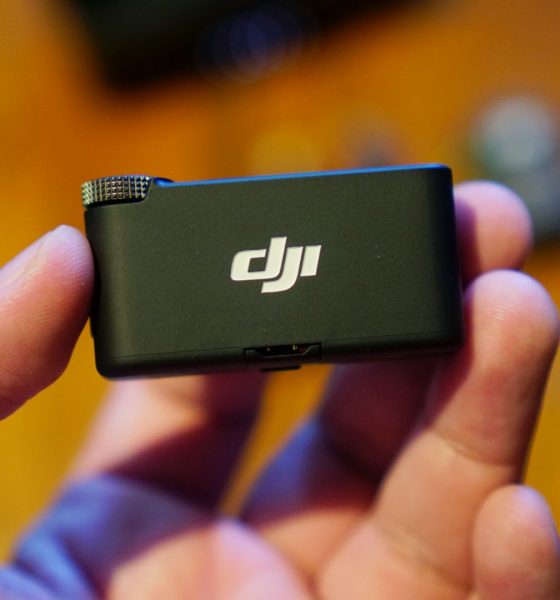

The DJI Mic 2 released to plenty of hype especially with the massive boom of content creators on multiple platforms. More and more people are making content with the need for a mic and DJI jumped right in to take advantage.
Previously only reserved for a handful of production specialists, all kinds of microphones have sprung up. And it’s not just DJI. Brands who have been offering production equipment all now offer their own lav mic. So, what edge does DJI have over the rest of the pack? And is it the right mic for you? That’s what we’ll attempt to answer here.
Design and inclusions
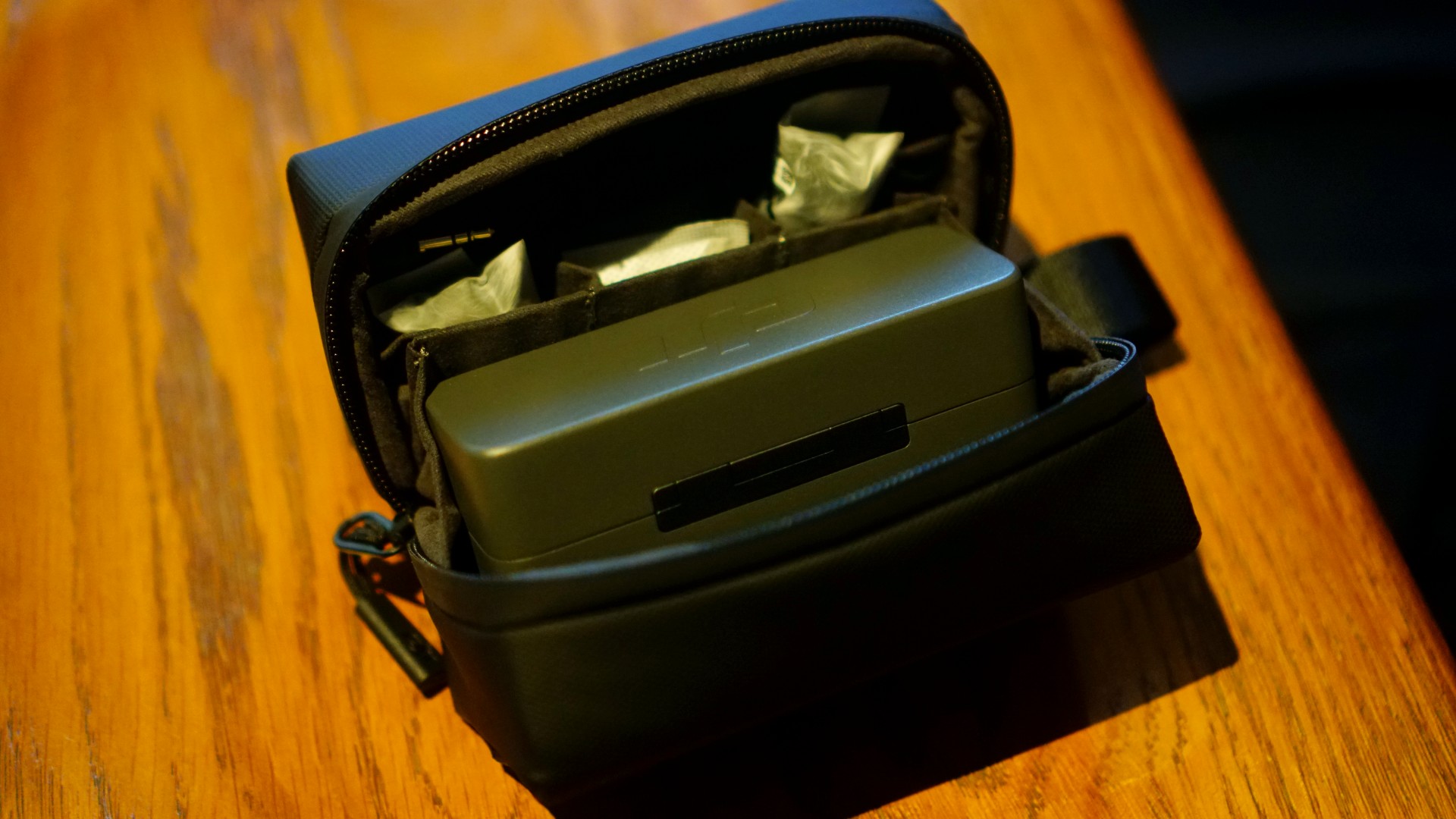
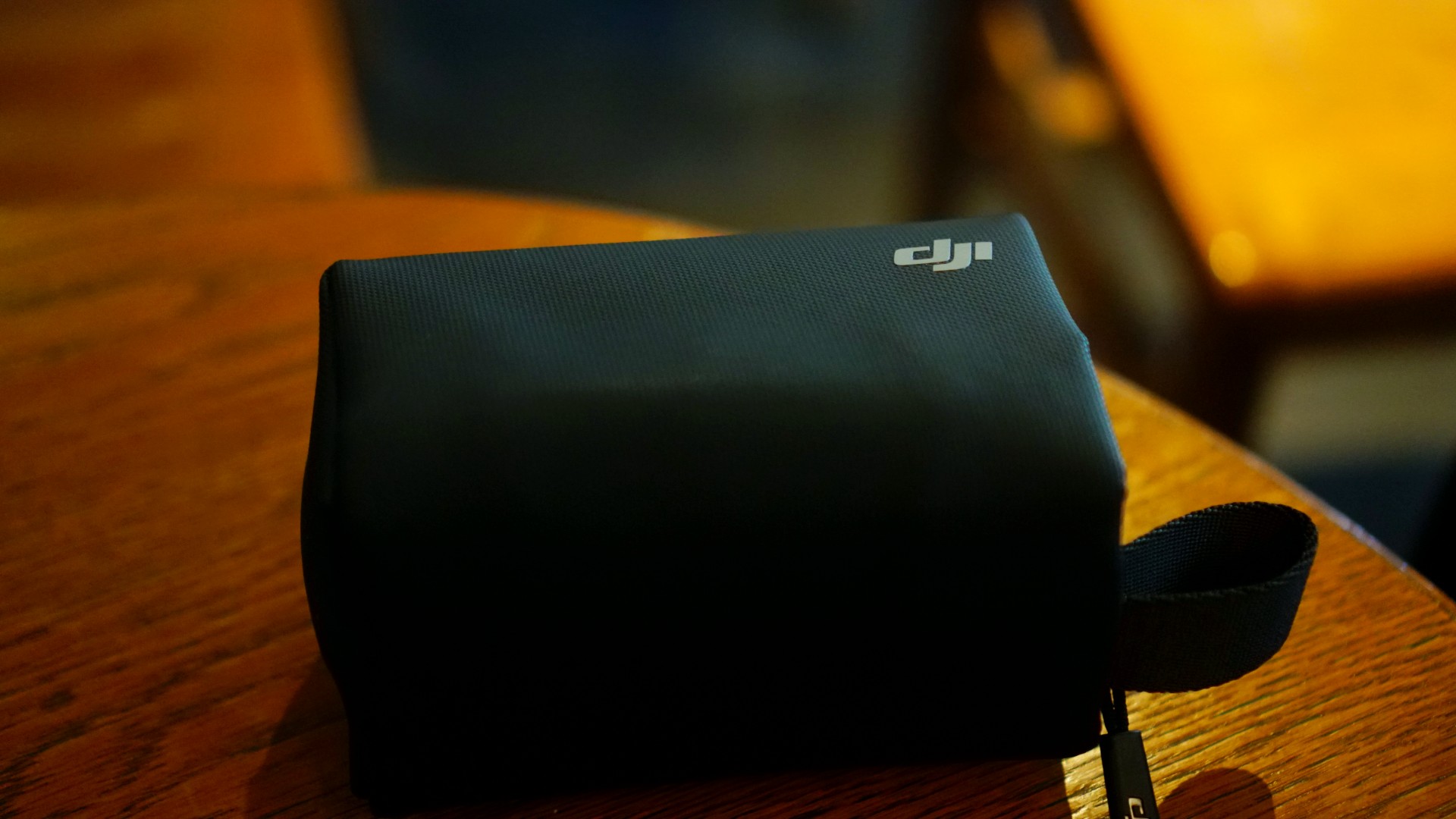
Inside the packaging, you’ll get a carrying case housing the DJI Mic 2 package. Inside you’ll find a charging case,two transmitters, one receiver, an audio cable, phone adapters for USB-C/Lightning, two windscreens, two clip magnets, and a charging cable.
It looks daunting at first with these many inclusions. But if you sit down and make sense of it all, it’s easy to figure out which one goes where and when to use what.
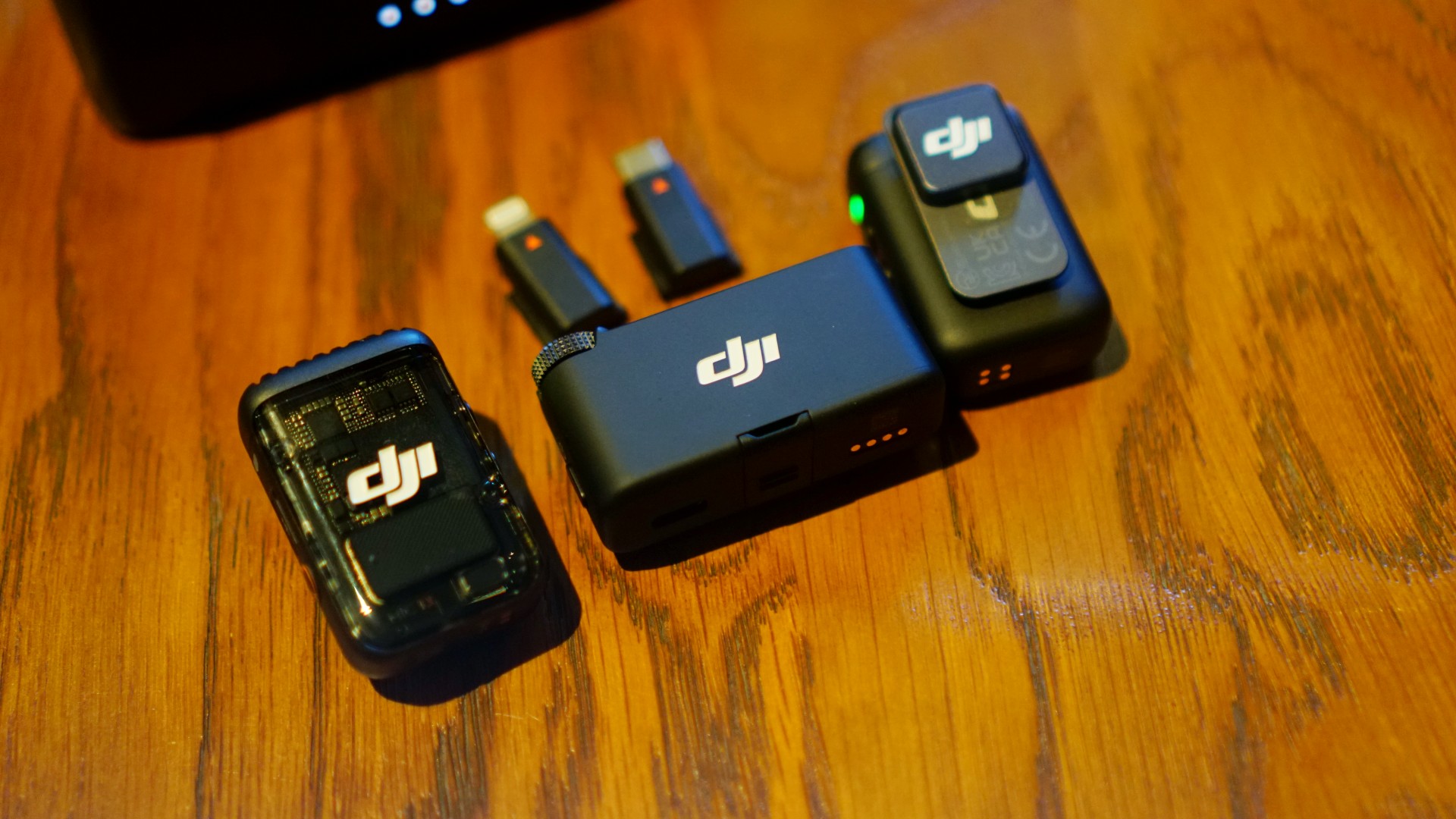
The grooves on the receiver will easily let you know where the phone adapters fit. And the two transmitters are fairly straightforward to use both on their own or with the transmitter.
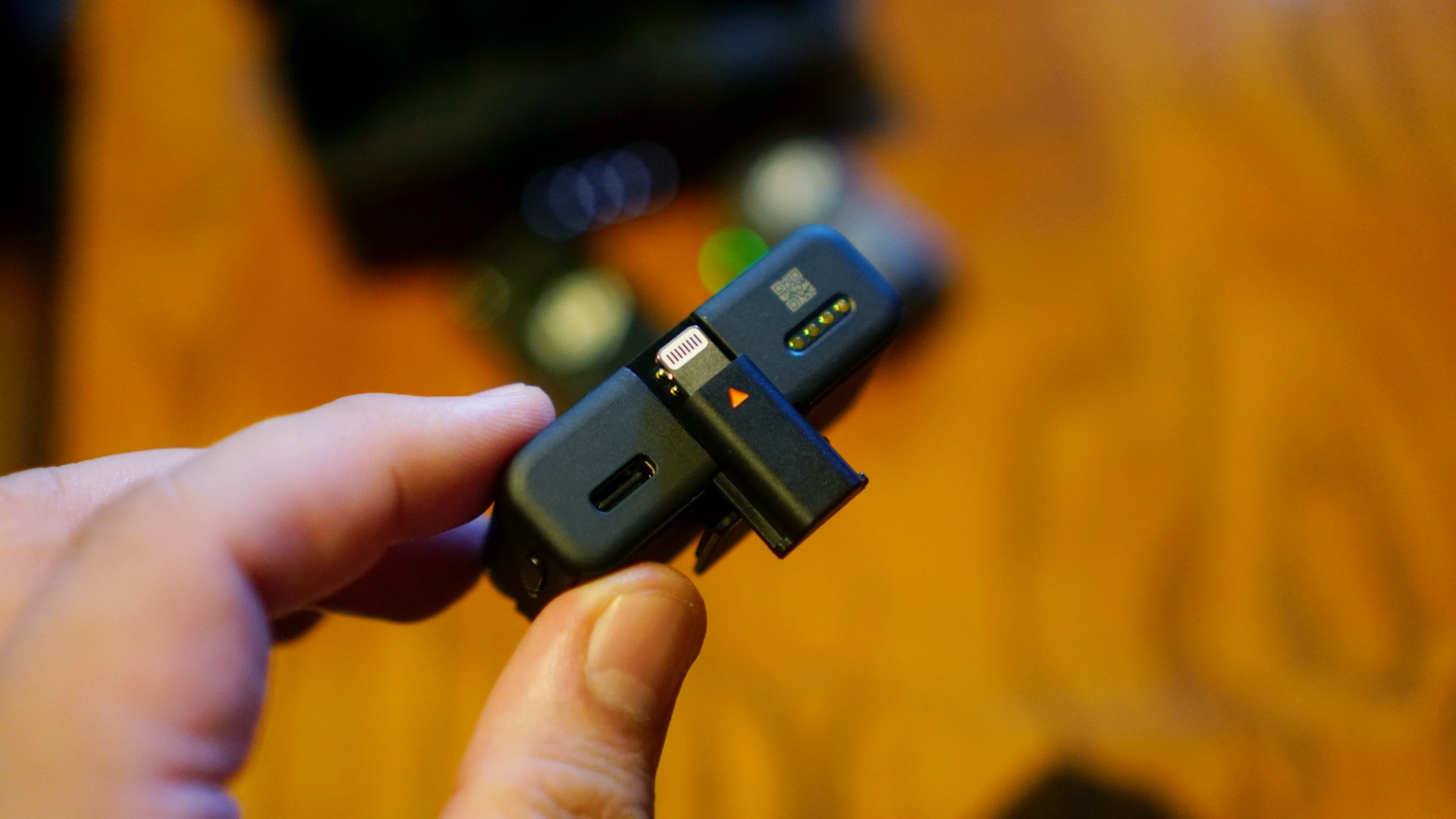
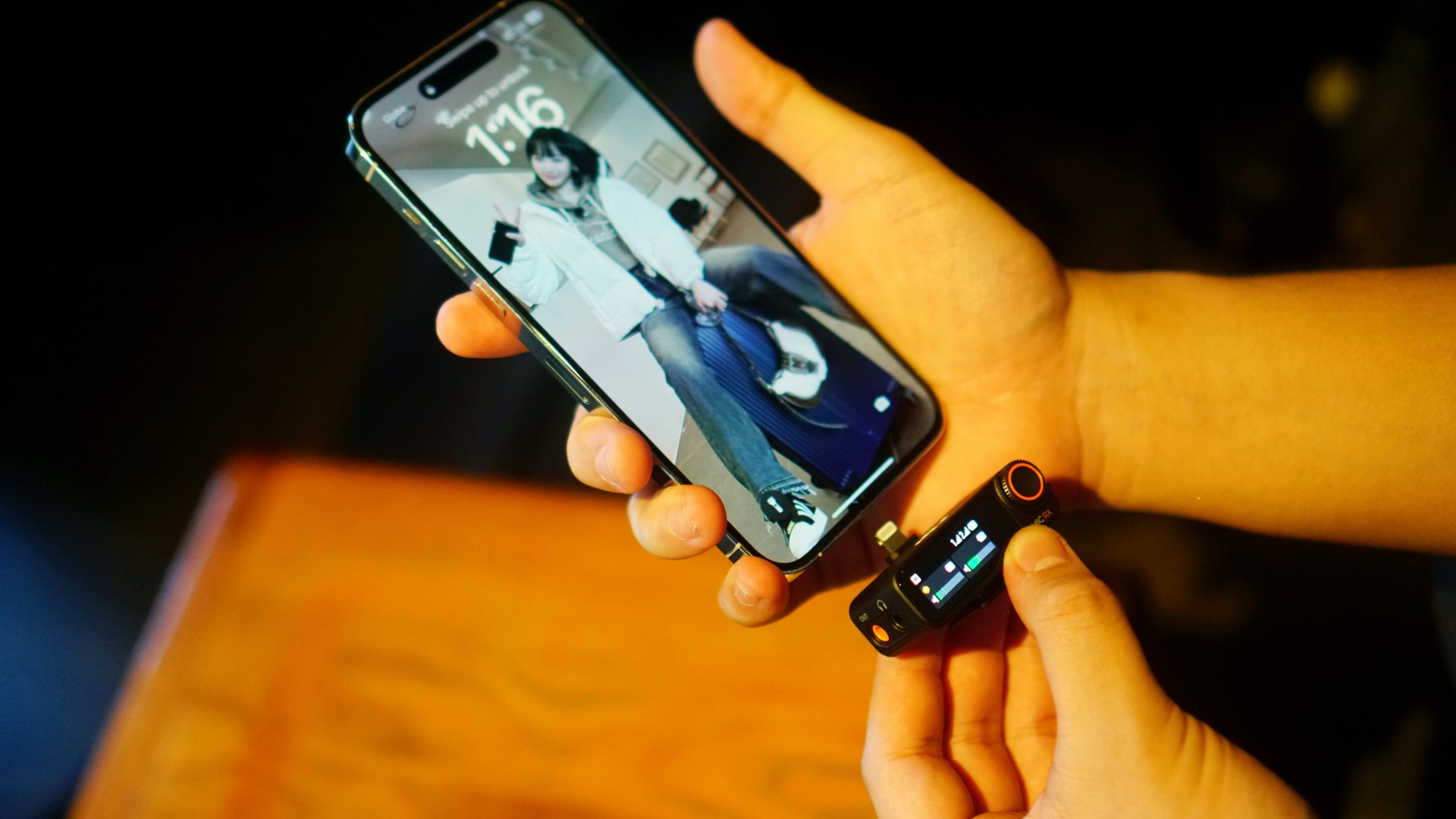
All that aside, the DJI Mic 2 is bulkier than other options out on the market. But if you’re the type who likes to show-off the mic they’re using (which we’re learning are a lot of people), then this shouldn’t be an issue at all.
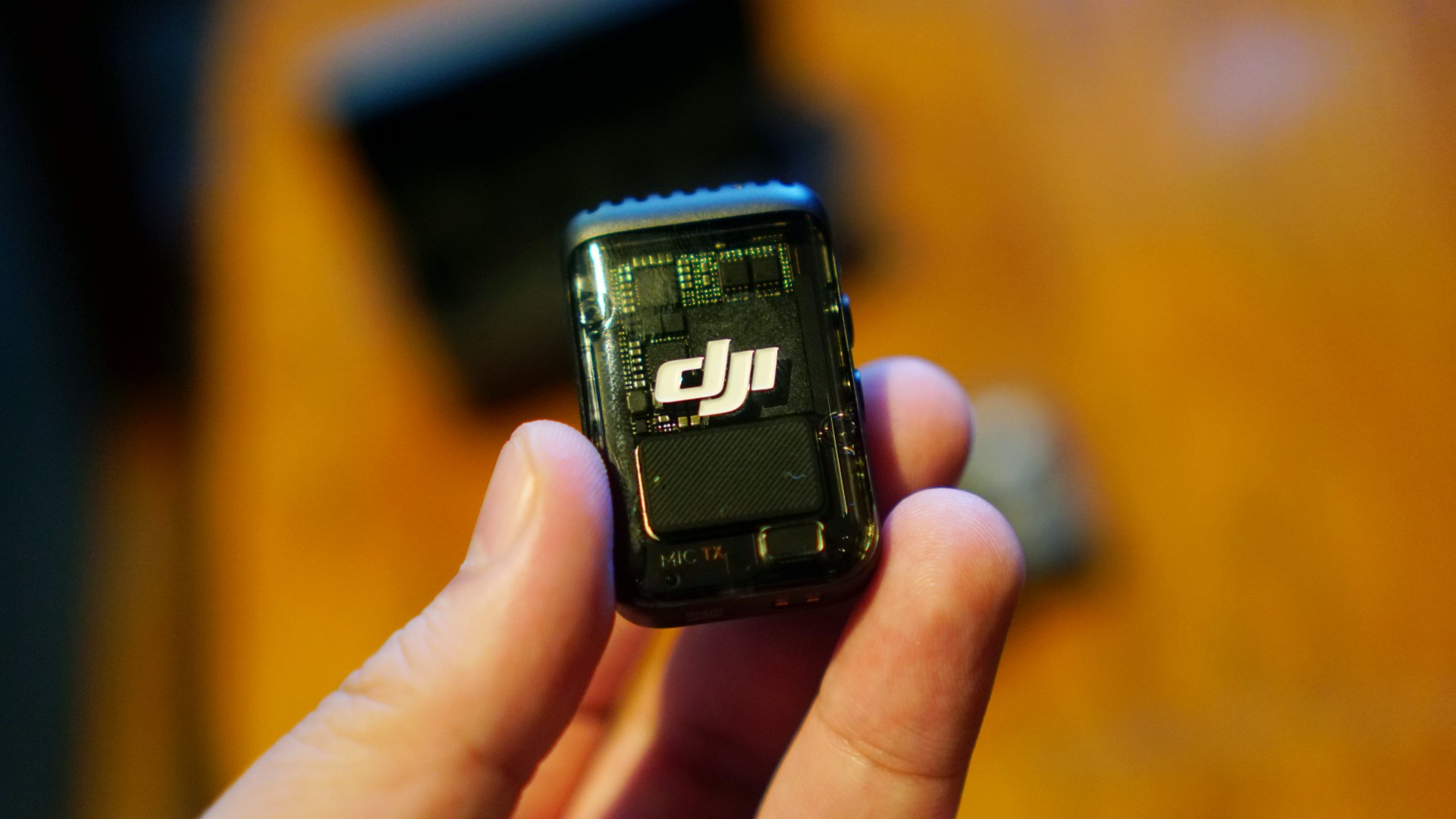
Ease-of-use is top-notch. The DJI Mic 2 is literally plug and play. When using it with a camera just plug the right holes and you’ll be ready to go in no time. When using it with a smartphone you have the option to use the receiver or connect the transmitter directly to the smartphone via bluetooth.
Additionally, the transmitter can record audio all on its own. That’s great for quick, unexpected, soundbite/interview opportunities. You can literally run and gun with the DJI Mic 2.
Sound quality
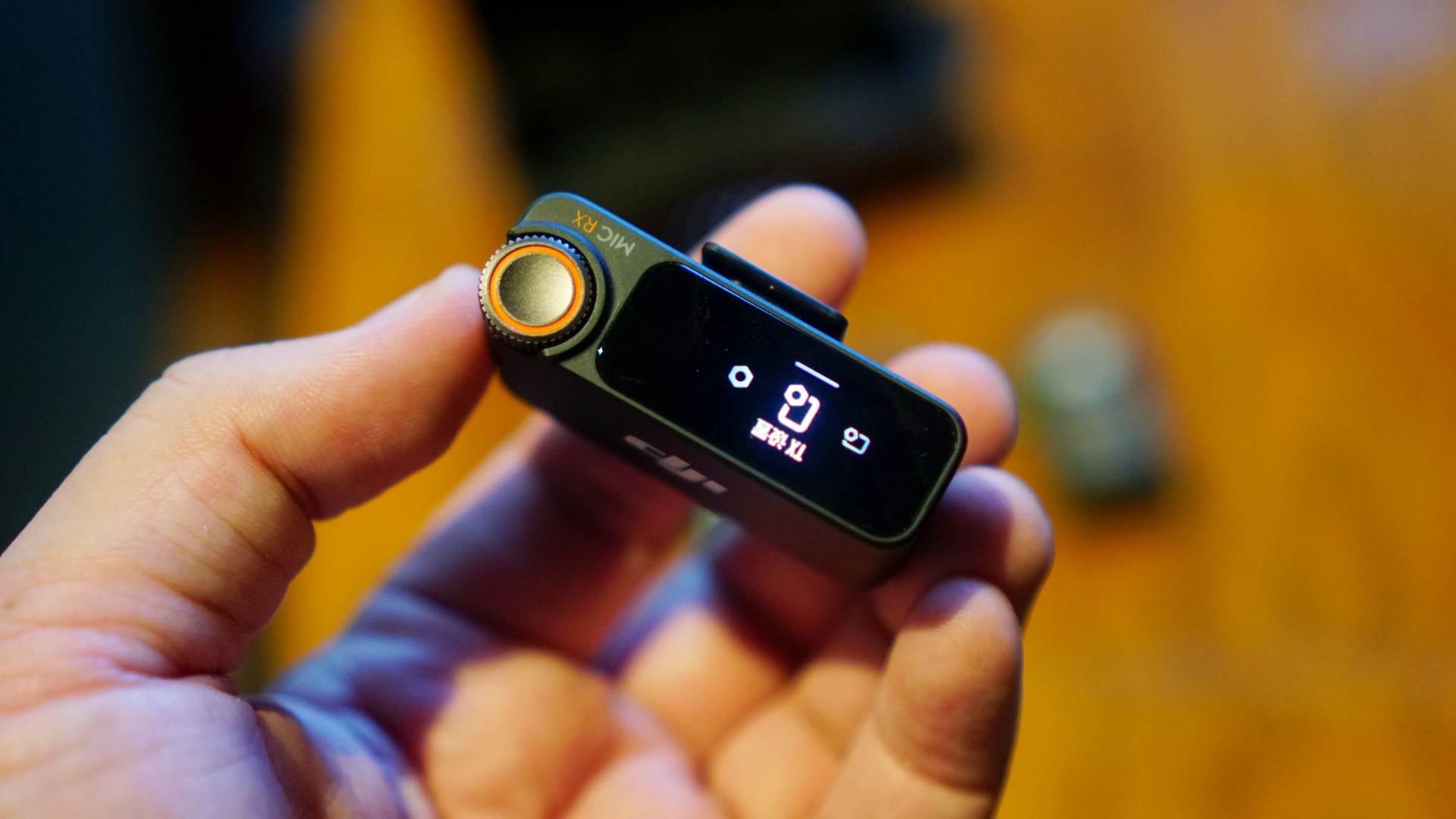
DJI said the Mic 2 will feature clearer audio capturing. It can now capture audio at 48kHz 24-bit audio and 32-bit float quality. It also supports a higher acoustic overload point at up to 120dB. We can confidently say it absolutely delivers.
Just take for instance this mini-rant I recorded while we were scenario photos of the mic. We were inside a fairly noisy cafe and I was talking in my inside voice in an attempt to not be a nuisance.
@rodneil Like mic.
Despite me close to just whispering and not projecting my voice at all, the mic still picked up my voice really clearly. The noise cancellation also kicked in as you can barely hear the background chatter inside the cafe.

If you’re not convinced, here’s a follow-up recording with pretty much the exact same conditions.
@rodneil I promise to talk about something else next mic test
These two quickfire examples alone should give you confidence in the DJI Mic 2’s capabilities. We’ve used our fair share of rather cheap but wired lav microphones before but they were never near this level of quality.
If much of your content involves filming and talking (discreetly) in public, often noisy, spaces, then the DJI Mic 2 would be a dream gadget to have.
More formal recordings

Naturally, we used the DJI Mic 2 in more formal recordings for actual content that we published on our platforms.
Here, I used it for a voice over recording. Other than the quality of the mic, I was most pleased with how easy it was to set-up and how I could record practically wherever I wanted to. Prior to this, I would always use my desktop mic wired to my laptop.
While that’s fine in most cases, my desk isn’t exactly the least cluttered space in the world. So much so that I often end up opting to work elsewhere. But that’s on me.
Here’s the video:
@gadgetmatch Huawei Pura 70 Pro: The photography king is better than ever #Huawei #HUAWEIPura70Series #HUAWEIPura70Pro @HUAWEI Philippines
♬ Chill and gentle lo-fi/10 minutes(1455687) – nightbird_bgm
The best thing? We didn’t have to tweak anything. In both examples shared above, it was literally plug and play… errr… plug and record in this instance, I guess.
Other things of note
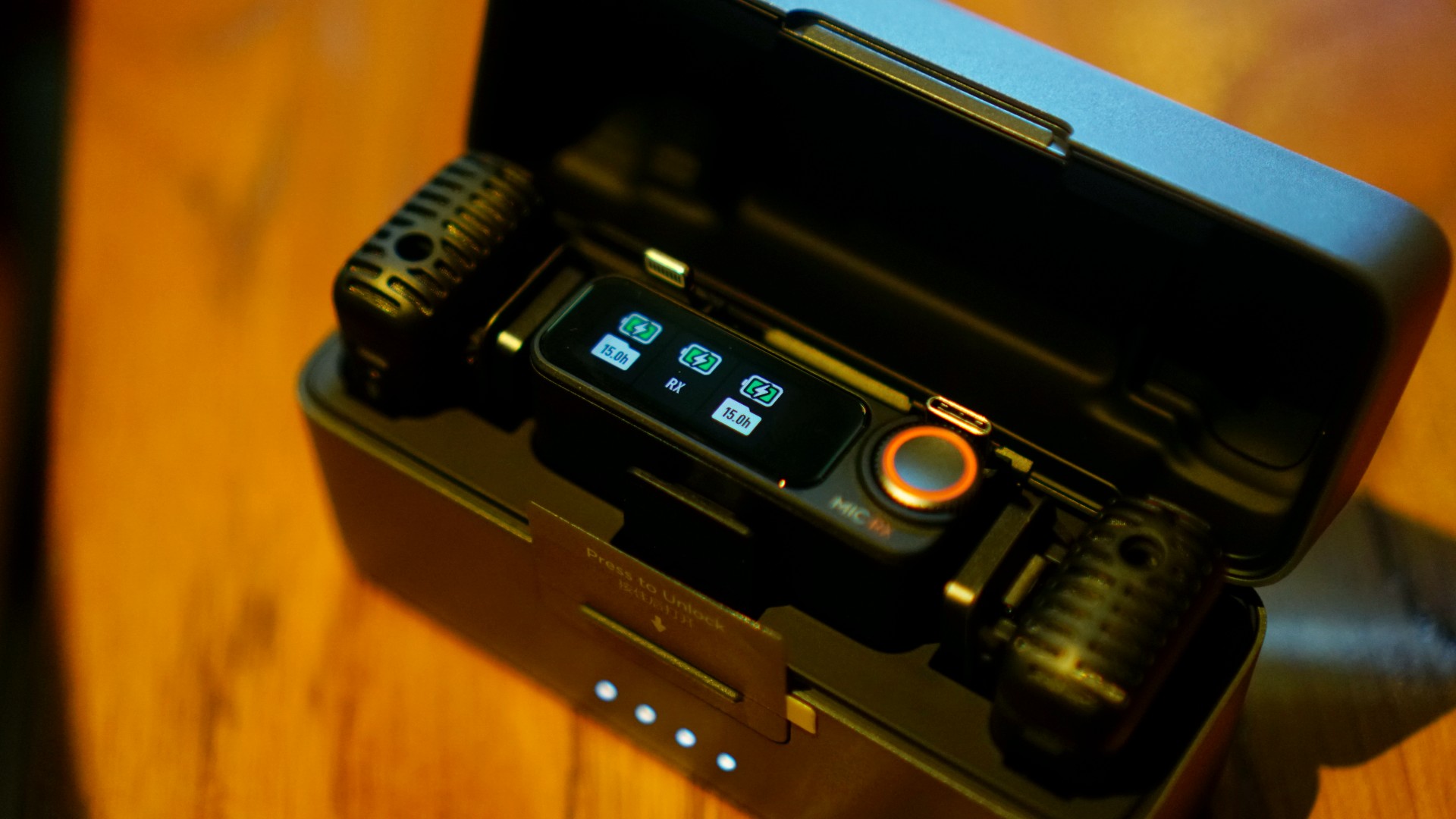
A few other features we didn’t get to directly test are its promised longevity. The DJI MIc 2 sports an 18-hour battery. Each transmitter and receiver will last six hours apiece.
We only used the mic in spot instances and never in prolonged recording sessions. That said, interviews we were part of during the review period only lasted an hour and a half at most. That’s well under the promised battery life.
Aside from that, the DJI Mic 2 charges relatively quickly too. Each time we use it, we would charge the thing at the end of the day with a 65W GaN charger and it would juice up long before you finish a standard length TV/Streaming show.
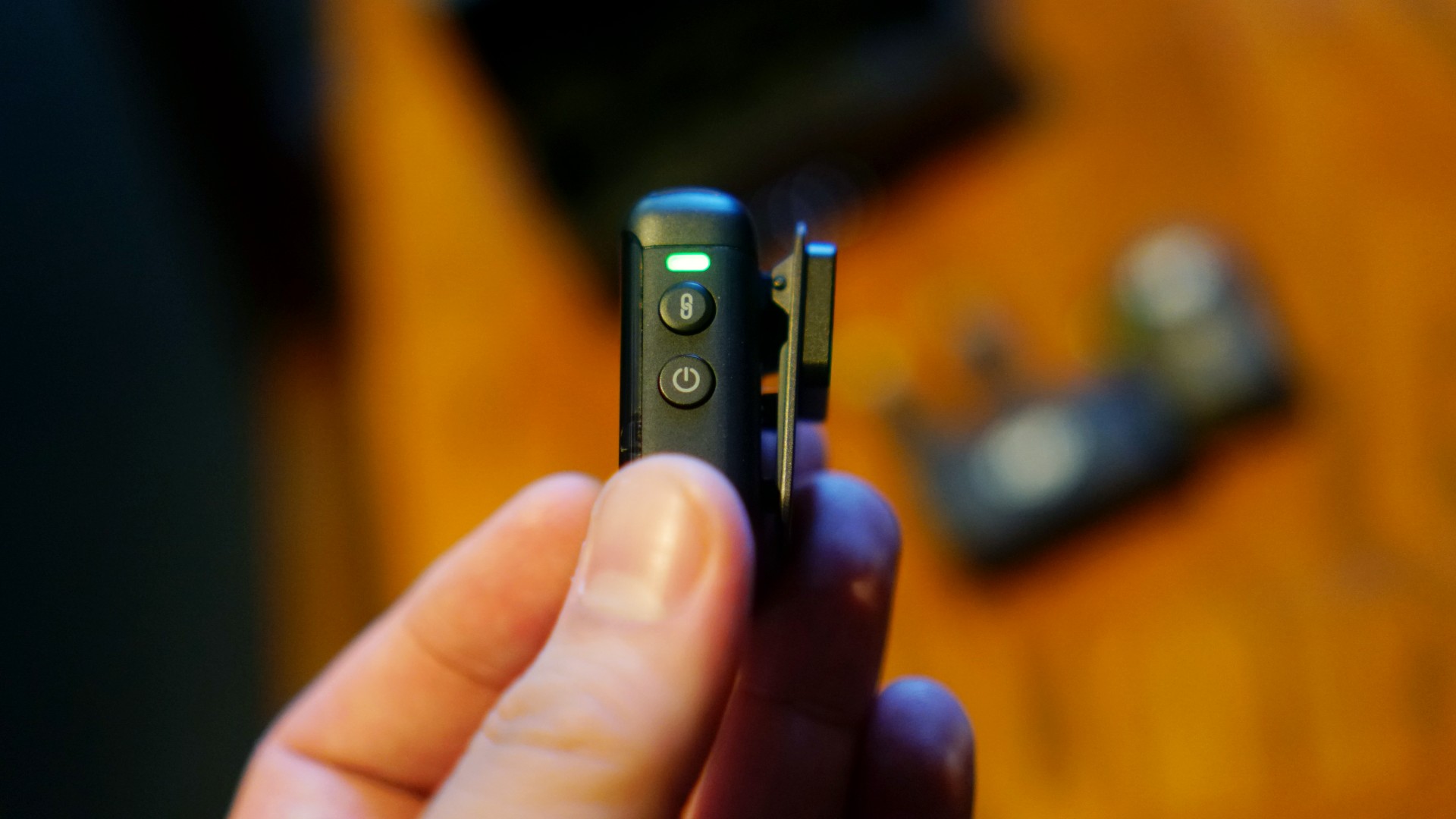
There are more settings that you should take note of. For instance, the LED indicators on the transmitter will let you know if it’s recording on its own or if it’s connected to the transmitter. It can also tell you whether or not noise cancellation is active or otherwise.
These are things you will learn as you use the DJI Mic 2 more, but it pays to read the user manual which is also available online.
Is the DJI Mic 2 your GadgetMatch?
It’s easy to look at all the DJI Mic 2’s benefits and say it’s literally for each and every content creator. Features-wise, that may be true. However, you have to factor in its US$349/ PhP 19,000 price tag.
This will depend a lot on the kind of content you put out and where you are in your content creator journey.
As mentioned earlier, if your content requires a lot of speaking, you’ll likely squeeze out great value on the DJI Mic 2. Your viewers/followers will appreciate the improved audio quality and you’ll have more flexibility on where and how you record.

Regarding your creator journey, when it comes to buying new equipment, it’s best to consider the price. Is the DJI Mic 2 something you can buy two of without batting an eyelash? If yes, then by all means, it’s a worthy investment. But if buying just one will have you wiping beads of sweat, perhaps it’s best to wait and save up a little more.
Ultimately, the DJI Mic 2 is a great piece of equipment and one that’s worth its asking price. You just have to make sure you’re making the most of it.






Accessories
Fujifilm Philippines introduces instax Mini Evo Cinema, Mini Link+
It’s time to enter your film+ era and hold onto your favorite moments

The digital scroll is fine, but Fujifilm Philippines is making a strong case for the tangible.
For a weekend, the Open House World in Makati transformed into a nostalgic playground for the “In Our Film+ Era” pop-up.
The mission was simple: proving that memories feel better when you can actually hold them.
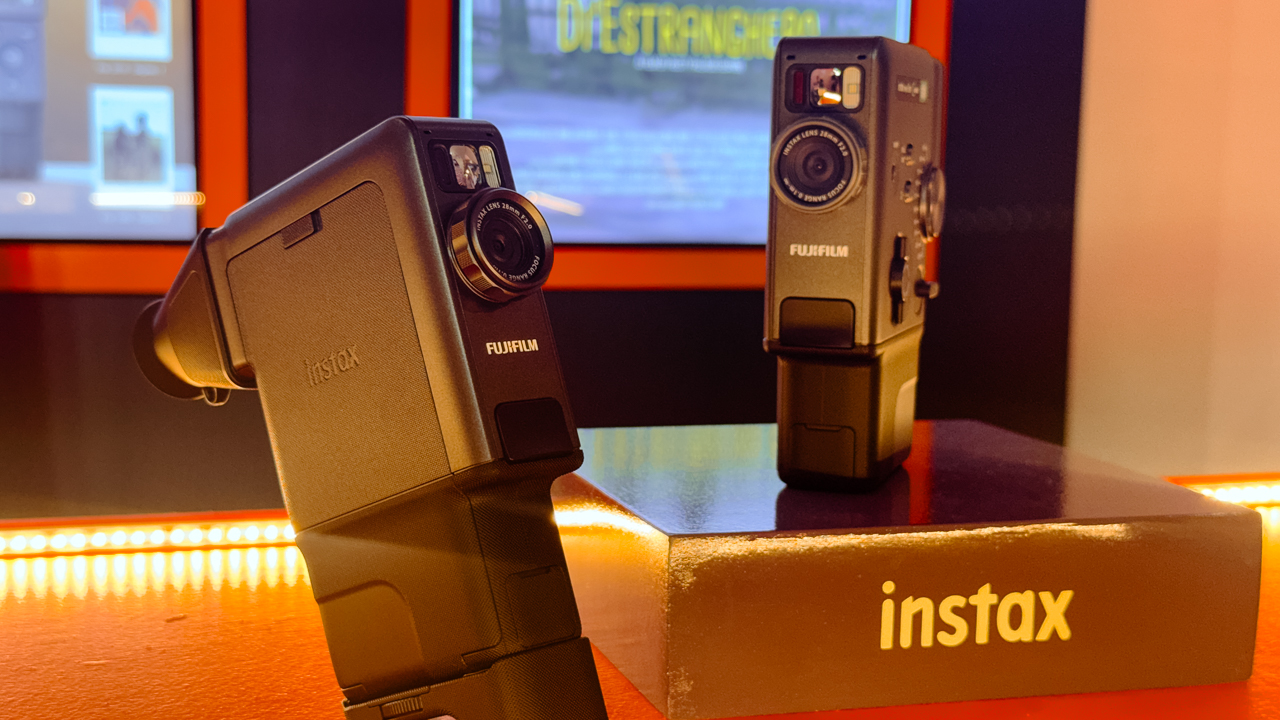
The stars of the show were the new instax Mini Evo Cinema and the instax Mini Link+, two gadgets designed for the artsy geek who wants their life to look as good on paper as it does on a Pinterest board.
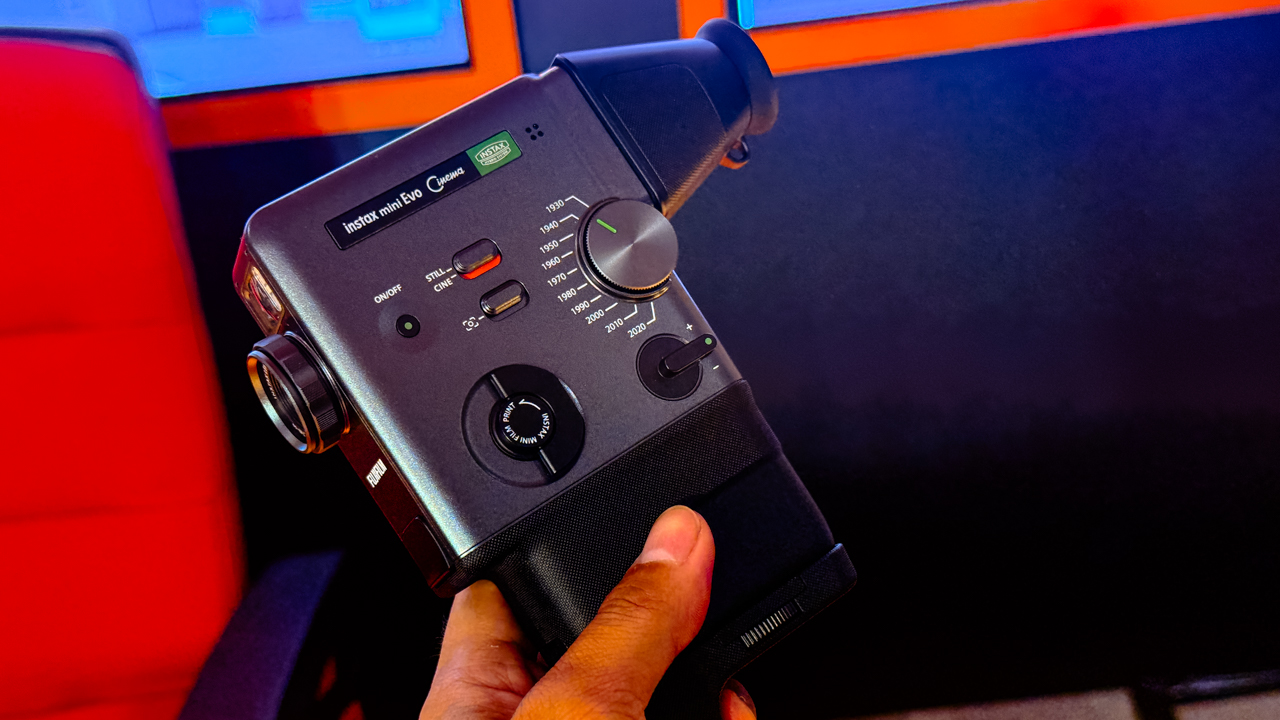
Retro meets technology
The instax Mini Evo Cinema, priced at PhP 22,599, is a total vibe-shifter. With its 10 Eras Dial effects, you can toggle through a hundred different creative combinations.
Then there is the instax Mini Link+ for PhP 8,999, built for the maximalists who refuse to let their best shots die in the camera roll.
This smartphone printer adds AR effects and custom designs, turning digital snapshots into high-aesthetic physical keepsakes.
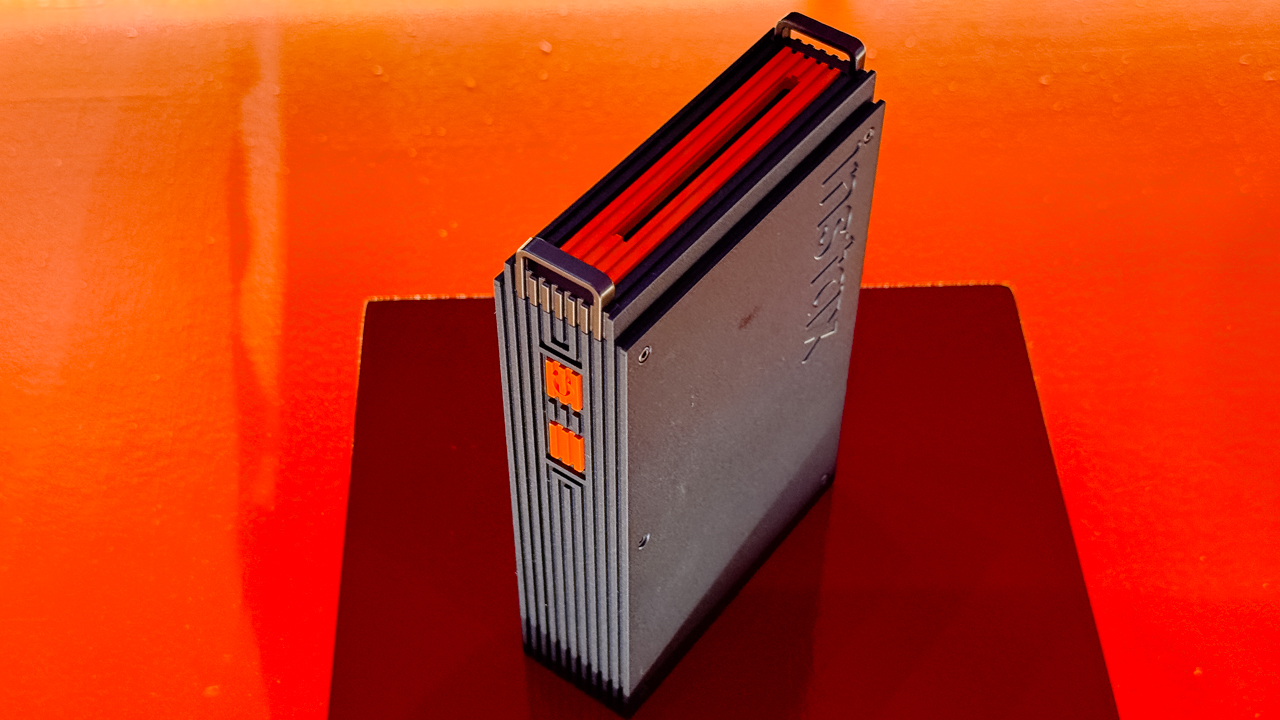
As Masahiro Uehara, President of FUJIFILM Philippines, put it, the goal is to reimagine how people connect with their memories by blending innovation with raw emotion.
More than just a photo op
The weekend functioned as a masterclass in creativity rather than just a product demo.
On the first day, filmmaker Elyandre Dagli showed the crowd how the Mini Evo works as a powerhouse for documentation and storytelling.
The energy continued the next day with Nica Cosio, who led a session on rubber stamp carving and journaling. Cosio showed how the Mini Link+ bridges the gap between digital tech and old-school scrapbooking.
Artists like Soleil Ignacio, Bryan Sochayseng, and Jill Arteche also dropped by to share how these tools fit into their professional creative workflows, proving that “instant” doesn’t have to mean disposable.
Ready to enter your Film+ era?
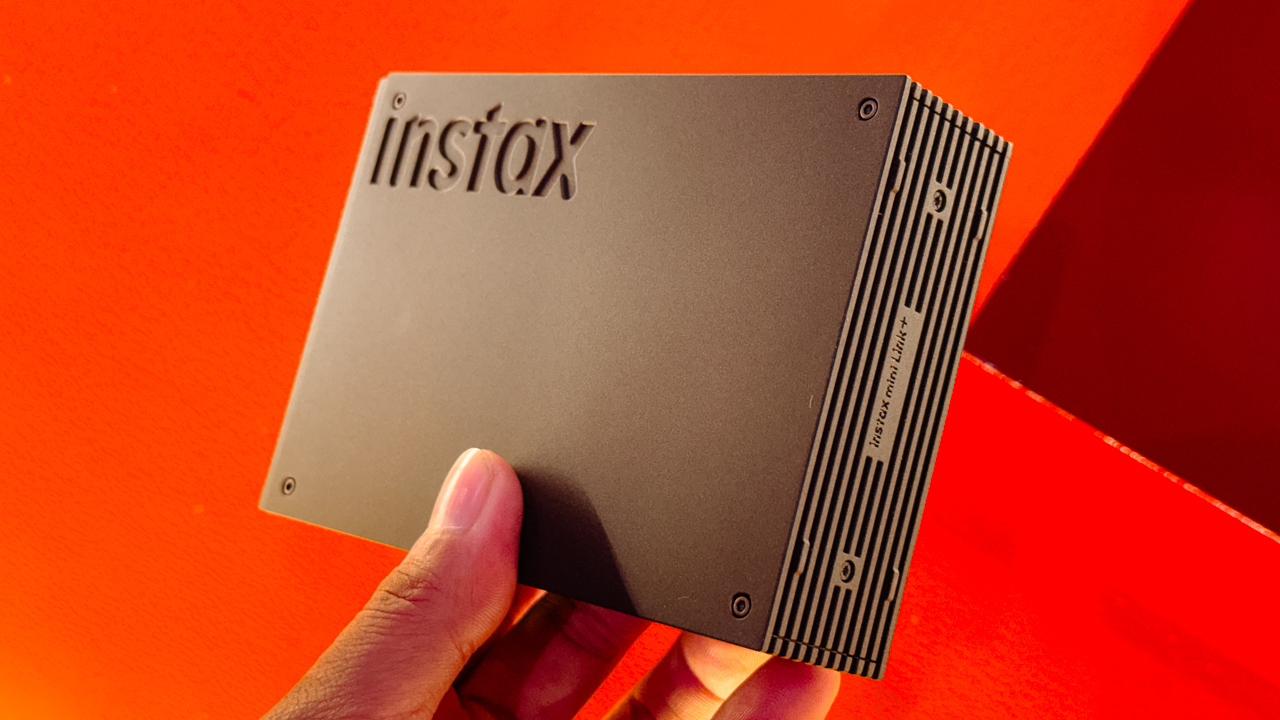
If you missed the pop-up, you haven’t missed the tech. The instax Mini Evo Cinema and instax Mini Link+ are officially hitting authorized FUJIFILM dealers nationwide right now.
It’s time to stop scrolling and start collecting.
For the latest updates, you can follow Team Instax on Facebook and Instagram.
Accessories
Razer sharpens its competitive edge with Viper V4 Pro and Gigantus V2 Pro
Ultra-light. Ultra-tuned.

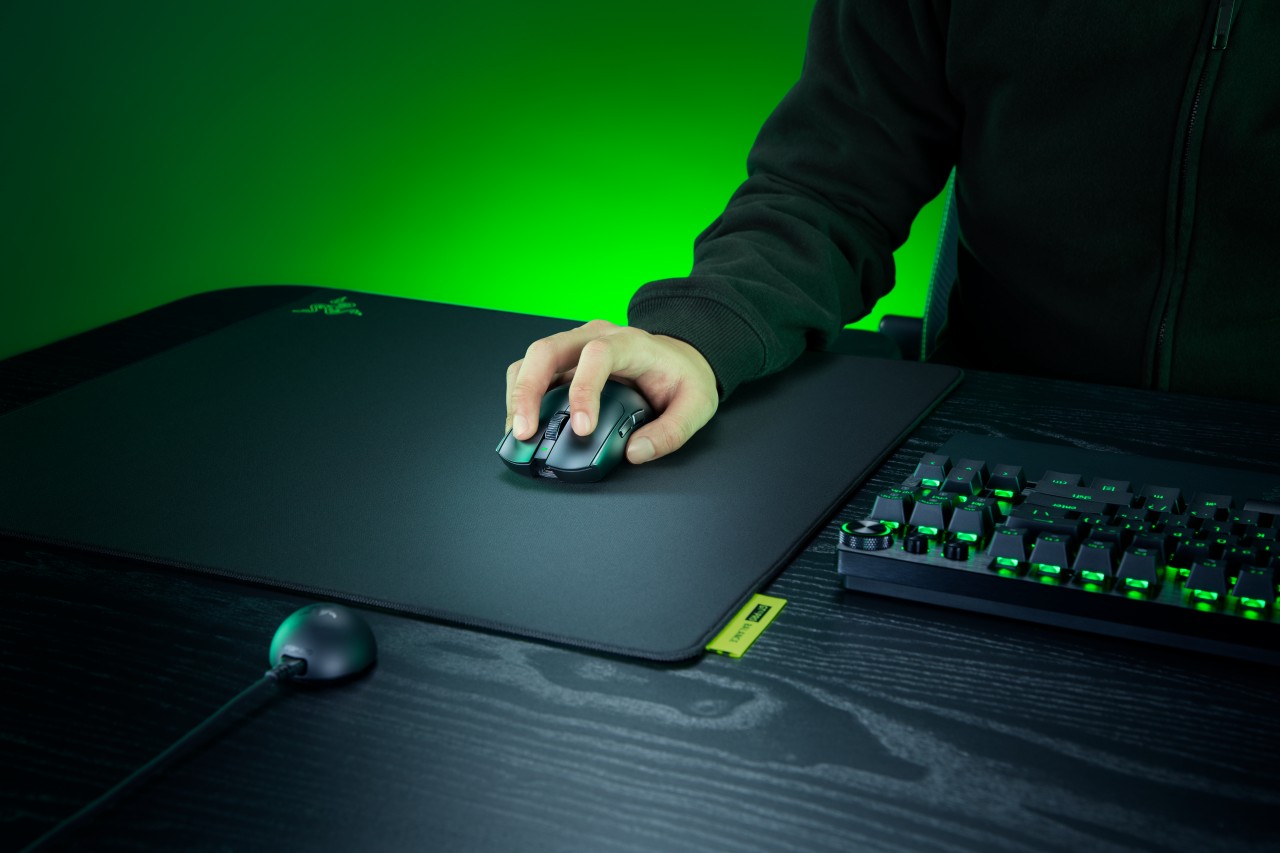
Razer expands its pro-grade lineup with a lightweight mouse and a highly customizable mouse mat built for different playstyles. The Razer Viper V4 Pro focuses on speed, precision, and responsiveness, while the Razer Gigantus V2 Pro brings tailored surface options that adapt to how players move.
Lighter, faster, and built for control
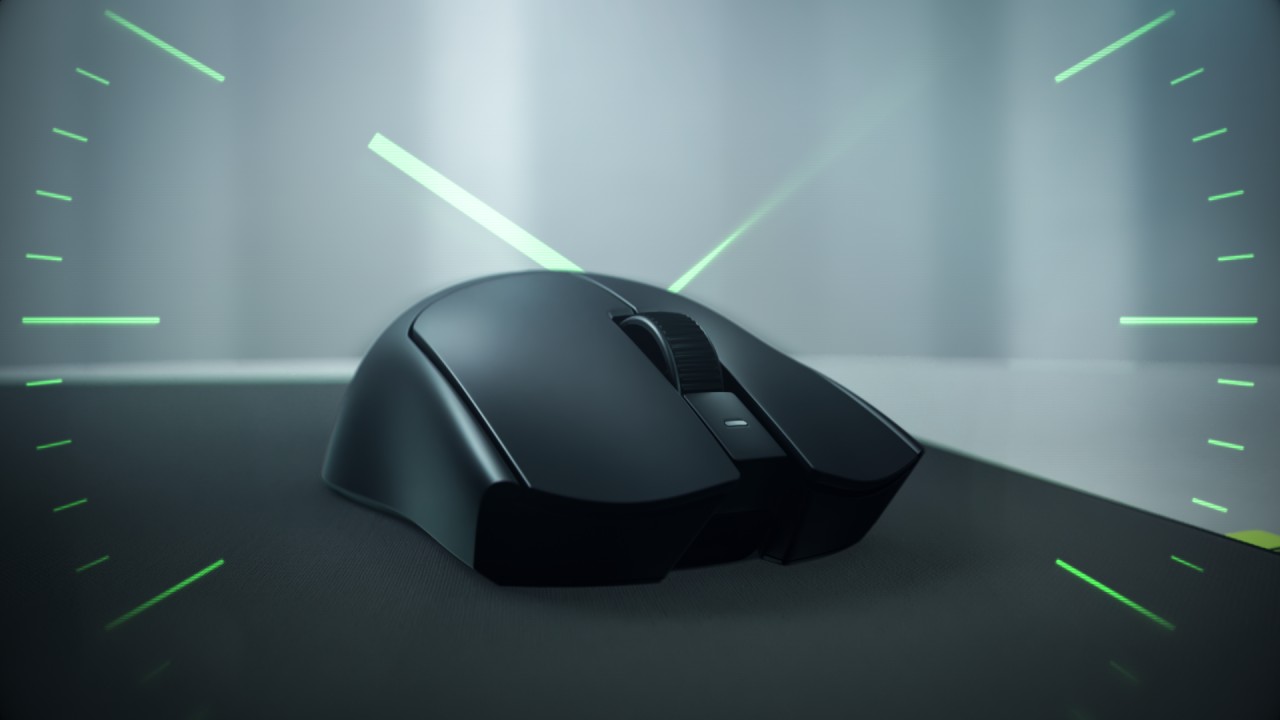
The Viper V4 Pro weighs approximately 49g in Black and 50g in White, making it around nine percent lighter than its predecessor. Razer achieves this through mechanical refinements like a thinner shell and a more compact PCB, without compromising durability. The structure still feels solid in hand, even with the aggressive weight reduction.
This balance matters in competitive play. A lighter mouse reduces fatigue and allows quicker adjustments, but stability keeps movements consistent. The Viper V4 Pro aims to deliver both.
Plug in, tweak, and play instantly
Razer also streamlines setup and tuning. The optimized hemispherical dongle maintains stable connectivity while providing quick status updates through LED indicators.
Players can adjust settings without installing software using Razer Synapse Web, enabling browser-based customization. Onboard controls allow quick DPI and polling rate changes mid-match, so adjustments happen without breaking focus.
A mouse mat that adapts to your play style
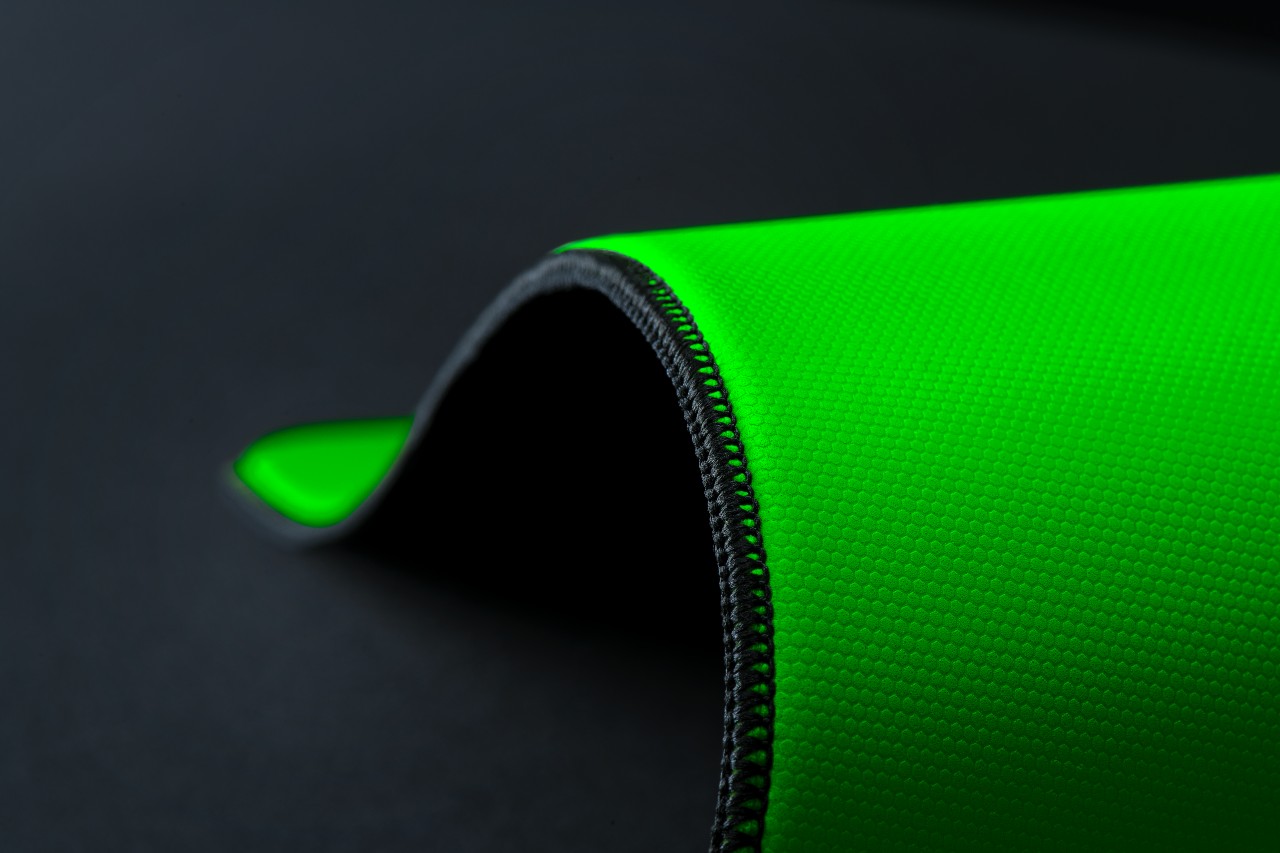
The Gigantus V2 Pro evolves Razer’s mouse mat lineup by introducing five distinct speed ratings paired with corresponding foam firmness. Instead of a one-size-fits-all surface, players can now choose based on how they aim and move.
Developed with esports pros like Nikola “NiKo” Kovač, Faker, and Zellsis, each variant reflects real competitive needs across different roles and playstyles.
The five surface options include:
- Max Control for ultra-high friction and precise flicks
- Control for consistent micro-adjustments
- Balance for a mix of speed and stopping power
- Speed for quicker swipes
- Max Speed for the fastest possible movements
Each surface is paired with Razer’s GlideCore foam, tuned to match the friction profile. Softer variants provide more stopping power, while firmer ones prioritize speed and responsiveness.
Built for consistency across every match
Razer ensures the Gigantus V2 Pro works seamlessly with modern optical sensors. Lab testing guarantees consistent tracking, whether for fine adjustments or wide flicks.
The mat is also designed for competitive environments. It features stitched edges to prevent fraying, an anti-slip base for stability, and a rollable build that makes it easy to bring to tournaments.
A complete competitive setup
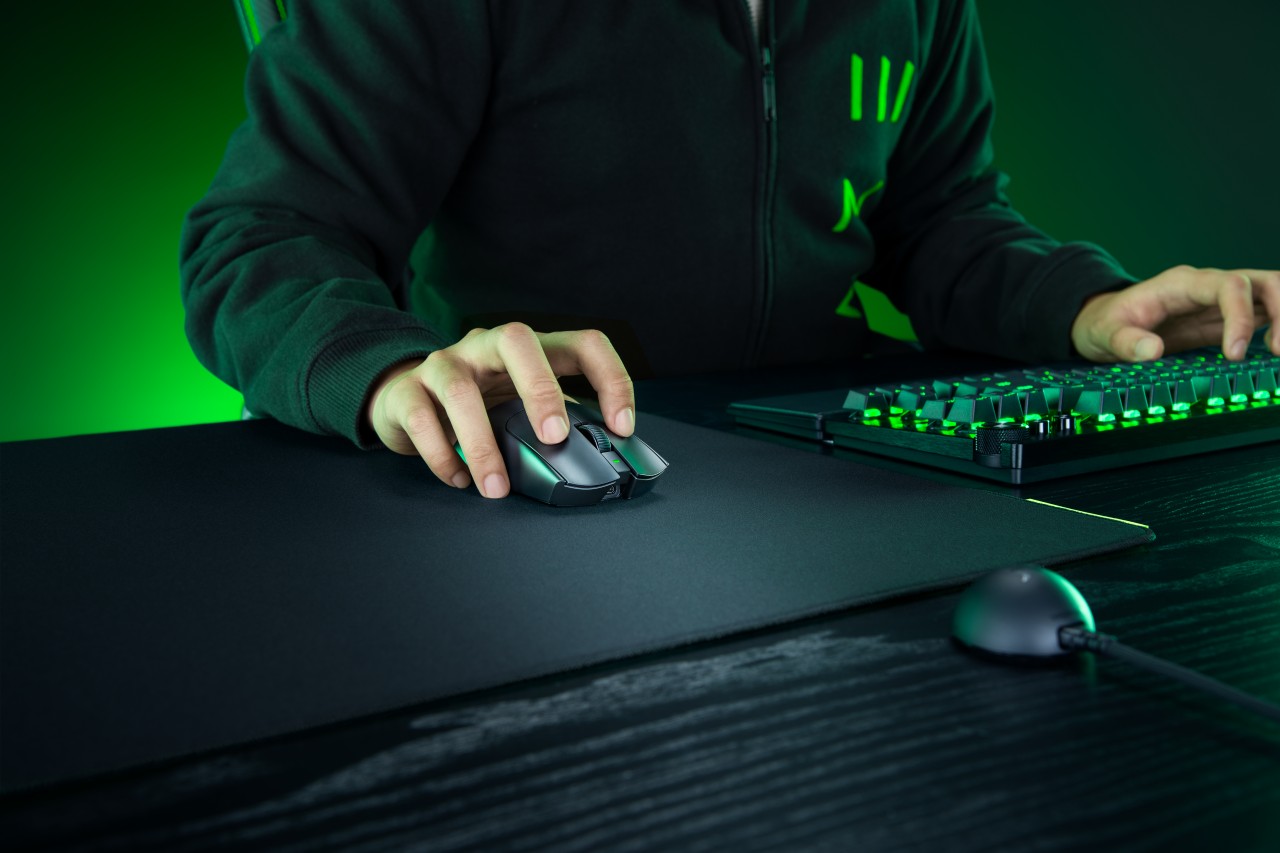
Together, the Viper V4 Pro and Gigantus V2 Pro form a cohesive setup that covers both input and surface. The mouse emphasizes low latency, precision tracking, and a shape validated by pros. The mouse mat complements it with clear, playstyle-based options.
Rather than focusing on a single standout feature, Razer builds a system. One that supports consistent performance, adapts to player preference, and helps turn practice into results when it matters most.
Accessories
Logitech G debuts PRO X2 SUPERSTRIKE with faster click tech
Faster clicks, deeper control
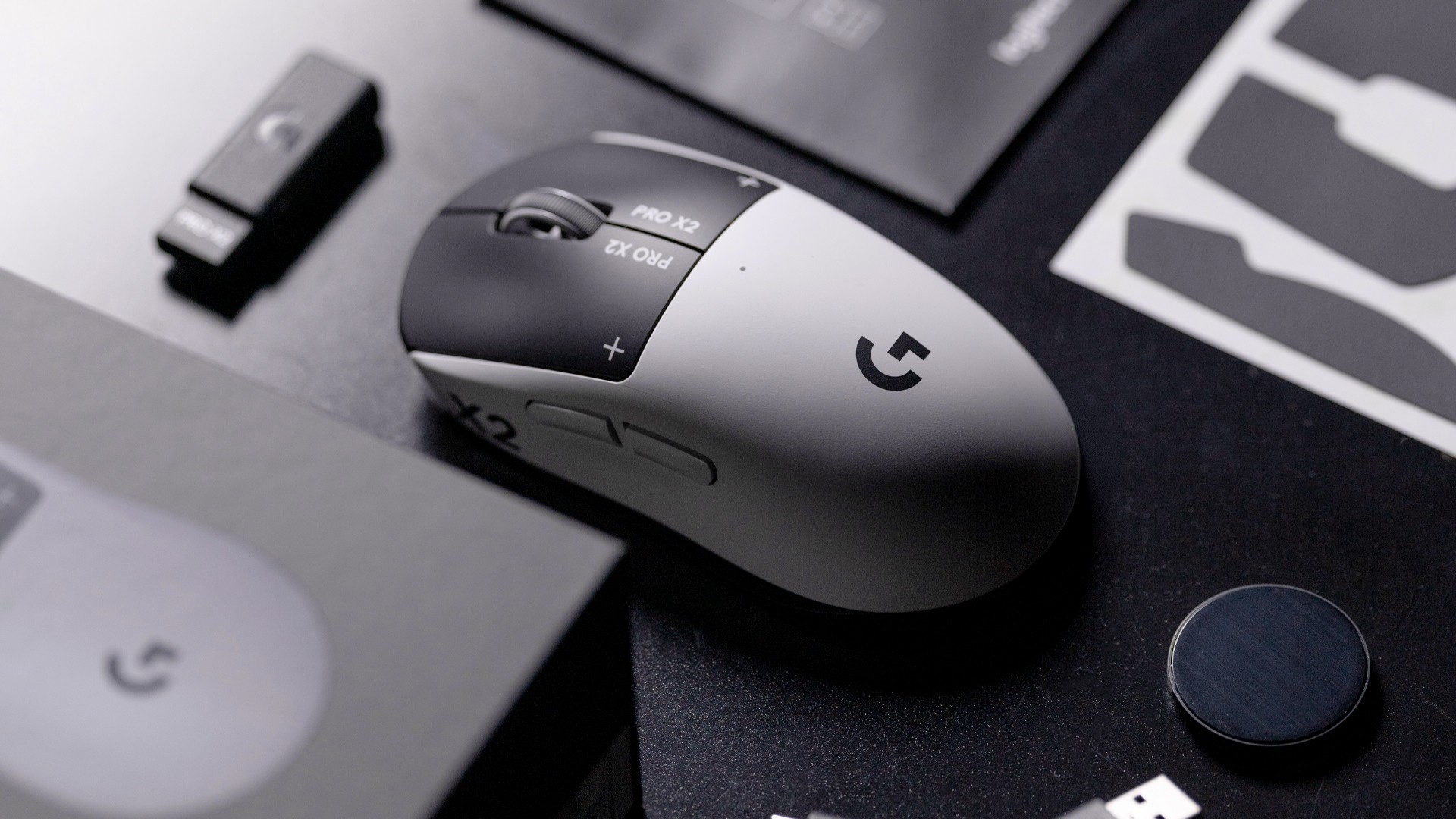
Logitech G is pushing competitive gaming performance further with the launch of the PRO X2 SUPERSTRIKE. It’s a next-generation wireless mouse built around a new click system designed for speed and control.
At the center of the PRO X2 is its patent-pending SUPERSTRIKE technology. It reduces the travel distance needed to register a click, cutting latency by up to 30 milliseconds based on internal testing. The result is faster inputs that can make a difference in high-stakes, split-second moments.
The mouse also introduces the Haptic Inductive Trigger System (HITS), replacing traditional mechanical microswitches. Instead of relying on physical contact, it delivers tactile feedback the moment a click signal is sent, helping players feel each input in real time.
Customizable clicks for competitive play
Developed with esports teams like G2 Esports, NAVI, and BLG, the PRO X2 SUPERSTRIKE focuses on precision and consistency. It supports 10 selectable actuation levels, allowing users to fine-tune how deep a click needs to be before it registers.
These adjustments can be made through Logitech G HUB, giving players the flexibility to match their setup to different games, roles, or playstyles without interrupting gameplay.
The mouse also uses Logitech’s LIGHTSPEED wireless technology with up to an 8kHz polling rate. This ensures fast and stable performance without the limitations of a wired connection.
Precision tracking and lightweight build
Powering the PRO X2 is Logitech’s HERO 2 sensor. It supports up to 44,000 DPI, 888 IPS tracking speed, and over 88G acceleration. Logitech says tracking remains free of smoothing, acceleration, or filtering, allowing for more consistent and direct input.
Despite its performance-focused internals, the mouse keeps a lightweight build at 61 grams. Logitech says this supports faster movements and reduces fatigue during long sessions.
Battery life is rated at up to 90 hours on a single charge, letting players stay in the game longer without interruptions.
Price and availability
The Logitech G PRO X2 SUPERSTRIKE is priced at PhP 11,945. It is available in the Philippines via Shopee and authorized Logitech retailers.

Shokz OpenFit Pro: Somewhere between awareness and focus
Find your balance

Why this 180-degree gimbal projector is a “small win” for solo living
At $200, the XGODY N6 Pro transformed my one-bedroom apartment into a sanctuary of independence

Nothing Phone (4a) + (4a) Pro review
Is "different" actually better?

LE SSERAFIM Chaewon flexes Galaxy S26 Ultra Privacy Display

Power Mac Center opens 1st branch in Boracay

Samsung develops QuantumBlack: Low-reflection, high-durability QD-OLED film

vivo X300 Ultra wants to beat the iPhone 17 Pro Max in pro video
Shokz OpenFit Pro: Somewhere between awareness and focus


-

 Reviews2 weeks ago
POCO X8 Pro Max review: A new beast from the far east
-

 News2 weeks ago
POCO X8 Pro Series: Price, availability in the Philippines
-

 Reviews2 weeks ago
POCO X8 Pro Iron Man Edition review: Midrange phone in superhero armor
-

 Automotive2 weeks ago
VinFast extends free unlimited charging in 3 markets amid rising fuel prices
-

 Philippines2 weeks ago
The HONOR X8d is serviceable
-
 News2 weeks ago
POCO X8 Pro Series launches in Singapore with early bird prices
-

 Gaming1 week ago
WWE 2K26 lets you live out all the fantasy matches you could want
-
 News2 weeks ago
POCO introduces X8 Pro Series with Dimensity 9500s