


Before I get on with this review, let me paint you a more accurate picture of how I use smartwatches plus my short history with Fitbit.
I’m moderately active and I do try to be more fit by gyming and doing high-intensity interval training, but I’m not the most consistent person. On days that things get busy, or when I travel, I mostly forget about my health goals only to remember later on when I start feeling like a sack of potatoes because of all the inactivity.
I usually have a wearable as I’ve found that guilting myself to exercise can be an effective way to get my lazy butt to the gym; I loved my time with the Fitbit Alta HR which was the first fitness tracker I actually stuck with (at least by my standards). For a health tracking beginner (which I was at that point, and probably still am considering I haven’t really been true to my fitness goals), the Fitbit app was a great and easy way to check out my stats.
Now, when the Ionic was unveiled, I was quite excited about the idea of a Fitbit smartwatch, but it just wasn’t quite for me.
This newest release, the Versa, is small, sleek, and cute with its rose gold face. This is the Fitbit wearable I was waiting for.

Here are my thoughts on this device.
Look and feel
In the looks department, this wearable is a definite departure from the previously released Ionic. I can tell you now that the one deal-breaker I had with that watch is how it looks. Surely, I couldn’t be expected to wear that clunky thing 24/7?

The Versa is looking good
The Fitbit Versa, on the other hand, is something I could get on board with, in fact, it hasn’t left my wrist in the last weeks I’ve had it. It’s light, sleek, and it comes in rose gold! It matches everything I own, which is a definite plus for me.

I own a lot of stuff in pink and purple 😅
My unit is the special edition Versa that came with a cute purple woven straps and basic black silicone straps, both of which I’ve loved so far. I do get a little jealous of the pink silicone strap that the standard edition Versa came with, though replacement straps are also available in a number of styles and colors.

Matches most of my #OOTDs
There are three different face options: Rose gold if you’re a fan of color, like me, and black or gray, if you’re looking for a more neutral look.

Special edition Versas pictured above are equipped with Fitbit Pay
I’m honestly feeling pretty confident with this Fitbit look. Most outfits can and will match the Versa aesthetic.
Navigation and OS
There are three buttons for navigation and you can also navigate via gestures or tapping around on the touchscreen. Swipe down for phone notifications, up for the day’s fitness statistics, and left to get to the menu. Both buttons on the right act as customizable shortcut buttons and the left button acts as a home or back button.
Although the screen is bright and colors are punchy, there’s still a tiny lag when you wake the screen and its raise to wake function isn’t as sensitive as I’d like. When you get past this, however, navigating through menus is a breeze.

It still works the same way: The watch connects to the Fitbit app on your phone and the app allows you to better customize settings on your device. It also gives you a better and more detailed breakdown of the info you have.

Like I mentioned earlier, the Fitbit app is my first-ever fitness tracking app. I personally love it for its ease and simplicity. On this app, all health info gathered is presented in a way that’s understandable, even for a beginner. It runs on both Android and iOS so there are definitely #noexcuses for slacking off.
What can it do?
Like other Fitbit wearables, the Versa will track everything you do — from number of steps, to active minutes or exercise, calories burned, sleep, and even your continuous heartbeat. You can input your food, water, and caffeine intake on the app so you can keep tabs on that, too. You can also set and customize daily goals in the app to make sure you’re reminded of your fitness aspirations and get moving.

My usual workout view
For those who aren’t so versed in workouts and exercises, the Versa has a built-in coach that gives you quick, timed exercises you can start with. Yes, the watch will literally show you what to do and time you as you go through the workout.

Waiting for the Versa to vibrate!
You can also set up exercise shortcuts for seven activities you’d want to track. I love that interval training is one of them. I used to need my phone and a separate app that timed my home HIIT exercise, but now, I only need the Versa. It guides me through my workout with mild vibrations every time a set is done and automatically records everything when I’m finished.
Now, on good days, I get my butt up and work on my serotonin levels. But, let’s be real: I’m not made to be pumped up about working out on all days. Some days (note: most of them), I still have to force myself. This is where Fitbit Labs comes in. The “Fitbit Research initiative” creates fun apps and watch faces that will help you get moving. A favorite of mine are these pet faces — yes, these virtual pets get sad and hungry when you don’t feed them food that you earn from steps or moving.
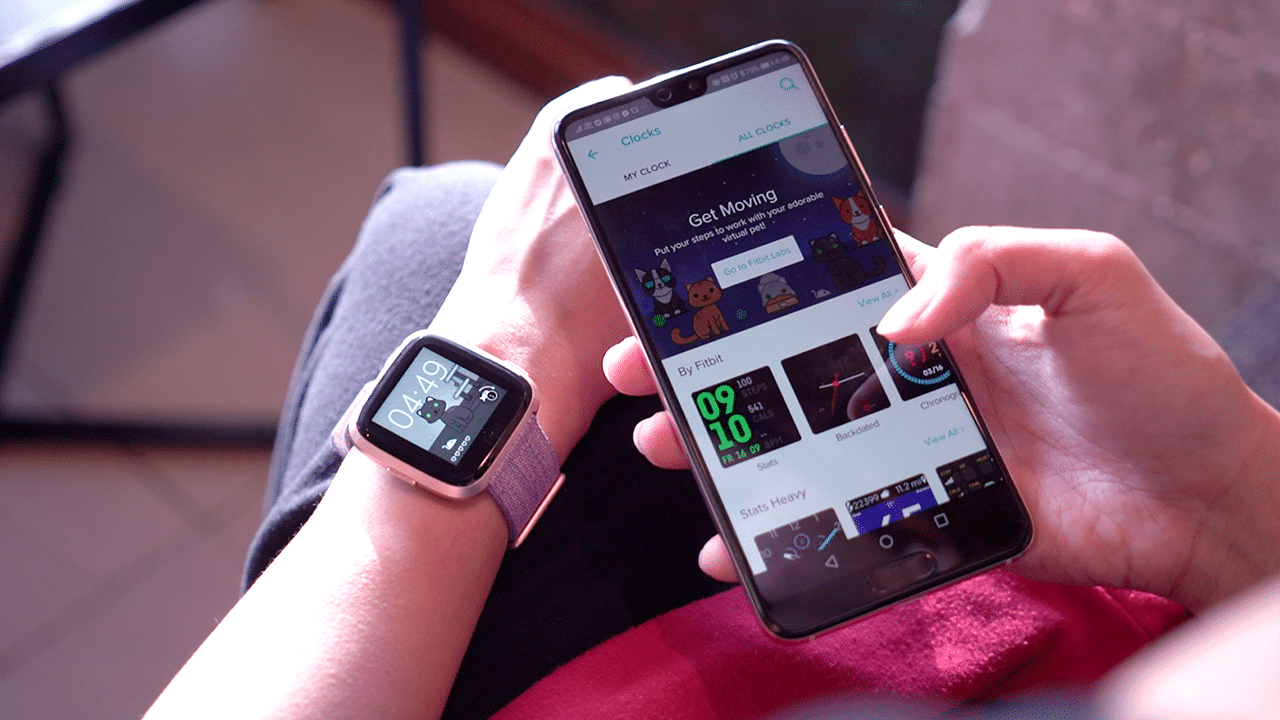
It’s like a Tamagotchi you feed with steps
Amazingly, the promise of four-day battery life holds true. Despite all these functions, my watch has consistently lasted me four days, or even more when notification alerts are turned off.
Fitbit OS 2.0: What’s new?
This month, Fitbit 2.0 rolled out. A quick update will give you the new Fitbit OS but be warned: The process takes time and it can get glitchy. It took me a few tries and the realization that connecting my Versa directly to Wi-Fi is the best way to go about updating.
The two most notable new features are quick replies and female health tracking. I’ve been particularly excited about the latter as I’ve long wanted an all-around health app that integrates my menstrual cycle. Unfortunately, this feature is only available on iPhones as of now. Fitbit says Android support is coming soon, hopefully.
Quick replies, on the other hand, allow you to reply to messages straight from your Versa. These replies, however, are limited to pre-set messages that you can customize per app. This feature is only available on Android devices as Apple doesn’t allow that level of customization (boo). Cool as this feature may be, it still has to be pointed out that other smartwatches have allowed for custom replies for a while now. Thing is, I never really ever reply using my smartwatch — because why would I even bother struggling with that tiny screen since I can just get on my phone — so this didn’t really bother me.
Is the Fitbit Versa for you?
I’ve always said that wearables, especially ones you use for fitness tracking, need to be on you at all times to be able to do their job well. This has always proved to be a struggle for me as I’ve only seen a handful that look nice enough to wear every day with my different outfit moods. The Versa seems designed to overcome this personal daily wear struggle: It’s cute enough, it’s light, and it packs enough battery power. These are the same reasons why this thing is on my wrist, still.

Worth it to note though, that there are still a number of things that can be improved on this device: A higher level of customization, more compatible apps, fewer screen lags, and an easier update process.
The thing is, despite all these flaws, the Fitbit Versa ticks most of my tiny boxes. I’m not the most exacting when it comes to smartwatch functions and I just need my basics covered when it comes to fitness tracking. All things considered, I enjoy wearing this thing a lot. If your priorities are the same as mine, the Versa is worth checking out.
SEE ALSO: Fitbit Versa hands-on: A better smartwatch attempt?







There are two kinds of people during Christmas: those who arrive at the party carrying a bottle of wine, and those who have been in the kitchen since eight in the morning making sure everyone has something to eat.
If you belong to the second group, you probably already know that hosting can be equal parts enjoyable and exhausting.
Between preparing Noche Buena, accommodating everyone’s food preferences, and making sure the drinks keep coming, even a relatively small gathering can turn into a considerable production.
Fortunately, a few well-chosen kitchen appliances can make things easier. And with more Filipinos paying attention to what they eat, versatility has become just as important as convenience.
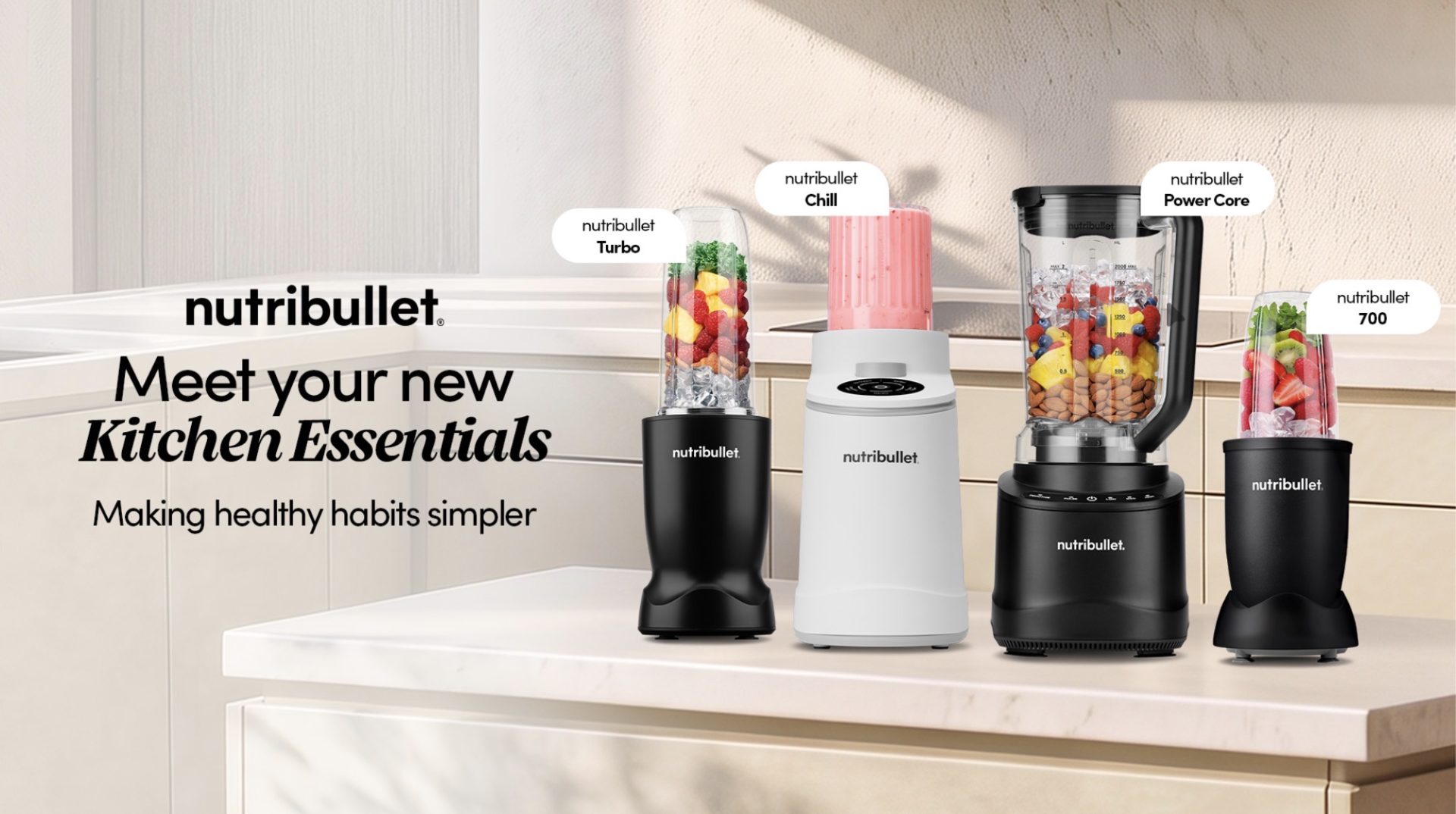
That was the idea behind nutribullet’s recent launch of four kitchen appliances in the Philippines, introducing everything from compact personal blenders to a full-sized machine and an ice cream maker.
Celebrity chef Ylyt demonstrated the appliances during the event, which also brought together content creators, lifestyle enthusiasts, and members of the Tita Run Club.
The new lineup caters to different kitchen needs, whether you’re preparing a quick breakfast before work, experimenting with healthier recipes, or entertaining the entire family.
Here’s what each machine brings to the table.
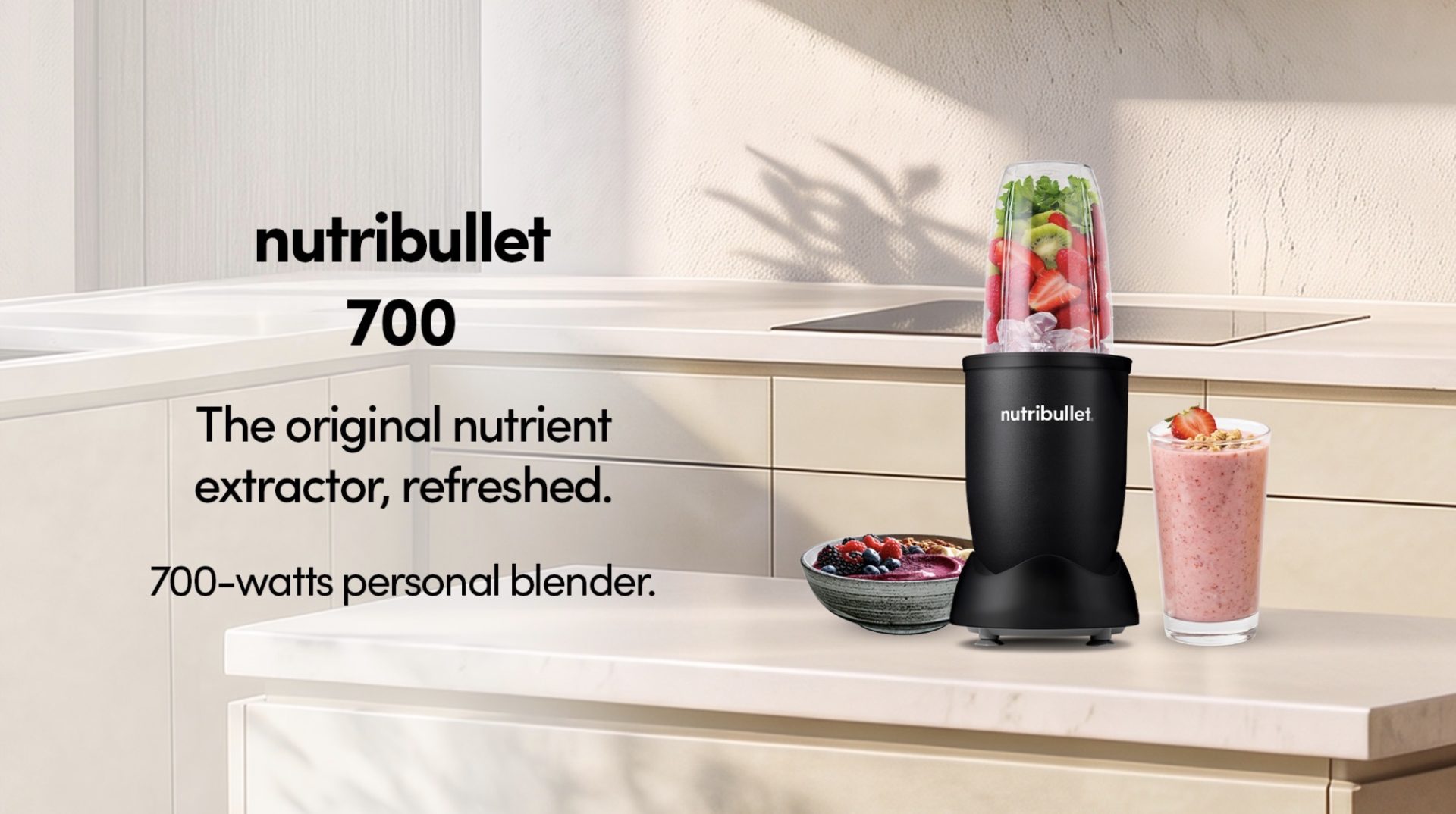
nutribullet 700: For small kitchens and everyday smoothies
Not everyone has the luxury of a spacious kitchen, especially if you’re living in a condominium where every inch of counter space matters.
The nutribullet 700 keeps the brand’s familiar compact design while introducing a 700-watt motor intended for everyday blending.
It’s particularly suited to people who want to prepare smoothies, protein shakes, and other single-serving drinks without bringing out a full-sized blender.
And while it’s easy to associate personal blenders with breakfast, they can be useful for other things, too.
Think homemade salad dressings, small batches of sauces, or a quick dip for your holiday appetizers.
Its relatively small footprint also makes it a practical option for anyone who prefers keeping kitchen appliances within easy reach rather than storing them away after every use.
nutribullet Turbo: For busy mornings and more demanding blends
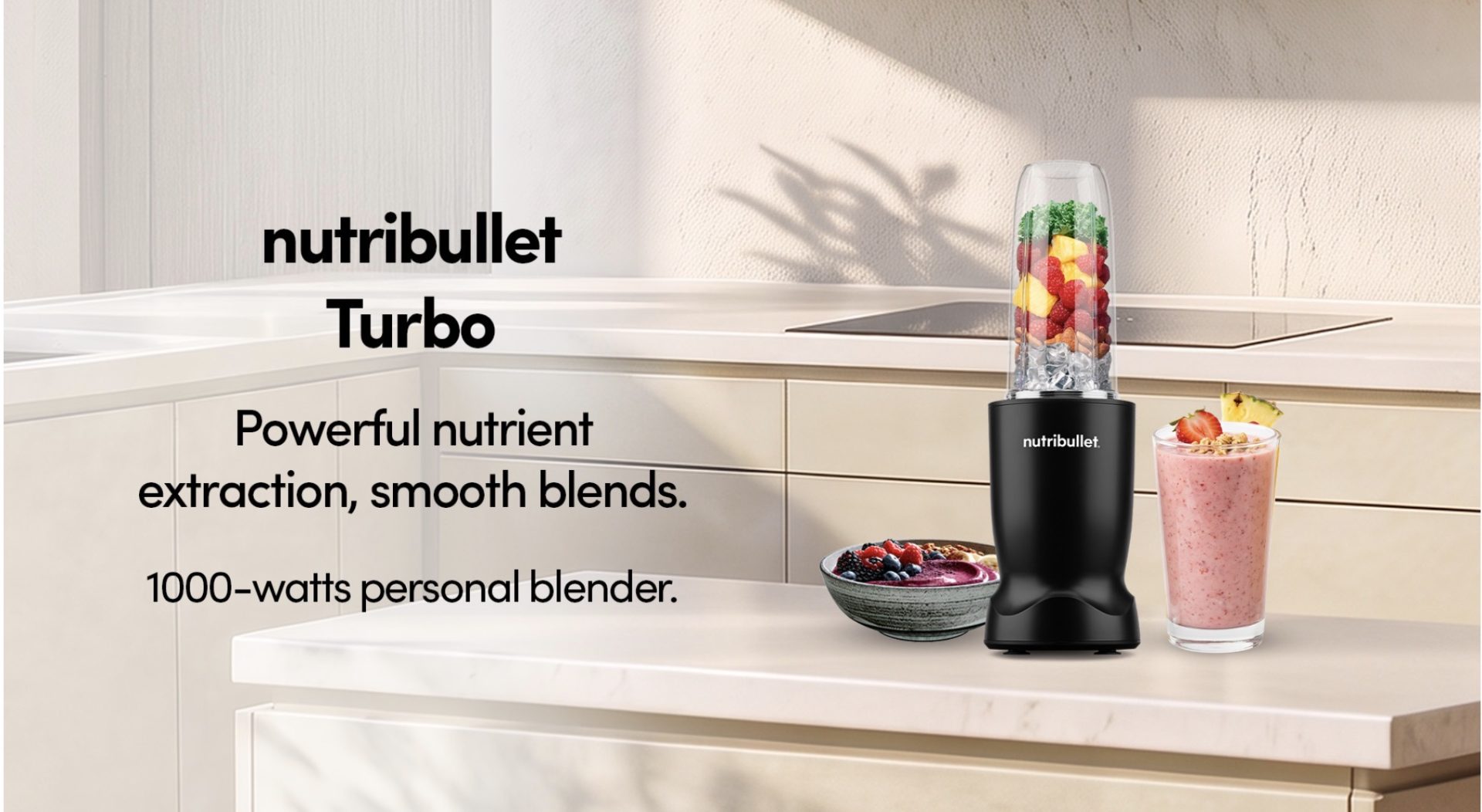
If smoothies are already part of your daily routine, the nutribullet Turbo offers a step up in power.
Equipped with a 1,000-watt motor, this personal blender is designed to handle a wider variety of ingredients while maintaining the convenience of a compact machine.
It’s an option for anyone who regularly blends fruit, vegetables, ice, and other smoothie ingredients, particularly when mornings are too busy for elaborate meal preparation.
During the holidays, that same versatility can come in handy for preparing fruit-based drinks, sauces, and other blended ingredients.
The appeal is straightforward: enough power for everyday blending without requiring the space of a traditional countertop blender.
For people trying to maintain their usual routines amid the inevitable Christmas indulgence, it could be one of the more useful appliances to have around.
nutribullet Power Core: For the family that comes over hungry
There comes a point during holiday preparations when making everything in individual portions simply stops being practical.
Especially when the entire extended family is coming over.
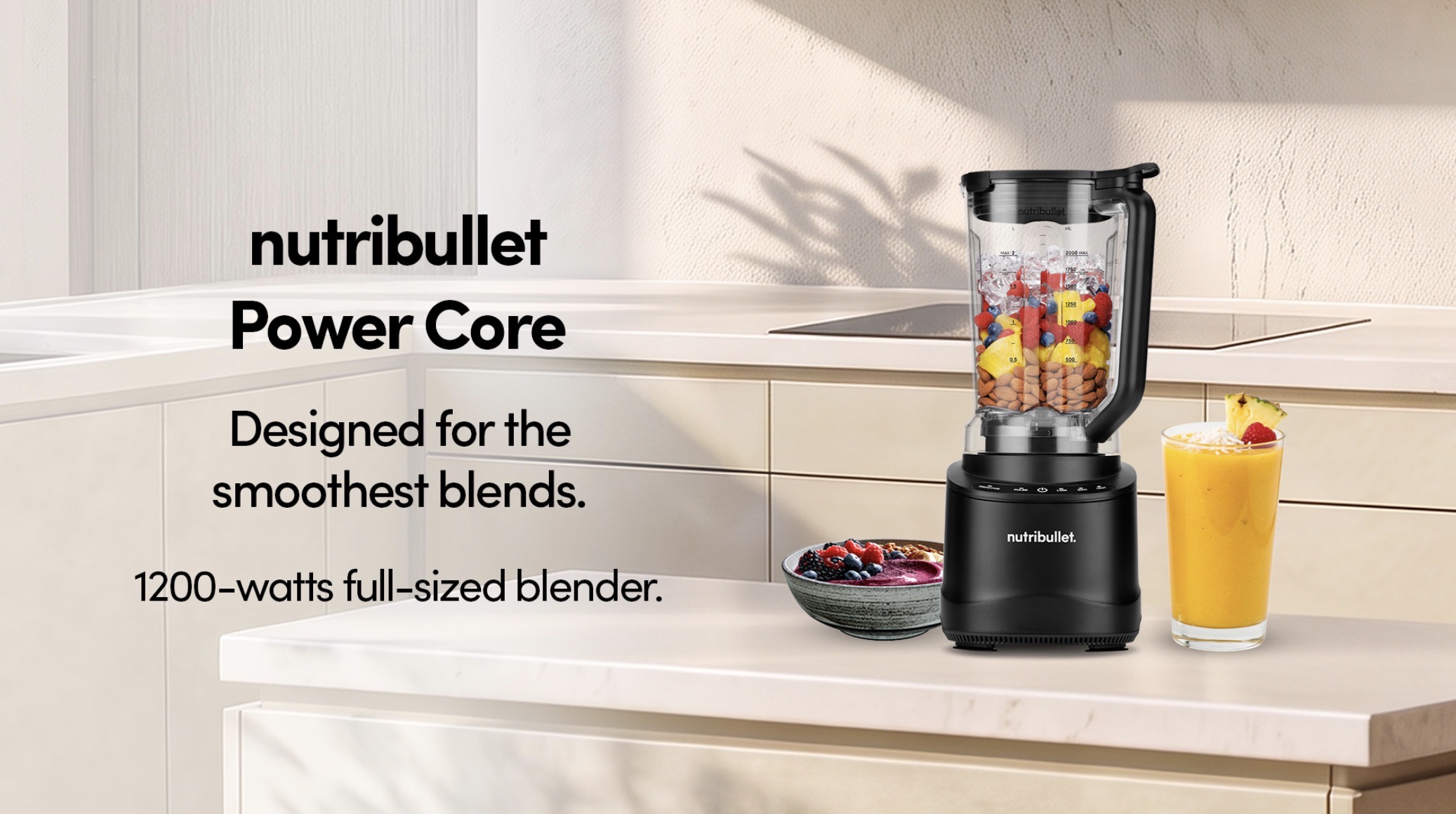
For larger households and people who regularly entertain, the nutribullet Power Core offers a full-sized alternative to the brand’s personal blenders.
The machine features a 1,200-watt motor, according to the product materials, and is designed for preparing larger quantities of blended ingredients.
That makes it useful for everything from smoothies and fruit drinks to soups, sauces, and other recipes that benefit from a more generous blending capacity.
Imagine preparing a batch of pumpkin soup for Christmas dinner, blending a sauce for the main course, or making enough frozen fruit drinks for several guests.
A larger blender also means fewer batches, which is particularly helpful when you’re already juggling several dishes.
And unlike personal blenders designed primarily for individual servings, the Power Core is better suited to households where cooking and entertaining regularly involve more than one or two people.
nutribullet Chill: For anyone who takes dessert seriously
Now, this is where things get particularly interesting.
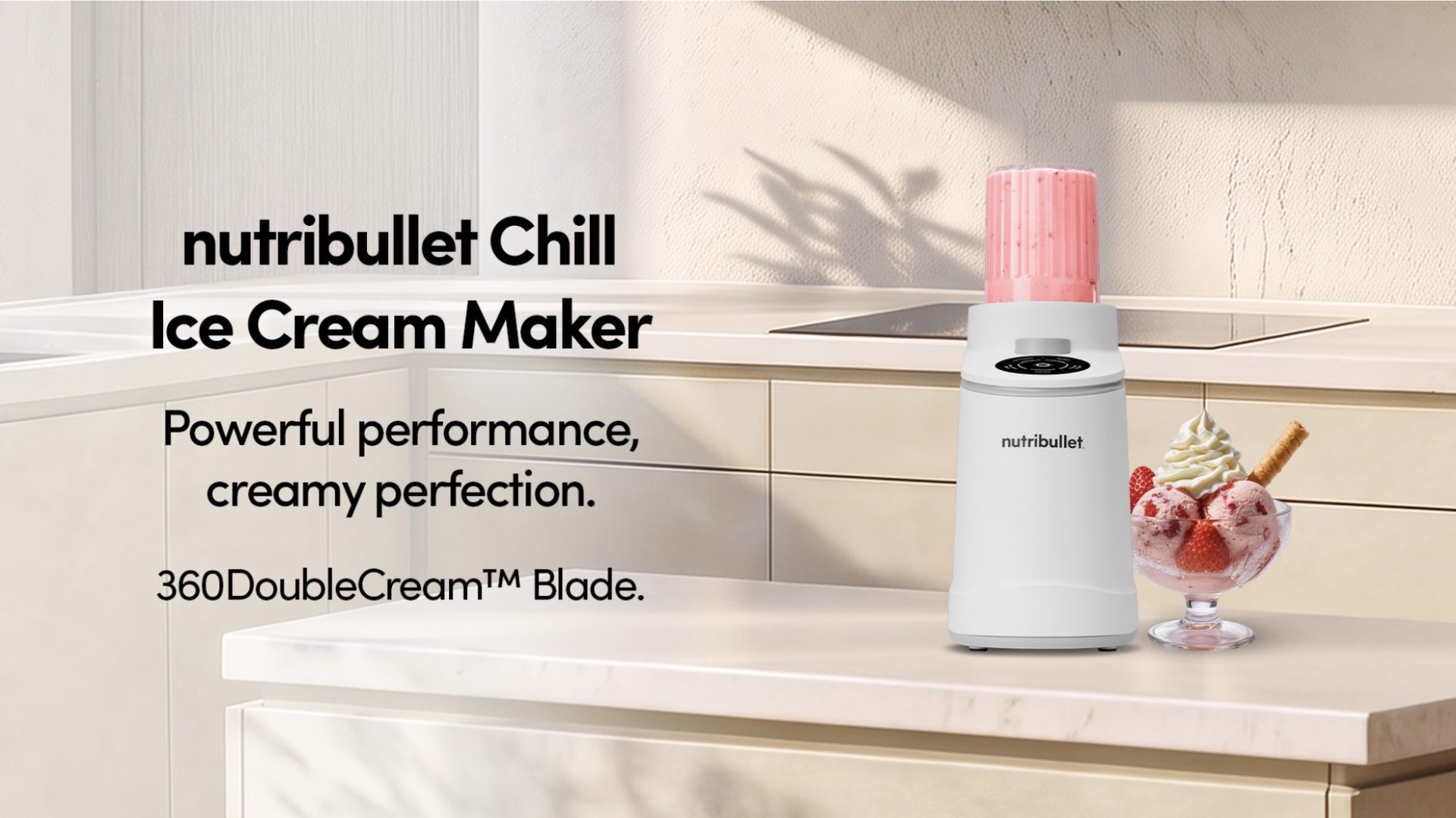
The nutribullet Chill is an ice cream maker designed for preparing frozen desserts at home, giving users more control over the flavors and ingredients they want to use.
It comes with five preset programs for ice cream, gelato, sorbet, frozen yogurt, and smoothie bowls.
The process involves preparing a dessert base, freezing it in the included pint container, and using the machine to process it into a frozen dessert.
According to nutribullet, its 360DoubleCream Blade Technology uses dual-direction rotation to achieve a smooth, creamy consistency.
For Christmas, the possibilities are particularly appealing.
You could prepare mango sorbet, chocolate ice cream, strawberry frozen yogurt, or a dessert inspired by Filipino holiday favorites.
It’s also an opportunity to experiment with ingredients and sweetness levels, particularly if you’re preparing desserts for people with different preferences.
And if you’re hosting, being able to offer several homemade flavors feels considerably more personal than simply opening another tub of store-bought ice cream.
Making room for better everyday habits
Although the holidays provide a good excuse to upgrade kitchen equipment, the more practical consideration is how often you’ll use these appliances once the decorations have been packed away.
A compact blender makes sense for someone preparing breakfast before work. A larger machine is more useful for families who regularly cook together. And an ice cream maker may appeal to people who enjoy experimenting with homemade desserts.
The best choice ultimately depends on your kitchen space, cooking habits, and the kinds of food you actually prepare.
Because while a new appliance can make cooking more convenient, the real value comes from finding one that earns its place on your countertop long after Christmas.
The new nutribullet lineup is available at the brand’s stores on Level 4 of Mega Fashion Hall, SM Megamall, and Level 2 of Glorietta 2, as well as online at nutribullet.ph.

Moving into a new space comes with a long list of things to figure out, and lately, I’ve been paying more attention to something that’s easy to overlook: air quality.
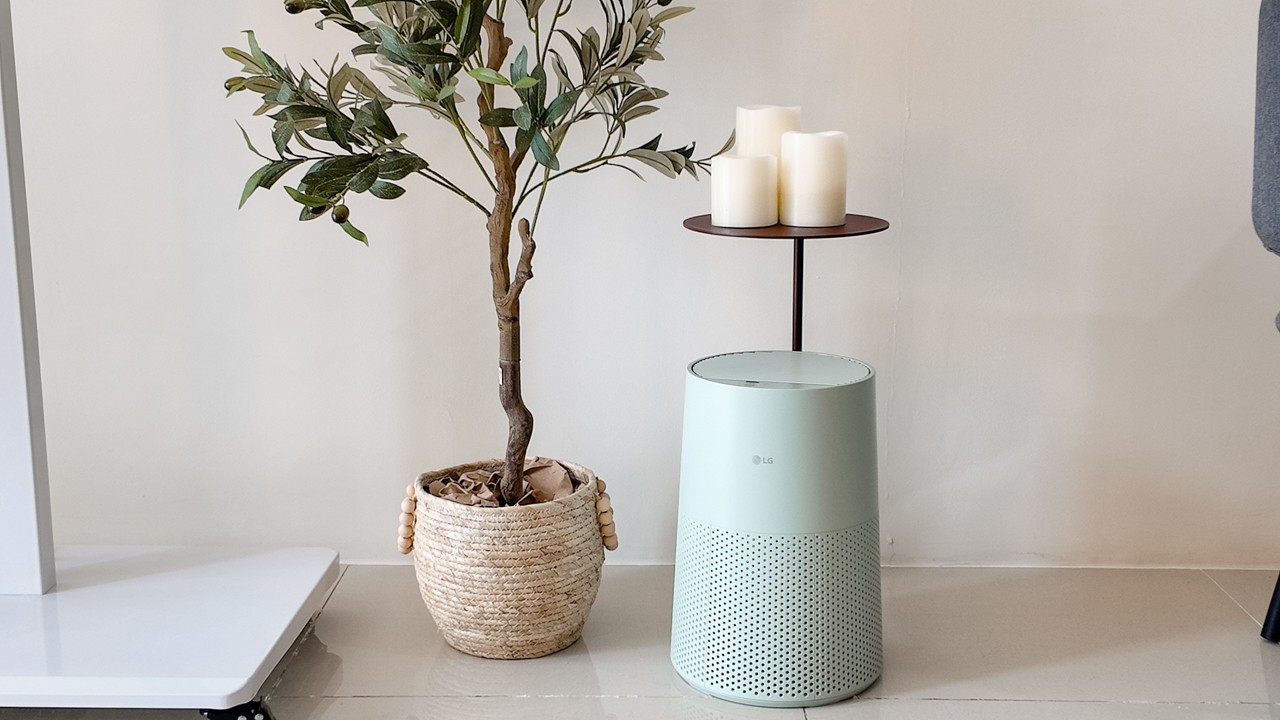
After using the LG AeroMini for about a month, it has become a subtle but welcome addition to my space. It helps make the room feel fresher, while its compact and stylish design fits naturally into my setup. Here are the things that stood out to me most after living with it for a month.
360° purification for a fresher space
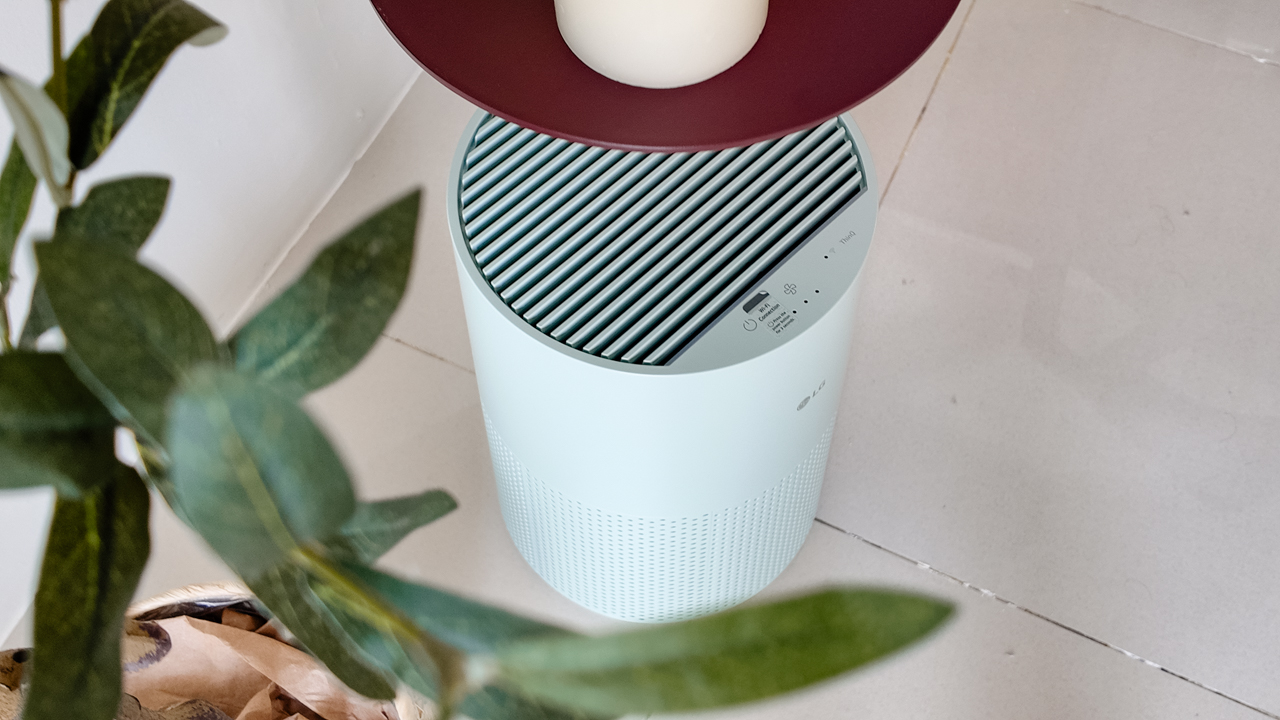
One of the things I appreciate about the AeroMini is its 360° air purification, designed to bring purified air in every direction.
For me, this is particularly useful in a new space where I’m spending a lot of time working, relaxing, and just settling in.
Combined with its True HEPA filter, which is designed to remove 99.999% of 0.01μm fine dust and allergens, it gives me added peace of mind about the air I’m breathing every day.
After a month, I can genuinely say that the space feels fresher with it running.
Surprisingly quiet
This is probably my favorite feature.
The LG AeroMini operates at just 26dB, and after using it for a month, what stands out is how easy it is to forget that it’s even running.

I can have it running while I’m working or sleeping without the noise becoming a distraction. For an appliance that’s designed to continuously improve the air around you, I think that’s a big deal.
Sometimes, the best feature is the one you barely notice.
Design that fits my space
Since I recently moved, I’ve been pretty conscious about what I bring into the space. I want things to be functional, but I also don’t want appliances that feel like they’re taking over the room.
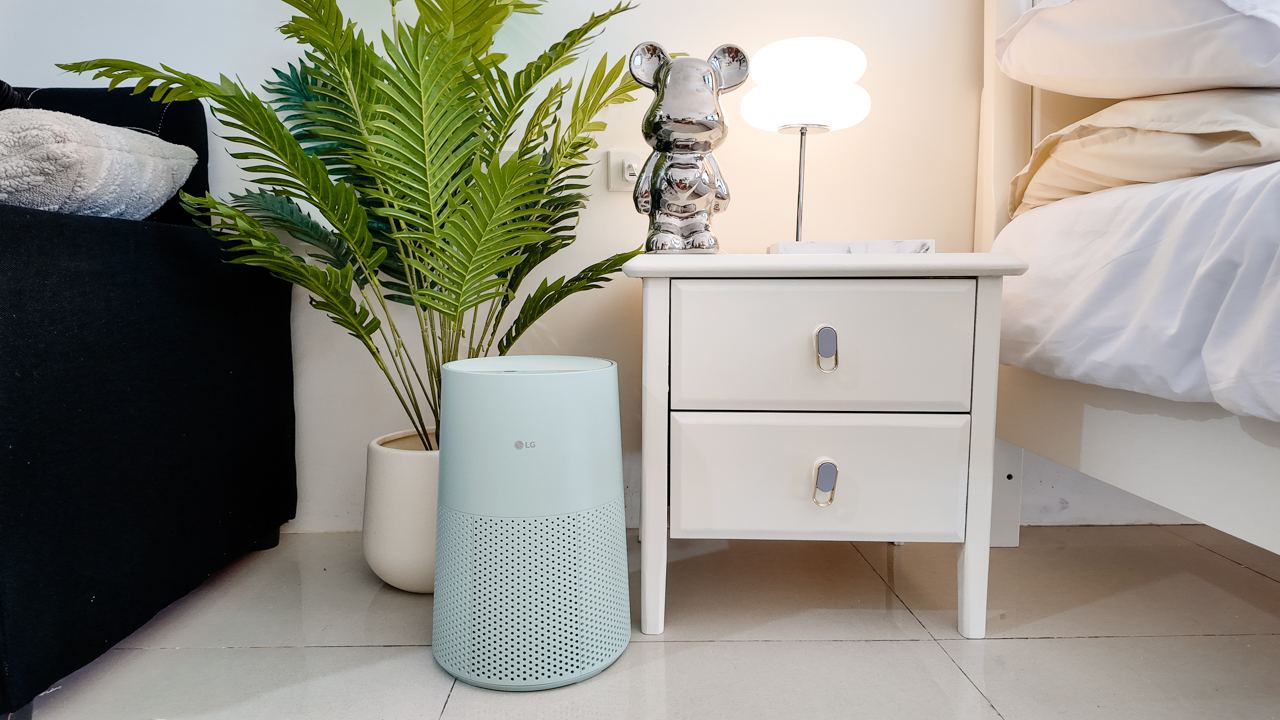
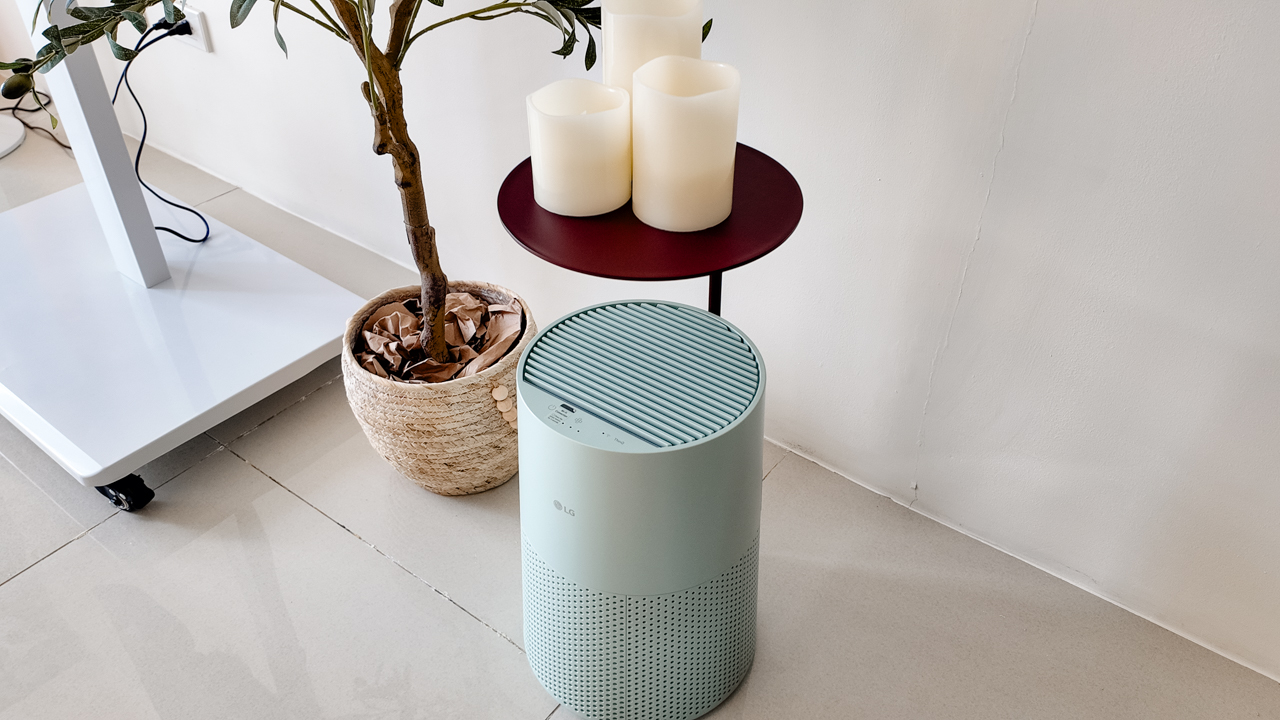
The AeroMini’s slim and compact design makes it easy to incorporate into my setup. It doesn’t feel bulky or industrial, and I like that I can leave it out without feeling like I need to hide it away.
For me, that balance between functionality and aesthetics makes it feel more like part of the space rather than just another appliance.
Air quality at a glance
Another feature I’ve found convenient is its Smart Control. Through the app, I can monitor and control the AeroMini while getting real-time updates on the indoor air quality.
It’s a small convenience, but being able to check the air quality without having to interact with the purifier directly makes it easier to keep track of what’s happening in the room.

Easy to maintain
I also appreciate that the AeroMini is designed with an all-in-one dust and deodorization filter that makes replacement and maintenance easier.
That matters to me because the best home gadgets are the ones that don’t create another complicated chore. I want something I can set up, use regularly, and maintain without too much fuss.

After a month, would I keep it?
Yes, and mainly because it quietly fits into my everyday routine.
The LG AeroMini has helped make my new space feel fresher and more comfortable, while its compact design means it doesn’t compromise the look of the room. But if I had to pick just one thing I appreciate most, it’s still how incredibly quiet it is.

It’s one of those upgrades that doesn’t demand your attention. It simply works in the background.
If you’re also looking to make your home a fresher and more comfortable space for yourself and your family, visit https://www.lg.com/ph/ to learn more about the LG AeroMini and how it can fit into your everyday life.
Her GadgetMatch
TECNO and Angélica Dass visit the Philippines next for its grand portrait project
100 Faces, 100 Stories


A portrait can show what someone looks like, but what about the story behind the face?
TECNO and visual artist Angélica Dass are exploring that question through “100 Portraits of Becoming,” a two-year global portrait project featuring 100 people across Kenya, the Philippines, Saudi Arabia, Türkiye, and Brazil.
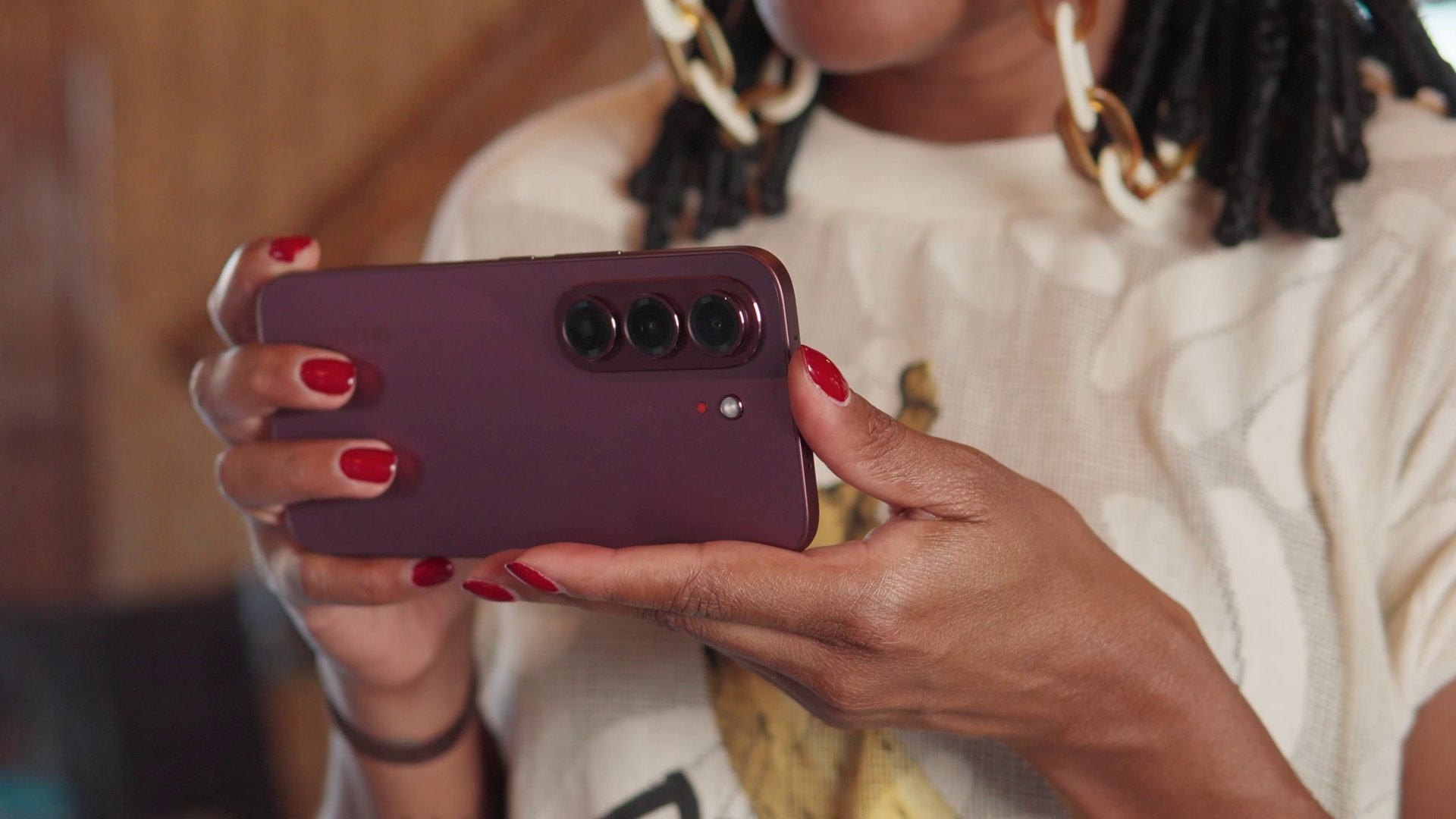
The project begins with 20 portraits from Kenya, each paired with a personal story about identity, choices, change, and growth. Rather than having participants represent an entire culture or generation, the project focuses on their individual experiences.
Beyond inclusive imaging
The project builds on TECNO’s work with Universal Tone, its imaging technology designed to represent diverse skin tones more naturally and accurately.

But “100 Portraits of Becoming” takes that idea further. With AI increasingly involved in capturing, recognizing, and generating images of people, TECNO and Dass want to explore how technology can better represent the individual behind the image.
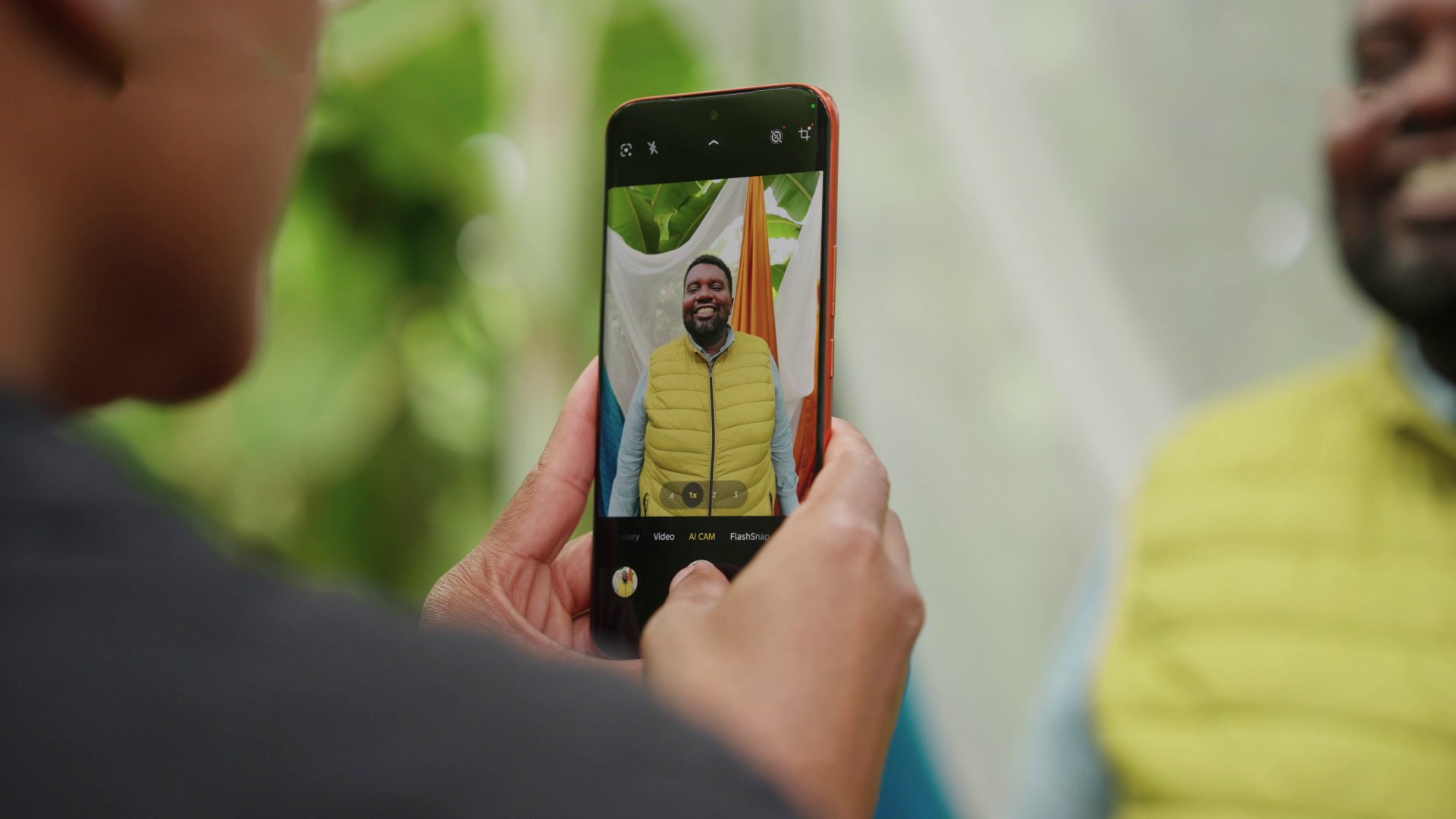
For Dass, meaningful portraiture starts with human connection.
“Meaningful portraits are never created by technology alone.”
She says her experience in Kenya reinforced the importance of trust, listening, and the willingness of people to share their stories.
The Philippines is next
Following Kenya, the project heads to the Philippines for a chapter called “Beyond Many Labels.”
It will feature 20 individuals, including working solo mothers and people whose lives are closely connected to solo parenthood.
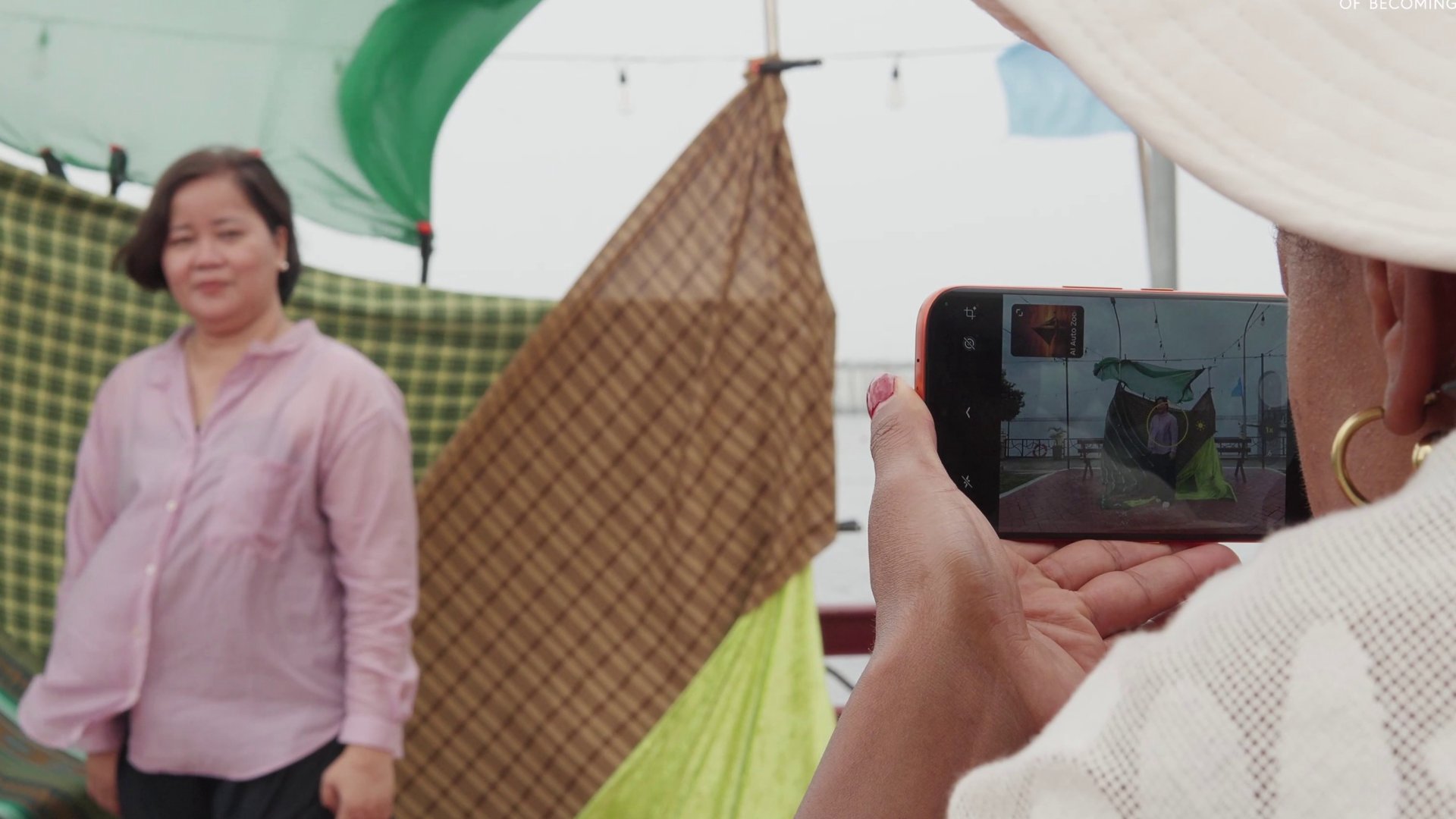
Their stories will look beyond labels such as “single mother,” “breadwinner,” and “strong woman,” while exploring their ambitions, relationships, and personal growth.
The chapter will also explore “diskarte” — the ways Filipinos adapt, make choices, and find practical ways forward in everyday life.
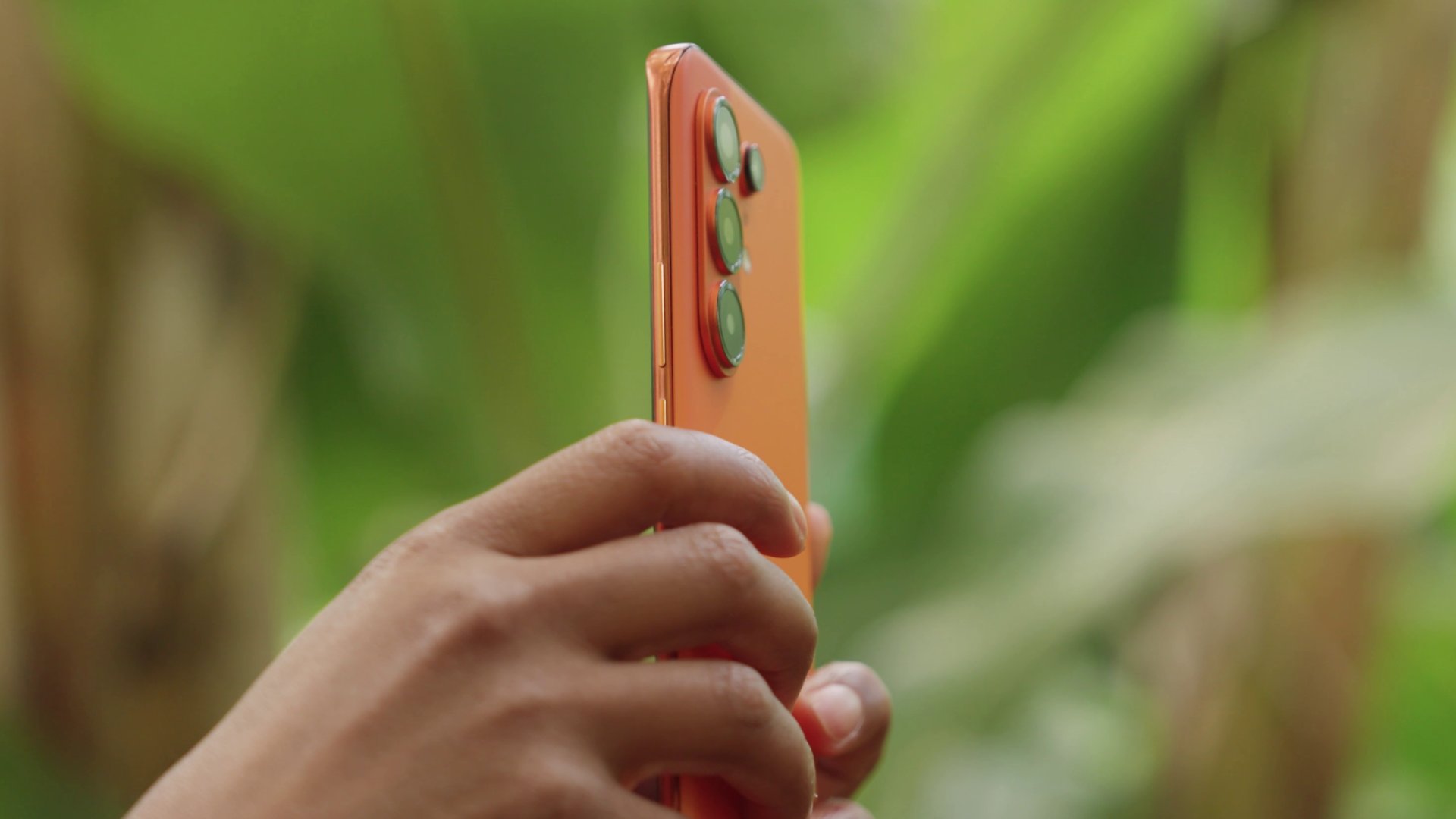
After the Philippines, “100 Portraits of Becoming” will continue to Saudi Arabia, Türkiye, and Brazil.
By the end of the project, TECNO and Dass hope the 100 portraits will offer exactly what the title suggests: 100 different ways of seeing humanity.


Apple iPad mini OLED review
Has the mini gone PRO?!

ROG G700 review: The best prebuilt PC you can get off the shelf
This PC will make you stop worrying about specs.

HP OMEN Max 16 review: Gamer-maxxing in deep black
Peripherals deemed necessary to max this out
Apple iPad mini OLED review

Spotlight: eufy Robot Vacuum Omni E35

UGREEN ClipBuds Pro 2 feature AI translation

Lazada kicks off 11.11 Biggest Sale of the Year ahead of holiday rush

Dune and Dune: Part Two return to cinemas ahead of Dune: Part Three

OPPO Find X10 Series launches globally October 21

vivo V80 debuts with ZEISS cameras

Garmin Enduro 4 promises up to 320 hours of battery life

Your coffee nook is getting a makeover with Starbucks’ holiday collections

Dragon’s Dogma 2: Dark Arisen launches with new Official Pawns


-
 Lifestyle4 days ago
Your coffee nook is getting a makeover with Starbucks’ holiday collections
-
Gaming2 weeks ago
HP OMEN Max 16 review: Gamer-maxxing in deep black
-

 Lifestyle6 days ago
Sticker season is back, and so is the planner your ~friends~ might fill in for you
-

 Gaming4 days ago
Wild Rift Patch 7.3, celebrates K/DA comeback
-
Gaming1 week ago
ROG G700 review: The best prebuilt PC you can get off the shelf
-

 Gaming1 week ago
PlayStation unveils Prism Collection
-
 News1 week ago
Apple unveils its biggest iPad mini update yet
-
 Accessories2 weeks ago
CASETiFY Match: Finding the right case for your Galaxy Z8 Series phone