

Reviews
Samsung Galaxy Tab S8 Ultra review: Smashing, superb, splendid
It’s unconventionally terrific!

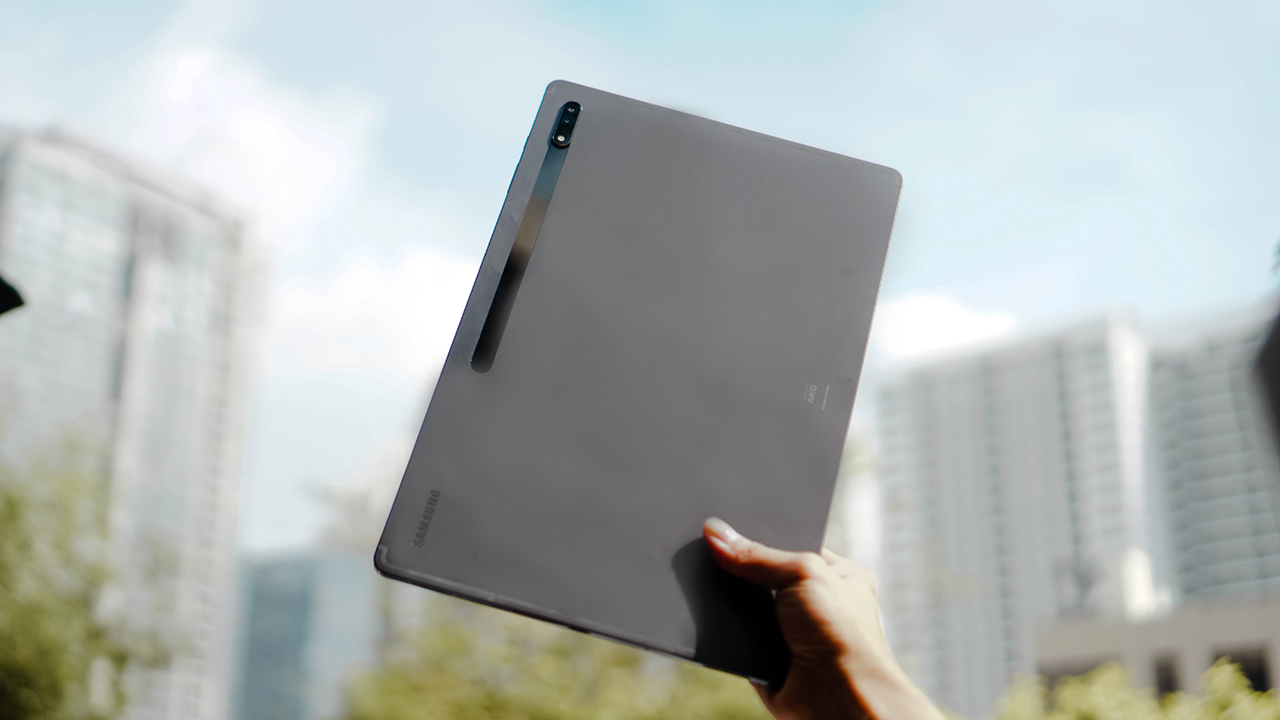
The Galaxy Tab S8 Ultra is the headliner in Samsung’s current lineup of the Tab S series. It boasts a whopping 14.6-inch sAMOLED screen, a monstrous 16GB of RAM and up to 512GB of internal storage, and a sizable 11,200mAh battery.
The tablet is surely getting some love. It sports the new Exynos 2200 chipset, equipped with powerful rear cameras that can shoot up to 4K video, and an improved S Pen.
What’s the fuss about?
When I had a sneak peek of the Galaxy Tab S8 series, I gave a nonchalant look. Until I saw the Galaxy Tab S8 Ultra, standing out among its siblings enormously. I asked myself, “Who would need a tablet this big?”
Weeks later, I found the Galaxy Tab S8 Ultra nestled on my desk. A month-long companionship helped me understand how to use this colossal device, and who can make the most out of it.
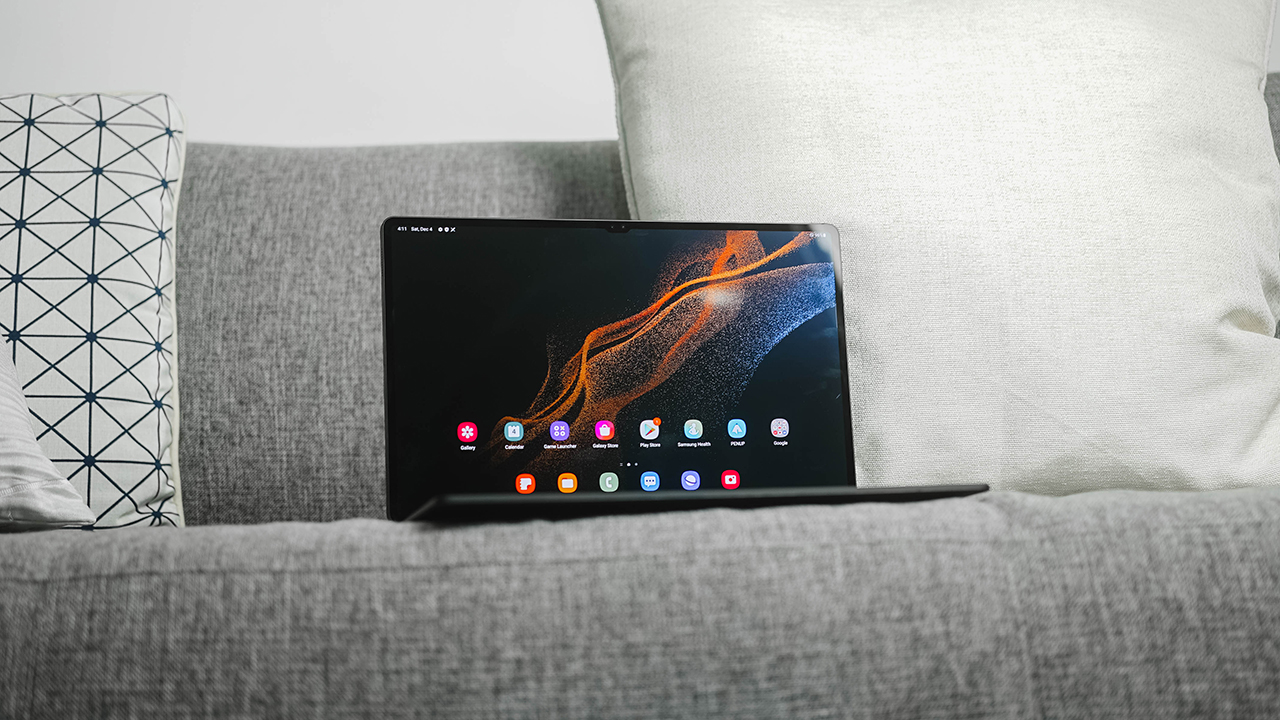
If you’re looking for a review based on the tablet’s specifications and technical capabilities, you’re better off reading elsewhere. In this review, we’ll explore how the Galaxy Tab S8 Ultra fits into your lifestyle. Is the Galaxy Tab S8 Ultra your GadgetMatch? Come, let’s find out.
Livin’ your Secretary Kim Mi-So and/or Secretary Cha Sung-Hoon dreams
My fascination with tablets stemmed from my long, incessant desire to be a hot, sexy secretary to a young, bachelor executive. I may be an artist who would greatly benefit from using tablets as drawing slates, but I take pride in my organizational skills which would make me indispensable to anyone I work with.
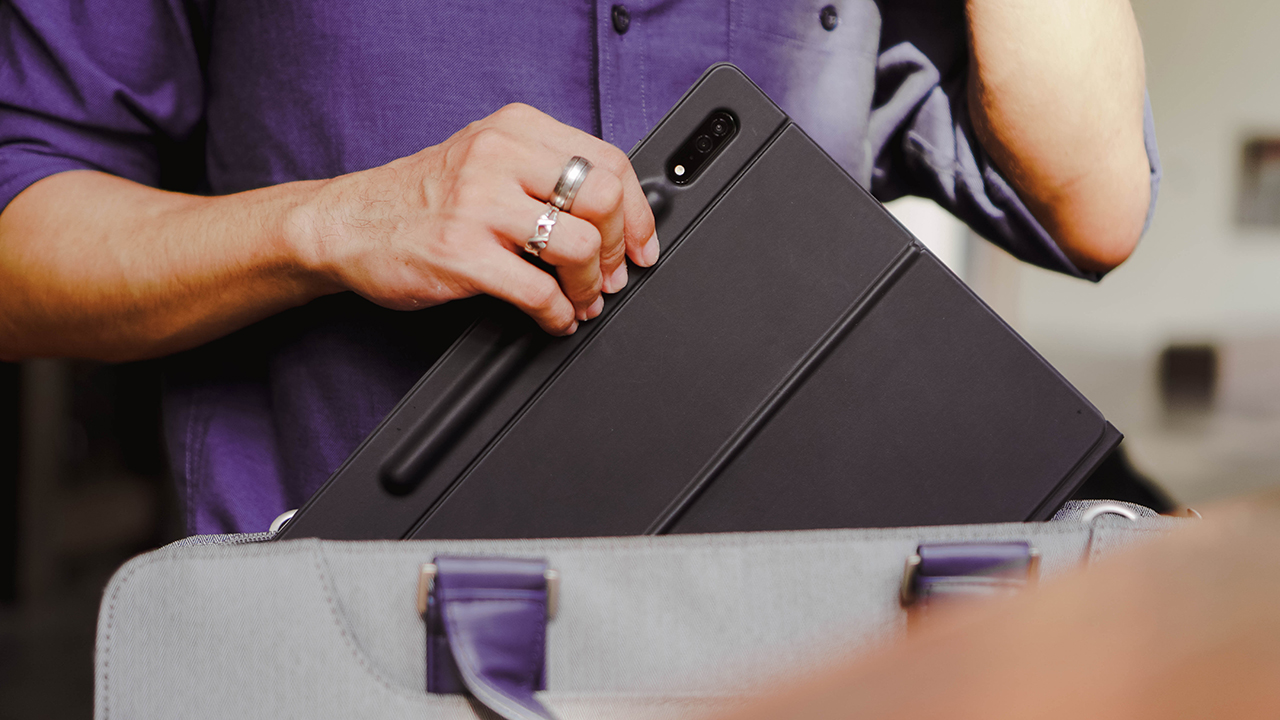
During my stint with the Tab S8 Ultra, I tried using this humongous device as a remote notebook to do work on the go. I know for a fact that this isn’t the size you’d normally bring and fit inside your briefcase, but I still gave it a try.
And boy, it proved to be challenging. Even though I’m used to lifting weights and carrying bulky cameras and other equipment, the Tab S8 Ultra isn’t the tablet to lug around while walking and checking your calendar.

That’s precisely the Galaxy Fold’s reason for existence, and it’s evident in Secretary Cha Sung-Hoon’s lifestyle in Business Proposal.
Work efficiently on the go
Kat Edison, Scarlet Magazine’s Social Media Director from the Hulu series The Bold Type, exhibited the best way to use a tablet at work.
In the show’s first season, Kat was seen carrying the tablet on her left arm while reporting about the analytics for their magazine’s website and social media accounts.
I’ve been doing the same manner in every tablet I’ve ever held, even something as big as the Tab S8 Ultra. I find it easy to look at the bigger picture, analyze the data, and present reports while carrying such a colossal slate.

Whenever I need to step away from my desk, I continue my work through the tablet. It performs just like my M1 Macbook Air and has a bigger display that can handle intense sunlight during the afternoon. I personally enjoy it since I tend to work outdoors or at an alfresco cafe, sipping cucumber lemonades or smoothies.
Moreover, I don’t have to worry about its battery. It’s got a humongous capacity and I can freely plug it into a power bank in case I ran out of juice. It’s still a tablet, right?
An extension of productivity
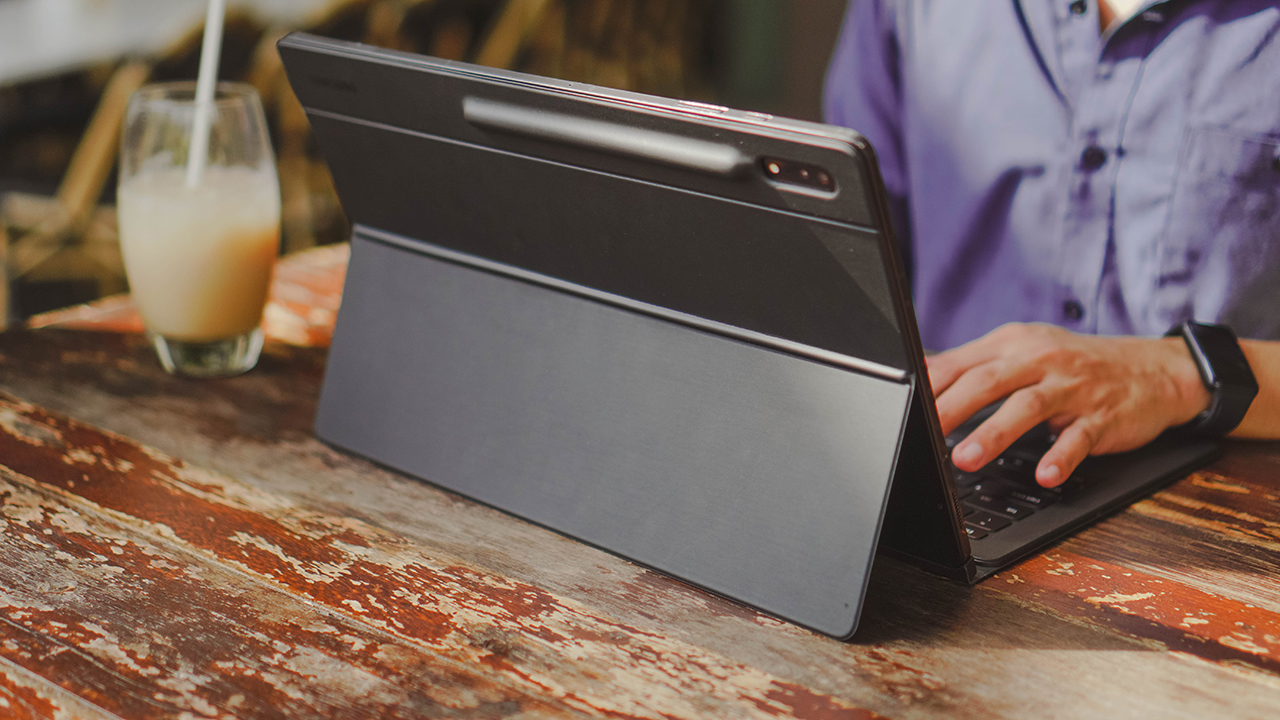
To make it the real productive device promised, Samsung offers the Book Cover Keyboard (PhP 17,599/SG$ 548) specifically for the Galaxy Tab S8 Ultra.
It doubles as a protective cover for its back and as a keyboard to provide a laptop-like experience. The keyboard snaps easily through a magnetic pin, while the back cover latches magnetically.
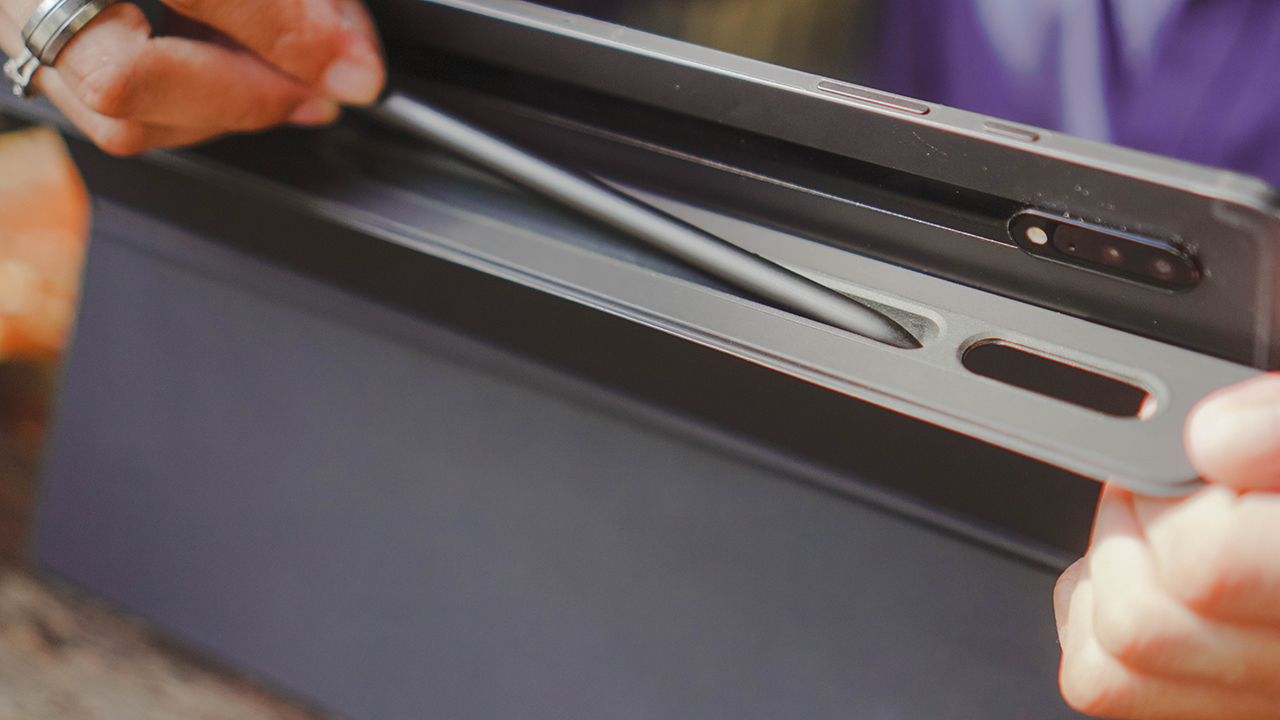
There’s a protruding curve near the camera island, and that’s where you can safe-keep your S-Pen if you don’t want it magnetically attached to the tablet.
The trackpad is nearly as smooth as my Macbook’s, although the keys are incomparable. Sure, it travels smoothly and there’s a function key to turn on the backlight. However, I’m annoyed by the sound it makes every time I type since I prefer quiet keyboards, especially when writing long-form stories.

More importantly, the only advantage this Book Cover Keyboard has is its packaged offerings. A holder for your S Pen, protection for your tablet’s back and screen, and a backlit keyboard.
Other than that, I don’t think the pricing is justified considering there are other alternatives. But of course, if you have the means to do so, go ahead and buy it. Who am I to make decisions for you? I’m just a crumpled-up piece of paper lying here; a soldier who’s returning half his weight. Kidding. I’m just a Swiftie.
Can it be a laptop alternative?
Let’s address the elephant in the room. The Galaxy Tab S8 Ultra retails for US$ 1100, SG$ 2,188 in Singapore, and PhP 77,990 in the Philippines. Honestly, this costs way too much than my 13-inch M1 Macbook Air.
For its price, I highly believe this tablet isn’t made for those looking for a laptop. Or those dreaming of having both a laptop and a tablet, and happened to find one that has similar functions.

If you’re in dire need of a laptop, there are far better options in the market that specifically performs tasks meant for such gear.
Personally, tablets are meant to support your daily activities. An extension of your digital space; a tool to help you stay connected when you’re out and about in between meetings and events.
The Galaxy Tab S8 Ultra can help augment your everyday activities with laptop-like capabilities. Besides, there’s more to the Galaxy Tab S8 Ultra.
When MJ becomes Oh Mi-Joo!
If you’re fond of K-dramas filled with healthy character dynamics, add Run On to your watch list. The series explored Oh Mi-Joo’s life as a hustler translating films and being an interpreter. The woman has plenty of skills and has a familiar setup as we do. Think: Monitors, laptops, keyboards, and more.
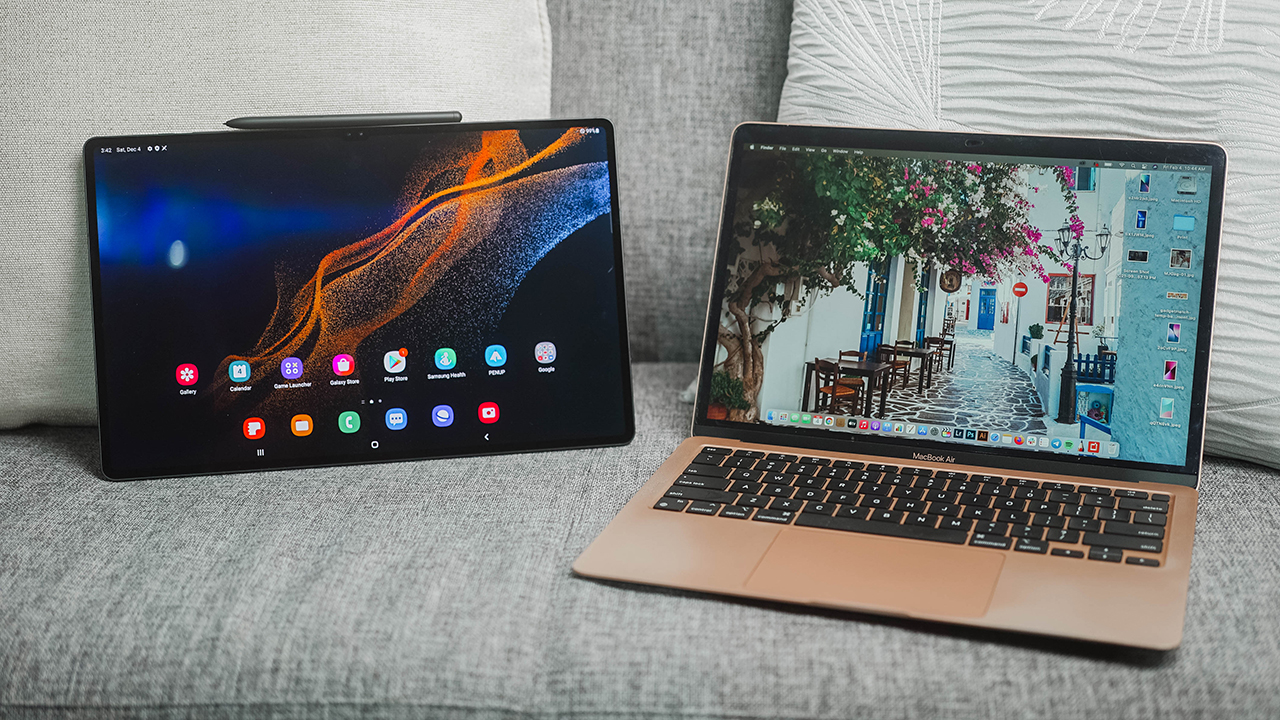
When the Galaxy Tab S8 Ultra arrived, I was in the midst of juggling multiple activities. In between work, meetings, coverages, and other personal affairs, I was also studying and completing my courses at the Ateneo Graduate School of Business.
The tablet felt like a divine gift, helping me multitask when I’m pressed with deadlines. At times when I’m really overwhelmed by everything that’s going on in my life, the Galaxy Tab S8 Ultra helped lighten my load.
A multitasker’s companion
Sometimes, I use the tablet for Zoom meetings, due to its dual front-facing cameras that are better than my Macbook’s built-in webcam.
Sometimes, the Galaxy Tab S8 Ultra is an extra working space when my Macbook is swamped with work. When I plugged a USB-C cable connected to my Huawei MateView, the tablet instantaneously switches to Samsung DeX.
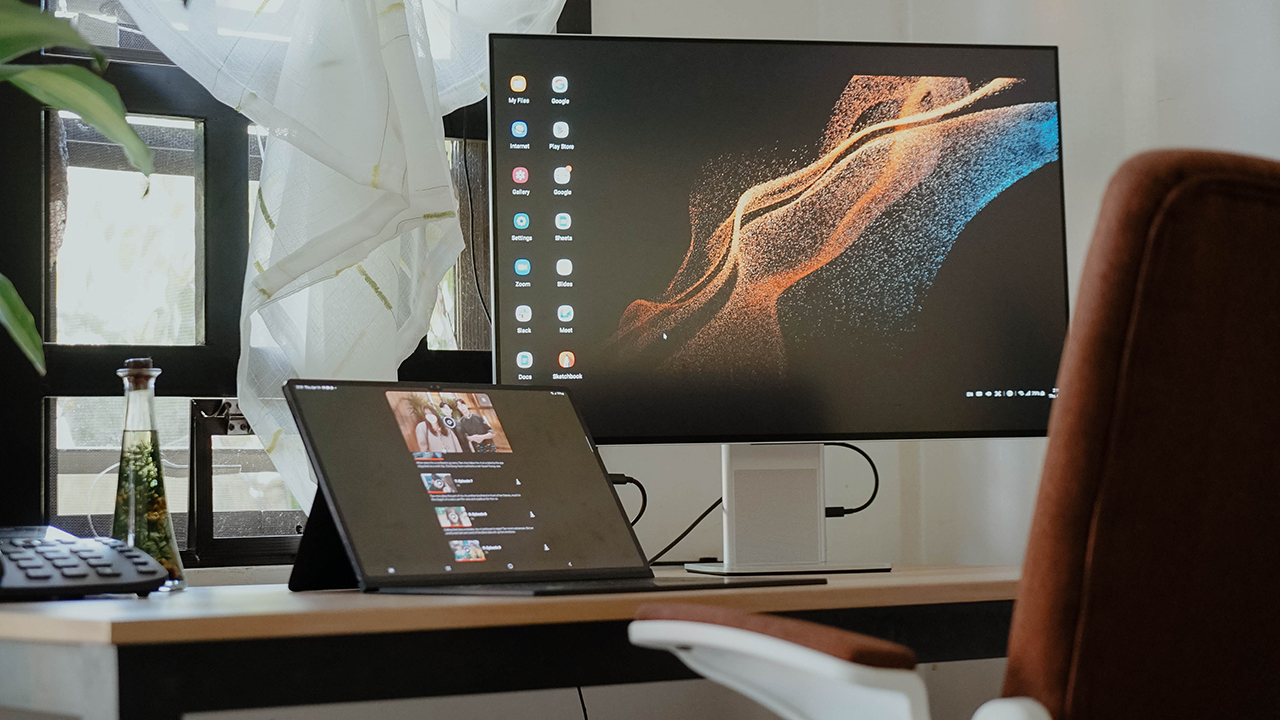
The Huawei MateView can act as an external display that mirrors the tablet’s content, but it can also act separately through Samsung DeX. Occasionally, I use the tablet for my Zoom classes, and then I use the keyboard and the trackpad to navigate Samsung DeX for my assignments and seatworks.
Using Samsung DeX separately can get sluggish when typing or even using the cursor. The same goes for the tablet where there are one-second delays when opening a new app but switching is still seamless as ever. It lives up to its ‘Ultra’ moniker.
As an entertainment device

On days when I feel liberated from my responsibilities, I use the Tab S8 Ultra to watch the latest episodes of Business Proposal and Forecasting Love and Weather. With a near-borderless sAMOLED display bigger and better than my Macbook’s, what’s a better way to use it than indulging in lighthearted K-dramas?
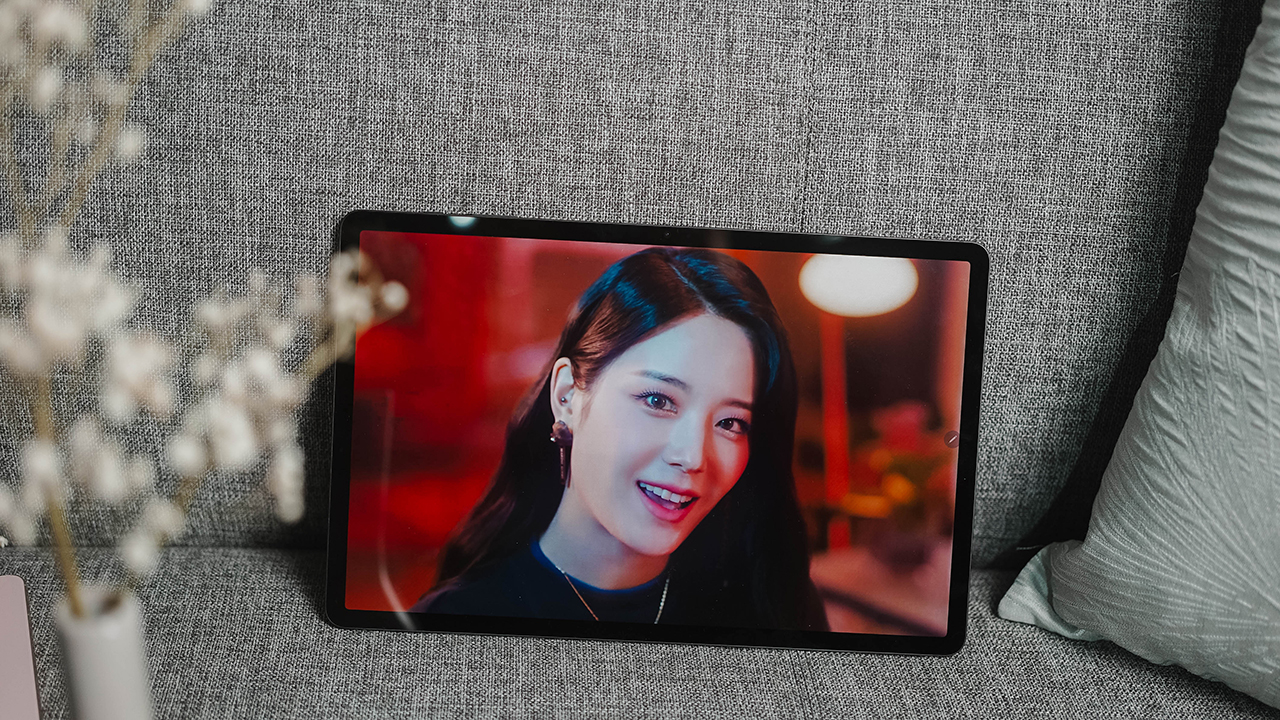
Coupling it with four speaker grilles on both top and bottom sides, or left and right when using the tablet horizontally, it easily becomes an entertainment device.
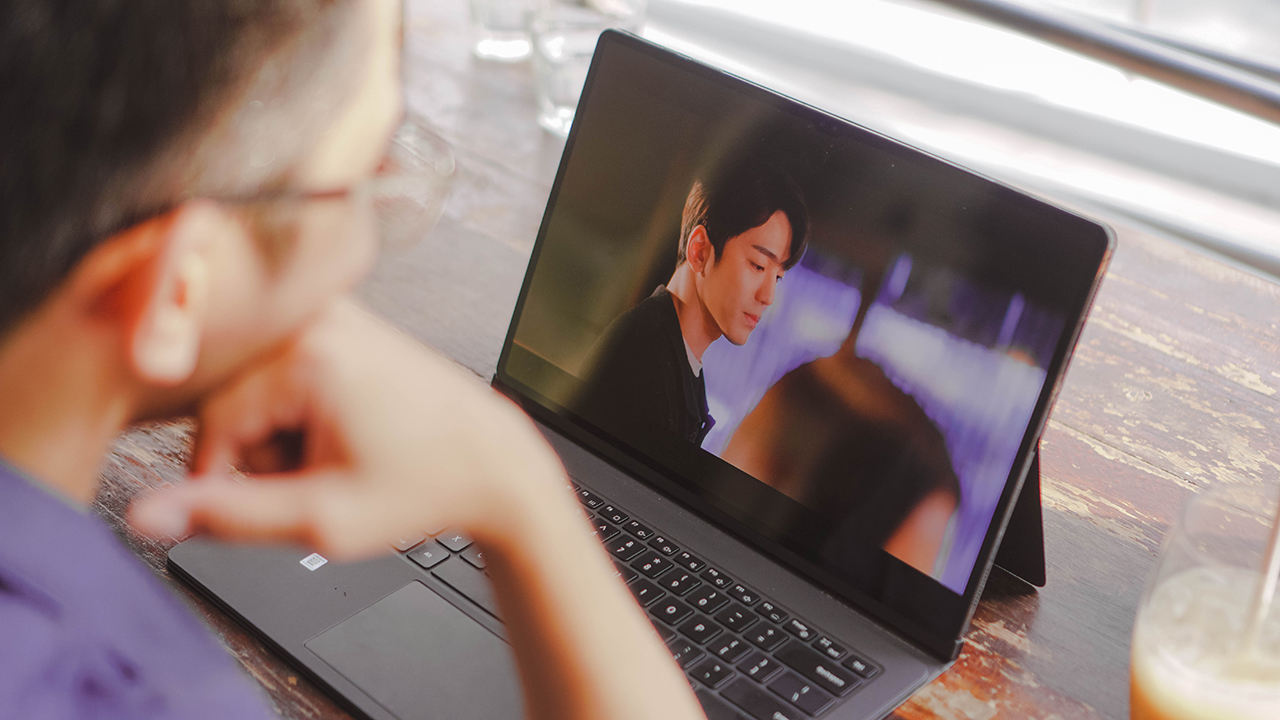
The colors are vibrant, there are deep blacks, and the overall experience is immersive. It’s like watching on a Samsung QLED TV albeit smaller.
Nurturing your Inner Child
A tablet has always been described as a productivity device. But for the creative community, tablets are executioners of our wills and ideas. iPads are still the gold standard when it comes to tablets, especially with a plethora of apps working seamlessly with the iPadOS. Par exemple, Procreate.

Samsung is trying to put a dent in it, building a tablet that also promotes other creative apps that most artists and designers know too. There’s AutoDesk’s Sketchbook, and this year, Samsung tightened its long-standing partnership with Clip Studio.

Samsung also improved the S-Pen, bringing its latency to 2.8ms so drawing, writing, and overall use of the stylus are seamless and smooth.
I certainly had fun doodling during meetings and sketching my favorite Pokémon, recent animé obsessions, Kemonomimi, and memories I just want to paint. I would share some of my drawings here, but they’re somewhat considered lewd and erotic.
A household gadget
Mmkay, let’s be real about this. Plenty of tablet users are considered the uncle and/or aunties in the family. Sometimes, even your abeoji and eomeoni have one. Or better yet, your halmeoni and harabeoji use it as their daily driver.
Tablets offer a bigger alternative to smartphones so that people with poor eyesight don’t have to squint their eyes to read the texts on their screen.

The Galaxy Tab S8 Ultra might seem too much for your grandparents, since most of them have weaker arms and fragile bodies, they’re better off with a base Tab S8 or the Tab S8+.
However, if the tablet is situated on a desk together with a book cover keyboard to act as an occasional laptop, then the Tab S8 Ultra might be worth considering, too. Nevertheless, it’s a good household device that the family can use for communication, entertainment, or productivity purposes.
Is it okay to take photos using my tablet?
Taking photos using a tablet feels hilarious to me. I suddenly remember the uncles and the aunties during holiday festivities, taking photos of the guests and the food.
There was always clamor about tablets having cameras. Should manufacturers stop doing it? Are they really that annoying? (Well, yes, during concerts.)

Tittle-tattles I hear are mostly about how no one really needs it or uses it — which I beg to differ. Just because we don’t need it, doesn’t mean other people won’t.
People with vision impairment use tablets as their daily drivers to make it easy to communicate and do their everyday activities.
It’s actually easier to check the photo (or capture the subject) if the display is big, although the output might lose its actual resolution to fit the expanded screen.
Using it that way looks absurd to the eyes of many, especially when you do it in restaurants or other public places. But the plight of impaired vision is real, and to them, a tablet as colossal as the Tab S8 Ultra can be quite a blessing.

Moreover, Samsung slapped its cameras with the ability to record 4K videos and I’m still baffled by how you can produce a 4K film with this tablet, let alone capture 4K clips that you probably won’t be able to watch properly.
Finding the answers is beyond me, I won’t even. I’m certain Samsung has reasons, but I dare not to tread that path.
Is this your GadgetMatch?
Some people believe they deserve the best and finest things in life. If you’re that type of person, you can skip this review and proceed to the nearest Samsung Experience store.

In a nutshell, the Galaxy Tab S8 Ultra is the best Android tablet on the market right now. Especially if you can afford it. But if you’re still wary about the purchases you make, then continue reading.
Samsung slaps the word ‘Ultra’ like a hotcake. But they’re right in doing so. The Galaxy Tab S8 Ultra houses the best of what Samsung can offer. The experience — whether as a tablet or a productivity device — is as seamless as the Galaxy S22 Ultra.
Everything you’d expect from Samsung’s high-end devices, the Tab S8 Ultra delivers.

The drawbacks are something you can ask yourself if you can live with it. For example, a 45W wired charging speed that you’ll rarely get, apps that aren’t optimized for tablet use, and the strain that its weight can put on your arms when lugging it around.
What are my alternatives?
If you still believe that you deserve the best of the best, then most likely, it is your GadgetMatch. If you’re still on the fence about the Tab S8 Ultra, consider the Tab S8 or the Tab S8+ instead. The experience is pretty much the same, and the compromises are inconspicuous. You’ll barely notice and the size is apt for your everyday use, as well.
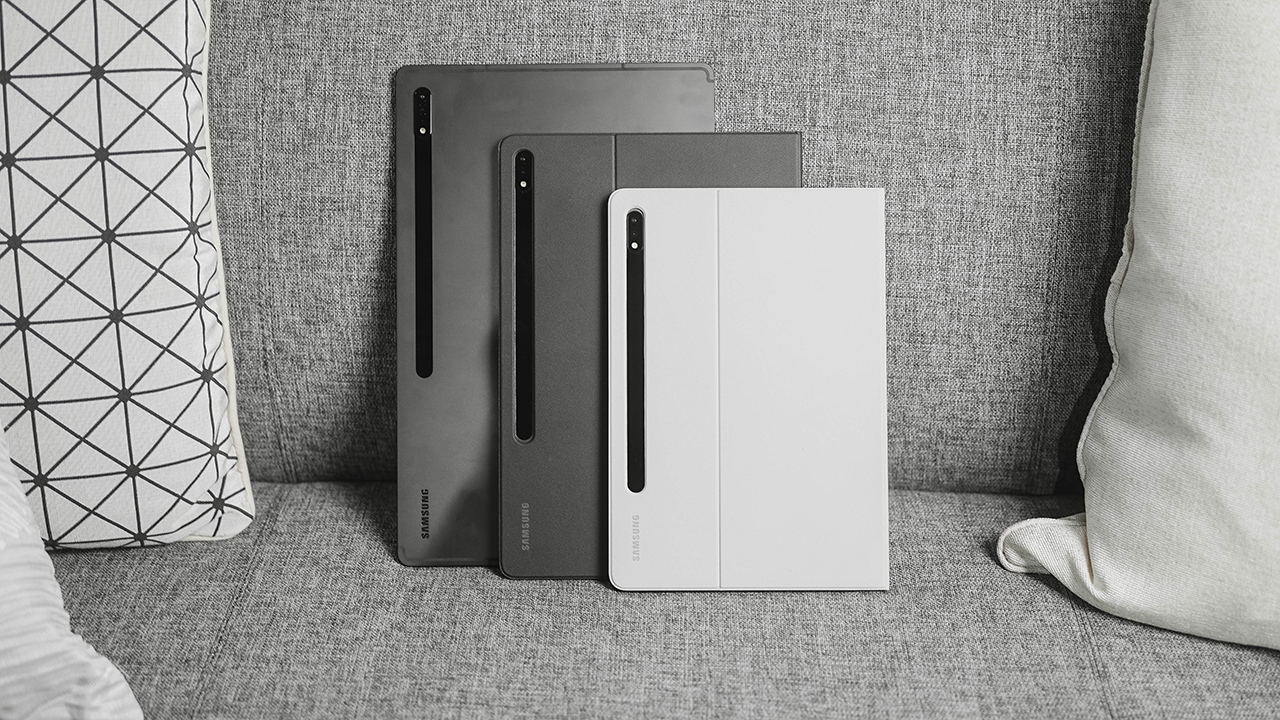
The Galaxy Tab S8 WiFi (8GB/256GB) retails for PhP 41,990 and is available in Silver and Pink Gold. Meanwhile, the Galaxy Tab S8 5G (8GB/256GB) retails for PhP 49,990, available in Silver.
On the other hand, the Galaxy Tab S8+ 5G (8GB/256GB) costs PhP 63,990. It comes in Graphite. There’s a stark difference in its price points, but it’s still the Galaxy Tab S series you’ve known.

Whatever you decide to get, just know that they’re still the best Android tablet you can purchase at the moment. And if you’re getting the Tab S8 Ultra, just remember that you can use it as protection against the sun if you forgot to apply your sunscreen during the day. Kidding. I’m just having fun with a device that’s not going to be my GadgetMatch.
Have fun looking at these colossal slates on Samsung’s Experience store, Samsung’s Online Store, and authorized retailers.






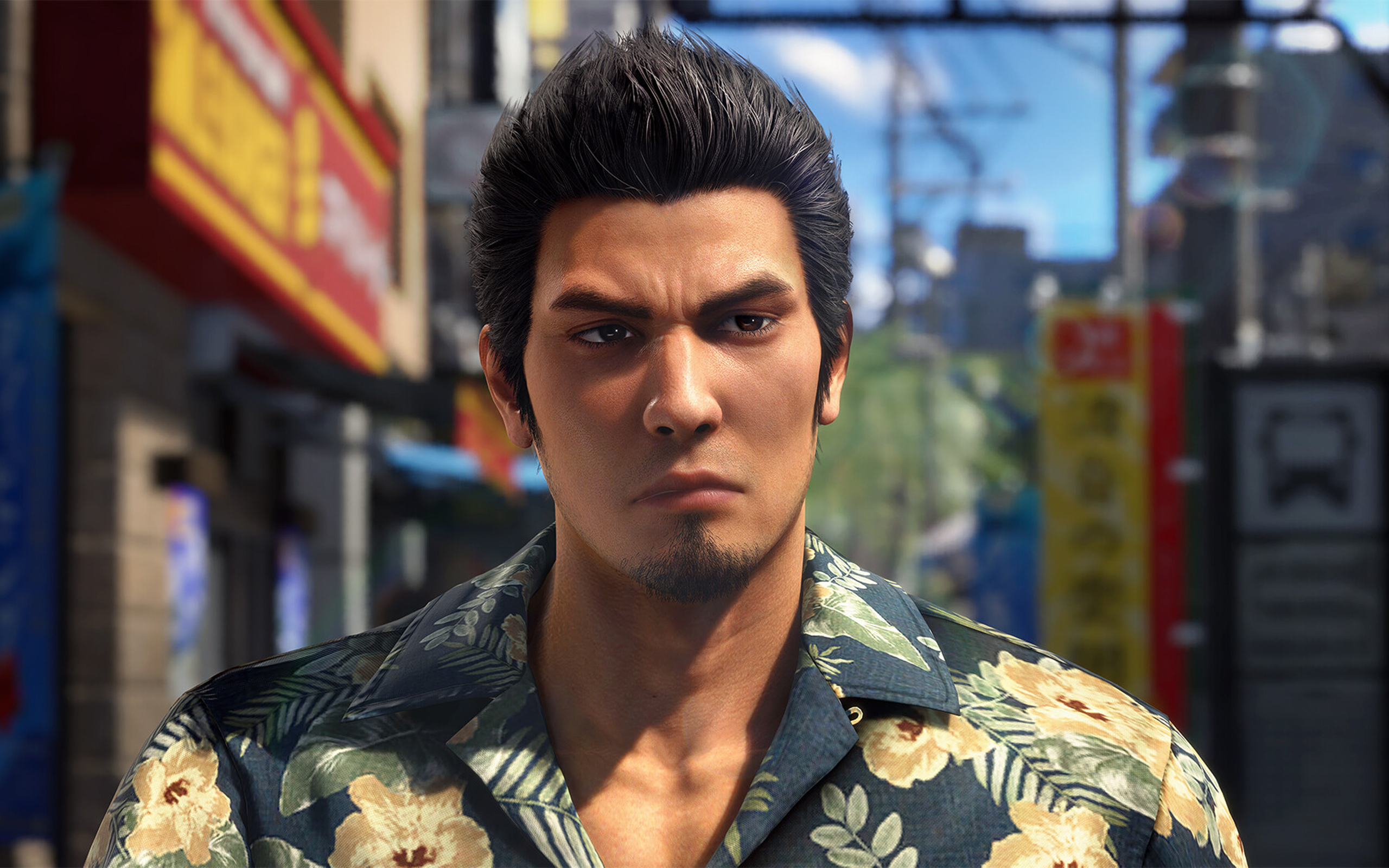
Nothing can beat the burden of being a remake or a remaster. Besides providing an enjoyable experience by itself, a remake or a remaster constantly has to justify its own existence: Why did this piece of media need to be rereleased? For some, it’s a no-brainer, such as the ongoing Final Fantasy VII remake series. For others, it’s a lot less clear, such as the many, many times there’s been an uber-mega-definitive edition of The Last of Us and Skyrim.
Now the third of its kind, Yakuza Kiwami 3 is inching perilously close to a point where it’s hard to justify why we need another remade Yakuza.
Continuing the series
Yakuza Kiwami 3 is a remake of the third entry in the Like a Dragon series. The original Yakuza 3 was the first one in the entire series to be developed for the PlayStation 3 era. Compared to the first two games, it features a lot more content and, on its own, can be considered a modern RPG by today’s standards.
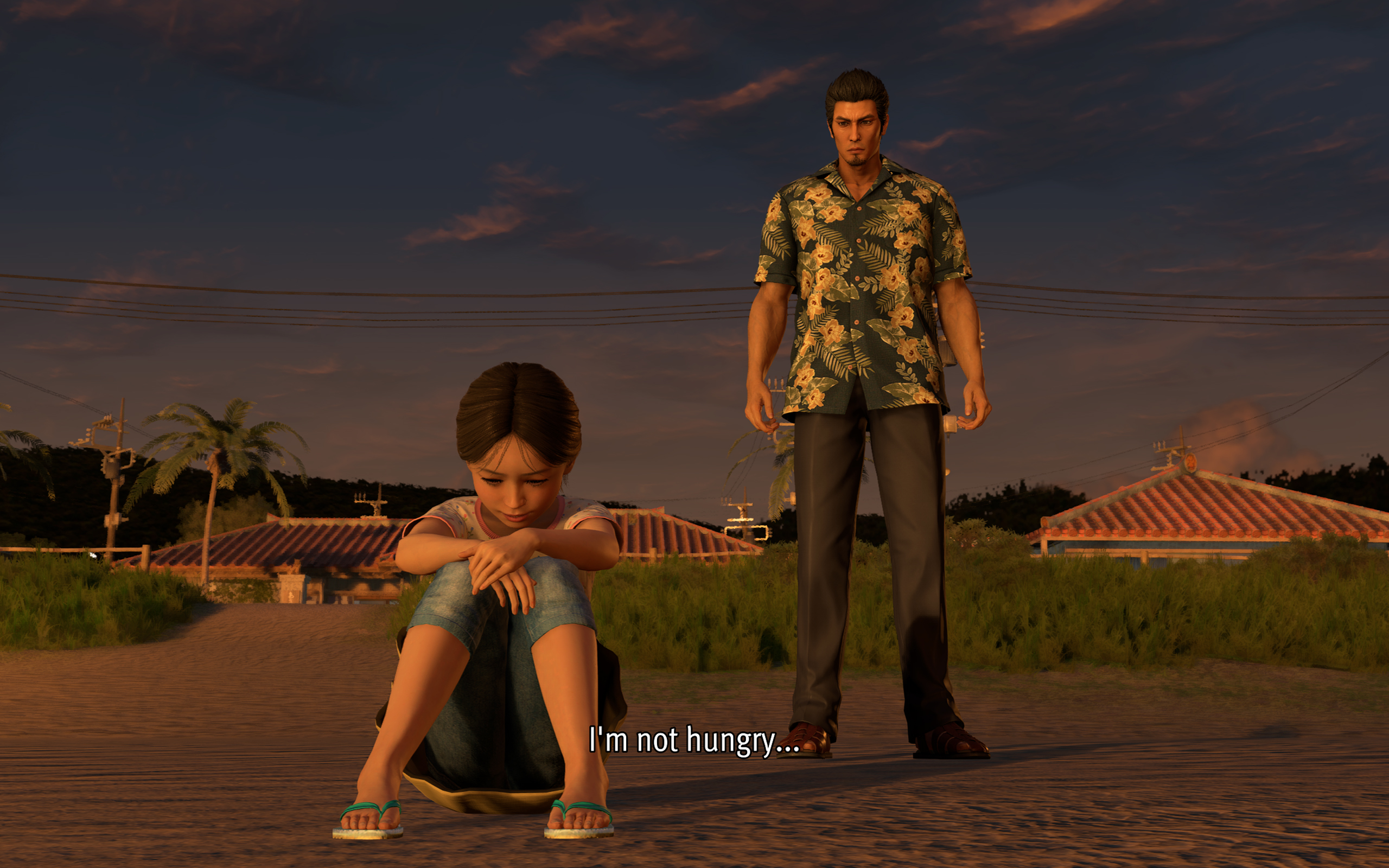
Story-wise, it’s also a turning point for the series. Though Kazuma Kiryu already took the young Haruka under his wing by this point, Yakuza 3 is the first where the series protagonist tasted a life outside of the criminal underworld.
Being such an important milestone for the franchise, a Kiwami remake seems like the best or the worst idea.
(For reference, “Kiwami” refers to an ongoing series of remakes that rebuilds the classic Yakuza games with a new engine that began in Yakuza 0.)
When a new coat of paint doesn’t really help
Yakuza 0 came out in 2015. That means the studio has been using the same engine for over ten years. The engine is starting to overstay its welcome, especially in the Kiwami series.
Despite being built with PlayStation 3 technology, Yakuza 3 still had its limitations. For one, 1080p was just becoming a standard by then. Cutscenes had to be smaller and, thus, more tightly shot. But ultimately, the limits resulted in a more cohesive game that maximized what it worked with. Yakuza 3’s Kamurocho feels alive, and you never know what’s waiting behind the next corner.
Sadly, Yakuza Kiwami 3 does not take advantage of better hardware to update how the game feels. Cutscenes were splashed with a new coat of paint, but the composition remains the same. As a result, they look so empty with so much white space.
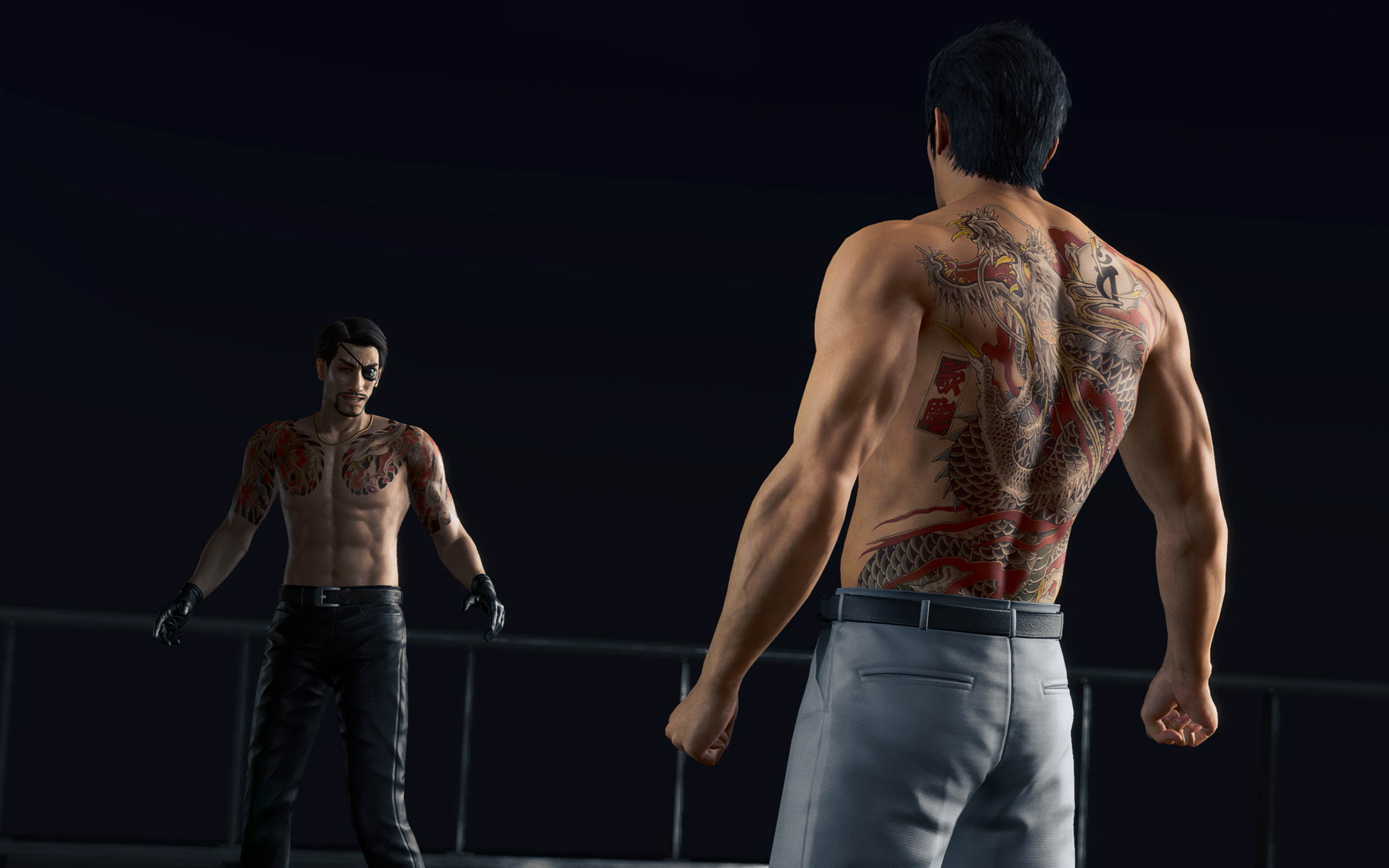
They could have added some clouds.
The “improved” Kamurocho also doesn’t feel all that updated. There’s a palpable sense of sameness as you explore through the game. Even Okinawa looks like just an extension of Tokyo. In the more modern games, exploring was rewarding. Even if the game tells you where missions are, there are new sights and new stores to just look at.
Kamurocho is a central piece of every Like a Dragon game. But I don’t think it has to be static, even if it’s just a remake.
That, and I’m just tired of seeing the same character models every time I boot up a Yakuza game.
A few controversial model changes
To be completely fair, the main characters did get some updates. And, of course, there are a few elephants in the room.
First up is Rikiya, the upstart yakuza from Okinawa. From other media, Rikiya is listed as being around 20 to 21 years old. Now, I’m not a good judge of age based on looks, but the old Rikiya from the original game really doesn’t look like he’s in his early 20s.
Yakuza Kiwami 3 has a new model for Rikiya, one based on Japanese actor Sho Kasamatsu. Others have criticized this decision because the new models looks so different from the original. In my opinion, the change just makes sense; he looks much younger and brasher, just as his character dictates.
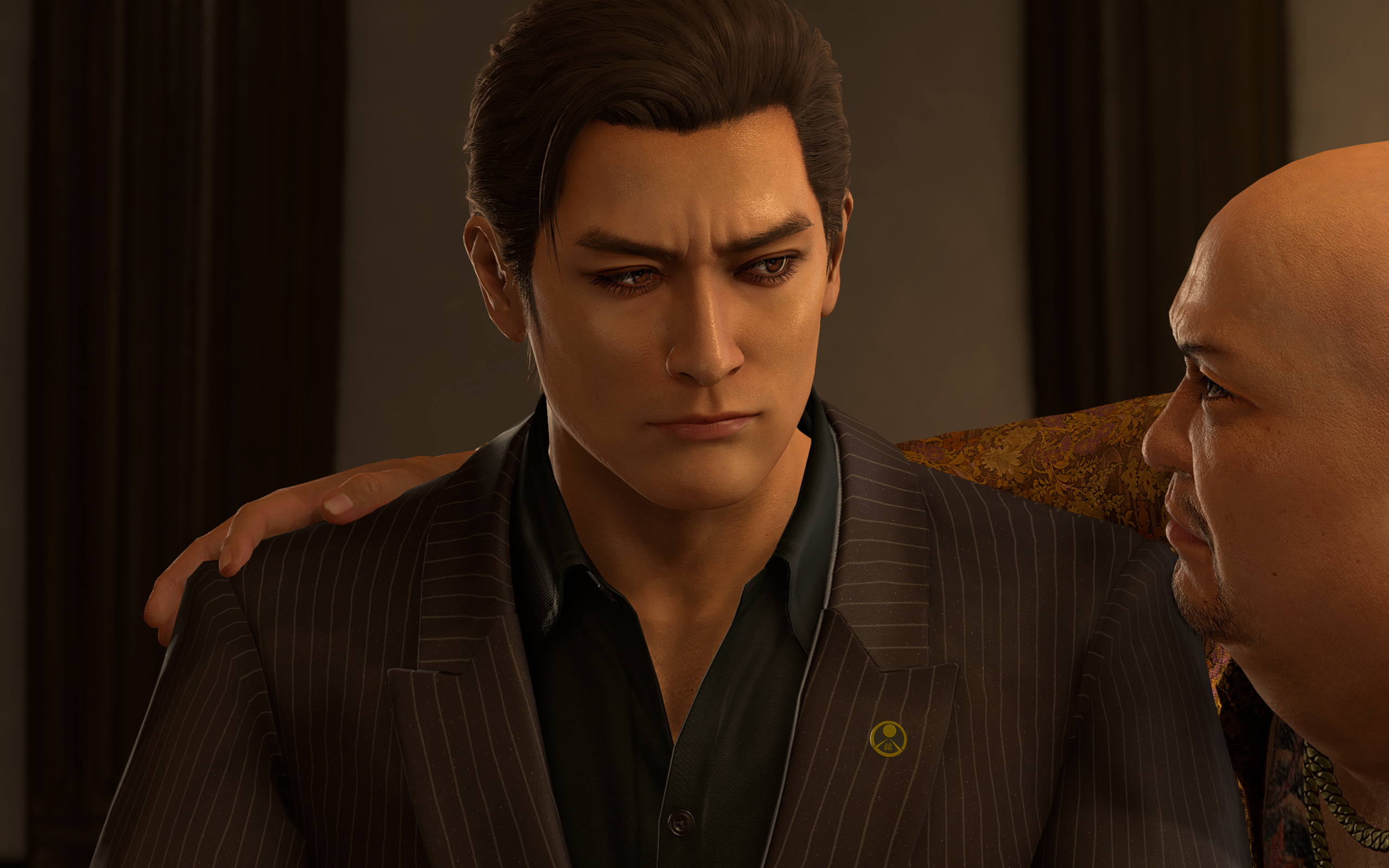
Mine also looks like a Japanese George Russell now.
The other change, however, goes beyond just narrative disagreements. Hamazaki, one of the main antagonists in the game, also received a dramatic change. In contrast to his more thug-like looks in the original, the new Hamazaki looks smarmier and more cunning. The problem lies in their choice of actor, Teruyuki Kagawa, who’s had sexually charged issues in the past.
Strangely, the studio hasn’t responded in a way that’s consistent with how they responded to similar issues in the past. Previously, they halted sales just to deal with an issue with a voice actor. This time, the studio’s response boils down to: “Hamazaki is a creep, so we got a creep to play him.”
*shrug*
A pared down experience
Anyway, on to the gameplay.
Despite the concerns I’ve had with how this remake played out, I still had so much fun. My total playtime, according to Steam, is just a little less than 60 hours. This is also the first review game that I’ve earned all achievements for, before its release. It’s inaccurate to say that it’s a bad game because it hasn’t justified itself as a remake.
Compared to the original, Yakuza Kiwami 3 offers a shorter but tighter experience. While the old one had over a hundred and a dozen substories, the remake has only 31 substories to its name.
The remake is perfectly paced. There are hardly any points when I felt that the game was an endless grind.
Dark Ties, the secondary game focused on Yoshitaka Mine, is just as balanced. It has only three main chapters, 13 longer substories, and around 50 bite-sized activities. The story itself just tells how Mine got into the yakuza life and his relationship with Tsuyoshi Kanda (but we’ll get into the story later).
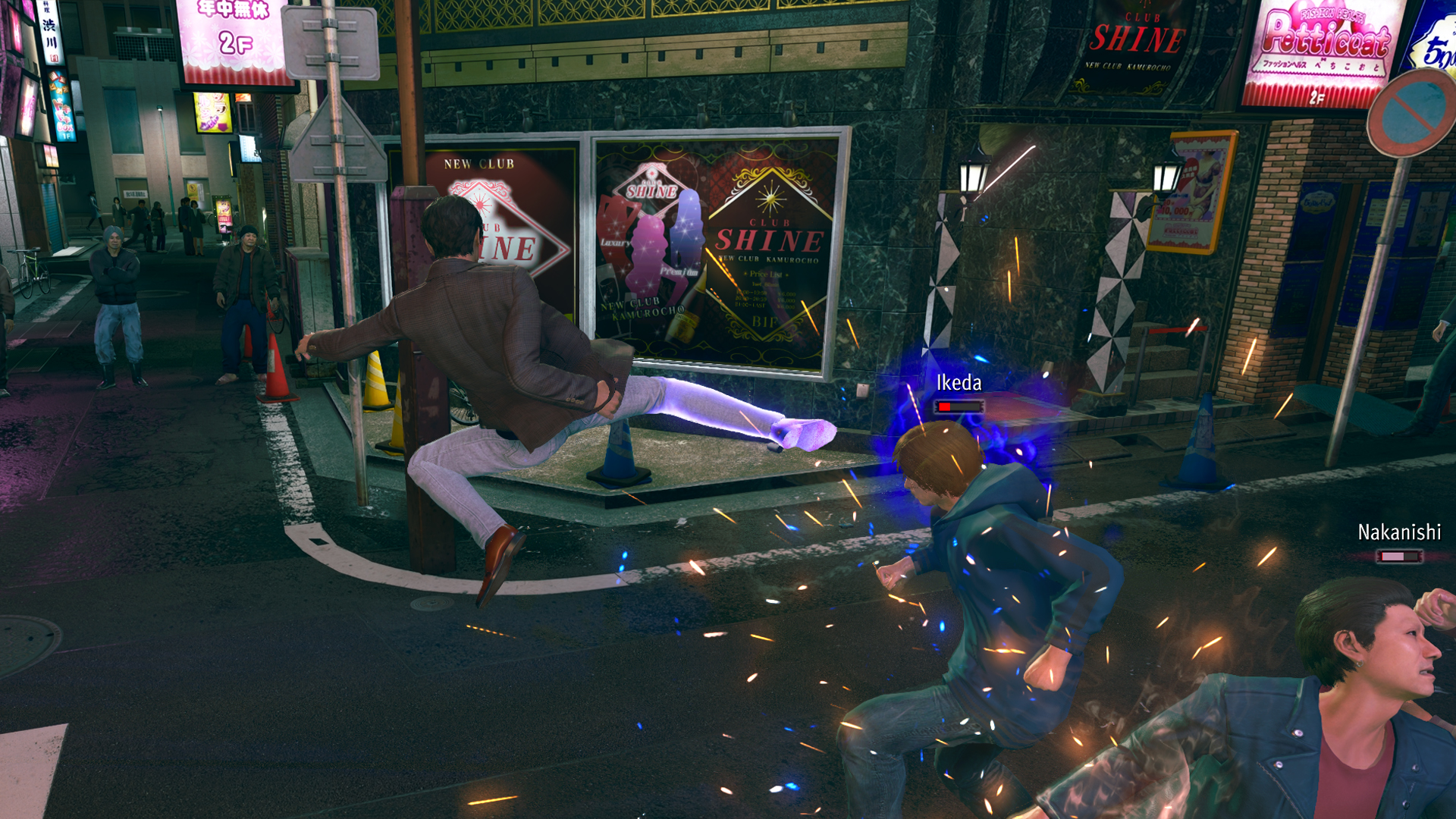
Mine’s fighting style feels smoother than Kiryu’s. He uses quick jabs, kicks, and grapples, similar to Judgment’s Yagami. For me, it’s more enjoyable to beat people up, compared to Kiryu’s slower beat-em-up approach.
Character-wise, Mine is also much colder. Seeing him go through the usual shenanigans of Yakuza’s insane substories is funnier and is much more refreshing because I’ve seen Kiryu go through the same schtick so many times in the past. It’s even funnier that his main goal is to help Kanda rebuild his reputation by doing good deeds around town while pretending to be him.
The side content is much better
As with every Yakuza game, Yakuza Kiwami 3 has secondary game modes that can suck in hours of your time. This time, the main game has two new ones: Morning Glory and Bad Boy Dragon.
Morning Glory is a Stardew-Valley-type mode where Kiryu manages the orphanage of the same name. By doing various minigames, such as sewing and cooking, he increases his reputation as a dad with the kids under his wing.
In the past, I’ve had problems with the franchise’s more laidback game modes, such as Infinite Wealth’s awful Animal Crossing island game. This one, however, is a perfect length. There’s a bit of a grind, but it’s short enough to be completed in one or two sittings.
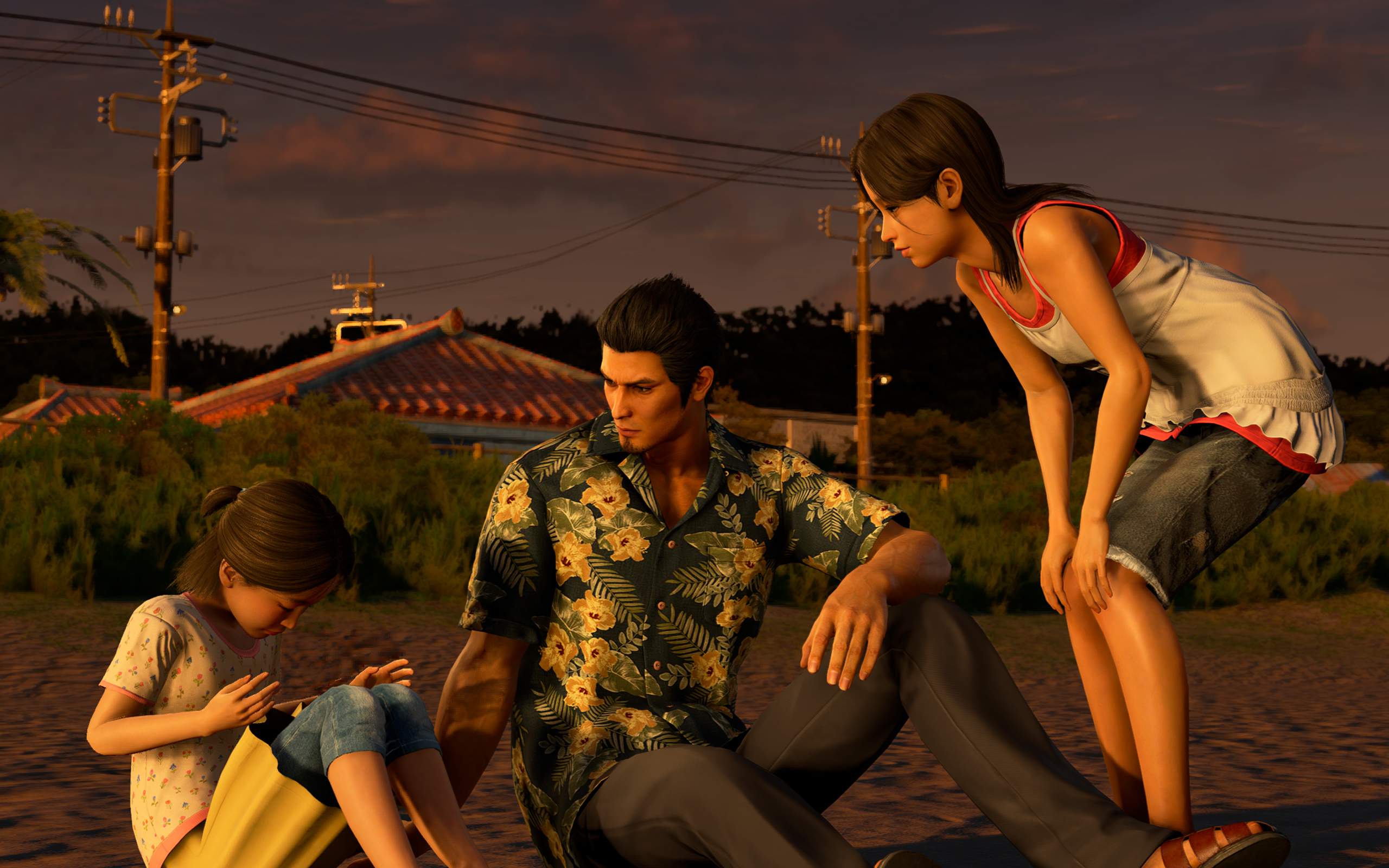
Morning Glory feels more fleshed out.
The same goes for Bad Boy Dragon. In this one, Kiryu helps a female biker gang become the best biker gang in all of Japan. The gameplay is very similar to Pirate Yakuza’s Pirate Showdowns. It’s all about beating stronger and stronger gangs in combat.
Dark Ties has its own side content called Survival Hell, a dungeon crawler mode. Enemies get stronger with every level, so you have to collect “Gospels” that bolster your strength while inside the dungeon. Once again, it’s much shorter than previous modes of the same type.
All of them are enjoyable without dragging too much of your time. It also helps that you can earn big money by completing these modes. For example, completing Survival Hell’s hardest dungeon can net you over 25 million yen at least.
But, again, do we need the remake?
These are all well and good, but we still haven’t answered whether or not Yakuza 3 really needed a remake.
As I played through the game, it became clearer why we’ve gotten to this point. There are subtle to not-so-subtle changes to the story.
Ultimately, it helps with the continuity between games. It’s like the Rebuild of Evangelion but for the Yakuza franchise. However, I can’t help but wonder if fan service was a stronger motivator than building a more cohesive story.
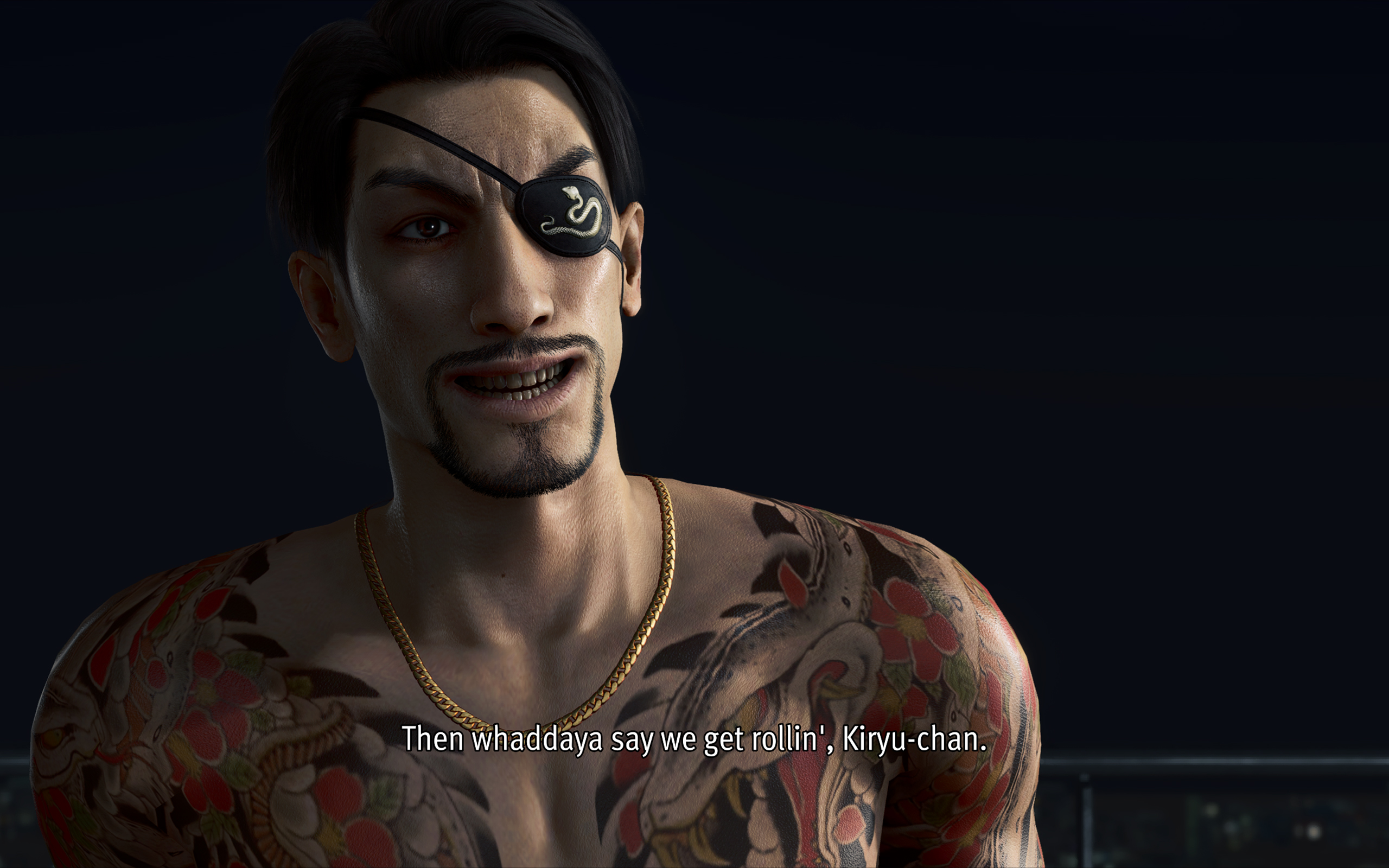
For example, one of the new substories in the main game involves a fortune teller. When she tells Kiryu’s fortune, she references a major plot point in Infinite Wealth, a game that’s set so far into the future from the events of Yakuza 3. It feels a reference just for the sake of making a reference.
The franchise is getting to the point where there are more references and tapping into old wells than introducing new stories and characters.
Is Yakuza Kiwami 3 your PlayMatch?
As its own game, Yakuza Kiwami 3 & Dark Ties works well as its own game. By now, the franchise has perfected the Yakuza formula. It knows how to deliver an enjoyable experience. I wouldn’t have spent 60 hours on it, if it was a bad game.
However, with a reskin that doesn’t stand out from its predecessors and all the self-references, the game struggles as a remake. If you haven’t played the original, the remake is good to get you up to speed with the franchise’s story. However, if you enjoyed the original, there’s hardly any compelling reason to play through this pared-down version again.
Well, except maybe for the Dark Ties content.
Laptops
TECNO MEGABOOK K16s 13th review: No-frills beneath those grills
All-around laptop without messing around


Believe it or not, the last time I held a Windows laptop was back in 2022. It wasn’t even a conventional one. Rather, it was a gaming hybrid — or a laptop and tablet rolled into one. That was a short escape though.
After being a religious Mac user since 2016, it’s high time to re-experience Windows four years after that very limiting ROG review.
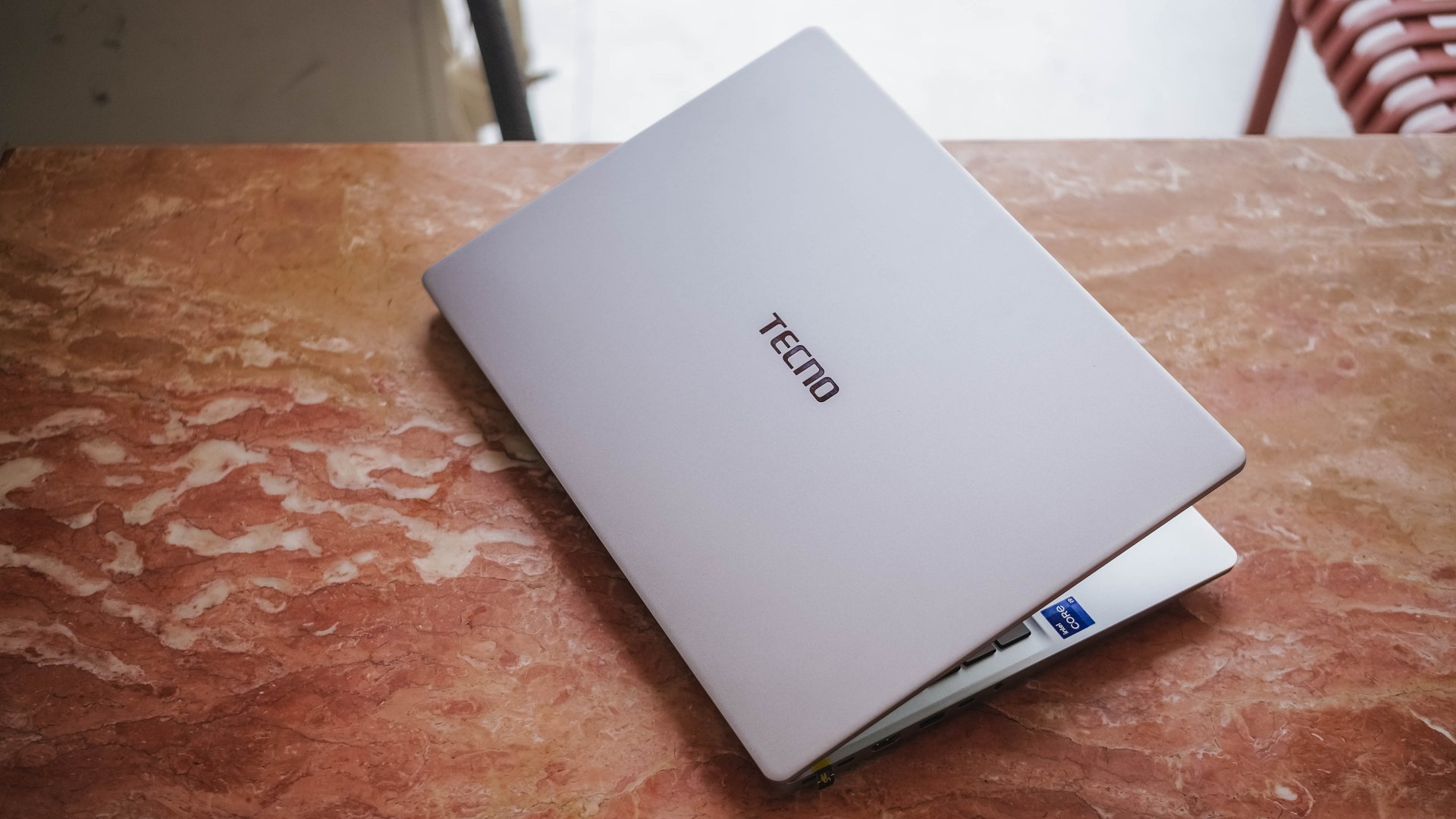
Here’s my 16-day stint with the TECNO MEGABOOK K16s 13th – Intel Edition.
All-metal clad that’s far from being bad
Gone are the days of Windows laptops that are icky plasticky.
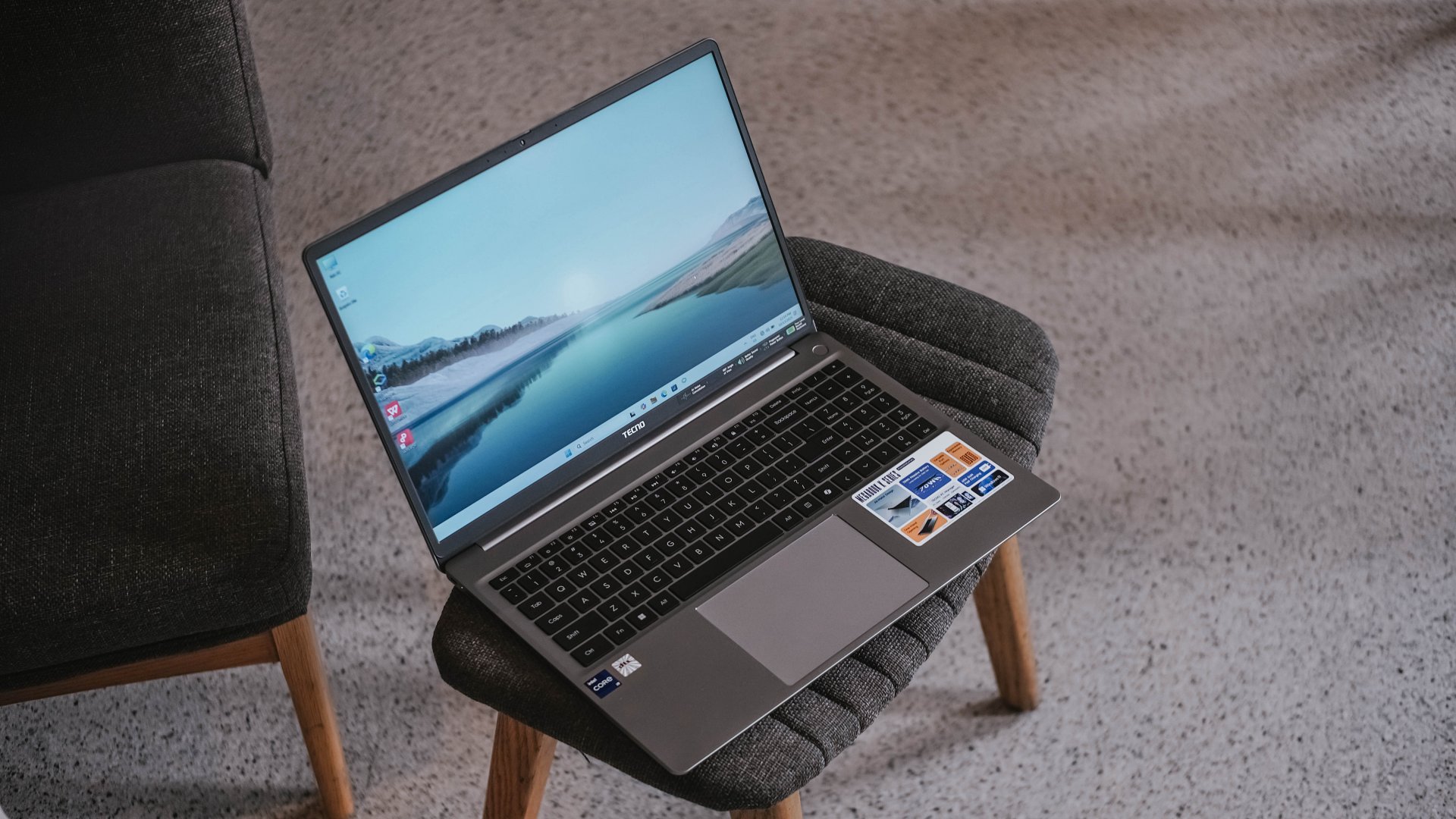
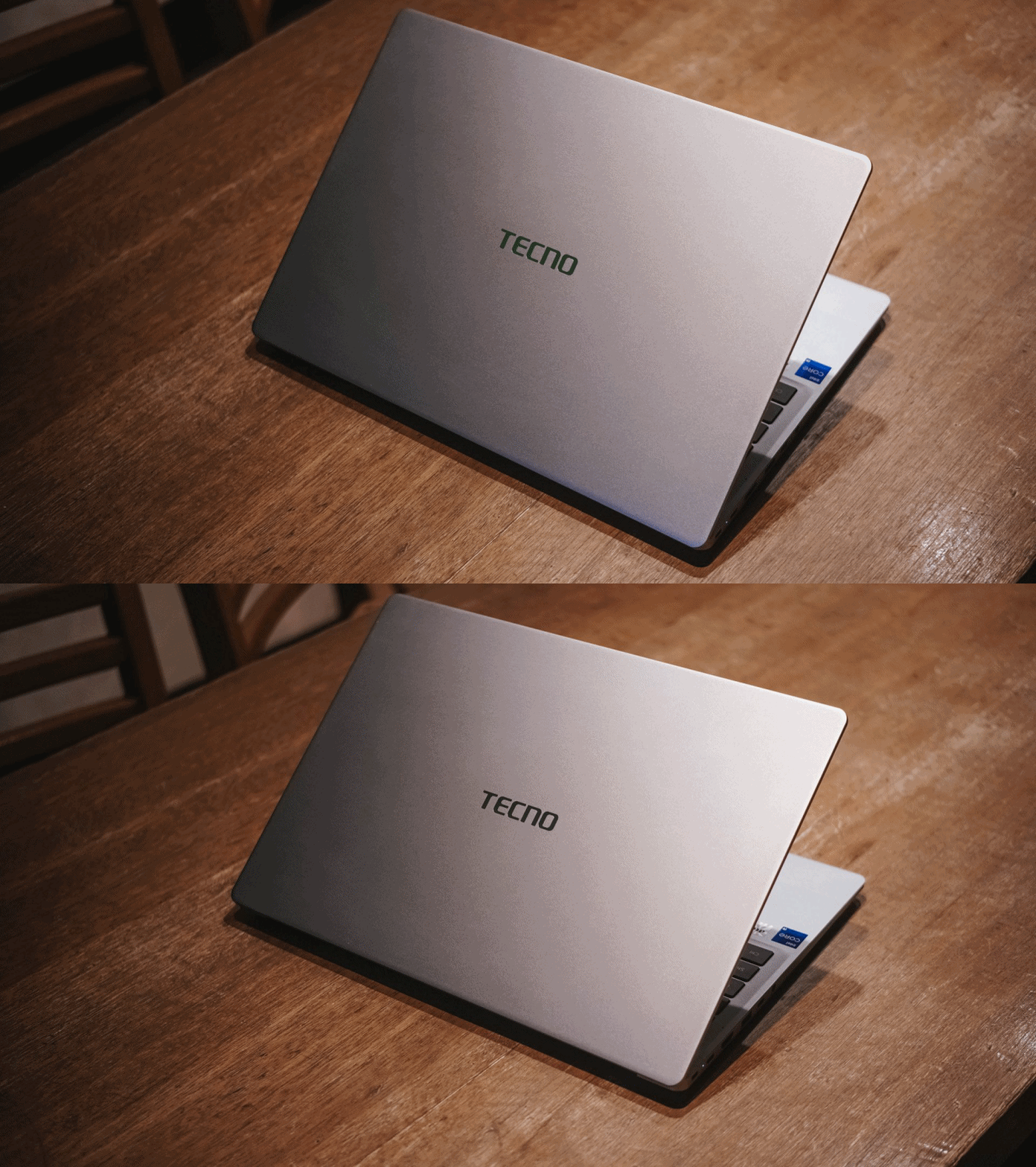
If it is not evident enough, the TECNO MEGABOOK K16s 13th uses real metal. It looks and feels solid. And by that, it has characteristics of being decently hefty and light at the same time.

The only problem with this finish is how much of a smear magnet it is. But hey, at least it’s on par with my 2023 MacBook Pro for this smudge madness (or smudge-ness in my vocabulary).
With a laptop this size, port selection should be the least of its concerns.

It has twice the USB-C and USB-A 3.1 ports, as well as inclusions of HDMI 1.4, Ethernet / RJ45, and 3.5mm audio jack. Kensington lock is still present as well — not that it’s badly-needed.

If I were to nitpick, two things that ick me are the arrangement of ports. Look at how inconsistent they are, much like seeing your disorganized spoons, forks, and knives in a single tray.

Another would be the inclusion of a microSD card slot instead of a regular SD one. I don’t get how the latter was not chosen especially with its sheer size.
Now Playing: Can This Love Be Translated 🗣️🔥⁉️
Just like waiting to re-experience a Windows device, the same can be said when I waited for the premiere of the K-Drama “Can This Love Be Translated.”
The title was already compelling to begin with. That curiosity sparked twofold upon knowing that my two favorite stars (Kim Seonho and Go Younjung) will steer drive the whole series.

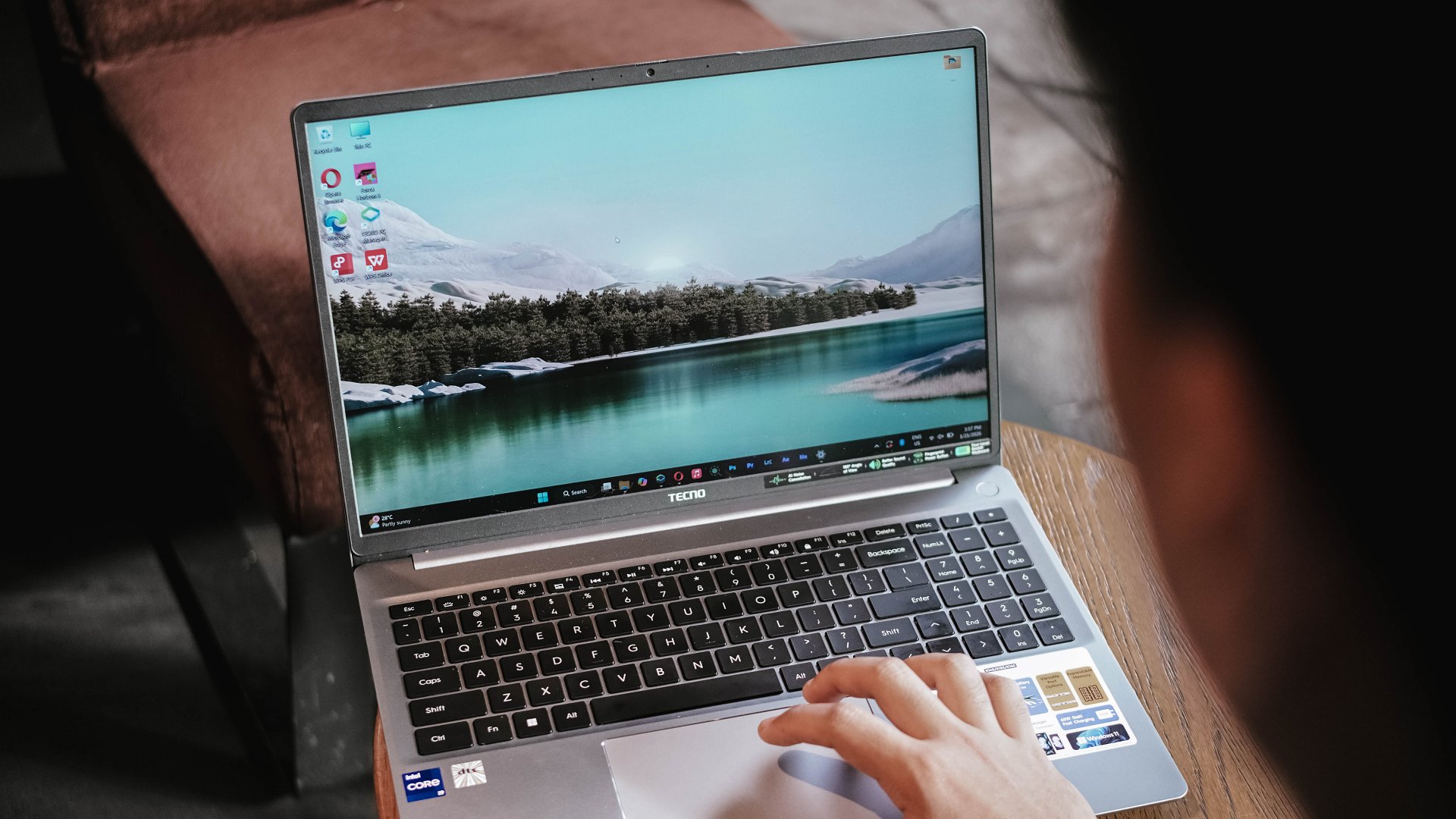
Speaking of star, the biggest star of this laptop has got to be its massive 16-inch display.
Not only I was able to reinvigorate my heart with the rom-com scene of Joo Hojin and Cha Muhee in front of that dreamy Mt. Fuji scenery.
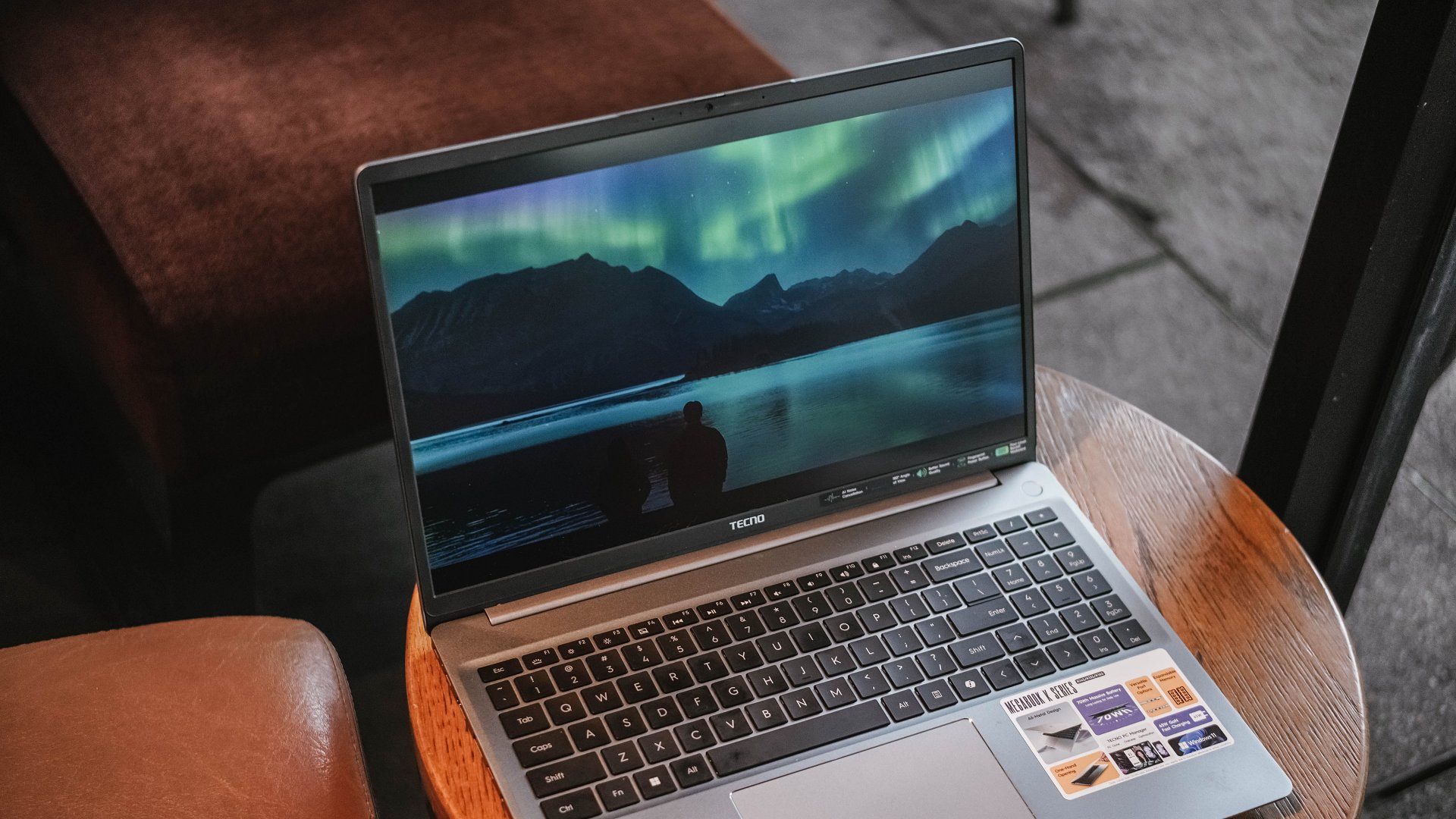
Their Aurora Borealis scene was also breathtaking. Although not as vivid as other displays, its max brightness felt just right to make the visuals pop against that harsh sunlight.
And while we’re already at it, the matte coating of the K16s 13th has been a real savior. It’s more useful for users (like me) who work at cafés with large windows every once in a while. My MacBook Pro definitely loses this fight with its awfully reflective panel.

While it is not, in any way, greater than any other OLED display nor some panel with a 120Hz refresh rate, it still feels justified considering where the K16s 13th is positioned in this vast laptop market.
On Queue: EXO’s REVERXE, ZB1’s Running To Future,
My idol anticipation doesn’t stop there. EXO’s much-awaited comeback as a full group is another one. Then, there’s ZEROBASEONE’s release.
These comeback promotions should sound good, right? Well, not really.
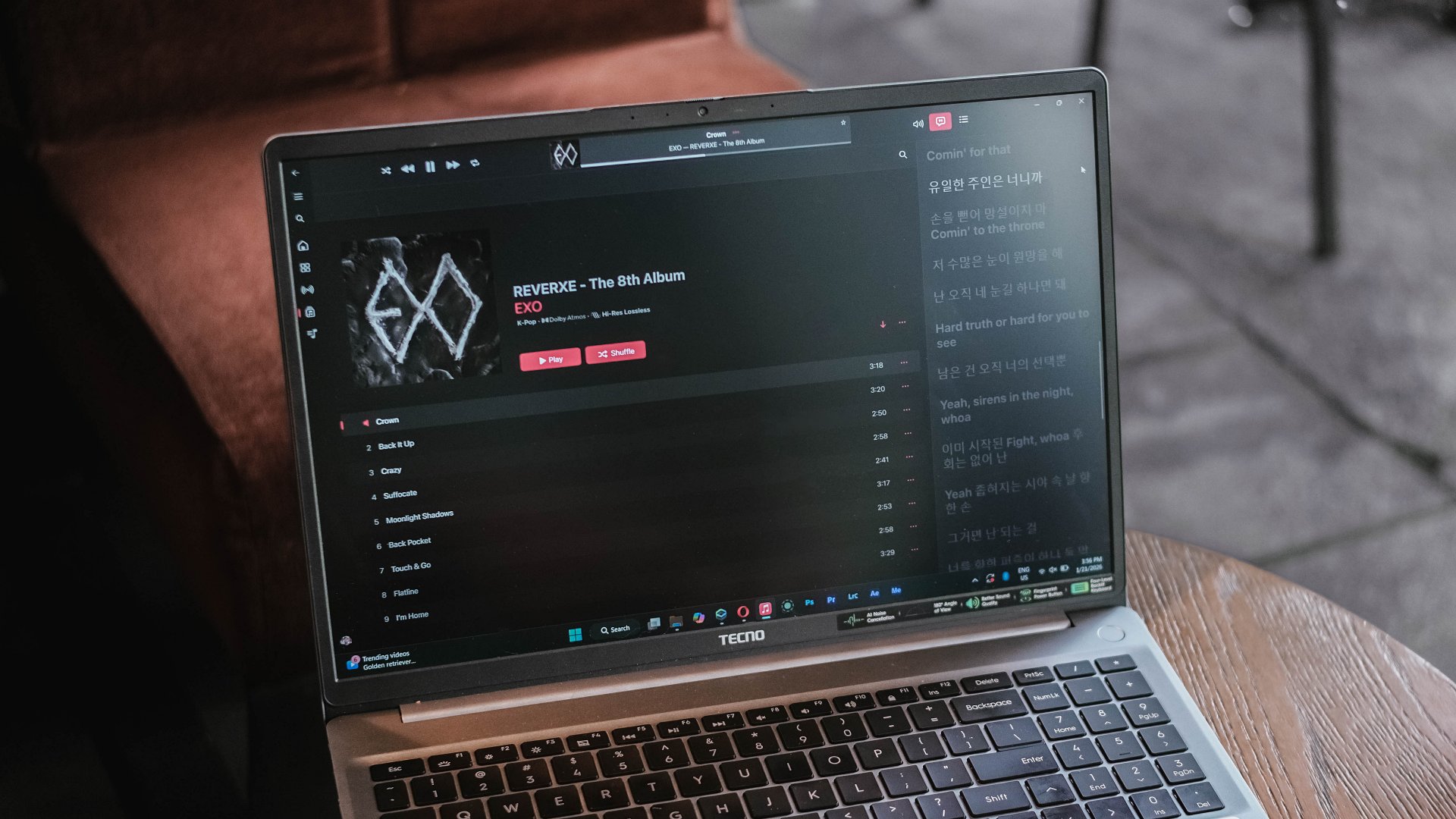
EXO is coming back with three missing members, all because of a justifiable lawsuit against their agency.
On the other hand, ZB1 is coming back — but, for the last time as they will disband real soon after completing their 2.5-year contract as a project group. A real disadvantage of a group being formed during a survival show.
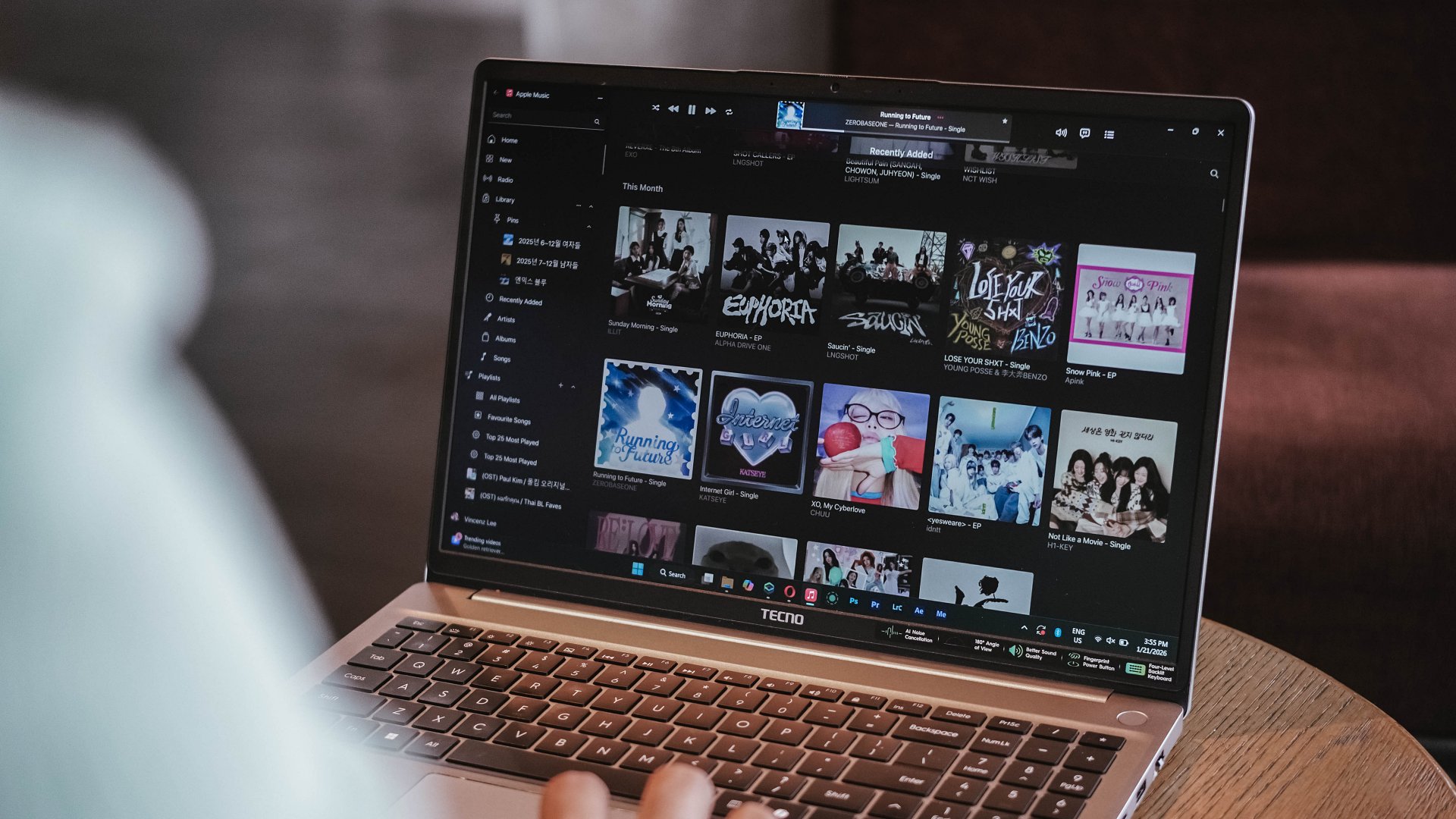
Just look at how cohesive the K-Pop album covers look for January 2026
Much like all that bittersweet aftertaste, I can relate the same feeling with the MEGABOOK K16’s speaker setup.
On paper, TECNO says it’s a master-level 2.5W 4013 quad-speaker setup that delivers 300% louder volume. I am not sure how it was tested nor compared.

Without much comparison, it’s adequately loud. However, it lacks the fullness and all the necessary thump and oomph to make the sound fuller than ever.
This just means a big laptop isn’t directly synonymous to having a greater audio system.
Unparalleled performance for its price
NGL, I have been spoiled by power-packed laptops especially for the creative work that I do.
That said, the MEGABOOK K16s 13th is far from being a slouch with the Intel Core i9 (specifically the 13900HK) at its core. That’s then paired by Intel’s Iris Xe graphics, alongside 32GB of memory, plus 512GB of SSD storage.
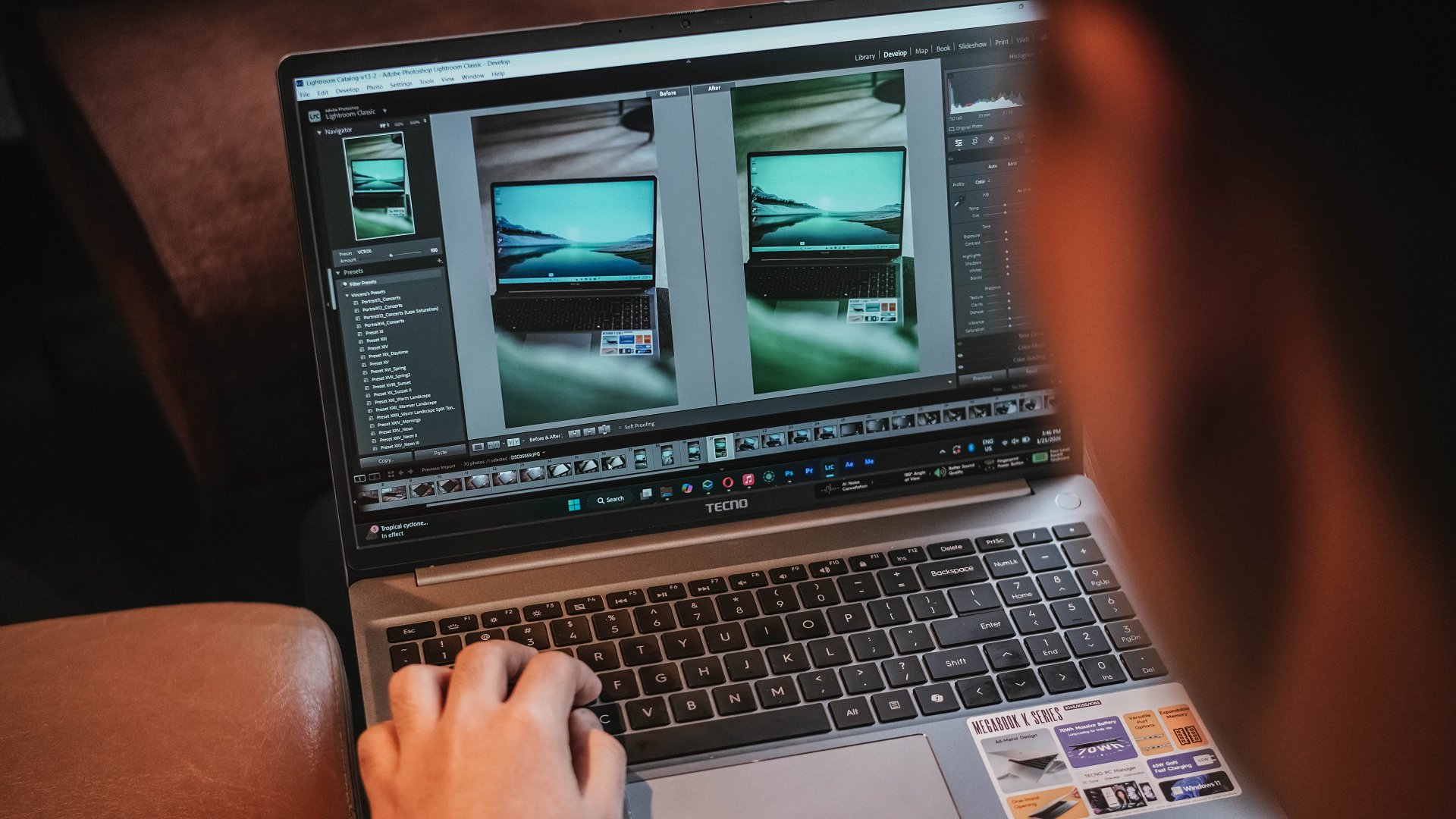
Without a hitch, I immediately installed all the essential creativity apps I use.
Lightroom is less demanding so post-processing the photos I took for the MEGABOOK K16s 13th was easy-peasy.
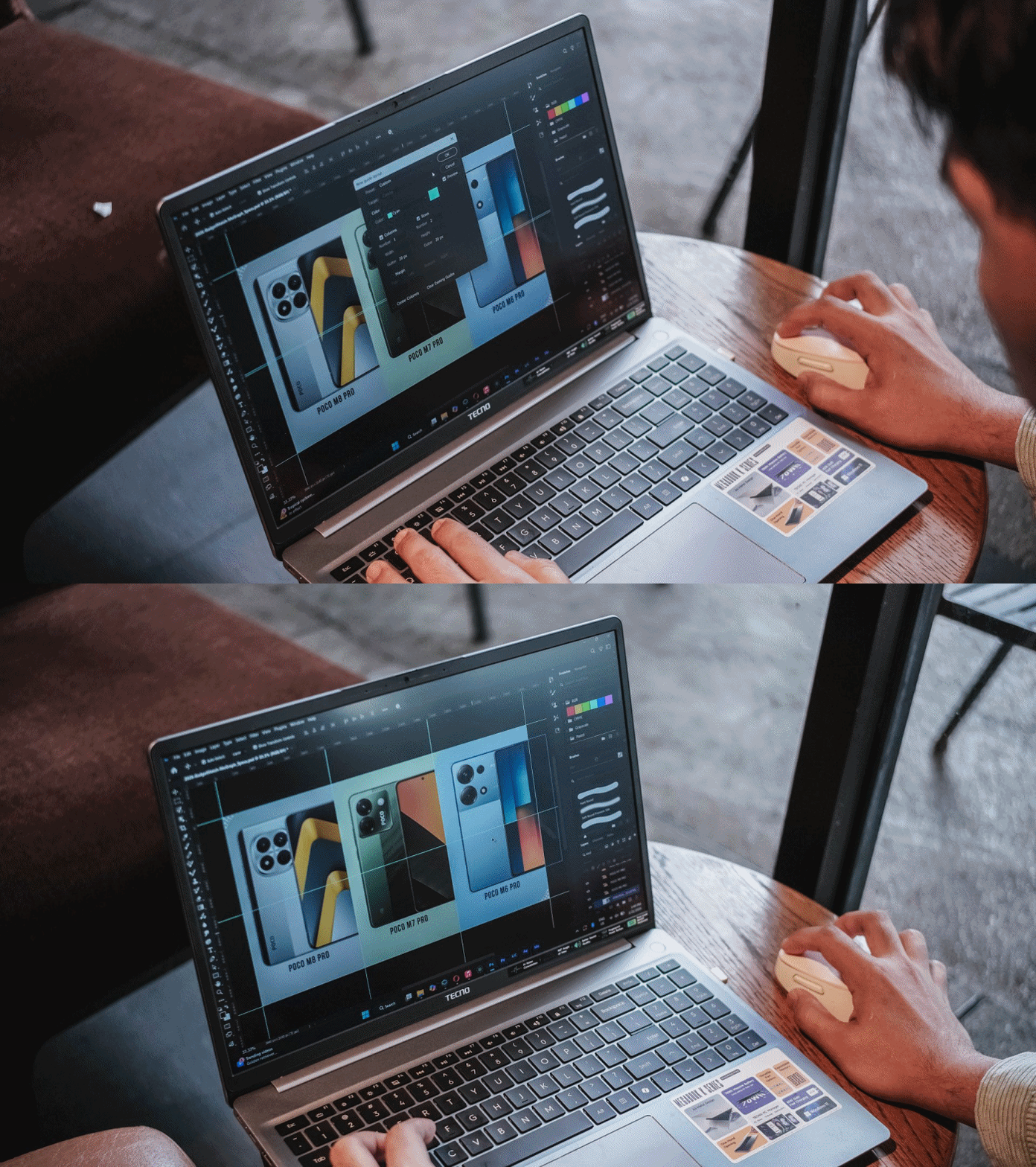
I then managed to make static graphics using Adobe Photoshop for another review article.
As for Premiere Pro and After Effects, you can still scrub through heaps of layers with tolerable amount of hiccup considering how packed my timeline was.

This laptop boasts a cooling fan system that kicked in heavily when the laptop was in dire need of releasing all the heat within — which went out through its four air vents.
Work-life balance achieved
My test doesn’t end just yet. I have installed both the Forza Horizon 5 and Euro Truck Simulator 2 for greater measure.
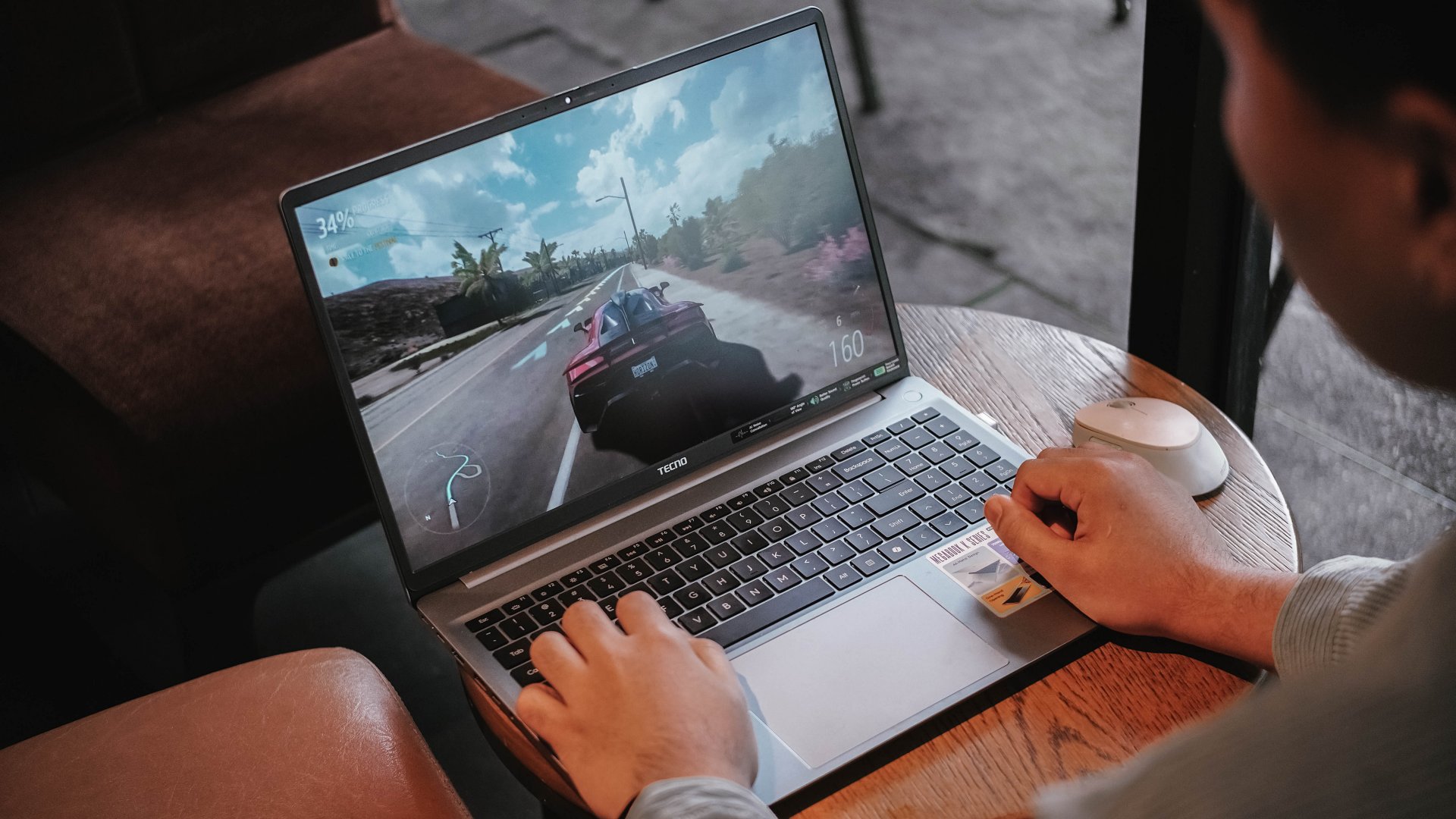
As expected, having integrated graphics (and the lack of a dedicated graphics) mean lower graphics support.
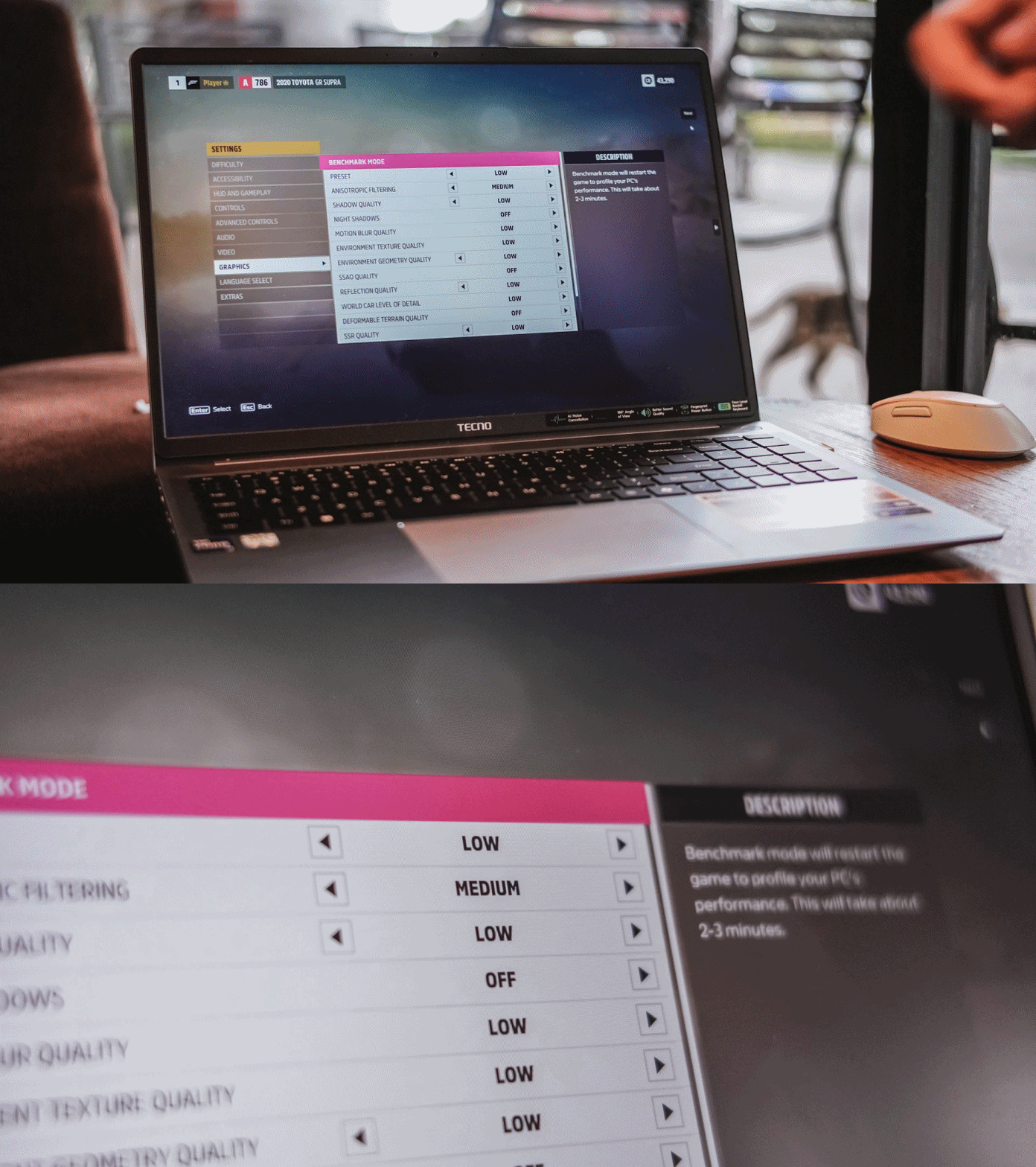
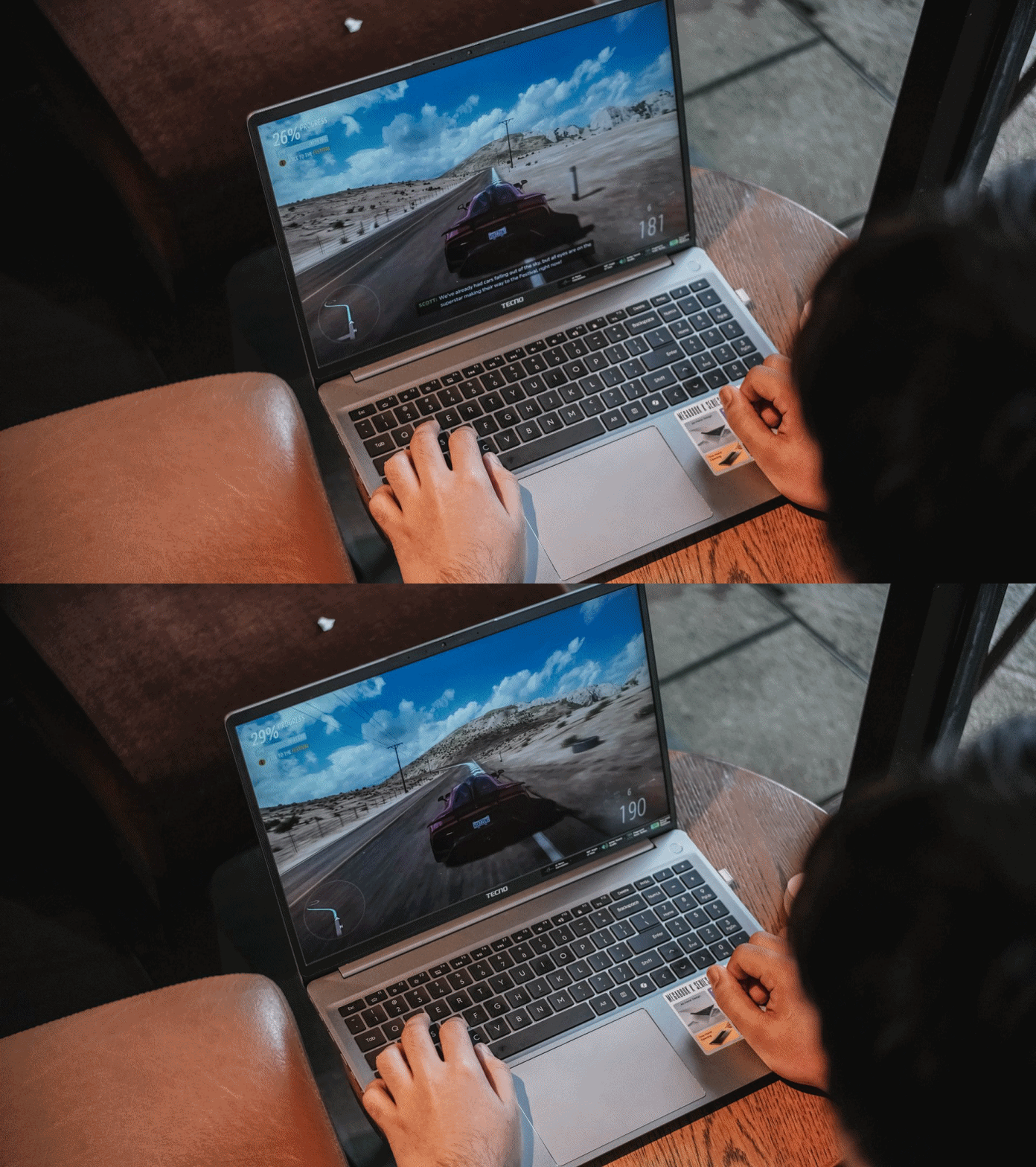
Surprisingly, both titles were playable enough. I enjoyed playing Forza Horizon 5 even in the lowest playable setting for more than 30 minutes — just with some stutters in between.
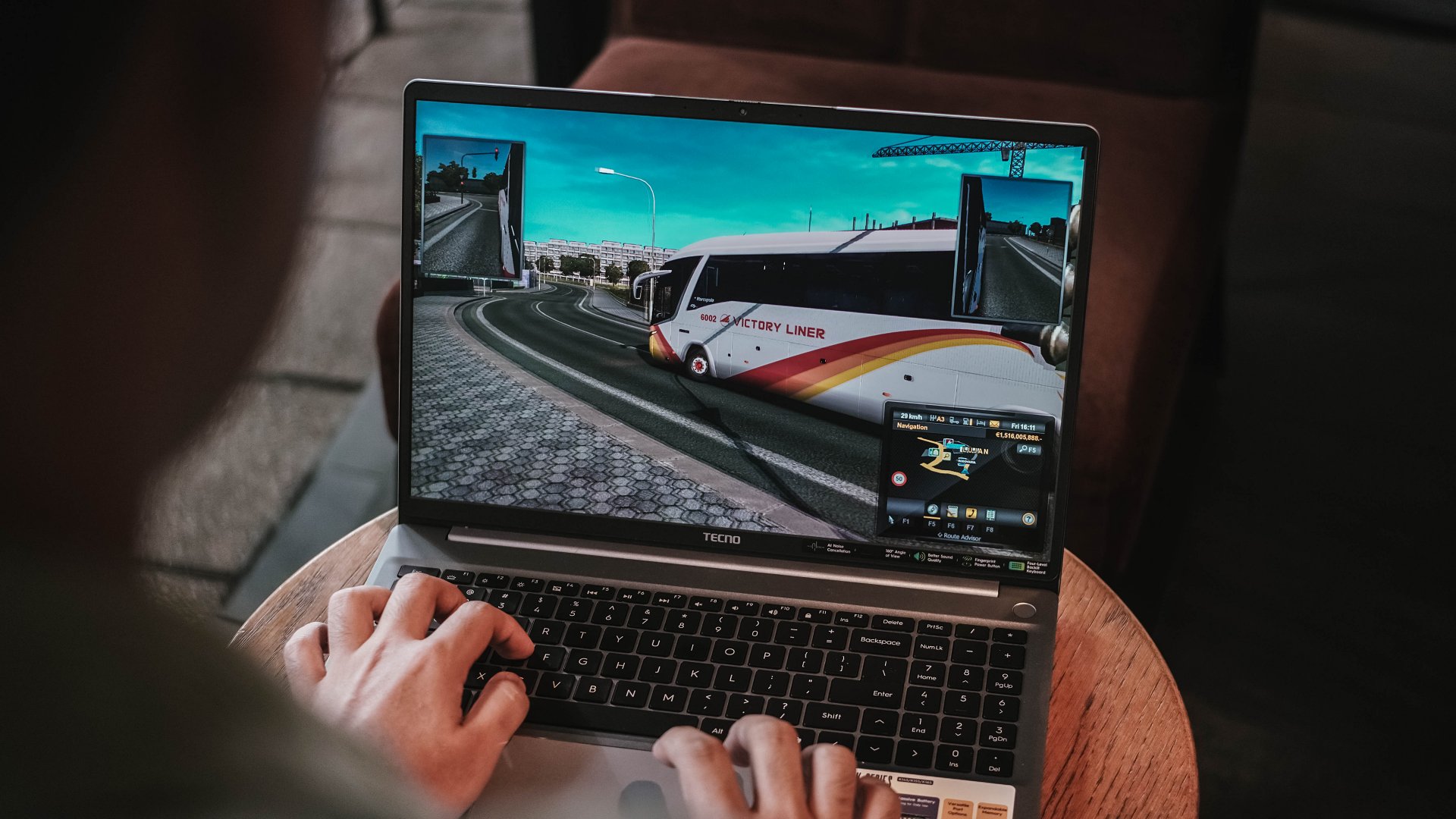
ETS2 felt smoother though. Driving the bus with the custom livery I made on Photoshop last 2019 was still working — and my pre-pandemic nostalgia kicked in.
Using the keyboard for playing isn’t the best thing in the world but it does the job — much like how I was able to write this review piece using the laptop itself.

As for the feel, the keys are more on the mushier side that felt like typing on a mashed potato. Not that I’m expecting a mechanical nor MacBook-level type of clickiness.

Good thing is, its trackpad supports gestures I’ve been heavily using since transitioning to a Mac.
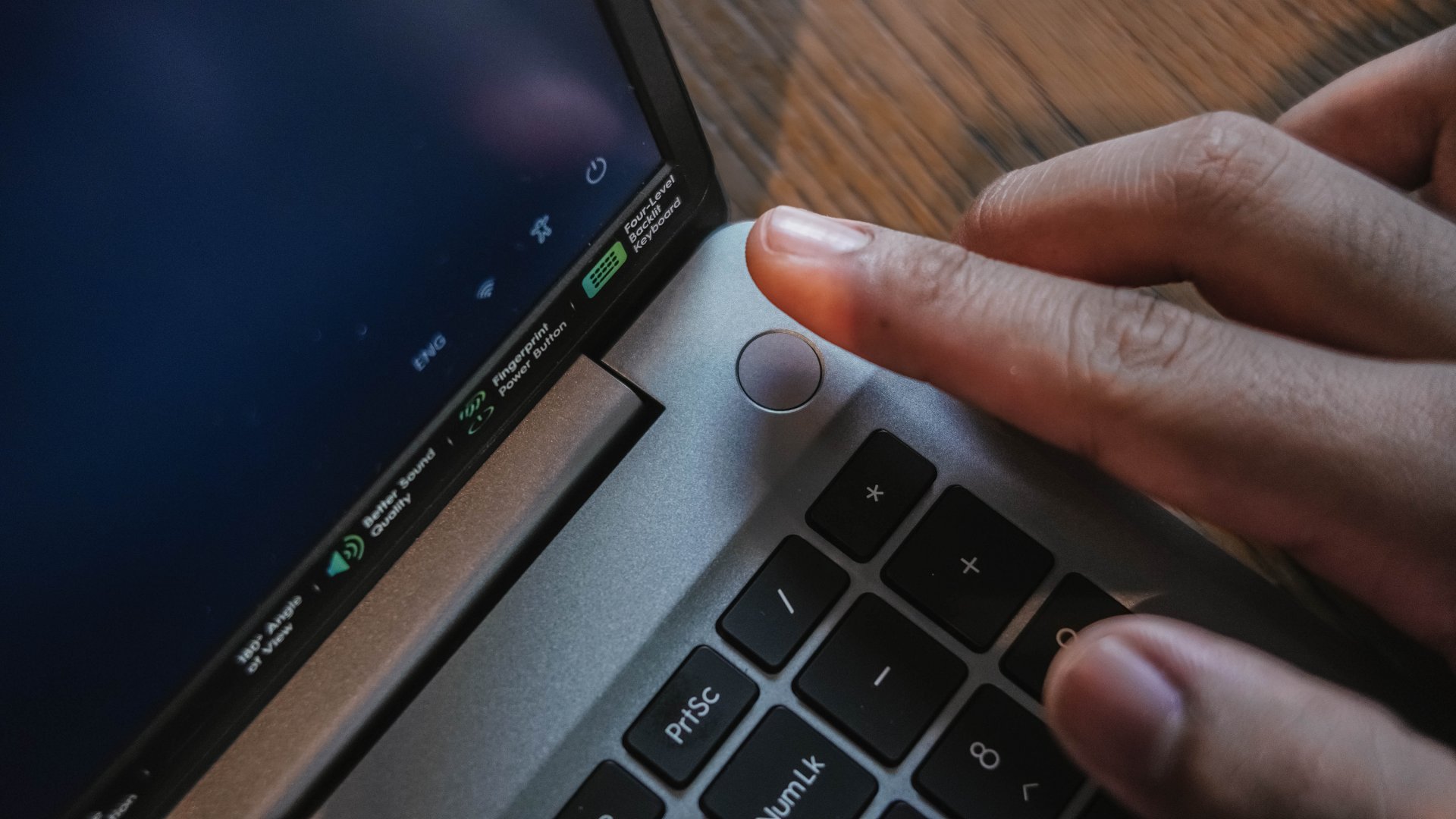
Security-wise, the TECNO MEGABOOK K16s 13th can be unlocked with your fingerprint button using the power button as the reader.

That 1MP webcam also has a sliding cover for that extra level of protection against privy hackers.
Enduring that endurance
For the most part, the 70Wh battery of the MEGABOOK K16s 13th delivers a satisfactory endurance.
You will not feel its gradual decrease for the most basic of tasks — writing notes, being in a call meeting, even juggling through tens and hundreds of webpages for your write-ups.

Even between consuming several hours of entertainment, the MEGABOOK K16s 13th can still manage just like any other modern-day laptop would.
With the excellency and efficiency of hardware components in this digital age, it’s hard to kill a laptop with these day-to-day habits.
That said, the MEGABOOK K16s 13th isn’t totally meant for anything graphics-heavy.
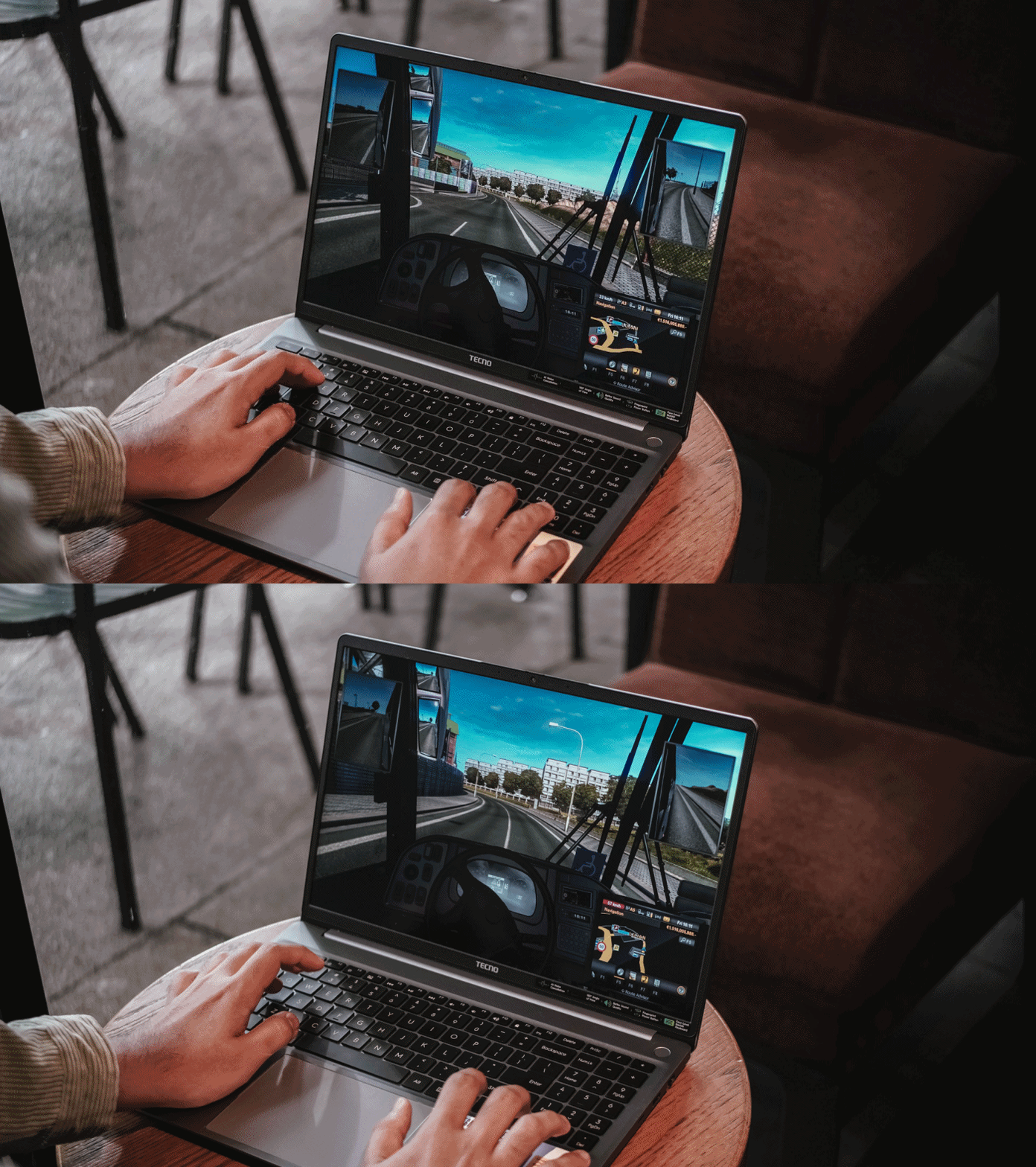
As one would (and should) expect, the battery level instantly descends the moment you enter the start screen of a game or export a 10-second motion graphic in After Effects.
For instance, after running Forza Horizon 5 for 20 minutes, it depleted significantly from 51% all the way down to 27%.
Fortunately, the MEGABOOK K16s 13th packs a 65W GaN charger out of the box.
Charging speeds isn’t all that great, though, as it will take a long time filling the battery from zero to the brim.
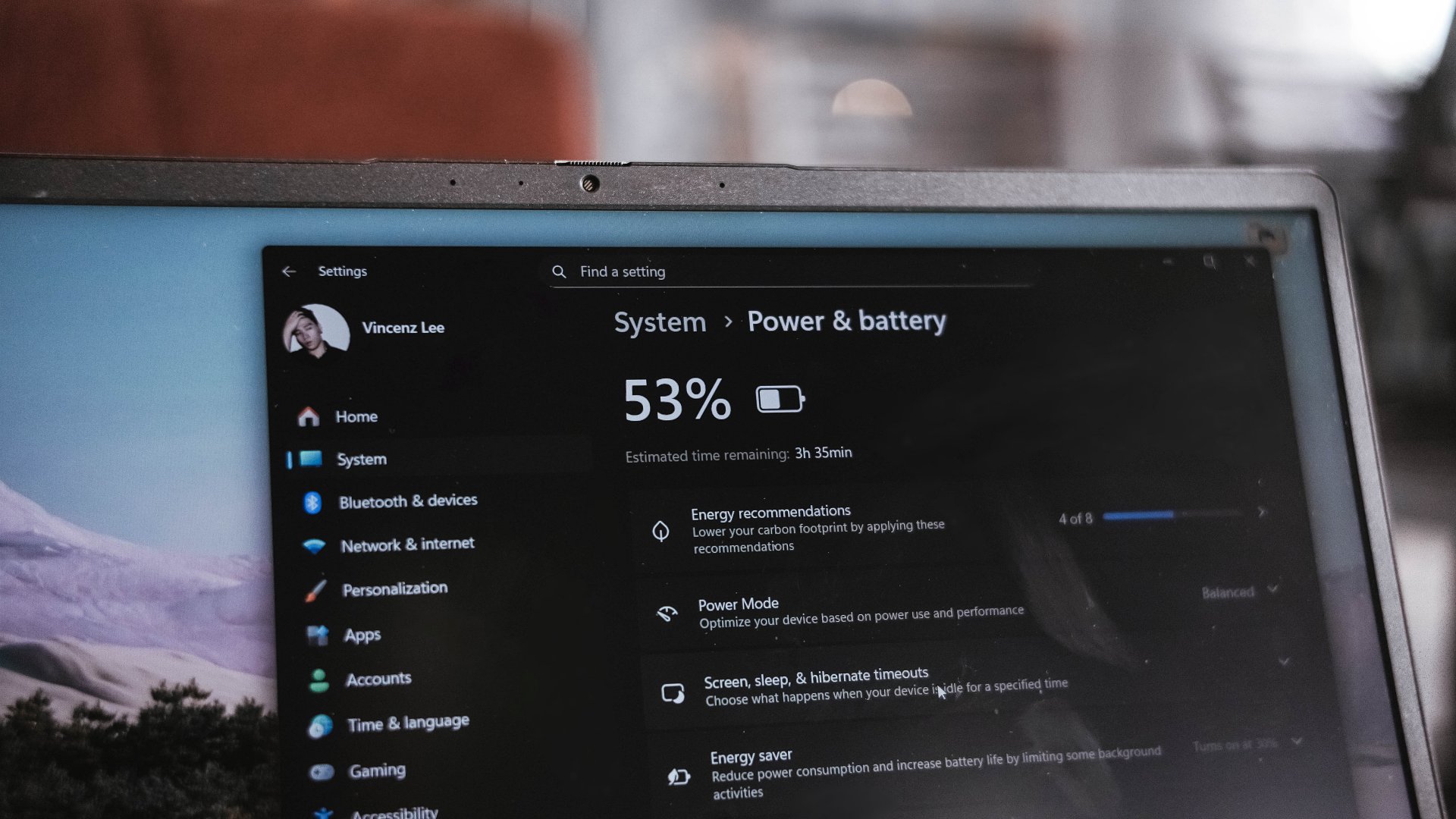
I have honestly given up my GadgetMatch Charge Test upon realizing that in the 45-minute mark, it was only able to fill it at 27%.
This just means that in order to enjoy your me time, you have to sit very near a plug outlet. Moreover, expect severe battery health degradation in the long run if you intend to use it for casual gaming.
“Win”dows is far from winning
Before being a Mac user last 2016, I have been a long-time Windows user. My youthful years made me experience Windows 98, XP, Vista, 7, and even as far as Windows 8.1. My university years in 2015? Relying on Windows 10.
Now that we’re in the era of Windows 11, it’s still far from being flawless.
Even before Fruitiger Aero aesthetics of Windows Vista, Apple was already way ahead of its time with the first iteration of the OS X dubbed “Cheetah” and its translucent UI elements along a cleaner overall look.
2.5 decades after, Windows is as cluttered as it was in its prime days. Settings are for one, file system for another.
Task Manager, Explorer, and even Recycle Bin still crash like crazy — even if the MEGABOOK K16s 13th is already equipped with a pro-grade processor in its core.
The lack of fluidity is also for another. It will really make any Mac user justify the “once you go Mac, you can never go back” saying. Reality speaking, Windows is far from winning over.

This isn’t a TECNO problem per se. It’s always been about Microsoft not fully immersing and polishing their software for the longest of time.
If you happen to own other TECNO devices, TECNO’s PC Manager saves the day.

That so-called “OneLeap Collaboration” not only enables seamless data sharing and file transfers between all your TECNO devices, it also has support for Multi-Screen or Remote PC.
PC cloning, laptop optimizations, even troubleshooting, can also be done in this one-stop app.
Is the TECNO MEGABOOK K16s 13th your GadgetMatch?
The TECNO MEGABOOK K16s 13th in the Philippines retails for PhP 46,999 — and I am not even surprised by this.
I have known TECNO as a brand for quite a while now. The MEGABOOK K16s 13th is another testament to the brand’s vision of bringing devices within the reach of consumers at the middle to the lower-end of the working class.
For those who need better performance, especially those who need intensive graphics power (emphasis on intensive), this is obviously a Swipe Left.
However, it’s a no-brainer Swipe Right for buyers who want a shiny new all-rounder laptop without spending a fortune.

Even with the similar price as the ASUS Vivobook S16, the TECNO MEGABOOK K16s 13th has the upper-hand with its more powerful 13th-Gen Intel Core i9 chipset plus Iris Xe graphics (versus the Core 5 + UHD Graphics pairing).
Being “basic” is neither a bad thing
The TECNO MEGABOOK K16s 13th is as “basic” as a Windows laptop can get — at least compared to a swarm of 2-in-1s, ultrabooks, creative powerhouses, and gaming machineries.

I am not saying this is a letdown. In fact, I have to commend the K16s 13th for being a simple yet straightforward laptop that delivers all the necessities without frills.

Although it’s the core definition of a “basic” Windows laptop, it’s still a powerful one — way beyond its price point. It should serve as an example of how “basic” Windows laptops should be in the first place.
The TECNO MEGABOOK K16s 13th is simply an all-around laptop that delivers without messing around.

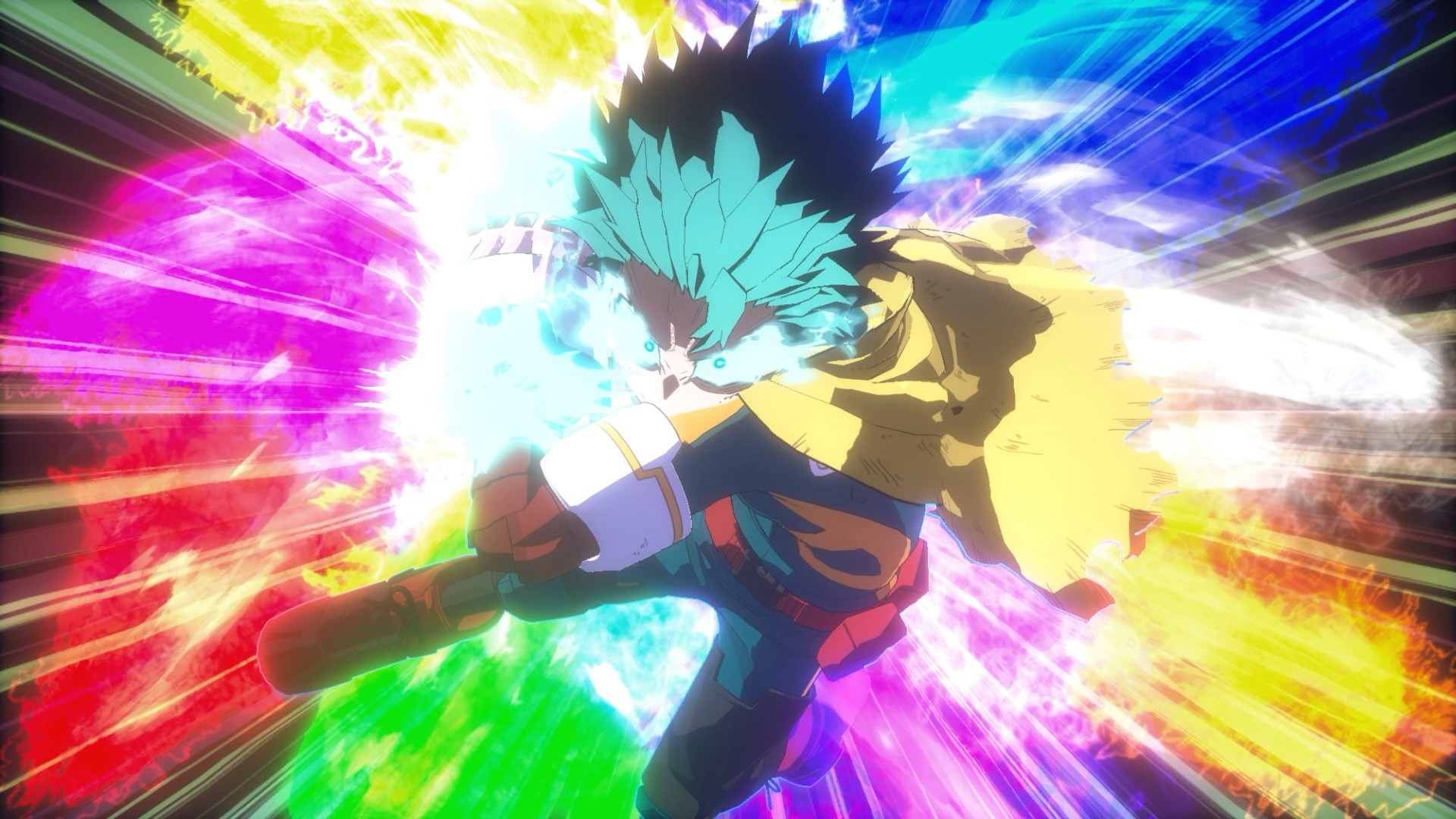
There’s a certain expectation that comes with a My Hero Academia game, especially one billed as the “final chapter.” You expect big emotions, loud battles, and characters pushed to their limits. After spending time with My Hero Academia: All’s Justice, it’s clear Bandai Namco isn’t trying to reinvent the arena fighter formula. Instead, it’s refining what fans already know and framing it around the series’ most climactic arc.
Early on, the game feels immediately familiar. If you’ve played previous My Hero Academia console titles, you’ll know exactly what you’re getting into. Combat rhythms, camera angles, and overall pacing don’t drastically change. For casual fighting game players like myself, the differences feel more granular than transformative, but that familiarity makes the game easy to settle into.
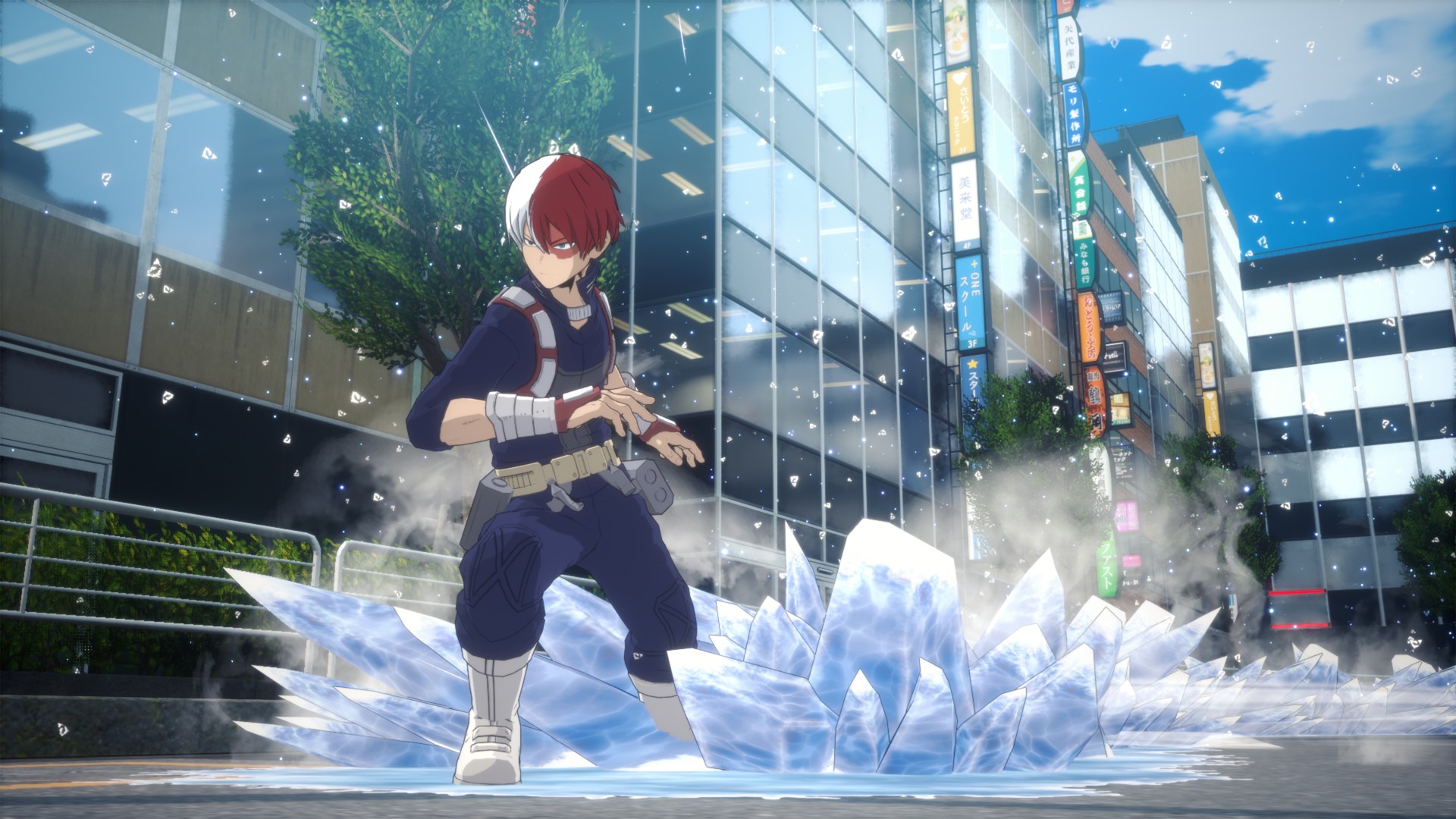
One notable addition is the dual control scheme: “Normal” and “Manual.” Normal mode smooths out inputs, lowering the skill floor, while Manual mode is the classic arena fighter setup. Normal works but reduces player agency in ways that feel unusual. Outside of combat, the game also replaces a standard menu with a city-like hub. Playing as Deku, you pull up a smartphone-style menu to access modes, subtly increasing immersion.
Combat and battle system
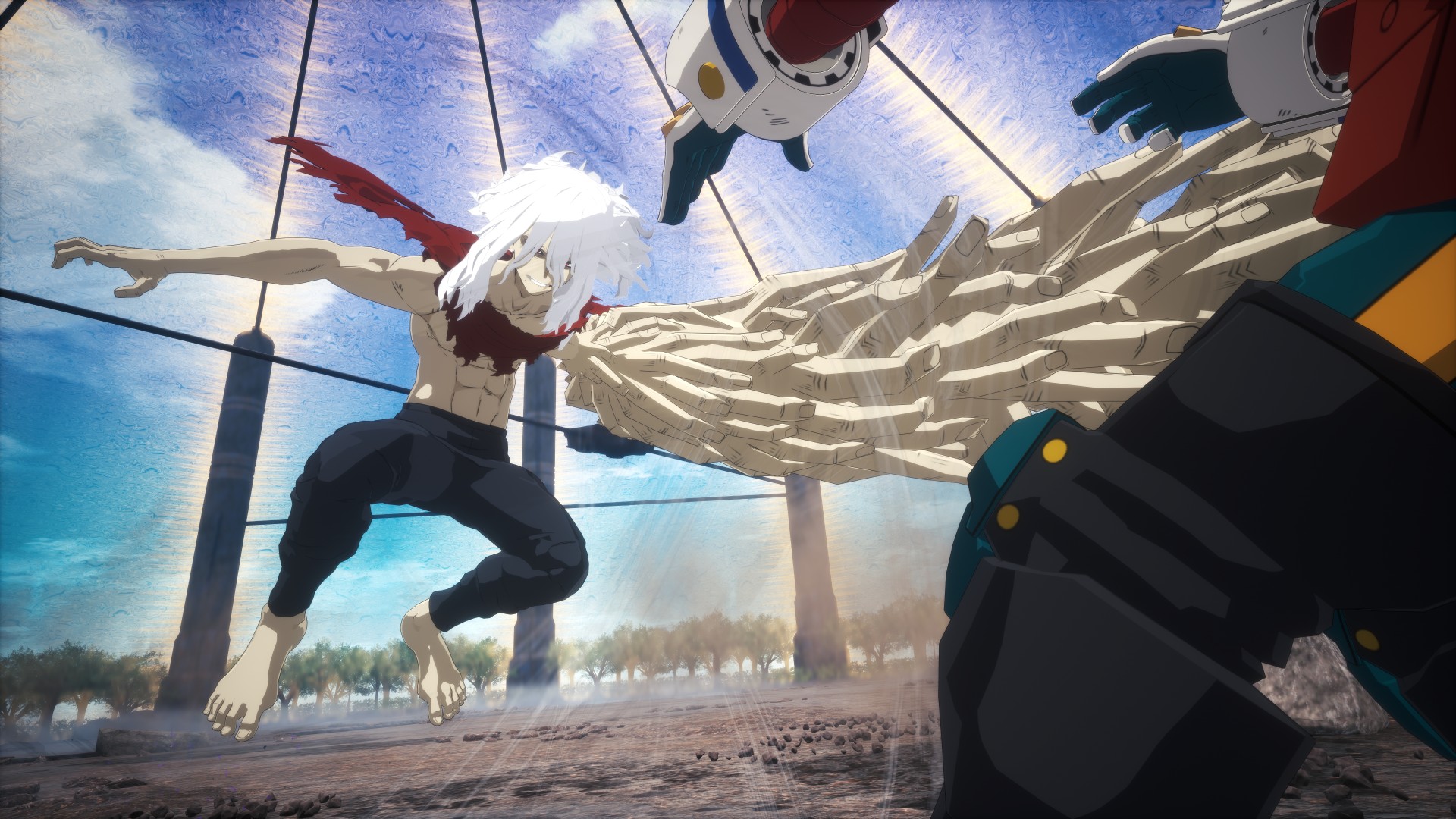
Combat feels largely unchanged in speed but leans more aerial than expected. Characters spend a lot of time in the air, creating distance and forcing you to think about positioning. Aggressive players may struggle, as patience and smart movement are rewarded more than constant pressure.
Quirks are intuitive, even for newcomers to 3D arena fighters. Visual indicators clearly communicate cooldowns and power states. Some Quirks are tuned for balance, but they still feel faithful to the anime. Ultimate and cinematic moves are satisfying and feel earned, never spammy.
Character variety is a standout. Deku, Bakugo, and Shoto share similar combat prompts, but their Quirks dictate unique movement, attack patterns, and space control. Deku, in particular, feels beginner-friendly, making him a natural starting point.
Roster and character balance
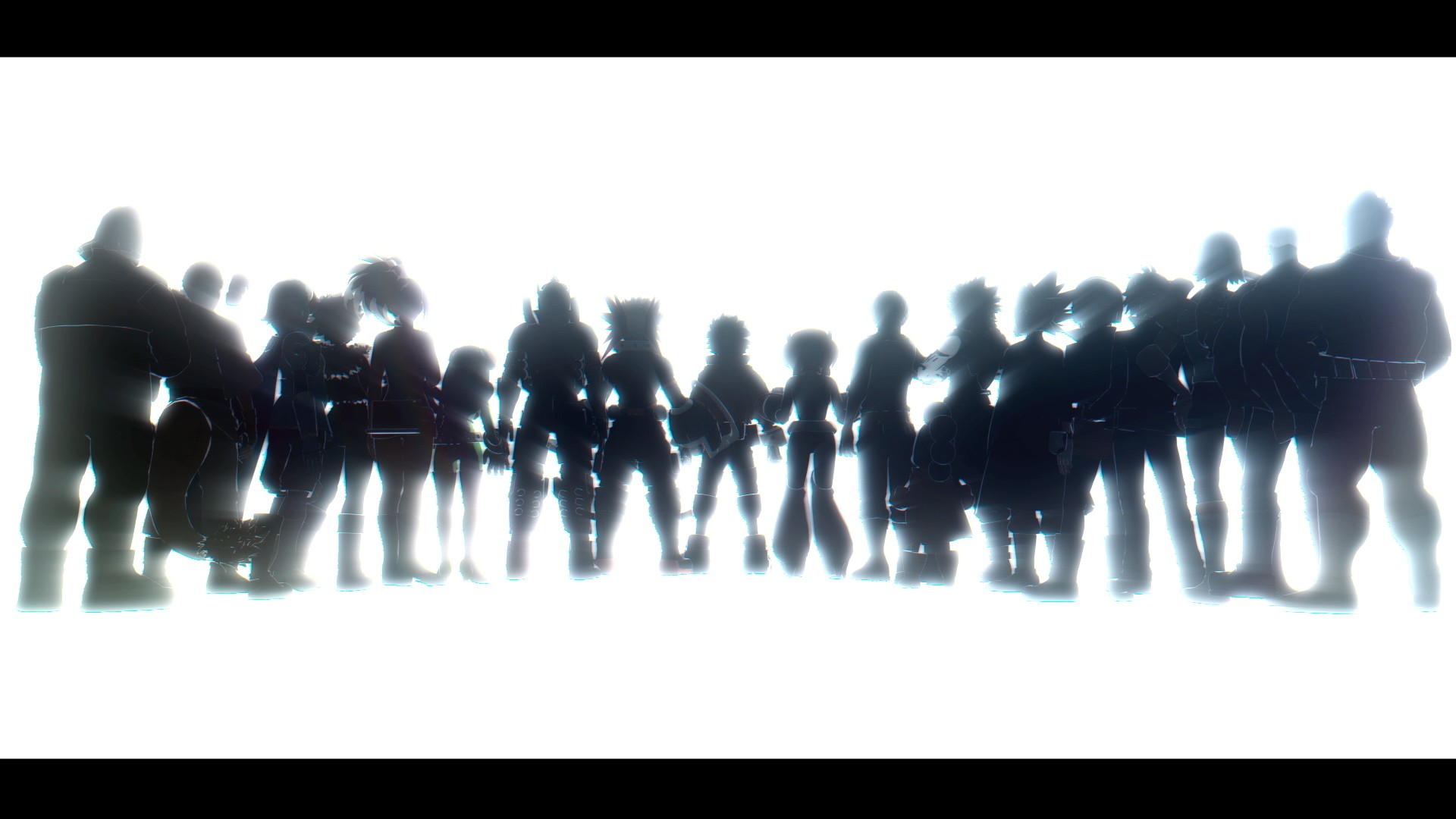
The roster feels large without overwhelming the player. Final-form characters aren’t instantly dominant; the true power spike comes when a character enters a “Rising” state after being the last fighter, gaining buffs across damage and abilities. Villains are just as enjoyable as heroes, with Dabi proving particularly fun to play. Story mode also presents moments of genuine challenge, such as facing multiple opponents at once.
While it’s early to speak on balance issues, the game seems thoughtfully tuned so far. Beginner-friendly characters include Deku, Bakugo, and Shoto, while other fighters may require more experience to master.
Team Up Missions
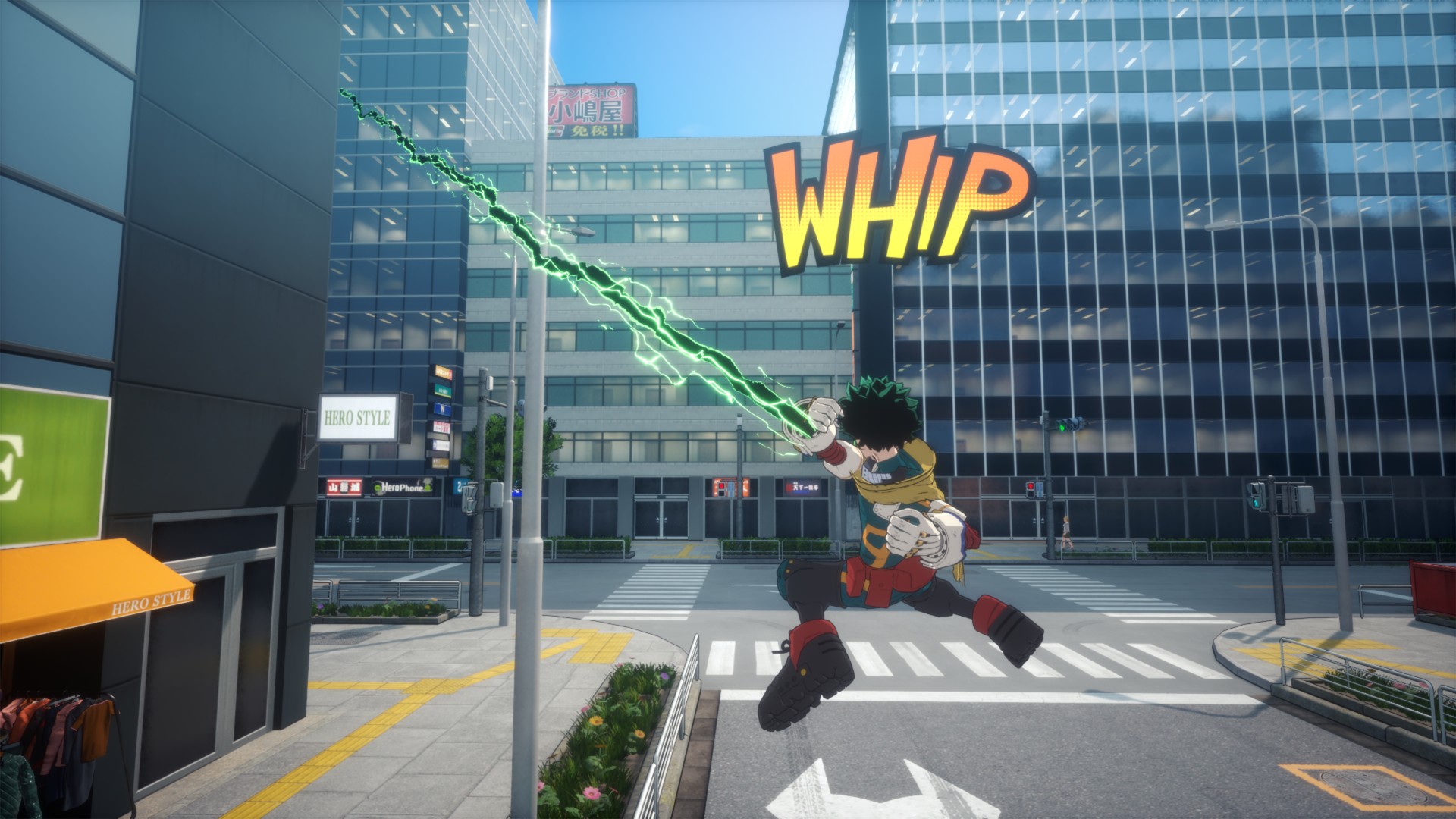
Team Up Missions offer shorter, varied challenges that feel like playable mini OVAs. While not essential to the main story, they unlock legacy battles and extra content for fans.
AI allies are competent and punish reckless play, which makes team composition matter more than cosmetic choices. While these missions don’t dramatically expand the fantasy of teamwork, they add fun replayable content for single-player fans.
Story and cinematic presentation
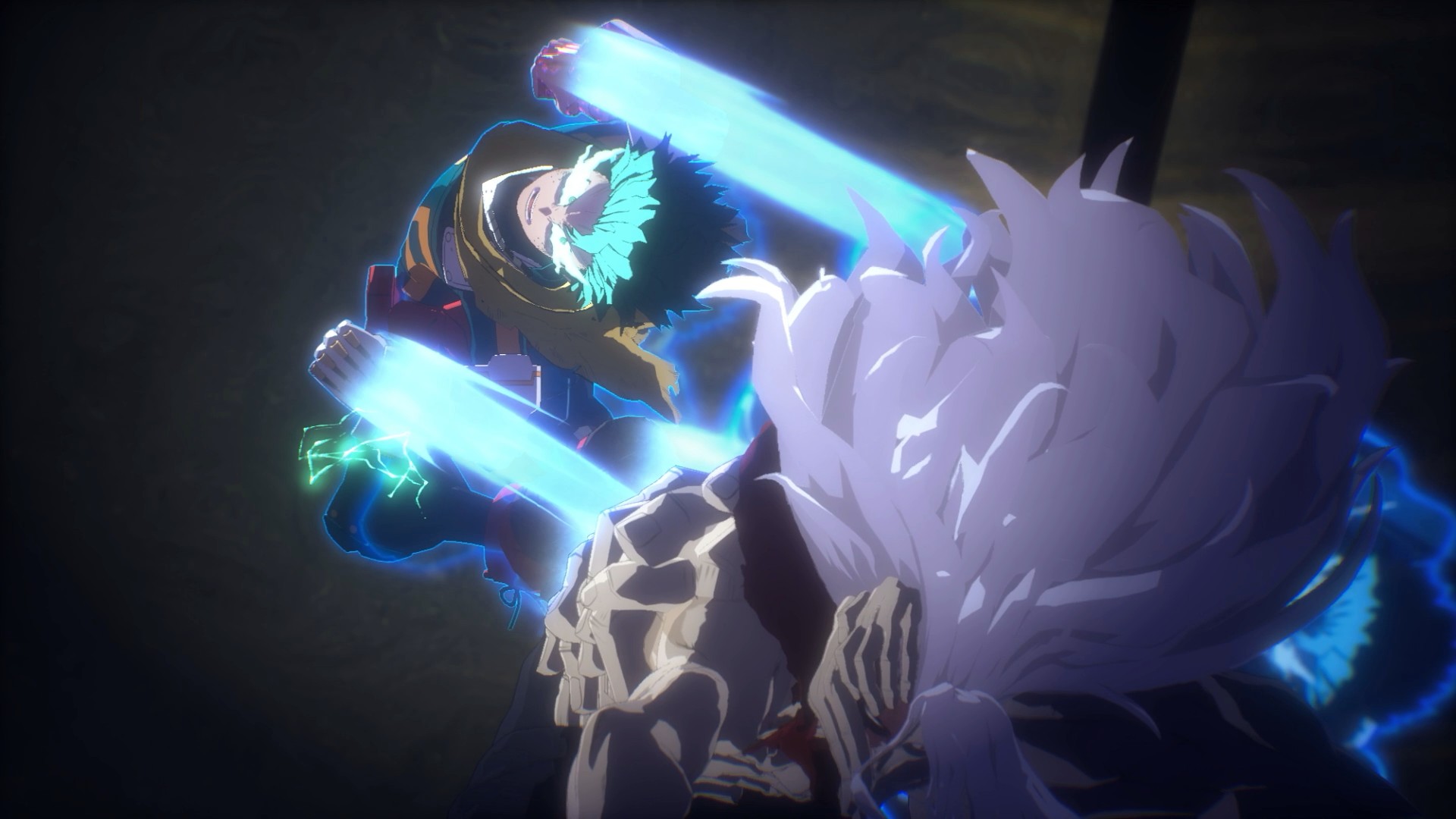
Story mode is where All’s Justice shines. Experiencing the Final War interactively delivers the same giddy excitement as watching those moments unfold in the anime. It evokes memories of the Naruto Ninja Storm series, balancing spectacle and fan service. Transitions between gameplay and cutscenes are serviceable—neither jarring nor groundbreaking.
The game assumes familiarity with the story, so newcomers may feel lost without prior anime knowledge. Battles often carry emotional weight, effectively allowing players to relive key moments of the Final War.
Visuals, performance, and audio
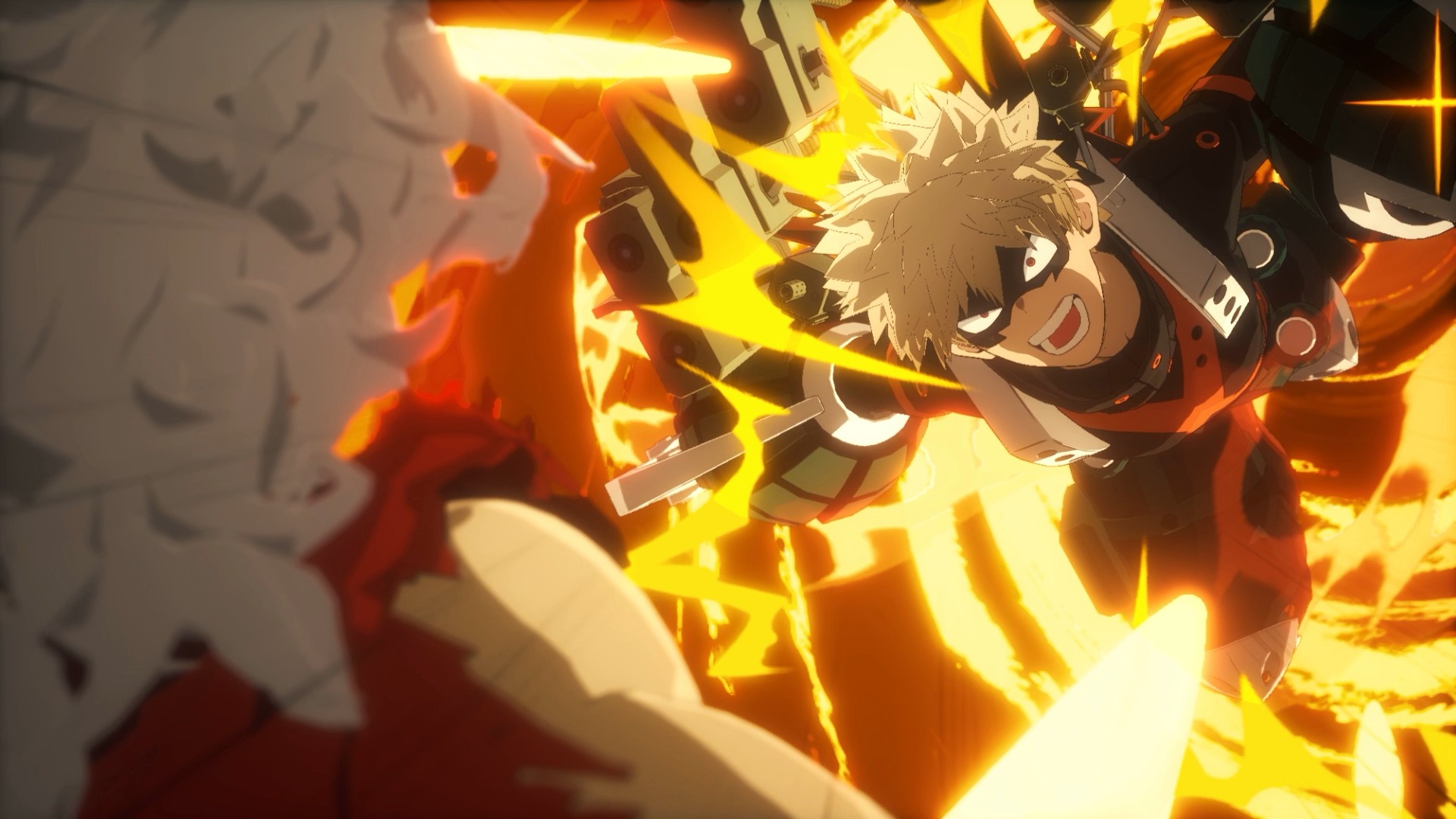
The game runs smoothly on PS5, even during effects-heavy fights. Character models are adequate, though not as sharp as hoped, while facial animations during story moments are expressive and well-done. The UI does enough to keep combat readable without distracting from the action.
Audio stands out. Voice acting delivers intensity, hit sounds feel impactful, and music consistently elevates big moments. The game is loud, but in a way that matches the over-the-top energy of the series.
Should you play My Hero Academia: All’s Justice
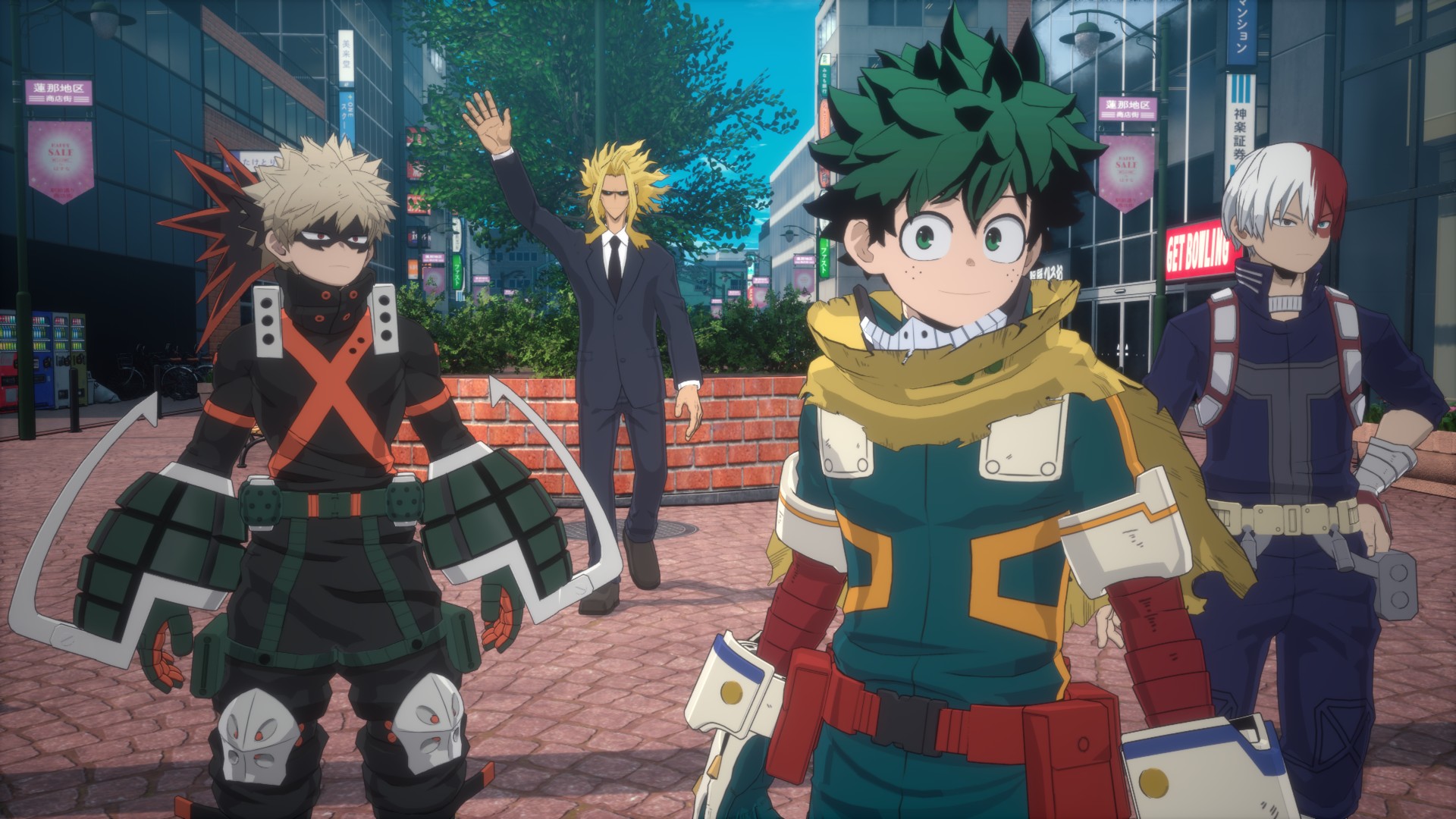
My Hero Academia: All’s Justice feels like a proper final chapter. It doesn’t overreach but delivers where it matters most. Competitive players will find depth, while anime fans can relive beloved battles interactively.
It may not redefine the genre, but it understands exactly what kind of game it wants to be—and it delivers that confidently.
The combination of familiar combat, a large and varied roster, cinematic story moments, and thoughtful extras like Team Up Missions makes it a satisfying experience for anyone looking to step into the shoes of their favorite heroes and villains.

Now Playing: Yakuza Kiwami 3 & Dark Ties
How old should a game be before it gets a remake?


TECNO MEGABOOK K16s 13th review: No-frills beneath those grills
All-around laptop without messing around


My Hero Academia: All’s Justice: A familiar Final War, made playable
Reliving the Final War

Samsung unveils exclusive Galaxy Z Flip7 Olympic Edition

TECNO will showcase the CAMON 50 and POVA 8 series at MWC 2026

Lucky Match: Power Mac Center Valentine’s, Lunar New Year deals
Now Playing: Yakuza Kiwami 3 & Dark Ties

Bandai Namco Brings Digimon Story Time Stranger, Tales of Arise to Switch 2 in 2026

POCO M8 Pro review: Goin’ loco over this POCO

Infinix NOTE Edge debuts: High-end features for accessible pricing

HONOR X9d 5G review: Tougher, more long-lasting and optimized

Redmi Note 15 Pro+ 5G review: The midrange fashion piece

Mijia Smart Audio Glasses review: Immerse yourself in the music


-

 Apps1 week ago
Breaking up with Adobe Photoshop after 20 years
-

 Gaming1 week ago
PlayStation, LE SSERAFIM Chaewon team for the ‘Love of Play’ campaign
-

 Automotive2 weeks ago
VinFast updates battery subscription policy for large upfront savings
-

 Gaming2 weeks ago
Xiaomi SU7 Ultra makes Gran Turismo 7 debut
-
 Accessories1 week ago
Sony WF-1000XM6 was accidentally leaked online
-
 Computers2 weeks ago
3D printing made accessible: Bambu Lab moves closer to everyday consumers
-

 Gaming2 weeks ago
Esports Nations Cup 2026 secures US$ 45M funding
-
 Gaming2 weeks ago
CODE VEIN II now available for consoles, PC