
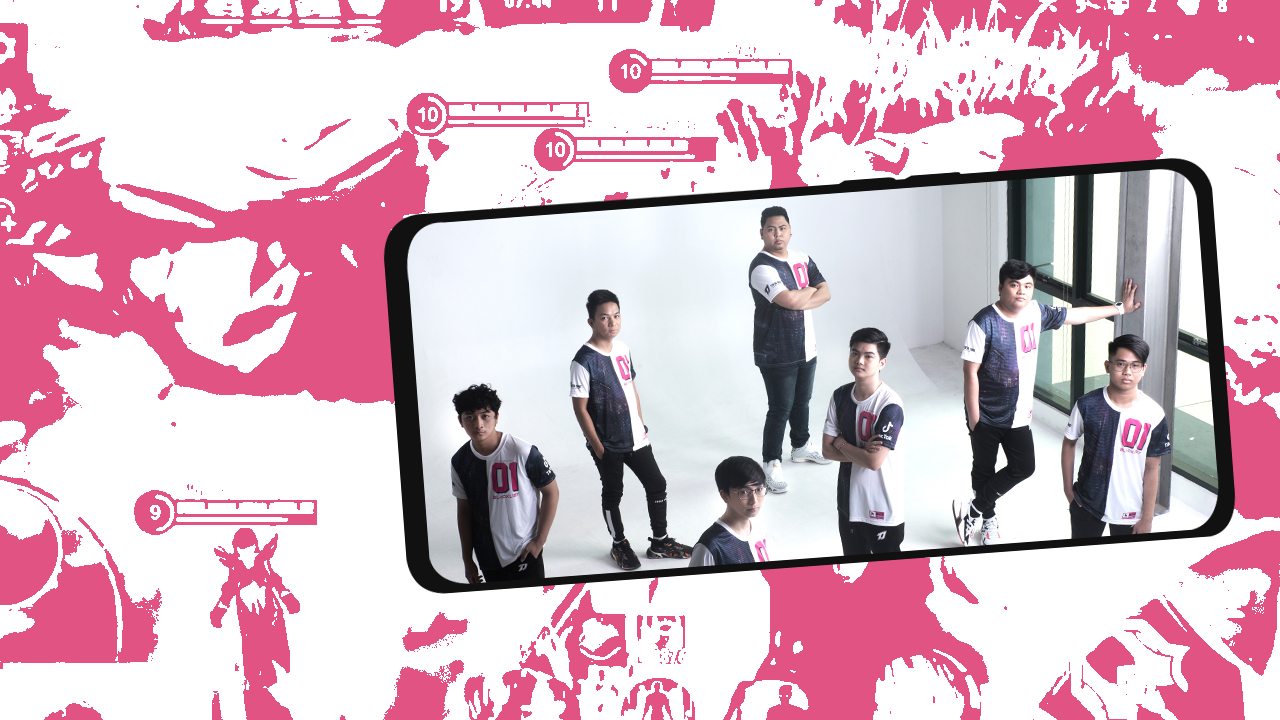

School is in session. If you’re into Mobile Legends: Bang Bang, you know Blacklist International. The recent MPL PH Season 7 champion team has a decent rep in the mobile gaming world. So, if you want to get good, you’ll definitely get good-good. And, who better to give us the best tips than the QueenVee, Ohmy.v33nus, himself?
TIP #1 – Start small
When asked how to hit it right with the basics, Ohmy.v33nus answered with pretty solid advice saying: “When it comes to improving your gameplay, do it one step at a time. Players can try mastering one hero or one role at a time first. From there, you can best strategize how you plan to win your game better.”
TIP #2 – Know you to do you
Beginners are faced with almost as many daunting questions as ordering sugar and ice levels for boba when it comes to who to play. From characters’ skills, roles, and abilities in the grander scheme of the team game, it can get overwhelming.
So the best way to get better is to know who you want to play and what role suits your preferences. And like Ohmy.v33nus said, “Knowing the role that suits you is important, some players love playing heroes in melee combat, some in long-range or using magical powers.
TIP #3 – If you want to go pro, you’ve got to play harder
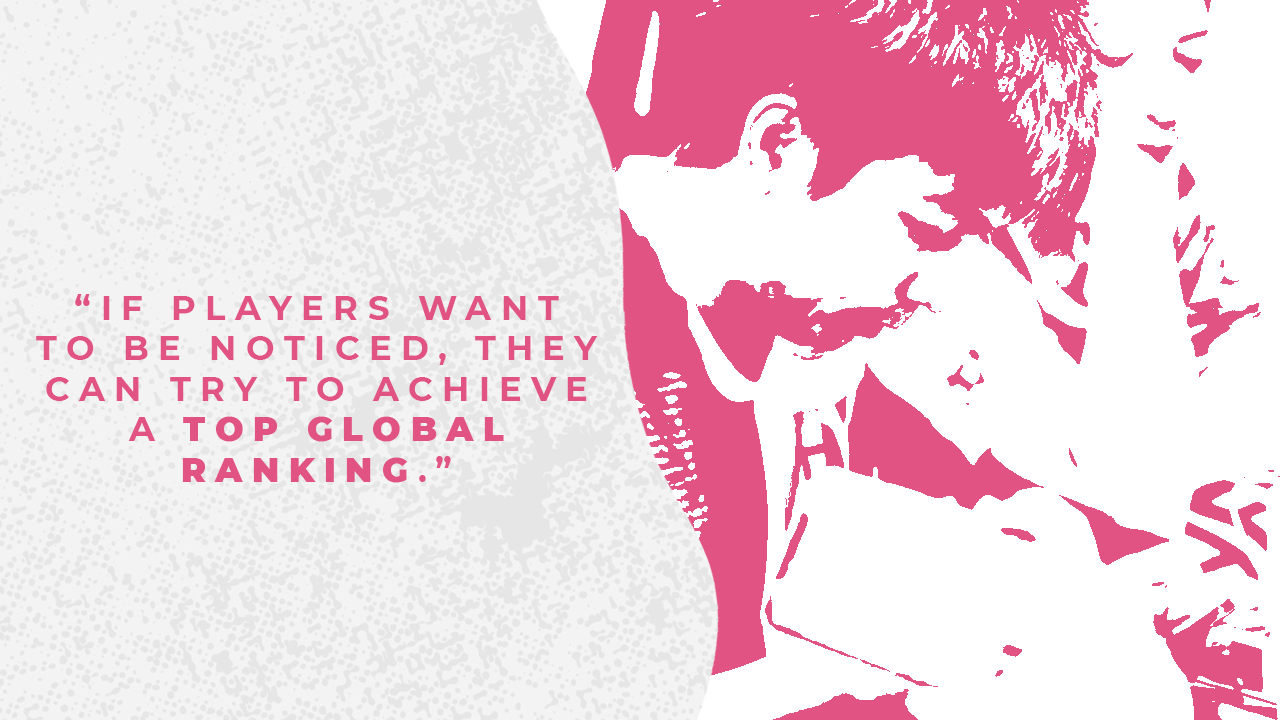
We asked what advice the team had for people who are starting out and want to maybe go pro in the future. He answered by saying, “what separates casual players from those wanting to take it seriously is ranking, so if players want to be noticed they can try to achieve a top global ranking.” And, while that’s a technical target goal you can work towards, Blacklist gave sage advice on how to get there.
TIP #4 – The grind
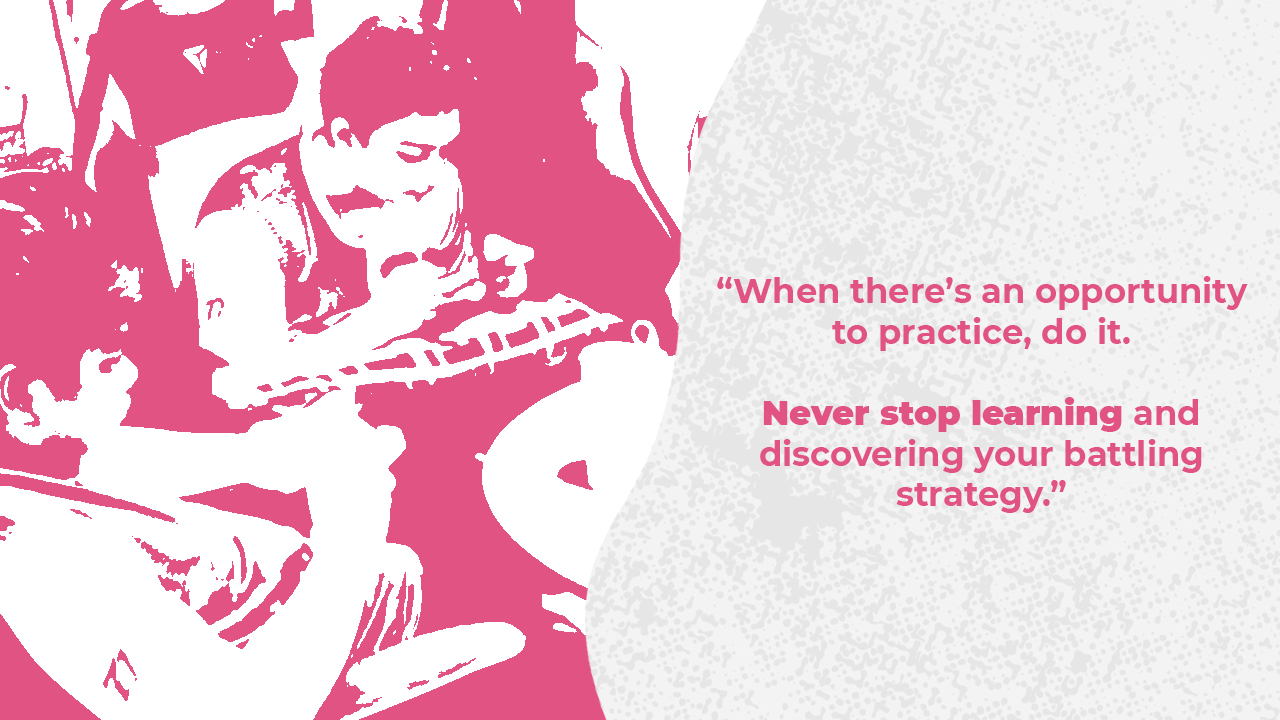
Ranking up to where you’ve proven you take the game seriously to be pro comes with time and effort. So, it’s no surprise when Ohmy.v33nus followed up TIP #3 with this: “before you achieve that desired ranking, practice makes perfect. When there’s an opportunity to practice, do it. Never stop learning and discovering your battling strategy so you’ll be able to champion your way to the global competitions.”
When asked how often and for how long the team grinds to get to be as good as they are, they practice a minimum of 8 hours per day, extending to up to 10 hours. “This helps us build team dynamics better and strengthen our strategy,” Ohmy.v33nus said.
TIP #5 – Know the meta
If you’ve got all 5 down so far, you’re up for more technical know-how. So, given the ever-changing game meta it can be challenging to keep up. This is where noting patches and updates can be helpful. Keeping track of who has been nerfed, buffed, and adjusted. And, knowing little tweaks Moonton has made in-game can help players adjust and adapt.
It’s also good to note that this is where you’ll be returning to TIPS #1 – #5, where it rides on comfort and familiarity. So, whether you fully grasp the meta or not, you can play however you feel outside the world of going pro.
So, with the current meta, we had to ask Blacklist for their whitelist. Jokes aside, we had them recommend heroes for each role and Ohmy.v33nus answered, “Marksman: Granger, Tank: Tigreal, Support: Rafaela, Angela, Assassin: Ling, Fighter: X-Borg, Mage: Nana.” When asked about the top meta hero picks for ranked, he said that he wasn’t quite sure with the recent patch. But, he thinks some of the best heroes last season kept their placement. “Like Mathilda, Yve, Granger, and Harith,” Ohmy.v33nus said.
TIP #6 — Play on a gaming-capable smartphone
You know that highly-contested-on-who-said-it quote about how when you give a man a fish, and you feed him for a day. Teach a man to fish, and you feed him for a lifetime? Well, think of getting the perfect gaming smartphone as equal to getting yourself a fishing rod to get started on learning how to fish. But, enough silly metaphors.
Ohmy.v33nus aptly said, “it goes without saying that your tools can make or break your game. You need a phone that has the processing power, battery life, storage space, and stunning display to give you long-lasting, smooth, and precise gameplay.”
When asked about particular phones and features the team liked, he said they loved OPPO’s A94 and its AI gaming features. Adding, “our favorite is the Gamer Mode which lets you block off interruptions and notifications so you can focus more on your battle.” Plus, when waiting on important messages, the phone features a Bullet Screen Message that allows users to instantly receive messages without blocking or interrupting the game.
TIP #7 – A gaming phone, stripped
Not all gaming features need to be game-centric. At the end of the day, it’s night. No, kidding aside, Mobile Legends: Bang Bang is a fun team game and if you’re stripping the game of its fun and the team, you’ve got no one to be or get good with. A gaming phone, stripped without games, are phones, and as good as the OPPO A94’s 48MP AI rear quad-cam matrix and 32MP ultra-clear front camera set-up was, we needed to know if Blacklist had much use for it.

So, we asked how important camera specs and features were to team members when picking out a gaming phone. Ohmy.v33nus replied saying, “a lot. We don’t only focus on gaming, as professional players; we also create content and stay active on social media for fans, family, and friends.”
The OPPO A94 Features:
Display — 6.43-inch FHD+ (2400 x 1080) AMOLED display, 90 Hz refresh rate, 409 PPI
Processor — MediaTek Helio P95 octa-core processor
Storage — 8GB RAM and 128GB internal storage
Camera — Quad rear cameras: 48MP F1.7 (primary), 8MP F2.2 (ultra-wide), 2MP F2.4 (macro), and 2MP F2.4 (portrait); Selfie camera: 32MP
Operating System — ColorOS 11.1
Battery – 4310mAh, 30W VOOC Flash Charge 4.0
Price and availability
OPPO A94 comes in Fantastic Purple, Crystal Silver, and Fluid Black. It has a price tag of PhP 13, 999 and can be purchased via OPPO Brand Stores nationwide, Shopee, and Lazada.
TIP #8 – Lastly, soft skills and heart
When asked for advice for aspiring pros on what they can work on, Ohmy.v33nus said, “since ML:BB is a team game, a crucial soft skill you can develop is communication. Being clear and precise with teammates not only helps in-game strategies but also helps strengthen the synergy between them and their teammates.” Going on to say, “keep your heart in the game. Keep practicing and play regularly to boost your skills to achieve top leaderboard spots.”
This feature is a collaboration between GadgetMatch and OPPO Philippines


Features
When your internet ruins the moment
The worst interruptions happen when you’re already invested.
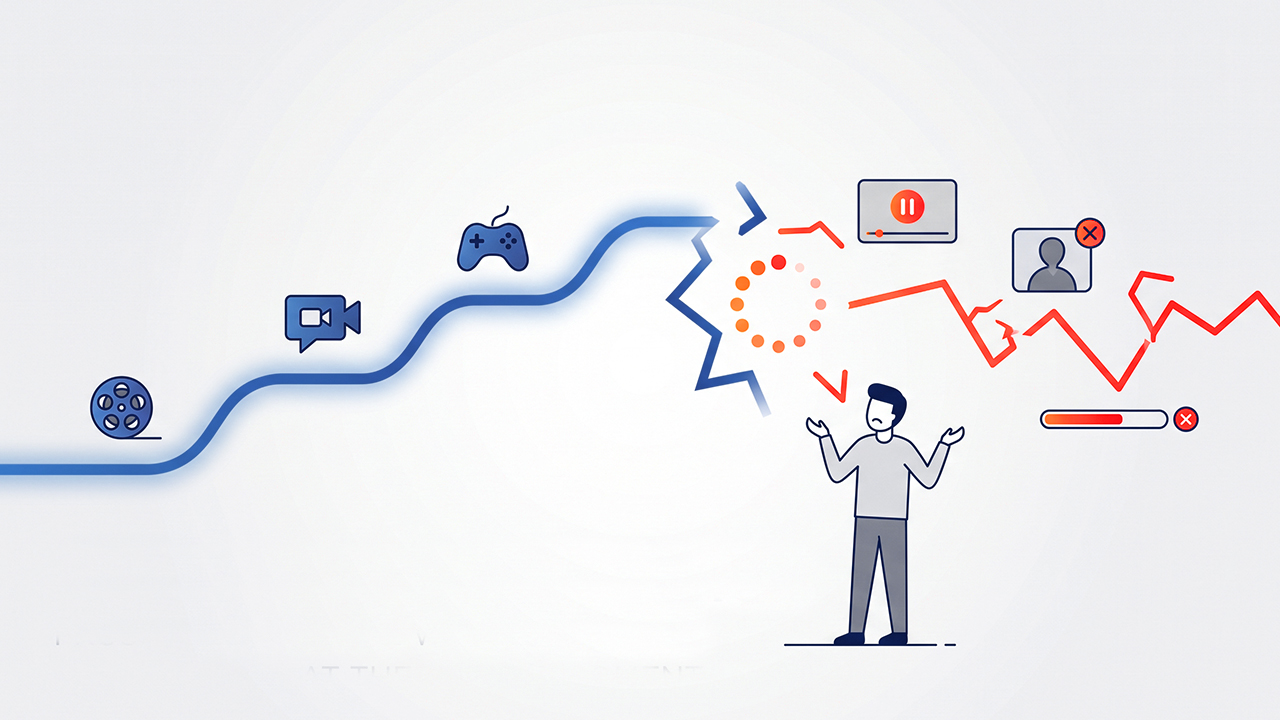
A fast internet connection means little if it fails when you need it most.
We often think about internet quality in terms of speed. How quickly can a page load? How fast can a file download? How quickly can a video start streaming?
Those numbers matter, but they only tell part of the story. A connection can feel fast when everything is working and still become frustrating when it suddenly drops, stalls, or struggles to maintain a stable connection.
That is the idea behind this series of short videos, which looks at familiar moments where a connection can suddenly get in the way. From watching a K-drama and catching up with someone on a video call to gaming, dancing, and sharing travel memories, each scenario shows how frustrating an interruption can become when it happens at the worst possible time.
When the episode gets good
You have been following a K-drama all episode, waiting for the moment when everything finally comes together. The characters are finally about to reveal something important when the video suddenly buffers.
@gadgetmatchA good internet connection isn’t the fastest one. It’s the one that doesn’t stop. ✨♬ original sound – GadgetMatch
The frustration comes from more than the interruption itself. You were already invested in the story, and the connection stopped you just when you wanted to see how it unfolded.
When a conversation gets interrupted
A video call can make distance feel a little smaller, especially when you are catching up with someone you have not seen in a while.
The conversation is flowing until the other person starts telling you something important. Then the call freezes.
@gadgetmatchA good internet connection isn’t the fastest one. It’s the one that doesn’t stop.♬ original sound – GadgetMatch
You can wait for the connection to come back, but you have might already missed a lot.
Conversations do not always pause neatly when the internet does. When a call freezes in the middle of a thought, you can miss a reaction, a story, or even a few seconds that change the context of what someone was trying to say.
When you are about to win
Few things are more frustrating in gaming than losing control when victory is within reach.
You and your team have pushed through the match. The opposing team is almost down, and you are ready to make the final move. Then your character stops responding.
@gadgetmatchA good internet connection isn’t the fastest one. It’s the one that doesn’t stop. ✨♬ original sound – GadgetMatch
The problem is not simply that the connection slowed down. It failed at the moment when you needed it to stay consistent.
You were almost there, and the interruption took that moment away.
When you find the perfect travel shot
Going through photos after a trip can bring the experience back to life. You scroll through your camera roll, find a photo you love, and decide that it is the one you want to share.
You start the upload and watch the progress bar move.
Then it stops.
@gadgetmatchA good internet connection isn’t the fastest one. It’s the one that doesn’t stop. ✨♬ original sound – GadgetMatch
The frustration comes from more than a failed upload. You had already found the moment you wanted to share, but an unreliable connection put it on hold.
When the music cuts out
A good song can pull you completely into the moment. You start dancing casually, get more into the beat, and eventually find yourself waiting for the next big part of the song.
Then the music stops.
@gadgetmatchA good internet connection isn’t the fastest one. It’s the one that doesn’t stop. ✨♬ original sound – GadgetMatch
The sudden silence breaks the momentum. It feels frustrating because the song had already taken you somewhere, and the connection interrupted that experience just before the payoff.
A reliable connection should let you stay in the moment instead of making you wait for it to come back.
How much speed do you actually need?
For many everyday online activities, you may need less speed than you think. Netflix recommends 5 Mbps for Full HD streaming and 15 Mbps for 4K, while Zoom recommends around 3 Mbps download and 3.8 Mbps upload for a 1080p one-on-one video call.
Those numbers show that speed is only one part of the equation. A connection can meet the recommended speed for an activity and still feel frustrating if its performance fluctuates or drops when you need it most.
That is why a speed test does not always tell the whole story. What matters is whether your connection can consistently deliver the performance you need while you are streaming, gaming, making a call, or sharing files.
Keep the moment going
These situations have one thing in common: the interruption happens after you have already invested in the experience.
We rely on the internet for much more than simply getting information from one place to another. We use it to watch the shows we follow, stay in touch with people, play games, listen to music, preserve memories, and share those memories with others.
In each of these situations, speed can help you get started. Consistency is what helps you stay in the experience.
A connection that starts quickly but keeps dropping can still disrupt a video, interrupt a conversation, affect a game, stop a song, or prevent a photo from uploading. The impact may only last a few seconds, but those seconds can matter when they happen at the exact moment you are most engaged.
That is why a good internet connection is not only about how quickly it gets you started. It also needs to stay consistent when you are watching a show, talking to someone, gaming, listening to music, or sharing memories.
Reliability gives these experiences room to continue without forcing you to stop, reconnect, or wait for the moment to return. It lets you focus on what you are doing instead of thinking about whether your connection will hold.
A good connection should not just get you there. It should help you stay there.
Features
A Morning with the Galaxy Wellness Club
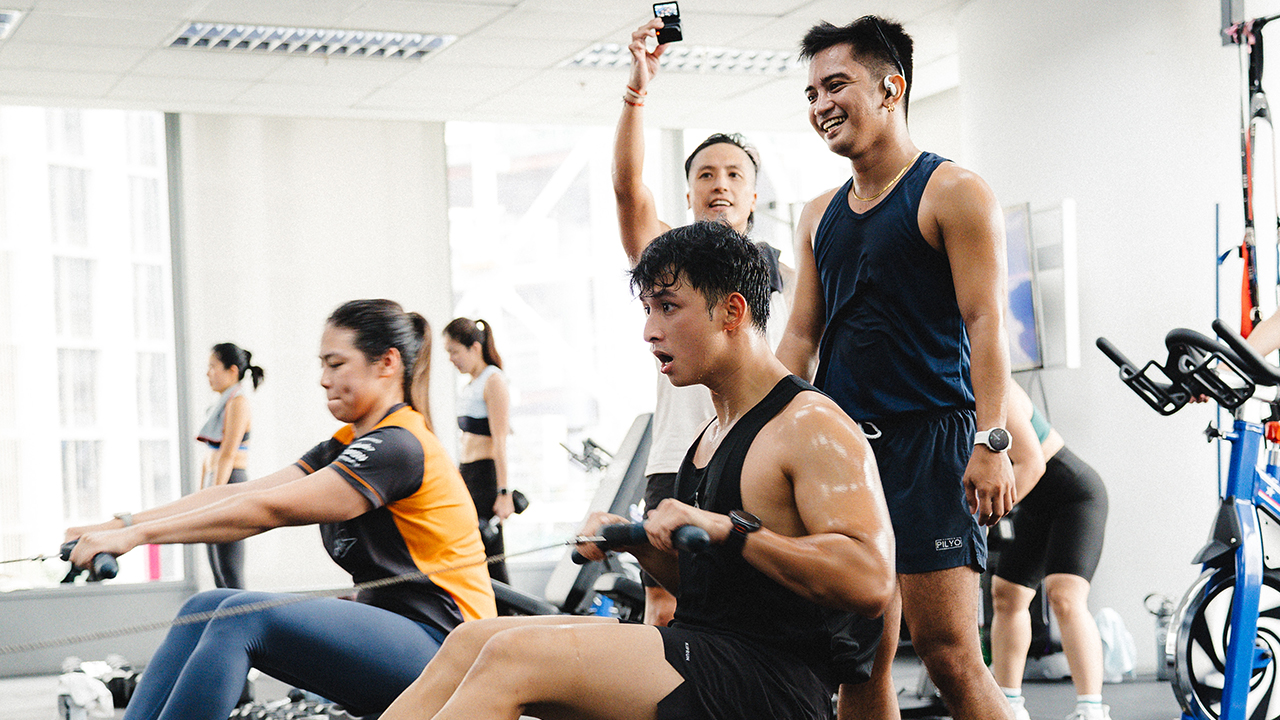
An endurance athlete takes on high-intensity interval training with the Galaxy Watch9.

It has taken me more than four weeks to sit down and write this confession… primarily because my cardiovascular system required atleast thirty-day grace period before it could revisit the trauma.
I have spent more than half a decade in the fitness world, which means I mastered the art of pacing and calculated effort. Most importantly, I developed an absolute refusal to exert myself at sunrise.
As an endurance athlete, I belong on mountain trails. I prefer spending an entire day navigating winding inclines. Out there, I can micromanage my cadence and treat my heart rate like an agreeable, soft-spoken acquaintance.
When Samsung invited me to the inaugural Galaxy Wellness Club in Makati, I arrived fully prepared for an aesthetically pleasing Saturday.
I had imagined a breezy morning run through Salcedo Village or a graceful, low-impact barre session where one stretches delicately in coordinated athleisure.
The schedule promised three distinct paths across the city: Train with Galaxy, Run with Galaxy, and Recover with Galaxy. The universe, however, had other plans for my dignity.
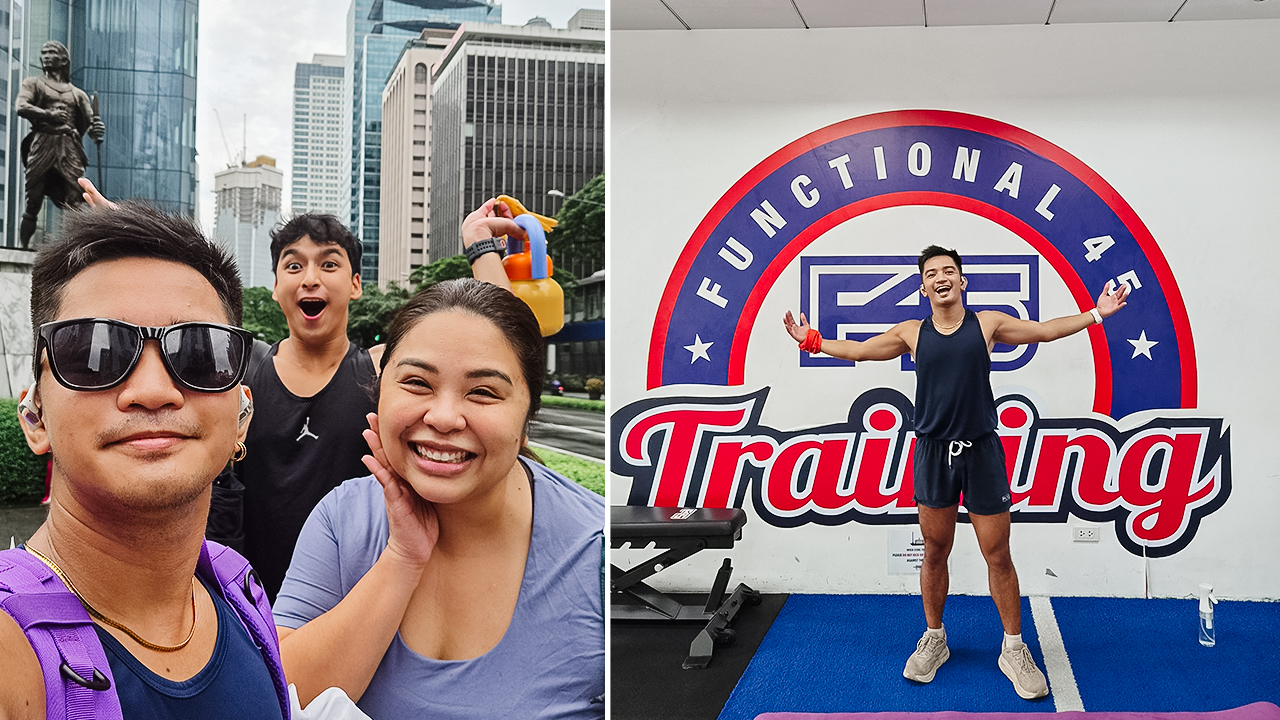
In photo: MJ Jucutan, Kyle Vergara, and Anna Abjelina (Samsung Philippines)
Samsung didn’t hand me a scenic running route or a calming studio mat. Instead, I discovered that I had been assigned to a high-intensity interval training session at F45. At nine in the morning!
To make matters considerably more perilous, I hadn’t even eaten breakfast. I stood on the studio floor in matching workout gear, clutching my morning optimism, and realized that my fate was already sealed.
When my watch decided to tell the whole truth
My saving grace was my workout partner, Kyle Vergara, whom I had met during the Galaxy Summer Club.
Misery truly loves company! Having a familiar face in the room provided a brief sense of security before the first timer started counting down.
The intervals began immediately, and any lingering composure vanished within ninety seconds.
HIIT is built on rapid bursts of violence followed by rests that are insultingly short. My endurance background had prepared me to run for hours at a steady rhythm. But it hadn’t prepared me for the sudden shock of explosive plyometrics on an empty stomach.
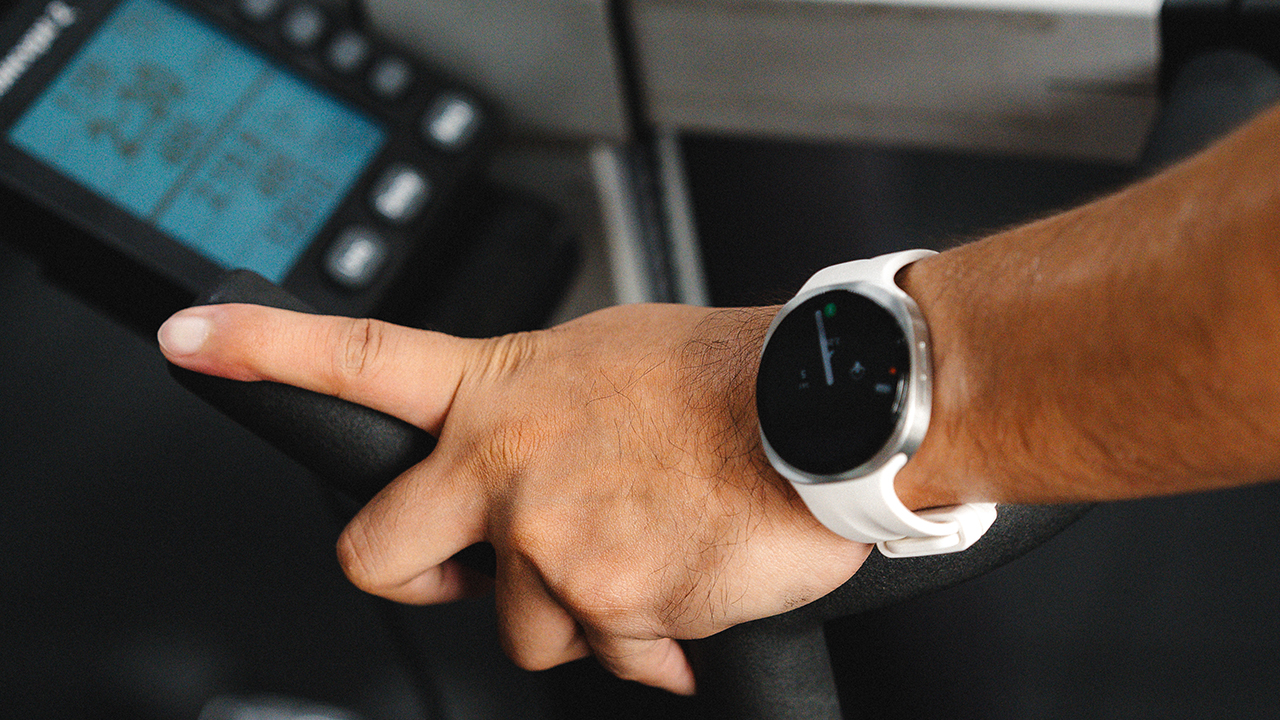
My wrist began vibrating with theatrical urgency. Glancing down at the Samsung Galaxy Watch9, I found a bright display practically begging me to reconsider my life choices.
The watch was showing numbers that belonged in an emergency room triage unit, informing me that I was operating far beyond my target heart rate zone.
I wanted to dispute the reading, but my chest felt like an over-caffeinated bass drum. My body was just as offended by the workout as my mind was.
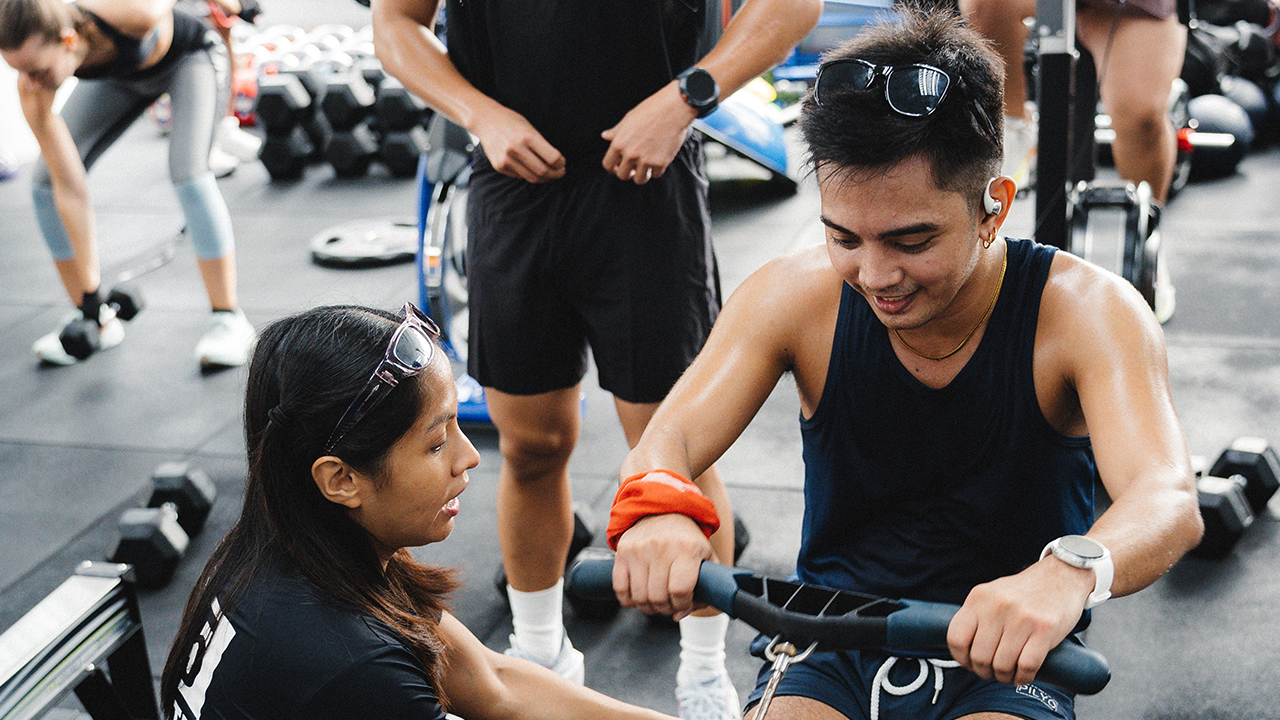
The saving grace of the session arrived when Kyle and I rotated to the ergs. The moment we reached the stationary bike, the rowing machine, and the ski erg, my muscle memory returned.
These machines offered fixed time blocks where I could finally establish my own cadence instead of matching the frenetic energy of the room.
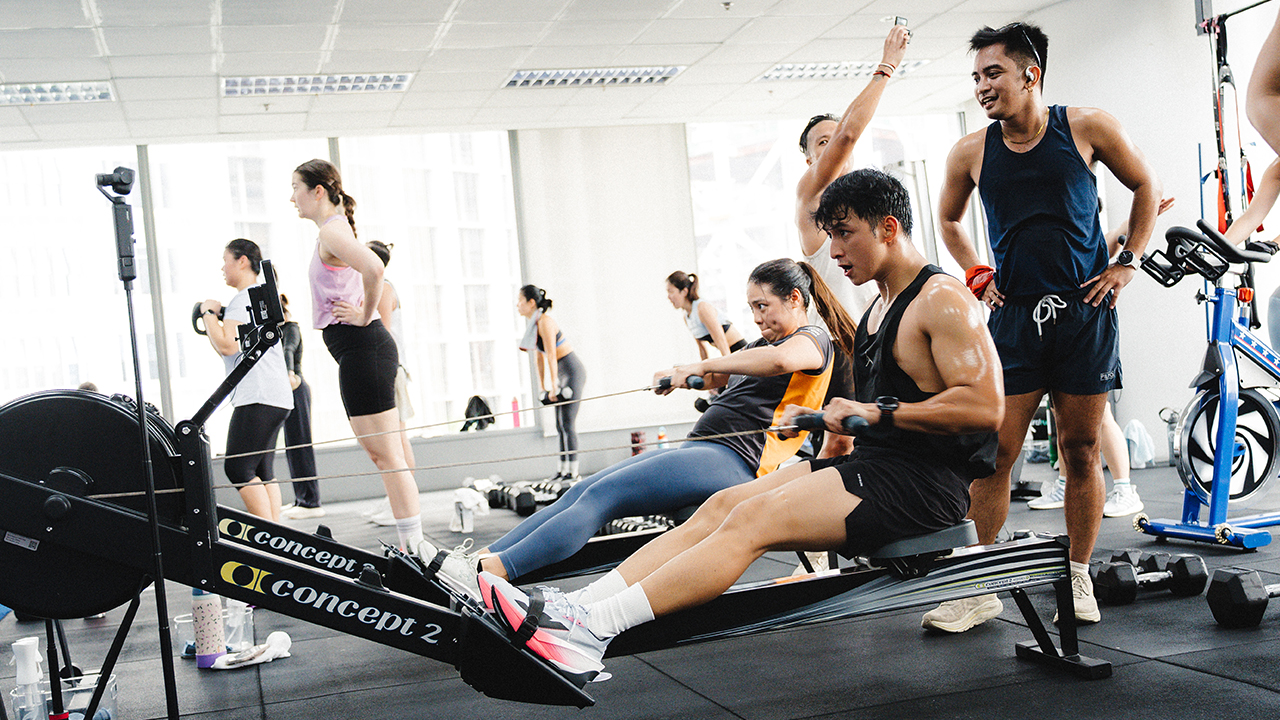
I took comfort in checking the display between intervals. The screen remained sharp and clear through the sweat, giving me immediate visibility over my pace, output, and heart rate without requiring me to break my rhythm.
I don’t enjoy being forced into someone else’s tempo, but I do expect my wearable to follow mine without missing a beat.
By minute forty, the novelty had thoroughly expired. My supersets in the gym usually wrap up within forty-five minutes, but those sessions allow room to breathe.
This class offered no such luxury, and I spent the final rounds mentally drafting a formal letter of complaint to whoever invented interval training.
Sugar cravings and receipts
The immediate aftermath was remarkably unglamorous. My vision swam and my gut protested. I found myself seated on the floor feeling the familiar, hollow dizziness that usually only arrives during brutal track repeats or HYROX simulations.
I’ve made peace with the reality that looking effortless during speed work is simply not my aesthetic. My engine was built for aerobic endurance, and there is no reason to fight my own biology.
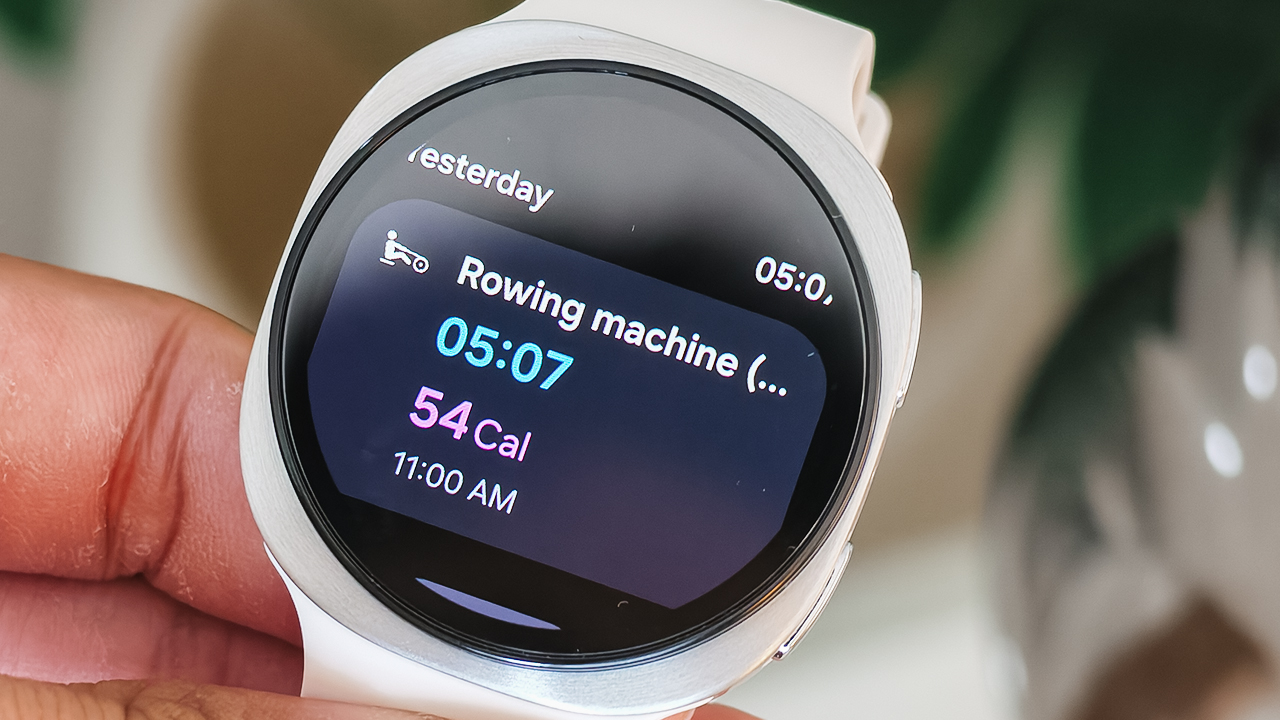
While Kyle and I caught our breath and contemplated our desperate need for refined sugar, I flipped open my Samsung Galaxy Z Flip8 to inspect the damage on Samsung Health.
This is where the Galaxy Watch9 redeems the suffering. It doesn’t just hand you a collection of cold, terrifying heart rate spikes; it organizes your physical output into meaningful context.
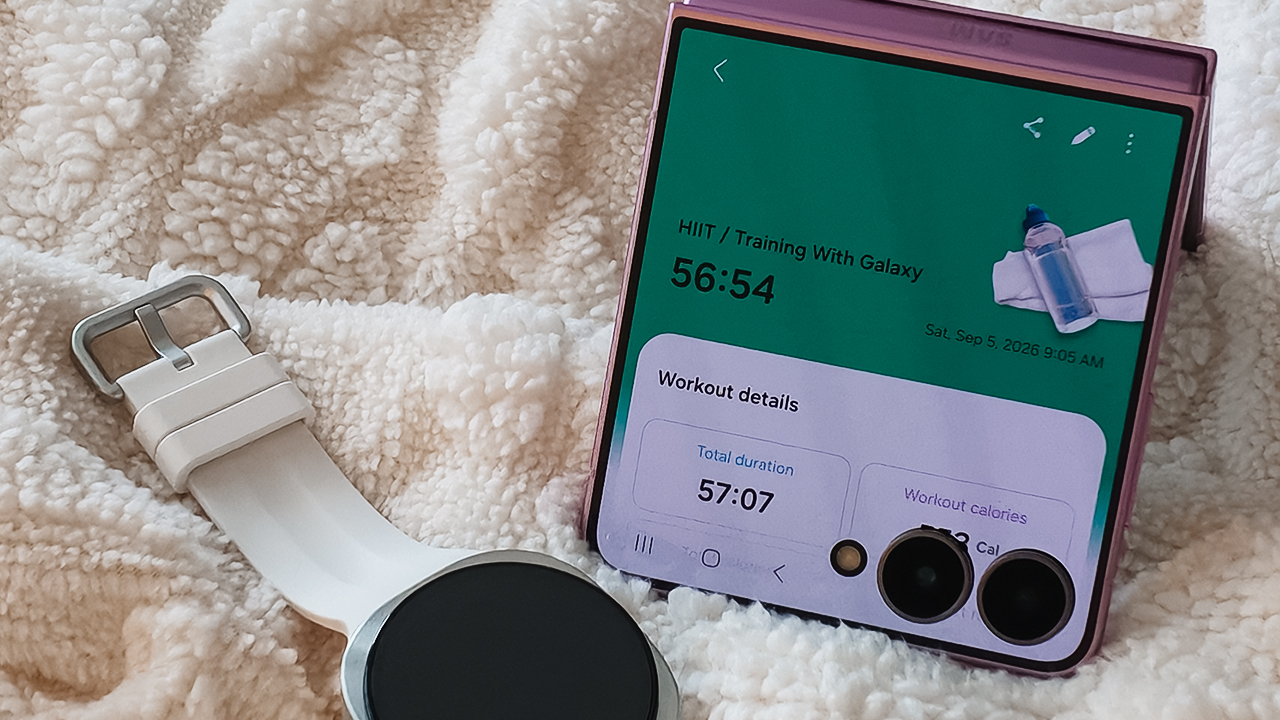
The Fitness Index offered a clear snapshot of my cardiovascular response under acute stress. Meanwhile, the Daily Cardio Load feature accounted for how much structural strain that sudden forty-five-minute shock placed against my ongoing weekly training block.
The Heart Health Score provided a broader perspective on my recovery and overall cardiac trends, confirming that while the workout felt lethal, my body was already adapting.
Finding balance beyond the numbers
We eventually relocated to brunch to reunite with the rest of the Galaxy Summer Club crew, exchanging war stories over plates of food that vanished within minutes.
The runners delivered glowing accounts of their pacing data through Salcedo Village. Then, the group assigned to the barre class looked rested and radiant. (How are they entirely unbothered by mortality?)

Kyle Vergara and I en route to Wildflour for a much-needed brunch
Every activity had been tracked through either the streamlined Galaxy Watch9 or the rugged Galaxy Watch Ultra2, with all metrics feeding neatly into the Samsung Health ecosystem.
Browsing through the dashboard reminded me of how far fitness tracking has evolved. Beyond workout stats, the platform pulls together continuous vital tracking, sleep apnea insights, and overall energy management into a daily narrative.
A month has passed since that morning. I have happily returned to my heavy strength supersets and my unhurried mountain trails.
I have zero intention of signing up for another HIIT class anytime soon.
Even so, that morning left me with a renewed appreciation for looking at health through a wider lens. When you spend years obsessing over performance metrics, you easily forget that real longevity is about balance and recovery.
The right technology doesn’t exist to push you to exhaustion every morning. It exists to help you understand your limits and respect your rhythm. And sometimes, they remind you when it’s time to sit down, order brunch, and let your body rest.
@gadgetmatch Samsung kicked off the Galaxy Wellness Club with a HIlT Session that puts the #Galaxy Watch9 to work, tracking heart rate and effort in real time. The event showcased how Samsung’s newest wearable fits into an active lifestyle, from high-intensity training to everyday movement, helping you train, run, and recover with Galaxy. #UnlockWellness #GalaxyWatch9 #TrainWithGalaxy @hemjaye ♬ som original – mishDd


Moving into a new space comes with a long list of things to figure out, and lately, I’ve been paying more attention to something that’s easy to overlook: air quality.
After using the LG AeroMini for about a month, it has become a subtle but welcome addition to my space. It helps make the room feel fresher, while its compact and stylish design fits naturally into my setup. Here are the things that stood out to me most after living with it for a month.
360° purification for a fresher space
One of the things I appreciate about the AeroMini is its 360° air purification, designed to bring purified air in every direction.
For me, this is particularly useful in a new space where I’m spending a lot of time working, relaxing, and just settling in.

Combined with its True HEPA filter, which is designed to remove 99.999% of 0.01μm fine dust and allergens, it gives me added peace of mind about the air I’m breathing every day.
After a month, I can genuinely say that the space feels fresher with it running.

Surprisingly quiet
This is probably my favorite feature.
The LG AeroMini operates at just 26dB, and after using it for a month, what stands out is how easy it is to forget that it’s even running.

I can have it running while I’m working or sleeping without the noise becoming a distraction. For an appliance that’s designed to continuously improve the air around you, I think that’s a big deal.
Sometimes, the best feature is the one you barely notice.
Design that fits my space
Since I recently moved, I’ve been pretty conscious about what I bring into the space. I want things to be functional, but I also don’t want appliances that feel like they’re taking over the room.

The AeroMini’s slim and compact design makes it easy to incorporate into my setup. It doesn’t feel bulky or industrial, and I like that I can leave it out without feeling like I need to hide it away.
For me, that balance between functionality and aesthetics makes it feel more like part of the space rather than just another appliance.
Air quality at a glance
Another feature I’ve found convenient is its Smart Control. Through the app, I can monitor and control the AeroMini while getting real-time updates on the indoor air quality.
It’s a small convenience, but being able to check the air quality without having to interact with the purifier directly makes it easier to keep track of what’s happening in the room.

Easy to maintain
I also appreciate that the AeroMini is designed with an all-in-one dust and deodorization filter that makes replacement and maintenance easier.
That matters to me because the best home gadgets are the ones that don’t create another complicated chore. I want something I can set up, use regularly, and maintain without too much fuss.

After a month, would I keep it?
Yes, and mainly because it quietly fits into my everyday routine.
The LG AeroMini has helped make my new space feel fresher and more comfortable, while its compact design means it doesn’t compromise the look of the room. But if I had to pick just one thing I appreciate most, it’s still how incredibly quiet it is.

It’s one of those upgrades that doesn’t demand your attention. It simply works in the background.
If you’re also looking to make your home a fresher and more comfortable space for yourself and your family, visit https://www.lg.com/ph/ to learn more about the LG AeroMini and how it can fit into your everyday life.

NBA experimenting with smart basketballs, wrist wearables

Apple introduces new Home Collection

When your internet ruins the moment

A Morning with the Galaxy Wellness Club

Dragon’s Dogma 2: Dark Arisen launches with new Official Pawns

vivo X500 Series launches with major imaging upgrades

OPPO Find X10 Pro Max is the first phone with a triple 200MP camera system

TECNO CAMON Slim 5G: Price, availability in the Philippines

BYD says that way better EV batteries are coming next year

HONOR Magic9 Pro Max launches in China with ARRI-powered imaging


-
 Philippines2 weeks ago
TECNO CAMON Slim 5G: Price, availability in the Philippines
-

 Reviews2 weeks ago
TECNO CAMON Slim 5G review: Slim on size, big on surprise
-
 News2 weeks ago
Apple wants to release new iPhones more regularly
-
 News2 weeks ago
vivo X Fold6 makes global debut with 200MP camera and 6900mAh battery
-

 Reviews2 weeks ago
HONOR 600S review
-

 Gaming2 weeks ago
Ghost of Yōtei Complete Edition review: More of a great thing
-
 Philippines2 weeks ago
HONOR 600S price, availability in the Philippines
-

 Philippines2 weeks ago
Bambu Lab opens first Authorized Store in the Philippines