

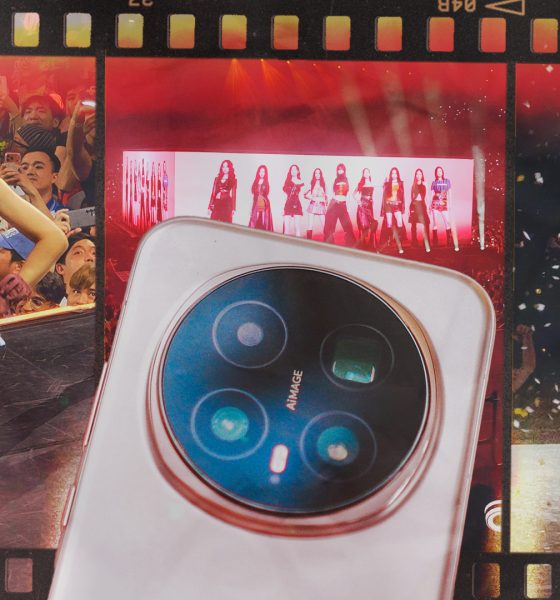

Concerts are unfair camera tests — wild lighting, fast movement, and zero second chances. So when I brought the HONOR Magic8 Pro to TWICE’s THIS IS FOR concert in Bangkok, I wanted to see if HONOR’s Stage Mode could actually handle it.
Everything here was shot using Stage Mode at 4K 30fps.
This wasn’t lab testing. This was real-world, heart-racing, shaky-hands shooting.
Where I was seated and why zoom mattered
View this post on Instagram
The concert used a 360-degree stage. I was lucky enough to sit close to one of the extended stages, which meant I was often shooting between 3.7x to 10x zoom.
For the main stage, I mostly relied on 15x zoom.
That’s where a phone either wins your trust… or completely falls apart.
Surprisingly stable, even with shaky hands and excitement
Let’s start with what impressed me most — stability.
I’m naturally shaky, and TWICE being right in front of me did not help. I was vibrating out of excitement most of the night. Even then, Stage Mode stabilization held things together beautifully.
View this post on Instagram
Shots stayed usable. Footage stayed watchable.
Even when I wasn’t being my most careful self.
This gave me confidence to keep shooting instead of worrying about every tiny hand movement.
Image quality: sometimes magical, sometimes uncertain
Now the honest part.
Stage Mode still needs to mature.
There were moments when footage looked crisp, clean, and genuinely impressive for a smartphone in that environment.
View this post on Instagram
But there were also times where it clearly struggled — particularly with lighting transitions and focus.
View this post on Instagram
Some clips handled spotlights well. Others felt like the processing panicked a little.
It wasn’t bad. It just wasn’t consistent yet.
How it compares to other concert kings
View this post on Instagram
If I were purely relying on zoom to watch the concert through my phone, I’d still recommend the Samsung Galaxy S25 Ultra. It remains the phone I trust most when zoom is mission-critical.
vivo also still leads in Stage Mode execution. The vivo X300 Pro’s Stage Mode feels more refined and reliable at this point.
HONOR isn’t there yet.
But it’s also much closer than I expected.
So… would I bring the Magic8 Pro to concerts again?
Yes.
Even with the inconsistencies.
Even knowing there are better Stage Mode implementations out there.
View this post on Instagram
Because the Magic8 Pro still gave me plenty of shots and clips I was genuinely happy with. Stability is excellent. Quality can be great. And for most users, it delivers results worth keeping and sharing.
If I didn’t have a Galaxy S25 Ultra or vivo X300 Pro with me, I’d still confidently bring the HONOR Magic8 Pro.
Stage Mode isn’t perfect yet.
But it’s promising — and when it works, it really does feel like magic.
View this post on Instagram
SEE ALSO:







As GadgetMatch’s Creative Producer for 7+ years, I’ve had my fair share of review phones with me.
However, as I stated in my recent Reno15 Pro First Look, this is only my second time handling OPPO’s “Pro” midranger.
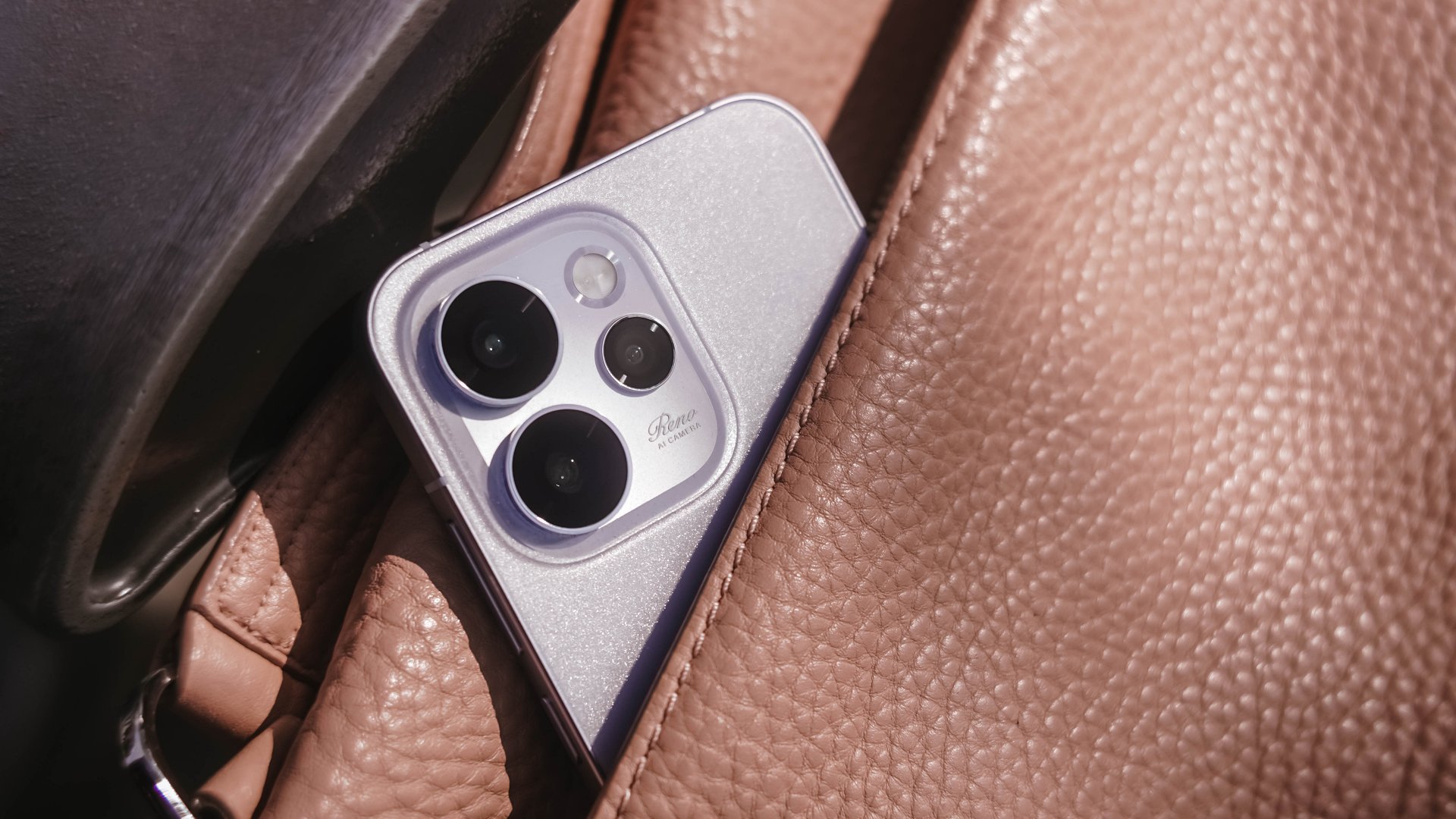
Being the team’s full-fledged ~camera guy~, it’s the best time to shoot with this smartphone. Now, here’s my Camera Review of the all-new OPPO Reno15 Pro.
Hocus Focus
First in focus is none other than the Reno15 Pro’s main (1x) shooter. On paper, this has the biggest gap between the vanilla and Pro variants of the Reno15 series.
| OPPO Reno15 Pro | OPPO Reno15 | |
| Wide | 200MP f/1.8 1/1.56” Samsung ISOCELL HP5 sensor |
50MP f/1.8 1/1.95” Sony LYT-600 sensor |
| Ultra-Wide | 50MP f/2.0 116º FoV GalaxyCore GC50F6 |
8MP f/2.2 116º FoV OmniVision OV08D |
| Telephoto | 50MP f/2.8 1/2.75” Samsung ISOCELL JN5 sensor |
50MP f/2.8 1/2.75” Samsung ISOCELL JN5 sensor |
| Selfie | 50MP f/2.0 1/2.75” Samsung ISOCELL JN5 sensor |
50MP f/2.0 1/2.75” Samsung ISOCELL JN5 sensor |

That 200MP main camera not only has a larger megapixel count, but it also has a bigger sensor size, compared to what the base Reno15 has.
Right off the bat, the Reno15 Pro already serves with its superior image quality.
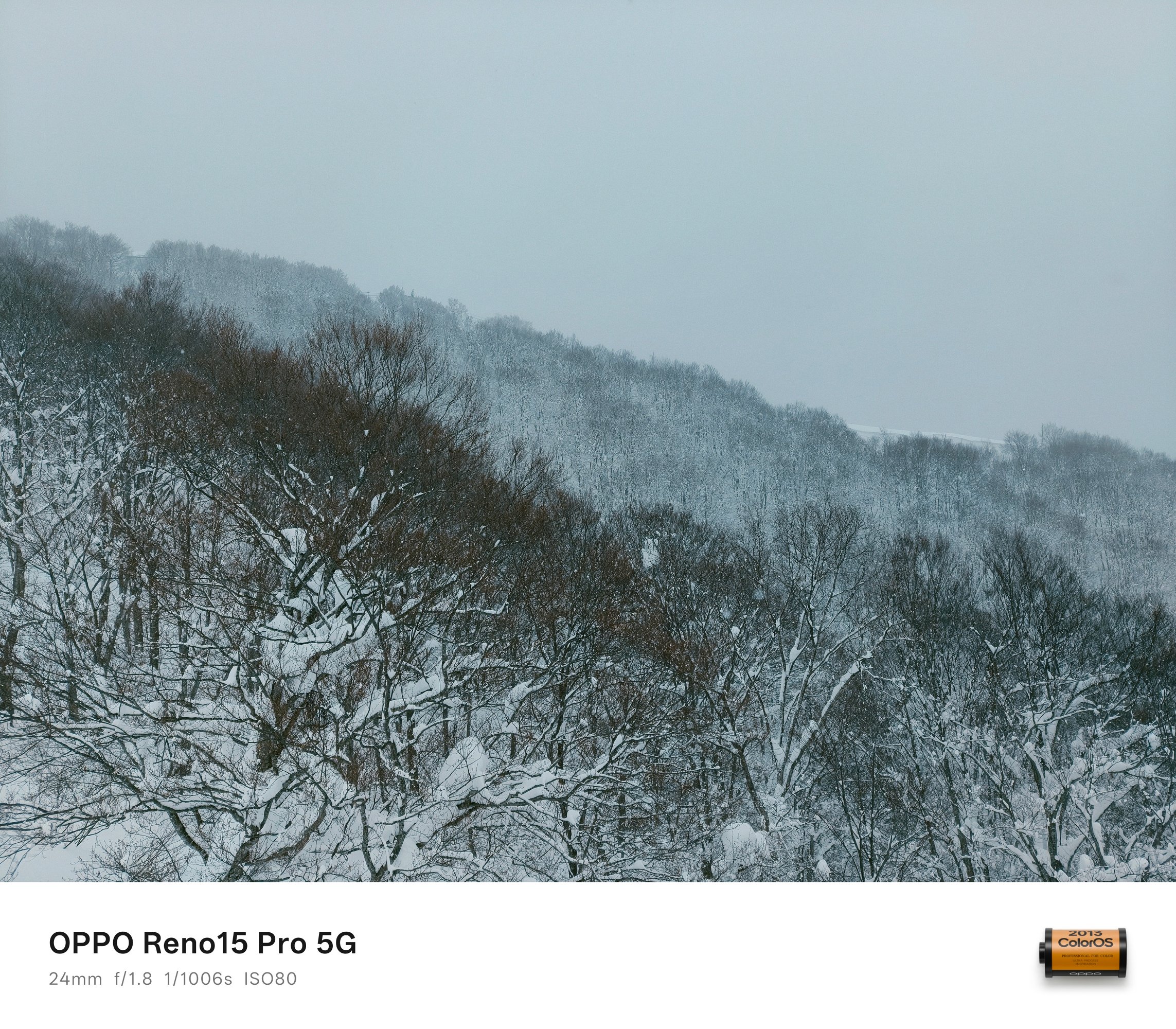
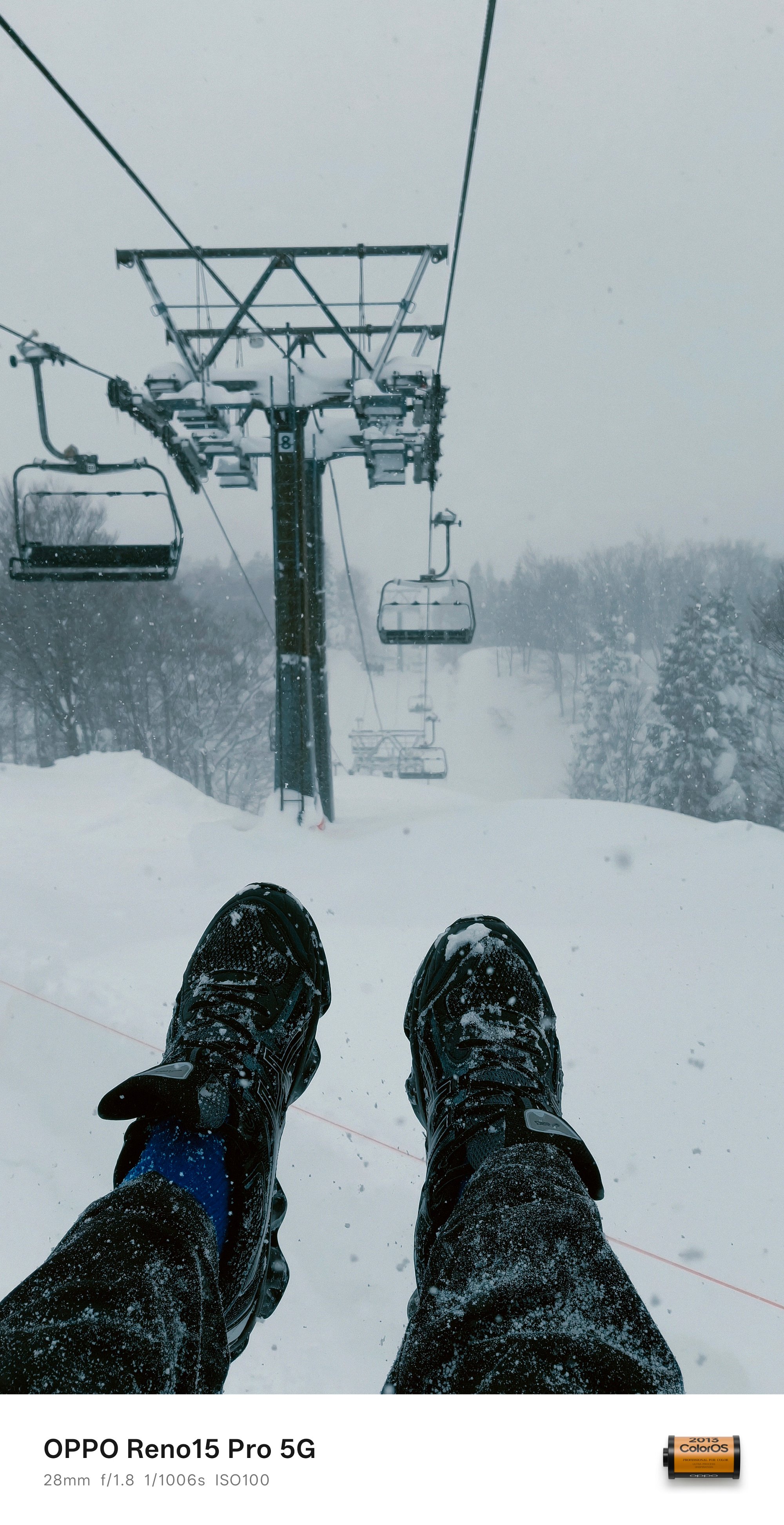
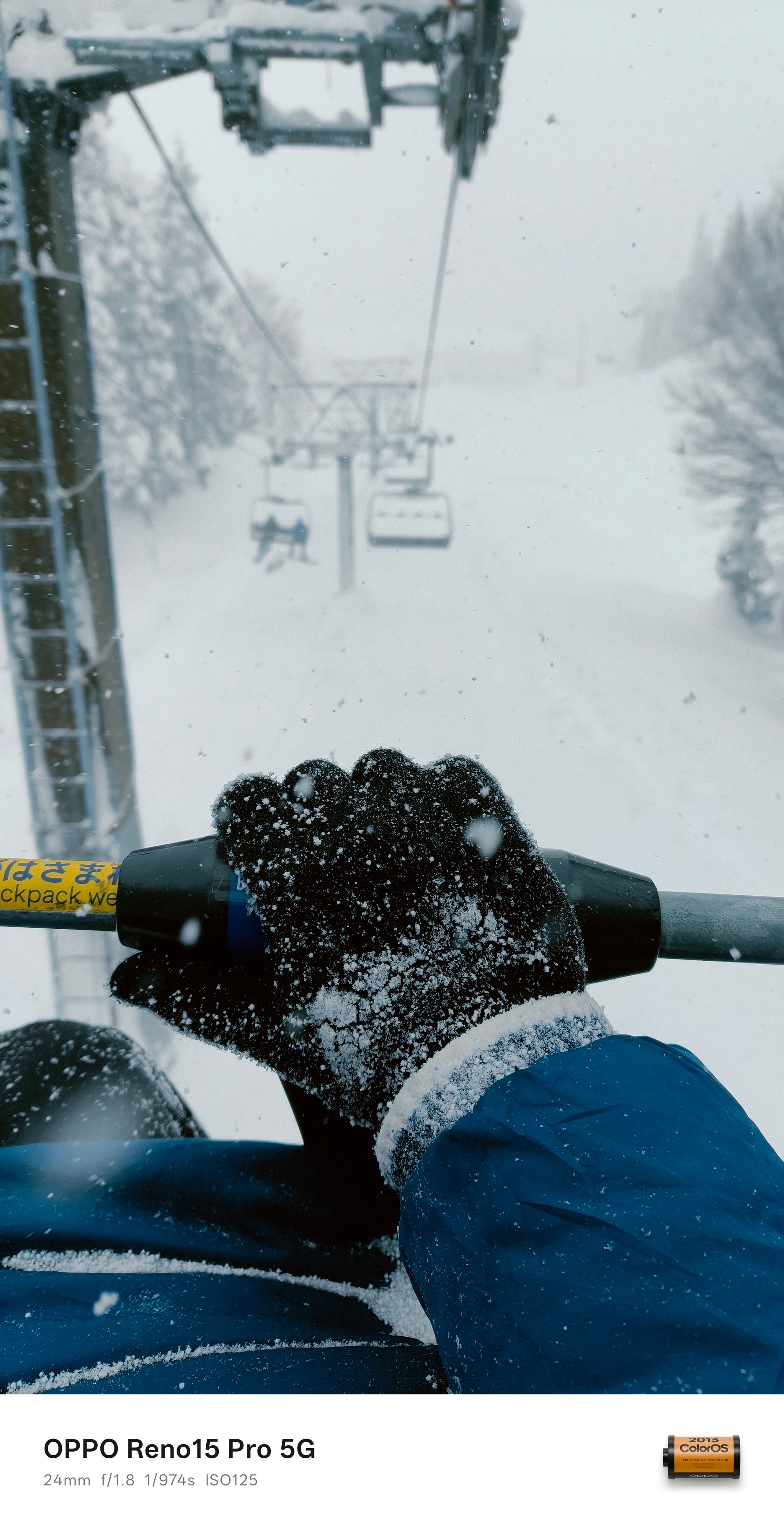
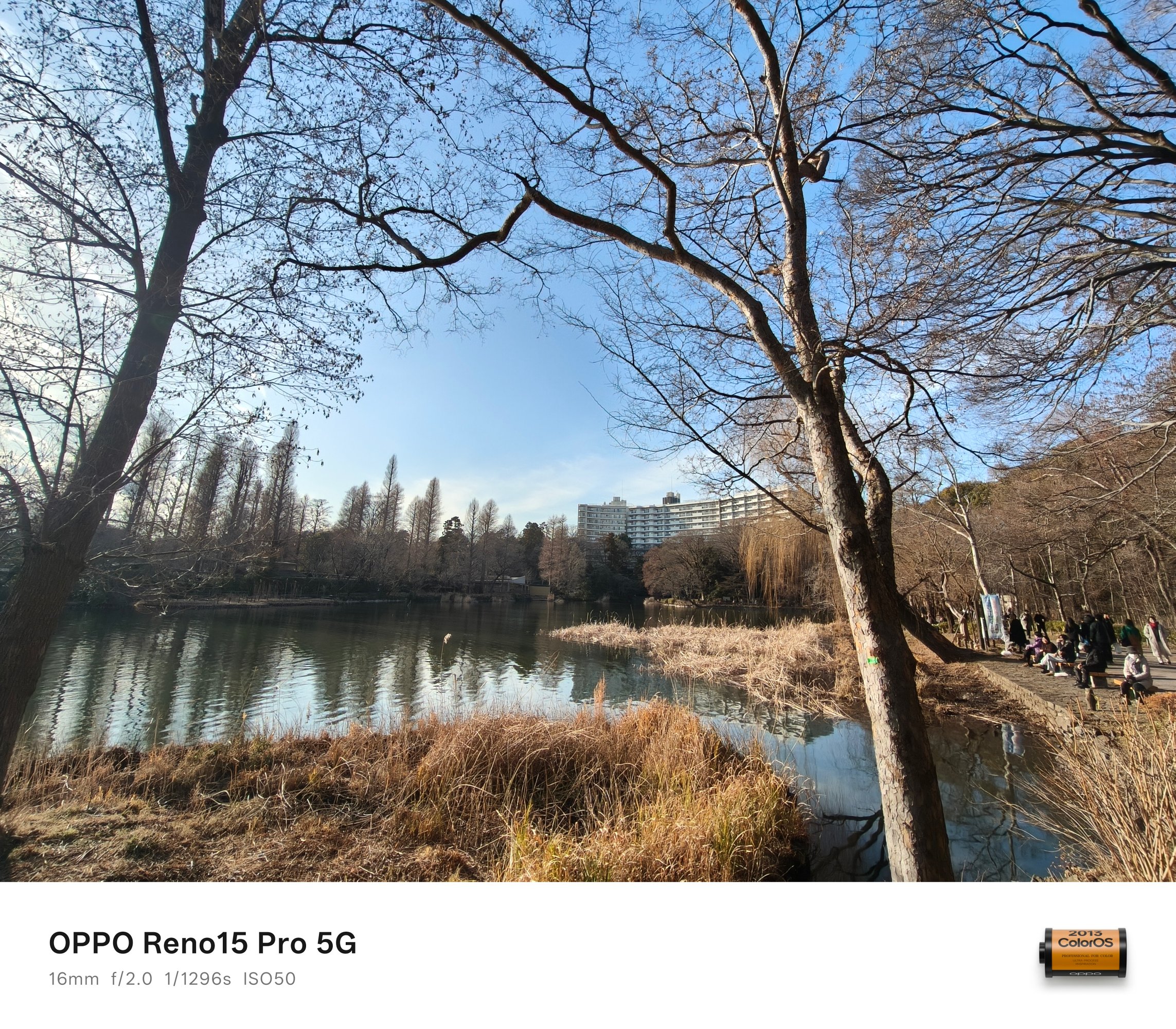
While color output is and will always be preferential, I prefer how the Reno15 Pro doesn’t produce photos that are looking too flat — with the fair share of balance in highlights, shadows, and contrast.




HDR scenes weren’t forgotten as well. There’s a good mix of everything in between despite capturing them against that harsh sunlight behind.


And before I forget, I just want to commend how fast the shutter response time is. Personally, I don’t use burst shooting and only relies on how fast my finger reflexes are when taking photos as fast as possible.
Good thing, the OPPO Reno15 Pro managed to capture this breezing train with ease.


The ability to switch between 24mm, 28mm, and 35mm is also a great feature flexibility especially for users who want to frame their shots properly.
BONUS #1: It also captured my first snow fall experience in Kyoto ❄️

Wider than wide
Usually, ultra-wide cameras are something that’s left behind among midrange phones. The case isn’t the same for the Reno15 Pro.
Although I cannot provide any comparison sample, that 50MP sensor obviously has the upper-hand versus the 8MP shooter found on the base Reno15.

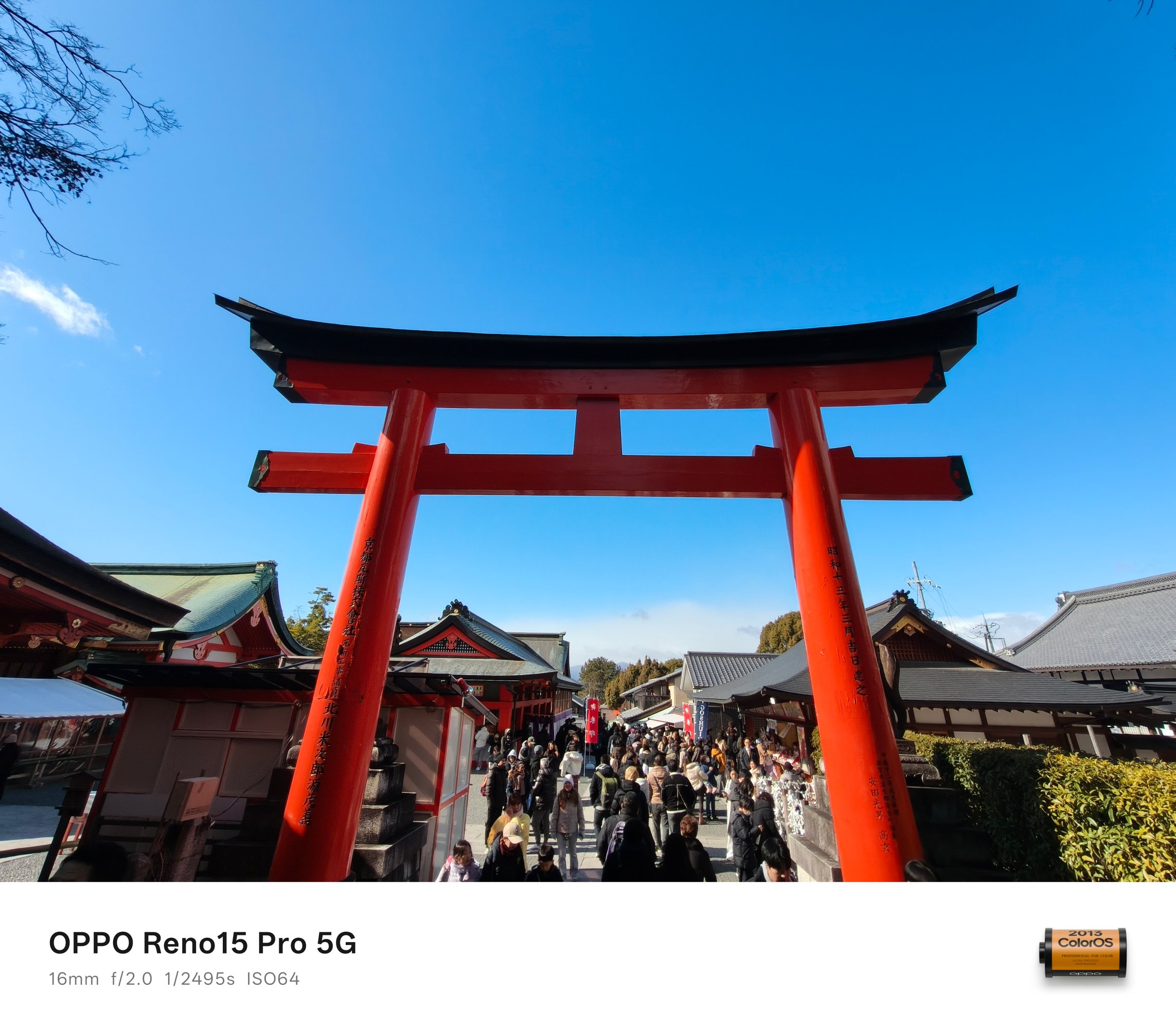
Shots taken in the UWA (Ultra-Wide Angle) mode look crisp and clear, no questions asked.
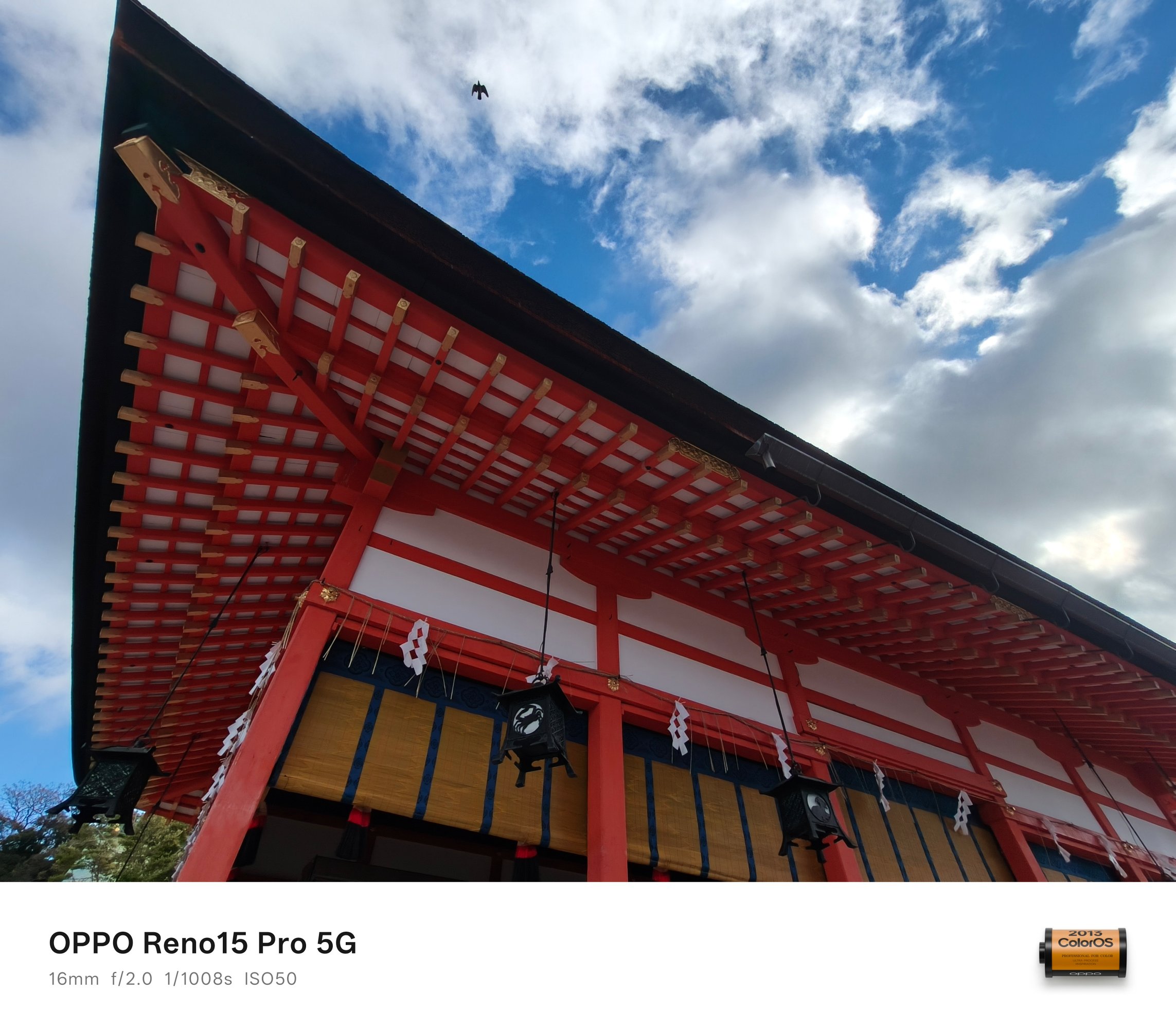
It even managed to snap that flying bird above like a fictional time freeze phenomenon.


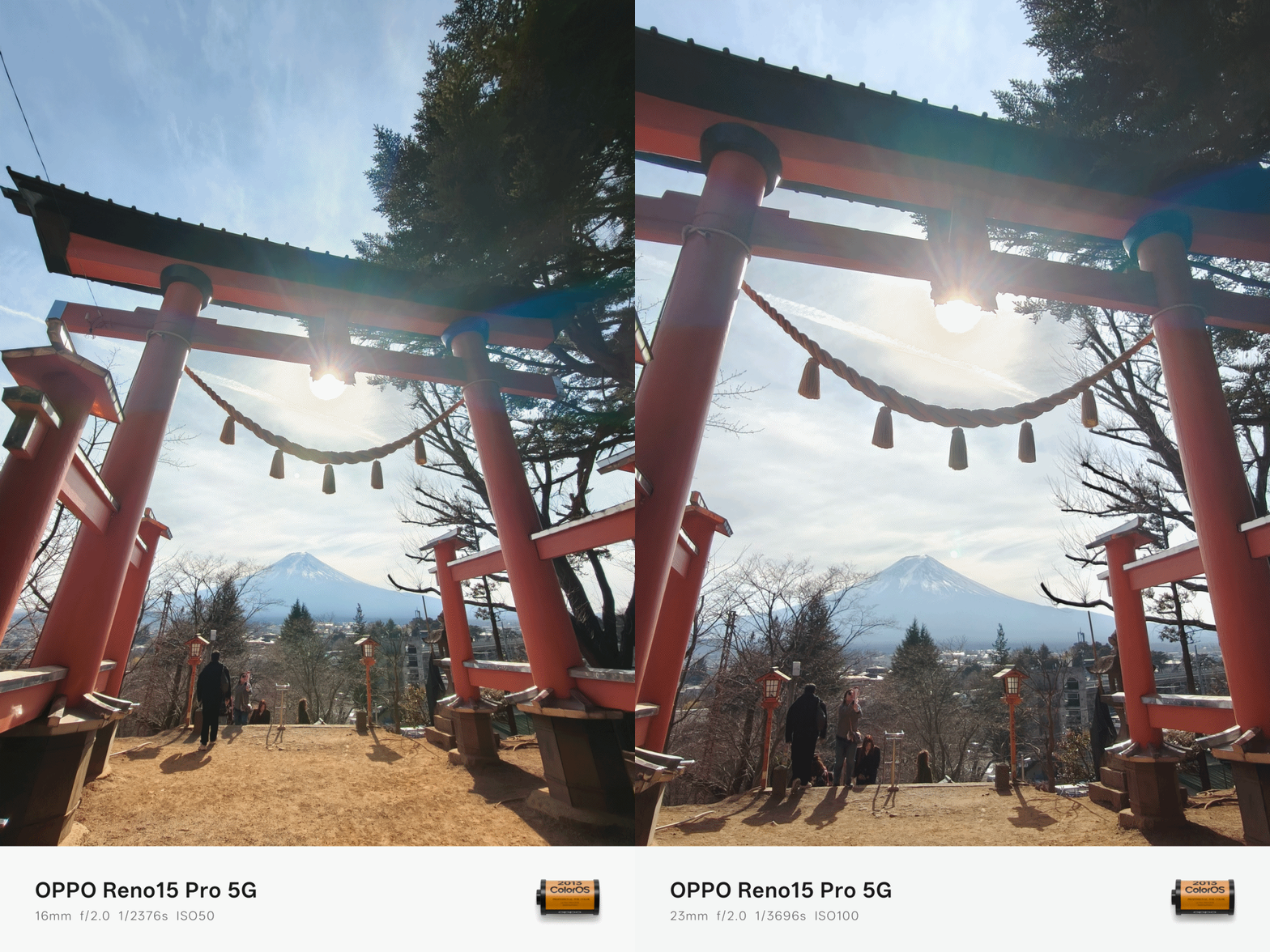
That 118-degree FoV squeezes in more details in the frame that cannot be captured by the regular 1x wide camera — unless you physically back off meters away from the subject.

In certain scenarios where cropping in is required, that larger megapixel count means it has gathered more image data — especially in restricting environments.


The Zoom Boom
If you’re coming from last year’s Reno, that 3.5x zoom shooter still remains.
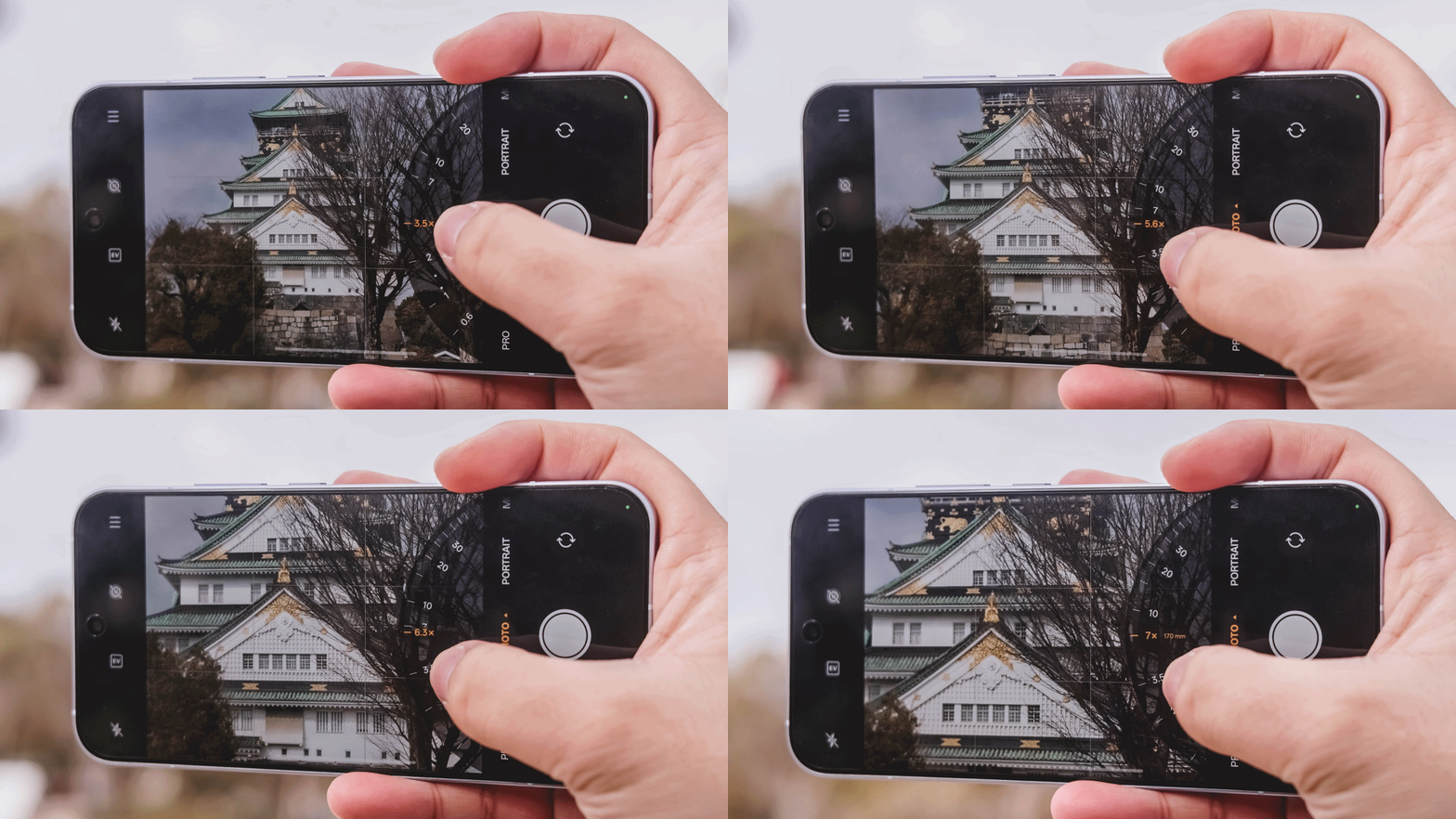
Albeit, from a periscope module, it was returned to a telephoto one (like what’s equipped in the Reno13 Pro). I’m quite unsure how massive or measly that change brings to the table.
And even if that 200MP can bring 2x zoom shots through in-sensor cropping, having a dedicated telephoto lens means clearer shots from afar.

And it’s not just limited to 3.5x telephoto zoom per se (85mm). The OPPO Reno15 Pro can even take as far as 7x with optical-quality zoom (or lossless / hybrid, whatever the best term is). That’s an equivalent of 170mm in camera lens’ focal length.
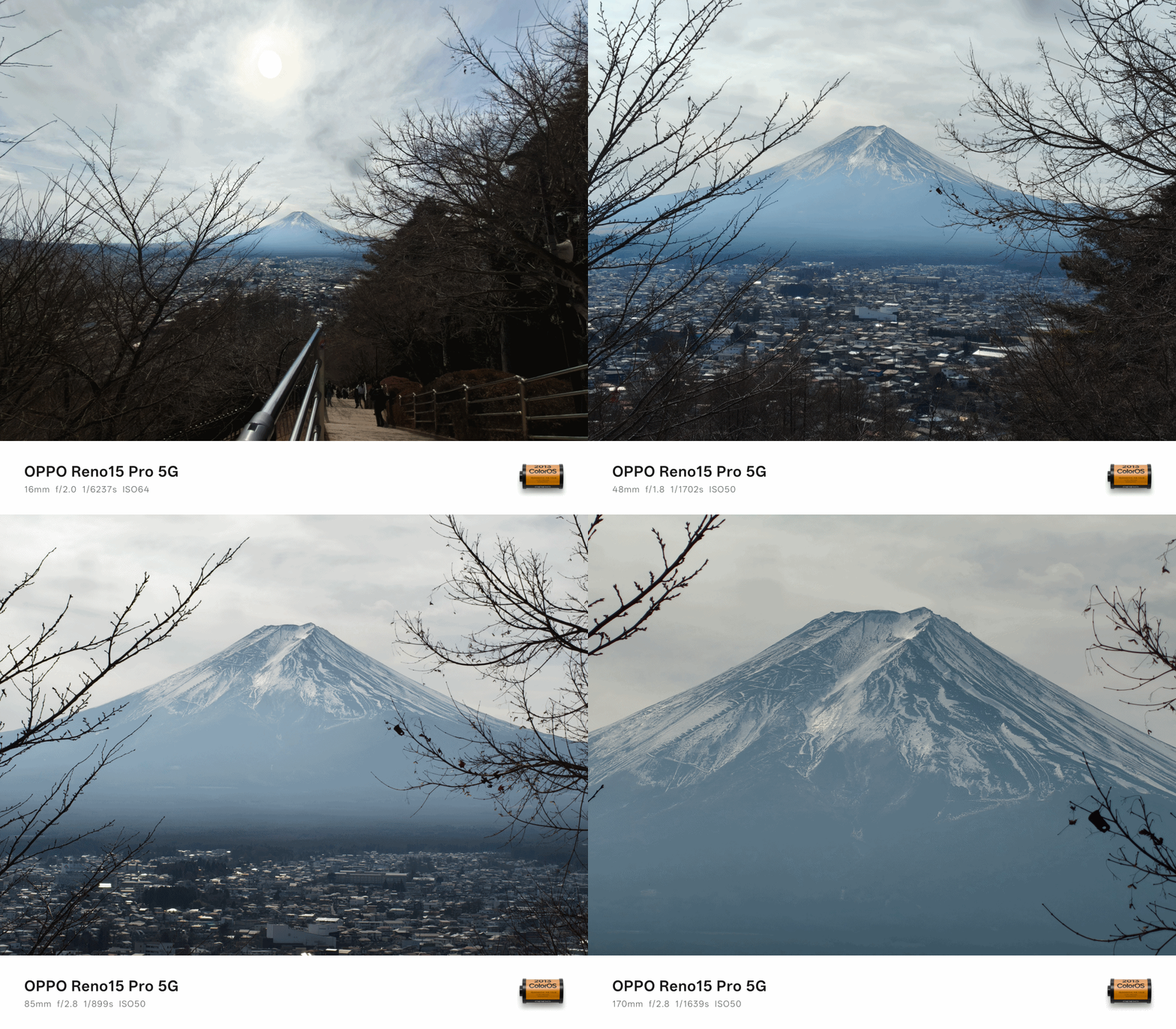
Good thing or not, it’s the same exact sensor found on the base Reno15 as well.



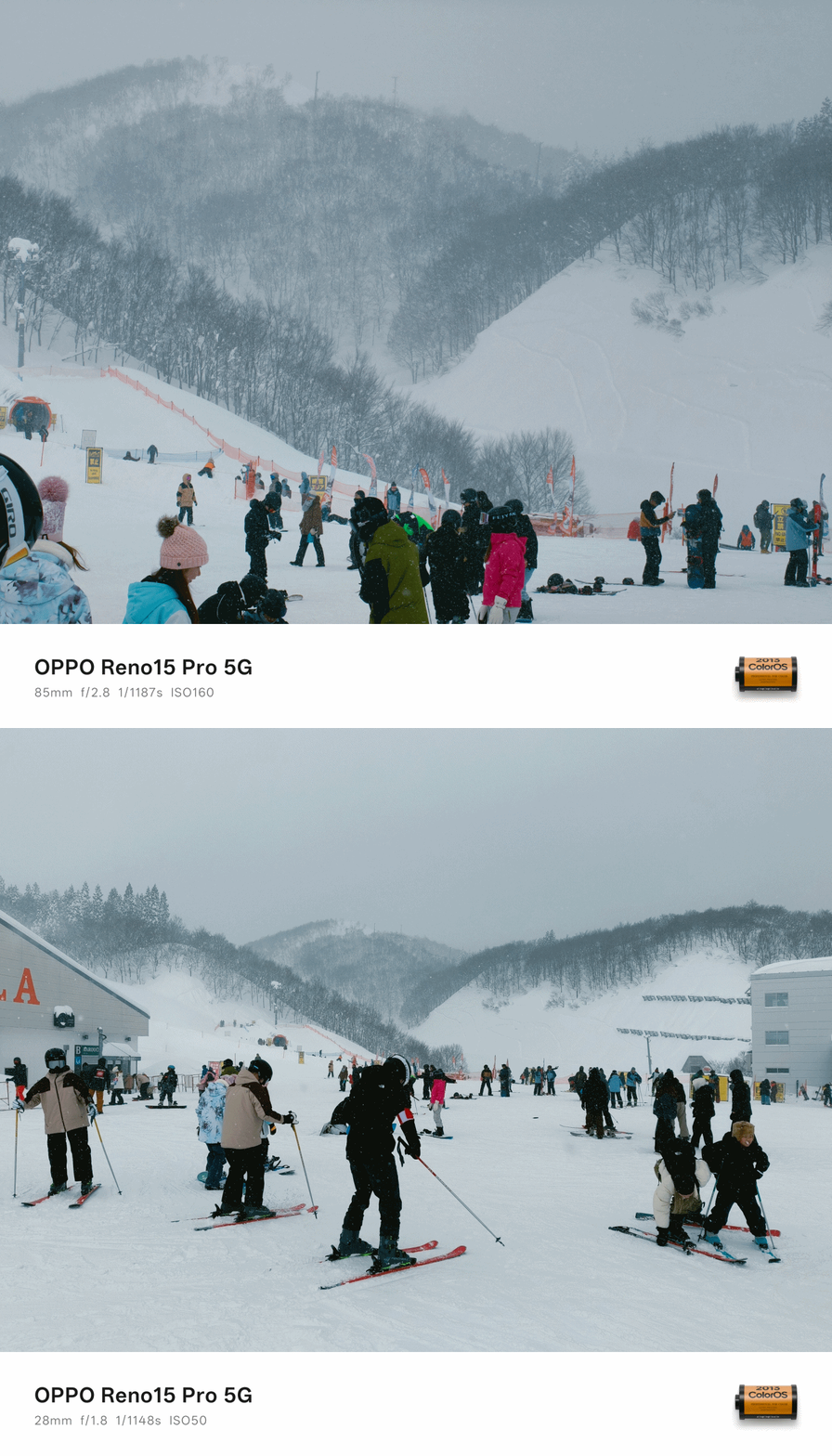
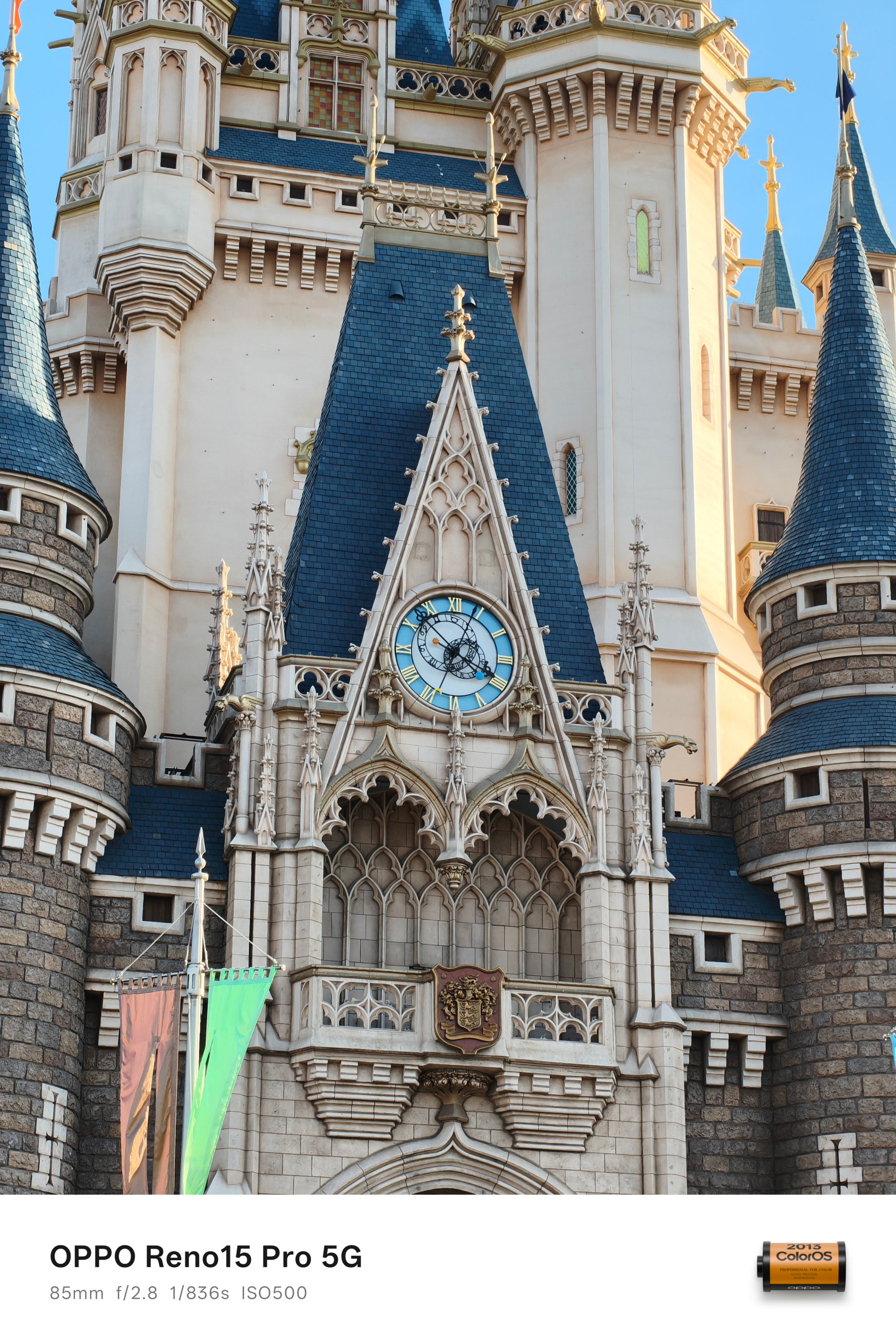
What matters the most is that I love how this zoom shooter performs.







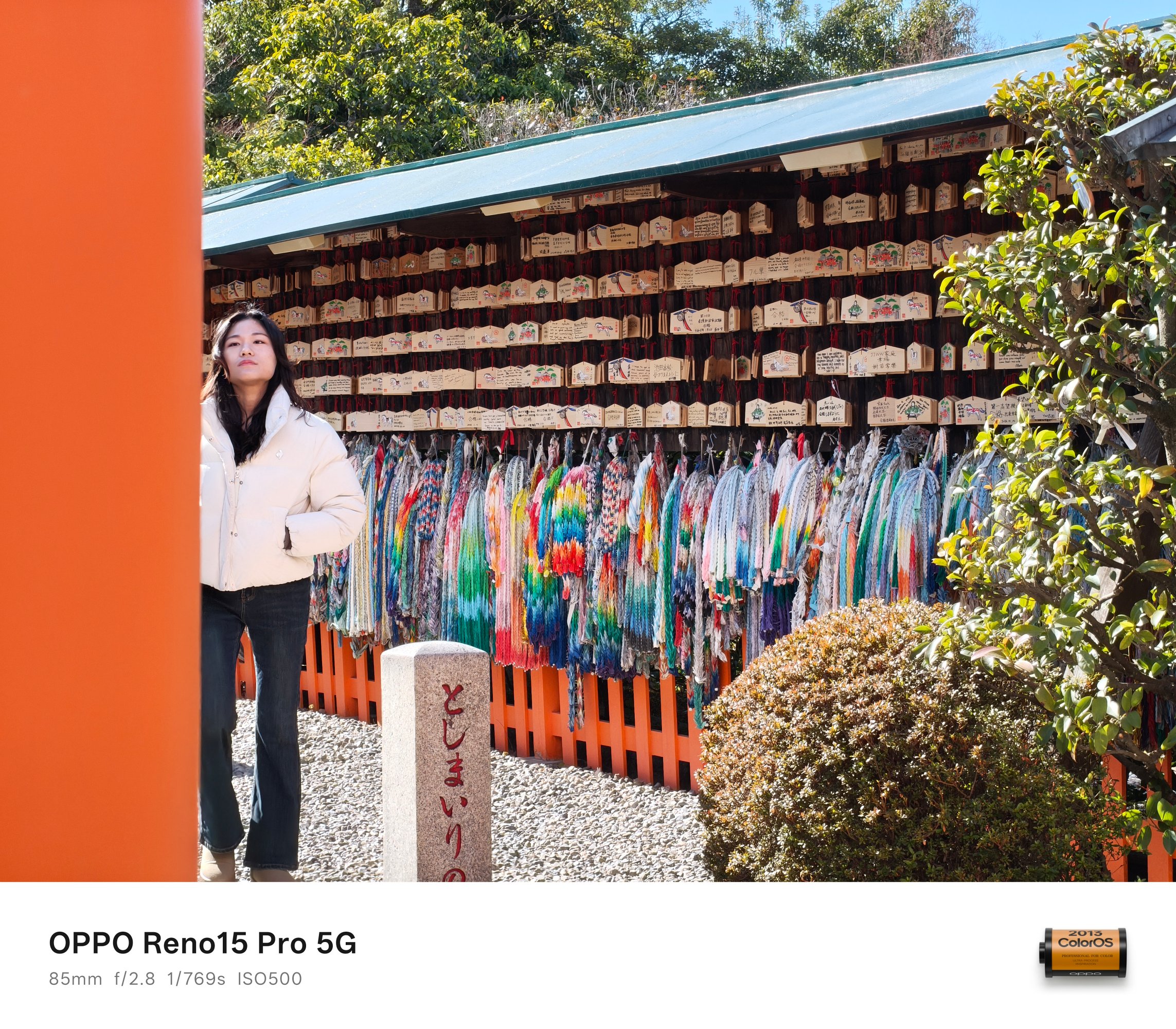
It even performs snappy when shooting moving subjects — like this deer and tux cat.


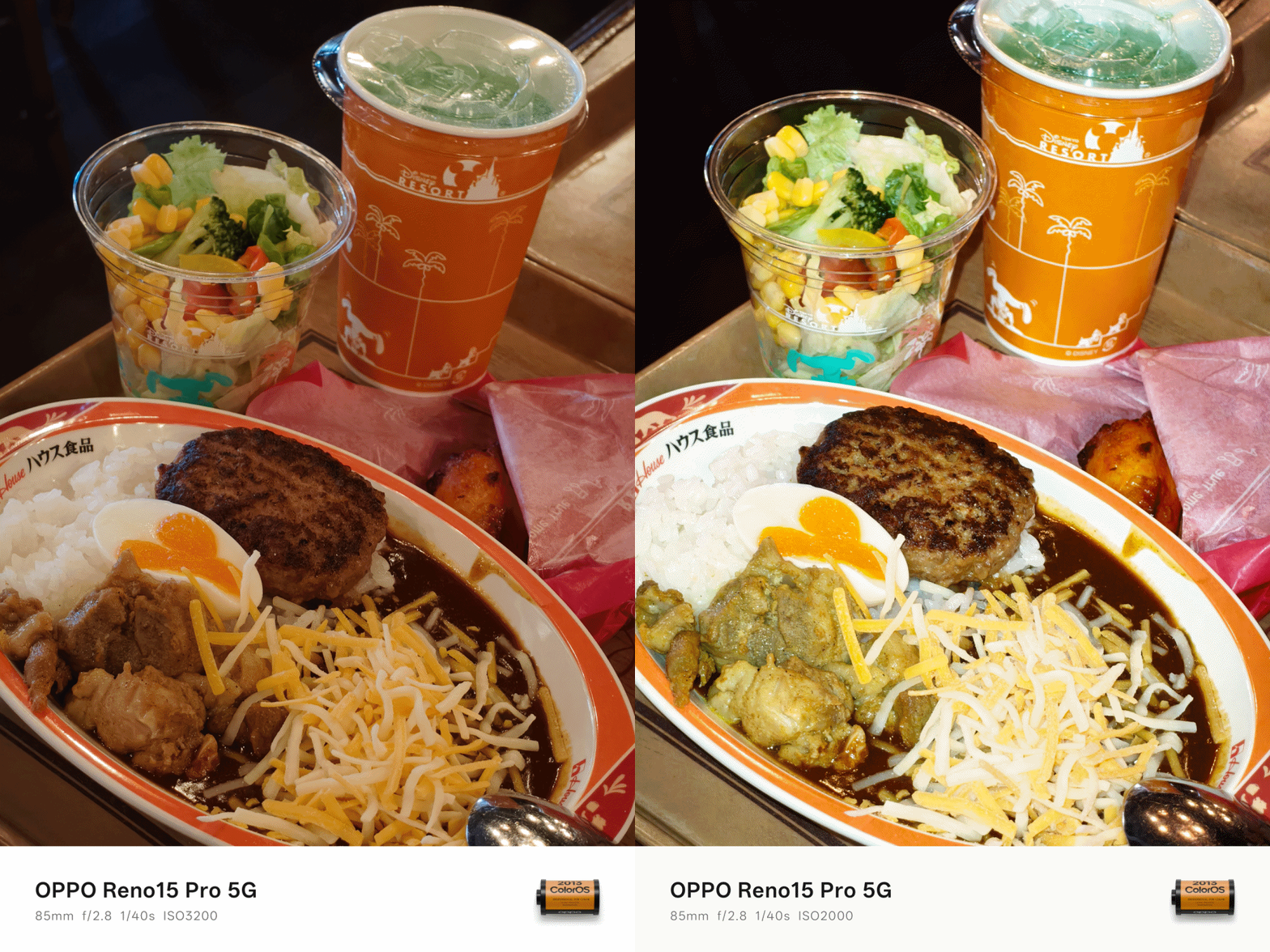
I am a firm believer of not taking food shots using the regular 1x view. Thankfully, the excellence of its 2x and 3.5x zoom modes made me capture these mouthwatering photos with enough segmentation.

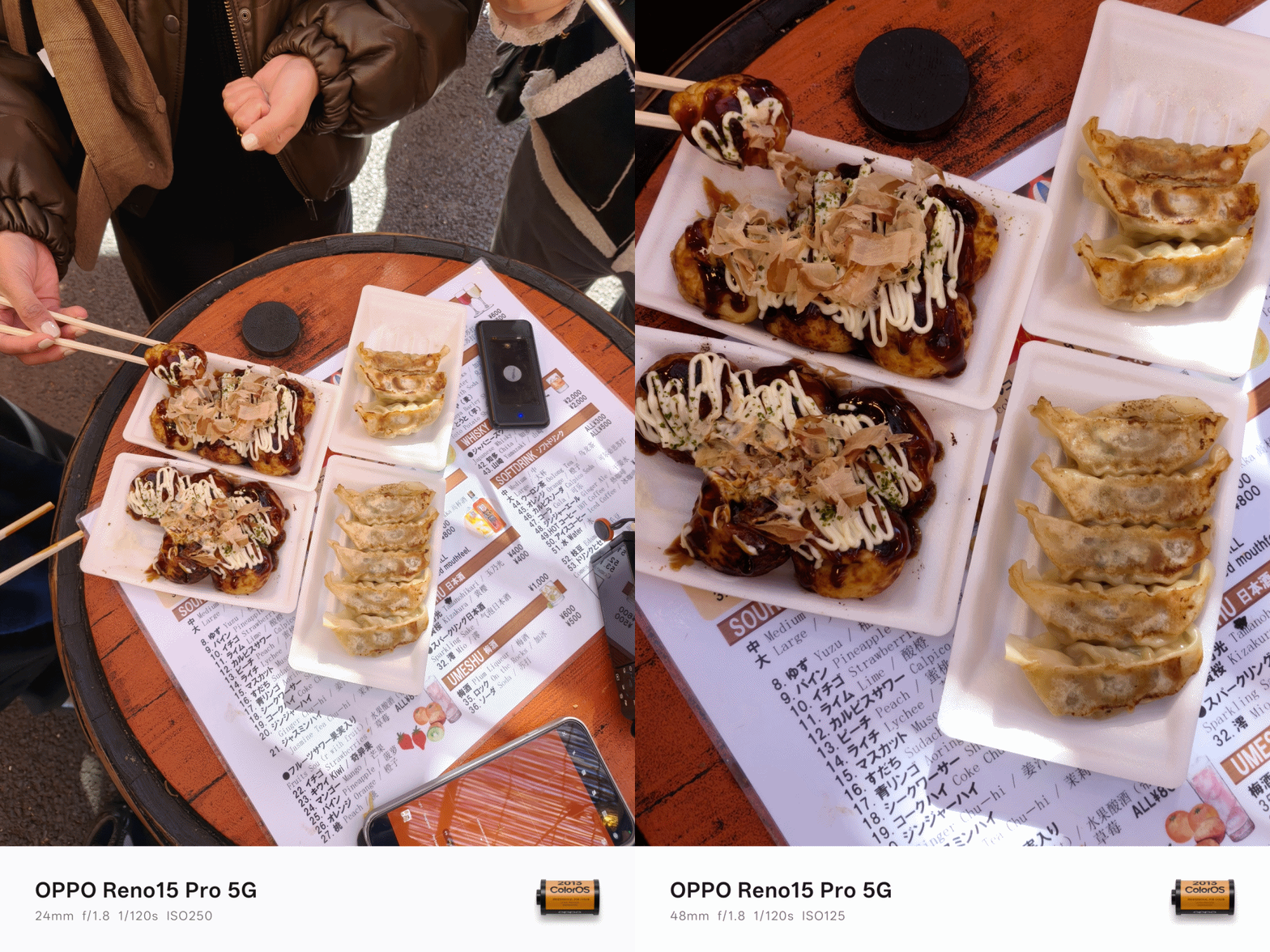

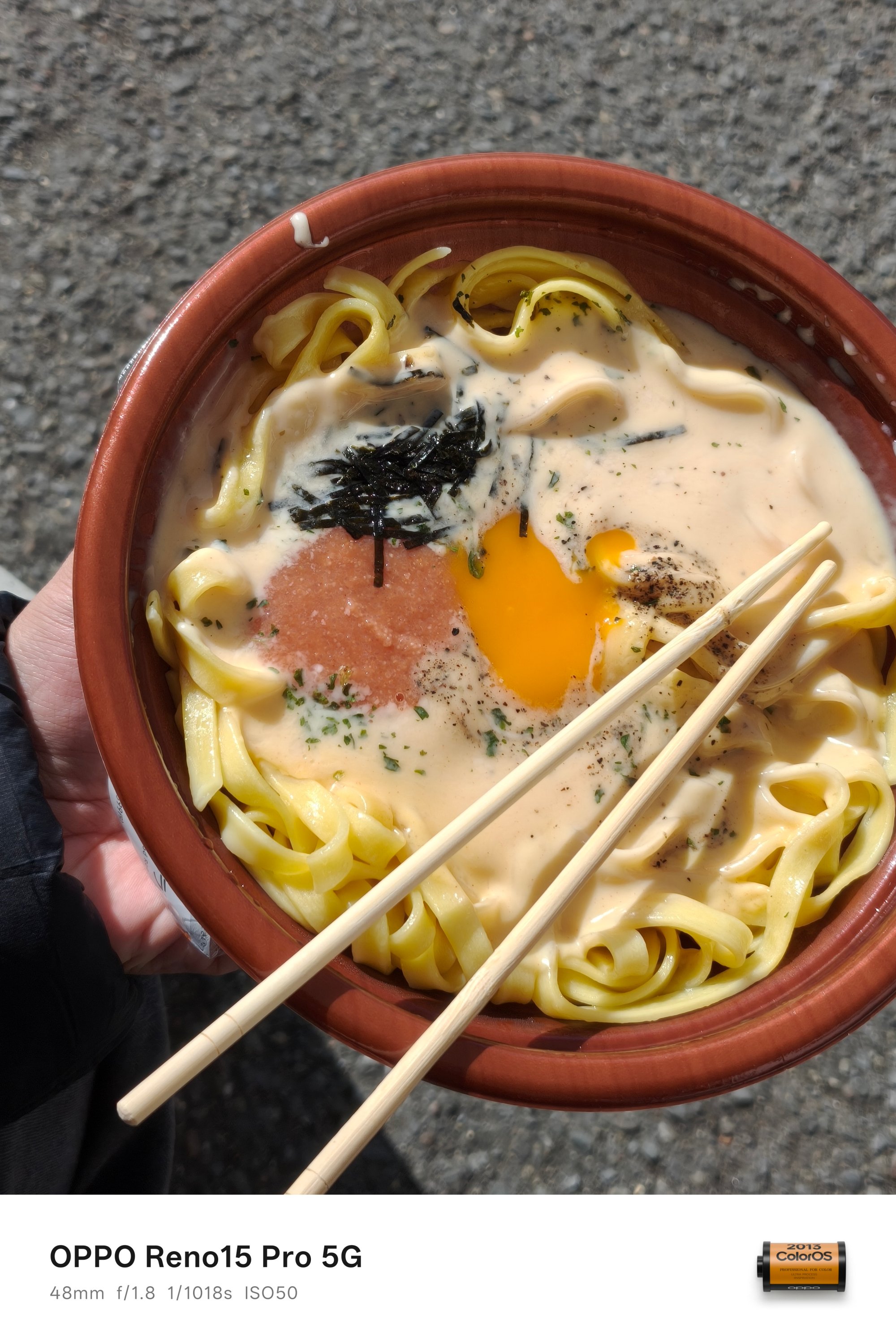





Also, my new obsession? Turning on the flash when capturing meals indoors for that ✨ 2000s digicam vibes 📸

Low-light that looks right
As I always say, shots taken with no presence of natural and artificial light is what makes or breaks a smartphone’s camera performance.
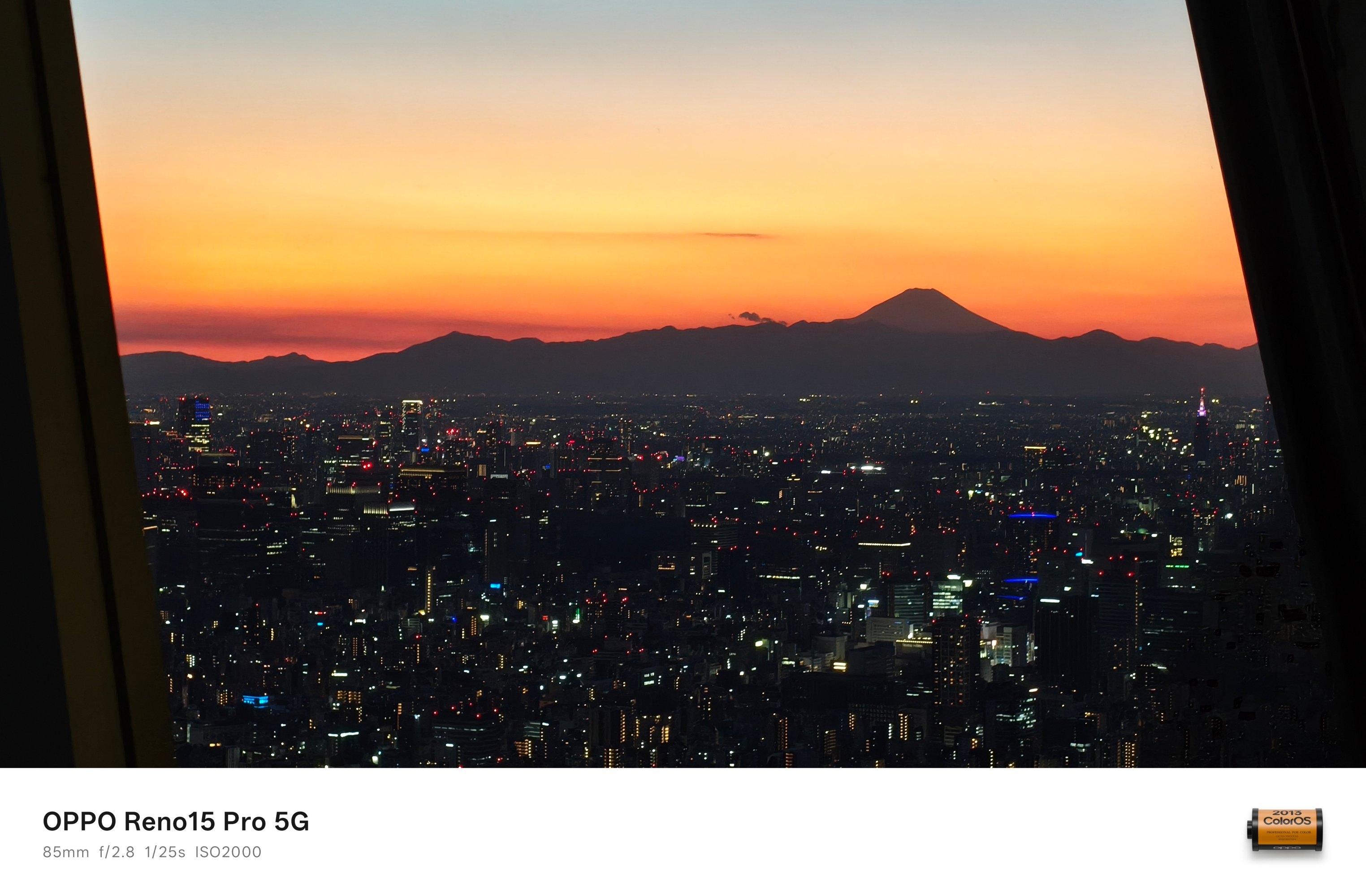
However, the OPPO Reno15 Pro dared. It was able to capture this Mt. Fuji scene at Tokyo Skytree even when the sun has already set.

With no surprise how it performs during the day, these evening photos provide more than satisfactory quality.


And just to be clear, I never actually switched to Night Mode.
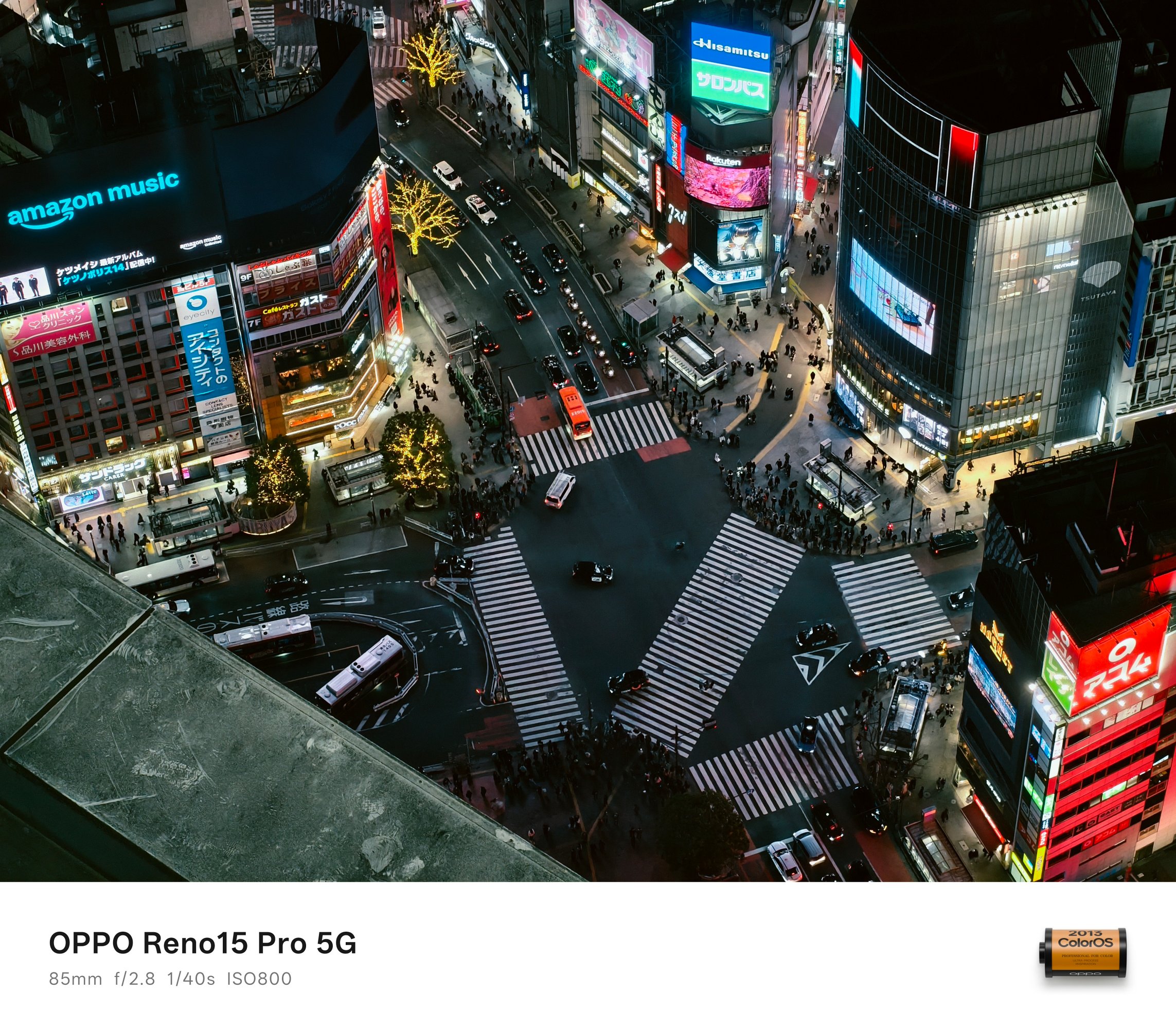
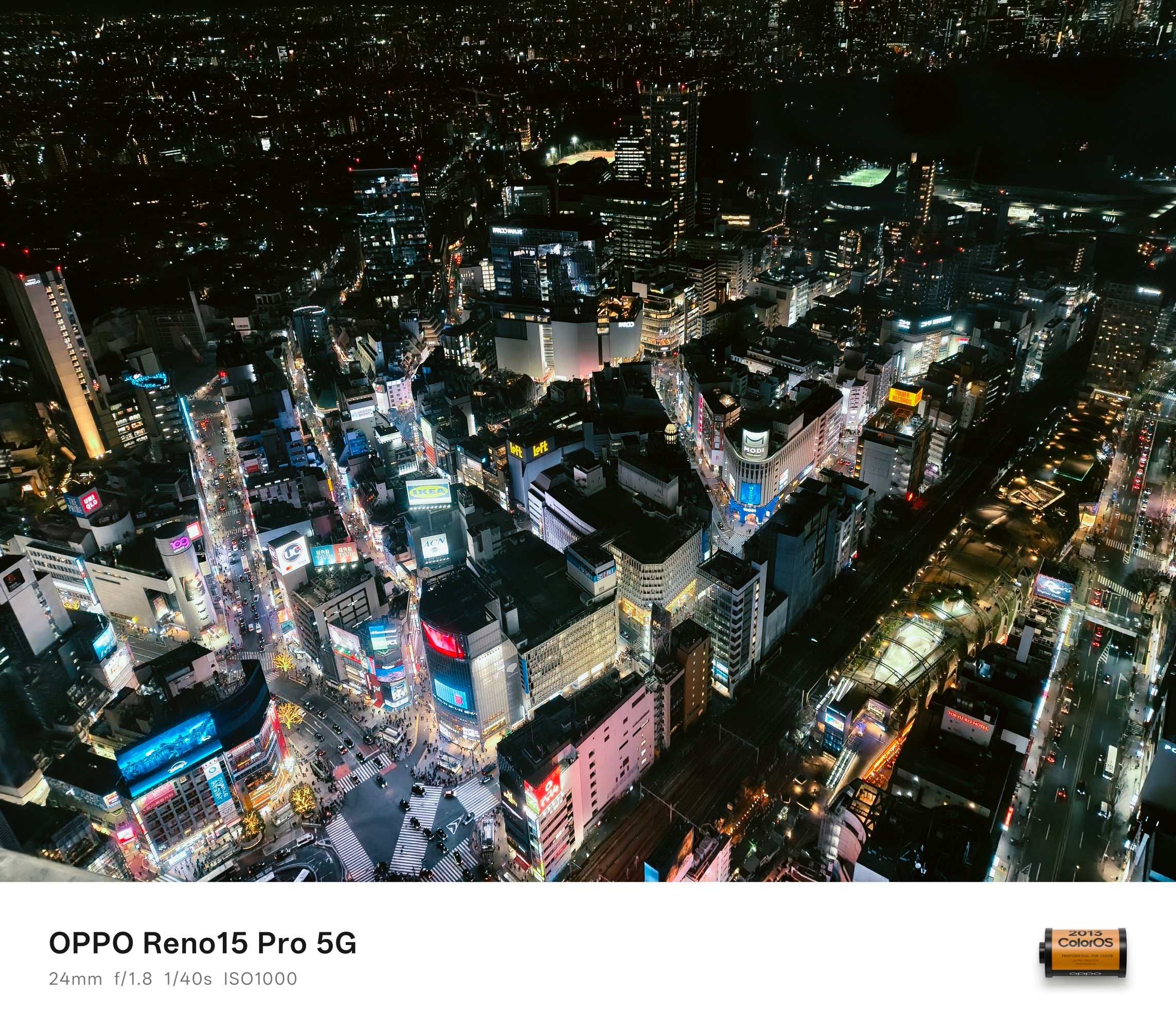


Regardless of the focal length you desire, the OPPO Reno15 Pro delivered well.
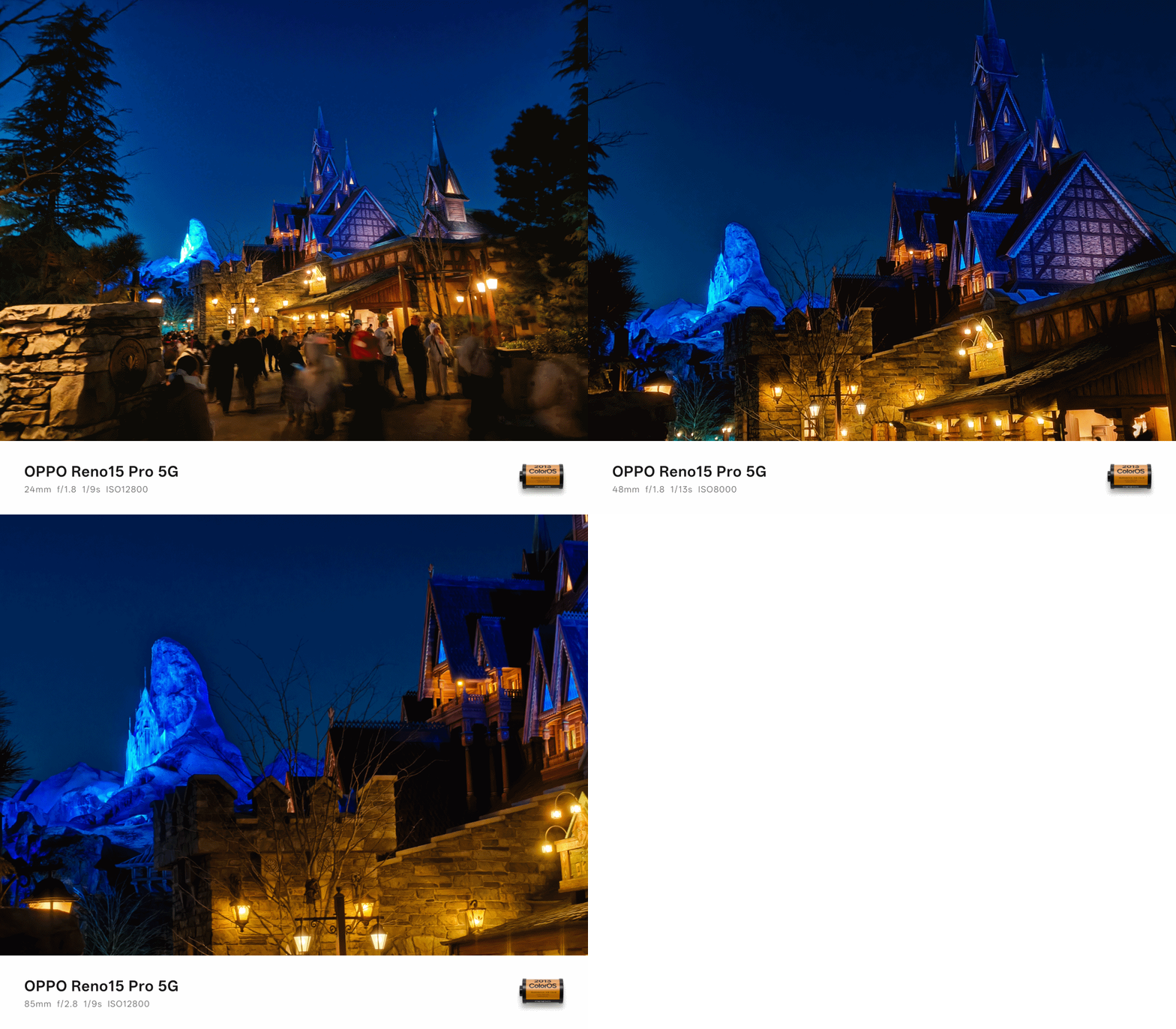
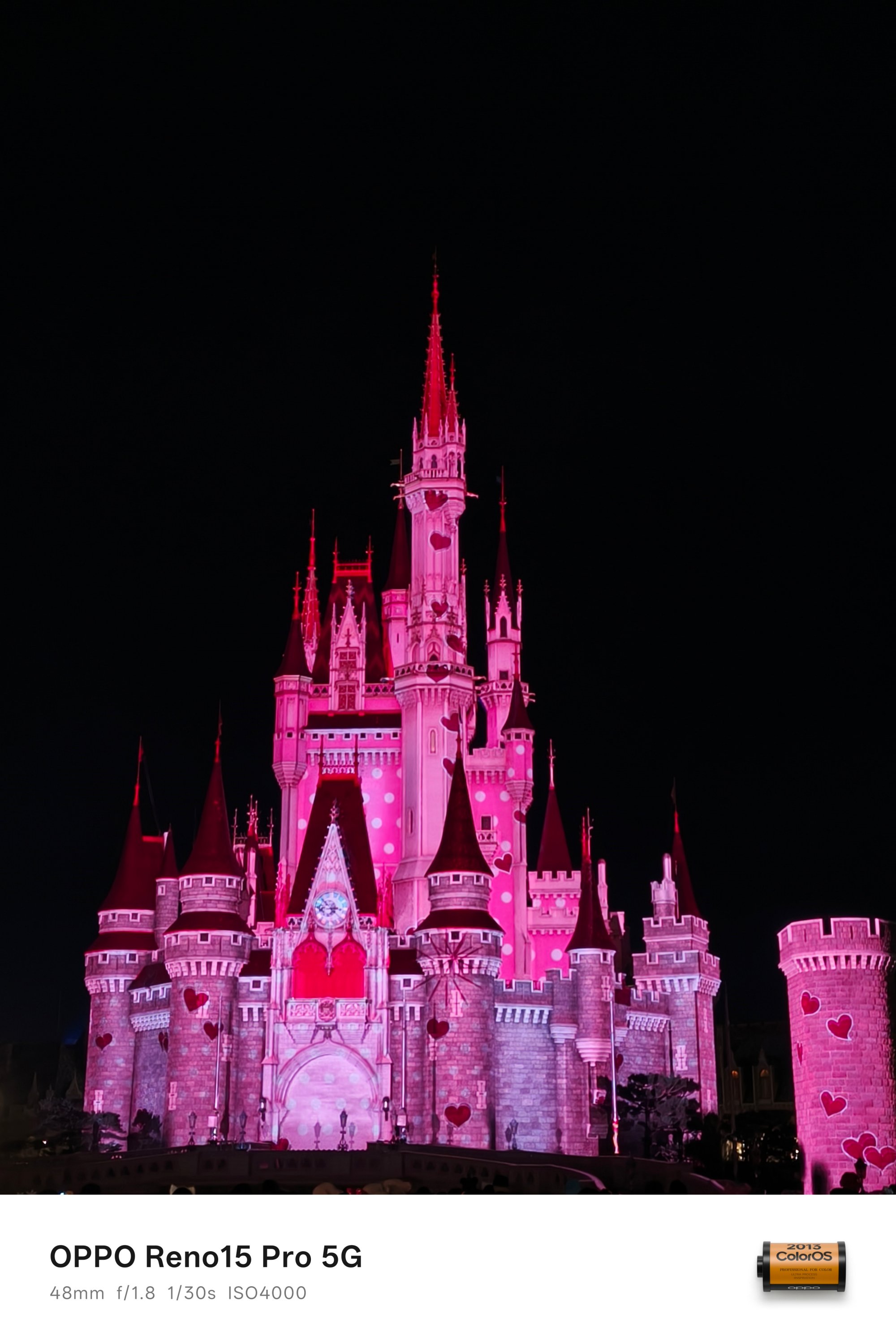


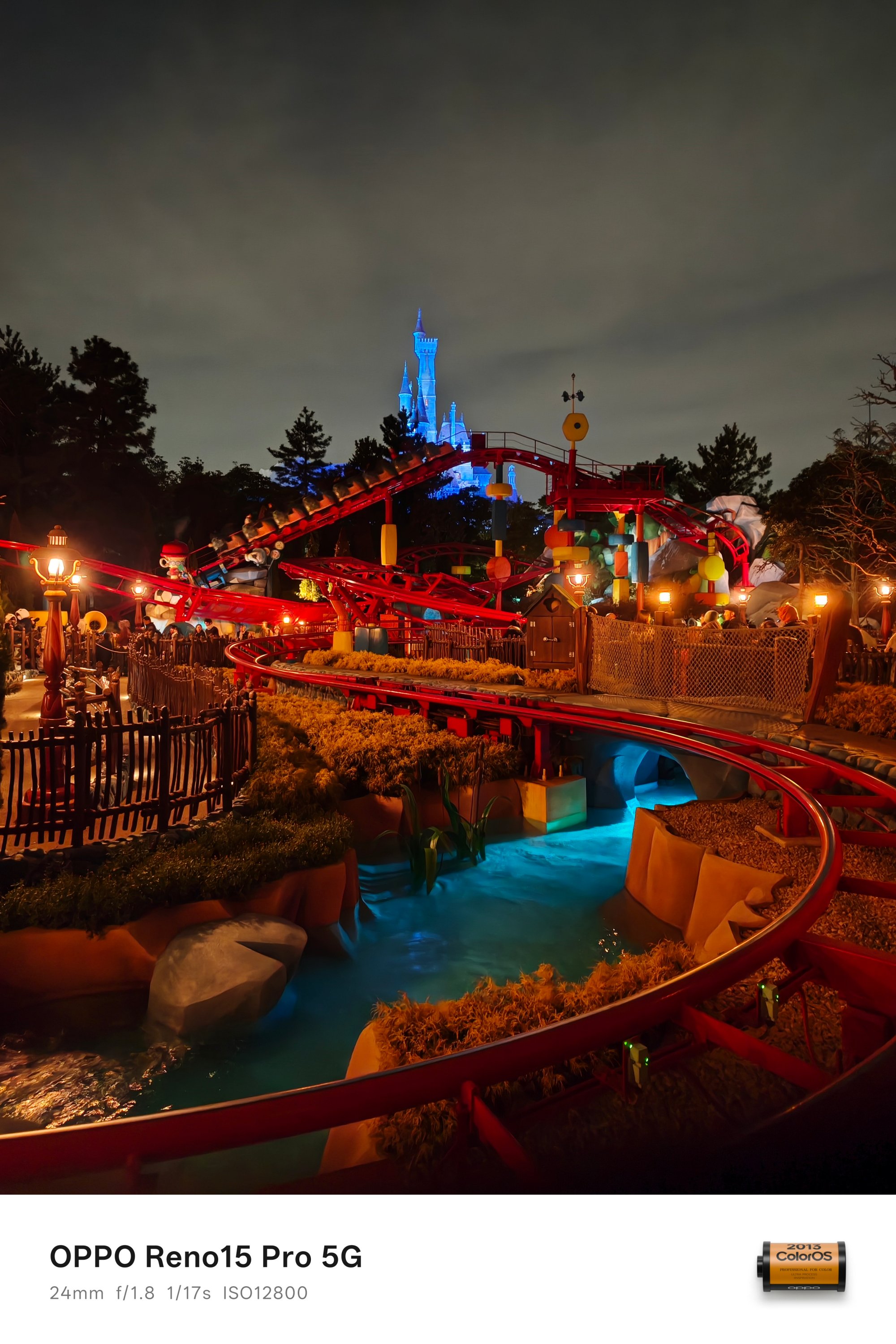


OPPO AI instantly detects the scene and kicks in that much-needed algorithm when capturing shots in the low-light. For instance, this part was so dark I didn’t even notice there’s a couple captured in the frame.

Indoor shots weren’t left out as well. Look at how clean these look despite capturing them while being in a ride full of twists and turns.


Speaking of, these two samples were also taken while the parade floats were in constant motion.


I didn’t fully intend to take as much low-light shots with the OPPO Reno15 Pro. Still, it would be a huge miss not to include these extras.



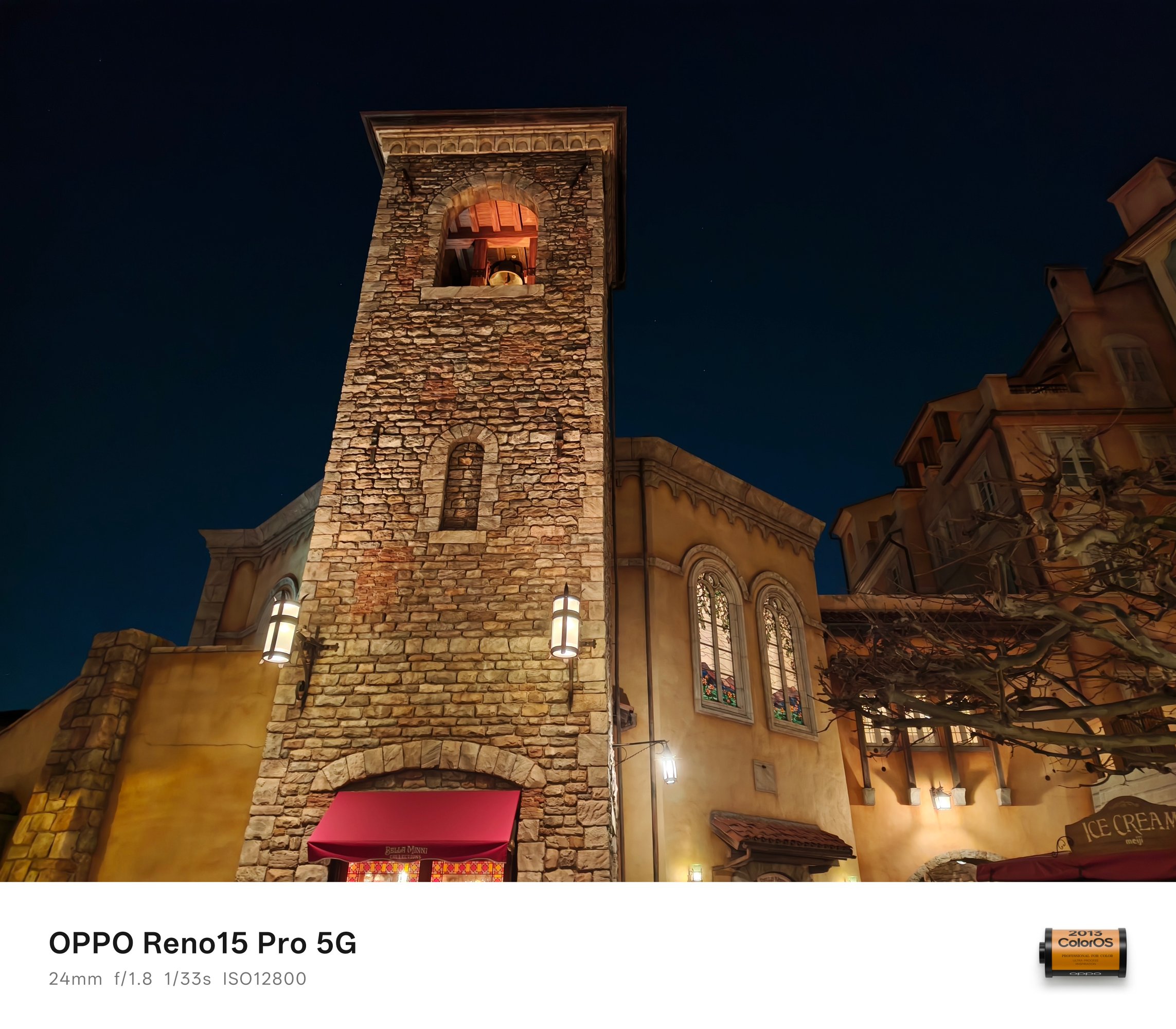

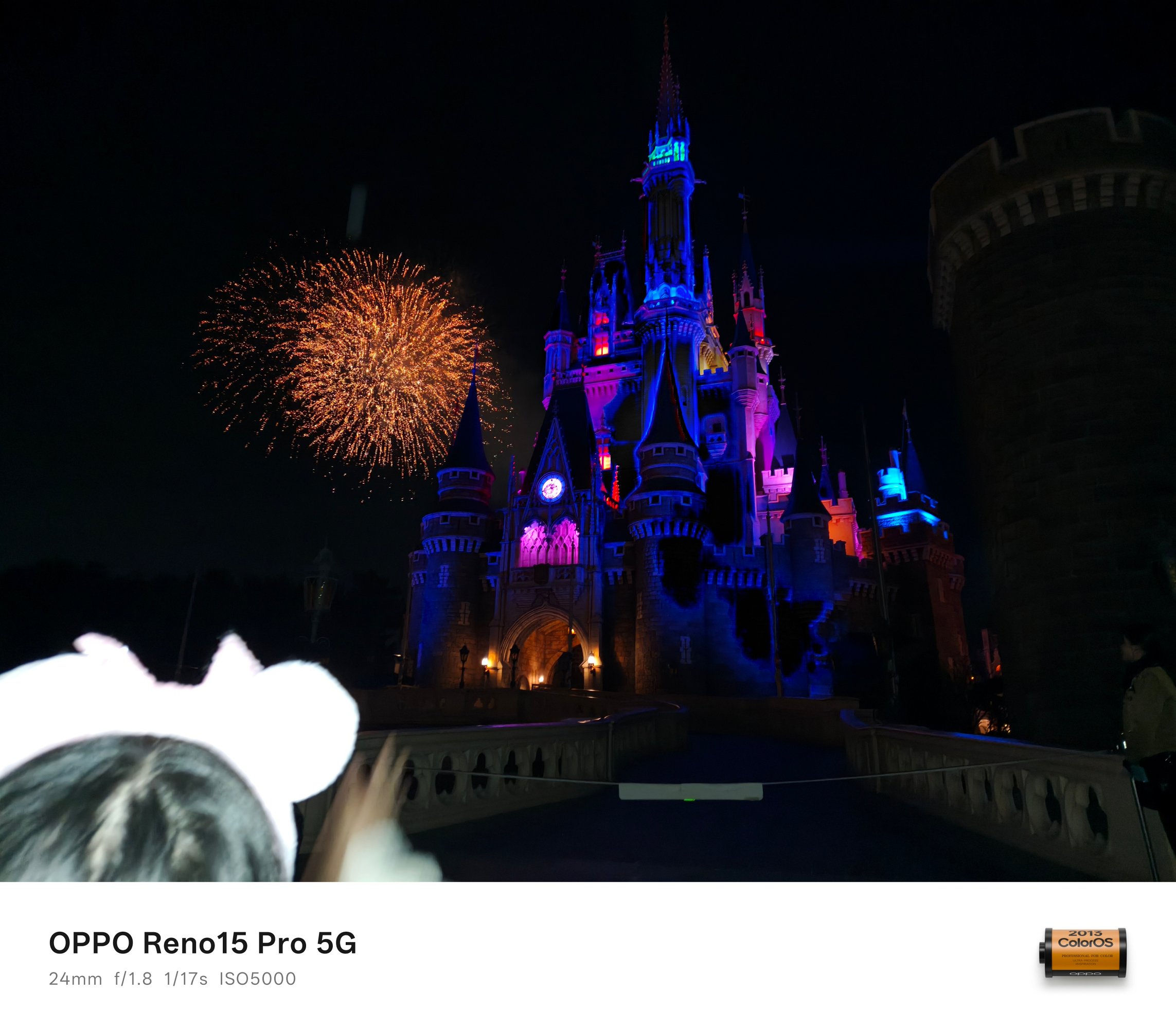
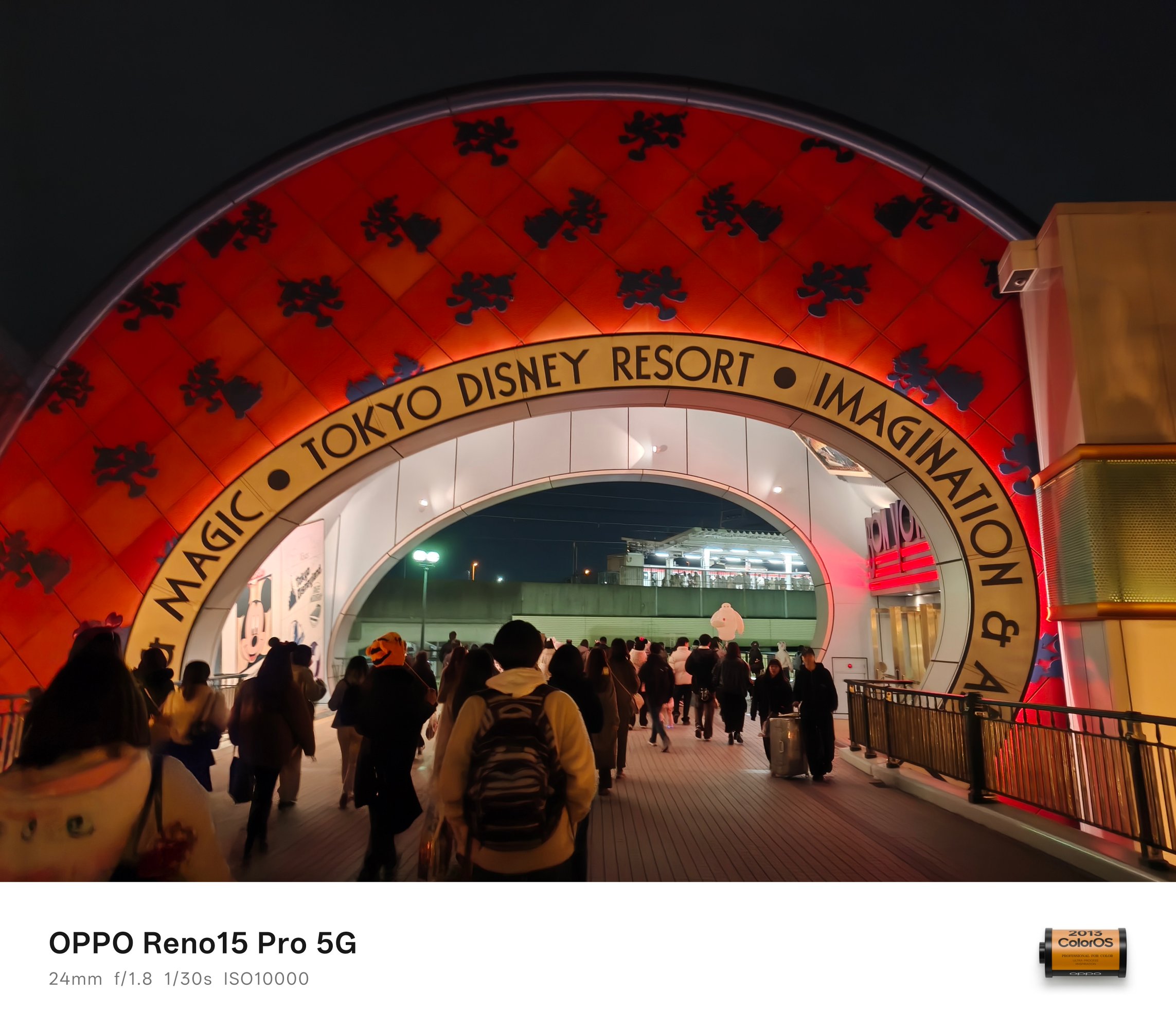 BONUS #2: I accidentally took this with the flash enabled so it didn’t truly capture the split-second moment of that fireworks. However, IMHO, it still looked postworthy.
Pro-trait Expert
Having a telephoto shooter isn’t just for capturing subjects from afar, it also means better portraits through fixed focal lengths à la prime lenses for professional cameras.


While portrait mode works in both 1x or 2x modes, that 3.5x (or 85mm equivalent) gives the best possible output.


Not only is the Depth of Field (DoF) based on the phone’s distance away from the person, it also provides a more natural bokeh — even if that means faking the aperture from f/16 to as shallow as f/1.4.



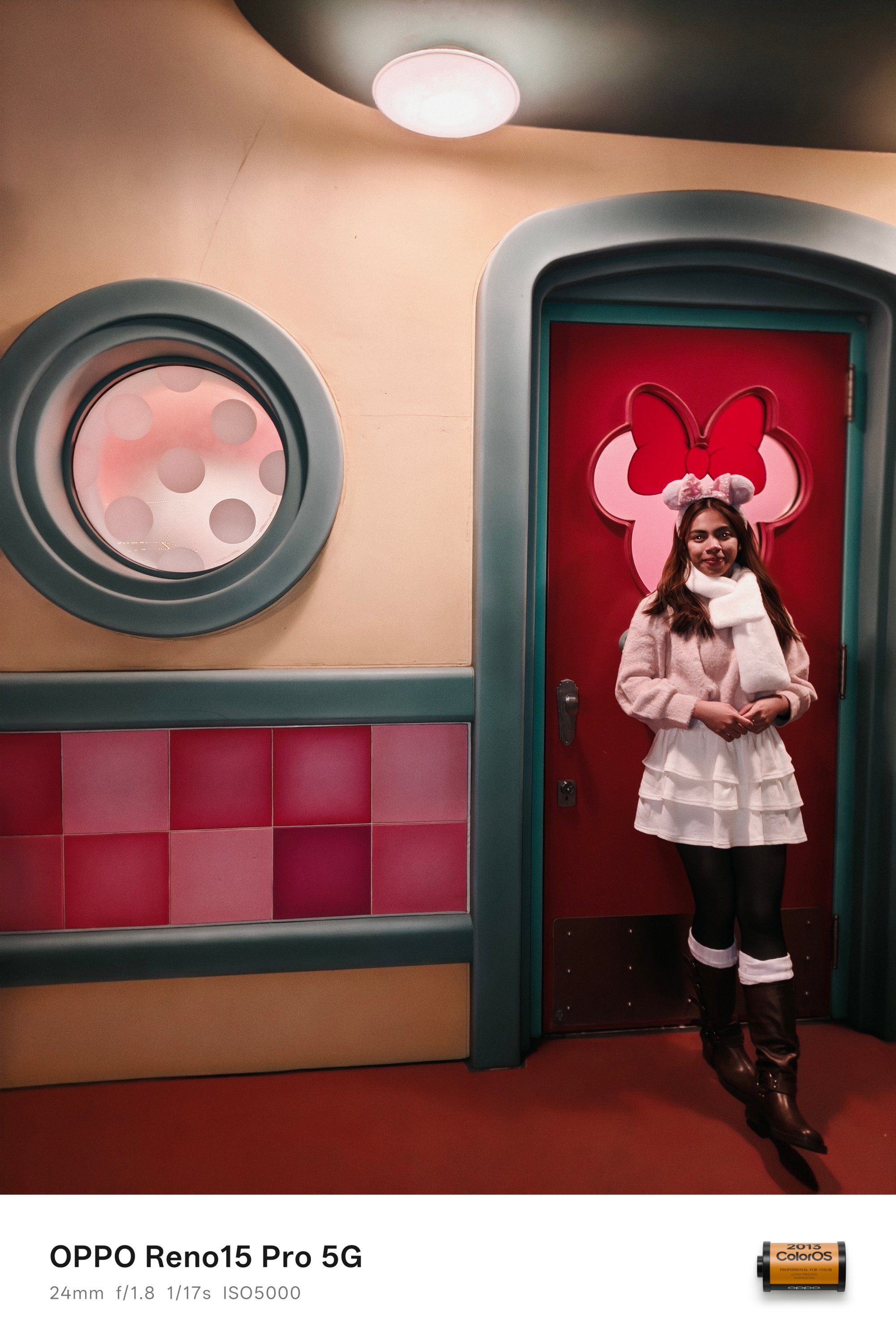

And this expertise isn’t just found on the rear cameras. With the front camera sharing the same sensor as the telephoto camera, quality is more than justified.




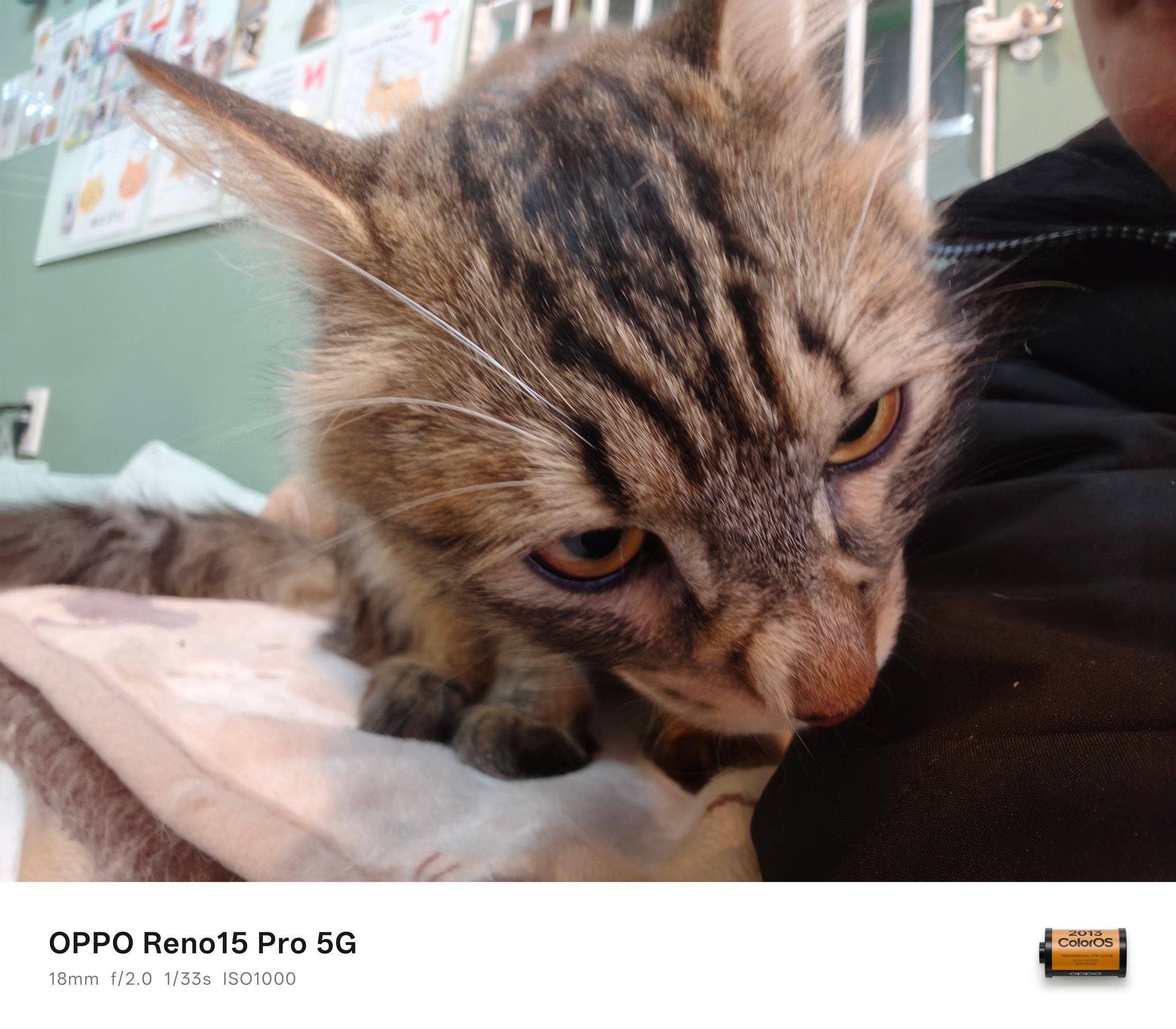
Same sensor found on the telephoto unit with a wider aperture clearly means the DoF is as natural as it can get.
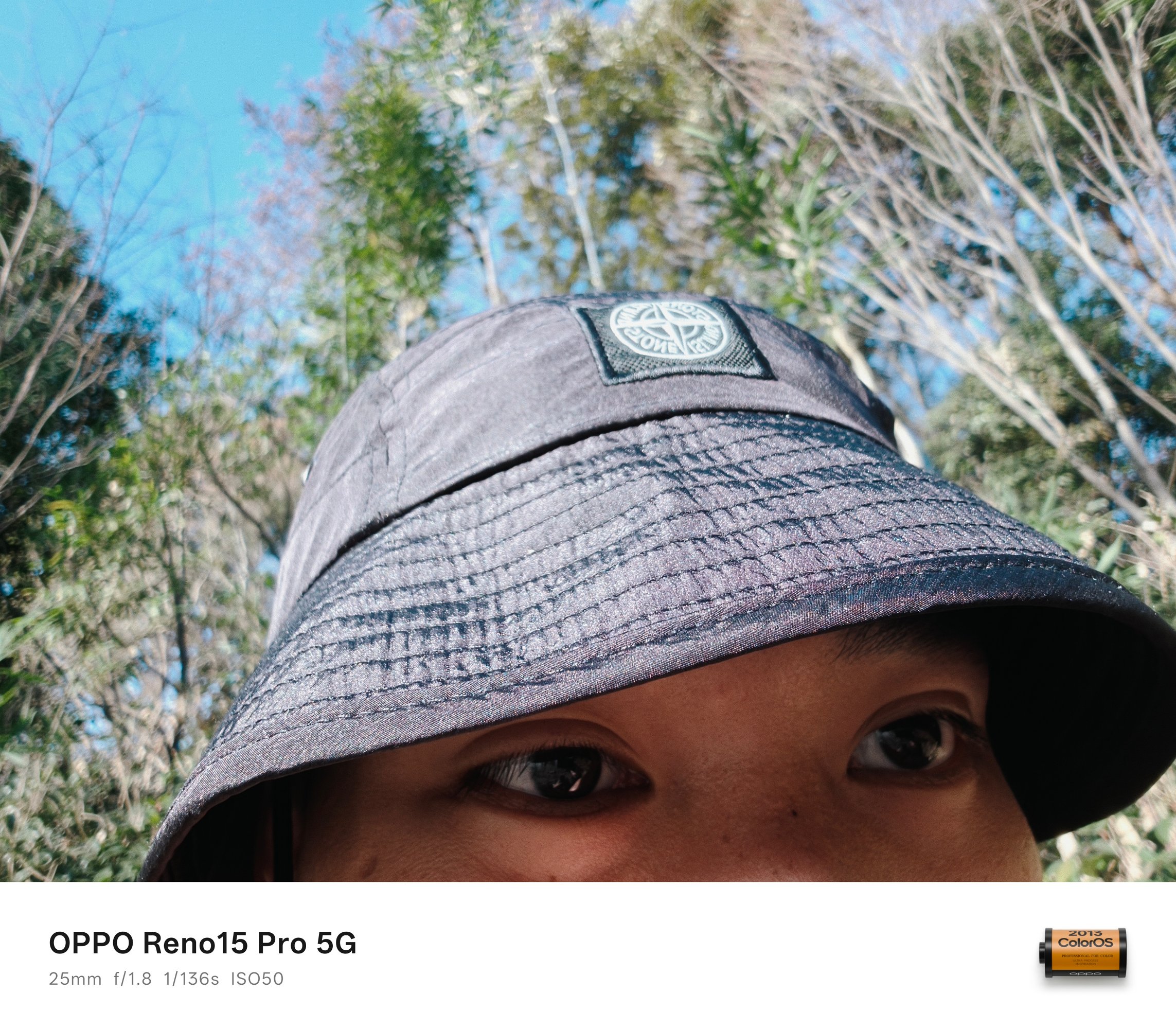
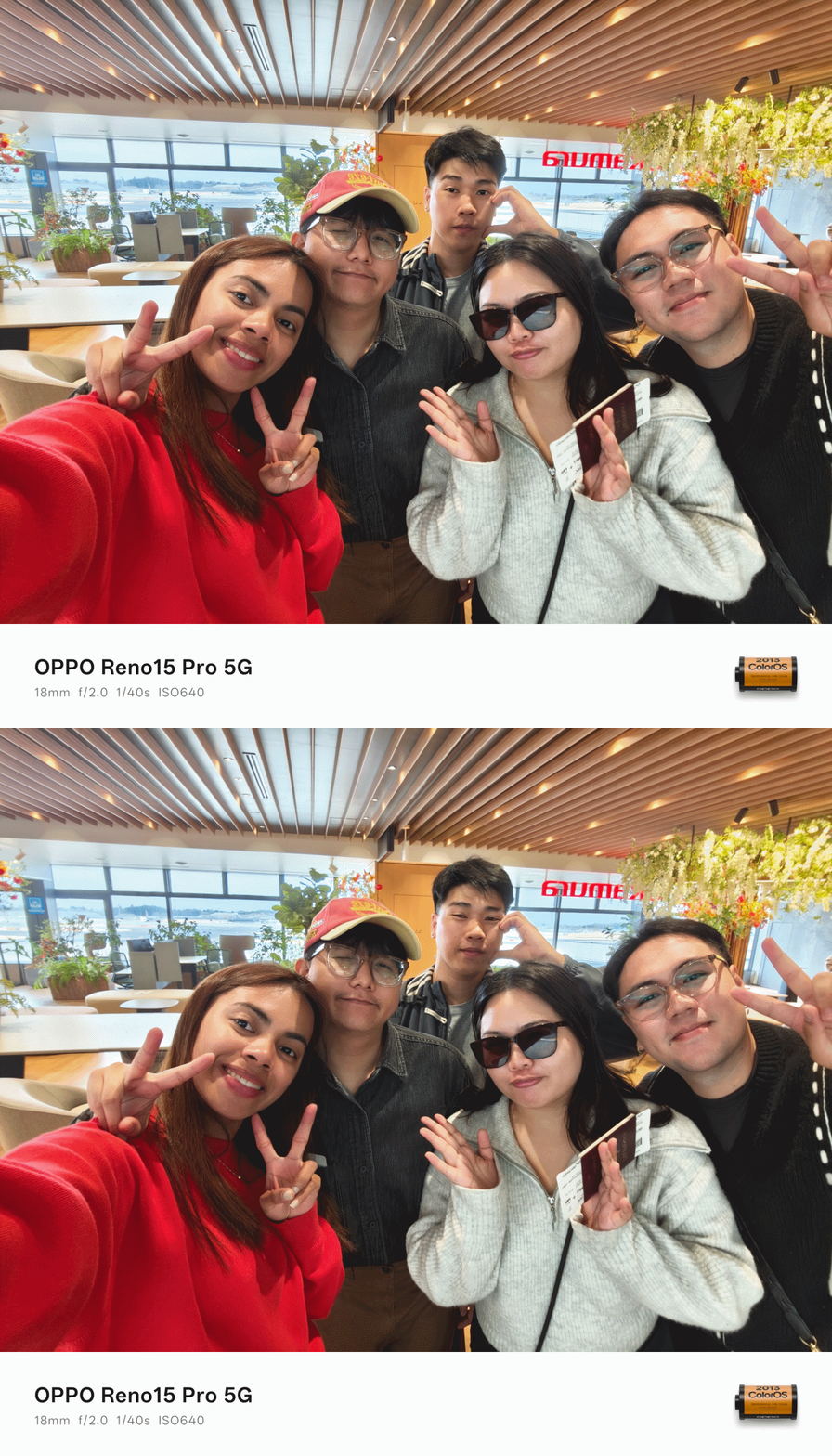
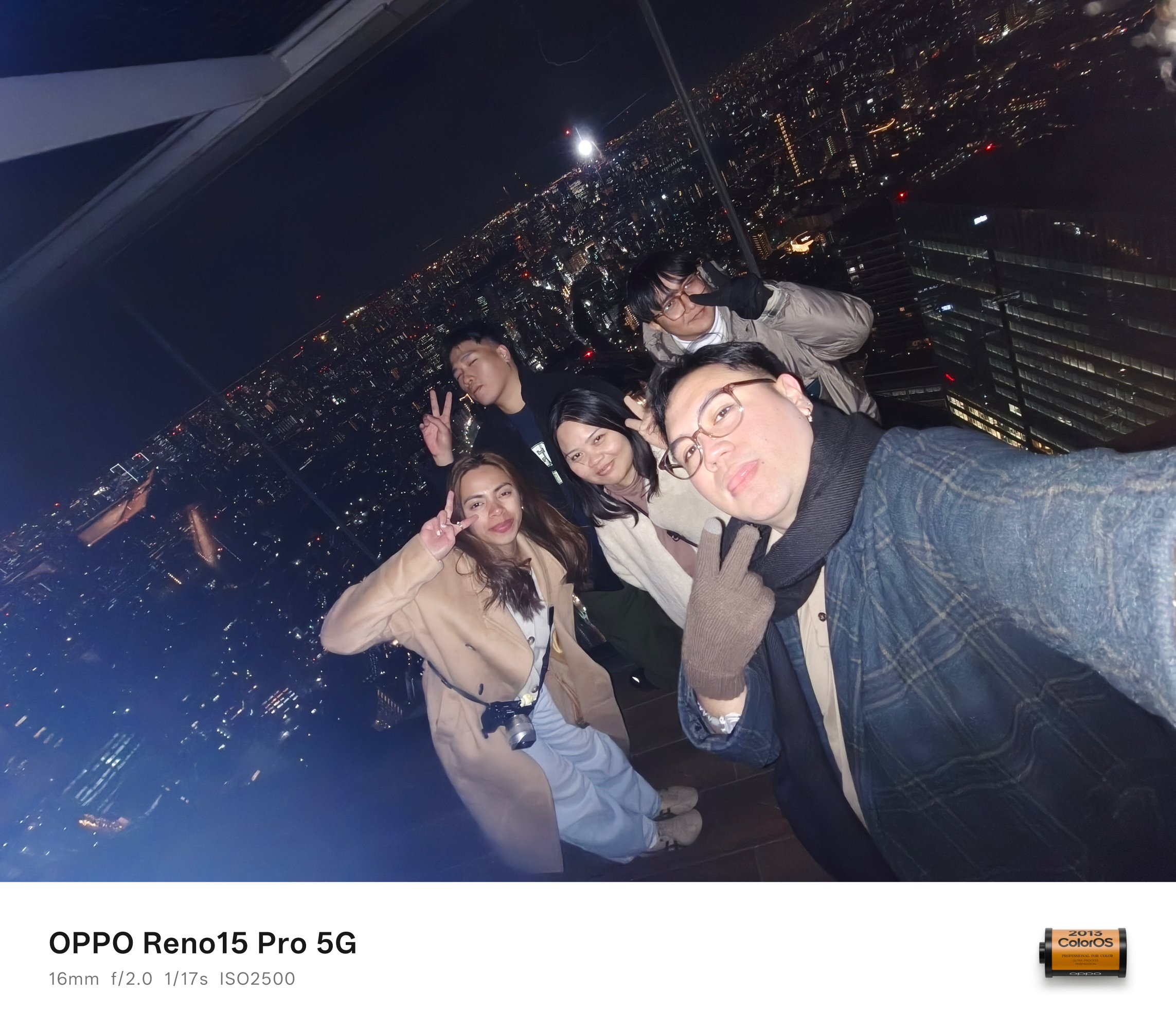
Selfies are for one, groufies are for another. The Reno15 Pro easily captures human subjects without frills.


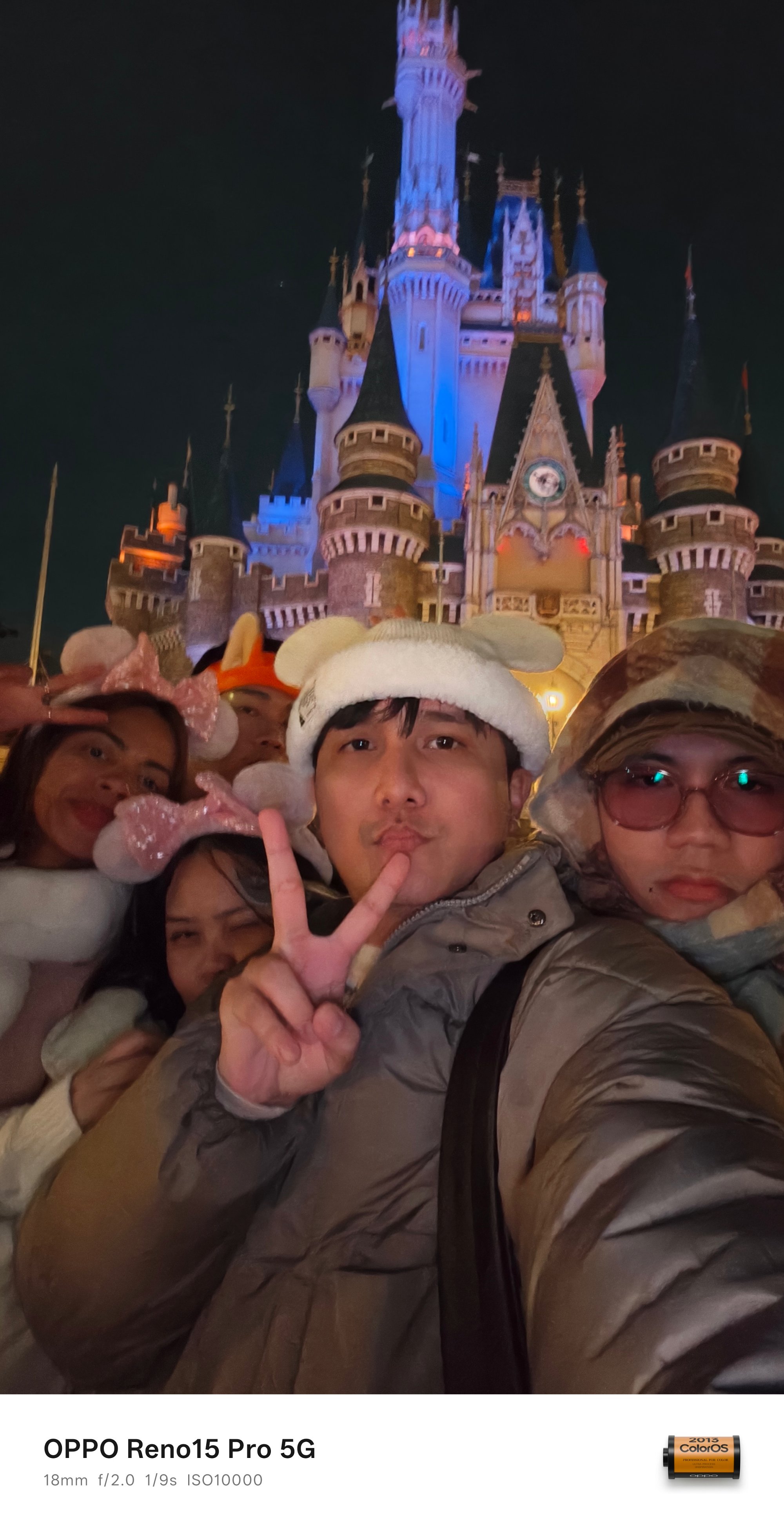
Taking low-light groufies in this device wasn’t a struggle at all.



BONUS #3: Gen-Z selfie with the rear UWA camera!
#NoFilter shots aren’t bragging rights
What draws the fine line between the Find and Reno line are their camera partnerships (or lack thereof).
While the Find still rocks that Hasselblad partnership since the Find X5 Pro, the Reno class relies on OPPO’s own imaging algorithms.
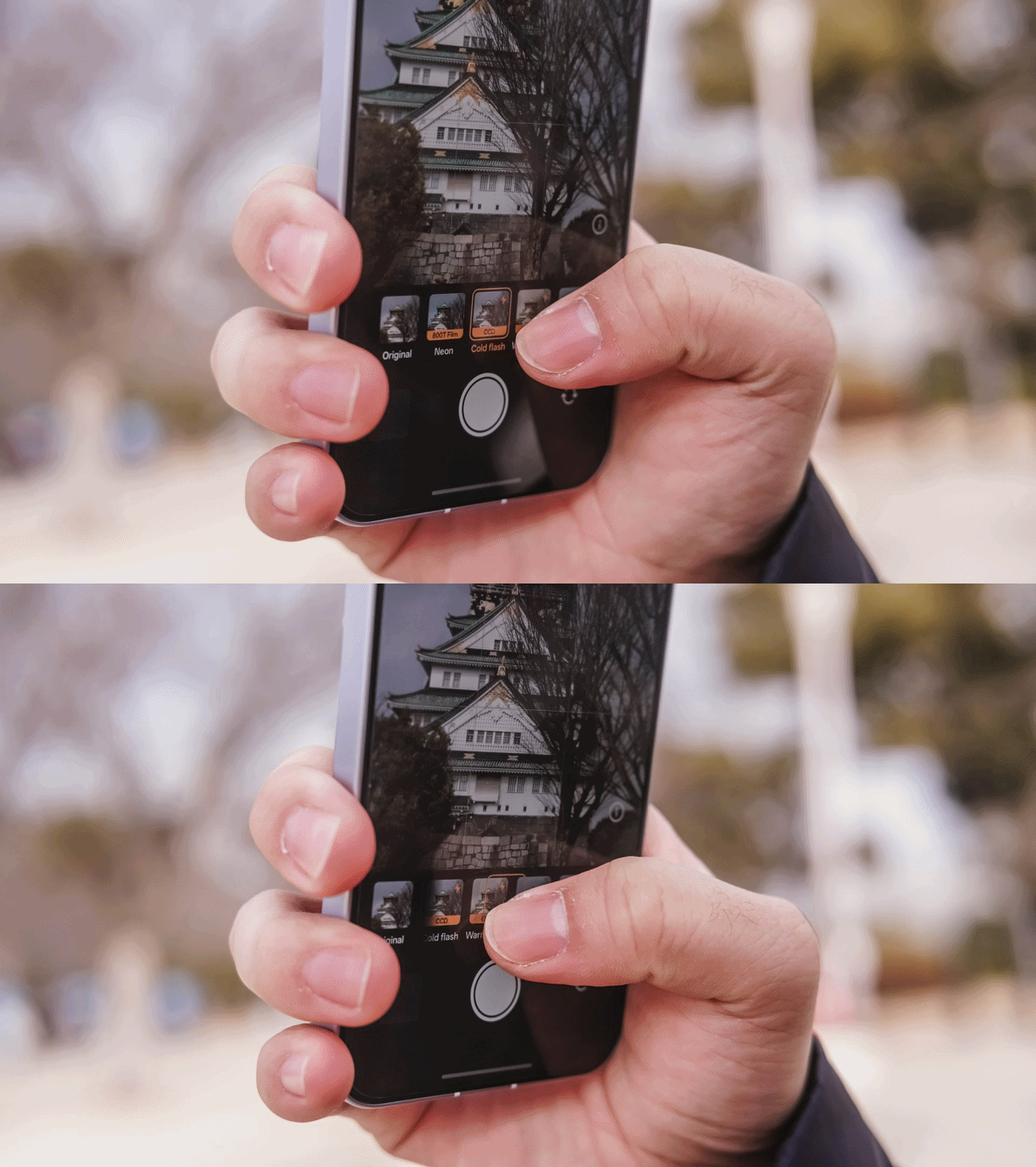
It’s honestly not the best. However, if you want your photos to look less “generic”, these filters truly give soul to your shots.
All in all, there are 18 filters you can choose from:
| Film-Simulated | Classic | Black and White |
| Neon (800T Film) | Vivid | B&W |
| Cold Flash (CCD) | Shine | Mono |
| Warm Flash (CCD) | Natural | |
| Fresh (Film CC) | Food | |
| Vintage (Film NC) | Cool | |
| Clear (Film NH) | Warm | |
| Vibrant | ||
| Faded |
-

- Film-Simulated Presets
-

- Classic + B/W Presets
Personally, my frequently used filter is Neon (or 800T Film).

Although it really depends on the subject you’re trying to capture, it performed well during my Japan trip. Either it’s the place, the camera, or both. You be the judge.
Love it or h(AI)te it
Given the unstoppable price hike in memory and other tech components, 2026 seems like a progressive year for AI.
Love it or hate it, AI Tools are getting more advanced — and the OPPO Reno15 Pro isn’t far from the race.
The precise AI Eraser is already given. However, there’s more than just that.

In times when the environment doesn’t fully expose each and everyone’s faces, the AI Portrait Glow feature comes in very handy.

With the right balance, it illuminates faces as if we each had our own fill light. Just be wary if your face gets tweaked and does not look the same way as it is.

Speaking of groufies, the AI Perfect Shot is the perfect companion in fixing those good shots ruined by your friend’s unprepared faces.

For bad photographers, AI Recompose reframes your bad-angled shots based on OPPO’s AI power.

More on the Reno15 Pro’s AI Editor list includes Enhance Clarity to 4K, Reflections Remover, and Unblur.

Pop-out collage is also there to make your Instagram Stories (or Facebook Stories) look more quirky.
Video Versatility
It wouldn’t be a complete camera review without testing out how the Reno15 Pro performs when shooting clips.
At first, I was really skeptical on its performance. But, after having a dead powerbank and flagship phone in my bag, my only recourse was to shoot with the Reno15 Pro during that festive electrical night parade in Tokyo Disneyland.
I’ve also used it to record the “Sky Full of Colors” ending fireworks show as the ending piece of our visit.
While it was cancelled last-minute during our Tokyo DisneySea journey, we were still lucky enough to see it from Disneyland a day after.
If the low-light performance was already commendable to begin with, how much more when it’s daytime?
For a phone in this segment, I was not expecting anything grand. Gladly, it delivered more than what I have imagined.
Zoom cruising, while not perfect, still provided a smoother transition between 1x to 3.5x (compared to phones in this league). Surprisingly, 4K/60fps with HDR is possible so I used it just like in the flagship phones I own.
That goes hand in hand with the Reno15 Pro’s tiny but mighty 6.32-inch AMOLED ProXDR display as it can actually display HDR content without any brute force.
Other Goodies
OPPO Reno15 Pro is more than just your typical midrange smartphone. Diving more into its camera app, there are several features I was not able to explore yet can still be very useful in times of need.
The usual ones are the Panorama, Time-lapse, and Slo-mo. For some fun, there are the Dual-View Video and Sticker modes. Need to scan documents? Document and Text Scanner both exist.
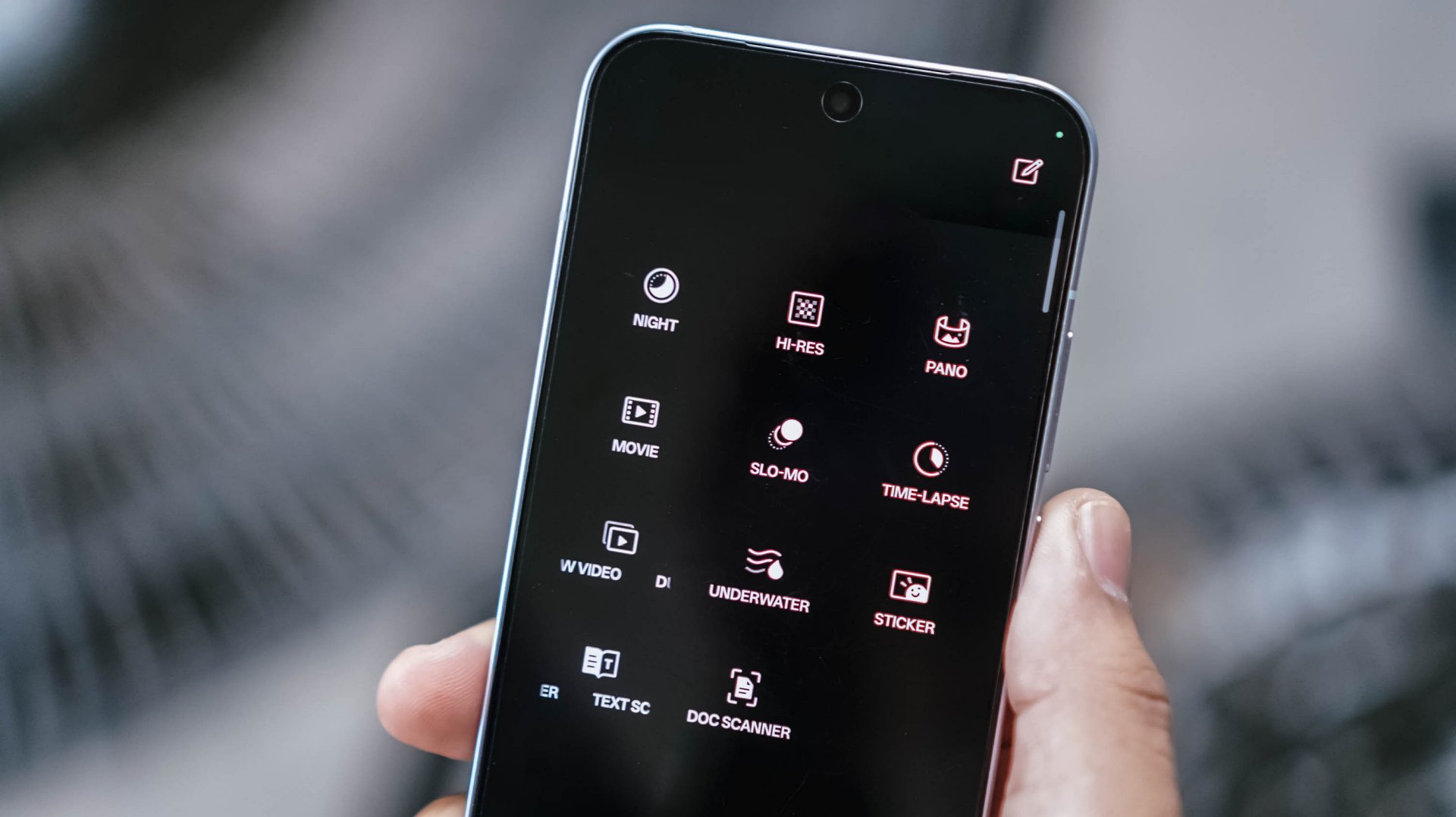
Professional-grade shooting? There’s the Pro mode for stills and Movie mode for, you guessed it, video recording.
Scene-strict modes? Night Mode and Underwater Mode both save the day and the night. After all, the Reno15 Pro is IP66/IP68/IP69-certified.
And, even in low-light shots, OPPO Reno15 Pro’s AI capabilities already does the job for you — even without switching to Night Mode that’s hidden in that vault anyway.
Is the OPPO Reno15 Pro your GadgetMatch?
With a staggering pricing of PhP 49,999, the OPPO Reno15 Pro isn’t a totally easy recommendation for users who want capable cameras in a phone for less.
However, looking at what the OPPO Reno15 Pro offers, it’s imaging prowess is more than justifiable. It’s more than just a “Portrait Expert.”

Now onto my bold excerpt:
Why is this even considered a “Reno”?
While it’s clearly still under OPPO’s midrange line, the Reno15 Pro already feels like a flagship. Honestly, it could have just been named as the “Find X9 mini” not just for its sheer size, but for all the flagship-grade qualities it possesses.
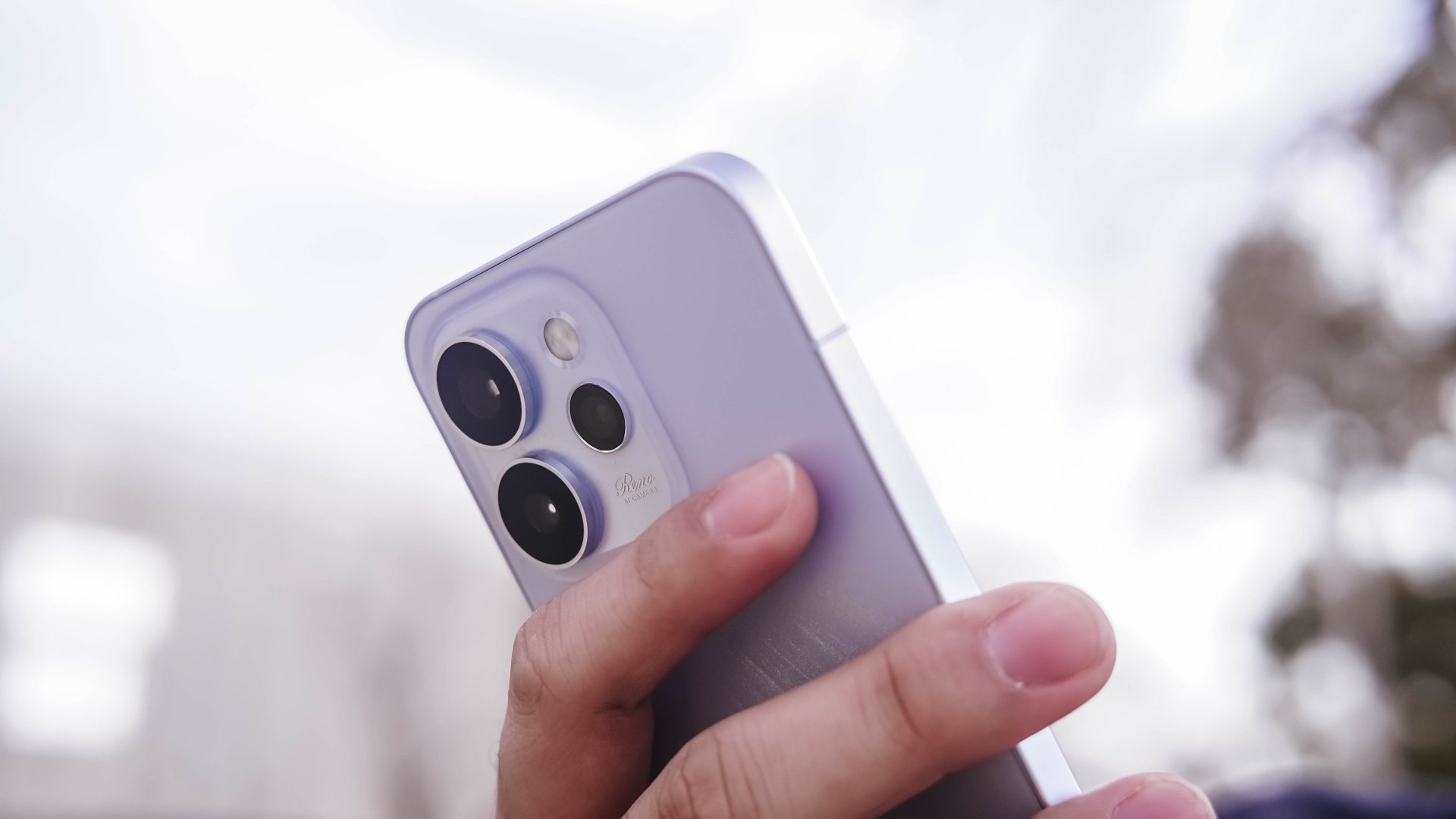
While I’m talking about its fast 4nm Dimensity 8450 SoC, 12GB memory, 6200mAh battery capacity, alongside the oh-so-fluid ColorOS 16, its superior cameras are for another — just without the Hasselblad branding and novelties on it.
(Re)volutionary and in(no)vative
While OPPO was vague with how they actually named “Reno” as their midrange line, I have thought of my own meaning: (Re)volutionary + in(no)vative.
If my memory serves me right, the first series of OPPO Reno that came out last 2019 had an unusual pop-up camera mechanism alongside that 10x hybrid zoom capability. Those two unique features embody what the Reno line is — or so I thought.
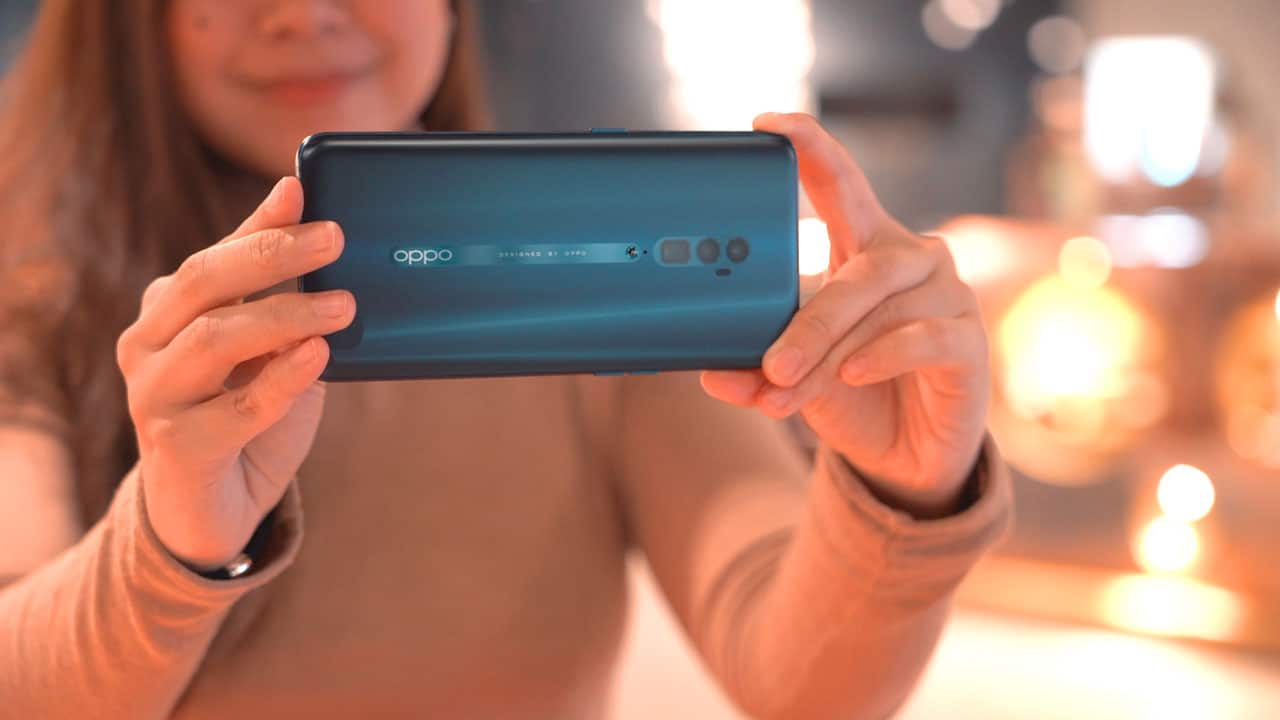
OPPO Reno 10x zoom | 2019
While I may not have experienced each and every Reno model ever released, my colleagues’ pieces are proof that the line isn’t totally consistent with what they wanted to deliver.
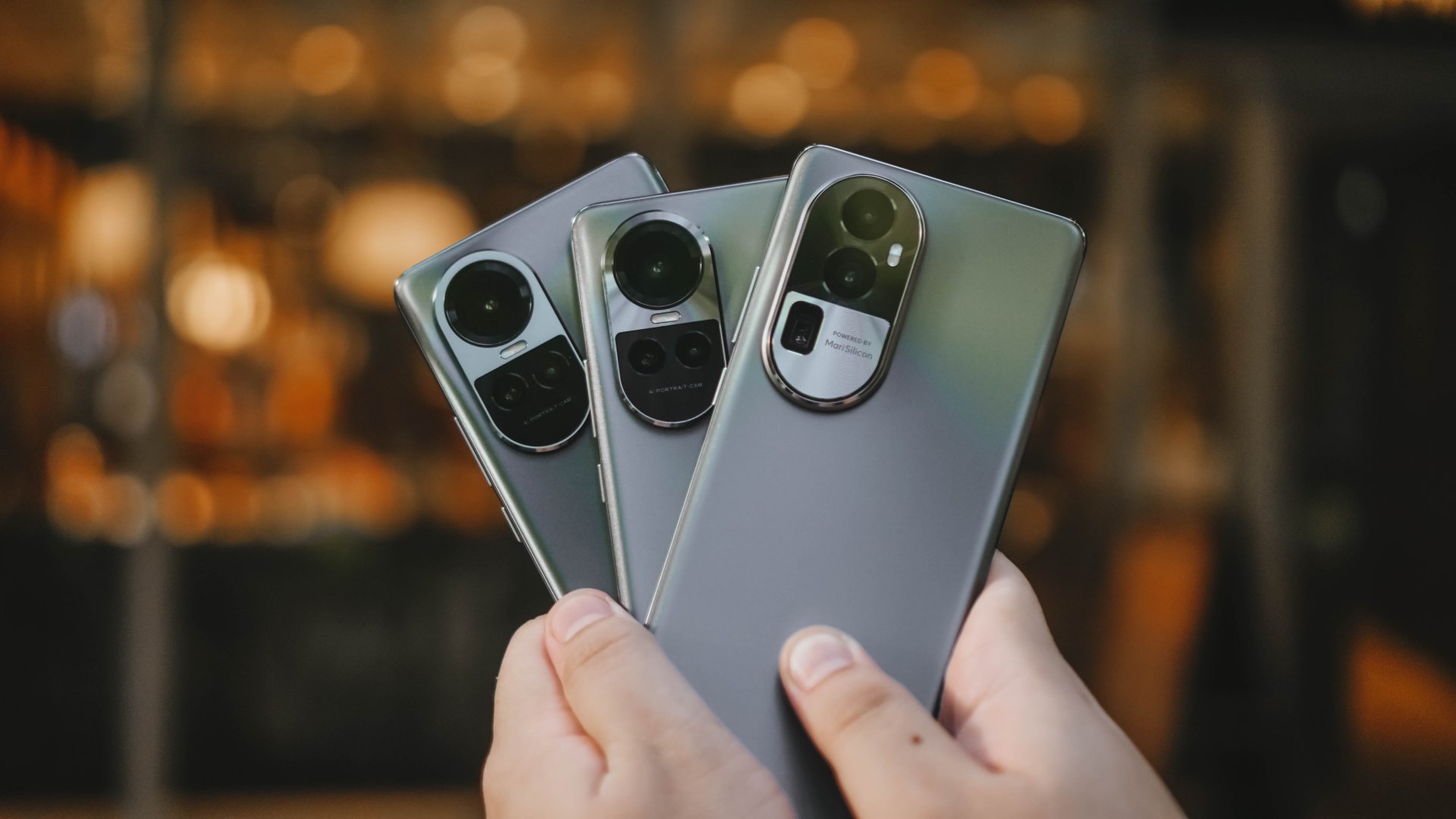
OPPO Reno10 Series | 2023
My memory with the Reno10 Pro back in 2023 is still vivid though. It felt like a midranger slapped with a mix of cameras that performed just right — much like any other mid phone in its prime. However, I cannot say the same for the Reno15 Pro. It was surprisingly delighting and more than satisfying.
Almost three years after, OPPO set the record straight. They finally delivered a midranger that doesn’t feel mid with its excellency in smartphone-tography. That’s minus the intimidating flagship price tag of its “Find” lineup.

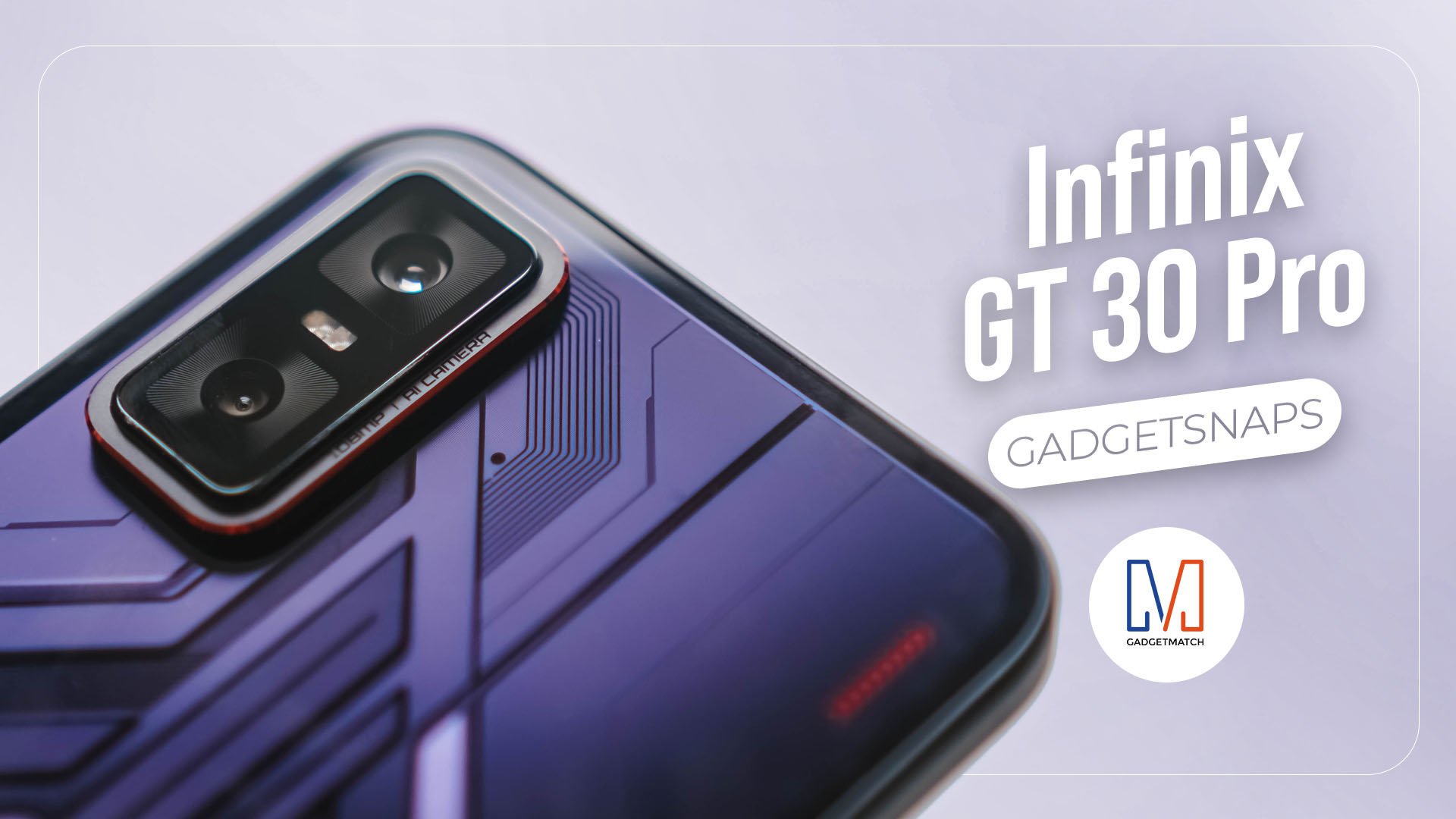
The Infinix GT 30 Pro was launched in the Philippines on Monday for an attractive asking price. The latest affordable gaming smartphone from one of the Transsion brands can be owned for as low as just PhP 11,999.
As of writing, I have yet to exhaust the device for various mobile games. But initial sessions have gone well. I can tell that the phone is already worthy of consideration.
But one thing is for sure: the Infinix GT 30 Pro’s camera system is likewise reliable. Nowadays, it’s difficult to attract customers if the smartphone you’re offering is one-dimensional.
Fortunately, the GT 30 Pro has a camera system which produces good sharpness, detail, and color. I am fond of the third aspect in particular. The processing is not overdone. Shots come out lively.
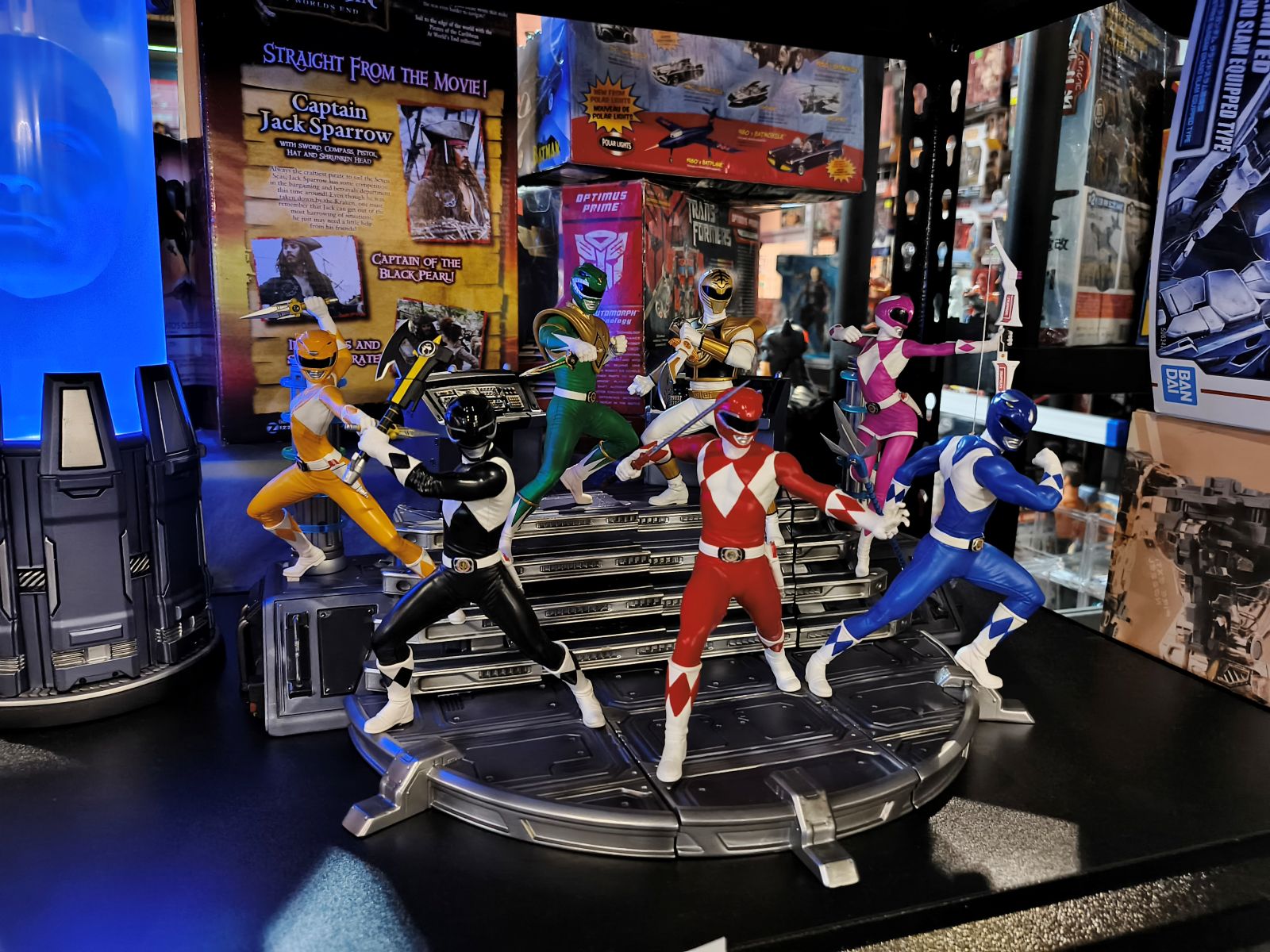
I took the device earlier this month to TOYCON PH 2025, which is the biggest mid-year celebration not just for toy enthusiasts but hobbyists in general.
Here are some samples:






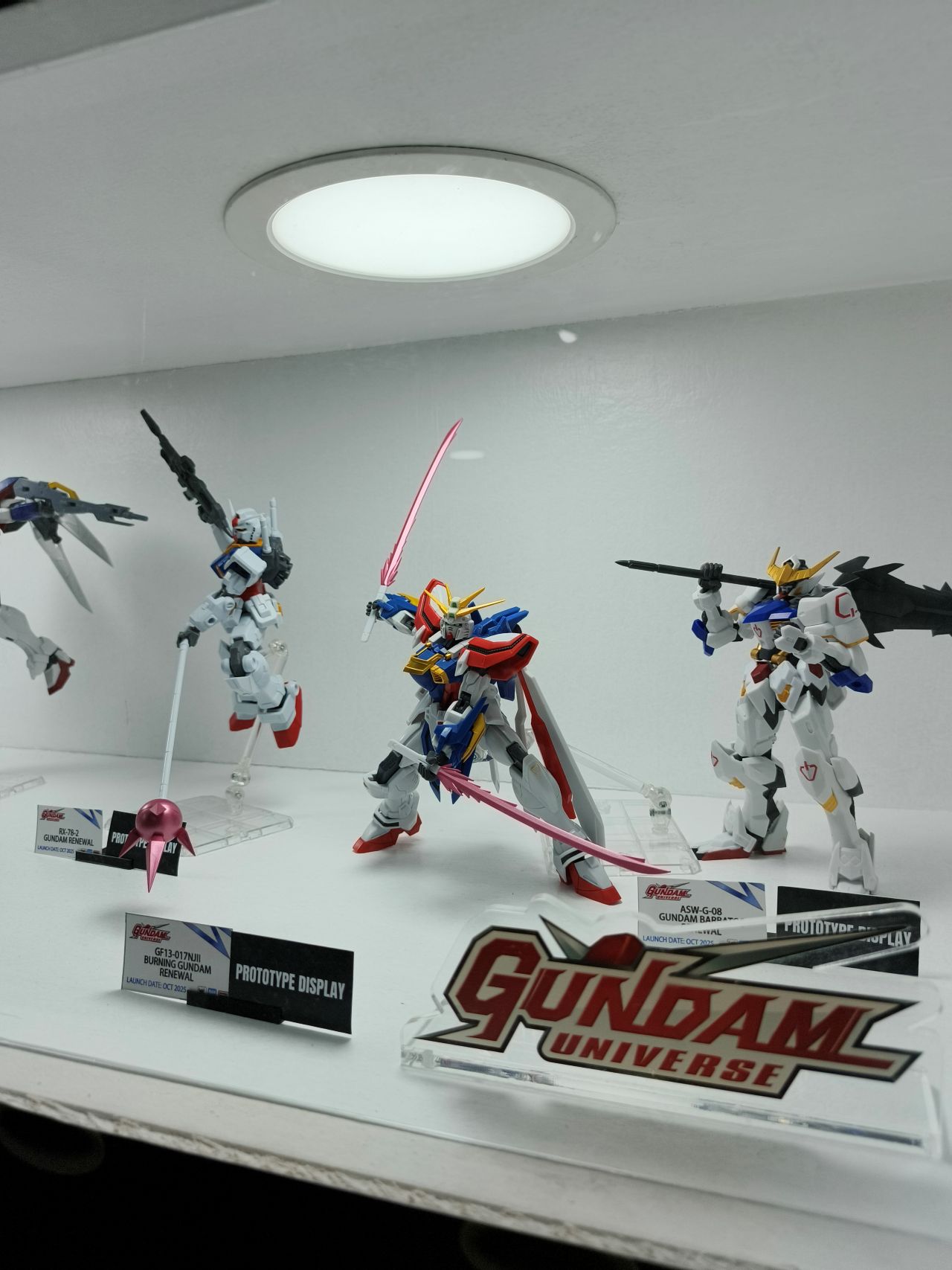



There’s just something for everyone at this three-day convention. From different kinds of collectibles, figures, statues, and exclusive drops to various merch, the event is filled with pleasant surprises.
More anime
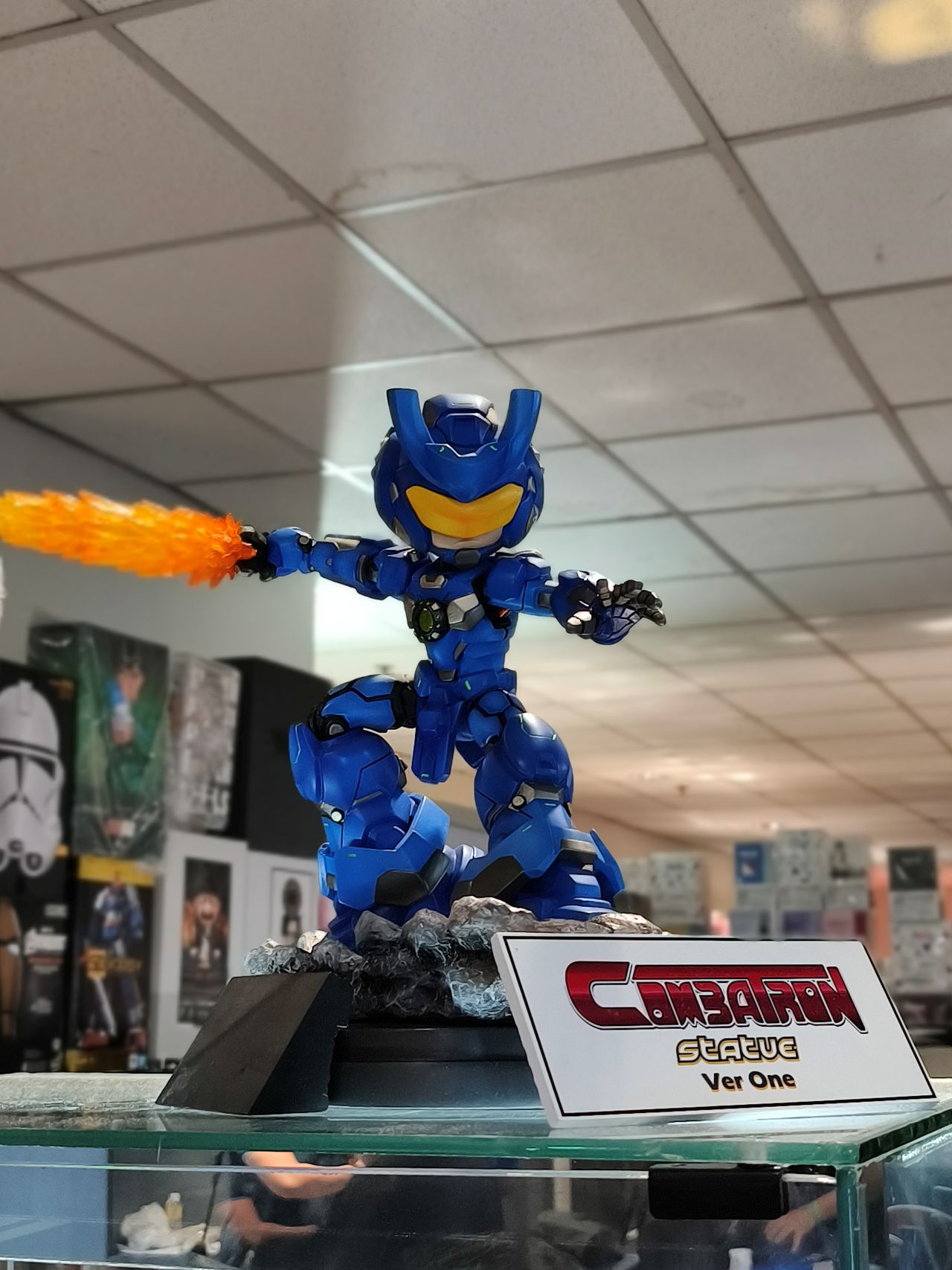





Custom pieces, exclusive collectibles
There were also a ton of special guests. Moreover, the event empowered local artists as the 2025 edition had plenty of room for them to showcase their creations.
What’s great about TOYCON is that there are likewise exclusive collectibles you’ll be able to see or buy only during the event.











The Infinix GT 30 Pro’s main camera can capture decent detail at up to about 3X or 4X zoom, which came in handy when I was taking photos of the ribbon cutting ceremony.



Marvel and DC





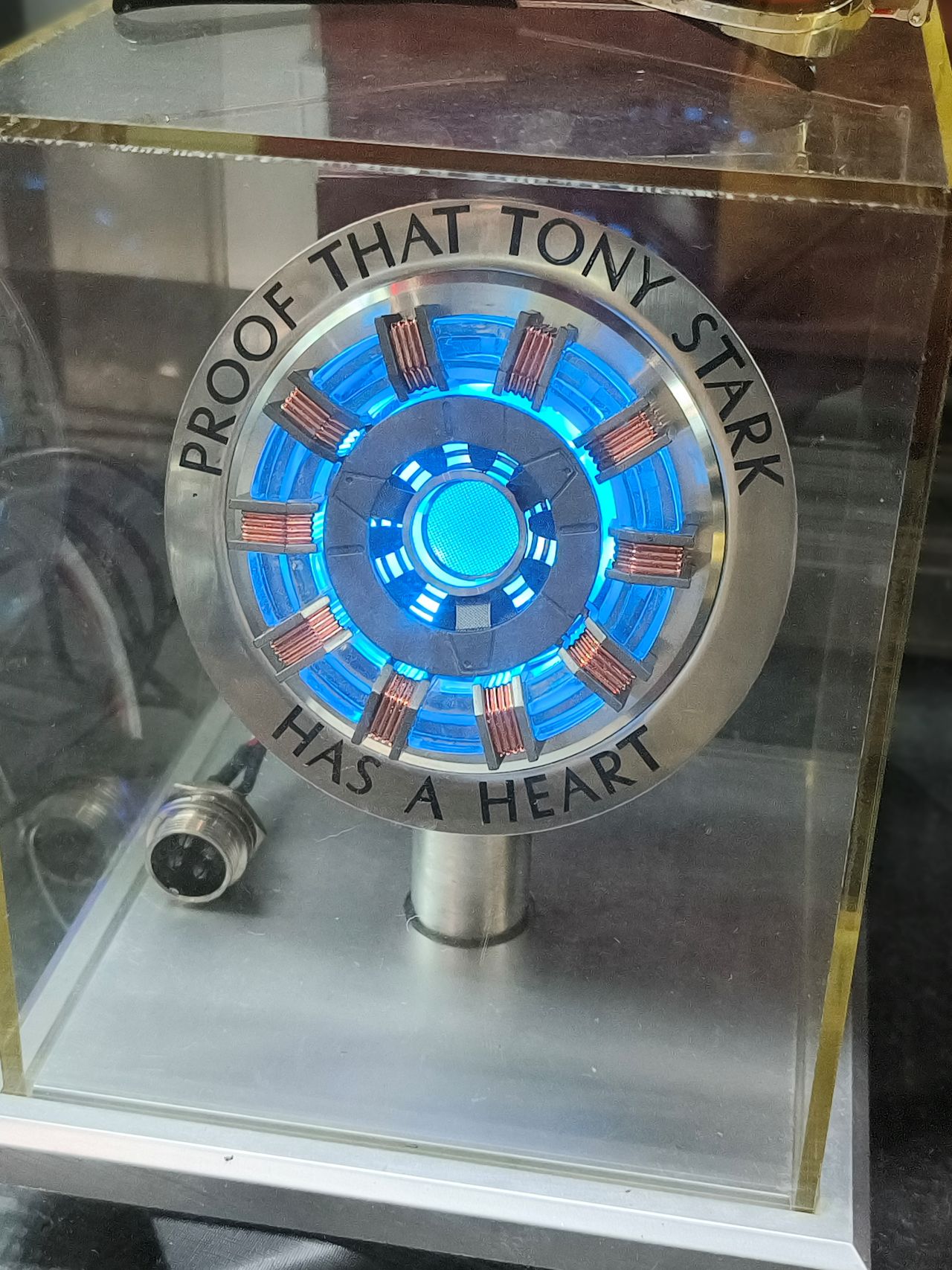


John Cena




Predator vs. Dutch
At the gallery section, I saw a display of multiple Predator figures arranged in a way where it’s them against Dutch (played by Arnold Schwarzenegger).
The way it was arranged already painted a story. Depending on the angle and focus, the captured photo can tell a different meaning.



More snaps









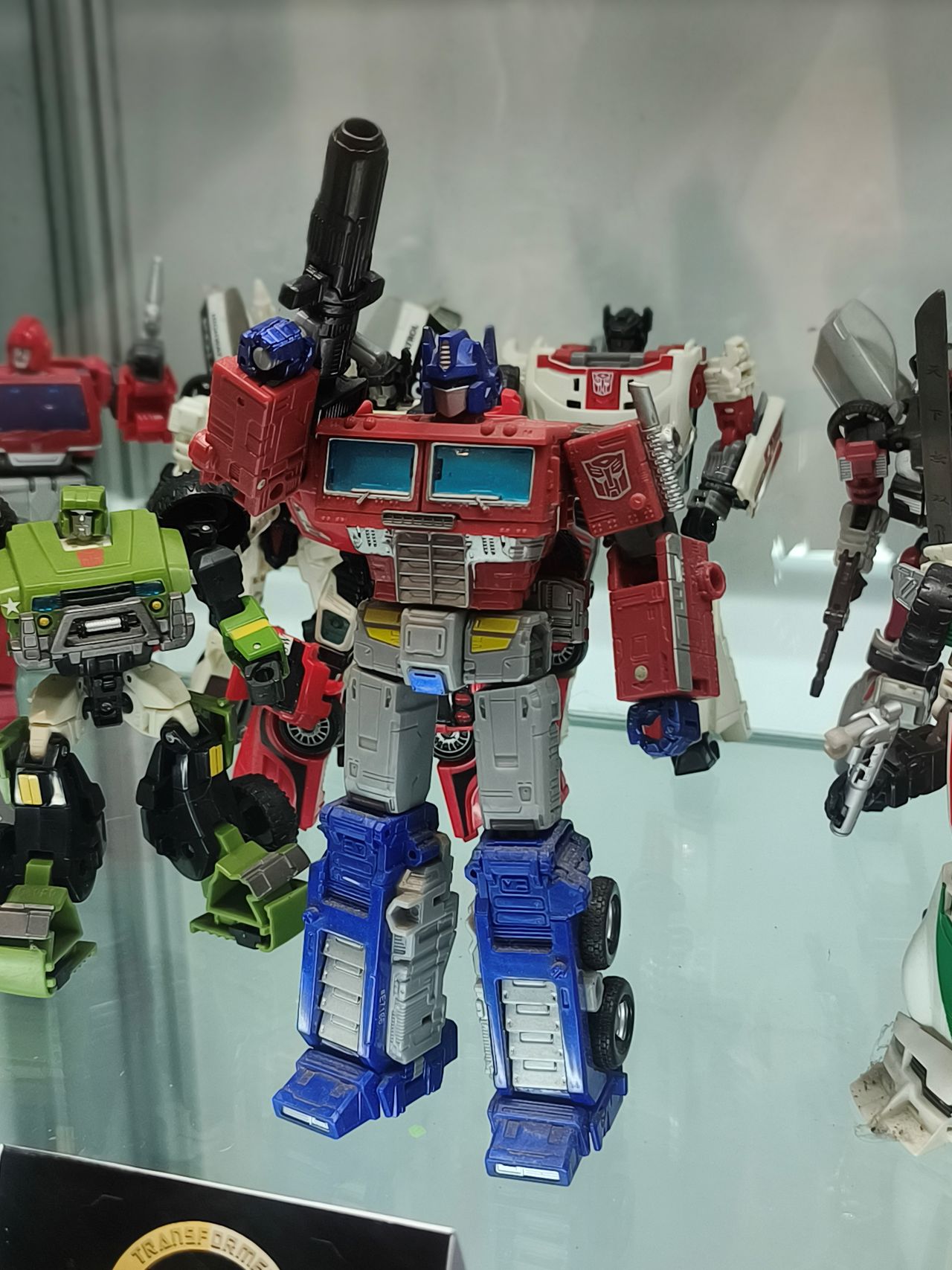
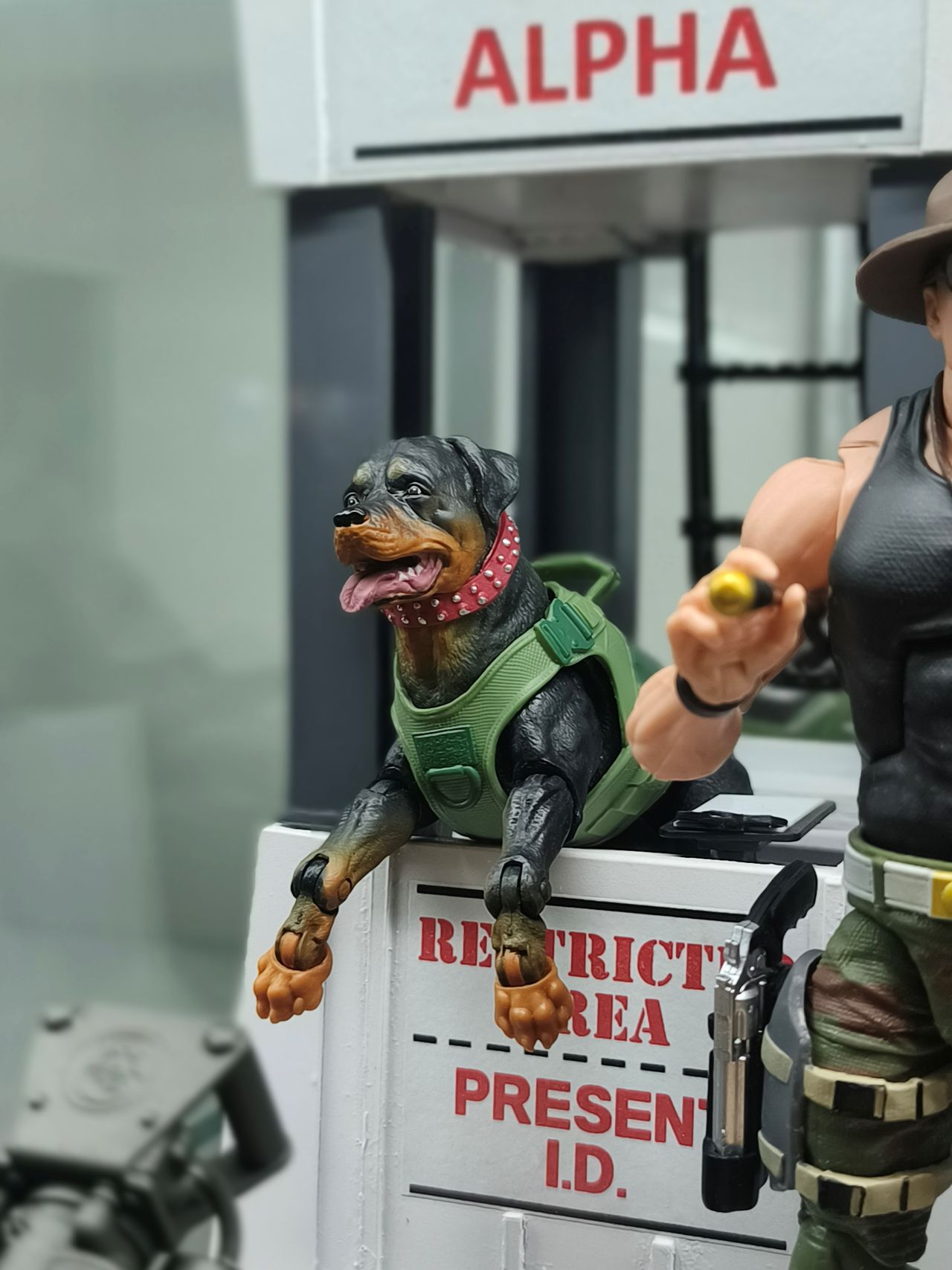

Food in between
For snaps of food, the Infinix GT 30 Pro’s main camera is also able to produce above results a cut above most phones of a similar price point.
Color is great. There’s just a bit more contrast and sometimes, the subject appears warmer than intended, but overall, they sure look appetizing.





Some selfies




Decent for filming
As for filming, I would say the Infinix GT 30 Pro still does a decent job. It does feel a bit stutter-y with different camera movements, especially for reels. But there still some smoothness to it.
I filmed most of the TOYCON 2025-related content that I uploaded on my socials using the phone. The camera was set to 1080@60 and I had steady mode turned on. Again, detail and color are alright.
@manilaconnoisseur Also at TOYCON PH 2025: Combatron Bust Series na collab between Tido Dojo and Berlin Manalaysay! Limited to 50 pieces tapos may exclusive version rin na limited to 10 pieces naman! #combatron #combatronbustseries #toycon #toyconph2025 #toyconph #customtoys #pinoycomics #comicartist
Reliable shooters
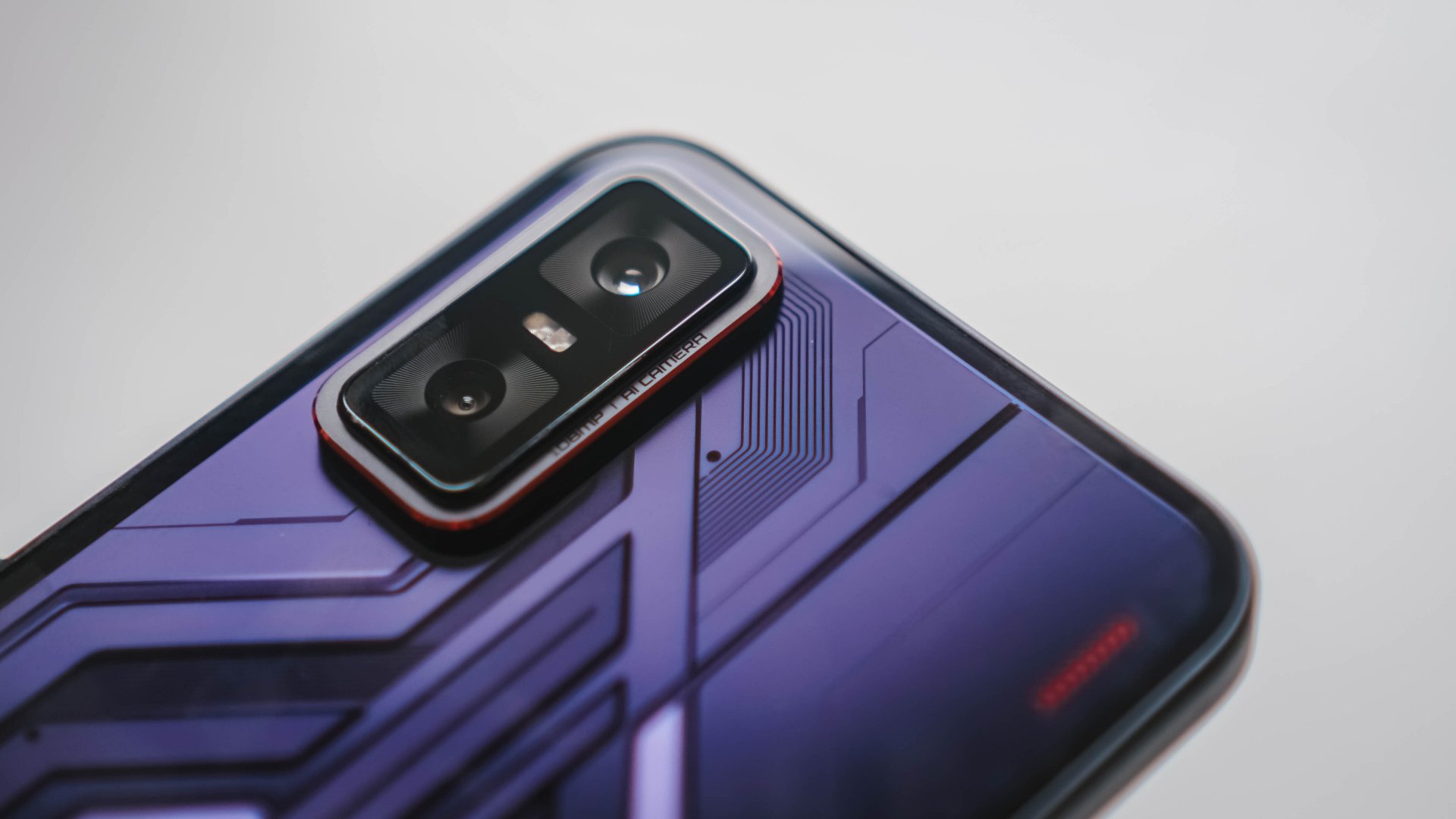
Overall, the cameras are something you can definitely utilize whenever you’re not playing mobile games on the device. Hardware wise, the device sports a 108MP main camera. In front, there’s also a 13MP selfie camera.
Most of the shots of toys I took were in portrait mode. Granted, the results aren’t perfect each time. There are moments where the phone struggles with focus and identifying the background, subject, and foreground.
But it’s also challenging to capture just what you want sometimes at the event as it’s just overwhelming and crowded. And for the device’s asking price, I can’t complain. You can still pull off smooth and creamy bokehs, and impressive captures in general with good color, depth, and detail.
That’s why it also pays to have a good camera phone. When you’re on a budget, having an album’s worth of memories should suffice. Just replay or view them back to remind you you’ve been to somewhere nice.
Camera Walkthrough
HONOR Magic7 Pro GadgetSnaps: Ginebra vs Northport
Motion Sensing Capture & HD Super Burst
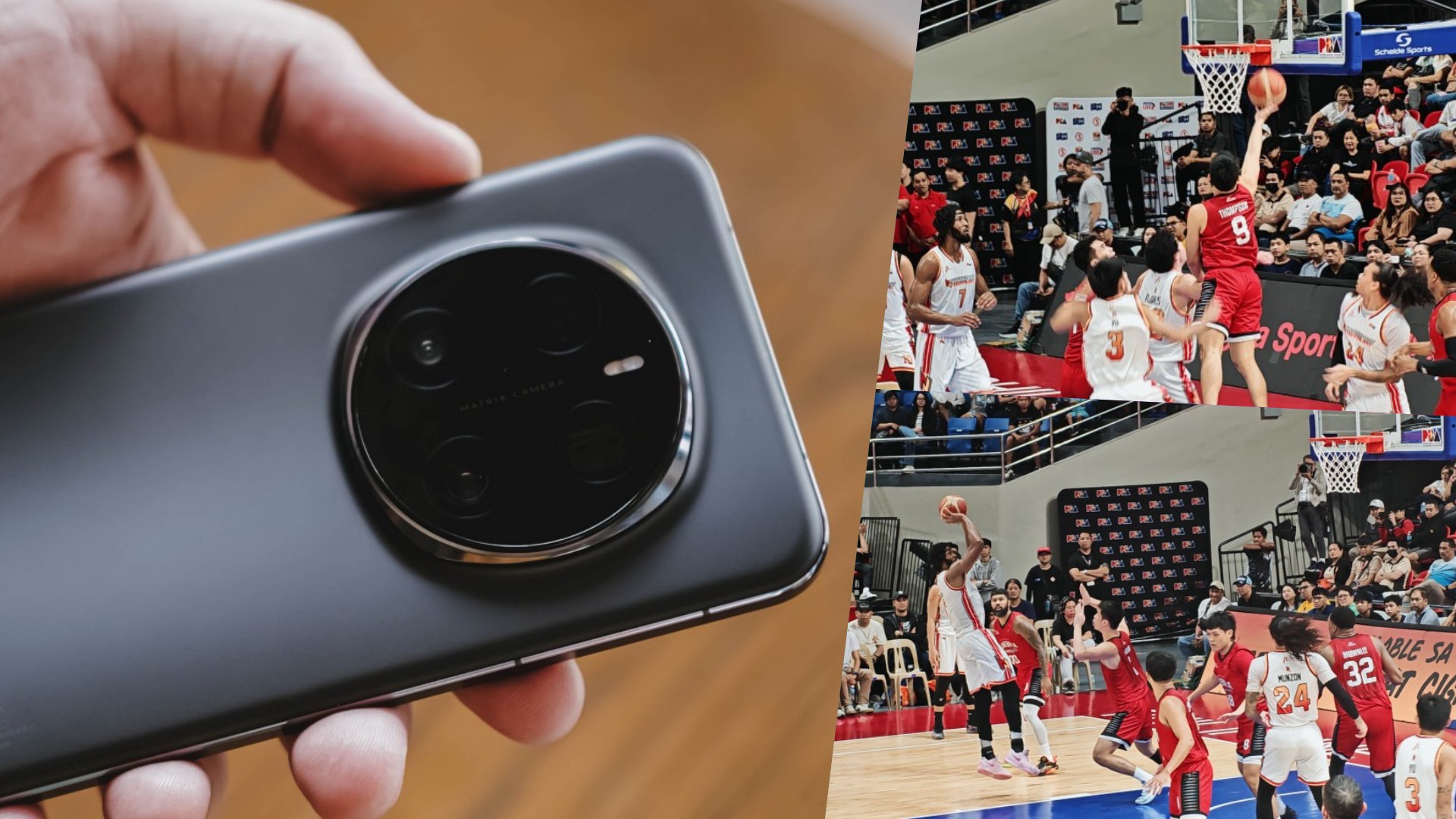
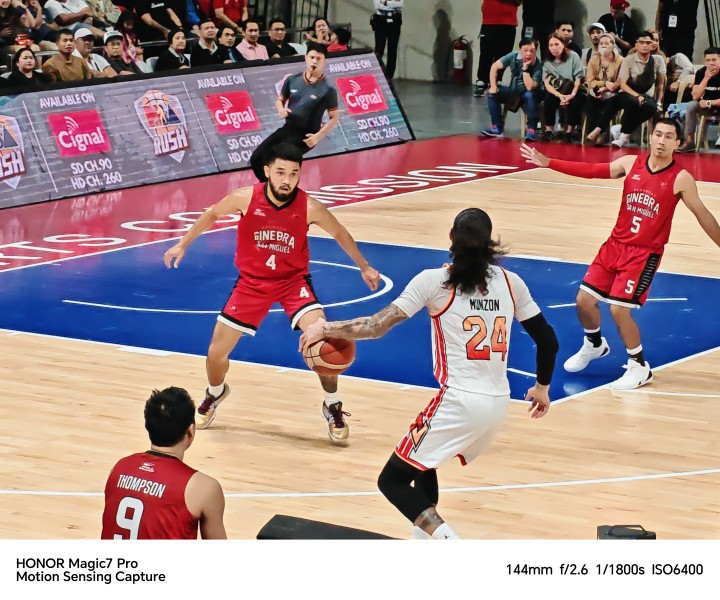
For the second year in a row, I decided to use the latest HONOR flagship smartphone — the HONOR Magic7 Pro — to take photos of tall, sweaty men bouncing a ball and banging against each other. Last time was just a scrimmage. This time around, I attended an actual basketball game where the Barangay Ginebra San Miguel matched up against Northport Batang Pier in a regular season game of the PBA or Philippine Basketball Association.
What are we trying to accomplish here? To once against test HONOR’s Motion Sensing Capture along with the additional feature called HD Super Burst. We already discussed many of these in our Magic7 Pro review. We’re just adding more information and photos this time around.
Time for tip-off!

Motion Sensing Capture
Motion Sensing Capture is a feature that automatically captures motion when turned on. But it does more than that. It also optimizes the camera settings to be able to take shots as fast as possible given your shooting and lighting conditions.
It is as good as I remember it to be. The shutter speed is incredible letting me freeze certain moments of the action on the basketball court.



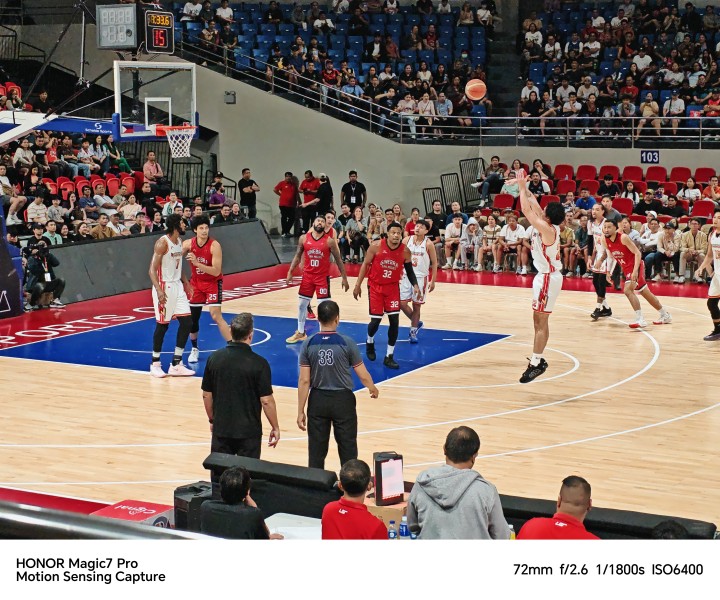




I tried turning off Motion Sensing Capture to see if it makes any difference at all, and it does. With the feature turned off, the shutter speed isn’t as fast and it’s so much tougher to capture the action on the court.
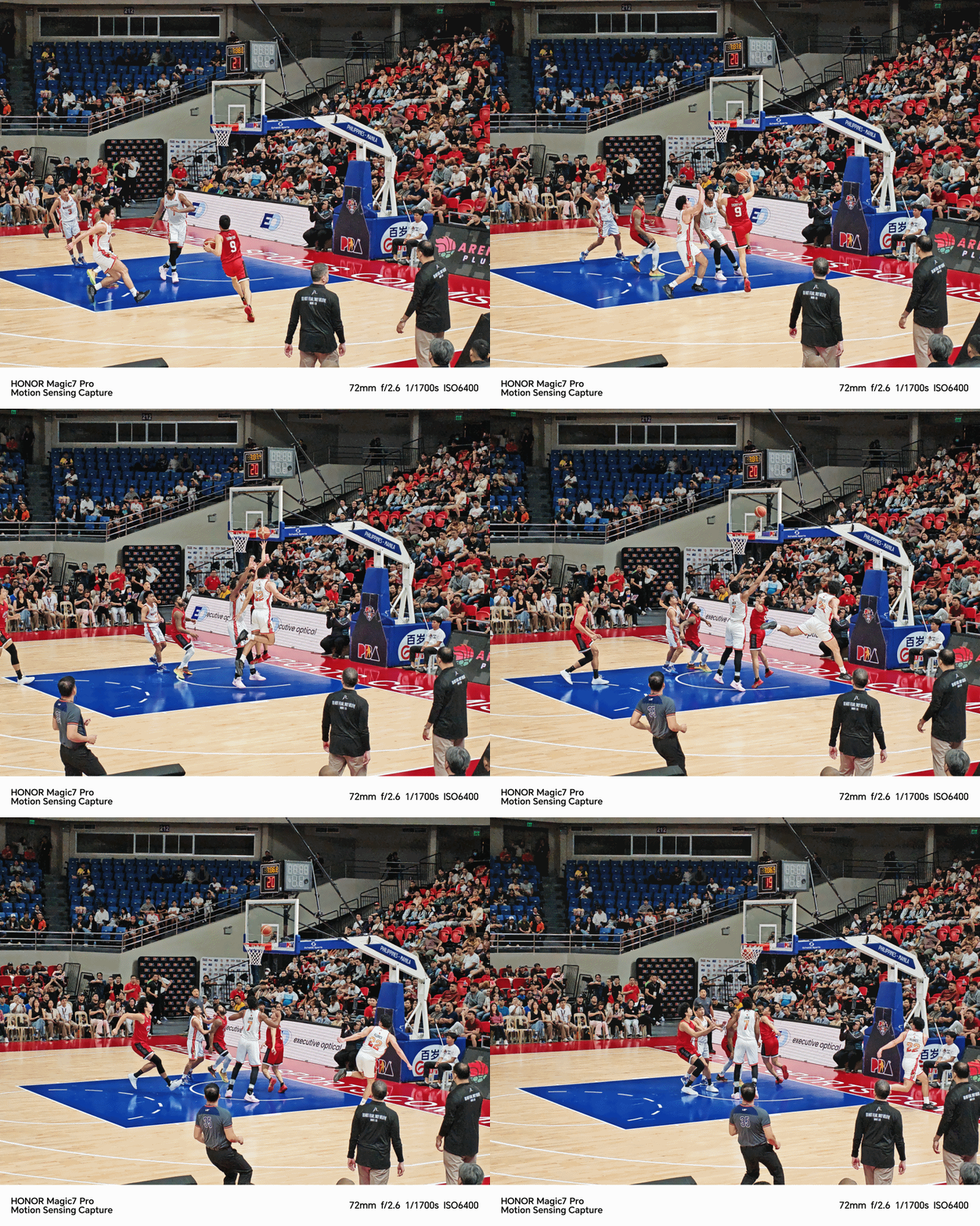
Turned on, it’s so fast that I’m even able to produce GIFs of NorthPort Batang Pier import Kadeem Jack throwing down a one-handed slam.

I captured the action on the other end with Former MVP Scottie Thompson of Barangay Ginebra scoring on a lay-up against multiple defenders.
HD Super Burst
HD Super Burst captures even more movement. So much so that you can piece the photos together and it almost looks like a smooth, stop-motion video.
Here’s one where Jack’s drive to the basket was thwarted by Ginebra big man Japeth Aguilar.
Still, it’s a fantastic tool for capturing anything in emotion and can make for a creative output.
Create button on the Gallery
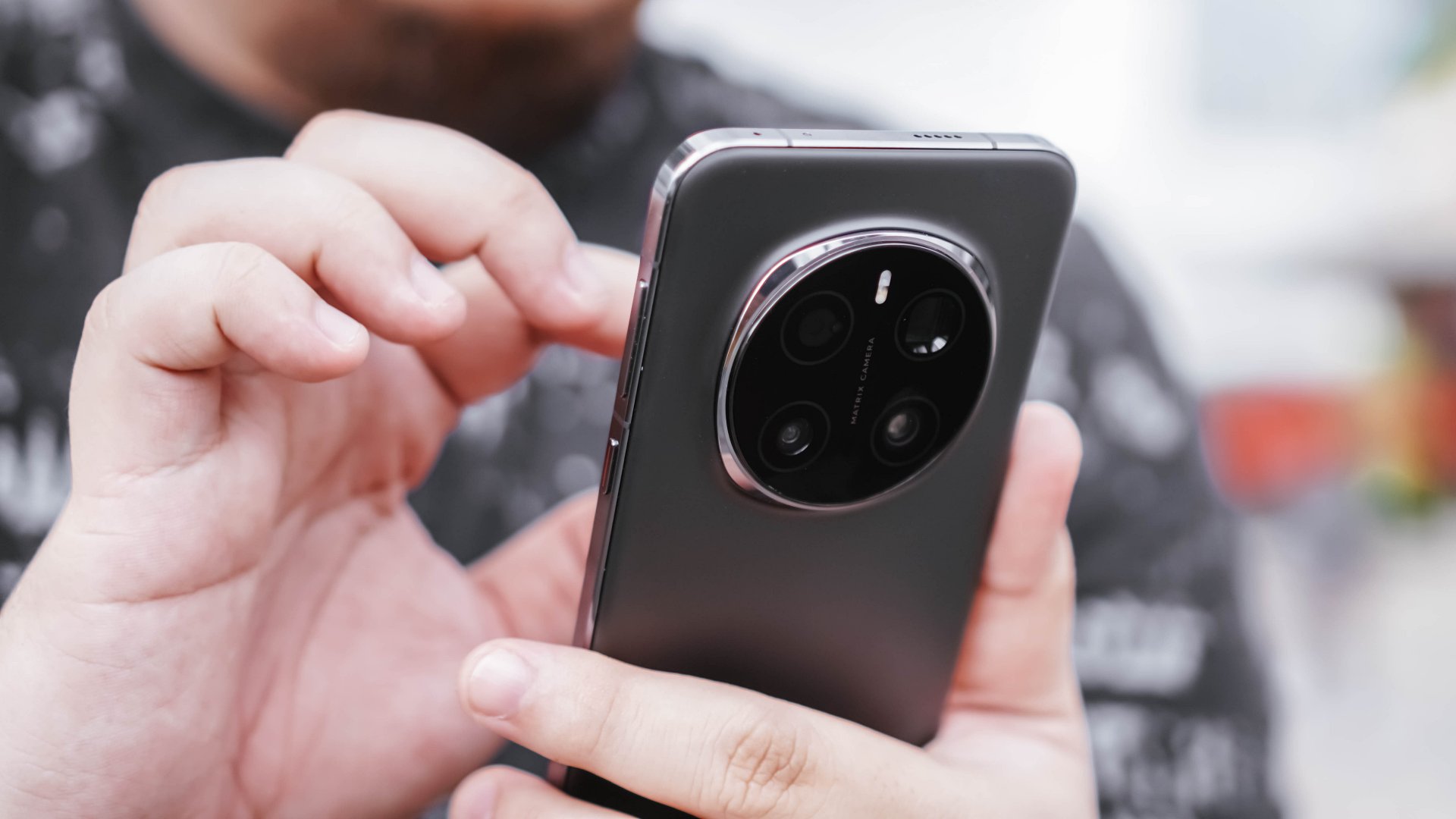
You can turn the burst shots into gifs directly on the Gallery app. On the bottom part of the Gallery you’ll see the Create icon. Tap that and you’ll be prompted to choose among three options: Instant Movie, Video Creation, and Collage.
The options are pretty straightforward. My advice is to stay away from Instant Movie for now. It just isn’t the best at generating a quick clip for sharing. Choose Video Creation and it will take you into a video editing interface. Collage is, well, for making collages.
The built-in video editor has a fair amount of features. We haven’t had the chance to fully explore, but if you’re just making quick cut-to-cut videos or in our case, piecing together images to make a stop-motion like clip, it’s pretty easy to use.
You also have the option to choose the quality of the exported final output which can in either video or gif form.
Courtside-like experience
Having the HONOR Magic7 Pro means being able to shoot closer. I got pretty good seats which is the closest spot on the Lower Box area. With Motion Sensing Capture enabled, the smartphone lets me zoom in up to 6X. That means being to capture moments and scenes you won’t always see during broadcasts. Check out some of them below:
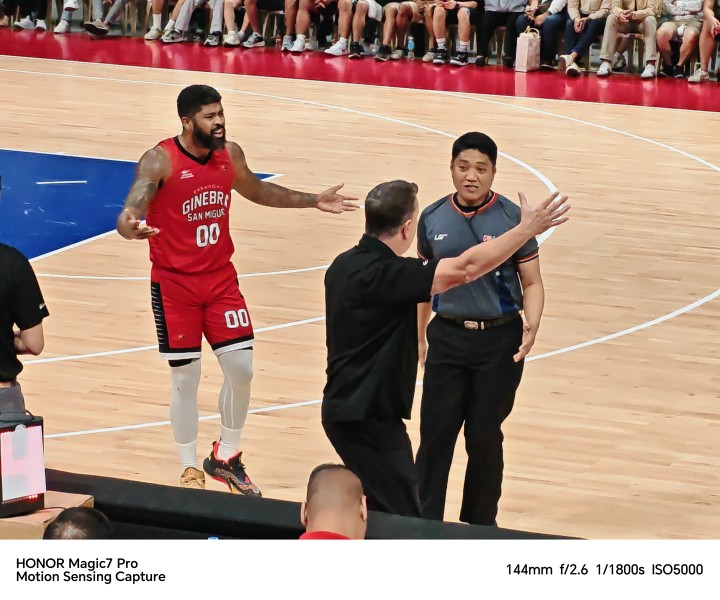
Ginebra coach Tim Cone and guard Maverick Ahanmissi confront a refereer after a play.

Northport Batang Pier huddle but dude in blue with the pop corn steals the shot.

A zoomed in shot on Ginebra coach Tim Cone. This was about a 30X zoom and we’re already losing some detail. AI Super Zoom wasn’t an available feature yet at this time.

FOCUS ON THE BALL. Here’s an example of a fumbled photo with Motion Sensing Capture turned off.

Referee waits on the table officials before blowing the whistle.

Ginebra coach Tim Cone talks with veteran LA Tenorio away from the action.
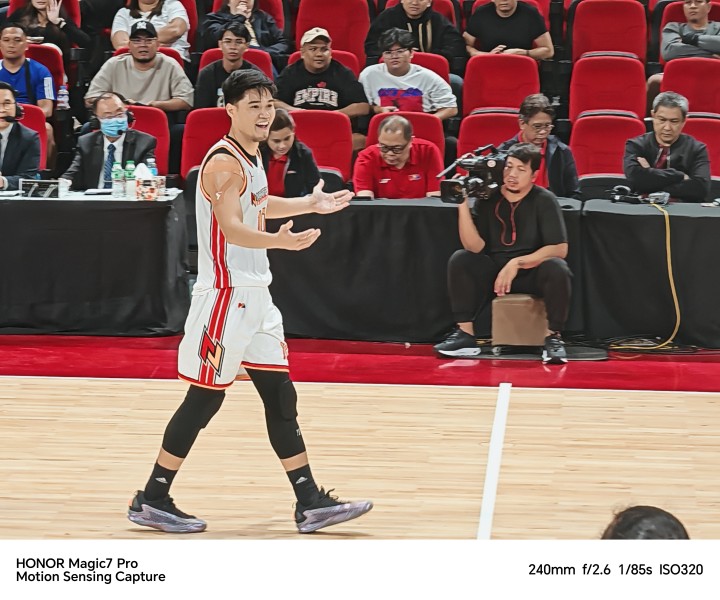
Northport forward Arvin Tolentino reacts after getting called for a foul.

Ginebra import Justin Brownlee operates on the elbow.
Capping off this quick feature with another batch of on-the-court action shots.









Bonus: Video performance
In case you’re curious what video quality looks like. Below is clip that we agains stitched together on the built-in video editor and exported to 4K 60fps.
Quality captures

Can you guess if this shot by Ginebra rookie RJ Abarrientos went in?
We’re under no illusions that all these photos are professional-grade. But if you’re just a spectator, the Magic7 Pro is about as good as it gets.
The quality does fluctuate. I found that to be the case in the second half when I got too caught up in the action and failed to point-and-shoot right away. The best results came from when I was constantly trying to shoot.
Quickly shooting from a rested state doesn’t produce the cleanest of images. For best results, act like a sniper. Wait and shoot for the opportune time when the target hits your crosshairs.
-

 News2 weeks ago
nubia Neo 5 series launches in the PH, starts below PhP 12K
-

 Gaming2 weeks ago
Razer Blade 16 (2026) packs more cores, faster memory
-

 Automotive2 weeks ago
The Changan Eado Plus officially lands in the Philippines
-

 Gaming2 weeks ago
Nintendo will make it cheaper to buy digital games than physical
-

 Gaming2 weeks ago
Life is Strange: Reunion now available on consoles and PC
-
 News1 week ago
vivo X300 Ultra wants to beat the iPhone 17 Pro Max in pro video
-

 Accessories2 weeks ago
Razer sharpens its competitive edge with Viper V4 Pro and Gigantus V2 Pro
-

 Luxury Smart Home2 weeks ago
Sony brings cinema home with new BRAVIA 3 II TV, BRAVIA Theatre lineup