
Computers
How to choose the right monitor
According to Dell

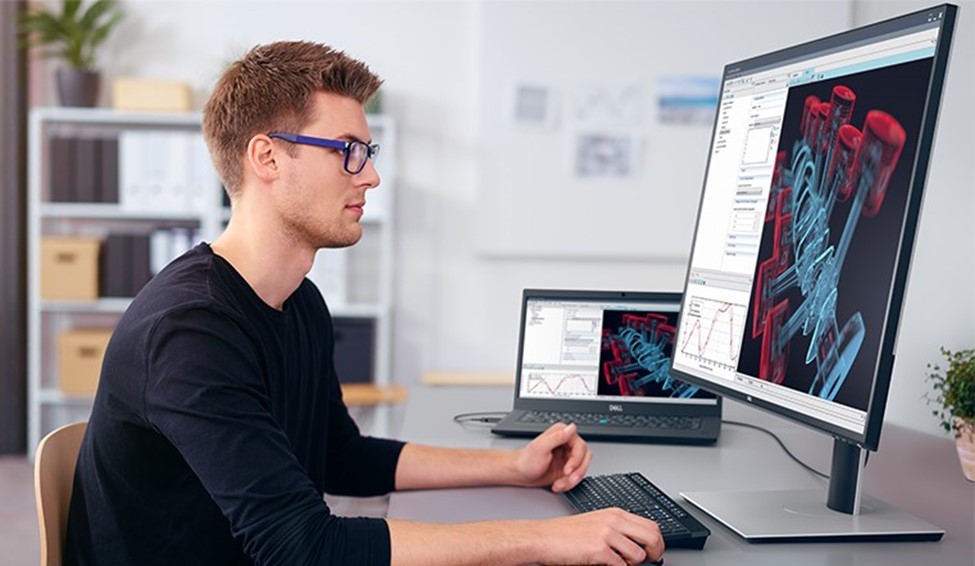
Monitors are an essential tool for effective work from home. They can improve workflow and boost productivity. With companies pivoting to remote work arrangements, it is critical for business continuity to provide employees with the best equipment that will help ensure their continued productivity.
Creating an environment optimized for telecommuting is more than just a laptop and an Internet connection at home. Those who are in the finance, design, programming, or engineering industries, need a good monitor to make teleworking work for them.
Now, Dell shares its top six tips for selecting the right monitor for remote work:
1. Screen Size and Resolution

Resolution and screen size go hand-in-hand. A larger monitor typically requires a higher resolution. More pixels in each square inch of the display means users will get sharper images. A 27-inch QHD (2560 x 1440), 32-inch 4K (3840 x 2160) or 34-inch WQHD (3440 x 1440) displays are the recommended size and resolution with more than 100 pixels per inch.
Determining the right screen size and resolution is an important first step. Having more screen space has a direct correlation to increased productivity. The typical screen size for most office work is between 24 and 32 inches.
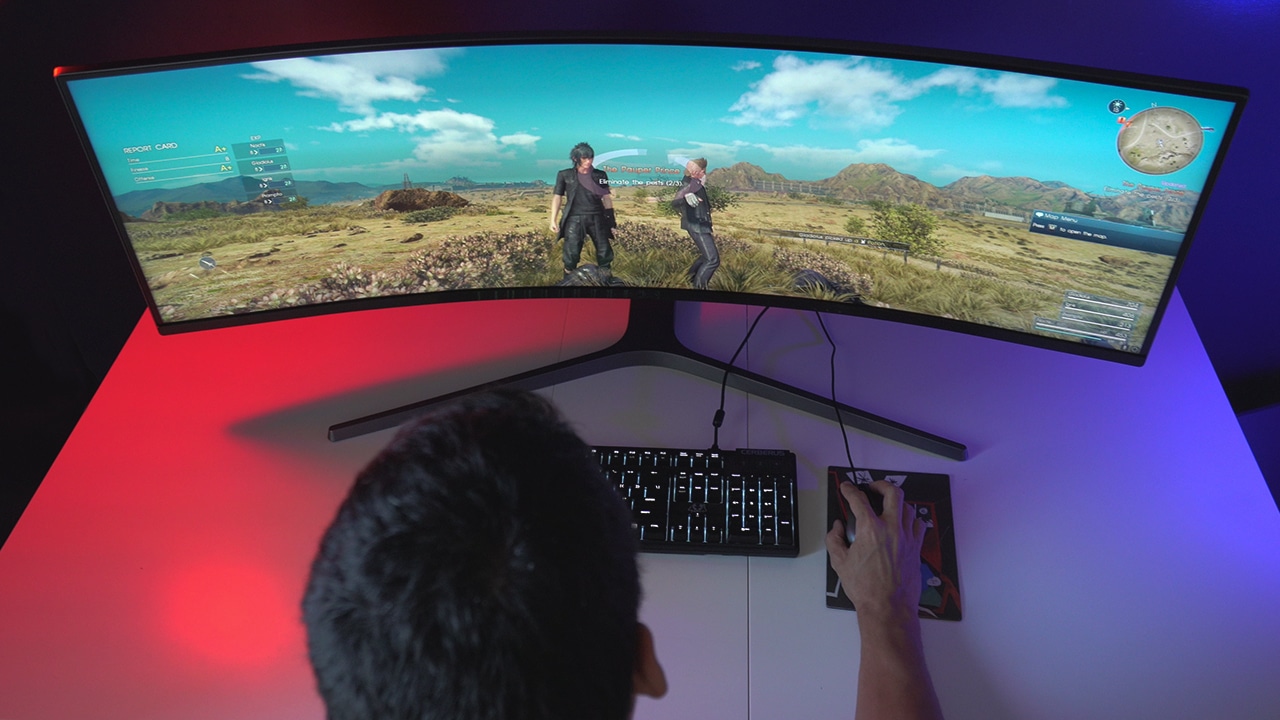
If bigger and wider screen space is a priority, it may be necessary to have more than one monitor, or one ultrawide curved monitor, which is commonly between 34 to 49 inches. Monitors with ultra-thin bezels are ideal for creating seamless multi-monitor configurations, resulting in less distraction.
Financial service workers, software developers, and data scientists typically benefit from one large screen space (43 to 49 inches) to view large amounts of data in their workspace. They often appreciate monitors that can connect and display content from multiple PCs.
2. Ergonomics and wellbeing
Remote work employees tend to work longer, so having the right equipment for wellbeing is crucial. In one research, 92% of workers believe ergonomically optimized monitors are critically important for improving their productivity.
Squinting at a screen or slouching over the monitor can lead to poor posture, back issues, and eye strain. To help with these issues, it is important to choose a versatile monitor with height and tilt adjustability to ensure correct posture and viewing alignment.
Like other electronic devices, monitors emit low blue light that can tire the eyes over extended periods of viewing time. Choose monitors with low blue light and flicker-free technology to minimize blue light emission and flickering images.
3. Connectivity
It is important to consider devices that will be connected to the monitor as well as check laptop ports for compatibility. Common ports on laptops today include HDMI, USB-C, and Thunderbolt 3.
Opt for a clean desk setup with a USB-C monitor. This can help reduce cable clutter. Plus, it allows users to charge their laptop and transfer data with a single cable.
In addition, other essential accessories will need multiple USB ports. Dell monitors typically provide four USB ports, making it possible to connect to more devices.
4. Energy efficiency
Like other home appliances, energy efficiency is important. Monitors that are certified for reduced energy consumption like Energy Star or EPEAT can save up to USD 52 in annual utility bills.
Advanced monitors may also offer features that reduce power consumption by putting the monitor to sleep after a period of inactivity.
5. Color
Professionals in the creative industry like photography and videography should consider color coverage, accuracy, and calibration when purchasing a monitor.
A monitor that is compatible with an external colorimeter or has one that is already built-in is best for quick and easy calibration. Choosing a monitor with DCI-P3 above 95% coverage with factory calibration will help with color-critical tasks.
6. Collaboration
Monitors that include a built-in camera, microphone, and speakers are growing in popularity with the increased frequency of video conferencing calls.
If you’re on video calls for the majority of the workday, look for a monitor that includes these collaborative features to ensure that participants can hear and see you clearly.
Have the right monitor for a successful remote work
With more organizations offering flexible working arrangements, selecting the right monitor at home is crucial from a productivity standpoint.
Users should consider future-proofing their monitor investments with larger screen sizes, higher resolutions, and better connectivity.
Investing in the right monitors for a more comfortable working environment at home will reap returns in the long run in terms of overall health and work productivity.




Computers
AMD expands Ryzen AI Embedded P100 series lineup
Scalable, efficient AI compute for industrial, edge solutions
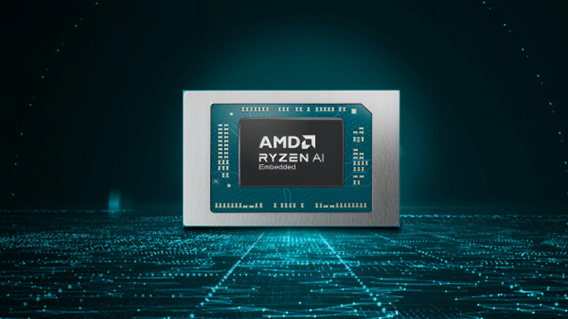
AMD has recently announced the expansion of its AMD Ryzen AI Embedded P100 Series processor lineup.
This enables scalable and power-efficient AI compute tailor-built for industrial and AI edge systems. Scenarios include factory automation, physical AI in mobile robotics, and other AI-driven edge applications.
With eight to 12 high-performance Zen 5 cores, AMD ROCm support, and up to 80 total system TOPS, the new x86 embedded APUs deliver up to:
- 2x more CPU core counts
- 8x higher GPU compute
- 36% higher system TOPS
This way, developers and system designers get an expanded and scalable portfolio of power-efficient edge computing solutions. These processors support real-time AI from vision to control and reasoning, as well as offer advanced graphics capabilities.
On a single chip, clients get up to 80 TOPS physical AI acceleration, AMD RDNA 3.5 graphics for real-time visualization, and an NPU based on the AMD XDNA 2 architecture.
Moreover, the processors can withstand industrial temperature ranges (-40° C to 105° C) and can support continuous 24/7 operations for up to 10-year life cycles. That’s along with low-latency and power-efficient AI inference.
Real-life applications include intelligent factories, autonomous robots, and medical imaging devices. For instance, the processors can deliver CPU performance required for real-time inspection and process optimization.
For mobile robots, meanwhile, processors can manage navigation, motion, control, and route planning while the GPU processes multi-camera feeds for spatial awareness.
Furthermore, for 3D health imaging, the processors can enable the powering of 3D imaging for ultrasounds, endoscopes, tissue classification, and tumor detection at the edge. This is done with models like U-Net, nnU-Net, and MONAI.
The processors then accelerate image-to-report workflows with MedSigLIP and support clinical reasoning and Q&A with Med-PaLM 2.

GIGABYTE and Capcom have collaborated for a limited time Resident Evil Requiem-inspired custom PC giveaway.
The setup is inspired by the title, which recently released, and includes an exclusive monitor game bundle to bring players closer to the experience.
Headlining the collaboration is the Umbrella Corporation — Level 3 Access custom rig giveaway. It is one of a kind, fully-built desktop featuring a Z890M AORUS ELITE WIFI7 ICE motherboard and RTX 5080 AERO OC SFF graphics.
Of course, it draws inspiration from the visual identity and atmosphere of Resident Evil Requiem. It also features a GIGABYTE C102 GLASS ICE chassis design and custom GIGABYTE MO27Q28G gaming monitor to complete the setup.

The giveaway runs from March 2 to March 31 via the official campaign website. Fans can enter for a chance to win the custom rig, with no purchase necessary. The only caveat is that they have to be a United States or Canada resident.
Such experience is designed to invite players and PC enthusiasts alike to engage with the collaboration while highlighting GIGABYTE’s premium hardware craftmanship and attention to detail.
In addition to the giveaway, GIGABYTE is also offering a Resident Evil Requiem game bundle with select gaming monitors. Included are AORUS brand monitors, ranging from 27 to 55 inches in size.
This bundle is available until March 31. Customers who purchase eligible models can redeem a digital game code through GIGABYTE’s official redemption platform.
The featured monitor is the MO27Q28G, which has fourth generation WOLED panel with 280Hz refresh rate and 0.03ms response time. It is an ideal monitor to experience the spine-chilling terror and death-defying action of the title.
Computers
AMD announces Ryzen AI 400, AI 400 PRO series at MWC 2026
Offering support for next-gen AI PCs, Copilot+ experiences
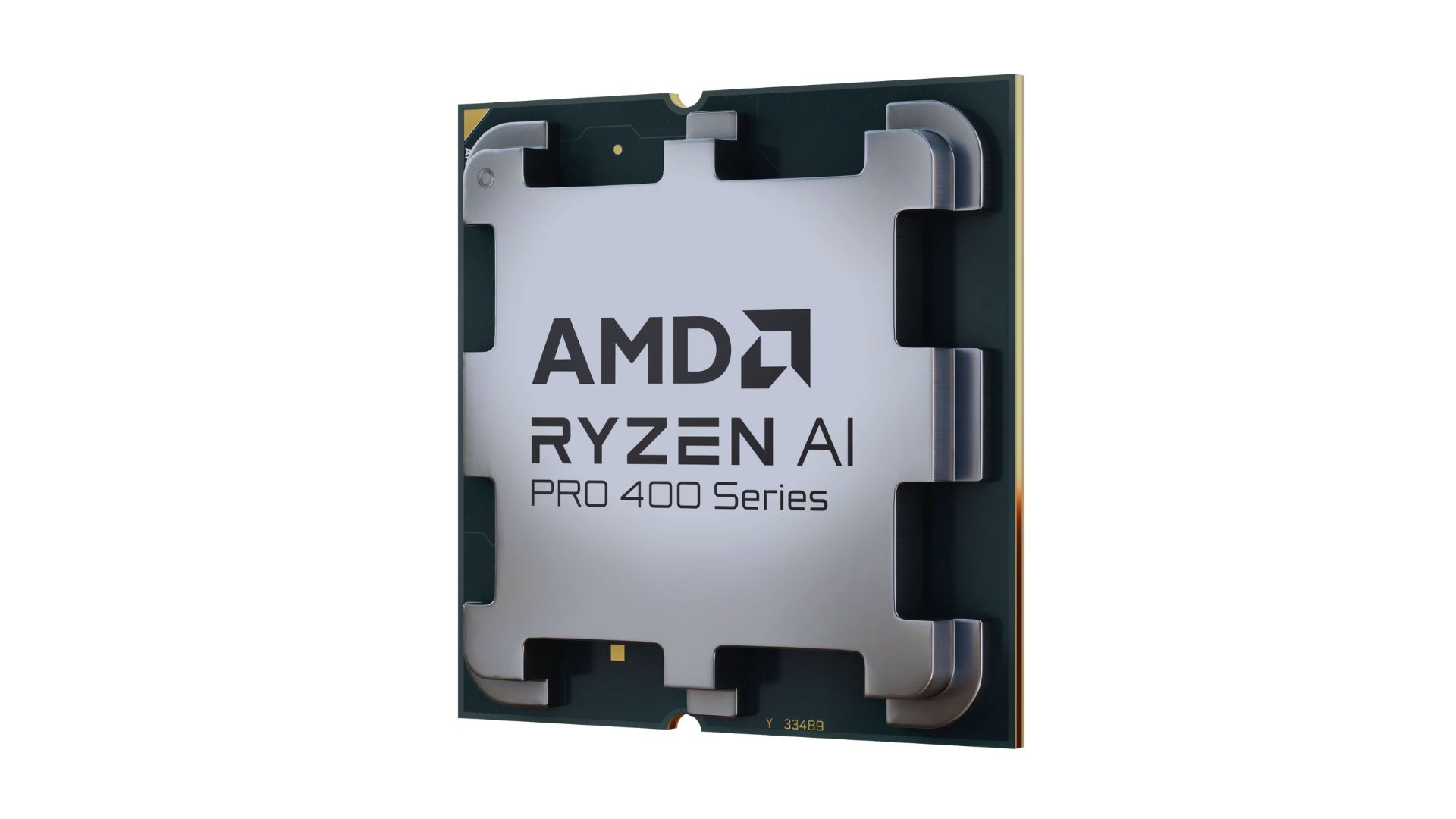
AMD announced new products and initiatives at MWC 2026 Barcelona, headlined by their newest Ryzen AI 400 and Ryzen AI PRO 400 series processors.
These latest processors are built on the AM5 platform and advanced Zen 5 architecture, delivering next-generation experiences for both consumer and commercial scenarios.
The additions enable original equipment manufacturers (OEMs) to offer next-gen AI PCs across high-performance desktops, laptops, and mobile workstations optimized for modern workloads.
Along with dedicated AMD XDNA 2 NPUs and AMD RDNA 3.5 graphics, both series offer up to 60 TOPS of NPU AI compute, exceeding the requirements of Copilot+ PCs.
As such, these enable powerful on-device AI performance, including running LLMs locally and tackling compute-intensive applications for design and engineering.
The Ryzen AI 400 series processors are also the first for next-gen desktop AI PCs to support Copilot+ PC experiences. Featuring an NPU providing up to 50 TOPS of AI compute, these processors enable running AI assistants and productivity tools locally.
In addition, AMD is expanding the Ryzen AI 400 series mobile portfolio to include workstations. Some that are expected to release in Q2 2026 include products from Dell, HP, and Lenovo.
AMD PRO initiative
Furthermore, AMD announced AMD PRO for enterprise-grade security, manageability, and reliability.
This is done through foundational hardware and software designed to simplify IT operations and protect investments over time.
AMD says it will continue to evolve the AMD PRO platform by strengthening both its silicon foundation and software stack.
This will support enterprise IT teams managing distributed AI-enabled PC fleets. Meanwhile, expanded remote management features improve visibility, recovery, and control.


POCO X8 Pro Max review: A new beast from the far east
That "Pro Max" naming superlative is more than justified


POCO X8 Pro Iron Man Edition review: Midrange phone in superhero armor
POCO x MK15


Now Playing: Project Hail Mary
It's a treat for those who loved the original book.

Spider-Man: Brand New Day first trailer hits hard — and gets weird

TUMI’s “Mediterranean Escape” brings vacation energy to Spring 2026 lineup

Switch 2 now lets you play old games in 1080p

OPPO Find N6 launches globally with near crease-free foldable display
POCO X8 Pro Max review: A new beast from the far east


-

 MWC 20262 weeks ago
Infinix NOTE 60 Ultra makes a motorsport-inspired debut
-

 Reviews2 weeks ago
The Xiaomi 17 shoots Leica dream
-

 Gaming2 weeks ago
Ubisoft confirms Assassin’s Creed: Black Flag remake
-

 Gaming2 weeks ago
PlayStation will stop releasing its games on PC
-

 Hands-On2 weeks ago
OPPO Reno15 F 5G hands-on
-
 Gaming2 weeks ago
Project Helix is Xbox’s next console, and it plays PC games
-
 Hands-On2 weeks ago
Apple MacBook Neo Hands-on
-

 Computers1 week ago
GIGABYTE collaborates with Capcom for RE Requiem custom PC