


Features
Huawei P30 Pro vs Apple iPhone XS: Which flagship phone takes better photos?
The P30 Pro takes on the iPhone XS

Huawei‘s new P30 series has hit the market. The best in the series is the P30 Pro with its new quad cameras, curved OLED display, and powerful chipset. A flagship phone like the P30 Pro needs the best set of features available and be worthy of people’s hard-earned money.
Usually, people ask how it fares against an iPhone. To answer curious buyers, let’s compare the P30 Pro and the iPhone XS from Apple.
Specs and Features
Let’s start by checking the key specifications of the two devices. Here’s a quick rundown of their notable features:
Huawei P30 Pro |
Apple iPhone XS |
|
| Display | 6.47-inch OLED DCI-P3 HDR |
5.8-inch OLED Dolby Vision / HDR10 |
| Processor | Kirin 980 | A12 Bionic |
| Memory | 8GB | 4GB |
| Storage | 256GB | 64GB/256GB/512GB |
| Rear cameras | 40MP f/1.8 RYYB 20MP ultra-wide 8MP 5x optical zoom ToF sensor |
12MP f/1.8 12MP 2x optical zoom |
| Front camera | 32MP f/2.0 | 7MP f/2.2 IR sensor |
| Battery | 4200mAh | 2658mAh |
| Security features | In-screen fingerprint scanner, Face recognition | Face ID |
| OS | Android 9 Pie w/ EMUI 9.1 | iOS 12 |
Both are premium phones from their respective manufacturers. They have the best displays in their class. The P30 Pro and the iPhone XS both sport an OLED panel with vibrant colors and deep blacks. To maximize the screen’s real estate, Huawei and Apple both resort to a notch. However, the P30 Pro’s notch is a lot smaller than the iPhone’s; it doesn’t take much of the interface.

Apple iPhone XS and Huawei P30 Pro | GadgetMatch
Inside, the phones have two different processors. The P30 Pro is powered by a Kirin 980, while the iPhone XS has the A12 Bionic. Both homebaked silicons are powerful and unstoppable. Built using the same latest 7nm process, they are extremely efficient compared to other processors.
The P30 Pro has twice the memory capacity of the iPhone XS, which allows better multitasking. For storage, the P30 Pro comes with 256GB as standard. If that’s not enough, it has expandable storage as well using Huawei’s Nano-Memory cards. Meanwhile, the iPhone’s base configuration starts at 64GB; upgrading to 256GB will cost you more.

Apple iPhone XS and Huawei P30 Pro | GadgetMatch
Huawei phones usually last more than a day with heavy use; the P30 Pro will be no different. It has a long-lasting 4200mAh battery compatible with 40W SuperCharge using its bundled USB-C charger. It can also top up wirelessly and share its juice via reverse wireless charging. Meanwhile, the iPhone XS has an inferior 2658mAh cell inside; it also charges slower.
Security-wise, the P30 Pro and iPhone XS differ in approach. The P30 Pro can be unlocked in two ways: using the in-screen fingerprint scanner or AI facial recognition. The iPhone XS lacks a fingerprint reader, limiting users to Face ID.
Perhaps the biggest difference between the P30 Pro and iPhone XS is their software. Obviously, the iPhone XS runs on iOS while the P30 Pro has EMUI 9.1 based on the latest Android Pie. The Android operating system allows users to take control of their device. Meanwhile, Huawei’s custom skin makes it more productive by adding useful features and optimizations.
Cameras
In the camera department, the P30 Pro outnumbers the iPhone XS with its new Leica Quad Camera system.
Apple’s top-of-the-line phone comes with a pair of 12-megapixel sensors. The iPhone’s primary shooter has an f/1.8 aperture. The secondary camera features 2x optical zoom.
On the other hand, the P30 Pro has one of the most complex mobile camera systems. It has a main 40-megapixel RYYB f/1.6 camera, a 20-megapixel ultra wide-angle shooter, an 8-megapixel periscope-style 5x optical zoom, and a special ToF sensor.
Let’s see how the two phones perform in different scenarios starting in broad daylight. With plenty of light available, both phones are able to capture a bright image with lots of details.


The bright sunlight can get harsh at times. This is where HDR (high dynamic range) mode comes in handy. Both phones have Auto HDR. Whenever you shoot against the light, it automatically kicks in.


Artificial bokeh is a thing for both the P30 Pro and iPhone XS. Capturing a closeup of a flower with a smooth background blur is just an easy task for the two.


When you need to get really close, the P30 Pro’s camera can do macro without any extra accessory needed. You can clearly see the details of this tealight candle holder.


Most of the images uploaded on social media are about food. With the P30 Pro’s AI scene recognition, you can take tasty images of your lunch and upload to Instagram right away.


One of the P30 Pro’s periscope-style lens module is unique. The phone can zoom in 5x optically or go up to 10x using software tricks. The iPhone XS can do only up to 2x optical zoom. Maxing it out 10x is too much for the phone to handle.




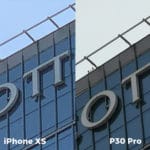
If 10x isn’t enough, did you know the P30 Pro has a maximum digital zoom of 50x? Well, the quality is not as great compared to the 10x zoom. It just barely gets the job done.



The P30 Pro can get really close; it can also get ultra wide. With a dedicated super wide-angle shooter, the P30 Pro can fit in a whole building complex in one frame. That’s something iPhones can’t do — at least for now.


Huawei is proud of the P30 Pro’s capability to shoot nice portrait stills even if the lighting condition isn’t ideal. The HDR feature in Portrait Mode works like charm.


When shooting in Portrait Mode, the iPhone XS uses its secondary camera with 2x zoom. You’ll have to step back to fit your subject.
That’s not the case with the P30 Pro. The ToF sensor helps the main 40-megapixel camera identify the subject and apply the effects without cropping.


The main camera’s wide aperture lens is perfect when shooting in Portrait Mode in dimly lit environments. The P30 Pro can shoot brighter images with more pleasing bokeh.


Since we’re already in the dark, it’s time to put the Night Mode to the test. The iPhone doesn’t have a proper Night Mode; the P30 Pro has. The difference is more apparent in the samples below.


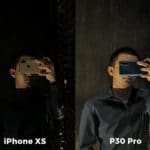
Night Mode is not just for taking photos in the dark, though. It can also help take a sharper and more detailed image whenever you want to.


Additionally, the amazingly flexible Night Mode also works with the P30 Pro’s ultra wide-angle shooter.


For selfies, the P30 Pro has a 32-megapixel front camera. Meanwhile, the iPhone’s front has a 7-megapixel sensor accompanied by the Face ID’s IR sensor. As you can see from the samples below, the P30 Pro’s front camera has a wider FOV than the iPhone XS.


Conclusion
With a new set of hardware and software features, the P30 Pro has its advantages over last year’s iPhone XS. In the camera department alone, the P30 Pro’s new Leica Quad Camera can deliver the best photos using a mobile phone. Zooming in or going ultra wide is not an issue for the P30 Pro. However, the iPhone XS clearly lacks the hardware for it.
Get the Huawei P30 Pro while it’s hot for PhP 50,990. It’s available in three color options: Breathing Crystal, Aurora, and Black.
This feature was produced in collaboration between GadgetMatch and Huawei Philippines.






Features
Getting the latest Samsung Galaxy Z Flip8 at 0% Interest with Maya Mini Payments
What convinced me to upgrade and how Maya Mini Payments made paying for it easier~

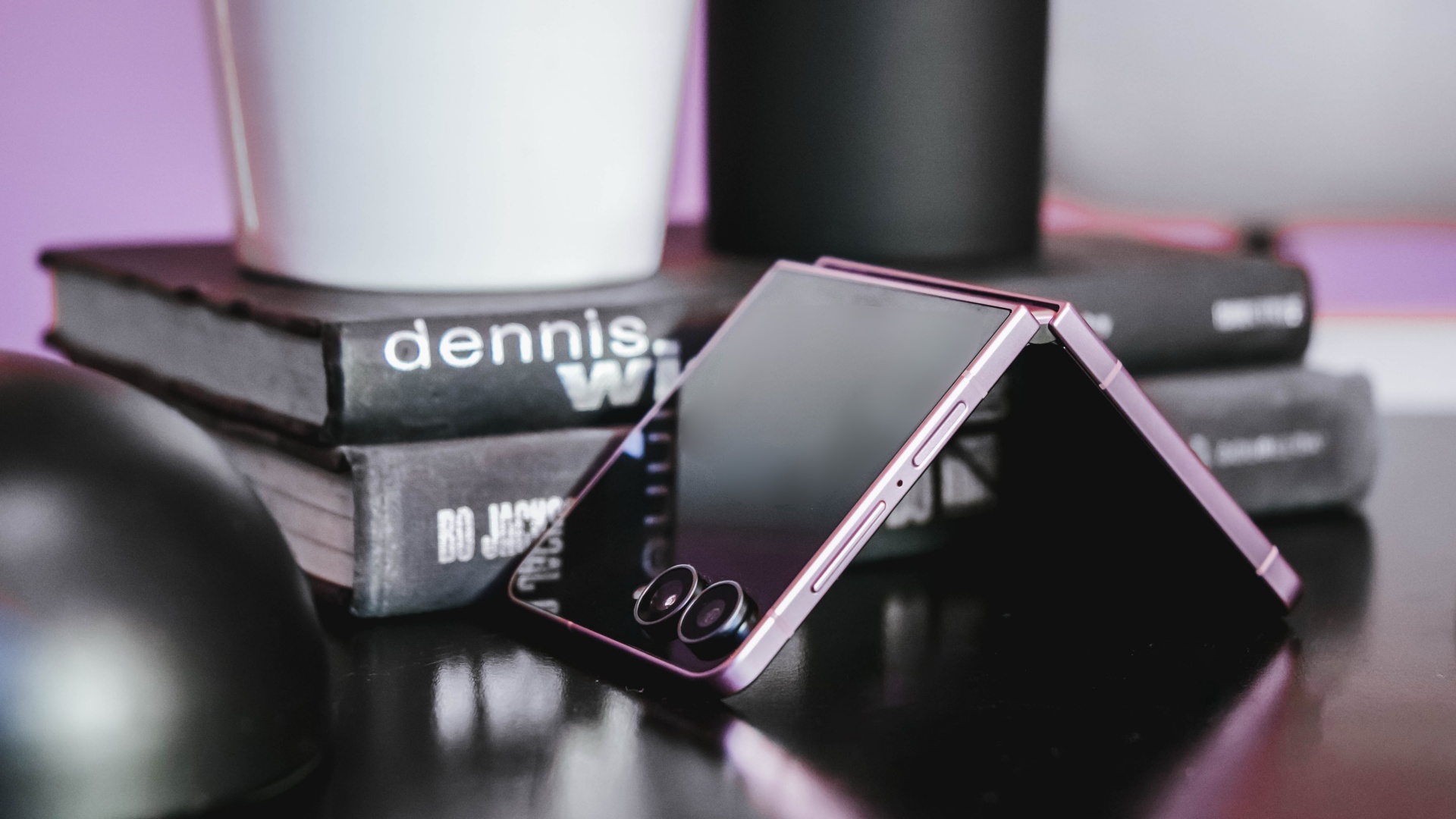
I don’t upgrade simply because there’s a newer model on the shelf.
Last year, I upgraded to the Samsung Galaxy Z Flip7 after spending three years with the iPhone 13 as my daily driver.
Even then, the decision wasn’t about chasing the latest release. It was about finding a device that better matched how I work.
I’m a firm believer that every upgrade has to earn its place in my pocket, especially when there are already perfectly capable phones sitting on my desk.
So when I decided to pre-order the Samsung Galaxy Z Flip8, the decision wasn’t simply about getting the newest device.
It came down to two questions: It came down to two questions: Is this a smart upgrade? And if it is, what’s the smartest way to own it?
The first question was answered by the device itself. The second is where Maya Mini Payments entered the conversation.
For me, the Flip8 addresses the reasons to upgrade. Maya Mini Payments addresses one of the biggest reasons people hesitate: big purchases that could be paid in 3, 6, 9 or 12 monthly payments.
Changing how I shoot and use my phone
I spend most of my day switching between shooting, editing, and posting, sometimes all within the same hour.
One of the biggest reasons the Galaxy Z Flip8 caught my attention is the cover screen. It’s finally useful enough that I can shoot, preview, and interact with content without constantly opening the device.
That may sound like a small change, but it makes a difference when you’re trying to capture candid moments before people notice a camera pointed at them.
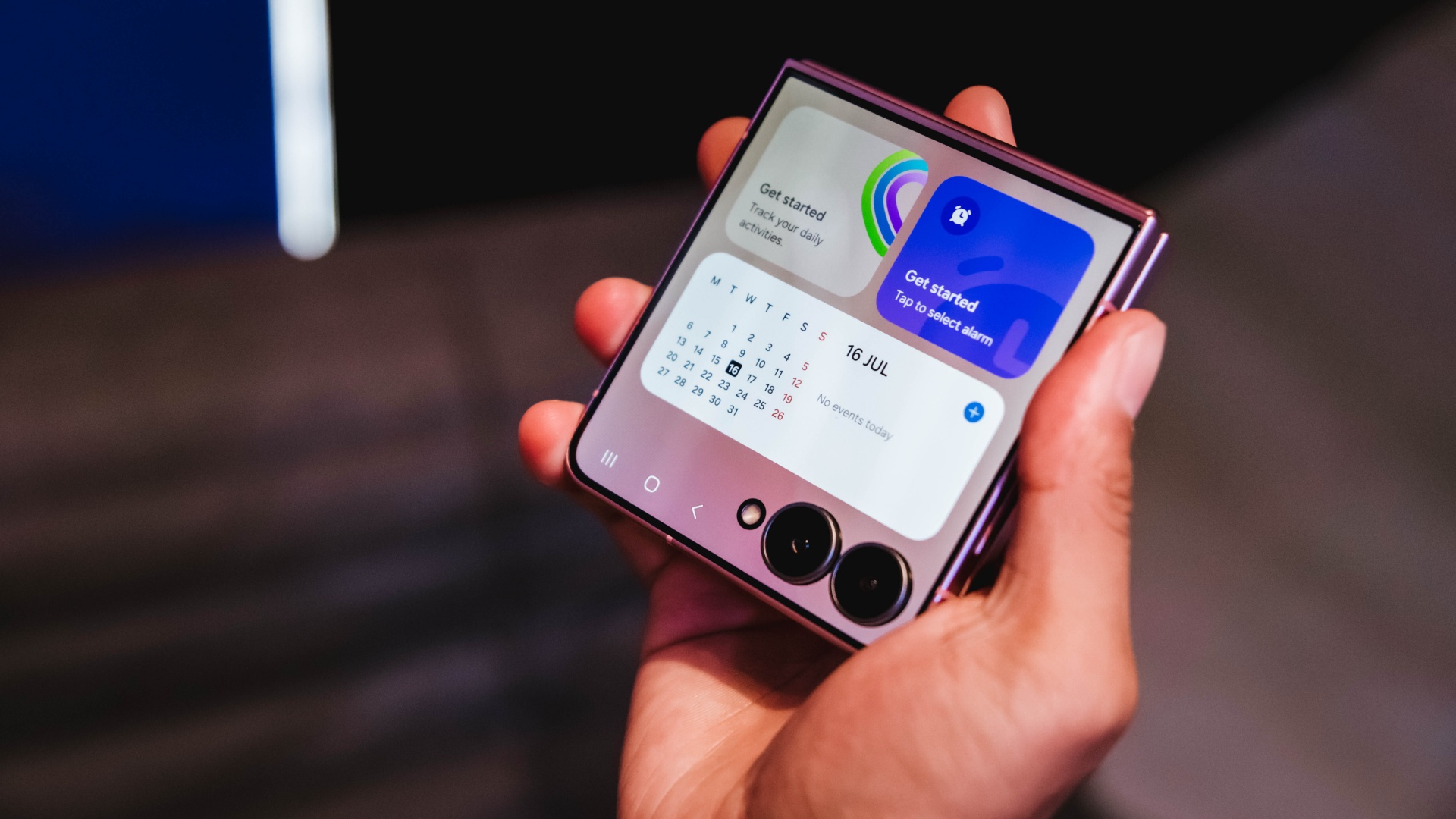
It also makes everyday tasks easier. I can check a script, review a shotlist, reply to messages, or glance at notifications without unfolding the phone every few minutes.
For years, foldables often felt like they required some compromise. You gained a unique form factor and flexibility, but sometimes gave up a little on the camera experience. The Flip8 feels like it’s closing that gap.
Samsung’s improvements in low-light performance and stabilization are especially noticeable for the kind of run-and-gun content I create.
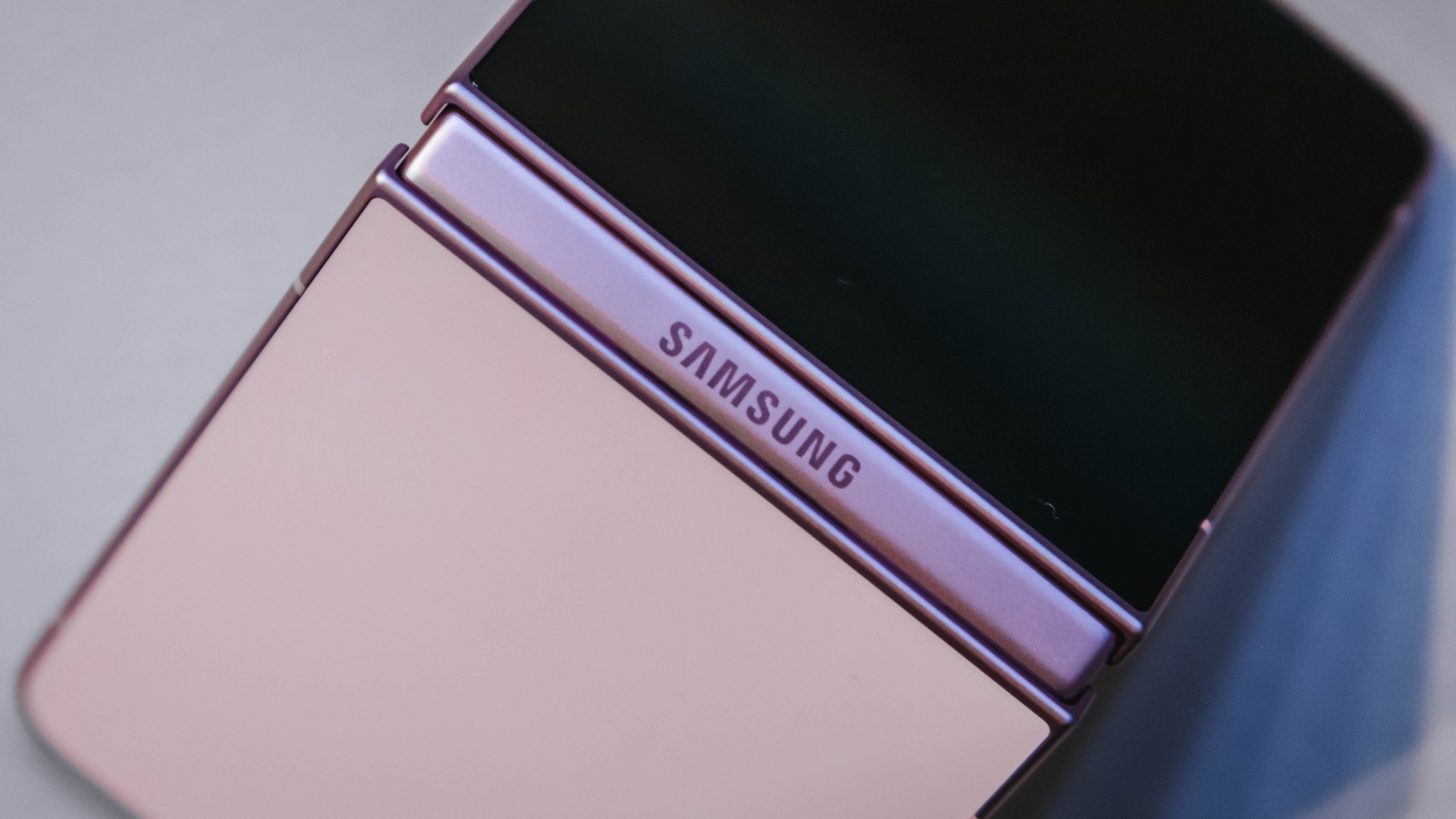
I haven’t spent enough time with it to call this a full review yet, but my first impressions have been positive. The experience feels more refined and more dependable than previous generations.
Features alone don’t convince me to upgrade. They have to solve a real problem. The more useful cover screen, the improved camera experience, and the overall refinement were the first signs that the Flip8 was offering something I’d actually use every day rather than another feature to add to a spec sheet.
The battery and multitasking finally match my day
The less exciting reason I’m upgrading is also the one that affects me the most.
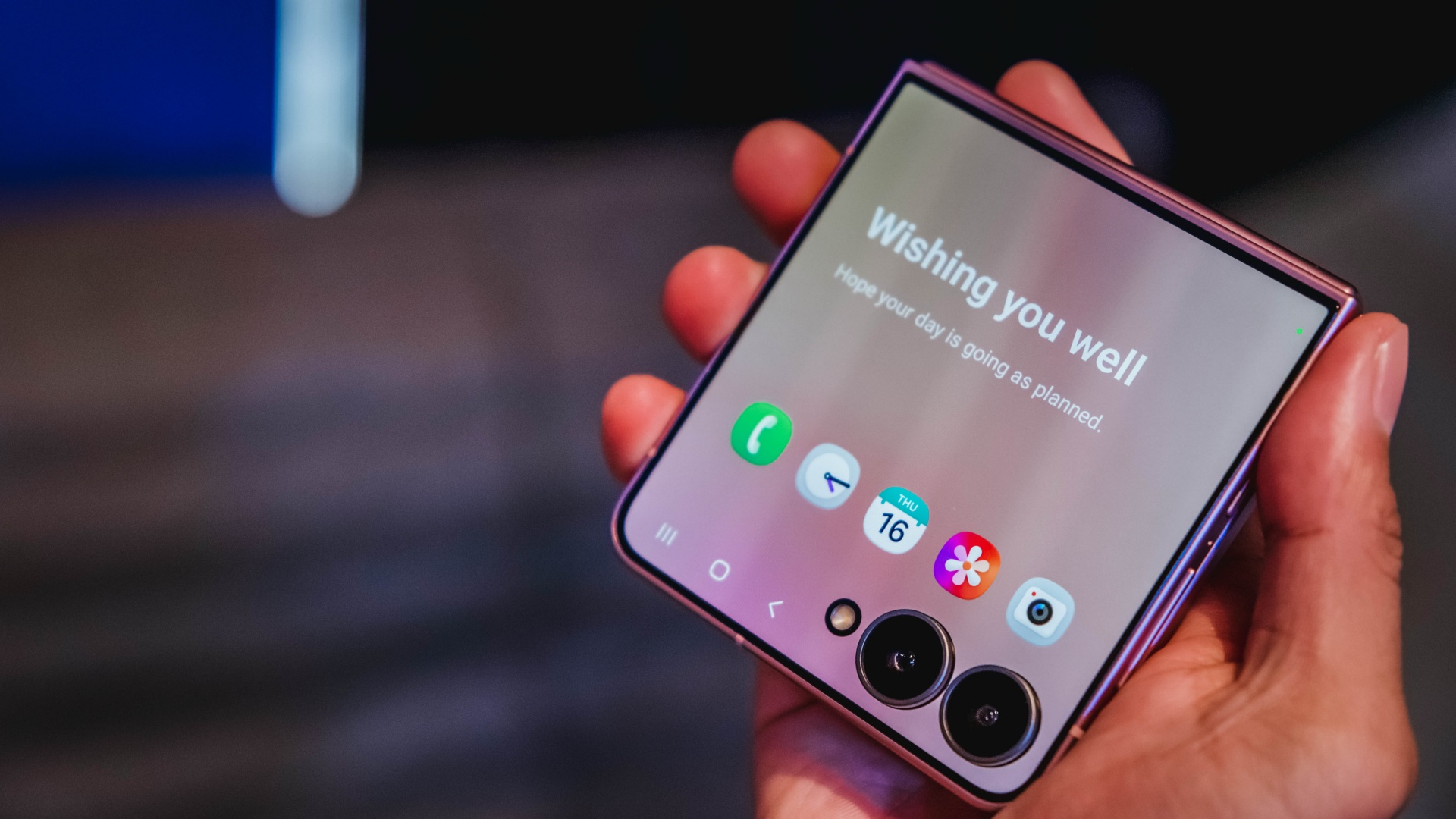
Between filming, reviewing footage, answering emails, coordinating campaigns, and managing social media, my phone is constantly working.
My old device usually drops into battery-saving territory before dinner. It gets the job done, but I spend too much time thinking about charging instead of working.
The Galaxy Z Flip8 feels better equipped for that reality. The battery efficiency is improved, and multitasking feels more natural when juggling multiple apps throughout the day.
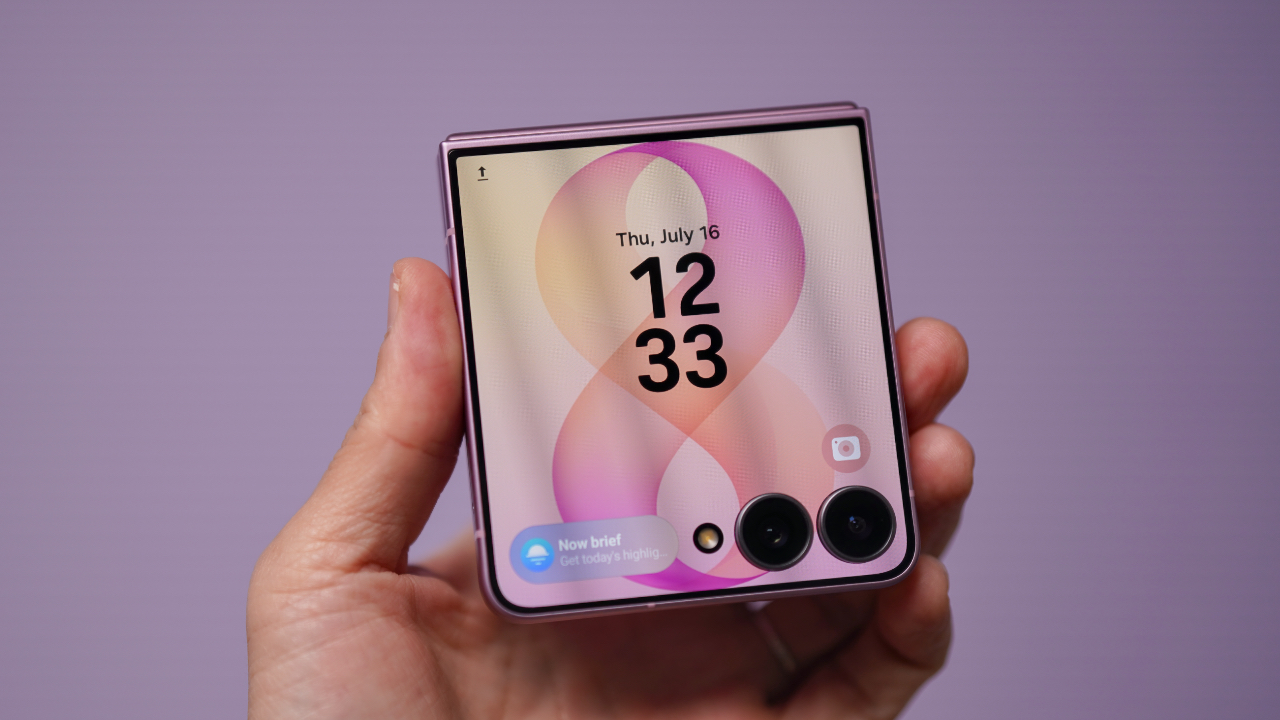
Those aren’t flashy features, but they’re the kinds of upgrades that quietly improve everyday productivity. They’re also the features that convinced me this wasn’t simply a want. It was an upgrade I could actually justify.
Once I was convinced the Flip8 was worth upgrading to, I realized the decision wasn’t really over. A smart upgrade also deserves a smart way to pay for it.
Making a big upgrade more manageable
Of course, deciding a device is worth upgrading to is only half the equation. The other half is figuring out how to pay for it.
The Galaxy Z Flip8 is a premium device, and for most people, the upfront cost is what gives them pause. That’s often where upgrade decisions get delayed, even when the device itself makes sense.
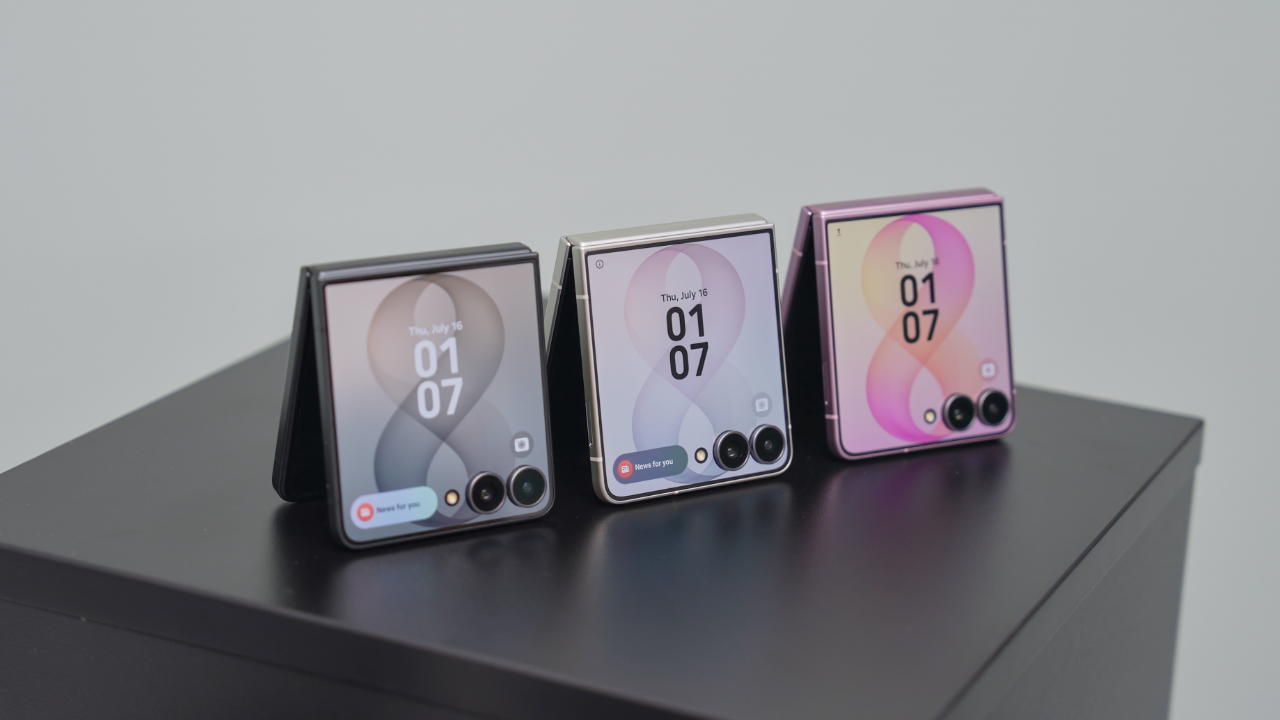
That’s why Maya Mini Payments stood out to me. Any Samsung purchase paid with a Maya Credit Card can be converted into Mini Payments directly through the Maya app, making it easier to spread the cost into monthly installments instead of paying for everything upfront in one go.
You can choose installment plans of up to 12 months at a fixed monthly add-on interest rate of 1%.
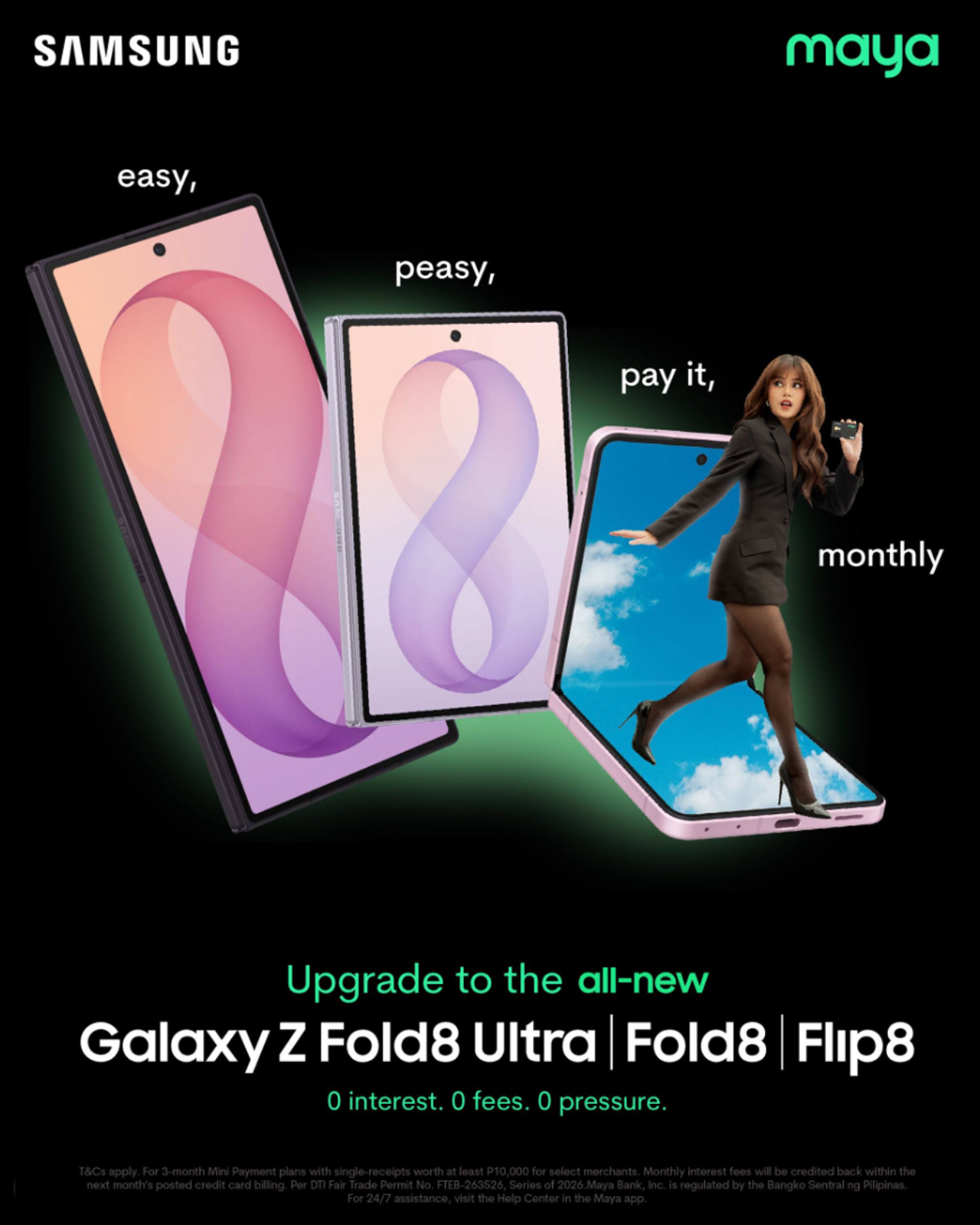
For Samsung Galaxy Z Fold8 and Galaxy Z Flip8 purchases, cardholders can enjoy a 3-month Mini Payment plan at 0% interest, making the upgrade more manageable without additional interest costs on the installment plan.
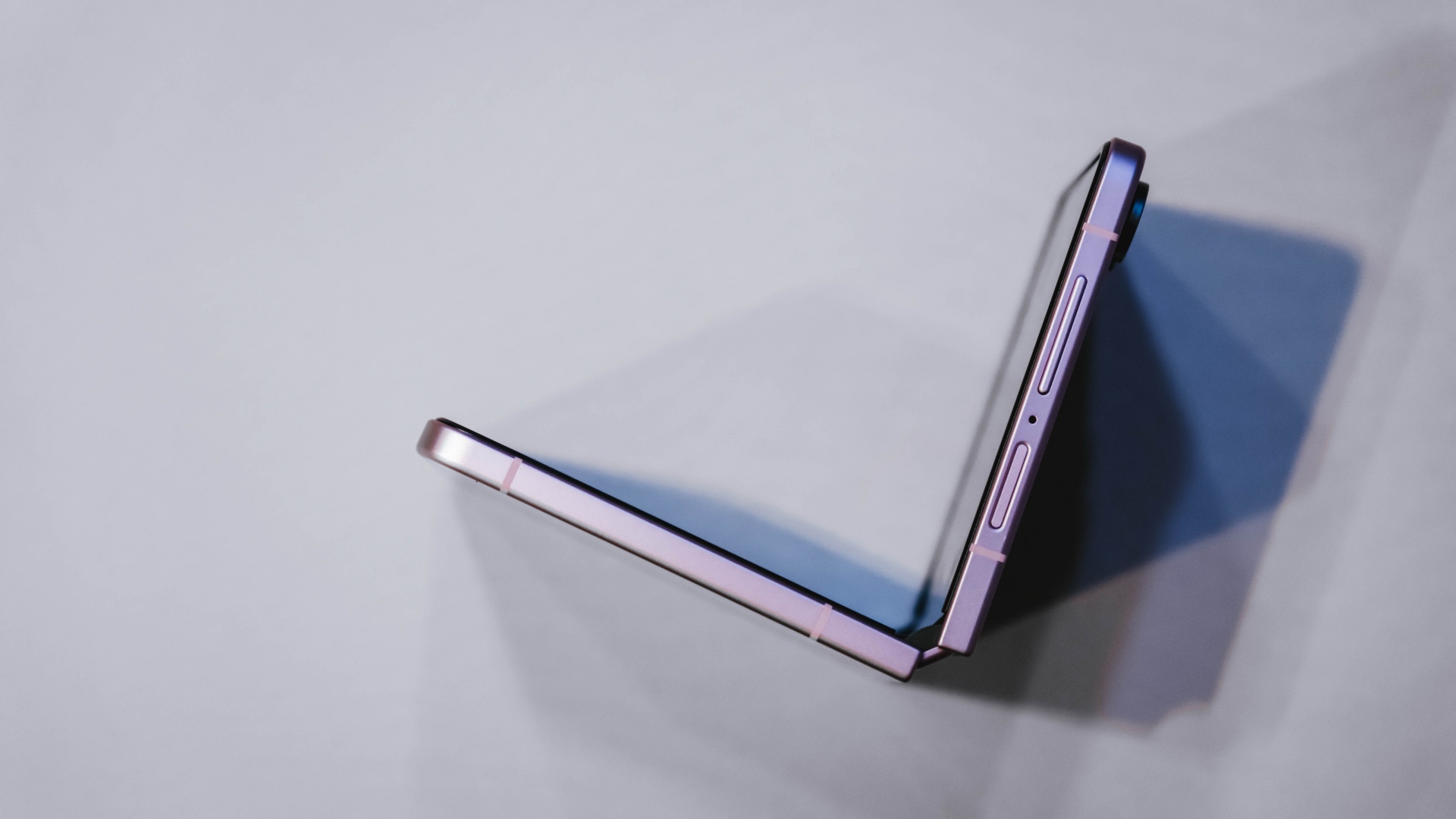
What I like about the concept is that it mirrors the reason I like the Flip8 itself.
The Flip8 makes it easy for me to shoot, edit, communicate, and multitask throughout the day. Maya Mini Payments makes it easy to purchase by turning one large expense into a payment plan that fits more naturally into a monthly budget.
Both are practical solutions to real-world problems. Also, the entire process can be managed directly within the Maya app, making it easy to track and manage installment conversions without additional paperwork.
View this post on Instagram
Still on the fence?
The Samsung Galaxy Z Flip8 feels like one of the strongest cases yet for upgrading to a foldable.
For me, the cover screen is more useful, the camera experience feels more capable, and the battery and multitasking improvements better match how I actually work every day.
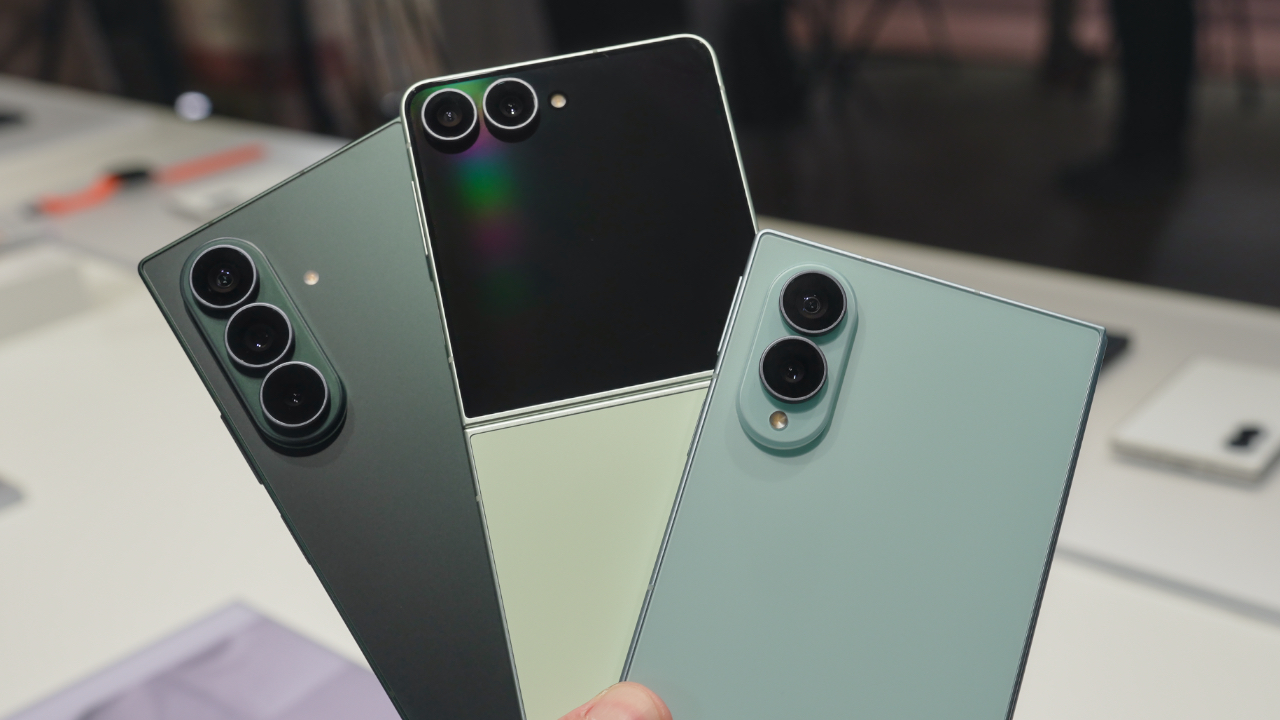
If you prefer a larger screen for productivity, the Samsung Galaxy Z Fold8 follows the same philosophy while giving users even more room to multitask and create.
If you’ve already decided Samsung’s latest foldables are your next devices, there’s also a smarter way to make that upgrade happen.
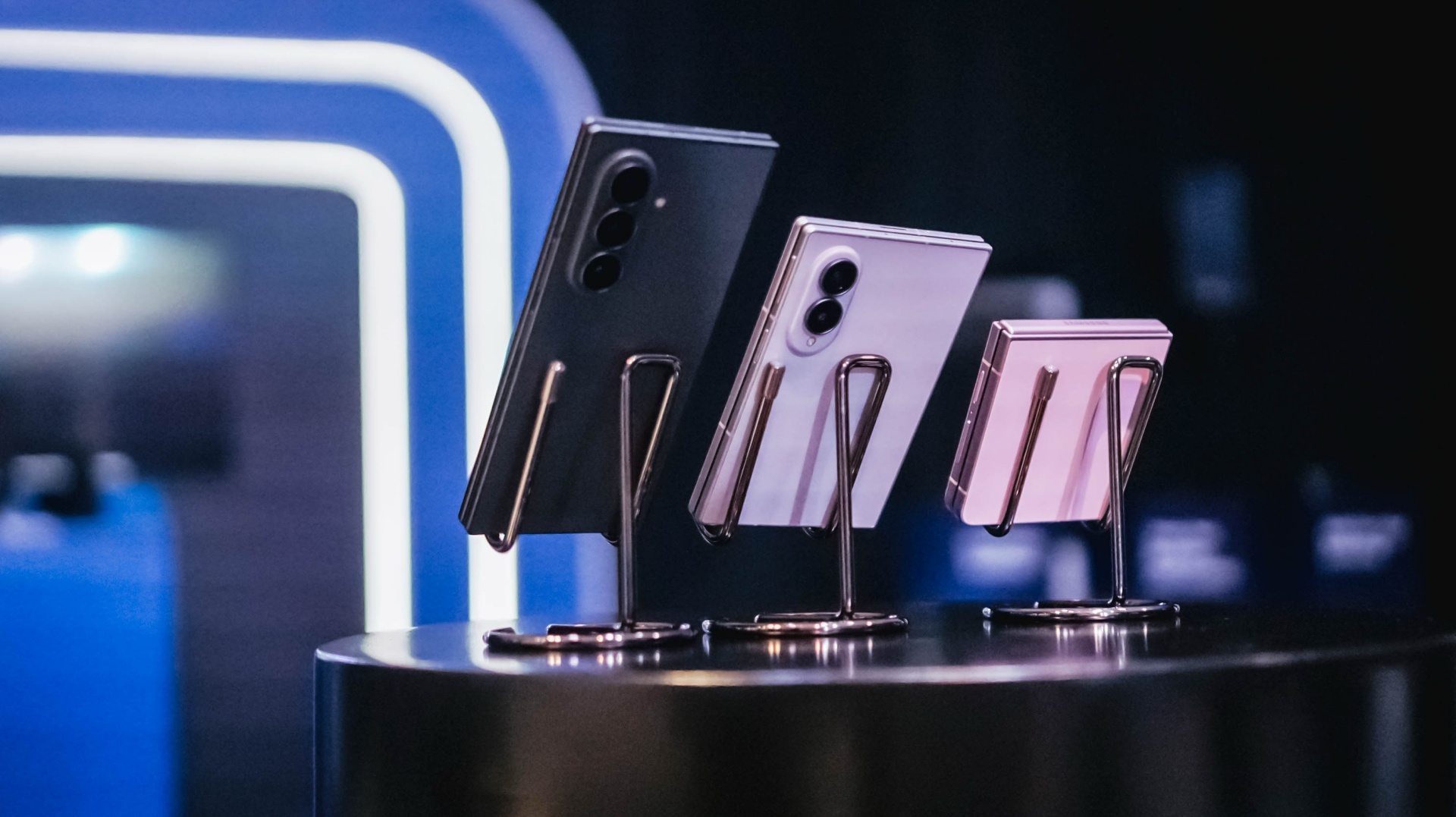
All your Samsung purchases made using a Maya Credit Card can be converted into a 3-month Mini Payment plan at 0% interest, with zero processing fees until September 30, making it easier to enjoy Samsung’s latest innovations without one big upfront payment.
Pre-orders run until August 13, with devices available in-store beginning August 14.

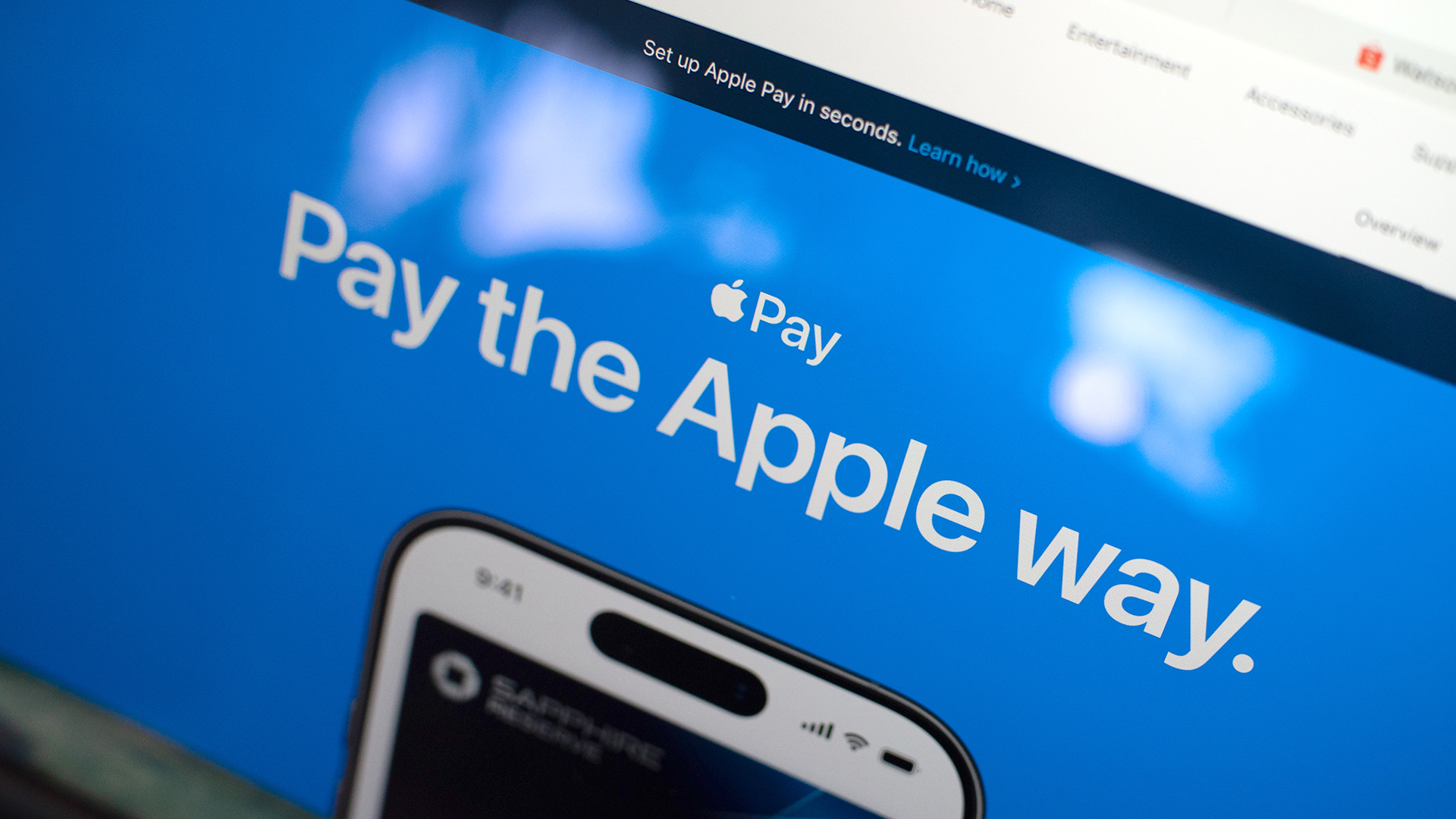
Apple Pay is officially in the Philippines!
Pushing the country forward into a cashless and cardless future, Apple has now brought its contactless payment system to the Philippines. As with other countries, Apply Pay will work seamlessly and easily even for those who have problems with technology.
Now, despite how easy it is, sometimes we need to be pointed in the right direction. Here’s how you can set up Apple Pay on your iPhone:
Everything starts with the Wallet app. First, open your Wallet app. Tap the “+” button on the top and select “Debit or Credit Card.”
Normally, this is where you can input your card details (which you can still do, by the way), but the default method now is to just tap your card on the back of your iPhone. Your phone does the rest. You might need to confirm with your bank, but it’s as easy as a single tap.
Pick which cards to use. Once you have your cards online, you might need to change which one is the default card. Again, it’s easy. Just drag your preferred card to the front.
Afterwards, you can tap to pay in supported stores by priming the Wallet app for use. Tapping to pay is also available for Apple Watch. Meanwhile, online transactions can also work on MacBook.
Secure, all the time. If you’re worried about your security especially with online transactions, Apple keeps your information only between you and the seller. They don’t store your data.
Also, it’s not easy to make a transaction without your consent. You need Face ID, Touch ID, or your password. If you lose your phone, you can easily shut your phone down with the Find My app to prevent malicious parties from making transactions.

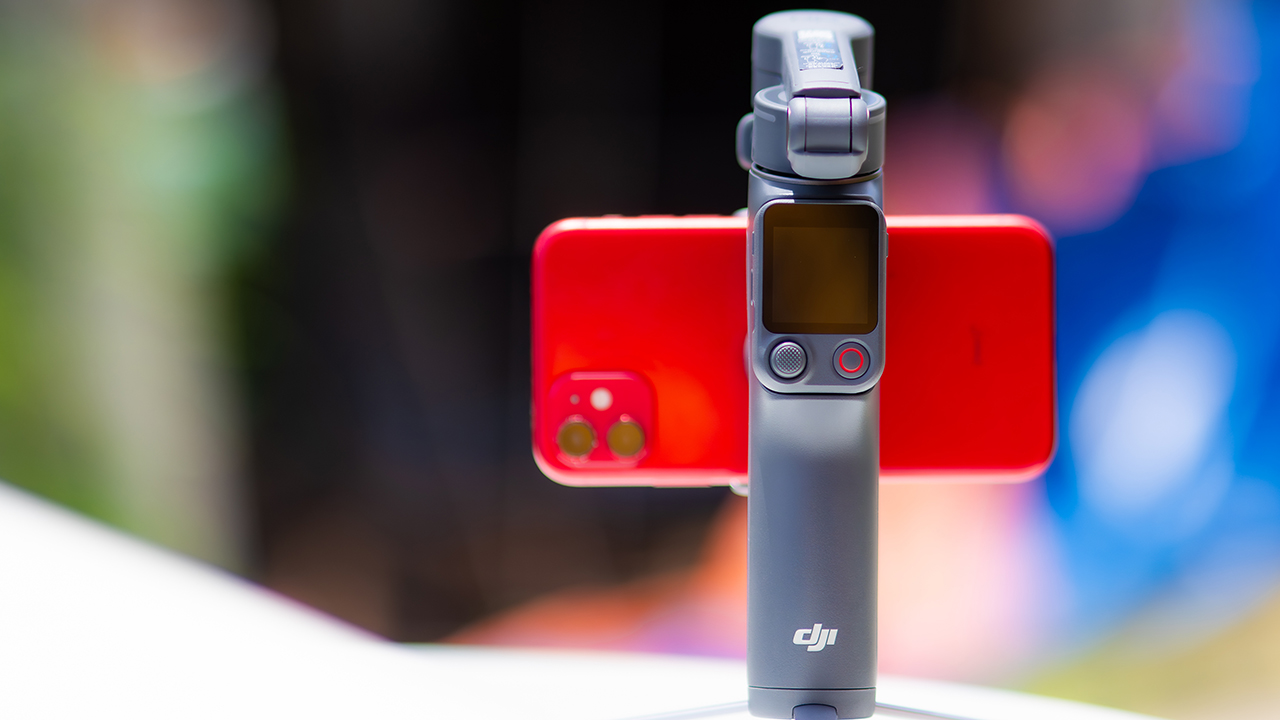
DJI’s smartphone gimbals have always chased one goal: delivering cinema-smooth footage without forcing you to carry a heavy rig.
The Osmo Mobile 8P (OM 8P) makes its priorities clear right out of the box. This is not a simple refresh. DJI rebuilt how you control the gimbal, and that decision shapes the entire shooting experience.
Freedom behind the lens
The biggest change is the FrameTap remote, and it’s the kind of upgrade that fixes a problem you didn’t realize was slowing you down until it’s gone.
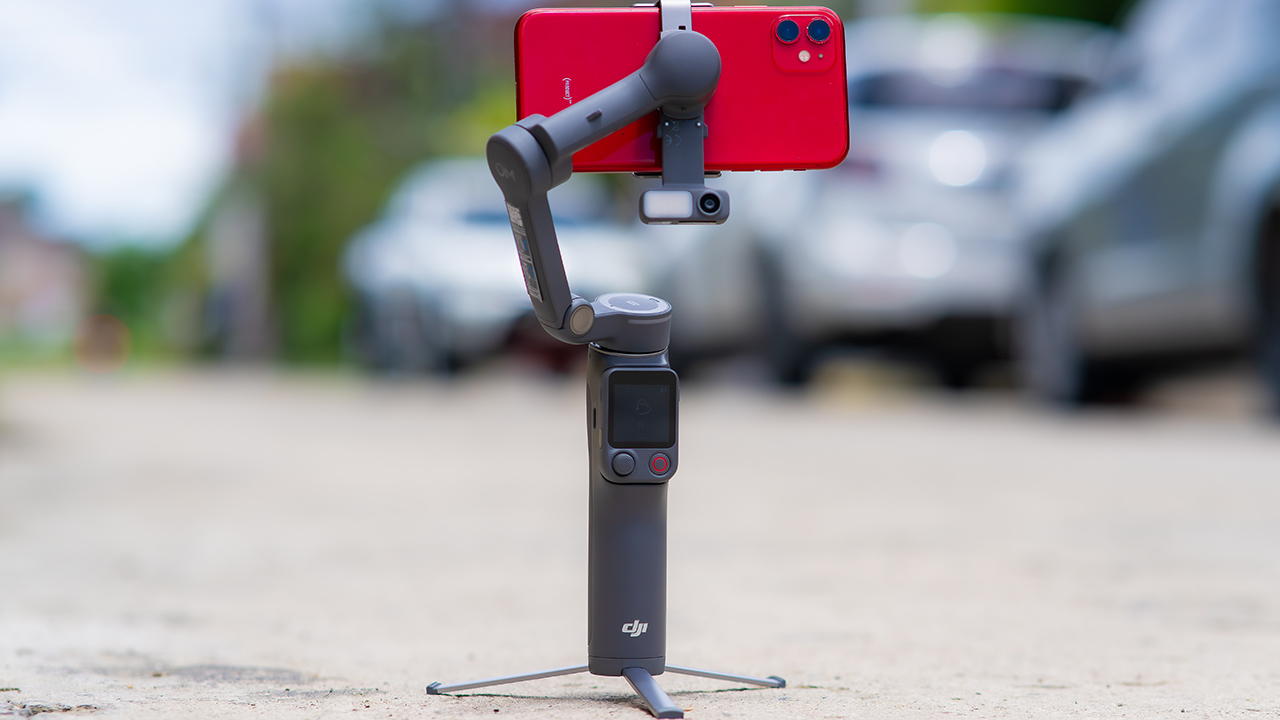
On the standard OM 8, adjusting your framing meant reaching for your phone every time, which broke the flow of shooting and pulled you out of the moment.
FrameTap puts that control back in your hand. You can reframe shots and manage the gimbal without touching your phone at all, and for anyone shooting solo, that alone changes how usable the whole setup feels. Tracking has taken a real step forward too.
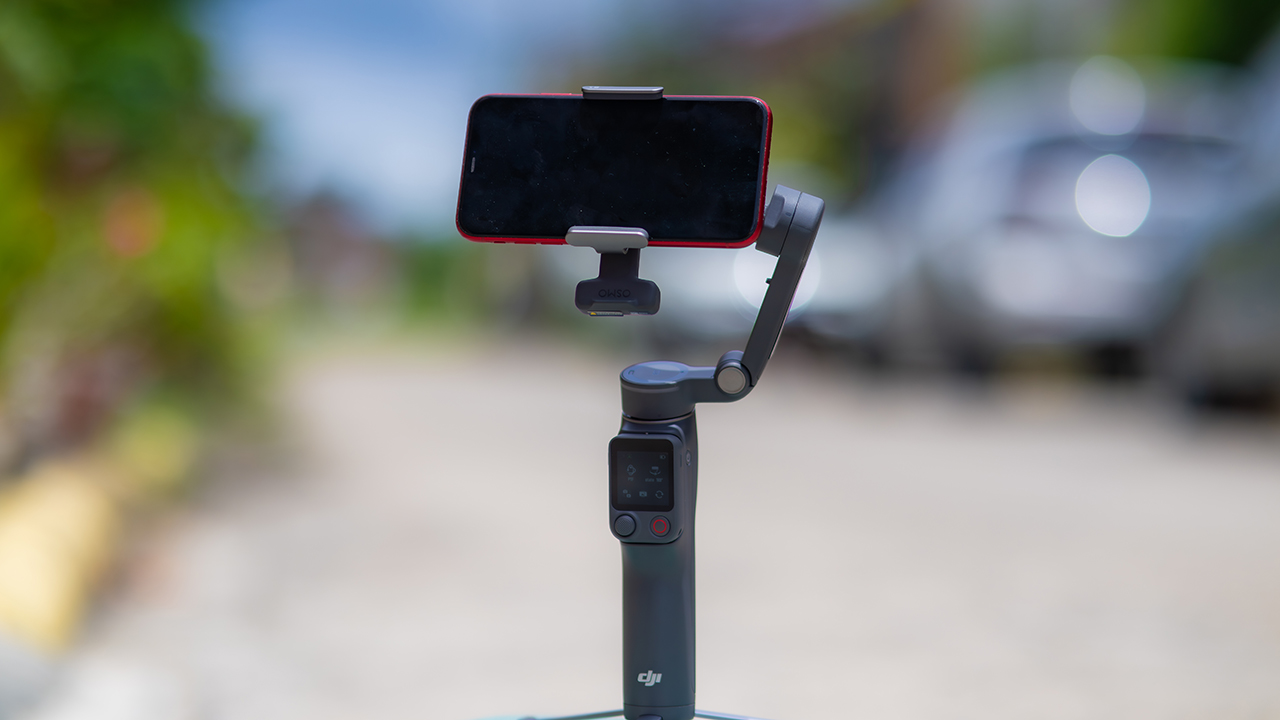
ActiveTrack 8.0, paired with Module 2, held onto its subject even after they stepped out of frame for a moment, then picked them back up without much fuss.
It also lets you sit off-center in the shot instead of forcing you into the middle every time, which gives you more room to compose something that doesn’t look like every other gimbal video.
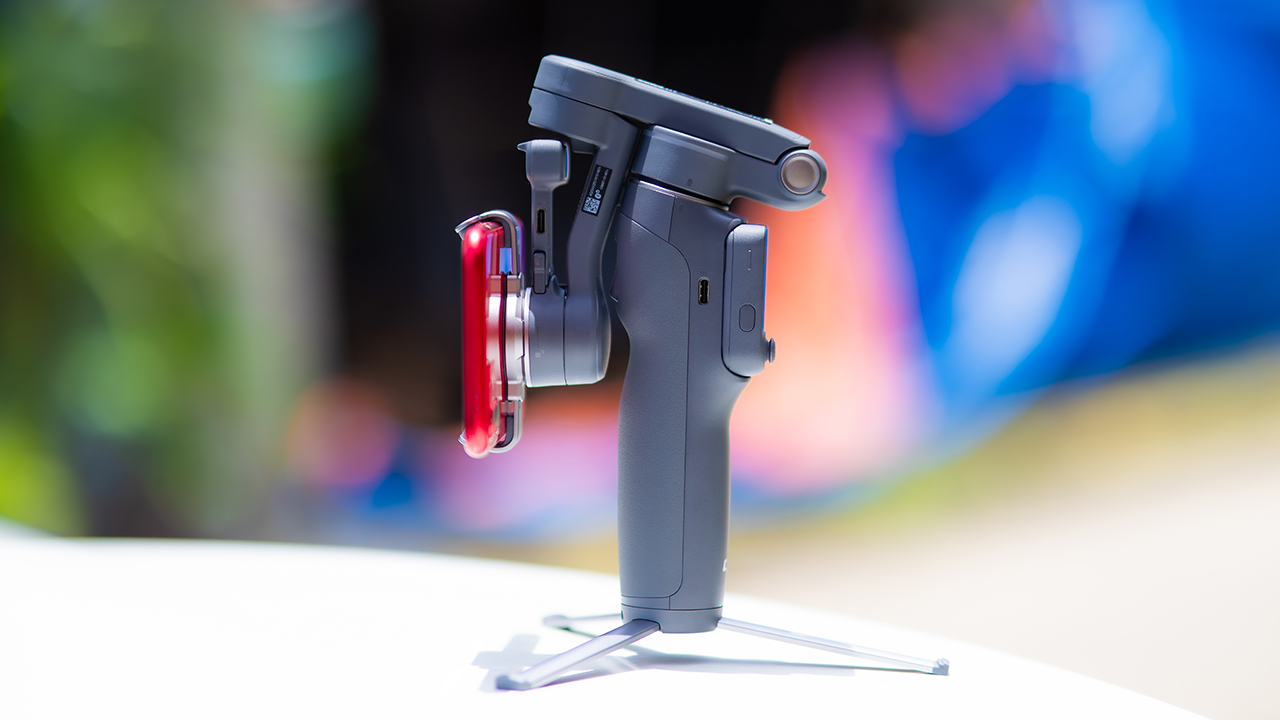
None of that would matter much if the gimbal itself wasn’t solid, and it still is. The OM 8P holds onto the same foldable design, magnetic phone clamp, and built-in tripod that made the OM 8 easy to live with.
And it remains one of the better compact options for stabilization, tracking, and portability in one package.
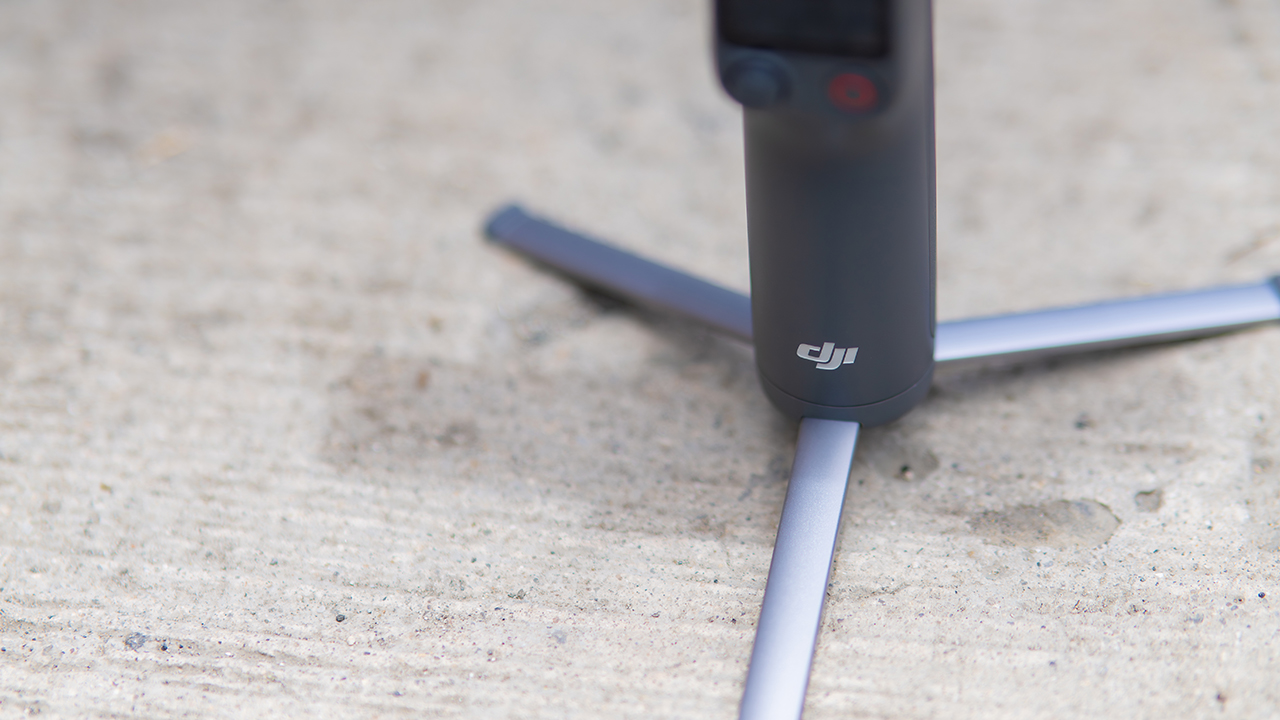
The tripod legs are a touch wider this time, and that extra width does make a noticeable difference on uneven ground.
The trade-offs in touch
The trade-off for all that new remote functionality is a control scheme that takes more getting used to. More of the gimbal’s functions now live on the FrameTap touchscreen, the joystick is smaller, and switching between shooting modes takes a few extra taps compared to the OM 8. It’s not a dealbreaker, but it’s a learning curve you’ll need to budget time for.
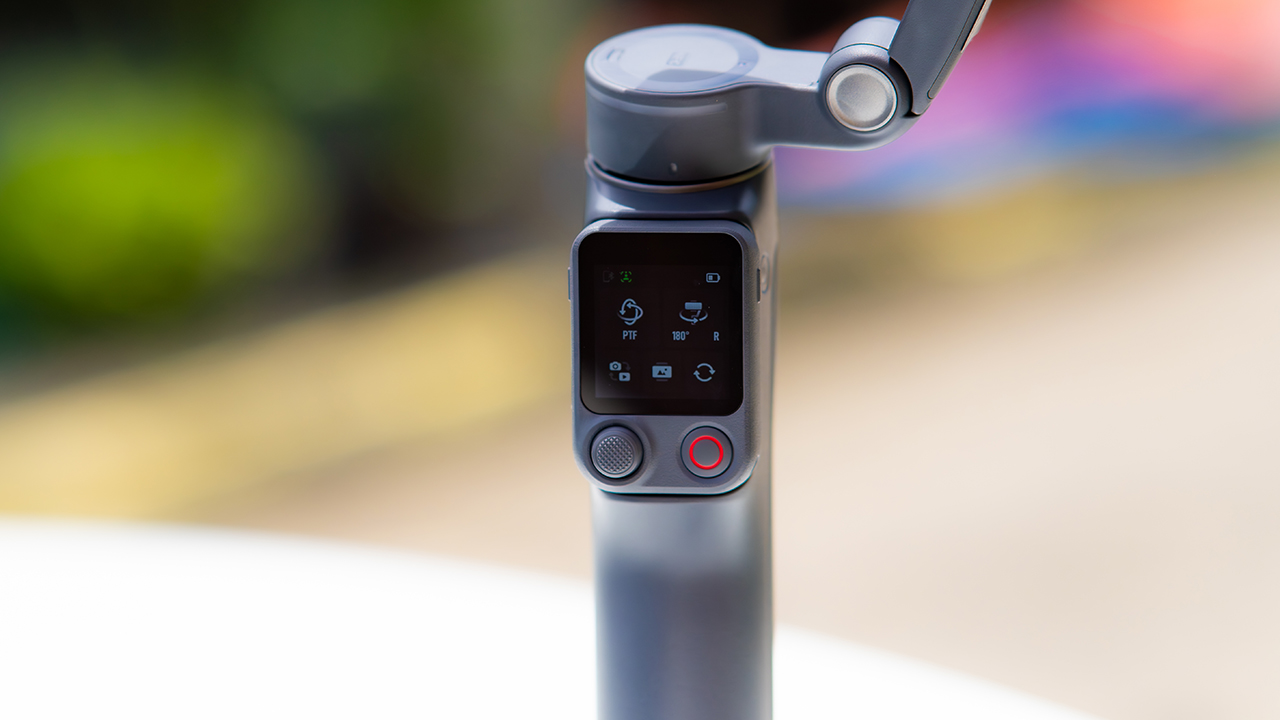
DJI also removed the zoom and focus wheel, so if you leaned on that dial for quick adjustments, you’ll feel its absence here. Module 2 no longer lets you plug a DJI wireless mic in directly either.
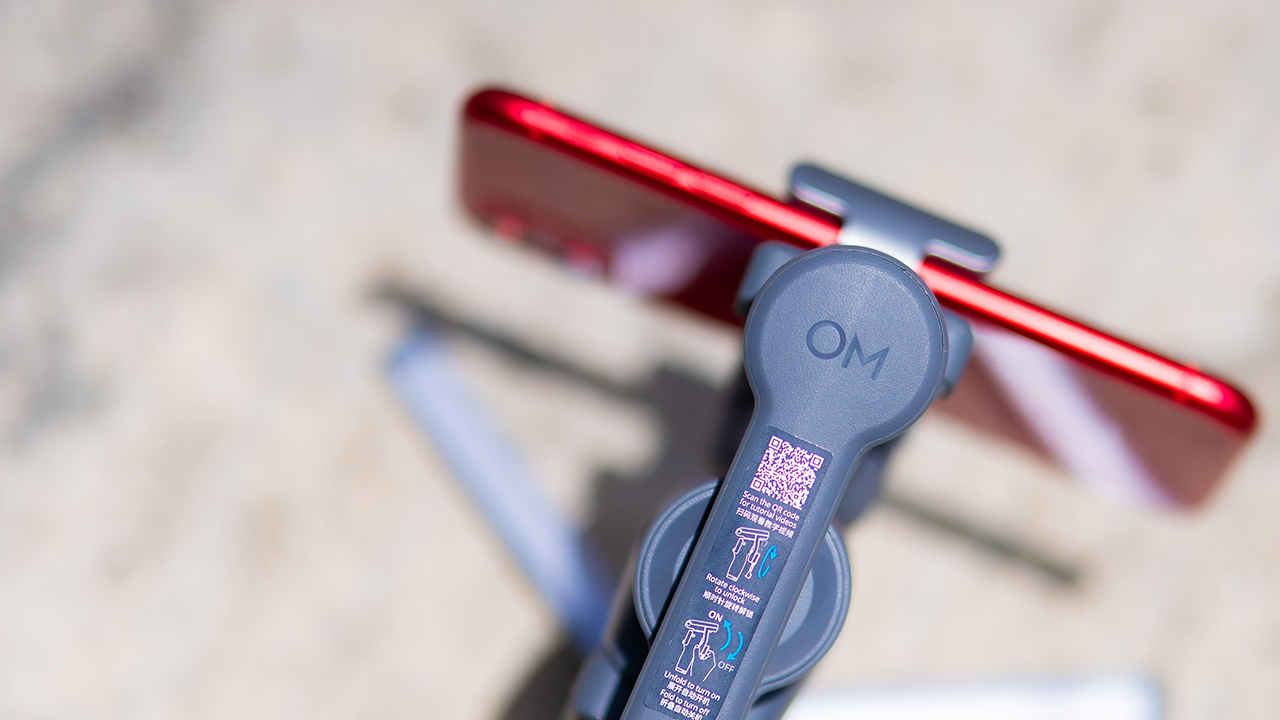
You’ll need to connect it to your phone instead, which adds a step to a setup that used to be simpler. Phone compatibility is still a limiting factor as well. DJI lists support for phones up to around 300g and 11mm thick, so bigger phones or ones in chunky cases may not clamp in properly.
Finding your ideal workflow
The OM 8P makes the most sense for solo creators who want dependable tracking and the freedom of remote framing without stepping up to a dedicated camera like the DJI Osmo Pocket.
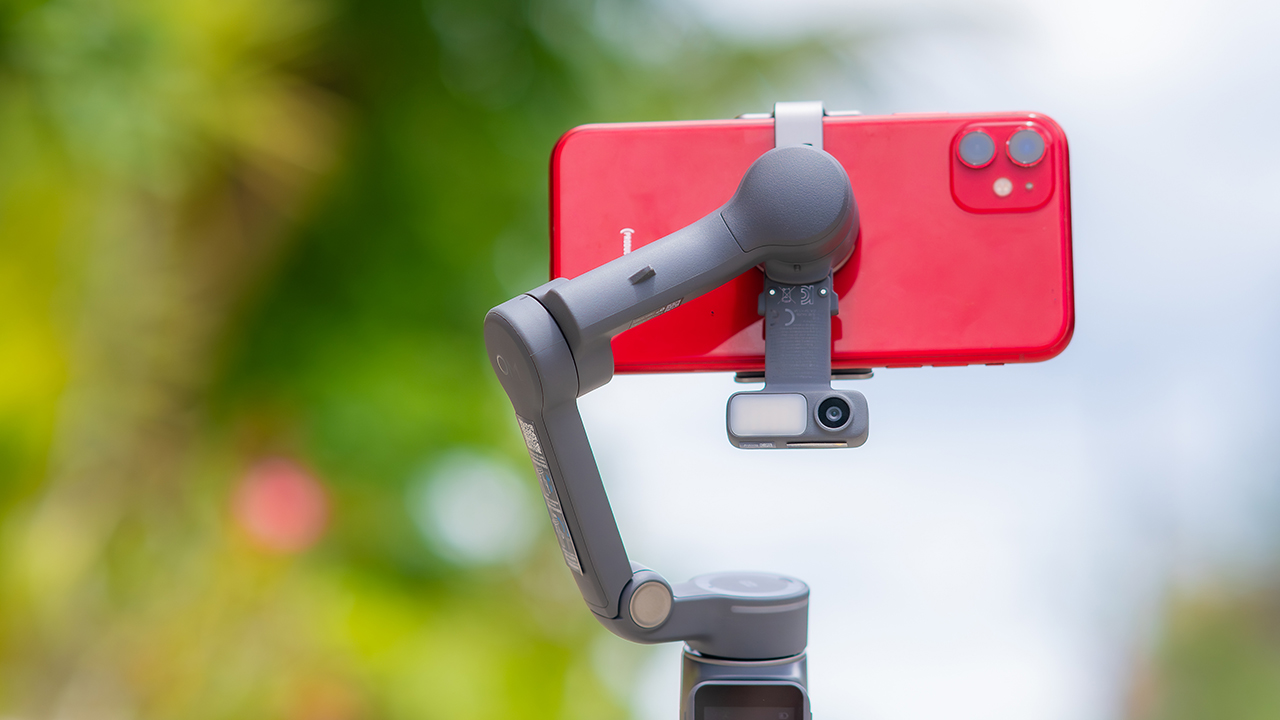
If you’re already shooting on a phone with a solid camera, this fills the gap nicely. It’s a tougher sell if you prefer physical buttons over touchscreen menus, or if your phone runs on the larger and heavier side, since fitting it onto the clamp might be a problem before you even get to shooting.
Price, availability
DJI is offering the OM 8P in three combos, so how much you pay depends on how much of the ecosystem you actually need.
- Standard Combo (PhP 7,499): the gimbal itself, with 8th-gen stabilization and the detachable FrameTap remote included.
- Advanced Tracking Combo (PhP 9,199): adds the Multifunctional Module 2 for the improved subject tracking we tested.
- Creator Combo (PhP 11,099): the full kit, built for creators who want everything DJI bundles in from the start.
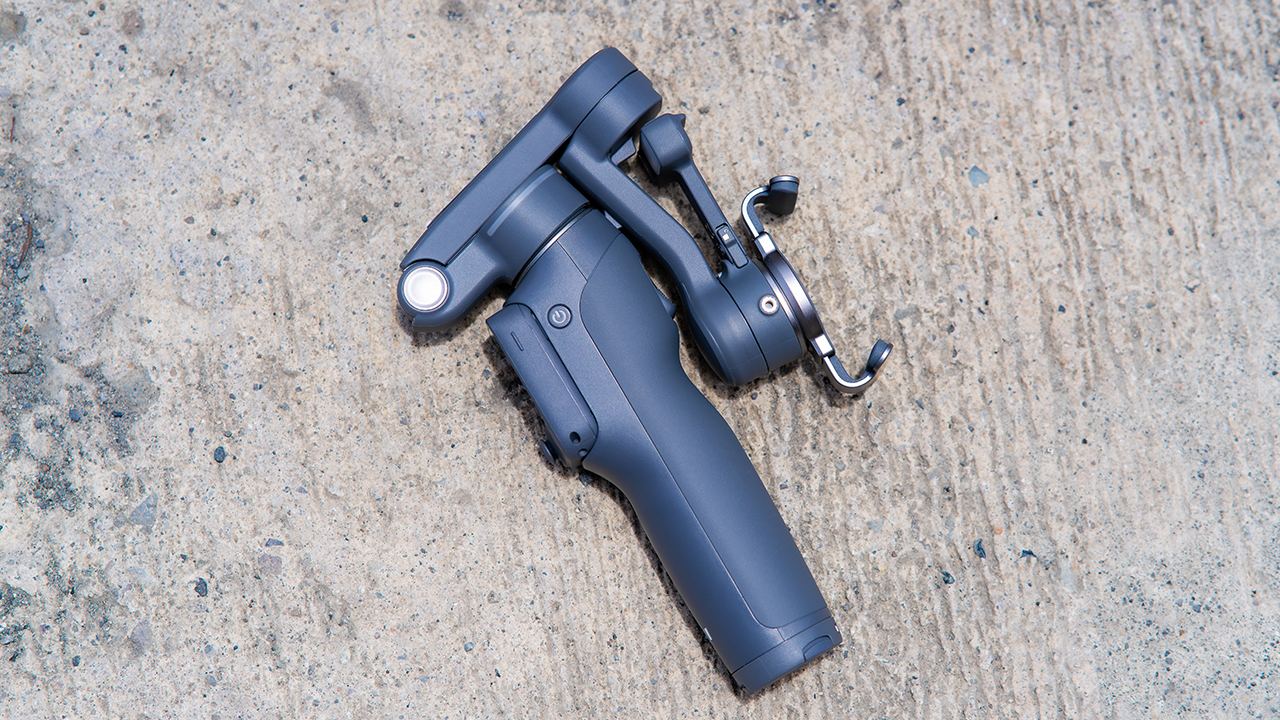
Is the DJI Osmo Mobile 8P your GadgetMatch?
The DJI Osmo Mobile 8P asks you to relearn a few habits in exchange for a gimbal that finally lets go of your phone. If hands-free framing and steadier tracking matter more to you than a dedicated zoom dial, this is worth the adjustment.
If you’d rather keep things exactly as they were on the OM 8, that learning curve might be the deciding factor.
Swipe right if you shoot alone often and have been waiting for a gimbal remote that actually works. The FrameTap remote alone justifies the upgrade if reaching for your phone mid-shot has been slowing you down.
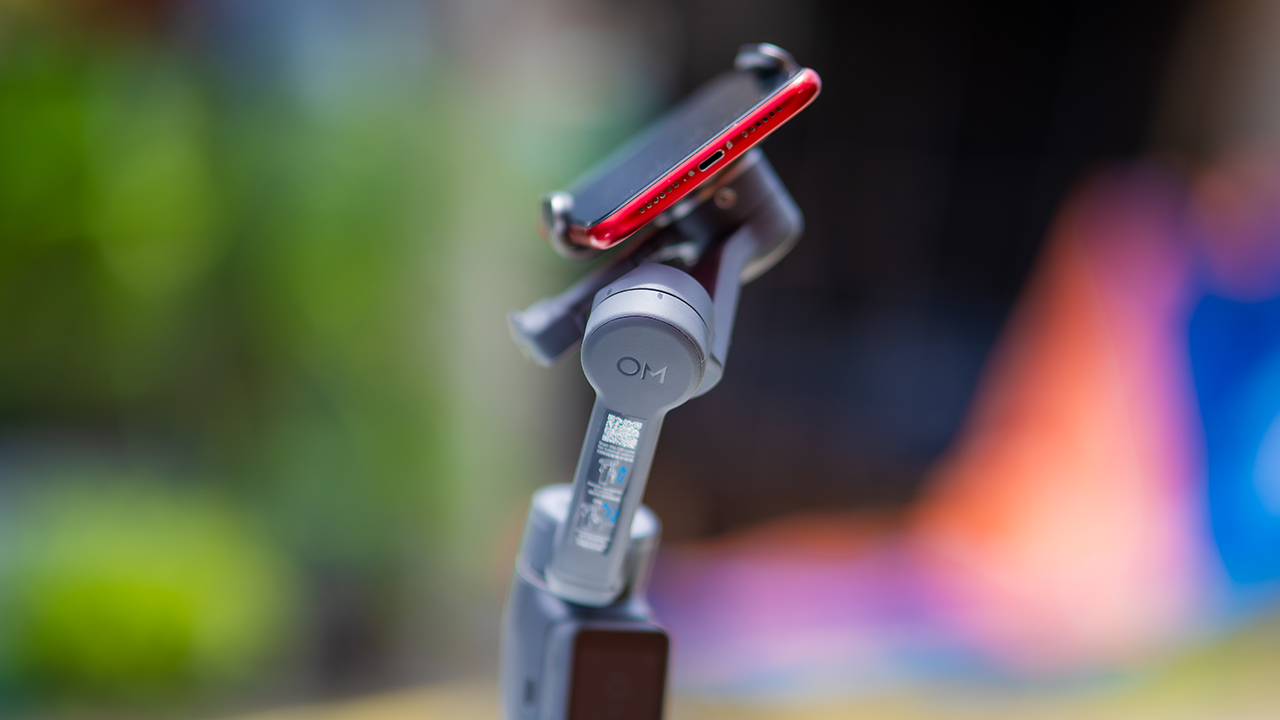
Consider this if reliable tracking matters to you, especially if you’ve had a subject wander out of frame and stay lost on older gimbals.
And of course, get this if you already own a capable phone under the weight and thickness limits, and you’d rather invest in a smartphone rig than jump to a dedicated camera like the Osmo Pocket.
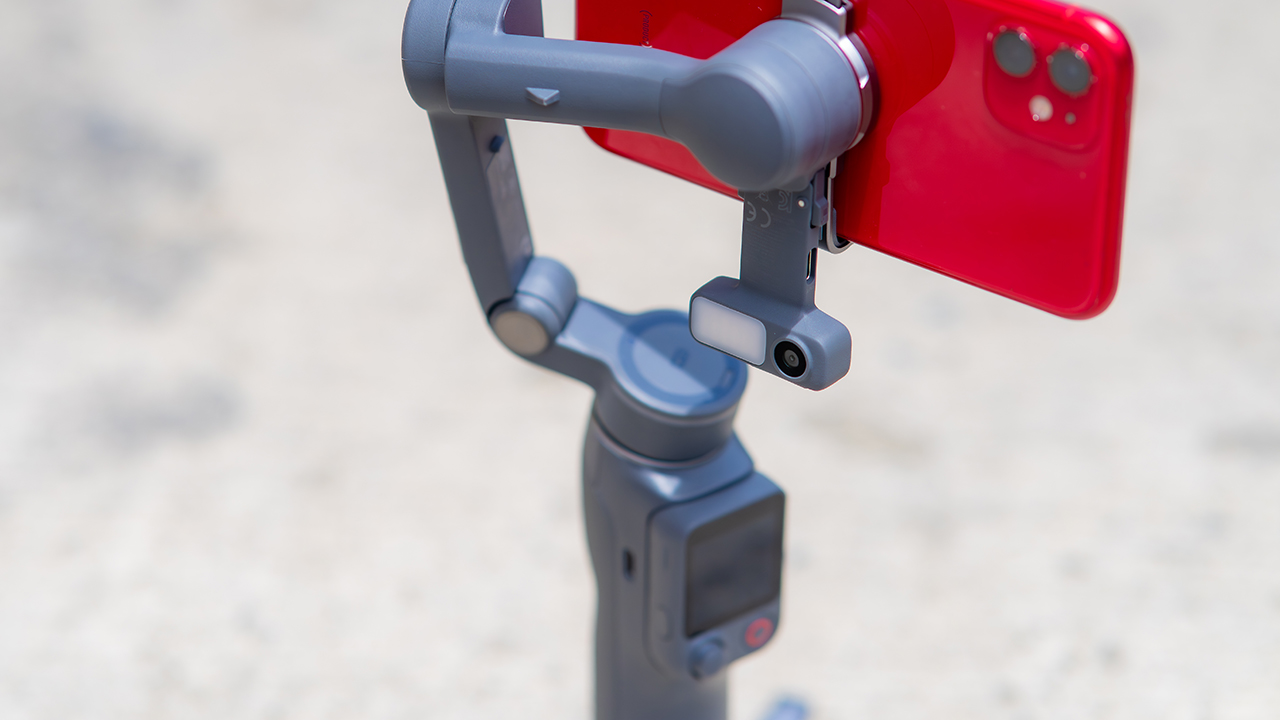
Swipe left if you lean on physical dials for zoom and focus, and moving those functions to a touchscreen sounds like a downgrade rather than an upgrade.
This is not for you if you use a DJI wireless mic and want it plugged directly into the module without routing through your phone first. Or, your phone runs heavier or bulkier than DJI’s limits allow, since no amount of enthusiasm fixes a clamp that won’t close.


30 days later with the ASUS ExpertBook Ultra: Like seeing an ex
Felt exactly as I remembered.

ROG STRIX G16 Review: Building for the moment
Setting it up however you want to make the most out of it

realme C100: Enduring and durable in spite of entry-level realities
Enough power but needs more agility

HONOR Robot Phone’s camera can move on its own

HONOR Robot Phone officially launches after its MWC debut

Marvel Wolverine Limited Edition PS5 bundle SEA pricing

Galaxy Z8 series drives record-high foldable pre-orders in SEA, Oceania

England, Wales start banning Meta Glasses

Hands-on: Samsung Galaxy Z Fold8, Flip8, Ultra

Garmin launches its first screenless fitness band

VinFast debuts two-wheeler models, opens 21 e-motorcycle showrooms

Samsung releases teaser with Spider-Man: Brand New Day Easter eggs

Most of the world’s PlayStations will be officially useless by 2028


-
 Automotive1 week ago
VinFast debuts two-wheeler models, opens 21 e-motorcycle showrooms
-

 Automotive2 weeks ago
Xiaomi debuts SkyNomad Series featuring new Kunlun platform
-
 Computers2 weeks ago
AMD launches Radeon RX 9050 graphics card
-

 News1 week ago
OnePlus officially leaves the United States and Canada
-

 Gaming2 weeks ago
Call of Duty: Modern Warfare 4 clip shows Losing Ground 1st look
-

 Automotive2 weeks ago
GAC launches new trio of MPVs
-

 News2 weeks ago
TECNO unveils the world’s first 0mm bezel-less phone
-

 Gaming1 week ago
Genshin Impact opens Snezhnaya in Version 7.0 this August 12