
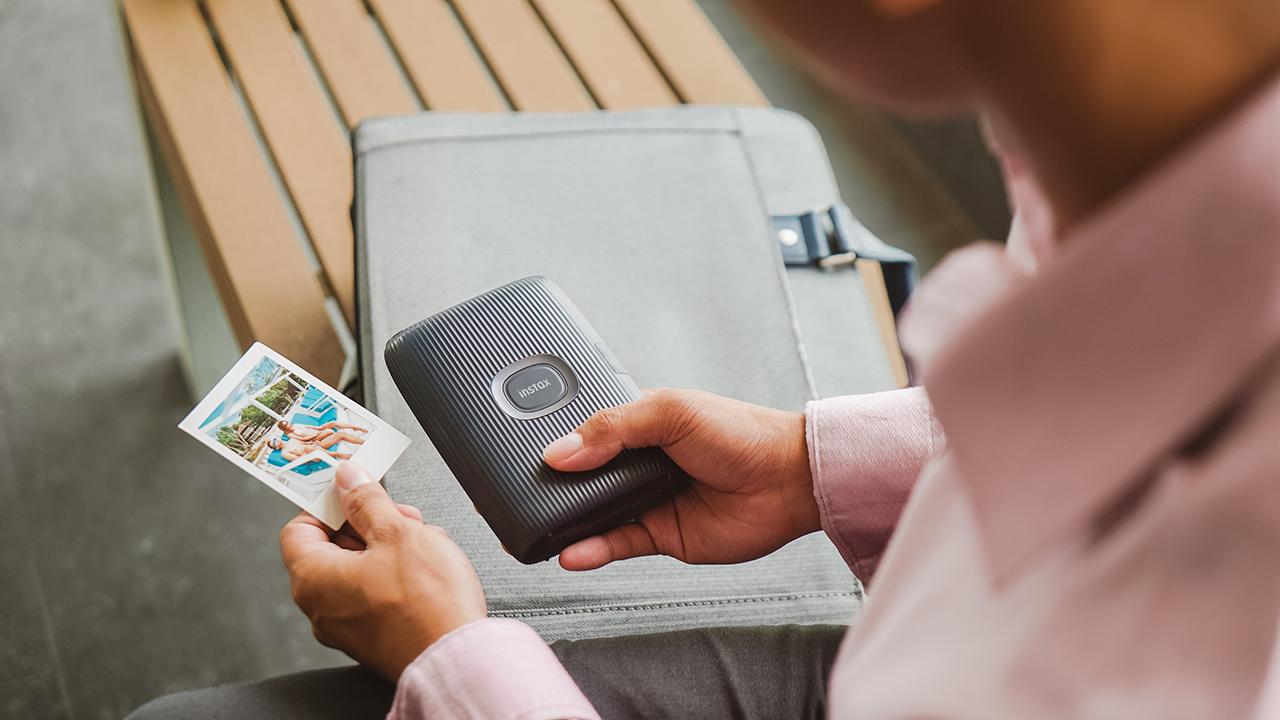
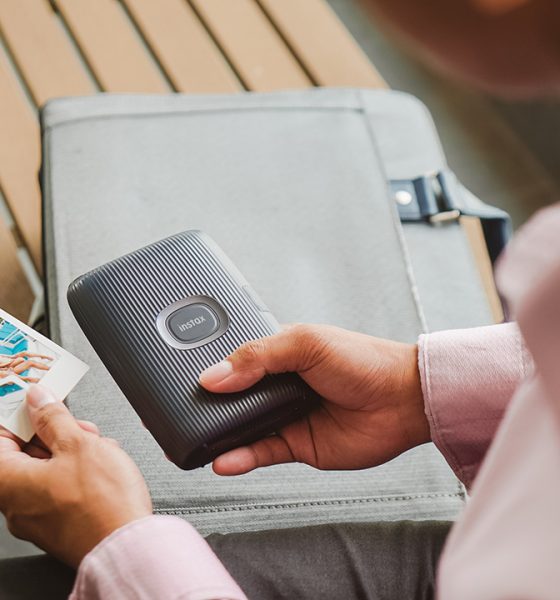

We all want to freeze certain moments and live in it forever. Recollecting the echoes of shrieks, giggles, and peals of laughter that we want to relish perpetually.
That’s probably why I’m in love with photographs, even when I live in the age of video and moving pictures. It’s still enchanting. A slice of time captured, preserved. Holding stories that you can recall instantly, without having to finish watching from beginning to end.
Don’t just take, give
Throughout the years, Fujifilm has consistently delivered instant cameras and instant film printers with its instax line. I usually bring my instax Mini 9 to important occasions where I have the liberty to choose a moment for us to remember. But on the occasion that I don’t, I always have my smartphone to capture memories.

Instax mini Link (2019) | Photo by MJ Jucutan/GadgetMatch
In 2019, Fujifilm unveiled the mini Link which prints your favorite photos from your phone. This year, the mini Link had a successor called the mini Link 2 — which I had for quite a while now. It’s still a smartphone printer, but there’s so much more.
I brought the mini Link 2 to my recent travels such as my birthday weekend in Calatagan and my trip to Bangkok. In between, I finally learned what it’s like to share my favorite moments.
Tiny changes
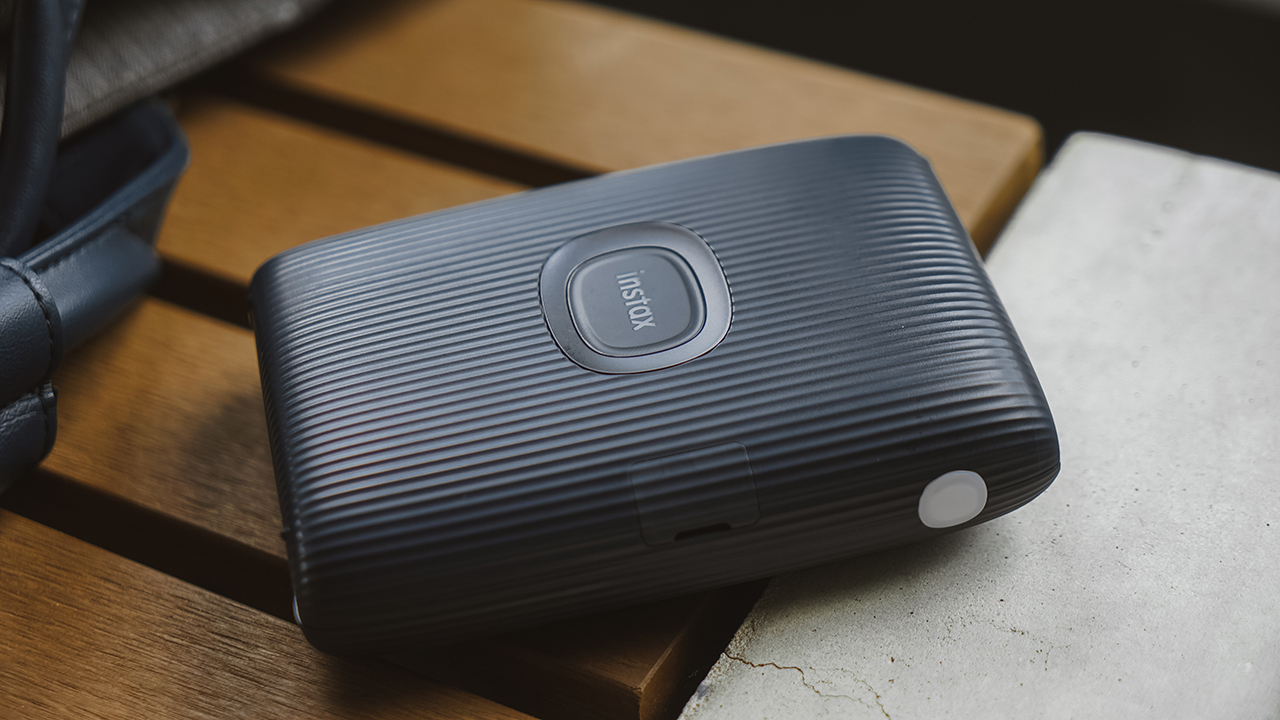
Instax mini Link 2 | Photo by MJ Jucutan/GadgetMatch
The mini Link 2 looks fairly like its predecessor with only scanty changes. It still has that stripe pattern on its exterior, but instax’s logo — which serves as the power button — looks bigger and rounder.
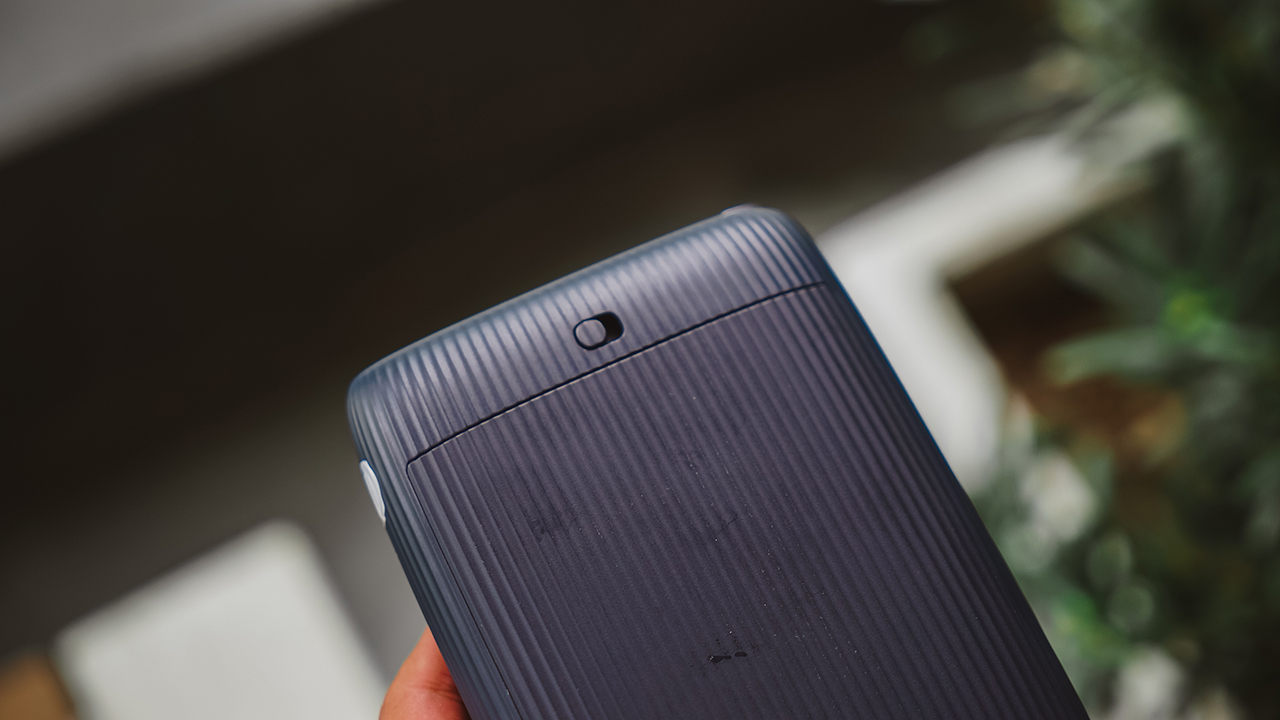
The charging port is still inconspicuous, and the design of the film door hasn’t changed. FYI: If you’re new to instax cameras, once you insert your film pack, don’t open the film door again lest you waste your remaining films.
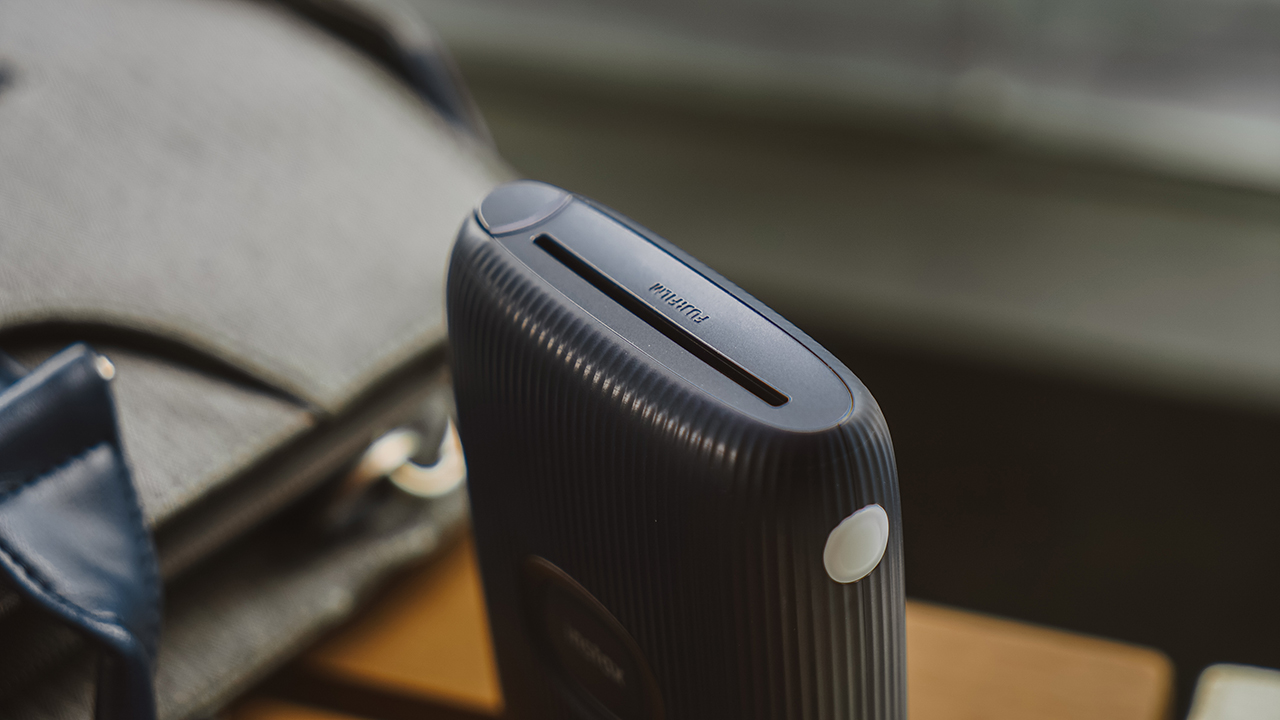
On another note, the most notable differences are the appearance of a button on the side of the printer’s mouth, and an LED panel for augmented reality (AR) function.
Other than that, the unit I have this year comes in Space Blue. I was gunning for the Clay White since I had the Ash White in 2019, but the navy colorway matches most of my accessories so I’m settling with it.
There’s fun in printing
The mini Link 2, like its predecessor, is reasonably easy to use. One press on its big power button, and the printer will turn on. It also connects seamlessly with my iPhone 13 and Samsung Galaxy Z Fold4, so there’s no such thing as Android vs iPhone here.
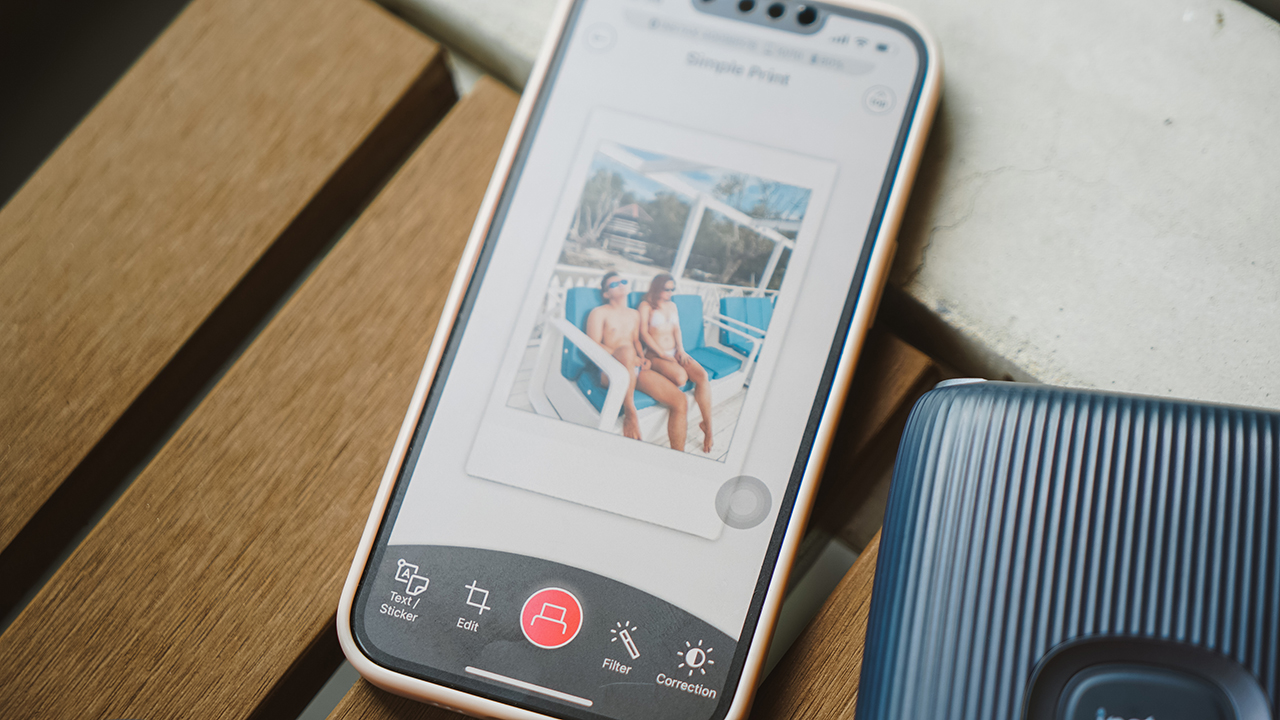
To connect, you must link your smartphone and the printer via the dedicated app, which you can download on the App Store and Play Store. (That’s why it’s called instax mini Link.)
The interface is easy to understand. From the get-go, you have an overview of the device connection, how many films are left, and how much is the current battery capacity of the mini Link 2.
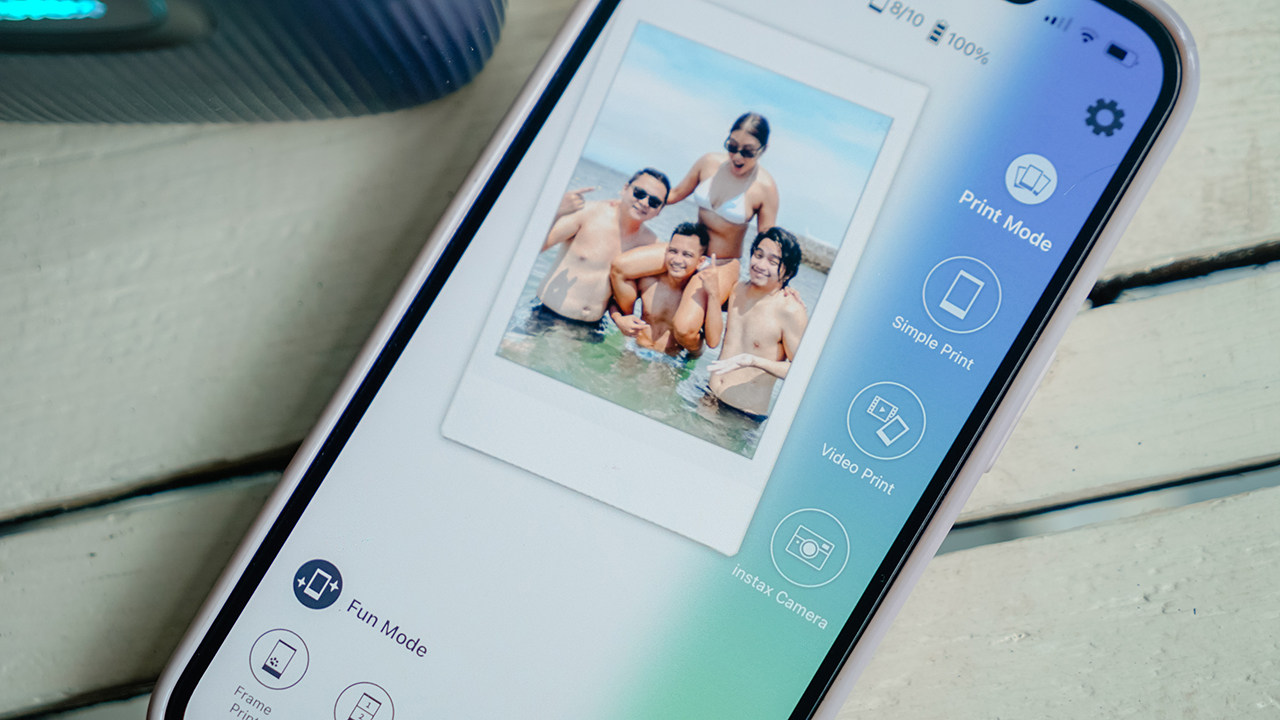
Through the app, you can find two modes: Print Mode and Fun Mode. You can switch modes by clicking your desired mode, or adjusting the position of the printer. If it’s standing up, it will go to fun mode. If it’s lying down, it will go to print mode.
Print Mode
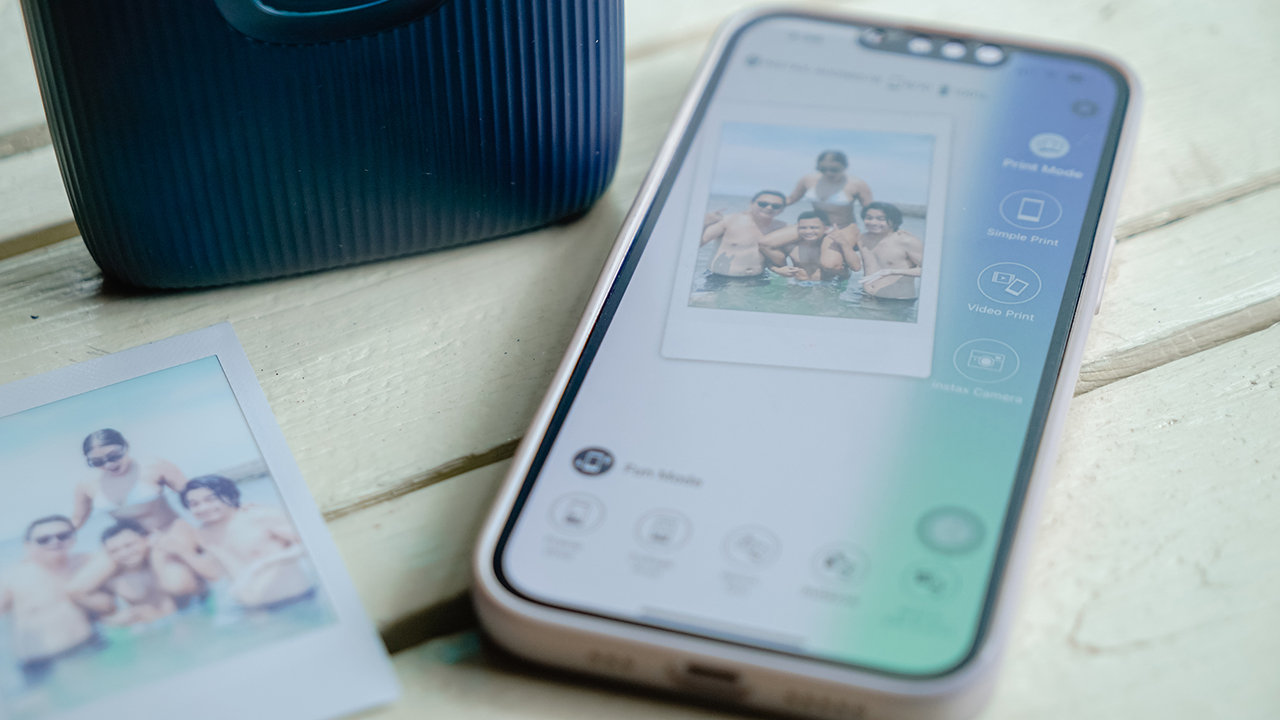
Via Print Mode, you can do a “Simple Print” where you pick a photo from your gallery, and print it using the mini Link 2. This is the easiest way to share your memories.
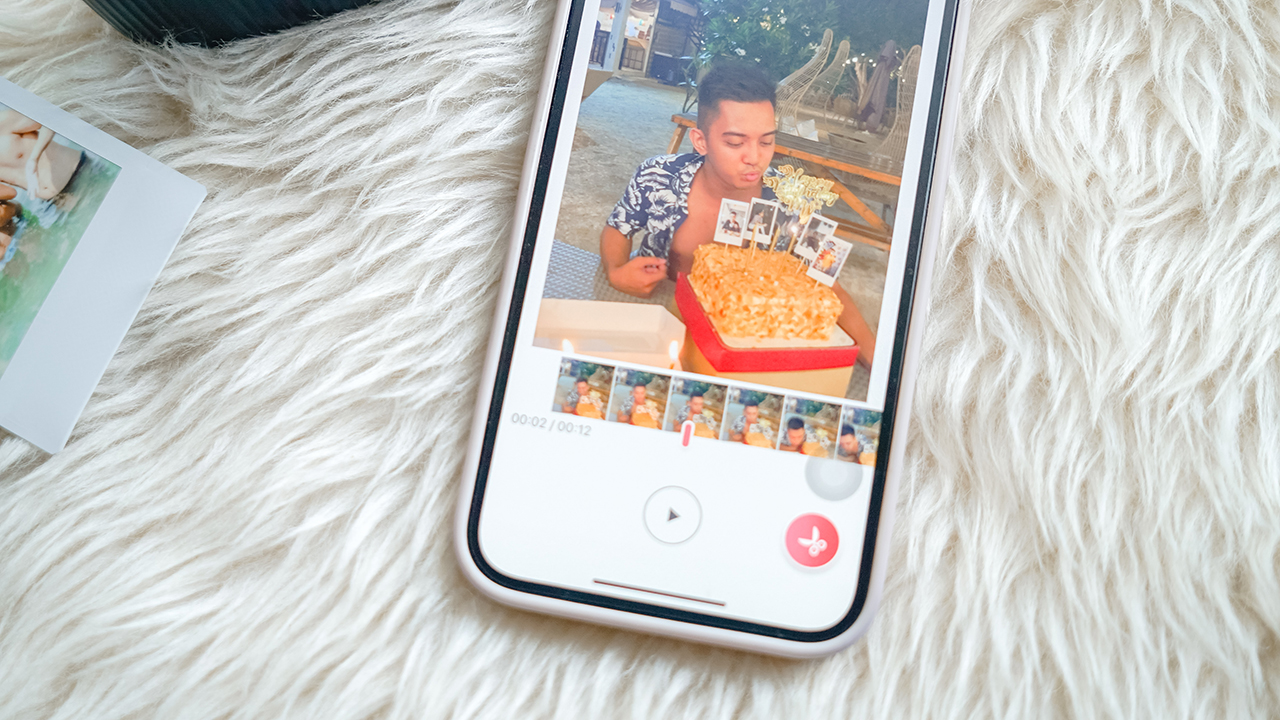
Of course, there are candid moments that we want to freeze but are instead captured by video. Fret not, the app has “Video Print” where you can select the video you want and choose the frame you’d love to print.
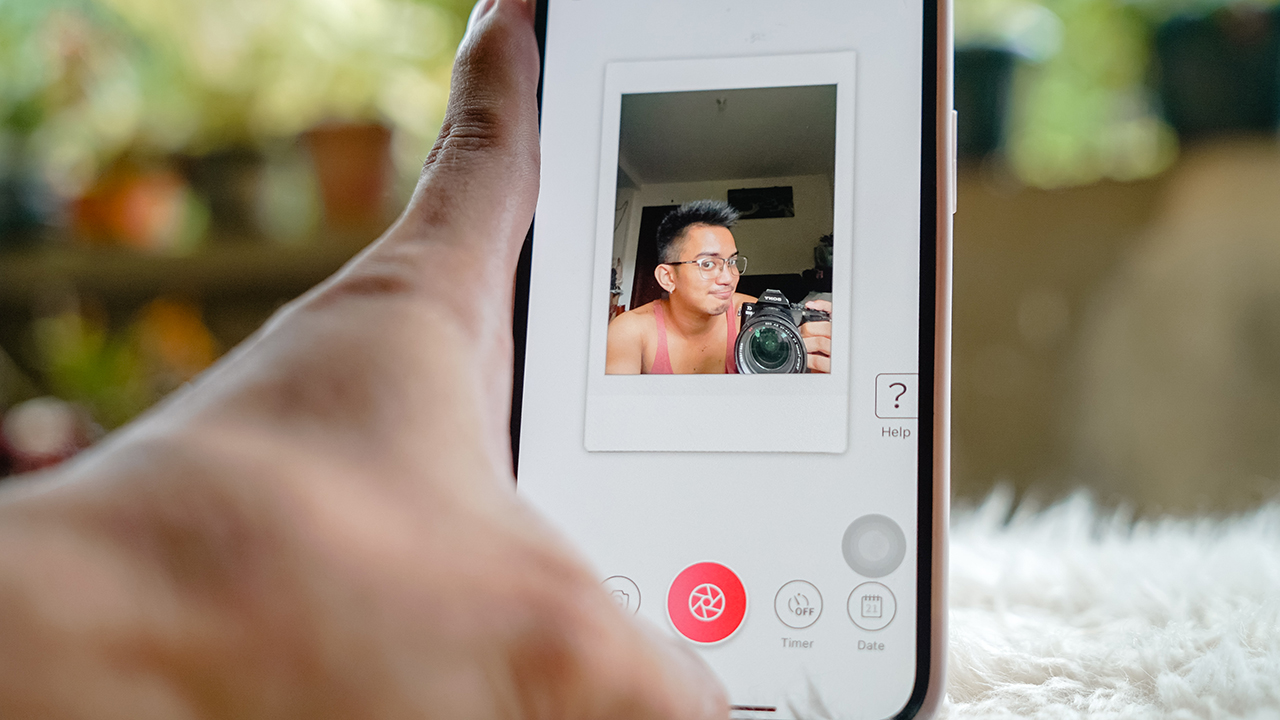
For those who are always ready to take unplanned captures, the instax Camera feature allows you to use your device’s camera to take a photo right away, so you can print it immediately. Personally, this is the feature I used the least. I mean, why should I?
Fun Mode
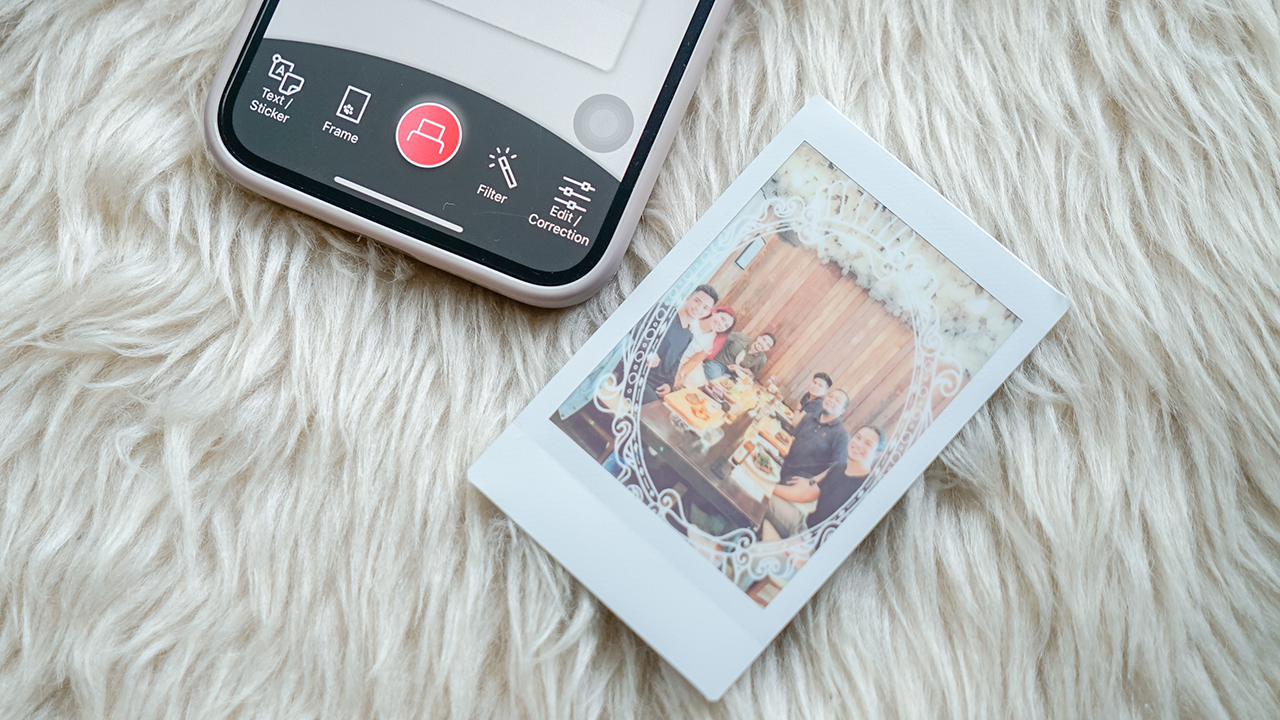
The second iteration of the instax mini Link puts more focus on Fun Mode. Now, it has “Frame Print” that lets you select various frames you can work with for your photos. Think: your aunties and uncles with their framed profile photos on Facebook.
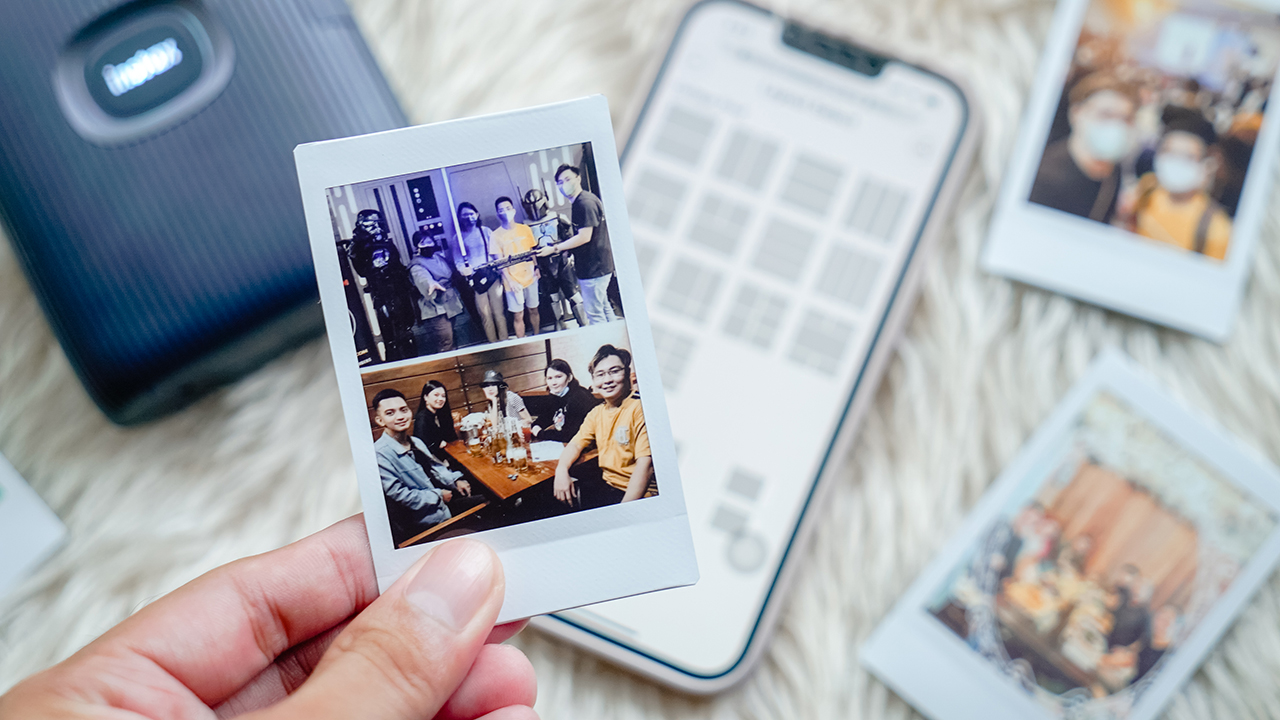
For those who want to fit so much with the little space an instax film has, there’s a “Collage Print“. You can have fun splitting images, if you’re up for it. Not me, though. It’s a waste of film.
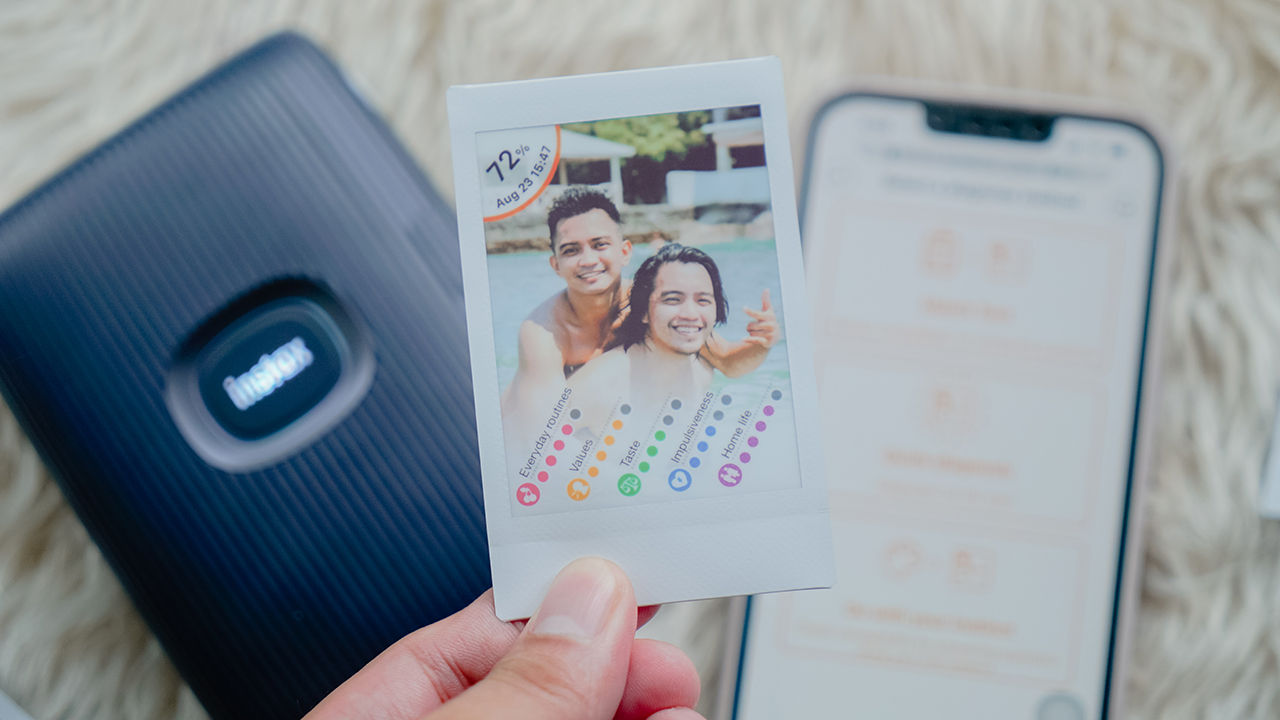
“Match Test“, which was previously a feature to see your compatibility with someone through your photo, has just got an upgrade. It still has the same “Match Test” and “Quick Diagnosis” from before, but with an extra addition called “Go With Your Instinct“.
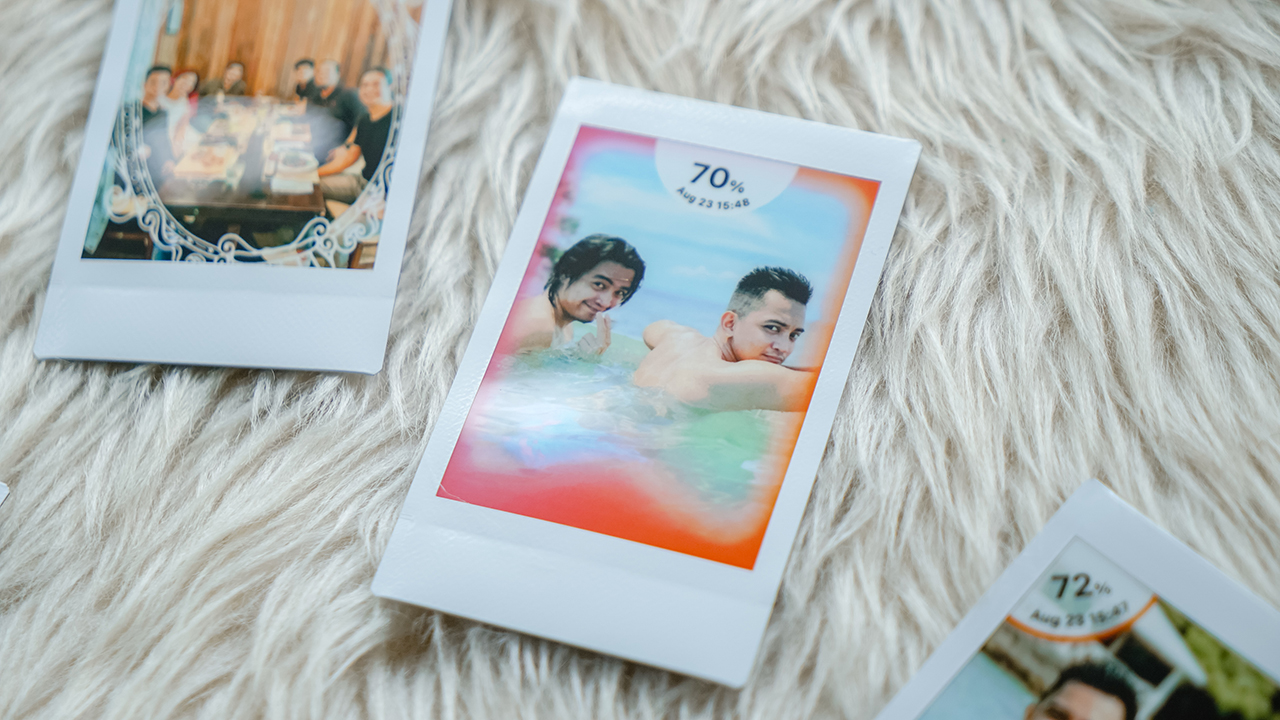
The feature uses a different quiz that determines if you’re compatible with your friend. The effect will show a gradient frame which can indicate if you’re compatible or not.
Make more personalized prints!
Now, the mini Link 2 offers two features that basically let you draw.
Let’s start with “Sketch, Edit, and Print“. First, you draw your design on paper, scan it with your phone, and it will extract the sketch or text — whatever you put on the paper.
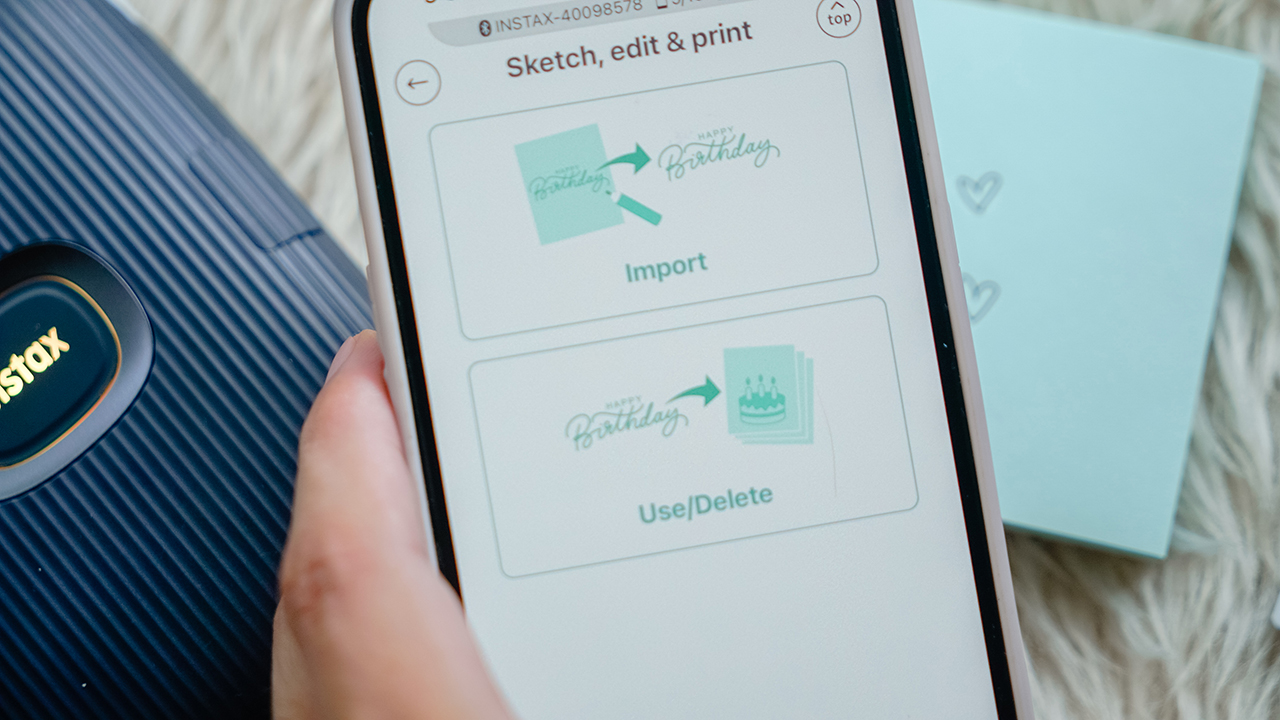
You can adjust the color and size, and you can apply it anywhere in the photo. You can take a new photo so it matches your sketch, or you can find a photo that already works. Then, you print it!
Draw in the air
What’s really new is the instaxAIR option, which basically lets you print around in the air which you can put onto your image. You can use your finger to draw directly on your smartphone, or you can use the instax’s LED light to draw in the air.
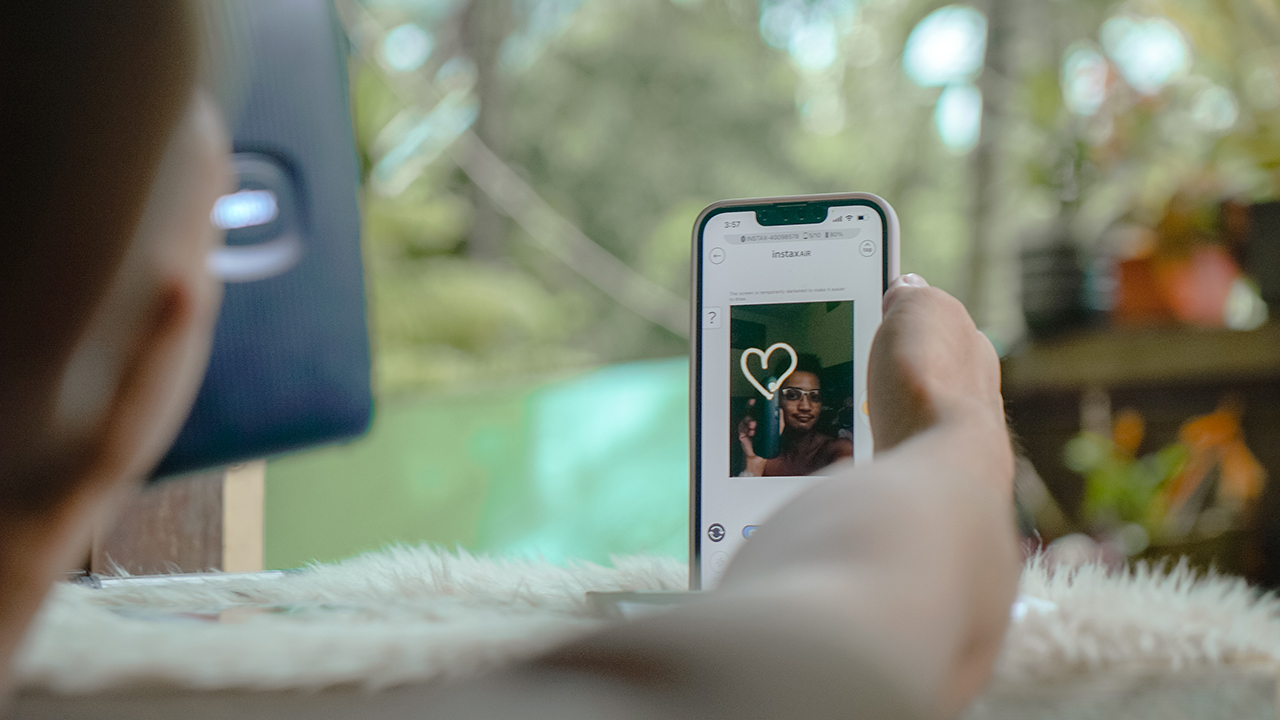
There are paintbrushes for you to consider, so select wisely. Personally, I love using Neon as compared to Spray paint.
You can also take a video of your drawing, which can be accessed through a QR code. When you print it and someone scans the QR code, they can have a playback of the video recording on their smartphone.
On learning how to share

As I have mentioned, I was having back-to-back trips to Calatagan and Bangkok during my birthday month. What I’ve learned in my trips is how memories are worth reminiscing if it’s shared.
With the instax mini Link 2, I can re-print all the photos I just printed so my loved ones can have a copy, too. I can simply rotate the device and press the big button, or I can go back to the print history to check which photos are worth re-printing.

In a way, the film prints became a souvenir. It’s perfect for making your favorite moments tangible. Something you want to hold onto in the years to come. After all, photographs have a knack for making us feel differently.
A single snap; a frozen still and slice in time. Who knows what stories and emotions can be unearthed with just a single photograph?
I think that’s the beauty of these film prints. Memories may be fleeting. Life may be ephemeral. But these photographs can preserve a memory that will be with us throughout the years. It’s magical.

Is the instax mini Link 2 your GadgetMatch?
There are plenty of use cases for the instax mini Link 2. But for those who are sentimental and want to turn their memories into something tangible, the instax mini Link 2 can easily be a GadgetMatch.
It’s ideal for every occasion you want to cherish. With a compact design and easy-to-use functionalities, it’s no doubt it can be your travel companion, too.
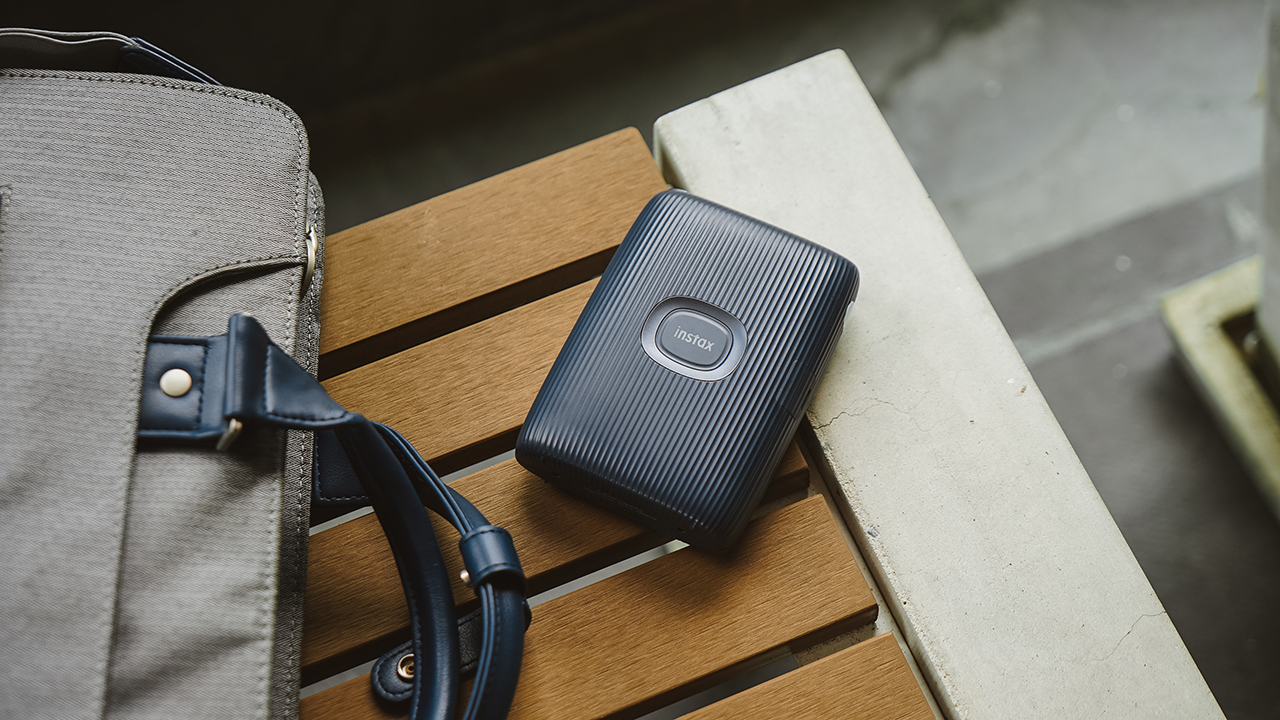
The instax mini Link 2 is available in three colorways: Soft Pink, Clay White, and Space Blue. It retails for PhP 7,299, and will be available for purchase in authorized Fujifilm instax dealers nationwide, as well as official online flagship stores in Lazada and Shopee.
SEE ALSO: The art of printing moments that you can hold onto | Sights and sounds of summer in the Upper East Side | Why the instax mini Link is the best accessory for any occasion




Accessories
Bringing Care-a-Lot to my daily carry
This is why my gizmos and workspace finally feel like a warm hug!
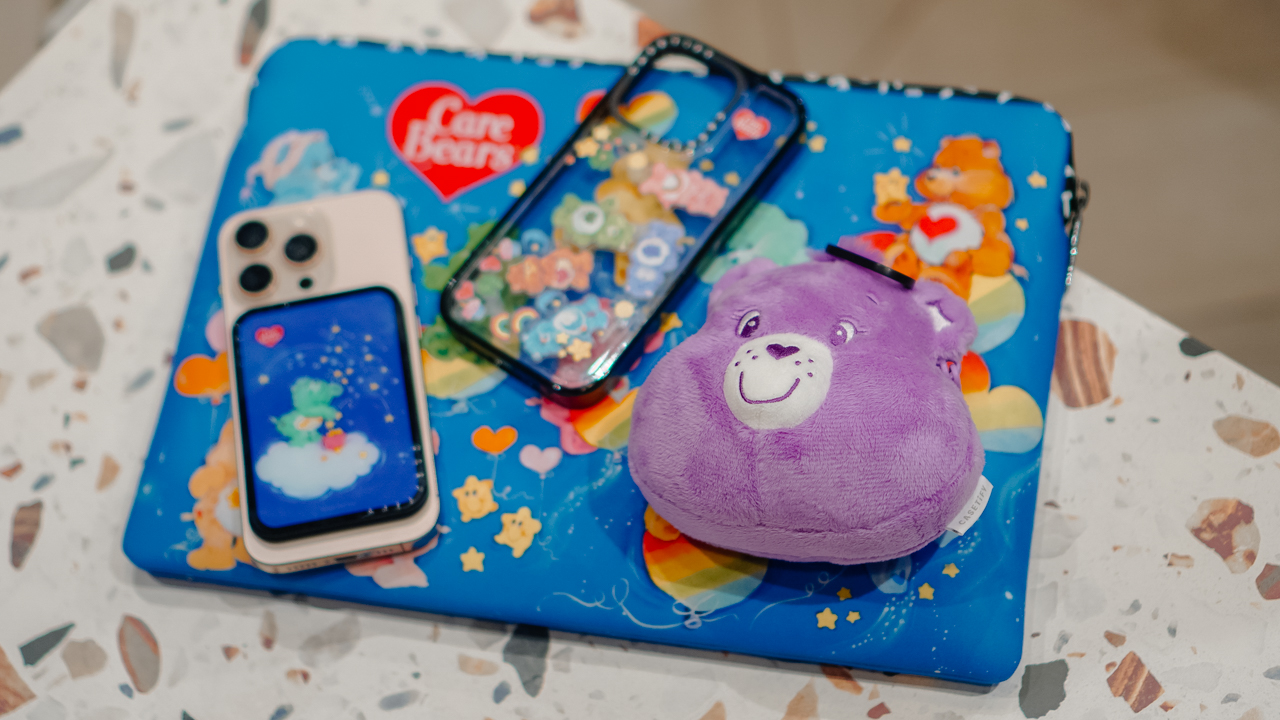
Growing up, the Care Bears taught us that sharing was a superpower and that every emotion had a color.
For many of us, the Care Bears weren’t just characters on a screen; they represented a language of kindness and colorful dreams.
Bringing the CASETiFY x Care Bears collection into my daily rotation feels like carrying a small piece of that “Care-a-Lot” magic wherever I go.
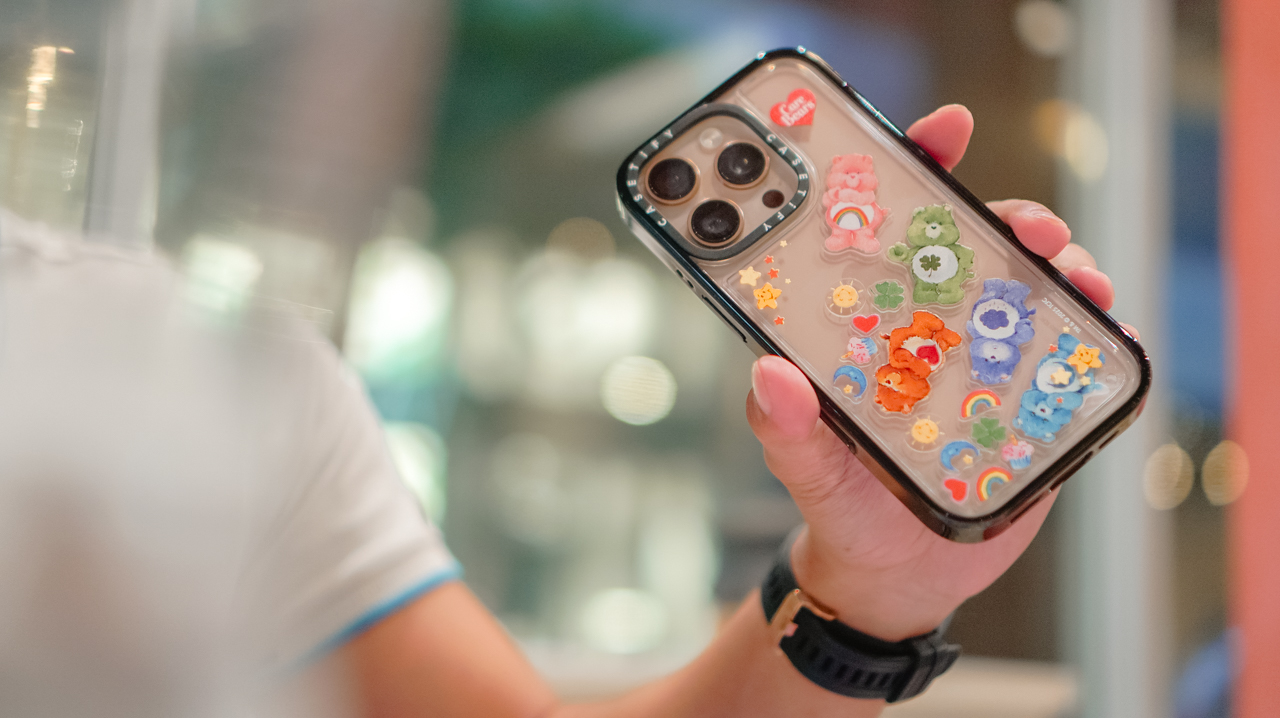
My iPhone 16 Pro now lives in the Care Bears Shake Shake Case (PhP 3,990). It’s a tactile reminder of playfulness in the middle of a busy workday.
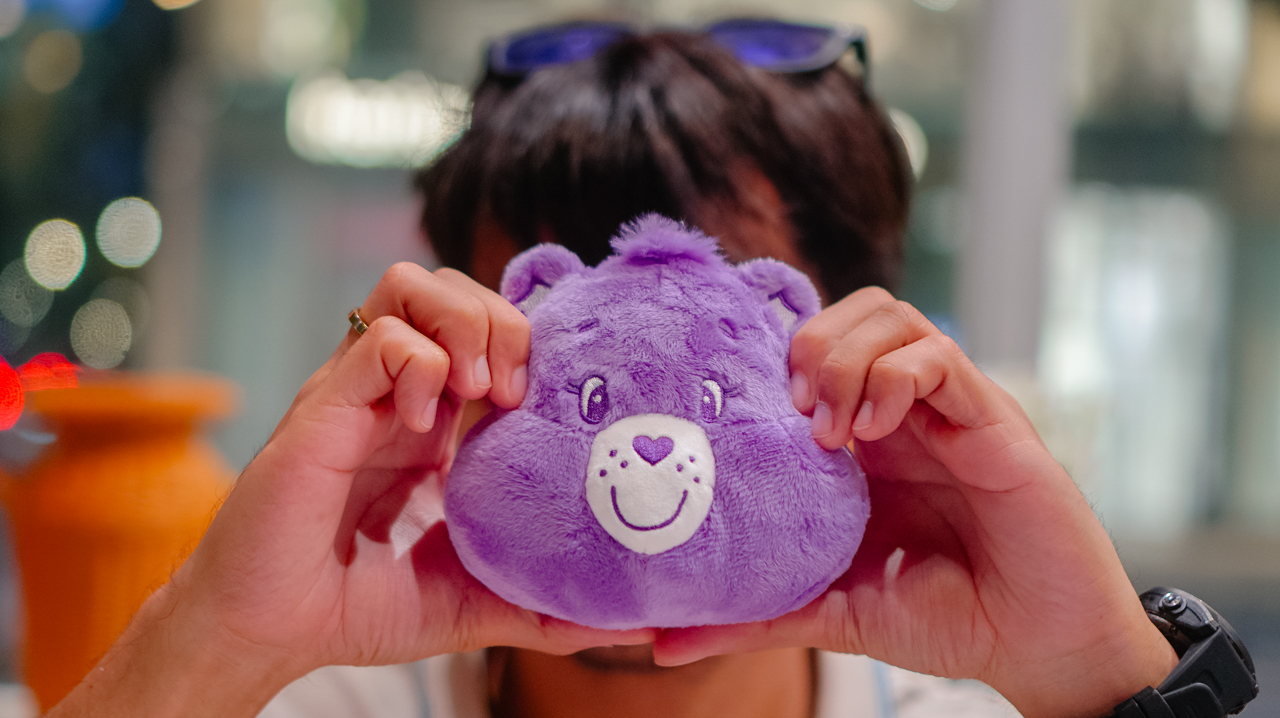
When I’m heading out, the Share Bear Earbuds Pouch (PhP 2,990) clips onto my bag. It keeps my music close while reminding me of the value of sharing. It’s surprisingly versatile, too, fitting my Shokz OpenFit 2+ or even the bulkier case of the JBL Sense Pro.
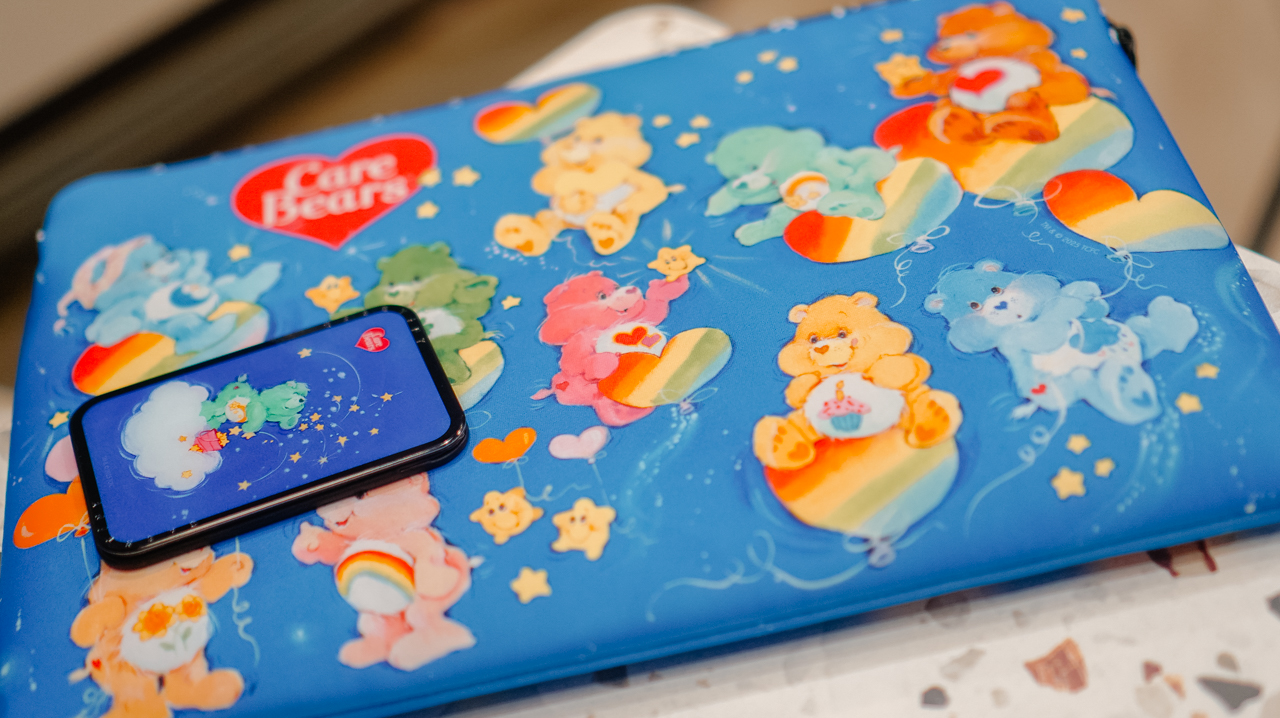
When I switch to a different MagSafe case, the Starry Night Snappy Cardholder Stand (PhP 2,490) magnetically attaches to the back of my phone, adding a bit of celestial whimsy to my day
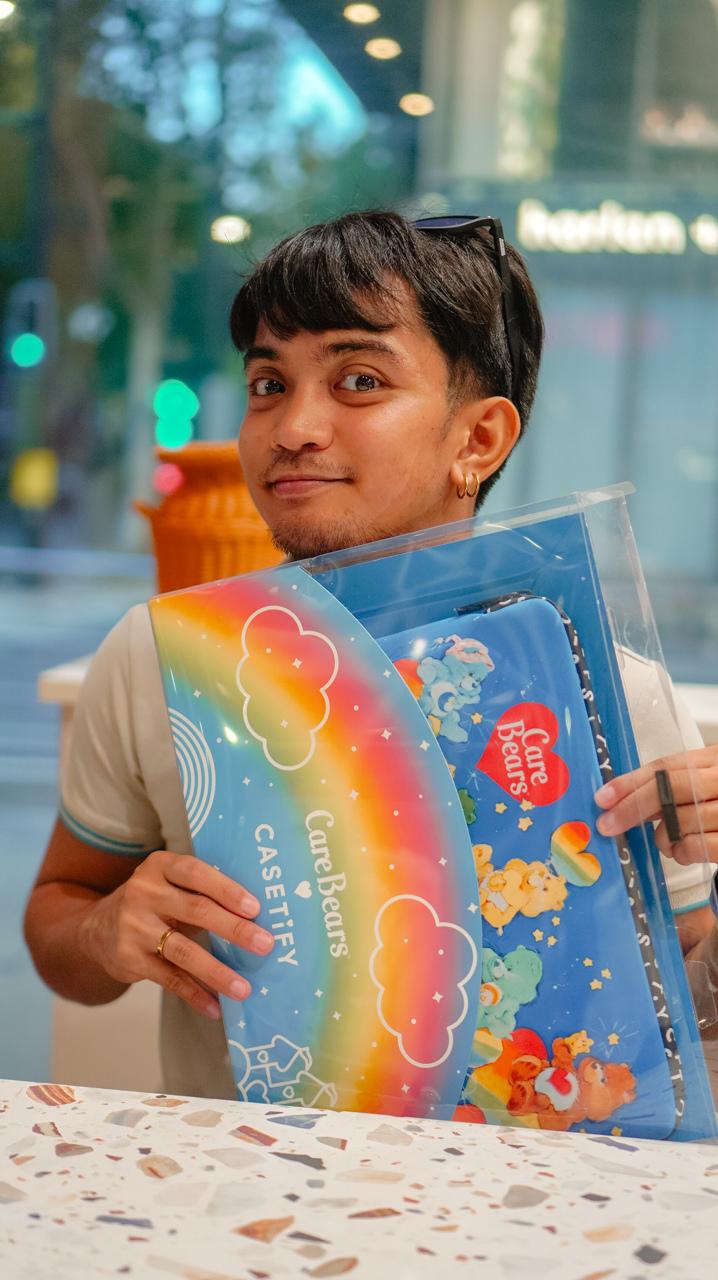
Even my workspace has a new glow. The Twilight Dreams Laptop Sleeve (PhP 3,090) fits my 13-inch MacBook perfectly, wrapping my most important work tool in nostalgic, soft-toned illustrations.
We often look for tech that performs, but we rarely look for accessories that hugs back. This collection does both.
It turns my everyday essentials into a canvas for positivity, proving that even in a digital world, there’s always room for a little more care.
Accessories
CASETiFY relaunches Evangelion collab for 30th anniversary
Fans can now customize their own NERV-ready cases

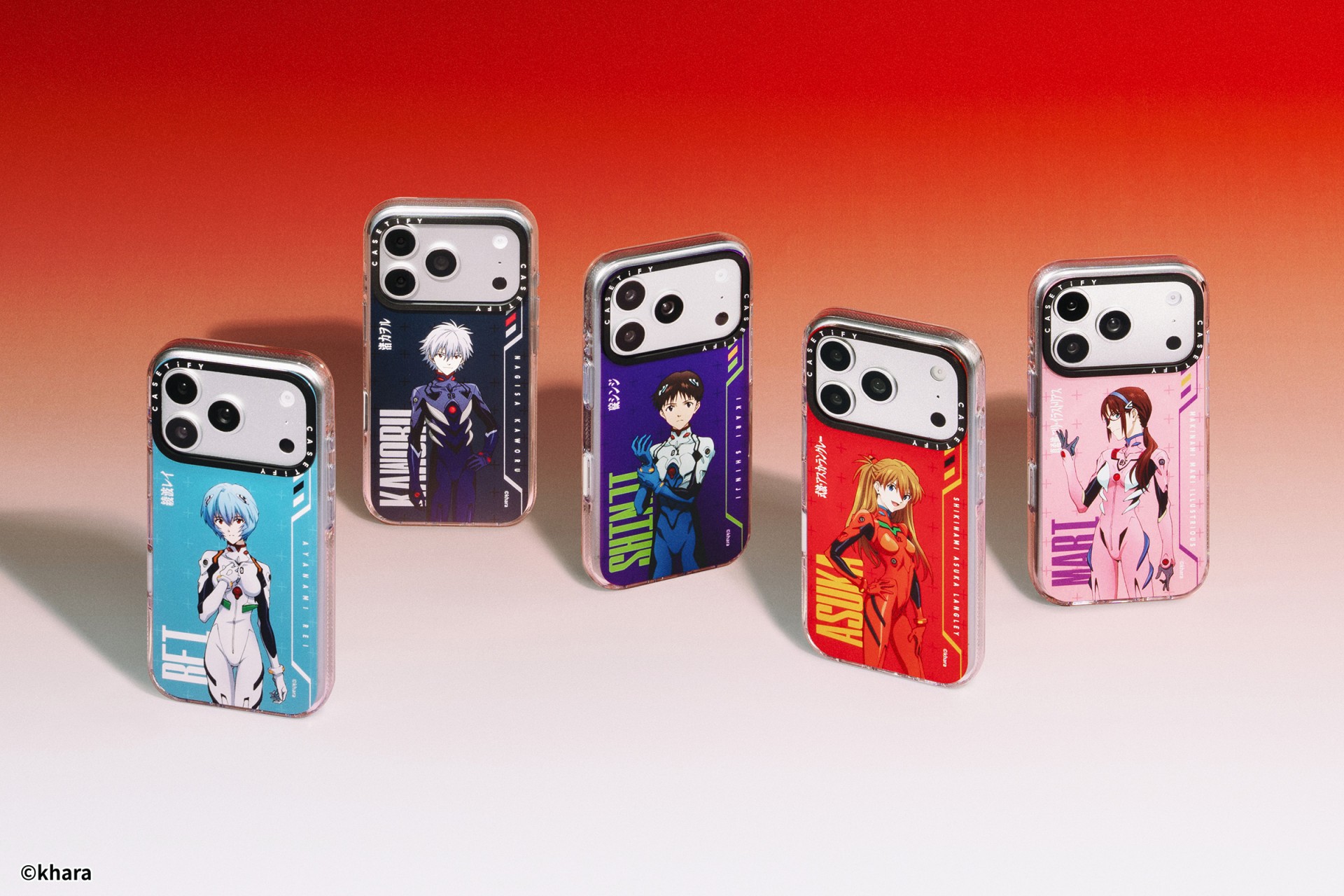
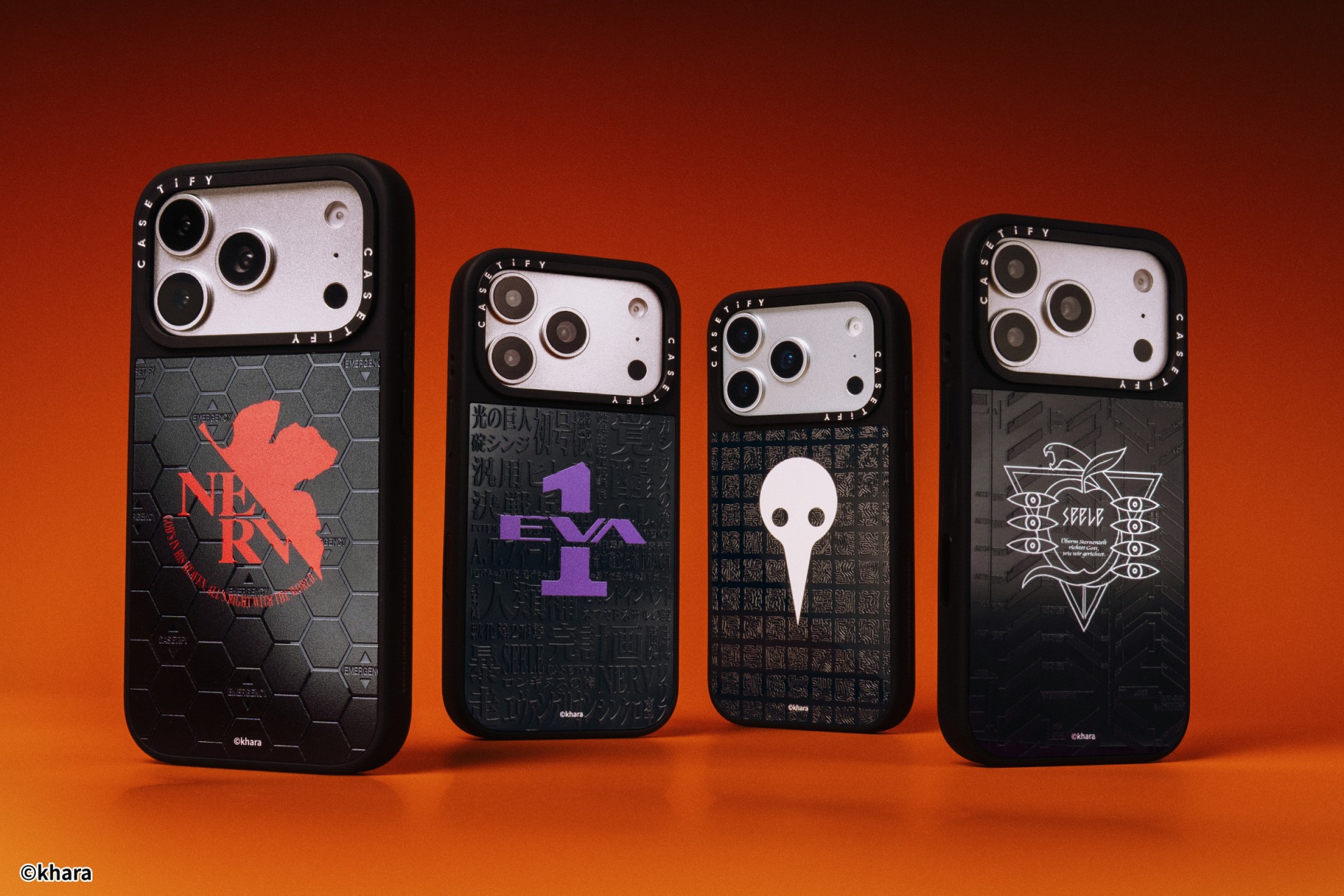
The A.T. Field is activated. To mark 30 years of Neon Genesis Evangelion, CASETiFY has relaunched its highly popular Evangelion collaboration. This time, fans control the sync rate.
For the first time, buyers can fully customize their Evangelion cases. The drop lets fans mix and match NERV logos, the 4th Angel, character art featuring Shinji Ikari and Rei Ayanami, and bold background graphics. The result is a case that feels like a personal unit build, straight out of the series’ control room.
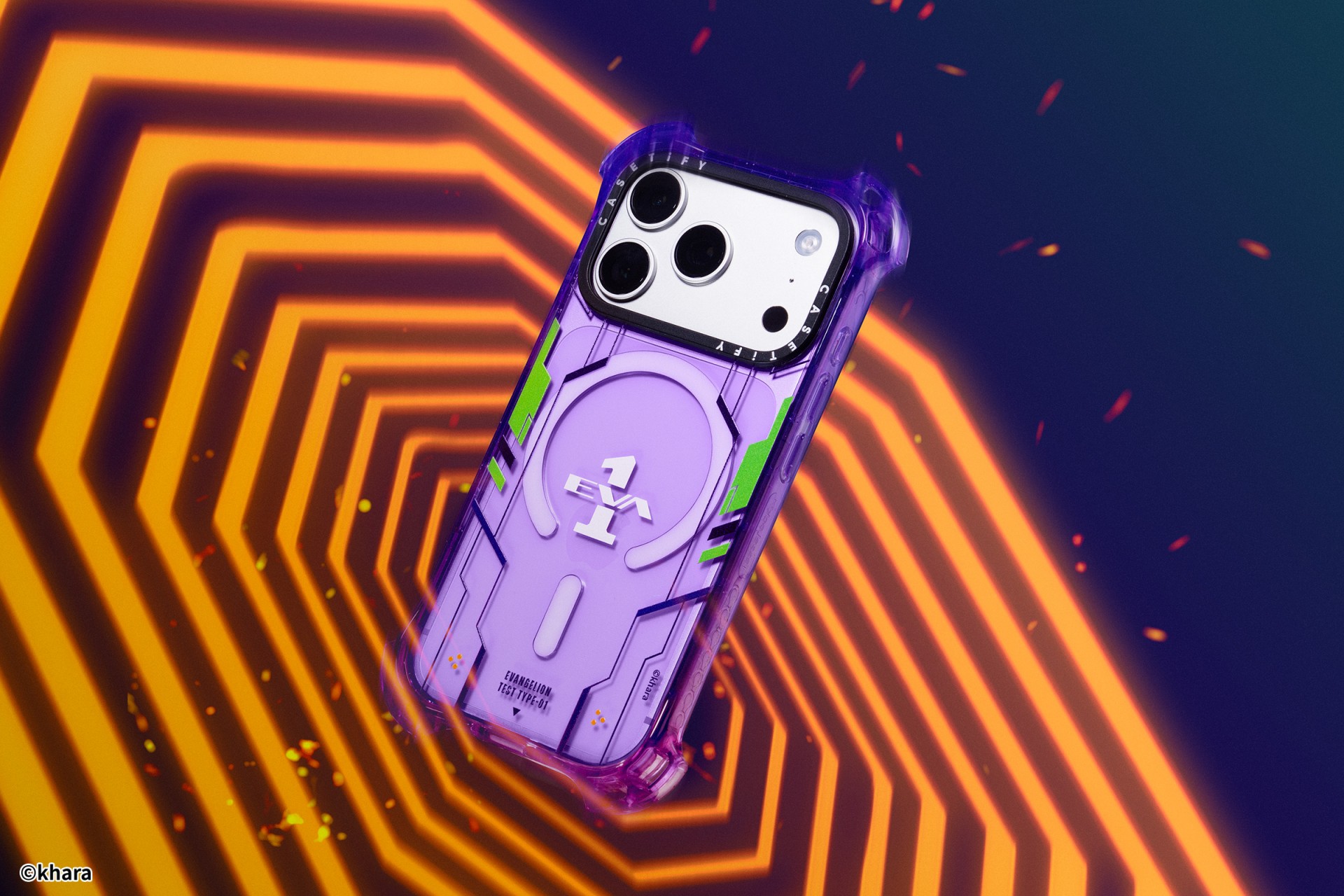
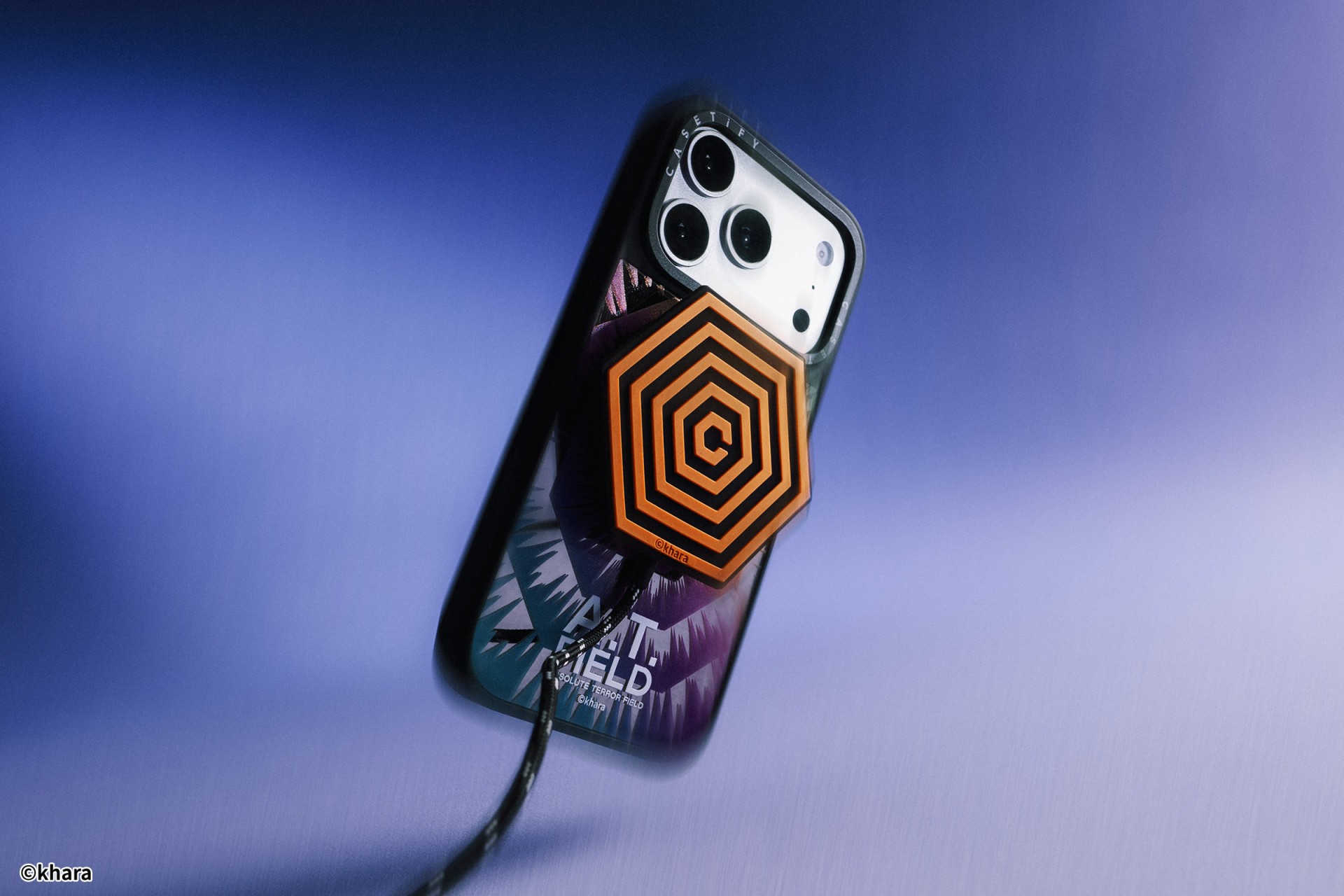
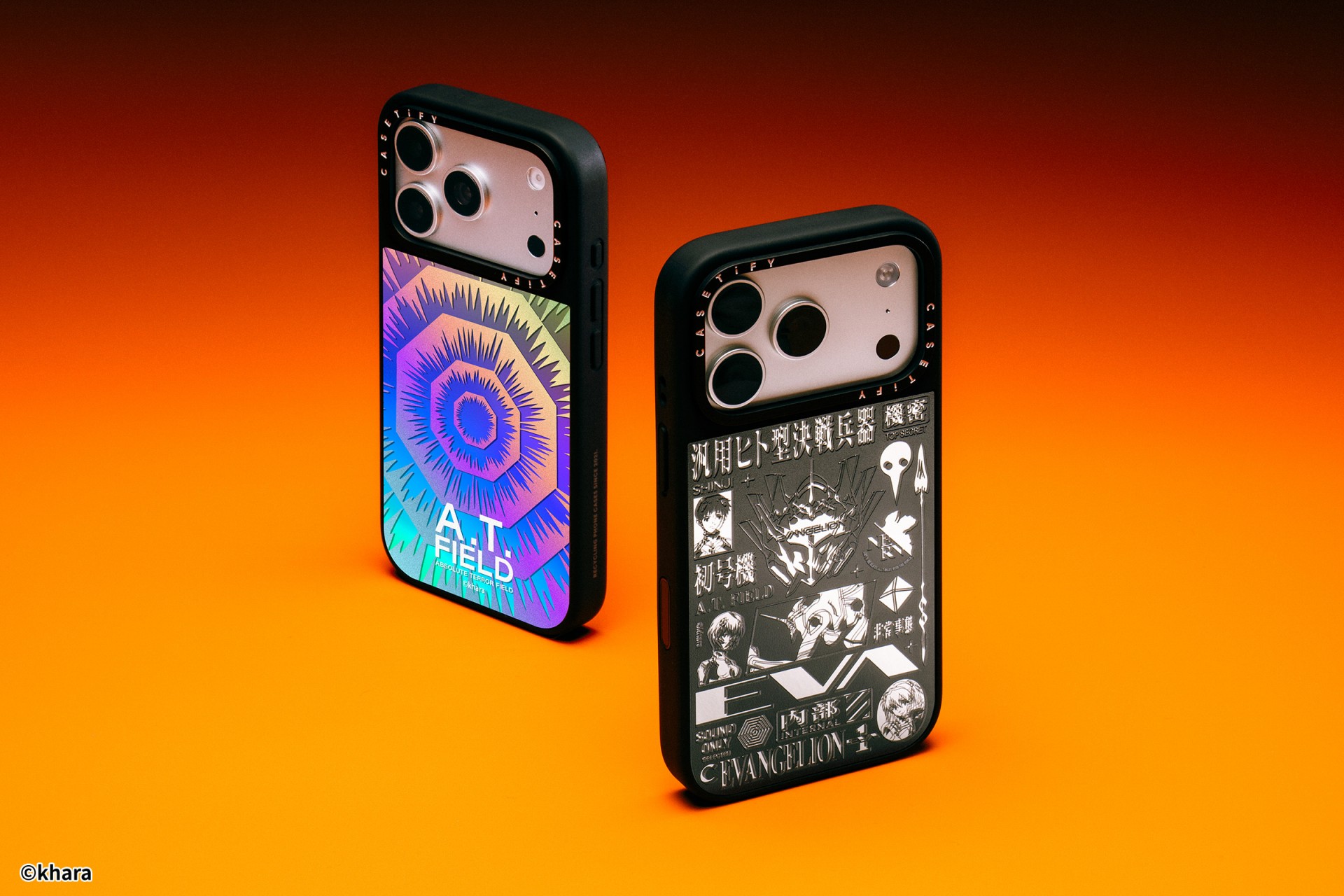
The lineup pulls directly from Evangelion iconography. Designs include classic NERV insignias, holographic “A.T. Field” defense graphics, “Active Time Limit” warnings, and the official 30th Anniversary emblem. Each case uses CASETiFY’s signature impact protection, turning your device into a pocket-sized defensive barrier.
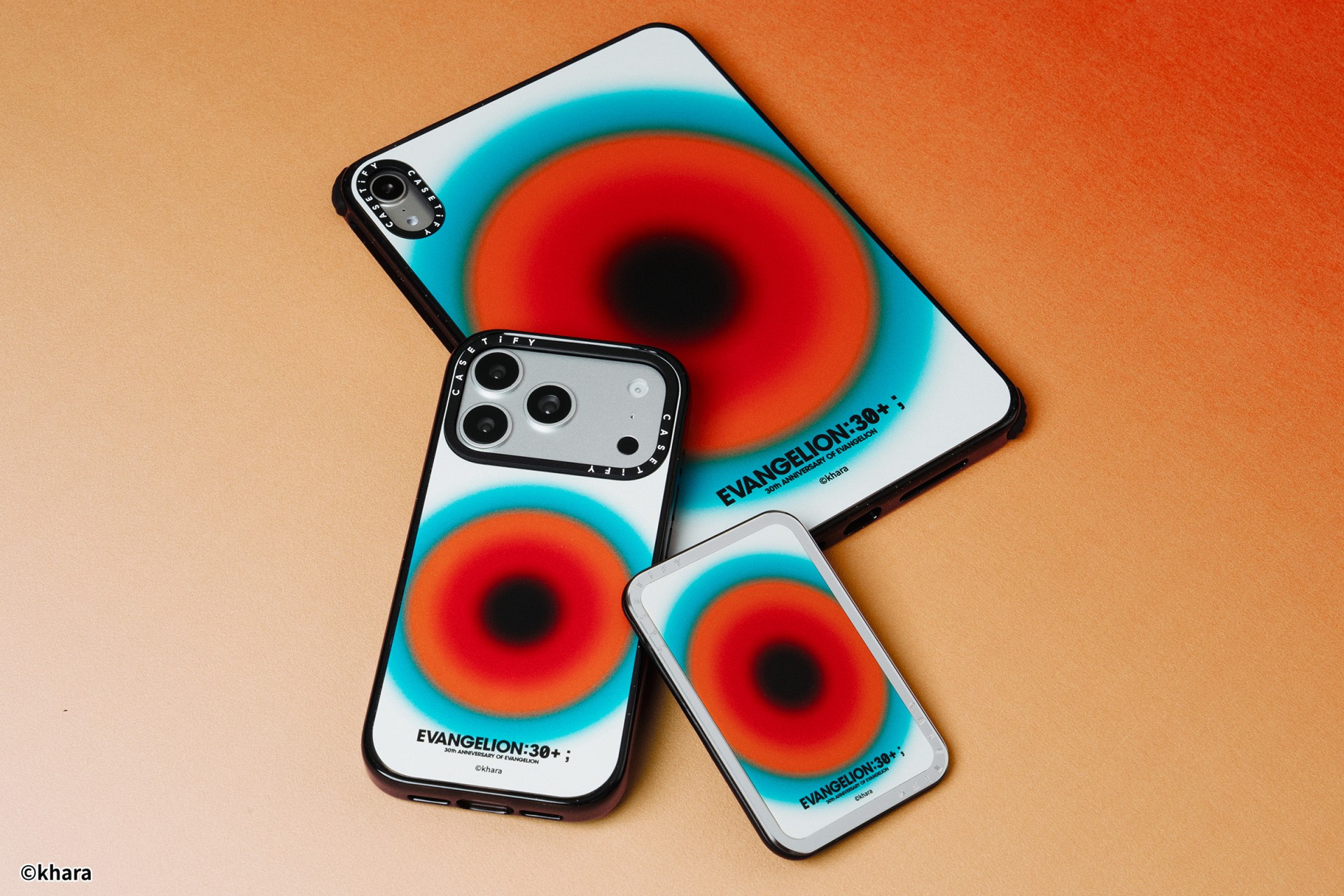
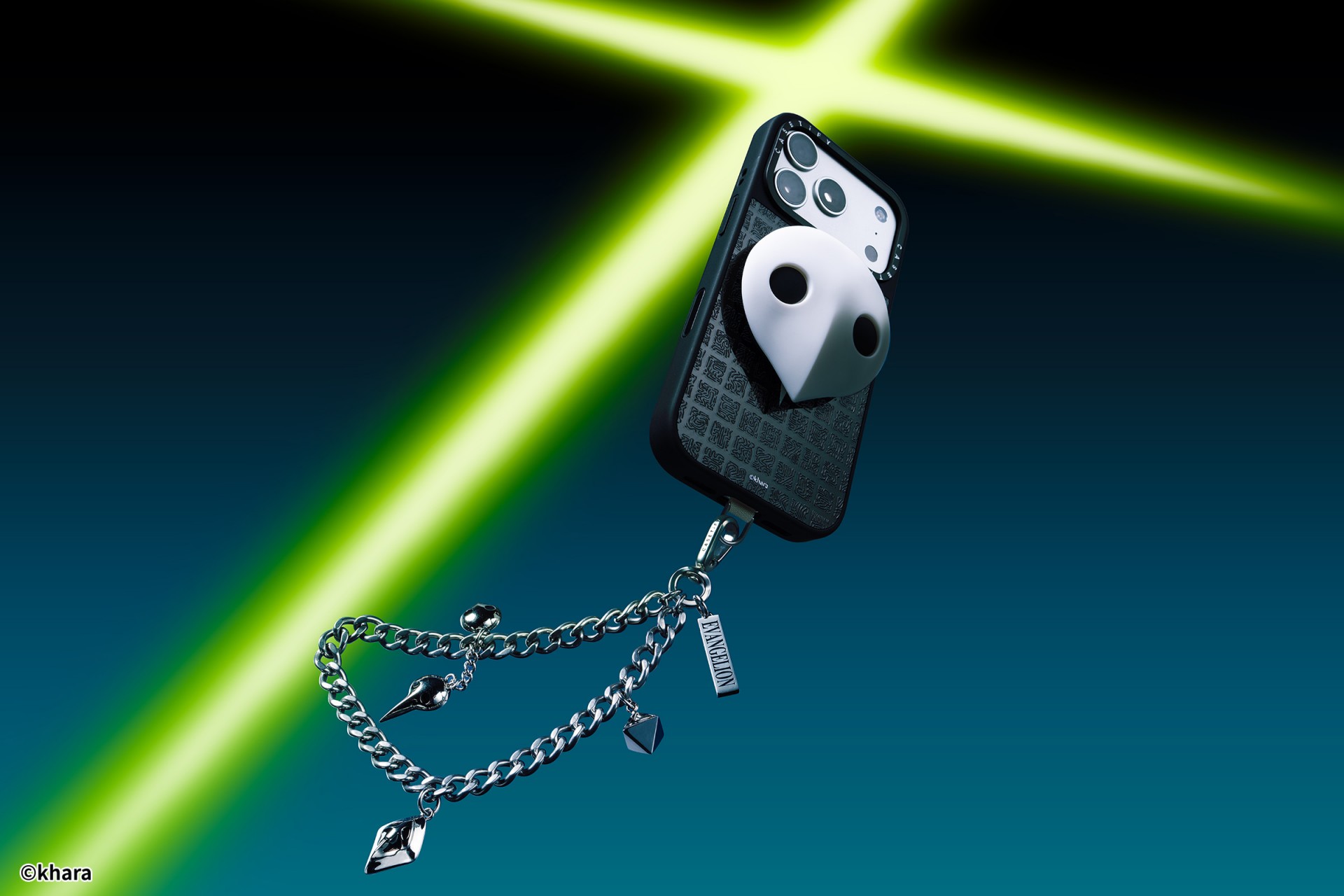
The collection goes beyond phone cases. Fans can also pick up matching AirPods cases, MagSafe wallets, watch bands, and laptop and tablet sleeves to complete their everyday tech setup.
Android users are included in the rollout. The collection supports devices like the newly released Samsung Galaxy S26 series, making it a timely drop for those looking to suit up their latest flagship.
The Evangelion collection is now available via the official CASETiFY website.

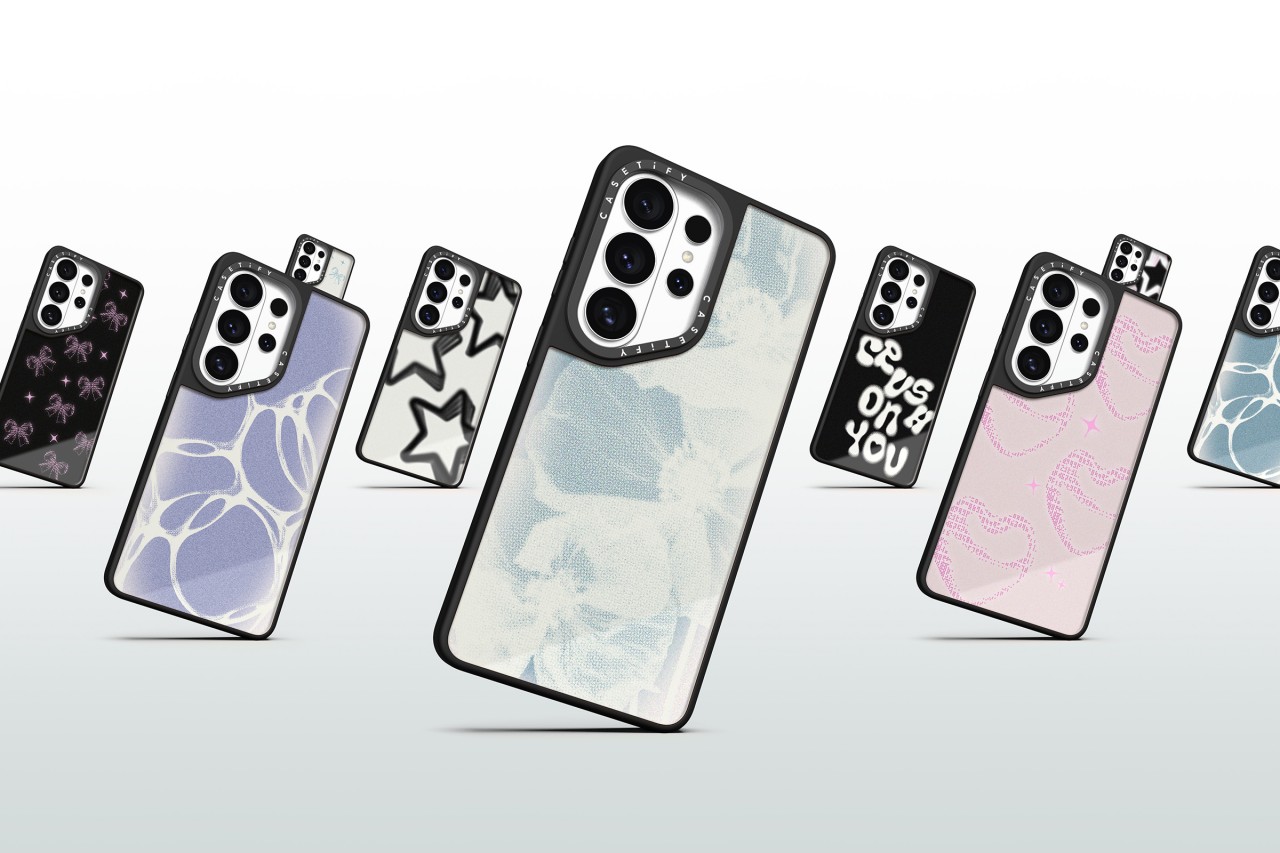
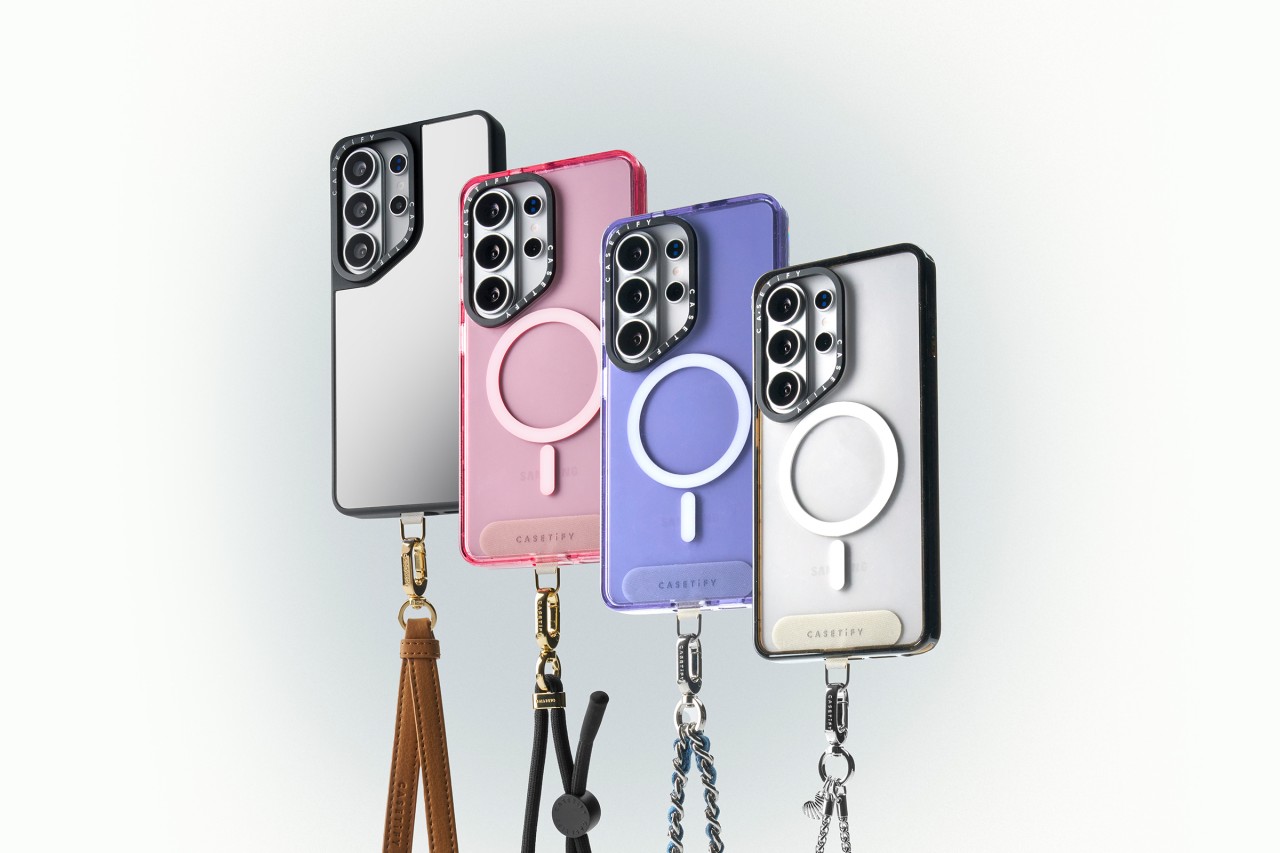
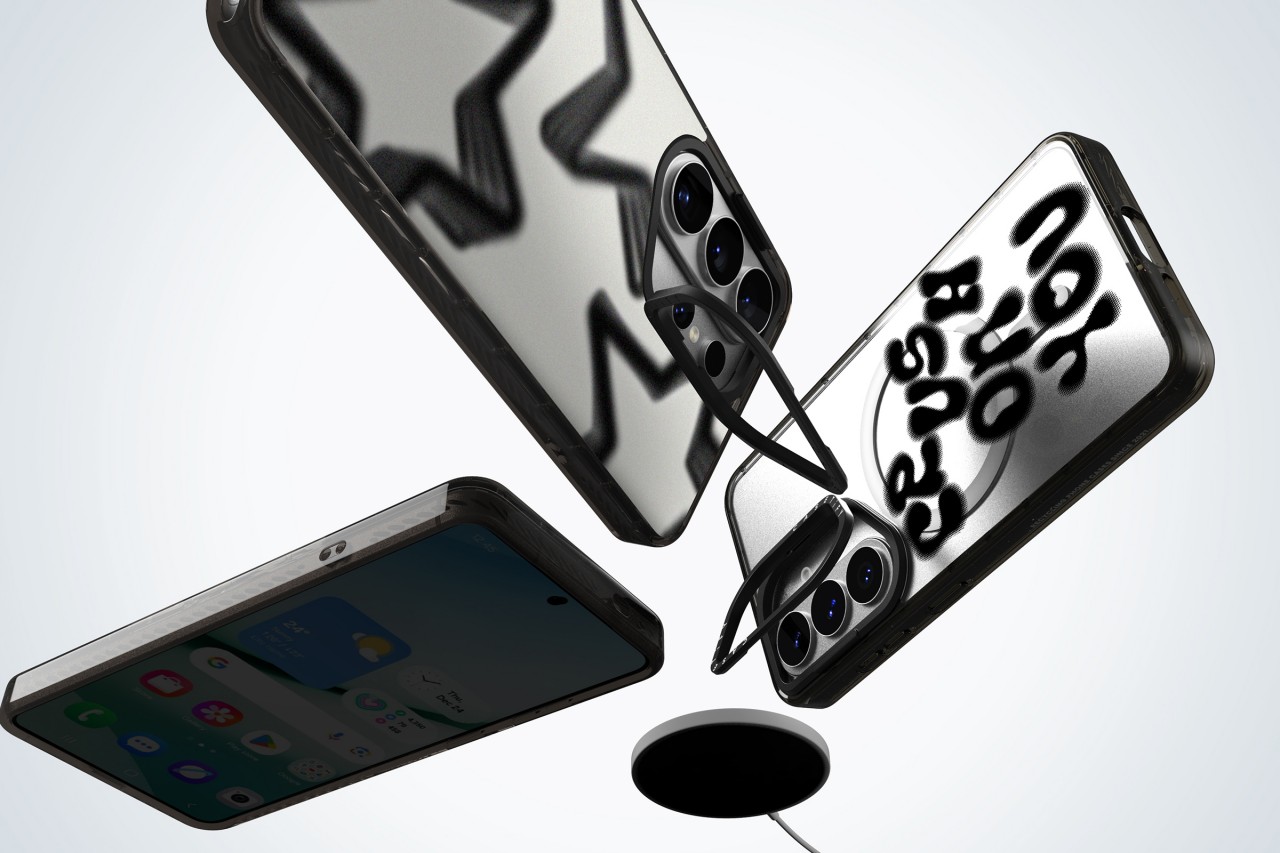
CASETiFY has unveiled its full lineup of cases and accessories for the Samsung Galaxy S26, timed with the flagship’s global debut.
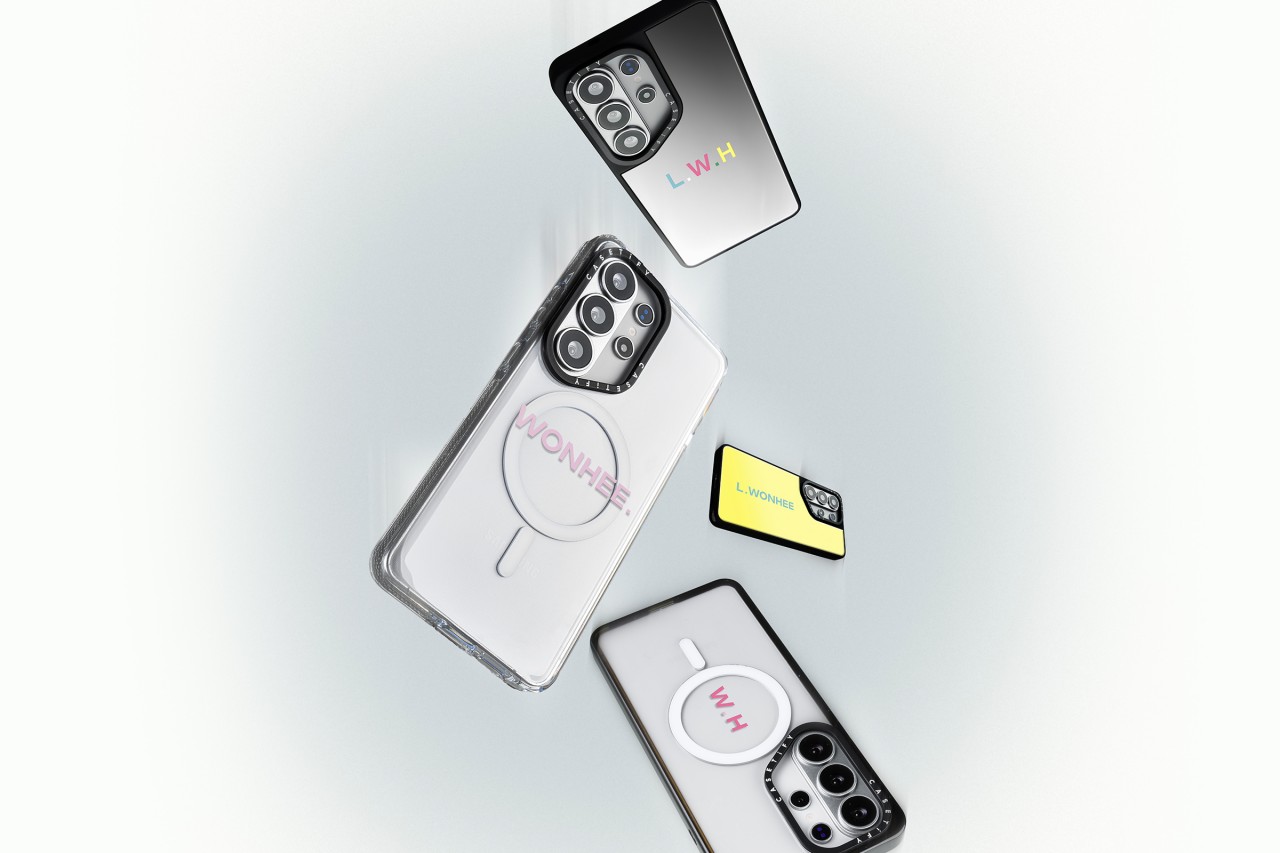
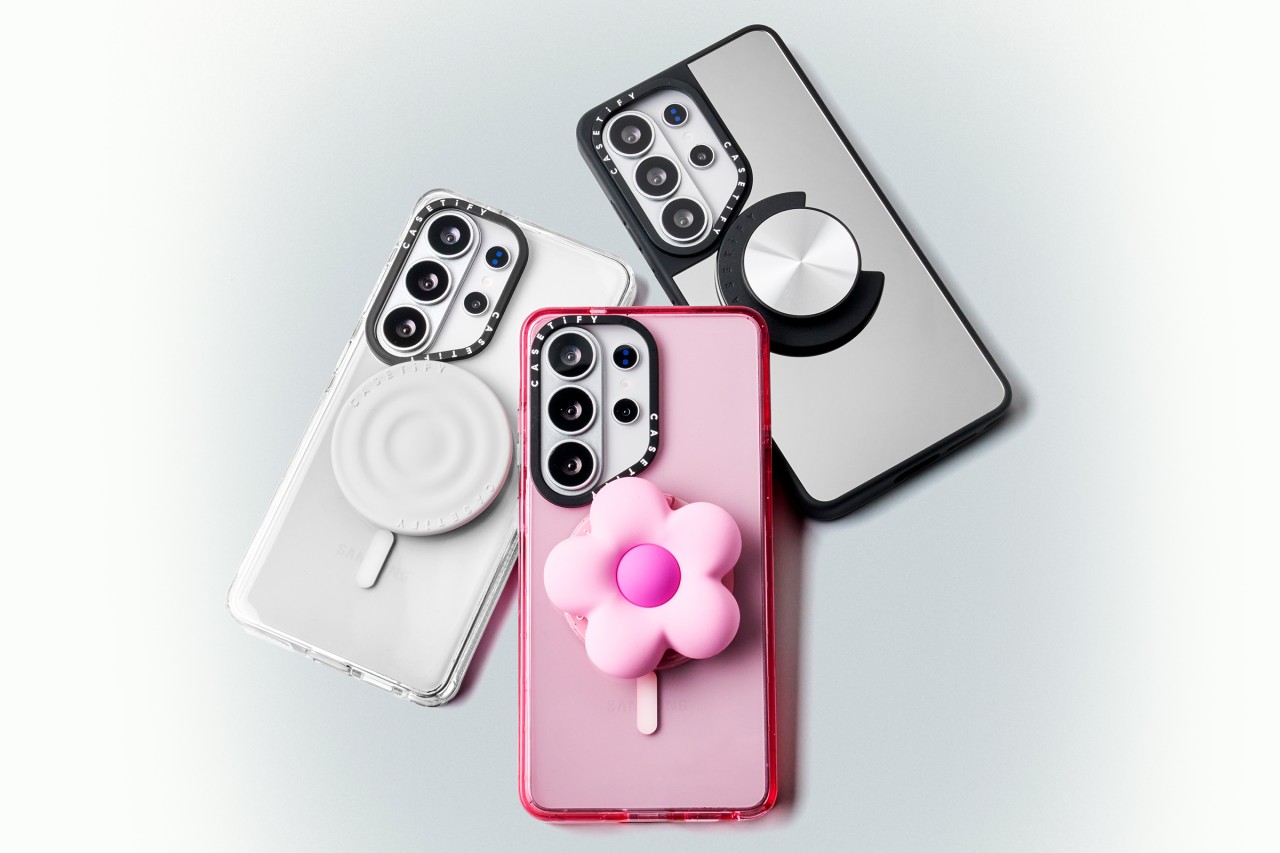
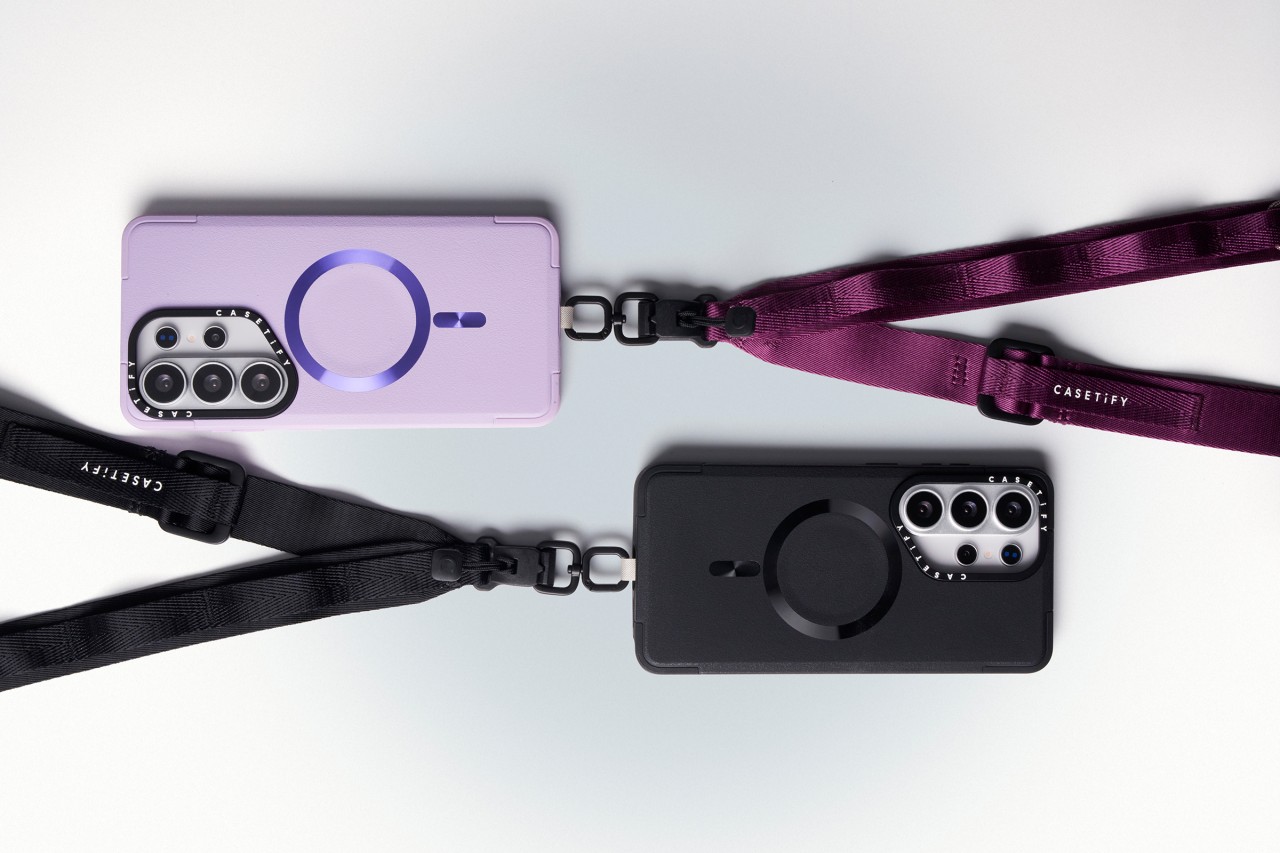
The new collection blends protection with personalization. Users can customize cases with photos and text or choose from bold, artistic prints across multiple case styles. The lineup also includes phone charms, body straps, magnetic accessories, screen protectors, and camera lens covers built specifically for the Galaxy S26.
Orders opened on February 25, 2026 via CASETiFY’s website.
Built for protection and everyday use
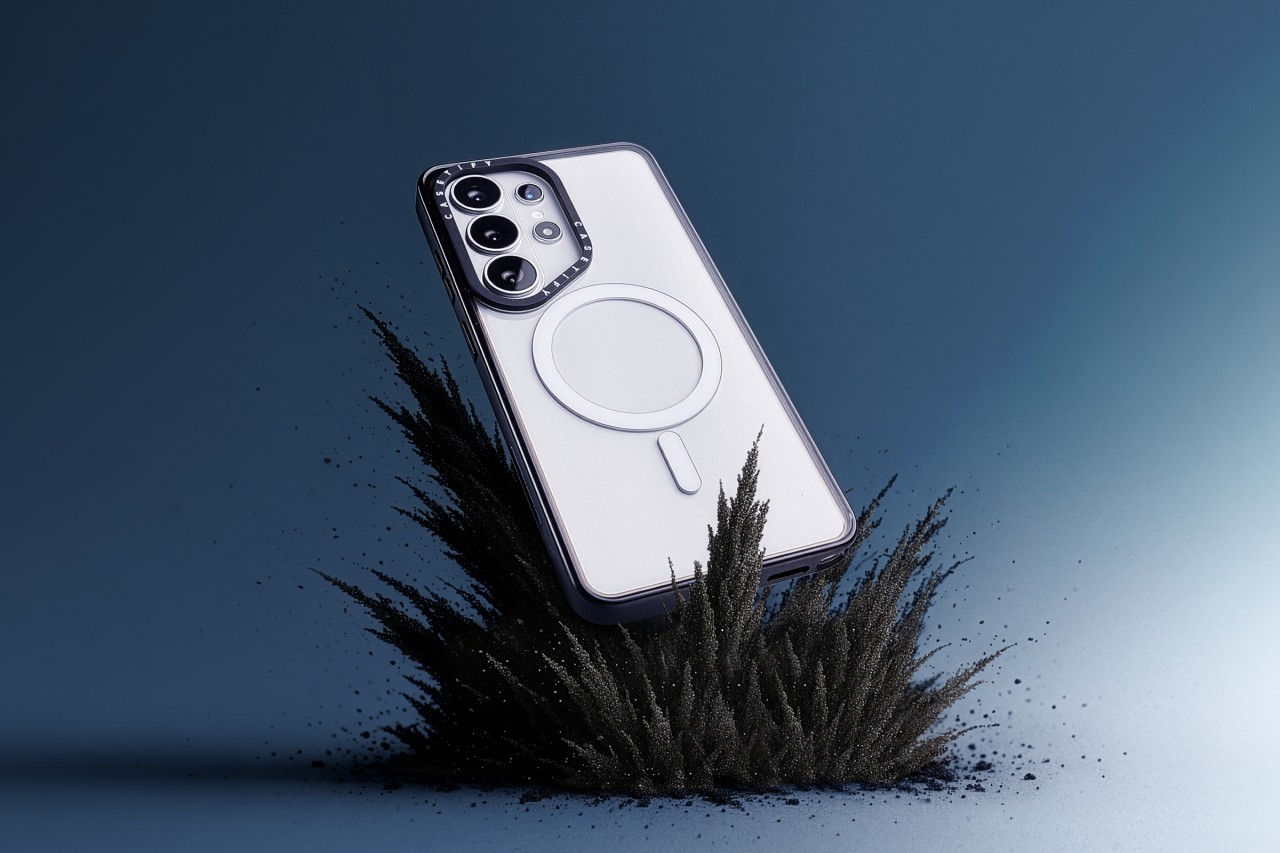
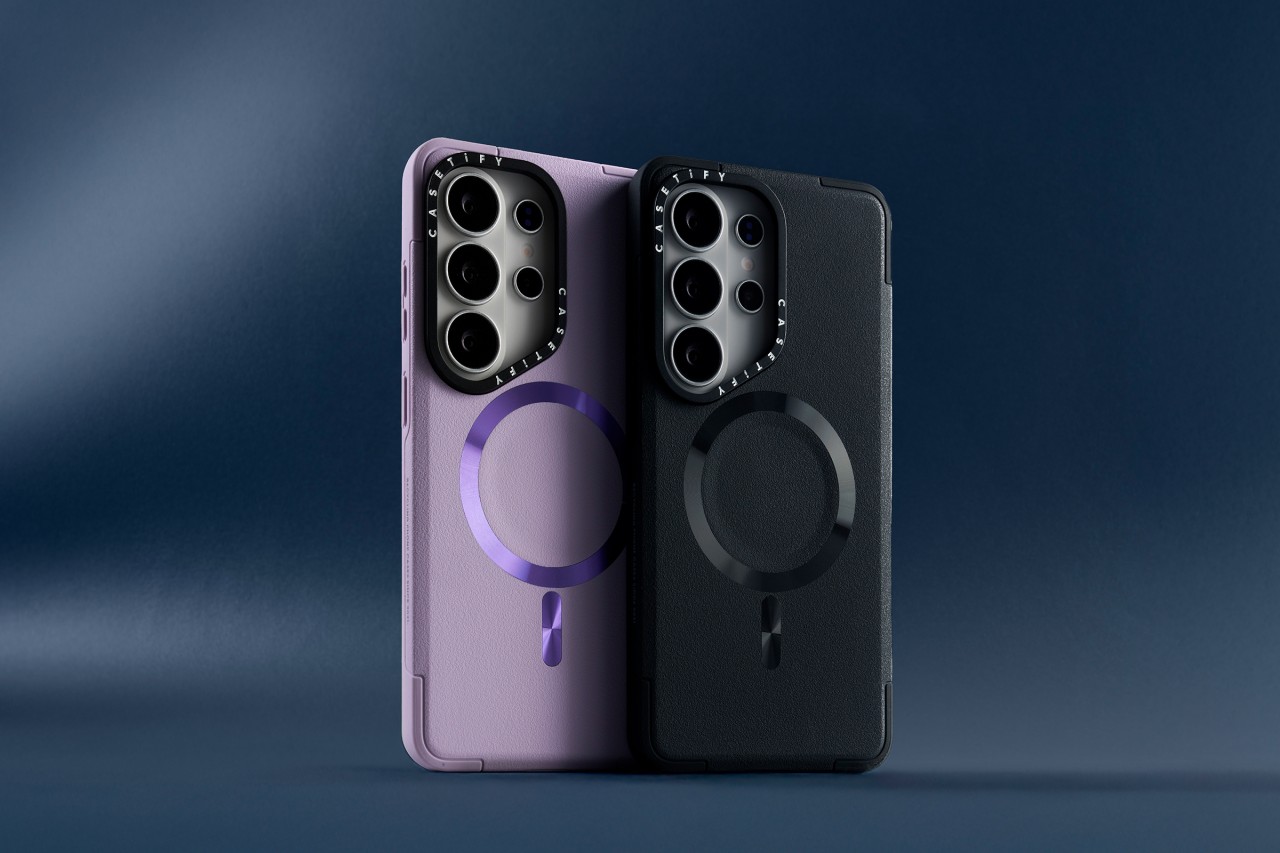
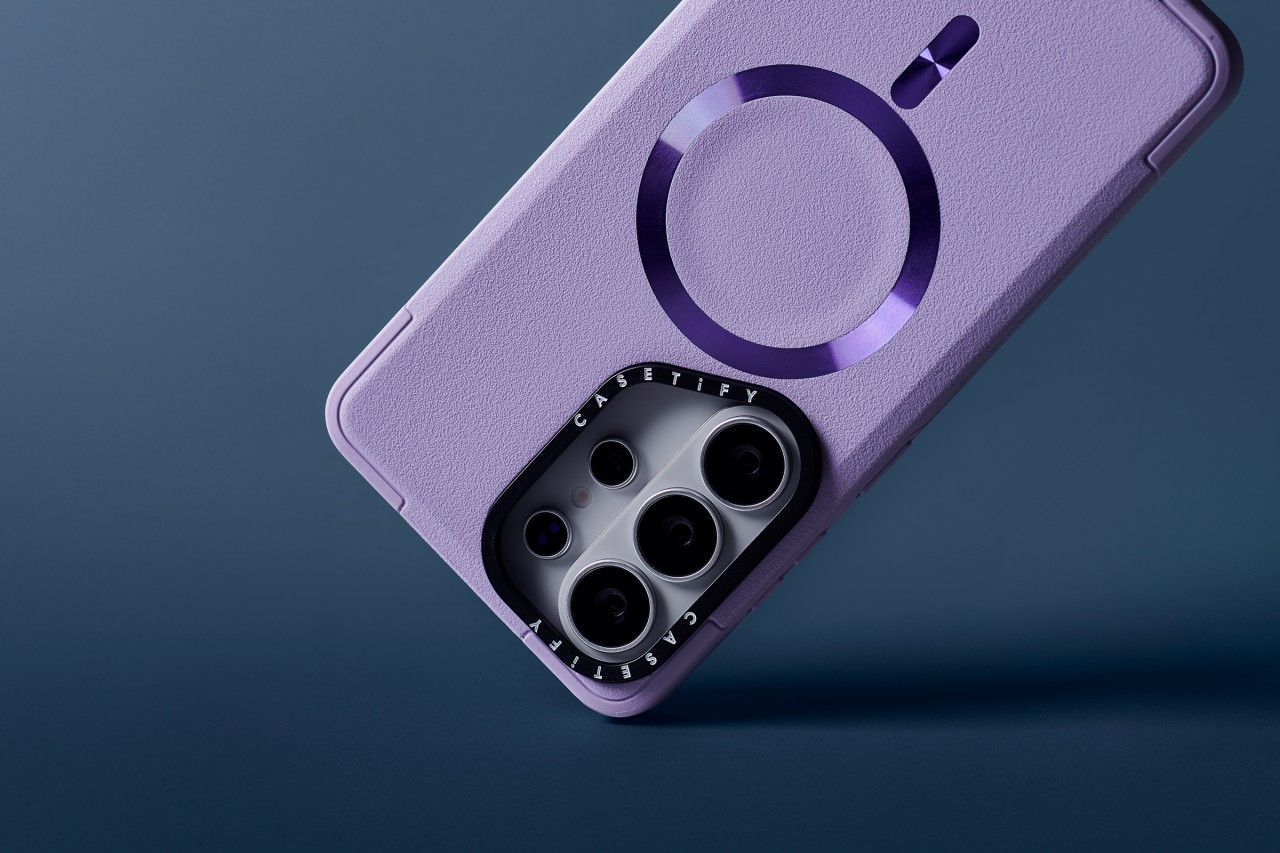
Leading the lineup is the Impact Ring Stand Magnetic Case ($85). It features a lifted camera ring with a built-in stand that adjusts from 0 to 150 degrees for hands-free viewing. The case carries 6.6-foot drop protection, 3x MIL-STD-810G certification, EcoShock cushioning, and CASETiFY’s Duo-Lock bonding system. It also supports wireless charging and magnetic accessories.
The Impact Magnetic Case ($70) increases drop protection to 8.2 feet with 4x MIL-STD-810G certification. It adds side sockets for charms and a raised bezel for screen protection.
For those who prefer a transparent look, the Impact Clear Magnetic Case ($70) focuses on long-lasting clarity and anti-yellowing materials. It offers 6.6-foot drop protection and 3x MIL-STD-810G certification.
Slim, glossy, and grip-focused options
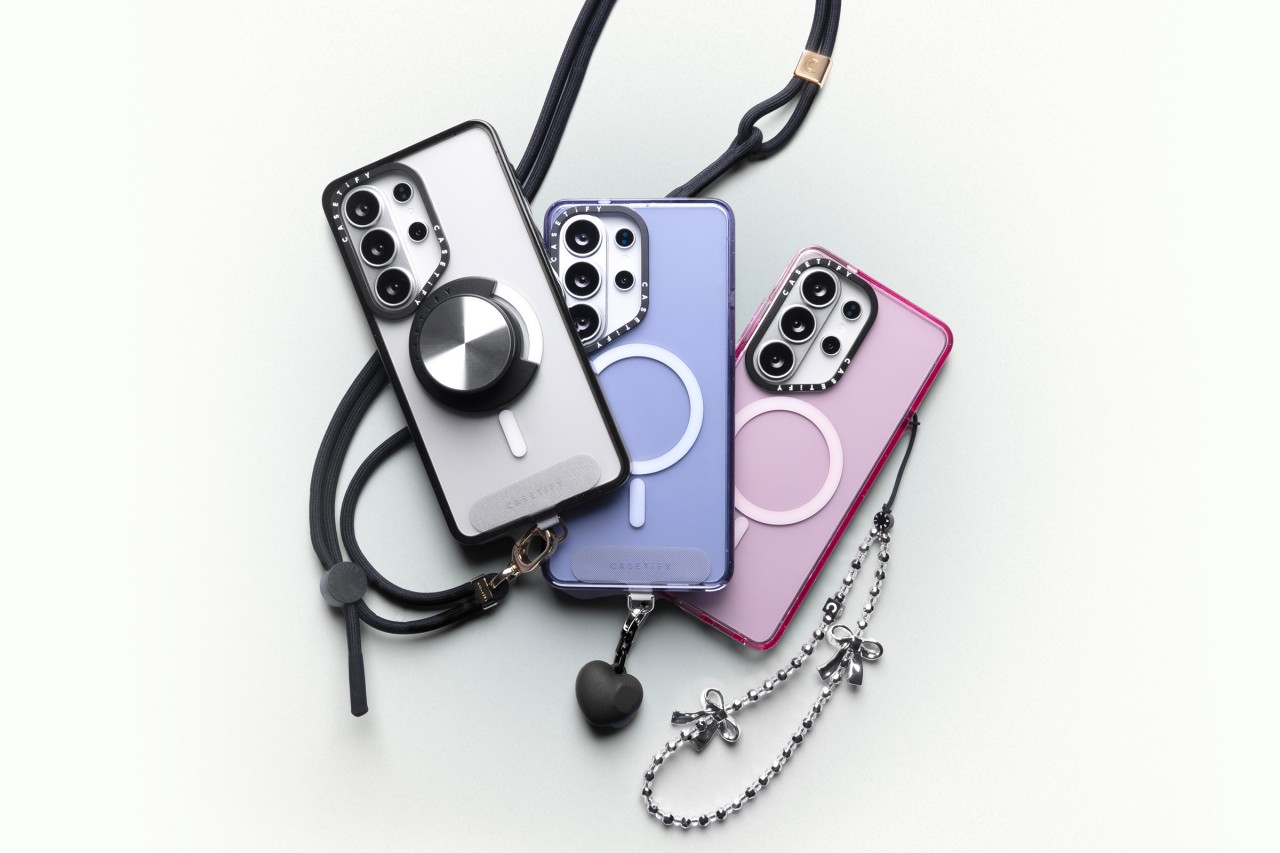
The Mirror Magnetic Case ($70) adds reflective functionality with 4.9-foot drop protection, while the Compact Magnetic Case ($55) targets users who want a lightweight, slim profile with 4-foot drop protection.
The Glaze Magnetic Case ($70) stands out with a scratch-resistant glossy finish and anti-print peel-off technology, paired with mirror functionality and magnetic compatibility.
Rounding out the collection is the Force Case by CASETiFY ($55), designed for enhanced grip and durability. It delivers 6.6-foot drop protection, 3x MIL-STD-810G certification, Duo-Lock bonding, and full wireless charging support.
With multiple case styles and accessory options, CASETiFY’s Galaxy S26 collection gives users room to match their device to their personality without compromising protection.



Disney+ launches a TikTok-coded vertical feed called Verts

Google Maps is finally getting a 3D mode

KPop Demon Hunters is officially getting a sequel

Bringing Care-a-Lot to my daily carry

Galaxy AI on the Samsung Galaxy S26 Ultra


-

 Reviews2 weeks ago
TECNO CAMON 50 Ultra review: End of an era?
-

 MWC 20262 weeks ago
Infinix NOTE 60 Ultra makes a motorsport-inspired debut
-

 MWC 20262 weeks ago
TECNO launches the all-new CAMON 50 series
-

 MWC 20262 weeks ago
TECNO showcases cool concepts at MWC 2026
-
 MWC 20262 weeks ago
TECNO unleashes Tonino Lamborghini collection
-

 Computers2 weeks ago
AMD announces Ryzen AI 400, AI 400 PRO series at MWC 2026
-
 MWC 20262 weeks ago
HONOR unveils Robot Phone concept at MWC 2026
-
 MWC 20262 weeks ago
TECNO debuts latest devices, HiOS 16, upgraded Ella at MWC 2026