
Entertainment
JMGO O1: Best home theater solution for small apartments
Big screen experience that doesn’t break the bank

I love watching movies on the big screen. Who doesn’t? Movies after all are made for it.
When I moved to a studio apartment two months ago, I didn’t have a TV nor a sound bar. It’s small, like most apartments in New York City, but I knew I wanted to have a good home theater setup despite the limited space I have. The JMGO O1 ultra short throw projector solves this problem.

True home cinema setup

When setting up your own movie theater at home, there are three essential things to keep in mind:
- Big screen. The bigger, the better for that grand cinematic experience
- Space. If you live in a house where you can have a dedicated room for your home theater, great. But if you’re renting a studio apartment, this can be tricky.
- Great audio. This is something we often overlook, but should definitely be on top of priorities, too.

The JMGO O1 Ultra Short Throw Projector ticks all three of these, and more. It’s also light-weight, a space-saver, and affordable.
Space-saving big screen
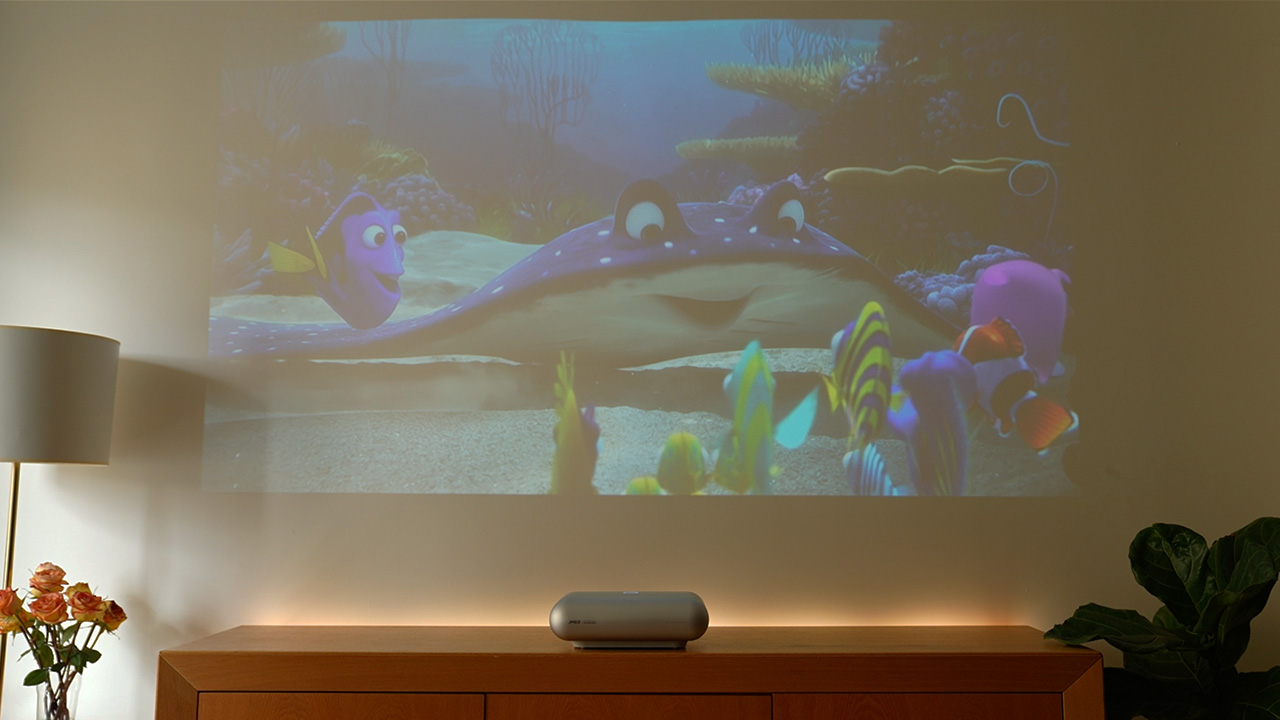
One of the main reasons to get a projector is that it lets you customize the size of your screen based on the space that you have. With a TV, this just isn’t something you can do; you’re stuck with the same big black screen.
With a regular projector, and even in the cinema, anyone who walks in front will cast a shadow on the screen. This can be annoying when you’re right in the middle of the action.

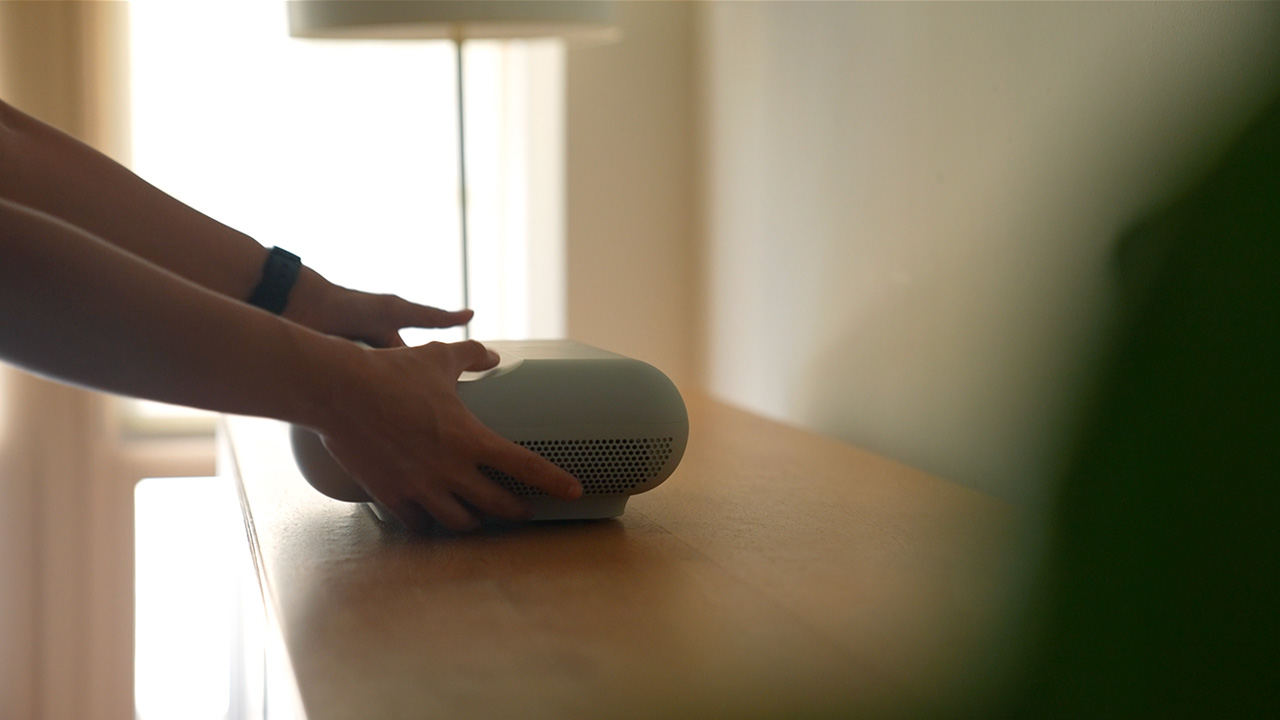
With the JMGO O1, that’s simply not the case. It’s an ultra-short throw projector so I put it on my existing credenza that’s flushed against the wall and I still got a large screen.
This means my big screen movie viewing experience will never be compromised just because my apartment is small.
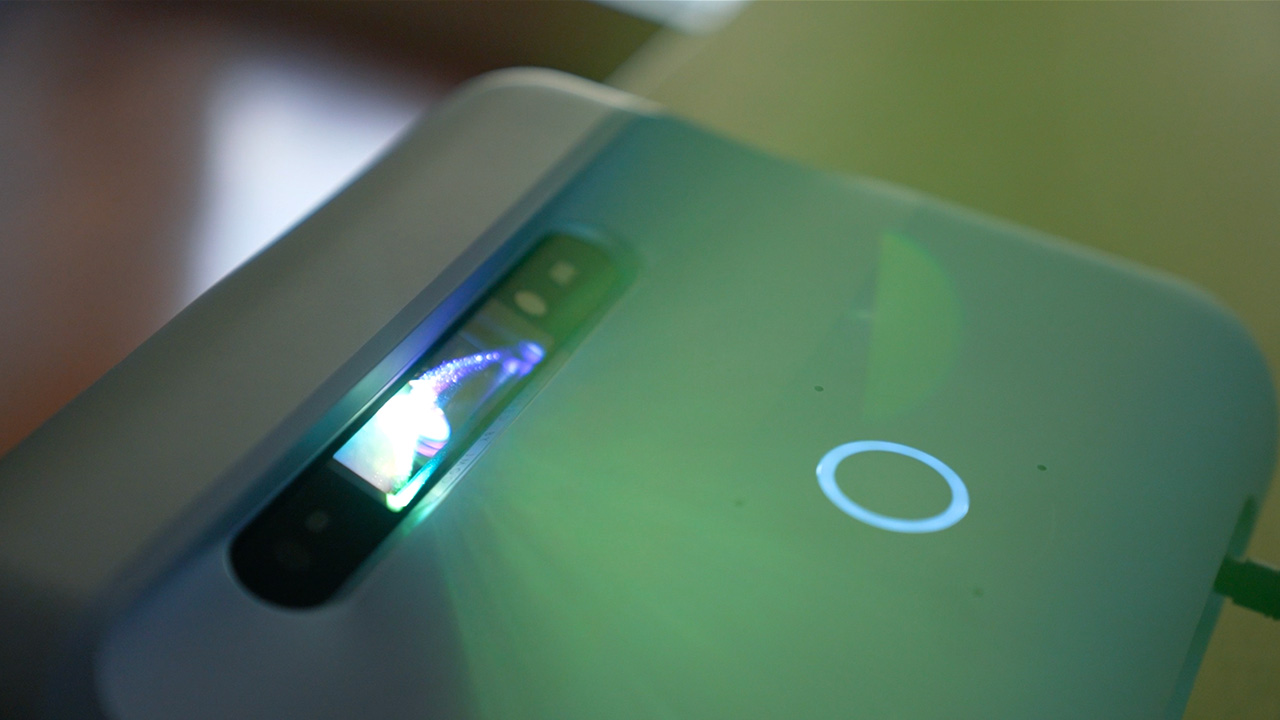
With a throw ratio of 0.25:1, the JMGO O1 can be placed 10 inches from the wall and you get up to 100 inches of projected screen size.
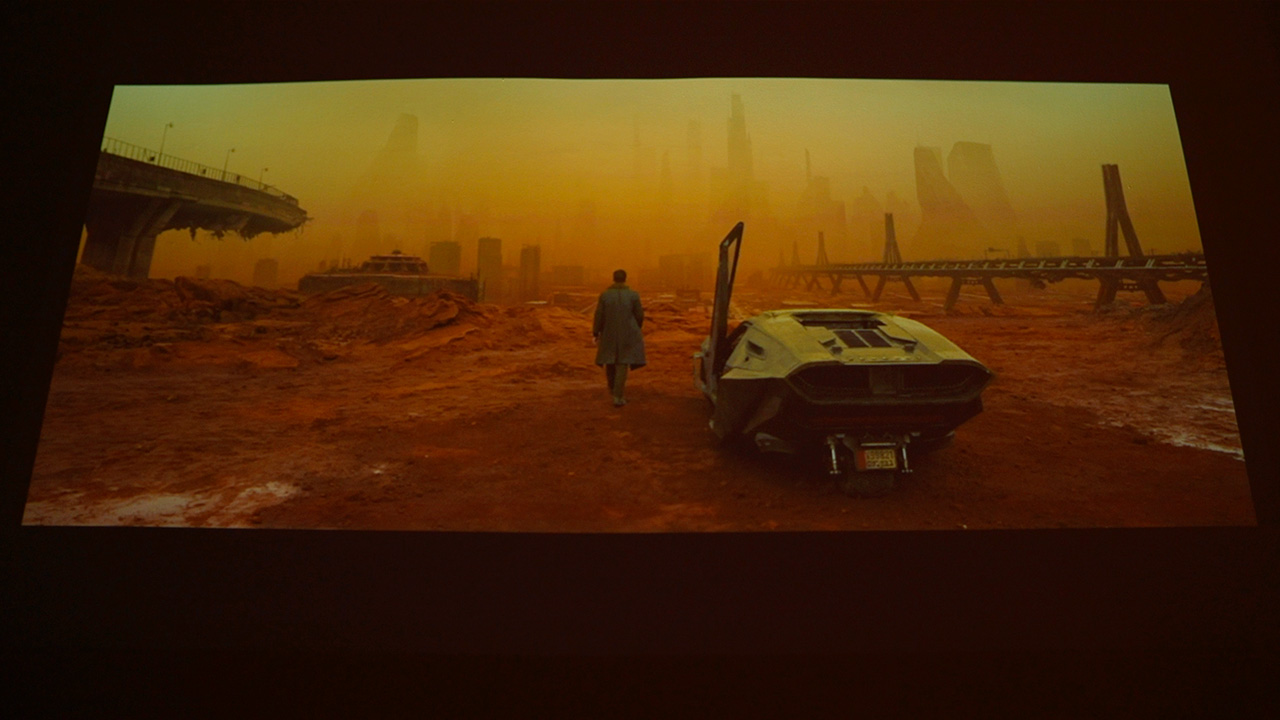
If that doesn’t scream immersive, I don’t know what does.
On weekends when I’m doing meal prep, I normally rely on recipe videos and websites and use my laptop to view them.

Nowadays, I’ve gotten accustomed to moving the JMGO O1 to my kitchen peninsula and project the recipes on the wall. The screen is smaller, around 55 inches, which is actually still pretty big, if you think about it.
It has autofocus and Auto Keystone Correction available so I’m able to quickly set it up or adjust when I want to move it around.

Eye-protection mode is also built-in, which automatically lowers the brightness of the light source. This has been especially helpful when I have guests and they look directly at the light source when checking it out.
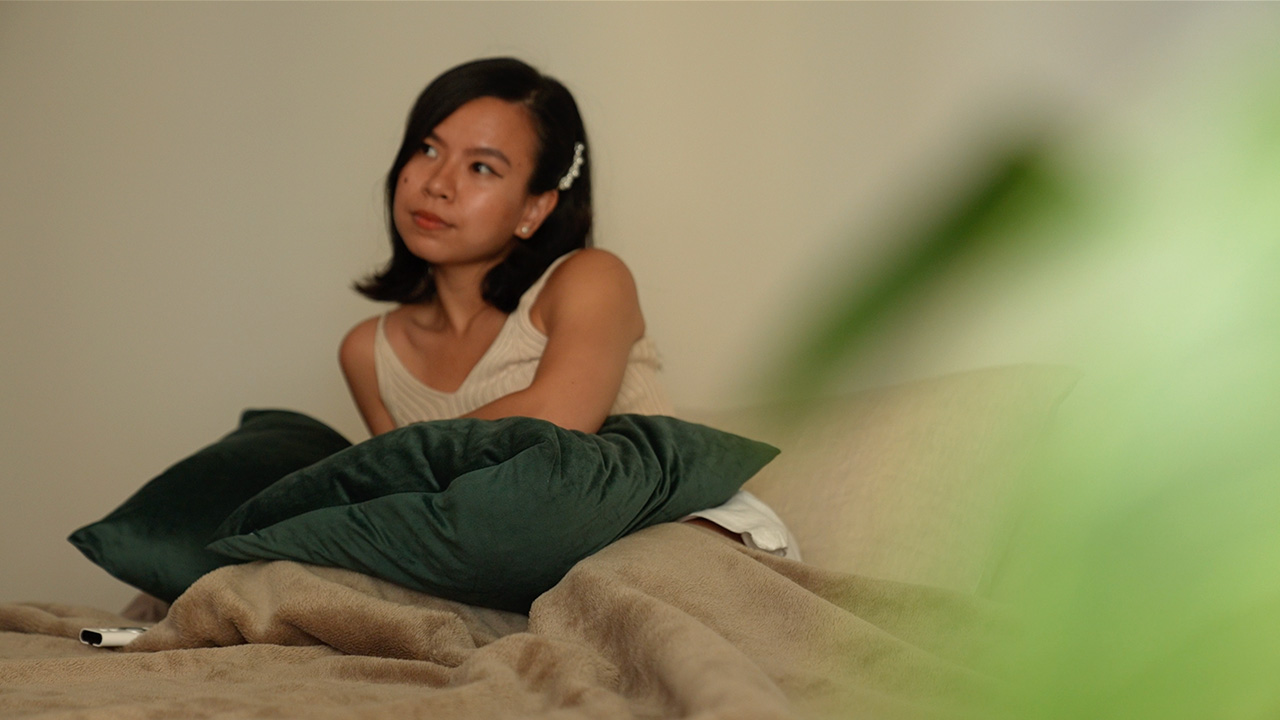
I think another underrated feature of the JMGO O1 is that it stays cool and quiet unlike regular projectors. Since it’s placed close to the wall, I never feel the heat it emits from hours of use or hear any hums, if it even makes any.
After all, the only sound I should be hearing is that of the audio of the movie I’m watching.
Co-created with Dynaudio
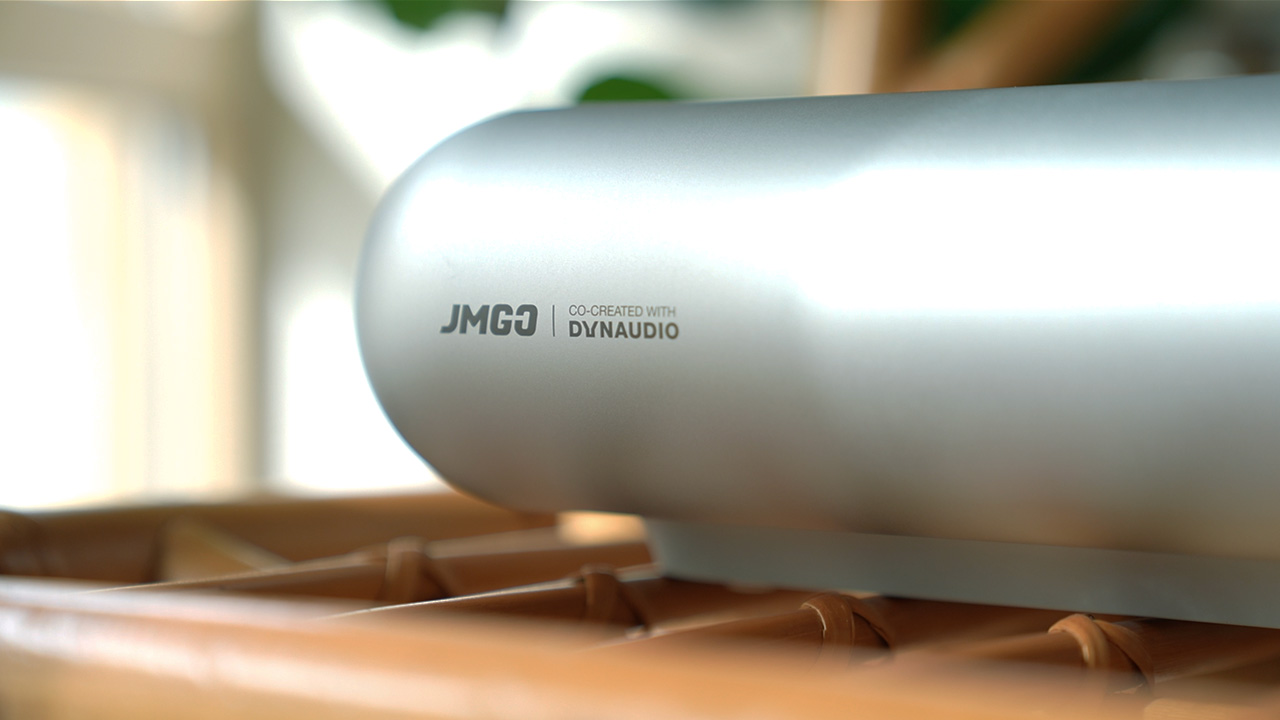
Speaking of audio, the JMGO O1 is co-created and tuned with Danish loudspeaker company Dynaudio. Simply put, I get built-in cinematic stereo sound to match my big display.
So even if the projector is placed close to the wall and not beside me on the couch, the enhanced audio is powerful and immersive. It’s more than loud enough to surround me with stereo sound in my studio apartment set up.
Luna OS and JMGO app
The JMGO O1 runs on an android-based Luna OS. The app store has most of my favorite streaming apps: Netflix, Disney+, and HBOMax.
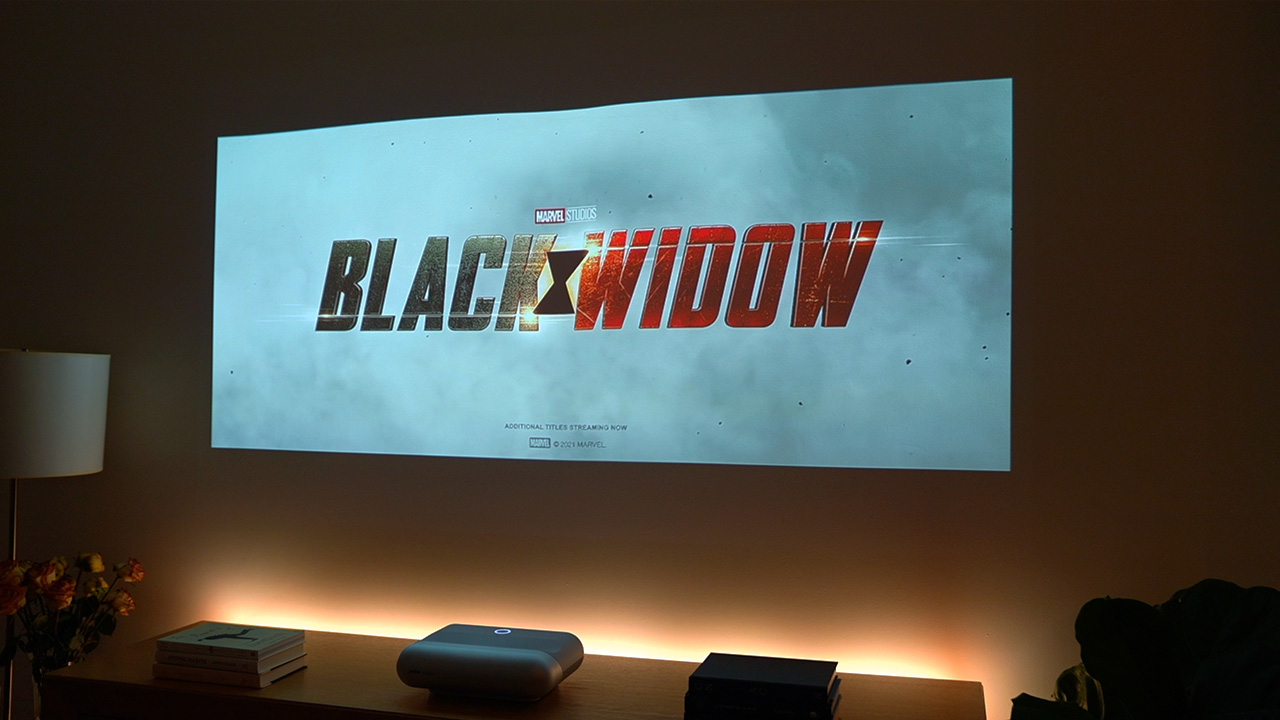
I loved watching Black Widow on this. Even though it didn’t get the movie premiere that it deserves, it’s one of those movies you’re really gonna want to watch on the big screen to appreciate all the stunts and special effects.
Seeing the animated version of Portofino in Luca made me want to book a trip to the Italian Riviera as soon as possible.
Some nights I kept up with John Oliver on Last Week Tonight, and binged reruns of Downton Abbey.
For regular TV and movie watching, I use the remote that came with the JMGO O1 to navigate. It’s small, white, and has very few buttons. It’s easy to use.
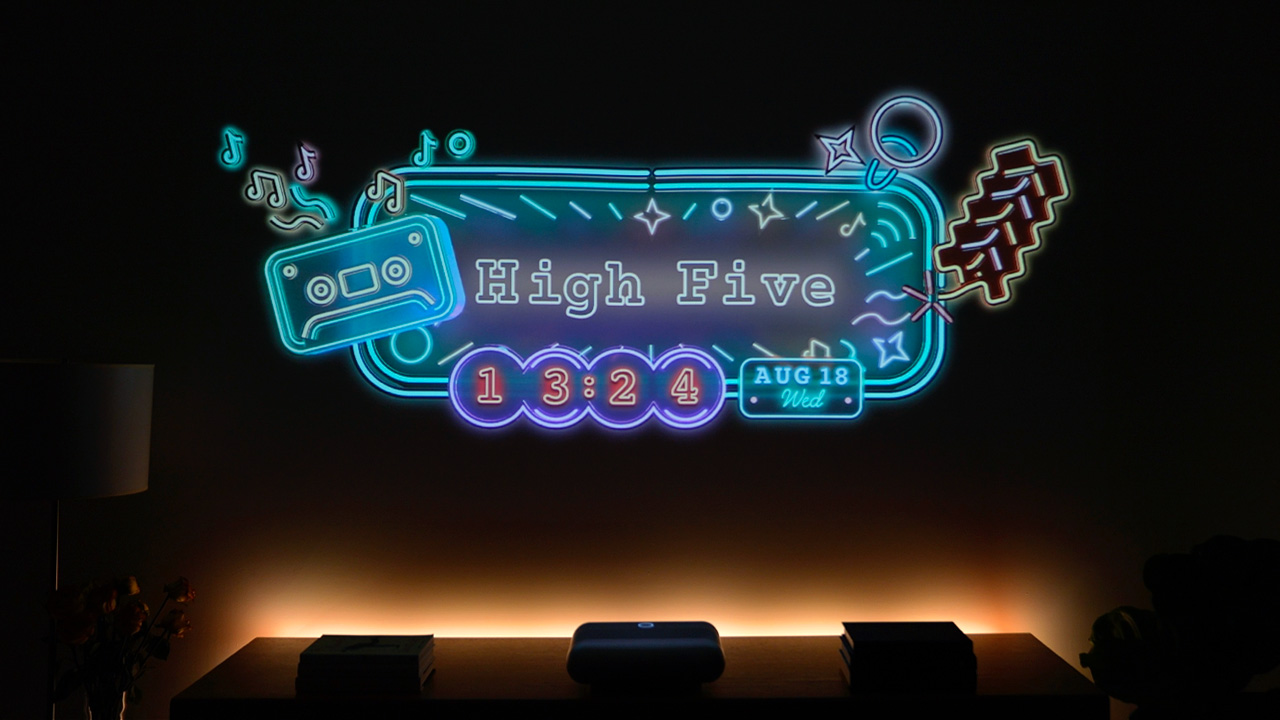
I also downloaded the JMGO app and use my phone as a trackpad sometimes. In the app, there’s a companion tab where I can change themes from Original, to Retro Neon to Ocean Waves.
With it I can also customize the music visualizer when I play my favorite songs via Bluetooth.
Another feature I love is the Digital Art Gallery. It’s like having a live screensaver on my wall, which has been a conversation starter when I have guests over.
There are different artworks to choose from, and there’s an option to add them as widgets. This way, I can just use the remote to change the art depending on the mood.
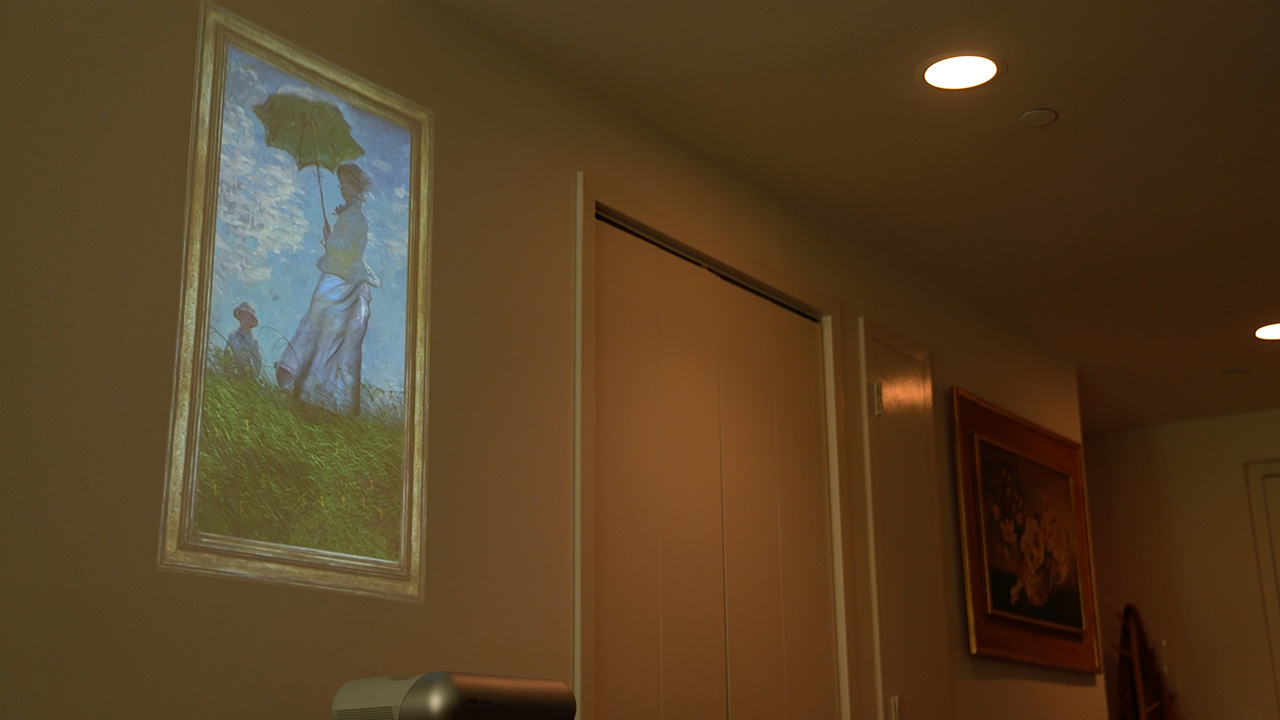
One time, I projected this artwork called Blue sunlight by Liu Yaming on the empty wall, to the left of another piece of art. It looked like I had animated framed painting beside a still life.
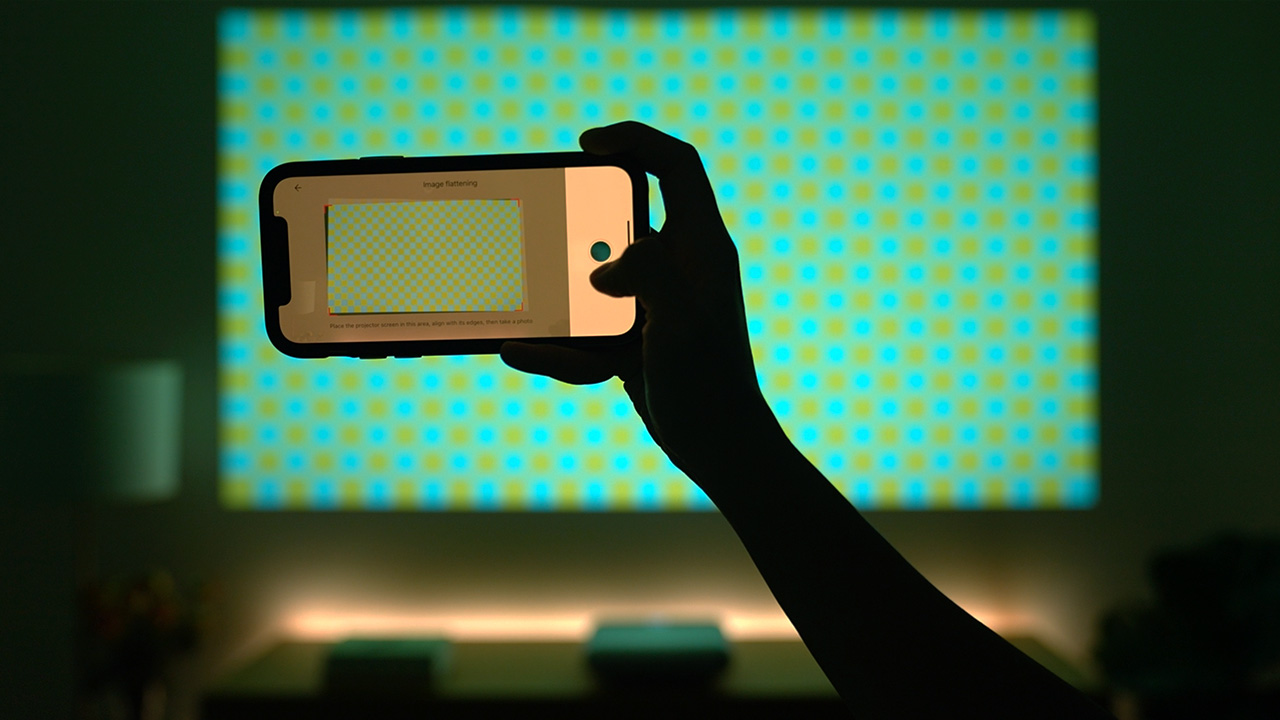
There’s also a feature called Intelligent Image Flattening. With it you point your phone’s camera to align the edges of the screen. It then adjusts any plane distortion in case you have an uneven wall.
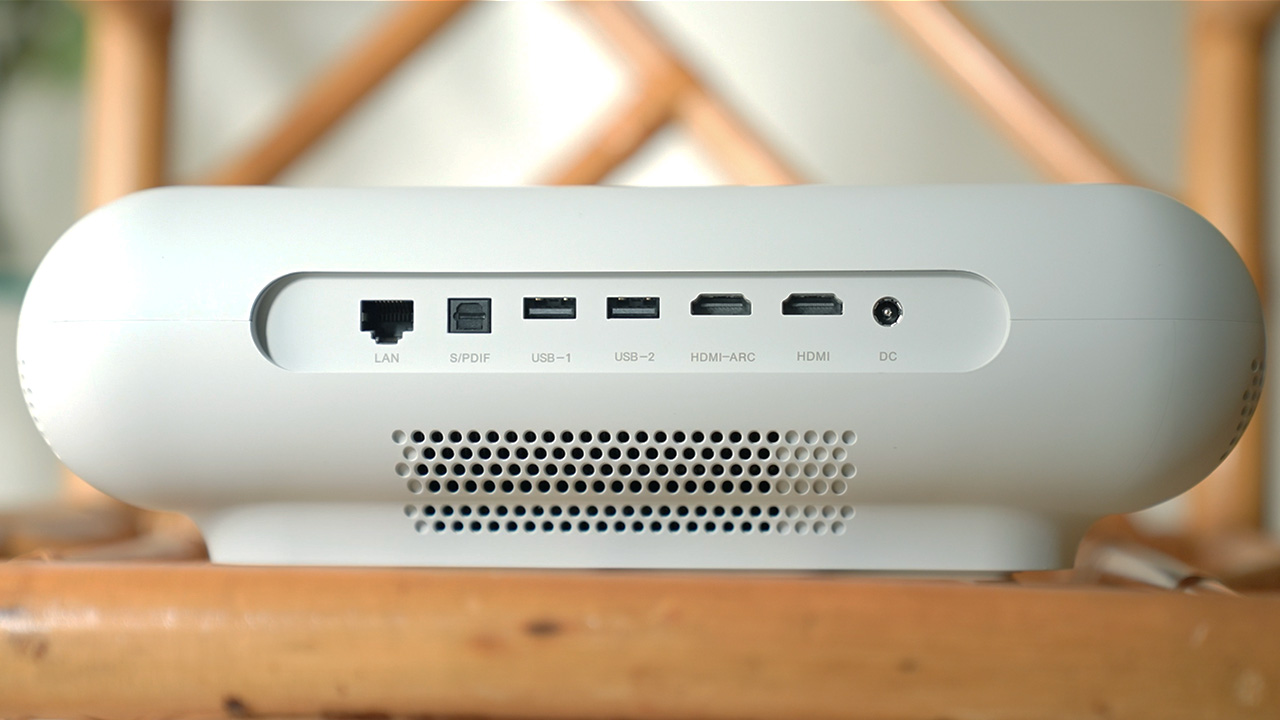
If you have streaming devices that you prefer like Chromecast, Roku, Apple TV, or Amazon’s Fire TV, you can use it with the JMGO O1. It has two HDMI ports at the back.
Outdoor movie nights

Another benefit of having a projector, apart from the big screen, is that it’s so compact and portable. When I move to another apartment next year, I wouldn’t have to worry about hauling a big TV and set it up all over again.

It’s still summer here in New York so that means we can watch movies outdoors. One night I brought the JMGO O1 over to Josh’s patio, along with an outdoor projector screen. He prepared some snacks and Aperol Spritz, and we watched Toy Story.
It’s also perfect for romantic date nights or having more friends over to watch sports.
Affordable home theater system
The thought of having a home cinema is a little bit daunting especially with all the costs it involves. Bigger TVs and other short throw projectors usually start at $2,000, and that’s being conservative.
That’s not the case here. At just $699, the JMGO O1 is not just a space saving solution when you live in a cramped space like me, it’s one that’s affordable, too.
If you’re looking to start building a home theater for yourself, I highly recommend that you check out the JMGO O1.
It’s built well, looks and performs great, and most importantly comes with a price tag that doesn’t break the bank.
How to buy the JMGO O1
JMGO has already started shipping the O1 ultra short throw projector to backers. The company is currently offering an additional $50 off for GadgetMatch fans, bringing down the price to $649 for a limited time.
Since launching the Indiegogo campaign on June 1, 2021, JMGO has received support from backers across the globe, including the United States, Singapore, United Kingdom, Canada, Hong Kong, Germany, France, Taiwan, Australia, and Japan. To date, the company has raised over half a million dollars, which is 50 times the original fundraising goal.





A Minecraft Movie was decidedly not for me. However, there’s no denying how much the movie was so effective for younger fans and gamers who grew up with Minecraft. It’s one of the highest-grossing movies this year. Even if I didn’t personally like it, I still consider it a success for videogame adaptations. Now, recognizing the film’s success, Warner Bros. has signed off on a sequel to Jack Black’s blocky caper, as confirmed by Variety.
It’s a mystery where the sequel will take players. Not to spoil anything, but the original movie did end with virtually loose ends neatly tied into a bow. Then again, Minecraft is an endless well of content. Where one story ends, another can just as easily open up in its place. As a game, it’s a completely open sandbox where nothing is limited.
However, to establish continuity, the sequel is reportedly tapping the talents of director Jared Hess once again. Chris Galleta might also come back to write the screenplay.
Interestingly, Jack Black is not confirmed yet. But given how much of a star he was as Steve, it’s hard to imagine a sequel without his energy, so it’s likely that he’s coming back. On a more positive note, Jason Momoa, who co-starred as Garrett Garrison, is expected to co-produce the sequel.
Warner Bros. has currently scheduled the sequel’s premiere on July 23, 2027.
SEE ALSO: Now Playing: A Minecraft Movie
Entertainment
Is this baby Rosalina in The Super Mario Galaxy Movie?
The unnamed baby is wearing the same colors and has a wand.

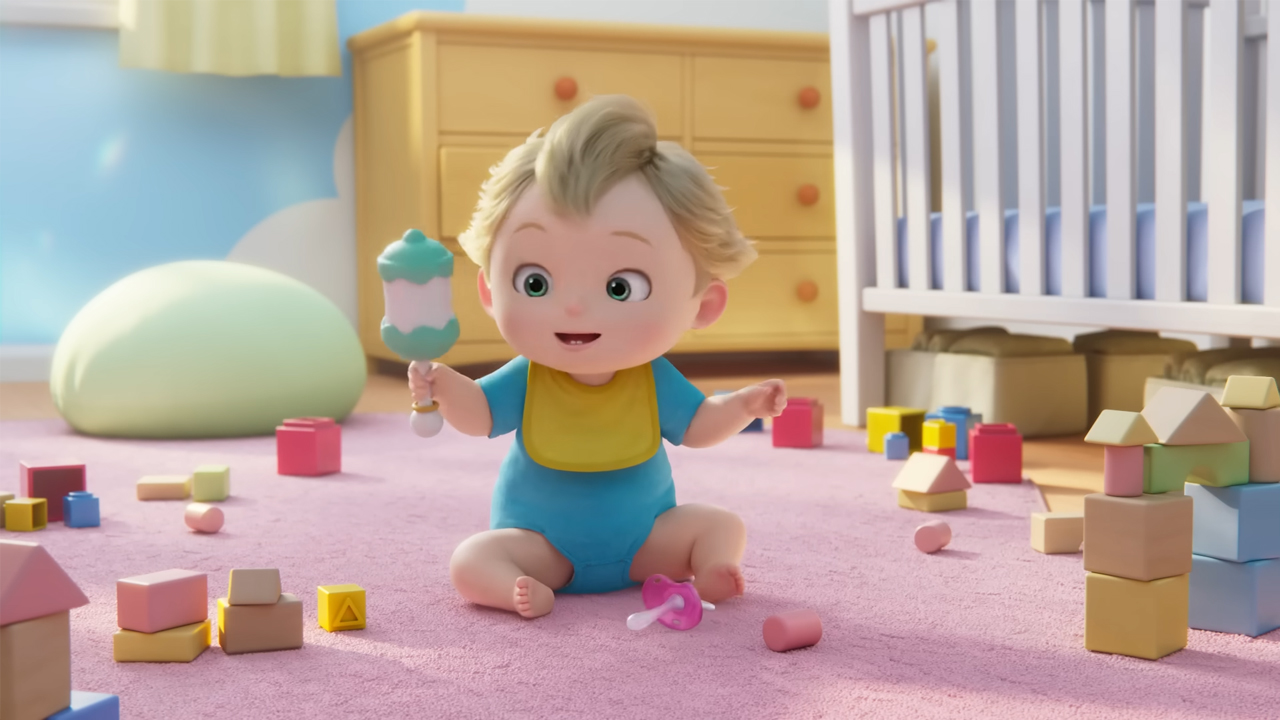
Less than a month ago, Nintendo announced a sequel to the widely lauded Super Mario Bros. Movie. The upcoming Super Mario Galaxy Movie will take audiences to outer space. It’s based, of course, on the game of the same name. Since the movie is coming out in the first half of 2026, Nintendo doesn’t have a lot of time to hype audiences for the sequel. However, the company might have just sneakily released its first teaser.
Right now, we don’t know much about the sequel’s story. All we know is that most of the main cast is coming back to reprise their roles, including Jack Black as Bowser. However, we still haven’t seen hints of a new character critical to the Galaxy series: Rosalina.
Today, Nintendo posted a mysterious video, titled Close to You, on its social platforms. The four-minute animated video shows an unnamed baby playing in their room. Suddenly, their pacifier starts floating away. The baby tries to get it back, but it floats to a mobile high up above the baby’s crib. The baby then presumably takes their first steps and falls before their mom catches them. Then, the video ends abruptly without so much as a title card.
Though the video is a mystery, there’s a high chance that the baby is Rosalina, Super Mario Galaxy’s space princess. The baby, who is also blonde, is coincidentally wearing the same colors as Rosalina. For a short time, they’re also holding what looks like a wand. Could this be a baby Rosalina?
Unfortunately, we’ll have to wait for Nintendo to confirm the baby’s identity… or even what this video is about. If it is a teaser for the movie, The Super Mario Galaxy Movie premieres on April 3, 2026.
SEE ALSO: I played Mario Kart World and it was a full-throttle race to the finish

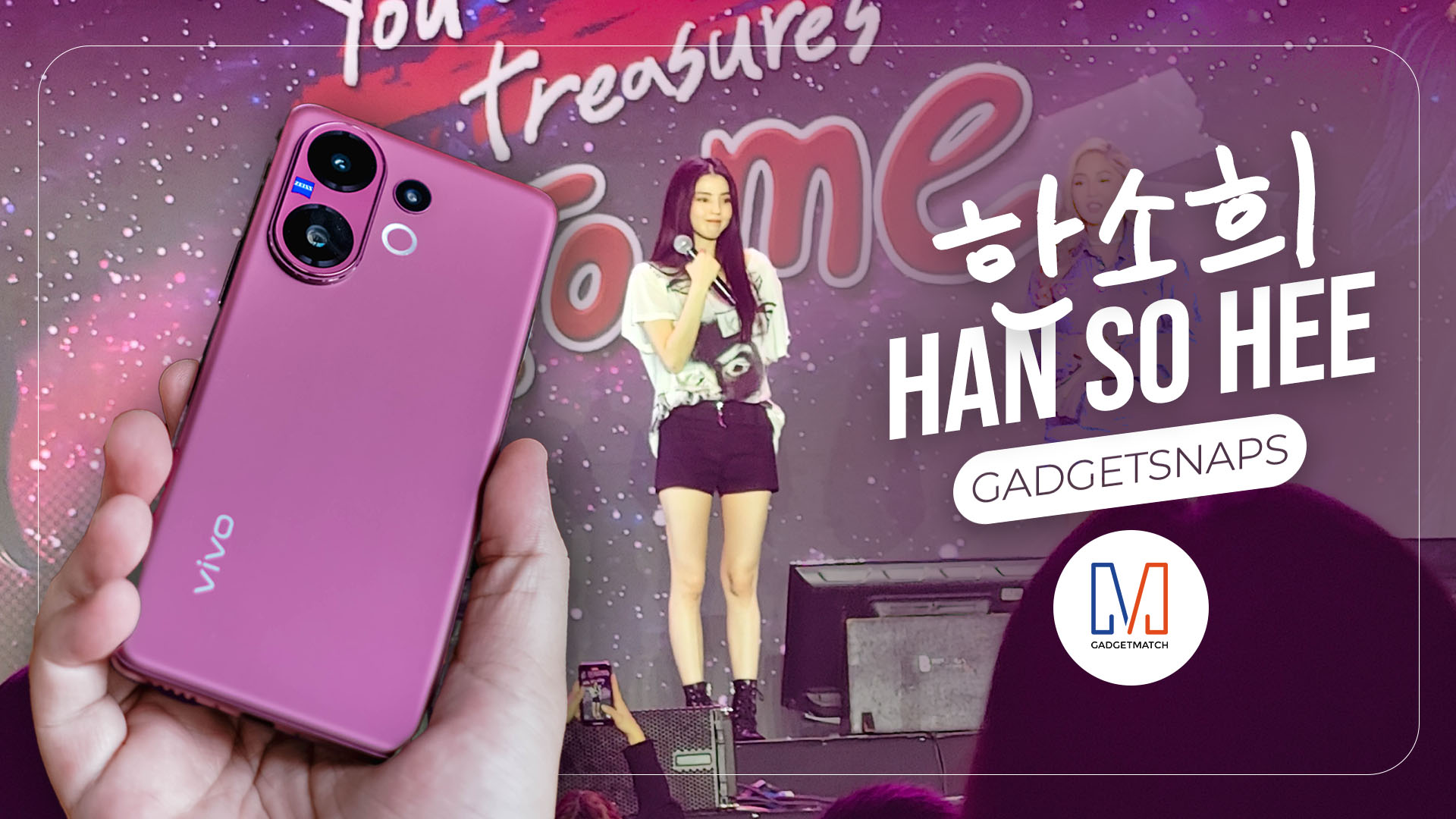
It’s not every day you get to see Han So Hee in person. On September 13, I found myself at her Manila fan meeting. This was my first time at a fan meet, and the energy was noticeably different from the K-Pop girl group concerts I frequent—softer, more intimate, but just as filled with devotion.
Han So Hee was visibly tired, but that almost made the night more moving. You could see her push through with genuine effort to show appreciation for her fans. At one point, she even stepped off the stage to take a selfie with a fan who had shared a deeply personal story. I wasn’t fast enough to capture it, but the moment spoke volumes.
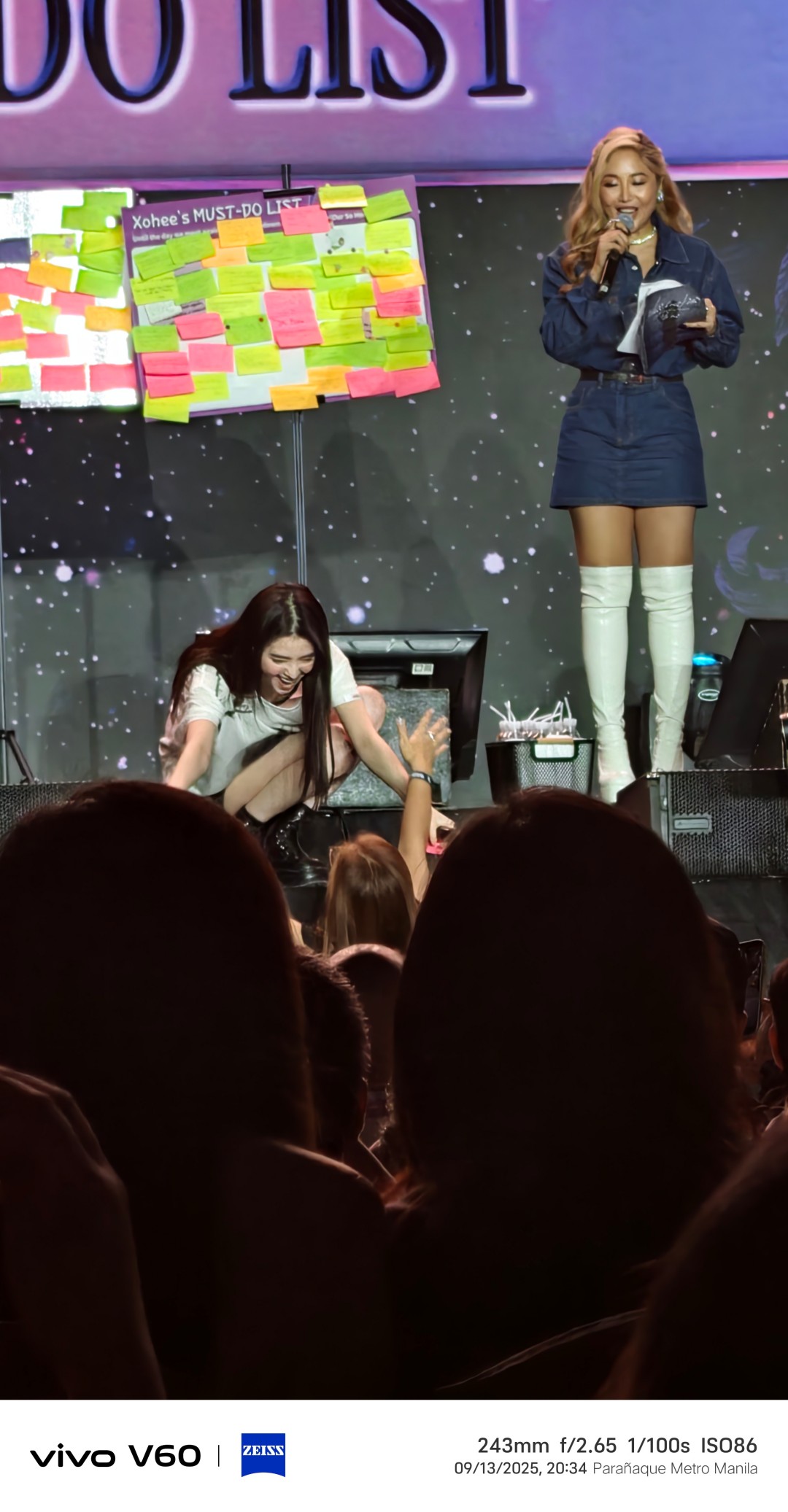
This isn’t the aforementioned moment. Close enough, though.
The fanmeet
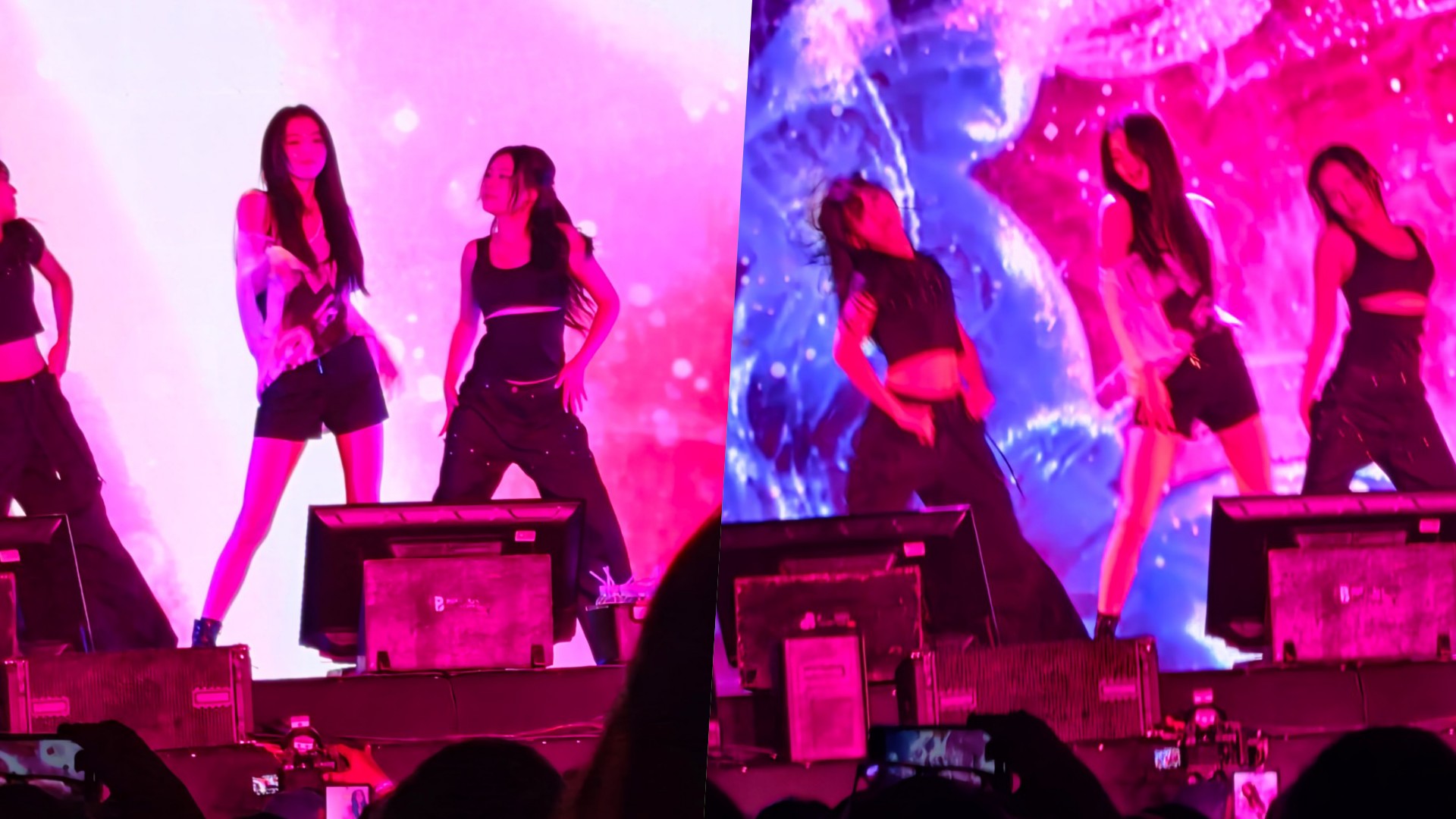
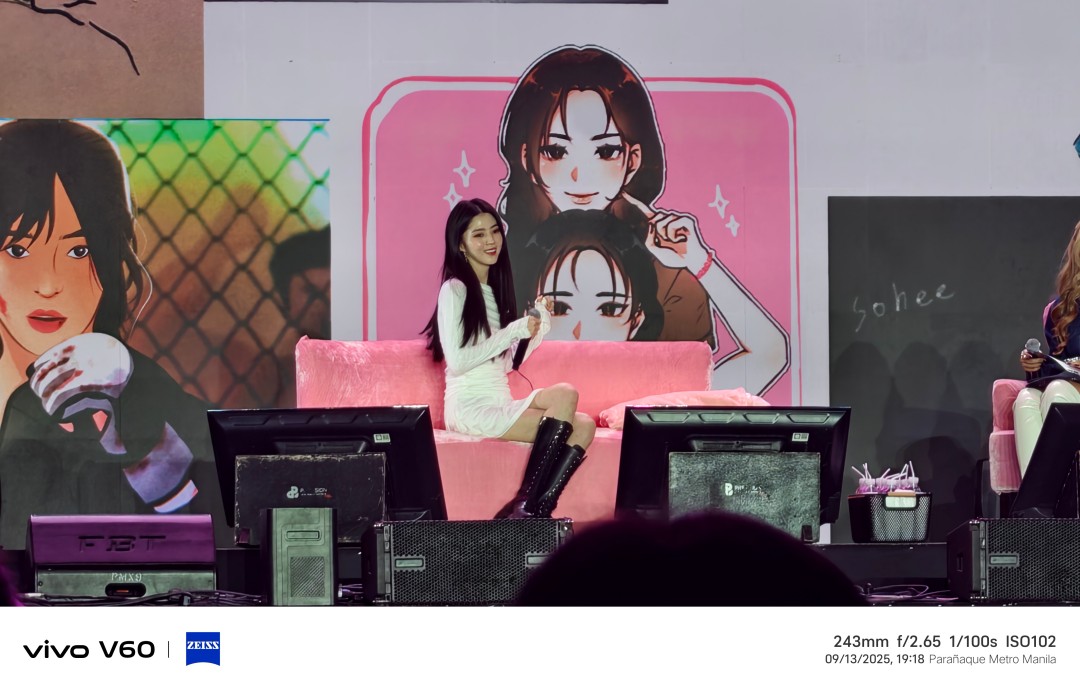
The program had playful bits too. A highlight was when she was asked to copy poses from fan art. It was a treat both for the fans and for my camera—visually sharp, fun to shoot, and perfectly suited for social feeds.
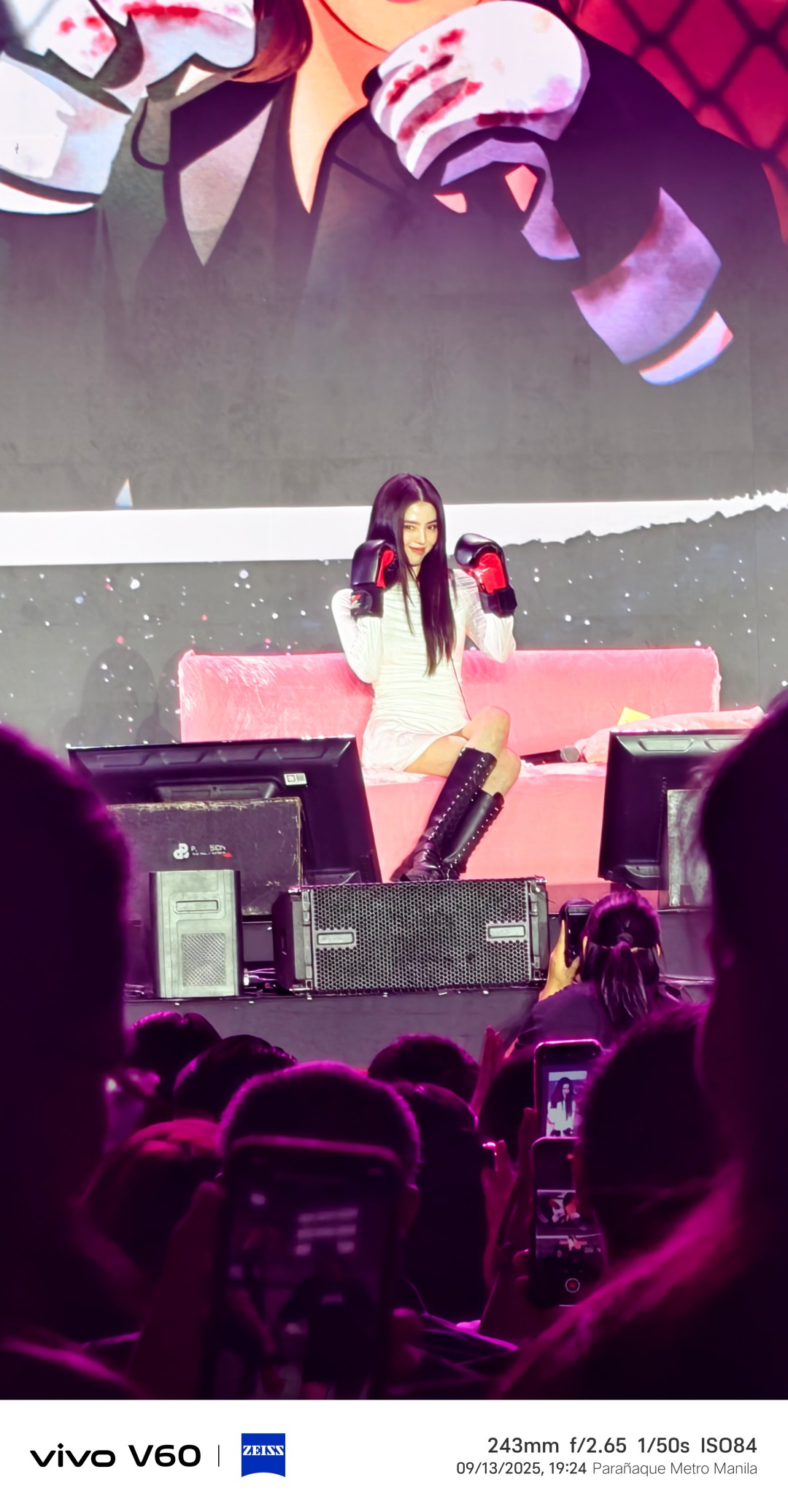

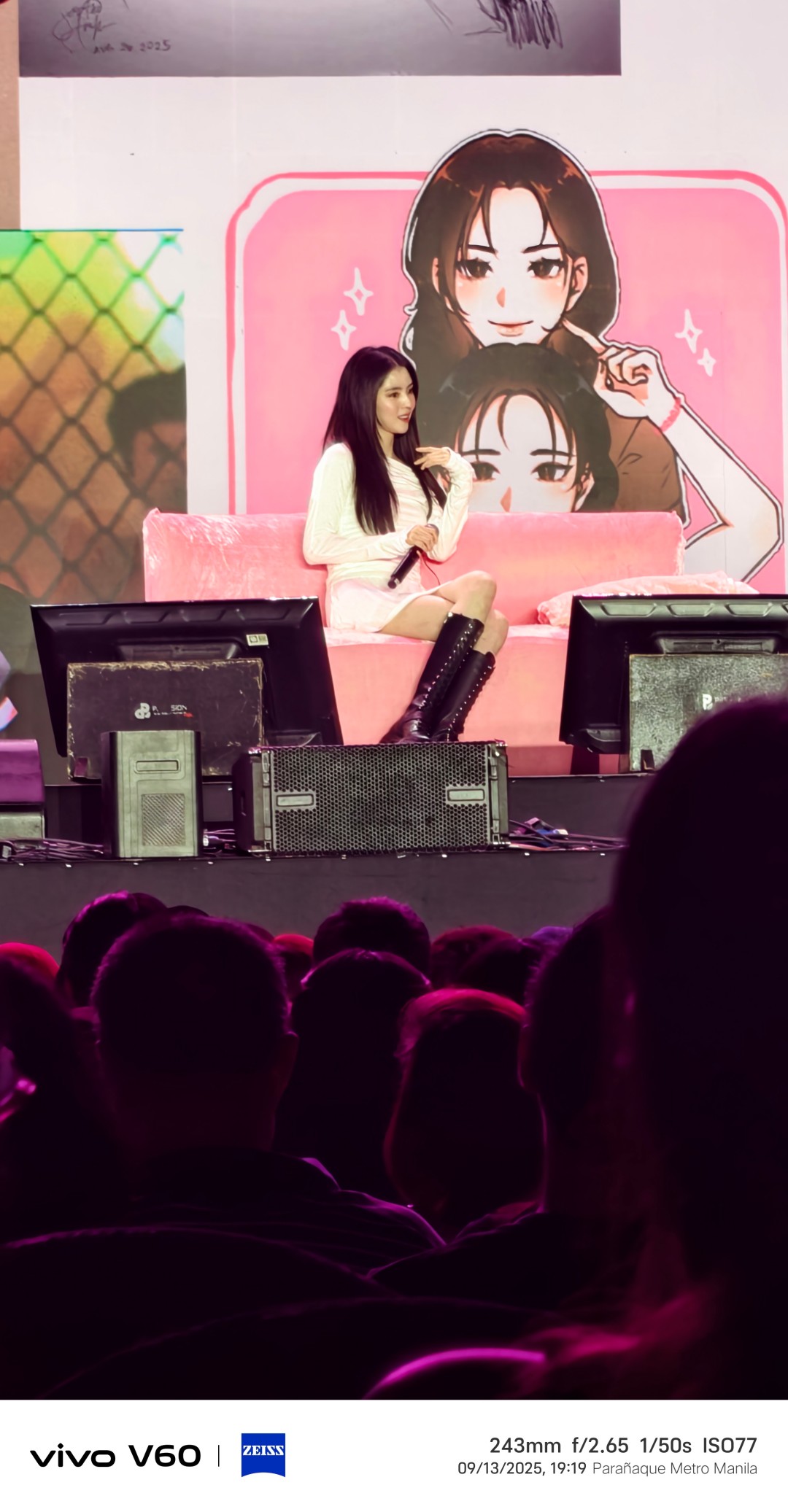

Somewhere in between, she also revealed a small but telling personal preference: she’s a binge-watcher. She wants to know how a story ends, so she’d rather power through a series than wait week after week.
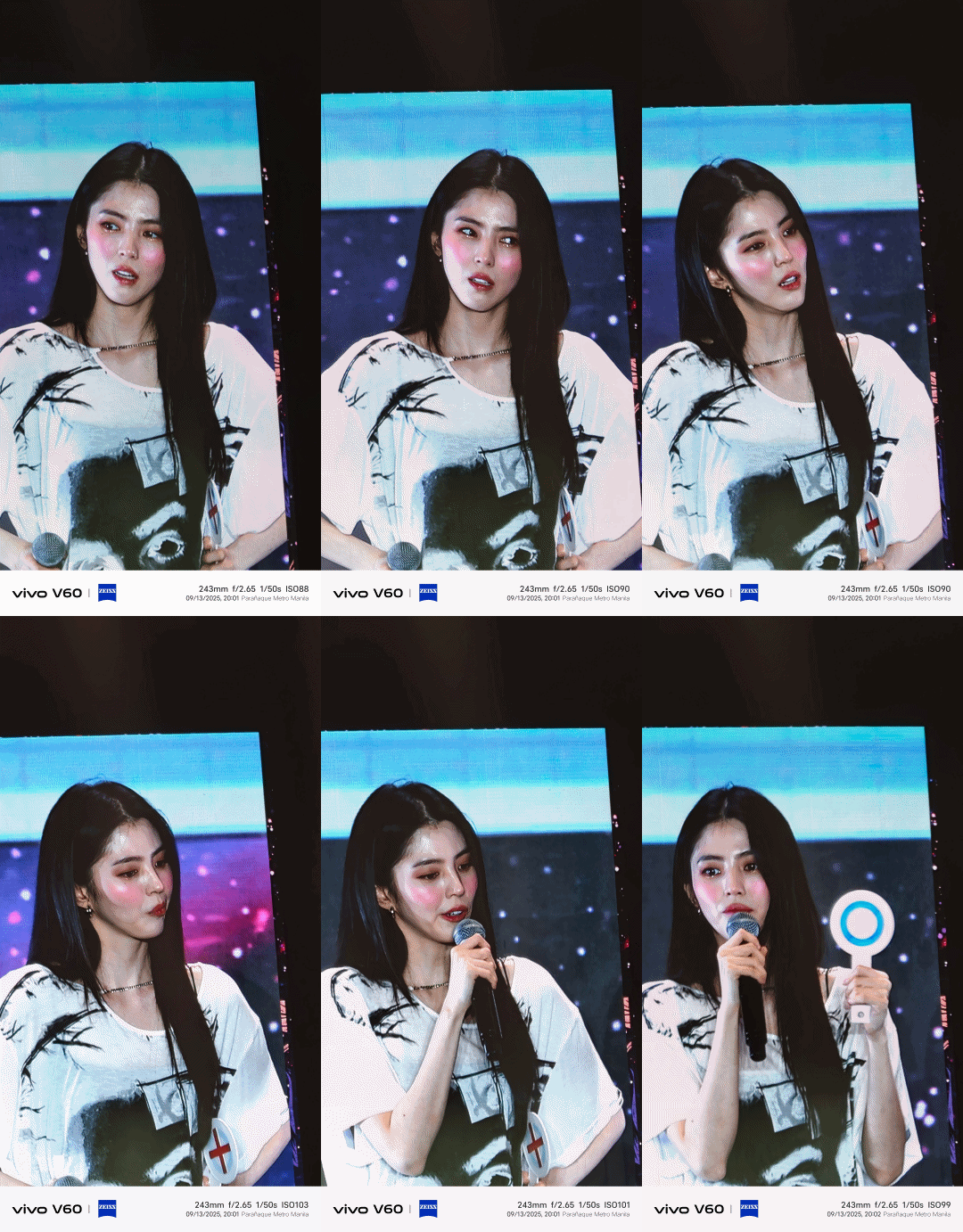
So Hee thinking about her answer during the quiz session where we learned she’s a binge-watcher.
And then there was the hi-touch session. I wasn’t sure how I’d react until it was my turn. I walked up, scrunched my nose at her, and she did the same back.
It wasn’t a hi-five, it was a firmware upgrade for my soul.

We weren’t allowed to take photos or videos during hi-touch so this is So Hee with a cute pouty face instead.
The funny thing is, before the event, a friend had asked me which of her dramas they should watch. Without hesitation, I rattled off a list—My Name and Soundtrack #1 topping my recommendations. That’s when I realized I wasn’t just there to test a device. Somewhere along the way, I’d actually become a fan.
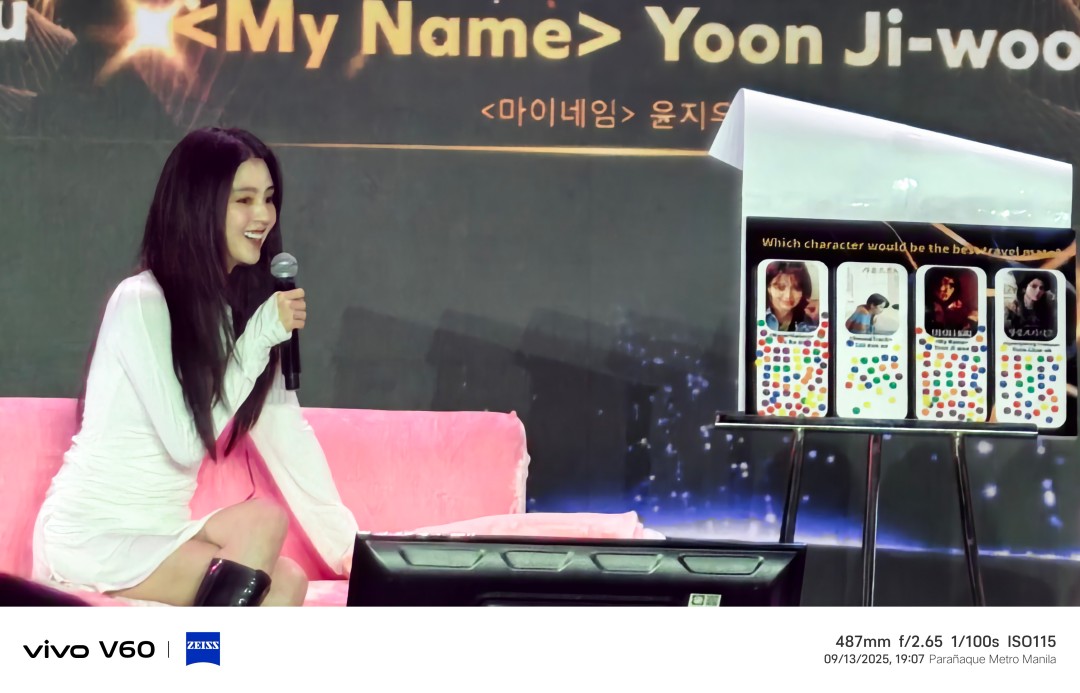
vivo V60
Still, I did bring along the vivo V60. Seated further from the stage, it became the perfect challenge for the phone’s telephoto camera and Stage Mode. I was a bit disappointed to learn that Stage Mode only worked for photos this time around. I’d had such a good time using it for fancams on the vivo X200 Pro that it felt like a step back.
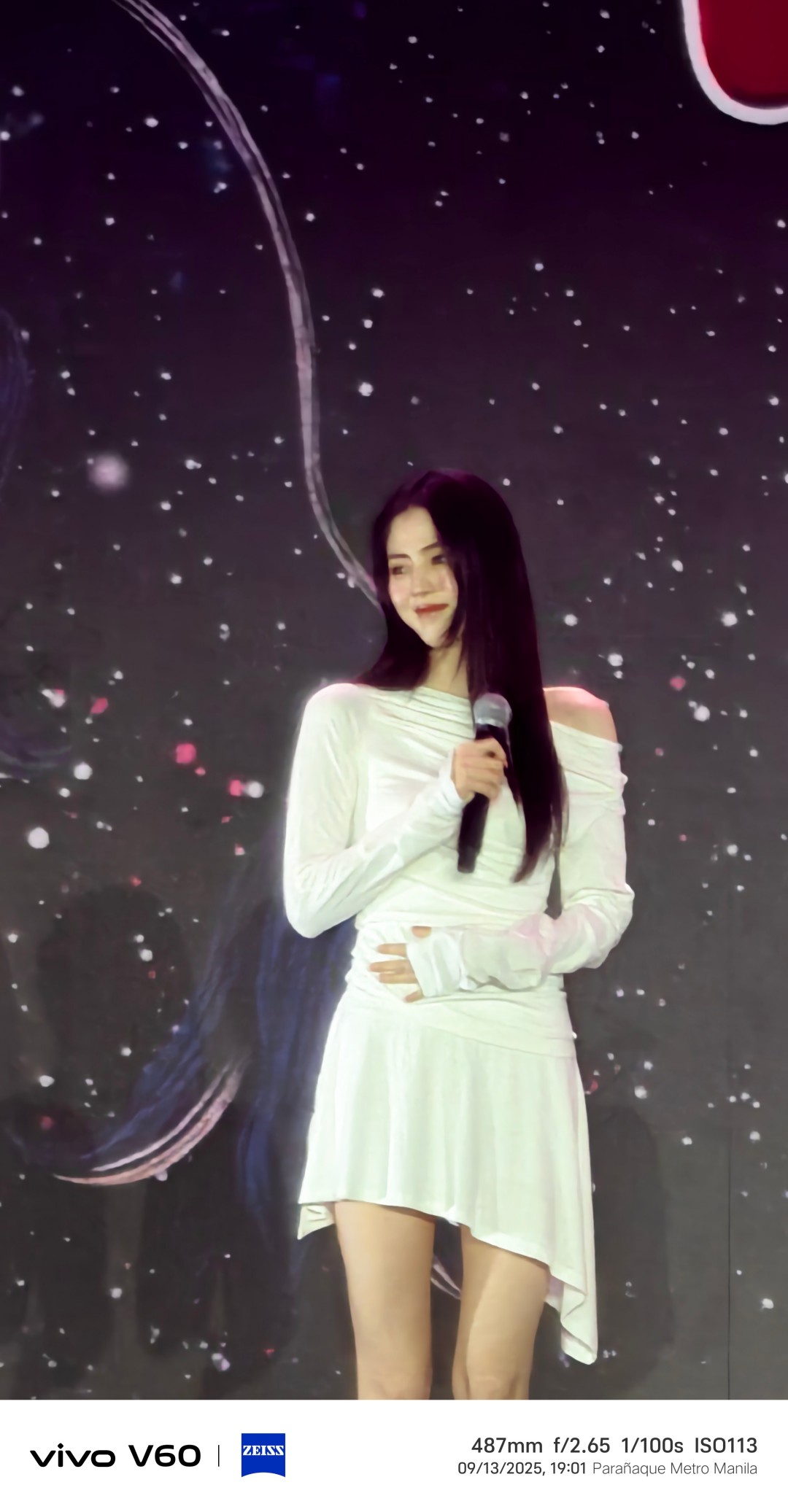



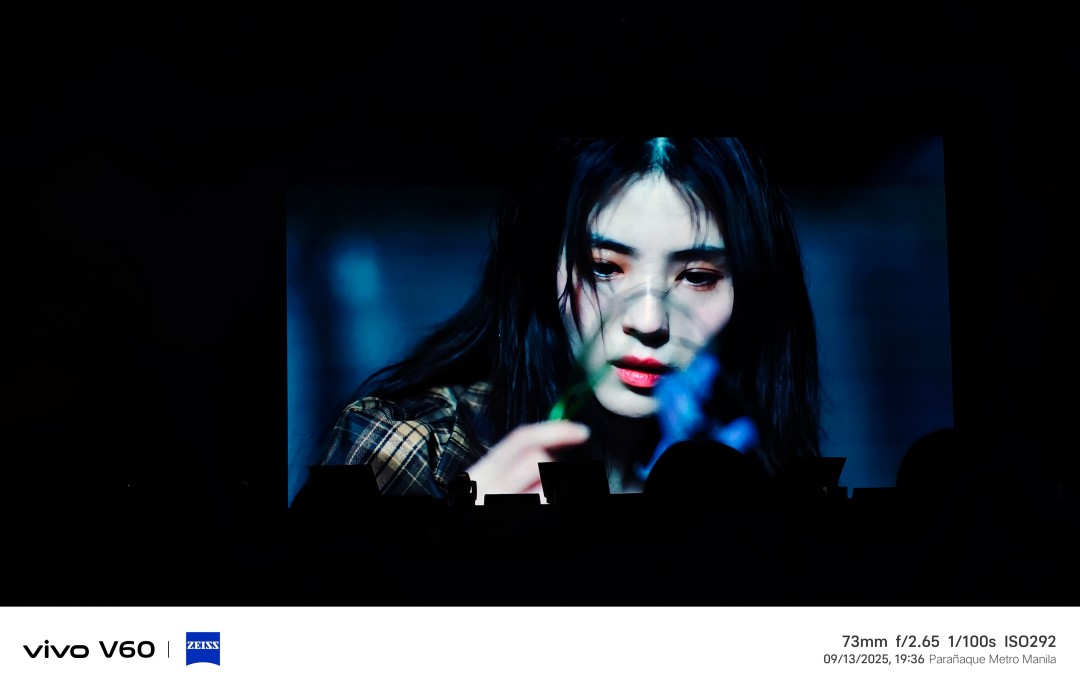
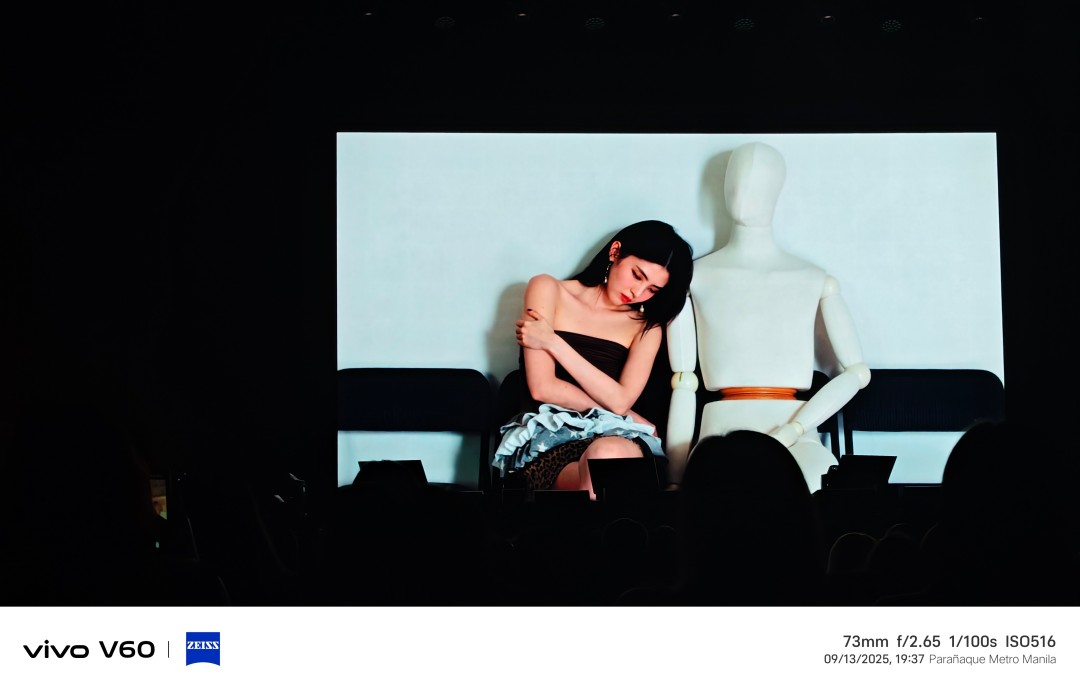
Even so, the V60 held up. Shots within a reasonable range looked clean, and those where I didn’t push the zoom too hard were the best. Once you go beyond 10x, things get dicey.
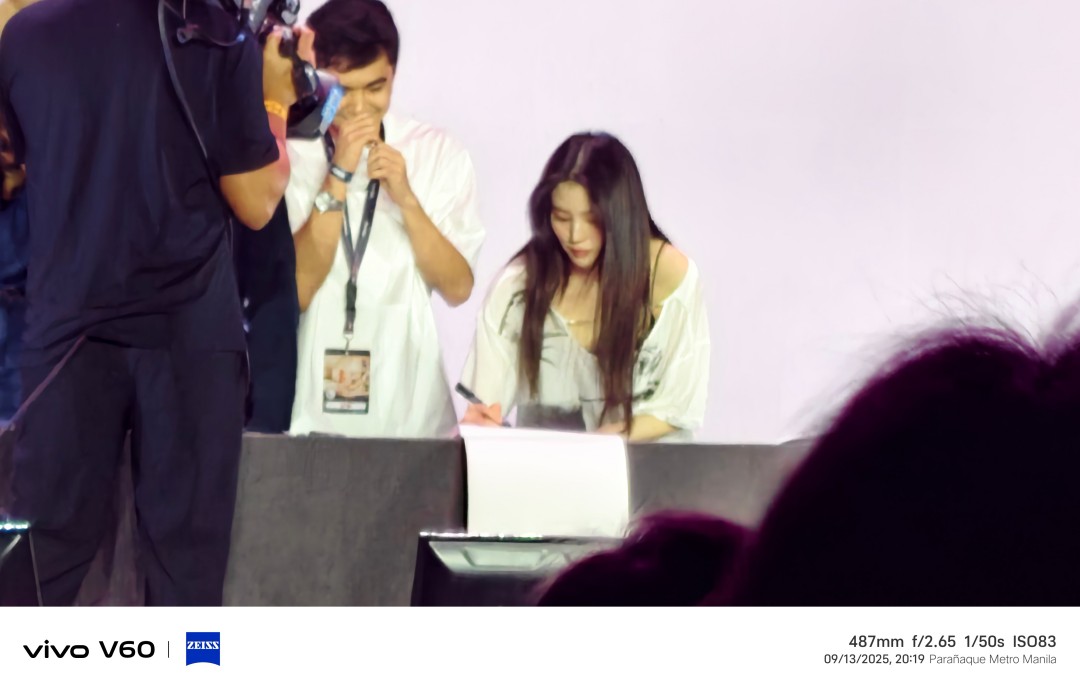
At that point, it’s less ‘zoom’ and more ‘interpretive art,’ but Han So Hee’s face card refused to fold.

But that’s also the charm—having a camera that helps you capture fleeting moments, even from a distance, made me appreciate the fan meeting differently.
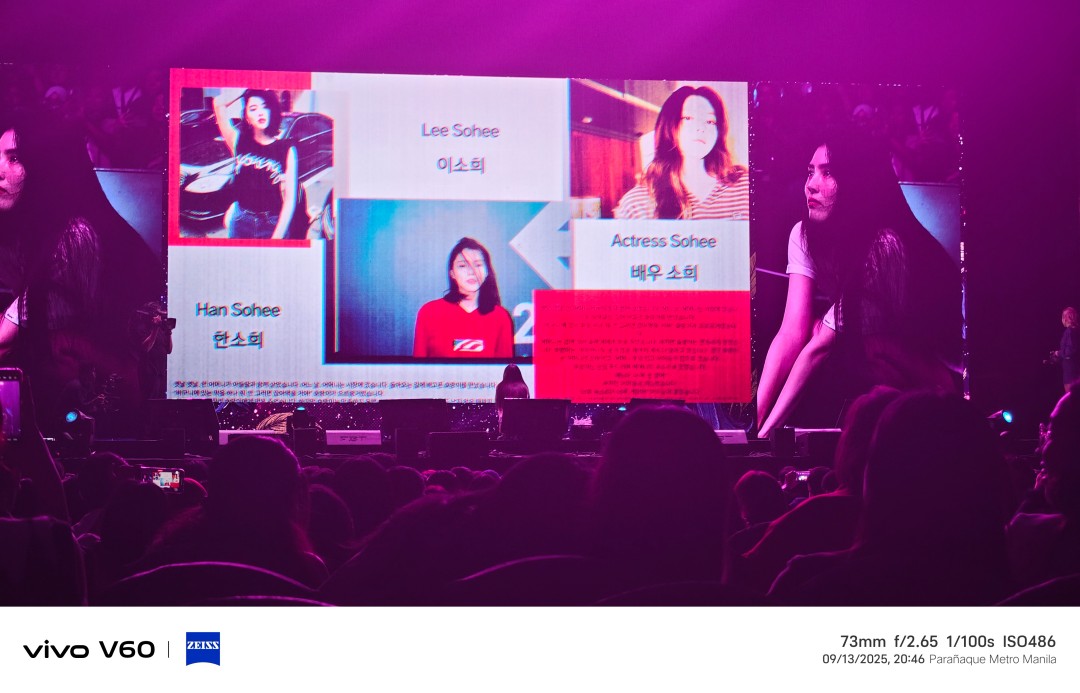
That night wasn’t really about testing tech. It was about being present for a star who, despite the fatigue, showed up wholeheartedly. The V60 was just my lens into it all—a reminder that sometimes the best shots are the ones that let you relive how it felt to be there.
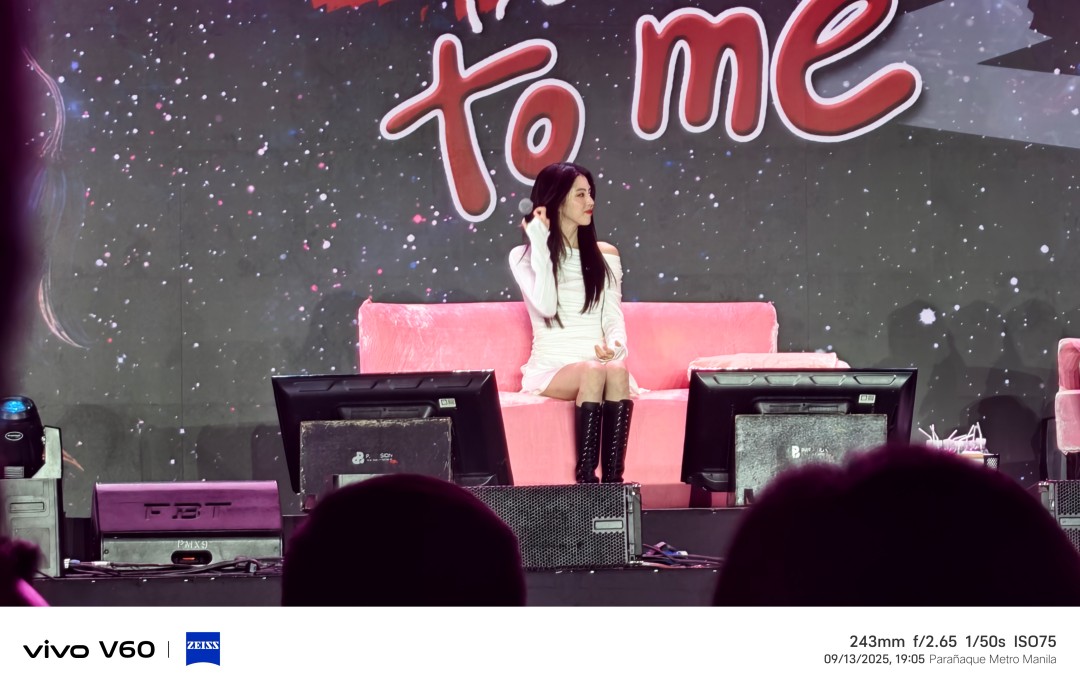
Here are a few more photos from the fanmeet.




‘Quezon’ muddies the president’s legacy to inspire true change
It's the movie that the country needs now.


Samsung Galaxy S25 FE review: Closer to flagship than ever
Thoughtfully refined


The HONOR MagicPad 3 is an almost perfect premium pad partner
Ever-reliable for work, chill, and play BUT with some catch
‘Quezon’ muddies the president’s legacy to inspire true change

OPPO Find X9 series are now live in China

Maya unveils Pink Glitter Visa Card, BLACKPINK concert promos

Samsung launched a charger that’s incompatible with all its phones

ChatGPT will soon allow NSFW conversations

Xiaomi 17 Pro Max takes a jab at Apple’s iPhone 17 Pro Max

Logitech adds comfort and speed to 2025 keyboard, mice lineup

The Xiaomi Pad Mini is discounted until October 13

Xiaomi 15T Pro review: Big battery, clean shots, smooth performance

Apple AirPods Pro 3 Review: Worth Every Penny!

This is the BRIGHTEST 4K Projector In Its Class!

Unboxing: Ghost of Yotei Collector’s Edition

Unboxing the latest Apple Watch × Hermès

Lenovo Yoga 7i Aura Edition: Ten generations of foldable goodness

21-Day Battery, Pro Sports Tracking: HUAWEI WATCH GT 6 Series
-
 Tablets2 weeks ago
The Xiaomi Pad Mini is discounted until October 13
-
 Cameras6 days ago
DJI Osmo Nano review
-
Reviews6 days ago
The HONOR MagicPad 3 is an almost perfect premium pad partner
-
 Deals2 weeks ago
The new Lenovo Legion Tab comes with a free GameSir G8+ this month
-
 Reviews1 week ago
TECNO Slim review: Smexy, Antifragile Slab
-
Reviews5 days ago
Samsung Galaxy S25 FE review: Closer to flagship than ever
-

 News5 days ago
vivo X300 Pro headlines Dimensity 9500 and Sony’s LYT-828 image sensor
-

 Reviews1 week ago
The Xiaomi OpenWear Stereo Pro is a midrange wearable in premium packaging