



Life recently seemed like a dating adventure. After my laptop broke down last June, I started hopping from one laptop to another. In search of a potential GadgetMatch, I started exploring options and allowed myself to try new laptops so I can find the one.
In my quest, I stumbled upon the Lenovo IdeaPad S340.
Humongous, but also head-turner
The IdeaPad S340 is huge, despite being called “ultrathin.” It has a plastic build and an aluminum finish on the lid, which looks smooth and sleek. Despite the classy approach, this laptop is a magnet for smudge — something I really hate in every smartphone and laptop of 2019.

The unit I got came in Sand Pink. This color is a definite head-turner, especially if you’re a guy. However, there’s an adage that real men wear pink so don’t let this color halt you from flaunting it in cafes and in meetings.
If this doesn’t match your personality, the IdeaPad S340 is available in three more colors: Onyx Black, Abyss Blue, and Platinum Grey.
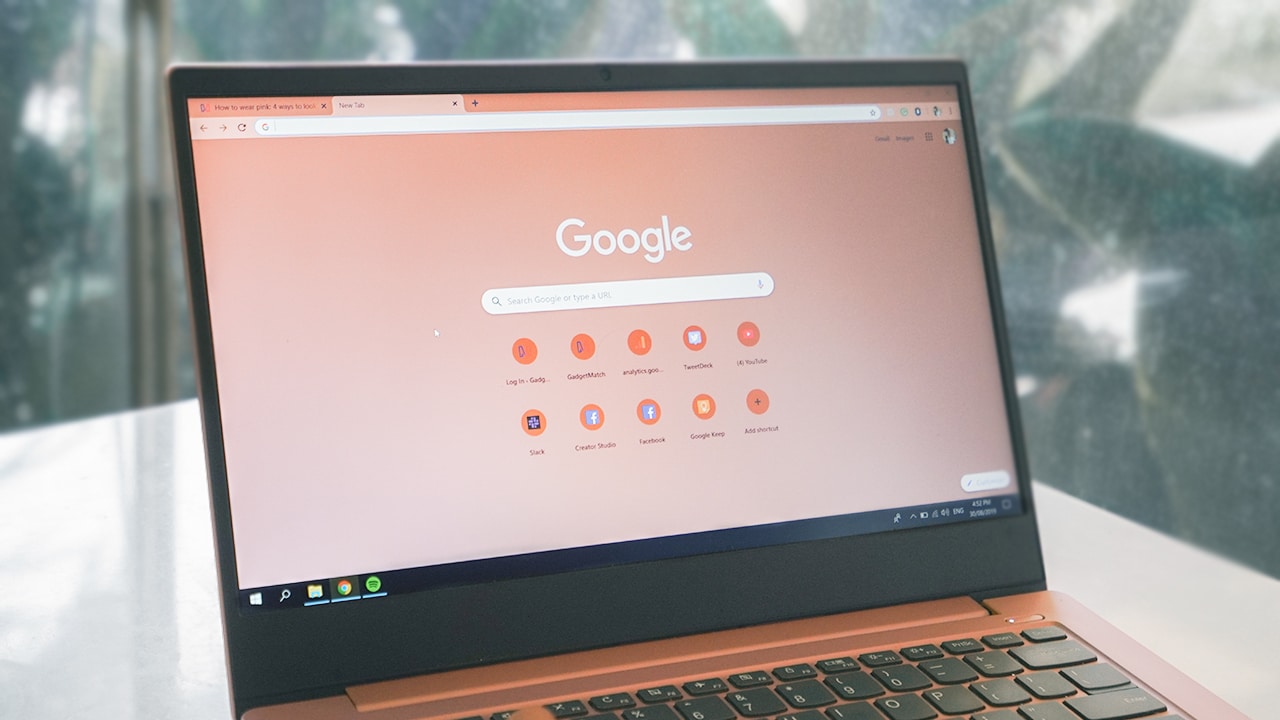
This laptop has a 14″ Full HD display. Despite the big screen, it has a wide bezel on its chin which is annoying to look at, unless you make your toolbar dark.
It uses an IPS panel that doesn’t present the colors accurately. I tried to fix the display settings in hopes that maybe there’s a solution to its color balance problem. After several attempts, I gave up and accepted the fact that my screen is either be bluish or orange-y.
Lots of ports to insert your cables to
Moving on to the ports and slots, the IdeaPad S340 provides what I need as an old-school guy. Unlike the Dell XPS 13 (2019) I reviewed which didn’t come with any USB 3.1 Ports, this laptop has what I’m looking for.

On the left side, it has a port for USB-C and HDMI, as well as a power connector input and a headphone jack. Sweet, right?

On the right side, you can find the two USB-A ports which made my life easy, and a 4-in-1 SD card reader, too! As a designer, my life depended on my external hard drive and a trusty, wired mouse I bought back in 2013 which comes in USB Type-A connectors.
People kept telling me to get a dongle, buy a wireless mouse, and get a new cable. However, I’m that type of person who doesn’t buy things he doesn’t need, especially when his stuff is still working. This is why this laptop is such a blessing for a slotty person like me.
Joyful to use for work
Some people don’t realize but your experience with the keyboard and a touchpad can make or break your experience.
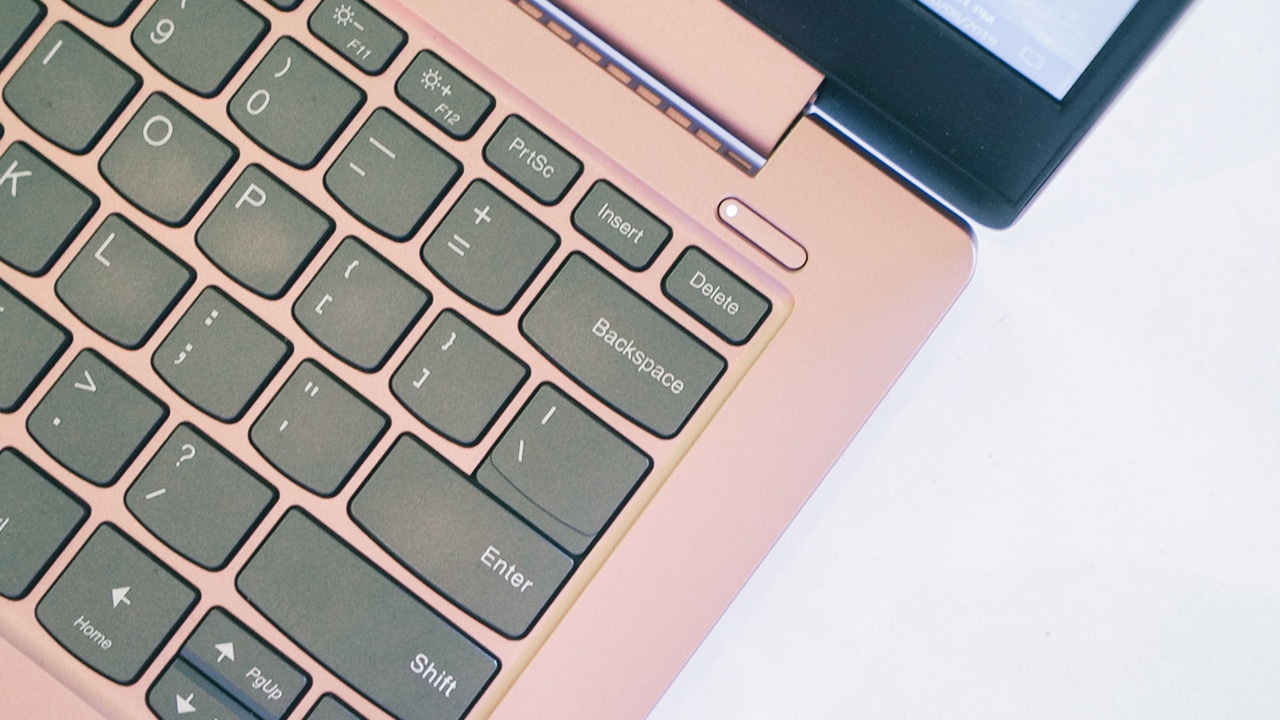
The IdeaPad S340’s keyboard is evenly placed. It’s soft and responsive, which I find delightful to type at. For someone with little fingers, it’s joyful to type and write in big keys since I don’t encounter typos a lot. There’s also an option for a backlit keyboard, in case you need to type in dimly lit places.

When it comes to its trackpad, I’m not sure I have something good to say about it as it’s unresponsive AF. My fingers had a hard time sliding especially when it creates that cringey sound caused by friction, most likely because of its plastic build. It’s one of the reasons why I opt to use my trusty mouse, especially when I need to edit and design.
A big performer
The IdeaPad S340 presents itself as a laptop for work and productivity. Fair enough, it’s packed with an 8GB RAM, 1TB HDD, and 128GB SSD storage. Additionally, it runs the latest 8th-gen Intel i7 processor.
As a designer, I was able to run Adobe Photoshop (to an extent, Adobe Premiere Pro) hiccup-free. The only thing that bugged me is its bluish tint interfering with my work. But its performance is really sweet.
For instance, while I was resizing photos, I was streaming music on Spotify, and I’m running Google Chrome as my browser with six tabs open mainly for Slack, GadgetMatch.com, Gmail, Google Drive, Facebook, and Twitter. Despite multitasking, the laptop didn’t lag one bit.

However, my usage seems to be the limit for this laptop. Anything beyond what I did made the laptop heat up and I had to cool it down. On several occasions, there’s a delay especially when I run multiple tabs (like, fifteen?) on Google Chrome (which we know takes a lot of RAM).
Even in my line of work, it can’t handle heavy editing for graphics and video so I’m not suggesting to push this laptop beyond its limits. If you want to go for a multimedia laptop, this is just not it.
Get entertained wherever you go
Of course, it’s not all work and no play. The IdeaPad S340 doubles as a mini TV with its humongous screen. It may only run an IPS panel, but it’s capable of producing a theatre-like sound with Dolby Audio speakers.

The experience was immersive. I watched the trailer for Weathering With You by Makoto Shinkai and I got even more excited to see it. Anyhow, it’s not as great as any other laptop with calibrated screens meant for entertainment. But for its price, the IdeaPad S340 suffices.
It has all the juice you need
What I love about the IdeaPad S340 is its long battery life. It lets you work throughout the day without worry especially if you only do basic tasks such as browsing, emails, chats, and video calls. Add some entertainment and multimedia work, then you’re gonna have to bring the charger wherever you go. Fret not, it’s equipped with rapid charging technology so you can get the juice back up if it runs out.

True to its advertisement, the IdeaPad S340 can really last up to 10 hours, albeit my usage made the laptop lasts for only six to seven hours. Nonetheless, it has all the juice that I need. If this heavy and huge laptop lasts only for a short time, I’d be pretty disappointed.
Is this your GadgetMatch?
The IdeaPad S340 is an all-around laptop that gets the work done. It’s capable of running creative software and doing basic multimedia editing, providing theatre-like entertainment, and allowing its users to multitask.

For PhP 52,995, the price isn’t bad and if you’re looking for a speedy, work laptop then this might be your GadgetMatch. However, for me, this laptop is not the one. Due to my issues — and high standards — I can totally say that I need to find another one. Time to hop to another laptop — and dating — adventure.
SEE ALSO: Lenovo Philippines Laptop Price List






At CES 2026, ASUS unveiled an exciting lineup of notebooks headed for launch throughout the year. Earlier this month, the brand finally launched the latest Zenbooks built for maximum portability. Now, ASUS has released the new Zenbook S16 and S14, plus the new Zenbook DUO, in the Philippines.
Zenbook S16, S14
Much like its predecessor, the latest Zenbook S16 is designed for ultra portability. In terms of thinness, the notebook measures only 1.1 centimeters. Plus, it weighs only 1.5 kilograms, making it a perfect addition to your daily kit. The Zenbook S14, on the other hand, weighs only 1.1 kilograms.
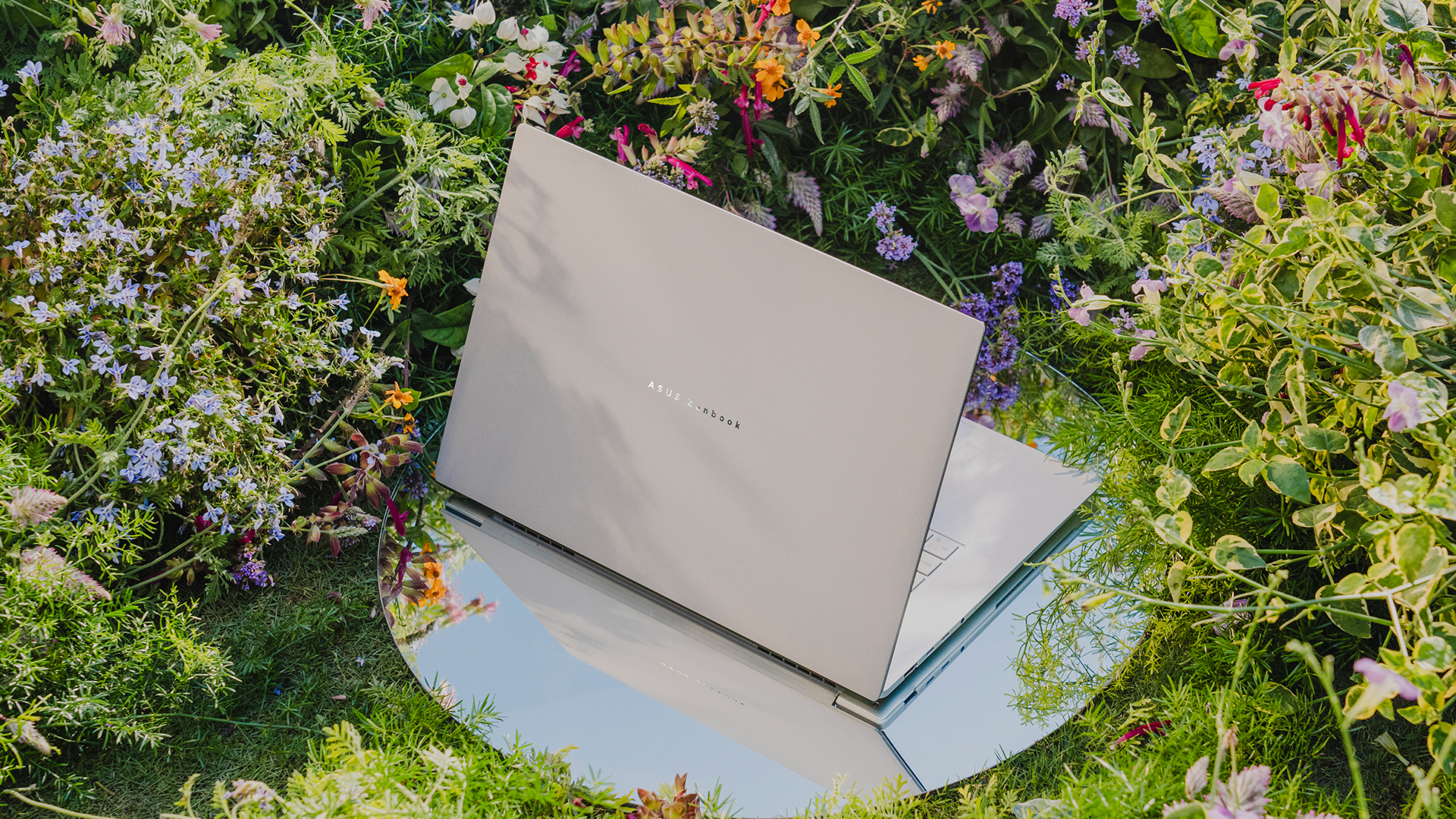
As is always expected from the Zenbook S lineup, both laptops will have a tactile Ceraluminum lid, bolstered by an EasyLift hinge for ease of use. It will also have an ErgoSense keyboard with dished keycaps.
The 16- and 14-inch 3K ASUS Lumina OLED screen has touchscreen capabilities and a refresh rate of 120Hz. For audio, the S16 has a six-speaker Dolby Atmos system, including four front-firing tweeters and dual woofers. The S14 has four speakers.
Under the hood, the Zenbook S16 will sport an AMD Ryzen AI 9 465 chipset, while the Zenbook S14 has an Intel Core Ultra 9 Series 3 processor.
For battery, the S16 will have an 83 Wh battery, which can reportedly last over 21 hours, and the S14 has a 77 Wh battery.
Zenbook DUO
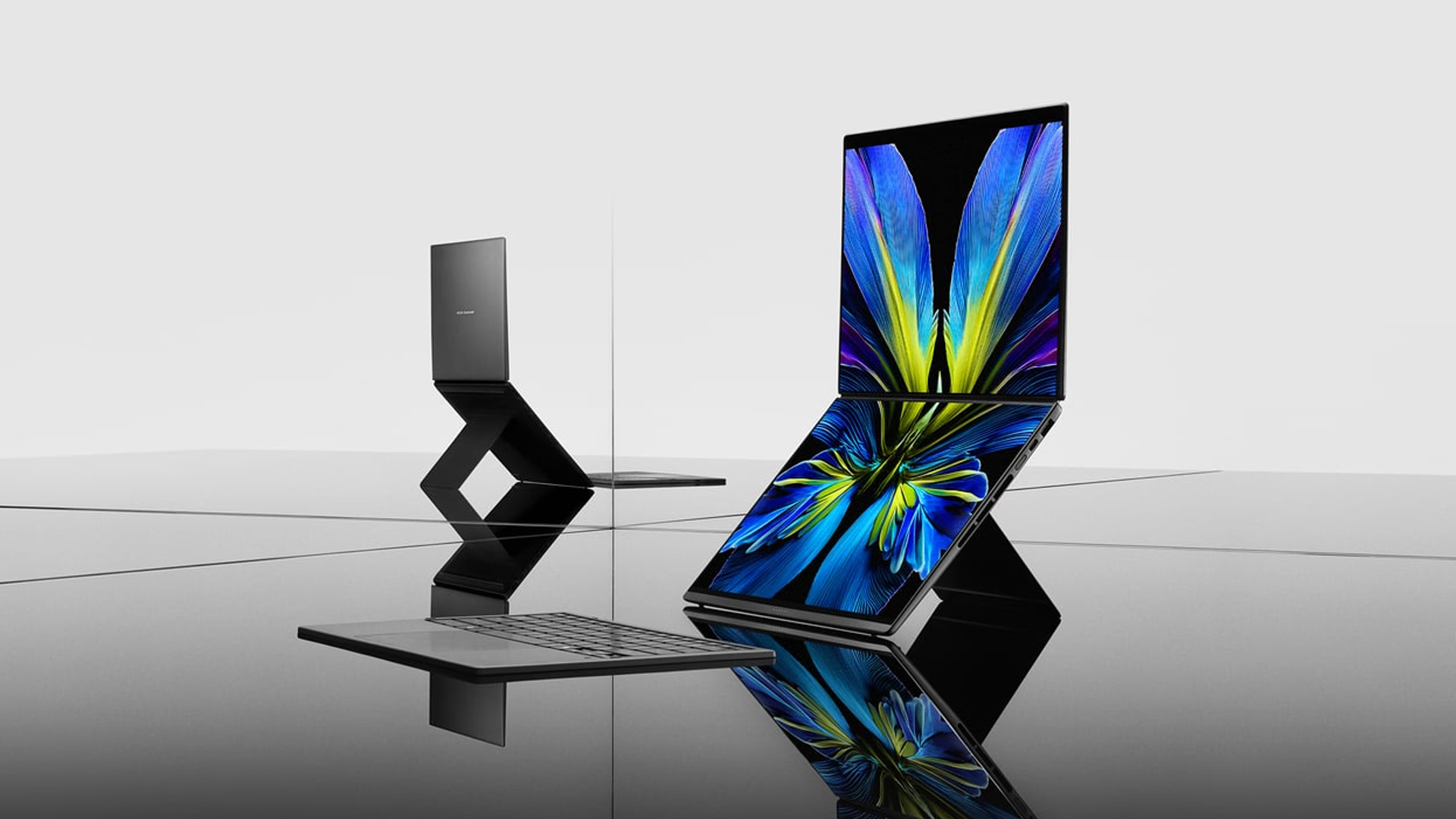
If portability isn’t your main focus, the new Zenbook DUO packs in two screens in one device. Though it packs a bit more punch the Zenbook S series, the dual-screen notebook still weighs only 1.65 kilograms.
The Zenbook DUO features the newest Intel Core Ultra 9 Series 3 processor, up to 32GB of memory, and up to 1TB of internal storage. This time, both screens have anti-reflective coating for a better viewing experience.
As with the previous generations of the DUO, this iteration comes with a detachable keyboard and a four different use cases including dual screen, laptop, desktop, and sharing modes.
Powering the beast is a huge 99Wh battery. ASUS says that this is the most they can pack inside without getting users in trouble at the airport.
Zenbook 14
To be clear, this is different from the Zenbook S14, but it bears a striking resemblance to that previous notebook, both in terms of design and hardware. For one, the new Zenbook 14 is 14.9mm thin and only 1.2kg light.
The 14-inch screen carries a WUXGA ASUS Lumina OLED display, putting out images in a 16:10 aspect ratio. The notebook also has an Ergosense keyboard and touchpad for more comfortable typing and more precise controls.
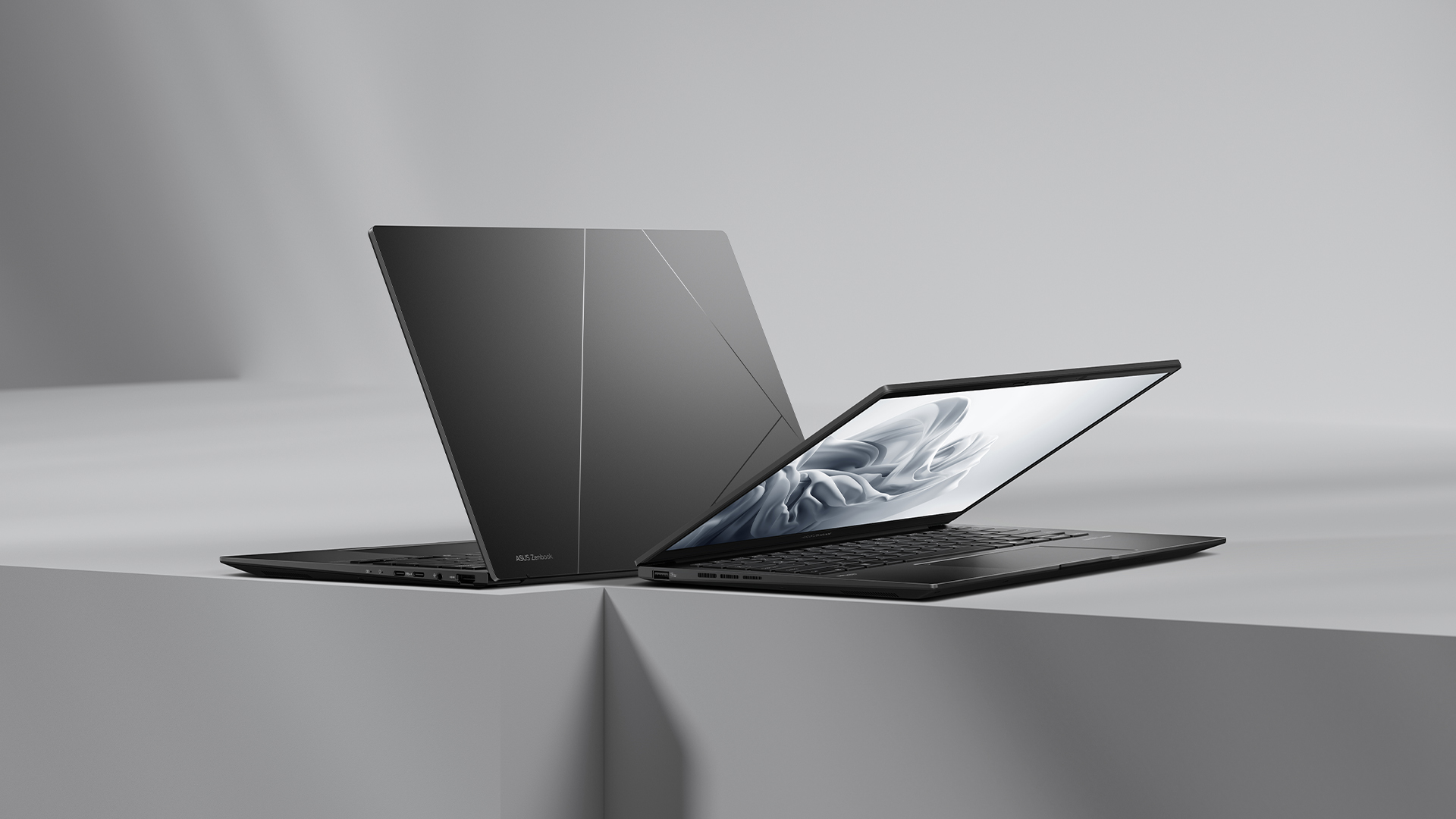
Under the hood, the Zenbook 14 trades the S14’s Intel chip for an AMD Ryzen AI 7 445 processor, capable of up to 50 TOPS. It will also have 16GB of RAM and 1TB of storage.
For battery, the notebook will have a 75 Wh battery, reportedly capable of lasting over 15 hours of unplugged use.
Zenbook A16
Embodying the spirit of “if it ain’t broke, don’t fix it,” the brand is also introducing a modest upgrade to the Zenbook A series.
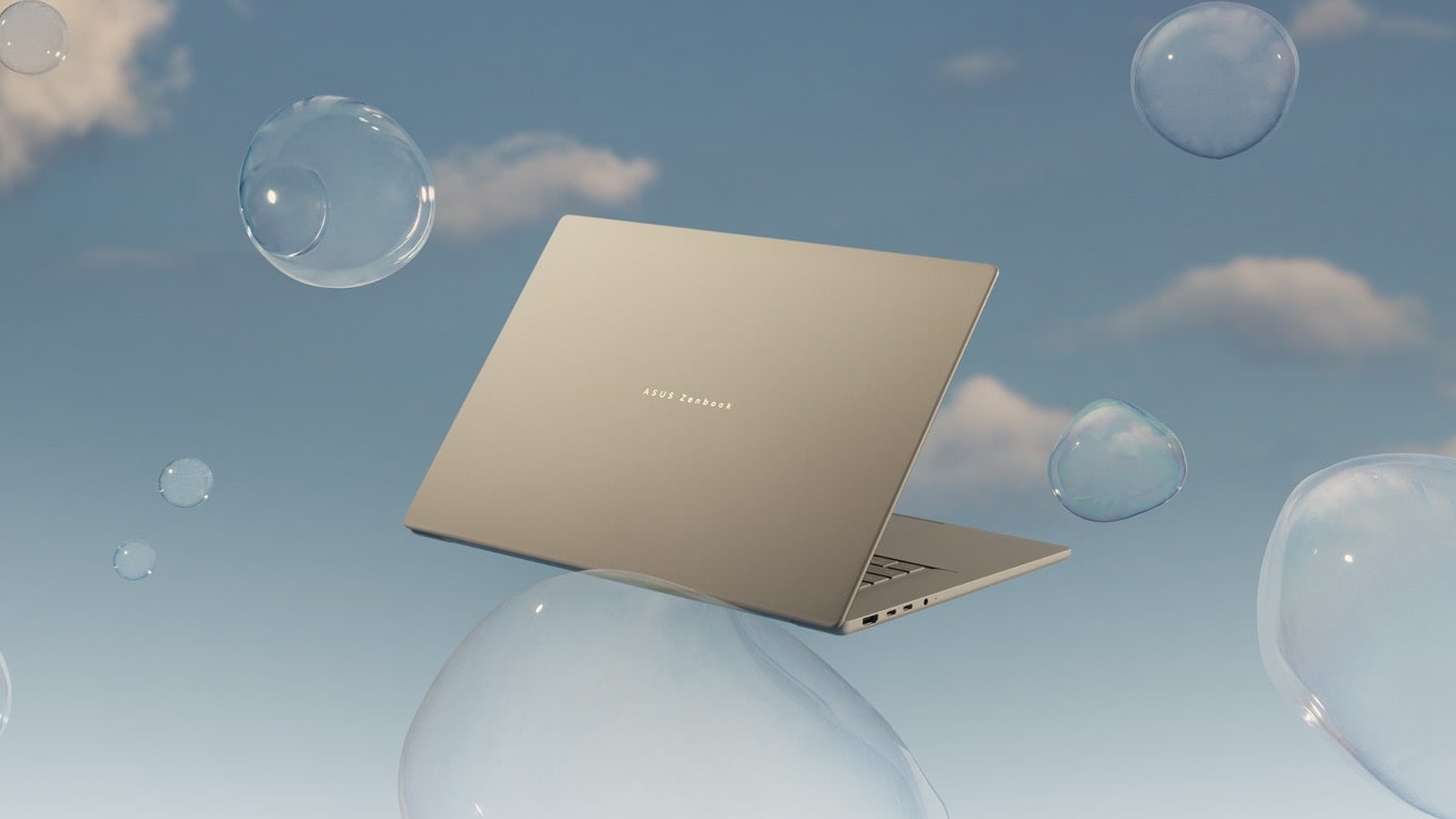
The new Zenbook A16 is only 1.2 kilograms in weight. Plus, with a 70Wh battery, the notebook can remain unplugged and outside for an entire day. The A16 comes with a 16-inch 3K 120Hz OLED screen and the Snapdragon X2 Elite Extreme.
Price, availability in the Philippines
The Zenbook S16 comes in Scandinavian White and starts at PhP 134,995. Meanwhile, the Zenbook S14 comes in Antrim Gray and sells for PhP 129,995.
The Zenbook DUO comes in Moher Gray and starts at PhP 179,995.
Meanwhile, the Zenbook 14 comes in Jade Black and sells for PhP 79,995.
Finally, the Zenbook A16 is coming soon.
Laptops
Alienware celebrates 30th anniversary with new Area-51 laptops
The series features Alienware 30, an all-new design language.

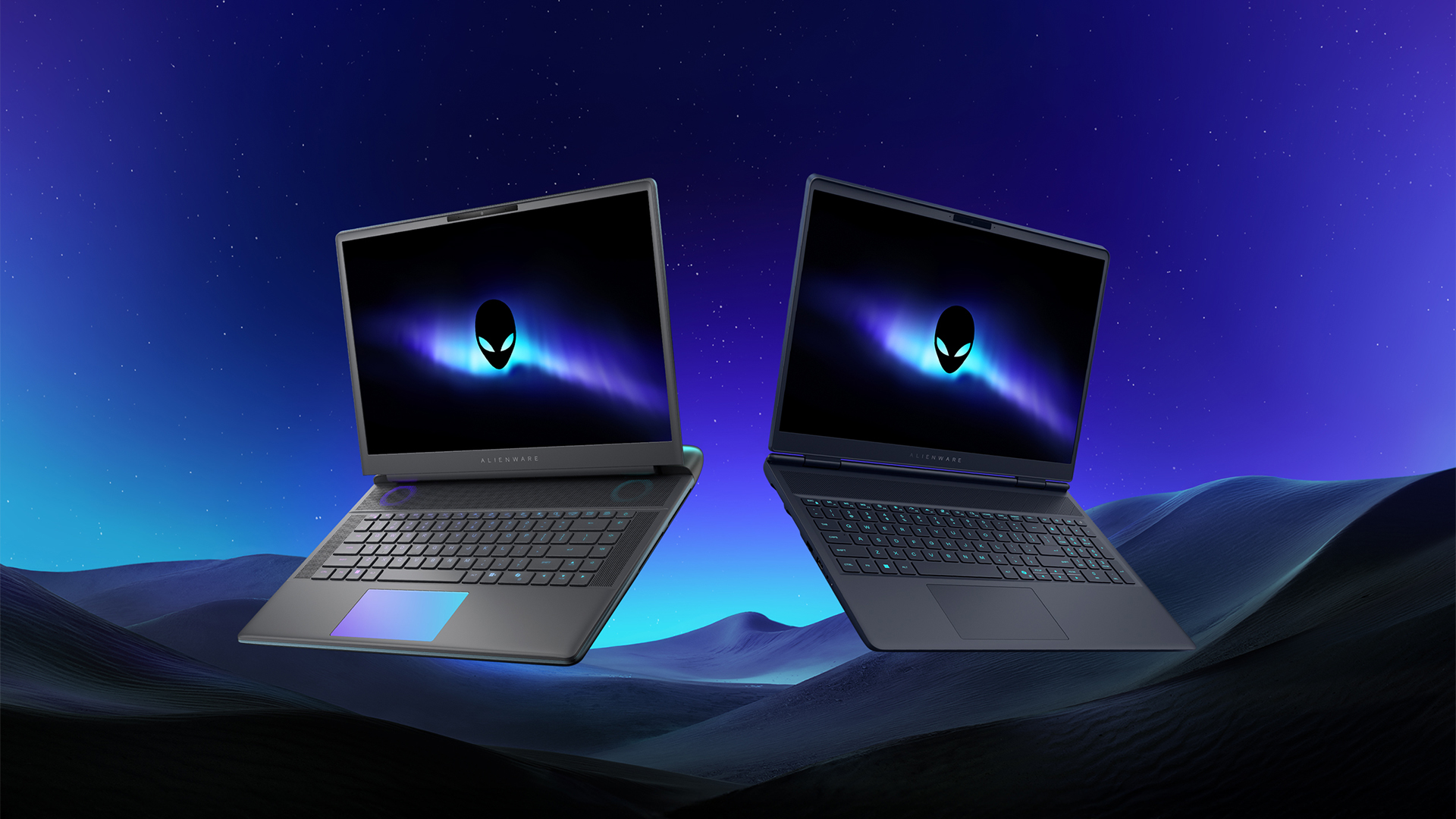
Despite the rise of more gaming brands, Alienware is still one of the most recognizable names for gamers who want dedicated hardware. This year, the brand is celebrating its 30th anniversary. To commemorate the milestone, Alienware has launched the new Area-51 and Aurora notebooks.
Alienware Area-51
Alienware’s Area-51 lineup is the brand’s flagship line of notebooks, packing in the best of the best from the industry. This time is no different.
First of all, the new series will rock Alienware 30, a new design philosophy made especially for the 30th anniversary. On the outside, the laptops have fluid contours, emphasizing curves opposed to the industry’s more angular contemporaries. It also has a Zero Hinge, which hides the laptop’s hinge from view. Finally, it has pillowed palm rests to make usage easy for long gaming sessions.
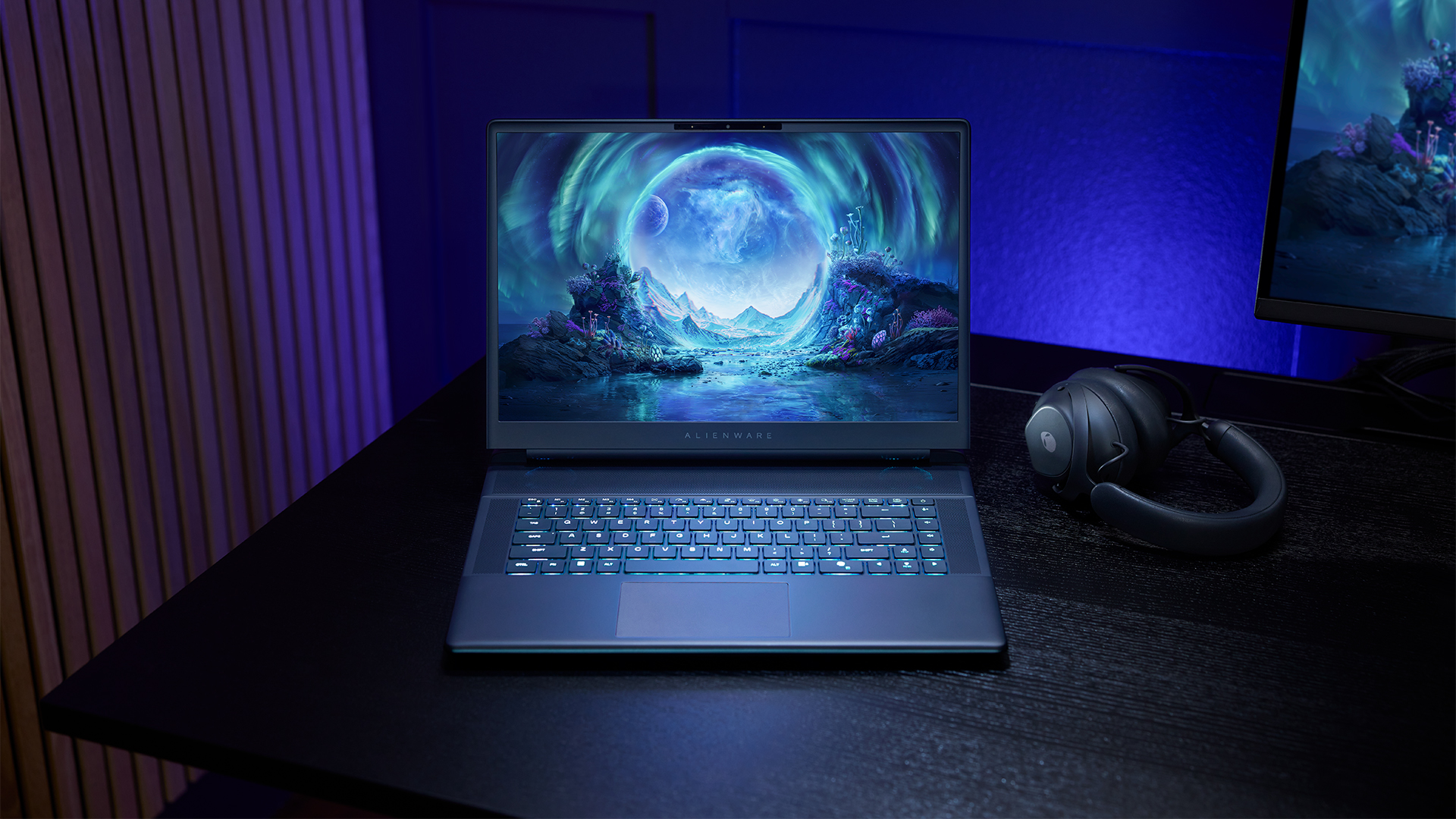
The 16-inch model can rock up to a WQXGA Anti-Glare OLED screen, featuring 240Hz refresh rate and 620 peak HDR nits. It will also have an LCD option. Alternatively, the 18-inch model has a WQXGA screen, featuring 300Hz refresh rate and 500 nits of brightness.
Inside, the Alienware Area-51 boasts up to an Intel Core Ultra 9 290HX processor and up to an NVIDIA GeForce RTX 5090 24GB GPU. For memory, gamers can enjoy up to 64GB Dual-Channel DDR5. Finally, for storage, the series can rock up to 2TB SSD natively but can support up to 3 slots, allowing for up to 12TB of internal storage.
The series will have a sizable 96Whr battery. This is complemented by a 280W adapter and the brand’s largest fans by volume to keep things cool.
Alienware 16X Aurora
For those who portability over raw power, the new Alienware 16X Aurora fits inside any day-to-day kit. For example, it ditches the thermal shelf typical of most gaming notebooks today to increase portability. It has rounded edges to make it easier to grasp and to create a slightly pillowed palm rest, similar to its flagship counterpart.
The 16-inch WQXGA OLED panel touts 240Hz refresh rate, 0.2ms response time, and 620 nits HDR peak brightness.
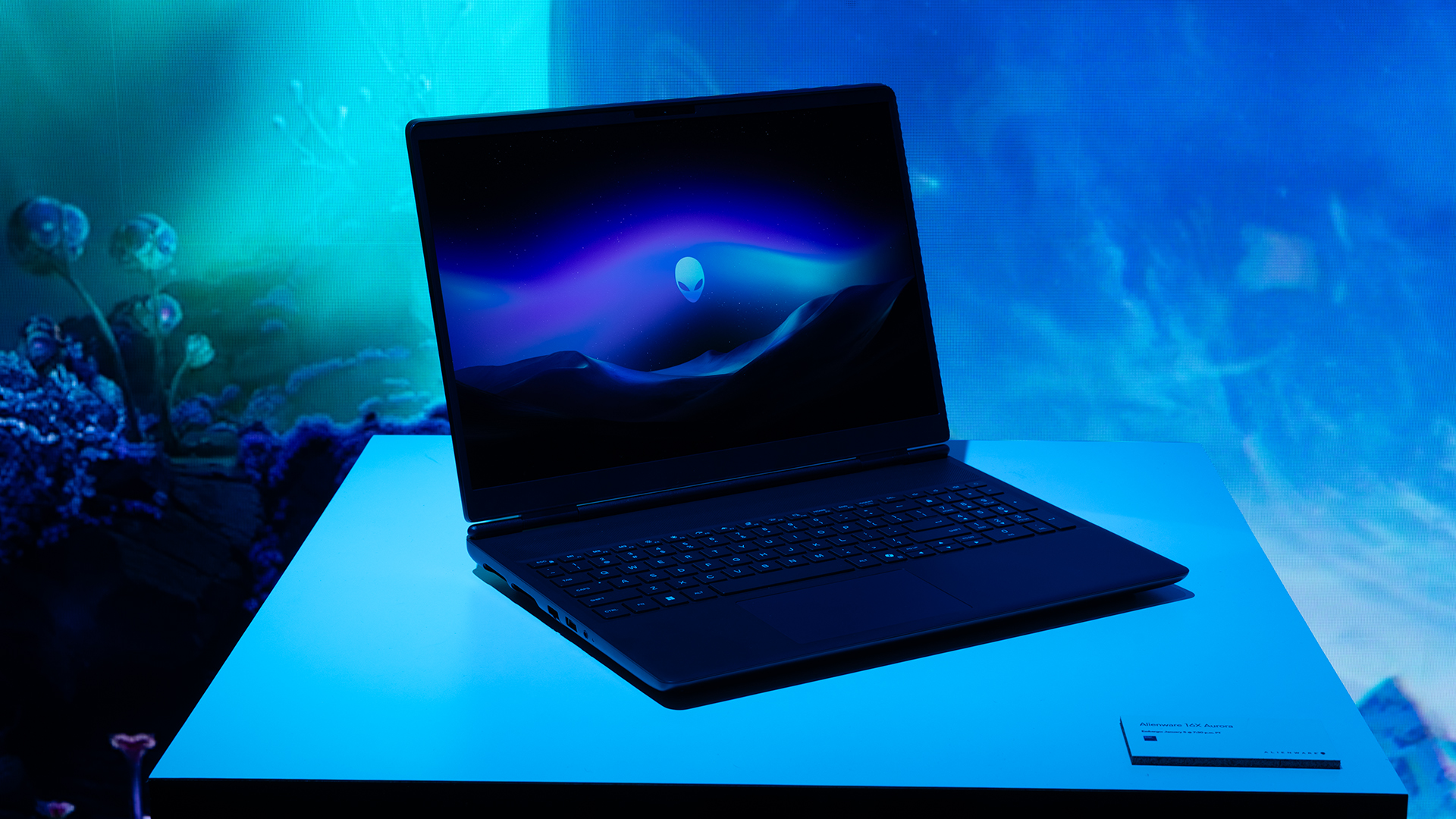
Inside, the notebook has up to an Intel Core Ultra 9 275HX processor and up to an NVIDIA GeForce RTX 5070 Ti GPU. These specs are paired with up to 64GB Dual-Channel DDR5 memory and up to 2TB SSD.
Finally, the Alienware 16X Aurora will have a 90Whr battery. This is supported by up to a 280W charger (for the RTX 5070 variant).
Price, availability
Both series are available starting today, March 17.


Apple disrupts the industry with their latest MacBook — an affordable to say the very least.
If you’re a student, a first-time Mac owner, someone who’s been priced out of this ecosystem their whole life, someone who just needs a laptop for basic tasks but one that looks great, without slowing them down, this is it!
Or maybe you’re torn choosing between the MacBook Neo and the more powerful M5 MacBook Air?
Well, that’s what we’re here for. Here’s our review with the all-new MacBook Neo.


Galaxy Buds4 Pro review: I thought I was done with in-ears
This Buds4 you


WWE 2K26 lets you live out all the fantasy matches you could want
But you have to play for hours and hours to unlock everyone.


The HONOR X8d is serviceable
Steady but slow?

Samsung Galaxy A57, A37 bring Galaxy AI closer to more users

ASUS launches Zenbook DUO and S14 in the Philippines

Logitech G debuts PRO X2 SUPERSTRIKE with faster click tech

More iPhone switchers this year than Android switchers, report says

Marvel’s Wonder Man greenlit for a rare second season


-

 Reviews1 week ago
POCO X8 Pro Max review: A new beast from the far east
-

 News1 week ago
POCO X8 Pro Series: Price, availability in the Philippines
-

 Laptops2 weeks ago
Apple MacBook Neo Review
-

 Features2 weeks ago
Galaxy AI on the Samsung Galaxy S26 Ultra
-

 Apps2 weeks ago
Google Maps is finally getting a 3D mode
-

 Entertainment2 weeks ago
The internet is thirsting over the One Piece Season 2 cast
-

 Reviews1 week ago
POCO X8 Pro Iron Man Edition review: Midrange phone in superhero armor
-

 Reviews1 week ago
Samsung Galaxy S26 Ultra review: A phone you live with