

Just last June, I managed to build my own PC through countless research and price haggling. I figured that I should invest in a gaming setup that will last for about two good years while playing games at high frame rates. With building a PC, I ensure some level of upgradability and flexibility down to every last detail.
Before I decided on this endeavor, I was dead-set on wanting to just stick to a pre-built system. Imagine getting an entire package with all the parts you’re looking for, without the hassle of building it yourself. Plus, it’s already optimized to some extent so you don’t have to worry about tinkering as much.
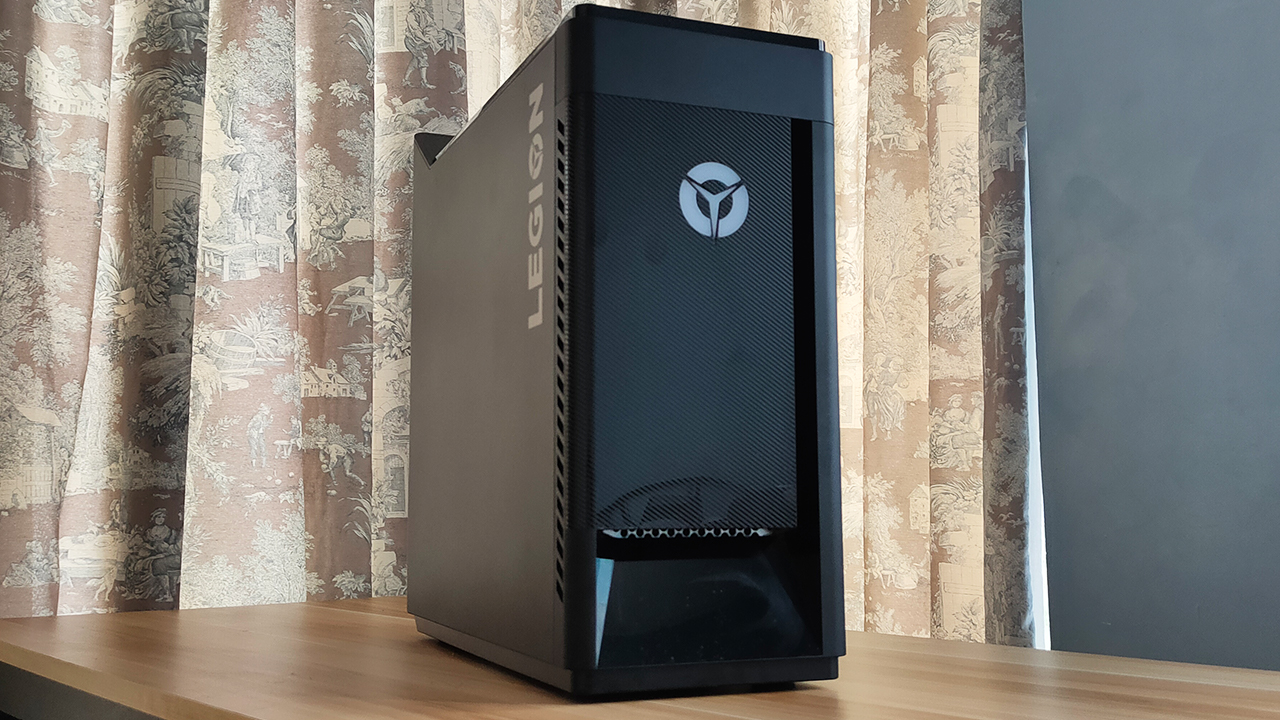
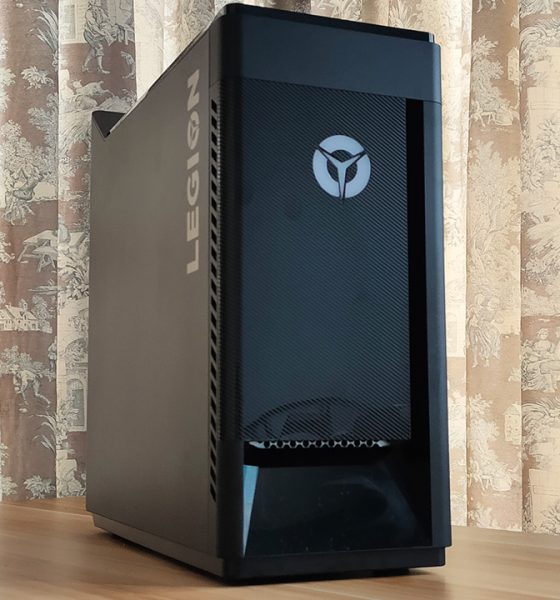
In essence, a prebuilt like the Lenovo Legion Tower 5i offers such promise. But, as someone who has already built a gaming system, is it really a good idea to get this pre-built system?
On its own, it’s a great system for intensive workloads
I will go out and say that on its own, the Legion Tower 5i is a well-built system. It comes with an Intel Core i5-10400 processor and an NVIDIA GTX 1660 SUPER inside. Right off the bat, I thought that the hardware was great for gaming, and it showed when I ran some games on it.
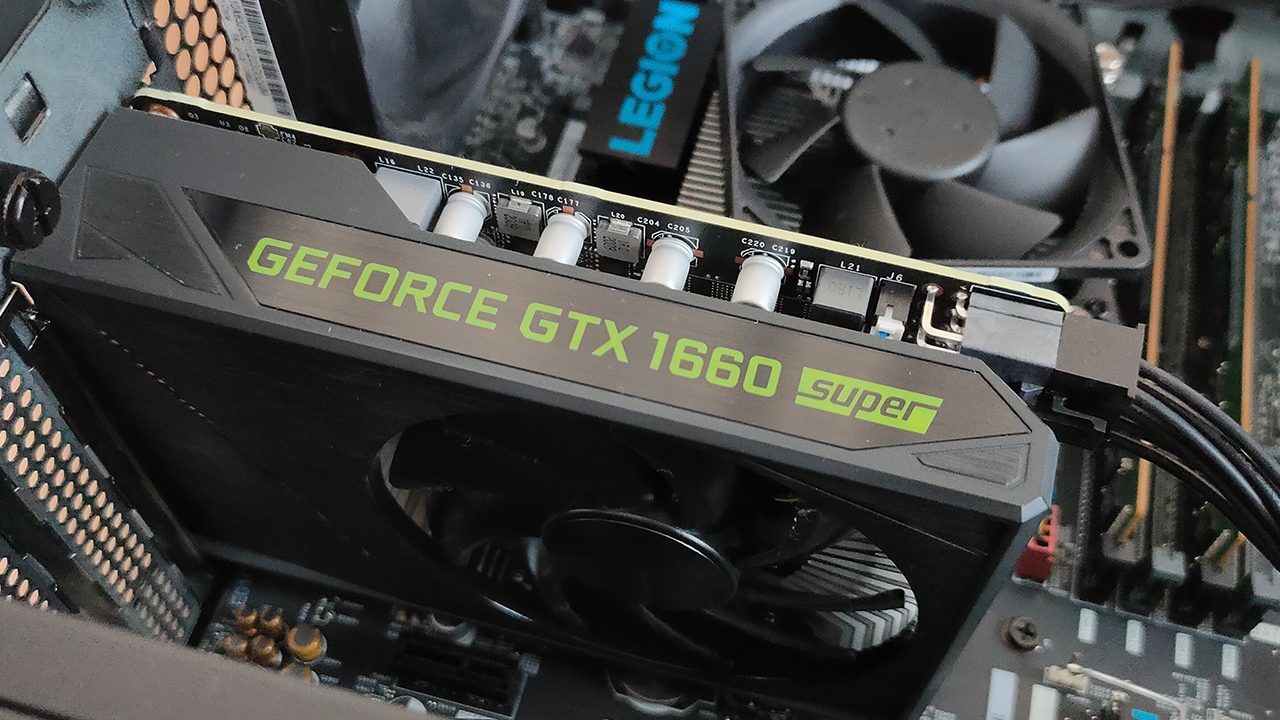
The NVIDIA GTX 1660 SUPER inside the Legion Tower 5i
More than anything, it’s a solid device for a variety of workloads. With 16GB of RAM and a 512GB M.2 SSD inside, Windows managed to boot up pretty fast — which is great. This means that I could get into my work immediately, especially when I’m in a rush to get some done.
Intensive applications like Google Chrome, Adobe After Effects, and even Blender ran with relative ease. As a content-creating machine, I felt that it has potential to accommodate whatever project you throw at it. However, don’t expect the world from it since the hardware isn’t the most powerful available.
Gaming performance is great
I touched on this in the previous section, but it’s true: Lenovo managed to create a great gaming system here. Some graphics-intensive games like Call of Duty: Warzone and Fortnite ran pretty well under this system, provided you adjust a few settings. Throughout my hours of gameplay, I didn’t experience lag caused by the hardware.

Valorant’s FPS on the Legion Tower 5i when nothing is happening in the game
Most games I tested on this system ran at consistent frame rates, which is what you should expect out of gaming systems. Games like VALORANT and Counter Strike: Global Offensive ran at above 200 FPS, considering you really don’t need much to run them. Those two games I mentioned earlier, however, ran at close to 50-60 FPS.
By all means, this isn’t a perfect gaming system to both record and stream content out of. But, if you wanted to start somewhere — again, on its own — this system provides great gaming value.
Putting up a great (Cold) front
Like gaming laptops, I feel that gaming PC builds are only effective when proper cooling is present. While the Legion Tower 5i doesn’t come with fancy liquid cooling, it does come with Lenovo’s Coldfront 2.0. Essentially, it’s an optimization feature for the overall airflow between all the components.

From my experience, I actually think Coldfront did its due diligence. Throughout long hours of gameplay, I didn’t hear the fans whirring loudly. Plus, I felt that the air coming out of both the front vent and rear fans wasn’t as warm. Inside, components do feel a little warm but it isn’t scalding hot.
I even cranked up the system to run on Performance Mode, with overclocking enabled and I don’t hear any fans whirring too much. Again, even without all the liquid cooling tubing you see in custom builds, the Legion Tower 5i delivers while staying relatively cool.
Going against a custom build? Well…
I know I’m practically raving about the Legion Tower 5i, but the big question is whether it’s a better investment over a custom build. My short answer: not really, unless you’re committed to not build a PC from scratch. See, my custom build actually comes pretty close to the Legion Tower 5i across most of the hardware.
CPU Performance (Intel vs. AMD)
My custom build comes with an AMD Ryzen 5 3600X, which comes with the same core and thread count as the i5-10400. On paper, performance should be right about the same but the big difference is in my AMD’s base clock speed of 3.9Ghz. This means that my AMD performs at a much faster rate.
I tried running two Google Chrome tabs simultaneously between the two systems, and both showed stable clock speeds. However, when I tried switching tabs, I noticed a slight delay on the Legion Tower 5i. At face value, it doesn’t really mean much but that split second of a delay could come back to haunt you.
In case you were wondering, the two Chrome tabs I ran were a Google Doc and a YouTube music video at 1440p.
GPU Performance (NVIDIA GTX 1660 SUPER)
Here’s the thing: both these systems run a 6GB VRAM, NVIDIA GTX 1660 SUPER. Both systems can run the games I just listed with relative ease, which was what I expected. At first, I thought I couldn’t discuss anything more beyond these points. However, when I started to play for longer hours, I noticed something.

Performance between my AMD build and the Legion Tower 5i for Fortnite Battle Royale
Because they’re both running the same type of GPU, what set them apart would be its CPU performance. However, based on avg. frame rates, the Legion Tower 5i outperforms my build by just a few frames per second. It comes at a slower clock speed during gaming, though so it resulted in some levels of bottleneck.
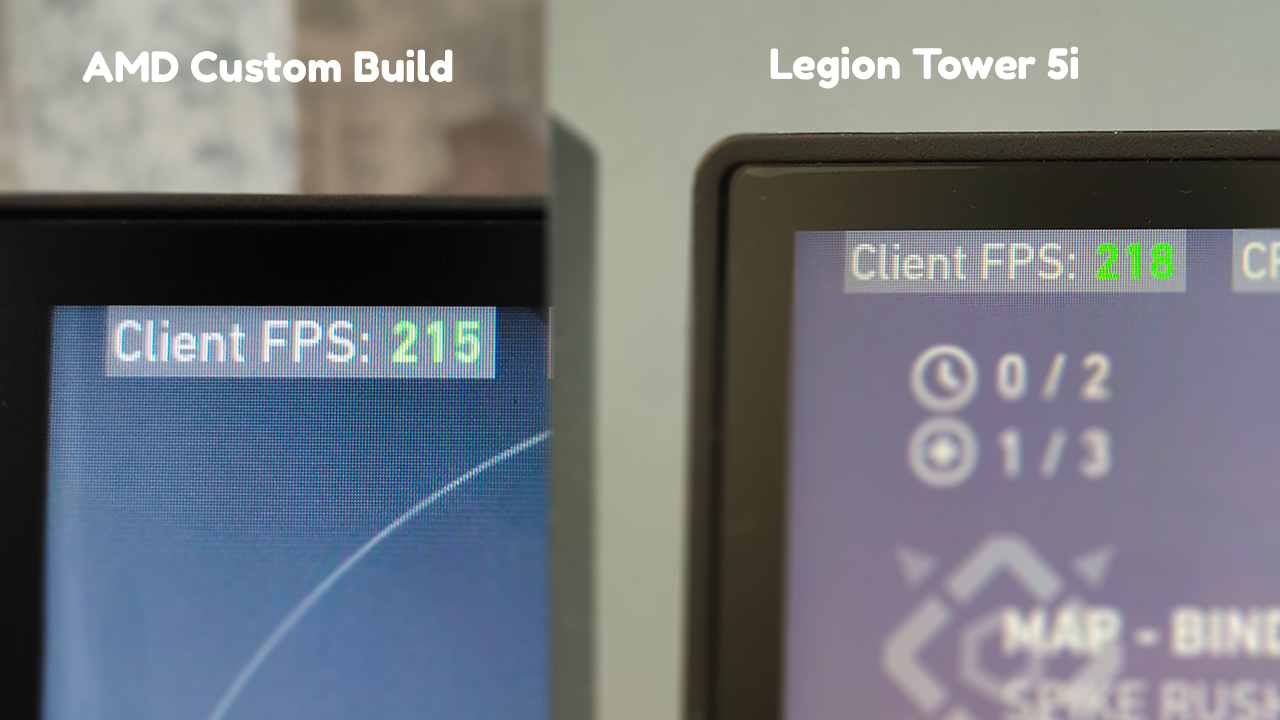
Performance between my AMD build and the Legion Tower 5i for Valorant
Price (The most important aspect)
At the end of the day, you’ll be spending your hard-earned money on either one of these systems. At this point, I’d like to stress out once more that both systems perform well — although not as identical. Both systems are suitable for long hours of gaming and productive work, and cooled roughly the same way. Except, my build doesn’t have Coldfront 2.0.
Yet, this is where I draw the line between a custom build and a pre-built system. See, the Lenovo Legion Tower 5i comes in at Php 72,995 and the package you get already comes with Windows pre-installed, and all the optimizations in place. My build, when sourcing the parts individually, comes in at close to Php 42,000.
I don’t think a 30,000-peso difference sounds like a great financial investment. Personally, I believe that a working version of Windows 10, PC optimization software, and a Legion-branded tower is not worth that much. Also, this doesn’t even factor in the amount you will spend for all the other peripherals.
Is this your GadgetMatch?
All in all, the Lenovo Legion Tower 5i is a great gaming system to consider. If you’re looking for a great PC to start off your streaming career or to just play games, this build is a great pickup. With powerful hardware and a fast SSD inside, you will get straight into the action once you boot it up.
On its own, it’s a product of great value. But, when you have the option to just build your PC and get the parts individually, it doesn’t look too good. You can even look for the parts that the Legion Tower 5i has, and get them for way less than this finished product.
If you have some extra cash to spare and you’re too afraid to build a PC, the Legion Tower 5i is a great fit. Otherwise, you’re better off building your own PC and grabbing more powerful yet compatible parts.






Computers
AMD expands Ryzen AI Embedded P100 series lineup
Scalable, efficient AI compute for industrial, edge solutions

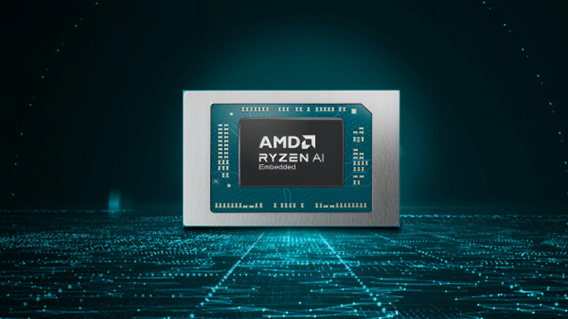
AMD has recently announced the expansion of its AMD Ryzen AI Embedded P100 Series processor lineup.
This enables scalable and power-efficient AI compute tailor-built for industrial and AI edge systems. Scenarios include factory automation, physical AI in mobile robotics, and other AI-driven edge applications.
With eight to 12 high-performance Zen 5 cores, AMD ROCm support, and up to 80 total system TOPS, the new x86 embedded APUs deliver up to:
- 2x more CPU core counts
- 8x higher GPU compute
- 36% higher system TOPS
This way, developers and system designers get an expanded and scalable portfolio of power-efficient edge computing solutions. These processors support real-time AI from vision to control and reasoning, as well as offer advanced graphics capabilities.
On a single chip, clients get up to 80 TOPS physical AI acceleration, AMD RDNA 3.5 graphics for real-time visualization, and an NPU based on the AMD XDNA 2 architecture.
Moreover, the processors can withstand industrial temperature ranges (-40° C to 105° C) and can support continuous 24/7 operations for up to 10-year life cycles. That’s along with low-latency and power-efficient AI inference.
Real-life applications include intelligent factories, autonomous robots, and medical imaging devices. For instance, the processors can deliver CPU performance required for real-time inspection and process optimization.
For mobile robots, meanwhile, processors can manage navigation, motion, control, and route planning while the GPU processes multi-camera feeds for spatial awareness.
Furthermore, for 3D health imaging, the processors can enable the powering of 3D imaging for ultrasounds, endoscopes, tissue classification, and tumor detection at the edge. This is done with models like U-Net, nnU-Net, and MONAI.
The processors then accelerate image-to-report workflows with MedSigLIP and support clinical reasoning and Q&A with Med-PaLM 2.

GIGABYTE and Capcom have collaborated for a limited time Resident Evil Requiem-inspired custom PC giveaway.
The setup is inspired by the title, which recently released, and includes an exclusive monitor game bundle to bring players closer to the experience.
Headlining the collaboration is the Umbrella Corporation — Level 3 Access custom rig giveaway. It is one of a kind, fully-built desktop featuring a Z890M AORUS ELITE WIFI7 ICE motherboard and RTX 5080 AERO OC SFF graphics.
Of course, it draws inspiration from the visual identity and atmosphere of Resident Evil Requiem. It also features a GIGABYTE C102 GLASS ICE chassis design and custom GIGABYTE MO27Q28G gaming monitor to complete the setup.

The giveaway runs from March 2 to March 31 via the official campaign website. Fans can enter for a chance to win the custom rig, with no purchase necessary. The only caveat is that they have to be a United States or Canada resident.
Such experience is designed to invite players and PC enthusiasts alike to engage with the collaboration while highlighting GIGABYTE’s premium hardware craftmanship and attention to detail.
In addition to the giveaway, GIGABYTE is also offering a Resident Evil Requiem game bundle with select gaming monitors. Included are AORUS brand monitors, ranging from 27 to 55 inches in size.
This bundle is available until March 31. Customers who purchase eligible models can redeem a digital game code through GIGABYTE’s official redemption platform.
The featured monitor is the MO27Q28G, which has fourth generation WOLED panel with 280Hz refresh rate and 0.03ms response time. It is an ideal monitor to experience the spine-chilling terror and death-defying action of the title.
Computers
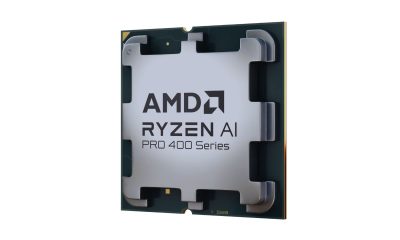
AMD announces Ryzen AI 400, AI 400 PRO series at MWC 2026
Offering support for next-gen AI PCs, Copilot+ experiences
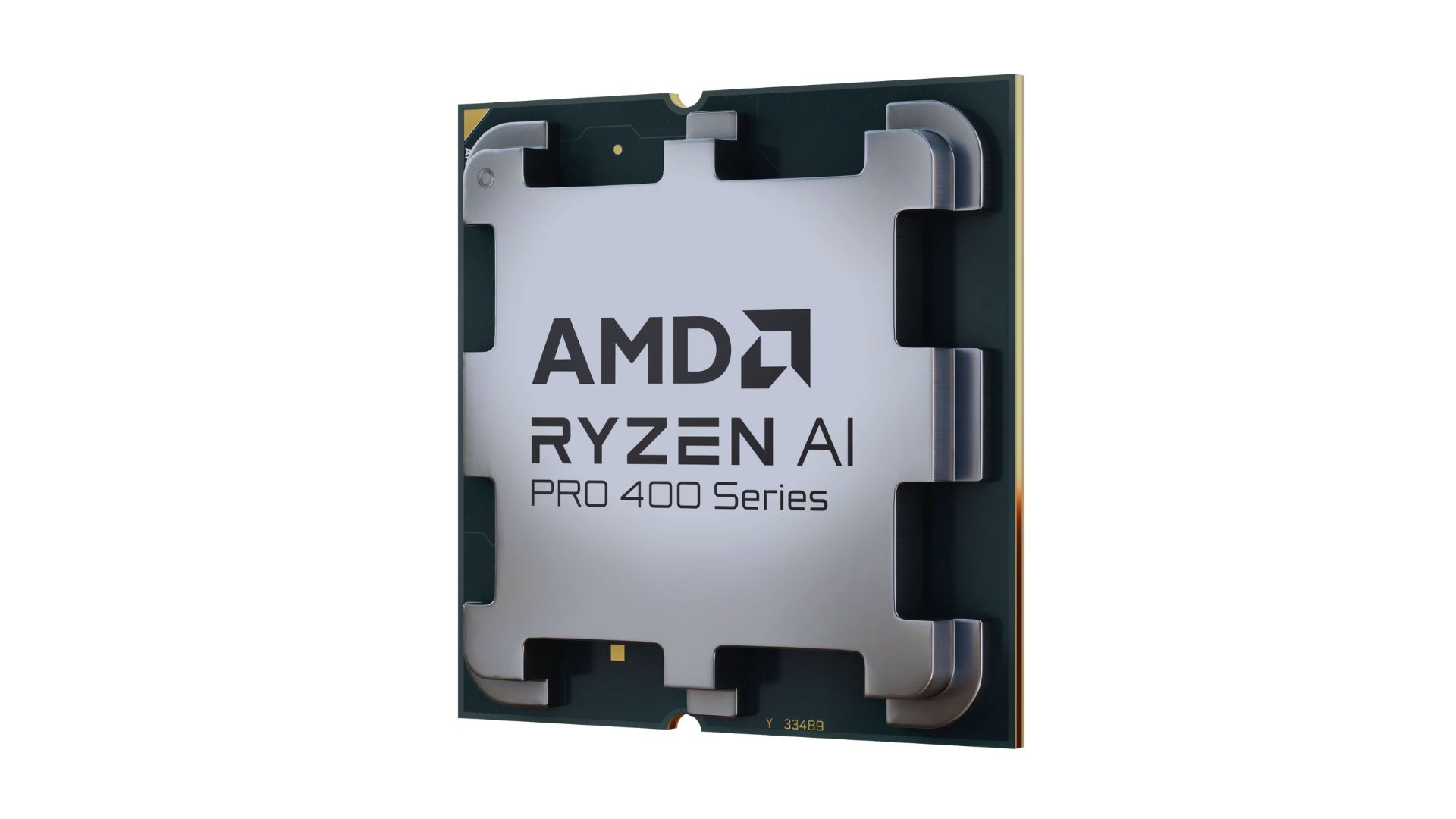
AMD announced new products and initiatives at MWC 2026 Barcelona, headlined by their newest Ryzen AI 400 and Ryzen AI PRO 400 series processors.
These latest processors are built on the AM5 platform and advanced Zen 5 architecture, delivering next-generation experiences for both consumer and commercial scenarios.
The additions enable original equipment manufacturers (OEMs) to offer next-gen AI PCs across high-performance desktops, laptops, and mobile workstations optimized for modern workloads.
Along with dedicated AMD XDNA 2 NPUs and AMD RDNA 3.5 graphics, both series offer up to 60 TOPS of NPU AI compute, exceeding the requirements of Copilot+ PCs.
As such, these enable powerful on-device AI performance, including running LLMs locally and tackling compute-intensive applications for design and engineering.
The Ryzen AI 400 series processors are also the first for next-gen desktop AI PCs to support Copilot+ PC experiences. Featuring an NPU providing up to 50 TOPS of AI compute, these processors enable running AI assistants and productivity tools locally.
In addition, AMD is expanding the Ryzen AI 400 series mobile portfolio to include workstations. Some that are expected to release in Q2 2026 include products from Dell, HP, and Lenovo.
AMD PRO initiative
Furthermore, AMD announced AMD PRO for enterprise-grade security, manageability, and reliability.
This is done through foundational hardware and software designed to simplify IT operations and protect investments over time.
AMD says it will continue to evolve the AMD PRO platform by strengthening both its silicon foundation and software stack.
This will support enterprise IT teams managing distributed AI-enabled PC fleets. Meanwhile, expanded remote management features improve visibility, recovery, and control.


POCO X8 Pro Max review: A new beast from the far east
That "Pro Max" naming superlative is more than justified


POCO X8 Pro Iron Man Edition review: Midrange phone in superhero armor
POCO x MK15


Now Playing: Project Hail Mary
It's a treat for those who loved the original book.

OPPO Find N6 launches globally with near crease-free foldable display
POCO X8 Pro Max review: A new beast from the far east
POCO X8 Pro Iron Man Edition review: Midrange phone in superhero armor

POCO X8 Pro Series launches in Singapore with early bird prices

POCO X8 Pro Series: Price, availability in the Philippines


-

 MWC 20262 weeks ago
Infinix NOTE 60 Ultra makes a motorsport-inspired debut
-
 Computers2 weeks ago
AMD announces Ryzen AI 400, AI 400 PRO series at MWC 2026
-

 Reviews2 weeks ago
The Xiaomi 17 shoots Leica dream
-

 Gaming2 weeks ago
Ubisoft confirms Assassin’s Creed: Black Flag remake
-

 Hands-On2 weeks ago
OPPO Reno15 F 5G hands-on
-

 Gaming2 weeks ago
PlayStation will stop releasing its games on PC
-

 Gaming2 weeks ago
Project Helix is Xbox’s next console, and it plays PC games
-

 Laptops2 weeks ago
Apple accidentally revealed something called the MacBook Neo