



“All work and no play makes Jack a dull boy”
You may have heard this famous proverb from the 1980 horror movie The Shining, but it really makes a fair point — if you don’t balance your work-life activities, you’ll get bored. Or worse, you yourself get boring.
In comes Lenovo’s ThinkBook 13S. A business laptop when it comes to its durable form factor and security but is equipped and poised to deliver an enhanced entertainment experience with its features.

We’ve previously given you a rundown of its headlining features during our unboxing and hands-on. For this article, we go straight to how it fares as a daily driver.
Being clad in an all-aluminum chassis, the ThinkBook 13S really feels robust when you hold it. There’s no surface that bends when you apply pressure and its metallic finish reinforces the sturdy look that it gives off.

The display spans 13.3 inches across which is just the right size for finishing up reports and working remotely. Plus, its entire form factor doesn’t take up much space inside a bag so that’s always a point for portability.
With its Full HD display with Dolby Vision, a noticeable improvement in dynamic range is seen while colors are pleasantly vibrant. A minor gripe is that glares are still an ongoing nuisance when you attempt to watch videos outside on a sunny day.
Its narrow 5.5mm bezels do make the display pop out a little bit, but it still has a slightly thicker forehead and a chin that, for me, visually cancels out the efforts of having slim side bezels.

Another interesting thing to note is that the laptop is protected from external factors that may damage it. The 13S has anti-spill protection for up to 60cc of water in case you accidentally tip over your drink beside the laptop while working.
Coming from Lenovo and its famous Yoga line, the ThinkBook 13S also received the capability to be able to open its lid all the way back thanks to a special hinge made with zinc-alloy. As such, it’s able to endure 25,000 open-and-close cycles so wear-and-tear isn’t something you’d have to think of.
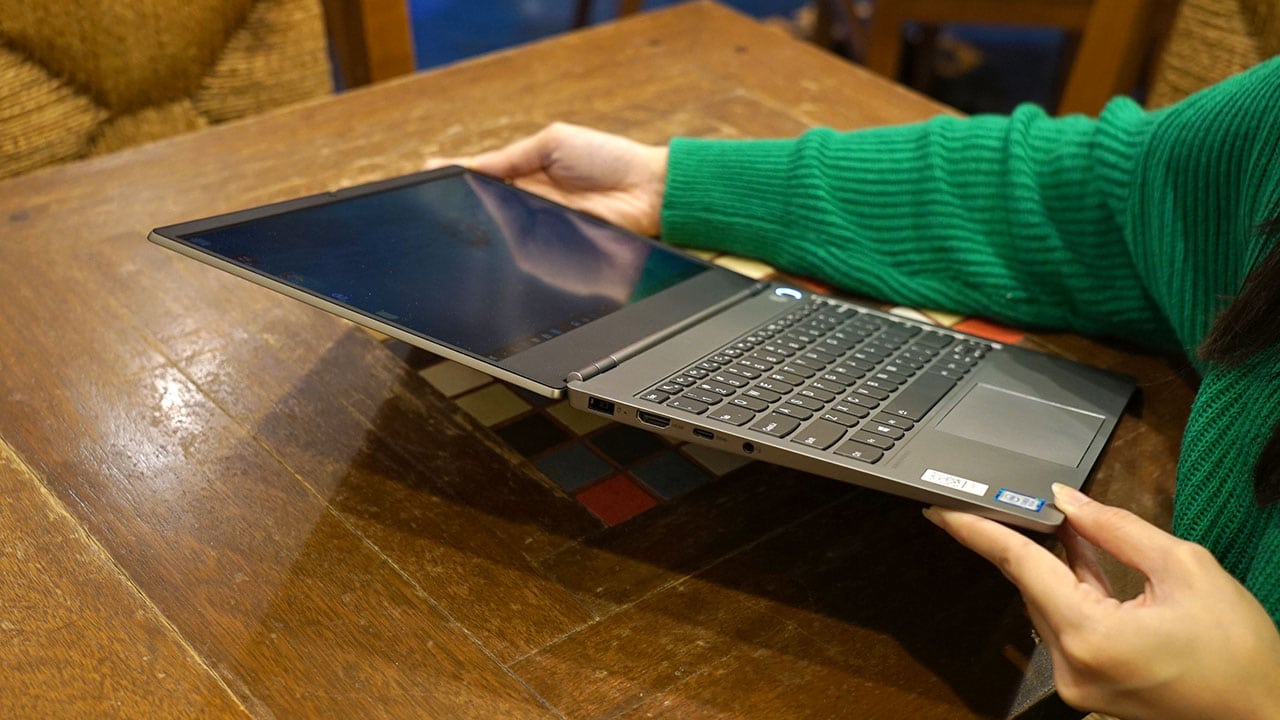
Due to its capability to flip all the way, sharing content while giving a presentation to a colleague, for example, just got a lot easier.
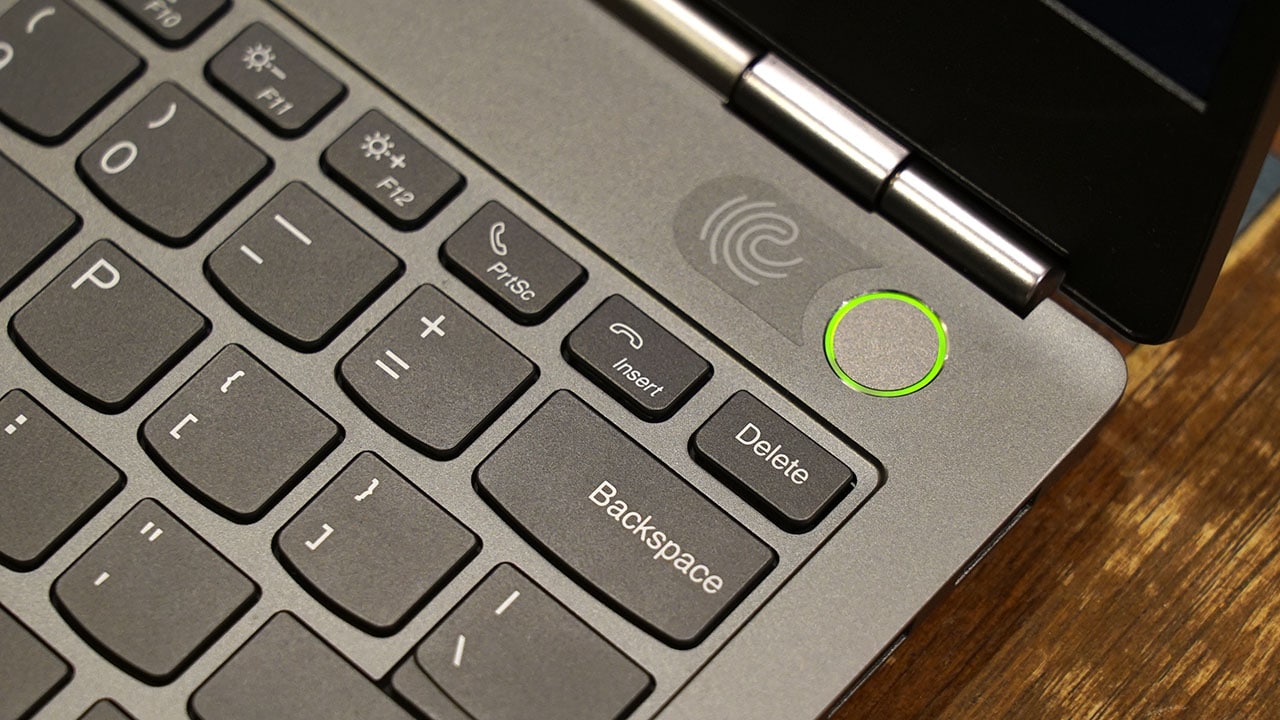
We mentioned that this particular laptop values security and if so do you, you’d be glad to know that it comes with a fingerprint sensor embedded in its power button. It works as advertised and setting it up only takes a few minutes.
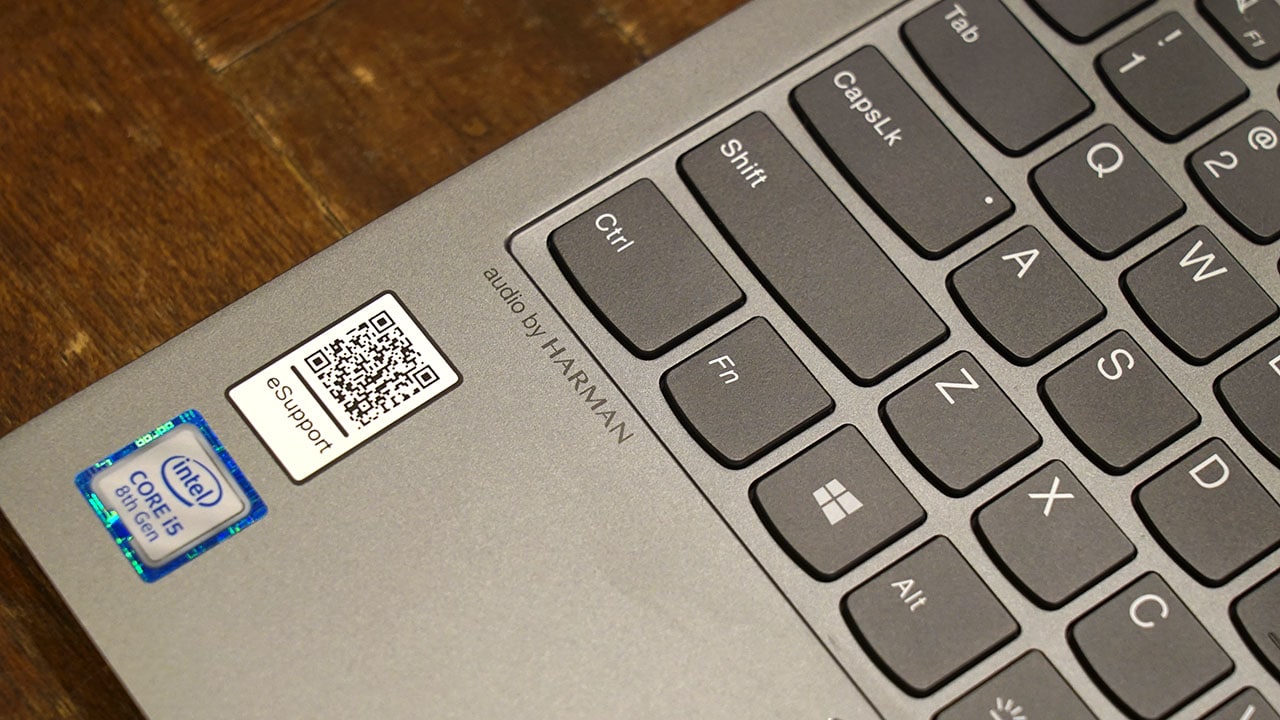
The built-in dual Harman speakers with Dolby Audio also performed well for a small laptop. It’s enough to fill a small room when you play music, but a set of external speakers would work best if you plan on binge-watching movies using this.

After you’ve taken your break from writing and are ready to go back to work, its Modern Standby feature kicks in to let you resume where you left off in less than 0.5 seconds — no more waiting for long periods just for the software to load your files and whatnot.
For a quick rundown on specs, it has an 8th generation Intel chip that can be bumped up to an i7 processor, up to 16GB RAM, and a choice between discrete AMD Radeon 540X or integrated Intel UHD graphics. It also runs on Windows 10 Pro.
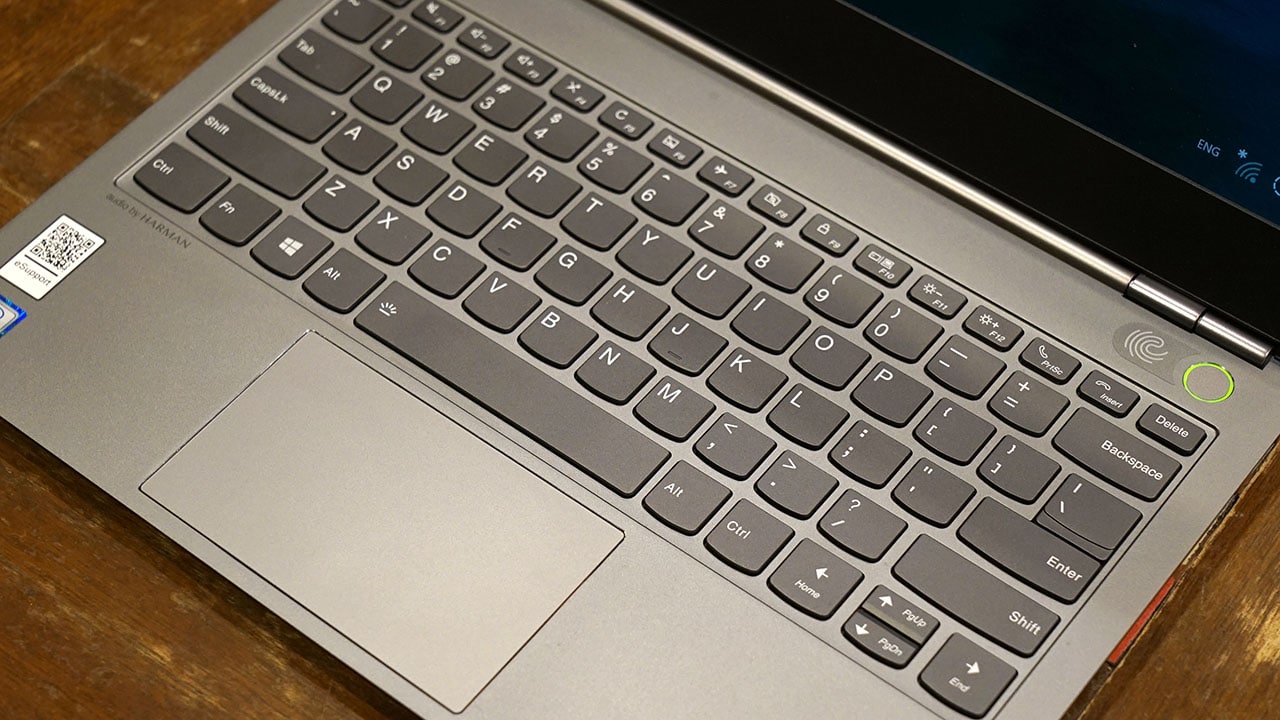
The keys have good travel that allows for comfortable typing and are spaced apart just right so it doesn’t feel cramped up. Its touchpad, although not as wide as we’d want it to be, gives good response and doesn’t demand an additional mouse to be able to accomplish tasks efficiently.

According to Lenovo, the battery on the ThinkBook 13S can last up to 11 hours under optimal circumstances. As for us, we used it to work at cafes as well as during meetings and it was able to last the entire day with a little less than 20% left when we get home. It’s safe to say that it can go for a day’s work even if you left your charger back home by accident.
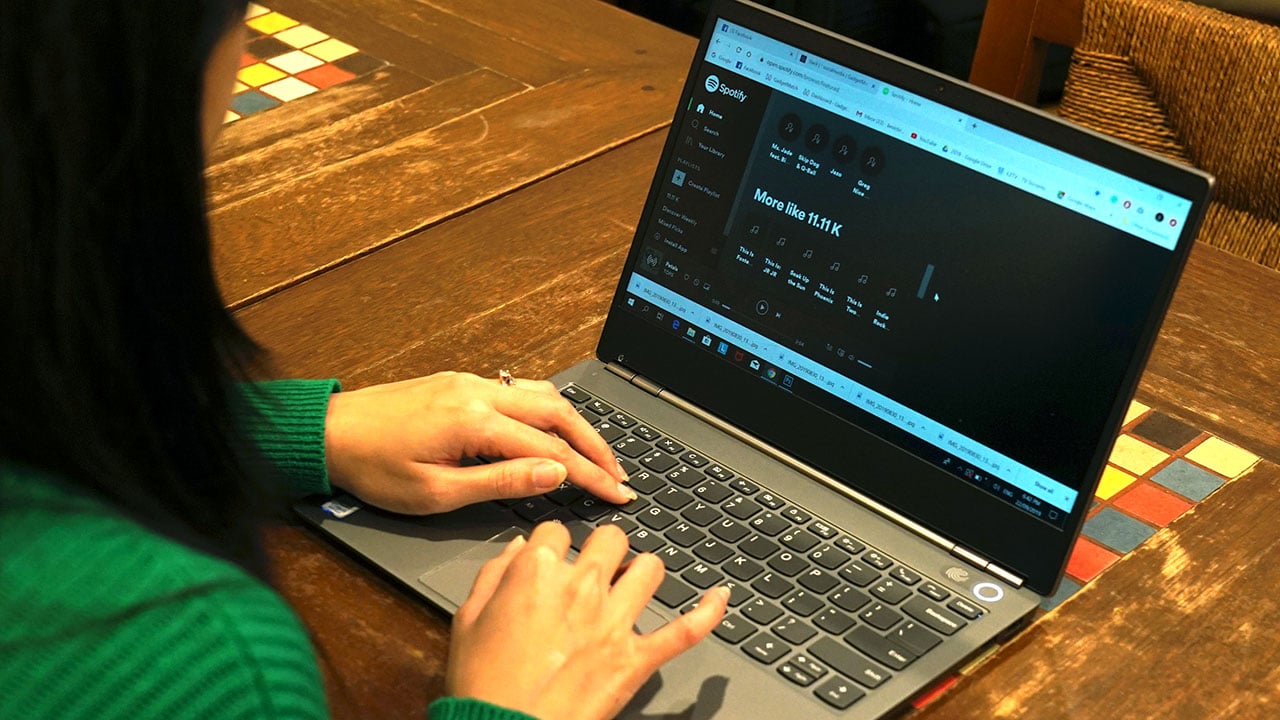
Overall, the ThinkBook 13S offers the needed characteristics to be able to get work done efficiently outside the house. It has a subtle, yet sleek physique, has a robust form factor to withstand the beatings of traveling with it, and an ergonomic layout of buttons, ports, and other physical elements.
It’s also secure for those sensitive or confidential files at work. It comes with a fingerprint sensor built-in as well as software features that prevent unwanted access to your device.
Of course, when you need to take a break from work, the laptop’s HDR display together with its Harman speakers will make your binge-watching and sound trip more enjoyable.
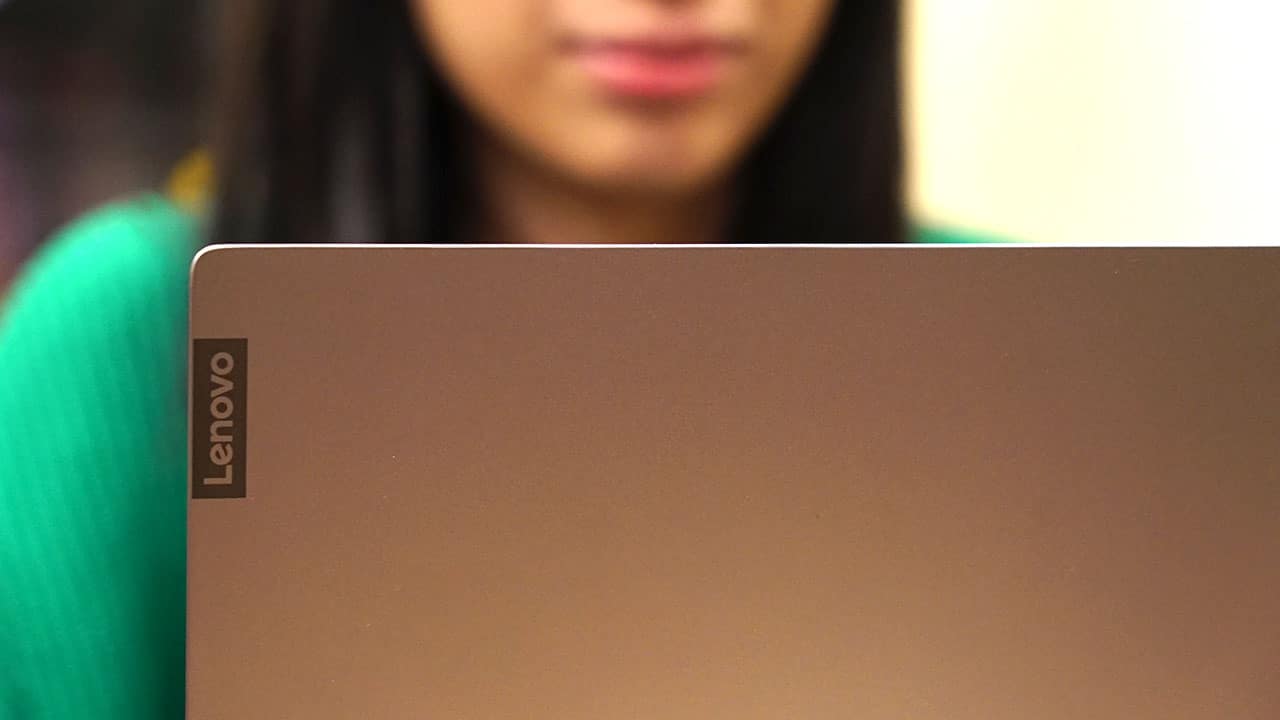
Based on our experience, the Lenovo ThinkBook 13S doesn’t make Jack a dull boy. Rather, it makes him sharper than ever before.
Pricing starts in the Philippines at PhP 54,990 (roughly US$ 1050) for the discrete AMD graphics while the model with integrated Intel UHD 620 starts at PhP 58,990 (around US$ 1126).







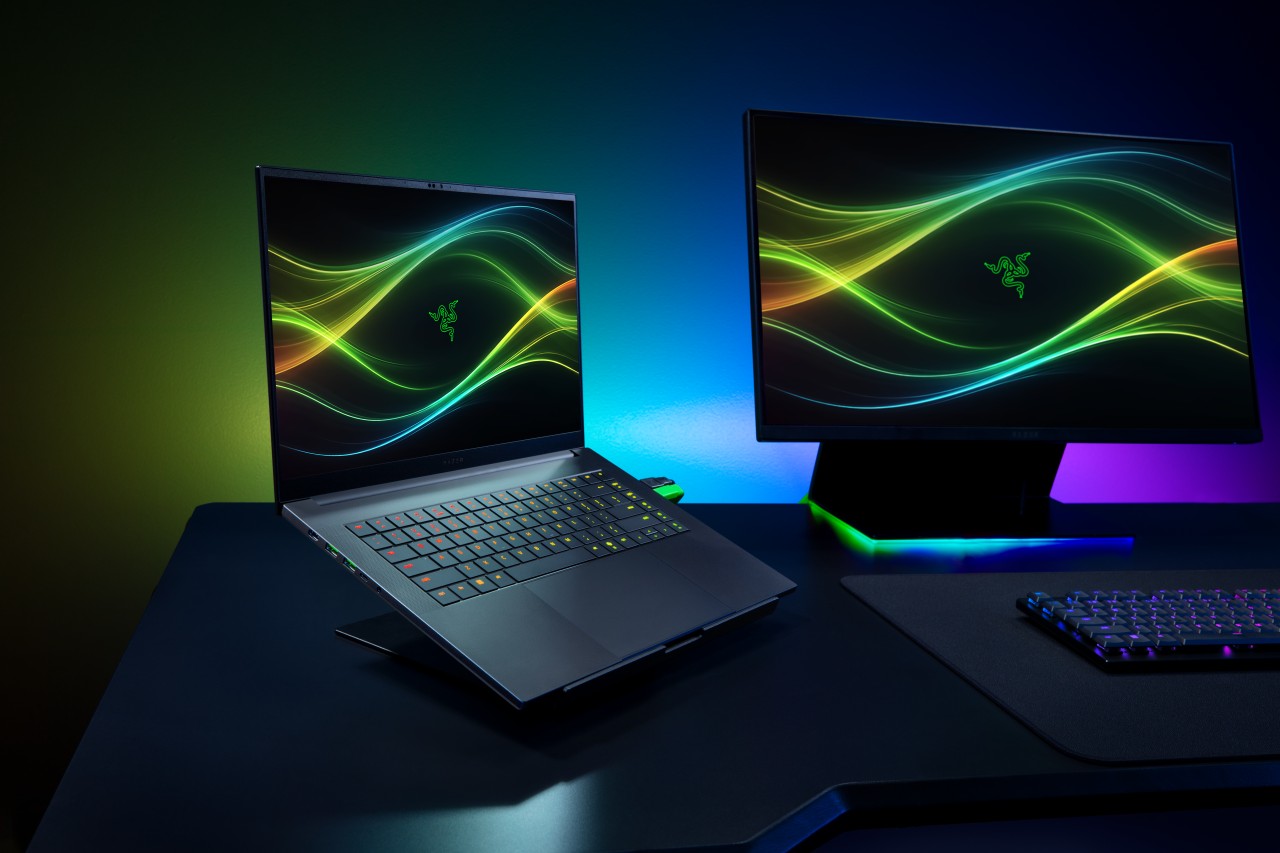
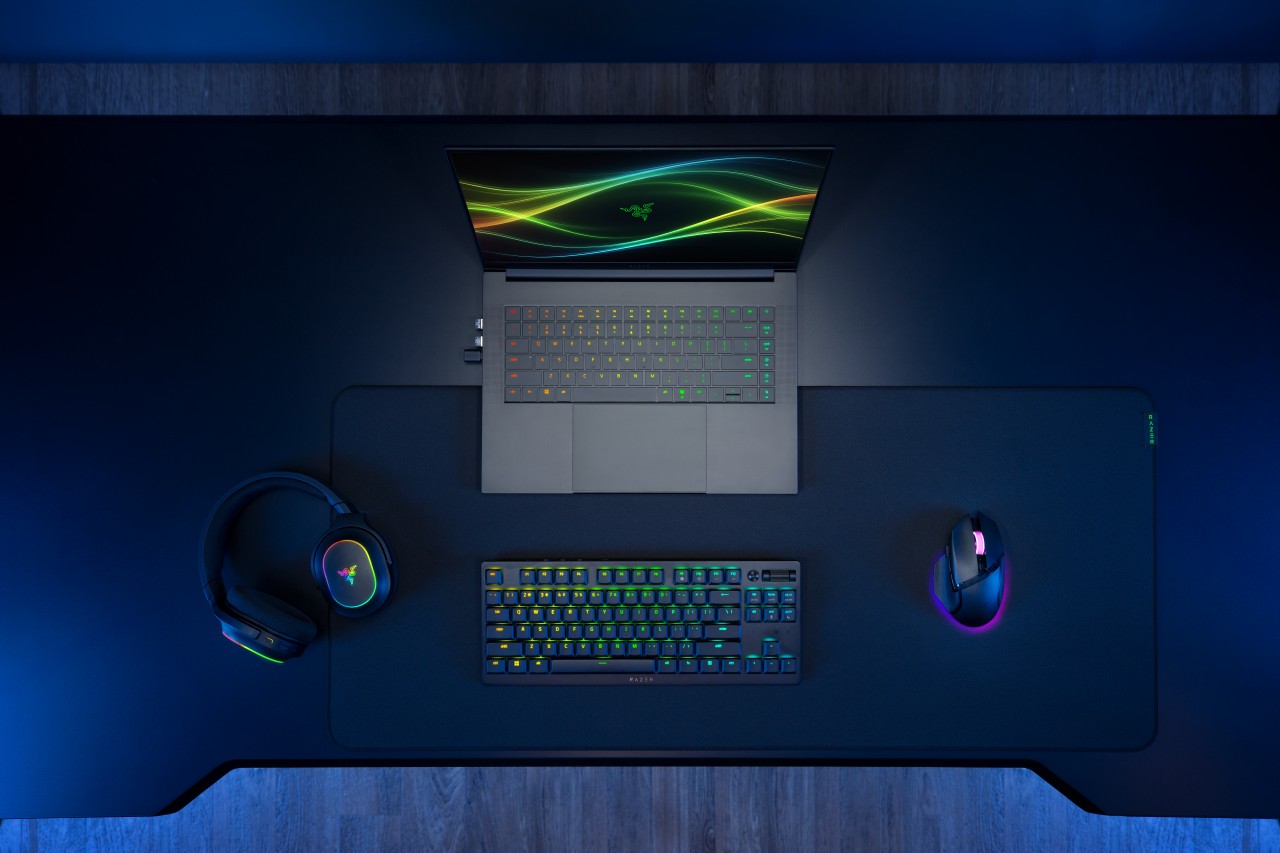
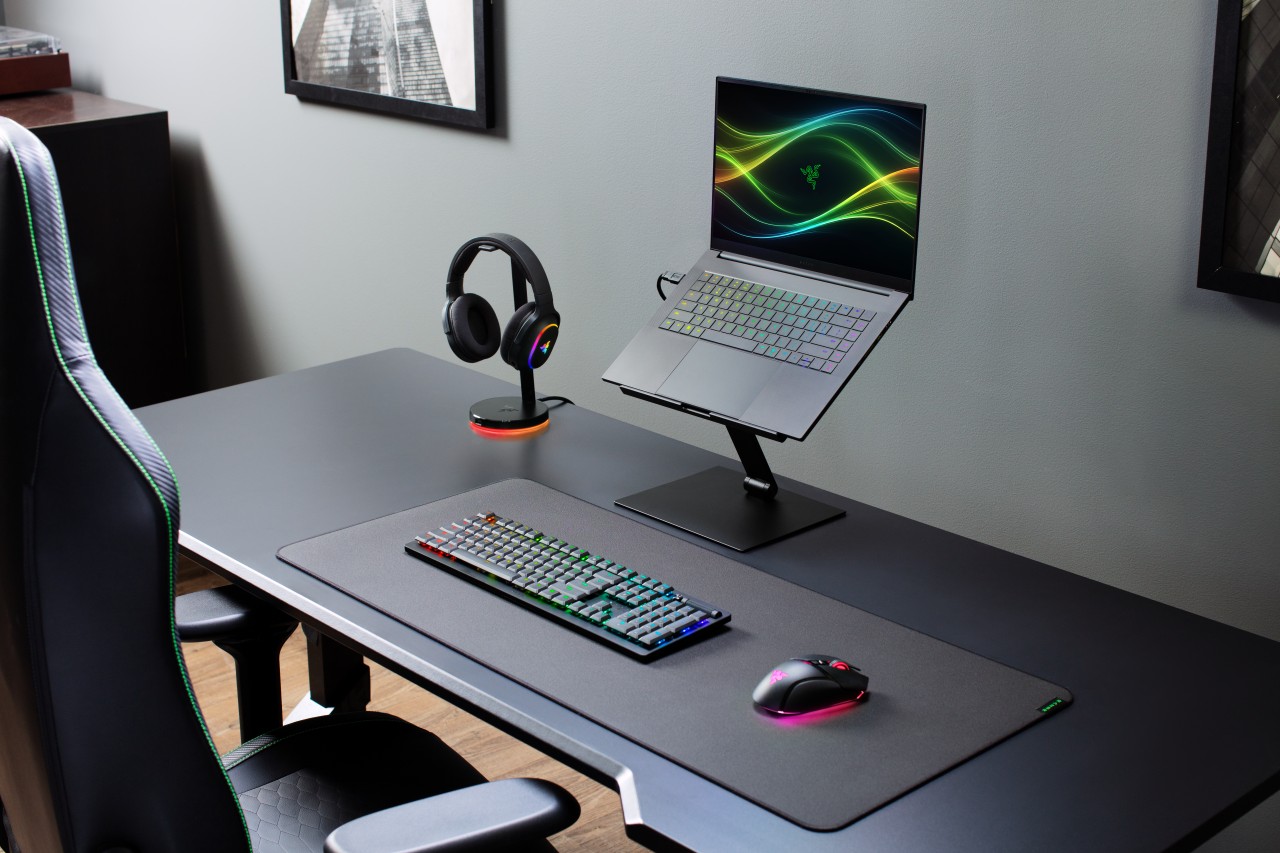
Razer has officially unveiled the 2026 version of its Blade 16, doubling down on what it does best: squeezing high-end performance into an ultra-slim chassis.
This year’s refresh focuses on meaningful internal upgrades. That includes a new Intel Core Ultra 9 processor, faster LPDDR5X memory, and NVIDIA’s latest RTX 50 Series laptop GPUs — all while keeping the Blade 16 as the thinnest gaming laptop in Razer’s lineup.
Performance gets a serious bump
At the core of the new Blade 16 is the Intel Core Ultra 9 386H, featuring 16 cores and up to 4.9GHz boost clock. Razer claims a 33% increase in core count versus the previous generation, translating to stronger performance across gaming, content creation, and AI workloads.
There’s also an integrated NPU capable of up to 50 TOPS, enabling faster on-device AI tasks like image generation and live translation.
Memory gets a notable upgrade too. The Blade 16 now supports up to 64GB of LPDDR5X-9600MHz RAM, which Razer positions as the fastest available in a laptop today. The result: quicker responsiveness for heavy multitasking, creative apps, and AI-assisted workflows.
On the graphics side, NVIDIA’s GeForce RTX 50 Series (Blackwell architecture) brings DLSS 4 and enhanced AI capabilities for both gaming and creator use cases.
Display and design stay premium
Razer isn’t fixing what isn’t broken. The Blade 16 retains its signature CNC-milled aluminum chassis, measuring just 14.9mm thick and weighing around 2.14kg.
The display remains a highlight. You get a 16-inch QHD+ OLED panel with a 240Hz refresh rate, now brighter and certified for VESA DisplayHDR TrueBlack 1000. It supports full DCI-P3 coverage, Calman calibration, and NVIDIA G-SYNC, making it just as suited for creators as it is for competitive gaming.
Battery life and efficiency improve
Despite the performance gains, Razer is also pushing efficiency. Thanks to Intel’s newer architecture and system-level optimizations, the Blade 16 can hit up to 13 hours of productivity use and up to 15 hours of video playback under ideal conditions.
That’s a notable improvement for a machine in this class, especially given its slim form factor.
Connectivity and audio step up
The 2026 Blade 16 gets a future-ready connectivity suite, including Thunderbolt 5, Wi-Fi 7, and Bluetooth 6.0. There’s also a full set of ports, from USB-A to HDMI 2.1 and an SD card reader.
Audio gets an upgrade too. The six-speaker system now supports THX Spatial Audio+ with virtual 7.1.4 surround, aiming to deliver more immersive sound both on speakers and headphones.
Price and availability
The Razer Blade 16 configured with an NVIDIA GeForce RTX 5080 (16GB VRAM) and 32GB LPDDR5X-9600MHz RAM is priced at US$3,499.99 / €3,599.99 MSRP.
It is available now, exclusively via Razer.com and select RazerStores worldwide.
Still the Blade, just sharper
At a glance, the 2026 Blade 16 doesn’t reinvent the formula. But under the hood, it pushes performance, memory speed, and efficiency forward in ways that matter.
It’s still the same idea: a no-compromise gaming laptop that looks like it belongs in a minimalist workspace — just faster, smarter, and a bit more future-proof this time around.
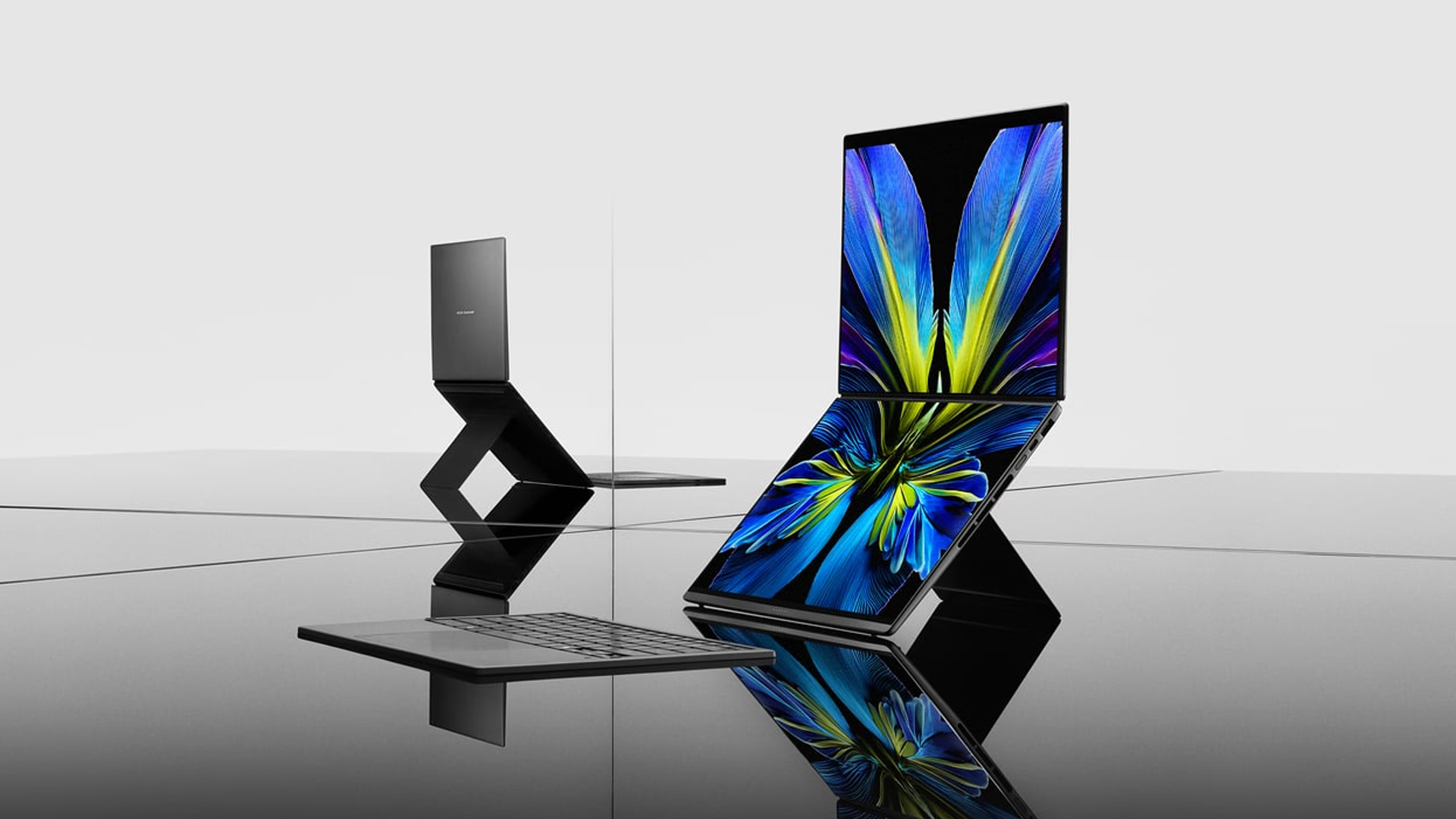
At CES 2026, ASUS unveiled an exciting lineup of notebooks headed for launch throughout the year. Earlier this month, the brand finally launched the latest Zenbooks built for maximum portability. Now, ASUS has released the new Zenbook S16 and S14, plus the new Zenbook DUO, in the Philippines.
Zenbook S16, S14
Much like its predecessor, the latest Zenbook S16 is designed for ultra portability. In terms of thinness, the notebook measures only 1.1 centimeters. Plus, it weighs only 1.5 kilograms, making it a perfect addition to your daily kit. The Zenbook S14, on the other hand, weighs only 1.1 kilograms.
As is always expected from the Zenbook S lineup, both laptops will have a tactile Ceraluminum lid, bolstered by an EasyLift hinge for ease of use. It will also have an ErgoSense keyboard with dished keycaps.
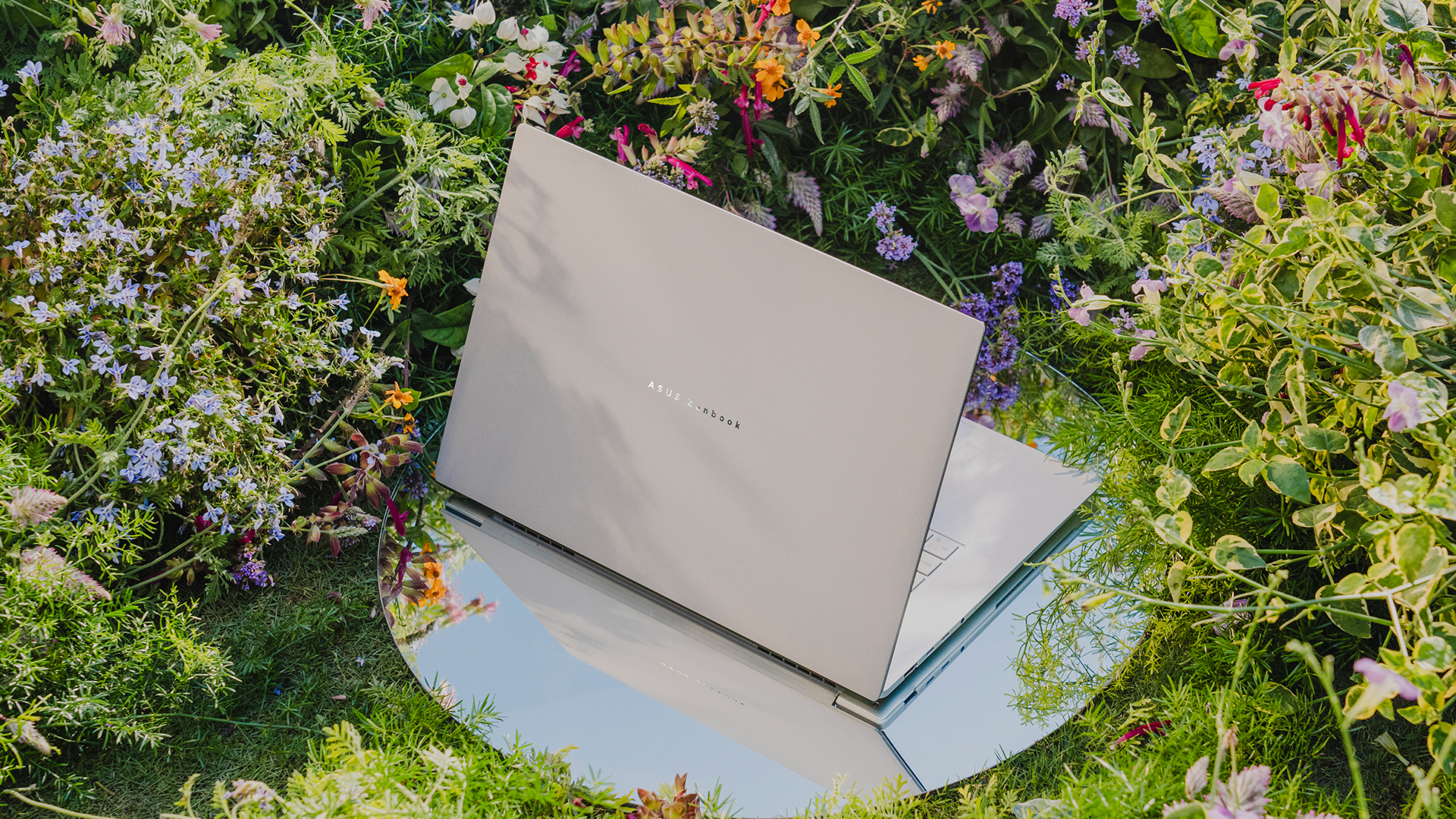
The 16- and 14-inch 3K ASUS Lumina OLED screen has touchscreen capabilities and a refresh rate of 120Hz. For audio, the S16 has a six-speaker Dolby Atmos system, including four front-firing tweeters and dual woofers. The S14 has four speakers.
Under the hood, the Zenbook S16 will sport an AMD Ryzen AI 9 465 chipset, while the Zenbook S14 has an Intel Core Ultra 9 Series 3 processor.
For battery, the S16 will have an 83 Wh battery, which can reportedly last over 21 hours, and the S14 has a 77 Wh battery.
Zenbook DUO
If portability isn’t your main focus, the new Zenbook DUO packs in two screens in one device. Though it packs a bit more punch the Zenbook S series, the dual-screen notebook still weighs only 1.65 kilograms.
The Zenbook DUO features the newest Intel Core Ultra 9 Series 3 processor, up to 32GB of memory, and up to 1TB of internal storage. This time, both screens have anti-reflective coating for a better viewing experience.
As with the previous generations of the DUO, this iteration comes with a detachable keyboard and a four different use cases including dual screen, laptop, desktop, and sharing modes.
Powering the beast is a huge 99Wh battery. ASUS says that this is the most they can pack inside without getting users in trouble at the airport.
Zenbook 14
To be clear, this is different from the Zenbook S14, but it bears a striking resemblance to that previous notebook, both in terms of design and hardware. For one, the new Zenbook 14 is 14.9mm thin and only 1.2kg light.
The 14-inch screen carries a WUXGA ASUS Lumina OLED display, putting out images in a 16:10 aspect ratio. The notebook also has an Ergosense keyboard and touchpad for more comfortable typing and more precise controls.
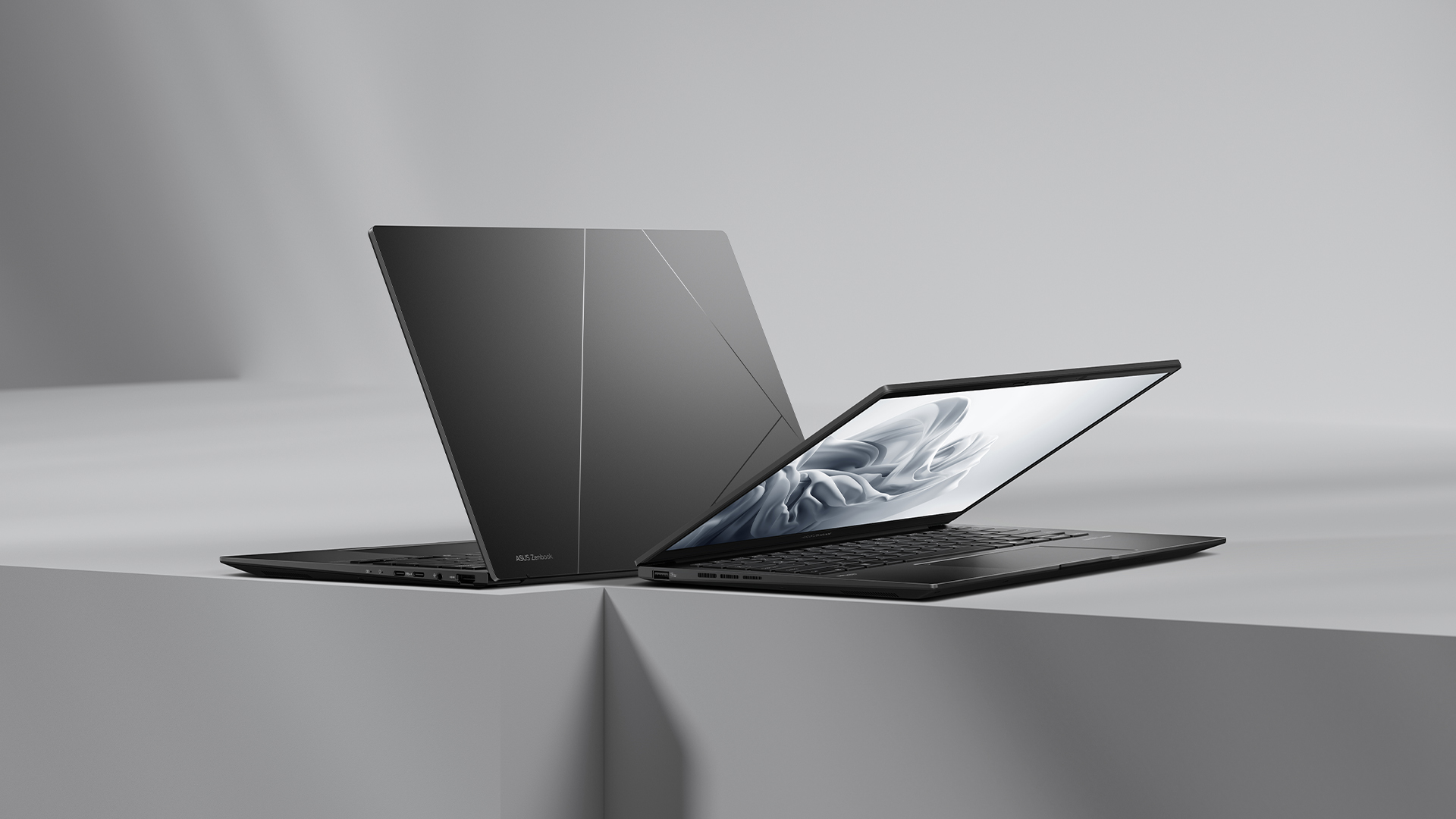
Under the hood, the Zenbook 14 trades the S14’s Intel chip for an AMD Ryzen AI 7 445 processor, capable of up to 50 TOPS. It will also have 16GB of RAM and 1TB of storage.
For battery, the notebook will have a 75 Wh battery, reportedly capable of lasting over 15 hours of unplugged use.
Zenbook A16
Embodying the spirit of “if it ain’t broke, don’t fix it,” the brand is also introducing a modest upgrade to the Zenbook A series.
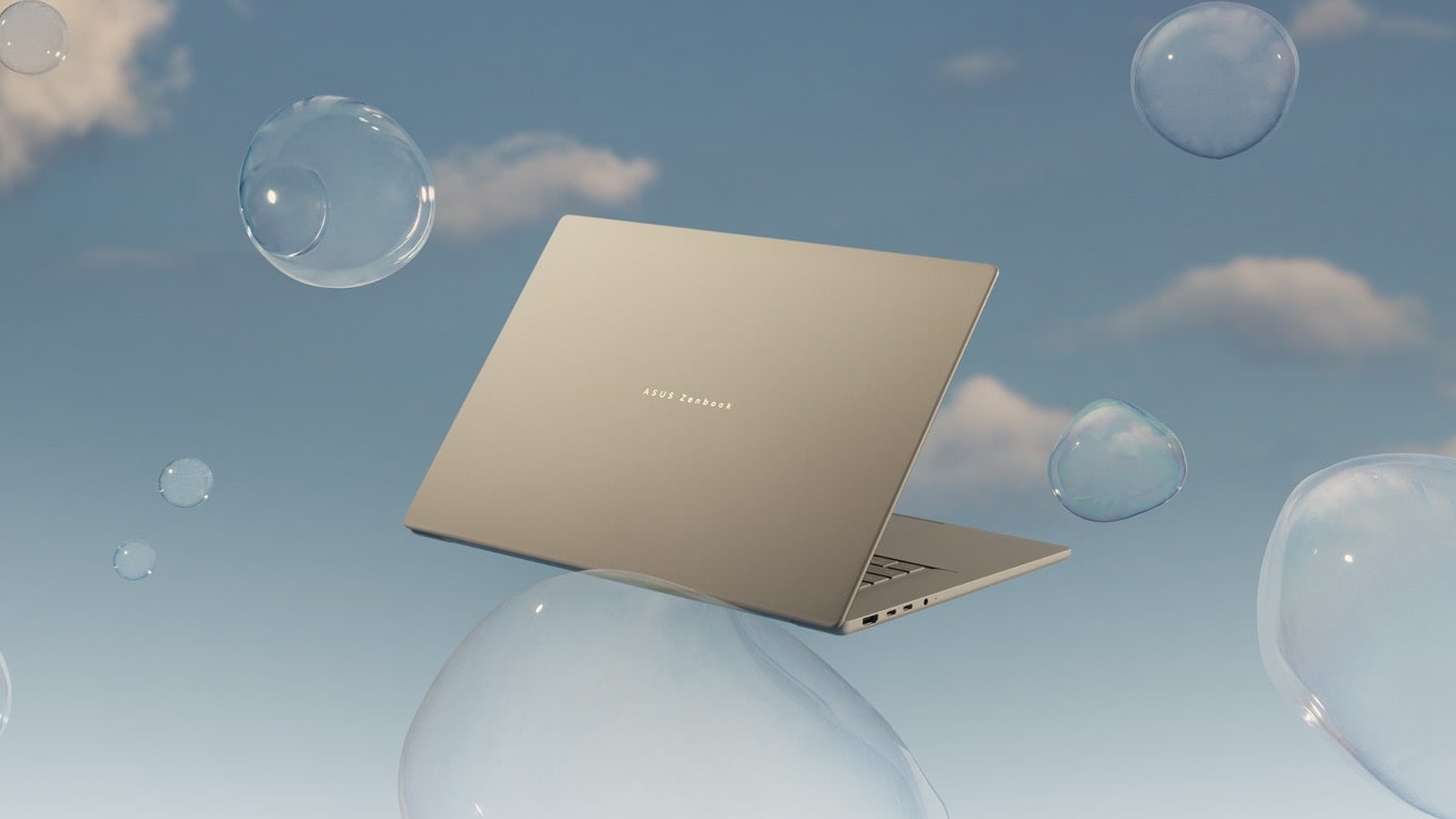
The new Zenbook A16 is only 1.2 kilograms in weight. Plus, with a 70Wh battery, the notebook can remain unplugged and outside for an entire day. The A16 comes with a 16-inch 3K 120Hz OLED screen and the Snapdragon X2 Elite Extreme.
Price, availability in the Philippines
The Zenbook S16 comes in Scandinavian White and starts at PhP 134,995. Meanwhile, the Zenbook S14 comes in Antrim Gray and sells for PhP 129,995.
The Zenbook DUO comes in Moher Gray and starts at PhP 179,995.
Meanwhile, the Zenbook 14 comes in Jade Black and sells for PhP 79,995.
Finally, the Zenbook A16 is coming soon.
Laptops
Alienware celebrates 30th anniversary with new Area-51 laptops
The series features Alienware 30, an all-new design language.

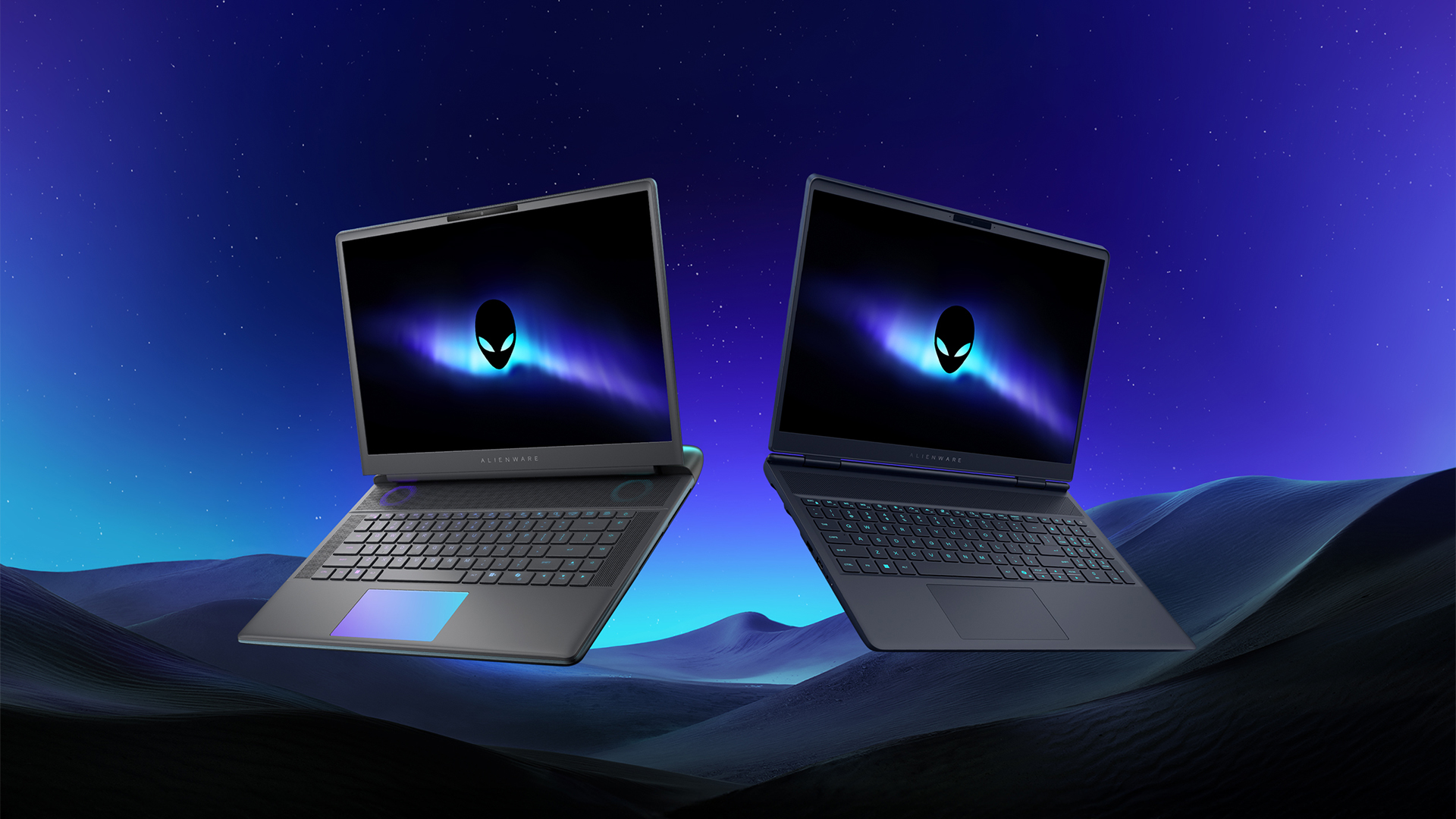
Despite the rise of more gaming brands, Alienware is still one of the most recognizable names for gamers who want dedicated hardware. This year, the brand is celebrating its 30th anniversary. To commemorate the milestone, Alienware has launched the new Area-51 and Aurora notebooks.
Alienware Area-51
Alienware’s Area-51 lineup is the brand’s flagship line of notebooks, packing in the best of the best from the industry. This time is no different.
First of all, the new series will rock Alienware 30, a new design philosophy made especially for the 30th anniversary. On the outside, the laptops have fluid contours, emphasizing curves opposed to the industry’s more angular contemporaries. It also has a Zero Hinge, which hides the laptop’s hinge from view. Finally, it has pillowed palm rests to make usage easy for long gaming sessions.
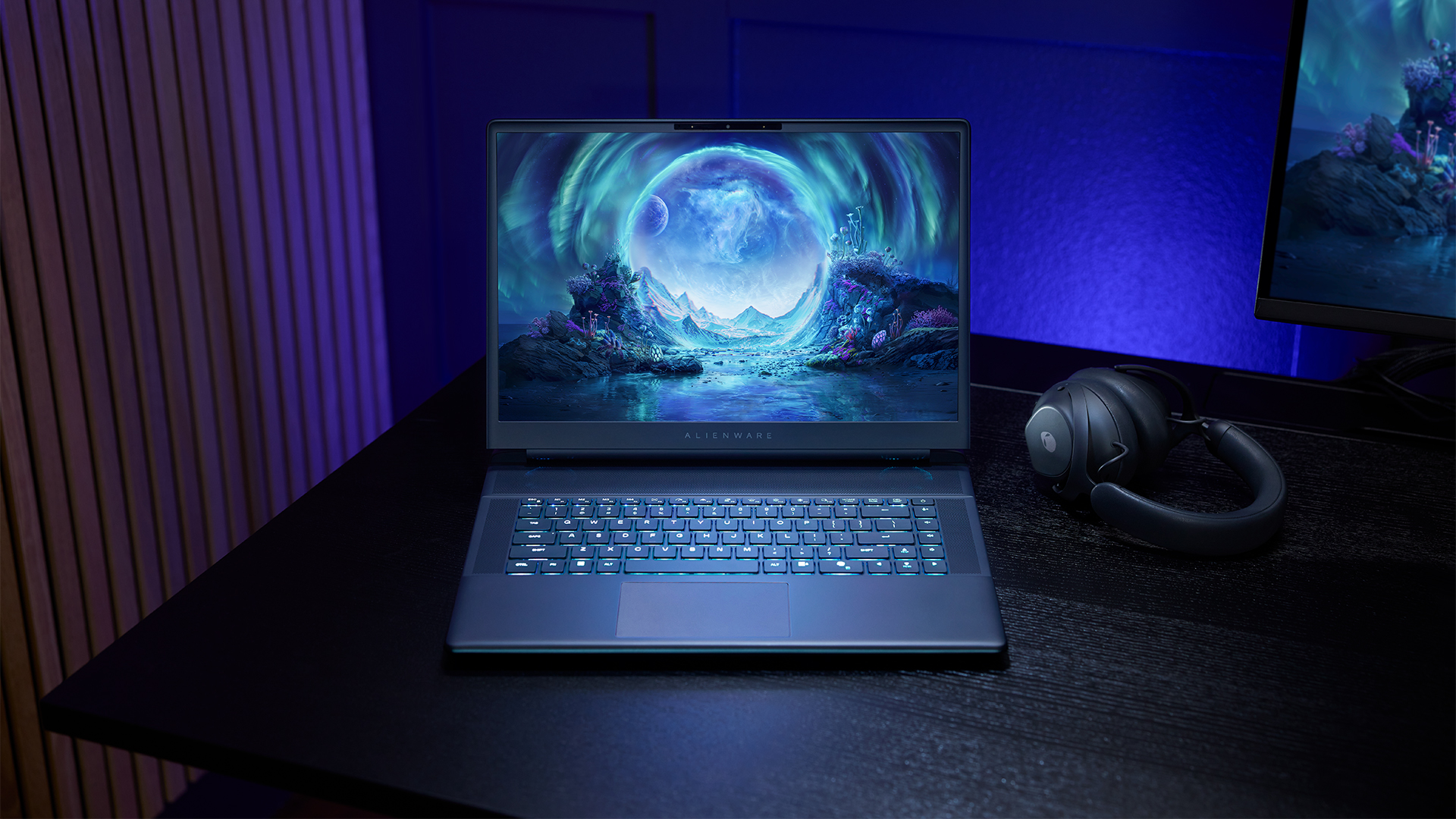
The 16-inch model can rock up to a WQXGA Anti-Glare OLED screen, featuring 240Hz refresh rate and 620 peak HDR nits. It will also have an LCD option. Alternatively, the 18-inch model has a WQXGA screen, featuring 300Hz refresh rate and 500 nits of brightness.
Inside, the Alienware Area-51 boasts up to an Intel Core Ultra 9 290HX processor and up to an NVIDIA GeForce RTX 5090 24GB GPU. For memory, gamers can enjoy up to 64GB Dual-Channel DDR5. Finally, for storage, the series can rock up to 2TB SSD natively but can support up to 3 slots, allowing for up to 12TB of internal storage.
The series will have a sizable 96Whr battery. This is complemented by a 280W adapter and the brand’s largest fans by volume to keep things cool.
Alienware 16X Aurora
For those who portability over raw power, the new Alienware 16X Aurora fits inside any day-to-day kit. For example, it ditches the thermal shelf typical of most gaming notebooks today to increase portability. It has rounded edges to make it easier to grasp and to create a slightly pillowed palm rest, similar to its flagship counterpart.
The 16-inch WQXGA OLED panel touts 240Hz refresh rate, 0.2ms response time, and 620 nits HDR peak brightness.
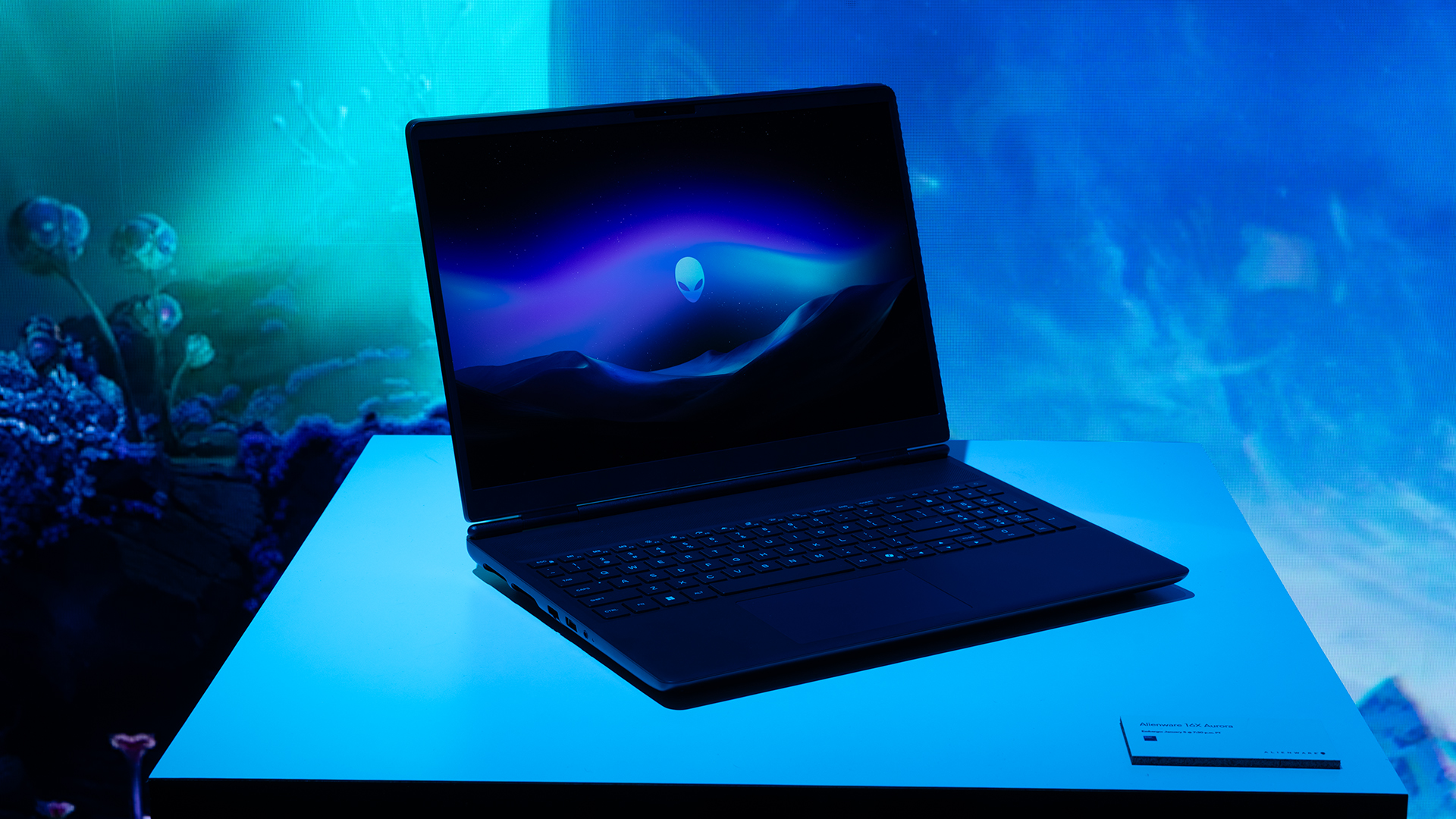
Inside, the notebook has up to an Intel Core Ultra 9 275HX processor and up to an NVIDIA GeForce RTX 5070 Ti GPU. These specs are paired with up to 64GB Dual-Channel DDR5 memory and up to 2TB SSD.
Finally, the Alienware 16X Aurora will have a 90Whr battery. This is supported by up to a 280W charger (for the RTX 5070 variant).
Price, availability
Both series are available starting today, March 17.


Infinix NOTE 60 Ultra: Not bad for a flagship push
It's definitely got the looks, though.


JBL Sense Pro review
My daily driver met a loud and capable rival in this quest for a superior training companion.


Shokz OpenFit Pro: Somewhere between awareness and focus
Find your balance
Infinix NOTE 60 Ultra: Not bad for a flagship push
JBL Sense Pro review

LE SSERAFIM Chaewon flexes Galaxy S26 Ultra Privacy Display

Power Mac Center opens 1st branch in Boracay

Samsung develops QuantumBlack: Low-reflection, high-durability QD-OLED film


-

 Philippines2 weeks ago
The HONOR X8d is serviceable
-

 Gaming1 week ago
WWE 2K26 lets you live out all the fantasy matches you could want
-

 Reviews1 week ago
Galaxy Buds4 Pro review: I thought I was done with in-ears
-

 Smartphones2 weeks ago
Spotlight: OPPO Find N6
-

 Gaming2 weeks ago
The hunt begins: The Witcher in Concert hits Manila with surprises in tow
-

 Gaming2 weeks ago
Monopoly: Star Wars Heroes vs. Villains launching on June 11
-

 Automotive1 week ago
How the Ford Ranger is powering community resilience
-

 News2 weeks ago
nubia to launch new Neo 5 series gaming phones on March 28