
Apps
Private browsing doesn’t hide your browsing activity – research
Always browse with caution

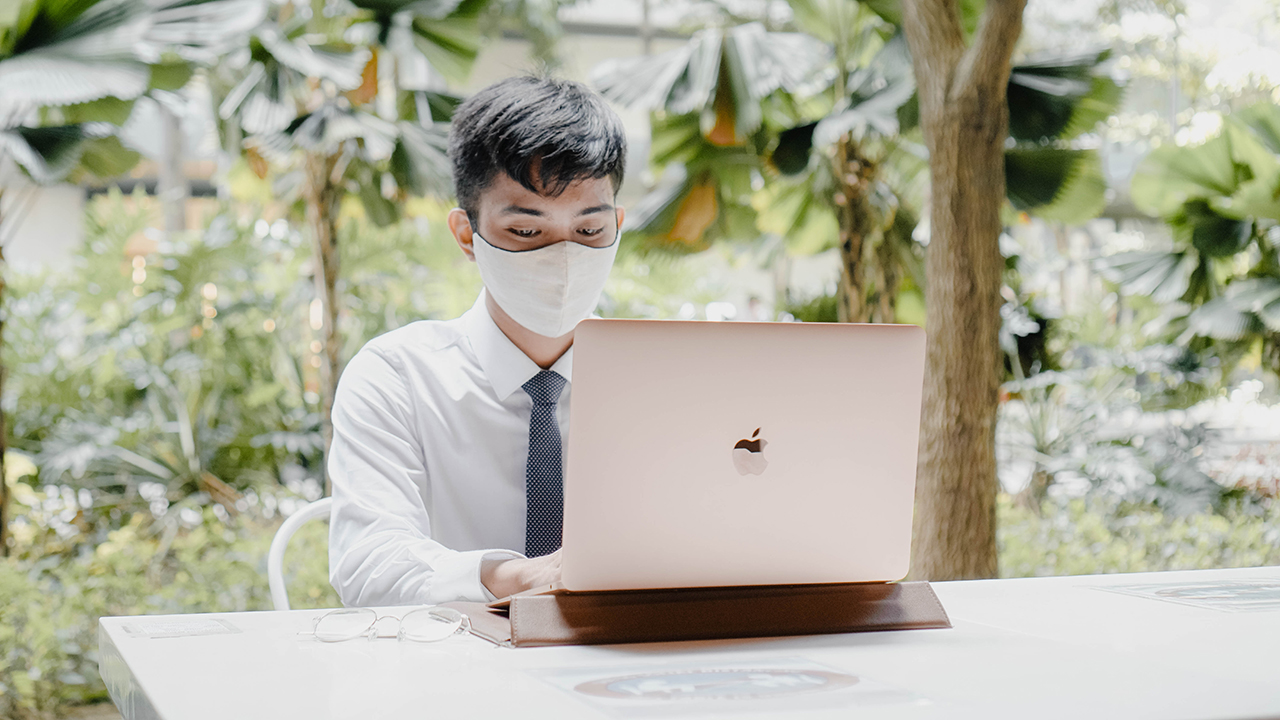
Many people think that private browsing modes guarantee extra safety and privacy from potential snoopers and other malicious actors. However, this is far from the truth. If you’re not careful, third parties can still know your browsing activity even when you are using your browser’s private browsing mode.
Private browsing, with an asterisk
Researchers at VPNOverview checked some of the popular browsers and analyzed how much browsing data leaks when using private browsing modes. These popular browsers include the Google Chrome with its “Incognito Mode”; the Apple device-exclusive Safari with “Private Mode”; the up-and-coming Microsoft Edge with “InPrivate”; and of course, the reliable Mozilla Firefox with “Private Mode”.
For each of these browsers, the researchers analyzed what browsing data does their private browsing modes hide. They also analyzed what browsing data can still be looked up by others on each browser’s respective modes.
The biggest takeaway from the research is that all private browsing modes are good enough for hiding your browsing history and files that you downloaded. Some browsers go the extra mile to keep you protected as you browse the web. Firefox, Edge, and Safari all have tracking protection that blocks intrusive trackers as you browse the web.

Cookies are one area of concern when browsing privately. Most websites use these to provide sign-in functionality and more, but they can also track you as you browse other sites on the internet. Fortunately, browsers don’t keep these cookies as you exit your private browsing session.
However, private browsing isn’t foolproof. The same researchers found that all private browsing modes fall short of hiding browsing activity from third parties. Internet service providers or whoever runs the network that you’re connected to can still see what you are browsing online. The same goes for the websites that you visit and sign in to, which can even know your exact location if you’re not careful enough.
What’s saved: IP address, bookmarked websites, and more
The reason why these third parties can still see your browsing activity is due to IP addresses. Remember, each device connected to the internet all have their own unique IP addresses. Devices have these addresses so they can send and get content from web servers. Relying on private browsing will not stop your computer from giving away your IP address to third parties such as the website you visit.
Then, there are also other browsing activities that get saved even in private browsing. Websites bookmarked during a private browsing session are saved even after browsing. While your browser won’t keep track of the files you downloaded, the actual downloaded files will remain on your PC. Not to mention, many browsers today offer extra features that will save any relevant data even when you use those features in private browsing.
As always, reading a browser’s fine print doesn’t hurt. However, users usually don’t have the luxury to scrutinize the privacy policy of each browser. There are things that you can do, however, to keep your browsing activity safe from the hands of third parties.
Use a VPN and an ad blocker
The best solution for most users is to download and use a virtual private network (VPN). VPNs work by creating a proxy between your device and the servers that serve web content. Instead of your device directly connecting to different servers on the internet, your device connects to another server that does the job of connecting you to other servers. This has the effect of hiding your IP address from any third parties including your internet service provider.
VPNs are more popular than ever since they also let you access geo-restricted websites. For example, a VPN may let you browse films and shows on Netflix that aren’t available in your country yet.
There are many VPNs out there, so you can easily pick one to suit your needs. Examples of popular VPNs include NordVPN, SurfShark, TunnelBear, Private Internet Access, and ProtonVPN. However, you also need to be mindful of the VPN service that you may want to use. Not all VPNs are created equal, and there have been multiple examples of providers leaking sensitive data.
Using ad blockers can go a long way too in making sure that your browsing activity is safe from third parties. Ad blockers do more than just remove ads from most websites nowadays. They also block trackers that profiles and collects information such as device information and more as you browse different websites.
As mentioned above, Safari, Firefox, and Edge have built-in tracking protection so you can rely on these instead for blocking trackers. For those not satisfied with their browsers’ tracking protection, they can rely on established ad blockers such as uBlock Origin, AdGuard, AdBlock Plus, and the likes.
Private browsing doesn’t simply cut it
For many, private browsing is their go-to for doing sensitive work on the internet. As the researchers from VPNOverview have pointed out, however, your browsing activity can still be inferred even as you use your browser’s private browsing mode. To make sure this doesn’t happen, you can rely on VPNs and ad blockers for total peace of mind.
As always, be mindful of what and how you browse online. Remember, your browsing habits reveal a lot about you. Companies who buy and sell data for profit will always want to get a hold of your browsing data so it is better if you exercise caution online.







Apple Music is getting a revamp. In one of the tamer things going on with the brand today, Apple has introduced a new design language for its native music streaming platform.
In the midst of all the hubbub surrounding the iPhone Duo, Apple released a change in the visual identity of Apple Music. Rather than a static logo, the platform’s newest evolution offers a dynamic look that melds Liquid Glass and the power of sound together.
Confirmed through a behind-the-scenes video, Apple says that the new aesthetic was made with practical effects. Music producer Fred Again and NEST Acoustics submerged the platform’s logo in a tank of mineral oil and creating ripples with sound. The new language matches well with the chrome aesthetic typical of today’s trends and… well, Liquid Glass, of course.
Apple says that the more ripple-filled version will play before longer content like concert recordings (similar to Netflix’s startup stinger). Meanwhile, a black-and-white version will replace the app’s icon currently colored red and white. Current previews show off a simple logo, but it’s unknown whether Apple is adding a but more elements when the final version drops.
The updated version will debut for users after next week’s iOS 27.2 and macOS 27.2 updates.
SEE ALSO: Apple iPhone Duo Unboxing and Hands-on
Apps
Disney+ strengthens footing as go-to sports streaming app with UFC, NBA, more
ESPN on Disney+ brands itself as ‘new home ground for sports’


Disney+ is strengthening its footing as a go-to sports streaming app as ESPN on Disney+ is now available in the Philippines, one of its markets with a huge sports-loving fanbase.
The launch coincides with a brand new campaign, “Ito ang Homecourt Mo!” (This is your homecourt!), welcoming Filipino fans to a new home ground for games, stories, and moments.
Subscribers can access live events, on-demand replays, studio shows, documentaries and original programming together in one dedicated destination through ESPN on Disney+.
Production and coverage will be led by ESPN, delivering high-quality broadcasts, commentary and expert analysis across the sports season where available, alongside Disney+ general entertainment and family programming.
Following last season’s success, NBA returns to ESPN on Disney+ with matchups during NBA Tip-Off Week.
Christmas Day games will also be available to stream, including the NBA Finals rematch between the New York Knicks and San Antonio Spurs and the Philadelphia 76ers versus the Los Angeles Lakers.
Playoff games through the conference finals shall also be streamed live and on demand.
Meanwhile, the UFC is among some of the new regular sports programs Filipinos can watch on Disney+.
The action kicks off at UFC 333 in Abu Dhabi scheduled on October 25, where two world championship titles are expected to be on the line: UFC featherweight champion Alexander Volkanovski takes on undefeated No. 1-ranked contender Movsar Evloev, and UFC bantamweight champion Petr Yan defends against former champion and No. 1-ranked Merab Dvalishvili.
Alongside live UFC numbered events and UFC Fight Nights, fans will have access to a library of classic fights and curated UFC content.
There will also be the original and and behind-the-scenes programming, including UFC Countdown, UFC Connected, UFC Main Event, UFC Fight Flashback, UFC Reloaded, and ROAD TO UFC.
A new home ground for sports
Other notable sports programming will include the Formula E 2026/27 season, with practice, qualifying and main races across 21 rounds in 13 host cities.
Also available on Disney+ are NCAA events, including March Madness, and Australia’s National Basketball League (NBL), with all games live across the regular season and championship series.
ESPN’s popular 30 for 30 documentaries will continue to be available on the platform. The line-up also features ESPN studio shows, including ESPN FC and Pardon the Interruption.
Apps
GrabCar Group Ride now splits the fare automatically
Passengers stand to save up to 50% compared with booking a solo ride
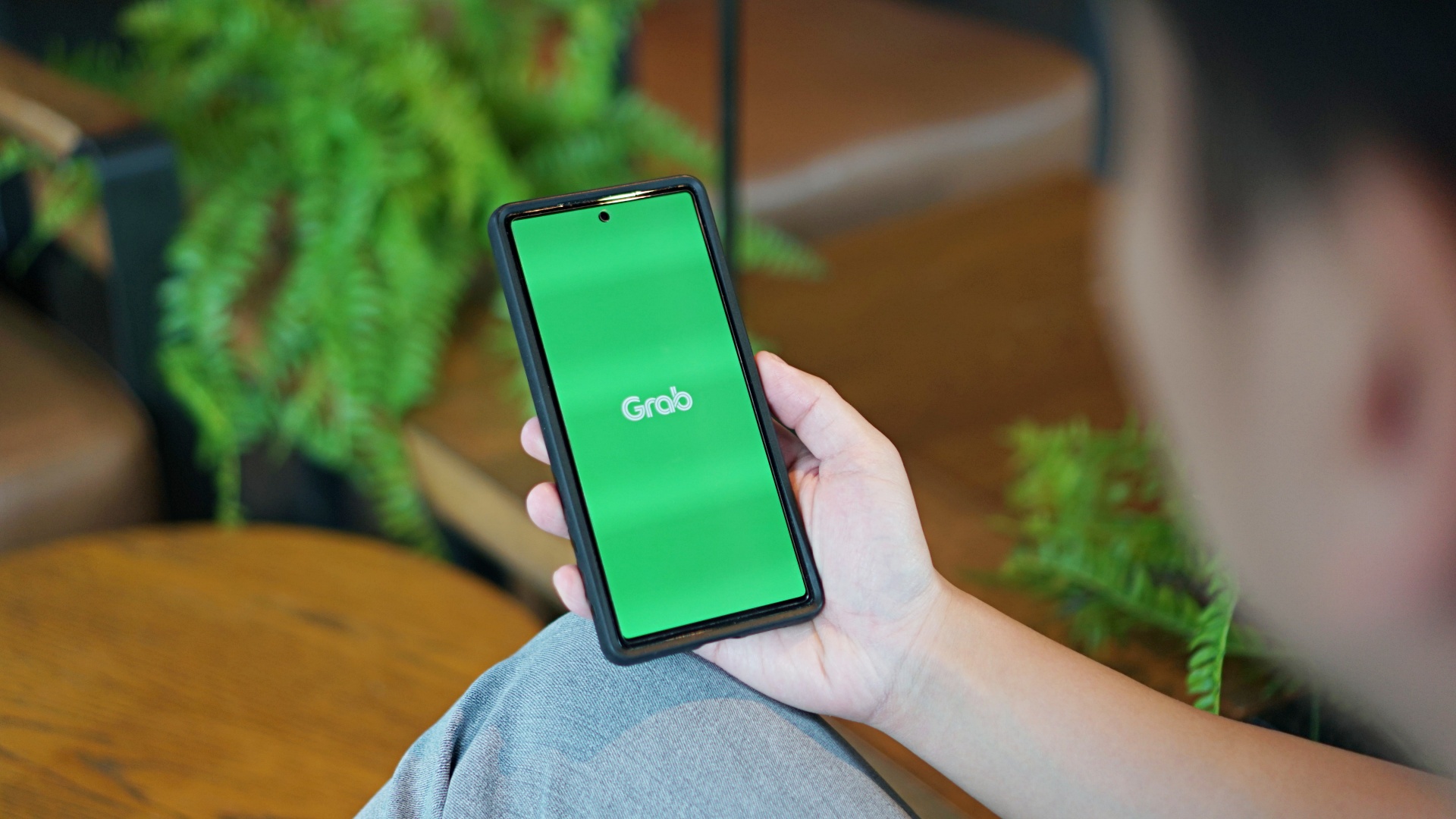
GrabCar Group Ride now splits the fare automatically among passengers, making it simpler to book such ride types.
Each rider can save up to 50% on fare as well when using a group ride, compared with booking a solo ride.
The ride type lets the ride host and up to two friends share one GrabCar, with up to three drop-off points along the way. The more people join, the more affordable the ride becomes for everyone.
Regular ride buddies can also be saved as a group, together with frequent pickup and drop-off pins. This way, repeat bookings take just a few taps.
Such a system is ideal for officemates headed the same way or friends coming home from a night out, as well as plenty of other scenarios.
To book a Group Ride, follow these steps:
- Open the Grab app, tap GrabCar, then select Group Ride
- Enter your pickup point and drop-off
- Share the invite link with up to two friends
- Your friends can add their own drop-off points
- Confirm the booking to split the fare automatically
The GrabCar Group Ride feature is now available in all GrabCar cities nationwide.


HP OMEN Max 16 review: Gamer-maxxing in deep black
Peripherals deemed necessary to max this out


vivo V80 review: Good phone, tough sell
A capable travel companion


Ghost of Yōtei Complete Edition review: More of a great thing
Picking up where Atsu left off

Apple unveils its biggest iPad mini update yet

TechLife’s Pad Neo SE is coming with a 10.1-inch screen built for learning

Visa: 79% of Filipinos want to learn about stablecoins

CASETiFY Match: Finding the right case for your Galaxy Z8 Series phone
HP OMEN Max 16 review: Gamer-maxxing in deep black

TECNO CAMON Slim 5G review: Slim on size, big on surprise

TECNO CAMON Slim 5G: Price, availability in the Philippines

HONOR Magic9 Pro Max launches in China with ARRI-powered imaging

BYD says that way better EV batteries are coming next year

HONOR 600S review


-

 News2 weeks ago
vivo V80 debuts with ZEISS cameras
-

 Philippines1 week ago
TECNO CAMON Slim 5G gets launch discounts, free MagBadge
-

 News1 week ago
Samsung: Galaxy Z Fold8 demand rose because of iPhone Duo
-
Reviews1 week ago
vivo V80 review: Good phone, tough sell
-

 Features2 weeks ago
I don’t want a phone that unfolds — the Galaxy Z Fold8 gets why
-

 News5 days ago
OPPO Find X10 Series: Price, availability in the Philippines
-
 Buyer's Guide1 week ago
iPhone Duo Philippines: Prices, installments, and where to buy
-
 Philippines1 week ago
Smart opens iPhone Duo pre-orders today