

Hands-On
Samsung Galaxy A42 5G Hands-On: Surprisingly decent
A 5G phone that deserves some of your attention

Midrangers with 5G are slowly becoming abundant as 5G connectivity expands around the world and in the Philippines. Samsung wants in on this market with the introduction of the Samsung Galaxy A42 5G.
At first glance, it looks like a phone from yesteryears.
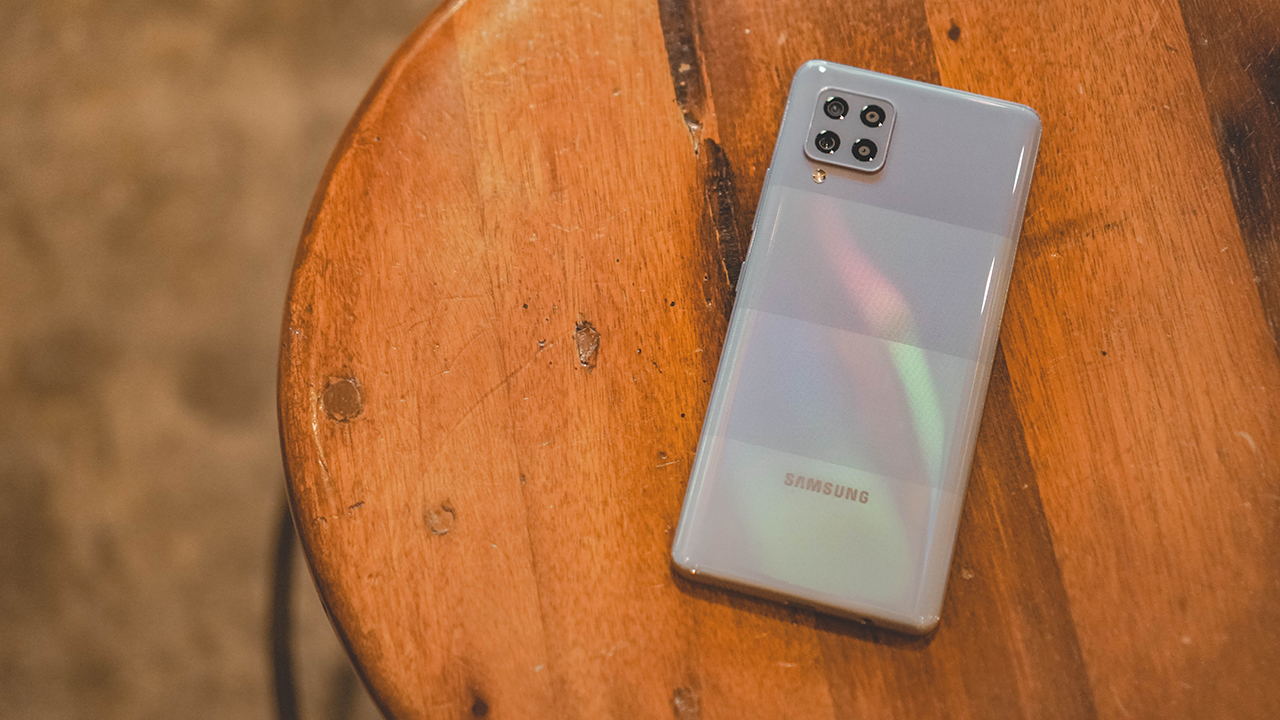
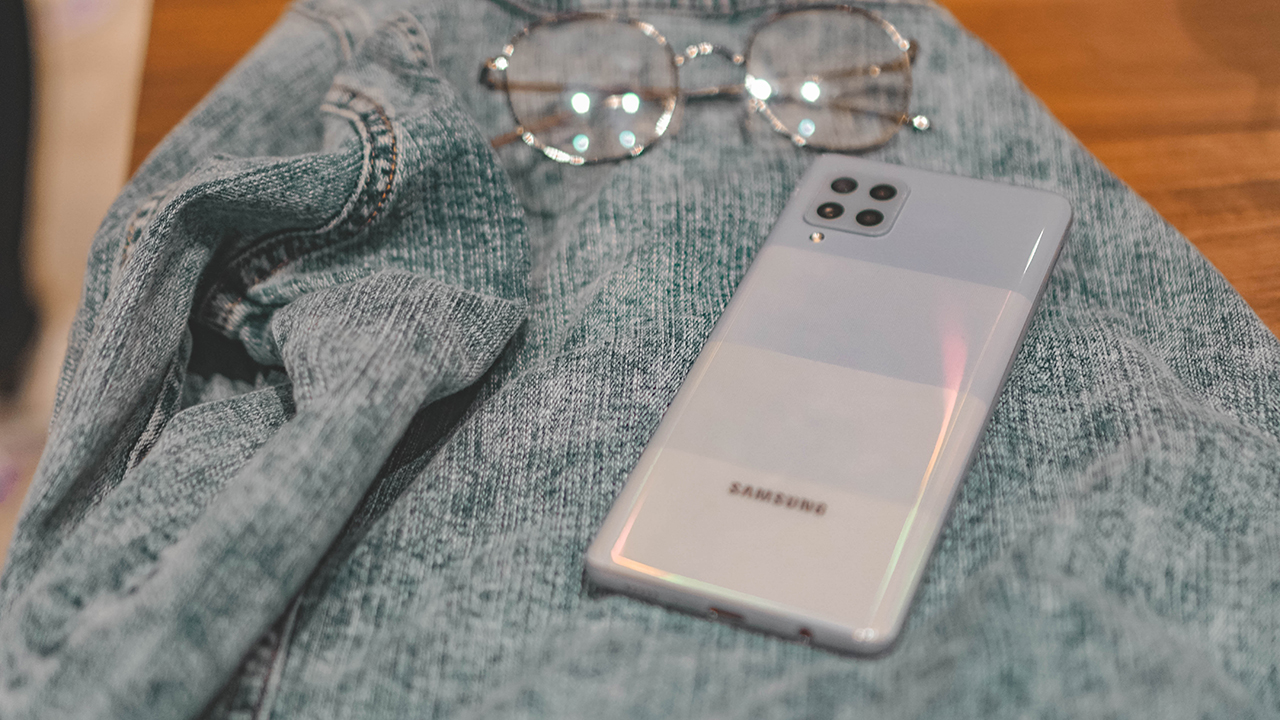
The vertical pattern on its back notwithstanding, the camera array as well as its overall form factor feels like its a 2019 A-series phone. Which isn’t entirely a bad thing.
That back does get this nice glimmer when hit with light.

In front you’ll see a tear-drop-ish notch — definitely a relic of the past — housing a 20MP selfie shooter.

Also clearly visible are the bezels on the screen. It’s thicker than what you’ll find on flagships, but there are still a handful of phones like this in the midrange arena.
Going down under, you’ll see the 3.5mm jack. USB-C port, and speaker-grilles.

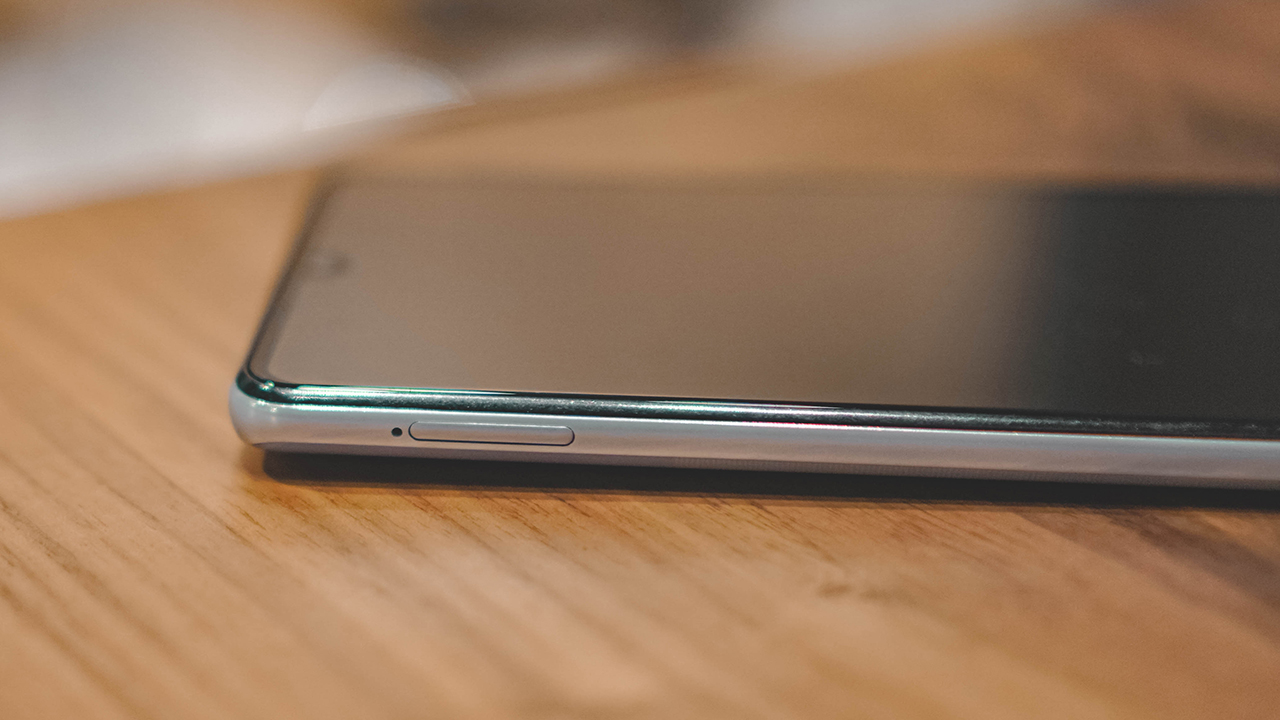
Over to the left is the SIM card tray.
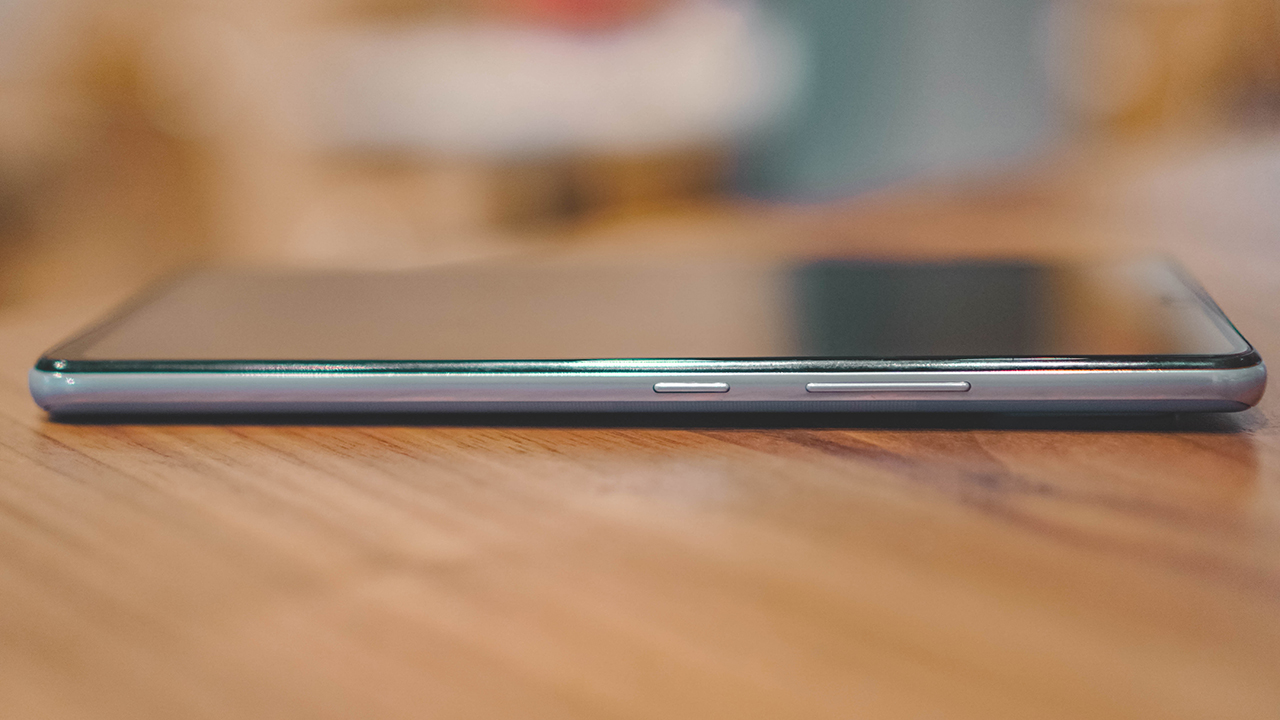
And on the right are the volume rockers and power button.
It has a 6.6-inch SUPER AMOLED display, as expected of Samsung.

And is surprisingly easy to hold in one hand despite the rather large screen and device footprint.
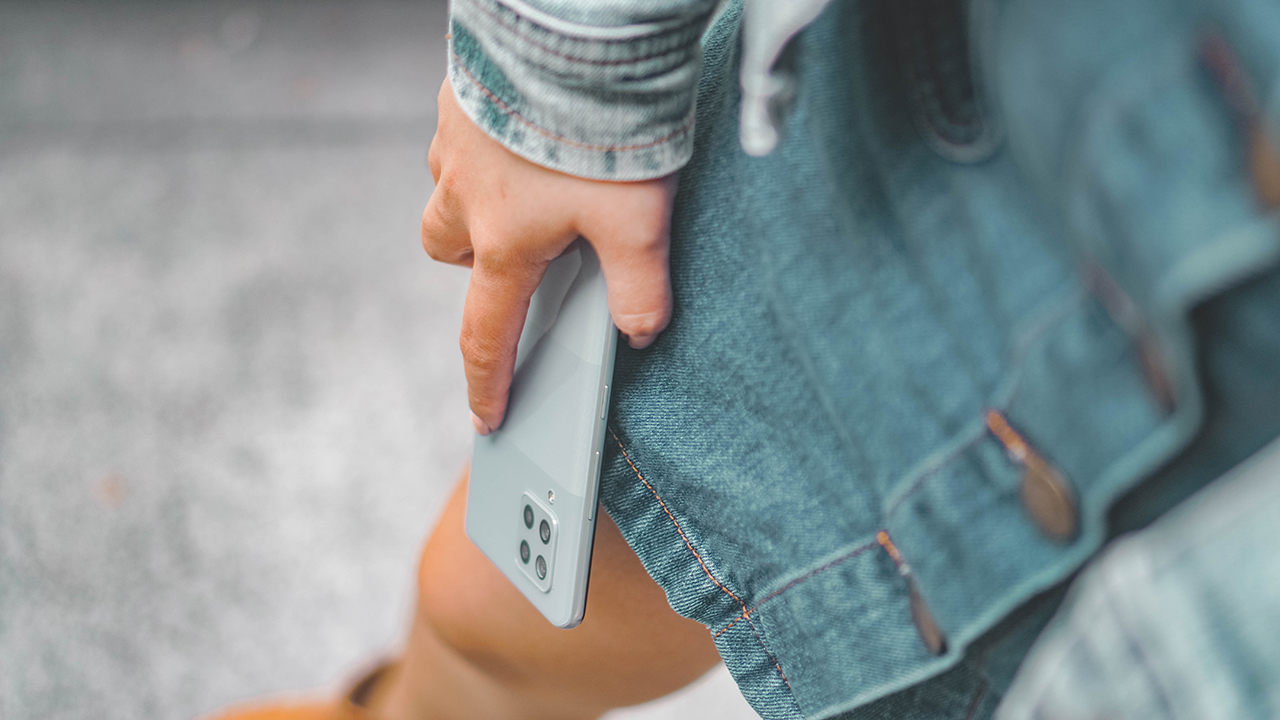
Whether you’re browsing or making calls, this shouldn’t put too much of a strain on your hand.

And of course, it has 5G.

More than satisfactory performance
Equipped with a Qualcomm Snapdragon 750 5G SoC with up to 8GB of RAM and 128GB of storage, the Galaxy A42 5G won’t leave you wanting when it comes to performance.
Stalking your crush on IG, ranting on Twitter, or leaving sassy comments on your friends’ Facebook posts — these are just some of the menial things we do on our phones. They, in no way, push the phone to the limit, but you’ll get a generally lag-free experience on this phone.
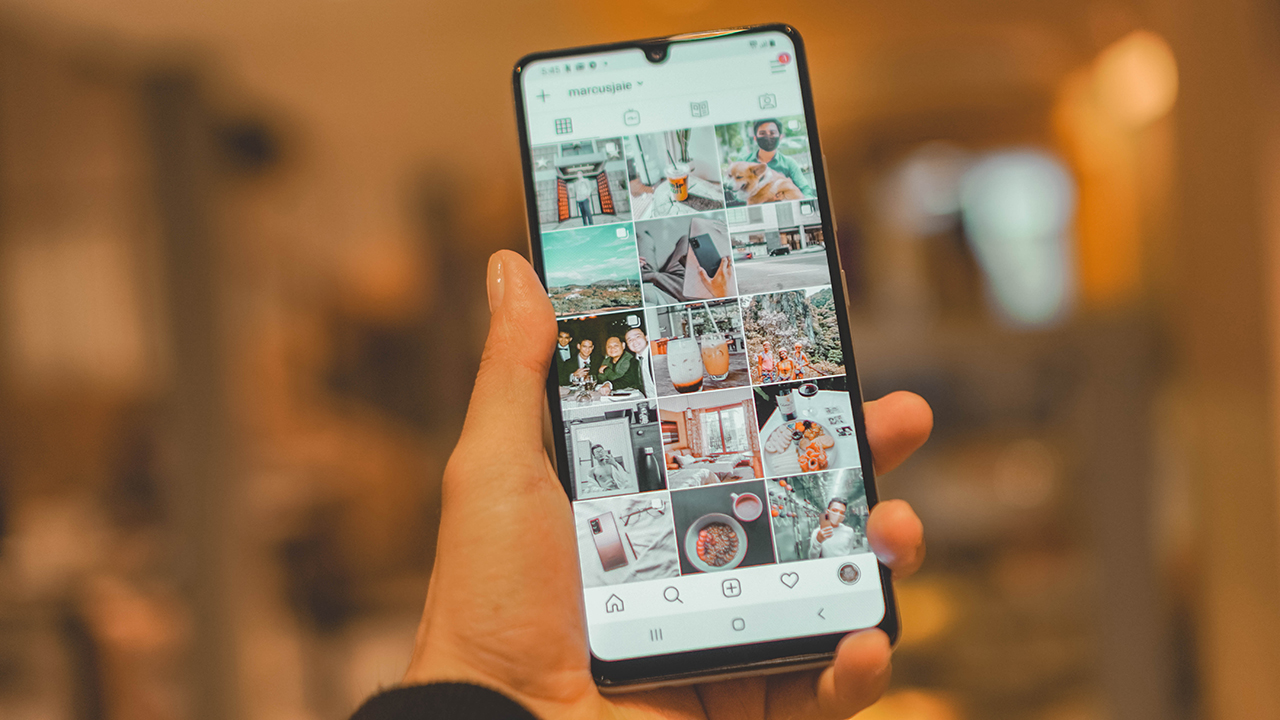
The Super AMOLED display is as vibrant as ever. It’s fantastic for consuming all kinds of content. For instance, this episode of Start-Up where Chul-San and SaHa finally get together making you feel, even more, the pain of your singlehood.

The overall smooth experience is felt throughout the interface. This phone, after all, is running Android 10 with ONE UI 2.5 on top.
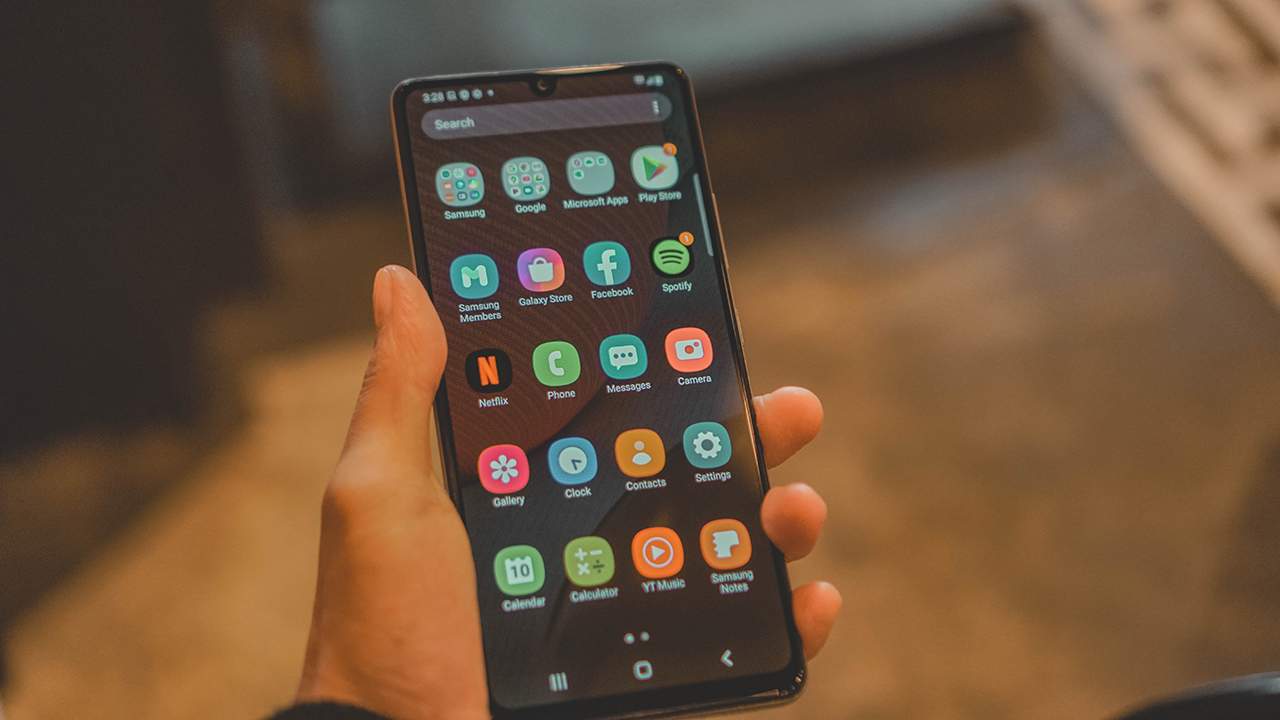
Battery life lasts at an expected entire day. You also wouldn’t break a sweat should you forget to charge it overnight. The chip’s power management along with the 5000mAh battery make for a good combo. Nothing mind-blowing, but very serviceable. It also supports 15W fast charging.
Let’s talk cameras
Cameras because, like most other midrangers, the Galaxy A42 5G comes with four (on the rear) and one on its front as mentioned earlier.

The four cameras are: 48MP wide, 8MP ultrawide, and a couple 5MP shooters for macro and depth. You’ll find some sample shots below.





Most of these were taken in low light conditions. It took a couple of tries before getting shots we like but they’re more than good enough for taking quick snaps with your date — assuming you can actually get one.
Under a good light source, the camera performs admirably. Par for the course for most midrangers these days.
The selfie is… okay. This wasn’t the ideal lighting condition but the result is a solid 7/10.
Is this your GadgetMatch?
At PhP 19,990, there’s not much else you can ask for. It delivers a better than decent overall performance for its price range, the Super AMOLED display looks fantastic, and you get 5G connectivity wherever available. It’s a sweet deal.
Of course, you’ll have to contend with those bezels and that less than appealing teardrop notch. If you can get past these, what you’re getting is a rather affordable 5G-capable smartphone that performs well and takes decent photos.
Not bad. Not bad at all.






Hands-On
Apple iPhone Duo Unboxing and Hands-on
Supported apps, crease, cameras, and MagSafe all tested


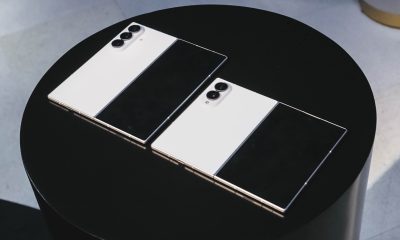
Apple’s iPhone Duo is finally here!
Aside from unboxing the all-new iPhone-dable in Night Sky, we take a closer look at the display crease, check out the under-display camera quality, see which MagSafe accessories work with it.
Most of all, which apps support it (or not).
But how well does the dual-screen experience on an iPhone actually work? Watch our Apple iPhone Duo unboxing and hands-on to know more!


Moving into a new space comes with a long list of things to figure out, and lately, I’ve been paying more attention to something that’s easy to overlook: air quality.
After using the LG AeroMini for about a month, it has become a subtle but welcome addition to my space. It helps make the room feel fresher, while its compact and stylish design fits naturally into my setup. Here are the things that stood out to me most after living with it for a month.
360° purification for a fresher space
One of the things I appreciate about the AeroMini is its 360° air purification, designed to bring purified air in every direction.
For me, this is particularly useful in a new space where I’m spending a lot of time working, relaxing, and just settling in.

Combined with its True HEPA filter, which is designed to remove 99.999% of 0.01μm fine dust and allergens, it gives me added peace of mind about the air I’m breathing every day.
After a month, I can genuinely say that the space feels fresher with it running.

Surprisingly quiet
This is probably my favorite feature.
The LG AeroMini operates at just 26dB, and after using it for a month, what stands out is how easy it is to forget that it’s even running.

I can have it running while I’m working or sleeping without the noise becoming a distraction. For an appliance that’s designed to continuously improve the air around you, I think that’s a big deal.
Sometimes, the best feature is the one you barely notice.
Design that fits my space
Since I recently moved, I’ve been pretty conscious about what I bring into the space. I want things to be functional, but I also don’t want appliances that feel like they’re taking over the room.

The AeroMini’s slim and compact design makes it easy to incorporate into my setup. It doesn’t feel bulky or industrial, and I like that I can leave it out without feeling like I need to hide it away.
For me, that balance between functionality and aesthetics makes it feel more like part of the space rather than just another appliance.
Air quality at a glance
Another feature I’ve found convenient is its Smart Control. Through the app, I can monitor and control the AeroMini while getting real-time updates on the indoor air quality.
It’s a small convenience, but being able to check the air quality without having to interact with the purifier directly makes it easier to keep track of what’s happening in the room.

Easy to maintain
I also appreciate that the AeroMini is designed with an all-in-one dust and deodorization filter that makes replacement and maintenance easier.
That matters to me because the best home gadgets are the ones that don’t create another complicated chore. I want something I can set up, use regularly, and maintain without too much fuss.

After a month, would I keep it?
Yes, and mainly because it quietly fits into my everyday routine.
The LG AeroMini has helped make my new space feel fresher and more comfortable, while its compact design means it doesn’t compromise the look of the room. But if I had to pick just one thing I appreciate most, it’s still how incredibly quiet it is.

It’s one of those upgrades that doesn’t demand your attention. It simply works in the background.
If you’re also looking to make your home a fresher and more comfortable space for yourself and your family, visit https://www.lg.com/ph/ to learn more about the LG AeroMini and how it can fit into your everyday life.
Hands-On
Apple iPhone 18 Pro Series Hands-on
And everything announced during Apple’s September 2026 Event

The latest Apple event isn’t just about the shiny new Apple Duo. There’s a lot to talk about!
In this video, we break down everything Apple has announced during their September 2026 keynote.
First, there’s the updated iPhone 18 Pro and 18 Pro Max. That’s alongside their design and color changes, battery and performance improvements. Even that massive camera upgrade.
There’s even the ANC-infused AirPods 5 alongside the newer Apple Watch Series 12 and Apple Watch Ultra 4. Plus, the latest software updates coming to both these wearables.
So, are these worth the upgrade?


ROG G700 review: The best prebuilt PC you can get off the shelf
This PC will make you stop worrying about specs.


HP OMEN Max 16 review: Gamer-maxxing in deep black
Peripherals deemed necessary to max this out


vivo V80 review: Good phone, tough sell
A capable travel companion

Wild Rift Patch 7.3, celebrates K/DA comeback

LG showcases its latest AI TVs in the Philippines

Your coffee nook is getting a makeover with Starbucks’ holiday collections

Petit Planet launches December 4

This pop-up sauna brings the steam room experience into your home


-
Reviews2 weeks ago
vivo V80 review: Good phone, tough sell
-

 News2 weeks ago
OPPO Find X10 Series: Price, availability in the Philippines
-

 Cameras2 weeks ago
DJI Osmo Pocket 4P Pearl White now available globally
-

 News2 weeks ago
OPPO Find X10 Series: Price, availability
-

 Entertainment2 weeks ago
Cyberpunk: Edgerunners 2 now streaming, Cyberpunk 2077 update coming
-
Gaming1 week ago
HP OMEN Max 16 review: Gamer-maxxing in deep black
-

 Laptops2 weeks ago
Lenovo expands Yoga lineup with new AI PCs and tablets
-

 Laptops2 weeks ago
ASUS ProArt P14, P16 laptops with NVIDIA RTX Spark now available