
News
Samsung Galaxy Fold stars in hand-on video, shows visible crease
The problem with foldable phones


While we still wait for foldable phones to become available for purchase, we get to see early reports of first-hand experiences. The Galaxy Fold from Samsung is slated to come to stores for almost US$ 2,000 and we’re dying to take it for a spin. Unfortunately, Samsung doesn’t let the media use the Galaxy Fold yet, unlike Huawei which let us play with the Mate X.
Thankfully, there’s a short YouTube video showing a working Galaxy Fold. The demo during Samsung’s Unpacked event was done meticulously, so this raw and unscripted hands-on clip gives us more insights about the foldable phone.
The 2-minute clip originated from Vietnam, home to one of Samsung’s manufacturing plants. The device on the video is an AT&T-branded version for the US market.
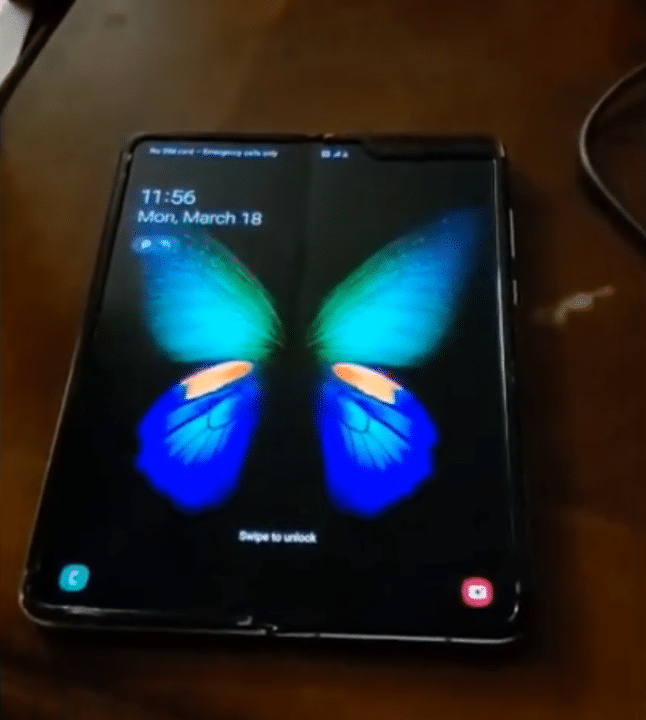
Screenshot from the YouTube video of phoneoftime
The video neatly shows the futuristic phone showcasing the user interface and folding mechanism. What’s interesting to see though, is the visible crease on the unfolded screen.
For a phone this expensive, buyers wouldn’t want to have an obvious crease in the middle of their large and vibrant 7.3-inch display. It’s unclear if the Galaxy Fold appearing on the video is a final retail version or an early prototype.
Check out the full video here:
Crease and fold marks are the early issues of folding phones. Even the prototypes of the Huawei Mate X have something similar. Despite the arising issues, foldable phones are still bleeding-edge tech. We hope Samsung will be able to find a fix for this before the Galaxy Fold’s official April 26 launch in the US.
Via: SamMobile




News
Samsung unveils Galaxy Tab S12 series for work, creativity, and life on the go
Samsung’s latest tablet lineup brings a slim design, Galaxy AI, and pro-level tools!

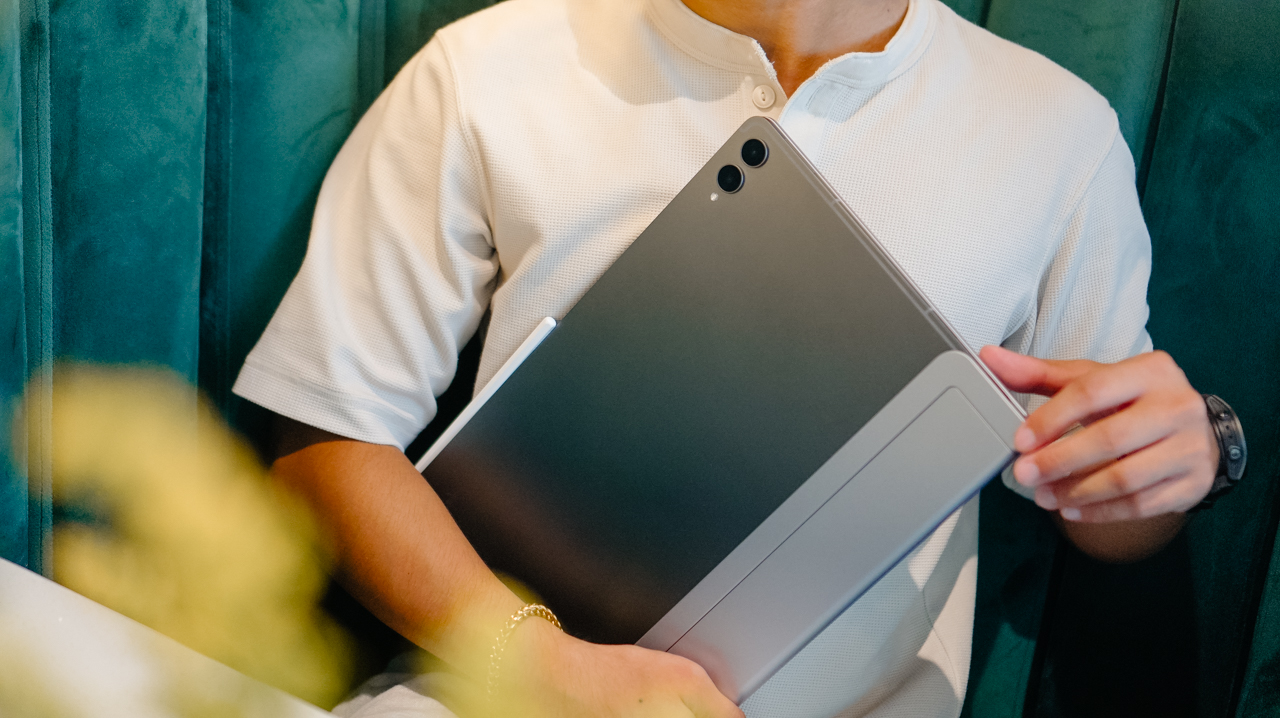
Samsung has a new tablet for flexible, modern workspaces. The Galaxy Tab S12 series has officially arrived.
The lineup includes the Galaxy Tab S12 Ultra and Galaxy Tab S12+. Both feature Samsung’s latest Galaxy AI, upgraded performance, long battery life, and a remarkably slim profile. The series targets users moving between work, learning, and creative projects throughout the day.
Slim profile, vivid display
At 5.1mm thin, the Galaxy Tab S12 Ultra is Samsung’s thinnest tablet yet. It pairs this ultra-thin design with a 14.6-inch Dynamic AMOLED 2X display.
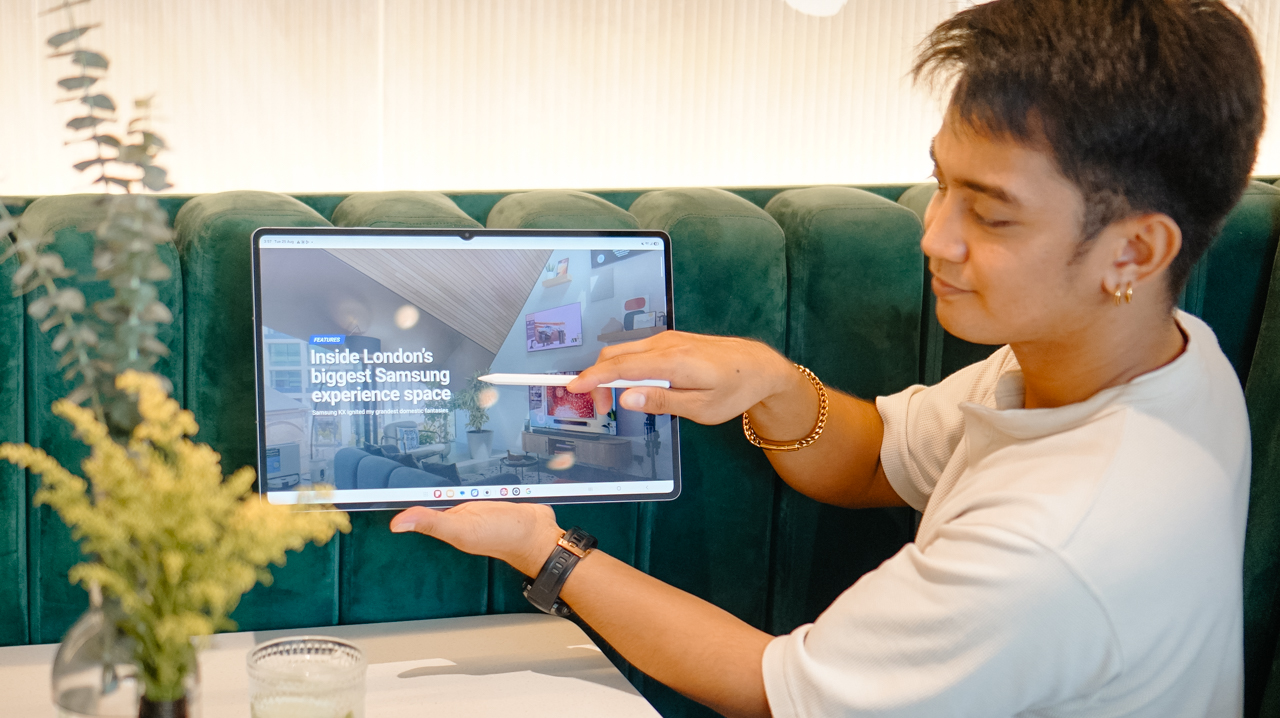
Meanwhile, the Galaxy Tab S12+ features a 12.6-inch display with slimmer bezels. Both screens reach up to 1,600 nits of peak brightness. An upgraded Vision Booster improves visibility in bright lighting.
All-day power, durability
Battery performance gets a noticeable boost. Samsung states the Galaxy Tab S12 Ultra lasts up to 23 hours per charge. The Galaxy Tab S12+ reaches up to 21 hours. Both models support 45W fast charging. A full charge takes about 95 minutes under standard conditions.

Both models carry an IP68 rating for water and dust resistance. This adds extra durability and peace of mind for daily travel.
Upgraded Internal Hardware
The hardware underneath sees significant gains. A new 3nm processor delivers up to 61% faster NPU processing, 19% faster CPU performance, and 17% improved GPU performance compared to the Galaxy Tab S11 Ultra.

A redesigned 3D Vapor Chamber efficiently manages heat during heavy tasks like video editing and graphic design.
Smart productivity with S Pen and AI
The included S Pen brings tactile precision to the display. Users can easily write notes, annotate documents, and sketch. Multi Window splits the screen into up to three sections.
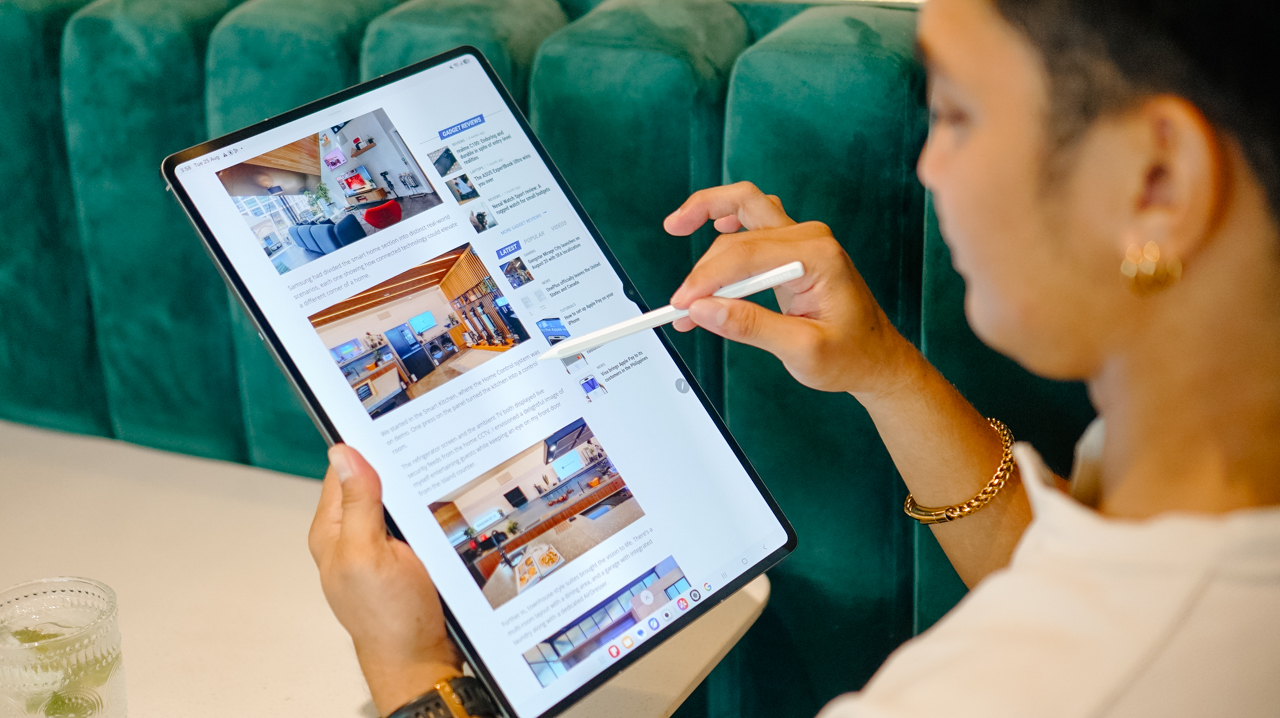
You can run a lecture video, Samsung Notes, and an AI assistant simultaneously. Note Assist condenses lengthy notes into quick summaries.
Galaxy AI simplifies information management across the system. The lineup includes a six-month trial of Google AI Pro. Gemini Notebook combines notes, images, recordings, and files into one workspace. Users can also quickly generate summaries, podcasts, and quizzes from their materials.
Pro-level creative suite
Samsung delivers a serious software lineup for creative work. Adobe Photoshop comes pre-loaded on the Galaxy Tab S12 series.
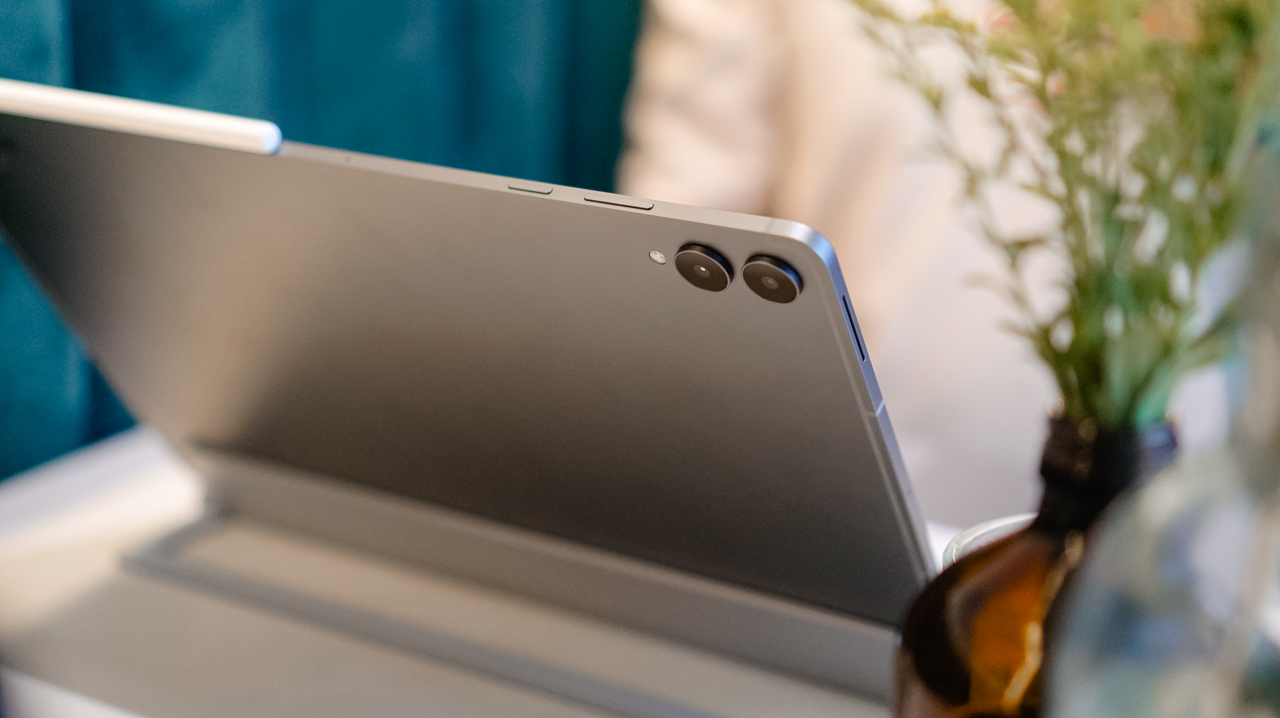
This marks the first time Photoshop comes pre-installed on an Android tablet. The optimized experience supports the S Pen and includes AI tools like Generative Fill and Image to Video.
The lineup also supports top apps like Notability, Goodnotes, LumaFusion, Notion, and Clip Studio Paint. These tools expand performance beyond everyday note-taking into digital art, video editing, writing, and organization.
Price, availability in the Philippines
In the Philippines, pre-orders run exclusively on Shopee from October 9 to 20. The official online launch occurs on October 21 via Samsung.com, Lazada, TikTok Shop, Shopee, MemoX.com, and Abenson.com. Physical availability follows at Samsung Experience and Authorized stores on October 28.
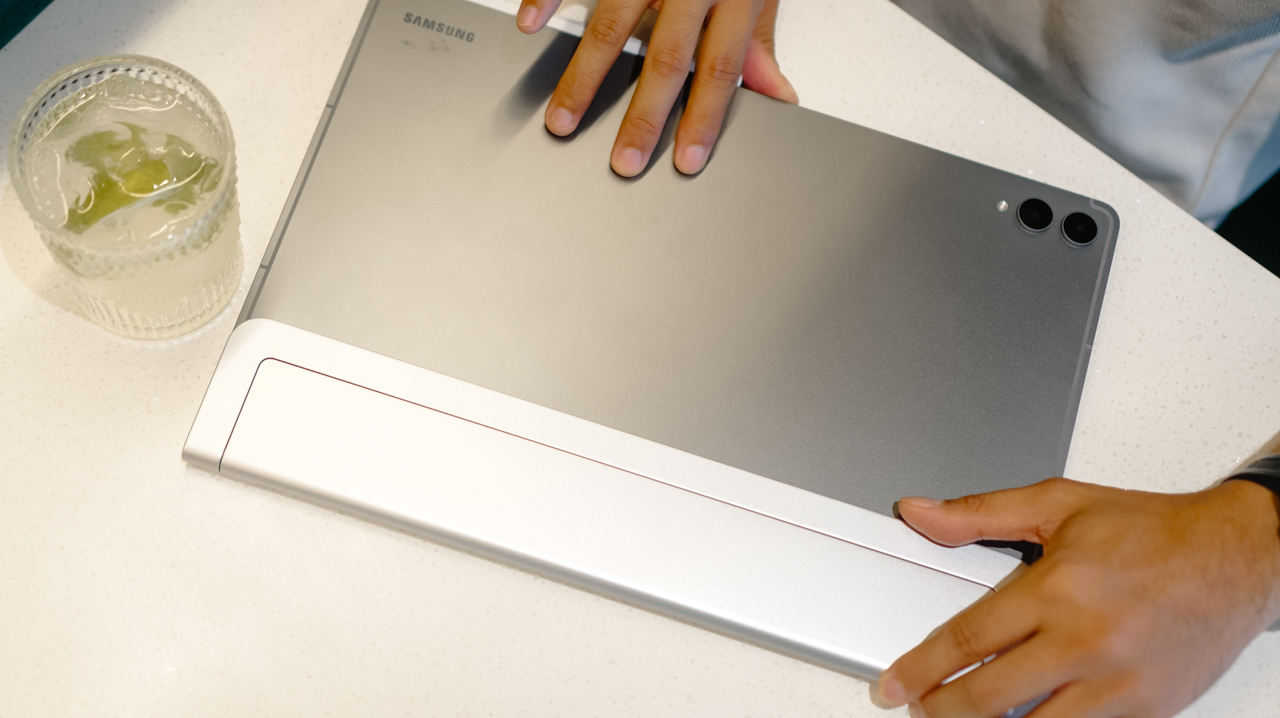
Every launch purchase includes a productivity bundle valued at up to PhP 18,279. It features the Book Cover Keyboard Slim, S Pen, and 45W travel adapter. Buyers also receive app perks worth up to PhP 24,161. These include a one-year Microsoft 365 subscription, six months of Google AI Pro, and four months of Adobe Photoshop.
Combining a large display, portable design, S Pen, Galaxy AI, and pro tools, the Galaxy Tab S12 series unchains your full workspace from a standard desk.
Accessories
UGREEN launches new MagFlow and Nexode Pro charging accessories to Southeast Asia
Here to charge your multiple devices rapidly


UGREEN has finally introduced its new MagFlow and Nexode Pro charging accessories to Southeast Asia. These bring faster wireless charging, improved thermal management, and high-power multi-device charging
Nexode Pro 160W Charger + Retractable Cable
First in the list is UGREEN’s Nexode Pro 160W Charger with Retractable Cable.
This charging adapter offers up to a speedy 160W total output across four charging connections.
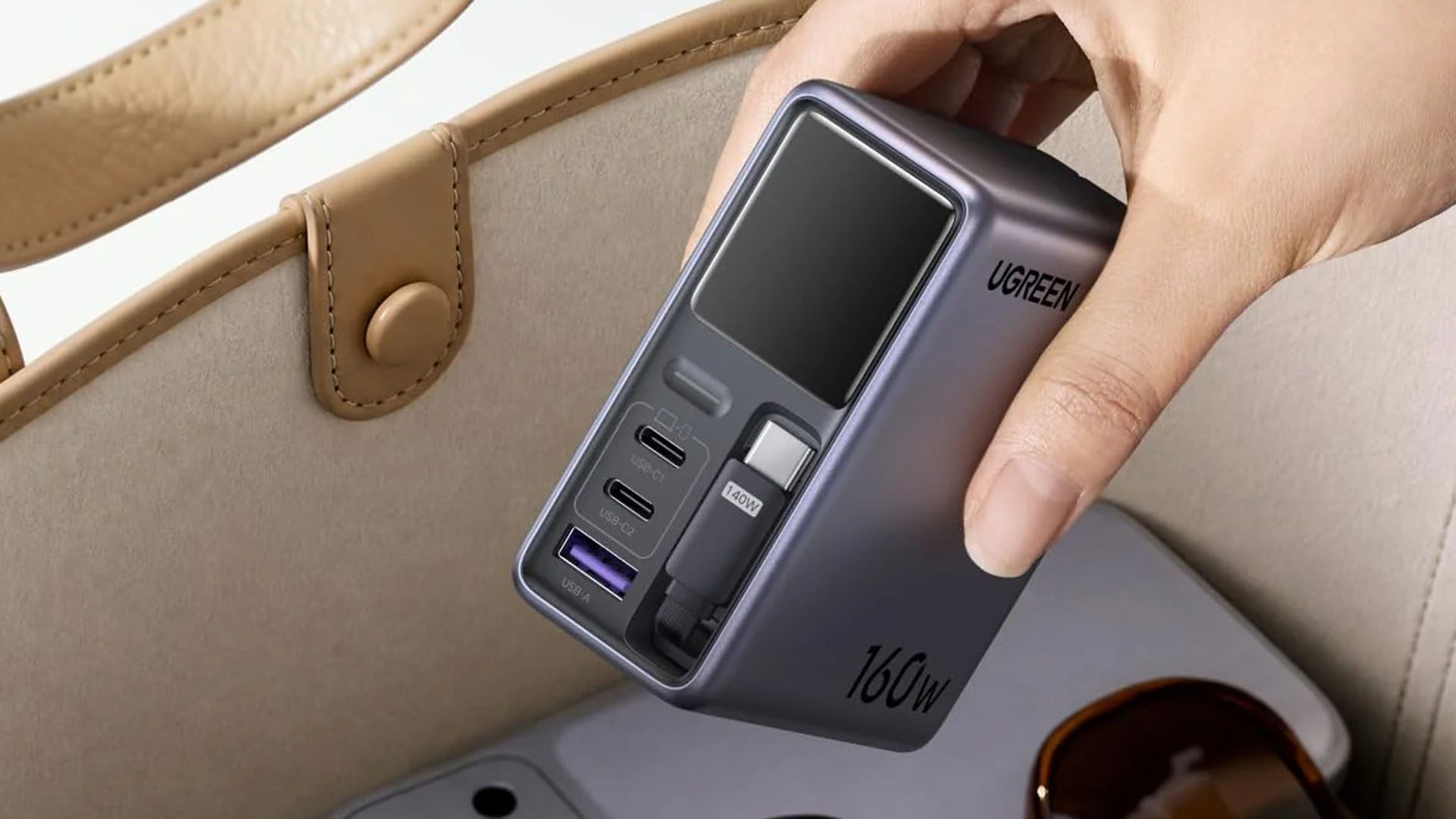
It has three USB-C outputs and one USB-A port, including a built-in 70cm retractable USB-C cable. The USB-C1 port and built-in cable support up to 140W, while USB-C2 supports up to 100W and USB-A reaches 22.5W.
Other features include a smart display, SmartCharge power distribution, GaNInfinity technology, Thermal Guard, OTA updates, and Bluetooth/Wi-Fi connectivity for app-based control.
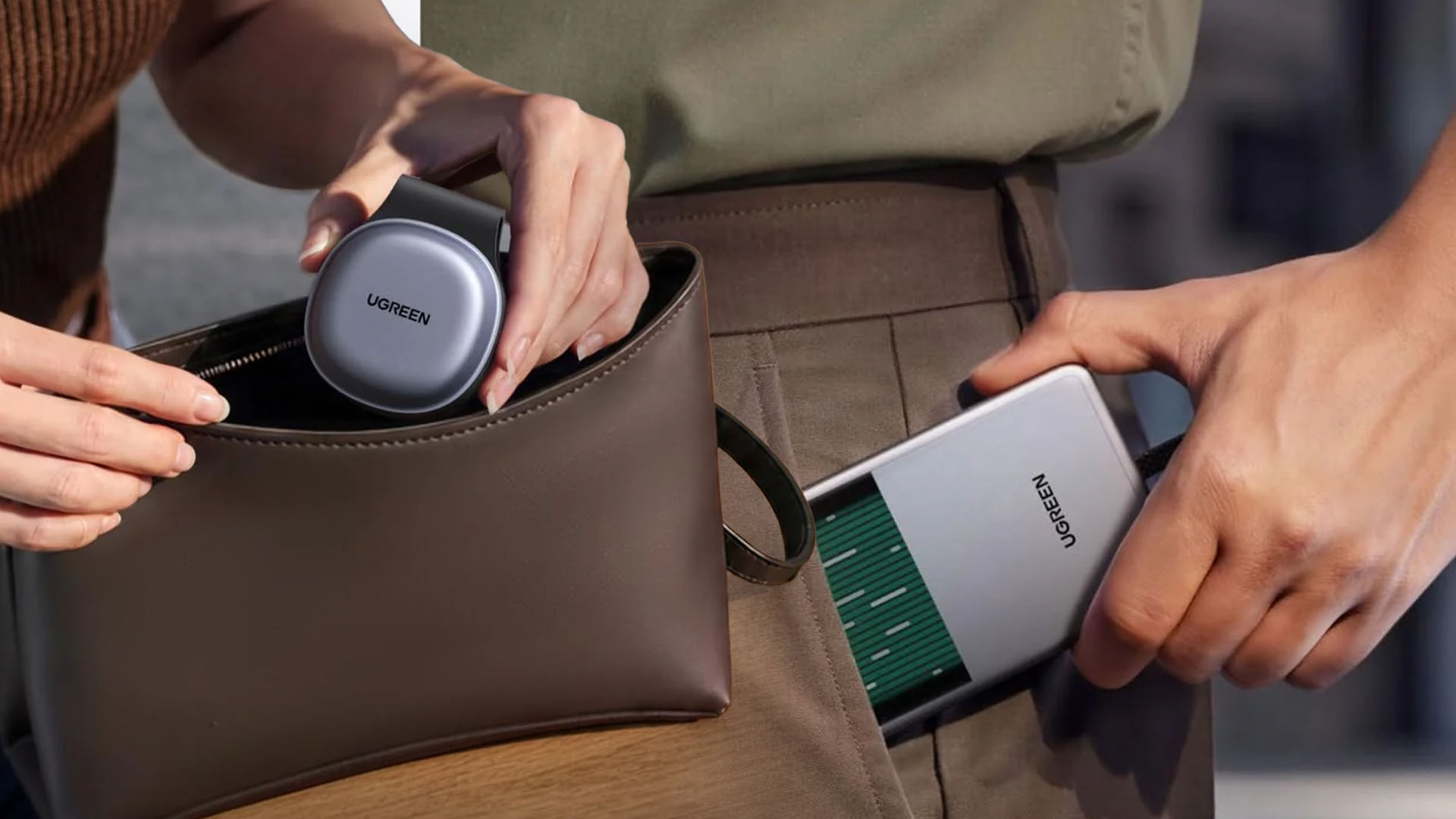
MagFlow Pro 10,000mAh 25W Magnetic Power Bank
The MagFlow Pro packs a 10,000mAh battery with up to 25W Qi2 wireless charging and 45W USB-C output. Its standout feature is UGREEN’s CryoPulse liquid-cooling system, which uses a visible coolant window and multi-layer heat dissipation to help manage temperatures during wireless charging.
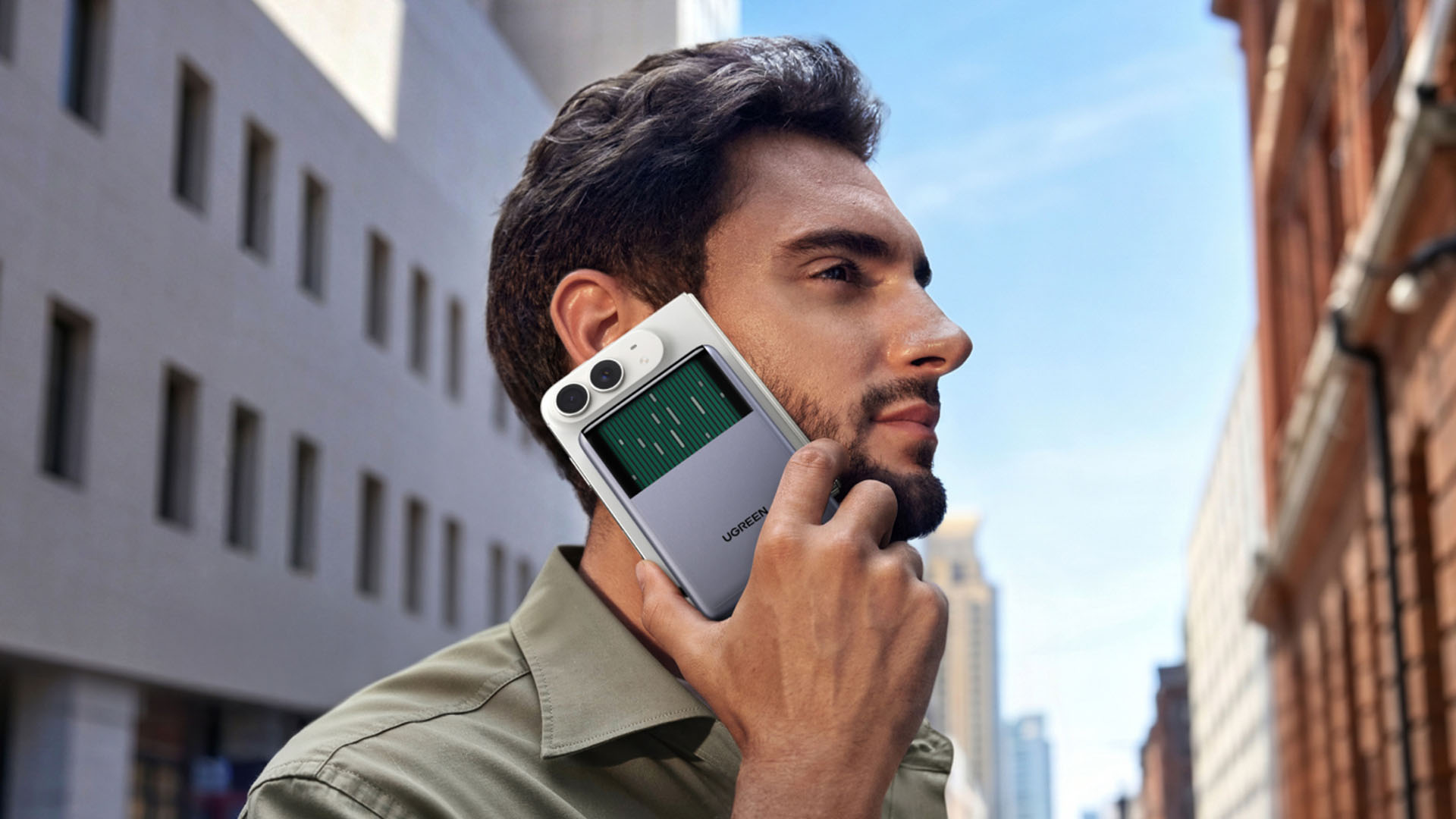
UGREEN says the system can reduce peak phone temperatures by up to 10°C compared to its industry benchmark in testing.
It also features a built-in 45W USB-C cable, USB-C port, charging status display, and 16+1 N52H magnets for a secure magnetic hold.
MagFlow 2-in-1 25W Foldable Wireless Charger
Lastly, the MagFlow 2-in-1 Foldable Magnetic Wireless Charger 25W combines a 25W Qi2 magnetic charging pad with a dedicated earbuds charging area.
It delivers up to 25W to an iPhone and 5W to earbuds, while its foldable design doubles as a phone stand. It also supports simultaneous wireless charging for a phone and AirPods.
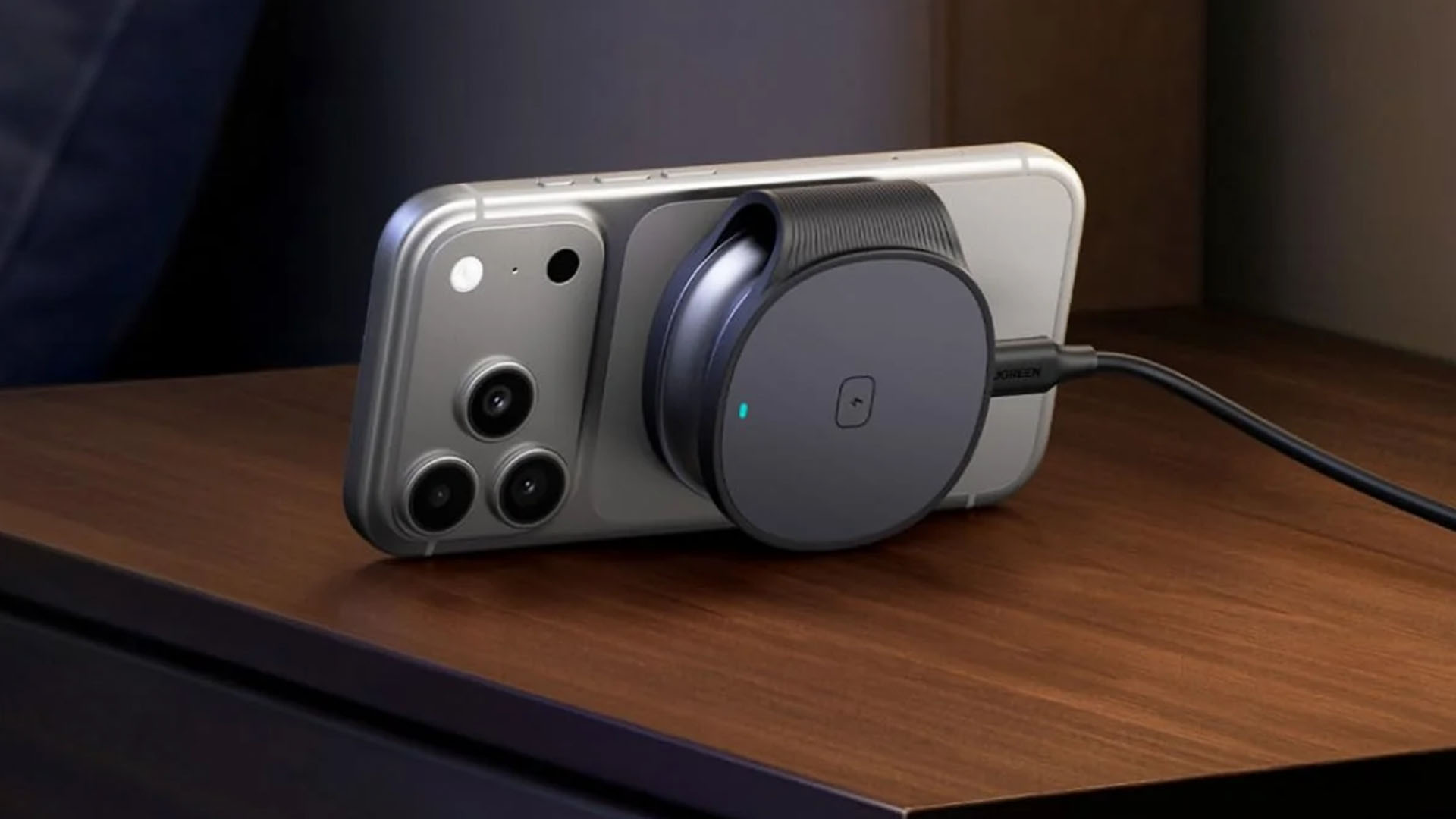
The charger uses 17 N48H magnets for up to 11N of magnetic force and features Thermal Guard temperature monitoring. When folded, it measures 2.37 × 2.86 × 1.05 inches.
Pricing and Availability
As of today (September 30, 2026) all three products are available across major Southeast Asian markets.
Graphics by Vincenz Lee | GadgetMatch
Nexode Pro 160W + Retractable Cable
- Singapore = SG$ 140
- Malaysia = MYR 419
- Vietnam = VND 2,699,000
- Philippines = PhP 4,999
MagFlow Pro 25W 10,000mAh Magnetic Power Bank
- Singapore = SG$ 154
- Malaysia = MYR 479
- Vietnam = VND 3,690,000
- Philippines = PhP 6389
MagFlow 2-in-1 Foldable Magnetic Wireless Charger
- Singapore = SG$ 64.90
- Malaysia = MYR 189
- Thailand = THB 1990
- Vietnam = VND 1,419,000
- Philippines = PHP 2499


All eyes are on the iPhone Duo. After months of speculation, Apple finally unveiled its first-ever foldable smartphone. Now, because of that reveal, the spotlight (or what little of it remained) drifted away from Apple’s other unique device, the Vision Pro. To the company’s dismay, the wearable never really took off. The company isn’t done with it, though. According to a new report, Apple is still working on new concepts for a mixed-reality headset.
Years ago, Apple unveiled the Vision Pro, a mixed-reality headset that the company desperately wanted to turn into the next big thing after the iPhone. Because of the wearable’s exorbitant pricing and the lack of substantial development from third-party developers, the Vision Pro didn’t really take off.
Today, according to Bloomberg, Apple is still working on four future concepts for the wearable. One of those concepts will reportedly take inspiration from Meta’s VR glasses. The improvements will likely focus on the wearable’s weight and battery pack. Though the heft of wearables today isn’t as nightmarish as the past, the current slew of wires and batteries is still a burden on your head.
There are still a few routes that the Vision Pro can take. If none of the four exploratory options make it out of the drawing board, Apple still has plans for a thinner pair of smart glasses late next year.



UGREEN Nexode Pro 160W review: One mighty brick with a powerful trick

Samsung unveils Galaxy Tab S12 series for work, creativity, and life on the go

JBL brings a soundtrack to every room

Apple iPhone 18 Pro Series review

UGREEN launches new MagFlow and Nexode Pro charging accessories to Southeast Asia

HUAWEI Pura X View is 2026’s first WIDE slab-type smartphone

The CAMON Slim 5G is TECNO’s latest ultra-slim smartphone

iPhone 18 Pro series: Price, availability in the Philippines

DJI Osmo 360 II review: Going all-in on the ecosystem

iPhone 18 Pro series: Price, availability in Singapore


-

 News1 week ago
vivo X500 Series launches with major imaging upgrades
-

 News1 week ago
OPPO Find X10 Pro Max is the first phone with a triple 200MP camera system
-

 Automotive3 days ago
BYD says that way better EV batteries are coming next year
-

 Singapore2 weeks ago
Epson Lifestudio Grand Plus EH-LS970B with 4K projection, more launches
-

 Drones2 weeks ago
DJI Lito X1 review: Is this the best lightweight drone for creators?
-

 News1 week ago
vivo introduces OriginOS 7 with smarter multitasking and AI features
-

 News2 days ago
HONOR Magic9 Pro Max launches in China with ARRI-powered imaging
-
 Smartphones4 days ago
When TECNO-logy meets Tonino Lamborghini legacy