


When scouting for a Samsung phone to buy, the conventional plan is to look at the Galaxy Note or S series for premium, Galaxy A or C for midrange, and Galaxy J for entry-level. Well, that’s just a general guideline.
For some instances, like the Galaxy J8 we have here, Samsung isn’t afraid to cross some boundaries. The J8 tangles closely with the lower-end spectrum of the A series while preserving what makes the J series the budget offering of Samsung.
We got our hands on a pre-retail unit, and even though its software and some features aren’t final yet, you’ll get a pretty good idea of what the Galaxy J8 is all about in our first impressions.
It has a 6-inch 720p AMOLED that’s bright but not too sharp

Comes with Samsung’s unique 18.5:9 aspect ratio
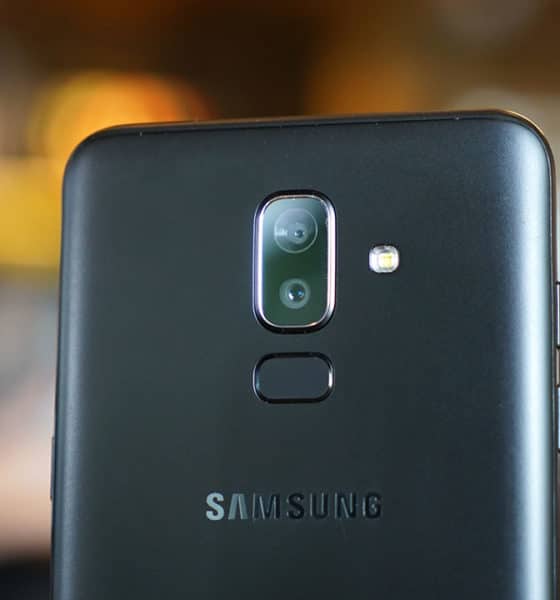
The rear houses the dual-camera setup and fingerprint scanner
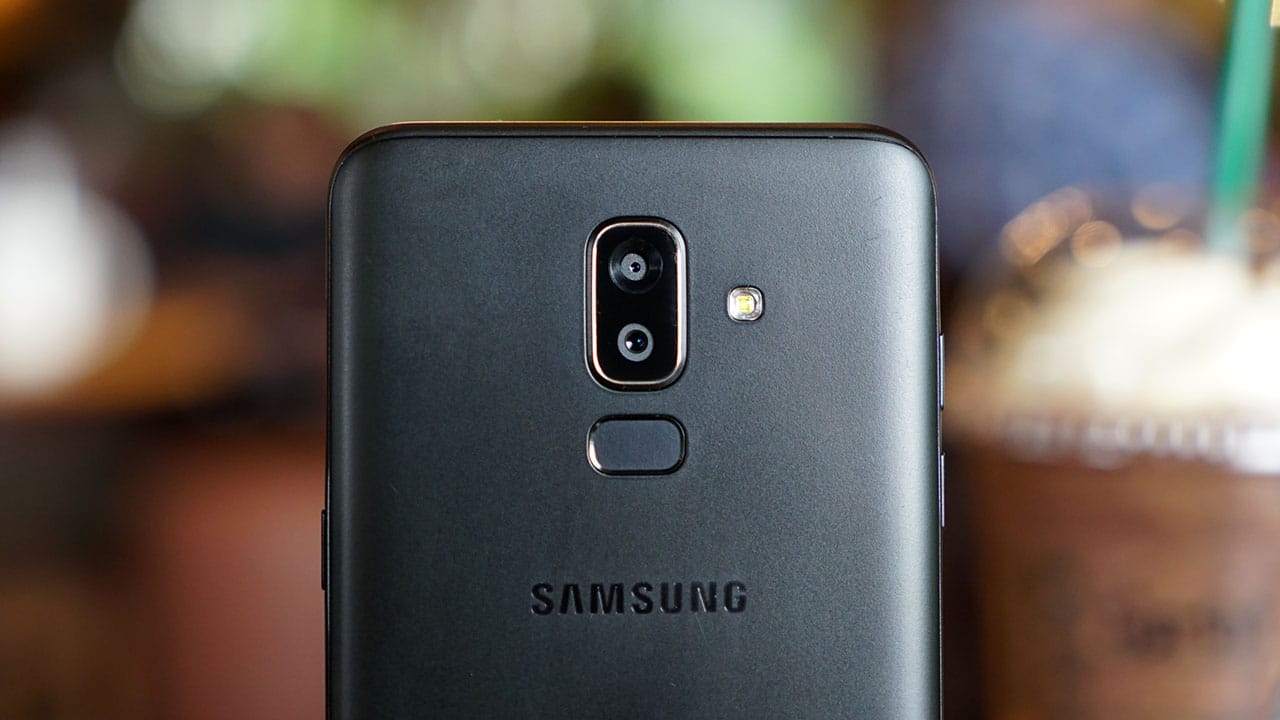
Samsung learned from the past and gave the scanner an ideal placement, but it’s still kind of slow
The 16MP selfie camera has its own LED flash and can do facial recognition
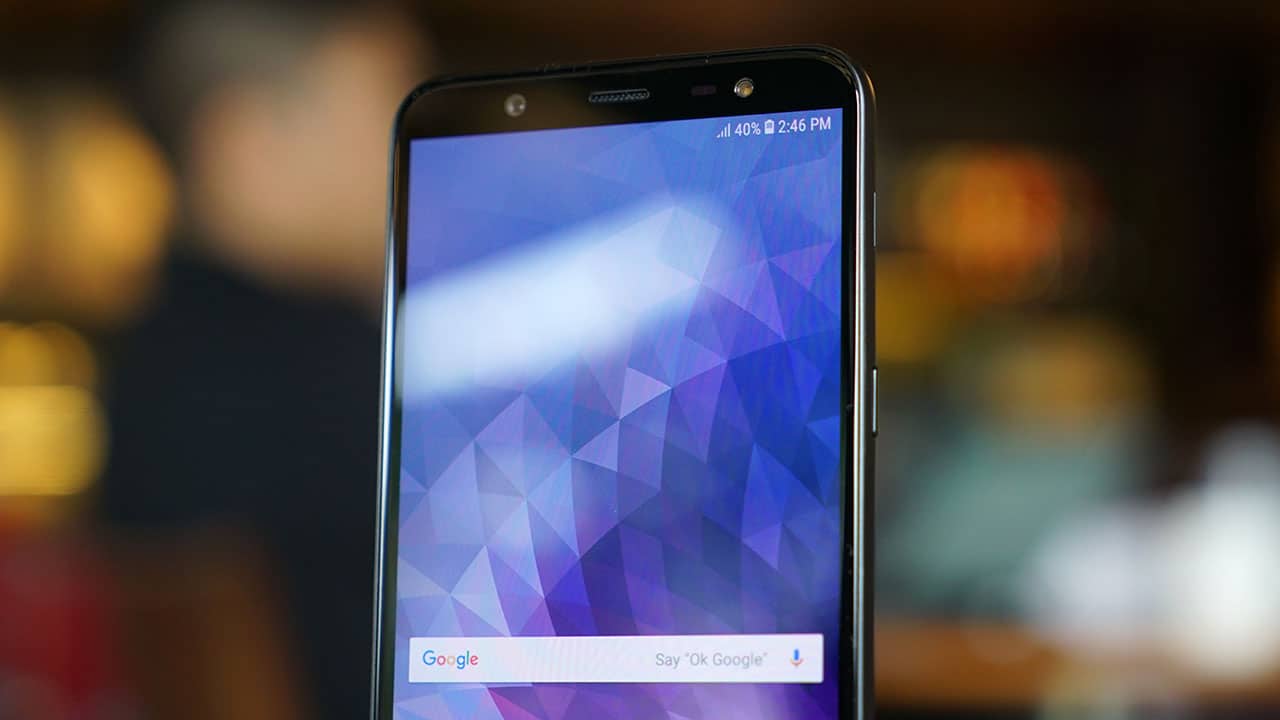
Face unlocking is even slower than the fingerprint scanner, though
Its interface closely resembles that of more expensive Galaxies

This is Samsung’s Experience 9.0 UI on top of Android 8.0 Oreo
There’s room for two SIM cards and one microSD card
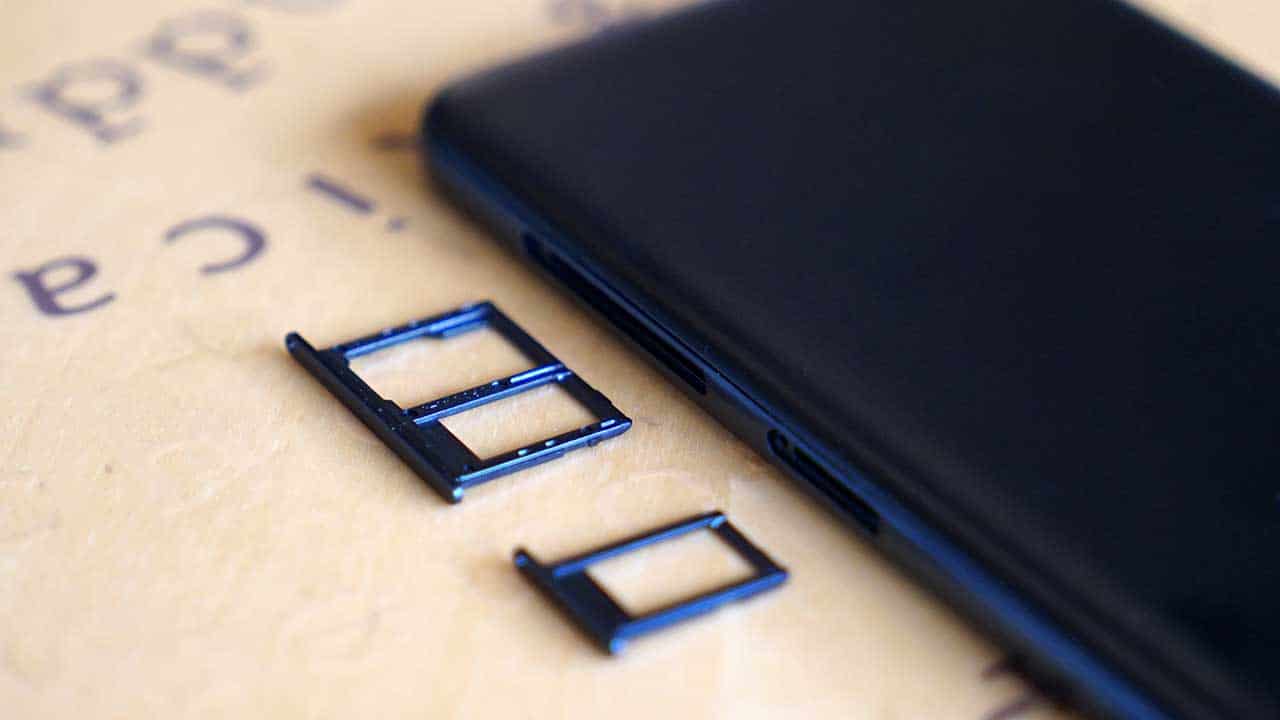
While this is great, the aging micro-USB port isn’t
All this in a signature Galaxy J plastic body
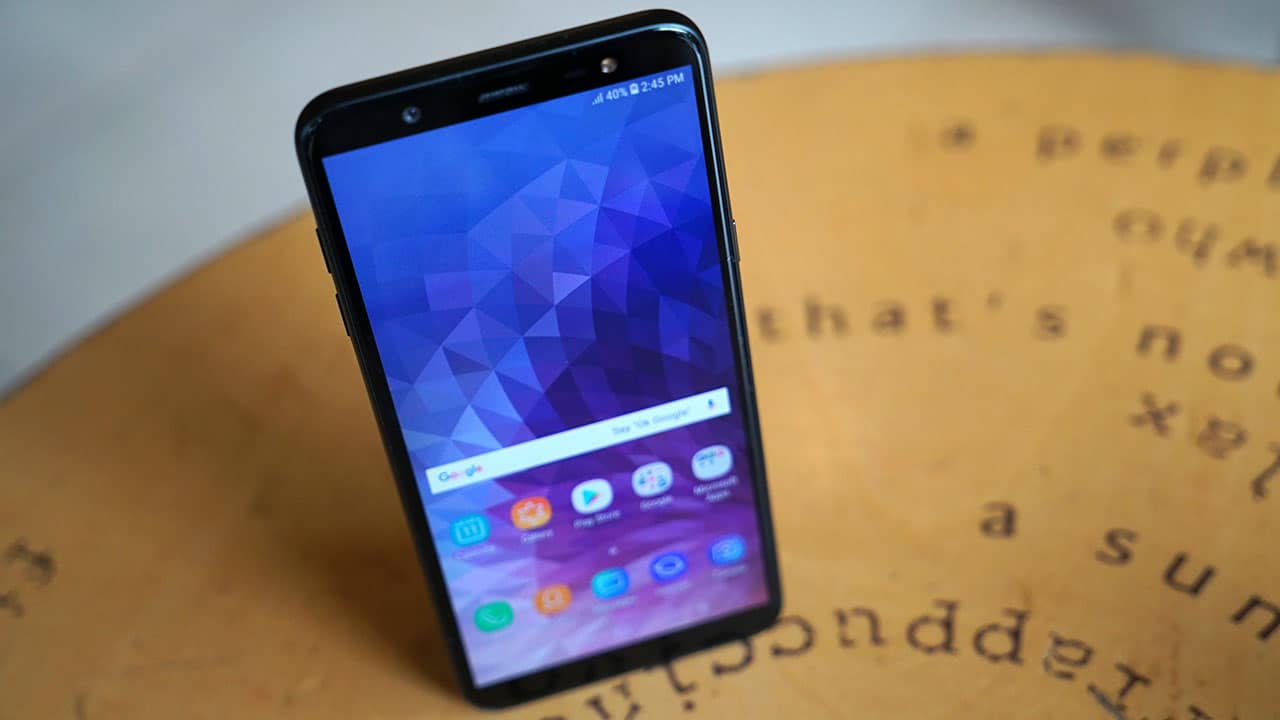
Sticking to plastic is what separates it from the Galaxy A’s metal bodies
How well does it perform?
Samsung decided to go for a Snapdragon 450 chipset instead of their usual in-house Exynos chips. Coupled with 3GB of memory, this leads to midrange-level performance with high-end endurance.
During my time with this pre-release sample, there were several moments when I wish it would run faster. Switching between apps exhibited some lag and activating the camera wasn’t as instant as I’d hope it would be.

Still, it could handle all the games I threw at it, albeit with lowered graphics settings. I had no problem running Dragon Ball Legends and Asphalt Xtreme once I got into the apps; it was only when I switched to something else when the phone slowed down.
I only had 32GB of storage to play with, but it’s expandable using a microSD card, which I find vital if you’re a heavy camera user, as well.
Can it take nice photos?
This is one of the few Galaxy J series phones with a dual-camera setup — one has a 16-megapixel sensor while the other uses its 5-megapixel sensor to add depth information. This combination offers features like Live Focus which was once exclusive to the premium Galaxy S and Note lines.

And yet, I wasn’t that impressed by the image quality. I was often disappointed when the colors and saturation would look great on the preview, only to turn out dull once I take the picture and view it in the gallery. This may be because of non-retail software, but I’ve experienced this with other Galaxy J phones in the past.
Here are a few samples:




While focusing and exposure control is pretty good when there’s enough light, I had difficulty zeroing in on a subject when it got dark. In dimly lit environments, sharpness also takes a hit and noise becomes more apparent in each photo.
I had fun with the added features, however. Live Focus allowed me to adjust background blur after taking a shot, and AR stickers added some character to my selfies. Take a look:

There are other modes and options such as Selfie Focus and the ability to adjust beauty settings. Samsung still has a long way to go before matching the selfie game of Vivo or OPPO, but it’s getting better for the South Korean brand.
Can it last more than a day?
With a battery capacity of 3500mAh pushing a low-resolution HD+ panel and efficient processor, you’re sure to get over a day’s worth of work and play done on this phone. Even though I had to take a lot of photos and run through games during my review period, not once did I worry about the Galaxy J8 suddenly dying on me.
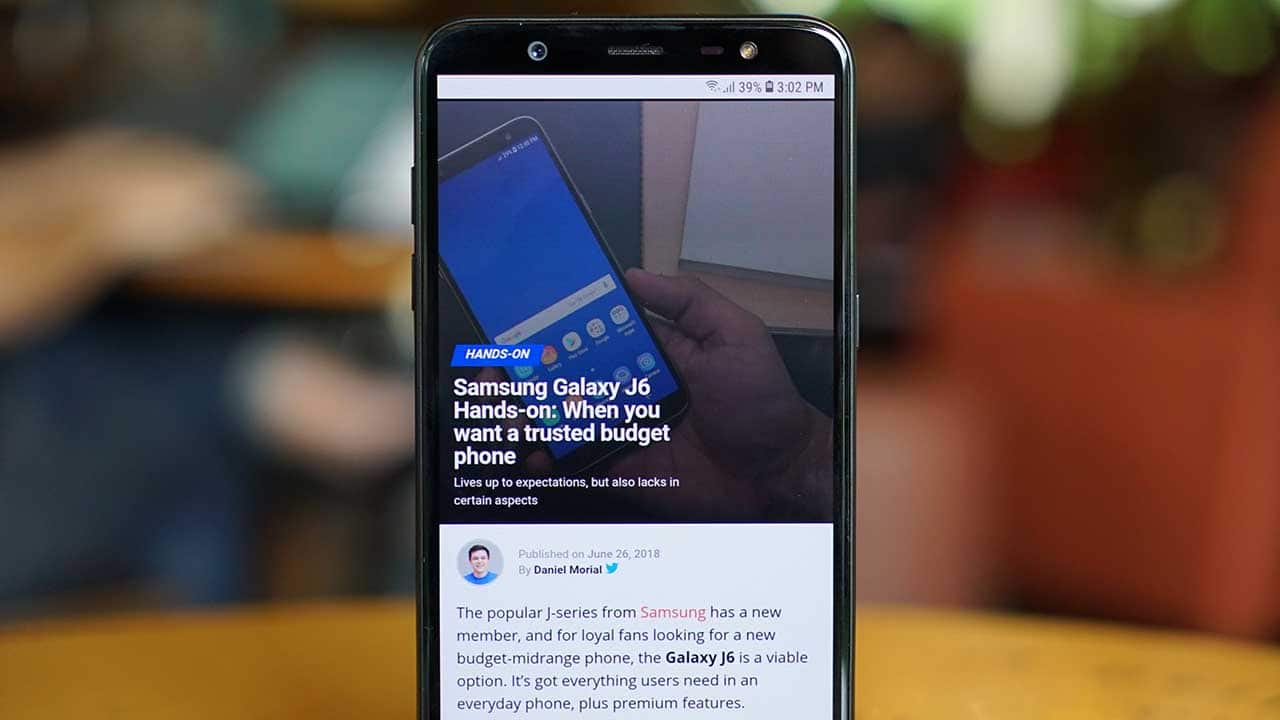
On the other hand, charging was a pain. Bringing the large battery to full using the slow bundled charger took ages — about 2.5 hours more or less. That’s an hour more than I’m used to because of the fast charging tech I’ve been experiencing in a growing number of midrange devices.
Is this your GadgetMatch?
It would take a proper retail unit and more testing to say for sure, but as it stands, the Galaxy J8 sits on a polarizing spot.
The Galaxy J8 currently retails for INR 18,990 (US$ 275) in India, placing it right below the more premium Galaxy A6 and above strong rivals such as the Moto G6 and ASUS ZenFone Max Pro (M1).
Moto’s G6, for example, has an all-glass design and the same processor, while the ZenFone Max Pro has a more powerful chipset at a fraction of the Galaxy J8’s price.
As it stands, the Galaxy J8 is for Samsung fans who want the features of a dual-camera phone but don’t want to spend more for a Galaxy A6+. Build quality and raw performance shouldn’t matter that much to potential buyers, either.






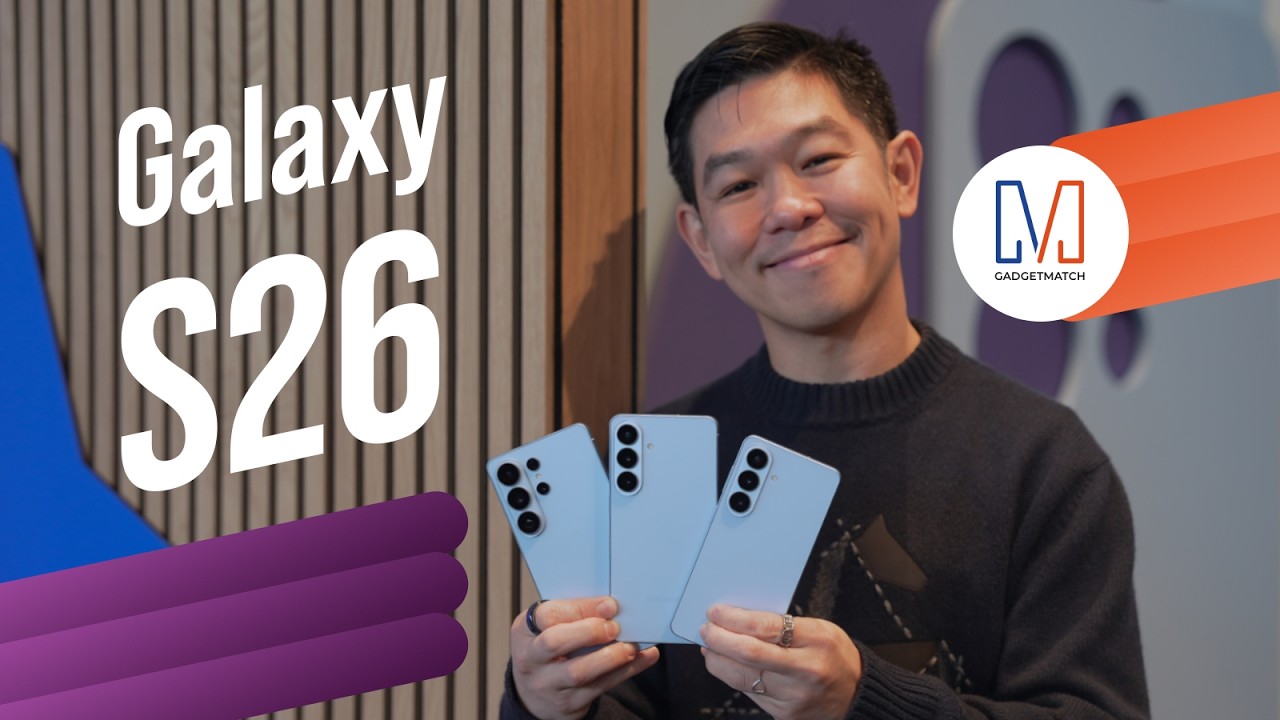
Did Samsung push forward or play it safe with the Samsung Galaxy S26 Series? Well, it’s a little bit of both.
Here’s our Hands-on with the new Samsung Galaxy S26 series to find out.
PRE-ORDER and SAVE up to $900 with enhanced trade-in credit:

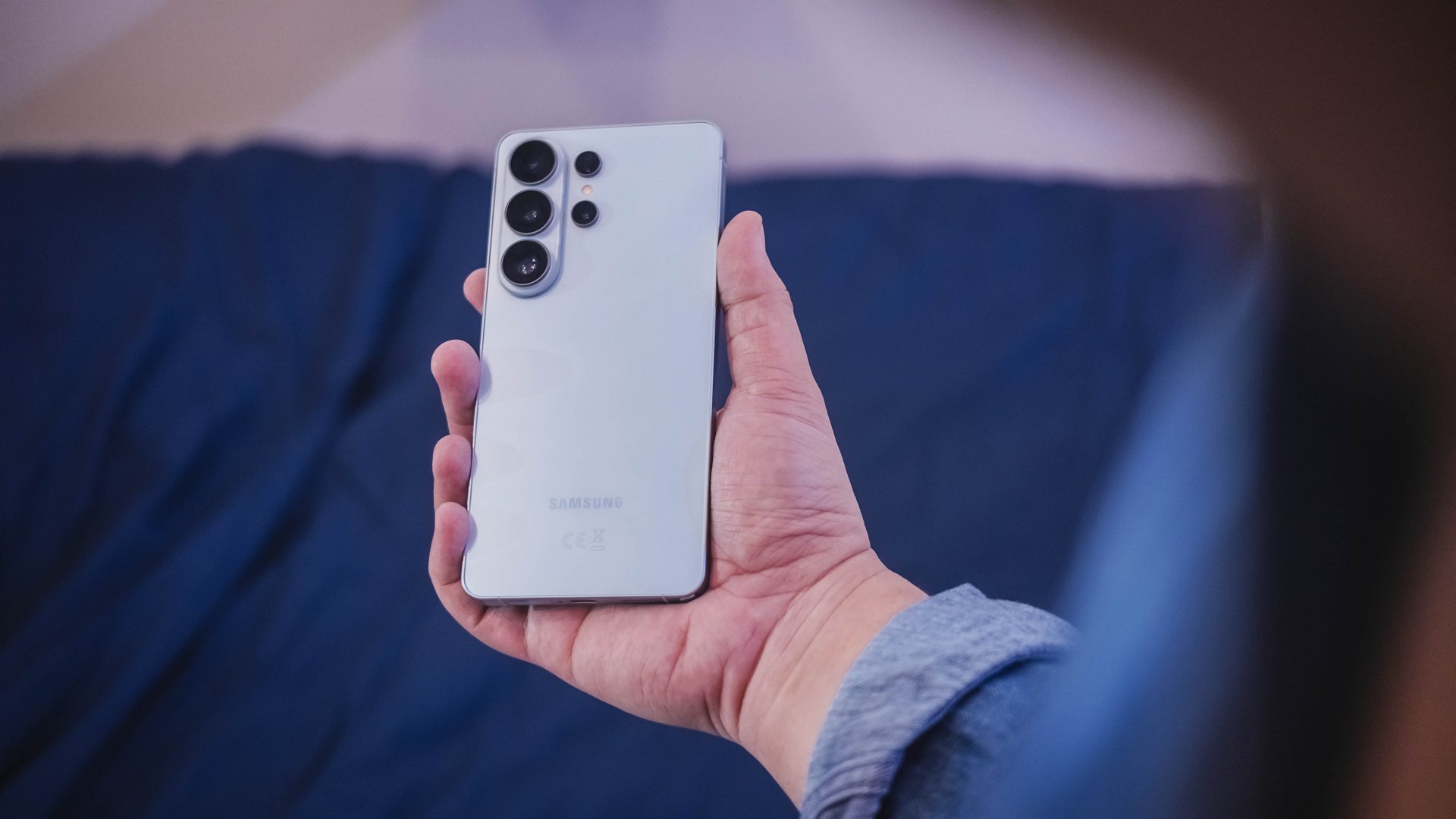
“Our philosophy has never been about chasing specs.”
That line from Samsung’s presentation captures the Galaxy S26 Series better than any spec table.
This isn’t a year of radical hardware shifts. Battery capacities remain unchanged. Megapixel counts are familiar. The design language evolves rather than transforms.
But incremental doesn’t automatically mean irrelevant.
The S26 Ultra feels like Samsung refining its priorities — usability, privacy, and AI integration — instead of pursuing headline-grabbing numbers.
Hardware refinement, not reinvention
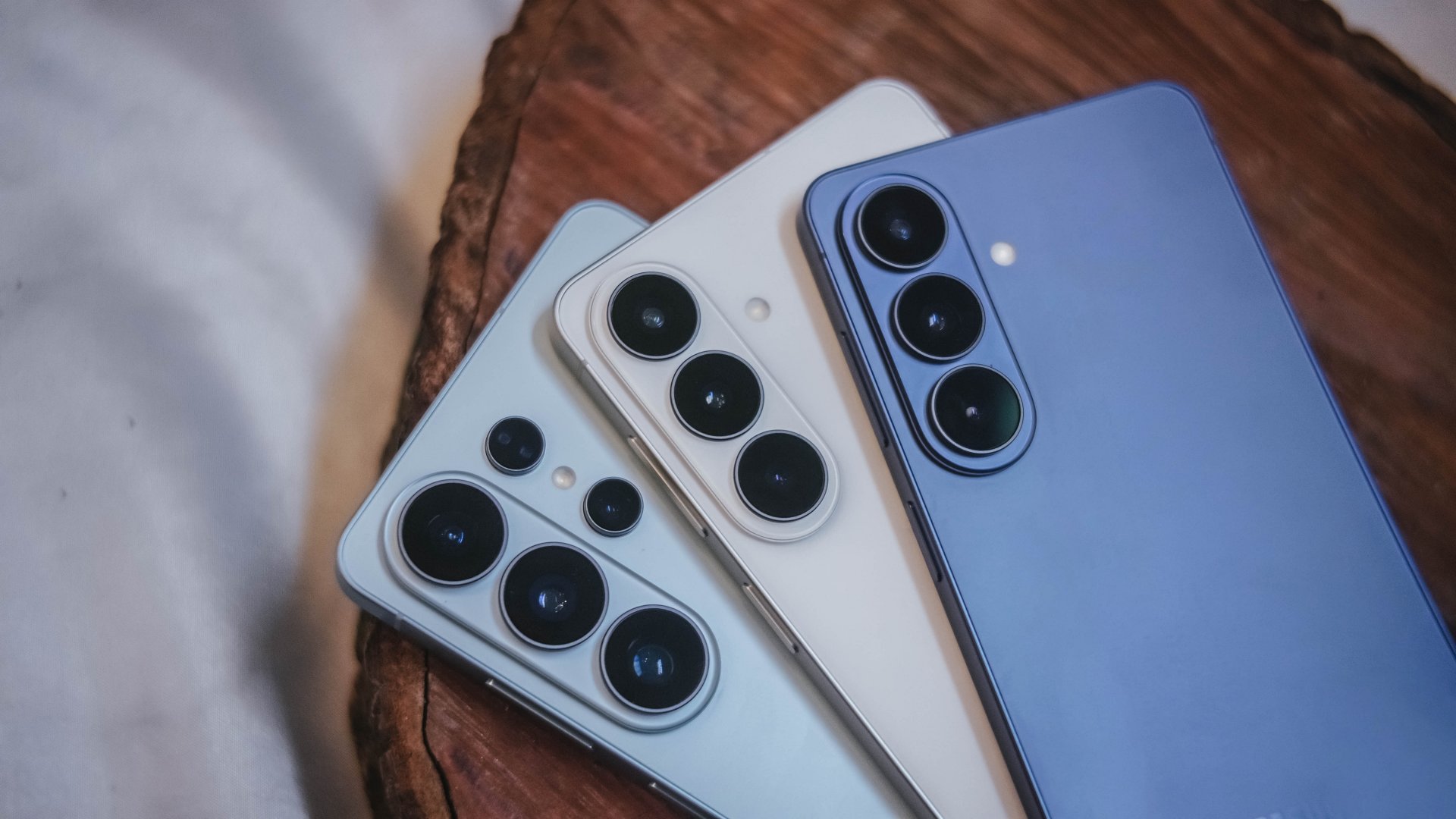
The Galaxy S26 series looks more unified. All three models now share the same corner radius, creating a consistent visual identity. The Ultra no longer stands apart with sharper edges. It’s a small change, but it makes the lineup feel cohesive.
The camera module sits on a more defined island rather than blending into the rear panel. It’s subtle, but noticeable in person.
Samsung also trimmed weight and thickness on the Ultra. At 7.9mm and 214 grams, it handles slightly better than last year’s model. The company switched to Light Armor Aluminum, which it claims improves heat dissipation and weight. The difference in hand isn’t dramatic, but it’s appreciated during extended use.
Charging finally moves forward. The Ultra supports 60W wired charging, up from 45W. Samsung says you can reach 75 percent in around 30 minutes. That’s a meaningful improvement for quick top-ups.
However, 60W isn’t industry-leading in 2026. Competing brands have offered similar or faster speeds for years. This feels less like Samsung setting a new benchmark and more like closing a gap.
Battery capacity remains 5,000mAh. That’s consistent with previous models. While fast charging helps daily convenience, endurance gains will depend on software optimization and real-world usage.
AI and software remain the headline
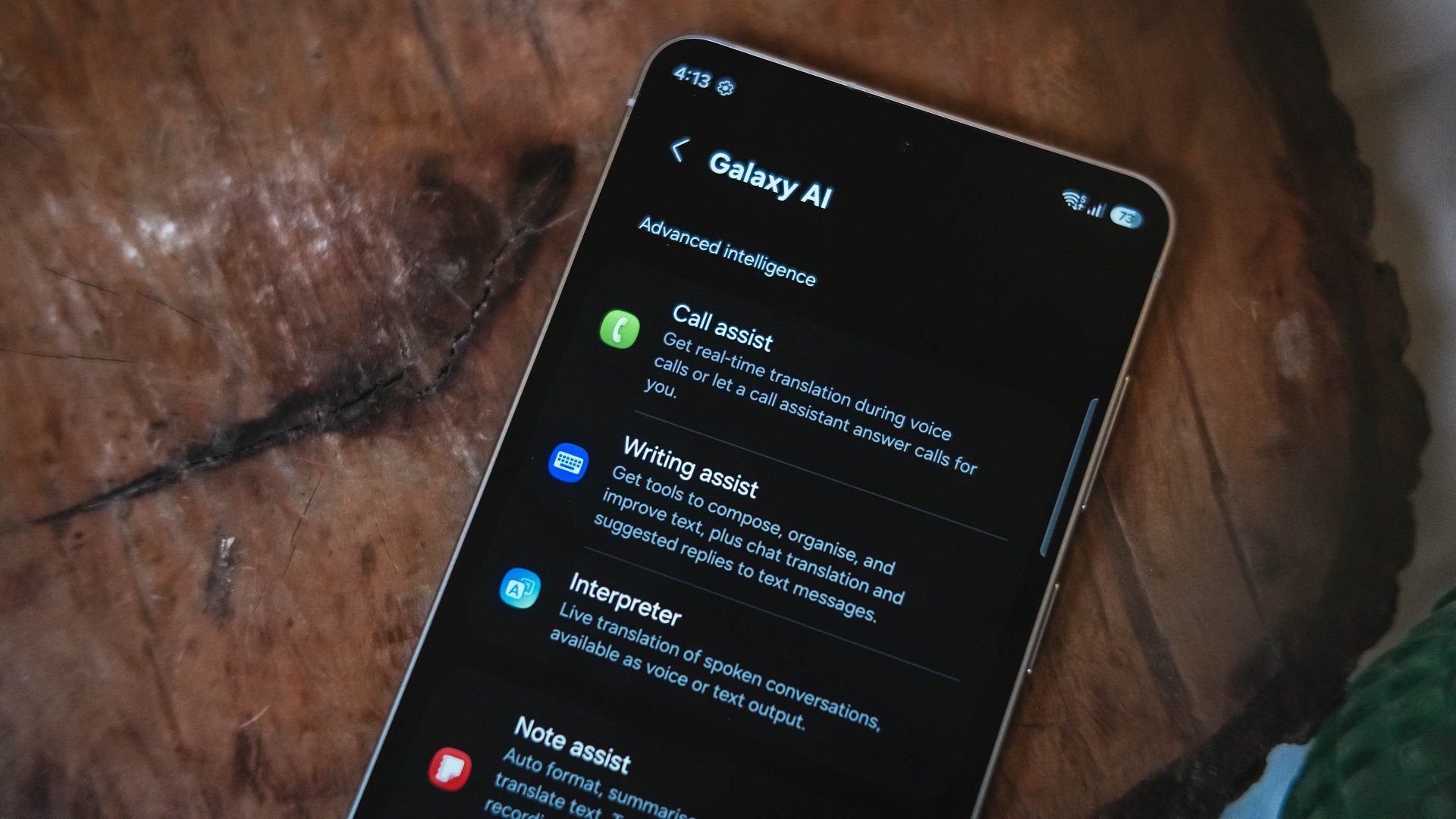
Like recent Galaxy generations, the S26 Series leans heavily on software features.
Privacy Display is one of the more practical additions. It restricts viewing angles at the pixel level, functioning like a built-in privacy filter. If you’re using your phone in public spaces, people nearby will struggle to see what’s on screen.
You can toggle the feature or enable it only for specific apps. That flexibility matters. It allows privacy protection for sensitive apps while keeping general use unaffected.
This addresses a real-world problem. Public screens are inherently visible. Privacy Display doesn’t eliminate that risk, but it reduces casual glances and unwanted observation.
Audio Eraser also gets an upgrade. It now works across third-party apps. We tested it on a noisy K-pop fancam from YouTube, and the background noise reduction was noticeable without destroying audio quality.
It’s not perfect. Overprocessing can occur in extreme cases. But for cleaning up shared videos or reducing ambient noise, it proves useful.
AI Photo Assist introduces text-prompt editing directly inside the Gallery app. Users can describe edits in natural language — remove objects, expand backgrounds, or modify elements — without exporting images to external tools.
This isn’t groundbreaking technology. Similar generative edits exist in other AI platforms. The difference is integration.
By embedding generative tools inside the Gallery, Samsung turns them into part of the default workflow. Photo editing becomes more accessible rather than requiring specialized knowledge or separate apps.
That shift is meaningful. It signals that generative AI editing is becoming a standard smartphone feature rather than an experimental add-on.
Cameras: computational evolution
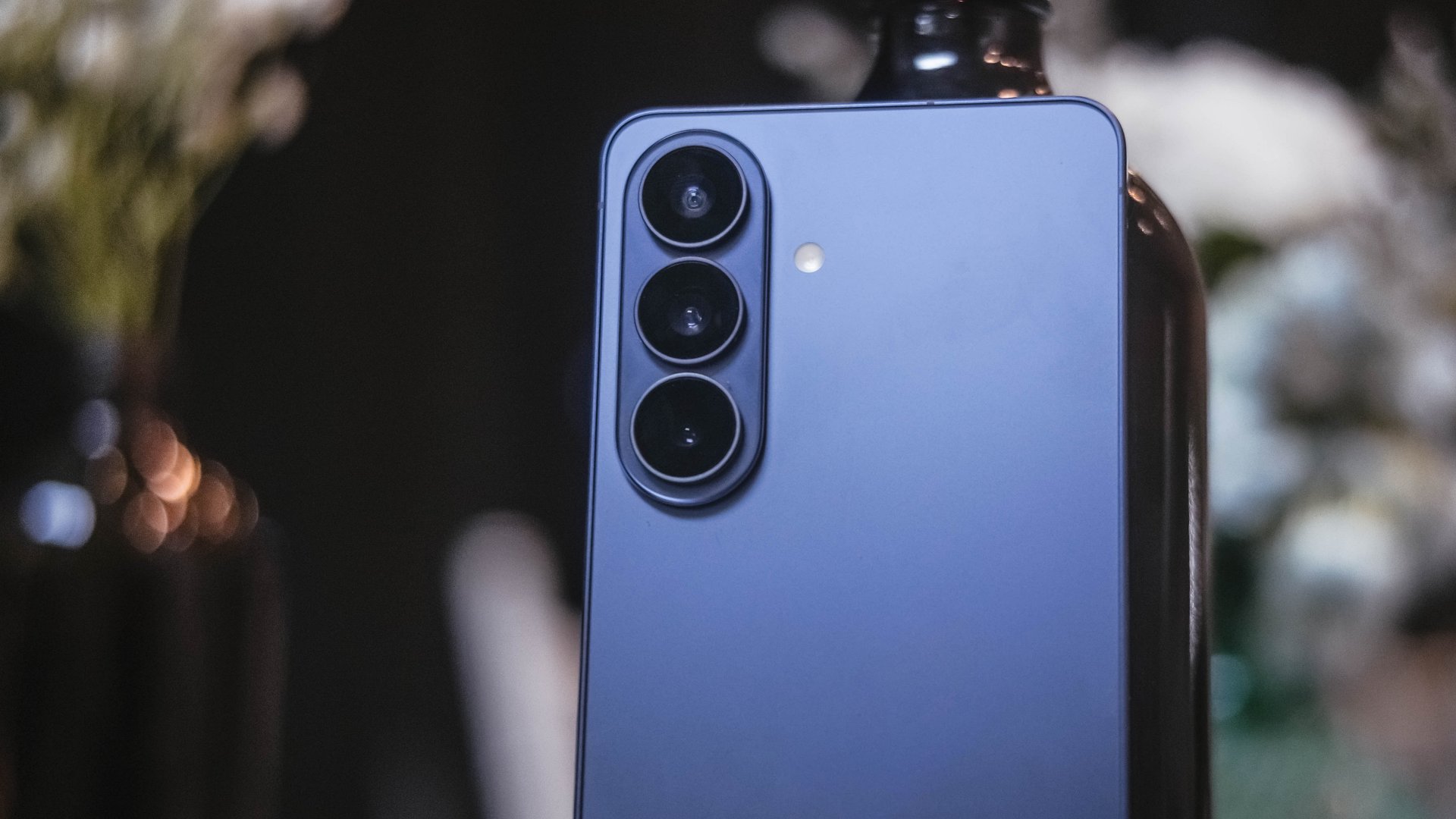
The camera hardware remains familiar. The Ultra continues with a 200MP main sensor and telephoto configurations similar to last year.
Improvements focus on computational photography.
Samsung widened apertures to allow more light. Stabilization has been refined. AI sharpening and Nightography processing aim to produce cleaner images with reduced noise.
From samples shown during the presentation, low-light shots appear brighter and cleaner. However, the processing can feel aggressive. Details sometimes look overly smoothed, and textures can appear artificial.
This reflects Samsung’s long-standing approach — prioritize computational enhancements over megapixel increases. The S26 continues that philosophy.
For video creators, APV (Advanced Professional Video) enables 8K recording with minimal quality degradation during edits. Super Steady Video also improves handheld stabilization.
These features cater to content creation workflows rather than casual snapshots.
Incremental but intentional

The Galaxy S26 Ultra doesn’t try to shock. It doesn’t reinvent Samsung’s design language or introduce dramatic hardware leaps.
Instead, it refines existing ideas.
Privacy Display addresses public visibility concerns. Audio Eraser improves real-world video cleanup. AI Photo Assist integrates generative editing into everyday photo workflows. Charging speeds improve without industry-leading ambitions.
Even the design changes — unified corner radii, a defined camera island, lighter materials — emphasize cohesion.
This strategy resembles the broader shift in the smartphone industry. Hardware innovation has slowed. Software and usability improvements drive differentiation.
Samsung appears comfortable with that reality.
Of course, first impressions only tell part of the story. We still need extended testing for battery life, thermal performance, camera consistency, and AI reliability.
The S26 Ultra may not represent a revolution. But refinement can matter — especially when it targets usability and practical features.
Samsung will have to make significant hardware upgrades eventually. But for now, it feels like the company is doubling down on incremental progress. Not flashy. Not radical. But purposeful.
Whether that strategy resonates will depend on real-world performance.
Samsung Galaxy S26 Series – Specs
| Feature | Galaxy S26 Ultra | Galaxy S26+ | Galaxy S26 |
| Display | 6.9″ Dynamic AMOLED 2X
|
6.7″ Dynamic AMOLED 2X
|
6.3″ Dynamic AMOLED 2X
|
| Rear Camera: Ultra Wide | 50MP, F1.9, 0.7 µm | 12MP, F2.2, 1.4 µm | 12MP, F2.2, 1.4 µm |
| Rear Camera: Wide | 200MP, F1.4, 0.6 µm | 50MP, F1.8, 1.0 µm | 50MP, F1.8, 1.0 µm |
| Optical Quality 2x | |||
| Rear Camera: Telephoto 1 | 10MP, F2.4, 1.12 µm | 10MP, F2.4, 1.0 µm | 10MP, F2.4, 1.0 µm |
| 3x optical zoom | |||
| Rear Camera: Telephoto 2 | 50MP, F2.9, 0.7 µm
|
— | — |
| Front Camera | 12MP, F2.2, 1.12 µm | 12MP, F2.2, 1.12 µm | 12MP, F2.2, 1.12 µm |
| Processor | Snapdragon® 8 Elite Gen 5 for Galaxy (3 nm) | Exynos 2600 (2 nm)* | Exynos 2600 (2 nm)* |
| Memory (RAM) | 12GB / 16GB | 12GB | 12GB |
| Storage | 256GB / 512GB / 1TB | 256GB / 512GB | 128GB / 256GB / 512GB |
| (Micro SD: N/A) | |||
| Battery | 5,000 mAh | 4,900 mAh | 4,300 mAh |
|
|||
| Dimensions | 78.1 x 163.6 x 7.9 mm
214 g (Sub6/mmWave) |
75.8 x 158.4 x 7.3 mm
190 g (Sub6/mmWave) |
71.7 x 149.6 x 7.2 mm
167 g (Sub6) |
| Colors | Standard: Cobalt Violet (Hero), Sky Blue, Black, White
Online: Silver Shadow, Pink Gold |
Standard: Cobalt Violet (Hero), Sky Blue, Black, White
Online: Silver Shadow, Pink Gold |
Standard: Cobalt Violet (Hero), Sky Blue, Black, White
Online: Silver Shadow, Pink Gold |

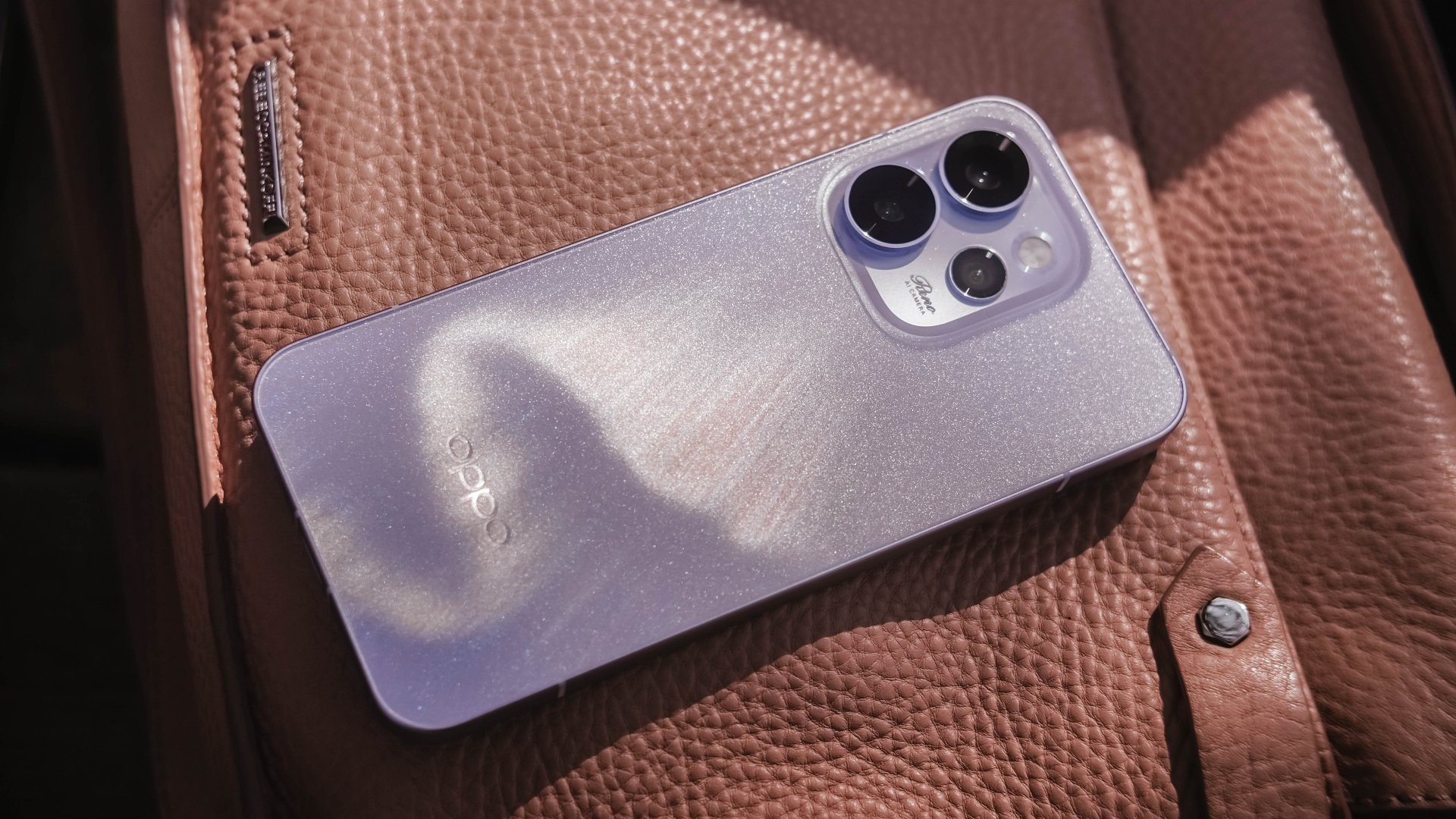
Believe me or not, I only had one encounter with an OPPO Reno phone, and it was the Reno10 Pro from 2021. However, my time with it was very short.
Almost five years in, I was finally given the chance to hold the Chinese brand’s latest and greatest Reno.
Without beating around the bush, here’s my first time with the OPPO Reno15 Pro.
First Look
The moment I unsealed its sturdy packaging, the OPPO Reno15 Pro greeted me in this shining, shimmering blue backing.
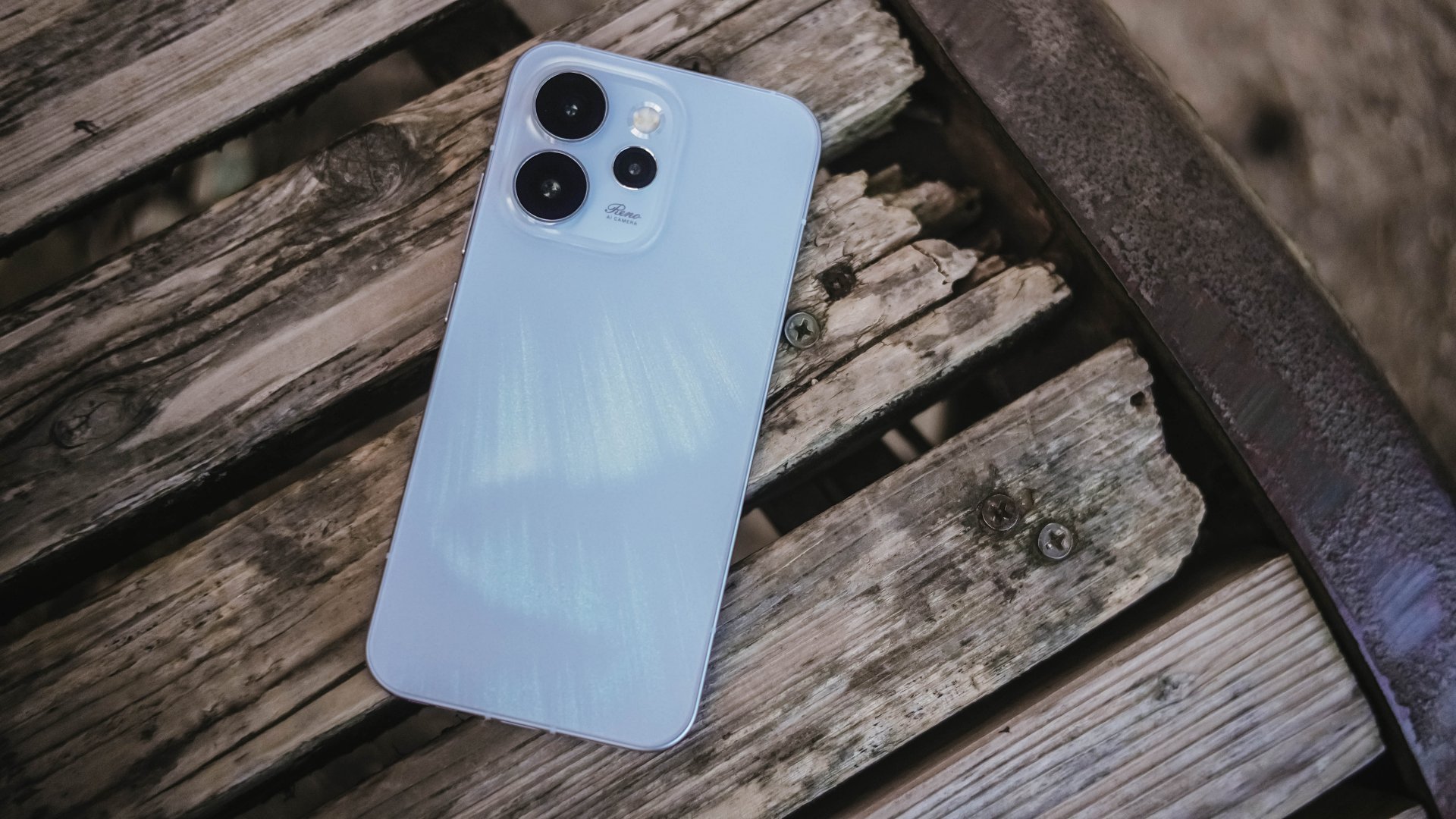
Dubbed as the “Aurora Blue” colorway, it instantly reminded me that I’m still not over that Aurora Borealis scene in the latest hit K-Drama “Can This Love Be Translated?” starred by Kim Seonho and Go Younjung.
I said it before and I’ll say it again, flashy finishes are the least of my options when choosing for a new phone. Still, this finish wins over the less impressive Dusk Brown shade.
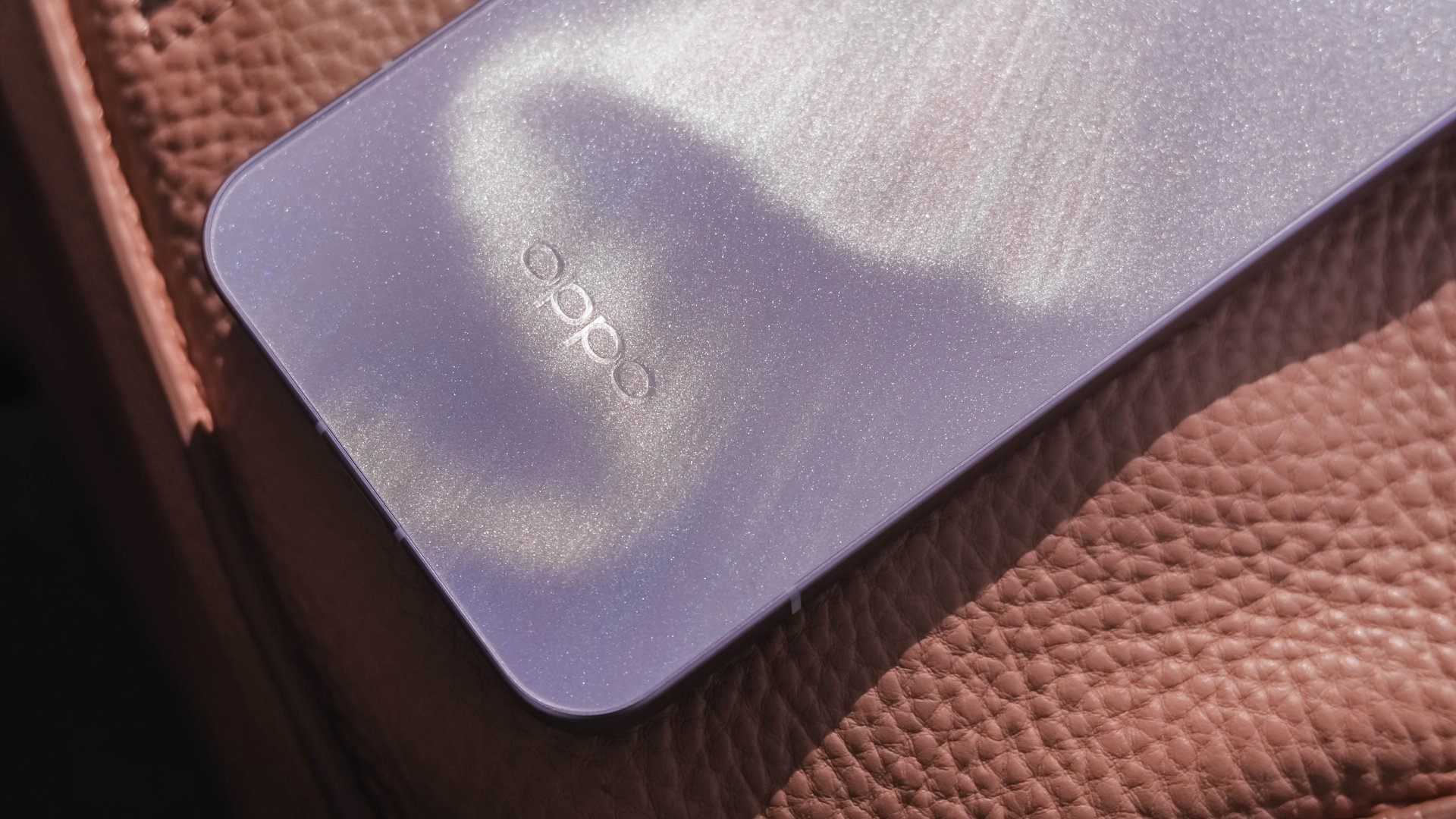
Just like that dazzling northern lights, the Reno15 Pro shows off its aurora accents depending on how the sun hits it.
In the faintest of light, that aurora simply vanishes. Even so, the OPPO Reno15 Pro still shines through with its specks of glitter.
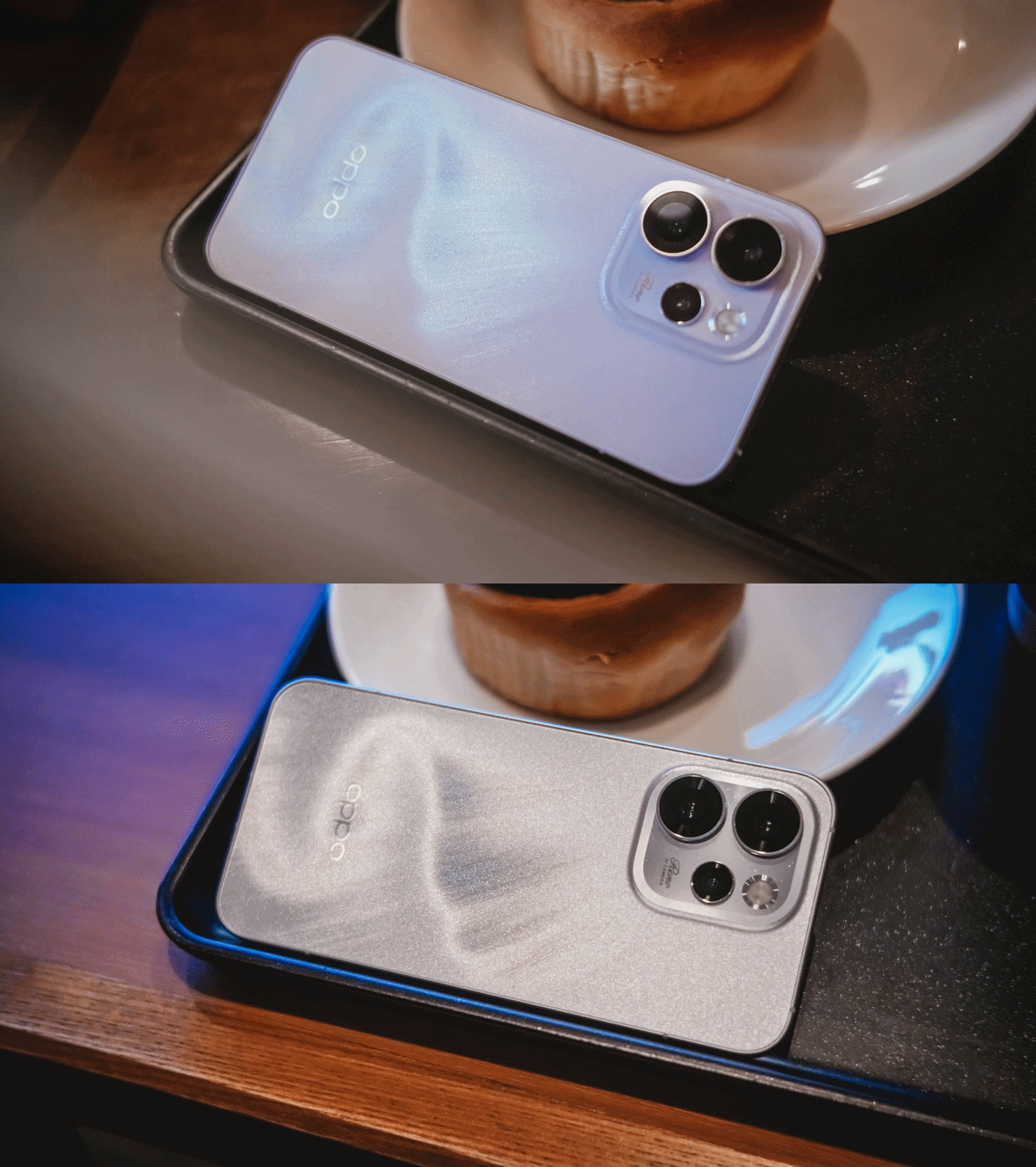
That’s more evident when you bring the OPPO Reno15 Pro indoors — be that your cool room (literally) or a warmly-lit café.
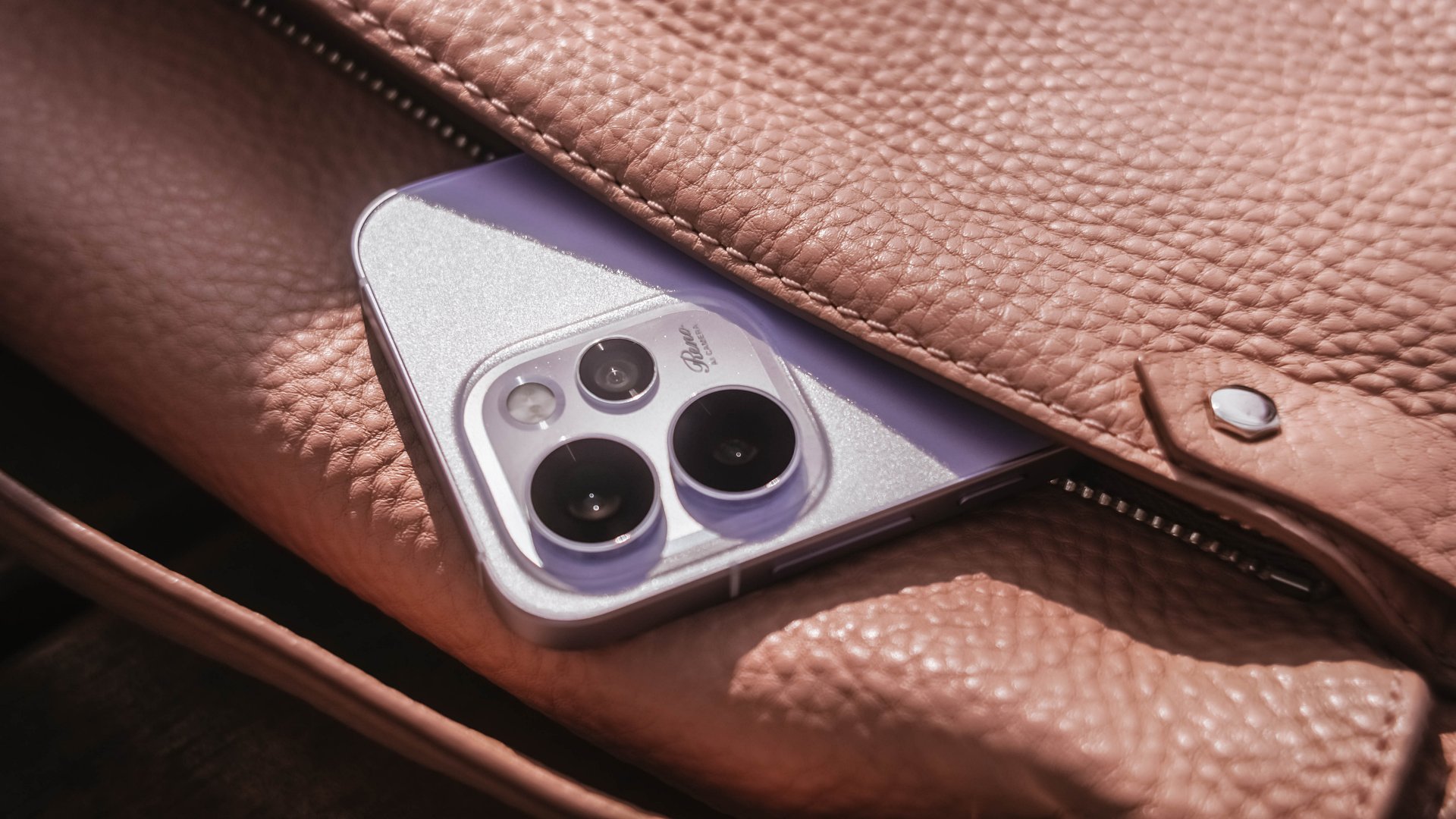
Its camera cutout may not be the most unique out there, but it’s uniformed enough to look clean. After all, a phone’s camera arrangement isn’t what defines the overall performance of its cameras.
First Date
Although 8.13mm isn’t “thin” in today’s standards, holding and keeping the OPPO Reno15 Pro for prolonged periods never felt a sore. Its aerospace-grade aluminum frame may just be one among many factors.

One after another, that 6.32-inch AMOLED 120Hz display is a huge complement to the hands. It fits my huge palms, more so, pockets of all sorts. This sweet screen size is also a breath of fresh air in a vast world of large slabs.
When hit by that harsh sunlight, it’s more than bright– up to 3600 nits of peak HDR brightness if I must insist. And, no matter what kind of content I consume, it’s truly crisp, clear, and even color-accurate.

Being powered by MediaTek’s Dimensity 8450 SoC alongside OPPO’s ColorOS 16 is what made me stuck longer. It honestly felt like I’m in a smooth ride without any road traffic.
The OPPO Reno15 Pro has a great harmony between its software snappiness and fluidity. Animations flow without feeling rushed — much like enjoying date nights without being pressured to catch the last bus trip back home.
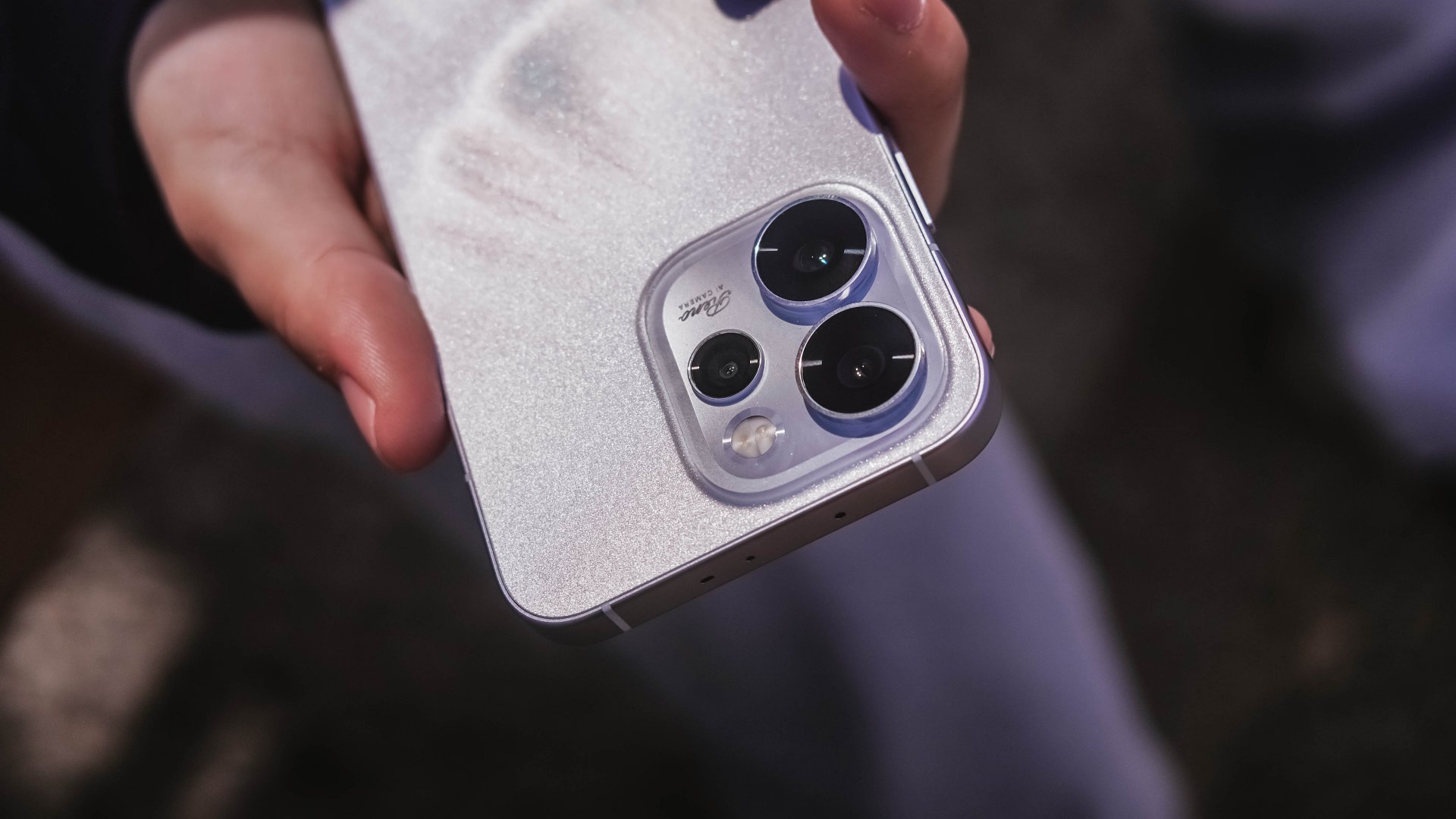
Speaking of staying out late for a date, the Reno15 Pro lasted me more than enough. And, despite its petite form, it managed to fit in a 6200mAh battery inside.
The screen size to battery ratio is just a perfect match. Not only it fits in most (if not all) hands and pockets, it also meant being able to squeeze in more battery to make the most out of your day, night, and even midnight.
If juice gets squeezed out, its 80W SuperVOOC charging will truly save the day!

That doesn’t even end there. With triple IP ratings (IP66, IP68, IP69), you’re more than assured that it’s durable enough in occasional (and accidental) phone drops.
First Impressions
The OPPO Reno15 Pro, despite being categorized as a midrange device, already feels like a solid vanilla flagship.
Much like any other first dates, its overall appearance is just on the surface level. What made me invested more to know the Reno15 Pro further are none other than its intrinsic qualities.
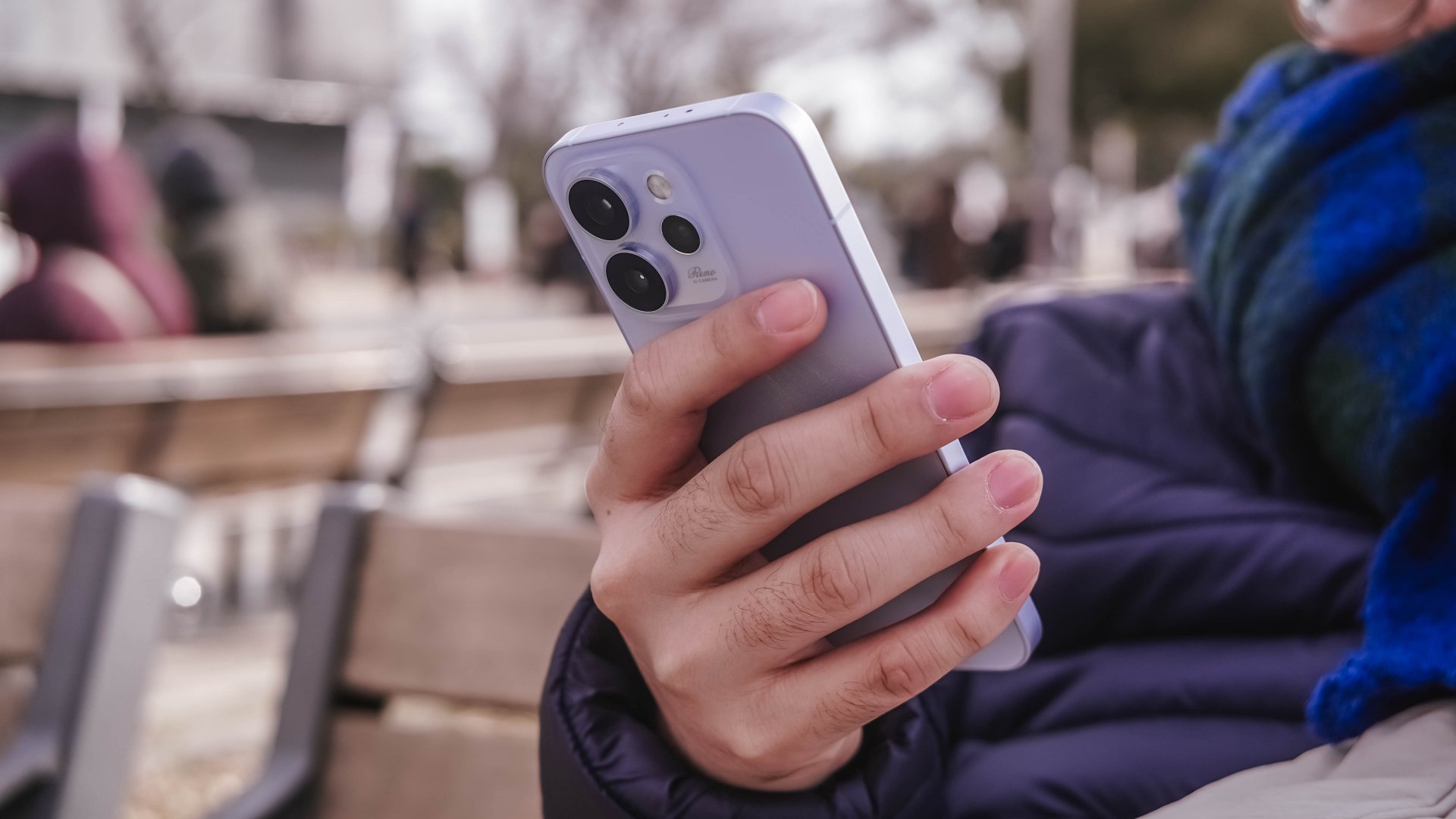
That includes that screen size (or form factor) on the sweet spot plus oh-so-fluid ColorOS. Moreover, its powerful core paired with a humongous battery that will truly last you long.
While I may not have included any photo sample in this early look, I can already assure you that it has one of the greatest camera performers for its class. And actually, it is for another story 😉.
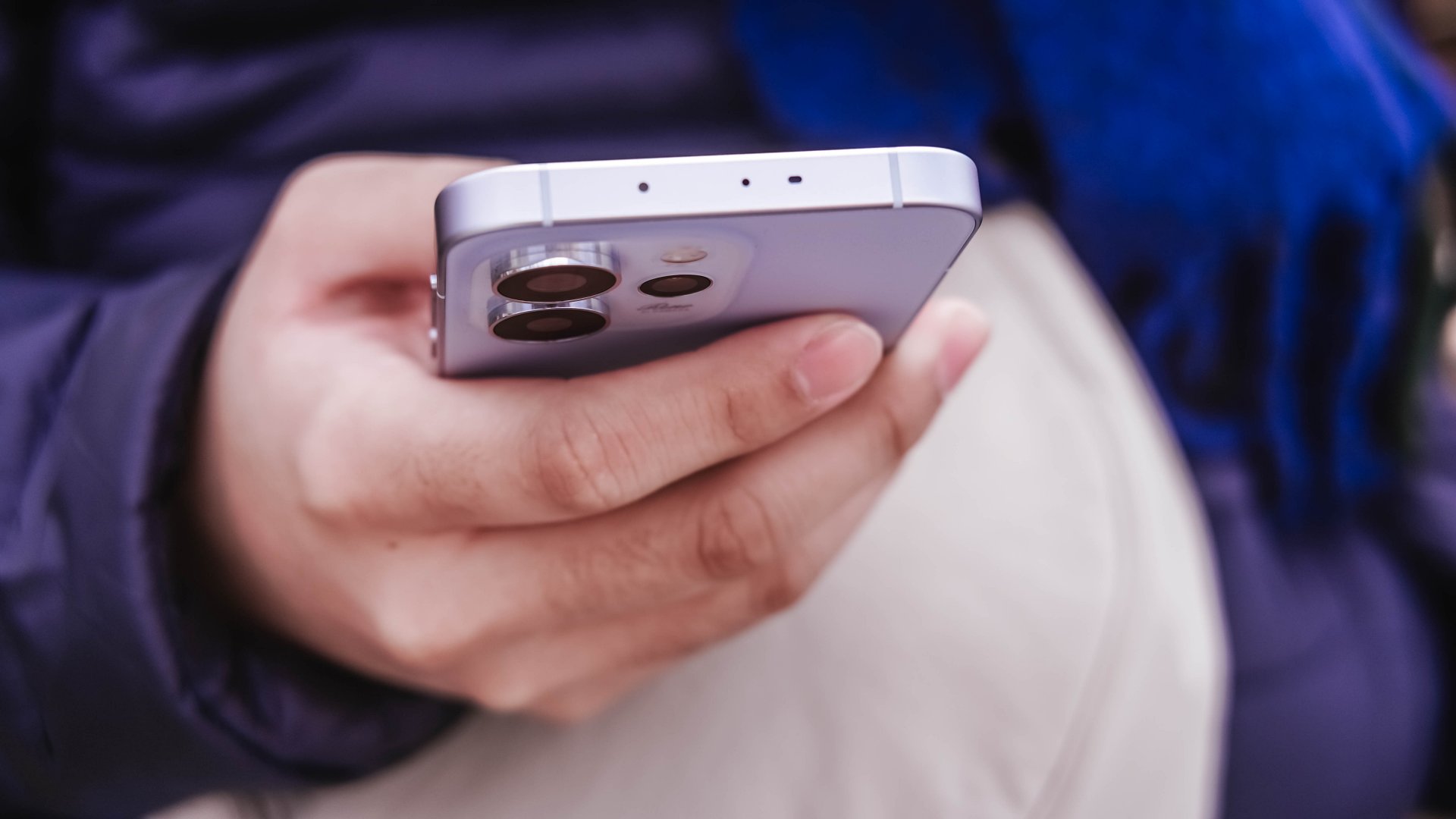
My first time with an OPPO Reno smartphone not only made me impressed. This phone also enticed me to consider switching to the OPPO system when another review opportunity arises.







The quirky Legion Go Fold stole the show at MWC 2026

Globe extends roaming assistance to customers in the Middle East

CASETiFY relaunches Evangelion collab for 30th anniversary

CASETiFY launches Samsung Galaxy S26 collection

Xiaomi Vision Gran Turismo makes global debut at MWC 2026

Xiaomi 17 Ultra is now available outside China

TECNO will showcase the CAMON 50 and POVA 8 series at MWC 2026

PlayStation, LE SSERAFIM Chaewon team for the ‘Love of Play’ campaign

The art of being in and behind the frame

HUAWEI MatePad 11.5 S 2026: The better-than-ever 4-in-1 productivity tablet


-
 News3 days ago
Xiaomi 17 Ultra is now available outside China
-

 Camera Walkthrough1 week ago
OPPO Reno15 Pro: Camera Review
-
 First Look2 weeks ago
Match Pulse: Infinix NOTE 60 Pro
-

 Cameras2 weeks ago
Osmo Pocket 4 makes a surprising appearance in public
-

 Gaming2 weeks ago
LG unveils UltraGear evo, redefines 5K gaming with AI Upscaling
-

 News2 weeks ago
iPhone 17 Pro Max is somehow the most traded-in phone today
-

 News2 weeks ago
HUAWEI launches Mate X7, MatePad 11.5 S 2026, FreeClip 2
-
 Gaming2 weeks ago
PlayStation 6 reportedly delayed to 2029 because of RAM shortage