
Features
How to subscribe to Globe’s discontinued GoSurf promos


Globe recently killed off some of its best Prepaid GoSurf promos, including two of its most affordable 30-day plans, GoSurf 99 and 199. Fortunately, there’s still a way to subscribe to a few of them.
When you check Globe’s new set of GoSurf promos on *143# or its official website, you’ll notice GoSurf 999 has been upgraded to 8GB of data for 30 days (from 6GB), every offer above it is gone, and a new GoSurf 599 has been introduced, to name a few. It looks like GoSurf 599 with its month-long 4GB data allowance is the replacement of GoSurf 499 and its 3GB of data.

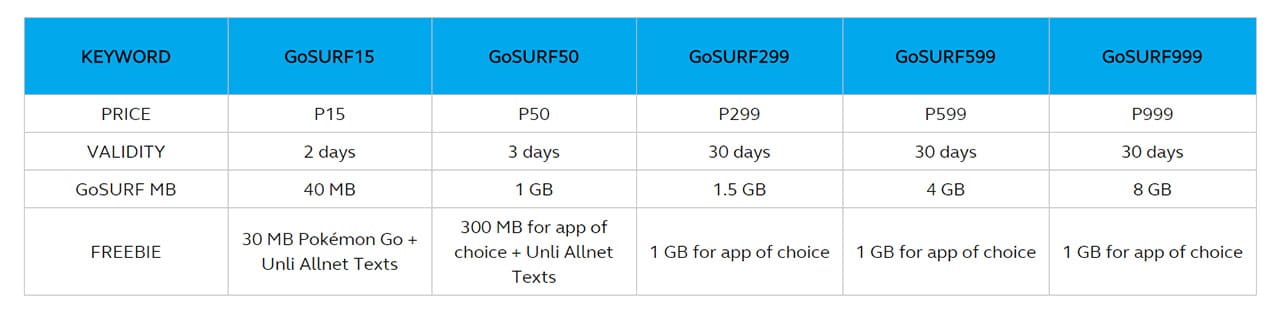
While the upgraded plans are nice, the lost deals are not. There’s a temporary fix, but this may get removed once Globe notices people taking advantage of it. Be aware that you need a second phone with a Globe Prepaid SIM card for this to work.
Simply dial *143# on your smartphone, enter Share-A-Load/Promo, choose one of the two Send Promo options, pick which type of number you’re sending the promo to, and then select the discontinued plan of your liking. Here you’ll find GoSurf 99, 499, 1799, 2499, and a bunch more — sadly, GoSurf 199 is still missing.
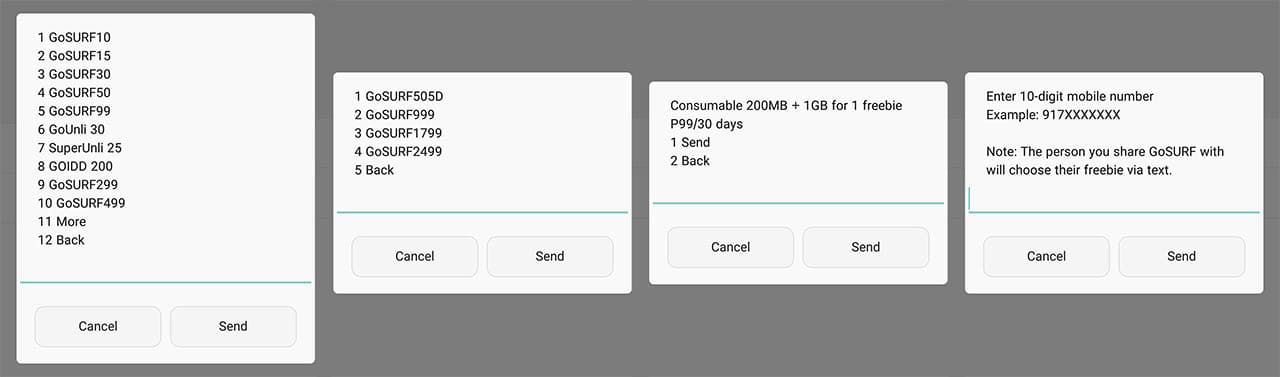
Here are the available GoSurf plans for sharing, and the steps shown after selecting a promo
Here’s the downside: You’ll be prompted to enter the phone number for sharing, but you can’t enter your own number. This means you must have another phone with sufficient prepaid load to send the promo to your own handset. What my friend did was send load to me, which I then used to share a GoSurf plan with him.
Yes, it’s a hassle, but it beats possibly spending more for data you don’t need. Remember, this could all change soon, so subscribe before another reshuffling occurs.
SEE ALSO: Globe discontinues its best GoSurf plans
[irp posts=”9562″ name=”Globe discontinues its best GoSurf plans”]






Some moments slip away before we’re ready.
The blink. The blur. The half-smile lost to motion.
The HUAWEI nova 14 Pro wants to fix all that because it calls itself the King of AI Selfie. So we brought it along for an afternoon out to see if it could actually keep up.
Bowling isn’t the easiest place for a selfie. The lights shift. People move fast. And I never stay still. But the 50MP Front AI Portrait Dual Camera doesn’t flinch.
With Ultra Speed Snapshot on the front camera, it freezes movement better than most phones I’ve used. Mid-shot. Mid-laugh. Even mid-blink. It just catches the moment.
There’s also the 0.8 to 5x selfie zoom — still the only one of its kind. It lets me frame selfies the way I want: wider when friends jump in, tighter when it’s just me.
And if someone blinks, it’s fine. AI Best Expression lets you fix one person’s look without retaking everything. Pick their best eyes, best smile, best moment.
You also get three beauty styles: Natural, Delicate, and Stylish. I kept it light, but each one still looks closer to real skin instead of an overly filtered version of yourself.
My favorite AI tool might be AI Remove. Shoot first, fix later. The phone cleans up distractions — stray people, signs, objects — and leaves behind the photo you meant to take.
And when my hands were full at the café after, AI Gesture Control helped me browse without touching the screen. Simple gestures. Quick page flips.
On the rear, the nova 14 Pro steps up with its Ultra Chroma Camera. HUAWEI says it uses 1.5 million spectral channels to get color right. And honestly, the tones feel closer to what I saw in person.
Motion is where the rear camera surprised me. Dual Shutter technology blends long and short exposures in one shot. Action stays sharp without making the whole frame darker.
And because the aperture goes from F1.4 to F4.0, you can change depth of field depending on the moment. Creamy background for portraits. More detail when you need it.
The nova line has always been about reliability, and this one holds up. You get a 5500mAh battery and 100W SuperCharge Turbo. Fast top-ups. Easy all-day life.
Up front, there’s the 6.78-inch Flawless Quad-Curved Display. Smooth edges. Easy on the eyes. A polished look that still feels practical.
The nova 14 Pro sticks to the series’ youthful identity. Lightweight. Friendly curves. And the new Star Orbit Ring gives it that recognizable nova look — clean and symmetrical.
It also supports Wi-Fi 7, optional NearLink for device tracking, and has a five-star drop-resistance certification. Plus IP65 dust and water resistance.
The HUAWEI nova 14 Pro feels like what the nova line has always been: a feature-packed mid-ranger built for young adults who want a phone that simply keeps up. AI tools that fix your shots. Cameras that freeze moments. Battery that lasts.
If you want a selfie-focused phone that can keep up with days like this, this is the nova you’re looking for.
HUAWEI nova 14 Series — The King of AI Selfie
Enterprise
A closer look at Apex Guard and the world behind OPPO’s quality promise
I went inside Binhai Bay to see how OPPO is building its next chapter of smartphone quality.

OPPO introduced Apex Guard, a full technology suite designed to protect the user experience with stronger hardware and smarter software.
The new concept shows how OPPO is redefining smartphone quality by focusing on long-term reliability and dependability, and a user journey that stays smooth for years.
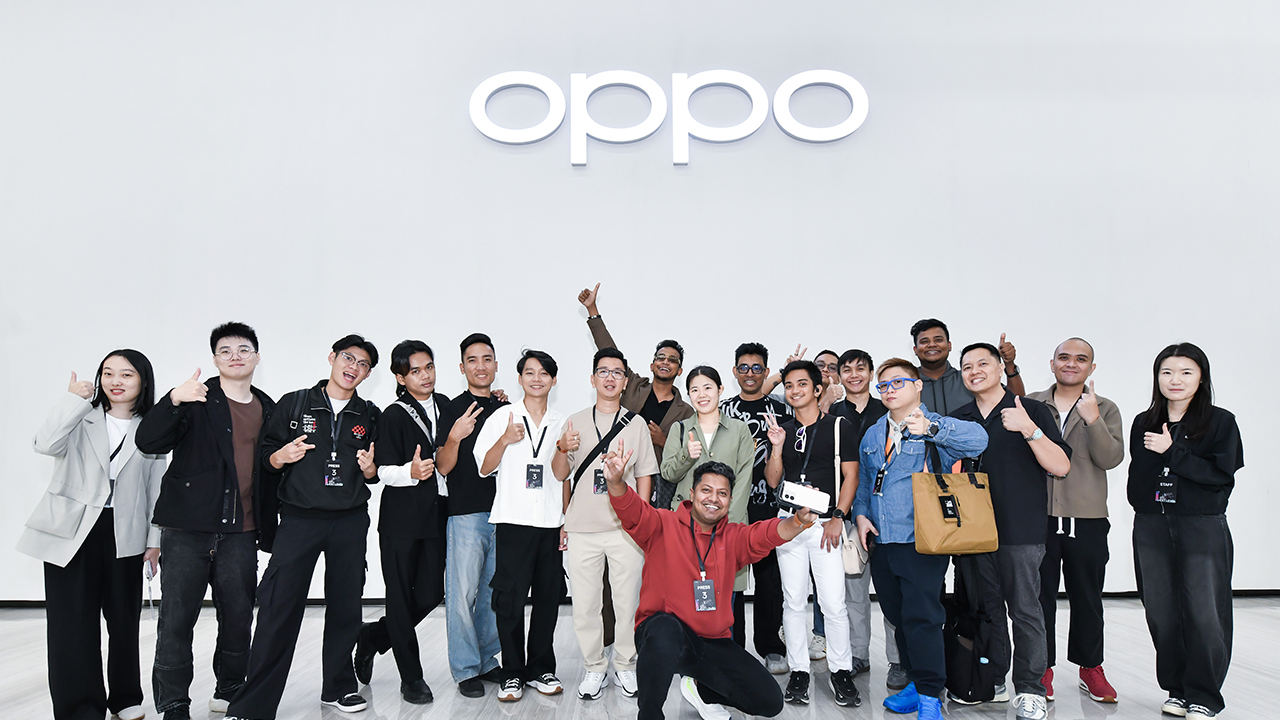
I saw this vision firsthand during an exclusive behind-the-scenes visit to the Binhai Bay Campus, OPPO’s global headquarters and R&D hub.
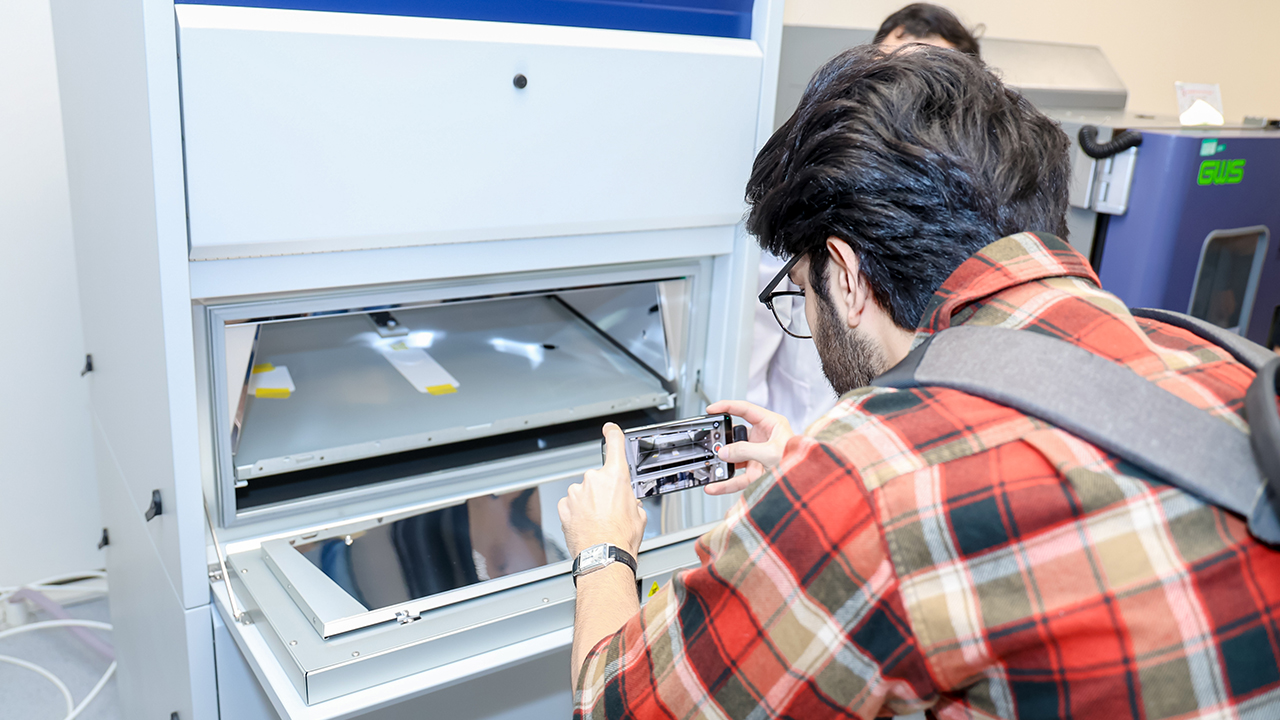
The moment I stepped inside, I understood how deeply this company values the idea of quality. Every corner of the campus felt intentional. Engineers tested materials behind glass panels and the machines ran stress simulations.
Rooms were dedicated to design exploration and long-term validation. Walking through its corridors felt like moving through the inner workings of a promise.
OPPO builds quality into a device long before it becomes a device.
OPPO’s next step toward elevated quality
Apex Guard reflects OPPO’s goal of addressing real user needs with an end-to-end system that strengthens every part of a smartphone.
It reaches across all product lines and raises quality across three dimensions. OPPO focused on durability that protects users in unpredictable moments.
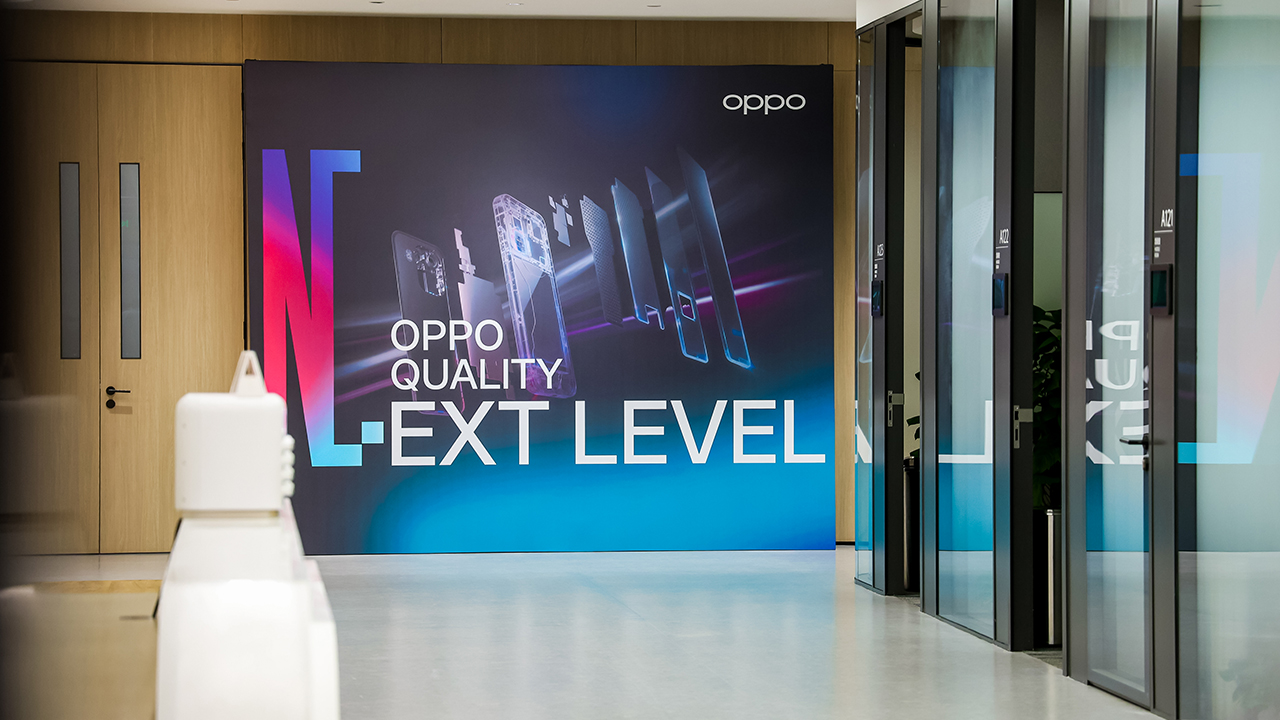
Through breakthroughs in materials and design, OPPO developed Ultra High Strength Steel and AM04 aerospace-grade aluminum alloy to withstand daily wear and heavier stress.
Armour Shield structural reinforcement adds another layer of protection that stays reliable even in unexpected situations like sudden drops or water exposure.
“The goal is simple: a device should feel solid in every scenario.”
Beyond the product lifespan
Apex Guard supports long-term reliability. One of the key innovations is the OPPO Silicon Carbon Battery with its customized spherical silicon-carbon material.
It improves long-lasting safety while extending battery life by up to 400 additional cycles. With this technology, OPPO devices stay closer to their original performance for a longer period, even after years of use.

OPPO also works with international testing organizations like TÜV Rheinland, TÜV SÜD, and SGS, and follows standards that exceed typical industry requirements.
Devices pass through multiple rounds of strict testing, including more than 180 assessments that begin before R&D and continue until the end of the product lifecycle. Even after-sales services follow a higher standard to ensure users feel supported beyond the purchase.

Rethinking quality through next-level software smoothness
Since smoothness is one of the most noticeable indicators of smartphone quality, OPPO made software a major part of Apex Guard.
In ColorOS 16, the All-New Luminous Rendering Engine brings the first Unified Animation Architecture on Android, creating consistent movement across the entire system.

Chip-Level Dynamic Frame Sync Technology helps the device react faster when multitasking, while Sensor Offload shifts critical sensor tasks to the SoC to reduce power consumption, especially when recording 4K 60fps video.
ColorOS 16 also introduces Instant Refresh to help reduce data fragmentation on entry-level devices. OPPO performs 48-, 60-, and 72-month aging tests to ensure long-term responsiveness.
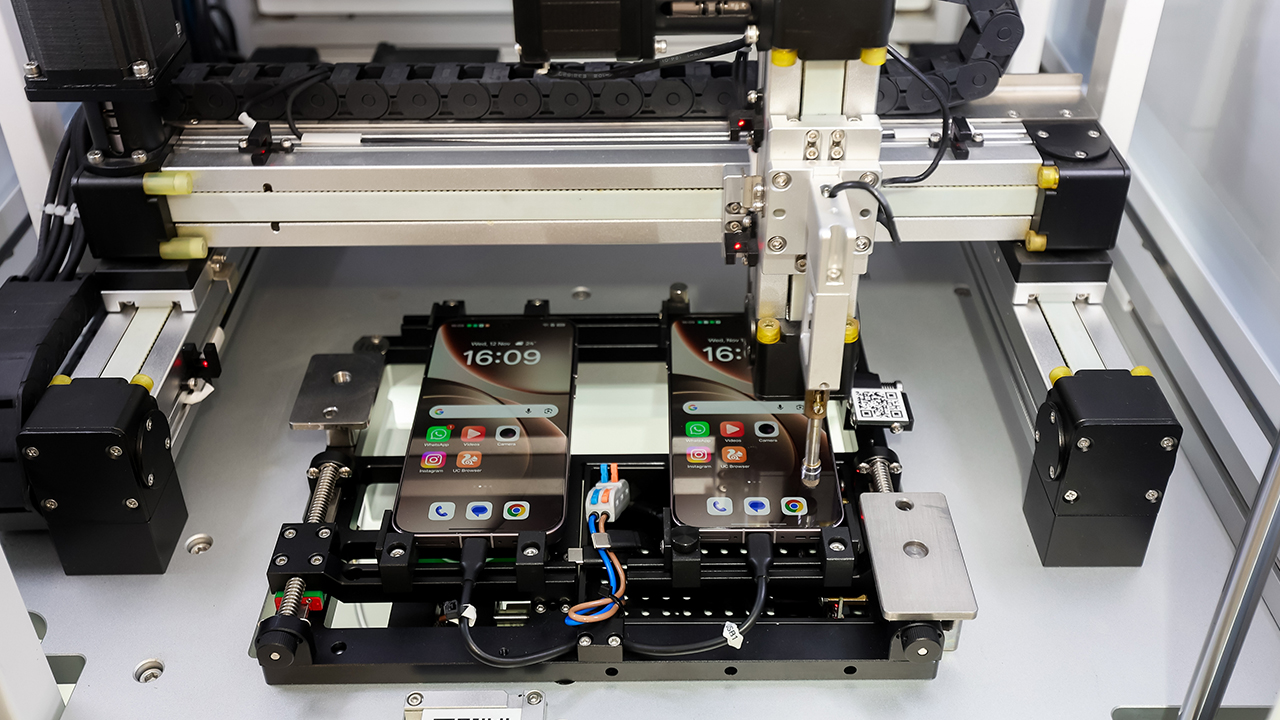
The company developed new systems to measure smoothness more accurately, including the OPPO Smoothness Baseline Test and the industry-first Parallel Animation Standard 6 Zero, which evaluates lag, latency, flicker, crashes, mislaunches, and freezes.
These standards apply across the entire lineup, from A Series to Find Series.
At the home of OPPO quality
OPPO continues to expand the Binhai Bay Campus to support its vision for the future.
The campus brings together more advanced equipment, centralized teams, and specialized laboratories designed to test quality from every angle.

The Materials Lab studies long-term durability while the Intelligent Terminal Testing Lab pushes devices through real-world challenges.
Meanwhile, the Power Consumption Intelligent Lab evaluates energy efficiency, and the Communication Lab ensures strong connectivity.

Standing inside these spaces and watching the process unfold made the idea of next-level quality feel more real.
It is not a statement but a system built into every decision and test. Apex Guard is simply the name OPPO has given to the work it has been doing all along.
Accessories
I was skeptical about smartphone gimbals, then I tried the DJI Osmo Mobile 8
This gear finally made sense to me and my workflow
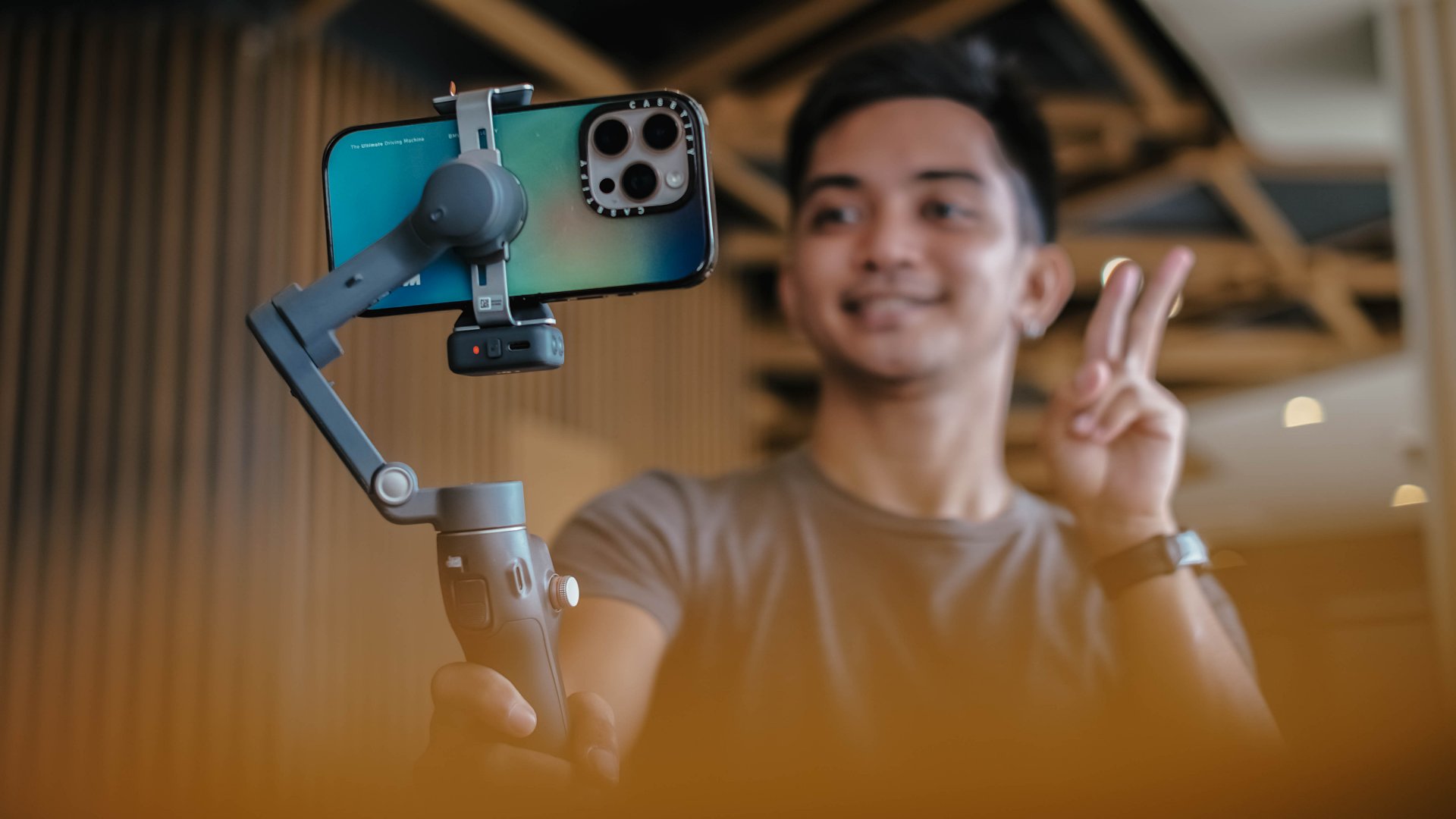
I never liked smartphone gimbals. I tried several over the years, from different brands and different builds, and I never felt compelled to use them in real situations.
They were either too heavy or too fiddly to set up. I also found them too demanding to use when all I wanted was to take my phone out and record. My iPhone already has excellent stabilization built in, and I have relied on it for years. The extra gear rarely felt necessary.
My perspective shifted when I tried the DJI Osmo Mobile 8. I brought it with me on a work trip in China without thinking much of it. I realized that it made sense to be part of my arsenal.
A design that feels familiar in a good way
The Osmo Mobile 8 does not reinvent the idea of a mobile gimbal. It refines the experience.
It feels lighter and folds easily. The clamp snaps on with a magnetic mount, and the grip feels secure without straining the wrist.
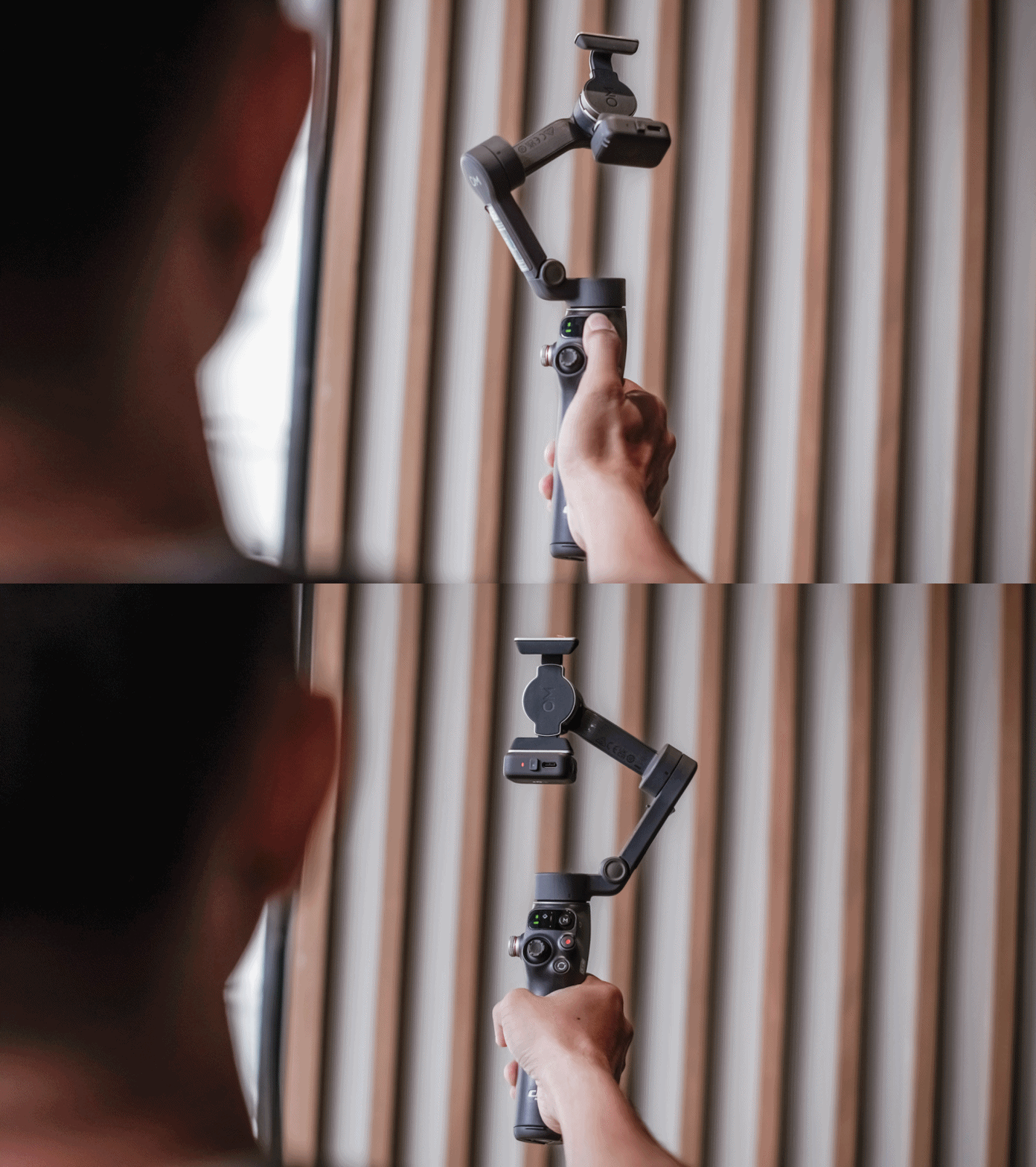
It feels like something I can use for a few minutes or a few hours without thinking about it. Rather than slowing me down, it felt like it supports my workflow.
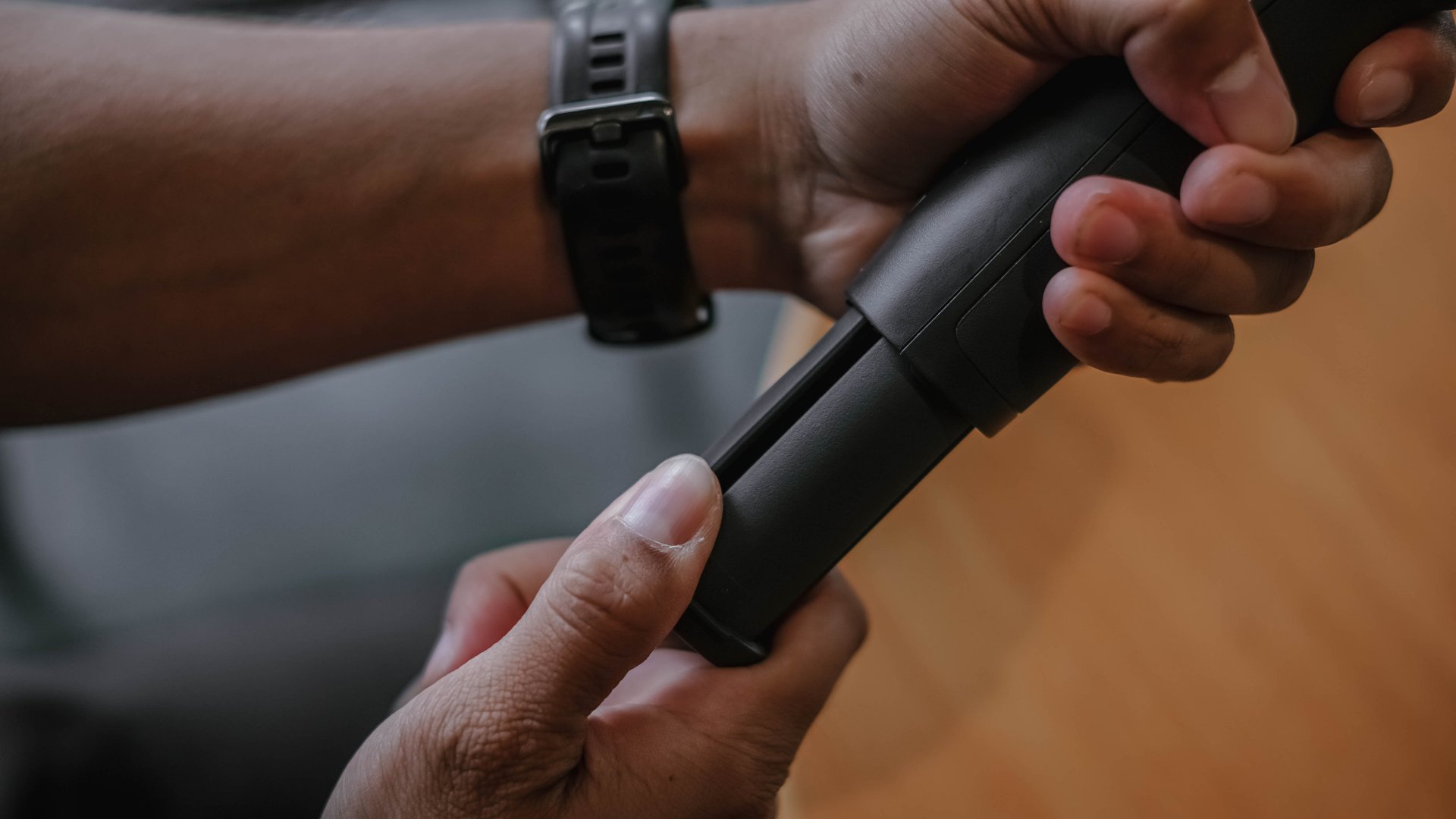
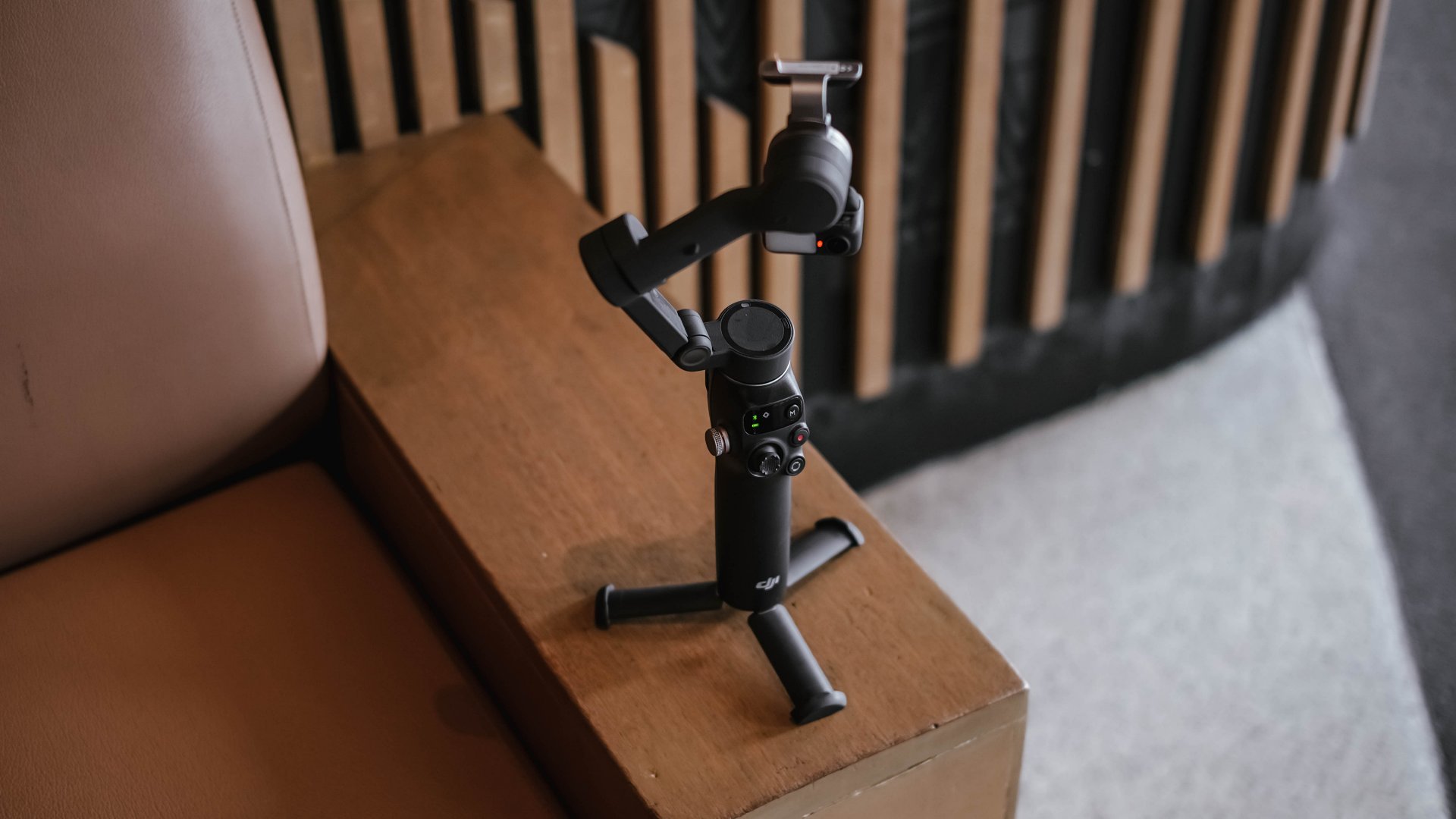
There is an extension rod built in, which is helpful for group shots and for pushing perspective in movement shots. The built-in tripod legs make it easy to set down for hands-free filming.
These details may seem small, although they contribute to gear that I actually reach for.
Stabilization for better footage
To be honest, I’m still not sold in getting a mobile gimbal for myself. But what shifted my perspective (for now) was not the convenience. It was the footage.
The movement became smoother. Walked shots, pans, and follow movements looked intentional instead of constantly adjusting themselves.
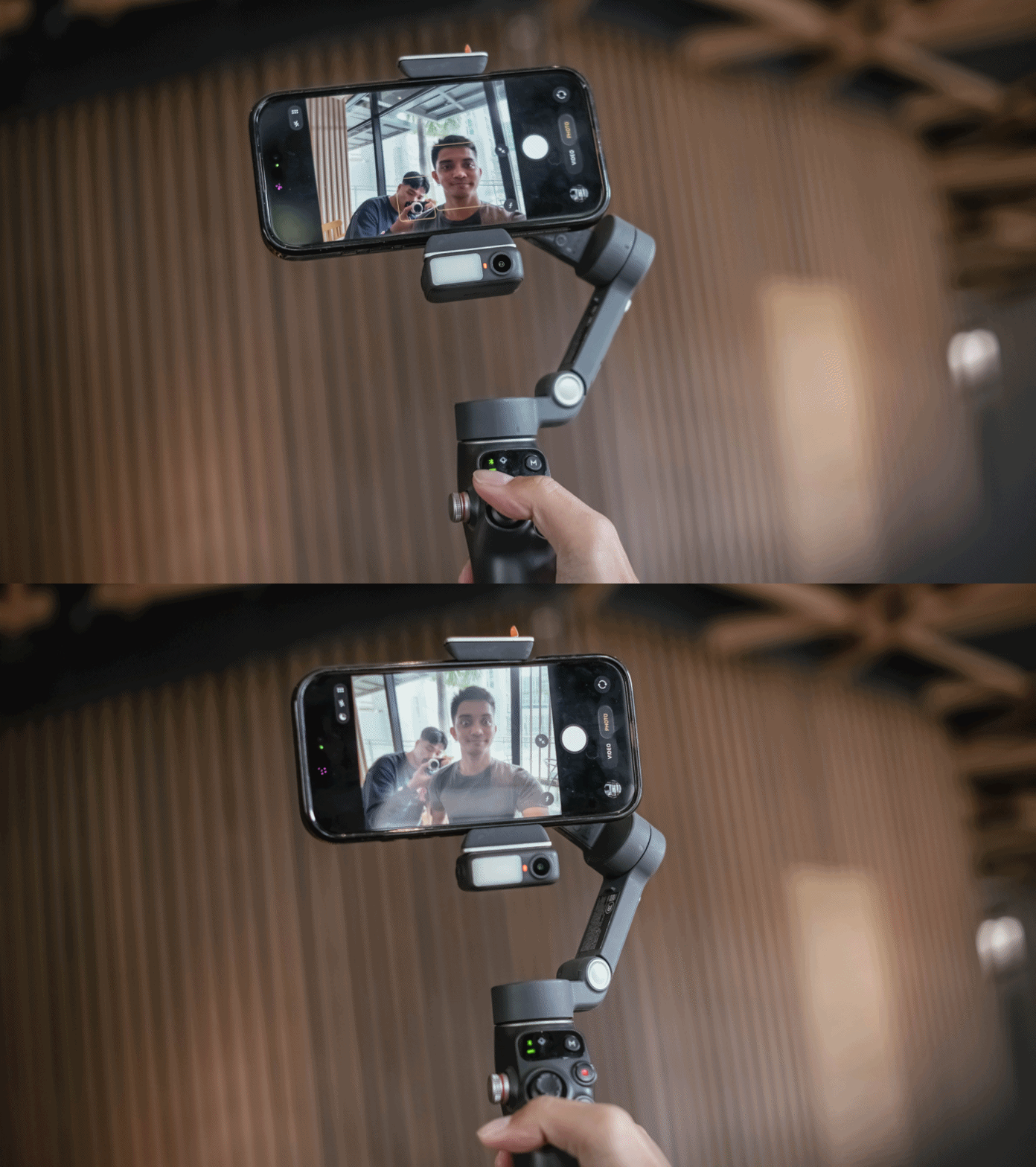
The three-axis stabilization makes smartphone footage feel more deliberate. I found myself able to move more slowly and follow subjects naturally.
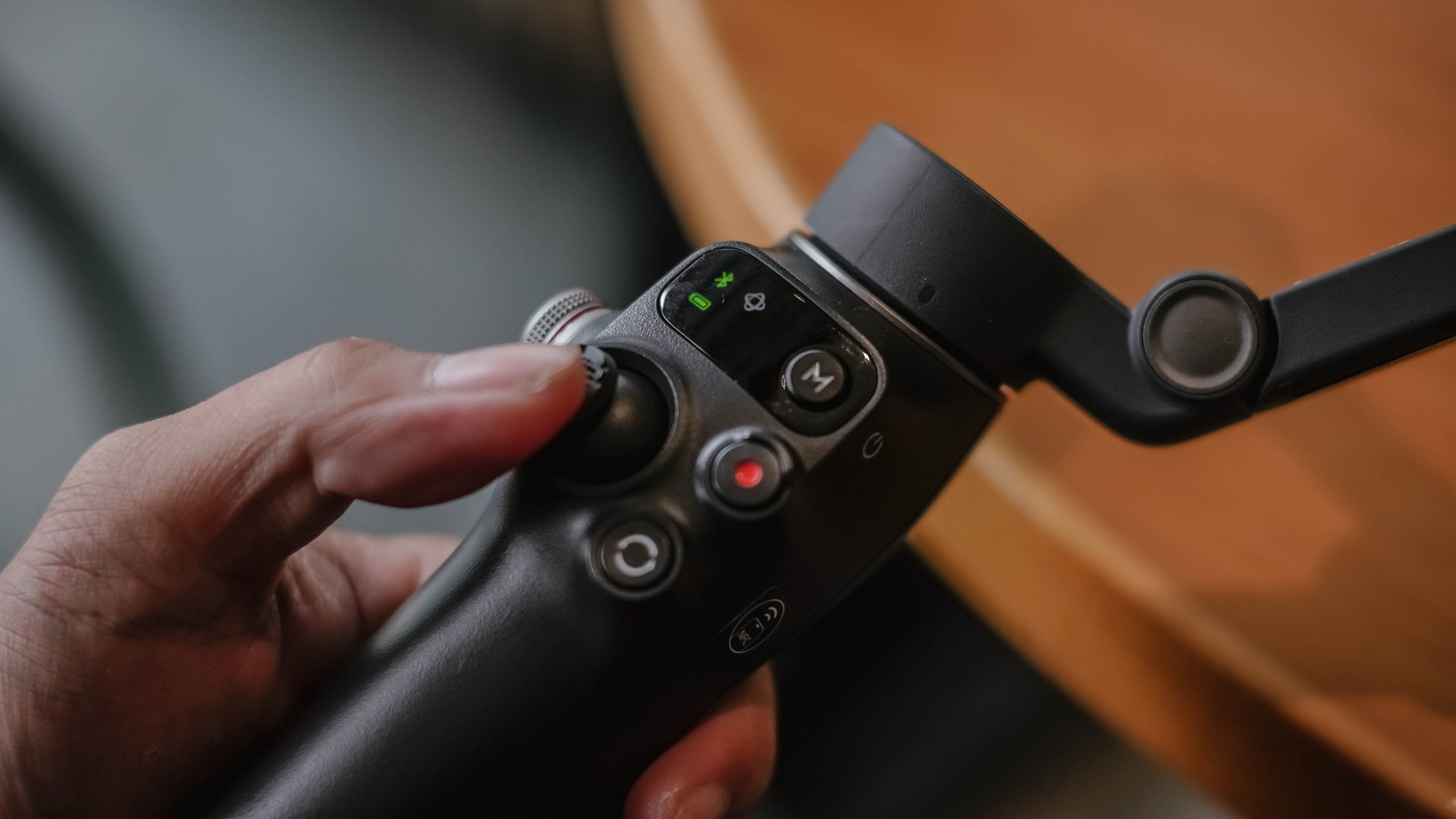
It didn’t make my shots steadier, but the Osmo Mobile 8 changed the way I moved while filming. I suddenly found myself planning sweeps and tracking motions that I would never attempt handheld.
Tracking that feels more intelligent
The tracking on the Osmo Mobile 8 is noticeably improved. Faces, pets, objects, and even faster subjects stay in frame more reliably.
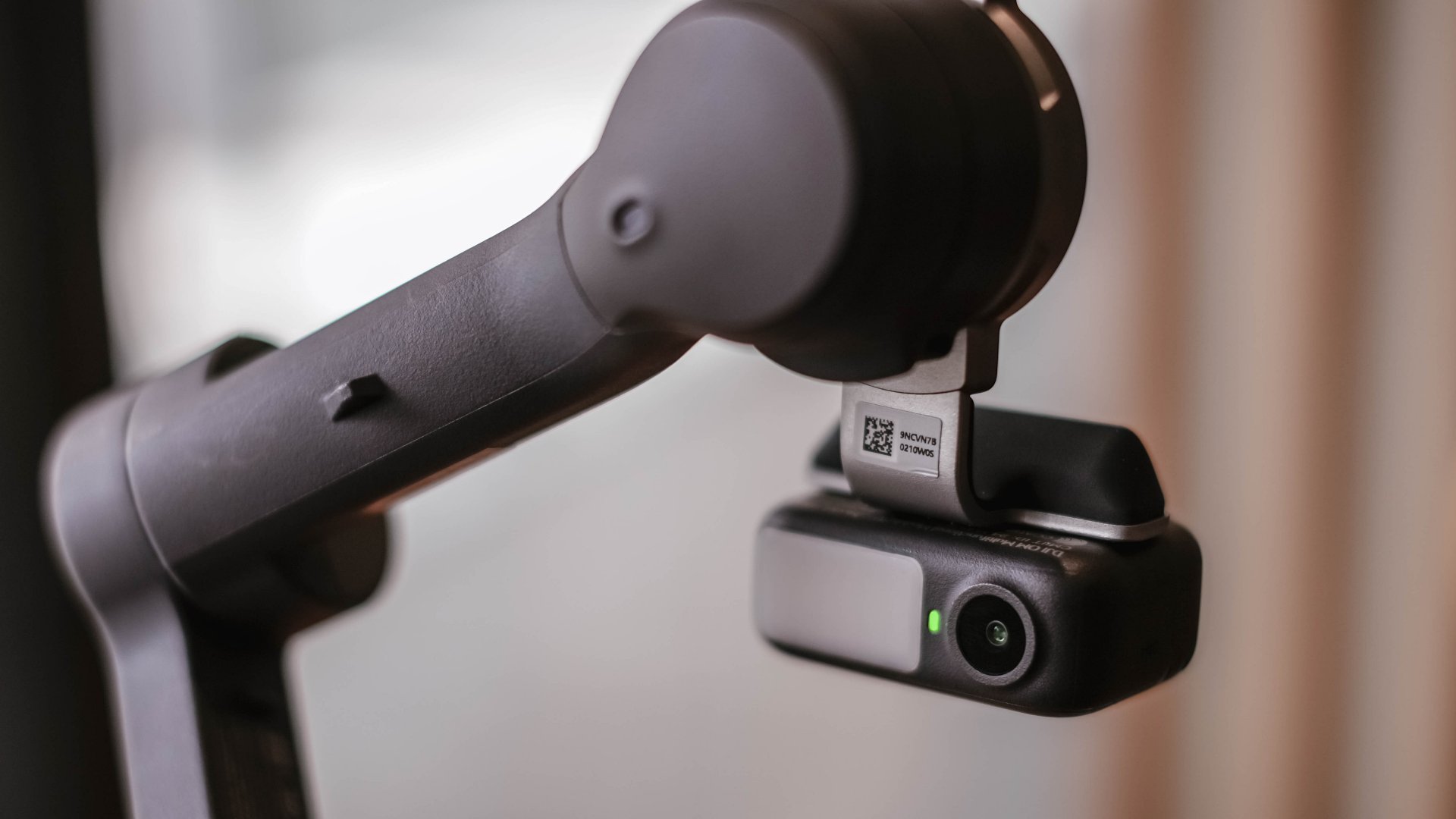
When I stepped away to record myself, the camera followed smoothly without overshooting. It felt responsive rather than reactive. This made solo shooting feel easier.
It also made dynamic movement filming more fun. I could run with a subject or move around a space and trust the framing.
A tool that fits everyday work
I always evaluate gear based on how it blends into my workflow. If it needs too much setup or thought, I will eventually avoid it.
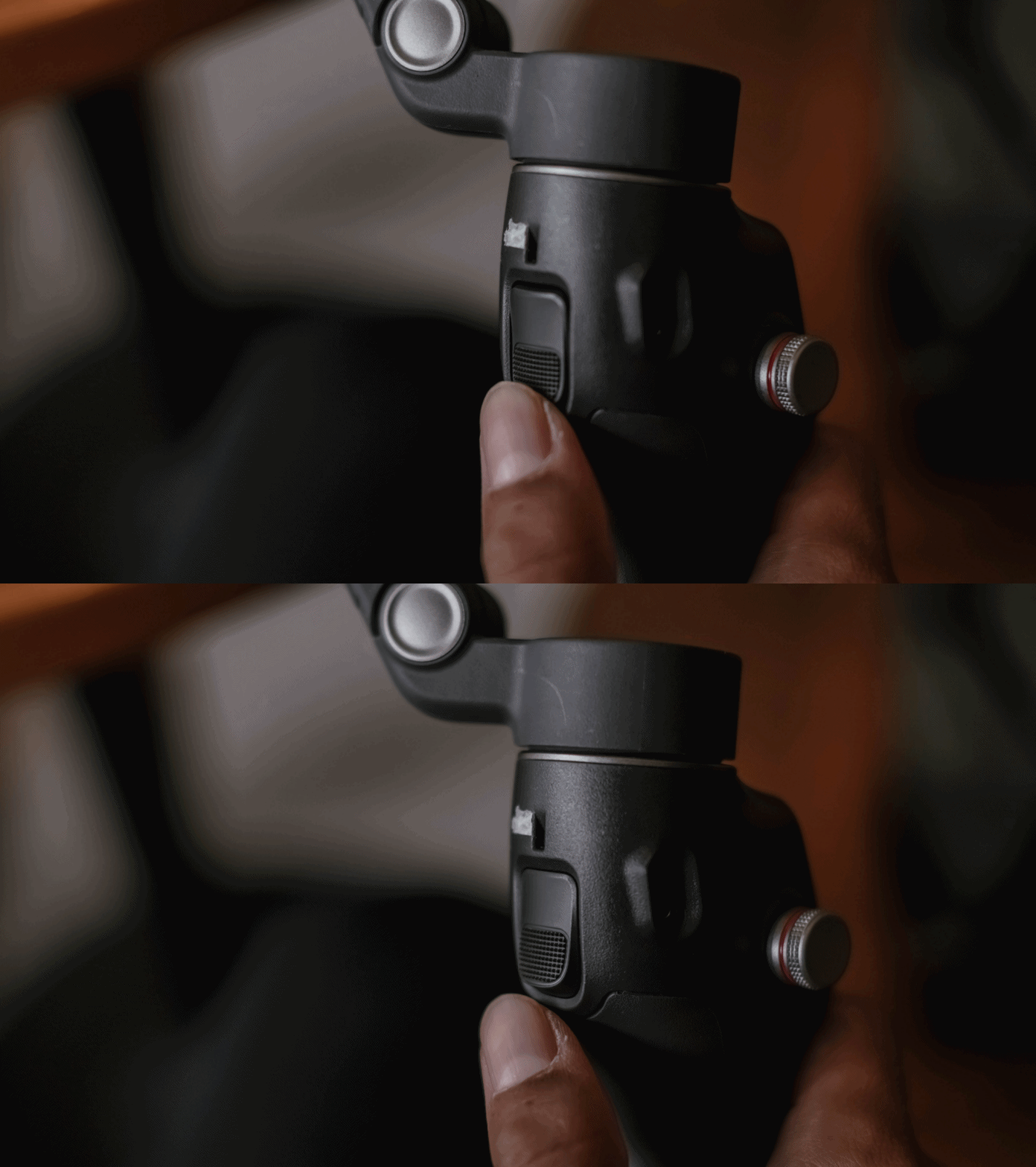
The Osmo Mobile 8 feels fast. I can mount my phone, open the app, and start recording in a matter of seconds. And the battery life holds up well for a full day of casual shooting.
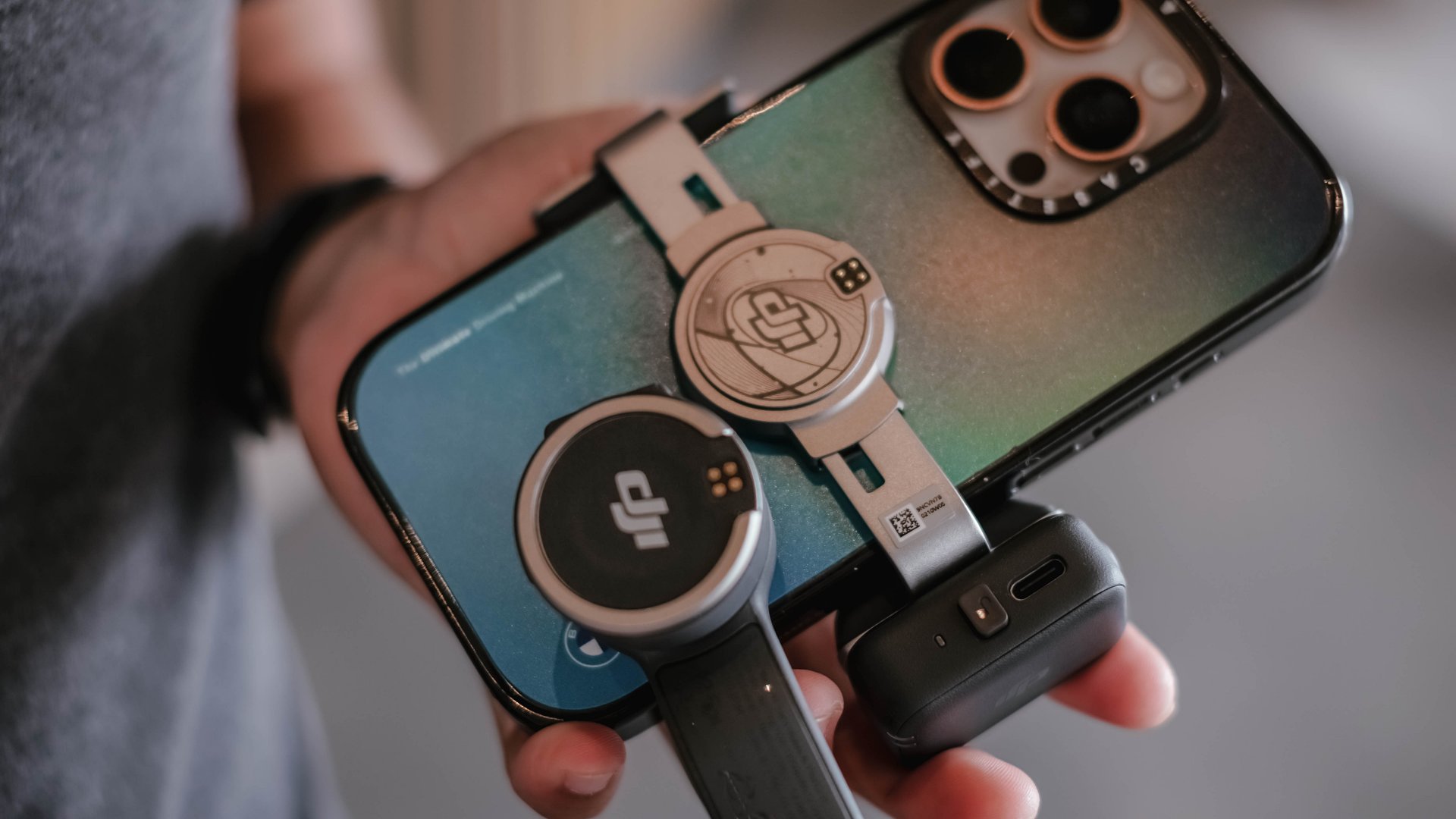
There is also support for counterweights if you use heavier external lenses or cases. The experience is smooth whether I am at an event, outdoors, or shooting casual everyday clips.
Frankly, I never expected to find a smartphone gimbal that felt necessary, yet the Osmo Mobile 8 is worth recognizing to be part of your creator kit.
Is the DJI Osmo Mobile 8 your GadgetMatch?
The DJI Osmo Mobile 8 delivers steady footage and a filming experience that feels composed. I appreciate what it adds to my work, and I recognize that it improves my content when I need it to.
Even so, it is not my personal everyday companion. I prefer filming with my phone alone and relying on built-in stabilization. I like moving lightly and freely.
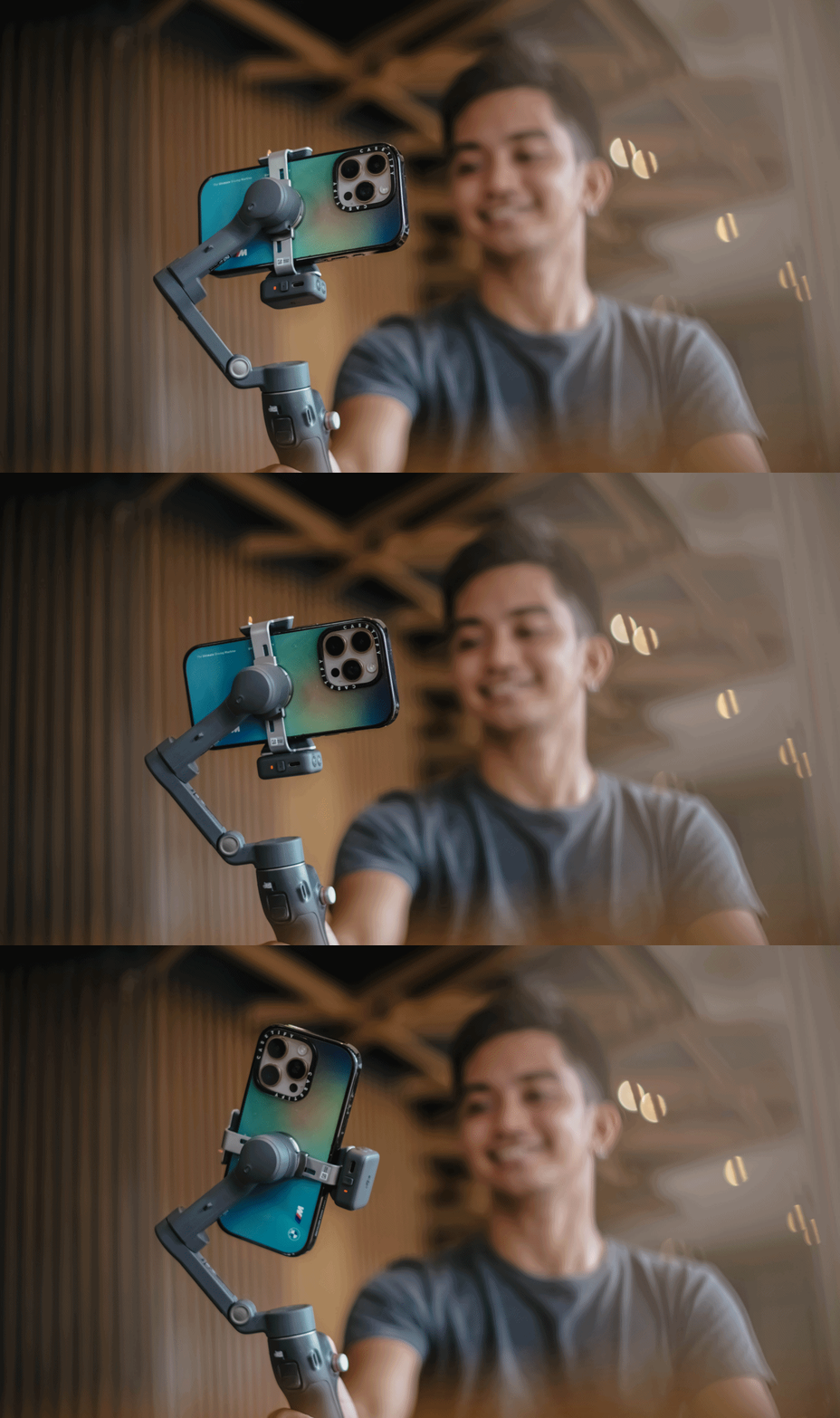
But the Osmo Mobile 8 is a strong tool to have in the kit for specific situations.
Swipe right if you want steady and controlled movement in your videos, especially when you shoot travel, sports, or even events where an extra movement is part of the story. It might help you create more cinematic clips without a full camera setup.
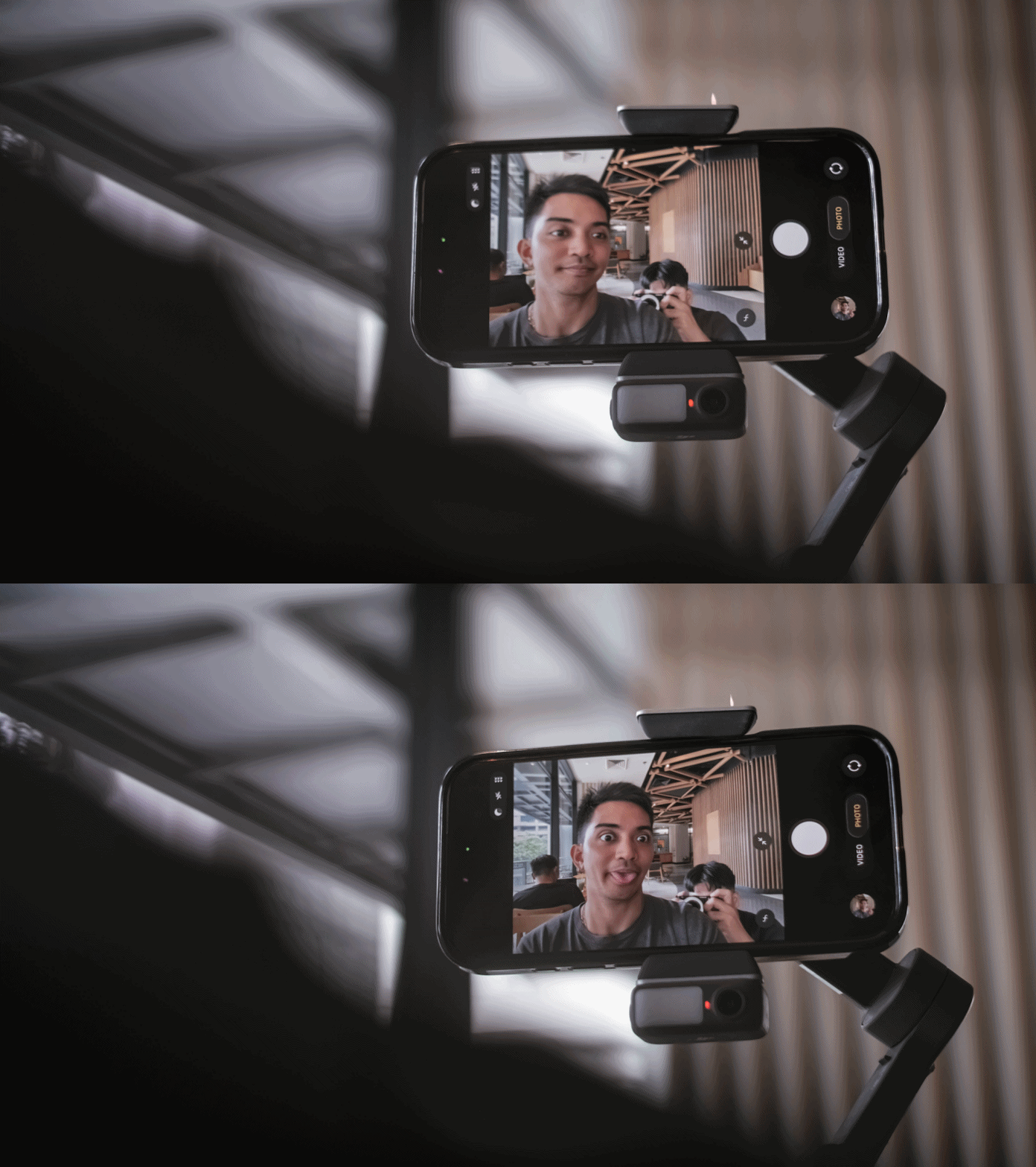
Swipe left if you prefer minimal gear, and if you’re someone who’s always ready for spontaneous shooting but doesn’t want any additional setup.
The DJI Osmo Mobile 8 retails for PhP 7,499. It’s available in DJI’s official website and authorized stores.


POCO F8 Pro review: Lightweight, heavy hitter
Delivers mostly on promised premium level smartphone experience

POCO Pad X1 review: A tablet that keeps up with your day
Simply reliable

POCO F8 Ultra review: An Achievable aspirational all-rounder
Flagship within reach
POCO F8 Pro review: Lightweight, heavy hitter

Turn your cravings into cashback with this new credit card

POCO F8 Series: Price, availability in PH
POCO Pad X1 review: A tablet that keeps up with your day

POCO F8 Series now official

realme 15 Pro review: A step forward or a step back?

Spotlight: ASUS ProArt P16

I was skeptical about smartphone gimbals, then I tried the DJI Osmo Mobile 8

This gaming mouse made me fall in love with working from home again

ROG Xbox Ally X review: A proper sequel


-

 Gaming1 week ago
Red Dead Redemption is coming to PS5, Xbox Series X|S, Switch 2
-

 Gaming2 weeks ago
Valve announces its own console called the Steam Machine
-

 Gaming2 weeks ago
DRAGON BALL: Sparking! ZERO now available for Switch 2
-
 Gaming2 weeks ago
The Steam Frame is the lightest standalone VR headset ever
-

 Gaming2 weeks ago
Horizon Steel Frontiers is an MMO set in the Horizon universe
-

 Gaming2 weeks ago
ViewSonic levels up the holidays with free Steam Wallet codes for gamers
-

 Philippines2 weeks ago
realme teases first 7000mAh and 5G phone in its C Series
-

 Gaming2 weeks ago
REMATCH: Elite Edition out now