


Laptops
TECNO MEGABOOK K16s 13th review: No-frills beneath those grills
All-around laptop without messing around

For the record, the last time I held a Windows laptop was back in 2022. It wasn’t even a conventional one. Rather, it was a gaming hybrid — or a laptop and tablet rolled into one. That was a short escape though.
After being a religious Mac user since 2016, it’s high time to re-experience Windows four years after that very limiting ROG review.
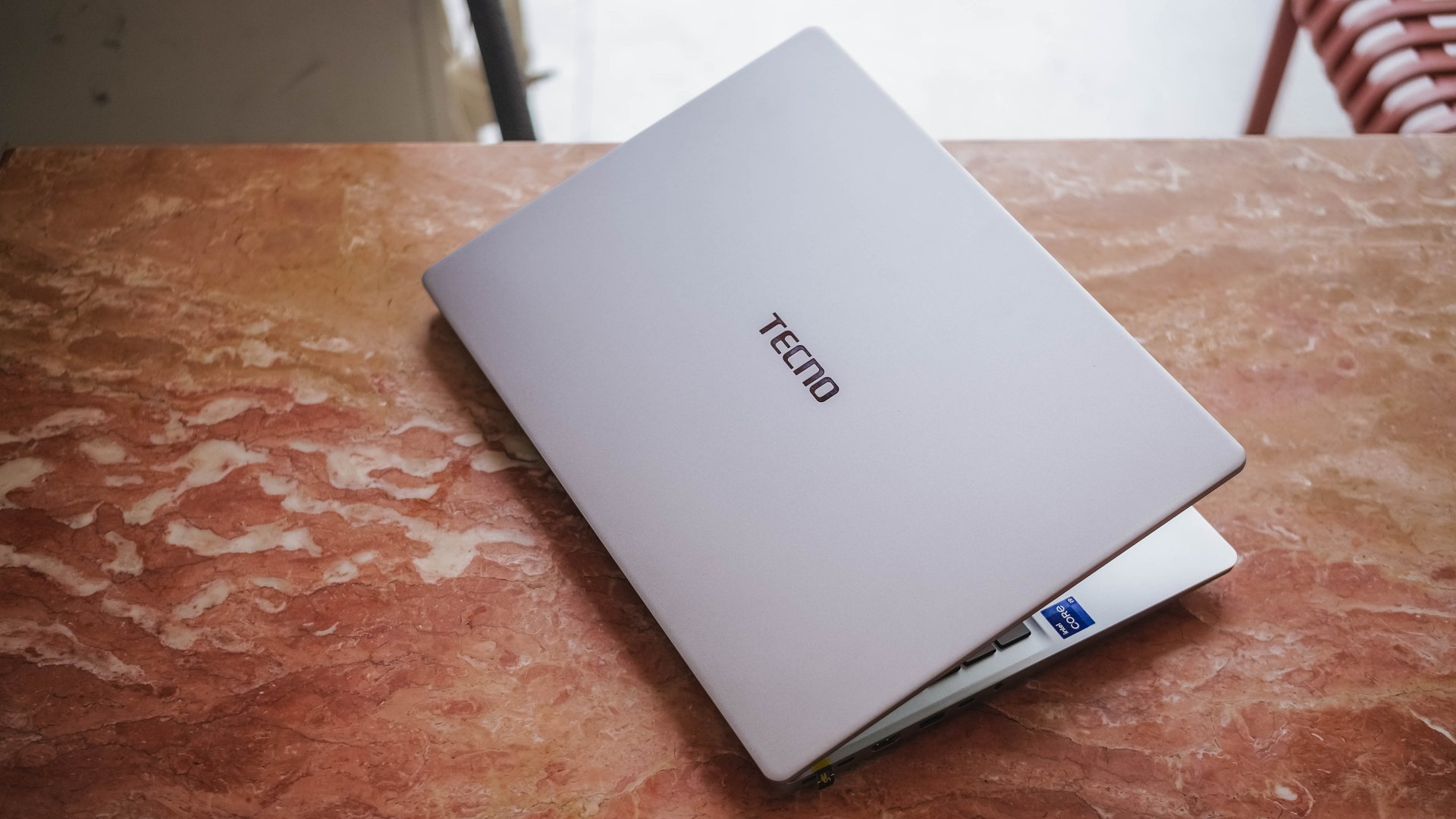
Here’s my 16-day stint with the TECNO MEGABOOK K16s 13th – Intel Edition.
All-metal clad that’s far from being bad
Gone are the days of Windows laptops that are icky plasticky.
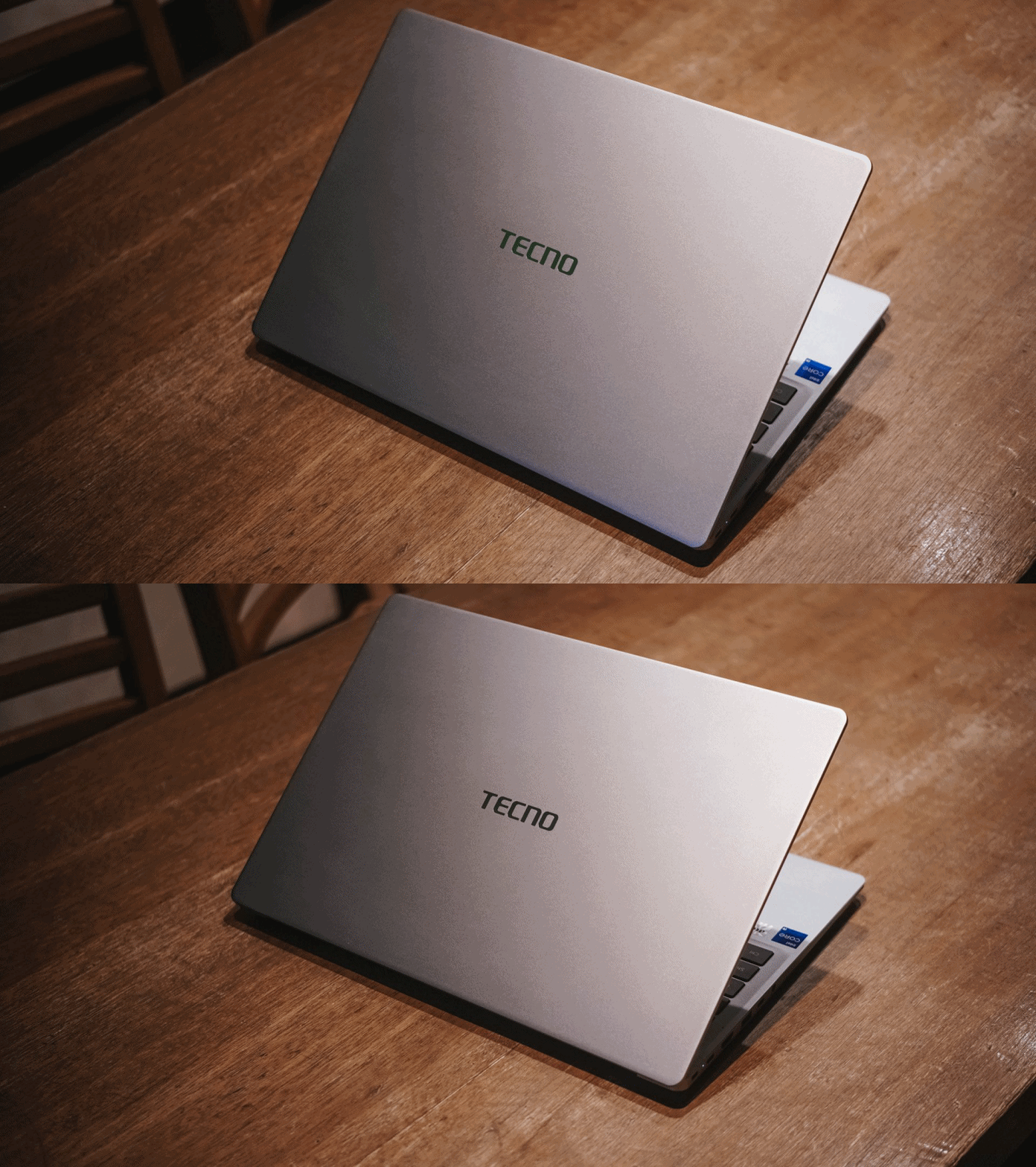
If it is not evident enough, the TECNO MEGABOOK K16s 13th uses real metal. It looks and feels solid. And by that, it has characteristics of being decently hefty and light at the same time.

The only problem with this finish is how much of a smear magnet it is. But hey, at least it’s on par with my 2023 MacBook Pro for this smudge madness (or smudge-ness in my vocabulary).
With a laptop this size, port selection should be the least of its concerns.

It has twice the USB-C and USB-A 3.1 ports, as well as inclusions of HDMI 1.4, Ethernet / RJ45, and 3.5mm audio jack. Kensington lock is still present as well — not that it’s badly-needed.

If I were to nitpick, two things that ick me are the arrangement of ports. Look at how inconsistent they are, much like seeing your disorganized spoons, forks, and knives in a single tray.

Another would be the inclusion of a microSD card slot instead of a regular SD one. I don’t get how the latter was not chosen especially with its sheer size.
Now Playing: Can This Love Be Translated 🗣️🔥⁉️
Just like waiting to re-experience a Windows device, the same can be said when I waited for the premiere of the K-Drama “Can This Love Be Translated.”
The title was already compelling to begin with. That curiosity sparked twofold upon knowing that my two favorite stars (Kim Seonho and Go Younjung) will steer drive the whole series.

Speaking of star, the biggest star of this laptop has got to be its massive 16-inch display.
Not only I was able to reinvigorate my heart with the rom-com scene of Joo Hojin and Cha Muhee in front of that dreamy Mt. Fuji scenery.
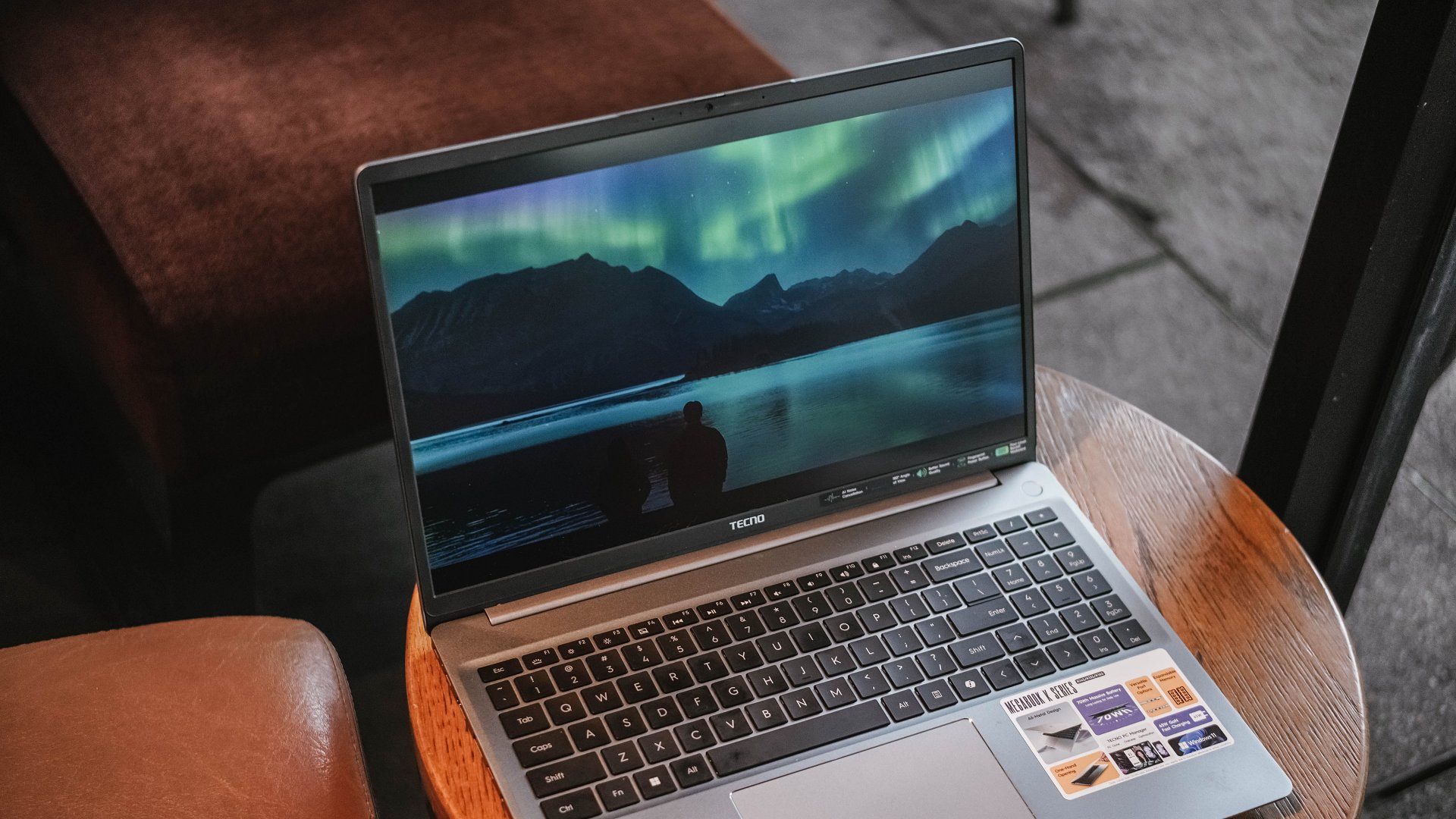
Their Aurora Borealis scene was also breathtaking. Although not as vivid as other displays, its max brightness felt just right to make the visuals pop against that harsh sunlight.
And while we’re already at it, the matte coating of the K16s 13th has been a real savior. It’s more useful for users (like me) who work at cafés with large windows every once in a while. My MacBook Pro definitely loses this fight with its awfully reflective panel.

While it is not, in any way, greater than any other OLED display nor some panel with a 120Hz refresh rate, it still feels justified considering where the K16s 13th is positioned in this vast laptop market.
On Queue: EXO’s REVERXE, ZB1’s Running To Future,
My idol anticipation doesn’t stop there. EXO’s much-awaited comeback as a full group is another one. Then, there’s ZEROBASEONE’s release.
These comeback promotions should sound good, right? Well, not really.
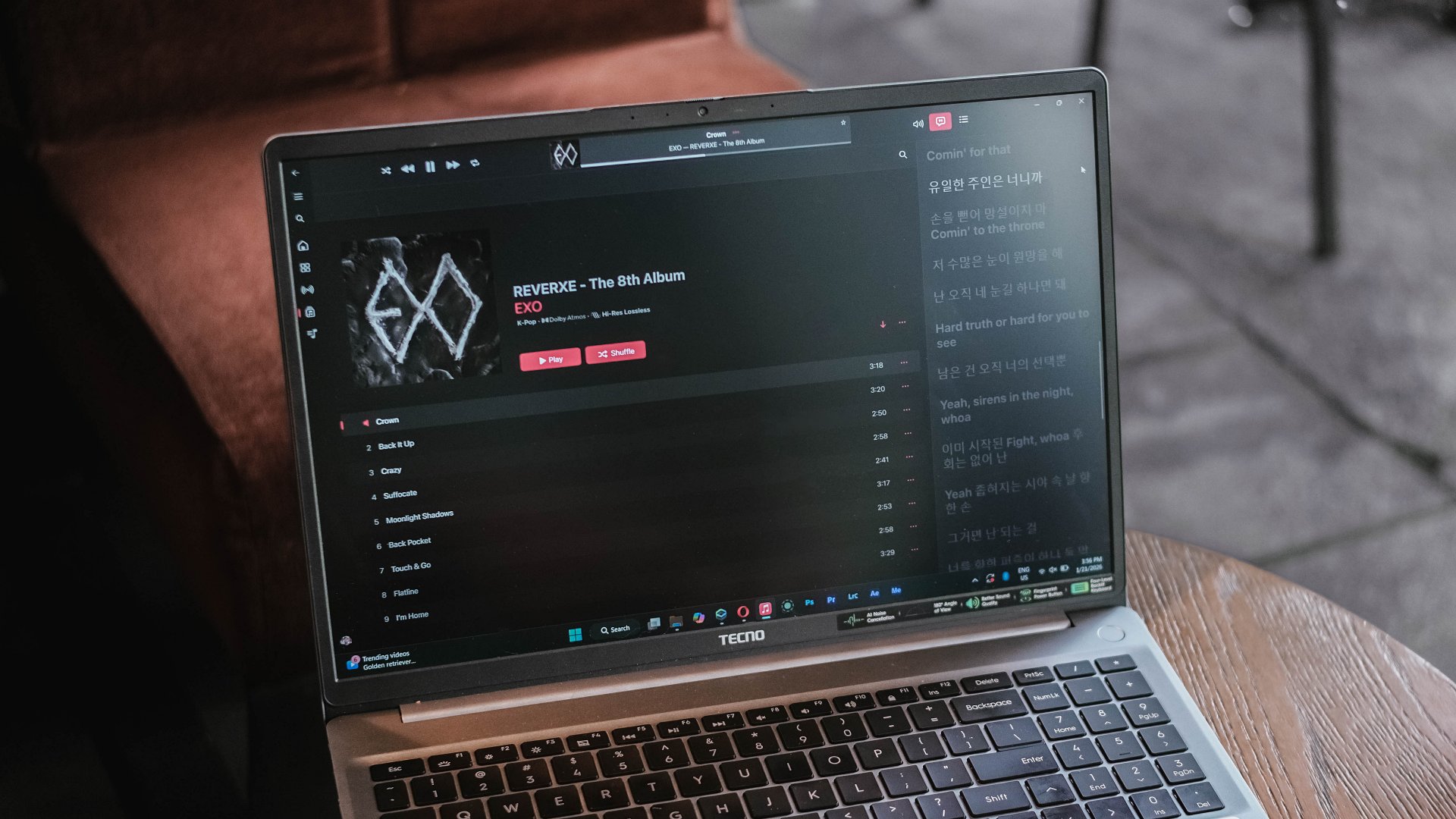
EXO is coming back with three missing members, all because of a justifiable lawsuit against their agency.
On the other hand, ZB1 is coming back — but, for the last time as they will disband real soon after completing their 2.5-year contract as a project group. A real disadvantage of a group being formed during a survival show.

Just look at how cohesive the K-Pop album covers look for January 2026
Much like all that bittersweet aftertaste, I can relate the same feeling with the MEGABOOK K16’s speaker setup.
On paper, TECNO says it’s a master-level 2.5W 4013 quad-speaker setup that delivers 300% louder volume. I am not sure how it was tested nor compared.

Without much comparison, it’s adequately loud. However, it lacks the fullness and all the necessary thump and oomph to make the sound fuller than ever.
This just means a big laptop isn’t directly synonymous to having a greater audio system.
Unparalleled performance for its price
NGL, I have been spoiled by power-packed laptops especially for the creative work that I do.
That said, the MEGABOOK K16s 13th is far from being a slouch with the Intel Core i9 (specifically the 13900HK) at its core. That’s then paired by Intel’s Iris Xe graphics, alongside 32GB of memory, plus 512GB of SSD storage.

Without a hitch, I immediately installed all the essential creativity apps I use.
Lightroom is less demanding so post-processing the photos I took for the MEGABOOK K16s 13th was easy-peasy.
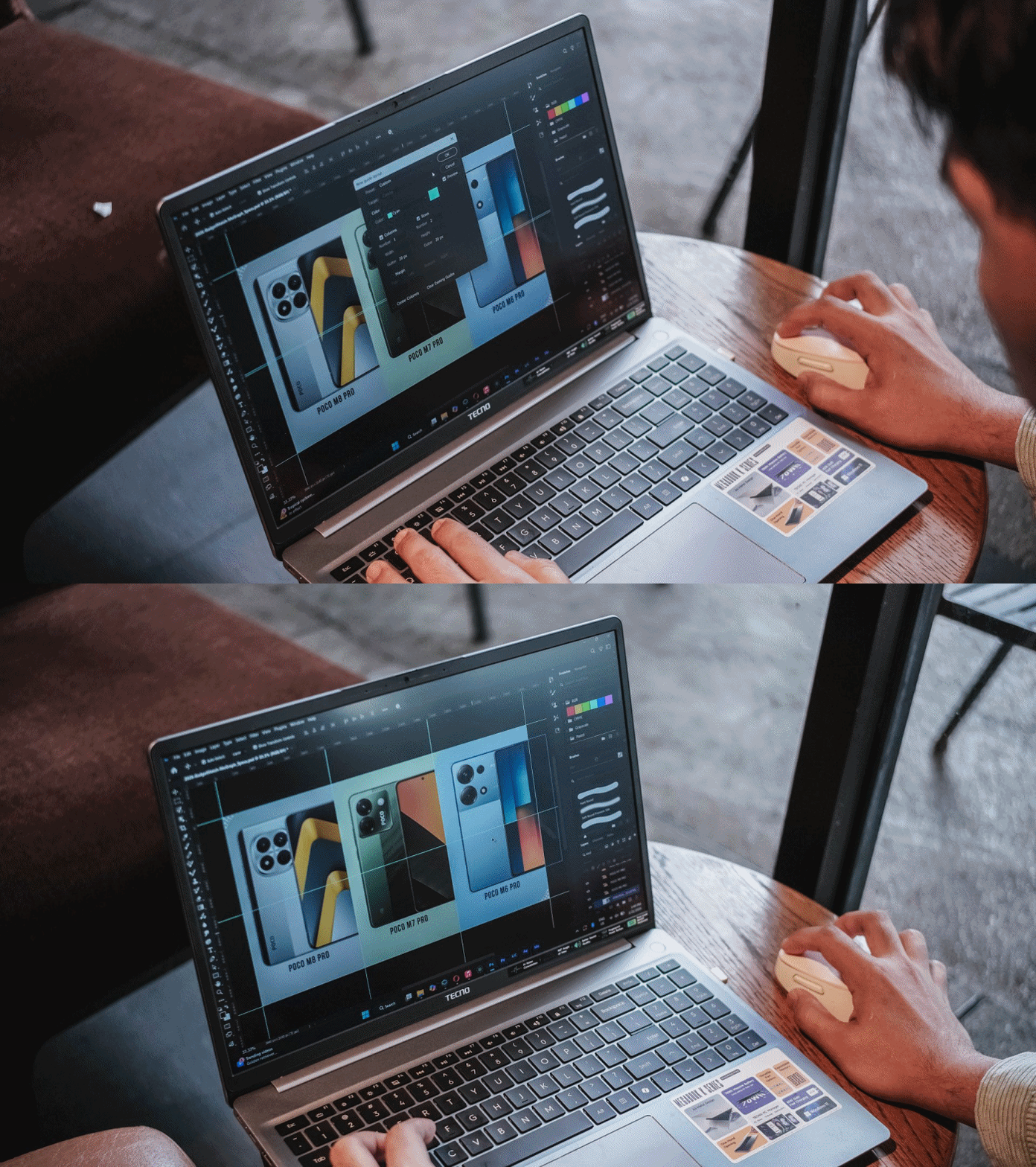
I then managed to make static graphics using Adobe Photoshop for another review article.
As for Premiere Pro and After Effects, you can still scrub through heaps of layers with tolerable amount of hiccup considering how packed my timeline was.

This laptop boasts a cooling fan system that kicked in heavily when the laptop was in dire need of releasing all the heat within — which went out through its four air vents.
Work-life balance achieved
My test doesn’t end just yet. I have installed both the Forza Horizon 5 and Euro Truck Simulator 2 for greater measure.
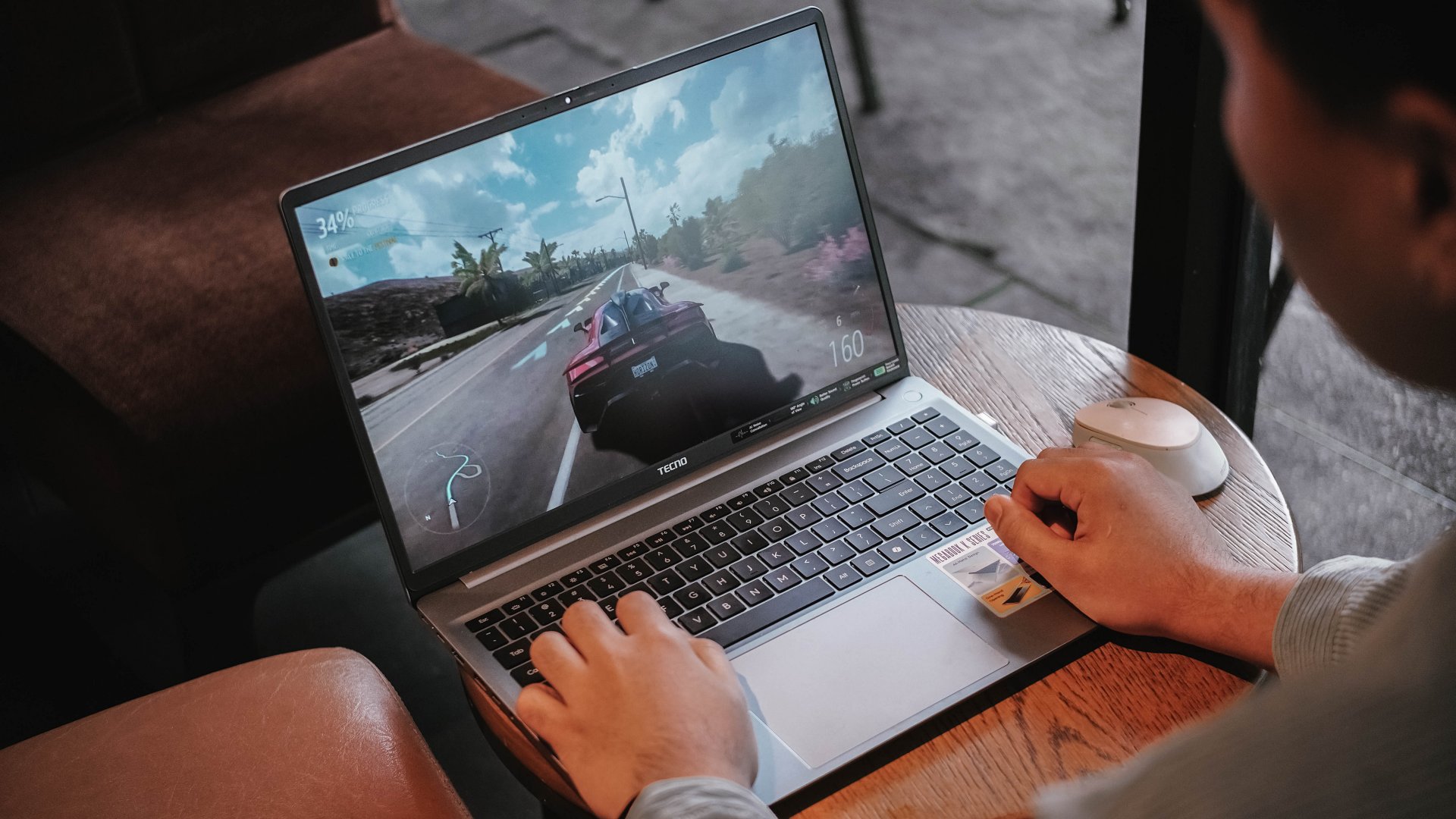
As expected, having integrated graphics (and the lack of a dedicated graphics) mean lower graphics support.
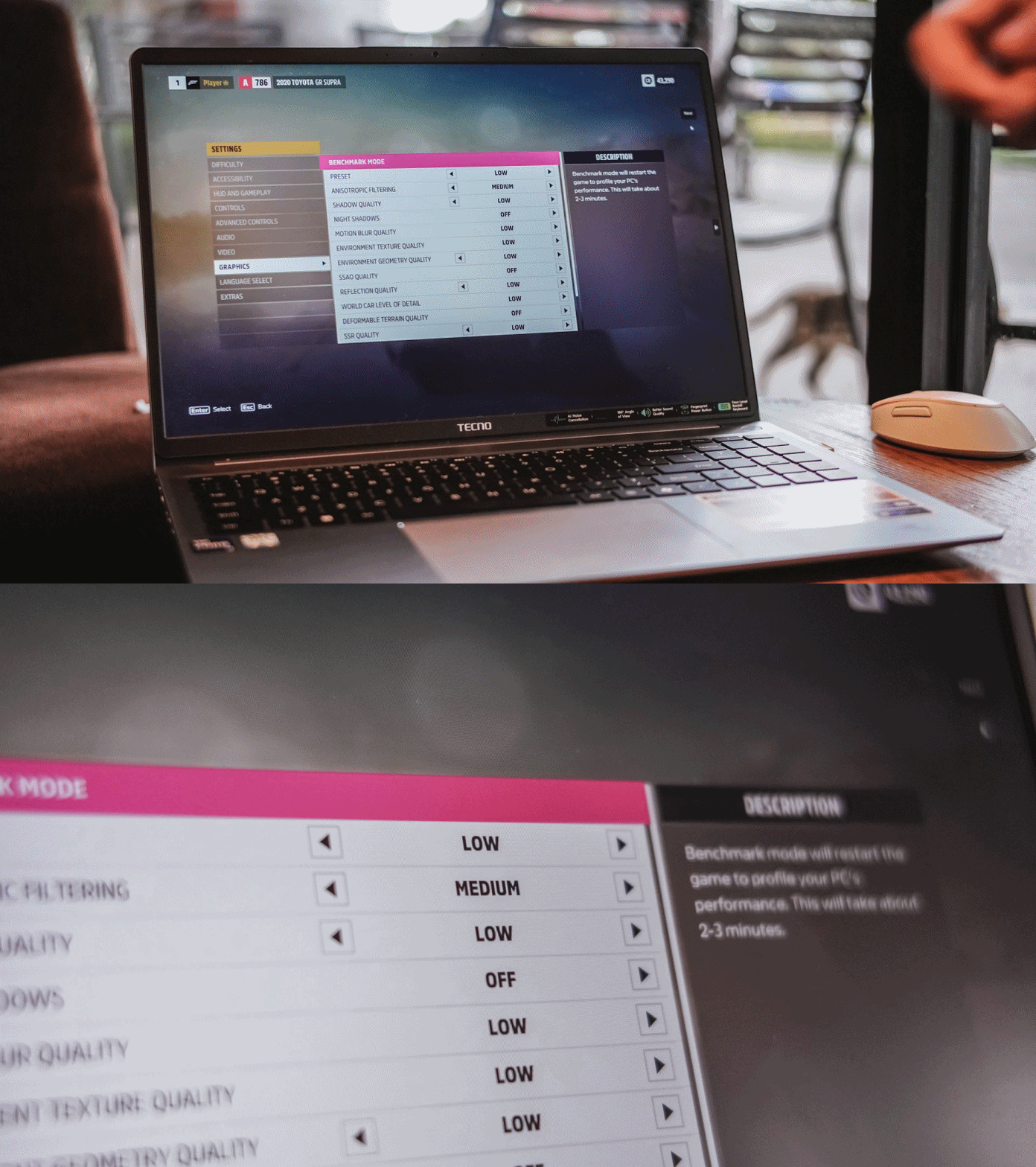
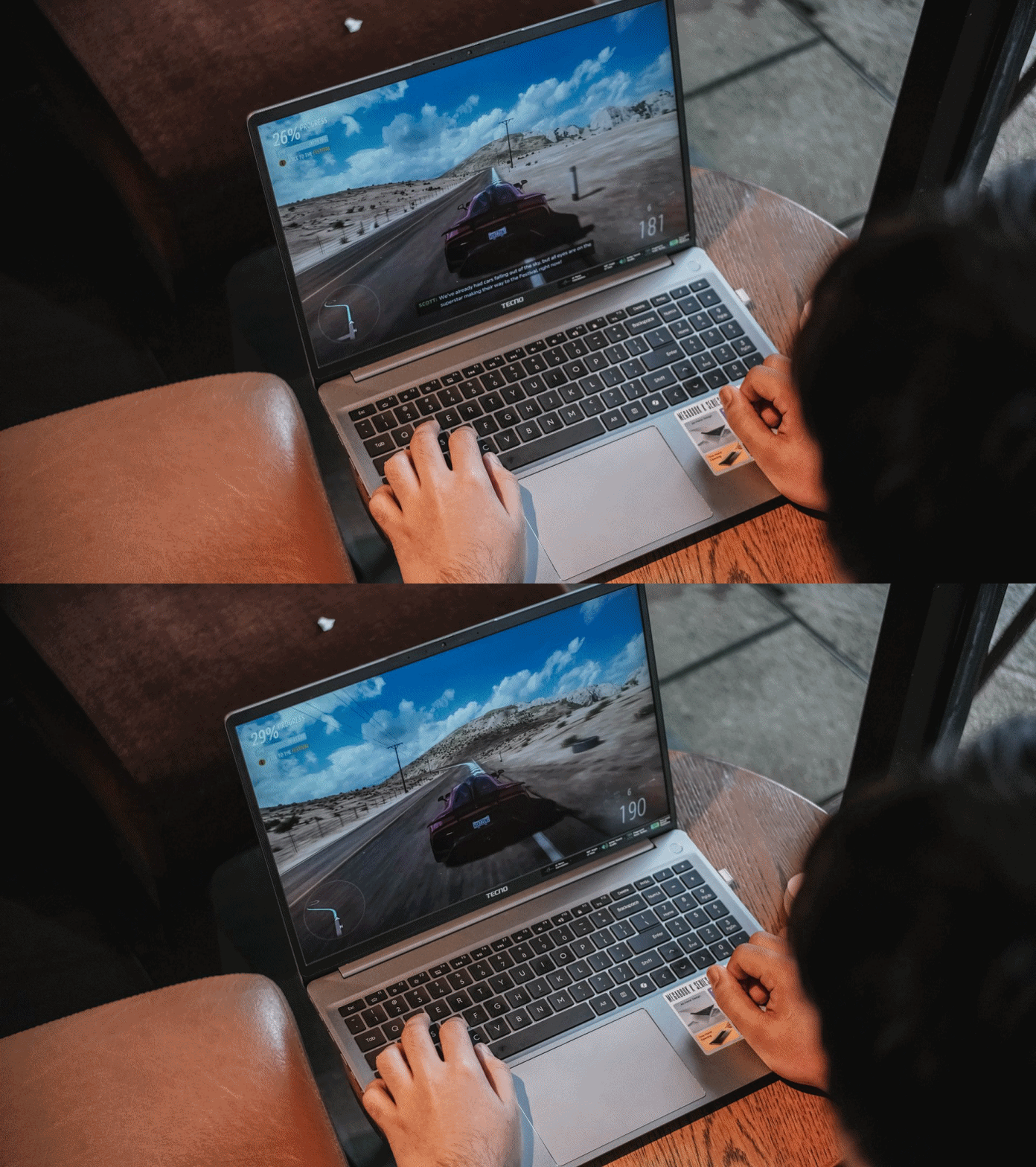
Surprisingly, both titles were playable enough. I enjoyed playing Forza Horizon 5 even in the lowest playable setting for more than 30 minutes — just with some stutters in between.
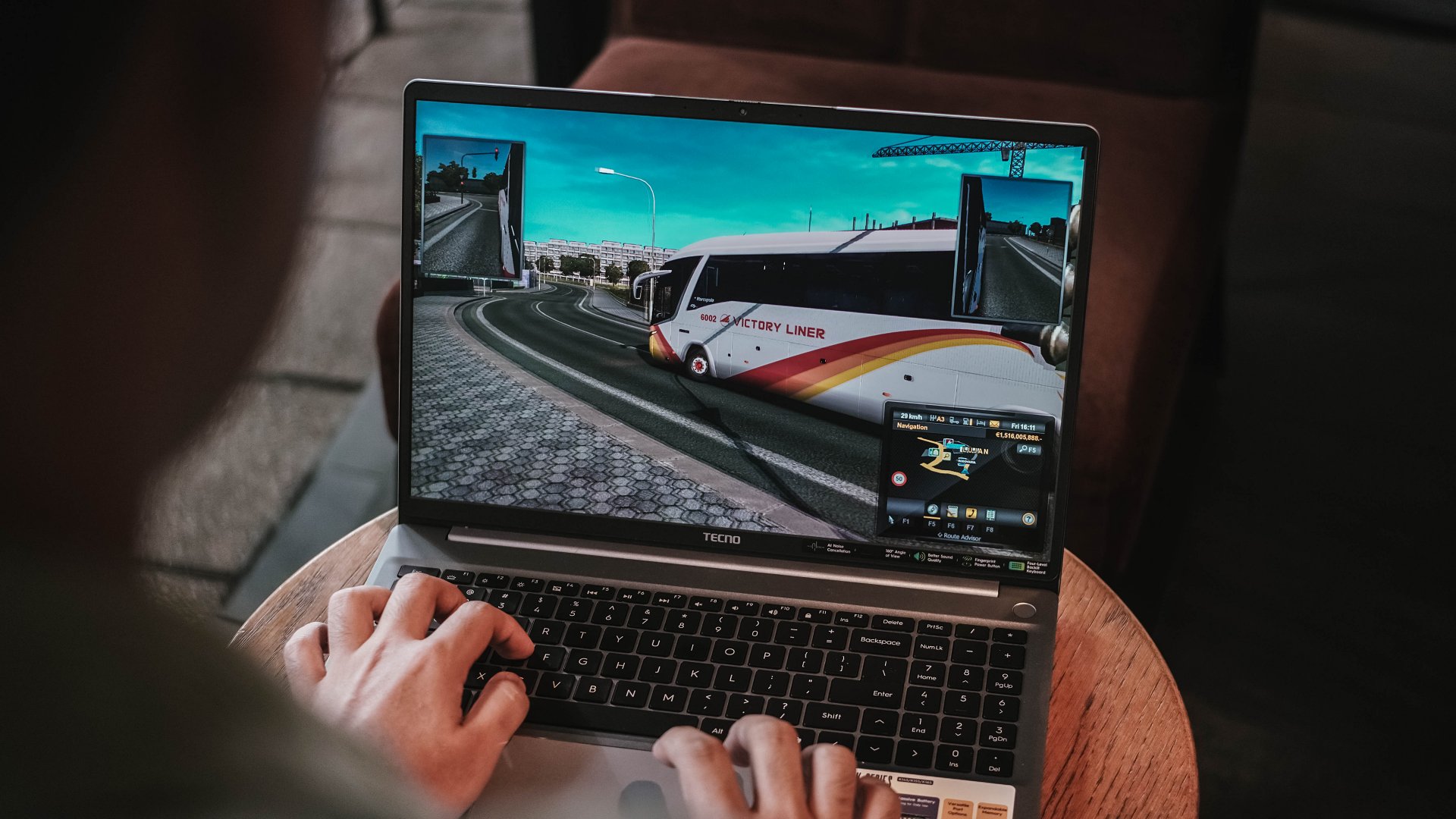
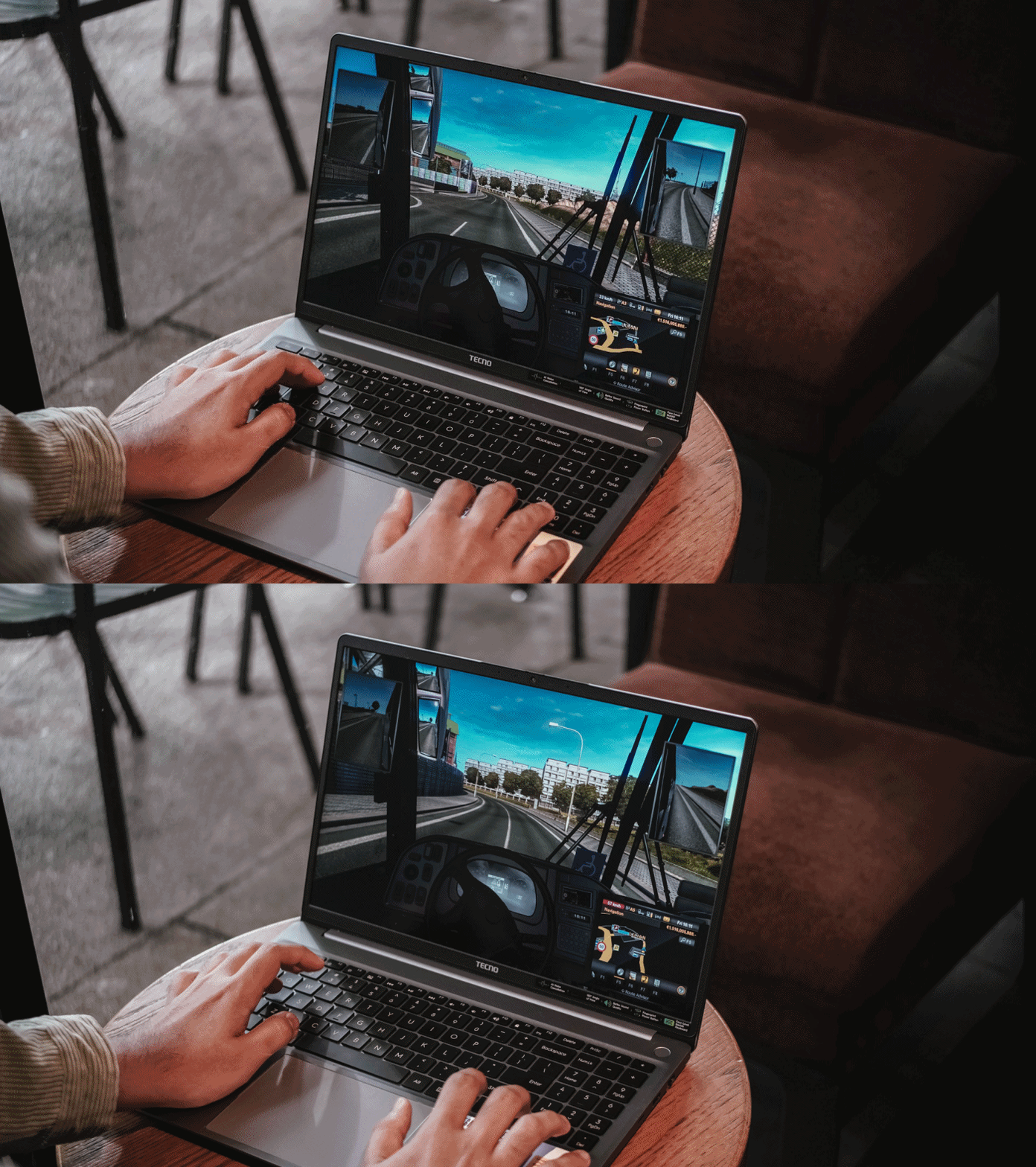
ETS2 felt smoother though. Driving the bus with the custom livery I made on Photoshop last 2019 was still working — and my pre-pandemic nostalgia kicked in.
Using the keyboard for playing isn’t the best thing in the world but it does the job — much like how I was able to write this review piece using the laptop itself.

As for the feel, the keys are more on the mushier side that felt like typing on a mashed potato. Not that I’m expecting a mechanical nor MacBook-level type of clickiness.

Good thing is, its trackpad supports gestures I’ve been heavily using since transitioning to a Mac.

Security-wise, the TECNO MEGABOOK K16s 13th can be unlocked with your fingerprint button using the power button as the reader.

That 1MP webcam also has a sliding cover for that extra level of protection against privy hackers.
Enduring that endurance
For the most part, the 70Wh battery of the MEGABOOK K16s 13th delivers a satisfactory endurance.
You will not feel its gradual decrease for the most basic of tasks — writing notes, being in a call meeting, even juggling through tens and hundreds of webpages for your write-ups.

Even between consuming several hours of entertainment, the MEGABOOK K16s 13th can still manage just like any other modern-day laptop would.
With the excellency and efficiency of hardware components in this digital age, it’s hard to kill a laptop with these day-to-day habits.
That said, the MEGABOOK K16s 13th isn’t totally meant for anything graphics-heavy.
As one would (and should) expect, the battery level instantly descends the moment you enter the start screen of a game or export a 10-second motion graphic in After Effects.
For instance, after running Forza Horizon 5 for 20 minutes, it depleted significantly from 51% all the way down to 27%.
Fortunately, the MEGABOOK K16s 13th packs a 65W GaN charger out of the box.
Charging speeds isn’t all that great, though, as it will take a long time filling the battery from zero to the brim.
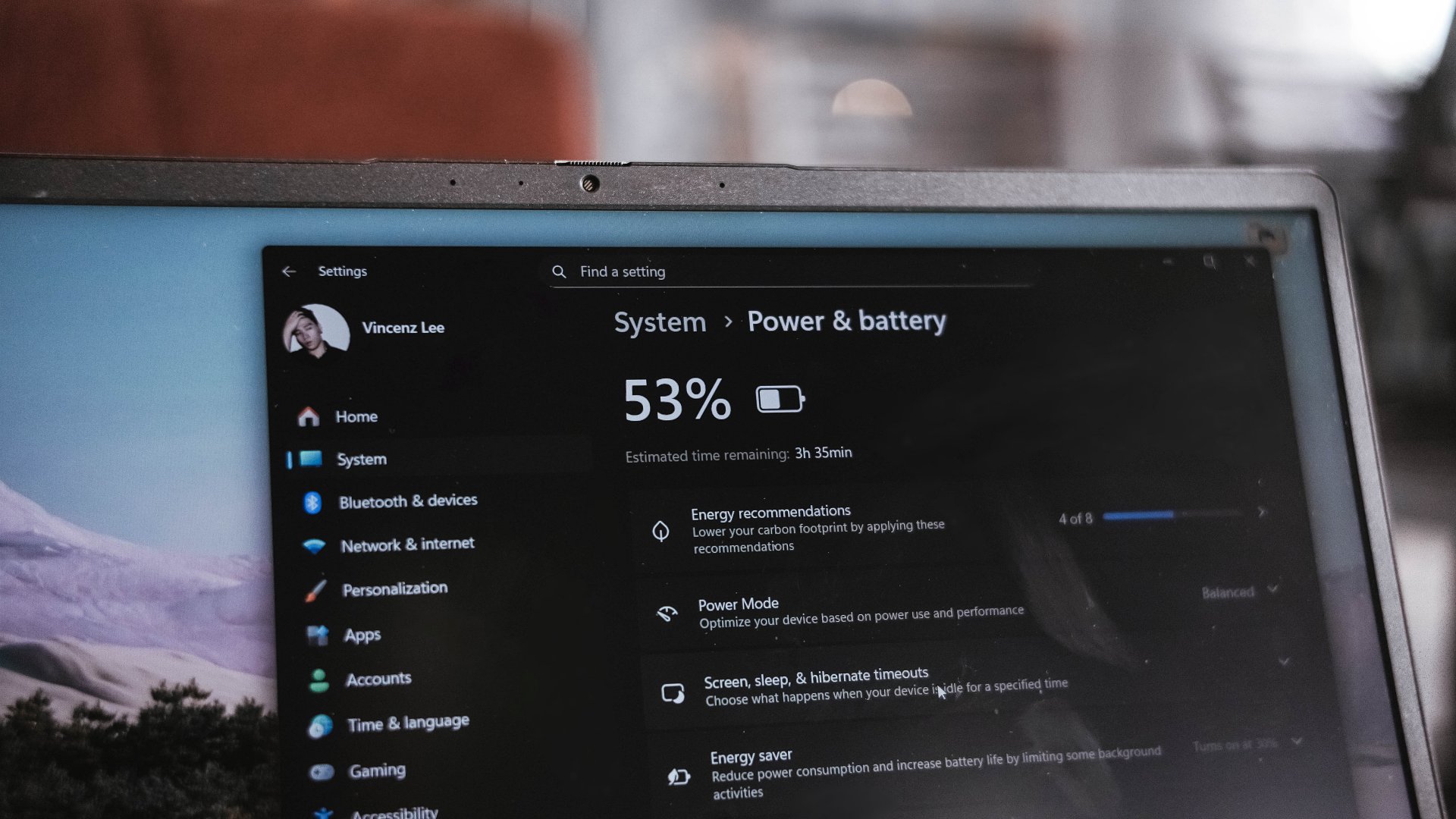
I have honestly given up my GadgetMatch Charge Test upon realizing that in the 45-minute mark, it was only able to fill it at 27%.
This just means that in order to enjoy your me time, you have to sit very near a plug outlet. Moreover, expect severe battery health degradation in the long run if you intend to use it for casual gaming.
“Win”dows is far from winning
Before being a Mac user last 2016, I have been a long-time Windows user. My youthful years made me experience Windows 98, XP, Vista, 7, and even as far as Windows 8.1. My university years in 2015? Relying on Windows 10.
Now that we’re in the era of Windows 11, it’s still far from being flawless.
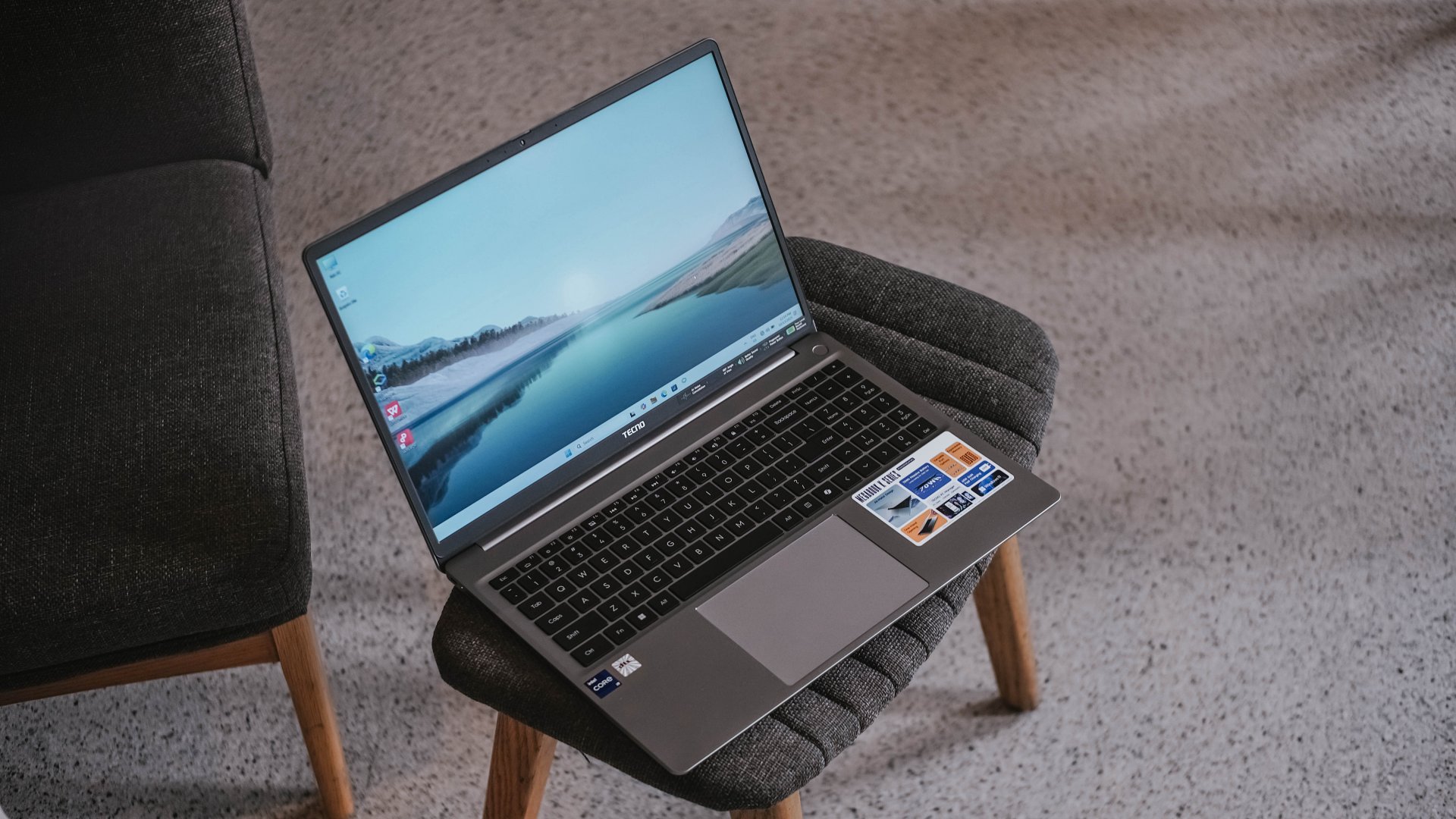
Even before Fruitiger Aero aesthetics of Windows Vista, Apple was already way ahead of its time with the first iteration of the OS X dubbed “Cheetah” and its translucent UI elements along a cleaner overall look.
2.5 decades after, Windows is as cluttered as it was in its prime days. Settings are for one, file system for another.
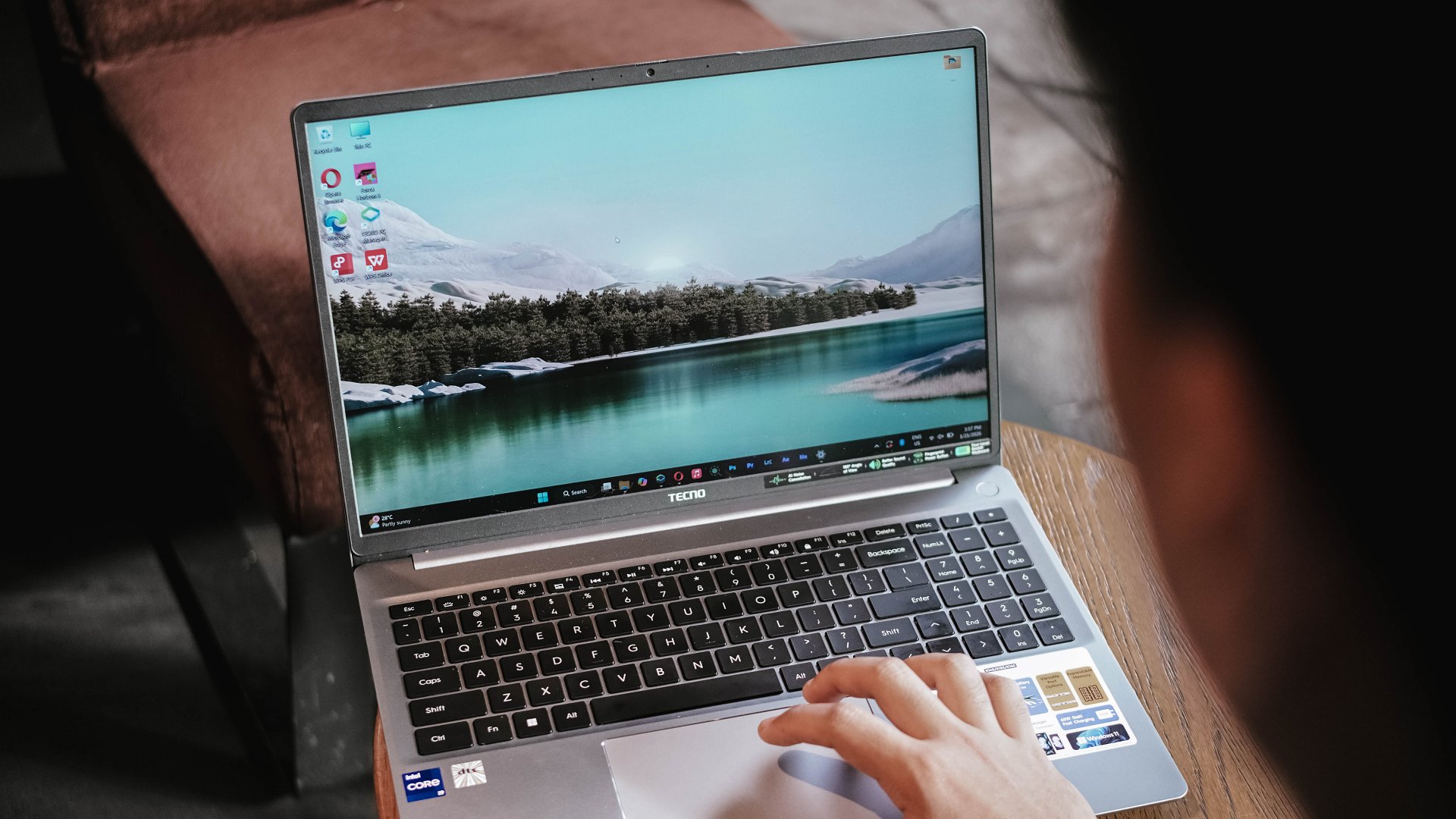
Task Manager, Explorer, and even Recycle Bin still crash like crazy — even if the MEGABOOK K16s 13th is already equipped with a pro-grade processor in its core.
The lack of fluidity is also for another. It will really make any Mac user justify the “once you go Mac, you can never go back” saying. Reality speaking, Windows is far from winning over.

This isn’t a TECNO problem per se. It’s always been about Microsoft not fully immersing and polishing their software for the longest of time.
If you happen to own other TECNO devices, TECNO’s PC Manager saves the day.

That so-called “OneLeap Collaboration” not only enables seamless data sharing and file transfers between all your TECNO devices, it also has support for Multi-Screen or Remote PC.
PC cloning, laptop optimizations, even troubleshooting, can also be done in this one-stop app.
Is the TECNO MEGABOOK K16s 13th your GadgetMatch?
The TECNO MEGABOOK K16s 13th in the Philippines retails for PhP 46,999 — and I am not even surprised by this.
I have known TECNO as a brand for quite a while now. The MEGABOOK K16s 13th is another testament to the brand’s vision of bringing devices within the reach of consumers at the middle to the lower-end of the working class.
For those who need better performance, especially those who need intensive graphics power (emphasis on intensive), this is obviously a Swipe Left.
However, it’s a no-brainer Swipe Right for buyers who want a shiny new all-rounder laptop without spending a fortune.

Even with the similar price as the ASUS Vivobook S16, the TECNO MEGABOOK K16s 13th has the upper-hand with its more powerful 13th-Gen Intel Core i9 chipset plus Iris Xe graphics (versus the Core 5 + UHD Graphics pairing).
That’s if you don’t care about the latter’s smoother 144Hz IPS display.
Being “basic” is neither a bad thing
The TECNO MEGABOOK K16s 13th is as “basic” as a Windows laptop can get — at least compared to a swarm of 2-in-1s, ultrabooks, creative powerhouses, and gaming machineries.

I am not saying this is a letdown. In fact, I have to commend the K16s 13th for being a simple yet straightforward laptop that delivers all the necessities without frills.

Although it’s the core definition of a “basic” Windows laptop, it’s still a powerful one — way beyond its price point. It should serve as an example of how “basic” Windows laptops should be in the first place.
The TECNO MEGABOOK K16s 13th is simply an all-around laptop that delivers without messing around.
SEE ALSO: TECNO’s MEGABOOK laptops are now available in the Philippines







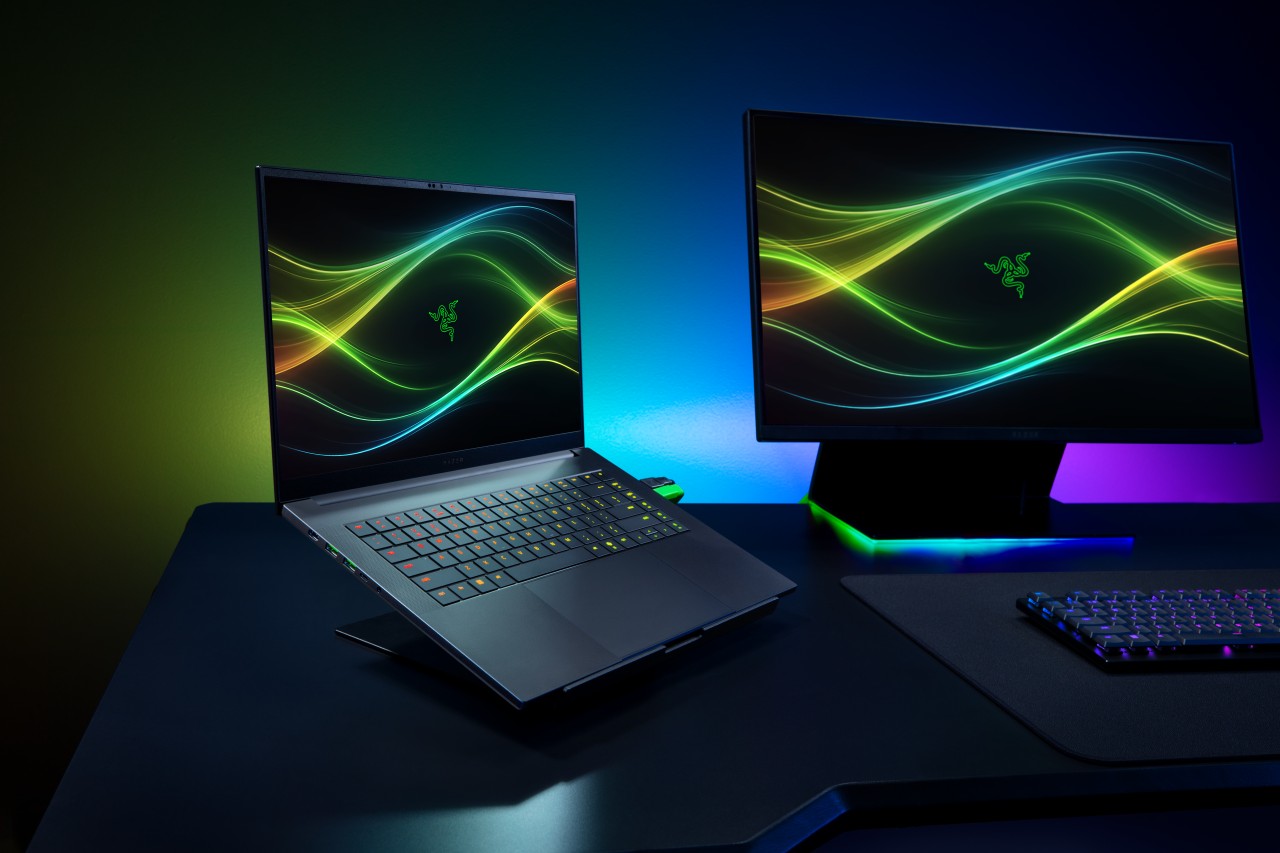
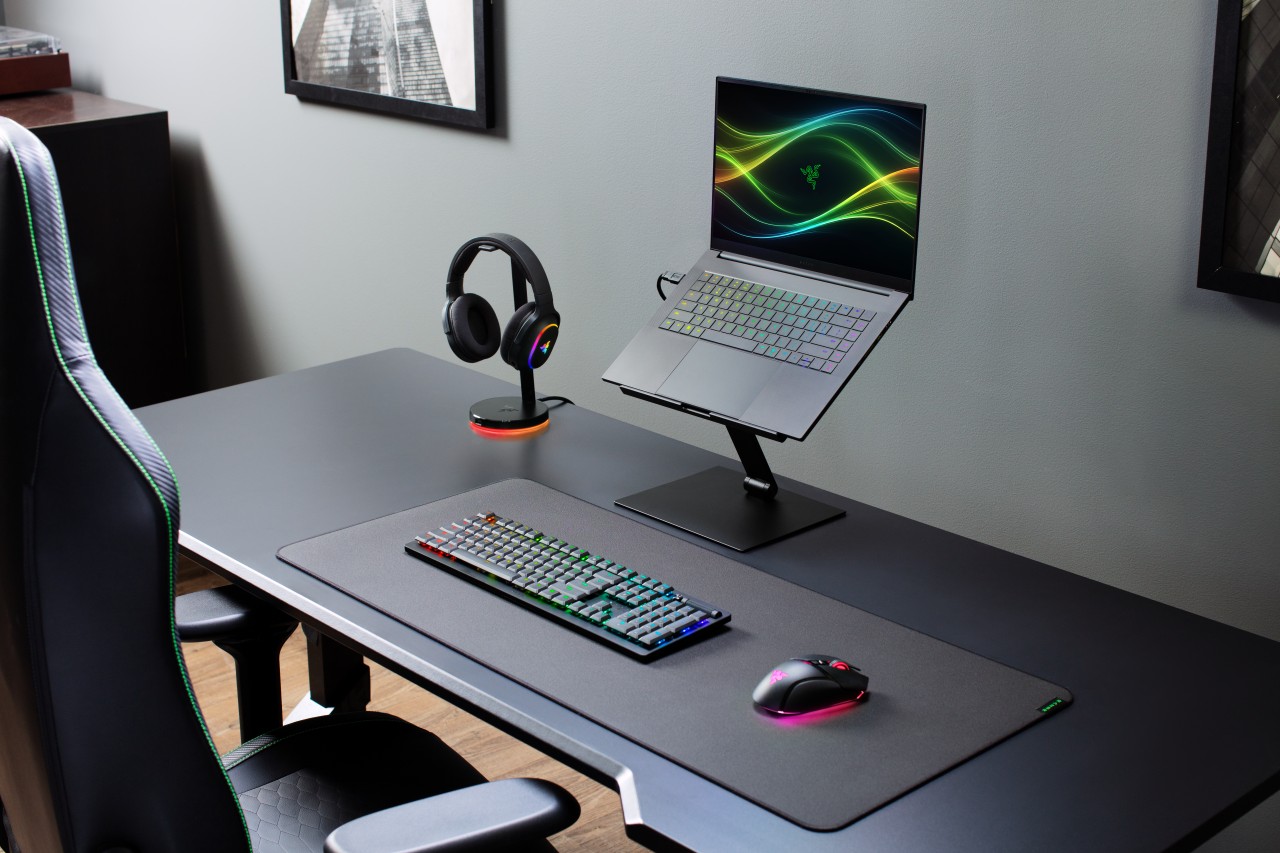
Razer has officially unveiled the 2026 version of its Blade 16, doubling down on what it does best: squeezing high-end performance into an ultra-slim chassis.
This year’s refresh focuses on meaningful internal upgrades. That includes a new Intel Core Ultra 9 processor, faster LPDDR5X memory, and NVIDIA’s latest RTX 50 Series laptop GPUs — all while keeping the Blade 16 as the thinnest gaming laptop in Razer’s lineup.
Performance gets a serious bump
At the core of the new Blade 16 is the Intel Core Ultra 9 386H, featuring 16 cores and up to 4.9GHz boost clock. Razer claims a 33% increase in core count versus the previous generation, translating to stronger performance across gaming, content creation, and AI workloads.
There’s also an integrated NPU capable of up to 50 TOPS, enabling faster on-device AI tasks like image generation and live translation.
Memory gets a notable upgrade too. The Blade 16 now supports up to 64GB of LPDDR5X-9600MHz RAM, which Razer positions as the fastest available in a laptop today. The result: quicker responsiveness for heavy multitasking, creative apps, and AI-assisted workflows.
On the graphics side, NVIDIA’s GeForce RTX 50 Series (Blackwell architecture) brings DLSS 4 and enhanced AI capabilities for both gaming and creator use cases.
Display and design stay premium
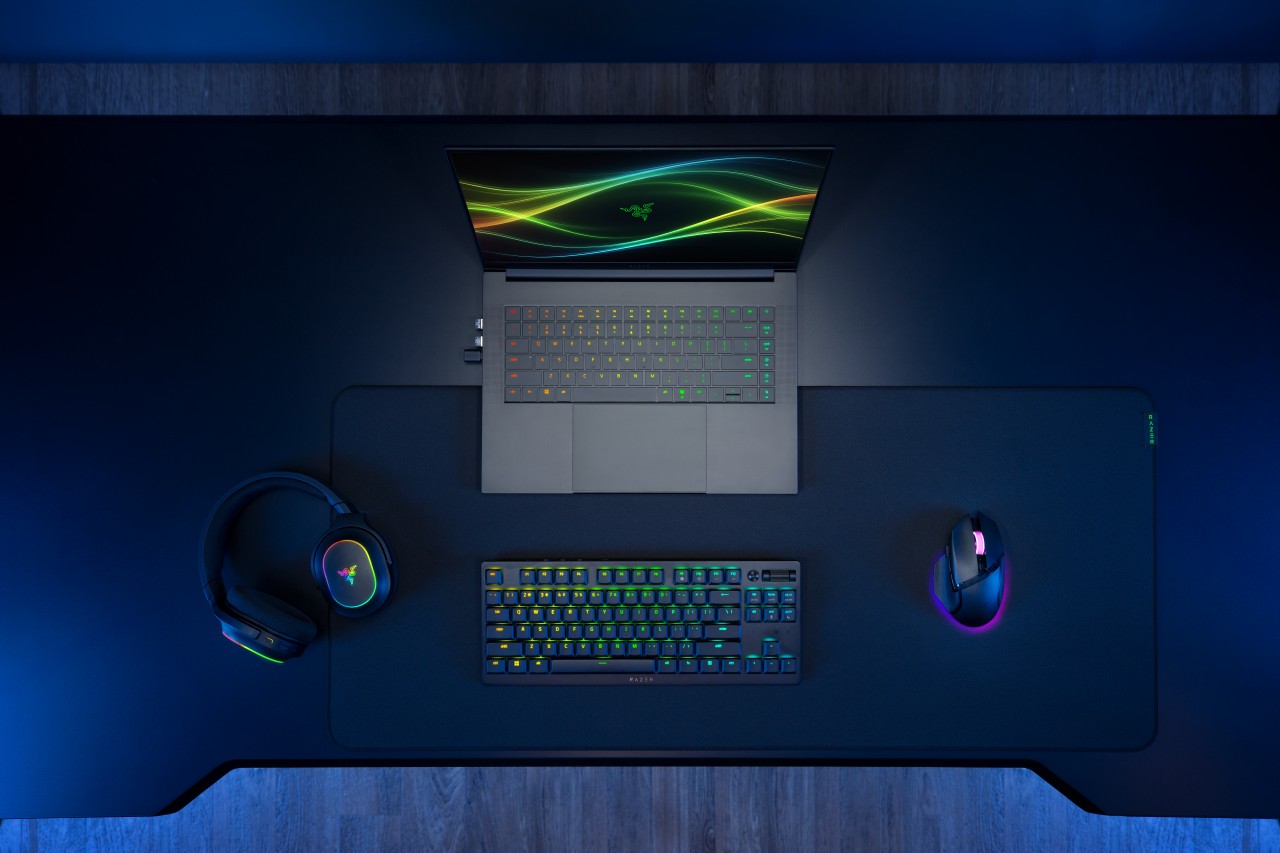
Razer isn’t fixing what isn’t broken. The Blade 16 retains its signature CNC-milled aluminum chassis, measuring just 14.9mm thick and weighing around 2.14kg.
The display remains a highlight. You get a 16-inch QHD+ OLED panel with a 240Hz refresh rate, now brighter and certified for VESA DisplayHDR TrueBlack 1000. It supports full DCI-P3 coverage, Calman calibration, and NVIDIA G-SYNC, making it just as suited for creators as it is for competitive gaming.
Battery life and efficiency improve
Despite the performance gains, Razer is also pushing efficiency. Thanks to Intel’s newer architecture and system-level optimizations, the Blade 16 can hit up to 13 hours of productivity use and up to 15 hours of video playback under ideal conditions.
That’s a notable improvement for a machine in this class, especially given its slim form factor.
Connectivity and audio step up
The 2026 Blade 16 gets a future-ready connectivity suite, including Thunderbolt 5, Wi-Fi 7, and Bluetooth 6.0. There’s also a full set of ports, from USB-A to HDMI 2.1 and an SD card reader.
Audio gets an upgrade too. The six-speaker system now supports THX Spatial Audio+ with virtual 7.1.4 surround, aiming to deliver more immersive sound both on speakers and headphones.
Price and availability
The Razer Blade 16 configured with an NVIDIA GeForce RTX 5080 (16GB VRAM) and 32GB LPDDR5X-9600MHz RAM is priced at US$3,499.99 / €3,599.99 MSRP.
It is available now, exclusively via Razer.com and select RazerStores worldwide.
Still the Blade, just sharper
At a glance, the 2026 Blade 16 doesn’t reinvent the formula. But under the hood, it pushes performance, memory speed, and efficiency forward in ways that matter.
It’s still the same idea: a no-compromise gaming laptop that looks like it belongs in a minimalist workspace — just faster, smarter, and a bit more future-proof this time around.
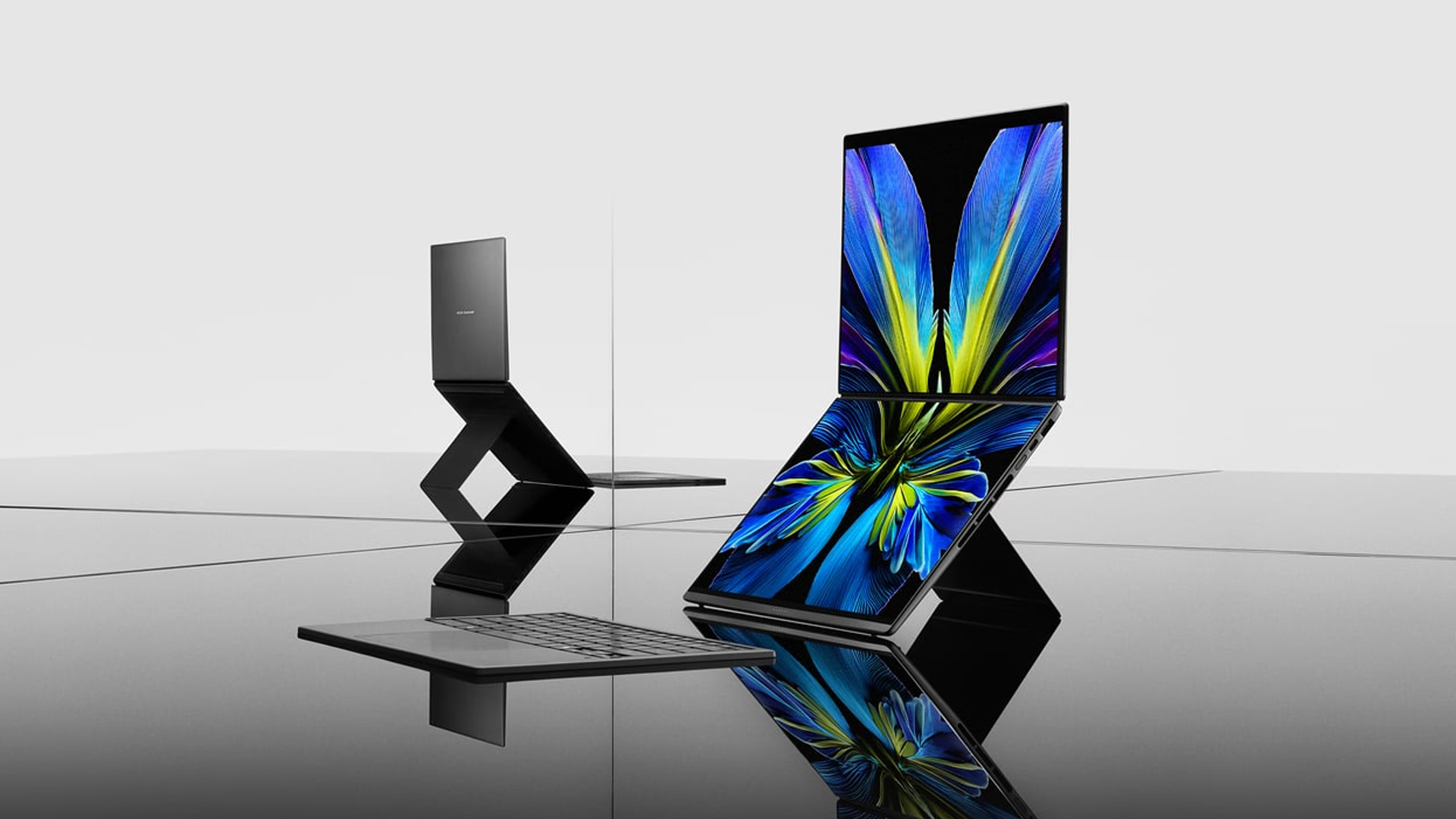
At CES 2026, ASUS unveiled an exciting lineup of notebooks headed for launch throughout the year. Earlier this month, the brand finally launched the latest Zenbooks built for maximum portability. Now, ASUS has released the new Zenbook S16 and S14, plus the new Zenbook DUO, in the Philippines.
Zenbook S16, S14
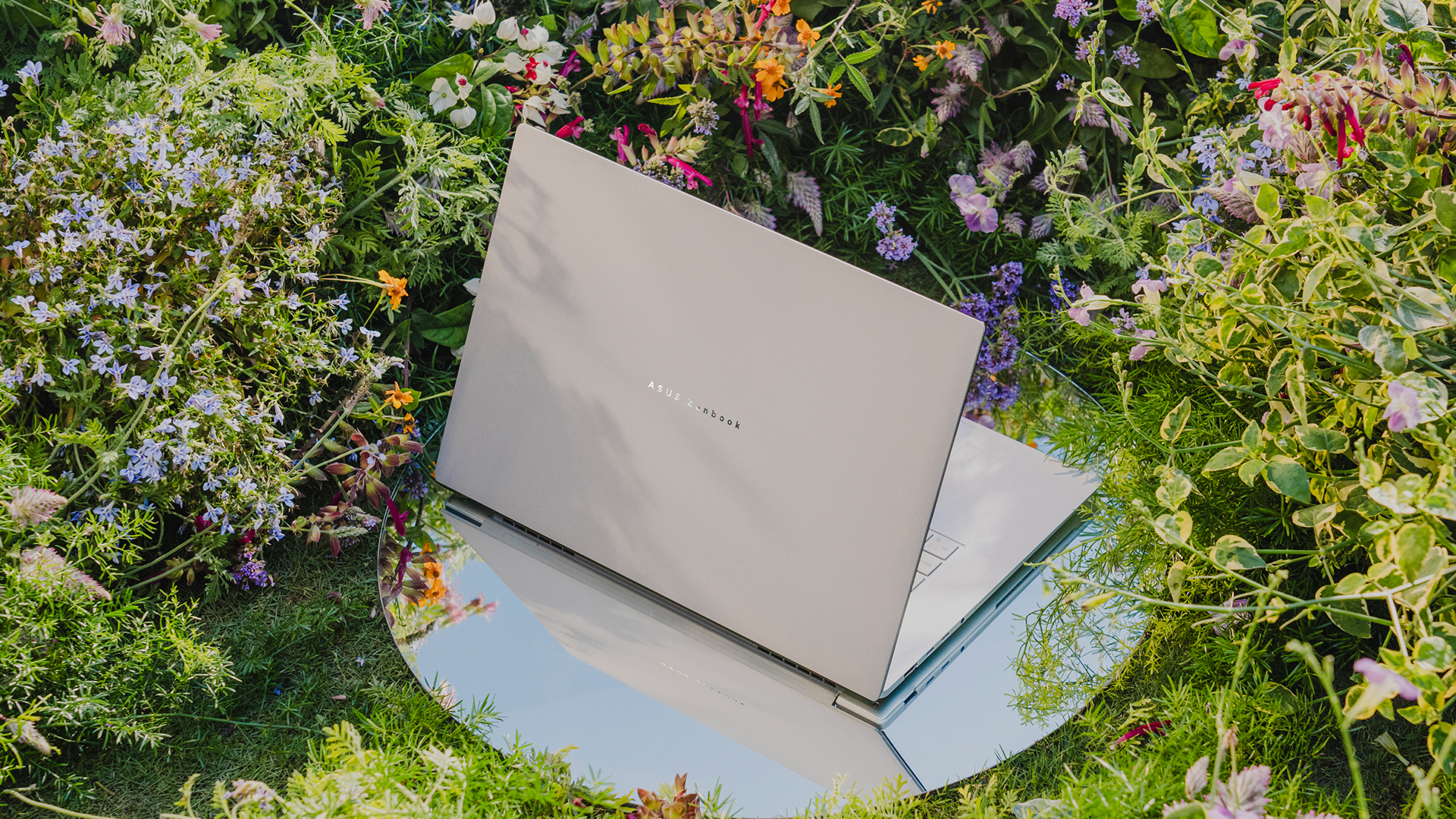
Much like its predecessor, the latest Zenbook S16 is designed for ultra portability. In terms of thinness, the notebook measures only 1.1 centimeters. Plus, it weighs only 1.5 kilograms, making it a perfect addition to your daily kit. The Zenbook S14, on the other hand, weighs only 1.1 kilograms.
As is always expected from the Zenbook S lineup, both laptops will have a tactile Ceraluminum lid, bolstered by an EasyLift hinge for ease of use. It will also have an ErgoSense keyboard with dished keycaps.
The 16- and 14-inch 3K ASUS Lumina OLED screen has touchscreen capabilities and a refresh rate of 120Hz. For audio, the S16 has a six-speaker Dolby Atmos system, including four front-firing tweeters and dual woofers. The S14 has four speakers.
Under the hood, the Zenbook S16 will sport an AMD Ryzen AI 9 465 chipset, while the Zenbook S14 has an Intel Core Ultra 9 Series 3 processor.
For battery, the S16 will have an 83 Wh battery, which can reportedly last over 21 hours, and the S14 has a 77 Wh battery.
Zenbook DUO
If portability isn’t your main focus, the new Zenbook DUO packs in two screens in one device. Though it packs a bit more punch the Zenbook S series, the dual-screen notebook still weighs only 1.65 kilograms.
The Zenbook DUO features the newest Intel Core Ultra 9 Series 3 processor, up to 32GB of memory, and up to 1TB of internal storage. This time, both screens have anti-reflective coating for a better viewing experience.
As with the previous generations of the DUO, this iteration comes with a detachable keyboard and a four different use cases including dual screen, laptop, desktop, and sharing modes.
Powering the beast is a huge 99Wh battery. ASUS says that this is the most they can pack inside without getting users in trouble at the airport.
Zenbook 14
To be clear, this is different from the Zenbook S14, but it bears a striking resemblance to that previous notebook, both in terms of design and hardware. For one, the new Zenbook 14 is 14.9mm thin and only 1.2kg light.
The 14-inch screen carries a WUXGA ASUS Lumina OLED display, putting out images in a 16:10 aspect ratio. The notebook also has an Ergosense keyboard and touchpad for more comfortable typing and more precise controls.
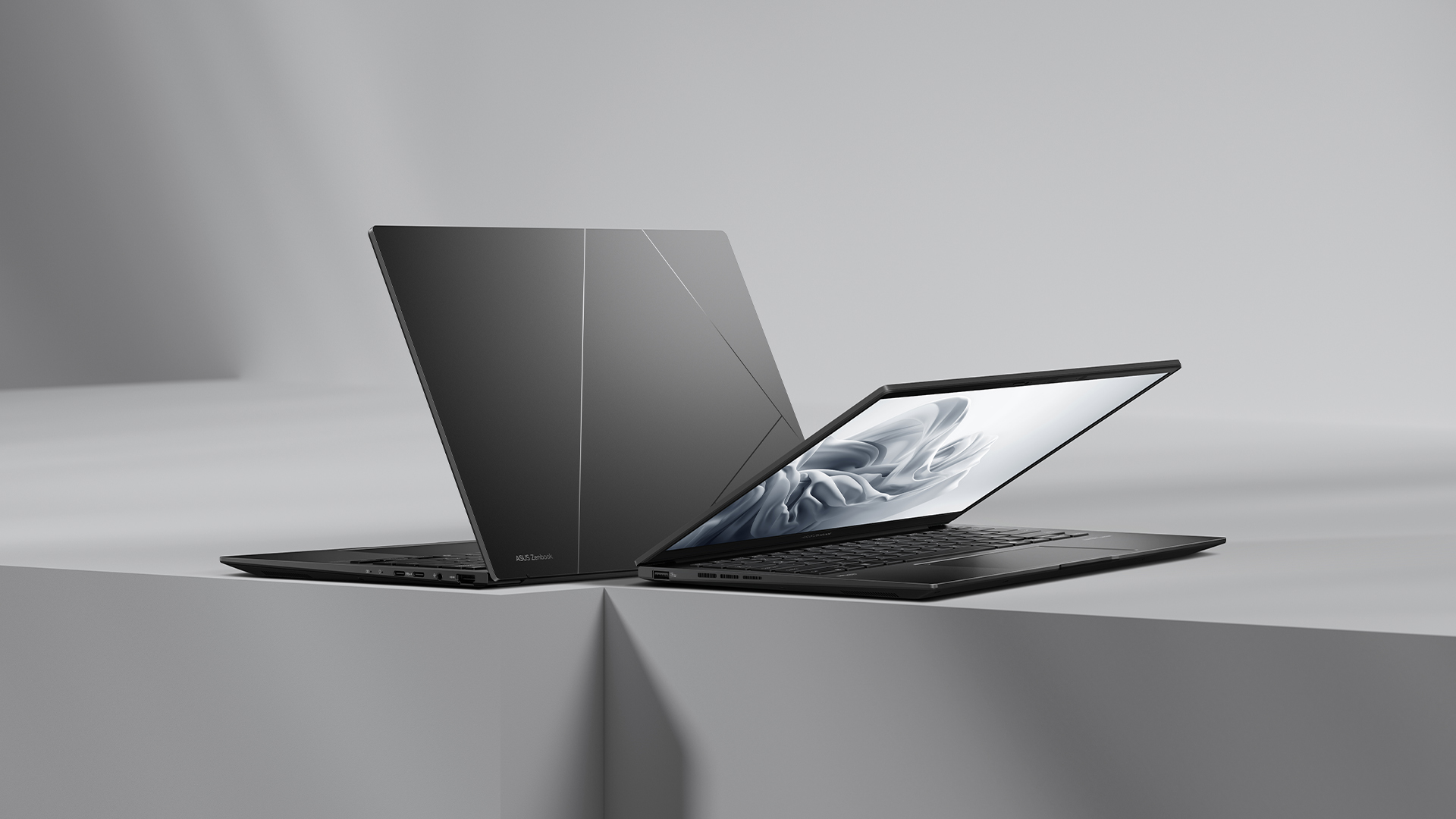
Under the hood, the Zenbook 14 trades the S14’s Intel chip for an AMD Ryzen AI 7 445 processor, capable of up to 50 TOPS. It will also have 16GB of RAM and 1TB of storage.
For battery, the notebook will have a 75 Wh battery, reportedly capable of lasting over 15 hours of unplugged use.
Zenbook A16
Embodying the spirit of “if it ain’t broke, don’t fix it,” the brand is also introducing a modest upgrade to the Zenbook A series.
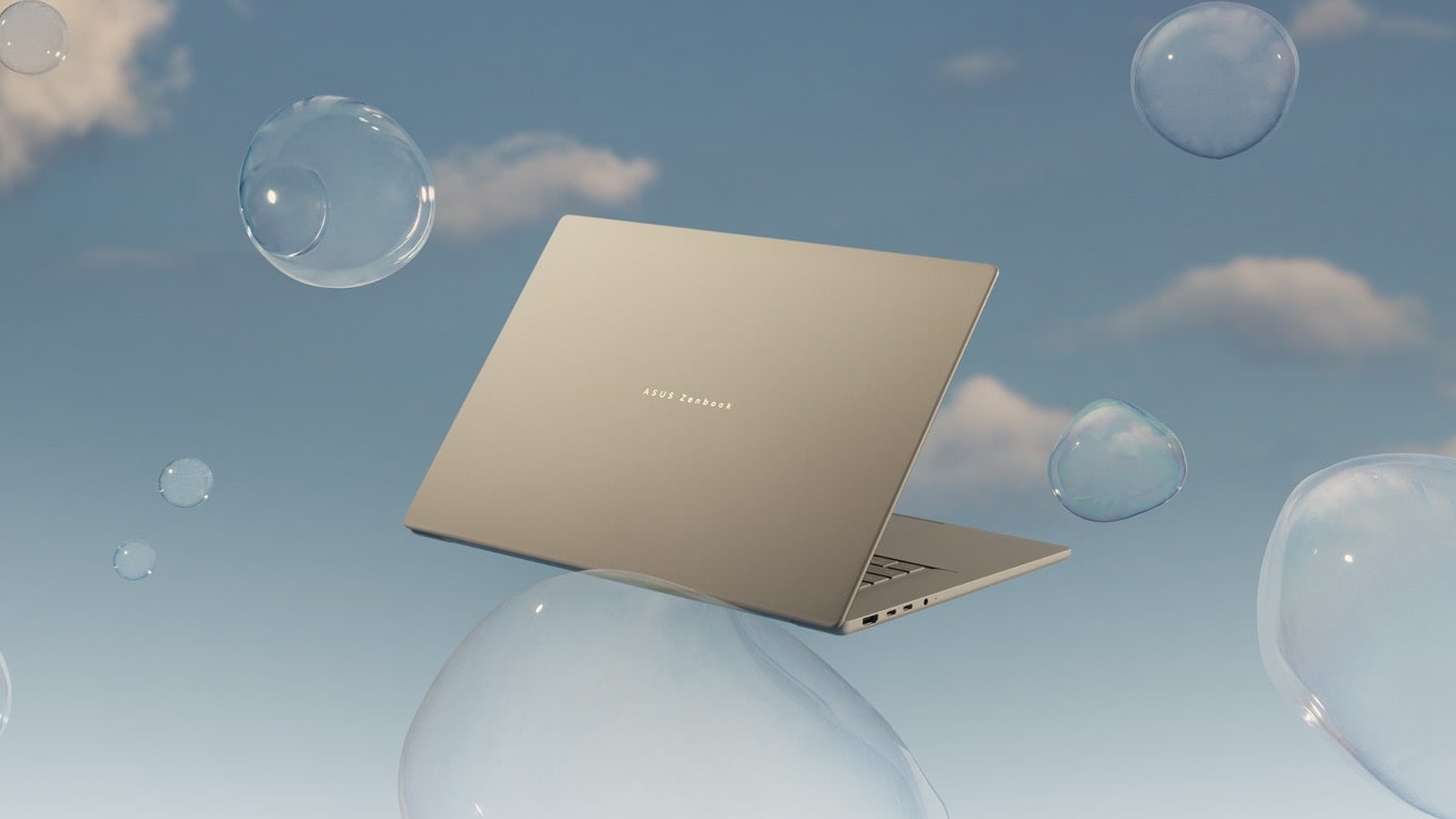
The new Zenbook A16 is only 1.2 kilograms in weight. Plus, with a 70Wh battery, the notebook can remain unplugged and outside for an entire day. The A16 comes with a 16-inch 3K 120Hz OLED screen and the Snapdragon X2 Elite Extreme.
Price, availability in the Philippines
The Zenbook S16 comes in Scandinavian White and starts at PhP 134,995. Meanwhile, the Zenbook S14 comes in Antrim Gray and sells for PhP 129,995.
The Zenbook DUO comes in Moher Gray and starts at PhP 179,995.
Meanwhile, the Zenbook 14 comes in Jade Black and sells for PhP 79,995.
Finally, the Zenbook A16 is coming soon.
Laptops
Alienware celebrates 30th anniversary with new Area-51 laptops
The series features Alienware 30, an all-new design language.

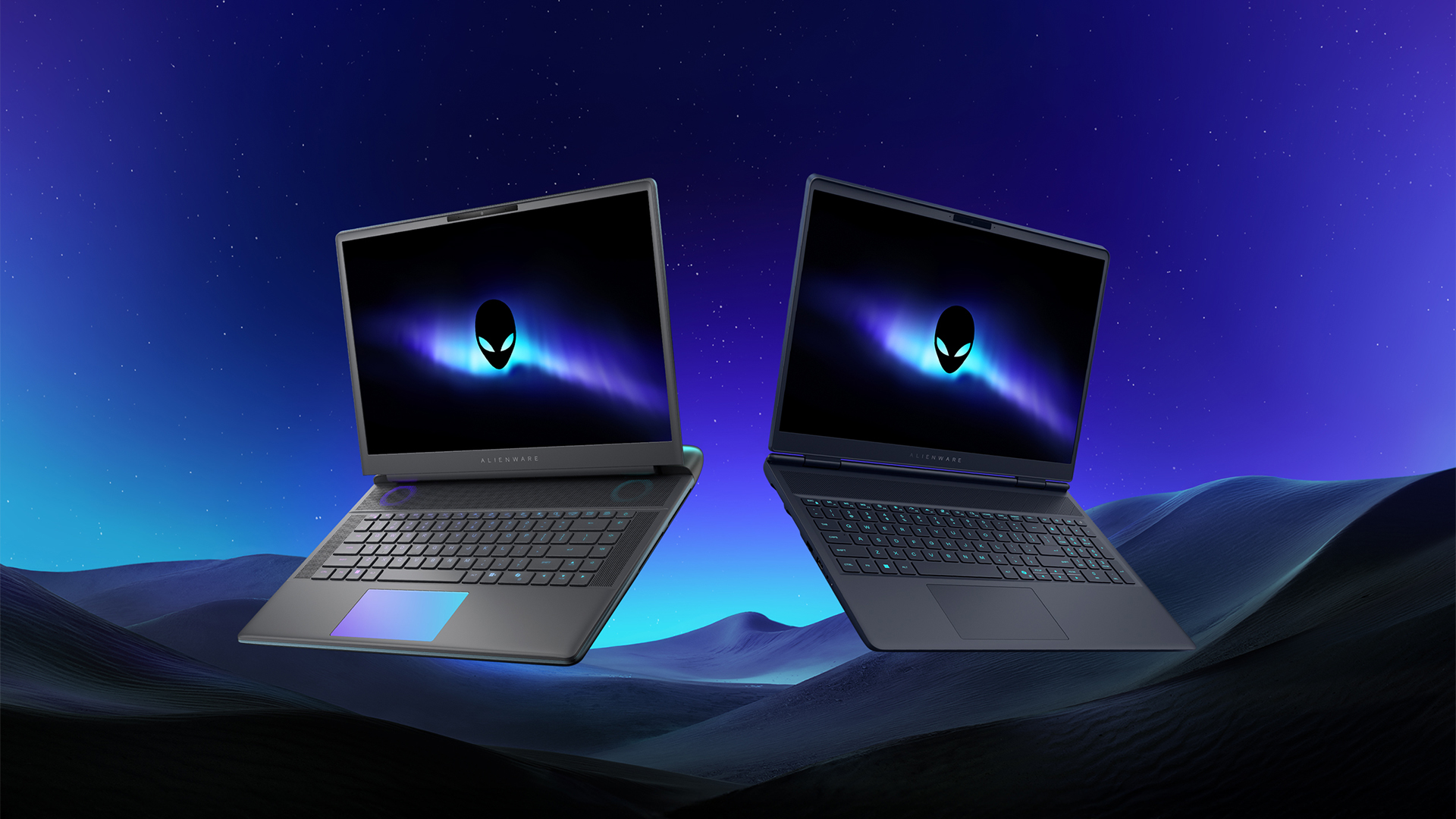
Despite the rise of more gaming brands, Alienware is still one of the most recognizable names for gamers who want dedicated hardware. This year, the brand is celebrating its 30th anniversary. To commemorate the milestone, Alienware has launched the new Area-51 and Aurora notebooks.
Alienware Area-51
Alienware’s Area-51 lineup is the brand’s flagship line of notebooks, packing in the best of the best from the industry. This time is no different.
First of all, the new series will rock Alienware 30, a new design philosophy made especially for the 30th anniversary. On the outside, the laptops have fluid contours, emphasizing curves opposed to the industry’s more angular contemporaries. It also has a Zero Hinge, which hides the laptop’s hinge from view. Finally, it has pillowed palm rests to make usage easy for long gaming sessions.
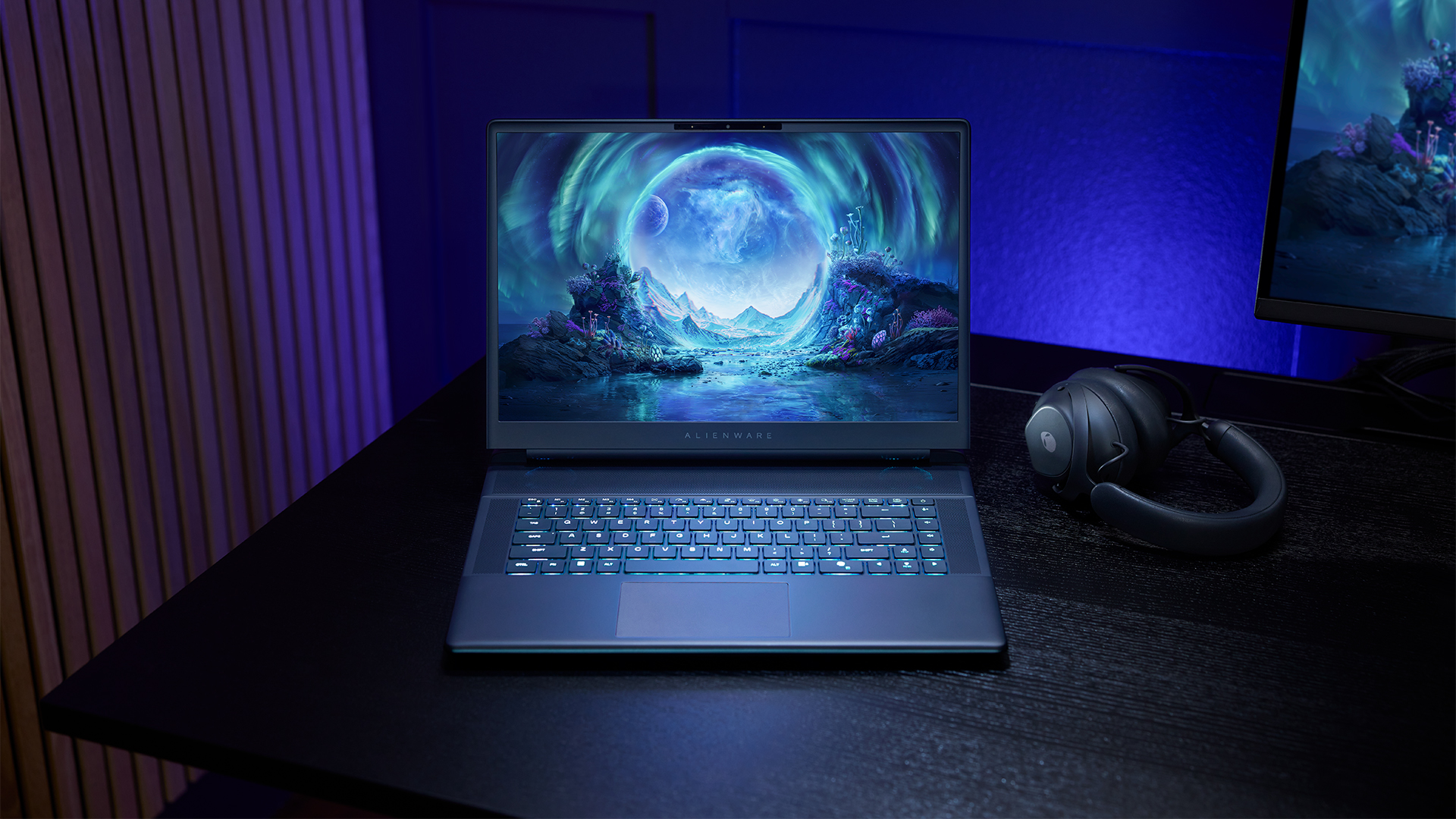
The 16-inch model can rock up to a WQXGA Anti-Glare OLED screen, featuring 240Hz refresh rate and 620 peak HDR nits. It will also have an LCD option. Alternatively, the 18-inch model has a WQXGA screen, featuring 300Hz refresh rate and 500 nits of brightness.
Inside, the Alienware Area-51 boasts up to an Intel Core Ultra 9 290HX processor and up to an NVIDIA GeForce RTX 5090 24GB GPU. For memory, gamers can enjoy up to 64GB Dual-Channel DDR5. Finally, for storage, the series can rock up to 2TB SSD natively but can support up to 3 slots, allowing for up to 12TB of internal storage.
The series will have a sizable 96Whr battery. This is complemented by a 280W adapter and the brand’s largest fans by volume to keep things cool.
Alienware 16X Aurora
For those who portability over raw power, the new Alienware 16X Aurora fits inside any day-to-day kit. For example, it ditches the thermal shelf typical of most gaming notebooks today to increase portability. It has rounded edges to make it easier to grasp and to create a slightly pillowed palm rest, similar to its flagship counterpart.
The 16-inch WQXGA OLED panel touts 240Hz refresh rate, 0.2ms response time, and 620 nits HDR peak brightness.
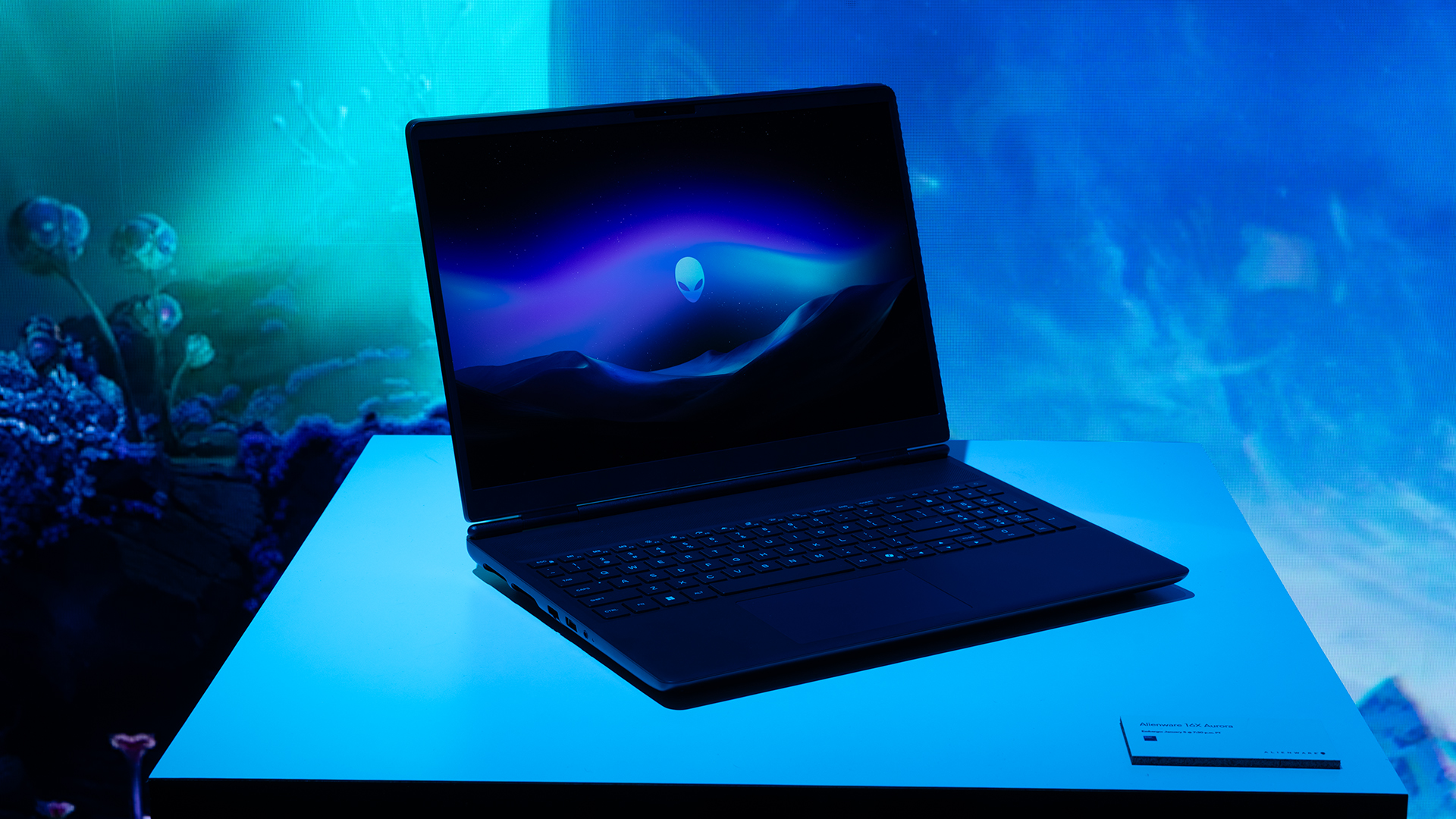
Inside, the notebook has up to an Intel Core Ultra 9 275HX processor and up to an NVIDIA GeForce RTX 5070 Ti GPU. These specs are paired with up to 64GB Dual-Channel DDR5 memory and up to 2TB SSD.
Finally, the Alienware 16X Aurora will have a 90Whr battery. This is supported by up to a 280W charger (for the RTX 5070 variant).
Price, availability
Both series are available starting today, March 17.


Galaxy Buds4 Pro review: I thought I was done with in-ears
This Buds4 you


WWE 2K26 lets you live out all the fantasy matches you could want
But you have to play for hours and hours to unlock everyone.


The HONOR X8d is serviceable
Steady but slow?

nubia Neo 5 series launches in the PH, starts below PhP 12K

Life is Strange: Reunion now available on consoles and PC

Why this AI-powered eye health exam is the only reading you need this season

DJI officially launches the Avata 360 with 8K immersive imaging

The Changan Eado Plus officially lands in the Philippines


-

 Reviews2 weeks ago
POCO X8 Pro Max review: A new beast from the far east
-

 News2 weeks ago
POCO X8 Pro Series: Price, availability in the Philippines
-

 Reviews2 weeks ago
POCO X8 Pro Iron Man Edition review: Midrange phone in superhero armor
-

 Automotive2 weeks ago
VinFast extends free unlimited charging in 3 markets amid rising fuel prices
-
Philippines1 week ago
The HONOR X8d is serviceable
-

 Reviews2 weeks ago
Samsung Galaxy S26 Ultra review: A phone you live with
-

 News2 weeks ago
POCO introduces X8 Pro Series with Dimensity 9500s
-

 Gaming2 weeks ago
NVIDIA’s DLSS 5 can turn your favorite AAA game into AI slop