
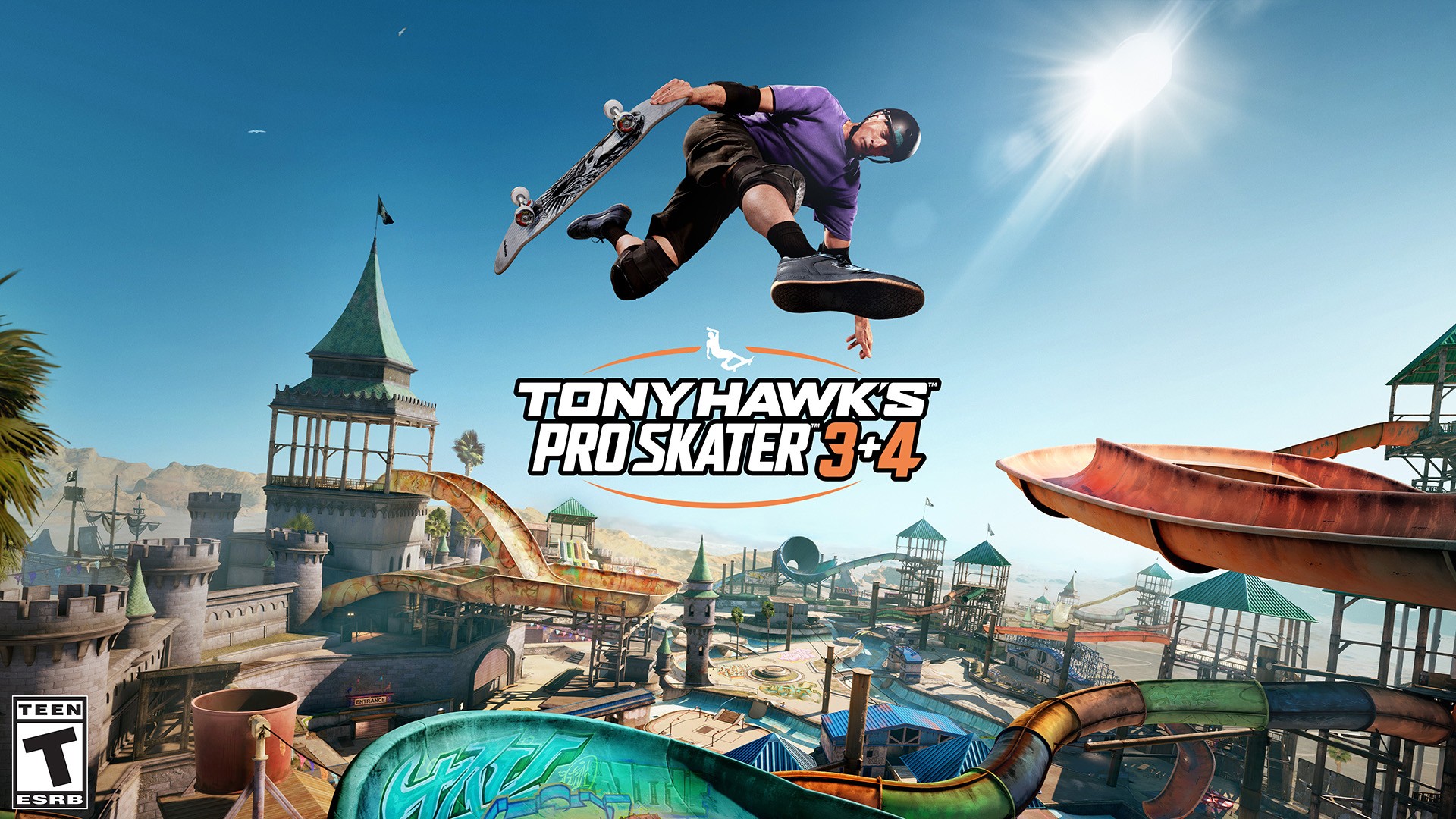


Some games punish you for every mistake, but Tony Hawk’s Pro Skater 3+4 makes failure oddly fun. Even after bailing for the hundredth time, I still found myself hitting “retry” again and again.
It’s a perfect blend of nostalgia and high-energy skateboarding adrenaline — the kind of mix that hooks you in whether you’re a seasoned pro or, like me, just really bad at the game.
Beefy tutorial
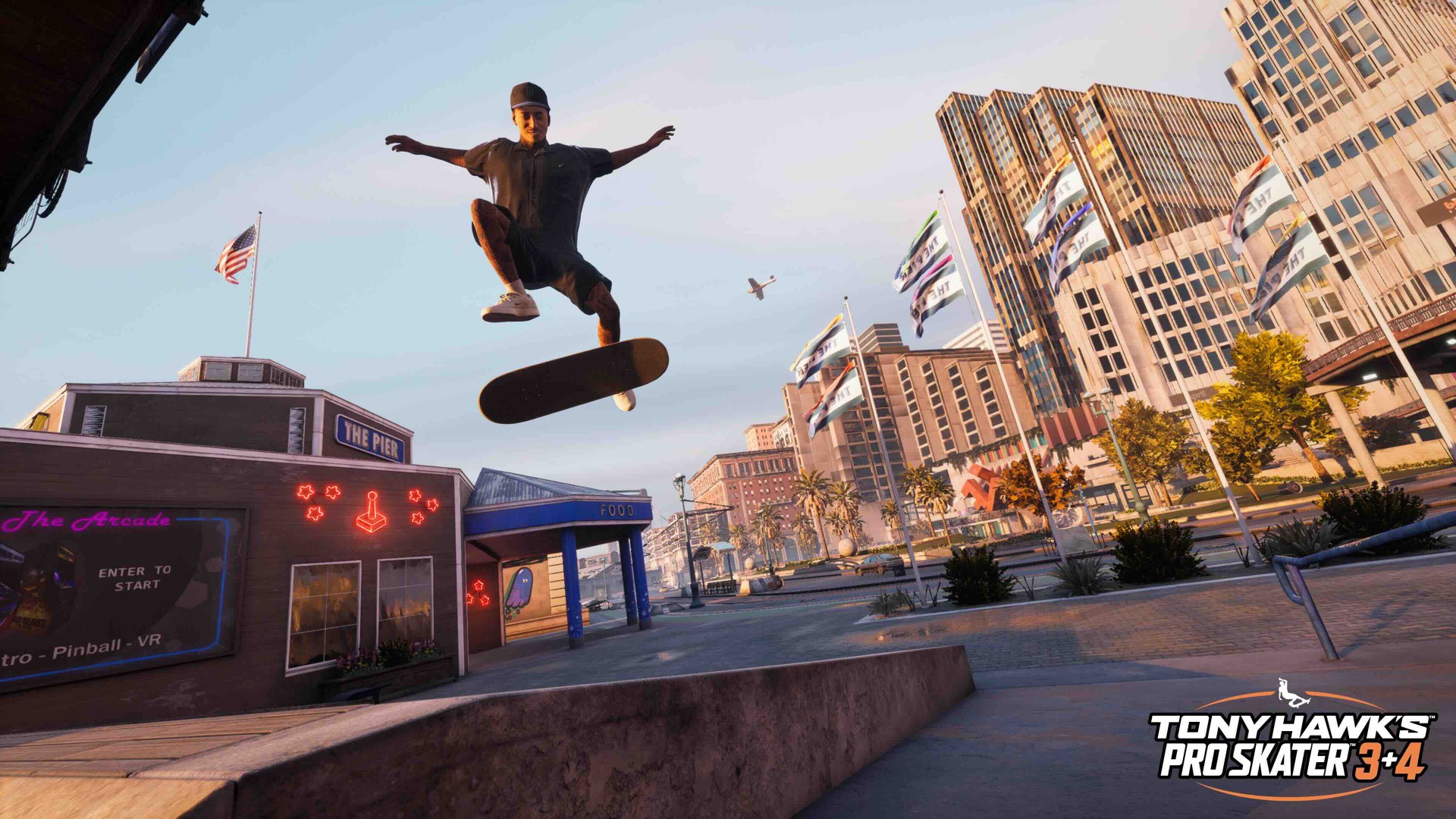
I missed the franchise’s first big refresh a few years back, so I made sure to run through the full tutorial this time. Totally worth it.
It covers everything — from ollies, kickflips, and grinds to wall rides, transfers, and advanced tricks whose names I’ve already forgotten.
The tutorial shows you every move, but it’s up to you to chain them into combos for big points. You’ll need those skills for the other game modes.
Steady progression
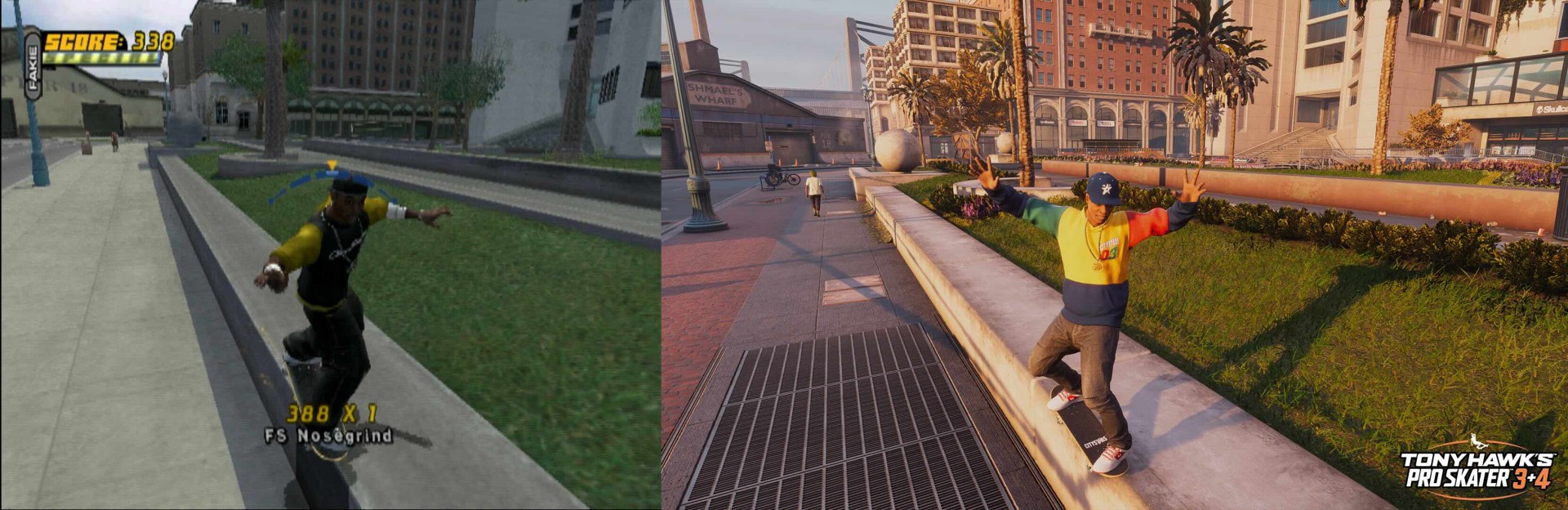
Tony Hawk’s Pro Skater 3+4 has a nice throwback feel to it in that you can totally conquer the game with skill alone. That’s something that feels fresh in today’s era of microstransactions.
Career Mode requires you to complete a set number of objectives per map to unlock the next one. For someone like me (read: not exactly a skateboarding prodigy), that meant plenty of retries — but each run felt different.
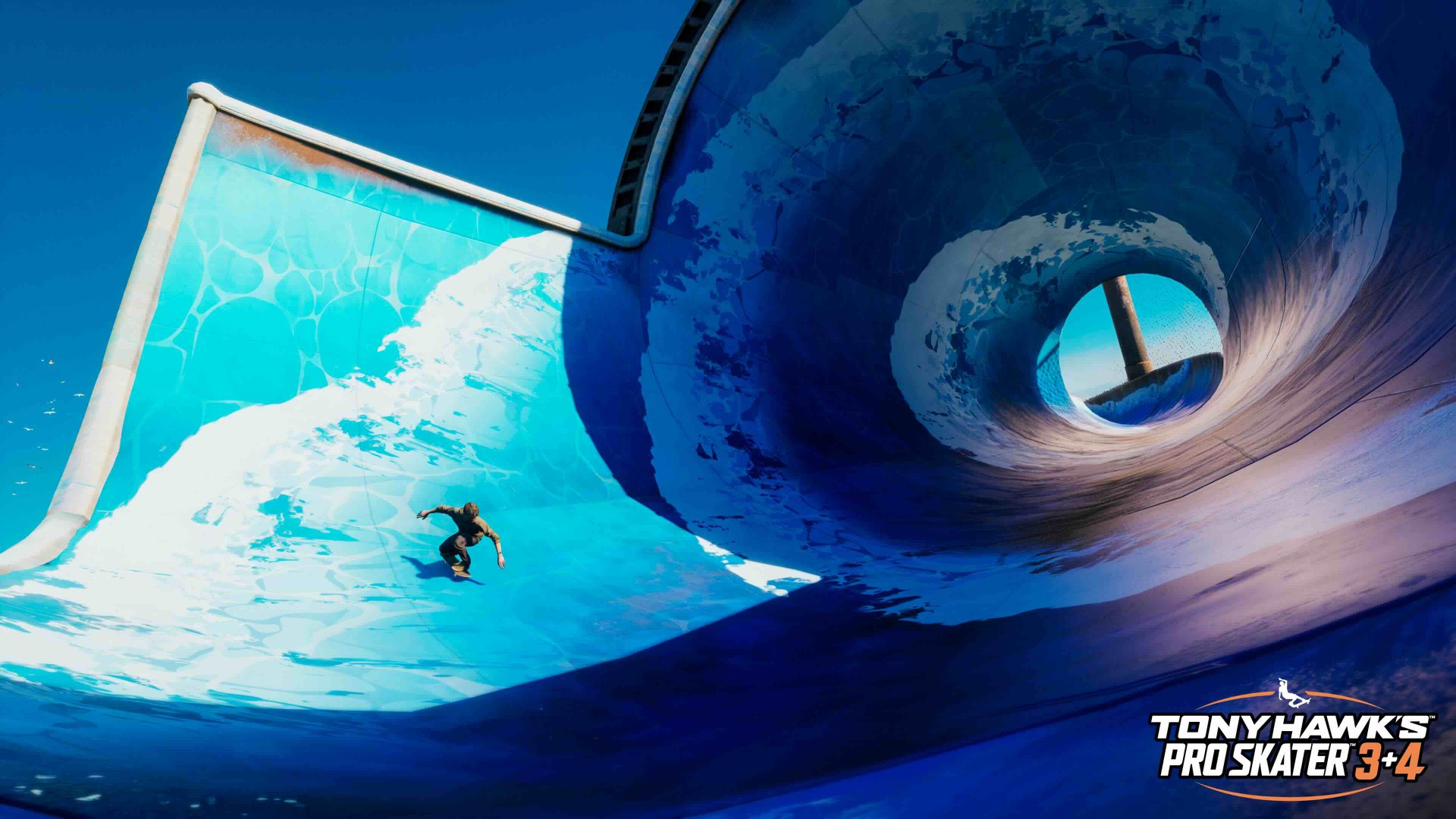
For someone not very skilled like yours truly, it took plenty of tries before I was able to unlock different maps. But those different tries all felt unique. Each run, you’re free to do whatever you want.
There were runs where I was gunning for one objective the first minute. But when it felt unachievable in that run, I quickly pivoted to a different objective making the run feel worth the try. That’s why every run feels fresh.
Objectives range from racking up points from combos, completing collectibles, or map-specific objectives that involve NPCs or completing transfers and tricks unique to that stage.
New skaters, create your skater
The game didn’t just bring back the skaters from the original release. They also added a healthy number of new and notable skaters from all around the world.
The new skaters in Tony Hawk’s Pro Skater 3+4 include Chloe Covell, Yuto Horigome, Jamie Foy, Zion Wright, Letícia Bufoni, Margie Didal, Rayssa Leal, Aurélien Giraud, Nora Vasconcellos, Riley Hawk, Nyjah Huston, Tyshawn Jones, Shane O’Neill, Leo Baker, and Lizzie Armanto.

Most of my runs were done with Philippine pride Margie Didal. Fun fact: this writer actually met Margie Didal before her rise to global prominence when she represented the Philippines in the Olympics. There’s just something inherently cool about meeting someone in person and them being a character in a video game later on.
Sticking with one or two skaters can be to your advantage as you try to unlock more maps. You gain stat boosts and more familiarity with the skater’s capabilities as you go along.
As you progress, you also unlock more customization options. These range from cosmetics to adding tricks to your arsenal.
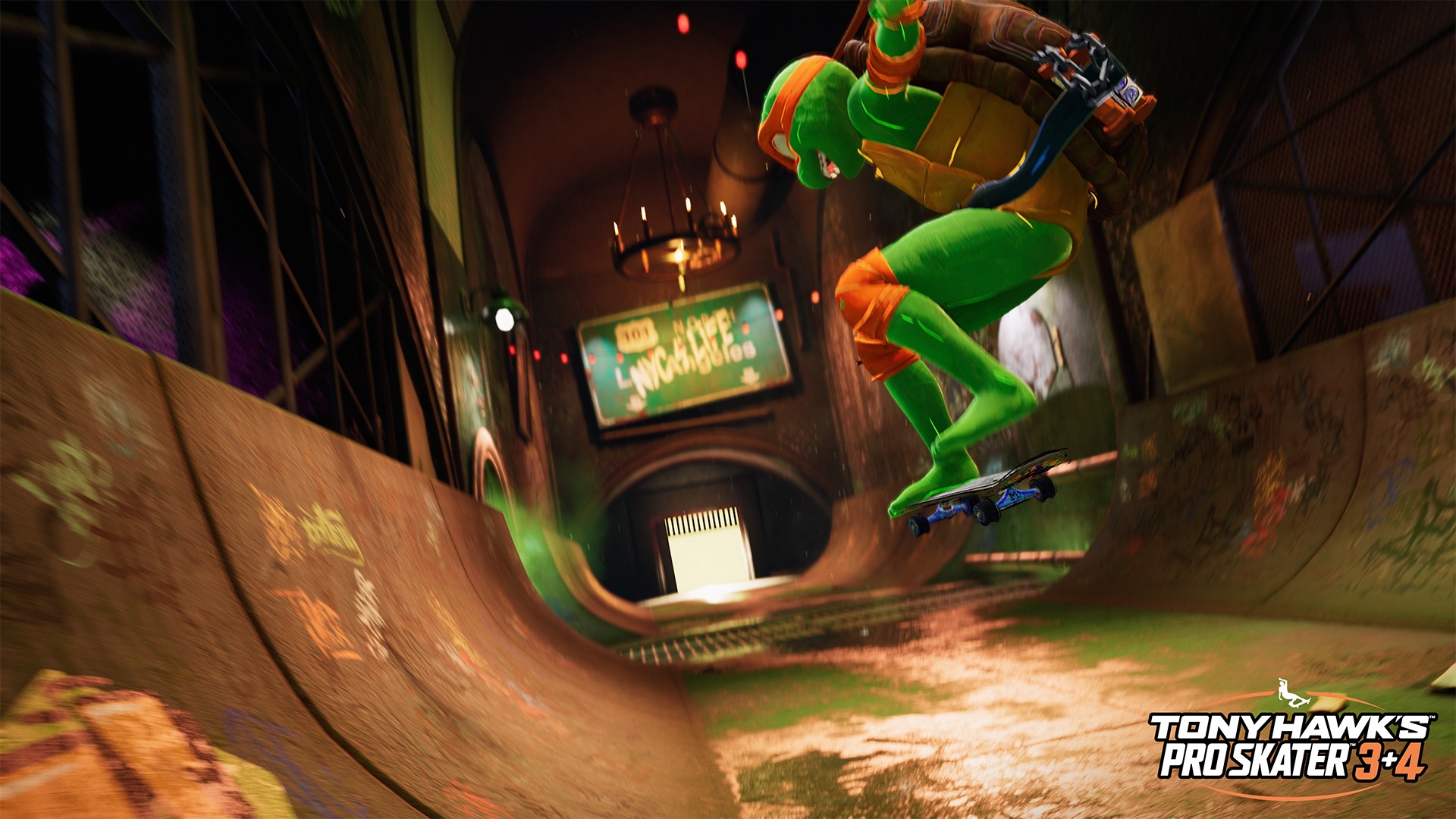
As you rack up more tricks, you’ll become more ready to create your own skater or unlock more skaters. My first target was to unlock Michael Angelo from the Teenage Mutant Ninja Turtles – Mickey + Skateboarding just feels right. Definitely a cowabunga moment.
There are more skaters available making it a prime candidate for massive replayability.
Is Tony Hawk’s Pro Skater 3+4 your Game Match?
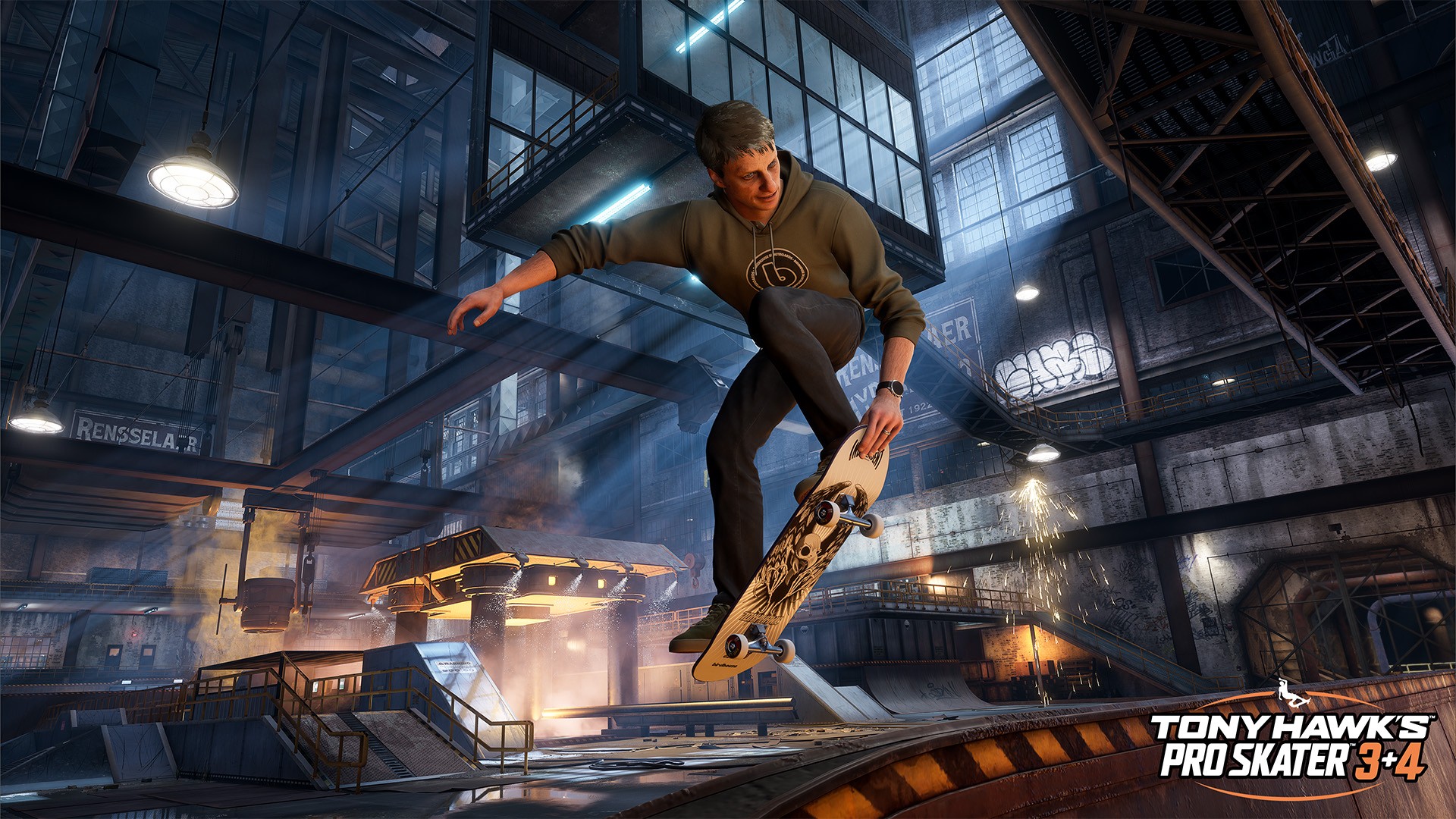
Tony Hawk’s Pro Skater 3+4 qualifies as both a quick pickup-and-play or a game that you can really sink your teeth into. There are plenty of maps and characters to unlock and each run feels fresh. Upping your skills also feels challenging but not unattainable. That makes this game an easy Swipe Right.
It’s the perfect in-between game when you want to take a break from RPGs or those really big story-driven AAA games. And there’s plenty to do in the game that you’ll likely be able to squeeze plenty of playtime from it for the next few years.







Gaming
Nintendo will make it cheaper to buy digital games than physical
Physical releases will have the same price.

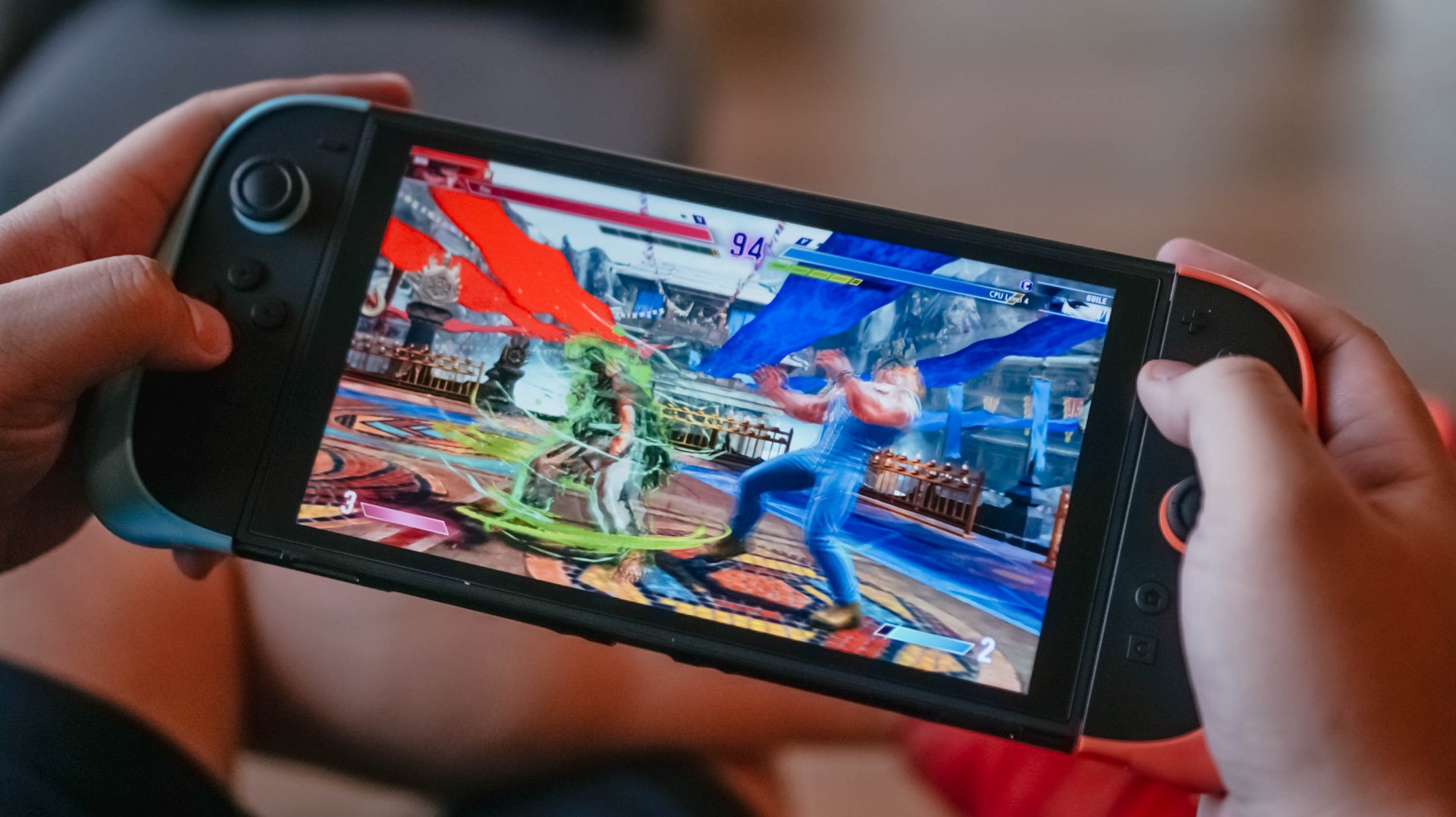
The days of lining up for a newly released game are well and truly over. Though some games still experience shortages in brick-and-mortar stores, such as the widely successful Pokémon Pokopia, gamers can get their titles digitally. Now, Nintendo is making digital releases more enticing by offering a tempting discount on the eShop.
Starting in May, Nintendo will start charging different prices for the physical and digital releases of first-party games. While physical releases will still have the same prices going forward, digital releases via the eShop will enjoy a discount.
The discount, of course, will likely depend on the title itself. Nintendo has already given the upcoming Yoshi and the Mysterious Book as the first example. The new platformer will cost US$ 70 from retailers. However, it will cost only US$ 60 on the digital eShop.
The company says that the new pricing scheme “simply reflects the different costs associated with producing and distributing each format.” With the prices of chips skyrocketing, it’s no surprise that the physical release is more expensive than the digital one.
To be more technical about it, Nintendo has started skipping a physical game card for a while now. The physical release of Pokémon Pokopia, for example, has only a game-key card or a code to download the game. In this format, physical releases are just pretty cases you can display on your shelf.
Also, digital releases do carry the added risk of getting delisted on the whims of the developers, the publishers, or Nintendo itself. It is, however, still a cheaper option, especially in a world where getting any discount is a welcome thought.
SEE ALSO: Nintendo sues the United States
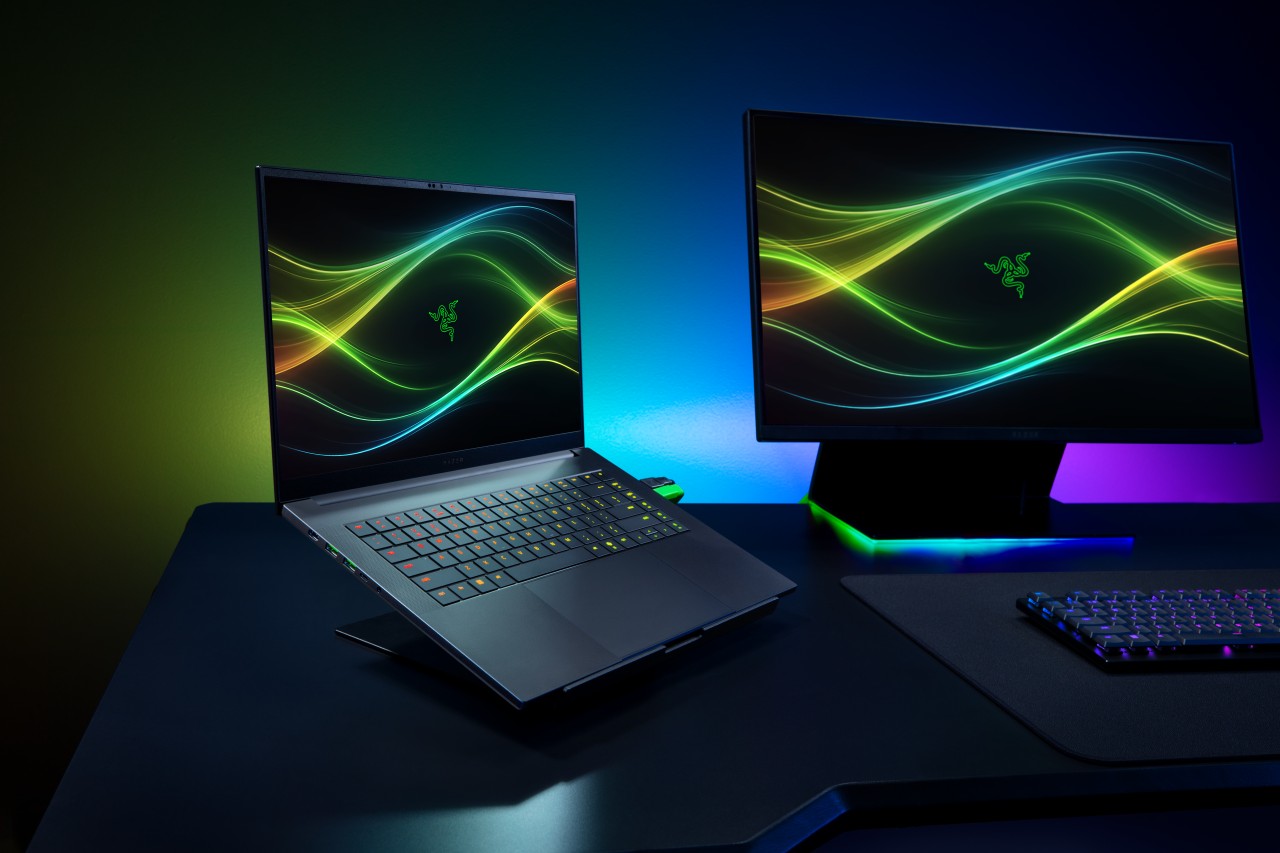
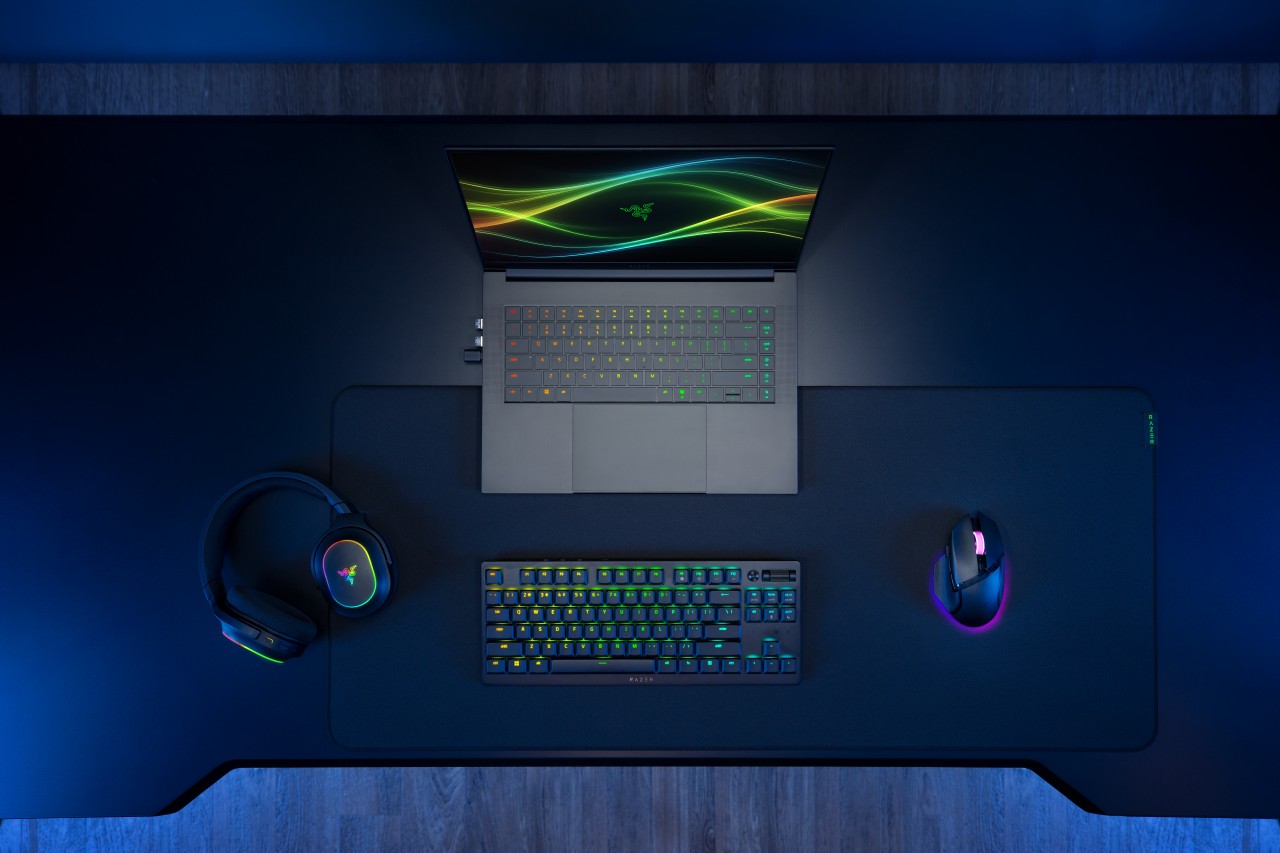
Razer has officially unveiled the 2026 version of its Blade 16, doubling down on what it does best: squeezing high-end performance into an ultra-slim chassis.
This year’s refresh focuses on meaningful internal upgrades. That includes a new Intel Core Ultra 9 processor, faster LPDDR5X memory, and NVIDIA’s latest RTX 50 Series laptop GPUs — all while keeping the Blade 16 as the thinnest gaming laptop in Razer’s lineup.
Performance gets a serious bump
At the core of the new Blade 16 is the Intel Core Ultra 9 386H, featuring 16 cores and up to 4.9GHz boost clock. Razer claims a 33% increase in core count versus the previous generation, translating to stronger performance across gaming, content creation, and AI workloads.
There’s also an integrated NPU capable of up to 50 TOPS, enabling faster on-device AI tasks like image generation and live translation.
Memory gets a notable upgrade too. The Blade 16 now supports up to 64GB of LPDDR5X-9600MHz RAM, which Razer positions as the fastest available in a laptop today. The result: quicker responsiveness for heavy multitasking, creative apps, and AI-assisted workflows.
On the graphics side, NVIDIA’s GeForce RTX 50 Series (Blackwell architecture) brings DLSS 4 and enhanced AI capabilities for both gaming and creator use cases.
Display and design stay premium
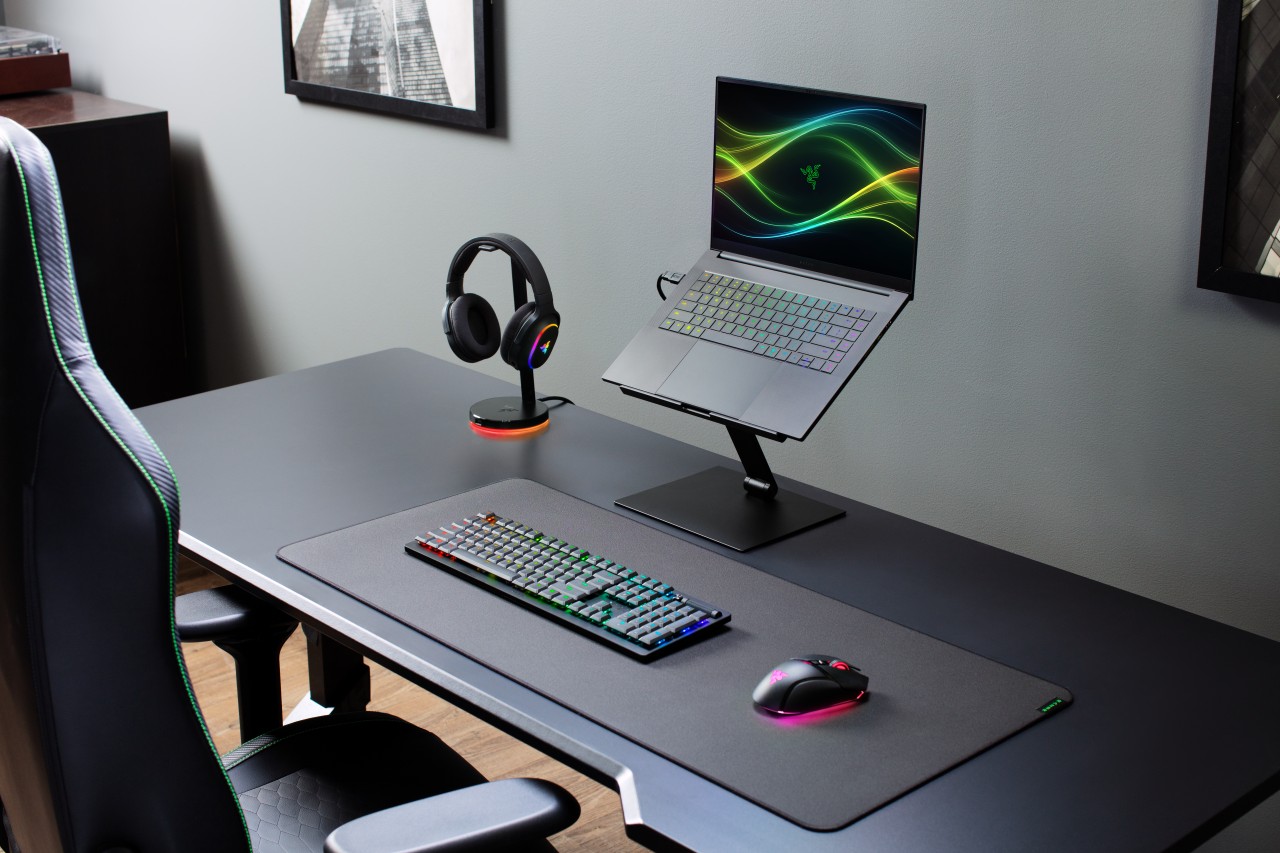
Razer isn’t fixing what isn’t broken. The Blade 16 retains its signature CNC-milled aluminum chassis, measuring just 14.9mm thick and weighing around 2.14kg.
The display remains a highlight. You get a 16-inch QHD+ OLED panel with a 240Hz refresh rate, now brighter and certified for VESA DisplayHDR TrueBlack 1000. It supports full DCI-P3 coverage, Calman calibration, and NVIDIA G-SYNC, making it just as suited for creators as it is for competitive gaming.
Battery life and efficiency improve
Despite the performance gains, Razer is also pushing efficiency. Thanks to Intel’s newer architecture and system-level optimizations, the Blade 16 can hit up to 13 hours of productivity use and up to 15 hours of video playback under ideal conditions.
That’s a notable improvement for a machine in this class, especially given its slim form factor.
Connectivity and audio step up
The 2026 Blade 16 gets a future-ready connectivity suite, including Thunderbolt 5, Wi-Fi 7, and Bluetooth 6.0. There’s also a full set of ports, from USB-A to HDMI 2.1 and an SD card reader.
Audio gets an upgrade too. The six-speaker system now supports THX Spatial Audio+ with virtual 7.1.4 surround, aiming to deliver more immersive sound both on speakers and headphones.
Price and availability
The Razer Blade 16 configured with an NVIDIA GeForce RTX 5080 (16GB VRAM) and 32GB LPDDR5X-9600MHz RAM is priced at US$3,499.99 / €3,599.99 MSRP.
It is available now, exclusively via Razer.com and select RazerStores worldwide.
Still the Blade, just sharper
At a glance, the 2026 Blade 16 doesn’t reinvent the formula. But under the hood, it pushes performance, memory speed, and efficiency forward in ways that matter.
It’s still the same idea: a no-compromise gaming laptop that looks like it belongs in a minimalist workspace — just faster, smarter, and a bit more future-proof this time around.
Accessories
Razer sharpens its competitive edge with Viper V4 Pro and Gigantus V2 Pro
Ultra-light. Ultra-tuned.

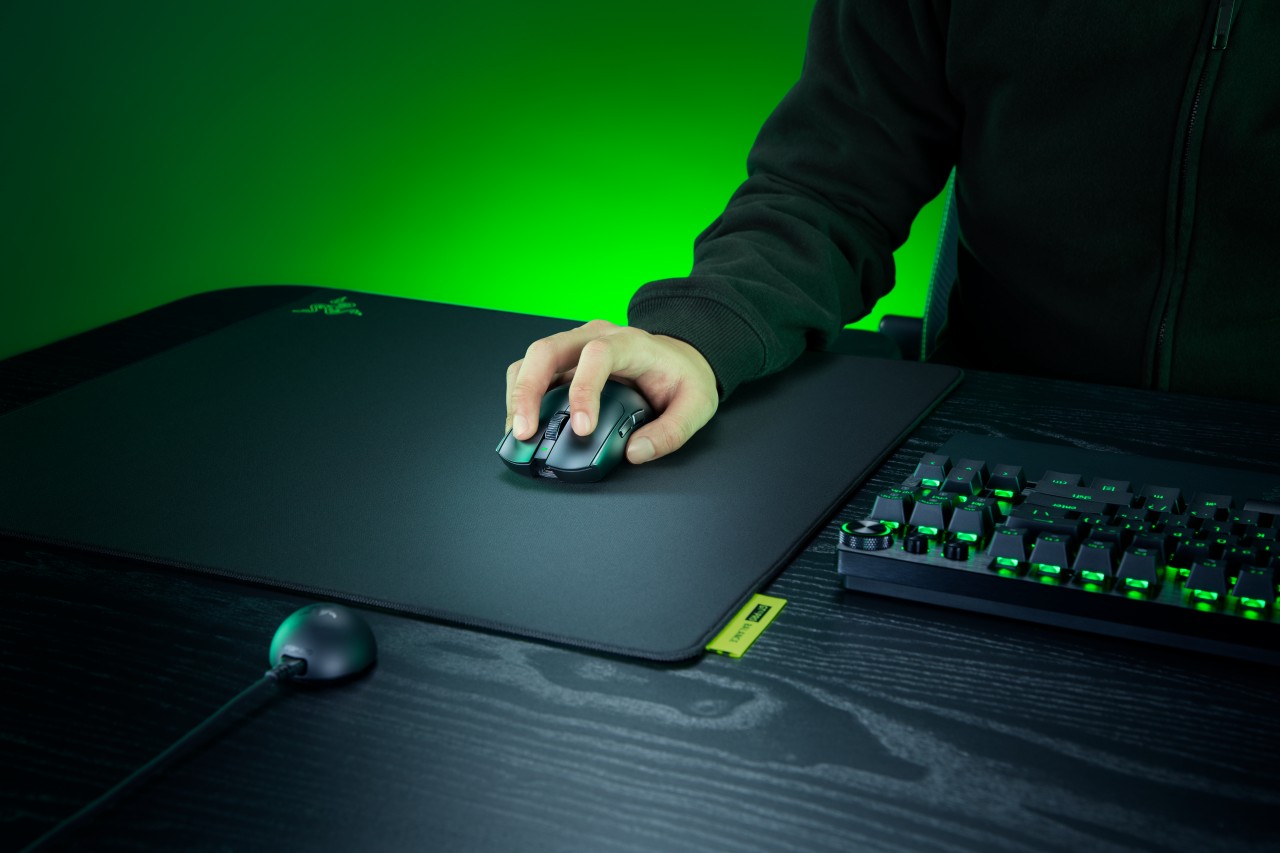
Razer expands its pro-grade lineup with a lightweight mouse and a highly customizable mouse mat built for different playstyles. The Razer Viper V4 Pro focuses on speed, precision, and responsiveness, while the Razer Gigantus V2 Pro brings tailored surface options that adapt to how players move.
Lighter, faster, and built for control
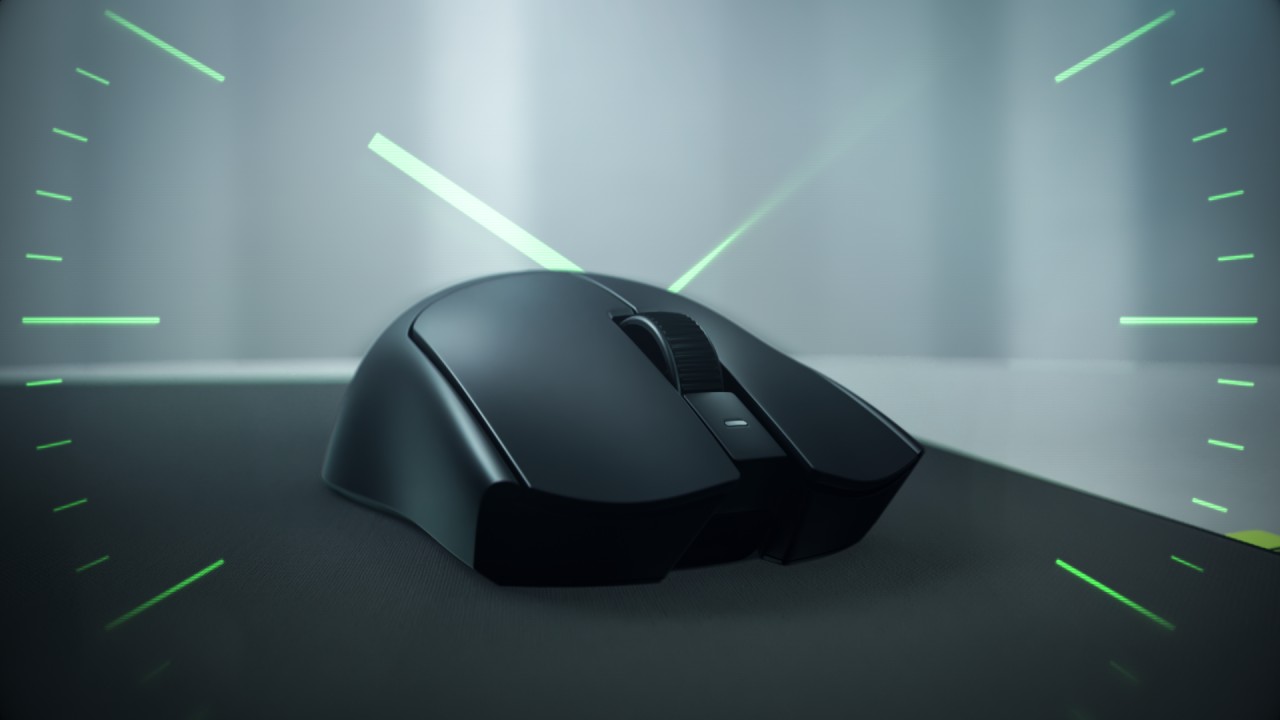
The Viper V4 Pro weighs approximately 49g in Black and 50g in White, making it around nine percent lighter than its predecessor. Razer achieves this through mechanical refinements like a thinner shell and a more compact PCB, without compromising durability. The structure still feels solid in hand, even with the aggressive weight reduction.
This balance matters in competitive play. A lighter mouse reduces fatigue and allows quicker adjustments, but stability keeps movements consistent. The Viper V4 Pro aims to deliver both.
Plug in, tweak, and play instantly
Razer also streamlines setup and tuning. The optimized hemispherical dongle maintains stable connectivity while providing quick status updates through LED indicators.
Players can adjust settings without installing software using Razer Synapse Web, enabling browser-based customization. Onboard controls allow quick DPI and polling rate changes mid-match, so adjustments happen without breaking focus.
A mouse mat that adapts to your play style
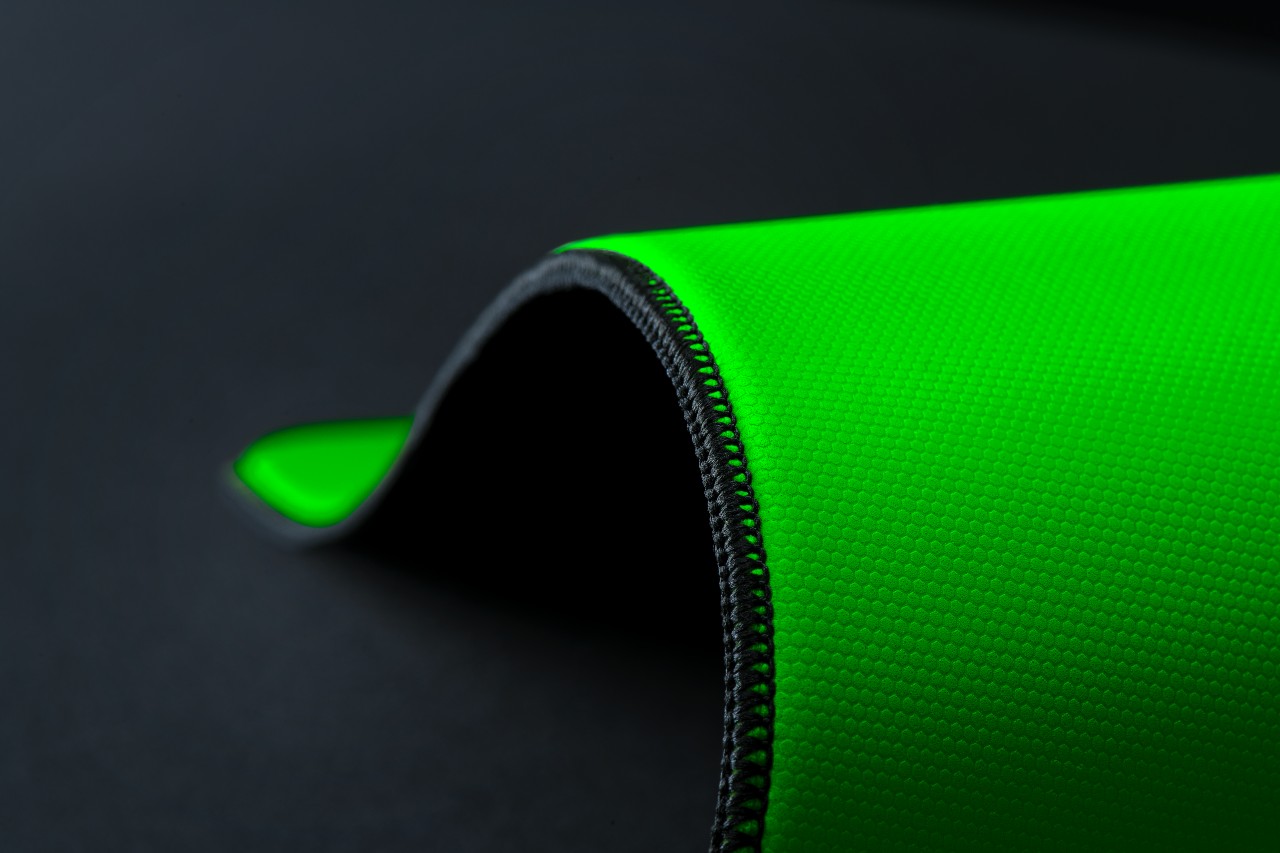
The Gigantus V2 Pro evolves Razer’s mouse mat lineup by introducing five distinct speed ratings paired with corresponding foam firmness. Instead of a one-size-fits-all surface, players can now choose based on how they aim and move.
Developed with esports pros like Nikola “NiKo” Kovač, Faker, and Zellsis, each variant reflects real competitive needs across different roles and playstyles.
The five surface options include:
- Max Control for ultra-high friction and precise flicks
- Control for consistent micro-adjustments
- Balance for a mix of speed and stopping power
- Speed for quicker swipes
- Max Speed for the fastest possible movements
Each surface is paired with Razer’s GlideCore foam, tuned to match the friction profile. Softer variants provide more stopping power, while firmer ones prioritize speed and responsiveness.
Built for consistency across every match
Razer ensures the Gigantus V2 Pro works seamlessly with modern optical sensors. Lab testing guarantees consistent tracking, whether for fine adjustments or wide flicks.
The mat is also designed for competitive environments. It features stitched edges to prevent fraying, an anti-slip base for stability, and a rollable build that makes it easy to bring to tournaments.
A complete competitive setup
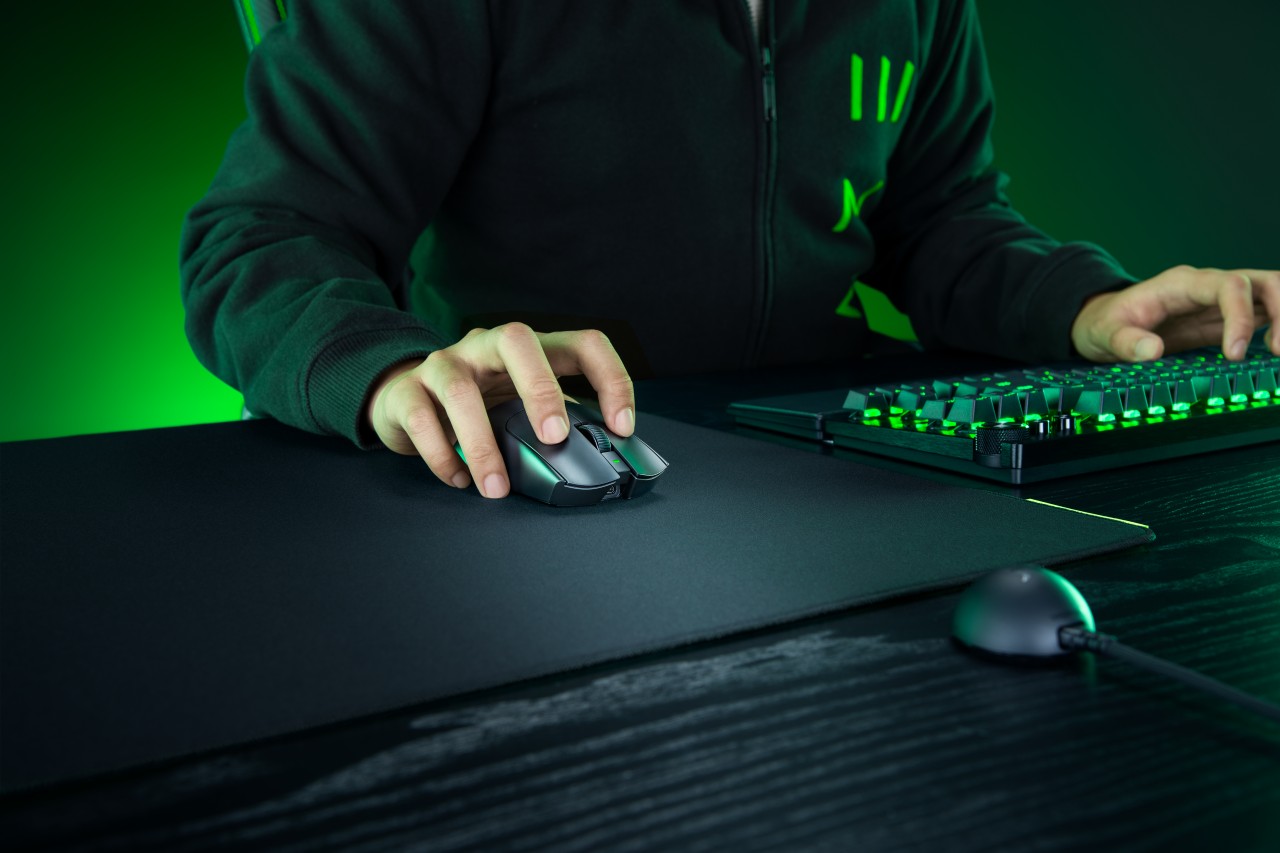
Together, the Viper V4 Pro and Gigantus V2 Pro form a cohesive setup that covers both input and surface. The mouse emphasizes low latency, precision tracking, and a shape validated by pros. The mouse mat complements it with clear, playstyle-based options.
Rather than focusing on a single standout feature, Razer builds a system. One that supports consistent performance, adapts to player preference, and helps turn practice into results when it matters most.


Galaxy Buds4 Pro review: I thought I was done with in-ears
This Buds4 you


WWE 2K26 lets you live out all the fantasy matches you could want
But you have to play for hours and hours to unlock everyone.


The HONOR X8d is serviceable
Steady but slow?

Nintendo will make it cheaper to buy digital games than physical

Sony brings cinema home with new BRAVIA 3 II TV, BRAVIA Theatre lineup

Razer Blade 16 (2026) packs more cores, faster memory

Forgotten Island is an upcoming film based on Filipino culture

Razer sharpens its competitive edge with Viper V4 Pro and Gigantus V2 Pro


-

 Reviews1 week ago
POCO X8 Pro Max review: A new beast from the far east
-

 News1 week ago
POCO X8 Pro Series: Price, availability in the Philippines
-

 Features2 weeks ago
Galaxy AI on the Samsung Galaxy S26 Ultra
-

 Apps2 weeks ago
Google Maps is finally getting a 3D mode
-

 Reviews1 week ago
POCO X8 Pro Iron Man Edition review: Midrange phone in superhero armor
-

 Reviews1 week ago
Samsung Galaxy S26 Ultra review: A phone you live with
-
 Gaming1 week ago
NVIDIA’s DLSS 5 can turn your favorite AAA game into AI slop
-

 News1 week ago
POCO introduces X8 Pro Series with Dimensity 9500s