


Accessories
Treblab X2 Hands-On: Give in-ear headphones a chance
For people done with wires getting magically tangled

In-ear headphones aren’t exactly stylish and there’s always this fear that you’ll easily lose either one. I used the Treblab X2 for roughly three weeks and this is how it went.
Before we proceed, I need to get a few things out of the way. This is by no means an expert review; I’m nowhere near an audio expert; I’m just like a lot of you — a casual listener who enjoys a good tune or two. With that said, let’s go.
Design
When Apple’s AirPods were first announced, it wasn’t received warmly. Two small in-ear headphones sticking out your ear is not exactly a good look. It also didn’t look secure and appeared like one might fall off at any given moment.
These concerns remain true today, even for other in-ear headphones. I did a quick poll on Instagram stories to ask people if they dig the look of the Treblab X2. It was a landslide victory for the no votes.
While taking photos for this article, our Creative Director Chay even said, “It looks like there are tiny hammers sticking out of your ear.”
I have to admit, in the beginning, I shared this opinion. Not anymore.

Nope, that’s not Mjolnir in my ear
The Treblab X2’s hammer-like design actually helps in keeping the headphones inside your ear. It’s something our Lifestyle Editor Isa isn’t too fond off, but it doesn’t bother me.
I had these on while doing some light basketball shooting drills for a little over an hour and not once did it feel like they were going to fall off. Those drills involve a lot of running and jumping, but even then, the Treblab X2 stayed firmly in place.
It also has an IPX4 rating which means it can withstand body sweat and even a little rain.

Ballin’ with the Treblab X2
I did get weird looks from some people as I made my way to the basketball court. It went on as I was going through the drills. It may take a while before people are used to seeing in-ear headphones out and about.
Basics
Inside the box are, of course, the two in-ear headphones. Each one has two buttons and are labeled L and R at the bottom tip so you know which one goes where.
It also comes with a charging dock that doubles as a carrying case. The dock can provide one full charge for each earbud. There’s a carrying strap for the dock so it’s easier to grab.
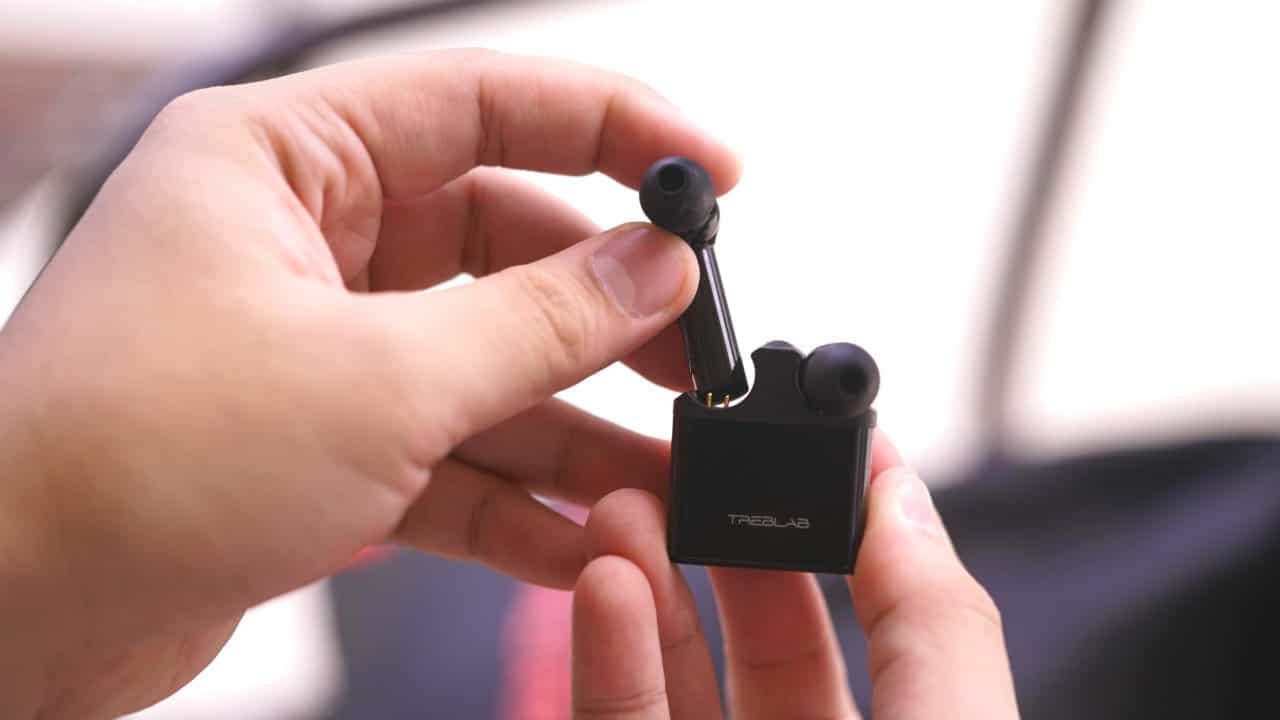
The Treblab X2 looks nice if you ask me
You’ll also find three sizes of silicone eartips, three sizes of expandable foam eartips, and three sizes of X-Drop ear-fins so you can find the one that works best for you.
Pairing is a breeze. Turn on the right earbud first. When you turn the left one on, it should immediately connect to the right earbud.
Press and hold the power button for about four to five seconds. If you have them on, you should hear a voice prompt say “pairing.” Otherwise, there is an LED light indicator that should blink red and blue to indicate the device is ready for pairing.
The Treblab X2 is made of beryllium — it’s the same material used in other high-end sound devices. How exactly does it perform?
Performance
In a word: Fantastic.
I’ve had a rough go with previous wireless headphones. The previous two or three I used didn’t quite live up to their billing and would quickly disconnect from the device even if I’m about 10 or 15 feet away. That’s not the case with the Treblab X2.
It can be paired with two devices and has a range of 38 feet or roughly around 11.5 meters. Once turned on, it pairs to your preferred device right away. There were moments when I would wonder why no sound was coming from my phone. I didn’t realize they quickly connected to the Treblab, but that’s just me being stupid.
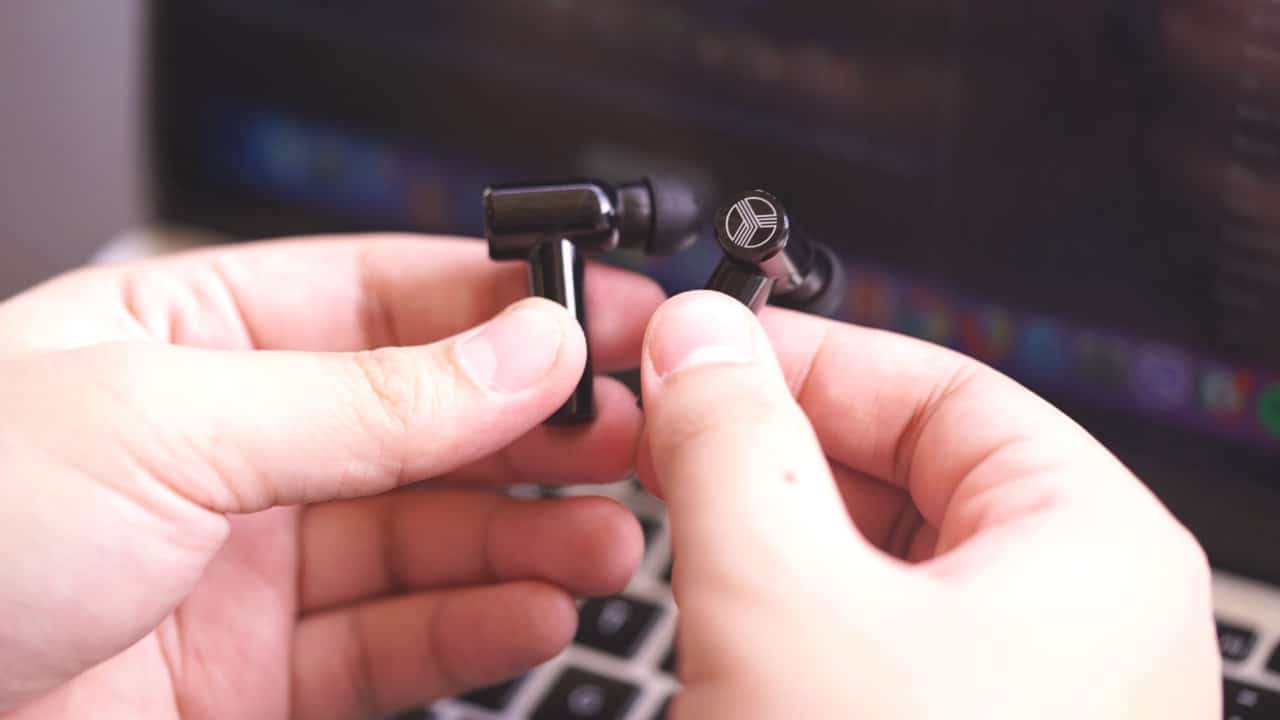
Pairing the Treblab X2 is a breeze
The pairing and quick connection is key for me since I’ve used Bluetooth headphones wherein the connection didn’t feel seamless. It’s a little detail that users should not have to worry about and Treblab does it well.
How about sound quality?
As mentioned earlier, I am by no means an audio expert. However, I do deal with audio a lot. I have been in the business of video production for roughly five to six years now (yikes, I’m old), so it’s imperative I always have a good pair of headphones with me to make sure audio is good for publishing.
I’ve edited several videos and some podcasts already with the Treblab X2, and I am more than satisfied.
It produces a clear and loud enough sound that I can maintain focus despite editing in a noisy environment. But it’s not too loud that it would hurt my ears.

Video editing with the Treblab X2
The bass doesn’t come at you with full force. Using the Treblab X2 feels more like watching a low-key gig at a bar than being in a jam-packed coliseum concert.
Its passive noise cancellation is great for when you still want to hear what’s going on around you despite having the headphones on. That’s perfect since I also use them while walking to and from work.
I still need to hear if there’s anything coming my way despite “Sugar We’re Going Down” by Fall Out Boy blasting in my ear.
In case you were wondering, I like listening to upbeat tracks while walking so I can keep my pace up. Here’s my playlist if you want to give a try.
Final thoughts
Its battery is supposed to last for up to 10 hours. During my test, it actually felt like it lasted longer. I’ve gone two days without charging and I usually use it for roughly six hours per day.
I don’t recommend having it on for longer than four hours. Make sure you let your ears breathe after two or three hours of use. That goes for any in-ear headphones.
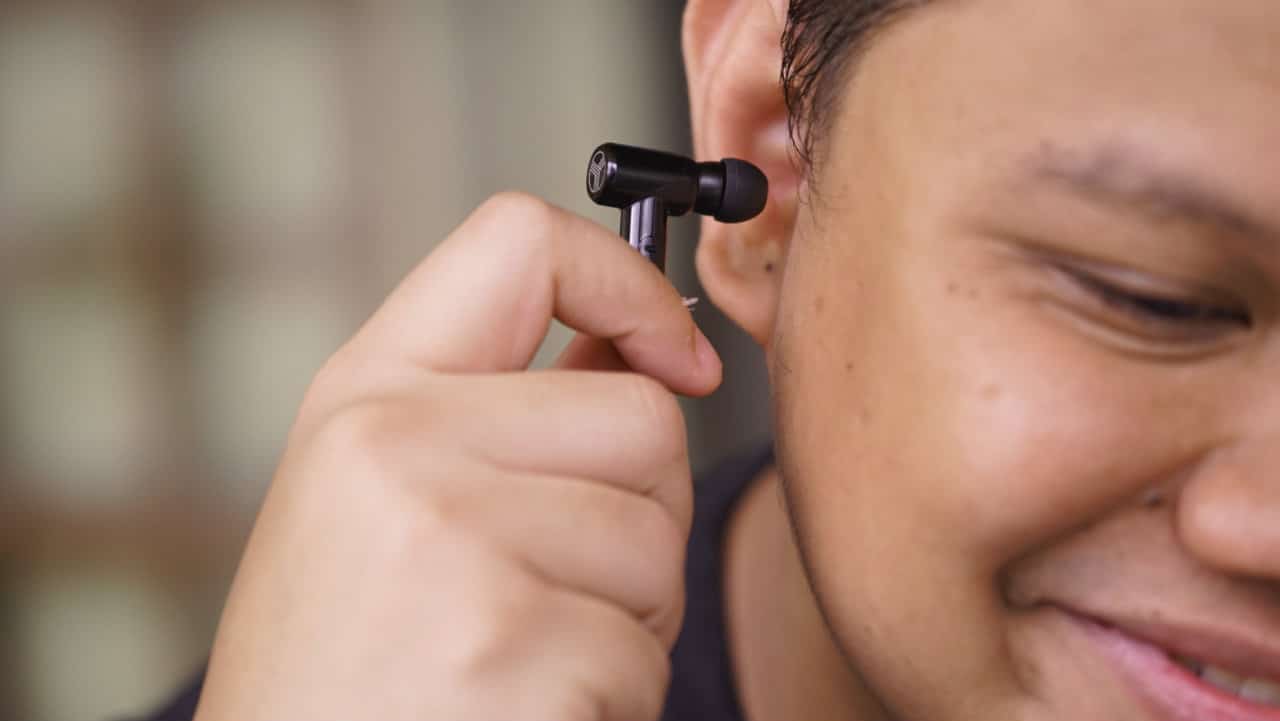
Take the earbuds off every two or three hours
Will I use it even after completing this hands-on review? The answer is yes. It does everything I need it to do and accompanies me while playing ball or walking home.
The Treblab X2 performs probably better than you would expect from any wireless in-ear headphones. The look might put some people off, but if you’re after headphones you can use while working out, this is a solid option.
If, like me, you’re fed up with wires magically getting tangled inside your pocket, I would give the Treblab X2 a chance.


THE Michael Josh puts AirTags in his bags, suitcases, keys, heck, even his TV remote.
They’ve saved him many times and keep anxiety at bay when it comes to delayed or missing baggage.
And just about last month, Apple announced a new model — the same size, shape, and price. But, it comes with a whole bunch of improvements that make it more findable.
So, should you rush out to get the new ones? In this review video, we test the range and sound of the all-new AirTag 2 in the real world.
Accessories
New SIHOO Doro C300 ergonomic chair launches with deals on Amazon
Now available in the US, UK

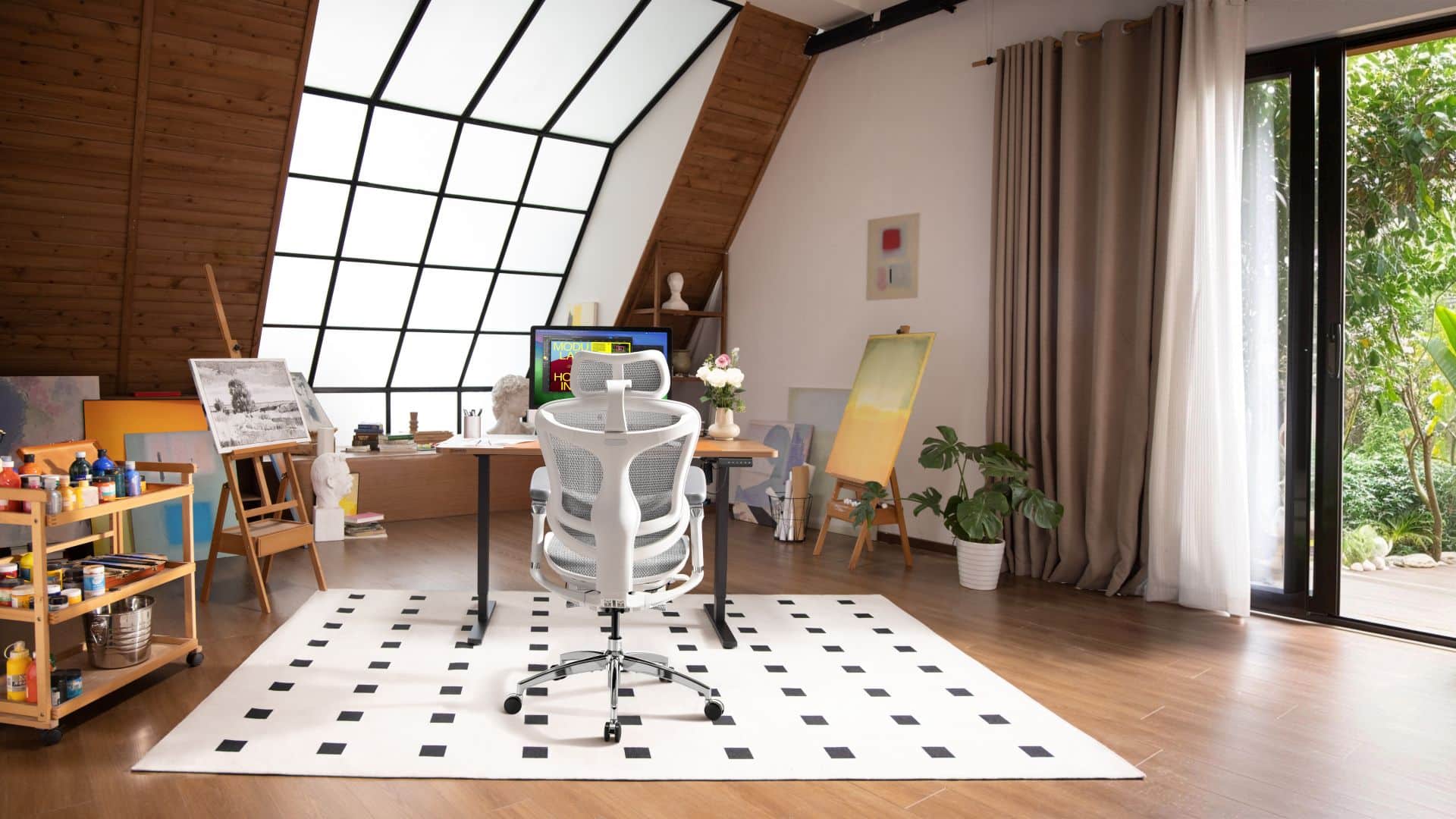
The SIHOO Doro C300 ergonomic office chair has been unveiled in the United States and United Kingdom with deals on Amazon and the SIHOO website available.
The chair is available in Black and Gray for an introductory price of US$ 279.99 / £ 259.99 on the SIHOO website.
That’s a significant reduction from the regular retail pricing of US$ 559.99 / £ 339.99. In addition, customers can get the product from Amazon US or Amazon UK for US$ 279.99 / £ 279.99.
The Doro C300 is developed around SIHOO’s self-adaptive dynamic lumbar support system. It automatically tracks body movement and continuously aligns with the natural curve of the spine without manual adjustment.
It uses the brand’s BM Tracking System to respond instantly to twisting, leaning, and reclining. This ensures consistent lower back support and stability, regardless of posture or position.
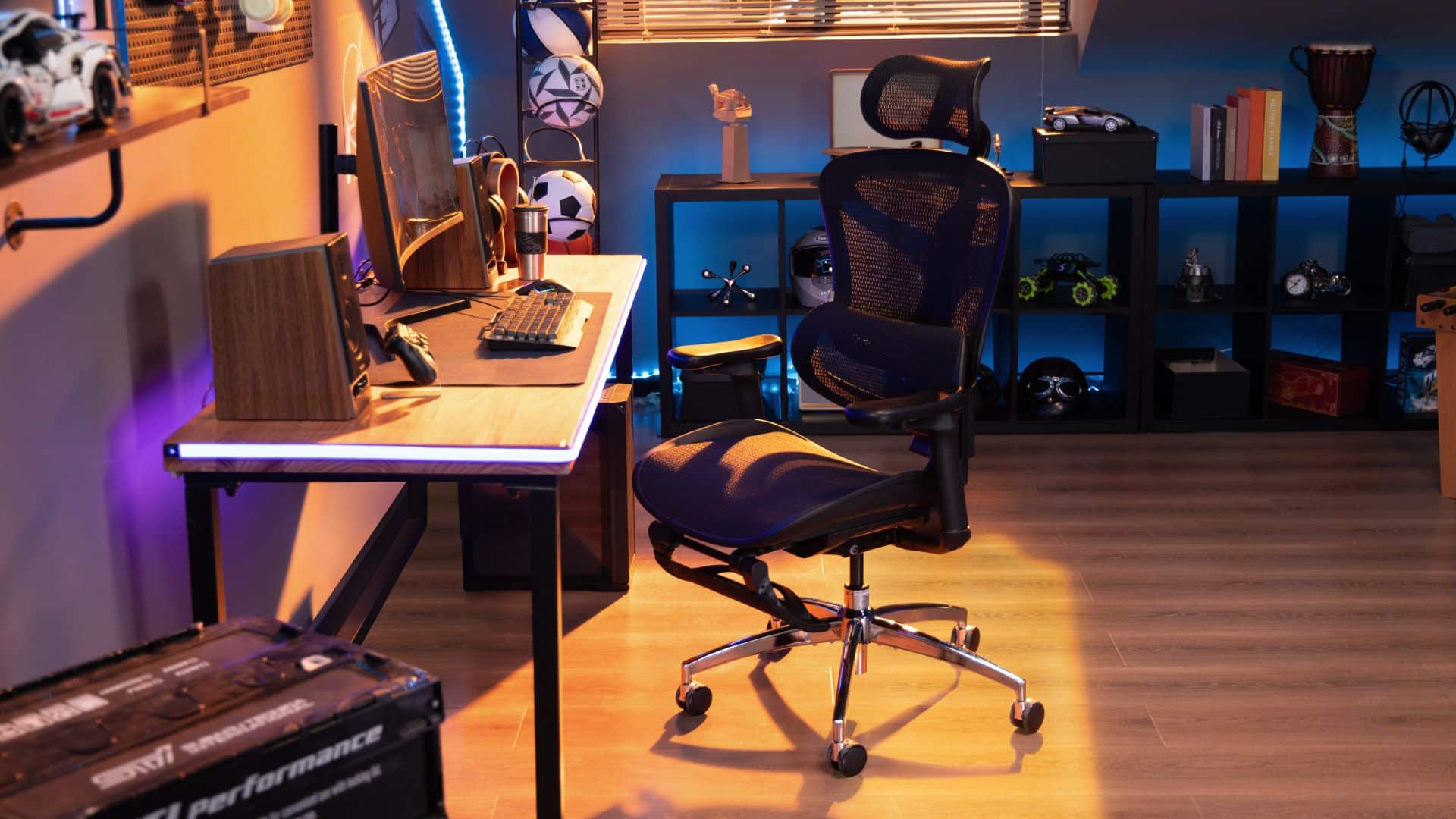
The real-time adaptive support moves in sync with the user. This dynamic approach helps reduce pressure on the lower back and promotes proper spinal alignment in the process.
The chair also features a flexible and fully breathable mesh backrest, built around a triangular elastic support frame. It naturally conforms to the body and moves side to side.
Moreover, a smart weight-sensing mechanism with integrated spring system automatically adapts reclining resistance based on the user’s weight.
The Doro C300 can support 110°, 120°, and 130° recline angles. On the top part is a neck and head support with extra-large 3D mechanical headrest. This, too, adjusts precisely in multiple directions and locks securely in place.
Furthermore, 4D armrests with soft PU padding adjust in multiple directions and synchronize with the backrest as it reclines for consistency.
Onto its seat cushion, the Doro C300’s seat is engineered to distribute pressure evenly across thighs and hips.
Accessories
Sony WF-1000XM6 is out now: Price, availability
The new model features better noise cancellation and a redesign.

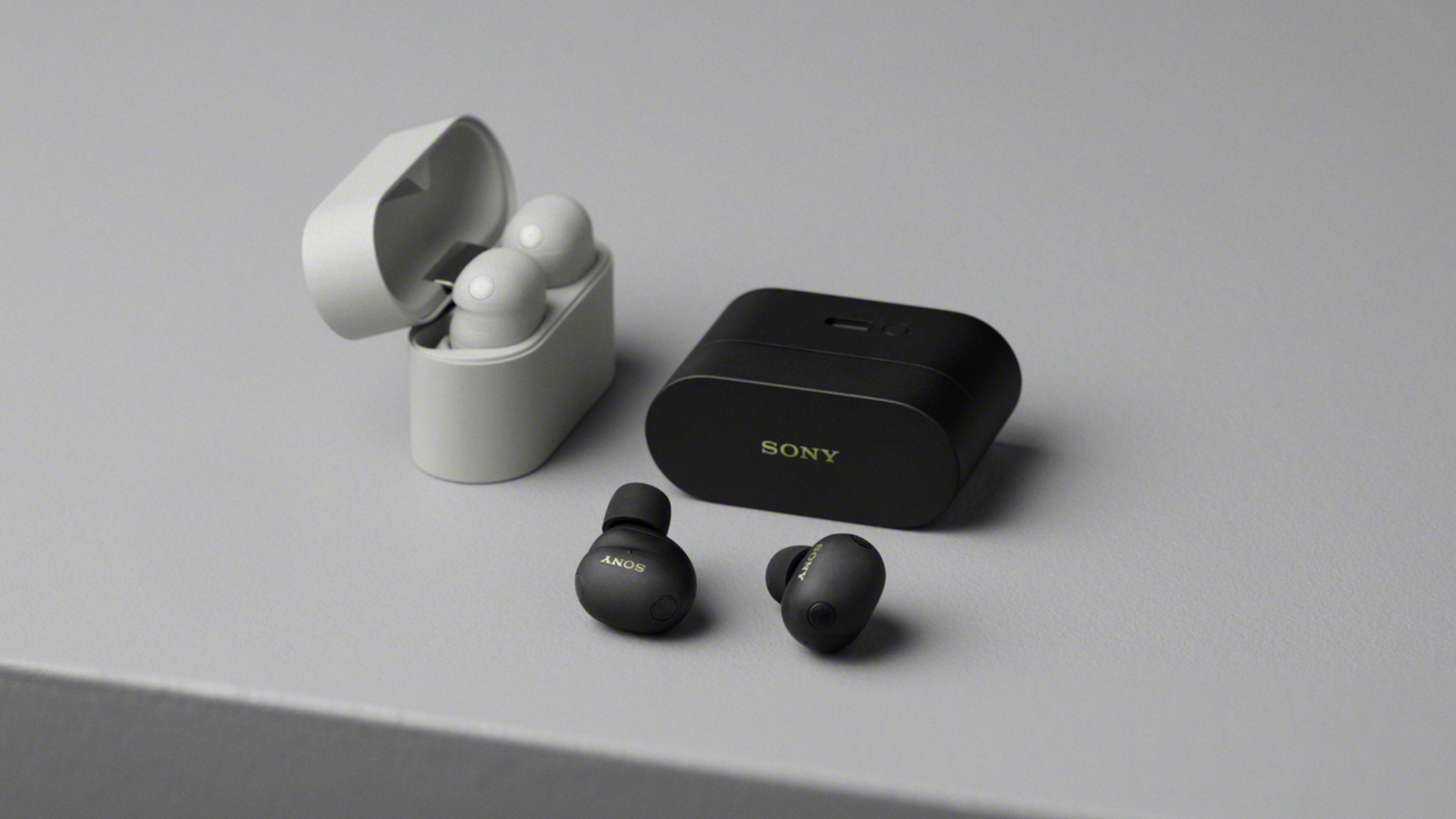
Well, the rumors are true. After briefly showing up in a leak last month, the new Sony WF-1000XM6 is finally here. Sony is launching its latest wireless earbuds today, alongside the debut of a pink colorway option for last year’s WH-1000XM6.
But first, here’s the Sony WF-1000XM6.
Once again, Sony is improving on the lineup’s noise cancellation technology. The earbuds will pack a third-generation QN3e, the brand’s HD Noise Cancelling Processor. The processor can supposedly achieve a 25 percent better noise reduction, compared to the previous generation. Each earbud will also have four microphones to further bolster noise cancellation.
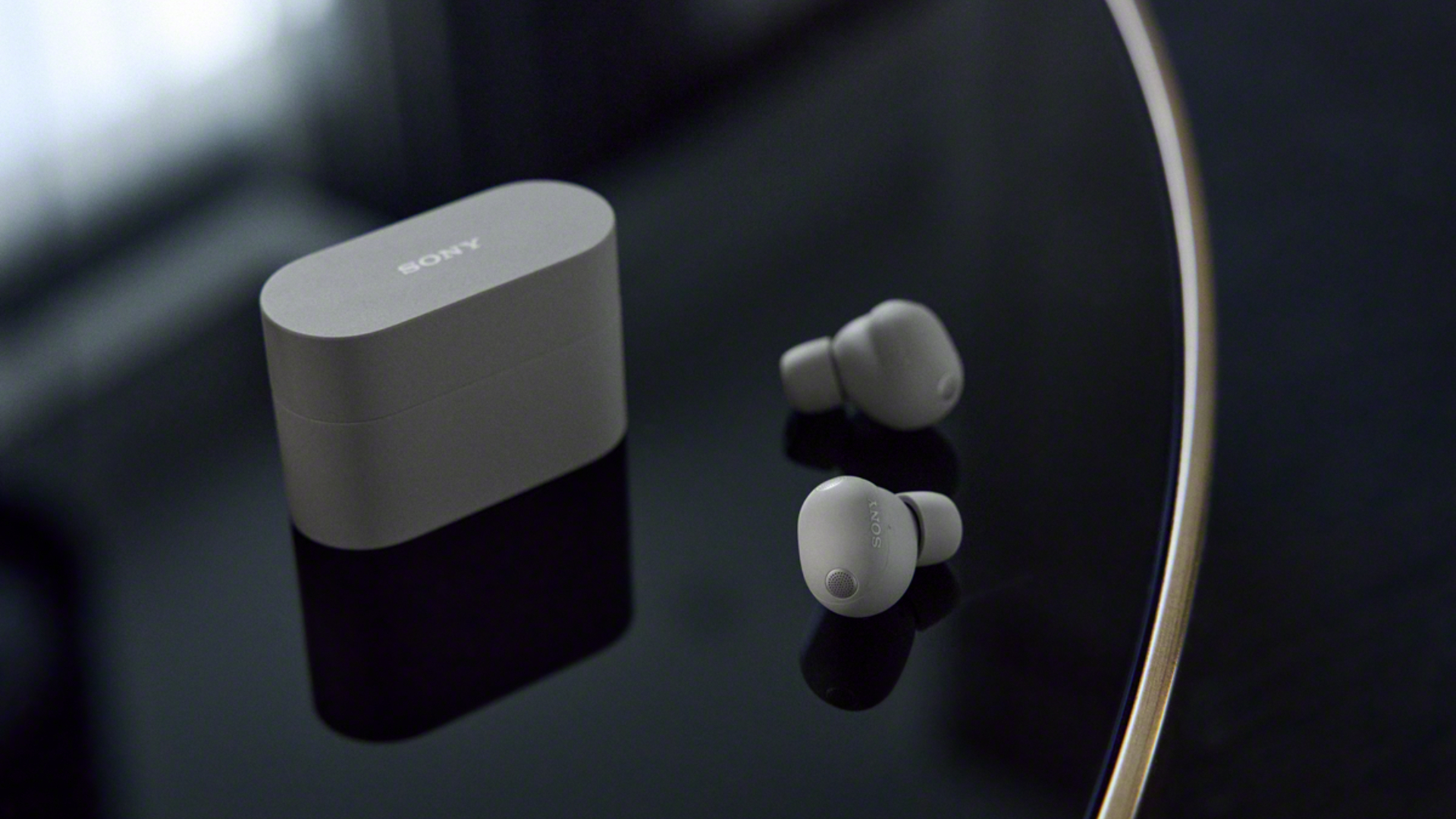
As the leaks hinted previously, the Sony WF-1000XM6 features a redesign for the popular wireless earbuds series. The earbuds themselves are now more pill-shaped and are returning to a matte texture. The brand says that the redesign will help with noise cancellation, comfort, and stability.
Meanwhile, the charging case switches over from a pill-shaped design to a sharper one.
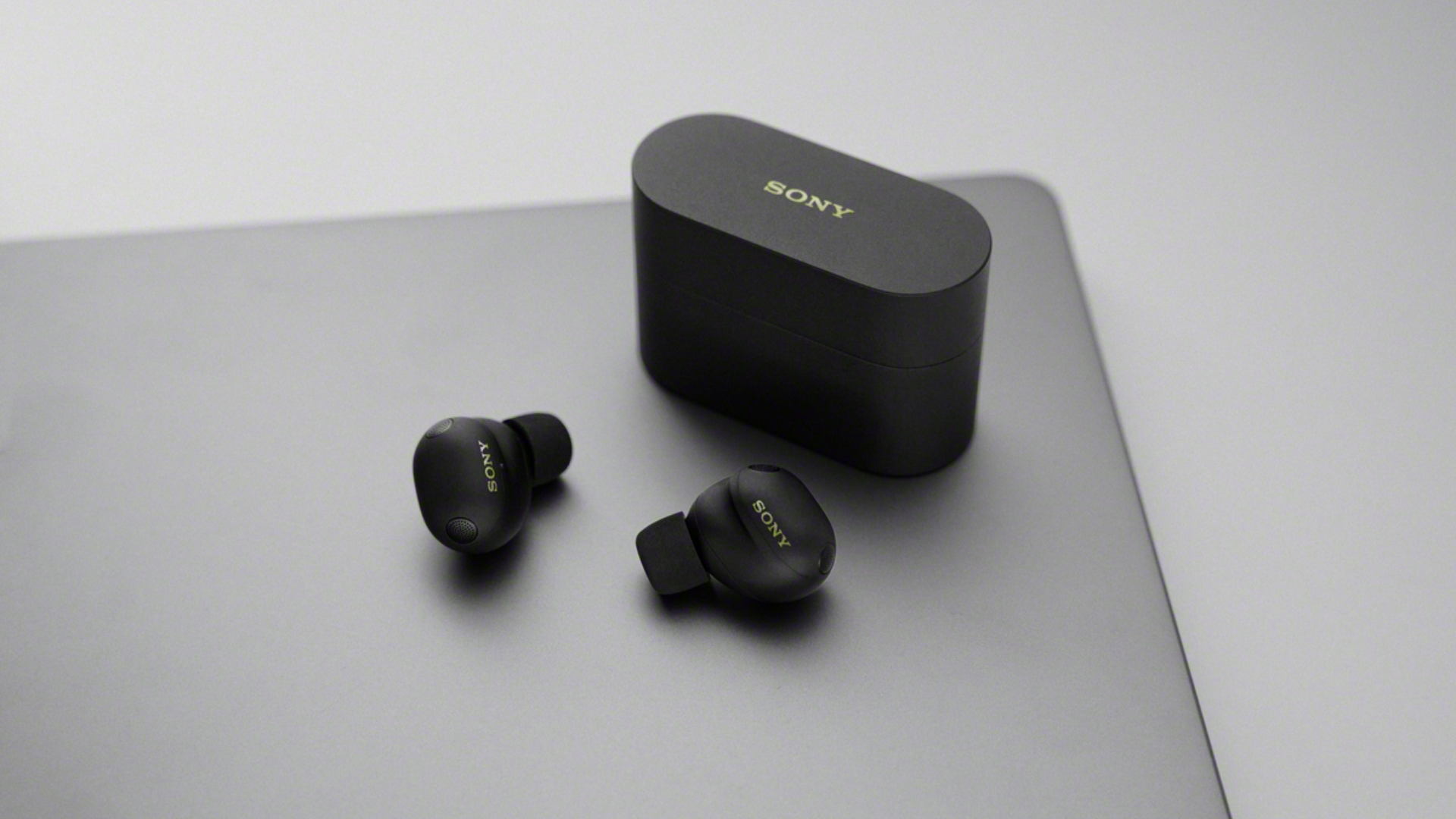
Like its predecessors, the earbuds will boast studio quality design. Calling functionality, likewise, will get a boost, thanks to a bone conduction sensor, two microphones for AI beamforming, and AI-based noise cancellation to isolate voices from background noise.
The Sony WF-1000XM6 debuts today with two colorway options: Platinum Silver and Black. Both variants will sell for US$ 329.99.

If that’s not enough, the Sony WH-1000XM6, the lineup’s larger sibling, will debut a Sand Pink colorway option. The new model will carry the same price tag: US$ 459.99. However, interested buyers can enjoy an initial sale price of US$ 399.99 through February 15.
UPDATE: Singapore price and availability
The WF-1000XM6 in Black and Platinum Silver is available in Singapore from early March 2026 with a suggested retail pricing at SGD 479.
Buyers who pre-order will receive an exclusive blind box containing a specially curated set of Lanyard and Pouch (worth SGD79.90), upon successful product warranty registration from now to March 31, 2026, while stocks last.
Trade-in program when you pre-order the WF-1000XM6:
| Date | Promotion |
| Now to 1 March 2026 | Enjoy SGD 120 OFF with trade-in of Sony’s 1000X Series wireless headphones
Enjoy SGD 90 OFF with trade-in of Sony’s wireless headphones
|
SEE ALSO: Sony WH-1000XM6: Master of sound quality and noise cancellation


iPhone 17 Pro Max is somehow the most traded-in phone today

vivo V70 launched globally, introduces 4K 60fps, OriginOS 6, more

Osmo Pocket 4 makes a surprising appearance in public

Google launches the Pixel 10a

ACMobility Launches ChargeFleet: Seamless solution for businesses

HONOR X9d 5G review: Tougher, more long-lasting and optimized

Now playing: Final Fantasy VII Remake INTERGRADE on Switch 2

Breaking up with Adobe Photoshop after 20 years

Razer fully unwraps these limited BLACKPINK Edition gaming gear

Forza Horizon 6 launches on May 19


-

 News1 week ago
TECNO will showcase the CAMON 50 and POVA 8 series at MWC 2026
-

 Laptops2 weeks ago
TECNO MEGABOOK K16s 13th review: No-frills beneath those grills
-

 Features1 week ago
HUAWEI MatePad 11.5 S 2026: The better-than-ever 4-in-1 productivity tablet
-

 Gaming1 week ago
Now Playing: Yakuza Kiwami 3 & Dark Ties
-

 Gaming2 weeks ago
Valve is delaying the launch of the Steam Machine
-

 Reviews6 days ago
The art of being in and behind the frame
-

 Gaming2 weeks ago
Horizon Hunters Gathering is an upcoming co-op roguelite spinoff
-

 Gaming2 weeks ago
No new NVIDIA GPUs this year, report says