

Accessories
UGREEN Nexode Power Bank 20,000mAh 130W: Saving sockets and pockets
Best for travelers, digital nomads, and flexible remote workers

UGREEN has been a reliable brand for my power needs — and that’s me talking from experience.
As a matter of fact, their 100W GaN Charging Adapter I received more than three years ago still works well upon writing this feature.
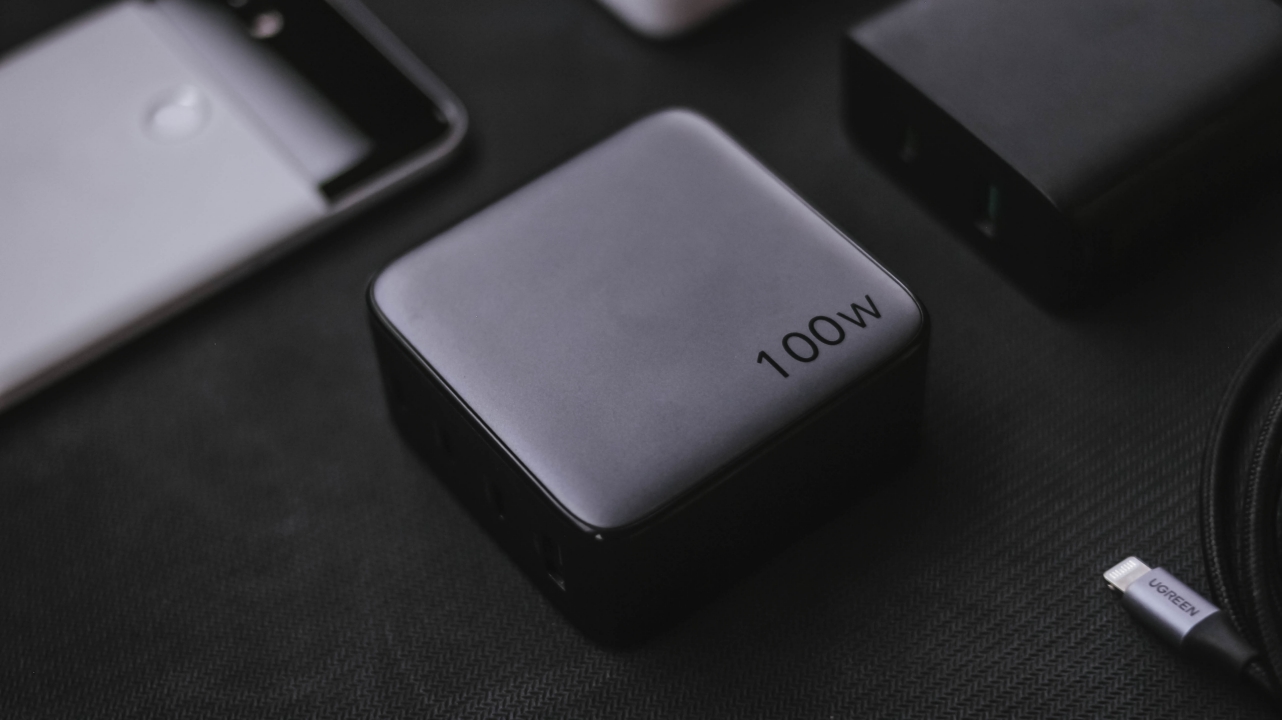
UGREEN 100W GaN Charger (2021)
From then ’til now, it’s still my all-in-one charger for my MacBook Pro, iPhone, and other Android smartphones WITHOUT a bundled charger out of the box 👀.
That accessory is a true marvel for offering more power and ports compared to a regular MacBook charger with a lower wattage and a single USB-C port.

Two years after, I bought their 10,000mAh MagSafe power bank with a dedicated kick stand for my iPhone — all with my hard-earned money. Truth be told, it’s also fast and reliable.
Another year has passed, the Shenzhen-based maker reached out again to us.
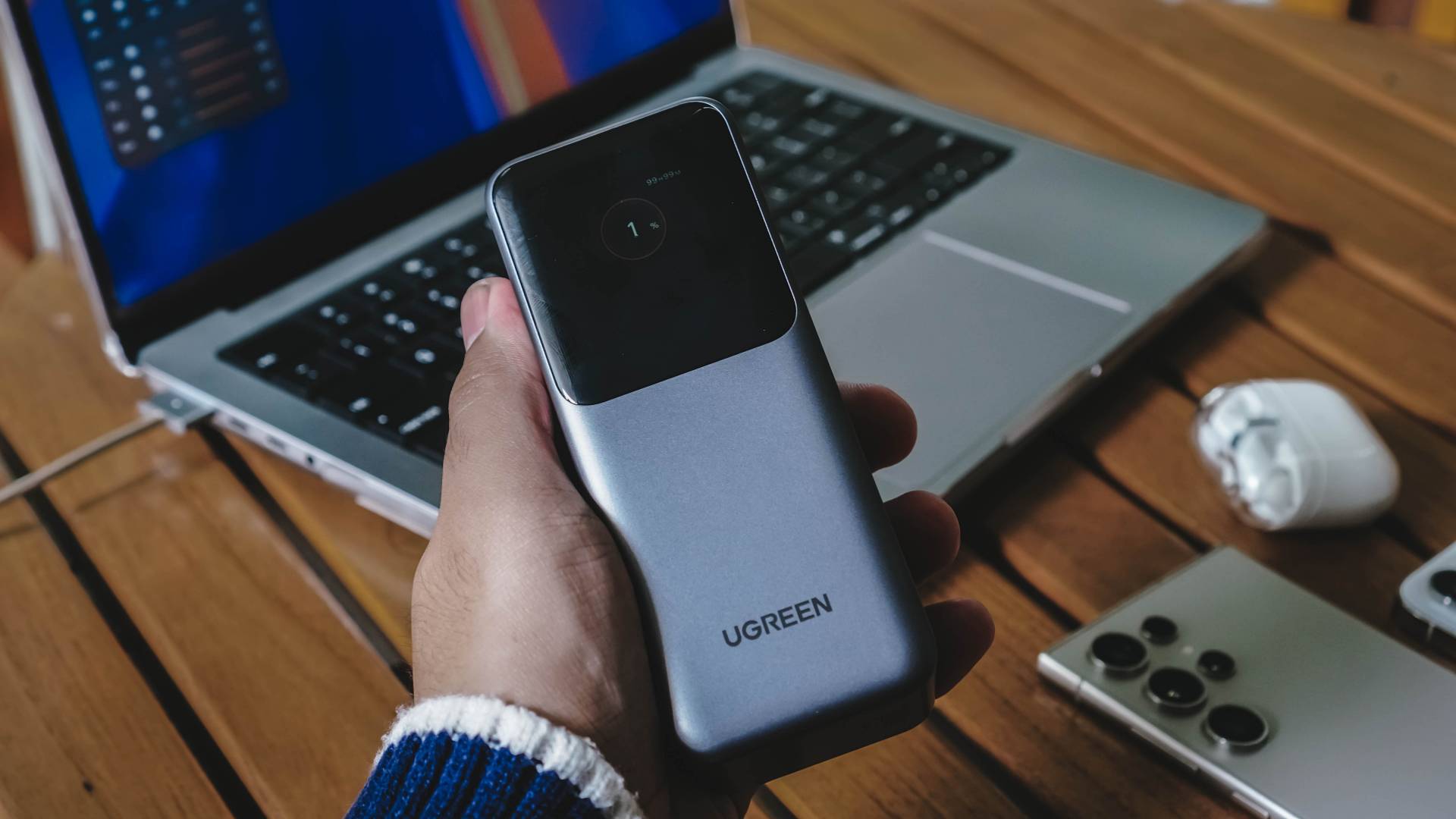
This time, I didn’t hesitate to get my first dibs with their newest offering — the high-capacity Nexode Power Bank.
Unpack that mighty load
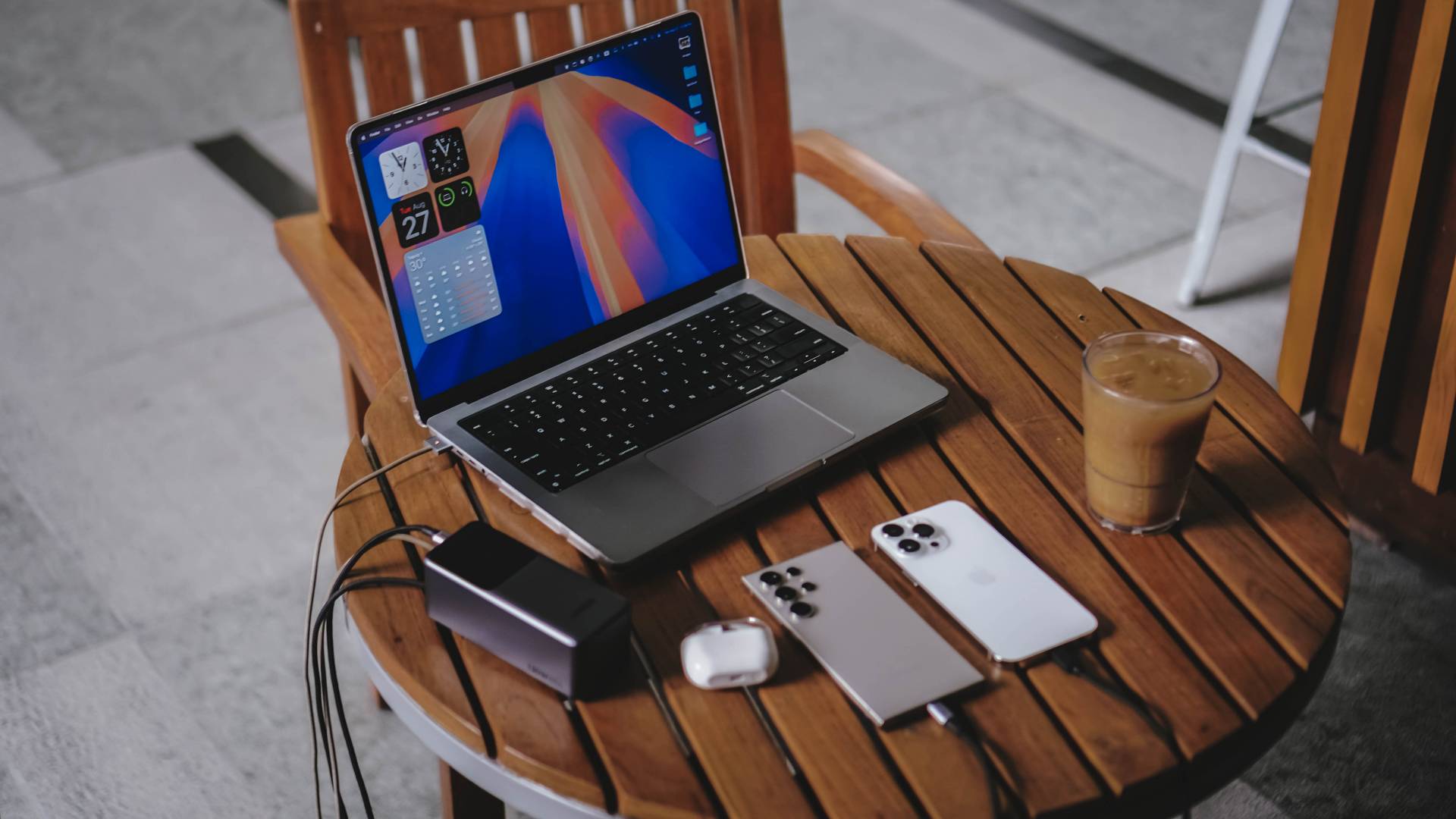
Here’s what to expect when you purchase this massive UGREEN Nexode power bank.
@gadgetmatch This massive 20,000mAh powerbank should be in every traveler’s backpack! 😉 #UGREEN #foryou #foryoupage #fyp #fypシ #fypシ゚viral #fyppppppppppppppppppppppp #foryourpage ♬ original sound – GadgetMatch
Power-Packed
I know, a 20,000mAh battery capacity in a power bank isn’t the most record-breaking thing right now, and I’m not here to brag about that.
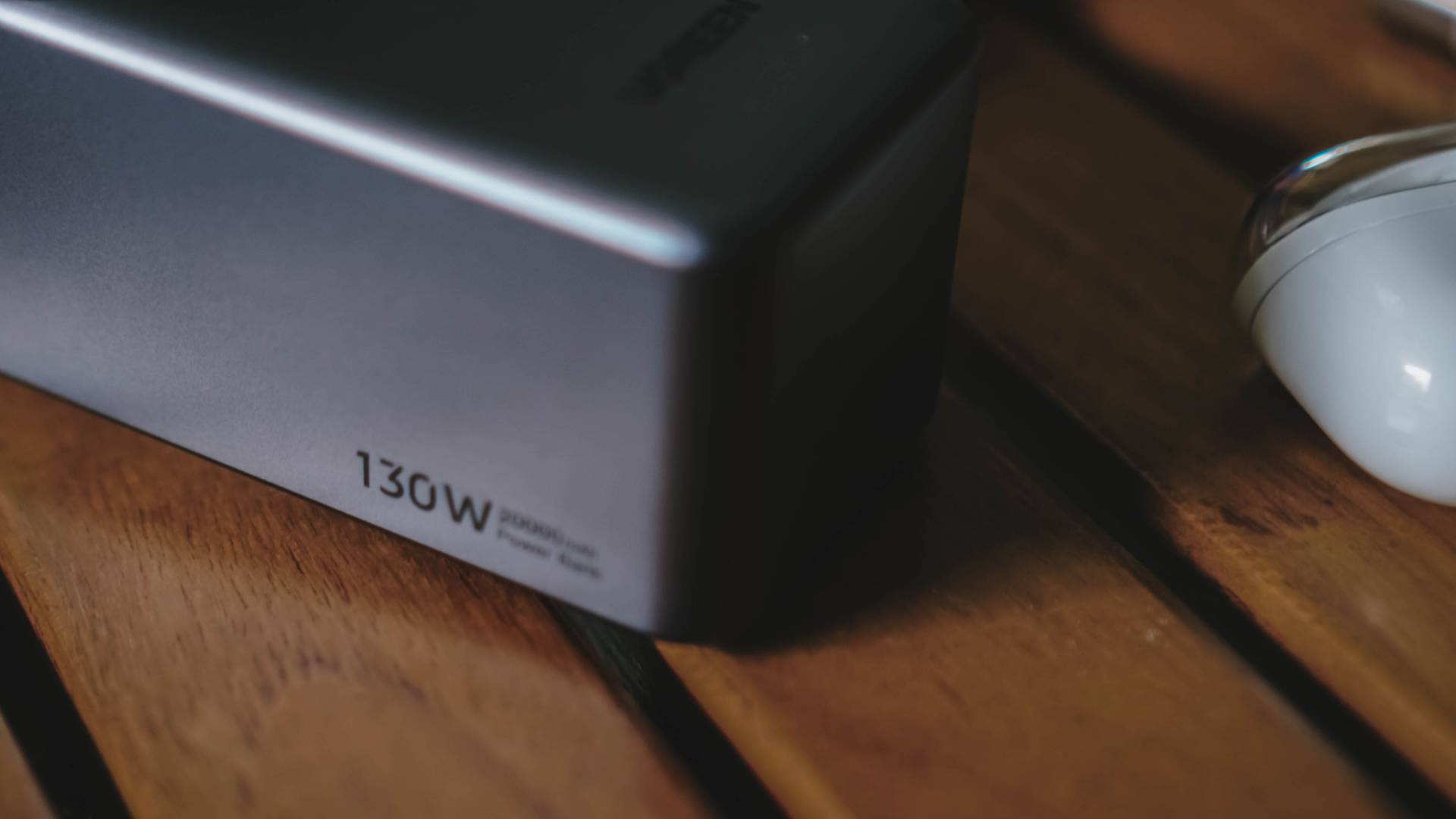
I’m rather stoked with its 130W fast charging capabilities. Most slim and light power banks don’t even reach that peak charging performance.

Just to clear up some confusion, a single port can output up to a 100W. The remaining 30W goes to either the second USB-C port or the conventional and slower USB-A port.
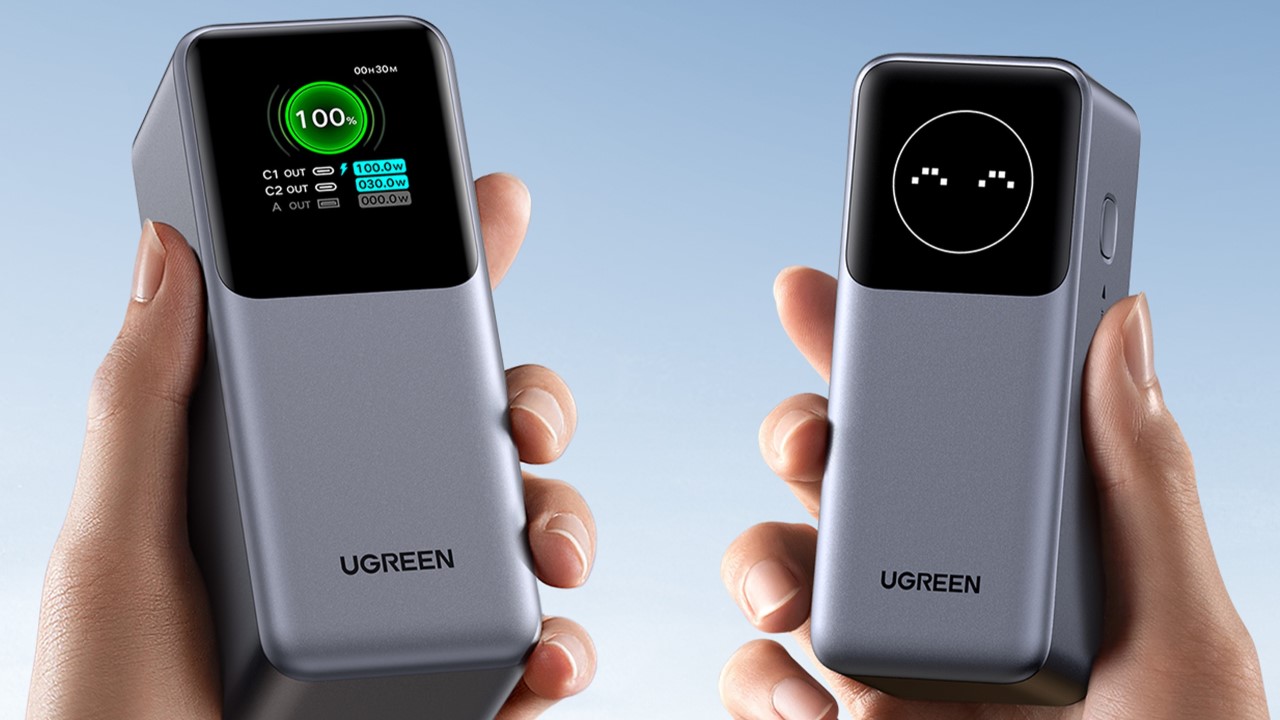
There’s even a larger 25,000mAh power bank variant with a 200W charging support (dual 100W outputs). Of course, it comes with a heavier price tag — much like its physical heft.
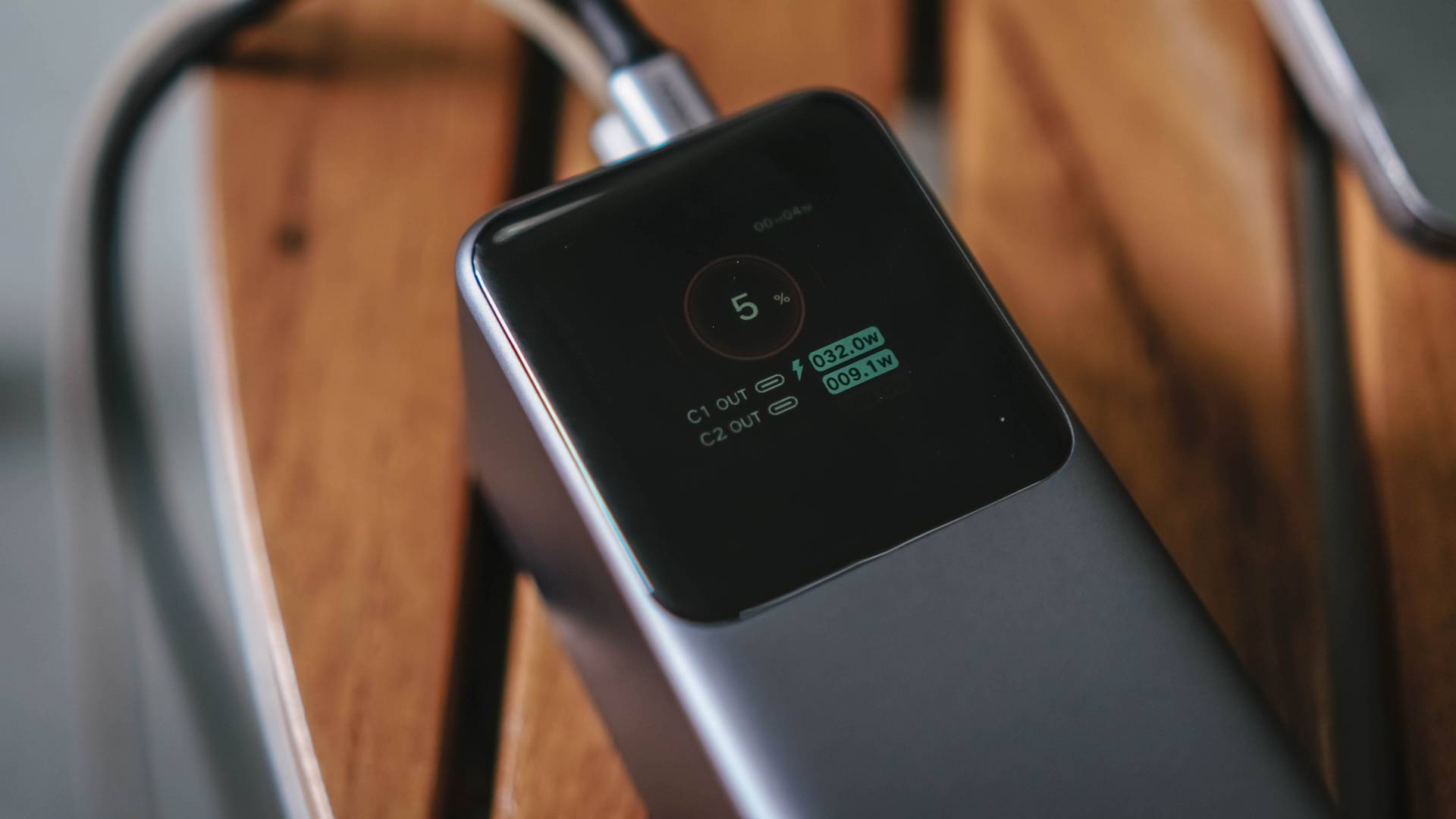
It might be a gimmick for some, but I find its TFT Smart Display useful.
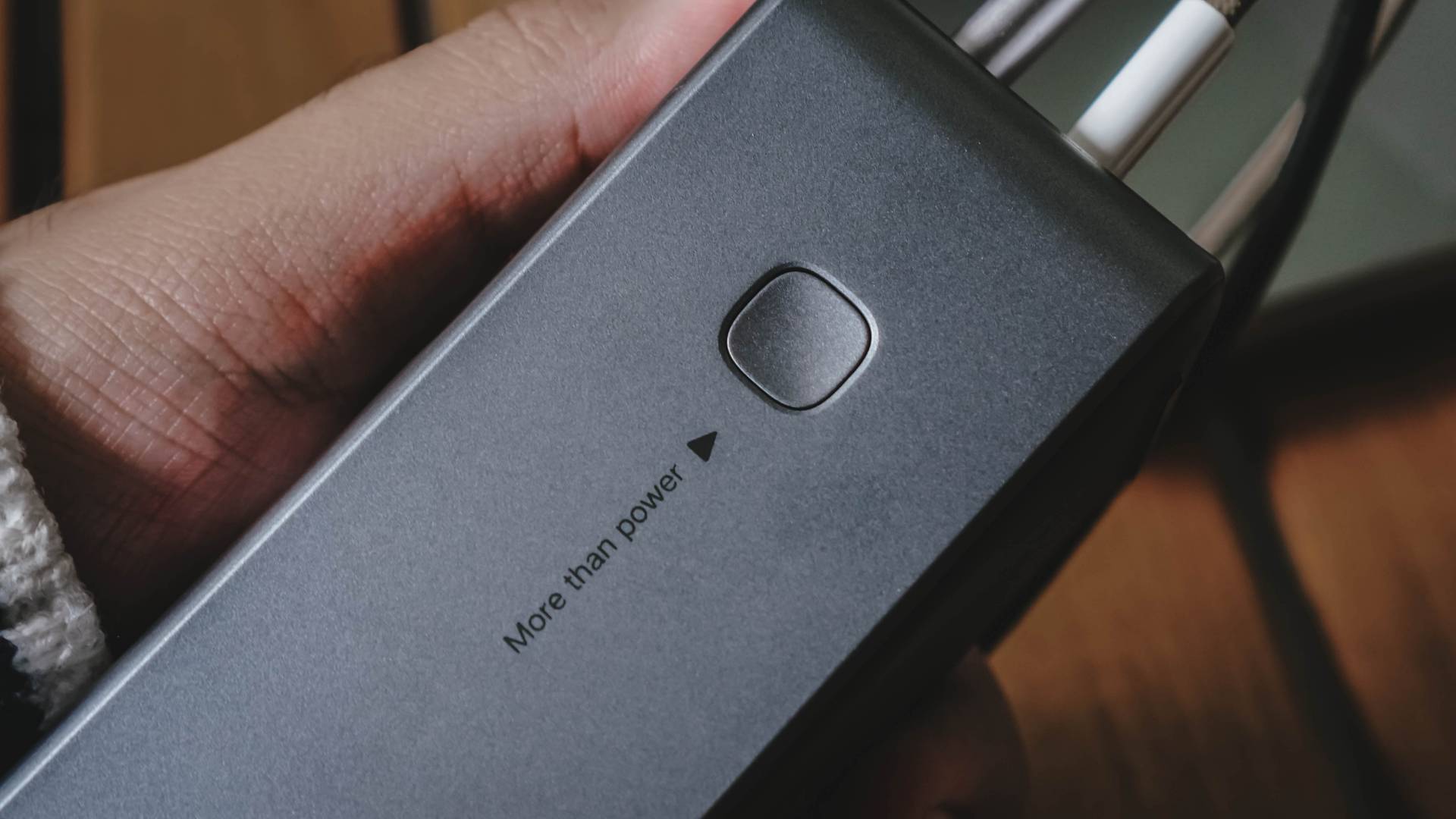
With just a single button click, it displays the necessary information whenever I plug something. This also ensures me that I get the fastest available charging speed for the device I plug in.
Double-pressing that button turns off the power bank to preserve power when not needed.
Socket Savior
If you’re worried that this will be confiscated at the immigration, no worries! This power bank is approved for flights as it passed several airline regulations and safety standards.

That being said, I’m NOT a frequent flyer nor a digital nomad. But I do work out and about from time to time, especially when we do product shoots outside or just too lazy to work in my room.
The most realistic scenario I can give you is when I go to a coffee shop. There are times where every socket has been occupied. This is where UGREEN’s Nexode Power Bank enters the scene.
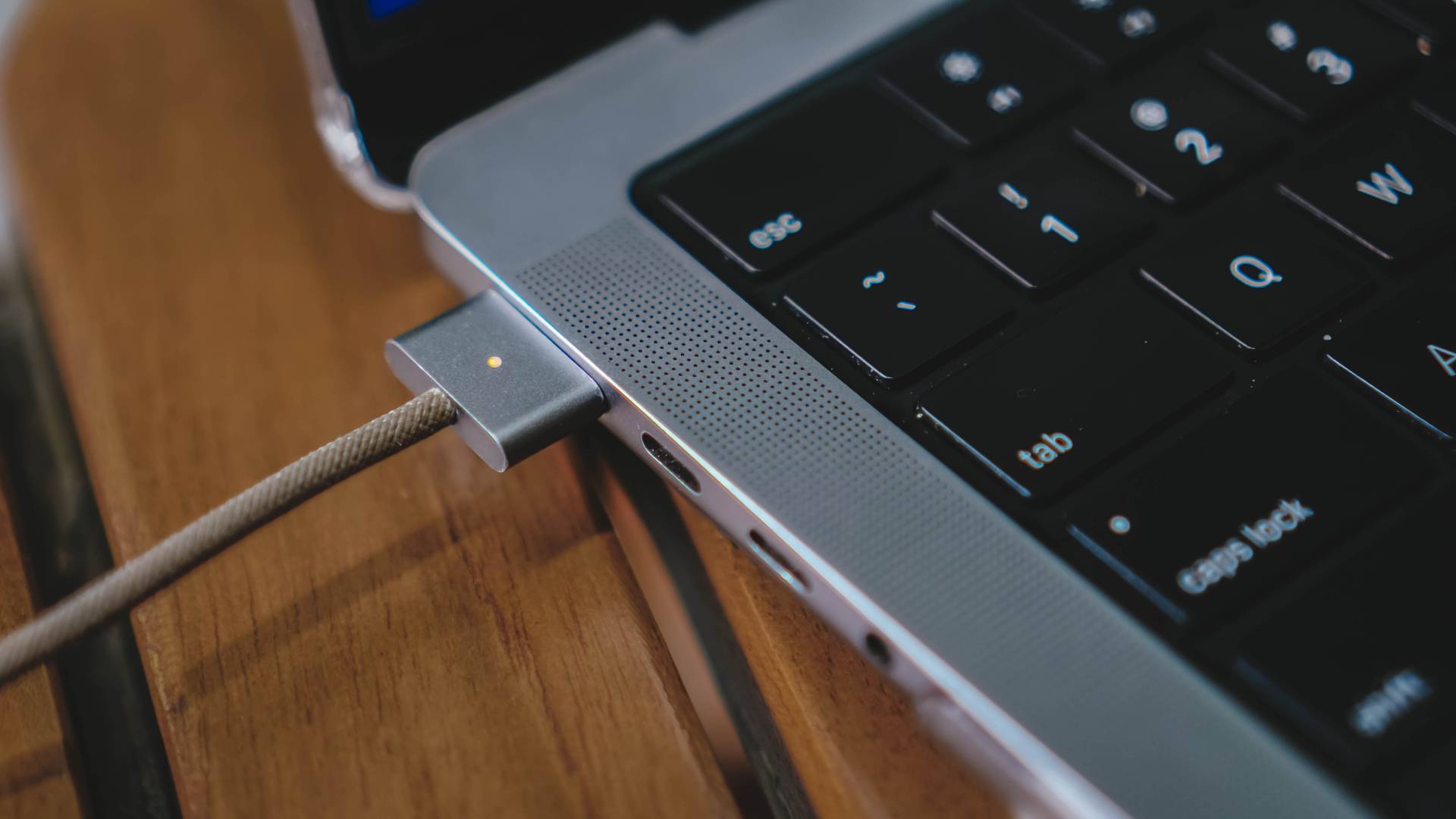
As GadgetMatch’s full-fledged YouTube editor slash Associate Creative Producer since 2019, I do 101% of my creative work using a MacBook.
Admittedly, the new company-issued 14-inch M2 Max MacBook Pro I use lasts for about 4 to 5 hours when video editing (Final Cut Pro), doing graphics (Photoshop), and post-processing photos (Lightroom).
With all the work entailed, it’s just not enough.

Thankfully, this has been my savior in desperate times where I needed to fill up in a socket-less establishment. Albeit, the power bank runs out just before hitting the 80~85% mark, depending on what cable you use.
Check out my detailed Charge Test below:
| Apple MagSafe 3 to USB-C Cable | UGREEN USB-C to USB-C Cable | |
| START TIME from 1% | 7:25PM | 12:06PM |
| 1 minute | 2% | 1% |
| 3 minutes | 6% | 5% |
| 5 minutes | 9% | 7% |
| 10 minutes | 17% | 15% |
| 15 minutes | 28% | 24% |
| 20 minutes | 35% | 32% |
| 30 minutes | 52% | 52% |
| 45 minutes | 74% | 67% |
| 50 minutes | 79% | 72% |
| 56 minutes | 84% | 76% |
| 1 hour | — | — |
| END TIME | 8:21PM | 1:01PM |
If this has been the case for my 14-incher, don’t expect the 20,000mAh to fully fill your bigger 16-inch Mac or any other Windows laptops with ginormous batteries.
Seamless Compatibility
As for other devices such as iPhones and Android smartphones, it does the job well, too.
The recent TECNO smartphone I’ve reviewed with a massive 5000mAh battery was able to get charged (as expected), but only with a limited charging speed.
ICYMI, that phone supports up to 70W but plugging UGREEN’s USB-C to USB-C cable via the power bank’s 100W USB-C port only gave it a reading of 33.8W.
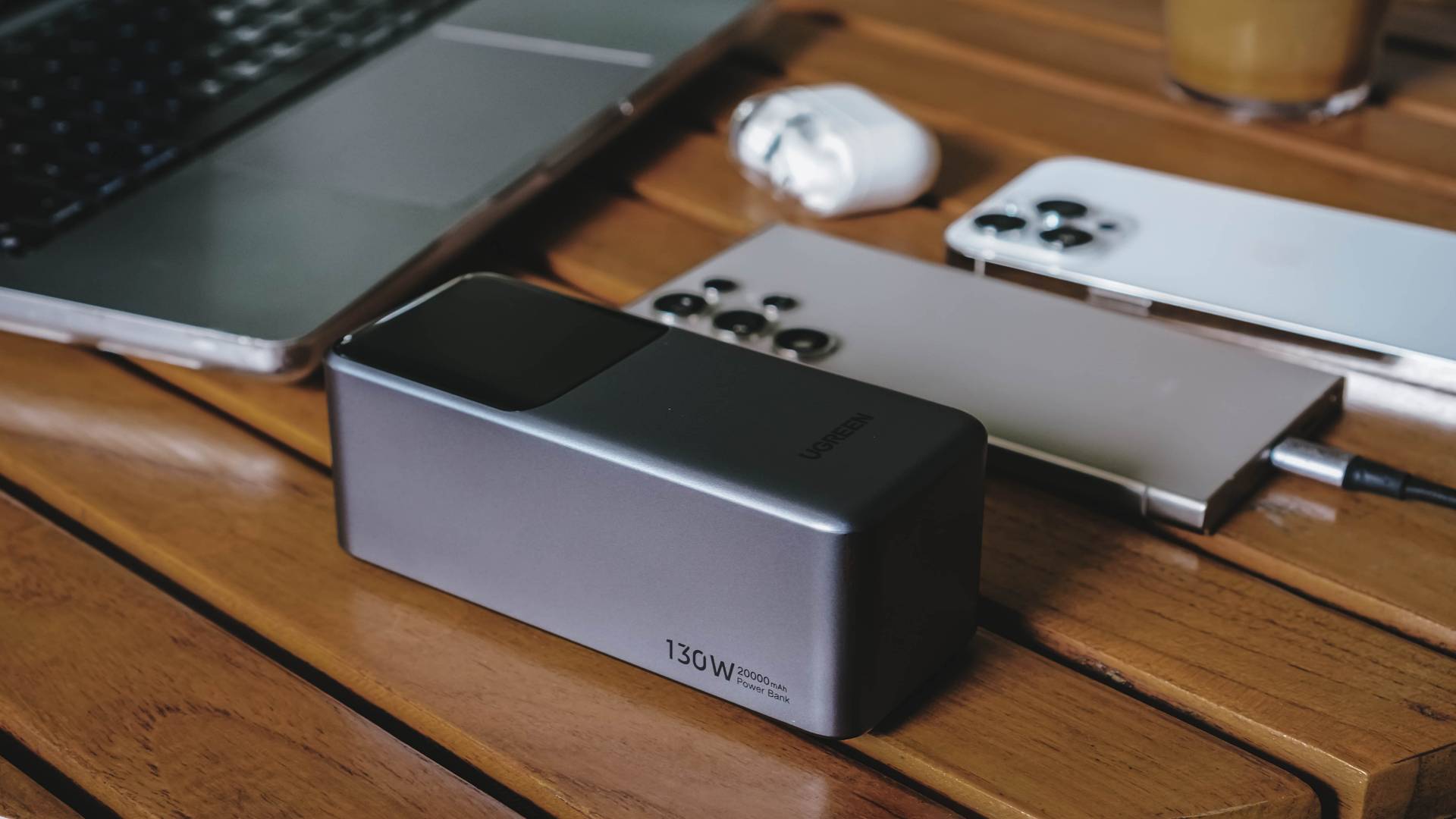
The case was different with the Samsung Galaxy S24 Ultra I also have.
Despite only capping at 45W fast charging, UGREEN’s Nexode power bank was able to display “Super Fast Charging 2.0” charging output thanks to its newer USB-C PD (Power Delivery) 3.1 protocol.
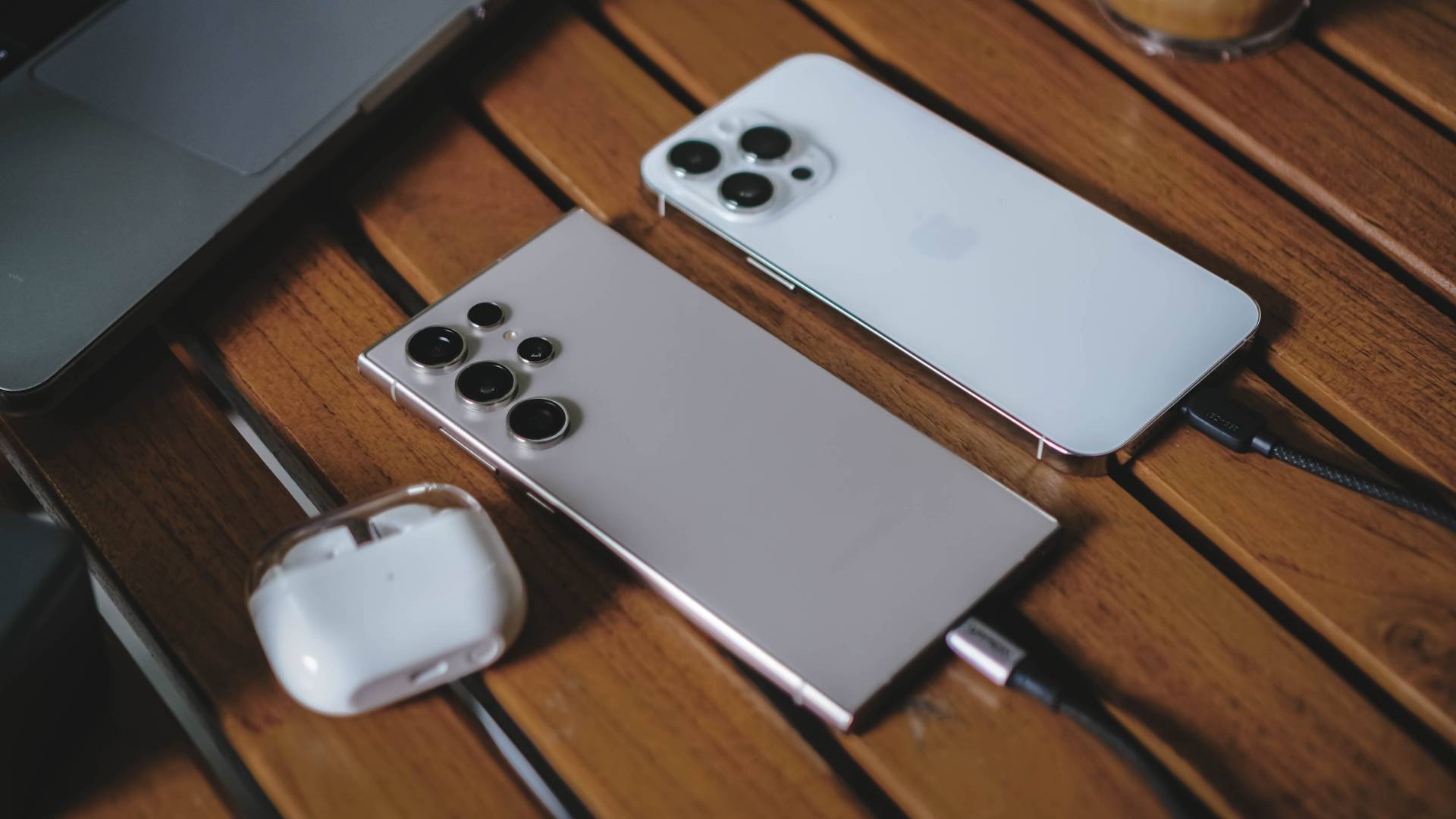
For added real-life use-case, I also tried charging my daily driver for two years now — Apple’s iPhone 13 Pro Max.
Using a speedy USB-C to Lightning connector, it was able to fully-charge the phone fast from 20% all the way to 100% in under 70 minutes. It’s the same charging duration when I hook it up using the UGREEN GaN charger aforementioned.
Coincidental or not, it also only consumed around 20% of the power bank’s power (from 97% down to 76%).

This power bank isn’t just limited to the MacBook and smartphones I’ve plugged in. It can also be used to charge more devices such as iPads / tablets, mirrorless or action cameras, as well as portable gaming consoles like the Nintendo Switch or Steam Deck. Heck! Even a camping lantern.
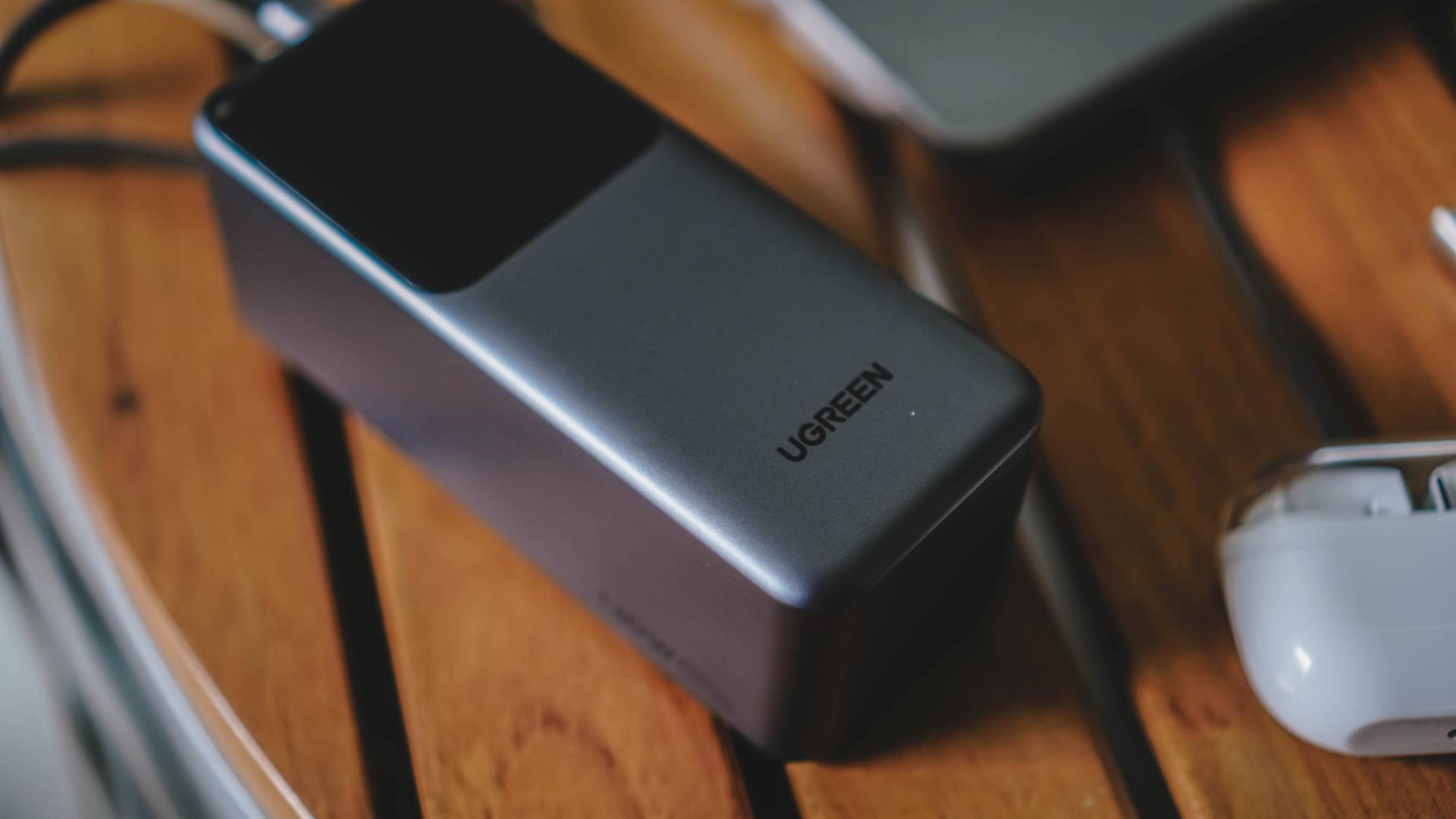
Lastly, low-current devices such as wireless bluetooth head/earphones and smartwatches use trickle mode so the power bank doesn’t use its full potential when charging such small products.
Speedy for its size
Now that I’ve drained the power bank, it’s time to talk about how slow or fast it takes to fill the tank to its full extent.
I wouldn’t talk too much and let the results speak for themselves.
| UGREEN 100W GaN Charger + UGREEN USB-C to USB-C cable |
UGREEN 100W GaN Charger + Adam Elements 240W USB-C to USB-C cable |
Xiaomi 120W GaN Charger + USB-C to USB-A 6A cable |
|
| START TIME from 0% | 10:25PM August 28, 2024 Wednesday |
10:19PM August 31, 2024 Saturday |
9:58PM September 2, 2024 Monday |
| 3 minutes | 2% | 4% | 4% |
| 5 minutes | 5% | 6% | 7% |
| 10 minutes | 14% | 13% | 14% |
| 15 minutes | 19% | 18% | 22% |
| 30 minutes | 36% | 27% | 38% |
| 45 minutes | 45% | 36% | 48% |
| 1 hour | 53% | 45% | 57% |
| 1 hour 15 minutes | 61% | 53% | 62% |
| 1 hour 30 minutes | 74% | 63% | 73% |
| 1 hour 45 minutes | 82% | 70% | 82% |
| 2 hours | 95% | 78% | 93% |
| 2 hours 10 minutes | 100% | 83% | 100% |
| 2 hours 20 minutes | — | 98% | — |
| END TIME | 12:43AM | 12:45PM 2 hours 25 minutes |
11:08PM |
| Highest Wattage | 44W | 56.7W | 63.4W |
| Lowest Wattage | 27.3W | 25.2W | 25.4W |
Overall, it’s safe to say you need more than two hours to fully charge the UGREEN Nexode 20,000mAh 130W Power Bank. That’s considering you use the fastest adapter and cable combo possible.
Pocket-Friendly
I’m not trying to say this power bank is “friendly” when you insert it in your pockets. Its obvious depth and heft say otherwise.
The good thing about the newest Nexode 130W 20,000mAh power bank from UGREEN is that, they come with a pretty wallet-friendly price. That’s with the consideration of its high-capacity tank and fast charging capabilities housed in an enclosure that’s not plasticky, but solidly built.
With a retail price of just US$ 99.99 / PhP 3399, it’s cheaper than its closest competitor priced at US$ 129.99 / PhP 7299.
Of course, this isn’t for everybody. There are a plethora of slimmer and smaller power banks out there.
But if you consider yourself a traveler, a digital nomad, or a remote worker like me with flexi time and who’s always in a desperate need of a power outlet whenever working outside, this power bank can save you from those truly mortifying moments.





Accessories
Hollyland announces LARK M3 for multi-camera, multi-person setups
Scalable wireless audio system configurable up to 4 transmitters, 4 receivers

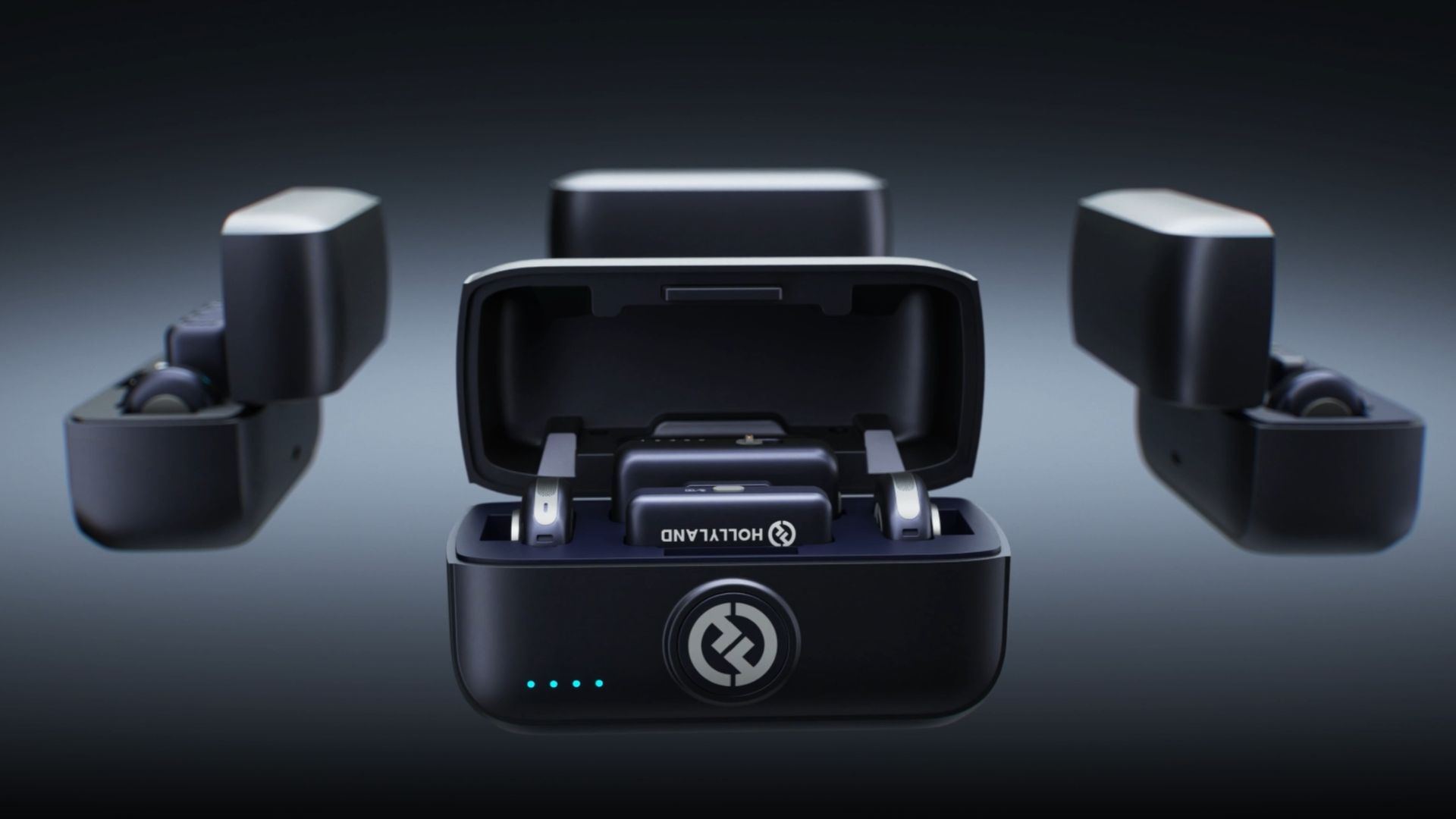
Hollyland has announced the LARK M3, a flexible and scalable wireless audio system designed for multi-camera, multi-person productions.
Rather than functioning as a single wireless microphone, the LARK M3 can be a one-to-many or many-to-one audio system.
This way, it can capture group interviews, podcasts, multi-person content, and multi-camera shoots with a setup that easily adapts to the number of people and devices involved.
At the core of LARK M3 is its multi-transmitter and multi-receiver architecture. Up to four transmitters can connect to a single receiver. Each person can wear their own mic and be recorded independently.
Conversely, one transmitter can connect to up to four receivers simultaneously. A single speaker’s voice can be captured by multiple cameras or smartphones at once.
That flexibility extends into post-production through four-track independent recording. When paired with the hot shoe adapter, or by connecting a USB-C or Camera receiver to a computer, LARK M3 delivers four isolated audio tracks. This gives editors full control to adjust each speaker’s volume and sound separately.
Ultra-portable professional-grade audio
The LARK M3 pairs studio-level specs with an easy-to-use design. It can record at 48kHz/32-bit with a 70dB signal-to-noise ratio and 125dB max SPL.
The system uses Hollyland’s Hollyland’s proprietary HDT wireless technology to move audio data 50% faster for richer, clearer sound over distances of up to 300m.
AI noise cancellation can suppress wind, traffic, running water, and other background noise across three adjustable levels.
Custom voice tuning provides one-tap vocal enhancement for all transmitters, along with eight vocal presets. Each preset can be customized in the app as well.
Auto-Limit Clip Protection keeps volume levels stable across dynamic ranges, while a Primary/Secondary receiver setup is designed to prevent recording interruptions, meaning if the Primary RX drops out, a Secondary RX instantly takes over.
Accessories
Lisa x PlayStation: DualSense Lisa Limited Edition arrives this October
Available in limited quantities this October; pre-orders start soon

Sony has unveiled its latest collaboration with global pop superstar Lisa, in the form of the new DualSense wireless controller – Lisa Limited Edition.
The controller was designed by the singer herself. And fans won’t have to look far to find Lisa in the details. Parties worked closely together to incorporate elements that held personal meaning for her.
Her iconic bangs and eyes take center stage on the DualSense wireless controller touch pad. These are joined by her signature stars and bold “LL” lettering, all set against a Chroma Pearl colorway – Lisa’s personal favorite.
The Southeast Asian market can look forward to the release of the DualSense wireless controller – Lisa Limited Edition starting October 30th at participating resellers.
Of course, the controller will come in very limited quantities, for the following retail prices:
- SG$ 115
- MYR 419
- IDR 1,549,000
- THB 2,890
- PhP 5,411
- VND 2,399,000
Pre-orders begin on October 2, while supplies last. The release coincides with Lisa’s upcoming new EP, Press Play, which comes out on October 23.
Accessories
70mai launches the A900 series with 4K front, rear recording
Two new 4K dual-channel dash cams, both with 4G

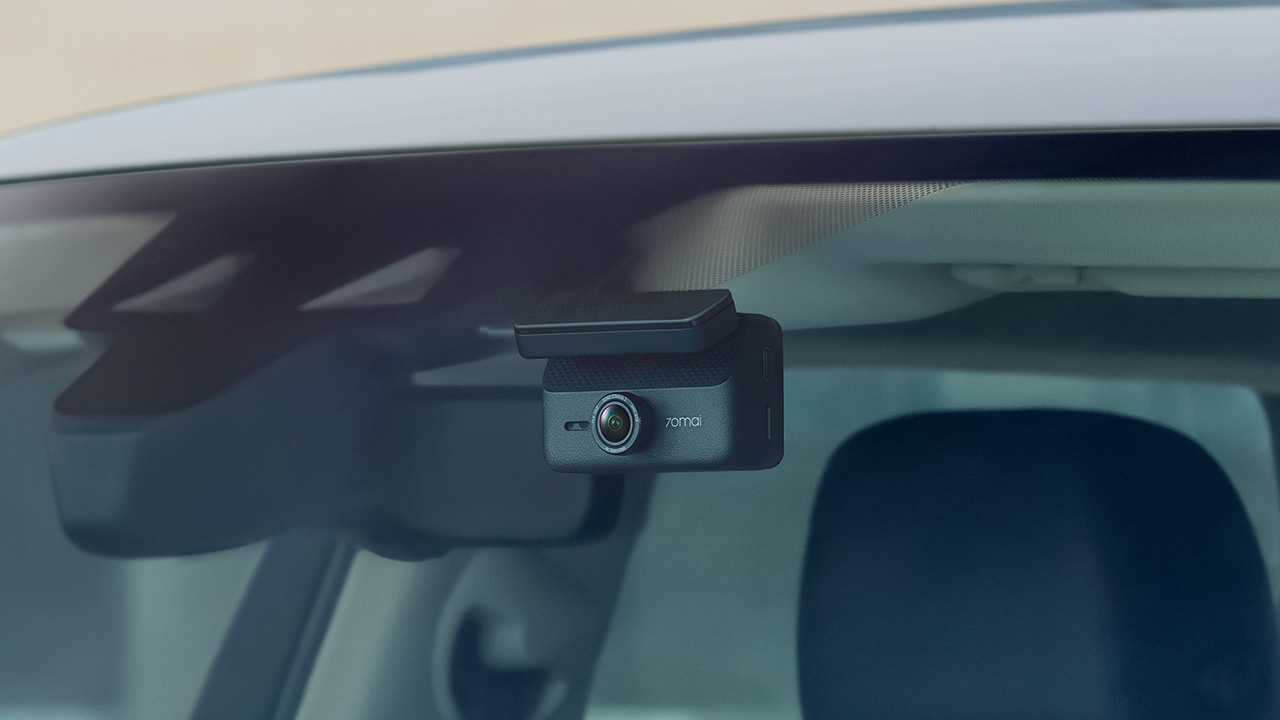
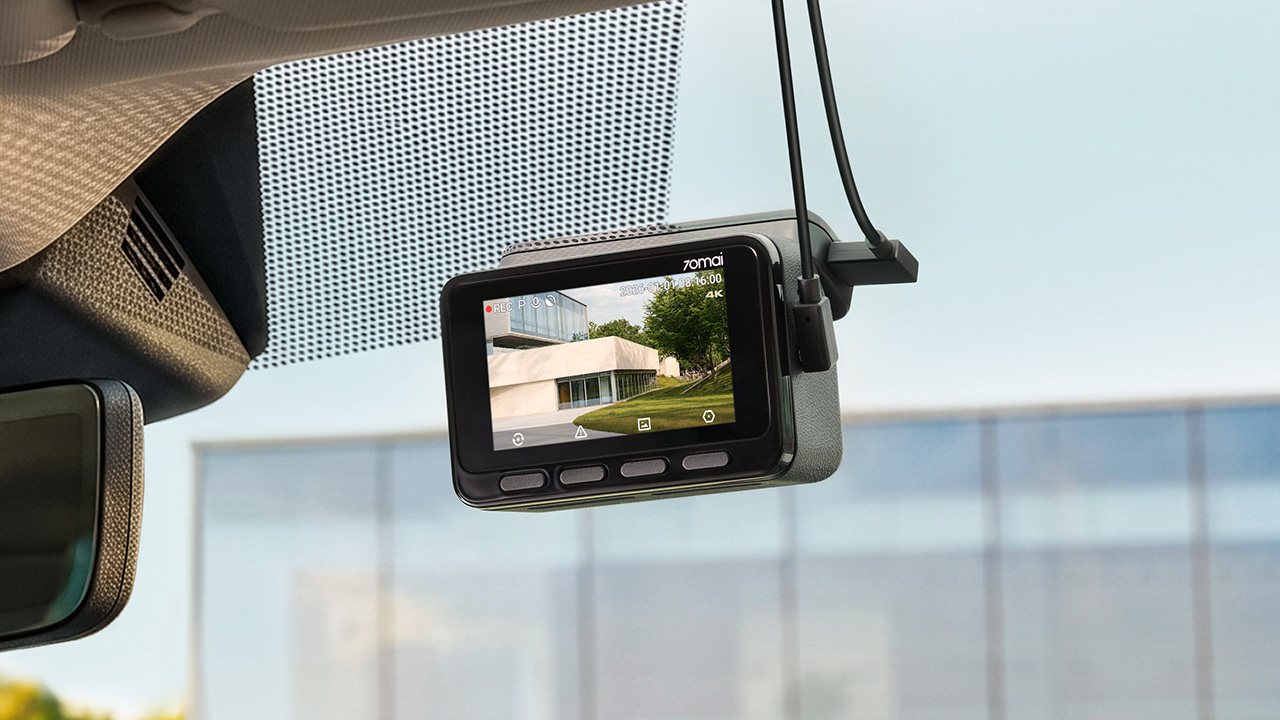
70mai has launched the A900 Series, led by the flagship 70mai Dash Cam 4K A900 Ultra, with the 70mai Dash Cam 4K A900 joining it in the lineup.
Both models record in 4K from the front and rear cameras, and both support 4G, so your footage stays reachable from your phone even when you’re away from the car.
4K recording from both cameras
The A900 Ultra uses dual Sony STARVIS 2 IMX678 sensors to capture clear 4K footage from both directions. As a result, details like license plates and road signs remain sharp.
Smart HDR balances bright and dark areas under shifting light. Users can also adjust color tones and contrast. To keep feeds synced, the rear camera uses LVDS digital transmission. This tech sends a lossless 4K feed with just 20ms of latency.
Handling changing light
Driving into a tunnel or under the shadow of a tall building changes the lighting quickly, and 70mai built three imaging technologies into the A900 Ultra to deal with it.
MaiColor Vivid+ Solution 2.0 is meant to give more natural colors and finer detail, along with smarter scene adaptation. Night Owl Vision 2.0 reduces noise and glare to help with nighttime clarity.
Lumi Vision is made for parking surveillance in near-total darkness, where it automatically adjusts exposure and gain and applies noise reduction. 70mai says this produces clear, full-color footage in extremely low light.
Parking mode and remote access
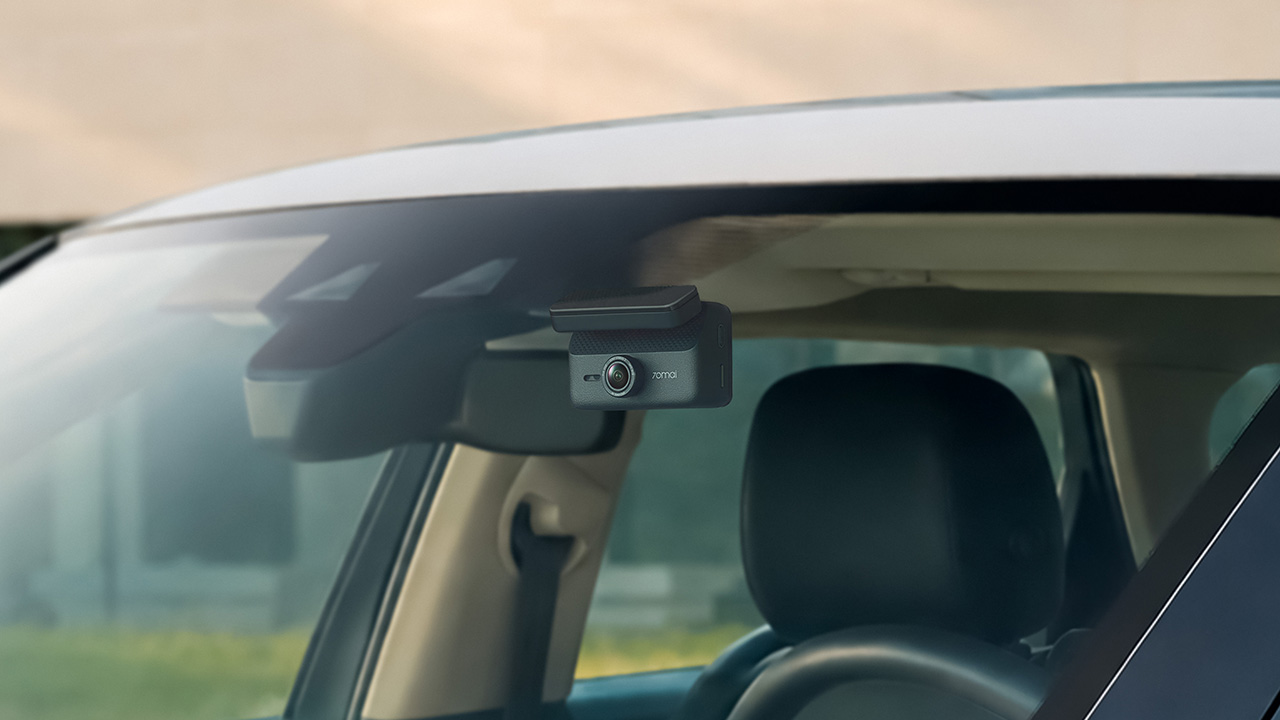
Smart Parking Guardian Mode 2.0 protects your vehicle while parked. It combines AI motion detection, dual-channel collision detection with pre-recording, and time-lapse options.
The system draws just 5mA on standby to prevent battery drain. For extended coverage, the optional 70mai Battery Pack Mini powers surveillance for up to 30 days.
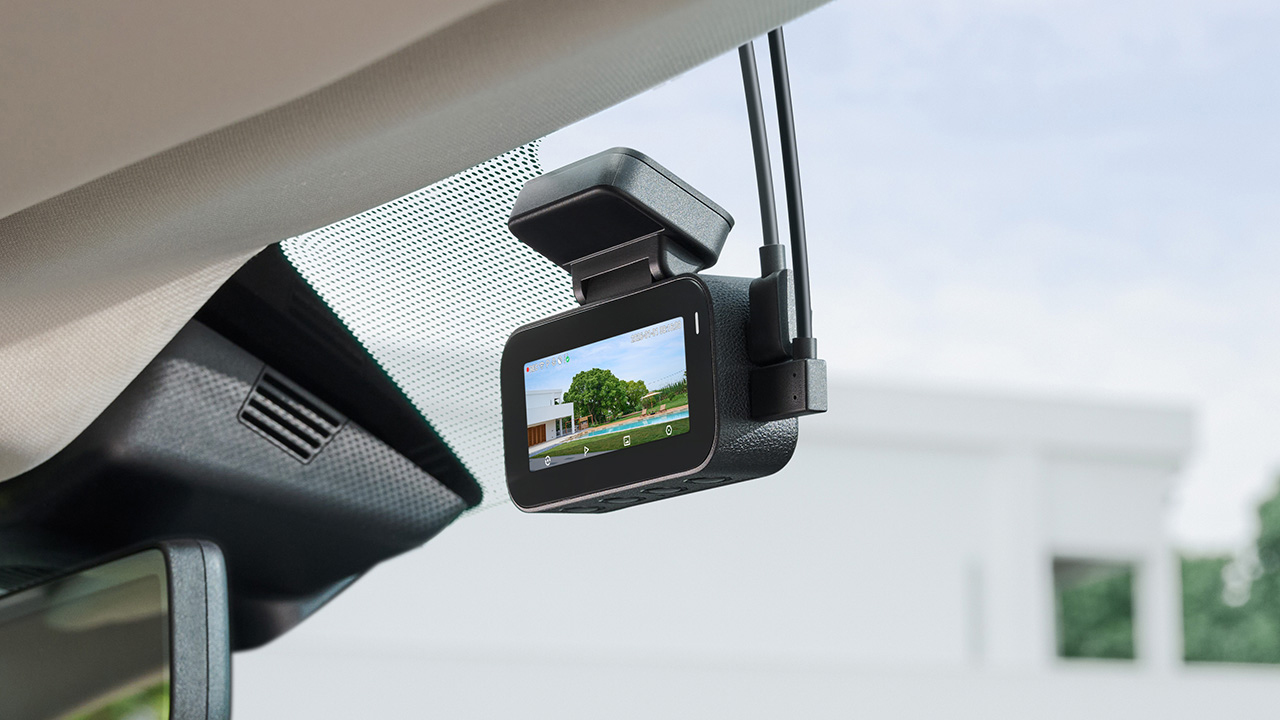
In photo: A900
Pairing the camera with the 4G Hardwire Kit unlocks 70mai 4G Cloud+ 2.0 features on the app. Enhanced Buffered Emergency Recording saves up to 190 seconds before an incident and 30 seconds after.
It automatically uploads this footage to the cloud for immediate remote viewing.
The 70mai Dash Cam 4K A900
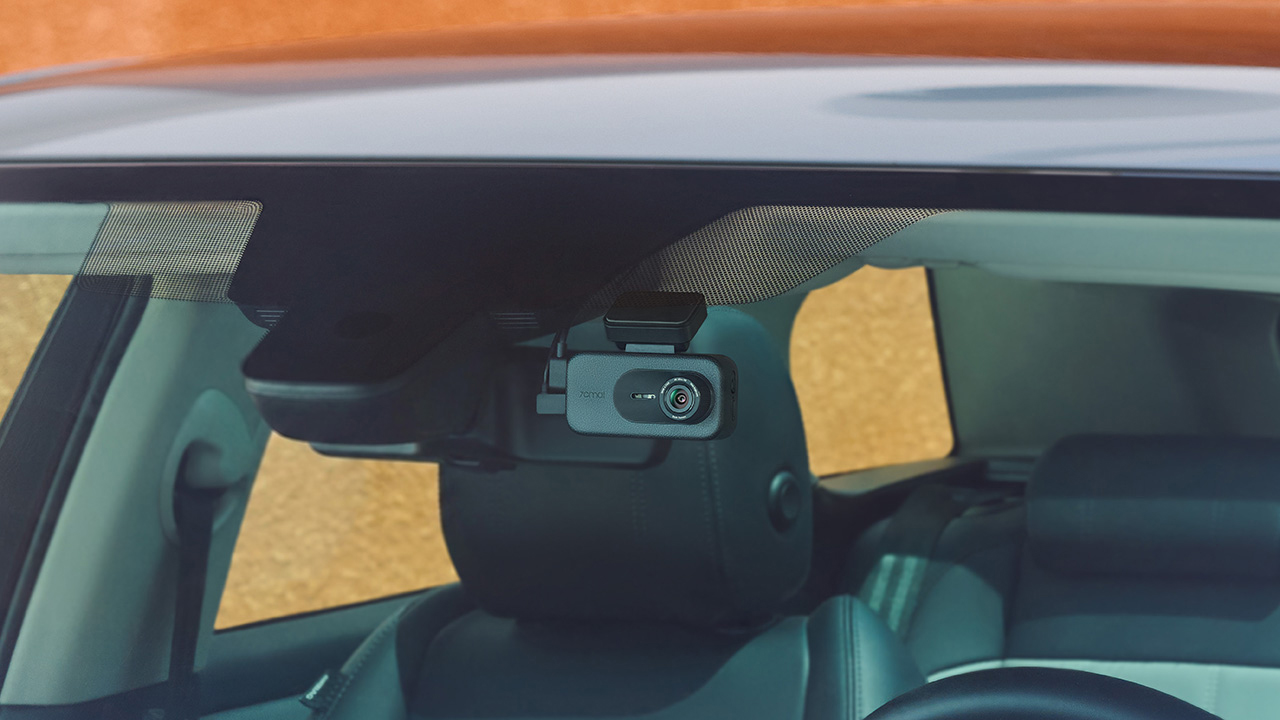
In photo: A900
The A900 sits alongside the Ultra as the more accessible option. It records True 4K HDR at 30FPS from both the front and rear cameras, and Smart HDR can be scheduled to turn on at set times.
Its f/1.55 aperture is meant to help in low light, and 4G Cloud+ 2.0 keeps the dash cam connected to the 70mai App. It’s the model for drivers who want dual-channel recording and 4G connectivity at a lower price.
The 70mai Dash Cam 4K A900 Ultra retails for US$ 300, available for pre-order at US$ 240. Meanwhile, the A900 is priced at US$ 200, currently 20% off at US$ 170.


Now Playing: ACE Combat 8: Wings of Theve
A refreshing change of pace

TECNO POVA 8 Pro Tonino Lamborghini review
Truly a rare gem in 2026


DJI Lito X1 review: Is this the best lightweight drone for creators?
Making a strong case as a travel companion and a capable B-cam!

HUAWEI WATCH GT 7 Pro: What’s actually under the hood?

HONOR Magic9 Pro Max launches in China with ARRI-powered imaging

TECNO and Angélica Dass visit the Philippines next for its grand portrait project

BYD says that way better EV batteries are coming next year

Globe records fastest average download speed of 2026 in August

HUAWEI Pura X View is 2026’s first WIDE slab-type smartphone

The CAMON Slim 5G is TECNO’s latest ultra-slim smartphone

iPhone 18 Pro series: Price, availability in the Philippines

DJI Osmo 360 II review: Going all-in on the ecosystem

iPhone 18 Pro series: Price, availability in Singapore


-

 News1 week ago
vivo X500 Series launches with major imaging upgrades
-

 News7 days ago
OPPO Find X10 Pro Max is the first phone with a triple 200MP camera system
-

 Reviews2 weeks ago
REDMI Note 17 Pro Max review: A new breed born from AI greed
-

 Singapore1 week ago
Epson Lifestudio Grand Plus EH-LS970B with 4K projection, more launches
-
Drones2 weeks ago
DJI Lito X1 review: Is this the best lightweight drone for creators?
-

 News1 week ago
vivo introduces OriginOS 7 with smarter multitasking and AI features
-
 Philippines2 weeks ago
REDMI NOTE 17 Series: Price, availability in the Philippines
-

 Gaming2 weeks ago
Valve unveils price of the Steam Frame