
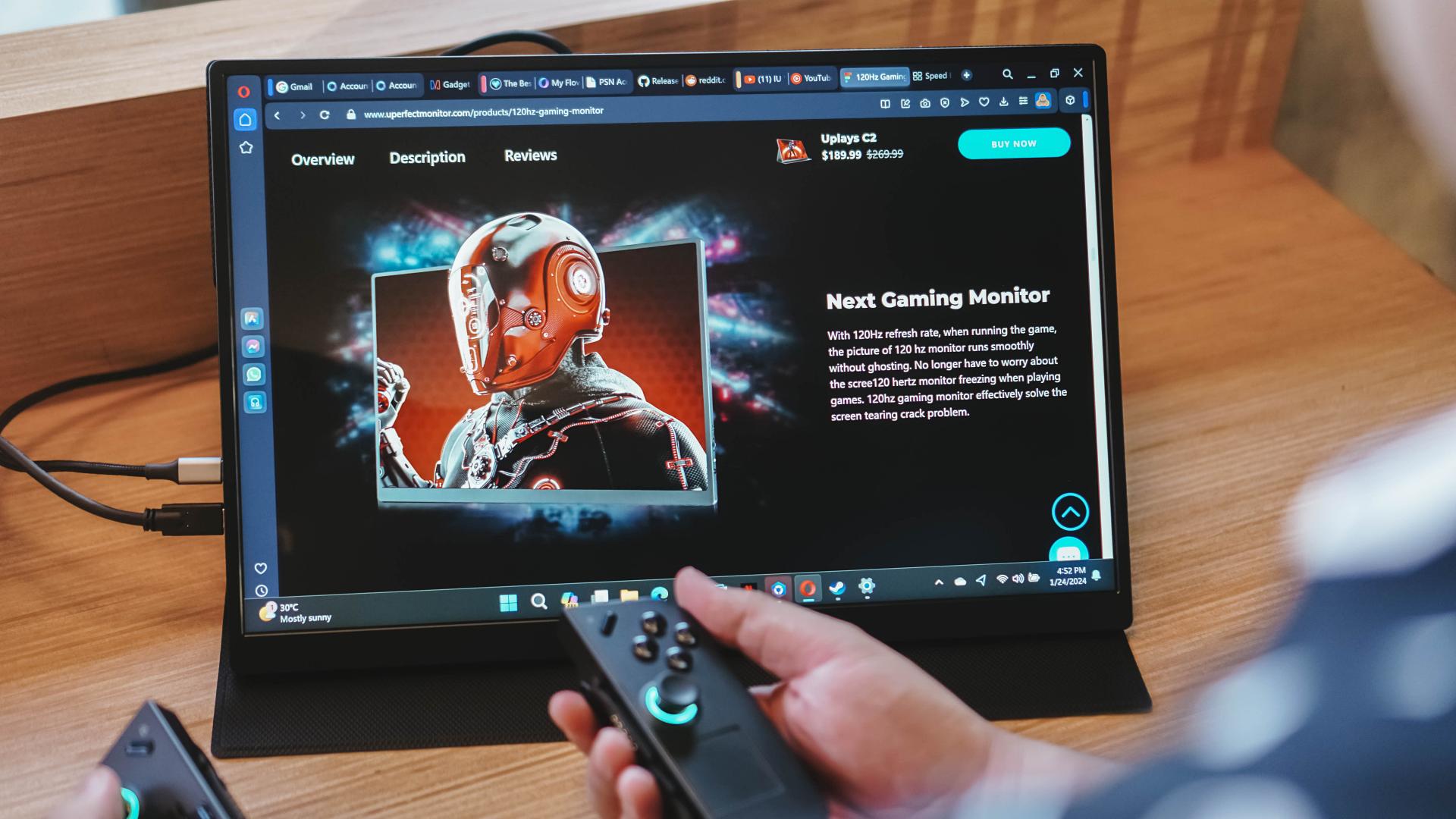
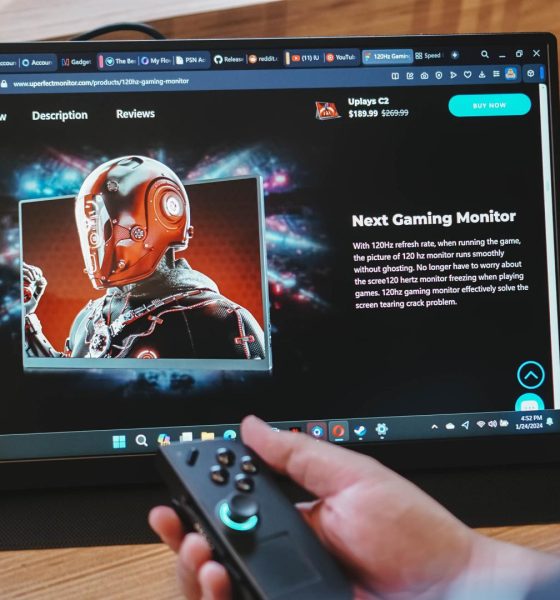

Around a couple of years ago, before any of the mainstream gaming handhelds were a thing, I needed a way to comfortably play on PlayStation 5 (PS5) while spending time at my childhood home for the holidays. To that end, I got myself a UPerfect portable monitor. Nothing fancy. Just something 1080P. That had unfortunately stopped working over the recent holidays. So, I decided to upgrade to the UPerfect UPlays C2 and it’s been great so far.
When I reached out to UPerfect, I wasn’t exactly sure what display to get. They recommended the UPlays C2. They said it’s their best-selling portable monitor for gaming. And after spending some time with it, I can see why.
The UPlays C2 is a 16-inch, 120Hz monitor with a QHD (2560 x 1600) screen. It’s an IPS panel with support for high refresh rate and HDR to make your content pop.
Here are the specs by the numbers:
- Refresh Rate – 120Hz
- Response Time – 9ms
- Screen Size – 16”
- Resolution – 2560 x 1600 (QHD)
- Display Ratio – 16:10
- Viewing Angle – 178°
- Panel Type – IPS
- Contrast Ratio – 1200:1
- Brightness – 400 cd/m²
- Color Gamut – 100% sRGB
- Color Depth – 16.7M(8bit)
It looks like your standard fare monitor at first, but the experience outweighs what’s on paper.
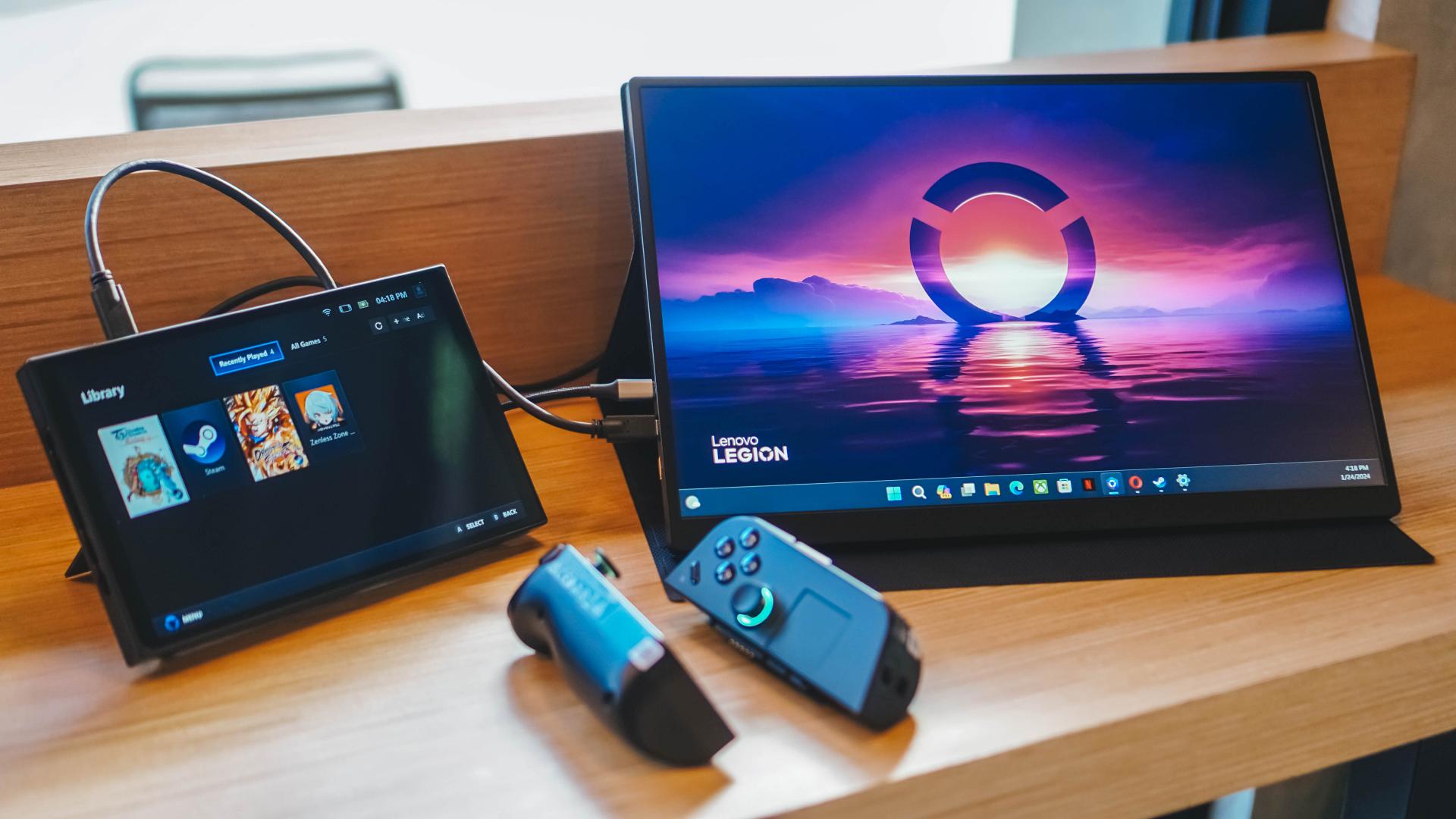
Note: In the interest of my personal convenience, the photos on this article will solely be of the UPlays C2 paired with the Legion Go. However, we also tested the device with the PS5, ROG Ally, and an M1 MacBook Pro.
Plug and play

Again, as a proponent of convenience, I absolutely love it when things just work. And that’s the case with the UPlays C2. Everything I need is right inside the box: The portable monitor, one (1) smart cover, two (2) USB-C to UBS-C cables, one (1) mini HDMI to HDMI Cable, one (1) power adapter, and the manual.
Just with all these inclusions, I was already able to use the monitor with all the other devices mentioned above.
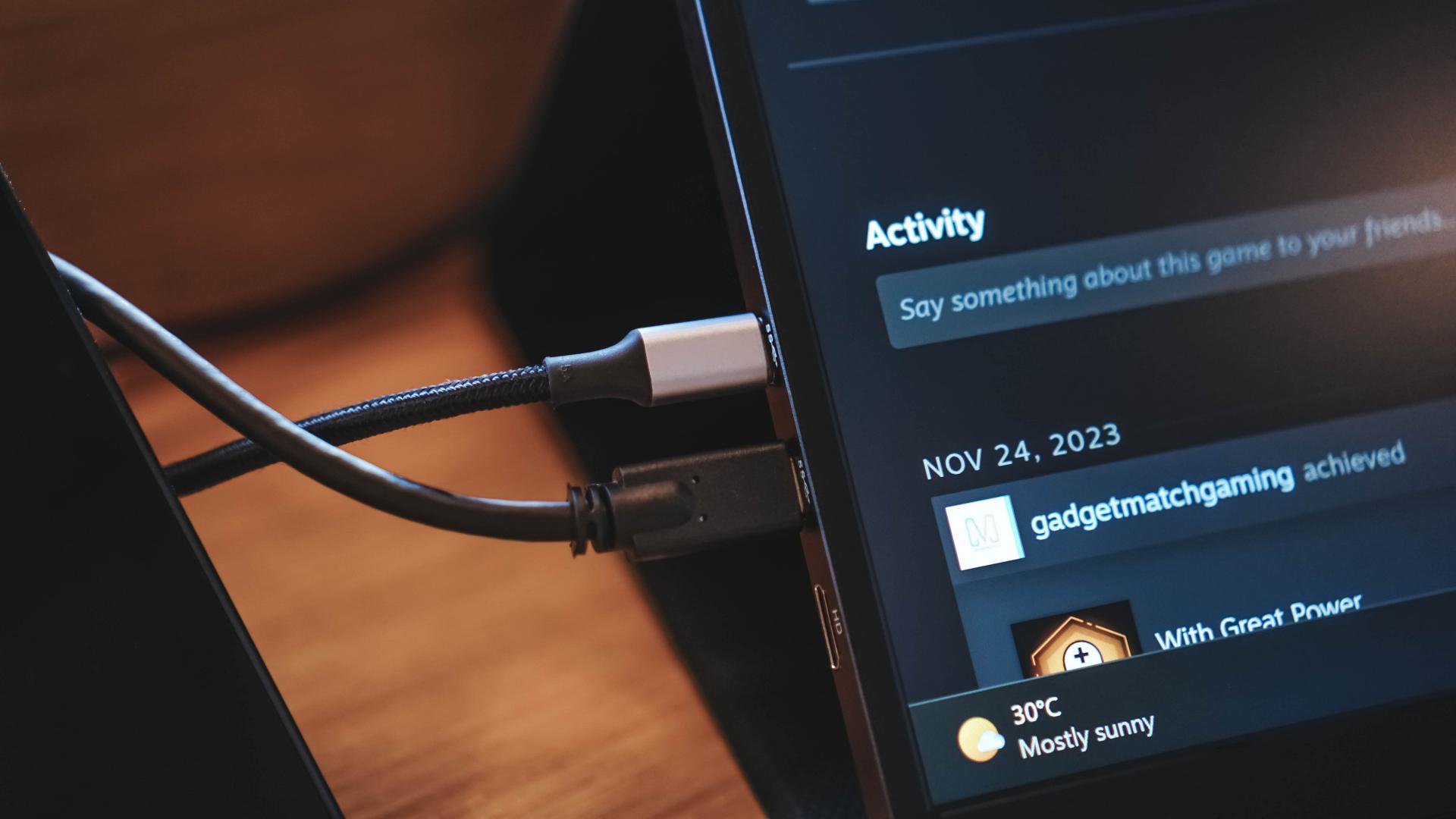
For the Legion Go and ROG Ally, I needed the two (2) USB-C cables and the power adapter to get them going. Instead of the included power adapter though, I opted to use my regular set-up which is the Anker Prime GaN charger. Very convenient.
The same is mostly true for the PS5, but that thing requires its own power source. And for the cable, instead of the USB-C to USB-C one, I used the mini HDMI to HDMI.
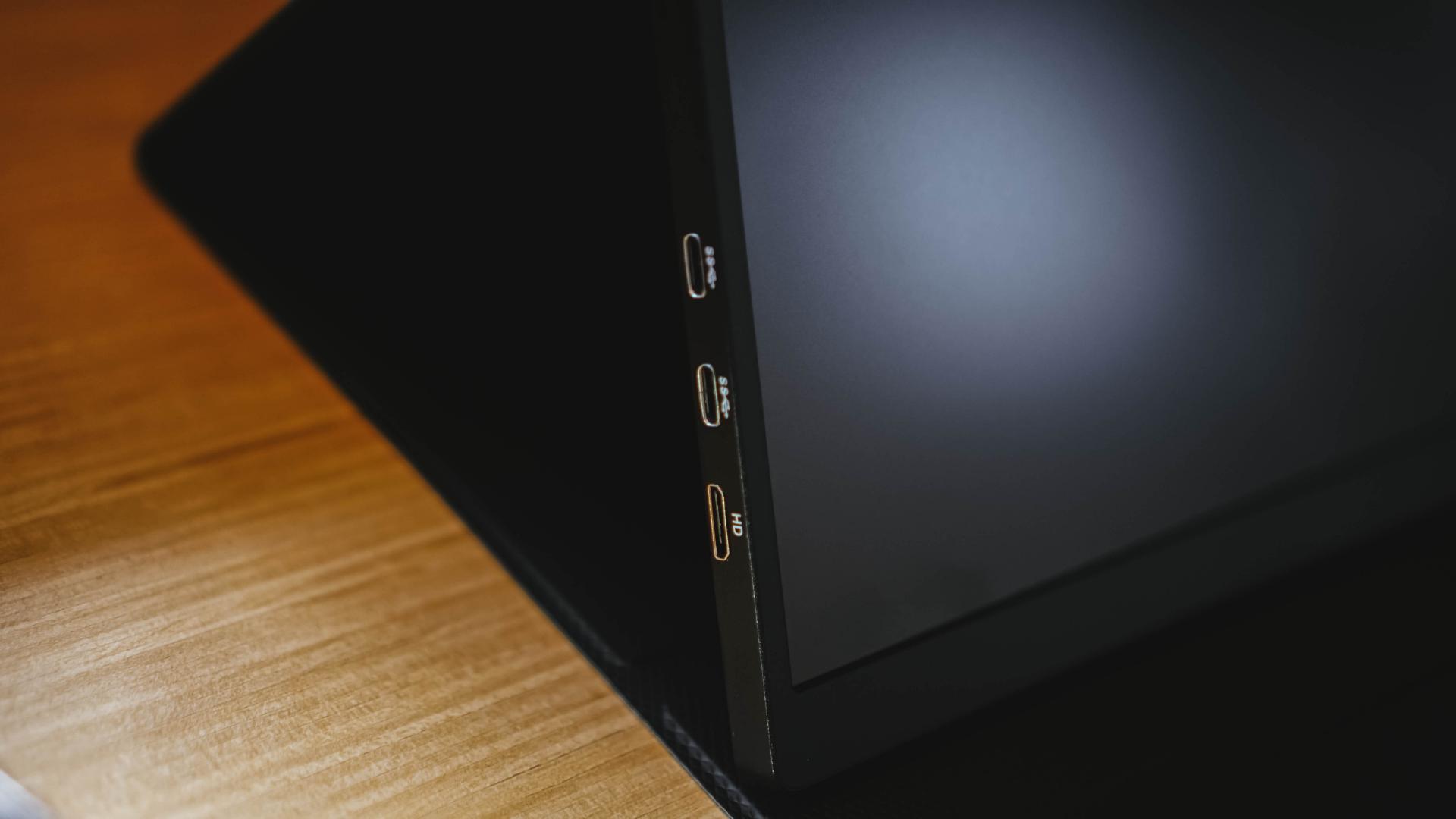
There are two (USB-C) ports on the left alongside the mini HDMI port.
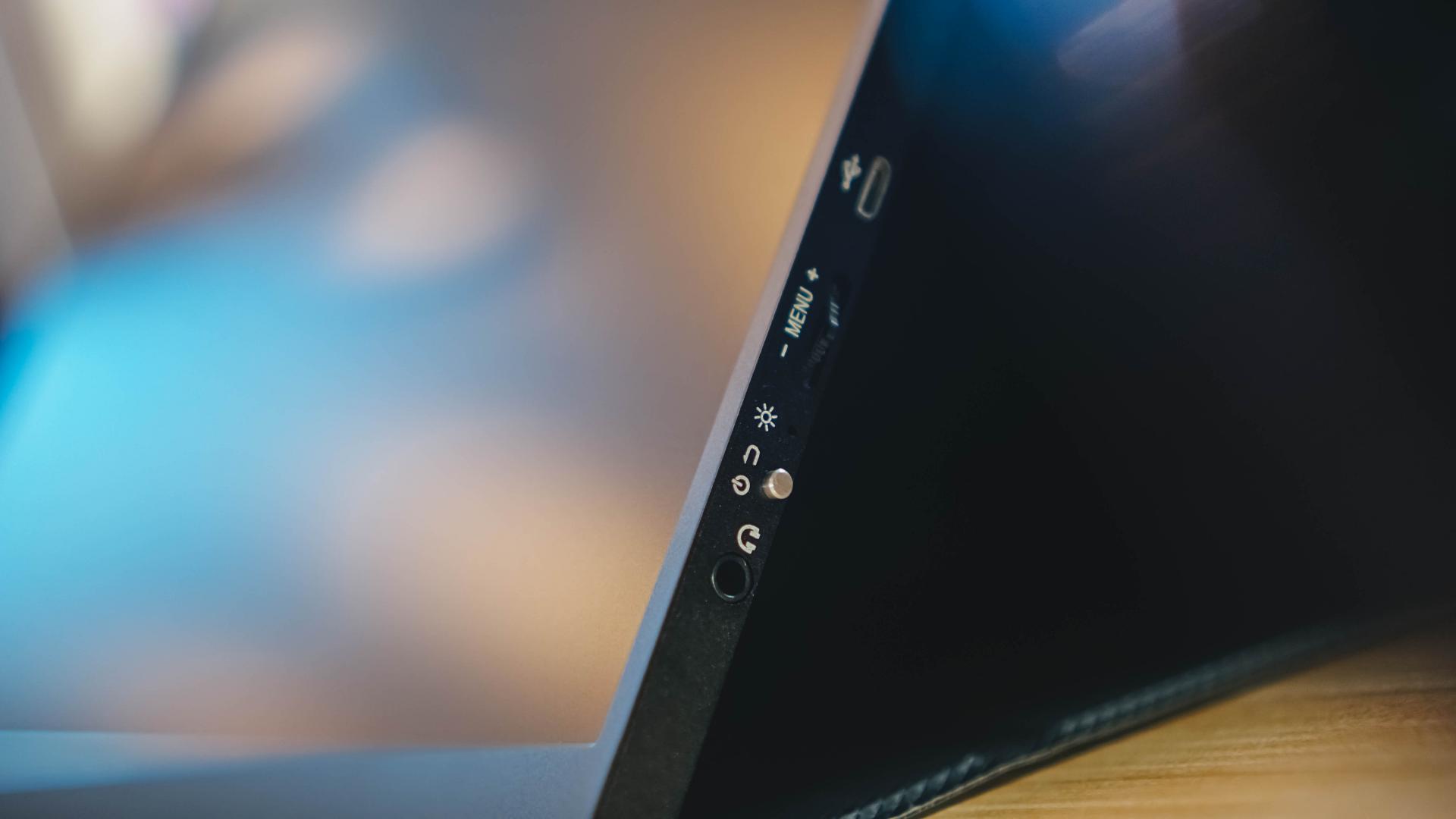
Over to the right are the 3.5mm headphone jack (you’re gonna wanna use it) and the buttons to tweak settings. The upper button is to confirm selection while the lower button is to go back/cancel.
What to tweak?
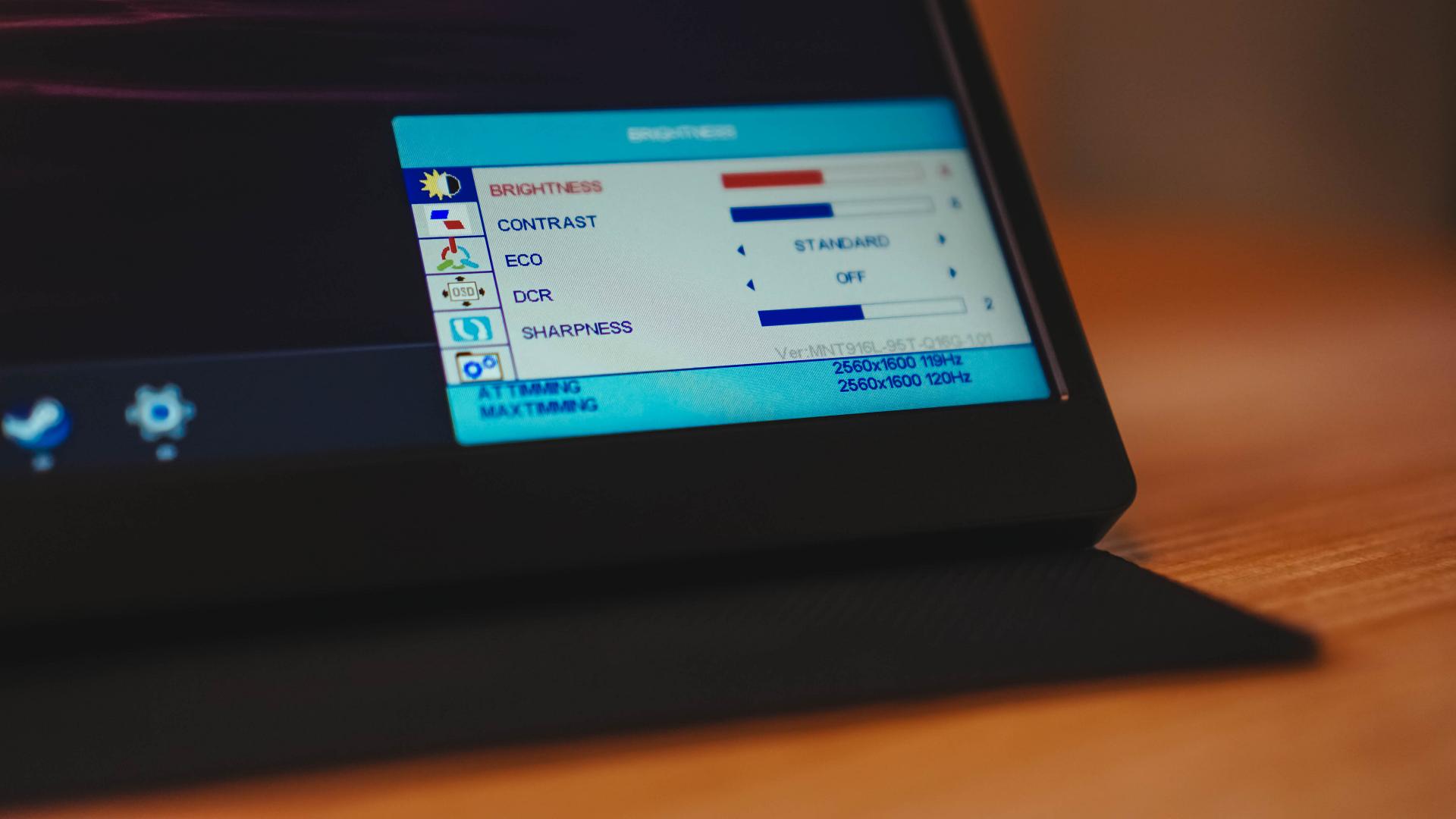
You see, I can get pretty stupid sometimes. We all have our moments, right? When I was testing the UPlays C2 with the PS5, I couldn’t get the exact 1440P settings to work. So, I reached out to UPerfect and they instructed me to switch to a 16:10 aspect ratio manually. But really, I didn’t need to do any of these.
By default, the aspect ratio is set to auto. This means that the UPlays C2 will adapt to the source of the input device and will show the best output possible. This means I was already in 1440P – the maximum possible for the UPlays C2 x PS5 combo.
For both the Legion Go and the ROG Ally, the output was a respectable 1080P.
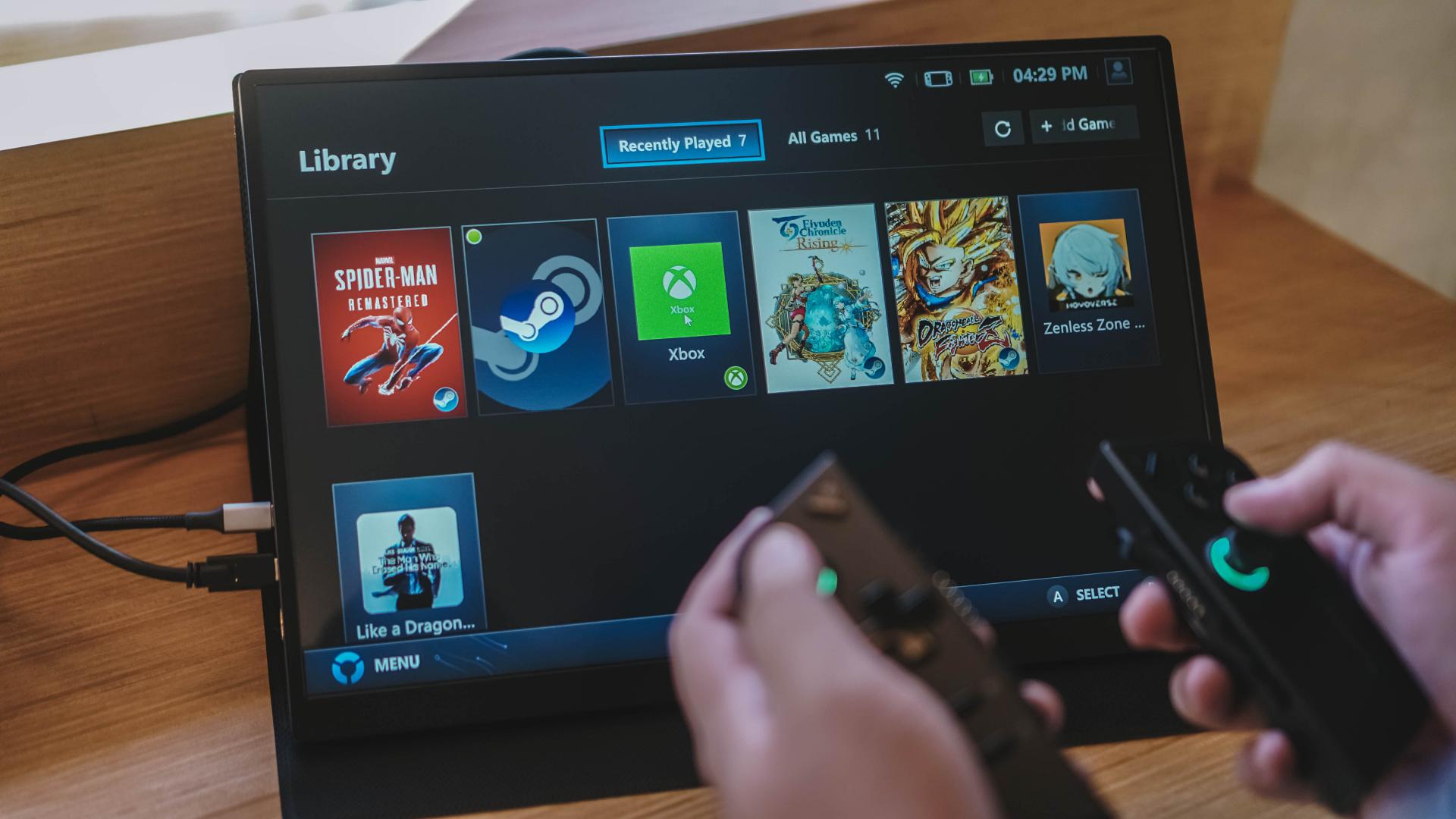
So, if it works this well, what are the settings for exactly? Other than the usual brightness and volume toggles that you’ll need to adjust depending on where you are, you can make it so that the UPlays C2 will pair well with your work machine and output accurate colors if this is what your tasks demand.
Gameplay sessions
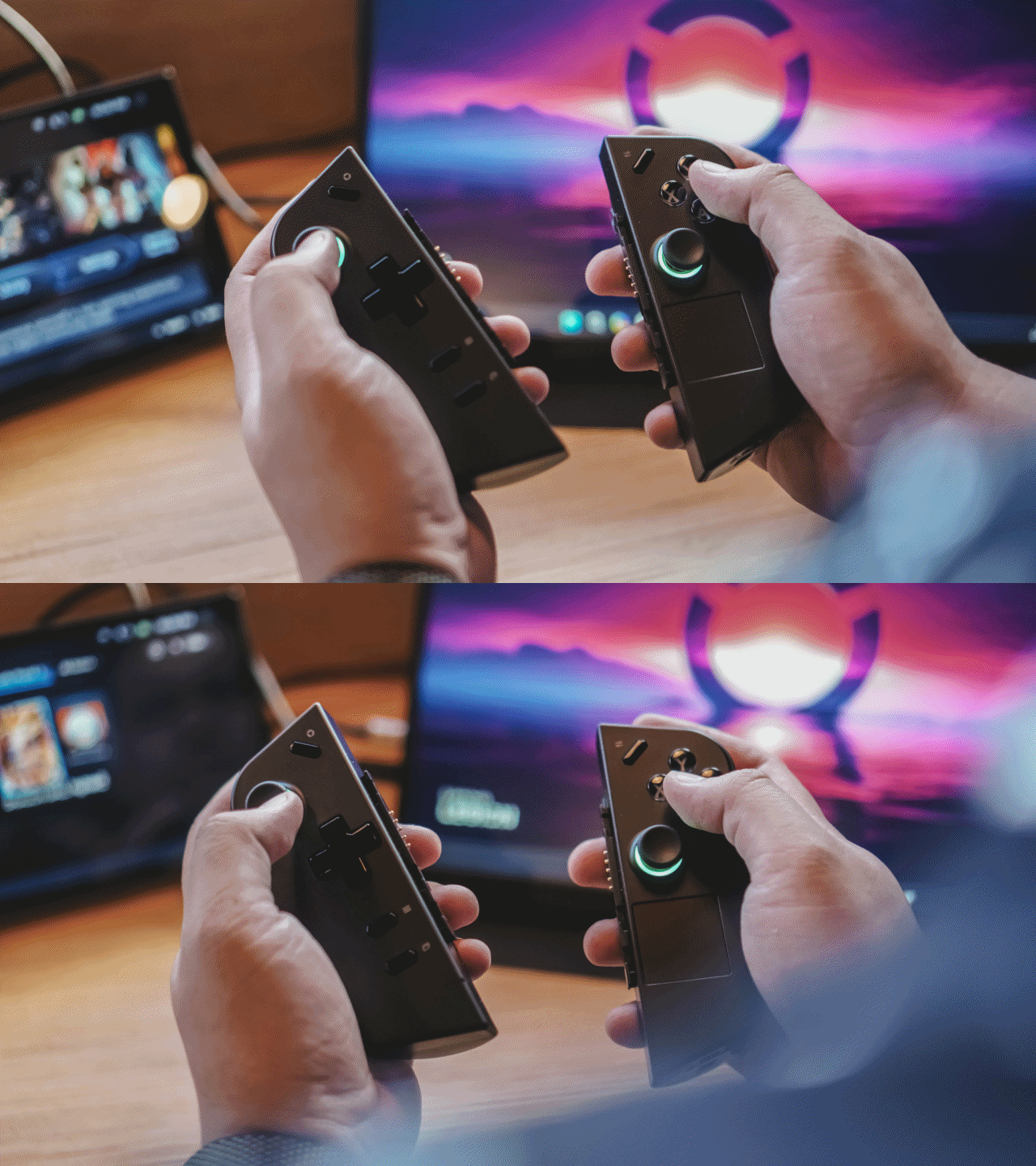
Now for the fun part. What was it like to actually play? Great.
The UPlays C2’s two key features are support for HDR and a 120Hz refresh rate. This makes for an absolute visual treat while playing. The colors look great and there was no screen tearing.
It doesn’t have VRR or ALLM – two features that help with visuals and input. But you won’t feel it at all since it’s a 120Hz gaming monitor. There’s no discernable input lag that will have you scratching your head.
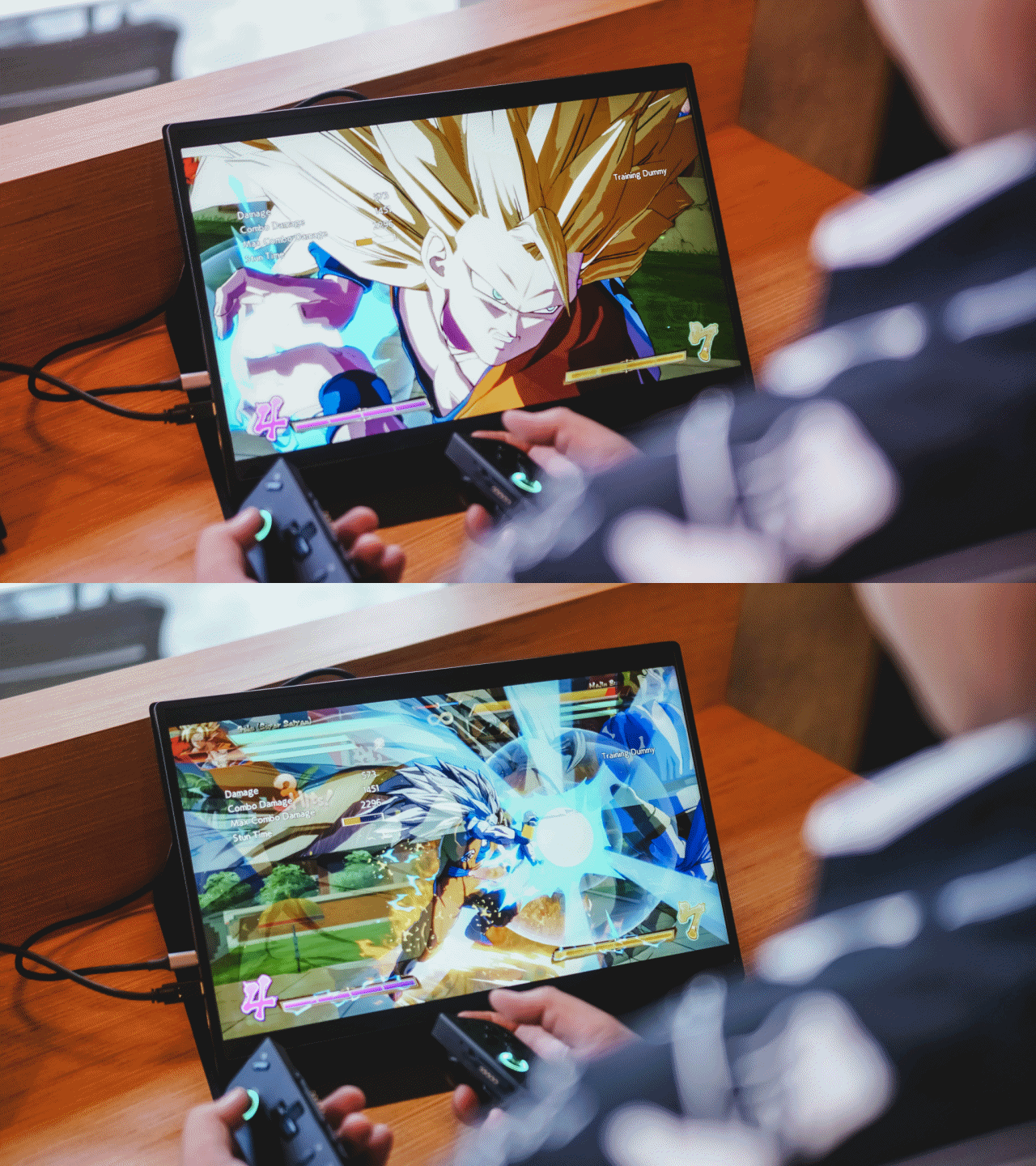
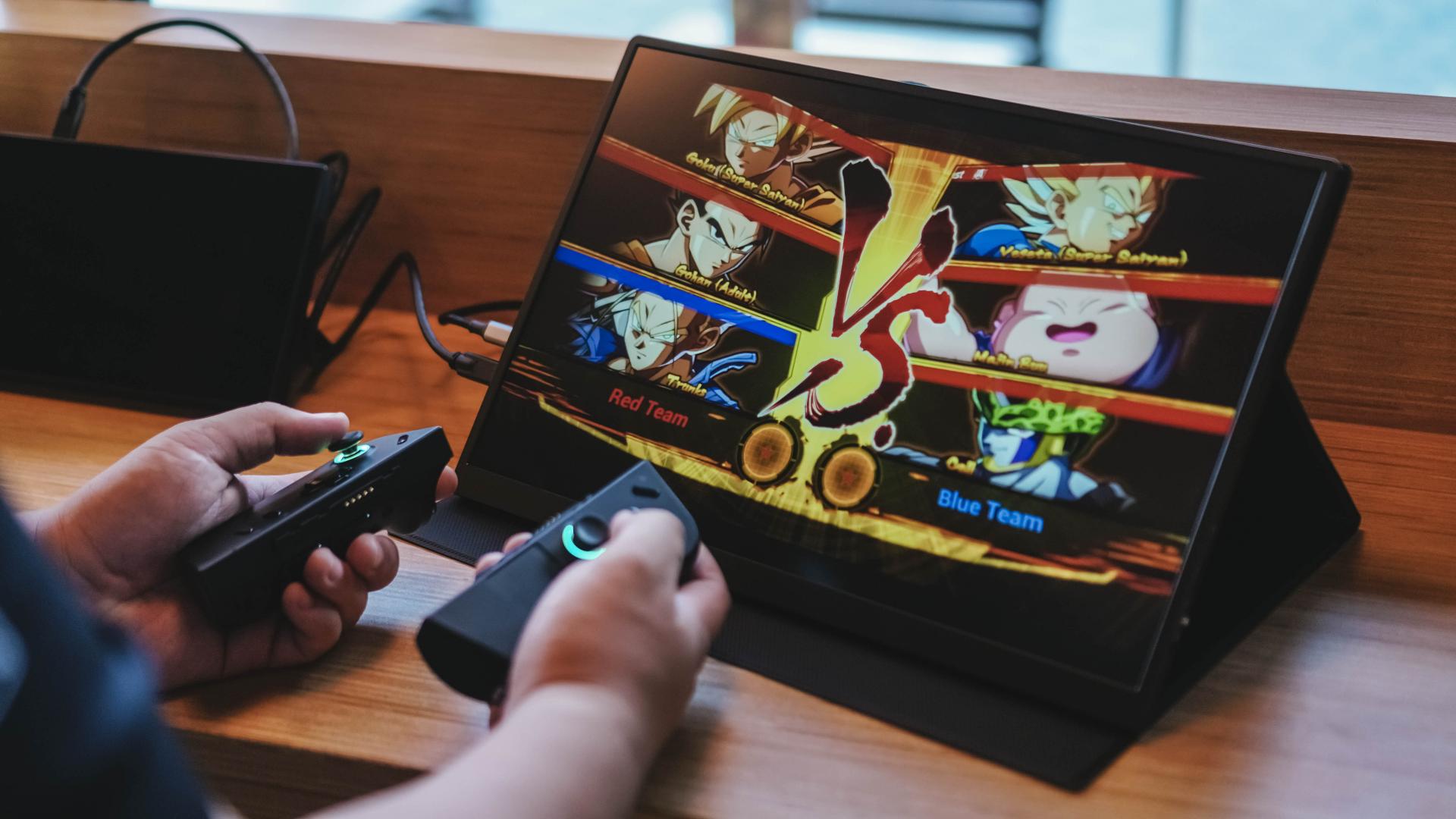
Using the Legion Go, we played Dragon Ball FighterZ. Playing fighting games while you’re out and about isn’t exactly ideal. But it didn’t feel like it in this setup.
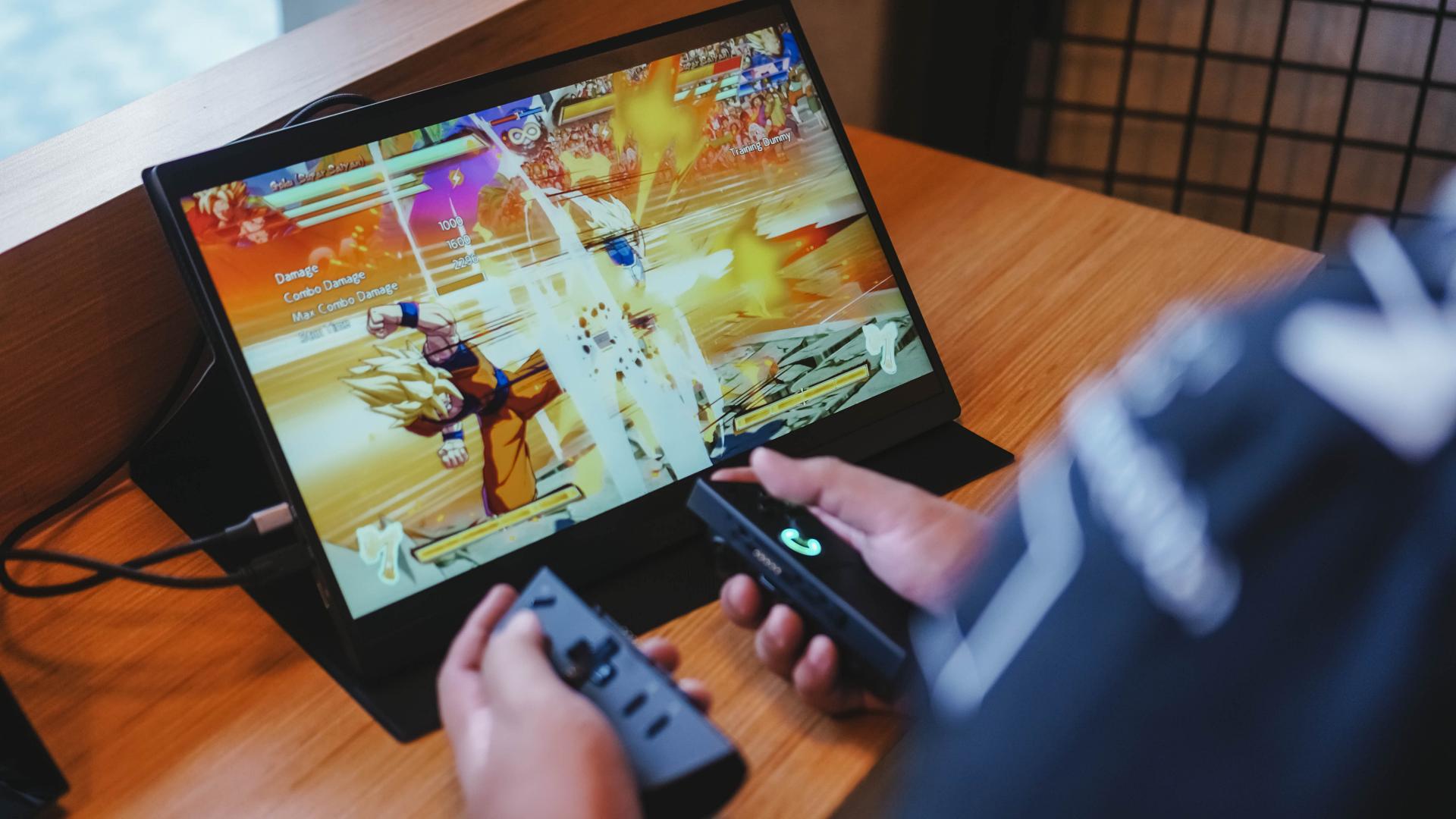
Goku was throwing down and firing Kamehamehas effortlessly. The only time this failed was when my inputs were incorrect. Skill issue.

On the ROG Ally, we played more laid back games. At least more laid back compared to DB FighterZ. We first played Like A Dragon: The Man Who Erased His Name which I really need to get back to. Going from 7” to 16” was wonderful when I could, especially during cutscenes.
Another game we tried is Persona 3 Reload although we haven’t gotten very far in this game too. We only really played about the opening hour to test the Ally X C2 combo. Oh and I used the GameSir T4 Cyclone Pro as my controller here. Again, no discernable input lags and the game looks absolutely gorgeous on this screen.

On the PS5 we played a handful of games. There was Spider-Man 2, NBA 2K24, and the recently launched Final Fantasy VII Rebirth demo. All were great experiences especially since the output was in 2K. The details were clear, the screen was adequately bright, and I had no issues swinging across New York as Spidey, hitting Js like Kobe, and slashing fiends like Cloud.
Peripherals required?
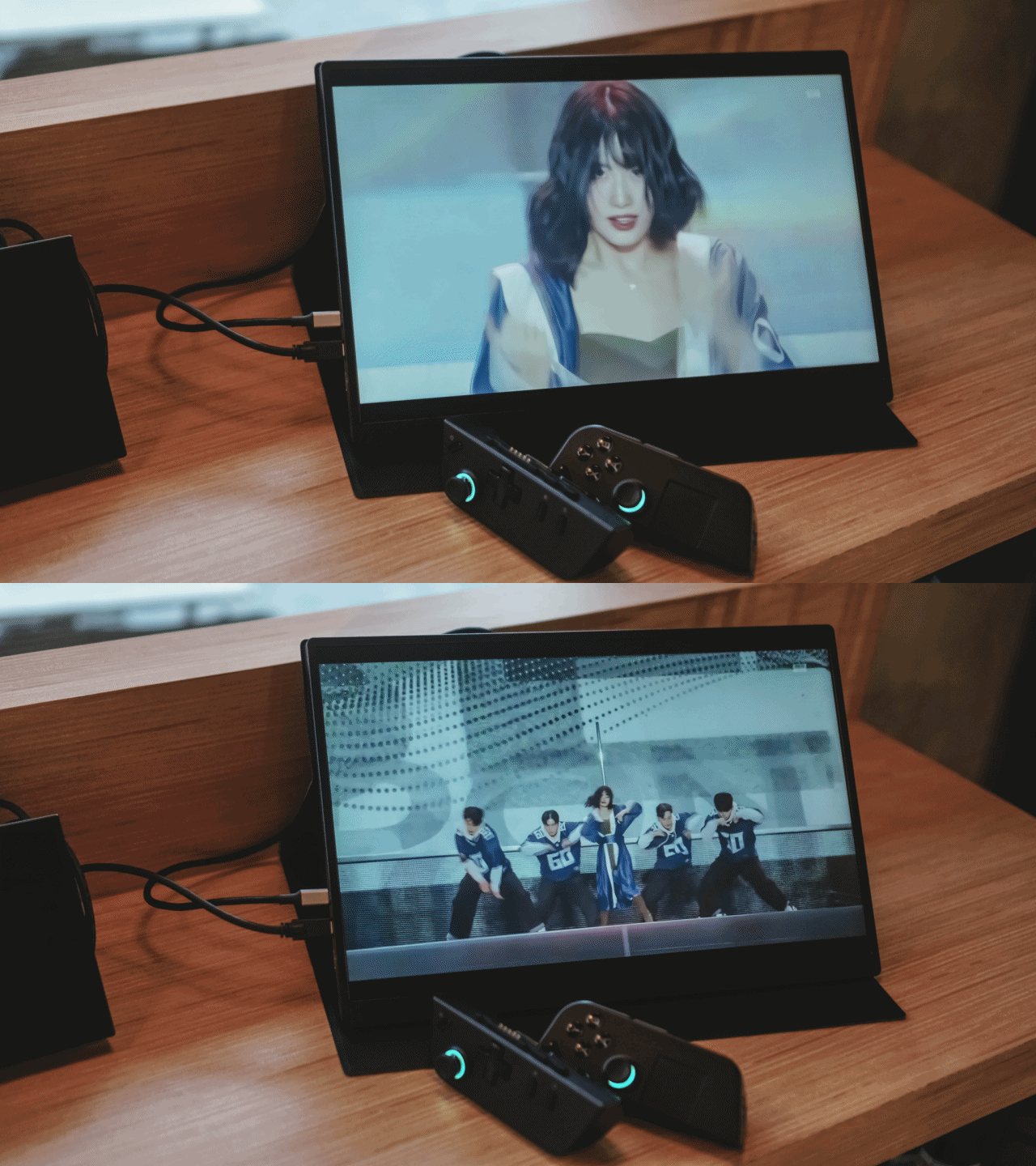
While the visuals are immaculate, the same can’t exactly be said for audio. The UPlays C2, after all,is a pretty thin and light package. And while the IPS Matte display is great and does well even in relatively well-lit rooms, the audio needs some assistance.
For the best experience, you ought to pair your source device with a bluetooth headphone or speaker. Another option is to use the 3.5mm audio jack on the UPlays C2.
Both solutions fare well. The analog solution naturally worked wonders. The bluetooth one though may have mixed results depending on the device you’re using. For us, these are bluetooth headphones and earphones we used that paired great: Sony WH1000-XM4, soundcore Space One, OnePlus Buds Pro 2, HUAWEI Freebuds Pro 2.
Watching shows, more videos
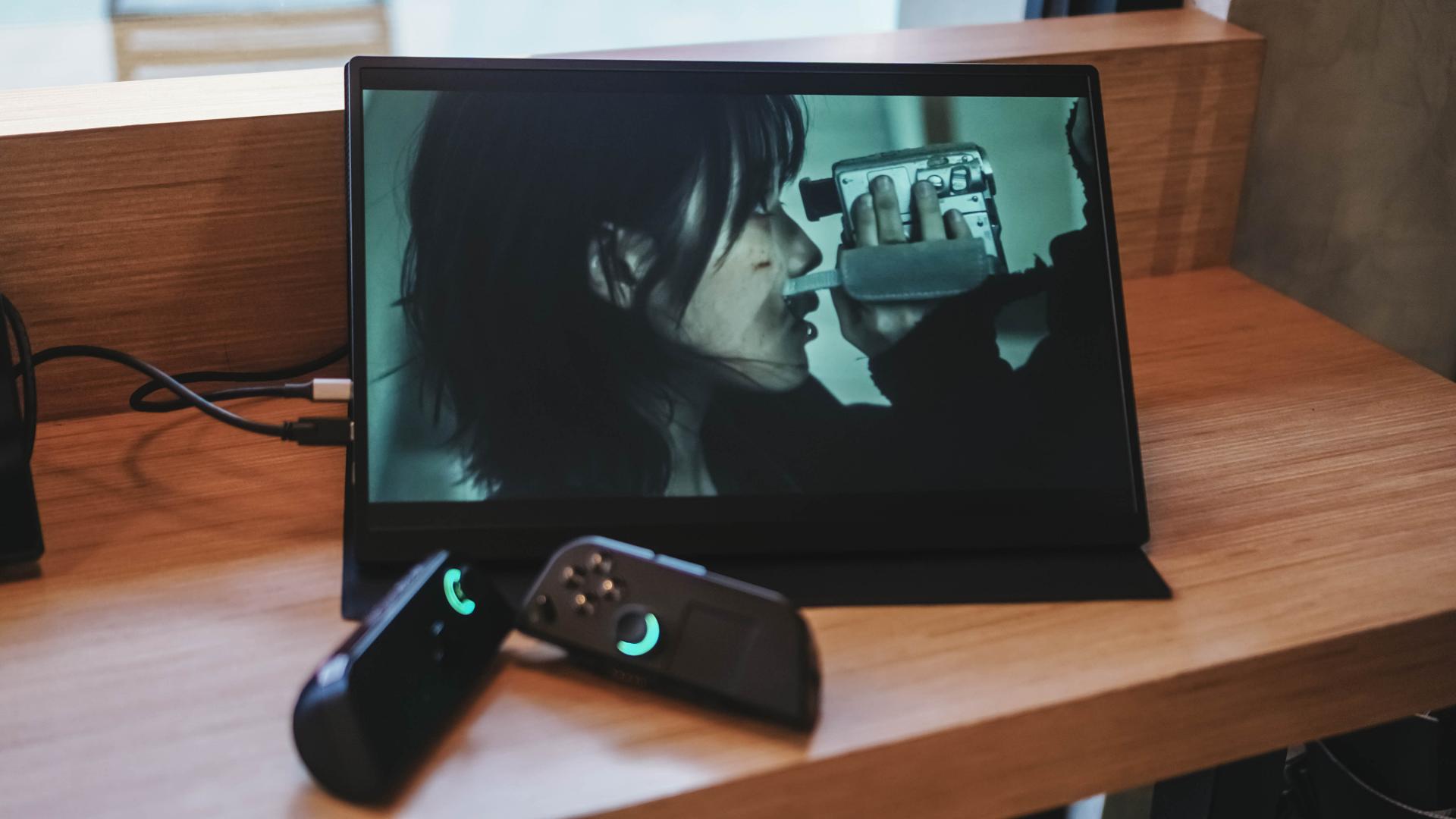
Once you have your audio situation sorted out, you can start enjoying the UPlays C2 even more. Whether that’s for play or for some leisurely viewing.
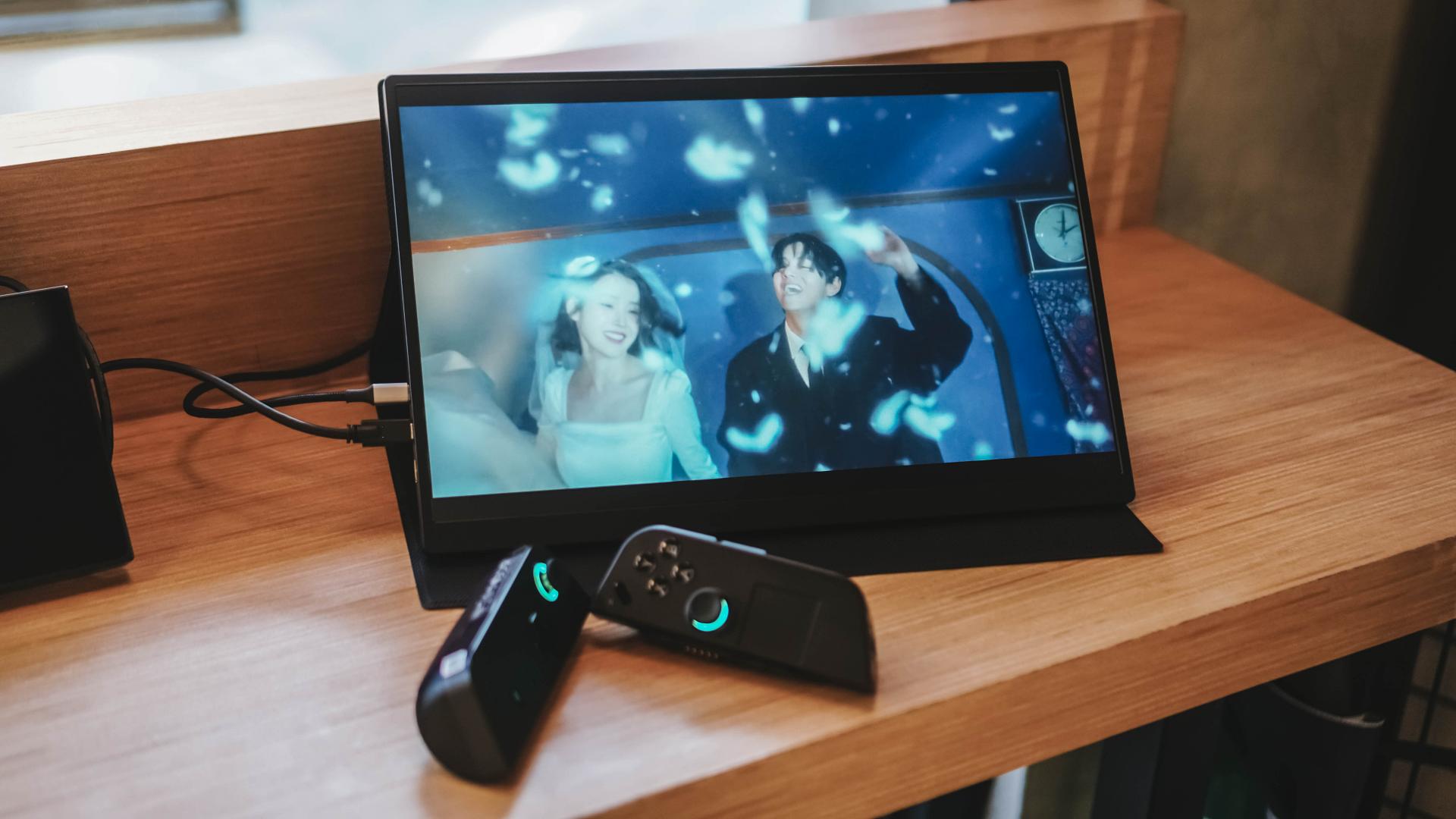
We watched IU’s music video featuring BTS’s V (Taehyung) in a bright room. Despite it being mostly a dark-colored video, the images still came through really well.

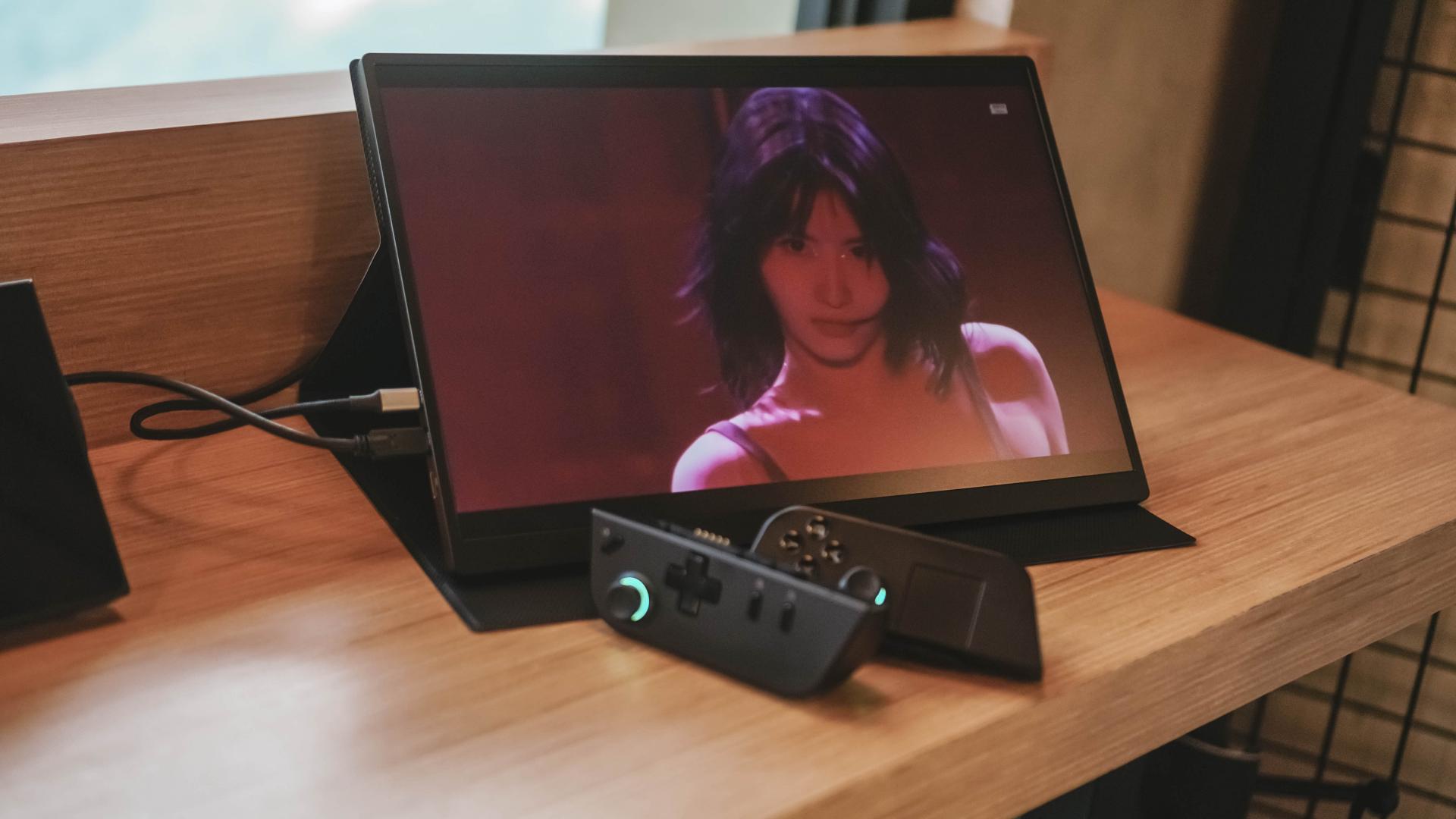
Of course, I also had to watch a fancam of my girl TWICE Momo. Her solo stage in their Ready To Be concert gets pretty dark in certain sections too, but it still came out well on the monitor.
Is the Perfect UPlays C2 your GadgetMatch?
I had a very specific need for a portable monitor. It’s mostly for when I spend holidays at my childhood home with my PS5 in tow. I imagine this will be my set-up until PlayStation comes out with a proper gaming handheld.
And it’s great if I wanna use it too with either my ROG Ally or Legion Go. It’s a great companion for a more personal, stationed gaming experience.

At just US$ 269.99 it’s a great value solution for people who can only really play in really small spaces. It’s an absolute visual treat and might just be the best portable gaming monitor, all things considered. Naturally, this one gets the GadgetMatch Seal of Approval.
BUY HERE NOW
Get discounts when you use our codes upon checkout:
- GadgetMatch20, US$ 20 off for order amount above US$ 200
- GadgetMatch40, US$ 40 off for order amount above US$ 300
- GadgetMatch70 , US$ 70 off for order amount above US $500
*GadgetMatch may get a small portion of commission with each purchase.




Accessories
Jackery SolarSaga series: Free power for small devices
Portable solar panels can charge small gadgets directly

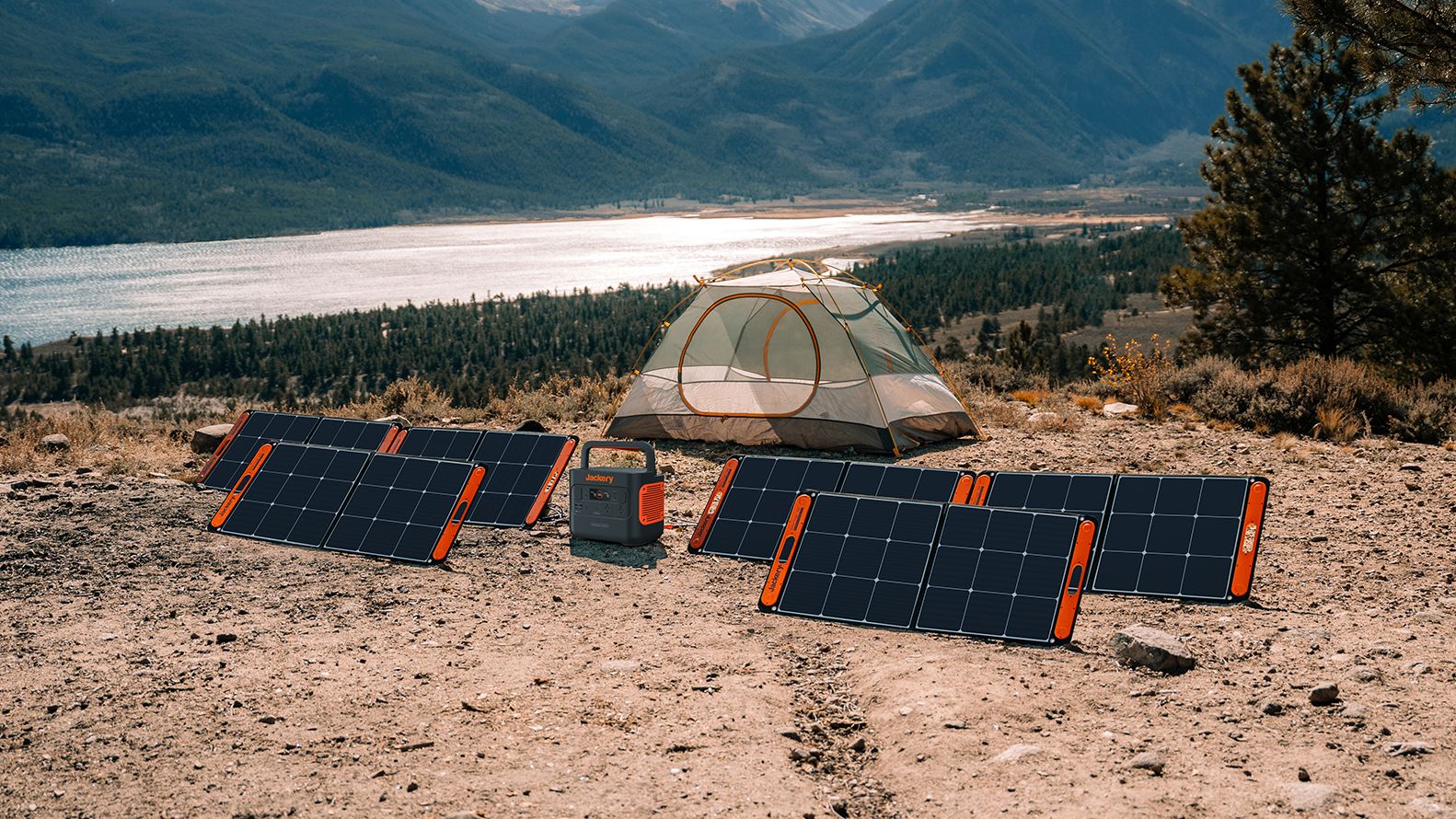
As fuel prices continue to surge as of late, one of the ways to make up for the additional expenses is to turn to alternative power sources. That’s including solar power.
And Jackery is here to help Philippine consumers, with the availability of their portable SolarSaga panels.
These solar panels are an alternative to traditional and permanently installed rooftop solar panels. They are engineered for modern and mobile life with portable, lightweight, and sleek designs. They are built primarily to be set up and put away easily, and charge small devices directly.
Simply put the Jackery SolarSaga panels where sunlight is available, and it will convert up to 25% of sunlight into usable energy.
To charge small gadgets like phones and portable fans, or even smartwatches, the SolarSaga panels come with a USB-C and USB-A port.
Another way is connecting the SolarSaga to Jackery’s Explorer power stations like the Explorer 300 Plus or 1000 Plus.
From there, users can power up devices, essentially for free. On its own, the Jackery SolarSaga panels are available in 100W and 200W variants.
The panels are also IP68 rated for water and dust resistance. This makes them usable outdoors when brought to adventures like camping, picnics, or beach trips.
The panels are already available through Jackery’s Lazada and Shopee platforms, as well as Techroom’s Lazada and Shopee accounts.
Accessories
UGREEN adds new Nexode Pro power bank, charger to lineup
Intelligent displays, fast-charging, user-focused design
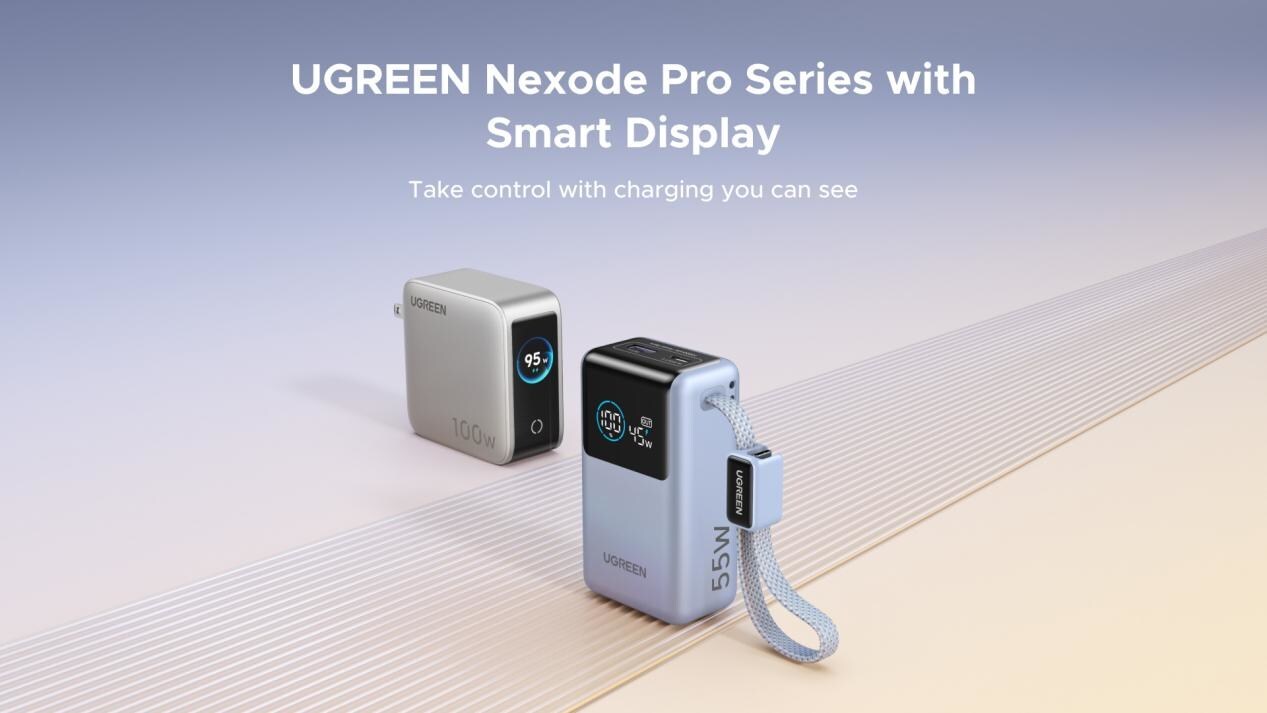
UGREEN has expanded its Nexode Pro charging lineup with two new devices designed for the modern user. They are the Nexode Pro 10000mAh 55W Power Bank and Nexode Pro 100W 5-Port Charger.
These new offerings combine intelligent digital displays, fast-charging capabilities, and user-focused designs for reliable power — whether at the desk or on the move.
The Nexode Pro 10000mAh Power Bank is the ultimate travel companion, delivering strong charging performance in a compact and travel-friendly form.
It supports up to 45W single-port fast charge, meeting the industry standard for high-speed portable charging. It can reach up to 55W as well when charging compatible Xiaomi devices.
The accessory is equipped with two USB-C ports, one USB-A port, and a built-in retractable USB-C cable. As such, it can power up to three small devices simultaneously without requiring extra cables.
With a rated capacity of 36Wh, the power bank also meets airline carry-on requirements.
Meanwhile, the UGREEN Nexode Pro 10W 5-Port Charger supports workstations. It has four USB-C ports, a USB-A port, and up to a 100W output.
It also has a built-in smart TFT display for easy power distribution monitoring.

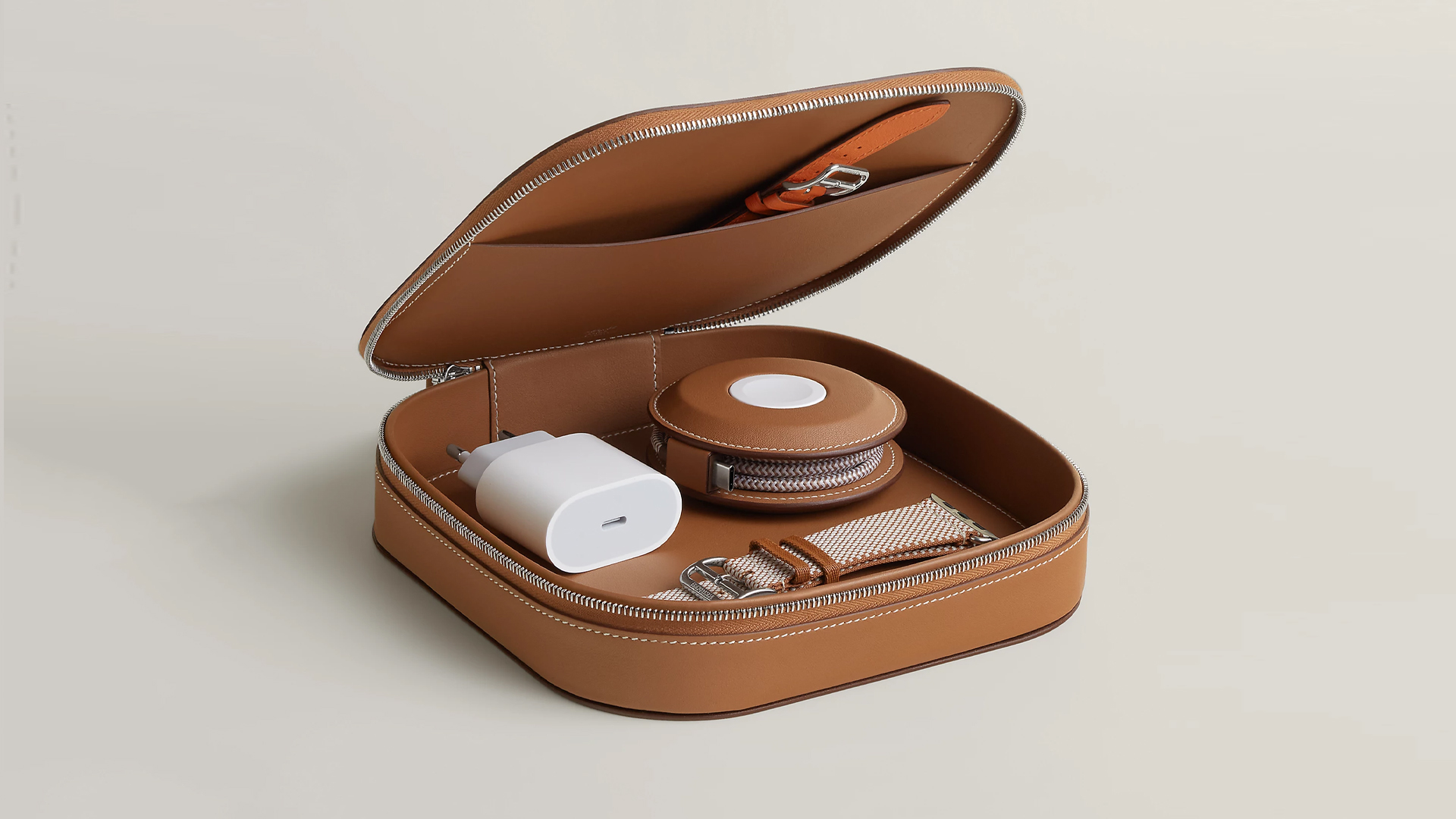
How extra are you as an Apple fan? No matter what you say, you’ll probably never be as extra as someone who buys a US$ 5,000 MagSafe charging case for their iPhone and Apple Watch. Hermès has just launched a series of leather chargers and cases specifically made for Apple fans.
Available now, Hermès has three types of MagSafe chargers for iPhone users. The cheapest one, the Paddock Solo, is a simple leather-bound puck that can charge a single device. The charger also has a braided 3.3ft USB cable. It costs an eye-watering US$ 1,250.
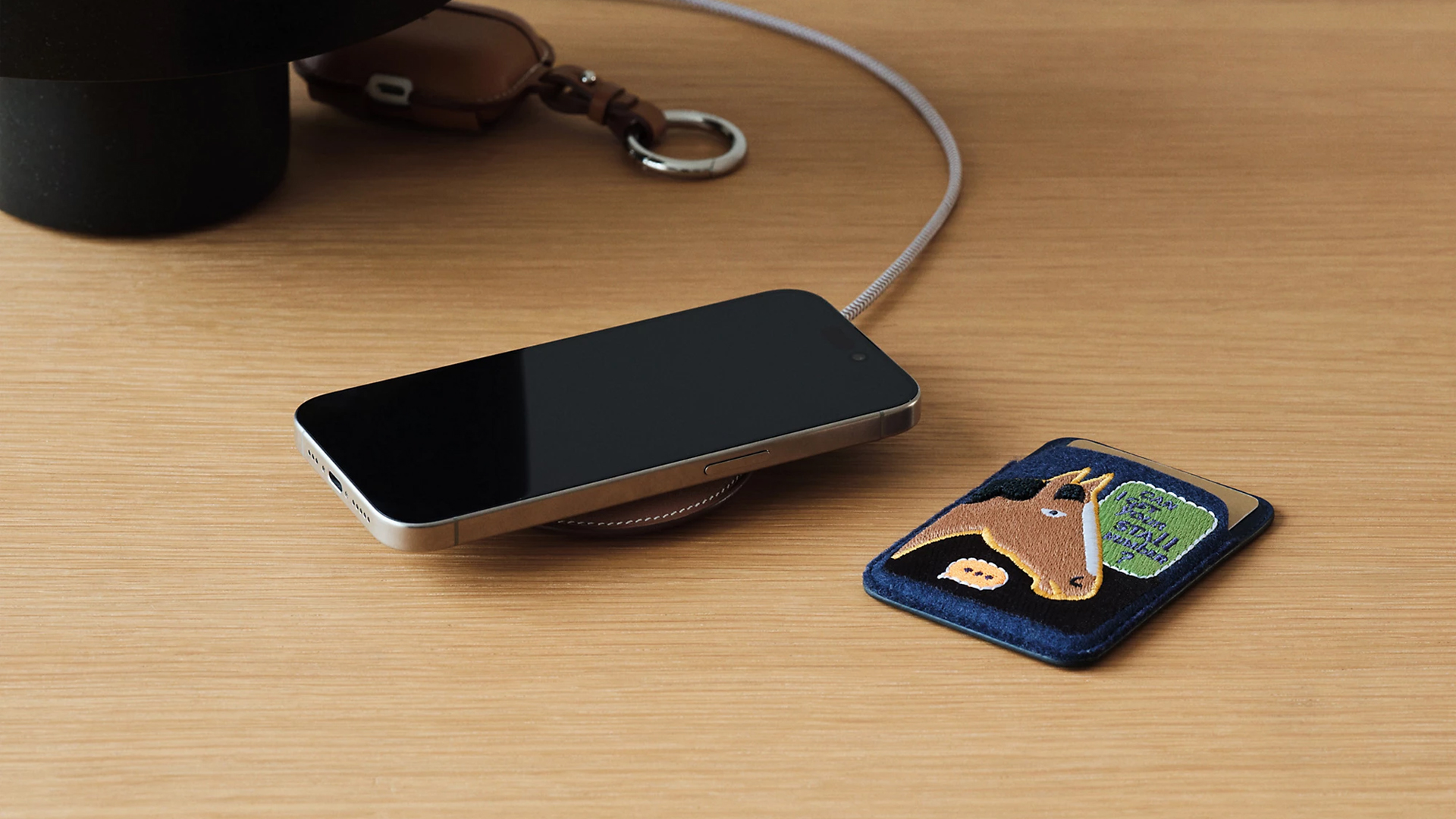
Paddock Solo charger
On the other hand, the Paddock Yoyo charger offers two charging zones for two devices simultaneously. Shaped like a yoyo (hence, the name), it allows users to roll the cable into a convenient stack. It costs US$ 1,750.
Finally, the Paddock Duo is a charging pad that allows for two devices simultaneously. It just doesn’t have a pocket for the cable. It likewise costs US$ 1,750.
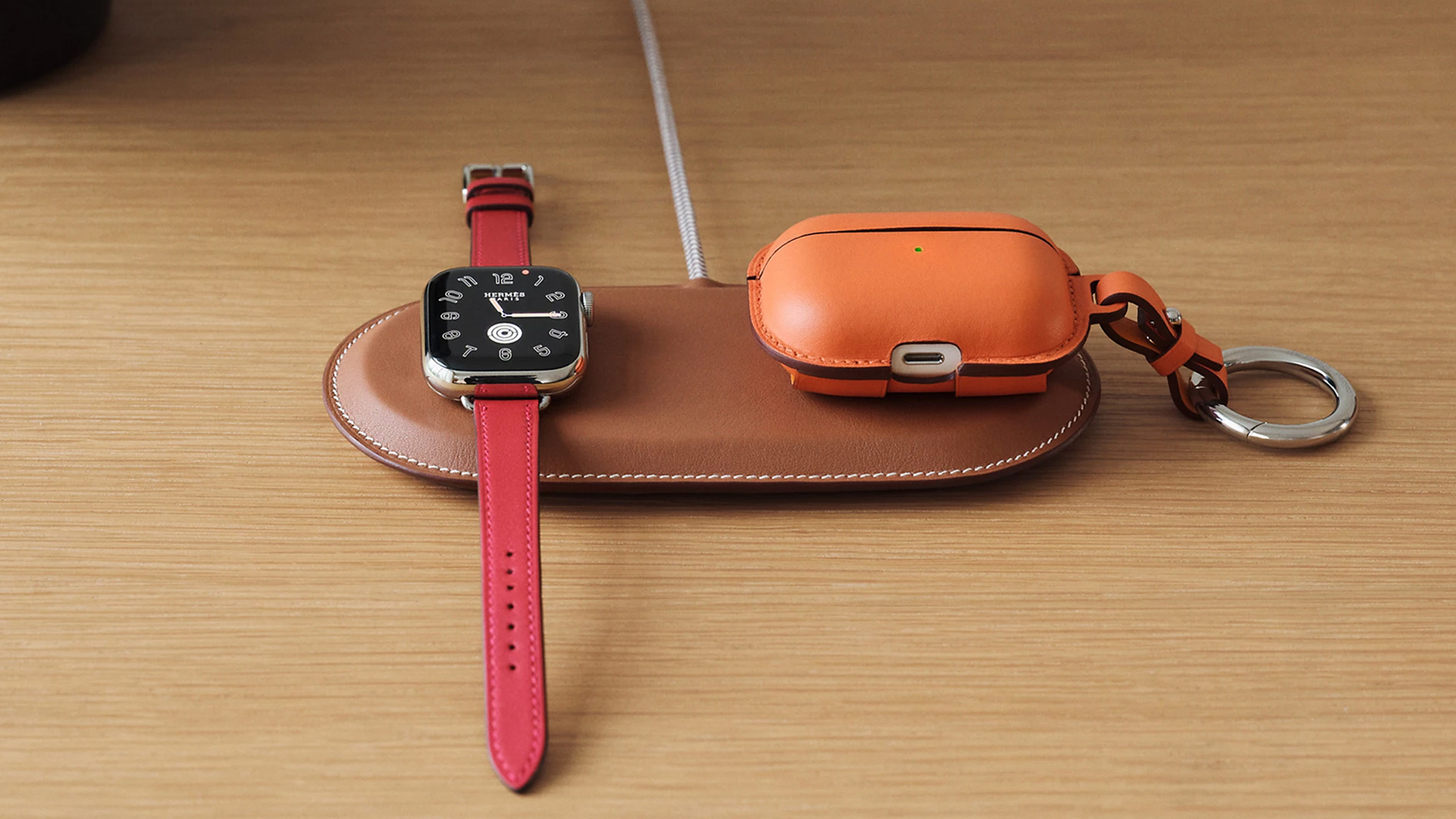
Paddock Duo charger
Now, if you want to upgrade your pricey charging kit even further, Hermès has two cases for them: the Petit Paddock case and the Grand Paddock case.
The Petit Paddock case, as the name suggest, is a snug leather case that fits only the charger (and a brick, if bundled with the Yoyo). The charger and case combo will set you back by US$ 3,725 for the Solo, and US$ 4,225 for either the Duo or the Yoyo.
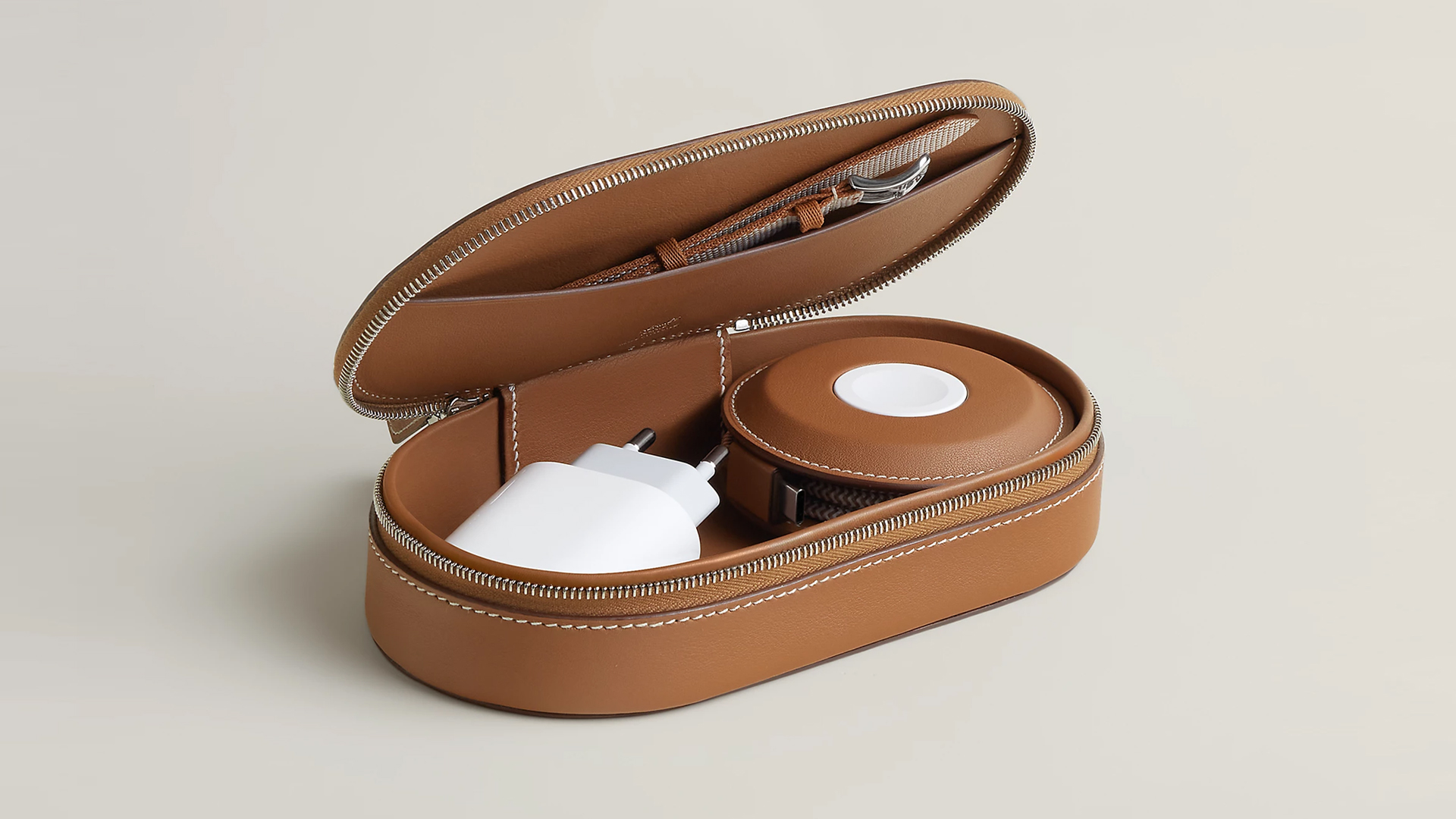
Paddock Yoyo + Petit Paddock
Alternatively, the Grand Paddock can fit much more but also costs a lot more. It costs US$ 4,650 for the Solo, and US$ 5,150 for the Duo or the Yoyo.
Of note, none of these come with a charging brick, so you’ll have to shell out a bit more to maximize the kit.
SEE ALSO: Apple unveils the iPhone 17e


Galaxy Buds4 Pro review: I thought I was done with in-ears
This Buds4 you


WWE 2K26 lets you live out all the fantasy matches you could want
But you have to play for hours and hours to unlock everyone.


The HONOR X8d is serviceable
Steady but slow?

More iPhone switchers this year than Android switchers, report says

Marvel’s Wonder Man greenlit for a rare second season

Apple’s WWDC 2026 will be from June 8 to 12
Galaxy Buds4 Pro review: I thought I was done with in-ears
WWE 2K26 lets you live out all the fantasy matches you could want


-

 Reviews7 days ago
POCO X8 Pro Max review: A new beast from the far east
-

 News7 days ago
POCO X8 Pro Series: Price, availability in the Philippines
-

 Laptops2 weeks ago
Apple MacBook Neo Review
-

 Apps2 weeks ago
Google Maps is finally getting a 3D mode
-

 Features2 weeks ago
Galaxy AI on the Samsung Galaxy S26 Ultra
-

 Entertainment2 weeks ago
The internet is thirsting over the One Piece Season 2 cast
-

 Automotive2 weeks ago
BYD is reportedly considering an F1 team
-

 Gaming2 weeks ago
Resident Evil Requiem will get a story expansion