


Don’t get me wrong: I am absolutely in love with the Xiaomi Mi 8. The GadgetMatch peeps can even tell you how much I didn’t want to let that phone go. It’s literally the phone I would buy for myself.
With the Mi 8 Pro, you’re pretty much getting the same top-shelf specs albeit in a different package.
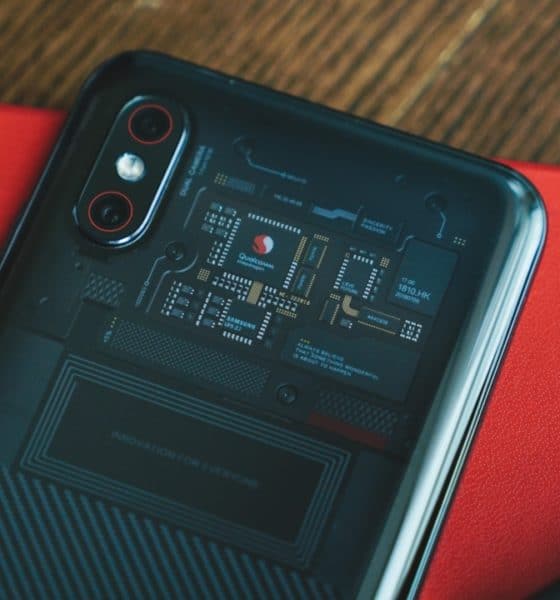
That different package is this — the Transparent Titanium “color design” as Xiaomi noted on the phone’s global page. It will make you think you’re looking at the phone’s actual internals. I have to say, it is appealing but as is the case with the Mi 8 Explorer Edition, it’s all for show.
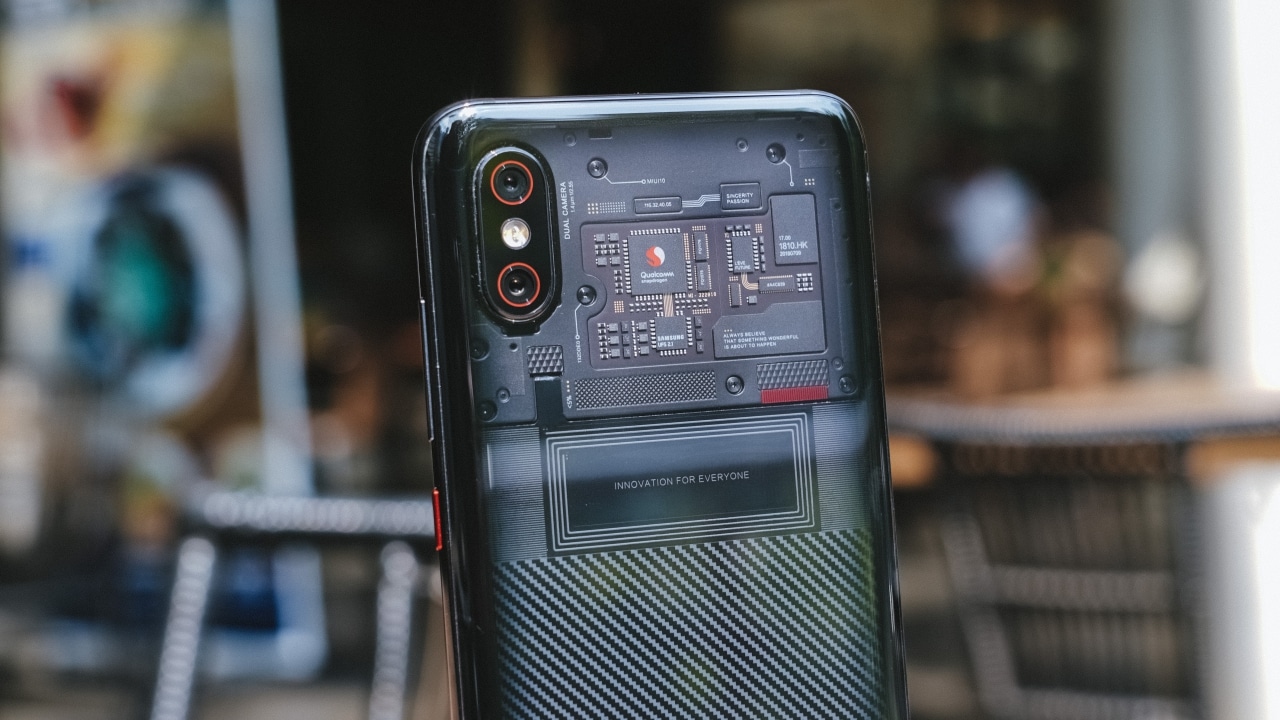
If you can get over (and maybe even appreciate) that the transparent look is all aesthetics, then you can move on to the good stuff. And the good stuff are plenty.
You’re looking at a phone equipped with the Snapdragon 845 SoC along with 8GB RAM and 128GB of storage. It only has a 3000mAh battery but it does support quick charge.

This means you’ll have no trouble running games like PUBG, Asphalt 9, Ragnarok Mobile, and basically whatever game you feel like playing. This also means the Mi 8 Pro is a lean, mean multitasking machine.
You can shuffle through all your social media apps, email, notes, as well as three dating apps so you can keep swiping away even though the person you really want to talk to is already reachable through other messaging apps. I digress. (Editor’s note: Sad.)
Unlocking can be a pain
The other main addition is the in-screen fingerprint sensor. On paper, it looks promising and I really appreciate that I don’t have to lift the phone to unlock when it’s lying flat on the table. However, “pressing lightly” as Xiaomi suggests just doesn’t do the trick.

I can’t count how many times I pressed the fingerprint sensor with it asking me to “press a bit harder.” I’d like to think I was already pressing hard. For comparison’s sake, I did use the Vivo V11 quite a bit too and didn’t encounter the same problems using its in-display fingerprint scanner.
It’s pretty fast when I apply the right amount of pressure, but the thing is I don’t always do so. To save myself from being asked to press harder all the damn time, I resorted to mostly using face unlock. It’s an option I wouldn’t have considered had I not used the iPhone XR a while back, but that’s a story for another time.
The phone warns you that it’s not as secure as the fingerprint sensor and that it can be unlocked using faces and objects that look like you. I tried putting a steamed bun in front of the phone and thankfully it stayed locked. I’m gonna mark that down as a win.

Kidding aside, my personal experience with the Xiaomi Mi 8 Pro’s in-screen fingerprint sensor leaves a lot to be desired. Thankfully, this phone is pretty darn solid.
The other good stuff
The Xiaomi Mi 8 Pro sports the same cameras as the Xiaomi Mi 8 — that’s two 12MP rear cameras that capture images more than good enough for sharing on your social media feed.
Here are some samples taken in Singapore:









One of my personal favorites to try on any phone is the portrait mode. Again, I think the Mi 8 Pro does it pretty well. The image does get grainy if you try it in low-light conditions so I suggest sticking to normal shots and not use portrait mode when lighting in your area is less than ideal.








The front camera is a 20MP shooter that also has portrait mode and captures a fair amount of detail when you have a bright background.



I’m also a huge fan of MIUI. It’s just a thoughtful and clean user interface. I especially love the fullscreen gestures which I admittedly took time getting used to when I first tried them on the Mi 8. But they’re great once you get the hang of it.
Swiping on either side of the screen functions as the back button. Hold it long enough and you’ll be taken to the last app you used. That’s such a great feature especially when I’m darting between social media apps during event coverage.
Should you buy it over the Xiaomi Mi 8?
The easy answer is no. Most of the good stuff that you’ll find on the Mi 8 Pro are already on the Mi 8. One of the Mi 8’s main attractions, other than everything I’ve already mentioned thus far, is its pricing.

The Mi 8 is a solid flagship phone that’s an easy recommendation for anyone who wants those specs but doesn’t have the budget for the big hitters like the iPhone XS, Huawei Mate 20 Pro, and Samsung Galaxy Note 9.
With the Mi 8 Pro, you’ll shell out roughly around US$ 200 more and for what? An ice-breaking design that doesn’t really do much other than catch someone’s attention and an in-screen fingerprint sensor that’s still in its early stages. It’s simply not worth it.
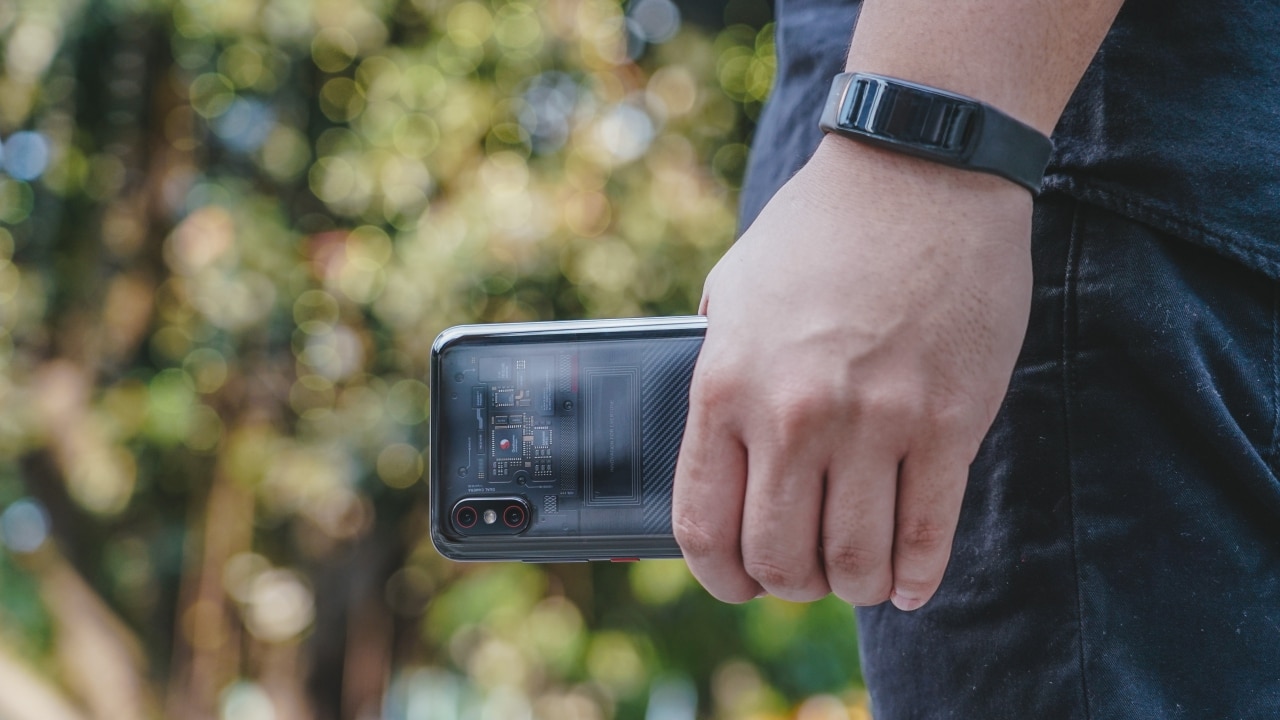
If you’re hell bent on spending close to or around US$ 700 on a smartphone, there are better choices out there. But if you love what Xiaomi has to offer, you can drop the Pro and just grab the Mi 8.





The OPPO Reno15 Series 5G made its way to the Philippines last month, and reception has been pretty great so far.
With a powerful camera package, AI, and a slew of upgrades, there’s a lot to love and not much negative to say. But that’s with both the standard and Pro models.
On the other hand, with the Reno15 F 5G — the series’ supposed budget-friendly “lite” variant —there were more question marks than exclamation points.
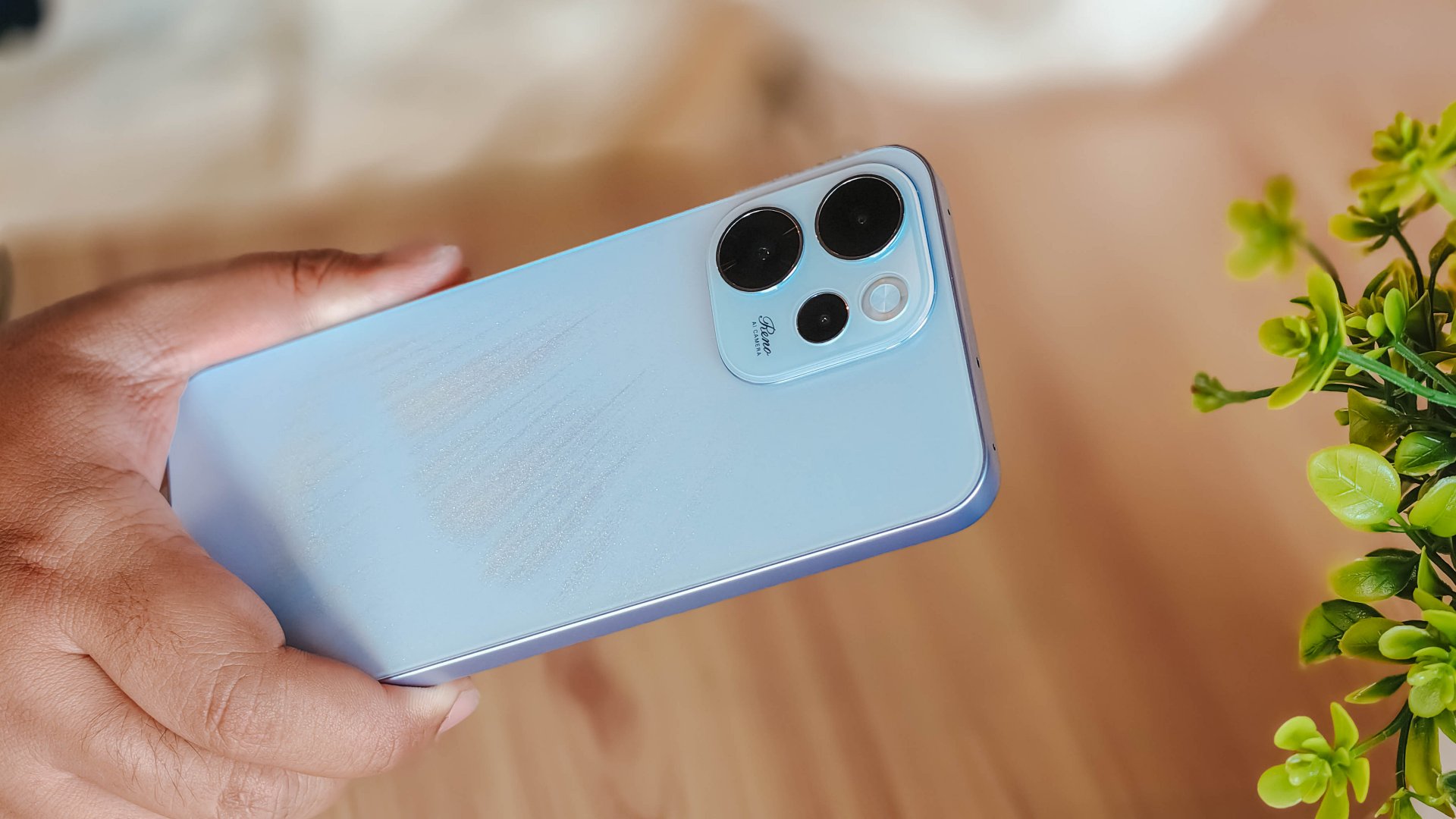
I attack this piece once more from a consumer standpoint: shelling out PhP 23,000 to PhP 26,000 for a midrange smartphone that feels and performs like it’s a few notches below its segment doesn’t sound too pleasant.
Performance
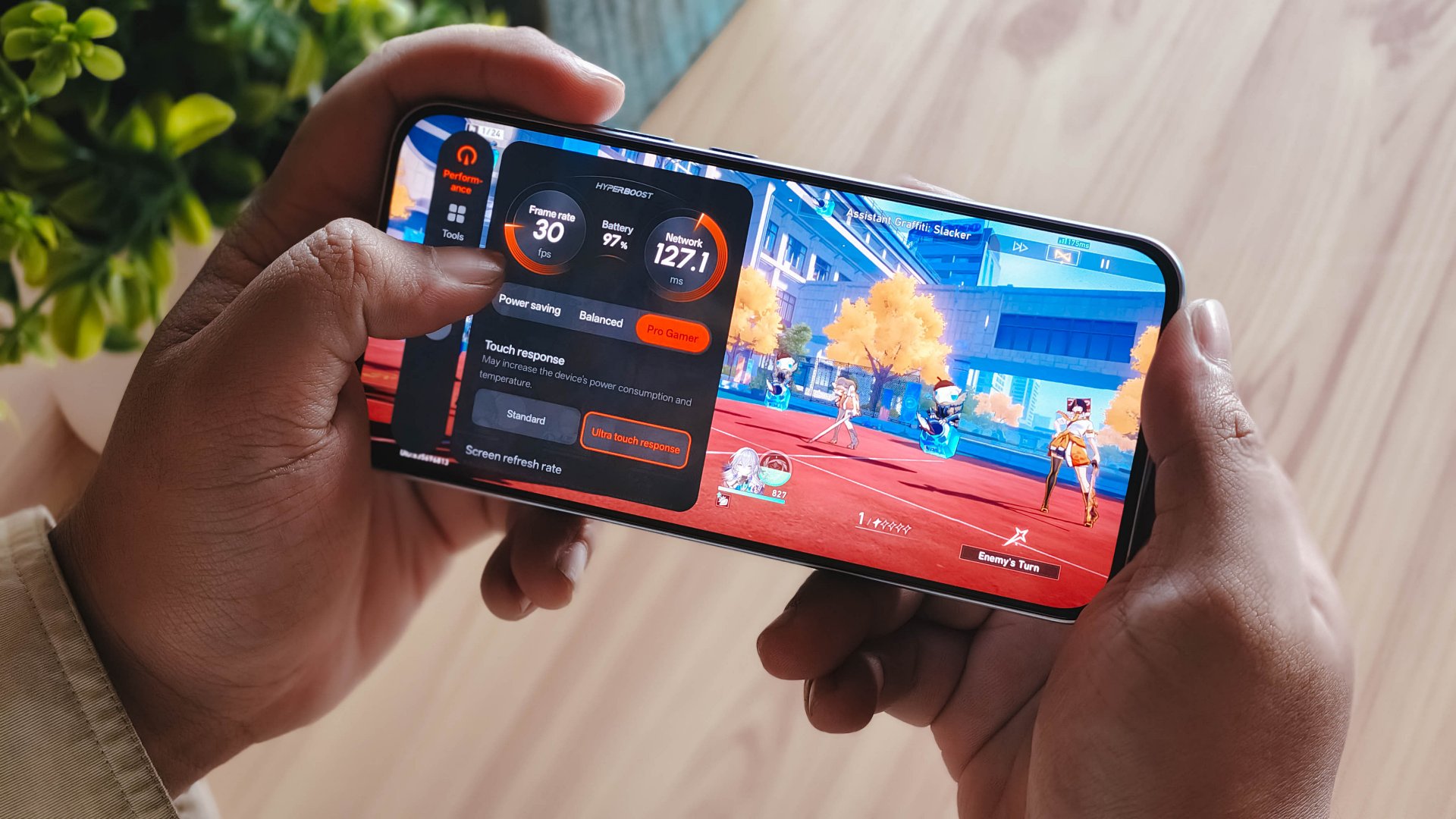
With a Snapdragon 6 Gen 1 processor, the OPPO Reno15 F performs pretty much like any sub PhP 20,000 mid-ranger. It’s acceptable, but does not punch above its weight as expected.
No major hiccups for light and casual usage. But performance struggles a lot for demanding video games.
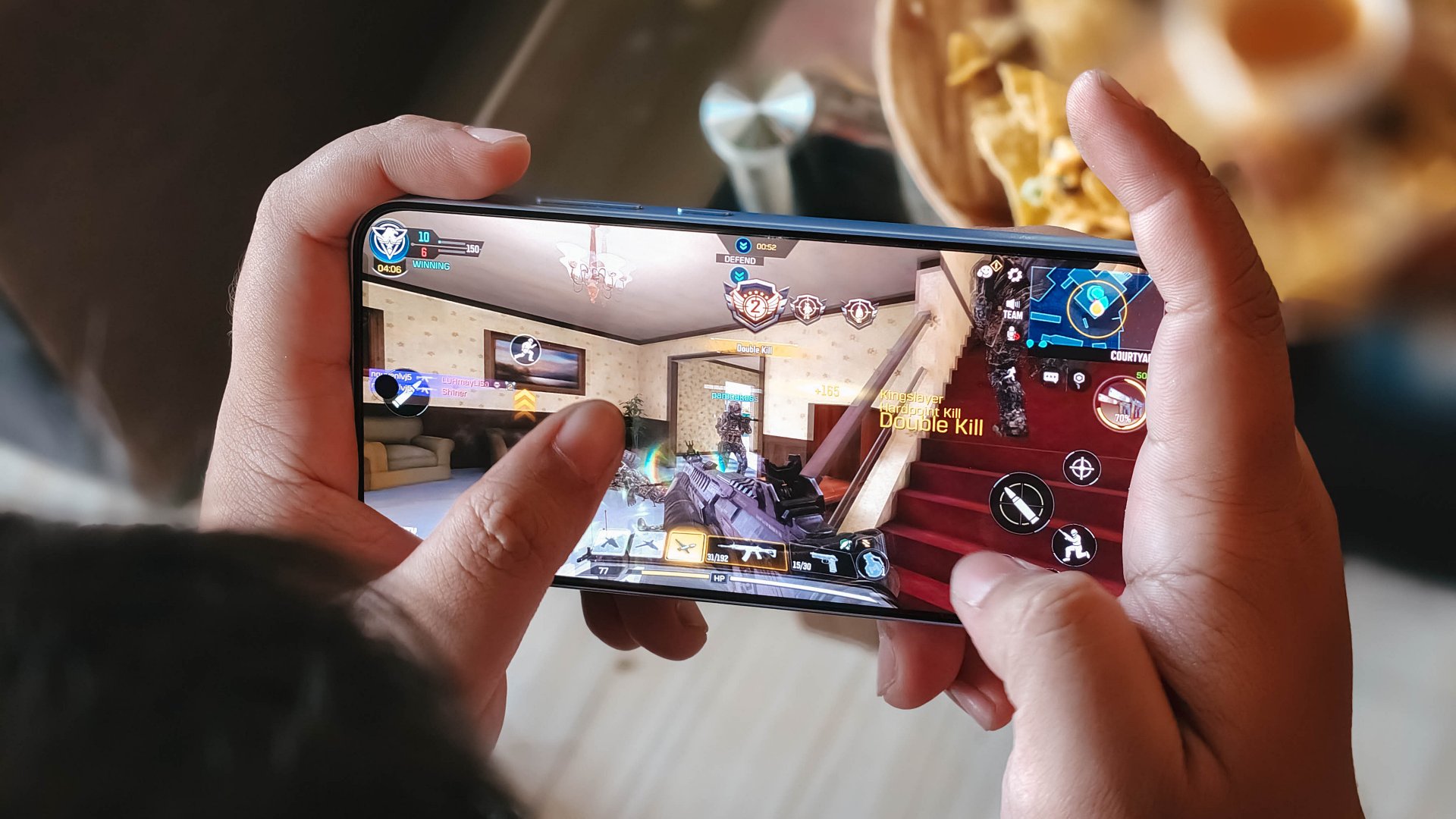
It also heats up significantly just 10 minutes into a title like Honkai: Star Rail. This is a stark contrast to the marketed 25℃ and up to 10 hours straight of smooth gameplay.
Although, the experience was still enjoyable with several wins and MVP runs in Call of Duty Mobile. It only means the F variant remains a more camera-centric phone rather than an a hard-hitting all-arounder.
As with other devices, the 7000mAh battery with 80W SUPERVOOC is a strong suit. You’re fueled from dawn ’til dusk, with much to spare. Recharging takes a breeze, too.
Display
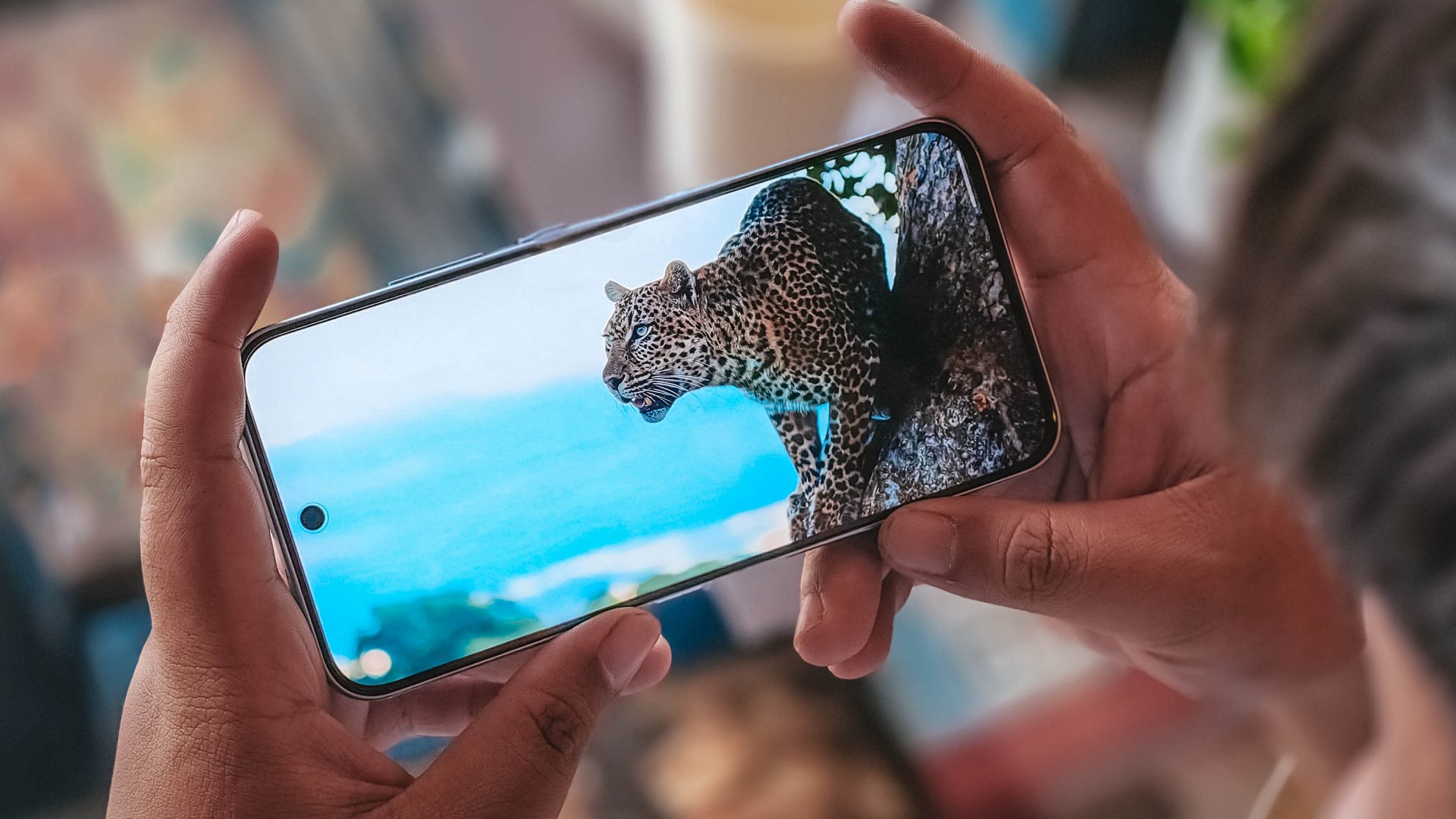
The OPPO Reno15 F has a 6.57-inch 120Hz display, with a 92.8% screen-to-body ratio. At least, that allows you to focus on content on the screen.
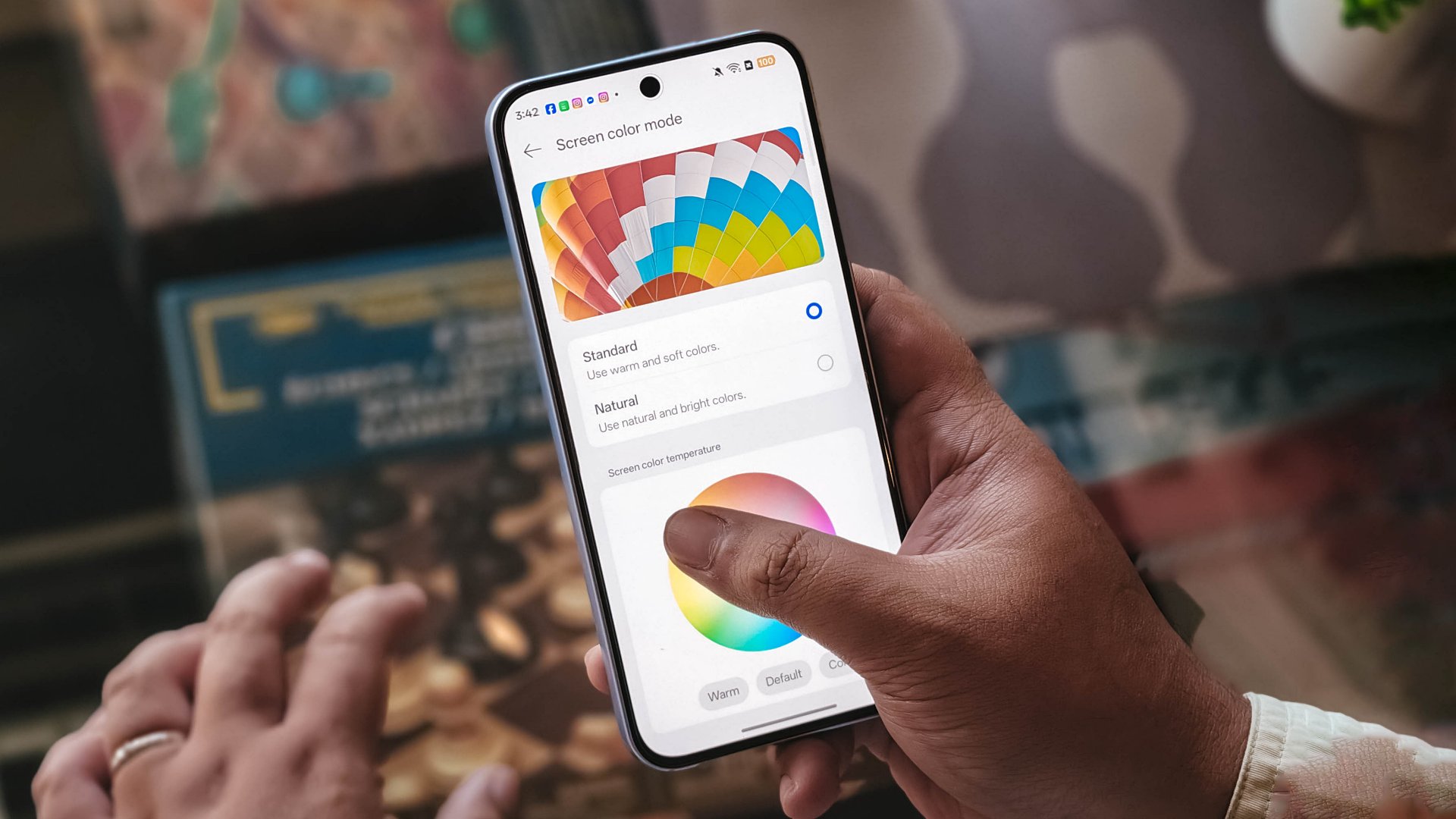
Content leans more towards the cooler tone, so you’ll have to adjust it manually if you want a warmer or more vivid look.
The 397ppi pixel density is fine to ensure sharper visuals, while the 1400 nits peak brightness is helpful outdoors.
Camera
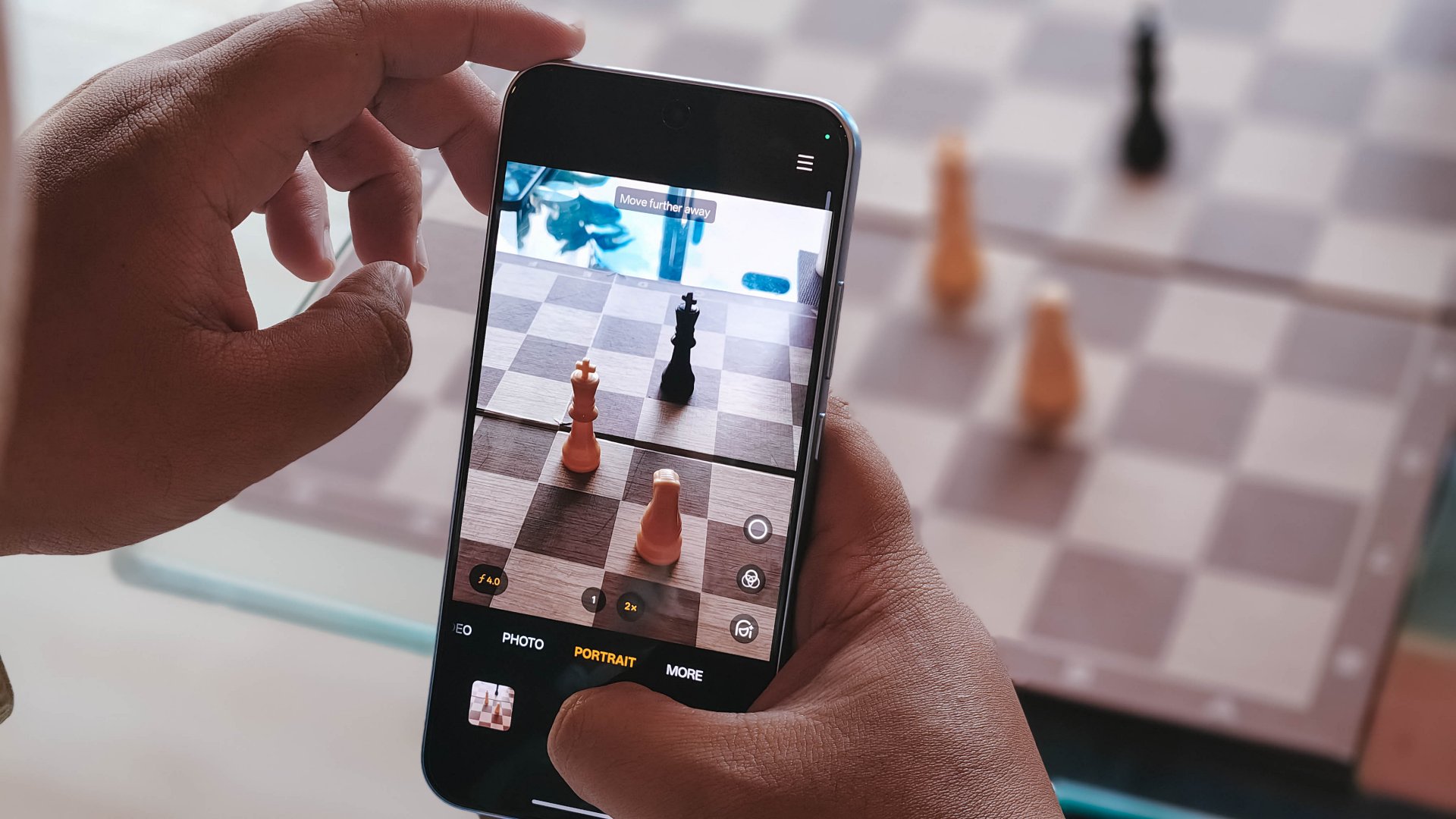
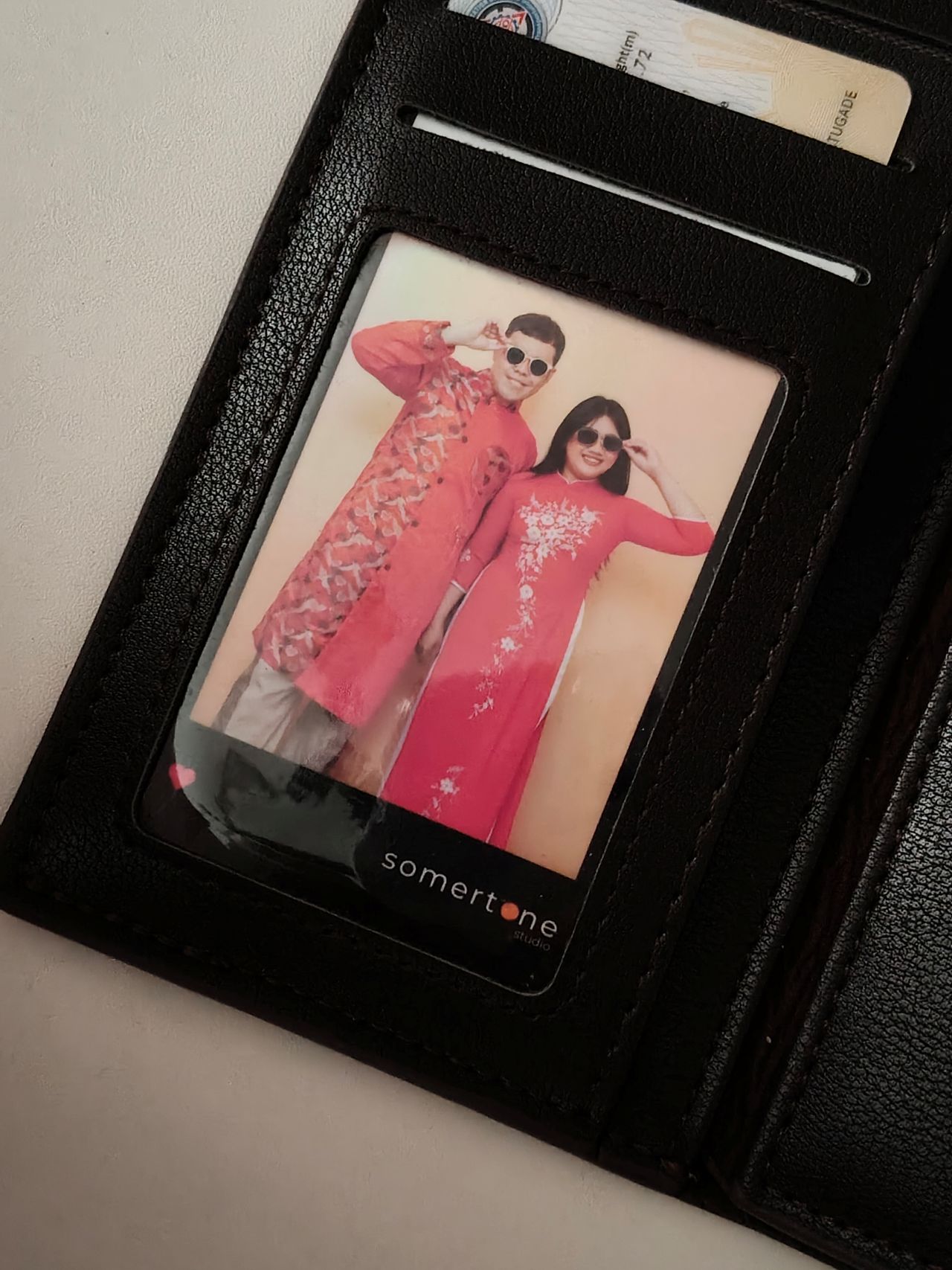
The device’s 50MP main camera captures decent quality. The color science leans on being natural anew, without being too dull nor washed out. You can pull off smooth portraits too.
I hardly used the phone for stills as I focused on videos, but here are some samples, on the occasions I was able to take the handset with me:











The 50MP front camera is an intriguing add-on, as it is capable of up to 4K video and a wide 100° field of view.
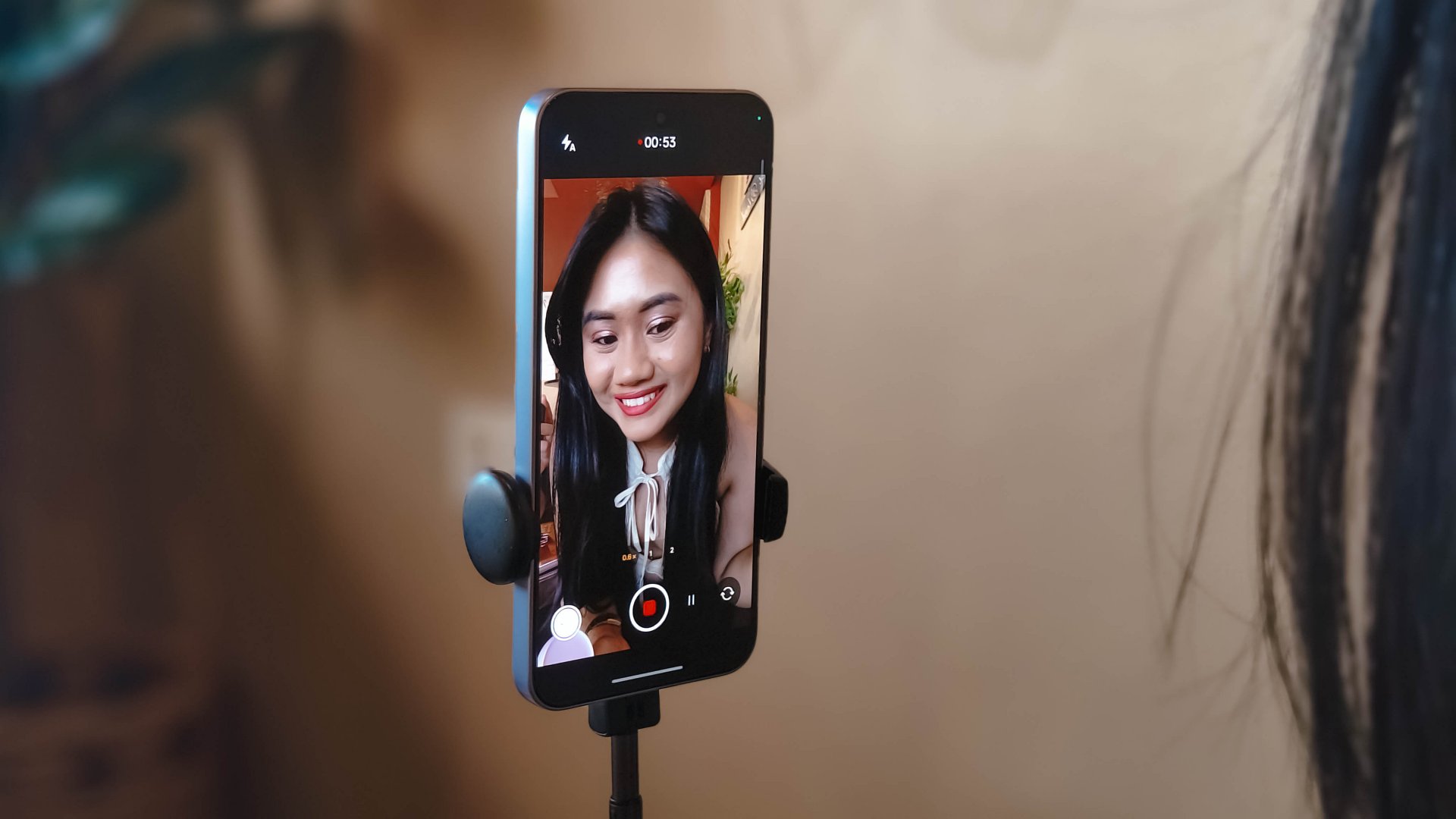
What this does is it essentially removes the need to flip your phone for the popular “0.5” shots. And the quality doesn’t get compromised given the pixel count.
Here are some selfies from different focal lengths:




To its credit, filming with the back camera at 60fps does look and feel smooth, although it can be improved.

Same with the front camera; and the zoom range can be switched from 0.6 to 2x without cutting the recording.
Although, it’s still best to use a selfie stick or small tripod if you’re just after talking head videos.
Speaking of which, here are a few I’ve made with just this device:
@manilaconnoisseur Naka 99 pesos pala ‘yung large Golden Milk Tea ni @highlandscoffeeph until February 28! Oolong base, cream, and okay pala ang chickpeas as sinker along with red jelly. #highlandscoffee #goldenmilktea #oolongmilktea #freeupsize
@manilaconnoisseur Laging sold out ‘yung fun run? Try The Conqueror Virtual Challenges. Stay motivated in your running era, make every run count, and get cool medals after every completed challenge. You can even get a free run or discounted bundles! @theconquerorchallenges #virtualrun #funrun #runningera #staymotivated
But for travel and on-the-go captures, as OPPO markets for the series in general, even the Reno15 F can cover a lot of background along with your or your groups’ faces.
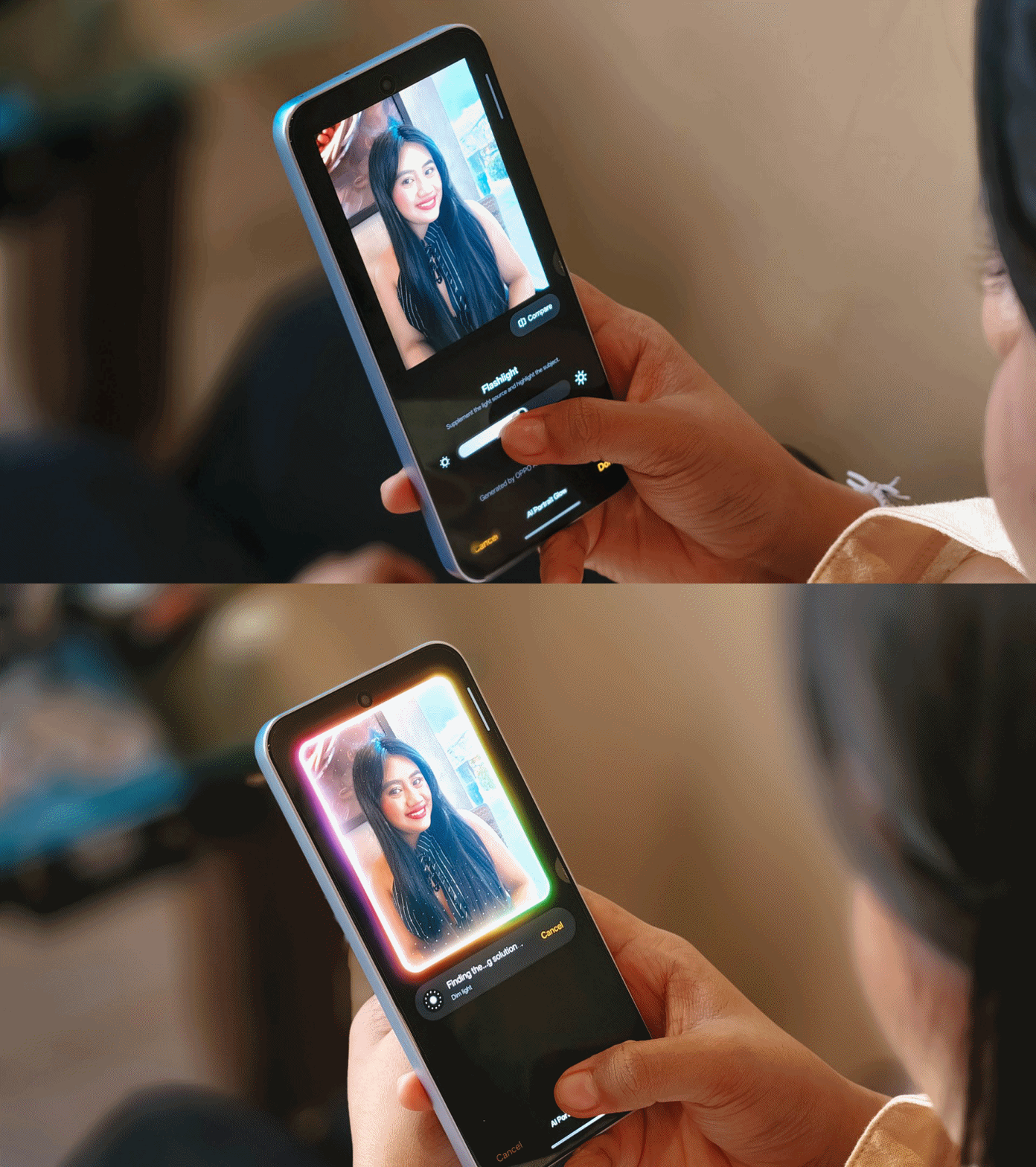
Make no mistake, there are some useful AI editing features here. In particular, AI Portrait Glow gives your raw capture an effect to make it look it was taken with flash.
I do not recall the device heating up as well when taking many photos or videos, so you can say it’s more optimized for that task rather than gaming.
Connectivity issues
Meanwhile, AI LinkBoost 3.0, as in the case of the OPPO A6 Pro, doesn’t seem to punch above its weight either.
Once, I also played Mobile Legends: Bang Bang and the session opened to a jittery start despite being on Wi-Fi and having a stable connection. I don’t know what triggered this.
Design, feel
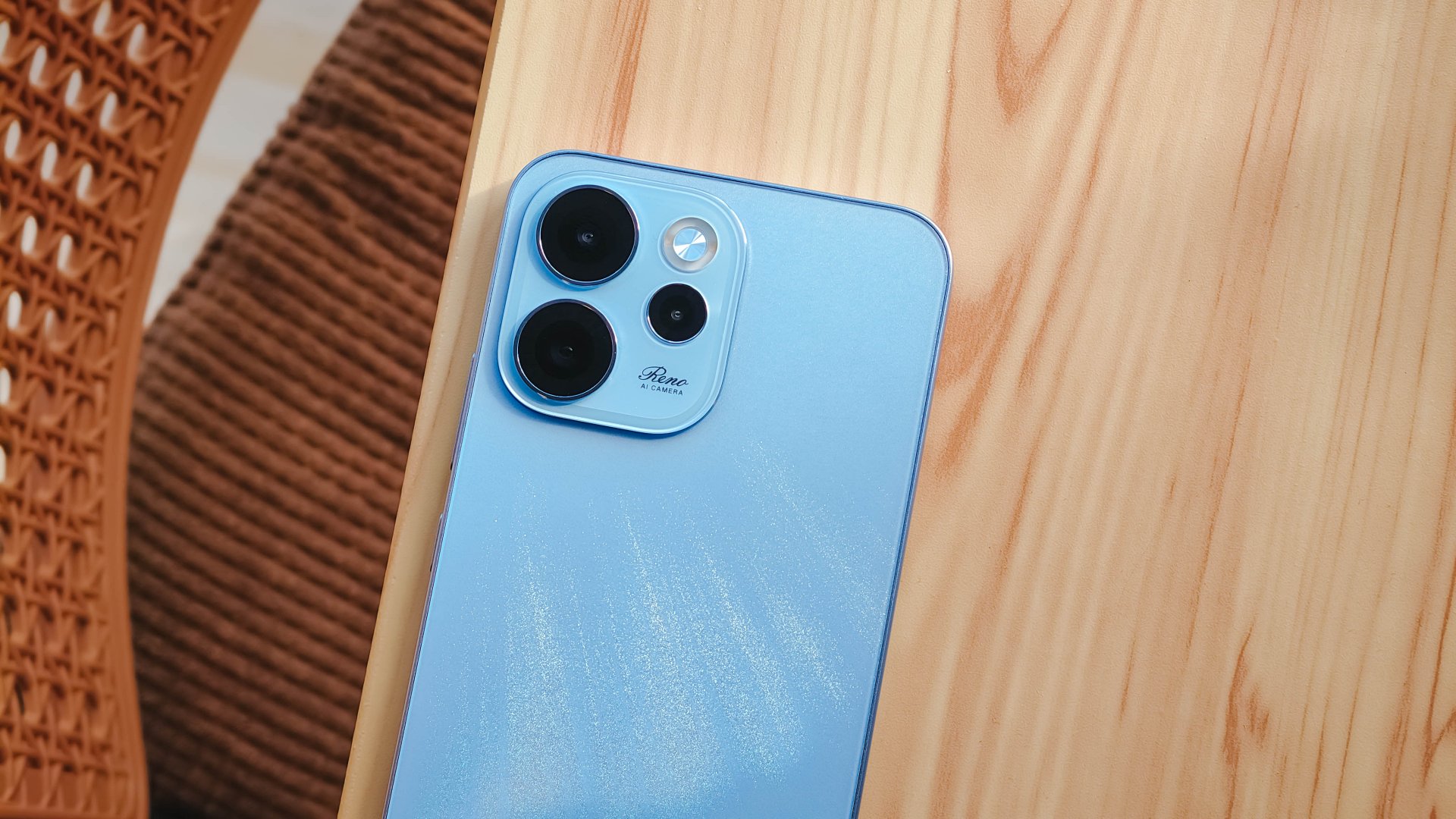
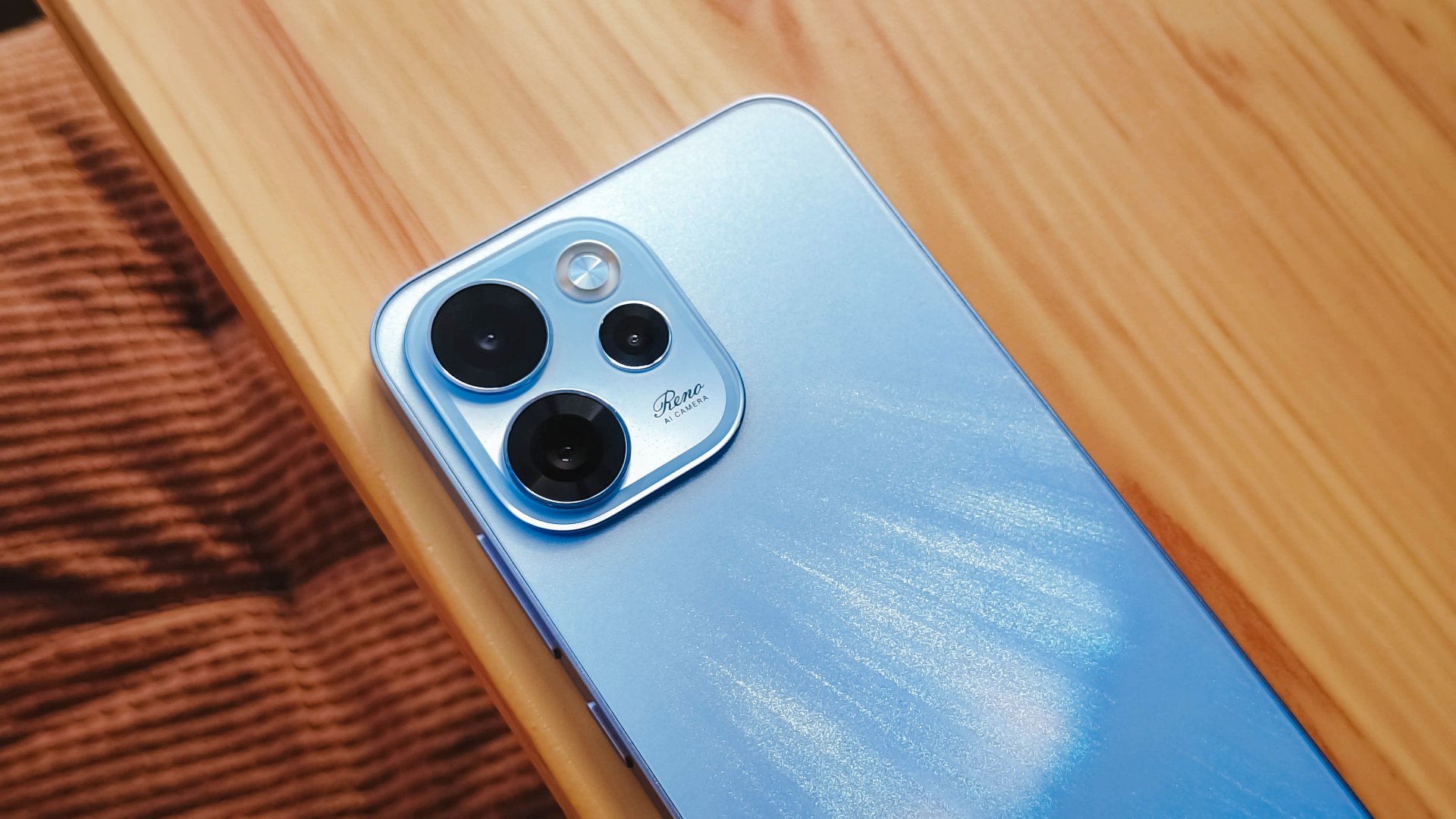
We got the Aurora Blue variant which does kind of resemble the northern lights when you tilt the phone a certain way and when light hits its back panel.
The cursive “Reno” on the large, protruding camera island gives it more style.
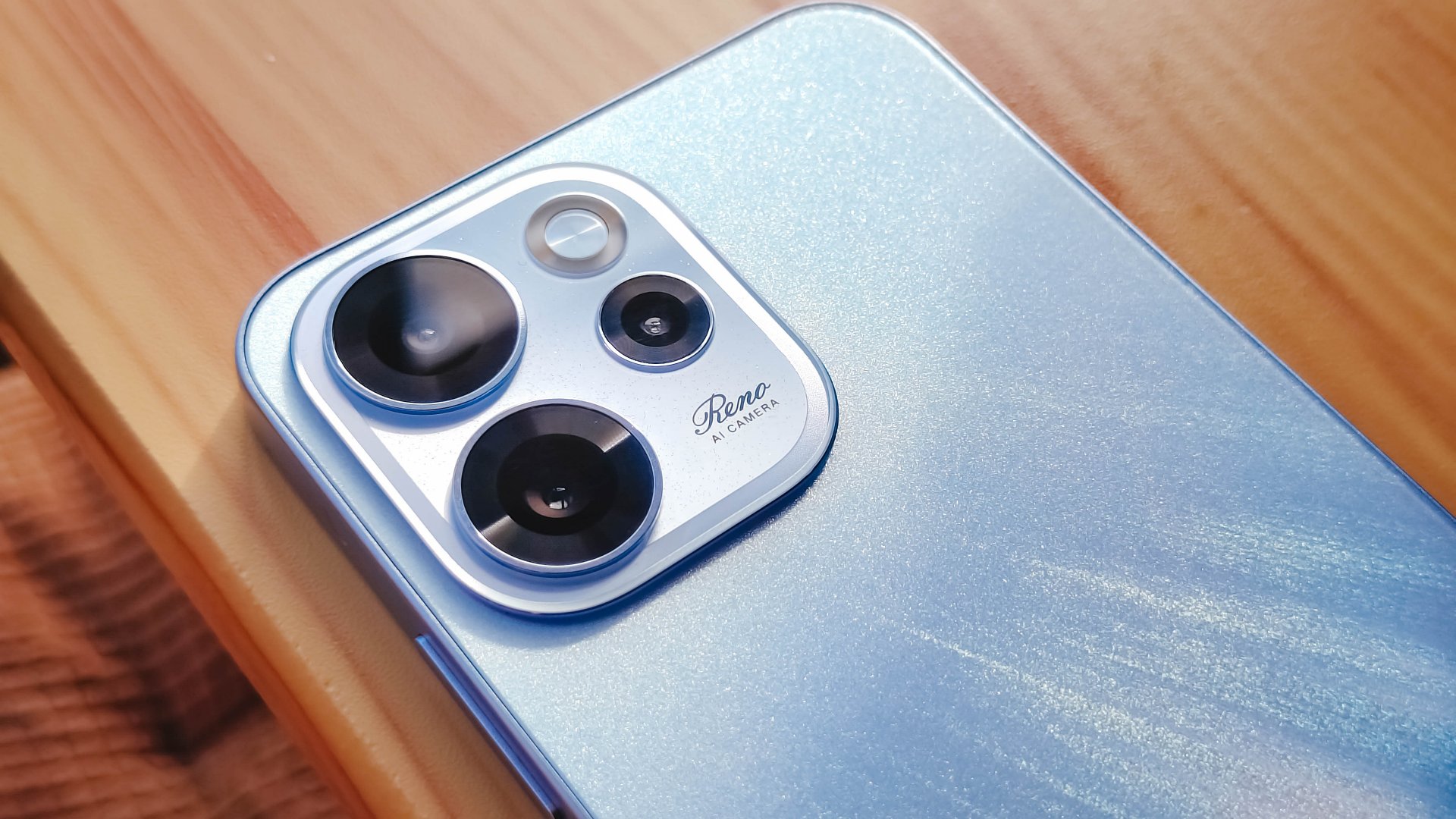
However, it’s all just aesthetics. On the downside, the phone is all sorts of slippery.

I couldn’t hold it properly without think of it slipping away from my hands; nor could I put it on my lap with confidence.
So I guess it’s good that it has structural integrity and waterproofing, because you’ll need that.
oplus_16
The 6.57-inch body does have a good balance between being too compact and too large, like ultras and pro maxes.
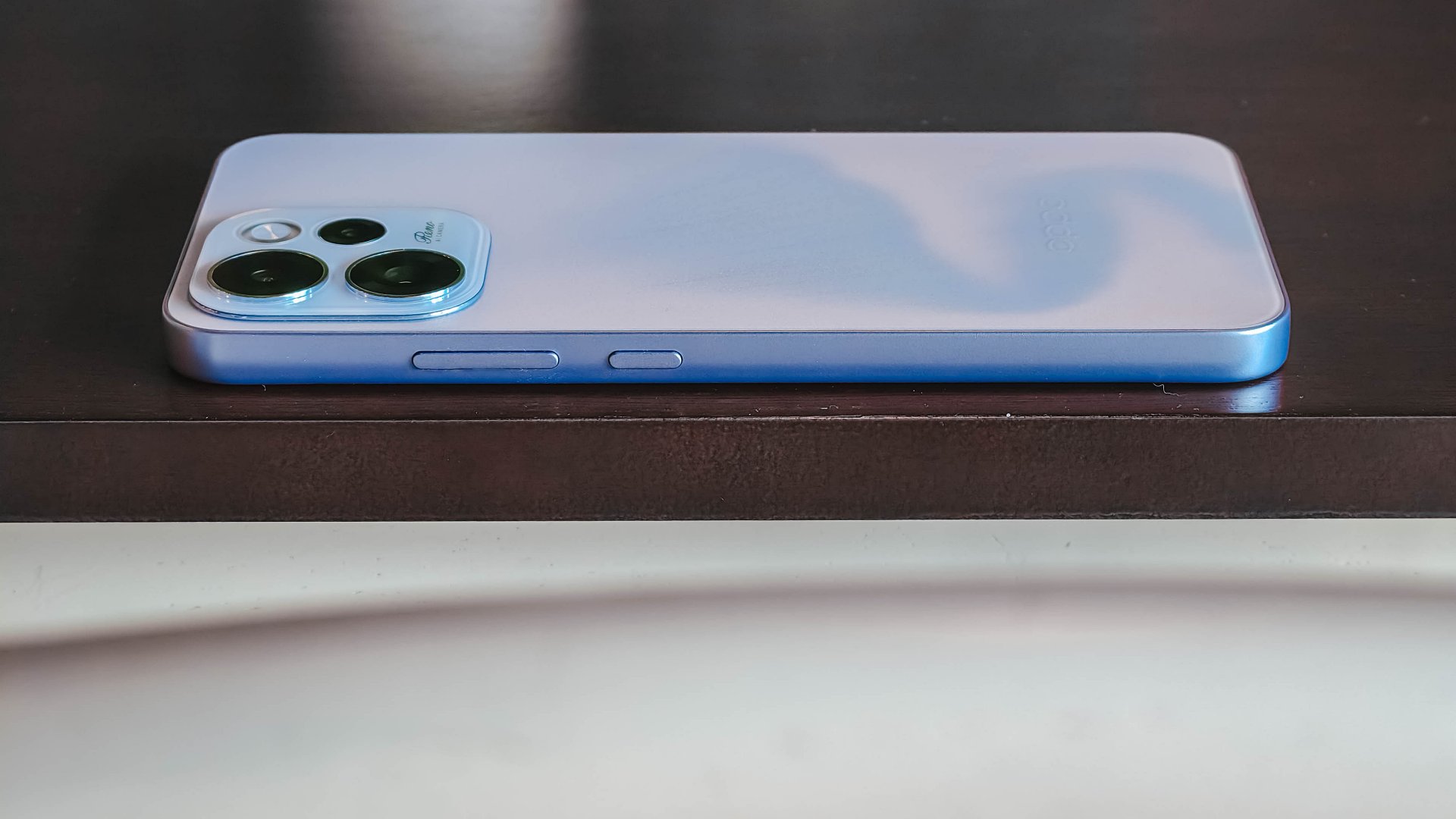
It has a squarish body and has already adapted to the premium, aluminum frame look from the sides.

Is this your GadgetMatch?
Sadly, the OPPO Reno15 F 5G is a Swipe Left unlike its bigger, more capable siblings. There are plenty of plus points for the camera package but take that away, and I don’t see much difference between the Reno15 F and something like the A6 Pro.
Granted, the asking price of this phone will drop significantly in a few months. But throw in a little more, and you’ve got a legitimate mid-ranger that’s more on the premium side rather than the cheap end of the spectrum.


Apple finally has a MacBook for the budget-conscious!
In this video, we take a look at the latest MacBook Neo — Apple’s most affordable laptop at $599.
It’s the perfect first computer for students, families, and anyone who’s always wanted a Mac but couldn’t justify the price.
Here’s our exclusive hands-on with the all-new MacBook Neo for you to check out.
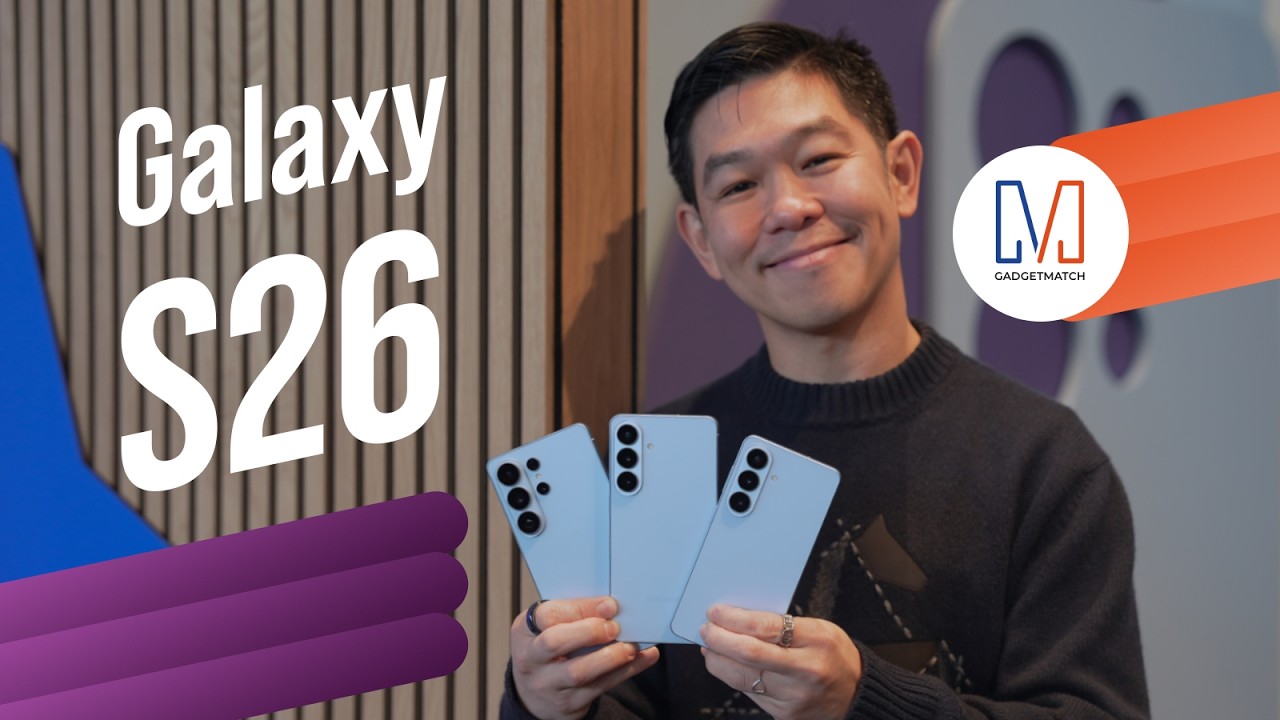
Did Samsung push forward or play it safe with the Samsung Galaxy S26 Series? Well, it’s a little bit of both.
Here’s our Hands-on with the new Samsung Galaxy S26 series to find out.
PRE-ORDER and SAVE up to $900 with enhanced trade-in credit:



Disney+ launches a TikTok-coded vertical feed called Verts

Google Maps is finally getting a 3D mode

KPop Demon Hunters is officially getting a sequel

Bringing Care-a-Lot to my daily carry

Galaxy AI on the Samsung Galaxy S26 Ultra


-

 News2 weeks ago
Xiaomi 17 Ultra is now available outside China
-

 MWC 20261 week ago
Infinix NOTE 60 Ultra makes a motorsport-inspired debut
-

 MWC 20262 weeks ago
TECNO showcases cool concepts at MWC 2026
-

 MWC 20261 week ago
TECNO launches the all-new CAMON 50 series
-

 Reviews1 week ago
TECNO CAMON 50 Ultra review: End of an era?
-

 Reviews2 weeks ago
Xiaomi Pad 8 review: Slab that slaps!
-

 Reviews2 weeks ago
Forget the Phone: Xiaomi 17 Ultra Is A CAMERA!
-
 MWC 20261 week ago
TECNO unleashes Tonino Lamborghini collection