


Your smartphone is capable of gathering and collecting personal information. As such, malicious hackers are always looking for ways to break into your phone to gain that valuable information. Meanwhile, big tech companies and governments are actively developing discrete methods of tracking you through your smartphone.
Thus, it is important to protect your smartphone’s privacy and security. However, it can be daunting to do that if you don’t know where to begin. With many privacy and security guidelines out there, it can be confusing where to look for protection.
Luckily, it’s easy to make your phone more private and secure. These tips are easy to do, and can be accomplished in an hour. Remember though, that the level of protection varies for different people.
These tips aren’t intended for the privacy paranoid. Instead, they act as tips on ensuring that you have the baseline privacy and security protection for your smartphone.
1. Change your device’s privacy settings
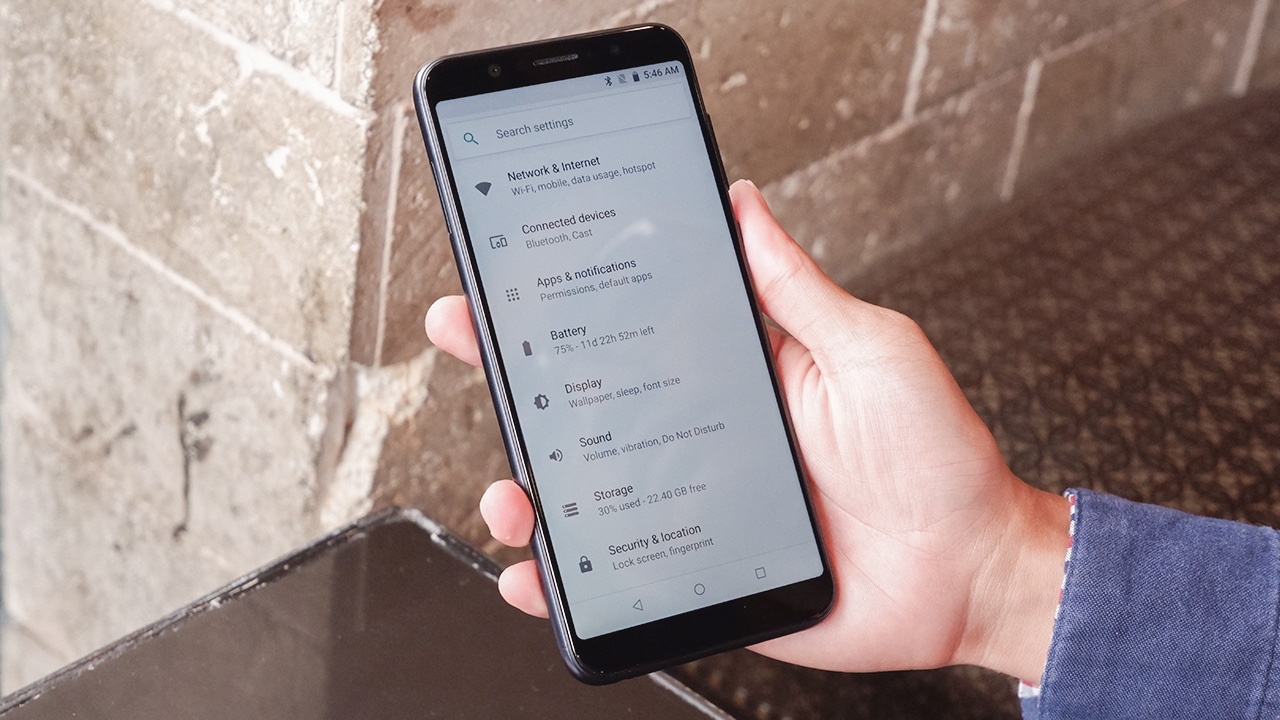
“It starts with you,” so the saying goes. The same tip also applies to making your device more private and secure. You have to start by changing your device’s setting.
Unfortunately for you, some default settings actually harm your device’s privacy and security. For example, your device may have analytics turned on by default — this violates privacy by sending data to third-party companies without your consent.
Changing the default privacy settings in iOS is simple and intuitive. All you need to do is to head over to the Settings app and scroll to the Privacy menu down below. Here, you’ll see a lot of things that you can change.
On the Android side, you’ll usually find the privacy settings for your device on the list of menus under your phone’s settings app. Like in iOS, you’ll see a lot of things that you can change to make your device more private.
These include limiting or opting out of ad personalization, turning off analytics, and changing notifications to display only the app name.
2. Review individual app permissions

Most apps that you use every day ask for permissions. These act as barriers that stop apps from mindlessly retrieving sensitive data.
Treat permissions as a powerful tool for safeguarding your privacy and security. Likewise, most permissions are important enough that you need to be more mindful of what apps you’re allowing and not allowing.
Common permissions include access to the camera, microphone, contacts, SMS, and location. There’s no exact rule to determining what permission should be allowed for an app.
However, as a general rule of thumb, know first the advertised function of a certain app. A calculator app shouldn’t ask for your microphone if, in the first place, it doesn’t tout voice input as a function.
For messaging apps, you’ll obviously need to allow contacts and SMS access. These apps will also need the camera and microphone access for video calling purposes.
Social media apps commonly require access to contacts, camera, and location. Meanwhile, utility apps should have minimum permissions from the get-go.
3. Use a VPN
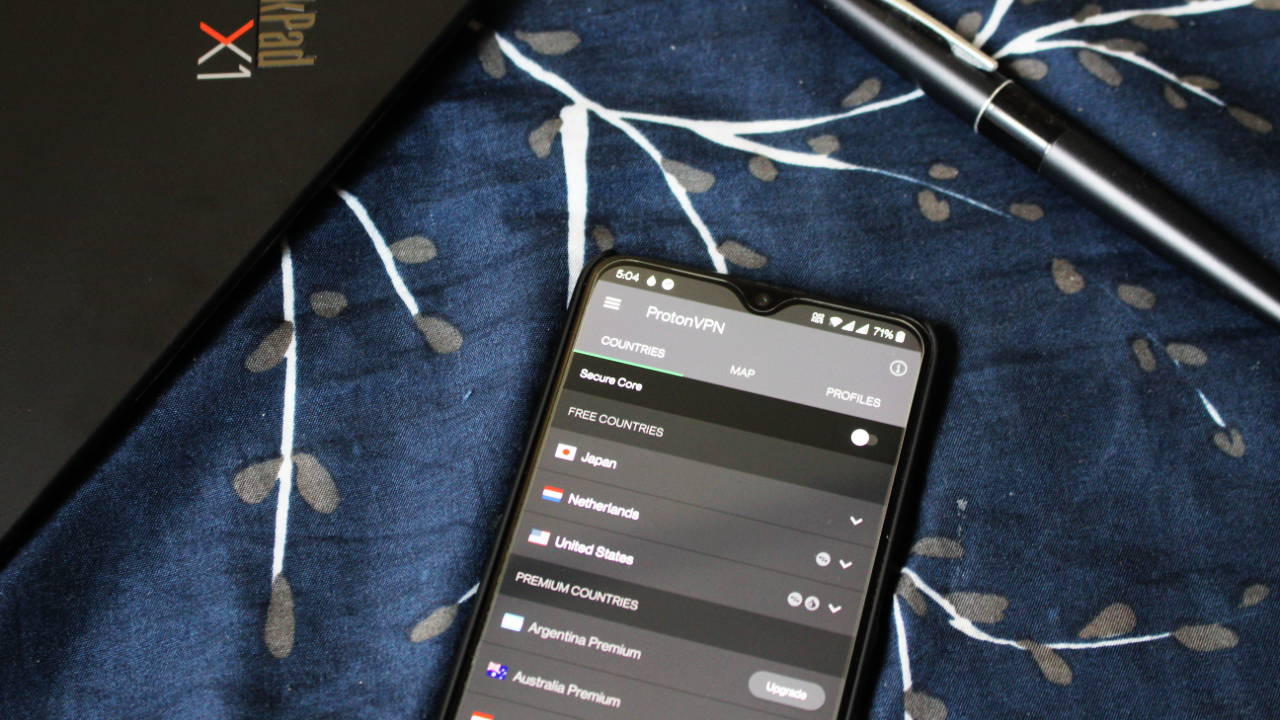
You may have heard about someone using a VPN to unblock shows from Netflix or view restricted websites. Basically, a Virtual Private Network (VPN) routes your connection to multiple servers around the world. As such, you also end up with an IP address that hides your real location.
This is a huge deal especially for some websites or services that hide content depending on a user’s location. It’s also a boon for your privacy and security.
VPNs also protect your privacy by feeding false location information to most advertisers on the web. Most websites today have ads that track users wherever they go. Companies have sophisticated methods of tracking and building user profiles. This violates users’ privacy and security.
There are a lot of VPN services to choose from in this day and age. However, some VPN services actually leak sensitive information. On top of that, some of them have monthly data allocation and speed caps.
Some of the reputable VPN services out there include ProtonVPN, Private Internet Access, TunnelBear, and NordVPN. It’s also worth checking out Mullvad, SurfShark, and IPVanish.
Configuring VPNs is easy. You just have to follow the instructions given by your selected VPN provider.
4. Install messaging apps with encryption.

We use messaging apps to stay connected with our friends and families. However, not all messaging apps are built equally.
Some messaging apps don’t implement end-to-end encryption (E2E encryption), allowing malicious hackers and third-party companies to access your valuable information without your permission.
End-to-end encryption protects your valuable data by making your messages hard to read for hackers and companies. That means that even if a company that owns a messaging app gets hacked, they will only see random blobs of data instead of other people’s messages.
By now, most messaging apps in the market use end-to-end encryption. However, most apps only encrypt your data while in transit, which means that your message is safe while it travels across servers.
The messages that reside in your device aren’t encrypted at all, so hackers and companies can retrieve any information using sophisticated methods such as apps that harvest data in the background.
There are quite a good number of messaging apps that offer full E2E encryption. One of the most popular is Signal — a messaging app used by the famous NSA whistleblower Edward Snowden. You only use a mobile number to create a Signal account, mitigating the need for emails and passwords. It also has quite an extensive list of features that even rival Facebook Messenger.
Other apps that offer full E2E encryption includes ThreeMa, WhatsApp, Wire and Viber.
5. Consider using a secure browser
Chances are, the browser that you’re using today is Google Chrome. Many people use Chrome since its fast, simple, and just works.
However, it’s also one of the worst browsers to use for safeguarding personal privacy and security. After all, it is owned by Google. It’s common knowledge by now that Google thrives on a business that doesn’t totally safeguard your privacy and security.
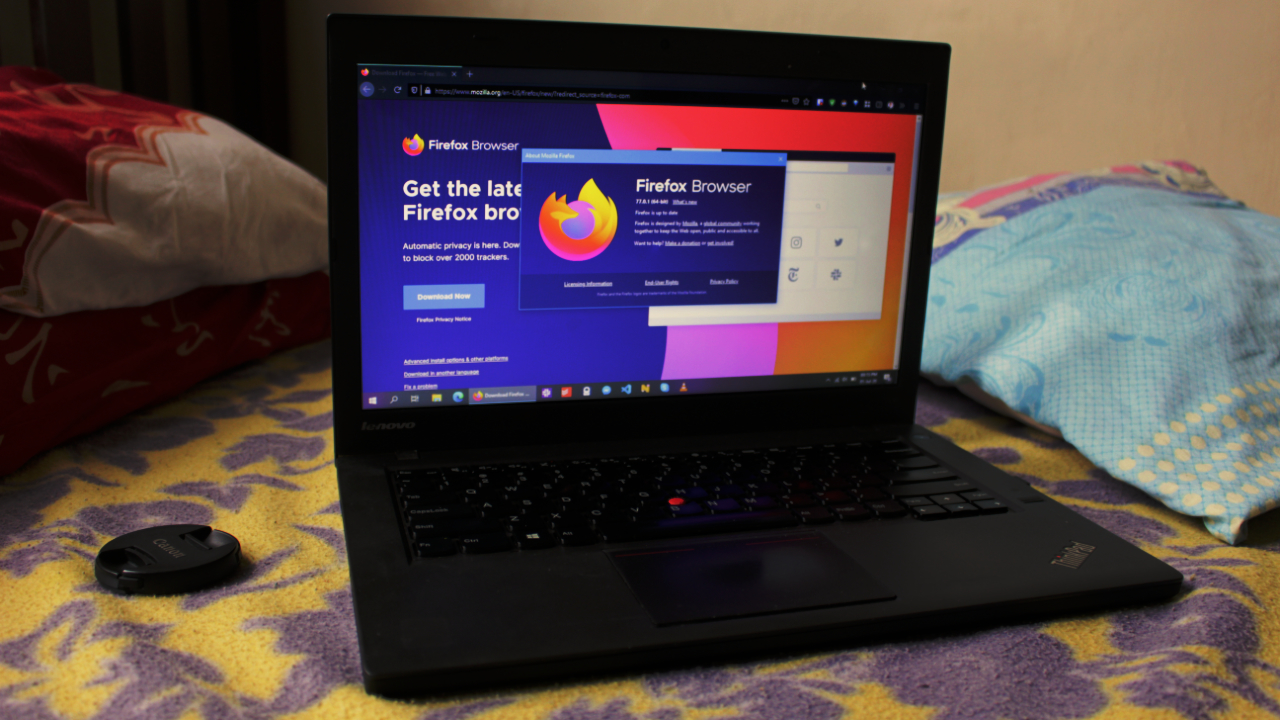
There are other browsers out there that offer a better private browsing mode. Among them is Mozilla Firefox, which offers tracking prevention by default. Firefox’s tracking prevention blocks ads and other web elements that try to gather personal information as you browse the web.
Other browsers that have tracking prevention includes Microsoft Edge and Brave Browser. Safari also blocks trackers now, and you’ll see privacy reports in the future as part of macOS Big Sur.
You may have also heard of Tor Browser. Using Tor Browser is recommended if you want your browsing activity to be more private and secure. Keep in mind though, that browsing is much slower since it routes your network connection to different servers all around the world.
6. Store passwords with a password manager.
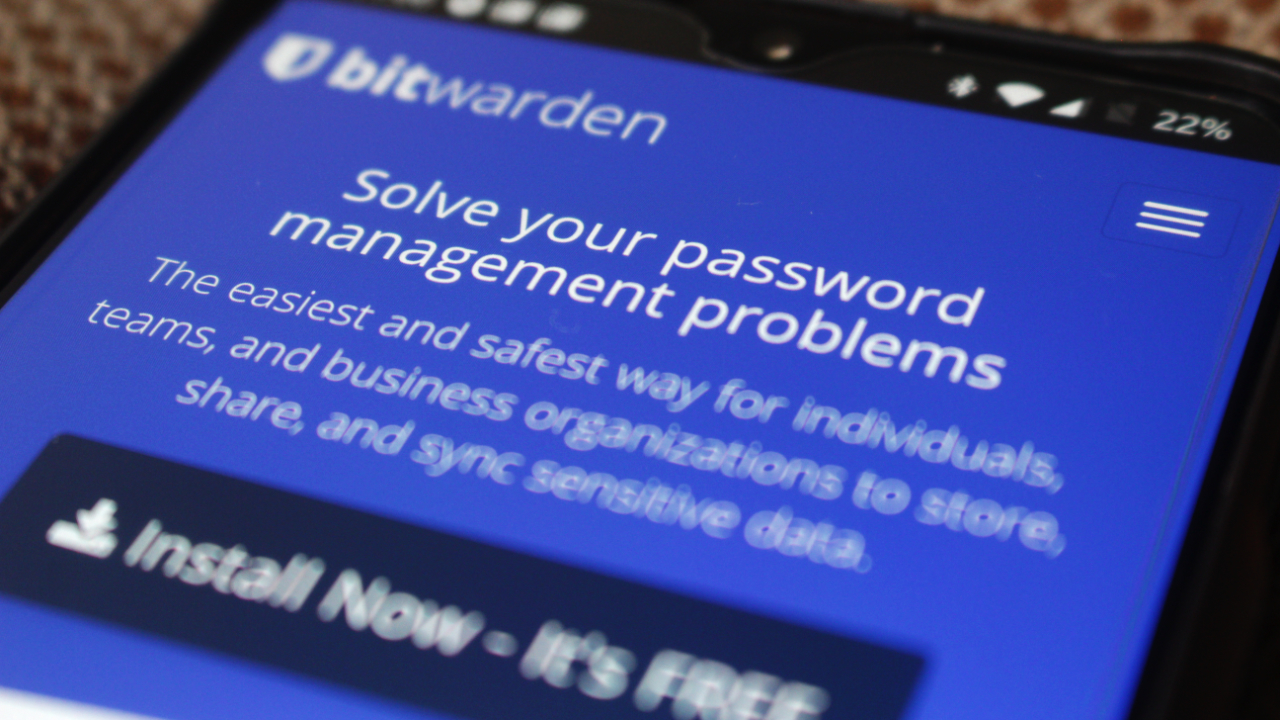
In this day and age, you should be using a password manager to manage your website logins. After using one, you’ll wonder why you haven’t used one sooner.
Password managers are convenient. Most of them feature one-click autofill which automatically fills in your username and password in the corresponding field. You’ll no longer have to enter your information manually. On top of that, you protect your privacy against snoopers.
Most password managers can also generate strong passwords for you. You don’t have to think about what unique word you’ll use when asked for a password.
More importantly, you no longer have to reuse an old password which just increases the chances of a hacker gaining access to your accounts. Some even have a password monitor feature, which alerts you if the password you used was retrieved by hackers.
Some of the best password managers out there include LastPass, Dashlane, and Bitwarden.
BONUS: Don’t give your personal info in an instant
This sounds simple but it’s something that we need to share with everyone. Especially our loved ones who don’t know better about giving out their personal information.
This not only applies in the digital world but also in the real world. After all, someone is bound to mishandle or abuse your personal data. The best course of action is to always ask if sensitive information is needed at all.
In digital terms, that means checking out an app or a website’s privacy policy for any mention of what data is needed to gain access to their service. However, privacy policies tend to get long, so we might be lazy enough to know why a piece of data is needed.
As a rule of thumb, always exercise caution when giving out personal information. If possible, limit any personal information to your name, email address, mobile number, and approximate location.
Making your device more secure and private doesn’t have to be tedious. These simple tips are easy enough to follow but will ensure a more private experience for you and your device.
These tips, however, only scratch the surface. Ensuring your device is private and secure is a proactive approach that requires one to be cautious of their data at all times.






Apps
The case for traveling without a plan
How Grab’s 5-Star Travel Guide replaced my spreadsheets, for personal travel anyway

I have somehow acquired the reputation of a man permanently in transit.
Fill your feed with airport check-ins, road trips, hotel rooms, and race bibs for a decade, and people stop seeing travel as a hobby. They start treating it like a personality trait. And naturally, everyone is always breathless to know: “MJ, how on earth do you manage it all?”
Here’s the truth: every trip begins long before I pack a bag. A good itinerary takes time. Flights, hotels, transfers, backup plans, restaurant lists all have to fit together well enough to make the trip feel worthwhile.
My colleagues would probably call me a Type A traveler. They’ve watched me run international coverages and high-stakes business trips entirely off spreadsheets. Spreadsheets!
Timed down to the exact micro-second, complete with contingency plans for every possible disaster short of an alien invasion.
And they are completely right. For work. But personal travel? Oh, darling, personal travel plays by a completely different set of rules.
The luxury of letting go (and the panic that follows)
A month before departure, I am all about securing the basics. But once the flights and rooms are locked in? I completely let go.
I would much rather leave room for fabulous, unexpected curiosity than fill every single hour with another rigid destination.
Part of it is sheer decision fatigue. I spend so much of my professional life making executive decisions that the last thing I want to do on vacation is have a minor existential crisis at 2:00 p.m. over which artisanal café deserves the honor of my afternoon. I want to wake up, look at the sunlight filtering through the curtains, and let the universe decide.
Of course, ironically, that absolute freedom can spiral into its own fabulous brand of panic. I know I want to go somewhere chic. I just have absolutely no idea where.
Which is precisely how Grab’s 5-Star Travel Guide quietly became the most indispensable accessory of my latest getaway.
Finding somewhere to spend the afternoon
I recently flew to Cagayan de Oro to spend some quality time with my long-term, long-distance, low-commitment, casual boyfriend. (Yes, it’s complicated, but the mystery keeps it glamorous.)
I arrived with absolutely zero plans, and this was entirely deliberate. If there is one thing a strong, independent person must never do, it is rely on someone else to dictate his day — even if that someone is technically his own handsome, local tour guide.
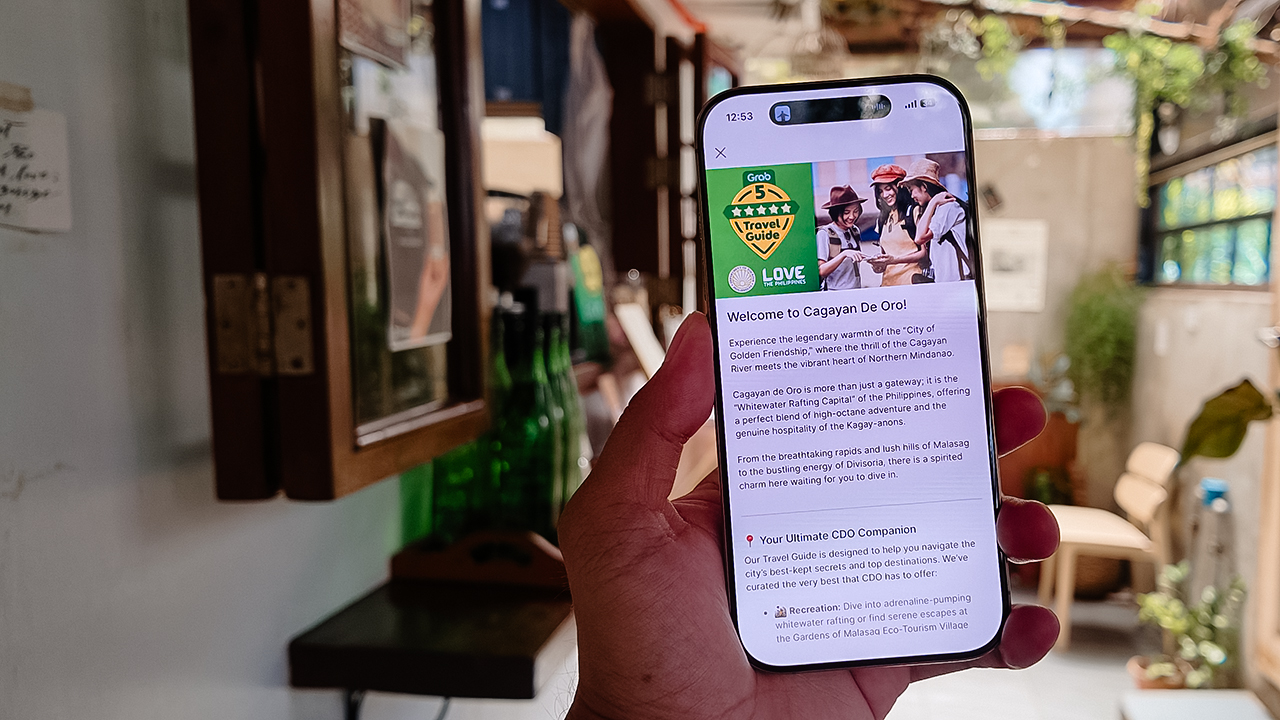
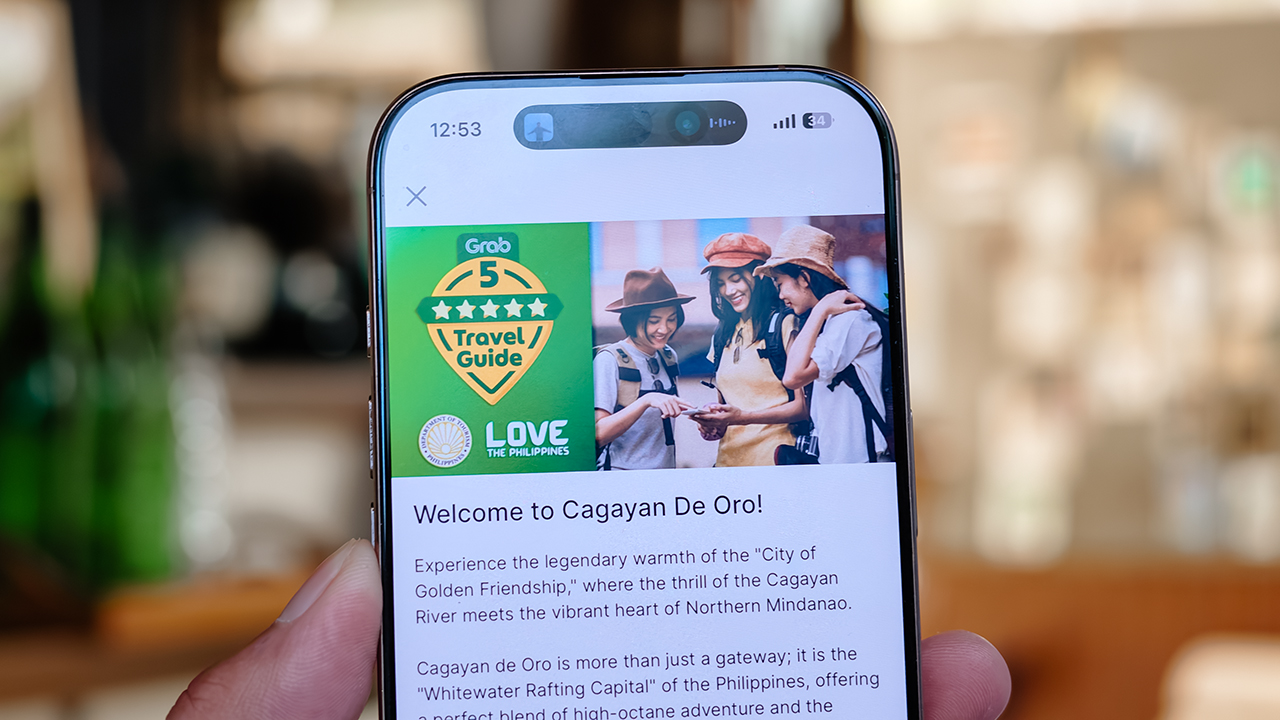
Instead of waiting around for an itinerary to be handed to me, I simply opened my Grab app while I’m in downtown and slithered over to their Travel Guide.
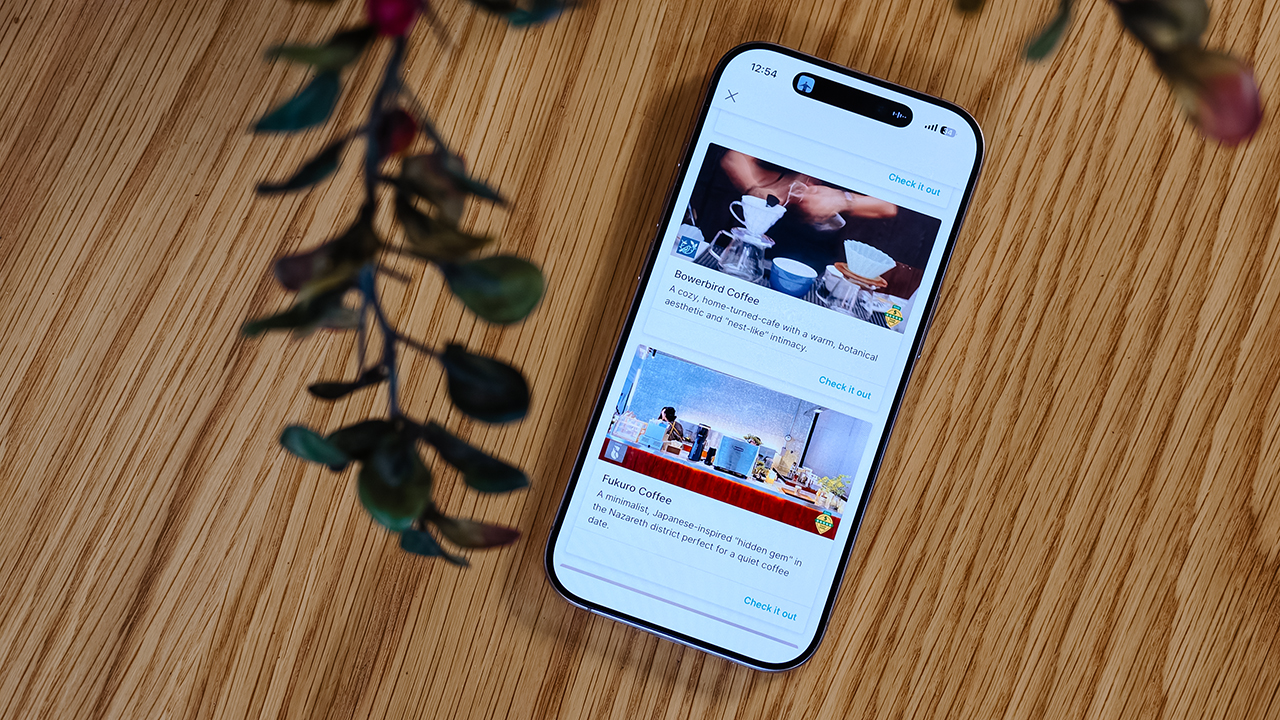
My fabulous friend, Syra, glided over from Midtown, and we agreed to rendezvous in Uptown to finally check out H Proper Coffee, which was practically screaming at me from the top of the Grab list.
It’s the city’s legendary third-wave coffee pioneer — complete with a deeply impressive roastery — and it has recently, thank goodness, expanded to Makati.
-

- Bowerbird Coffee

The guide also flirted with other familiar, delicious names like Milestone Coffee (where Syra and I had gossiped over lattes just six months prior), alongside Bowerbird Coffee, Fukuro, Apostrophe Café, The Lone Wolf, and Grae Coffee.
I must say, the recommendations were utterly spot-on. They weren’t just highly rated by random bots; these were the actual enclaves that the city’s stylish locals genuinely know and love.
Dinner dilemma (solved!)
The Travel Guide came through yet again when the sun began to set and the crucial question of dinner arose. Now, I absolutely adore discovering hidden neighborhood gems and family-run eateries. They possess a soul that no luxury restaurant could ever replicate.
That said, every proper holiday demands at least one evening where you put on a sharp blazer, splash on some Tom Ford, and indulge in a truly beautiful meal.
Unsurprisingly, Cucina Higala seduced me all over again. Look, I am a creature of habit. If I know an establishment delivers perfection, I will return.
Seeing it sitting proudly near the top of Grab’s curated list felt like a delicious little pat on the back; a quiet validation that my impeccable taste is worth trusting after all.
Beyond the plate
Refreshingly, the guide doesn’t stop at flat whites and fine dining. Grab’s Travel Guide also highlights local luxury hotels.
Though, fair warning, a few of them are the sort that make your credit card wince slightly. (But darling, they are five-star for a reason.)
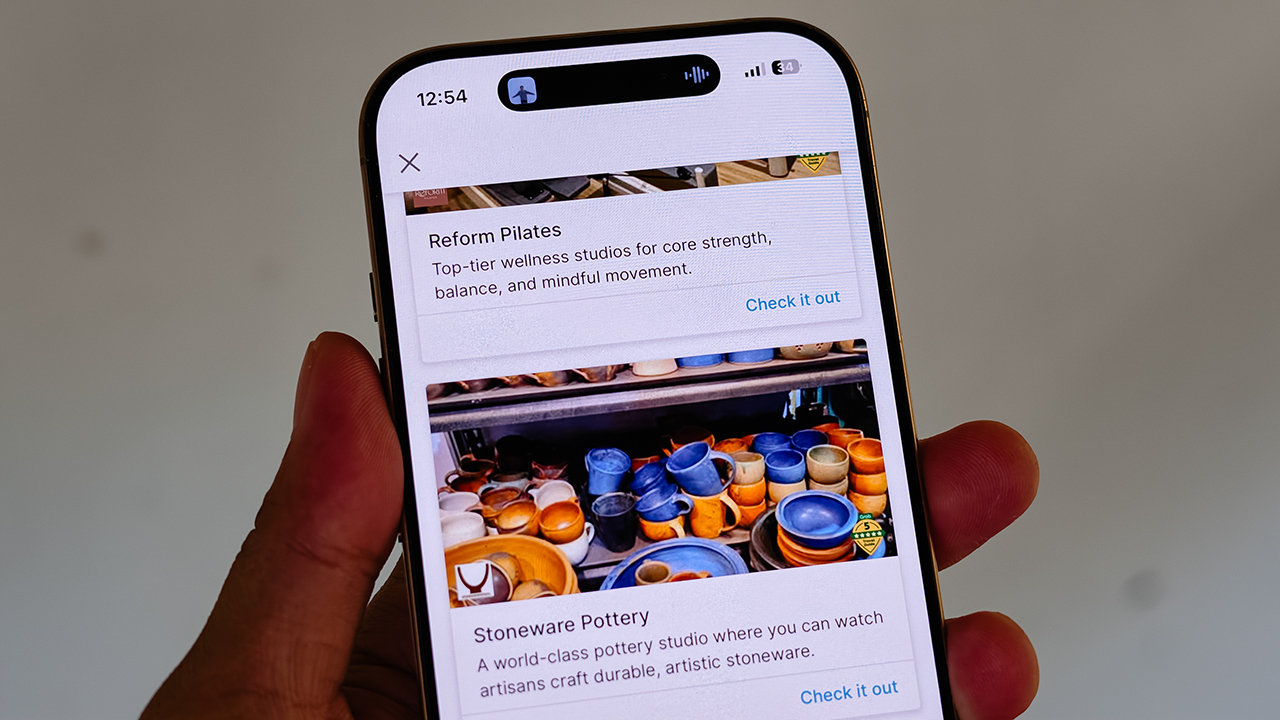
It also curates actual experiences. Browsing through the app, I found options for everything from heart-pounding whitewater rafting and sharp Pilates studios, to a world-class pottery atelier, a folkloric museum, and a sweeping, adventure-filled mountain retreat.
Some were already on my radar, but others? I would never, in a million years, have stumbled upon them myself. And that is the thrill of traveling this way. You leave just enough empty space in your diary to be utterly surprised.
For the spontaneous traveler
Let’s be clear: planning every detail down to the last centavo is not a flaw. When you’re younger or traveling on a strict budget, every single peso counts, and a meticulously plotted itinerary ensures you maximize both your wallet and your time.
But eventually, thank heavens, you reach a stage in life where the itinerary matters just a little bit less. A stage where time and budget stop being the terrifying monsters standing between you and a boarding pass.
You learn that not every single meal requires three weeks of intense counter-research. Not every hour requires a reservation confirmation number.
Sometimes, the most breathtaking, unforgettable moments happen simply because you wandered into a doorway you weren’t even looking for.
So, book the flight. Secure the hotel. Figure out how you’ll get around. Then let your feelings, and Grab’s Travel Guide, decide the rest.
Features
Spotlight: HUAWEI WATCH GT Runner 2 Racing Legend Edition
A marathon coaching system wrapped in the lightest titanium running smartwatch.
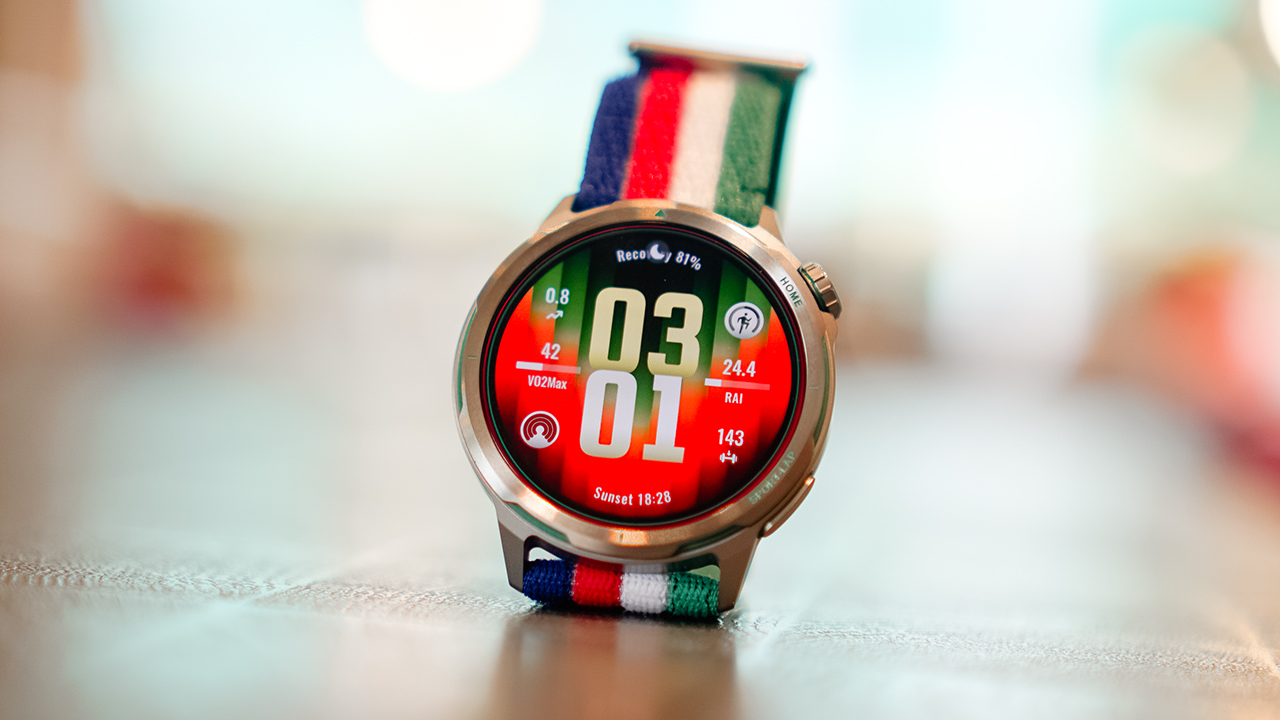
@gadgetmatchEliud Kipchoge, the world’s greatest marathon runner, helped design this watch. The HUAWEI WATCH GT Runner 2 Racing Legend Edition is the lightest titanium smartwatch built for runners, featuring the most accurate GPS in its class. It packs an AI-powered marathon coaching system alongside comprehensive health and fitness tracking built right into your wrist. #HUAWEIWATCHGTRunner2RacingLegendEdition HUAWEI Online Store – https://tinyurl.com/479ee4zk Shopee – https://tinyurl.com/yex4dvp9 Lazada – https://tinyurl.com/yu47bktt TikTok – https://tinyurl.com/yxsjsyhw♬ original sound – GadgetMatch
Eliud Kipchoge ran a marathon in under two hours. That’s not a marketing line. It’s one of the most significant feats in the history of human endurance.
So when Huawei says the HUAWEI WATCH GT Runner 2 Racing Legend Edition was designed with his input, that detail deserves more than a passing mention. It shapes what this watch actually is, and more importantly, what it’s trying to do.
The GT Runner 2 isn’t a smartwatch that happens to track runs. It’s a running tool built from the ground up, wrapped in titanium, and finished in a colorway that carries Kipchoge’s energy in its gradient and clean lines.
Lightest titanium watch
The first thing you notice when you put the GT Runner 2 on is how little you notice it.
At 43.5 grams for the watch body, it’s Huawei’s lightest metal running watch to date. For reference, that’s roughly the weight of a small packet of sugar.
On paper that sounds like a marketing metric. On a long run, it’s the kind of thing you actually feel — or more accurately, the kind of thing you stop feeling, which is the point.
The case is aerospace-grade titanium alloy, the same material used in aircraft construction. It’s strong without adding bulk, and at 10.7mm thick, it slides under a long sleeve without a second thought.
The display is a 1.43-inch AMOLED panel with 3,000 nits of peak brightness, enough to read clearly under direct sunlight mid-run, which is where it needs to perform.
The Racing Legend Edition colorway is the visual anchor of the whole package. It doesn’t read as a sports watch in the traditional chunky sense.
The strap situation is thoughtful, too. The in-box AirDry woven strap is designed to breathe.
There’s also a Fluororubber quick-release strap included for race days when you want something more locked in against your wrist.
Accurate GPS
This is the centerpiece of the GT Runner 2, and Huawei has invested the most engineering effort here.
To understand why the GPS on this watch is different, you need to understand a basic problem with how most GPS watches work.
Satellites broadcast signals in a circular, spiral pattern. Most smartwatches are built to receive signals linearly, meaning they’re only catching part of what’s being sent. The result is data loss, and data loss means inaccurate tracking.
The GT Runner 2 addresses this at the hardware level with what Huawei calls a 3D Floating Antenna Architecture. The titanium bezel and metal middle frame of the watch itself function as external receivers, which expands the antenna surface area significantly.
More of the watch is actively listening for satellite signals, which means it captures more of those spiral broadcasts. Huawei positions this as a 50% improvement in antenna performance.
Then there’s the software layer, which is arguably more interesting for anyone running in an urban environment.
Anyone who’s tracked a city run knows the problem: you go under an overpass, cut through a tunnel, or run between towers, and your GPS trace goes straight. The watch gives up and draws a line where your route should be.
The GT Runner 2 has an AI system — Huawei calls it the XDR Inertial Navigation AI Algorithm — that fills that gap intelligently.
It learns your movement patterns: your stride length, your arm swing, your pace. When satellite signal drops out, it uses that accumulated knowledge to estimate your route accurately. When the signal returns, it stitches the two together seamlessly.
Marathon mode
The Marathon Mode on the GT Runner 2 was co-developed with Eliud Kipchoge’s team. That partnership matters because it means the feature set was shaped by people who actually race at the highest level, not just engineers working from data.
The system covers the full race cycle. Before your event, the watch builds you a personalized training plan and tracks your lactate threshold in real time, the point at which your body starts accumulating fatigue faster than it can clear it.
Knowing where that threshold sits is how serious runners train in the right zones and avoid hitting the wall during a race. The GT Runner 2 brings that metric to your wrist without requiring a lab visit or a coach.
During a race, the pace guidance isn’t a static target you set and follow. It adjusts in real time based on how you’re actually performing. The watch also sends smart refueling alerts — not based on a generic timer, but on your personal health data and international nutrition guidelines. So when it tells you to eat or drink, it’s working from your numbers, not a one-size-fits-all schedule.
After the race, it gives you dynamic recovery guidance and exports your full session automatically to Strava and Komoot.
Health tracking that actually goes beyond the basics
The GT Runner 2 tracks your health around the clock, and a few of its features stand apart from what most smartwatches offer.
Heart rate accuracy is rated at 98%. For a wrist-worn device, that’s a serious number. The watch achieves this through Huawei’s TruSense system, which uses an upgraded NPU and advanced algorithms to pull more precise readings from the sensor.
The ECG monitoring is CE-certified, which means it meets the regulatory standard for detecting early signs of irregular heart rhythms.
More importantly, the GT Runner 2 does this in the background — passively, while you’re awake or asleep — without requiring you to manually activate a check.
Sleep tracking includes breathing awareness to flag potential signs of sleep apnea.
HRV — heart rate variability, one of the most reliable indicators of how recovered your body actually is — gets tracked across 24 hours.
There’s also a stress and emotional wellbeing tracker that categorizes your state in real time. When you’re deep in a training block and everything feels harder than it should, this is the kind of data that tells you something concrete rather than just confirming that you’re tired.
Battery life that doesn’t ask you to compromise
Running watches live or die by their battery, and the GT Runner 2 doesn’t disappoint here.
Continuous GPS tracking lasts 32 hours. To put that in running terms, that’s enough to cover five to six full marathons without stopping to charge. Enable Trail Run mode and that extends to 35 hours. Under normal daily use, you’re looking at up to 14 days on a single charge. When it does need power, it charges wirelessly.
Storage comes in at 64GB, which holds thousands of offline songs and heavy map data simultaneously. You can leave your phone behind on a long run and still have music and navigation on your wrist. It works with both Android and iOS, and syncs automatically to Strava and Komoot after every session.
For users in the Philippines, there’s one more practical addition worth calling out: GCash Watch Pay. You can pay at any GCash QR terminal directly from your wrist. For anyone who stops mid-run to refuel, this removes the friction of digging through a bag or pocket to complete a transaction.
Is the HUAWEI WATCH GT Runner 2 Racing Legend Edition your GadgetMatch?
The HUAWEI WATCH GT Runner 2 Racing Legend Edition was built around one clear premise: give runners access to the kind of data and guidance that previously lived inside expensive coaching programs and professional setups, and put it on a wrist that doesn’t feel like it’s carrying anything.
The titanium build, the GPS architecture, the Marathon Mode co-developed with the world’s greatest marathon runner — none of these are incidental features. They’re the point. And the way the watch surfaces all of that information keeps it accessible.
Every purchase comes with a complimentary three-month HUAWEI Health+ membership, which unlocks professional coaching videos, custom sleep music, and personalized nutrition and training plans.
The HUAWEI WATCH GT Runner 2 is available at HUAWEI Experience Stores nationwide, the HUAWEI Online Store, and Huawei’s official stores on Shopee, Lazada, and TikTok Shop.
Purchases made from June 30 onwards come with an exclusive bundle worth up to PhP 11,384 — including a free fluoroelastomer strap, a free pair of HUAWEI FreeArc earphones (on a first-come, first-served basis), the three-month Health+ membership, and a two-year warranty with accidental damage protection.
There’s also a PhP 2,000 trade-in token for buyers coming from an older device.
This feature is a collaboration between GadgetMatch and Huawei Philippines.
Explainers
Everyone’s angry at PlayStation’s new no-disc policy, and this is why
It’s a tragedy for nostalgia, ownership, and preservation.

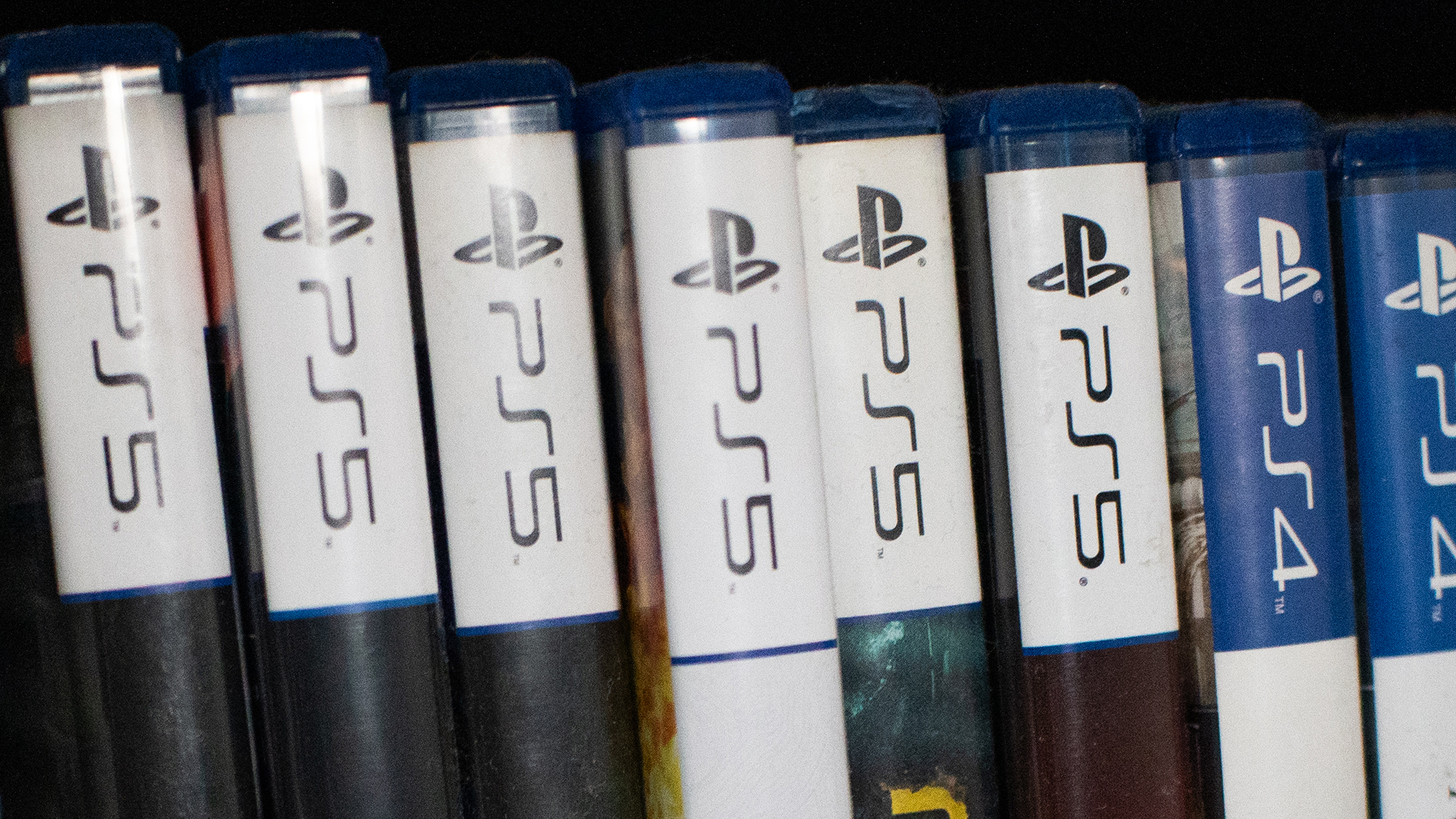
Check in with your gamer friends today. Today, a lot of gamers are up in arms over Sony’s decision to kill the physical game disc starting in 2028. But, if you’re a digital-only gamer or just not a gamer yourself, you might not understand the anger. If you want to understand the ire or just want to relate with your gamer friends, here’s a primer for you.
Ending the era of the physical media
Last year, Nintendo launched the Switch 2. Though the console still has a slot for physical cartridges, the Switch 2 also introduced the Virtual Game Card as a way to digitize your library of games.
Of course, the feature wasn’t positioned as a way to eliminate physical cartridges. In fact, Nintendo just wanted to add the flexibility of physical cartridges to the digital world. In the end, the feature strangely coincided with less cartridges. For example, Pokémon Pokopia, one of the most popular games this year, does not come with a cartridge even if you buy a “physical” copy in a brick-and-mortar store. It was a portent of things to come.
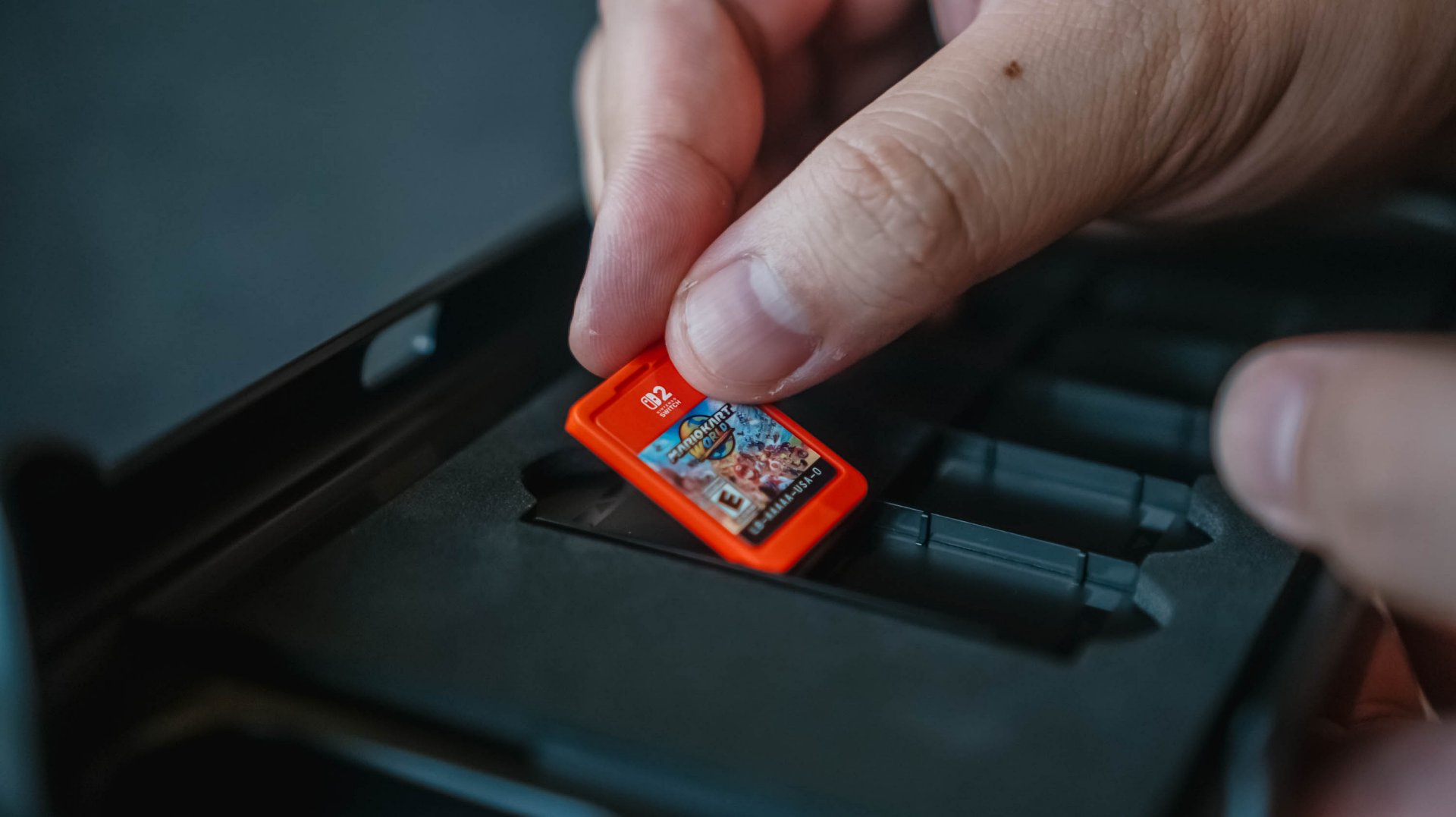
Fast forward to today, Sony has made the monumental decision to stop producing physical game discs starting in 2028. The PlayStation’s future is completely digital.
On a similar note, Microsoft is also experimenting with a disc-to-digital feature. Much like the Nintendo Virtual Game Card, the experiment will digitize libraries and attaches the digital copy to the physical game disc. It sounds awfully like a prelude to killing off the game disc.
Why this matters
The physical disc is synonymous with a simpler time. It represents a time when gamers camped out stores to anticipate midnight releases, when gamers can learn more about their games through an in-box manual, and when gamers can show off their fandom through a beautifully stocked shelf of games.
And yes, that’s part of why this situation sucks, but it’s not the only reason.
If you’re an outsider looking in, this nostalgia factor is the easiest to see. Then again, it’s also the most difficult to relate with, especially if you’ve never had the history of buying physical games.
The more crucial reason — and the one that most people will relate with — is media ownership. By not having a physical copy, you will no longer have ownership of what you bought digitally.
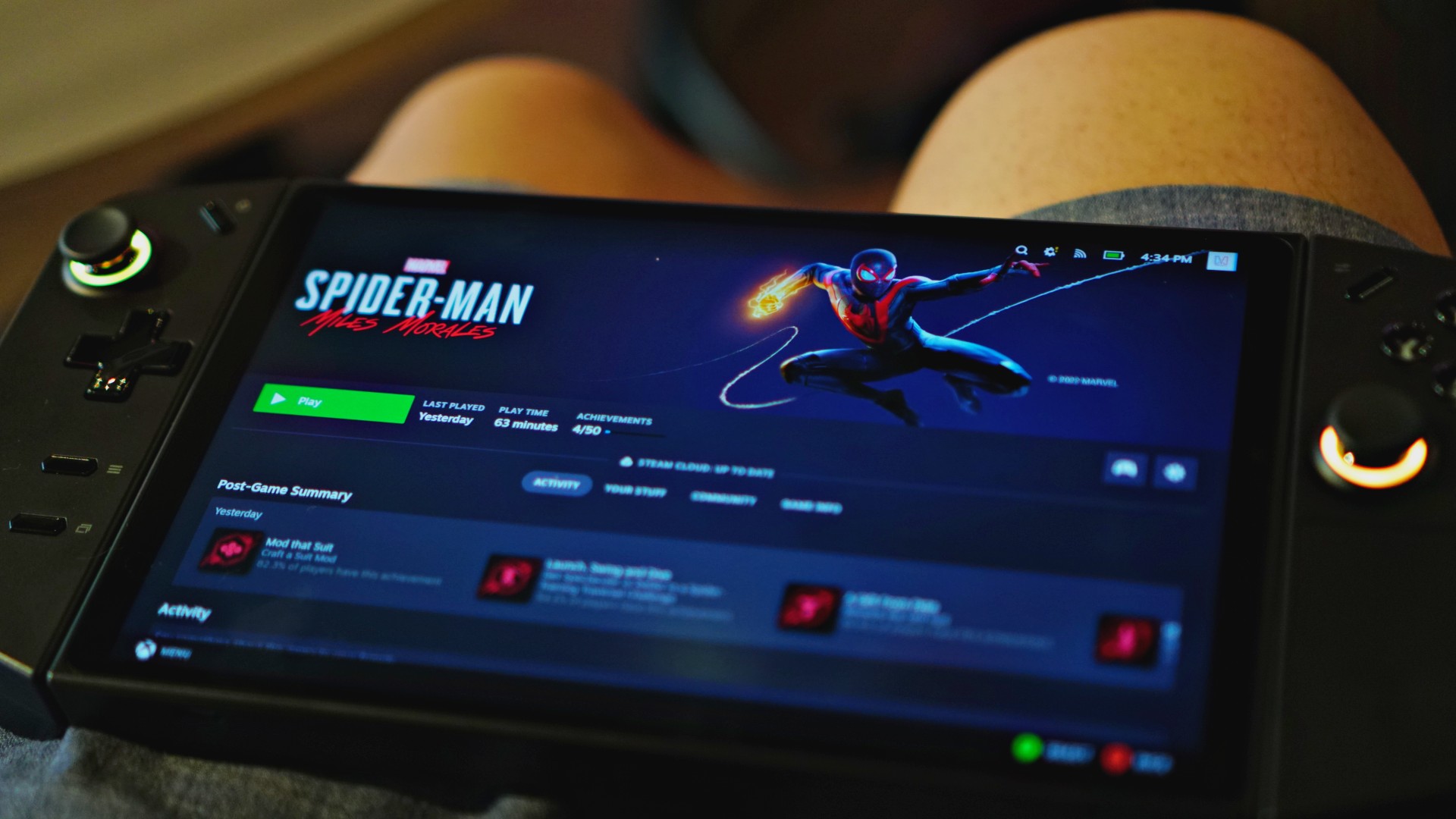
And it’s not an imaginary issue. In 2024, Steam amended its policies to reflect that players do not own the games they buy. Rather, they simply own a license to play the game.
In the same year, Ubisoft delisted The Crew, a sure sign that the new policy means business. Though Steam itself has a relatively good track record of prioritizing its customers, publishers and developers can get rid of games if they choose to.
That limitation doesn’t exist with a physical copy. As long as you have a working disc drive, you can install a game whenever you want, even if the publisher decides to pull it from stores.
Therein lies how much this is a touchy topic. Should you own digital goods in the same way as you own physical ones? If the answer is yes, then selling only the license for the good doesn’t make sense. But if it’s a no, we shouldn’t pay full price for something we don’t own anyway.
Will PlayStation actually delete games?
Now, just because they can, does it mean that they will?
Right now, it’s hard to say. You can certainly go by the optimistic hope that PlayStation would never do something as anti-consumer as that. And yes, there are times when you’d be right.
Plus, there is a good chance that governments, especially those in the European Union, will protect consumers if PlayStation even thinks about deleting a game that others have paid for. Governments have been known to intervene in the past, such as when the EU forced Apple to adopt USB-C as a standard. There are checks and balances available.

Then again, Sony has had recent history of deleting media from a user’s library.
Only a few days ago, PlayStation made headlines for deleting over 500 titles from their library. Starting September 1, users can no longer access movies distributed by Studio Canal, due to licensing agreements. Sony was unapologetic about unceremoniously deleting this content. No refunds, no apologies; just 500 movies, which you thought you bought, gone for good.
No matter how you angle it, Sony’s recent decisions just don’t bode well for media ownership.
You can argue that this is the price we’re paying for not buying enough physical games. Still, losing PlayStation discs, even as an option, is tragic for nostalgia, ownership, and preservation.
The world we live in
Unfortunately, this all comes with precedent. Unless you buy physical games and movies, we already don’t own anything in today’s world.
Outside games, Netflix and Disney+ remove the ownership of movies and shows from us. It’s already common practice for these platforms to remove titles regularly. Some platforms even give you a last chance to catch these titles before they go away. Moreover, they can even restrict access, like with Disney+, if you travel abroad.
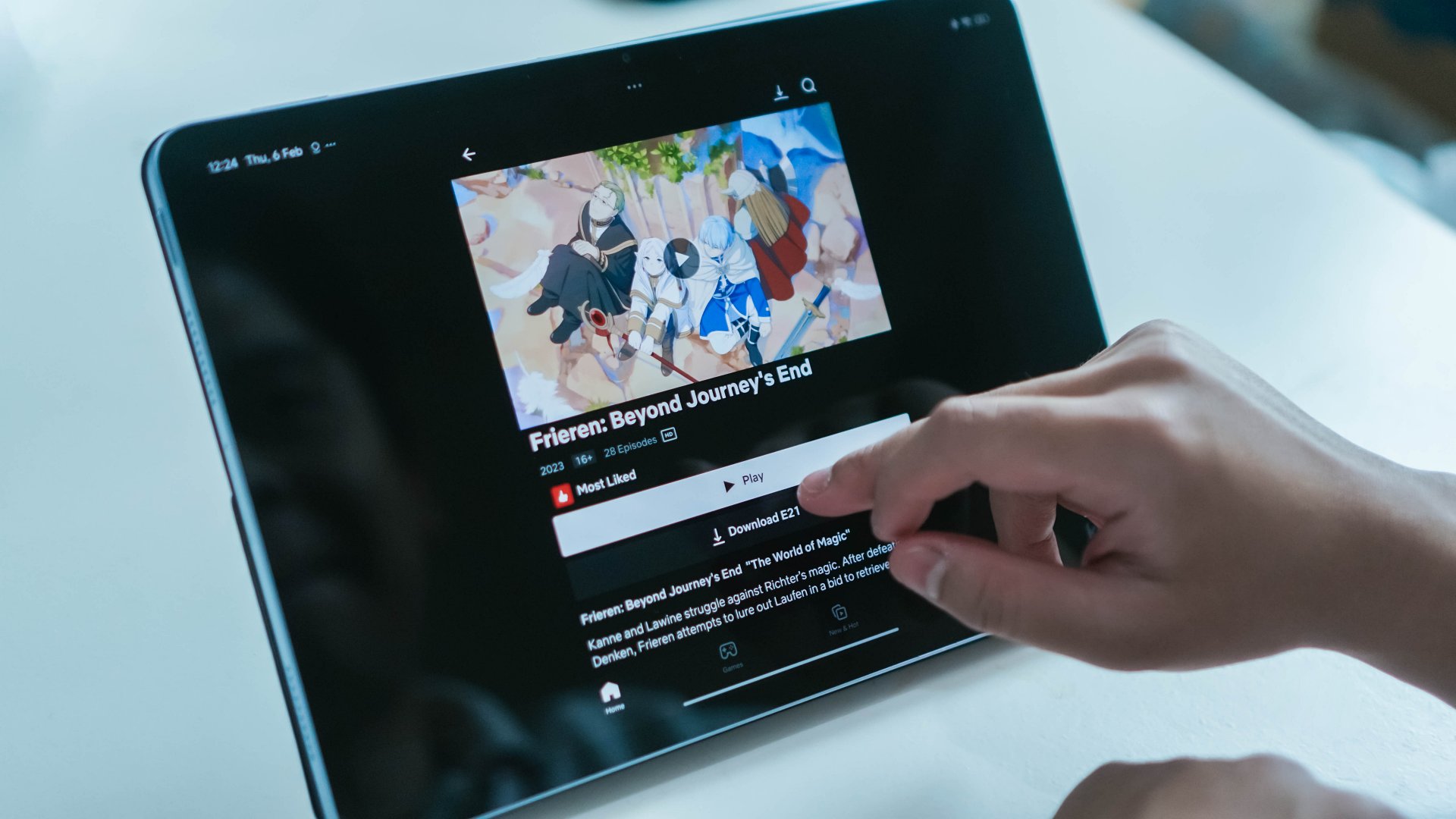
In exchange for convenience, subscription services and digital storefronts have made it all too comfortable to not own media. With a rental service like Netflix, that’s all expected, but we’re now at the inevitable stage when even bought games and movies are at the behest of our corporate overlords.
This is where the fury comes from. Companies are getting more brazen about taking more options from us. Between this and the increasing prices of RAM, it’s getting harder and harder to live as a tech-savvy citizen in today’s age.


realme C100: Enduring and durable in spite of entry-level realities
Enough power but needs more agility


The ASUS ExpertBook Ultra wins you over
The laptop sneaks up on you


Nexal Watch Sport review: A rugged watch for small budgets
I couldn't believe that watches this good could come for this cheap.

Mercedes-Benz celebrates 140th anniversary at the Presidential Car Museum

Street Fighter 6’s first Filipina fighter arrives August 3

Samsung releases teaser with Spider-Man: Brand New Day Easter eggs

iOS 27 public beta gives us our first taste of Siri AI

The case for traveling without a plan

Buyer’s Guide: TECNO SPARK 50 Pro vs SPARK 50 5G

New York becomes first state to ban smart glasses

vivo X300 Ultra review: A “Whole Different Animal”

DJI Osmo Pocket 4P launches with dual lenses and a 1-inch sensor

HONOR Watch 6 review: Less guessing, more knowing


-
 News1 week ago
New York becomes first state to ban smart glasses
-

 Singapore7 days ago
Sony launches IER-M500 in-ear monitors
-

 Gaming1 week ago
Microsoft dictates that a new Fallout game is coming
-

 Computers1 week ago
GIGABYTE releases new AORUS RTX 5080 INFINITY graphics cards
-

 Gaming1 week ago
HoYo FEST 2026 details announced; tickets on sale from July 16
-

 Gaming1 week ago
Assassin’s Creed Black Flag Resynced available worldwide now
-
Reviews7 days ago
realme C100: Enduring and durable in spite of entry-level realities
-

 Automotive2 weeks ago
The Kia Carnival Hybrid is a gentle giant