
Philippines
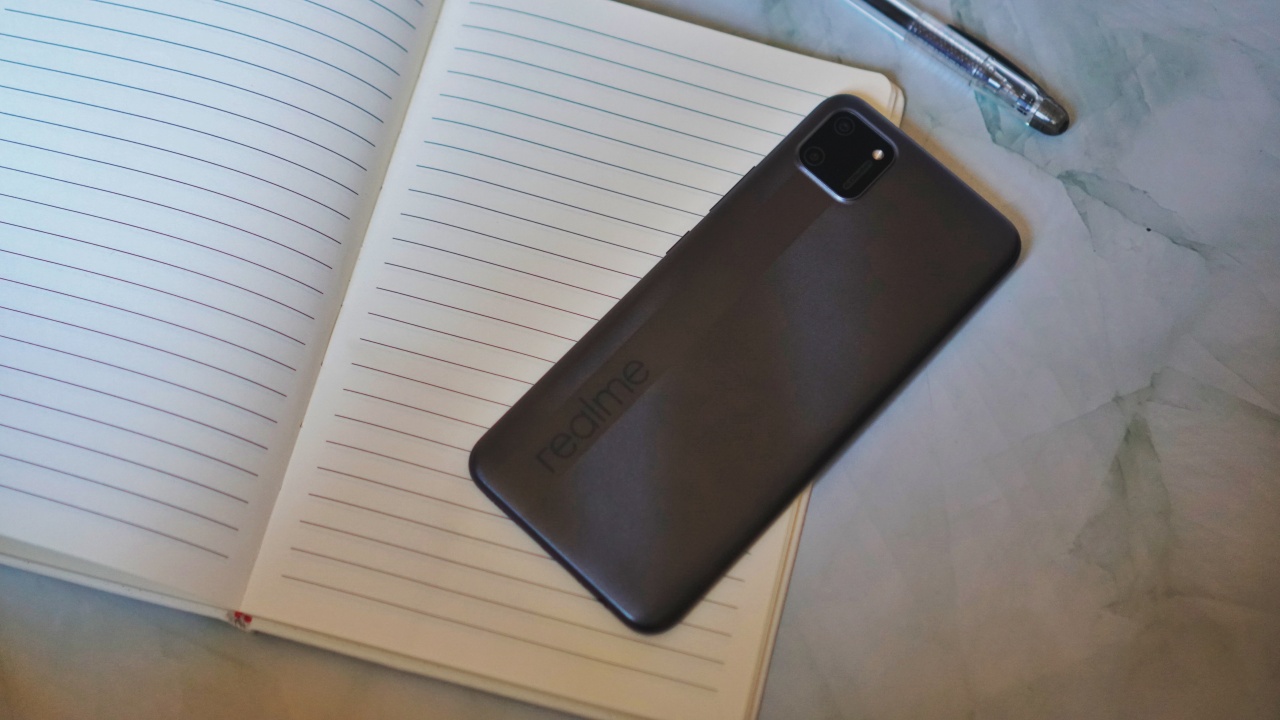
The realme C11 works well for distance learning
We consulted a teacher, then put the phone to the test

When realme reached out to ask if we wanted to review the realme C11, it came with a promise to donate the units. It’s a good cause and one that we gladly wanted to be indirectly part of.
The smartphones will be turned over to a non-government organization to support the youth in the planned distance learning setup in the upcoming school year. While I personally support the call for an academic freeze, we want to be able to help in any way we can in suggesting devices for these endeavors.
To start, I needed to check on a few things first. One is the minimum spec requirements for distance learning smartphones — one specified by the Philippines’ Education department. Second, I spoke with a teacher to get an idea about how distance learning will be executed. Here’s what I found.
Bare minimum specs
Below is a table showing the minimum requirements for a smartphone to be effectively used for distance learning next to the specs of the realme C11.
| Distance Learning, Smartphone Minimum Tech Specs | realme C11 | |
| Processor | Octa-core 2 GHz | Mediatek Helio G35 (Octa-core 2.3 Ghz) |
| Memory | 2GB | 2GB |
| Display | 6”, IPS LCD | 6.5” |
| Storage | 32GB | 32GB |
| Network | GSM / HSPA / LTE
Wi-Fi 802.11 b/g/n Bluetooth |
GSM / HSPA/ LTE / 4G
Wi-Fi Bluetooth 5 |
| Ports | Micro USB or Type C, 3.5mm Audio Jack | Micro USB port, 3.5mm Audio Jack |
| OS | Android 8.1 | Android 10, realme UI |

Next, I sent a teacher some questions about how this smartphone will be used by the student in a distance learning setup. Answers have been edited for brevity.
What will students need to access for distance learning?
It depends on the platform the school will use. These can be Google Classroom, Edmodo, Zoom, etc. But certainly, the most accessed sites will be Google and Wikipedia.
Facebook and Messenger may also be used for communication and publishing of some projects. However, this is also dependent on the teacher handling the class.
What are the must have apps?
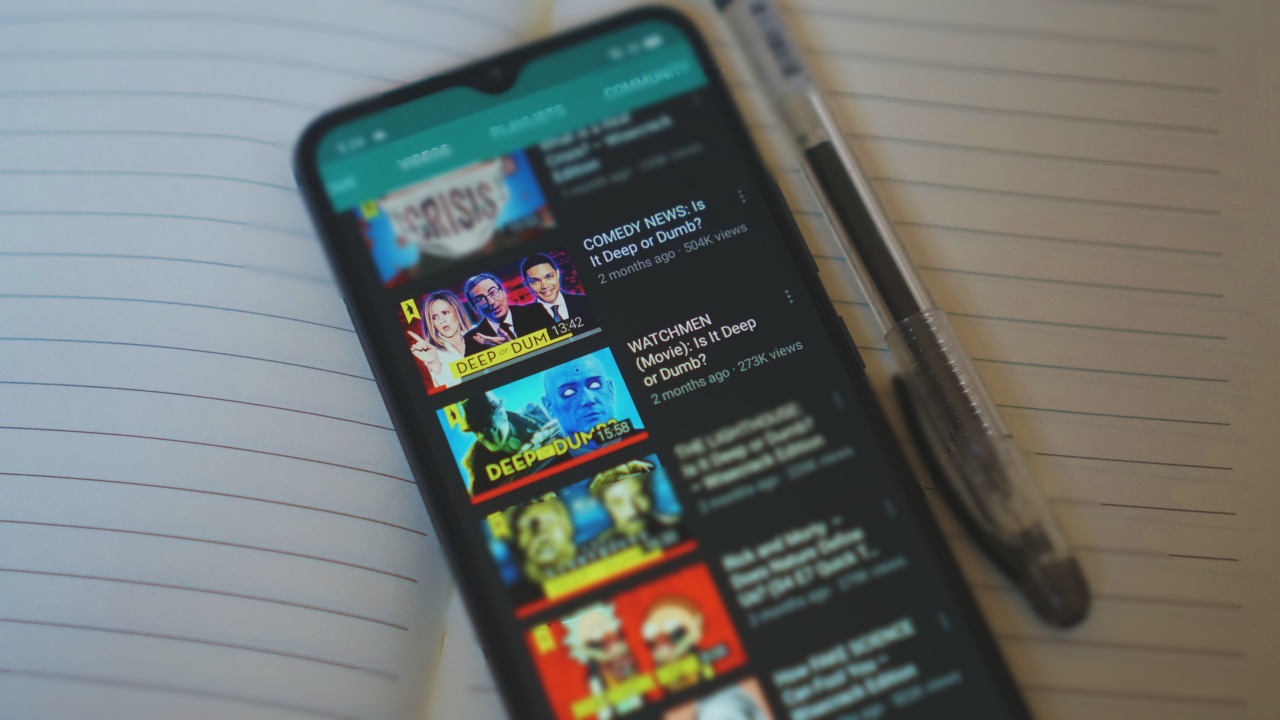
YouTube, Google Apps (Docs, Sheets, Slides) or any office app, Dictionary, A notepad app, Web browser, and Email.
How long will they need to be on the phone?
Our planned schedule will start at around 9AM and will end at around 2PM. That’s five 45-minute classes with 15 minutes of break in between. There’s also a 30-minute lunch break at 11:45AM. It may vary from day-to-day but that’s the general plan.
This also does not yet include consultation time. For us, we’ll do 15 minutes at the start and at the end of the day to help make-up for the interaction that will be lost due to the nature of an online class.
Any final notes?
It’s certainly possible to have online classes despite the student only having a smartphone. Given of course that the smartphone can access everything mentioned previously.
Usually for lectures, the students will only really have to listen to the lectures on video. The teacher can opt to pre-record the classes and make it available for on-demand viewing so the students can access it even after class hours. The rest of the activities will be handled offline and be disseminated via communication apps.
How does the realme C11 handle the activities mentioned?
So now, we go back to the realme C11. On paper, it certainly meets the baseline requirements. But does it fare in practice?
Let’s first go to the apps. Some of the apps the teacher mentioned come pre-installed on the C11. YouTube, a notepad app (Google Keep), Email (GMail), as well as a browser (Chrome).
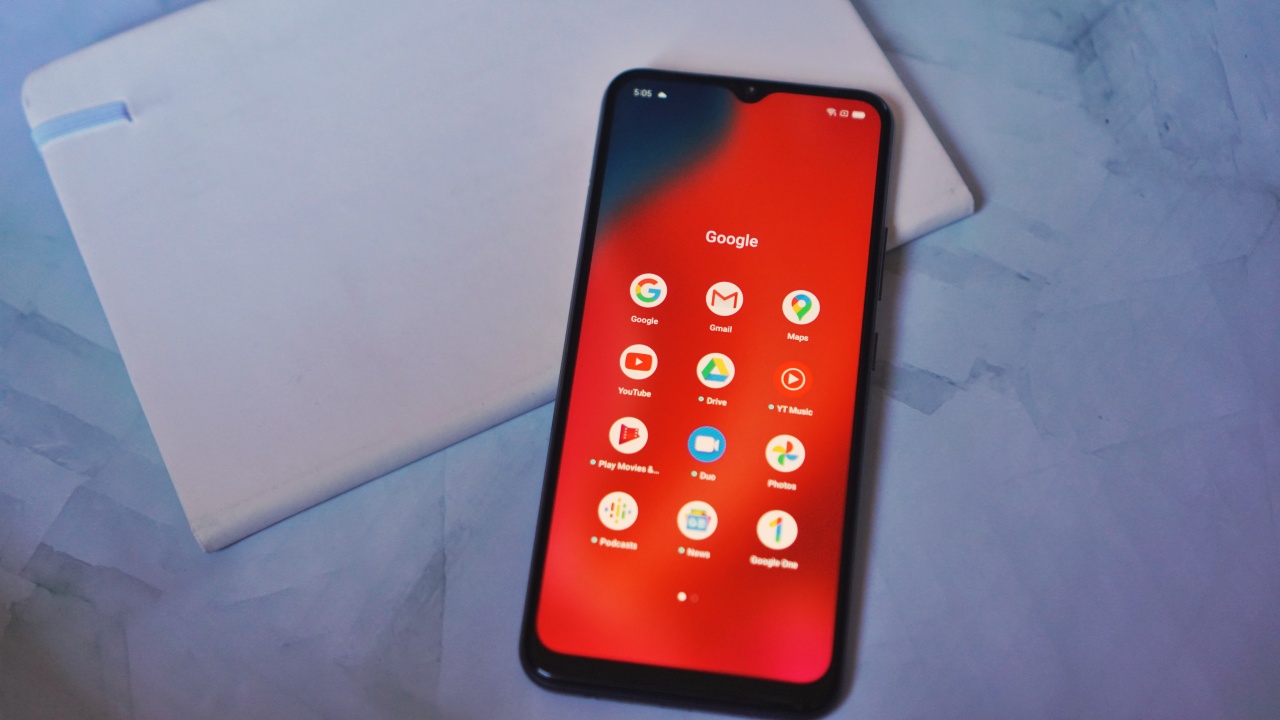
The rest — like the GSuite apps like Docs, Sheets, and Slides — you’ll have to download from the Playstore.
The processor, memory, and storage combination should be able to handle those apps with no problem. In fact, I experienced very little difference running these same apps on phones that are nearly thrice its price.
Google apps typically work well especially on devices that aren’t spec-monsters. This was also one of my tips on maximizing budget phones — Google is your best friend.
Facebook and chat apps
The Facebook app was also pre-installed on the phone. However, unlike the Google apps, you can actually feel the phone struggling to run it.
This is where another tip comes in — use the Lite version of apps. I quickly uninstalled the standard Facebook app and replaced it with Facebook Lite and also downloaded Messenger Lite.

These apps consume less bandwidth and puts less pressure on your chip and memory but are still able to do the basic stuff you need from said apps.
The same apples for other apps. If there’s a lite version, it’s prudent to get those for phones at this level.
Battery endurance
This was a slightly trickier test to do. At first, I figured I’d look for some 45-minute videos on YouTube but the search alone would take time. Instead, I opted to time the YouTube usage.
I was religious with it though. The first two 45-minute sessions of running videos on loop, I was able to do 15-minute breaks in between. After that, I got busy with other work and just let the phone be on loop until I wrapped up my work day.
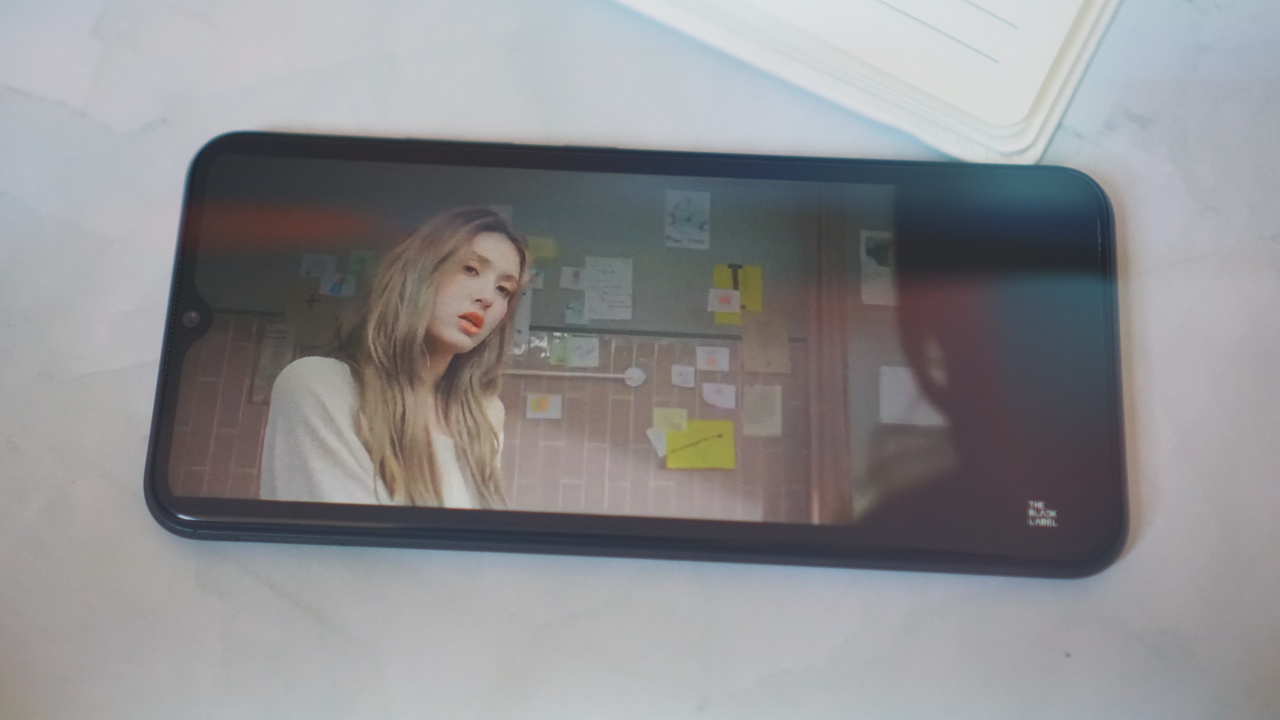
The results were astonishing. I had some K-Pop playlist that kept running for close to six hours. The phone didn’t quit on me at all. And it still had some juice to spare.
Naturally, usage will vary from person to person. But, it’s safe to say the phone can more than last the demands of daily online classes.
Good build quality
While we’re on the topic of endurance, I’d also like to note the build quality of the realme C11. It feels sturdy and is just overall nice to handle.
It doesn’t have the fancy IP ratings and what not so you should still take extra care in handling it. But if the C11 is an indication of how 2020 budget phones are built, then that’s a good thing.
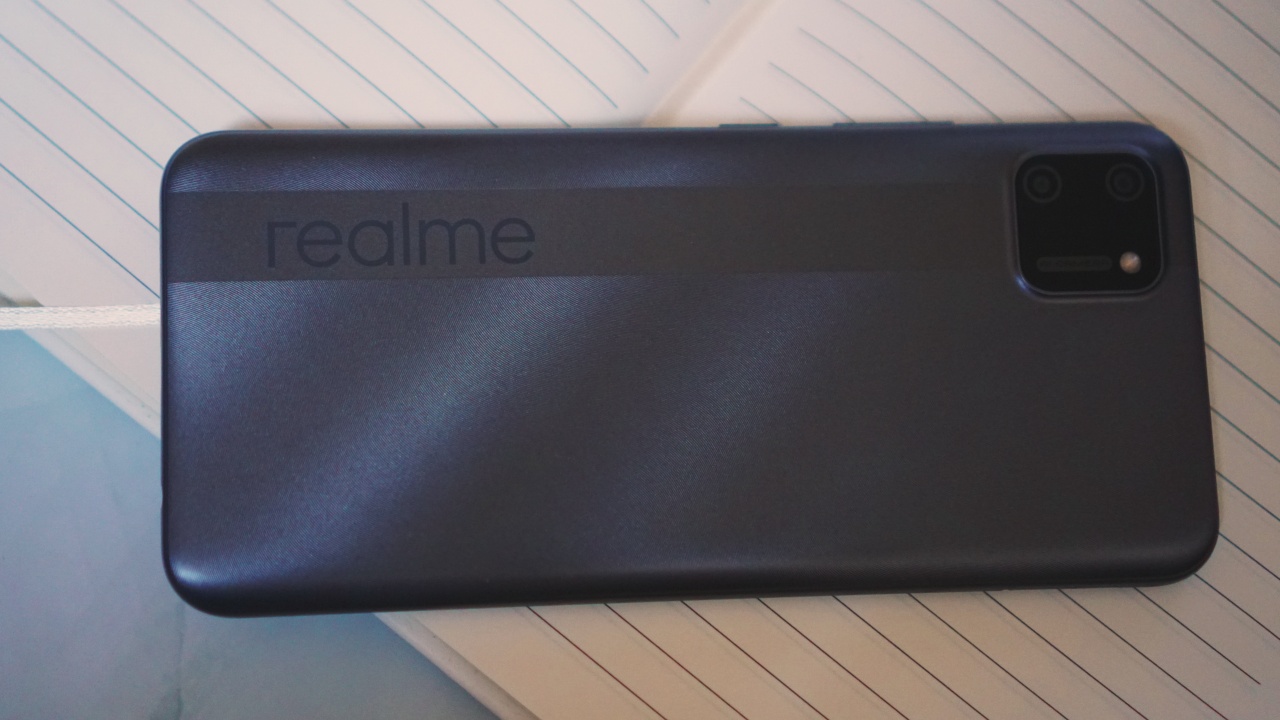
They don’t feel cheaper than phones twice their price and appear like they can handle a beating.
Not entirely relevant to the topic but worth mentioning
Of course, a kid can’t be all just about studying. Just like any normal, developing human being, a student needs to engage in other activities to stimulate her/his brain.
Thankfully, a smartphone grants access to several things as well — particularly, games. I tried playing Call of Duty Mobile because it’s still really the only mobile game I enjoy. While I still managed to get some kills, the entire experience isn’t exactly pleasant.
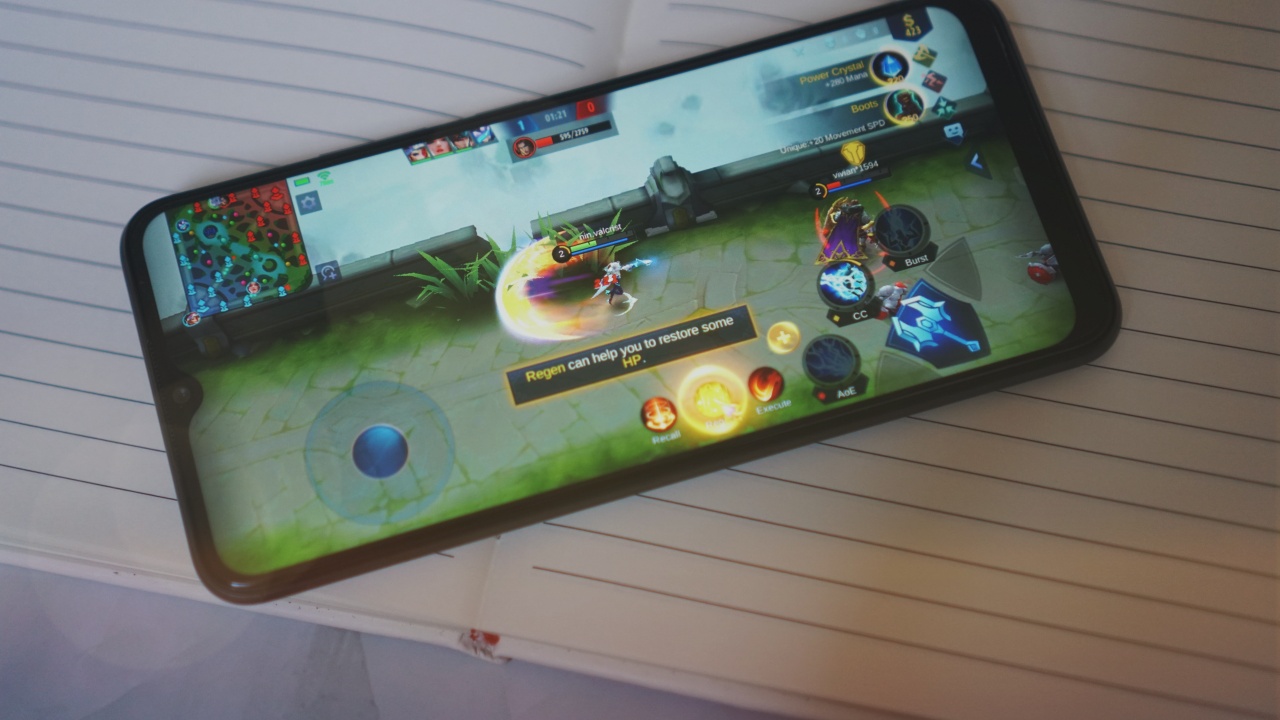
I switched over to Mobile Legends and the phone ran it much more smoothly than CoD. So when picking games to play, try to steer clear of those that lean towards fast action and require intense graphics.
The realme C11 also has two rear-cameras. A 13MP main camera and a 2MP main sensor. They’re… okay.
If a student needs to take a few snaps of notes it can handle it.
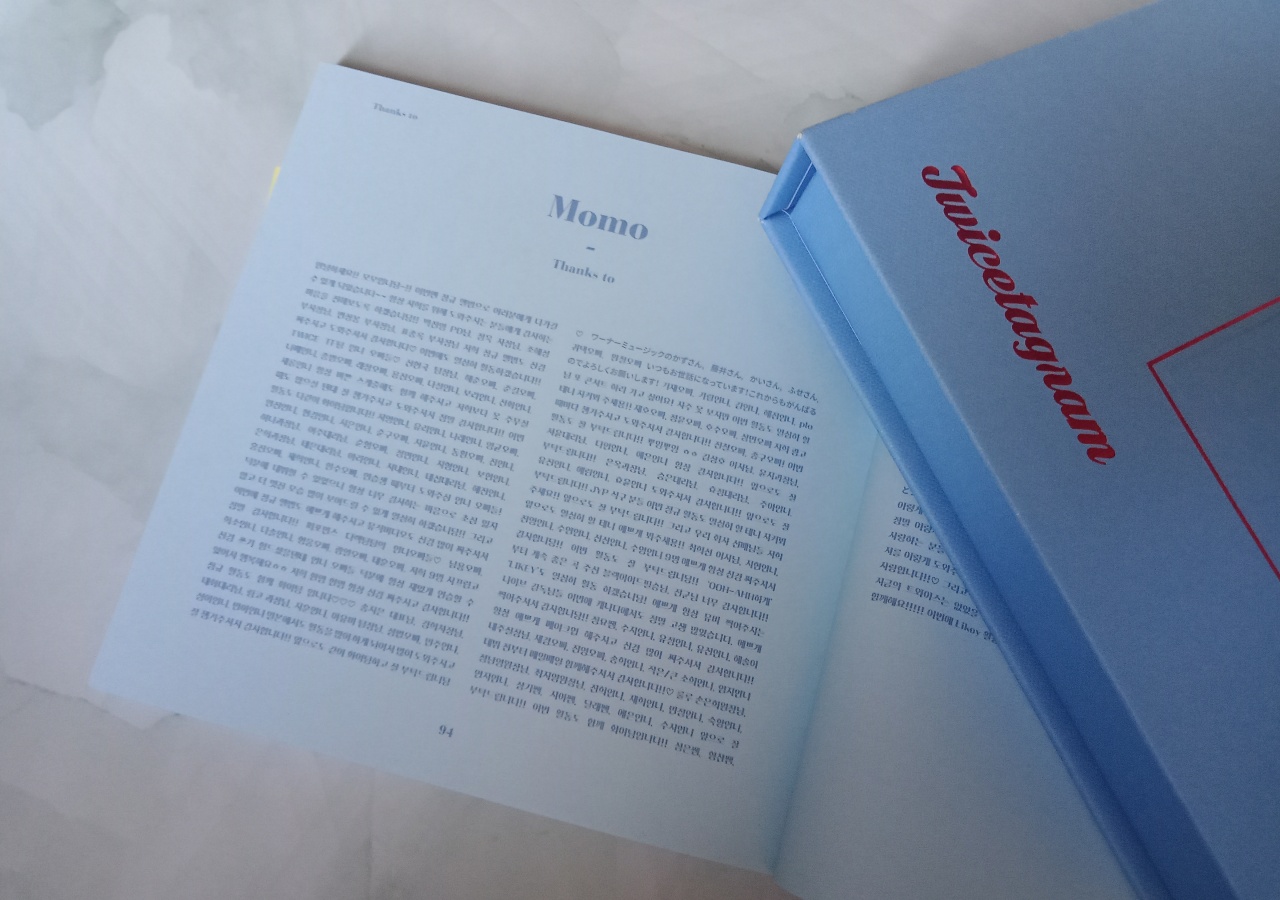
The text is in Hangul, but I trust you get the point.
Should the student take interest in photography, she/he will quickly realize the inherent wonders of natural lighting.

That’s Mitsui and Akagi from Slam Dunk
The phone struggles in dimly lit areas, but takes okay photos under natural light.

View from my window
Is the realme C11 a distance learning GadgetMatch?
As far as distance learning goes, the realme C11 does have the chops to assist a student in the learning process.
Of course, there are other key factors. These include school and/or teacher’s distance learning program, access to a reliable Internet, and an environment that encourages learning. But those are other concerns altogether.
As a tool to help a student move along, the realme C11 delivers without a hitch. It will be available in Mint Green and Pepper Gray and will retail for PhP 4,990 (around US$100). A fair price for what you’re getting.
It will be initially launched exclusively on Shopee starting 6PM on July 23. Fans can get up to 8 percent off using Shopee’s voucher code GADGETZONE8. The voucher is valid from July 23 to August 8. It will then be available nationwide starting July 24, 2020 at realme stores, kiosks, partner dealers nationwide and Home Credit.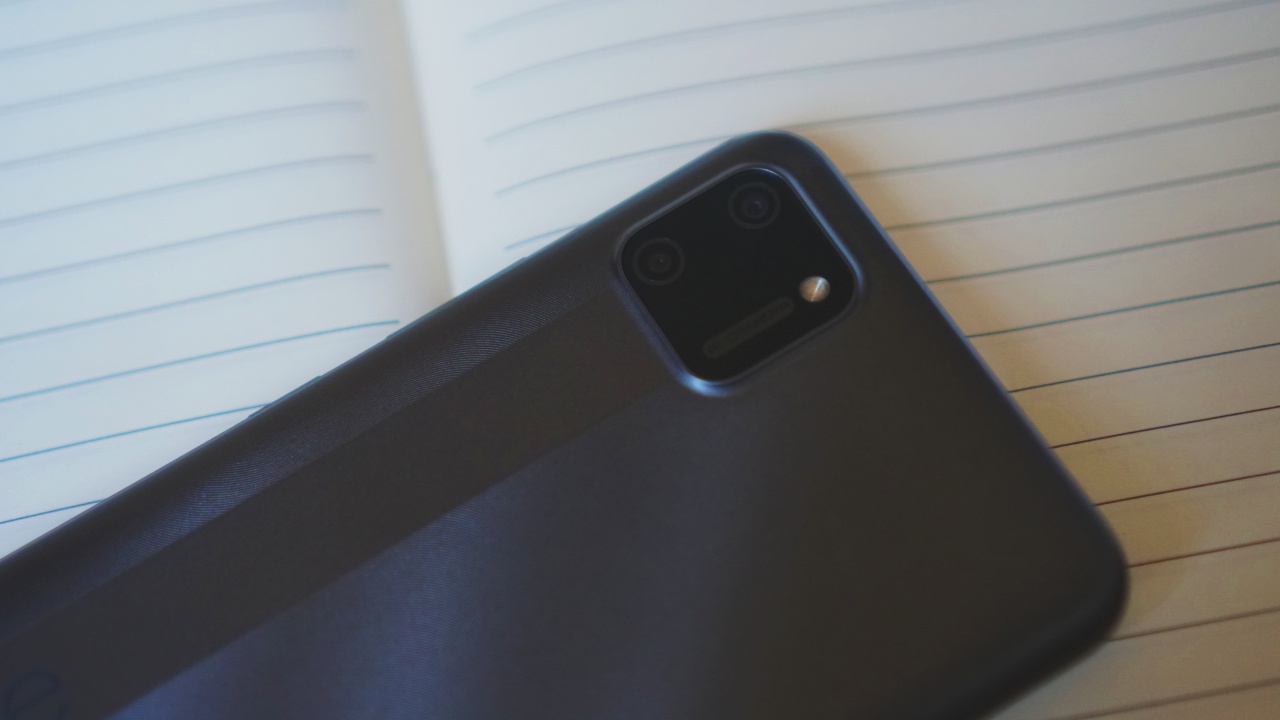
As mentioned earlier, realme is donating a number of realme C11 units to a non-government organization (Young Focus Organization) to be distributed to children before the start of the school year on August 24.
Young Focus’ vision is to improve the mental, physical and social well-being of young people in poor communities by means of education, health care and personal support.
This is realme’s contribution to Young Focus’ “Quality Education for All” campaign. Some of the prominent partners of Young Focus are Binibining Pilipinas and Miss Universe, through Ms. Universe 2018 Catriona Gray.





News
PLDT Home, GCash partner to make Fiber Prepaid reloads more rewarding
Score exclusive perks and discounts when loading via GCash GLoad


PLDT Home has joined forces with GCash to integrate Fiber Prepaid reloads directly into the GCash GLoad platform.
The partnership aims to make high-speed home connectivity significantly more accessible and budget-friendly for Filipino households. In the process, transactions come with exclusive rewards, app-based discounts, and more offers.
PLDT Home originally introduced its Fiber Prepaid lineup to cater to students, remote workers, and small business owners who require robust internet speeds but prefer to avoid rigid monthly lock-in contracts.
Integrating reloads via the GCash app gives users even more flexibility when it comes to payments, given a secure and cashless ecosystem.
The platform lets users tailor their internet usage to their actual budget. For instance, the entry-level PLDT Home Fiber Prepaid package starts at PhP 999.
This comes bundled with 30 days of unlimited internet at speeds of up to 50 Mbps. Beyond the base tier, customers can freely opt for flexible top-ups ranging from a single day up to a full 365-day package, with speeds topping out at a blazing 300 Mbps.
To start loading and claiming exclusive perks, users can simply head over to the GLoad section within their active GCash app.
Gaming
ASUS brings 2026 ROG Zephyrus Duo, G16, and G14 to the Philippines
New Zephyrus laptops arrive
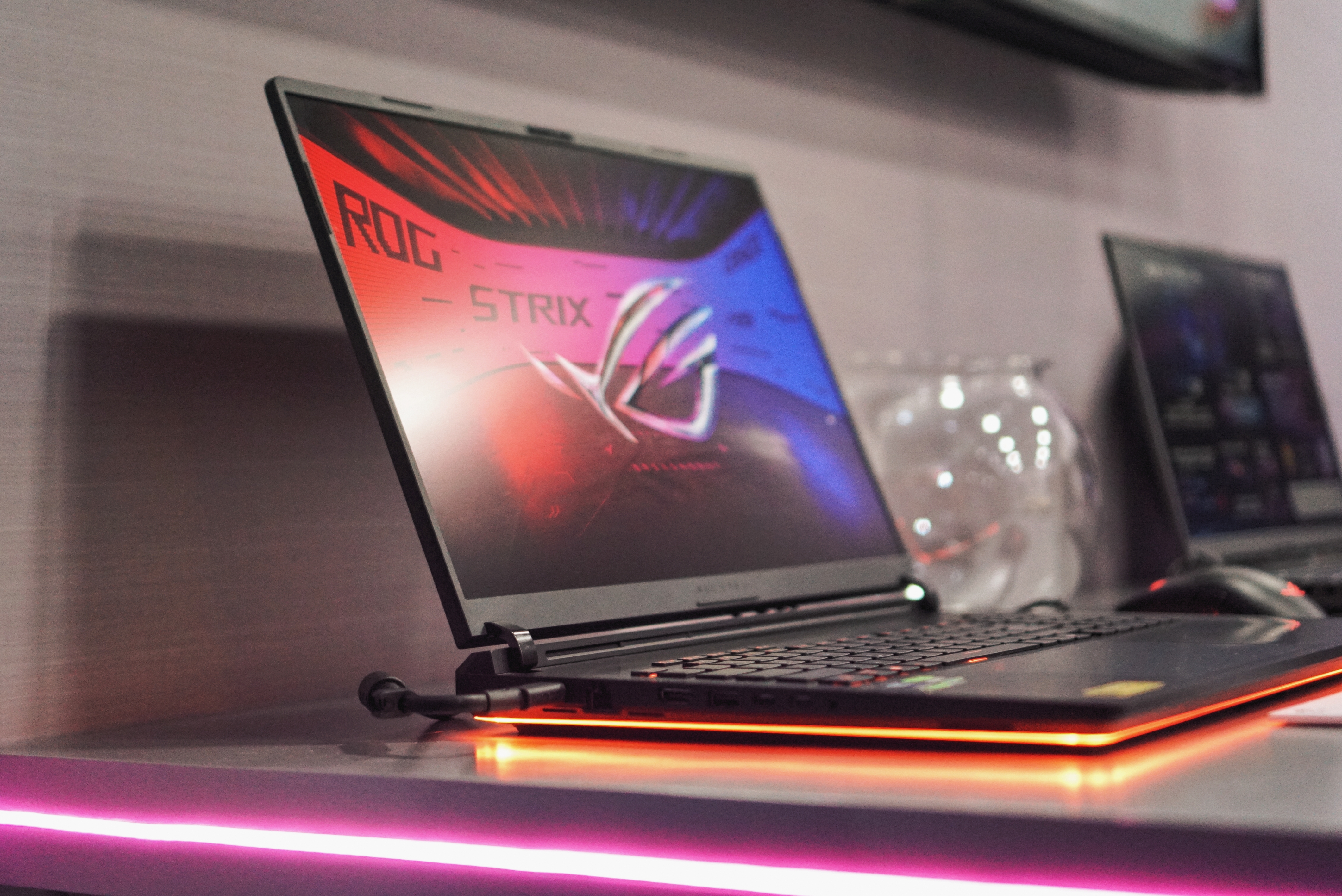
ASUS Republic of Gamers has announced the Philippine availability and pricing of its 2026 ROG Zephyrus lineup.
Headlining the range is the new ROG Zephyrus Duo, joined by refreshed versions of the Zephyrus G16 and Zephyrus G14. The latest models feature Intel Core Ultra processors, NVIDIA GeForce RTX 50 Series Laptop GPUs, upgraded cooling systems, and ROG Nebula HDR OLED displays.
The lineup is available through authorized retailers starting June 24, 2026.
ROG Zephyrus Duo introduces dual-screen gaming
The 2026 ROG Zephyrus Duo (GX651AX) is billed as the world’s first 16-inch dual-screen gaming laptop.
It features two 16-inch 16:10 touch displays with 120Hz refresh rates. Together, they provide up to 32 inches of combined screen space for multitasking, content creation, streaming, and gaming.
The primary display is a 3K ROG Nebula HDR OLED panel with up to 1,100 nits peak brightness, Dolby Vision HDR support, and 100 percent DCI-P3 color coverage.
A new 320-degree kickstand hinge enables multiple usage modes, including Laptop Mode, Dual-Screen Mode, Book Mode, Tent Mode, and Sharing Mode. ASUS ScreenXpert software manages display layouts and transitions between modes.
Powering the device are an Intel Core Ultra 9 386H processor, NVIDIA GeForce RTX 5090 Laptop GPU, 64GB LPDDR5X memory, and 2TB SSD storage.
ROG Zephyrus Duo price in the Philippines
ROG Zephyrus Duo GX651AX-SR071WSM (RTX 5090, 64GB RAM, 2TB SSD) — PhP 559,995
The laptop comes bundled with an ASUS Pen 3.0, ROG Universal Backpack, ROG Gladius III Gaming Mouse, and ASUS warranty package.
ROG Zephyrus G16 gets RTX 5090 option
The refreshed ROG Zephyrus G16 (GU606) retains its slim aluminum chassis, measuring 1.49cm thick and weighing 1.85kg.
Configurations include up to an Intel Core Ultra 9 386H processor and NVIDIA GeForce RTX 5090 Laptop GPU with up to 160W TGP. ASUS says the laptop supports NVIDIA DLSS 4 and Multi-Frame Generation technologies.
The 16-inch display uses a 2.5K ROG Nebula HDR OLED panel with a 240Hz refresh rate, VESA DisplayHDR True Black certification, and NVIDIA G-SYNC support.
Battery life is rated at up to 22 hours of video playback, while ROG Intelligent Cooling combines Tri-Fan Technology, liquid metal, and expanded ventilation for sustained performance.
ROG Zephyrus G16 prices in the Philippines
- ROG Zephyrus G16 GU606AR-TB061WSM (RTX 5070 Ti, 32GB RAM, 1TB SSD) — PhP 289,995
- ROG Zephyrus G16 GU606AX-TB084WSM (RTX 5090, 32GB RAM, 2TB SSD) — PhP 429,995
Both variants include an ROG Exclusive Sleeve and ROG Strix Impact Gaming Mouse.
ROG Zephyrus G14 focuses on portability
The ROG Zephyrus G14 (GU405) continues to target gamers who want a more compact machine.
It measures 1.59cm thin and weighs 1.5kg. Despite its size, ASUS equips the laptop with up to an Intel Core Ultra 9 386H processor and NVIDIA GeForce RTX 5080 Laptop GPU with up to 130W TGP.
The device sports a 14-inch 3K ROG Nebula HDR OLED display with a 120Hz refresh rate, NVIDIA G-SYNC support, and VESA DisplayHDR True Black 1000 certification.
ASUS also redesigned the thermal system with thicker heat pipes, additional copper fins, and improved ventilation to boost cooling performance.
ROG Zephyrus G14 prices in the Philippines
- ROG Zephyrus G14 GU405AP-SY057WSM (RTX 5070, 16GB RAM, 1TB SSD) — PhP 224,995
- ROG Zephyrus G14 GU405AW-SY069WSM (RTX 5080, 32GB RAM, 1TB SSD) — PhP 324,995
Each model ships with an ROG Exclusive Sleeve and ROG Strix Impact Gaming Mouse.
Warranty and launch promos
All 2026 ROG Zephyrus laptops sold locally come with ASUS’ No. 1 Quality & Service Program. This includes a three-year international and local warranty, one-year accidental damage protection, and Premium Care support.
Buyers also receive a gaming mouse, three months of PC Game Pass, an Office 2024 lifetime license, one year of Microsoft 365 Basic with 100GB cloud storage, and up to 700GB of ASUS Cloud Storage.
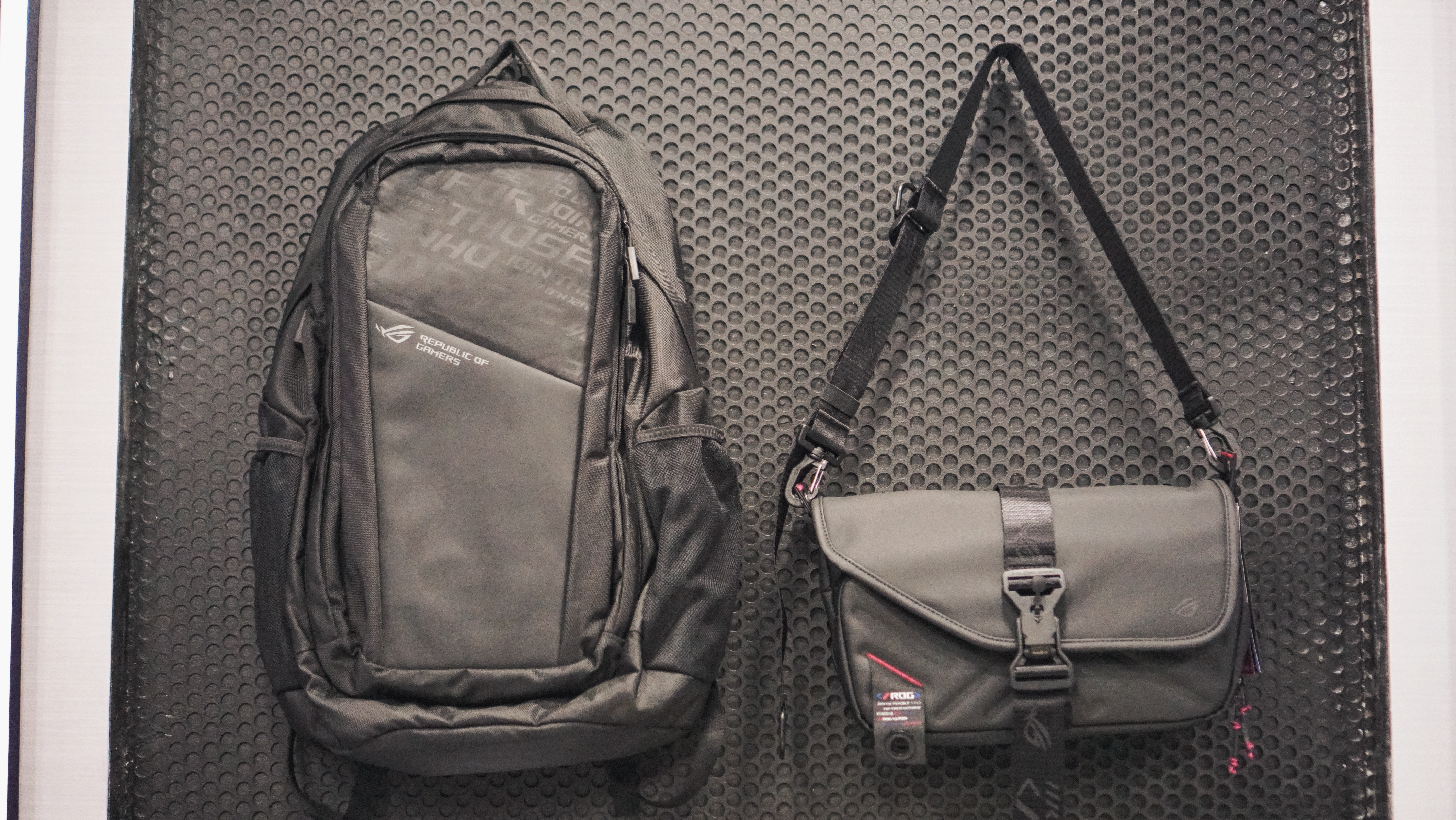
Meanwhile, the new ROG Slash Collection 4.0 accessories, including the Slash Backpack 4.0 and Slash Sling Bag 4.0, will arrive in select ROG stores starting July 2026.
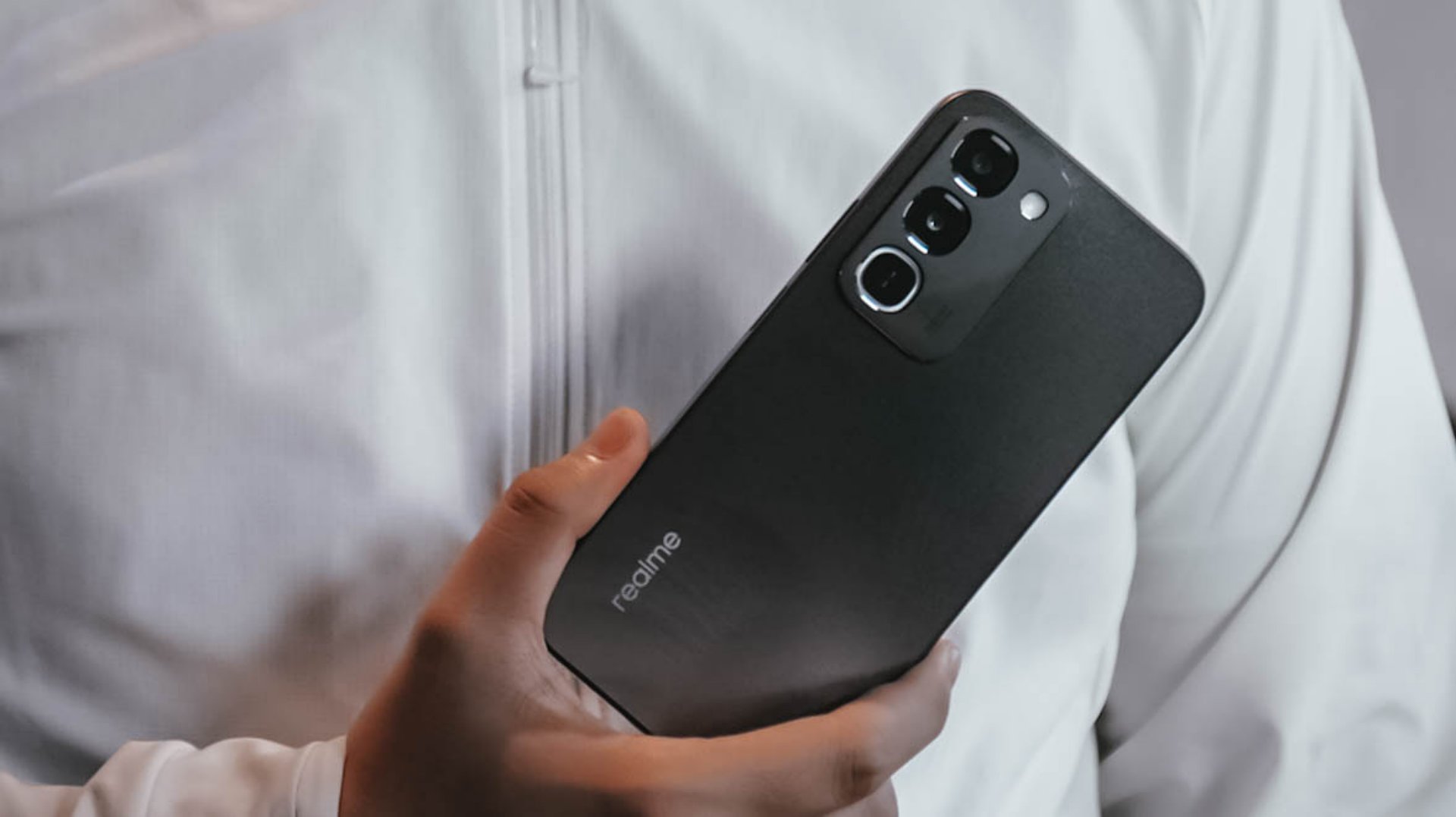
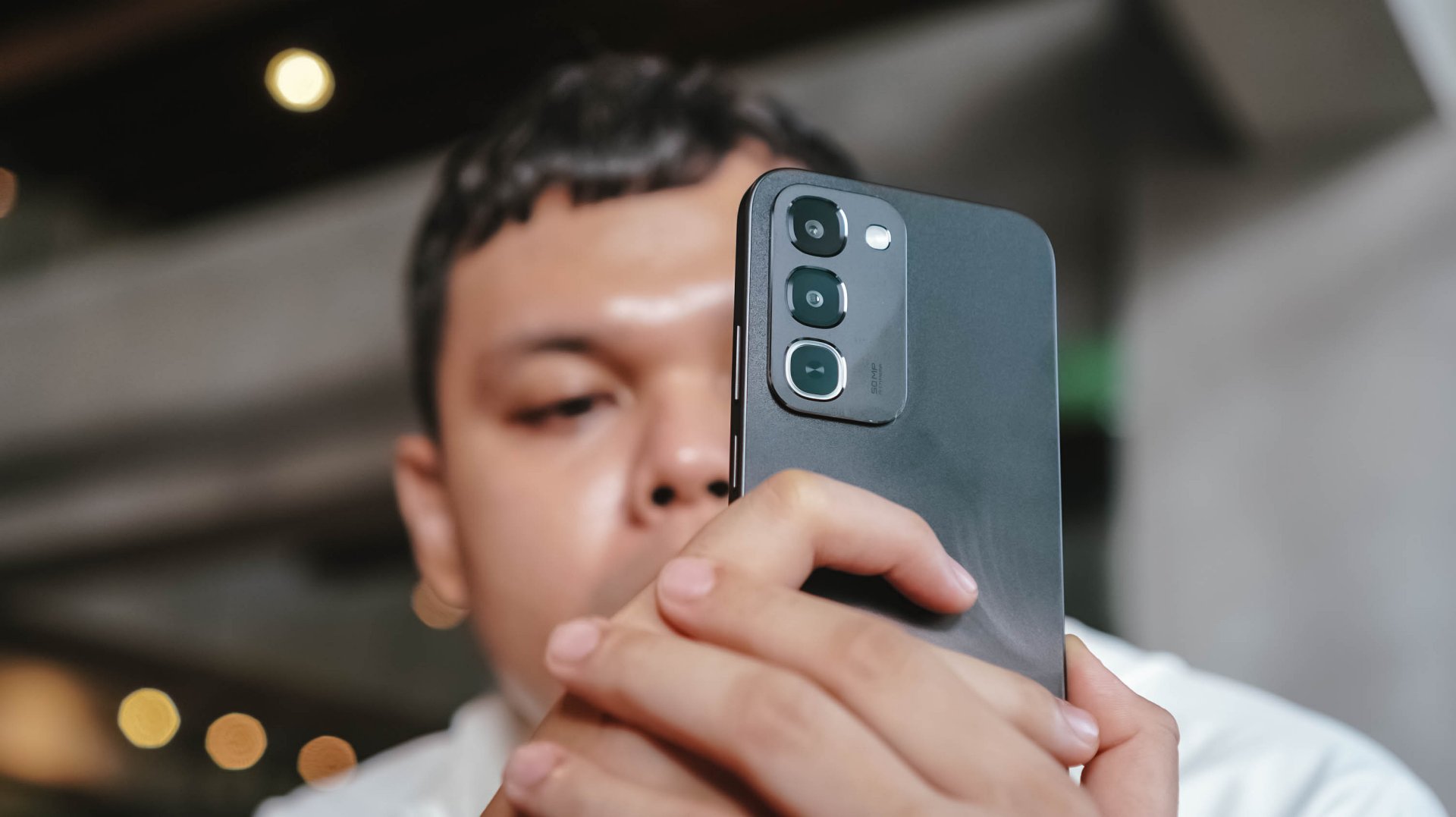
The realme C100 Series, the brand’s latest rugged essential smartphone in the budget segment, has officially launched in the Philippines.
The series introduces up to an 8,000mAh Titan Battery on the realme C100 model, as well as IP69 Pro certification.
This means the handset has IP66, IP68, IP69, and IP69K dust and water resistance ratings to handle high-pressure water exposure and submersion for up to six meters and 30 minutes.
The C100 also supports 45W SUPERVOOC charging for quick battery top-ups. It even has a 10W reverse charging support to power other small devices.
On the other hand, the realme C100i comes with a 7,000mAh Titan Battery to likewise power all-day use. This model supports a steady 15W charging and 6W reverse charging. It is also rated IP64 for dust and water resistance.
In addition, both models support Rain Touch Mode, making the 6.8-inch 120Hz display optimized for touches even when it is wet. This panel also comes with ArmorShell Glass protection.
Powering the C100 is the MediaTek Helio G92 Max processor while the C100i has as Unisoc T7250 processor. The devices run on realme UI 7.0 (Android 16).
Price, availability
In the Philippines, the realme C100 Series comes in various storage configurations:
- C100i (4GB+64GB): PhP 6,313 (SRP: PhP 8,999)
- C100i (4GB+128GB): PhP 7,379 (SRP: PhP 11,999)
- C100i (4GB+256GB): PhP 8,199 (SRP: PhP 13,999)
- C100 (4GB+256GB): PhP 11,195 (SRP: PhP 16,999)
- C100 (8GB+256GB): PhP 14,000 (SRP: PhP 19,999)
Limited-time launch offers are available through Lazada, Shopee, and TikTok from June 18 to June 30.
The phones are also available at realme concept stores, kiosks, and partner retailers nationwide. Potential freebies include a TechLife Smart band, extended warranty and screen damage protection, privilege card, or additional cash discount.

Xiaomi opens largest Singapore store yet at VivoCity

Honor is reportedly working on a 14000mAh battery

Nothing Phone (4b) shows up online, spoils some specs

Polaroid says, enjoy the beach before AI ruins it

Xiaomi EV sets world’s 1st official autonomous driving lap at Nürburgring

TECNO’s POVA 8 5G is both futuristic and future-ready

Close without crossing: A Xiaomi 17T Pro photo essay

realme launches P4 Series 5G, including Power with 10,001mAh battery

The Xiaomi Watch S5 proves you don’t have to take it off

Buyer’s Guide: Xiaomi Pad 8 Series


-

 News1 week ago
TECNO’s SPARK 50 Pro is the latest budget smartphone battery beast
-

 Buyer's Guide1 week ago
Buyer’s Guide: TECNO SPARK 50 Pro vs SPARK 50 5G
-
 News1 week ago
Budget smartphone realme C100 Series launches
-

 Reviews1 week ago
HONOR Watch 6 Review: Less guessing, more knowing
-
 Laptops1 week ago
ROG launches 2026 Strix gaming laptop series
-

 Reviews4 days ago
vivo X300 Ultra review: A Whole Different Animal
-

 Entertainment1 week ago
Samsung brings the Galaxy Z series into Spider-Man: Brand New Day
-

 Reviews6 days ago
The realme P4 Power: realme’s midrange power play?