

Laptops
Huawei MateBook 14 review: Energy-efficient workflow
The work-from-home laptop that keeps you working

At this point in time, everybody is already used to a 9-5 grind from their homes. As we continually adjust to the pandemic’s ways, we also need the proper devices dedicated for our workload in the day. Even if you’re a student taking online classes, you want a laptop that can keep up with all your requirements.
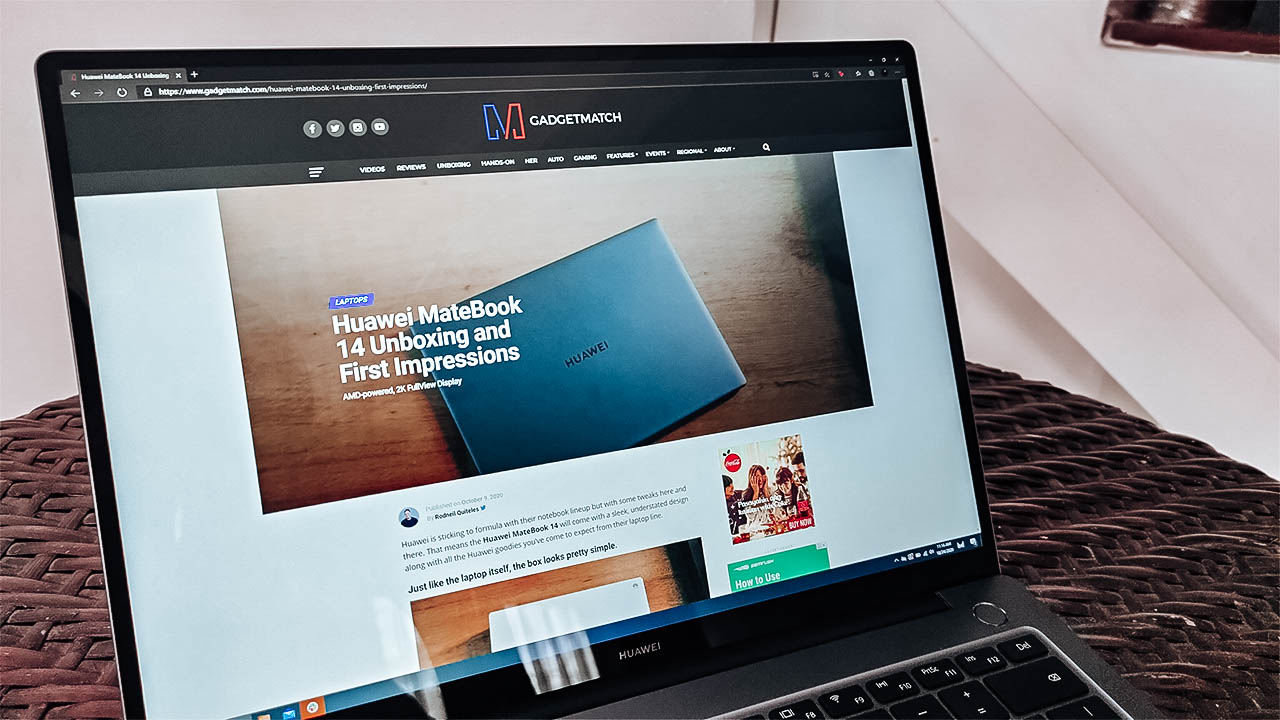
Enter the Huawei MateBook 14, the company’s take on a more productive work laptop. With a sleek design, a powerful processor inside the device, it offers what is essentially a balanced machine. Upon first glance, I thought that it was simply a mixture of the Huawei MateBook D14 and the MateBook X Pro.
The question is whether it stacks up as a power-efficient, balanced work laptop. Well, here’s what you get with the Huawei MateBook 14:
It comes with a 14-inch, 2K FullView Display

An AMD Ryzen 4000-series processor powers the device

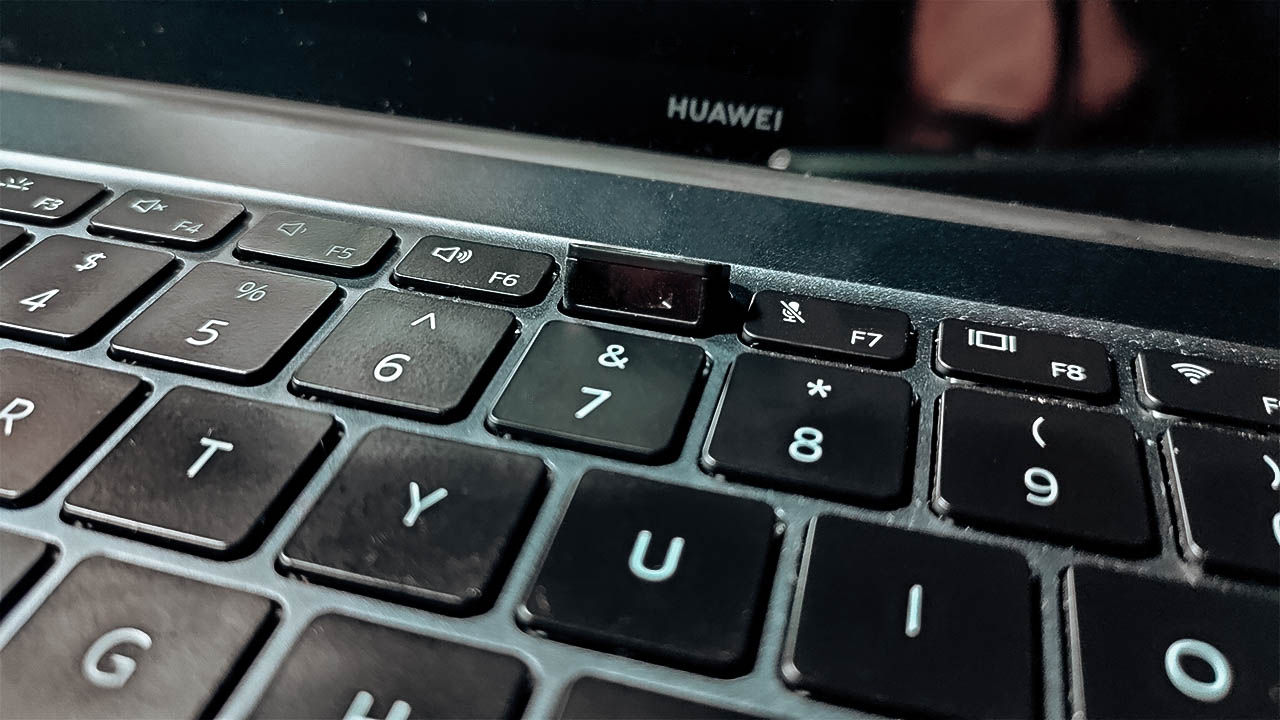
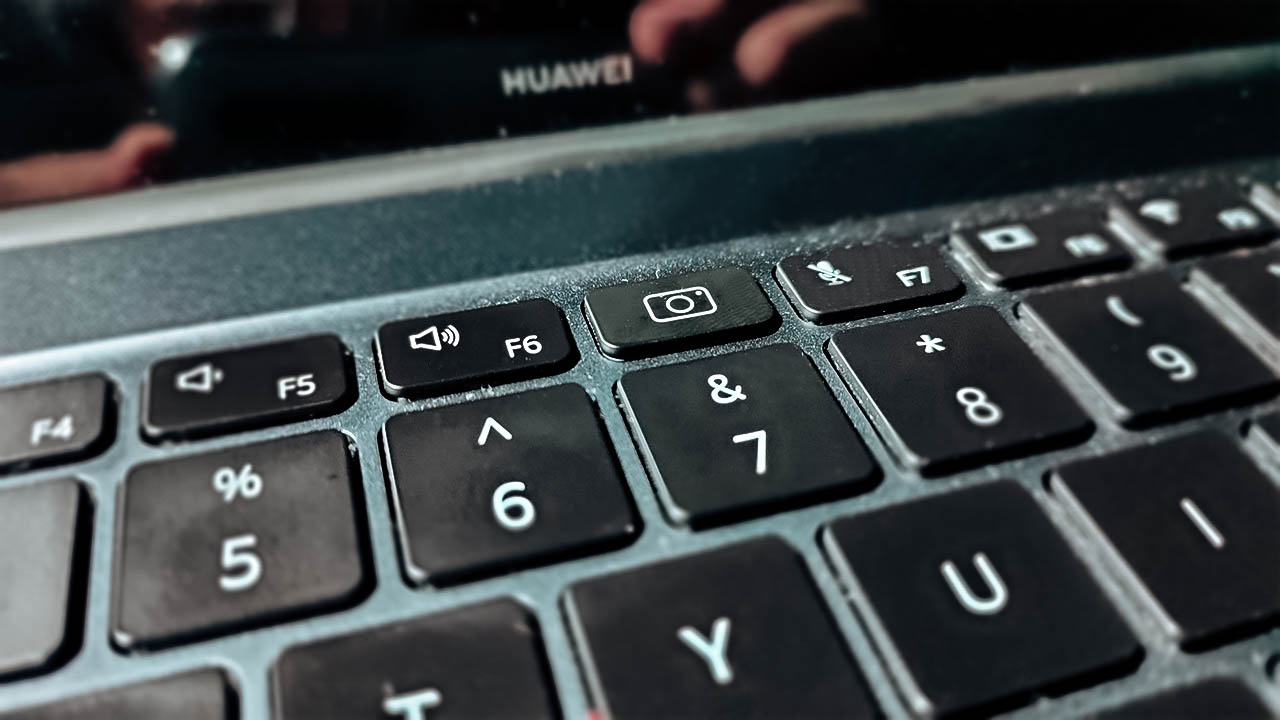
It comes with a recessed camera at the top-middle of the keyboard
It only comes in Space Gray

Admire the design first
I know that I usually go straight to how this device performs, but I honestly couldn’t ignore its build quality. Compared to most Huawei laptops I’ve looked at, the Matebook 14 remains consistent with all of them in terms of design. They go for the sleek, subtle yet professional tone with how the laptop looks and feels.
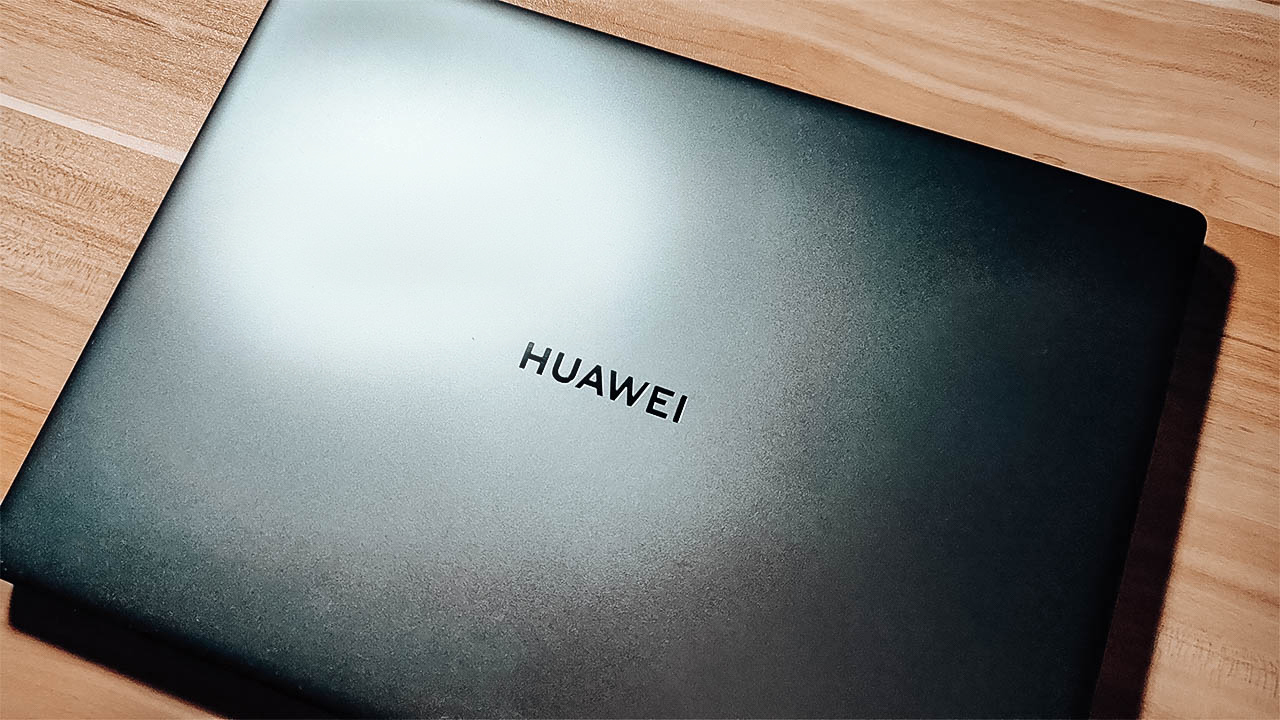
Upon knowing that the build was mostly CNC-ed in, I was expecting durability and hardness in the device. It felt durable enough for me to toss it onto the bed most of the time, and I was pretty confident it wouldn’t break. Also, for a device that weighs almost 1.5 kg, it sure feels light to carry around.
These were some of my observations on the Huawei Matebook X Pro, which I felt is a more powerful version of the Matebook 14. It’s nice to see that Huawei brought that in, leaving no rough surface behind.
Performance that’s great for any type of work
Huawei’s Matebook 14 comes with an AMD Ryzen 5 4600H processor, with 16GB of RAM — which is what most people want out of a work laptop. Because a newer AMD chip is inside, I was expecting great performance right out of the gate. Not to mention that this device also comes with a 512GB SSD, so booting up should be fast.
Just as expected, the device performs well for most work-related tasks I threw at it. I tried using it as my main work laptop for three days, and I was able to do my work in an efficient way. I mean, I still finished overtime for work one day but the device lasted long enough and performed well. Also, I felt that most applications ran pretty smoothly while I was using it.
It was even able to handle close to 100,000 rows of Microsoft Excel data without slowing down significantly. Also, I felt that I didn’t have to manually switch to Performance Mode just to do that. However, because this only comes with built-in Radeon Graphics, I wouldn’t recommend it for creative work and advanced data processing.
Long lasting battery, and it’s surprisingly not warm
The Matebook 14 boasts its 56Wh battery to last all day when you’re doing your usual tasks. Realistically, I don’t think you could keep a laptop running the whole day without plugging the charger. However, on a full charge, I managed to get close to 14 hours mixing work, watching YouTube and streaming Netflix.
Charging the device didn’t take long, either as I got about two hours to fully charge it. That whole thing about a 15-minute charge granting 2.5 hours is close to the truth. Also, I appreciate that Huawei thought of putting a charger that supports SuperCharge, which also charges smartphones.
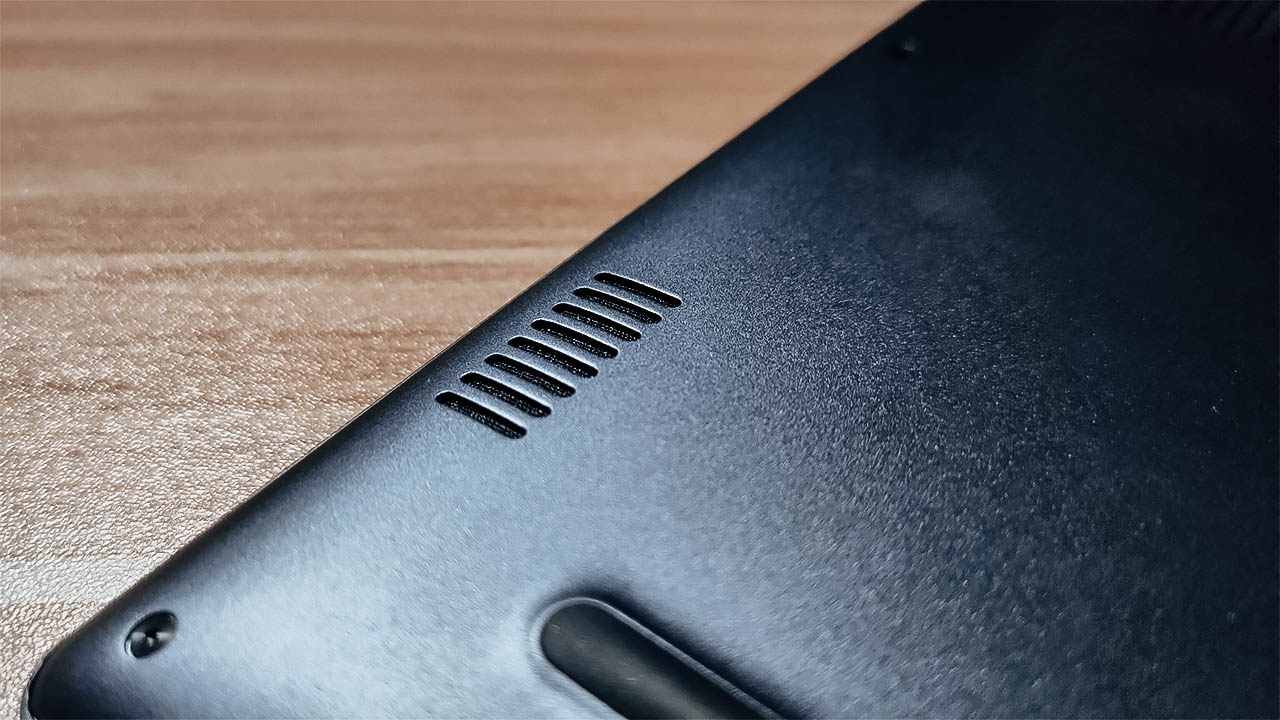
The biggest surprise I found was the thermal setup for the device. Compared to the Matebook X Pro, this did not feel that warm to hold at all — especially while working. Honestly, I give full credit to the AMD chip in keeping it energy-efficient. The dual fan, dual heat pipe design worked wonders, even in a much smaller chassis.
More things that deserved to be noticed, for better or worse
Other things I wanted to bring to light include the usual features it comes with. The hybrid of a fingerprint sensor and the power button still works wonders. It’s pretty easy to set up, and it recognizes your fingerprint pretty fast so you start working right off the bat.
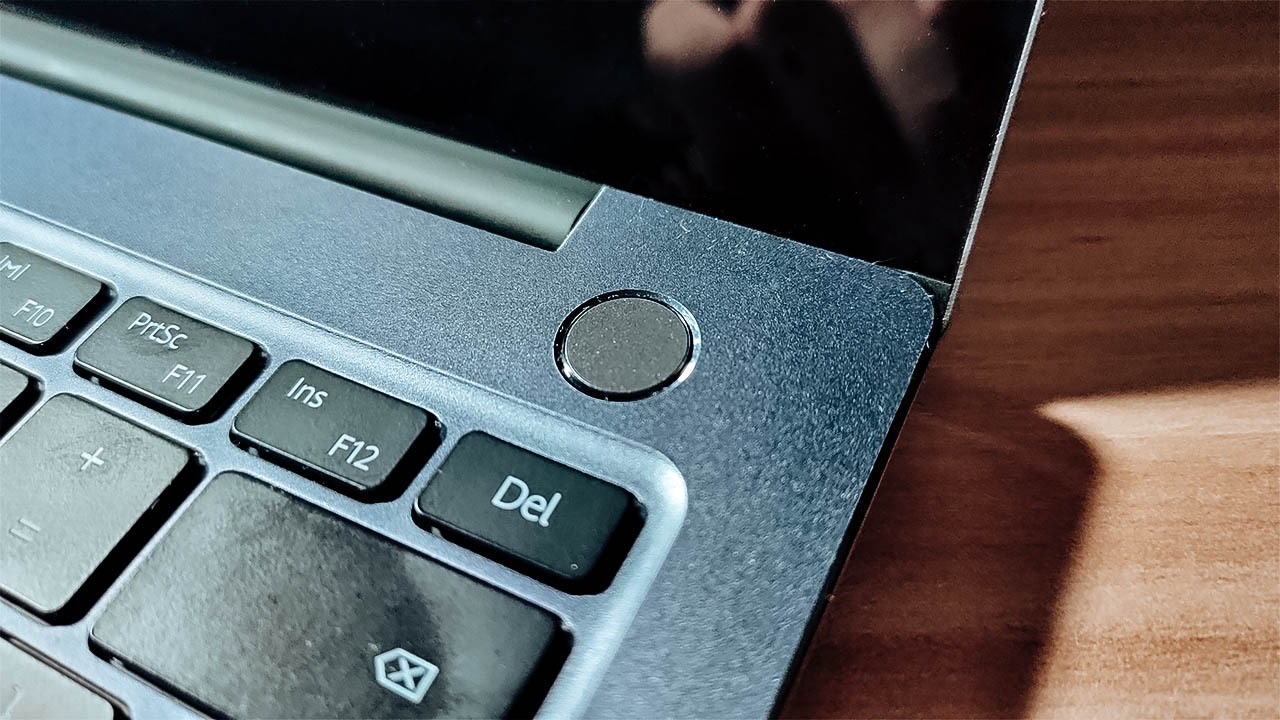
Also, I’m a big fan of the keyboard mostly in terms of the key travel. I’m not drawn to the whole backlit keyboard since it still looks dim in the dark. But in terms of my typing experience, it provides a great one every time I use it. Honestly, it made me work a lot faster so it’s a win for me.
What isn’t a win, and will honestly continue being an L for Huawei is the camera. It’s not because the quality is bad, but it’s just the placement of it. I know that they had to do it for the FullView Display, but it really is an unflattering angle.
Is the MateBook 14 your GadgetMatch?
For PhP 54,999 (US$ 1133), the Huawei MateBook 14 delivers on many fronts as a work laptop. It checks all the important boxes on what you need so you can work better. Plus, it lasts as long as you want it to without reaching for the charger, and stays cool too.
All the usual features Huawei puts in their laptops have their moments to shine. From the keyboard to the display, everything fits quite nicely for what you need it for. At this point, there’s really nothing you can do about the camera being where it is.
If you need a more than decent laptop for work or school, this is a great option to consider. All in all, It gives you premium yet energy-efficient performance that will keep you at the top of your game.






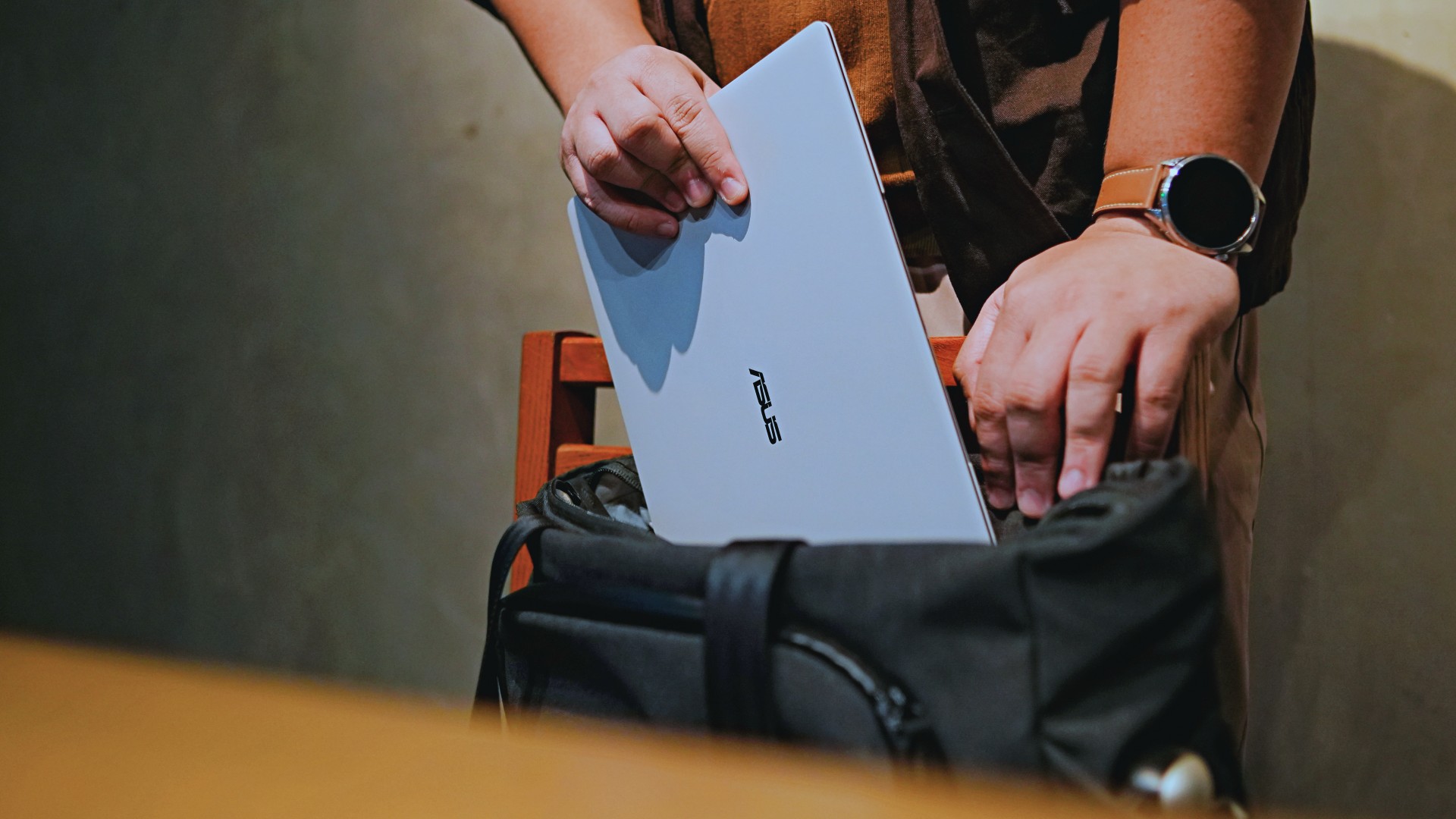
This is coming from someone who has done countless unboxings and has touched a wide variety of devices — the ASUS ExpertBook Ultra was… alright.
My first impression was that it certainly didn’t wow me as much as I expected it to after having read the brief, nor even after attending the tech seminar where ASUS laid out its vision for the laptop.
That’s probably the strangest thing about the ExpertBook Ultra. Because after having spent more time with it, the laptop grew on me.
Put cheekily, the ASUS ExpertBook Ultra wasn’t the laptop that made my head turn. Instead, it was the laptop that kept showing up consistently. Before I realized it, it’s become the one I wanted to keep coming back to.
And I think that’s the best way to describe my experience with ASUS’ flagship business notebook.
The laptop sneaks up on you.
Built to be carried

I got the laptop right after Computex 2026 coverage. That meant my days were closer to how they normally are. That also meant I had to be more intentional about going out and bringing it with me as I tackled my day-to-day duties.
I normally carried it using my trusted EDC — the Alpaka Bravo Tote — and I have to say it definitely felt lighter than my usual laptop, which is the MacBook Pro M4.
The Apple laptop I regularly carry is, I have to admit, chunkier than I would prefer. So having the ExpertBook Ultra for about a week or so literally felt like some load was taken off my shoulders.
Did I ever forget it was there? I wouldn’t go that far.
But if you’re asking me which one I’d rather carry based on build and weight alone, I would, with no hesitation, reach for the ExpertBook Ultra.
That says a lot considering how attached I am to my usual setup.
ASUS likes talking about how light the ExpertBook Ultra is. Normally, that’s the sort of marketing line I acknowledge and quickly move past.
This time, I actually felt it.
The Nano Ceramic effect

One of the first things ASUS will tell you about the ExpertBook Ultra is its Nano Ceramic finish. I’ll admit, it felt like one of those things that sounds good on a slide presentation.
It’s one of those things that look gimmicky at first but actually feels incredible once you come across it on a daily basis.
It’s still early, so you can consider this very much part of the honeymoon phase with the laptop. Even so, the Nano Ceramic finish continues to inspire a bit of awe every time I pick it up.
I do feel like a little weirdo caressing the laptop ever so gently before I begin the day’s work wherever I may be. But that’s just a testament to how good it feels to touch.
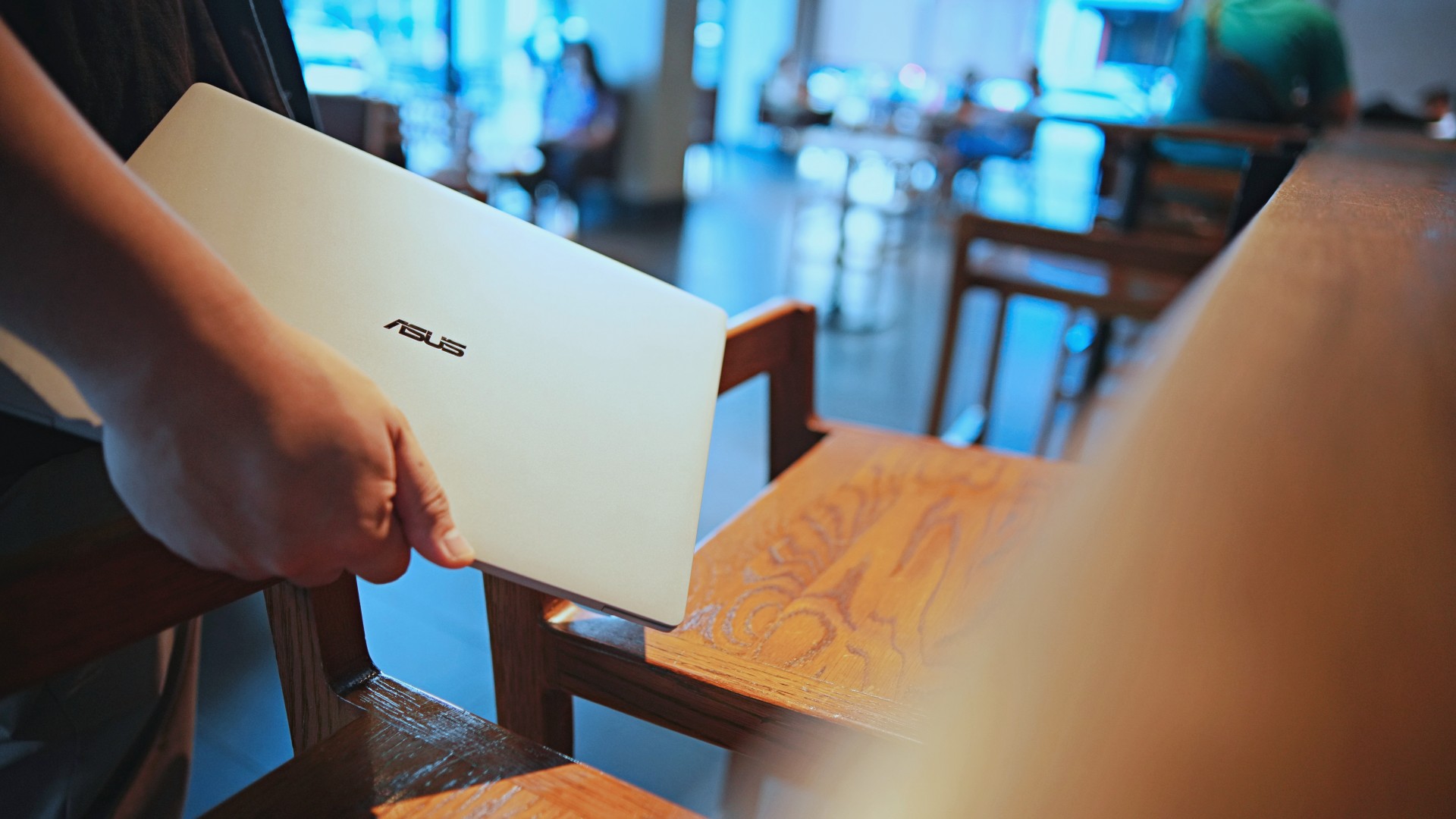
And yes, it does reinforce the feeling that, “Hey, I’m working on a pretty fancy piece of machinery.”
It’s easy to underrate the effects of that feeling, but it’s those little intangible things that can sometimes help unlock perspectives and possibilities.
That’s not something you’ll find on a spec sheet. But it’s absolutely part of the experience.
A display that’s difficult to stop staring at

It also helps if STAYC Isa is on screen.
The display is magnificent.
As Captain America would say, “I can look at this all day.” Not the exact phrase, but you’re smart. You get it.
The OLED and matte coating is just a killer combo. Kind of like the Chaewon and Yeji “That’s a No No” challenge collab. Pardon the months-old K-pop reference. I’ve been so busy I haven’t really kept up with what’s new.
Anyway, the combination just comes at you unapologetically and you have no recourse but to bask in it. Maintaining the deep blacks and crisp colors is such a gift to your eyes.
I often sit right next to big windows when I’m out in cafés and the light did nothing to dull the effect of the display.
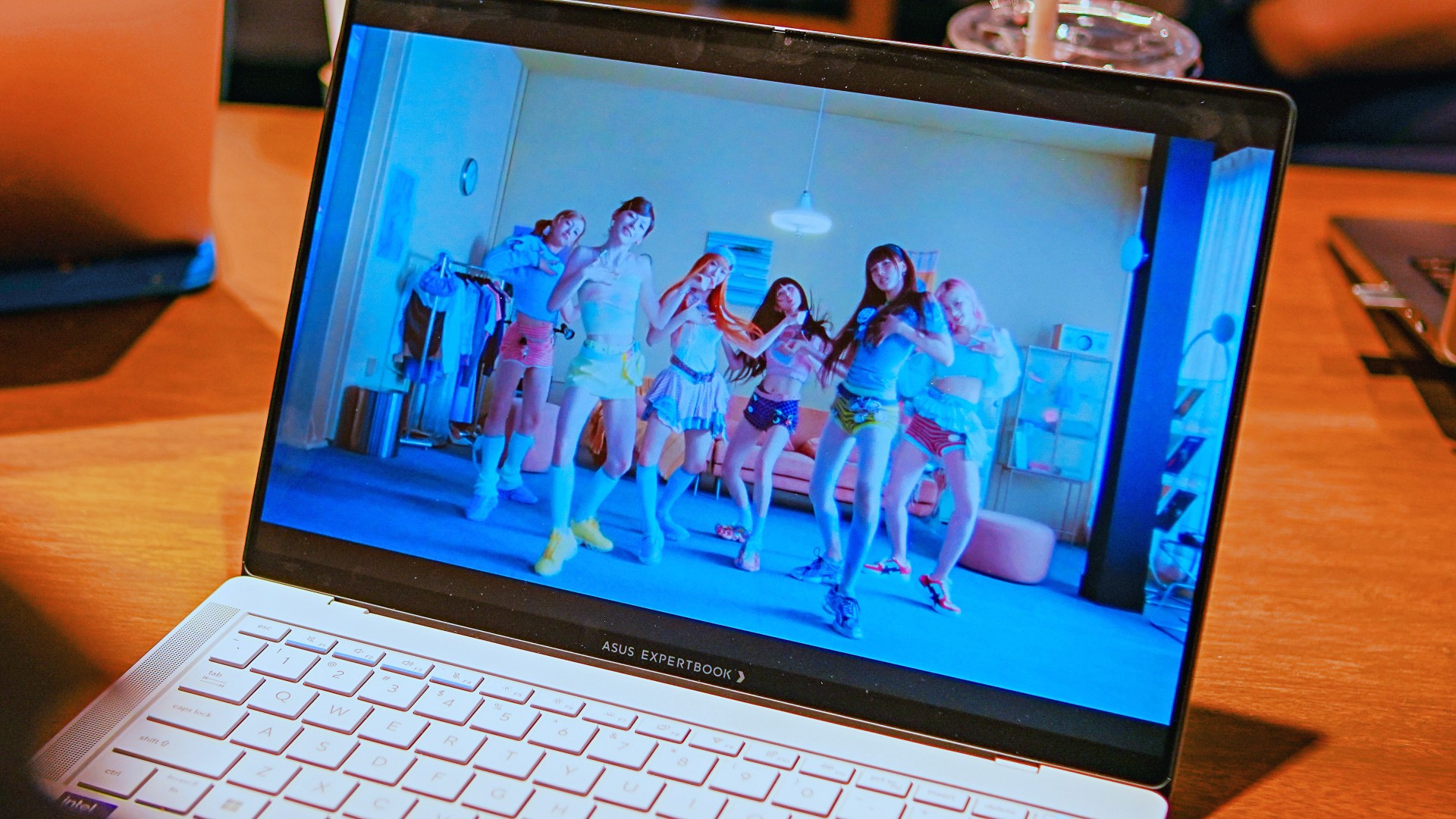
Two love, two love. I’m falling.
It was so good I often found myself fully diving into STAYC’s 2 LOVE music video in between writing this very review and coordinating with my team.
The matte coating deserves special mention here.
OLED panels already look fantastic. Pairing one with a matte finish that helps cut reflections without sacrificing the strengths of OLED makes for one of my favorite laptop displays in recent memory.
Typing just clicked

This is one of my favorite keyboard experiences. Things just clicked right from the start. No awkward feeling-out phase whatsoever.
I was touch typing like I was Doctor Strange trying to look into over 14 million possible outcomes and still landing on the right key every single time.
The keys feel closer to chiclet-style keyboards than anything else. Even so, the spacing is perfect and the travel satisfying.
Then there’s the haptic touchpad.

I typically don’t like using mice, especially when I’m out and about. With most Windows laptops I’ve used in the past, that eventually becomes a necessity.
That wasn’t the case with the ExpertBook Ultra. It’s easily one of the best-feeling touchpads I’ve used in recent memory.
My standard for touchpads has always been MacBooks. While the software is also doing some heavy lifting in that particular setup, the ExpertBook’s own comes pretty close.
That’s not praise I hand out lightly.
Performance that feels like overkill
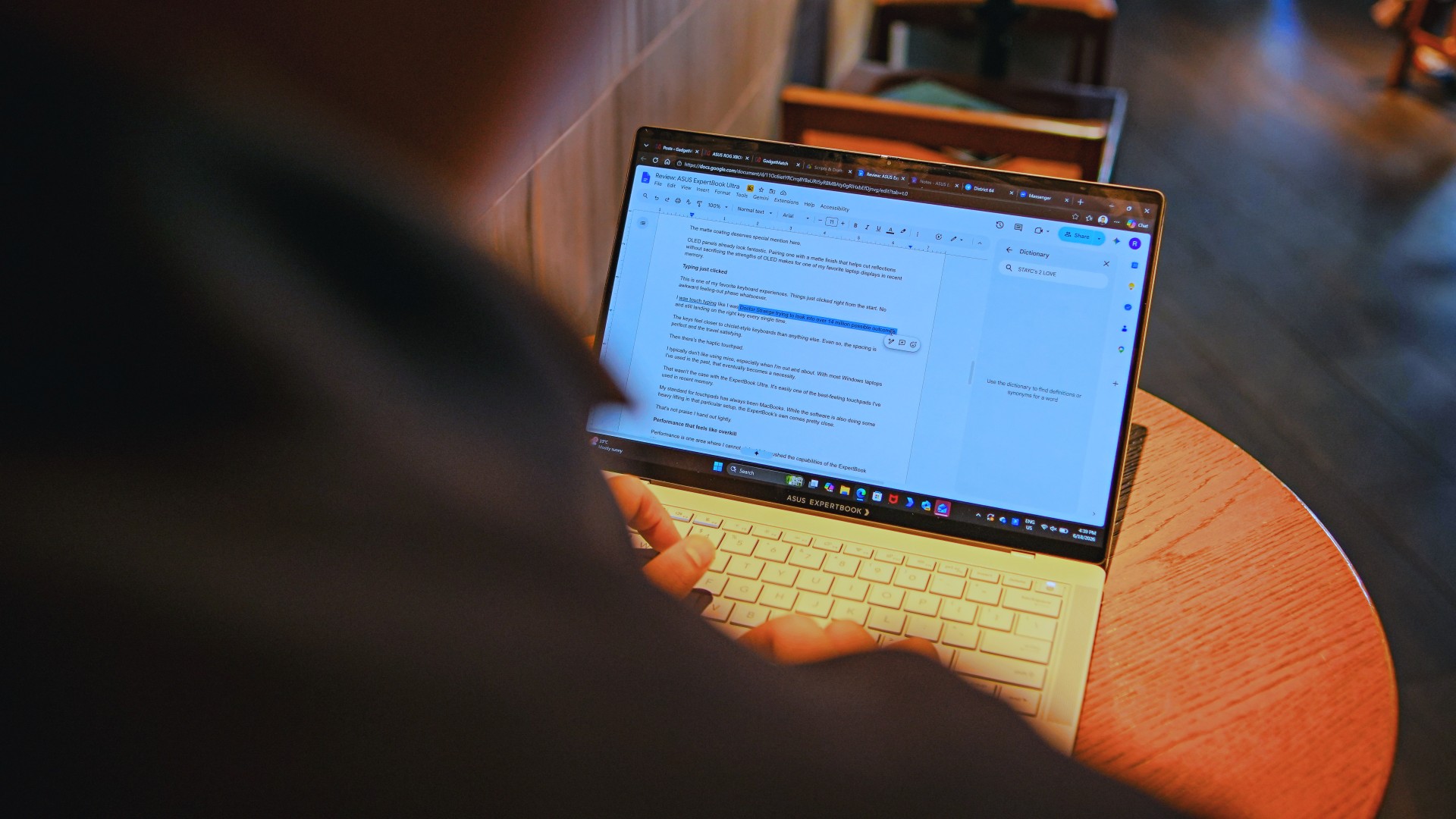
Performance is one area where I cannot claim I fully pushed the capabilities of the ExpertBook Ultra.
Most of my tasks are browser-based. Plenty of tabs open, sure, but I don’t think I ever came close to really testing the capabilities of this business notebook. I imagine that would be the case for most of ASUS’ target audience.
Upon seeing the specs, I already knew this was going to be a bit of an overkill for my own use case. My time with it only proved that assessment.
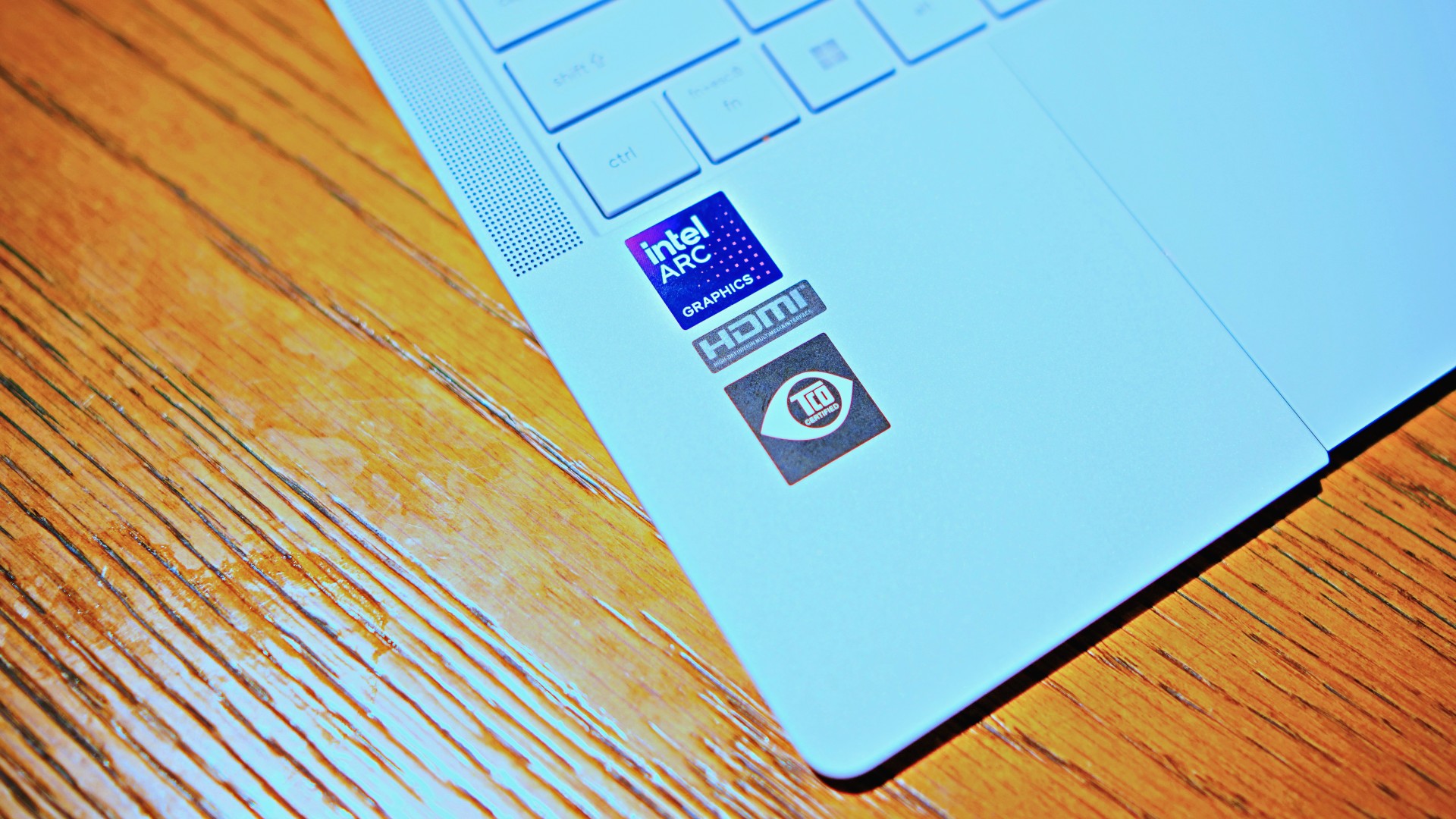
The most I did with it was jump between browser tabs and chat apps, letting ChatGPT help me process unresolved feelings and questionable timing while I dealt with coordinating shoots, writing scripts and reviews, and dealing with external forces that leave me feeling drained.
Never once did the laptop feel slow. Never once did I find myself waiting.
What noise?
Speaking of things I didn’t notice, let’s talk about fan noise.
Again, since I didn’t really push this thing to its absolute limits, the fan never really kicked into high gear at any point during my time with it.
The same goes for thermals.
No task I did ever raised the temperature to uncomfortable levels. The laptop simply went about its business. Which, come to think of it, is probably the most business-laptop thing I can say about it.

Battery life that simply works
I was very impressed with its overall efficiency.
When I go out to work, I typically don’t stay out longer than five to six hours. Most of the time that’s five to six hours of really focused work—with some K-pop loving in between.
Being generally risk-averse, I still always brought my usual charger with me. Not once during my time with the device did I feel the need to plug in while working outside.
I would typically end my café work days somewhere between 30 to 40 percent and only juice the thing up once I got home while it was closed and not in use.
That’s exactly the kind of battery experience I want from a business laptop.
The AI question
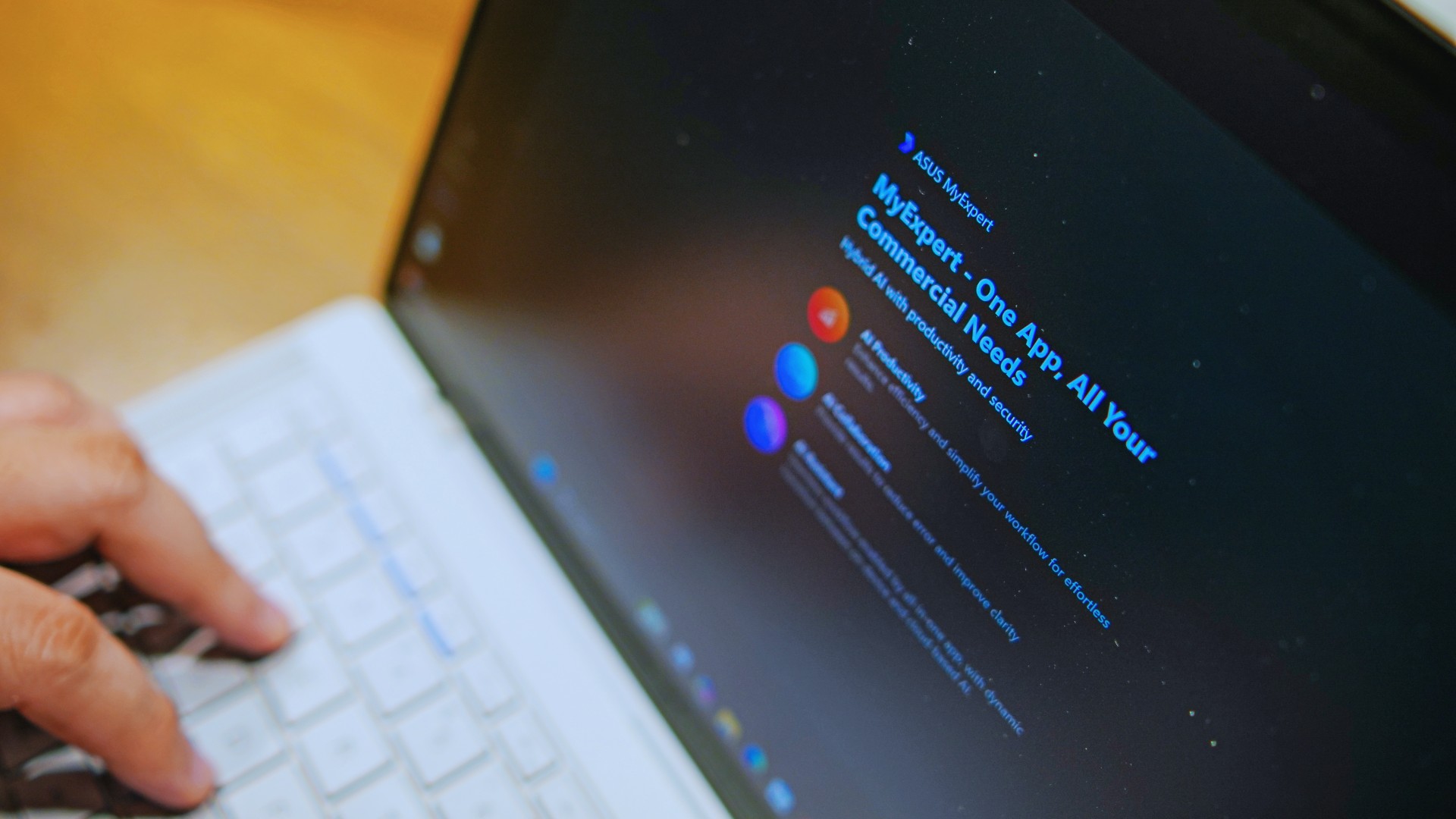
The thing I struggle with when it comes to AI features on this machine is that a lot of them are Windows-based and that’s just not the AI I find reliable.
Right now, many of these features are nice-to-have.
I’m sure one of ASUS’ target users will likely find a use case for them.
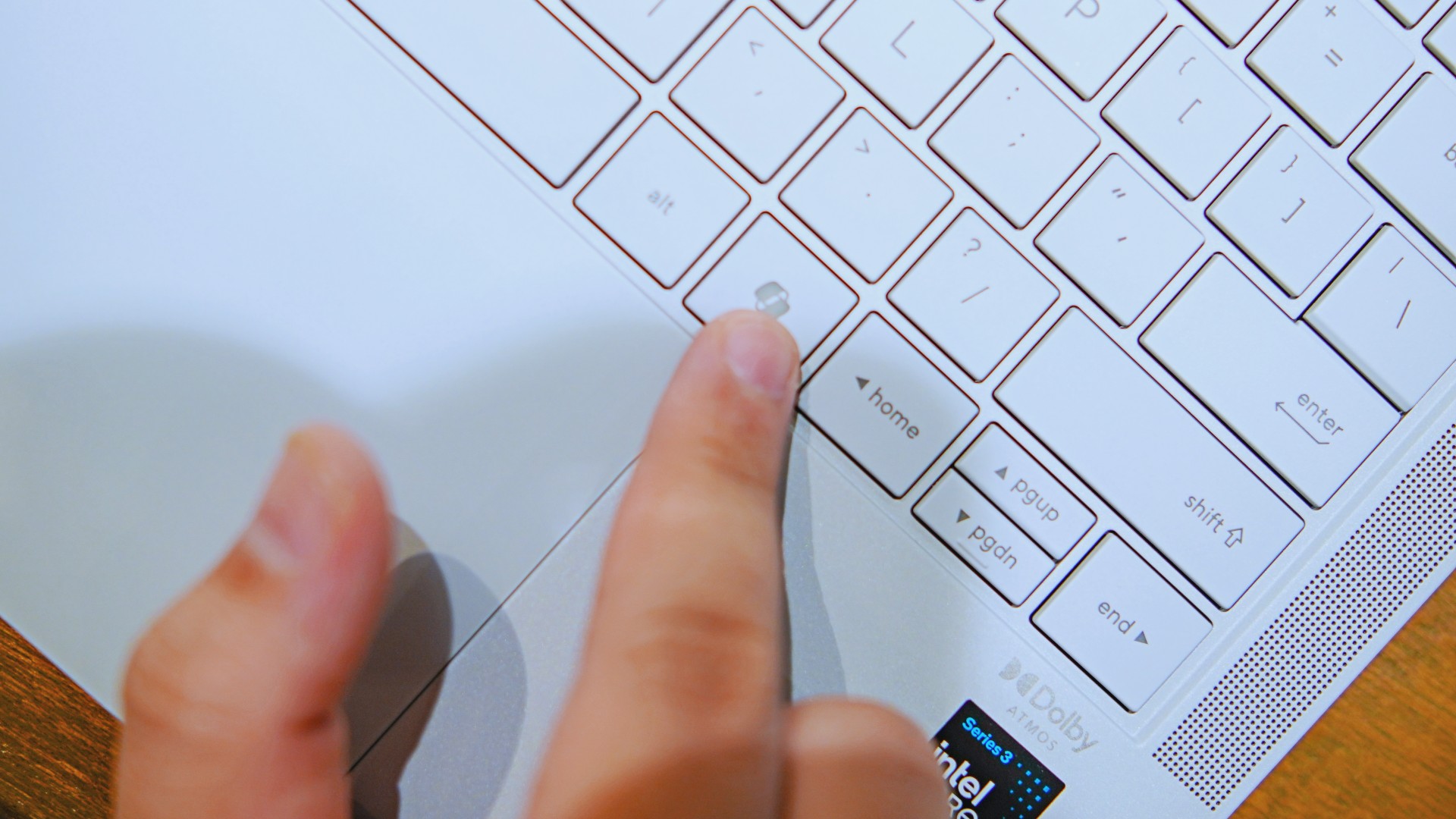
As for me personally, this is one area I’d have to dig deeper into to actually find ways to integrate them into my workflow and general usage.
And honestly, that’s okay. The AI features weren’t the reason I kept reaching for the laptop.
Who is this actually for?

That’s a loaded question. Really, it’s built for anyone who can afford it.
With a starting price of PhP 129,995, this device comfortably sits in aspirational territory.
What I know for sure is that this is a machine for someone who’s already built some momentum in their chosen field and would like to level up.
The ASUS ExpertBook Ultra gives you a machine that can handle your business now and inspire you to dream bigger about your future.
Is the ASUS ExpertBook Ultra your GadgetMatch?
The thing I kept coming back to with the ExpertBook Ultra is that there is no one thing that made me turn to it.
Instead, it’s the combination of everything that it brings to the table. The premium-feeling build, lightweight design, wonderful display, excellent keyboard and touchpad. efficient performance, and the thoughtful extras. Together, they make it a laptop that’s easy to recommend to anyone who’s ready for it.
But what does ready for it actually mean?
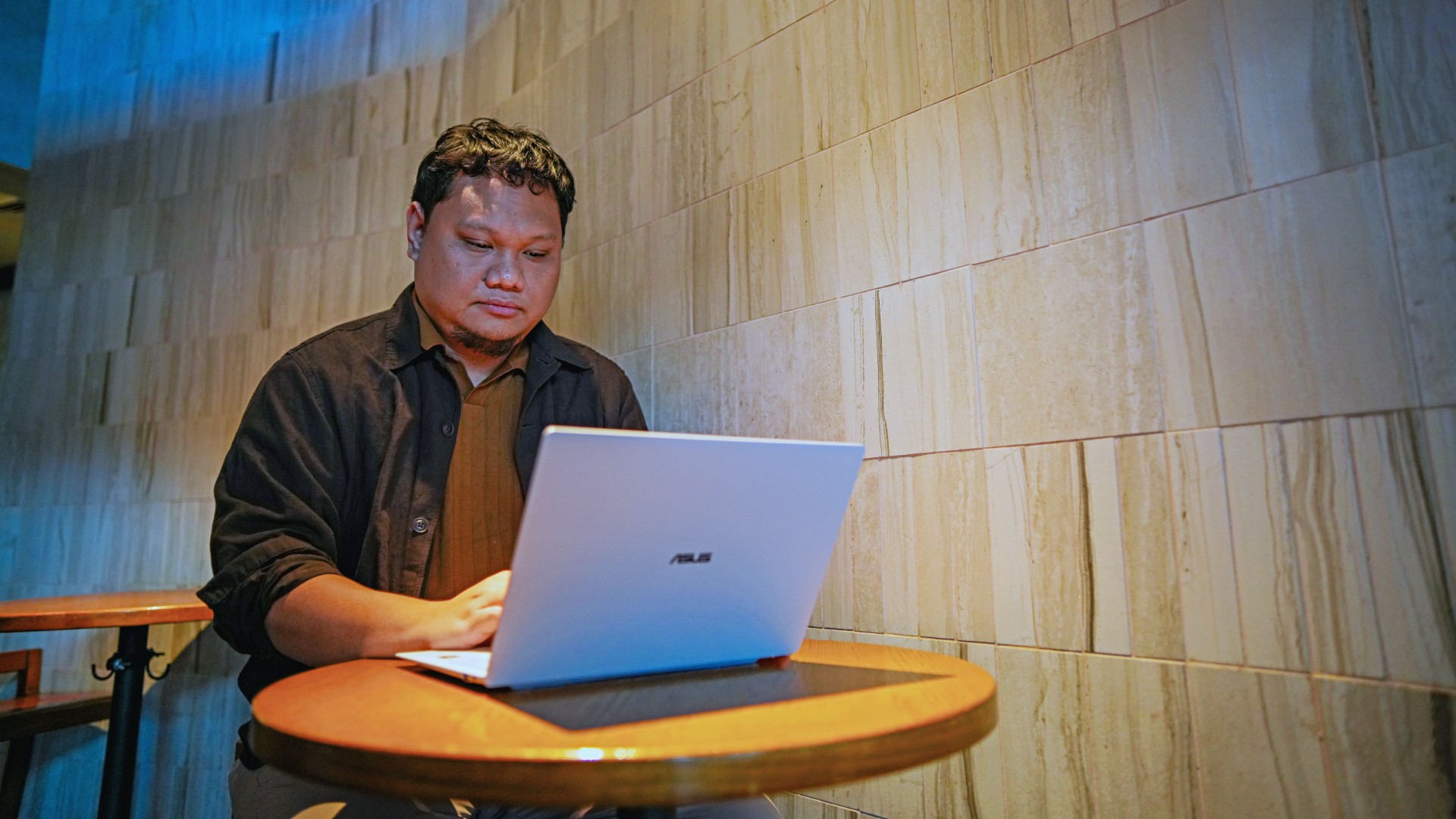
It means it’s for people who have leveled up quite a bit in their grind and want a machine that matches their current status and future aspirations.
That’s what the ASUS ExpertBook Ultra represents. A modern classic that’s ready for now and whatever comes next.
That’s why it didn’t wow me. But it certainly won me over.

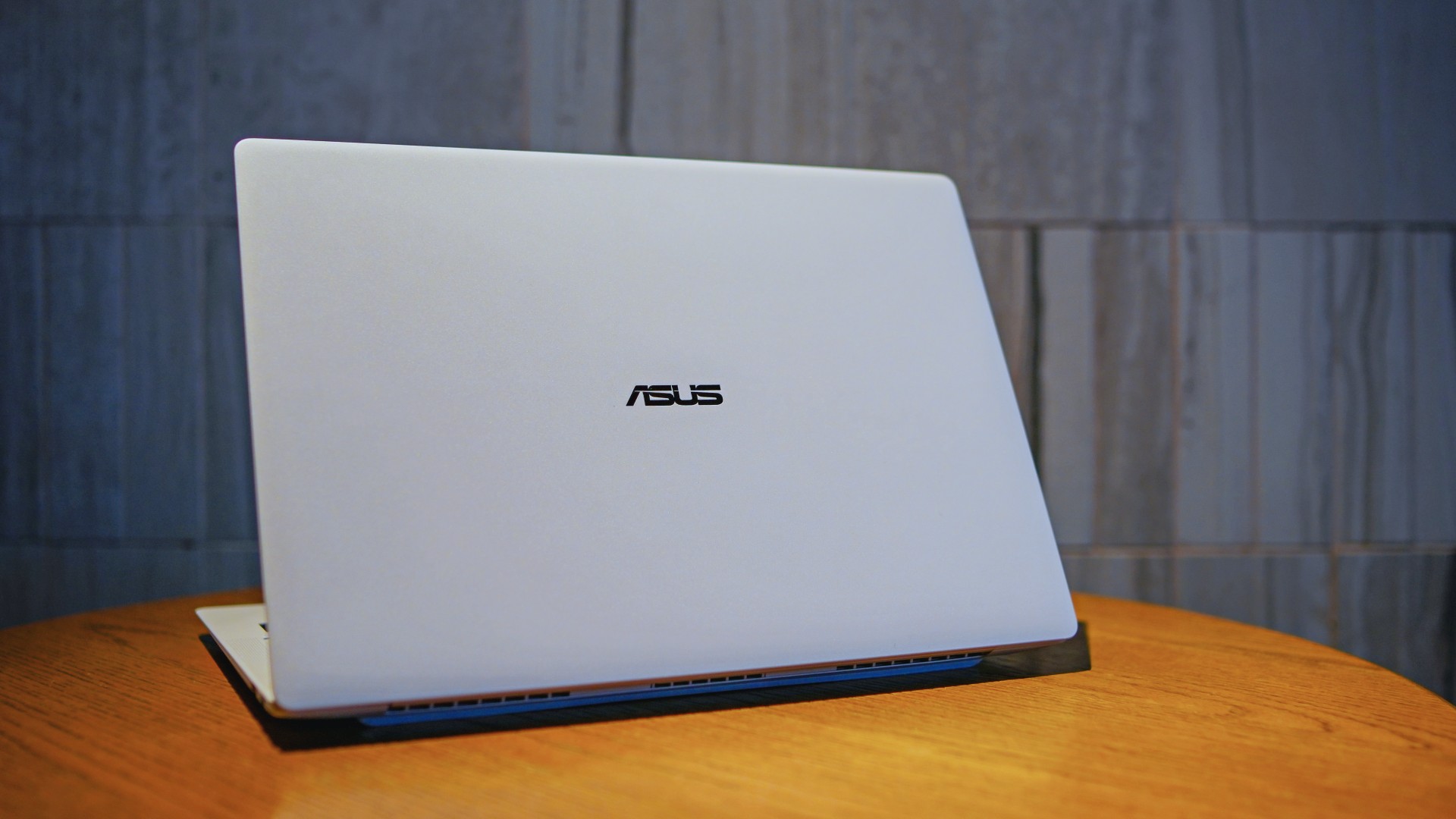
The ASUS ExpertBook Ultra is now available in the Philippines. It is ASUS’ latest AI-powered business laptop for professionals who want a lightweight machine without sacrificing performance.
Positioned as the flagship of the ASUS ExpertBook lineup, it combines a sub-1kg chassis with Intel Core Ultra processors, enterprise-grade security, and AI features. ASUS is targeting executives, business users, and creators with the new laptop.
Built for portability and performance
The ASUS ExpertBook Ultra weighs as little as 0.99kg. It measures just 10.9mm thick. The laptop uses an aerospace-grade magnesium-aluminum chassis with ASUS Nano Ceramic Technology. ASUS says the finish delivers five times greater scratch resistance than the industry standard.
Despite its slim profile, the laptop packs a 70Wh battery. ASUS rates it for up to 26 hours of battery life.
Power comes from Intel Core Ultra Series 3 processors. The lineup is topped by the Intel Core Ultra X9-388H. Buyers can configure the laptop with up to 64GB of LPDDR5X memory running at 9600 MT/s and up to a 2TB PCIe Gen 5 SSD.
ASUS also highlights its ExpertCool Pro thermal system. It allows the processor to sustain up to 50W of CPU performance while keeping fan noise low.
Tandem OLED display and premium hardware
The ExpertBook Ultra features a 14-inch 3K Tandem OLED touchscreen. It offers a 120Hz refresh rate and up to 1,400 nits of HDR brightness. Corning Gorilla Glass Matte helps reduce reflections while preserving image quality.
Other hardware highlights include:
- 1.5mm travel spill-resistant keyboard
- Edge-to-edge haptic touchpad
- Six-speaker Dolby Atmos audio system
- Dual Thunderbolt 4 ports
- Two USB-A ports
- HDMI 2.1
- 3.5mm audio jack
AI and enterprise security
As a Copilot+ PC, the ASUS ExpertBook Ultra includes AI-powered tools through the MyExpert suite. These include AI ExpertMeet and a local Knowledge Hub.
The laptop also focuses on enterprise security. Features include dual biometric authentication, a physical webcam shutter, self-healing BIOS, TPM 2.0, Microsoft Pluton, and compliance with the NIST SP 800-193 firmware security standard.
Price and availability
The ASUS ExpertBook Ultra is now available through ASUS authorized stores and select retailers nationwide.
Pricing starts at PhP 129,995. Higher-end configurations go up to PhP 215,995.
ASUS is also offering an Early Bird Bundle until July 31, 2026. Eligible purchases include an ASUS 100W GaN charger and PhP 10,000 worth of SSI gift vouchers.

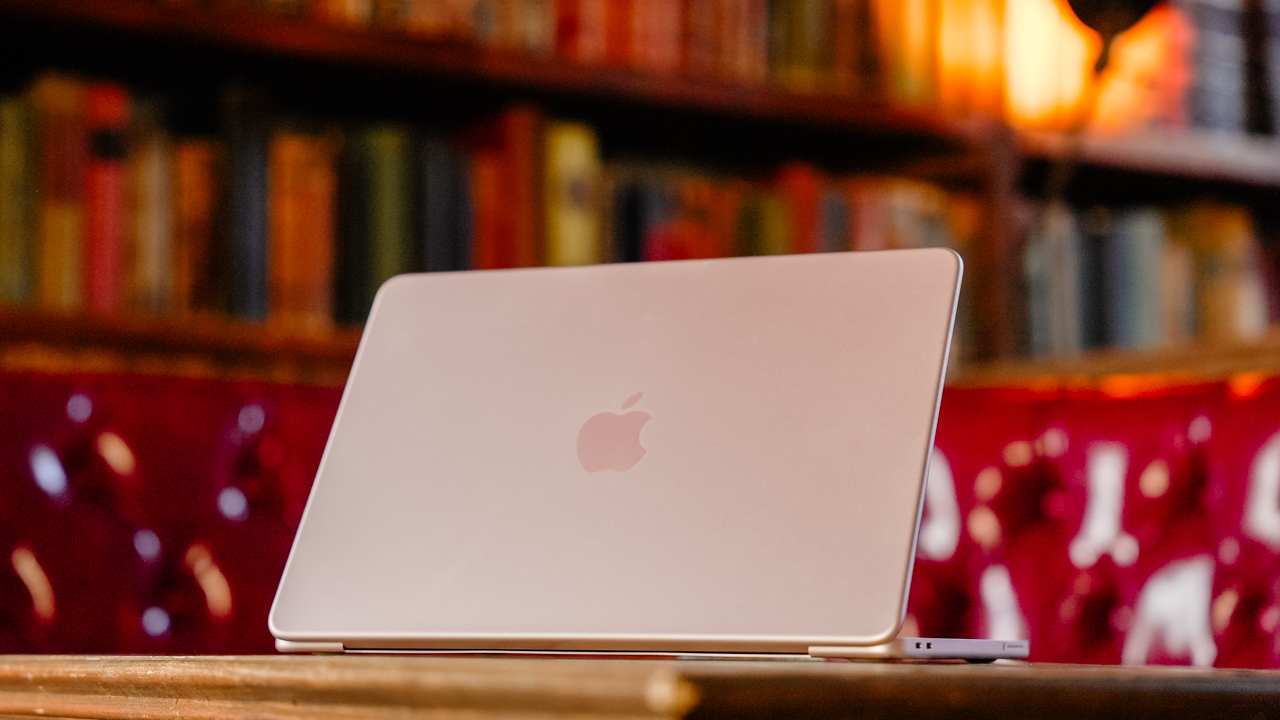
Hey, remember when Apple launched the MacBook Neo, and it had the most attractive price for an Apple-branded laptop? Those were good times. Unfortunately, it was too good to be true. Responding to the ongoing RAM crisis, Apple has now increased the prices of its hardware, starting with the MacBook and the iPad lineups (via Reuters).
The “highlight” here is the price of the MacBook Neo. To be fair, the affordable MacBook is still the cheapest one of the lot, but that’s not saying much. From a starting price of US$ 599, the Neo now costs US$ 699.
Now, we’d love to say that a US$ 100 price hike is the most you can expect across the board. But that’s not true at all. Most will bring up the price by a few hundreds and up to a whopping US$ 1,300. Here’s a list of devices you’re going to see changes for:
| Model | Original price | New price |
| MacBook Neo | $599 | $699 |
| MacBook Air (13-inch) | $1,099 | $1,299 |
| MacBook Air (15-inch) | $1,299 | $1,499 |
| MacBook Pro (M5) | $1,699 | $1,999 |
| MacBook Pro (M5 Pro) | $2,199 | $2,499 |
| MacBook Pro (M5 Max) | $3,599 | $4,099 |
| iMac | $1,299 | $1,499 |
| Mac Studio (M4 Max) | $1,999 | $2,499 |
| Mac Studio (M3 Ultra) | $3,999 | $5,299 |
| iPad | $349 | $449 |
| iPad mini | $499 | $599 |
| iPad Air (11-inch) | $599 | $749 |
| iPad Air (13-inch) | $749 | $949 |
| iPad Pro (11-inch) | $999 | $1,199 |
| iPad Pro (13-inch) | $1,299 | $1,499 |
| Vision Pro | $3,499 | $3,699 |
The current price hikes do not include the iPhone lineup. It might only be a matter of time, though. Recently, Tim Cook confirmed that Apple can no longer shoulder the expenses of the RAM crisis by themselves, essentially signaling a huge wave of price hikes. The brand will likely continue the increases heading into the iPhone launches in September.


realme C100: Enduring and durable in spite of entry-level realities
Enough power but needs more agility


The ASUS ExpertBook Ultra wins you over
The laptop sneaks up on you


Nexal Watch Sport review: A rugged watch for small budgets
I couldn't believe that watches this good could come for this cheap.

Marvel Studios announces Ghost Rider, Black Panther 3 at SDCC

Xiaomi Singapore expands lineup of smart washing machines

AORUS MASTER 16 Gen 2 2026 AI gaming laptop launches

GCash future-proofs MSMEs with new payment innovations

Smart announces postpaid offers for Samsung Galaxy Z8 series


-

 News2 weeks ago
Samsung releases teaser with Spider-Man: Brand New Day Easter eggs
-

 Wearables5 days ago
Garmin launches its first screenless fitness band
-

 Gaming2 weeks ago
Most of the world’s PlayStations will be officially useless by 2028
-

 News2 weeks ago
FIFA World Cup: Lenovo’s Referee View received positively by fans
-

 Gaming2 weeks ago
Assassin’s Creed Black Flag Resynced comes to life at Skypark Macau
-

 Features2 weeks ago
Spotlight: HUAWEI WATCH GT Runner 2 Racing Legend Edition
-

 Apps2 weeks ago
Plot twist: Starbucks PH is letting you actually pick your reward now
-

 Automotive1 week ago
Mercedes-Benz celebrates 140th anniversary at the Presidential Car Museum