

Every year, I would tell myself I need a printer — but end up not buying one. After all, do you really need it? At this age? Where you can sign documents on Adobe Acrobat or another third-party extension through your mail, and scan photos directly using your smartphone.
Regrettably, we all still need a home printer, bud. Regardless of their horrendous sizes and designs, there are still a lot of perks when you have a home printer. Especially when it’s a smart, inkjet printer.
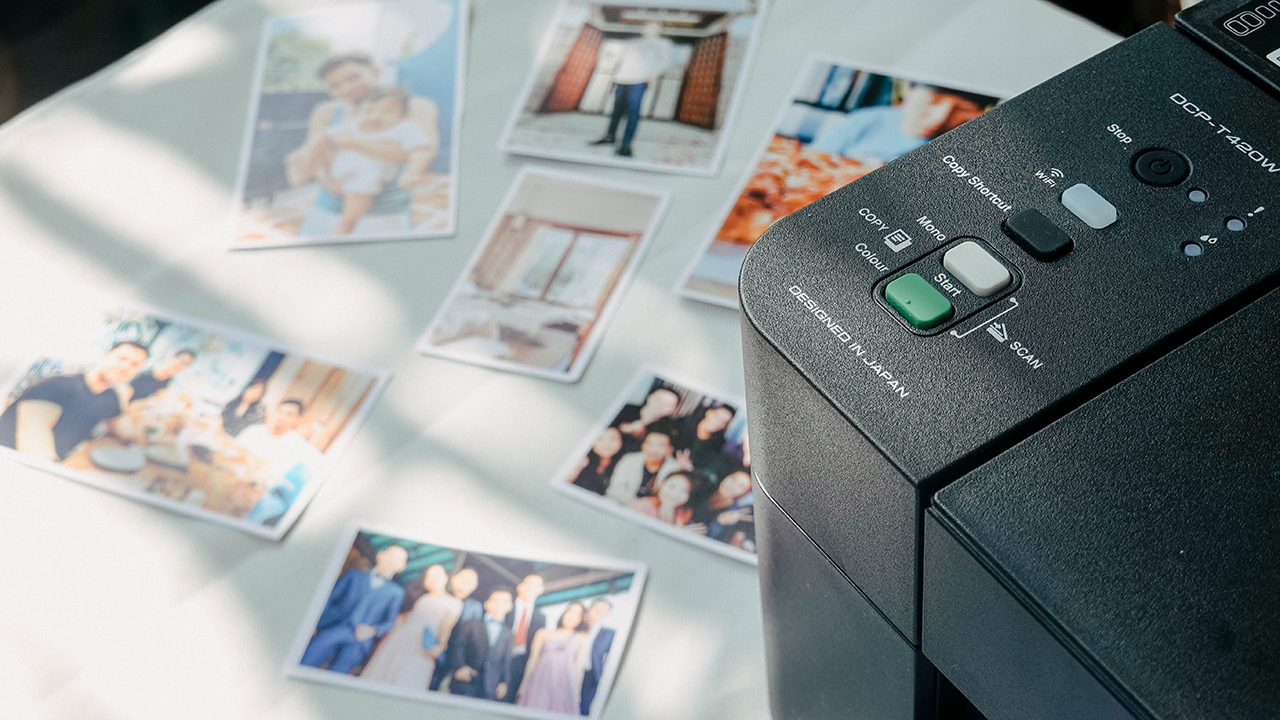
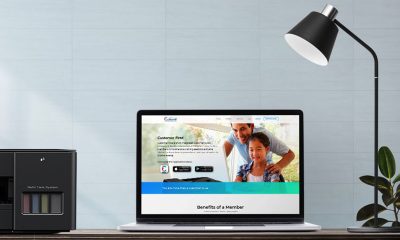
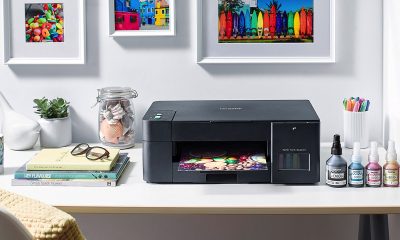
Recently, Brother launched a new lineup of compact, space-saving inkjet printers. Using the latest (and most affordable of the bunch) DCP-T420W made me realize how a printer can make your life fun and easy, whether you’re always out or staying at home.
Hard and soft copies still go hand-in-hand
When life went on pause due to a global pandemic, businesses and other establishments (particularly printing services) closed and shut down. While most documents needed for work are being sent and signed via digital formats, there are days when I struggled not owning a printer when I badly needed it.
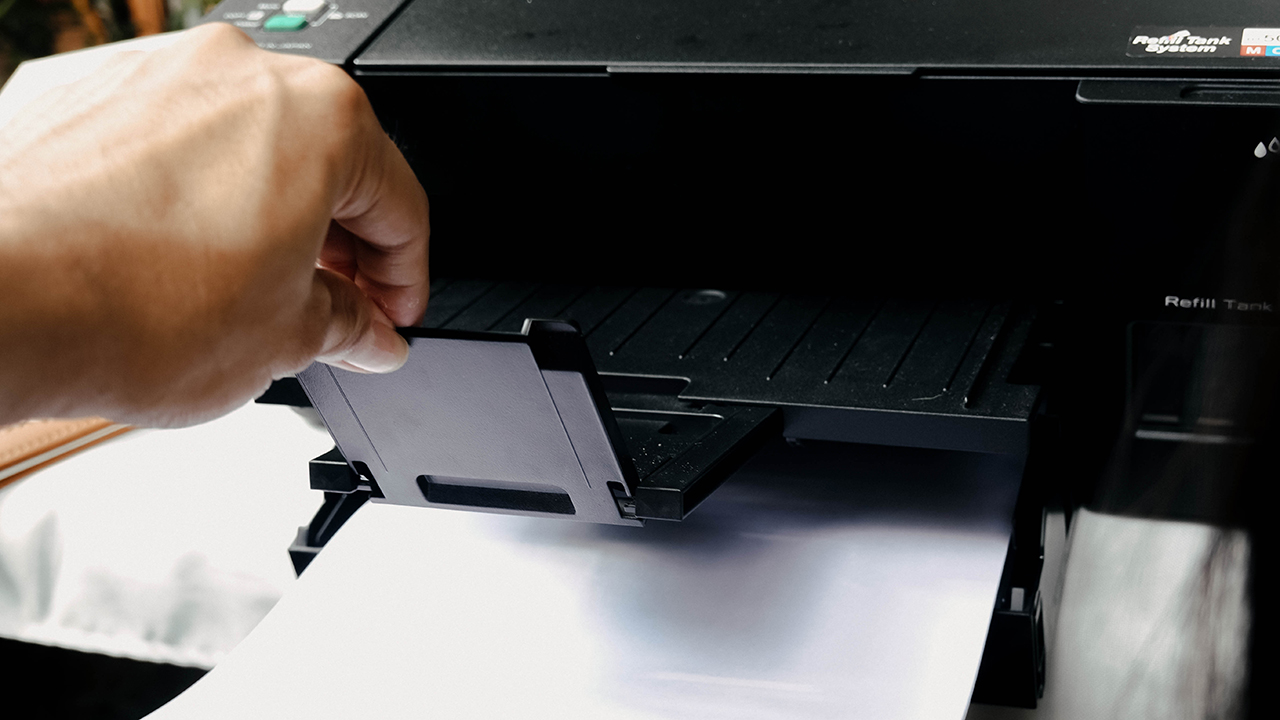
Back then, I needed to print copies of sheets and labels as I was shipping an expensive music box to Taiwan. The shipping company required these papers to be attached as part of their logistical process. Banks and government agencies also require physical copies of whatever is sent on their emails and/or websites. The world hasn’t fully gone digital, and there’s still a need for papers and printers.
Save time, save money
Using the Brother DCP-T420W — or having a home printer in general — helped save time and money. I don’t have to scramble to search for printing services, which requires driving around town. And yes, when you drive, you need to fill up the tank. Read: Price hike on fuel and gasoline.
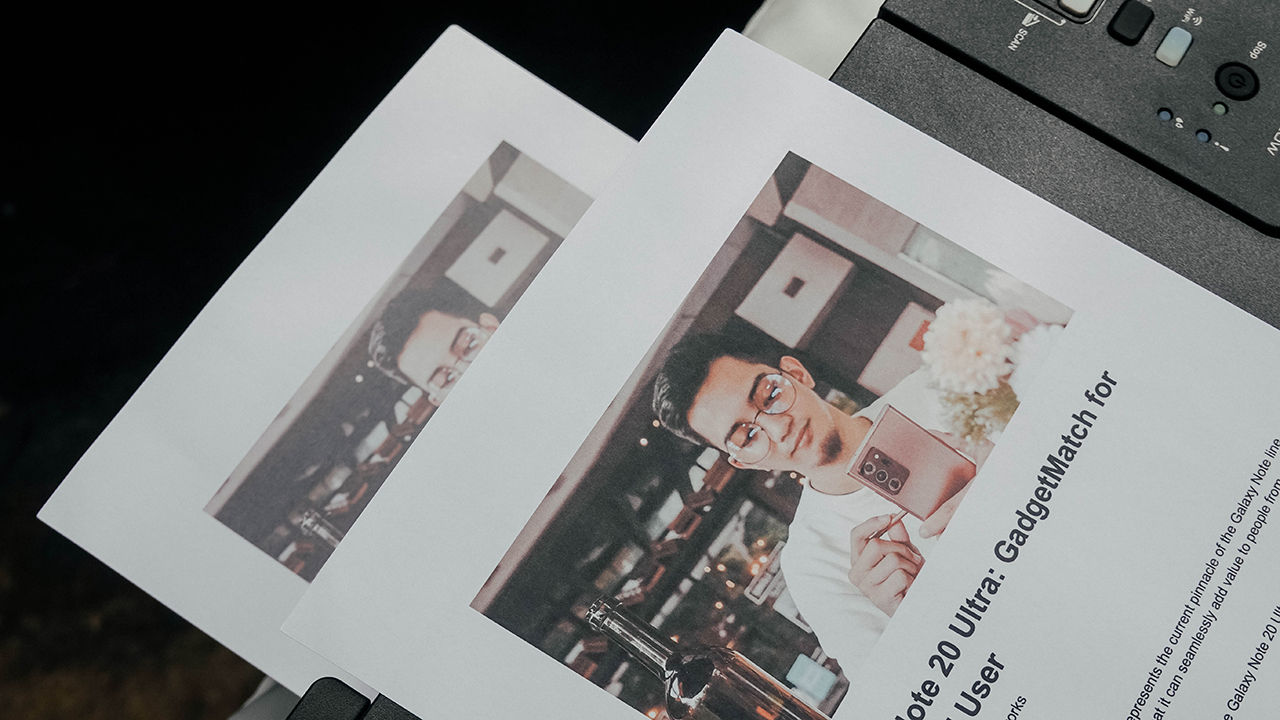
But having your own [ink] tank to fill makes it easier for your wallet and convenience. Brother’s new lineup of printers lower cost per print, which approximately prints up to 7,500 pages in black and 5,000 pages in color. And they print fast. No more waiting on printing services asking you to come back later to get the files you needed.
So far, I haven’t fully consumed my inks even though I printed a bunch of high-quality photos. But if I ever ran out of supply, I know I can easily buy one seeing how they’re affordable and accessible.
Print, scan, and copy in the comfort of your own home
Having a printer means you can do everything in the comfort of your own home. Print some important documents, scan my passport for my visa applications, and copy waybills and signed agreements — I can do all of this even when I’m wearing pajamas.
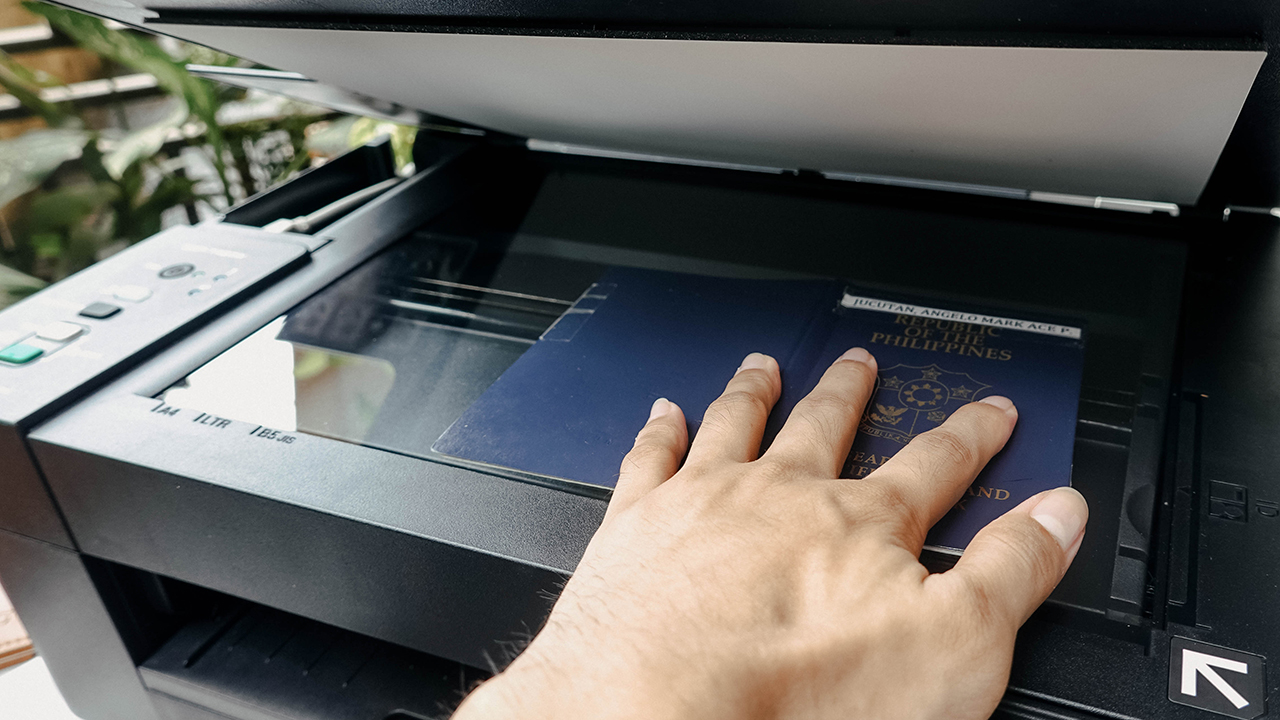
More importantly, the DCP-T420W is so versatile that it lets my not-so-tech-savvy family use the printer without me assisting them. For the old-school, you can plug the USB cable into your laptop and print using Brother’s iPrint & Scan — which works on both Windows and macOS.

Meanwhile, the tech-savvier young’n can maximize the machine’s flexible connectivity options. There’s Built-in Wi-Fi where an entire group can effortlessly share one device, and you can print directly using your mobile devices. Isn’t that so convenient?
Get creative — and productive
There’s so much you can do when you have a printer. Back then I would always wonder, why would I need one?
Occasionally, you’ll realize the reasons why you’ll feel the need to have a printer at home. But for most people, it’s a fleeting moment — simply because they sometimes forget the endless possibilities in having this machine.
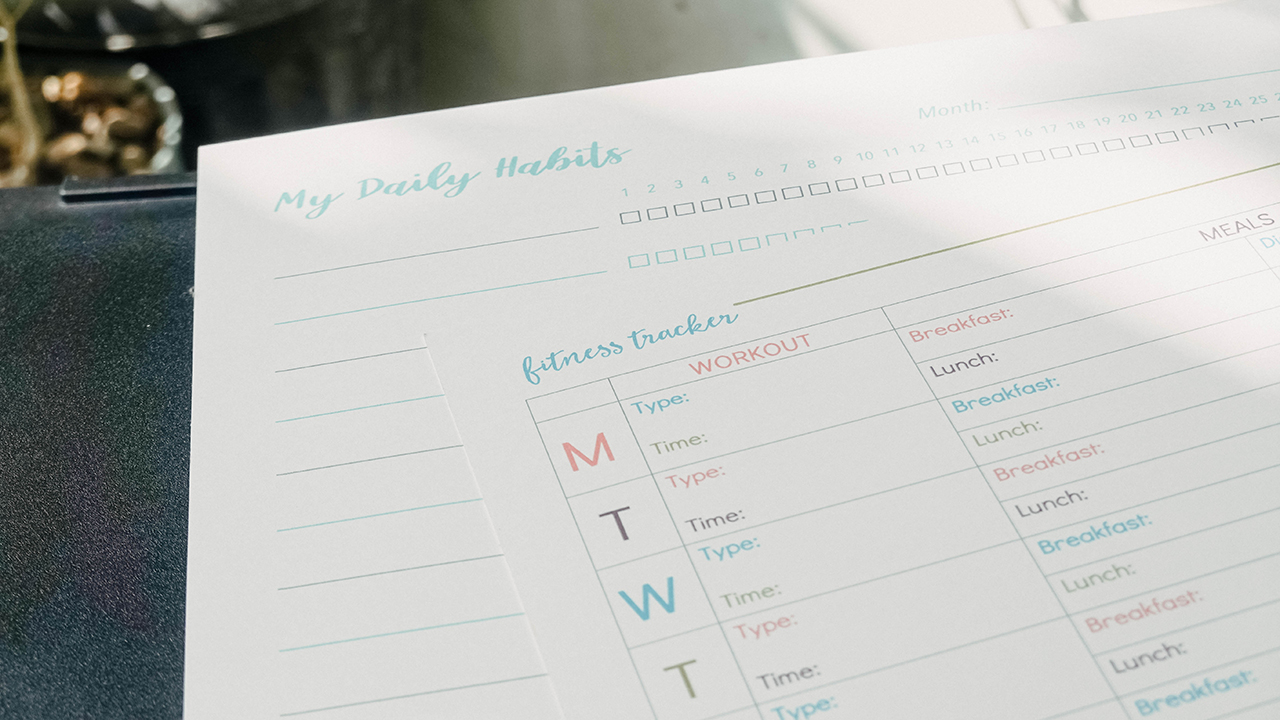
For the most part of the lockdown, I spent time with printables that helped me organize my habits, lifestyle, and my room. I started printing labels, charts to track my goals, and sheets to manage my finances. I have to say I’m halfway through my journey towards self-development, and I’m happy a simple machine like a printer helped me in this pursuit.
Print whatever you like without judgment
Above all, having a printer gives you the freedom to print whatever you feel like. I had a lot of fun printing photos, illustrations, and texts to help with my vision board and manifestation journals. To re-decorate my room, I bought photo papers and printed my favorite photos and moments to remind me how blissful my life is for having all these memories.
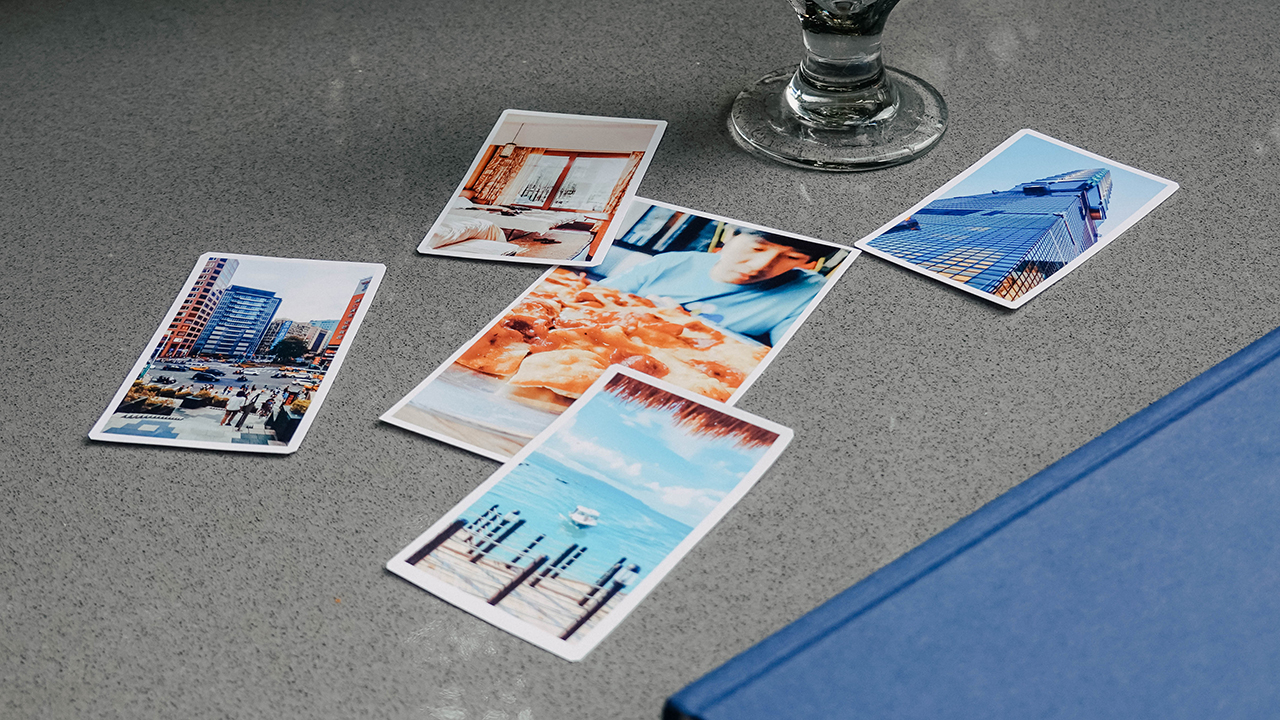
Yes, sometimes I get sentimental and with this at home, no printing person can judge me for asking to print weird group photos and travel photos in their shop.
Price and availability
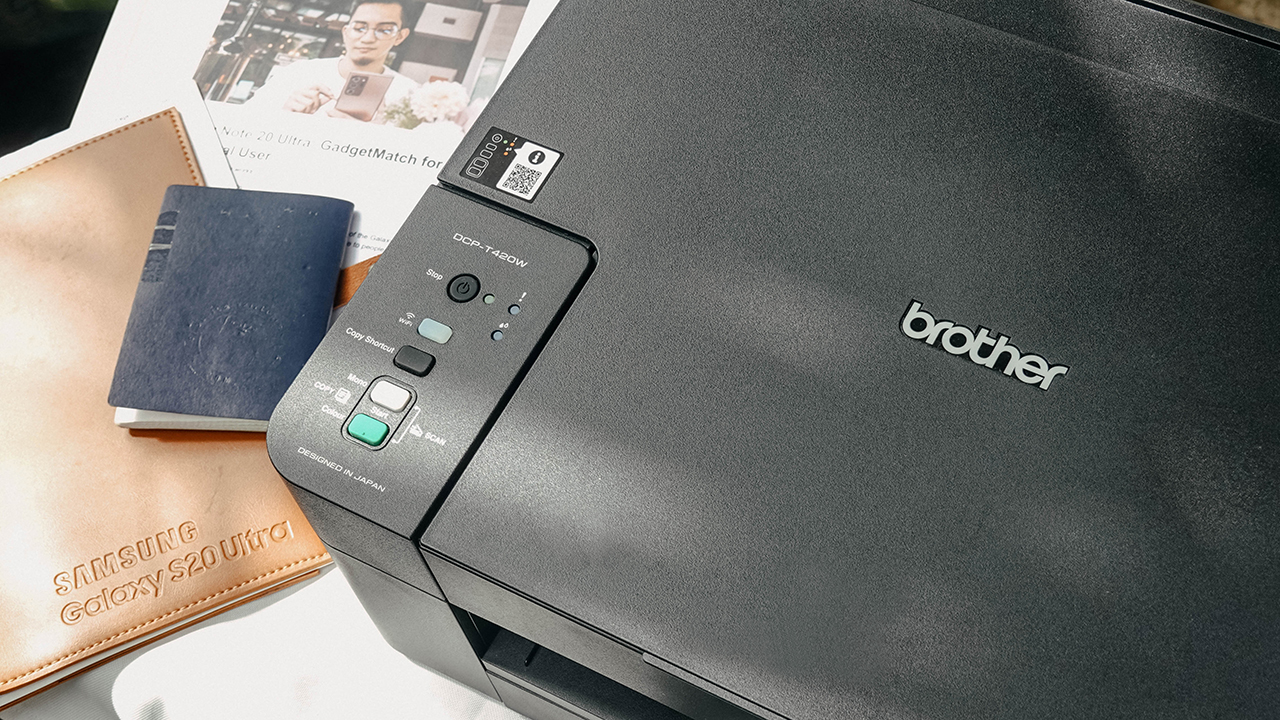
The Brother DCP-T420W retails for PhP 7,650 (US$ 157). It’s available for purchase through Brother Philippines’ authorized dealers and is supported by the Brother Customer Service Center and Authorized Service Centers nationwide. Price is inclusive of prevailing taxes and includes a 2-year Extended Warranty.
There are other models available as well — DCP-T520W (PhP 8,950), DCP-T720DW (PhP11,950), DCP-T820DW (PhP 13,950), and MFC-T920DW (PhP 18,950). For more information, visit www.brother.com.ph.
SEE ALSO: Brother’s latest inkjet printers offer faster, more affordable prints | HP Ink Tank 415: Print more and then some



Hands-On
Apple iPhone 18 Pro Series Hands-on
And everything announced during Apple’s September 2026 Event

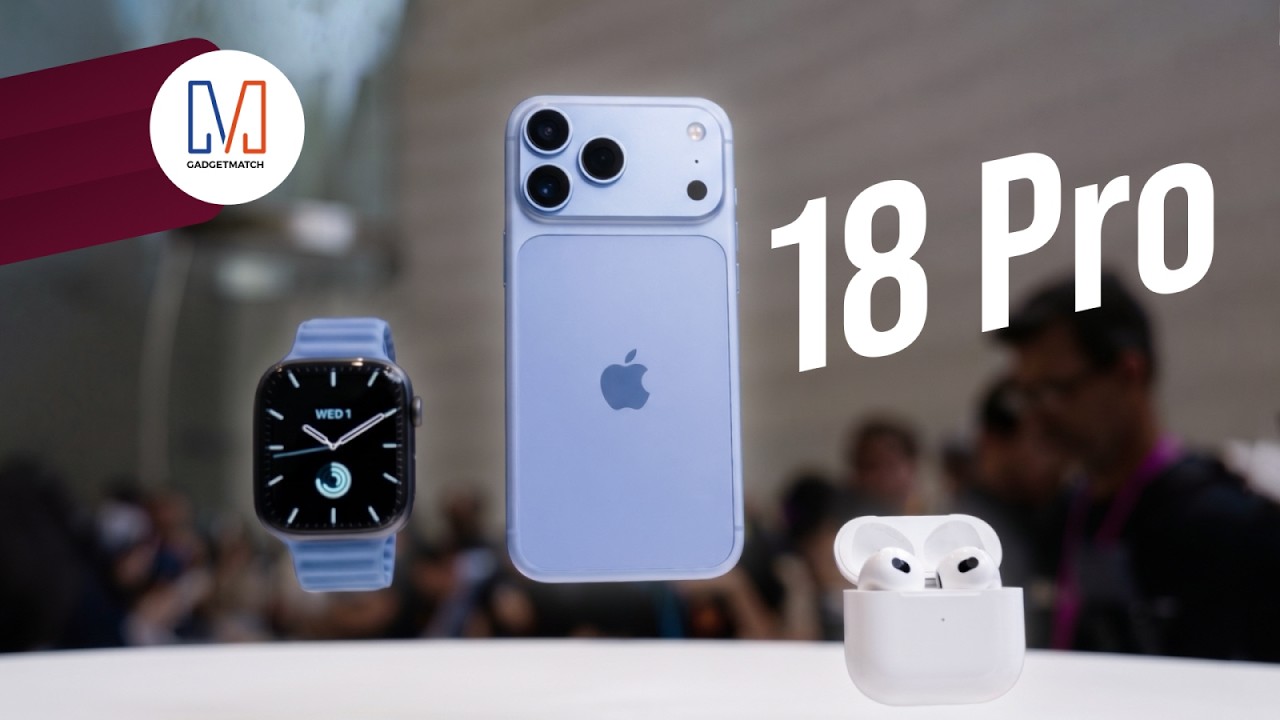
The latest Apple event isn’t just about the shiny new Apple Duo. There’s a lot to talk about!
In this video, we break down everything Apple has announced during their September 2026 keynote.
First, there’s the updated iPhone 18 Pro and 18 Pro Max. That’s alongside their design and color changes, battery and performance improvements. Even that massive camera upgrade.
There’s even the ANC-infused AirPods 5 alongside the newer Apple Watch Series 12 and Apple Watch Ultra 4. Plus, the latest software updates coming to both these wearables.
So, are these worth the upgrade?
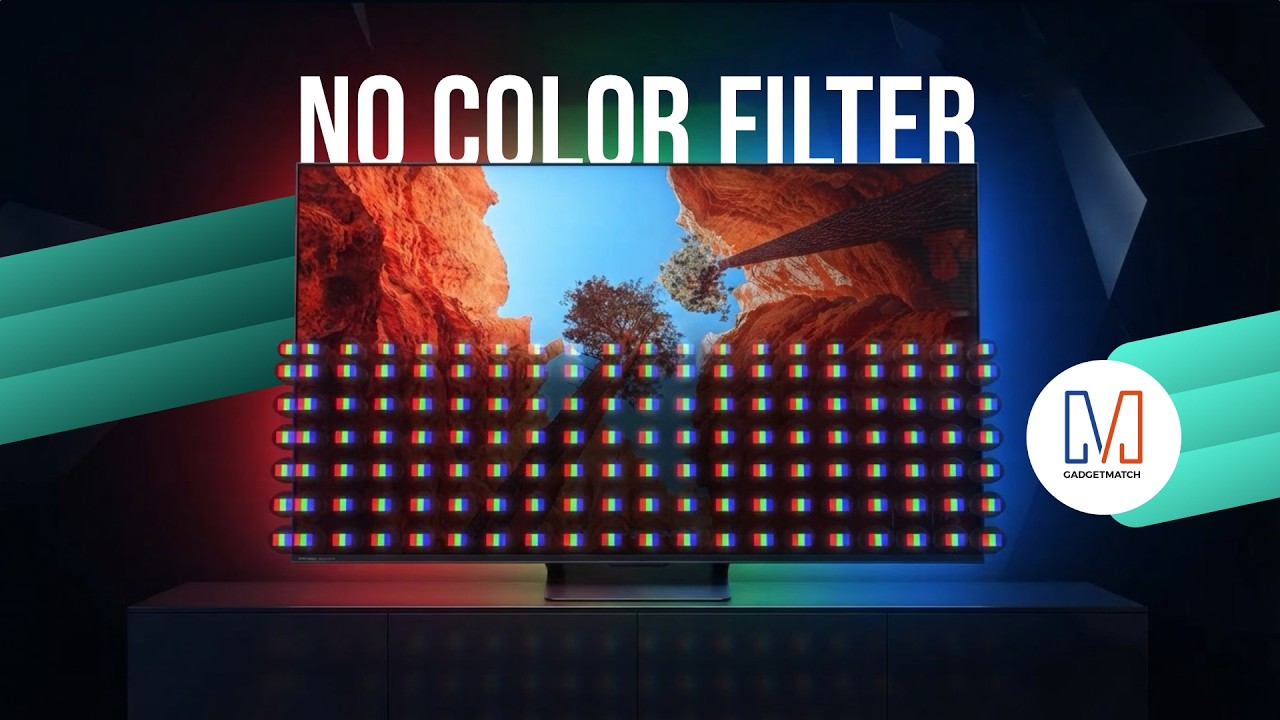
TV technology is changing in a way you can’t see. And it starts with how color itself is made.
Hisense’s new RGB MiniLED technology could change the way we see TVs.
Here’s our spotlight on their latest Hisense UR8 offering.
Check out the Hisense UR8 TV: https://bit.ly/4cxo6xl
Features
How did new CEO John Ternus do for his first Apple event?
Is a new golden age coming for Apple?


For a brief moment, I thought Tim Cook was refusing to step down as Apple’s CEO.
Apple’s “Surprise and shine” event, which heralded the coming of the foldable iPhone Duo, started bombastically with a montage of cinematic moments spanning different genres. The main point was: “what’s the best way to start an opening scene?”
After what felt like an age, the all-too-familiar voice of Tim Cook came on, perhaps for the very last time. But rather than overstaying his exit as the former CEO, he describes that the perfect opener should be classic, as a car that is, quite symbolically, riding off into the sunset. He then explains that he’s not the main character anymore.
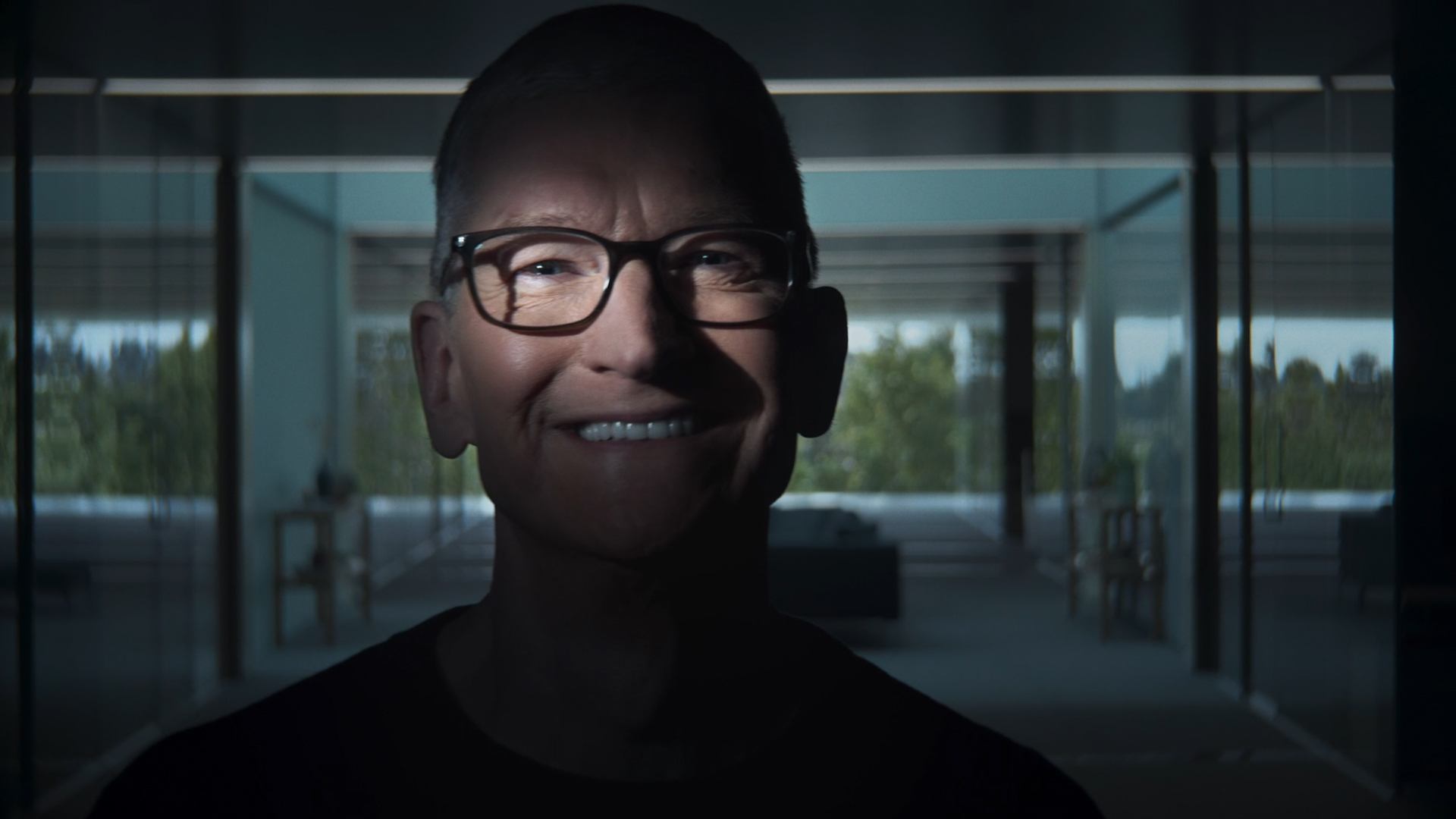
Last shot of Tim Cook at the Surprise and Shine event
“That’s your guy,” he said, before pointing to John Ternus, who steps into frame without an introduction or even a name card. It’s hard to image that this guy is the new face of Apple.
It’s the perfect end to Tim Cook’s tenure and as perfect a start for John Ternus’s.
Moving from an age of crisis to a golden age
After a decade and a half of being the face of the brand, Tim Cook stepped down from his tenure as CEO. He leaves the company in a much better state than when he took over. Thanks to him, the iPhone is now a household item. It’s a ubiquitous phone that draws millions of fans every time a new one comes out every year.
But his tenure didn’t start on a bed of roses. When he took over in 2011, it was in response to Steve Jobs’s failing health, who passed away soon after. He inherited a company constantly threatened by competitors trying to eat into Apple’s slice of the pie.
Indeed, Cook’s tenure was peppered with crises. He had to navigate Trump’s first reign, destructive as it was towards relationships in China. He had to figure out survival during the tempestuous pandemic years. Finally, he had to carefully build a strategy for the dawn of AI.
Cook is, first and foremost, a businessman. While the Jobs era was typified by innovation after innovation, Cook built upwards, turning Apple into a trillion-dollar company. Although we didn’t see a lot of new exciting segments introduced, the company built on what it was already good at, delivering a premium and refined experience.
John Ternus comes at an opportune time. Though the brand will always have a healthy share of diehard fans, Apple must now find the next big thing and rediscover the spice of years past.
A time for AI?
After his nonchalant introduction, Ternus immediately goes on the offensive and describes his vision for Apple Intelligence. Rather than dwell on NPUs, TOPS, and other metrics that a regular user can’t make heads or tails of, he described Apple Intelligence and Siri AI as a personal assistant. Usage versus performance, in other words.
If you’re an AI enthusiast, the renewed push towards Apple Intelligence should give you hope that the iPhone won’t just be a receptacle for other AI software. Rather, it’s building its own. Wherever the AI industry is going, Apple looks like it can keep up.
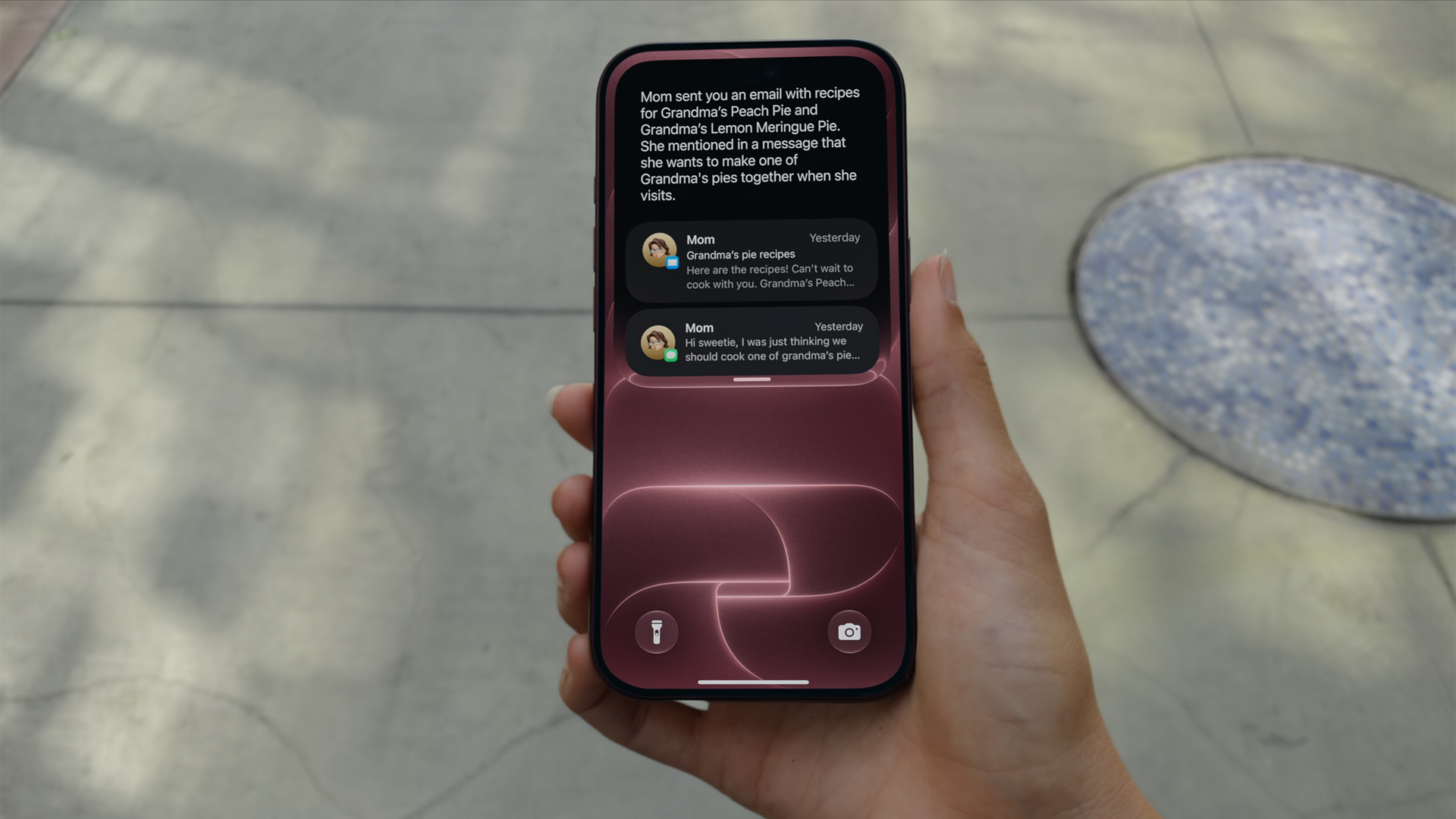
Now, if you don’t like AI at all, that’s fine, too. Ternus isn’t there just for the AI.
Unlike Jobs or Cook, Ternus comes from a strictly engineering background. In today’s world, hardware complements AI. The software must use NPUs after all. But, when the AI bubble finally pops, Ternus isn’t out of a job. In fact, if his track record is any indication, it’s just getting started.
Or a time for new hardware?
This year is absolutely monumental for Apple. Earlier this year, the company launched the MacBook Neo, its first budget-friendly notebook built for everyone. If you were looking to get into the MacBook lifestyle, now is the perfect time to buy in. A lot of users felt a subtle changing of the guard.
From there, you can feel Ternus’s influence already seeping in. And if it wasn’t obvious back then, it’s more than apparent now.
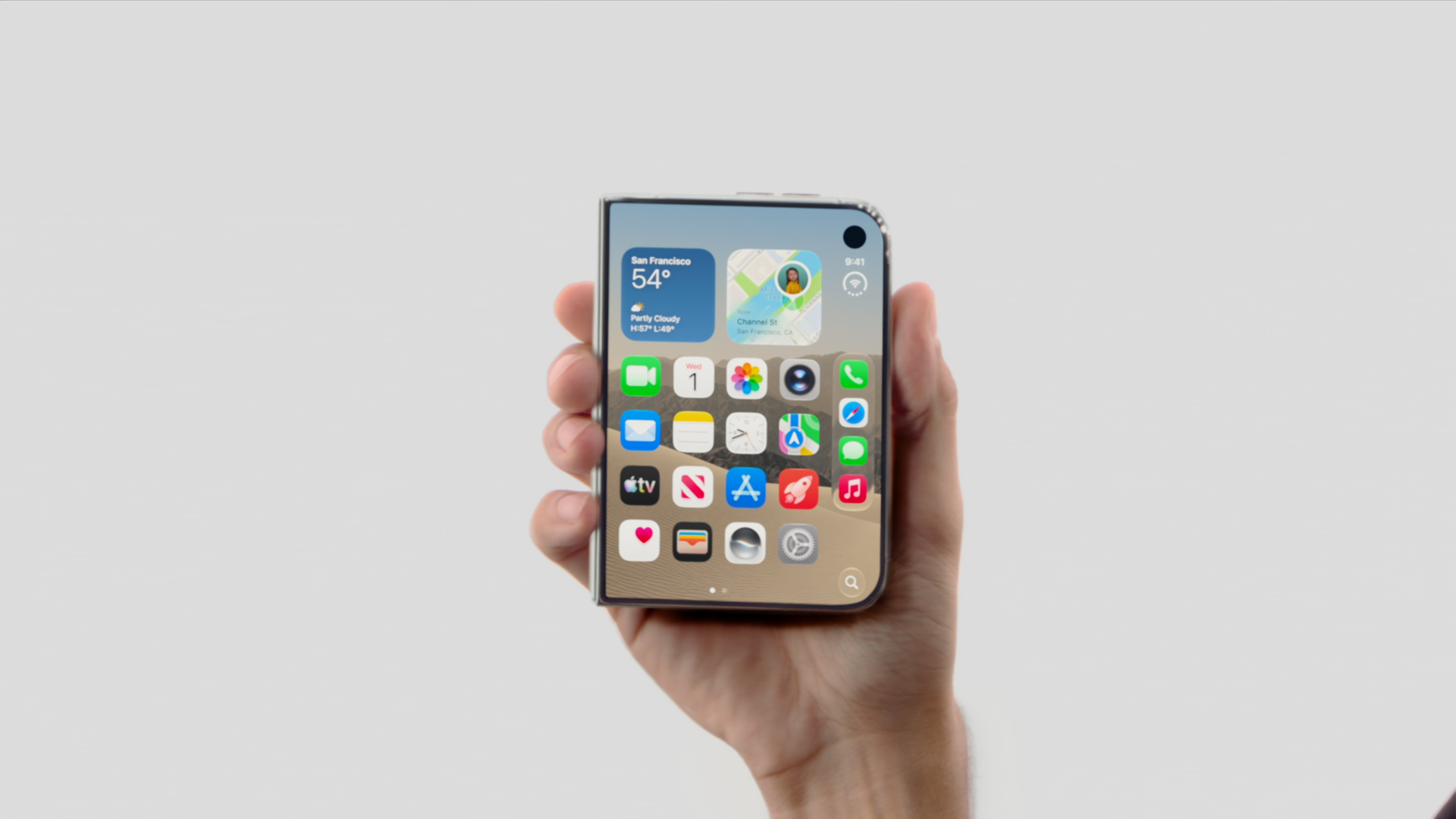
In his first ever “One More Thing,” Ternus started his tenure strong with the introduction of the iPhone Duo. Almost twelve hours since the phone’s announcement, I’ve never seen a more visceral reaction to the launch of a new iPhone.
Whereas most of their annual releases reveled in more incremental improvements that primarily tickled already dedicated fan, the iPhone Duo is something new. Everyone’s talking about it. It’s gotten so crazy that even Samsung, often more nonchalant with its prodding, openly attacked the foldable after teasing the brand to go foldable last year.
Though it’s technically not a new segment, the iPhone Duo is patching up the mistakes of past foldables. Rather than just pasting two screens together, Apple’s take feels like a unified whole, emphasized by an interface that seamlessly changes from folded to unfolded.
Where Tim Cook failed to illicit more than a modest ripple with the Vision Pro, Ternus flew to new heights with the iPhone Duo’s announcement. And the phone isn’t even out yet.
Now, there’s still a chance that the Duo won’t be a hit with sales, especially because of the price. But this is still a strong opener for Ternus.
Who is the main character?
“That’s your guy,” Tim Cook pointed.
I don’t think he was pointing in the right direction. Though the camera cut to Ternus himself, his first outing clearly states that the main character is no longer whoever is handling the reins. His decision to skip an official introduction feels intentional. The main character, after all, is the hardware itself: the iPhone 18 Pro, the iPhone Duo.
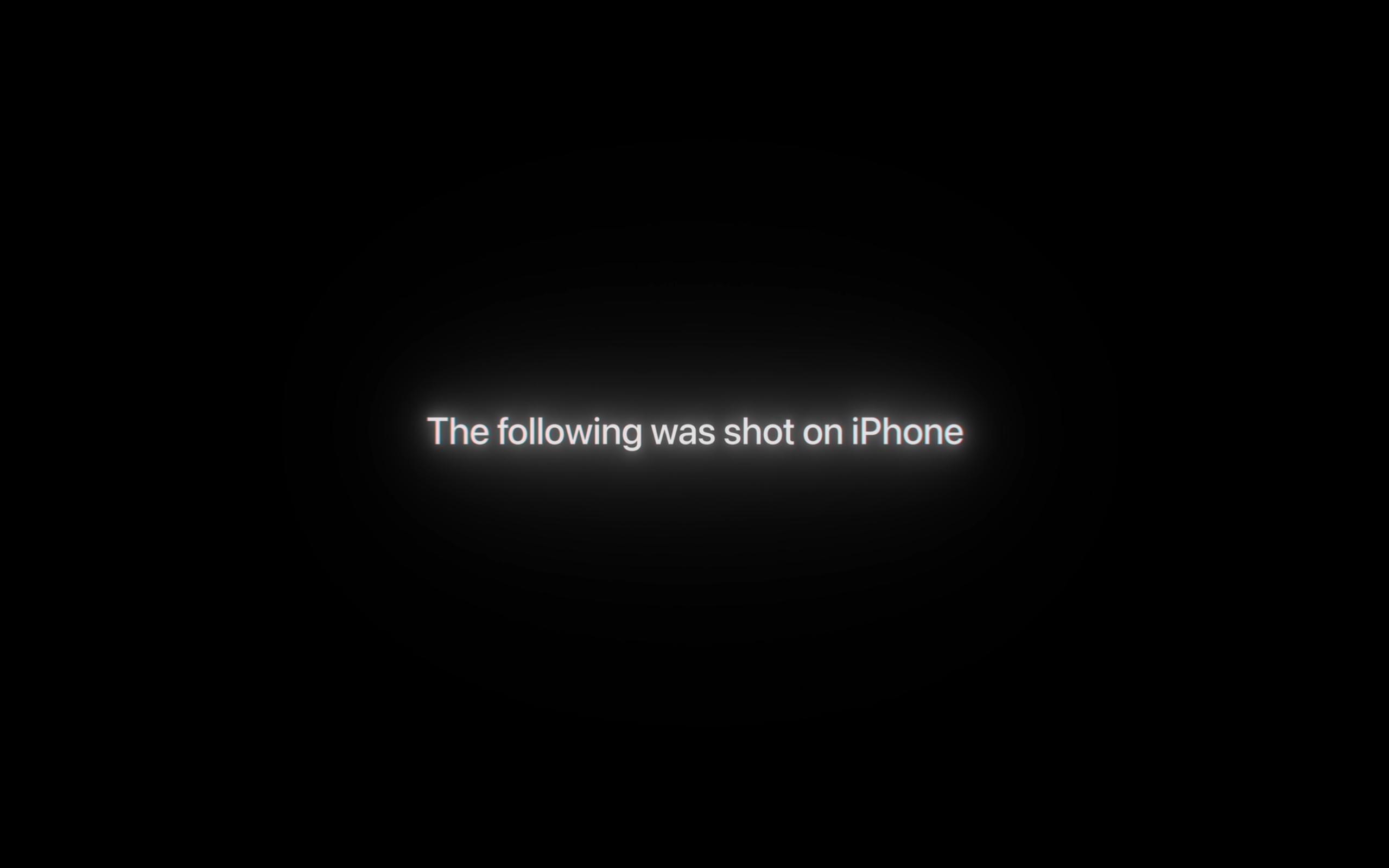
The entire event started with a bold declaration that everything was shot with an iPhone. It ended, in fact, with the same declaration. Channeling their inner Marshall McLuhan, Ternus’s Apple wants you to believe in the iPhone again.
Even as someone who doesn’t use Apple products mainly, I’m stoked to see what the new era will bring to the table. This is an exciting time for Apple. We might be in the first year of a new golden age.


Marvel’s Wolverine review: When the claws come out
A brutal, cinematic superhero adventure


Setting your bedsheets ablaze with the Lovense Solace Pro
The closest proxy I could find where I'm guilty as sin


Now Playing: Elden Ring Tarnished Edition
Is the Switch 2 port worth the price?

Apple iPhone 18 Pro Series Hands-on

Spotlight: Hisense UR8 + RGB MiniLED Explained

First Look: Apple iPhone Duo

Xbox saves Kojima’s PHYSINT after PlayStation drops support
Marvel’s Wolverine review: When the claws come out

TECNO MEGAPAD 2 review: Eyes on the size

realme 16T 5G with 8000mAh battery, IP69 Pro rating launches in PH

HUAWEI Pura X View is 2026’s first WIDE slab-type smartphone

REDMI reveals the refreshed Note 17 and Note 17 Pro series

REDMI Note 17 Series focuses on long-term reliability


-
 News6 days ago
HUAWEI Pura X View is 2026’s first WIDE slab-type smartphone
-

 News6 days ago
The CAMON Slim 5G is TECNO’s latest ultra-slim smartphone
-

 Cameras2 weeks ago
DJI Osmo 360 II review: Going all-in on the ecosystem
-

 IFA 20261 week ago
TECNO MEGABOOK T15 360 unveiled at IFA 2026
-

 Gaming1 week ago
NBA 2K27 review: A two-way All-Star
-
 Reviews2 weeks ago
Samsung Galaxy Z Fold8 Ultra review: It’s time to get a foldable
-

 News4 days ago
iPhone 18 Pro series: Price, availability in the Philippines
-

 IFA 20261 week ago
TECNO’s POVA 8 Pro gets a stealthy makeover