



Started from making phone switches and now we’re here. Huawei marks another expansion in their product portfolio with the Huawei Vision S Series — their first Smart TV.
This is a time when we usually see a P-Series smartphone from the company. However, we’re all familiar with their mobile struggles. So it’s wise that they’re also betting on the other devices in their portfolio to bring in the dough.
At a glance, what can you expect from the Huawei Vision S Series? Here are the works: 4K, 120Hz panel, four (4) 10w speakers, near bezel-less design, two models: one 55 inches and one 65 nches, and extra functions like MeeTime and more.
We have a lot to go through but let’s start with a closer look at the TV.
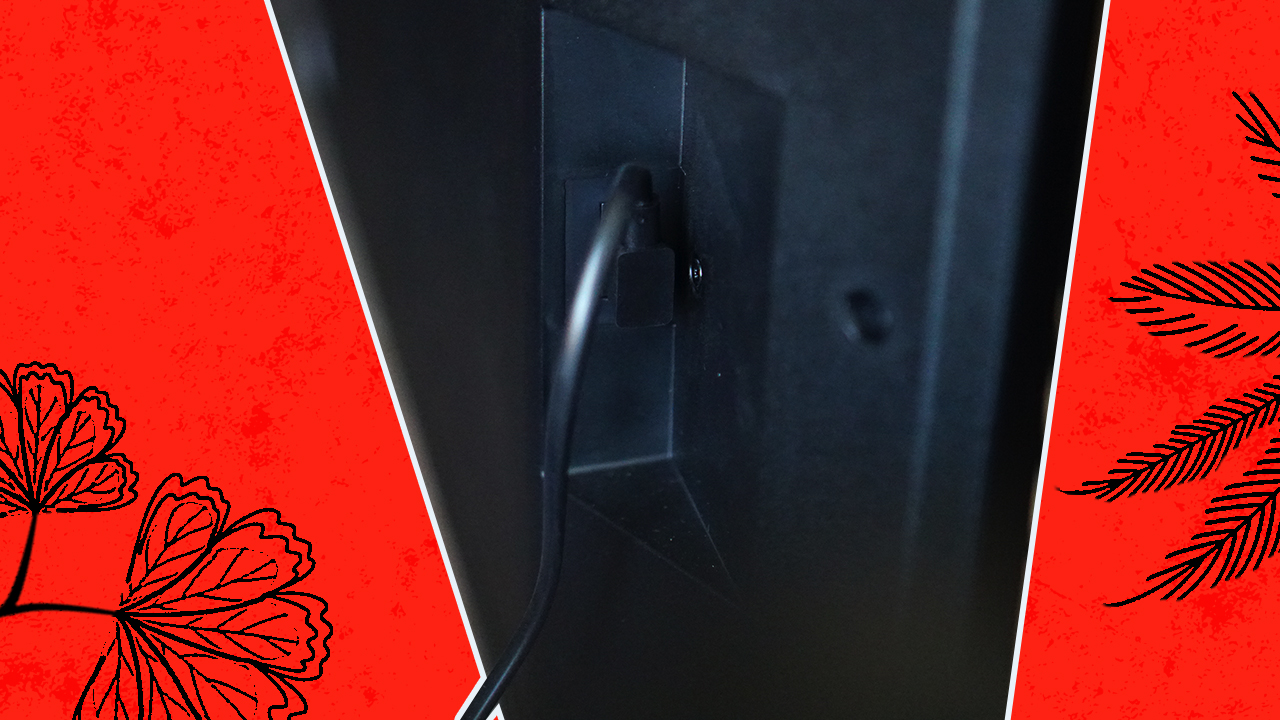
The power plug is on the left side.
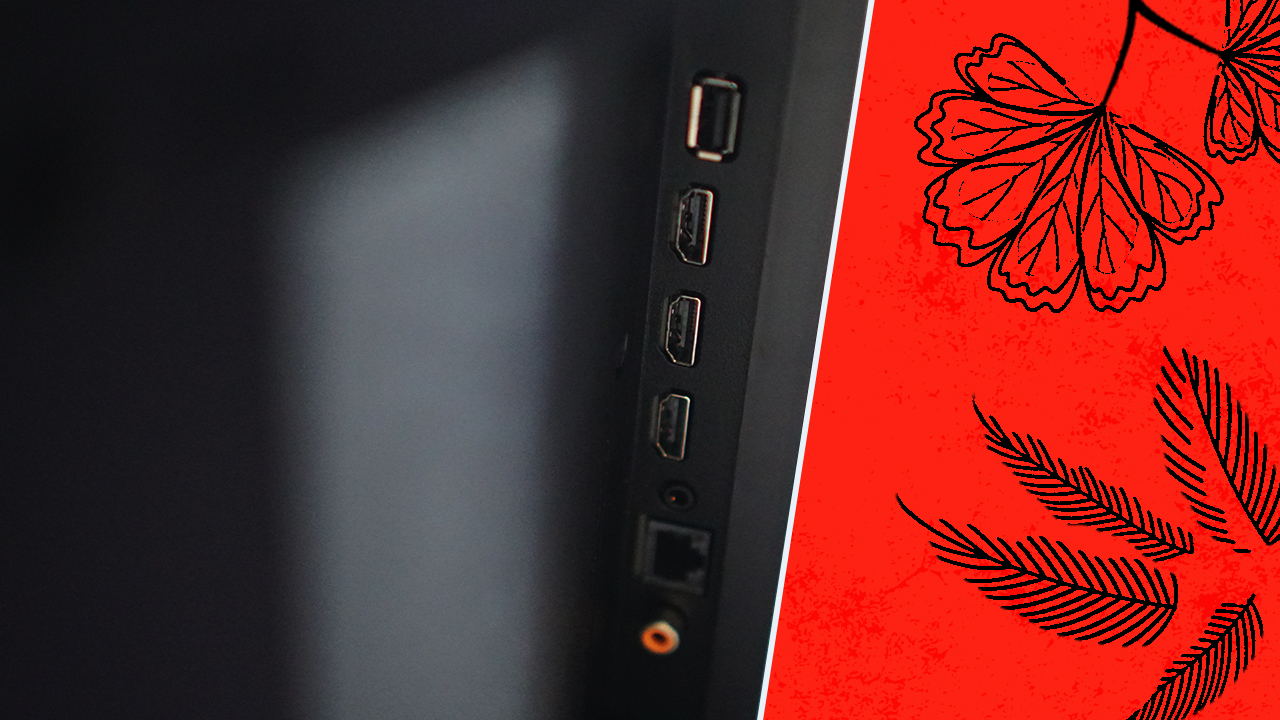
On the right side you’ll find: USB-A, three (3) HDMI 2.0 ports, one eARC for soundbars, ethernet port
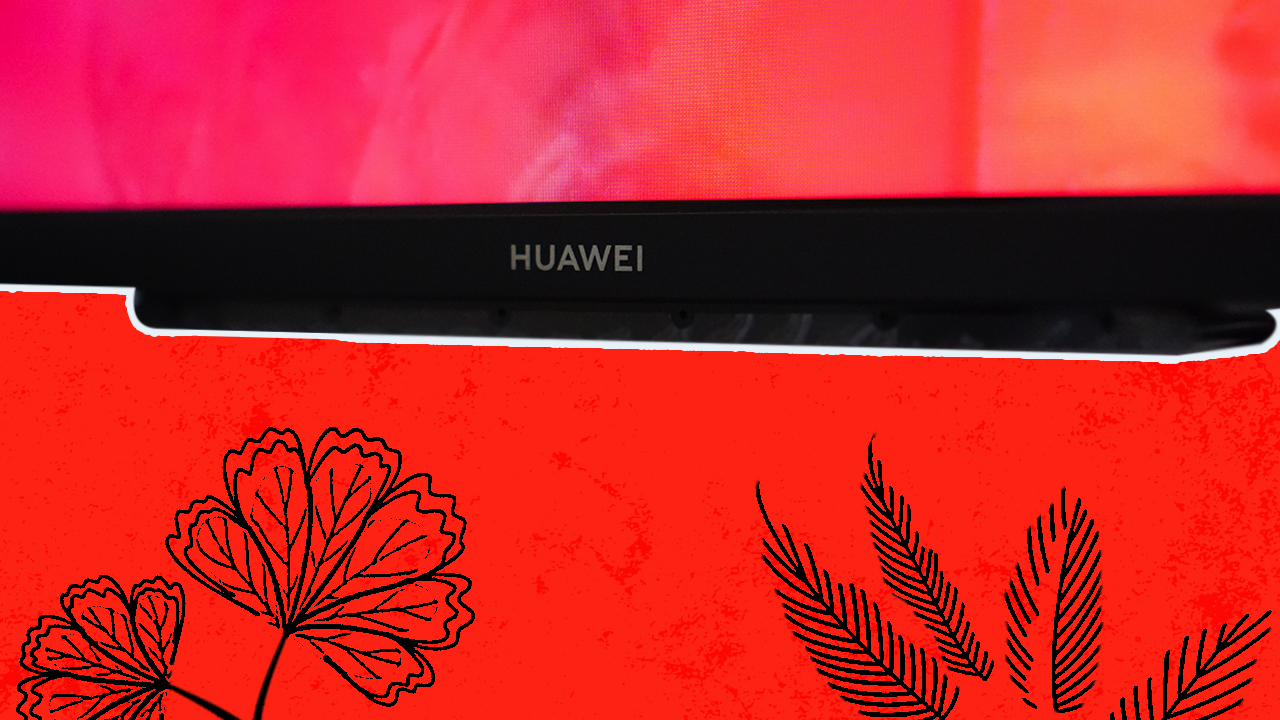
The Huawei logo is on the lower middle portion of the TV. Barely visible when you’re watching.
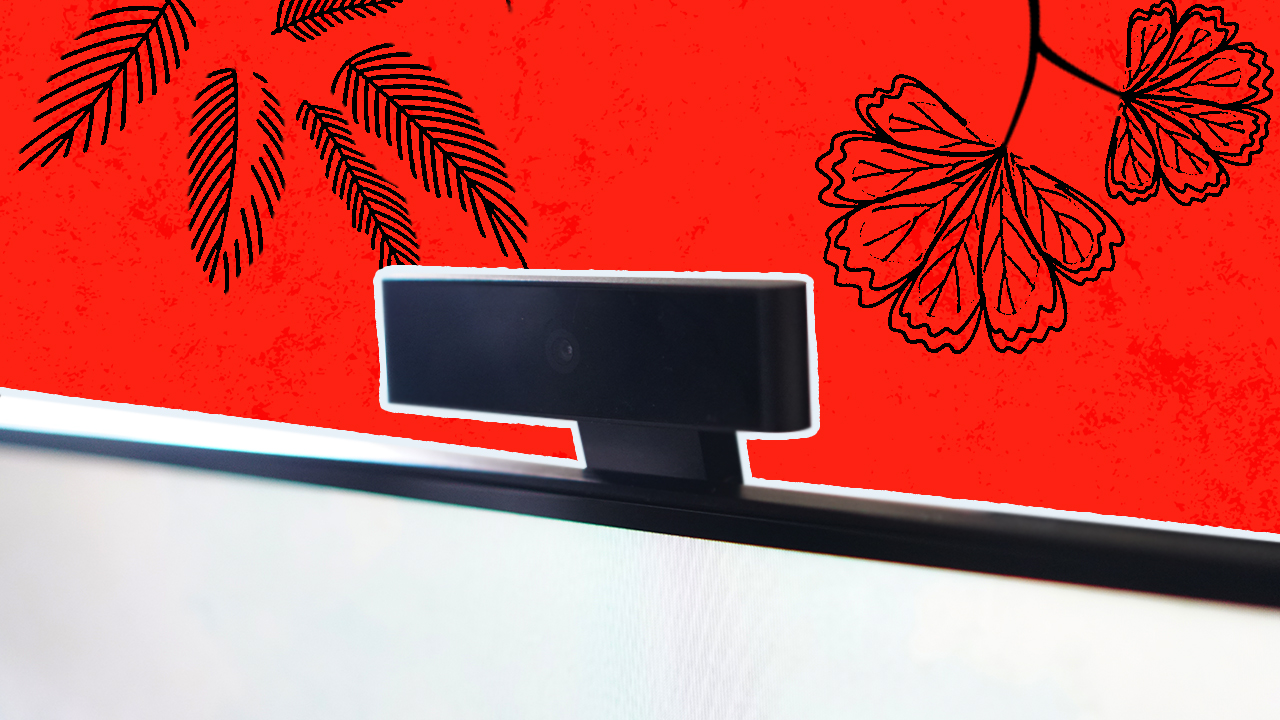
Up top and behind is the magnetic slot where the camera connects for MeeTime, video call functions.
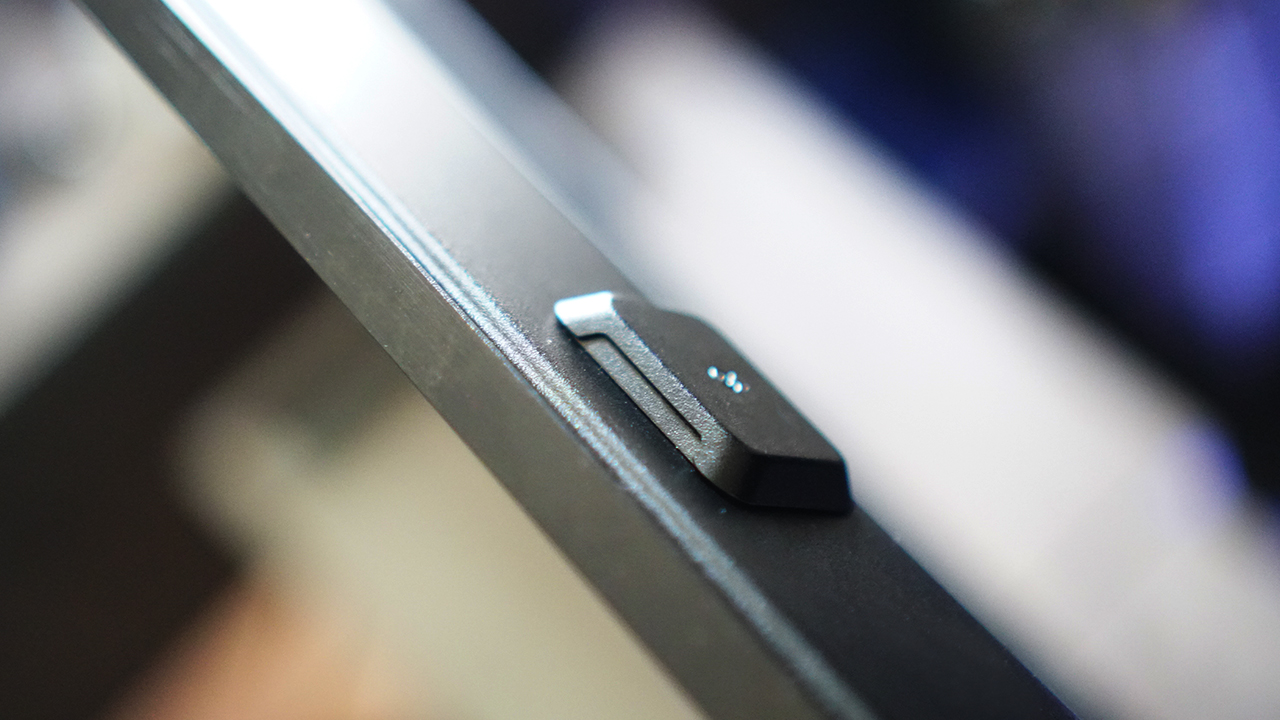
Here’s what it looks like with the camera connected.
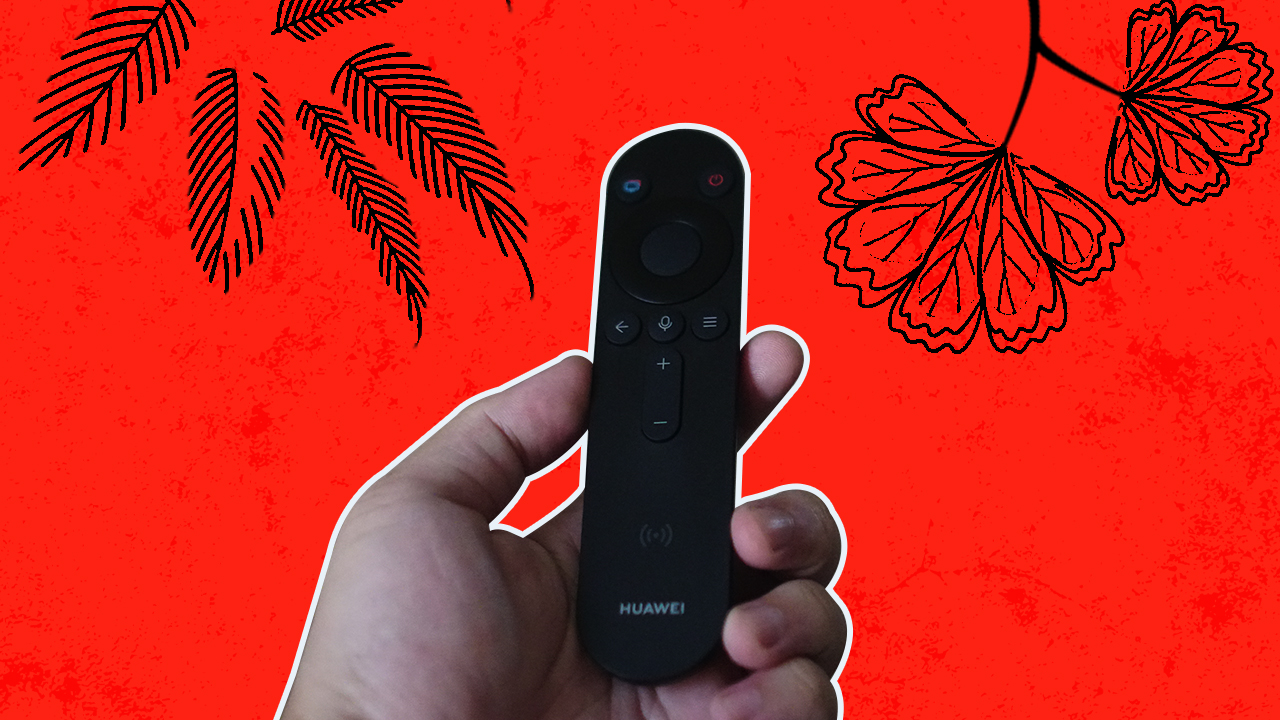
And the very Smart TV-style remote control.
As a TV
Extra functions aside, the Huawei Vision S Series is first and foremost a TV. So how does it perform in that department? Pretty darn good.
We put it through the paces both in binge-watching series, enjoying an Ultra HD 4K movie, and playing a bunch of video games. These are your pretty standard TV interactions and we’ll break them down for you.
Gaming
A big chunk of my time with the Huawei Vision S Series was used playing on the PS5. Since the input is only HDMI 2.0, we only got 4K 60hz consistently but it was more than enough.
I clarified this with Huawei since the Vision S Series is being advertised to have a 120Hz panel. In this regard, the 120Hz didn’t kick-in because of the input method as the PS5 requires the HDMI 2.1 and a compatible game for the 4K 120Hz to kick in.
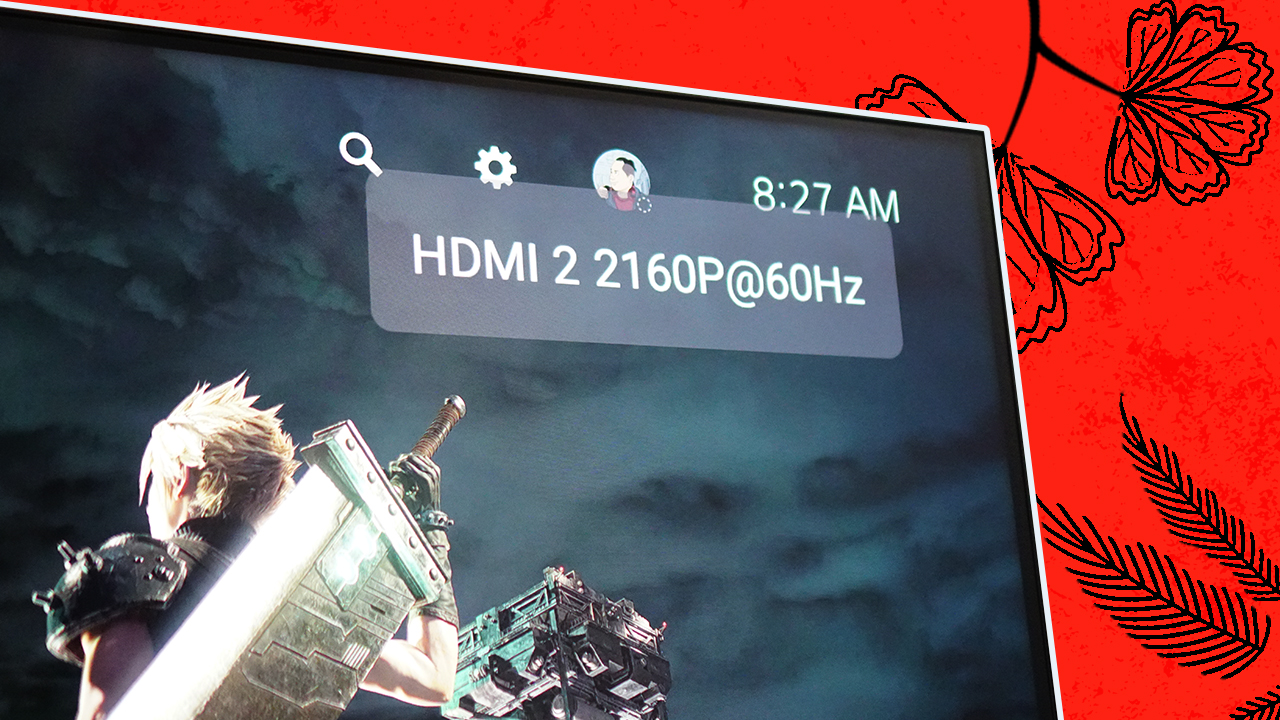
That said, the resolution and refresh rate was consistently 4K 60Hz throughout my entire gaming experience. Besides, I don’t really play games that require or give you a distinct advantage when having a faster refresh rate.
One of my most played games is NBA 2K21, that’s a pretty busy screen with plenty of movement both from the players on the court and the different elements like the scoreboard and the audience. I didn’t leave me wanting and it did away with the sort after-image effect that I get on my personal seven-year-old TV.

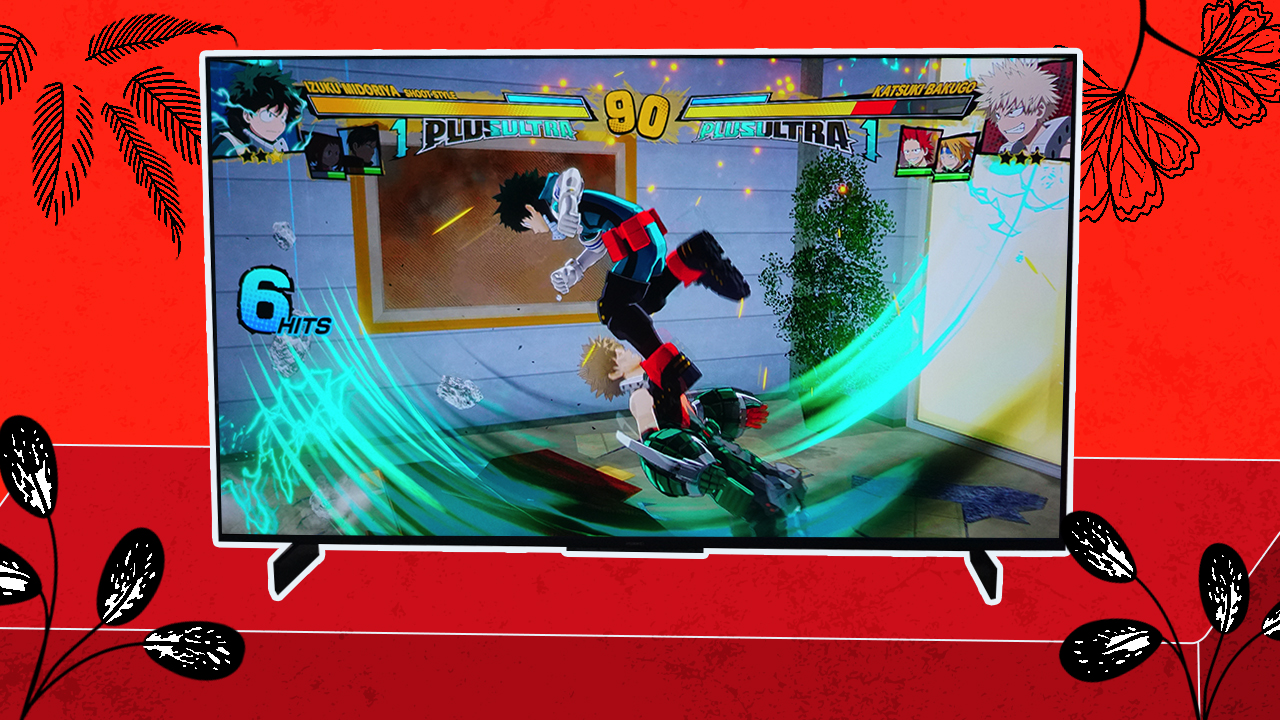
It also handled games like My Hero One’s Justice 2 well. This is an arena fighting game with very kinetic pacing and splash of colors. It was quite a treat landing combos and seeing Deku’s shoot style attacks in video game form on a 55-inch screen.
But what was most impressive is how it was able to deliver the truly immersive sound of Returnal. Sound design is one of the primary positives of the game and paired with the speakers of the Vision S Series, it was almost like you’re actually inside the game.
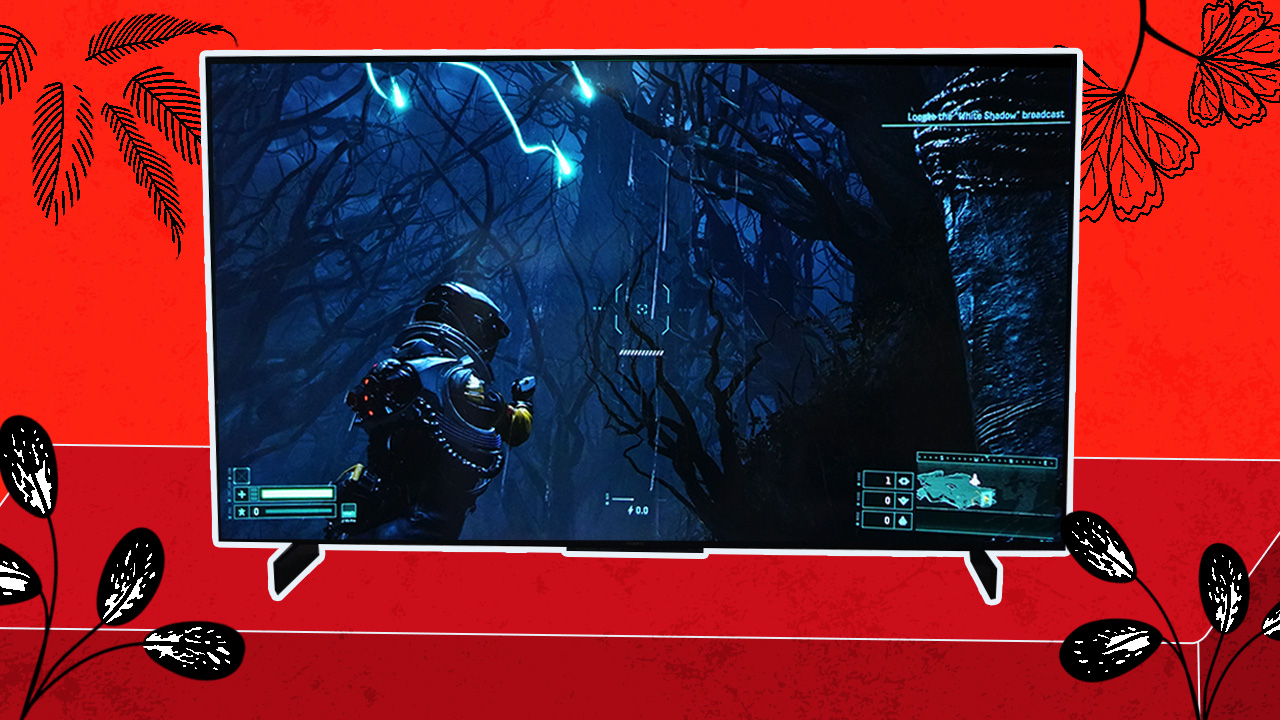
The Vision S Series uses Four 10W Speakers with 1L sound cavity to achieve this effect. Typically, you’ll want huge TVs like this to be paired with a soundbar for that optimum audio experience. But the Vision S Series is, and I cannot stress this enough, truly one of those TVs that do not at all require a soundbar for most room scenarios.
The speaker is so damn good that I would sometimes switch the TV to just a speaker function and connect my phone while I blast my K-Pop and Anime Soundtrack playlists as I work. It truly helps me focus especially with that very warm, surround sound that feels like a tight embrace.
Netflix, chillin, and YouTubin’
Gaming is fun and all but sometimes you just want to kick-back, relax, and chill to one of your favorite movies. For me that’s Spider-Man 2. It’s a comfort movie for me. Sometimes, I’m not always on the hunt for new content and watching something familiar helps you relax.
It’s even better when you’re able to experience the movie in its full Ultra HD 4K glory. The sequence below is one of most iconic fight scenes in superhero movie history and it was just such a delight to see and hear it on the Vision S Series.
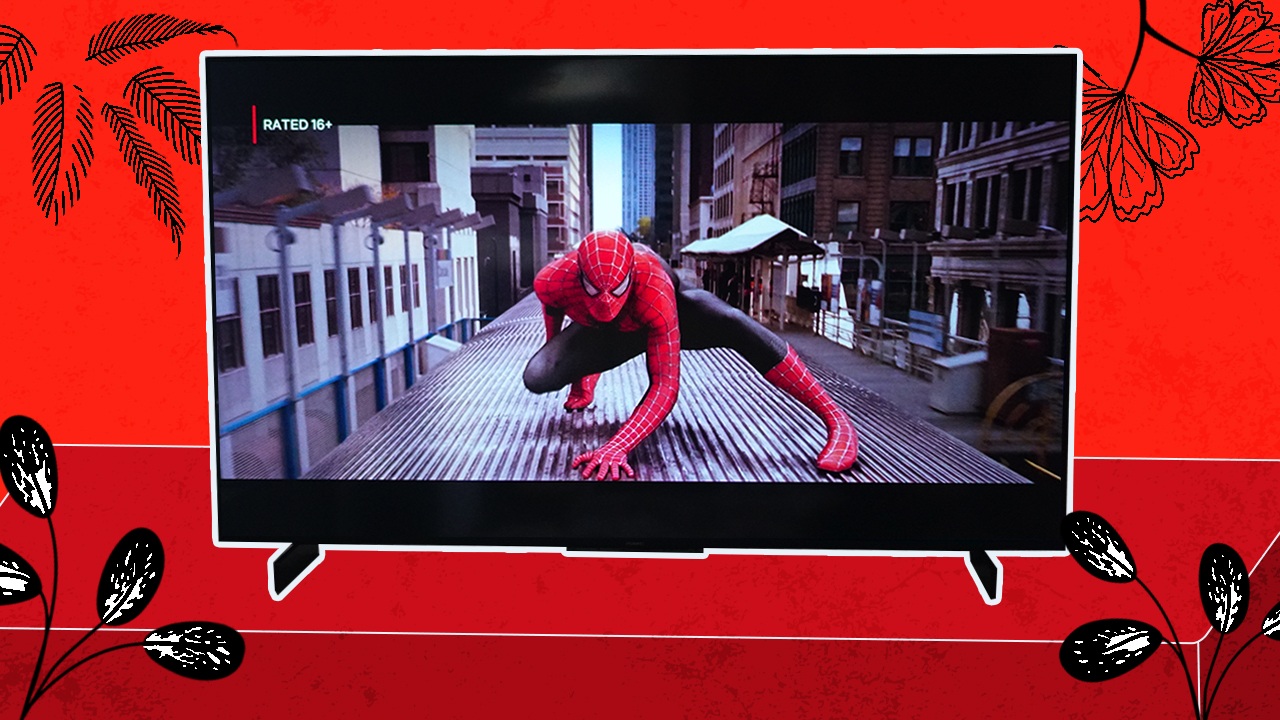
While most other people were buzzing about the K-Drama Vincenzo, I instead started watching Sisyphus: The Myth. It’s just my kind of show with it being Sci-Fi and of course my main reason for watching: Park. Shin. Hye.
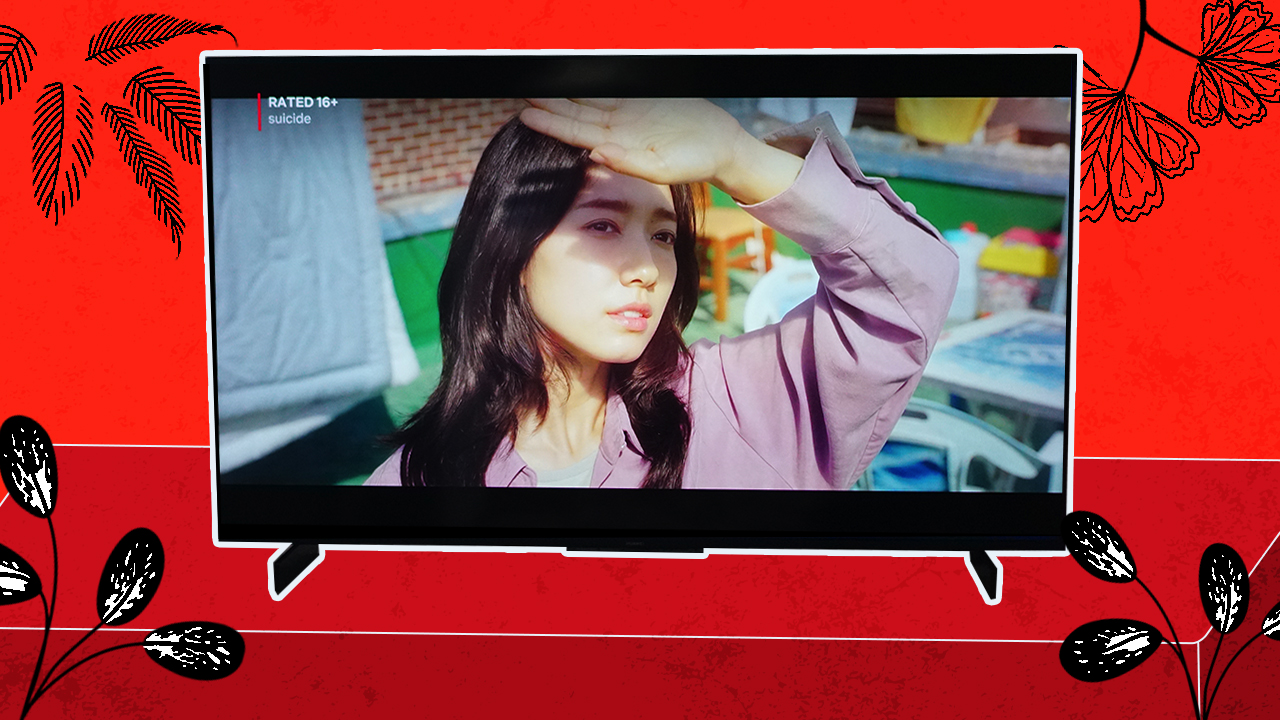
The TV just elevates the way the series is shot and presented. The action scenes look great, the background music is exhilarating, and at the risk of sounding like a broken record — watching on the Vision S Series TV is truly an enjoyable experience.
Naturally, I had to enjoy some music videos on it too. I’m almost embarrassed to reveal how many times I watched “Kura Kura” by TWICE on this thing. This is one of TWICE’s most well-shot and well-composed music videos and seeing my bias Momo on such a big screen like this almost feels like I’m in the same room with her. One can dream.
Meanwhile, “마.피.아. In the morning” by ITZY with its beat-heavy, hard-hitting sound just makes you feel bad-ass as it blasts from the TV.

If you’re curious how I was able to access Netflix and YouTube, it wasn’t directly on TV. These were all through the PlayStation 5. This presents one of the challenges of the Vision S Series.
Harmony OS
The TV is running Huawei’s own HarmonyOS. It’s the same OS that we will eventually find on their other devices especially for the upcoming Huawei P50 Series. This means it still doesn’t have access to Google Mobile Services and by extension, the Android TV play store.
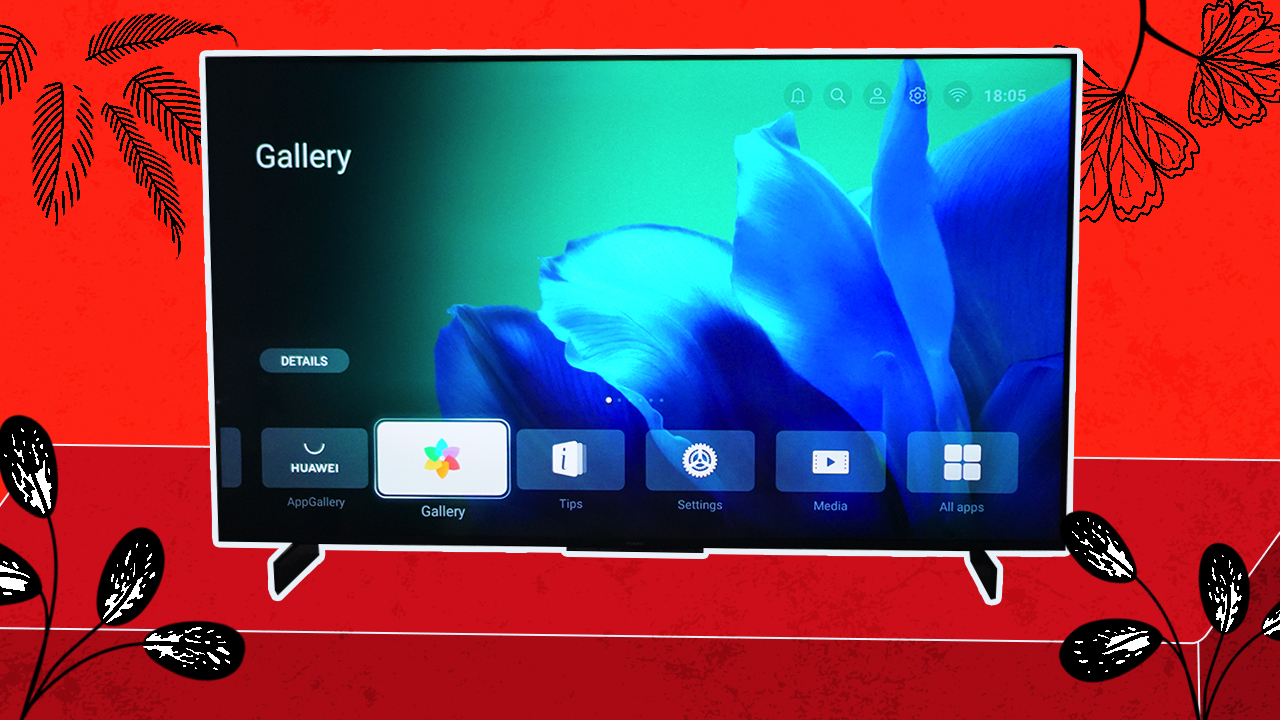
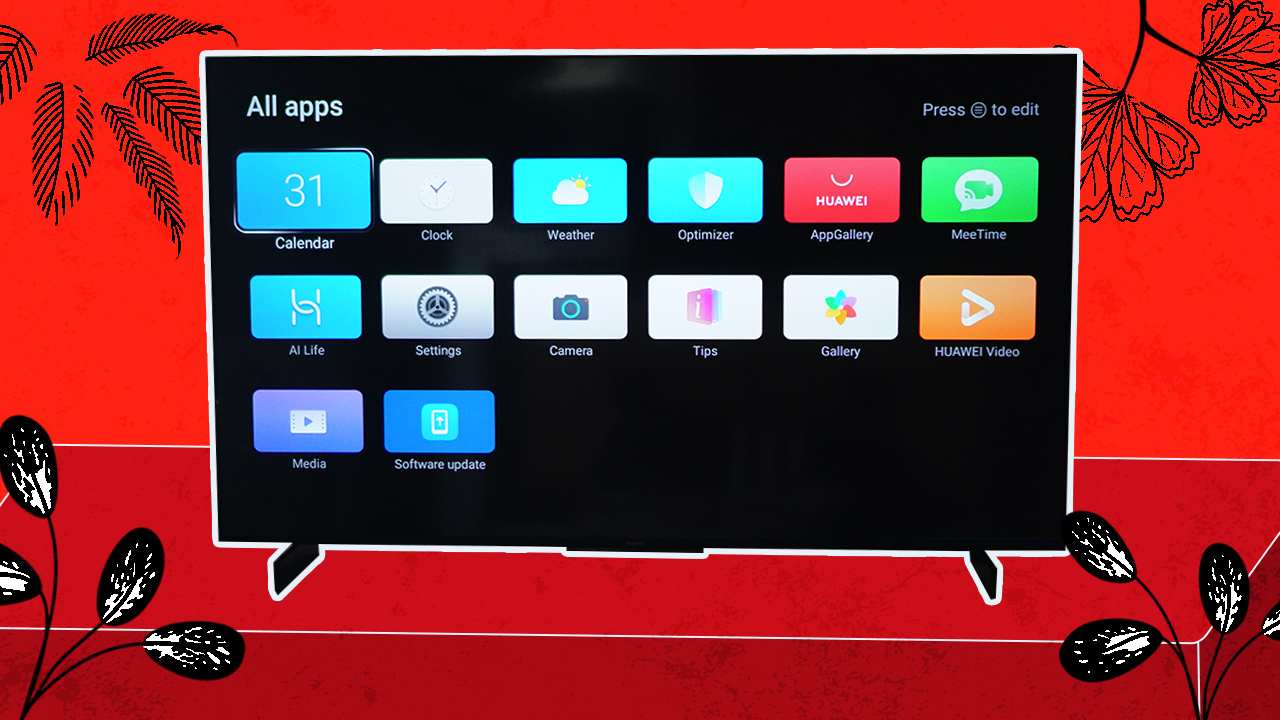
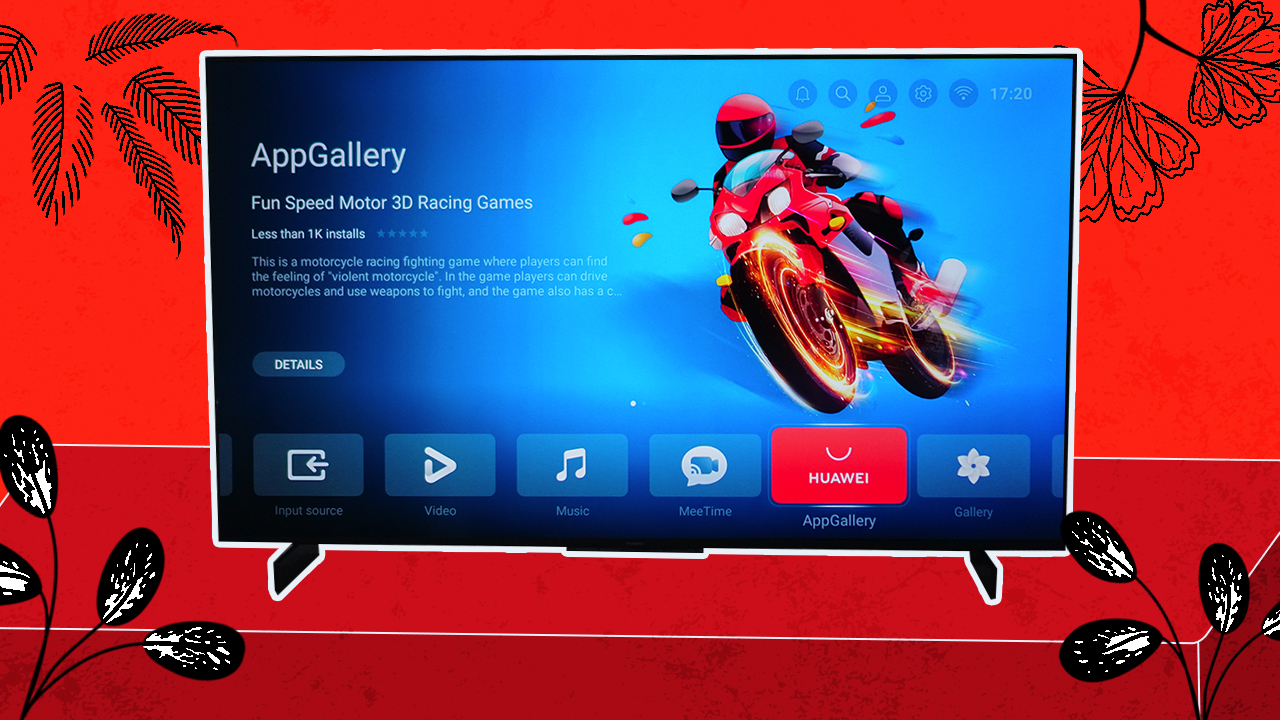
So what do you get? There are still plenty of native apps at your disposal. Naturally, there’s the Gallery, Huawei Video, Huawei App Gallery, and MeeTime which will discuss more later.
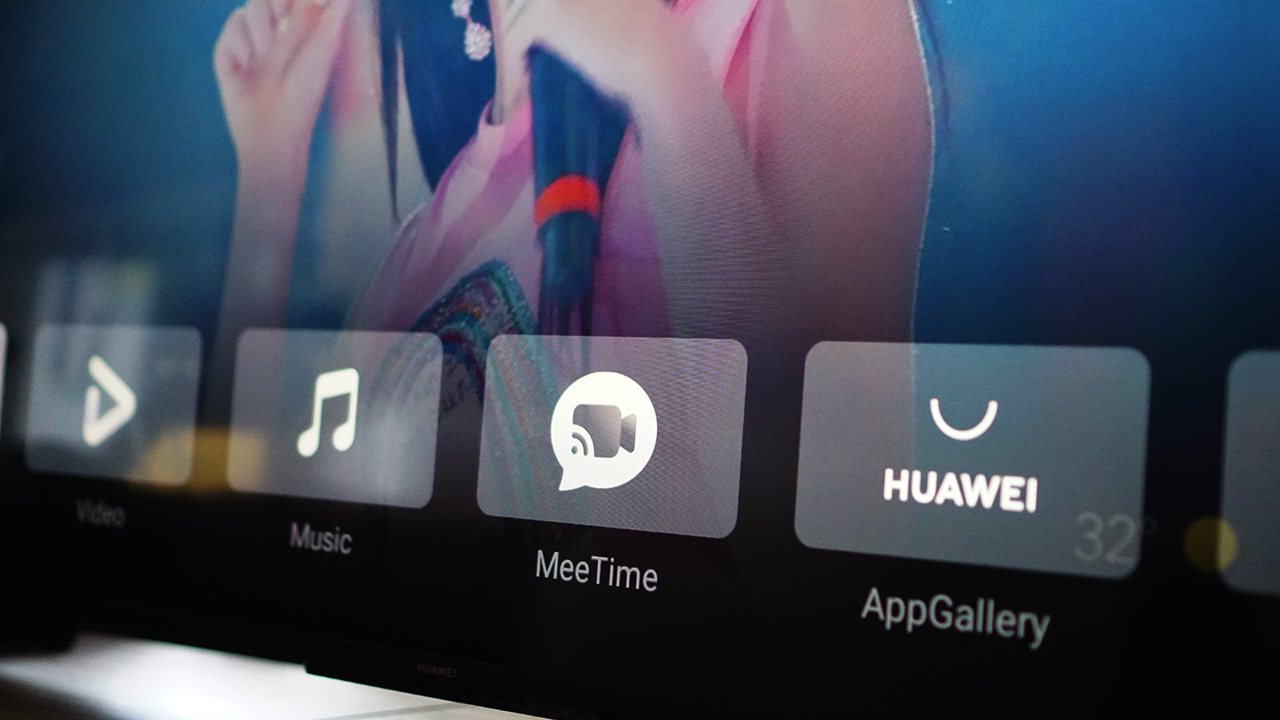
Here’s a look at all the native apps installed when you first fire-up the TV.
Huawei Video is the default video service
It has a fair amount of content that you can browse through. One of the ones highlighted is What’s Wrong With Secretary Kim which is a fine K-Drama to binge-watch. There are plenty of other titles as wall ranging from more K-Drama, some Philippine TV series from ABS-CBN, and more selections of Thai and Chinese series.
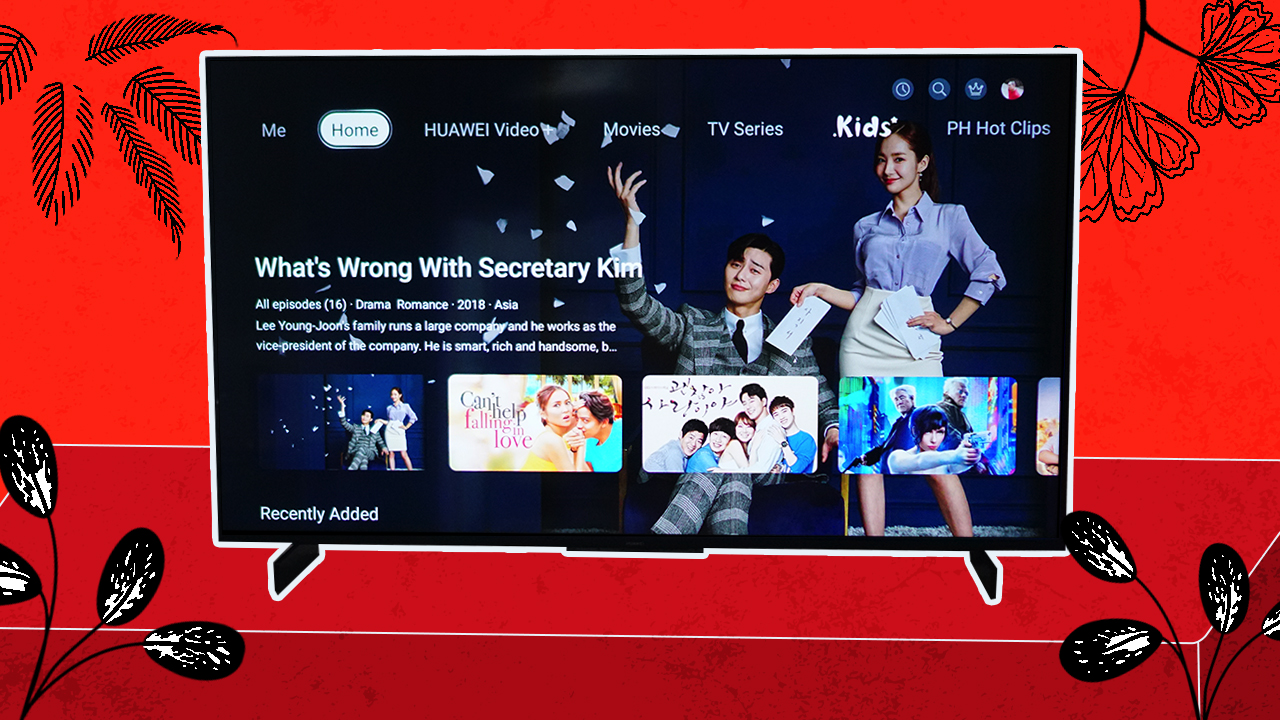
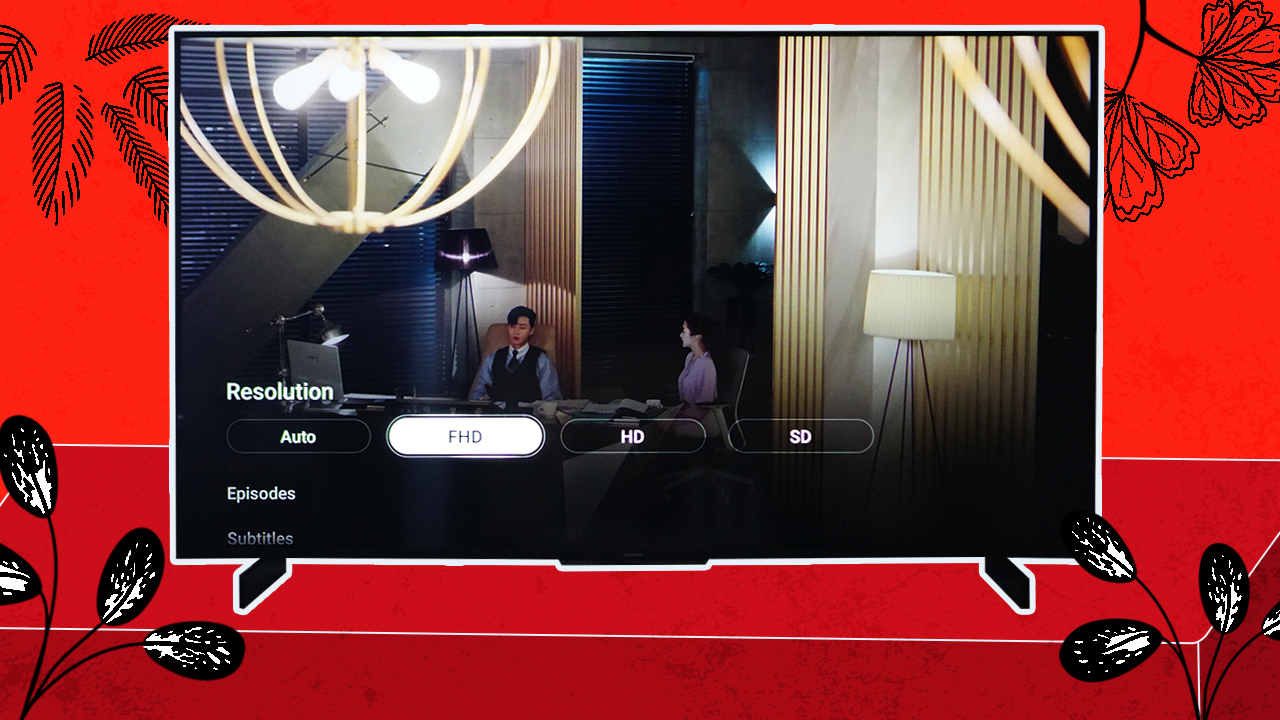
For some reason though, the titles don’t play in Full HD by default. You’ll have to adjust it but it appears it’s something you only have to do once as it learns your settings and sticks with it when you jump to other series.
As you can see, the interface is also pretty clean. It occupies only the bottom half of the screen with very clear text and highlight prompts.
Playing the part of YouTube natively on the Vision S Series is Daily Motion. When you search for content on Huawei Video, it’ll pull up results from Daily Motion which has a fair selection of content as well.
K-Pop performances videos from M-Net are uploaded here. The exact same ones you’ll find on YouTube.

AppGallery, more apps
The AppGallery is still a little limited in terms of apps for the TV. But that’s to be expected. This is, after all, Huawei’s first foray into this kind of device.

So how do you play other content? Personally, I own a Google Chromecast. It connects to TV through one of the HDMI ports and the USB-A port. With it, I can stream content from my phone to the TV.
An NBA addict, I am subscribed to NBA League Pass and most mornings I just have games on as white noise. I fire up the app on my phone and cast it on the TV via the Chromecast.
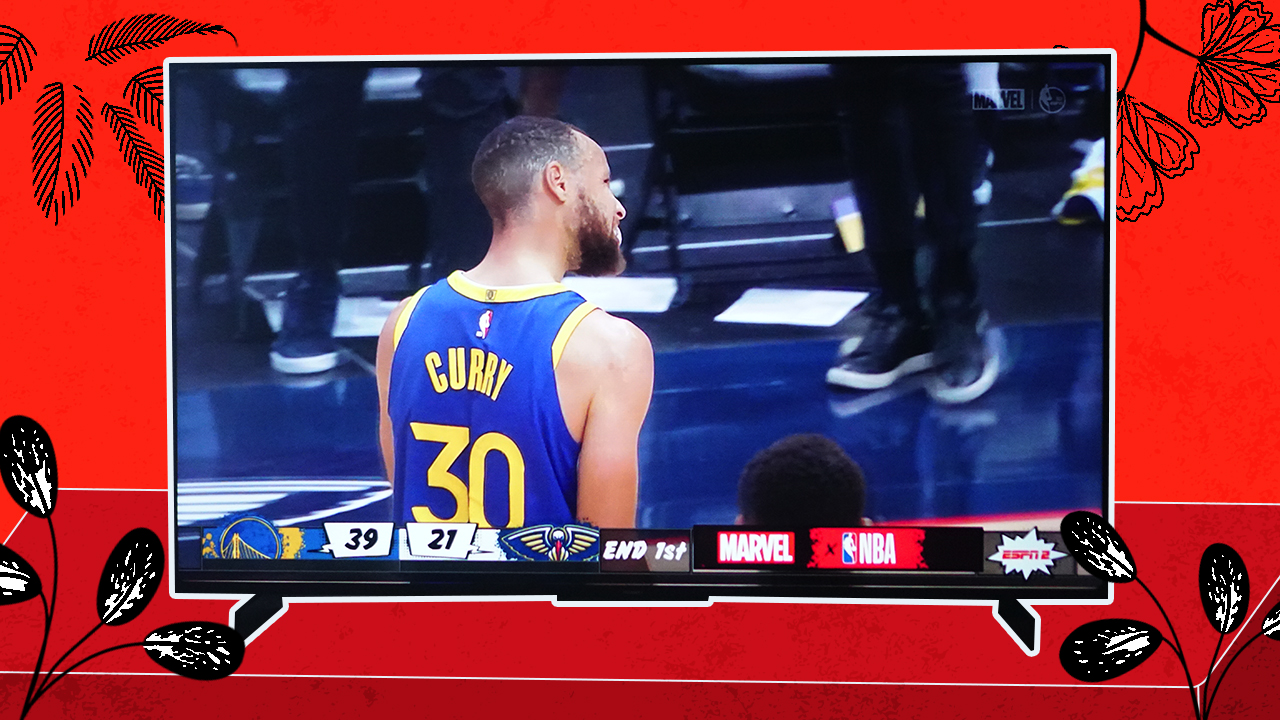
The drawback? My Chromecast only supports 1080p at 50Hz. It’s not the smoothest viewing experiences out there, but it’ll do.
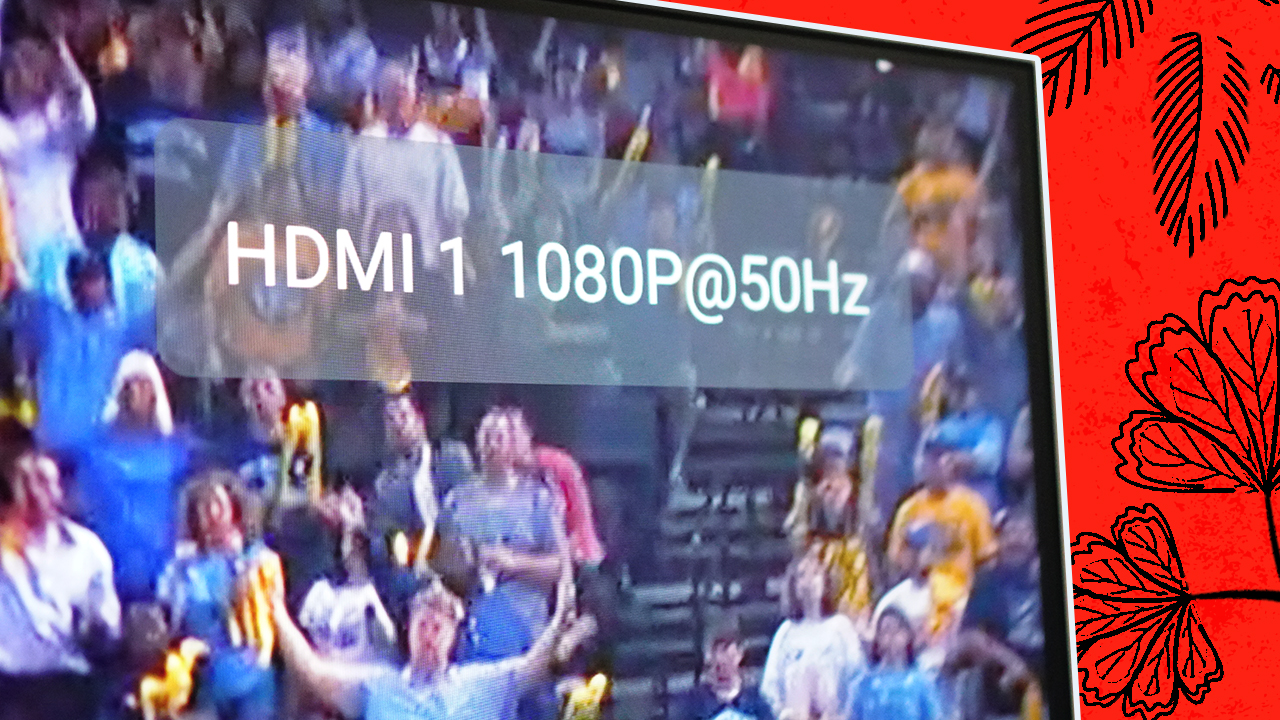
The good news is that Huawei, in the Philippines at least, is bundling the Vision S Series with an OTT box. What is that? It’s essentially a Smart TV box that also connects via HDMI which gives you access to all the Android TV apps you’ll want and need. So you get the best of both worlds: Harmony OS and Android TV.
One thing that Huawei needs to address though is the hand-off from HDMI inputs. On most smart TVs, it’s pretty seamless to switch from one input to another. That’s not the case with the current layout.
Also, it doesn’t always automatically detect freshly turned on input sources. For instance, if I have the TV on and fire up the PS5, it doesn’t always switch right away to that input source. It’s a hit or miss. This isn’t my experience with most other Smart TVs that just kind of knows which input source I want.
It’s a minor inconvenience at most and one that can be addressed easily through a software update.
Beyond TV functions
MeeTime
One of the things truly unique about the Huawei Vision S series is that it comes with a magnetic 13MP video camera. This unlocks video calling capabilities. Specifically, MeeTime.
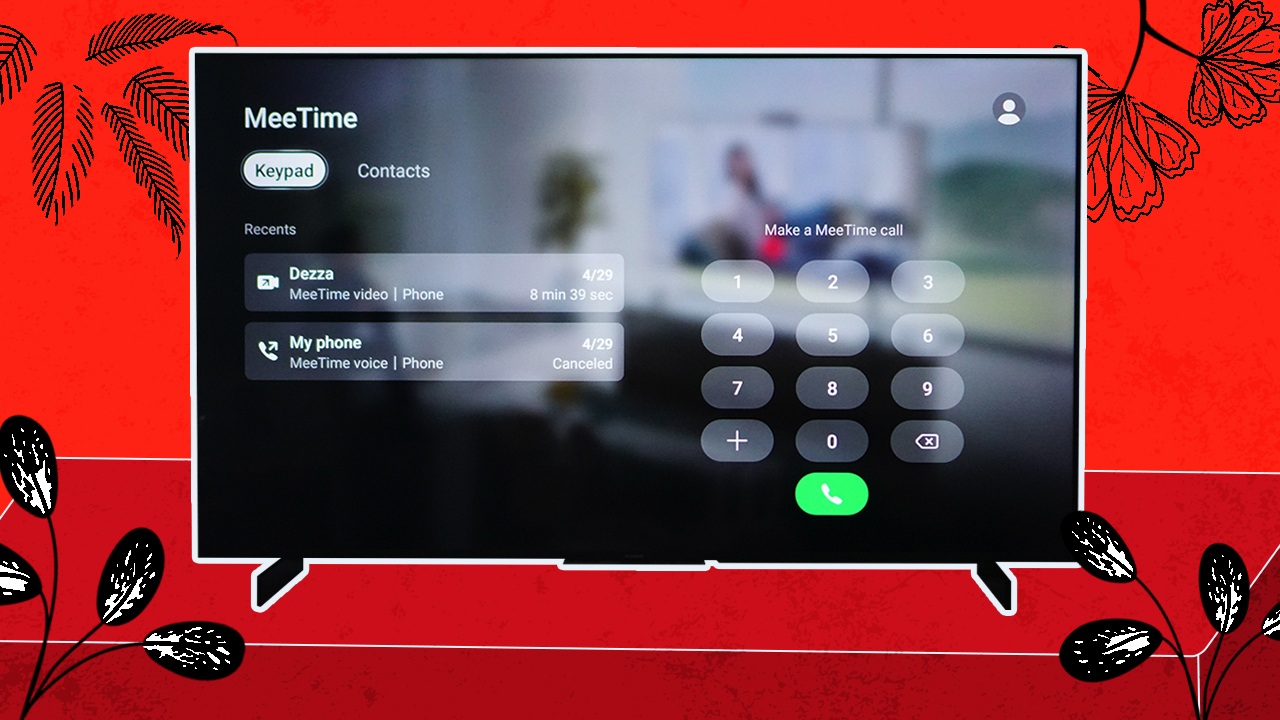
Initially, this function really just felt gimmicky. I mean, why would anyone do a video call using a huge ass screen. It wasn’t until I tried it myself that I realized the benefit, especially in a world riddled with a pandemic that is still forcing most of us to stay indoors.

You see, I haven’t seen my family and most of my friends for over a year now. I live alone and technology is really the only way for me to stay connected with them (which, to be frank, I am not doing a good job of). But the combination of the huge and good screen as well as the superb audio on the Vision S Series made it seem like I was in the same room as the person I was speaking to. It’s a truly remarkable experience and one that I find invaluable given our current situation.
Vision App, One Hop
It’s not a smart device if it doesn’t come with an app. So, true enough, this TV comes with an accompanying Huawei Vision App. It unlocks several other functions that you normally wouldn’t have with most other TVs.
Other than being a substitute for the remote, there’s also Input Source that’s truly helpful when you find yourself needing to type something on the TV. With it you can also tweak the settings, view the photos on your gallery, and mirror the content on your phone.
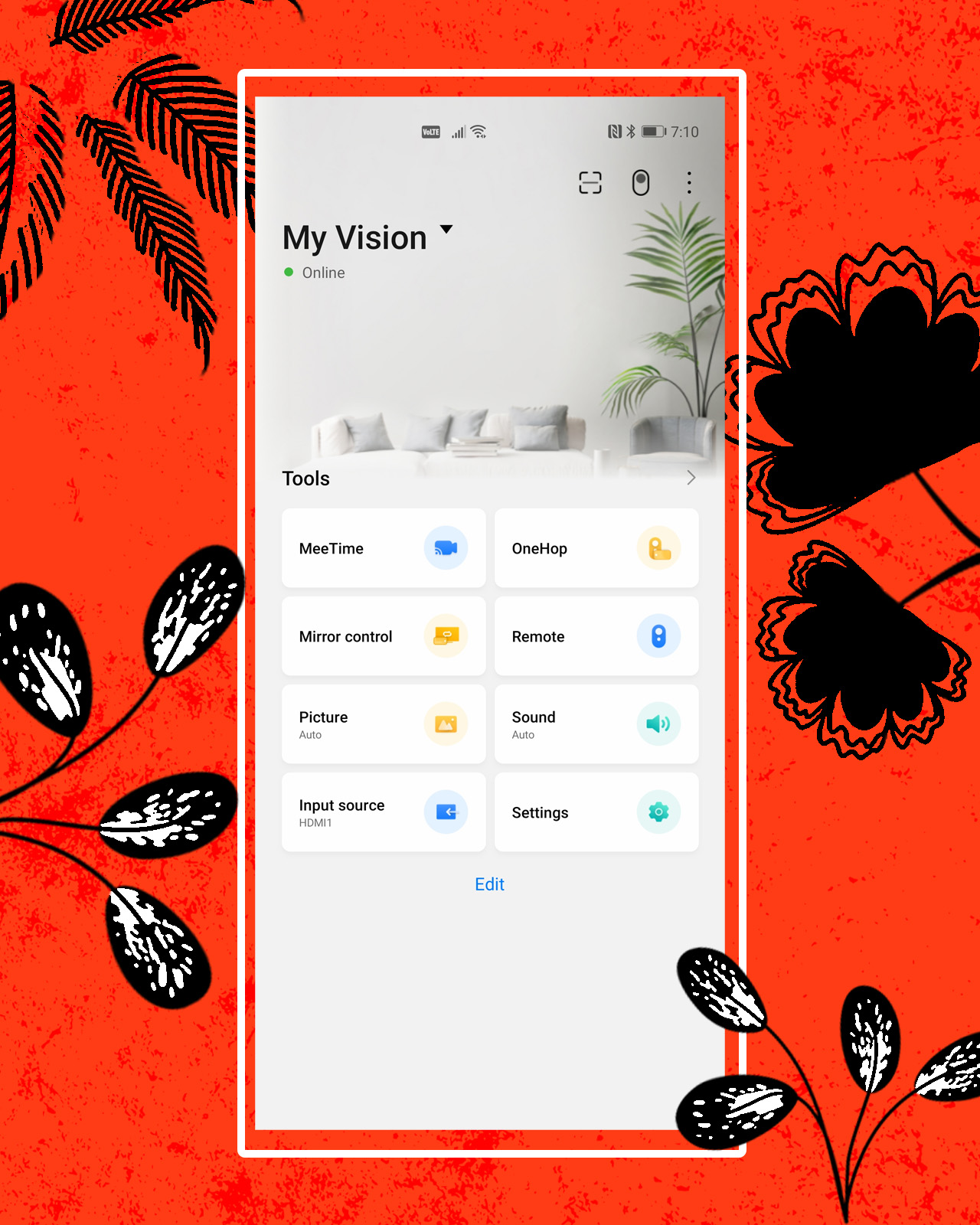
The content mirroring works even more seamlessly for gaming. If you want to play mobile games on the bigger screen, you can do so with One Hop projection.
All in all, these are all very nice-to-have functions that you may not need all the time, but it’s good to know that they’re there. It’s never a bad thing to have plenty of tricks up your sleeve.
Is the Huawei Vision S Series your GadgetMatch?
A TV is a big purchase for anyone, for any home. It’s not a decision that one takes lightly. Naturally, one of the biggest considerations is pricing. Here’s the deal with the Huawei Vision S Series:
Pre-order period is from May 7-21. Every purchase is up for free home delivery until May 31, 2021. Pricing are as follows:
Huawei Vision S 55”
Retail Price: PhP 36,999
Pre-order Price (Cash Straight): PhP 32,999
Includes: FREE Smart Box and Microphone (Worth PhP 6,998)
Huawei Vision S 55”
Retail Price: PhP 56,999
Pre-order Price (Cash Straight): PhP 49,999
Includes: FREE Smart Box and Two (2) Microphones (Worth PhP 9,997)
It’s worth noting that the FREE Smartbox will be available until September 30, 2021. This is key information as you’ll want to make sure you grab the TV with this freebie.
You can purchase these through Huawei Concept Stores, major home appliance stores like Abenson and All Home, or online through the Huawei Store, Lazada, and Shopee.
For the price, along with everything you’re getting in their bundle, the Huawei Vision S 55” is a steal. The whole combination of everything discussed above for that price is pretty darn good value for the centerpiece of your home entertainment system.
Granted, you’ll have to deal with using two remotes: the one for the Vision S Series and the other for the Smart box. But overall, that’s a small inconvenience for the overall audiovisual quality as well as extended smart functions that you’re getting.
It’s by no means a perfect TV. Personally, since I do a lot of gaming on the PlayStation 5, I’d want one that has HDMI 2.1. But those TVs all cost north of PhP 50,000. And if you’re spending that much for a large screen, you’re better off with other brands. But for something like the 55-inch bundle, it’s already a pretty darn good purchase.





Reviews
HONOR 600 Pro review
For the visionaries who want a flagship experience without the premium price tag.

For a long time, my phone was just a digital scrapbook; an uncurated repository for messy, unfiltered memories.
The moment I decided to embrace the life of a “creator,” my relationship with my gear had to undergo a fundamental, almost spiritual, shift.
I didn’t just need a tool that could take quality photos. I needed a creative partner that could help me weave a cohesive, aesthetic narrative on the go.
As I navigated this change, the HONOR 600 Pro landed on my desk like a fresh copy of Runway. And honestly, I was obsessed before I even turned it on.
On paper, it’s a spec-heavy powerhouse with a slim body housing a staggering 7,000mAh battery and a 200-megapixel camera system with pro-grade stabilization.
But in practice? It’s the assistant catches the shots I almost missed. It corrects the mistakes I inevitably make when I’m too caught up in the moment.
Orange is The New Black, literally
I recently found myself at Club Punta Fuego for a much-needed weekday reprieve, finally “trying” to appreciate the Mediterranean-inspired scenery I usually take for granted.
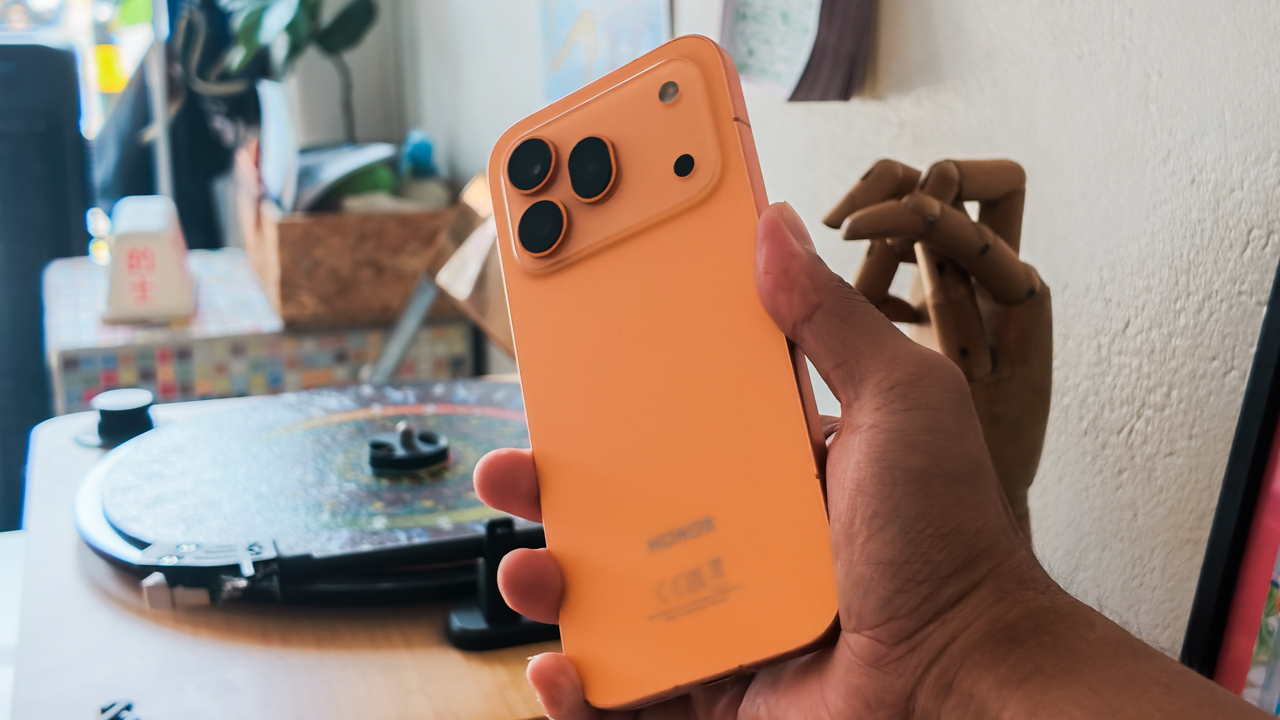
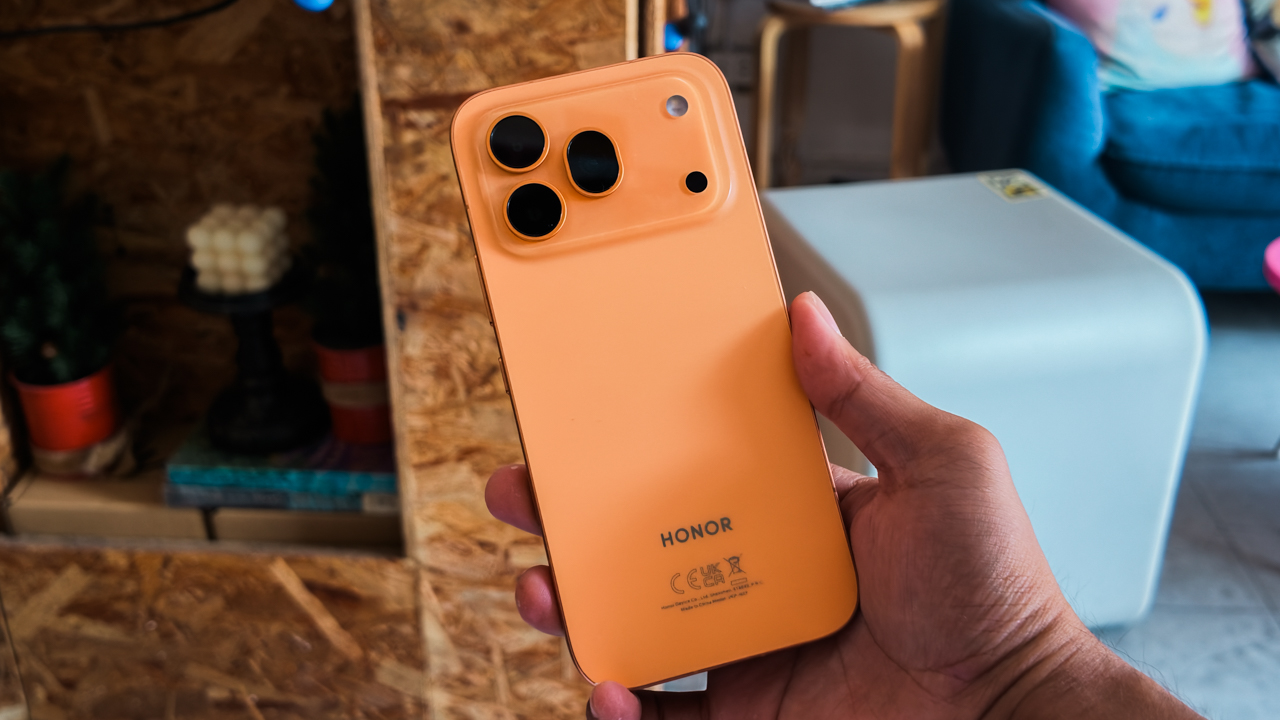
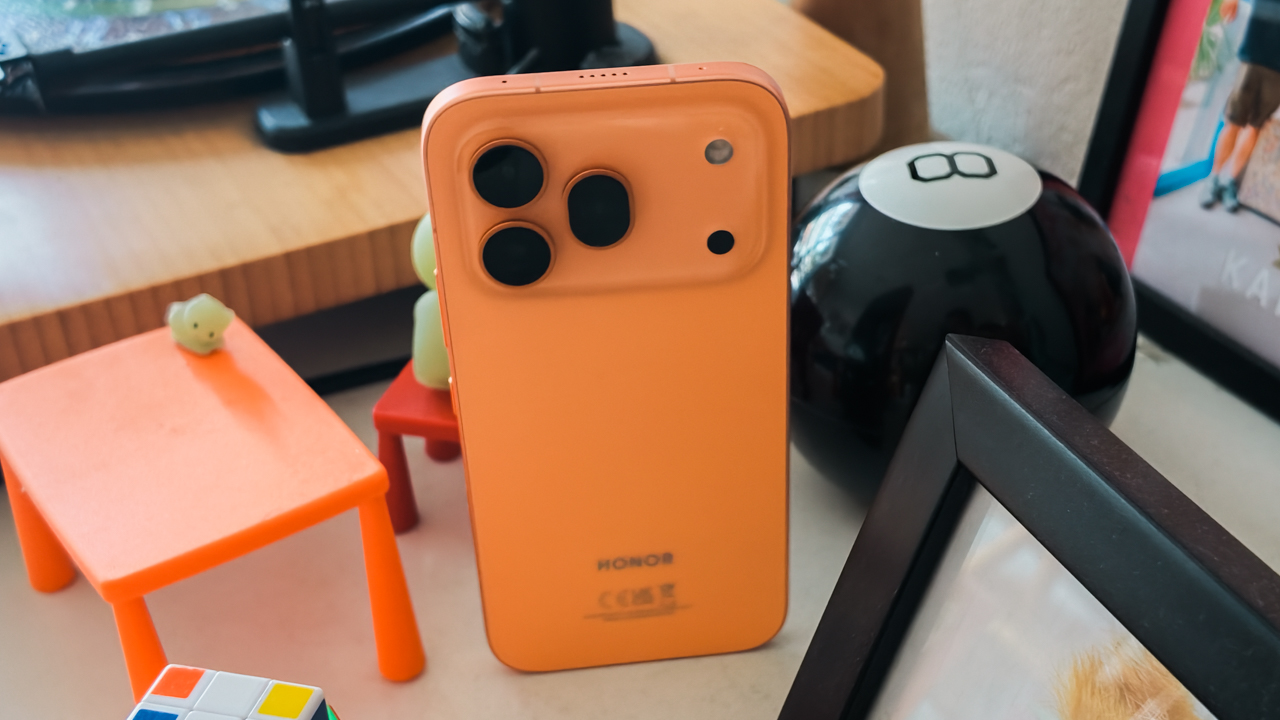
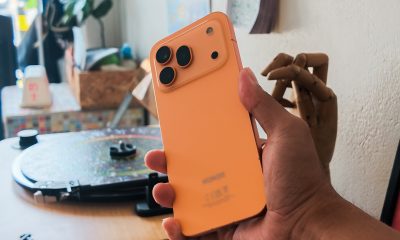
I took the new HONOR 600 Pro in Orange, and let me tell you, it fits the look of an exclusive enclave perfectly. It’s vibrant, bold, and undeniably luxe.
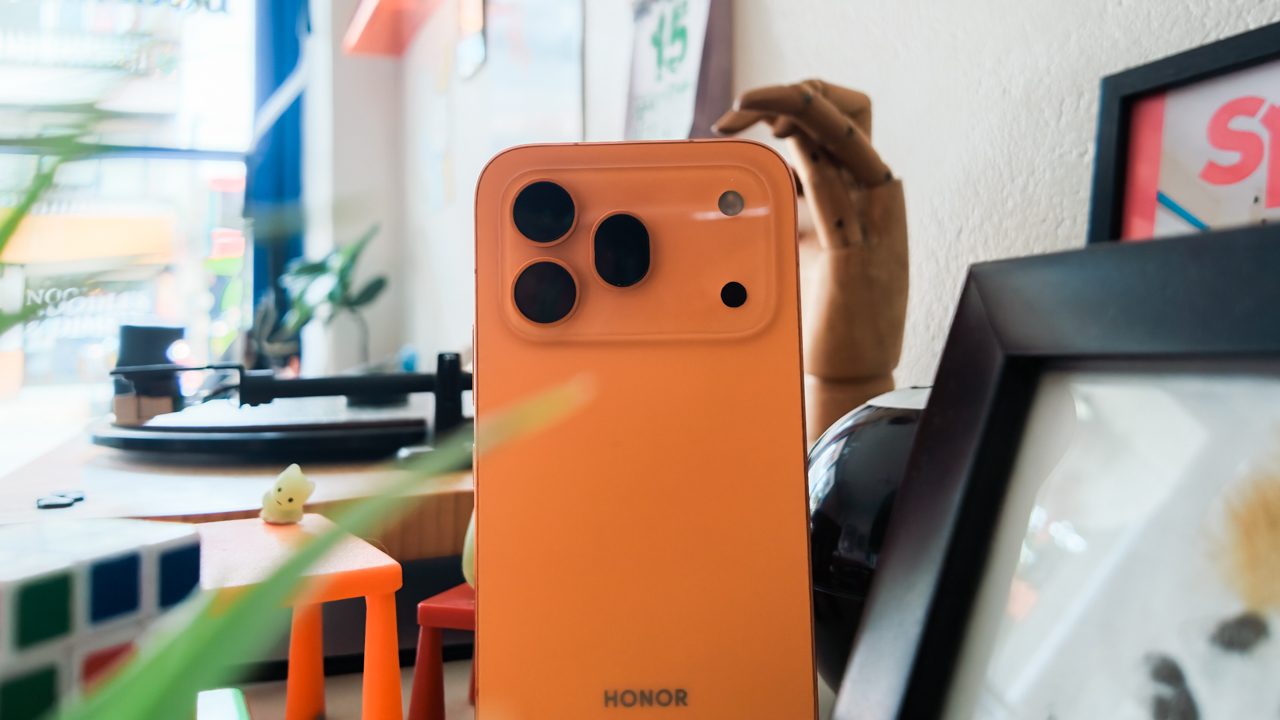
I used to live in a Spanish-inspired village atop a mountain ridge, which made me forget how much I adore the view of villas terraced masterfully into a cliffside with their sun-drenched stucco walls and terracotta roof tiles.
The craftsmanship of the phone reflects that same level of thought. Its unibody cold-carving process gives it a clean, unified appearance that feels curated rather than manufactured.
Held without a case — because slapping a plastic shell on this would be a fashion crime — it feels soft and ergonomic with a matte metal frame.
It makes it feel significantly more expensive than its price tag suggests.
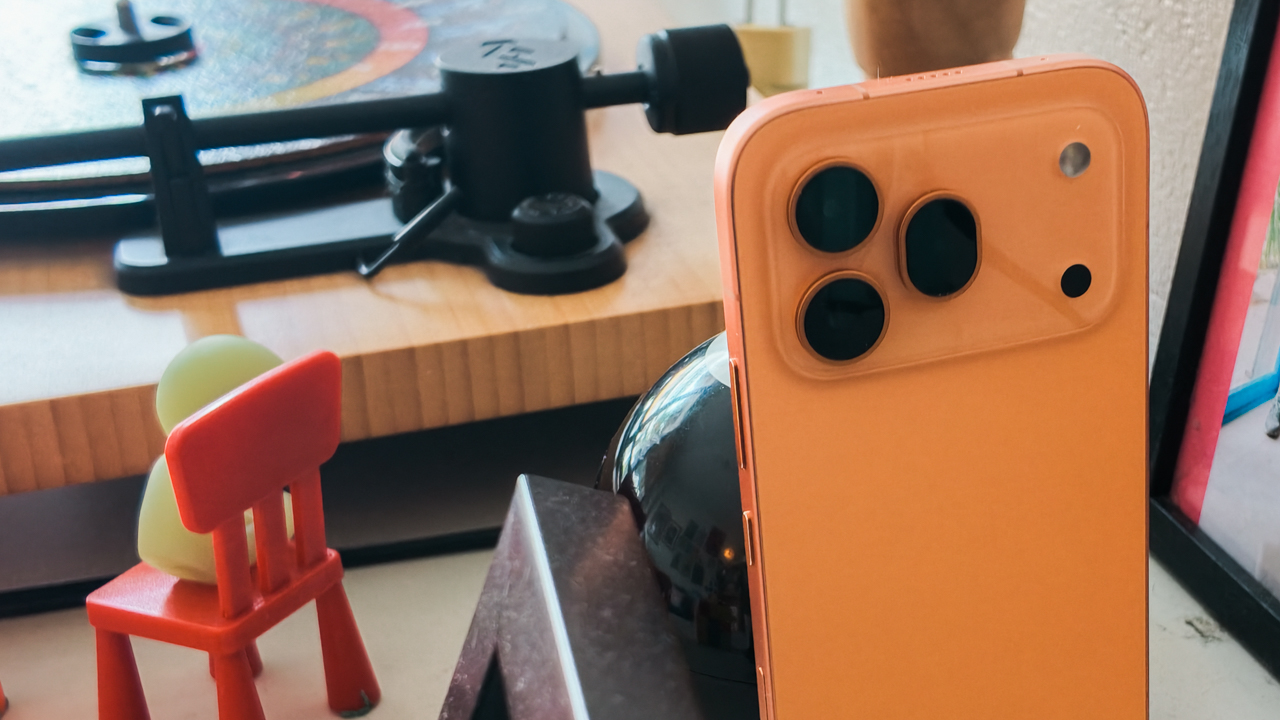
But what’s truly shocking is that something this sophisticated possesses rugged-level protection. With IP68, IP69, and IP69K ratings and an SGS 5-stars certification for drop and crush resistance, I don’t have to baby this phone when I’m throwing it into my classic local-made leather handbag.
My very own assistant button
Coming from an iPhone, the transition was surprisingly painless.
The size, ergonomics, and button placements are so similar to what I’m used to that I didn’t have the usual “tech-tantrum” trying to find the volume rocker.
But while my iPhone 16 Pro has that dedicated Camera Control, the HONOR 600 Pro counters with a dedicated AI Button that is, frankly, much more versatile.
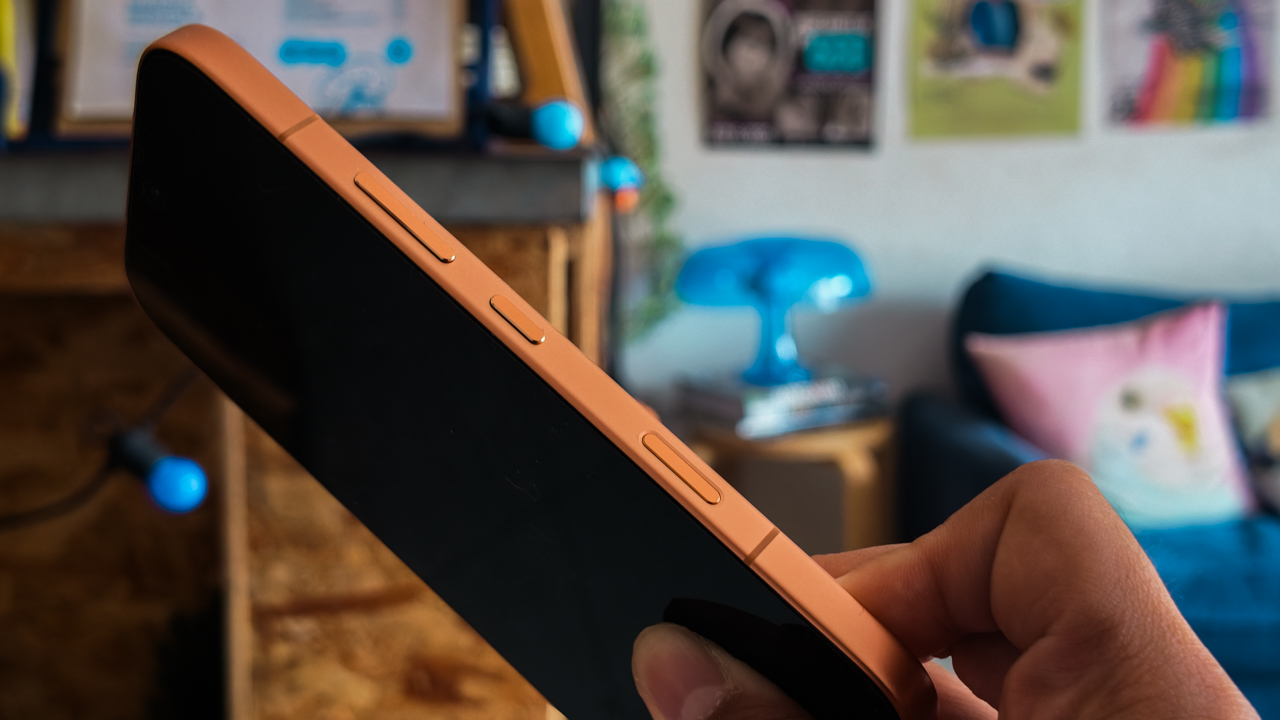
It’s HONOR’s response to the need for instant access, allowing you to choose exactly how you want to use it with short, double, or long presses.
For my own sanity, I set the short press to “no action” because I tend to click things for fun while I’m talking with my hands.
For the Double Press, I assigned the Camera option. It’s essential for when your fingers are wet from the pool and you simply cannot be bothered to swipe a screen.
The Long Press is where it gets truly editorial. You can choose from a suite of “Emily Charlton-level” efficiency features: AI Screen Suggestions, AI Settings Agent, AI Photos Agent, HONOR AI, AI Memories, or Google Lens.
I chose Google Lens ’cause I am an insatiably inquisitive person who needs to know exactly what species of exotic flower or obscure architectural style I’m looking at.
200-megapixel blueprint
As I transition from a journalist who observes to a creator who defines the aesthetic, “serviceable” gear is a firing offense.
When you are jet-skiing out to a yacht, hauling a trunk of professional lenses is not only impractical. It’s tacky.
You need one tool that performs with the precision of a seasoned editor under pressure.

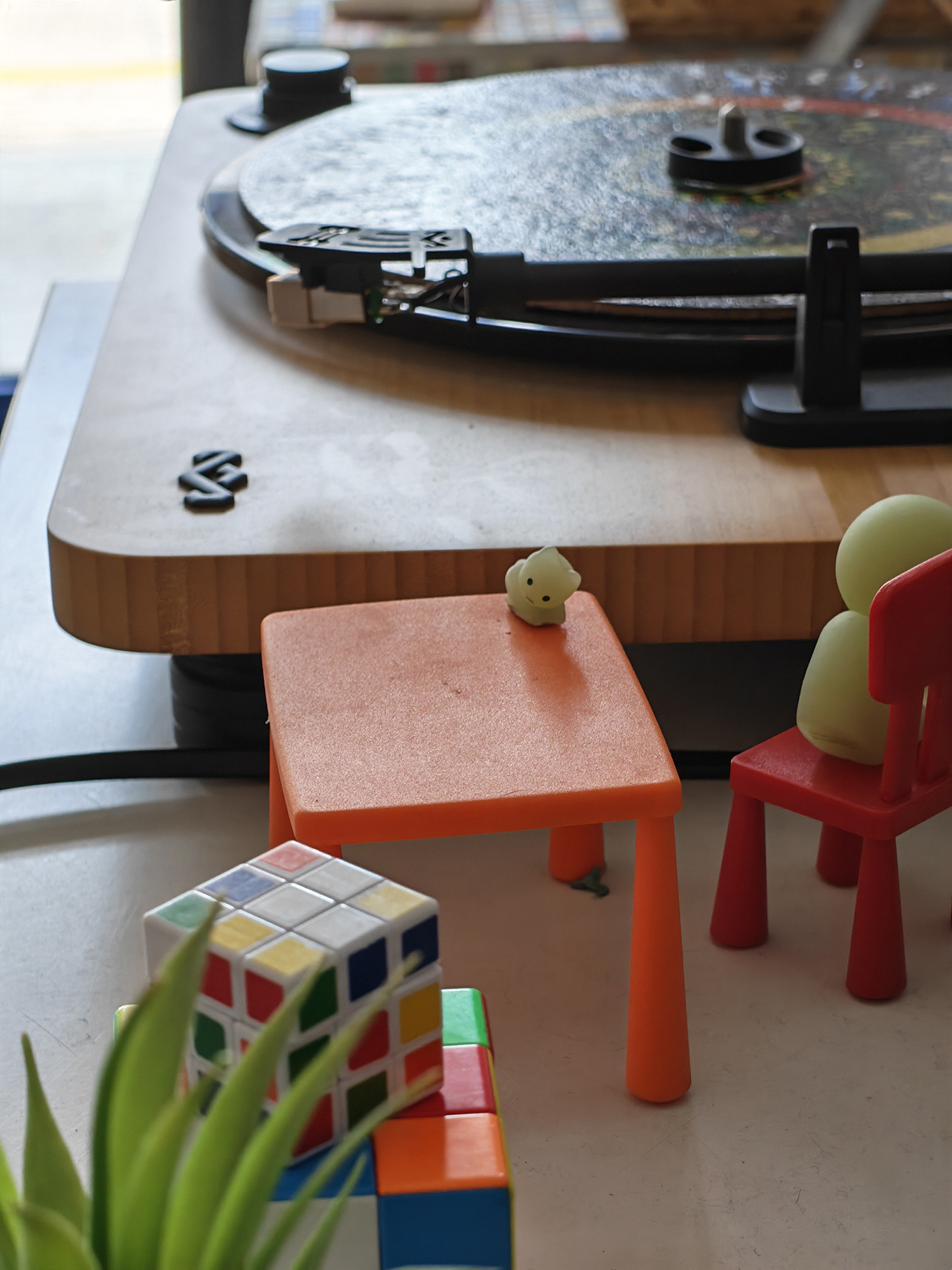
It was while capturing sun-drenched stucco and terracotta of those terraced villas that I realized the HONOR 600 Pro makes photography feel like an indulgence again.
To the hardcore tech purists currently salivating over sensor charts: yes, it features a massive 200-megapixel main camera sitting on a 1/1.4-inch sensor.
But let’s be clear: this is for the artist who understands that the real magic lies in the 16-in-1 pixel binning, which creates a 2.24µm super pixel.
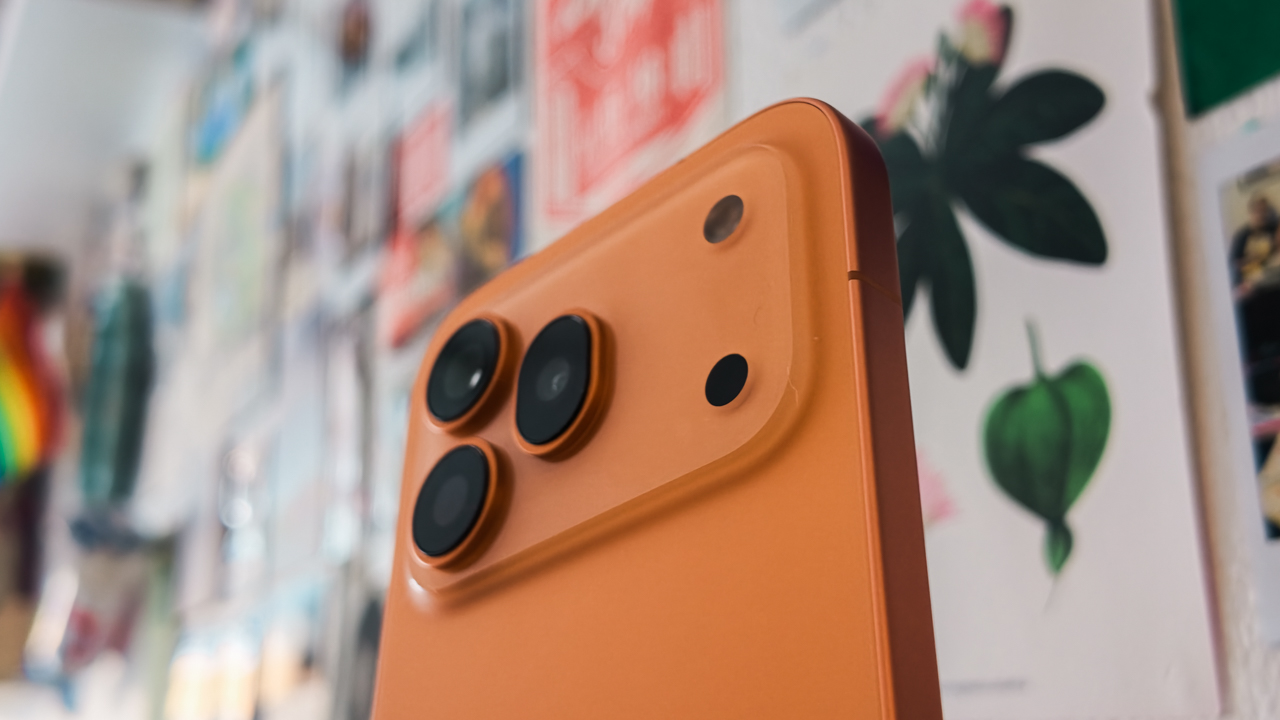
It ensures that every travel shot looks “expensive” and crisp, rather than the grainy, “budget” output we’ve come to expect from anything below the premium price bracket.





Aesthetically-pleasing story
What truly piqued my interest, however, is how this device effectively removes the indignity of tedious post-processing.
The AI-Color Engine steps in as a bespoke digital colorist. It eliminates those amateur yellowish or reddish casts that plague conventional smartphones.


For those of us who have spent far too many hours in Adobe Lightroom, the Magic Color feature is a total obsession.
It offers one-tap emulations from iconic brands like Kodak and Fujifilm. As someone whose favorite travel memories are usually defined by a specific Fujifilm recipe, seeing that fusion of professional color science in a device that fits in my clutch was… groundbreaking.


Unshakeable composure
Most of the time, I am quite literally in transit — flitting between velvet-roped lobbies and airport tarmacs — and if there is one thing I’ve learned, it’s that the world doesn’t pause for a pretty shot.
I may have inadvertently cultivated that frantic image of an “old person” desperately chasing a subject out of a moving car window. But in this industry, speed is a requirement, not a choice.
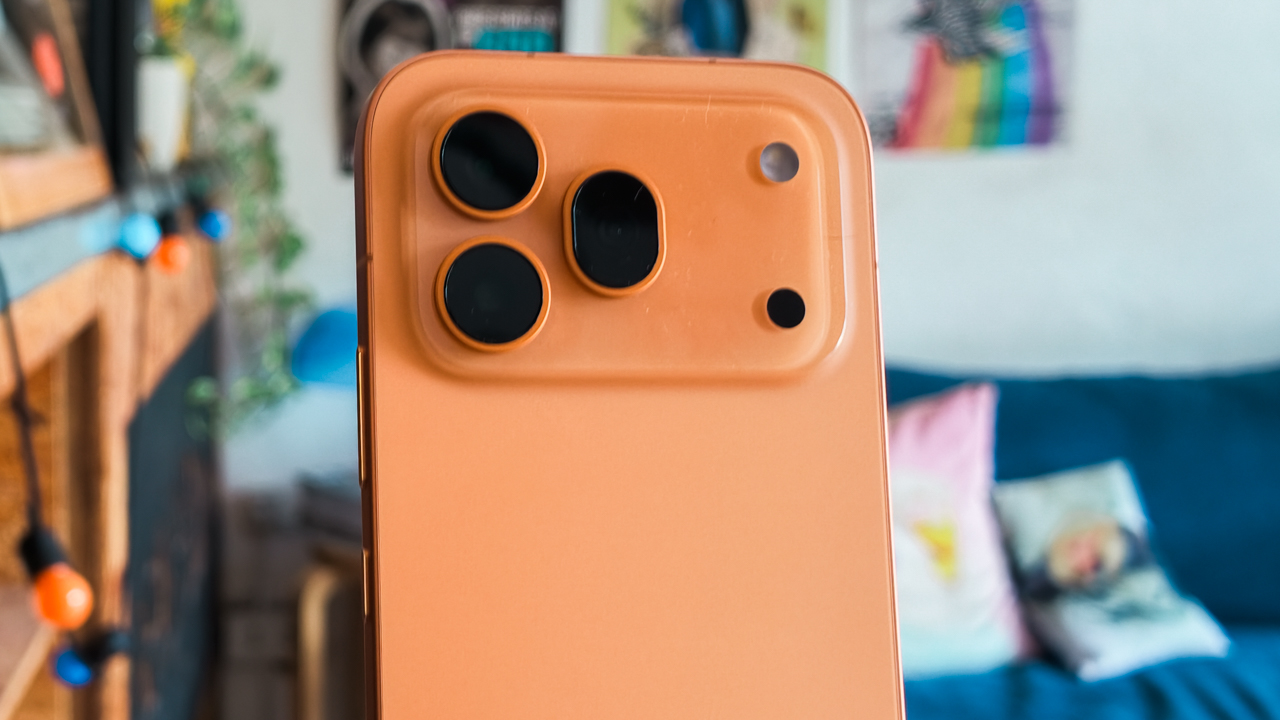
Surprisingly, the HONOR 600 Pro possesses a level of composure that most humans lack under pressure. It features a Dual-OIS system — the only one in its segment — that has achieved a CIPA 6.0 professional certification on the main camera. It’s got an even more impressive CIPA 6.5 for the periscope telephoto.






To the hardcore tech crowd currently hyperventilating over a specsheet: this isn’t about benchmarks or raw processing data.
It’s about the fact that I can take handheld night shots at 10x zoom and maintain a crystalline sharpness that usually requires a tripod and a very patient assistant.
For the artist who wants that premium flagship stability without the expensive price tag, this 50-megapixel periscope telephoto is your secret weapon, hitting an industry-leading 120x digital reach.
The real magic happens at 7x, where the AI Super Zoom 2.0 kicks in to refine architectural lines and textures that lesser phones would simply blur into oblivion.
Curating the perfect moment
Being out and about most of the time means I occasionally forget to “capture the moment” in full motion.
Or, more frequently, I fail to get the shot I want because the composition is ruined by a stray tourist in the background.
While my biggest flaw is a Miranda Priestly-level obsession with perfection when it comes to composition, I’ve found my own Andy Sachs in the Moving Photo Eraser.
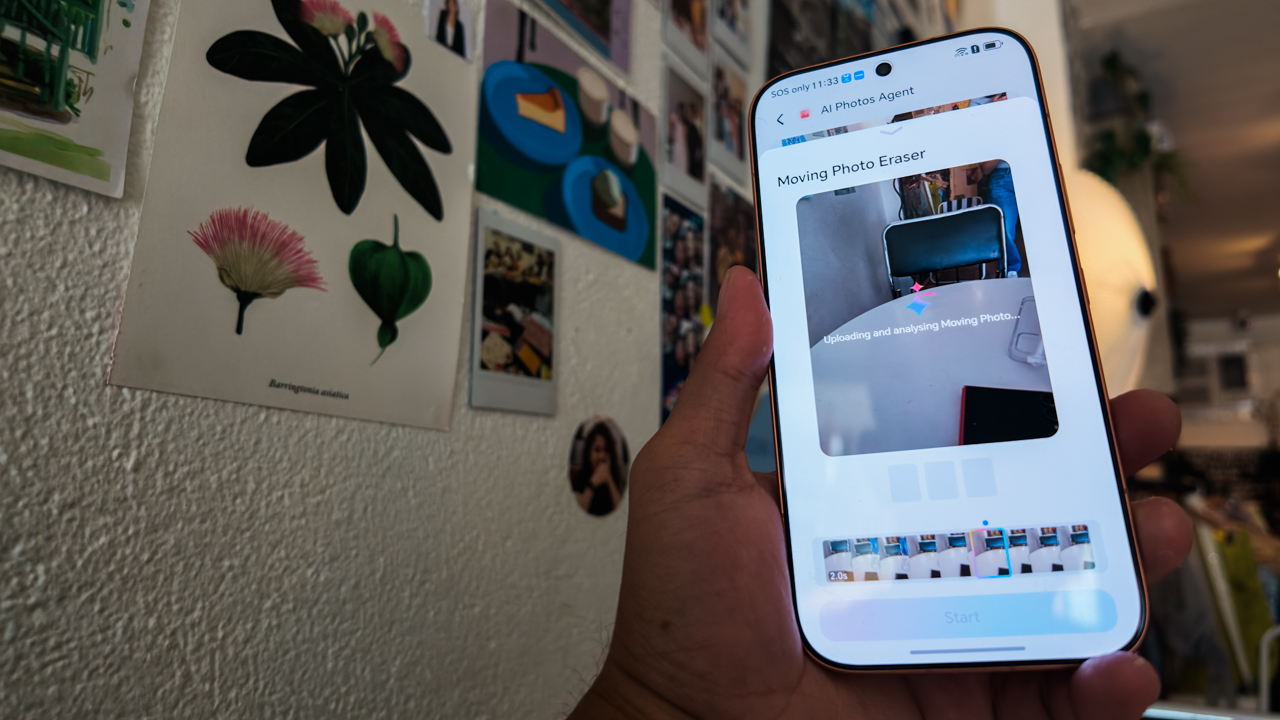
It allows me to remove unwanted people from my shots with a single, elegant tap, ensuring the focus remains solely on me or the intended aesthetic.
But the feature that truly gave me pause is the AI Image to Video 2.0. Last year, generating image-to-video content felt a bit like wearing a lumpy, cerulean sweater: utilitarian, but lacking soul.
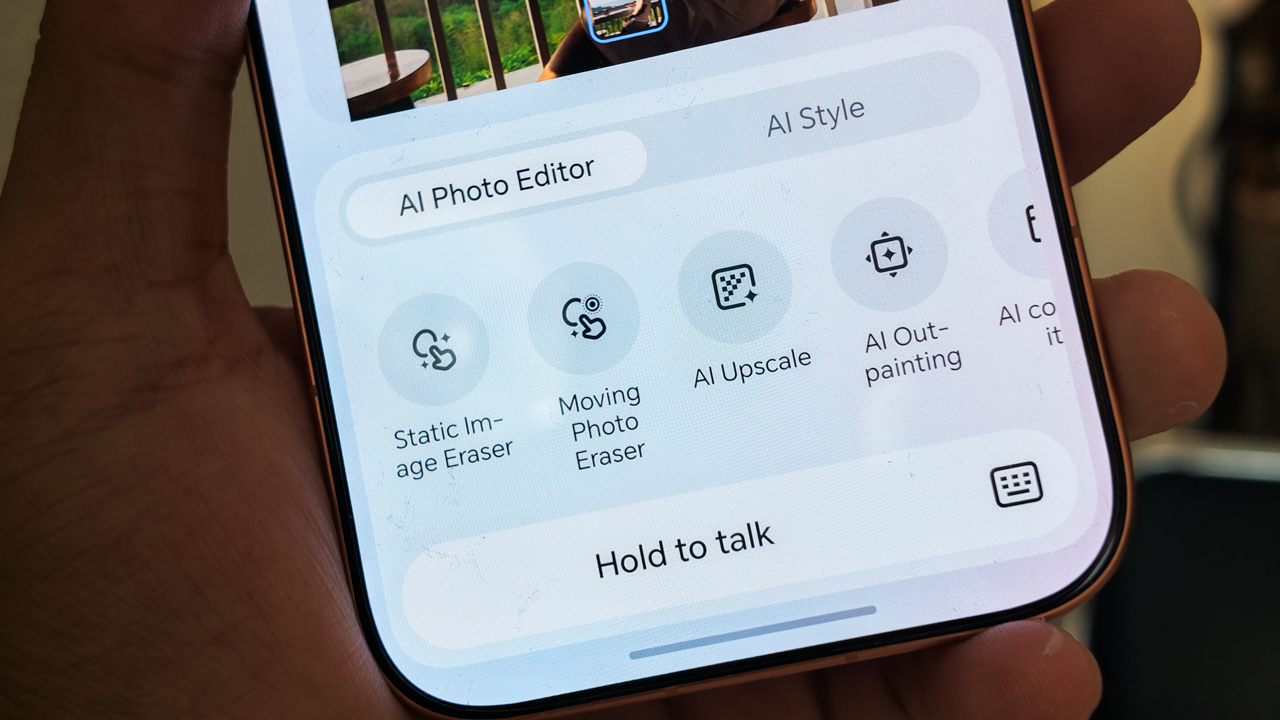
This time around, the experience is different. Using simple text prompts, you can create cinematic 3-8 second video sequences from still photos. While social media is currently drowning in “AI slop,” my colleagues and I have come to realize that AI only gets sloppy when the user is mediocre.
When I took this feature for a spin, I utilized the first-and-last frame mode to shape my story instead of letting the machine generate random clips.

My human touch enabled me to take two images captured during a sunset at a cliffside restaurant in Punta Fuego and turn them into a sophisticated narrative.
Instead of a digital mess, I produced a video of me looking into the camera before turning back to the sun-drenched horizon.
This feature is a literal lifesaver for creators who get so caught in the moment that they only take photos. It allows you to “stitch” those memories into high-gloss reels and stories after the fact.
A diplomatic relationship
I’m going to be real with you: even though I’m a multi-device person, my life is essentially lived inside my iPhone 16 Pro.
The upgraded OneHop technology made my career pivot much smoother because it enables seamless connectivity with my existing gear.

All the high-resolution photos and videos I take on the HONOR 600 Pro can be transferred to my iPhone or MacBook with a single tap.
It means I don’t have to adjust the workflow I’ve spent years perfecting. You just download the HONOR Connect App, activate OneTap, and suddenly your Android and your Apple gear are speaking the same language.
Uninterrupted workflow
In the world of media and publishing, there is no such thing as a “definitive end time.”
You are either on, or you are irrelevant. To survive the pace, I require a workflow that refuses to stutter. I need my own, high-functioning Emily Charlton.
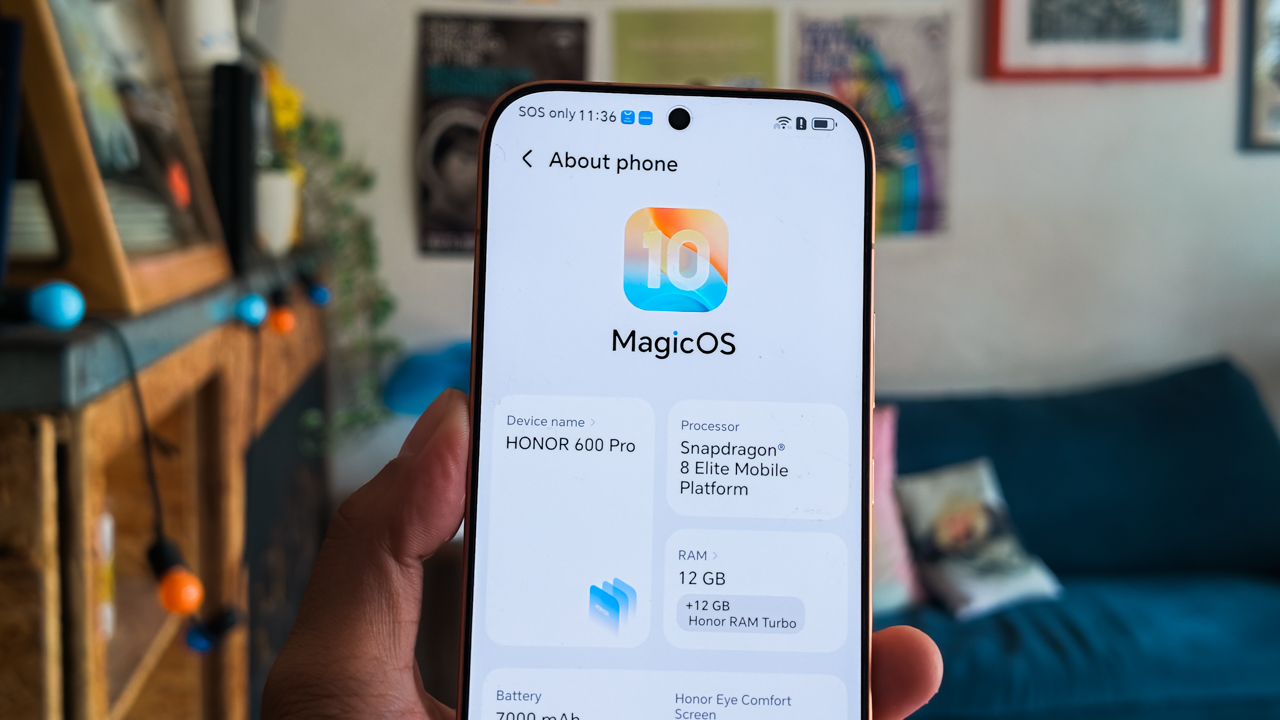
The HONOR 600 Pro delivers this through the Snapdragon 8 Elite processor, which provides the massive computational headroom required for real-time AI video generation.
Powering this relentless hustle is a 7,000mAh battery — the most substantial in the history of HONOR’s Number Series — miraculously tucked into that razor-thin 7.8mm profile.
It offers a genuine two-day endurance that feels like a literal lifesaver, especially in the tropics where the heat usually saps a battery’s will to live before lunch.
When I do find a spare moment to top up, the 80W Wired and 50W Wireless SuperCharge get me back to 50% faster than it takes for me to apply my BLK Radiant Glow Filter.
And because I’m often the only one in the room with my life together, the 27W Wired Reverse Charging means I can even bail out a colleague whose iPhone has inevitably died mid-interview.
Now Playing: Olivia Dean’s “A Couple Minutes” (Live from The MOBO Awards 2026)
With the sudden, bold resurgence of Orange dominating the pop culture, all my summer-exclusive citrus items suddenly felt relevant again.
Watching Olivia Dean’s performance at the MOBO Awards 2026 — bathed in that mesmerizing, warm orange stage lighting — was a vibe-check.
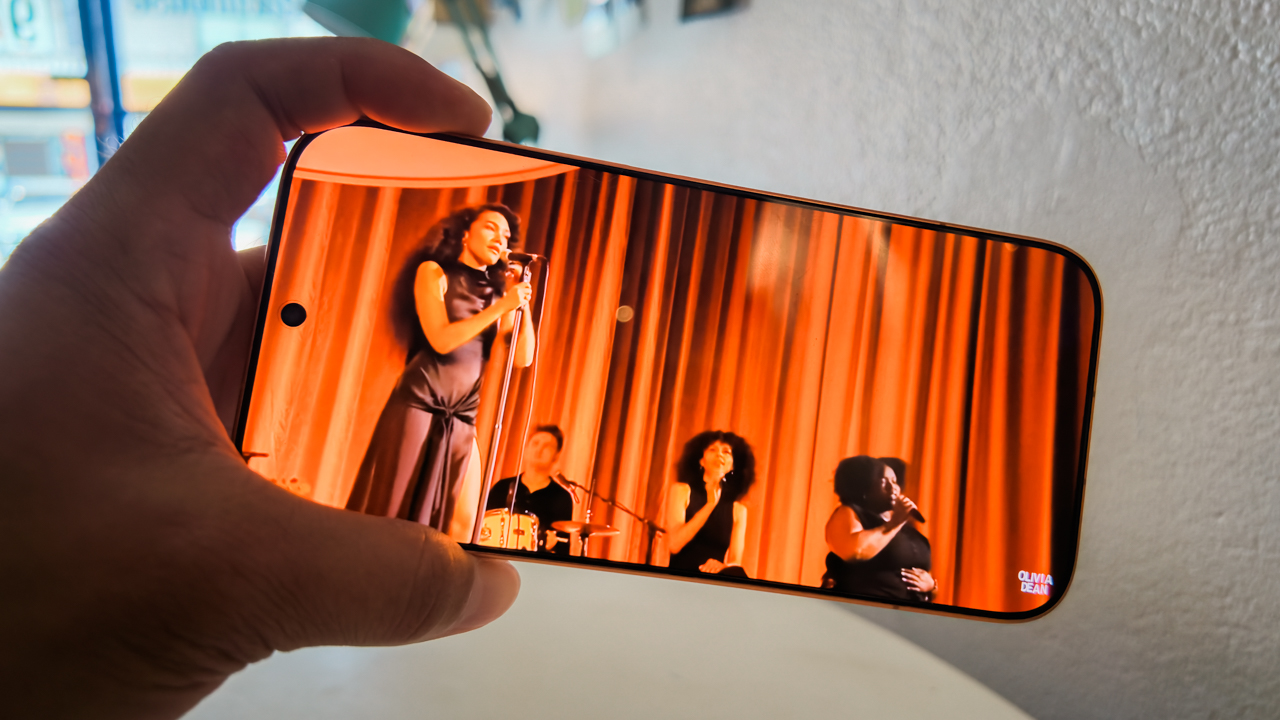
The screen hits an astronomical 8,000 nits of peak brightness, but its true editorial utility lies in Sunlight Mode. It sustains 4,000 nits even in the most unforgiving outdoor glare.
I was able to quite literally “tune” in and enjoy those ‘a couple minutes’ of soul — pun absolutely intended — on this 6.57-inch display while lounging at the Lower Beach Club at Punta Fuego.
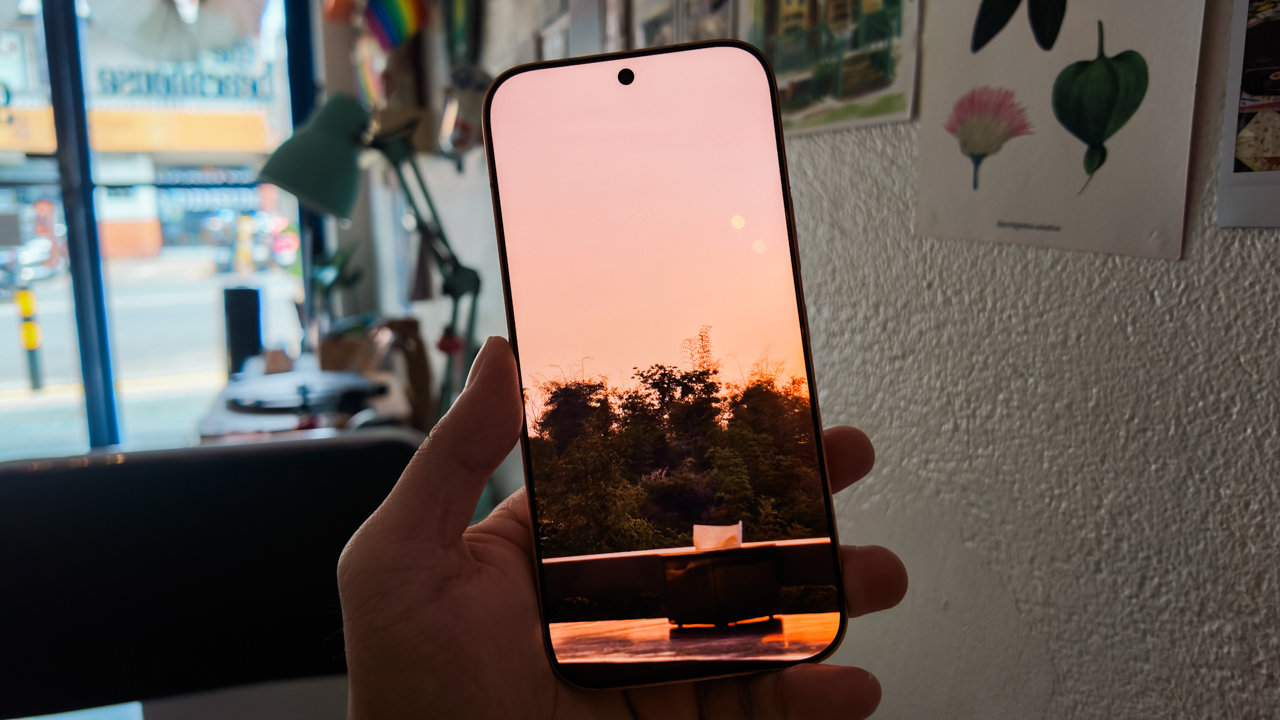
This level of luminance also allowed me to curate my Instagram edits while completely sun-drenched, without the indignity of squinting or removing my sunglasses.
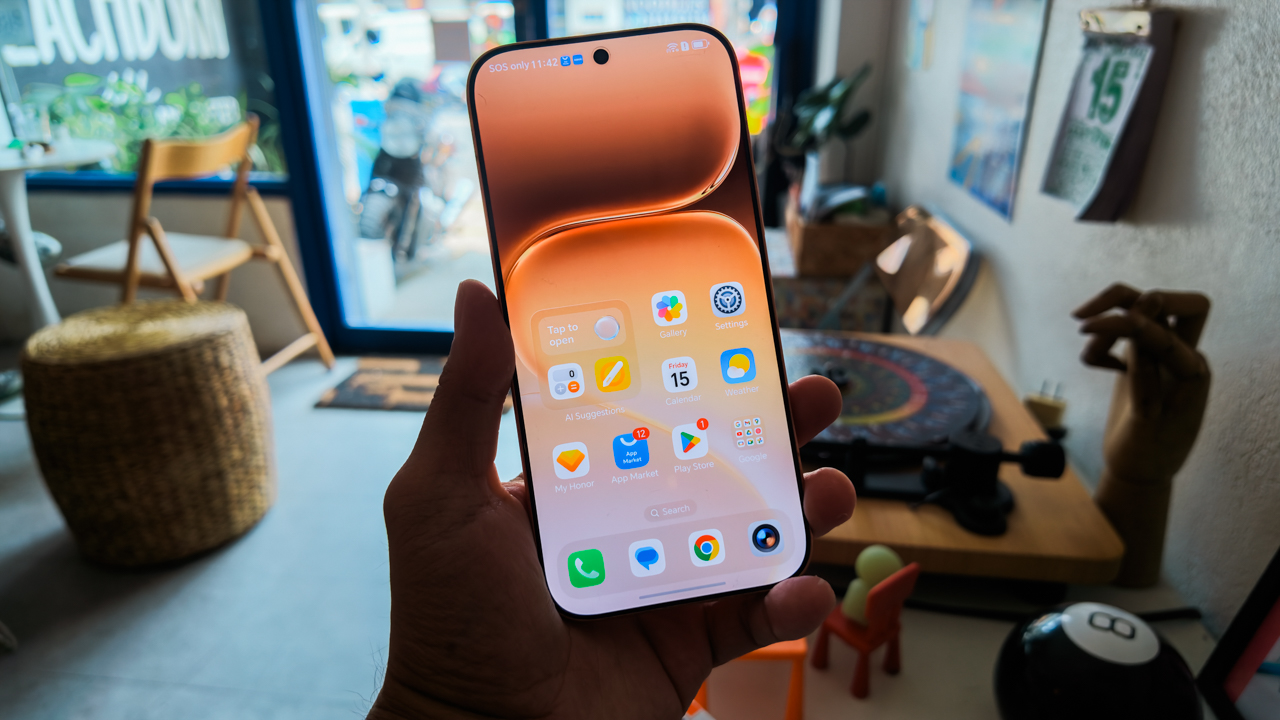
For its segment, the HONOR 600 Pro’s display is the highest visual standard in its class. It possesses a 3,840Hz dimming frequency to keep your eyes fresh and a 120Hz refresh rate that makes every frame of content look as vibrant and fluid as the real thing.
Price of perfection
The HONOR 600 Pro comes in Orange, Golden White, and Black. In Europe, the 12GB/512GB model is priced at EUR 999.99, while in the UK, it retails for GBP 899.99.
In the Philippines, this same variant retails for PhP 49,999 — a sweet spot for those who remember when flagships didn’t cost a literal fortune. Meanwhile, Malaysia offers a 12GB/256GB variant for MYR 3,099 and a 12GB/512GB variant for MYR 3,299.
Is the HONOR 600 Pro your GadgetMatch?
I have little to say regarding the hardware of the HONOR 600 Pro, simply because excellence rarely requires an apology.
Even the software — an area often cluttered with the “AI slop” of less refined brands — is executed with a level of intentionality that feels more like a seasoned intern than a buggy beta.
While it rivals the sleekest competitors in its class, the HONOR 600 Pro wins on sheer pedigree, specifically through its Magic Color and AI-Color Engine.
The photographer in me is relieved to finally have a tool that eliminates the need for a grueling color-grading suite.
In a way, the HONOR 600 Pro is the best choice for the creator who refuses to choose between a powerhouse and prêt-à-porter.
If you are someone who finds joy in soulless benchmarks and overclocking a processor until it screams, let me be clear: Swipe Left and move along. This isn’t for you.
For the artist, visionary, and creators who has a premium taste but knows that a professional-grade experience shouldn’t cost the price of a vintage Vespa, Swipe Right. At its price range, it offers the flagship soul we all miss from the days before prices spiraled.
For me, it’s a Super Swipe. Even though you’re getting a device that sits at the highest end of its bracket, it delivers the nuance of a well-lit portrait, the stability of a high-speed chase, and a battery that survives even the most double-booked day.
And for that, we are giving it the GadgetMatch Seal of Approval. It’s for the visionaries who know that “that’s all” is never actually enough.
Reviews
vivo X300 FE review: Don’t judge the camera by its cutout
A midrange-sized camera bar doesn’t mean mid camera performance

Any modern smartphone series usually comes with a base, a Pro, and an Ultra model. However, some phone makers introduce a more affordable “Lite” version.
Still with the same intent, others do substitutes using “e”, “s”, a combination of “SE”, or an even rarer “FE” model.
Well, the vivo X300 series is a clear testament to this. Aside from last year’s base and Pro, the Chinese manufacturer has decided to launch two more models on both ends of the spectrum.
The clear headliner is none other than the X300 Ultra. But, the latest vivo X300 FE is meant for users who want that X300-grade cameras minus its soaring pricing. Or is it?
What are the compromises though? Are there even any? Here’s my extensive review.
FE = ✨ Fab Edition ✨
When Samsung launched the first “FE” phone, they thought of resurrecting the quite explosive Galaxy Note7 (literally and figuratively). All for the sole fulfillment of their fandom who’ve been clamoring against its sudden discontinuation right after the fueling fiasco.
The “Fan Edition” was then born.
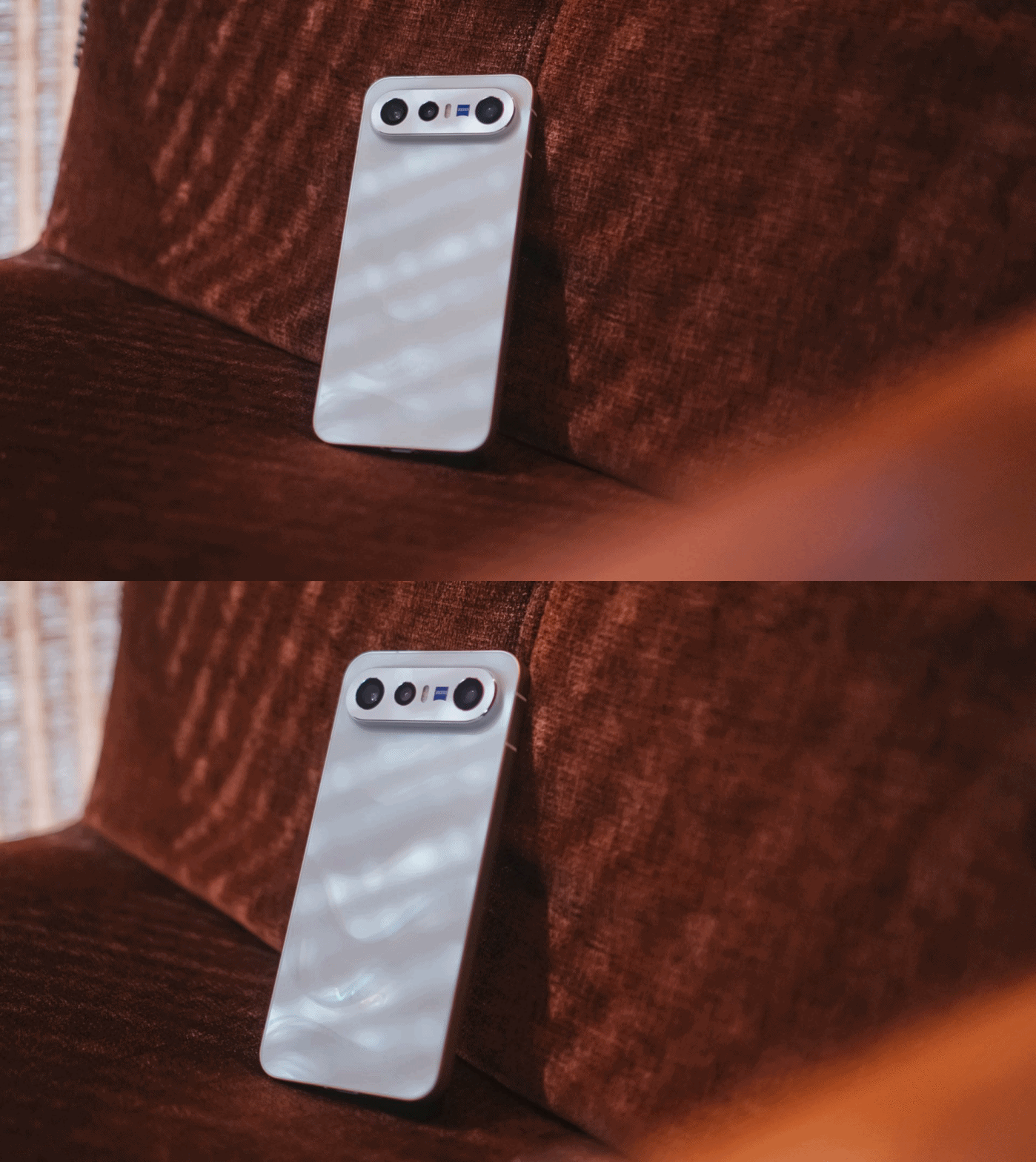
However, my understanding with vivo’s X300 “FE” isn’t intended solely for fans. It’s rather an embodiment of full-on fanciness. Thus, that FE meant ✨ Fab Edition ✨ in my vocab.
If we’re talking about how it stands out from the rest of the X300 family, size isn’t just about it.
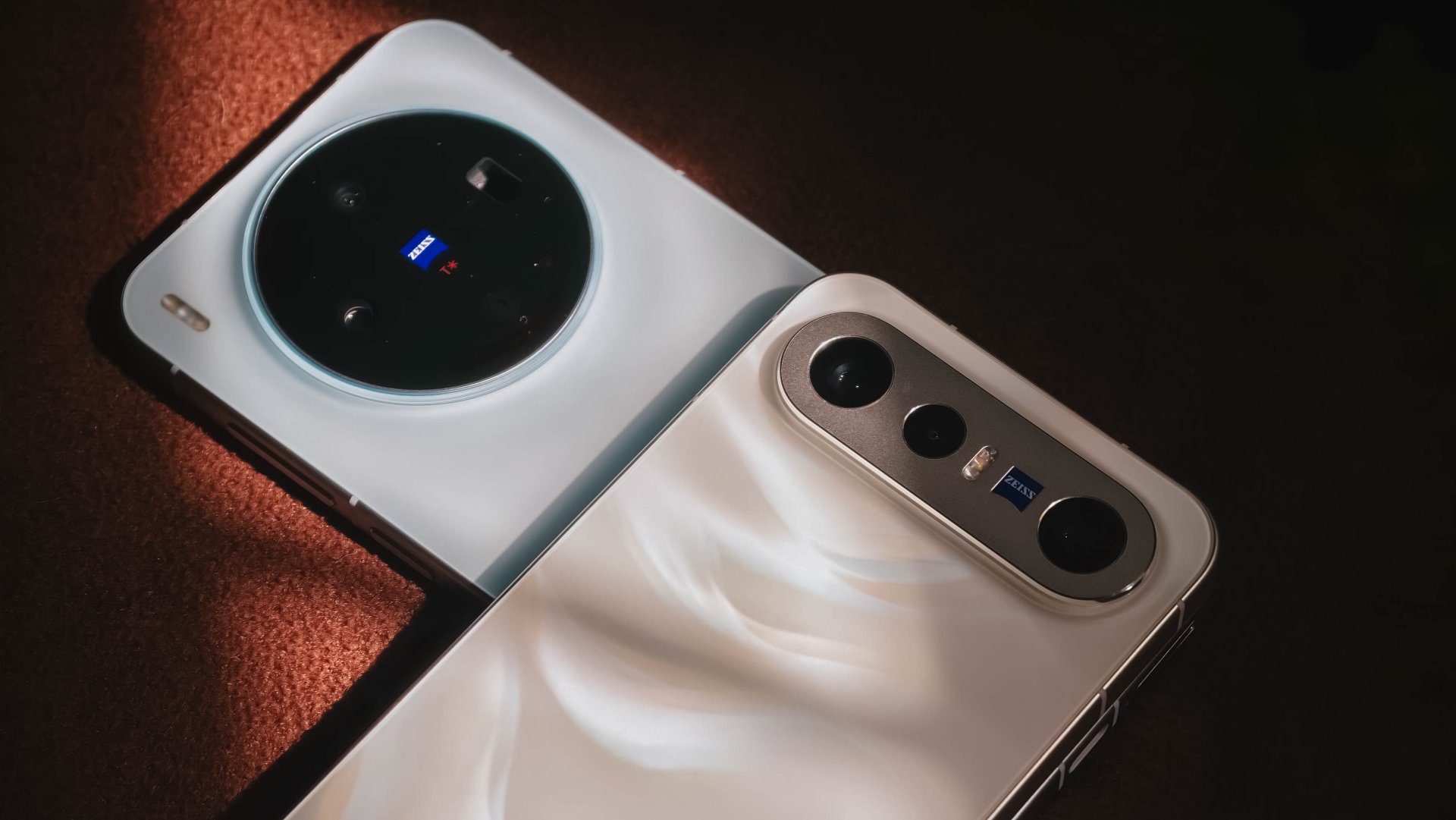
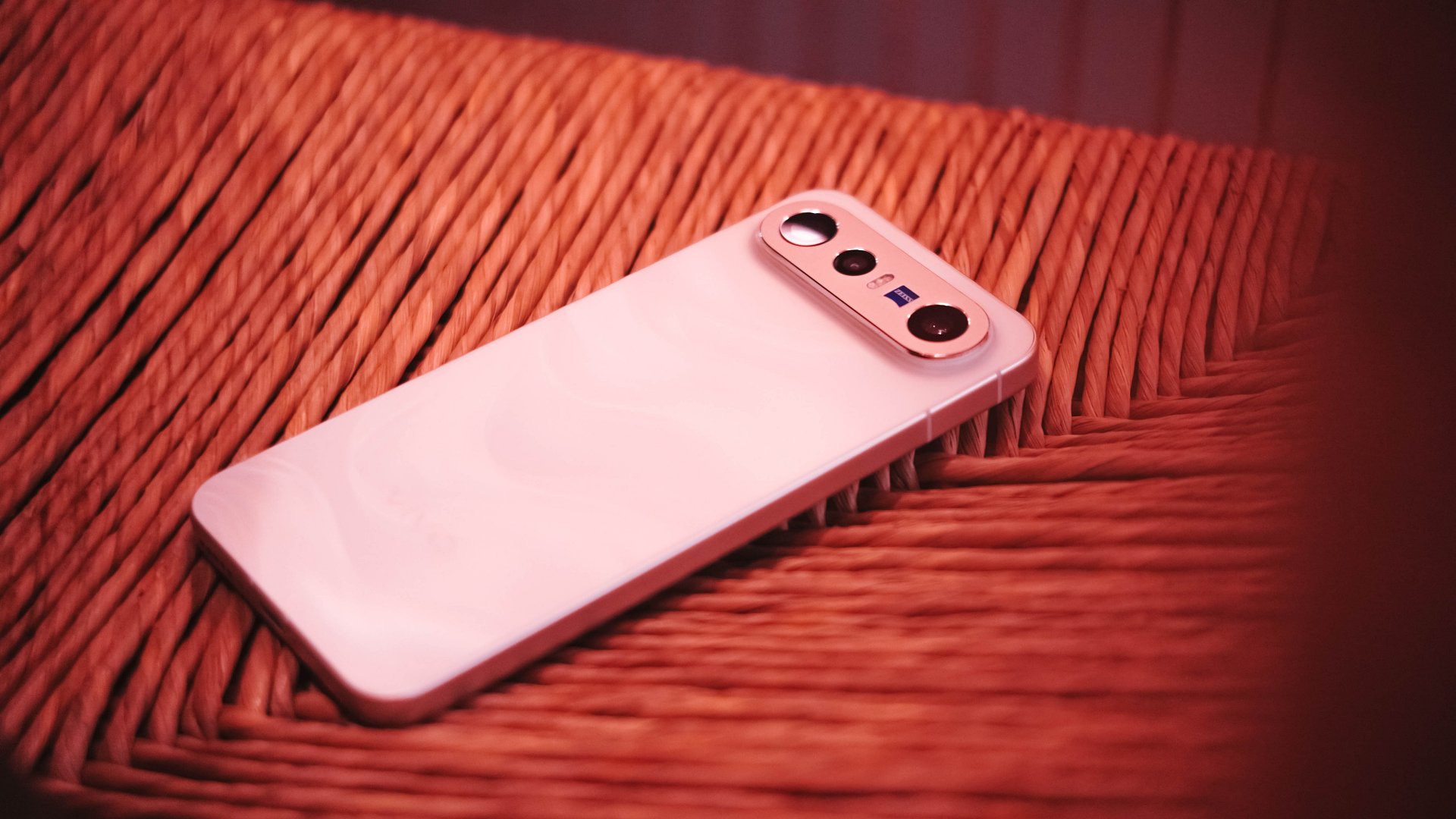
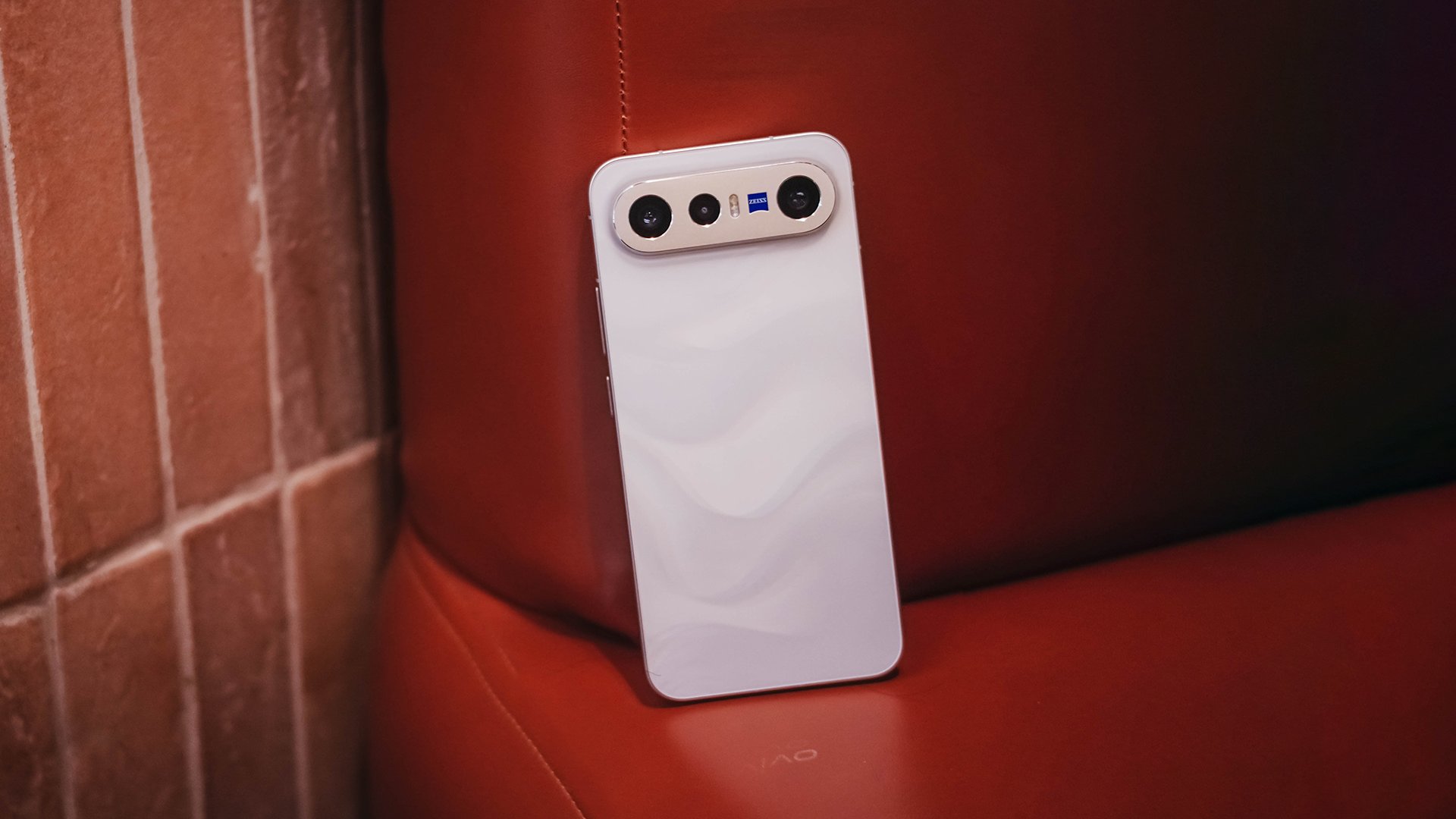
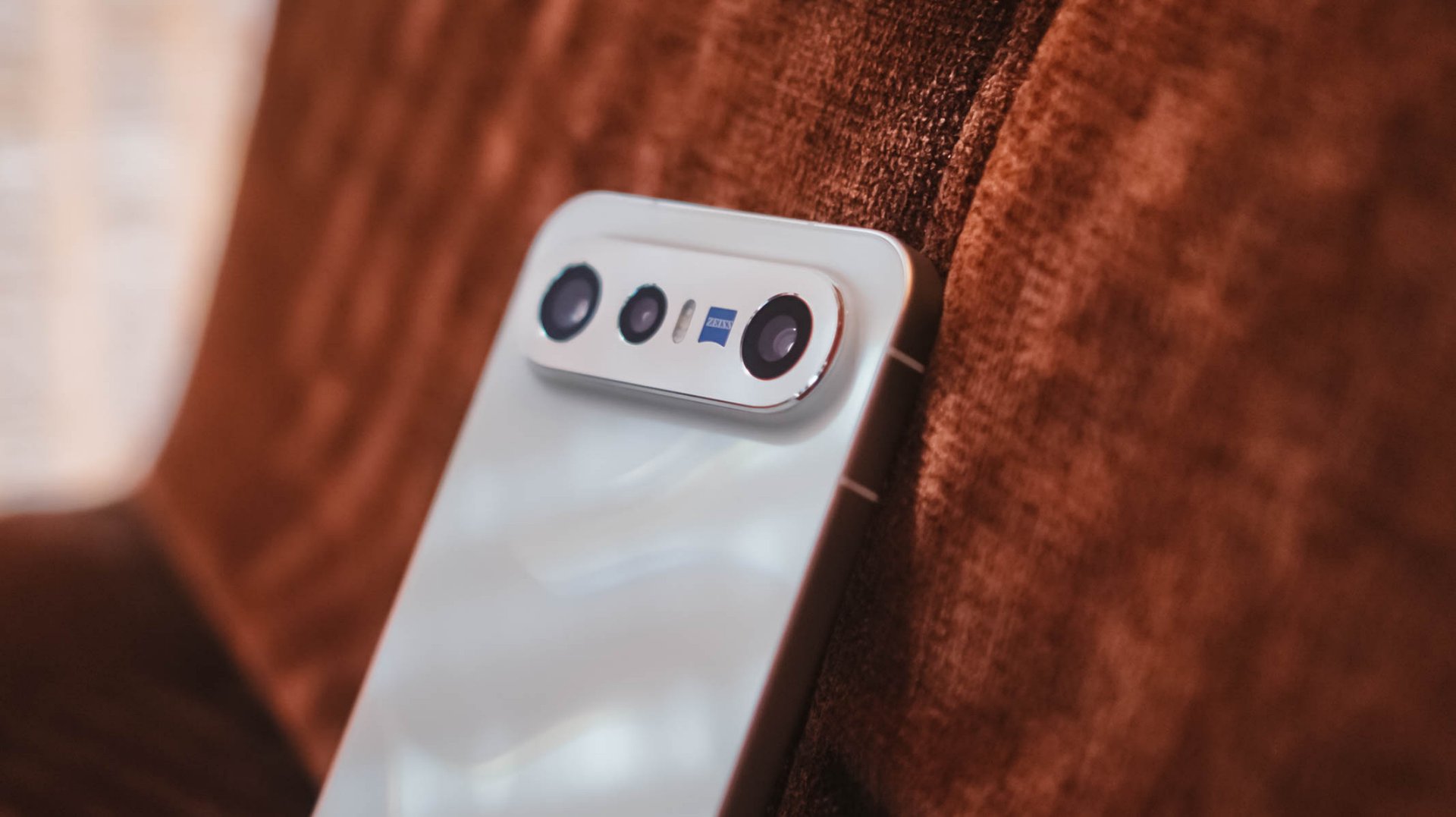
The dimensions of the X300 FE are teeny tiny close to the vanilla vivo X300. However, if you’re not a fan of its massive circular hump, X300 FE’s singular camera bar is the way to go.
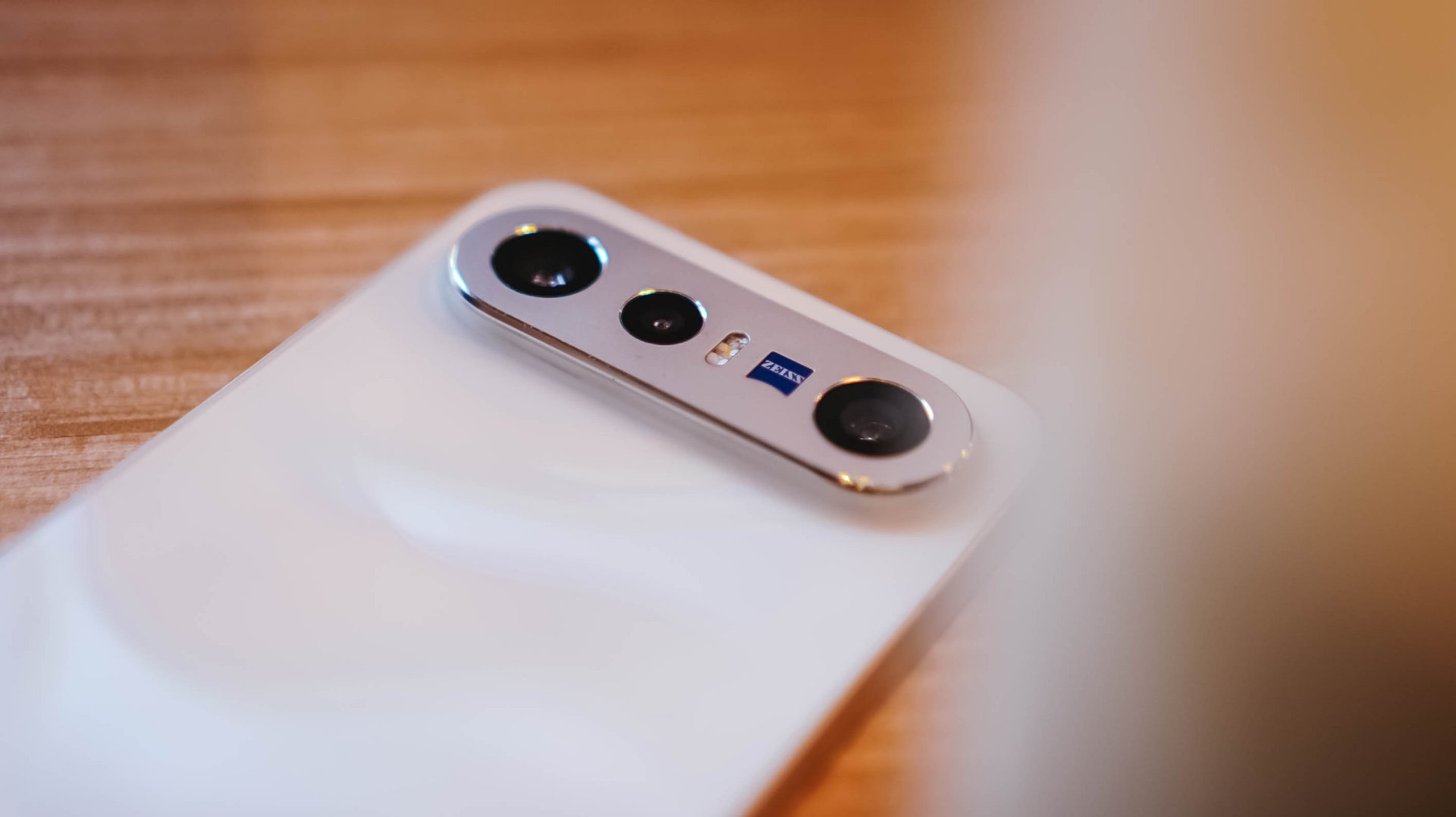
Honestly, I truly appreciate how vivo decided to use an aluminum enclosure rather than slapping a piece of glass wholly. That single move will make you think it’s another Pixel phone by Google.
Graphics by Vincenz Lee | GadgetMatch
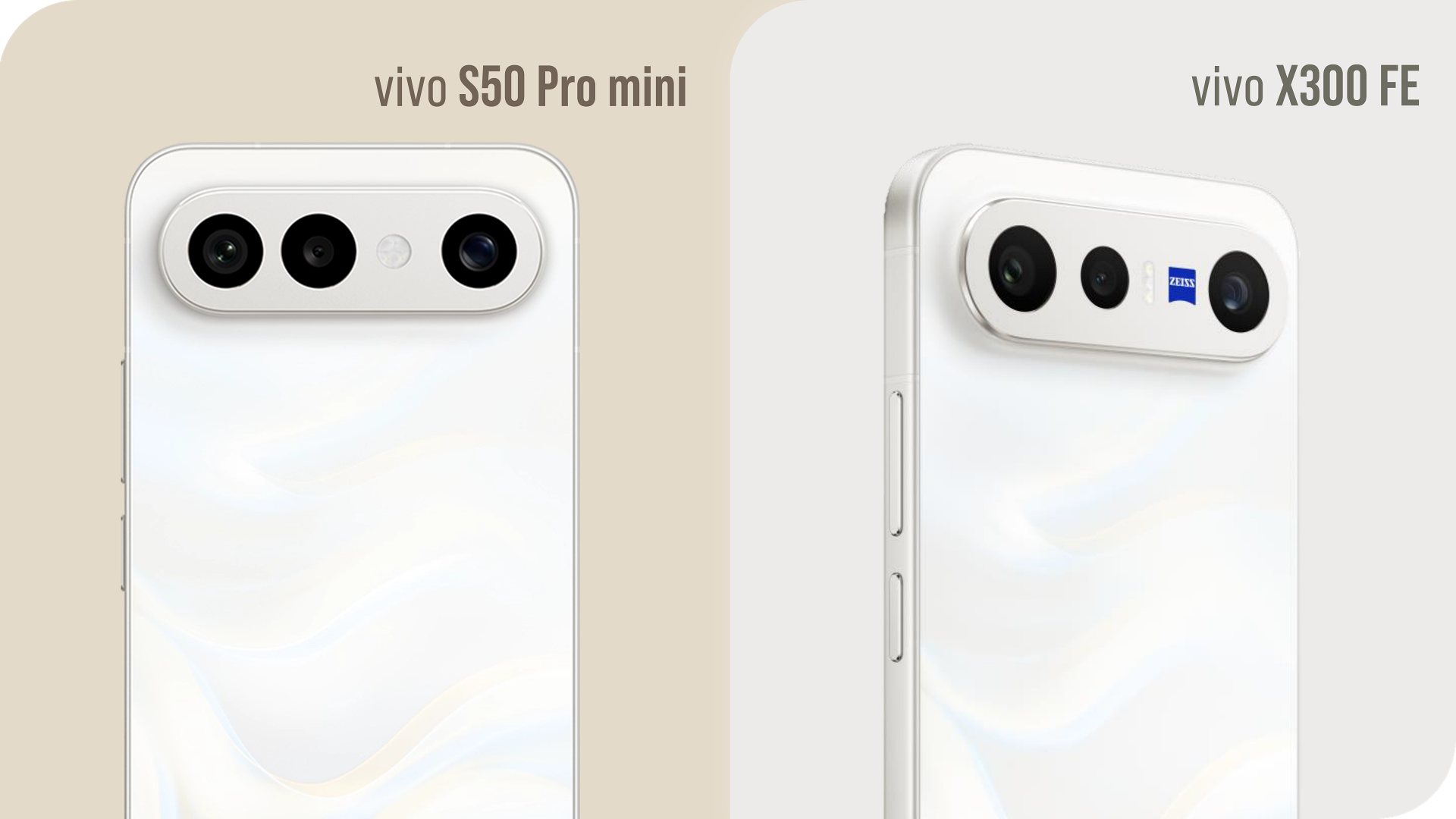
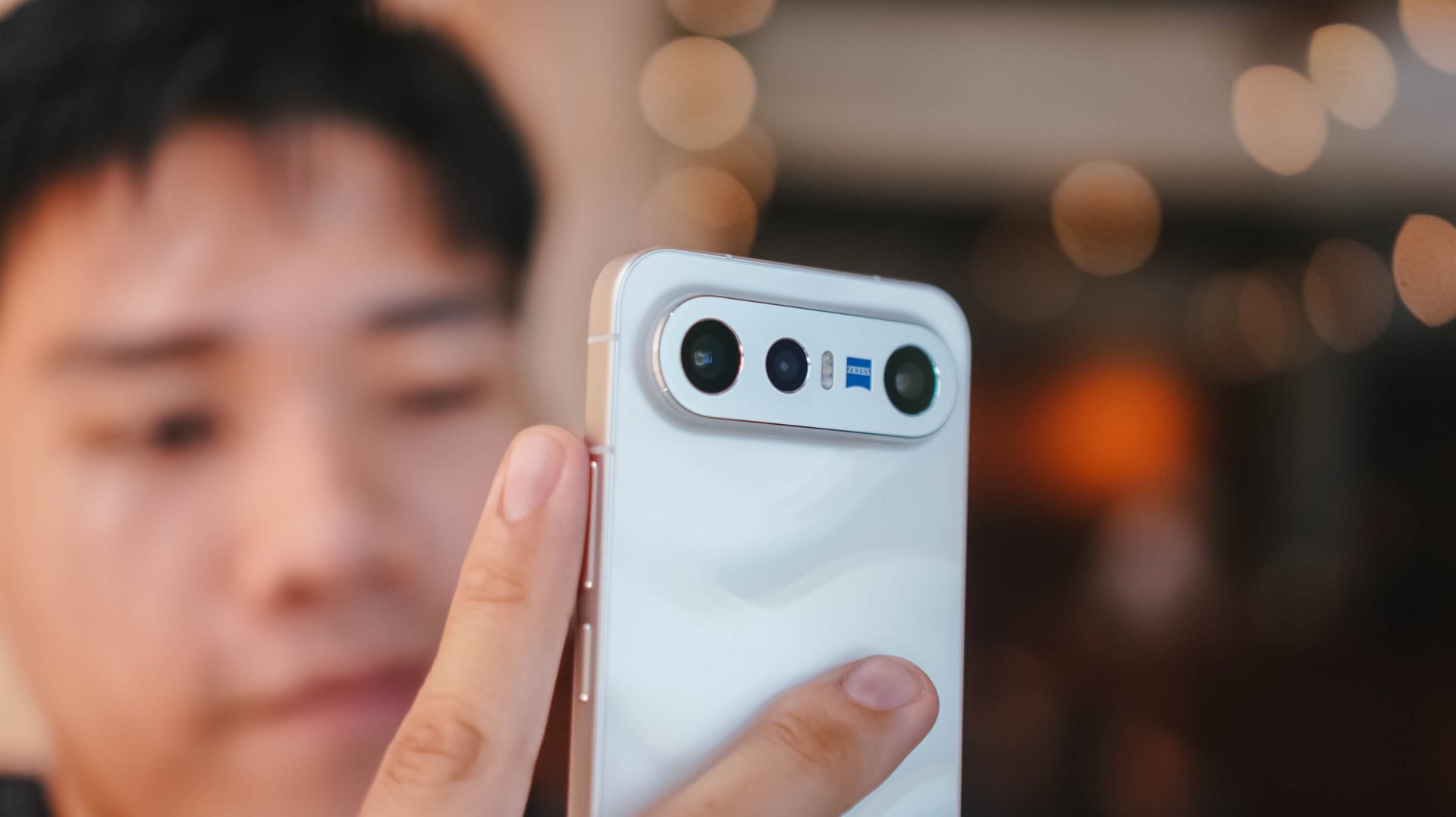
Also, notice that ZEISS branding sitting beside the elongated flash unit? That’s the best way to tell that it’s the X300 FE, not the S50 Pro mini exclusive to China.
It’s these small design details that make me appreciate the beauty of a smartphone as a whole.

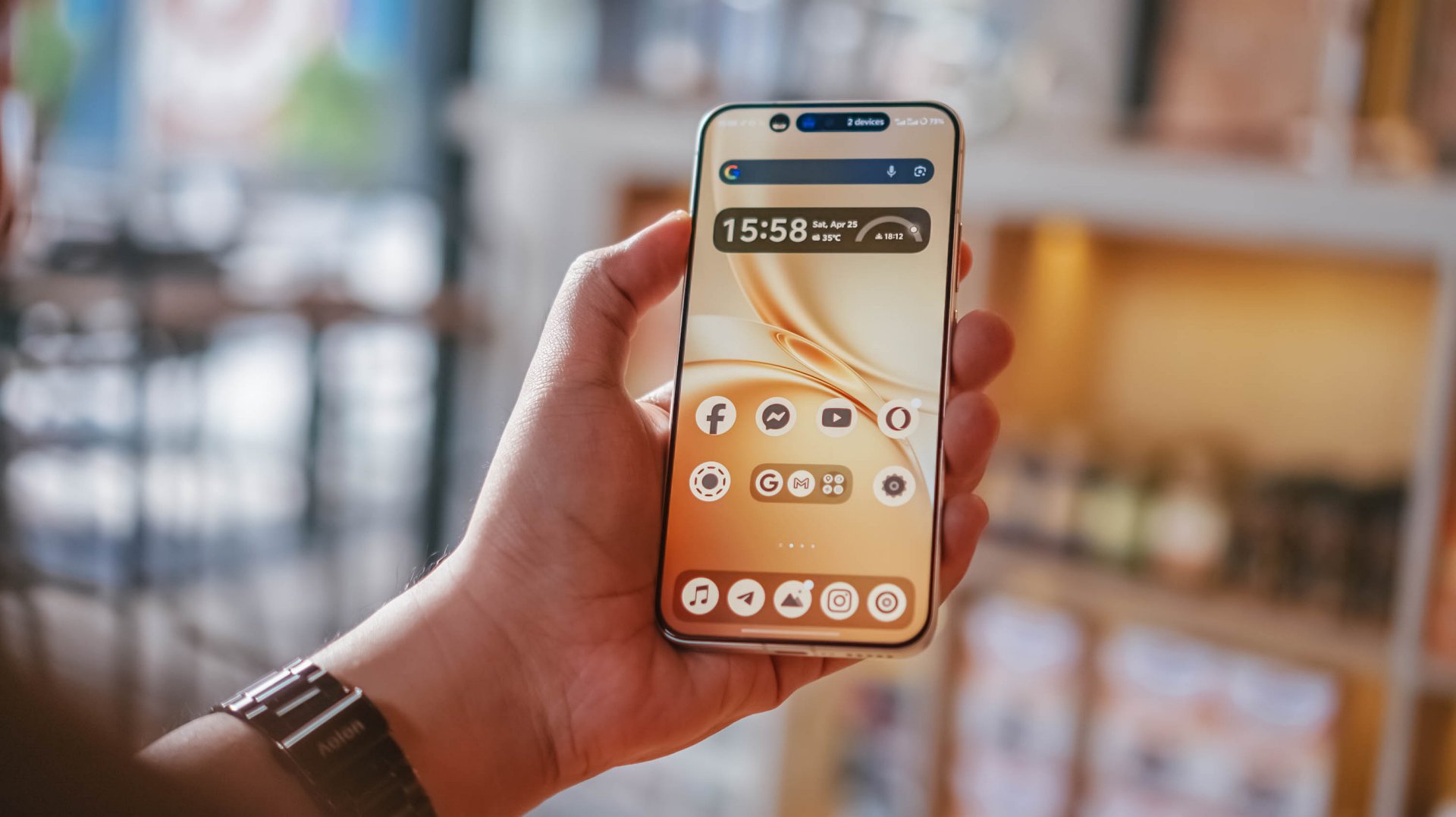
Speaking of, the X300 FE I rock is in this fabulous Glow White shade with subtle wave-like patterns when hit by faint light. Honestly, I love this texture for added elegance.
If that’s not your cup of (milk) tea, there are three more options to choose from: Cool/Noir Black, Urban Olive (or Green), and Mist/Lilac Purple — all without that added pattern.

When held, the phone is premium to the touch. Its aluminum side trims also feel solid with buttons that are tactile and not too clunky.
Time will only tell how long it remains unscathed against pointy objects in your pockets.

And, before I forget, it’s rated to withstand extremities with its dual IP68 and IP69 water and dust resistance rating.
#NowPlaying: Perfect Crown 👑
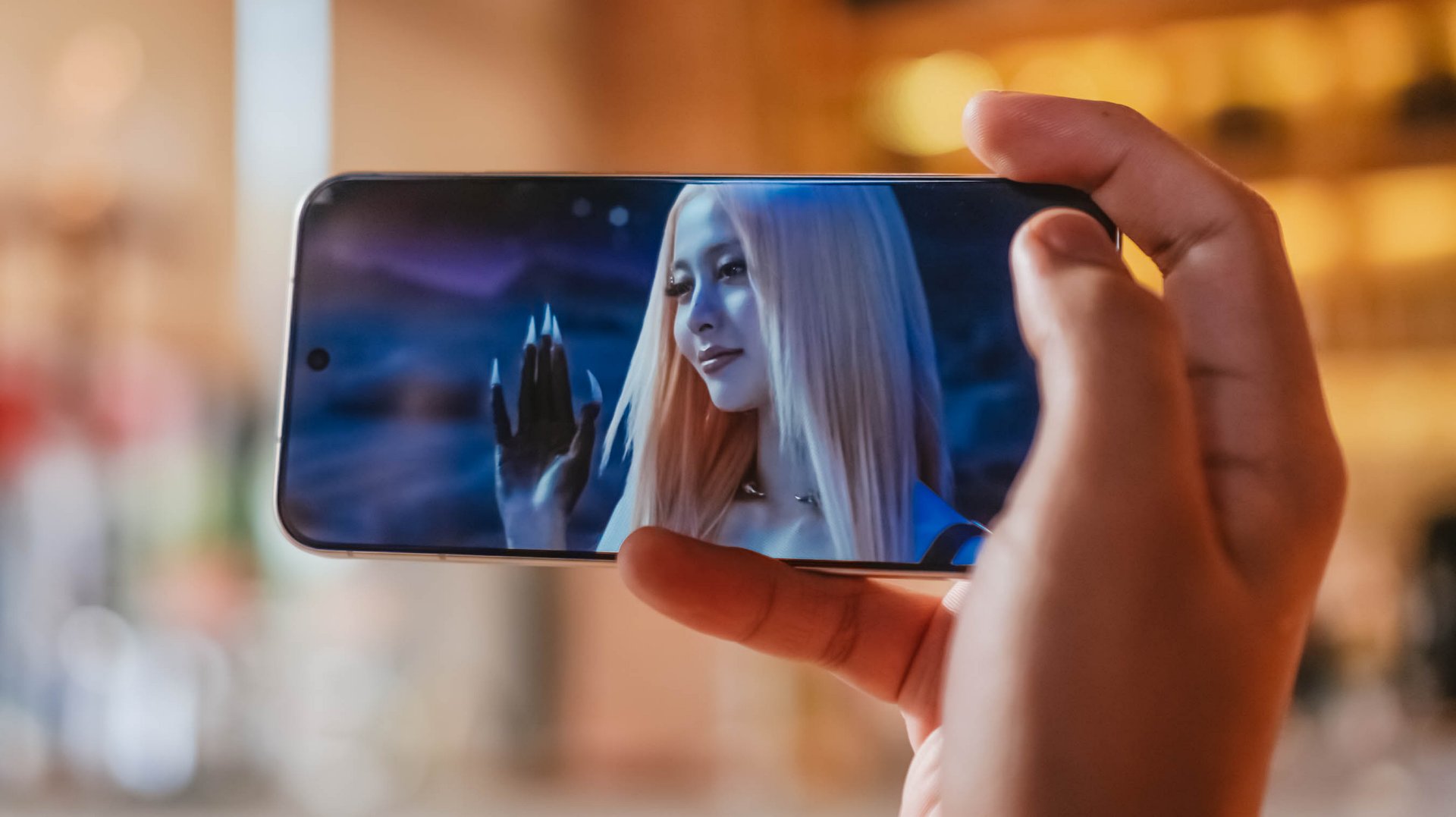
Finally flipping onto its front, the vivo X300 FE instantly reminds me of IU in Disney+’s Perfect Crown. Much like her petite yet powerful aura, the X300 FE shares the same feat — both in display size and quality.
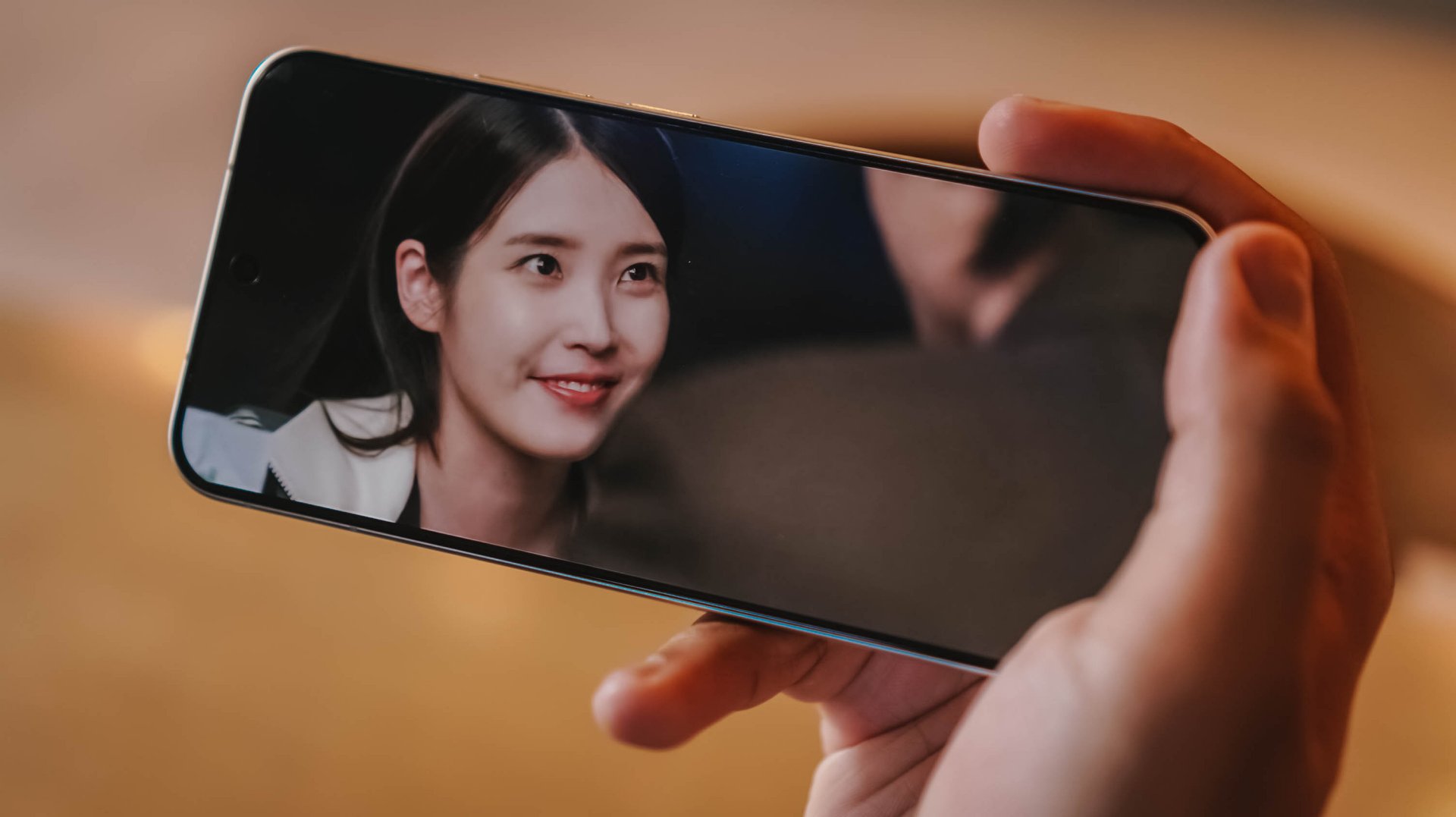
For one, this ZEISS Master Color Display makes me truly enjoy all the heartwarming moments of Seong Hui-ju (or Sung Hee-joo) and the perfectly charming Grand Prince I-An (as starred by Byeon Woo-seok).
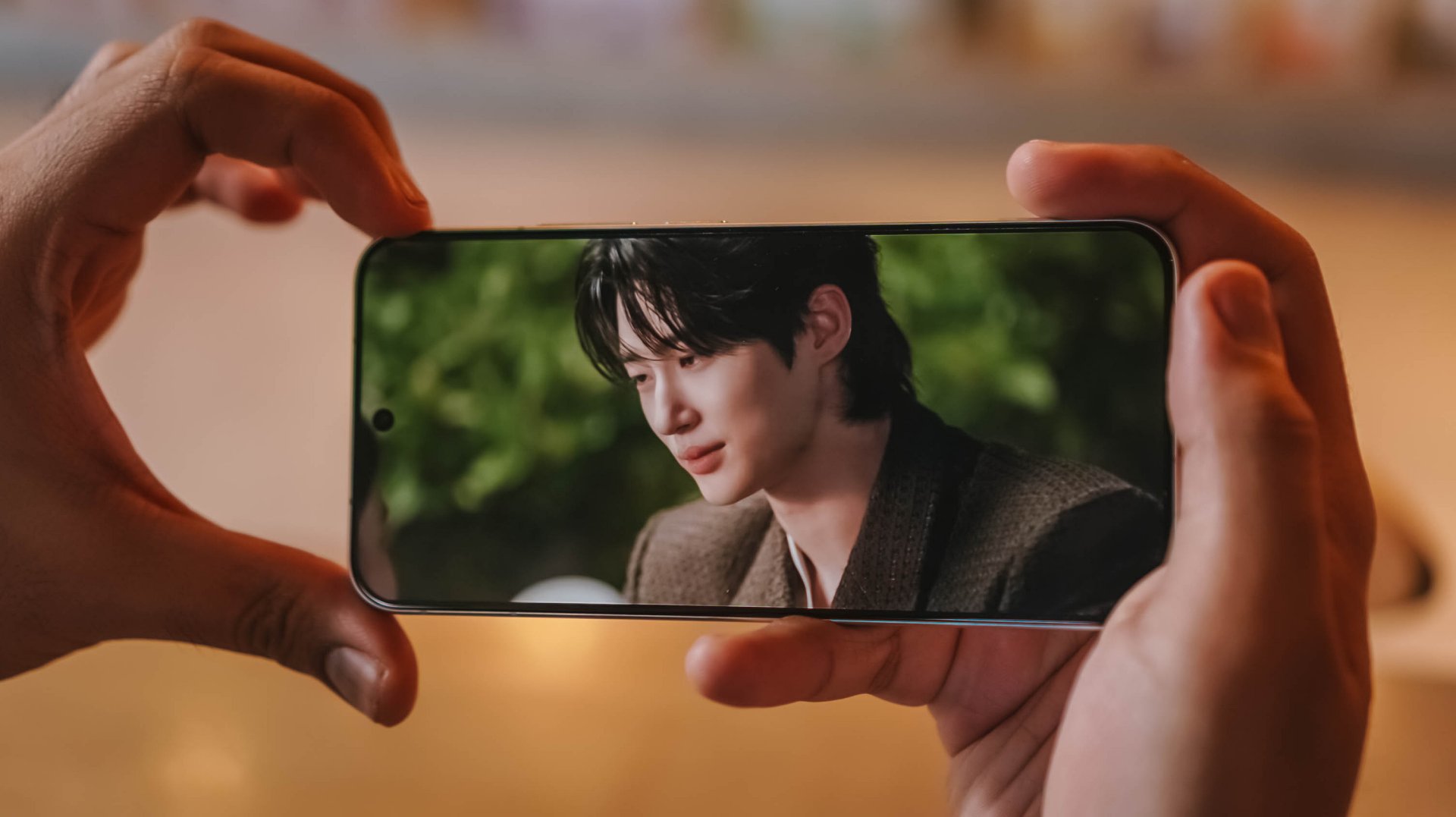
Blacks are as deep as the back stories and familial sentiments of both protagonists. More so, display nits go as high as 5000 nits — just like the sparkling eyes of I-An when he’s dazzled by Hui-ju’s beauty.
Colors ultimately pop too, like their lovey-dovey moments in between.

However, unlike the families of both sides trying to go overboard, this LTPO AMOLED display begs to differ as it displays the most accurate color representation possible. DCI-P3 Wide Color Gamut, 1.07 Billion Colors and HDR+ support, you get the idea.
Visuals are also as sharp as Hui-ju herself: a pixel density of 460 ppi and display resolution of 1.5K.

Also thinking about Prince I-An’s protection to Hui-ju against all odds, the X300 FE also wants to protect your eyes: 2160Hz PWM Dimming, Night Eye Care Mode, even SGS Low Blue Light Certification.
These are something most brands have often overlook in display tech, especially for those who have sensitive visuals.

Specs sounding too familiar? Well, the base X300 has the same powerful display. So yes, the quality has never been compromised to begin with.
The only thing that nitpickers will notice is the slightly thicker bottom chin of the X300 FE that the regular X300 doesn’t have. But I digress.

vivo X300 FE (Top) vs vivo X300 (Bottom)
It’s also worth noting that the X300 FE finally adopts a fast and ever-reliable ultrasonic fingerprint scanner. Last year’s X200 FE relied on a slower optical fingerprint sensor. This is more than just a welcome change considering that vivo pioneered the under-display fingerprint tech eight years ago.
On queue: LE SSERAFIM 🥳 + Xdinary Heroes 🚀
With LE SSERAFIM’s latest pre-release track “CELEBRATION,” it enticed me to test out how powerful the speakers of the vivo X300 FE really are.
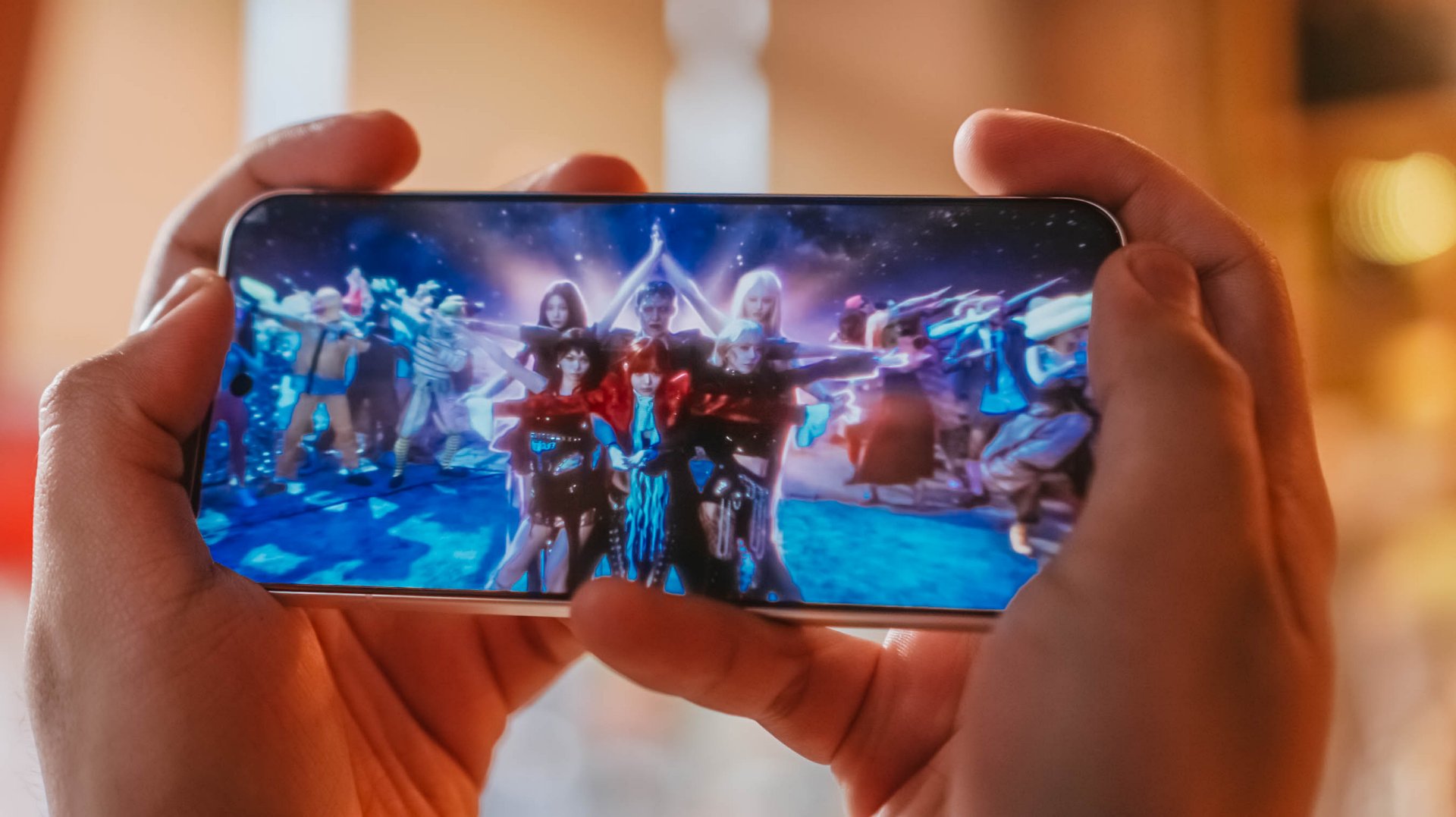
Aside from all the member’s deep and soulful vocals, I was able to hear the hidden synths, thumps, and oomphs that are barely recognizable in other phones.
Moreover, I felt the depth of its stereo speakers when I played Xdinary Heroes‘ latest comeback track titled “VOYAGER” as well as the full “DEAD AND” album.

DAY6’s 후배 / hoobae (or junior) is as powerful as the speakers are.
From the beats and strums of the drums and guitars, all the way to the powerful voices of the members, it’s honestly surprising to hear that the X300 FE isn’t an actual embodiment of its small form factor.
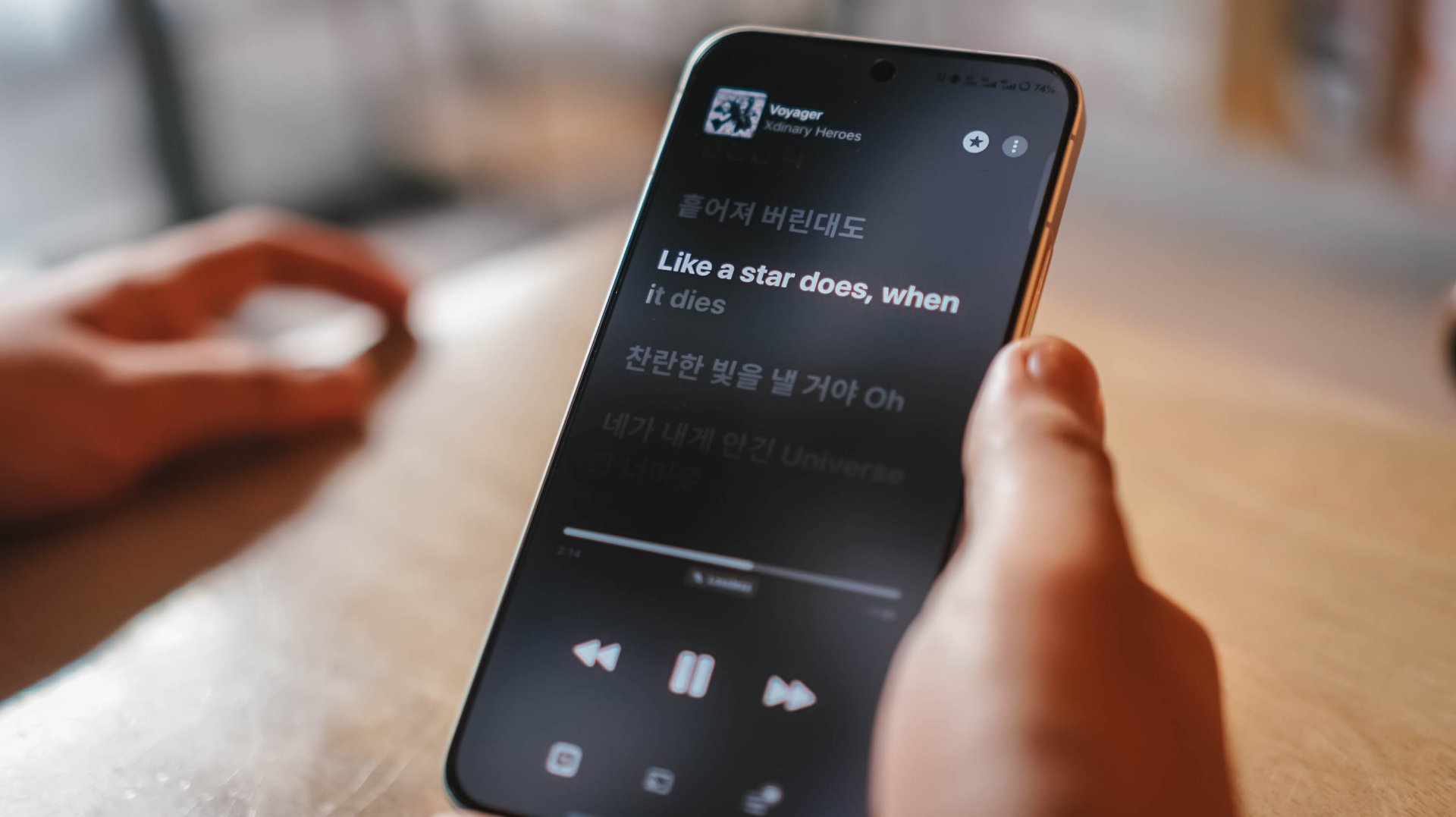
Tiny in size never meant tinny in sound performance.
If I’m being bold enough, it’s as loud and powerful as what I had and heard with its bigger brother, the X300 Pro.
Dedicated pro-former 🎮
The vivo X300 FE is the only phone in the family that does not run a “top-tier” chipset.

As a matter of fact, it’s one of the fewest smartphones that run Qualcomm’s latest Snapdragon 8 Gen 5 SoC. Although this should not to be confused with the Snapdragon 8 Elite Gen 5, it’s still a very capable and power-packed flagship chip on its own.
And by that, I meant triple A games running as smooth as ever!
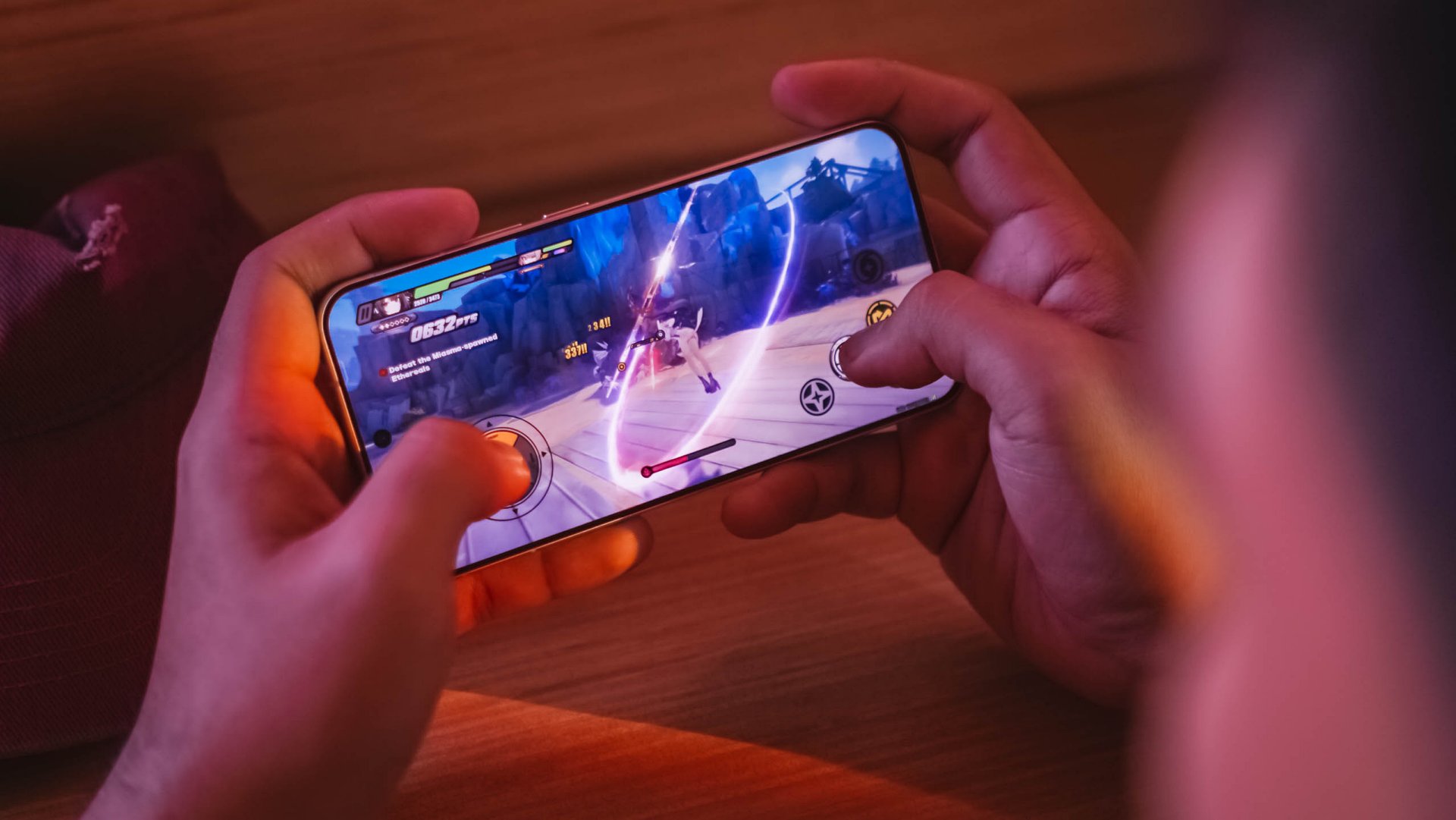
My extreme gaming benchmarking usually starts with HoYoverse’s Zenless Zone Zero due to its demanding graphics.
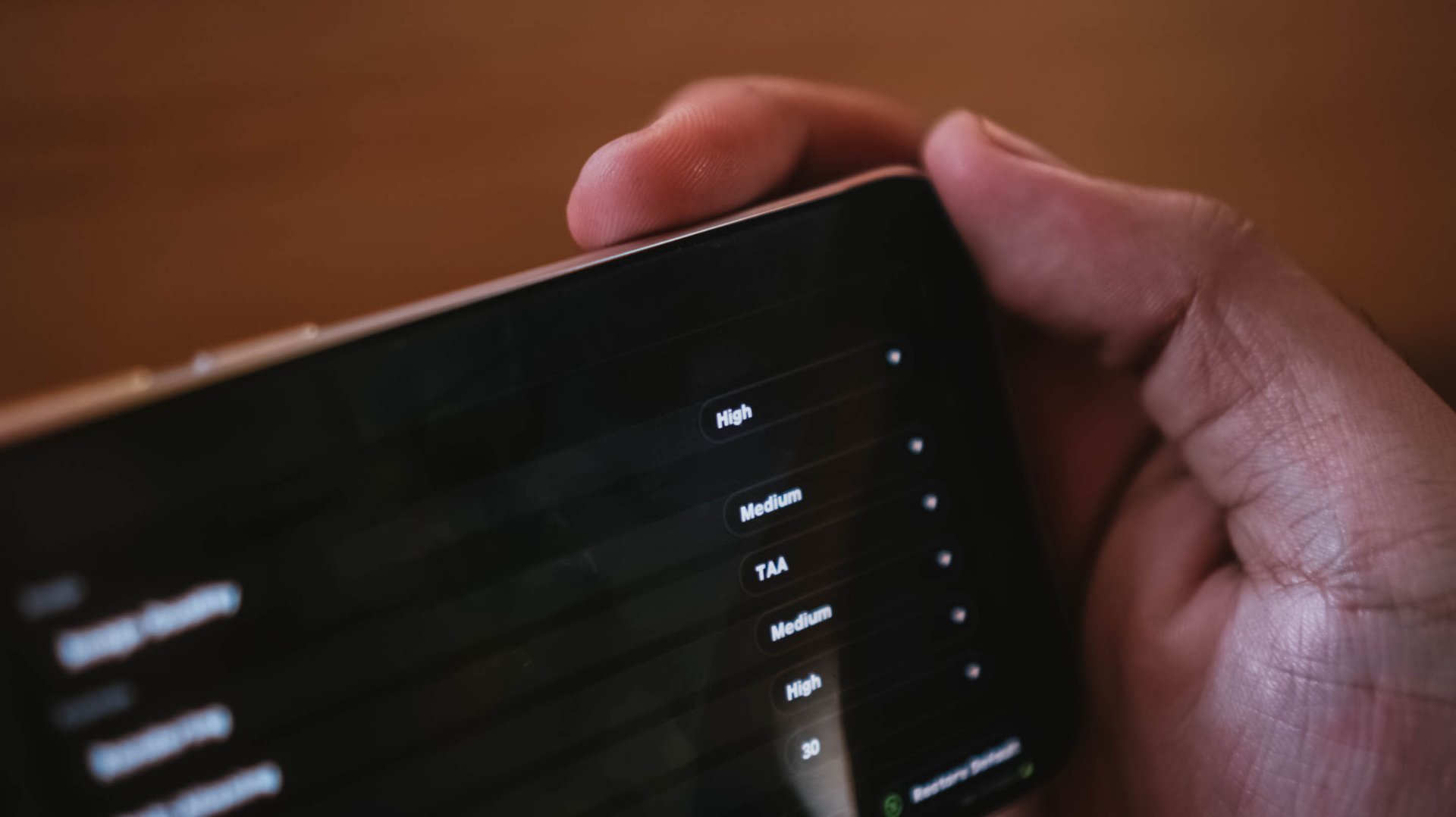
Right off the bat, the game runs in High graphics setting by default while Rendering stays at Medium.
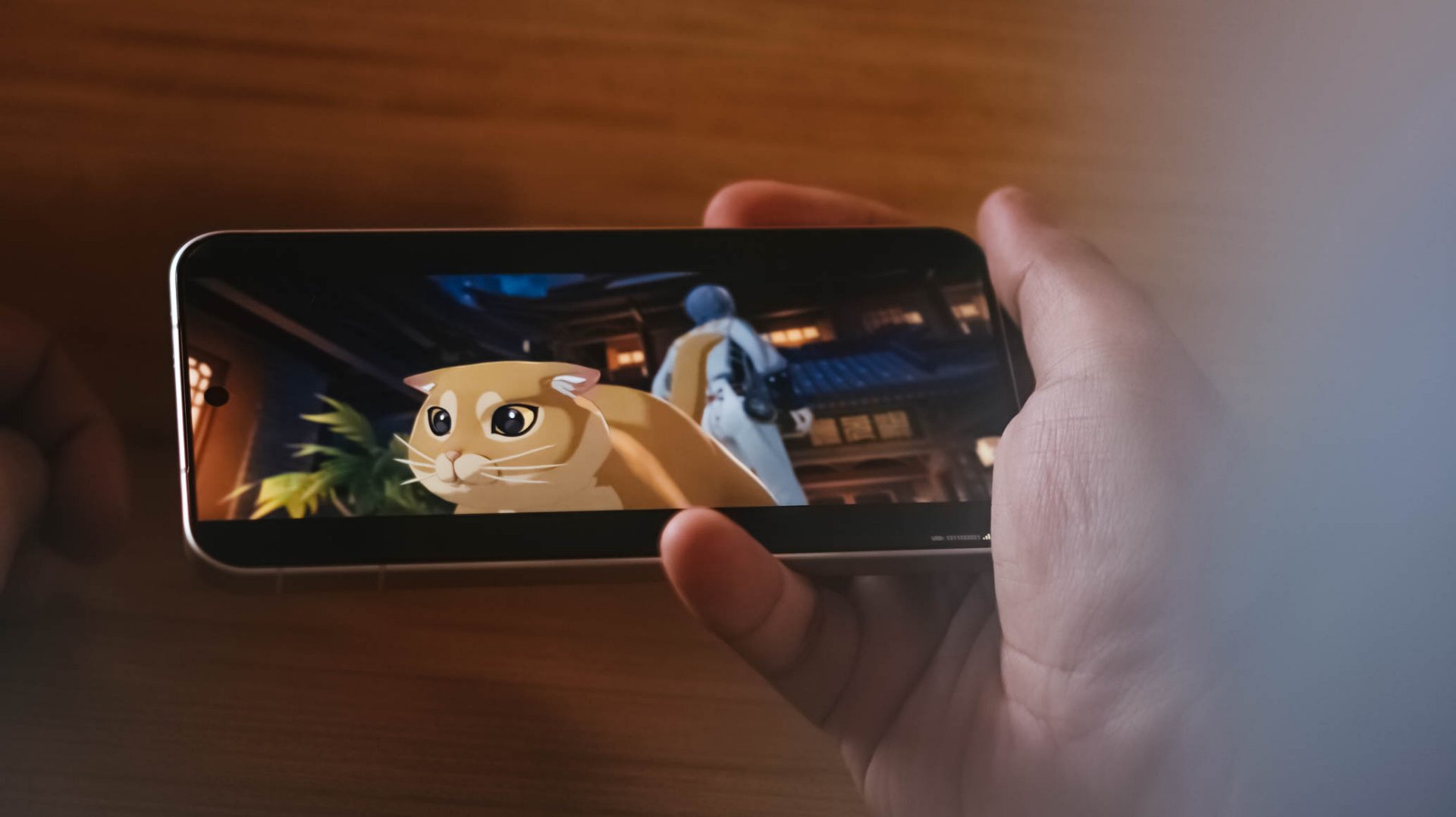
ft. this “chubby orange cat” 🥹
My recent gameplay took me to a 20-minute combination of Combat Mode and extreme story-telling.
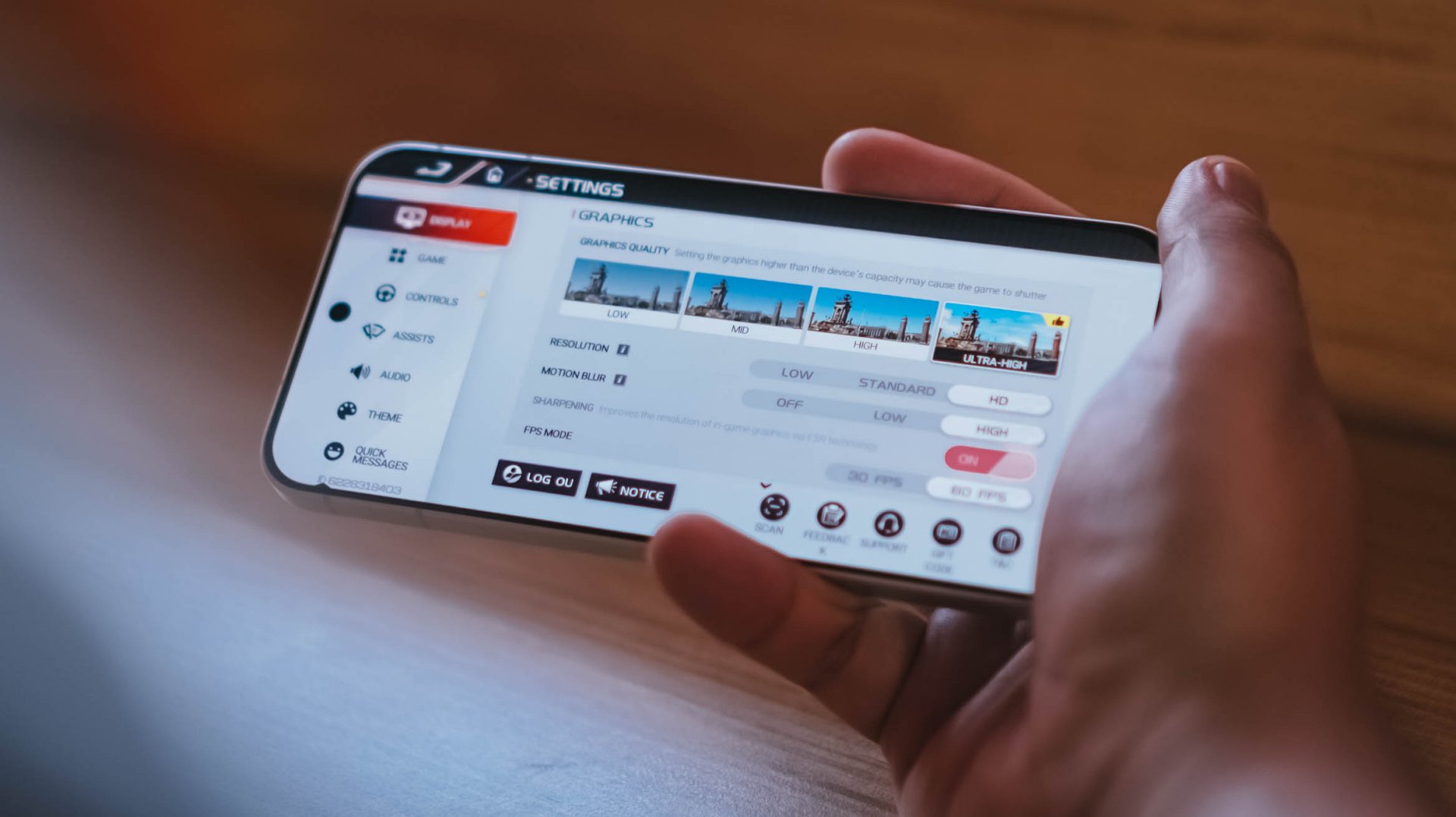
Moreover, Racing Master ran at Ultra-High graphics quality, HD resolution, high motion blur, and frame rate set to 60fps.
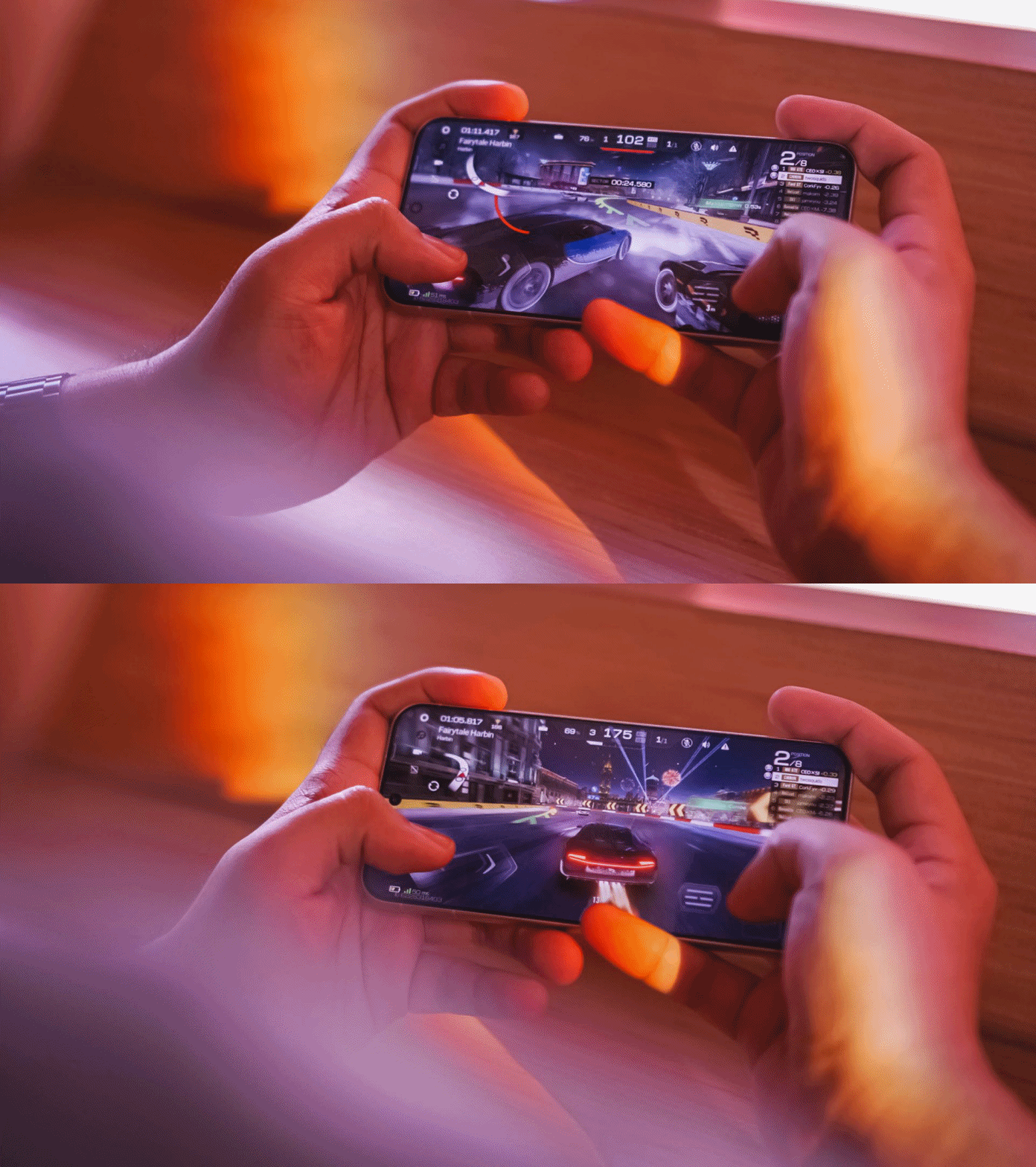
Surprising (or not) the vivo X300 FE handled all of these with ease, just like any modern flagship would.
This also meant that other less-intensive games such as CoDM (Call of Duty: Mobile), MLBB (Mobile Legends: Bang Bang), or any other similar FPS or MOBA game will run smooth like butter.
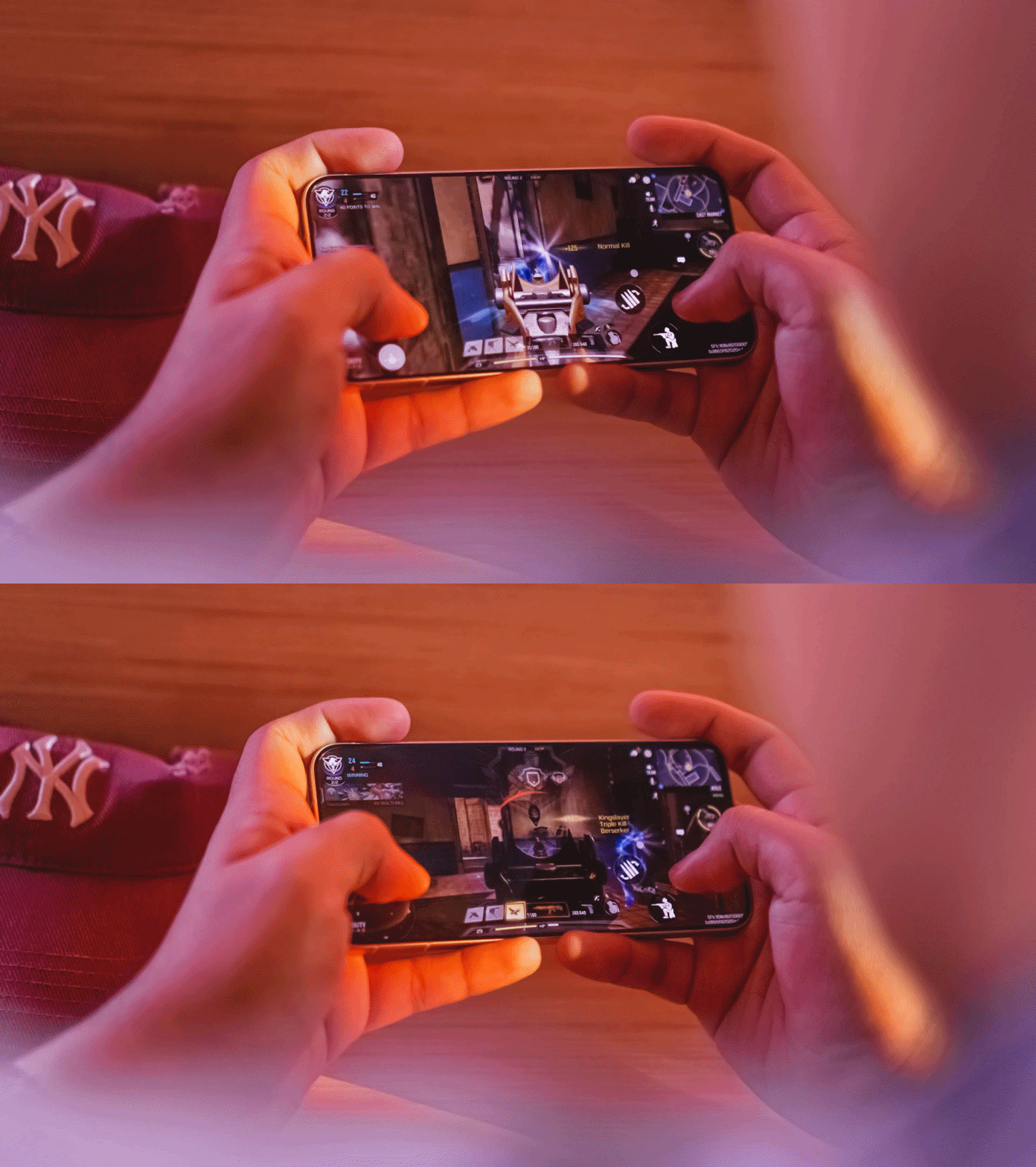
The only downside for me who has big hands, gaming here sometimes feel sore. Also, the lack of a bigger VC chamber that contributes to less efficient heat dissipation, resulting to warmer gameplay in the long run.
Speeds were neither compromised. It’s the same UFS 4.1 storage and LPDDR5X Ultra memory. The catch? Slower USB-C 2.0 port over USB-C 3.2 Gen 1.
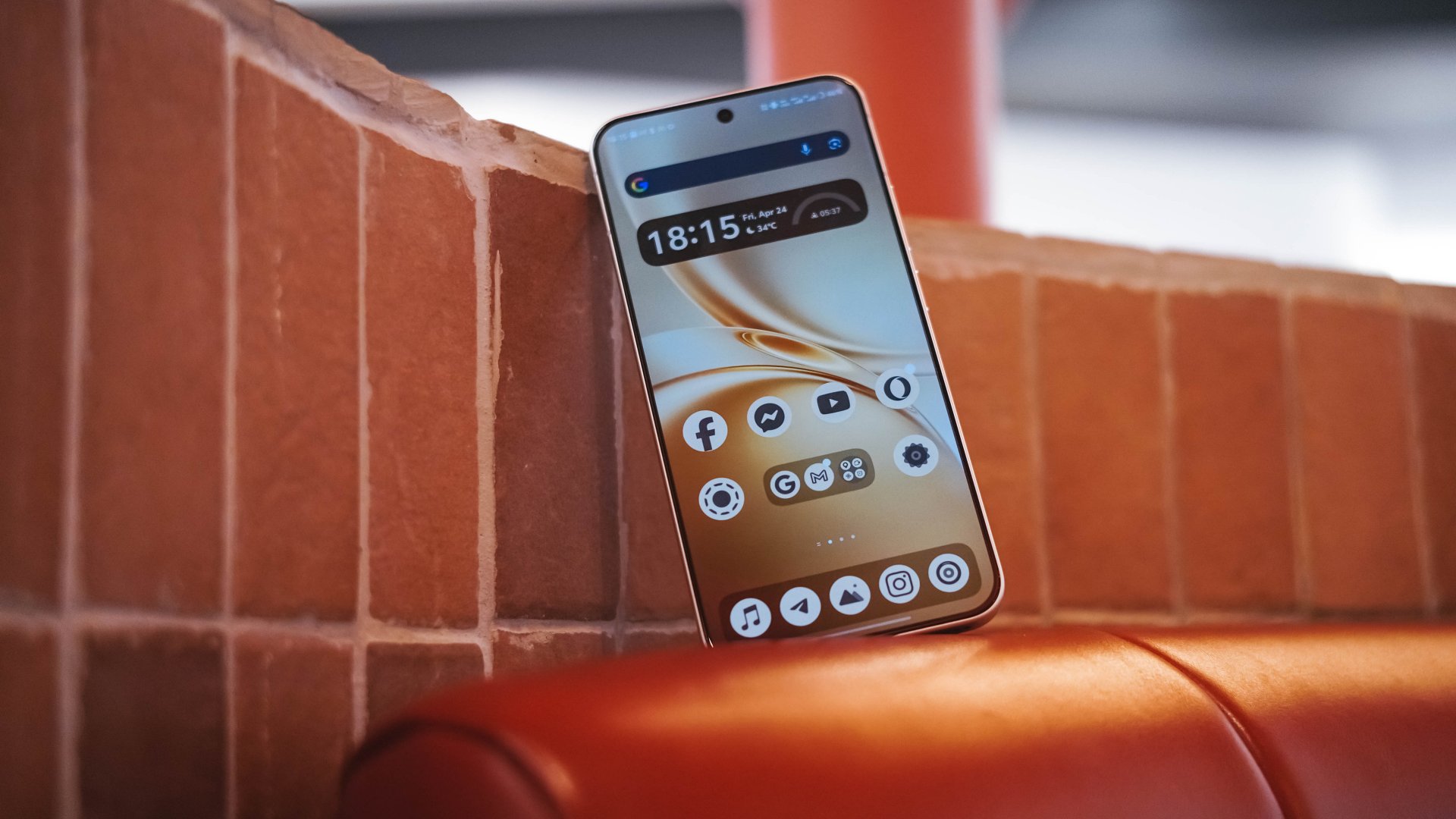
Beyond gaming, overall UI smoothness is a must.
Thanks to vivo’s streamlined OriginOS 6, animations looked both snappy and fluid whenever opening or switching between apps. Aside from the usual AI shenanigans, there are more things to love such as Private Space, Origin Island, One-Tap Transfer, and more.

Even Office Kit that enables seamless connectivity between your MacBook was not left behind. It’s also reassuring to hear that the X300 FE will receive five (5) years of OS upgrades and seven (7) years of security patches.
Compact champ 🔋
You’ve known by now that the vivo X300 FE is definitely in the “compact” league. You also know how the FE serves as the “twin sister” of the X300.
But, the biggest disparity of the two are none other than their batteries. Although numbers aren’t everything, battery capacities matter a lot.
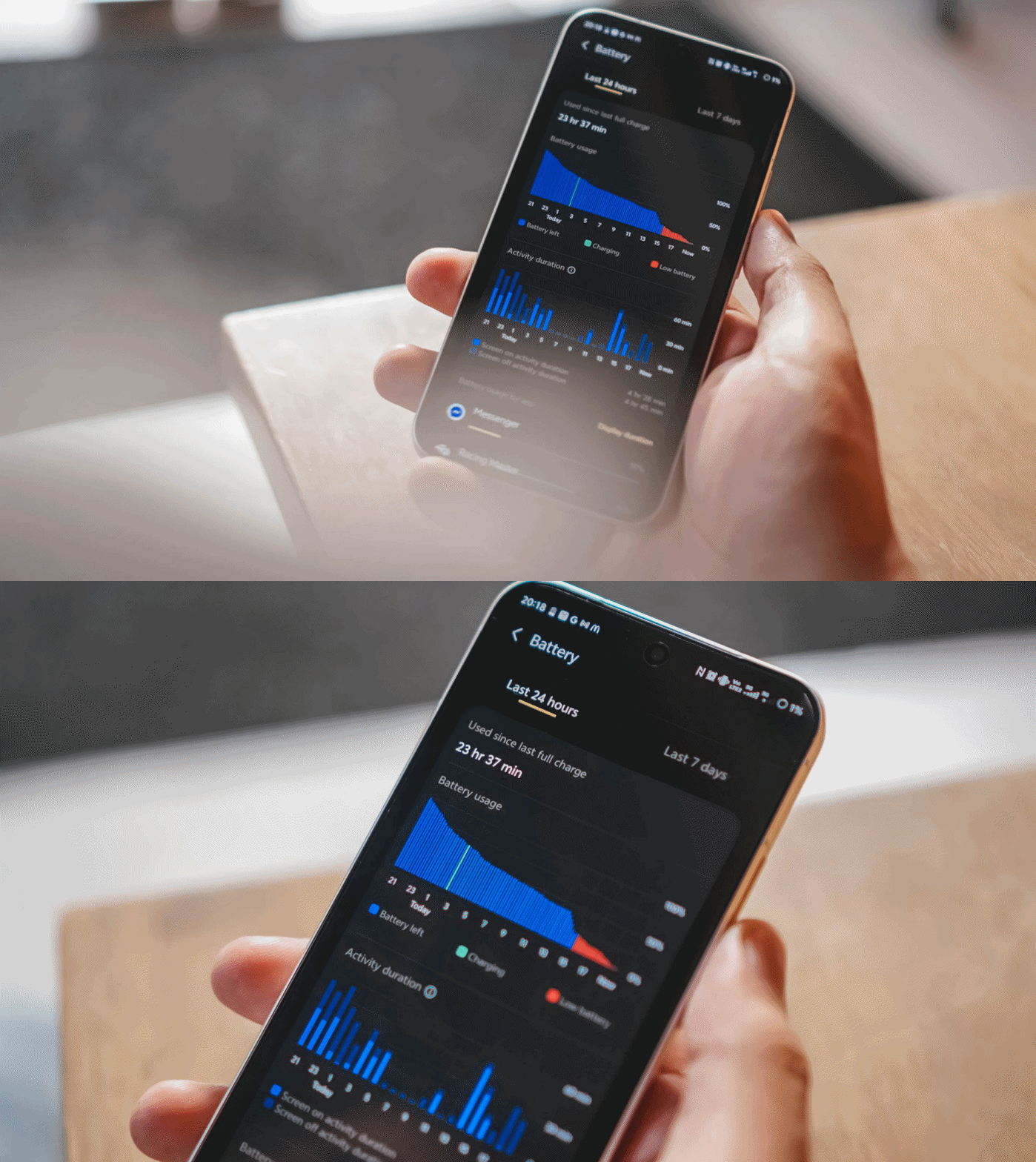
Despite its petiteness, the vivo X300 FE boasts a whopping 6500mAh battery capacity — similar to the larger X300 Pro. The base X300? Stuck at 6040mAh. Worse? European units are capped at 5360mAh.
Using this phone under my light to moderate usage patterns, the vivo X300 FE can totally last way past midnight.
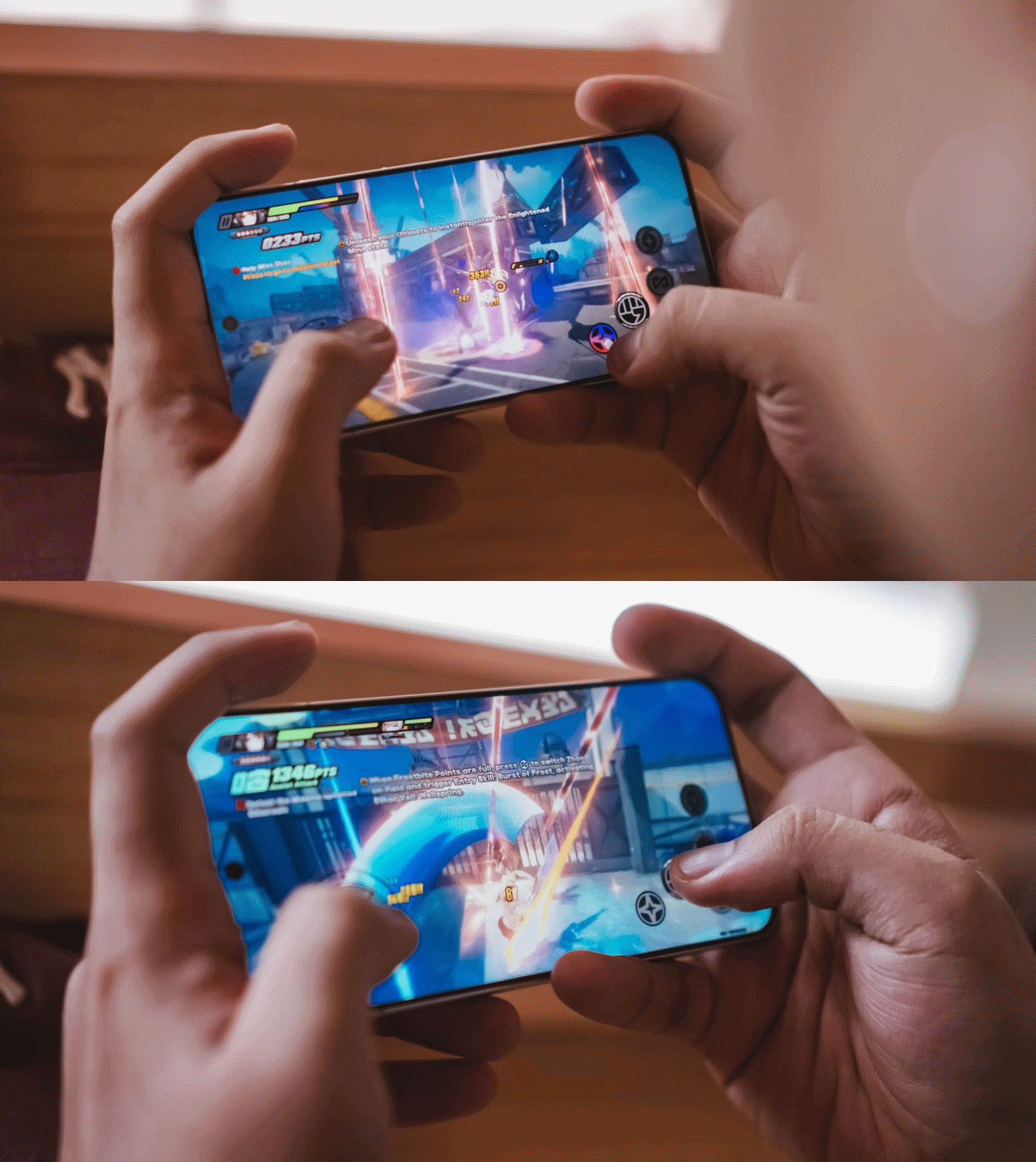
Using it in heavier scenarios was unavoidable. Gaming for around 1.5 hours deducts battery levels to 25% more or less.
Using its cameras every now and then to take lots of snaps and clips contribute more to that depletion.
Not unless you’re doom-scrolling or binging for more than five hours, an hour of content consumption or social media will not totally diminish that massive tank.
Some personal use-case: I went out to the city around 6AM and used it as my personal hotspot. After that 12-hour mark, there’s still around 31% battery left.
For the same scenario, my vivo X300 Pro dies right around that time. Worse? Lasting only around 7 to 8 hours.
Once empty, the X300 FE supports vivo’s 90W FlashCharge. Unlike European models, Asian variants (like I have) still have bundled charging adapter and cable when you buy one.
View this post on Instagram
In my GadgetMatch Charge Test, it can be juiced up from 0% to 100% in 75 minutes, as long as FlashCharge High Speed is enabled.
FlashCharge High Speed |
FlashCharge Normal |
|
START TIME (From 0%) |
7:29PM |
2:56PM |
3 minutes |
1% |
1% |
5 minutes |
4% |
4% |
10 minutes |
12% |
7% |
15 minutes |
17% |
13% |
20 minutes |
32% |
20% |
30 minutes |
44% |
33% |
45 minutes |
66% |
53% |
1 hour |
88% |
74% |
1 hour 15 minutes |
100% |
95% |
END TIME |
8:44PM
|
4:23PM
|
Normal FlashCharge speeds require you around 15 more minutes to completely fill to the very brim.
Like the rest of X300 iterations, the X300 FE also supports 40W wireless FlashCharge that the vivo V70 and V70 Elite do not provide.
Don’t judge the camera by its cutout
Last but definitely not the least, vivo X300 FE’s triple camera system.
Before anything else, here’s how it compares with its closest rivals: the vanilla X300 and the midranger V70.
vivo X300 |
vivo X300 FE |
vivo V70 |
|
Wide |
200MP f/1.68
|
50MP f/1.88
|
50MP f/1.8
|
Ultra-Wide |
50MP f/2.0
|
8MP f/2.2
|
8MP f/2.2
|
Tele-
|
50MP f/2.57
|
50MP f/2.8
|
50MP f/2.65
|
Selfie |
50MP f/2.0
|
50MP f/2.45
|
50MP f/2.0
|
While all share the same focal length choices, it all boils down to minuscule differences between image sensors to actual aperture count. Let’s just say the X300 FE shares more similarities to the vivo V70.
But, the filling is always the sweetest spot in the cake. Let’s go straight to actual shots taken with this phone.
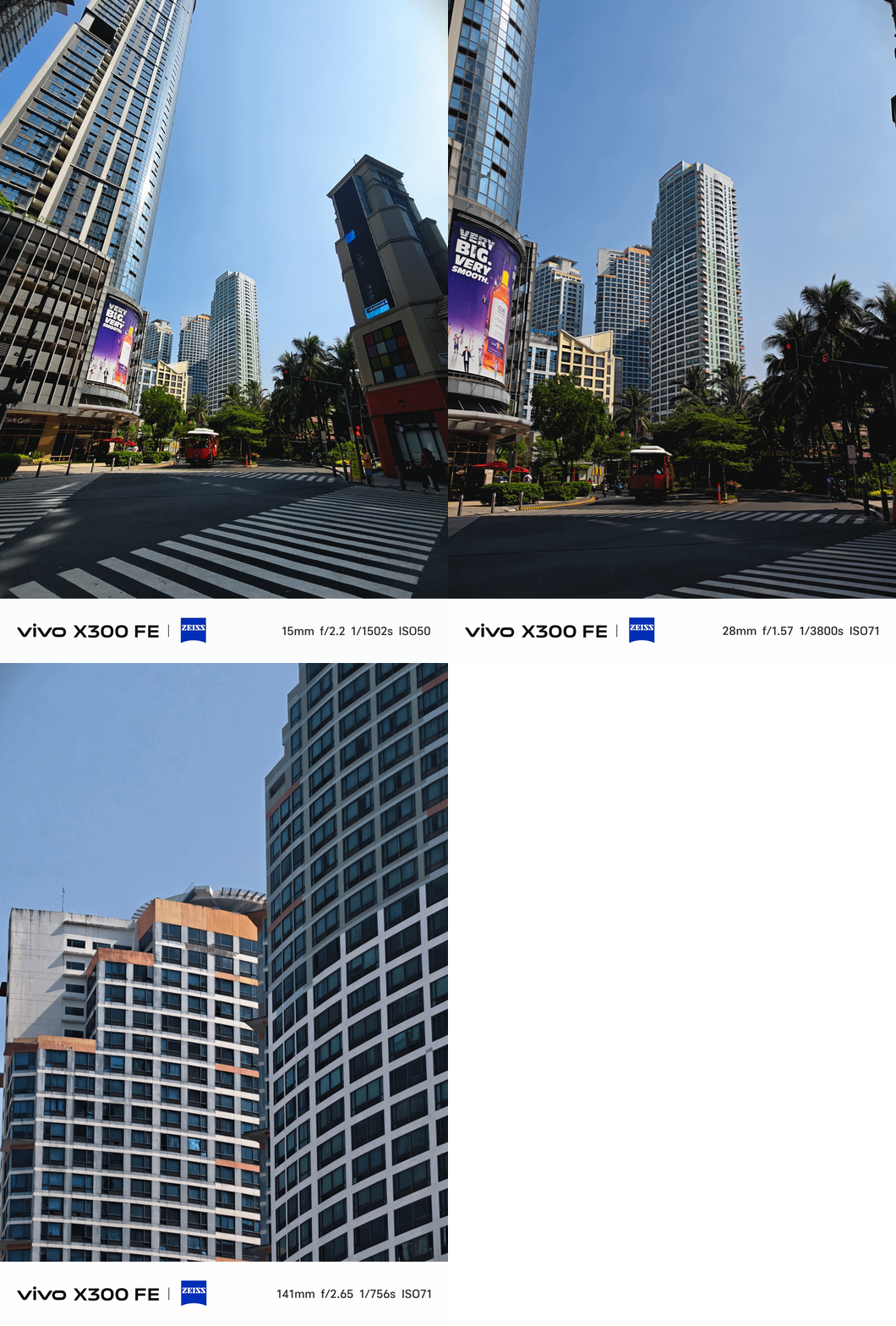
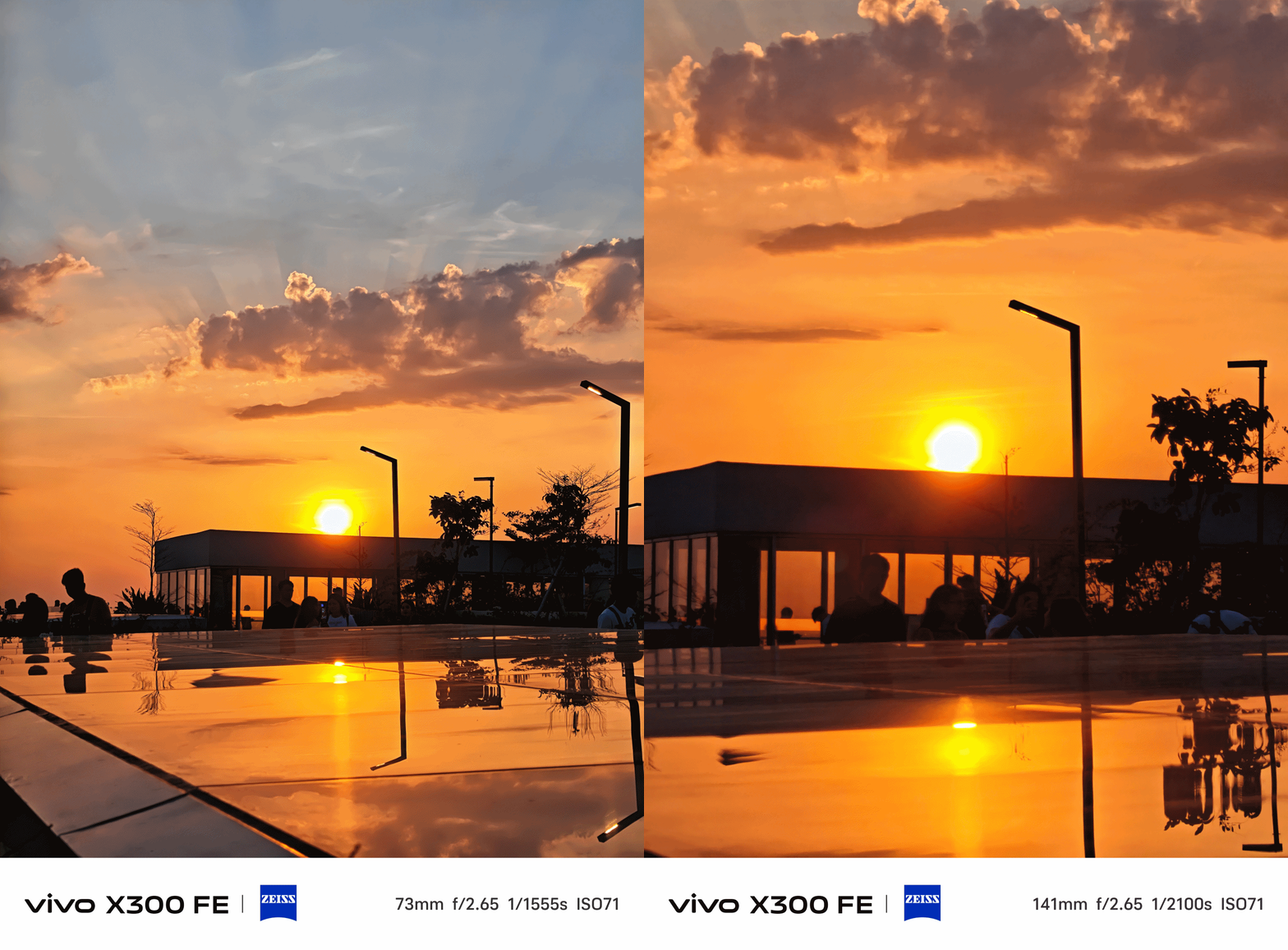
The X300 FE provides color consistency regardless of the focal length you choose — even past its optical zoom limit.
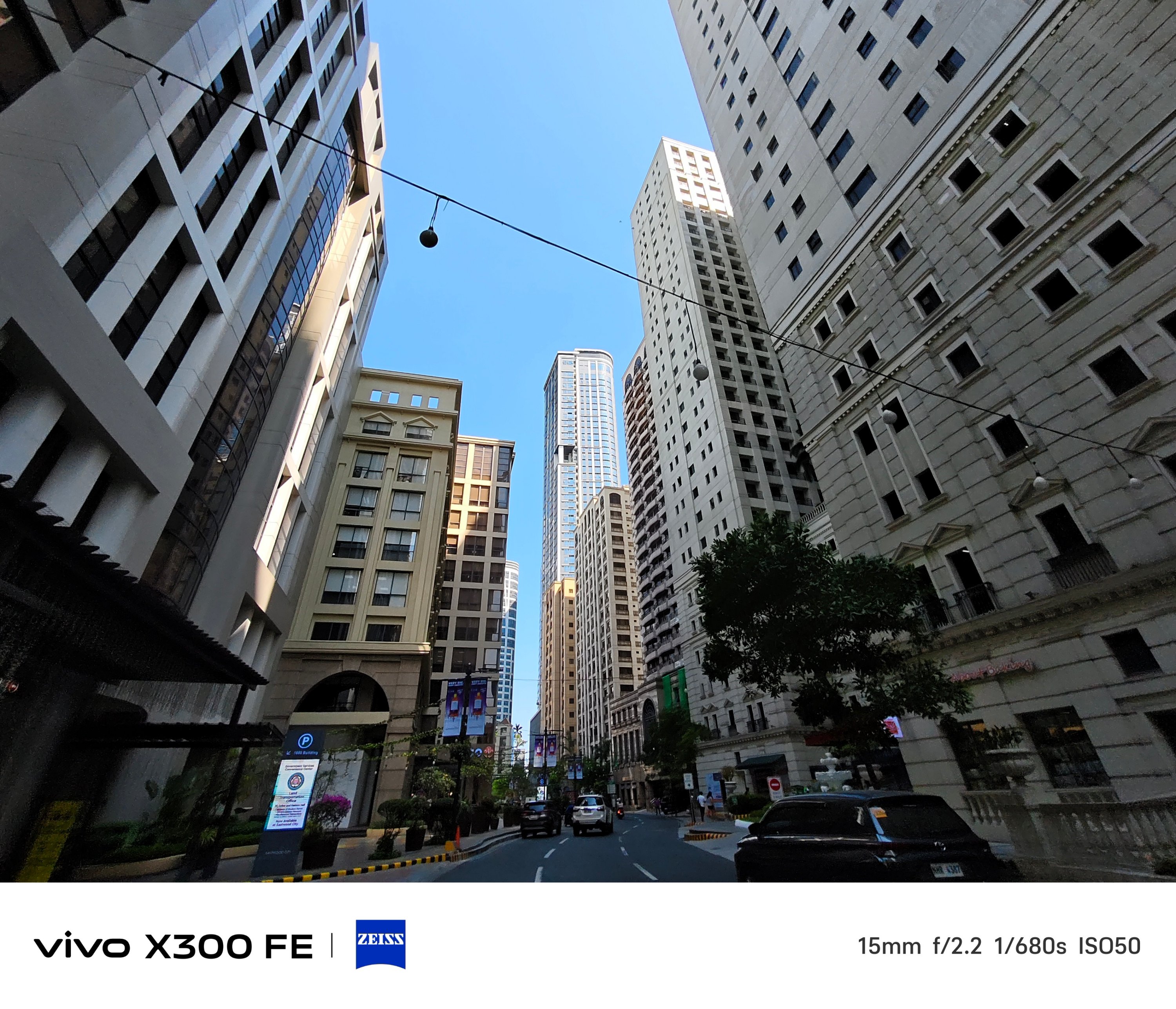
Ultra-Wide Angle (UWA) photos, while sufficient, has some over-sharpening happening in between.
That’s obviously to compensate for its measly 8MP shooter.

Thankfully, vivo made its other two lenses equal in terms of megapixel count.
Of course, regular 1x (wide) shots are taken with that default 23mm focal length — which can then be changed to 28mm and 35mm through a series of taps in the camera app.
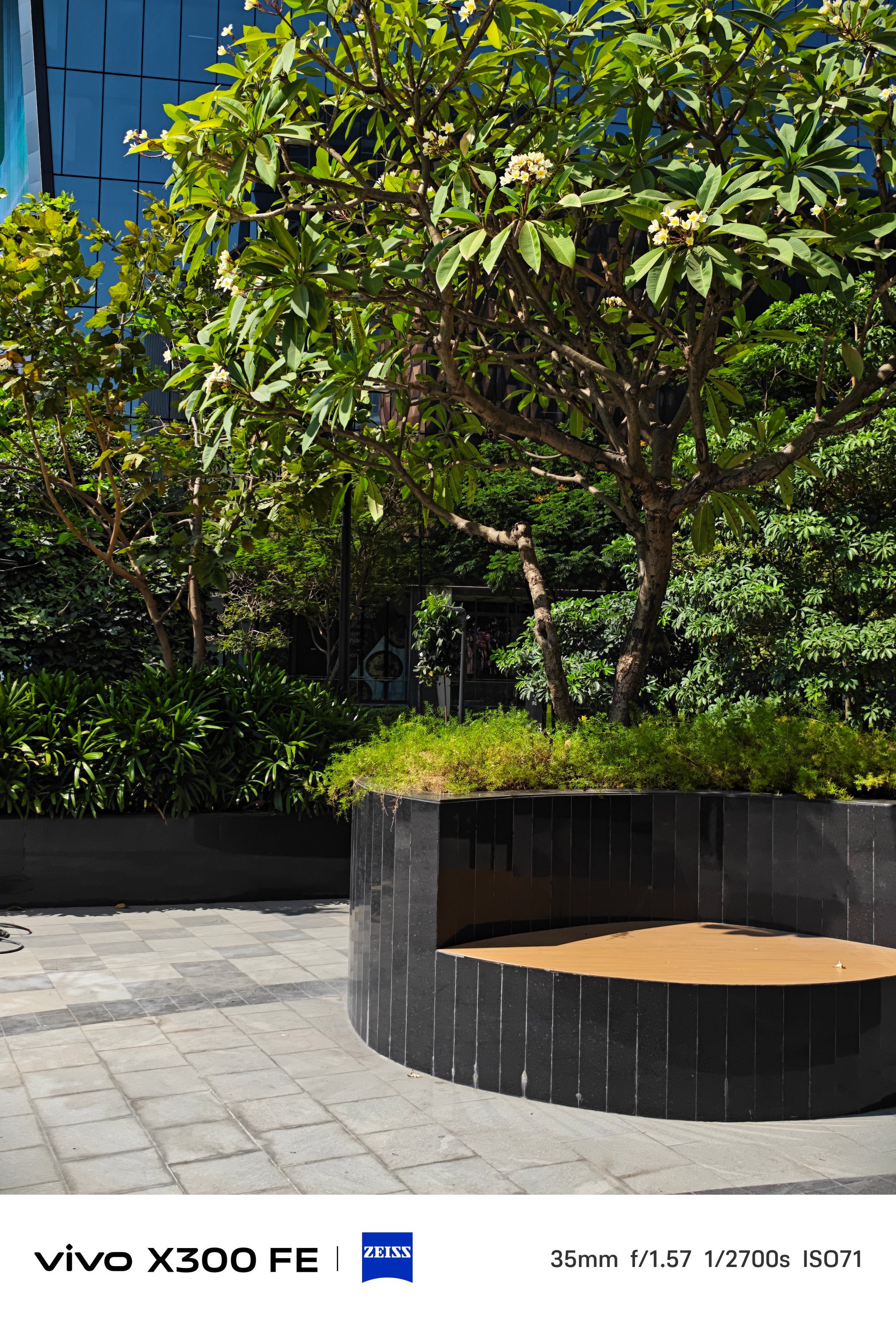
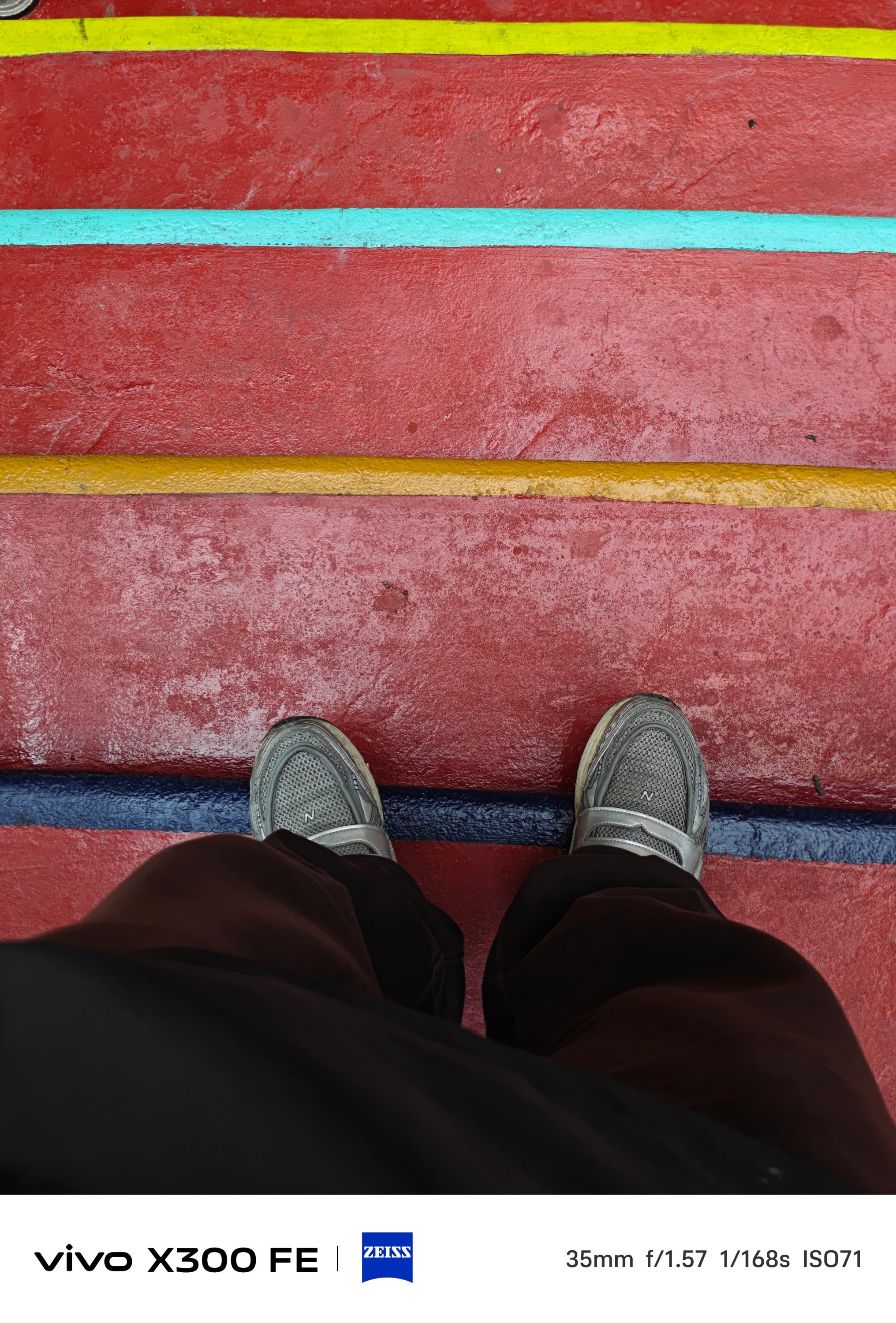
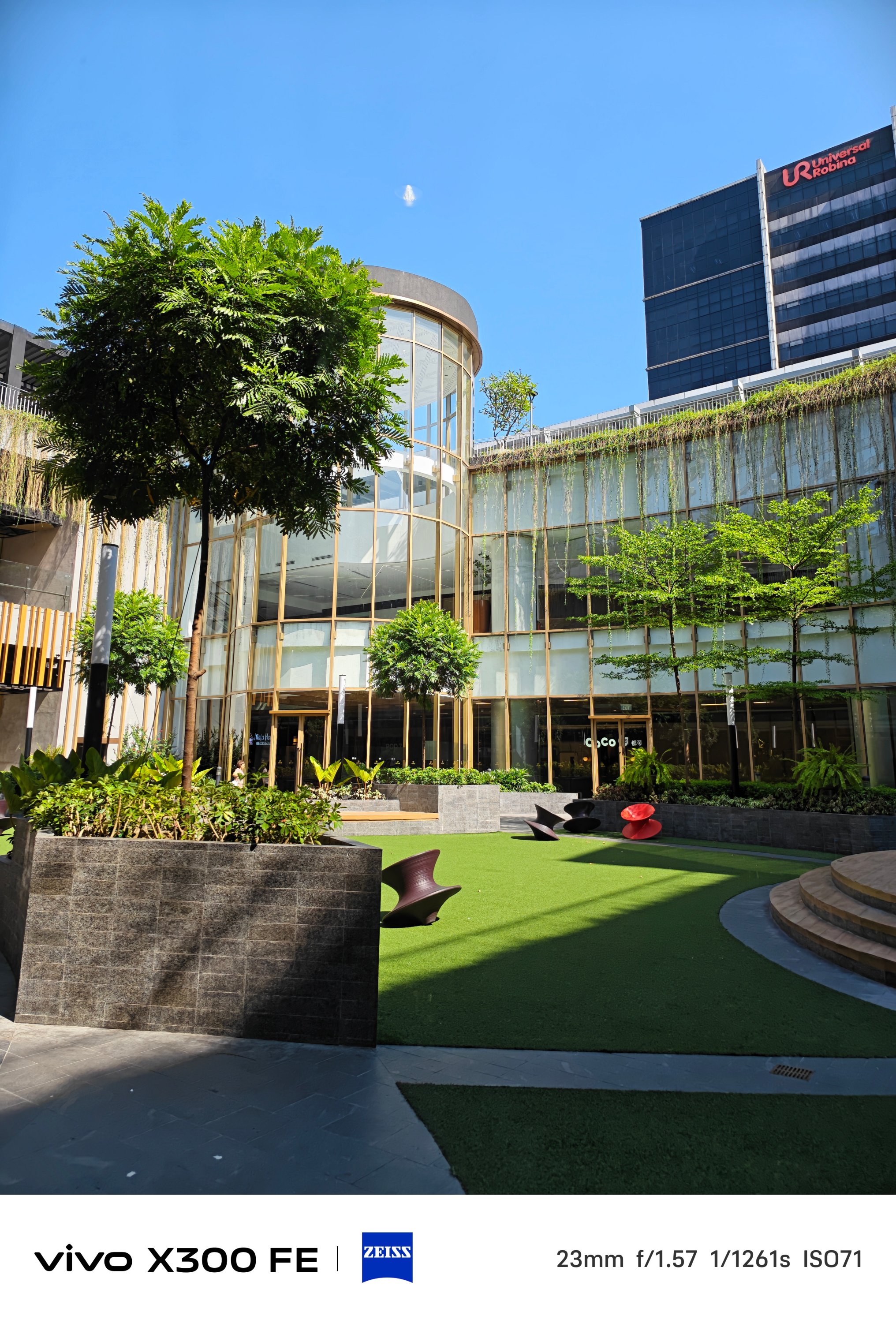
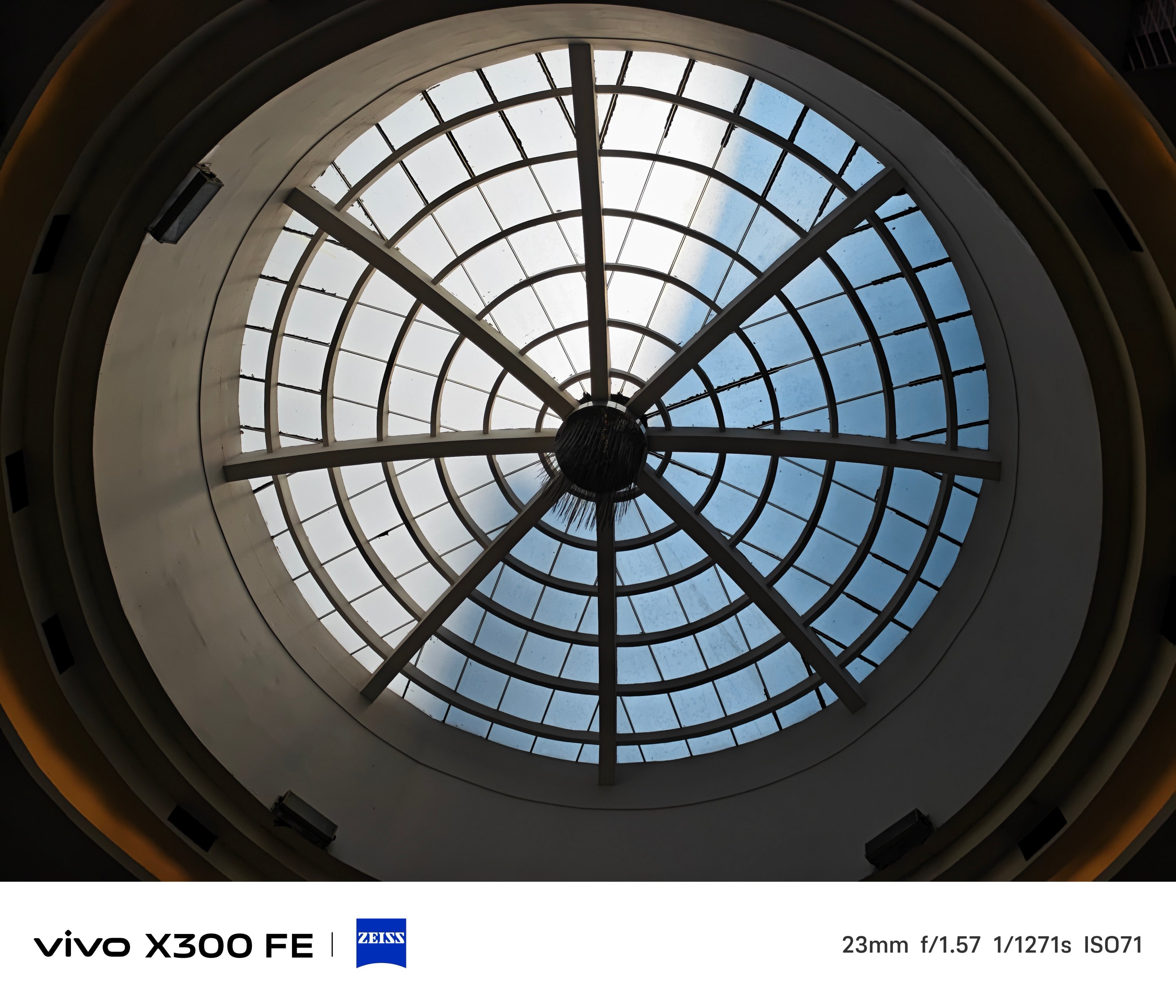
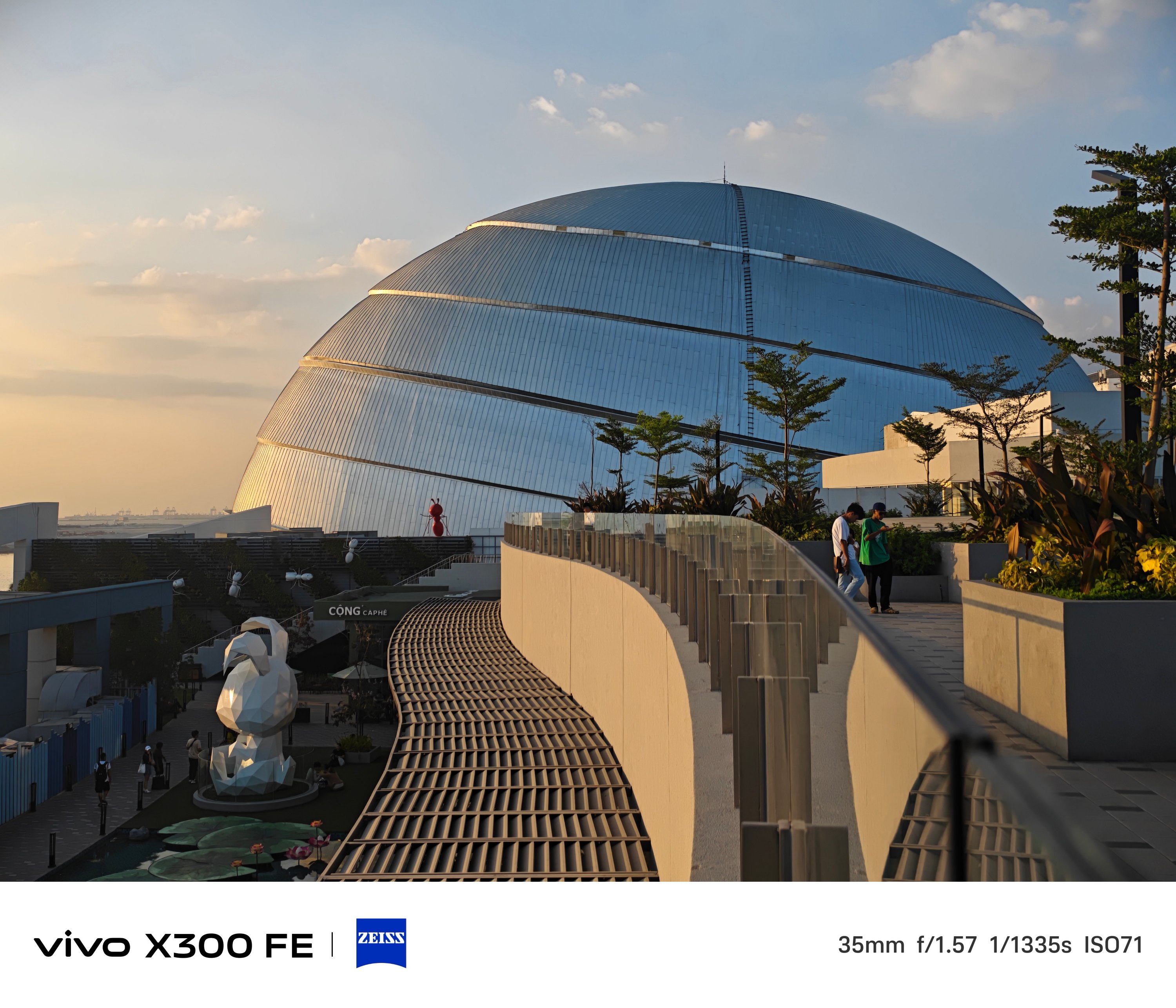
2x zoom is also possible thanks to in-sensor cropping — 46mm or 50mm equivalent to be exact.


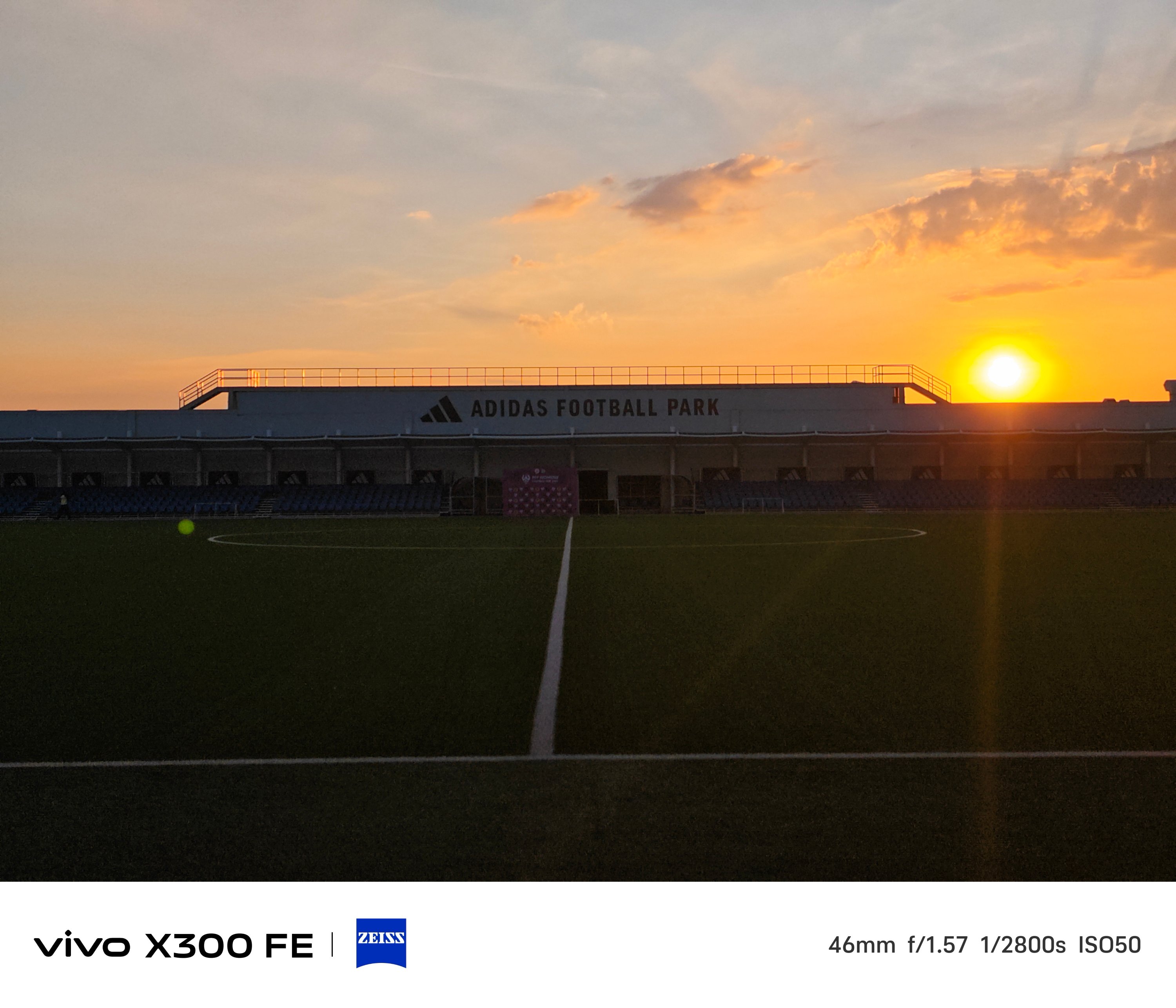
One must never judge a book by its cover — just like refraining from judging a camera solely by its cutout.
The vivo X300 FE is a living proof that having a camera cutout that’s comparable to midranger phones does not equate to mid camera performance and image output.
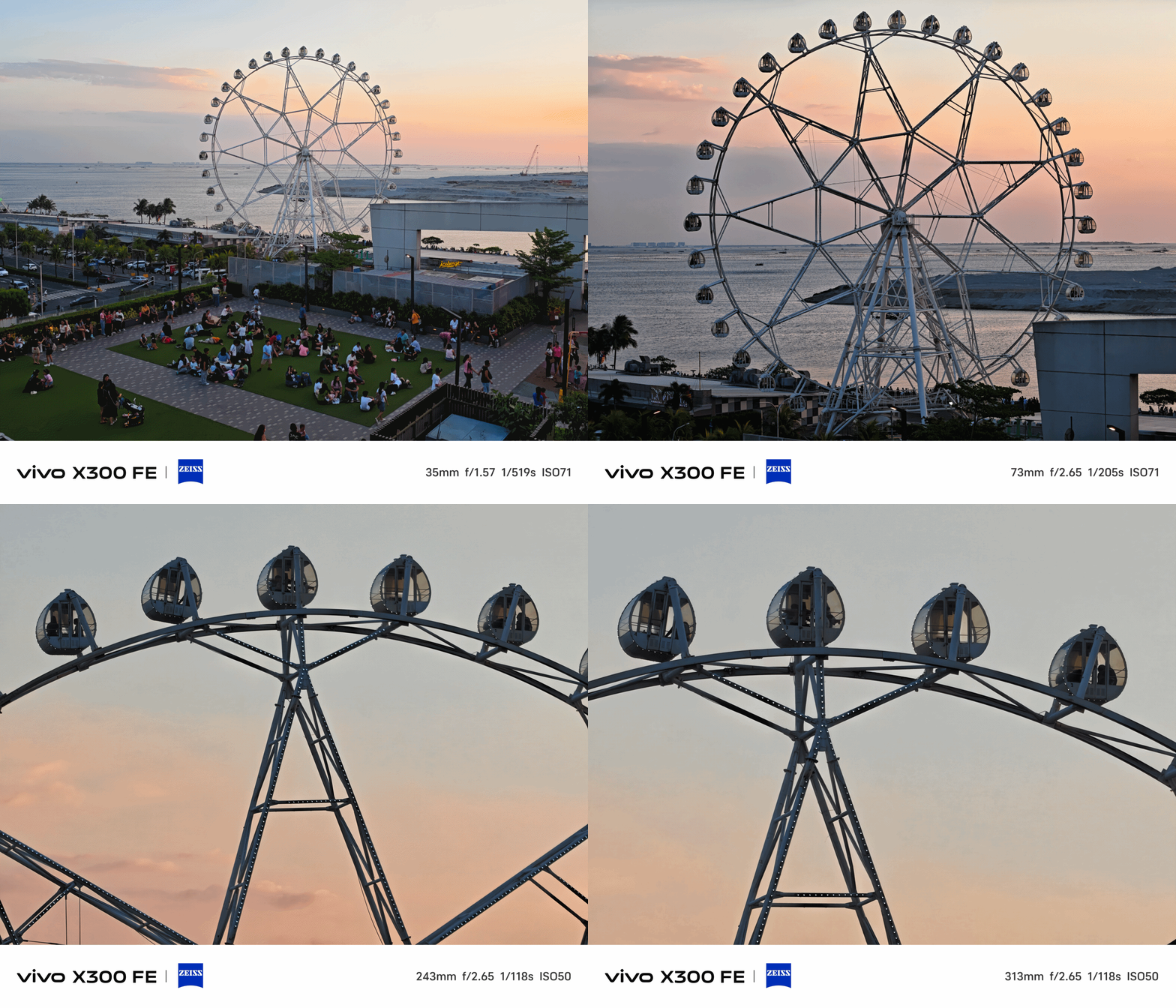
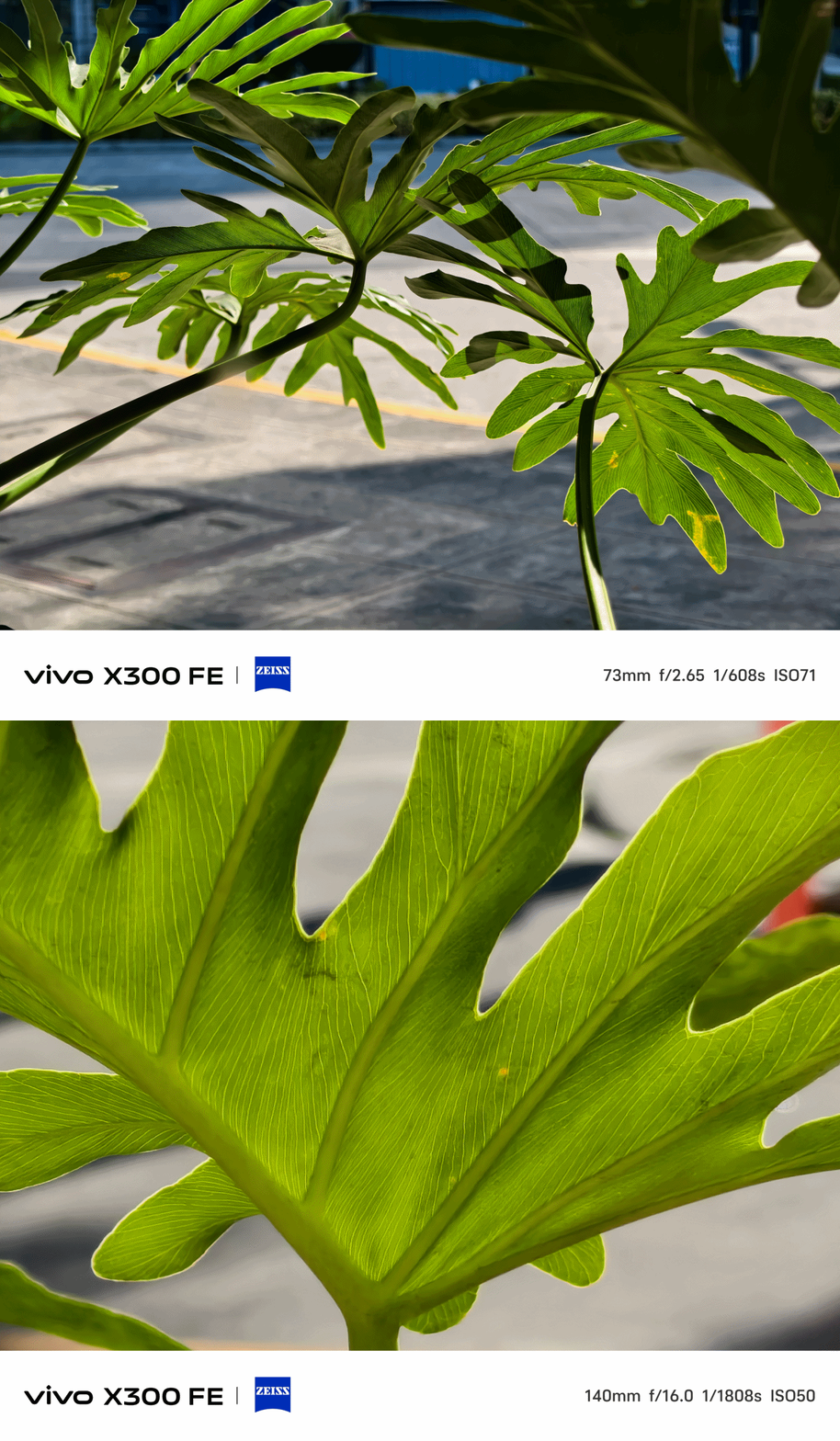
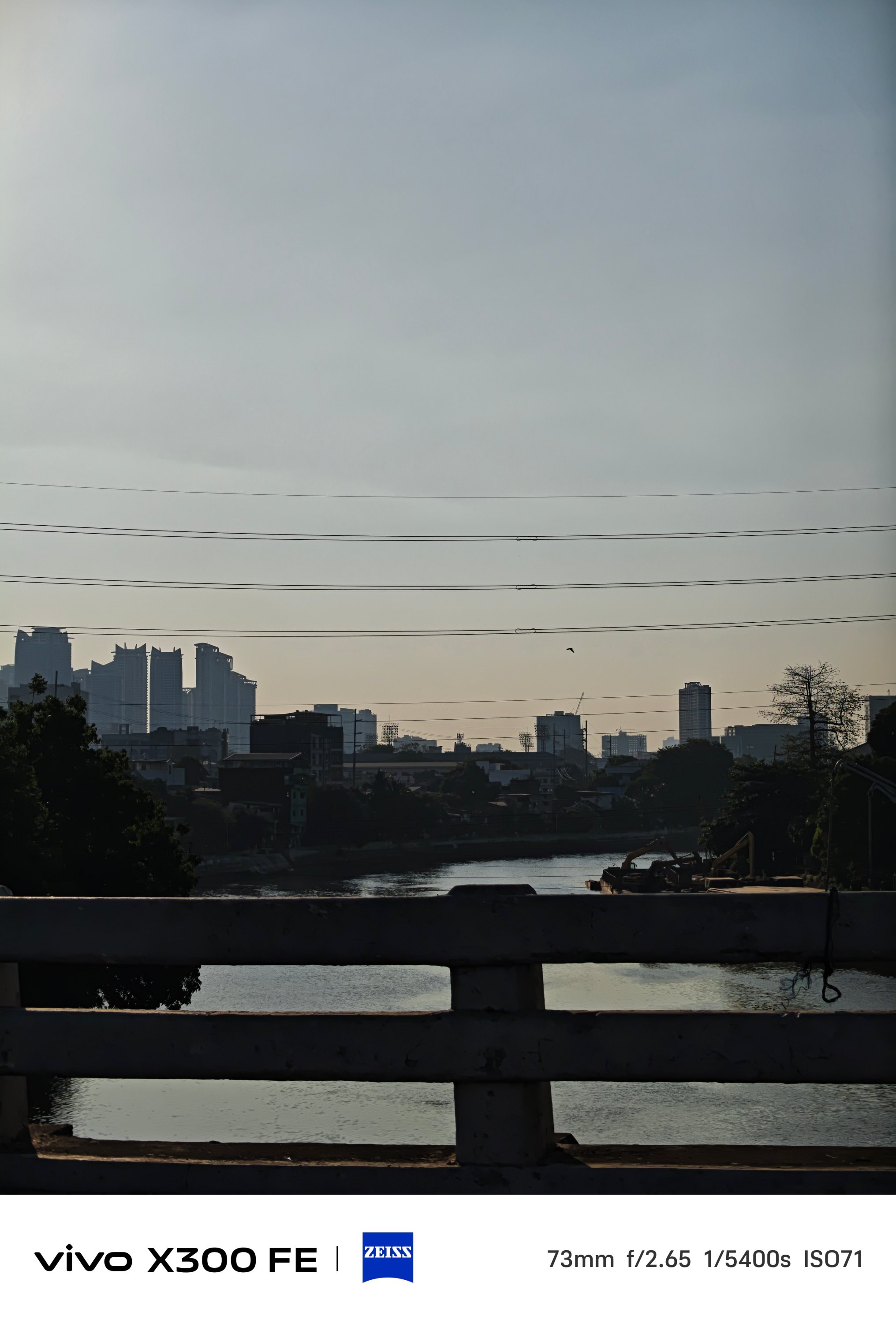
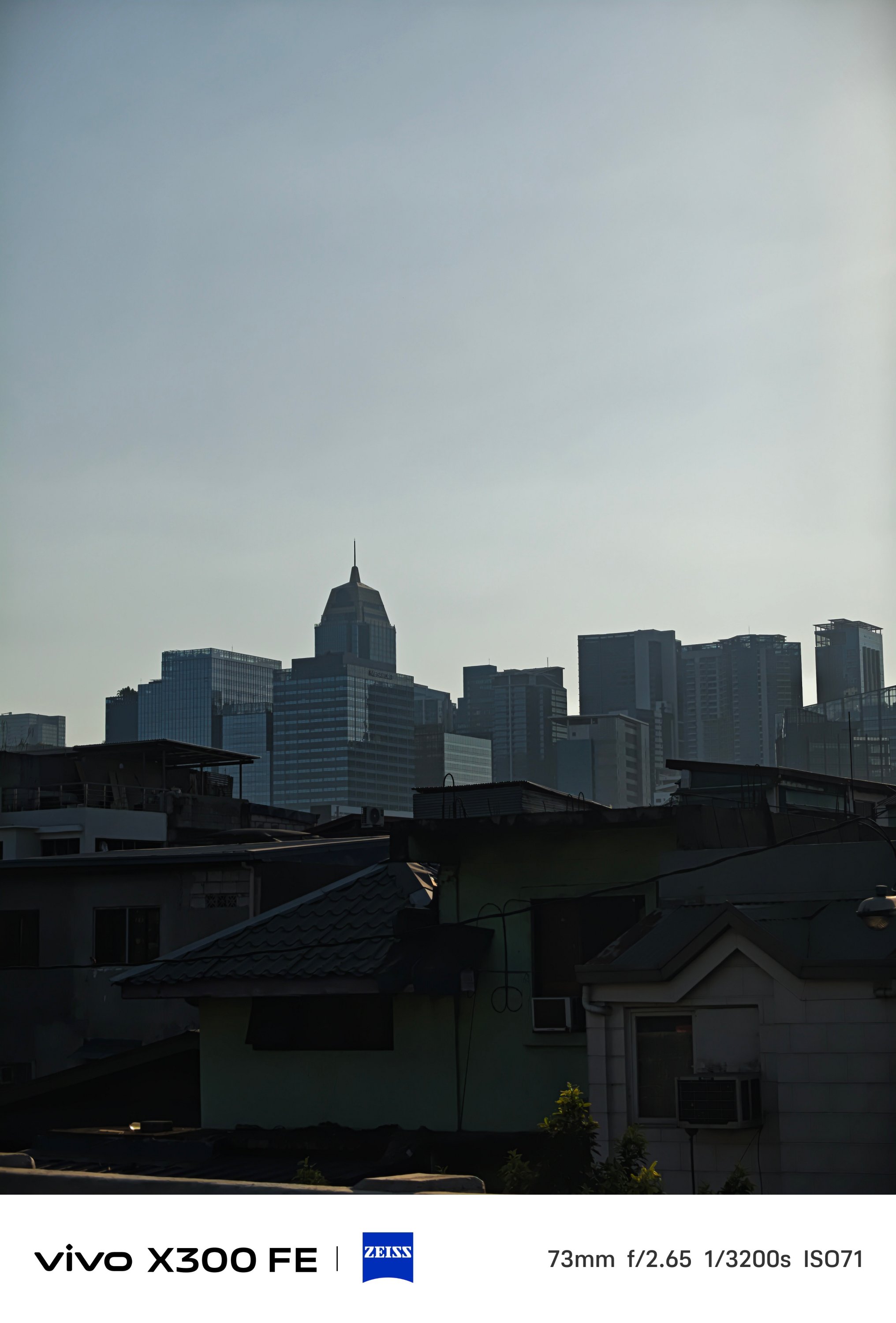
Even more, placing a 3x periscope telephoto module (73mm) inside that camera bar is a true feat of engineering.


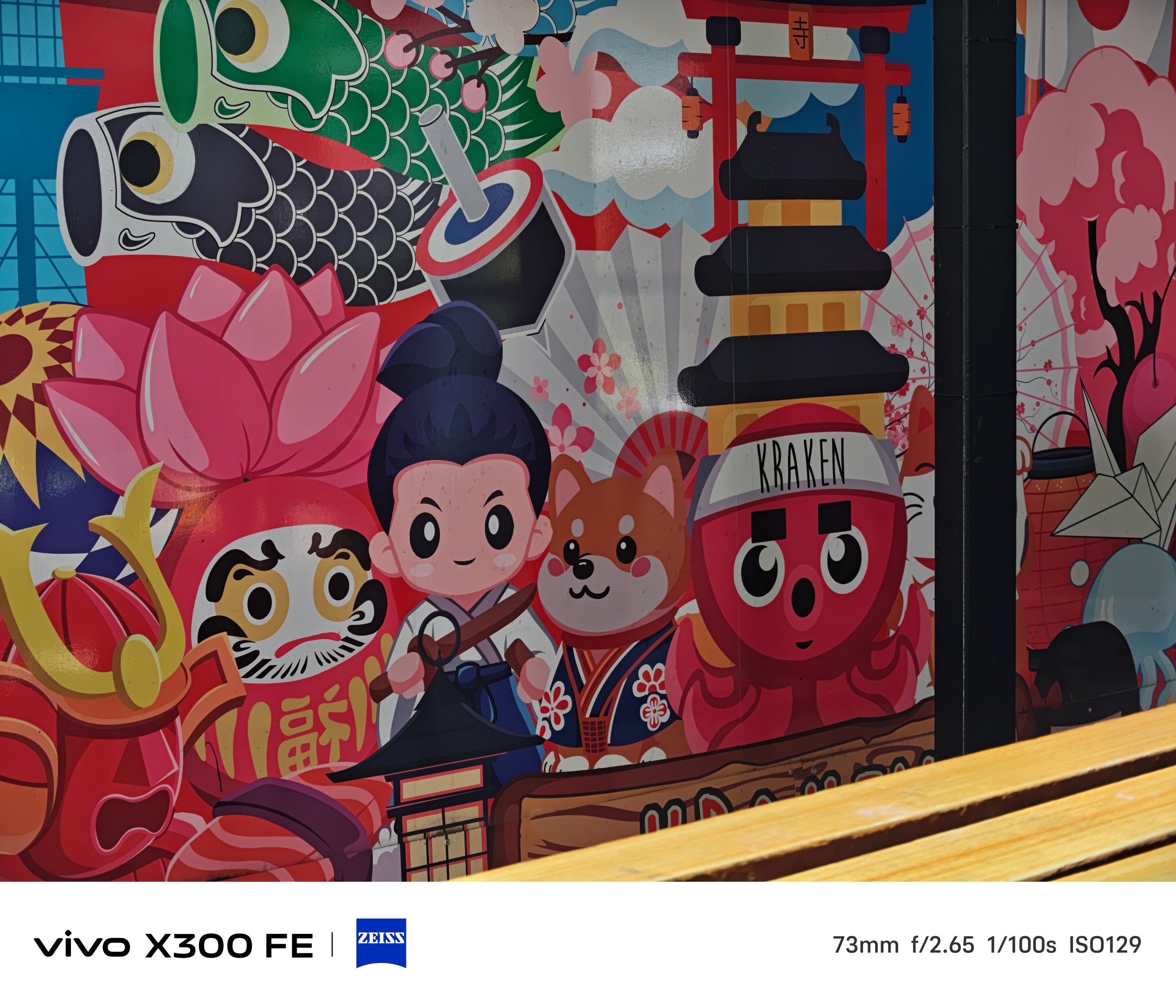
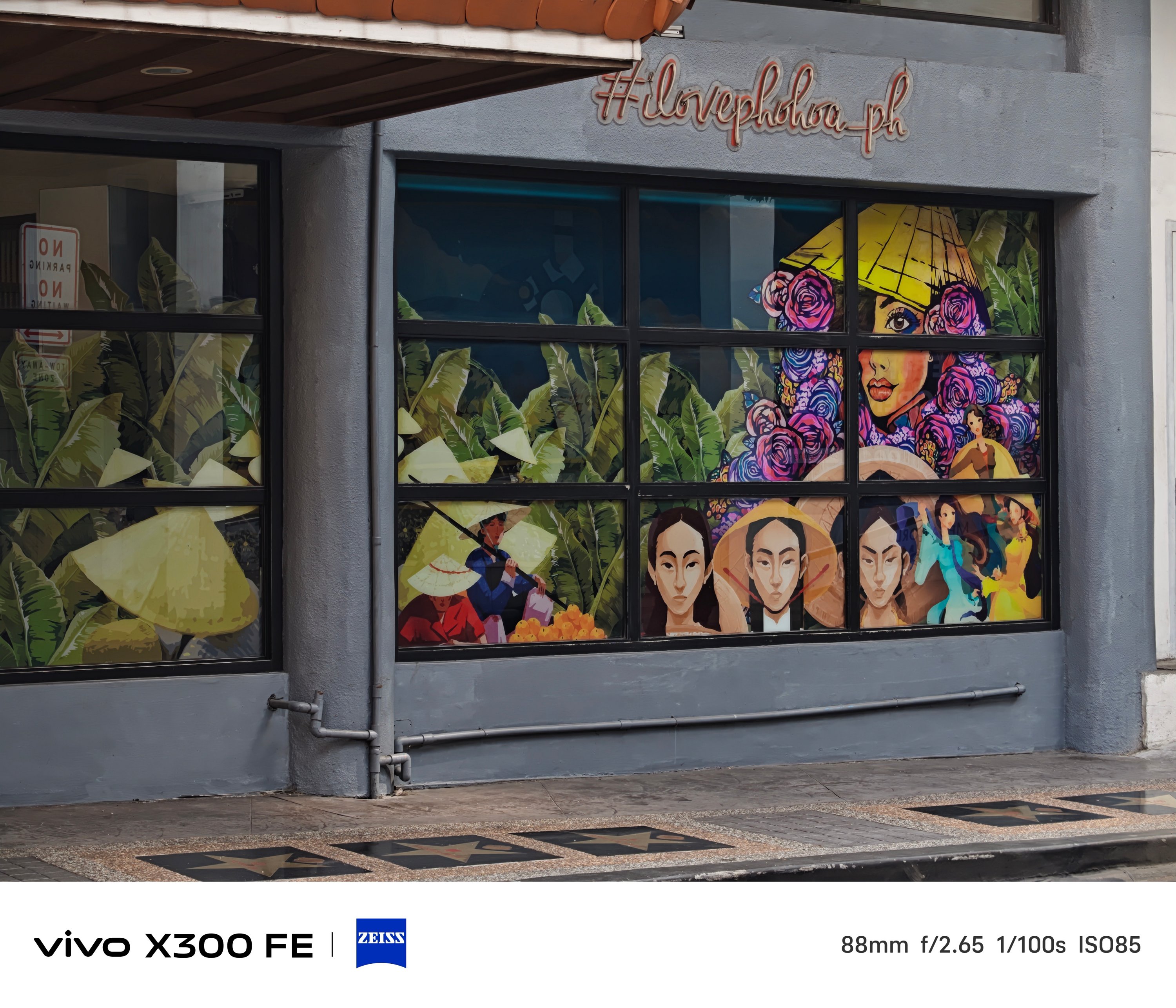
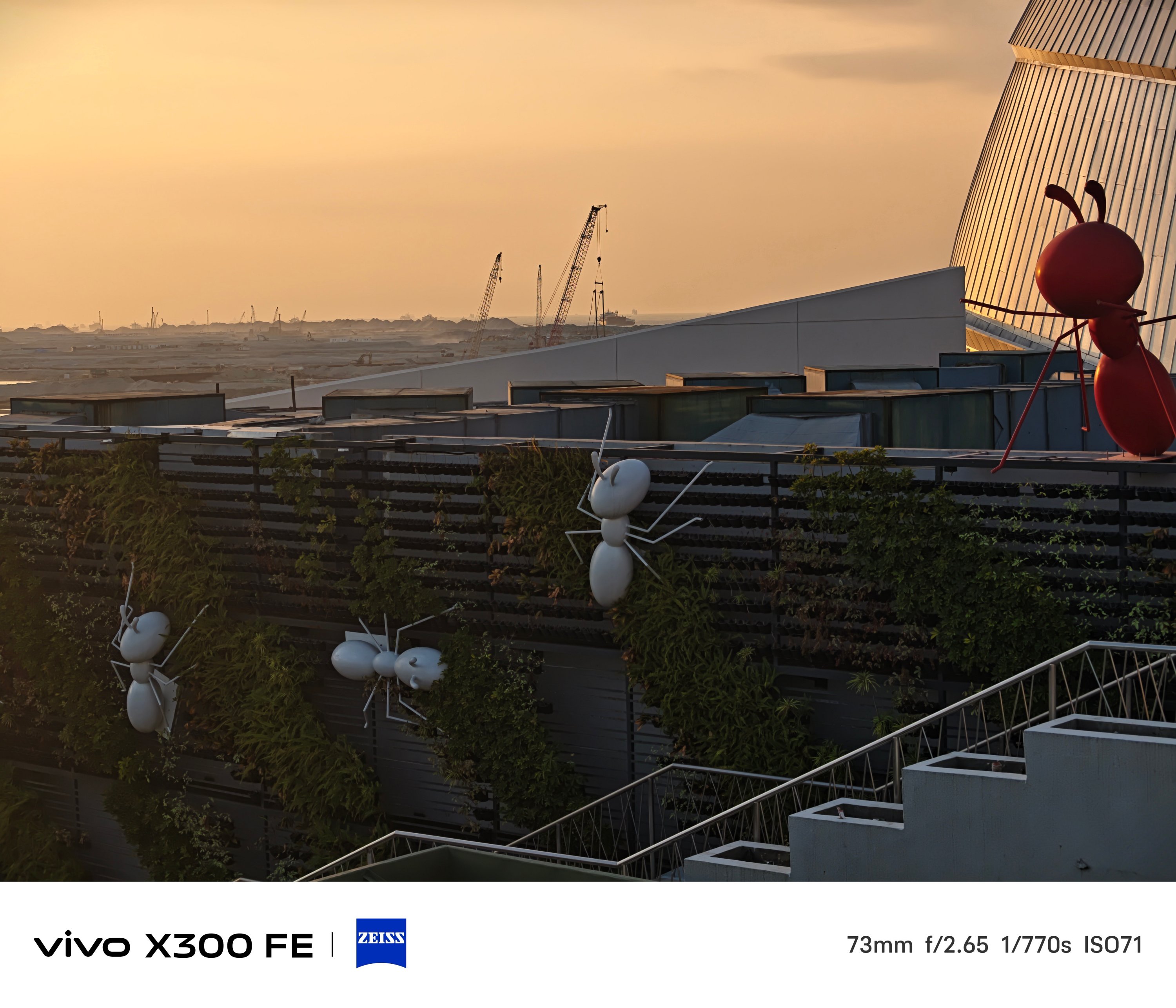
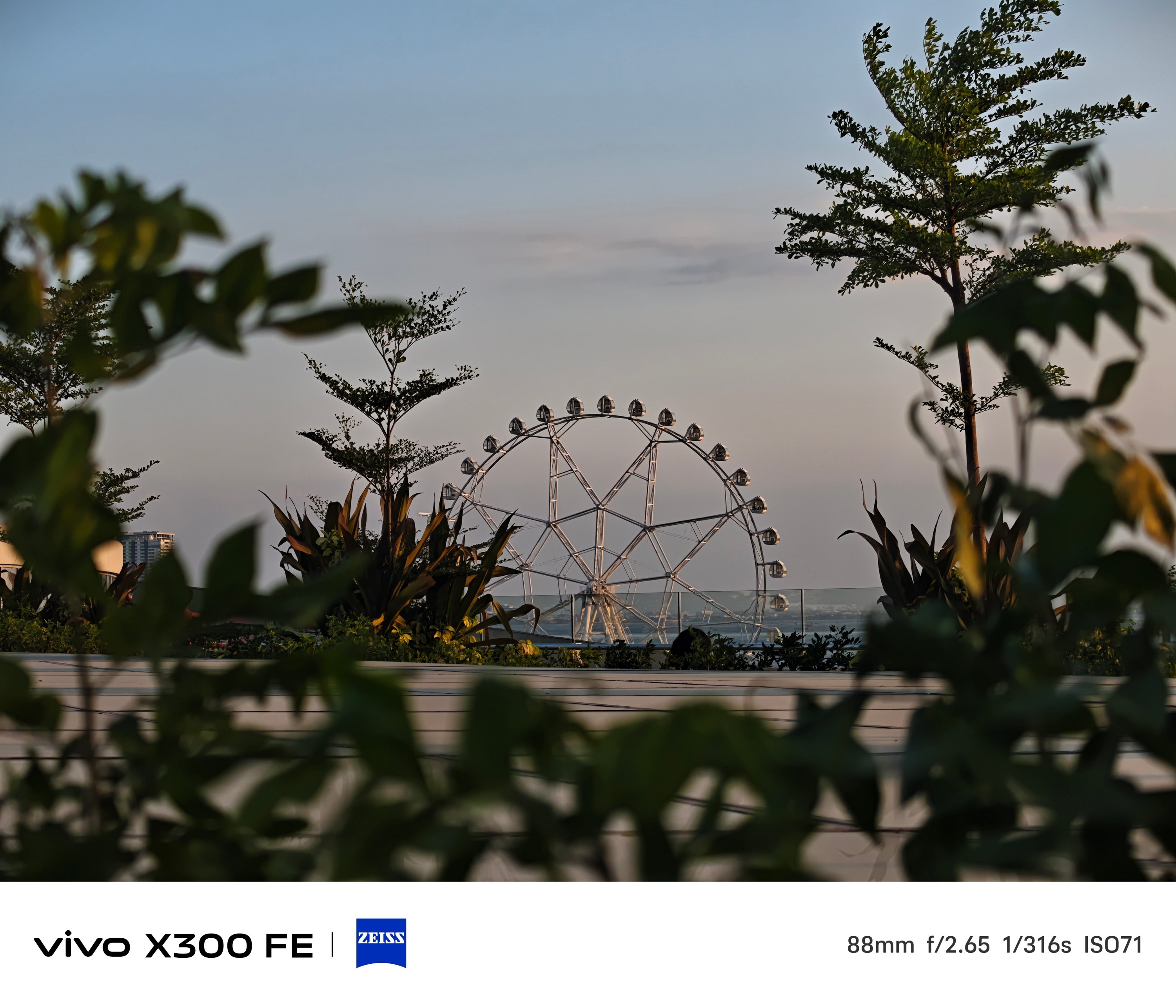
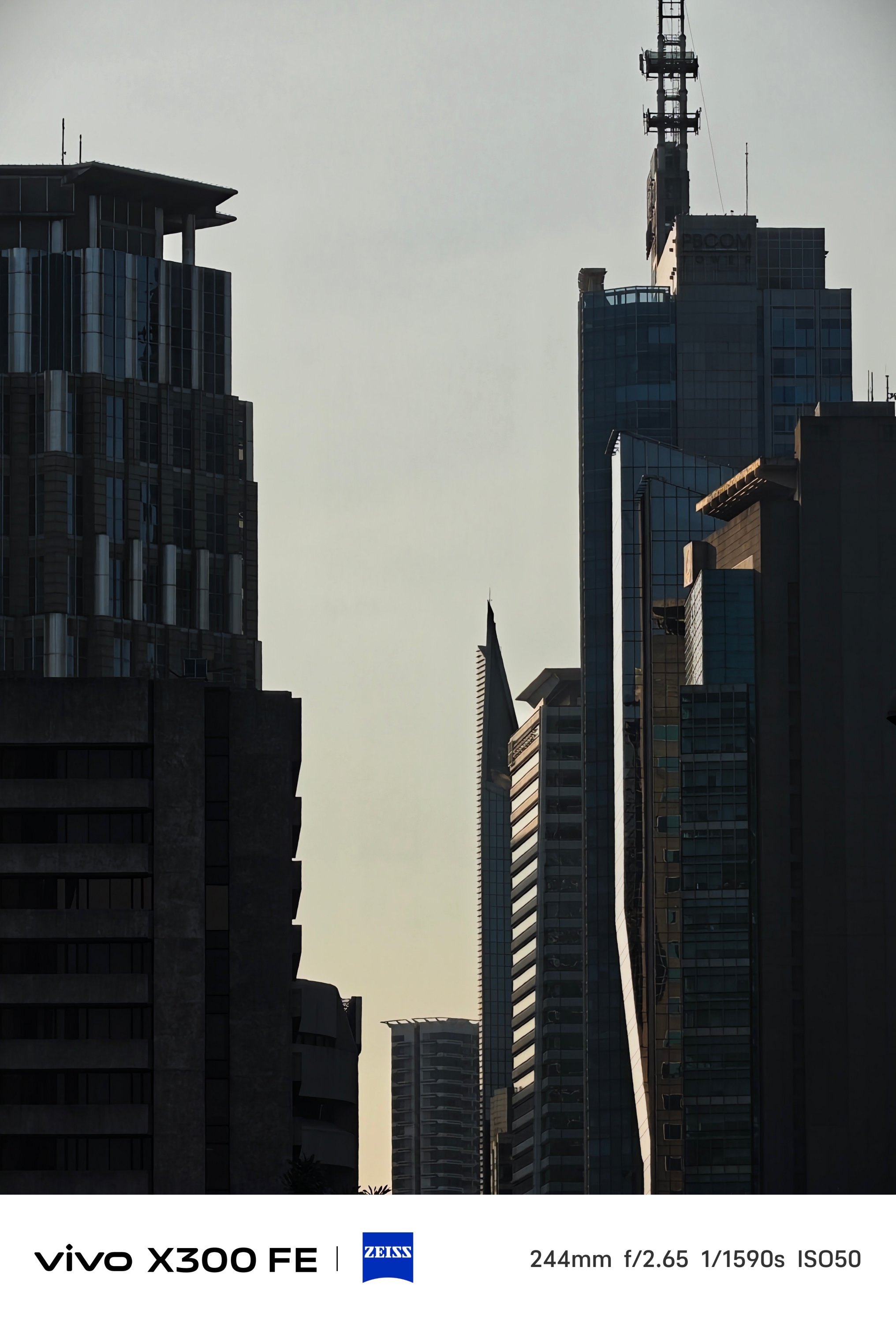
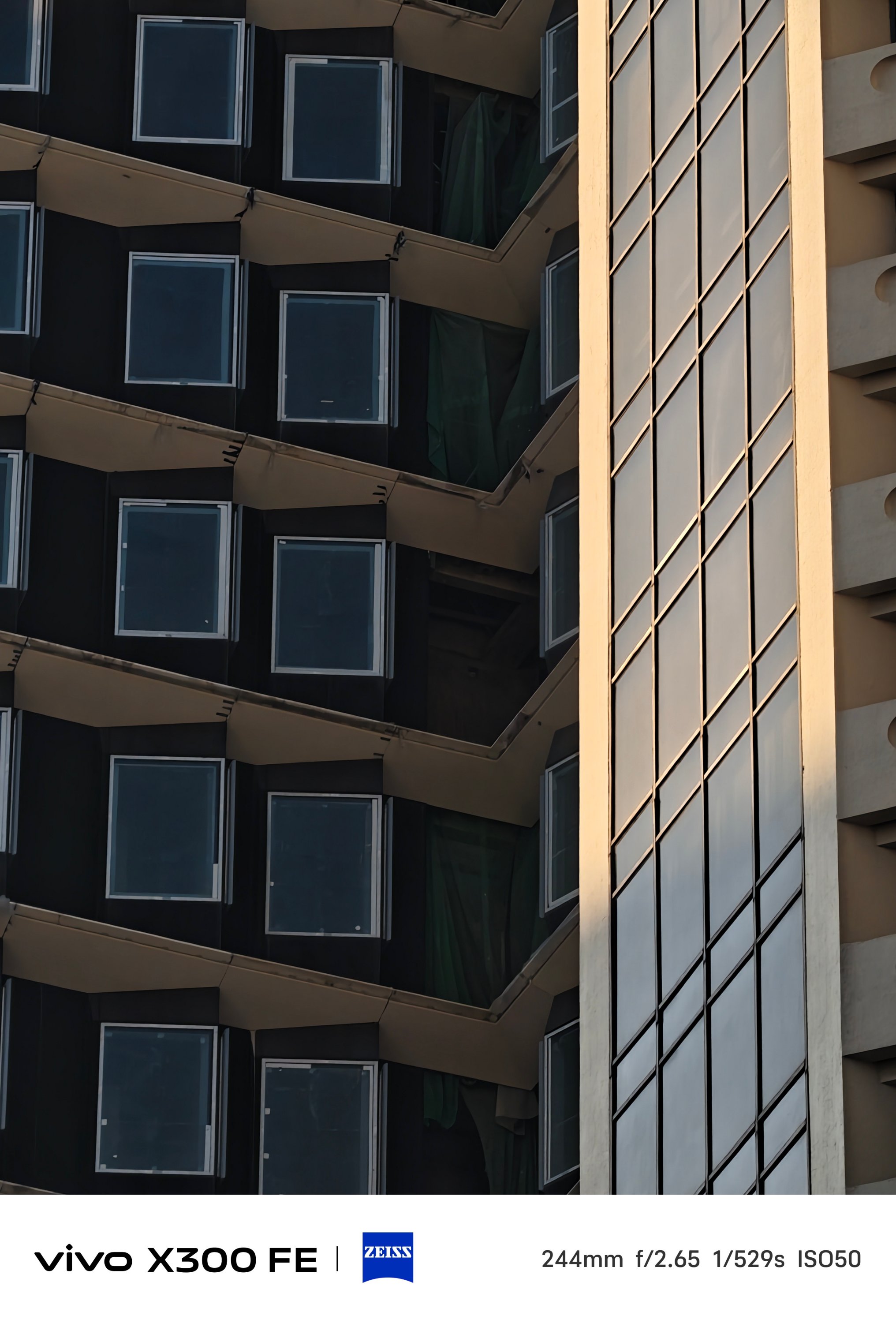
Even beyond its dedicated 3x optical zoom, results are surprisingly captivating to the eyes.
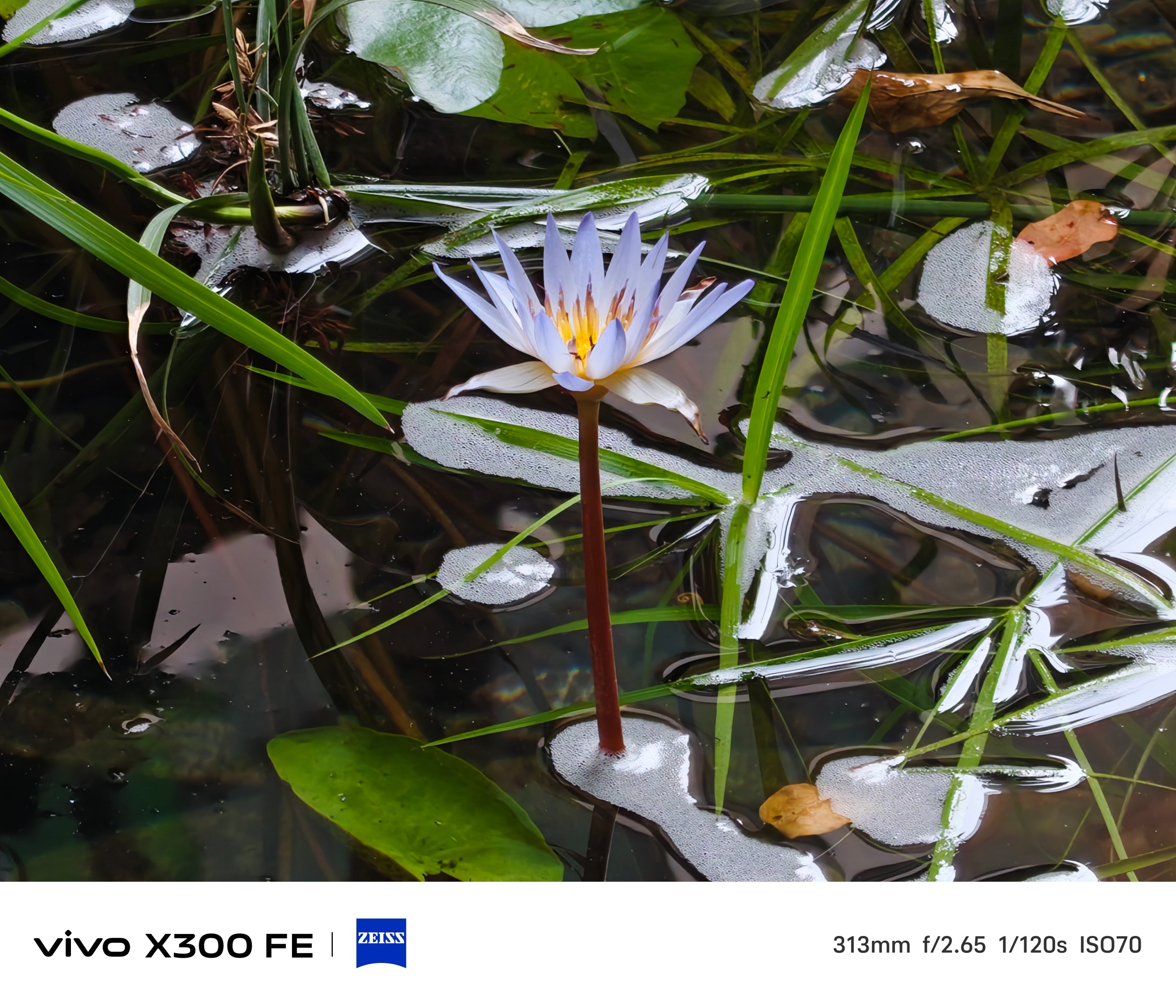
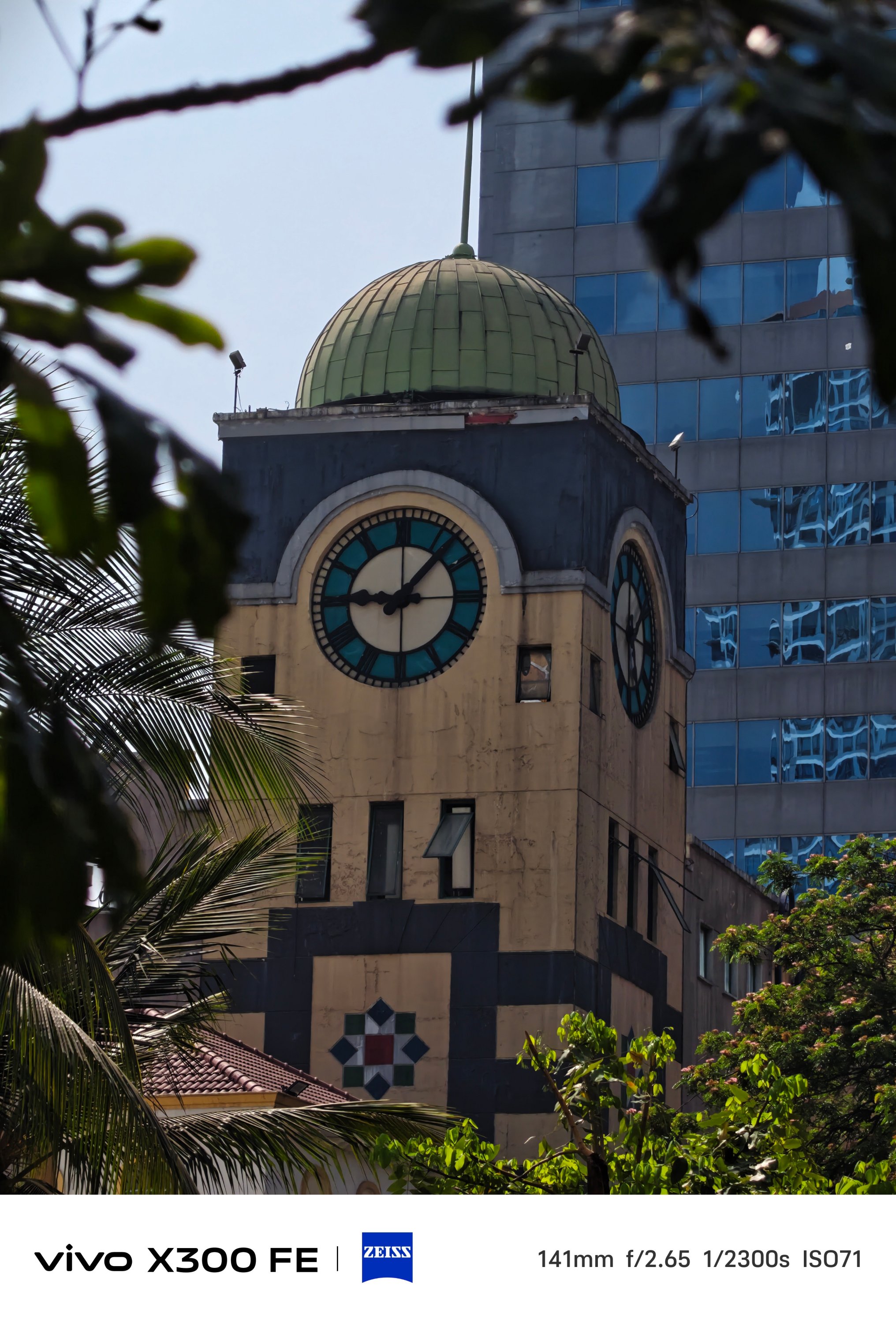
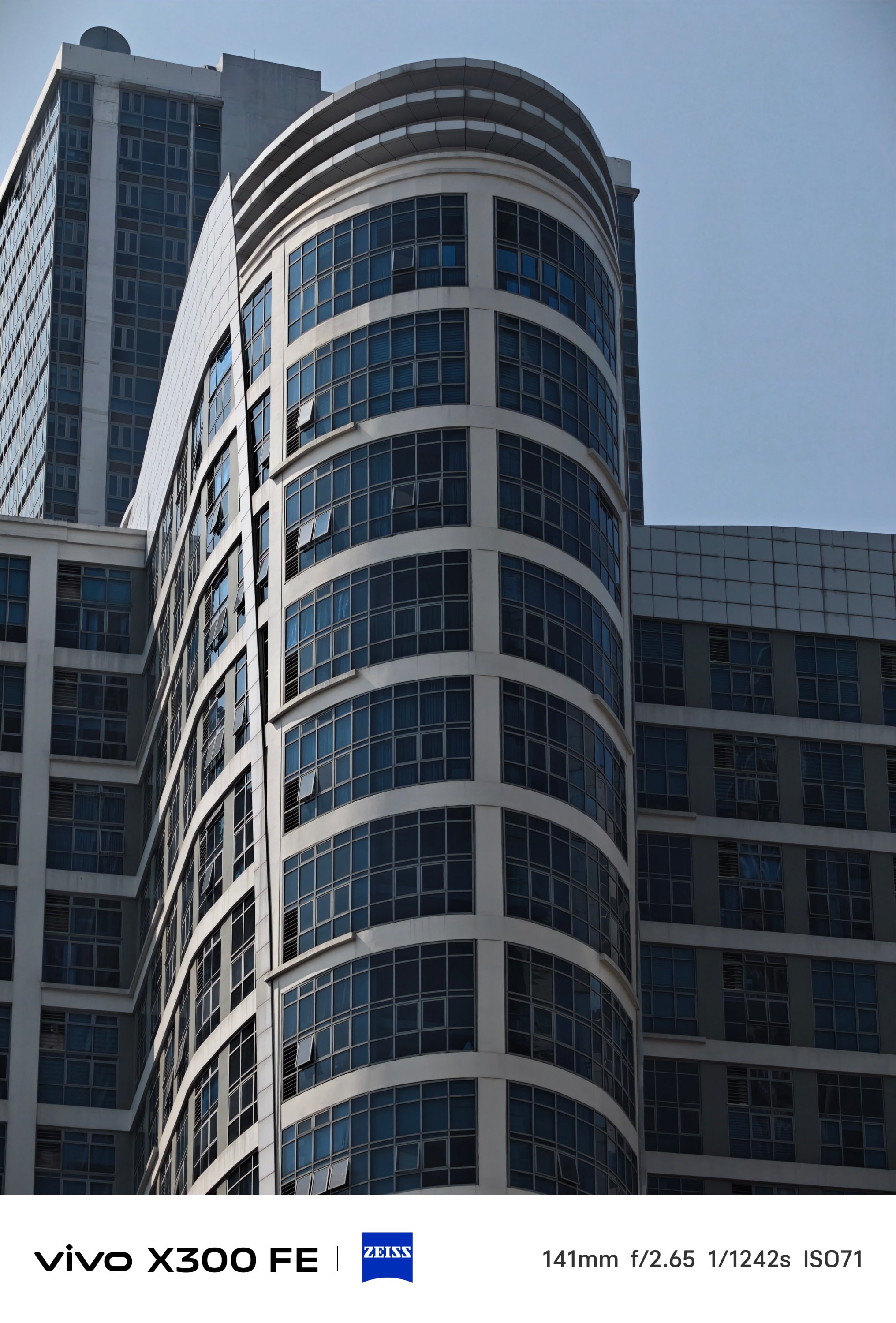

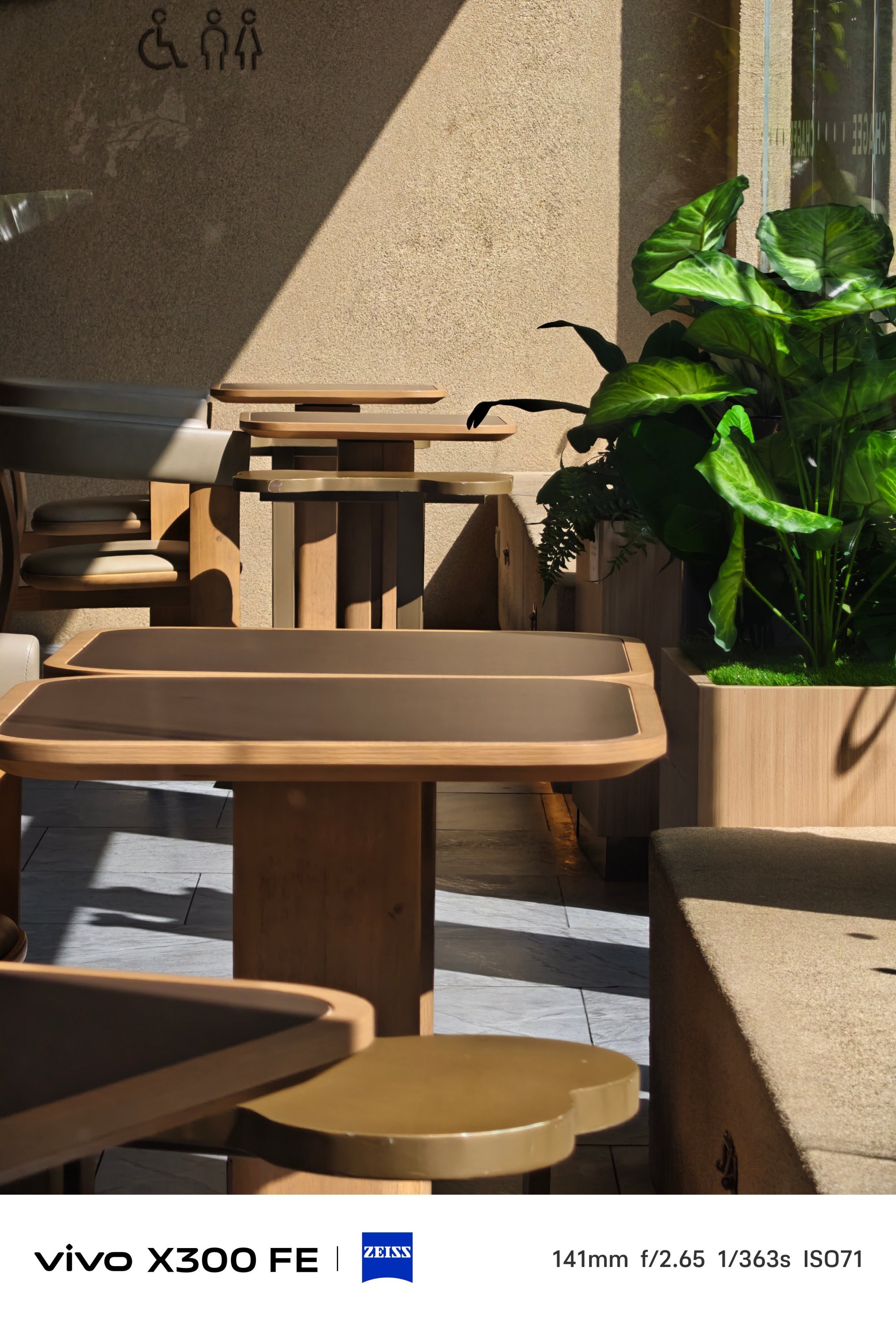
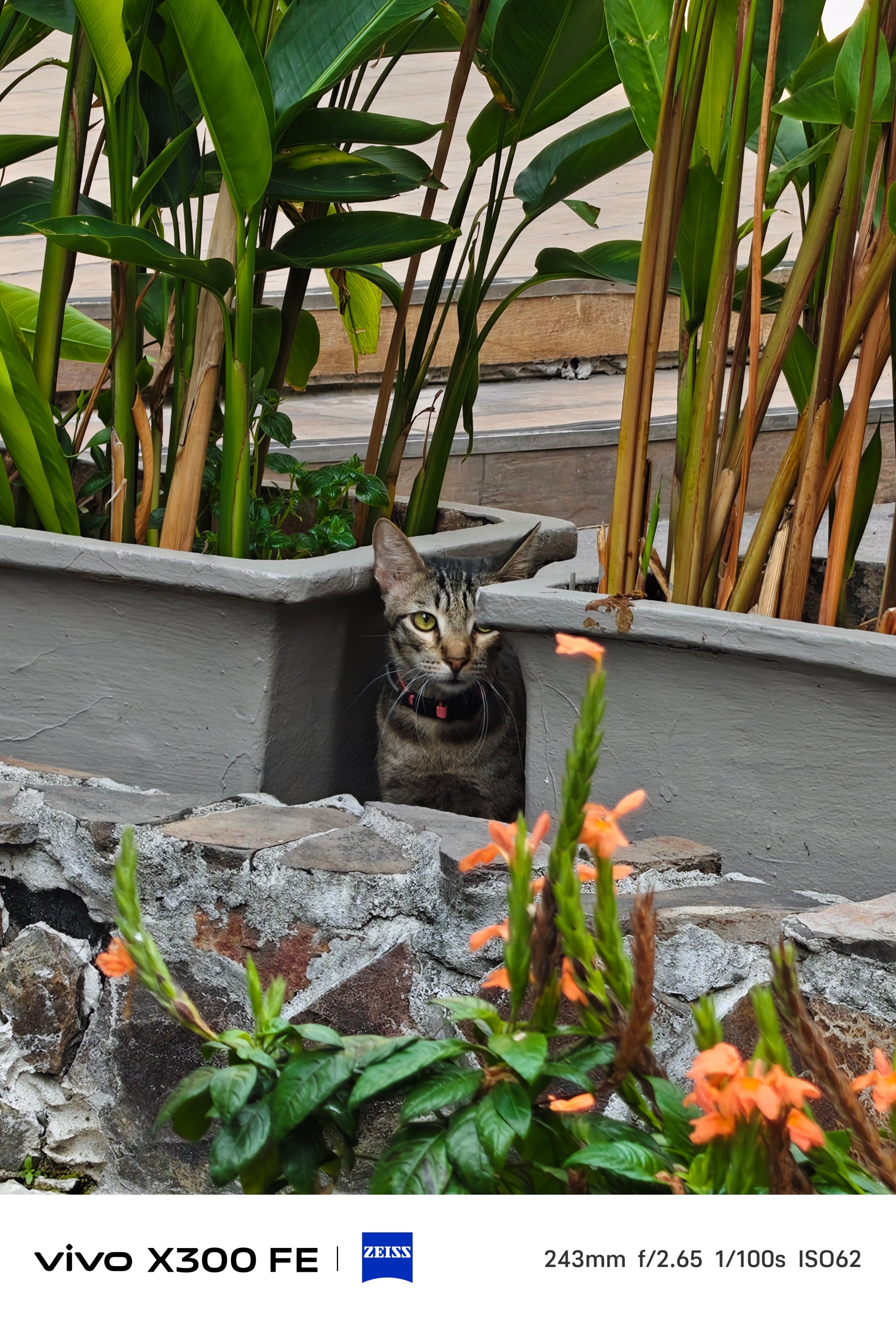




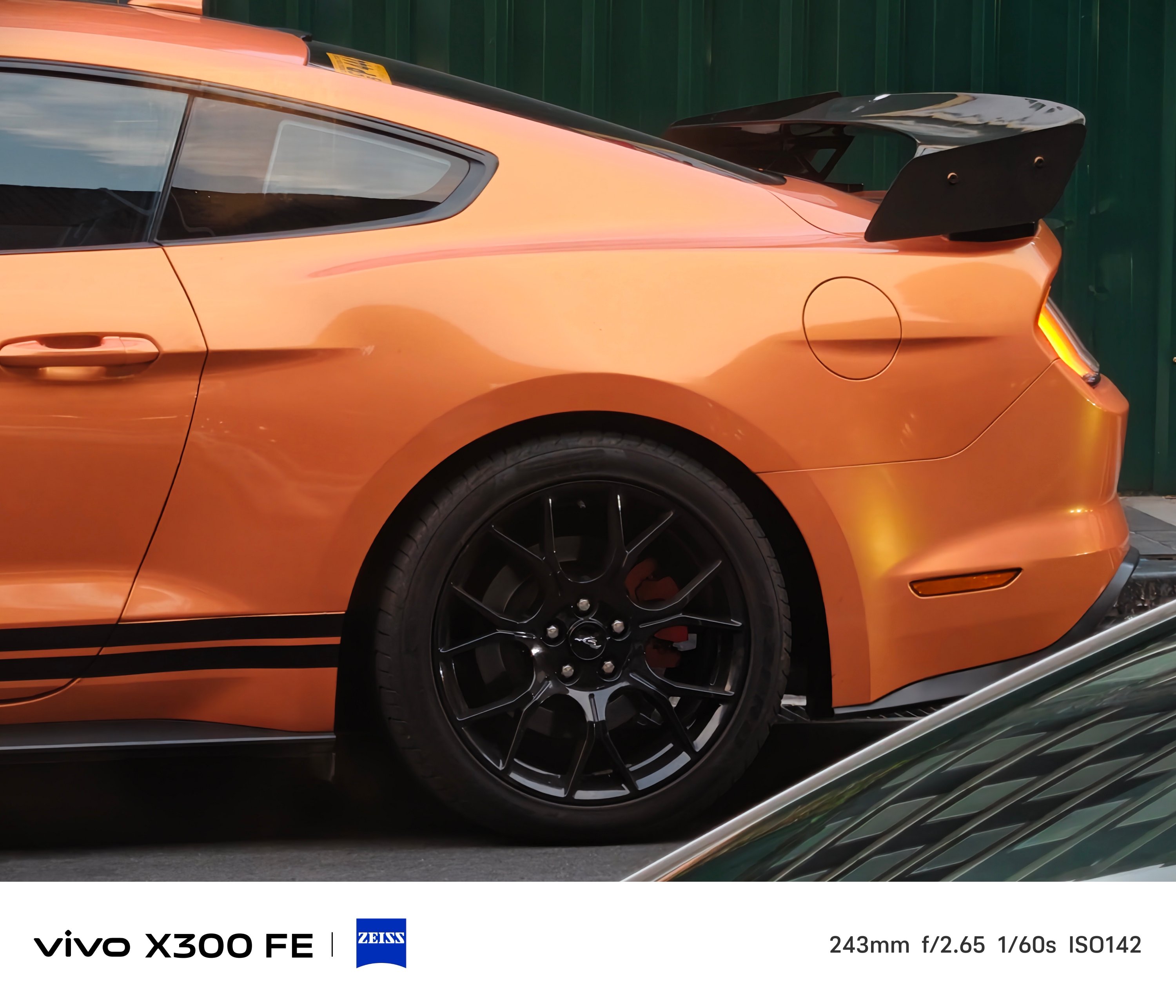

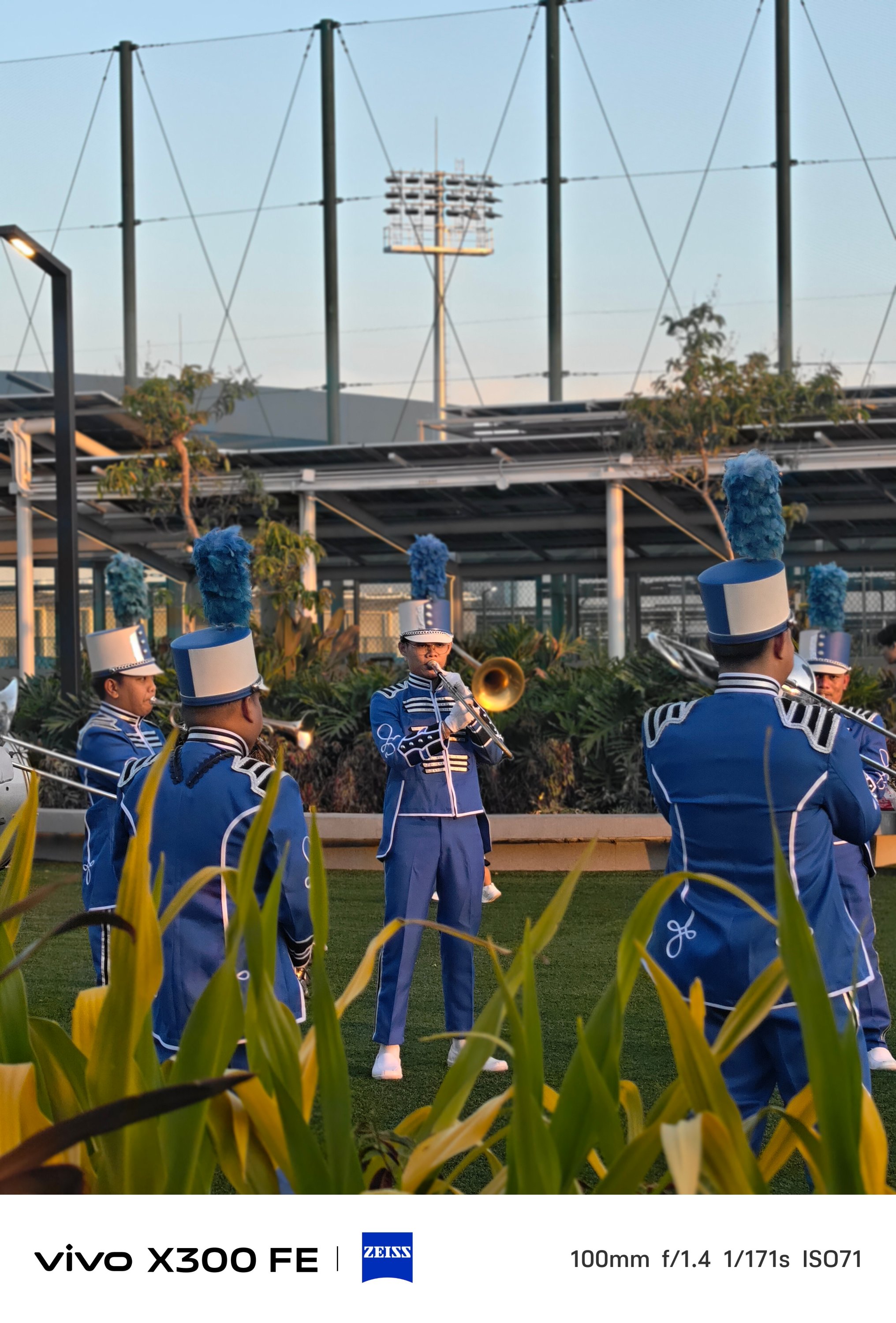
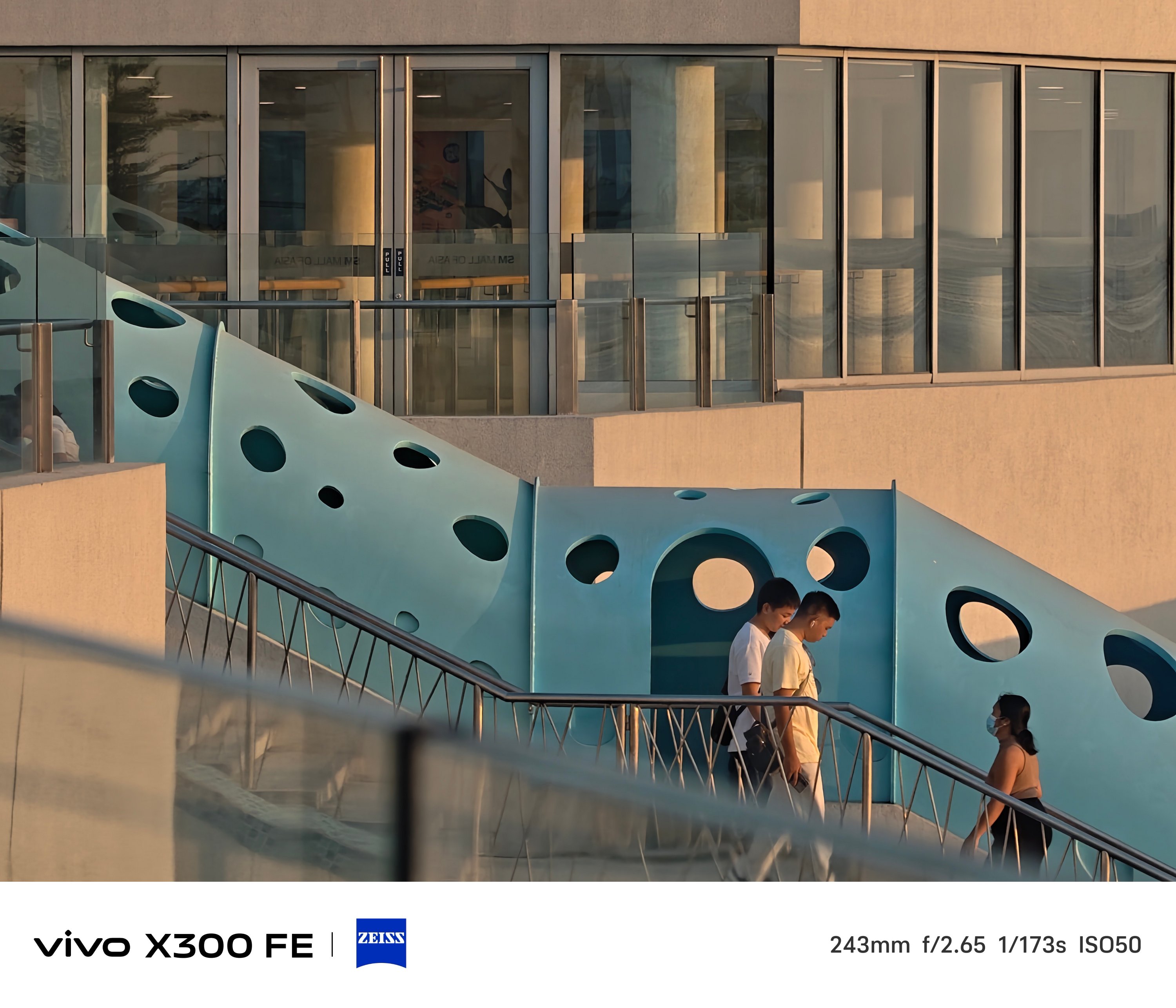


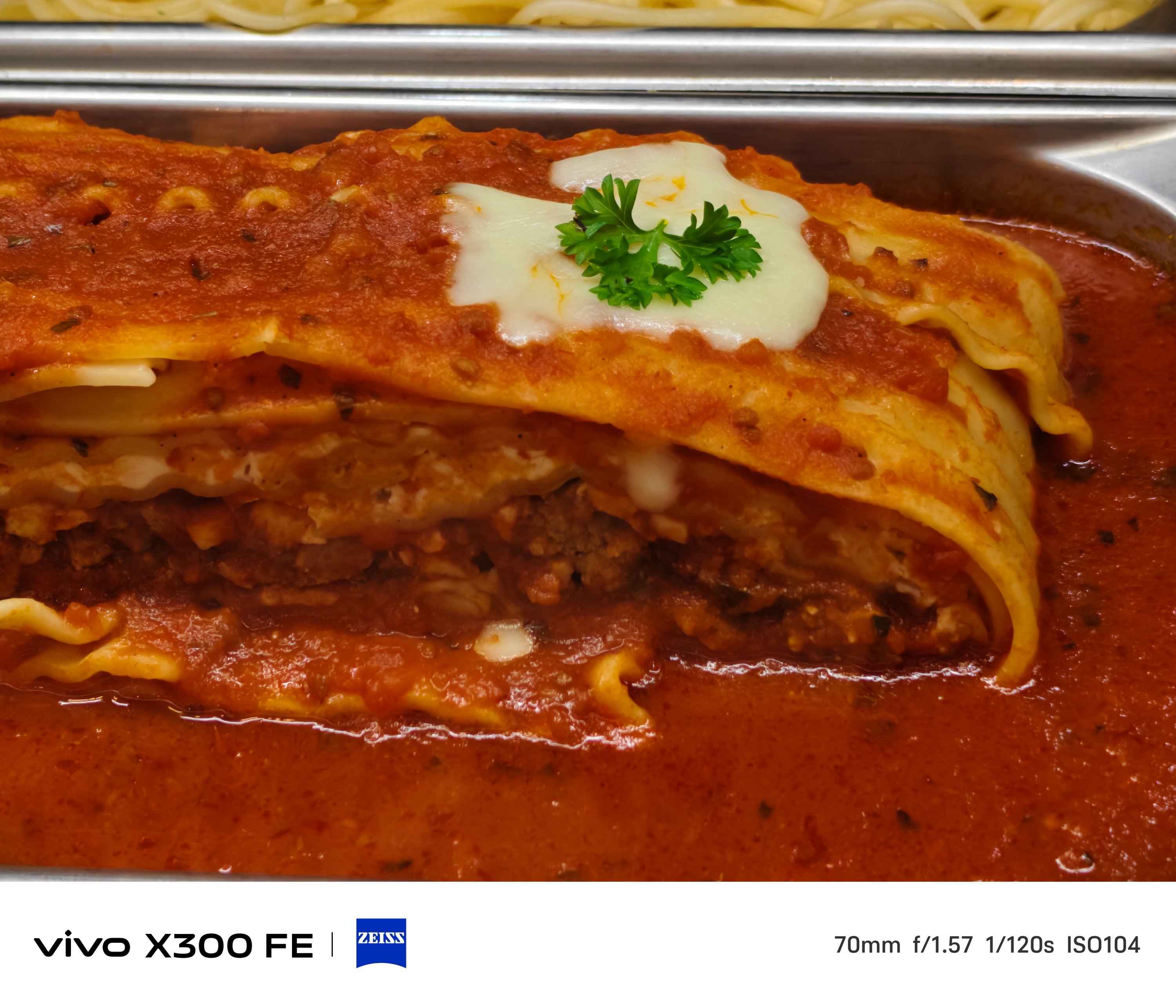
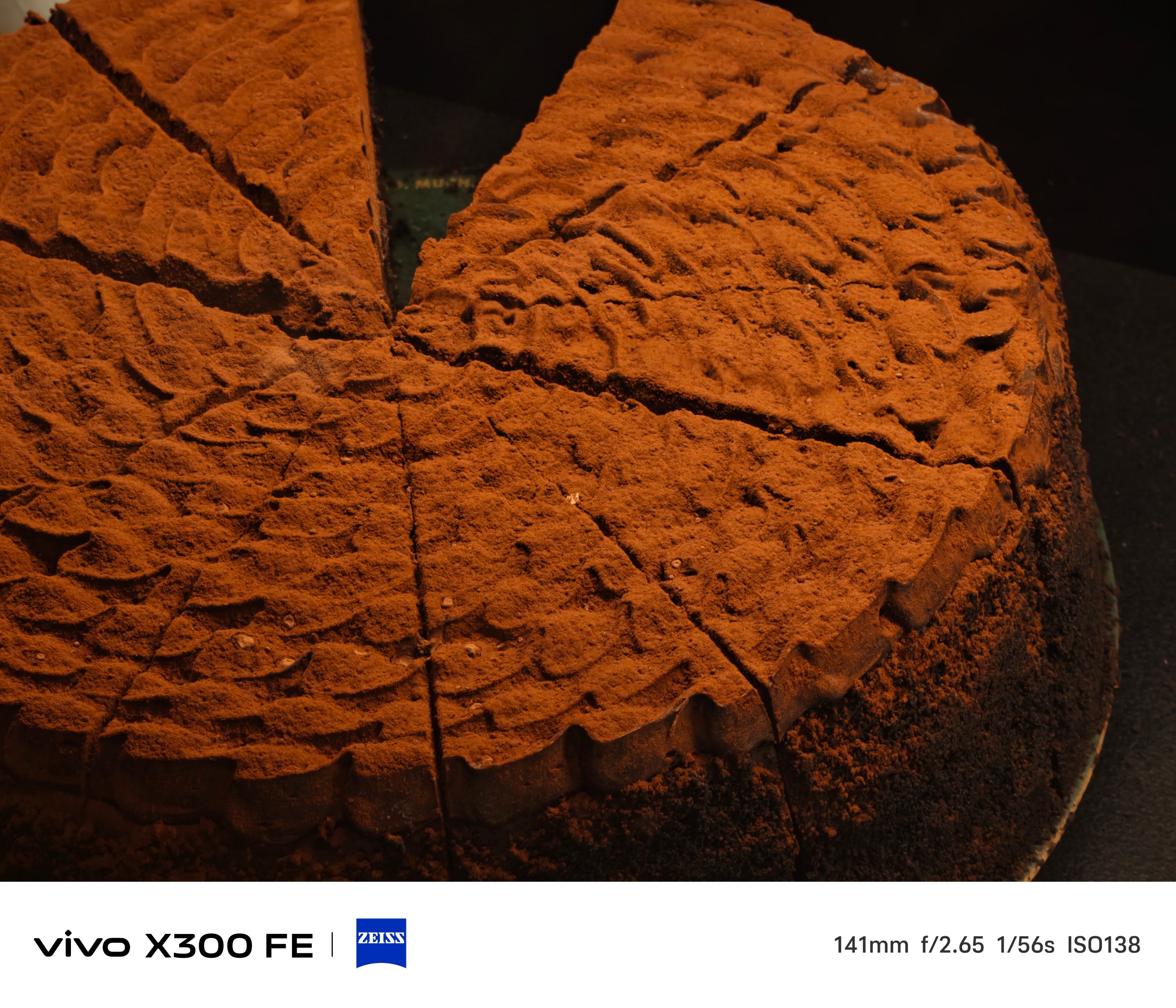
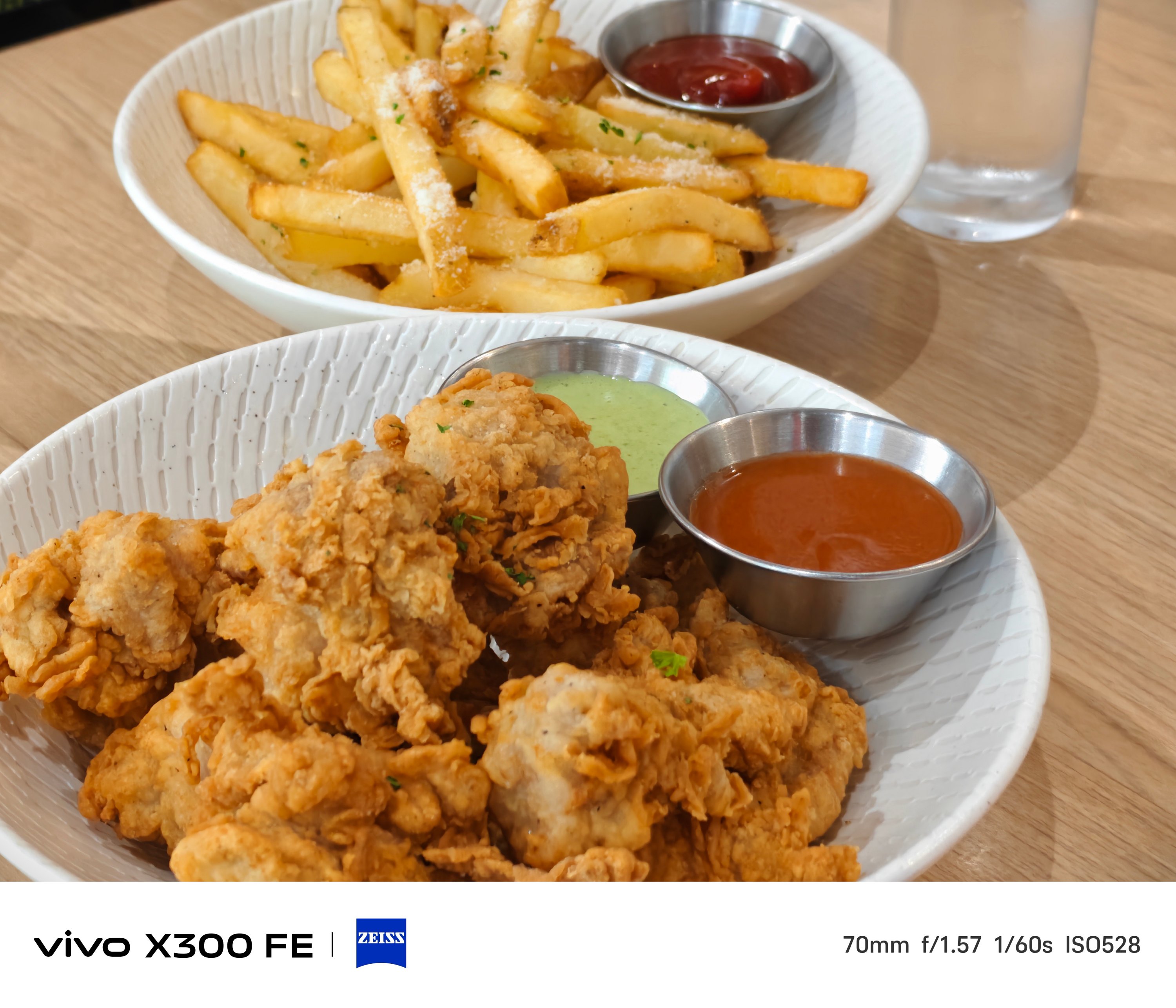
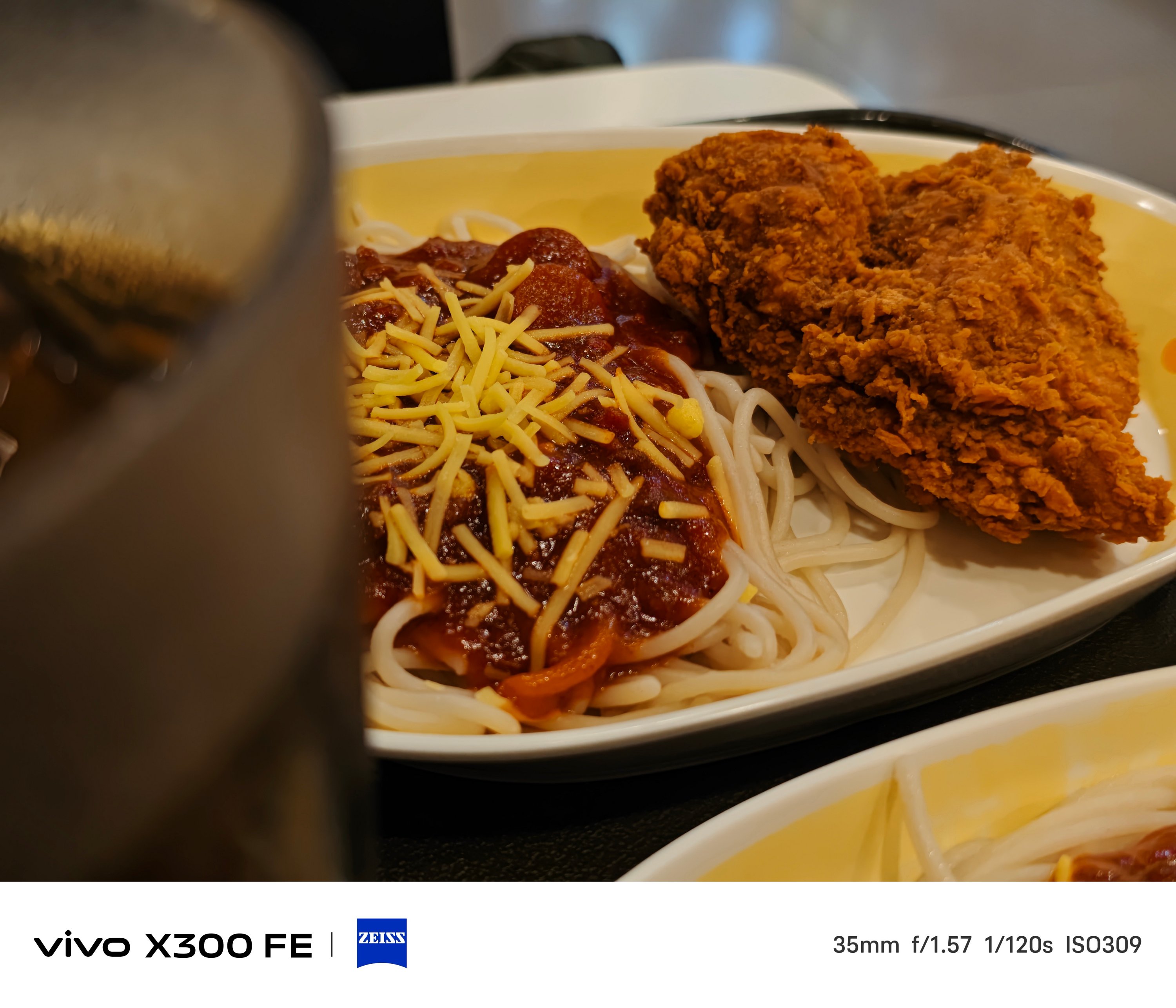
One thing’s for sure. The 3x telephoto camera of the X300 FE is better when it comes to minimum focusing distance that the vivo V70 suffers from.
That meant you can take zoomed shots even at a closer distance, much like how I always do in taking #foodporn snaps.







BONUS: X300 FE vs X300 – Can you even tell them apart without nitpicking?


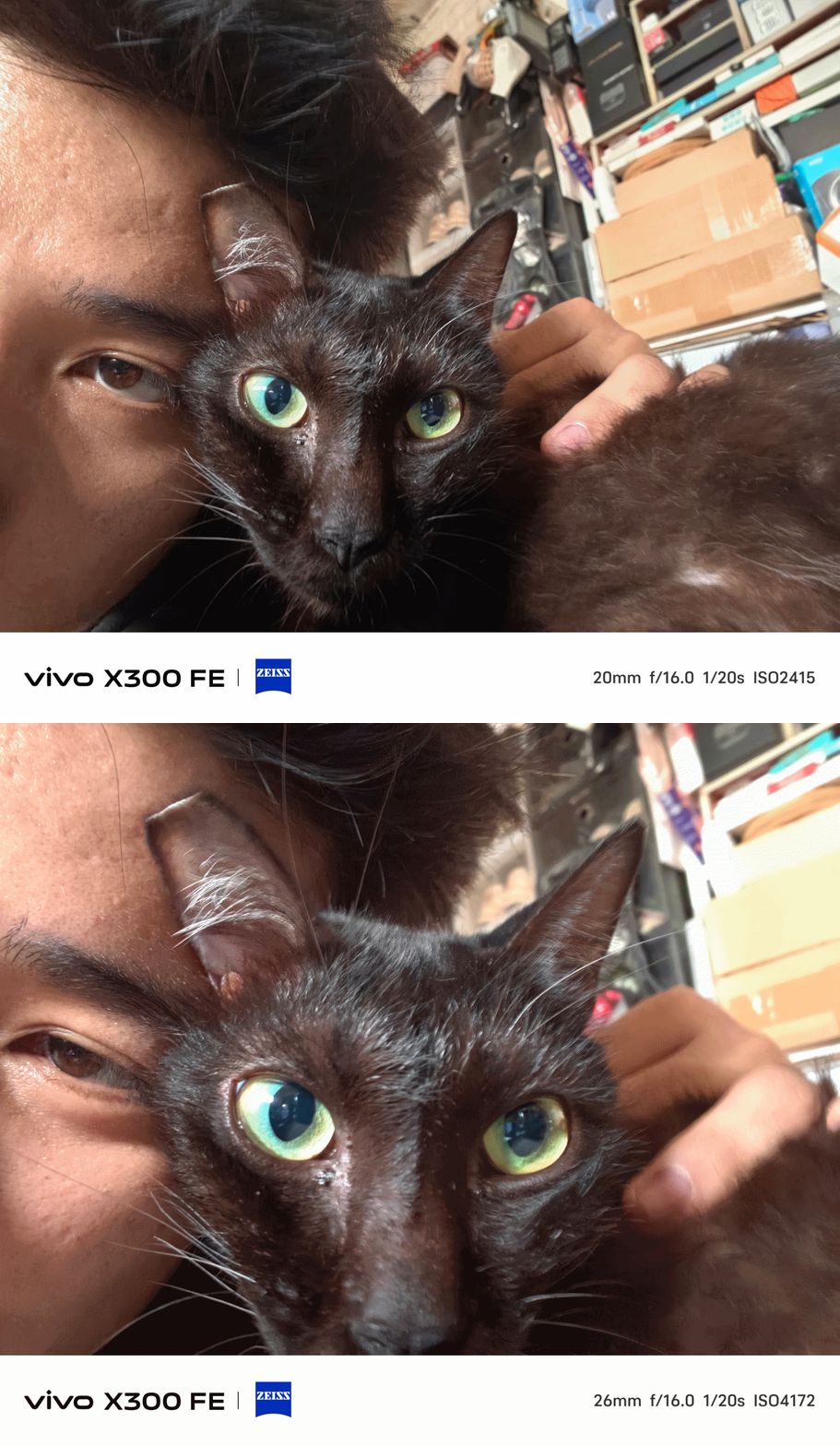
Taking mementos of your furry friends? The X300 FE handles that with ease.
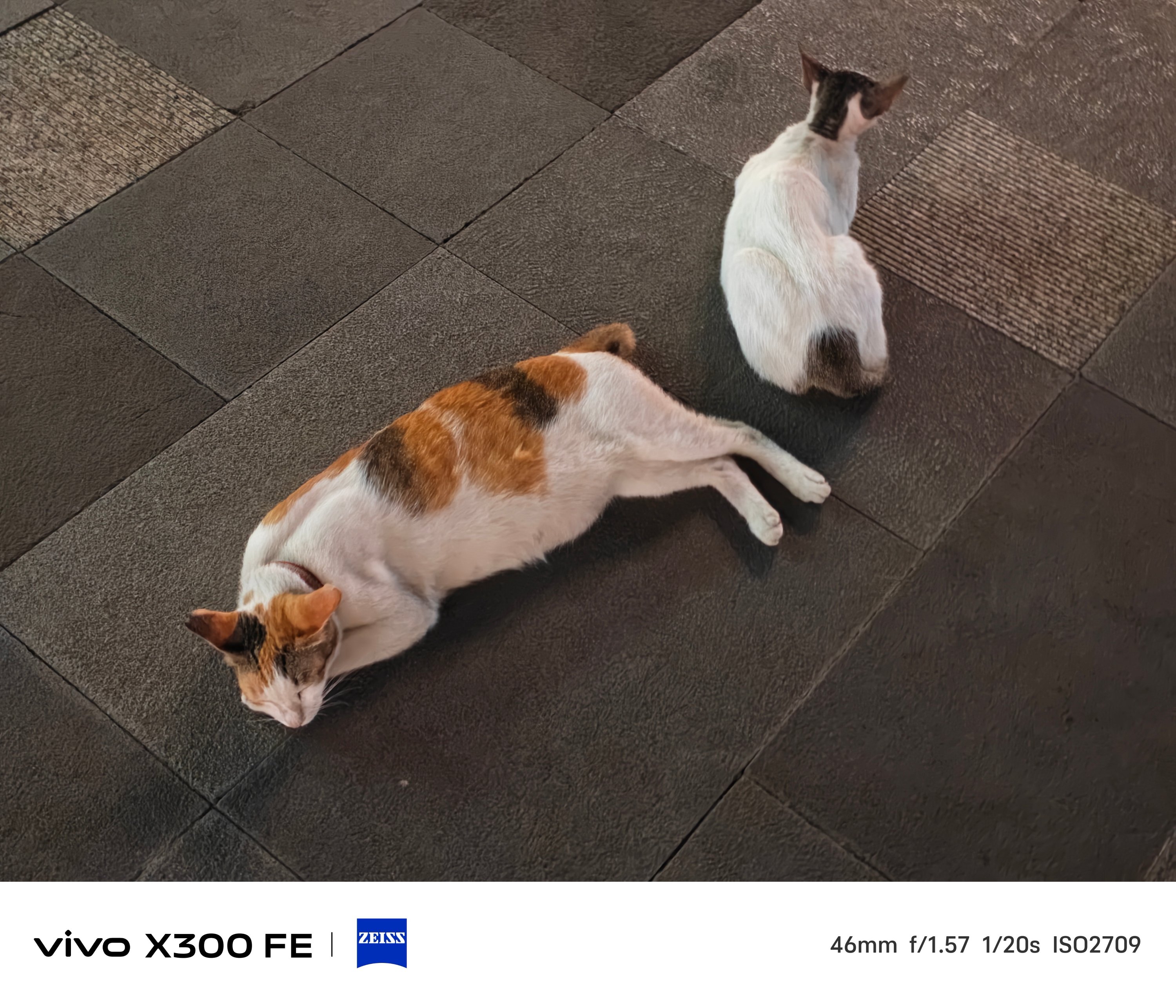
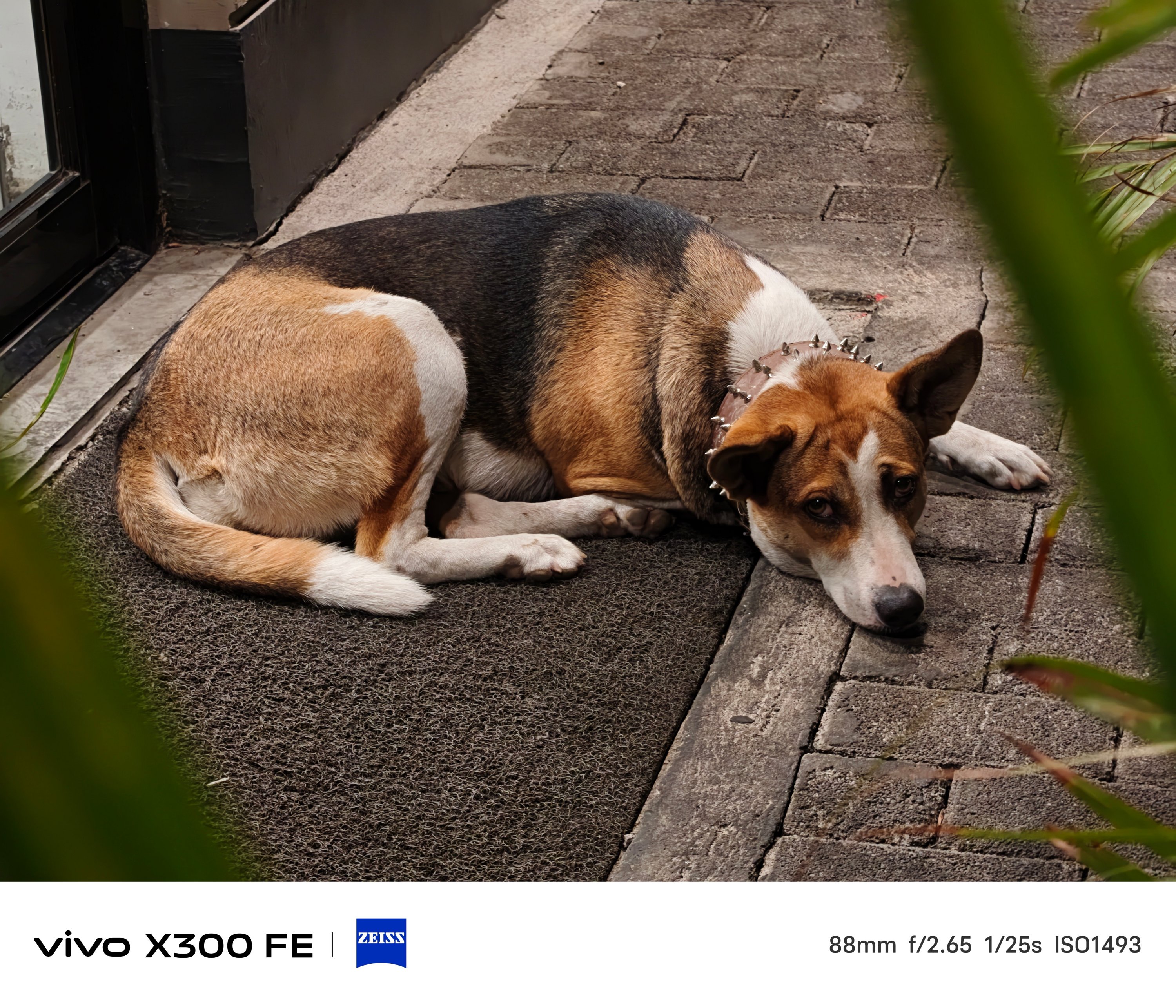
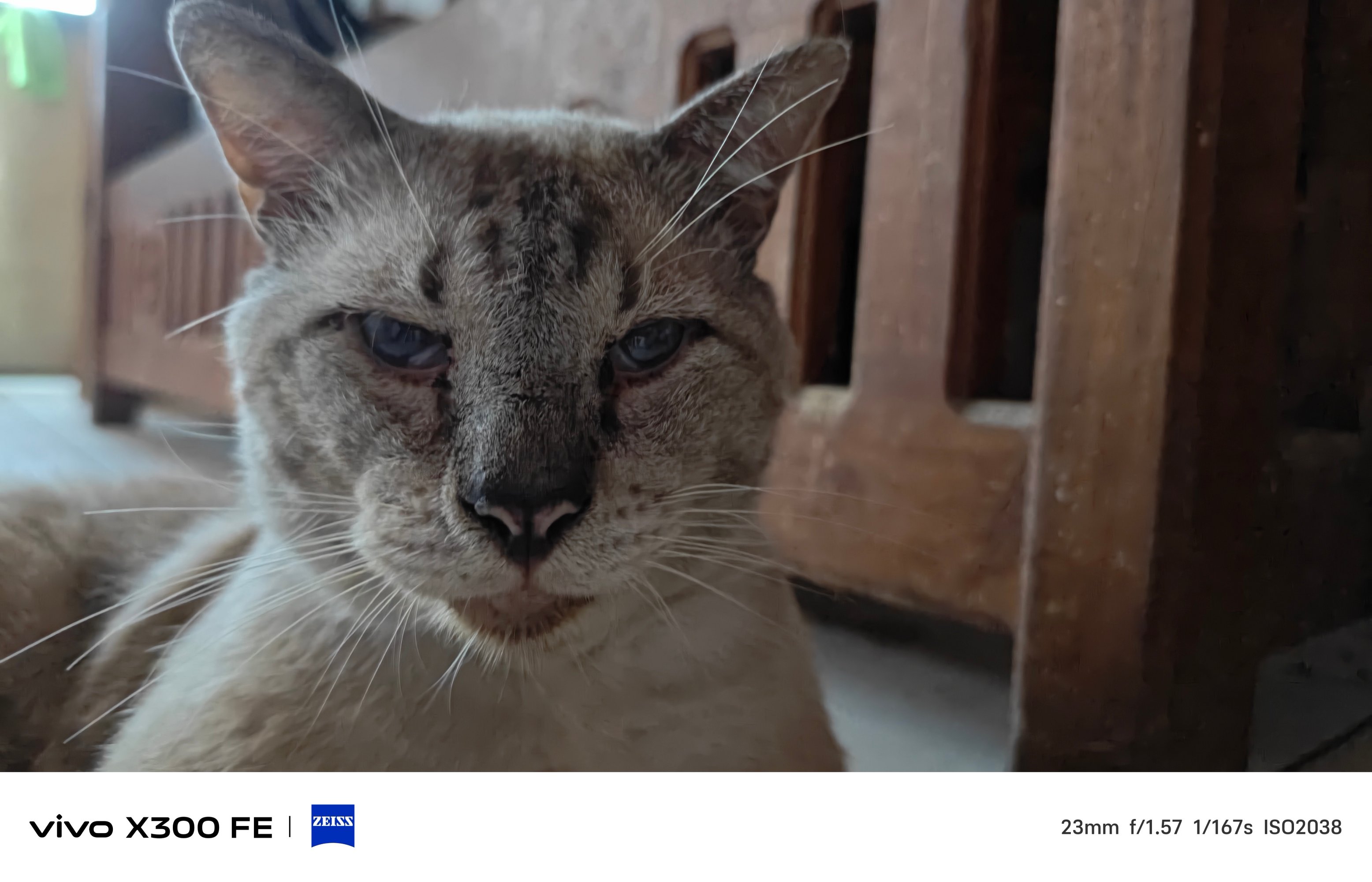
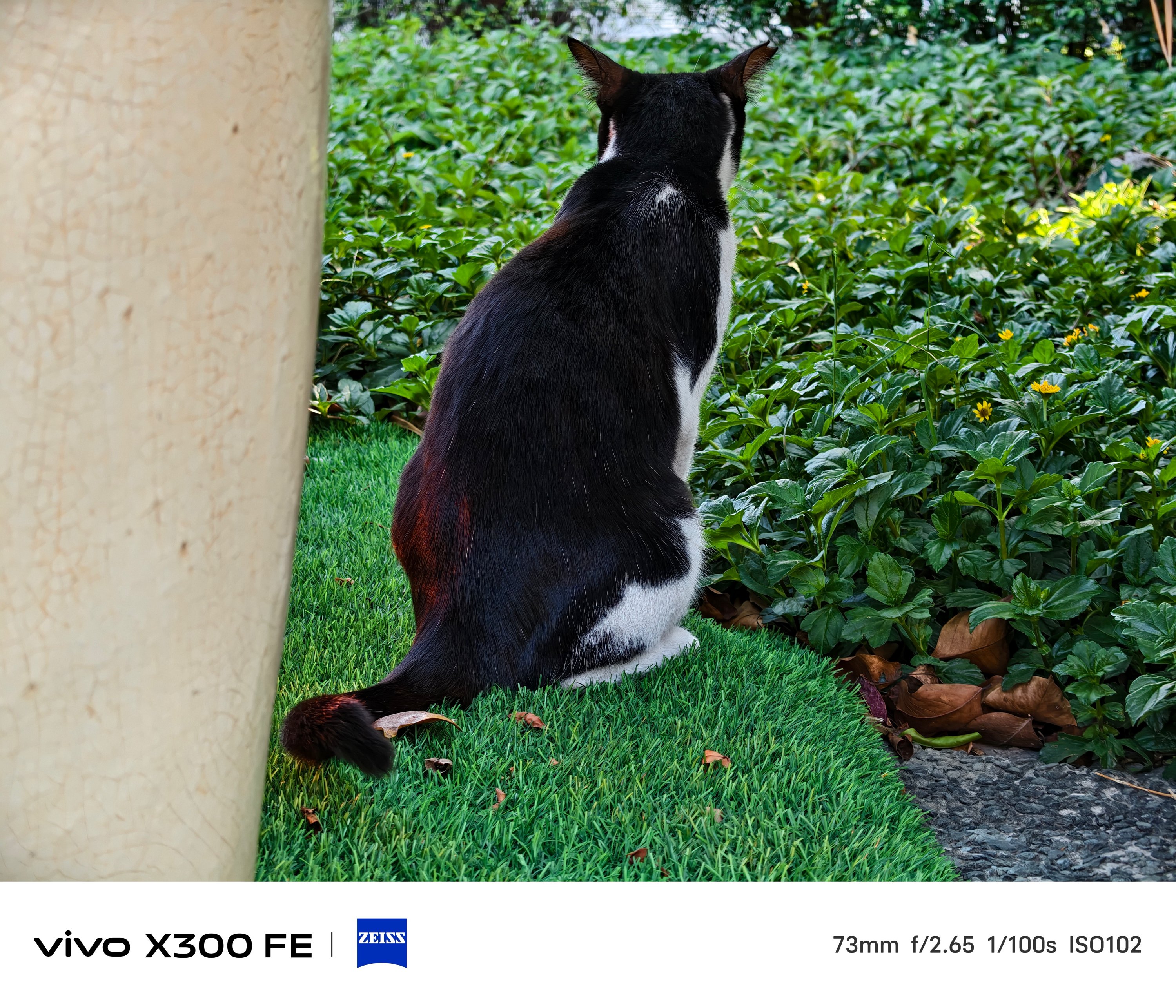
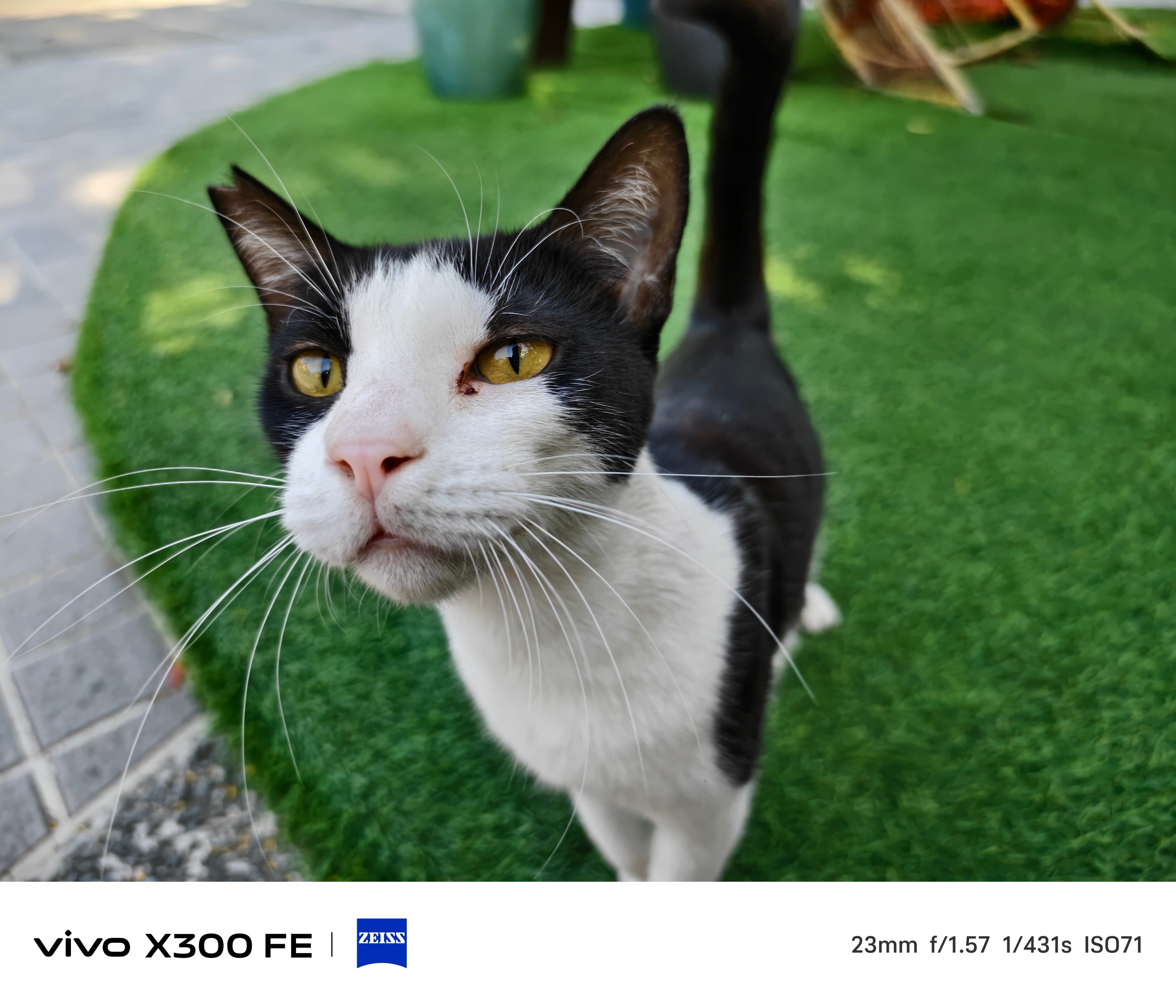
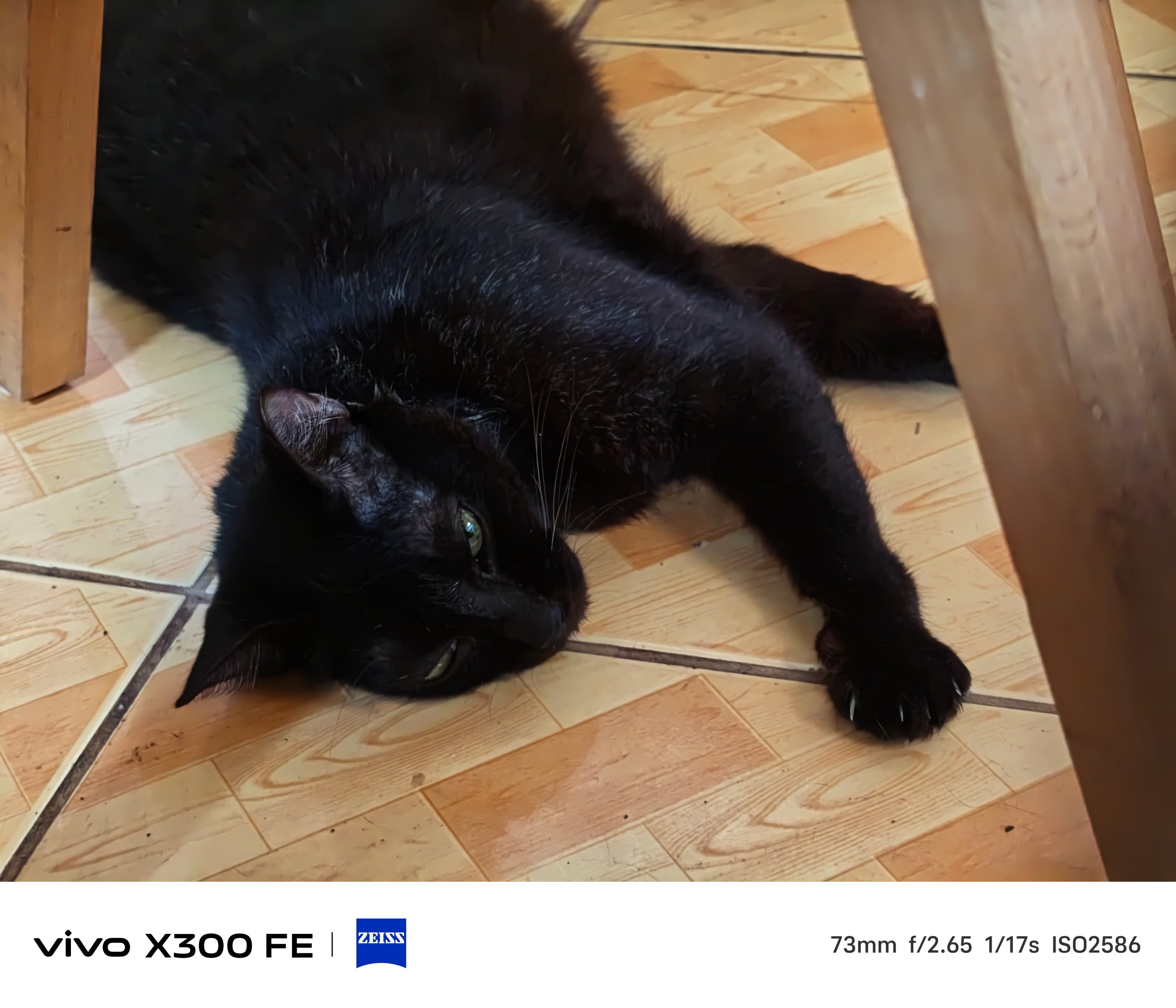
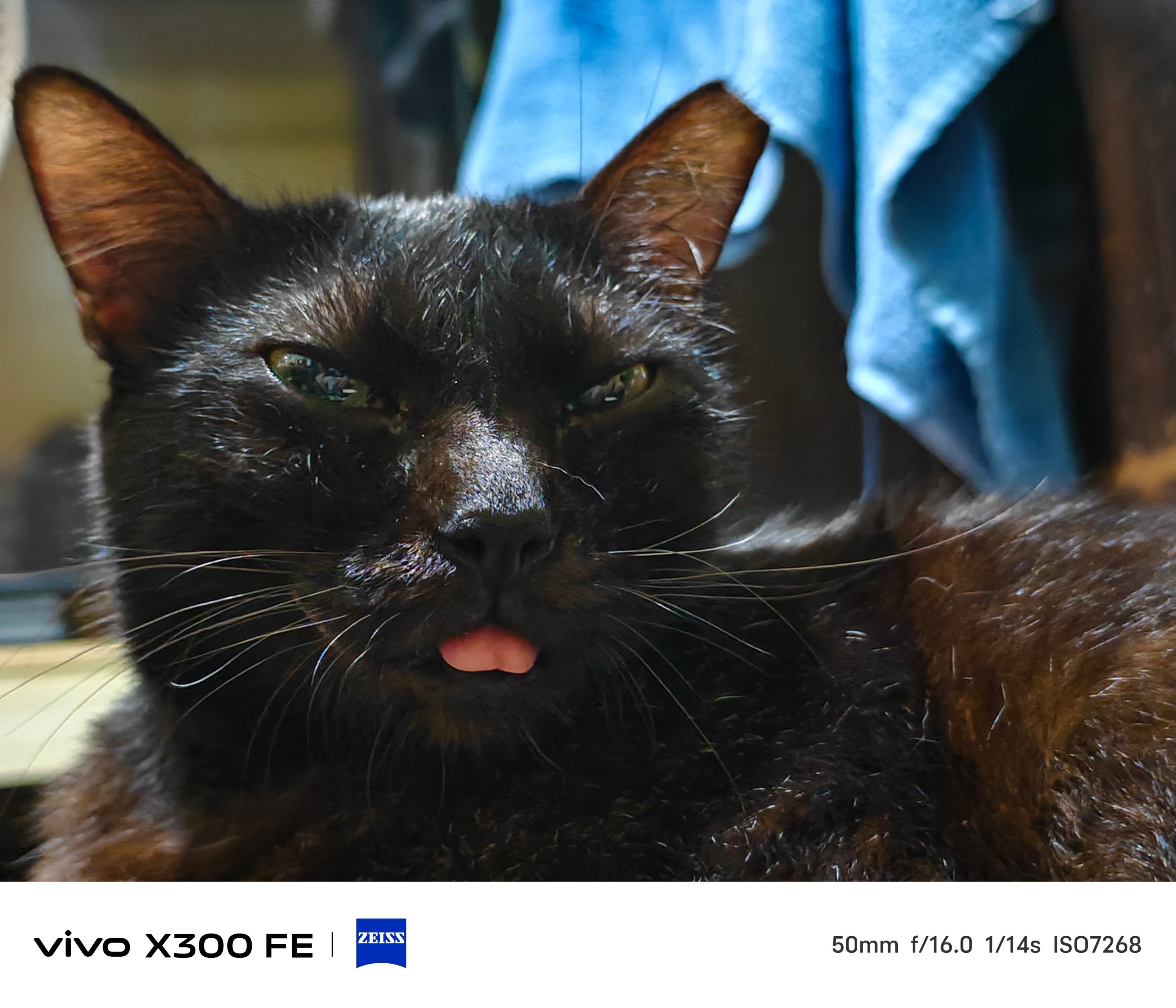
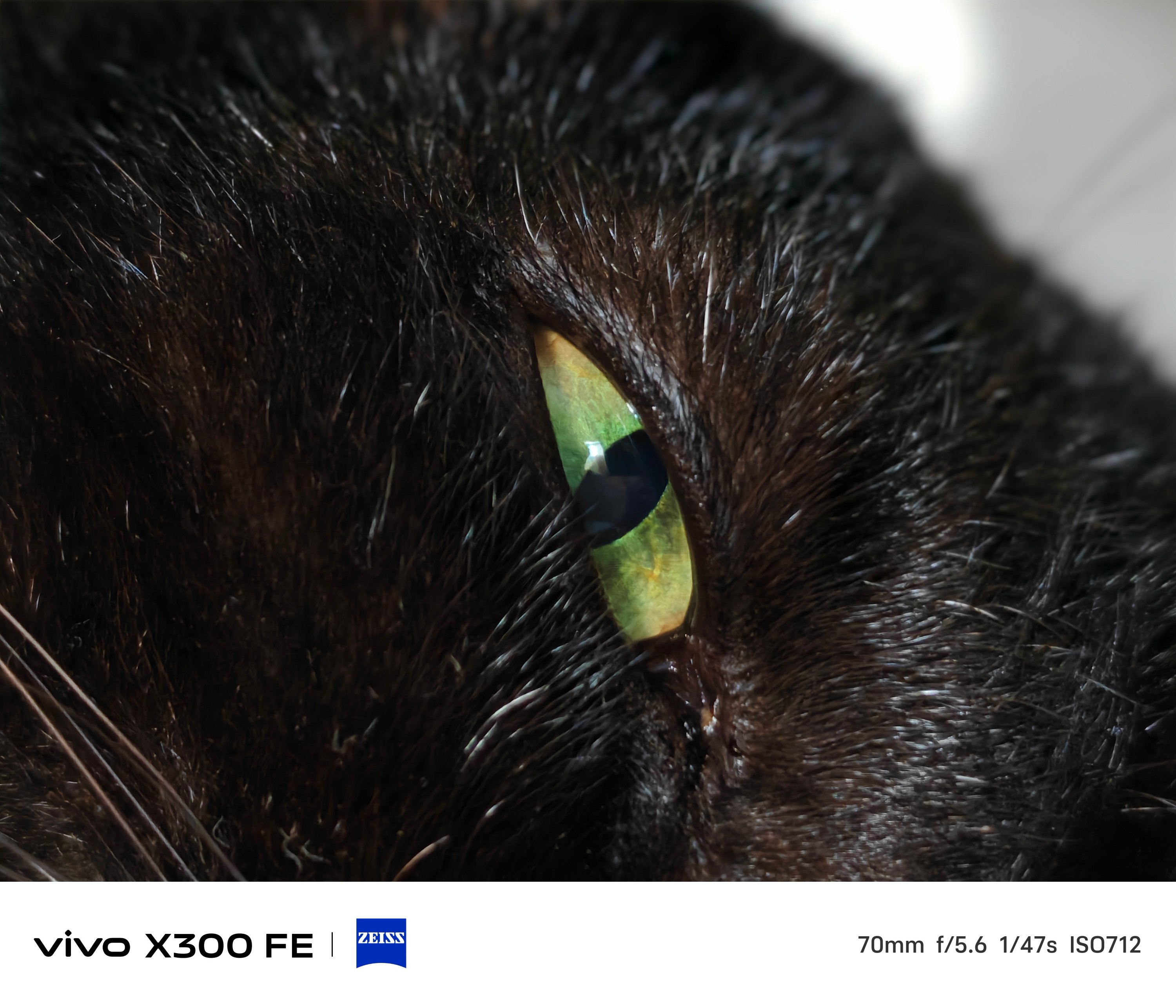
That focusing strengh also meant Super Macro mode is possible.
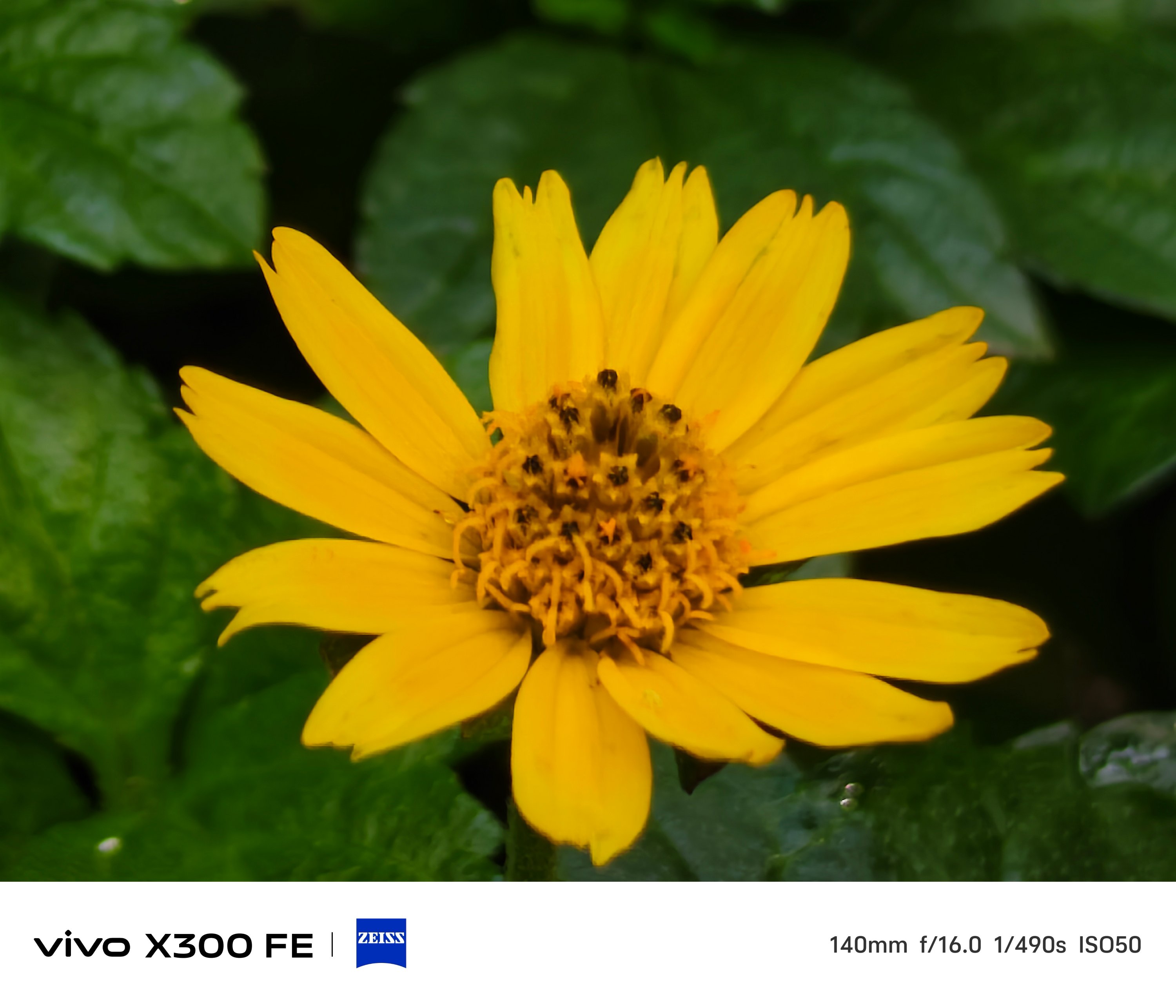
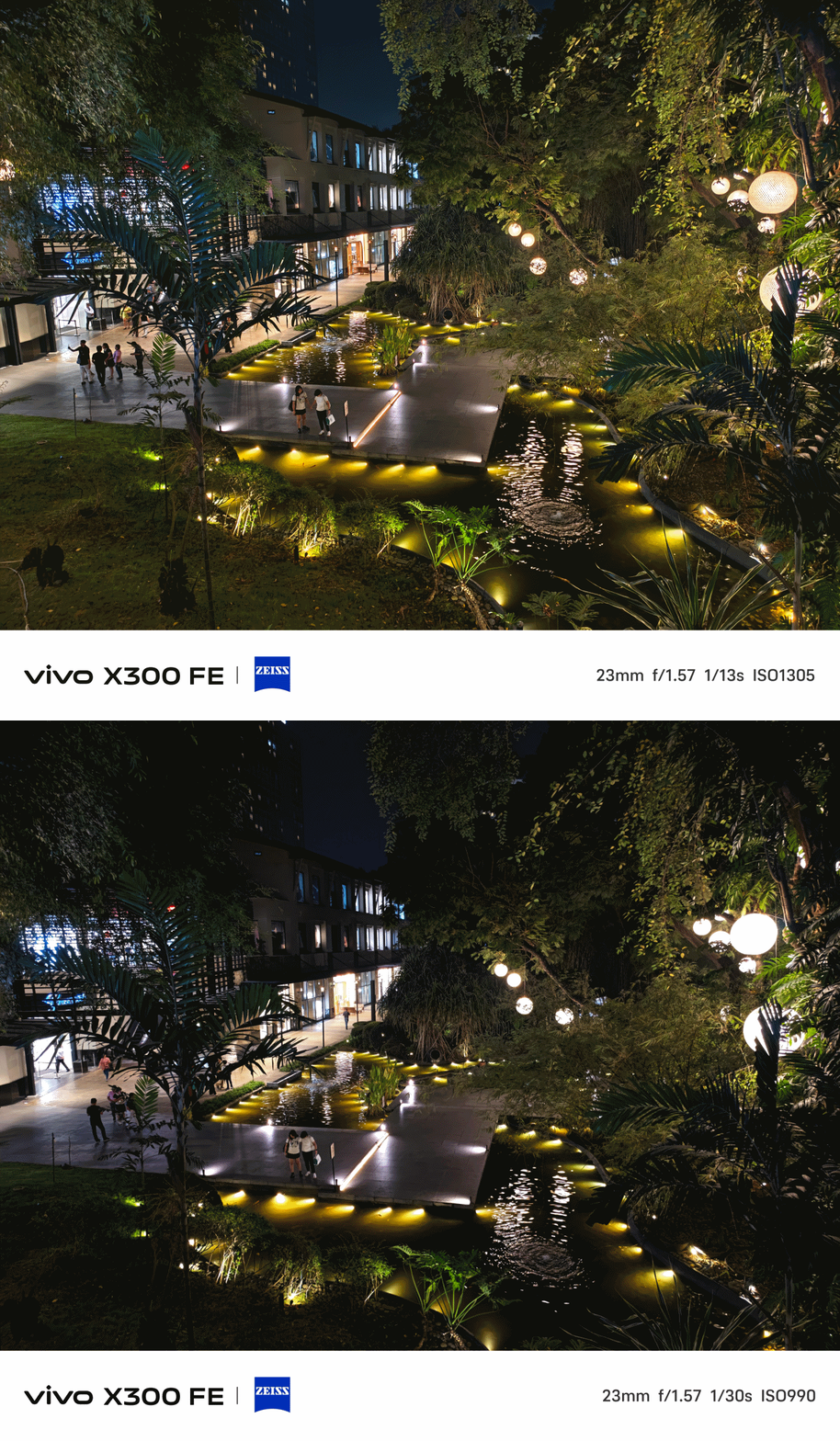
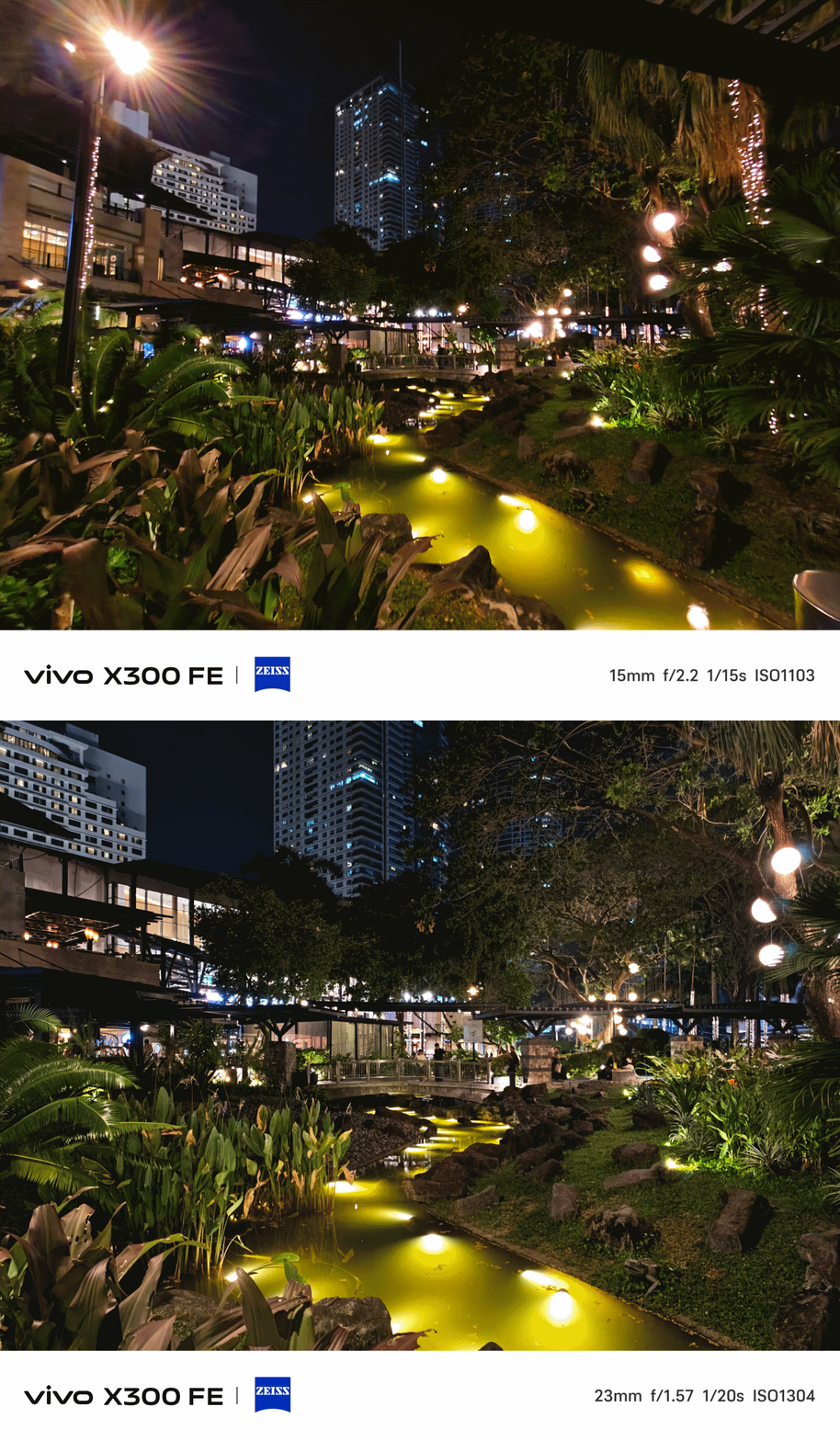
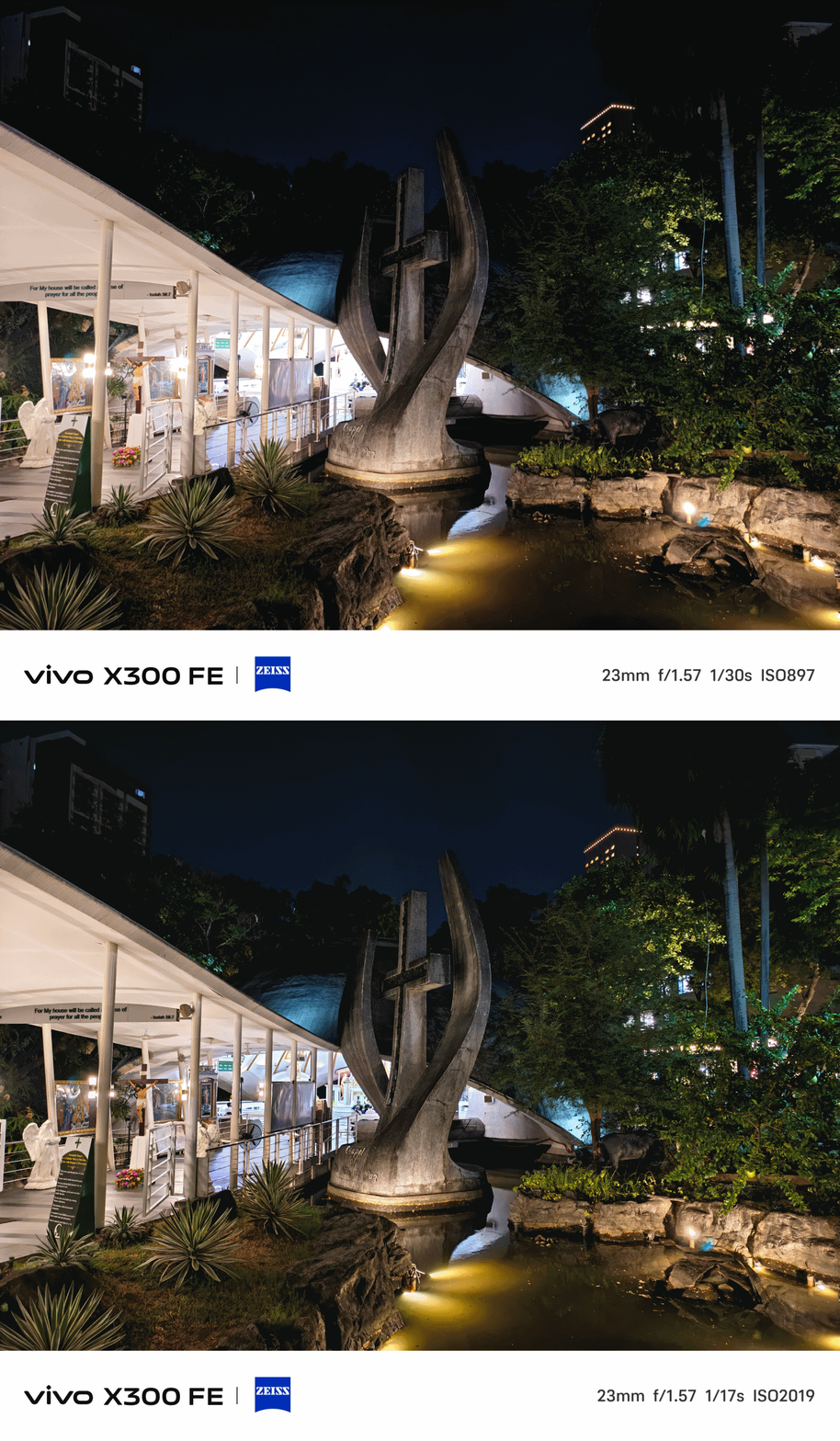
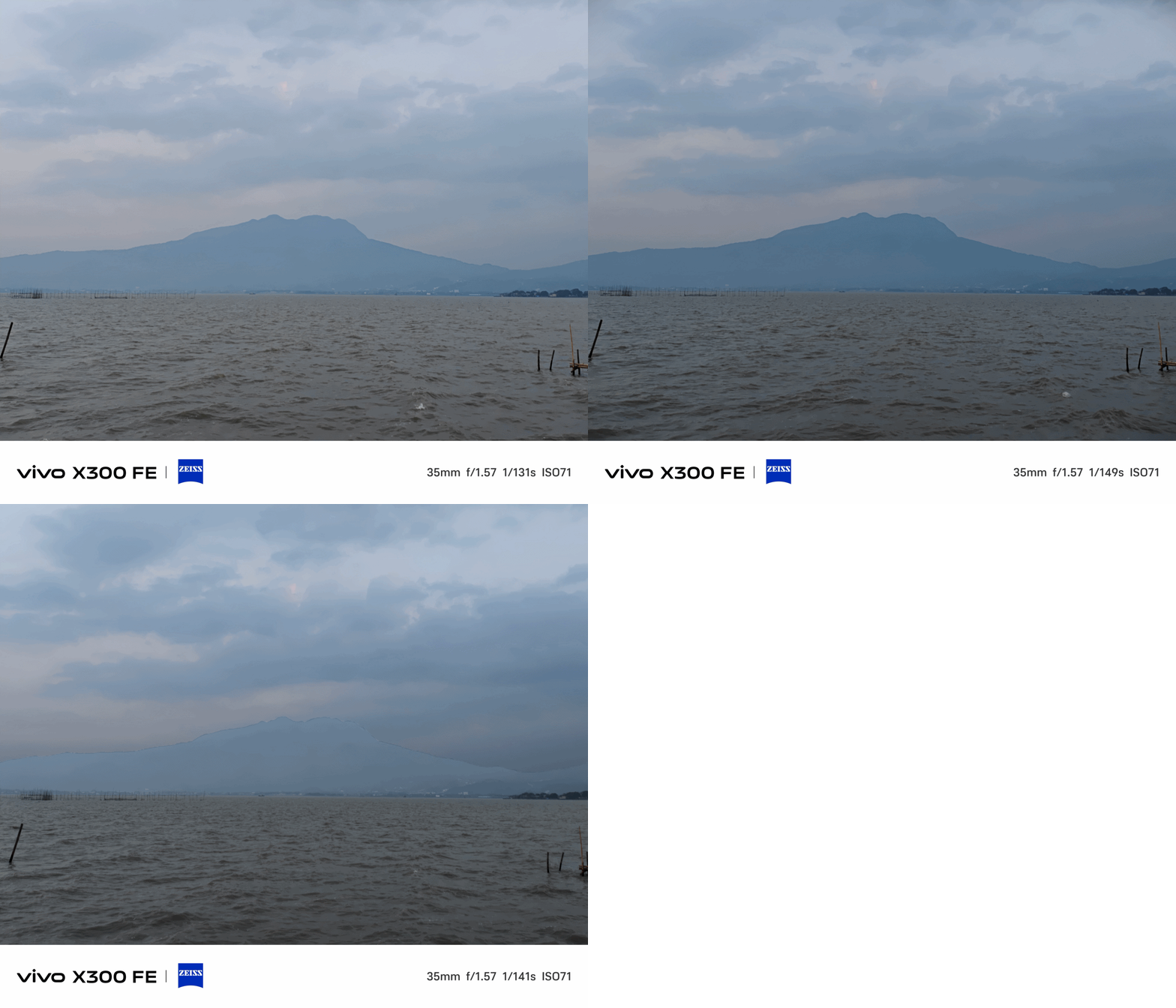
Lastly, shots from the Golden Hour to night.
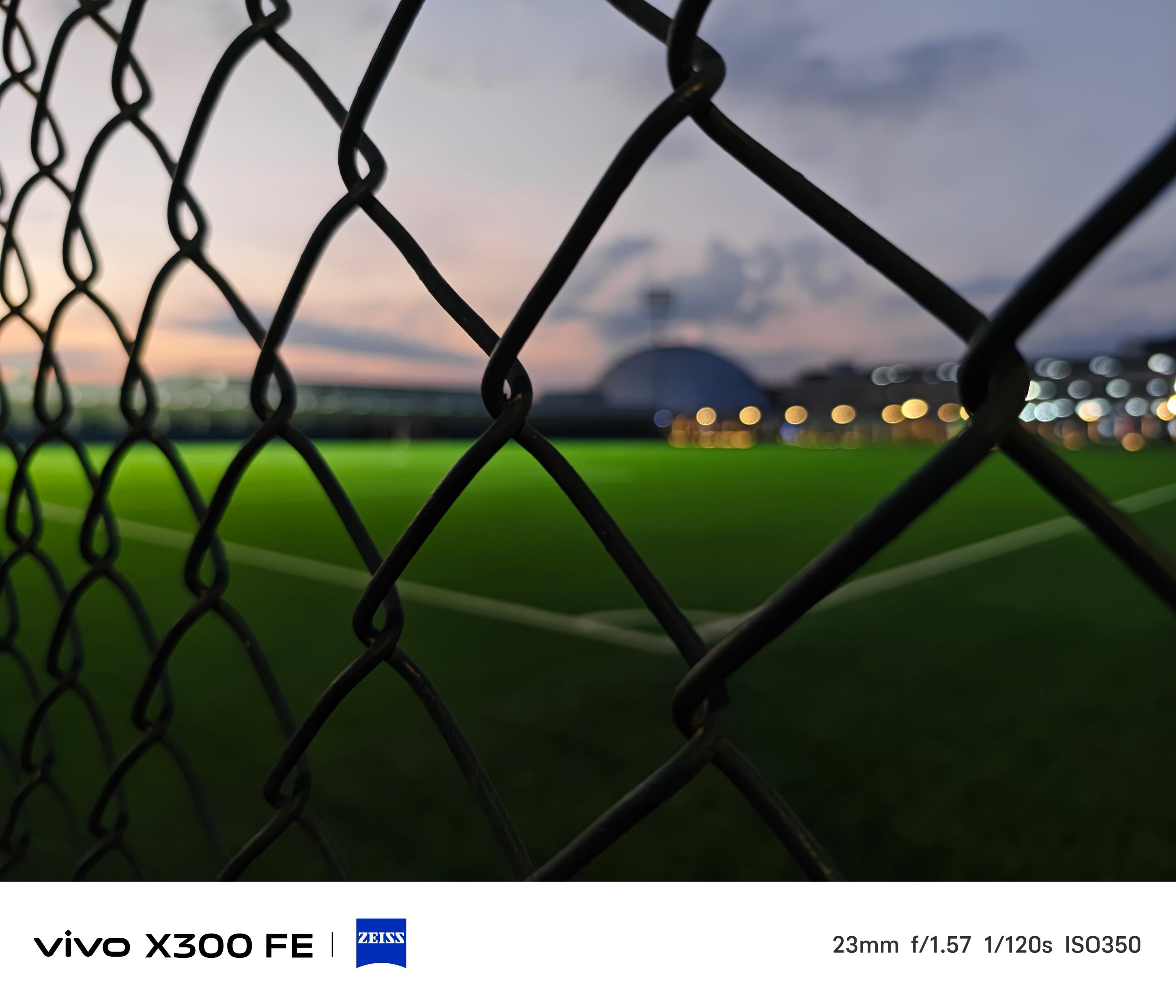

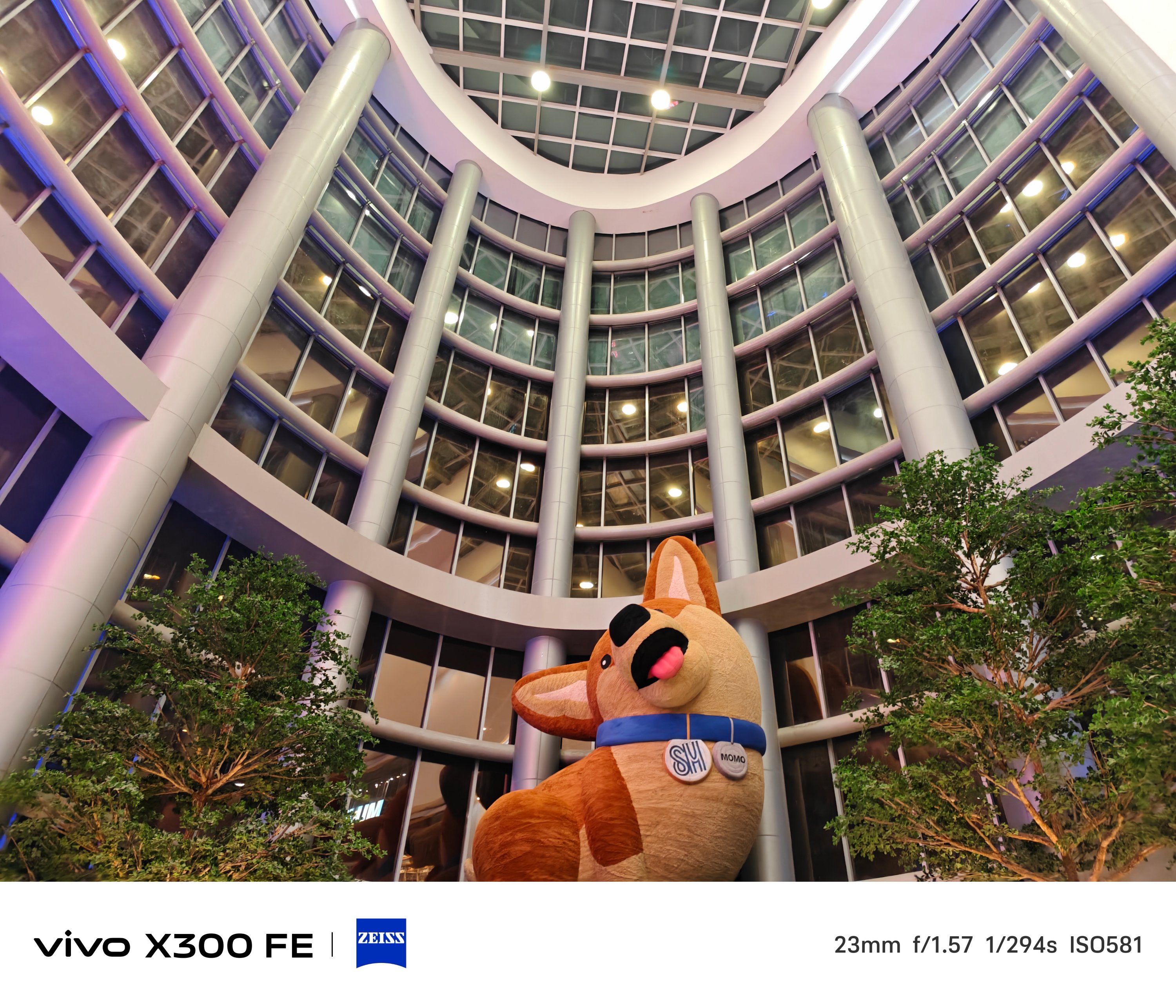
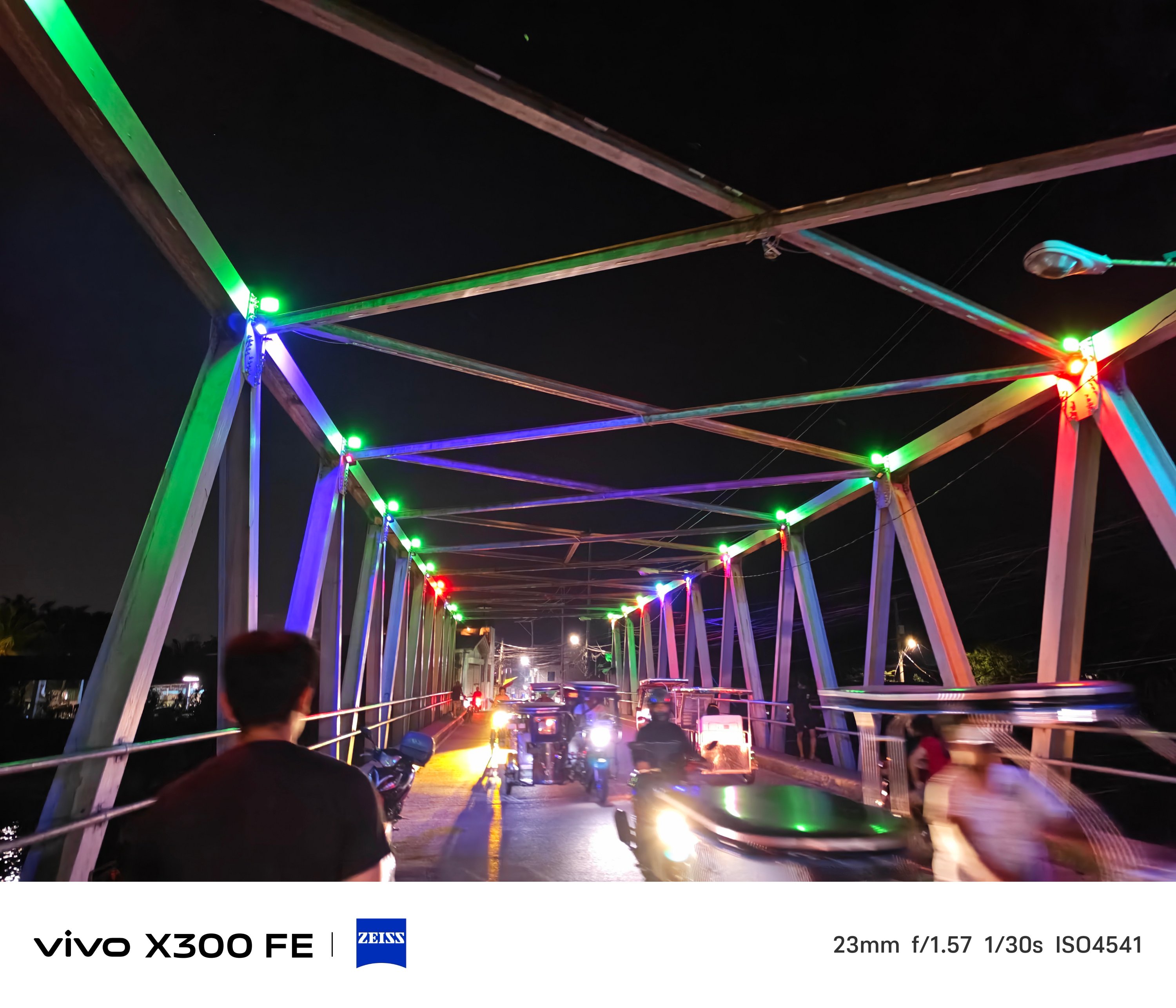
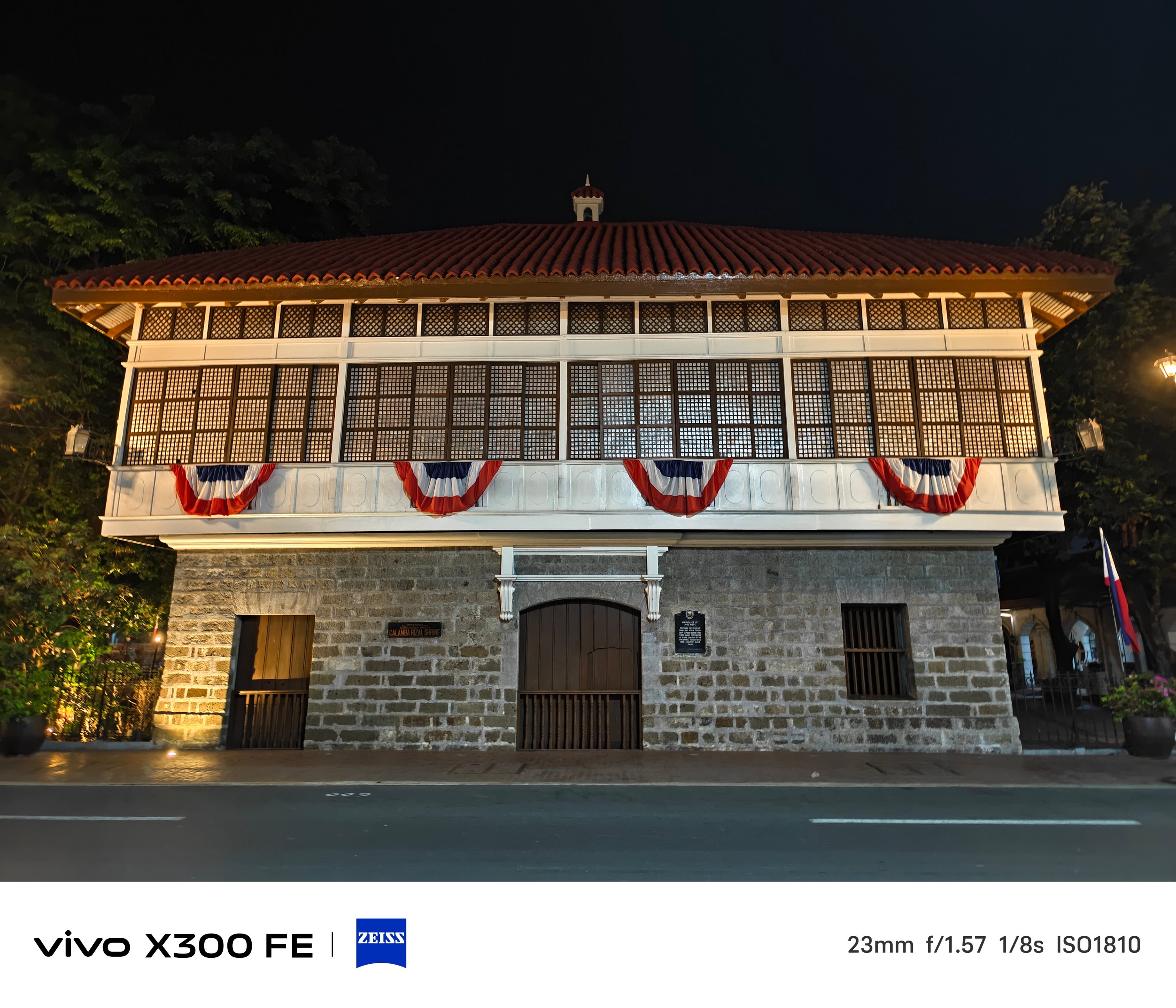
Just remember to fire up vivo’s Night Mode algorithm in scenes where there’s clear absence of light.

The ZEISS Masterclass
With the existing ZEISS partnership, these usual color profiles are already given: ZEISS, Vivid, and Textured.
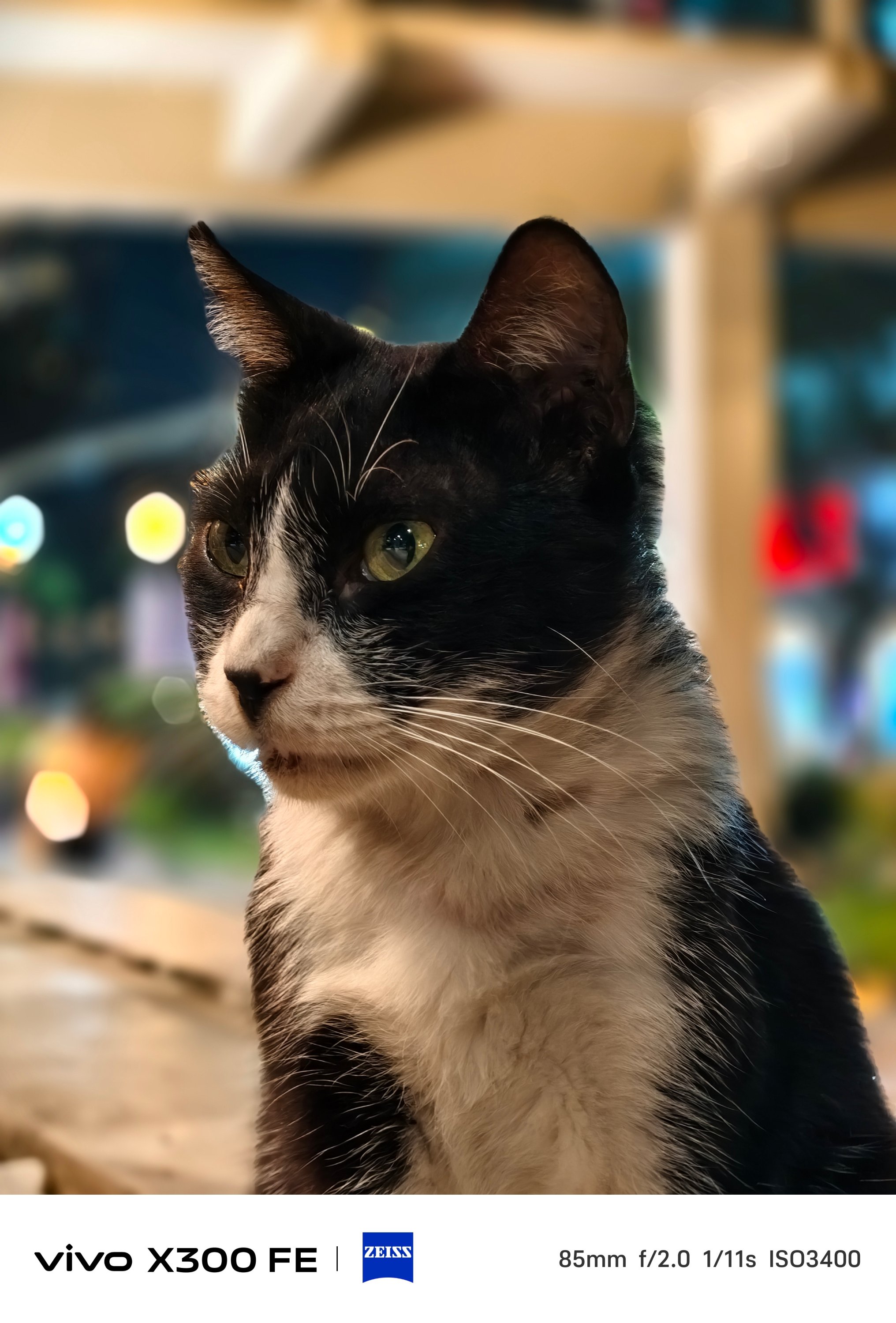
ZEISS Portrait Styles were not left behind as well. And it not only works with humans, but with animals and objects alike.

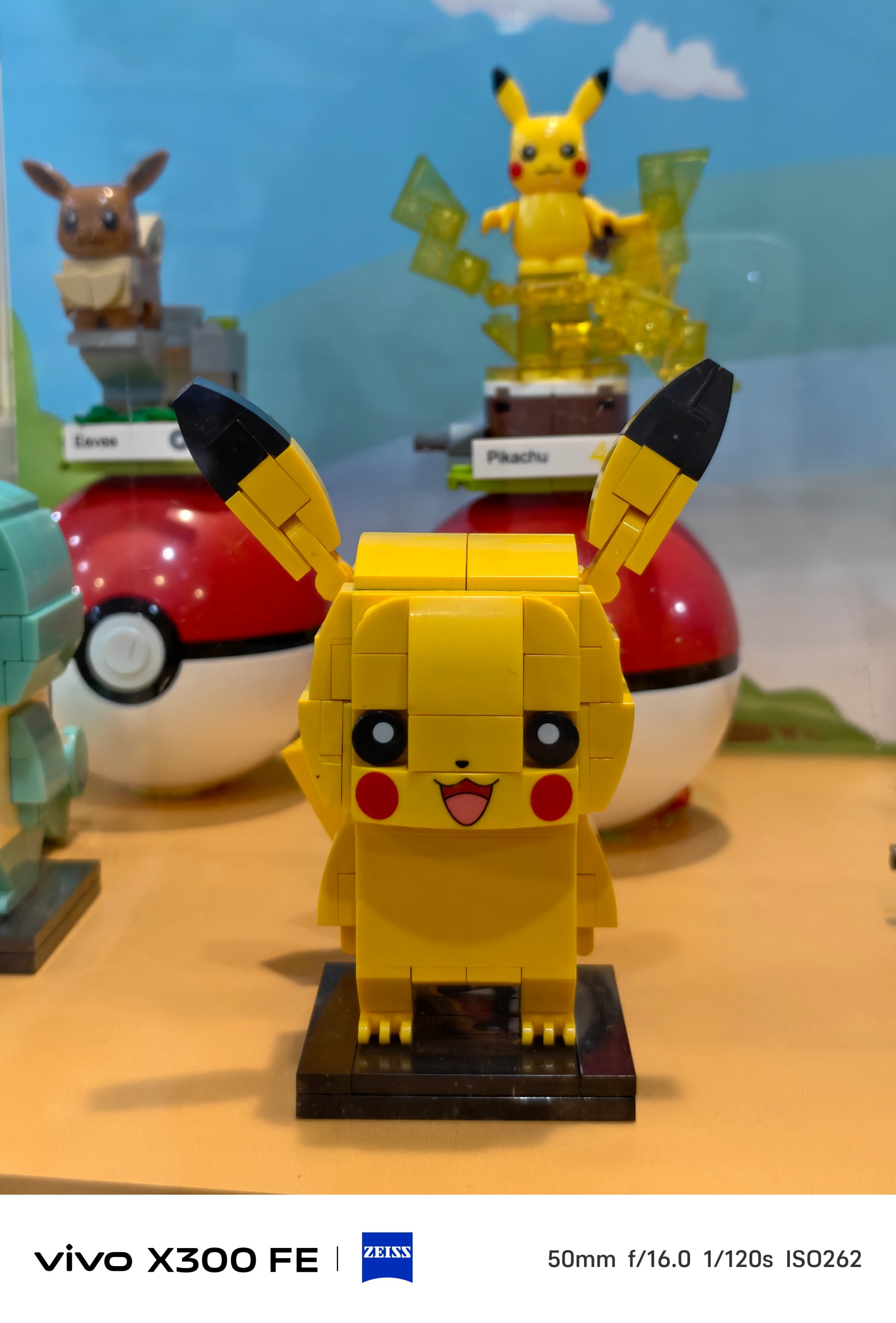
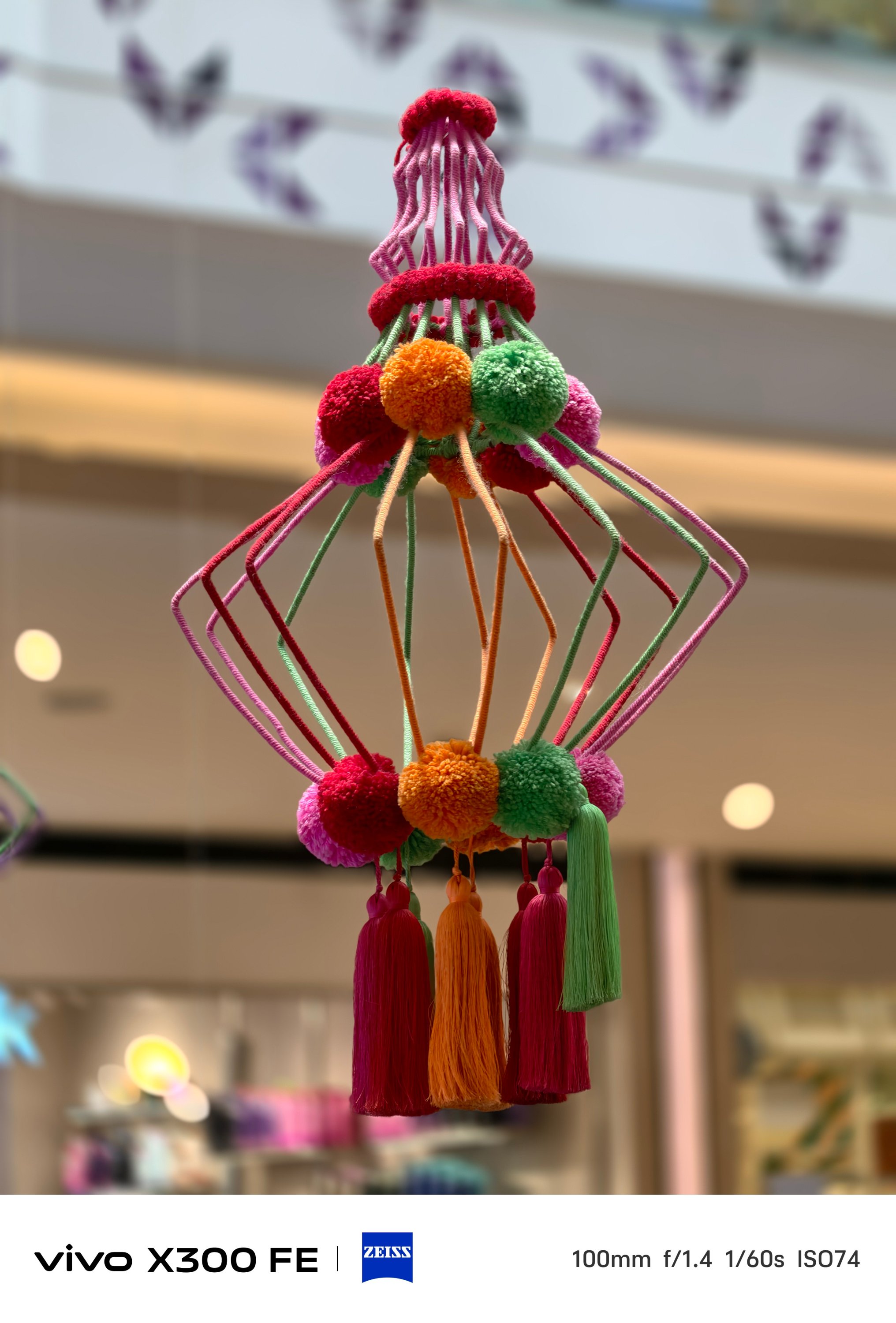
Even if you don’t switch to Portrait Mode, you can still snap close-ups with that creamy bokeh behind.


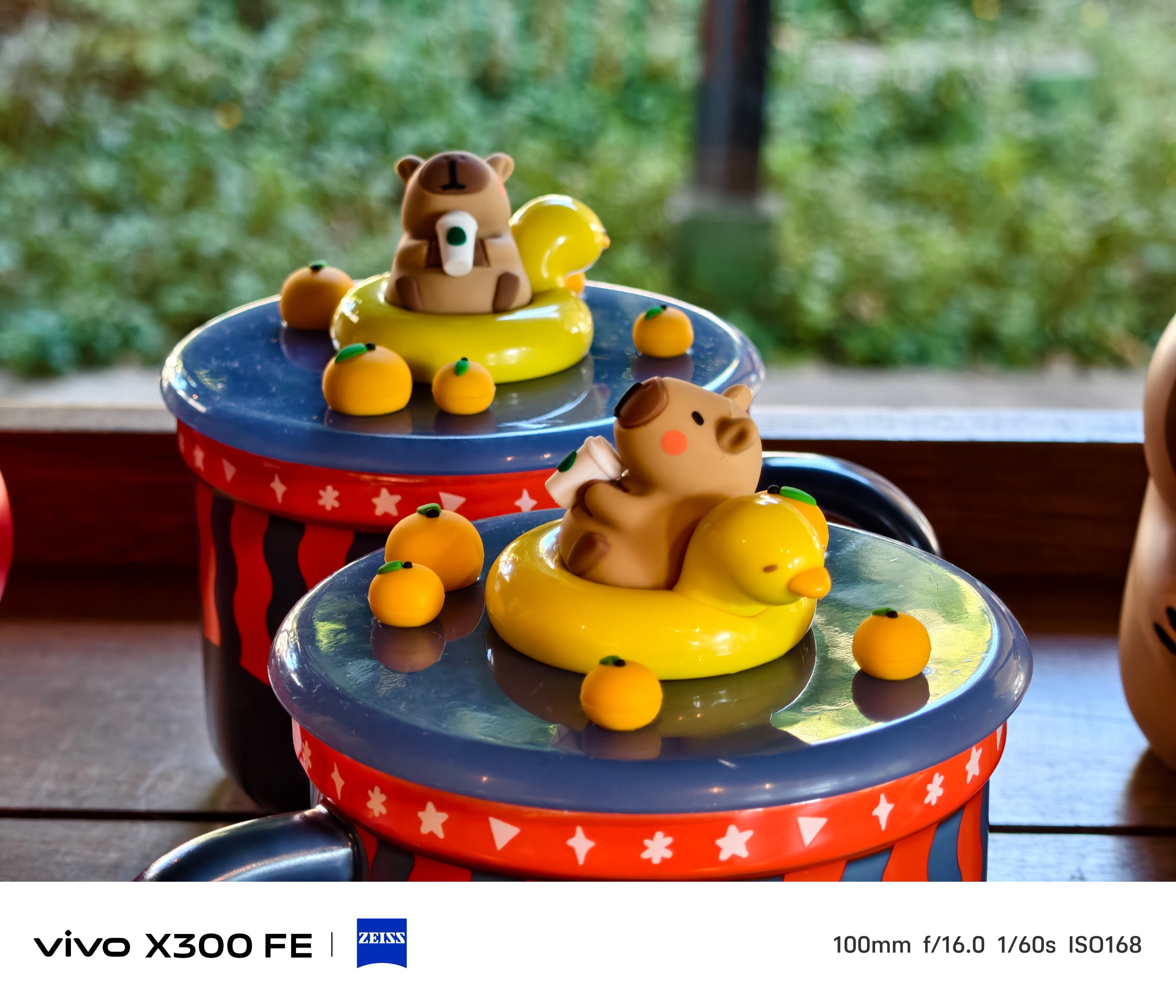
Speaking of Portrait Mode, beautification can be toggled and adjusted to your liking — both in front and back.




And while we’re at it, front-facing camera can go a bit wider — from 26mm to 20mm.
The X300 FE has also adapted the Humanistic Street Photography Camera interface that got introduced way back in the X200 series. The upgraded version means it’s also equipped with all these film-like presets:
- Textured
- Classic negative*
- Vivid
- ZEISS Natural
- B/W
- Positive film*
- Clear blue*
* newer film simulation looks

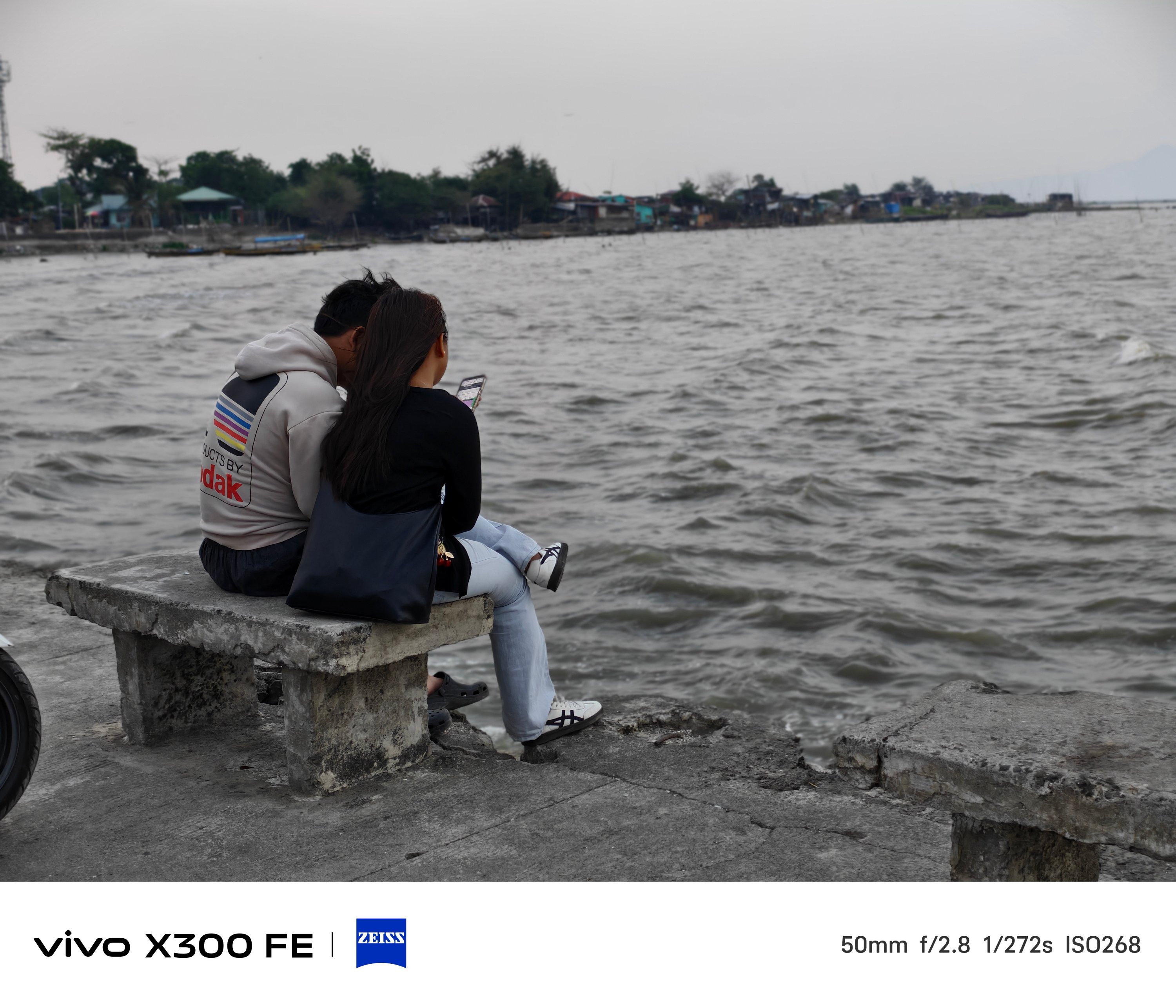
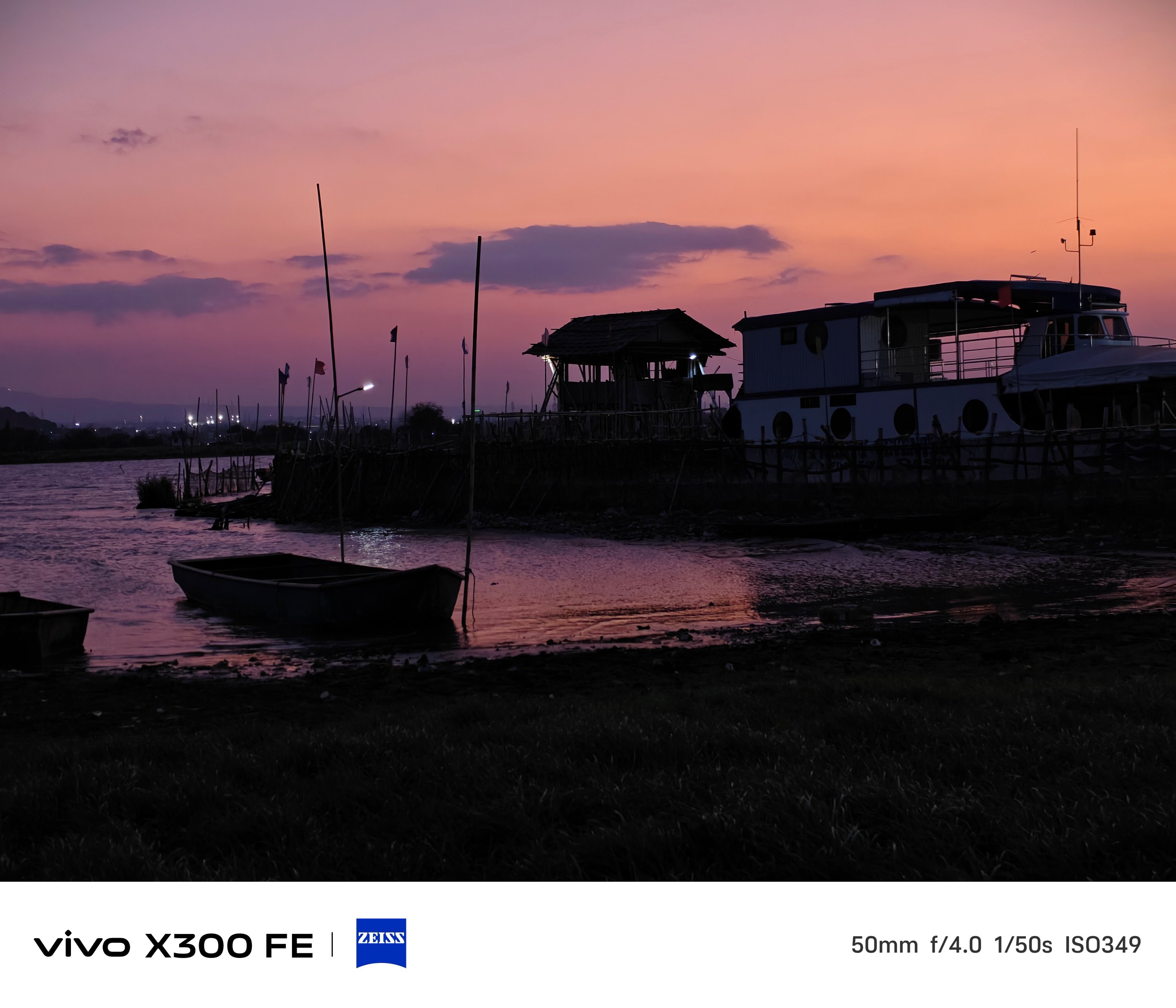
B/W, while not Leica levels, still looks dramatic as it could be.
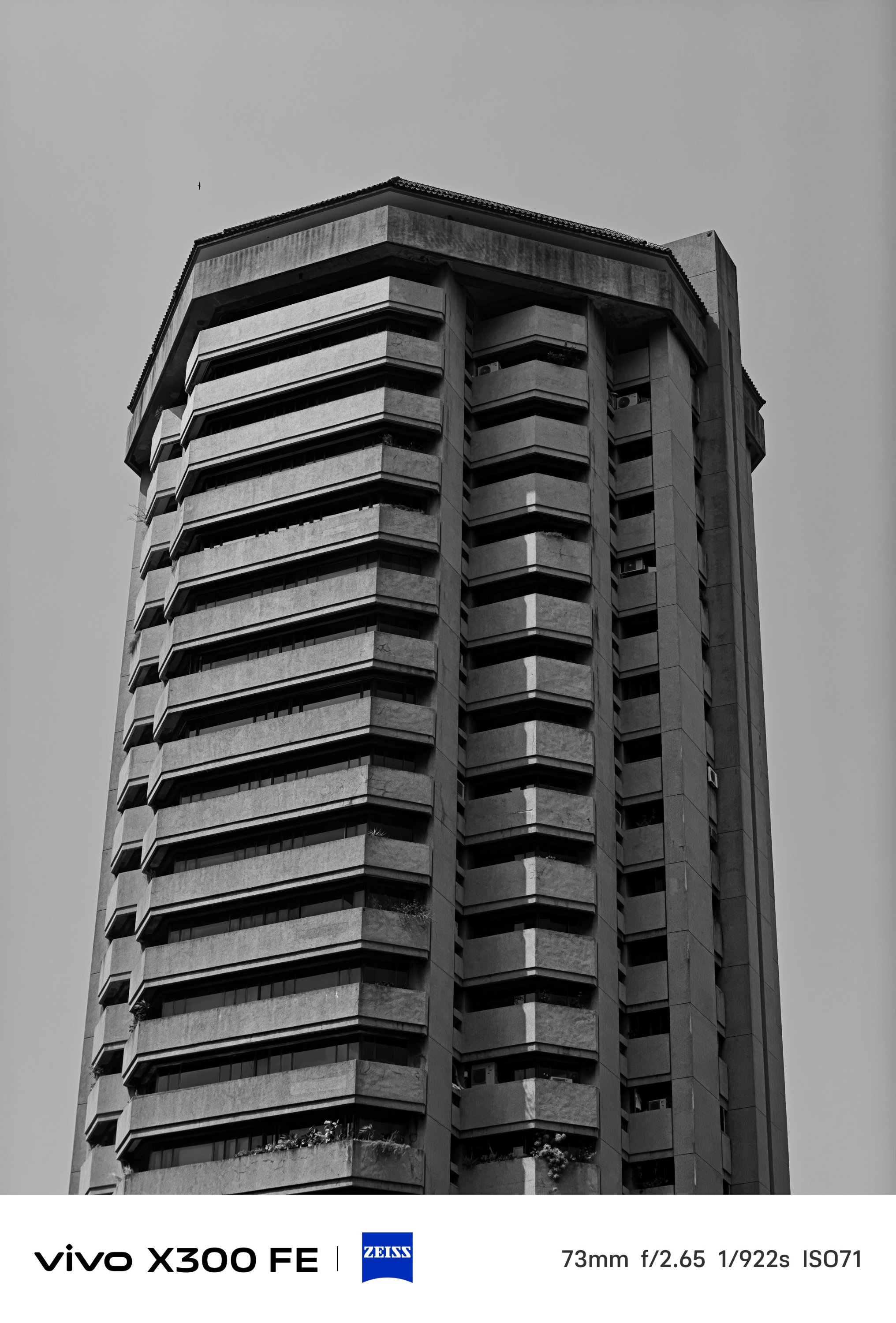
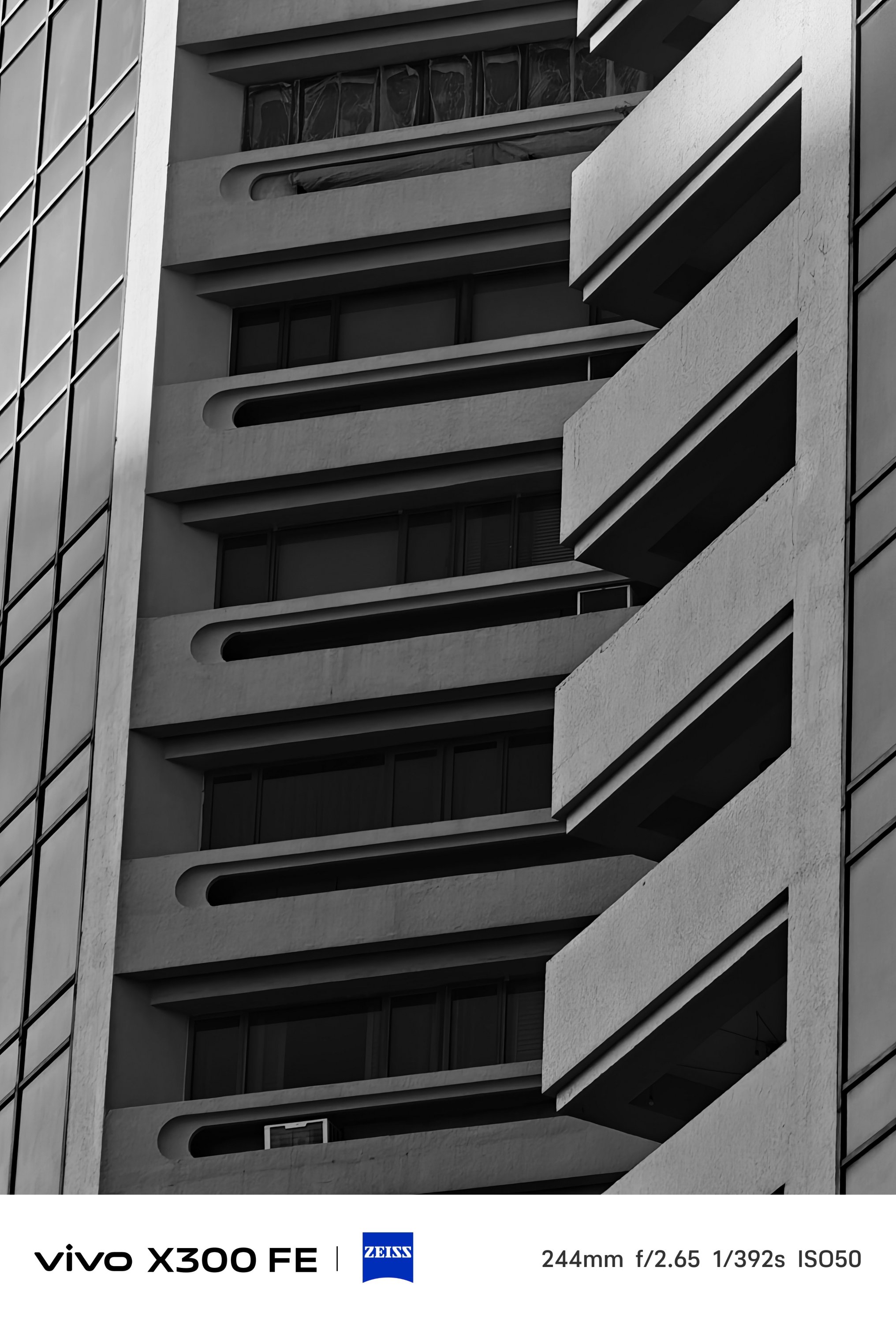

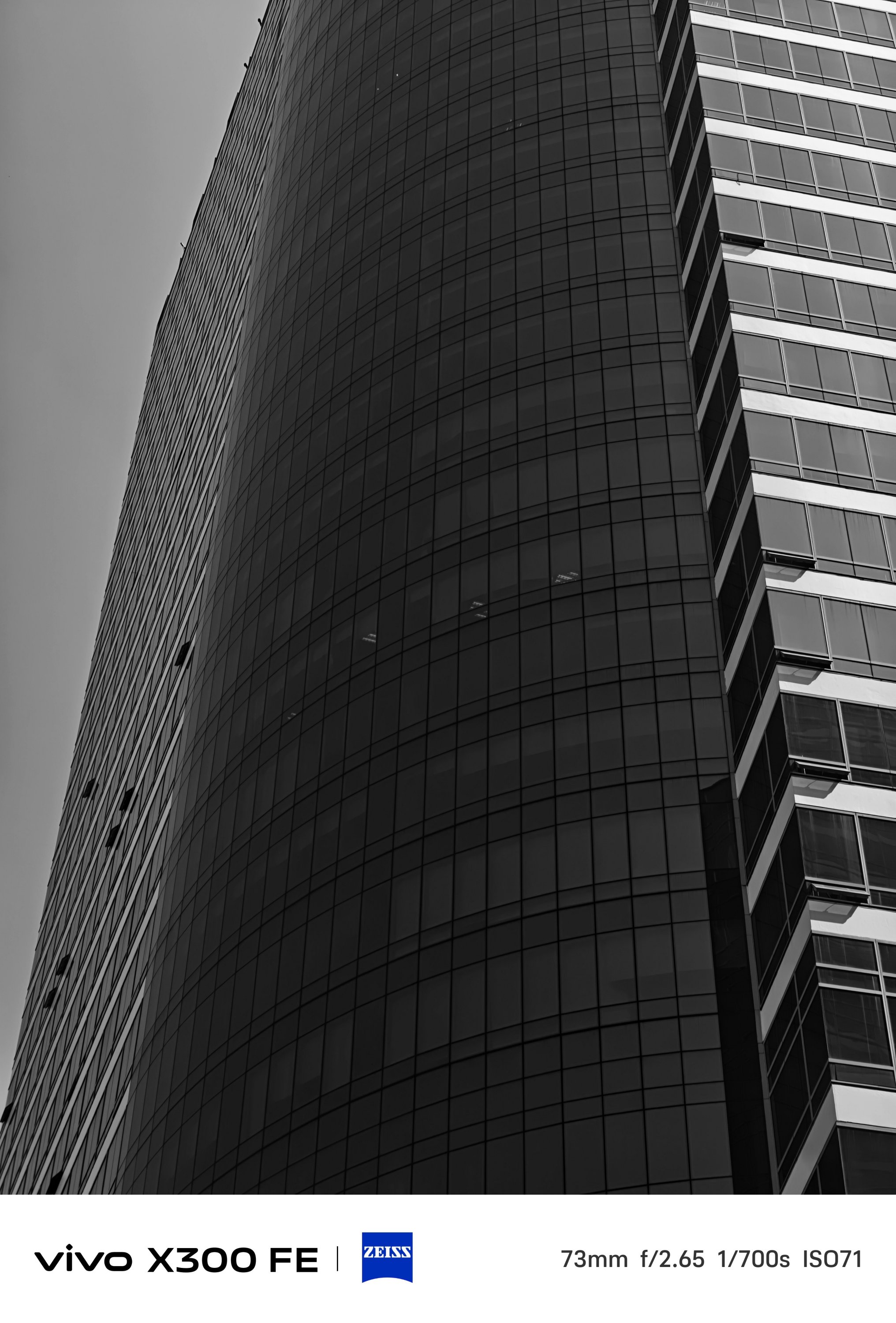

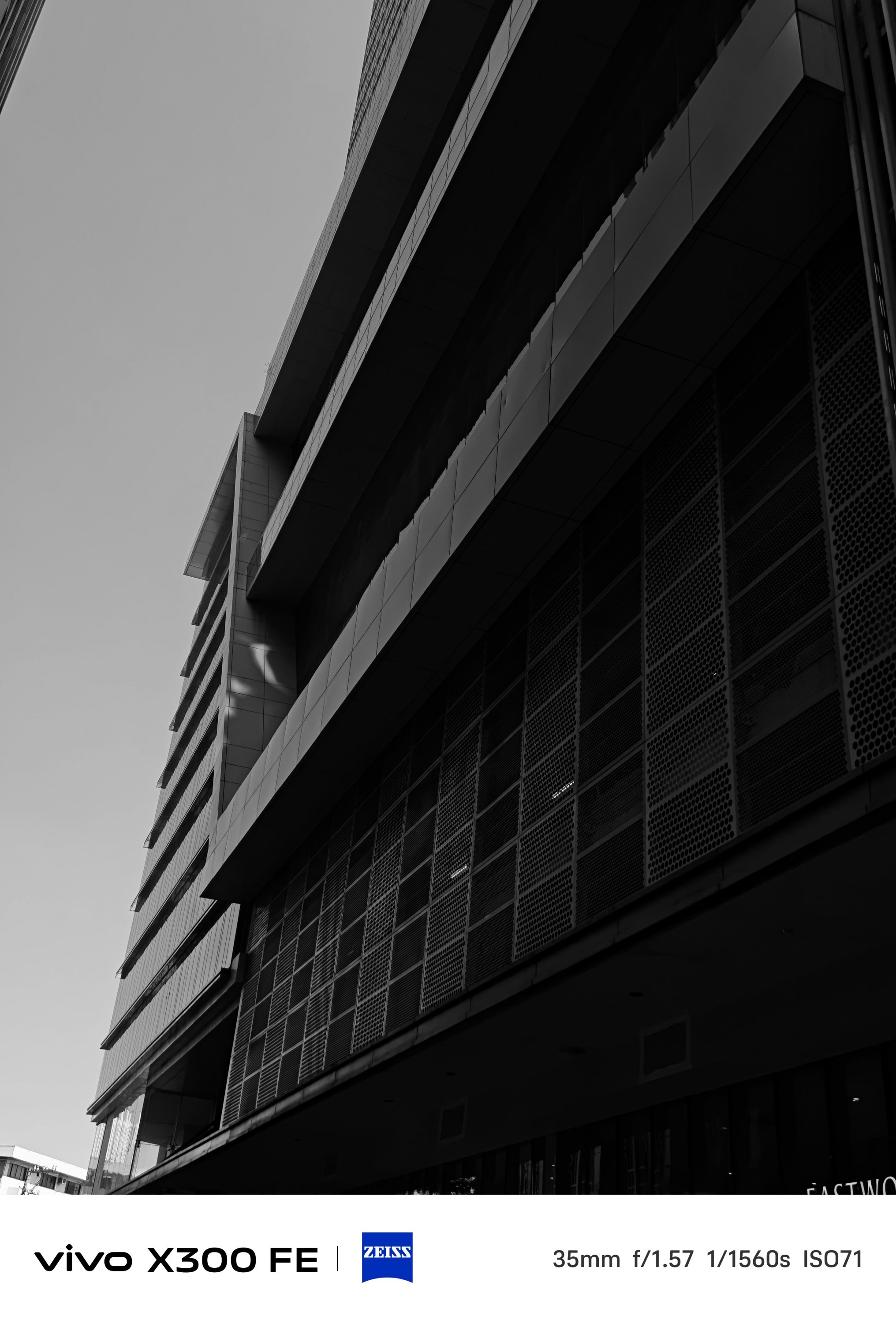

Mind you, the vivo X300 FE lacks that much-needed Snapshot mode for fast-moving scenarios. However, I was still able to shoot these while I was in a speedy to steadfast motorcycle ride (as a passenger, of course).
What about video shooting?
As for video recording, it’s also heaps better than the vivo V70.
The said midranger is stuck at shooting 4K/60fps. The X300 FE? It can shoot as extreme as 4K/120fps up to 8K/30fps — just without the goodness of Dolby Vision HDR.
-
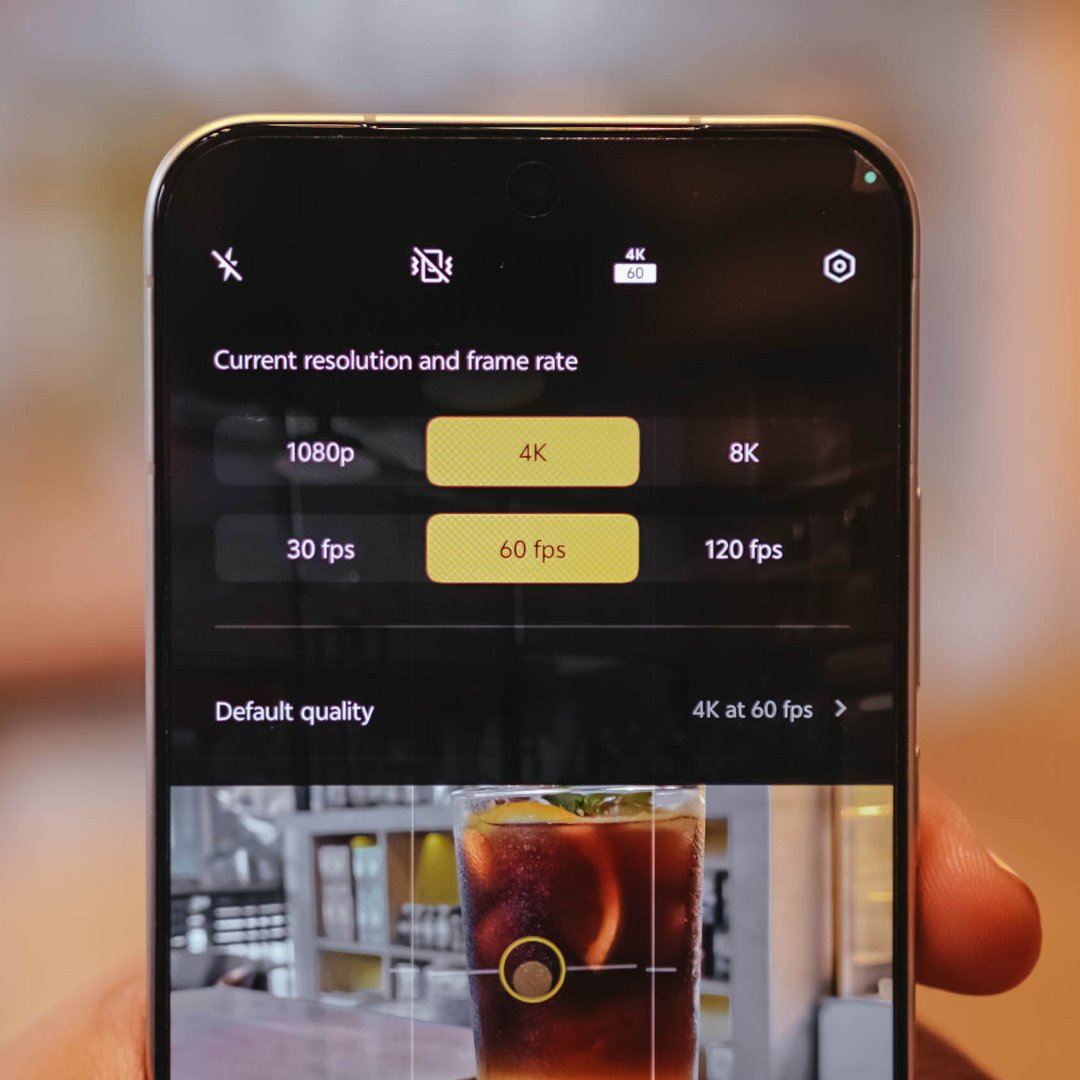
- 4K/60fps recording
-
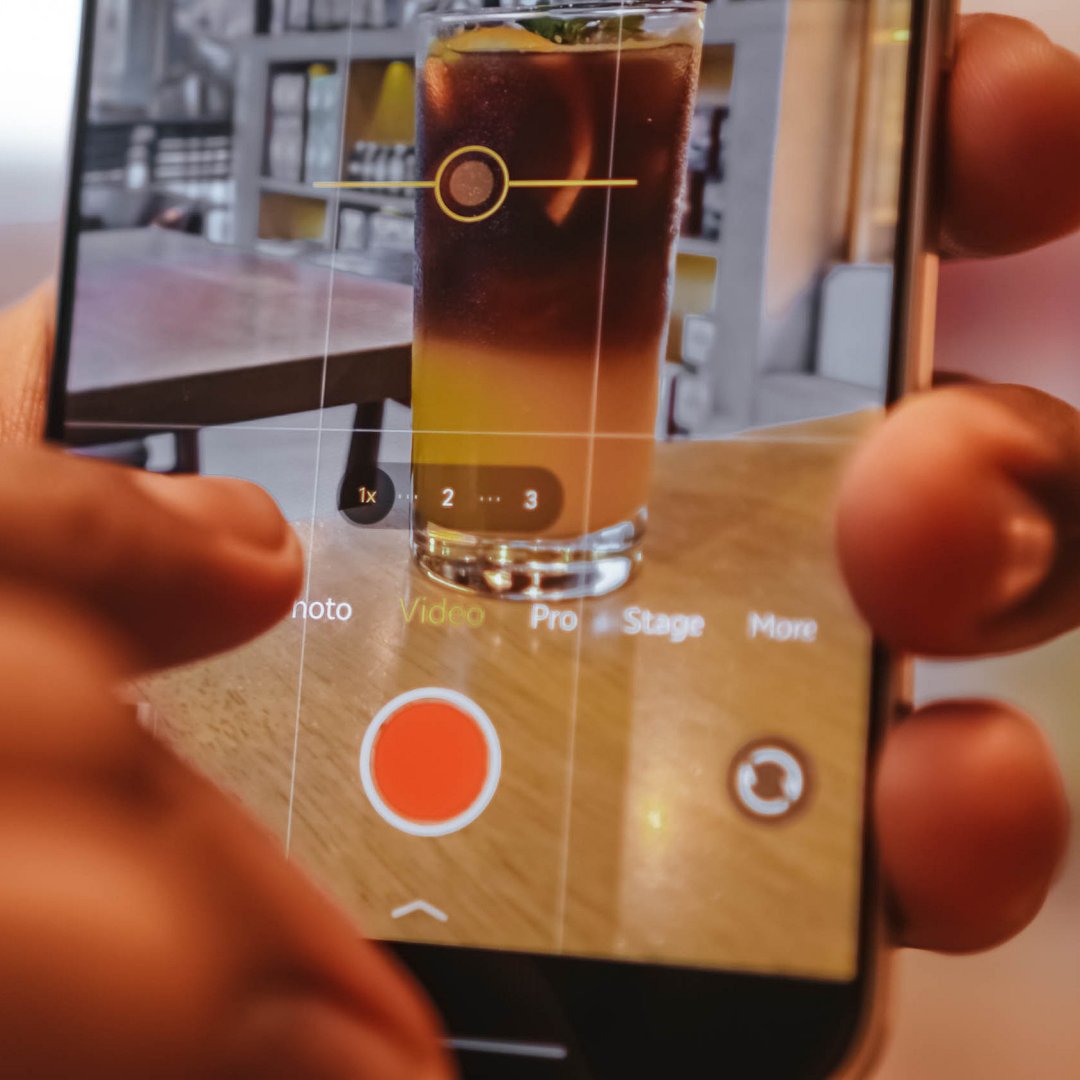
- 4K/60fps Focal Length choices
-
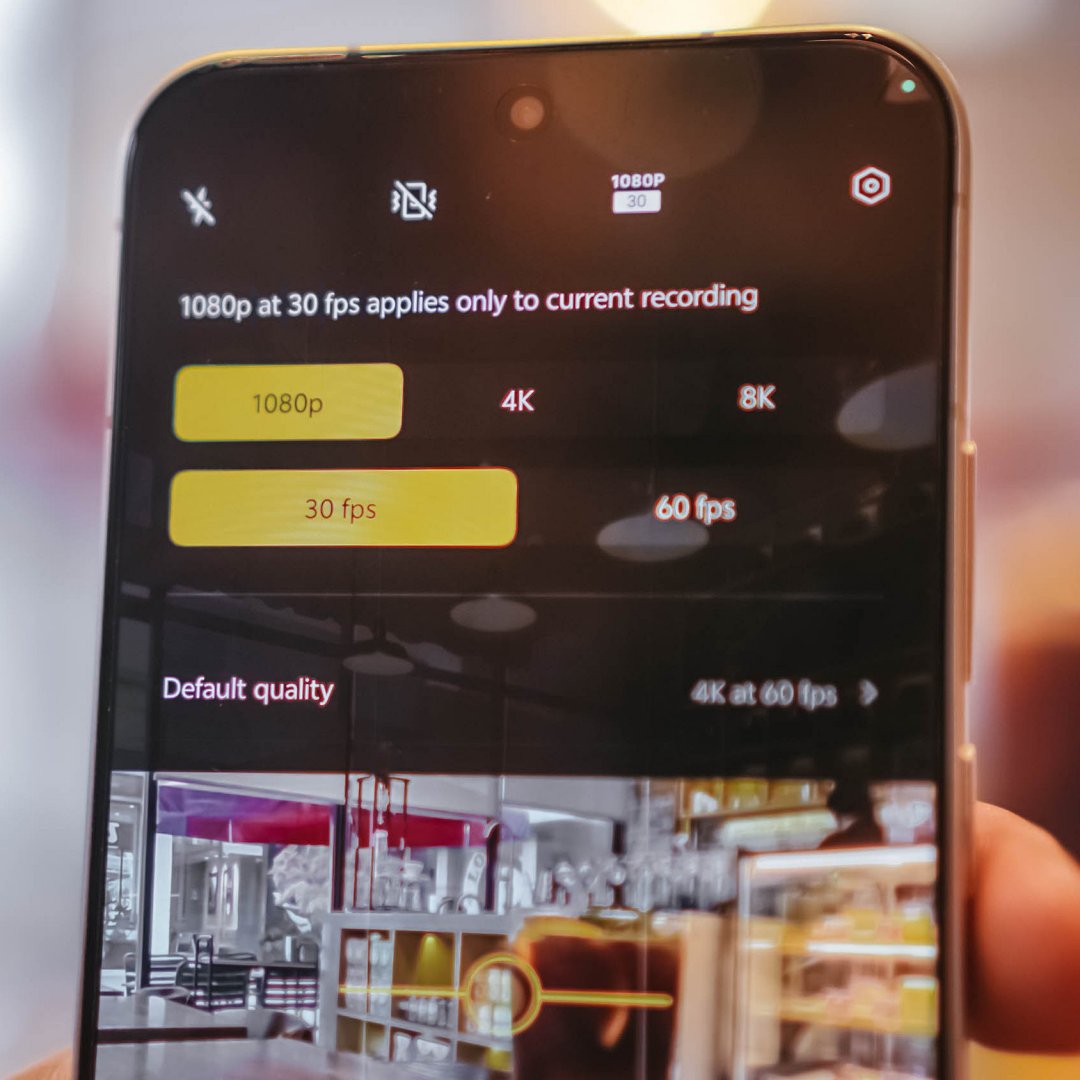
- 1080p/30fps recording
-
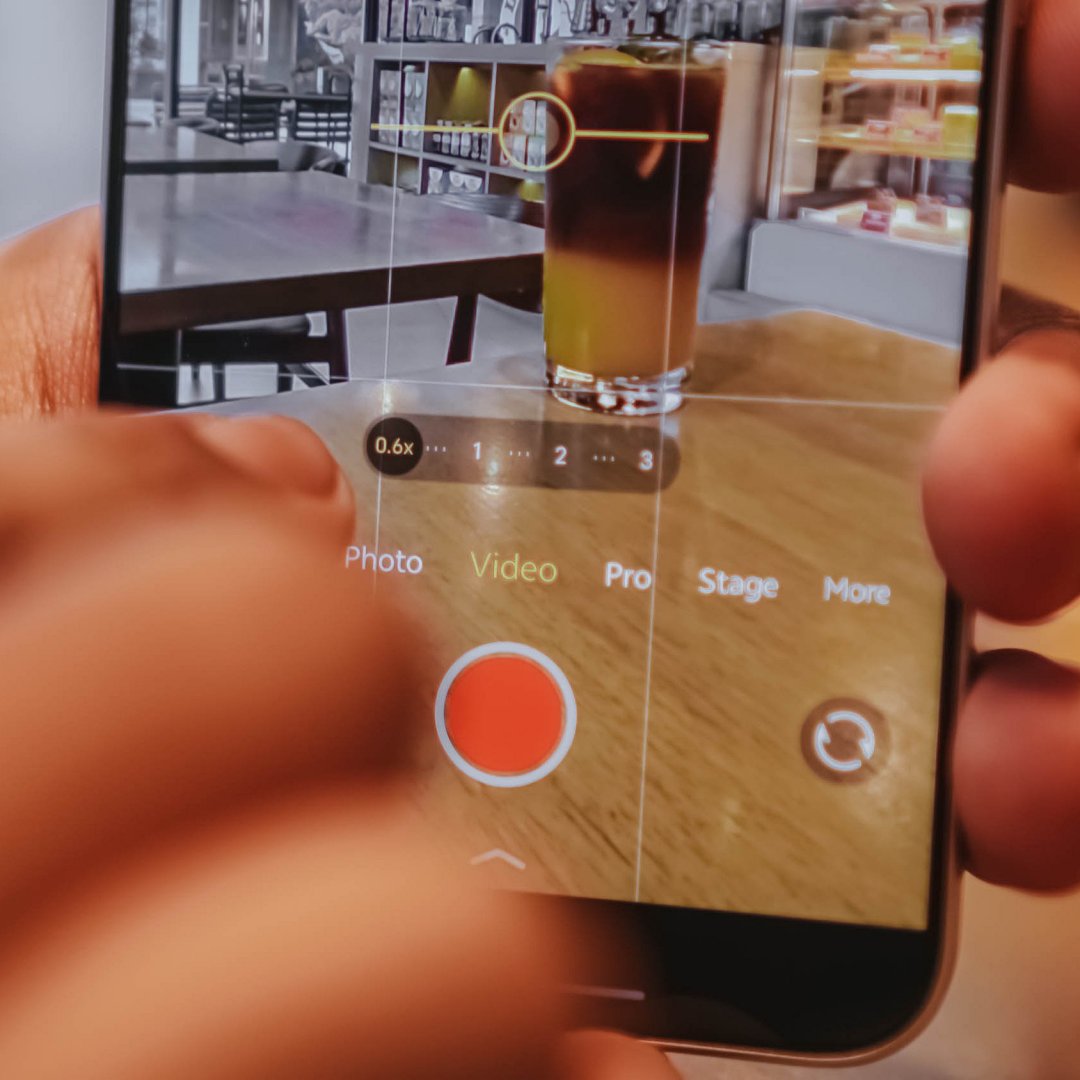
- 1080p/30fps Focal Length choices
For most users, that isn’t a compromise. But, you know what’s the real downside? Ultra-wide video shooting is capped at 1080p/30fps. That’s may be due to the small sensor and megapixel count of its ultra-wide sensor.
Shooting at 1080p/60fps and beyond starts at the regular 1x focal length.
Here are some recordings for you to judge:
With the presence of that dedicated telephoto shooter lies vivo’s exclusive Stage Mode feature.
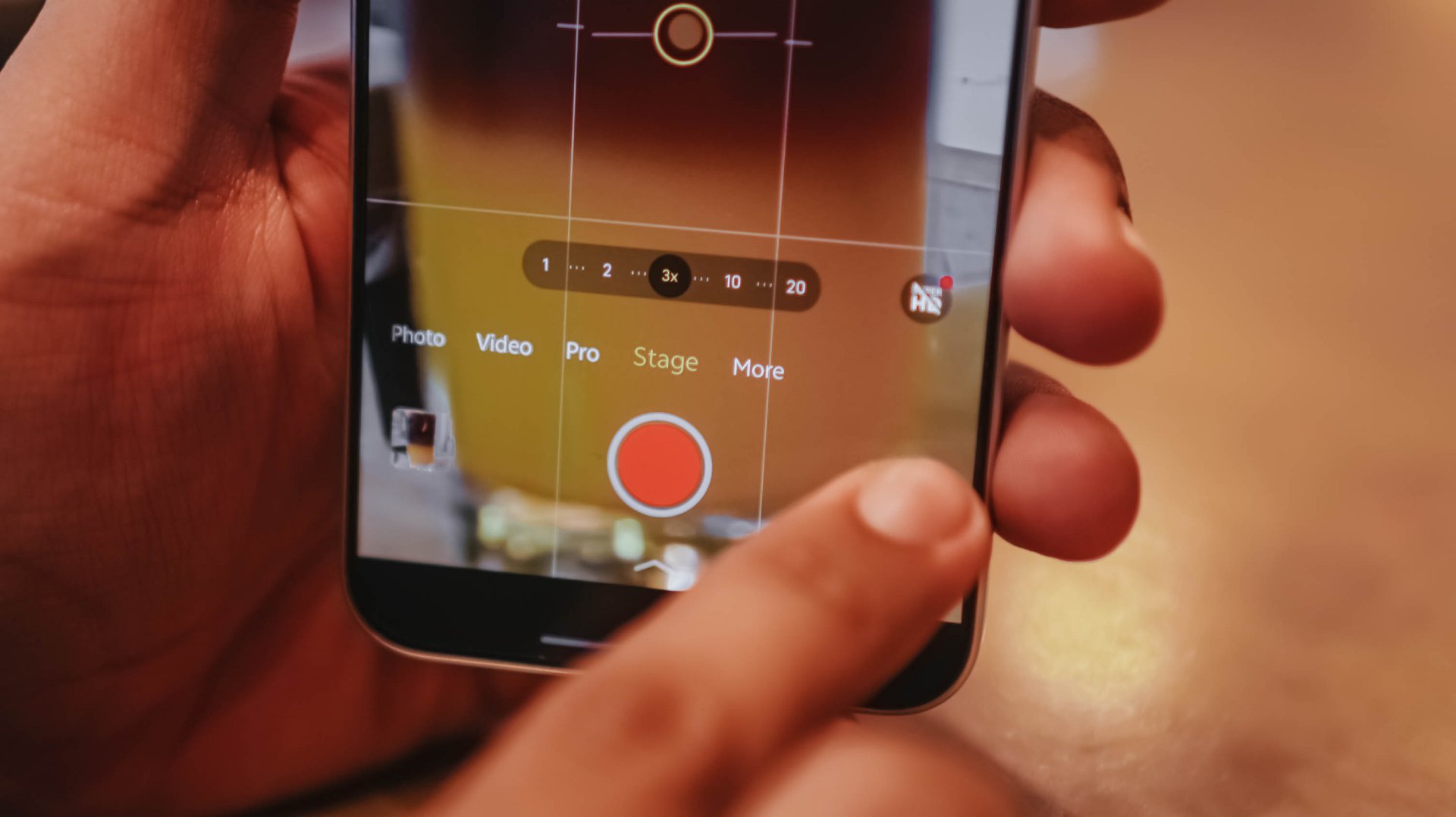
Clearly, it’s intended for shooting artists or celebrities in concerts.
To take things up a notch, the vivo X300 FE also has its own Telephoto Extender Kit — just like its X300 sibs.
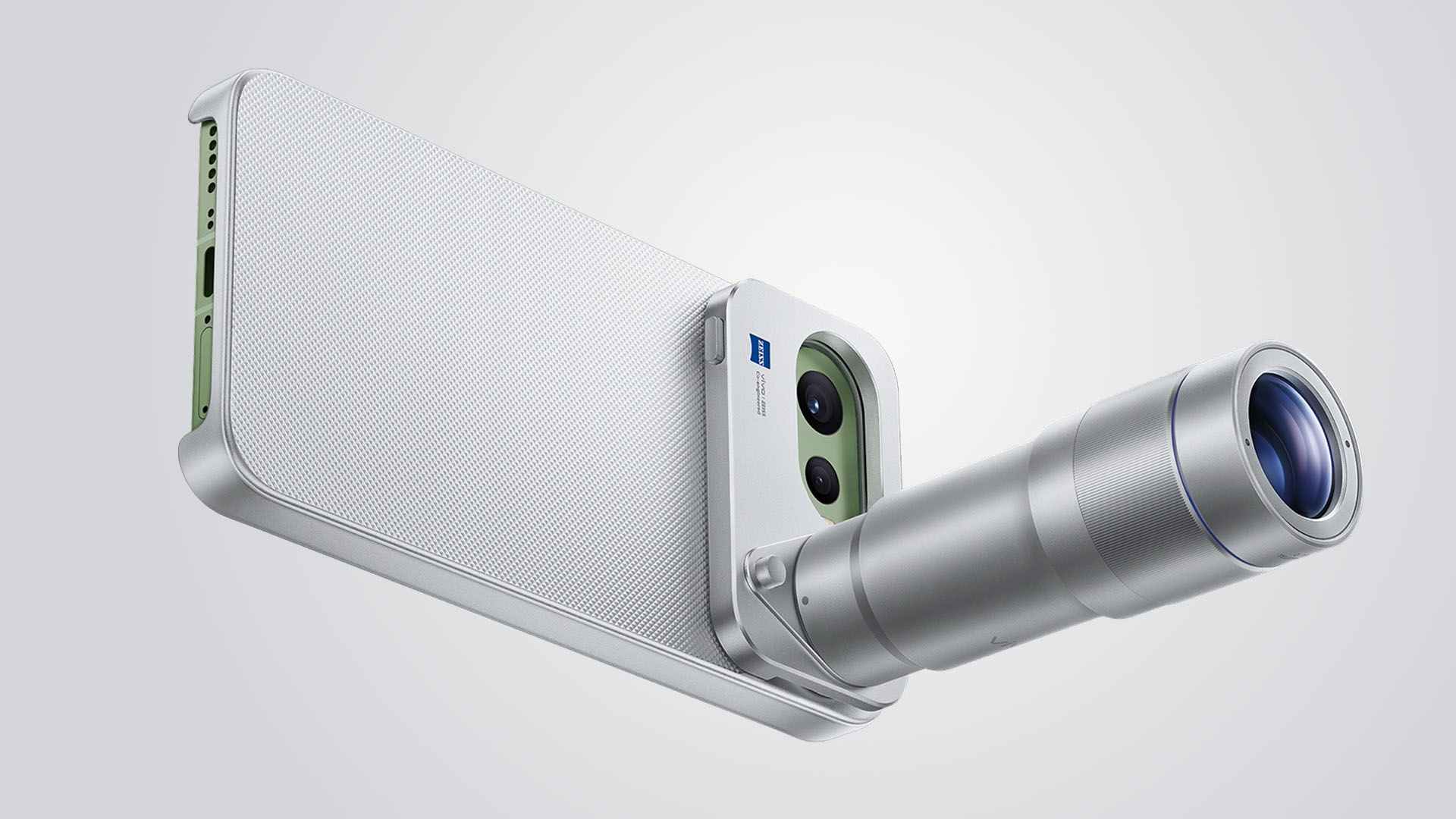
Graphics by Vincenz Lee | GadgetMatch
Although I was not able to try it as vivo did not lend us one, it’s still a great way to fully-maximize that great telephoto goodness beyond the limits of a compact sub-flagship.
Is the vivo X300 FE your GadgetMatch?
The vivo X300 FE shares all the great feats that its siblings possess.
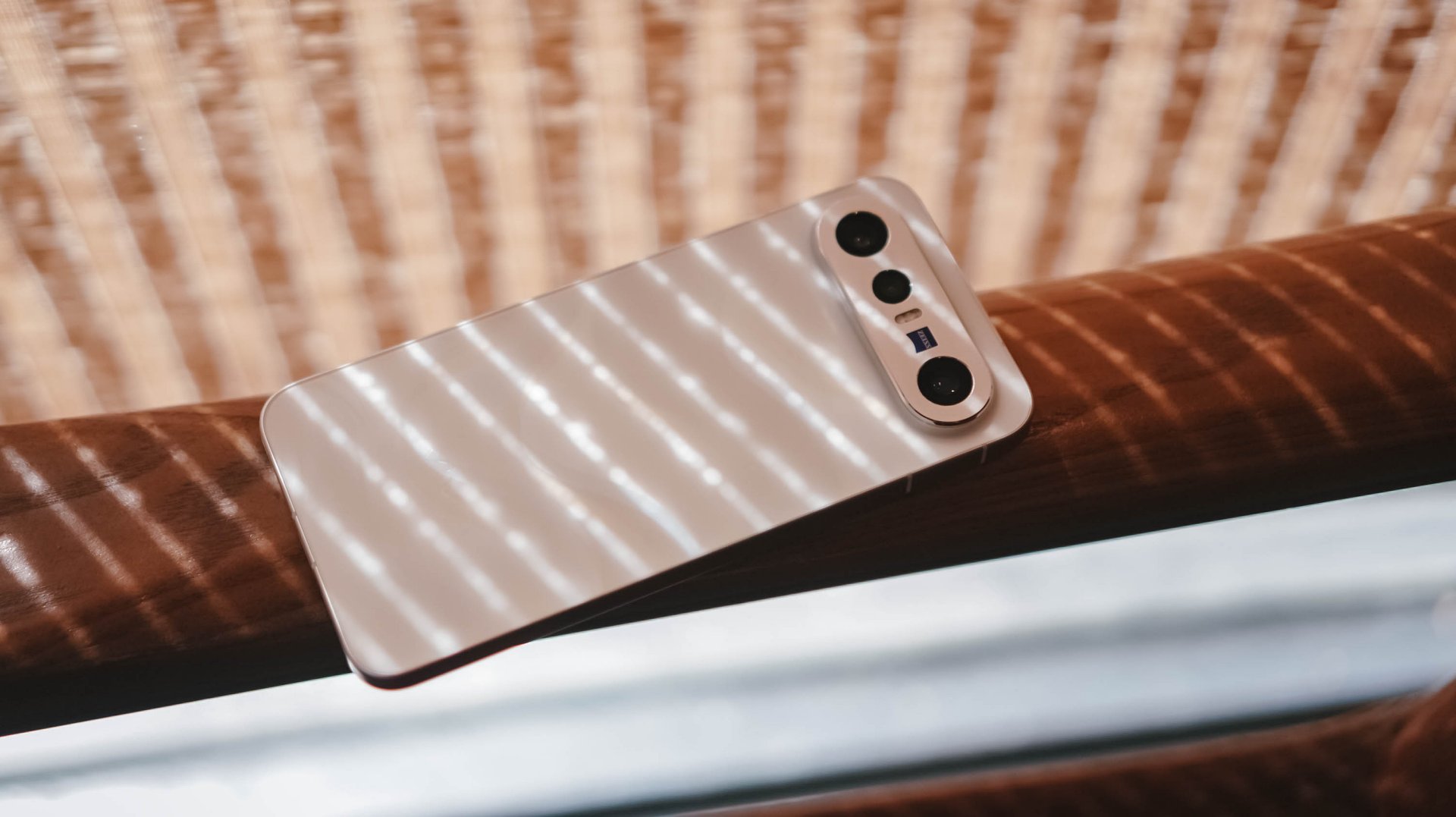
It’s solidly built, has a stylish design, boasts a brilliantly bright display, a true pro-grade performer both in core and cameras. Plus, a battery capacity that’s even bigger than its twin brother.
The vivo X300 FE is a solid Swipe Right.

The only reason to Swipe Left is the staggering pricing that isn’t synonymous to last year’s X200 FE (INR 54,999 and INR 59,999 / MYR 2999).
For context, the vivo X300 FE in India starts at INR 79,999 for the base 12+256GB. The 12+512GB configuration that I have? A whopping INR 89,999. Meanwhile in Malaysia, prices are at MYR 3299 and MYR 3899 respectively.
The non-FE vivo X300? Currently sold at INR 75,999 or INR 81,999 / MYR 3165 or MYR 3899. Indian and Malaysian buyers know what they’re dealing with.
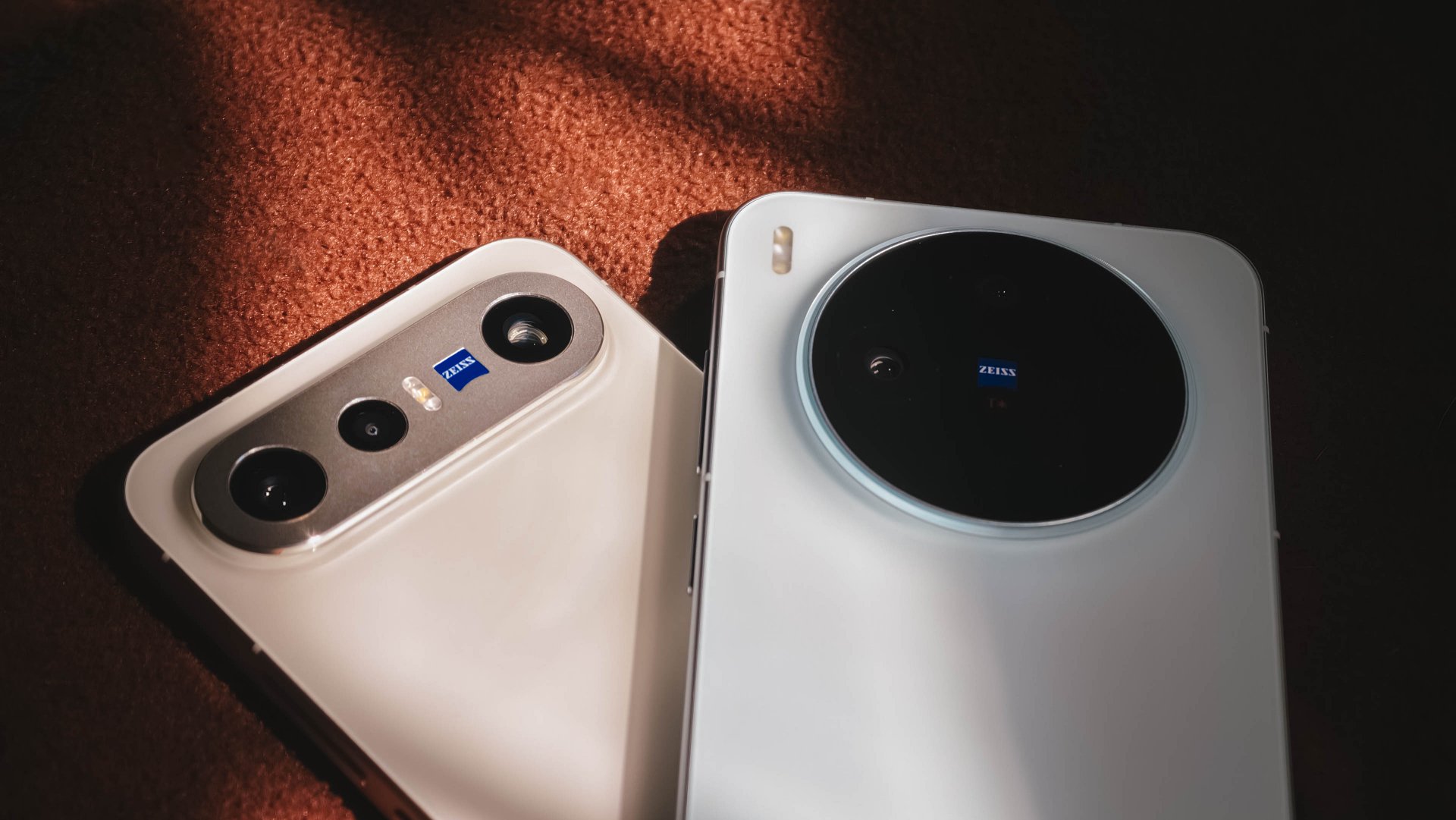
However, Europeans might have a hard time deciding. The base X300 is only limited to a 12+256GB variant at EUR 899. Whereas the X300 FE has a higher 12+512GB config for EUR 999.
That 100 Euro difference means you’ll get double the storage, a huge, HUGE boost in battery (ICYMI: 6500mAh over 5360mAh). Also, a cleaner horizontal camera bar that most people prefer.
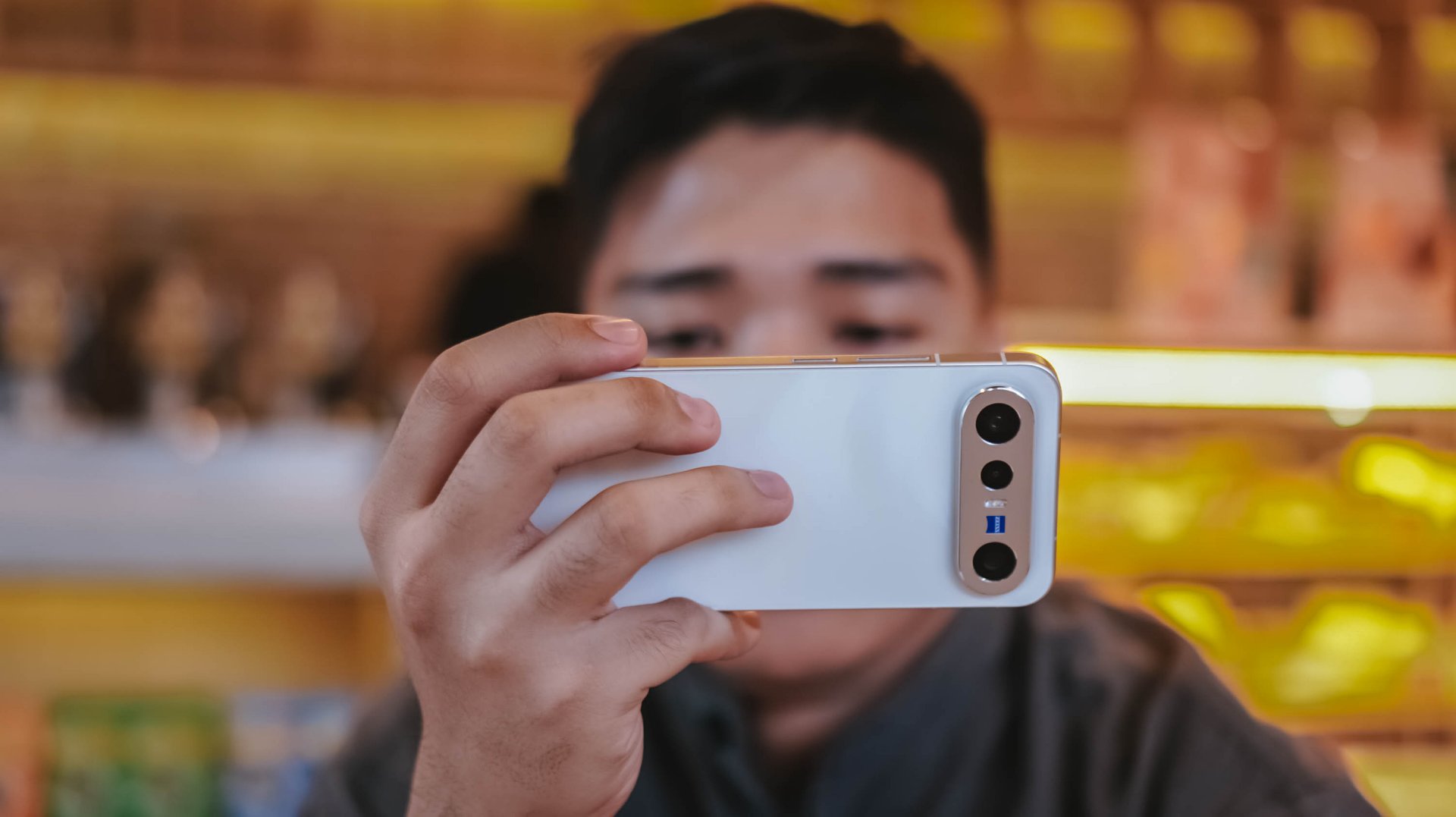
But, would you rather trade off the better camera system and more powerful flagship chip?
A redditor even pointed out that the X300 FE is more “import-friendly” (especially in Western regions) due to better network band support by Qualcomm that the regular X300 lacks because of having a MediaTek chipset.
At the end of the day, it will all still be your call.
Gaming
PRAGMATA is not for the faint of heart
Already a Game of the Year contender for all the feels


Six years and a few notable launch delays. That’s what it took for Capcom to finally introduce a new franchise in 2026. They already have legacy franchises getting new releases. However, the biggest question looming over their head was whether or not they dare to explore something new. What makes it more challenging is an entirely new team is working on its development. That comes with its own sets of risks and rewards.
This was the story of PRAGMATA, another exciting title finally getting its time in the spotlight on all modern platforms. Looking at trailers, screenshots, and even demo highlights, I already got the sense that this game may just be at par with a ton of sci-fi-inspired RPGs. The expectation on my end was clear: all action, all exploration, with a storyline that will tie everything together seamlessly.
I was not prepared for the storm of emotions and action that came my way.
Maximizing your brain power
PRAGMATA operates like most action-packed RPGs with how combat works: you point, you shoot. To set that up, you play as Hugh. He is an engineer sent to a moonbase called the Cradle to investigate comms being down. As you enter the Cradle, something already feels off. Before you even get a chance to blink, you’re already plunging into danger as the AI that keeps it safe has gone rogue. By the time you come to, you’re attacked by one of the bots that helped you out. From there, must fight your way throughout the game to survive.

Luckily for you, a support android named D-I-0336-7 fixes you up. The android willingly helps you fight the rogue AI by hacking through them. Not only will the hacking deal additional damage, but it will help you identify enemy weak spots to exploit. However, to achieve the perfect hack, you are required to solve a puzzle-like board with nodes mid-fight. Essentially, you’ll be doing two things at once to survive and fight your way through the Cradle.
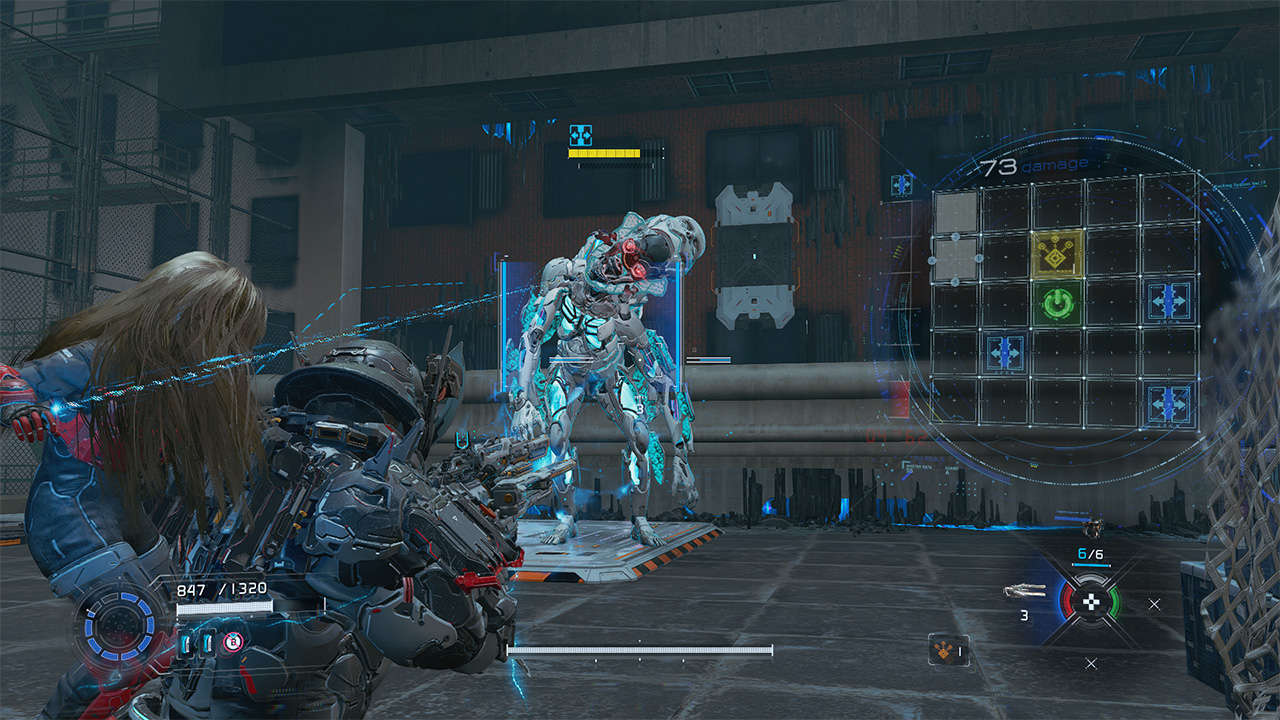
It’s the kind of mechanic that feels unique as the level of difficulty escalates with every encounter. Oftentimes, the hacking and the shooting are separate mechanics that are done to calmly set you up for the fights. Now, it’s do-or-die with the hacking increasing your odds of success immensely. Enemies are hard to defeat simply on the gunplay alone. And you will need to keep that in mind as you progress through the game.
Expansive world to complete and unlock
Speaking of progression, as you get out of that initial skirmish alive with D-I-0336-7, who Hugh cutely gives the nickname “Diana” to, you end up in a tram to the Shelter. Effectively, the Shelter serves as both your base of operations and a rest spot to retool before combat. As you go through every area of the game, you unlock newer features. These are REM Replicators, upgrades to your health, firepower and hacking skills, and access to more weapon schematics and nodes. Also, you can even set up matching suits for Hugh and Diana before heading out into the world again!

Once you have everything you need, you will venture out into areas in the Cradle that need to be restored. A lot of the areas are incredibly expansive. This allows you to explore and grab as many freebies lying around as you can. From the Lunafilament used for upgrades to newer weapons at your disposal, the game scatters these for you to find and harvest from the overworld. Of course, you’ll run into the occasional swarm of enemies but you have Diana, and Diana has you!
Diana’s hacking even extends into these as you progressively acquire new skills. As you progress, you’ll be able to remove map hazards, clear traps, and scale structures effortlessly. This fully allows exploration to be less of a drag. There are newer pathways to areas you previously couldn’t explore or made it easier to backtrack. Plus, there are stations that can be activated as save points and hangars to return to the Shelter that Diana can activate.
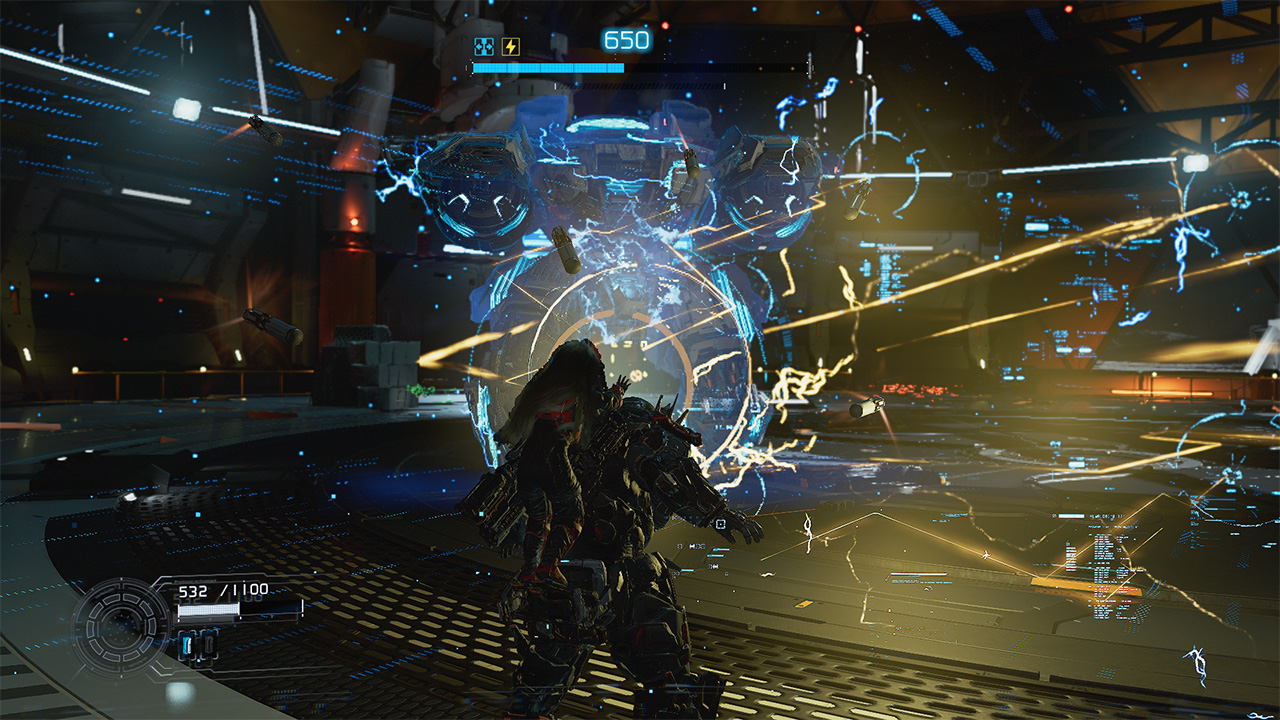
It’s a large hub to explore. You’re encouraged to get and know everything because this next part will have you strapped.
Building bridges back to Earth
Without completely spoiling too much, PRAGMATA‘s storyline is one you gradually feel and resonate with. Earlier, I mentioned that the whole reason Hugh and his team were in the Cradle was to investigate its unresponsiveness. In an unfortunate turn of events, Hugh gets separated from his team and has to go through the entire Cradle looking for a way to get back to Earth. Along the way, Diana resurrects Hugh from certain death and accompanies him throughout the excursion mostly to be a guide and helping hand.

Throughout the game, Hugh and Diana develop a strong bond that already borders a father-daughter dynamic. Originally, Hugh didn’t really consider himself as a parental figure since he doesn’t have kids of his own. However, he goes out of his way to ensure Diana’s safety and overall wellbeing – effectively giving human compassion and love to an android. Oddly enough, Diana almost certainly feels more human and would even want to join him back to Earth.
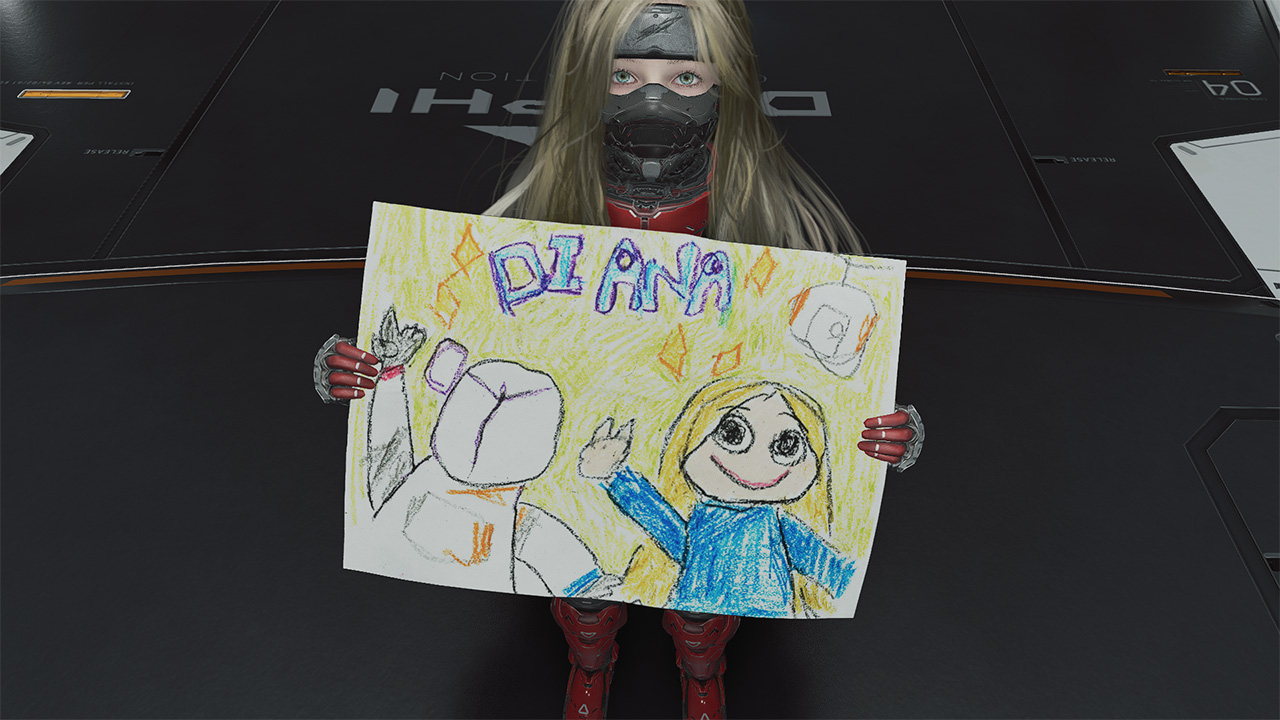
As you explore throughout the game, you also pick up schematics of real Earth objects that are processed in the Shelter’s REM Replicators. These are neat trinkets that Diana actually gets to play with, even to a point of bonding with Hugh through them. It’s the kind of heartwarming moments in between the chaos that reflects the dynamic that many people will truly appreciate.
Struggles picked, sacrifices made
Remember how the game encourages you to explore to know everything? All of that was intentional for Hugh and Diana to get down to the bottom of what really happened at the Cradle. As it turns out, the AI mainframe of the Cradle, IDUS went into disarray after the moonquake that separated Hugh from his crew. Along the excursion through the Cradle, the pair discovers and meets up with another android called Eight who has the answers to effectively contain IDUS through Diana.

Only for them to realize that there are far graver dangers ahead. So now, the objective is to survive till the end, get back to Earth and stop anything that gets in the way. All throughout, you as Hugh will be tested on not only keeping Diana safe, but also ensuring that she gets to experience Earth with or without him. For the parents and parental figures out there, you know this feeling all too well.
A GamingMatch Made in Heaven?
No matter how you slice it, PRAGMATA nailed everything in my list of expectations: the right mix of exploration, easy-to-master combat mechanics, and an emotional story that transcends culture and hits right in the feels. It feels like Capcom continuously revitalizes the RPG experience with newer concepts and mechanics that truly test players at the core. Matching it with characters that allow you to have an emotional investment in, and the game hits right in the feels in more ways than one.

It’s a game that gradually keeps you engrossed in the experience from start to finish. From approaching tougher and larger enemies to traversing the overworld to collect resources, every instance feels wholly unique. Furthermore, the game incentivizes rest and reset without fully losing progress in your adventure.
More than anything, it offers a fresh take on character dynamics that will leave you in an emotional mess. Whether you like it or not. Admittedly, the bond between Hugh and Diana is one that a lot of people simply resonate and potentially aspire to have. It’s a reminder of how deep the human connection can truly transcend. And even be the ultimate key to survival against all olds.
Not only does PRAGMATA get a Swipe Right, but this game truly deserves to be up there for Game of the Year contention.

HONOR 600 Pro review
For the visionaries who want a flagship experience without the premium price tag.


vivo X300 FE review: Don’t judge the camera by its cutout
A midrange-sized camera bar doesn't mean mid camera performance


PRAGMATA is not for the faint of heart
Already a Game of the Year contender for all the feels
HONOR 600 Pro review

Infinix NOTE 60 series sweeps 2026 design awards, including Red Dot, iF

Select GIGABYTE Intel motherboards now support HUDIMM

Netflix expands its cheaper ad-supported tier to Southeast Asia

Google might limit free storage to only 5GB

DJI Osmo Pocket 4 review: A solo creator’s production crew

HONOR 600 review: A taste of more

ASUS Zenbook S14 (2026) review: The perfect portable buddy

Luxury you can ride: The Vespa 180cc Collection

OPPO Find X9 Ultra lands in PH: Price, availability, pre-order perks


-
 Singapore2 weeks ago
vivo Y Series launches in Singapore with bigger battery, durability upgrades
-
Gaming2 weeks ago
PRAGMATA is not for the faint of heart
-

 Laptops1 week ago
Spotlight: ASUS Zenbook A16
-

 News1 week ago
iPhone 17 is the best-selling phone of 2026 so far
-

 Gaming1 week ago
Stranger Than Heaven is a Yakuza prequel with Snoop Dogg
-

 Gaming2 weeks ago
Star Wars: Galactic Racer launches October 6
-

 Automotive1 week ago
VinFast VF MPV 7 positioned as practical choice for families
-
Reviews4 days ago
vivo X300 FE review: Don’t judge the camera by its cutout