
Apps
Spotify’s Only You gives us a reason to showcase our weird listening activities
And here’s how you can find it

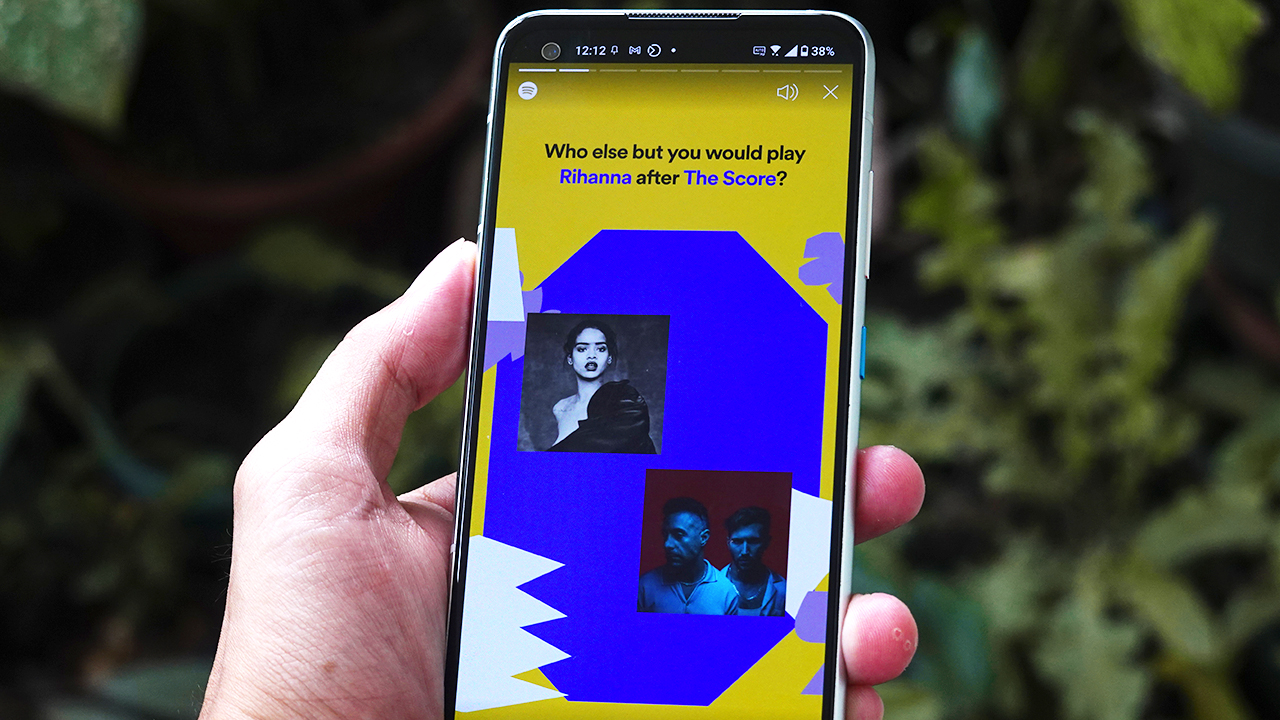
Spotify’s year-ender Wrapped has just got a mid-year version called Only You.
It’s a global campaign that gives people a reason to share their weird listening activities and show off their bizarre personalities through social media.
By now, you might be seeing your friends sharing their personalized experiences through their social media accounts.
So how do we access the feature? (In case you have FOMO.)
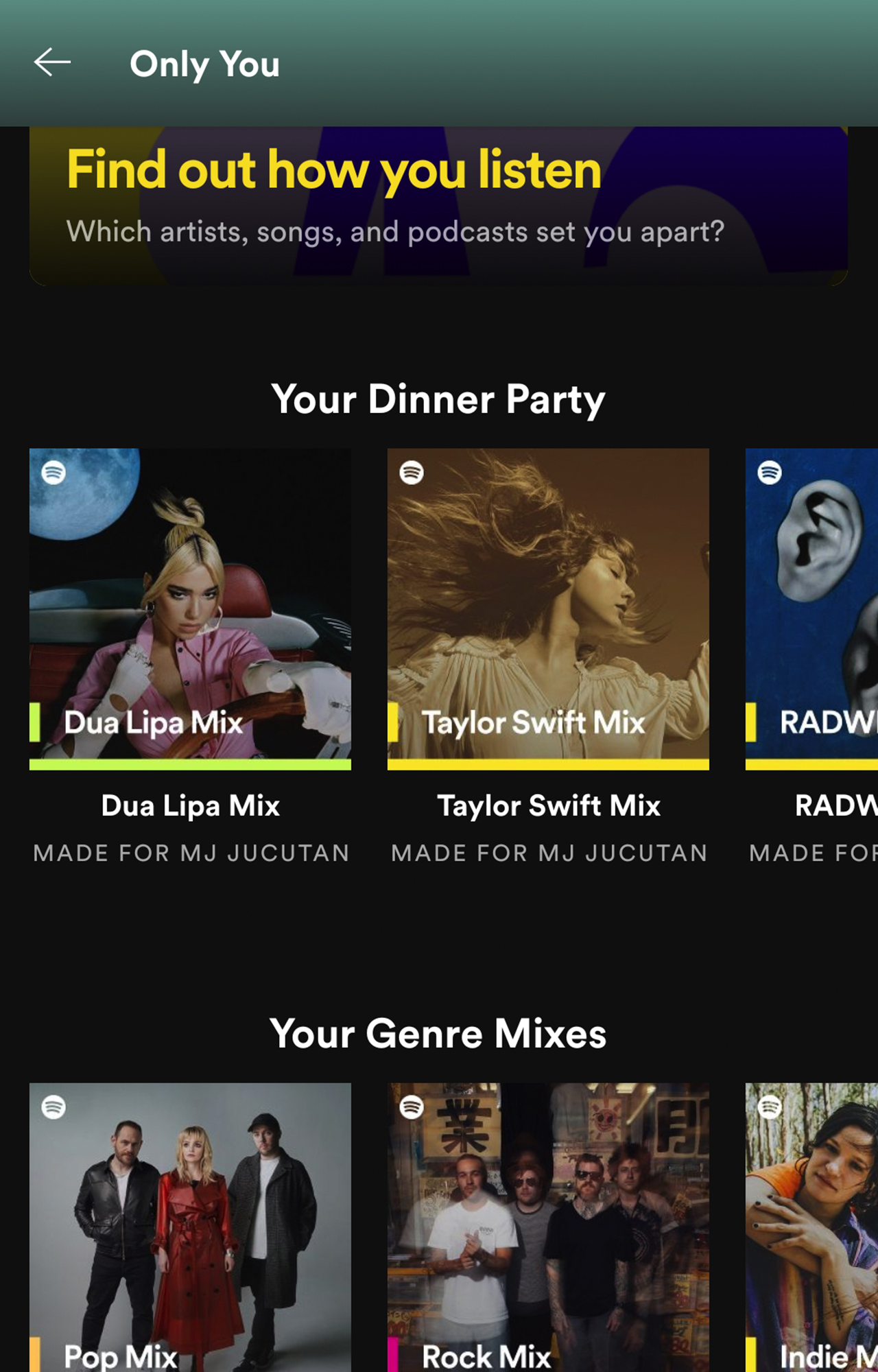
First, you can go to Spotify.com/OnlyYou to enjoy a Wrapped-like experience that you can share with your friends. That, or you can visit your Spotify app on iOS or Android. For first-time viewers, you can see the Only You tab automatically on the homepage.
If you want to revisit it again, just search Only You on the search tab and it will appear as a genre meant only for you.
But what’s the content?
Assuming you know how to preview your Only You feature, it’s time to get ready for several pages that will show you what kind of listener you are.
Your unique artist pairs

This page highlights the unique pairings you’ve listened to, demonstrating your range of listening interests. In my case, I listened to Rihanna particularly “S&M” and “What’s My Name?” after playing American alternative rock band The Score’s top hits.
Your Song Year

If time travel via music is real, then this is a glimpse of how your music interests will transport you through time. This page shows the different time periods you listened to, based on your favorite songs’ debut.

And yes, I’m obsessed with Taylor Swift’s reputation album, particularly “Dress”, “Call It What You Want”, and “New Year’s Day”. Also, Frankie Valli’s “Can’t Take My Eyes Off You” has been on my repeat every month.
Olivia Rodrigo has been my 2021 music travel, just because my dear friend Martynne suggested listening to her so I can cry my heart out.
Your Genres/Topics
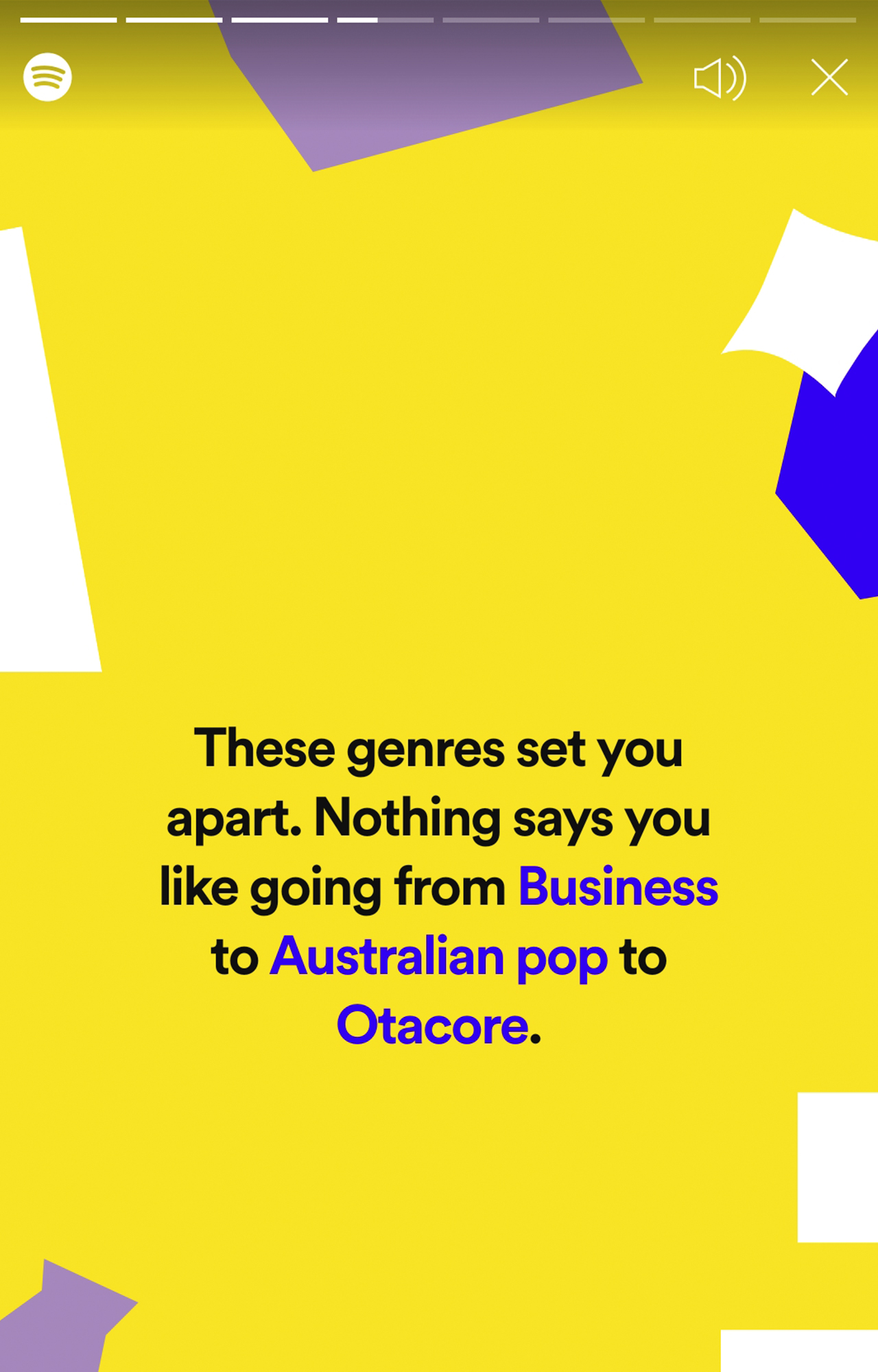
The weirdest of the bunch — this page combines the music and podcast genres you’ve listened to. Don’t ask why I listen to Business podcasts and Otacore (also known as Otaku Core). I’m a complex human being.
Your Time Of Day
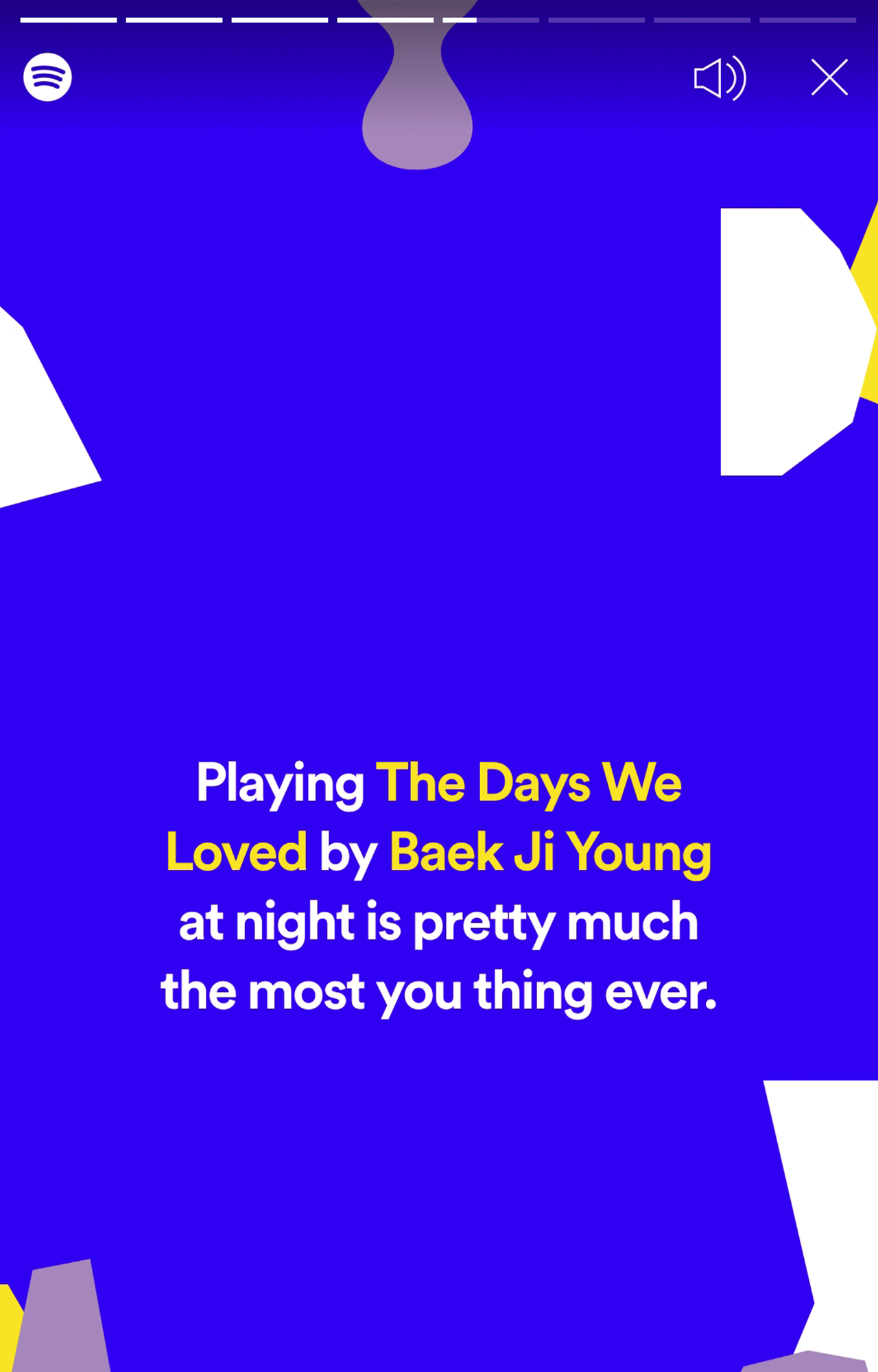
Oh for heaven’s sake, I can’t believe Spotify is reminding me how I wheeze-cried myself to sleep listening to “The Days We Loved” by Baek Ji Young, which was featured on the K-drama The World of the Married. I can’t help but remember the days I was with my ex-lover and Spotify is a witness to that!
Your Dinner Party

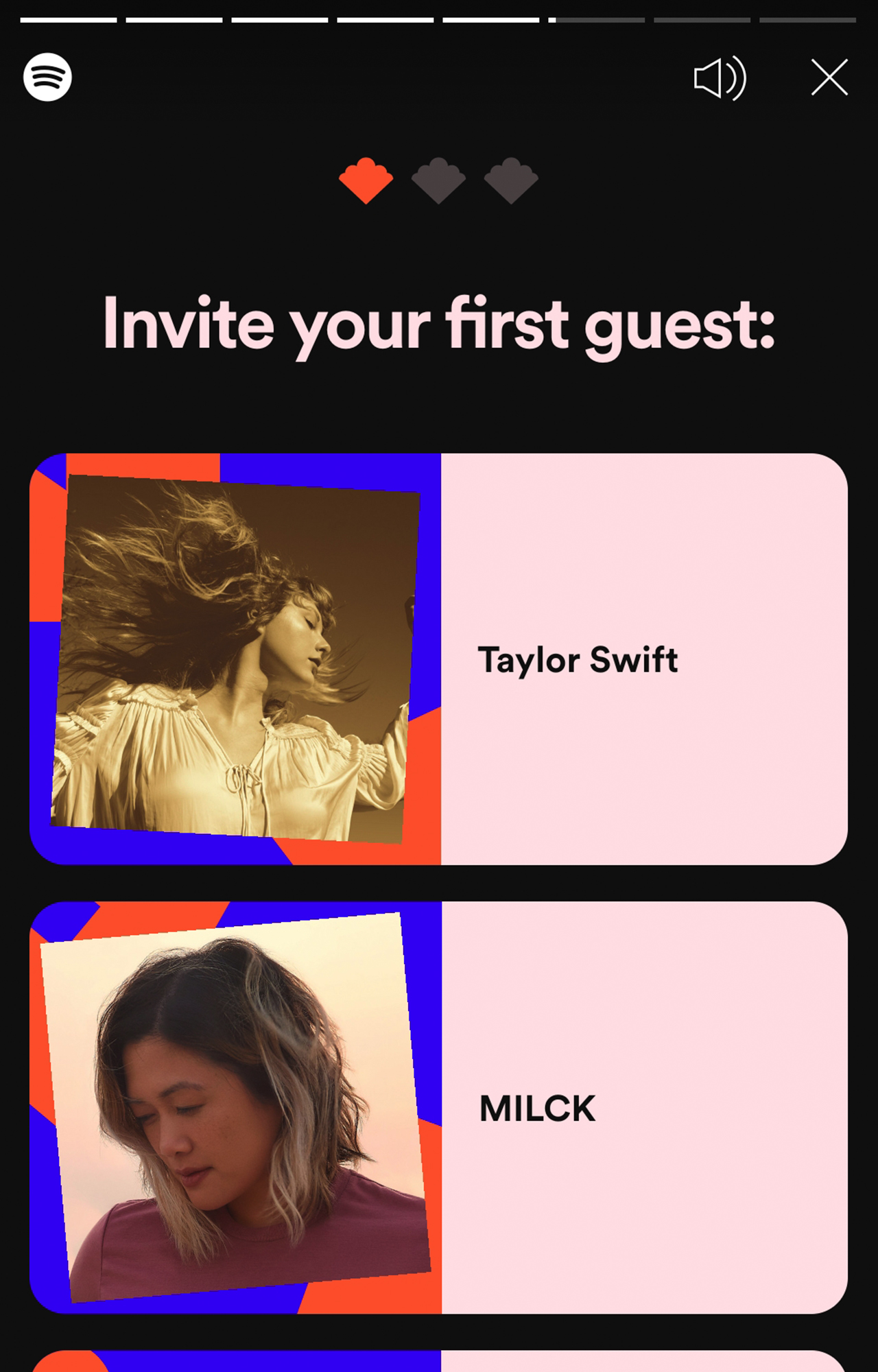
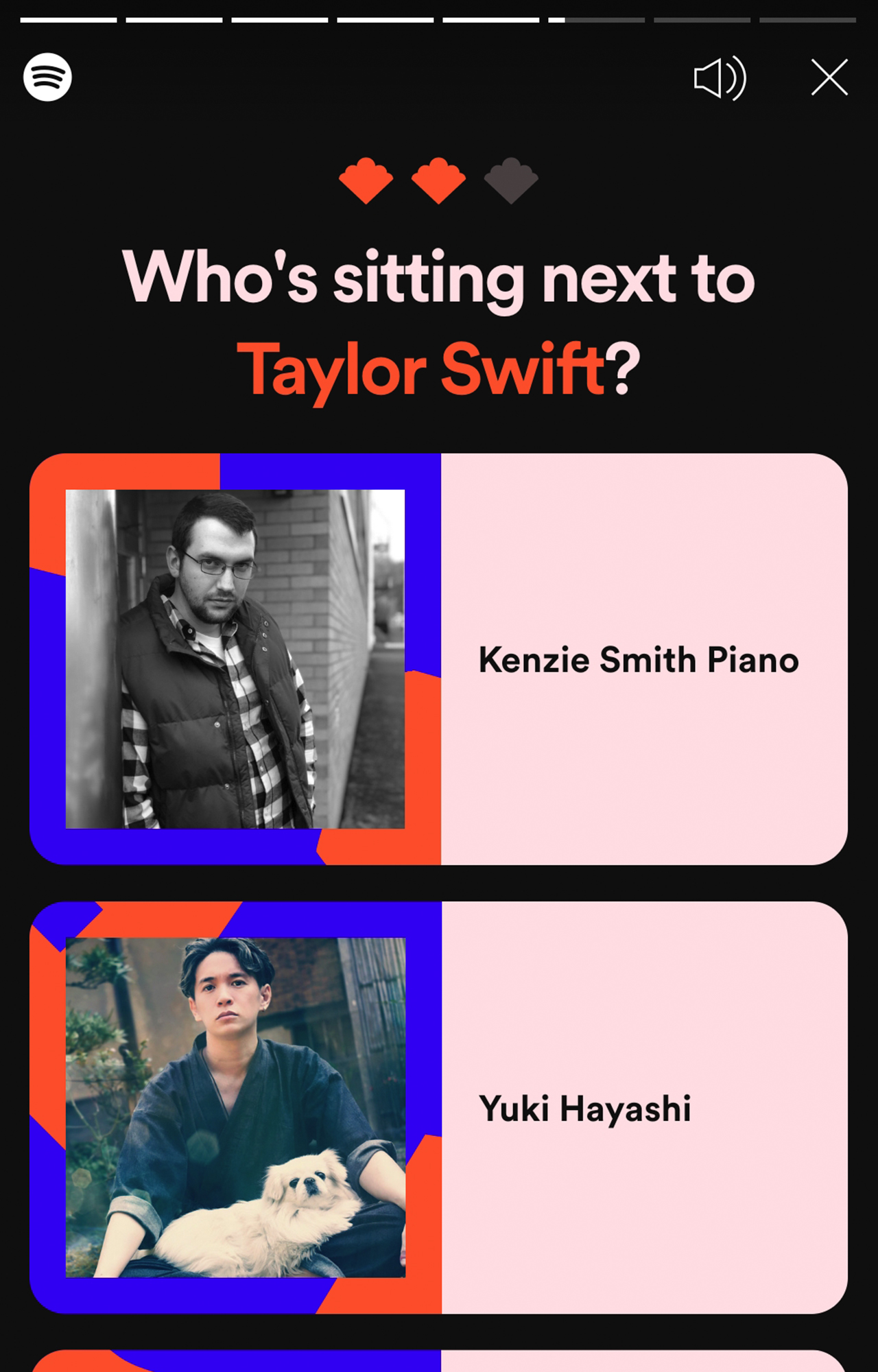
Okay, Spotify lets you plan your dream dinner party by letting you cheese three artists you’d love to invite.
For my first guest, I chose Taylor Swift — three-time Album of the Year Grammy award winner.
My second guest is Yuki Hayashi — Japanese composer and arranger behind the heavenly official soundtracks from Haikyū!!
My last guest is Dua Lipa — the embodiment of strength and independence.
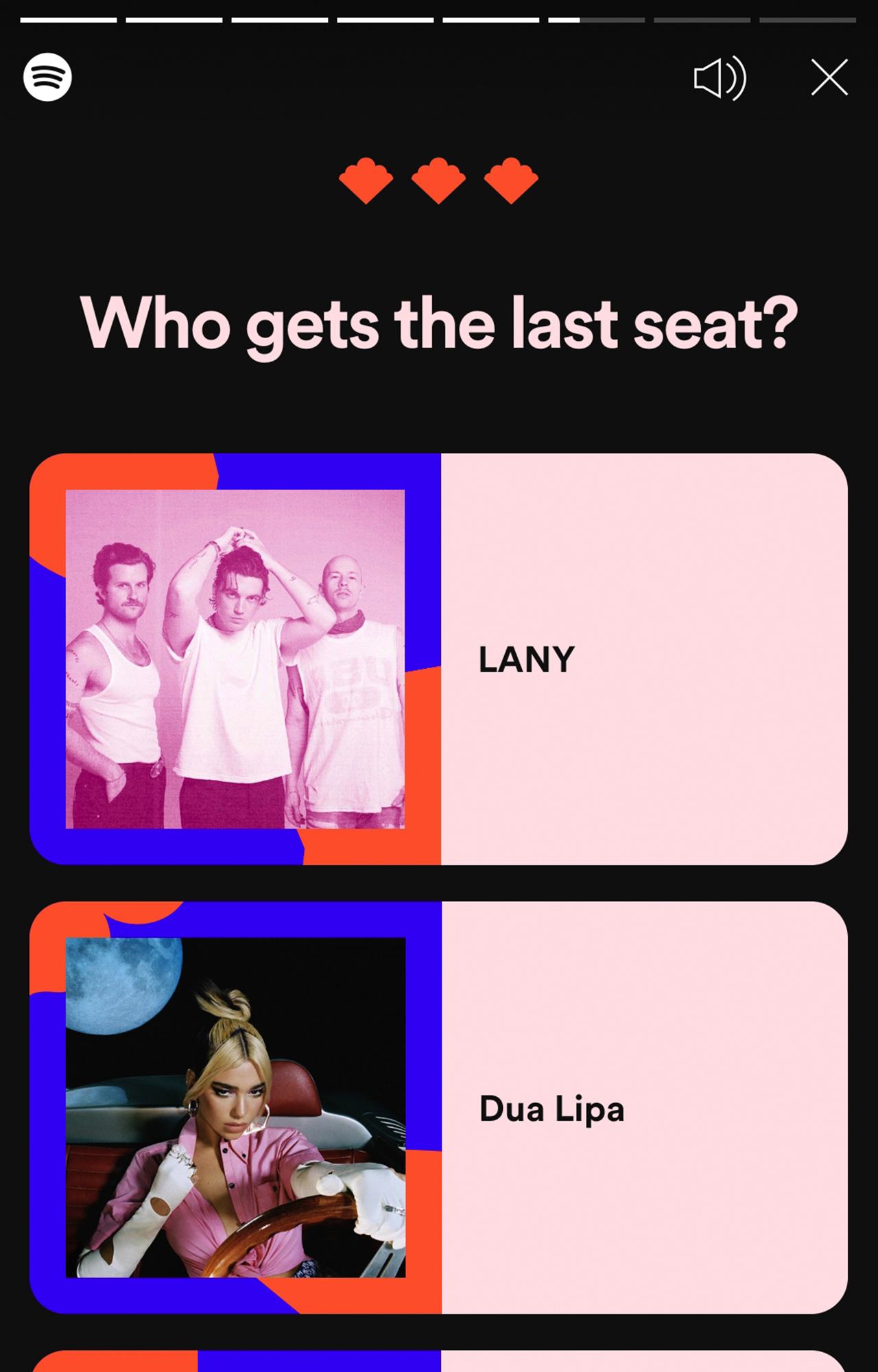
Of course, I would want LANY as well but Dua Lipa has more songs that I enjoy singing in the shower, so she gets that spot.
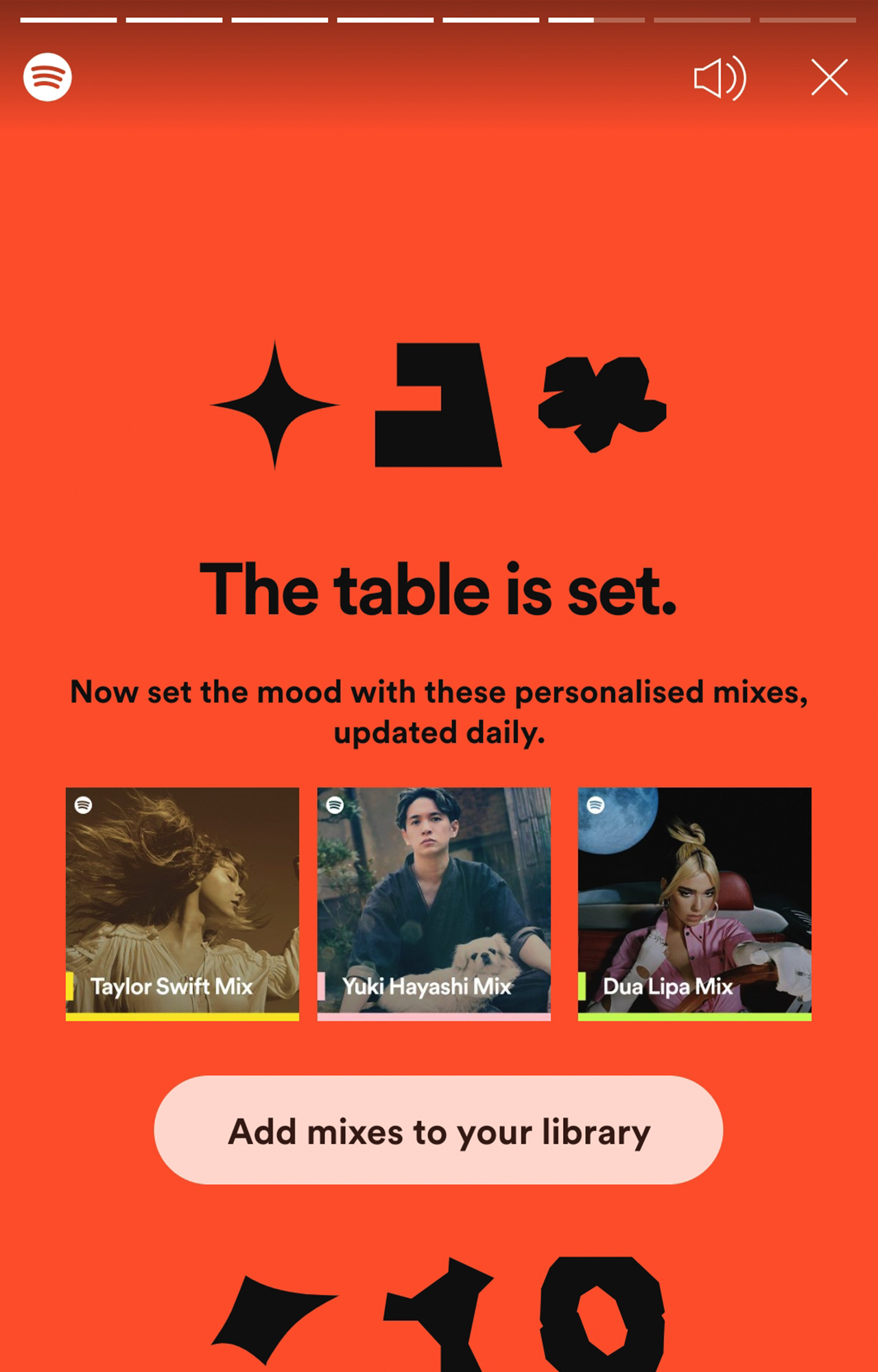
Once you select your dream dinner party guests, Spotify will create an option for you to personalize Spotify Mix for each artist.
Your Audio Birth Chart

For some reason, Spotify Philippines didn’t have an Audio Birth Chart on the Only You feature. It would have been fantastic for avid fans of astrology (and an astrologer like me).
But in case you want to know, the Sun Sign picks the artist you kept listening to for the last six months. Your Moon sign will showcase an artist you listen to that best shows your emotional side.
Meanwhile, your Rising sign puts the spotlight on an artist you’ve recently connected with. It’s like the stars aligned based on your music tastes!
Blend
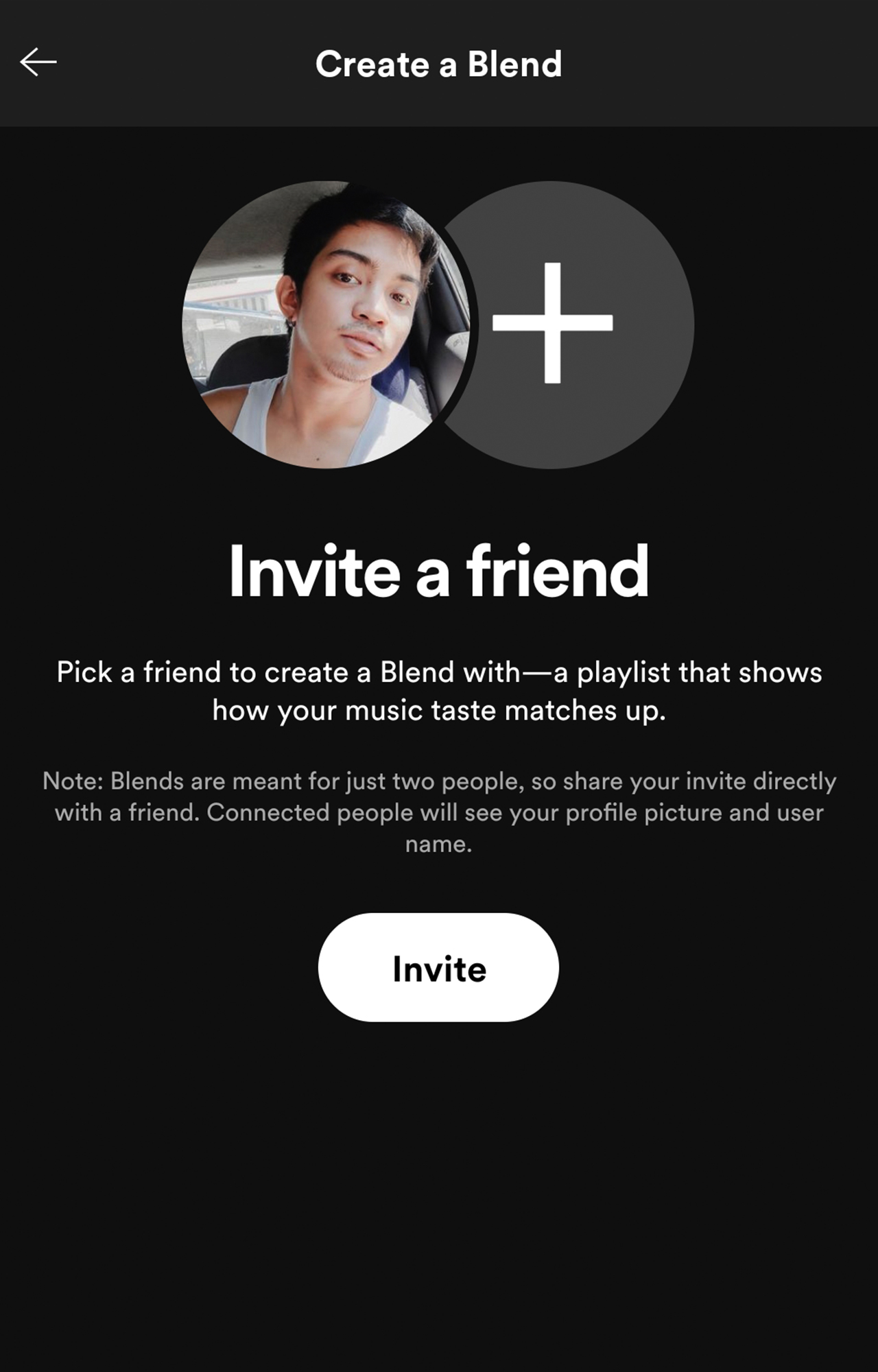
Aside from the Only You feature, Spotify rolls out a new personalized feature called Blend. While it’s still in beta, Blend lets you and a friend merge your musical tastes into one curated playlist. What a fun way to connect and share music they love, right? After all, music brings people together and Spotify came up with a better way to appreciate that.





Apps
Significantly better ChatGPT Images 2.0 launches
Stronger creative reasoning, better design output, more formats, improved overall experience

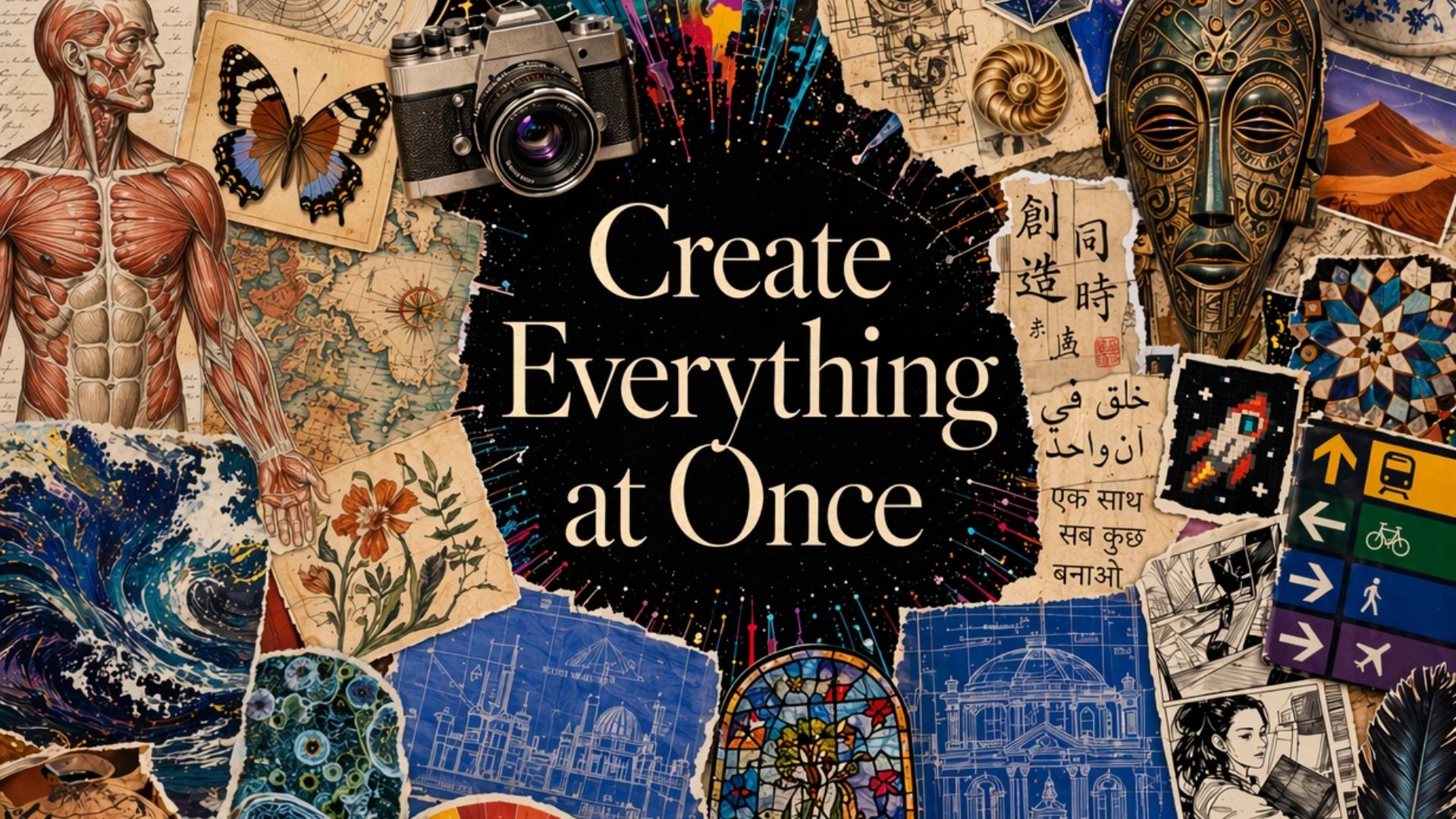
OpenAI has launched ChatGPT Images 2.0. This updated image generation model has a meaningful jump over competitors and its current ImageGen 1.5.
Now available across ChatGPT, Codex and the API, Images 2.0 delivers stronger creative reasoning, better design output, more flexible formats, and a faster, more intuitive user experience.
Paid users (Plus, Pro, Business, and Enterprise) will benefit from a more advanced image experience (ImageGen Thinking 2.0). The state-of-the-art model can take on complex visual tasks and produce precise and immediately usable visuals.
ChatGPT Images 2.0 is likewise better for creative and professional use cases. It has a significantly better performance at producing text-heavy assets, infographics, product mockups, UI concepts, and more structured visuals.
Moreover, users can generate images in a wider range of aspect ratios. The outputs are limitless, from posters to comics or anime to detailed infographics to simple images. API users, on the other hand, will also have access to 4K resolution.
To try the upgraded image generation model, simply head to ChatGPT and select “Images” in the sidebar.
Users will be able to see the top five prompts as well, curated by OpenAI, for them to try. This is to highlight the capabilities of the new model.
Overall, ChatGPT Images 2.0 offers a more seamless experience on mobile, web, and desktop. The intuitive user experience includes improved prompt suggestions, loading states, editing features, and multi-output views.
Apps
Grab moves beyond the ride to become a companion for the life in between
Now updated as an everyday guide with 13 AI-powered experiences to navigate life in Southeast Asia!
Navigating life in Southeast Asia requires a different mental load.
You decide what to eat while rushing to a meeting; you deal with the anxiety of landing in a foreign airport and wondering how to pay for coffee and your cab. We often look to our phones for answers, but sometimes, we just find more tasks to manage with the information we’re overloaded with.
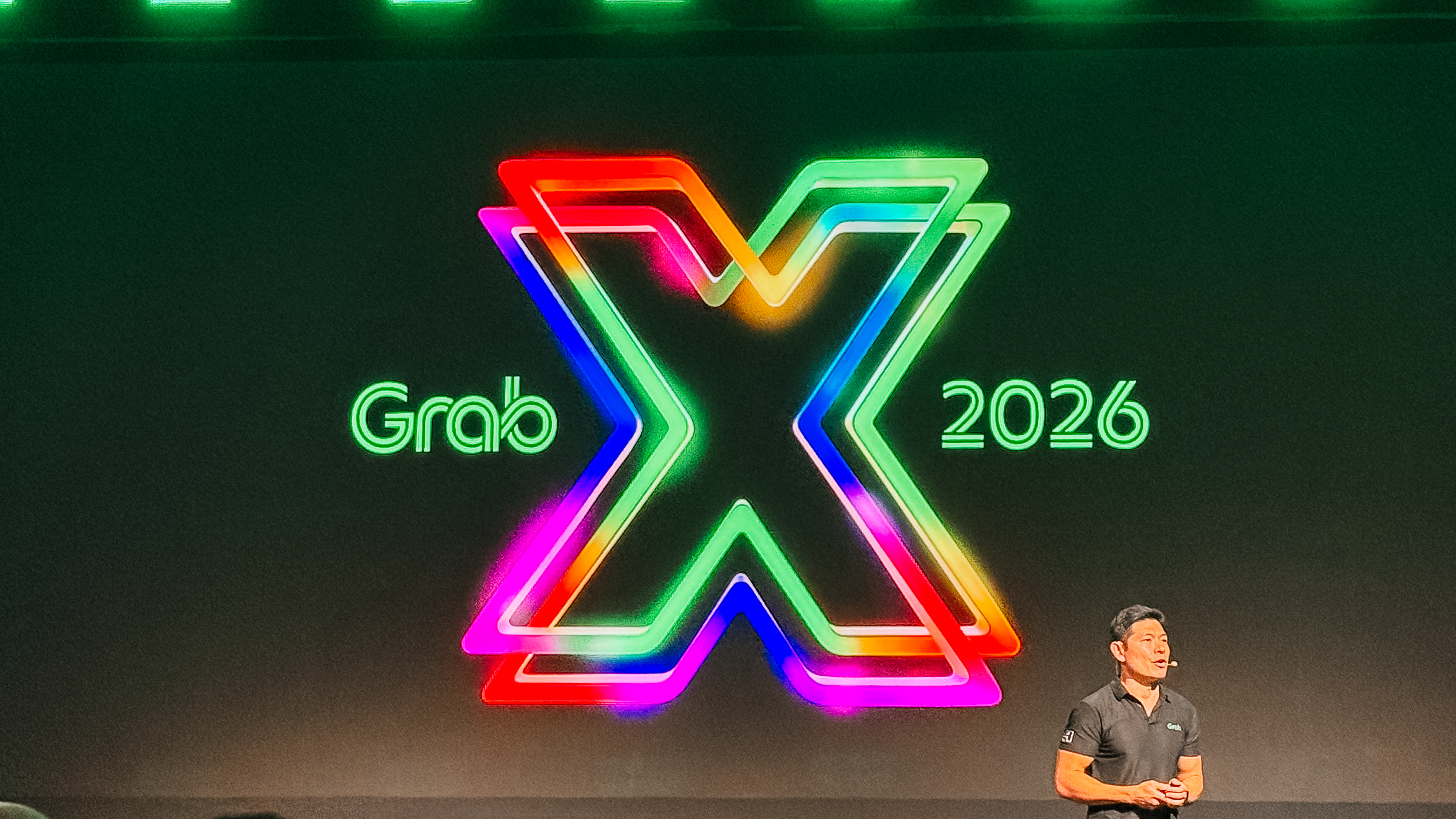
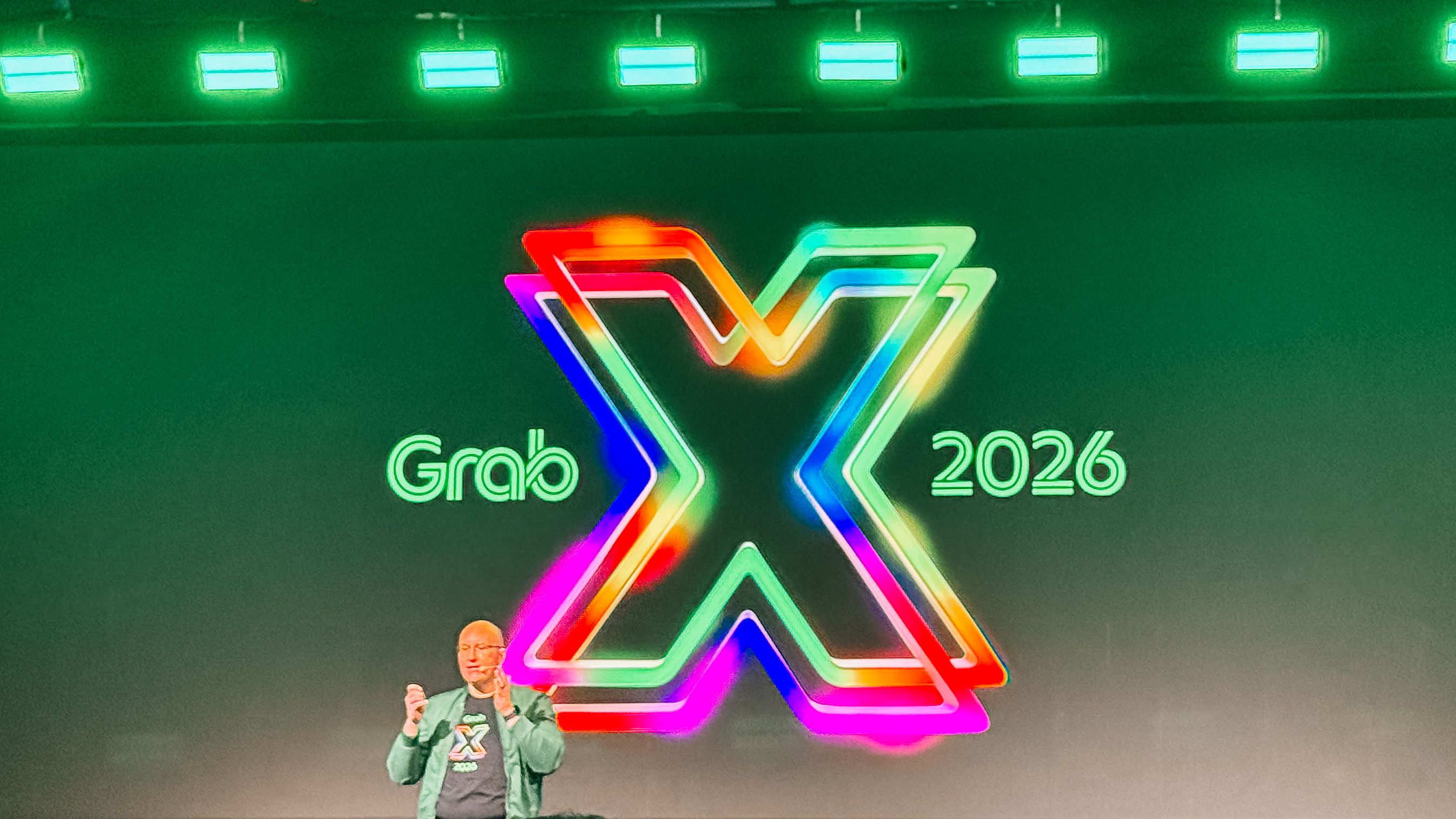
At GrabX 2026 held in Jakarta, Indonesia, Grab as a Superapp transforms into an intelligent companion that understands our routines. It has just launched 13 AI-powered experiences, designed to act as an everyday guide.
Moving through the city together
Traveling within a busy city requires a delicate balance of time and budget. We want to get to our destinations efficiently, but we also want to share that journey with others.
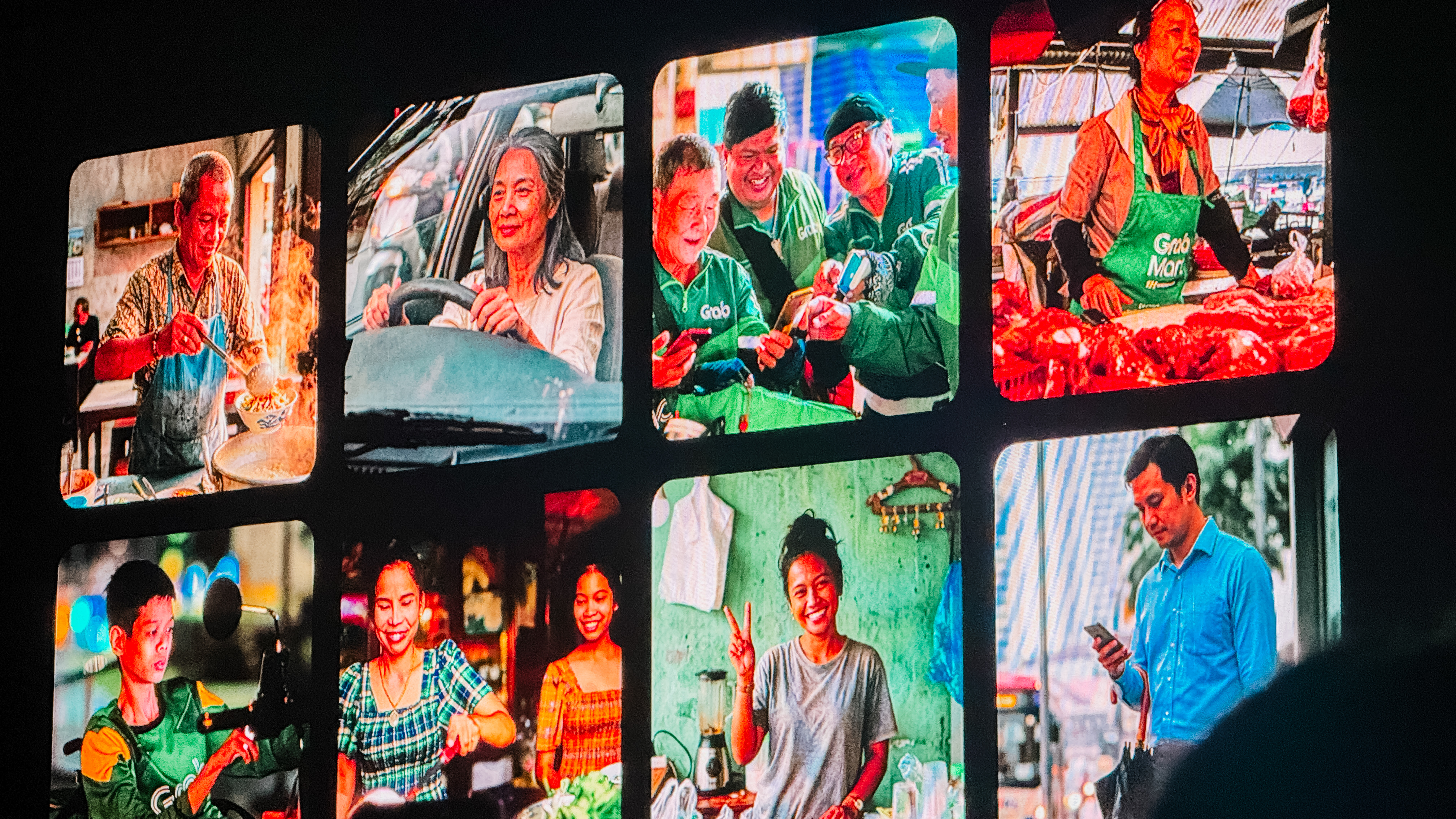
The new Group Ride feature understands this balance. It allows up to four people to share a single vehicle. The system intelligently sequences pickups and splits payments automatically.
You can save up to 40 percent on your fare when you travel with friends on similar routes. Soon, a Waiting Room feature will let everyone see who is ready in real time. It turns a simple commute into a shared moment of connection.
After a busy day, the “what’s for dinner” dilemma usually begins. Grab More solves the frustration of wanting different things from different places. You can now add another nearby merchant to your order without paying extra delivery fees or meeting a minimum spend. The AI ensures both orders arrive in sync.
For the bigger plans, the Grab AI Assistant acts as a personal concierge. If you’re organizing a team celebration, you can simply tell the assistant your group size and dietary preferences. It handles the restaurant recommendations and the booking in a single conversation. If you are stocking up for the week, the Grab Shopping Agent lets you send a photo or a voice note of your list. It builds a cart across multiple merchants and even suggests smart substitutions for out-of-stock items.
Finding confidence
Navigating a city is about more than just a blue dot on a screen. GrabMaps for Consumers now helps you decide when to leave and what to do when you arrive.
The Journey Planner connects to your calendar and predicts your destination based on your history. You can compare the price of a ride versus the toll fees of driving yourself.
Once you arrive at a massive mall, which are plenty in Southeast Asia, indoor navigation guides you to the exact shop entrance.
You can even use the Custom Voice feature to clone a voice you love for your turn-by-turn directions. *cue Rufa Mae Quinto’s tone* It makes the journey feel personal.
For those moments when unexpected expenses arise, Cash Loan provides a bridge. It offers accessible credit to millions of people who may not have a traditional financial history. The AI uses Grab data to provide a loan decision in seconds. You can customize a repayment plan that fits your budget directly in the app. It’s a safety net built into the platform you already use.
A travel companion
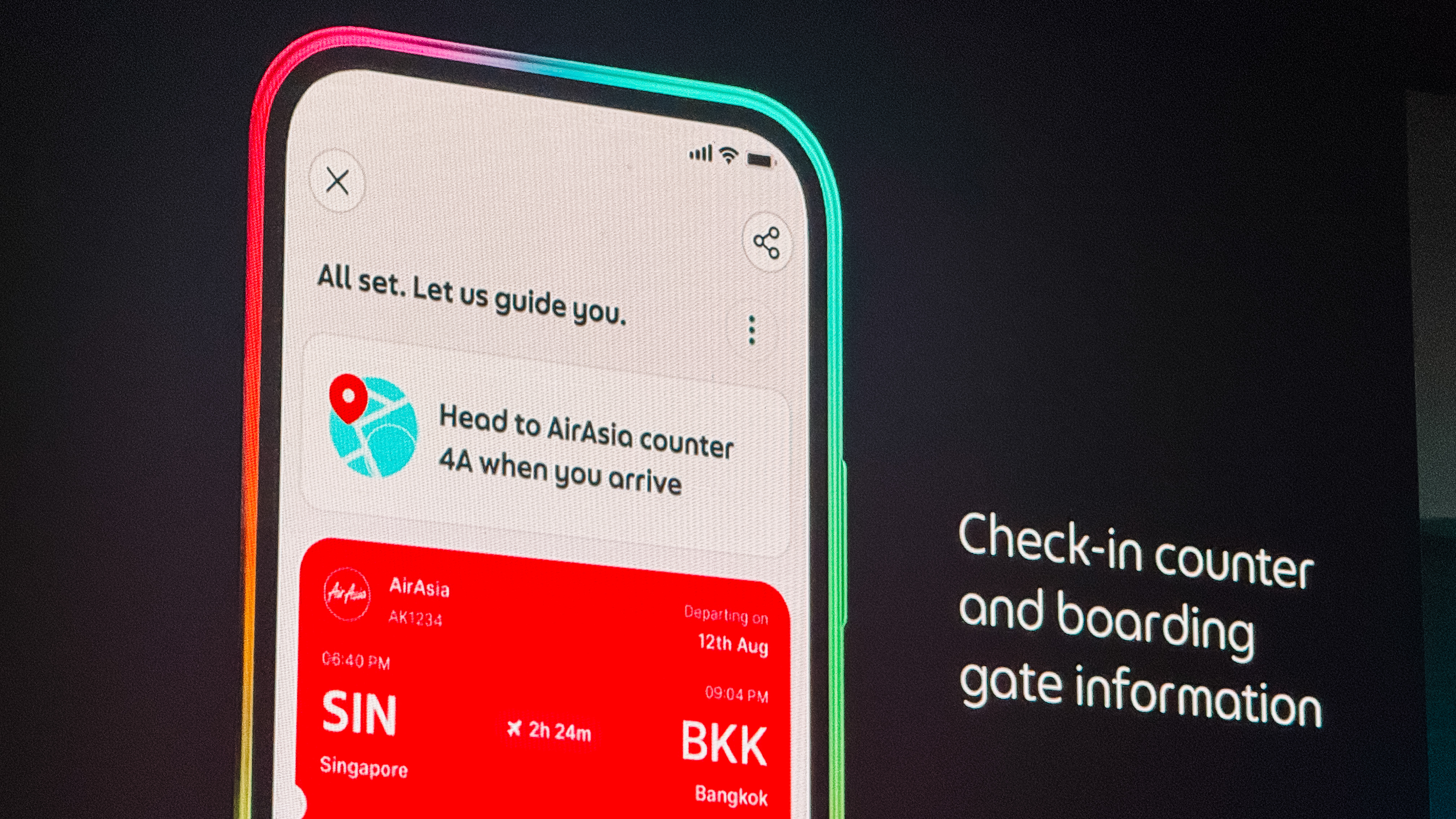
Travel is often beautiful but logistically exhausting. The Personalised Travel Experience turns the app into a travel partner. It consolidates your passport reminders, check-in counter details, and gate updates in one place. When you land, it guides you step-by-step to the correct baggage belt and pickup point.
Finding a place to stay is now just as integrated. GrabStays, built with the AI-first ecosystem Nuitee, is designed for the traveler who needs a last-minute booking. You get competitive same-day rates and earn GrabCoin rewards. Because your payment info is already saved, booking a hotel feels as easy as booking a ride.
Once you are settled, Discover by Grab helps you find where the locals eat. It surfaces authentic food content and uses AI to learn what you personally enjoy.
You can see a review, book a table, and get a ride there all in one flow. When the bill comes, GrabPay for Travel removes the stress of currency exchange.
You can scan national QR codes and pay with the cards already saved in your Grab account. There are no leftover foreign balances to worry about.
Empowering the people behind the business
Grab’s intelligence layer also extends to the entrepreneurs and drivers who keep our cities moving.

For shop owners, the Virtual Store Manager uses computer vision to monitor hygiene and foot traffic remotely. It sends alerts if staffing levels are low or if queues are getting too long. The Cloud Printer automates the workflow between the front counter and the kitchen. Orders print instantly, and the printer even pauses the store if no activity is detected. This prevents customers from ordering when a shop is closed.
Starting a business is also getting simpler. Tap to Pay turns any smartphone into a payment terminal. Merchants can accept cards and QR payments in minutes without any extra hardware.
For the drivers on the road, the Driver AI Assistant provides a hands-free companion. Drivers can ask for advice on policies or get help sending a message to a passenger.
A more human way to grow
All of these features are shaped by the people who use them. The Early Access Programme has grown to 200,000 users who have contributed thousands of improvements. A new “shake and share” feature now lets anyone submit feedback instantly by simply shaking their phone.
Because of these updates, we’re understanding how it feels to have a little more breathing room in our day. Grab is no longer just a way to get from point A to point B. It’s now a companion for the life that happens in between.

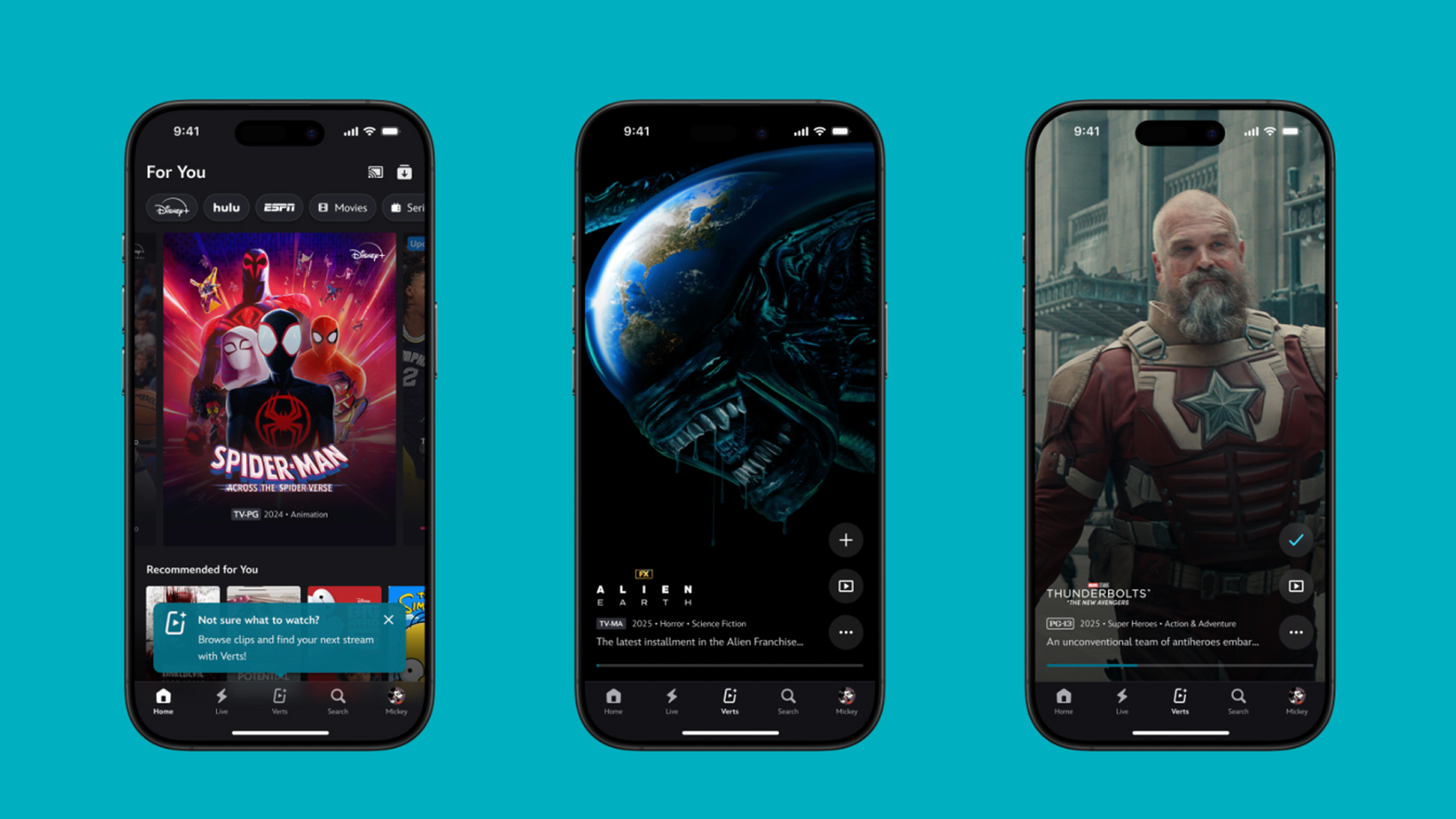
TikTok has changed how we consume media. Everything is now vertical. Even the most established streaming services, often a bastion for traditionally horizontal content, is adopting the different format. Now, Disney+ is getting a vertical feed called Verts.
Like its contemporaries, Verts presents a continuous feed of content but tailored to show the plethora of titles from the Disney+ library. This might include the first scenes of shows or notable highlights. The hope, of course, is to direct users to the longform content.
Directly from the Verts feed, users can easily add the respective title to their watchlist or go straight to the title’s page. In turn, the feed is accessible from the homepage since it has its own tab.
According to Disney, early experiments with the feature have driven engagement to available content. Right now, the feed is mostly for clipping enticing content from shows. However, the platform will experiment further with the format for new ways to tell stories.
Though Verts surely stands for “verticals” in this case, “adverts” might fit better as its full government name. Still, it might be a useful tool if you’re figuring out what to watch for the night.
Currently, Verts is available for Disney+ subscribers in the United States. Disney also has plans to expand the feature to ESPN for sports-related content.
SEE ALSO: Live NBA action on Disney Plus now available in the Philippines


ASUS Zenbook S14 (2026) review: The perfect portable buddy
At only 1.1cm thin and 1.2kg light, the Zenbook S14 fits in any daily kit.

HONOR 600 review: A taste of more
When midrange feels enough


Marathon review: You will lose everything but queue again
Brutal runs, high-stakes firefights, and a loop that punishes you into coming back.

Turn your nubia Neo 5 series purchase into a Geely car with this promo

Atome now allows in-app bill payments with Bayad partnership

Significantly better ChatGPT Images 2.0 launches
ASUS Zenbook S14 (2026) review: The perfect portable buddy

HONOR 600 Series debuts globally in Malaysia

The Changan Eado Plus officially lands in the Philippines

nubia Neo 5 series launches in the PH, starts below PhP 12K

Nothing Phone (4a) + (4a) Pro review

Razer Blade 16 (2026) packs more cores, faster memory

vivo X300 Ultra wants to beat the iPhone 17 Pro Max in pro video


-

 Cameras6 days ago
DJI Osmo Pocket 4 review: A solo creator’s production crew
-

 Reviews1 week ago
TECNO POVA Curve 2 review: Munch That Power Crunch!
-

 Reviews1 week ago
HONOR MagicPad4: A tablet that found its place
-
 News7 days ago
vivo X300 FE launches with ZEISS telephoto system
-

 Automotive5 days ago
Luxury you can ride: The Vespa 180cc Collection
-

 Hands-On1 week ago
Match Pulse: HONOR Pad X8b
-

 Entertainment2 weeks ago
BINI, KATSEYE among top worldwide Google Searches ahead of Coachella
-

 Reviews1 week ago
vivo V70 review: Pretty darn good for nights like this