
Computers
Windows 11 is official with major UI and performance changes
There’s a lot of new changes here!

This is it: Windows 11 is now official. Weeks after an early build leaked to the public, Microsoft took to the stage to announce the next Windows six years after the last major version. Windows 11 is a major departure from its predecessor, featuring big UI and performance changes.
The new Start menu, taskbar, and Teams integration
Booting up Windows 11, users will notice a new and refreshed experience. By default, the taskbar is now centrally aligned. The system tray (systray) icon also sees some major change while invoking a sense of familiarity.
The Start menu is still there, yet gone are the live tiles that defined Windows 10. Simplicity is the norm here, as the Start menu surfaces app icons and recommendations by default. By the way, the recommendations are now tightly integrated with Microsoft 365 and cloud experiences.
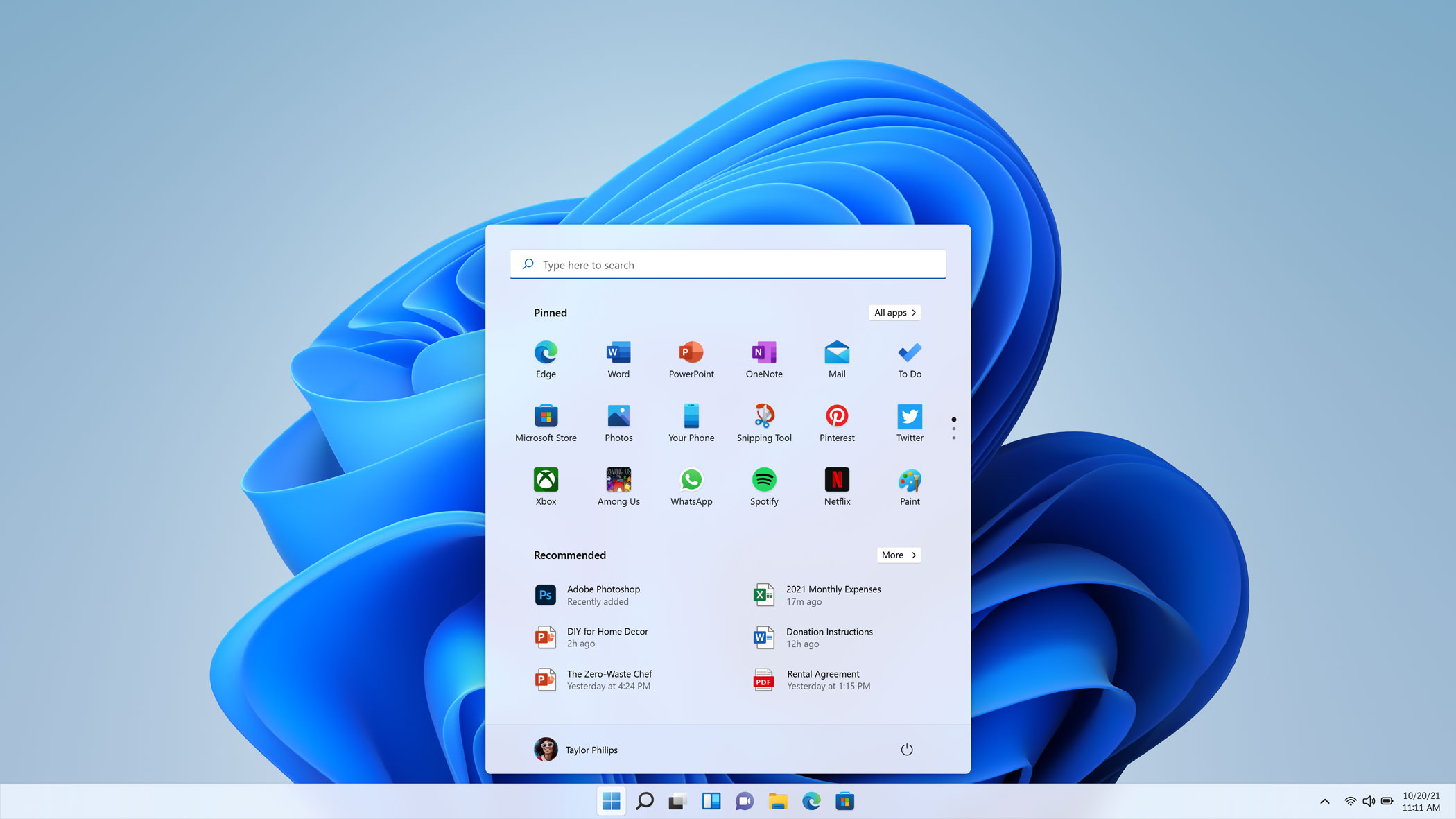 The new Start menu. Image Source: Microsoft
However, live tiles aren’t completely gone. Windows 11 introduces Windows Widgets, which is a separate place for AI-powered widgets. It looks like familiar to the one on iOS right now, and frankly, this is where Windows 10’s News & Interests widgets now reside. Still, it is a welcome addition to Windows, considering that Windows 7 also has an almost-similar functionality in the form of Sidebars.
 Windows Widgets. Image Source: Microsoft
Microsoft Teams are also getting a much tighter integration on Windows 11. Users can now access the Chat from Microsoft Teams right from the taskbar. In a way, it replaces the People section on the taskbar which is gone from Windows 11.
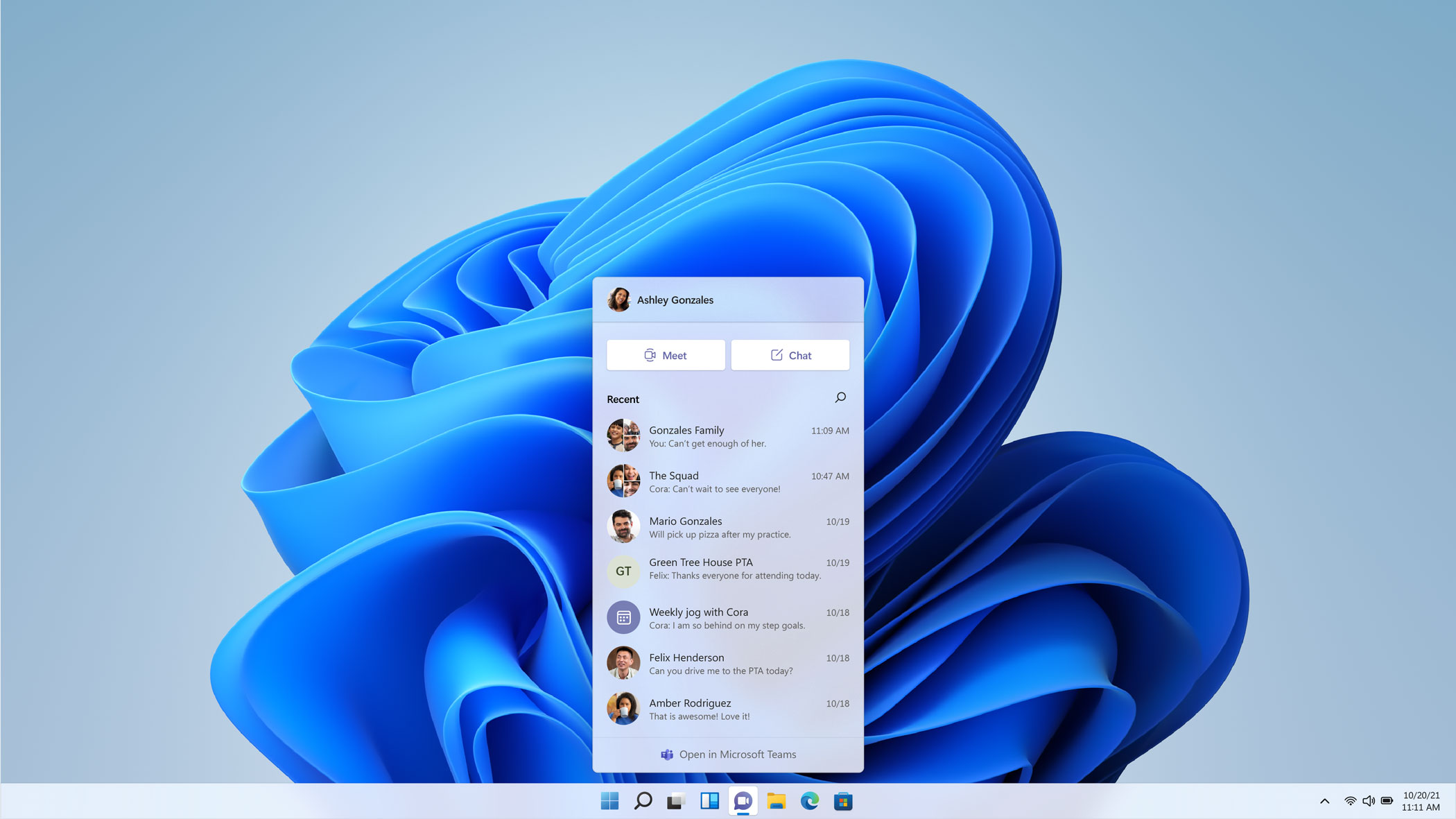 Tighter Microsoft Teams integration. Image Source: Microsoft
Improved window snapping experience and desktops
Microsoft states that Windows 11 “cuts through complexity and brings simplicity.” One way they did that with the new Windows is by bringing an improved window snapping experience.
With the improved snapping experience, users can take advantage of bigger screens and snap up to three windows. A new fly-out appears when snapping with different layouts for the windows. Snapped windows show as groups in the taskbar too, so users can easily switch on a whim.
 Improved snapping experience. Image Source: Microsoft
Desktops — a feature introduced by Windows 10 — is also getting some nifty improvements. Windows 11 will now remember the desktops for each screen. For example, users can use a desktop for work and project it to their second monitor. Upon reconnecting to that second monitor, Windows 11 will automatically surface that desktop for work.
Focus on gaming, Microsoft Store gets an overhaul
Windows 11 will also bring improvements to gaming. Microsoft name three big additions to improve the gaming experience: Direct X 12 Ultimate, DirectStorage, and Auto HDR. It is worth noting though, that Auto HDR is not totally new since Windows 10 users are also getting that feature.
Meanwhile, Microsoft Store is getting a major overhaul for Windows 11. This is welcome news for many Windows users, as Microsoft Store has been traditionally ridden with problems. Big changes include major UI overhaul, as well as changes to the commerce model. Microsoft will now allow app developers to publish their own apps and keep all the revenues to themselves.
 The new Microsoft Store. Image Source: Microsoft
Android apps are coming along with new app designs
Microsoft also teased major UI redesigns for some of its in-built apps during a separate session for developers. That includes redesigned Settings, File Explorer, refreshed Microsoft Paint and Notepad, and more. The session also teased a new Microsoft Office design. All in all, these designs feature the Fluent Design that Microsoft has been pushing across all its apps and services for the past few years.
 A redesigned Settings app. Image Source: Microsoft
Finally, one of the biggest highlights of the Windows 11 is the capability to run Android apps. Microsoft partnered with Amazon to bring a selection of Android apps to the Microsoft Store. Sure, there are limitations on what Android apps can run in Windows 11. However, this is still a big addition to Windows, since users may now run supported Android apps natively without resorting to any third-party solutions.
By the way, the capability to run Android apps is all thanks to Intel Bridge, a new technology resulting from collaboration between Microsoft and Intel.
 Android apps on the Microsoft Store. Image Source: Microsoft
Availability
Microsoft didn’t announce any concrete dates for the launch of Windows 11. Rather, the company announced a general availability during the later part of 2021. The new Windows will be offered as a free update for eligible Windows 10 PCs. Users may check if their PCs are eligible through this website.




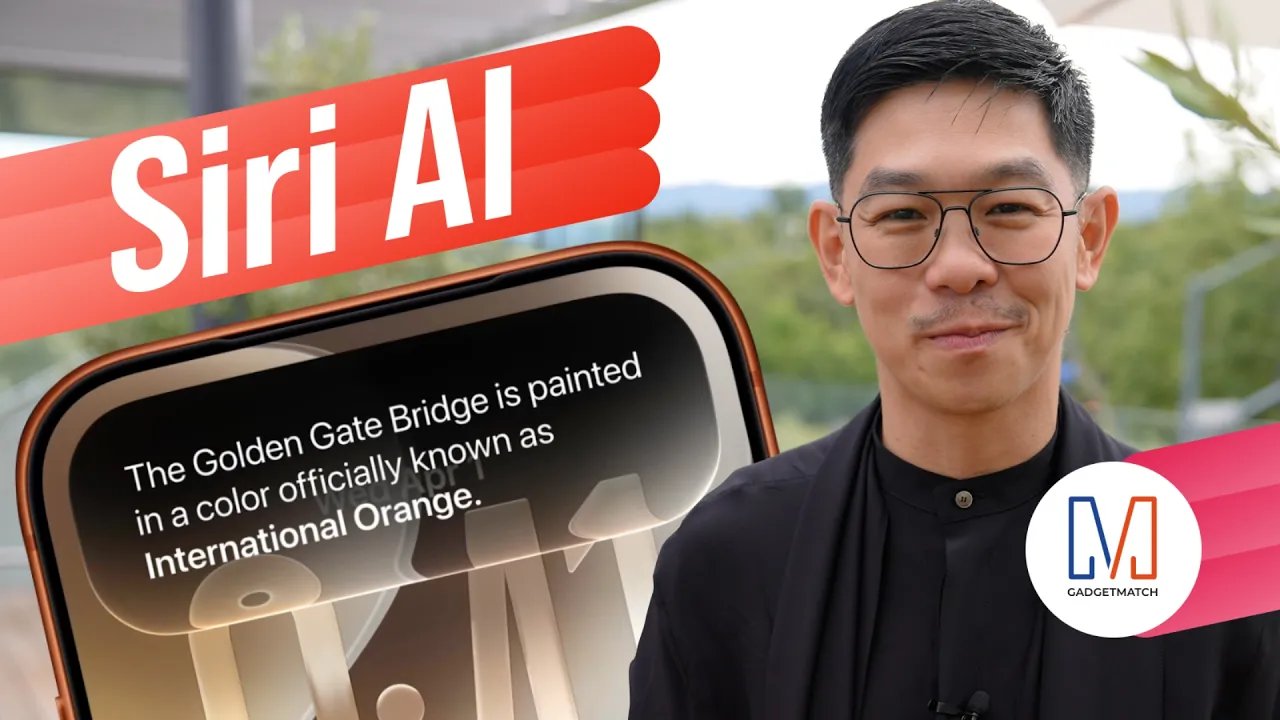
At WWDC 2026, Apple unveiled Siri AI, a smarter version of Siri powered by Apple Intelligence, with personal context, onscreen awareness, deeper app integration, and a brand-new experience across iPhone, iPad, Mac, Apple Watch, and Vision Pro.
Apple also announced new Apple Intelligence features, Google Gemini-powered foundation models, smarter photo editing tools, improved parental controls, faster performance across iPhone and iPad, and the next version of macOS: Golden Gate.
In this WWDC 2026 Rewind, Michael Josh breaks down the biggest announcements, what actually matters. And, whether Apple finally delivered on the promises it made last year.
Computers
ASUS at COMPUTEX 2026
NVIDIA RTX Spark ProArt laptops, Zenbook 14, ROG XBOX Ally X20 Bundle, and more!

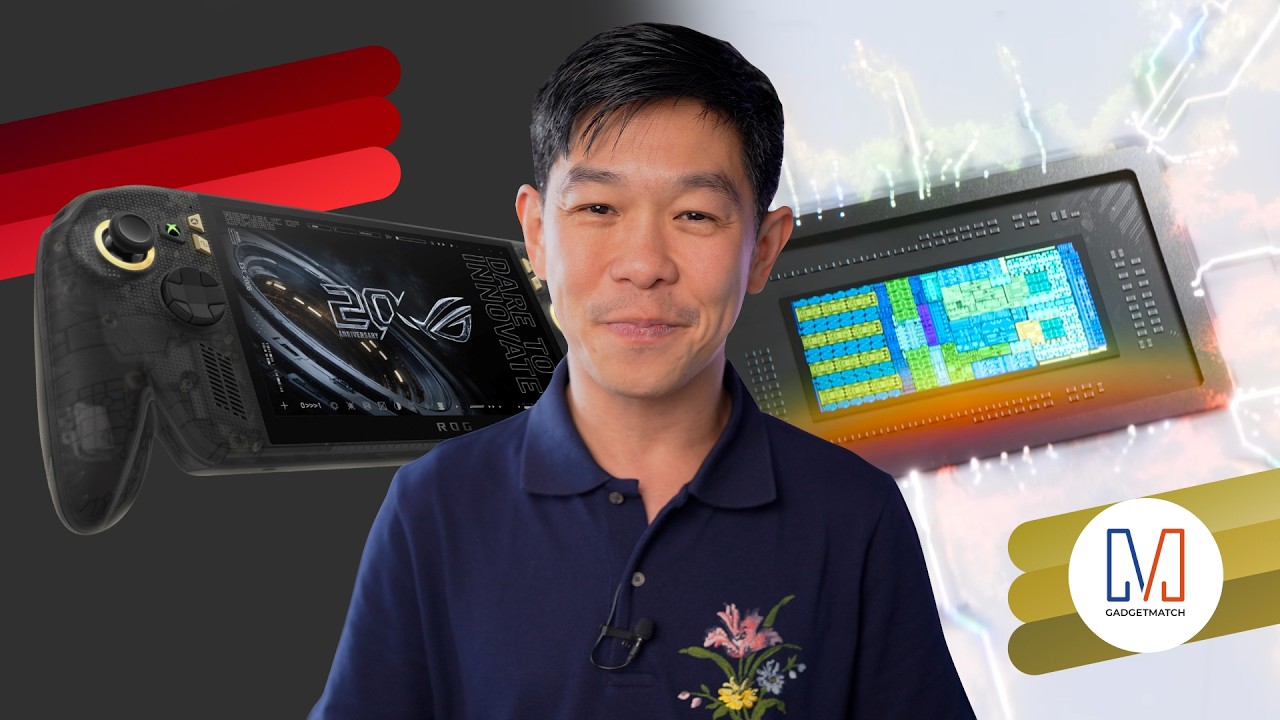
ASUS had a packed COMPUTEX 2026.
in this video we’re taking a look at our favorite announcements from the show: the ultra-portable and colorful Zenbook 14 all the way to the practical Vivobook S series.
There are also some cool new stuff including the debut of NVIDIA RTX Spark-powered ASUS ProArt laptops. PLUS, ROG’s 20th Anniversary!
To celebrate that, they announced a whole bunch of Edition 20 collection — including the nostalgic yet futuristic ROG XBOX Ally X20 with a bundled XREAL R1 Edition 20 Gaming AR Glasses.
Check them out here:
Computers
Samsung’s SECRET That Made OLED Even Better
Say hello to the new QD-OLED Penta Tandem display tech by the Korean giant
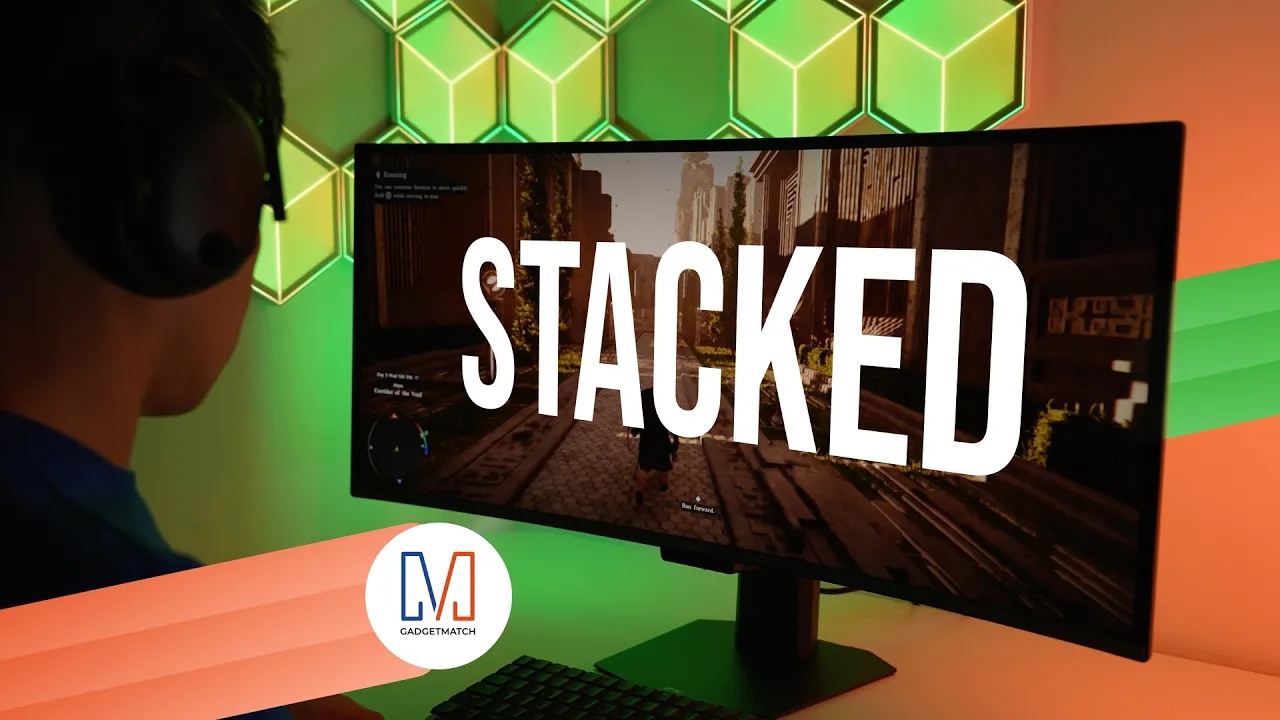
Samsung Display just unveiled QD-OLED Penta Tandem technology. This is a next-generation display structure that stacks five emission layers to improve brightness, efficiency, and overall OLED performance.
In this video, we simplify what Penta Tandem actually is, how it works, and show you two monitors that already have the technology — specifically from MSI and Dell.
For more details, check out Samsung Display here.

HONOR Magic V6 review: The best version of a book-style foldable?
Little left to sacrifice

Close without crossing: A Xiaomi 17T Pro photo essay
Distance and closeness are not always opposites.


Spring reset: Growing more at home with Auk Mini
From kitchen counter experiment to everyday habit

Lenovo introduces the immersive Referee View for the World Cup

Kodak Charmera gets seven Y2K-inspired designs

Gundam Rogue Orbit coming to consoles, PC in 2027

Turn conversations into completed work: Zoom launches ZoomMate

K-pop Idol Stories: Road to Debut lets you become a K-pop group’s manager

The Infinix GT 50 Pro has the most inspired design for a gaming phone

TECNO’s POVA 8 5G is both futuristic and future-ready

UGREEN MagFlow Air review: Airy Yet Mighty
Spring reset: Growing more at home with Auk Mini

The UGREEN Nexode Air 65W is the only charger I travel with now


-
 India6 days ago
TECNO’s POVA 8 5G is both futuristic and future-ready
-

 News2 weeks ago
realme launches P4 Series 5G, including Power with 10,001mAh battery
-
 Buyer's Guide1 week ago
Buyer’s Guide: Xiaomi Pad 8 Series
-
Reviews7 days ago
HONOR Magic V6 review: The best version of a book-style foldable?
-

 Gaming6 days ago
Kingdom Hearts IV gets new trailer, confirms Switch 2 release
-

 Gaming2 weeks ago
Final Fantasy VII Revelation arrives in Spring 2027
-

 Gaming6 days ago
Final Fantasy fans have two big reasons to look forward to 2026
-
 Smartphones6 days ago
Upcoming realme C100 series to feature 8,000mAh battery