
Computers
macOS Monterey now available
Time to upgrade!


If you’re feeling left out with the release of the new 14 and 16-inch MacBook Pros equipped with M1 Pro and M1 Max, the next best thing is here and it’s free. macOS Monterey, the OS that comes with the aforementioned MacBooks, is now available as a free update for selected Mac models.
If you’re wondering which Macs are compatible, then we got you covered. This way, you know if you’re really already due for an upgrade.
- iMac — Late 2015 and later
- Mac Pro — Late 2013 and later
- iMac Pro — 2017 and later
- MacBook Air — Early 2015 and later
- Mac mini — Late 2014 and later
- MacBook — Early 2016 and later
- MacBook Pro — Early 2015 and later
To find out if your Mac still qualifies, simply click on the Apple logo on the top-left corner of your device, and select ‘About This Mac’. From there you’ll know what kind and what year your Mac falls on. There are also other ways to check which you can look at here.
As for what exactly you’re getting with macOS Monterey, watch this video for the best features!
Can’t watch? Here’s a quick rundown.
Shortcuts
Initially introduced on iOS, Shortcuts is essentially a way to cut down the time you spend to execute tasks you repeat regularly. There’s a rich gallery of pre-built actions designed just for Mac like being able to instantly share files, make animated GIFs, and more.
Shortcuts is integrated throughout macOS, including the menu bar, Finder, Spotlight, and even hands-free with Siri. What happens to automator now? Users can easily import existing Automator workflows into Shortcuts and be up and running right away.
Universal Control
For Apple users with multiple devices, Universal Control will be a godsend. This lets users work with a single mouse and keyboard and move between Mac and iPad for a seamless experience, with no setup required. Users can drag and drop content back and forth between devices like it’s nothing.
New Safari
Safari adds a new tab design, including a redesigned tab bar and Tab Groups, so users can browse the web in new ways.
A new tab bar takes on the color of the webpage and combines tabs, the tool bar, and the search field into a single compact design.
Tab Groups offer a new way to easily save and manage tabs. They also sync across Mac, iPhone, and iPad, so users can continue their project from anywhere and easily share tabs with other Apple users.

Other improvements and features
SharePlay — Works similarly to the one on iOS where you can have a listening or watch party via Apple Music and Apple TV with people you’re in a FaceTime call with.
Shared with You — Makes it easy to locate and enjoy all the great content that’s shared through Messages, including photos, videos, articles, and more, right from a Shared with You tab within various Apple apps.
Live Text — Uses on-device machine learning to detect text in photos, including phone numbers, websites, addresses, and tracking numbers, so users can copy and paste, make a phone call, open a website, and easily find more information
Privacy — Mail Privacy Protection let users choose whether emails can collect information about their Mail activity, and the Mac recording indicator now shows which app is accessing the Mac’s microphone.
Accessibility — Lets anyone add alternative image descriptions right from Markup, and improved Full Keyboard Access and new cursor customization options provide more flexibility when navigating Mac.





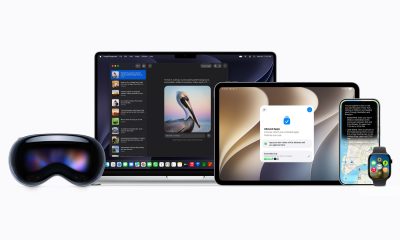


At WWDC 2026, Apple unveiled Siri AI, a smarter version of Siri powered by Apple Intelligence, with personal context, onscreen awareness, deeper app integration, and a brand-new experience across iPhone, iPad, Mac, Apple Watch, and Vision Pro.
Apple also announced new Apple Intelligence features, Google Gemini-powered foundation models, smarter photo editing tools, improved parental controls, faster performance across iPhone and iPad, and the next version of macOS: Golden Gate.
In this WWDC 2026 Rewind, Michael Josh breaks down the biggest announcements, what actually matters. And, whether Apple finally delivered on the promises it made last year.
Computers
ASUS at COMPUTEX 2026
NVIDIA RTX Spark ProArt laptops, Zenbook 14, ROG XBOX Ally X20 Bundle, and more!
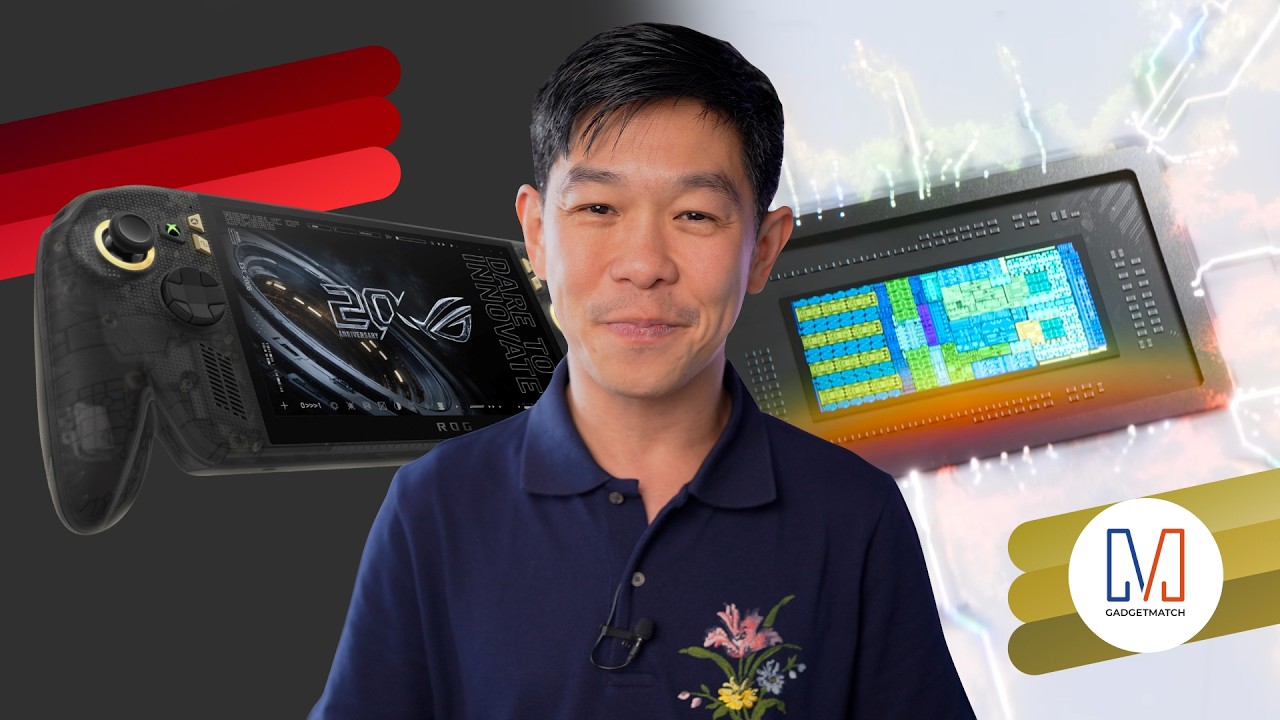
ASUS had a packed COMPUTEX 2026.
in this video we’re taking a look at our favorite announcements from the show: the ultra-portable and colorful Zenbook 14 all the way to the practical Vivobook S series.
There are also some cool new stuff including the debut of NVIDIA RTX Spark-powered ASUS ProArt laptops. PLUS, ROG’s 20th Anniversary!
To celebrate that, they announced a whole bunch of Edition 20 collection — including the nostalgic yet futuristic ROG XBOX Ally X20 with a bundled XREAL R1 Edition 20 Gaming AR Glasses.
Check them out here:
Computers
Samsung’s SECRET That Made OLED Even Better
Say hello to the new QD-OLED Penta Tandem display tech by the Korean giant
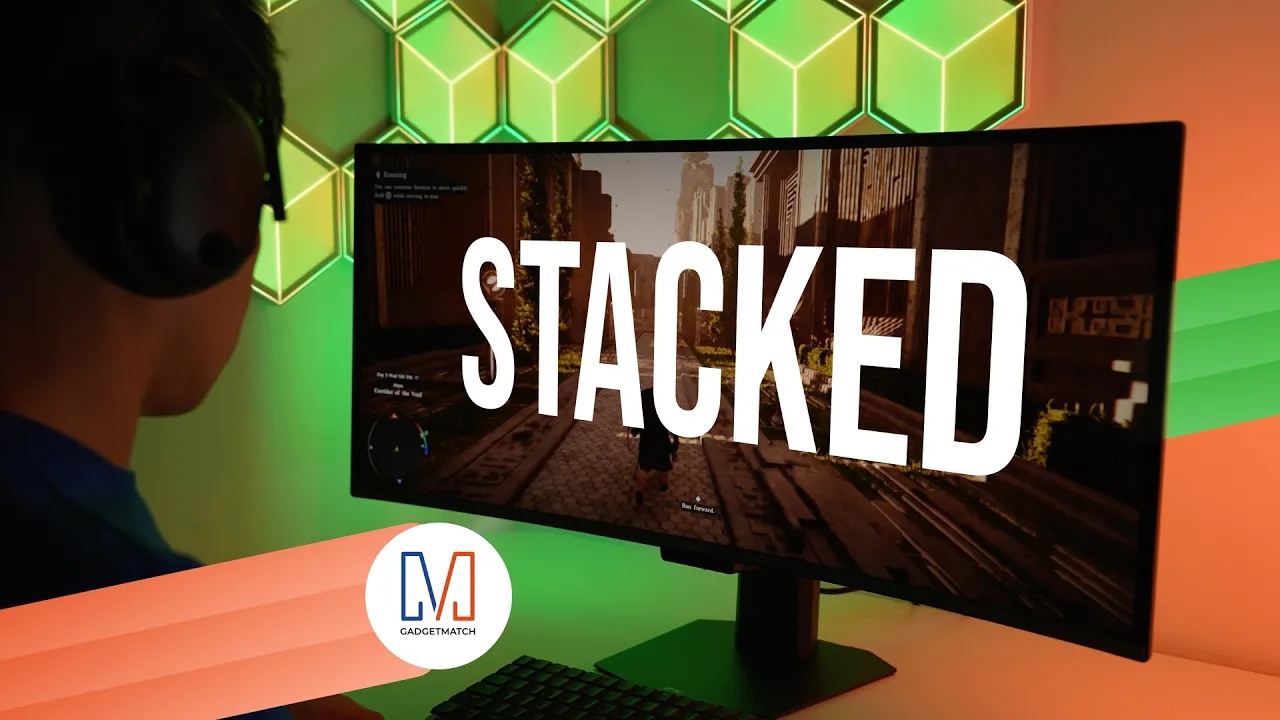
Samsung Display just unveiled QD-OLED Penta Tandem technology. This is a next-generation display structure that stacks five emission layers to improve brightness, efficiency, and overall OLED performance.
In this video, we simplify what Penta Tandem actually is, how it works, and show you two monitors that already have the technology — specifically from MSI and Dell.
For more details, check out Samsung Display here.


HONOR Magic V6 review: The best version of a book-style foldable?
Little left to sacrifice


Close without crossing: A Xiaomi 17T Pro photo essay
Distance and closeness are not always opposites.


Spring reset: Growing more at home with Auk Mini
From kitchen counter experiment to everyday habit

Kingdom Hearts IV gets new trailer, confirms Switch 2 release

Final Fantasy fans have two big reasons to look forward to 2026

TECNO’s POVA 8 5G is both futuristic and future-ready

Upcoming realme C100 series to feature 8,000mAh battery

What HYROX Hong Kong looks like up close


-

 News1 week ago
realme launches P4 Series 5G, including Power with 10,001mAh battery
-

 Hands-On2 weeks ago
The Xiaomi Watch S5 proves you don’t have to take it off
-

 Computex 20262 weeks ago
ASUS ROG XBOX Ally X20 debuts at COMPUTEX 2026
-

 Computex 20262 weeks ago
Acer introduces new e-bikers, e-scooters at COMPUTEX 2026
-
 India3 days ago
TECNO’s POVA 8 5G is both futuristic and future-ready
-

 Gaming2 weeks ago
God of War Laufey puts Faye in the spotlight
-

 Gaming2 weeks ago
Marvel’s Wolverine showcases brutal combat, confirms Jean Grey
-

 Buyer's Guide6 days ago
Buyer’s Guide: Xiaomi Pad 8 Series