
Accessories
Prynt Pocket unboxing and review: A printer that prints videos?

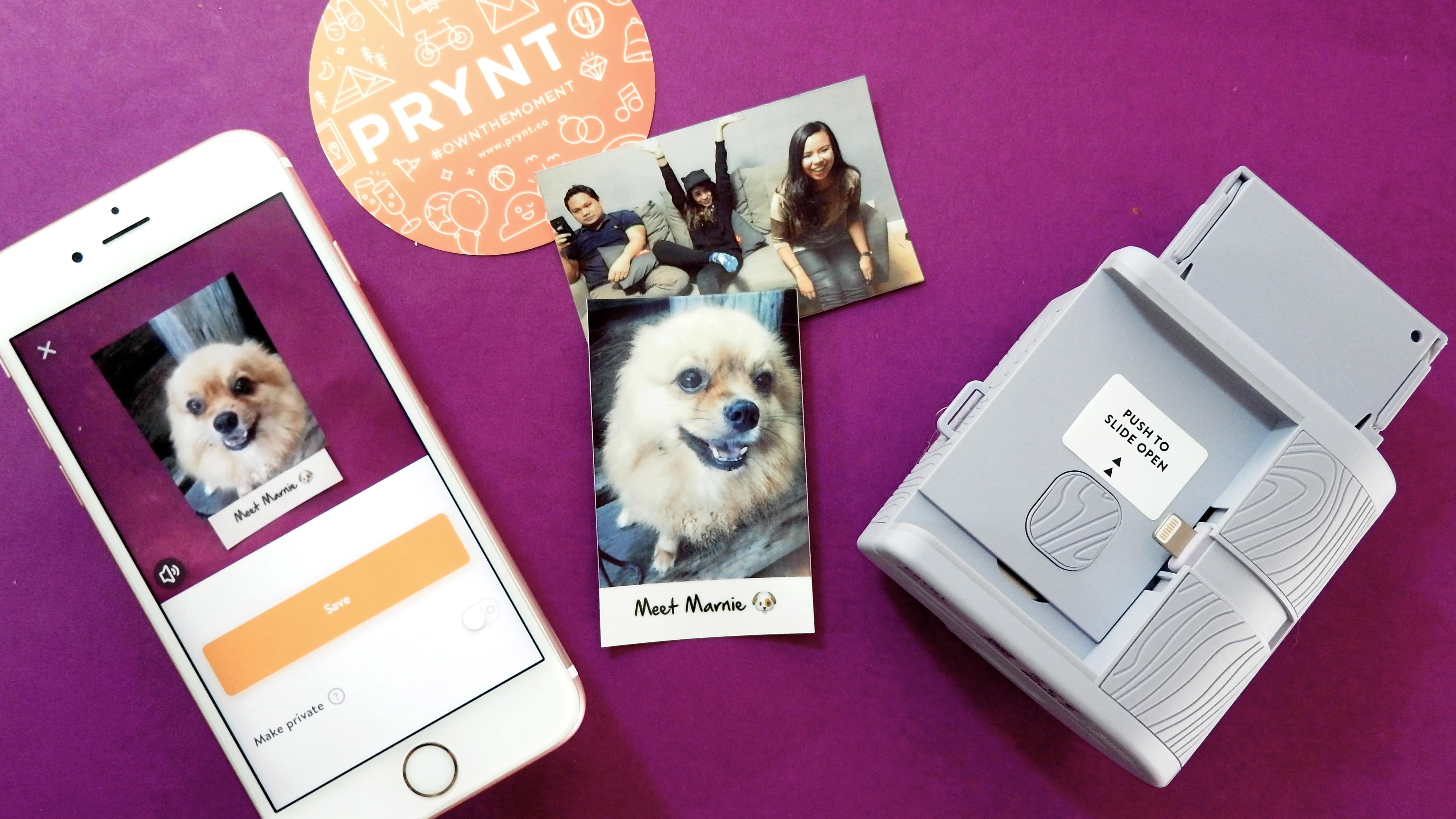
Let’s admit it: We are a nostalgic bunch, hence the need for something we can hold, even in the age of digital multimedia.
Some devices attempt to tap into that human sentimentality. Gadgets like the recently released Instax camera (which allows you to edit digitally before printing your photos) and Polaroid SnapTouch (which is a camera and printer in one) attempt to stay relevant by adding modern touches to the age-old concept of printed pictures — and I lapped these ideas up.
If you disagree and believe that Polaroids and Instax photos are a waste of time, you might as well stop reading now.
Introducing: the Prynt Pocket
The Prynt Pocket is basically a tiny printer you connect to your iPhone via Lightning port. What’s so special about this cute device is it can print your videos — well, photos that you can play as videos. More on that later. Before anything else, here’s a quick unboxing.
The Prynt Pocket comes in a clean white box with orange details. (Pencils and Instax not included.)
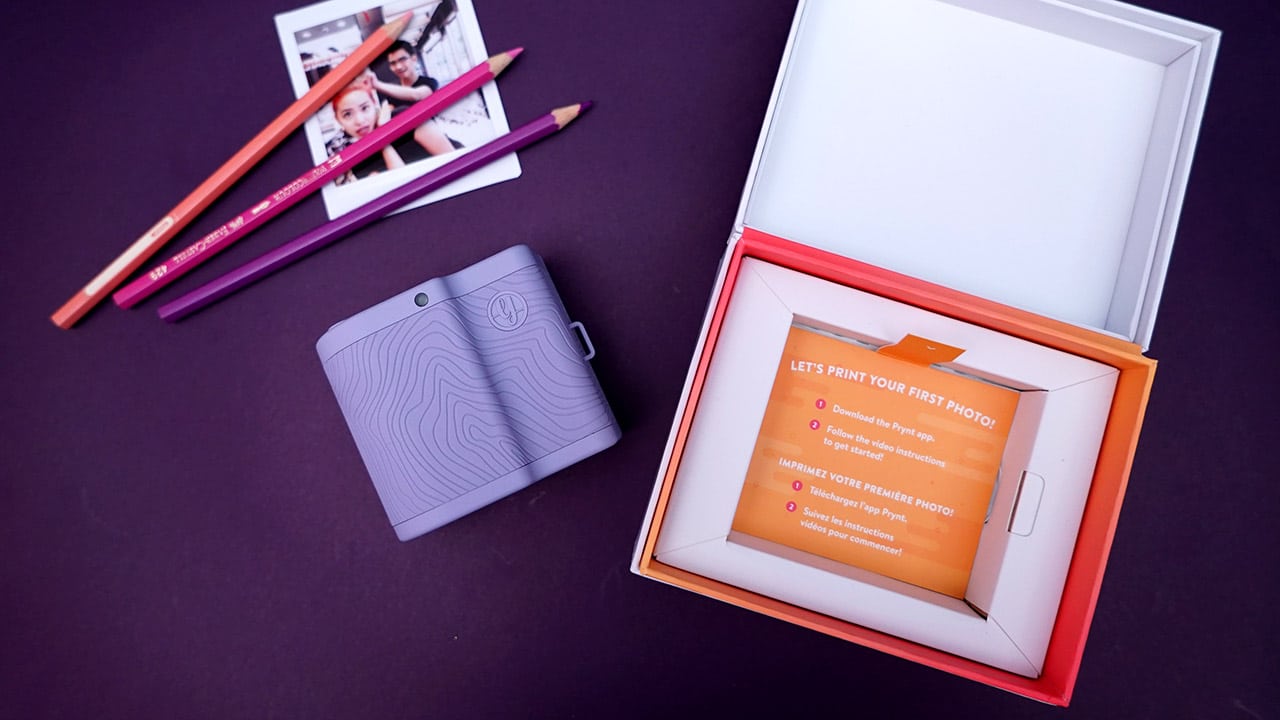
Our unit is in cute lavender. Other available colors are mint, black, and gray.
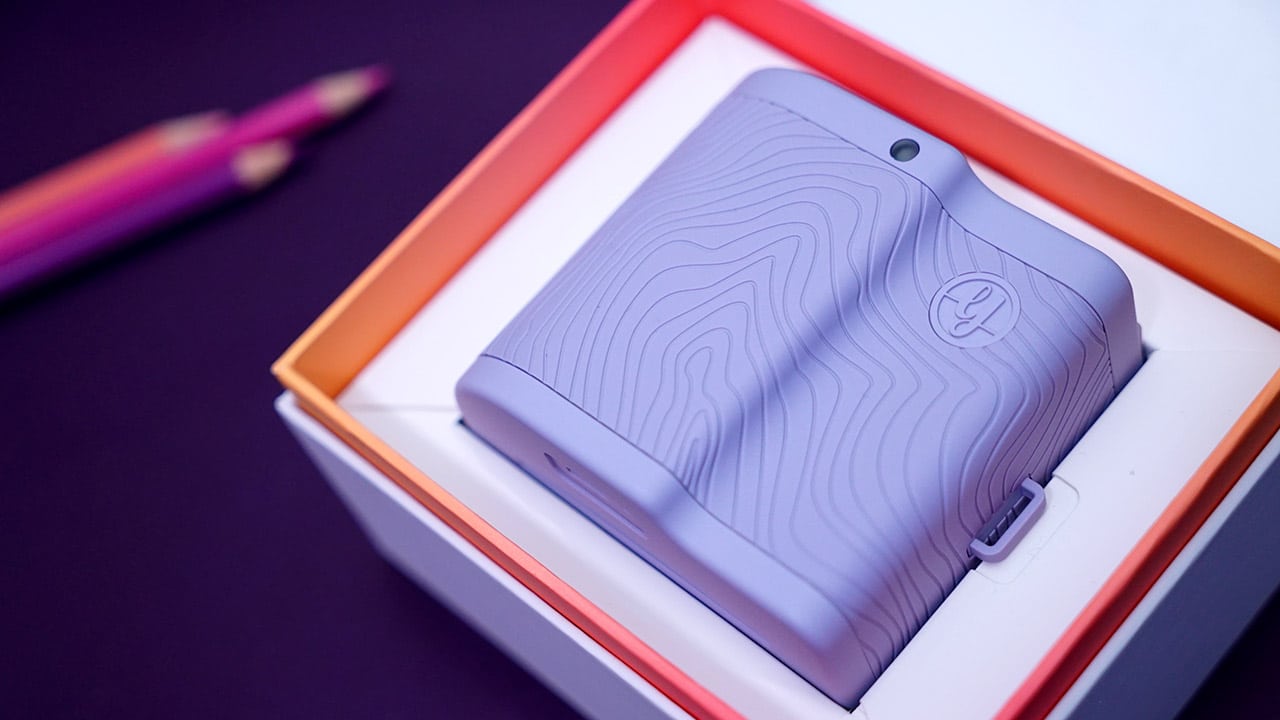
The front is where you plug in your iPhone. This device is compatible with the iPhone 5, 5s, 6 Plus, 6s, 6s Plus, SE, 7, 7 Plus, and in theory, the new iPhone 8 and 8 Plus since it’s a Lightning pin on a dock that adjusts to phone size.
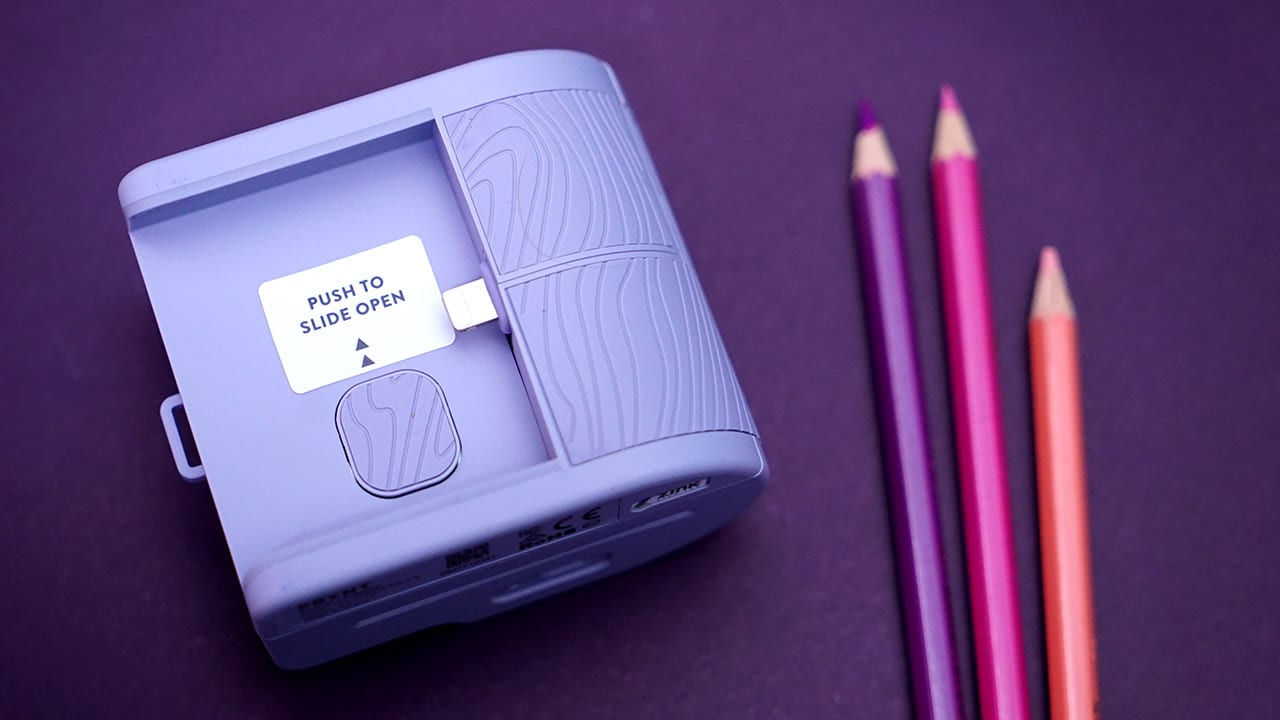
On one side is the slot for the film cartridge plus an indicator light, shutter button, and zoom dial.
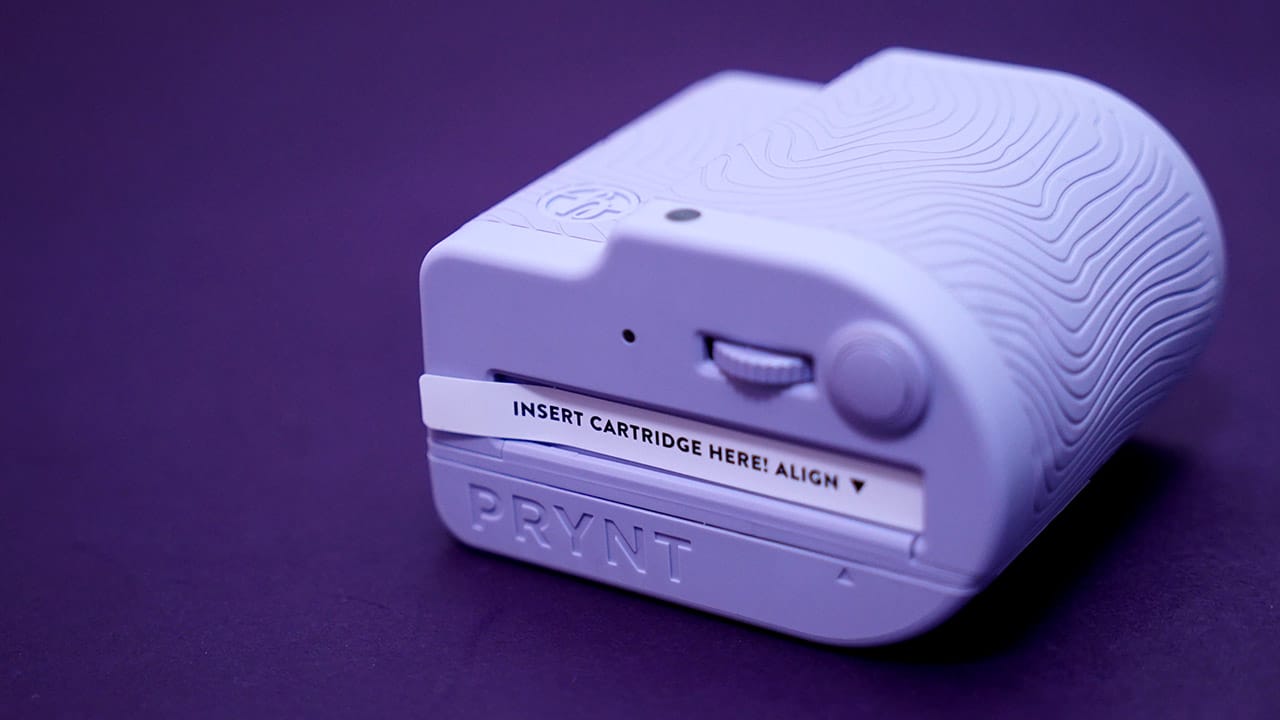
The other side is where the photo prints out and a micro-USB port for charging.

The box comes with a pack of 10 sticker paper, a micro-USB cable, the printing cartridge, and user guide. (Again, colored pencils not included, but admittedly cute with the color scheme.)

And now, on to actually using it!
How it works
Before anything else, you need to download the Prynt app which can be easily found on the App Store. I was able to set this up — which included loading the cartridge with paper and attaching the cartridge to the device — by following the Prynt app prompts (because who reads manuals anyway).
Take a photo or video of whatever subject you have — in this case, it was Marnie, the dog who was a great model. Good girl.
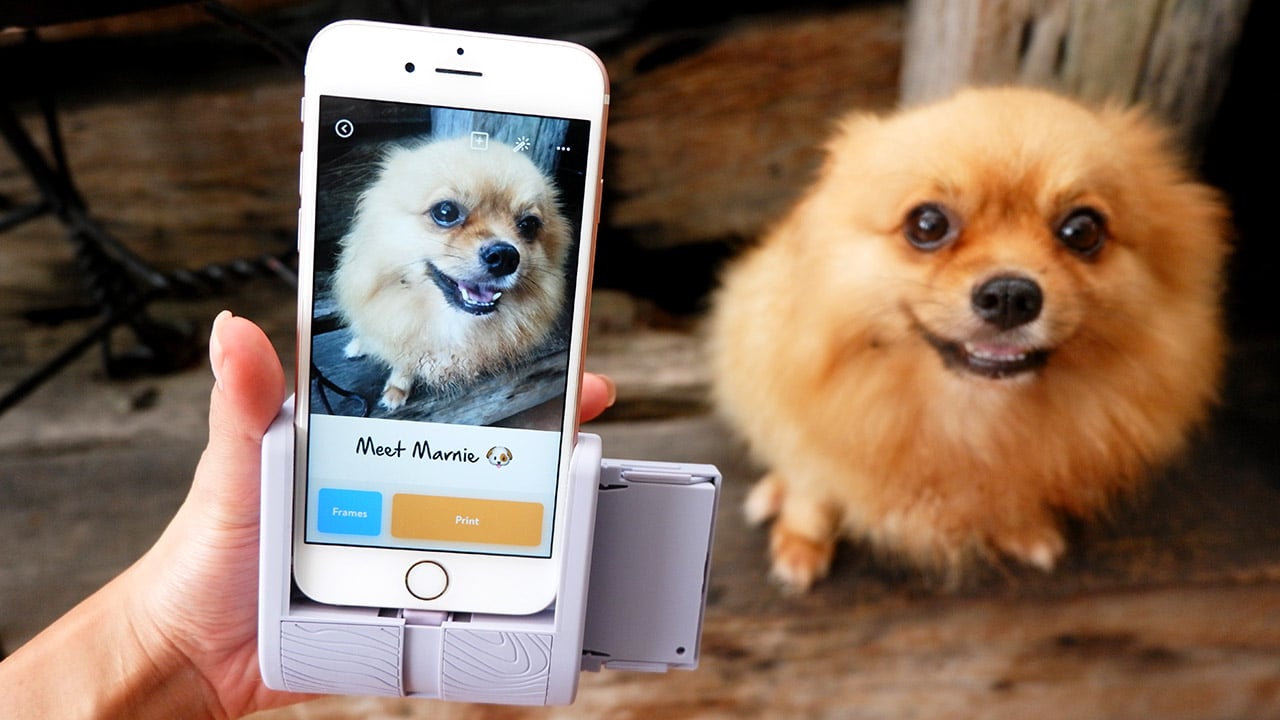
The Prynt app gives a slew of editing options. From borders, to text, to filters, and even memes — the app welcomes your boundless creativity.
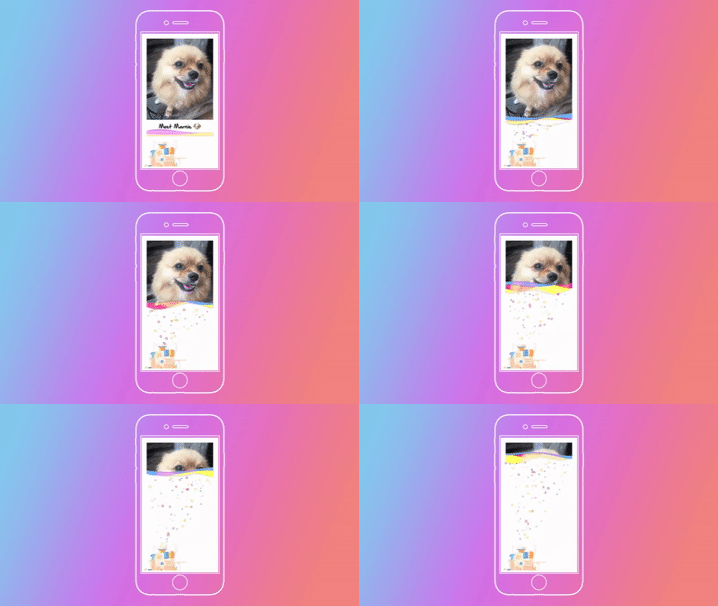
Printing is simple enough. A tap of the print button gives us a Marnie sticker print out!
The best part, however, is what happens when you scan these photos using the Prynt app:

THE VIDEO WILL PLAY! If you did not get my excitement from that last sentence, let me tell you plain and simple: This thing is awesome and amazing! The whole process reminds me of those moving photos from Harry Potter’s Hogwarts!
Another cool feature is once you scan the photos and the video starts playing, a record button appears and you can immortalize the scan forever.

For good measure, I did a scan of Marnie’s Prynt photo with Marnie in the background and results were… well, the cutest I’ve seen in any of my tech reviews.

Imagine the possibilities!
You don’t even need the Prynt Pocket device to scan the photos. All you need is the app installed on your phone.
Is the Prynt Pocket your GadgetMatch?
Admittedly, printing a photo so you could scan it to make a video does sound a little weird at first.
A lot of things can be said about the Prynt Pocket. It’s amazing and amusing, but it’s also a little bulky to hold and with no real practical use with a damage of US$ 150.
But, that’s just the thing. It’s not meant to be practical, it’s meant to be fun and, oh, the fun you could have with this!
More importantly, the Prynt Pocket succeeds where most photo-printing devices have failed: They’ve created a camera that prints photos with a substantial value add to the physical product — one that’s appreciated in the digital sphere.
The Prynt Pocket is a lot of things. It’s a camera, printer, video maker, and even a scanner! Most importantly, though, it’s also Instagram-able.
[irp posts=”19166″ name=”Insta360 ONE hands-on: Stepping up 360 videos”]


Accessories
Manila turns up the volume at COVE
Sony Philippines launched its ULT TOWER lineup at Beyond the Beat, with SB19 joining the ULT Squad.

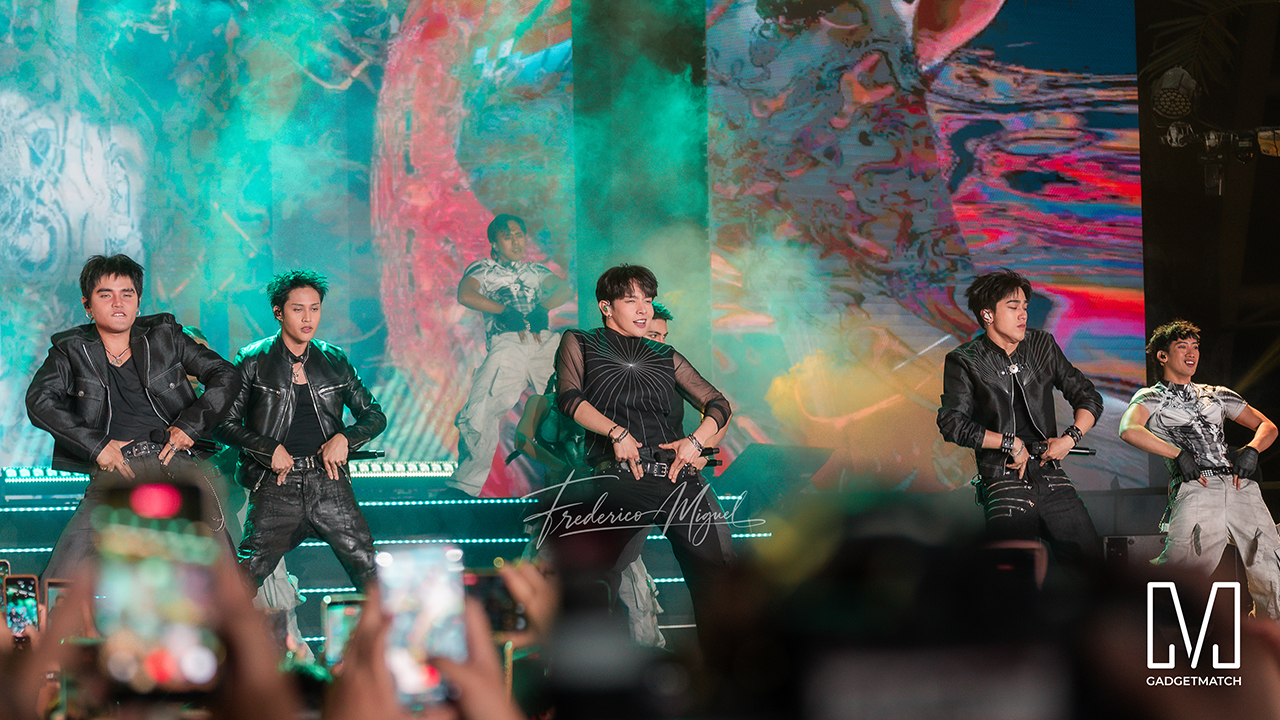
Sound and style shared the floor at COVE Manila in Okada Manila. Sony Philippines opened its doors for Beyond the Beat: The Next-Level ULT POWER SOUND Experience.
The event marked the company’s biggest ULT POWER SOUND launch in the country, and Sony paced the program like an exclusive night out.
Stacked ULT Towers filled the space. Guests styled themselves with designer pieces from Alser Lumawag, and SB19 closed the evening as the newest Sony ULT Squad members.
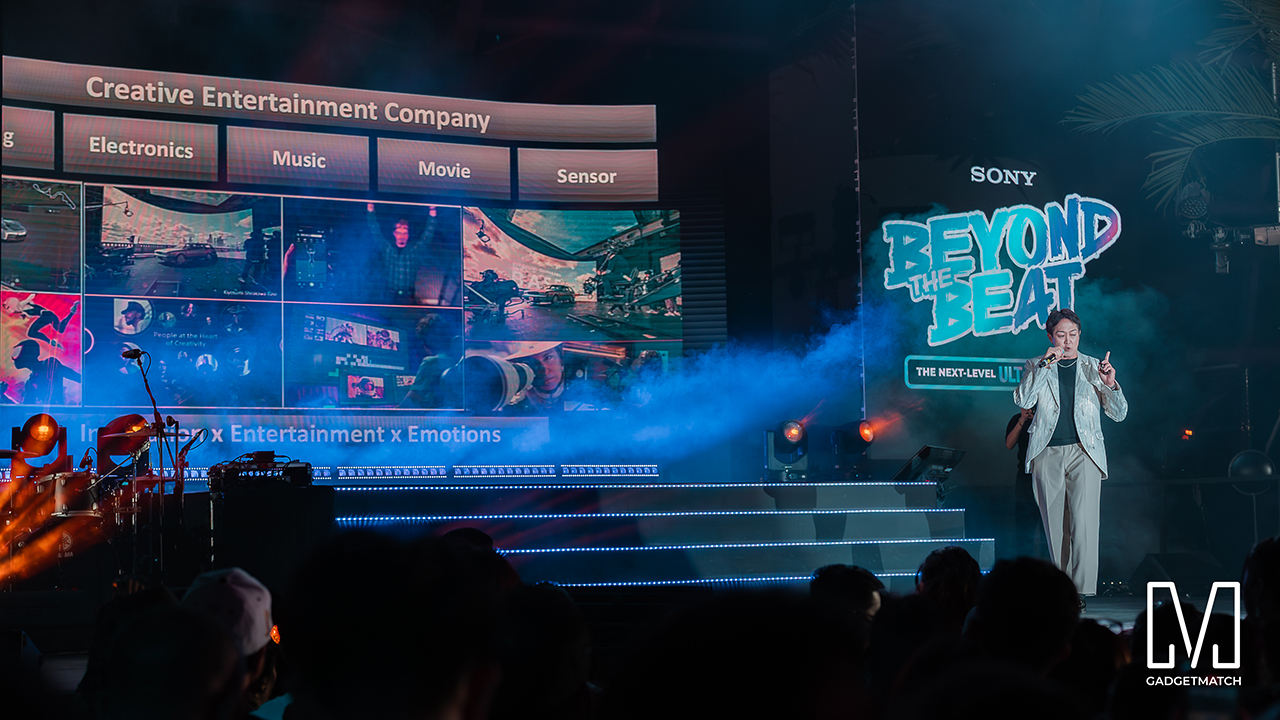
MySony members from every tier joined industry guests while the new ULT TOWER lineup set the tempo.
The towers take center stage
Shuhei Sugihara, Sony Philippines’ President and Managing Director, opened the program.

Product Marketing Specialist Keira Ambubuyog then introduced the newest additions to the lineup.

Arbie Bandiling of Personal Audio Systems unveiled the latest ULT Squad video. The clip introduced the artists and personalities fronting the campaign.
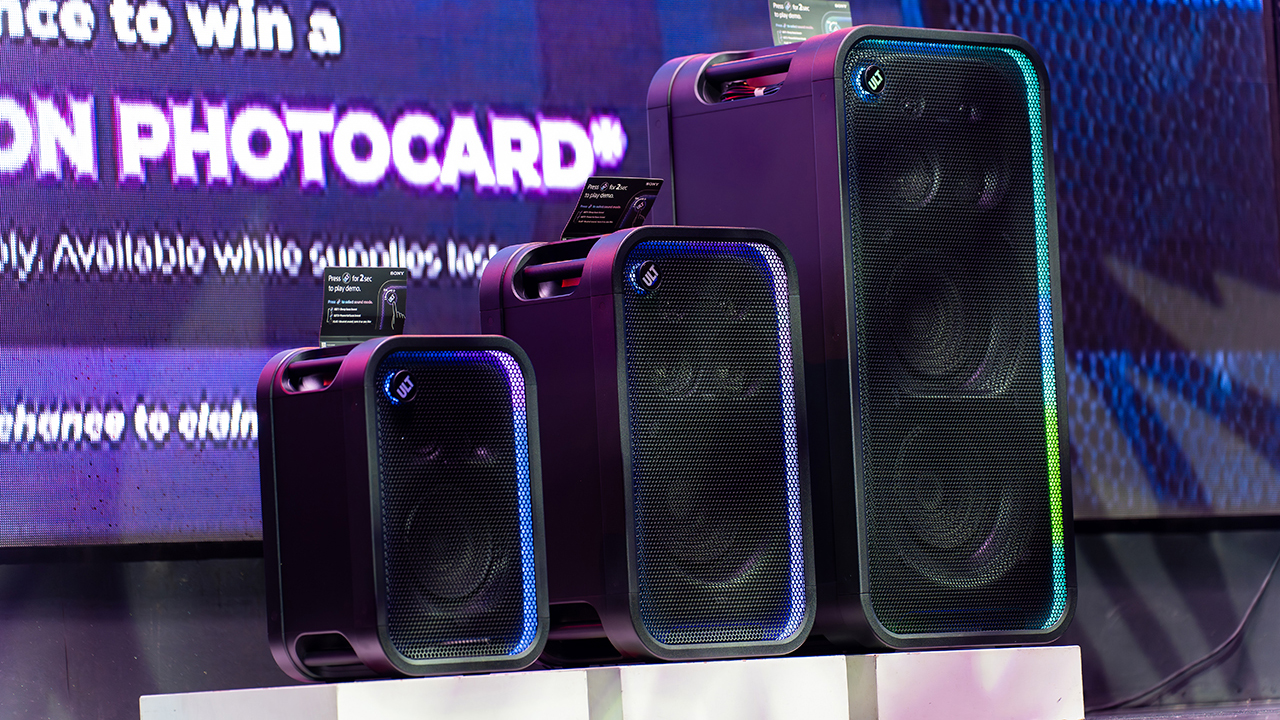
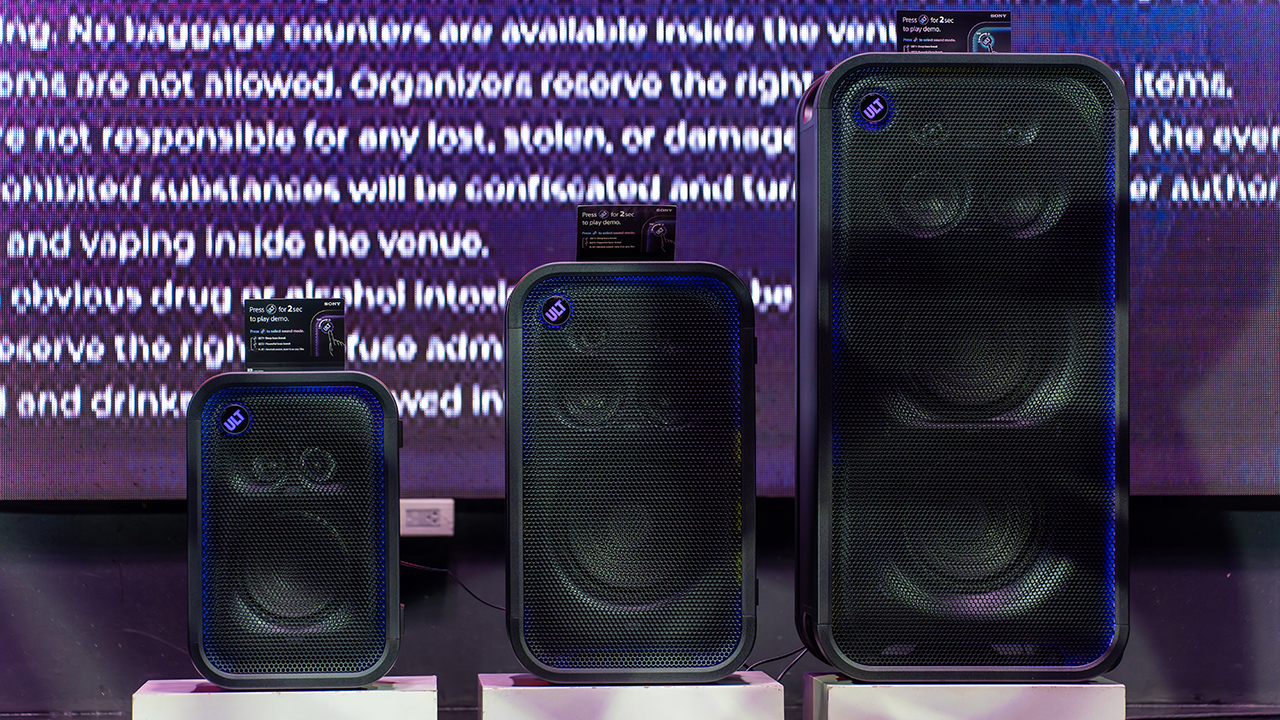
The lineup features the ULT TOWER 5, ULT TOWER 7, and ULT TOWER MAX. The new series pairs large circular woofers and high-capacity cabinets with ULT DUCT technology.
This design delivers stronger low-frequency bass than earlier models. The ULT TOWER MAX leads the series, described as Sony’s most powerful bass speaker yet.
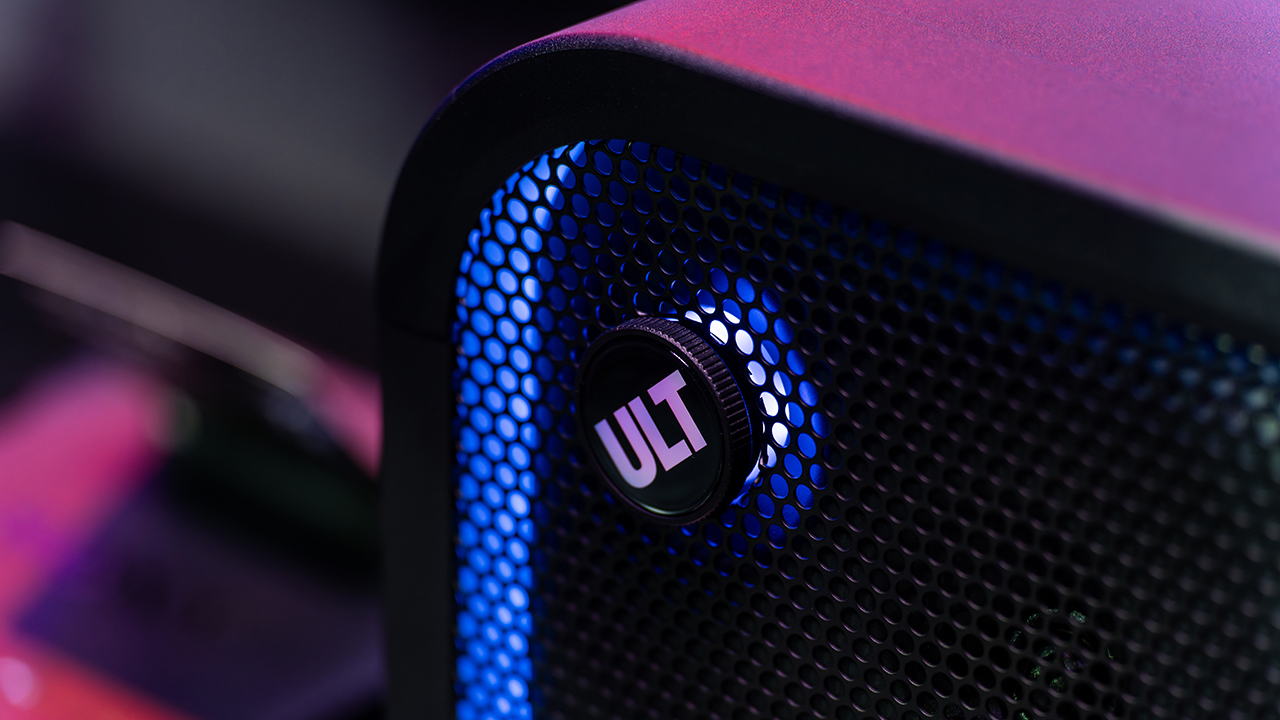
On another note, Sony pitches the ULT TOWER 7 as stage-worthy sound in a portable frame. Meanwhile, the compact ULT TOWER 5 targets smaller gatherings and features karaoke and DJ capabilities.
Experiential zones bring the sound to life
Guests explored the lineup across several interactive event zones. Step into the Beat paired an arcade-inspired setup with stacked ULT Towers and a dance pad. ULT Selfie Club handled photo ops.
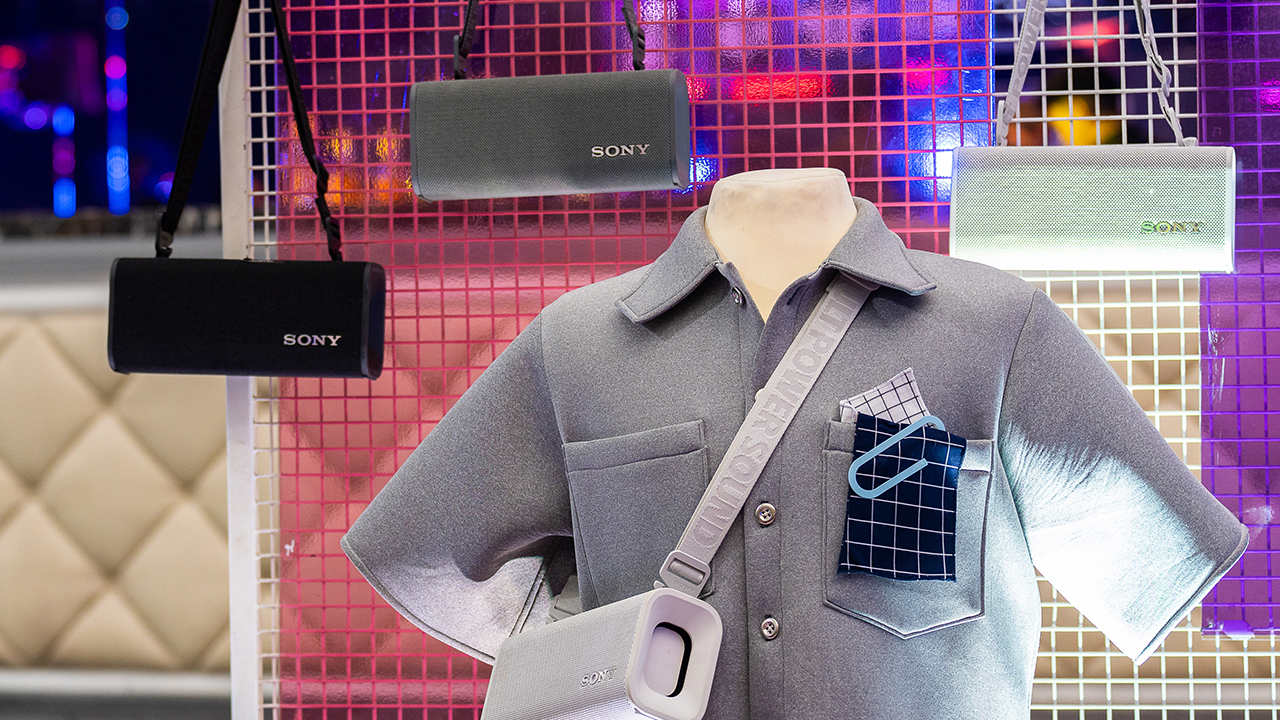
Nearby, ULT Cover Star let guests style ULT Field speakers alongside designer pieces from Alser Lumawag. Here, the speakers served as chic fashion accessories.
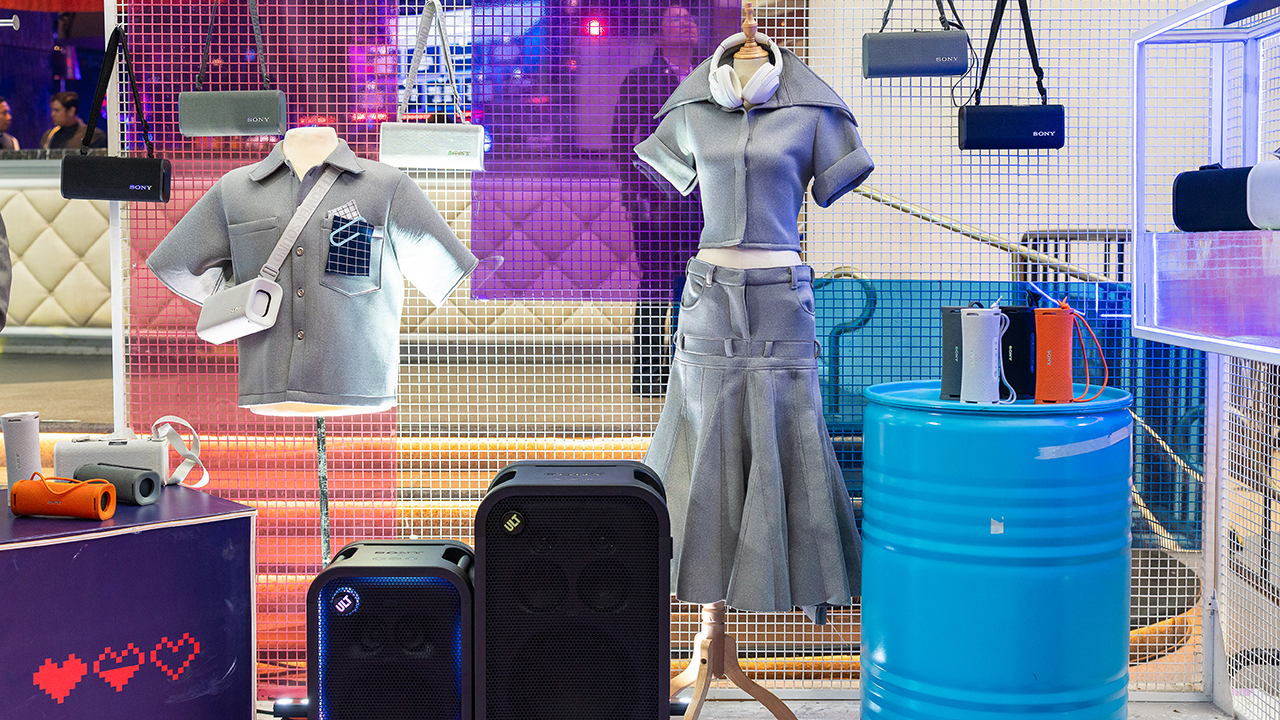
The Bass District gave VIPs and influencers a private, nightlife-inspired lounge. Karaoke Lounges invited everyone else to grab a mic and test the party-ready towers firsthand.
The ULT Squad shows up
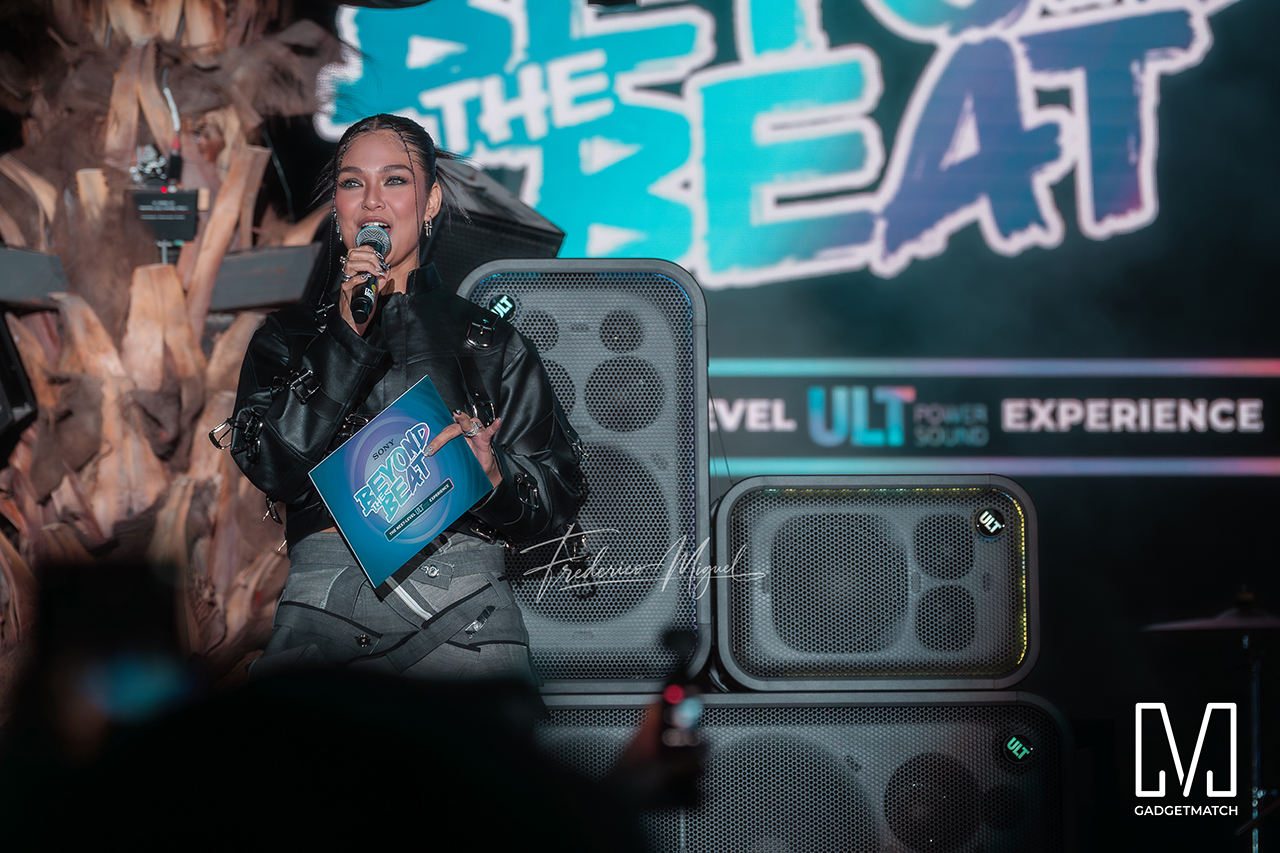

Fashion influencer and ULT Squad member Angelique Manto-Guison hosted the night.
A-Team opened the show with a high-energy routine before Carlos Serrano III took the stage. David Guison and Jacqueline Jala walked the stage with ULT Models in elevated fashion, and Jeremy G followed with a dynamic musical performance.

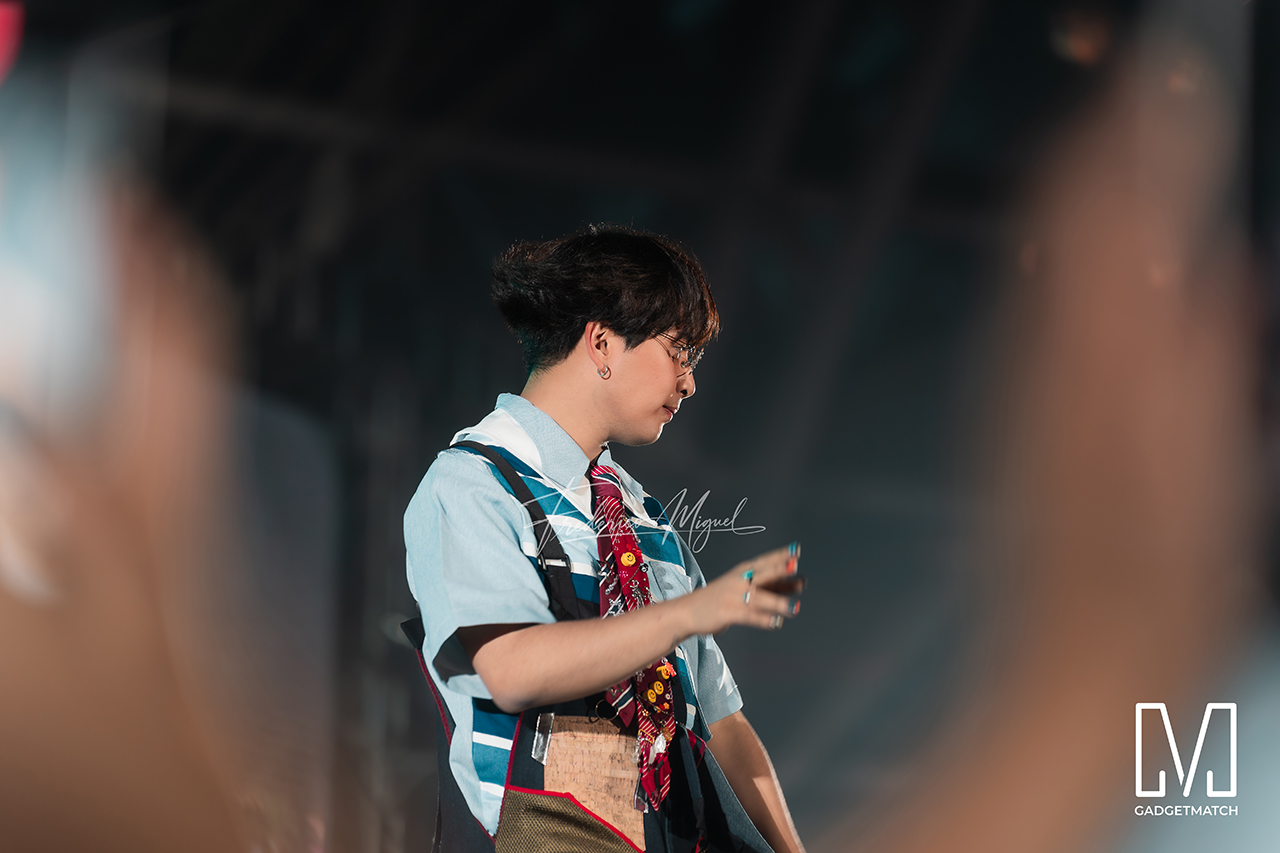
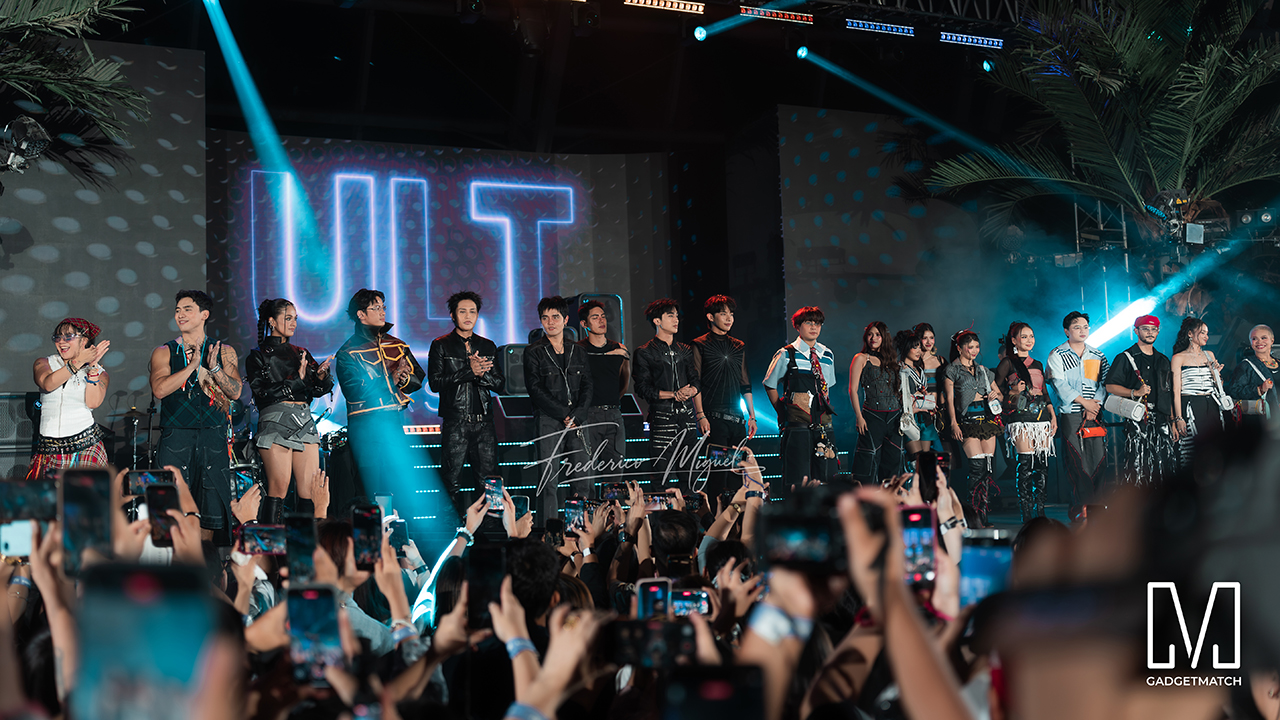
KAIA brought a youthful pop sound, while Maki delivered a set in his signature style.
SB19 closed the night, making their debut as the newest Sony ULT Squad members. Sony pairs its sound technology with the group’s influence in Filipino music. This collaboration positions the Squad as a platform for artists shaping contemporary music culture.
The ULT TOWER MAX, ULT TOWER 7, and ULT TOWER 5 are now available at Sony Centres and authorized dealers nationwide.
Accessories
Jackery Explorer 300D: Power and portability in one
Uninterrupted workflows for digital nomads, freelance creatives, more

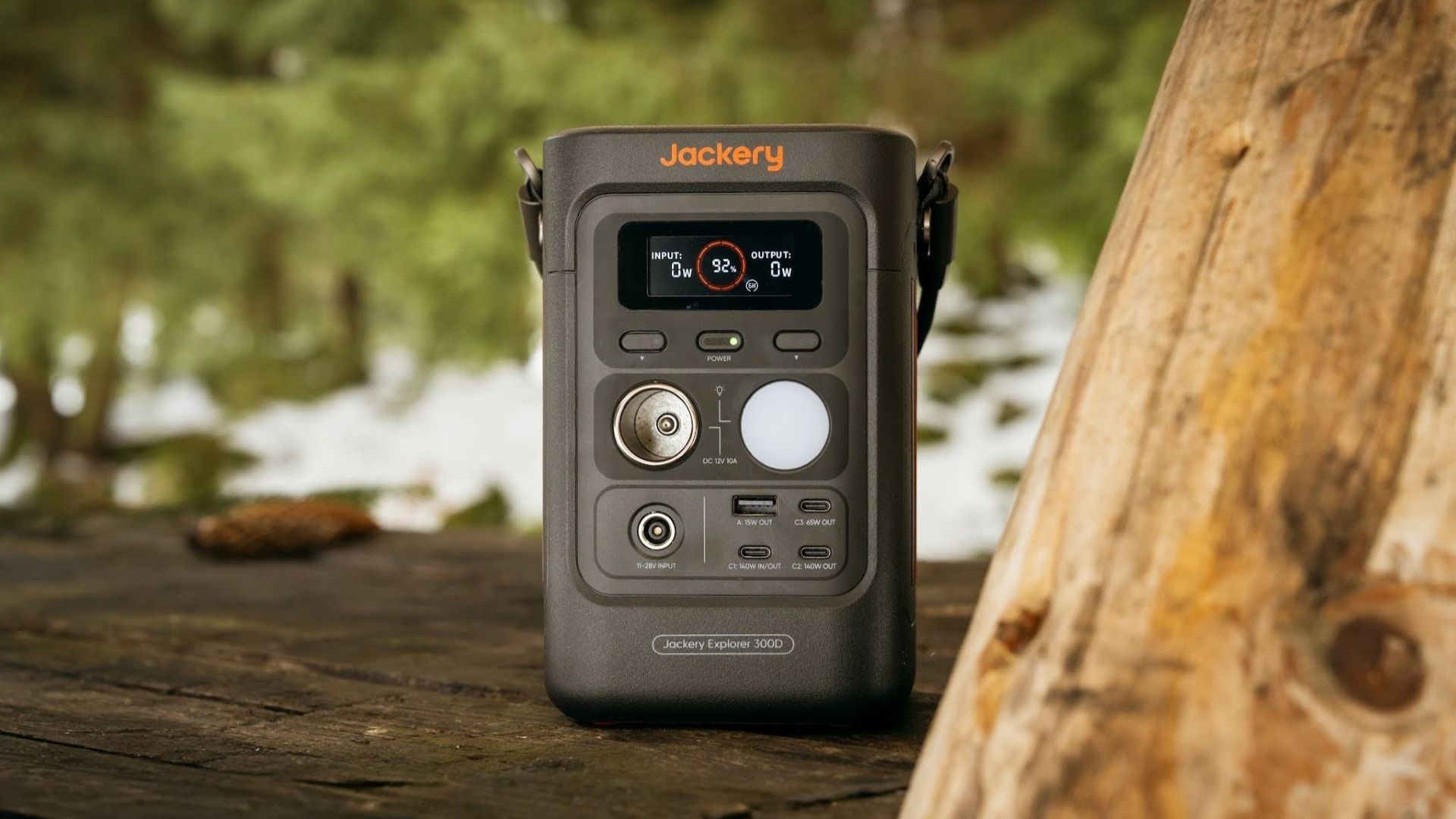
For digital nomads, freelance creatives, and even work-from-home professionals, staying productive on the move means carrying around multiple gadgets, cords, adapters, and power banks to survive the day.
Having to carry such weight, quite literally, is vital for maintaining workflow continuity.
For a more seamless experience and to have just one extra portable device to power all working parts, there’s the Jackery Explorer 300D.
Launched just last month, this grab-and-go offering from Jackery is designed for the modern lifestyle.
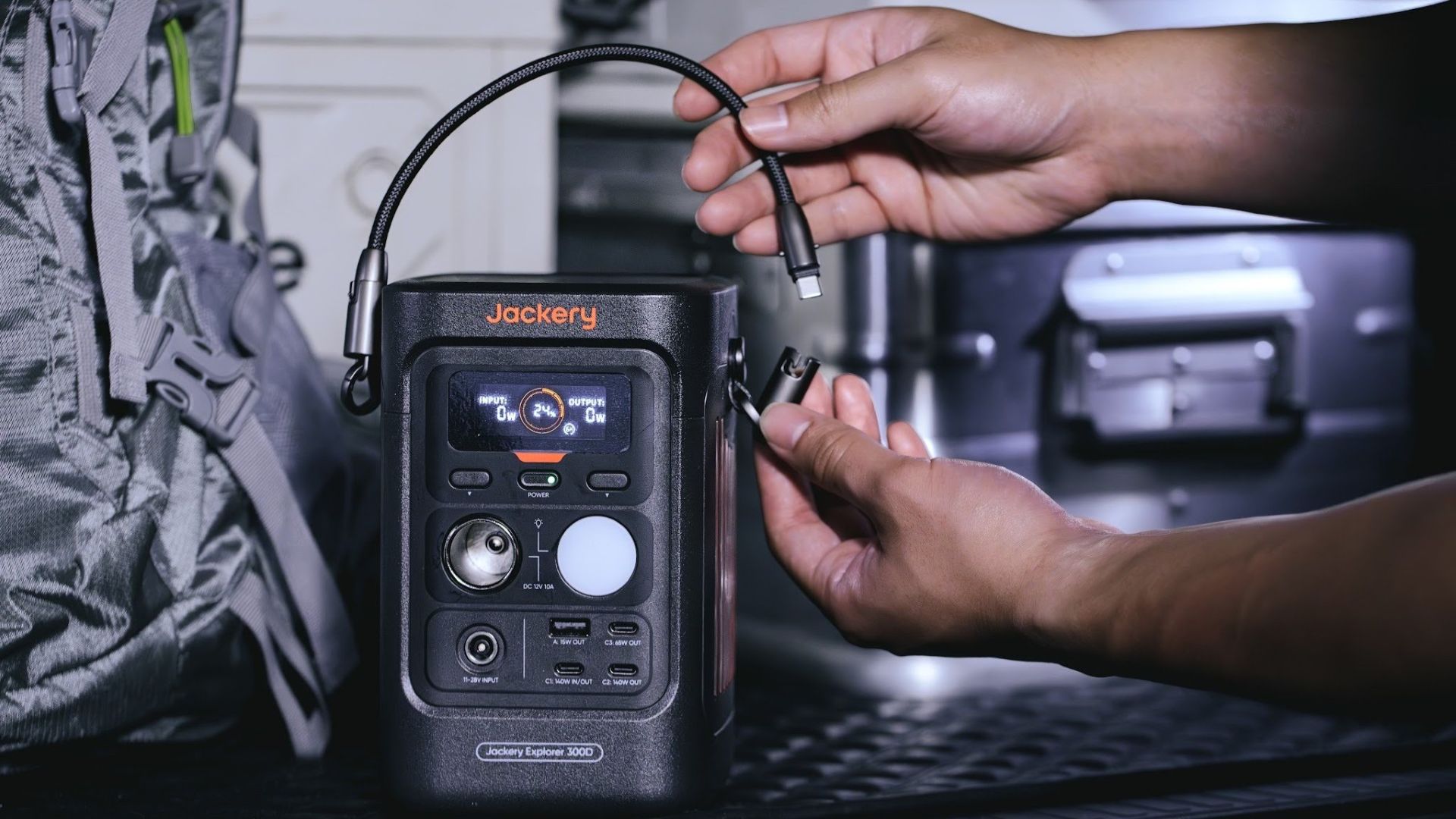
It moves away from Jackery’s traditional aesthetic with a sleek, speaker-like form factor. It weighs just 2.5 kilograms and is 64% smaller than standard 300W units in the market.
This ultra-compact size was made possible by a smart engineering choice of swapping bulky traditional AC wall outlets for highly efficient DC-only and USB-C ports — which also helps eliminate idle power loss.
With a 288Wh capacity, the Jackery Explorer 300D holds enough juice for up to nine power banks.
It can keep a Type-C fast-charging laptop for up to three to four full cycles, a Wi-Fi router alive for hours, and recharge cameras or drone batteries up to five times for a lengthy production day.
For smaller gadgets like smartphones and portable fans, the power station can juice them up for up to 22 times.

It can even charge five devices simultaneously with a total of three USB-C ports, a USB-A port, and a DC 12V car charger port.
All these ensure users are never disconnected, wherever they may set up their mobile office.
Another brilliant touch is the two-in-one shoulder strap that easily unclips to double as a heavy-duty 140W USB-C charging cable.
The everyday carry is available via Lazada and Shopee, and at the official Jackery kiosk in SM Fairview, as well as other partner stores.
Accessories
Apple is reportedly working on its own gaming controllers
It might launch under the Beats brand.

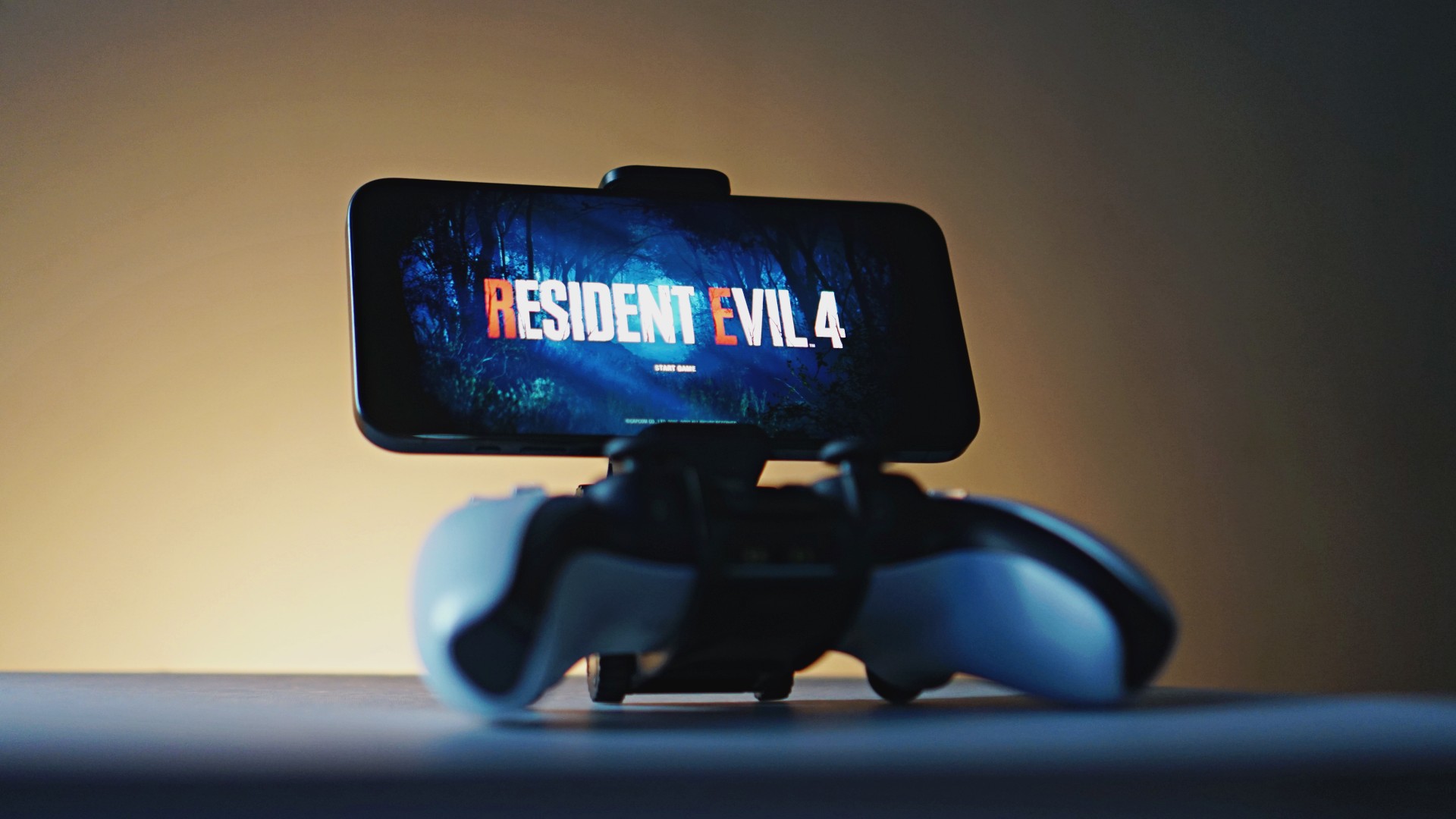
Last week, the iPhone Duo changed how you look at the ubiquitous smartphone. Foldables are in, and Apple is right there with it. But the company isn’t stopping with the foldable segment. Apple is reportedly working on its own branded game controllers.
According to Bloomberg, Apple has been working on a controller since last year. Further, a piece of code linked to macOS 27.4, spotted by MacRumors, includes references to two unknown gaming controllers.
Because Apple just concluded its huge event this month, it will likely be a while before we see confirmation of this controller. And it could be anything. Of course, because the Duo is fresh on our minds, the easiest answer is a mobile controller than can maximize the foldable’s ability to stand by itself. It could also use Apple’s larger screens like the iPad, the MacBook, or the Mac. Some even speculate that this could be Apple’s stronger push into the gaming market.
Outside of the actual hardware, the reports are also claiming that the controller will arrive by way of Beats, rather than from Apple itself. At first, the branding comes off as a surprise, but then again, Beats hasn’t really evolved past an audio brand in a long, long time. Is it time to revitalize Beats as something more than just a peddler of headphones?
SEE ALSO: First Look: Apple iPhone Duo


DJI Lito X1 review: Is this the best lightweight drone for creators?
Making a strong case as a travel companion and a capable B-cam!


REDMI Note 17 Pro Max review: A new breed born from AI greed
Welcome to the new normal


Marvel’s Wolverine review: When the claws come out
A brutal, cinematic superhero adventure

vivo introduces OriginOS 7 with smarter multitasking and AI features

vivo X500 Series launches with major imaging upgrades

Manila turns up the volume at COVE

Epson Lifestudio Grand Plus EH-LS970B with 4K projection, more launches

Jackery Explorer 300D: Power and portability in one

realme 16T 5G with 8000mAh battery, IP69 Pro rating launches in PH

HUAWEI Pura X View is 2026’s first WIDE slab-type smartphone

REDMI reveals the refreshed Note 17 and Note 17 Pro series

REDMI Note 17 Series: Price, availability in Singapore

The CAMON Slim 5G is TECNO’s latest ultra-slim smartphone


-

 News2 weeks ago
iPhone 18 Pro series: Price, availability in the Philippines
-
 Singapore2 weeks ago
iPhone 18 Pro series: Price, availability in Singapore
-
 News2 weeks ago
iPhone Duo: Price, availability in the Philippines
-
 News2 weeks ago
HUAWEI Mate XT 2 tri-fold launches with Kirin 9050 Pro
-
 News2 weeks ago
vivo introduces refurbished versions of X300 FE, X300 Ultra for less
-
 News2 weeks ago
iPhone Duo: Price, availability in Singapore
-

 Accessories2 weeks ago
CASETiFY upgrades iPhone 18 cases, teases iPhone Duo lineup
-

 News2 weeks ago
HONOR teases Magic9 Pro Max at Venice