
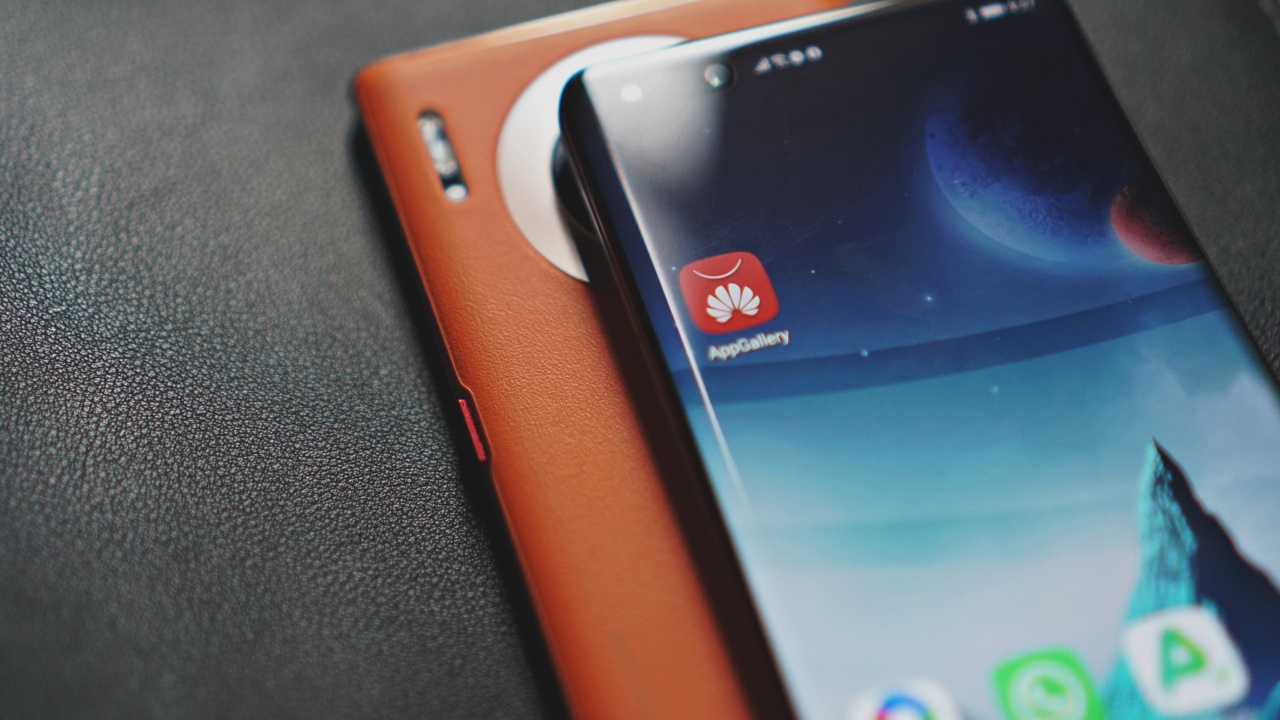

The short answer is “yes.” But there’s certainly so much more that goes into it.
By now it’s no secret that there’s something missing from Huawei’s latest flagships that we’ve all been accustomed to using. Even so, your Mate 30 or P40 still has plenty of “smart” in that smartphone. That goes beyond what you’ll find on the AppGallery.
If you hang around a lot of tech pages or blogs, you’d know exactly what’s missing. People are quick to point that out whenever stories about Huawei’s new phones come up.
You would have also probably noticed all the sponsored articles on the matter. To be clear, this particular article isn’t. The rest of the team is working on those because we gotta keep the lights on. For today, this here is more of an honest, and hopefully helpful take on the matter.
Some of their communication strategy which involves highlighting the number of apps available and how it’s now the third largest App Store, I think, is a little misguided. But that’s a conversation for another day. For now, I’ll try to answer some questions that some friends and GadgetMatch followers have asked.
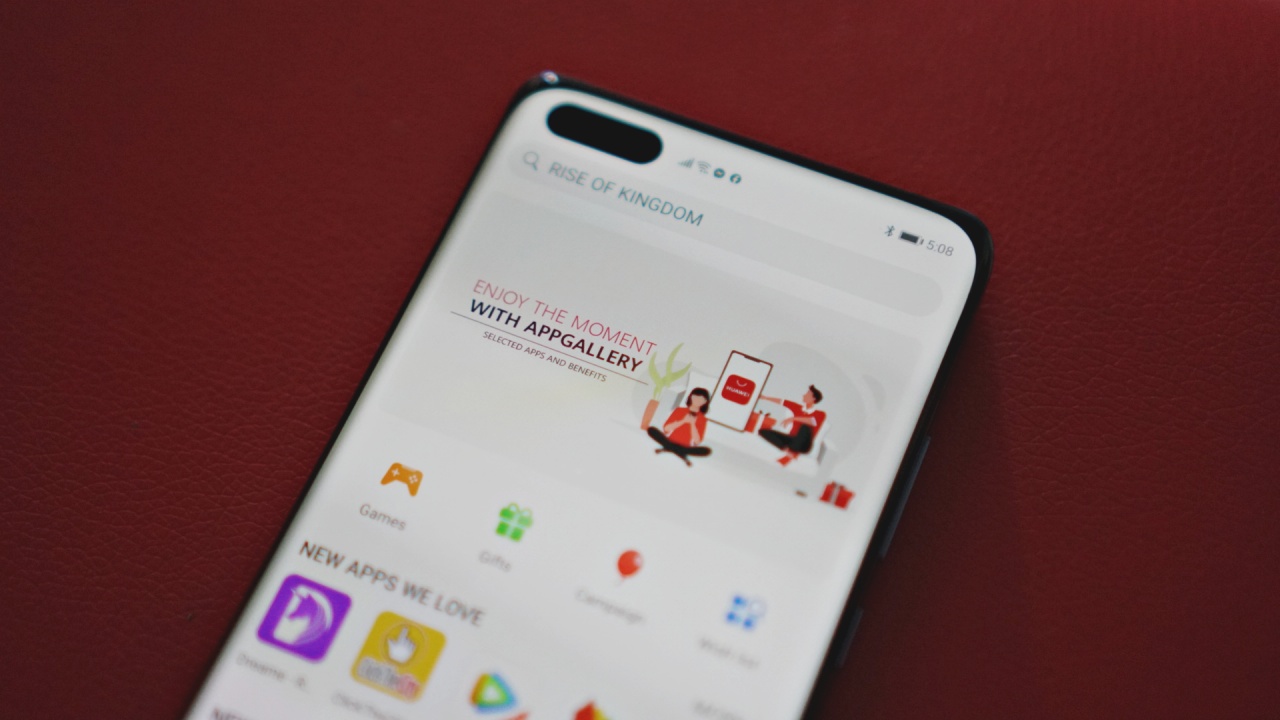
What can you find on AppGallery?
A lot, it turns out. When the Huawei Mate 30 series first came out, the app selection was looking a little lean. Fast forward to a few months later and the apps you’ve come to know and love are all starting to slowly be available.
In the Philippines you already have Viber, WeChat, Lazada, SnapChat and some pretty useful ones like GCash, PayMaya, SHAREit, and Canva among others.
In Singapore, transportation and ride-hailing apps like ComfortDelgro, TADA and RYDE have already made their way to the AppGallery.
You can also find links to your favorite apps that aren’t available for direct download on AppGallery. Say for example, WhatsApp. Here’s how you can get it.
Step 1: Search Whatsapp official link in the AppGallery.
Step 2: Click on the selection that says Official download link from Whatsapp to open the link.
Step 3: Once directed to the Whatsapp official website, click download now and installation will take place immediately.
What about apps that are NOT on AppGallery?
Fun fact: There’s a wishlist section on the AppGallery where you can let Huawei know what apps you desperately want to be available. Just make sure your App Gallery is updated so you can find it.
Huawei is pouring a lot of resources to make sure ALL the apps are available on the App Gallery. They’re not there yet. However, with the company being aggressive, the growth is promising.
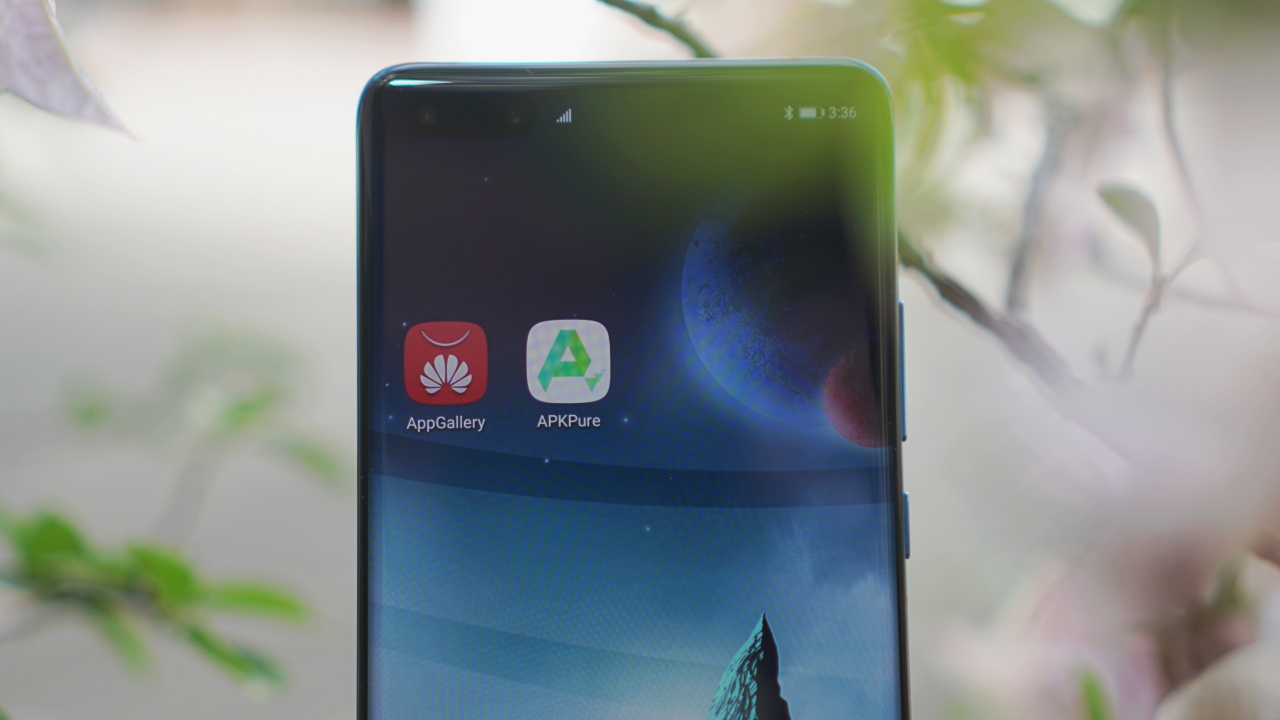
If you really need to get your hands on certain apps there’s a workaround. There are third-party app stores that you can get to through the phone’s browser. Sites and apps like APKPure and APKMonk provide you access to apps that may not yet be present on the App Gallery.
Personally, I’ve opted to go the APKPure route. If you’re worried about updates, APKPure actually handles that for you. Since installing some apps, I’ve consistently gotten updates that cover both new features and additional security.
Is the AppGallery secure?
In a previous article, Huawei confidently told us, “We do not touch data. That’s a policy from top-down.” They also pointed out how they have never been caught doing anything with users’ data — that’s something that can’t be said from the likes of Google or Facebook.
Huawei also sent us a presser on how secure the App Gallery is. It talked about a four-layer threat detection. It detects malicious in-app behaviour, including activities such as eavesdropping on users, monitoring users, and taking screenshots or screen recordings without authorization. You can find more details here.

In a lot of ways, it’s similar to Google’s Play Protect and the security layers on Apple’s App Store. It’s likely not perfect, but it’s there and it will detect and deter malicious software.
Now on the US government’s accusations of Huawei working in tandem with the Chinese government to spy on its users, the company has adamantly denied this. For its part, the US hasn’t been able to provide any substantial proof to back its claim. Remember, burden of proof lies on the accuser.
The Chinese government itself is a whole other socio-political issue altogether. Until a solid link is established, Huawei probably knows about you just as much what phone makers like Apple and Samsung do. Which I would argue is much less than the amount of personal data available to the likes of Facebook or Google.
Missing Google
Huawei Mobile Services (HMS) is far from complete. It’s missing certain essentials — one in particular is a reliable maps app. You would still have to go to the browser and search for Google Maps for something that’s actually usable.
For many Google apps, that’s your workaround. Look for it from the browser and create a shortcut on your homescreen. If this is something you can live with, well and good. But it’s hardly an ideal setup.
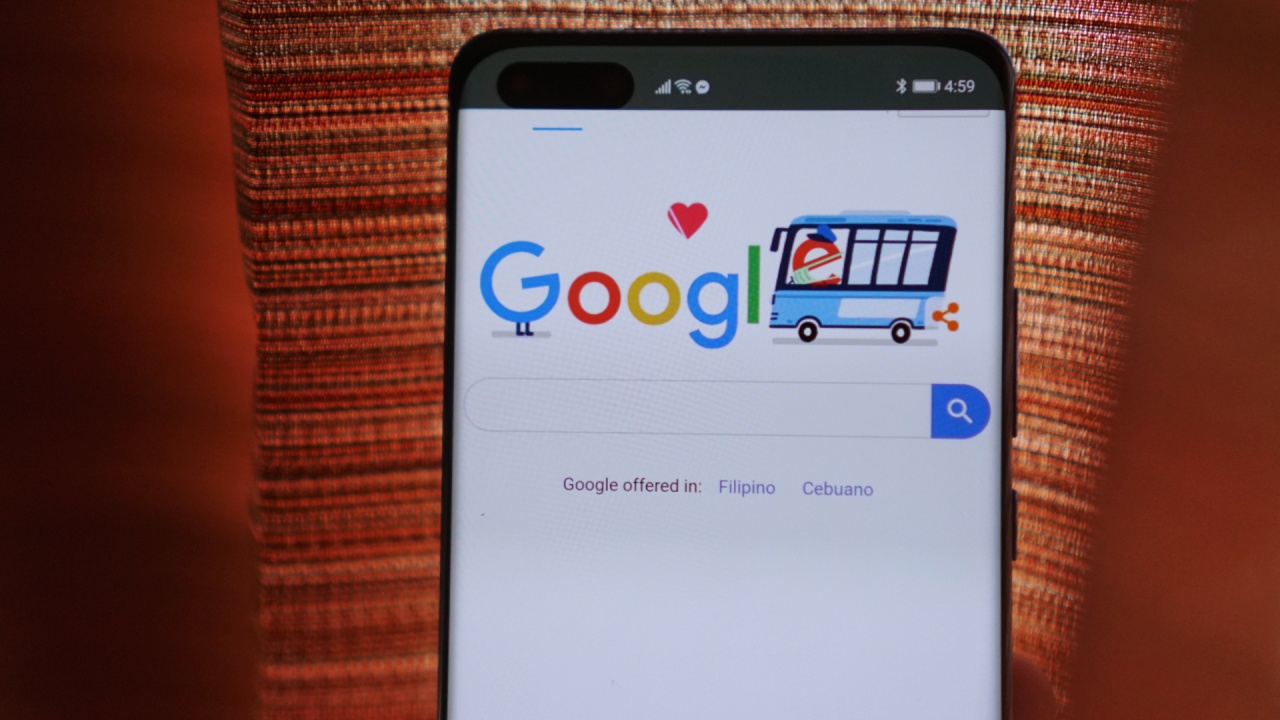
I rely on several Google services that have no alternatives — a lot of which are actually present even on iPhones. Two in particular are Google Cast and Google Photos. Don’t get me started with Huawei Cloud. It just isn’t the same.
Cast is fine, I imagine not a lot of people will use it. But there’s no alternative to the features and convenience of Google Photos. Unlimited photo backup with access to nearly every other device. That, to me, is irreplaceable.
Stuck between a rock and a hard place
As a regular user, I honestly am not sure what the right move here is. I would love to see HMS take-off. If they can find a way to have their services perform in a manner similar or close to what we get from GMS, that’s great. However, I’m not even sure if that’s possible.
If you’ve seen our Xiaomi Mi 10 Pro video, the retail box comes with a tagline saying “with easy access to the Google apps you use most.” Our sources say this won’t be unique to Xiaomi. We should expect new Android phones to have this tagline on retail boxes as well.
That’s a clear flex from the US Government, striking some sort of agreement with Google to have Android phone makers include this tagline. Huawei is unfairly put in a disadvantageous position. Their only fault? Being a company from China.

Huawei needs to continue selling phones so they can keep pouring resources into building up HMS. If you’re going to listen to “global” (Western, really) reviewers alone, they will tell you that they “can’t recommend” at least the Mate 30 and the P40 series because of what’s missing. That’s not entirely wrong.
However, if you’re the type who can live with some of the compromises for now, by all means, get the new Huawei flagships. Help them get HMS up to speed. Because at the rate things are going, Huawei being able to stand on its own is more likely to happen than the US letting Google work with them.
You can put GMS on the new Huawei phones. It can be quite cumbersome and isn’t a method I personally recommend, so I’m not going to tell you how. If you want to find out for yourself, you can always Google it.




Apps
Google Photos can now censor your kid’s face better
The new Redact feature can censor sensitive information.


Censoring photos is heavy work. Either you stick on random emojis or draw an indiscriminate splotch of doodles to cover sensitive information. It’s an imperfect art but an essential one to protect privacy. Today, Google Photos is getting a Redact feature which can censor sensitive bits with pixelated blocks.
An addition to the Markup tool, Redact acts like a nifty pen that can hide information that you don’t want seen. Unlike a ghastly emoji or a splotch, the censored bar mixes better with the surrounding elements. In the example that Google used, a censored license plate blends well with the car it’s attached to, making the photo look more cohesive. Besides license plates, it’s the perfect tool for covering other information like phone numbers, addresses, and the faces of your loved ones.
Google Photos is also rolling out Moods, a set of filters that give photos a nostalgic look, including a 2000s night digicam vibe that’s popular today. There are also 15 new Remix templates to add more creation options.
Both the Redact and the Moods features will roll out to Android users starting today. The new Remix templates, however, will be limited to some countries on both Android and iOS.
SEE ALSO: Google will force Android users to use Gemini next month
Apps
Smart launches LiveSmart App for exclusive deals
Exclusive deals, cashback, and bill payments in one app.

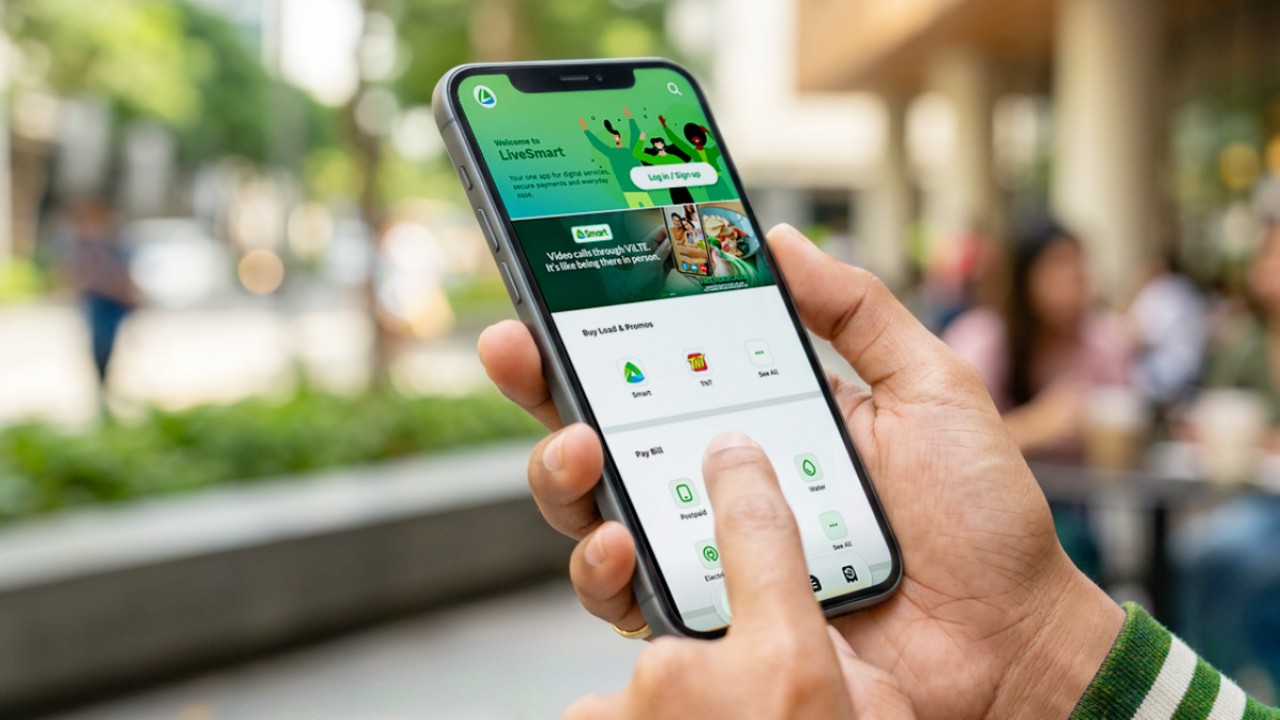
Smart Communications, Inc. (Smart) and TNT have launched the LiveSmart App, a new platform that combines loading, bill payments, exclusive offers, and other everyday transactions in one app.
The app is available on the Google Play Store and Apple App Store. It is open to Smart, TNT, and subscribers of other mobile networks.
The LiveSmart App gives users access to exclusive deals and savings. These include cashback offers, discounted Smart and TNT data packages, and limited-time access to AI.Smart.
“Filipinos are becoming more deliberate about where they spend and how they can get more value from every peso,” said Lloyd R. Manaloto, FVP and OIC for Smart. “The LiveSmart App is designed to help make those everyday decisions a little smarter, by giving users convenient ways to load, pay bills, and access exclusive savings and offers in one place.”
Exclusive deals and perks
Smart and TNT are rolling out several offers on the LiveSmart App starting September 18.
Smart and TNT subscribers can get 5% cashback when they purchase load or pay their Smart Postpaid bill through the app.
The app also offers data packages at exclusive prices. Smart Prepaid subscribers can get Power All 109 for PHP 105, while TNT subscribers can get Saya All 109 for PHP 105.
Users who download the LiveSmart App may also receive limited-time free access to AI.Smart.
AI.Smart combines multiple AI models, including AWS Nova, ChatGPT, Claude, Google Gemini, and Thinking Machines, in one workspace. Users can use it to generate images, create presentations, draft documents and spreadsheets, and get help with schoolwork, content creation, and other projects.
To claim the free AI.Smart credits, users need to tap the AI.Smart banner in the LiveSmart App. They then need to create an AI.Smart account using their Smart or TNT number.
Smart says users can also expect more exclusive deals and perks from lifestyle partners as it expands the LiveSmart App.
Powered by Smart 5G
The LiveSmart App runs on Smart’s network. Smart 5G supports activities such as video streaming, gaming, and real-time social media sharing.
The company said Ookla recently recognized its network for the Best Mobile Video Experience in the Philippines for the first half of 2026. Smart recorded a Video Score of 72.82, which it said was the highest among mobile operators in the country.
The LiveSmart App is now available on the Google Play Store and Apple App Store. Users can learn more about the app through Smart’s website.
Apps
Apple’s best feature to cure motion sickness is finally on Android
Google copies a good page from Apple’s playbook.
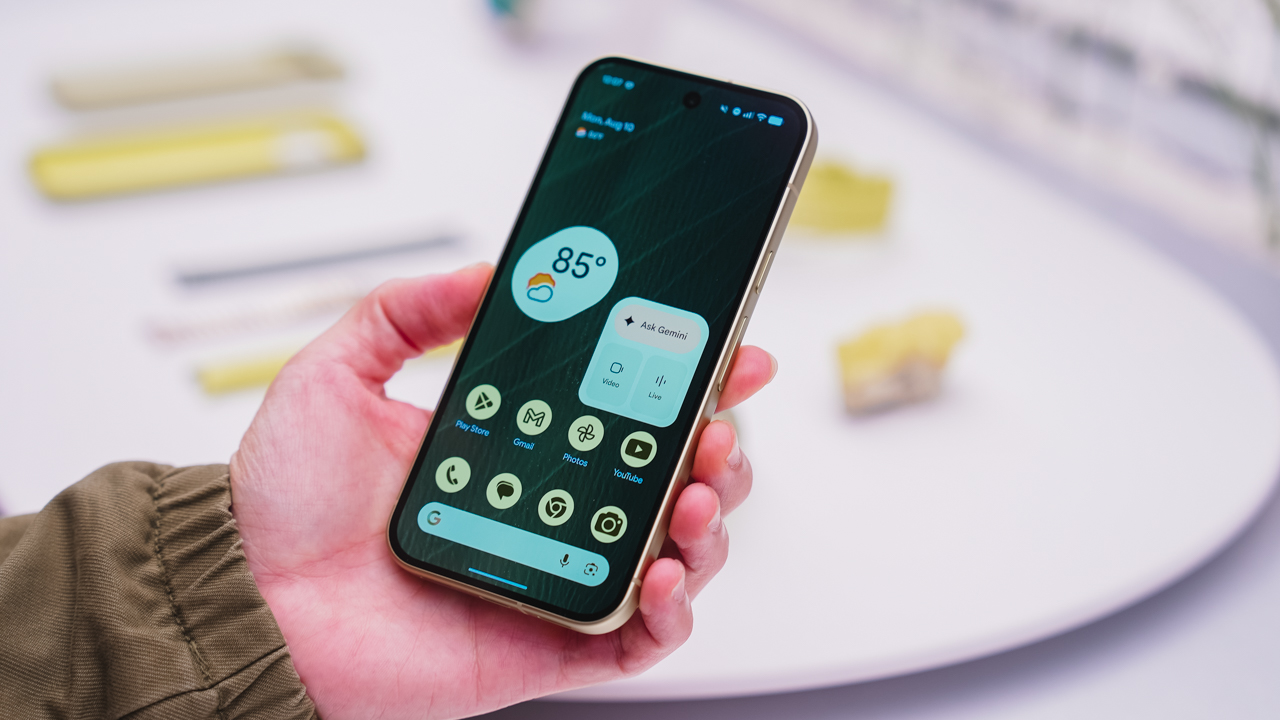
As an Android user, I’ve been jealous of iPhone users for a while now, but it’s not for the reason you might think. See, I’m ridiculously prone to motion sickness when I’m not driving. So, when I discovered that Apple has a software-based cure called Vehicle Motion Cues, I wanted it immediately. Now, Android does have third-party apps that do the same thing, but they’re not as good as a fully native version. Well, those dark, nauseating days are about to come to an end. Android 17 is finally getting a similar tool called Motion assist.
Before that, let’s rewind for a bit. What do these features do? How can they cure motion sickness?
Whenever you open Vehicle Motion Cues or Motion assist, the interface spawns a series of dots on the screen. These dots respond to movement. For example, if the vehicle turns to the left, the dots also go to the left, mimicking the movement. Without cues like this, the stationary nature of the screen clashes with our brain’s perception of movement. The disparity creates that feeling of nausea. Basically, our eyes are desperately trying to focus on the static screen, but our brains are telling us that we should be seeing motion. Having moving dots reorients our brain and places the phone inside our perception of movement.
Now, you can enable the same feature on your Android 17 device through Settings > All services > Motion assist under Personal & device safety. You can also set it so that the feature turns on automatically when the phone detects that you’re in a moving vehicle. Finally, you can also tweak the shape, color, and opacity of these dots.
Android 17’s Motion assist is rolling out now to compatible devices.
SEE ALSO: These are the best Android 17 features (if you hate AI)


TECNO POVA 8 Pro Tonino Lamborghini review
Truly a rare gem in 2026


DJI Lito X1 review: Is this the best lightweight drone for creators?
Making a strong case as a travel companion and a capable B-cam!


REDMI Note 17 Pro Max review: A new breed born from AI greed
Welcome to the new normal
TECNO POVA 8 Pro Tonino Lamborghini review

When TECNO-logy meets Tonino Lamborghini legacy

Spotlight: Amazon Kindle Scribe Colorsoft

Chimelong’s newest attraction might be the robots themselves

Xiaomi 18 Pro series is launching globally, Xiaomi confirms

realme 16T 5G with 8000mAh battery, IP69 Pro rating launches in PH

HUAWEI Pura X View is 2026’s first WIDE slab-type smartphone

The CAMON Slim 5G is TECNO’s latest ultra-slim smartphone

iPhone 18 Pro series: Price, availability in the Philippines

DJI Osmo 360 II review: Going all-in on the ecosystem


-

 News6 days ago
vivo X500 Series launches with major imaging upgrades
-

 News5 days ago
OPPO Find X10 Pro Max is the first phone with a triple 200MP camera system
-

 Gaming2 weeks ago
BlizzCon 2026 announces World of Warcraft: Forever and Diablo V
-
Reviews2 weeks ago
REDMI Note 17 Pro Max review: A new breed born from AI greed
-

 Singapore1 week ago
Epson Lifestudio Grand Plus EH-LS970B with 4K projection, more launches
-

 News6 days ago
vivo introduces OriginOS 7 with smarter multitasking and AI features
-
Drones2 weeks ago
DJI Lito X1 review: Is this the best lightweight drone for creators?
-

 Gaming2 weeks ago
Valve unveils price of the Steam Frame