





After so many years, Apple has finally decided to change the look of this year’s iMac!
Lo and behold, the new 2021 iMac M1! Offered in a wide array of colors from the rainbow, you can choose your own color that fits your vibe.
Packed with the latest M1 chip, is it a better than deal than buying the cheaper M1 Mac mini?
Watch our unboxing of the red 2021 iMac M1 now!



Looking back at my first few months with GadgetMatch back in 2018 nostalgically evoked my Pocophone F1 core memory. It was touted as THE “flagship killer for less.”
Pre-pandemic, that “Pocophone” simply became “POCO” and became an “independent” kiddo who moved out of its parent’s house.
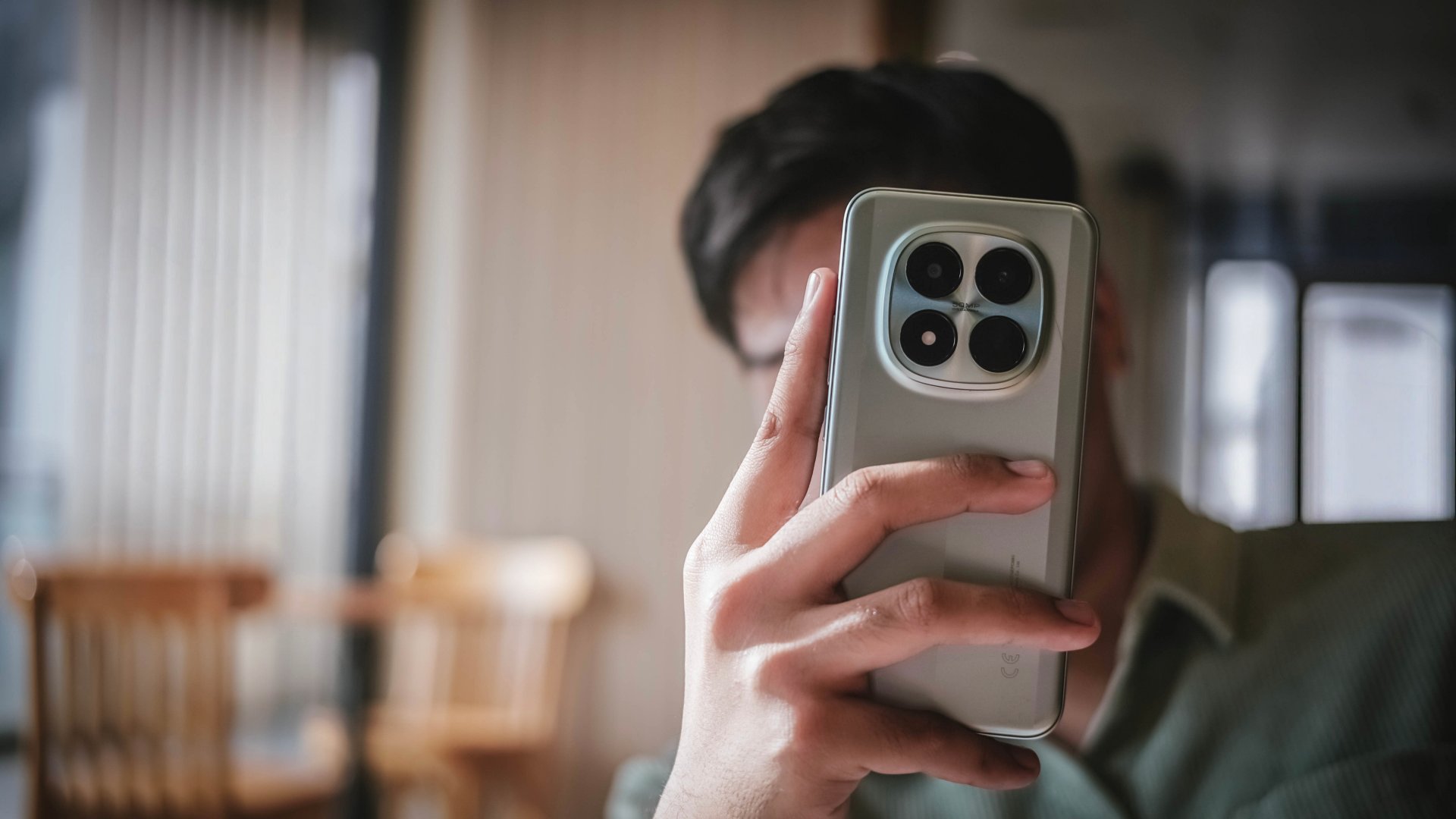
Almost eight years after that very first iteration, I’ve finally had my first (and long overdue) POCO-perience with the latest POCO M8 Pro.
Design: Repurposed with a purpose
While I have not held a POCO phone until very recently, I am still aware of the brand’s offerings over the years.
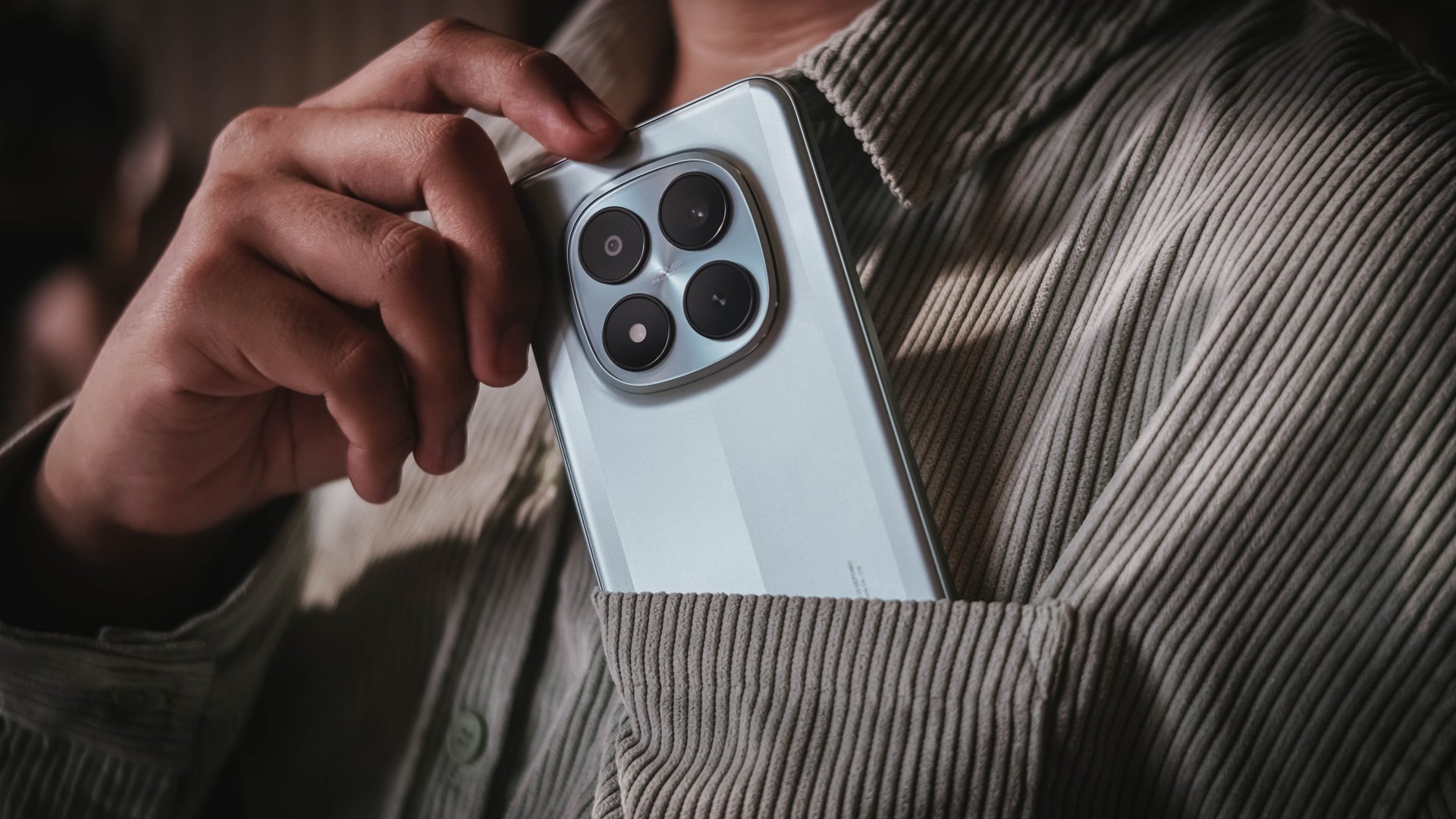
Seeing the POCO M8 Pro for the first time instantly reminded me of last year’s Redmi Note 14 Pro series. That’s not me saying POCO blatantly ripped the aesthetics as the POCO X7 also had the same design language.
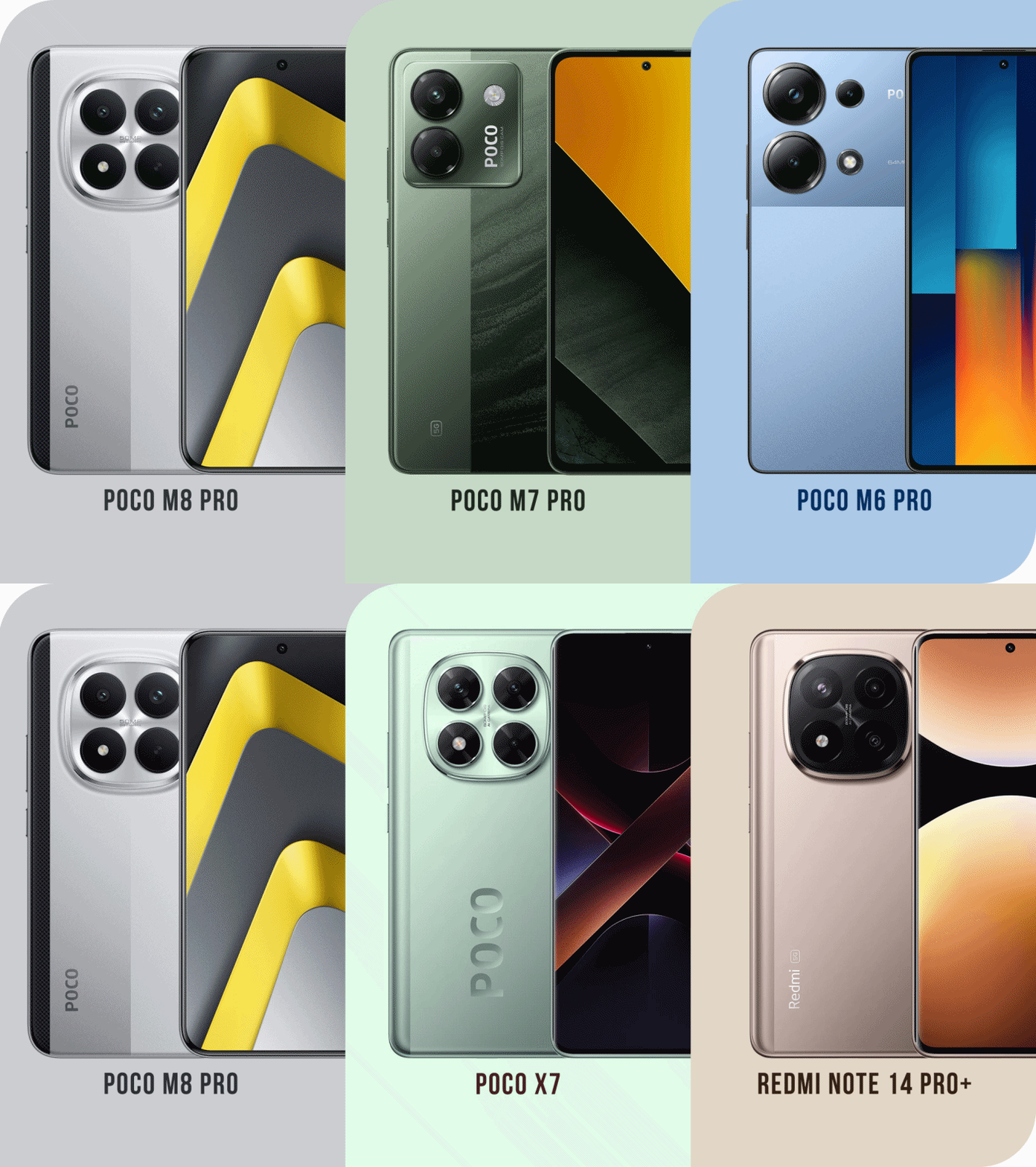
Graphics by Vincenz Lee | GadgetMatch
Like a full circle moment, the aforementioned phones were launched back a year ago.
In all honesty, it still confuses me which direction Xiaomi is heading, especially with the non-stop rebadging of existing POCO and REDMI phones — just with scrambled internals and CMF (color, materials, finish).
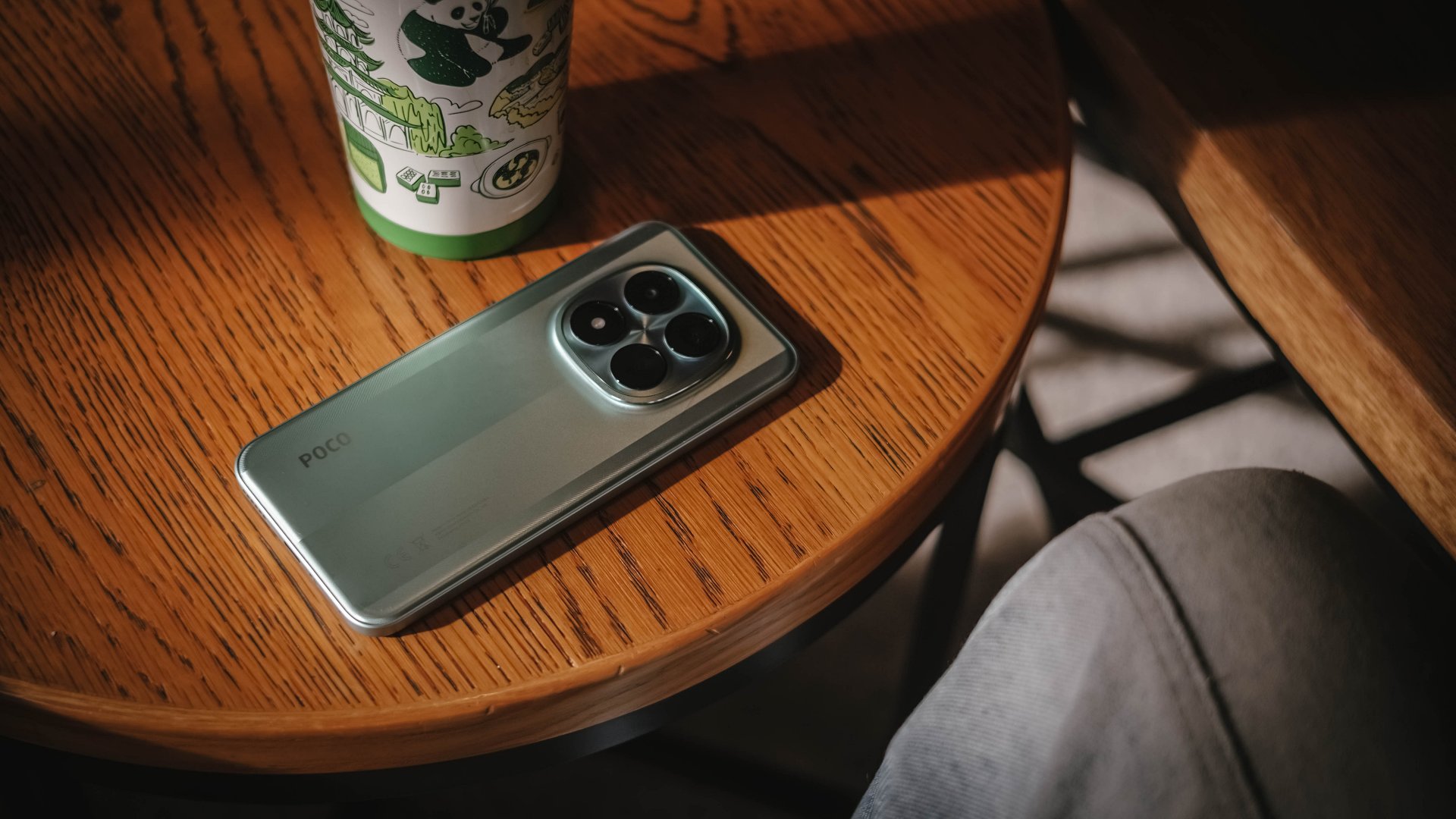
Having said that, I still consider the M8 Pro a level up from the last M7 Pro. The former’s design felt like it was not given much importance.
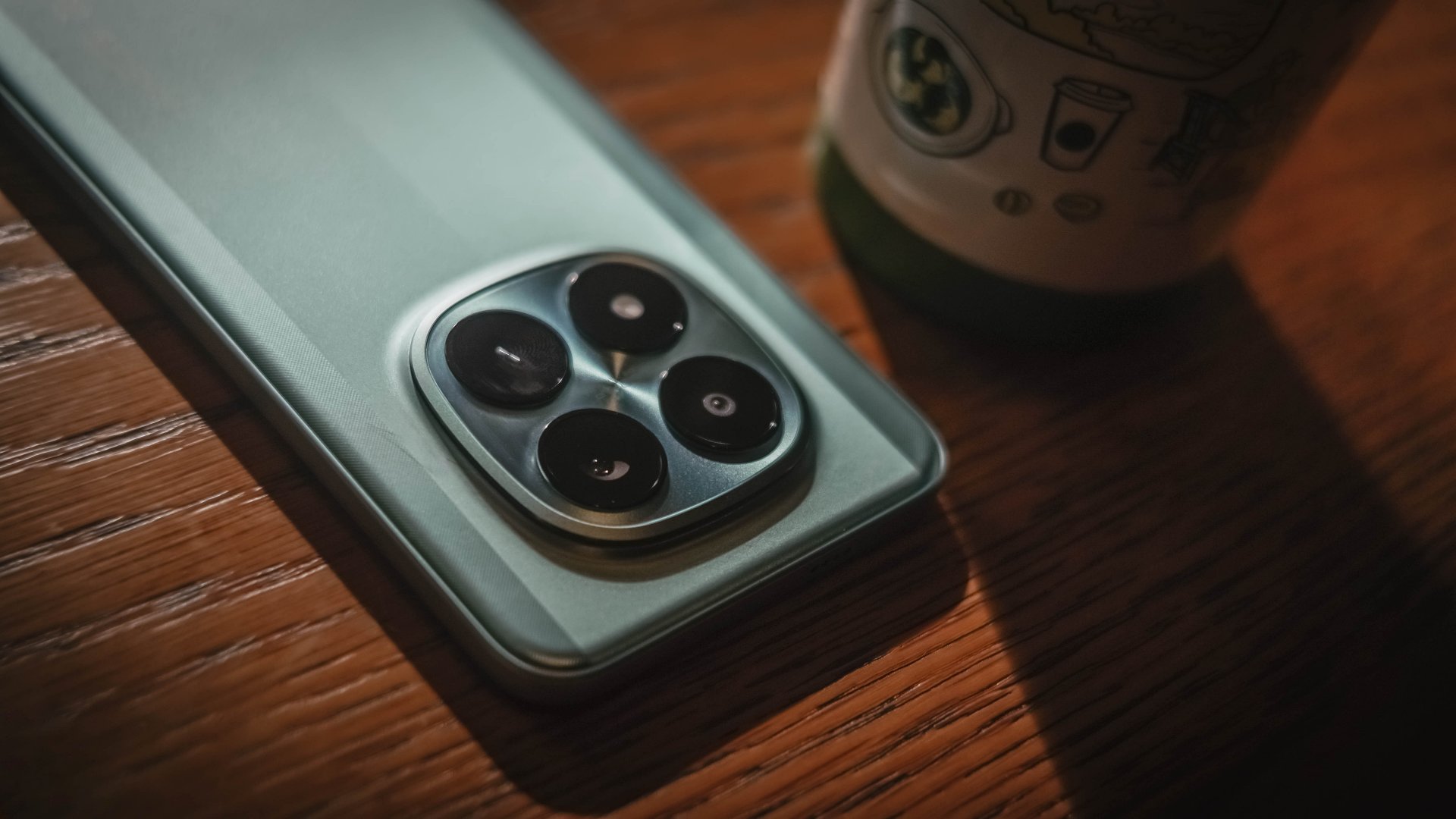
The centered camera island with a squircle cutout seemed like a signature design element of Xiaomi’s newer midrange line moving forward.
I also love how the phone felt in my hands. Even with that plastic back, it felt grippy enough when held.
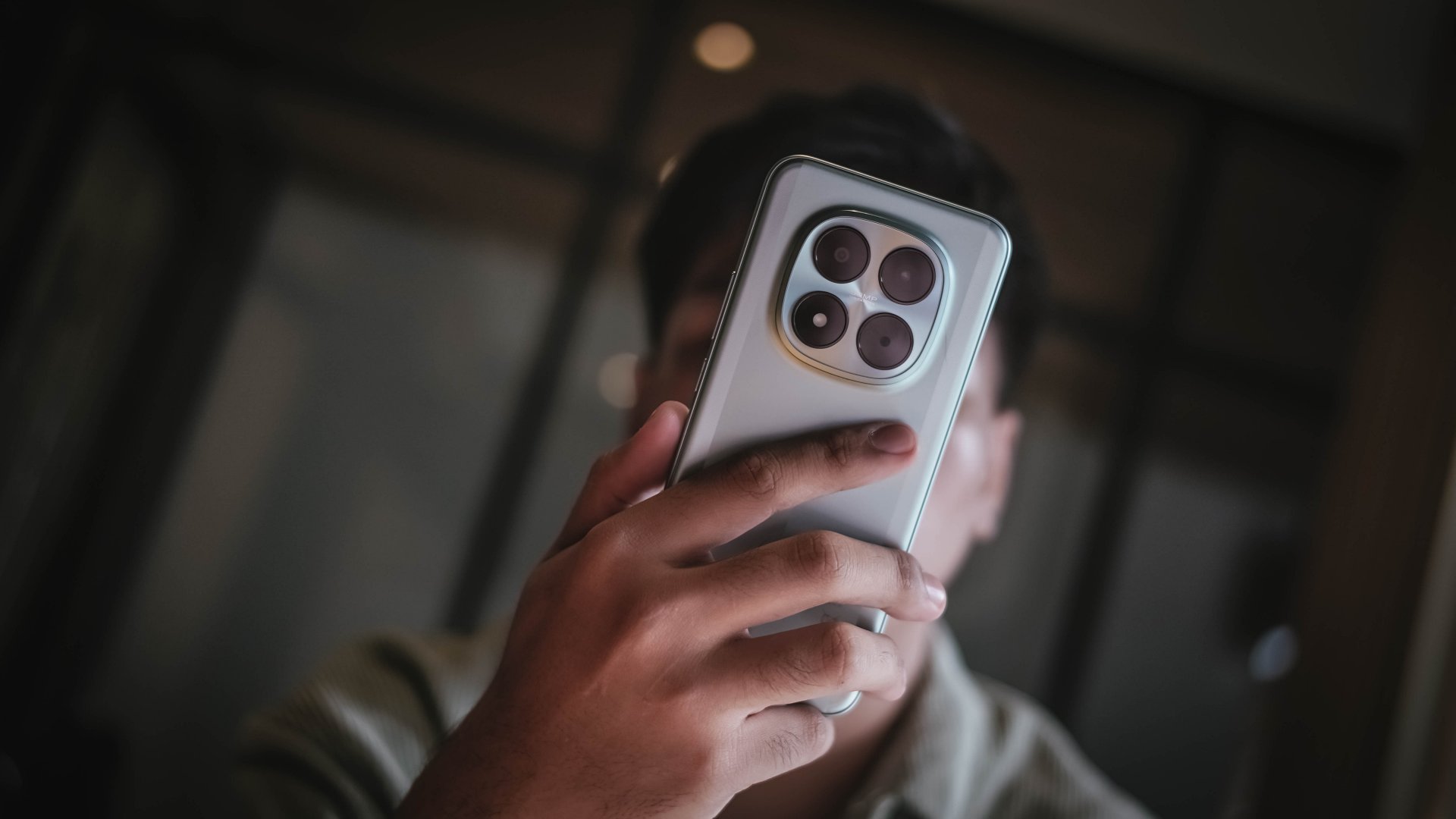
You have to be wary of fingerprint smudges though — especially if you rock the black colorway. Luckily, the green shade I have still looks clean despite those unwanted smears.
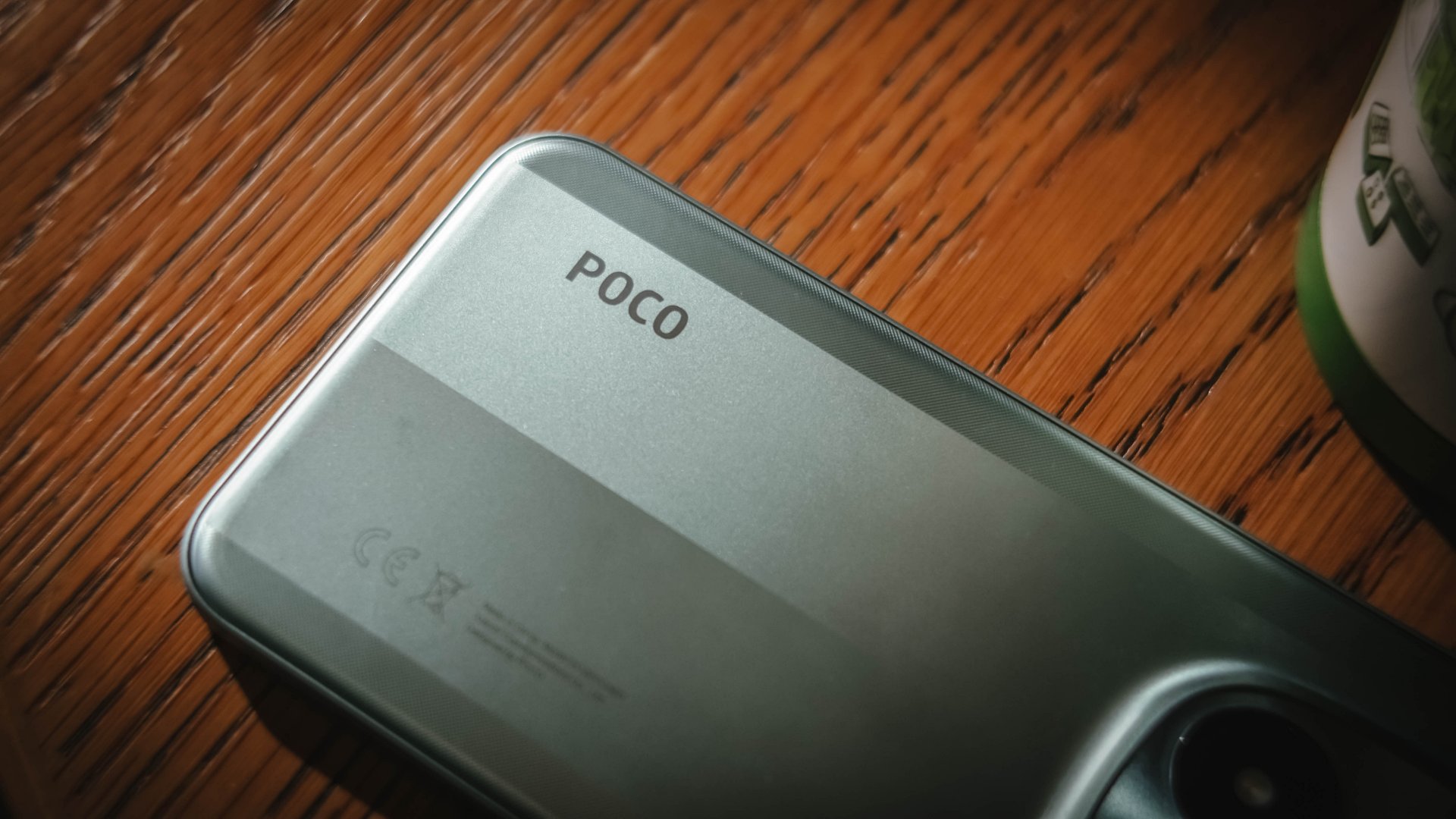
And, if you’re brave enough to clean it in running water, the POCO M8 Pro boasts not just one, not two, but quadruple IP ratings: IP66, IP68, IP69, and even IP69K. These used to be exclusive only among 2025 flagships.
Now Playing: IDOL I
Much like my fanaticism to anything tech, the same can be said with Korean Pop Stars. More known as “K-Pop Idols”, I have been a huge geek of K-Pop for 16 long years (and still counting).
Interestingly, after finishing a series that just ended in Netflix, IDOL I swiftly came by. Even if I am the type of viewer who values the drama’s synopsis more than the cast involved, this K-Drama instantly hit two birds in one.
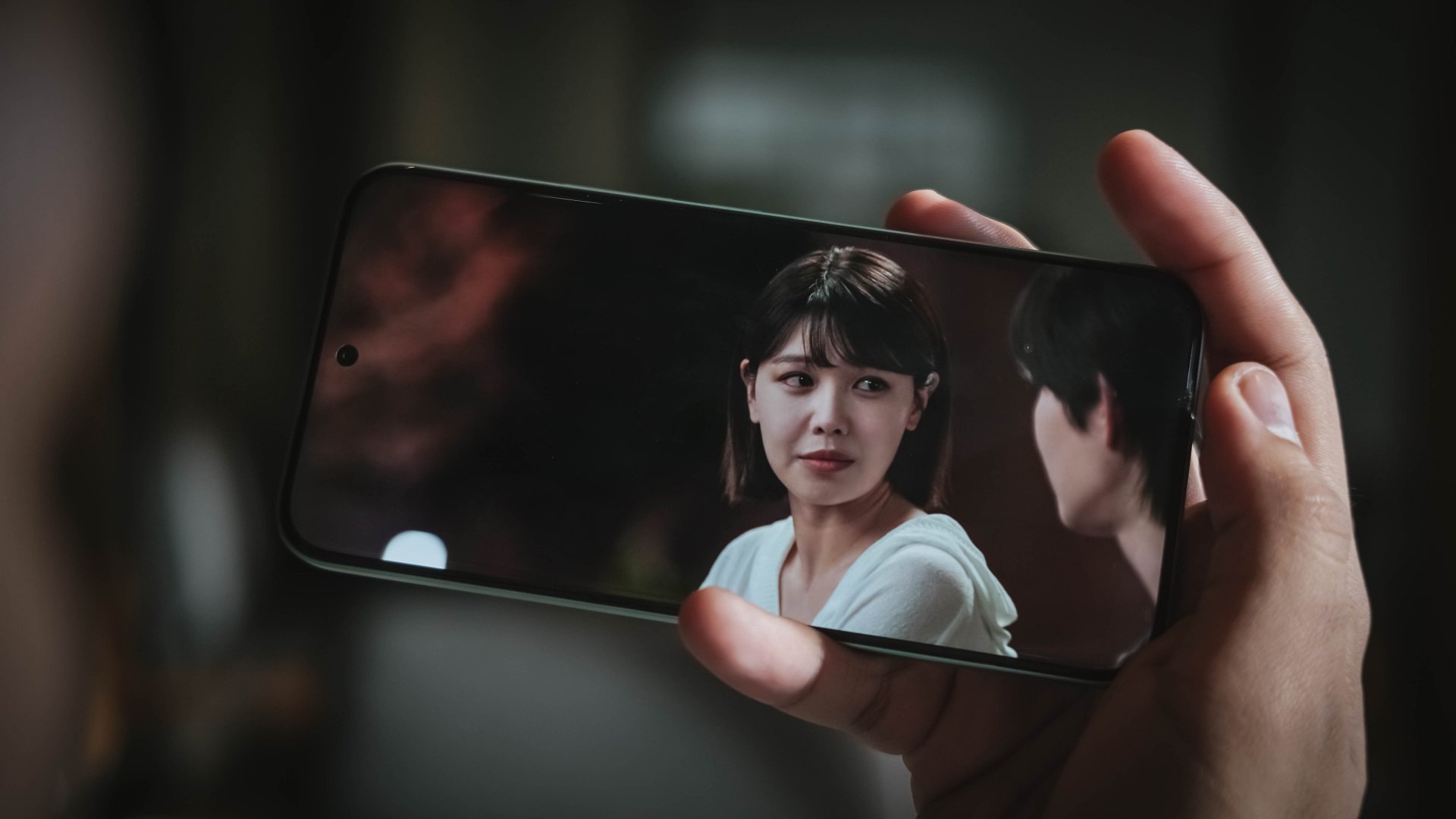
For one, its starred by a true iconic idol herself: Choi Sooyoung — or one of the nine members of SNSD / Girls’ Generation a.k.a the ultimate 2nd generation K-Pop girl group I’ve been stanning since my youth.
Although Maeng Se-na here is a heartless and “selfish” lawyer, she is the opposite for being a huge (yet silent) fan of “Gold Boys” with Do Ra-ik as his “Ult” (or Ultimate Bias).
In a wild turn of events, the idol became a “murderer” overnight — blaming him for the sudden death of his co-member after waking up from their drinking session.
But, no matter how the general public looks at him as the prime suspect, finding faults against Ra-ik is difficult. That’s pointing out the fact that he was just sleeping in his bed while his former bandmate slash loyal friend got stabbed without clear answers.

I can pretty much say the same thing with the 6.83-inch screen of the POCO M8 Pro: I cannot see any fault at all.
For one, it’s an AMOLED display that made me enjoy binging the first four episodes non-stop. But, being able to display 68.7 billion Colors and 12-bit color depth aside from the usual HDR10+ and Dolby Vision support? That’s likely unusual for a phone in such price point.

And, with a 1.5K display resolution plus a pixel density of 447 ppi, it’s as crisp as it could get. Watching it outdoors is neither a problem with its mighty 3200 nits peak brightness.
While my eyes aren’t very sensitive to light and flicker, its 3840Hz PWM dimming and TÜV Rheinland Flicker-Free and Low Blue Light certifications are still worth mentioning — especially if you stay up all night binge-watching hours worth of titles like yours truly.
On Queue: Apink’s RE:LOVE + Chuu’s XO, My Cyberlove
Pumping up the volume by 60%, it’s expected that the POCO M8 Pro possesses a louder than ever sound output. However, my audio assessment doesn’t end just there.
Just like POCO starting the year with a bang, the K-Pop scene in January 2026 has already exploded with real hit bangers.
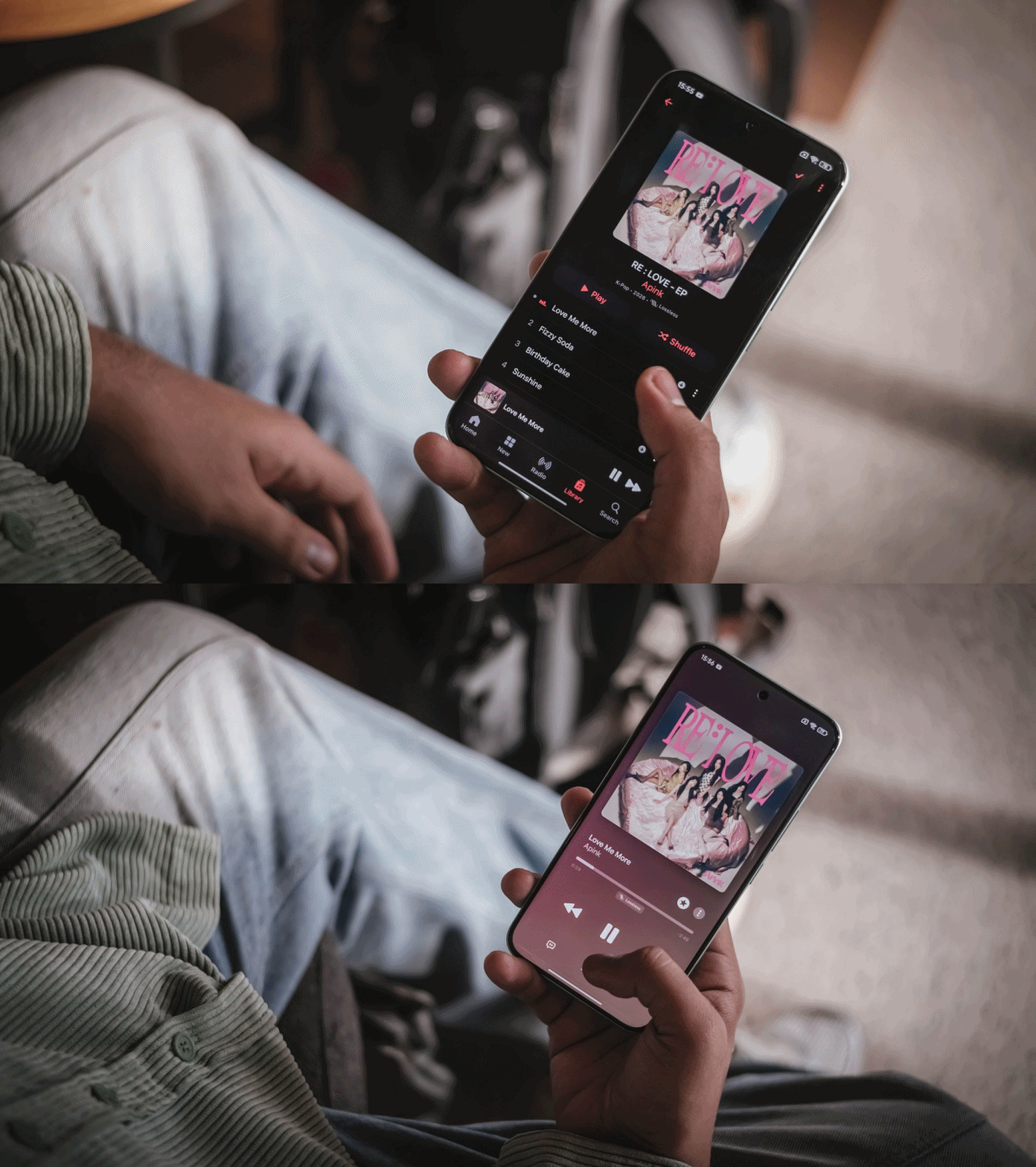
First and foremost, Apink finally gathered again to released their 11th Mini Album (their previous Mini Album dates back to 2020). As per usual, I used Apple Music to take full advantage of that Lossless format.
Their title track “Love Me More” not only brought a lot of the group’s nostalgic intro and dance break instrumental during their early days in the industry, it also reminded me of the pre-millennium K-Pop era back in the early 90s.
Pair that with b-sides such as “Sunshine” that sounded pure and soulful, this latest mini album will truly make Pink Pandas’ hearts flutter.
In addition, Chuu (LOONA) finally releases her 1st Full Album titled “XO, My Cyberlove.” It is a complete opposite of her first ever solo song “Heart Attack” almost a decade ago which highlighted her cutesy, innocent charms.
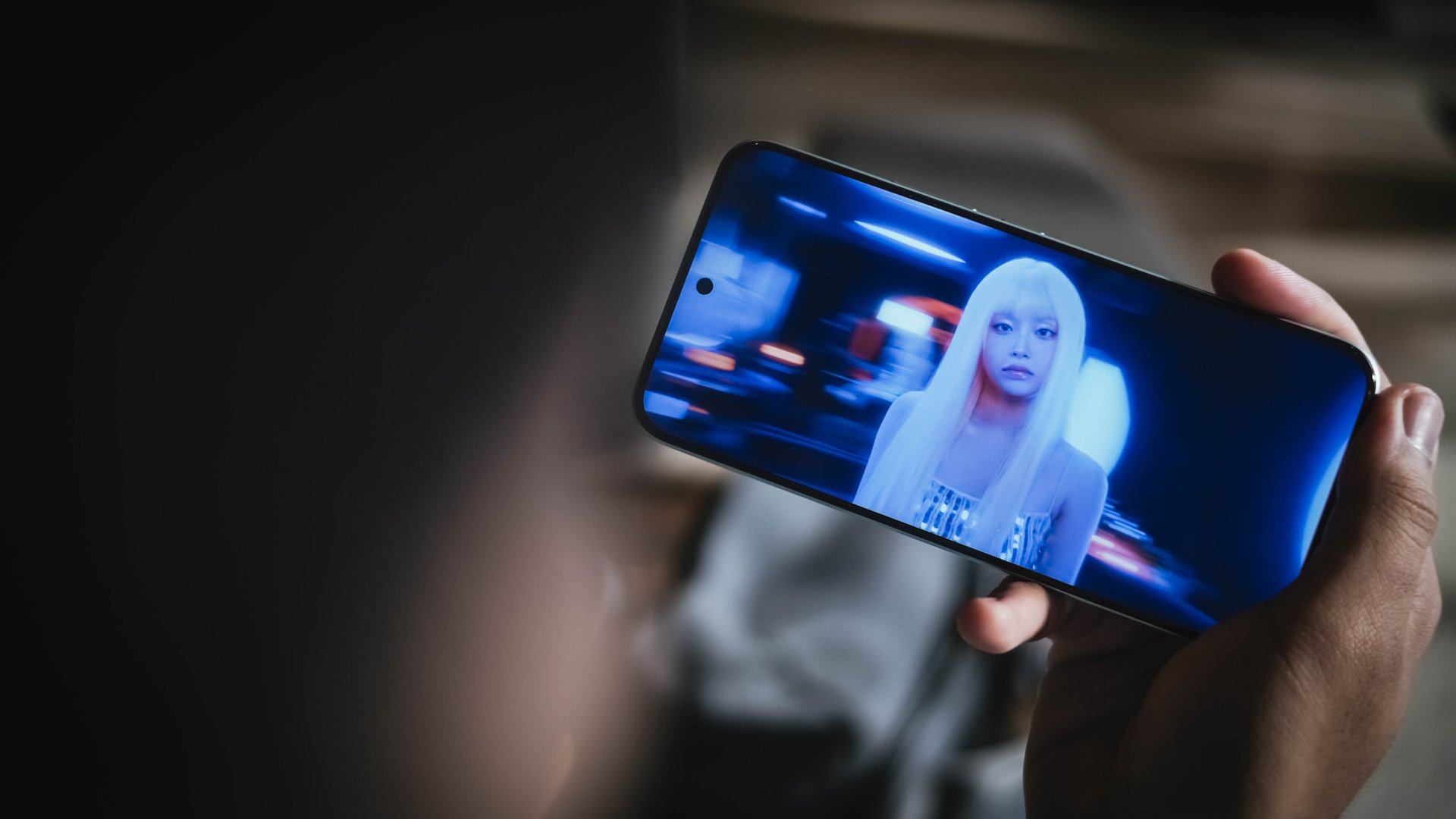
The comeback track of the same title is as quirky and whimsical as it gets. Not only does it highlight Chuu’s light yet ethereal vocals, but it shows her newer, more mature side.
Furthermore, lyrics that evoke unexpected budding love in this digital era where everyone enjoys making connections through the cyber world.
With POCO M8 Pro’s speakers, I fully enjoyed playing the entirety of her freshly-baked album while I was writing this piece. Teeny Tiny Heart and Love Potion are currently my fave b-sides from this release.
Such music fulfillment was possible with the Dolby Atmos stereo speaker setup and Hi-Res Audio support of the M8 Pro. Not only its proudly loud, the audio produced is full and immaculate with clear line between its highs, mids, and lows.
Performance: Adequate for most
On paper, the POCO M8 Pro runs Qualcomm’s latest Snapdragon 7s Gen 4 SoC based on a 4nm process. As confusing as it seems, this is different from the more powerful Snapdragon 7 Gen 4.
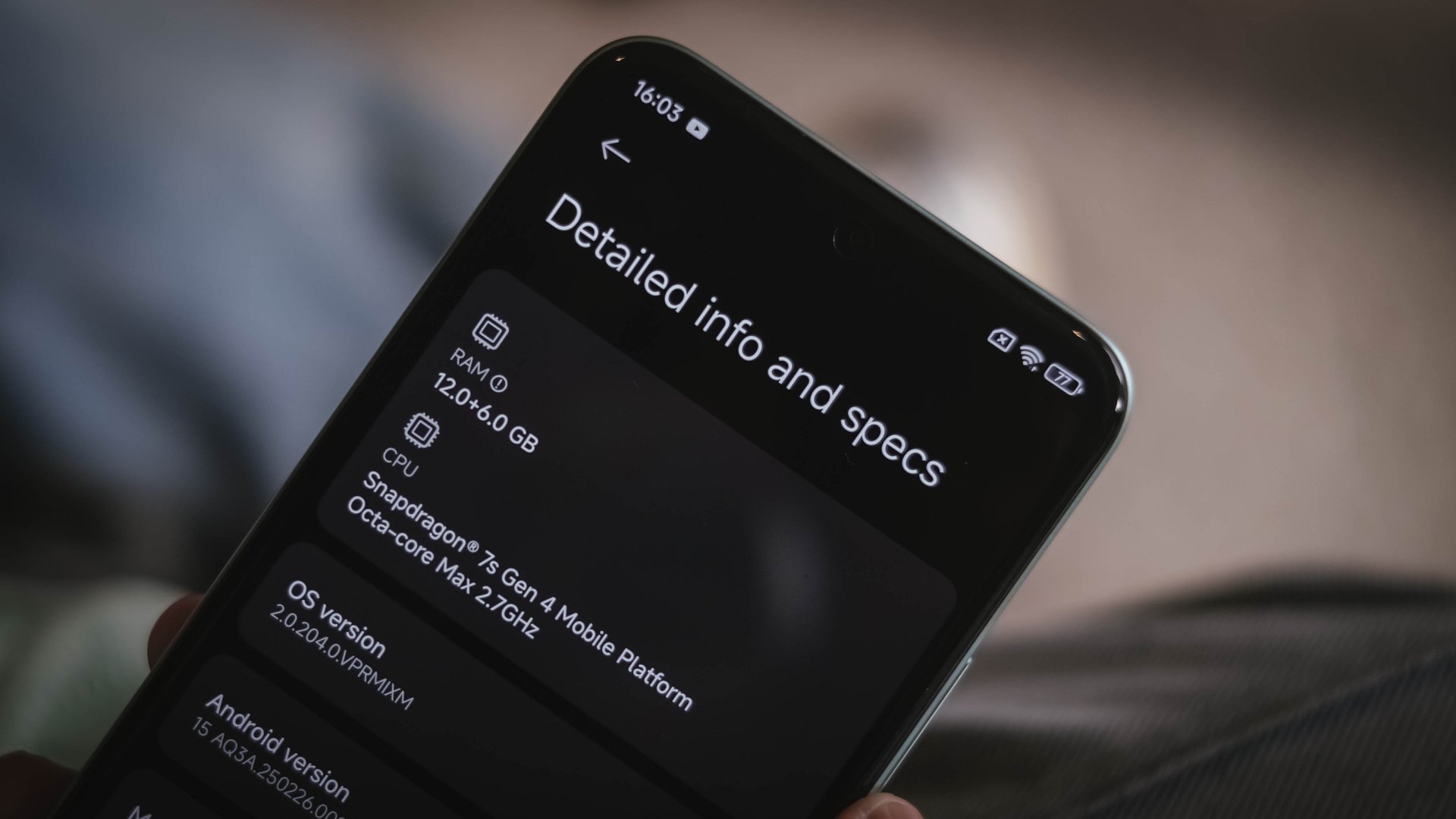
That being told, game settings will vary depending on how demanding one is.

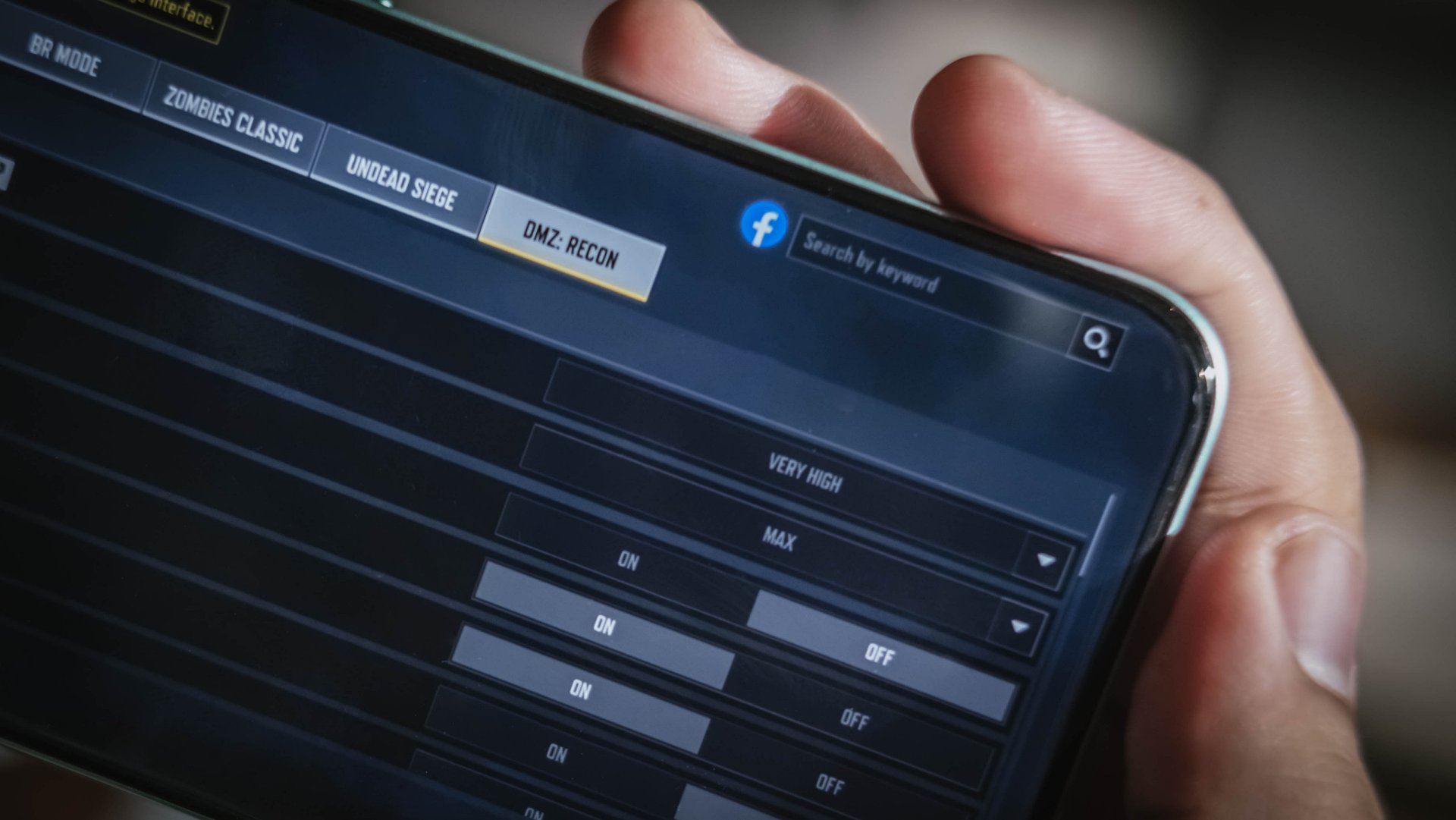
For instance, CoDM (Call of Duty: Mobile) runs in Very High and Max settings upon first set-up.
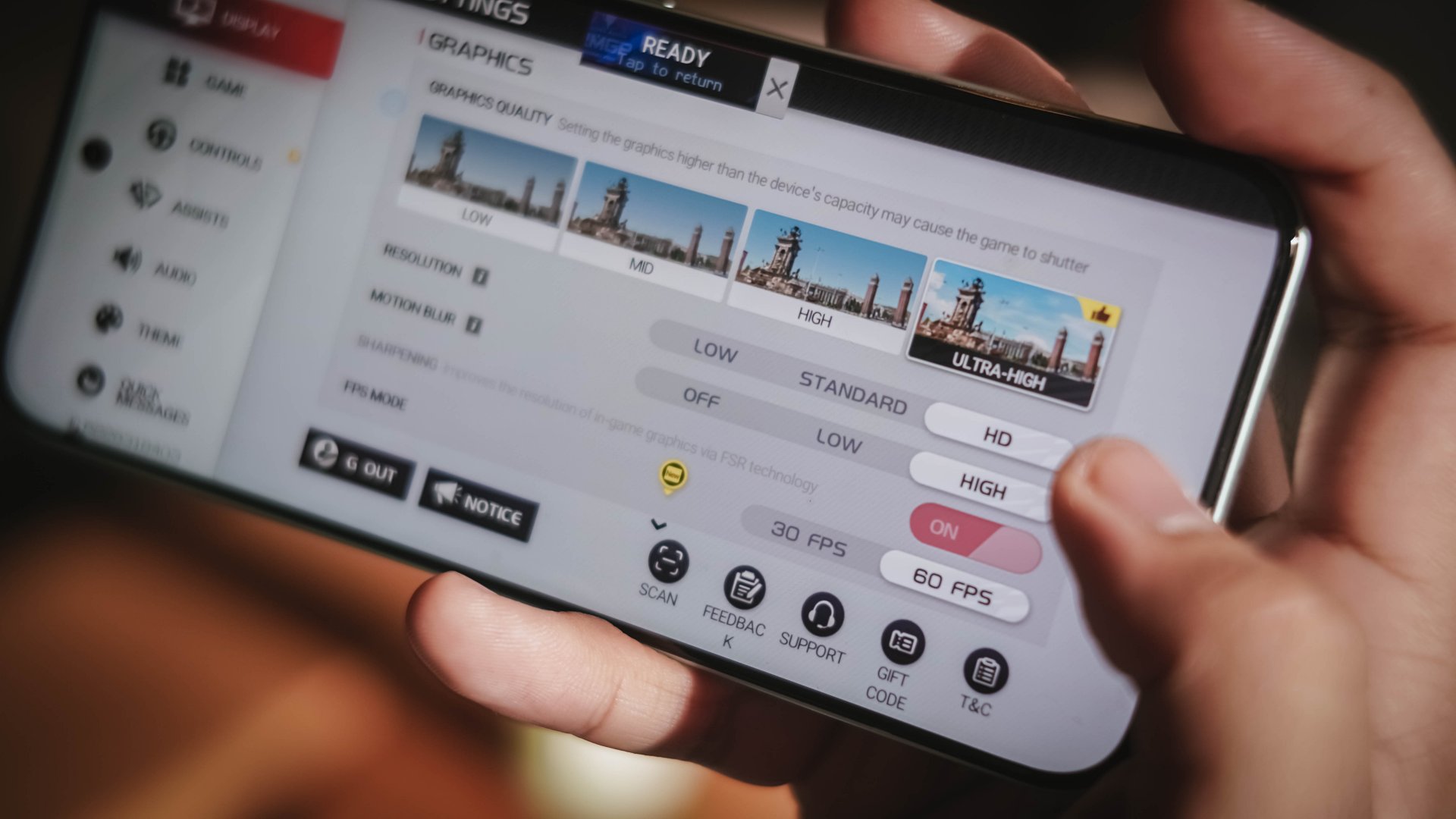
Meanwhile, Racing Master (based on NVIDIA’s PhysX engine) can run Ultra settings at 60fps.
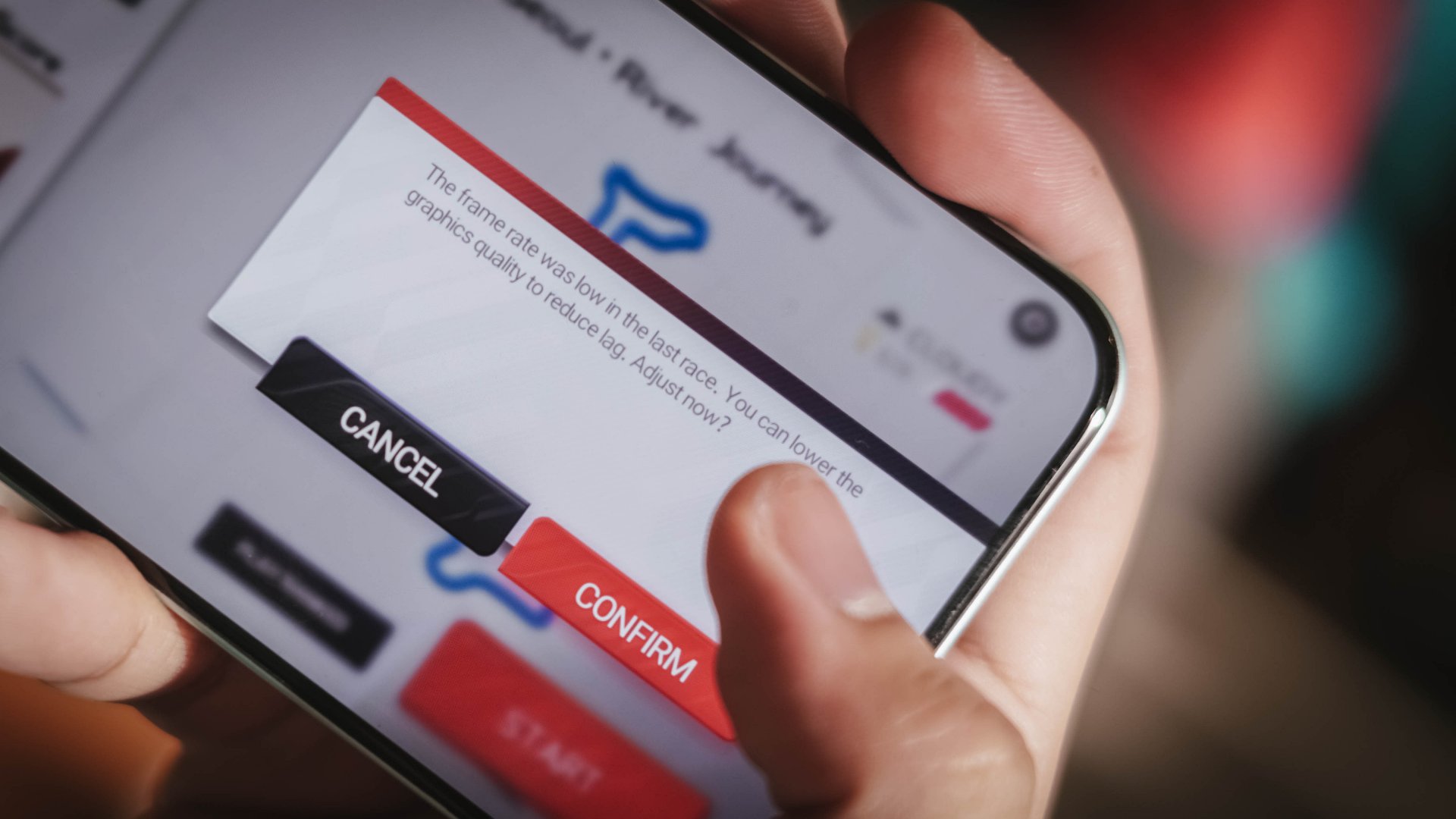
However, it throttles during the first two ranked races.

Fortunately, the game detects if it gets sluggish — suggesting lowering down the settings altogether.
Lastly, playing Zenless Zone Zero is doable but, at the lowest graphics by default.

You wouldn’t dare to go past it as Combat Mode will literally feel like combatting the phone itself due to how heavy the game is.
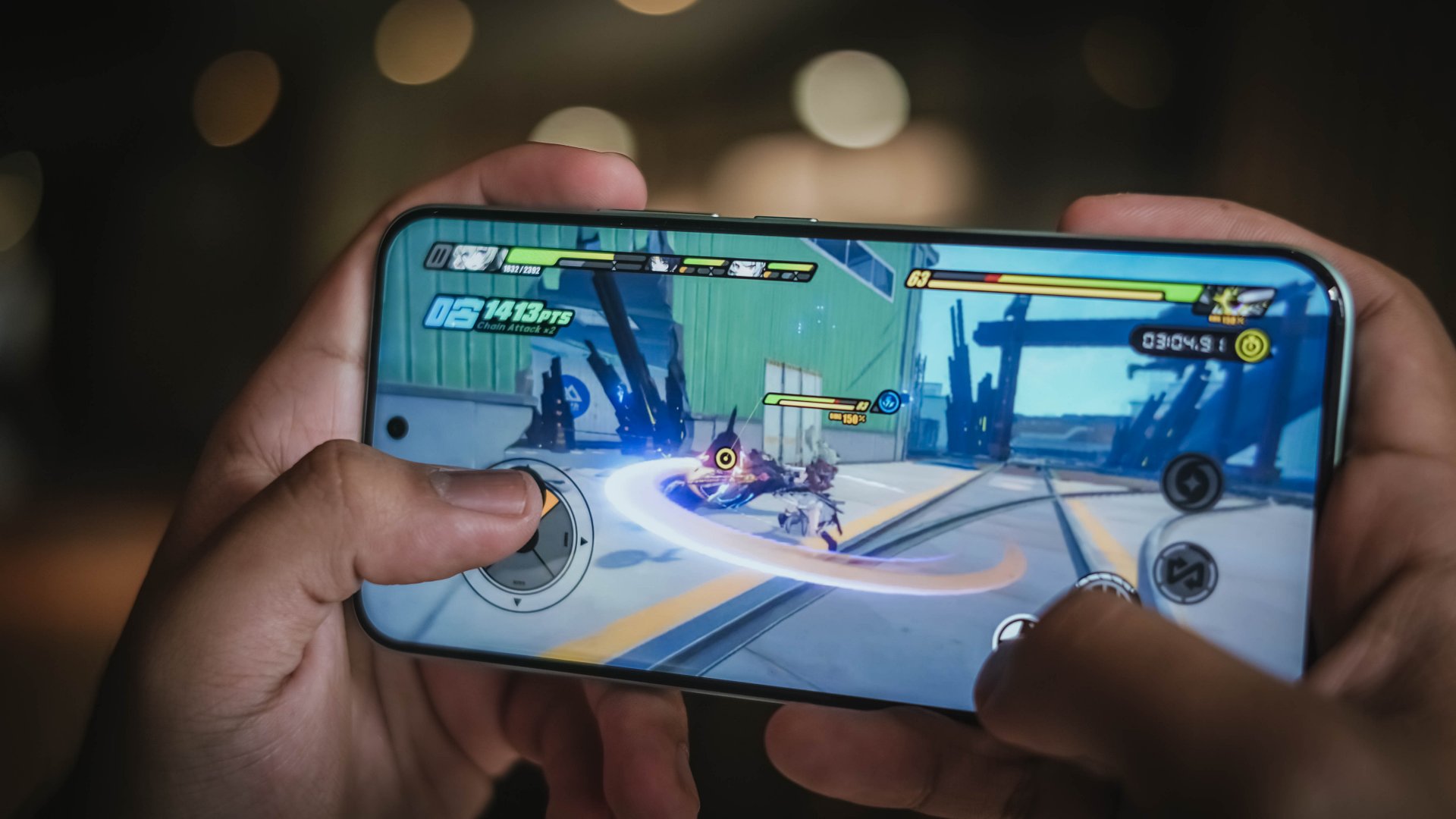
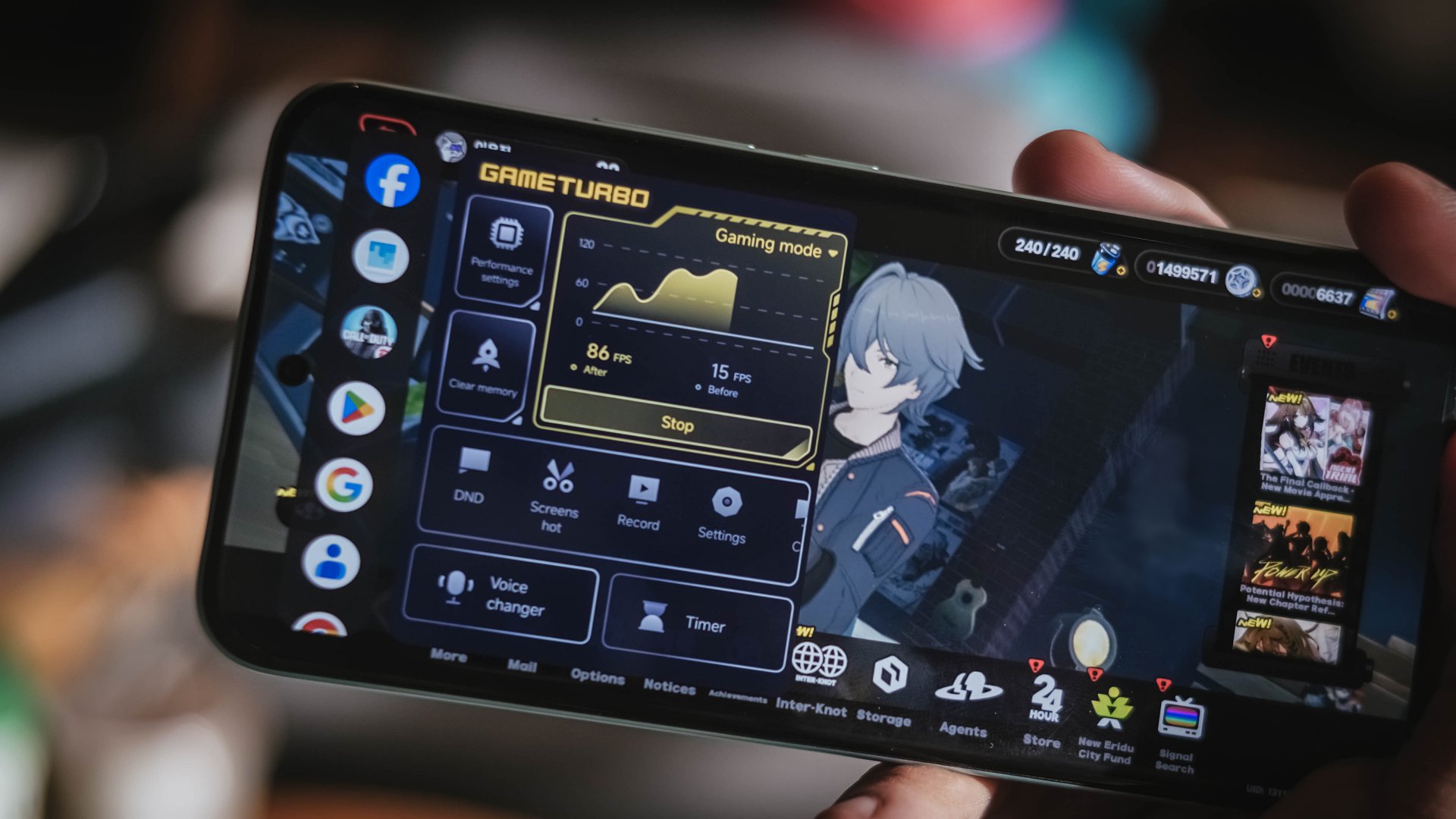
The only “remedy” for these hardware limitations? It’s none other than the Game Turbo mode that boosts graphics performance and input through Xiaomi’s software advancements. And it sort of helped make the gameplay smoother, but not fully.
For the rest of apps that are not graphics-intensive, the M8 Pro can breeze through various apps without hiccups, do split-screens, or multitasking along floating windows with ease.
I can truthfully say that the only thing dragging the POCO M8 Pro down is the software as a whole.

After experiencing the beauty of vivo’s OriginOS 6 and HONOR’s MagicOS 10, Xiaomi’s HyperOS still feels like an after-thought. While it can keep up with the modern-day Android features, its stability and optimizations simply don’t make the cut.
Besides, its built-in AI tools, device ecosystem, as well as cross-compatibility functionality aren’t as polished as what you get on other Chinese brands. Let alone, a rip-off from everyone’s fruit rival without much feature improvements.
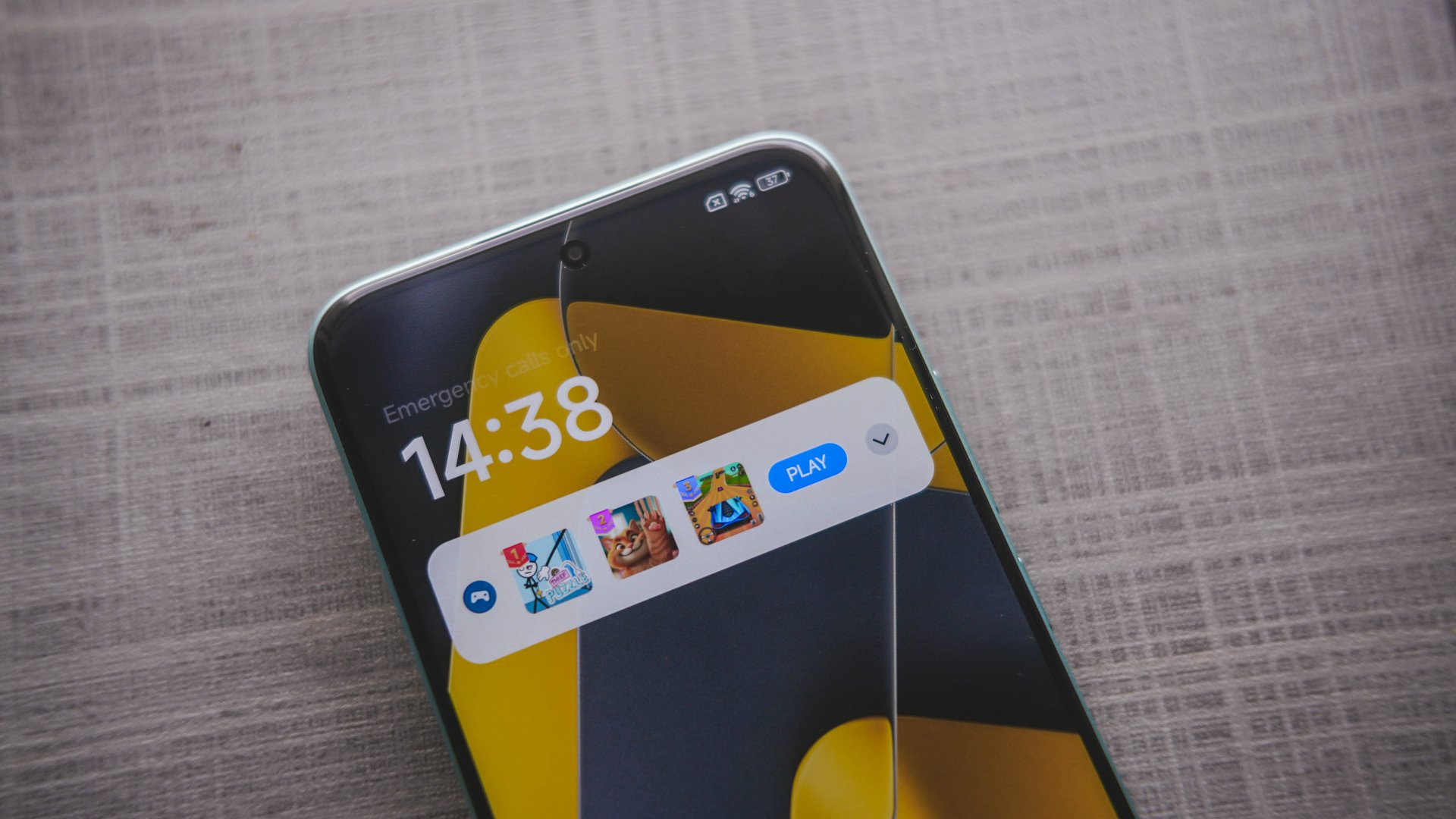
Seriously, Xiaomi?
Worst thing? Maybe the ad slash bloatware infestation found not just on the lock screen. Even transferring personal files through Xiaomi’s native File Manager app plays an unskippable ad.
Battery: Eat it up! Eat it, eat it up! 🍝🎶
At 8.31mm, the POCO M8 Pro is as slender as it can get. How they were able to fit a 6500mAh battery inside its chassis is a true feat of engineering.
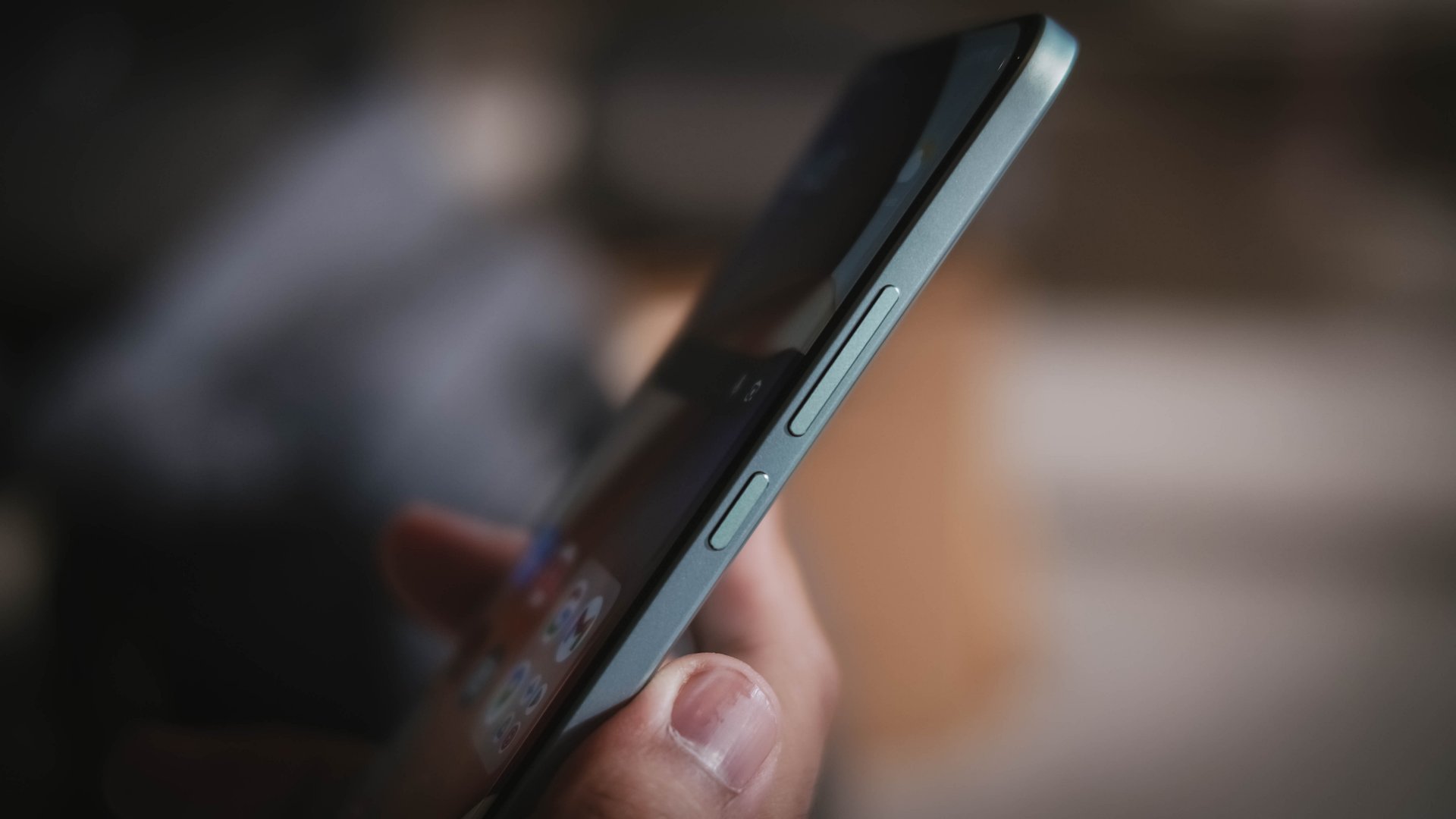
For the record, this is the first POCO M-series smartphone to have such a ginormous battery. It joins the same league as the POCO F8 Ultra, F7, and the X7 Pro (in India).
For added context, the M7 Pro, as well as the X7 with a similar form factor, only had a 5110mAh battery. But, numbers are just part of the story.
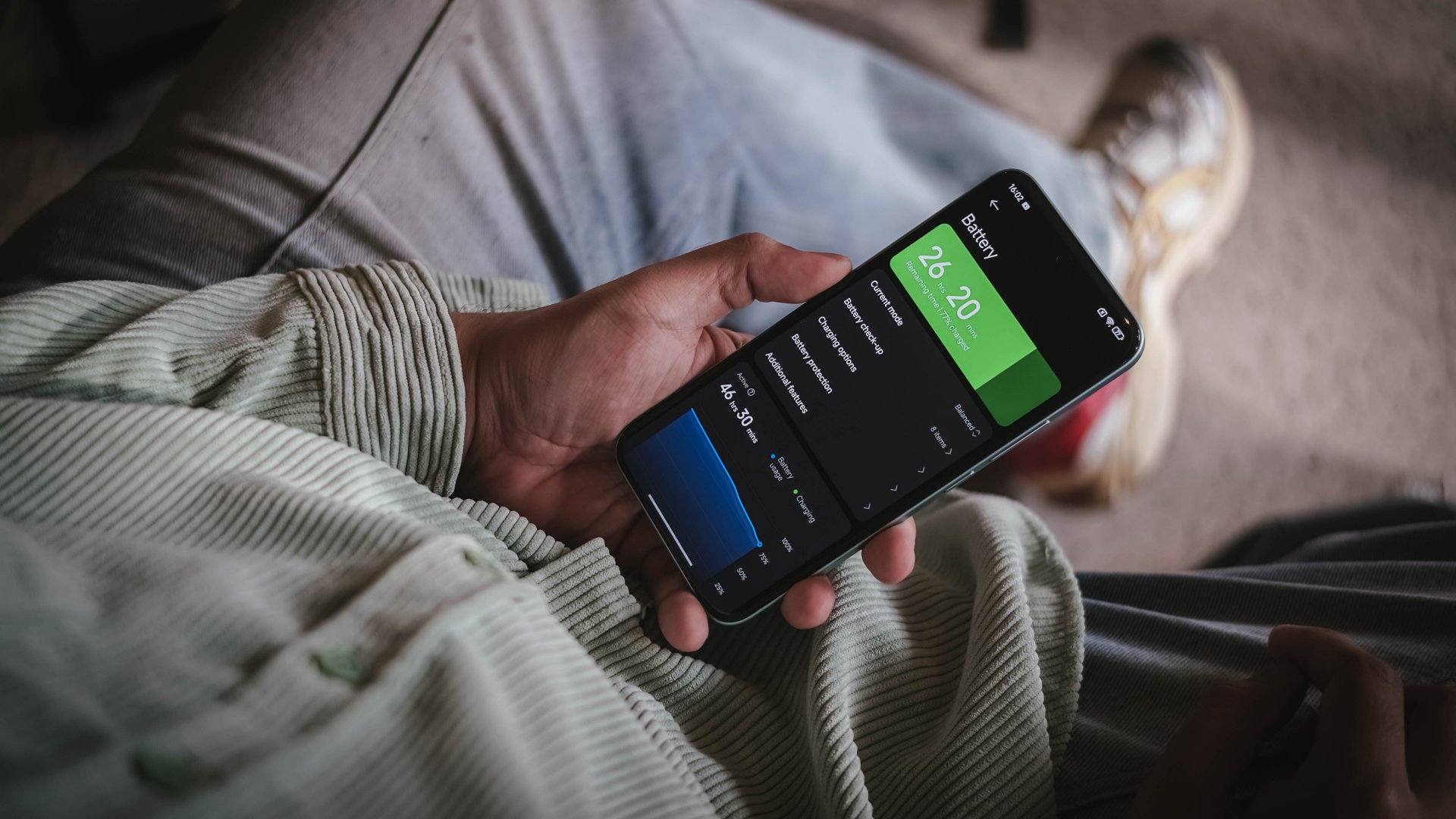
In day-to-day scenarios with light to moderate usage, the POCO M8 Pro can last you a full day — even more when you hit the bed with around 30% to spare.
As one would expect though, the biggest hogging can be felt when playing games.
During my gameplay stress test, downloading resources in Racing Master for about 30 minutes already consumed 5% charge (92% down to 87%). An hour of racing ate up 11 percent — from 87% down to 76%.

Letting it rest on my desk for 18 hours, the phone depleted to 51%.
At around 9 in the evening, I then started playing HoYoverse’s Zenless Zone Zero for exactly an hour. Battery charge went down further to 36%. Then, a 1.5-hour game in CoDM resulted to a 28% battery percentage. And, as of writing, the POCO M8 Pro still had a 3 percent charge left in its massive tank.
That said, the POCO M8 Pro comes with Xiaomi’s 100W wired HyperCharge speeds — adapter still bundled in the box.
By default, the battery charging speed is set in regular with the prompt / option to enable boosting.
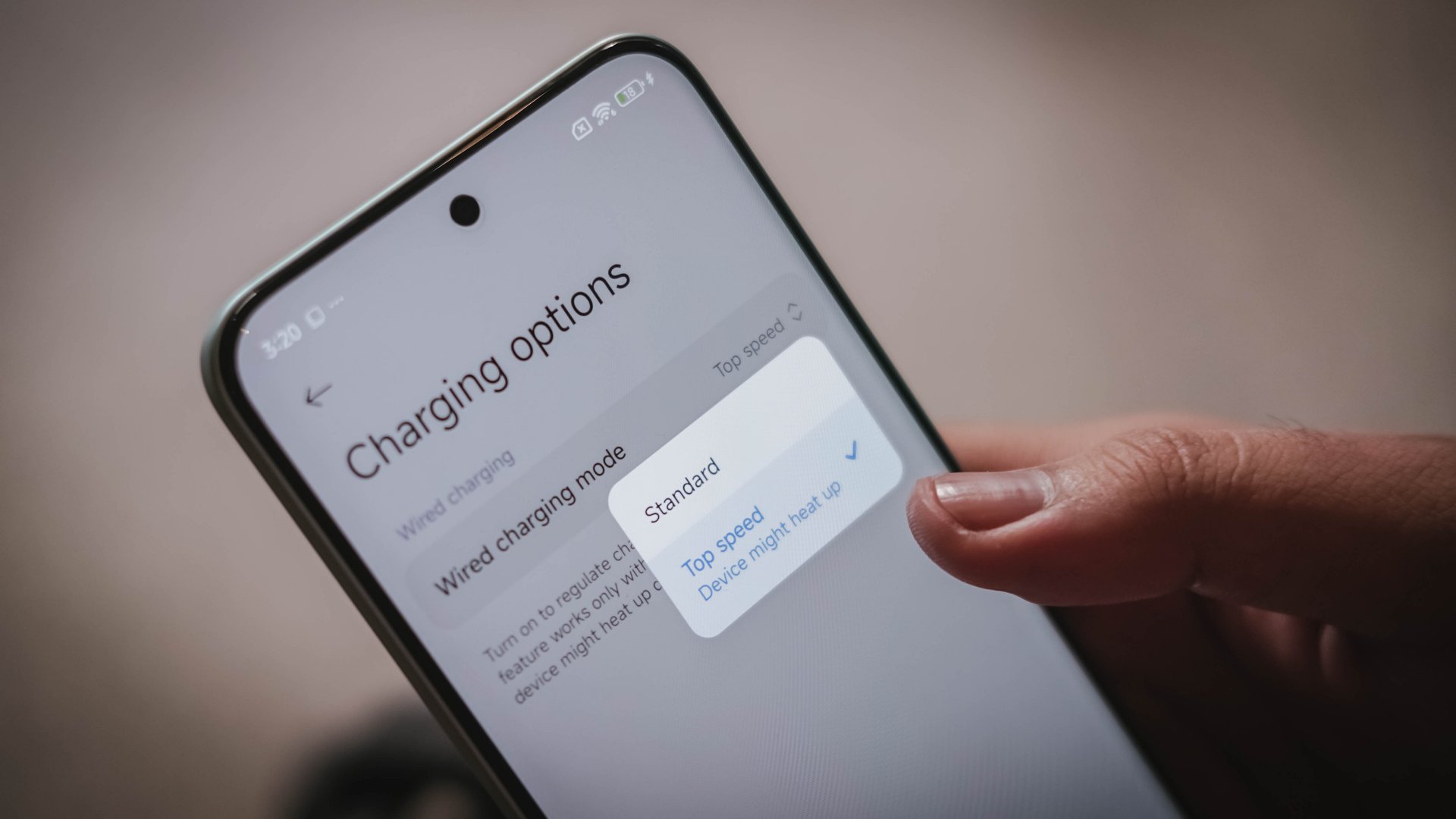
In my GadgetMatch Charge Test results, it can be seen that the difference isn’t too far off.
Boosted HyperCharge |
Regular HyperCharge |
PPS Charging
|
|
START TIME
|
1:11AM |
3:10PM |
4:06PM |
3 minutes |
10% |
8% |
1% |
5 minutes |
17% |
11% |
4% |
10 minutes |
25% |
18% |
13% |
15 minutes |
40% |
23% |
21% |
20 minutes |
46% |
32% |
28% |
30 minutes |
70% |
50% |
46% |
45 minutes |
88% |
71% |
67% |
1 hour |
99% |
91% |
84% |
1 hour 15 minutes |
– |
99% |
96% |
END TIME
|
2:14AM
|
4:27PM
|
5:30PM
|
PPS Charging is also possible. Although the device only showed “Quick Charge” while being filled up, it’s safe to say that it performs as fast as Xiaomi’s regular HyperCharge with a super close margin of only seven minutes.
Cameras: Surprisingly Satisfying
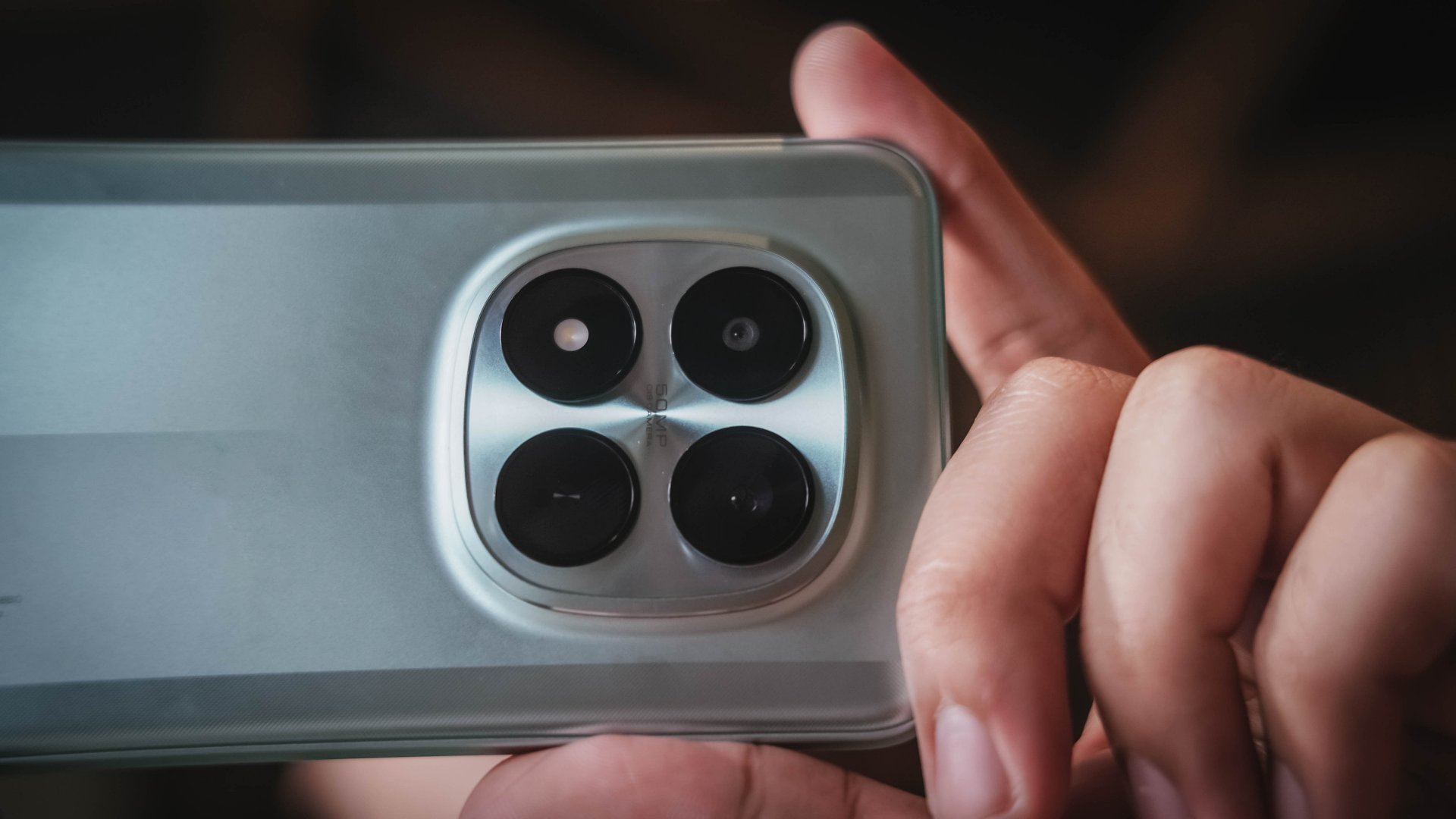
Prospective buyers of the M8 Pro wouldn’t have a hard time dealing with its conventional camera configuration: a 50MP f/1.6 main (wide) camera based on Light Fusion 800’s 1/1.55-inch sensor. That’s paired with a less outstanding 8MP f/2.2 UWA (ultra-wide angle) camera.
For the most part, the main camera does its job very well considering this type of device.

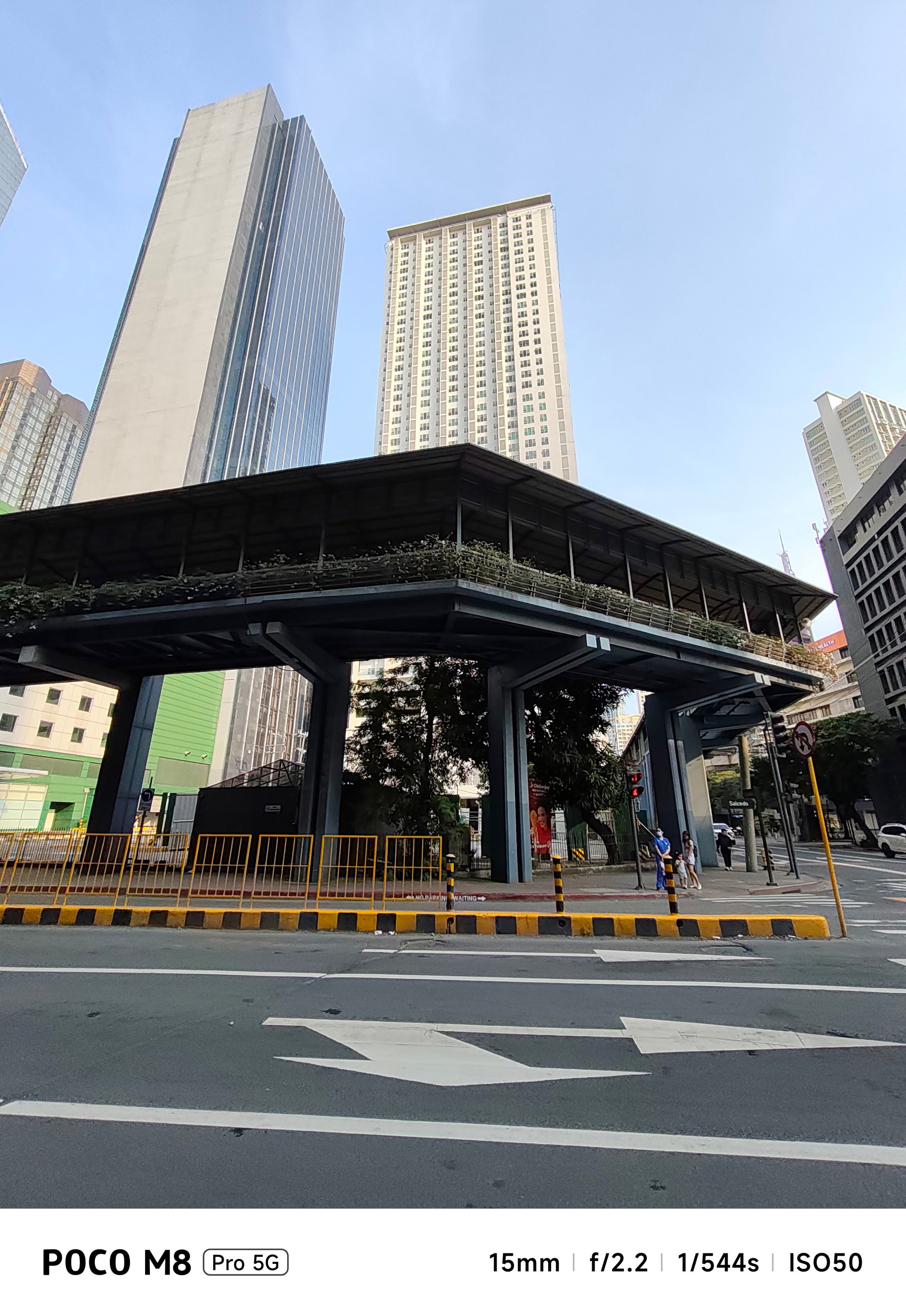
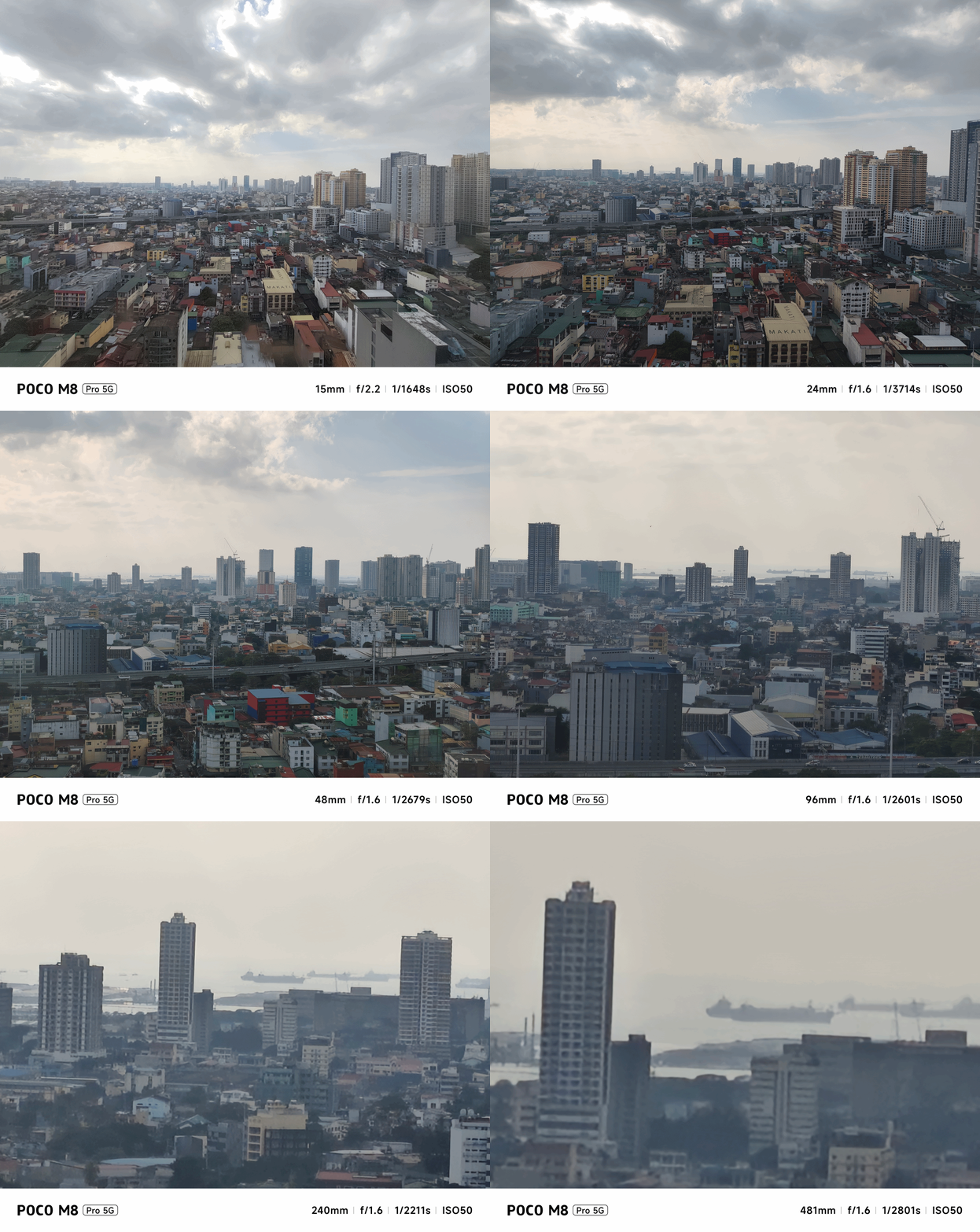
With the satisfactory 1x image sensor, 2x zoom is also possible, thanks to in-sensor cropping.
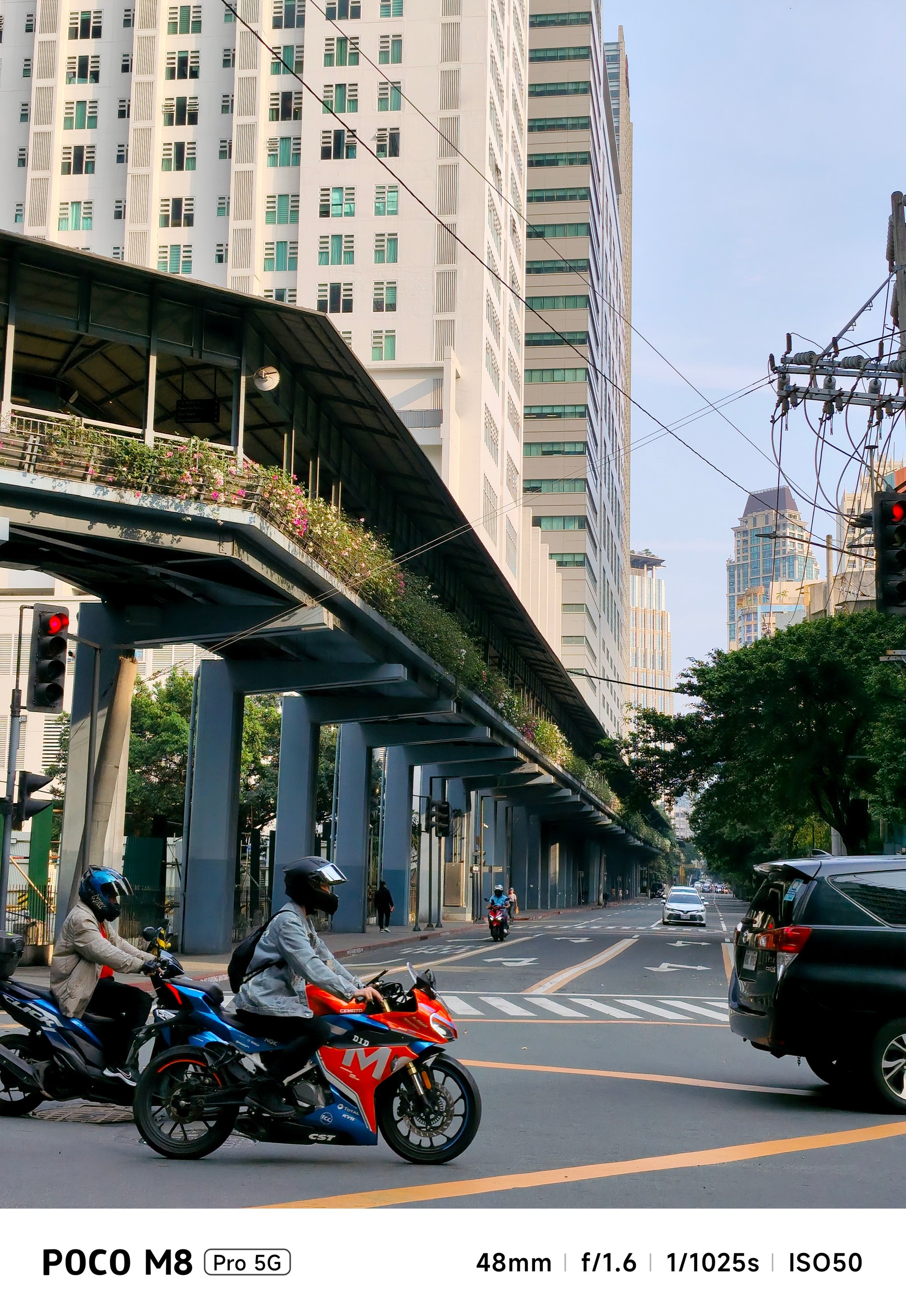
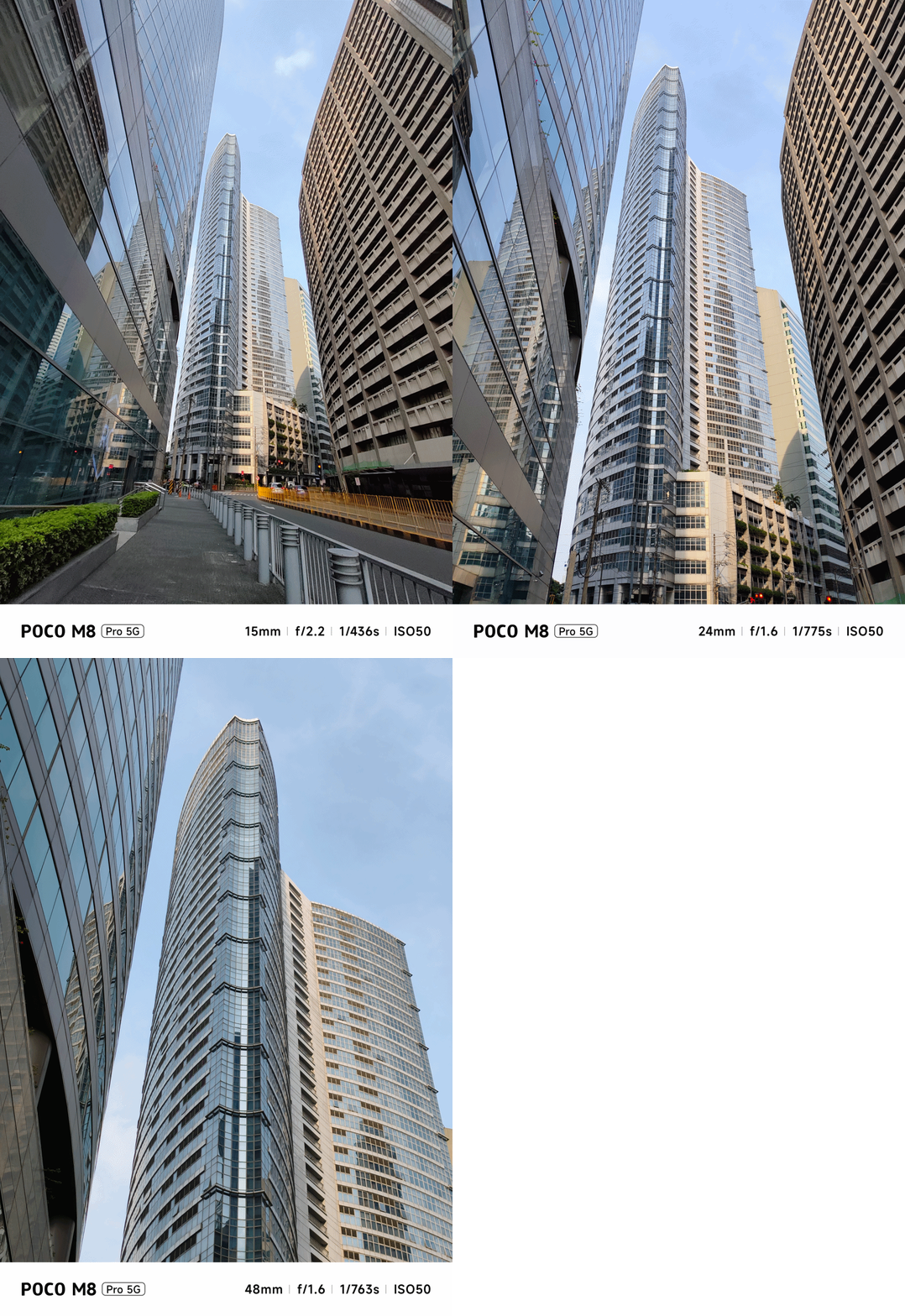
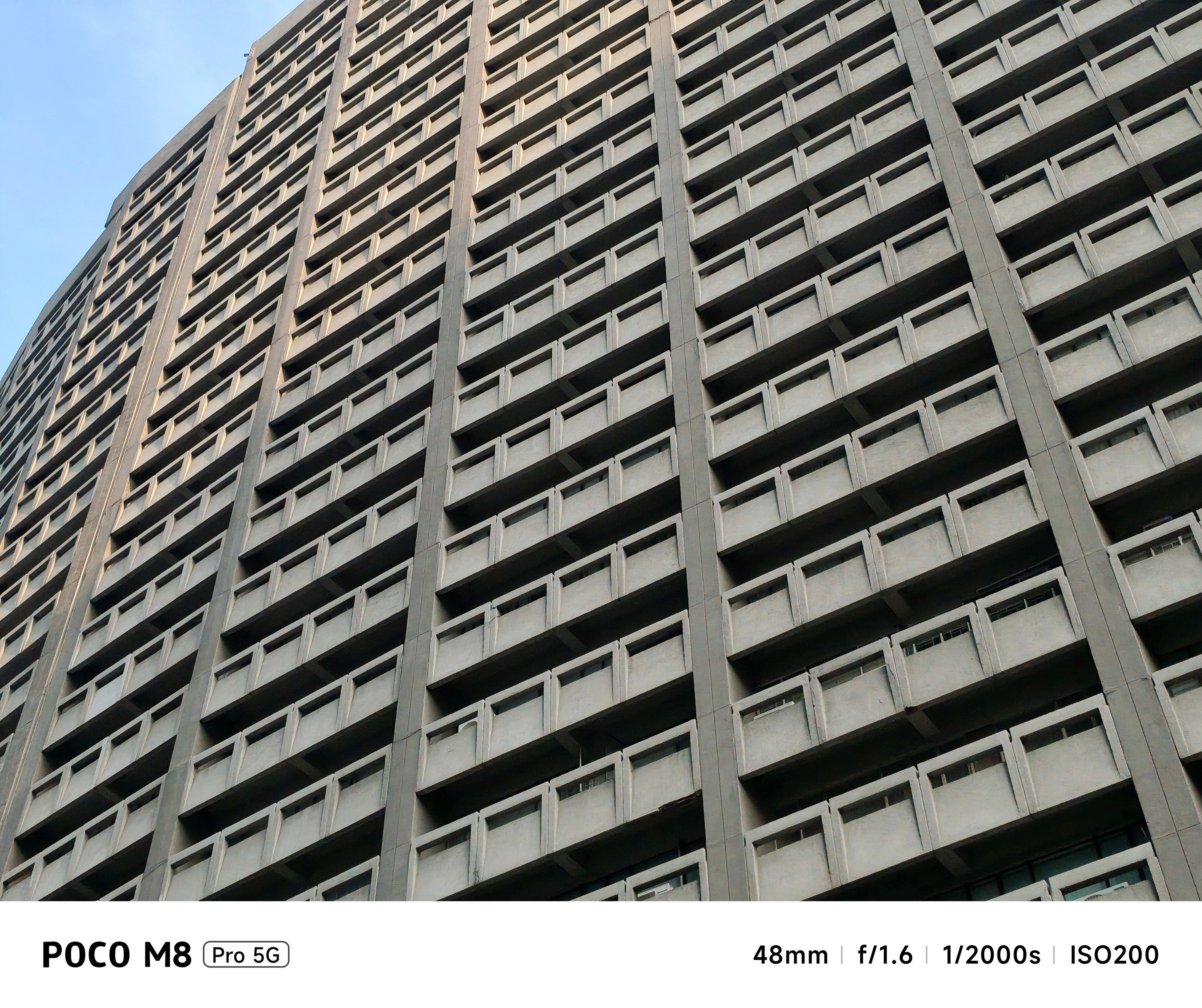

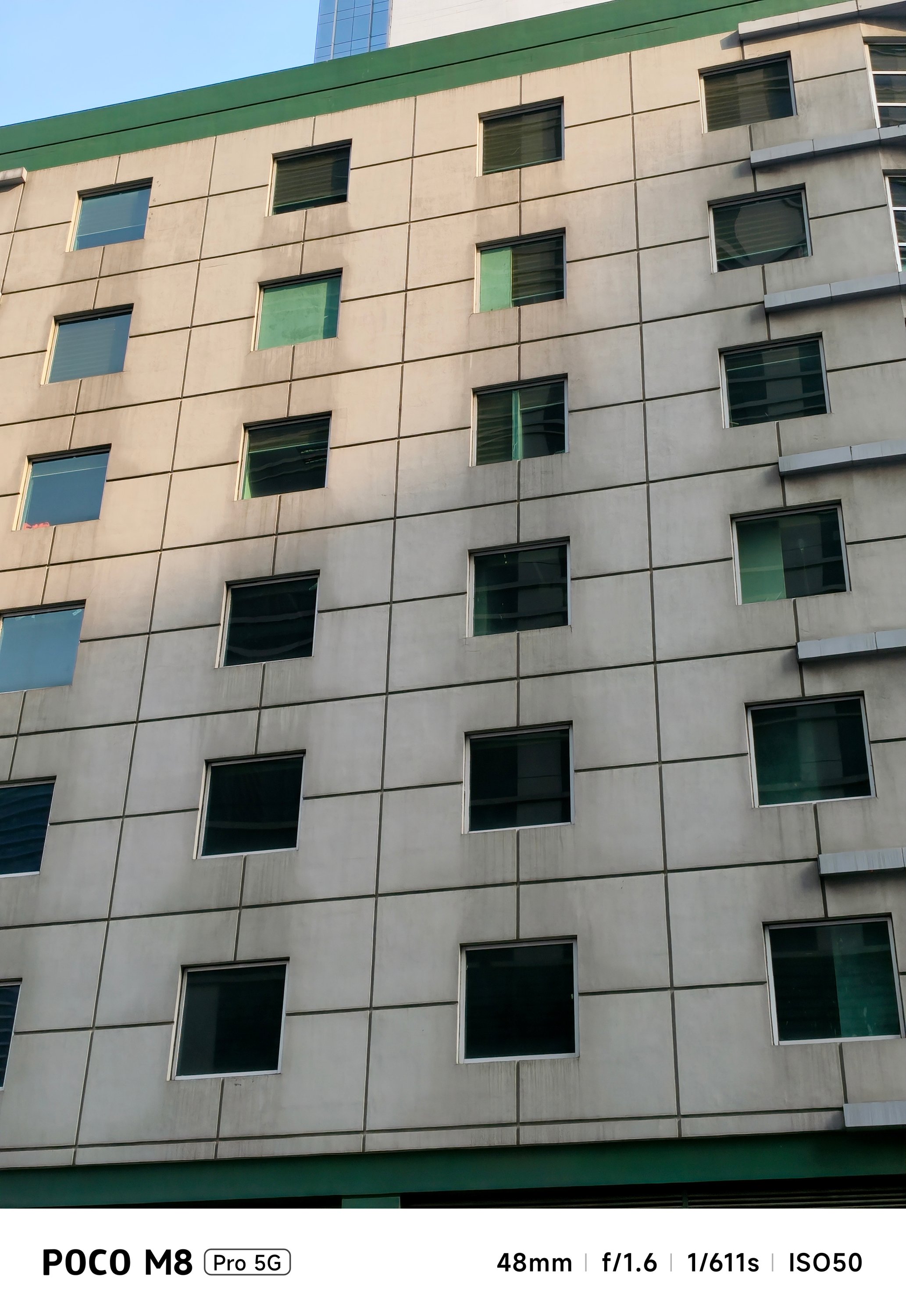
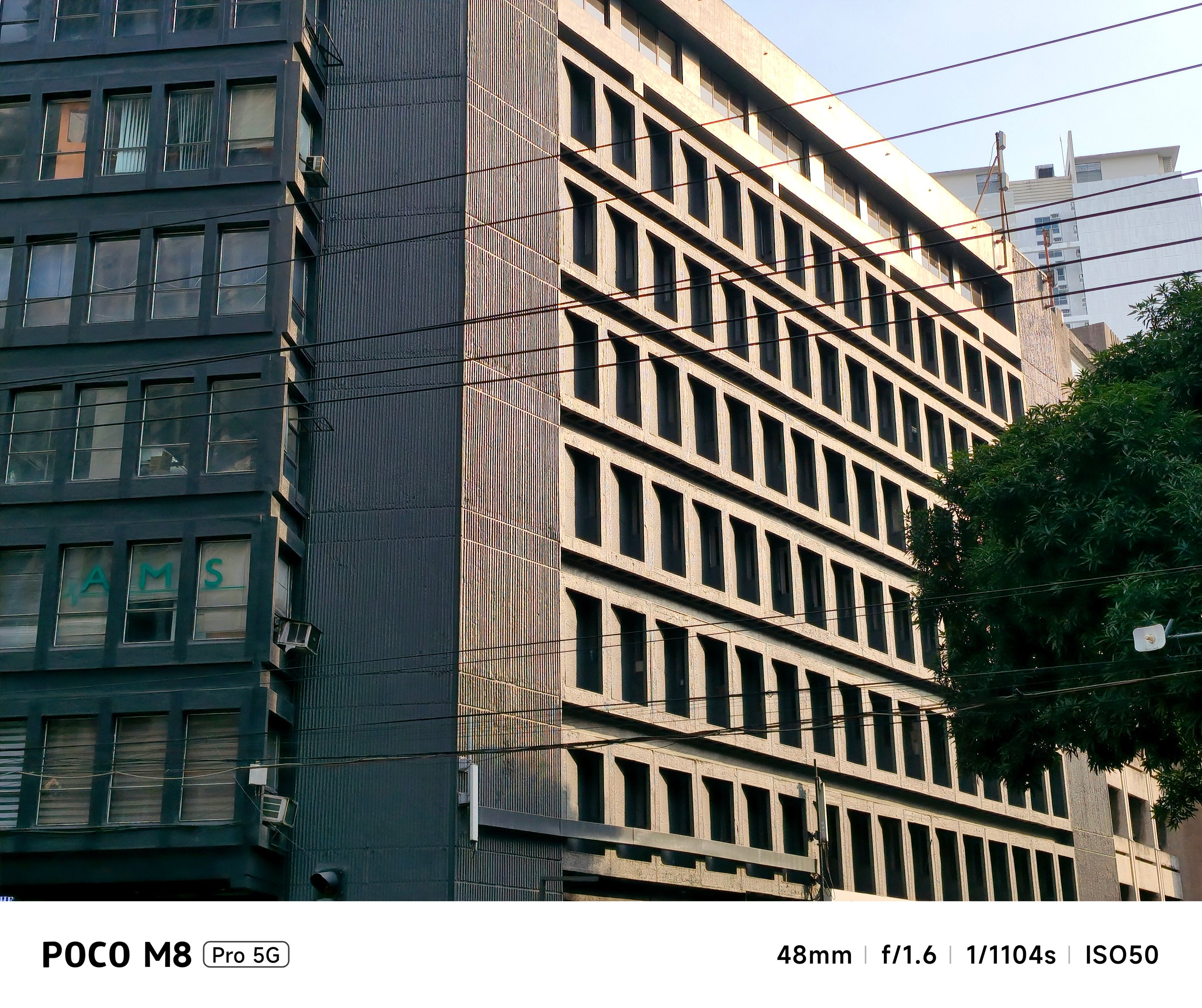
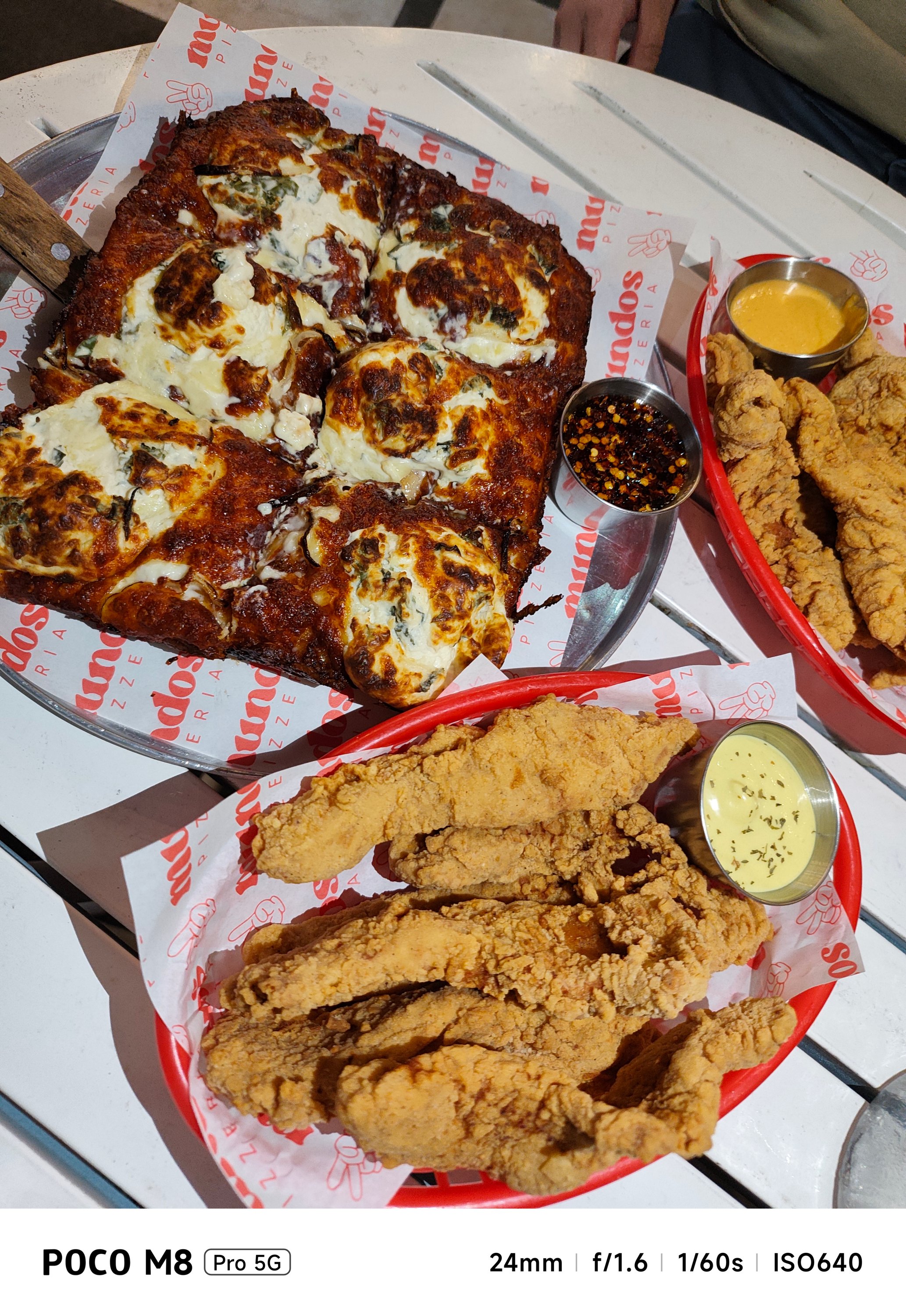
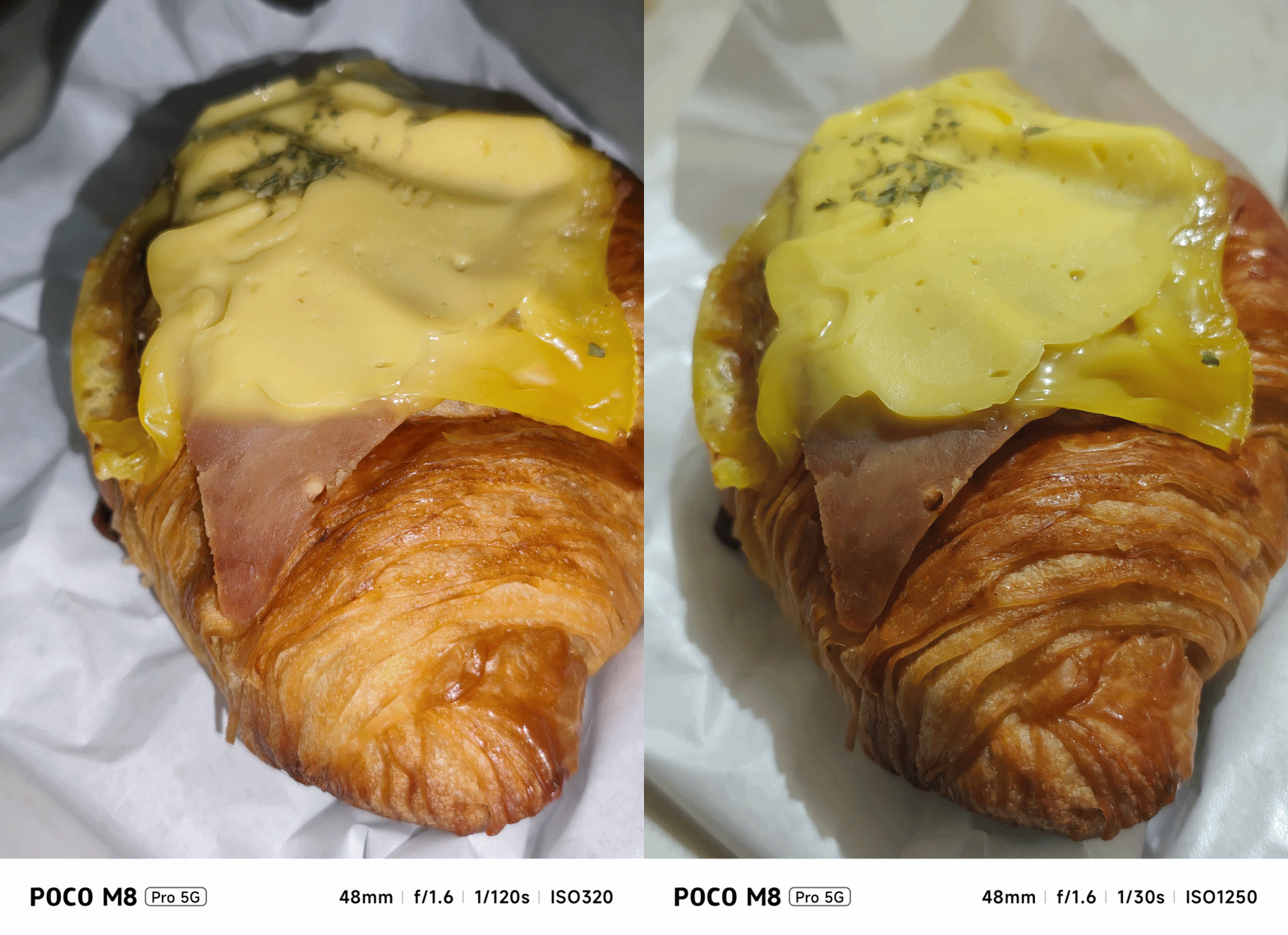
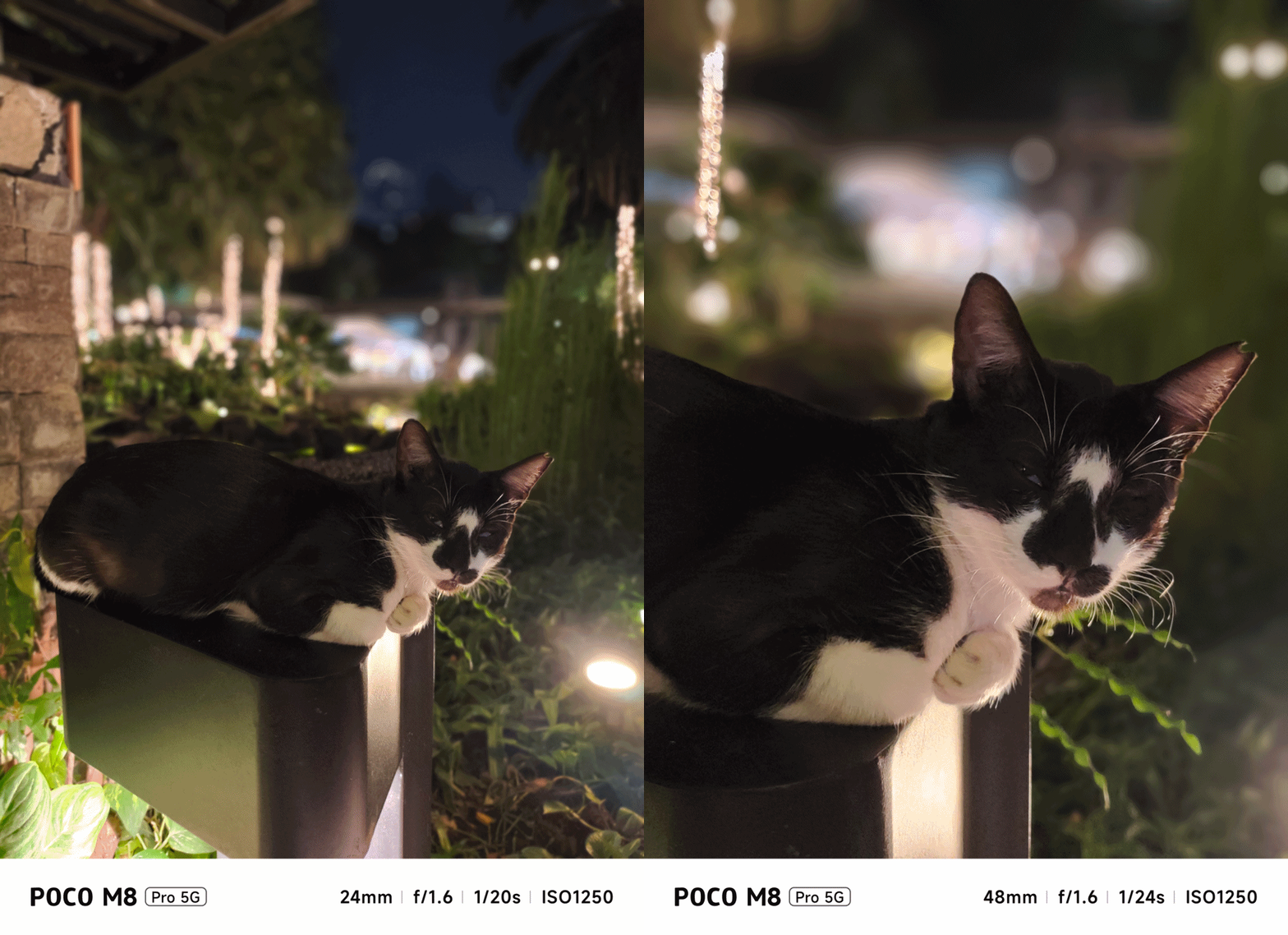
I honestly used the 2x mode more than I thought — especially when capturing my cats and food I devour.
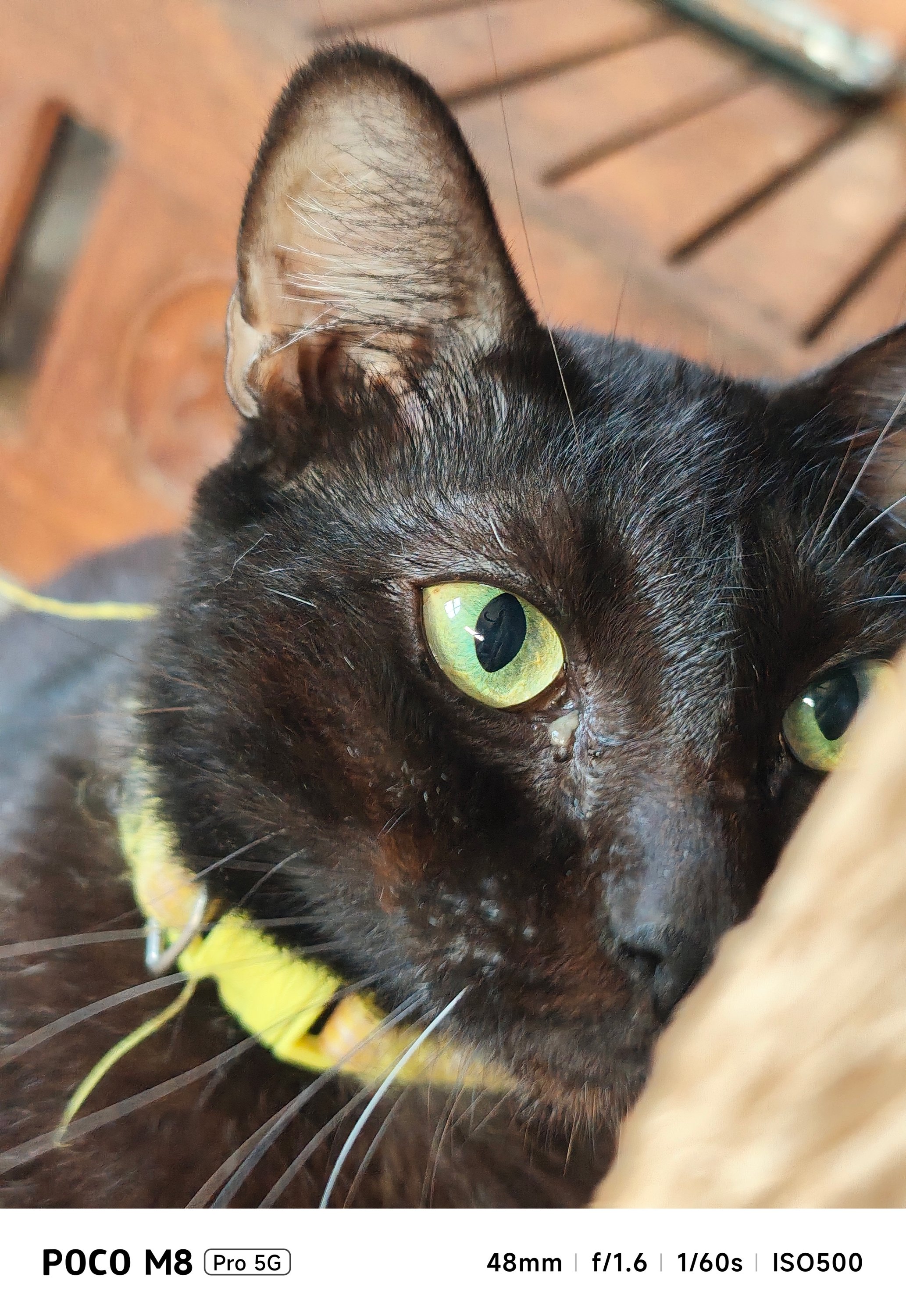

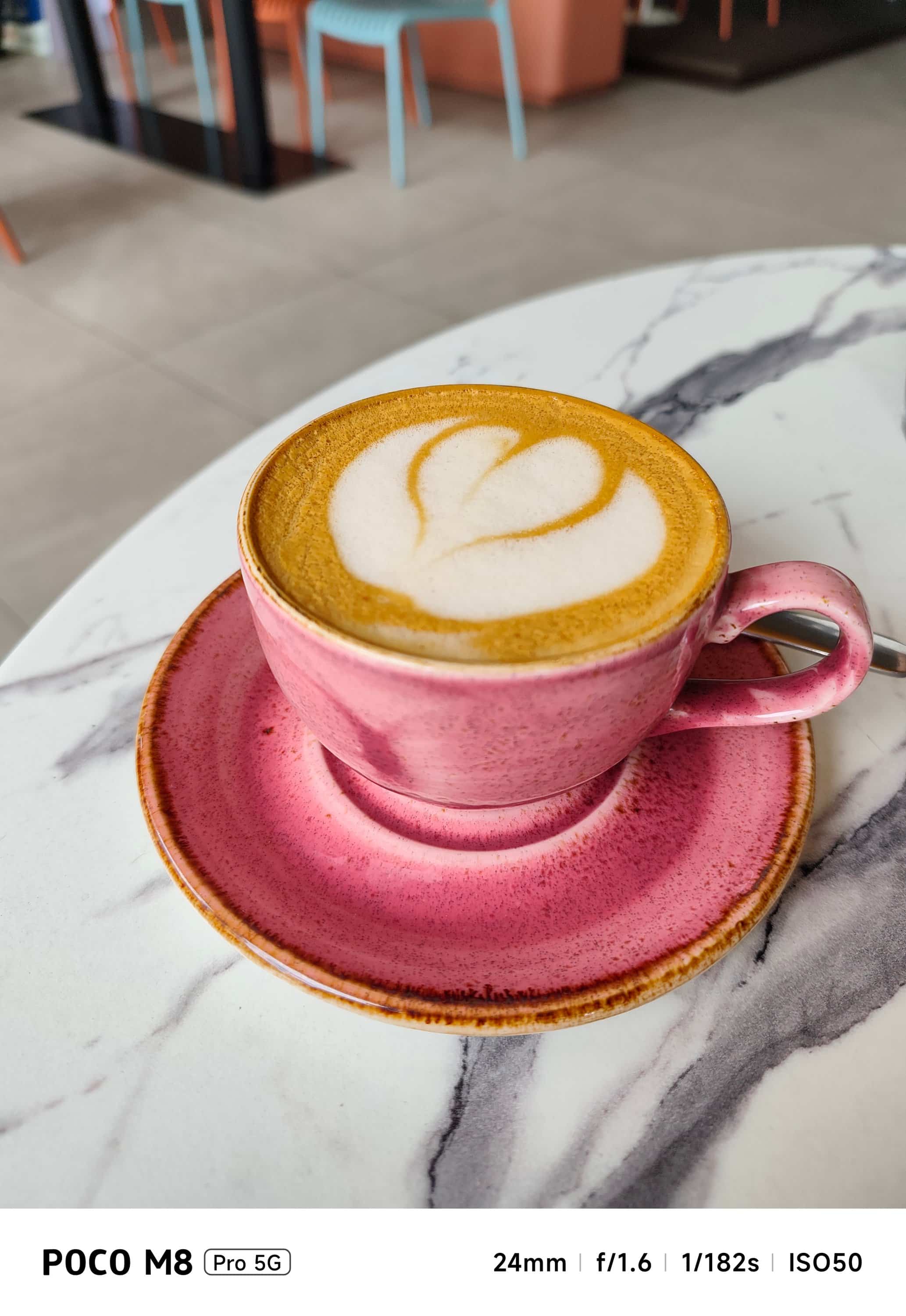
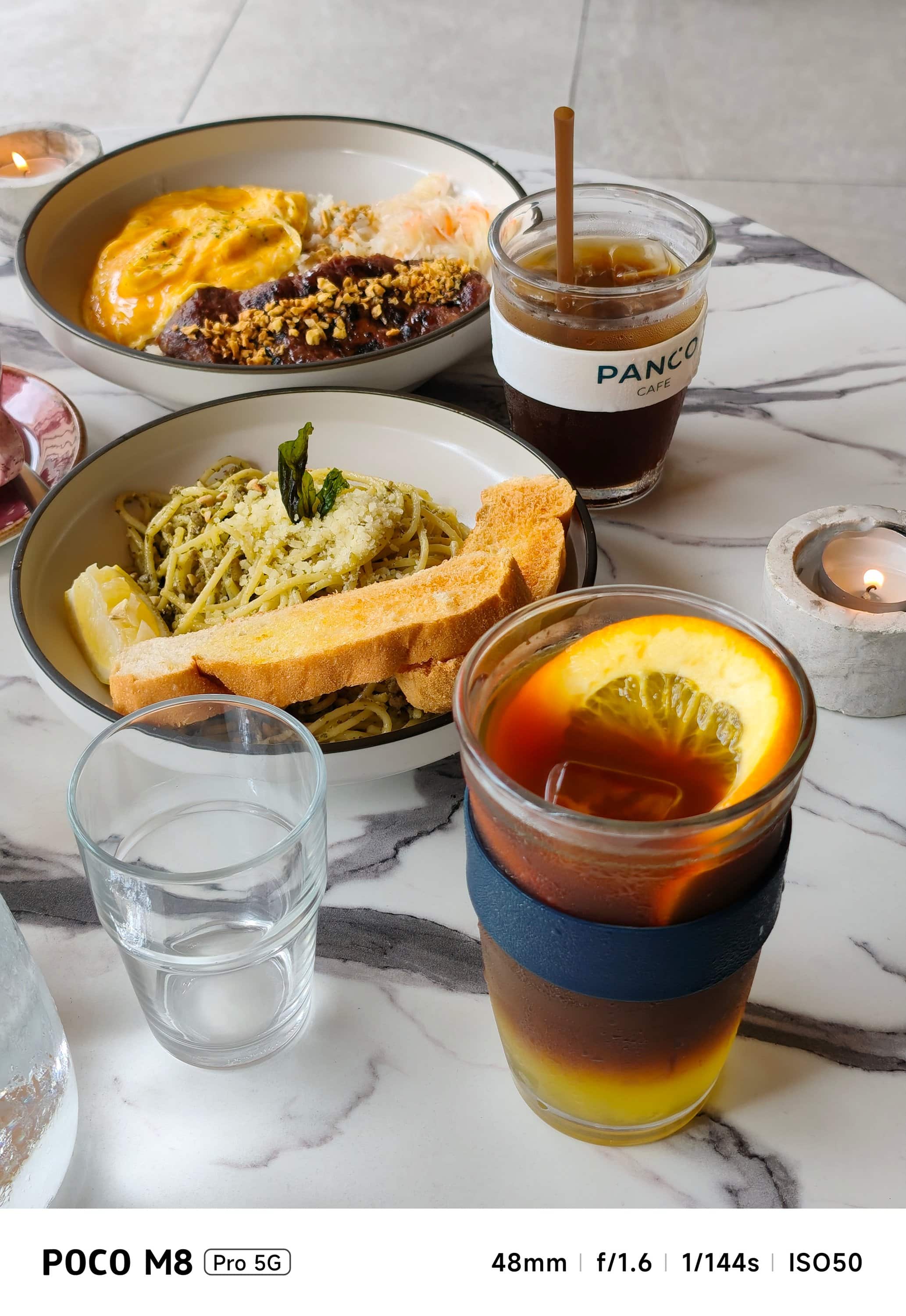



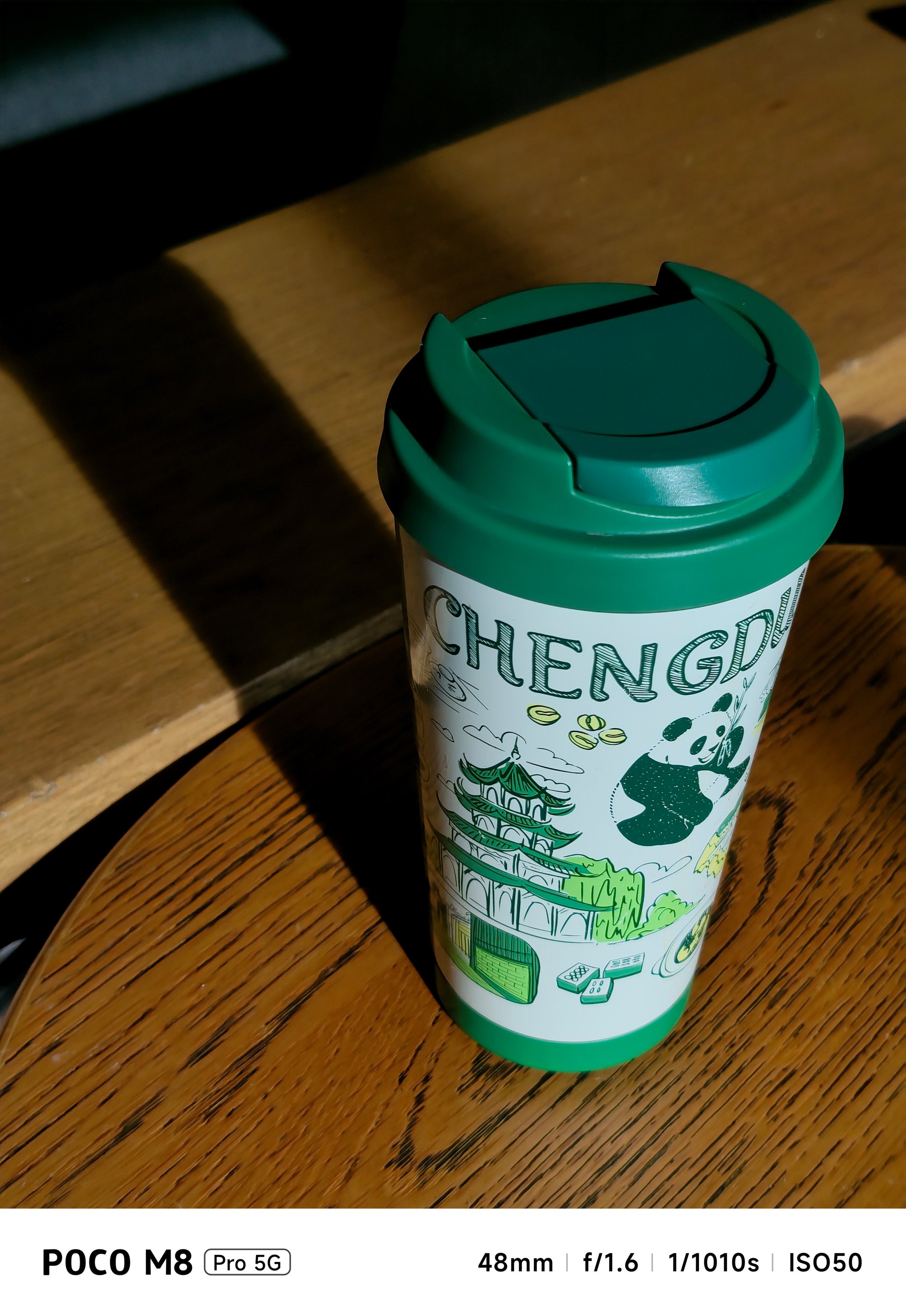
You can go beyond the bounds. But, with obvious hardware limitations, the camera processing can only do so much.
Once that natural light disappears, it will be tricky to take low-light shots as this has NO dedicated Night Mode feature. No luck if you are using them indoors with artificial light around.

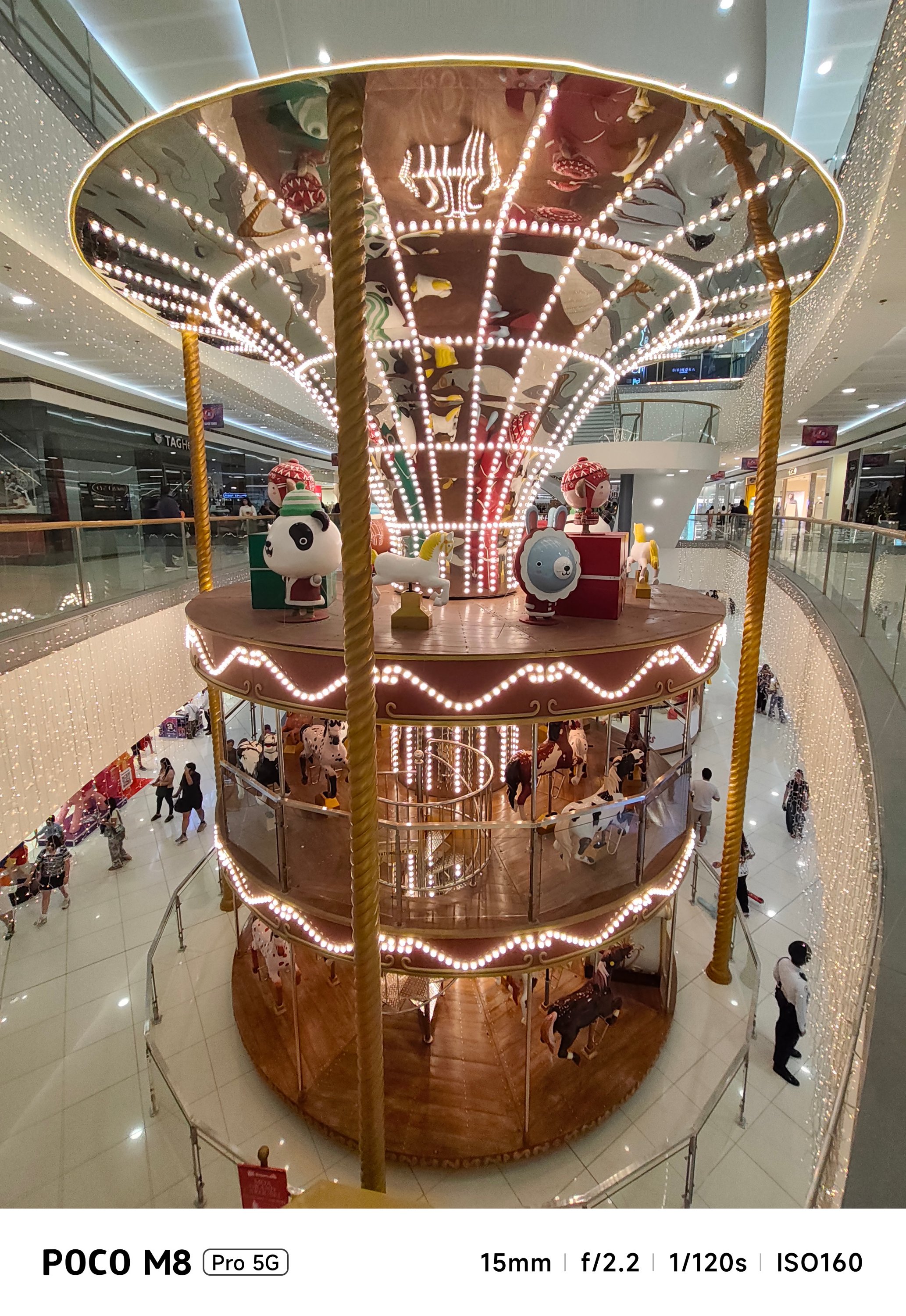


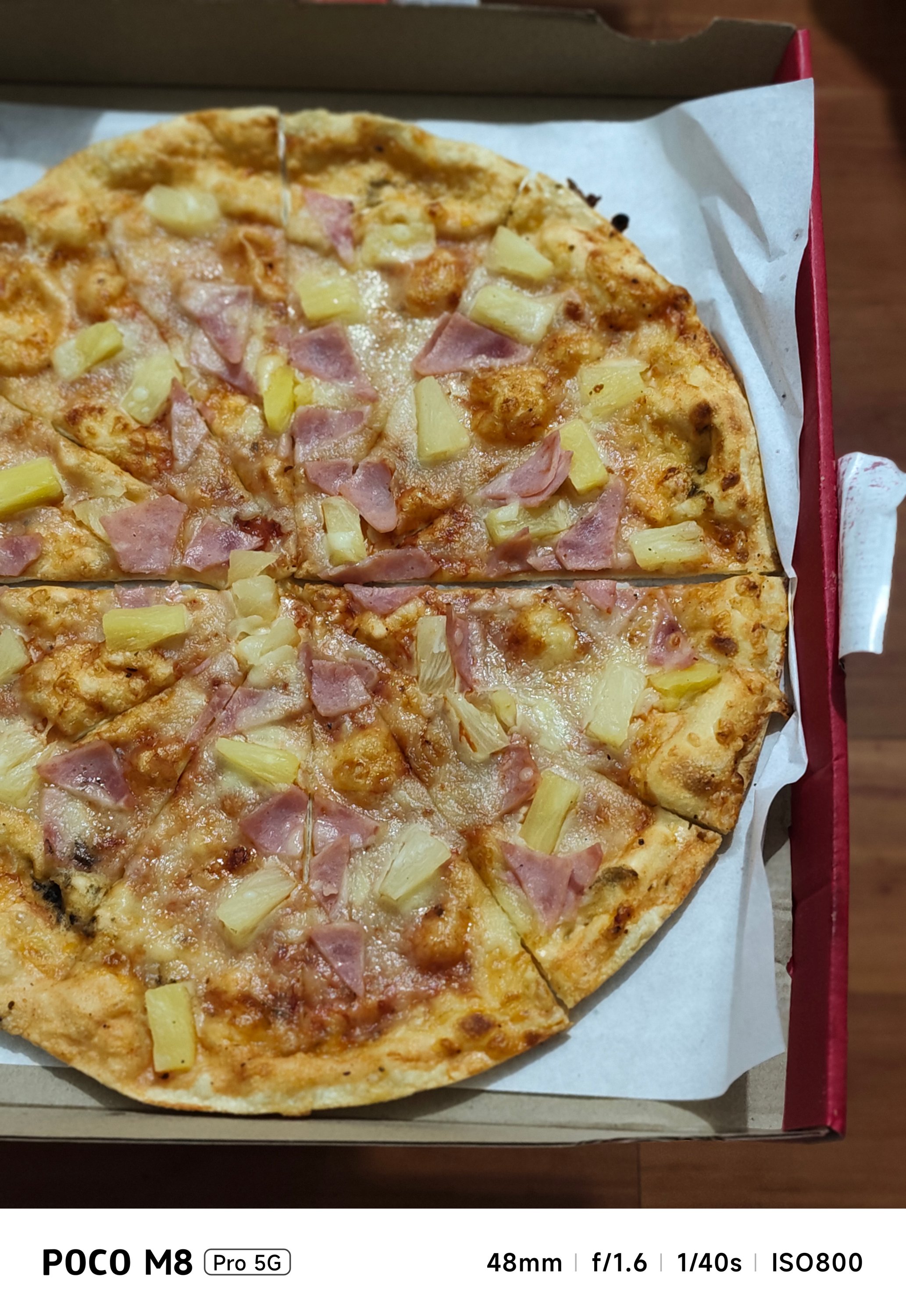

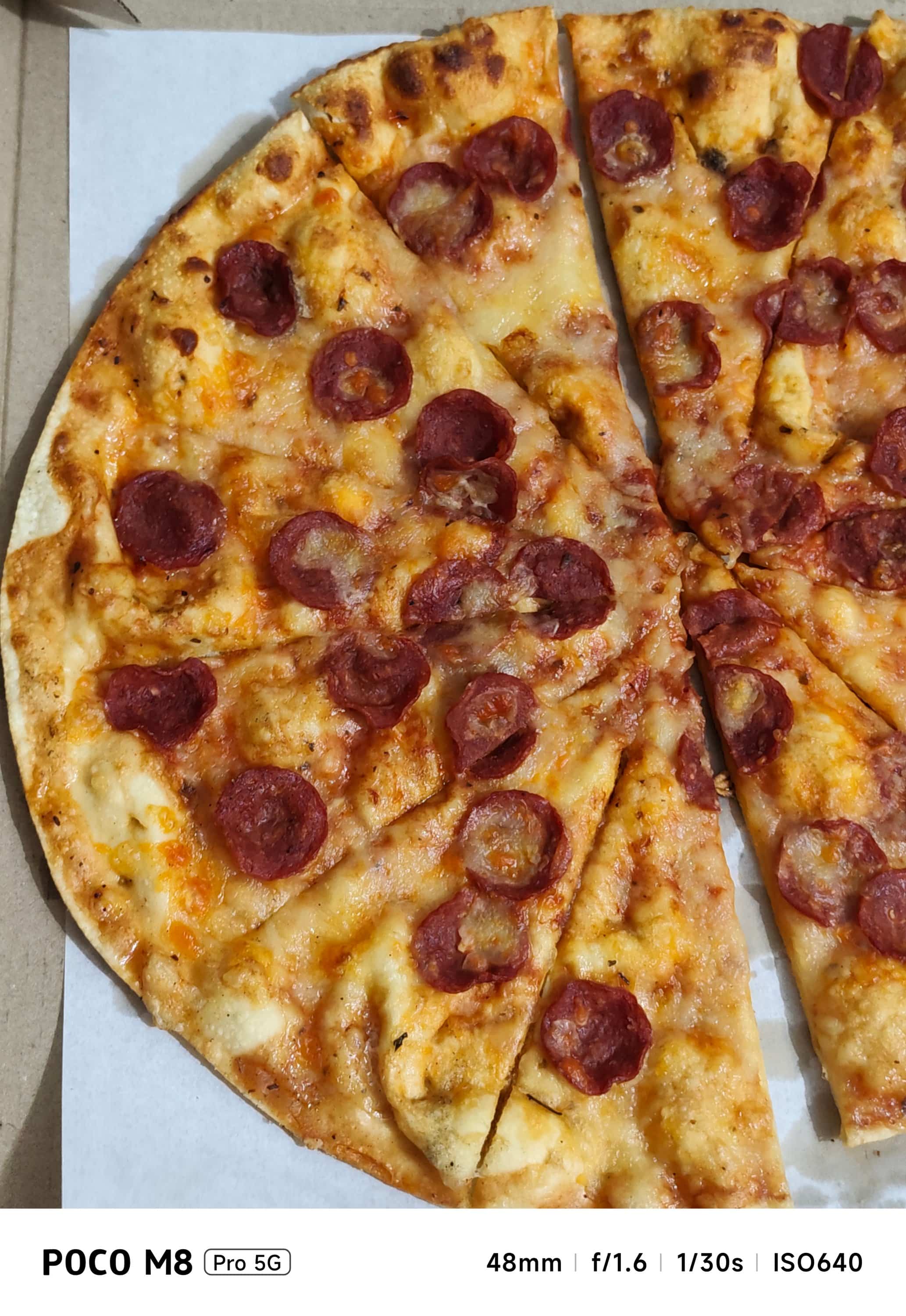
Instead, regular Photo Mode automatically detects a low-light subject and toggles Night Mode processing by itself.

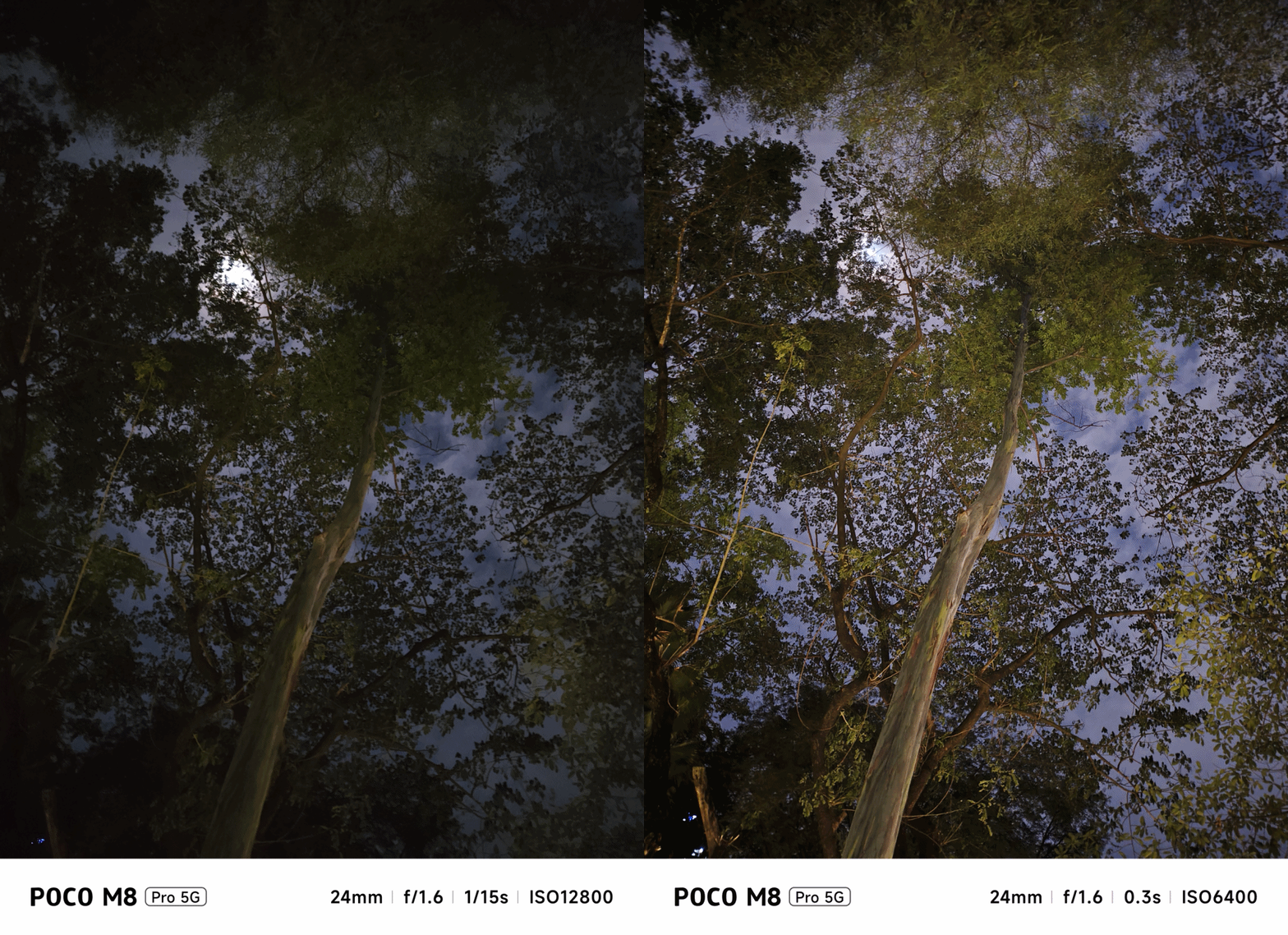
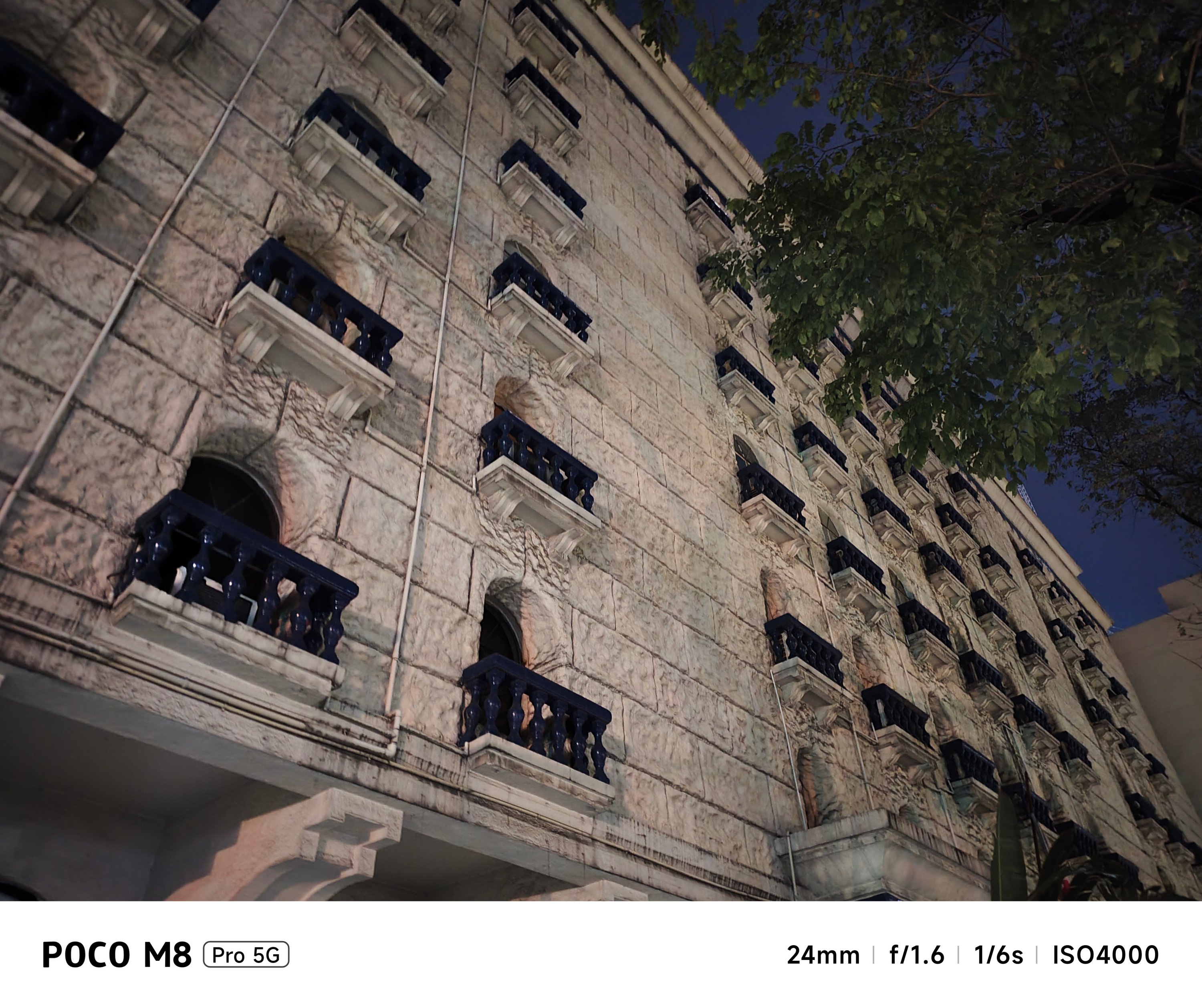

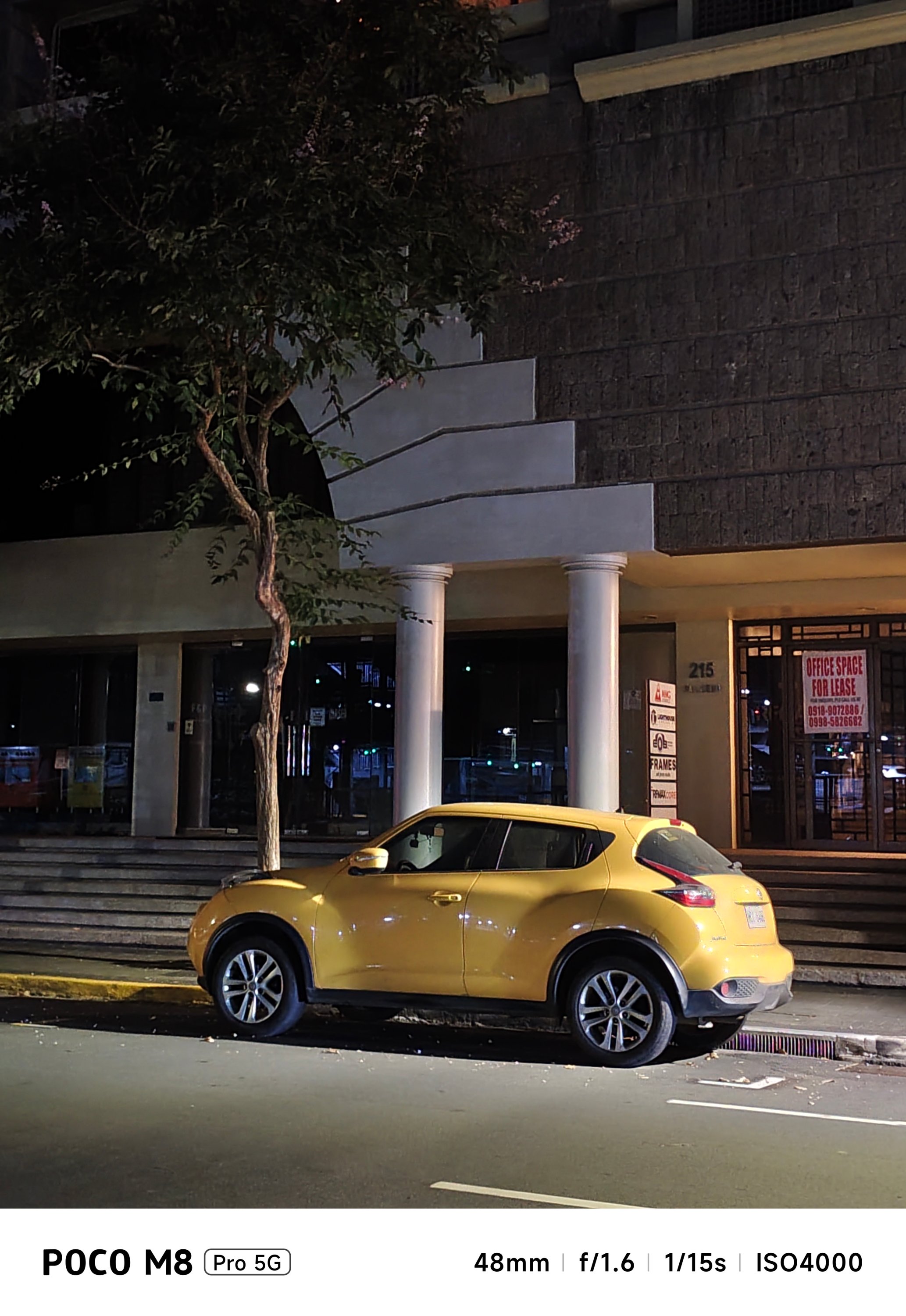


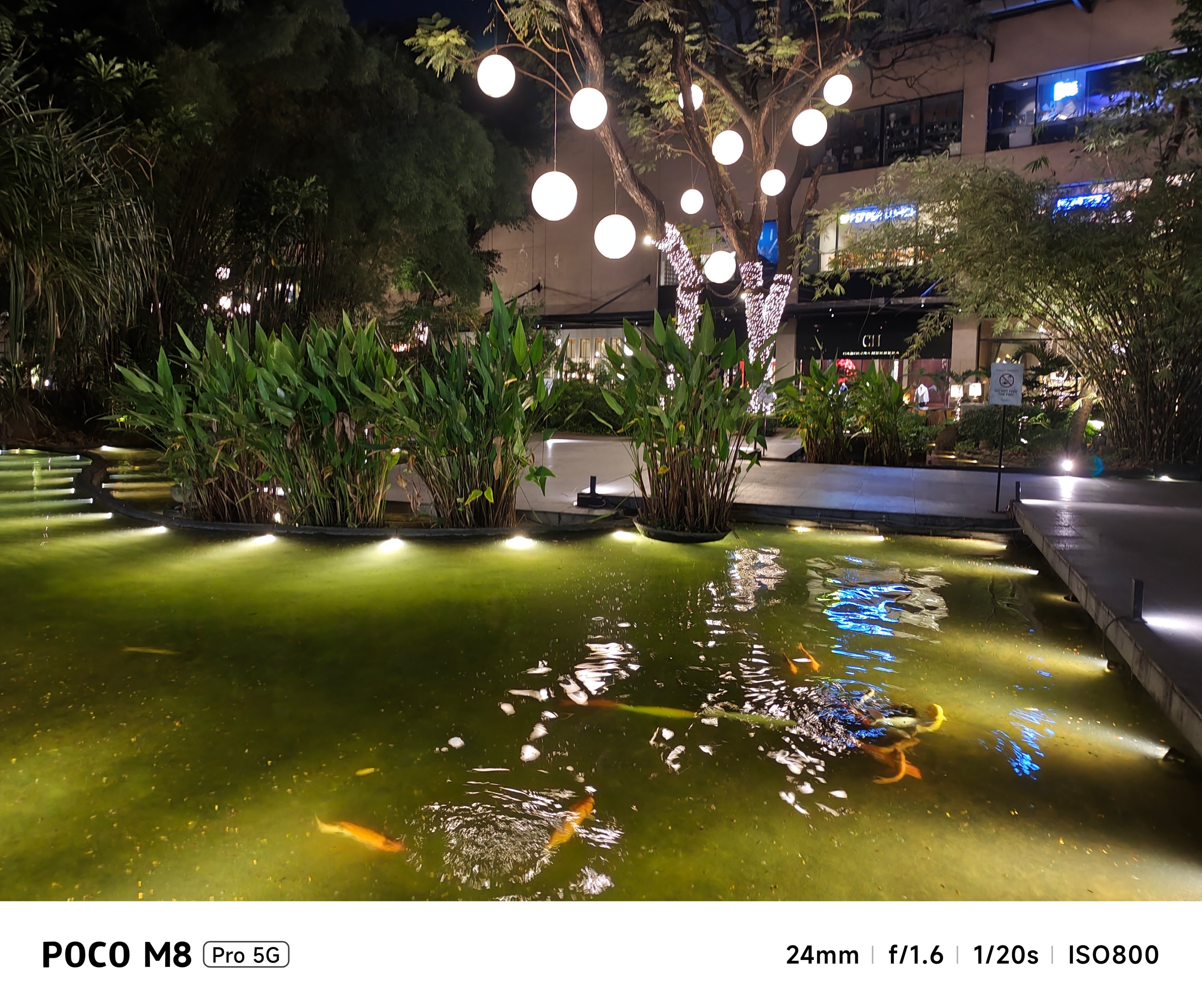


While most results are satisfying, it’s also a testament that its cameras are far from being flawless.
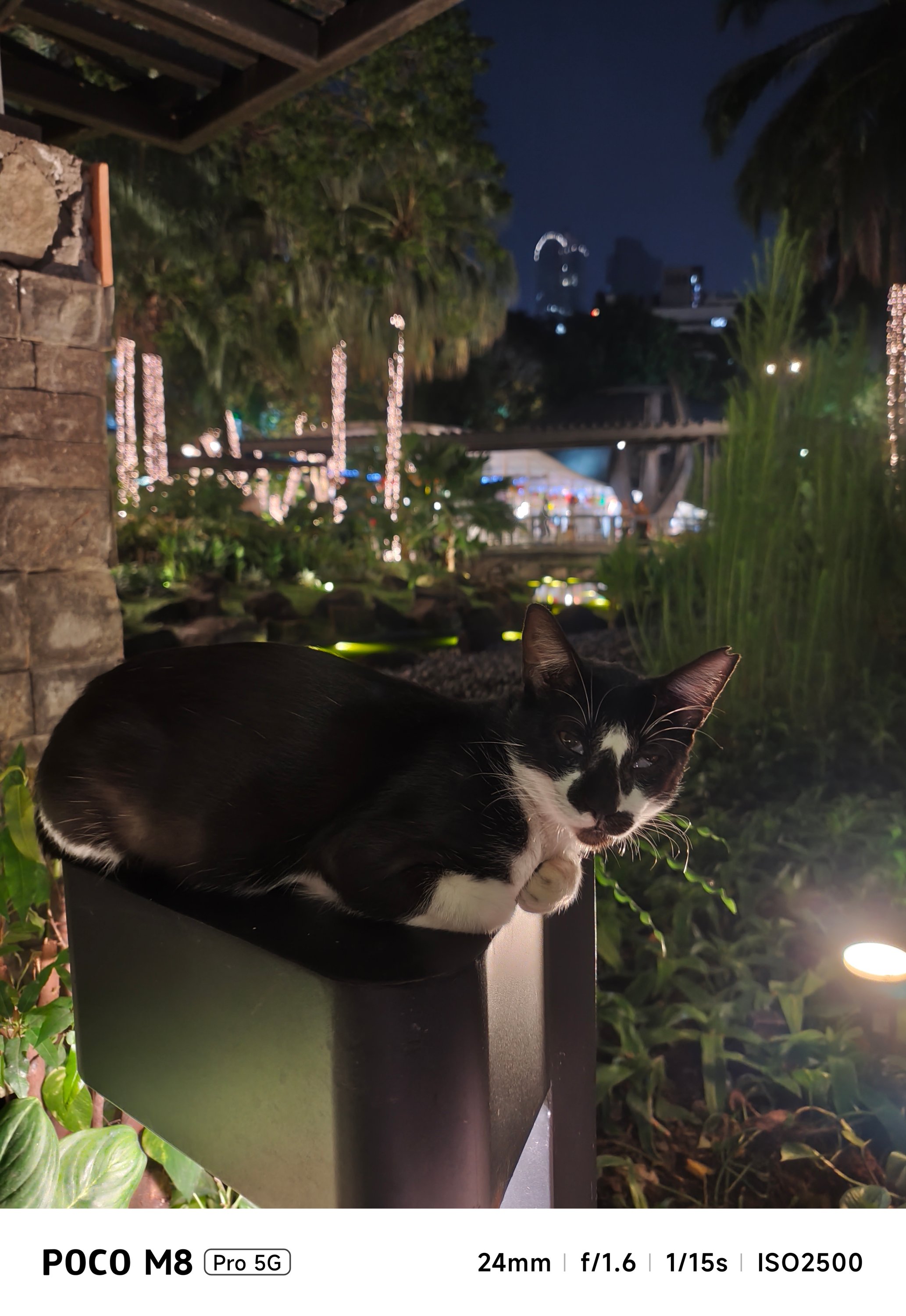

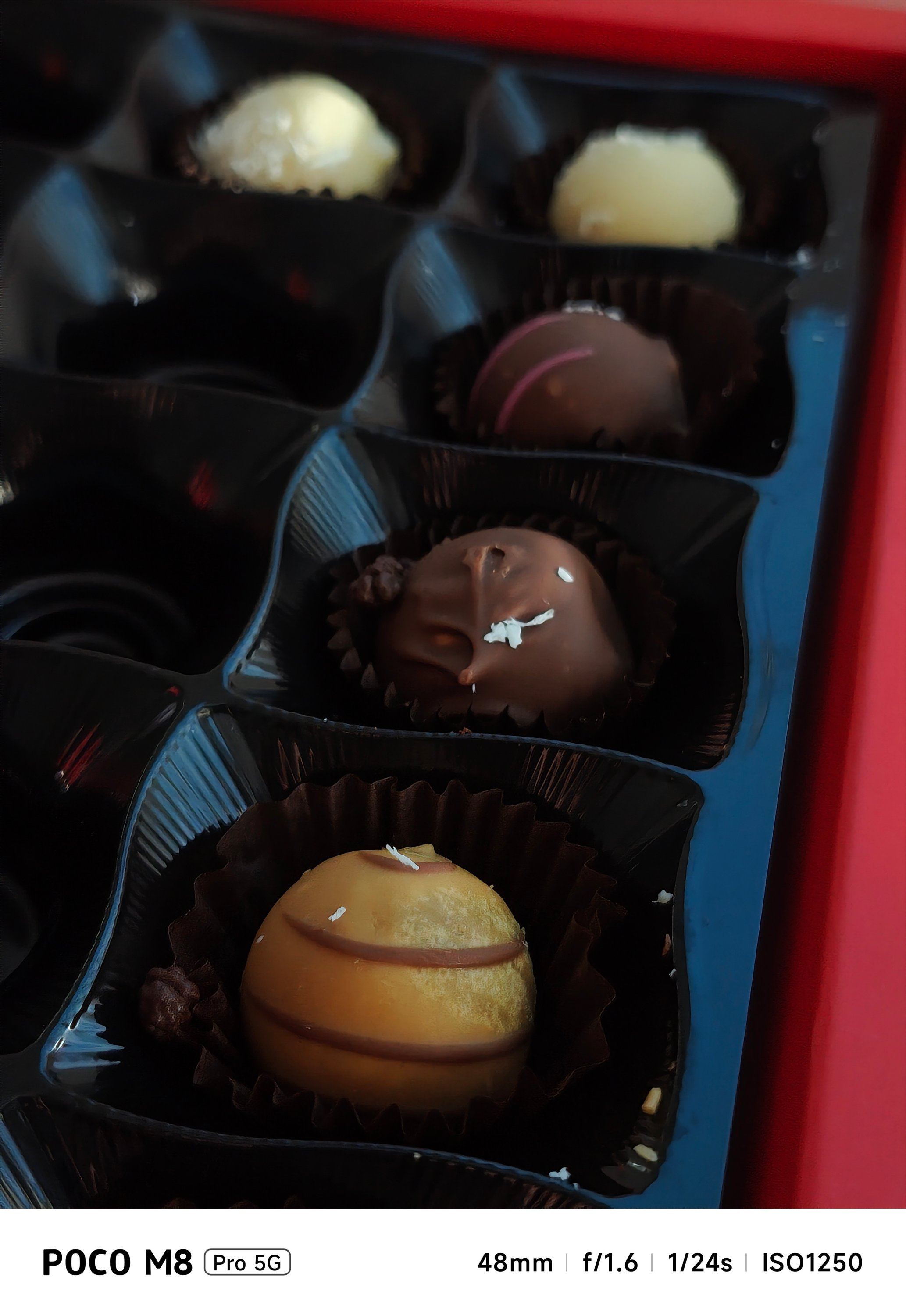

Good thing, the flash exists for a funkier look in subjects that suit it — food specifically.
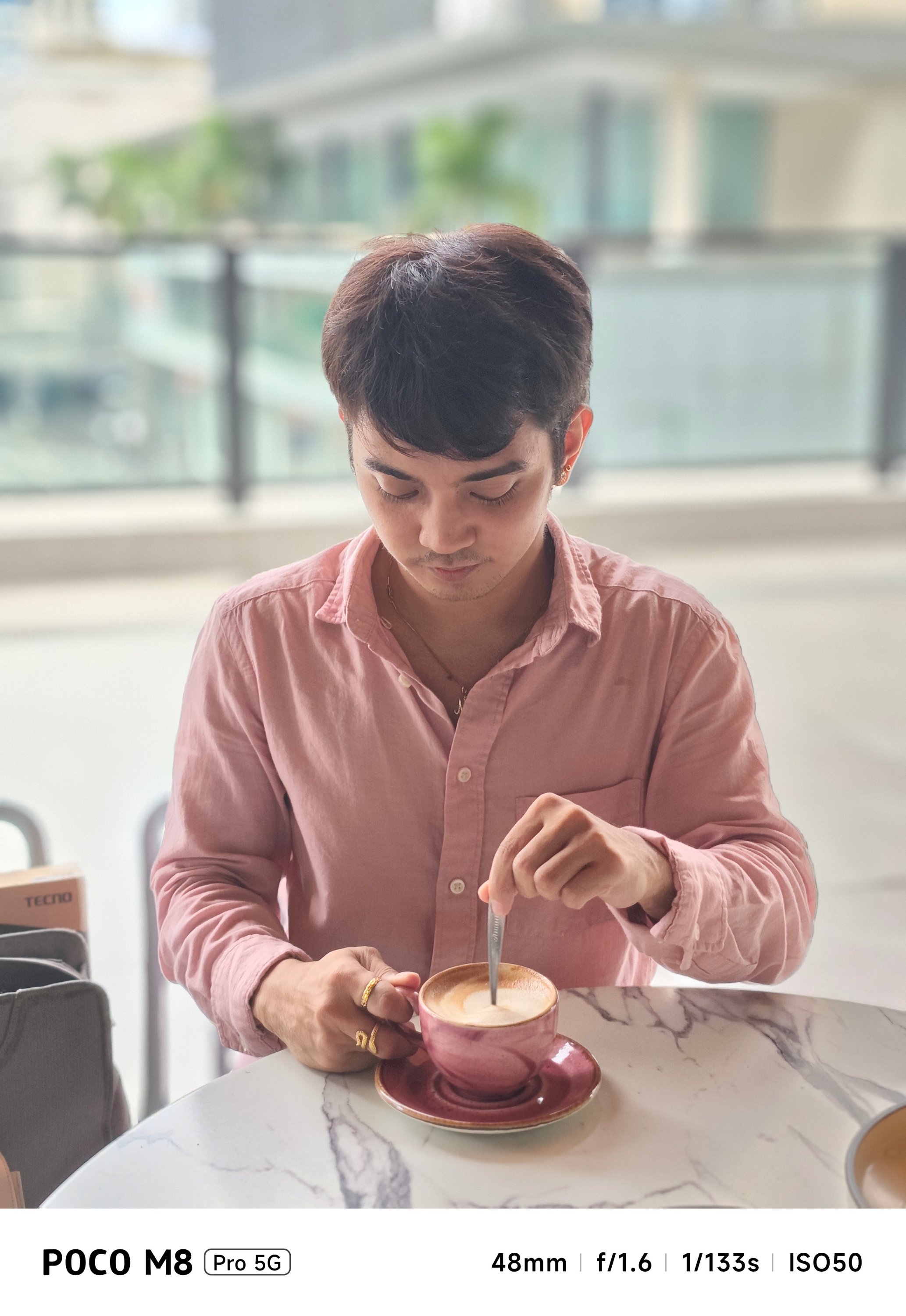
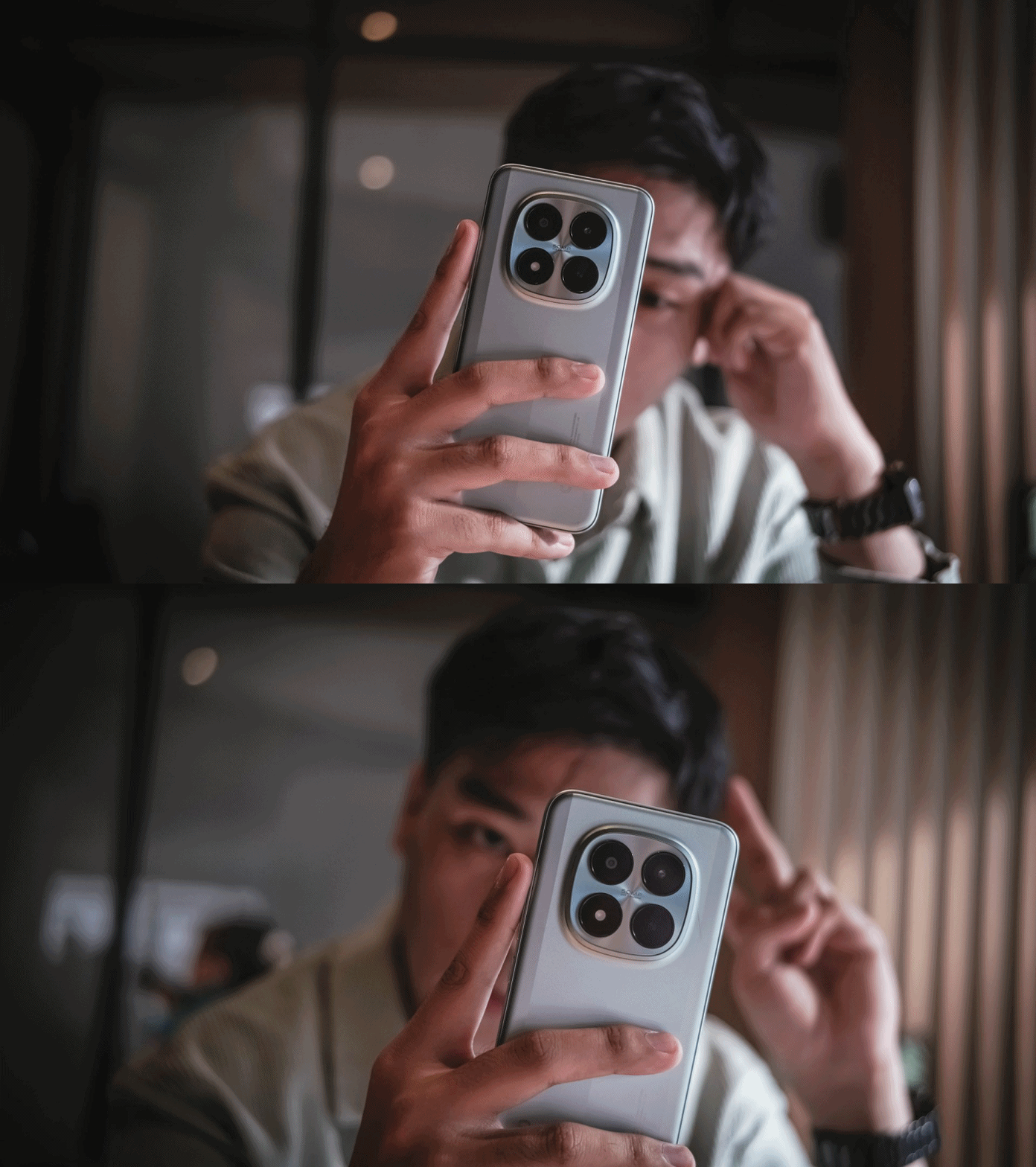
Portraits weren’t missed. Although it only relies on some software-based processing, it still gets the job done of separating the subject away from the background — humans and pets alike.



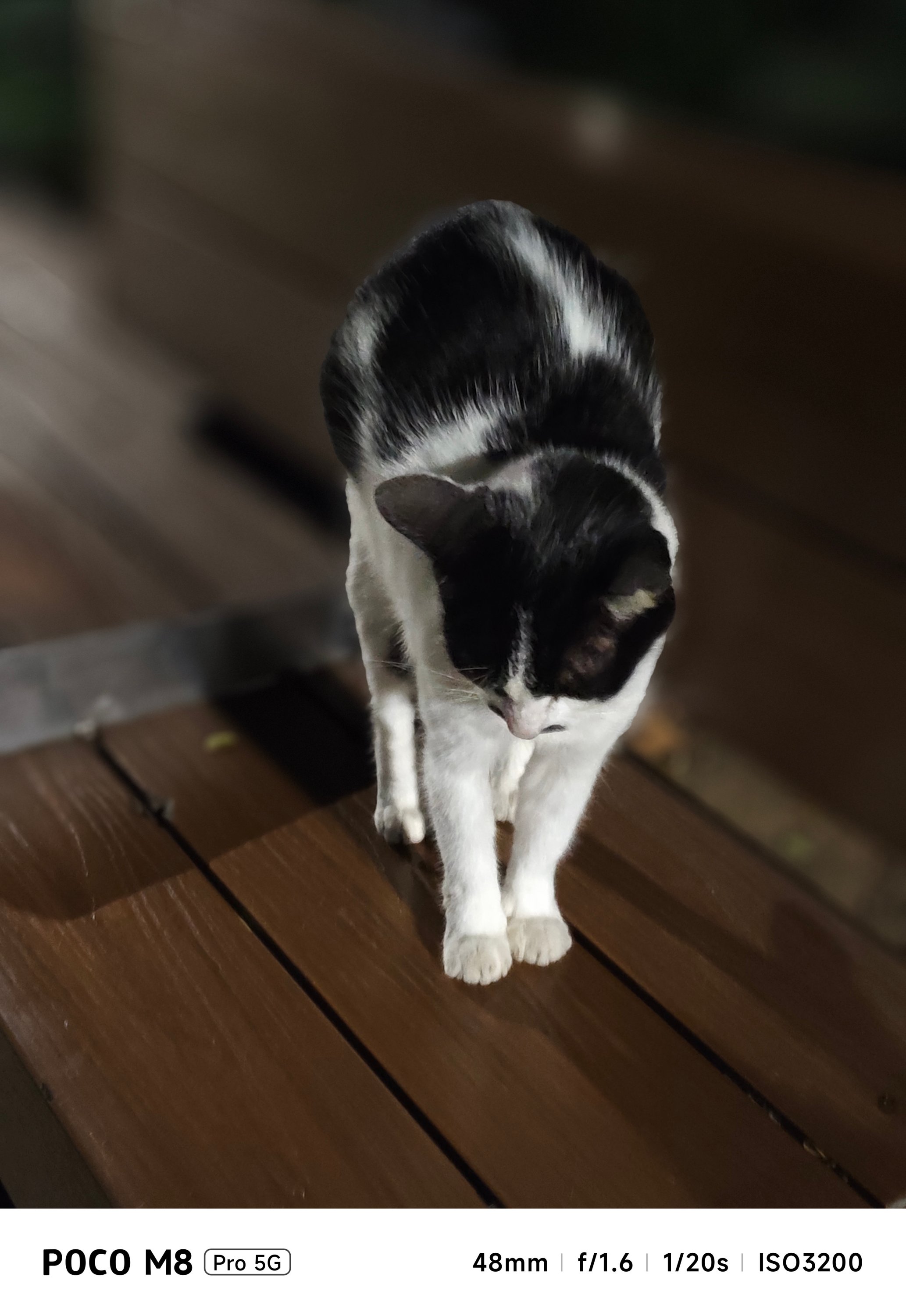

Personally, the aperture function was a bit of a nuisance.
For context, these shots were set to a low “f/1.8 aperture.” But, the M8 Pro rendered DoF (Depth of Field) that isn’t as shallow as what it’s supposed to show.
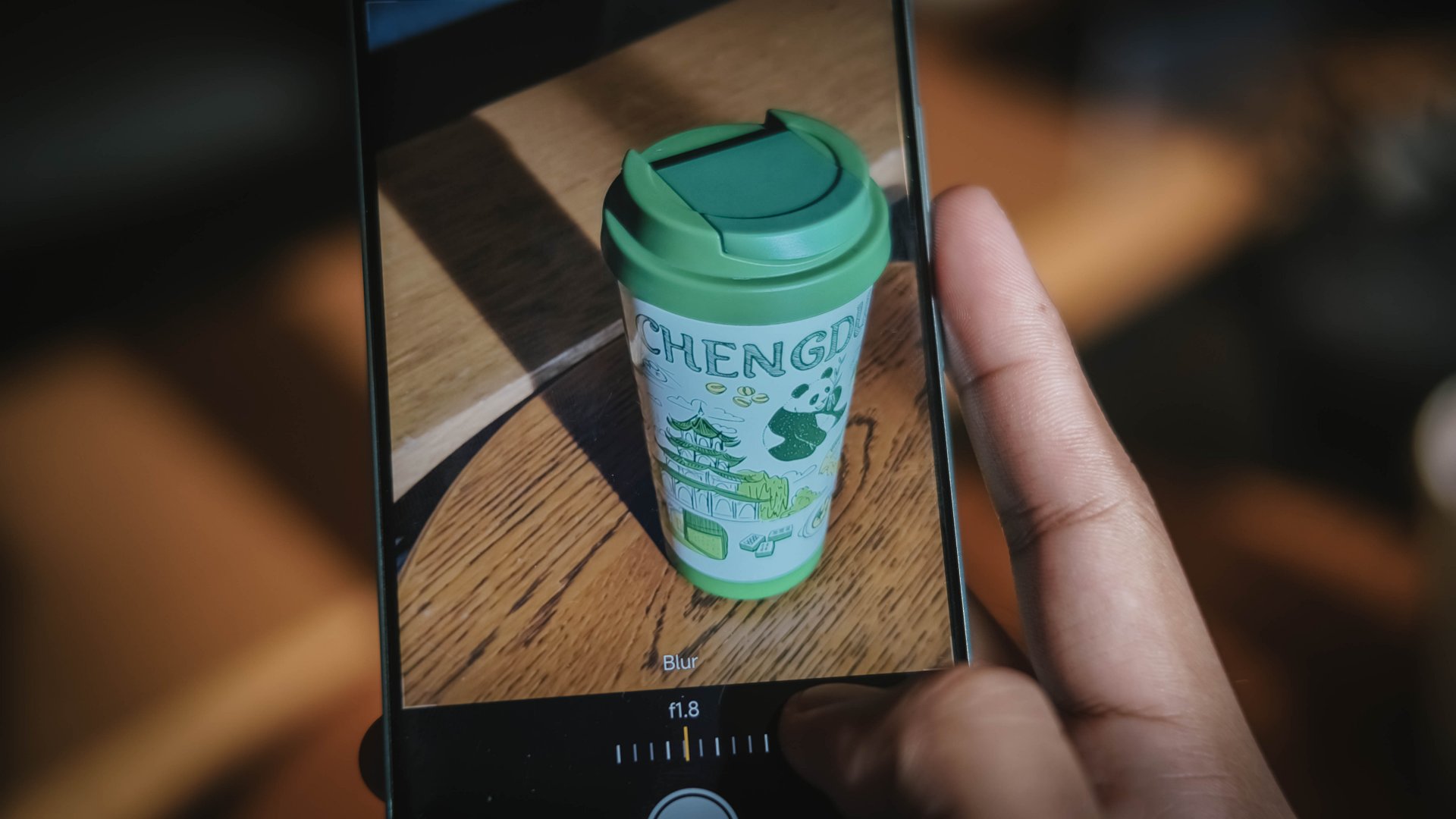
My frustration continues as the setting defaults back to f/4.5 after quitting and re-opening the camera app. That’s not even the standard lens opening when taking portrait photos.
And while we’re already here, selfies taken with its front-facing shooter.



Is the POCO M8 Pro your GadgetMatch?
While this isn’t the “flagship killer” most expect from a POCO phone, it’s hard not to go loco over how well-rounded yet wallet-friendly this POCO phone is — especially in the year 2026 where inflation is still unstoppable alongside the almost instantaneous and ridiculous RAM price hike.
ICYMI, the POCO M8 Pro has a starting price of GBP 299 / SG$ 389 / RM 1199 / PhP 16,999 (around US$ 279) for the 8+256GB configuration.
Meanwhile, the 12+512GB variant that I handle is priced at GBP 349 / SG$ 449 / RM 1499 / PhP 19,999 (approx. US$ 359).
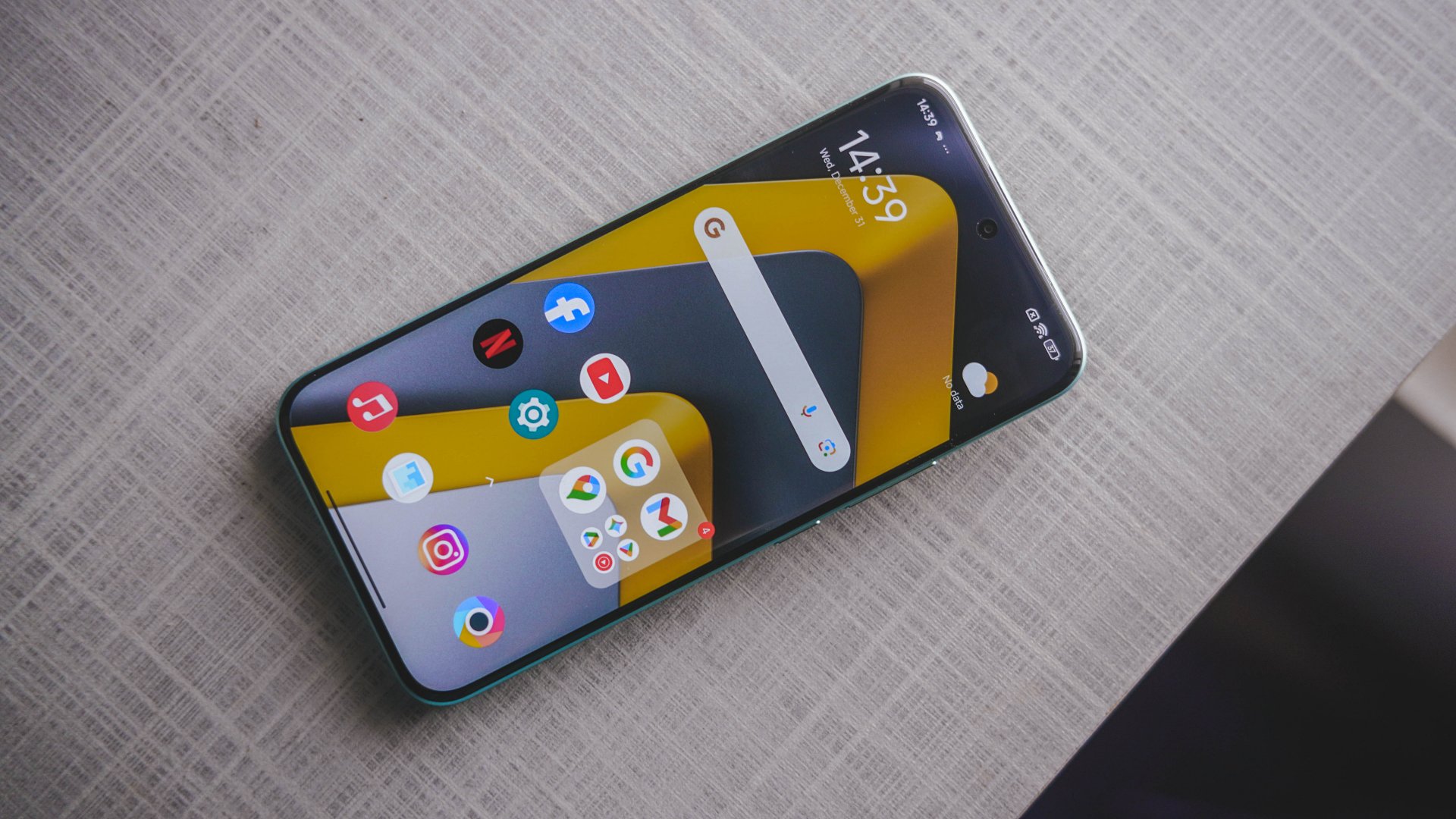
Its closest rival is none other than the HONOR X9d. Coincidental or not, it was launched just a day after the unveiling of the M8 Pro.
Frankly, the only thing you’ll let go from HONOR’s sweet treat are its monstrous 8300mAh battery and more polished OS. This POCO-ffering blows it out of the water with a greater chipset, faster wired charging, bigger and better display, capable cameras, durability never forgotten.
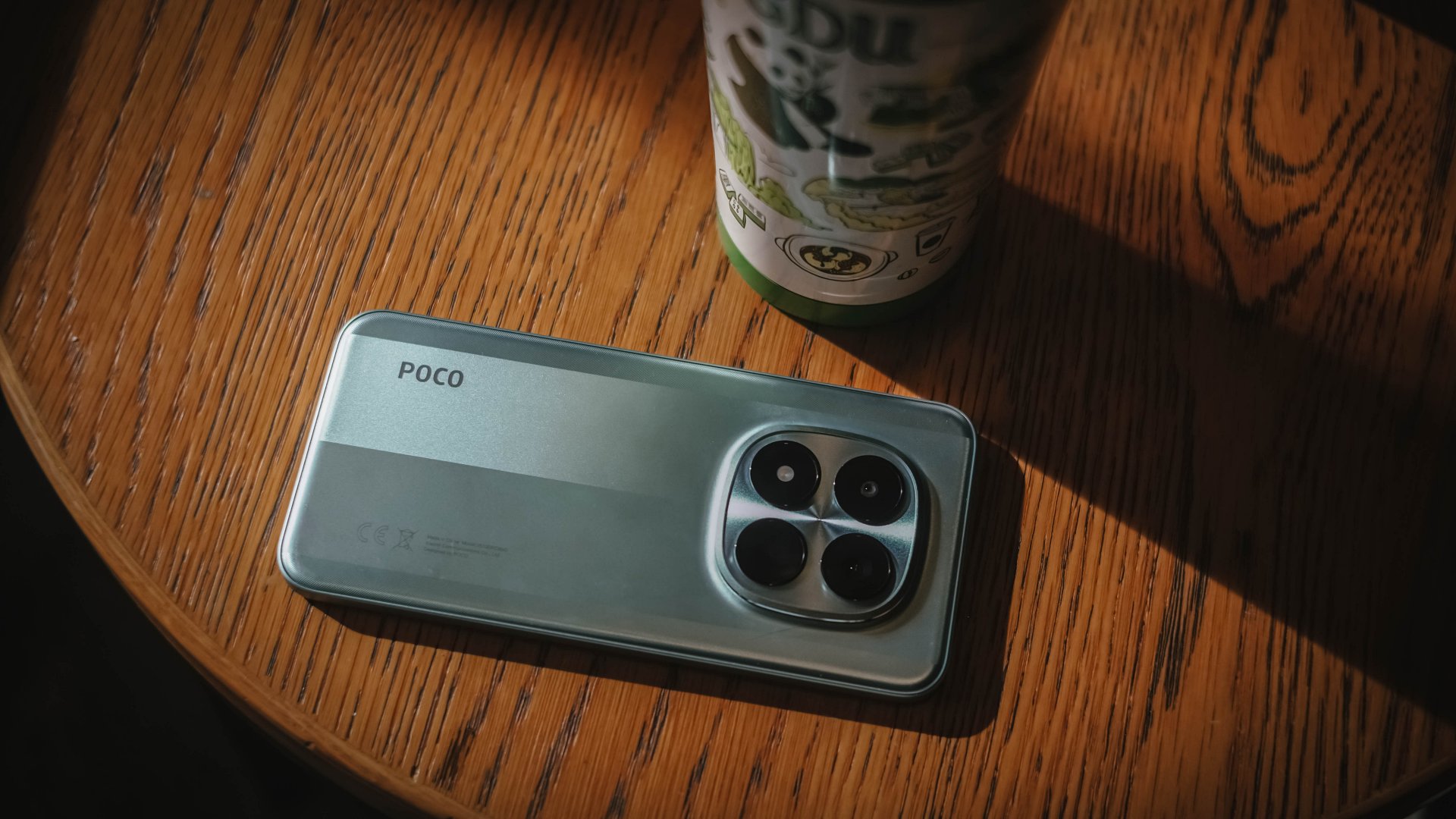
Although it wasn’t totally highlighted, the POCO M8 Pro is undoubtedly a rebadged REDMI Note 15 Pro+ — Xiaomi’s midranger that heavily markets its “Titan Durability” capabilities.
The POCO M8 Pro has them all: from its sturdy aluminum frame, four IP ratings, even the fully-shielded front glass care of Corning’s Gorilla Glass Victus 2. The biggest disparity? REDMI has a 200MP main camera over POCO’s 50MP shooter.
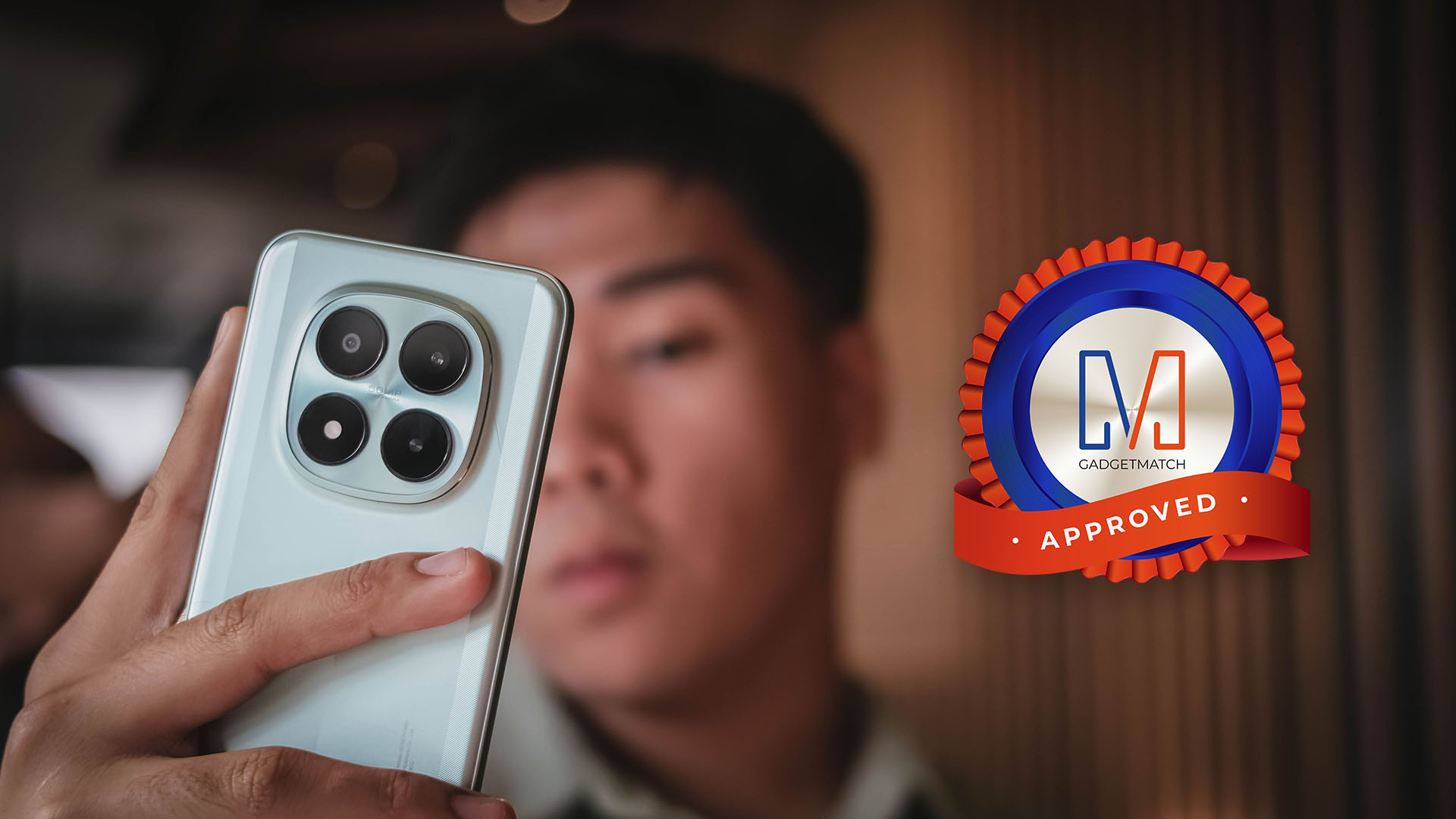
Despite some inconsistencies, the POCO M8 Pro is still an all-around midranger that will satisfy most users who want to purchase a shiny new smartphone without burning holes in your pockets.
It is a Swipe Right, Super Swipe, and a worthy recipient of the GadgetMatch Seal of Approval.
Reviews
vivo X300 Pro review: Going the X-tra Mile
300+ Hours Later with vivo’s latest and greatest X-flagship

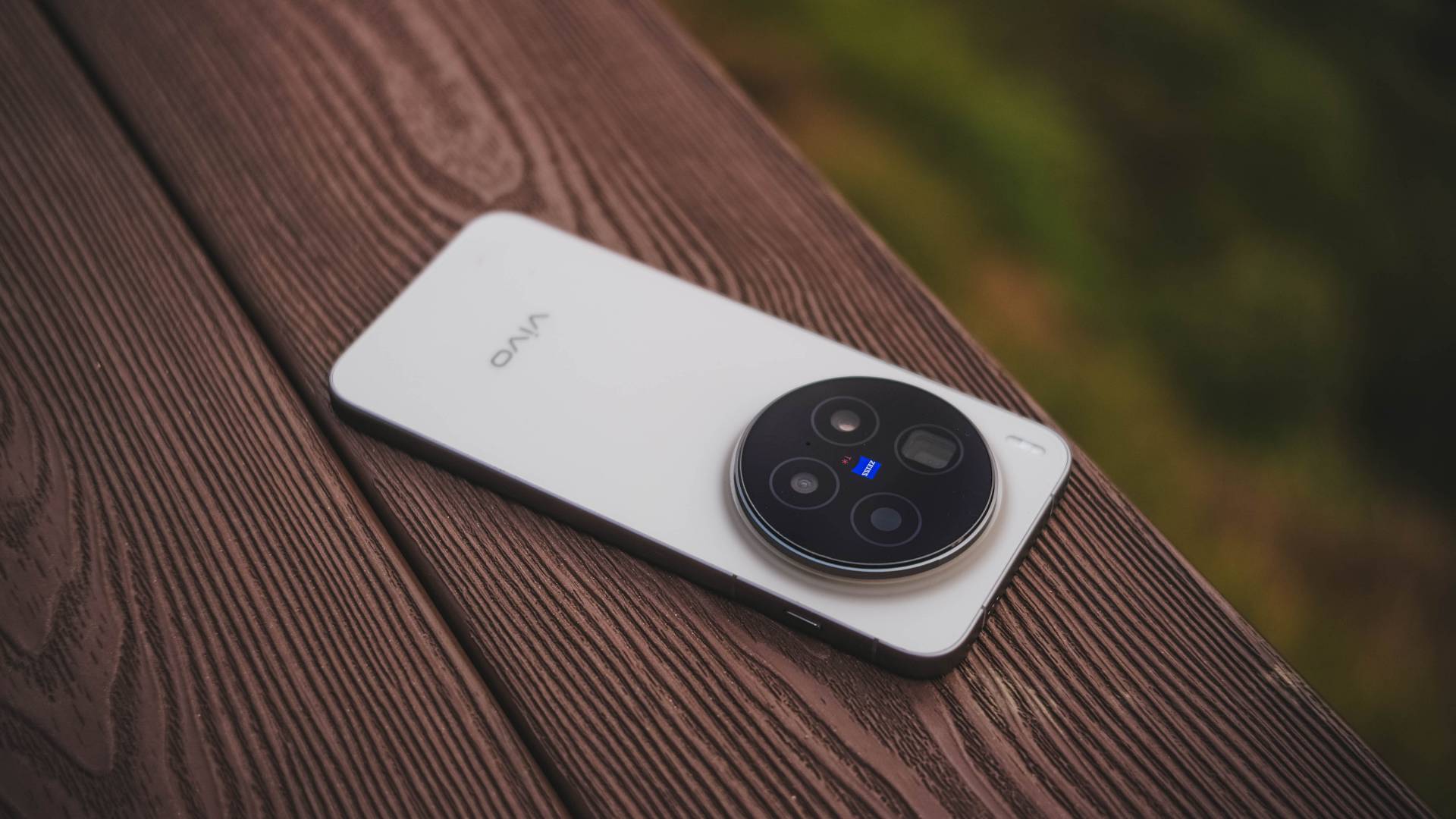
In a surprising turn of events, vivo has already made the X300 Pro globally available as short as three weeks after the exclusive Mainland launch.
It was first introduced to European regions. Next in line were Asian markets such as Singapore, Malaysia, Thailand, Vietnam, India, and definitely, the Philippines.
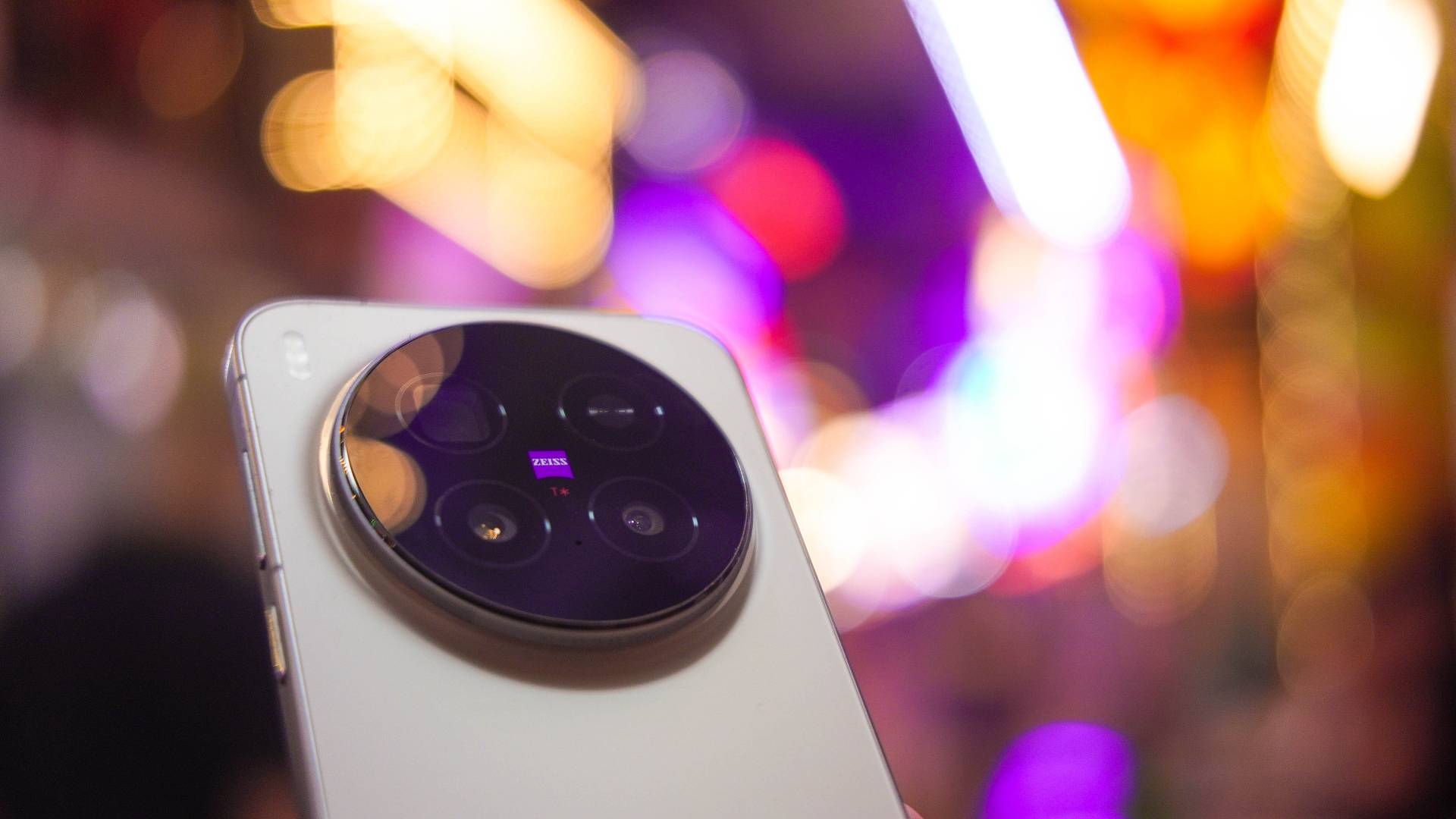
Without any frills, here’s my X-tensive review of the latest and greatest flagship from vivo — 300+ hours after I started using it.
For context: we unboxed the unit exactly October 31st. But it was only during the first day of my Vietnam trip (November 10) that I was able to fully utilize and maximize the X300 Pro. Counting those days (or hours), I’ve been using vivo’s latest X-phone for around 386 hours as I’m writing this piece.
X-cellent Cameras
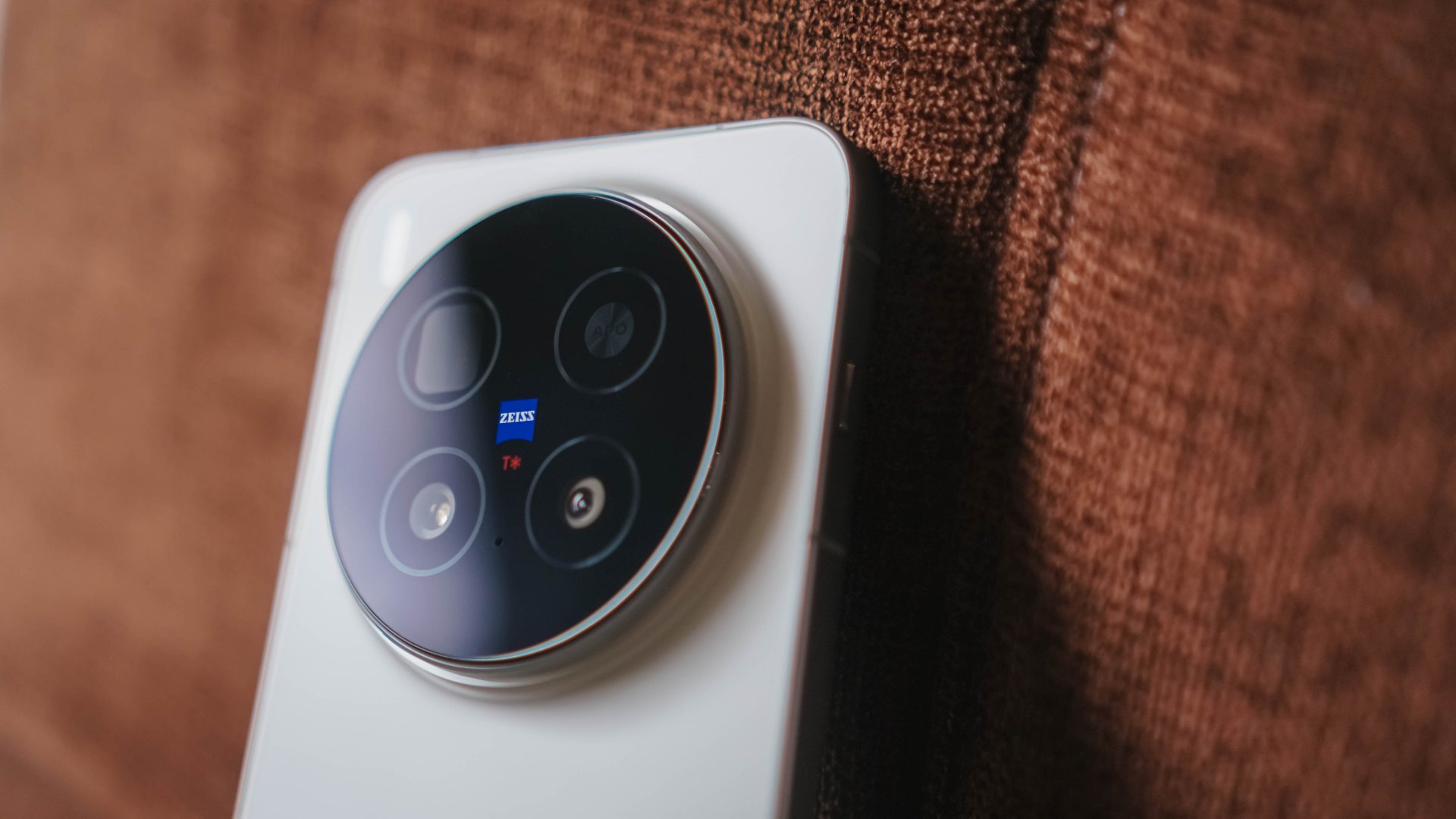
Without beating around the bush, we all know the main reason why we’re eyeing the X300 Pro, and it’s none other than its intricate camera setup.
vivo X300 Pro |
vivo X200 Pro |
|
Wide |
50MP f/1.57
|
50MP f/1.57
|
Ultra-Wide |
50MP f/2.0
|
50MP f/2.0
|
Telephoto |
200MP f/2.67 ZEISS APO
|
200MP f/2.67 ZEISS APO
|
Selfie |
50MP f/2.0
|
32MP f/2.0 |
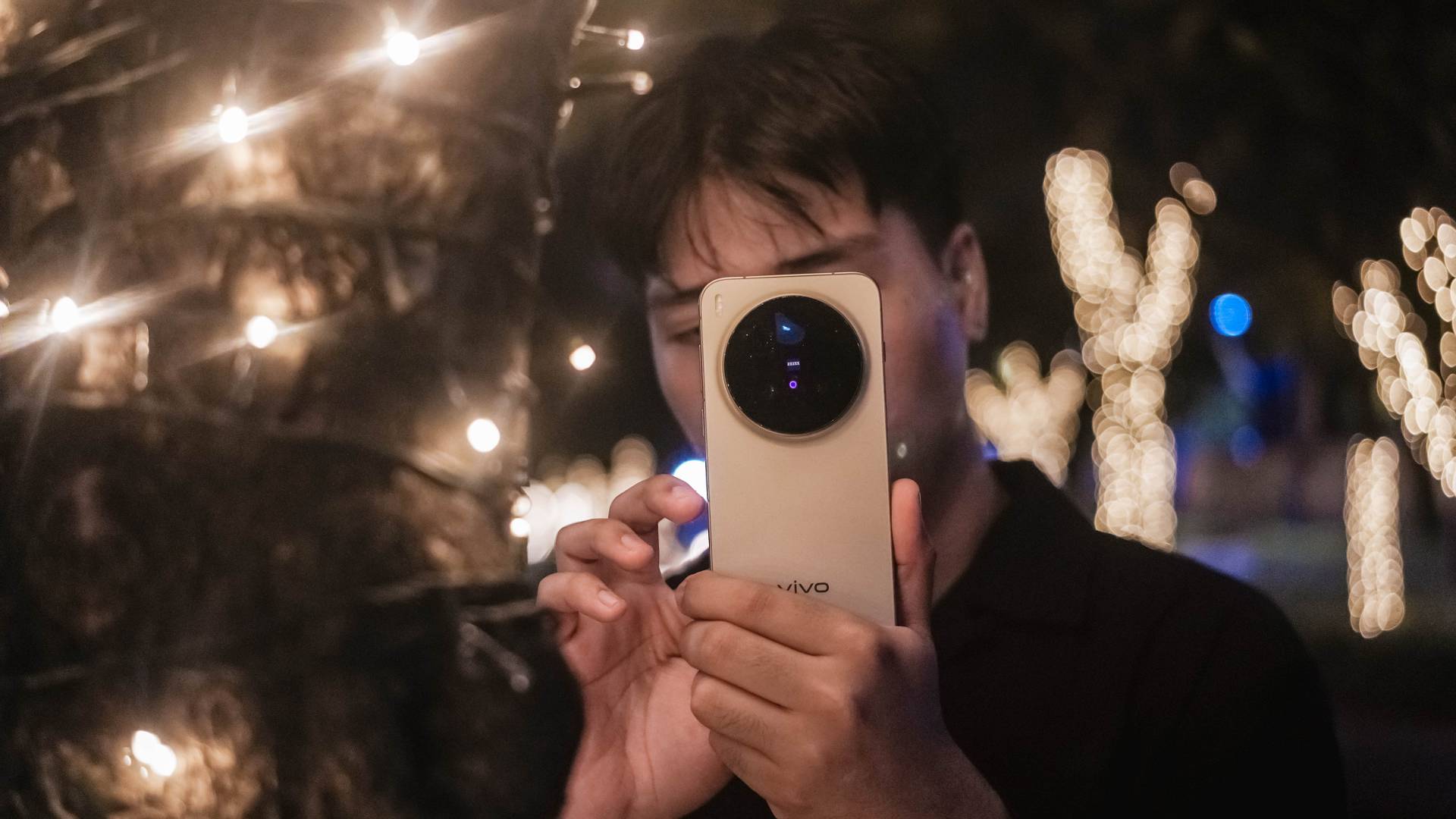
Specs-wise, there hasn’t been a massive difference — just newer sensors equipped.
But, as I always say in my write-ups, hardware is just one factor. Actual photo output is what truly makes or breaks the performance of the phone’s cameras.
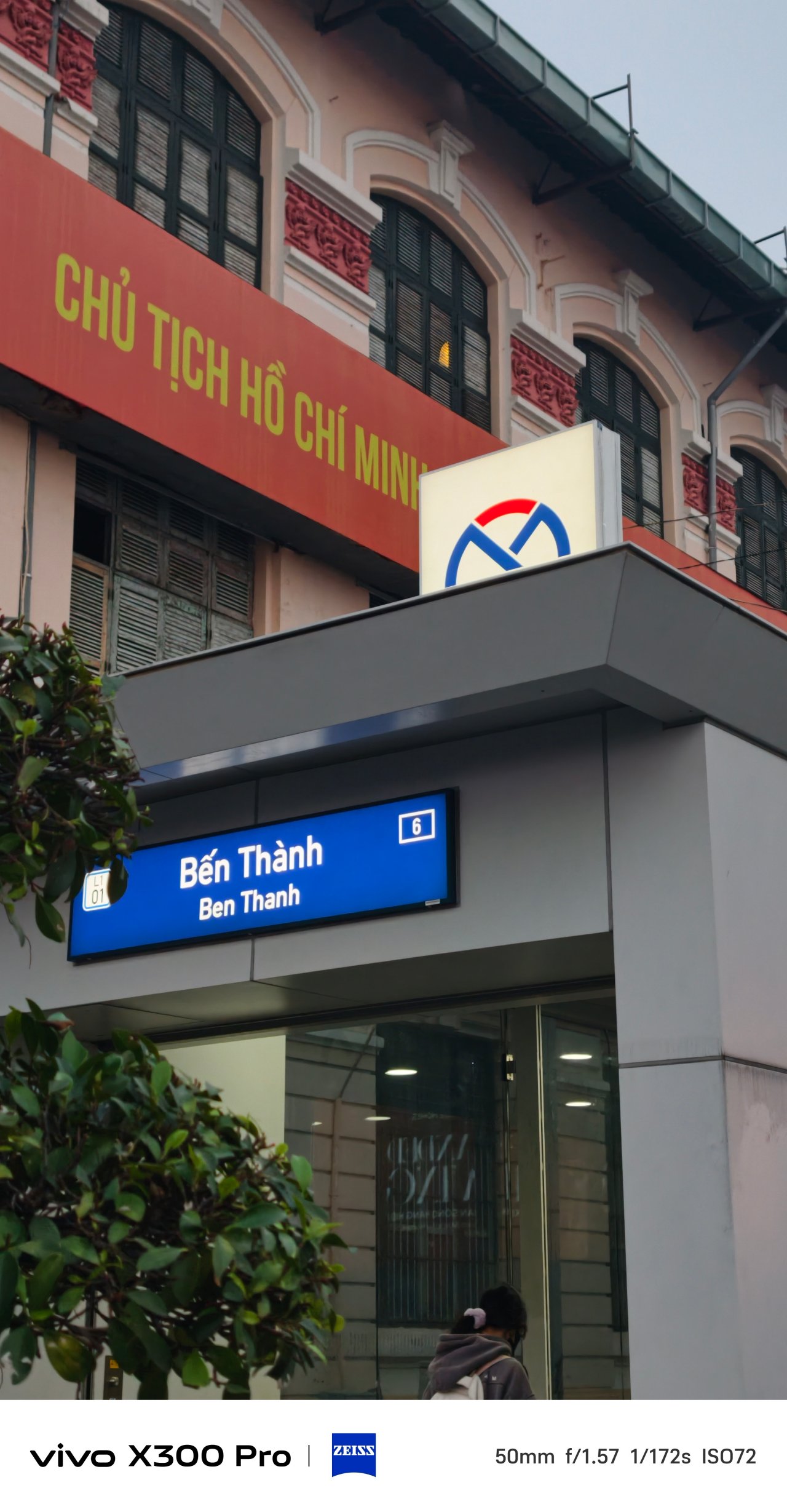
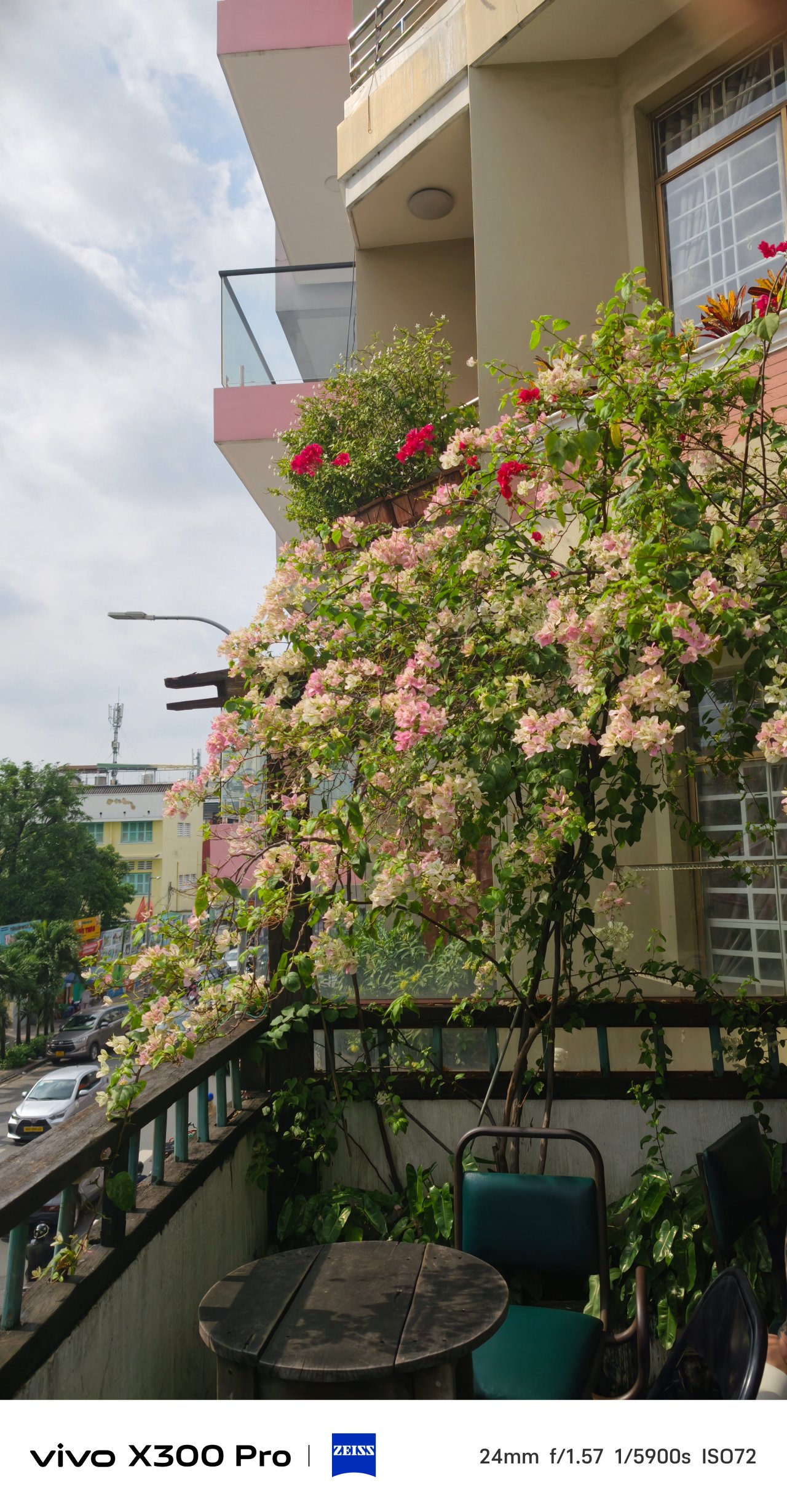
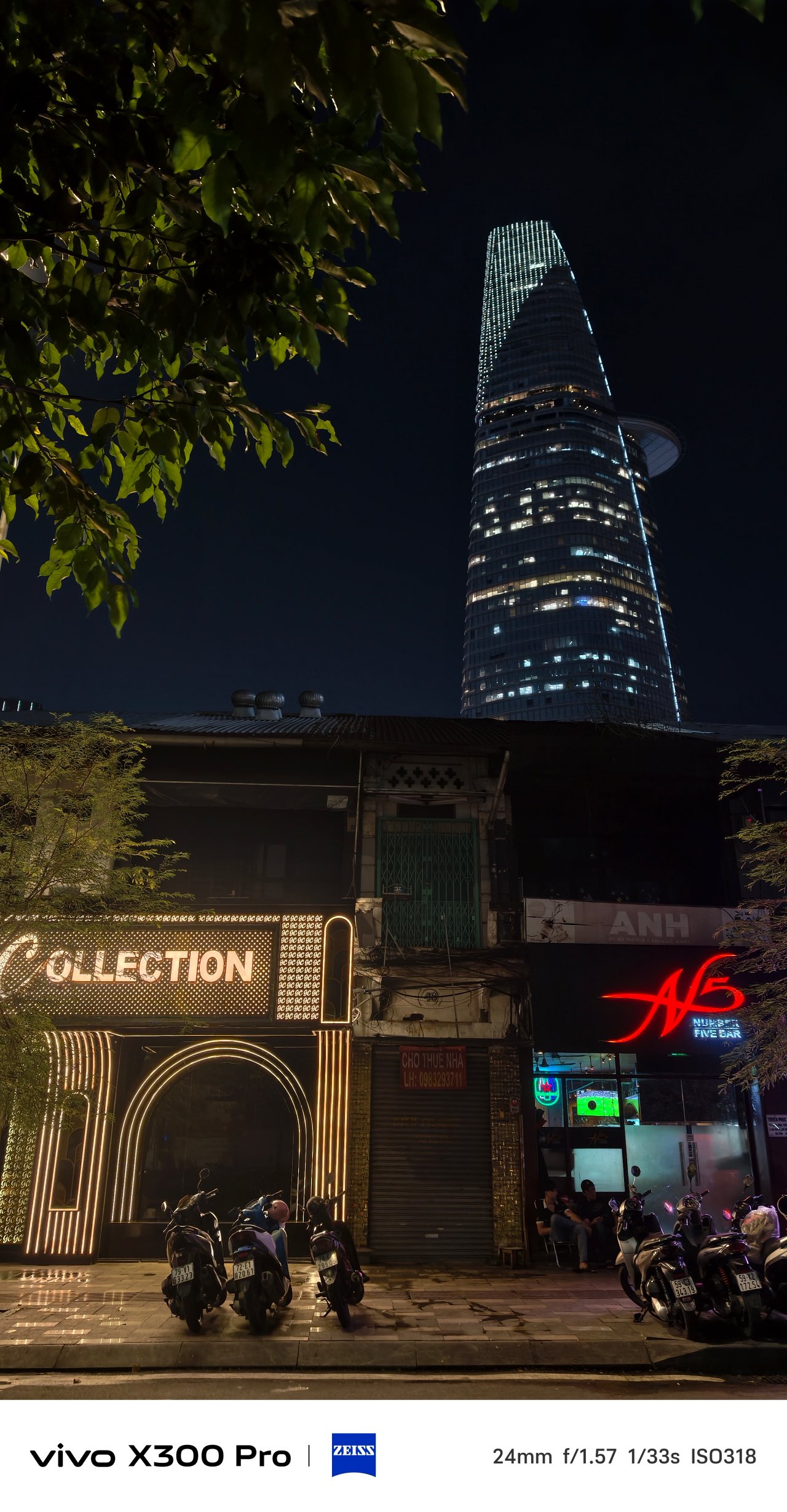
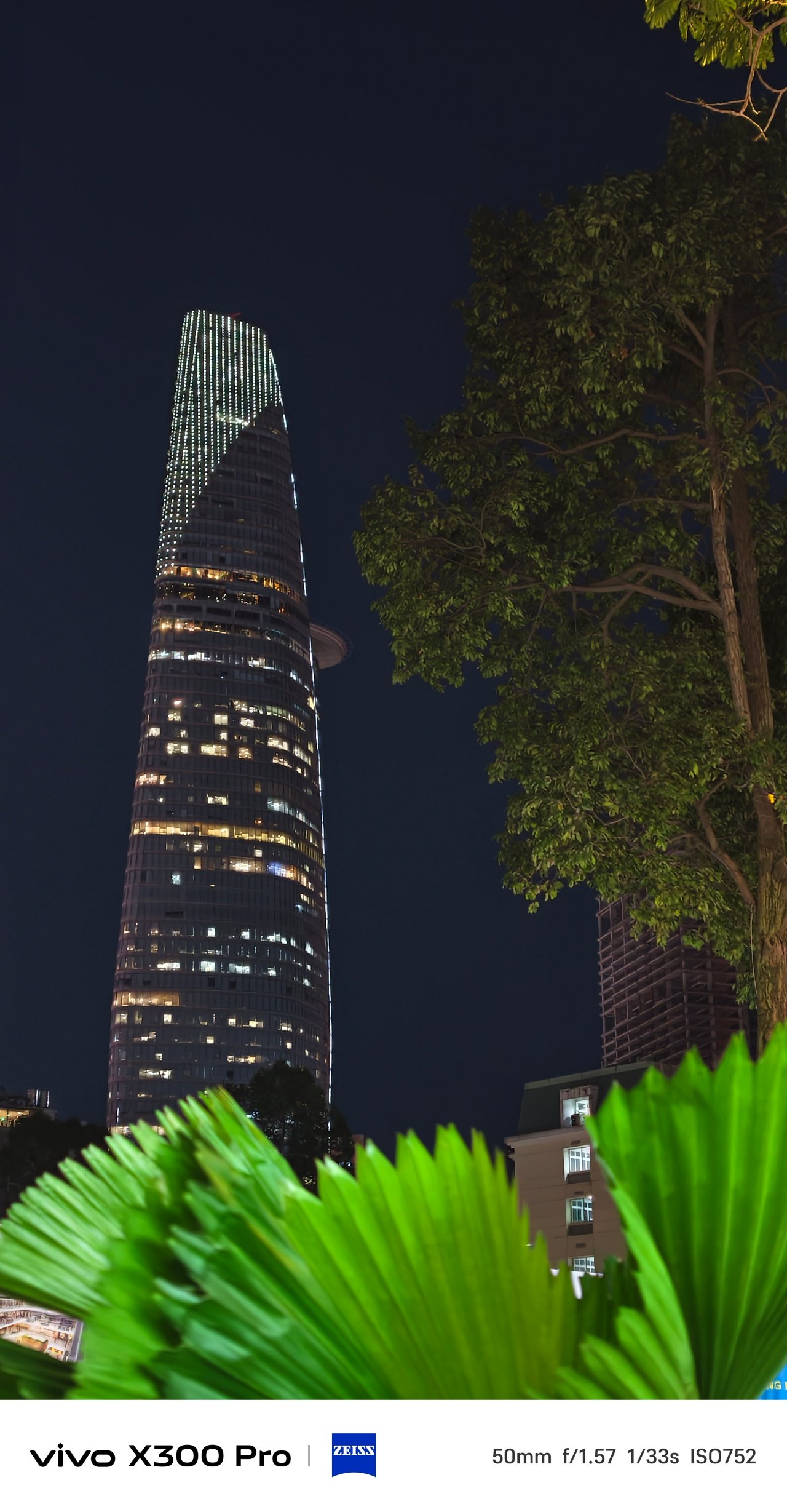
To somewhat entice you, here are some of my postcards from my very recent Vietnam trip — obviously shot on the vivo X300 Pro.
(Brace yourself, there’s a lot to come!)



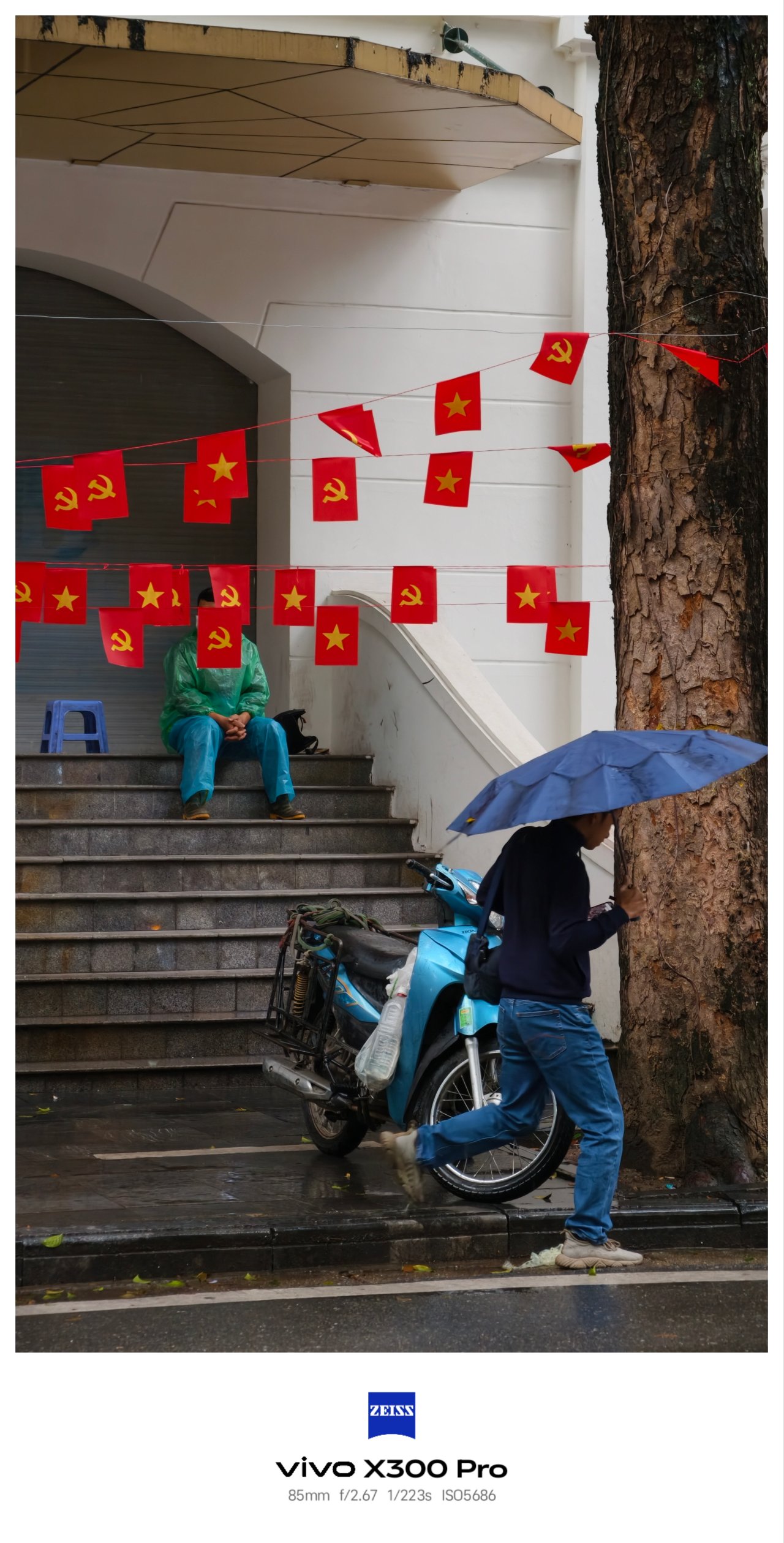
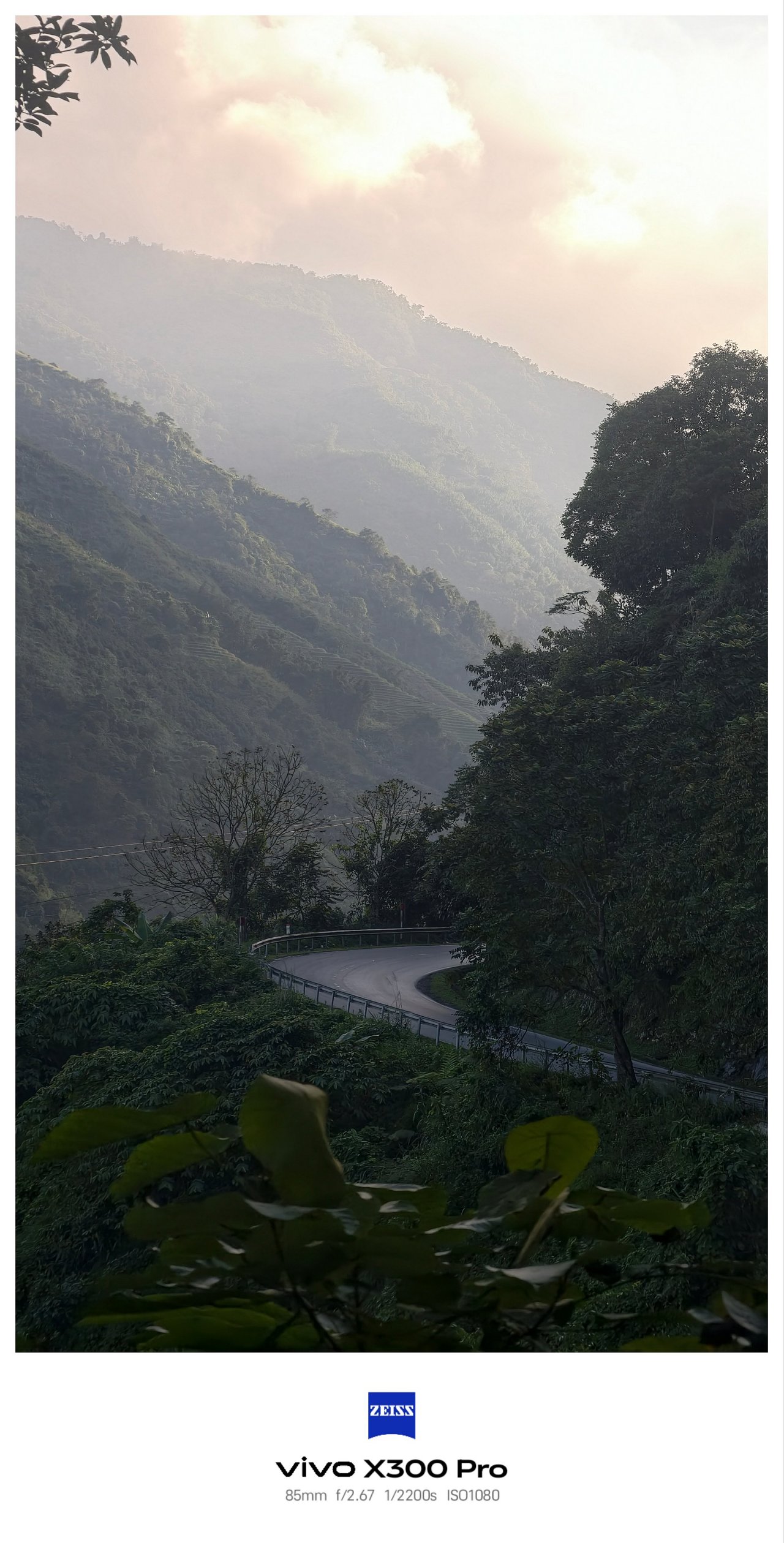
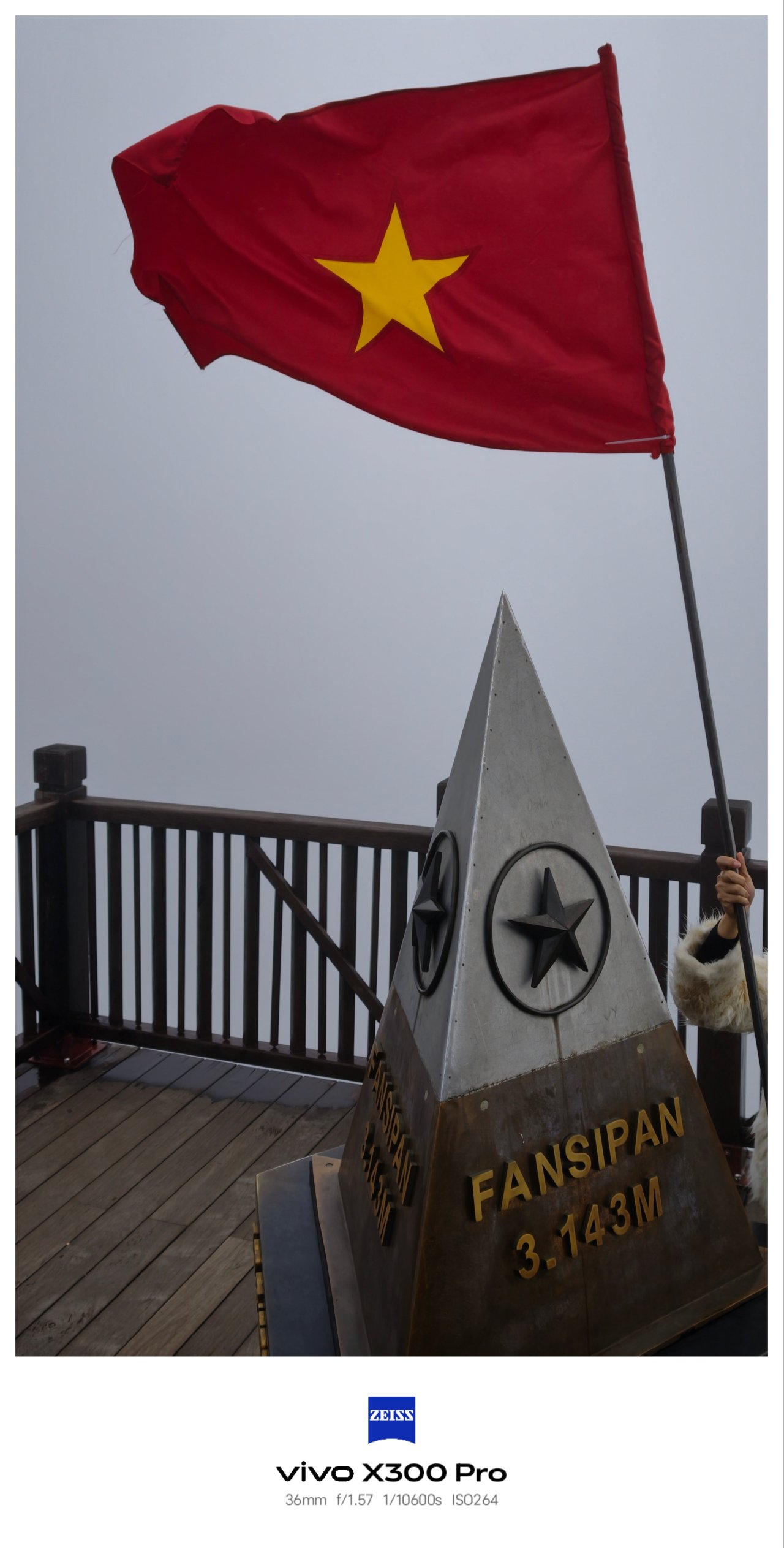
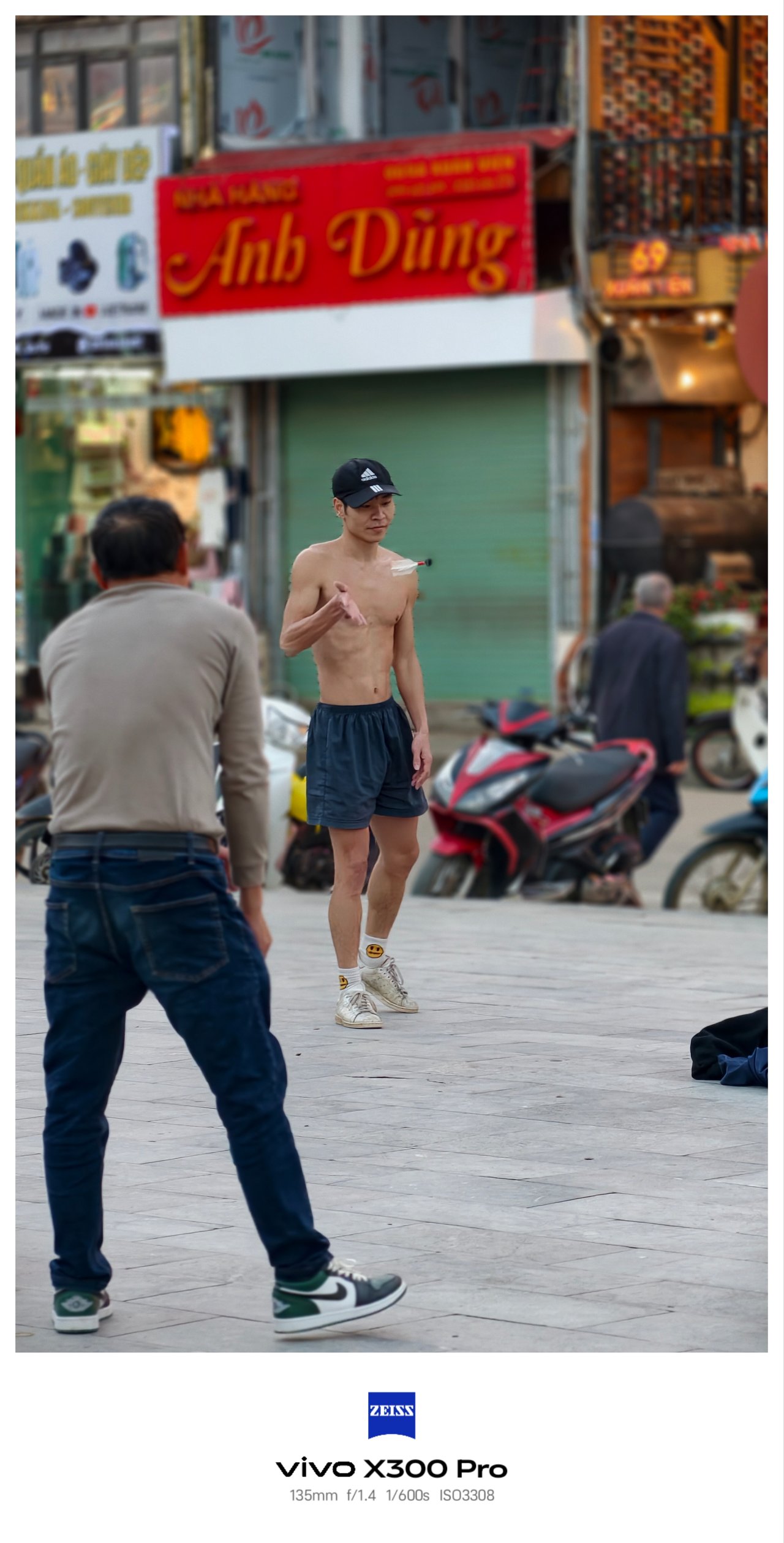


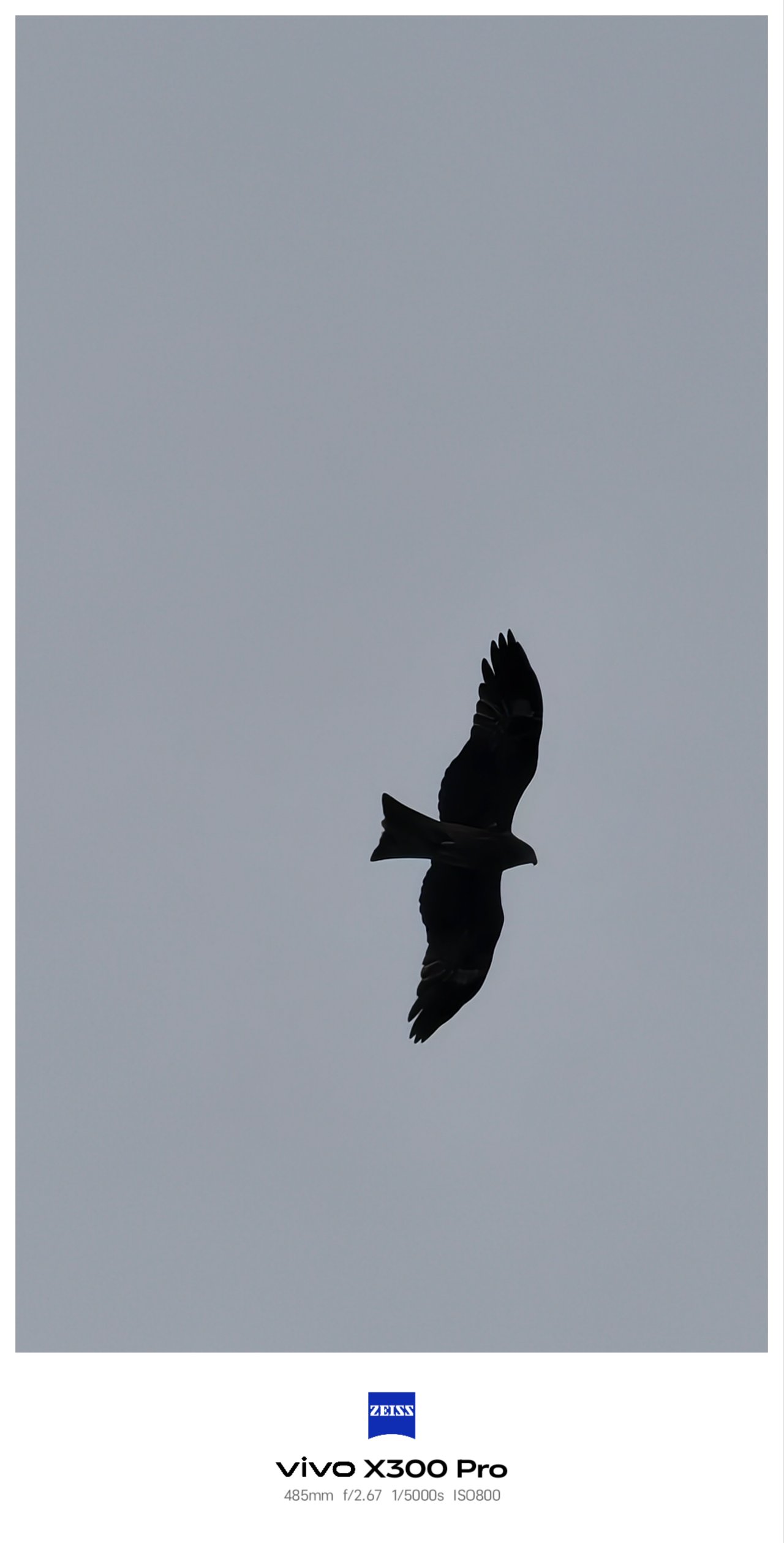
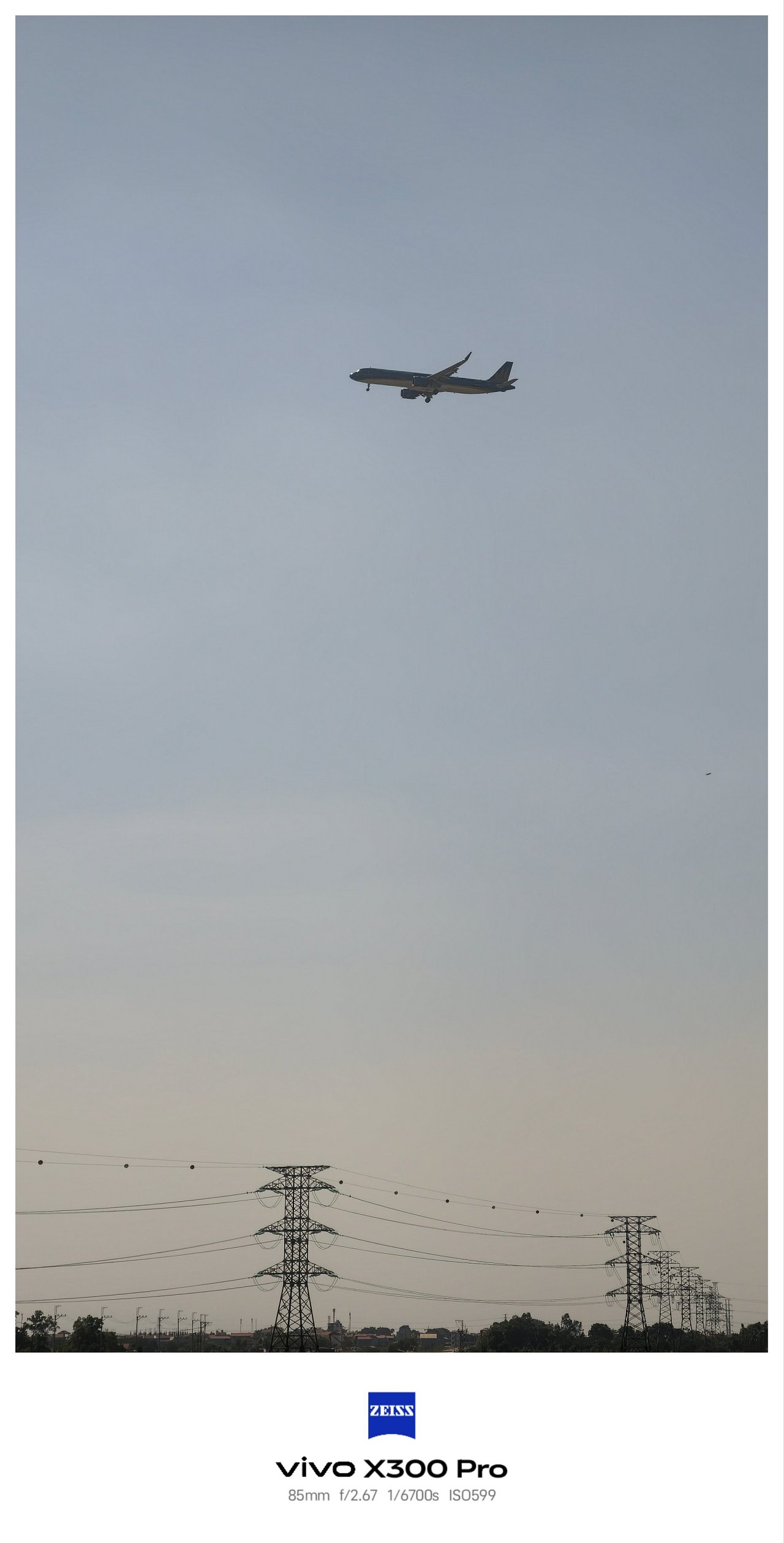

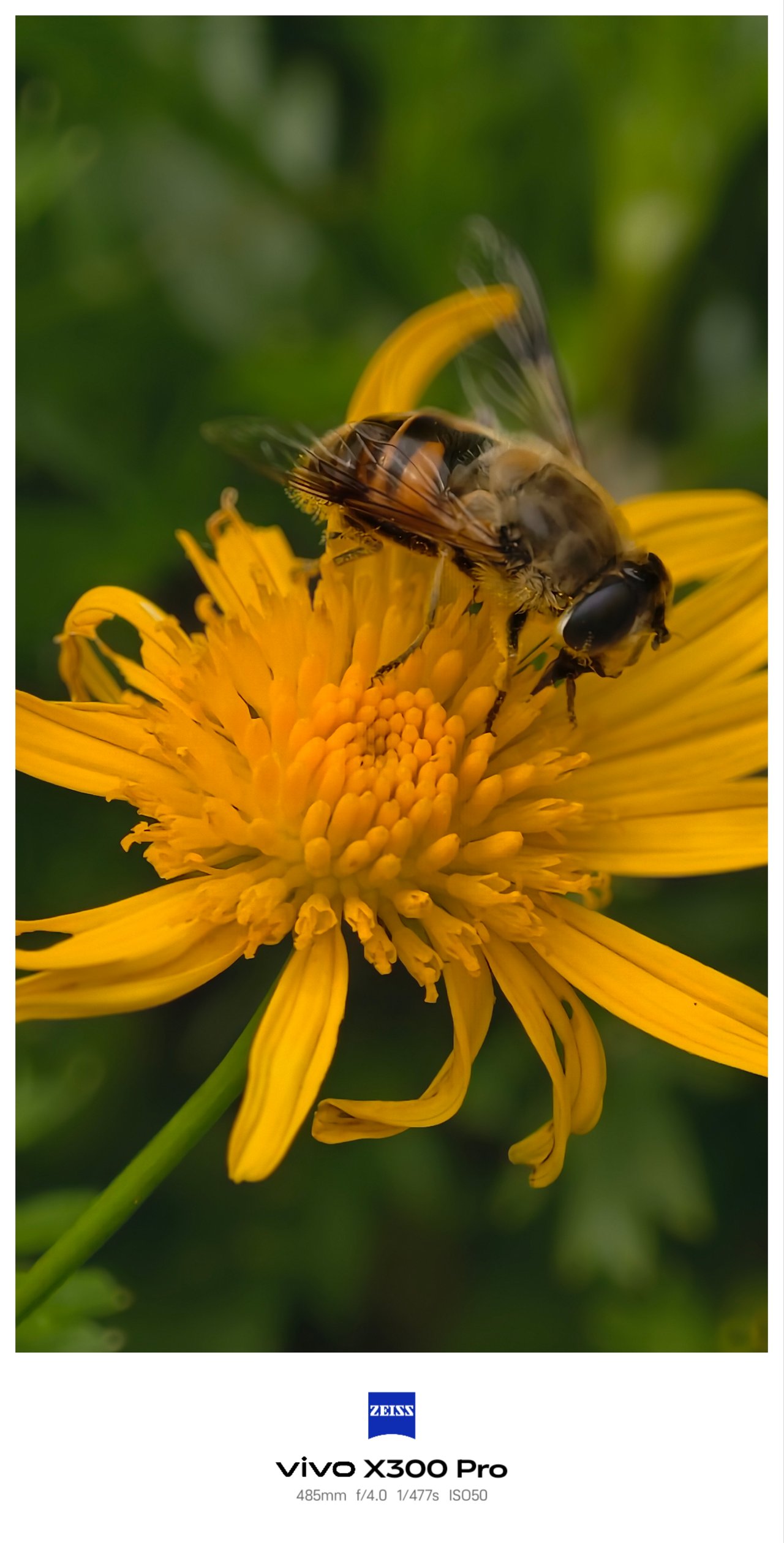

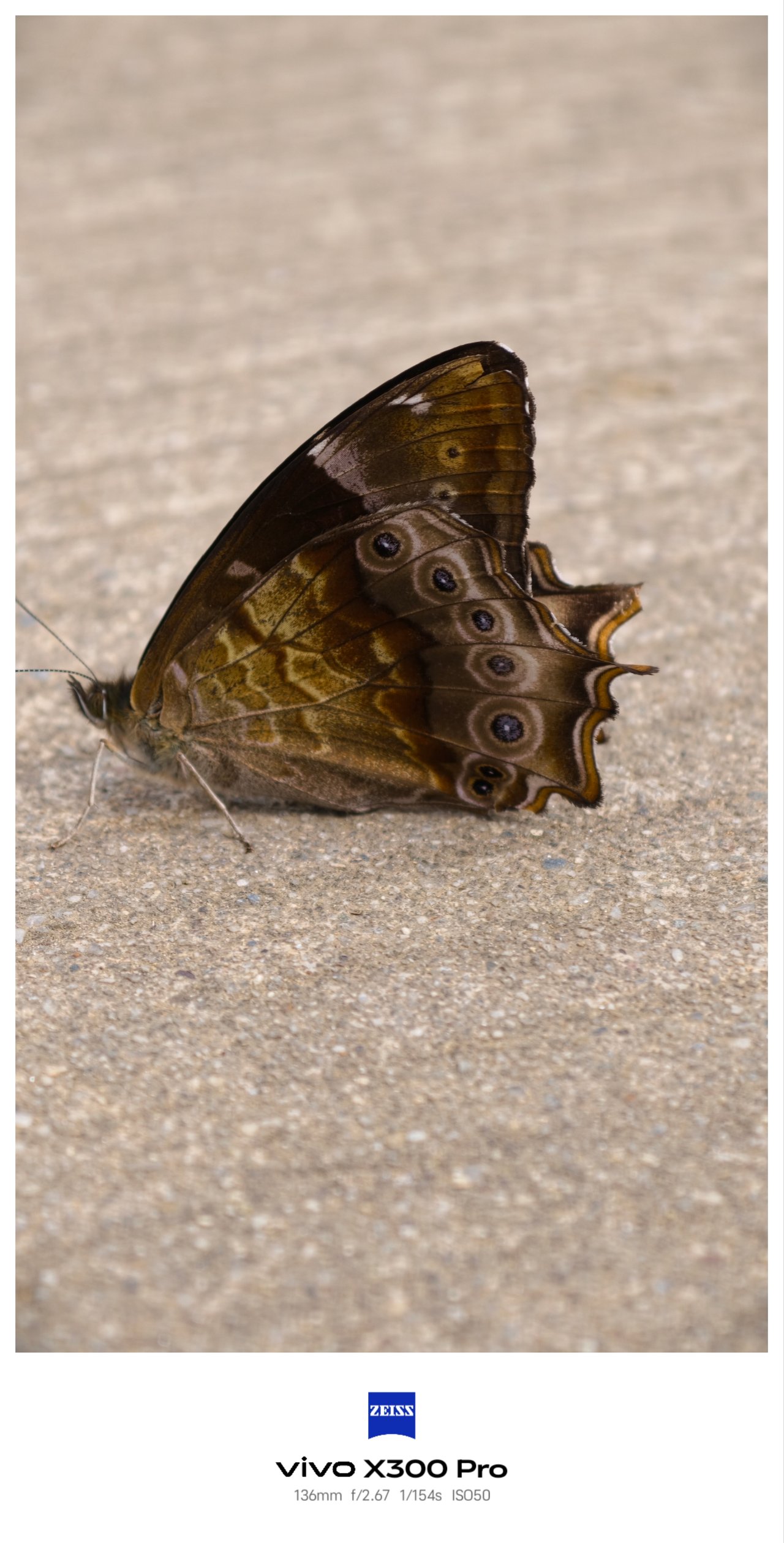
Just like hopping along three cities in Vietnam, I used the three lenses of the X300 Pro more extensively due to their overall flexibility — more than what I did with my mirrorless camera and the recently-bought 35mm prime lens attached to it.
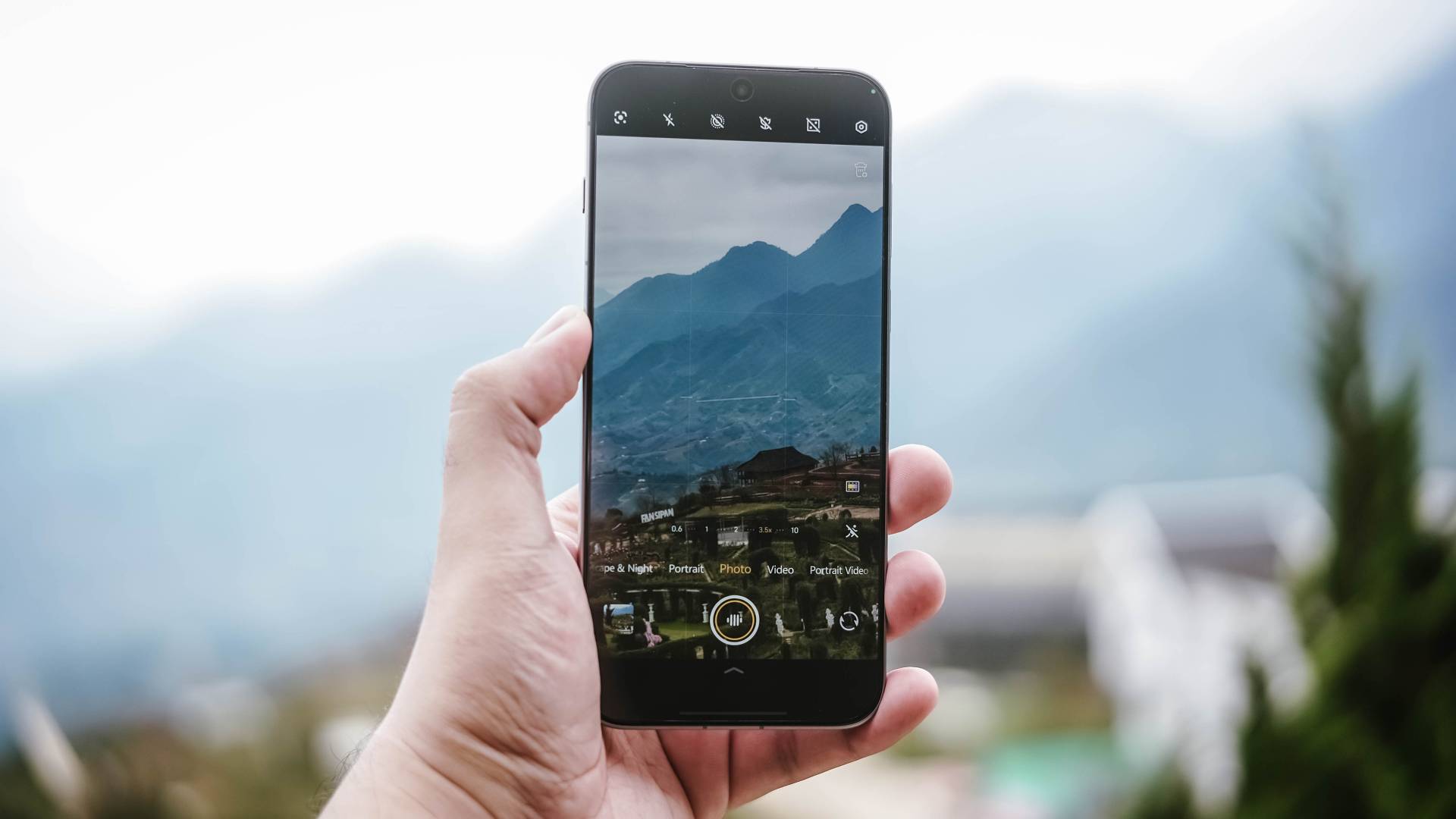
And by that, it’s the phone’s capability to switch seamlessly between several focal length options with little to no degradation.
That also meant consistent colors regardless if you use the main 1x mode, UWA (ultra-wide angle), its optical 3.5x zoom, or even beyond 5x lossless zoom.
X-ceptional Collab
The superiority of vivo X300 Pro’s cameras doesn’t revolve only around its hardware. Over the years, vivo has strengthened its ties with ZEISS even further. Starting it all with the X60 all the way to X300 series, the brand’s exceptional collab is stronger than ever.
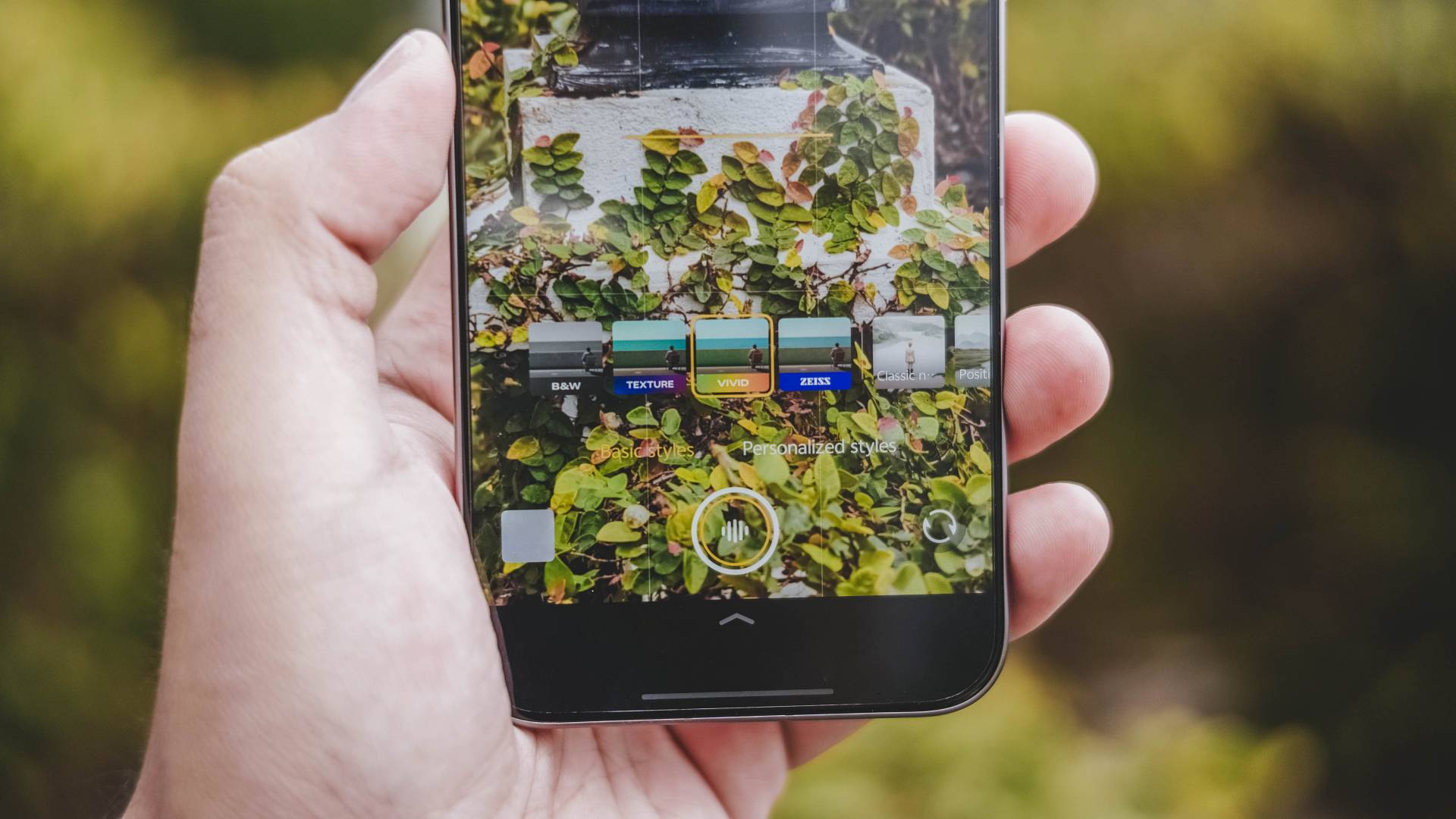
The default ZEISS color profile captures photos that look natural without being too flat. I’ve been using this in subjects that offers the best balance in shadows and saturation.
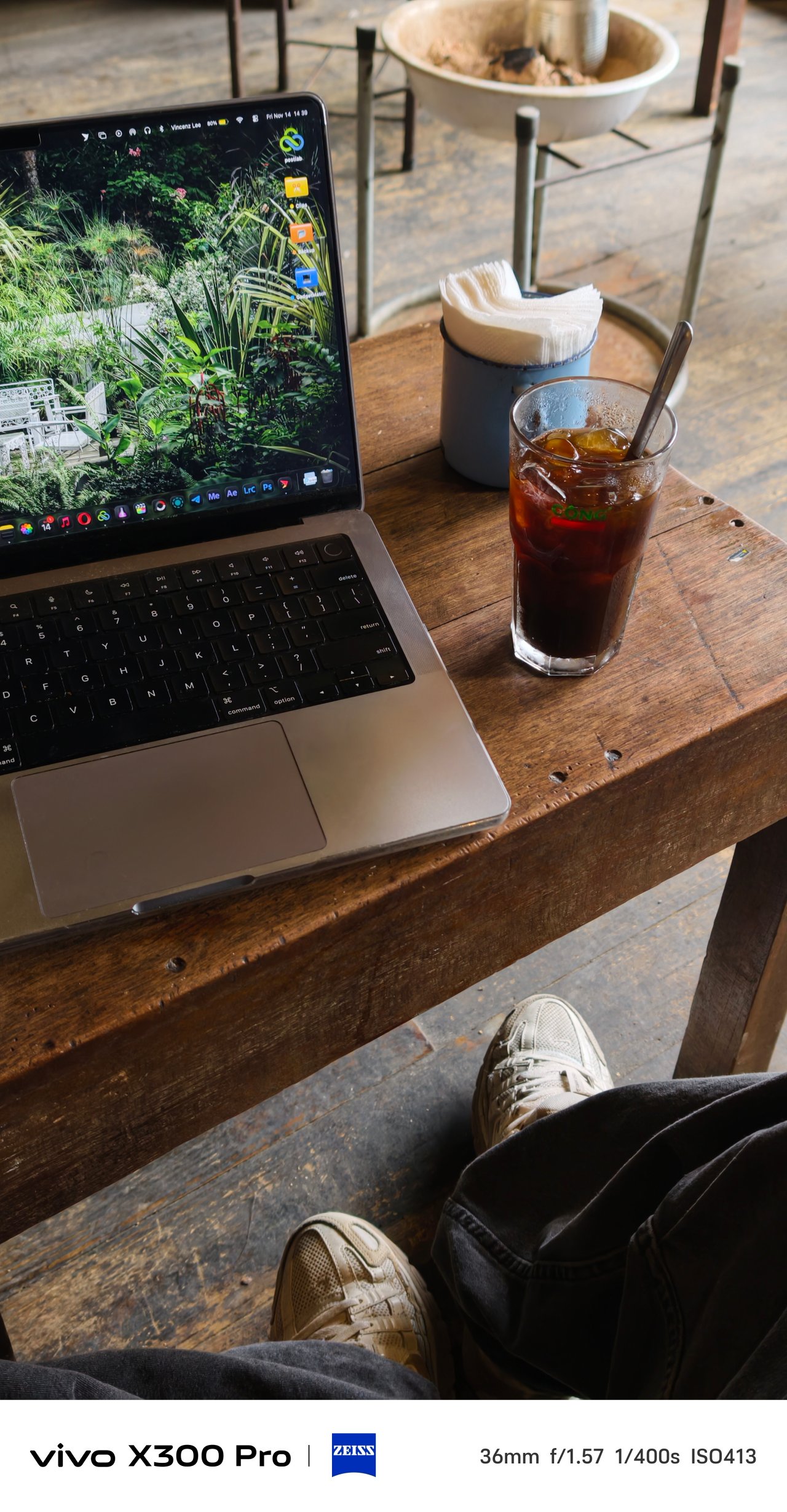


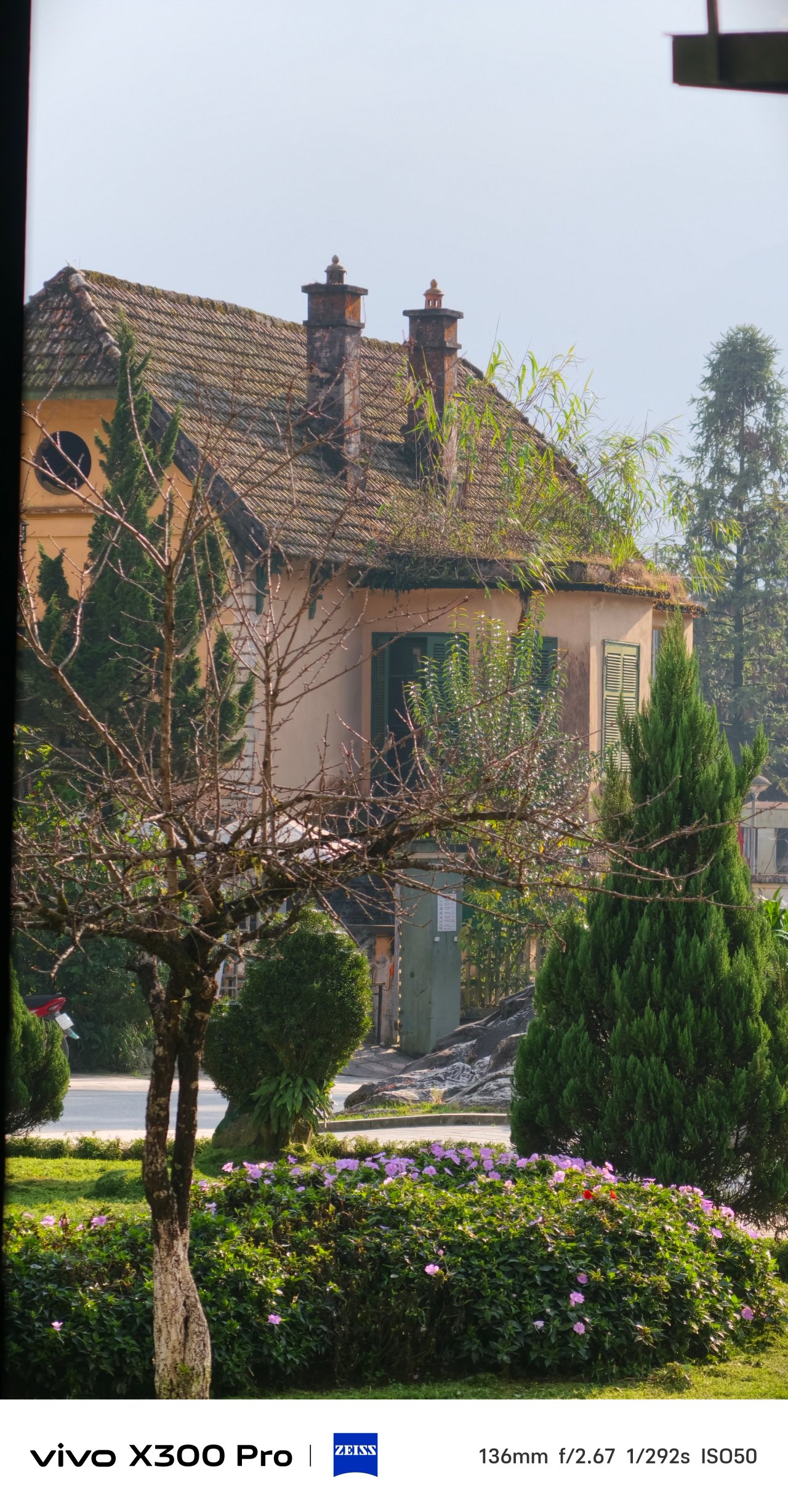

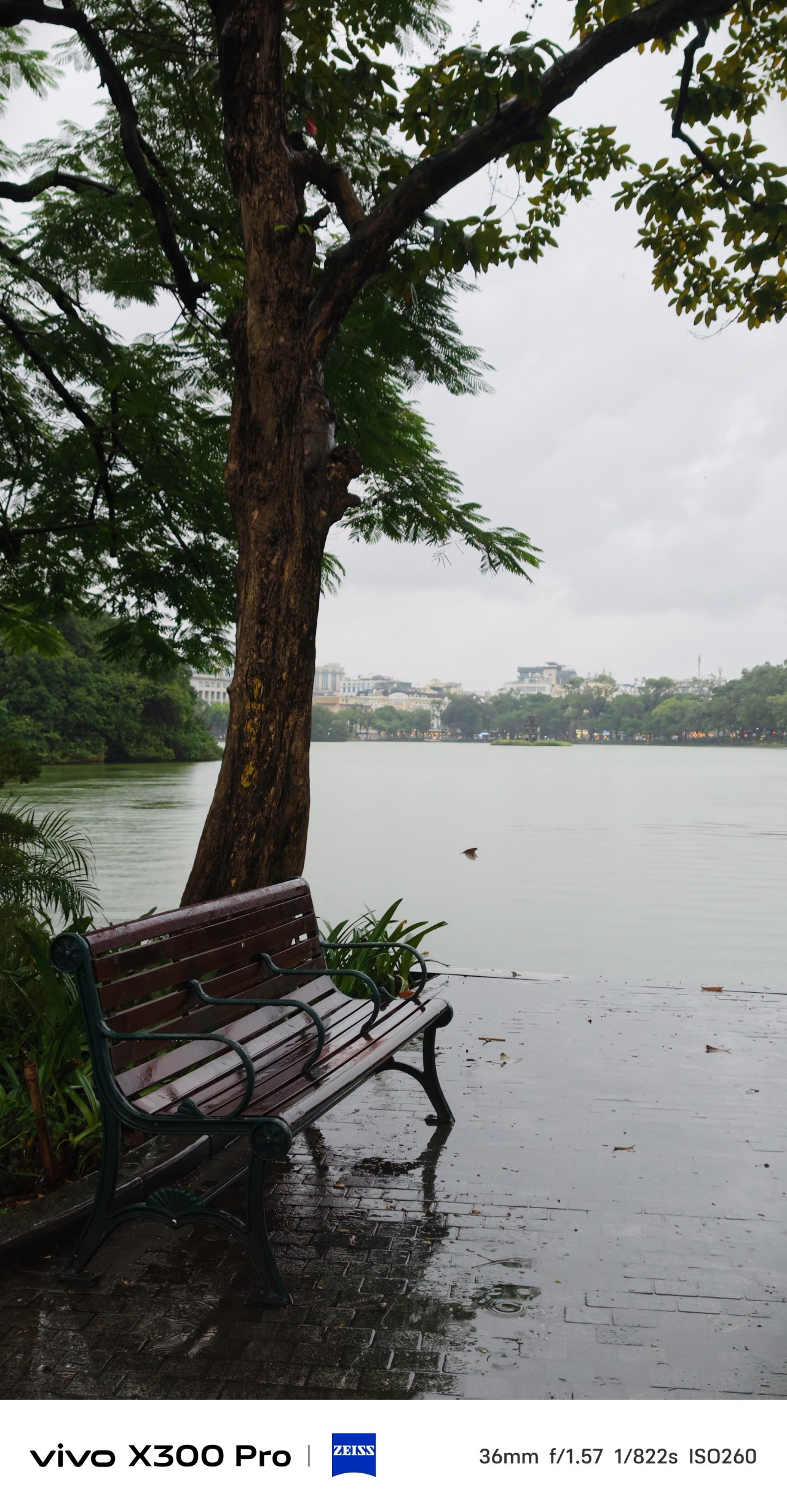

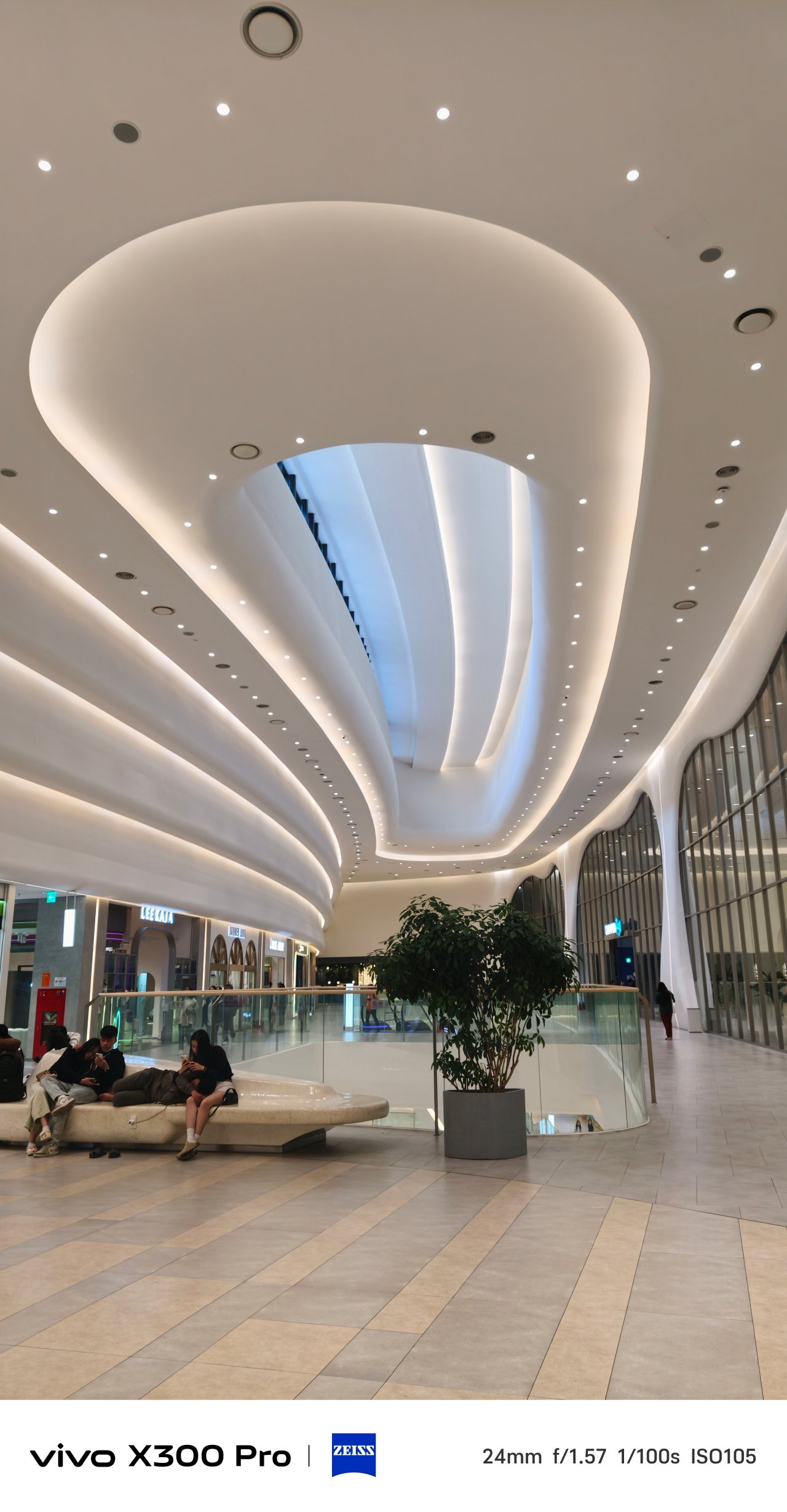

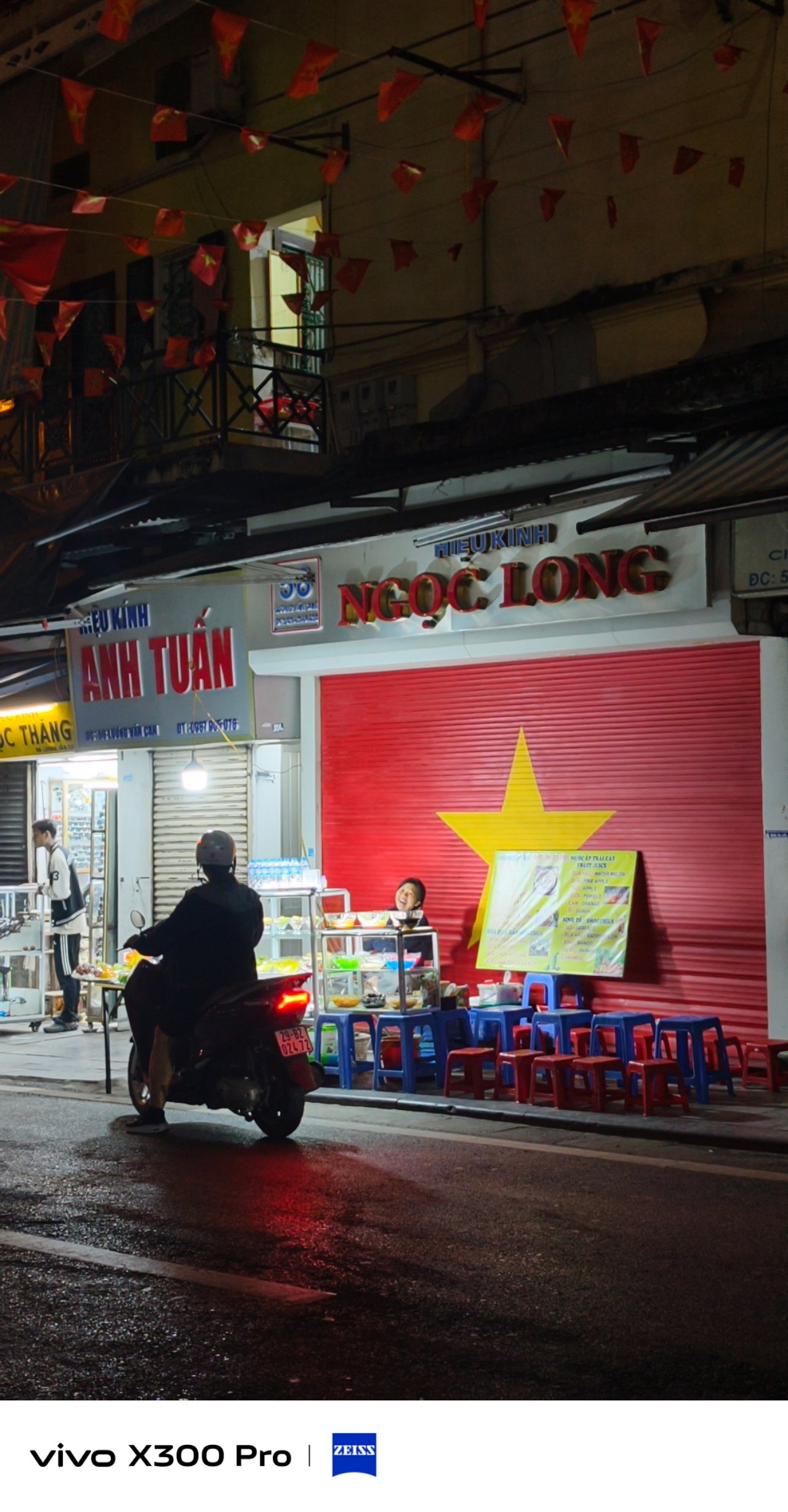

That said, vivo providing two more profiles just means they want the user to be as creative and as free as possible.
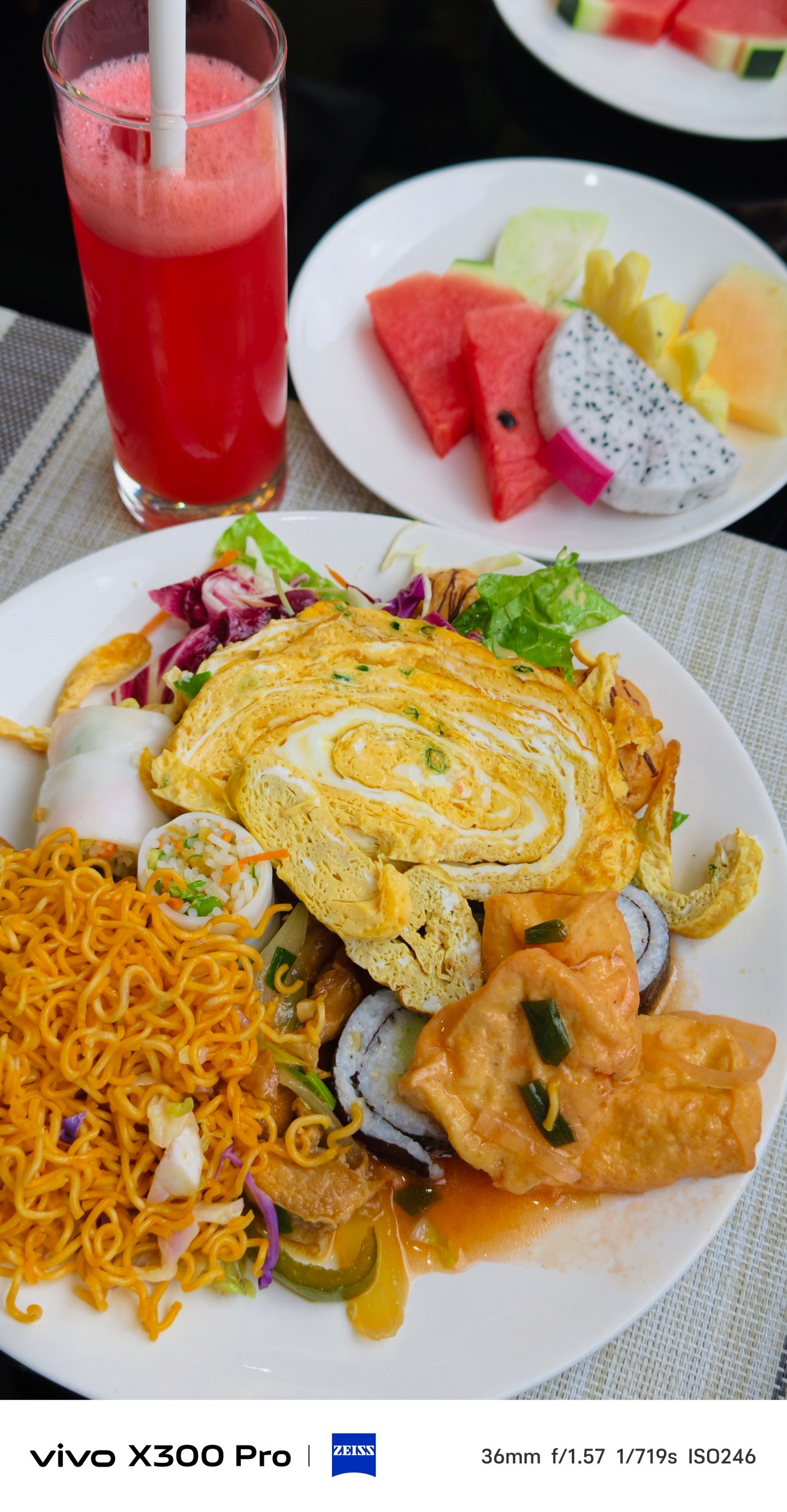
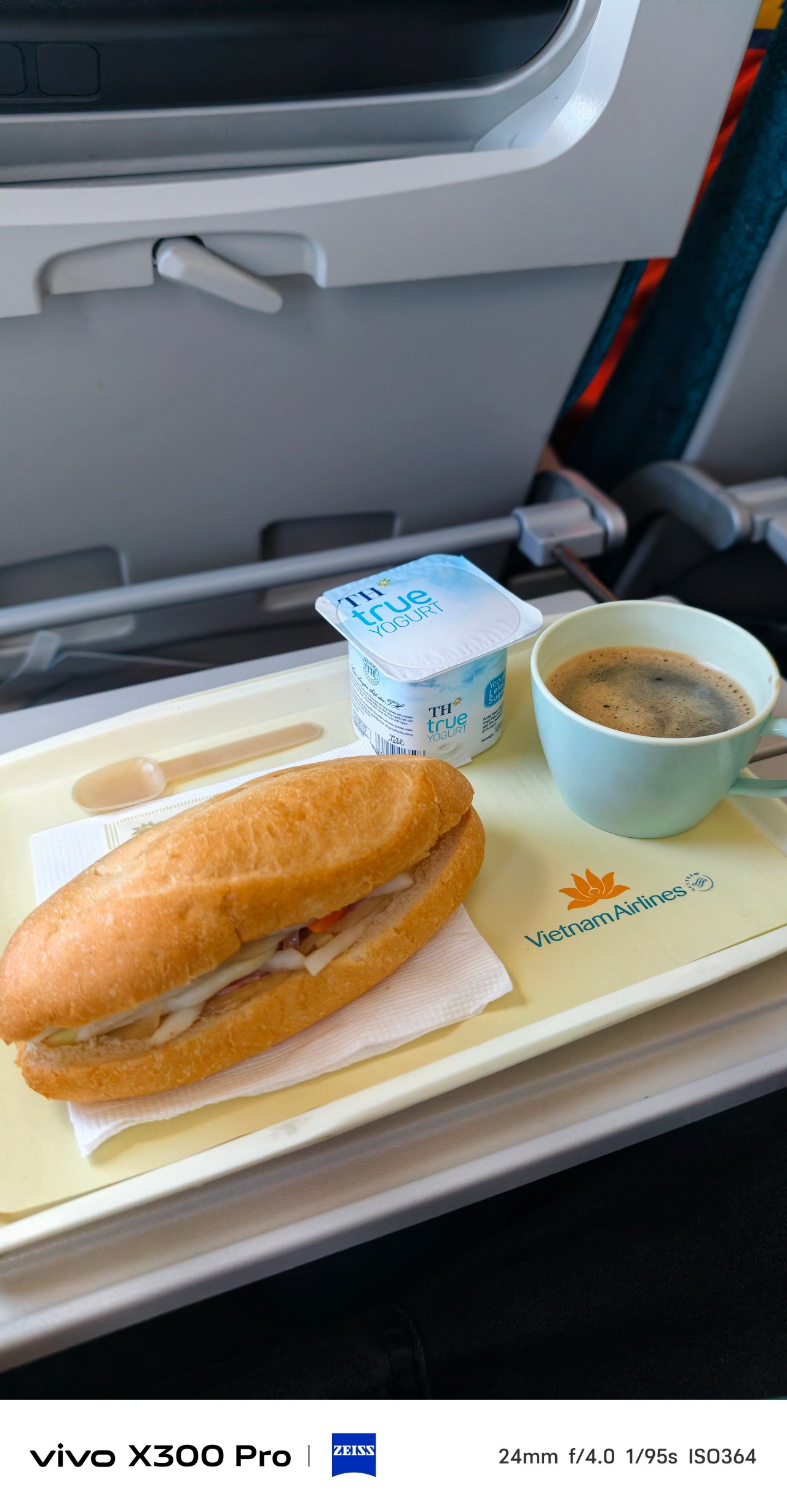
When it comes to food, switching to Vivid is deemed the best option. This profile gives the best pop of colors in the scene.



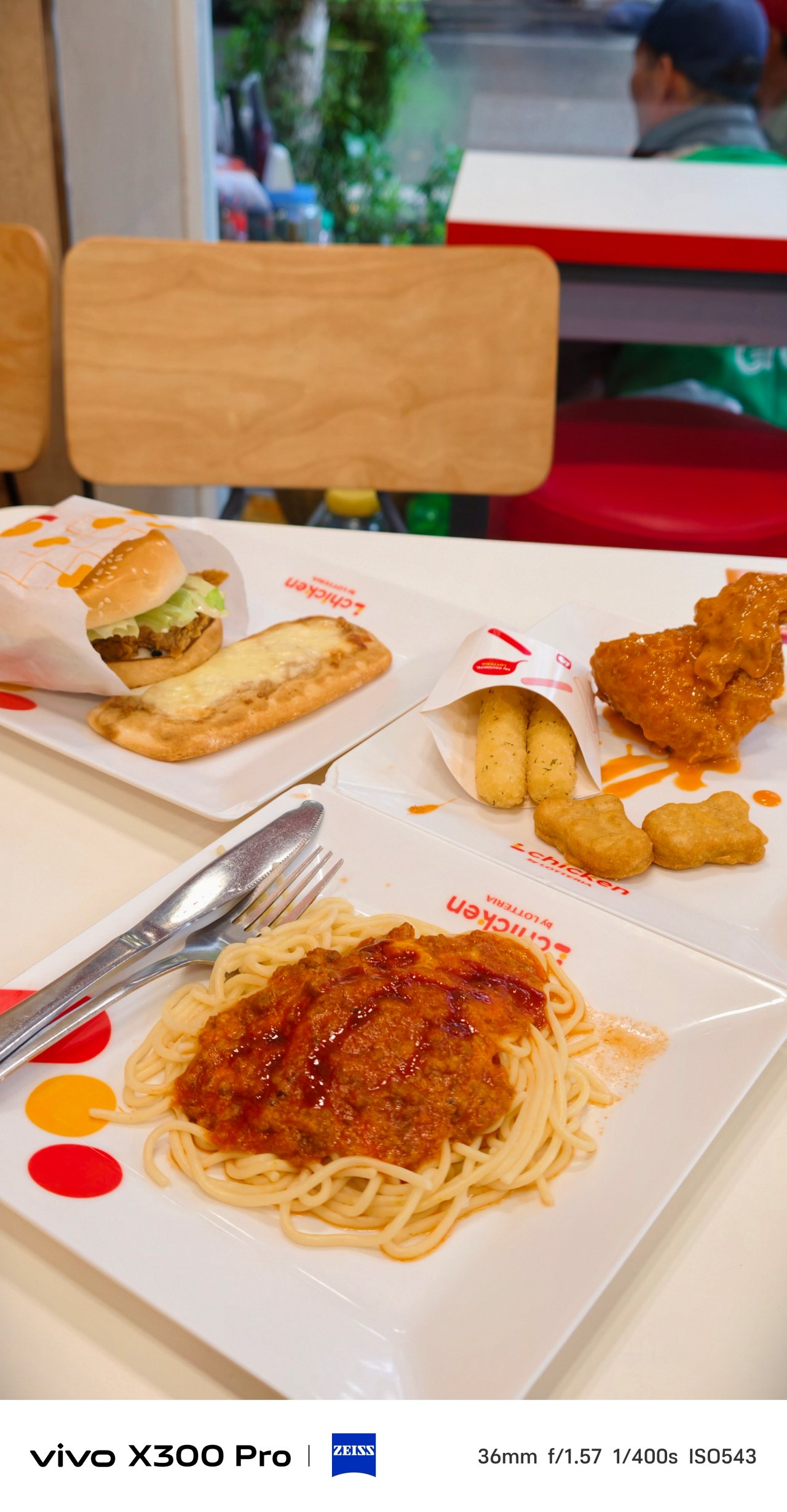

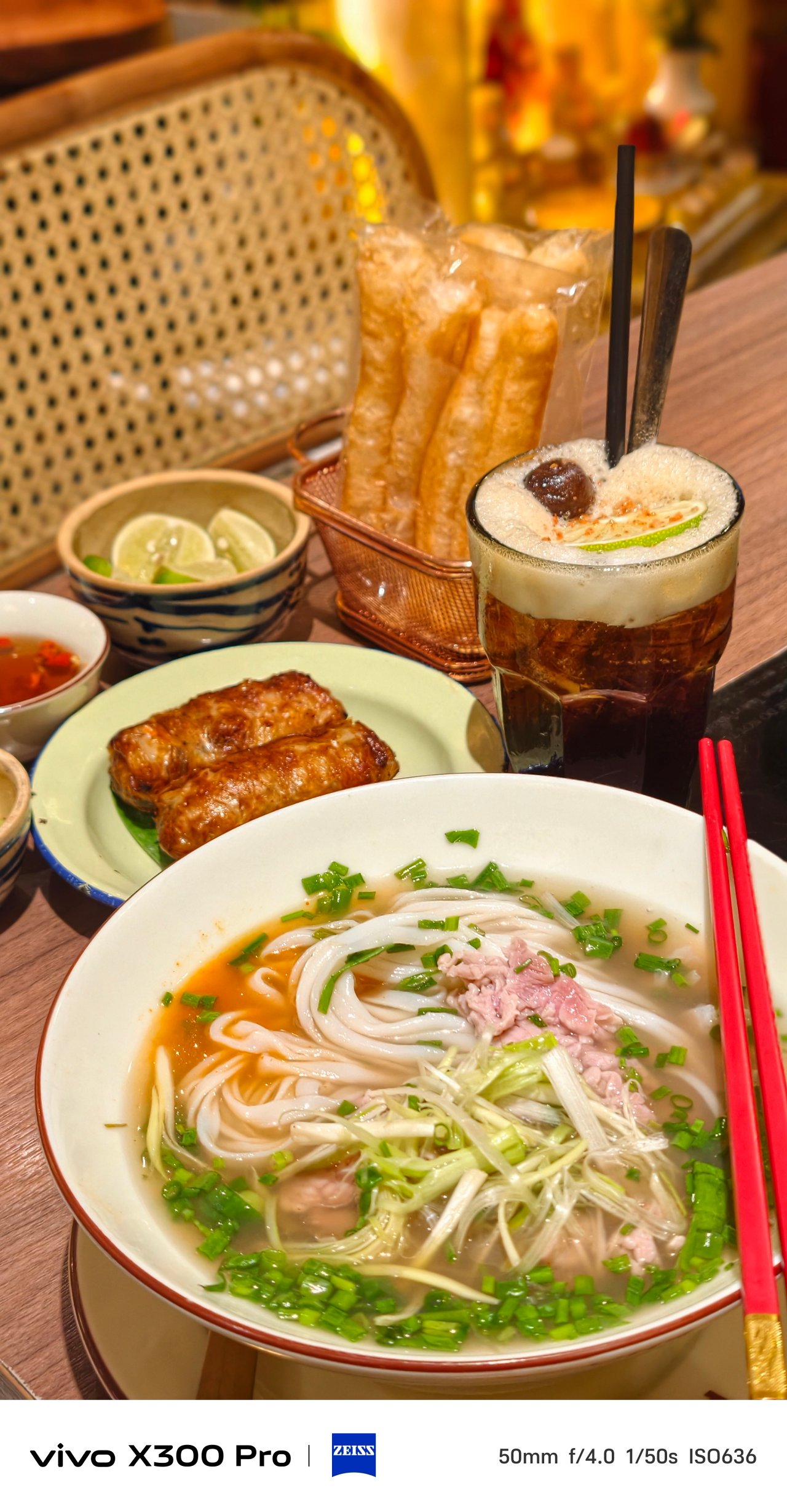


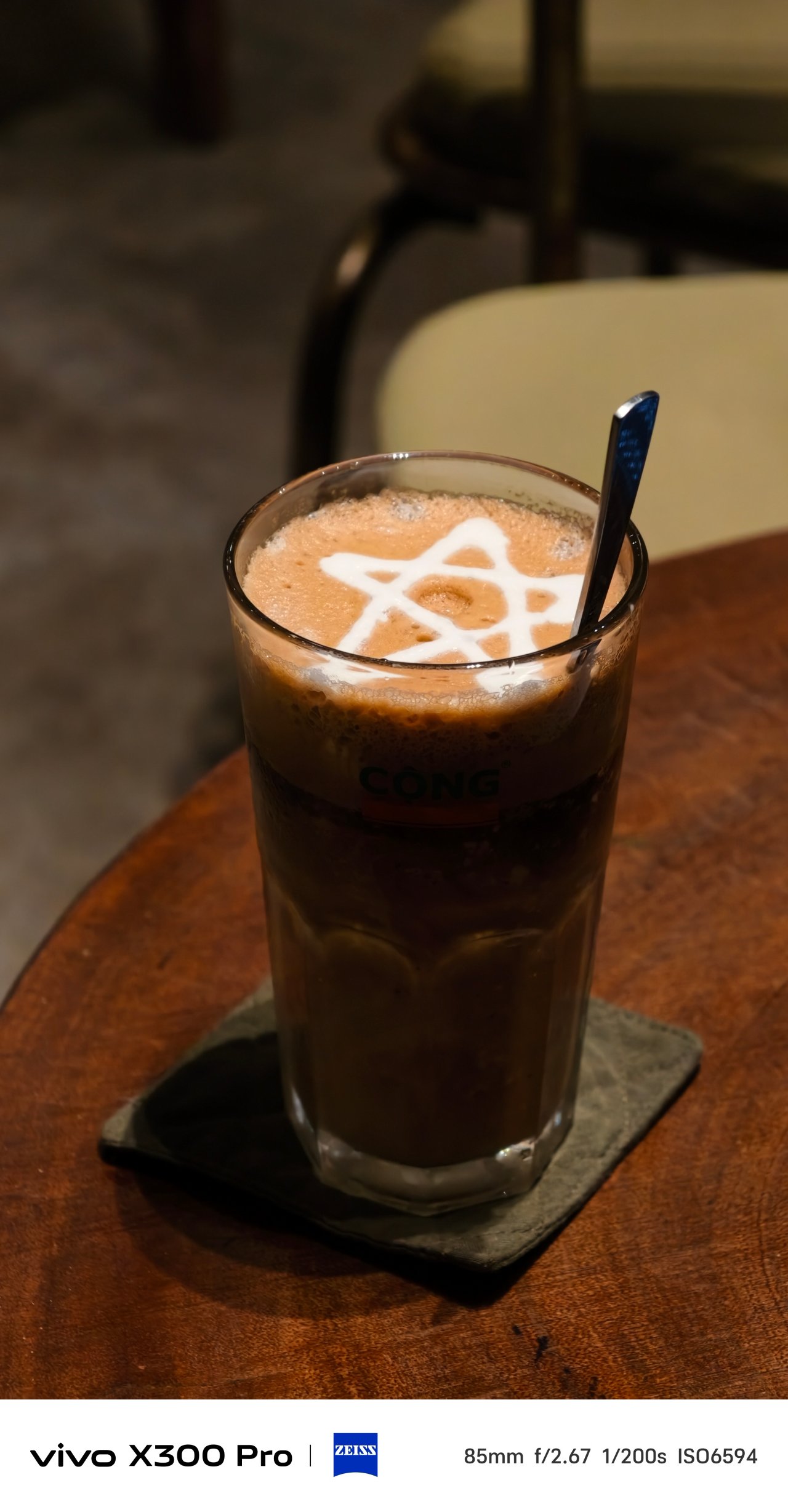

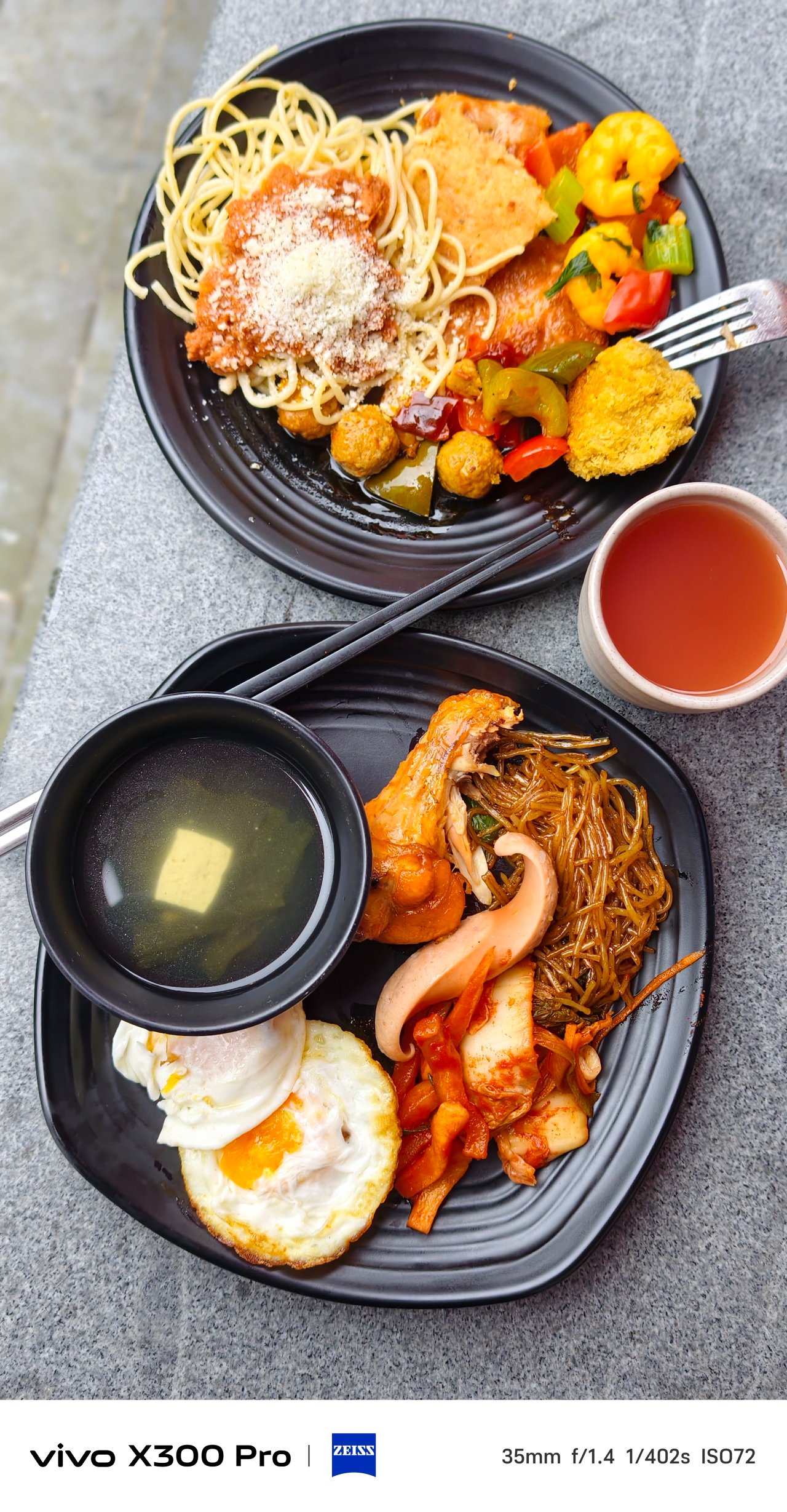
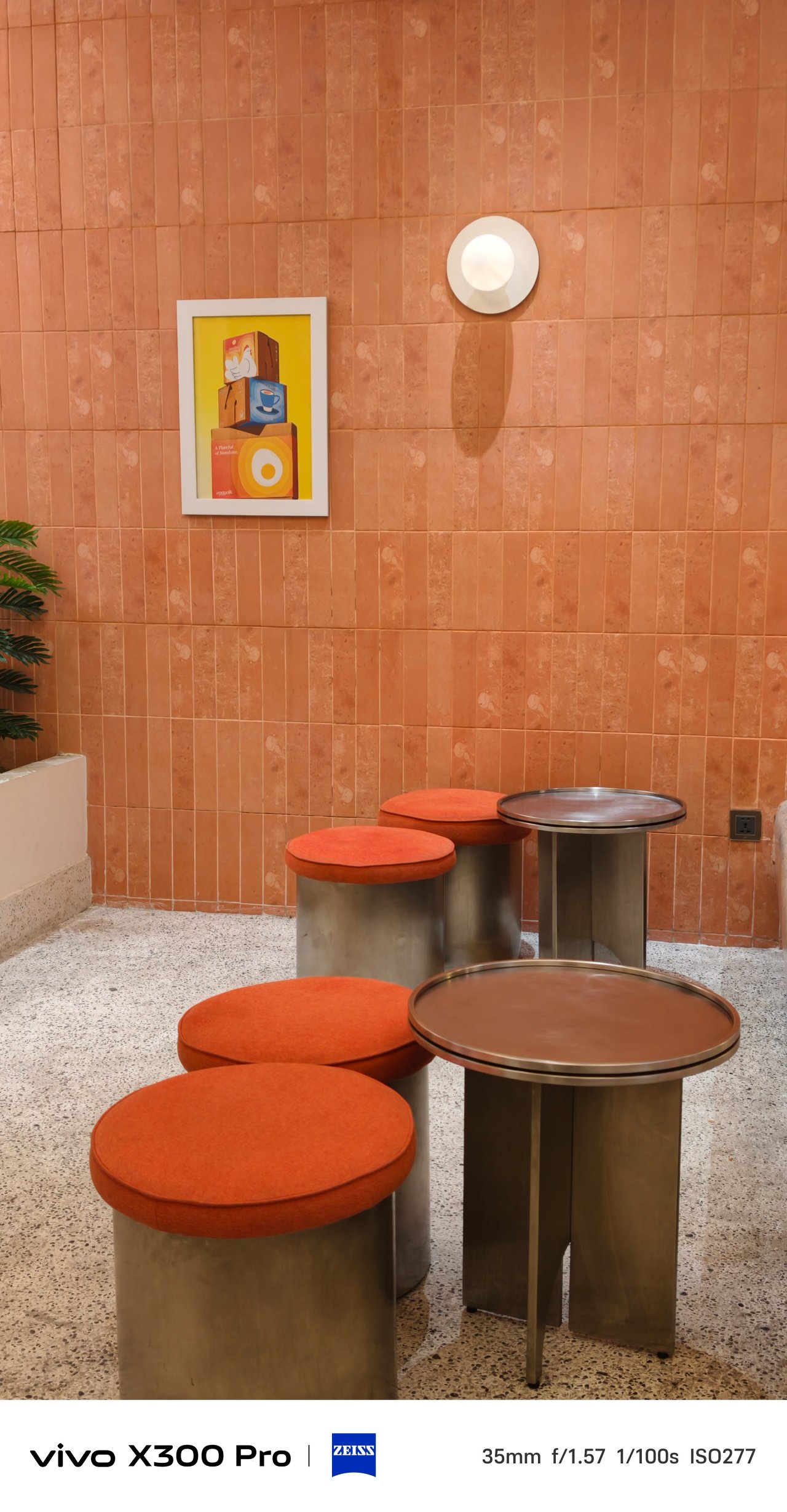
Architecture and interior should not be exempted when using this punchy profile.


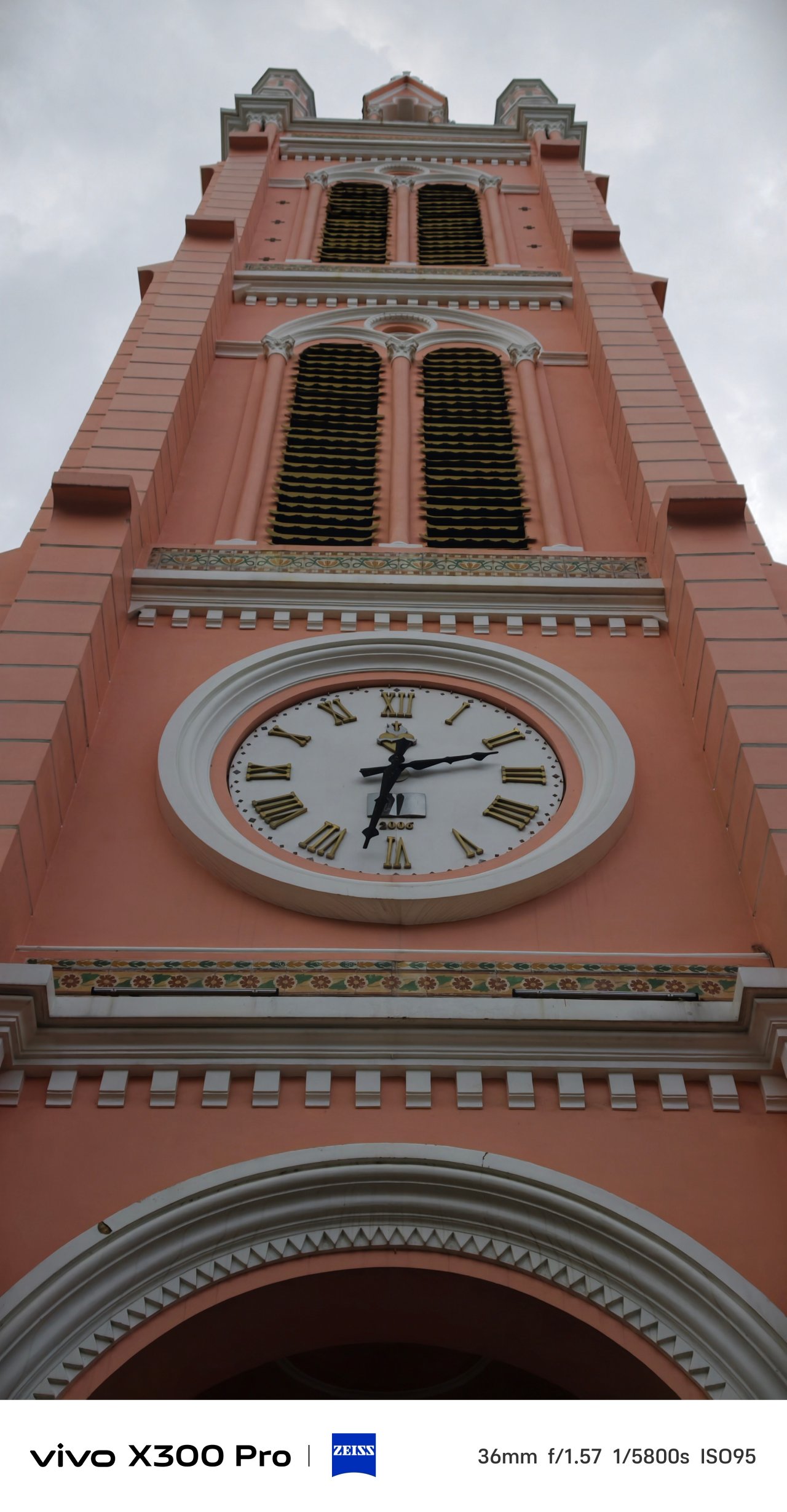
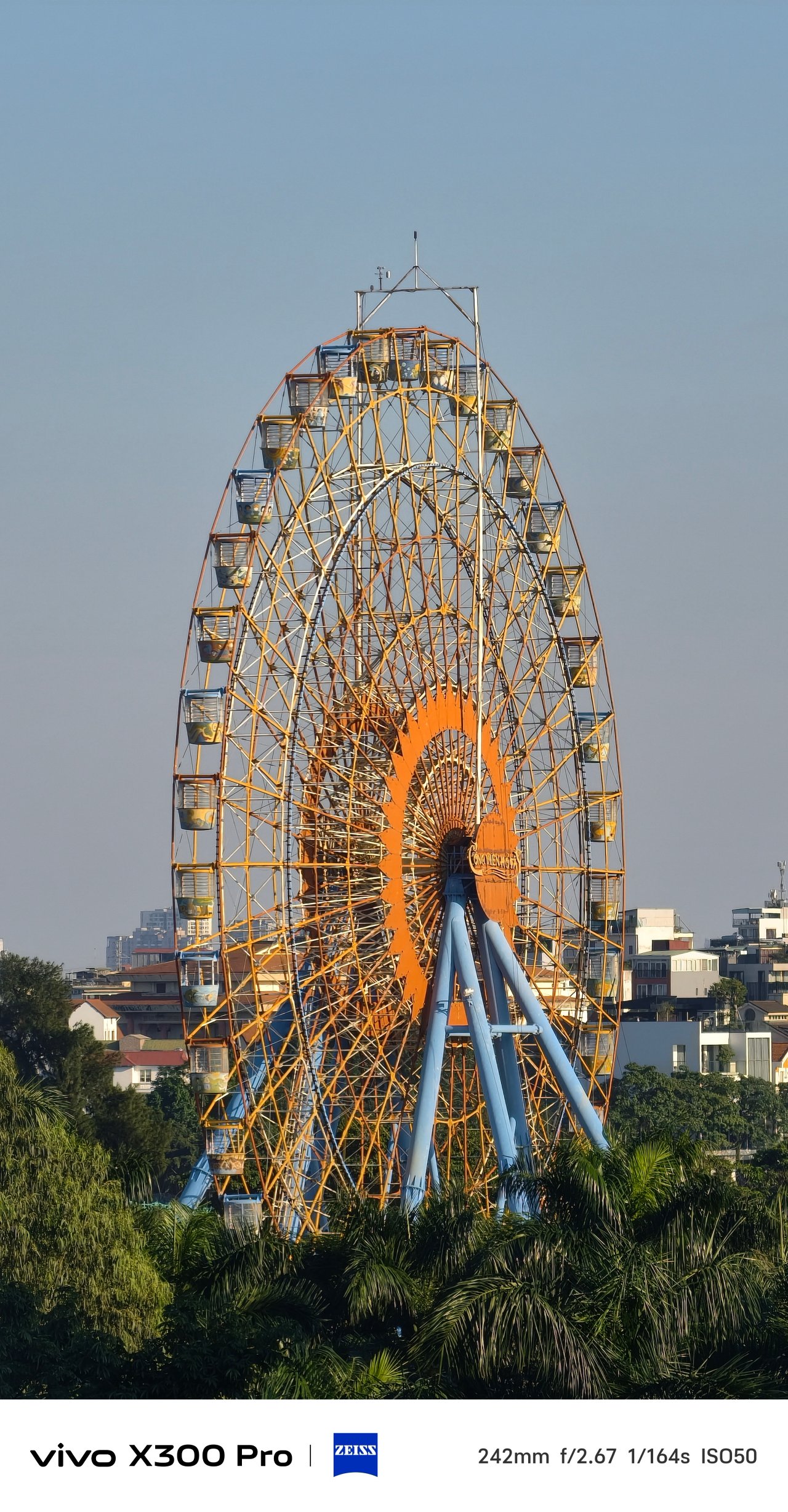
It also made these golden hour shots more favorable than just sticking with the default ZEISS calibration.
📍 Lotte Mall West Lake (Hồ Tây)

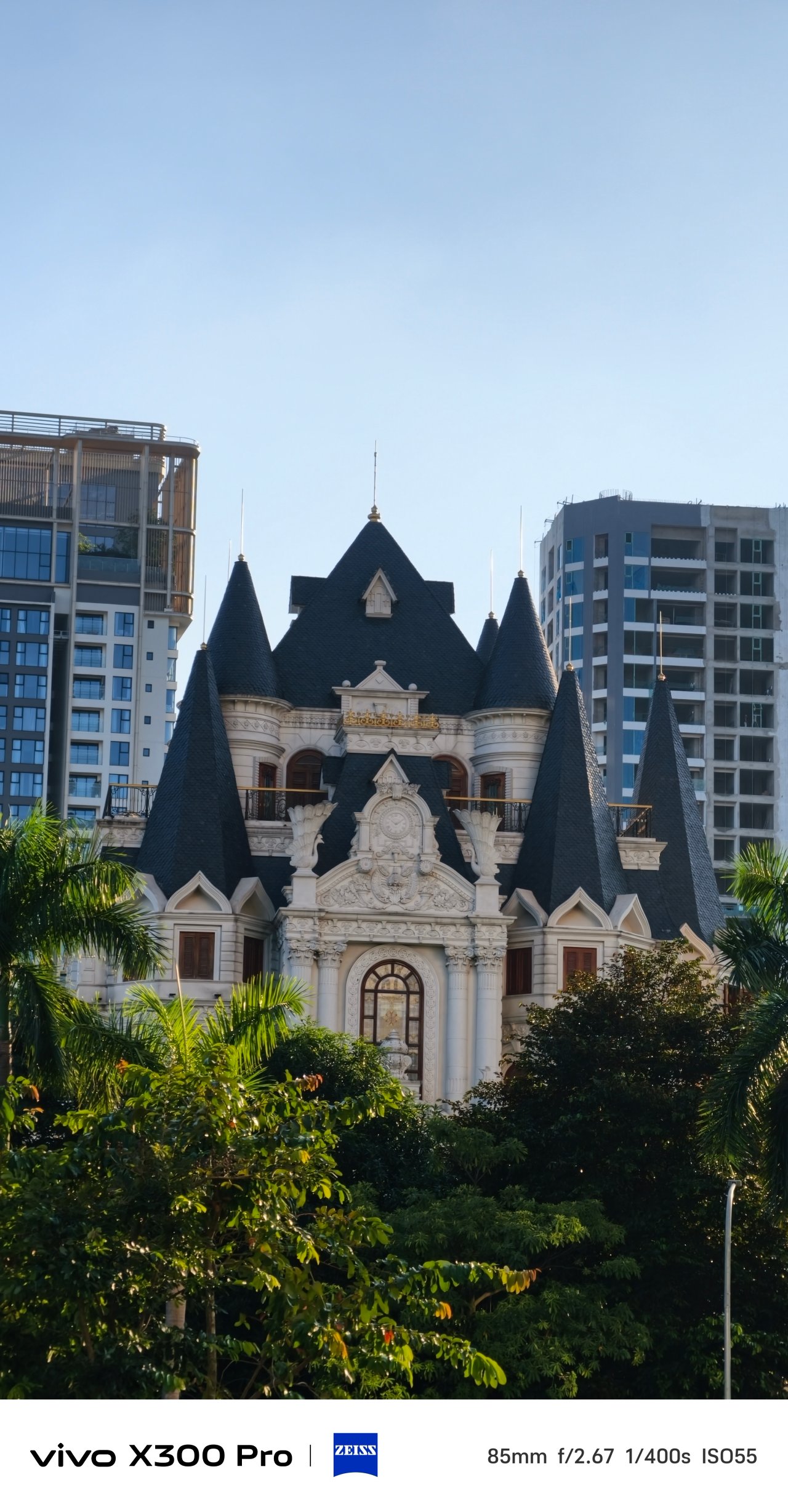
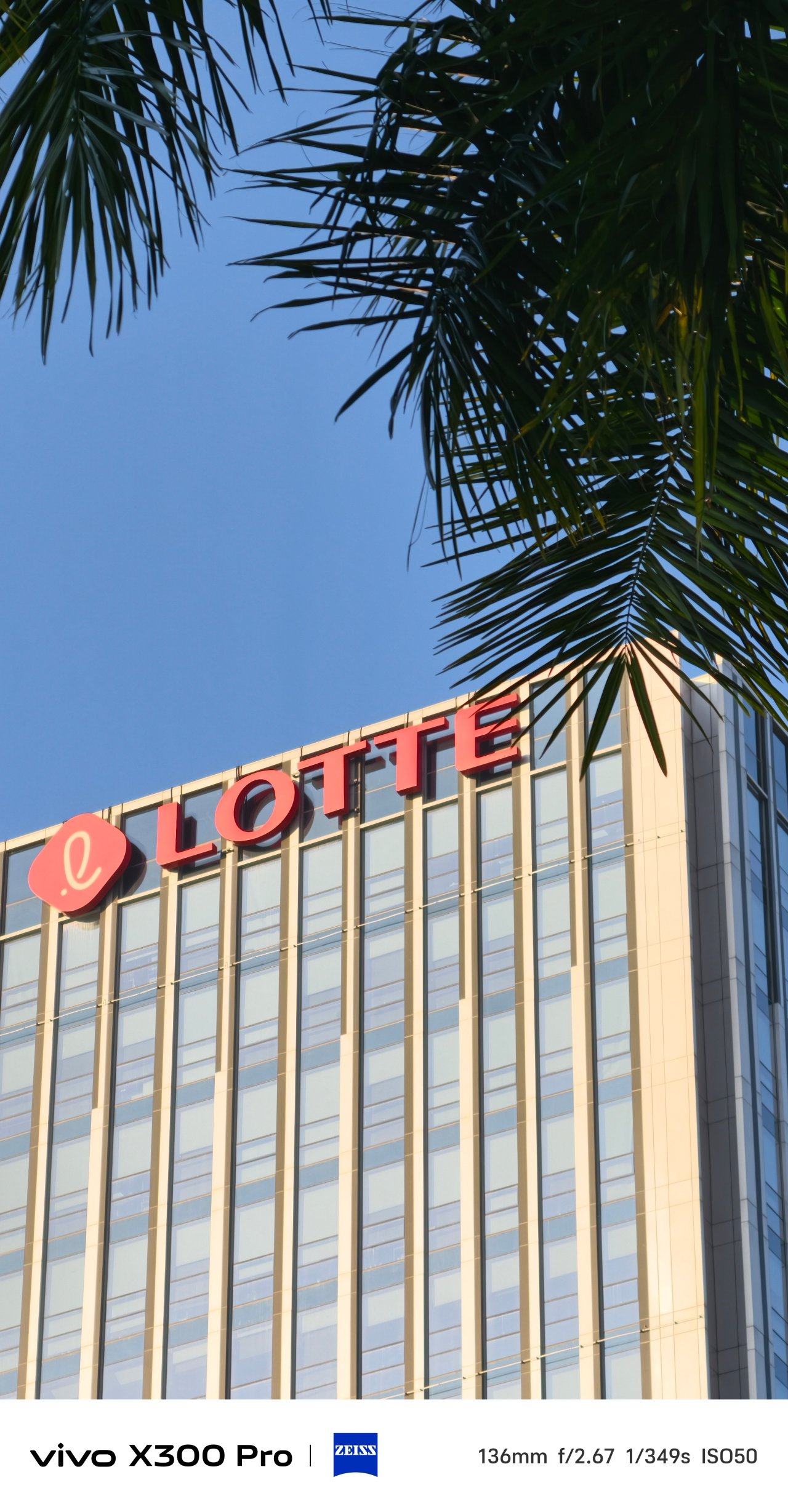
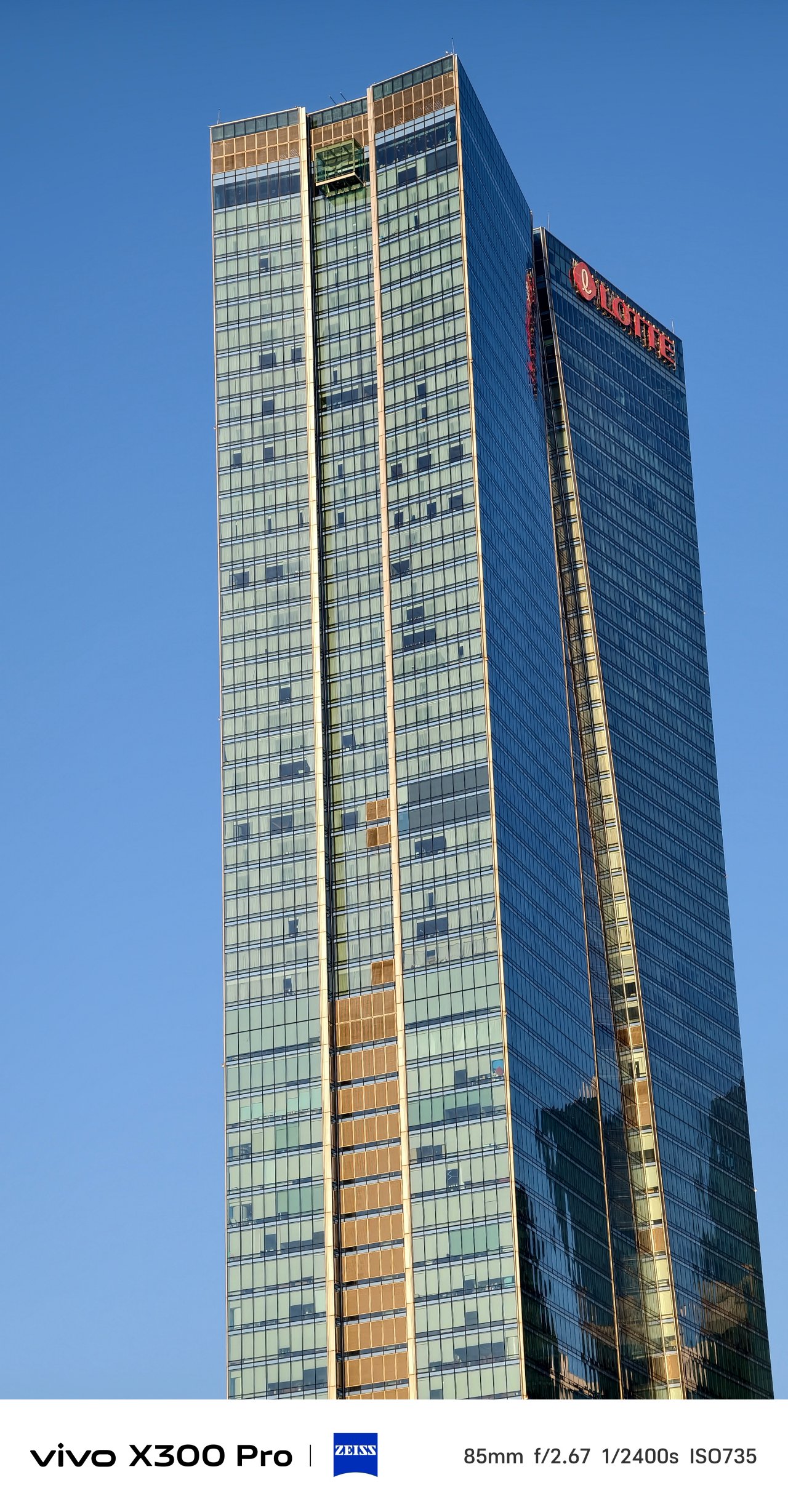
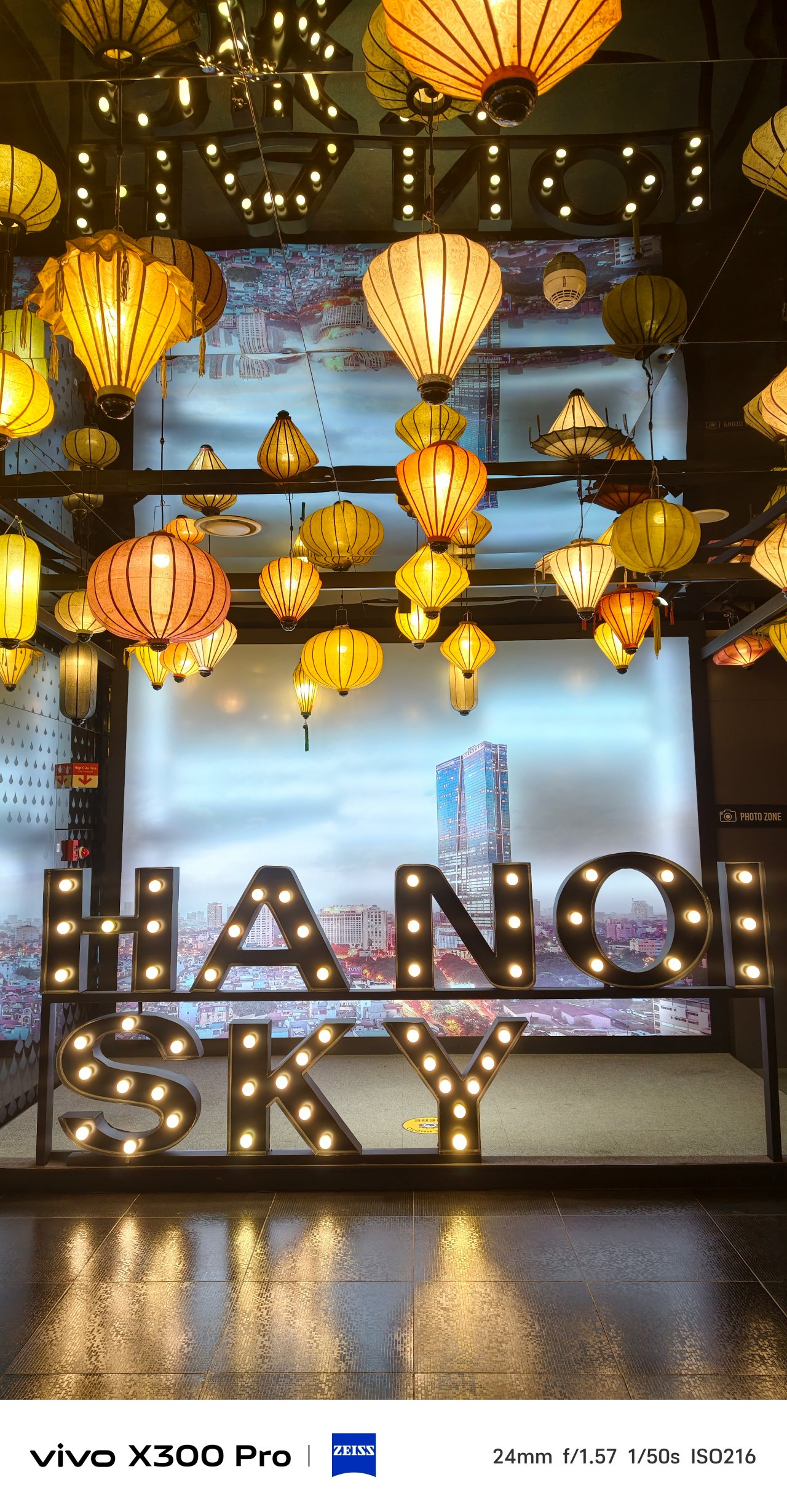
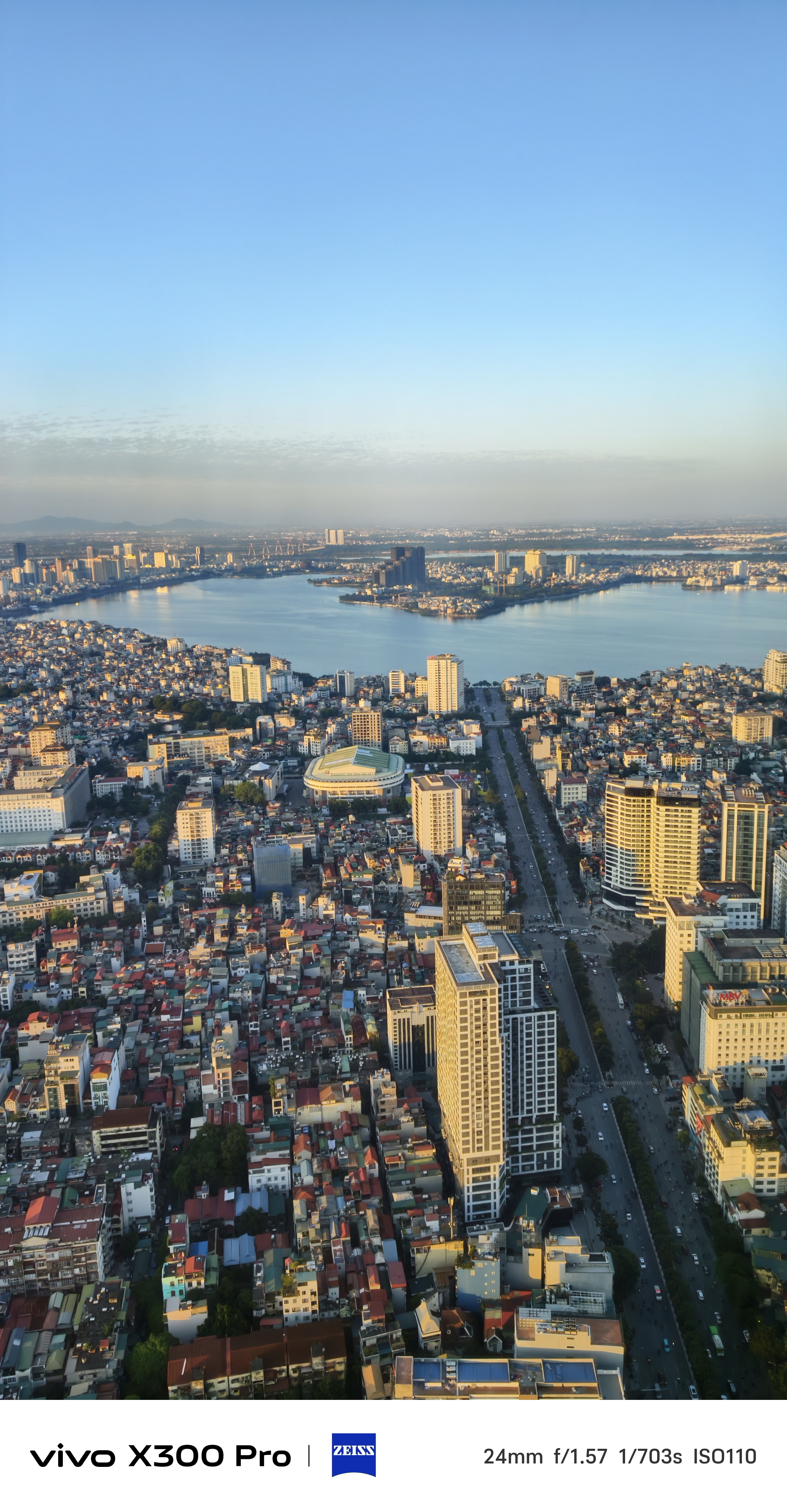
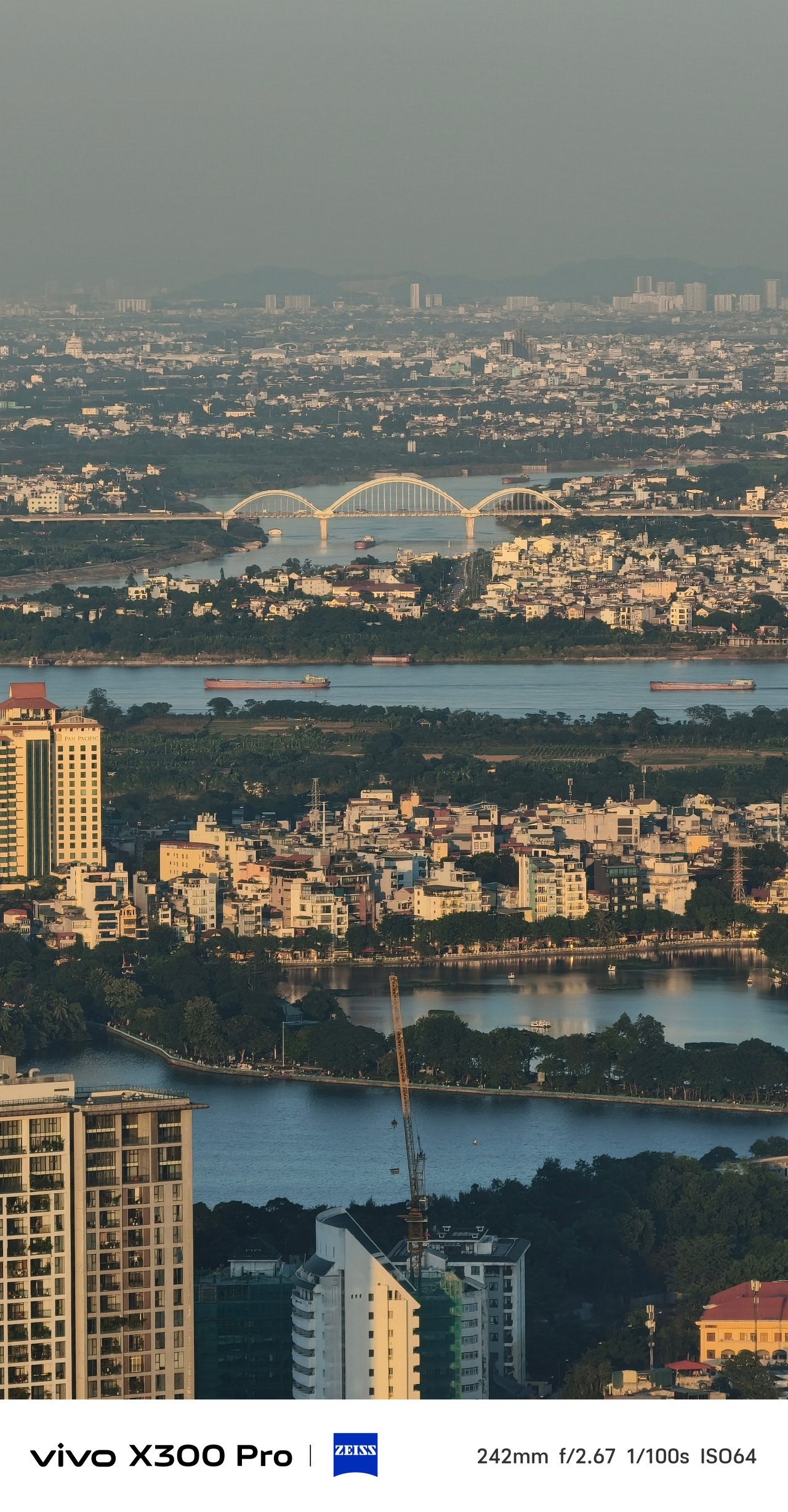


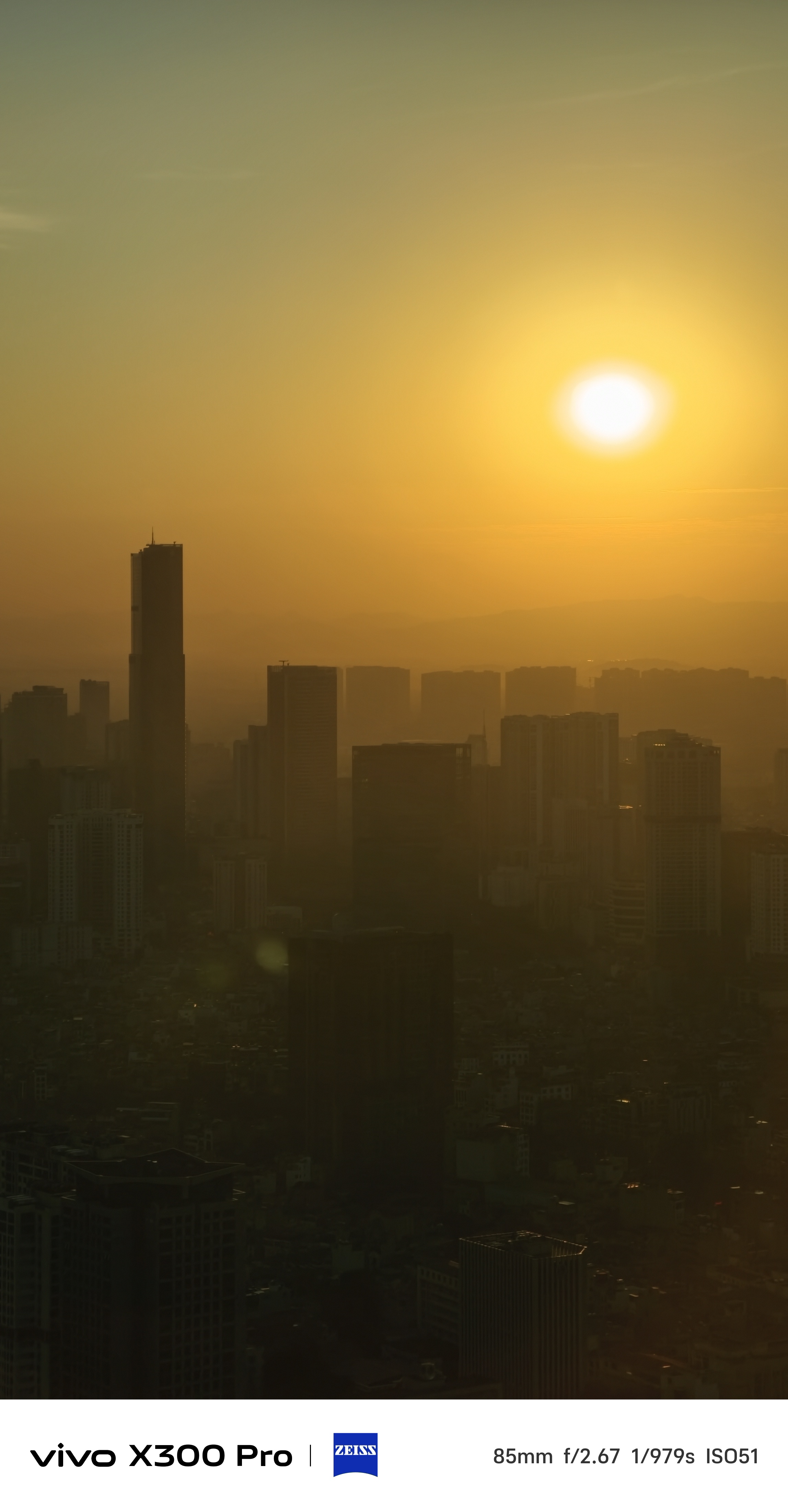
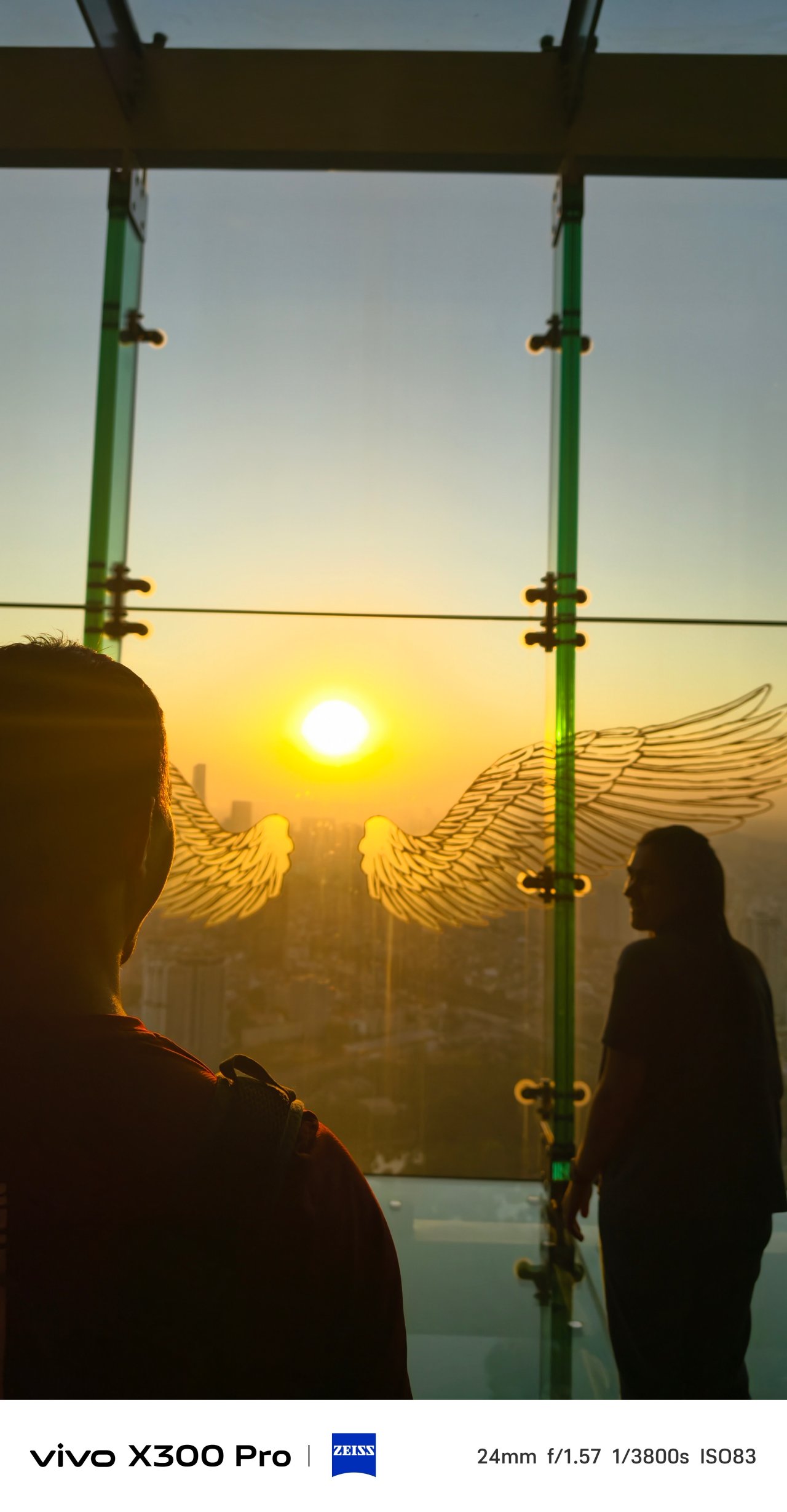
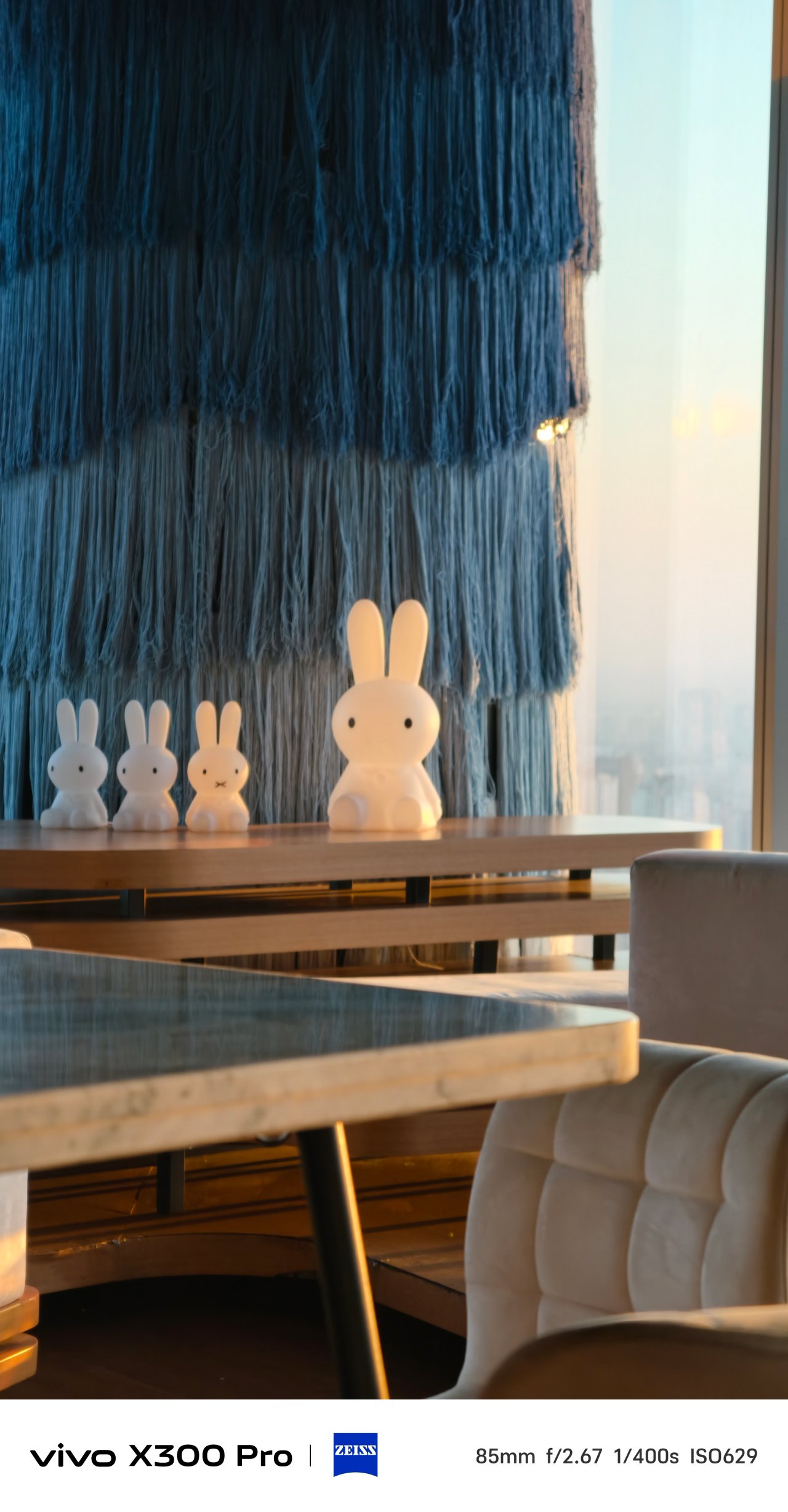
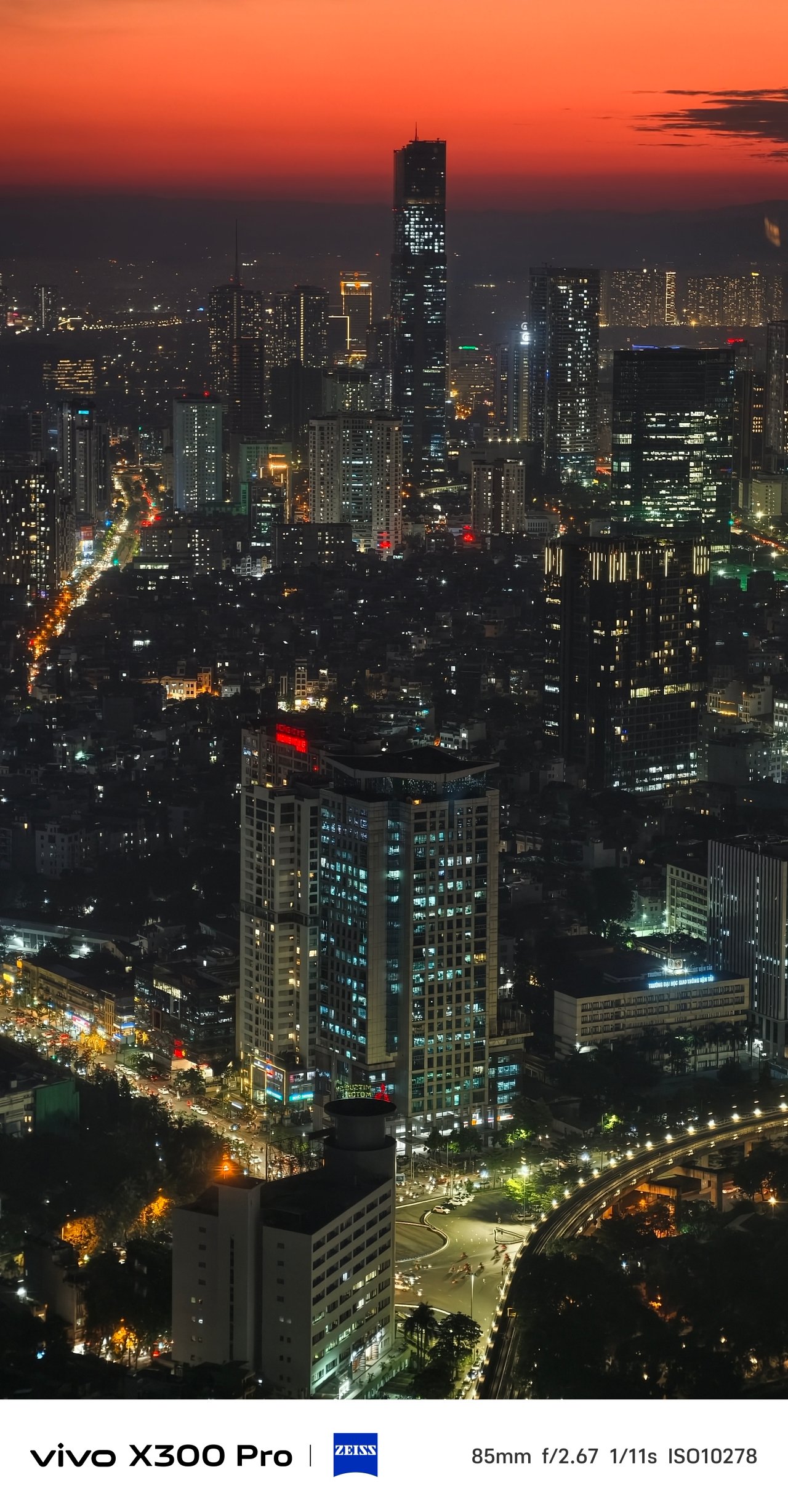
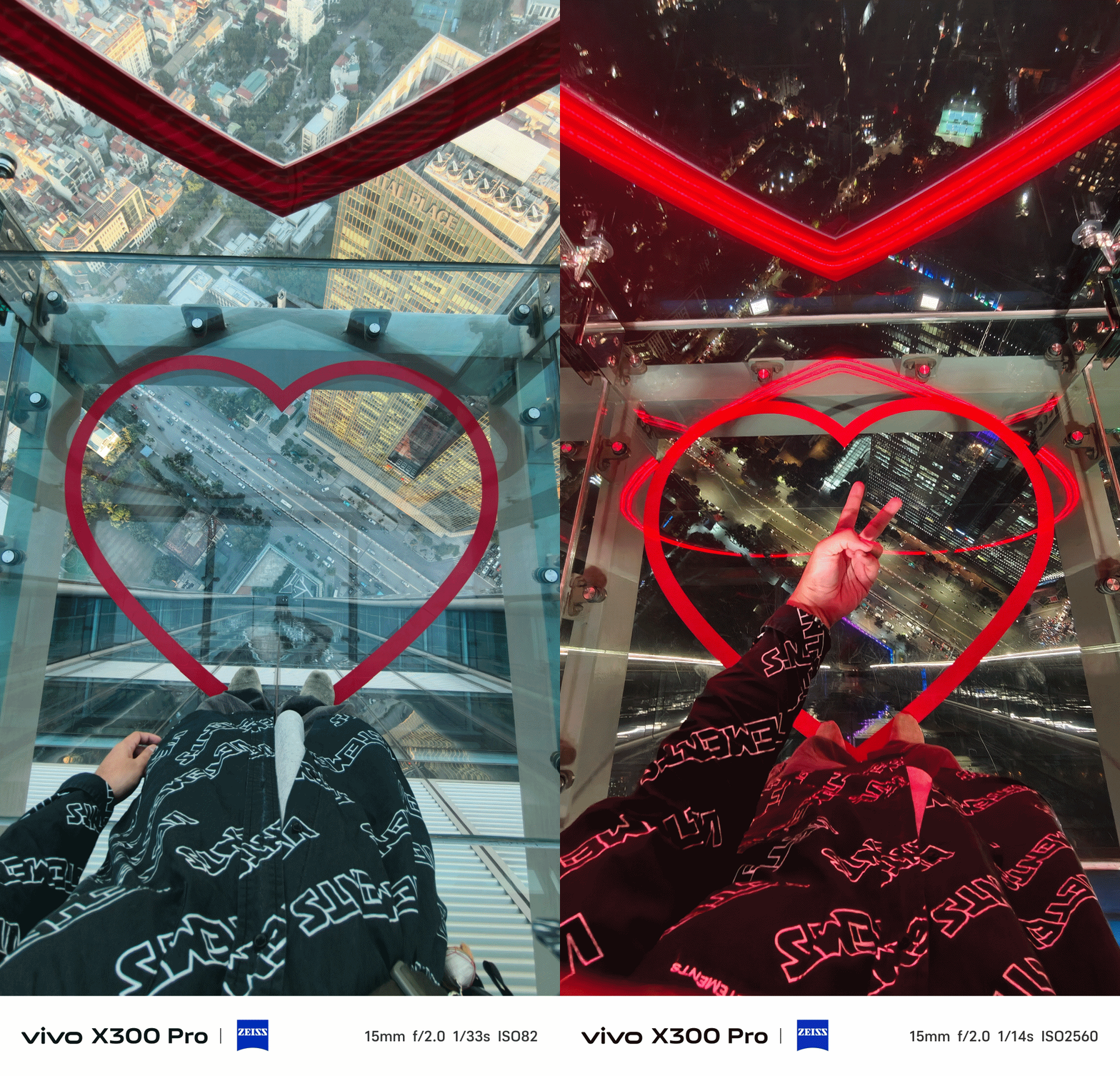
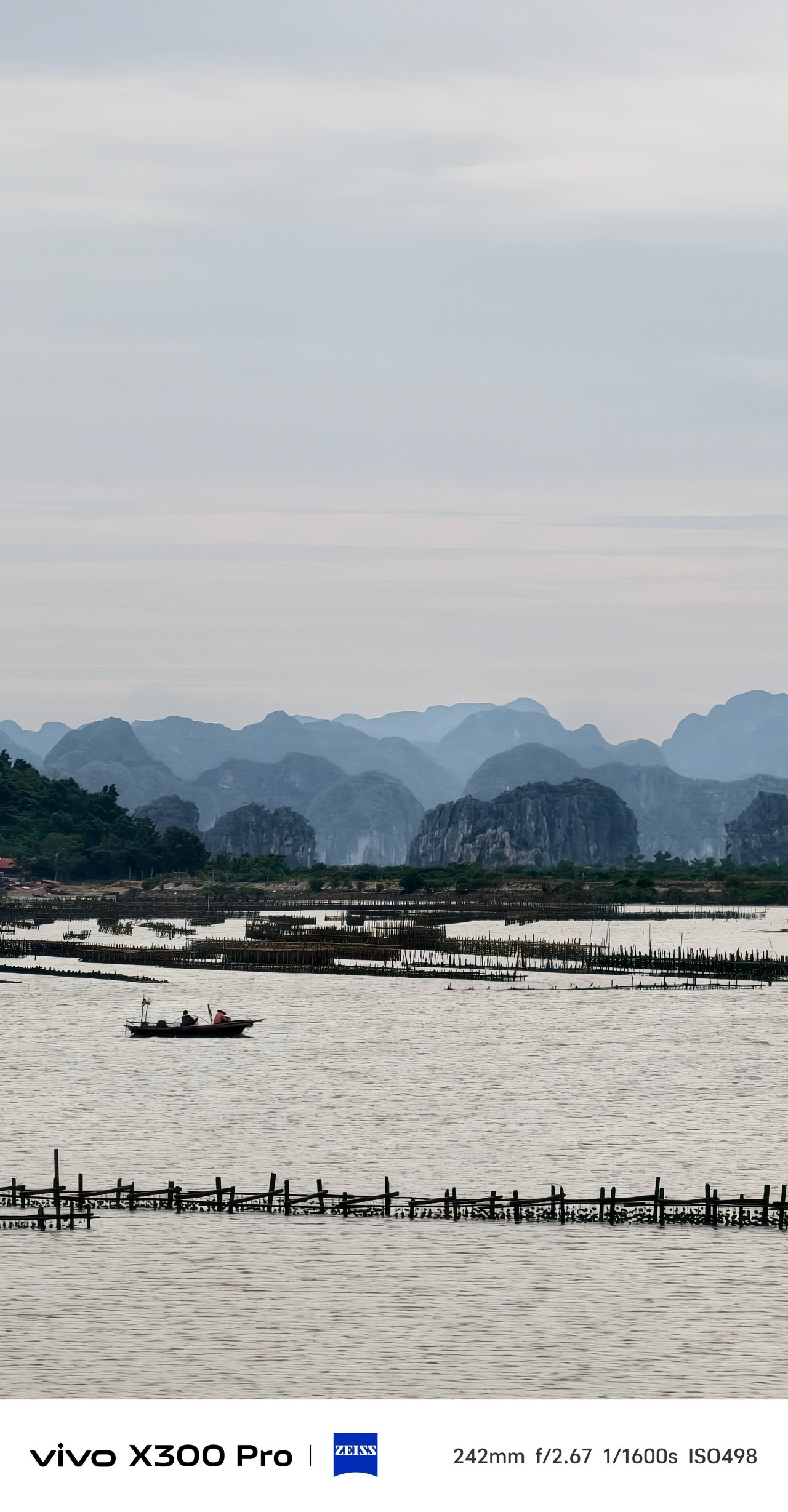
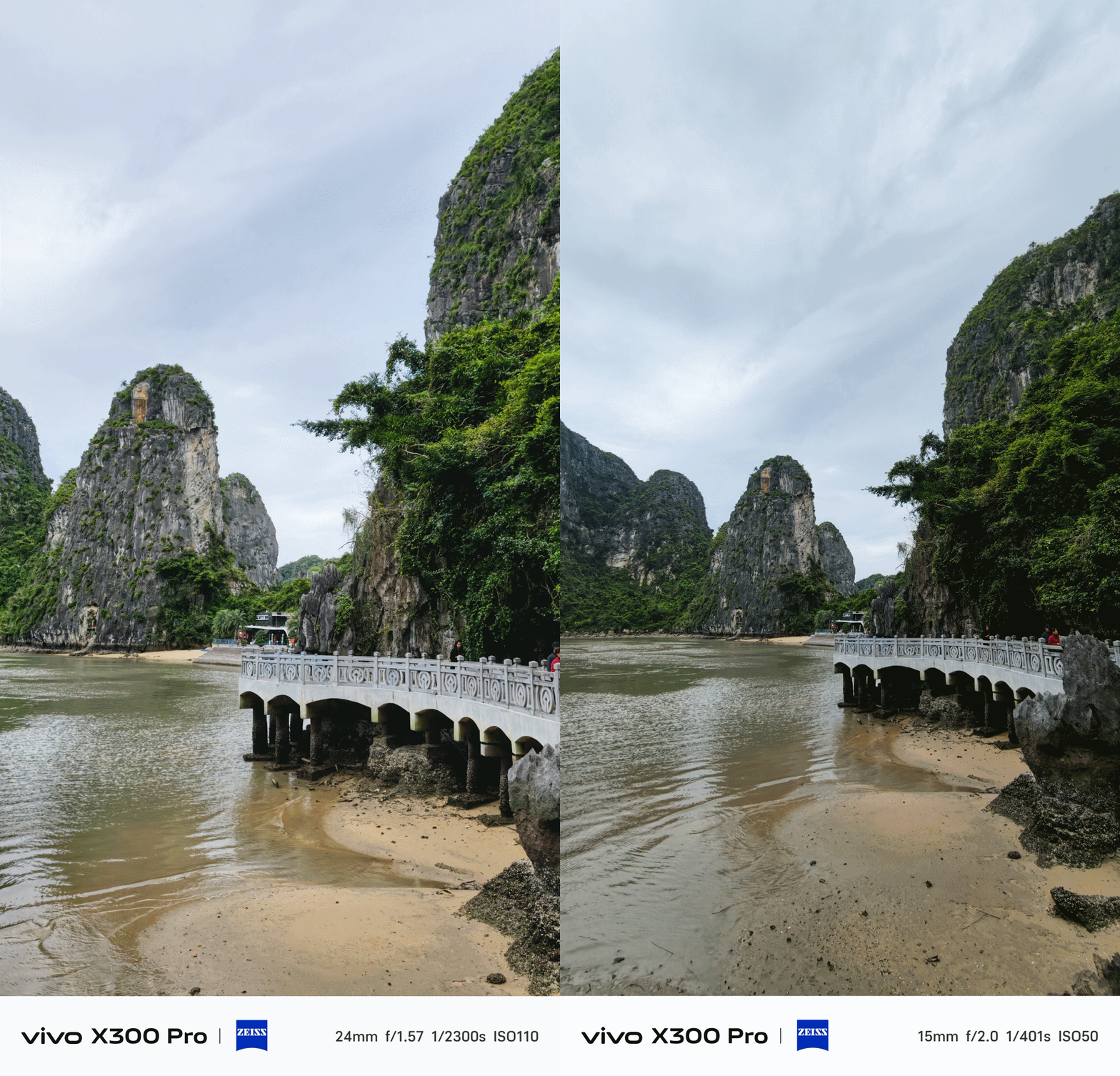
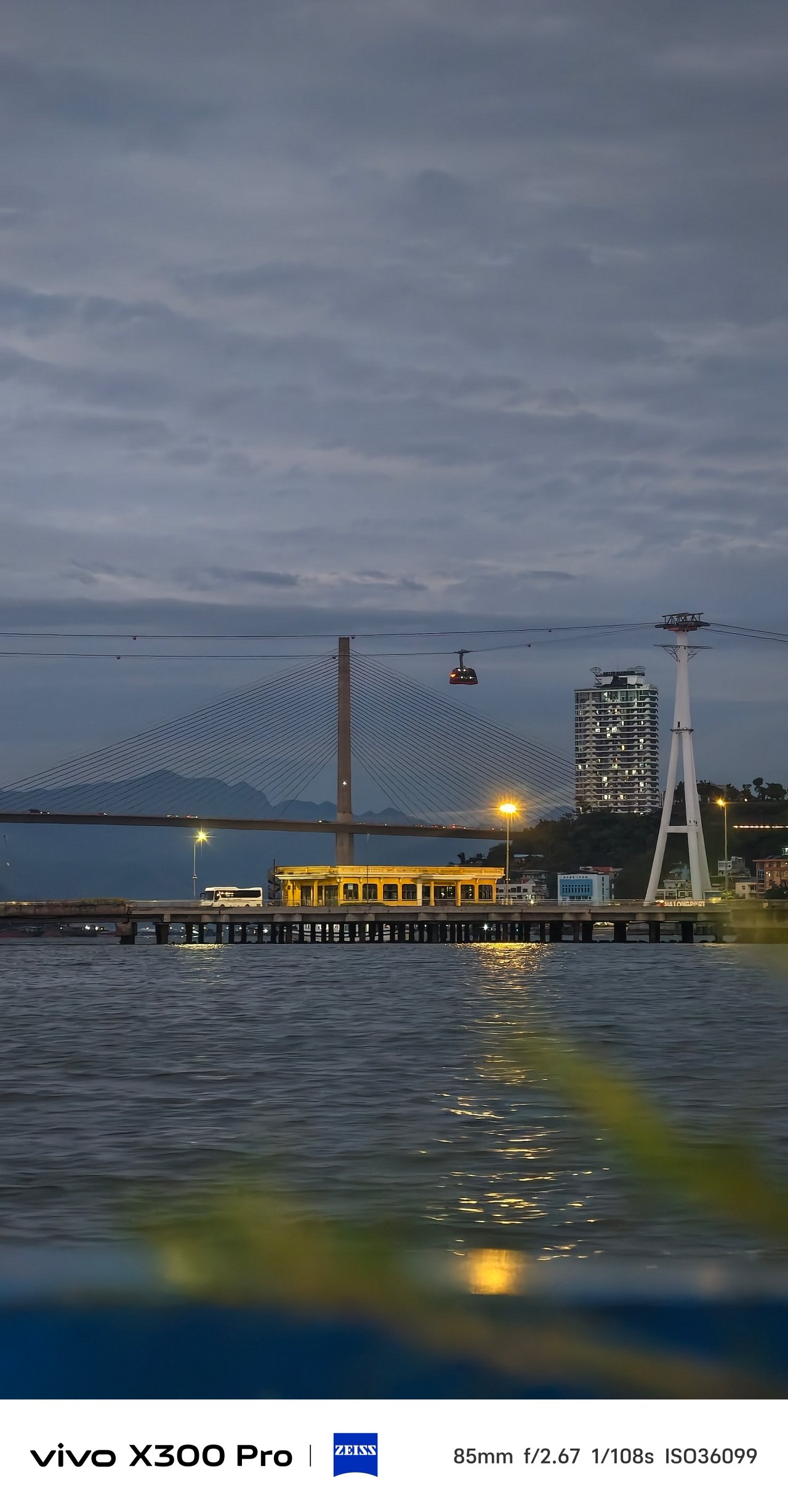
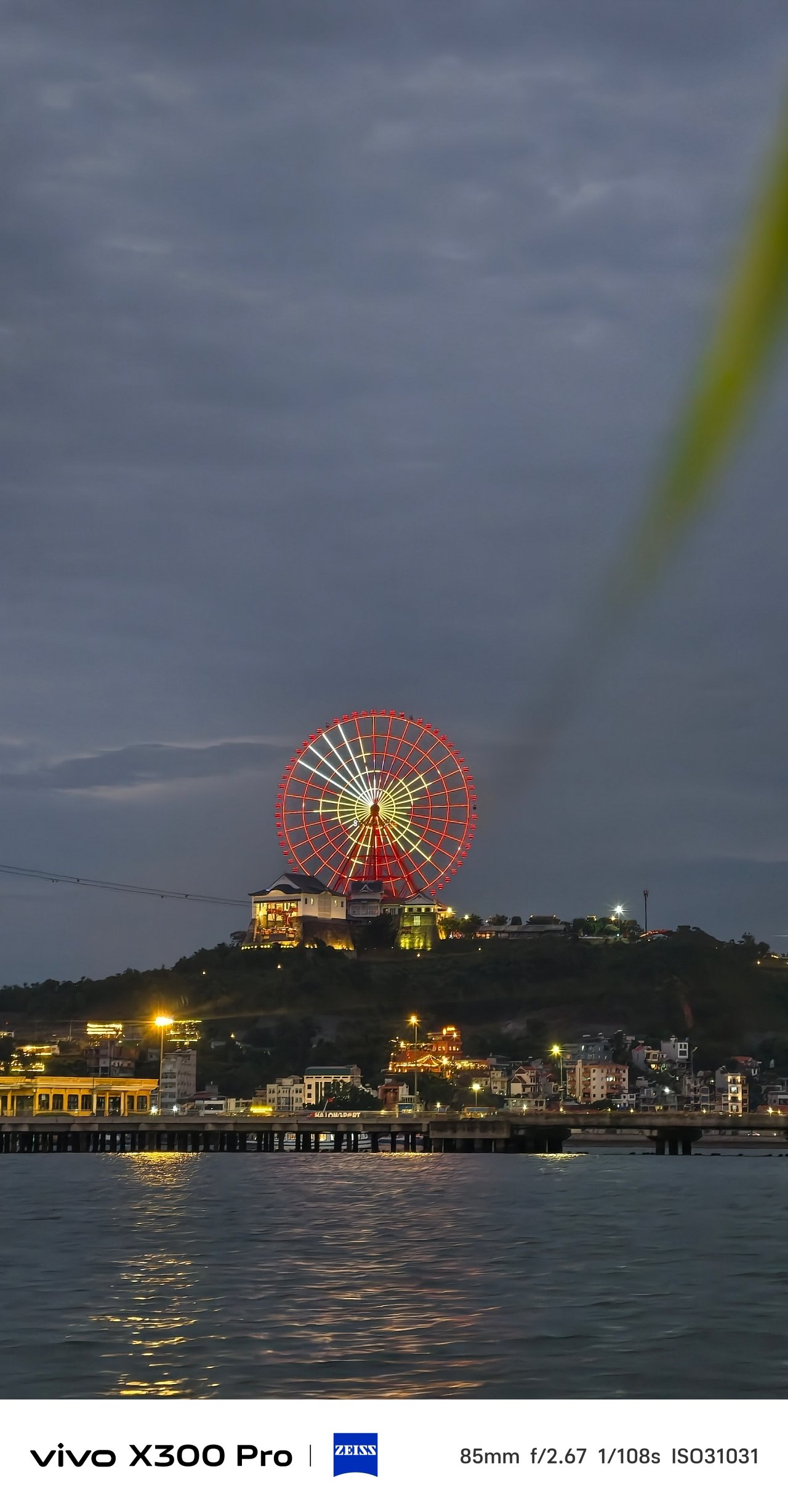
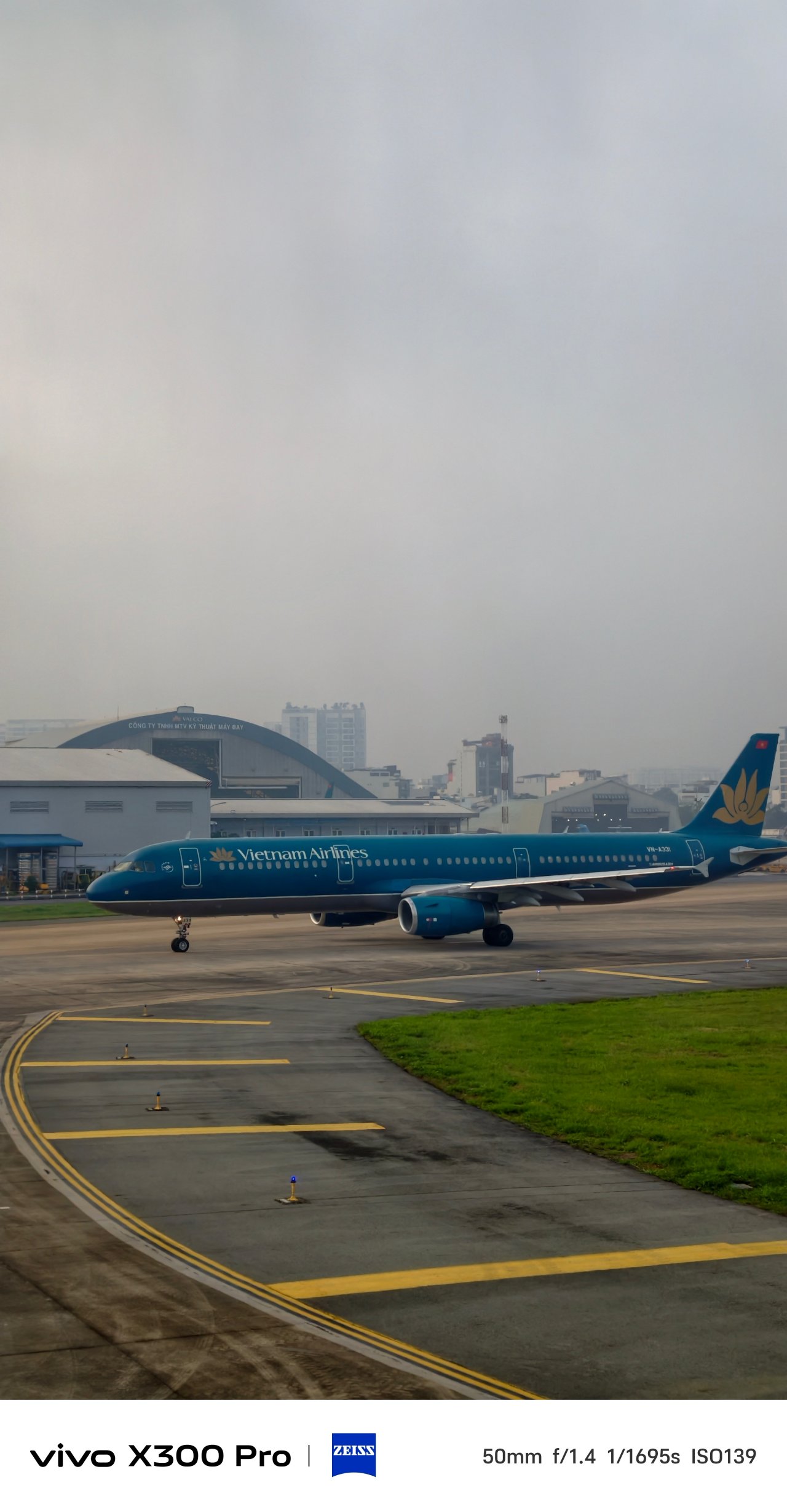
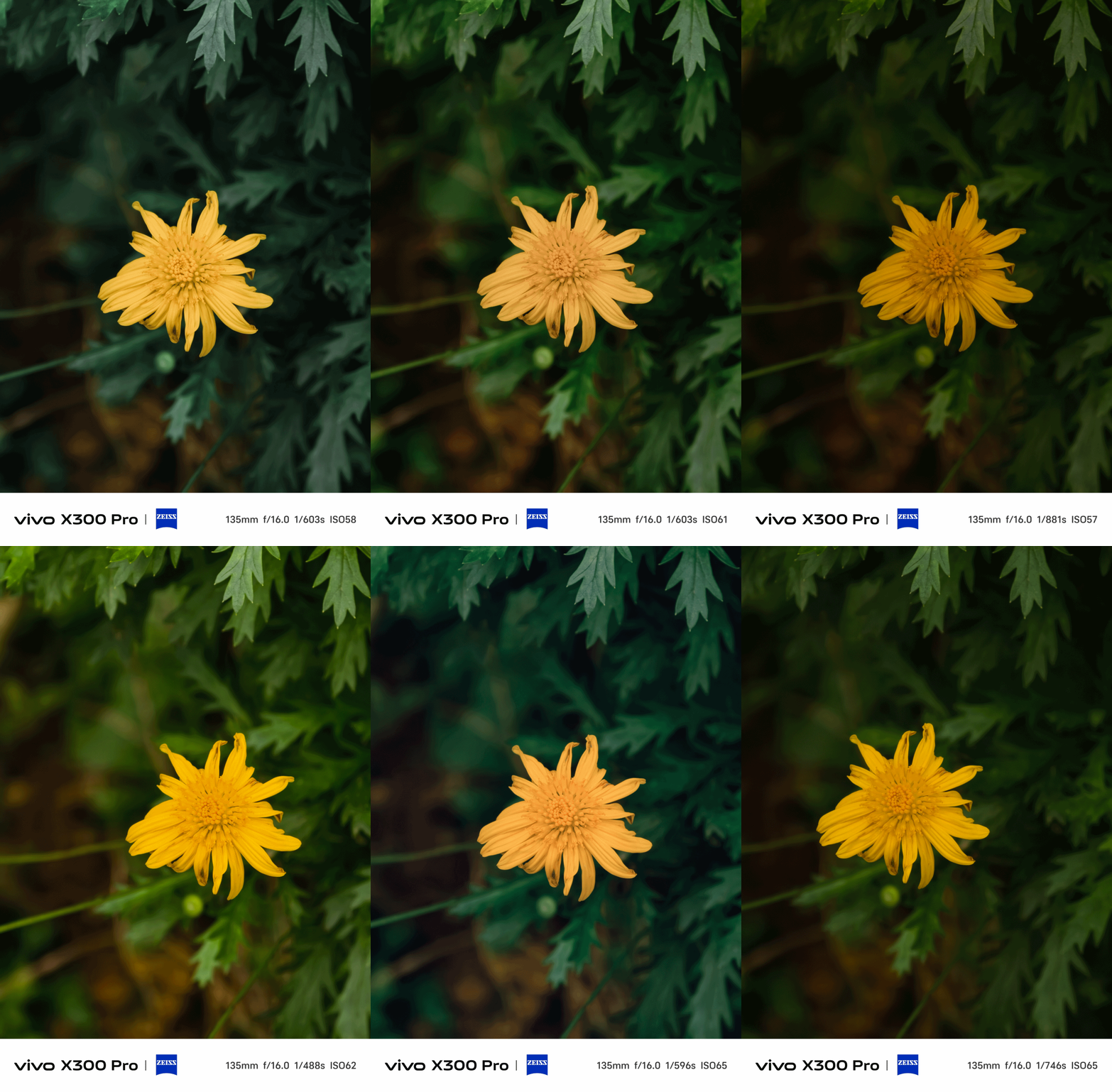
But, for the entirety of my trip, I relied heavily on Textured as I love how my shots look more soulful in this profile with ample amount of shadows and toned-down highlights.
📍 Hạ Long Bay









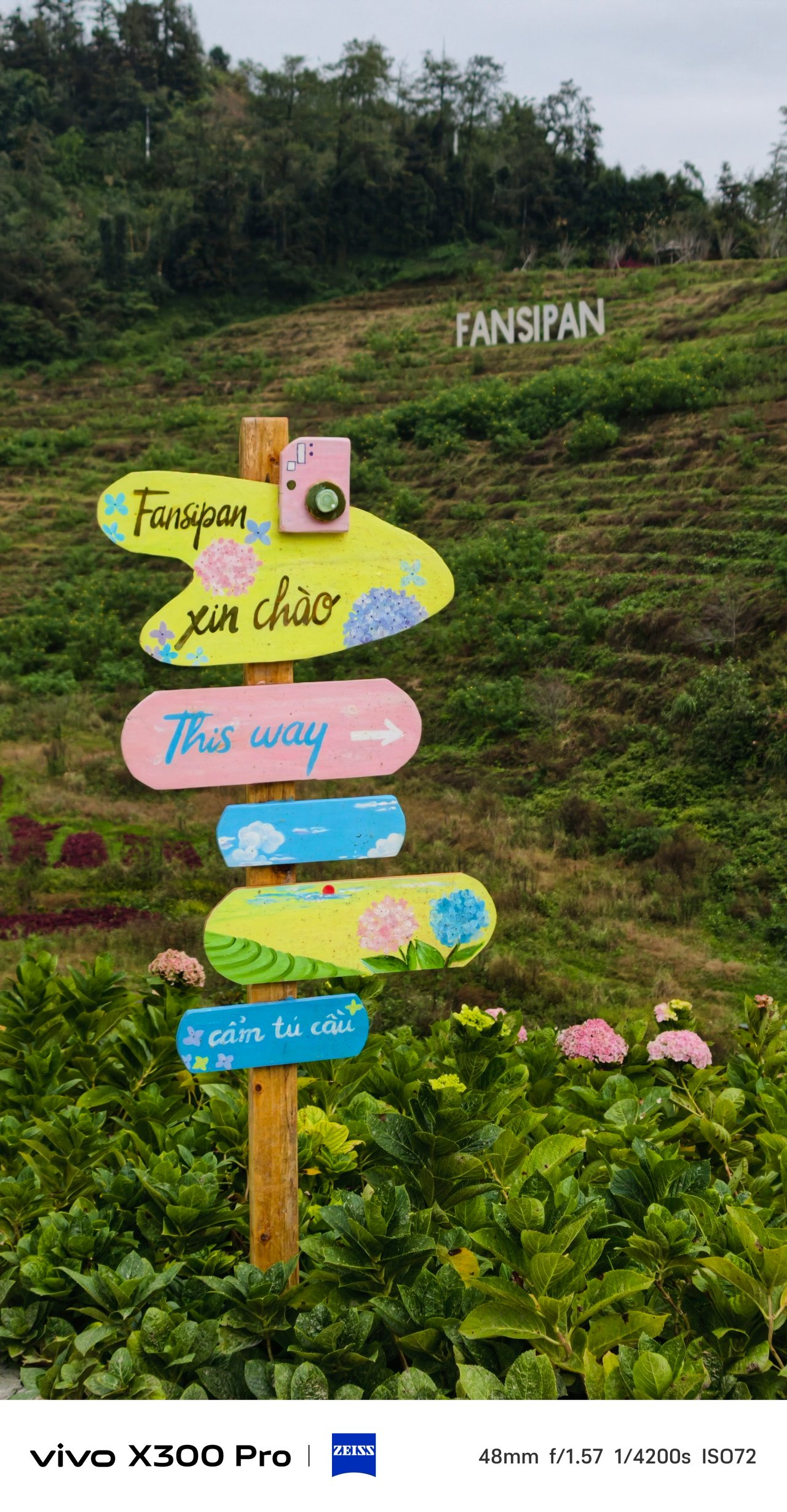







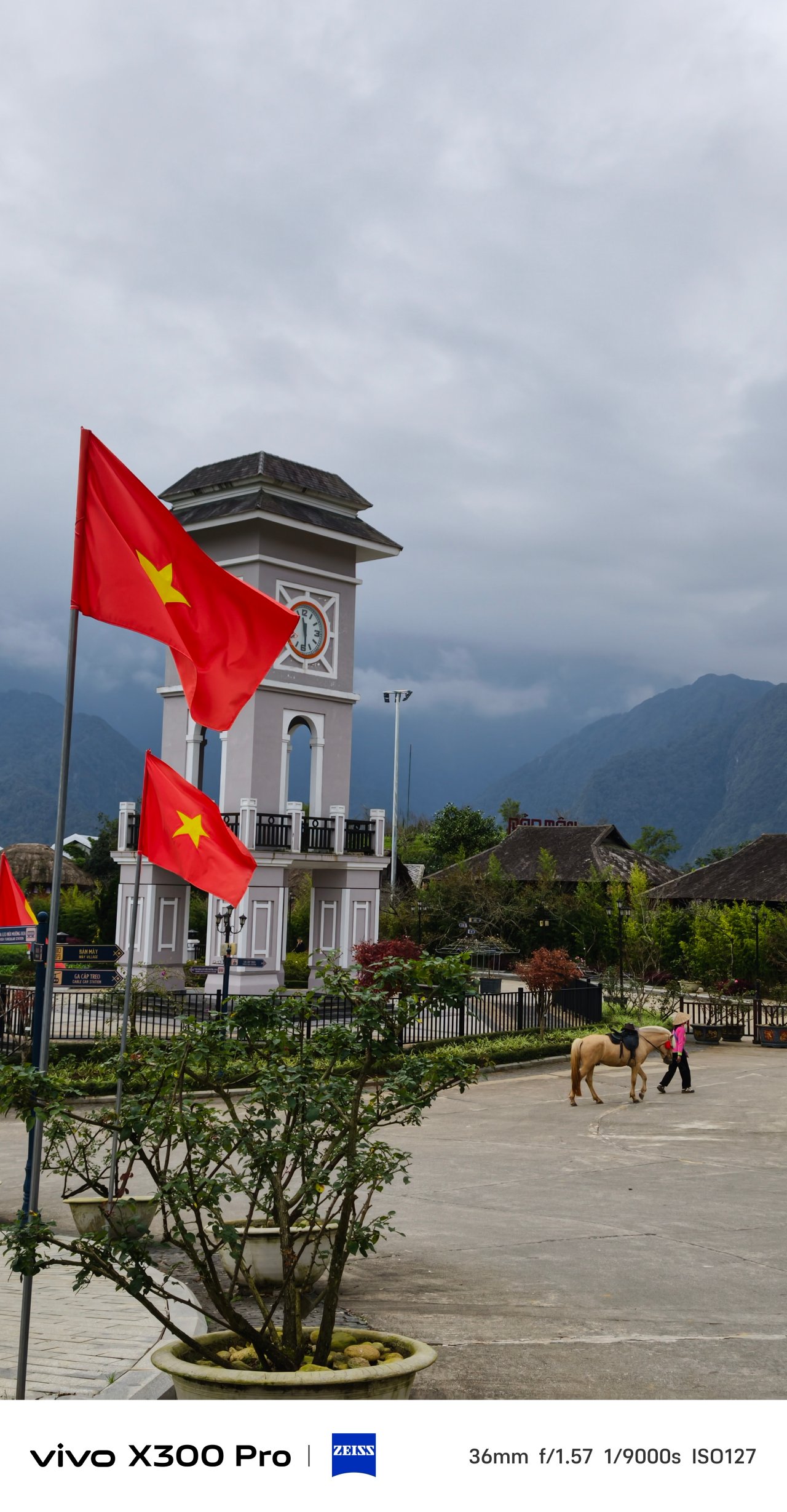





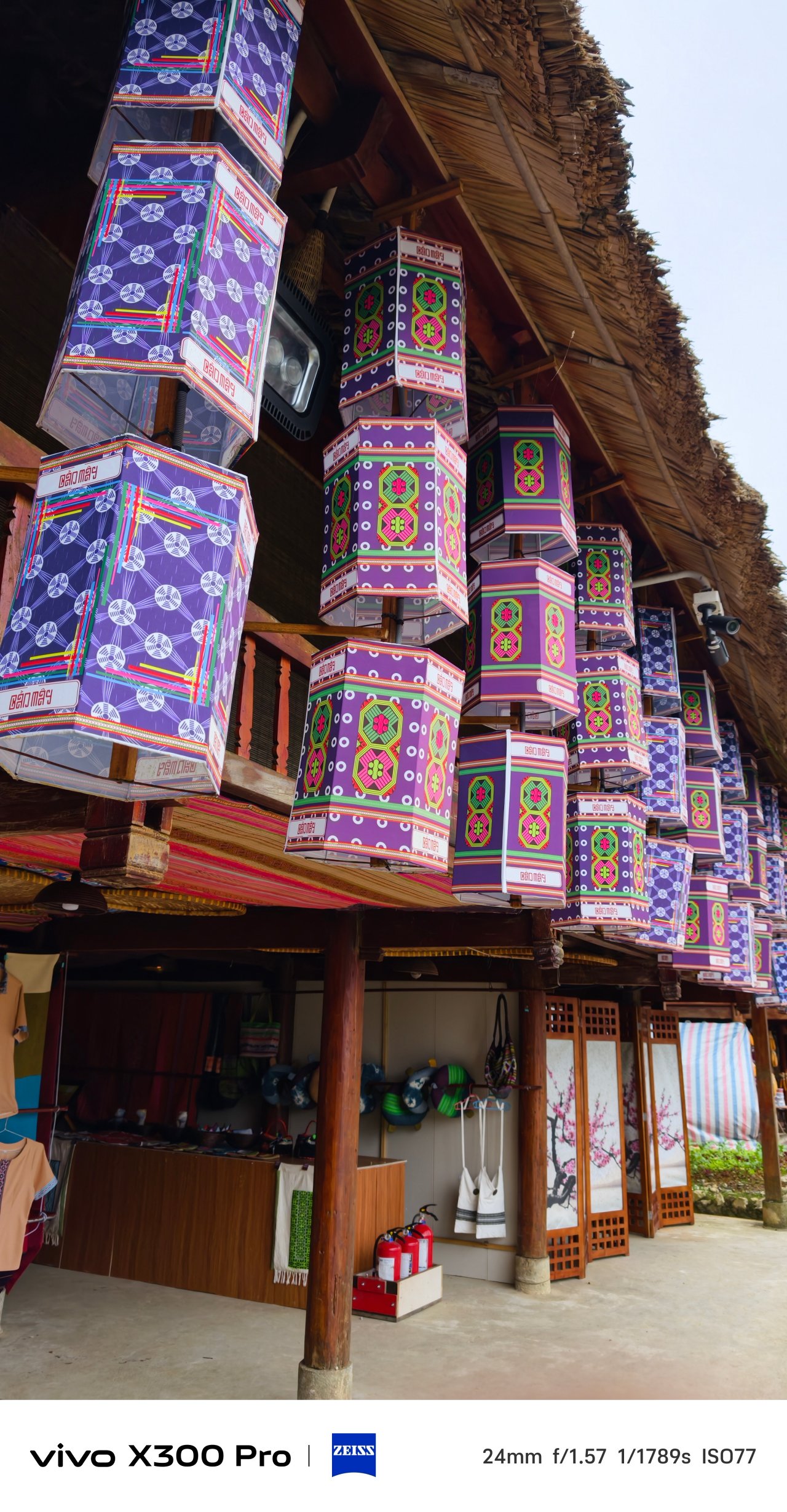





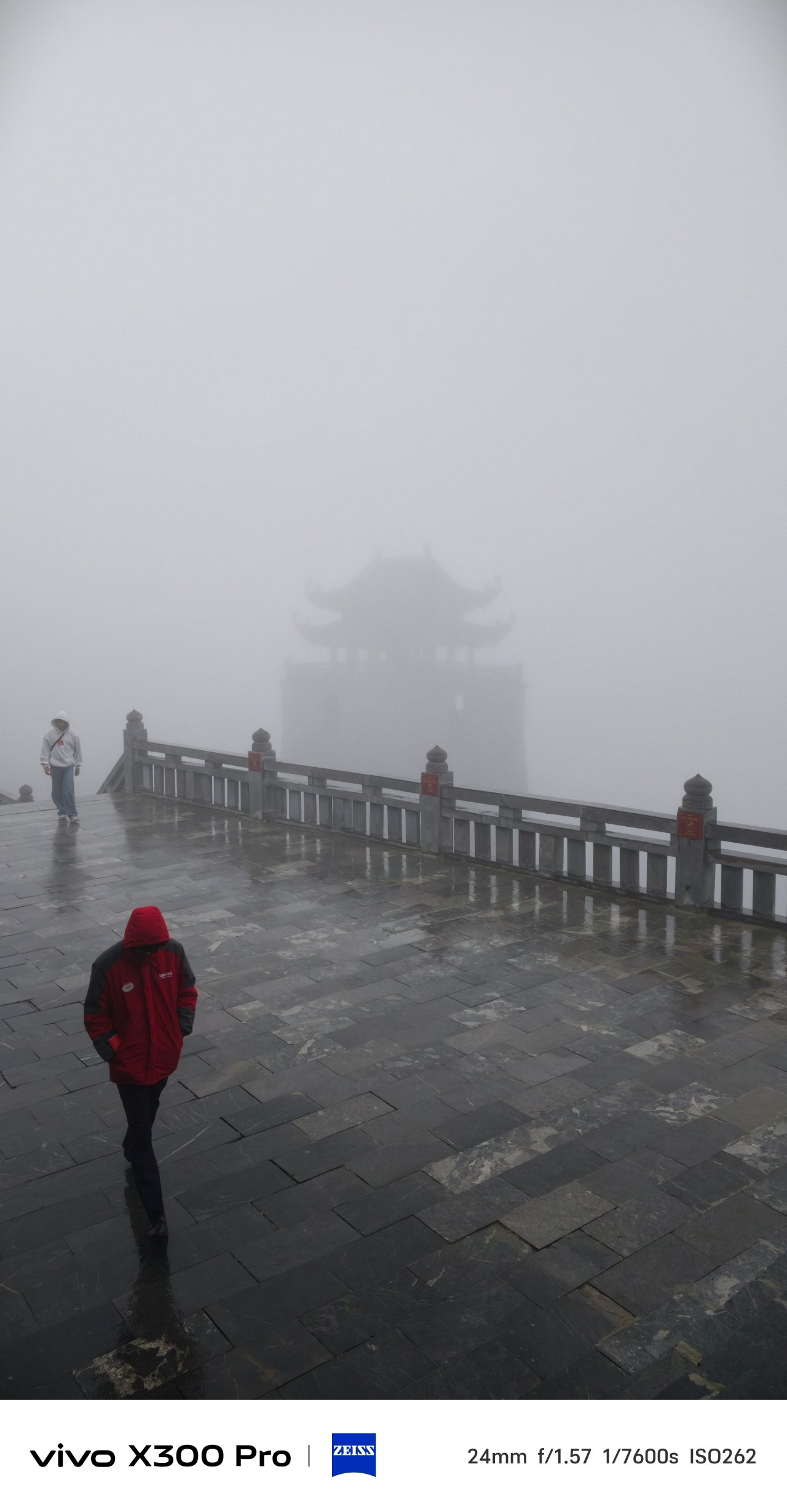


📍 SaPa Center


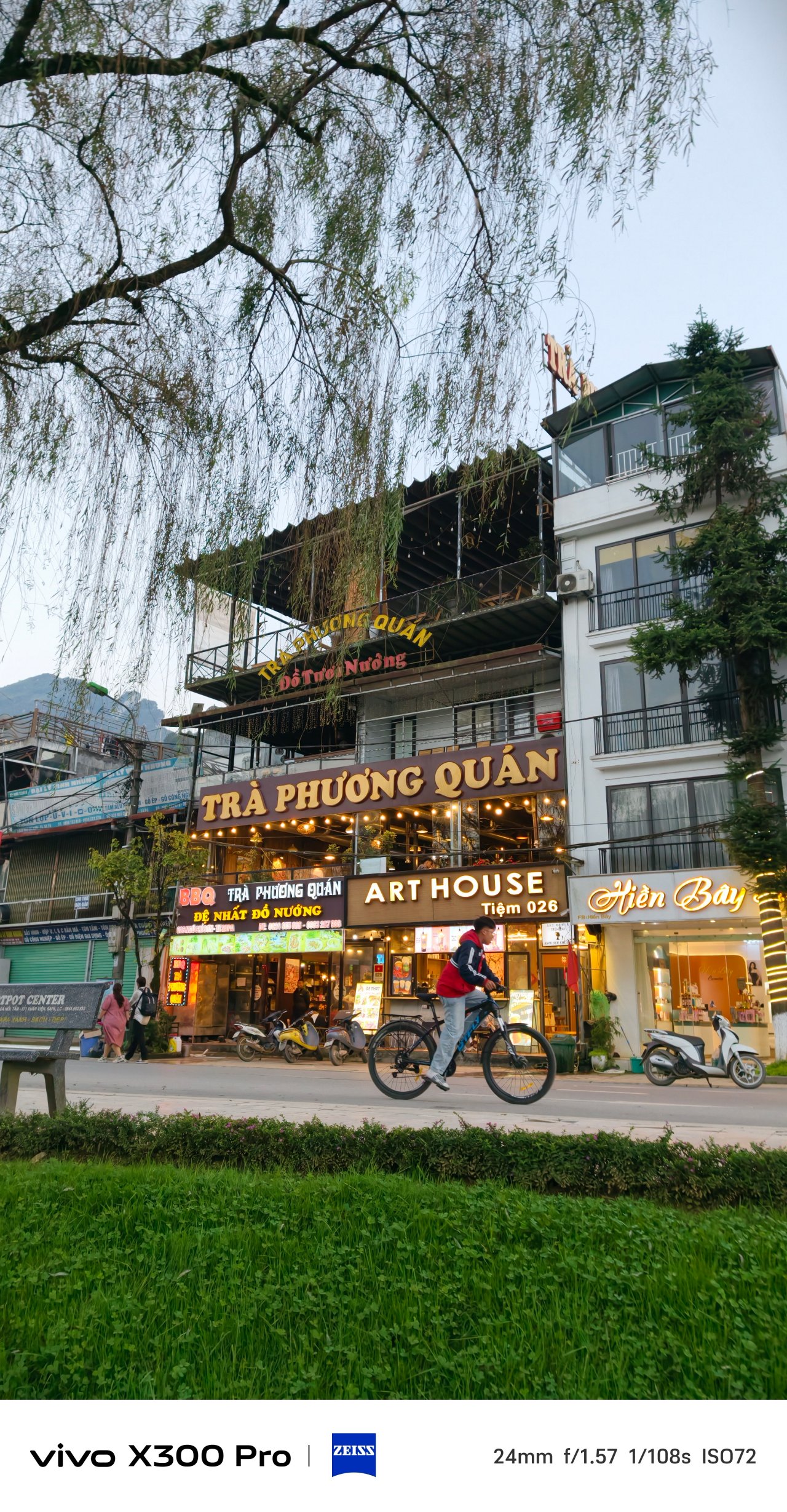
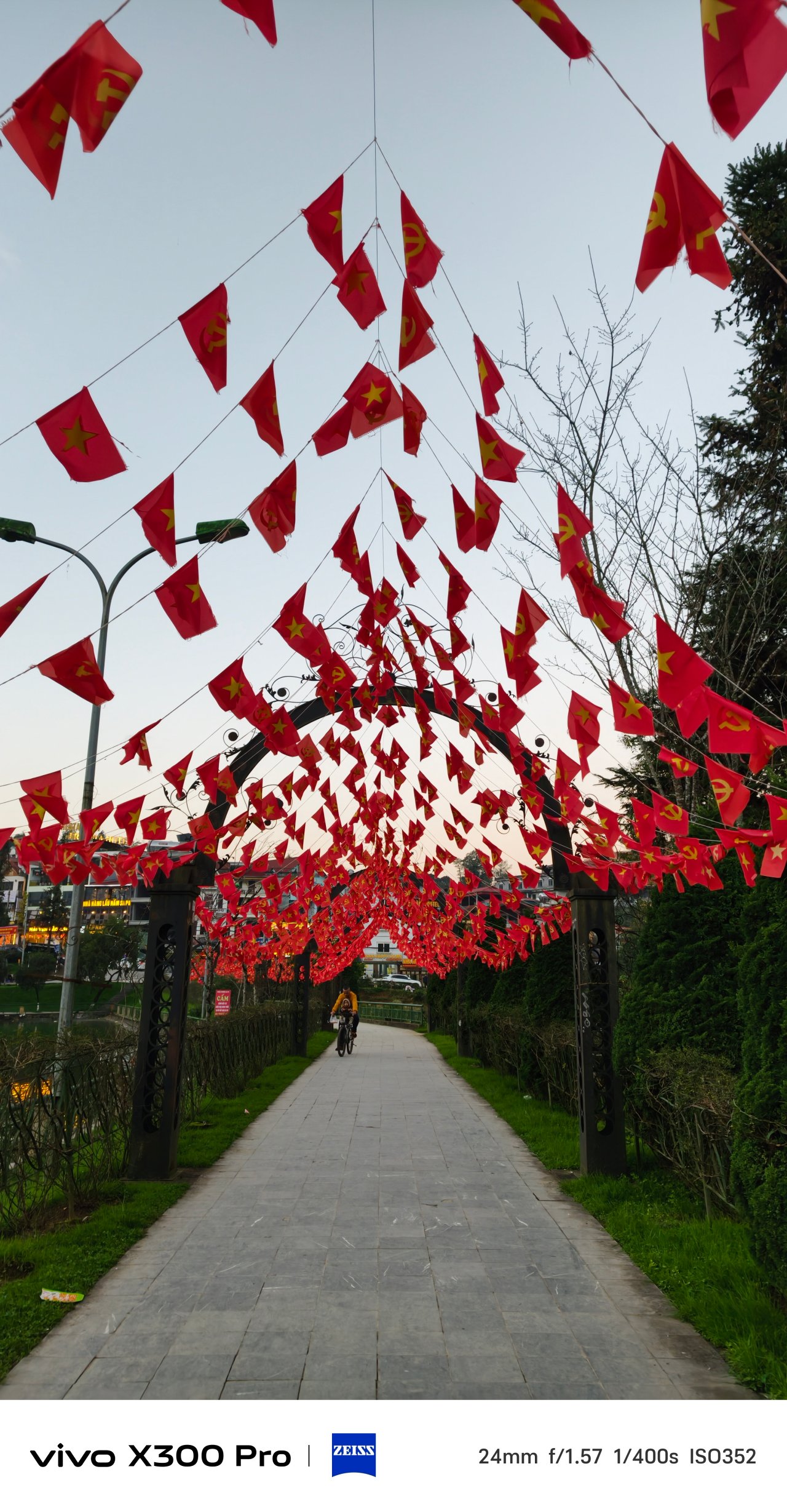
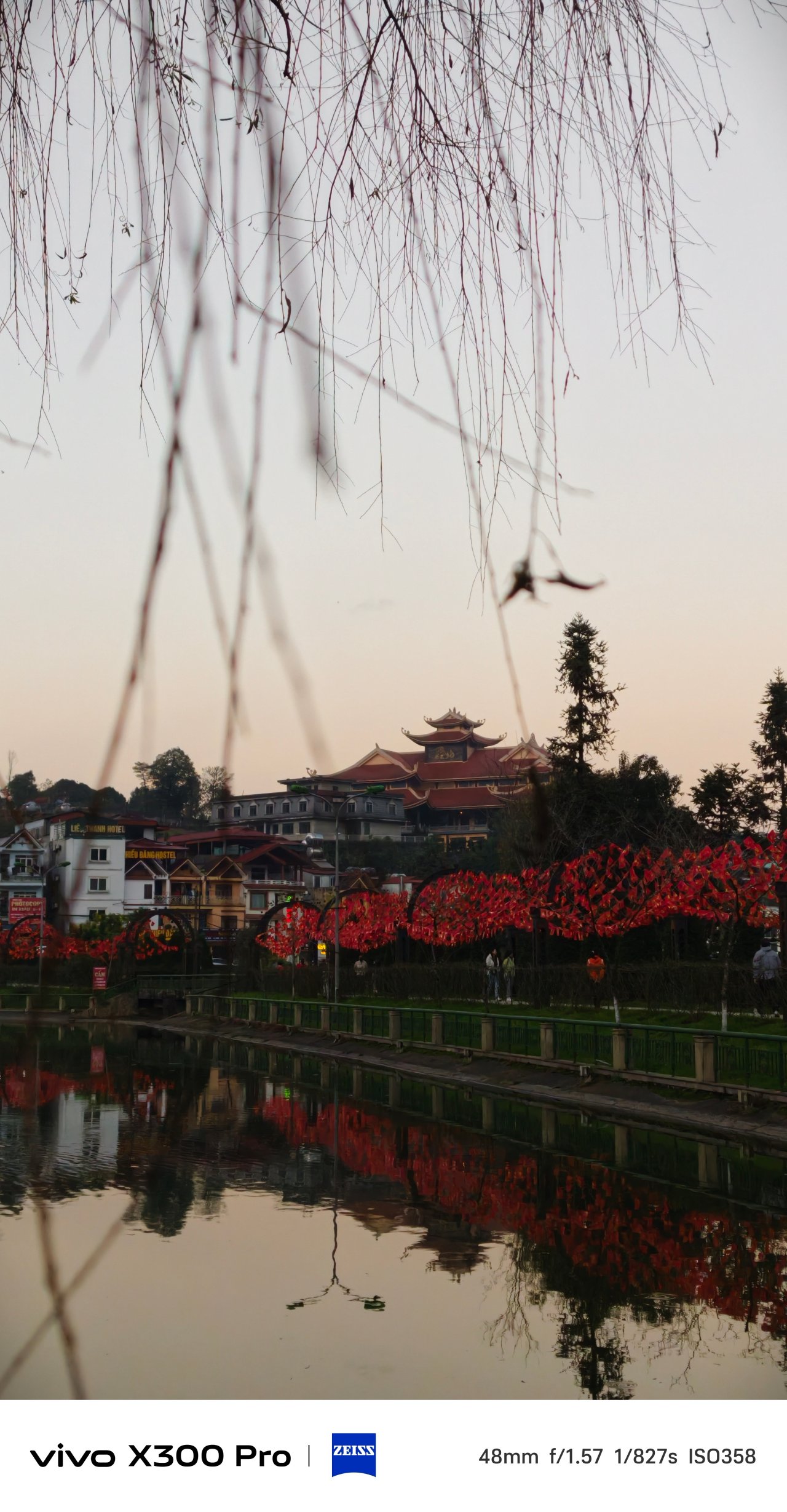
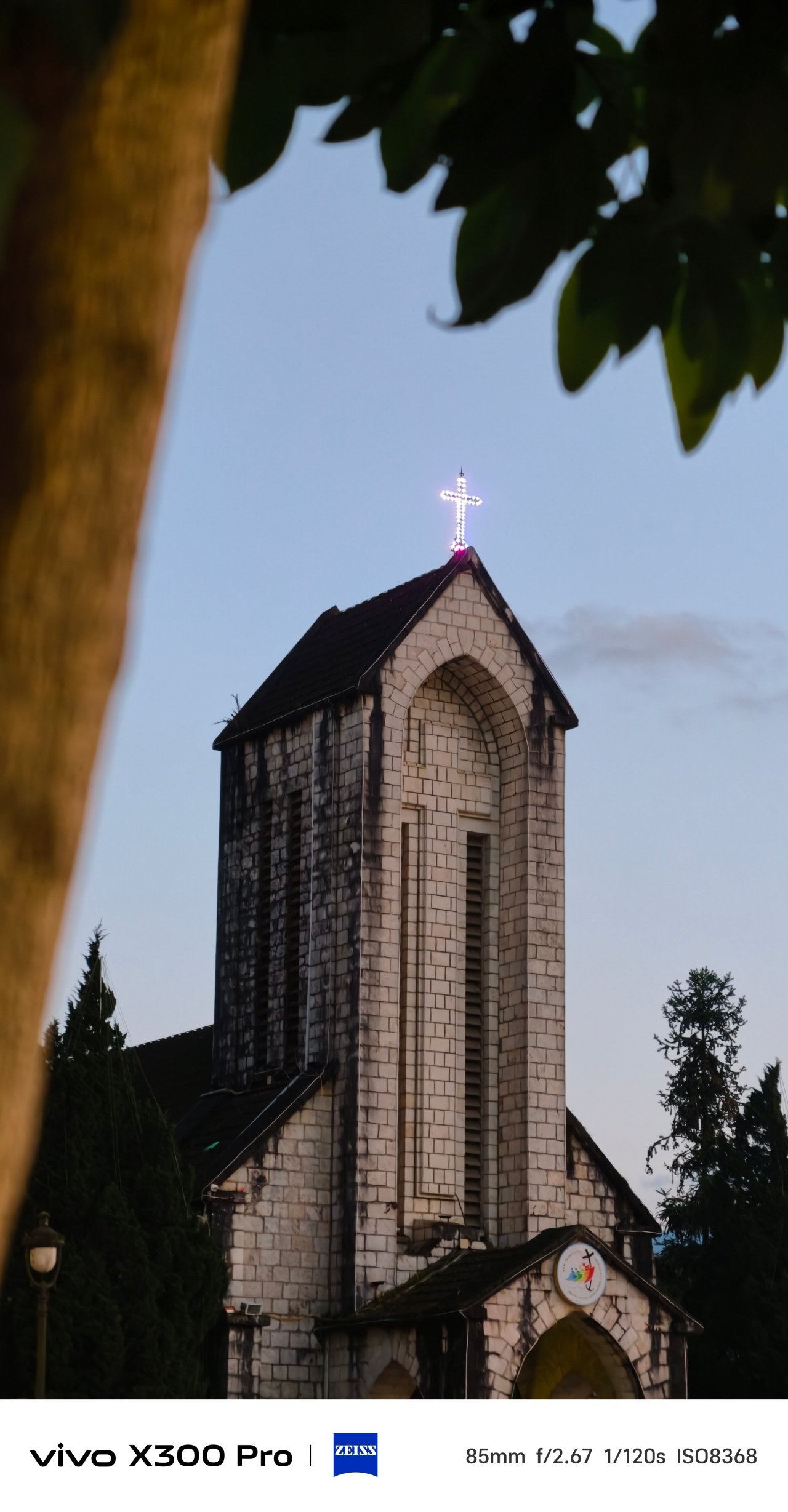
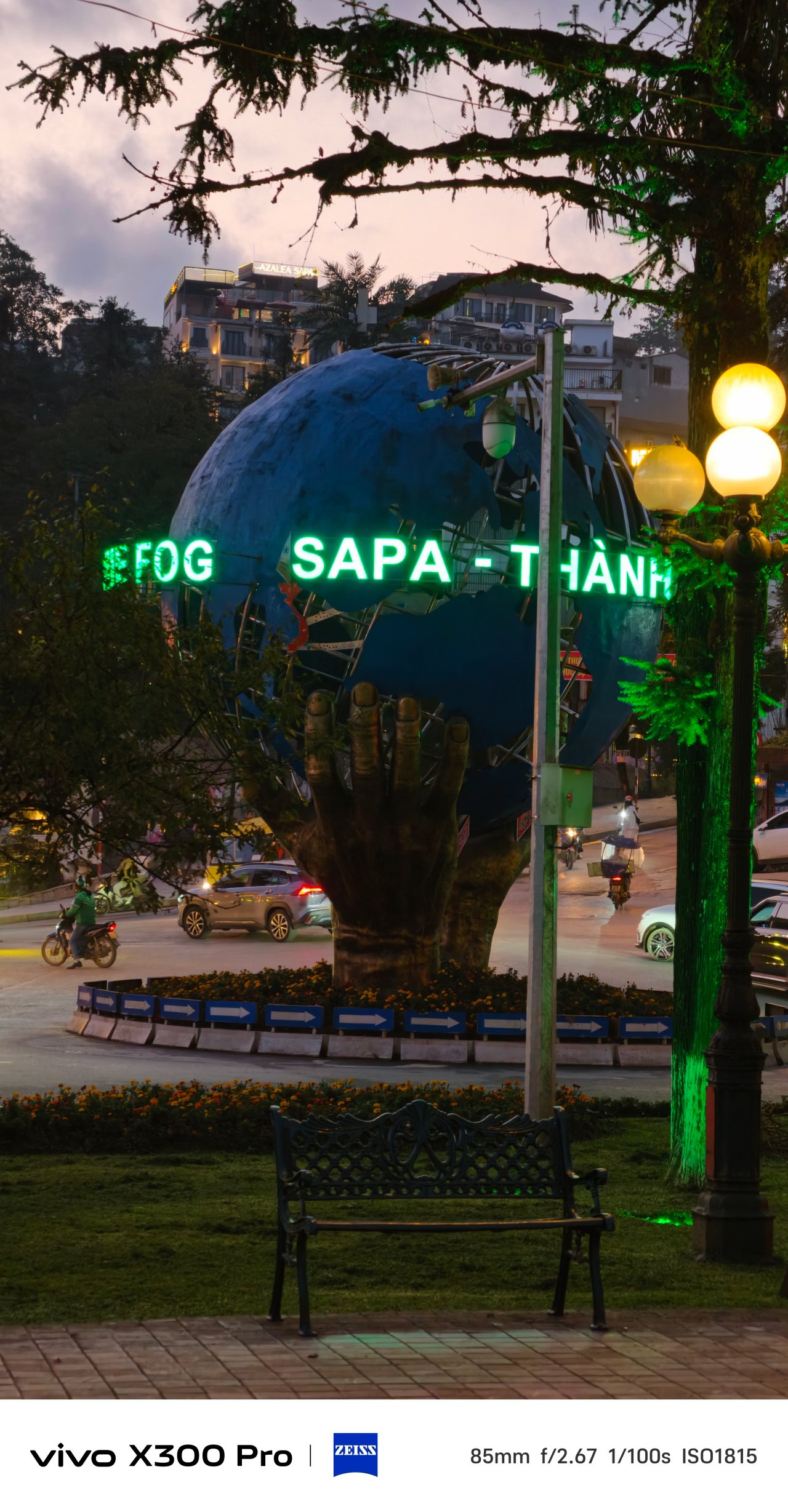
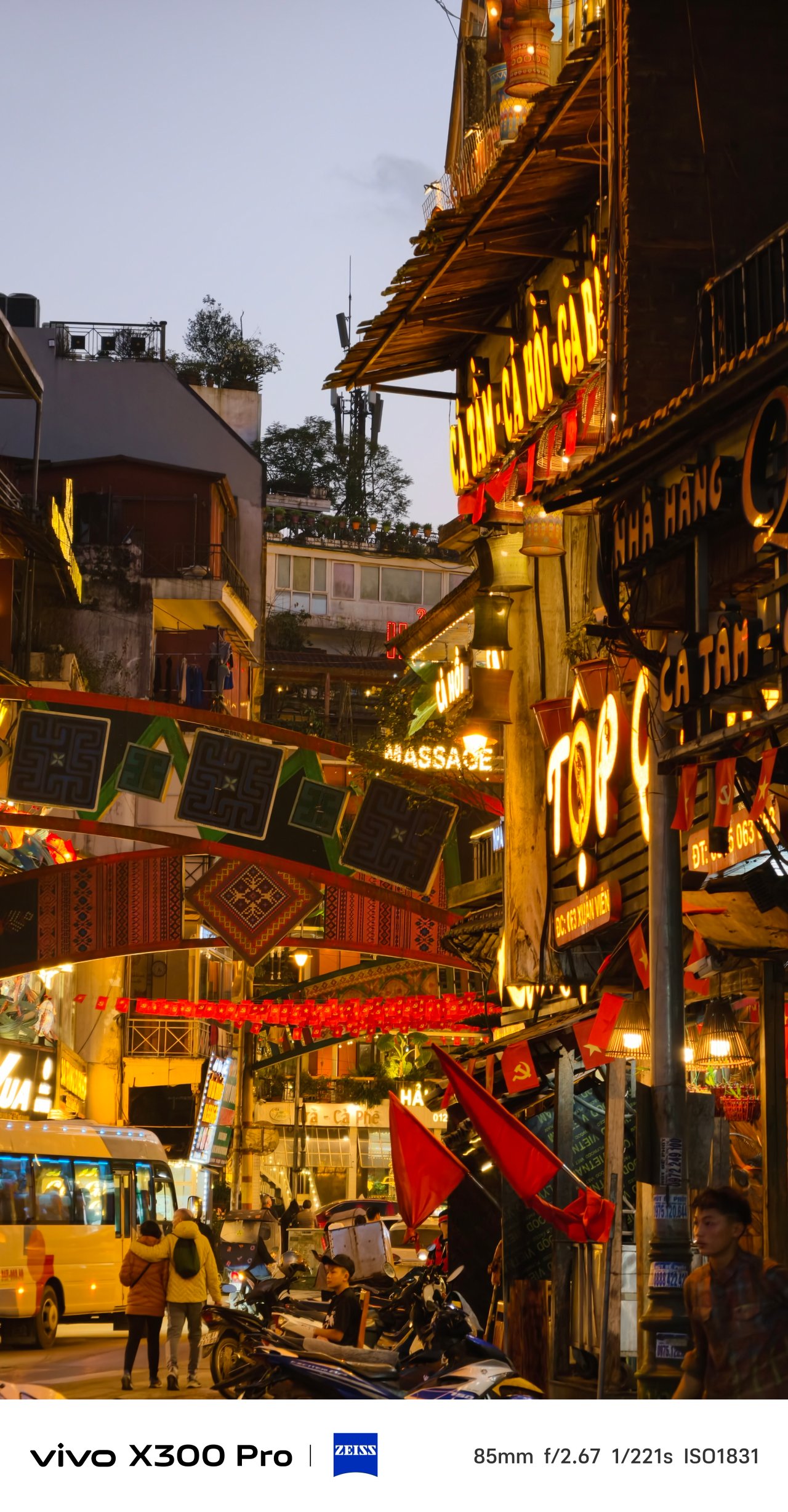

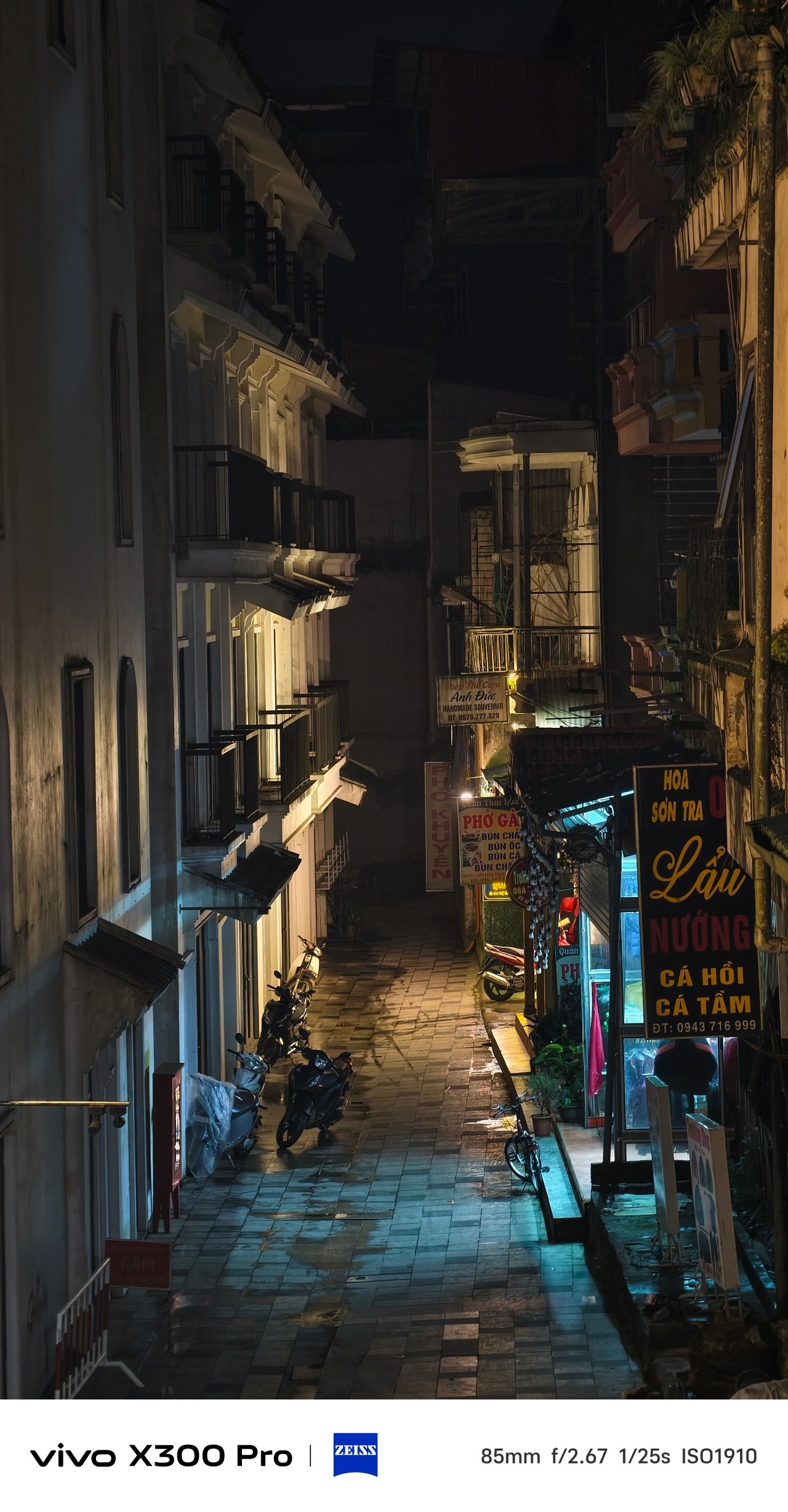
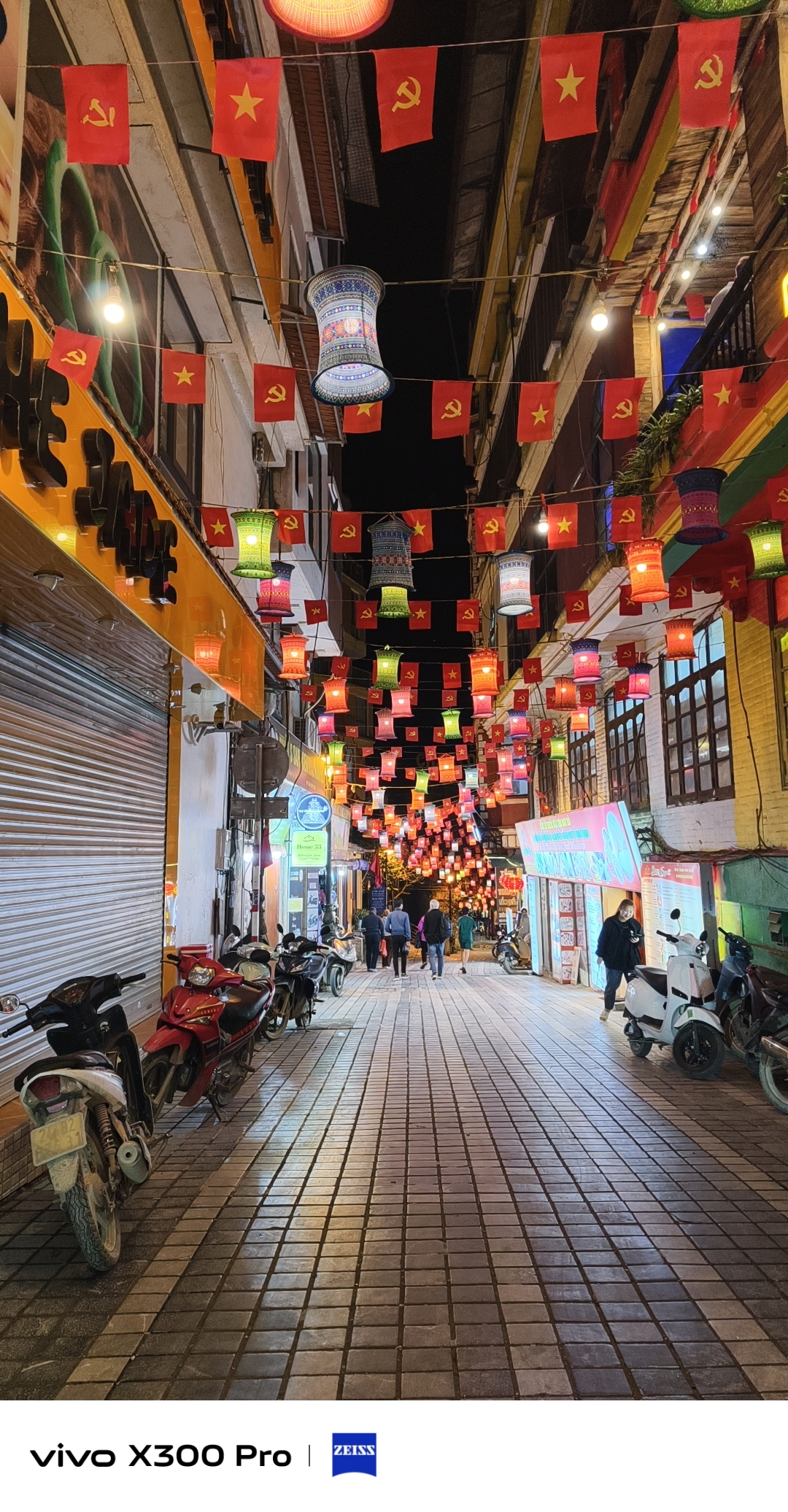

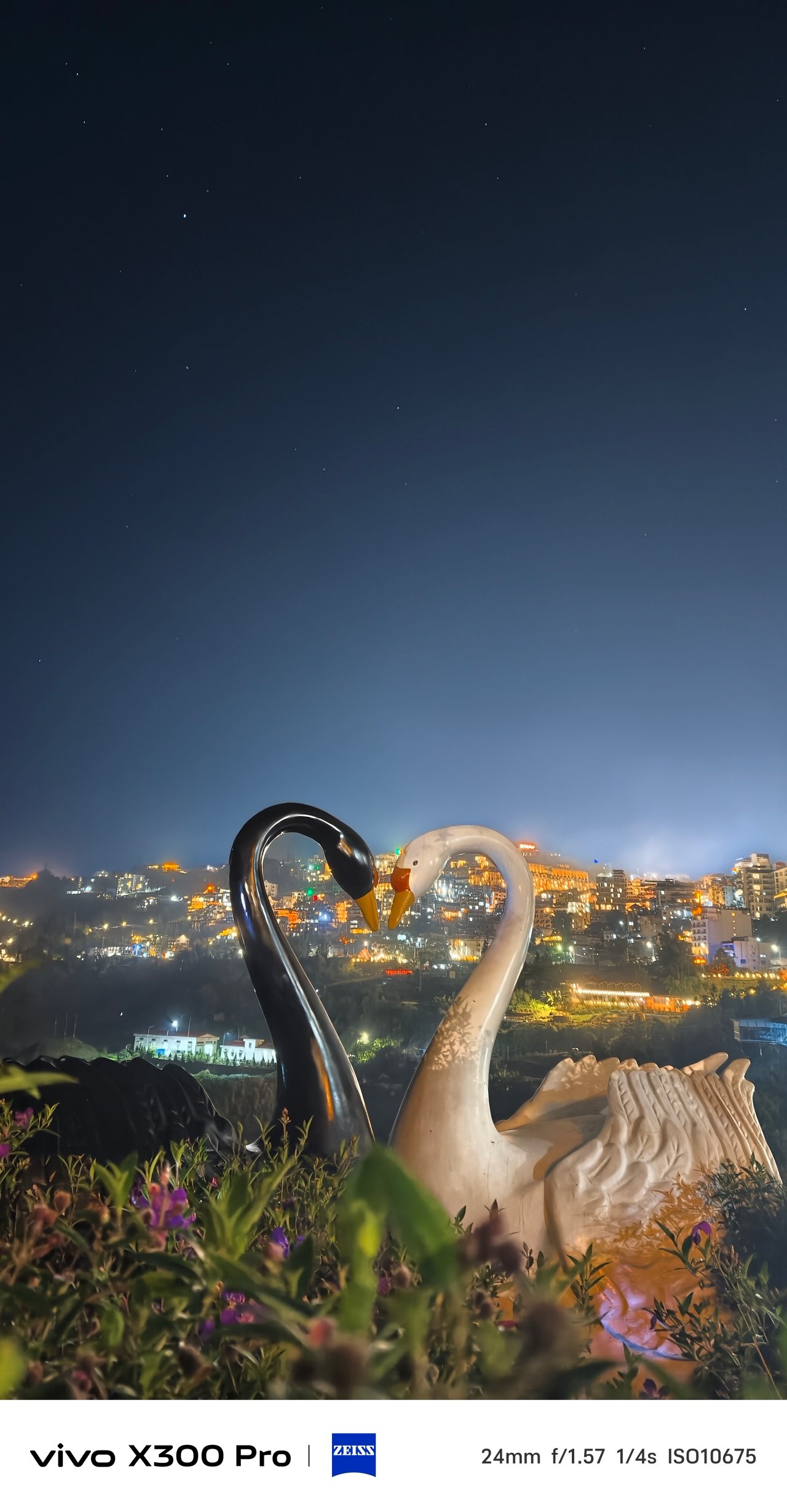

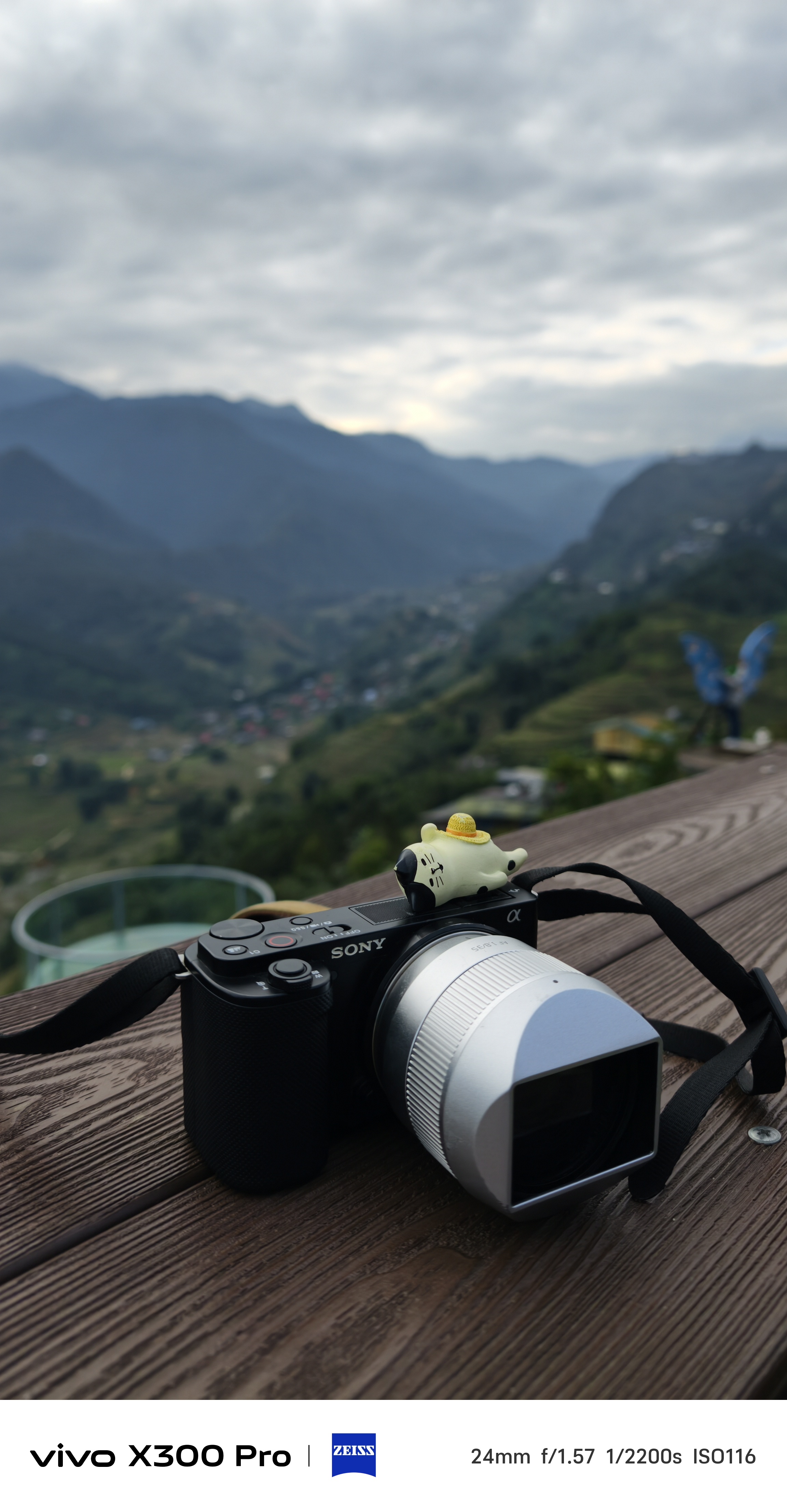


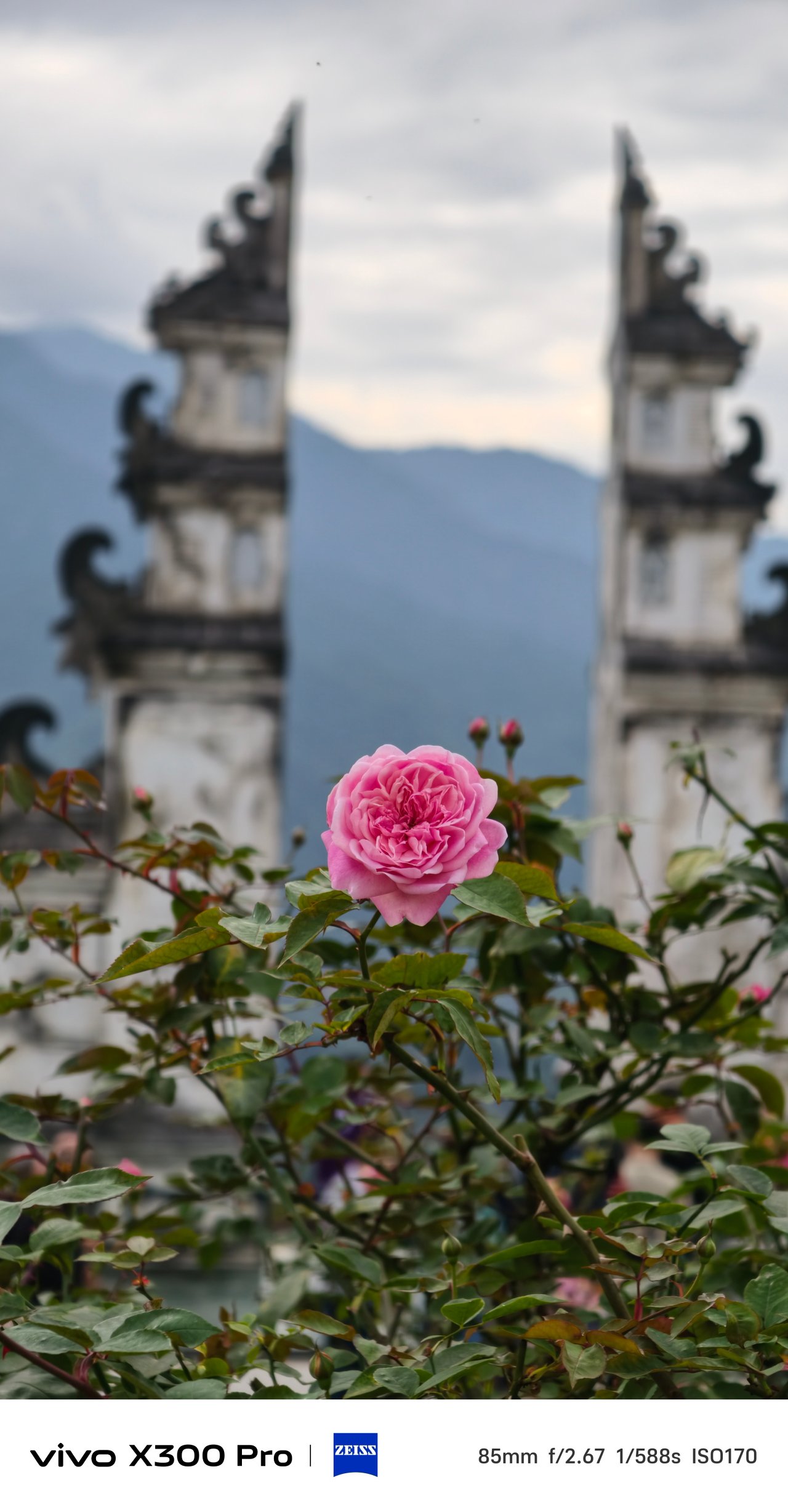



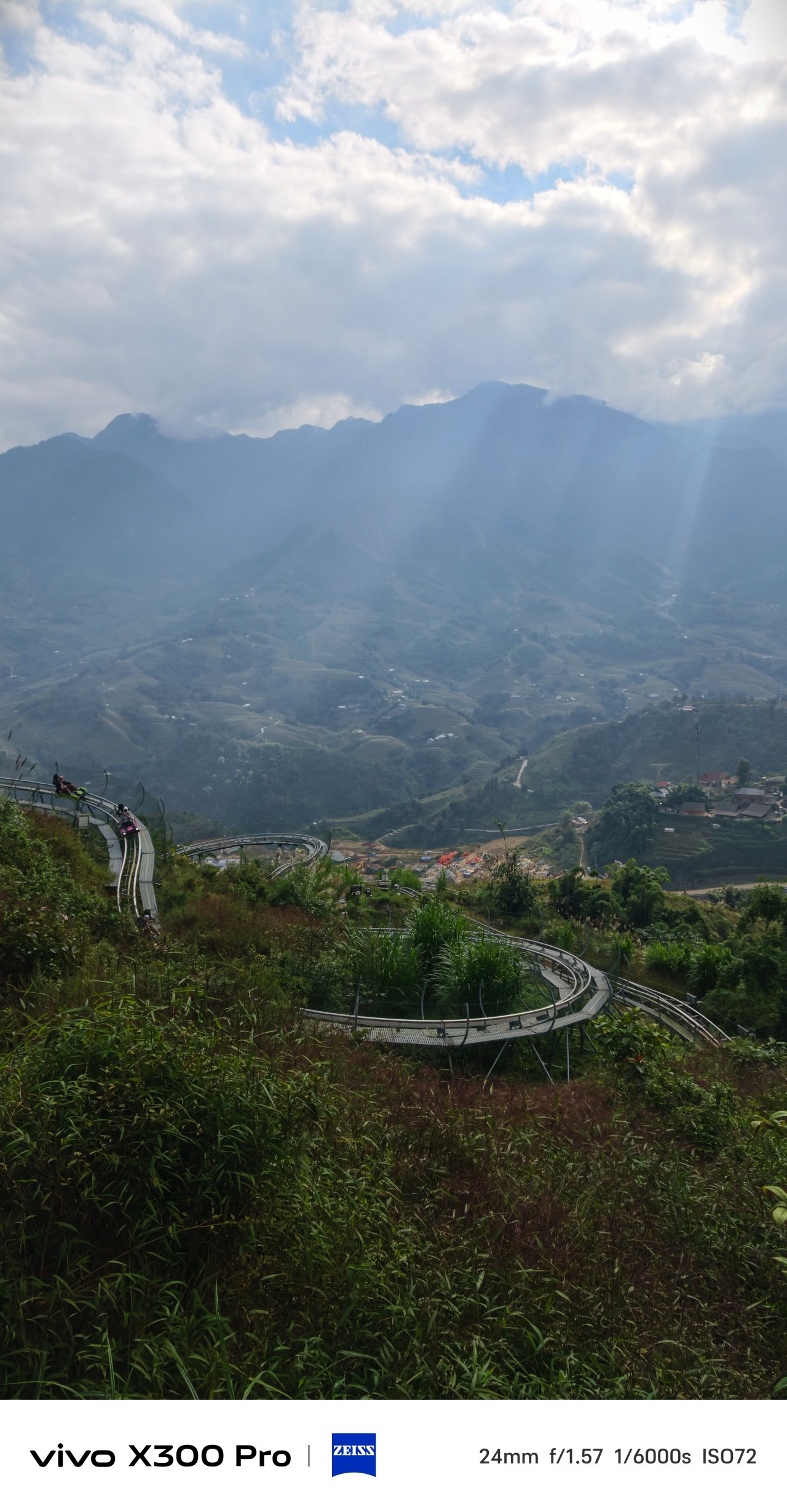
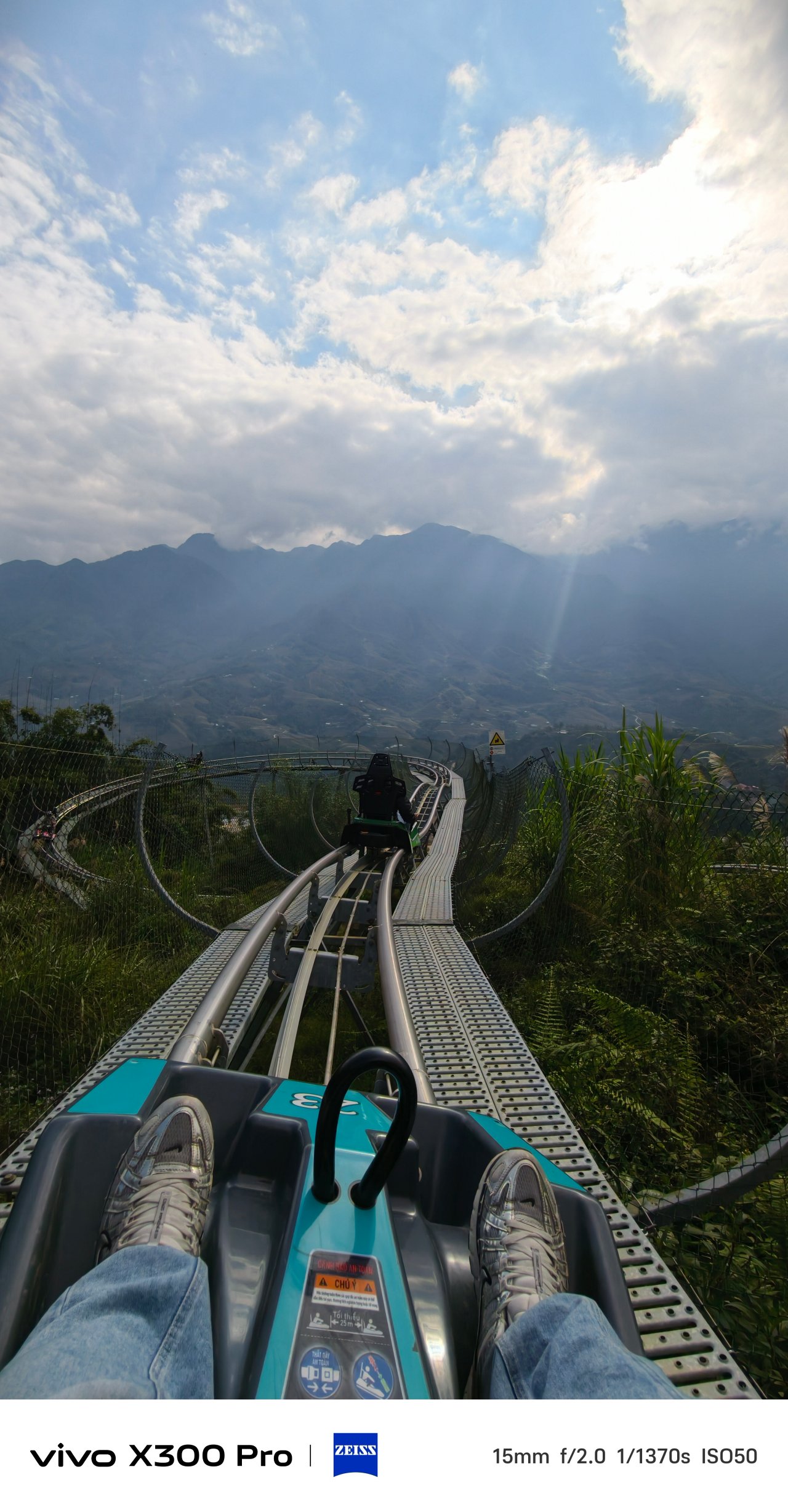
📍 Hanoi Train Street
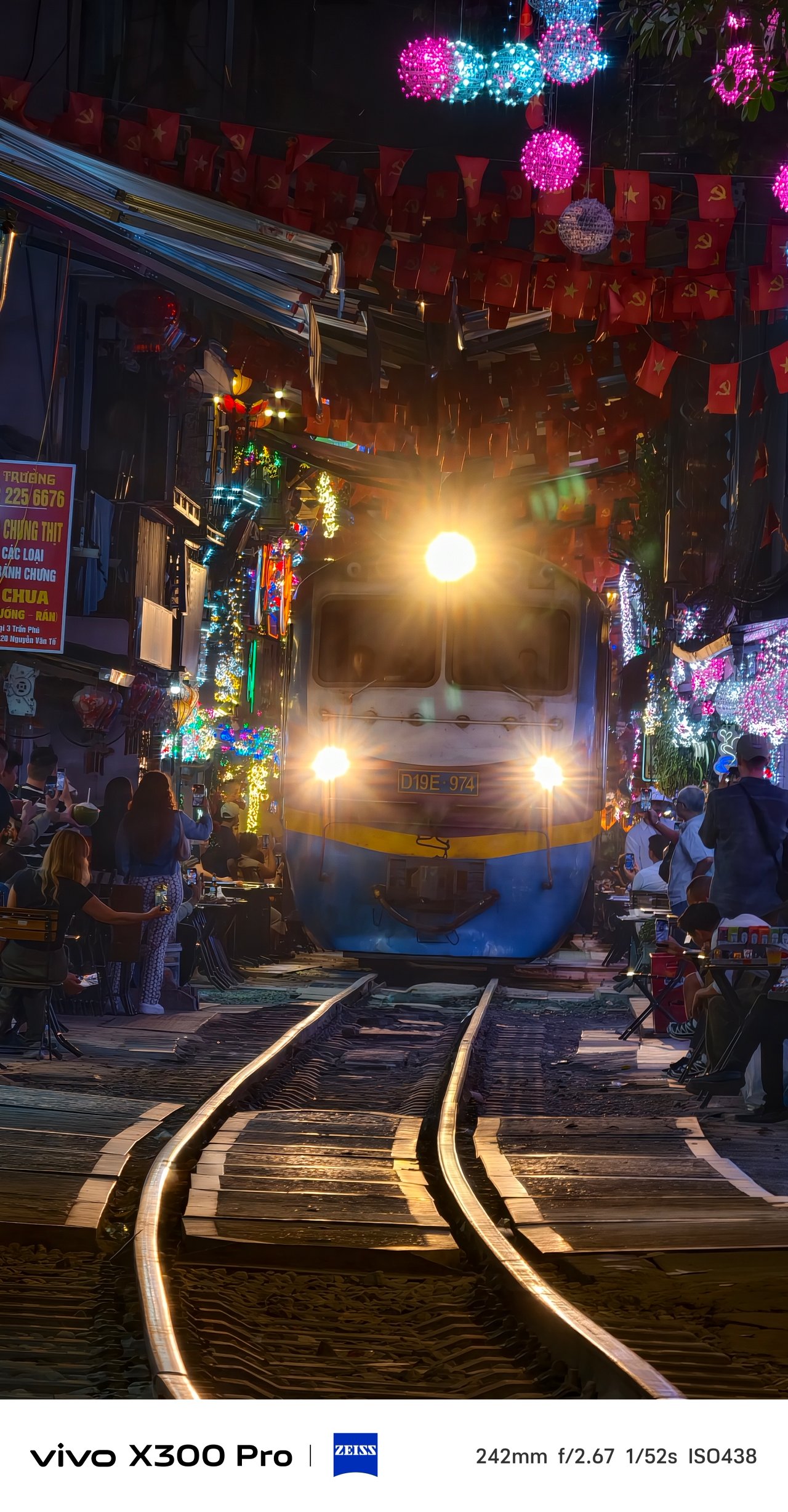


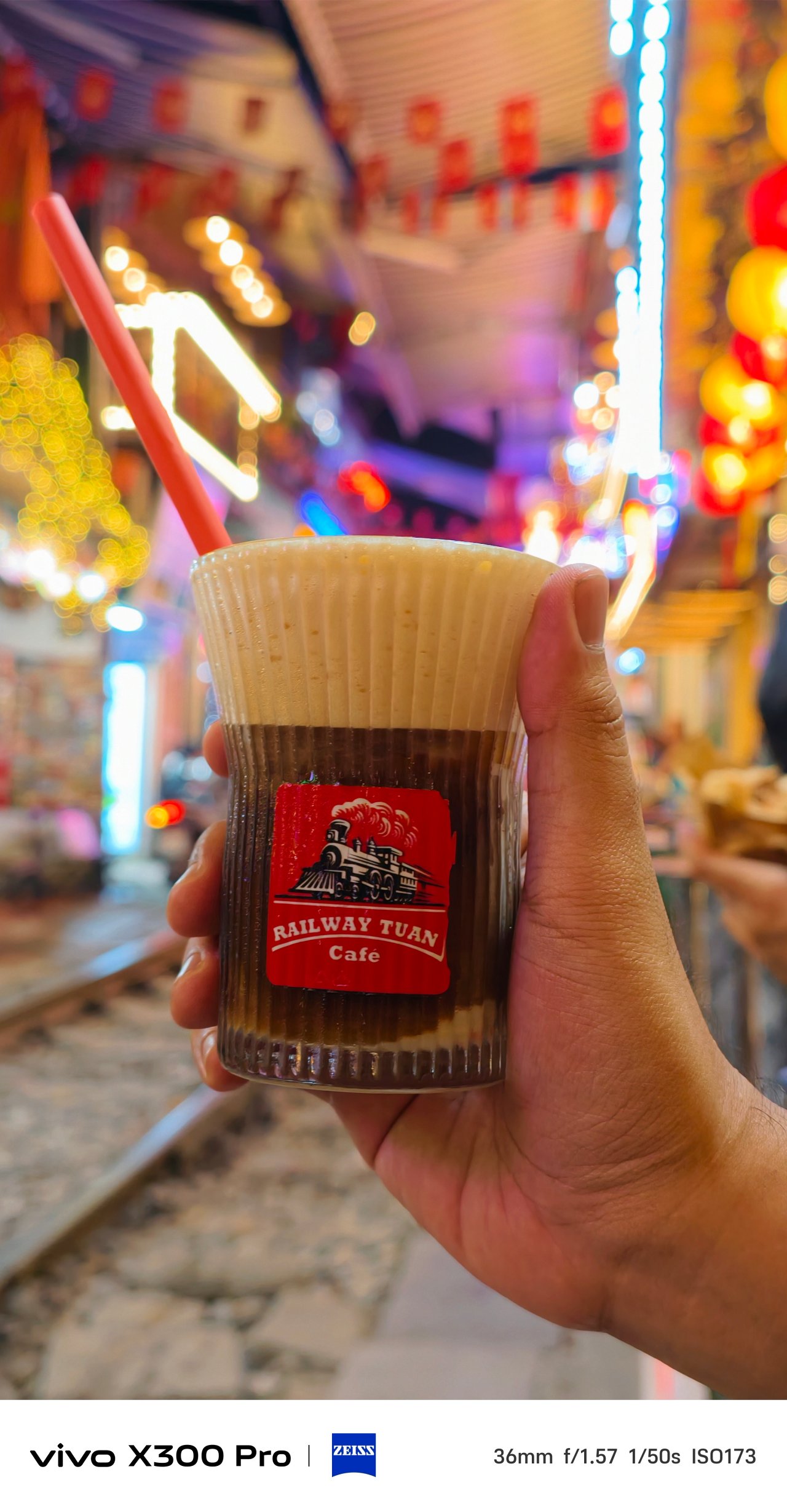
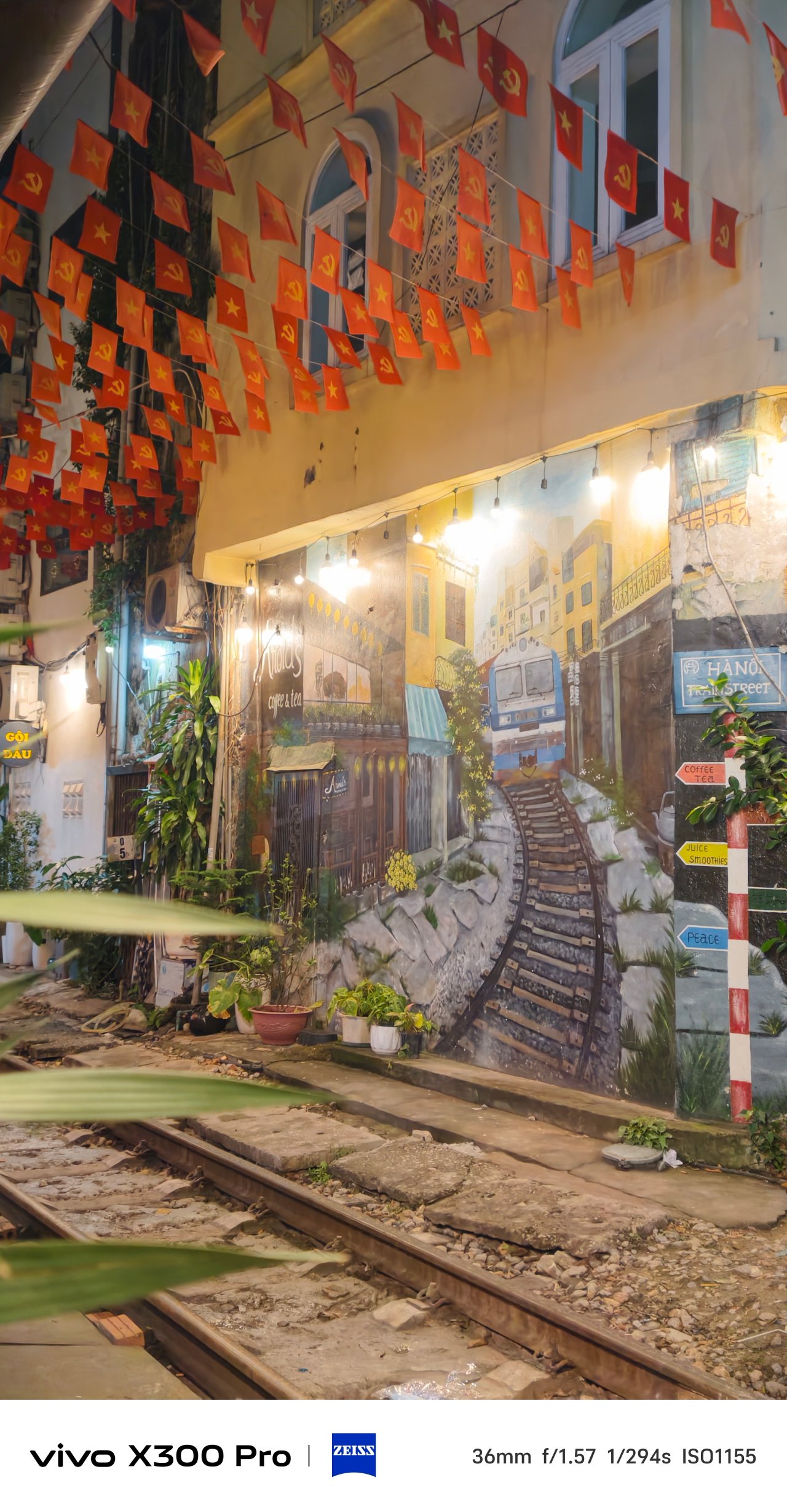
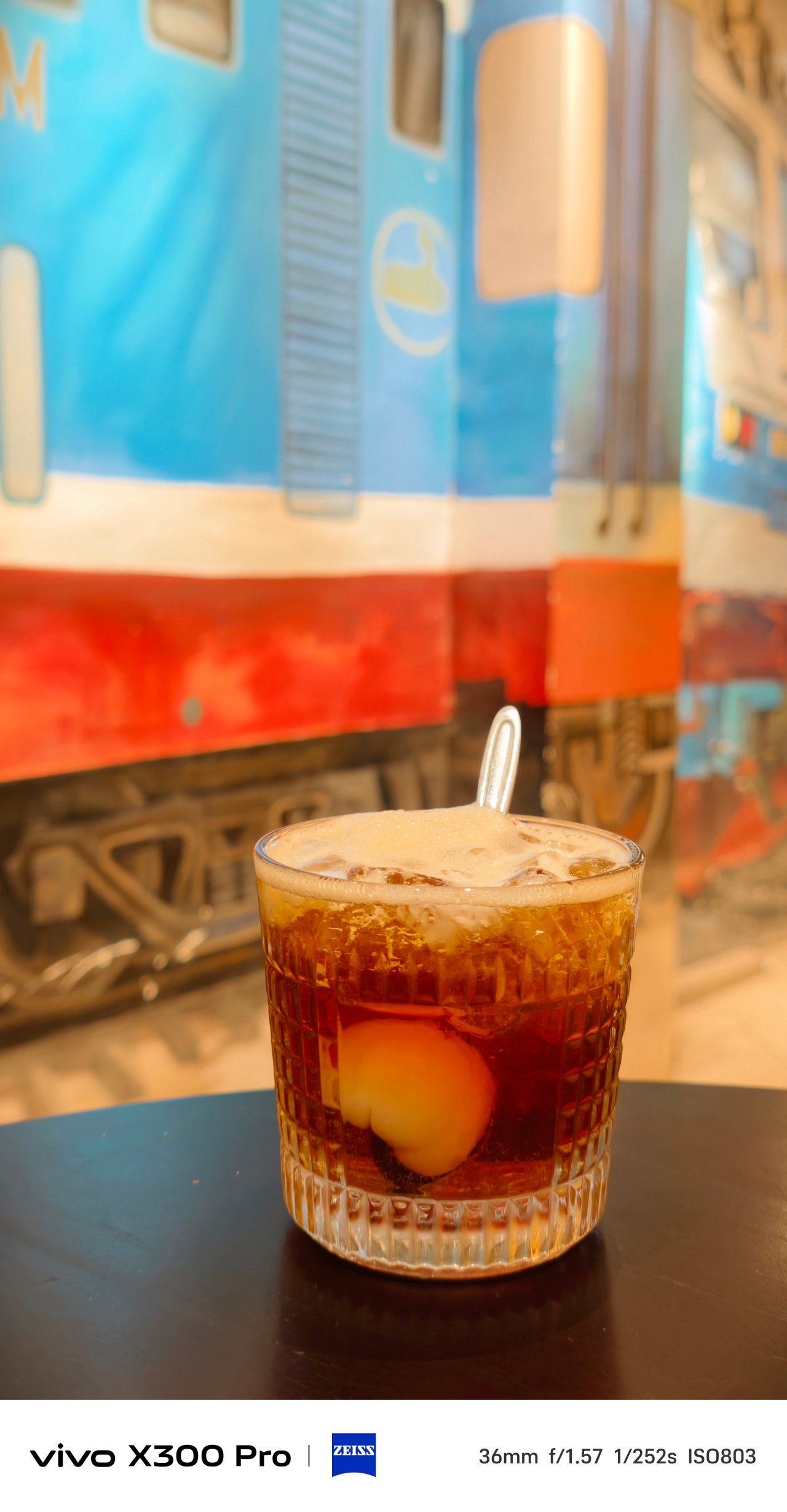
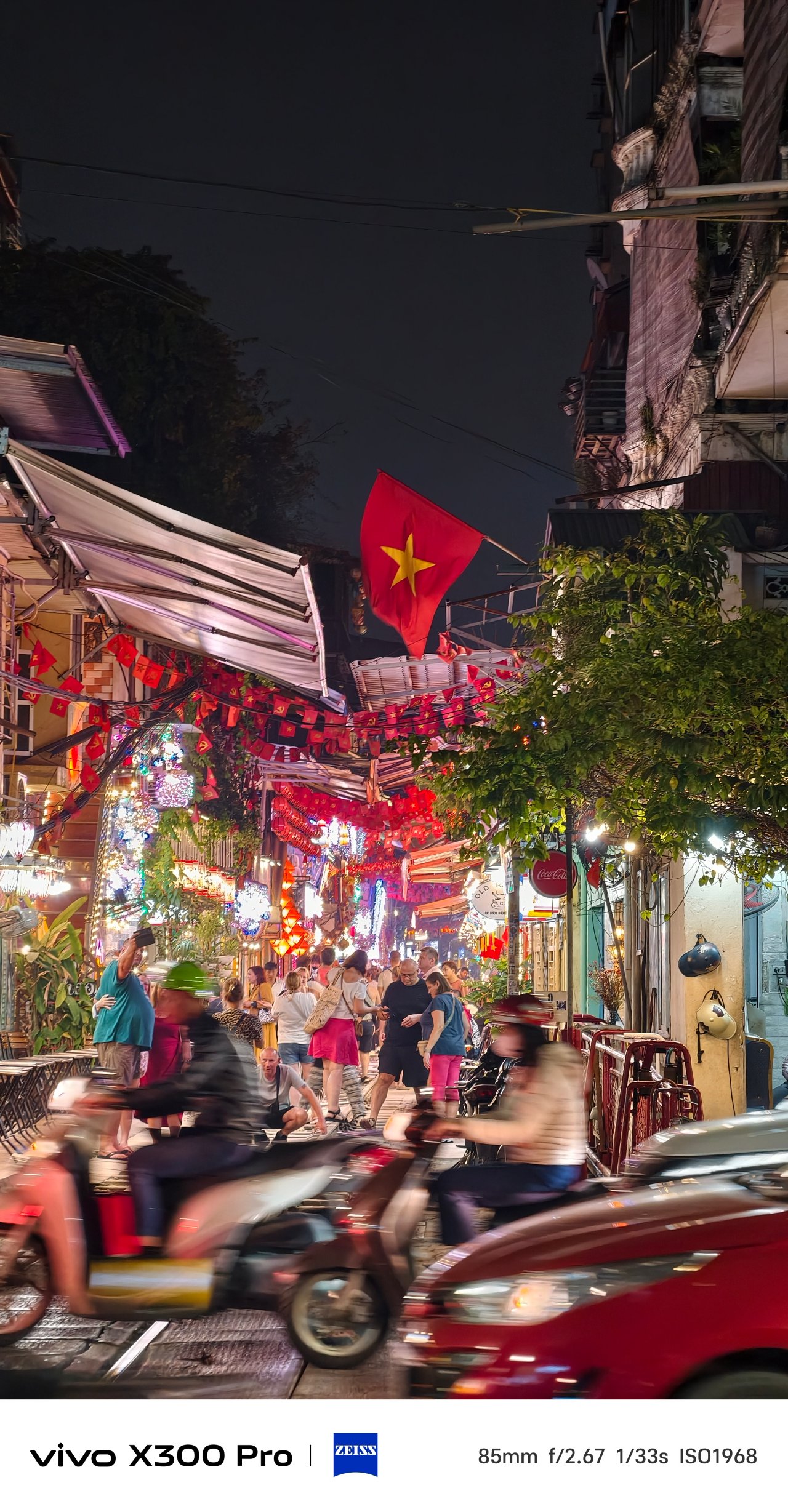
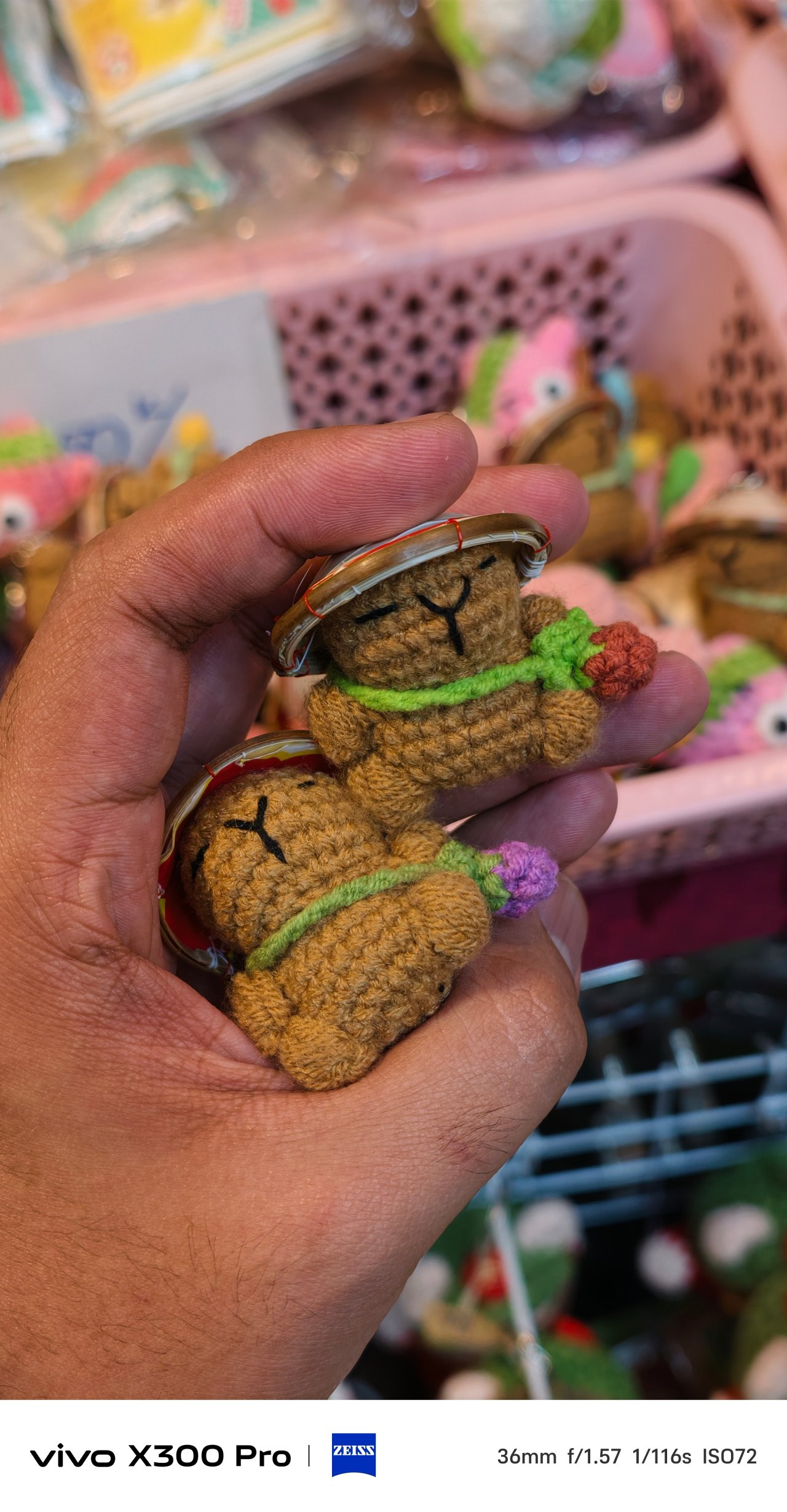
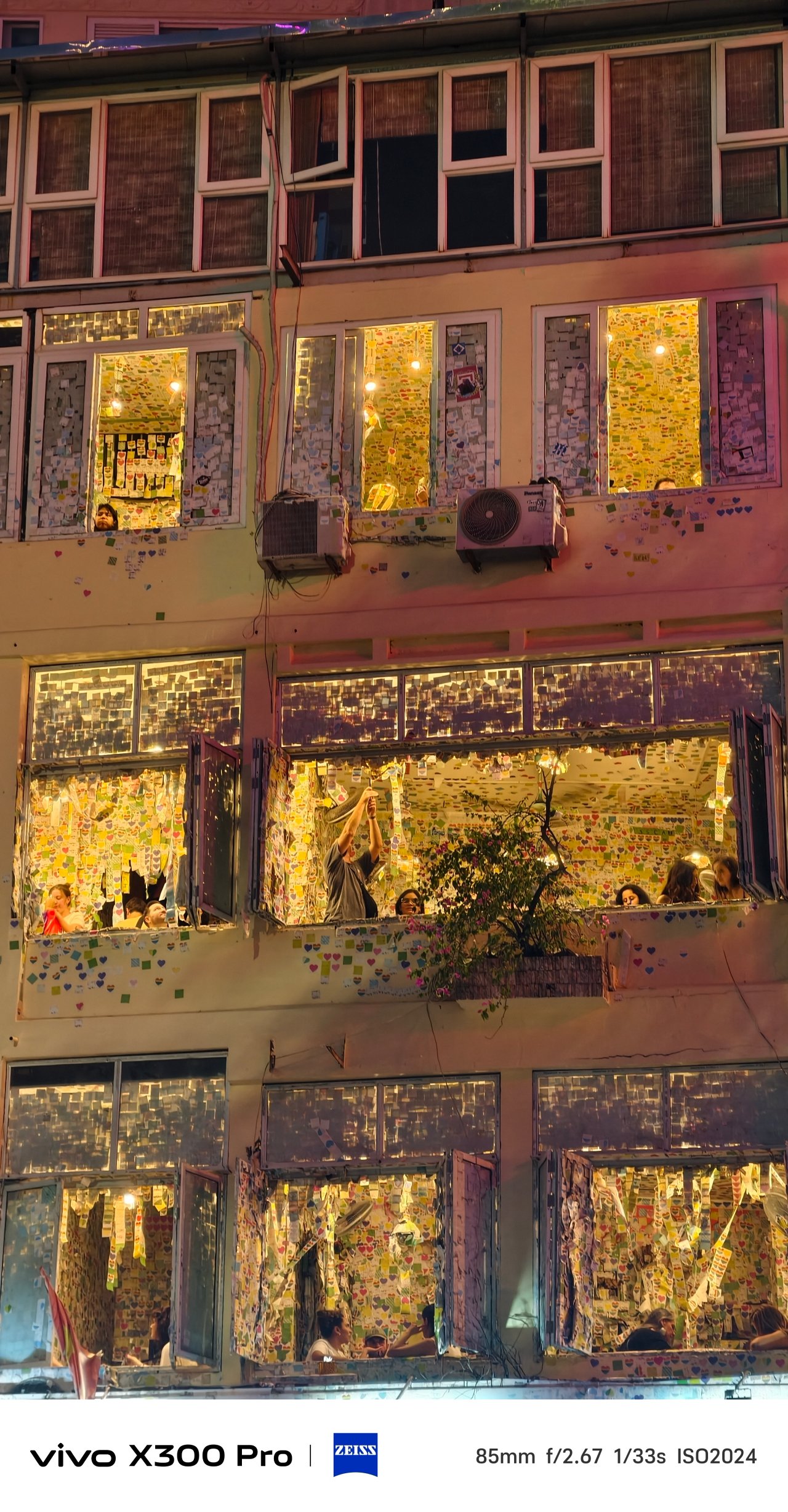
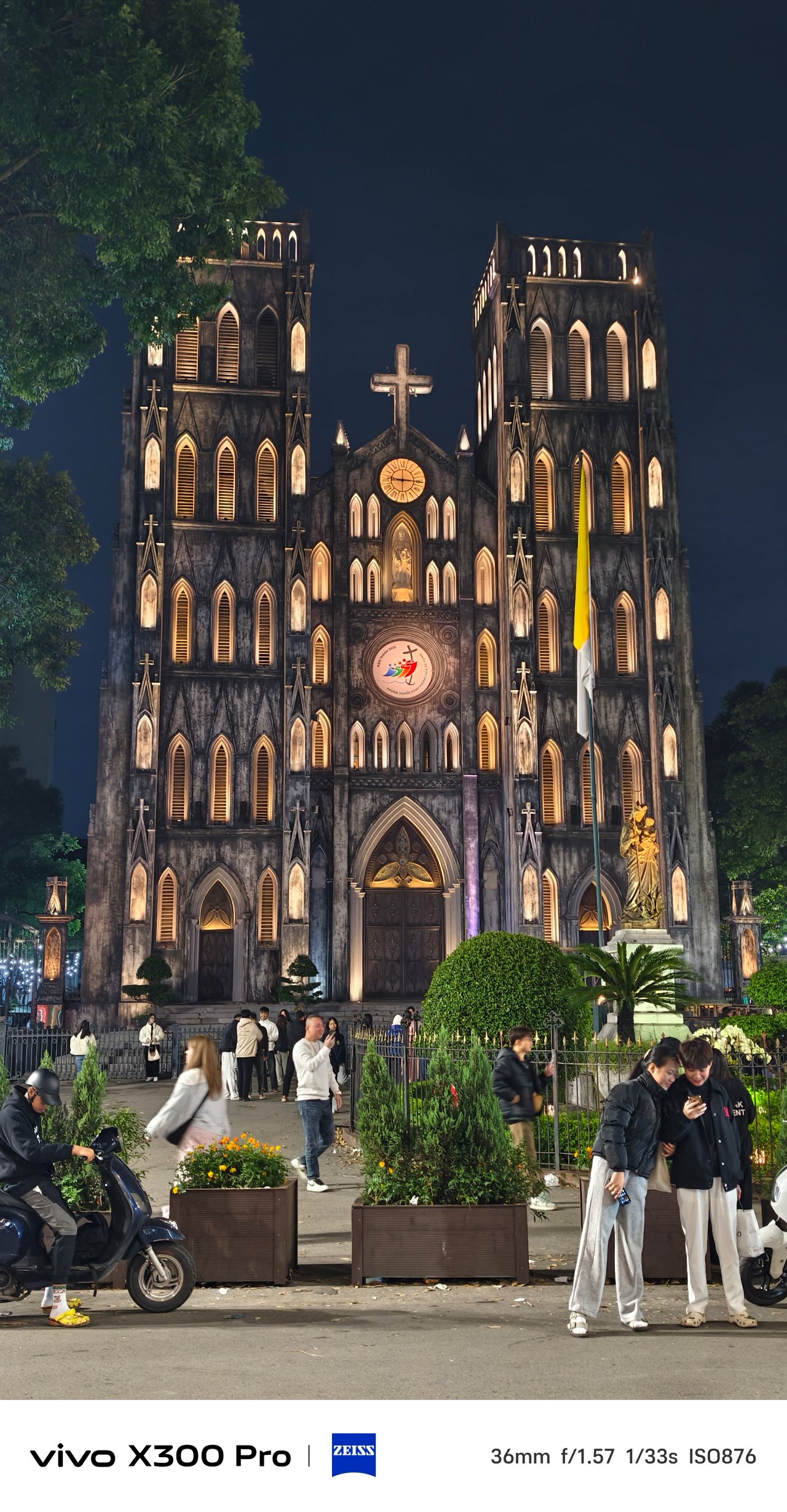
📍 Phố cổ Hà Nội + Hoàn Kiếm
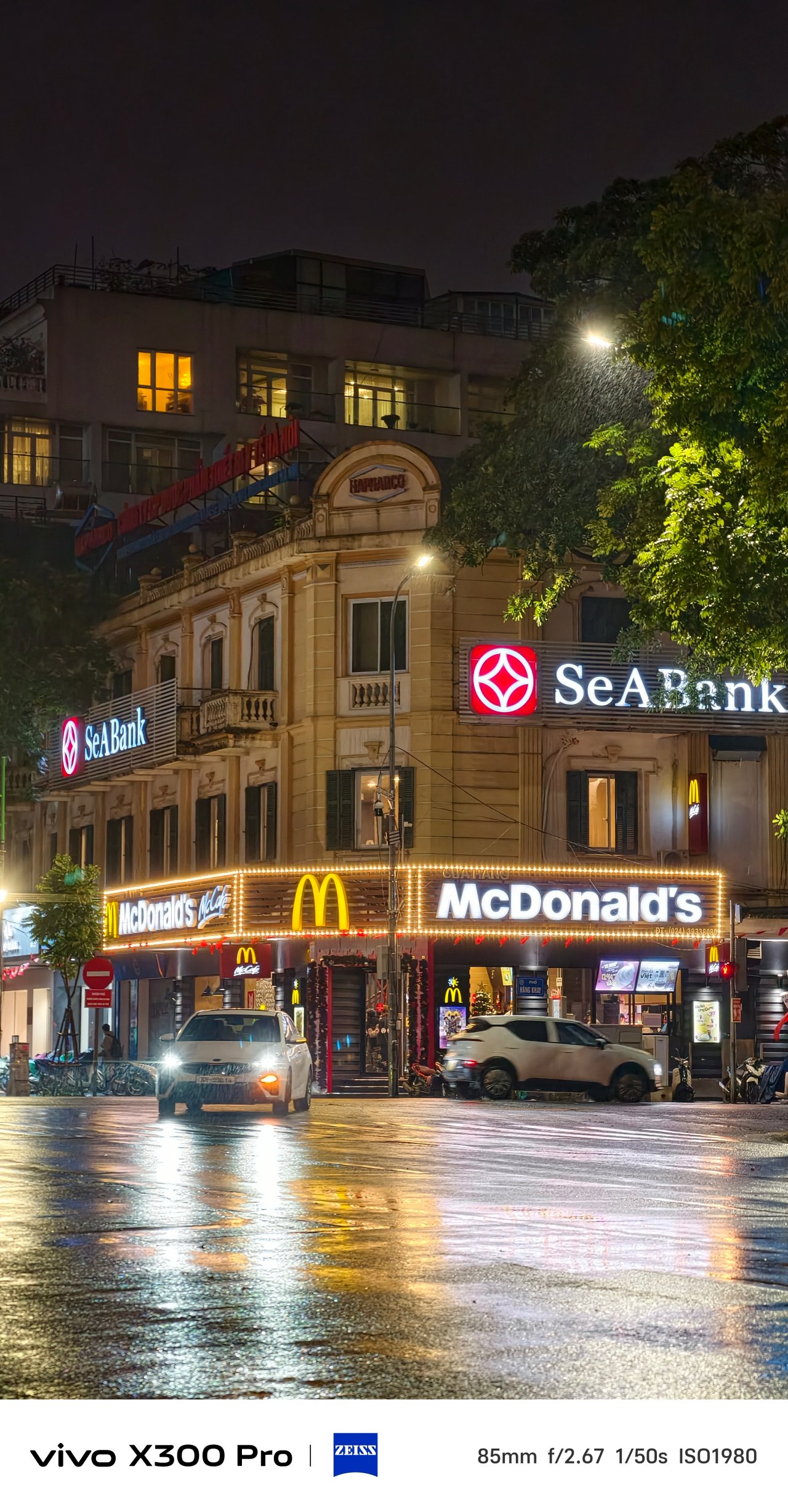
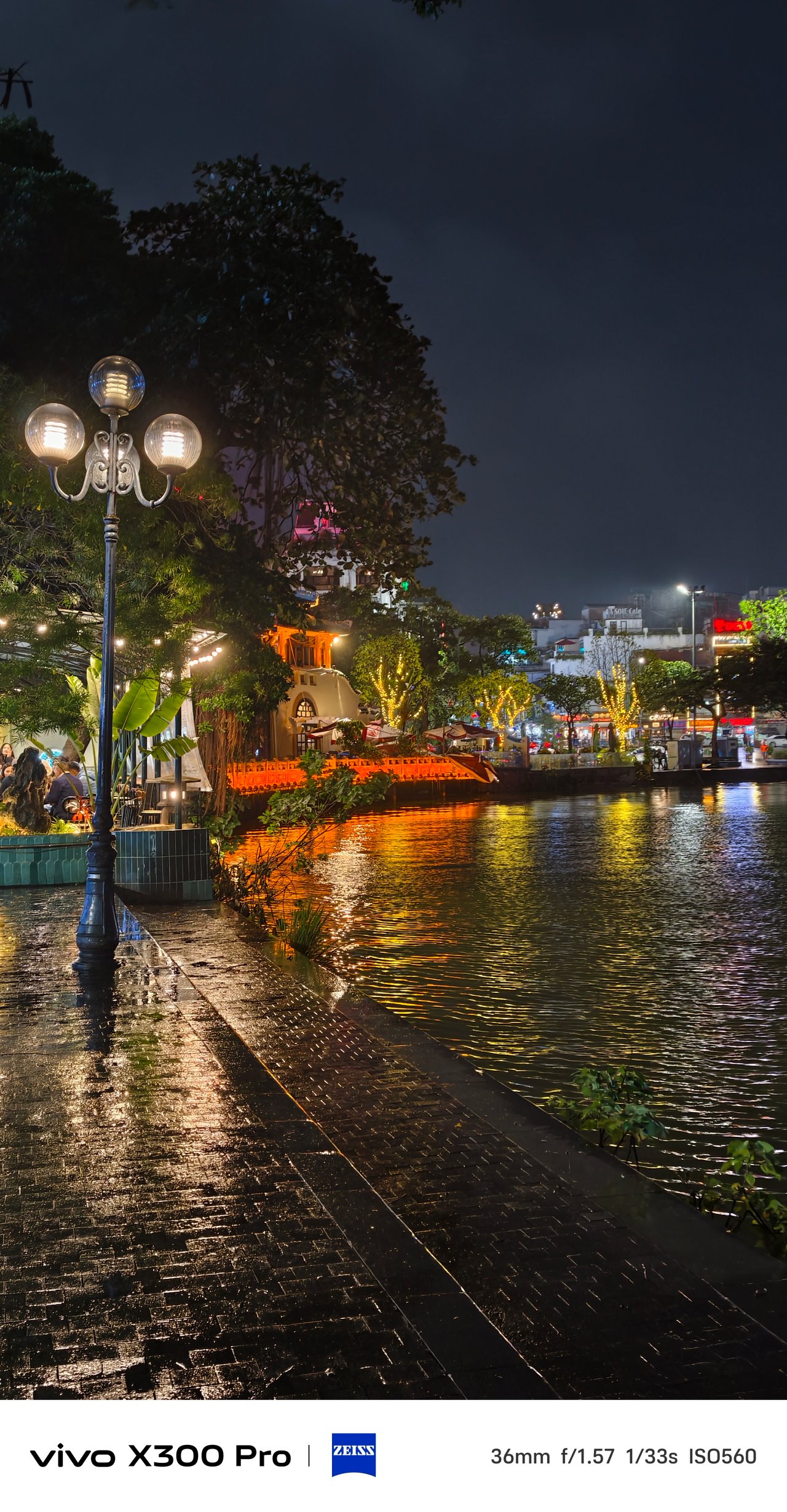
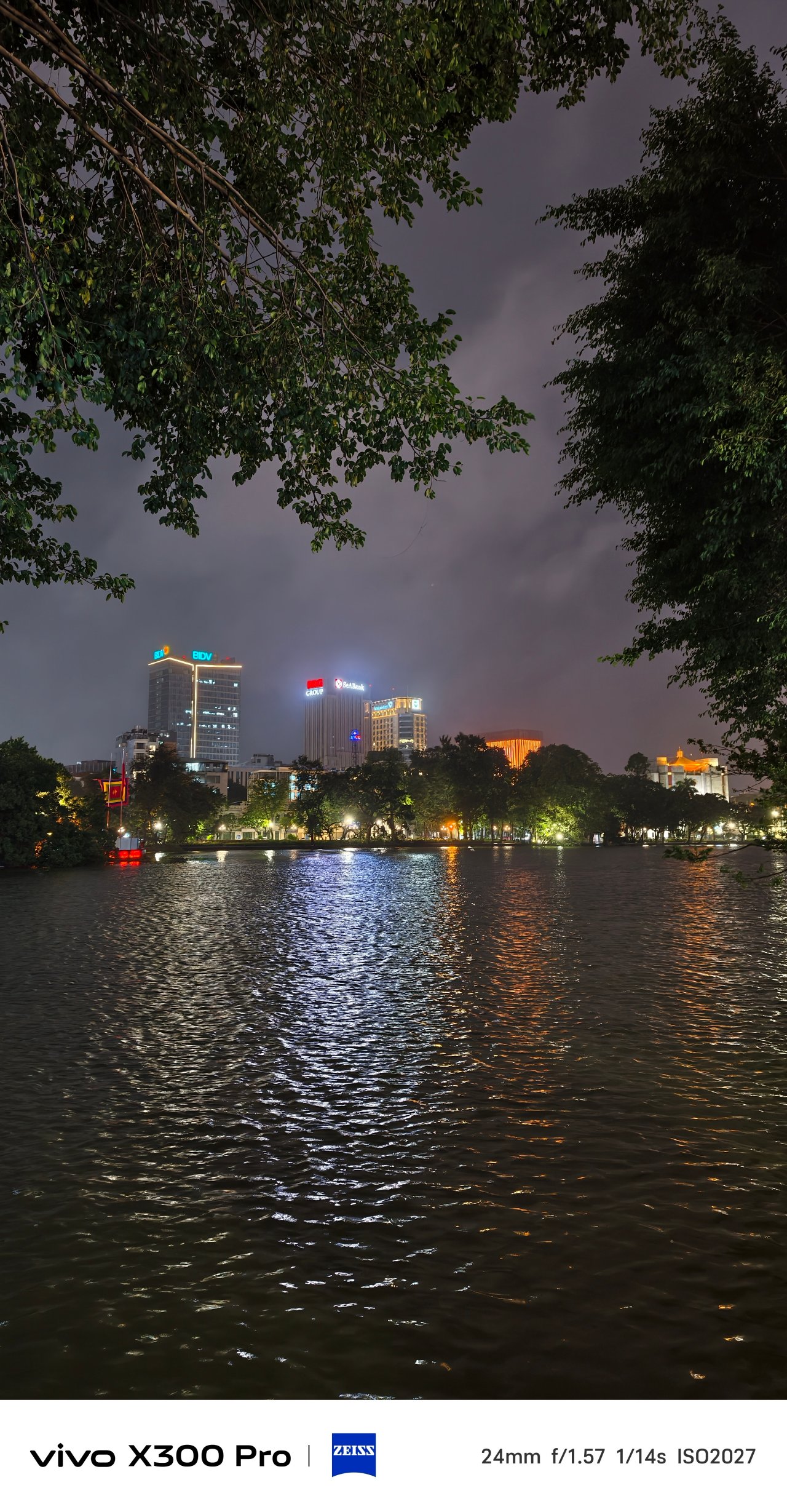
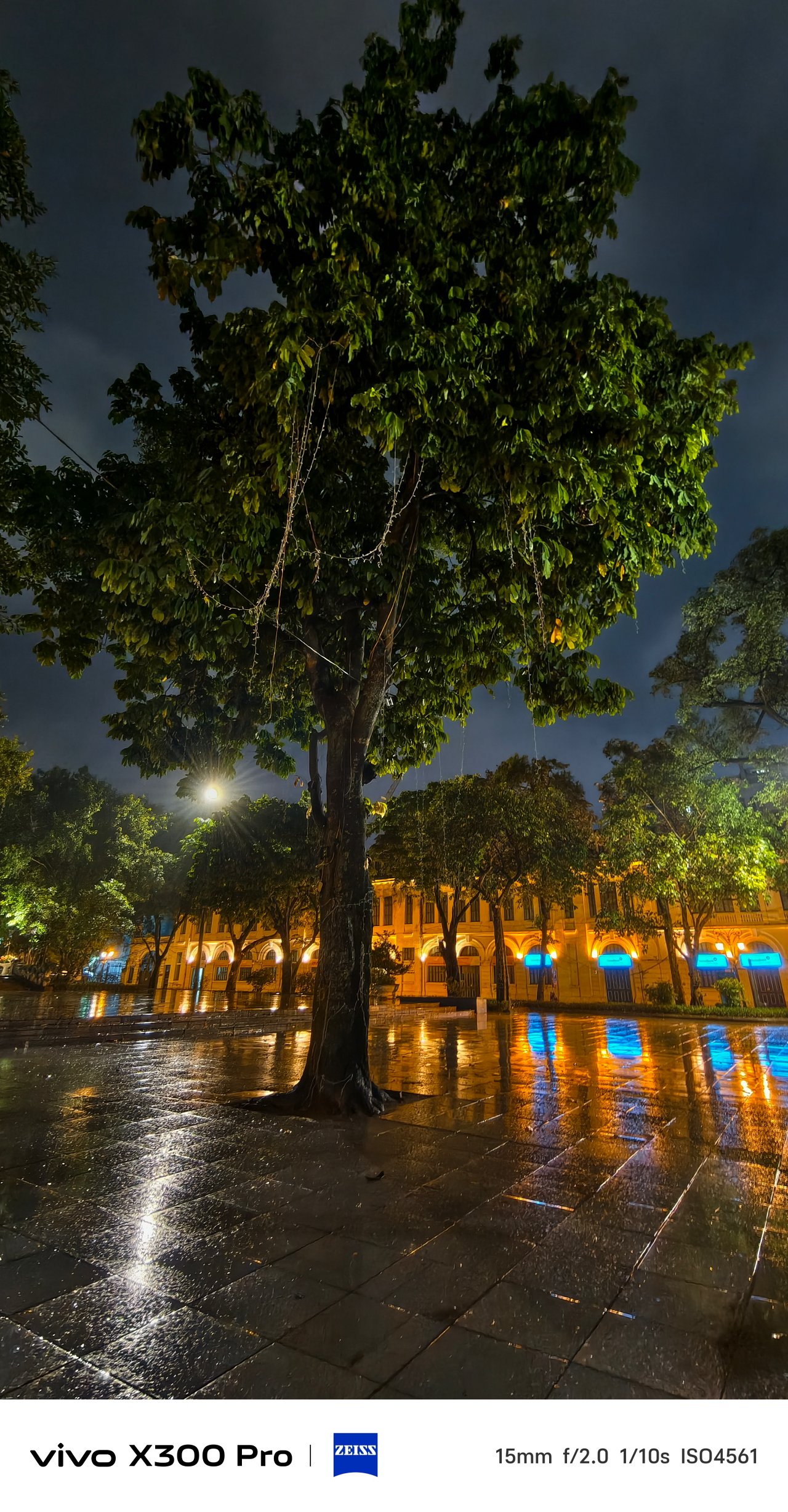
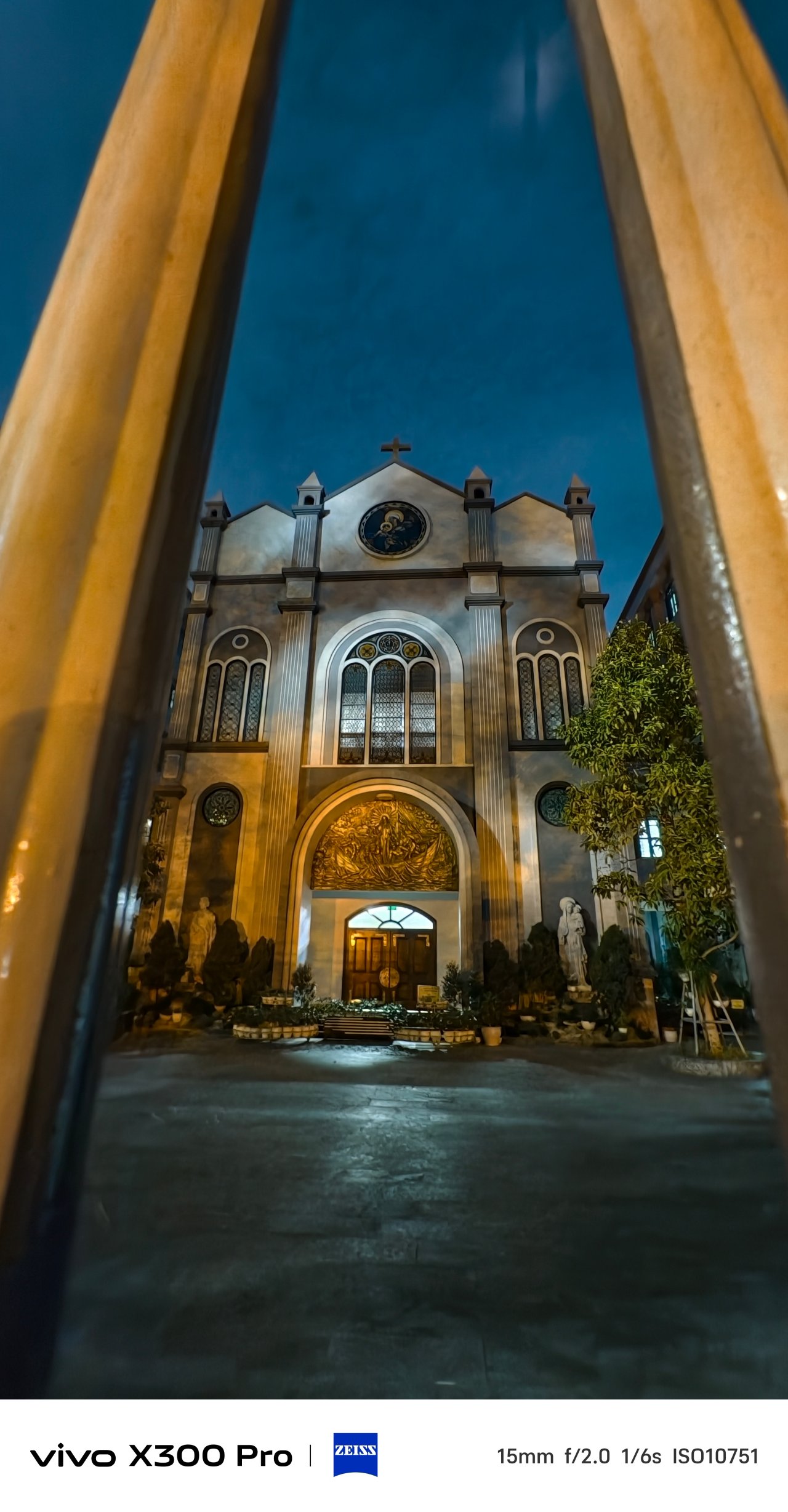
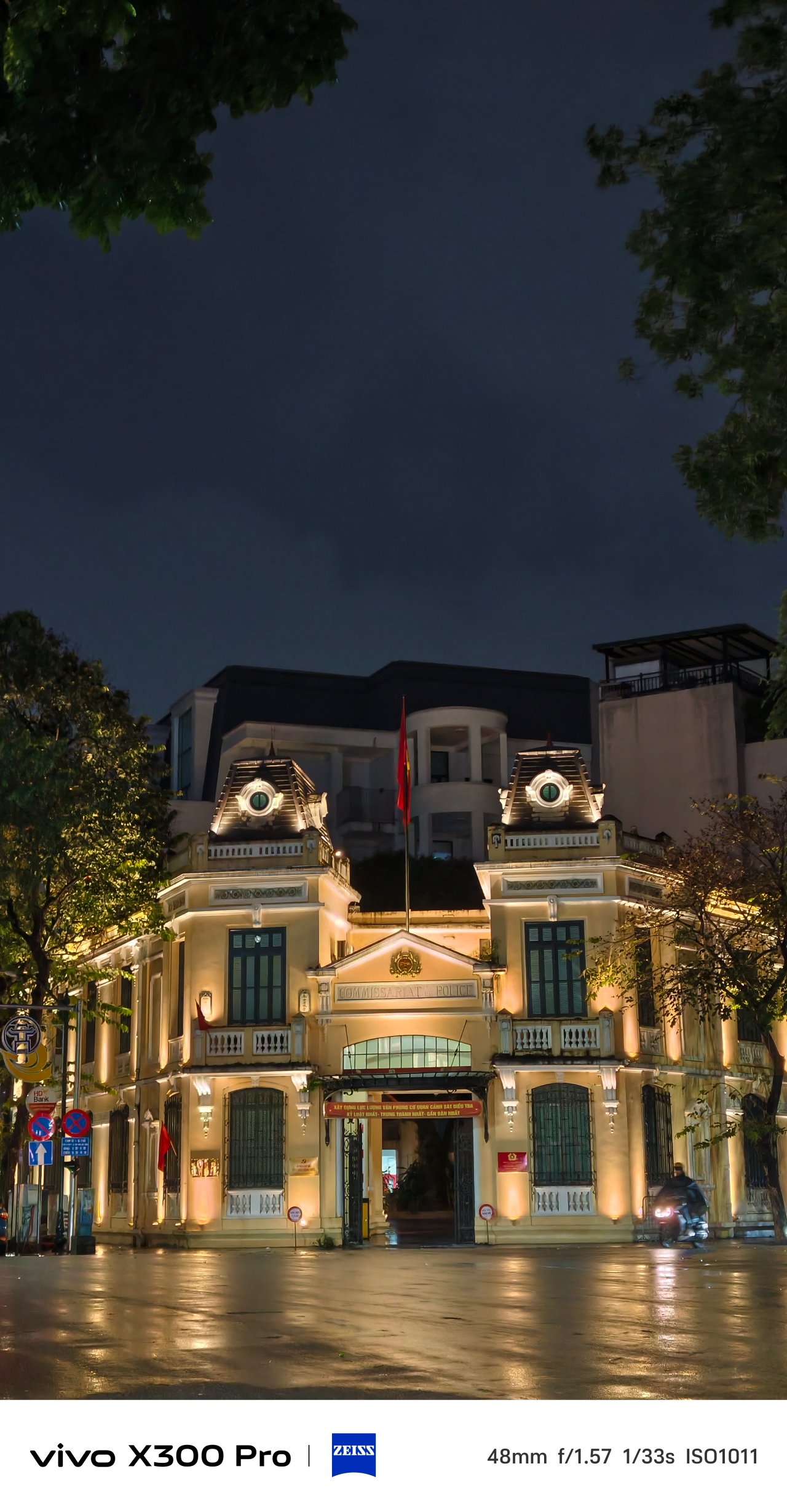
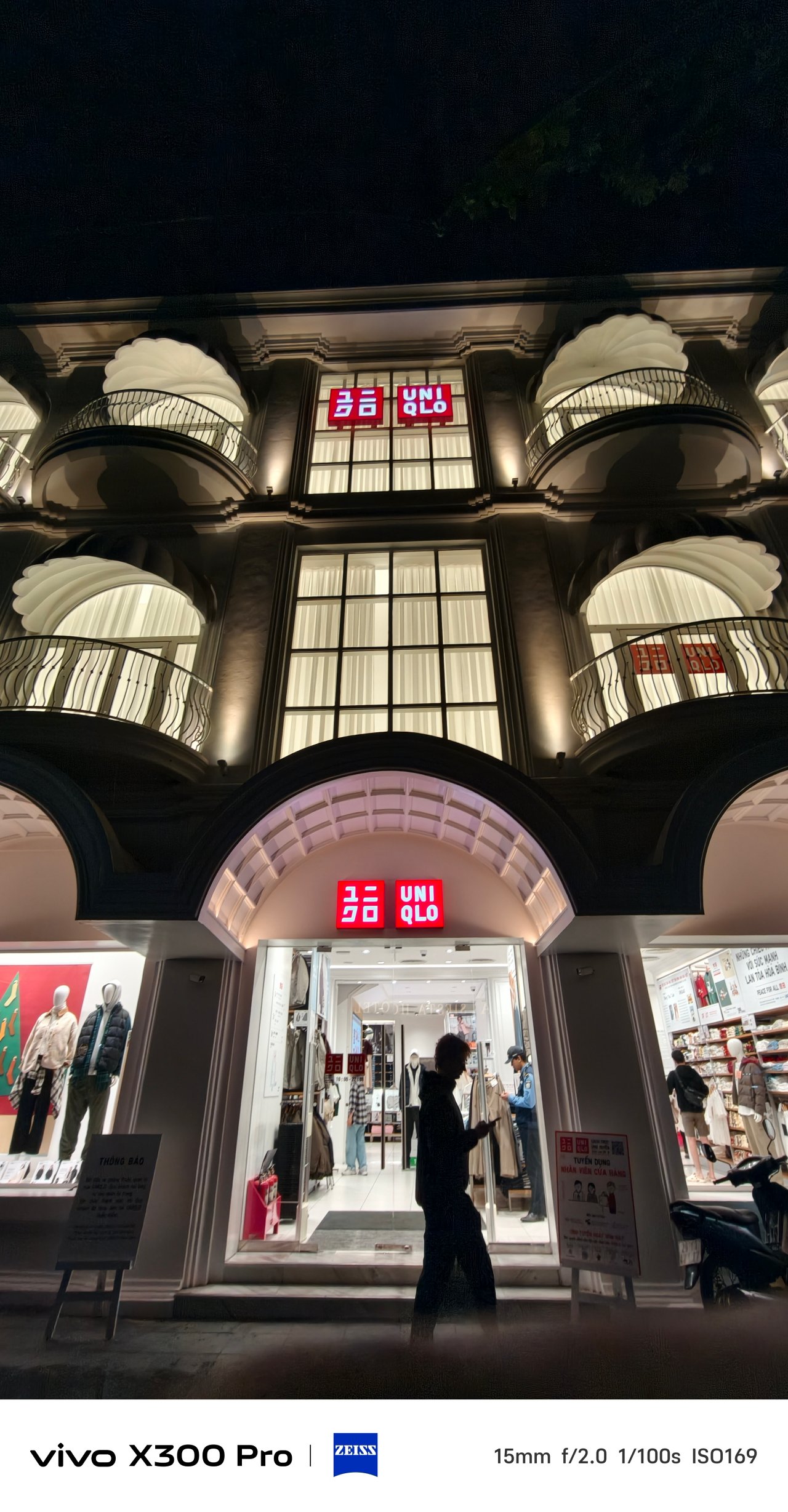
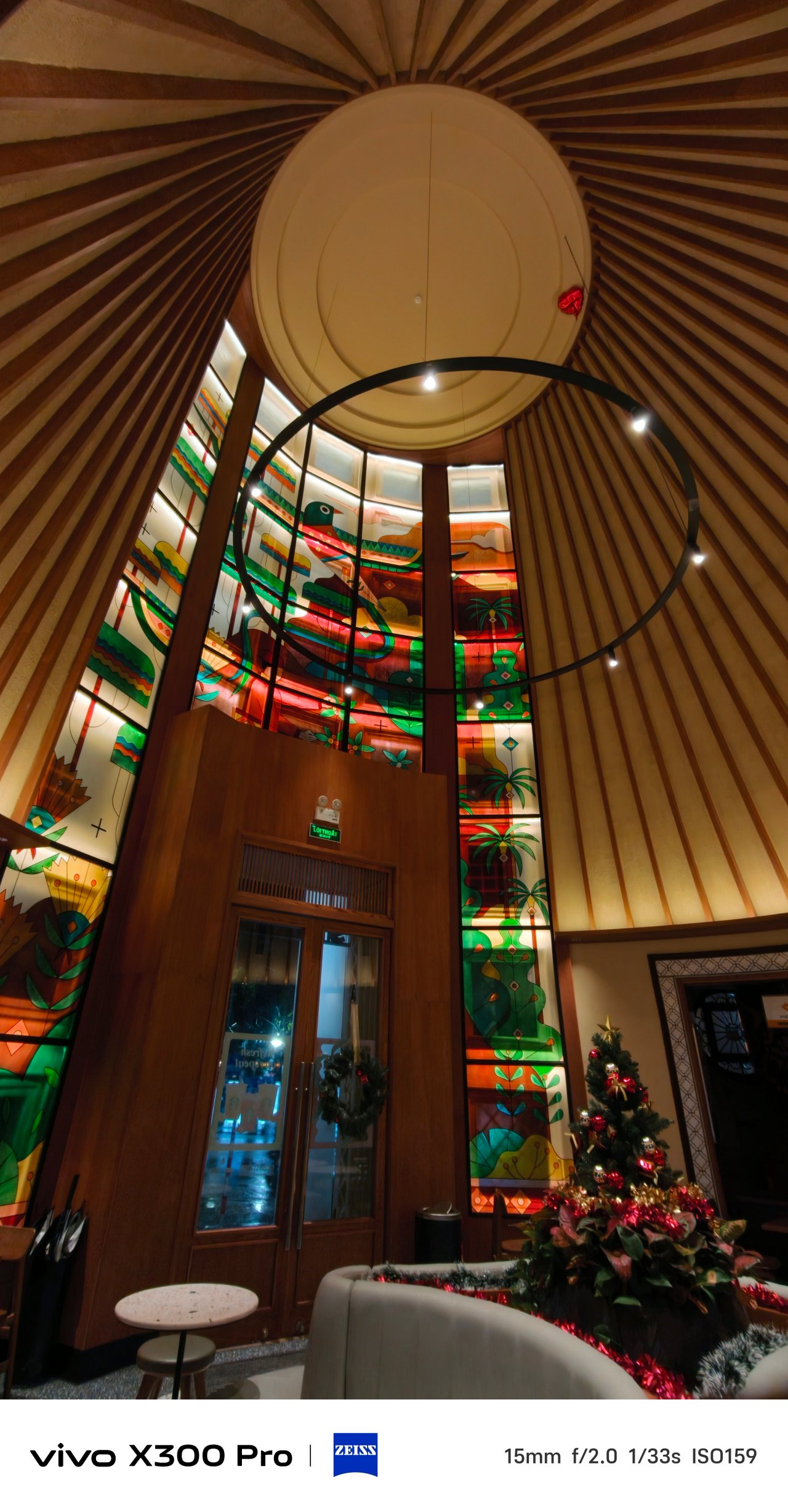
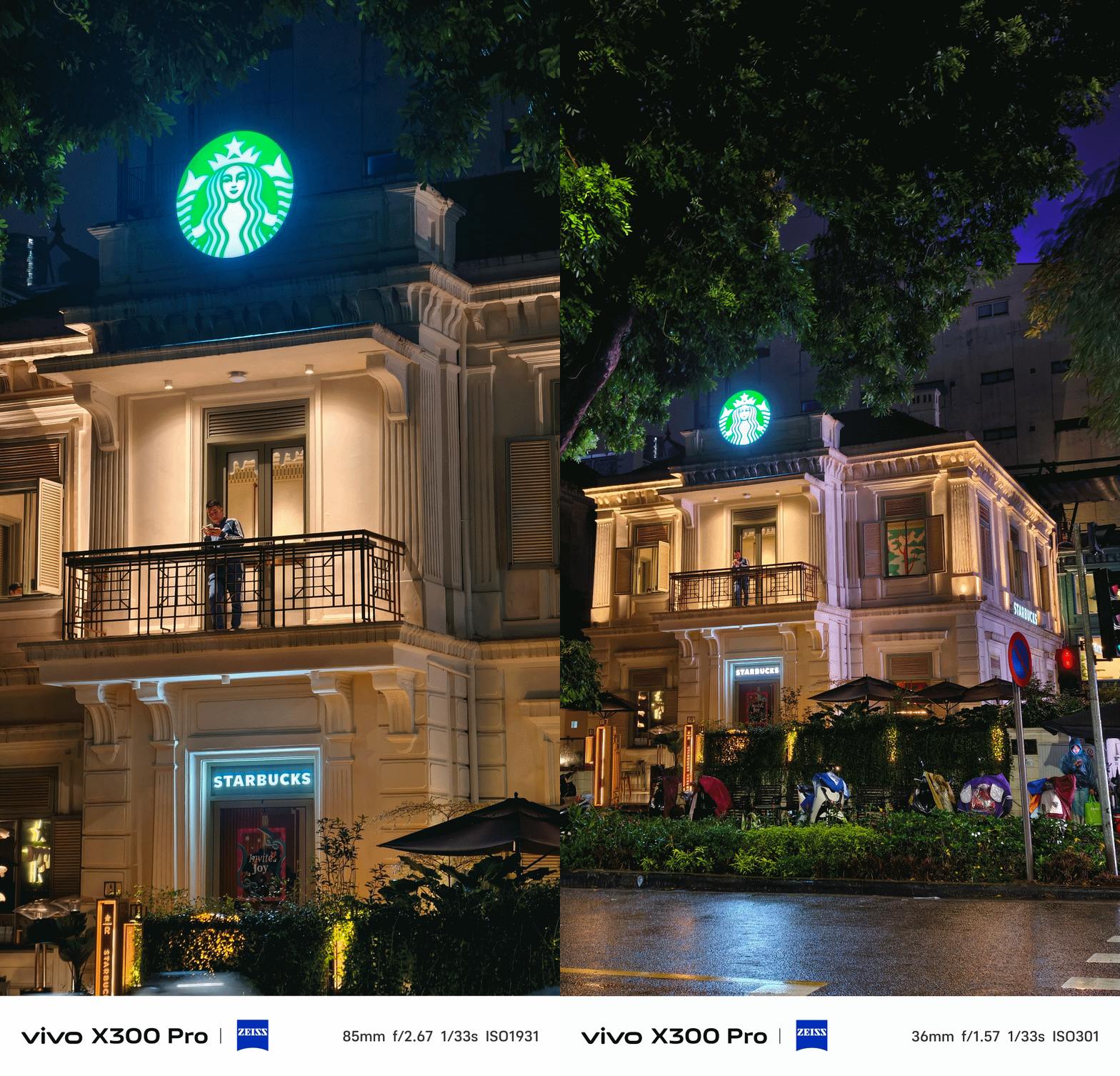
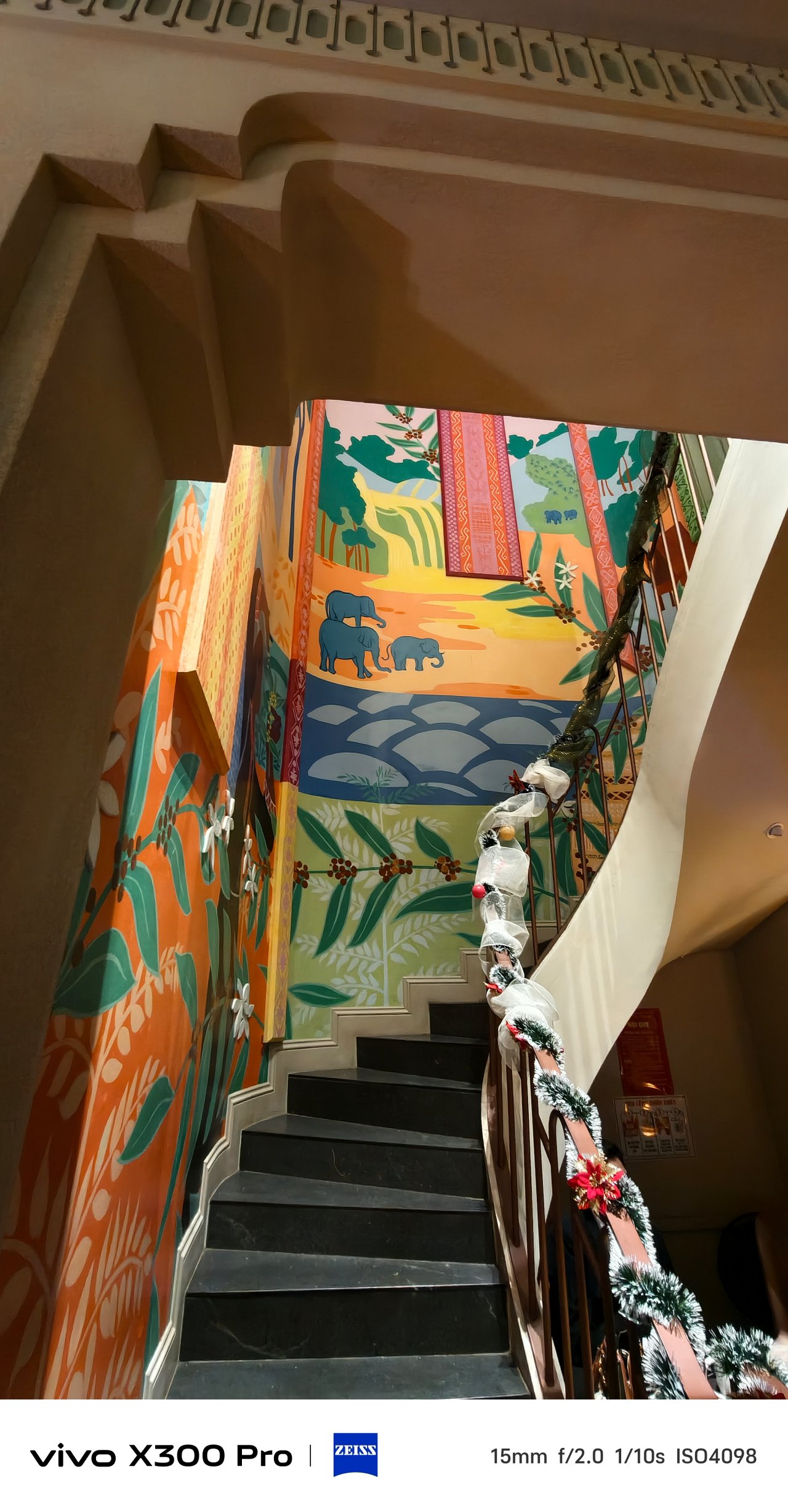
📍 Thành phố Hồ Chí Minh / Sài Gòn
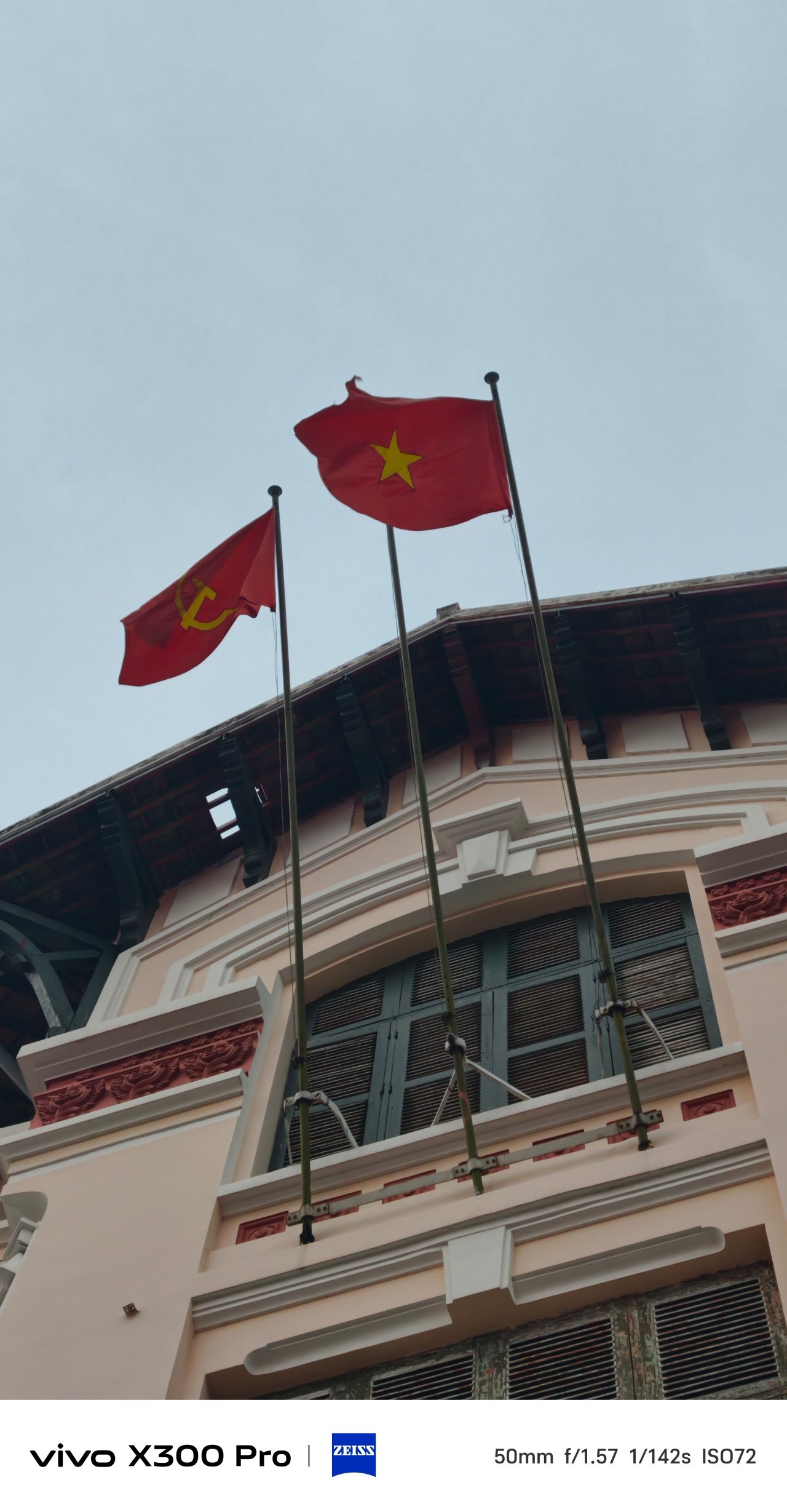
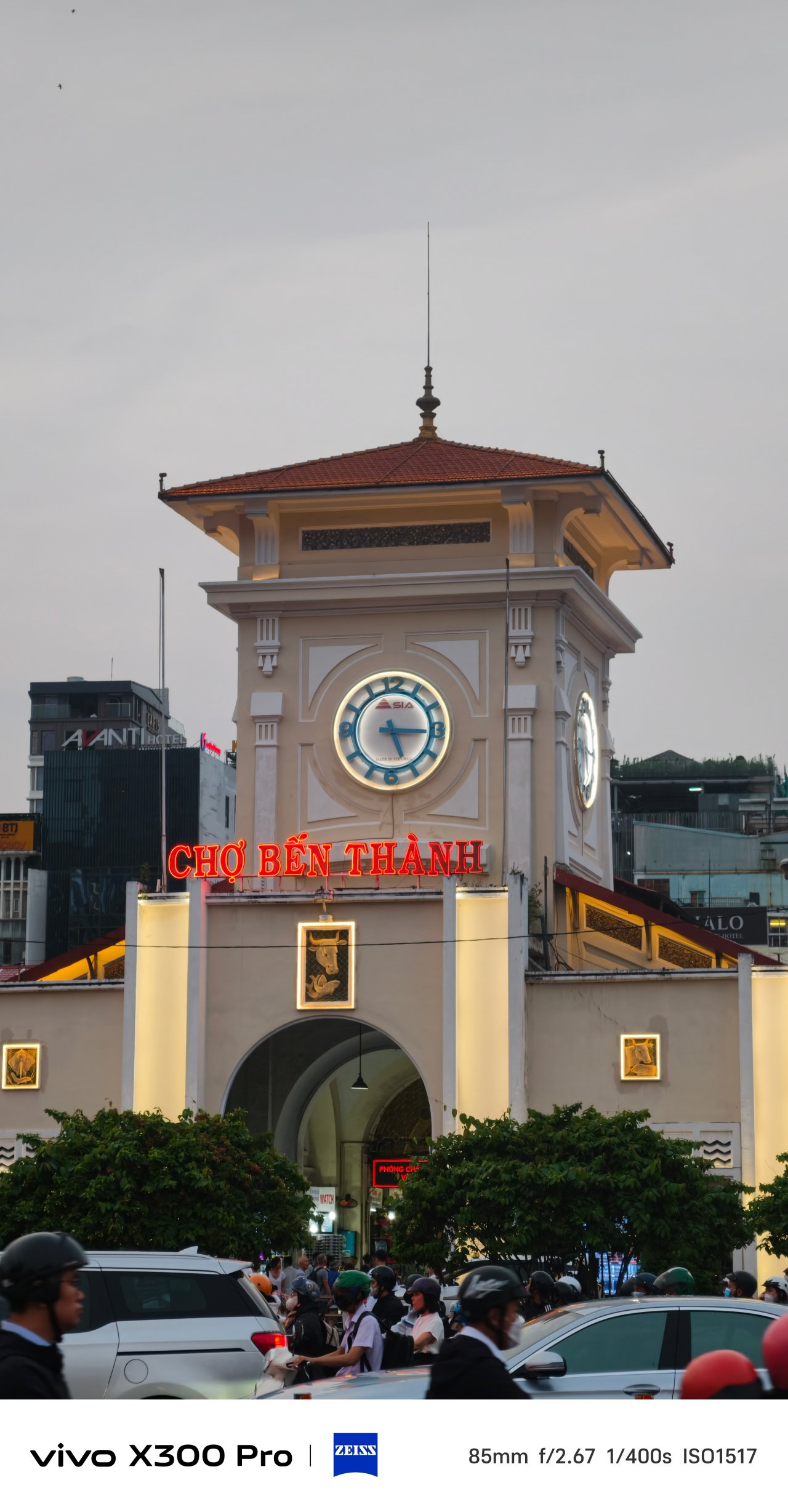
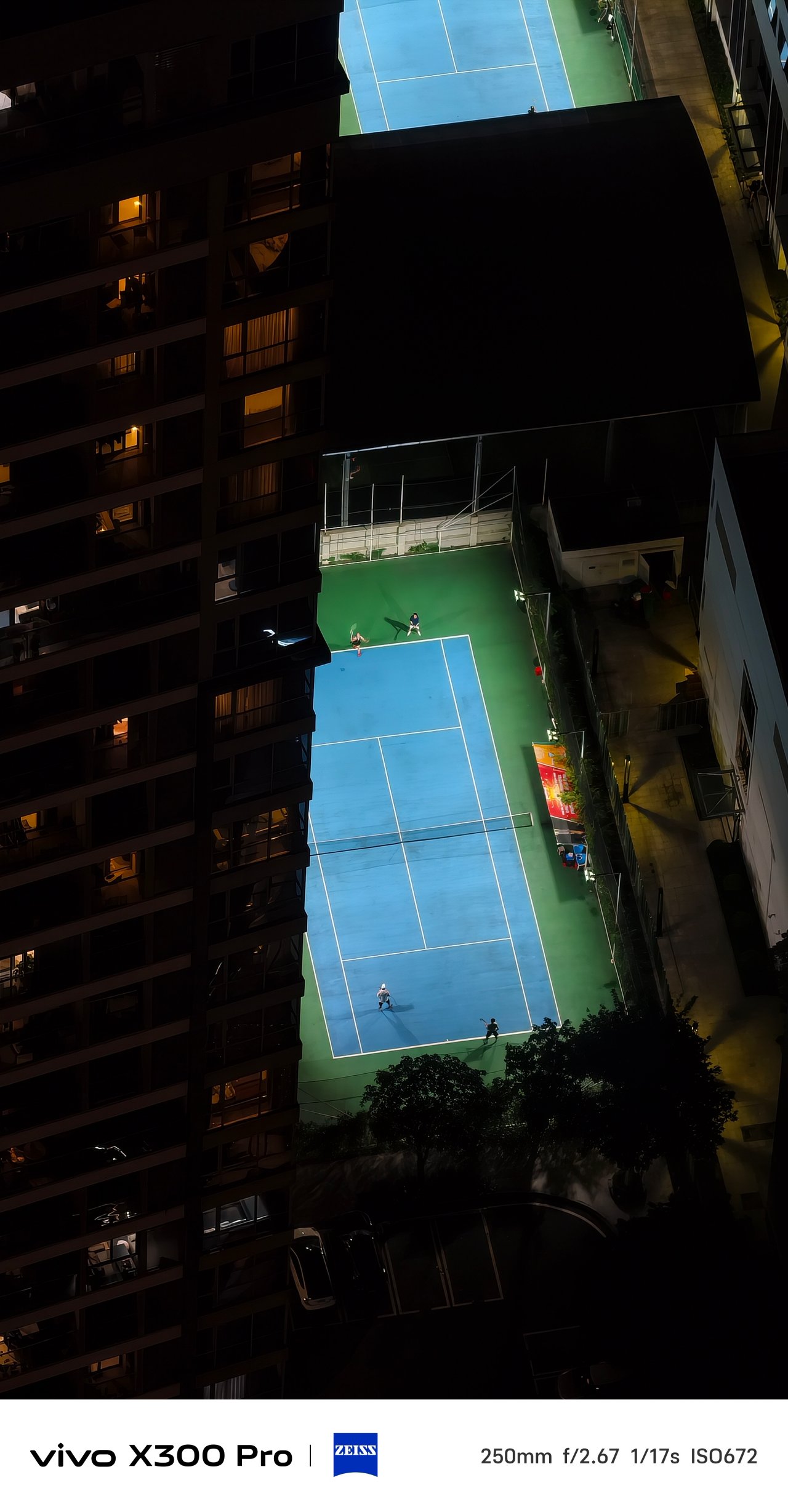
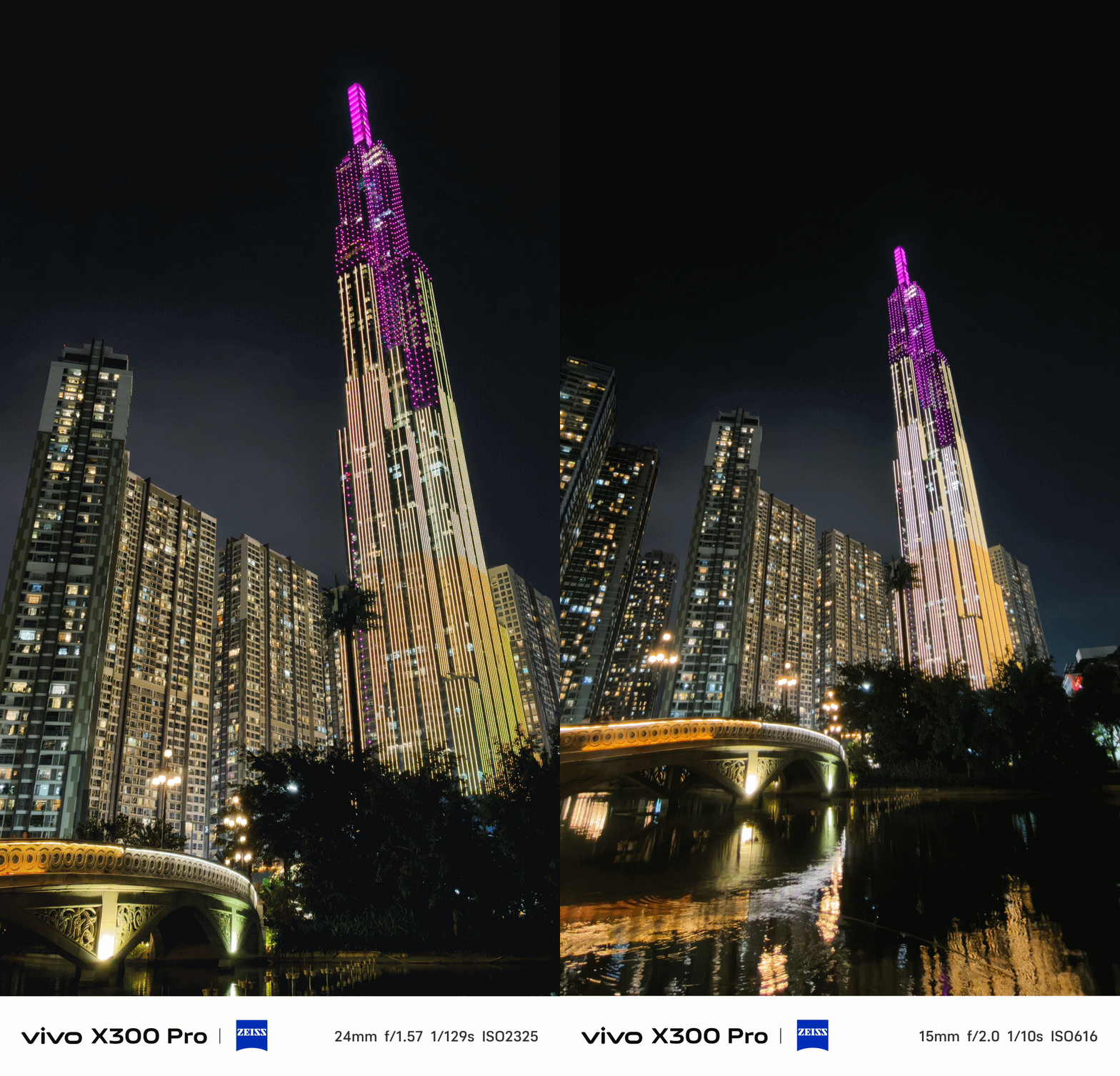
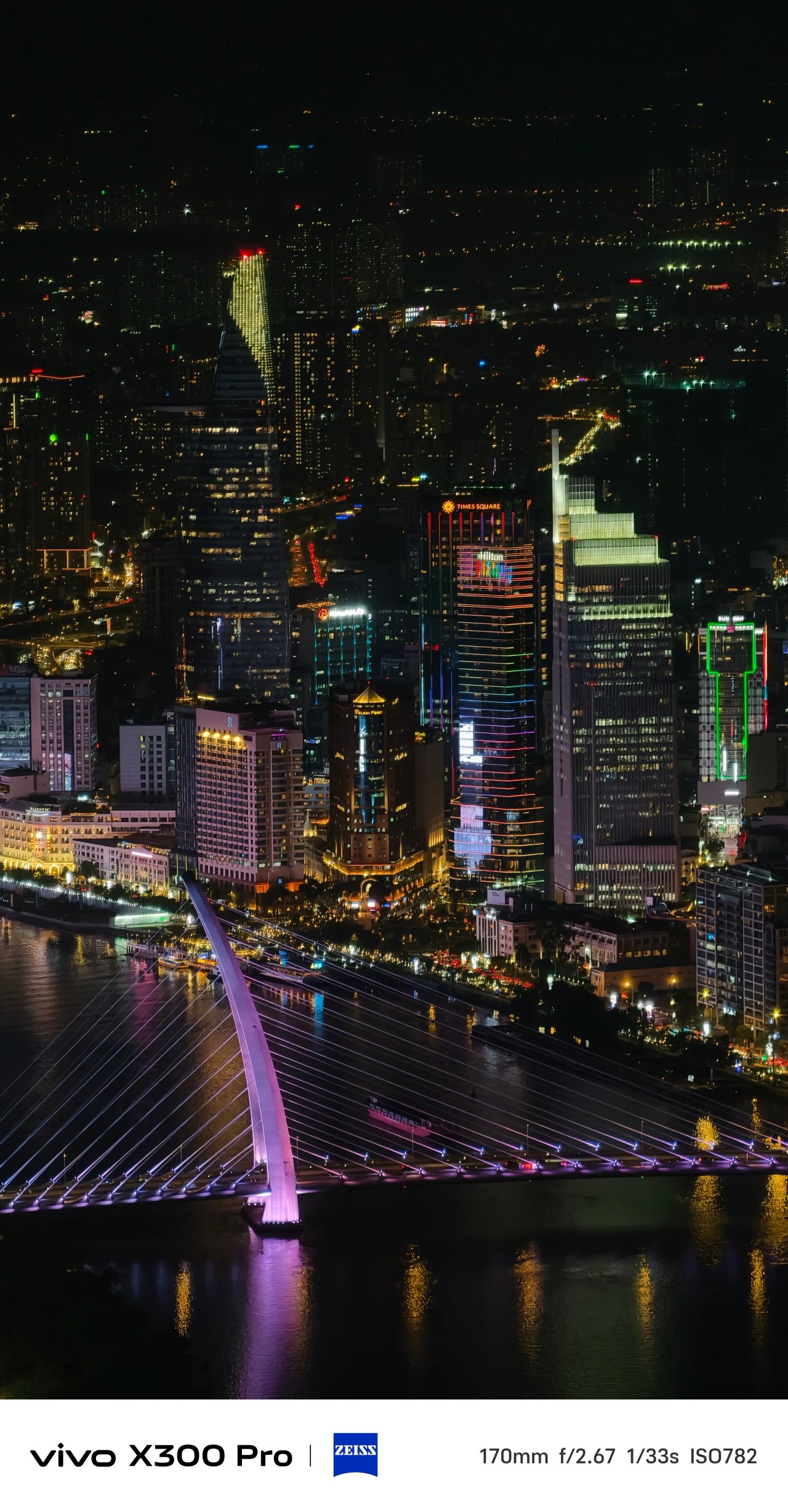
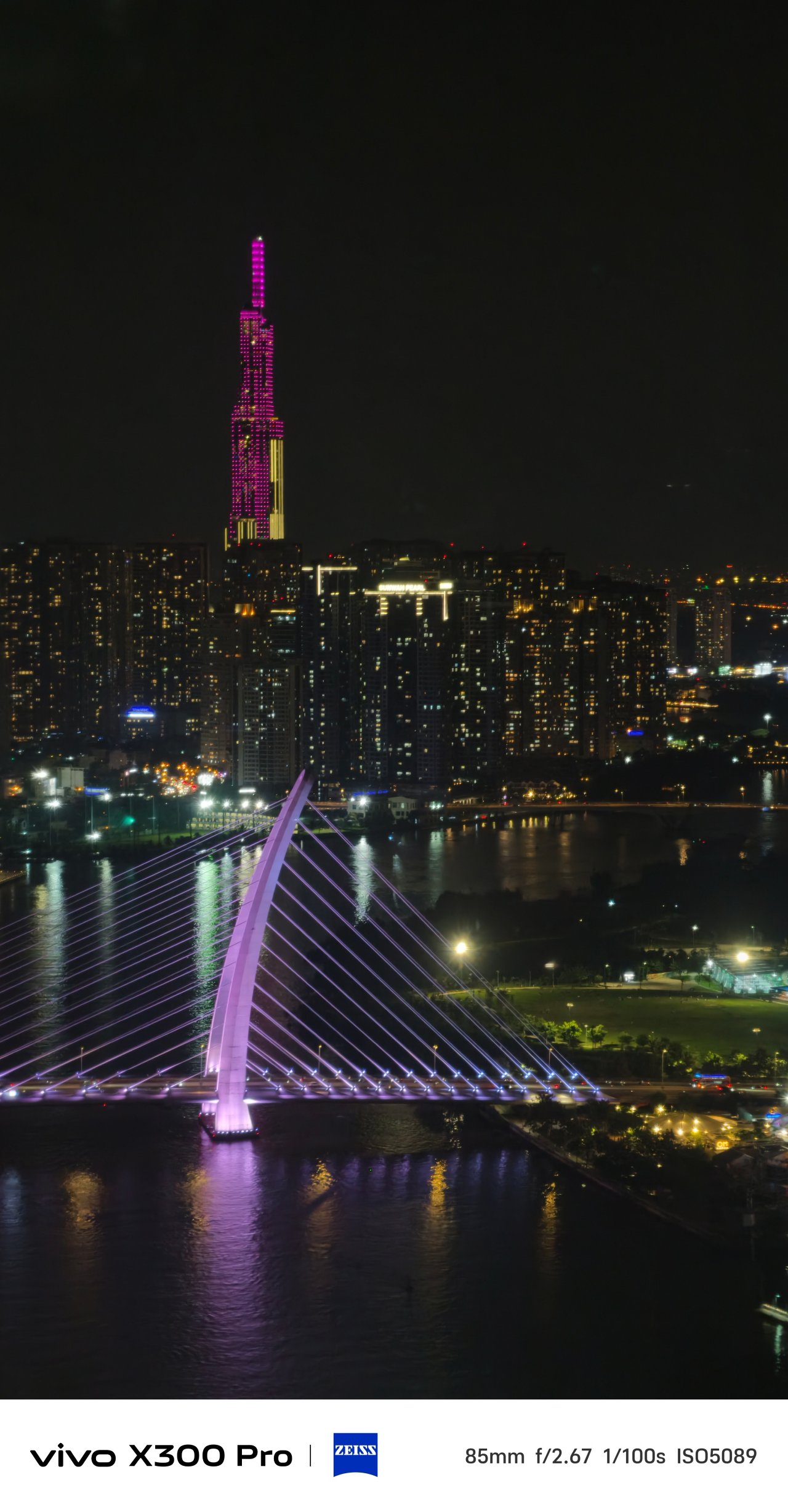

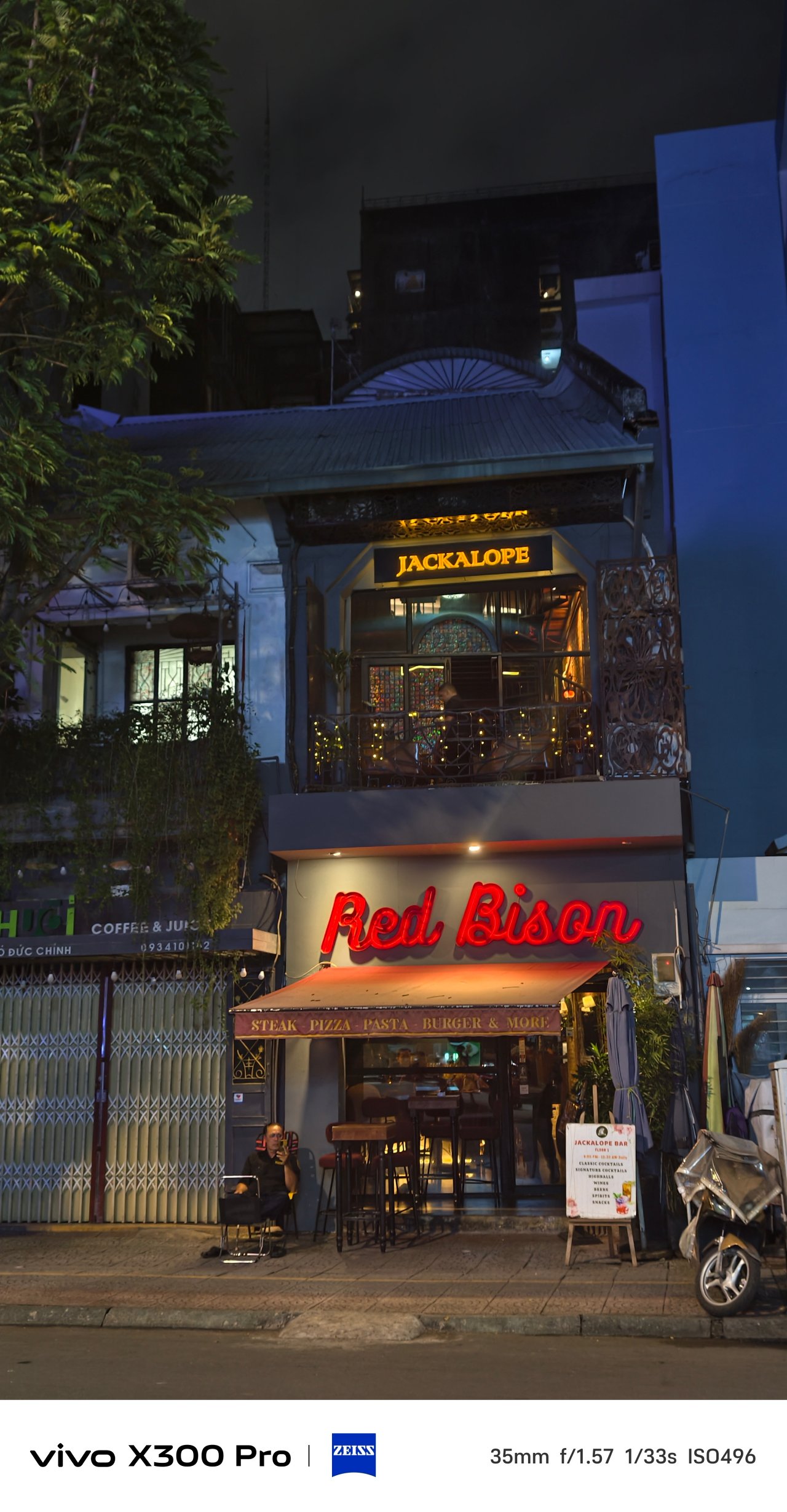

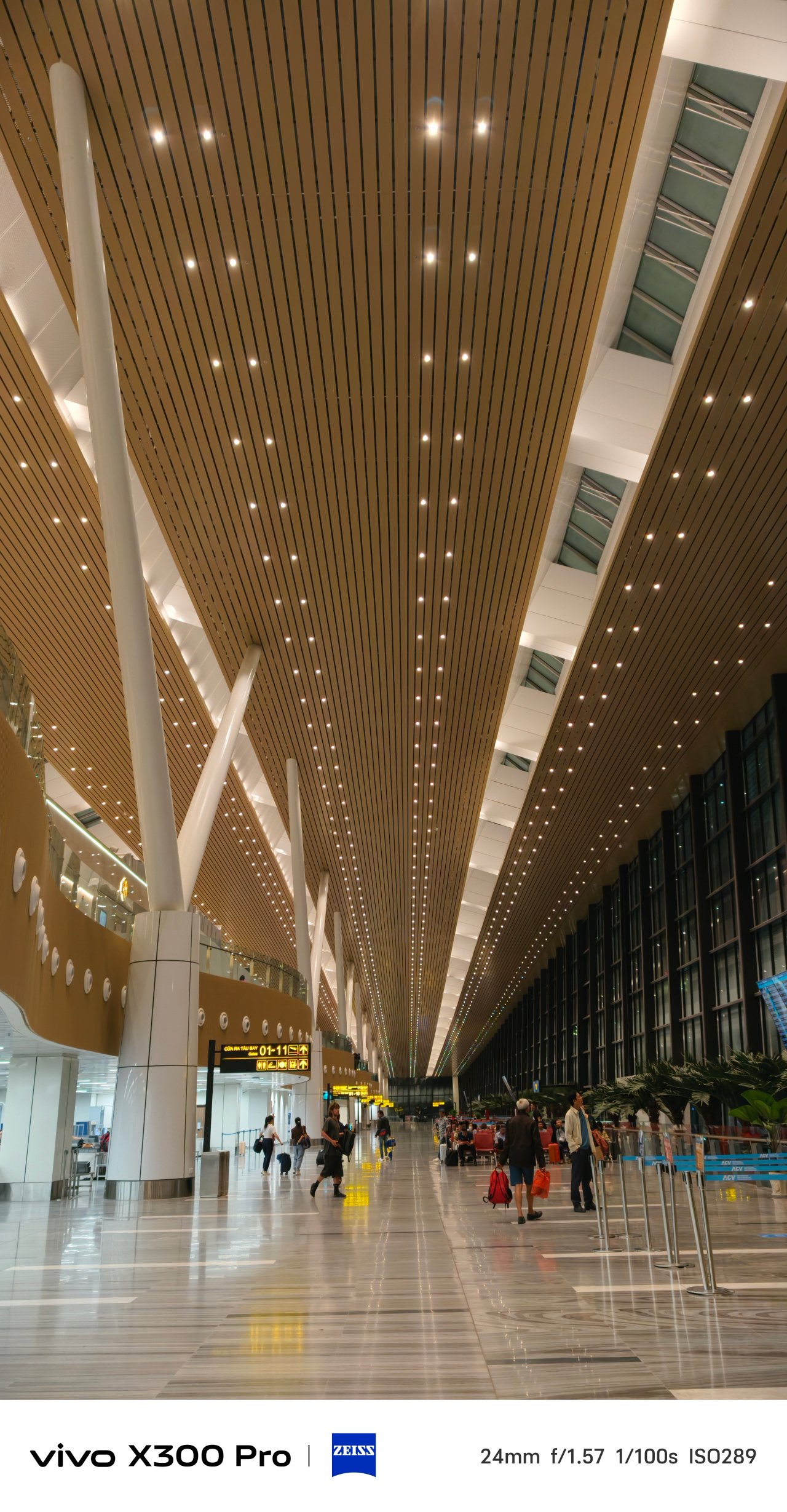
📍 Vietnam Airlines / VN206


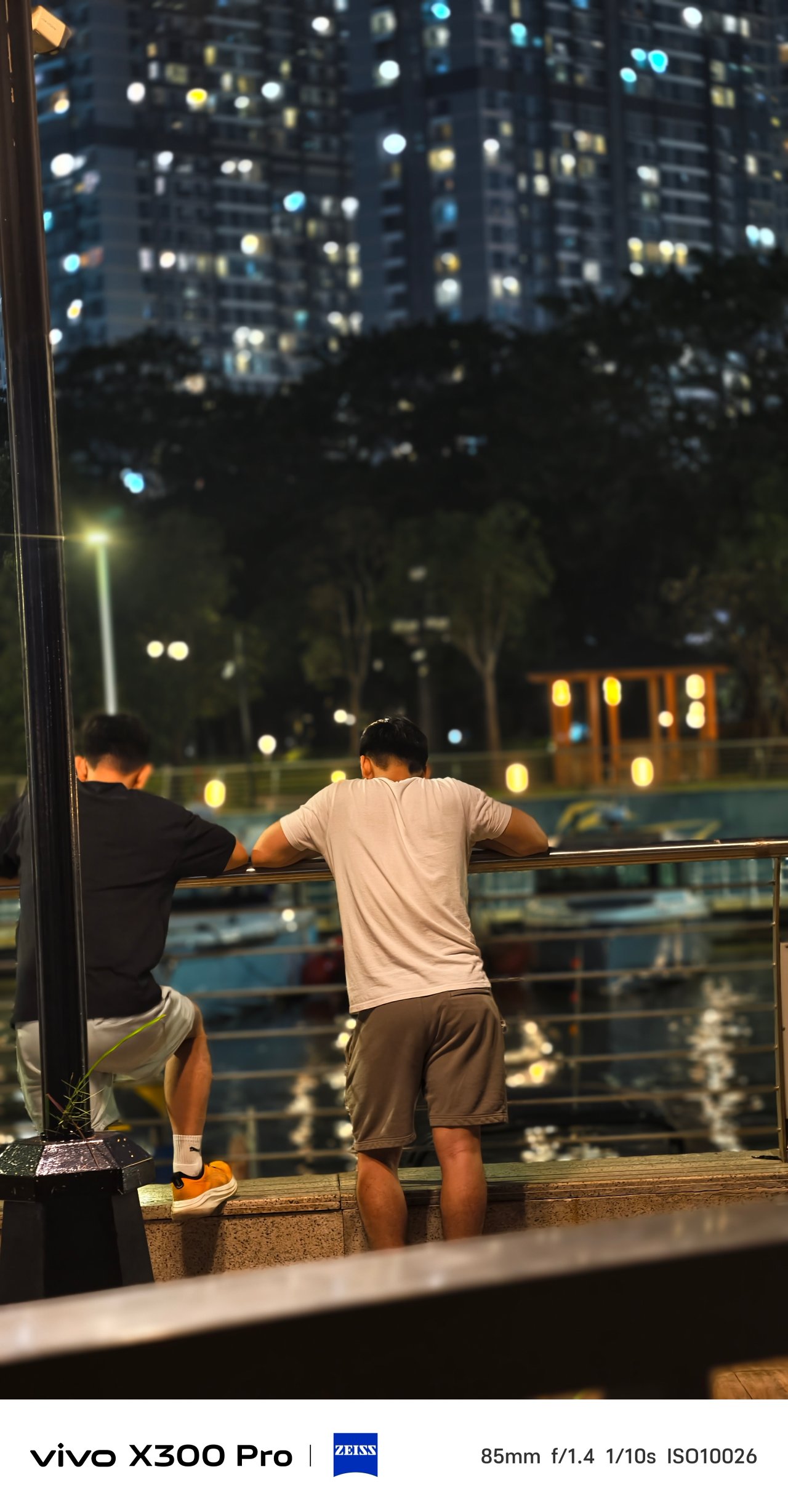
Furthermore, it gives that much-needed depth when taking pics of indoor and outdoor pets.
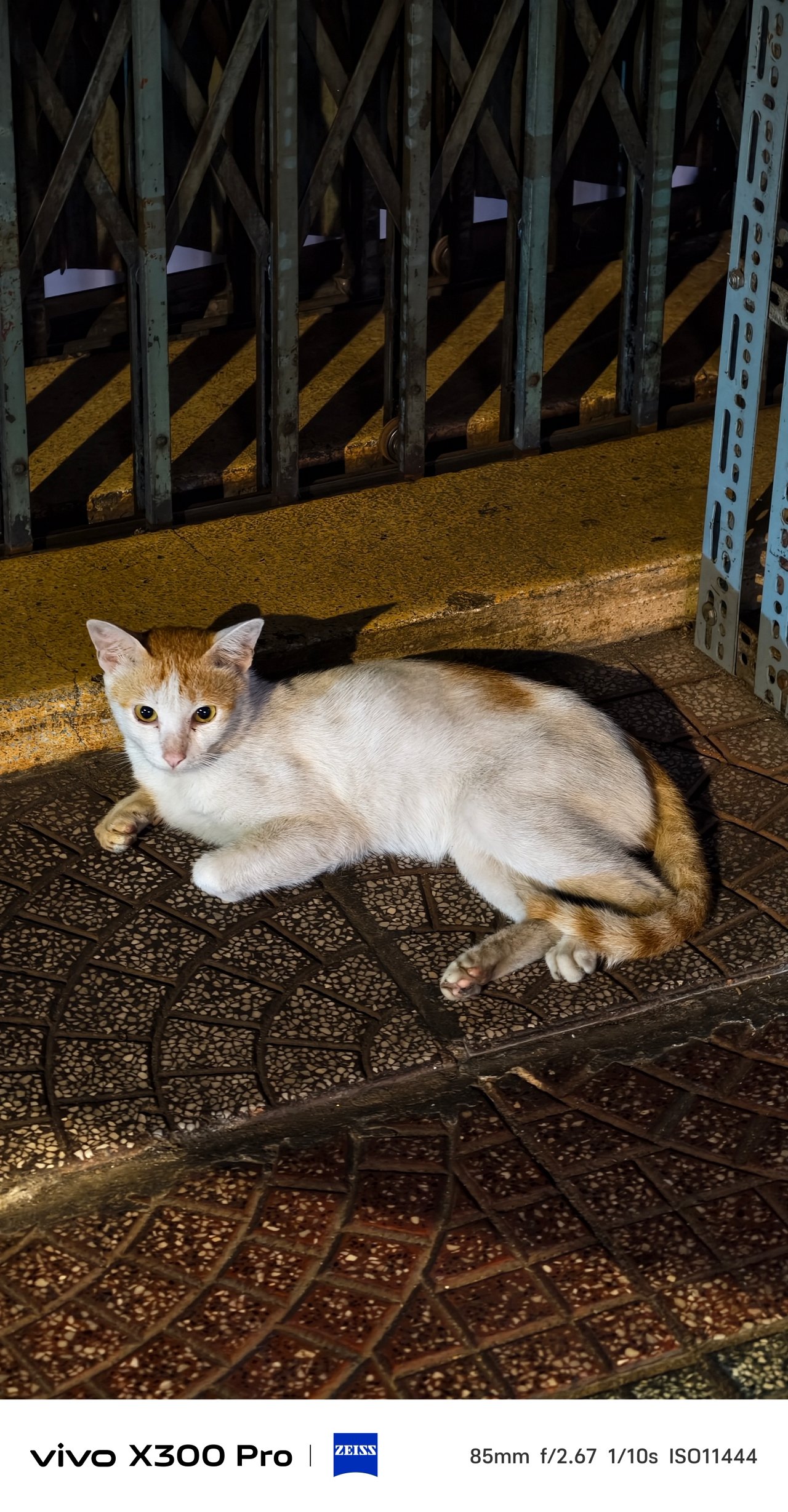
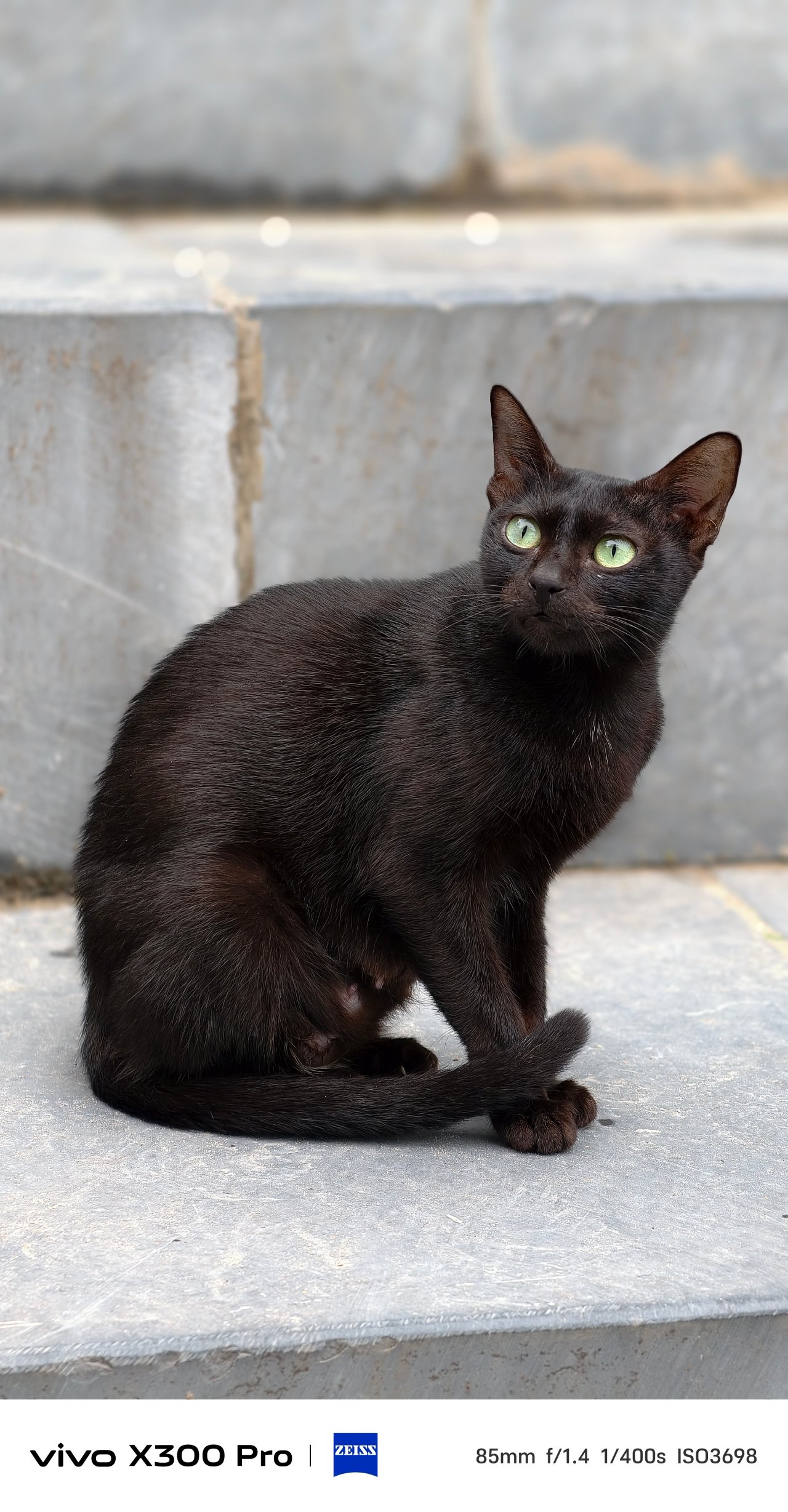
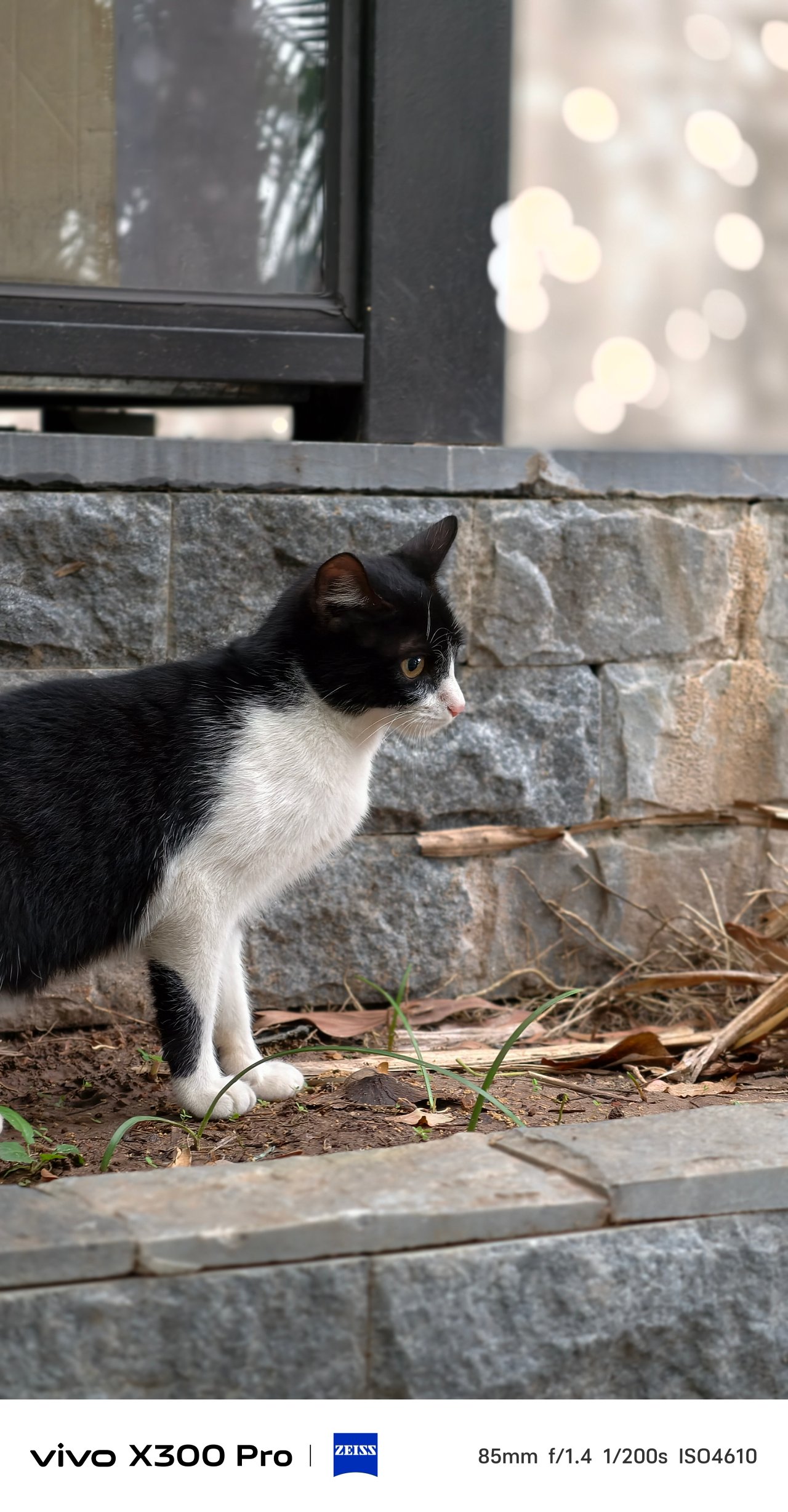
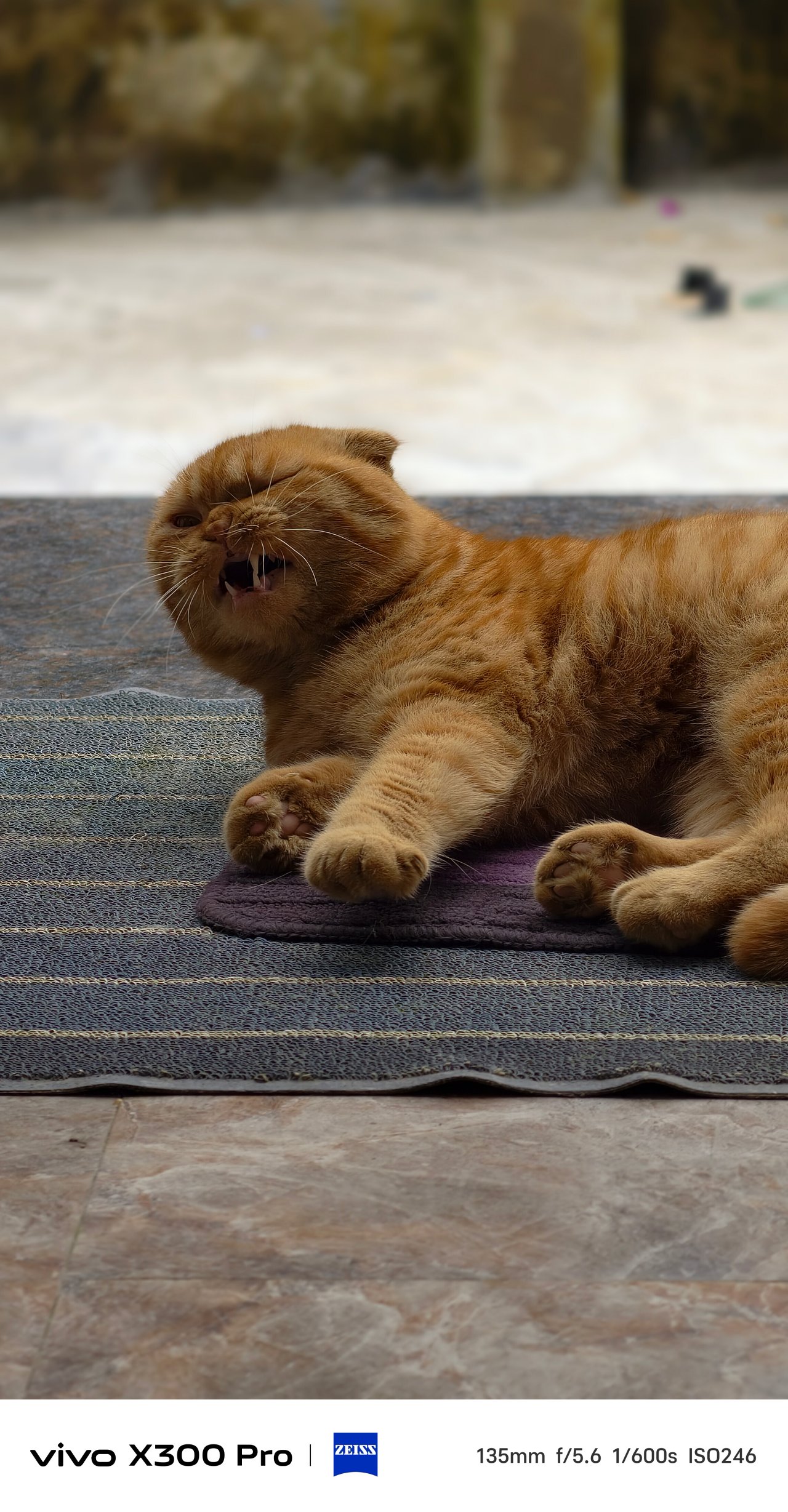
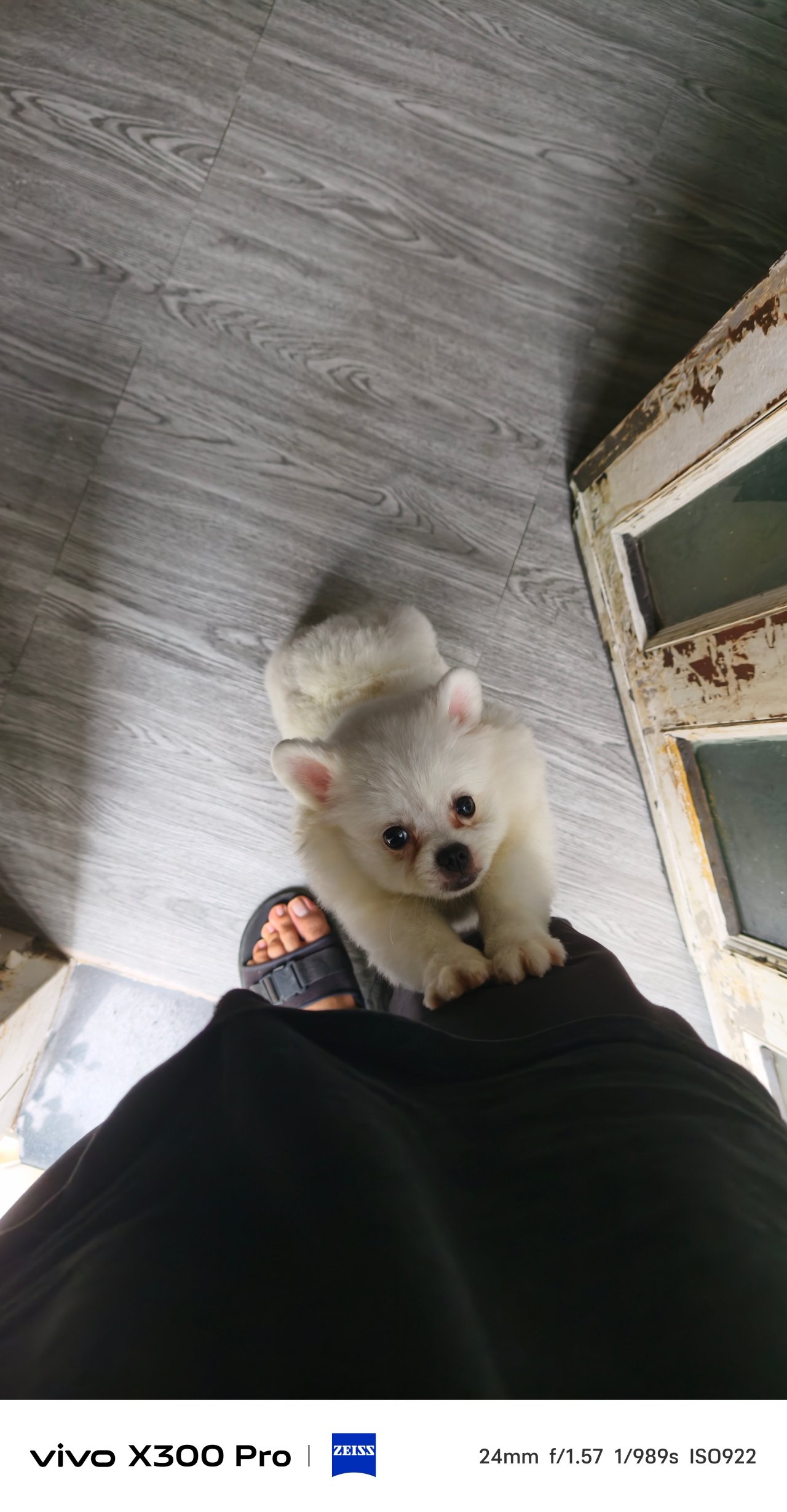
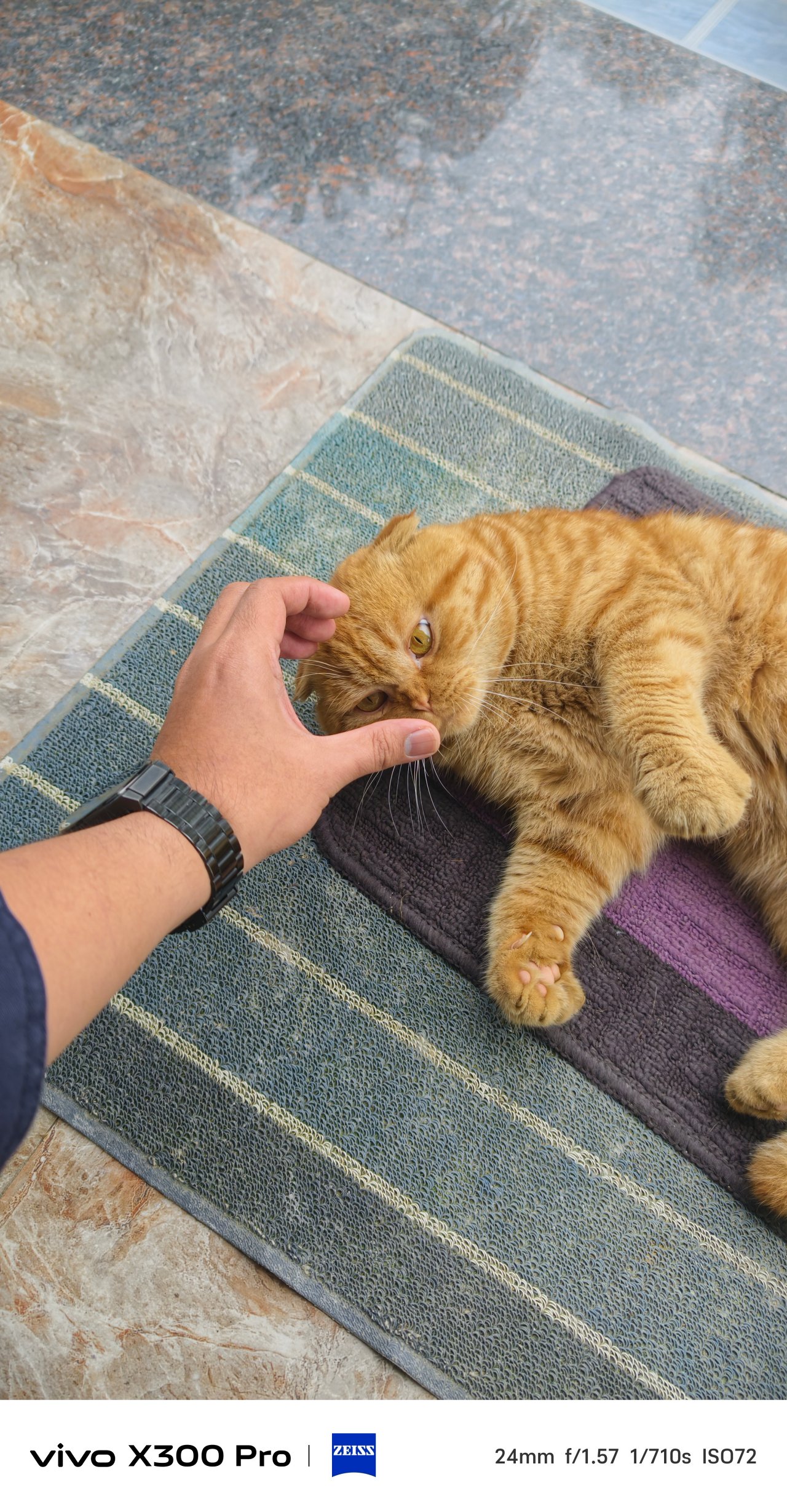
Switching to Portrait Mode, ZEISS Style Portrait remains with faster shooting times plus more precise subject to background segmentation.


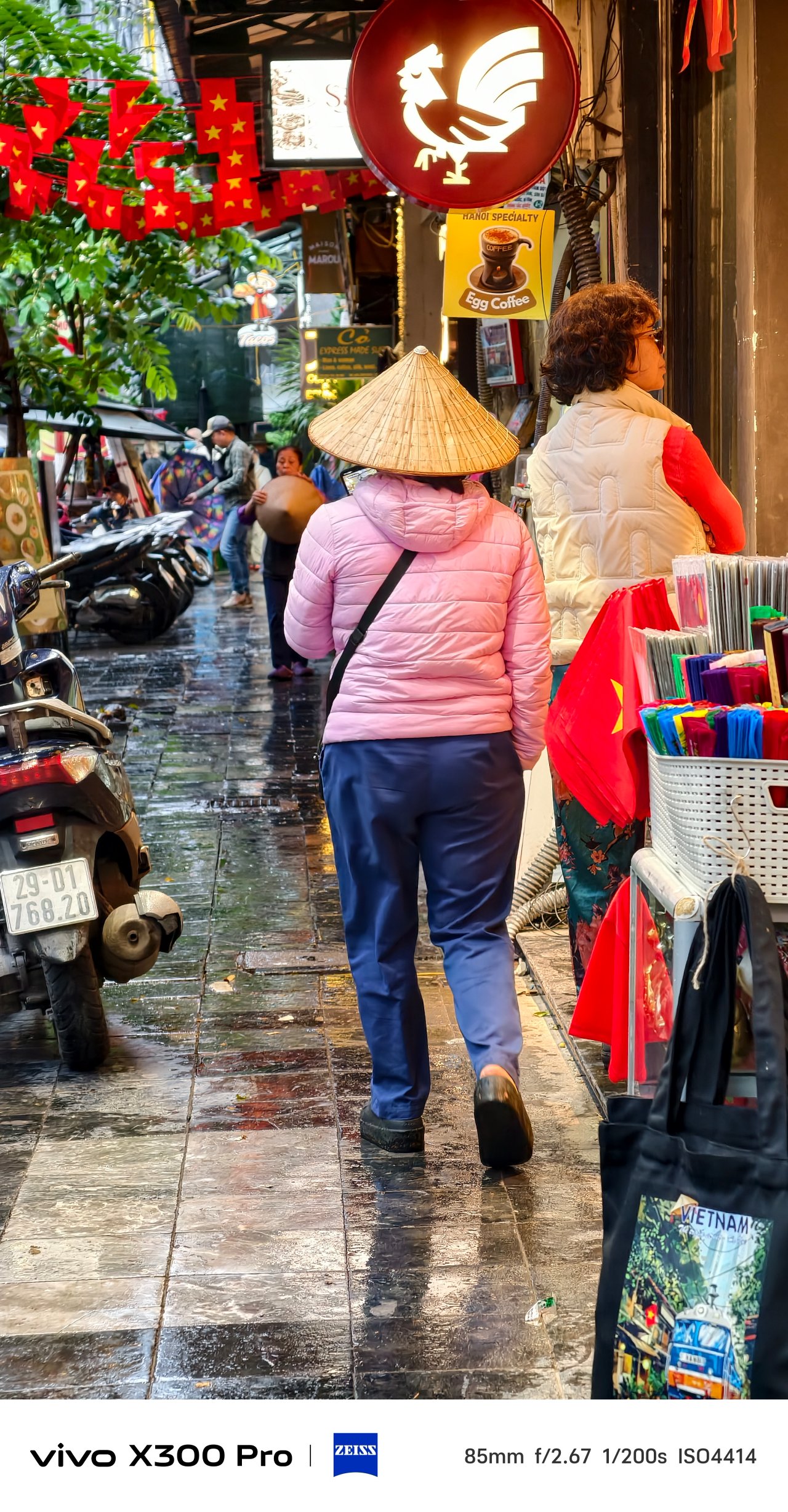
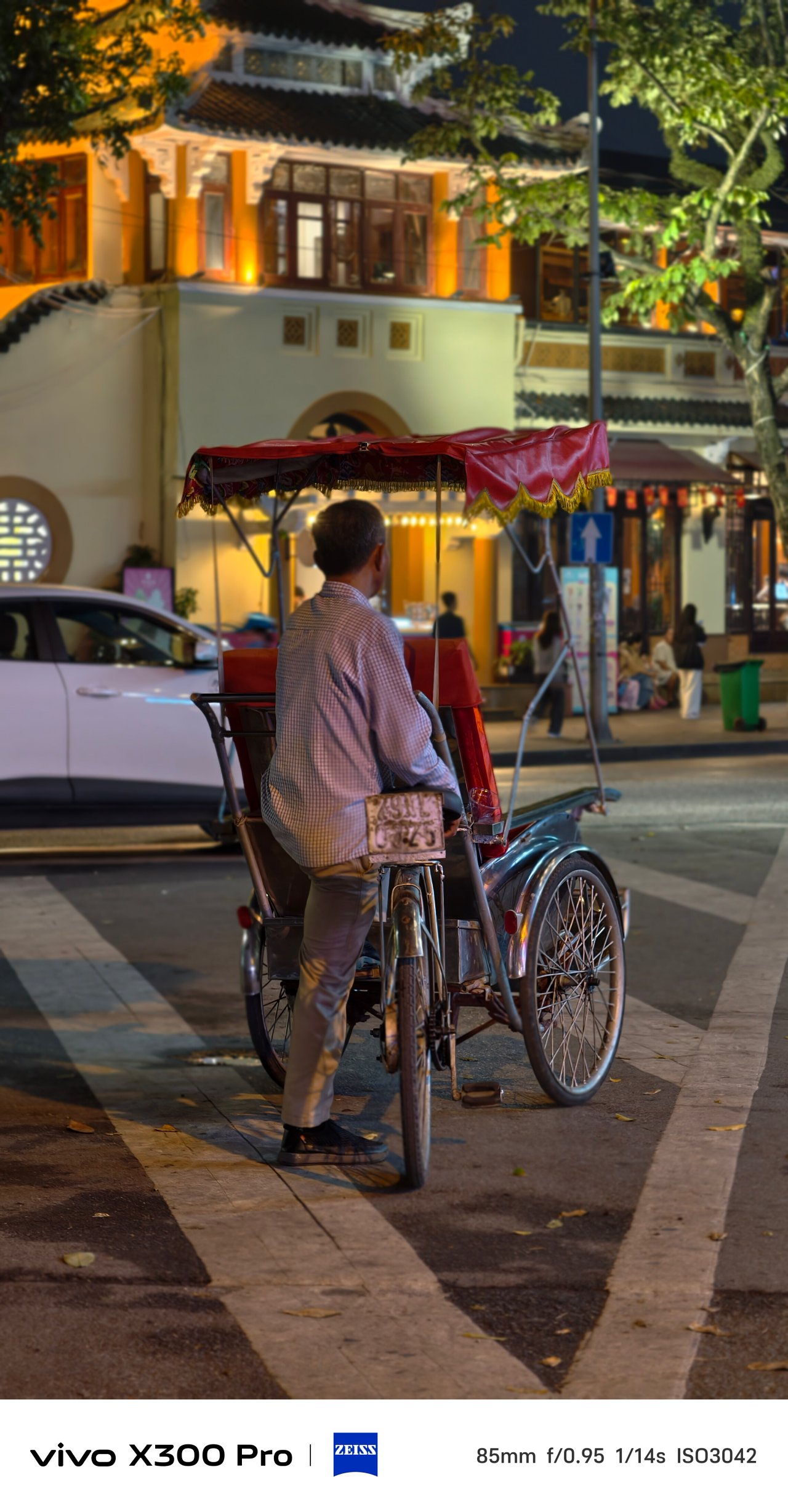

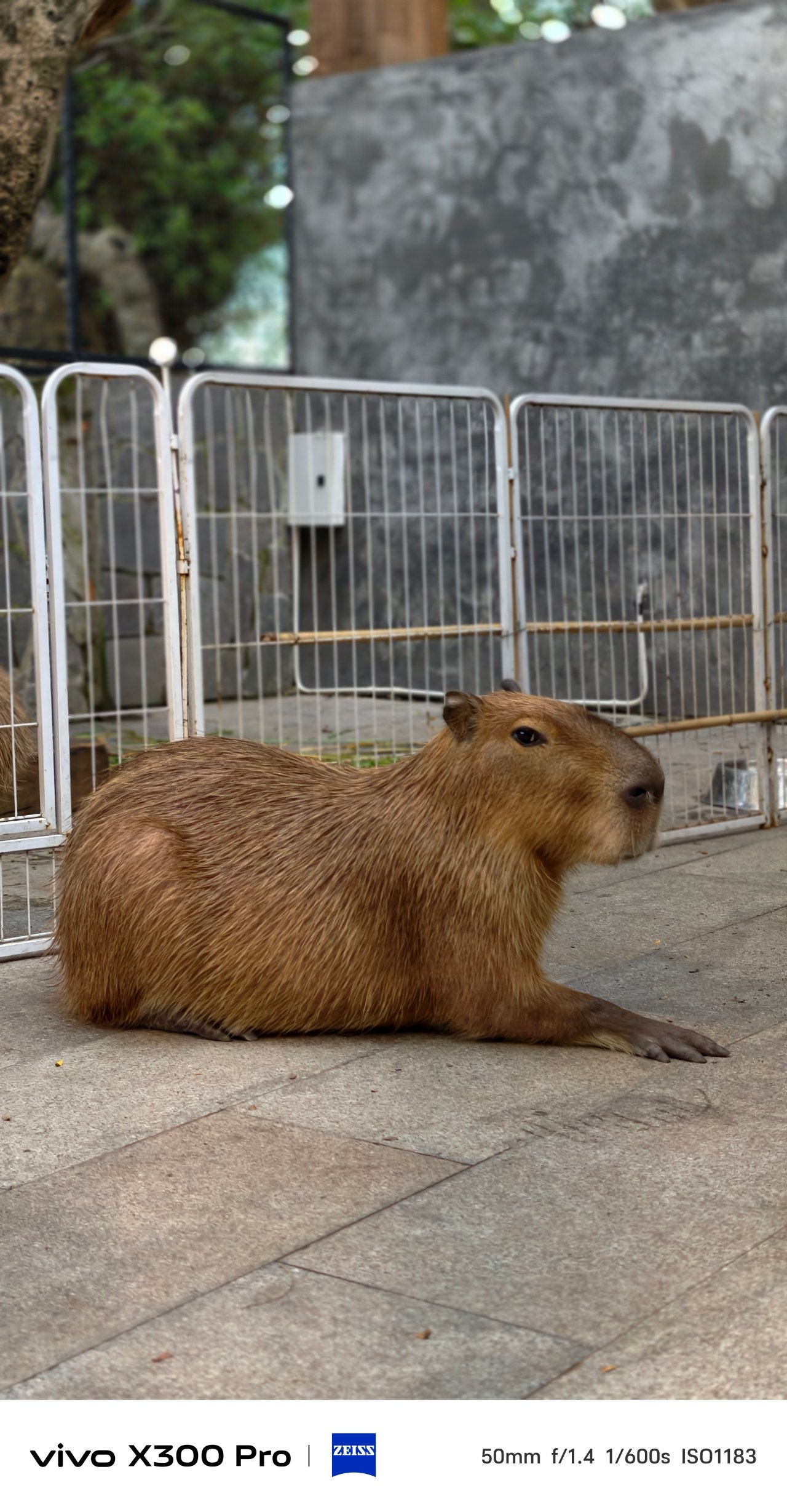
Mind you, it’s not limited to human subjects as I used it all throughout my time with these cute capys in Saigon.




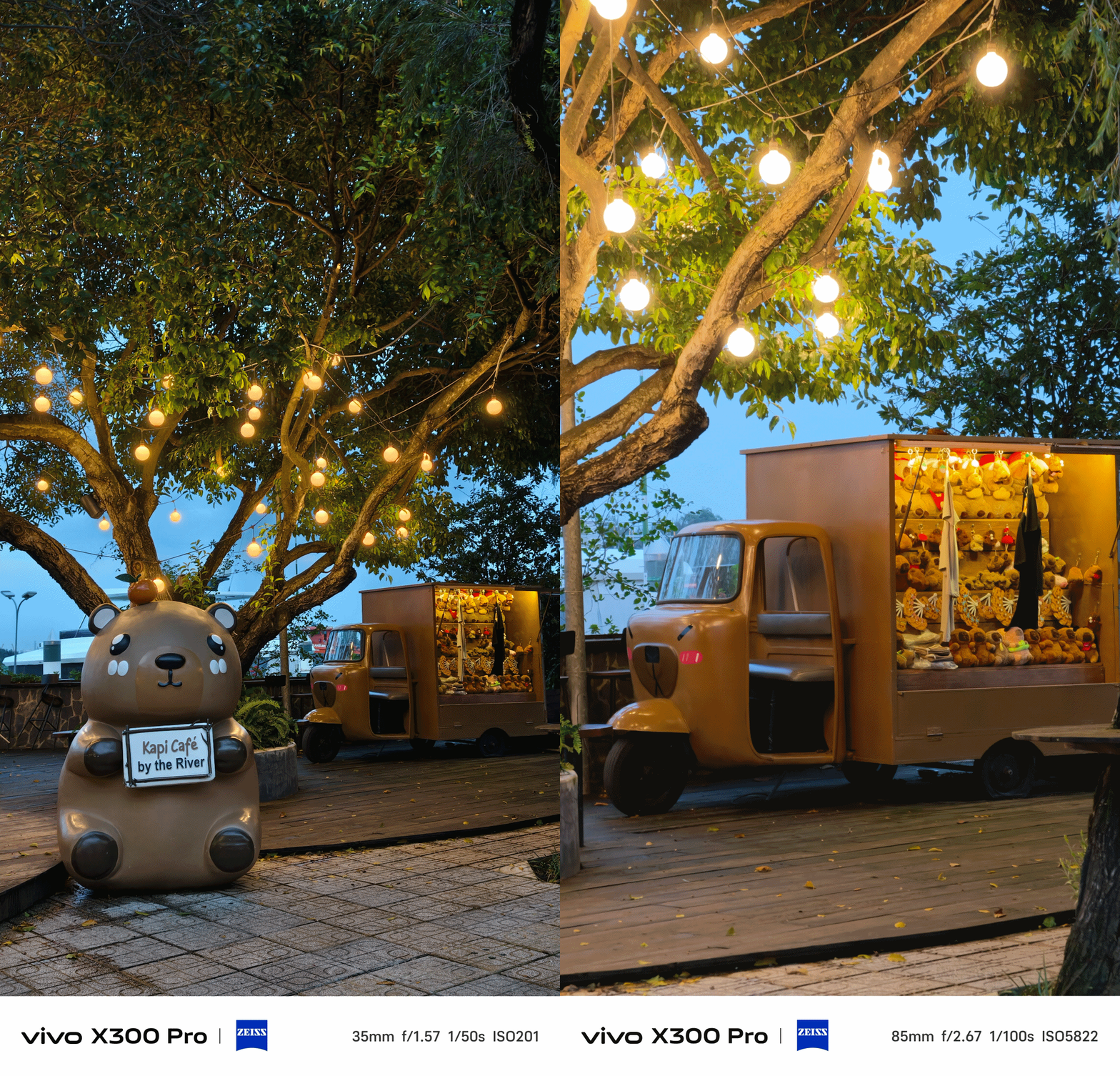

Speaking of, it’s worth mentioning that the user now has the ability to pick between vivo’s three color profiles when shooting in Portrait Mode. It’s something you cannot do in previous vivo phones. Not even vivo’s latest V60 midranger has this.
Also, the rear flash unit can now be toggled in this mode — just without that Aura Light madness. It makes more sense when taking night-time portraits with high facial illumination.
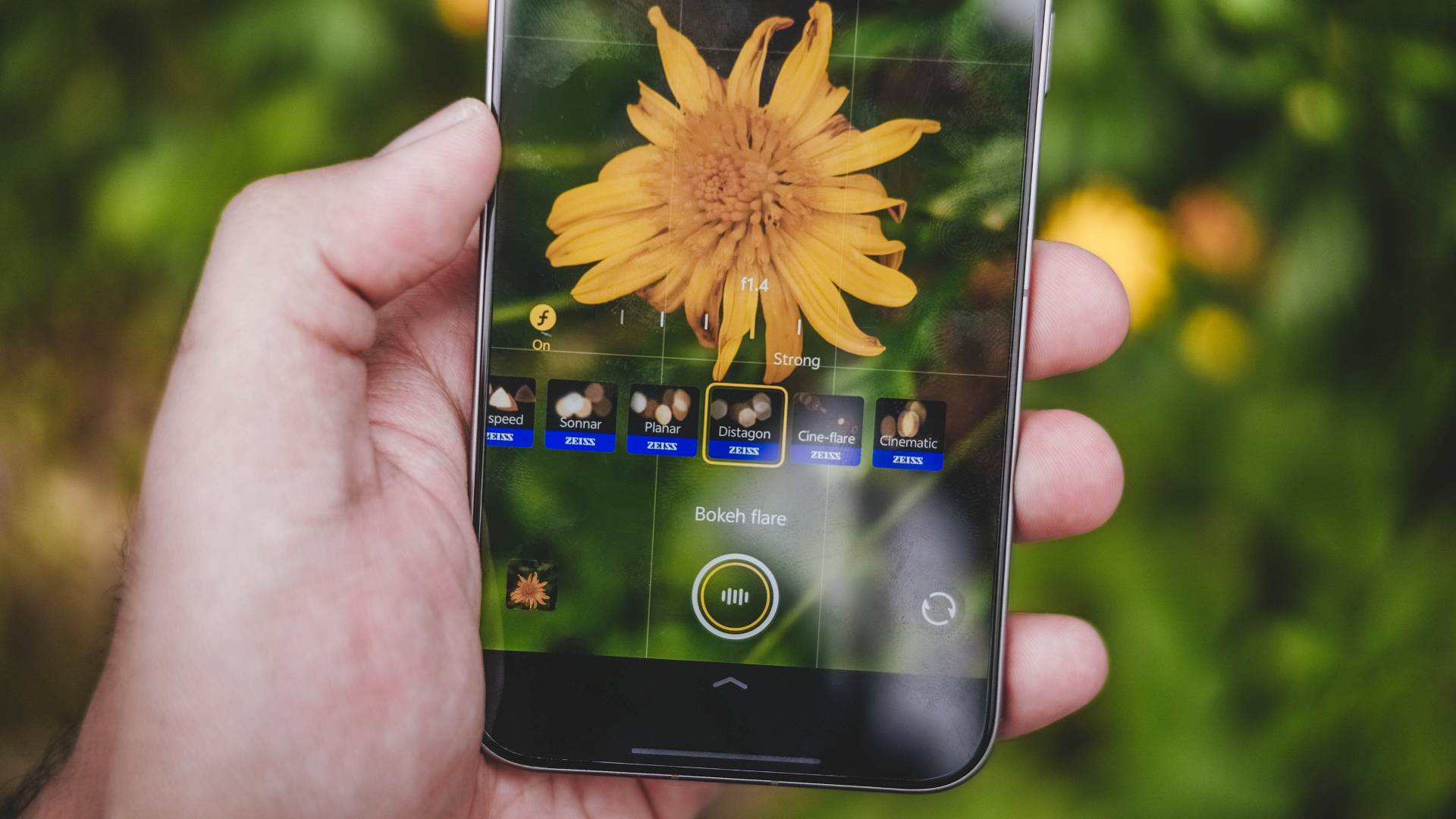
There’s also an additional ZEISS “Mirotar” lens. This only appears though when aiming to shoot tele-macro subjects as it’s not included in vivo’s default Portrait Mode lenses under ZEISS Style Portrait.
X-traordinary Camera X-tras
The vivo X300 Pro is very rich in camera feats. It doesn’t just end with the default Photo Mode.

Humanistic Street Snap Camera Mode still remains — which isn’t very different from the X200 Pro. Thankfully, vivo added two more film presets: Positive Film and Clear Blue.
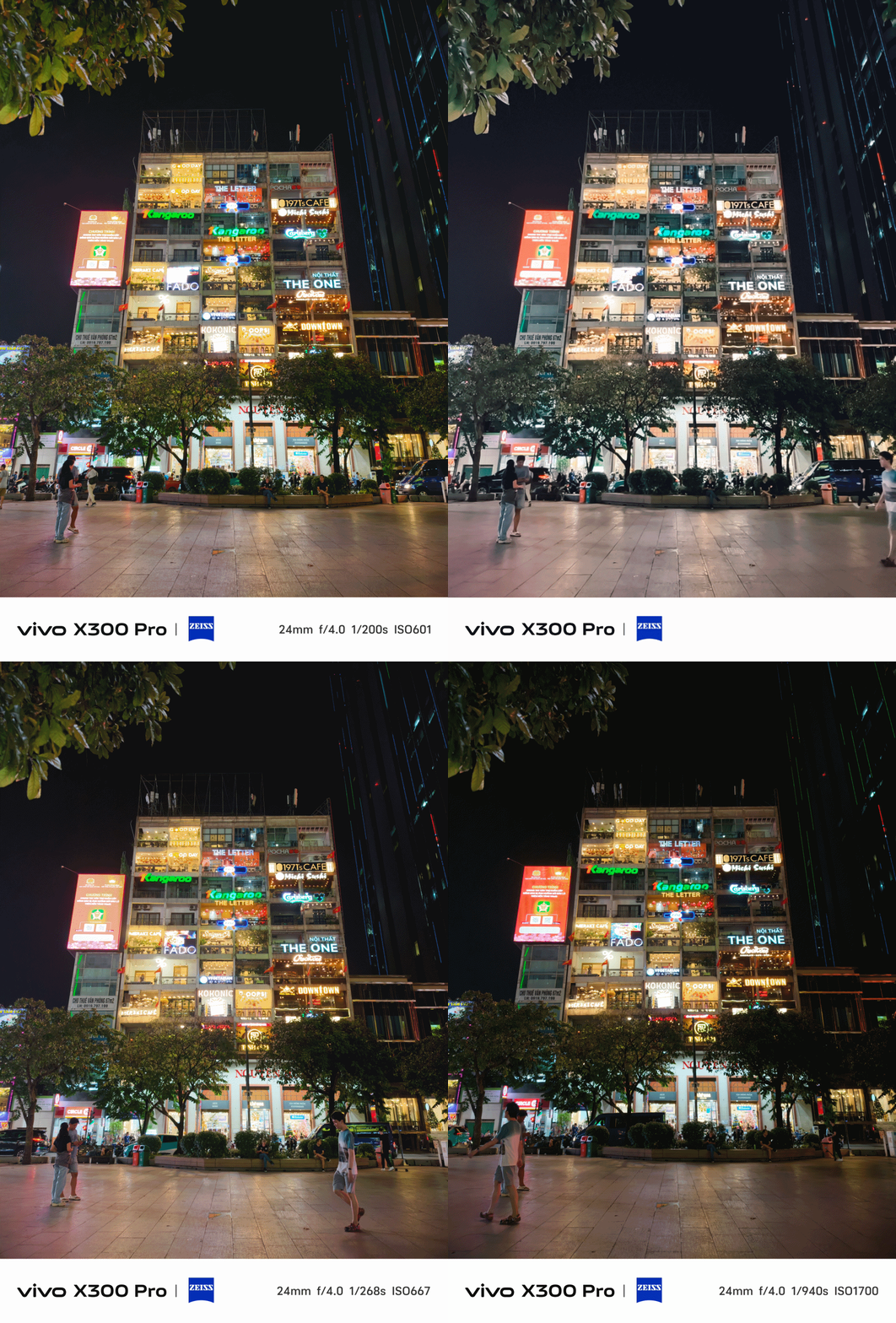
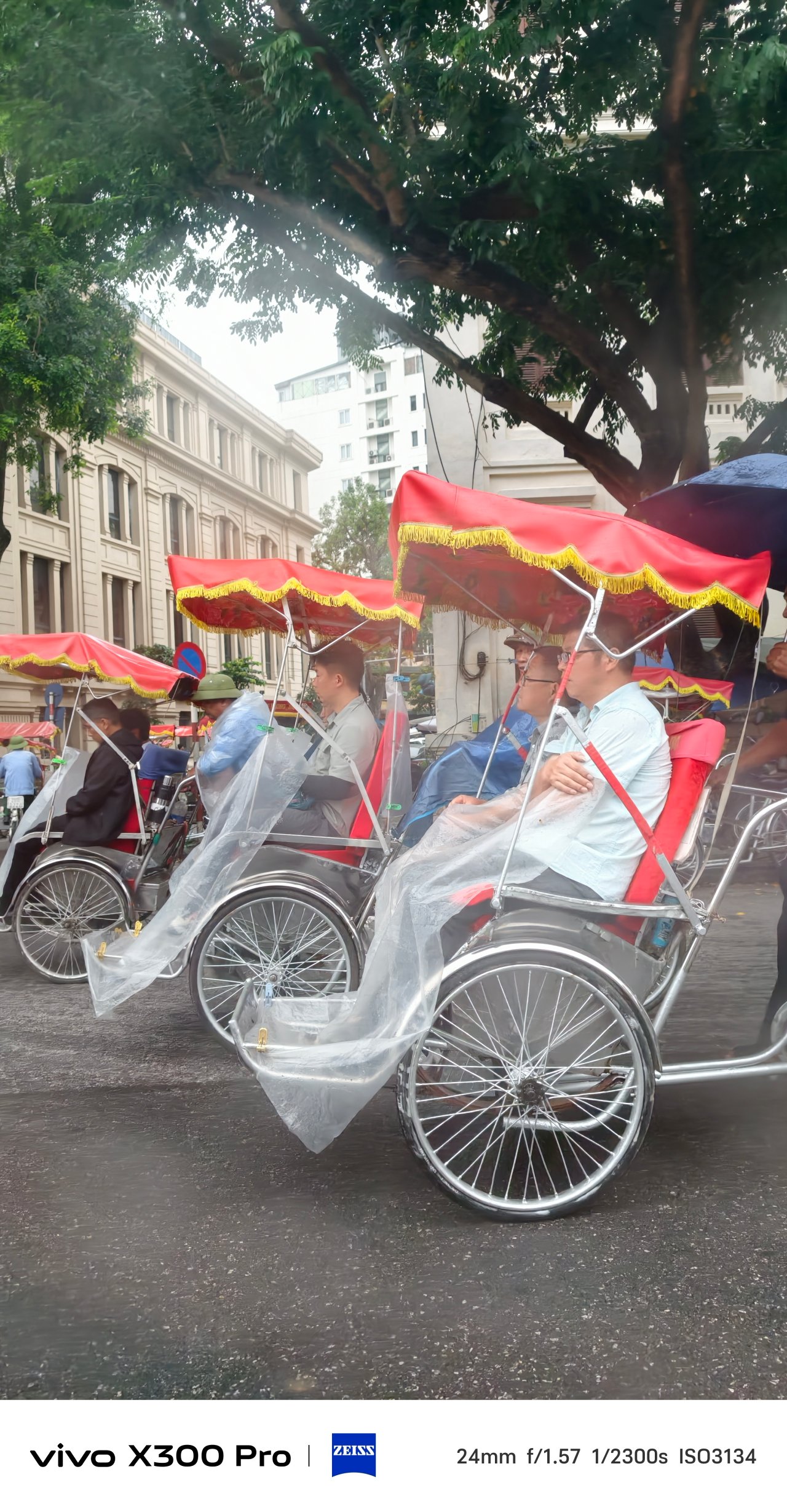
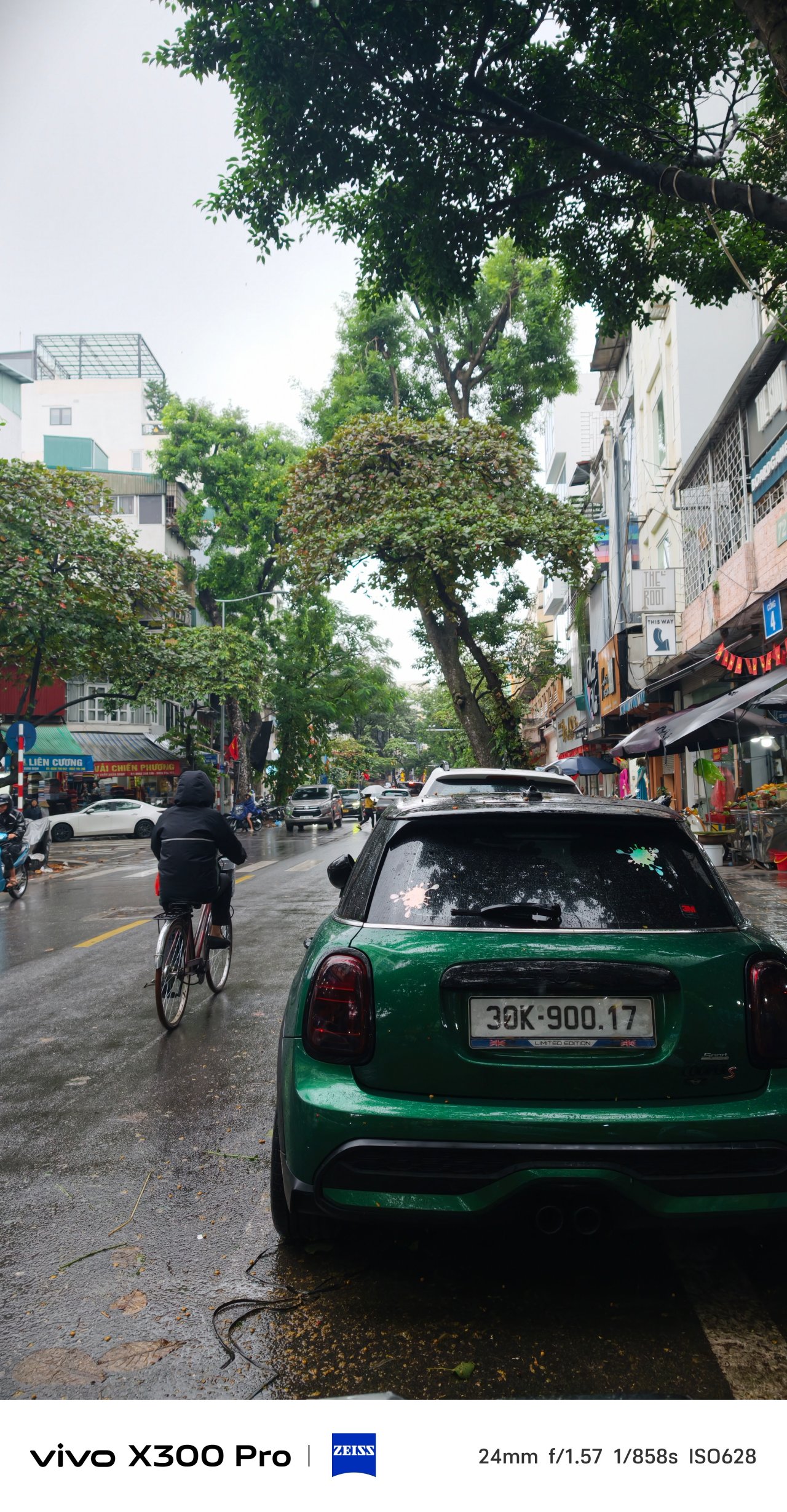
The X300 Pro already has a fast shutter speed in the default Photo Mode. But in times where you’re really on the move and you cannot stay still, Snapshot Mode is here to save the day.
With my commute in Vietnam heavily relying on riding motorbikes, this mode became my go-to for capturing fast-moving subjects.


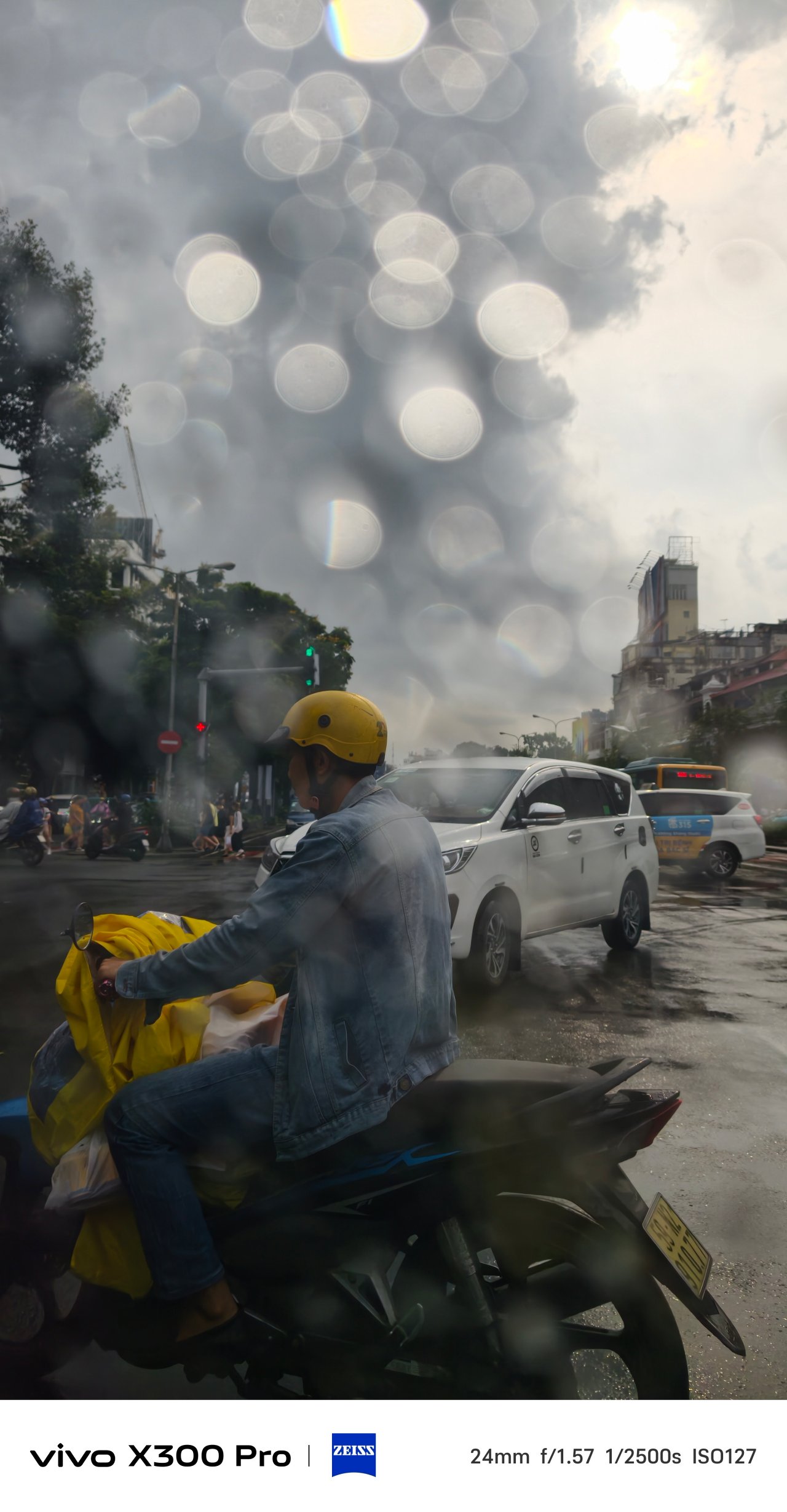


Trying to take very-detailed horizon shots? The 50MP and 200MP Hi-Res toggles exist. They were beneficial when I tried taking horizon shots of Hanoi, Saigon, and even SaPa.


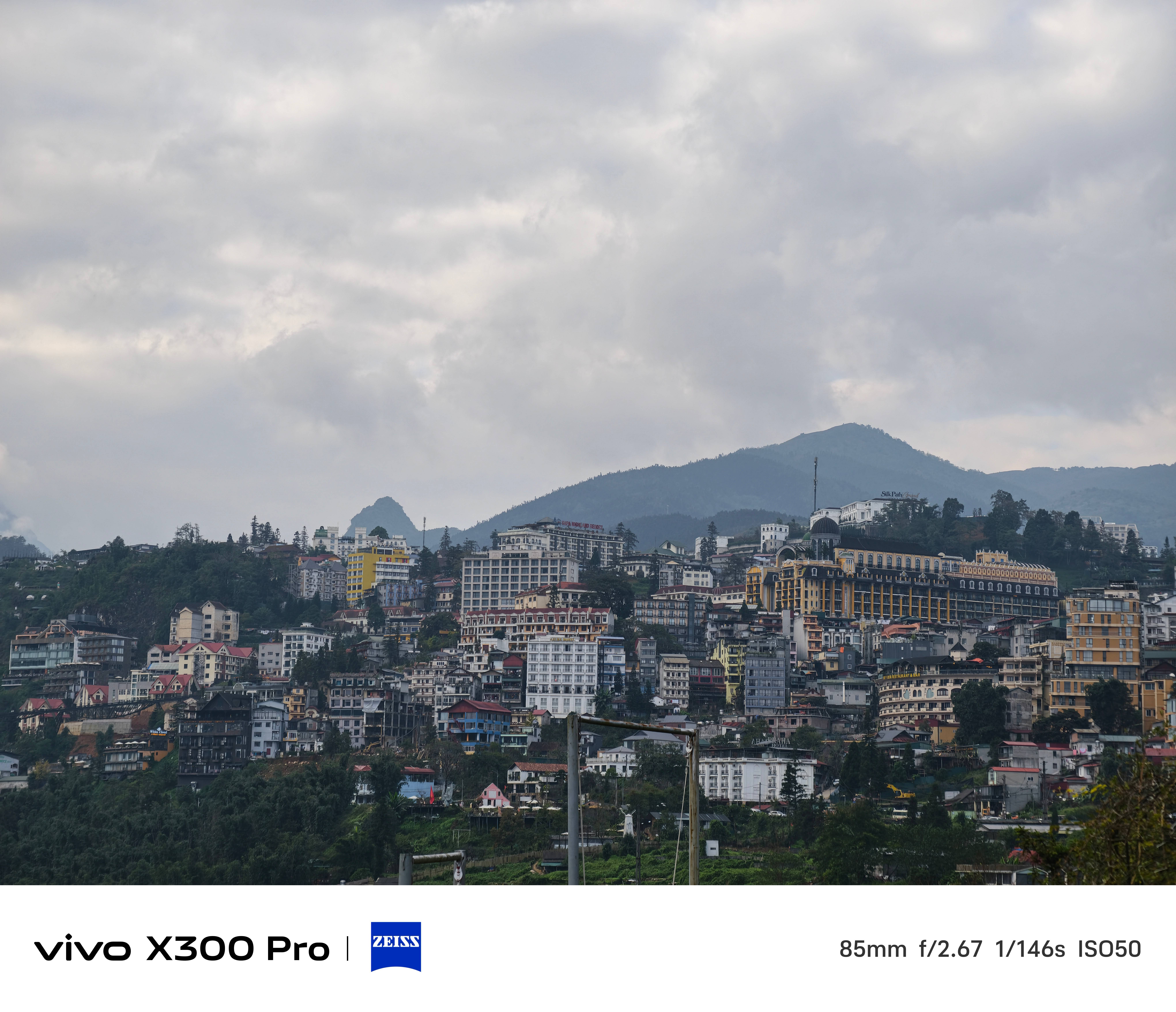

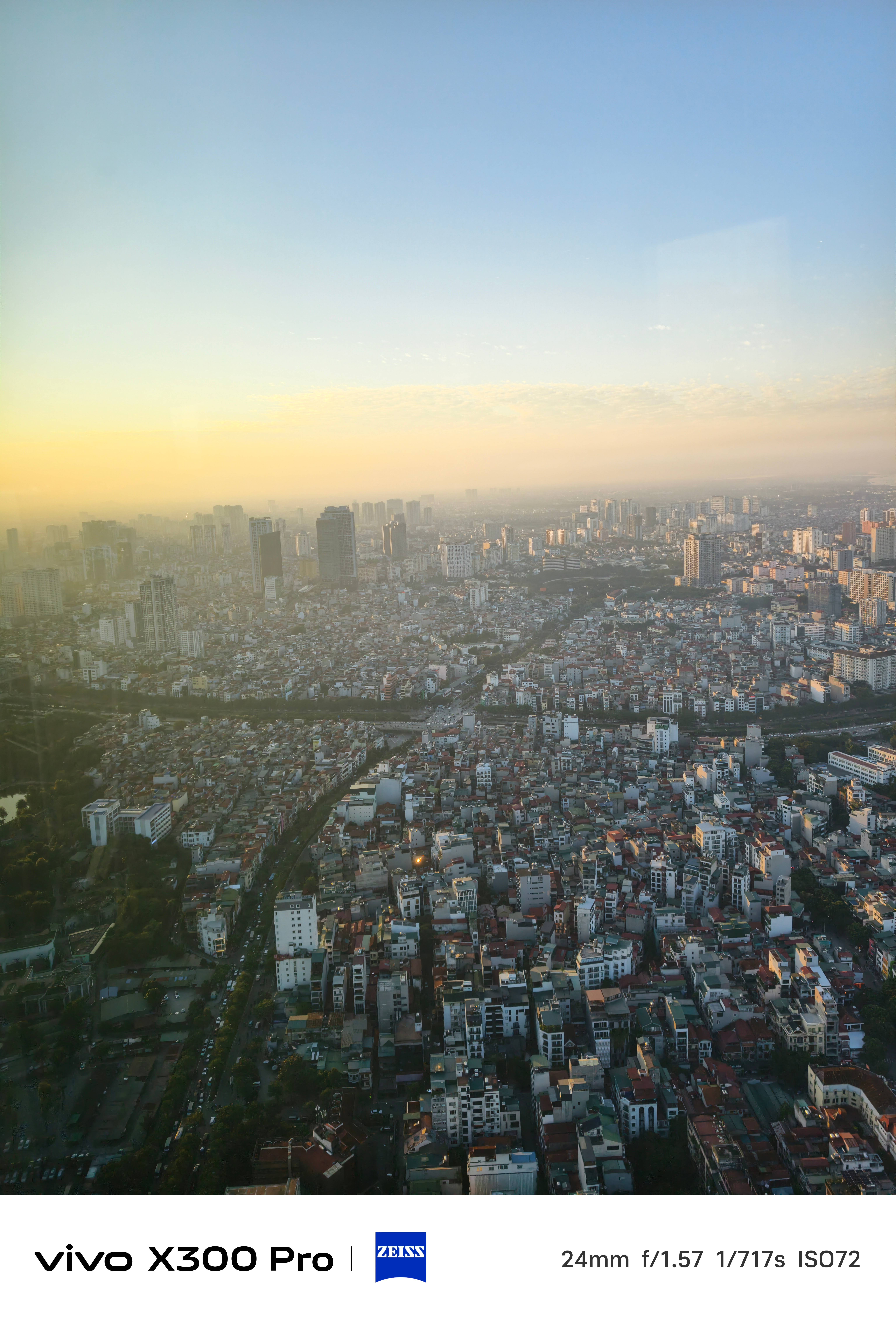
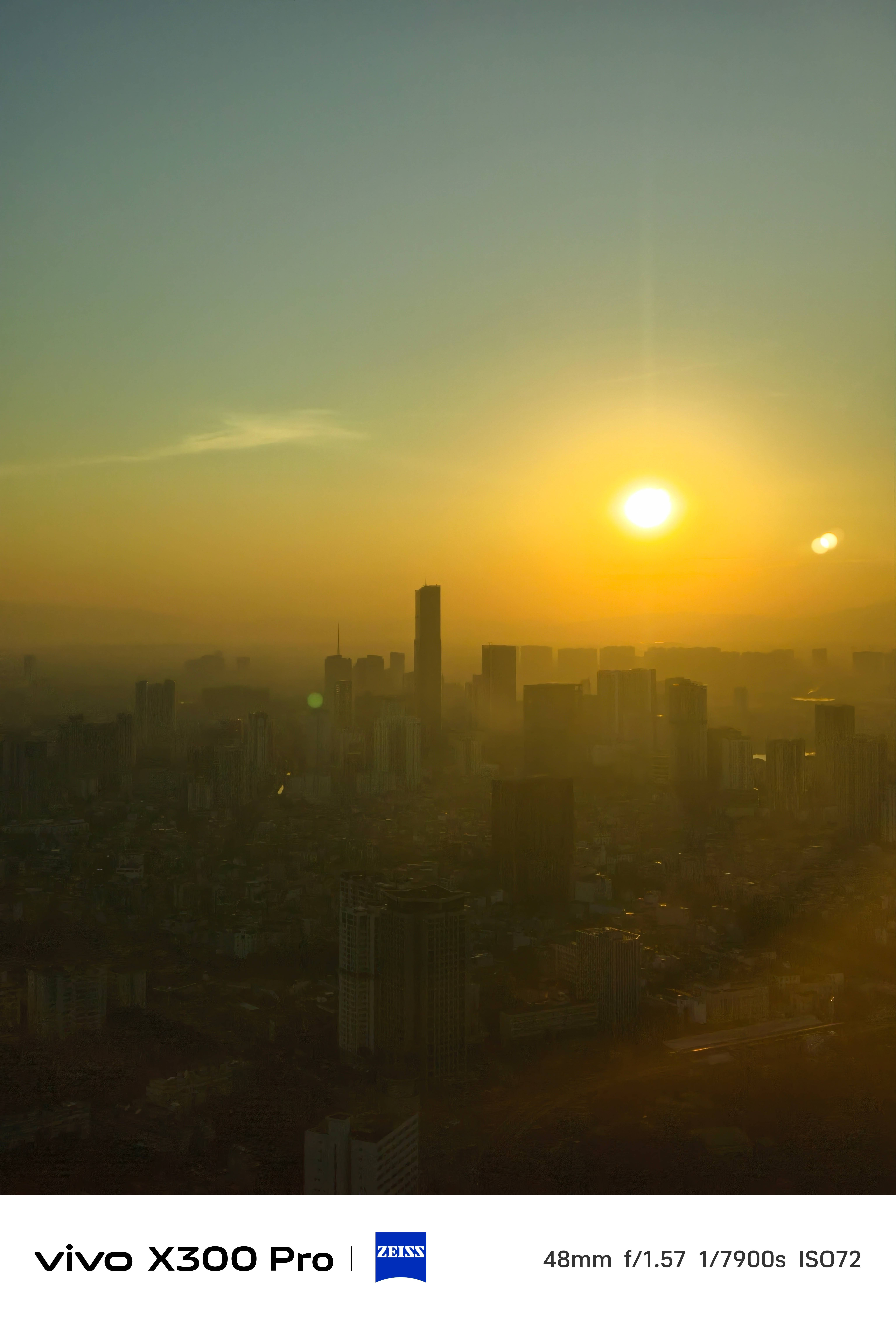
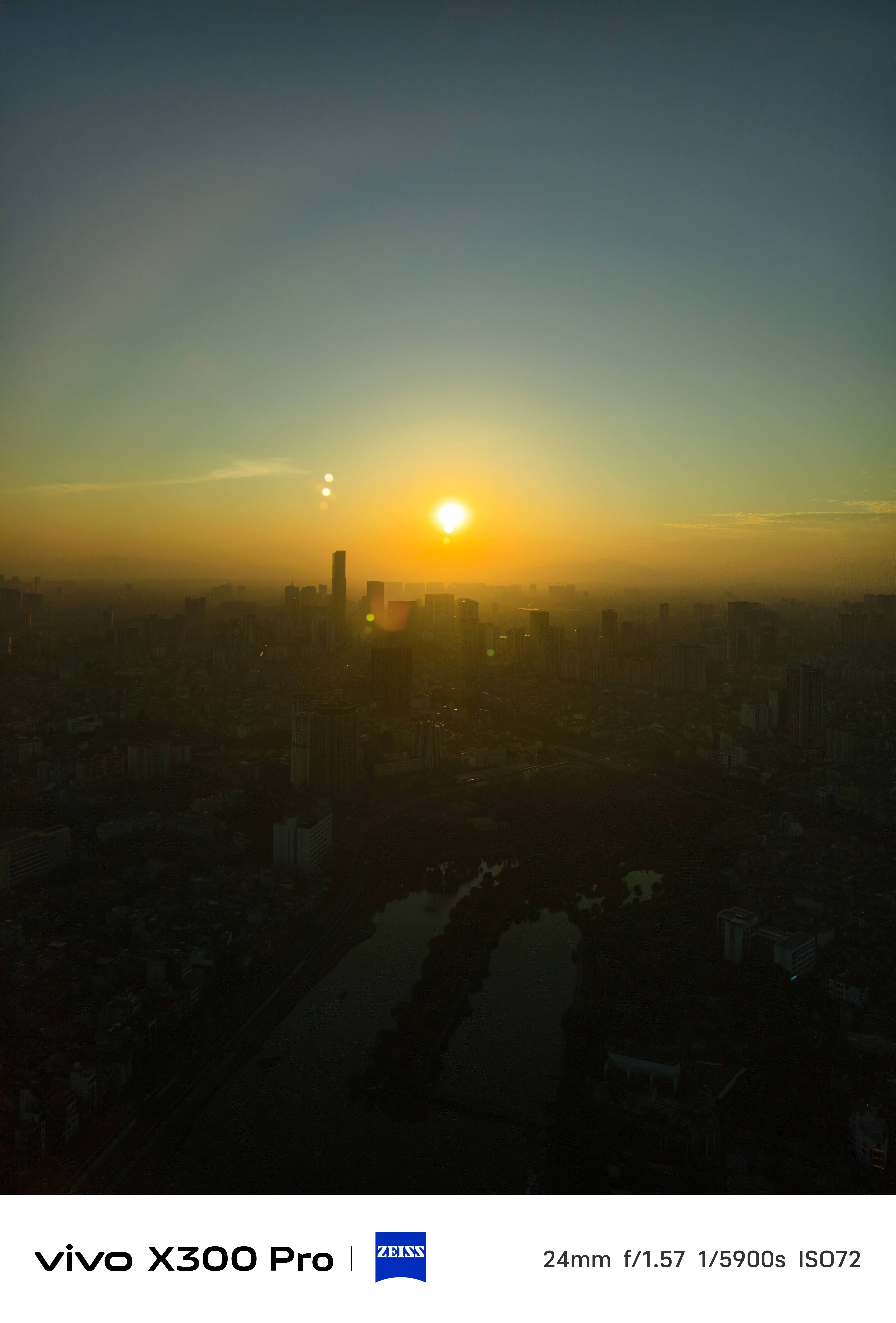
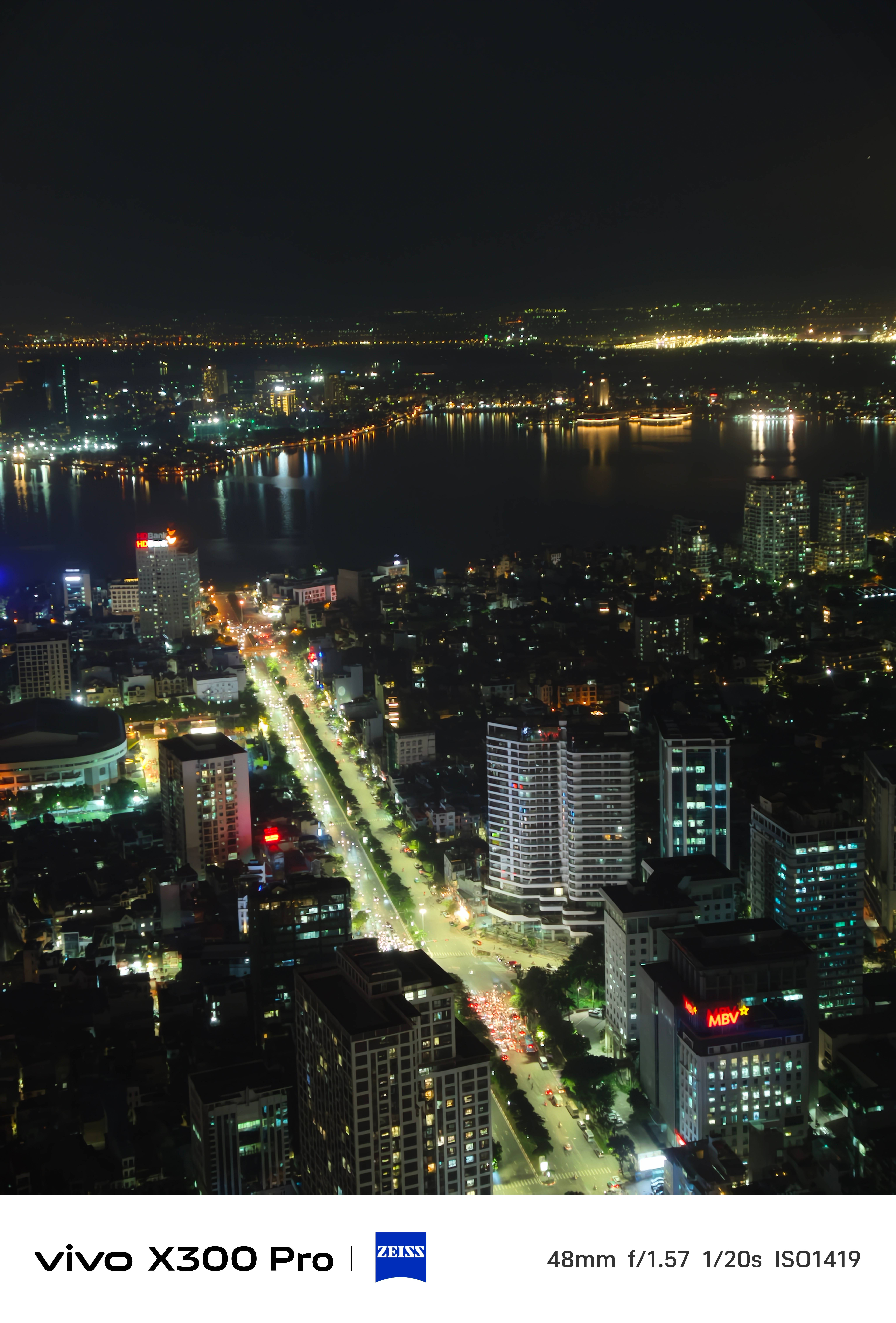
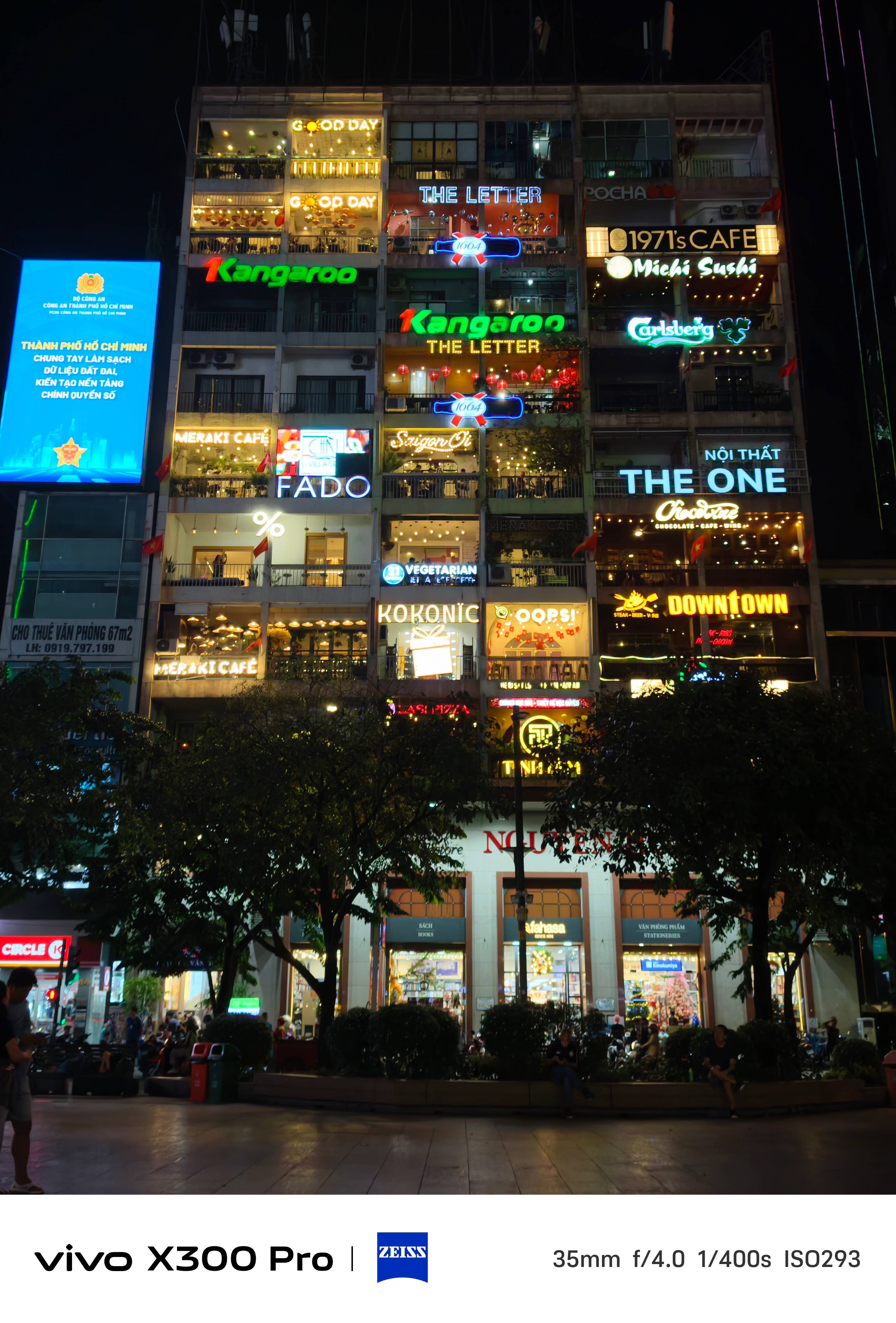
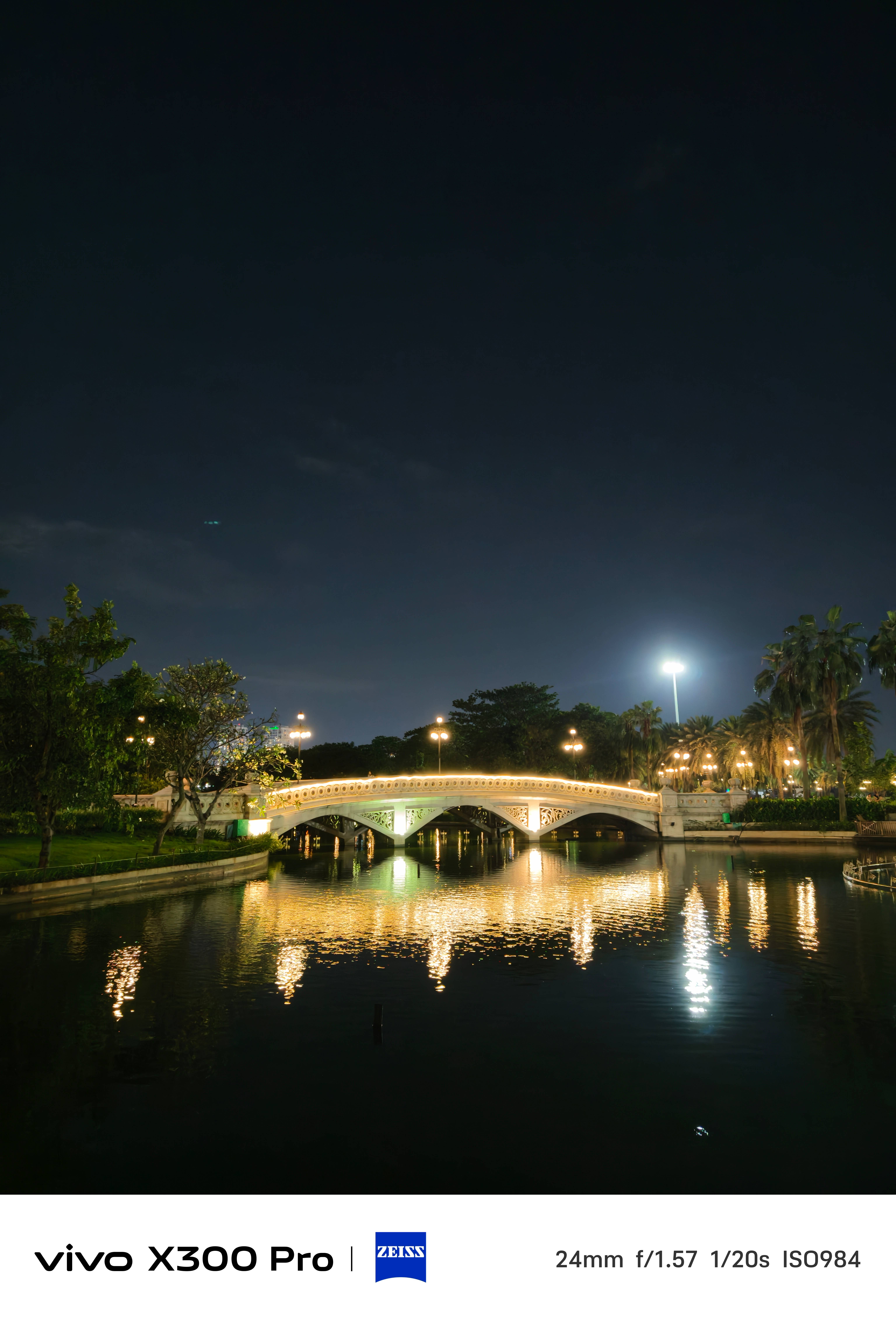
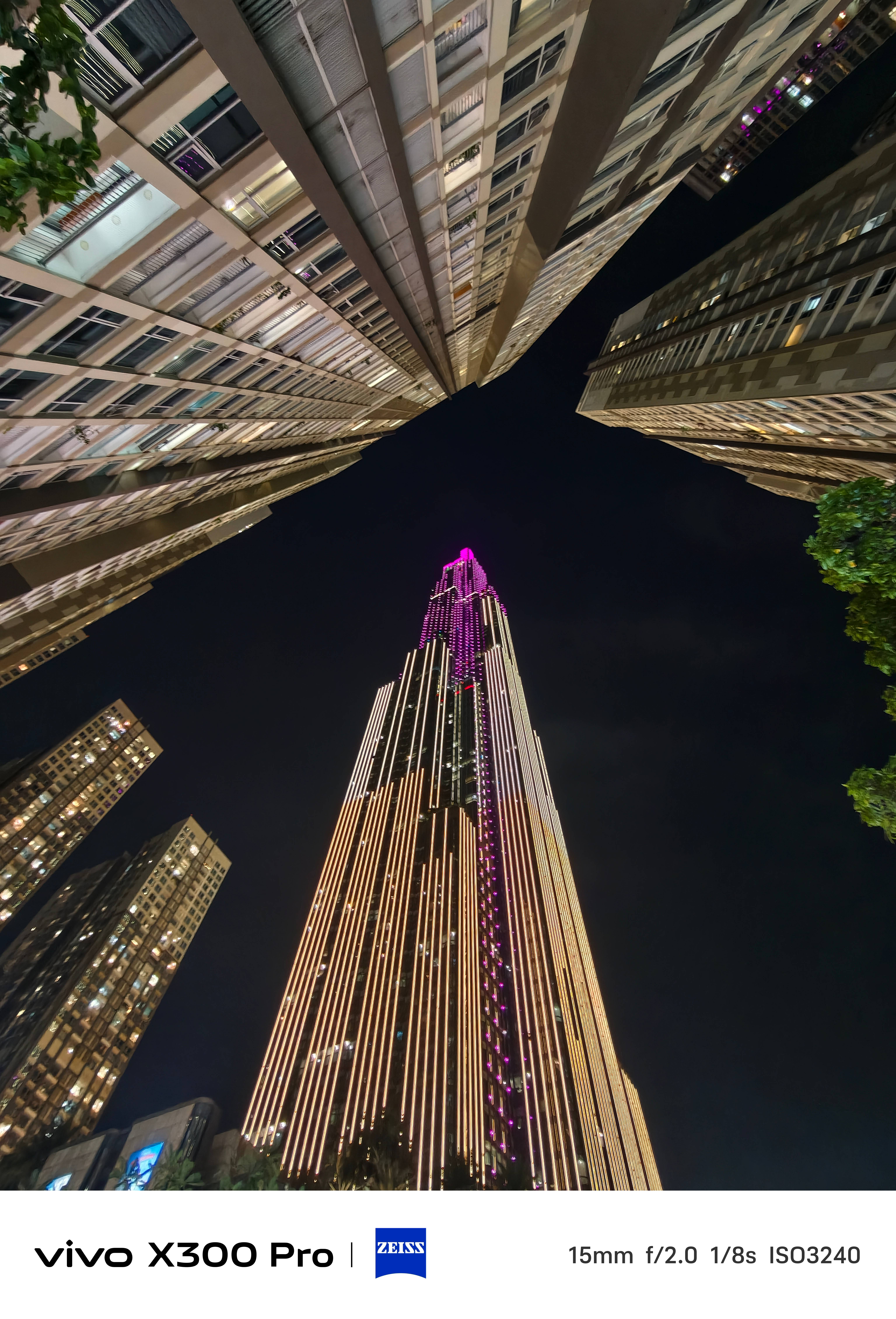
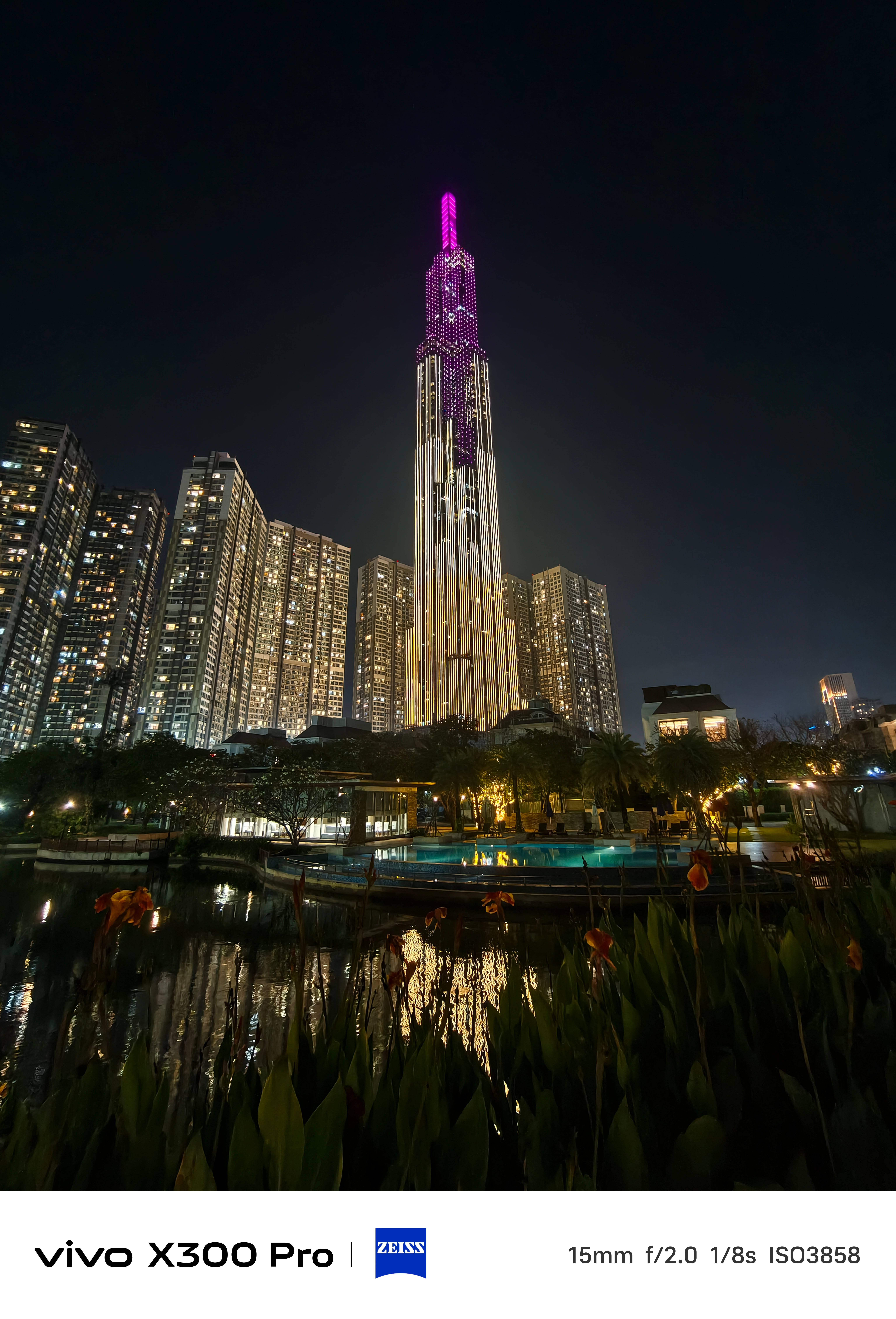
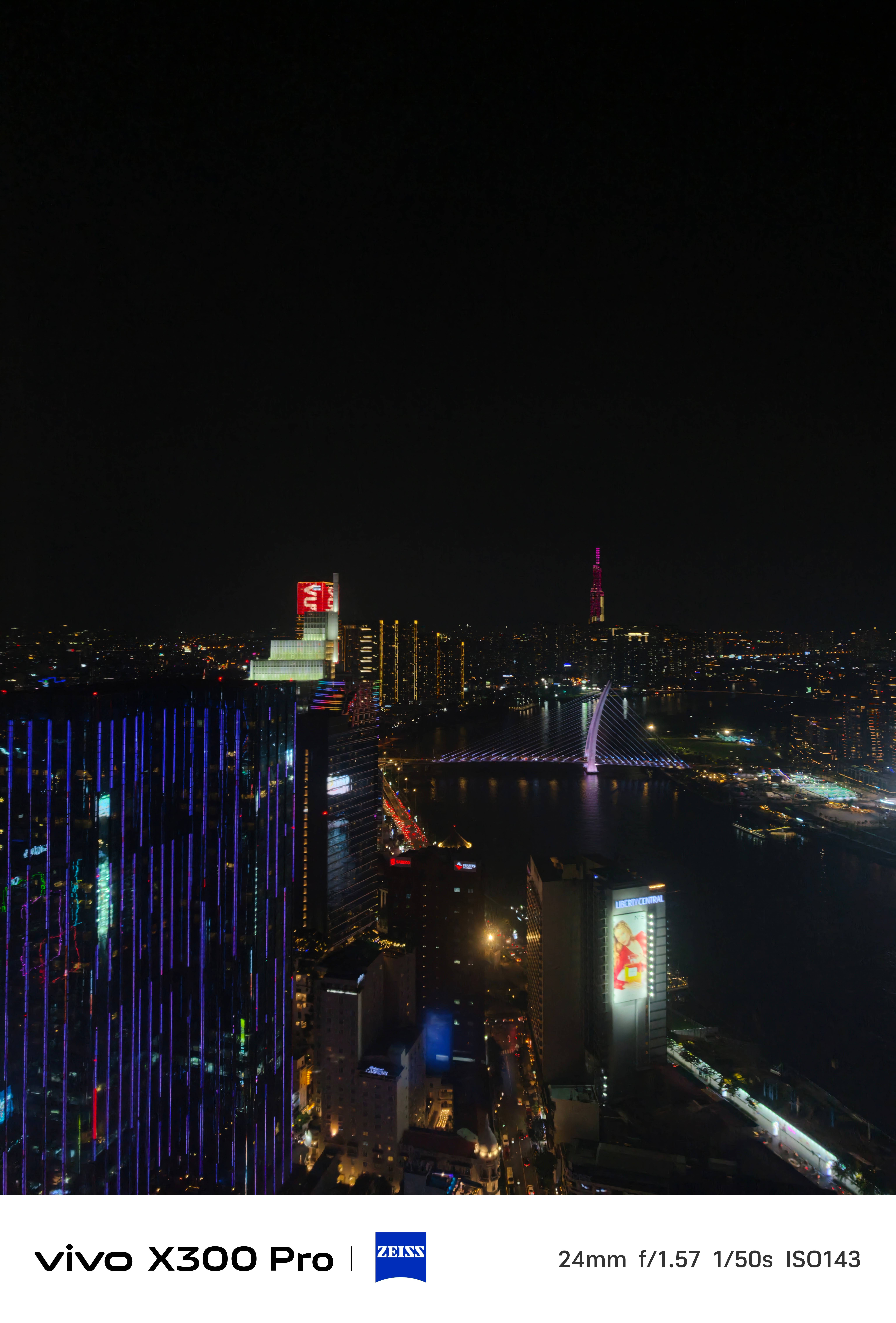
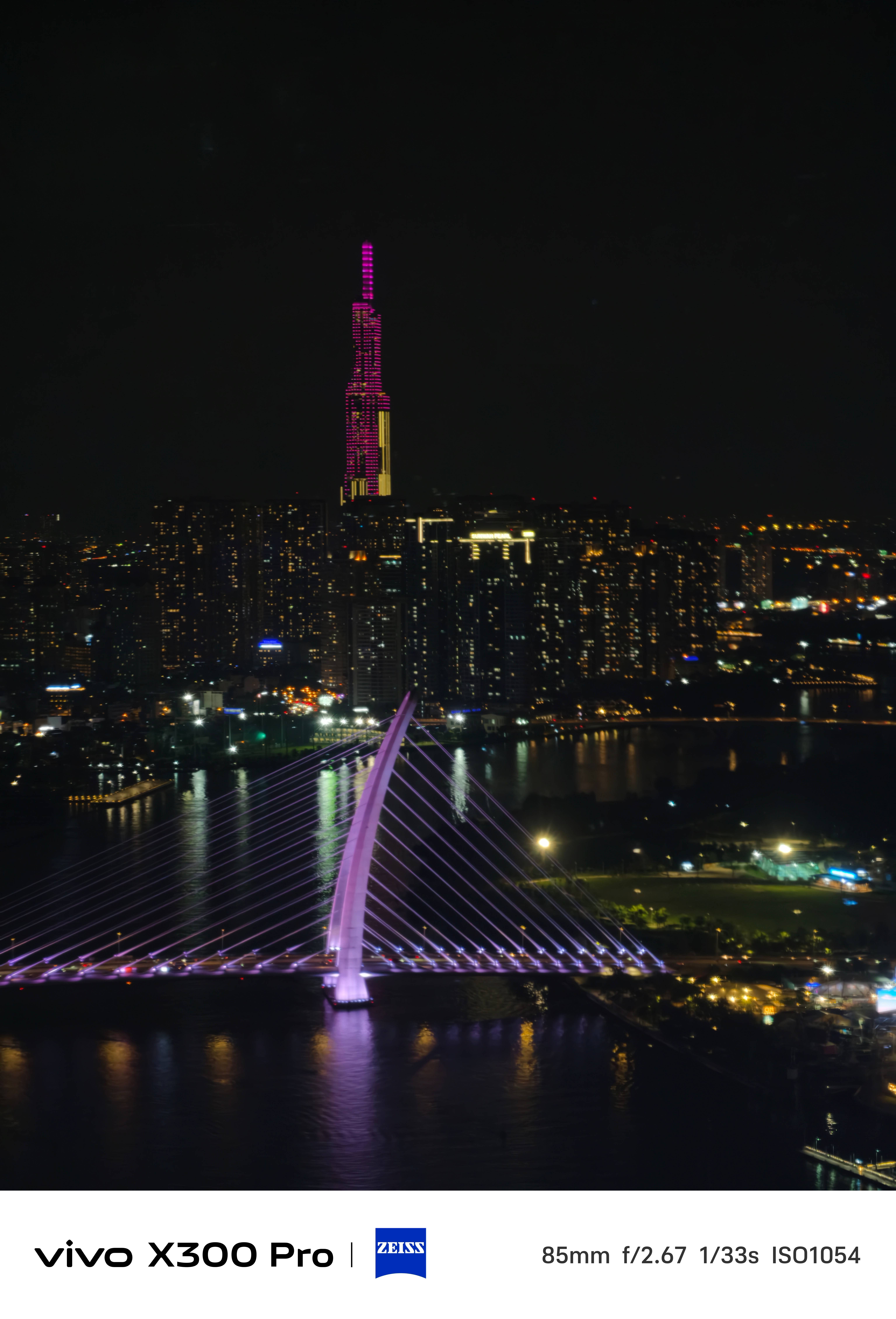
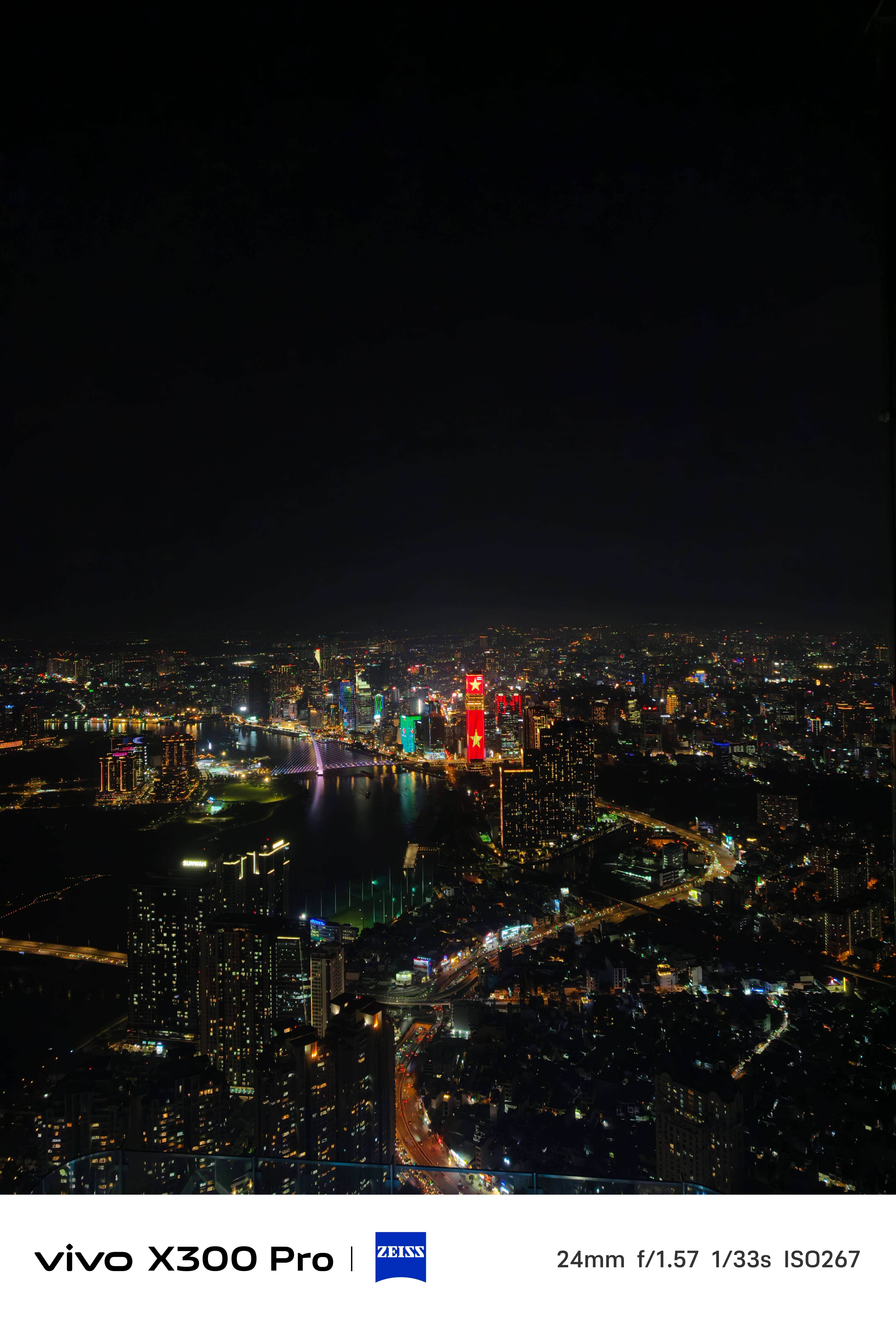
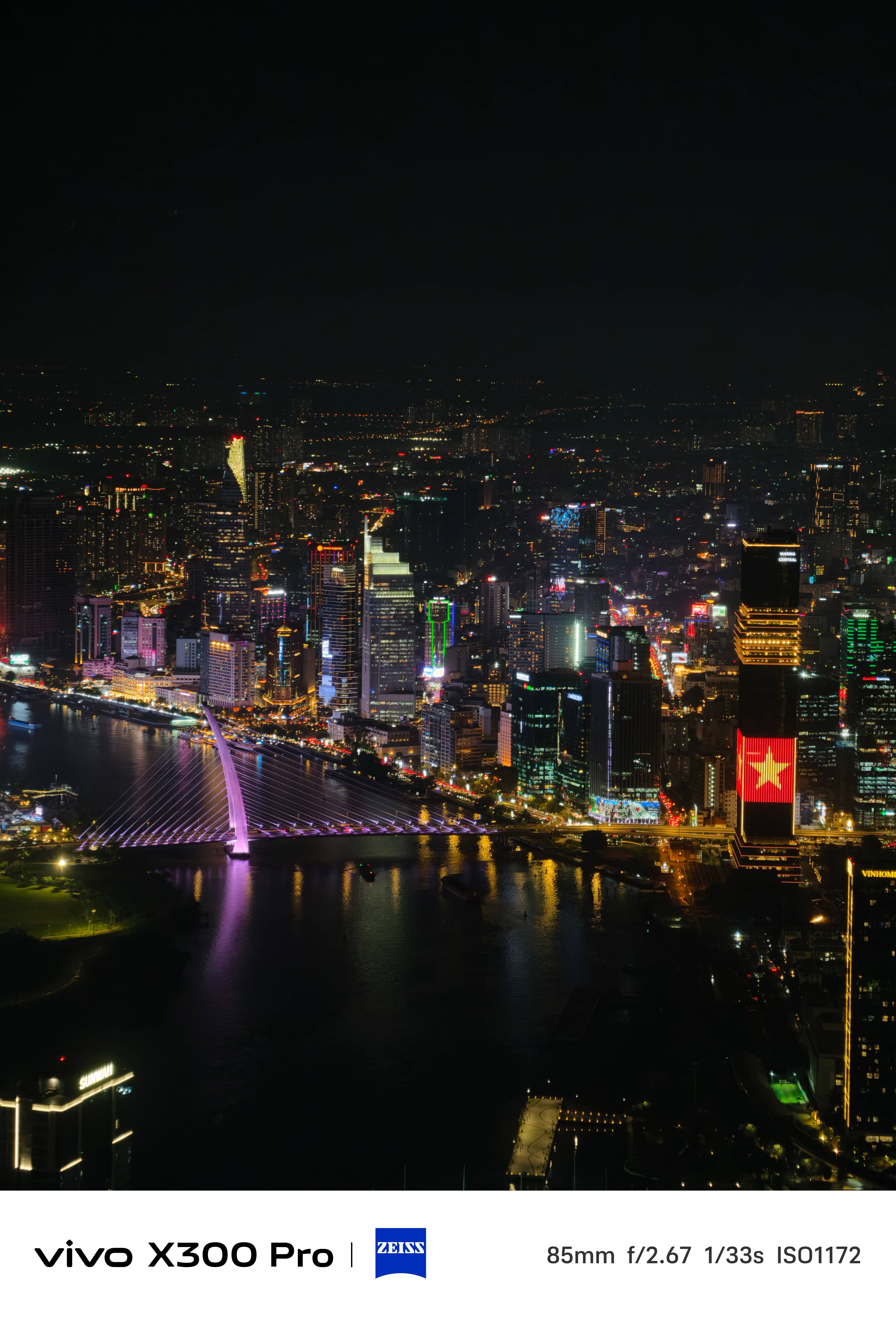
* For the sake of this write-up, I’ve retained the resolution but compressed the overall quality for faster loading times
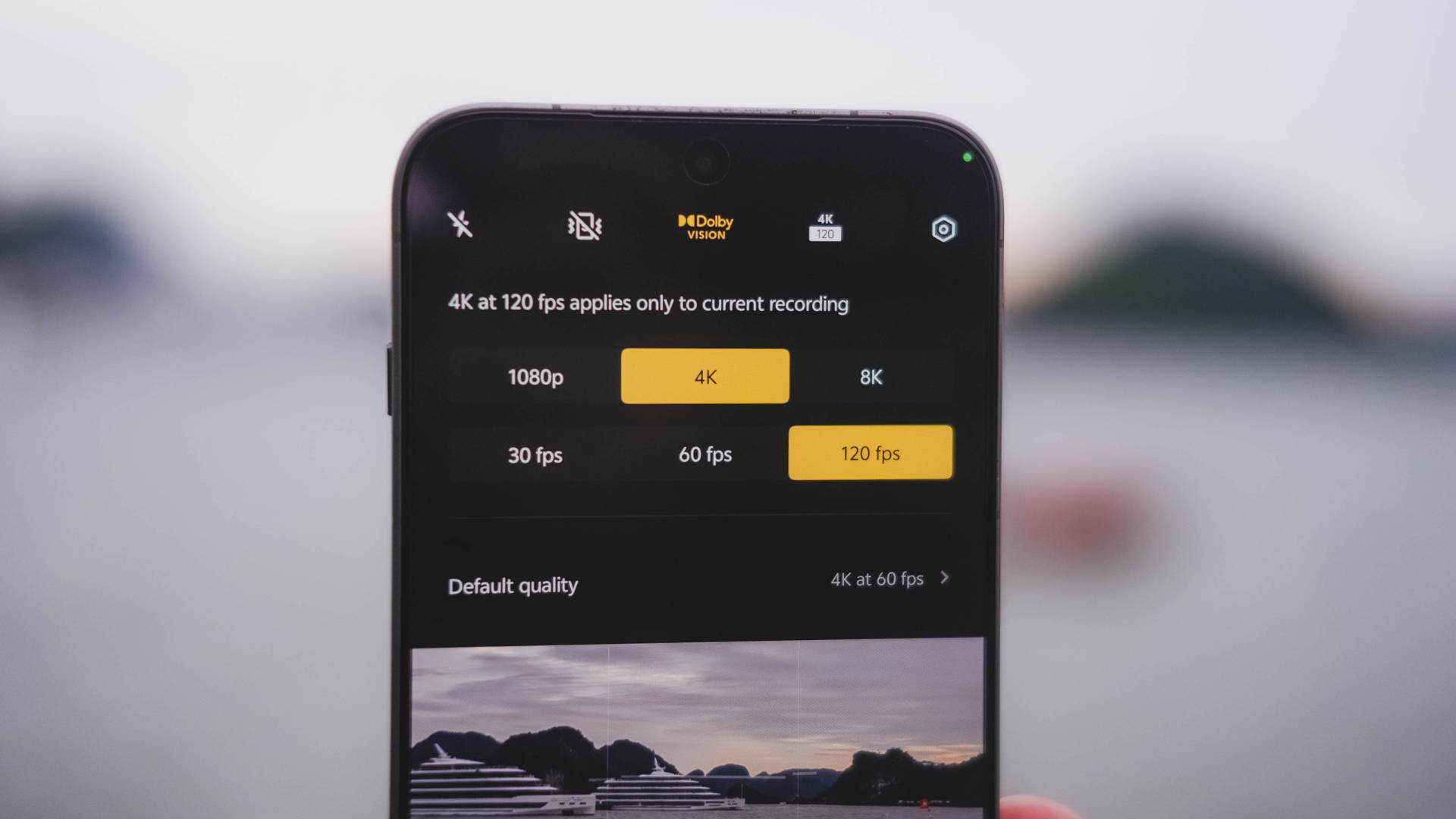
When it comes to video shooting, the vivo X300 Pro is undoubtedly dynamic. And it’s more than just that 10-bit Log feature.
The X200 Pro was only limited to 4K/60fps when shooting in Dolby Vision. Now, vivo’s X300 Pro steps it up a notch as it maxes out at 120fps — perfect for those slo-mo clips in crispier UHD quality.
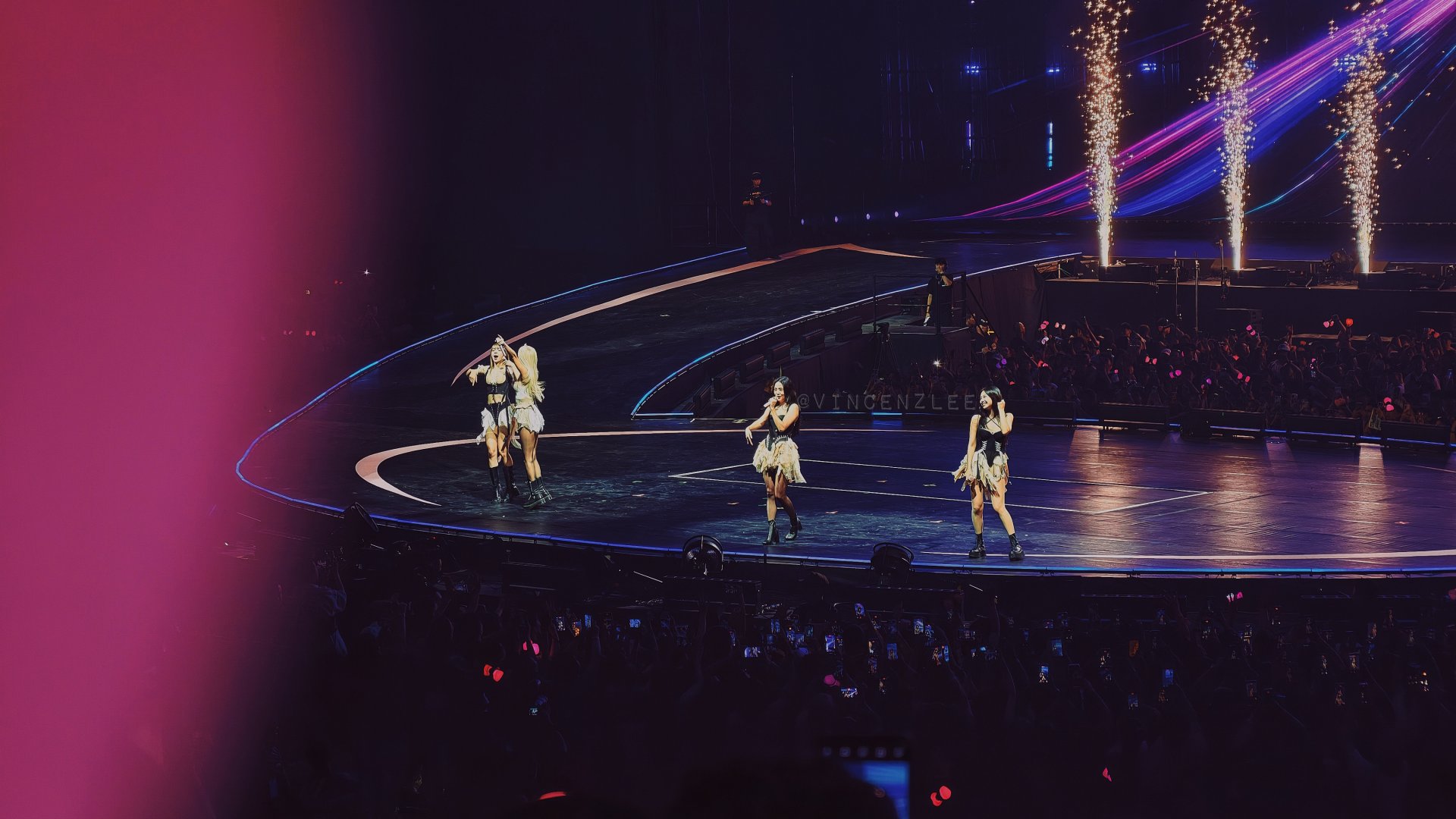
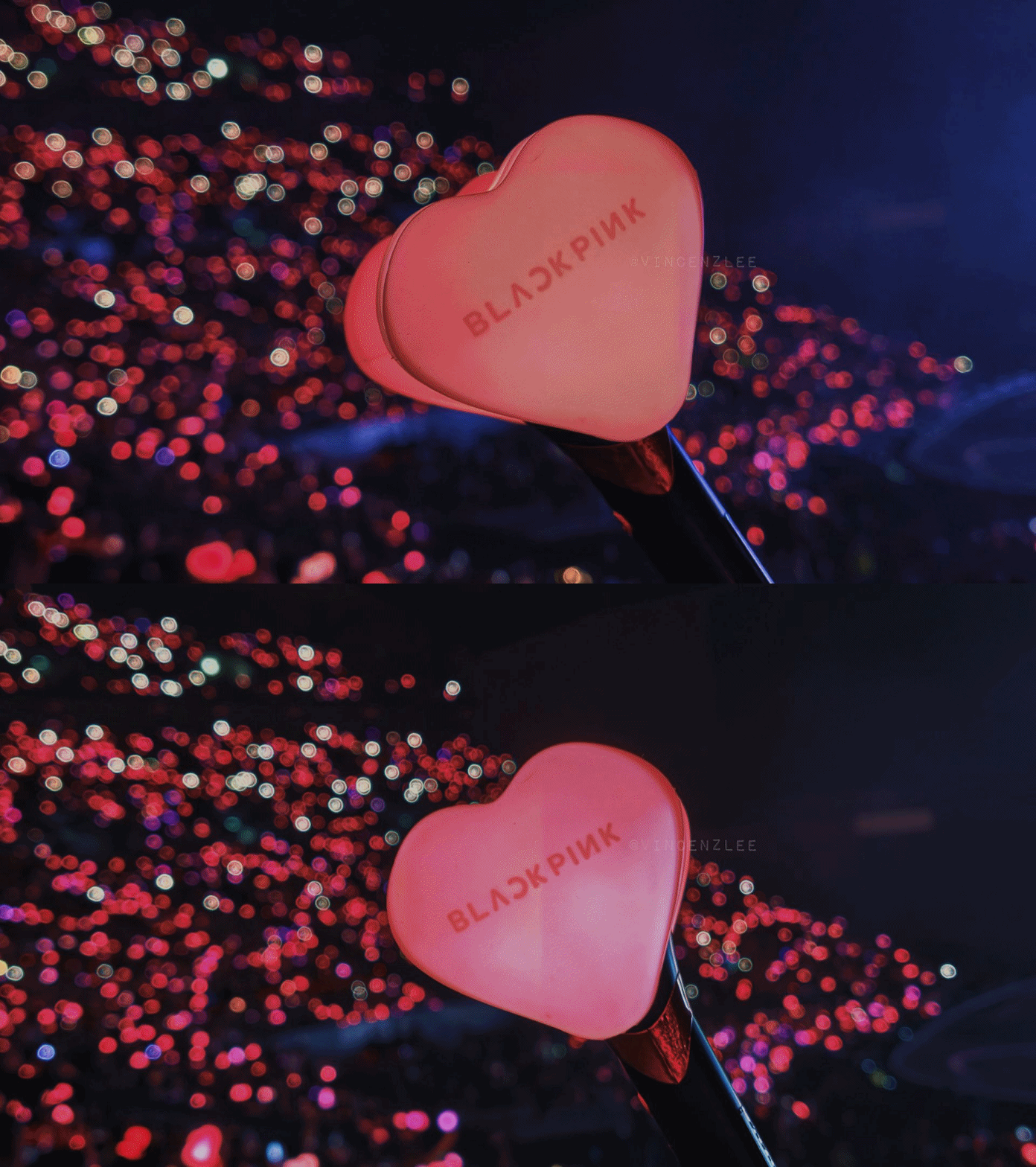
If you’re the concert-goer type of fan, the X300 Pro is more than capable enough to produce those social media-ready snaps.
Stage Mode got improved as well with additional support for 4K/60fps resolution — Dolby Vision toggle not forgotten.
The X200 Pro never had any configurable options and only had a limiting 1080p / Full HD option.
I’ve fully used this camera mode when I went to BLACKPINK’s DEADLINE Tour in Bulacan.
View this post on Instagram
The LBA (Lower Box A) Premium section I was seated isn’t the closest to the stage. Still, the X300 Pro had me capture shots and clips that still looked closer than what I’ve seen IRL.






Talk about concerts. It’s good to mention that both the base and Pro X300s have their dedicated Professional Imaging Grip Kit. This was something previously exclusive to the vivo X200 Ultra.
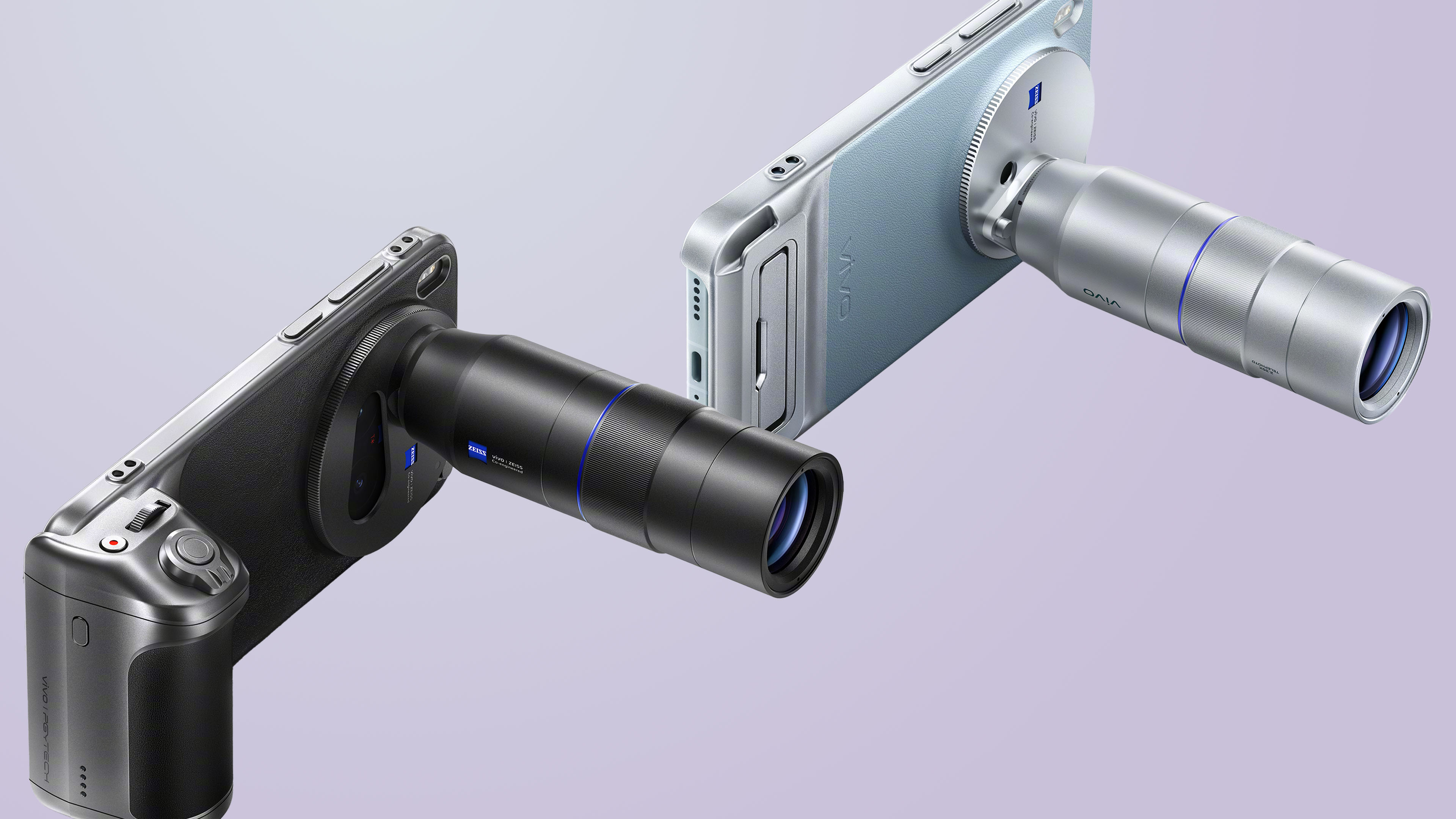
Graphics by Vincenz Lee | GadgetMatch
Sadly, despite anticipating for it, we were not given this special camera kit. I cannot vouch for something I haven’t tried at all.
The new Selfie X-pert?
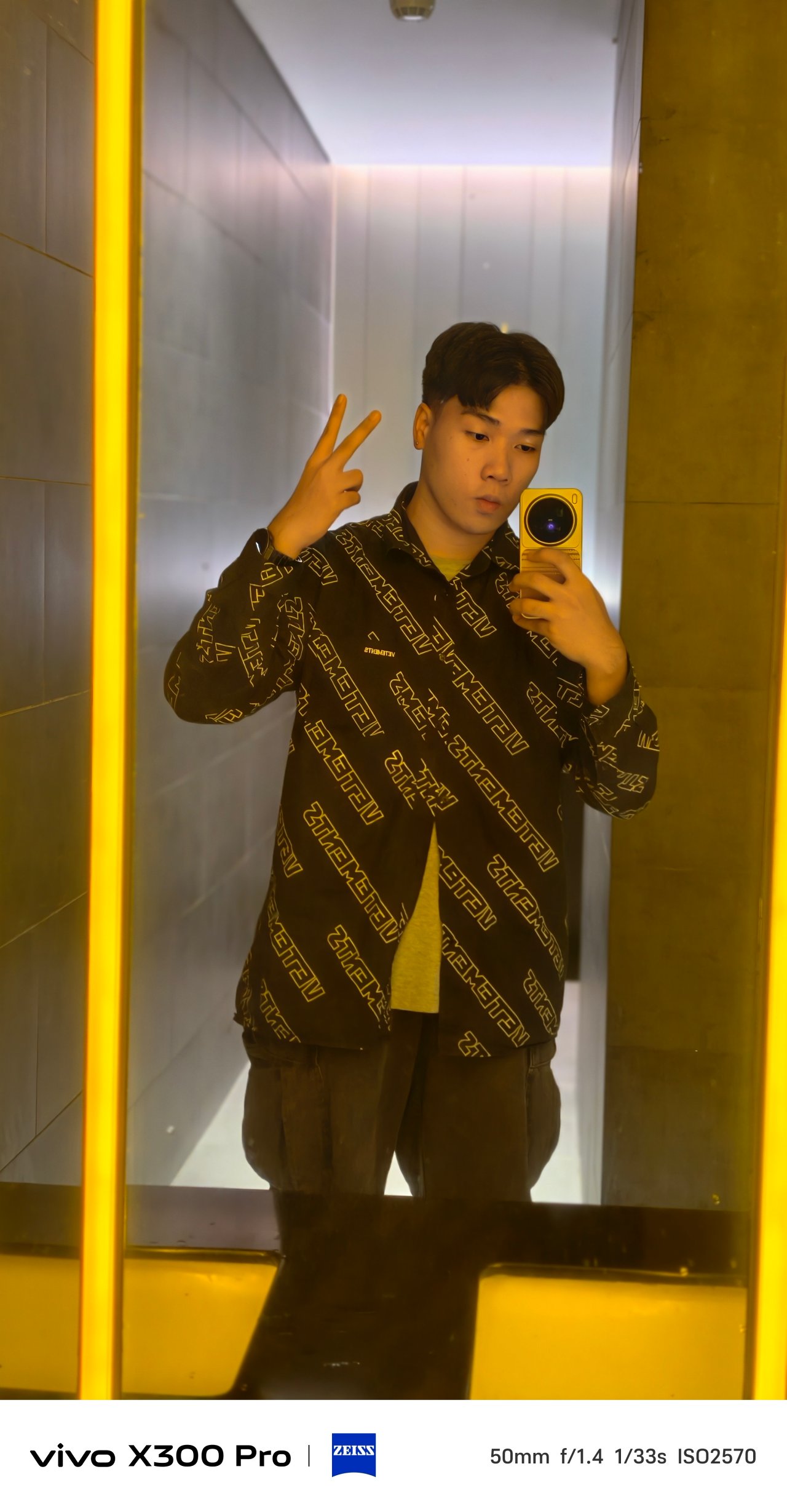
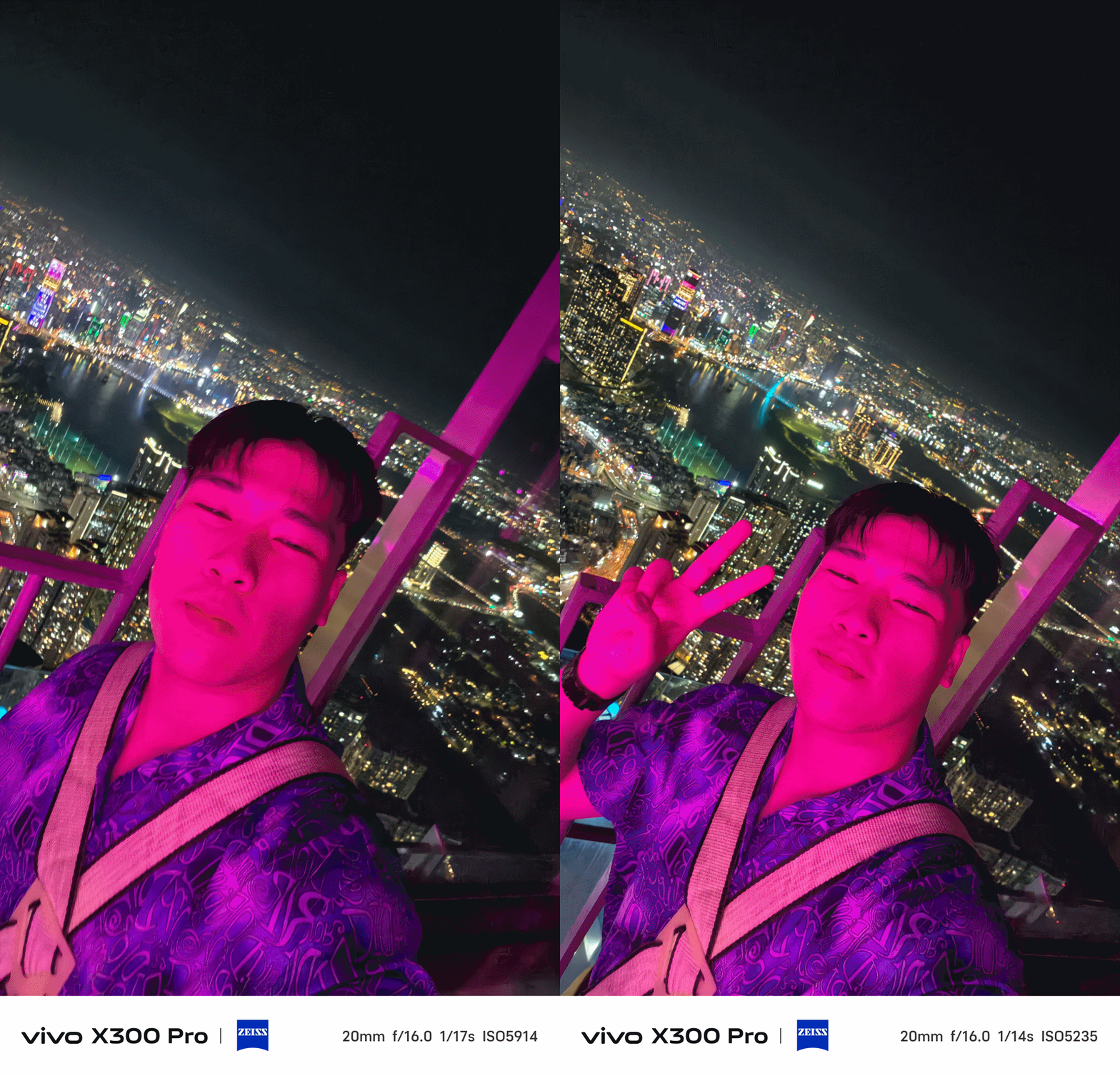
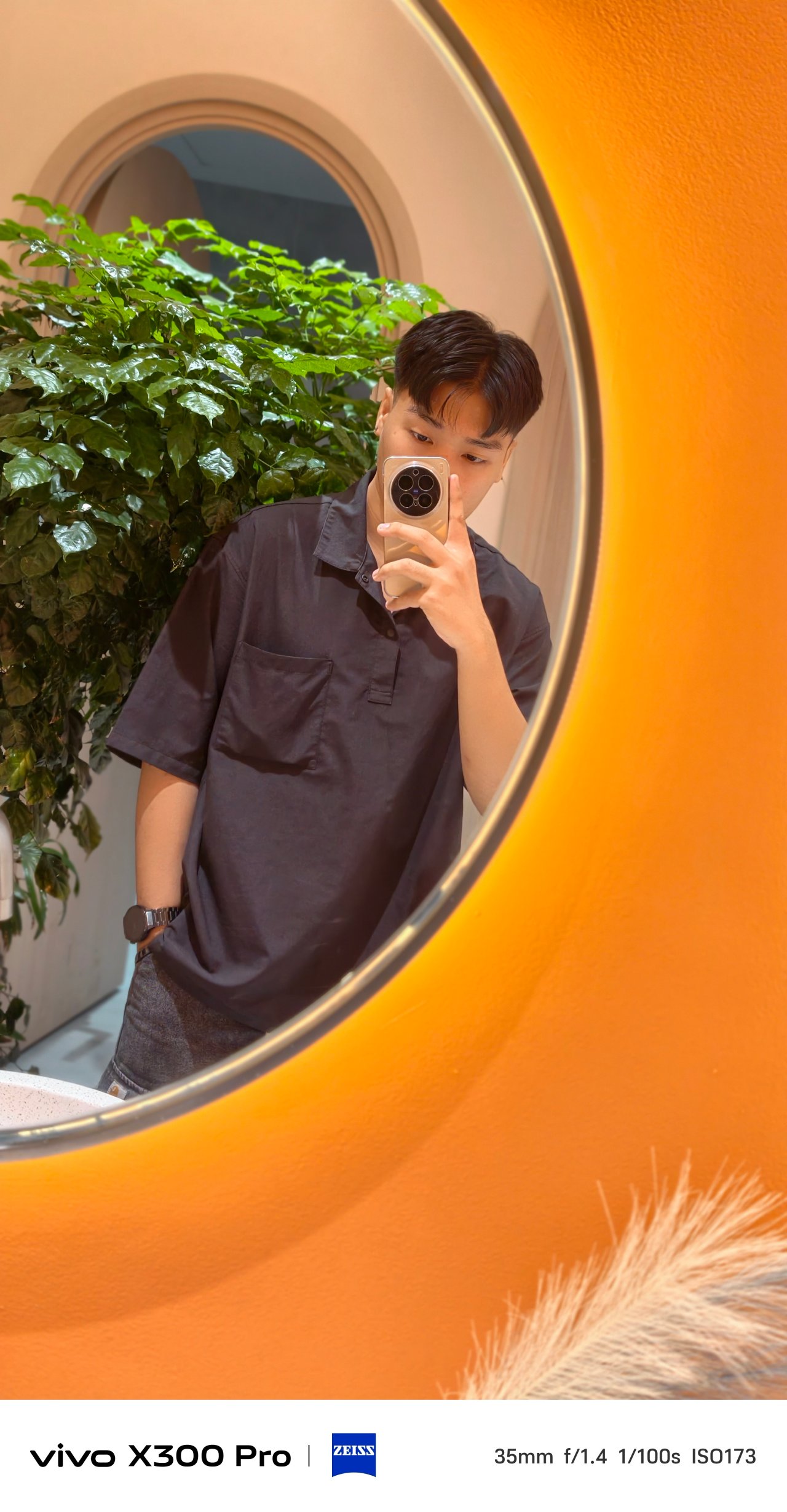
The vivo X300 Pro not only takes great-looking mirrorfies, the improved selfie shooter provides ample amount of light and detail that the X200 Pro simply lacked.





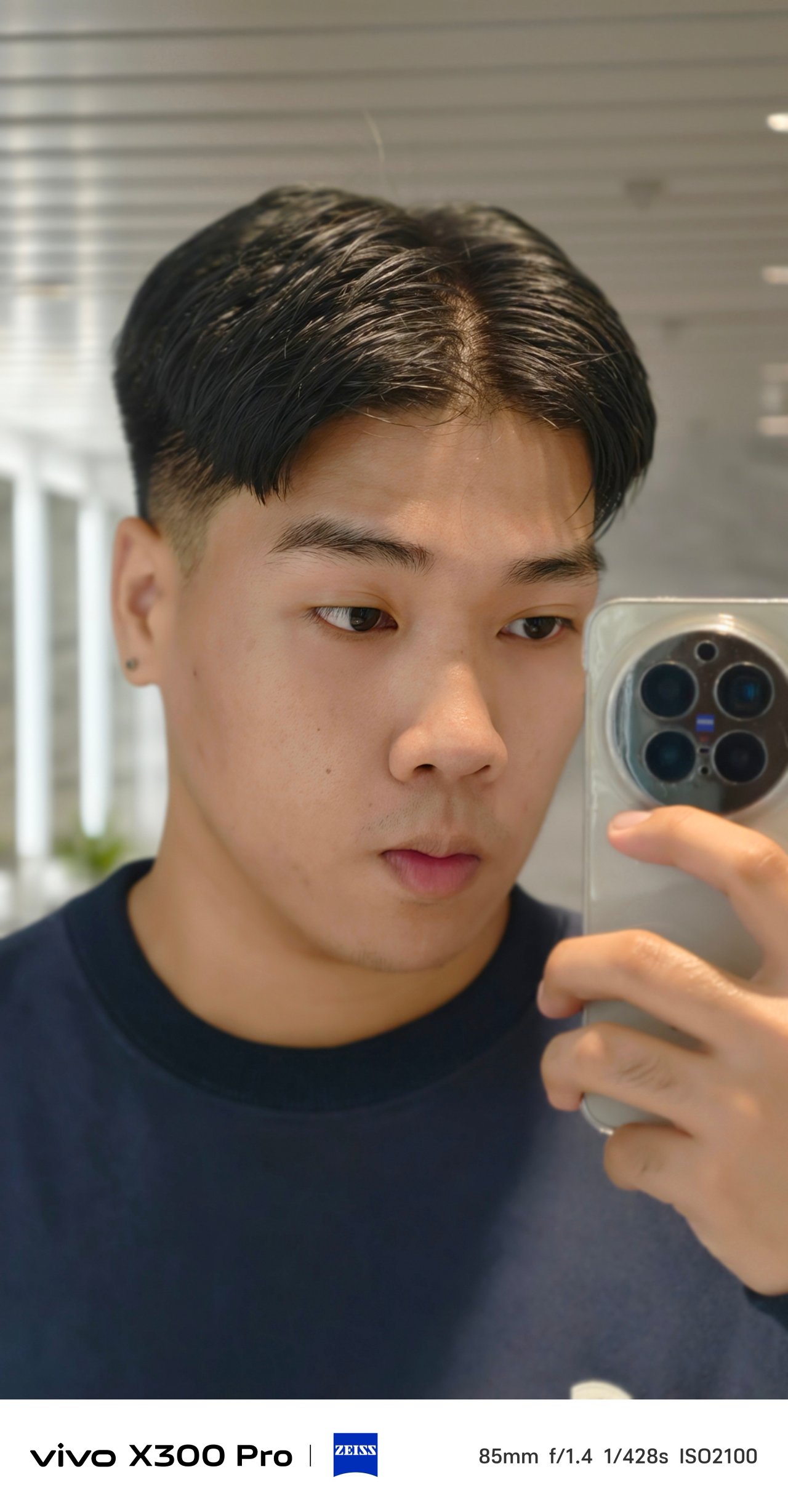
Not only that selfie camera boasts a megapixel count more than 1.5x than its predecessor, FoV and color reproduction also seem more natural and less whitewashed.
That’s something I have experienced using the X200 Pro — and more of a reason why I refused taking selfies with it.

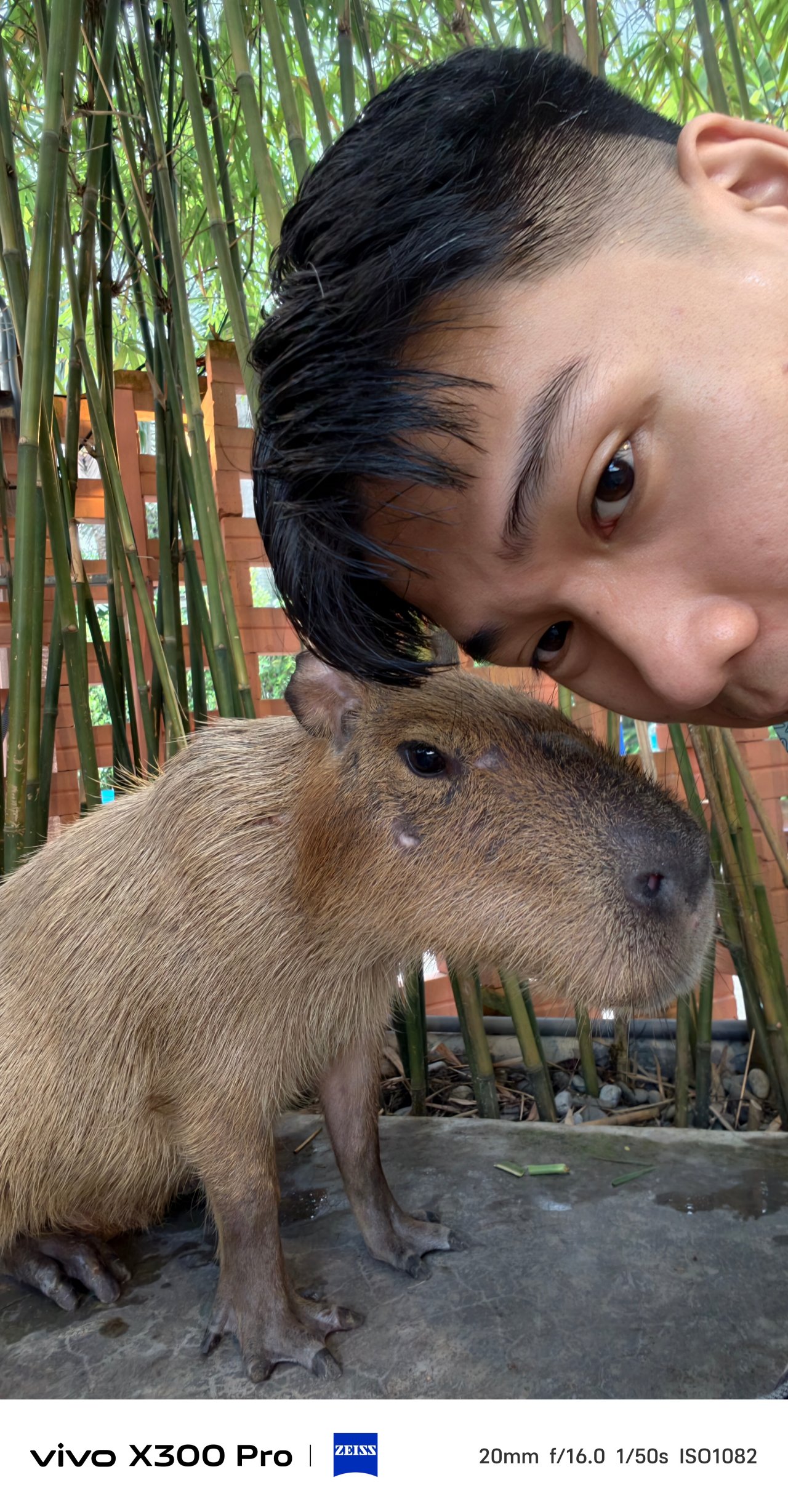
Speaking of color, the aforementioned color profiles as well as the bundled ZEISS Style Portrait lens bokeh are also applicable when shooting with the front camera.
X-quisite Design
If it ain’t broke, there’s no point of fixing it. However, vivo still tried refining the X200 Pro’s successor even further.
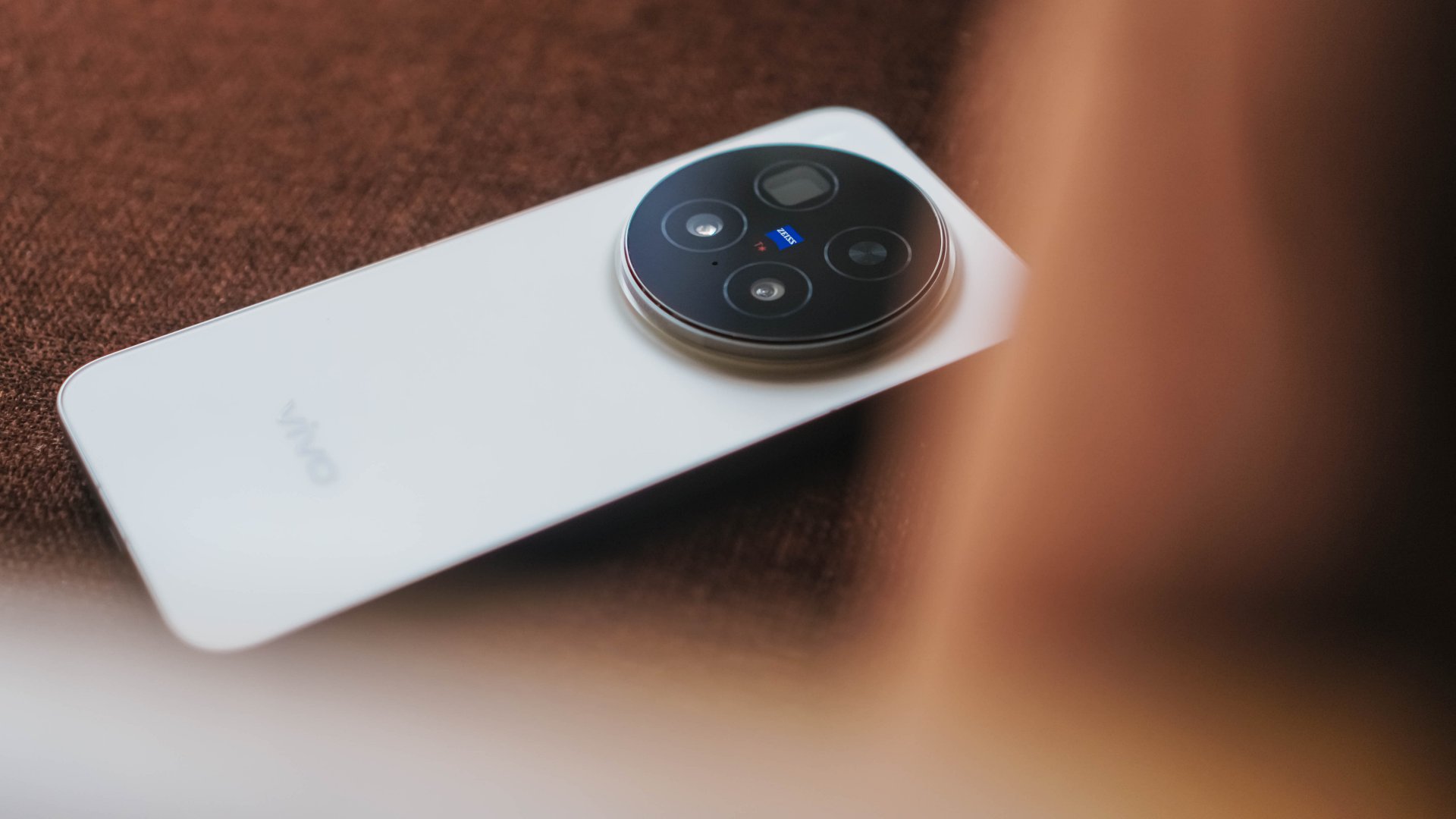
Gone are the slightly curved edges and the micro quad-curved display. This time, they have completely flattened everything out on the X300 Pro — camera bump, notwithstanding.
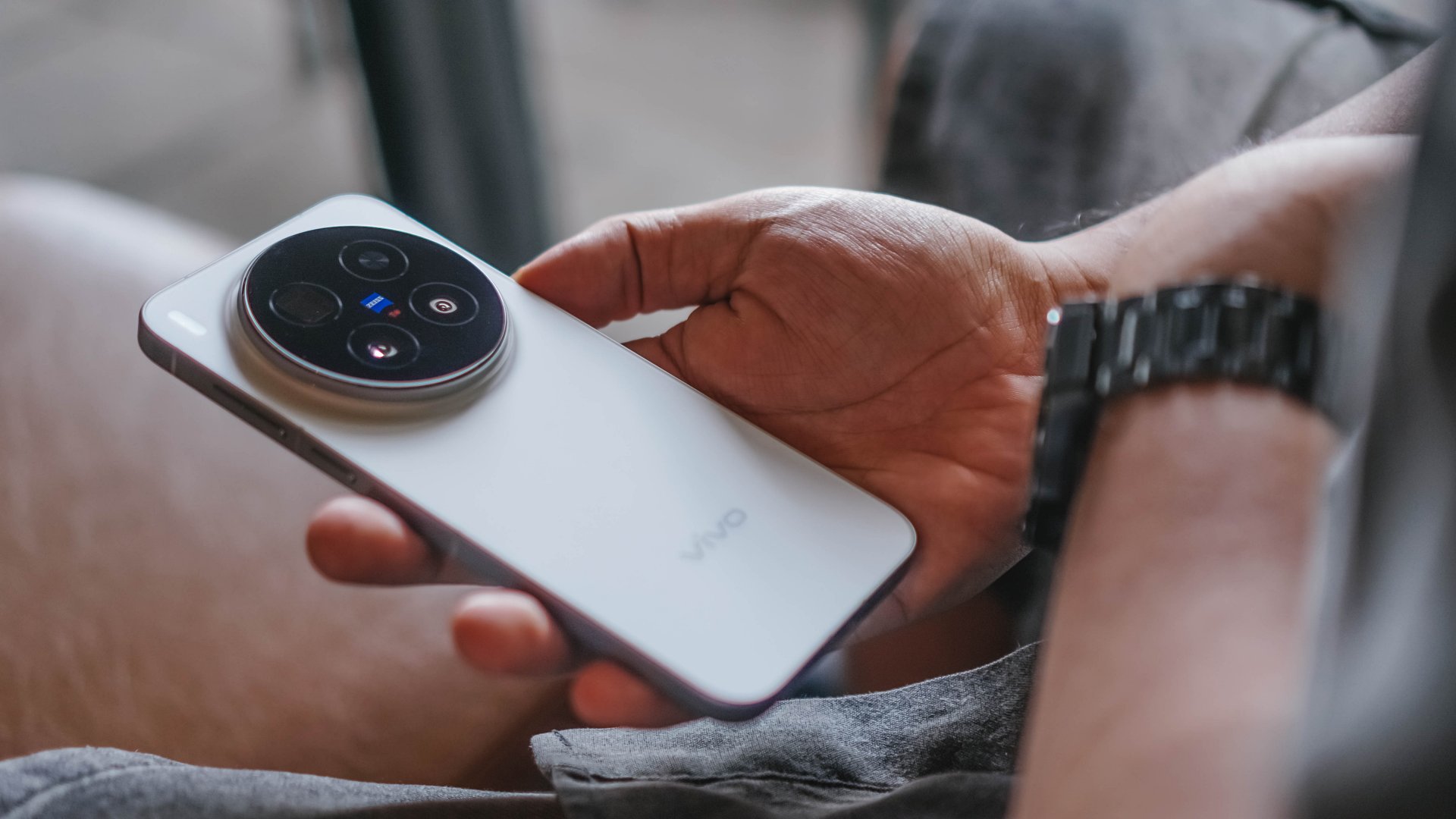
This form factor clearly reminds me of the base iPhones, premium midrange Androids, even the newest line of its sister brand, the OPPO Find X9 series.
In return, the X300 Pro is thinner at 7.99mm (versus 8.5mm of the X200 Pro). Though heft reduction isn’t significant as it weighs just 2 grams less (226 grams over 228 grams).

Comfort-wise, those flat edges felt sharp when held one-handedly. Although after several days of usage, I eventually got the hang of it.
I just miss the grippier hold of its predecessor. Also, the subtle curves I felt when swiping and navigating through the edges of its screen.

Good thing, the absence of a curved display means not having to buy any flimsy screen protectors that lack that curved edge coverage.
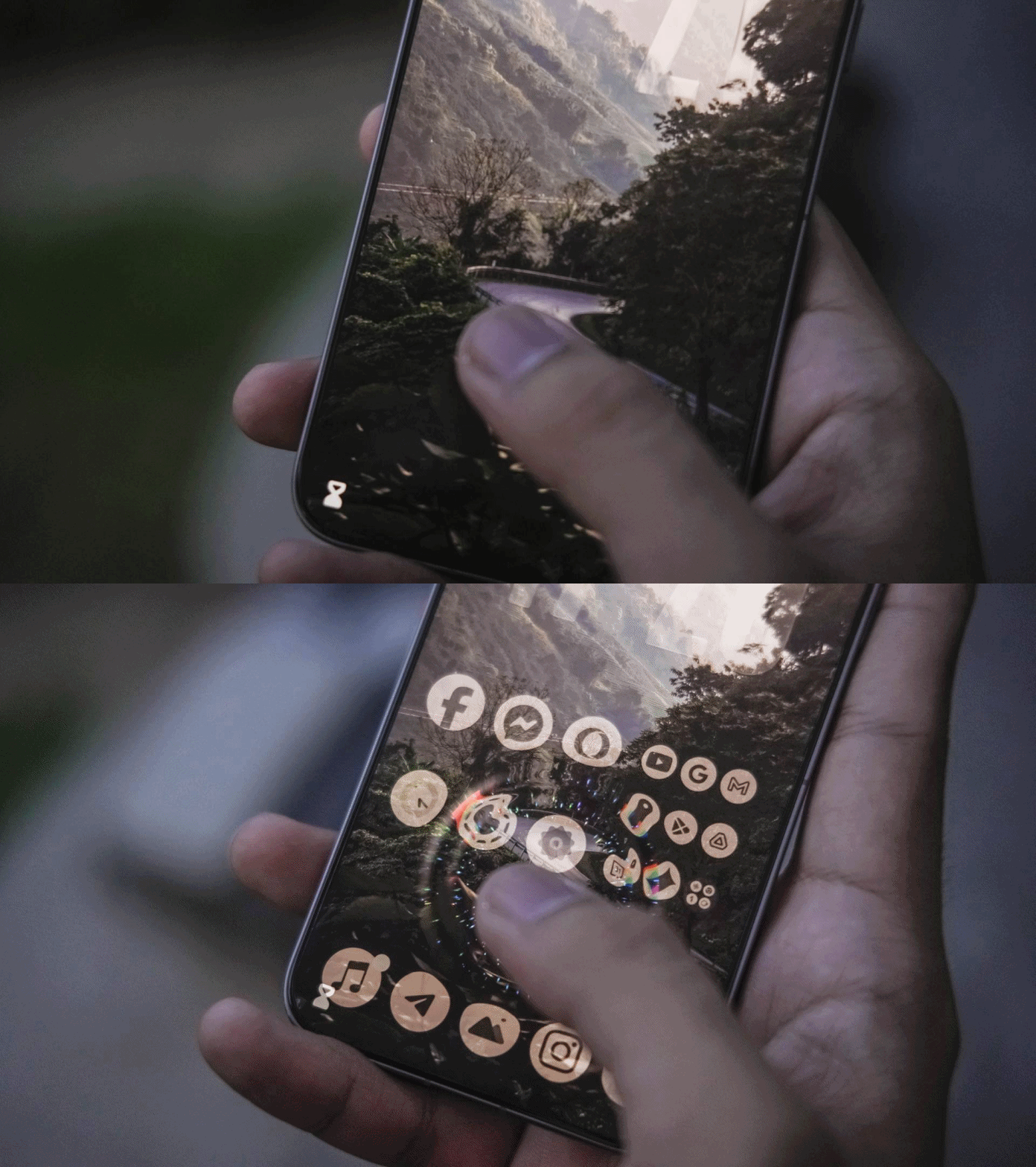
More so, “specialized” tempered glass that need UV glue (and light) in order for that undersonic fingerprint sensor to work properly.
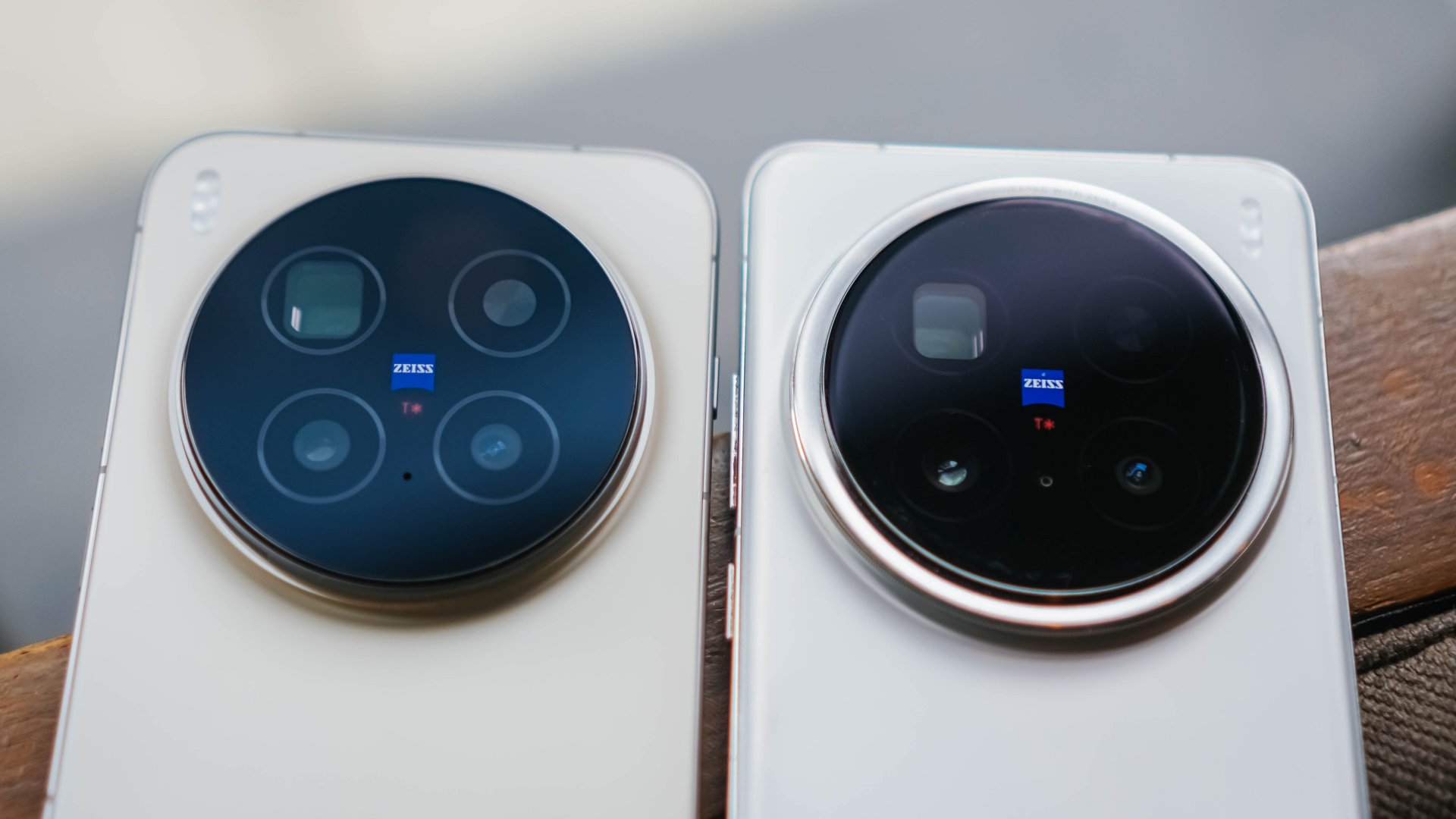
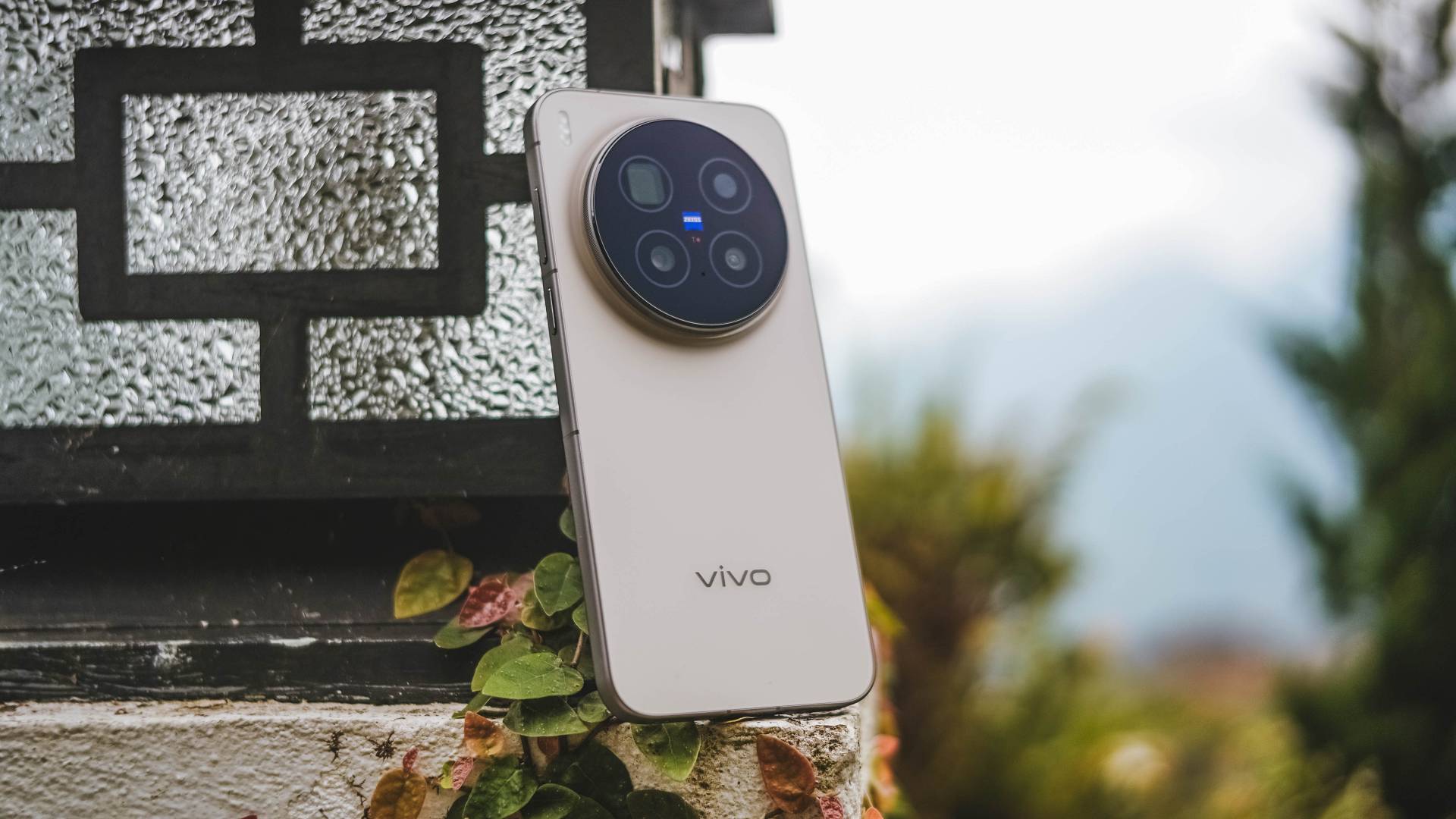
Personally, I love the new look of X300 Pro’s monstrous camera bump.
How they trimmed down the camera rim in favor of a larger flat surface looks more sleek. Also, the new striped texture of the bump closely resembles a camera lens grip.

Then again, the dust magnet issue I’ve experienced before is still present in this new X-teration.

Only time will tell though how durable it is. So far, I’ve only managed it to drop it twice on a hard floor. So far, no unwanted dents and scathes found.
Speaking of, the X300 Pro still features that dual IP68 + IP69 water and dust resistance rating — a staple of Android flagships moving forward.
X-cellent Powerhouse
While the display curves are gone, vivo’s already superior display tech stays. It has an unchanged 6.78-inch LTPO AMOLED panel. I just assume the bigger screen size is reserved for the Ultra variant.
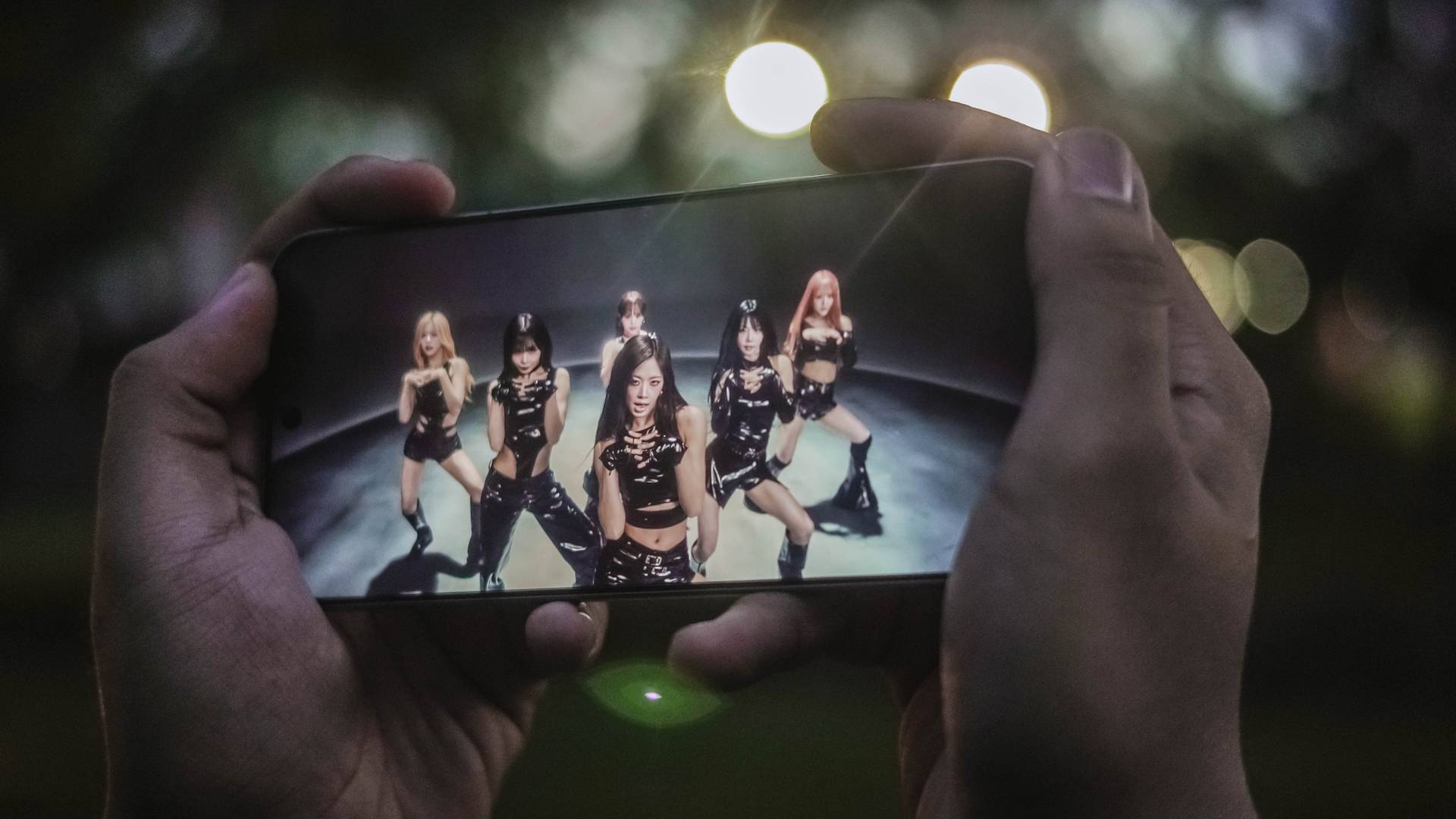
Display accuracy and calibration, as well as support for HDR content, are top-notch as one would expect. Whether the visuals are vibrant, bright, or just dark, the X300 Pro doesn’t go overboard and accurately shows the most natural output possible.
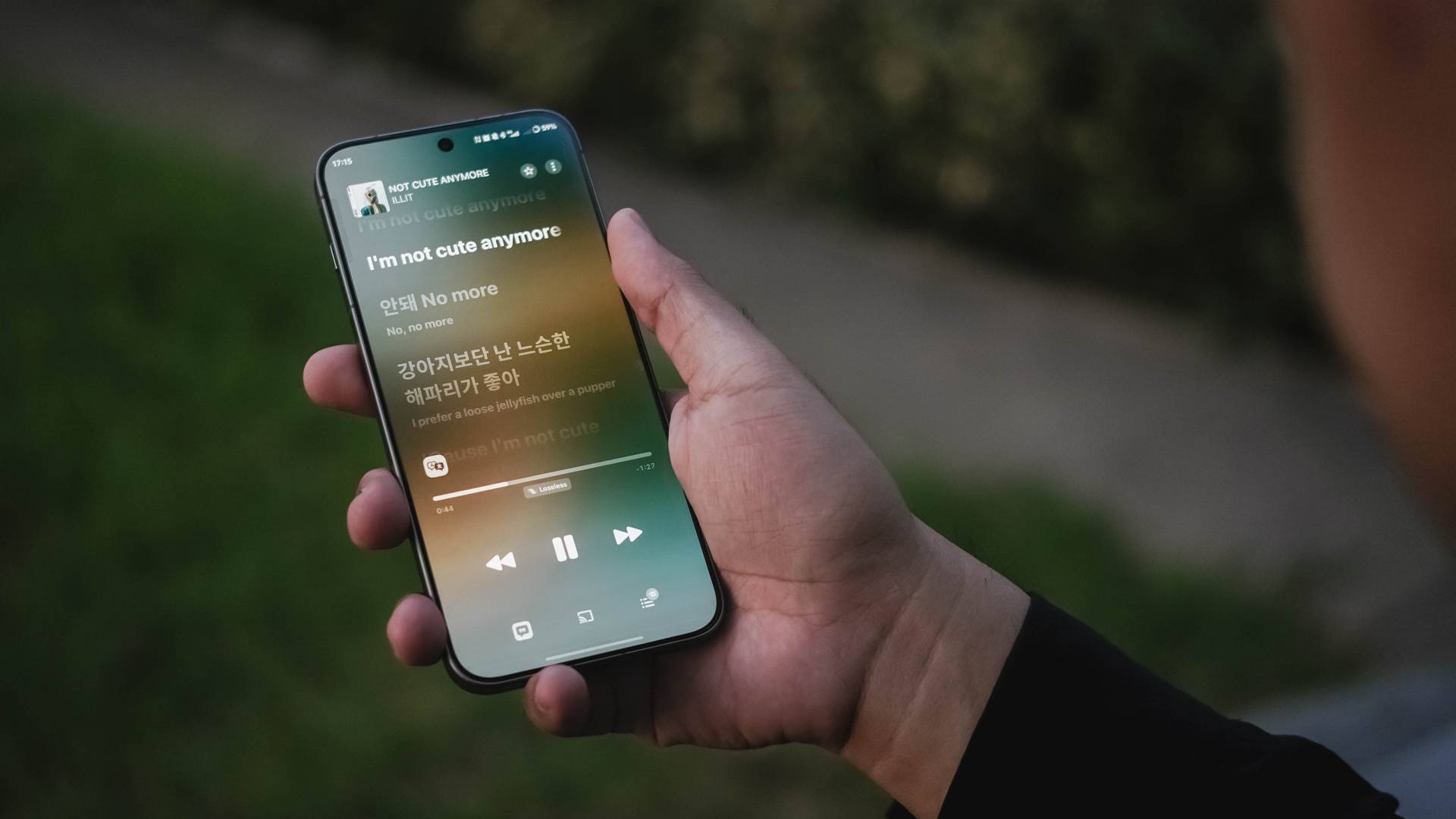
For that ultimate audiovisual pleasure, its stereo speakers are loud and full with that powerful bass to rock your banging solo concert sessions.
Found beneath this superior slab is none other than MediaTek’s latest and greatest Dimensity 9500 SoC based on a 3nm process.

The last iteration was already great to begin with. Let alone, this all-new Dimensity chip headlined by the X300 series.
Day-to-day tasks are buttery smooth with no room for lag. Switching (and even split-screen multitasking) through multiple apps is a breeze.

Playing games wasn’t an exception to the experience.
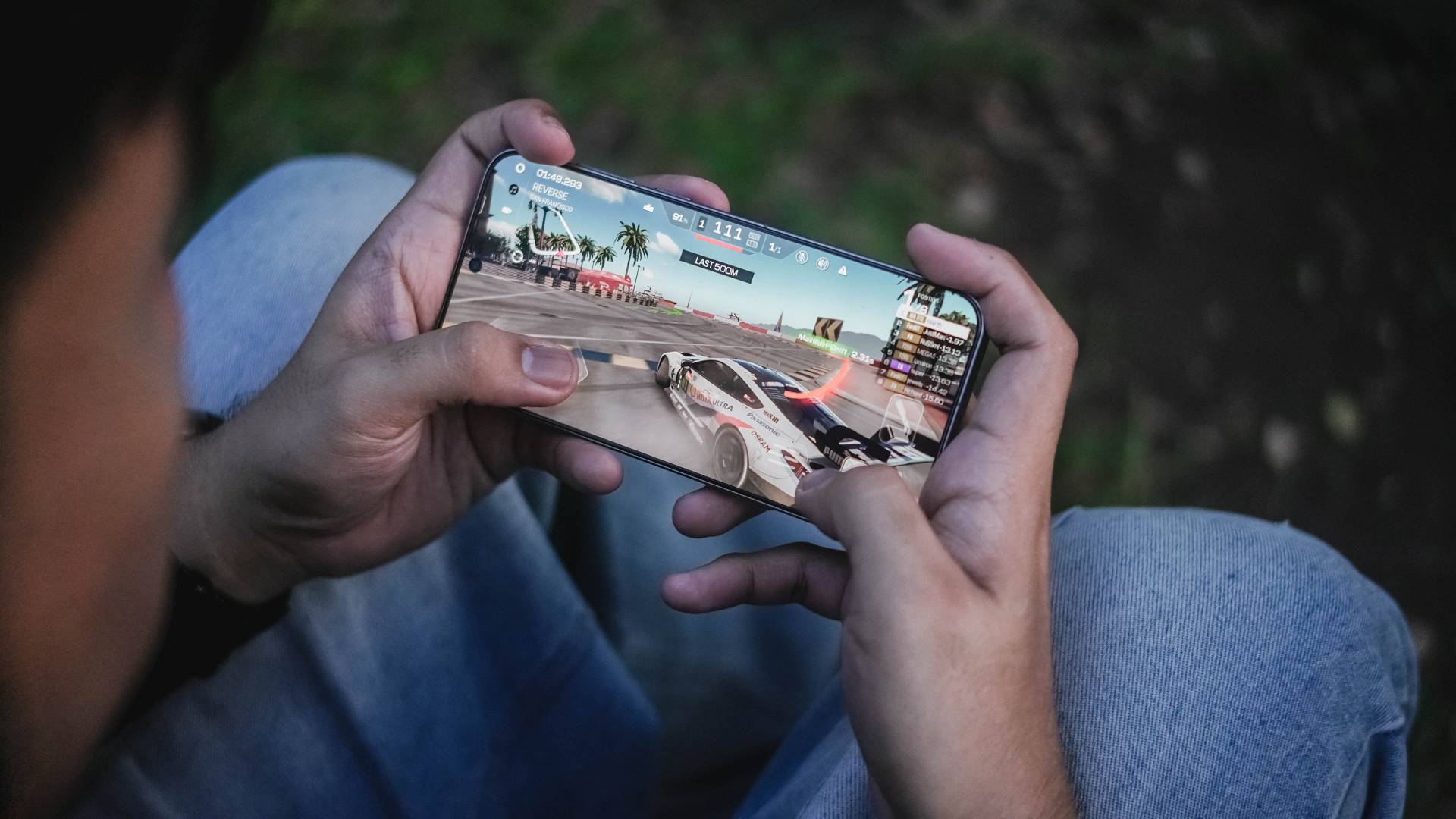
For instance, my all-time fave racing game, Racing Master, was able to run for two hours without throttling. That’s considering I set it in the most extreme graphics setting possible.

HoYoverse’s Zenless Zone Zero is able to run as well. But, due to the heavier nature of the game, except some overheating in the long run.
X-citing new OS
If you’ve read my X200 Pro review, I’ve boldly stated how Funtouch OS isn’t “fun” at all.
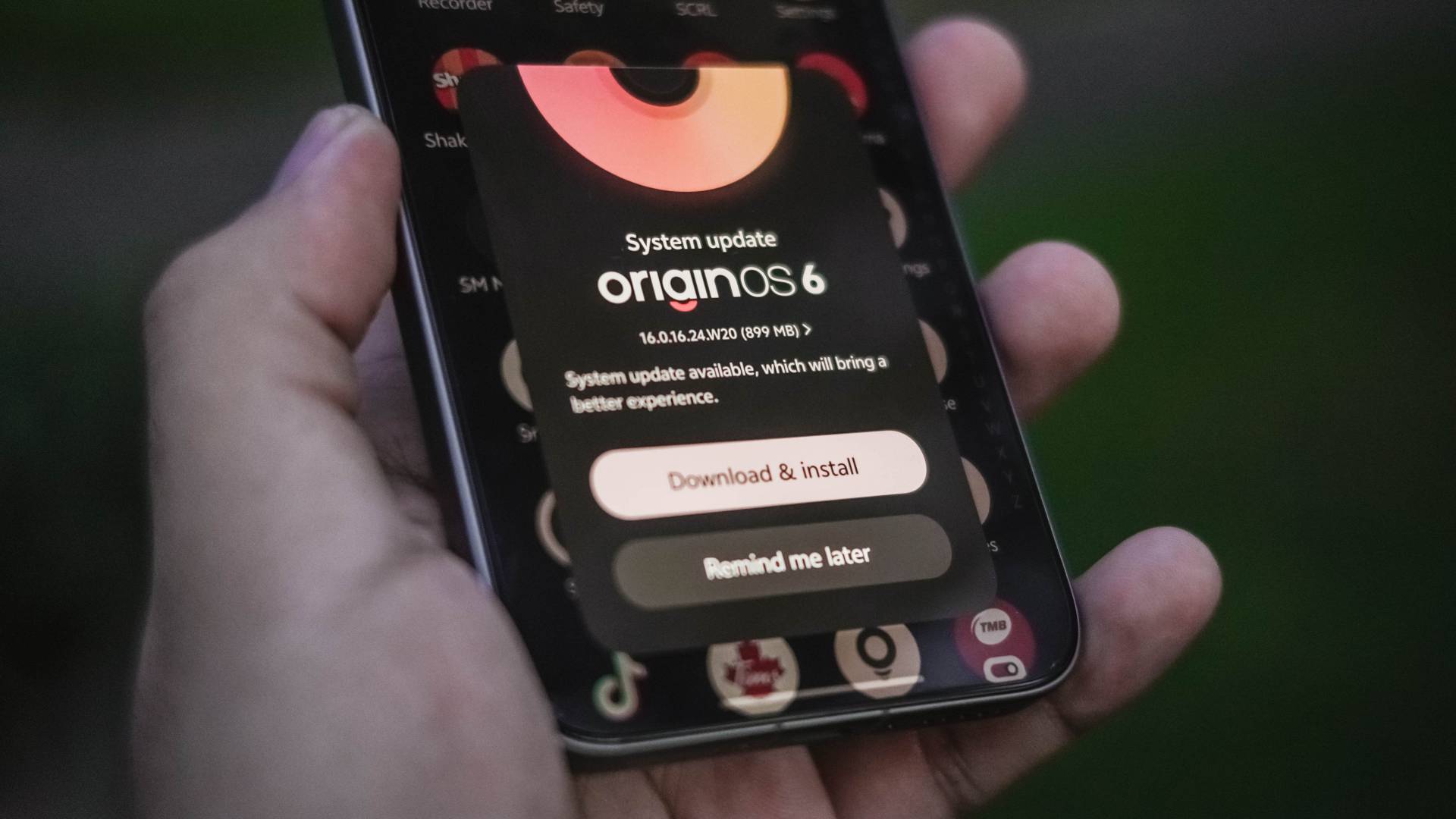
After several years of forcing to bear with that aging Android skin, vivo has finally decided to bring the latest flavor of OriginOS to global units.
Funtouch OS 15 was already fast as it is. OriginOS 6 made that even snappier with added fluidity.
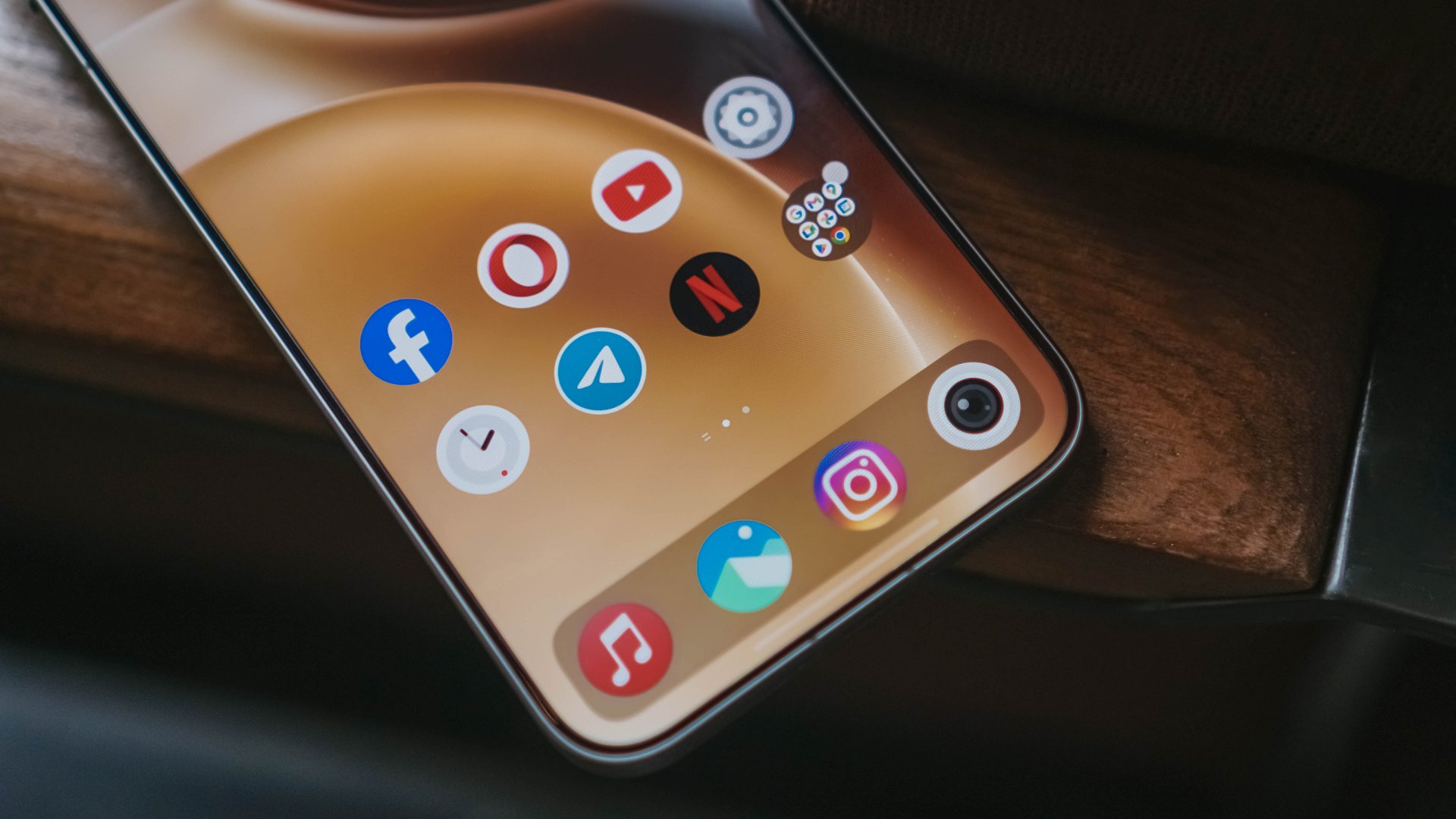

The AI Tools are still there. From transcribing, call assist, all the way to gallery’s AI Erase, reflection removal, even AI UHD upscaling, they’re all there.
For me though, the best changes can be seen in its overhauled UI.

Heck, vivo even brought iPhone-like features — just with better customizations.
From the more customizable lock screen, resizable folder sizes, to the (finally) separate Notifications and Control Center.
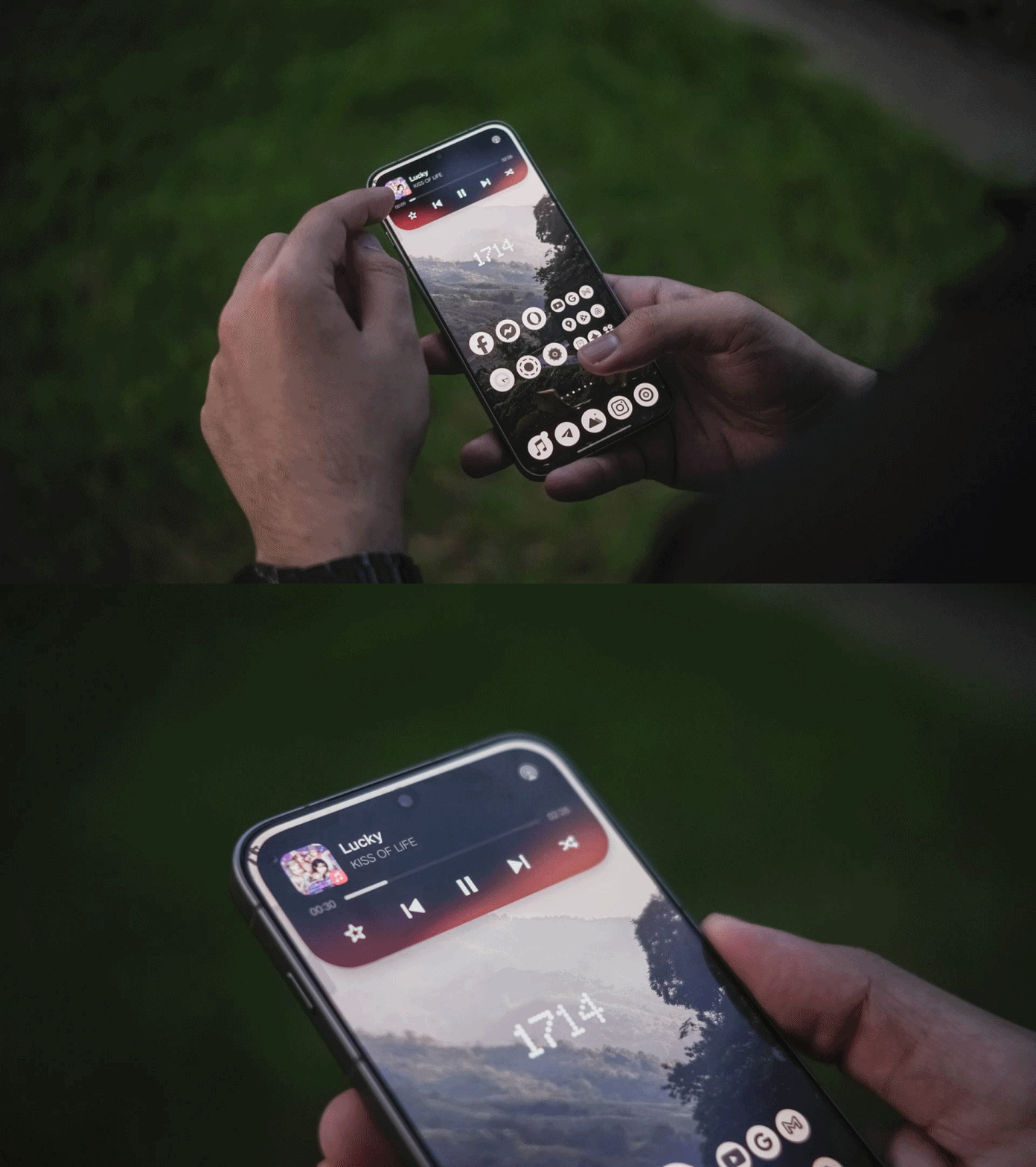
For one, there’s the Origin Island that acts like Apple’s Dynamic Island. But, dragging texts, photos, or even files to the island itself gives you a range of apps for it to be shared.
The other one is the additional button on the X300 Pro’s left side. Unlike iOS’s limiting Action Button assignments, it’s more customizable here.

On my end, I’ve set the double-tap to quickly launch the camera in Snapshot mode for fast-firing shootouts. Holding the button fires up the flashlight behind. Unfortunately though, single-tapping the button doesn’t do anything.
Overall, OriginOS 6 seems and feels like a proper and polished experience.
X-panded Horizons
Another feature where I felt that I needed to have in global vivo phones is none other than the Office Kit.
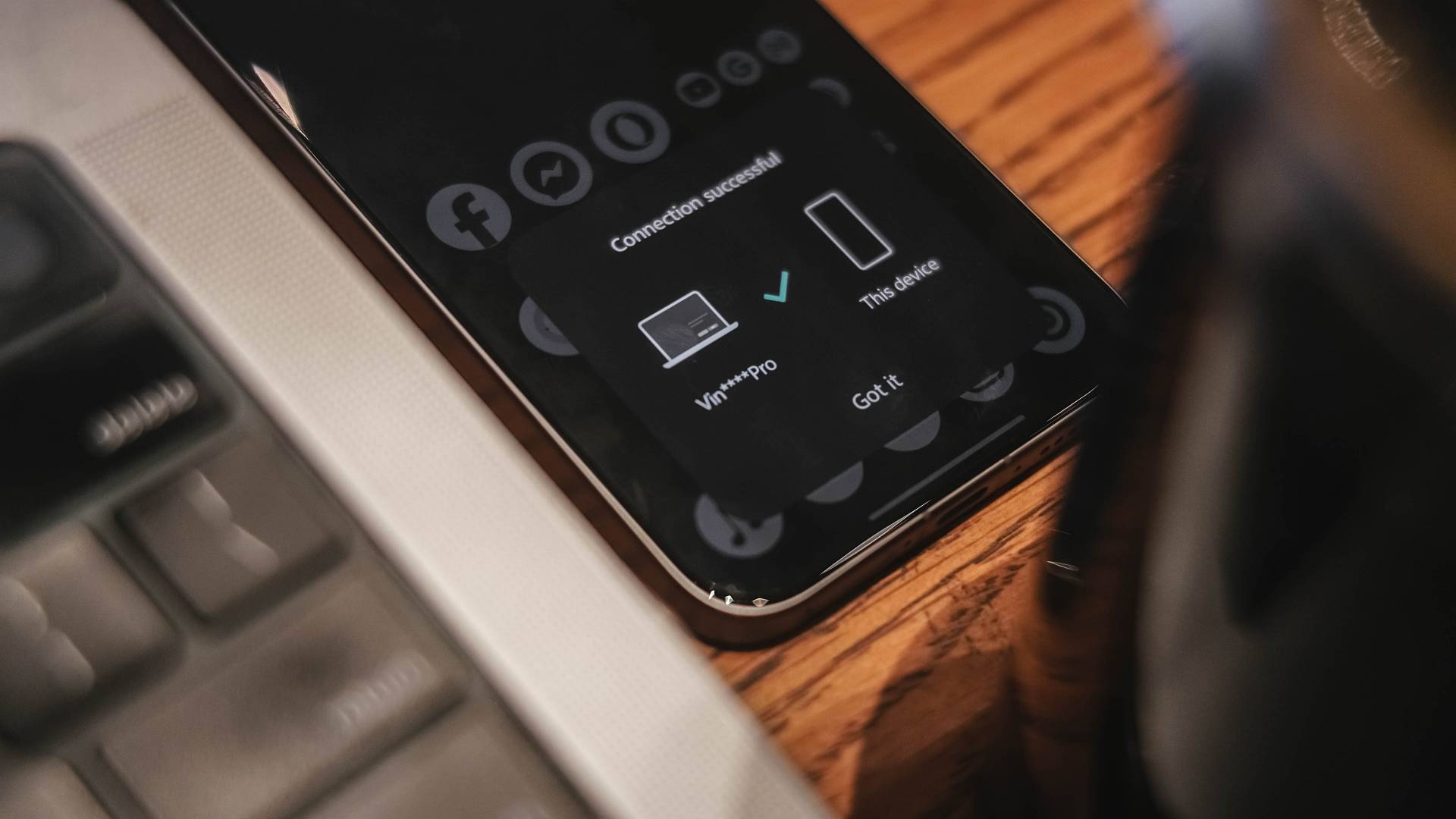
As a long-time MacBook Pro user ever since my university days back in 2016, this feature is a gift from the gods.
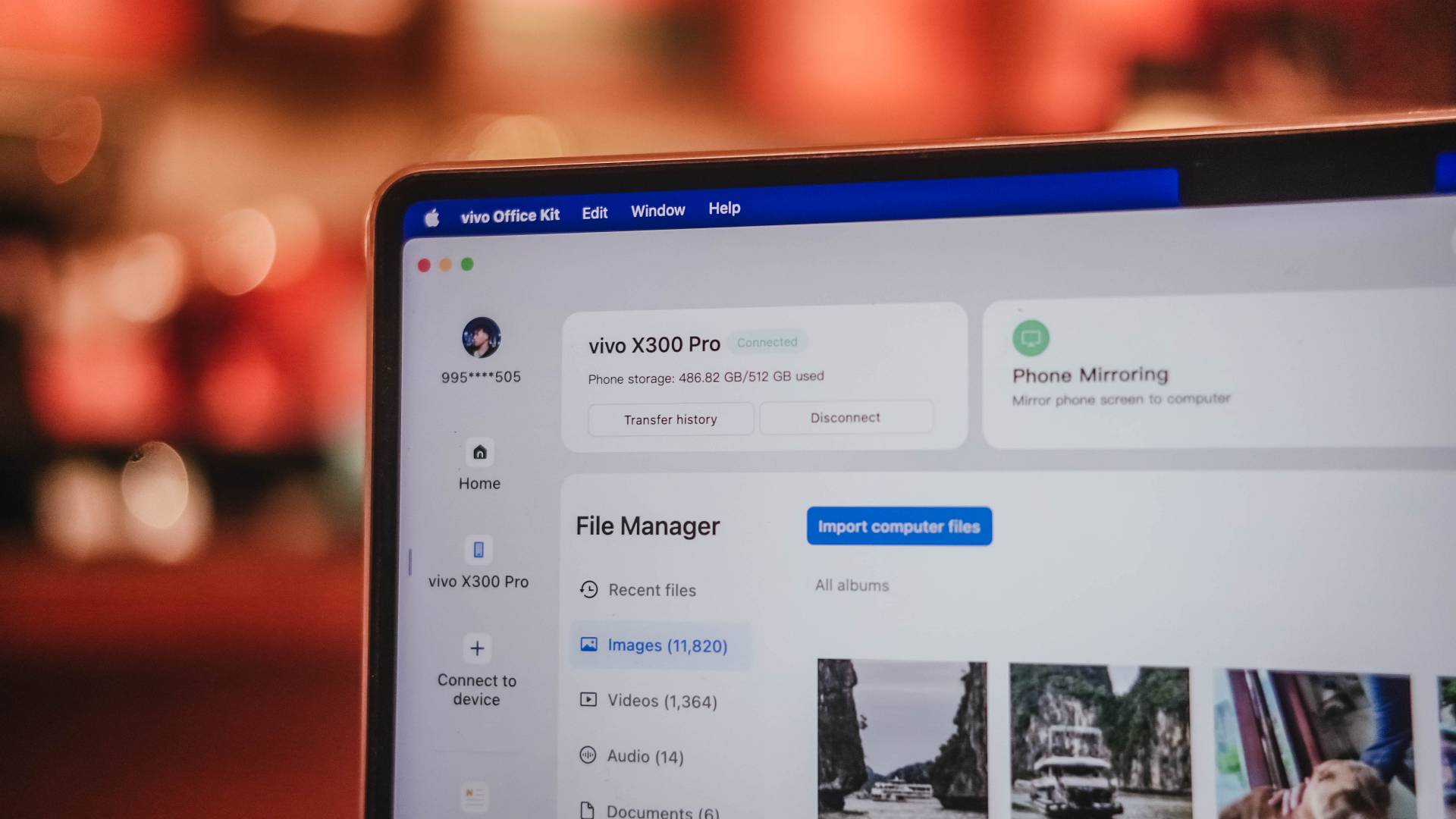
Not only I can wirelessly transfer photos and videos, I can also receive notifications and even access Notes stored in my X300 Pro. Even when you take a freshly-captured photo, it will simply prompt you so you can easily share it.
Although you can remotely control your MacBook through the screen of the X300 Pro, that screen size simply won’t make the cut. This feature works best with a foldable or a tablet.
But hey, it’s still useful if you’re out and about and your higher-ups needed that document stored on your MacBook.

Given that nothing beats the cross-platform compatibility between iOS and macOS, it’s still a huge leap forward to be able to connect the vivo X300 Pro to an Apple device.
Lastly, OriginOS also has a new Private Space feature. It serves as a separate space from your main screen with apps and accounts that are totally unrelated to the one you’re mainly using.

This enables users to keep confidential files and information from prying eyes. I just hope users will use this feature into good use 👀.
More than enough — not when you X-haust it
On paper, the battery of the vivo X300 Pro gets a battery boost from 6000mAh to 6500mAh.
While it doesn’t beat the hell out of the 7500mAh capacity of the Xiaomi 17 Pro Max, an increase is still an increase.
Using it moderately or ever so lightly, the vivo X300 Pro can last a full day (or even two) with staggering hours of standby time and plenty left in the tank.
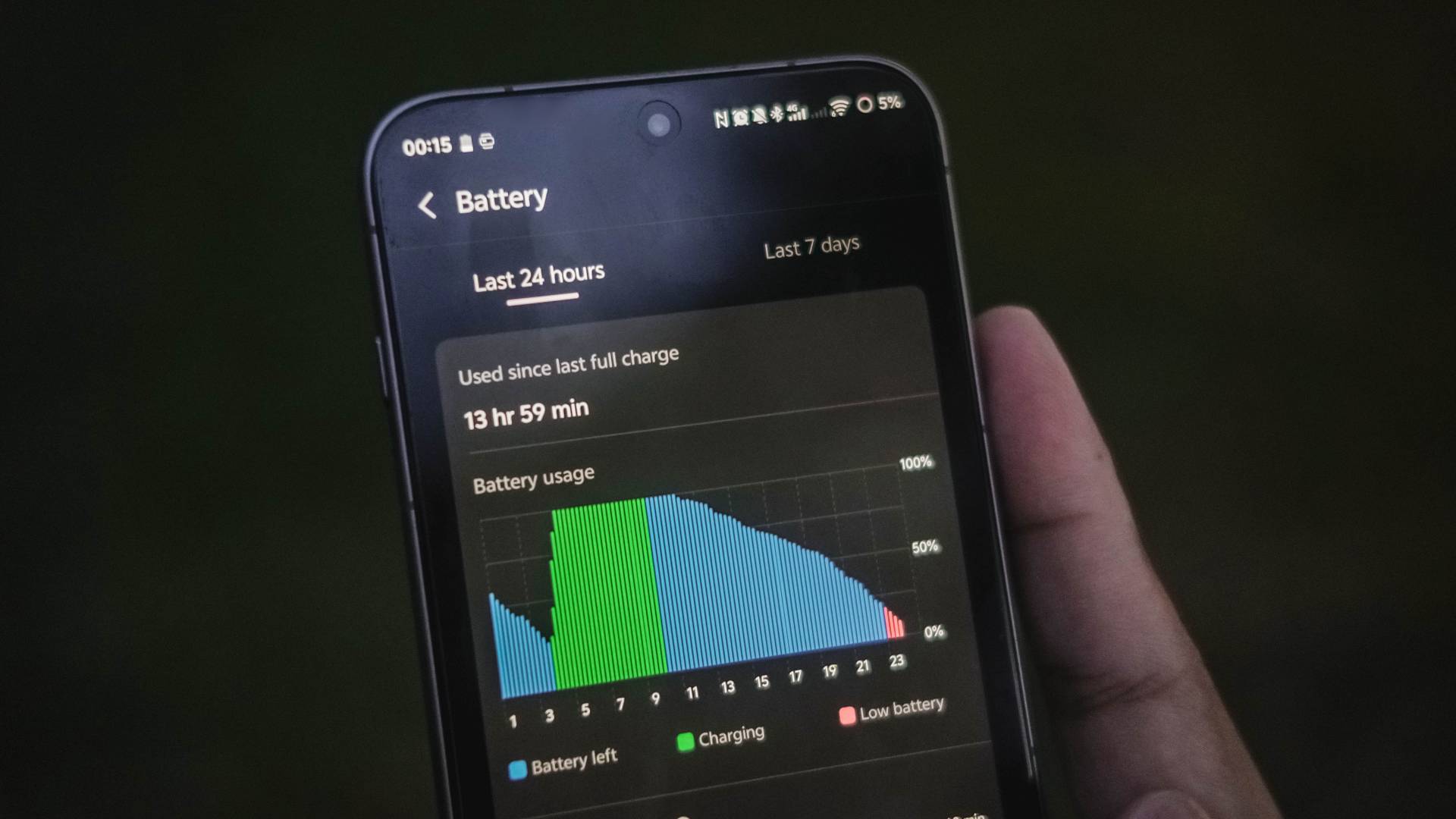
Admittedly, I’ve used the cameras more than I expected during my two-week Vietnam getaway.
From shooting plethora of photos and barrage of vertical clips for Instagram Stories and possible use for Reels, the X300 Pro hogs that battery juice a lot.
I’ve even experienced some overheating in the long run. But, not to the point where the camera will shut off, as I was able to still shoot and record without ever halting.

That said, 90W FlashCharge is here to save the day. This time though, vivo has added a “FlashCharge High Speed” mode when using its bundled charger.
| FlashCharge High Speed | FlashCharge Regular | |
| START TIME (From 0%) | 12:14PM | 1:59PM |
| 3 minutes | 3% | 1% |
| 5 minutes | 6% | 3% |
| 10 minutes | 15% | 10% |
| 15 minutes | 23% | 18% |
| 20 minutes | 29% | 24% |
| 30 minutes | 50% | 38% |
| 40 minutes | 66% | 51% |
| 45 minutes | 75% | 57% |
| 50 minutes | 82% | 63% |
| 1 hour | 96% | 71% |
| 1 hour 10 minutes | – | 85% |
| 1 hour 15 minutes | – | 99% |
| END TIME | 1:17PM 1 hour 3 minutes |
3:15PM 1 hour 16 minutes |
Using non-vivo chargers and cables that are USB-C PD and/or PPS compliant will still top-up the phone fast — just with regular FlashCharge speeds.
While I haven’t tested wireless charging (which is my least favorite mode of charging), it’s worthy to point out that it was improved to 40W (from the conventional 30W).
Although the vivo X300 Pro has faster speeds than Qi2 or Qi2.2, it still doesn’t implement built-in magnets like the HMD Skyline or Pixel 10 series with Pixelsnap.
Don’t get me wrong. Support for magnetic wireless charging plus MagSafe accessories will still be possible. Only if you buy third-party cases with magnets on it.
Is the vivo X300 Pro your GadgetMatch?
It seems like 2025 has already reached the pinnacle of smartphones: superior camera system, gargantuan battery capacities with long-lasting endurance, faster than ever performance, displays and speakers that truly satisfy one’s audiovisual cravings.

The vivo X300 Pro is a great embodiment of that. Not only you get the best in class cameras, the smartphone itself is just a refined version of a smartphone that was already superior to begin with.
And if you’d ask me, the asking price of EUR 1099 / MYR 4699 / PhP 77,999 is more than justified — unlike how some brands aggressively slap overpriced tags on their barely flagship offerings 🙄
I just hope they consider bringing in a larger 1TB configuration (or maybe even 2TB) in the next lineup — especially for storage-hungry multimedia creatives like me who’s expected to shoot a lot of stills and clips in the foreseeable future.
All sentiments aside and without an ounce of doubt, the vivo X300 Pro is both a Swipe Right and a Super Swipe.
And, just like its older sibling, it also rightfully deserves the GadgetMatch Seal of Approval.


Samsung is done chasing specs, says TM Roh

Hands-on: NEW iPhone 17e, iPad Air, MacBooks, Studio Displays

EastWest rolls out Google Pay access for debit cardholders

Globe postpaid opens pre-orders for Samsung Galaxy S26 series

The Xiaomi 17 shoots Leica dream

Xiaomi 17 Ultra is now available outside China

TECNO will showcase the CAMON 50 and POVA 8 series at MWC 2026

The art of being in and behind the frame

HUAWEI MatePad 11.5 S 2026: The better-than-ever 4-in-1 productivity tablet

TECNO MEGABOOK K16s 13th review: No-frills beneath those grills

-
 News1 week ago
Xiaomi 17 Ultra is now available outside China
-

 MWC 20267 days ago
TECNO showcases cool concepts at MWC 2026
-

 MWC 20262 weeks ago
TECNO resurrects modular phones with this new concept
-

 MWC 20265 days ago
TECNO launches the all-new CAMON 50 series
-

 Reviews1 week ago
Xiaomi Pad 8 review: Slab that slaps!
-

 MWC 20264 days ago
Infinix NOTE 60 Ultra makes a motorsport-inspired debut
-

 Reviews5 days ago
TECNO CAMON 50 Ultra review: End of an era?
-

 Reviews1 week ago
Forget the Phone: Xiaomi 17 Ultra Is A CAMERA!