
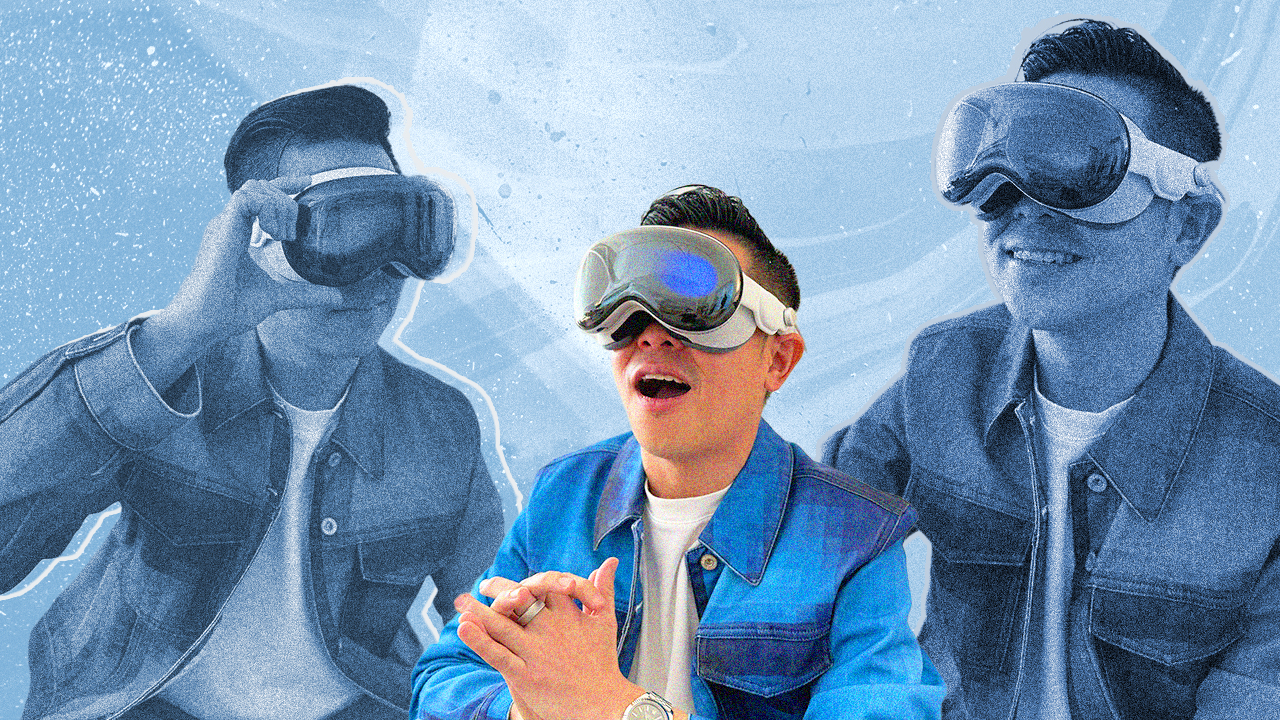

Hands-On
Apple Vision Pro Hands-On: Connectedness, Solitude & The Future

It is 5AM in Los Angeles, my brain suddenly switched on as I rolled over in bed. With a long work week ahead, I knew more sleep was essential but I just couldn’t anymore.
There’s a certain anticipation about today and the next few days that’s got me excited and wide awake. After a year of build-up, not too long from now, people will actually be able to buy Apple Vision Pro. And I have a feeling, just like the iPhone, its going to change the world.
Ahead of its retail launch, I’m getting ready for some special hands-on time with the device. This includes some never-before seen demos. I feel grateful. Not everybody gets the opportunity, so I want to pay it forward.
Hopefully this first hand account will be of some help while you consider taking this pretty pricey plunge.
Setup & controls
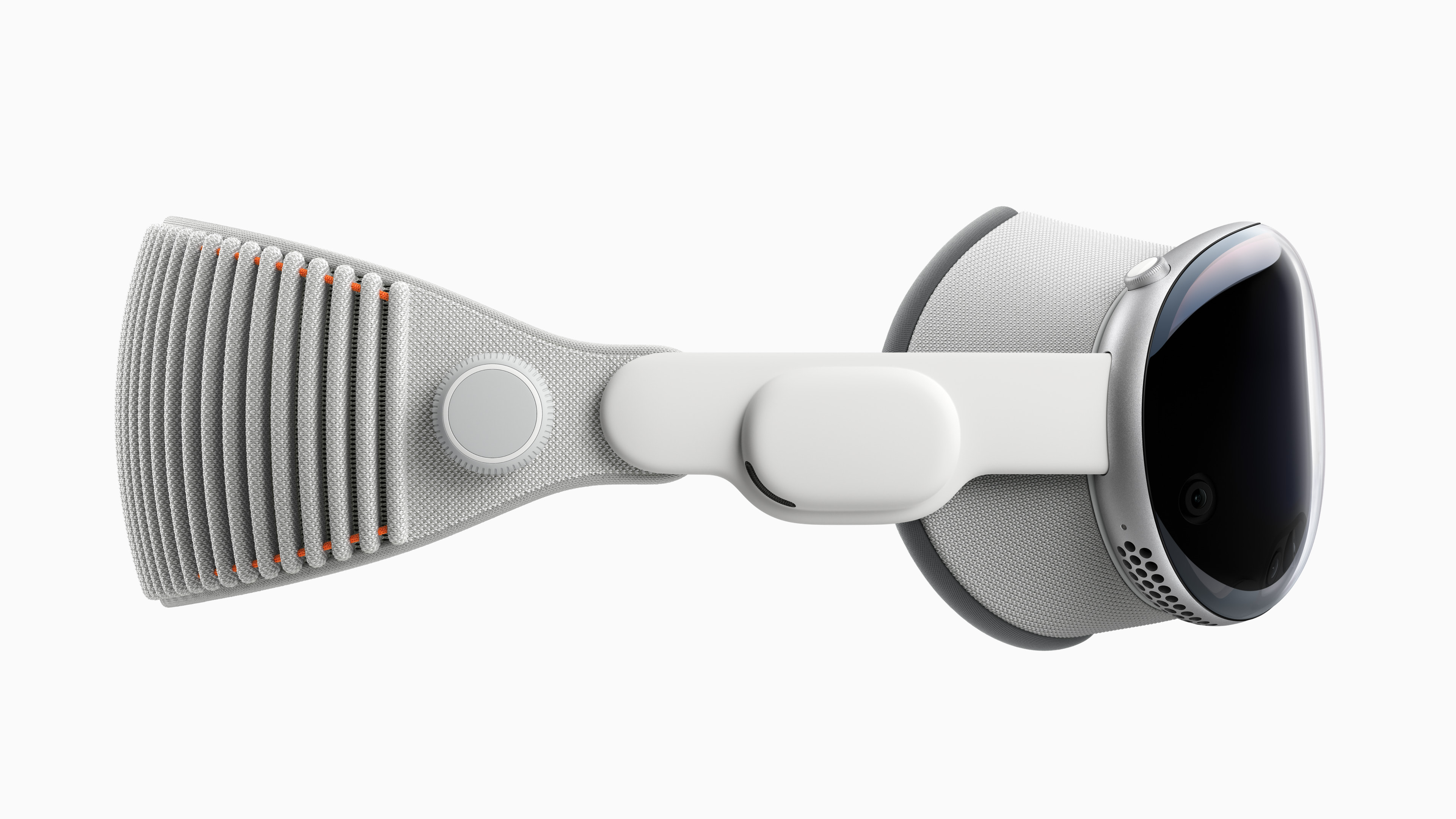
Before picking up a Vision Pro, you’ll need to get sized for a Light Seal. If you wear glasses, have your most recent prescription handy.
I’ve thankfully never needed glasses for most of my life. However, I recently started using readers so I used custom inserts by ZEISS during my hands-on. You can order these with Vision Pro and are easily snapped on and off with magnets.
The Light Seal is the piece that rests on your face so the perfect fit is essential. The sizing process is similar to setting up Face ID. When you order Vision Pro online you’ll be prompted to scan your face via the Apple Store app.
To put Vision Pro on, hold onto the front of the device and pull on the strap to secure around your face. There’s a nob on the right hand side that you can twist to tighten if needed. On me it was comfortable. Never in the 30 minutes or so that I had it on did it feel heavy or painful.
Making it work
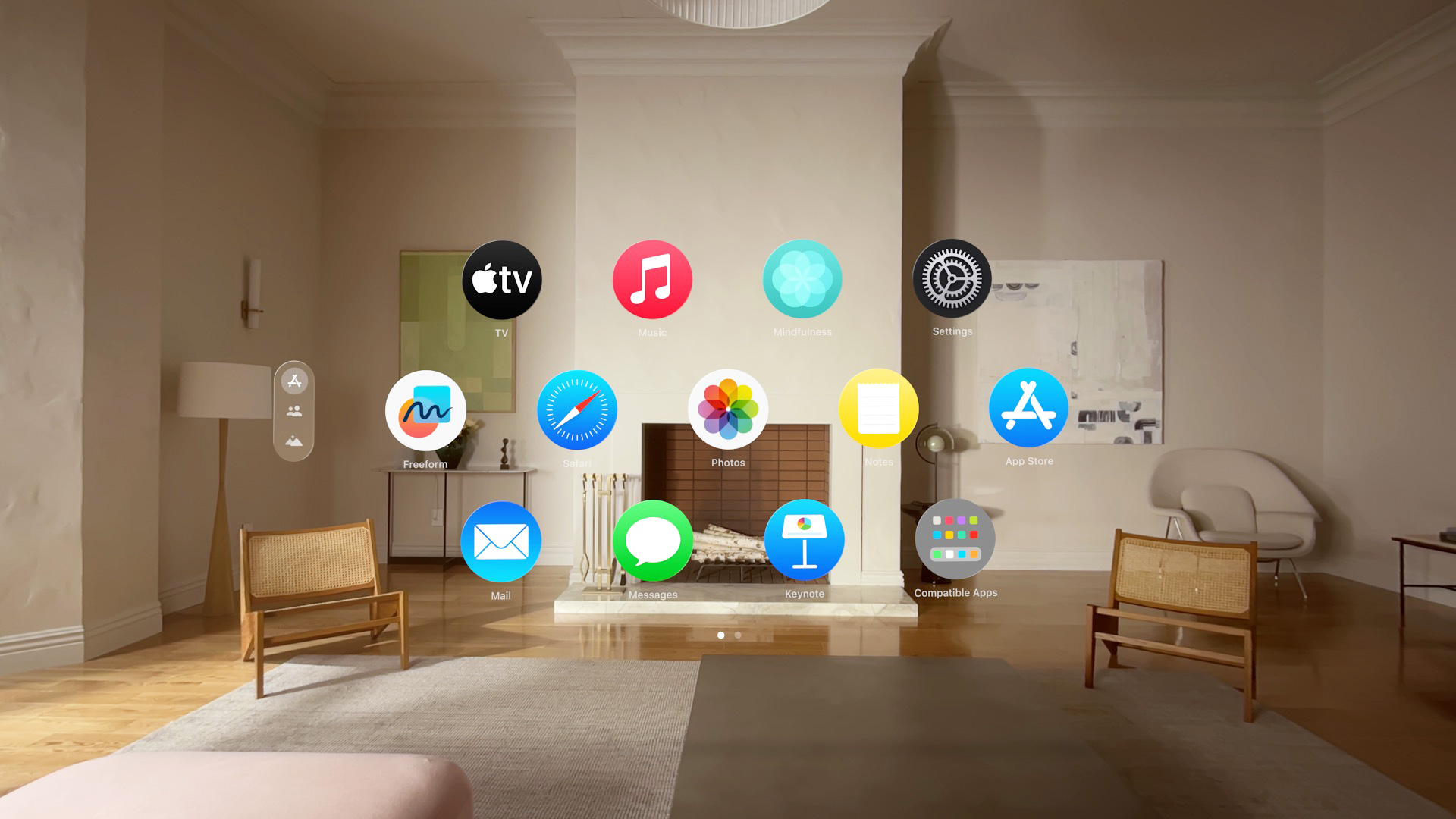
It was time to get started. A quick press and hold on the Digital Crown powers up the device. The familiar, “Hello” appeared, floating in front of me, the rest of the room was visible.
I couldn’t contain my excitement. But there were setup tests that needed to be completed first. One for eye calibration involves looking at dots on the screen and tapping your fingers together. The other is for the hands — you just lift them in front of the Apple Vision Pro. Setup didn’t take too long and is a one time thing.
Finally, a bunch of icons appear in front of me — this was Home View. Everything felt fresh and new, but also familiar. Nothing was intimidating or confusing, I instinctively knew exactly what to do.
Navigate with your eyes. Select with your fingers.
Specifically look at what ever you want to select then bring two fingers together in a pinching motion and then release — to enter. It can be either hand. Preferably with your thumb on the bottom and with nothing blocking line of sight to Vision Pro.
I understand some photos show otherwise, but there’s no need to have them raised. Resting comfortably on your lap works perfectly too.
Pinching with two hands lets you zoom in and out. Or make a canvas smaller or larger. I promise it’ll all make sense.
Spatial video & connectedness

The first app I dove into to was Photos. The app opens like a window on my Mac. But instead of my desktop, I see the room around me. And yes, you can have different apps open at a time pinned all around your room, including a mirror of whats on your Mac.
Windows can be pinned anywhere you like and are securely planted in this space. Unlike other headsets I’ve tried, there’s a certainty and security about how they are placed — so much so that it’s not dizzying.
I scrolled through a few photos, pinched in to explore details like I’ve been doing it for years. But it was when I got to spatial videos that I had my ‘aha’ moment.
You know how in Harry Potter when Harry uses Dumbledore’s pensive to go back in time, as a spectator, reliving his memory (or someone else’s). That’s how it felt like, watching a spatial video clip on Vision Pro.
BTW, currently, Spatial video clips can be shot using Vision Pro or the iPhone 15 Pro and Pro Max.
Sharing space virtually
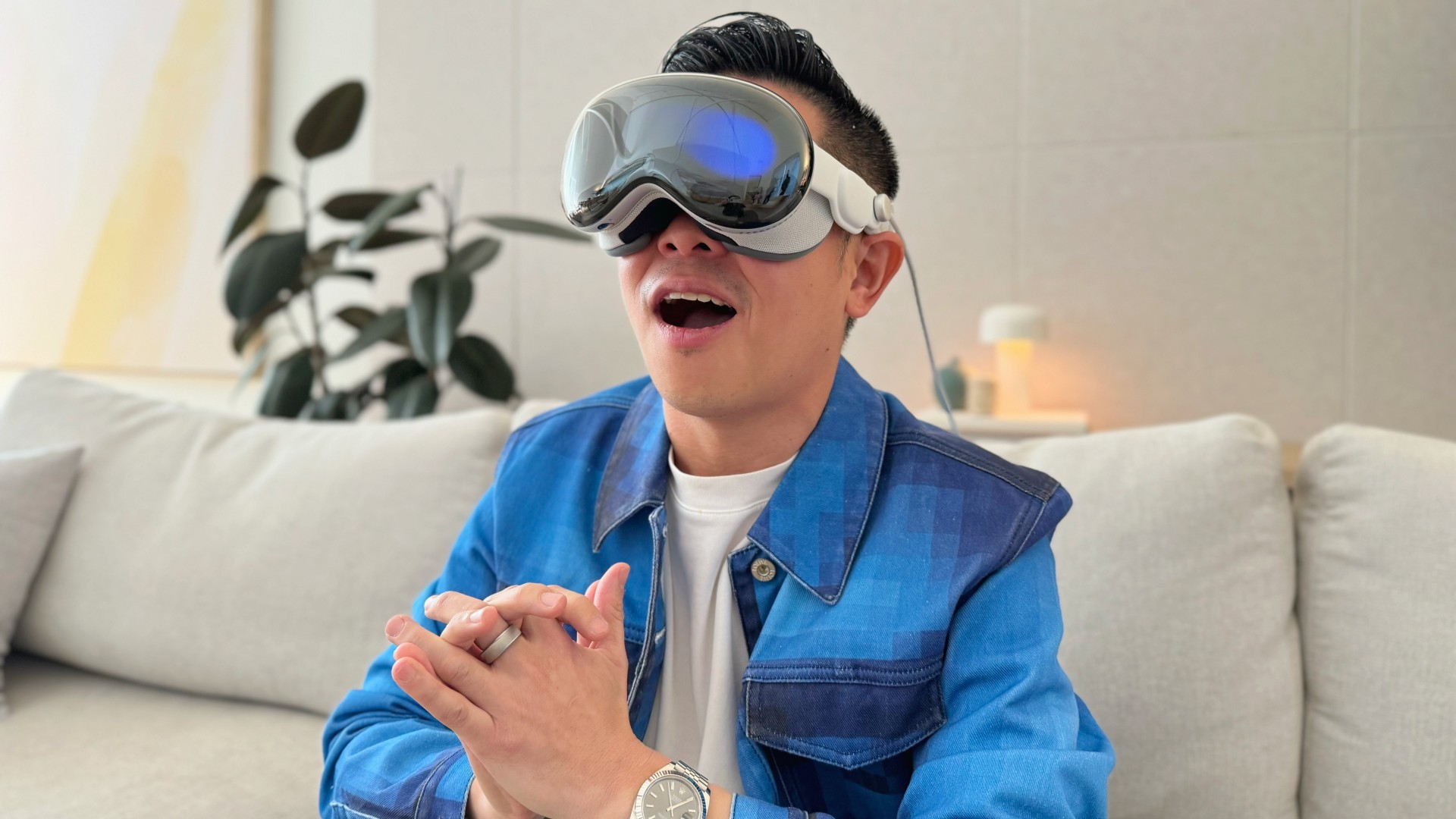
In this one demo I was seated on the other side of a dining table watching a mom interact with her two kids. It was playful banter over what looked like a breakfast table. I felt like I was in the room with them and it was that moment that tugged on my heartstrings.
You see, my family has a group chat composed mostly of videos of my nephew David’s many milestones. This chat has been a godsend as David lives in a different country from both his grandparents and his favorite uncle (moi). I immediately thought of him and my other nephew (still inside his mom’s tummy) — and how a device like the Apple Vision Pro will hep us feel more a part of their lives despite the distance.
Panoramas, environments and escape
Phones have long had the ability to stitch photos together to make these extra long panoramic photos that capture the entire landscape BUT they’ve inherently had one problem. Unless you blow them up and print them — you don’t really get to appreciate them.
On Vision Pro, however, when you open up a panoramic image. It wraps around you 180 degrees, you almost feel like you’re actually there. And its this ability of the device to transport you to other places that’s tickles my fancy, thinking about the possibilities.
Immersive video
Coming soon to Apple TV+ is a category called Immersive Video and I got a sneak peak. One moment I was on a hot air balloon, the next moment I was underwater with sharks. I lunged back when some wild animals got too close. One moment I was up close and personal with Alicia Keys. She was serenading me and it felt like I was the King of England requesting a private concert. And another I was watching a football match, from the perspective of a goalie. Man, I thought my World Cup Final seats were great.
It’s fascinating how the brain works. And how I was able to feel all these sensations, excitement, thrill, and fear. Even if I wasn’t truly at any of these places at all.
Environments
Speaking of a flurry of emotions, I aspire to master the art of stepping away from the chaos of my everyday life. To pause, and center myself. I feel like doing so feeds me with energy to thrive. Built into Vision Pro is a feature called Environments, and I have a feeling it will be one that I use the most.
With just a few twists of the Digital Crown you can choose partial or full immersion. Twist enough and the whole world fades away and you’re immediately transported somewhere else.
I found myself atop Haleakala above the clouds in Maui. One word came to mind — escape. This could be my sanctuary where I go to just be alone to my thoughts even when the world feels a lot, or even when anxiety sinks in. Paired with the Mindfulness app, I could hop on a one minute mini meditation and get back to a place of zen.
Never alone
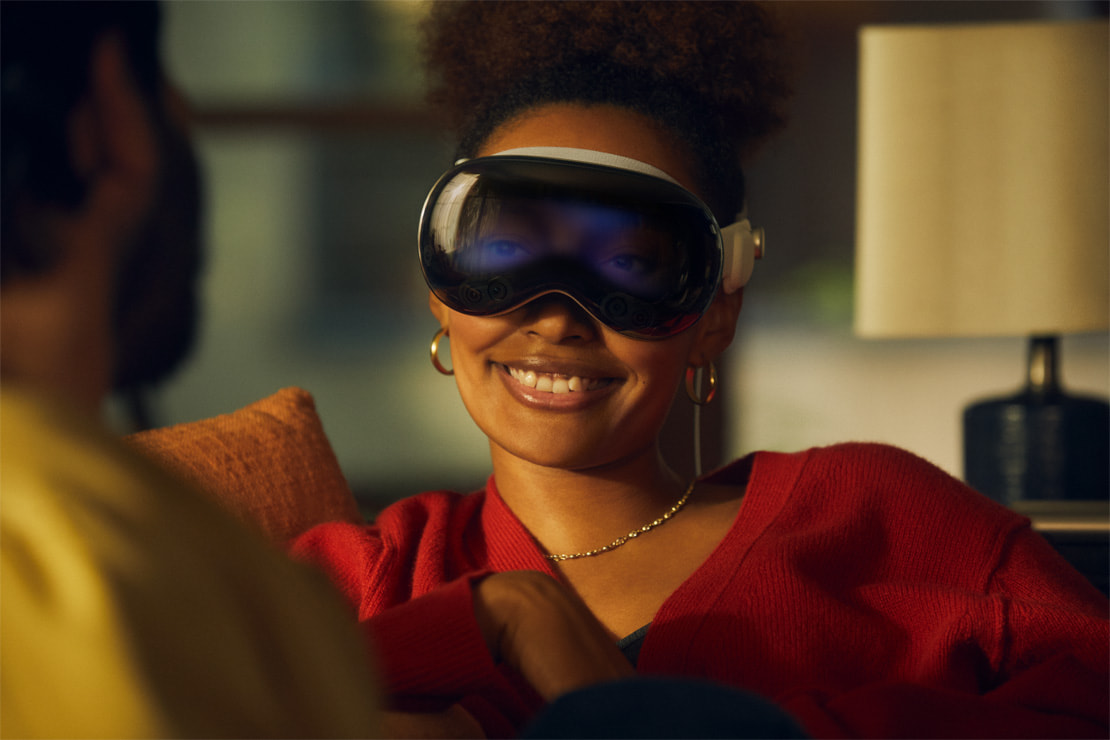
The best kind of tech is the kind that can suck you in. Immersive. Engaging. A part of me though worries about how this strips away part of what makes us human, where we become so disconnected with the world around us.
I’m grateful that Apple’s approach to Vision Pro has been different. While it is a device you put on over your eyes you’re never fully disconnected from the real world.
I recall looking at photos and still being able to look to the side and have a conversation with someone else in the room. And when I was in an environment or movie, something that took over the entire display, if someone came close, they’d gradually fade into view.
I also got to be on the flip side of this. Being in a room with some using VisionPro. I could see a live rendering of his eyes, they even blinked when he did. When he was viewing an app full screen or was in an Environment the display shifted to shimmer of color. But every time I came close and he could see me, I could see his eyes again. If he took a photo or video the screen would turn flash white. We strangely felt connected.
More to come for the Apple Vision Pro
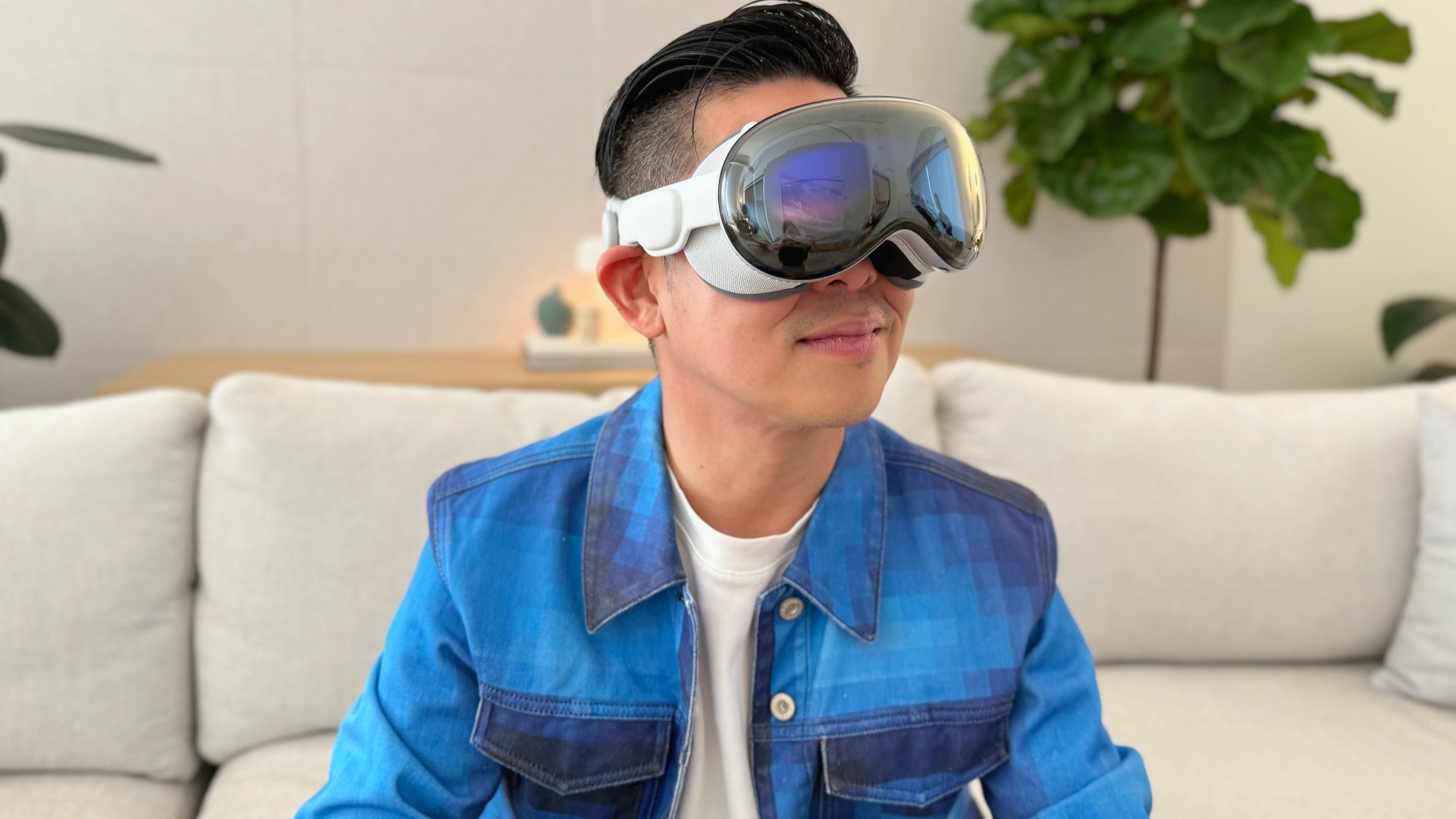
There were plenty more highlights from my 30 minutes with the Vision Pro. Watching Disney+ movies from the top of the Avenges Tower (loaded as an environment, Tatooine was another option), typing on a keyboard floating in front of me by punching my fingers through the letters, opening a 3D model of an F1 car then using my fingers to reposition it in a way that it was like I was in it, oh and scrolling through pages on Gadgetmatch.com.
But this is only the beginning and it’s the reason why I am pre-ordering one despite its steep US$ 3500 asking price. What the iPhone and the iPad were when they launched is nothing like what they have grown into. And I am confident Apple Vision Pro is the same. There are a few apps and experiences for now, but I can only imagine what things will be like in 5 years.
My pre-order is an investment in that future today. A VIP ticket, so that I am part of the ride from the beginning.
Apple Vision Pro is available for Pre-Order on January 19th 5AM Pacific.
Pricing are as follows:
256GB — $US 3499 or US$ 291.58/mo for 12 months
512GB — $US 3699 or US$ 308.25/mo for 12 months
1TB — US$ 3899 or US$ 323.91/mo for 12 months







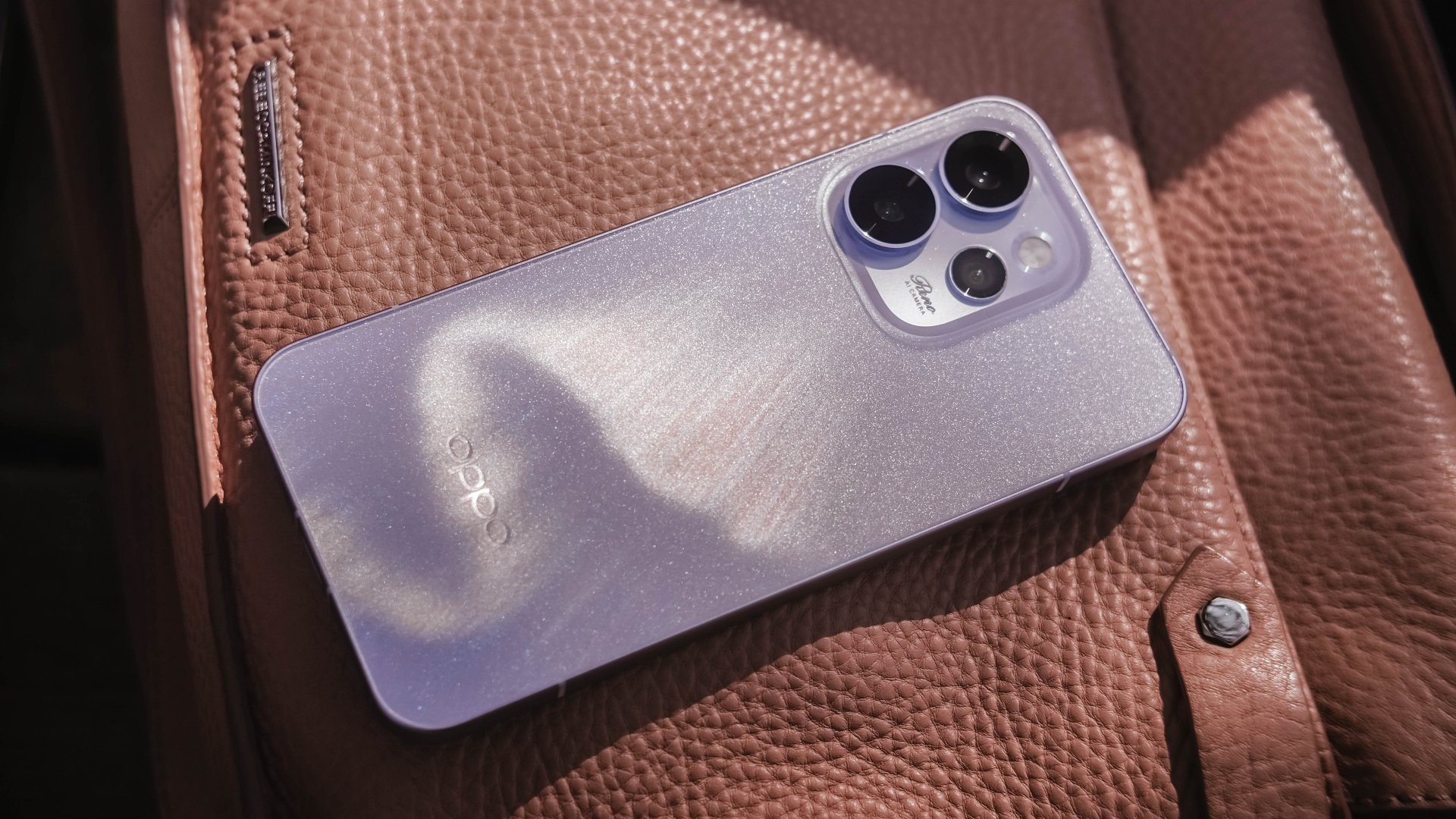
Believe me or not, I only had one encounter with an OPPO Reno phone, and it was the Reno10 Pro from 2021. However, my time with it was very short.
Almost five years in, I was finally given the chance to hold the Chinese brand’s latest and greatest Reno.
Without beating around the bush, here’s my first time with the OPPO Reno15 Pro.
First Look
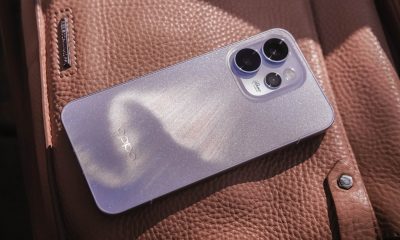
The moment I unsealed its sturdy packaging, the OPPO Reno15 Pro greeted me in this shining, shimmering blue backing.
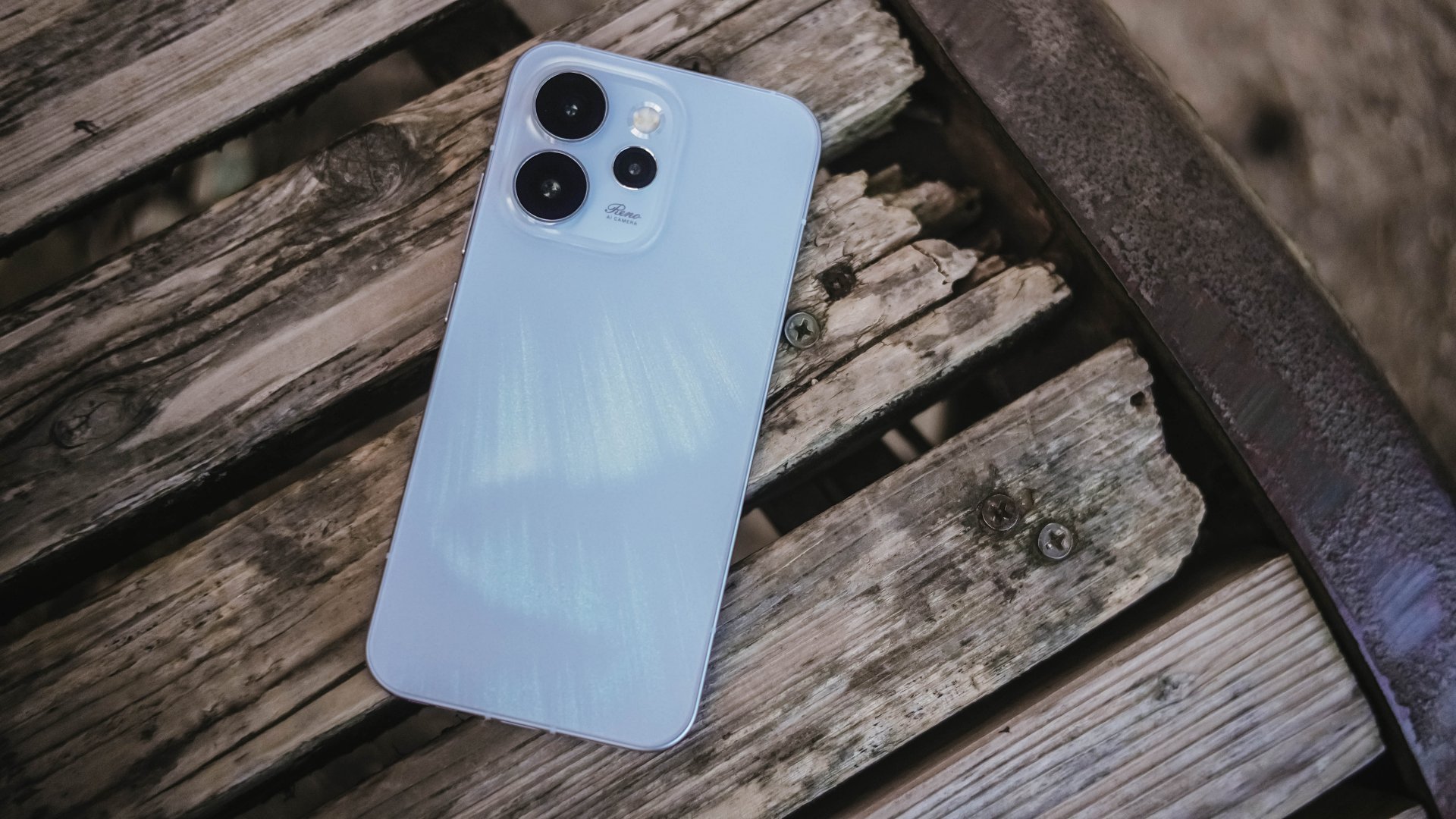
Dubbed as the “Aurora Blue” colorway, it instantly reminded me that I’m still not over that Aurora Borealis scene in the latest hit K-Drama “Can This Love Be Translated?” starred by Kim Seonho and Go Younjung.
I said it before and I’ll say it again, flashy finishes are the least of my options when choosing for a new phone. Still, this finish wins over the less impressive Dusk Brown shade.
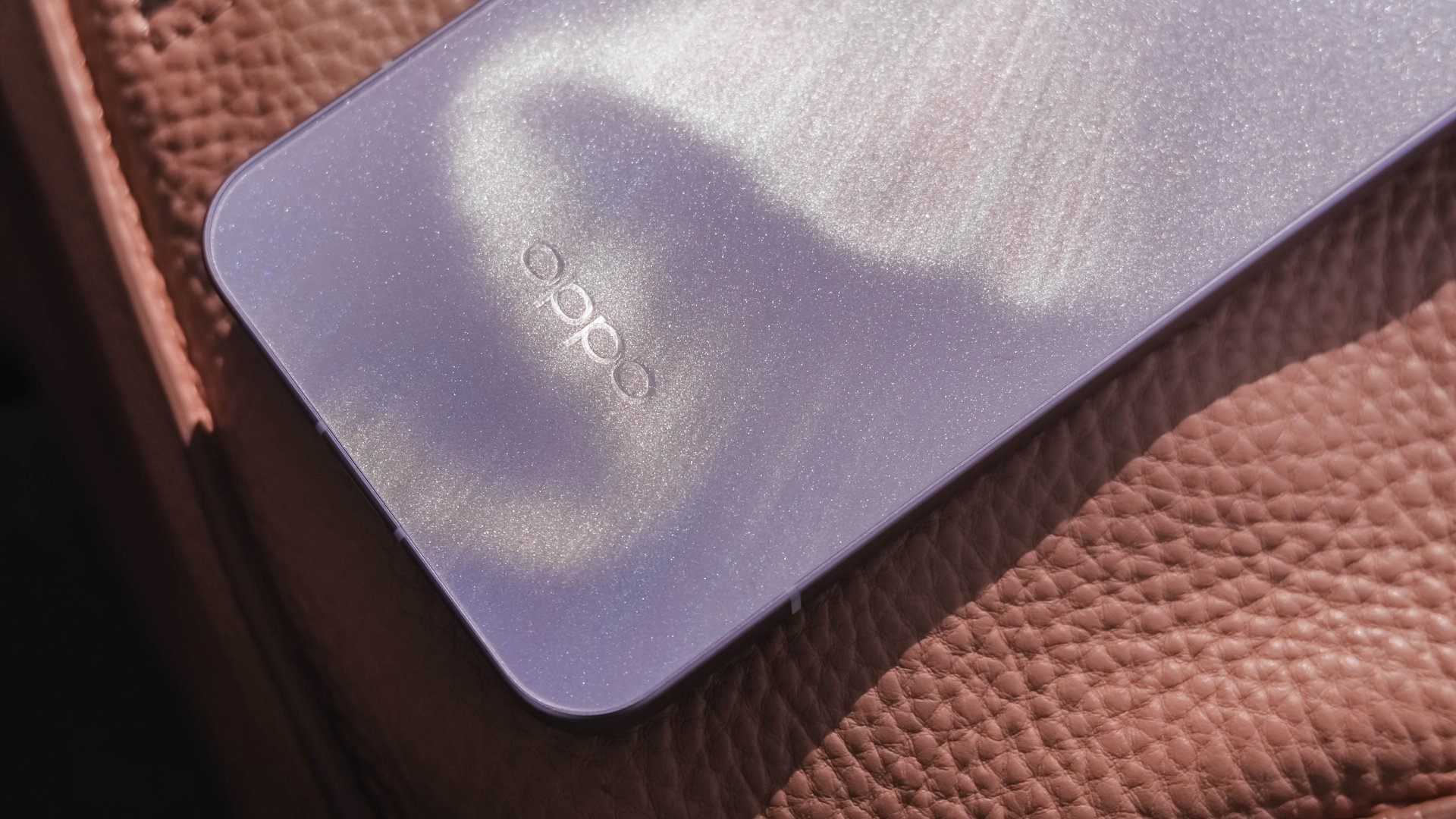
Just like that dazzling northern lights, the Reno15 Pro shows off its aurora accents depending on how the sun hits it.
In the faintest of light, that aurora simply vanishes. Even so, the OPPO Reno15 Pro still shines through with its specks of glitter.
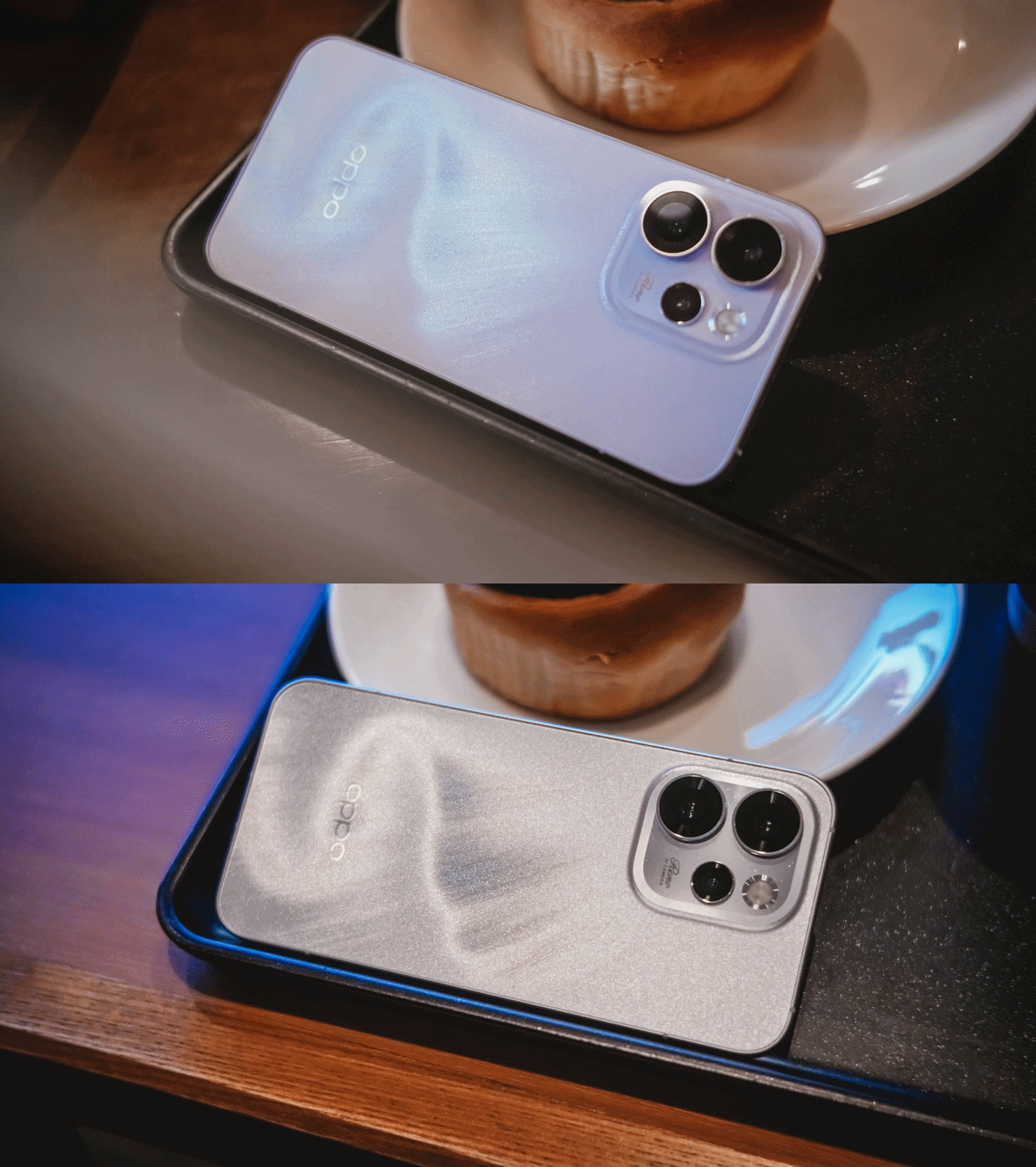
That’s more evident when you bring the OPPO Reno15 Pro indoors — be that your cool room (literally) or a warmly-lit café.
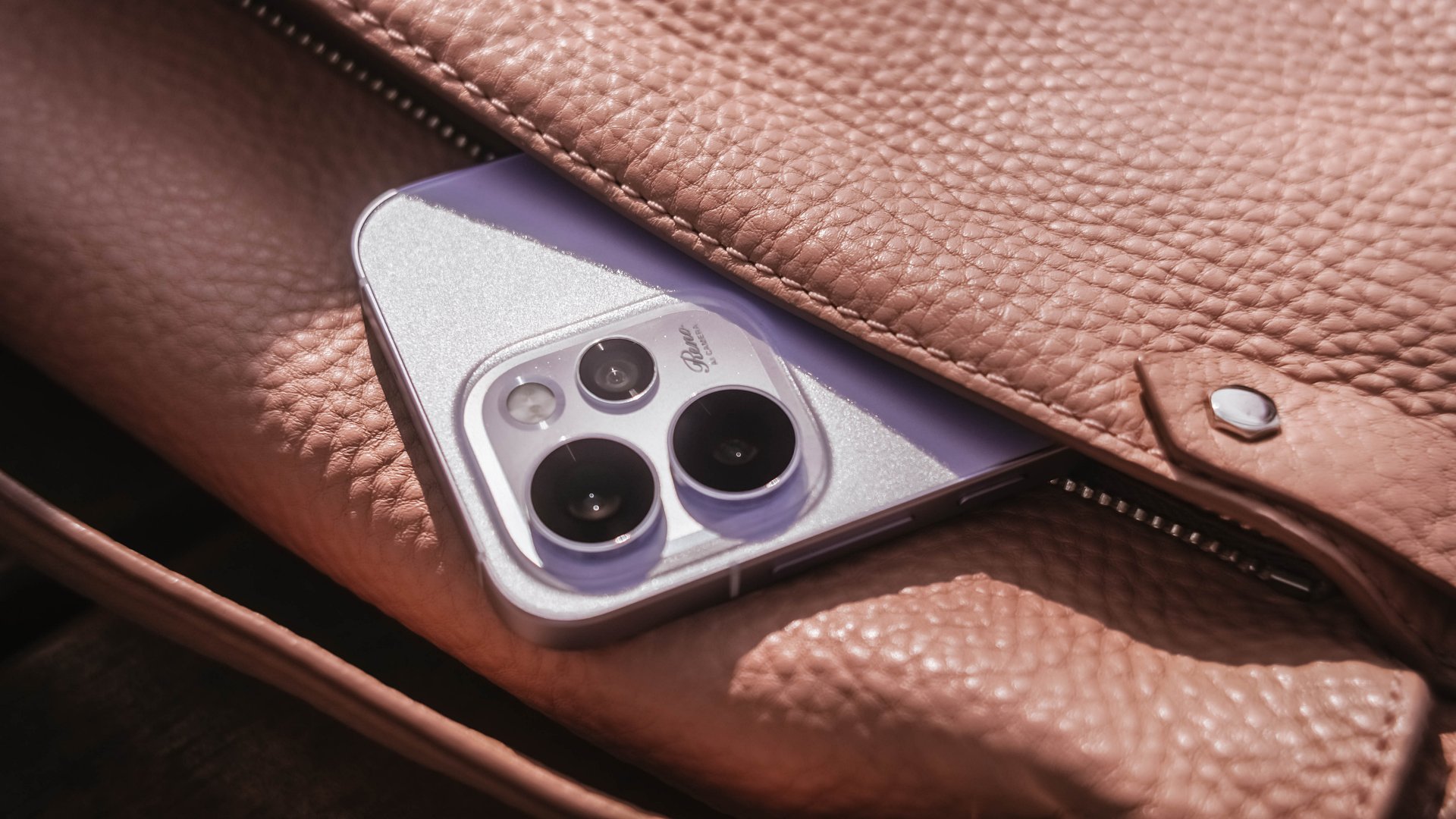
Its camera cutout may not be the most unique out there, but it’s uniformed enough to look clean. After all, a phone’s camera arrangement isn’t what defines the overall performance of its cameras.
First Date
Although 8.13mm isn’t “thin” in today’s standards, holding and keeping the OPPO Reno15 Pro for prolonged periods never felt a sore. Its aerospace-grade aluminum frame may just be one among many factors.

One after another, that 6.32-inch AMOLED 120Hz display is a huge complement to the hands. It fits my huge palms, more so, pockets of all sorts. This sweet screen size is also a breath of fresh air in a vast world of large slabs.
When hit by that harsh sunlight, it’s more than bright– up to 3600 nits of peak HDR brightness if I must insist. And, no matter what kind of content I consume, it’s truly crisp, clear, and even color-accurate.

Being powered by MediaTek’s Dimensity 8450 SoC alongside OPPO’s ColorOS 16 is what made me stuck longer. It honestly felt like I’m in a smooth ride without any road traffic.
The OPPO Reno15 Pro has a great harmony between its software snappiness and fluidity. Animations flow without feeling rushed — much like enjoying date nights without being pressured to catch the last bus trip back home.
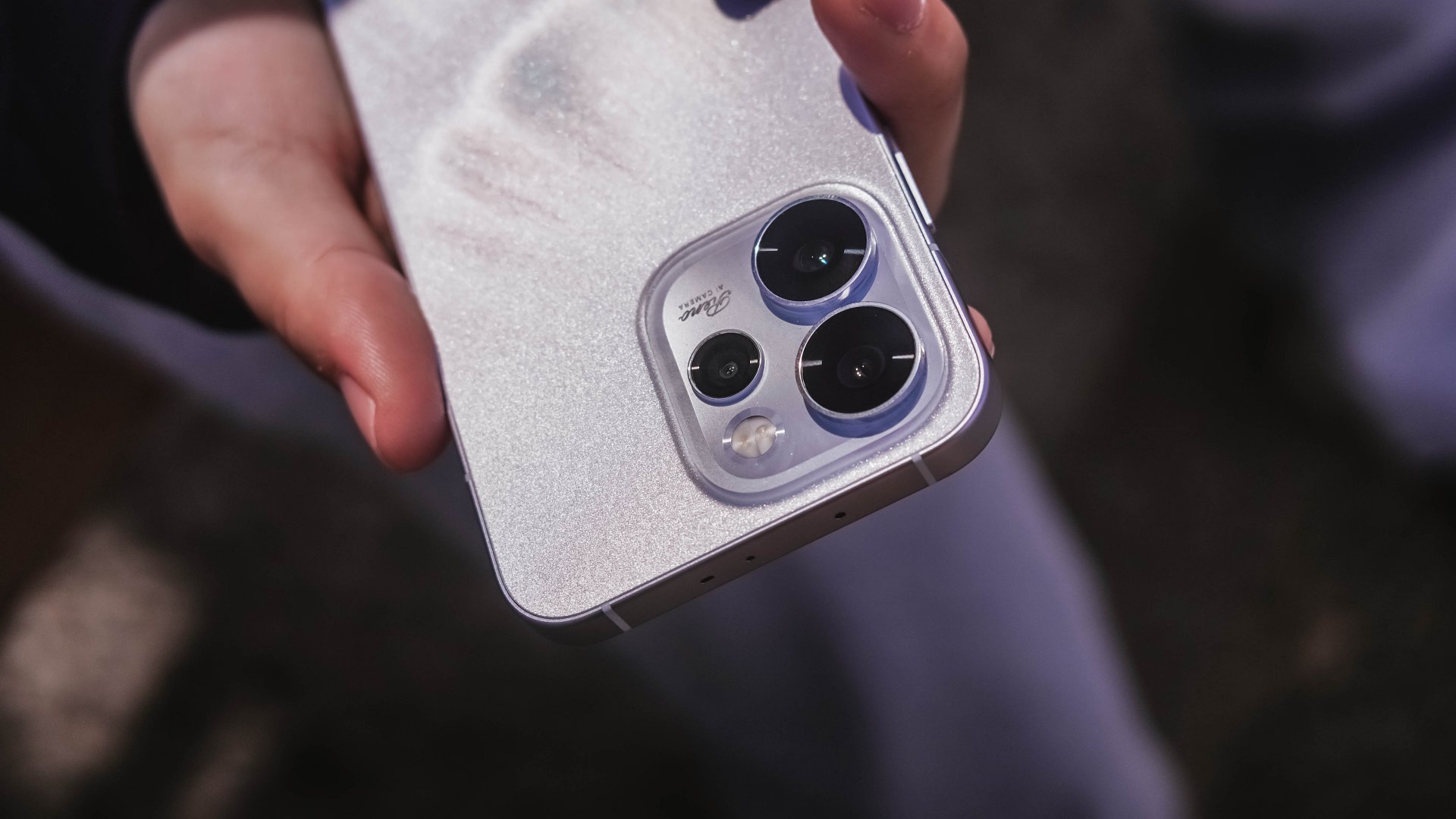
Speaking of staying out late for a date, the Reno15 Pro lasted me more than enough. And, despite its petite form, it managed to fit in a 6200mAh battery inside.
The screen size to battery ratio is just a perfect match. Not only it fits in most (if not all) hands and pockets, it also meant being able to squeeze in more battery to make the most out of your day, night, and even midnight.
If juice gets squeezed out, its 80W SuperVOOC charging will truly save the day!

That doesn’t even end there. With triple IP ratings (IP66, IP68, IP69), you’re more than assured that it’s durable enough in occasional (and accidental) phone drops.
First Impressions
The OPPO Reno15 Pro, despite being categorized as a midrange device, already feels like a solid vanilla flagship.
Much like any other first dates, its overall appearance is just on the surface level. What made me invested more to know the Reno15 Pro further are none other than its intrinsic qualities.
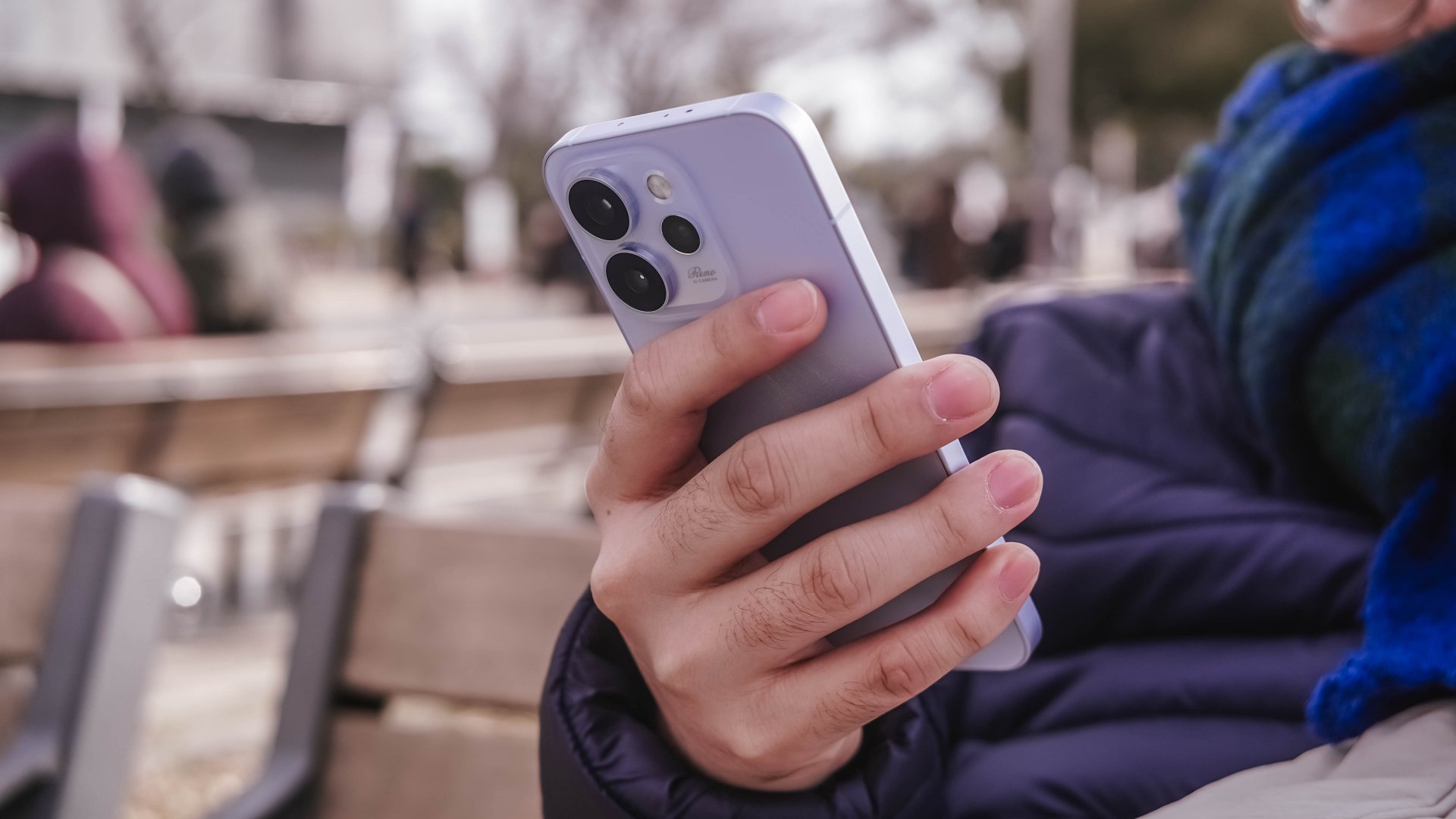
That includes that screen size (or form factor) on the sweet spot plus oh-so-fluid ColorOS. Moreover, its powerful core paired with a humongous battery that will truly last you long.
While I may not have included any photo sample in this early look, I can already assure you that it has one of the greatest camera performers for its class. And actually, it is for another story 😉.
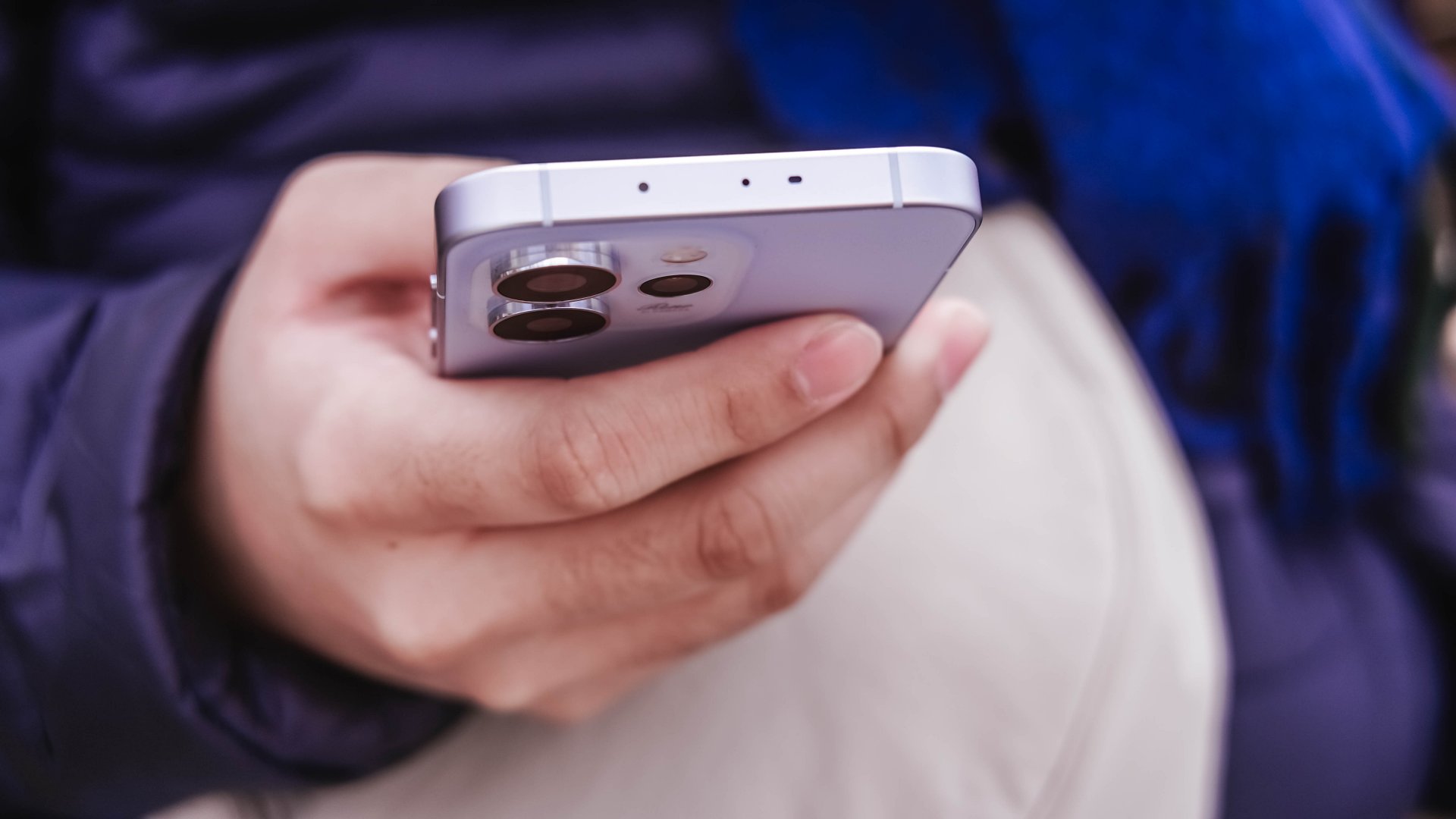
My first time with an OPPO Reno smartphone not only made me impressed. This phone also enticed me to consider switching to the OPPO system when another review opportunity arises.
Accessories
I was skeptical about smartphone gimbals, then I tried the DJI Osmo Mobile 8
This gear finally made sense to me and my workflow

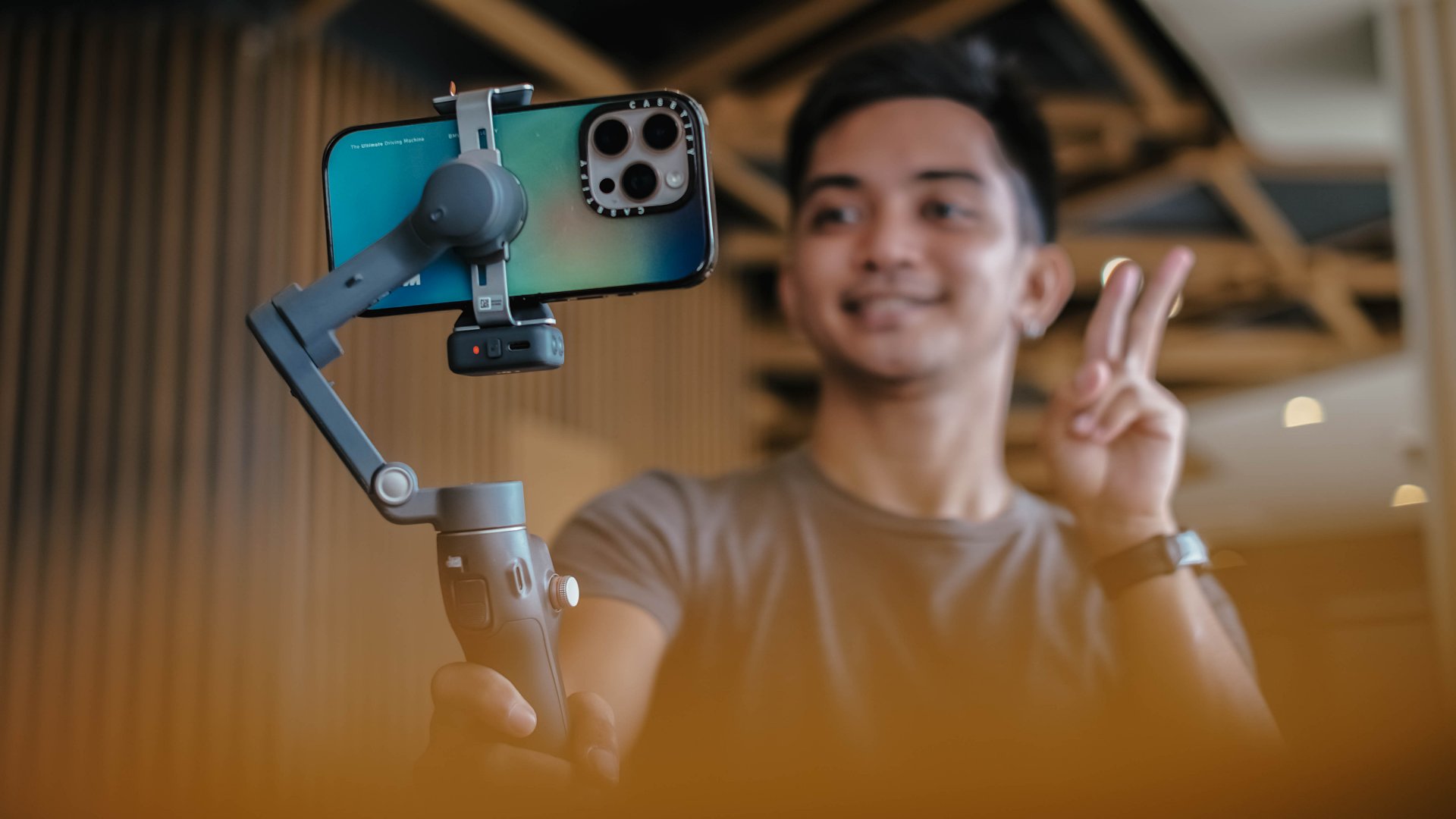
I never liked smartphone gimbals. I tried several over the years, from different brands and different builds, and I never felt compelled to use them in real situations.
They were either too heavy or too fiddly to set up. I also found them too demanding to use when all I wanted was to take my phone out and record. My iPhone already has excellent stabilization built in, and I have relied on it for years. The extra gear rarely felt necessary.
My perspective shifted when I tried the DJI Osmo Mobile 8. I brought it with me on a work trip in China without thinking much of it. I realized that it made sense to be part of my arsenal.
A design that feels familiar in a good way
The Osmo Mobile 8 does not reinvent the idea of a mobile gimbal. It refines the experience.
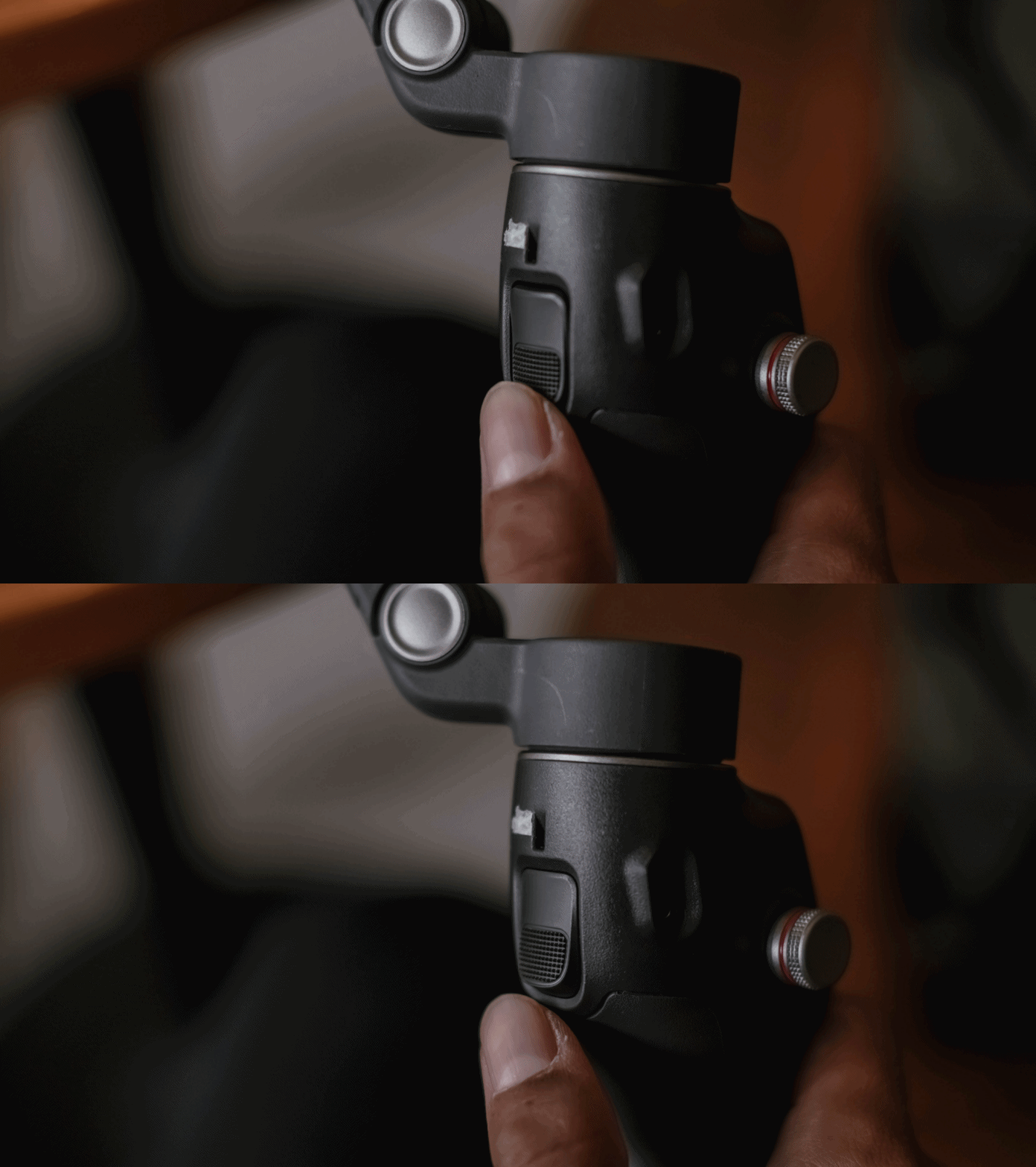
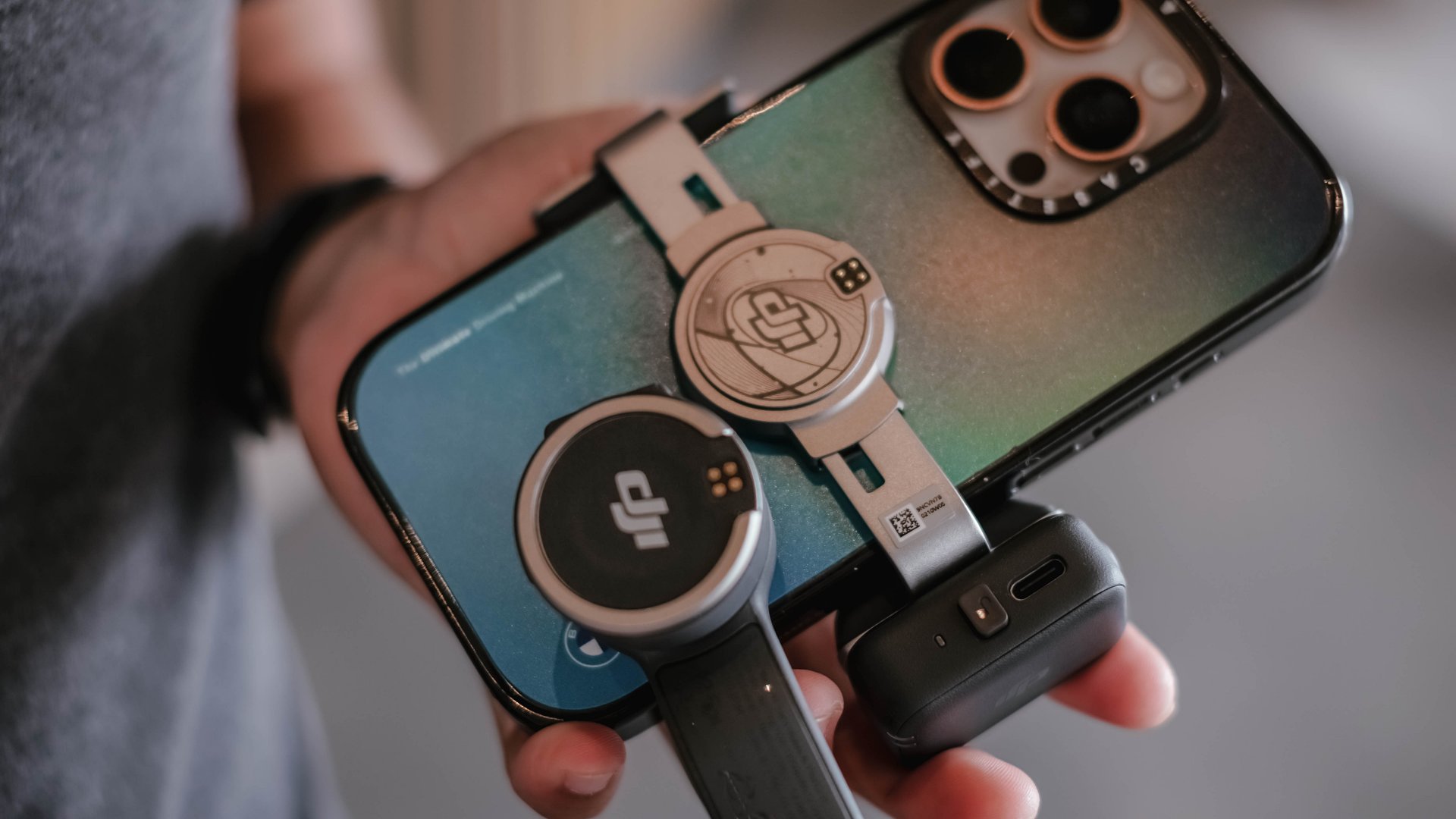
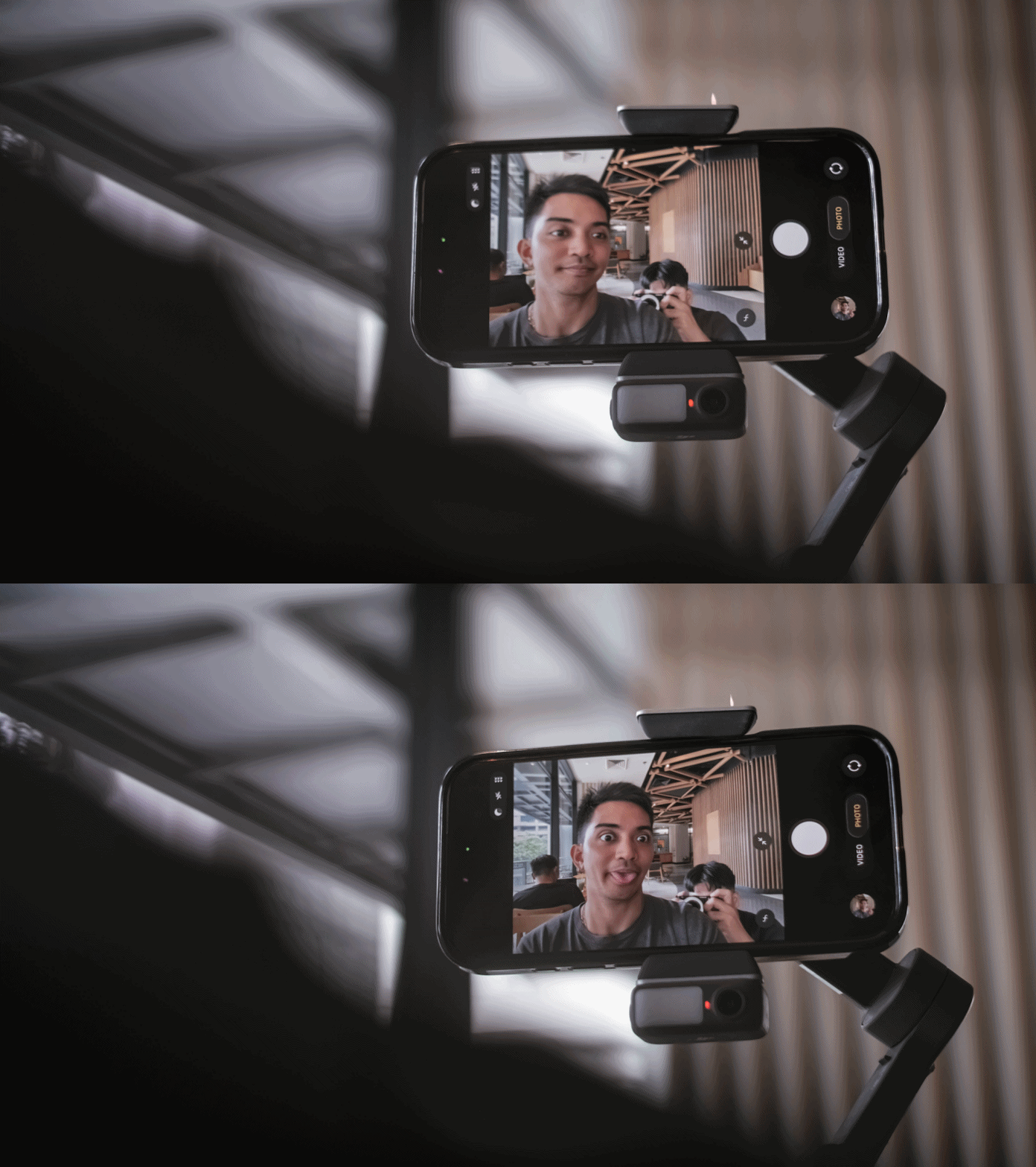
It feels lighter and folds easily. The clamp snaps on with a magnetic mount, and the grip feels secure without straining the wrist.
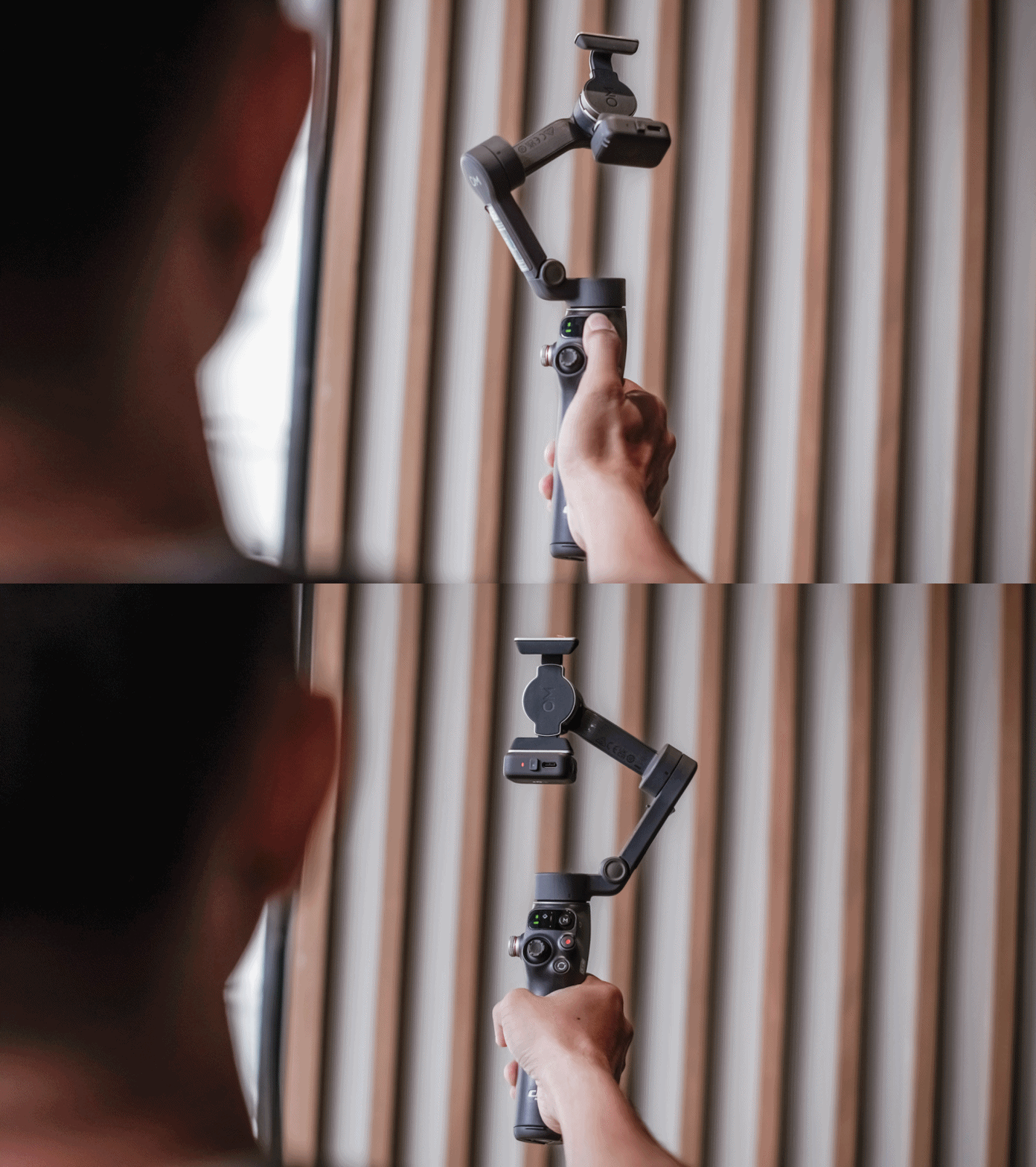
It feels like something I can use for a few minutes or a few hours without thinking about it. Rather than slowing me down, it felt like it supports my workflow.
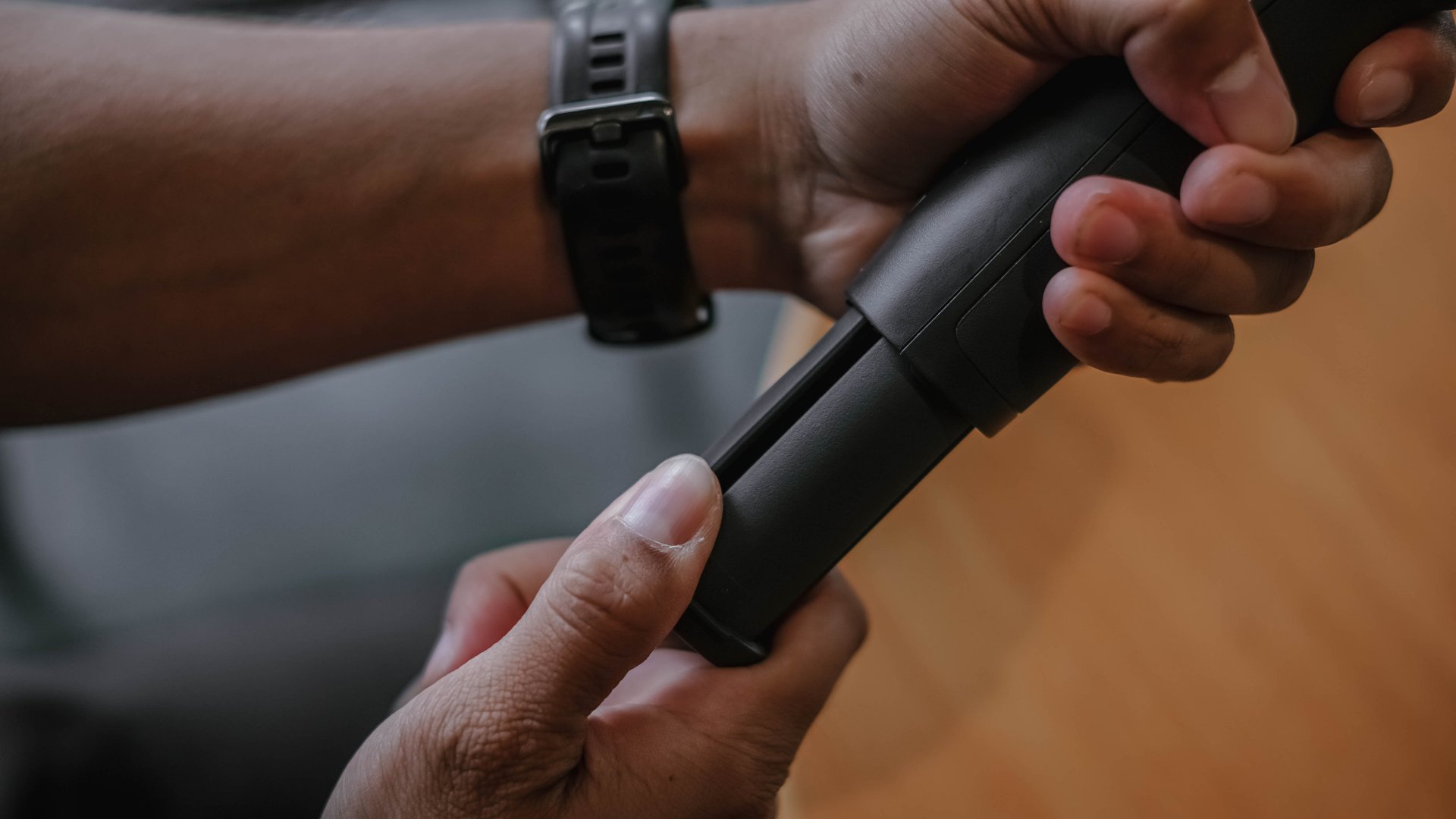
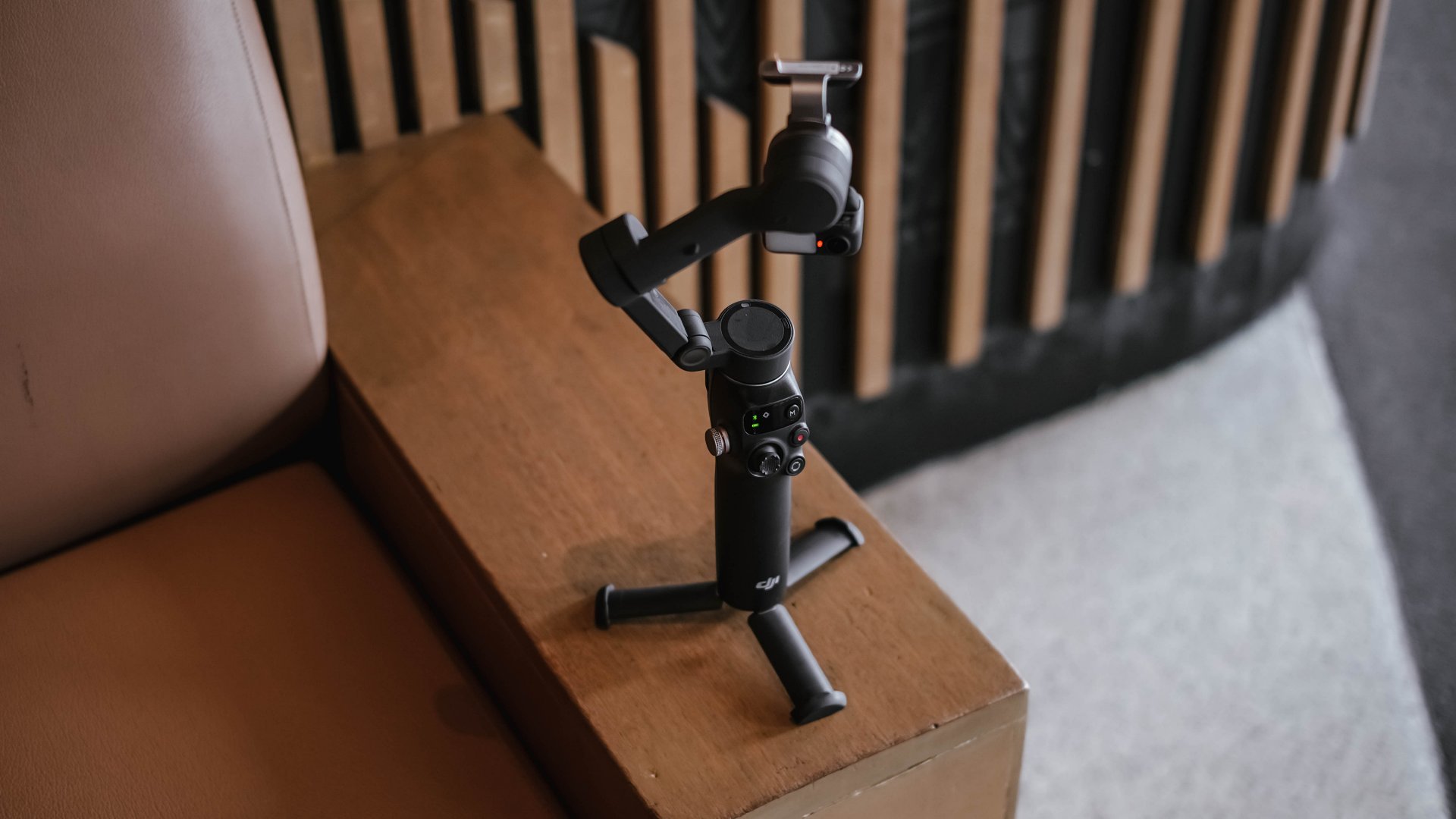
There is an extension rod built in, which is helpful for group shots and for pushing perspective in movement shots. The built-in tripod legs make it easy to set down for hands-free filming.
These details may seem small, although they contribute to gear that I actually reach for.
Stabilization for better footage
To be honest, I’m still not sold in getting a mobile gimbal for myself. But what shifted my perspective (for now) was not the convenience. It was the footage.
The movement became smoother. Walked shots, pans, and follow movements looked intentional instead of constantly adjusting themselves.
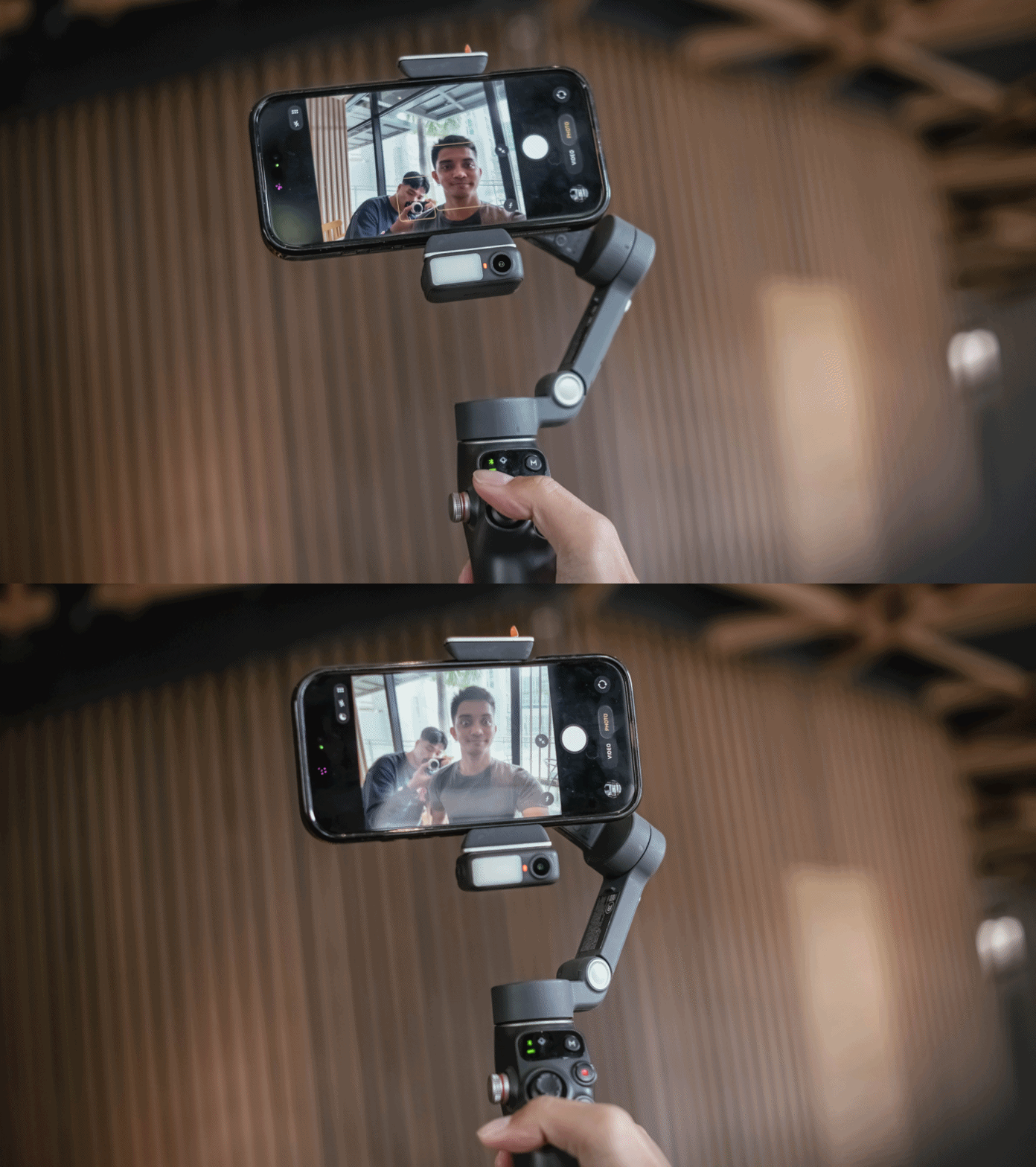
The three-axis stabilization makes smartphone footage feel more deliberate. I found myself able to move more slowly and follow subjects naturally.
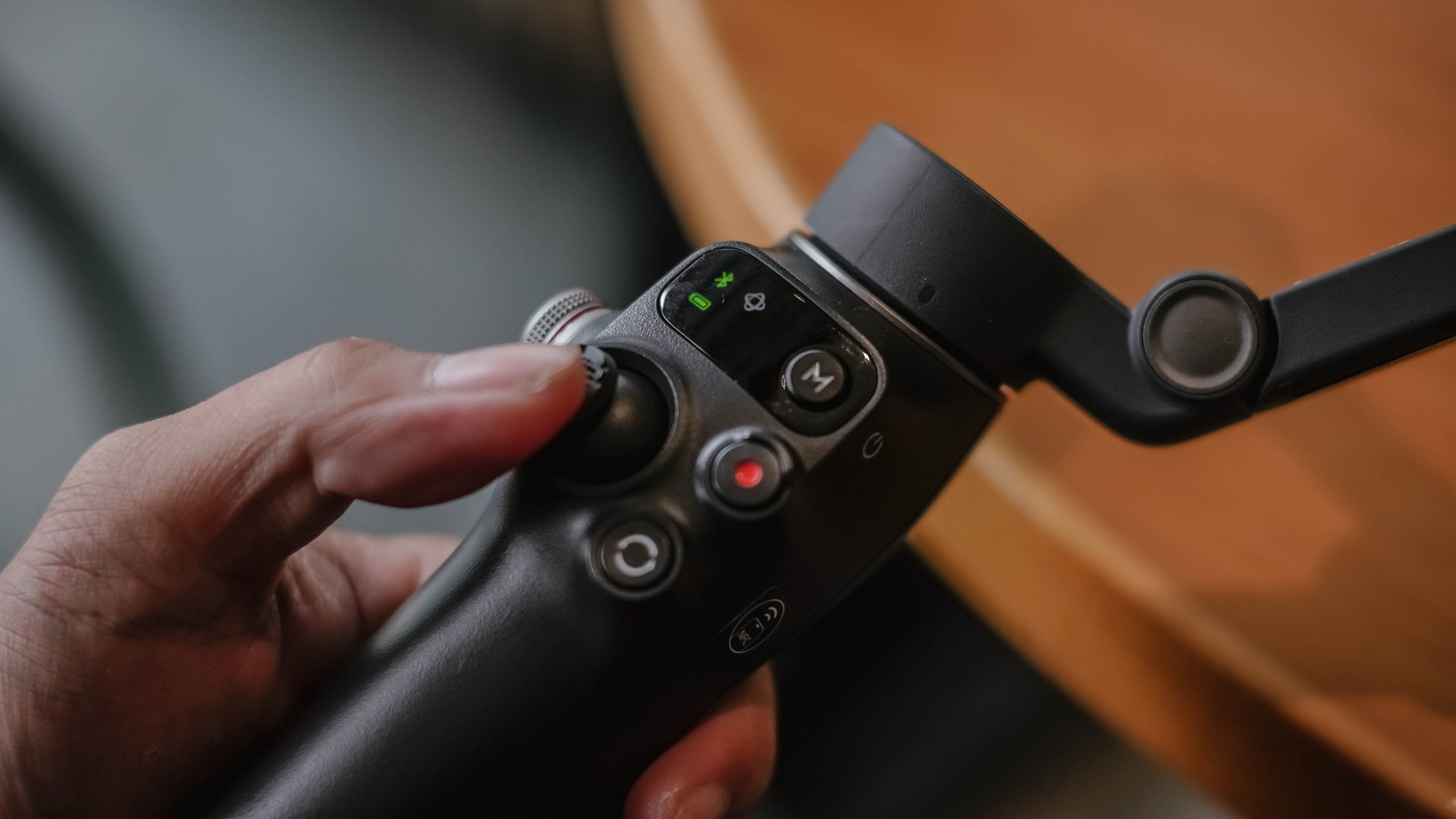
It didn’t make my shots steadier, but the Osmo Mobile 8 changed the way I moved while filming. I suddenly found myself planning sweeps and tracking motions that I would never attempt handheld.
Tracking that feels more intelligent
The tracking on the Osmo Mobile 8 is noticeably improved. Faces, pets, objects, and even faster subjects stay in frame more reliably.
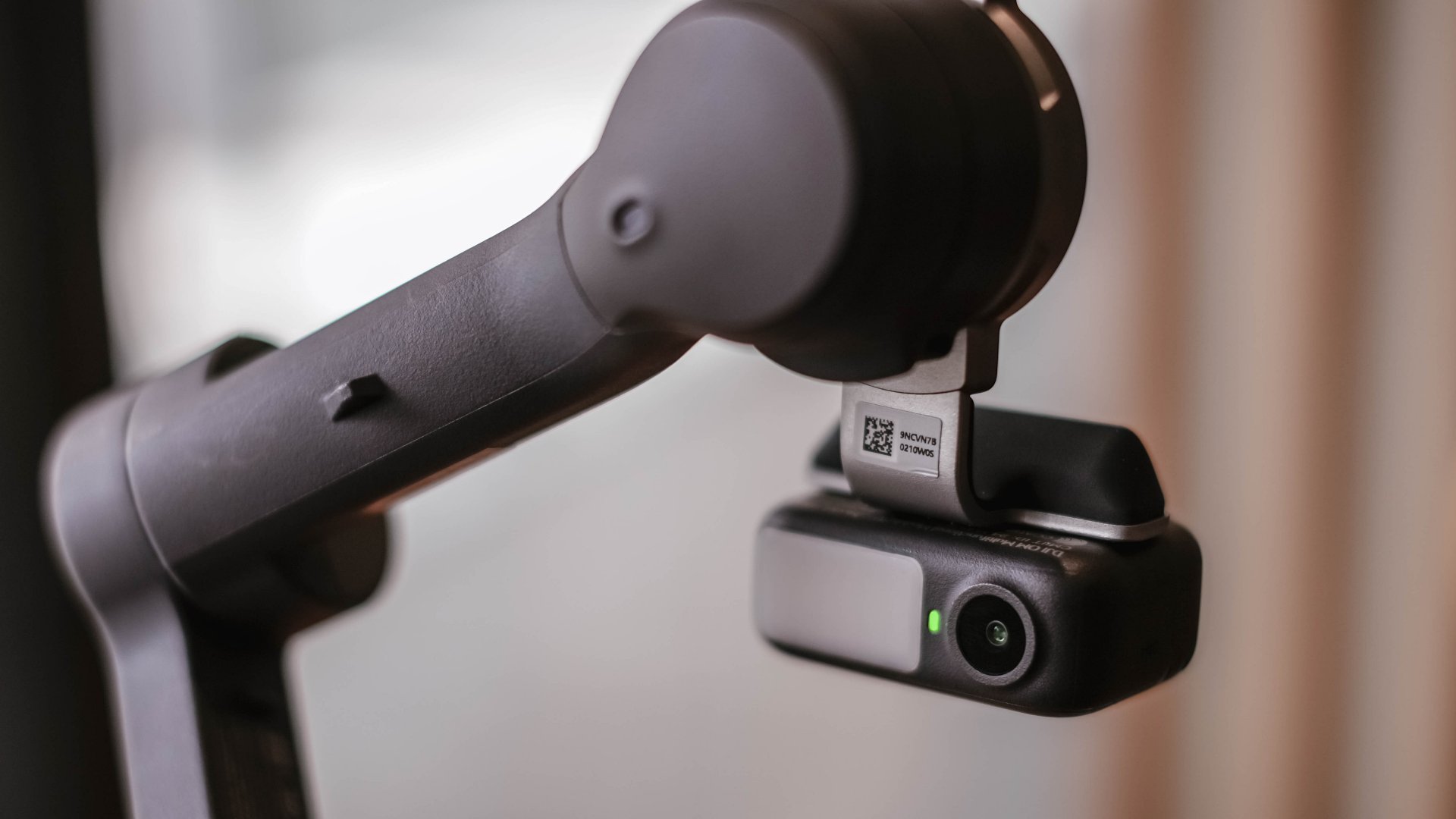
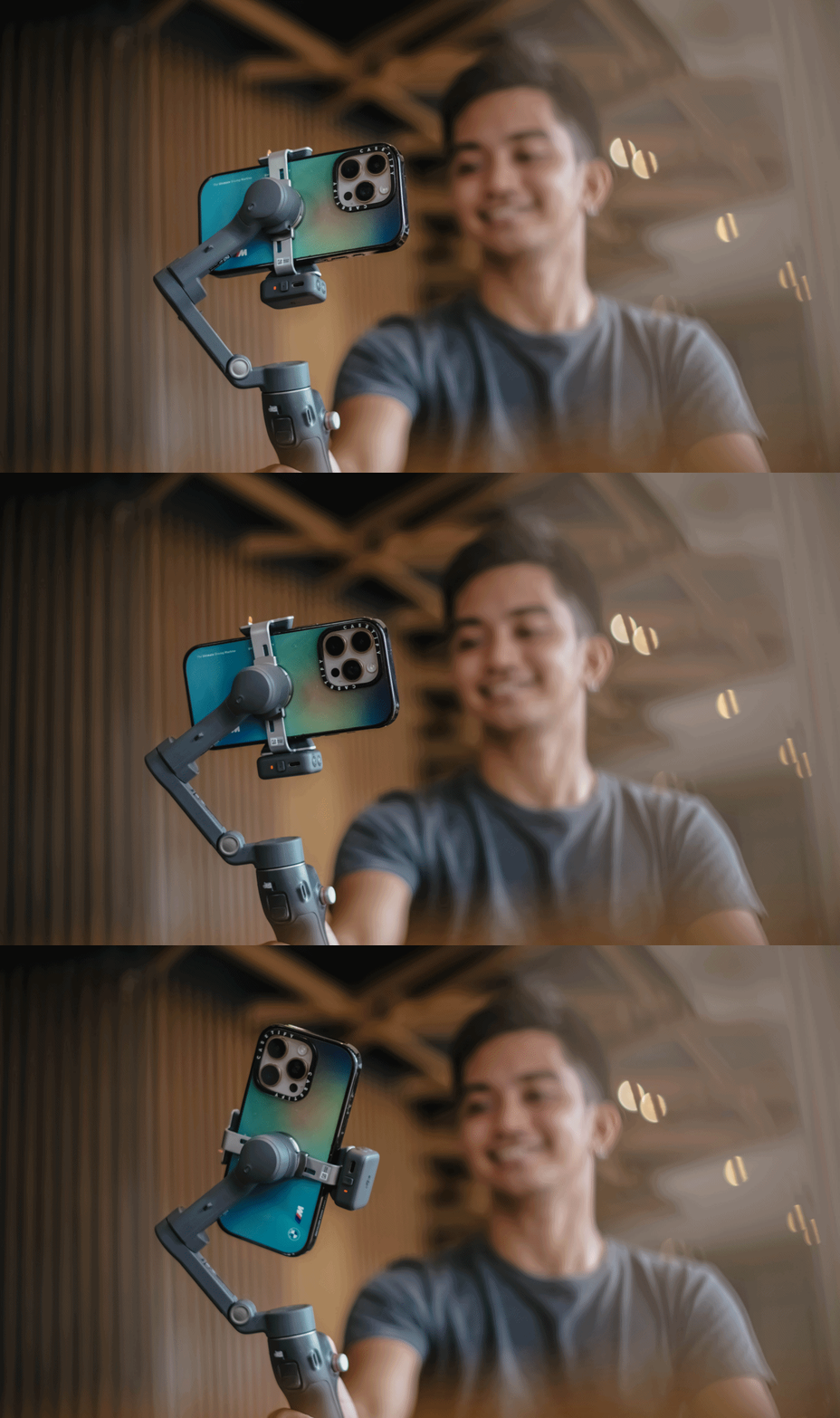
When I stepped away to record myself, the camera followed smoothly without overshooting. It felt responsive rather than reactive. This made solo shooting feel easier.
It also made dynamic movement filming more fun. I could run with a subject or move around a space and trust the framing.
A tool that fits everyday work
I always evaluate gear based on how it blends into my workflow. If it needs too much setup or thought, I will eventually avoid it.
The Osmo Mobile 8 feels fast. I can mount my phone, open the app, and start recording in a matter of seconds. And the battery life holds up well for a full day of casual shooting.
There is also support for counterweights if you use heavier external lenses or cases. The experience is smooth whether I am at an event, outdoors, or shooting casual everyday clips.
Frankly, I never expected to find a smartphone gimbal that felt necessary, yet the Osmo Mobile 8 is worth recognizing to be part of your creator kit.
Is the DJI Osmo Mobile 8 your GadgetMatch?
The DJI Osmo Mobile 8 delivers steady footage and a filming experience that feels composed. I appreciate what it adds to my work, and I recognize that it improves my content when I need it to.
Even so, it is not my personal everyday companion. I prefer filming with my phone alone and relying on built-in stabilization. I like moving lightly and freely.
But the Osmo Mobile 8 is a strong tool to have in the kit for specific situations.
Swipe right if you want steady and controlled movement in your videos, especially when you shoot travel, sports, or even events where an extra movement is part of the story. It might help you create more cinematic clips without a full camera setup.
Swipe left if you prefer minimal gear, and if you’re someone who’s always ready for spontaneous shooting but doesn’t want any additional setup.
The DJI Osmo Mobile 8 retails for PhP 7,499. It’s available in DJI’s official website and authorized stores.

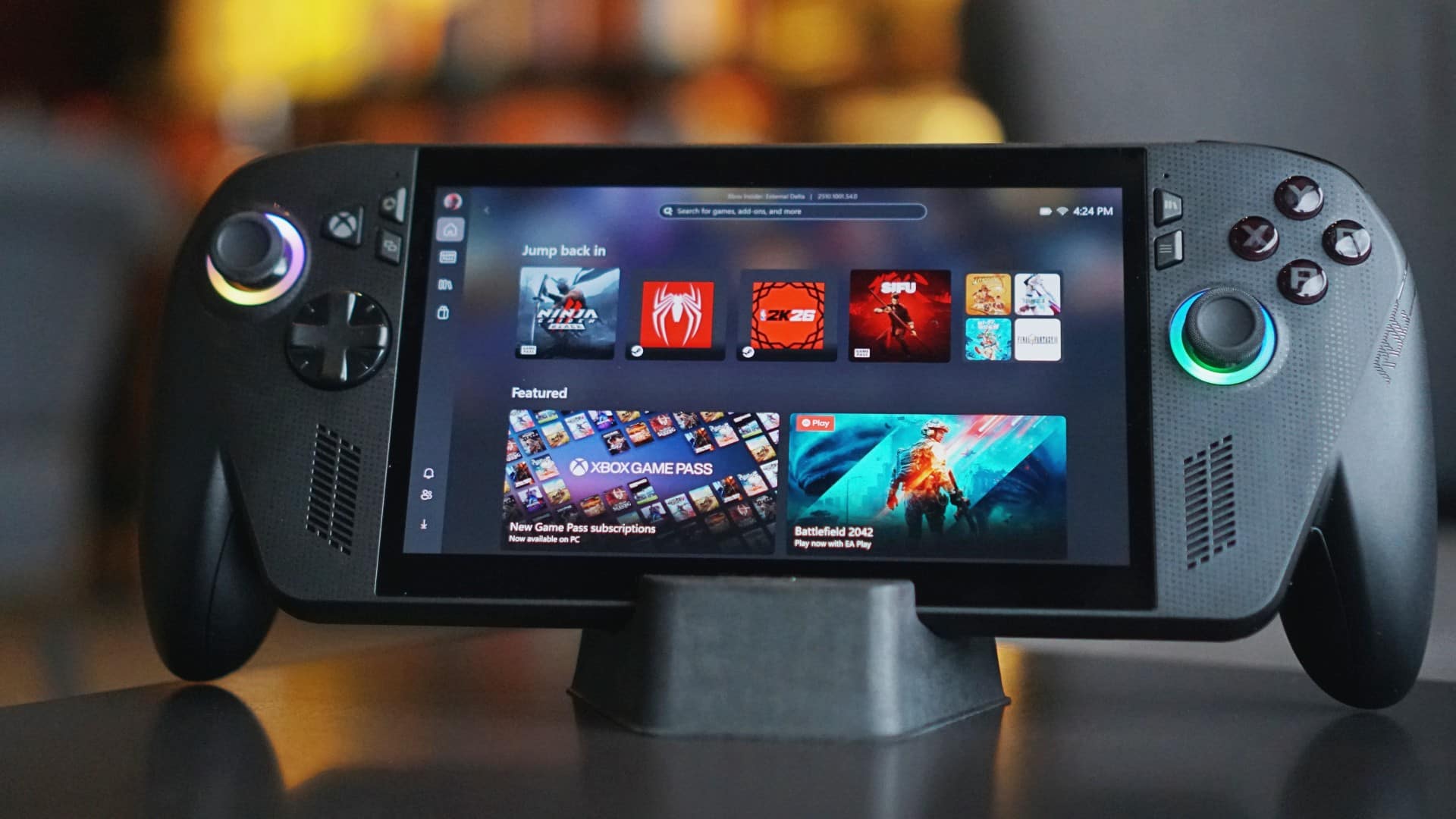
We’ve spent enough time with the ROG Xbox Ally X to say this: it’s no longer just a novelty, it’s a handheld that finally knows what it wants to be.
The first Ally from 2023 was exciting — a bold step toward making PC gaming portable. But after a few sessions, it felt more like a prototype for what was coming next.
This one? It feels complete.
So, in this edition of Match Pulse, let’s talk about how the Ally X grips better, plays longer, and why it finally deserves the Xbox badge printed on it.
First look
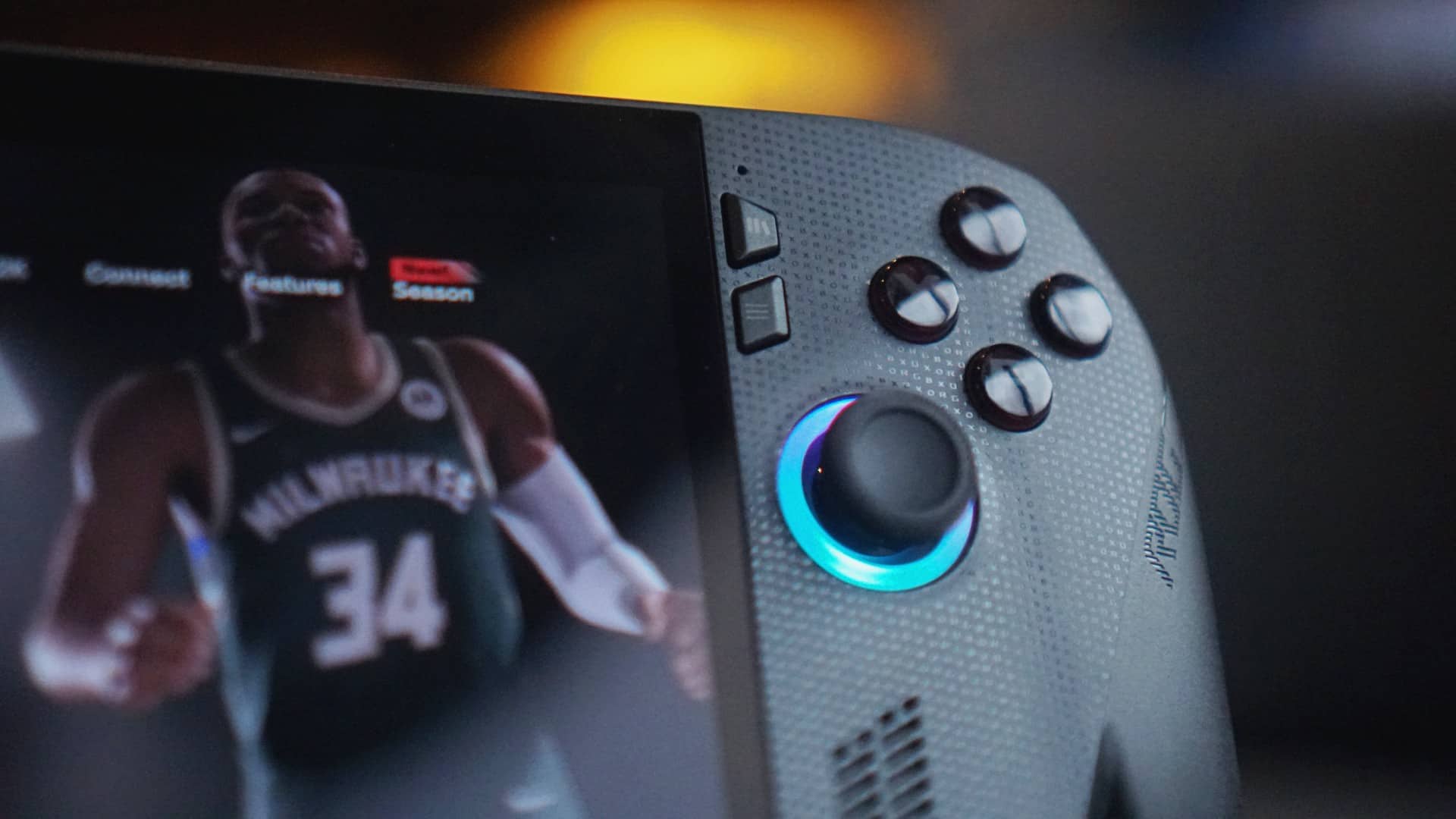
The first touch felt awkward — the kind of feeling you get when you’re not sure how to hold something new. But the longer you hold it, the more it starts to make sense.
The redesigned grips, patterned after Xbox controllers, give it a natural curve that rests well in your palms. It still doesn’t dig in as much as I’d like to – the way it does on the Legion Go S – but it’s certainly an improvement.
It’s subtly heavier than the original, but the weight works in its favor. The balance feels right. The texture, more grounded. It feels made for long sessions, not quick demos.
This is where ASUS seems to have listened. What was once a bit slippery now feels like an extension of your hands. The matte finish stays clean, the edges no longer bite. It’s a small but significant shift — and one that makes a world of difference in how it’s used.
First date
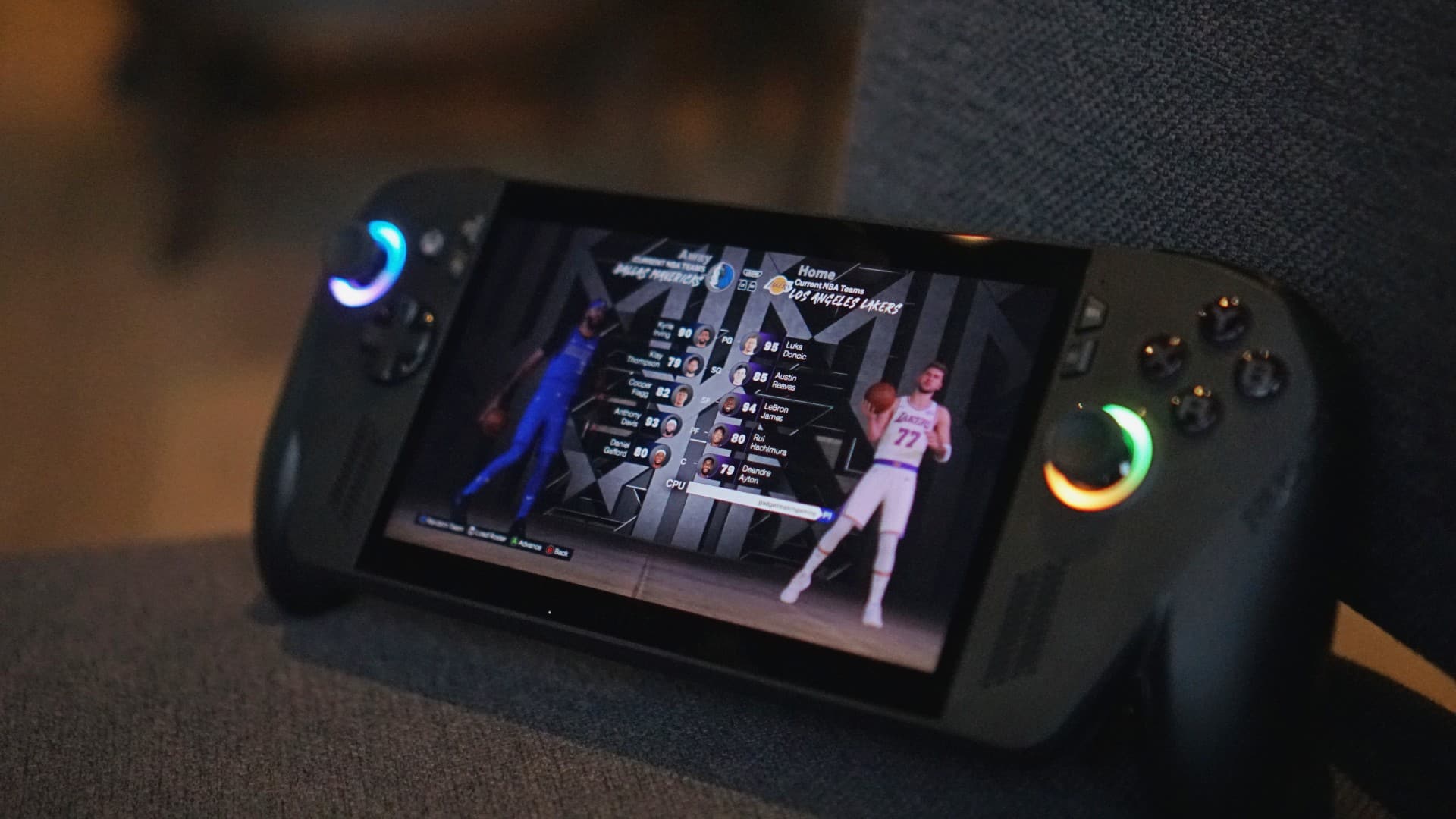
We tested it the same way we tested the original Ally: unplugged, Turbo mode, 25W TDP, NBA 2K Quick Play.
Back then, we couldn’t finish more than a single game and a few minutes of freestyle practice before the battery flatlined.
This time, it’s double that.
Two full games before reaching for the charger — and that’s without dialing down the settings. The new 80Wh battery doesn’t just promise endurance; it delivers it.
The cooling system has also been reworked, quieter yet just as efficient. It’s the kind of update that doesn’t make headlines, but you hear it – or I guess In this case, not hear it as much.
Together, these tweaks make the Ally X something the original never quite managed to be — a handheld that lets you play longer unplugged.
First impressions
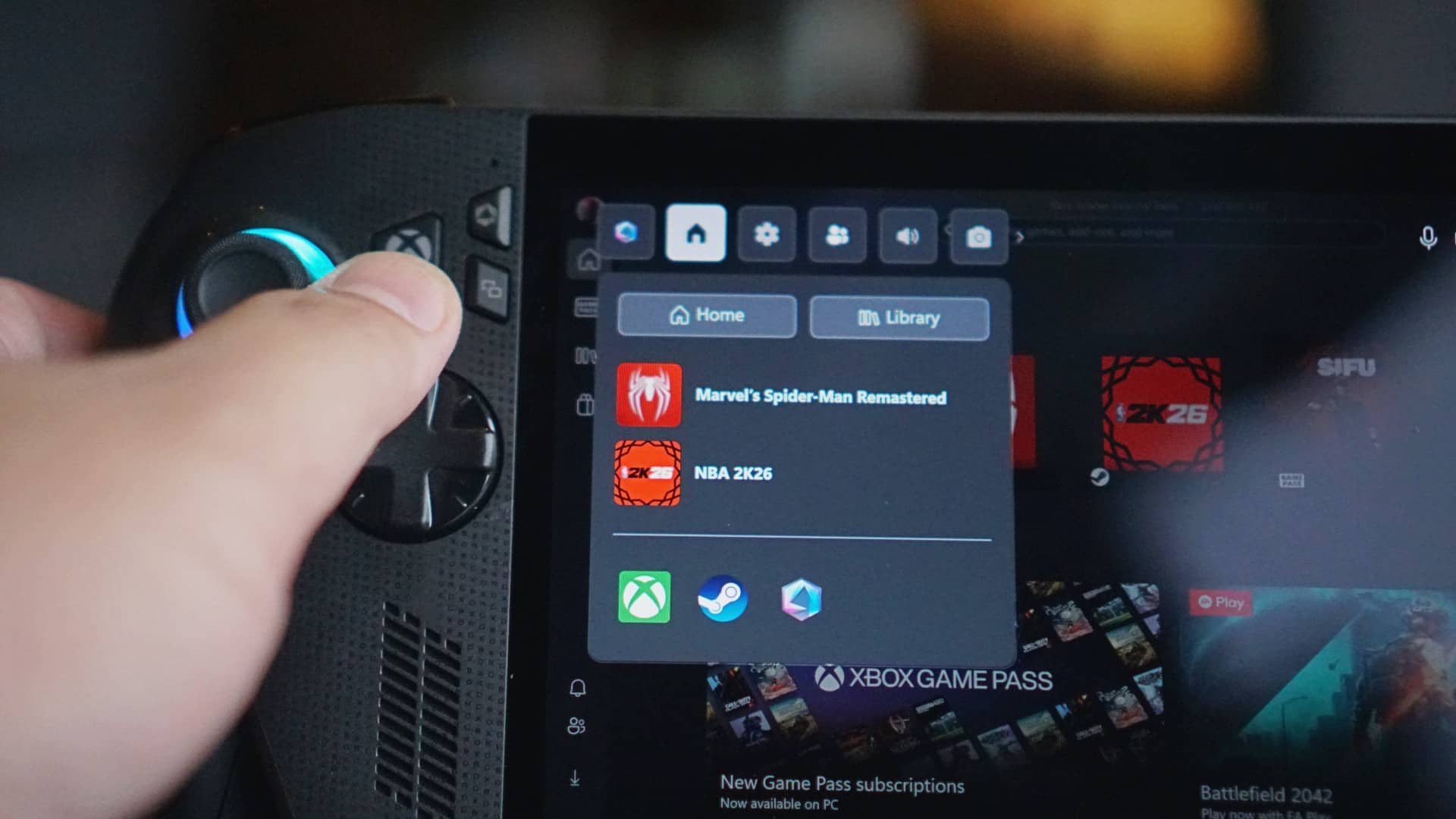
The Xbox influence is everywhere, and it’s not just branding. The Ally X now boots straight into the Xbox app, with the familiar button logo acting as your home key. Press it, and you’re instantly back in the Xbox ecosystem.
It feels less like a PC pretending to be a console, and more like a handheld that understands both worlds.
You can still jump into Steam or Game Pass with ease, but the default experience is unmistakably Xbox — intuitive, familiar, and cohesive.
All these refinements add up to something simple but powerful: this finally feels like a true successor.
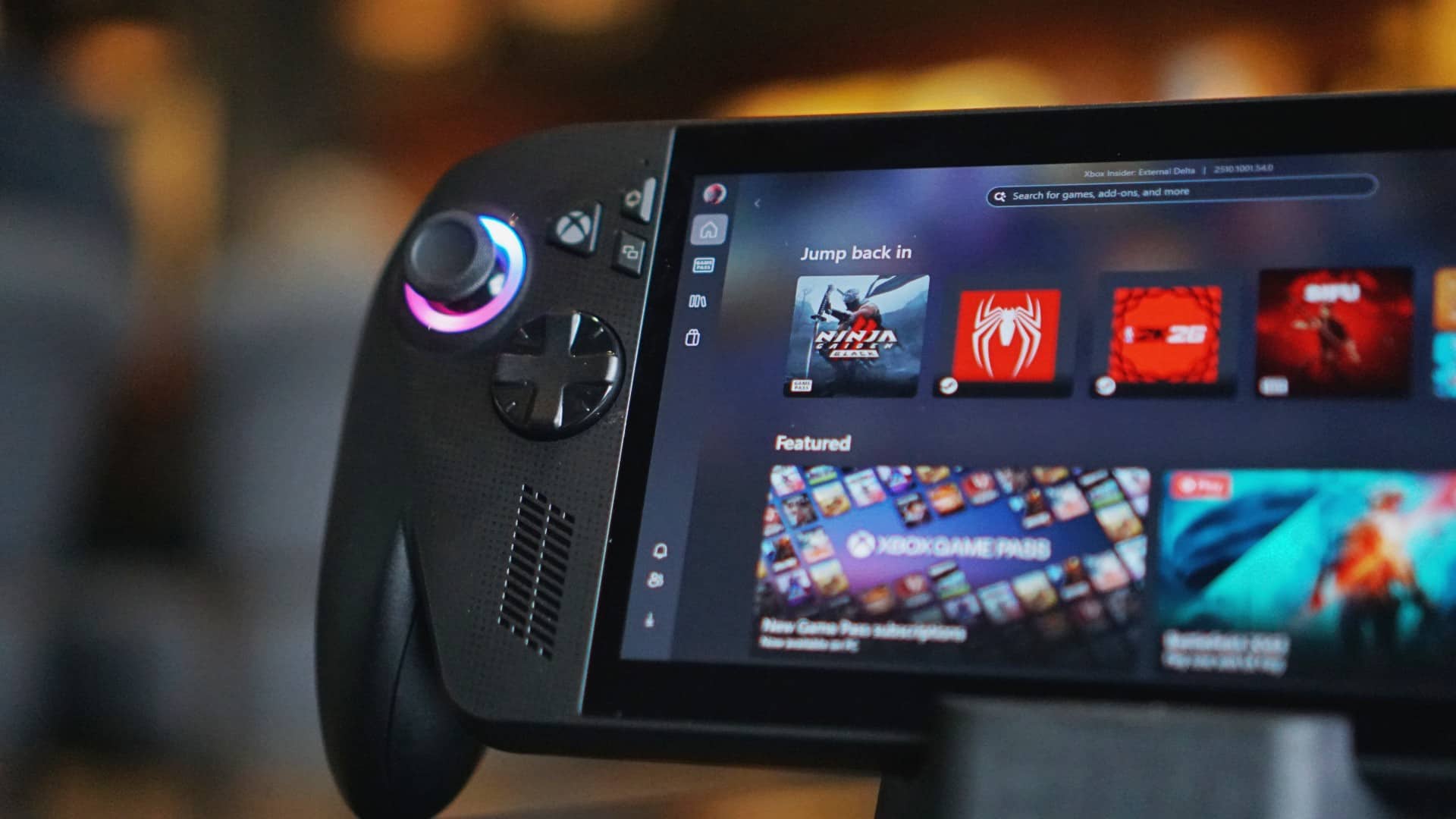
The ROG Xbox Ally X doesn’t reinvent the idea of handheld gaming, but it refines it where it matters — in the way it feels in your hands, in how long it lasts, and in how effortlessly it connects to what you want to play.
If the original was a promise, this one is fulfillment – still with room for improvement, sure, but I trust you get the gist.
Learn more: https://ph.rog.gg/playALLYourgames2025
Where to buy: https://ph.rog.gg/wheretobuy2025



IQOS x Isabel Santos turns heated tech into a cool, design statement

Neon Genesis Evangelion is getting another anime series

Nothing releases first look at Phone (4a)

Dyson PencilWash makes wet cleaning feel effortless

Jackery portable power solutions makes appearance at Doraemon Run

Breaking up with Adobe Photoshop after 20 years

TECNO will showcase the CAMON 50 and POVA 8 series at MWC 2026

PlayStation, LE SSERAFIM Chaewon team for the ‘Love of Play’ campaign

New DRAGON BALL game project “AGE 1000” for 2027 announced

VinFast updates battery subscription policy for large upfront savings


-
 Reviews2 weeks ago
The art of being in and behind the frame
-

 Gaming2 weeks ago
God of War Greek trilogy remake in development, Sons of Sparta out now
-
 India2 weeks ago
TECNO POVA Curve 2 5G packs an 8000mAh battery
-
 First Look2 weeks ago
Match Pulse: OPPO Reno15 Pro
-

 Accessories2 weeks ago
Sony WF-1000XM6 is out now: Price, availability
-

 Gaming2 weeks ago
New Resident Evil Requiem trailer teases a return to the RPD
-

 Accessories1 week ago
Apple AirTag 2 Review
-

 Gaming2 weeks ago
John Wick, Kena sequel, more new games showcased at State of Play