


Cameras
Fujifilm X-T30 Review: Remembering my love for photography
An ode to how I first fell in love

I fell in love with photography when I was around 10. There was a different kind of glee whenever my hands carried a compact camera. My younger self would capture photos that I find beautiful, even things with little to no significance like walls, sidewalks, and ugly buildings. It’s probably the reason why I pursued photography and made a career out of it. I just love photography so much.
Soon after joining GadgetMatch, I found myself using my camera less and less. I started leaning towards smartphone cameras, taking snaps to be uploaded on social media and sample photos for our smartphone reviews and camera shootouts. Everything became for work and I forgot why I love photography.
When I got my hands on Fujifilm’s latest camera, the X-T30, there was a yearning inside me — to go around, to see places, to take on an adventure. And I did.
An ode to my love for photography
The Fujifilm X-T30 made me remember why I fell in love with photography. It was like the days when I was 10 years old, carrying a compact camera innocently. The X-T30 felt like an invitation to try photography, once again.

Its vintage look is like a trip down memory lane. It brims with nostalgia and takes you to the wonders of your humble beginnings. No wonder I felt like a kid again, curious about the world and ready to explore.
But despite the classic approach, the Fujifilm X-T30 still has a modern and sleek feel to it. It’s something that youngsters would love to use during their travels; something that will let them flaunt their love of photography without appearing like a professional photographer.
Going back to where it first started
The X-T30 made me want to use cameras again instead of smartphones during my travels. When I went on an adventure, I kept my smartphone in my bag and focused on taking photographs. The X-T30 is lightweight at 383g and was made with portability in mind. Even though I have thin, fragile arms, I can carry the camera with just one hand.

Despite using a Fujifilm camera in my earlier trips, I found it confusing to navigate Fujifilm’s dials and other functions. It’s because I’ve been using Sony’s mirrorless cameras for more than two years already that I’ve grown accustomed to its design.

Nonetheless, you don’t have to be a quick learner to figure out Fujifilm’s cameras, especially the X-T30. Once you start getting the hang of it, you’ll be unstoppable in taking lots of photographs. It packs a lot of camera modes, complemented by easily accessible controls to suit different situations.
It’s also easier to grip and hold, with ample space for your hand beside the controls. It has a tiltable touchscreen LCD monitor too, so you can take amazing low and high angle shots.

With this camera, you will truly love to fall in love with photography again. I repeat: Photography, not mobile photography. There’s a difference.
Reminding you of your potential
Just like every mirrorless camera out there, the Fujifilm X-T30 can provide my photography needs. But what sets this camera apart from its competitors is its ability to be a beast in photography, despite being small. Some dubbed it a “Little Giant,” and I couldn’t agree more.

The X-T30 sports an even better sensor and processor, the latest X-Trans CMOS 4 and X-Processor 4, respectively. With the combination of these two, it’s easier to take photos quickly with outstanding quality. Your photos will look rich in colors and tones and you can now track a moving subject faster with its improved face- and eye-detection AF. It’s even more accurate as it can let you select faces and focus on them.
Additionally, you can take photos swiftly, too! The mechanical shutter will let you shoot continuously at up to 8.0fps in full resolution, while the electronic shutter allows a high-speed continuous shooting of up to 30fps. Oh, you can take 4K/30P videos too!
This camera just reminded me of my potential when I was just starting, and the potential that I can still achieve. How one can dream big and believe in itself that it can do a lot of things. Despite being small and compact, the Fujifilm X-T30 is one powerful camera.
To put my heart on my sleeve once again
In this age, photographs are meant to be shared. However, taking photographs with the X-T30 didn’t feel like I want to brag about my shots. Yes, I’m happy (and proud) that I didn’t lose my skill and passion, but the photographs I took felt too personal. It’s as if an array of emotions linger in every photo, and personal stuff makes me shy away from the spotlight since it makes me vulnerable.

It’s just like falling in love with someone. We’re afraid of showing off our emotions (or works, in this scenario) that we tend to avoid confronting these mixed feelings — ranging from joy, fear, bliss, and frustration.
Using the Fujifilm X-T30 made me take photos for my own consumption and keep it to myself — just like what I do when I love someone.

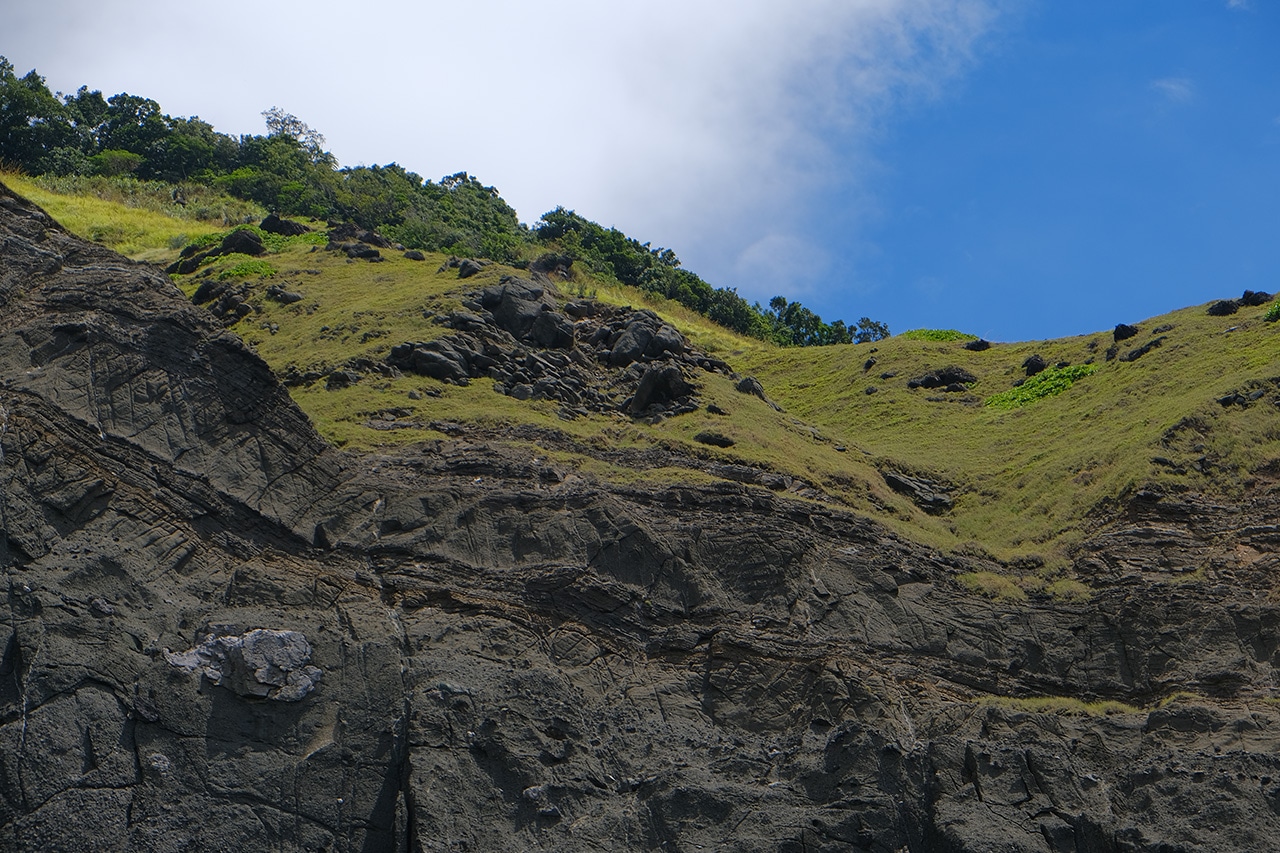

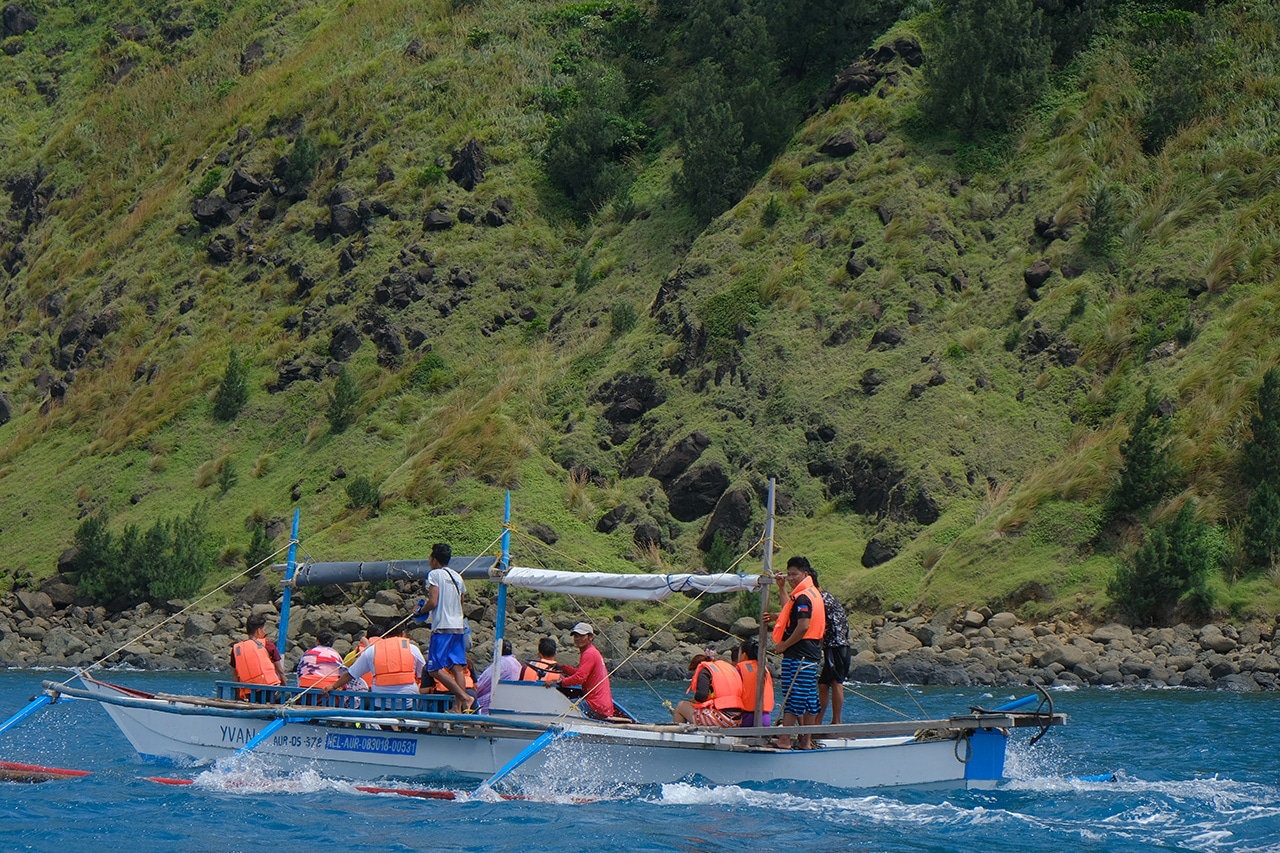

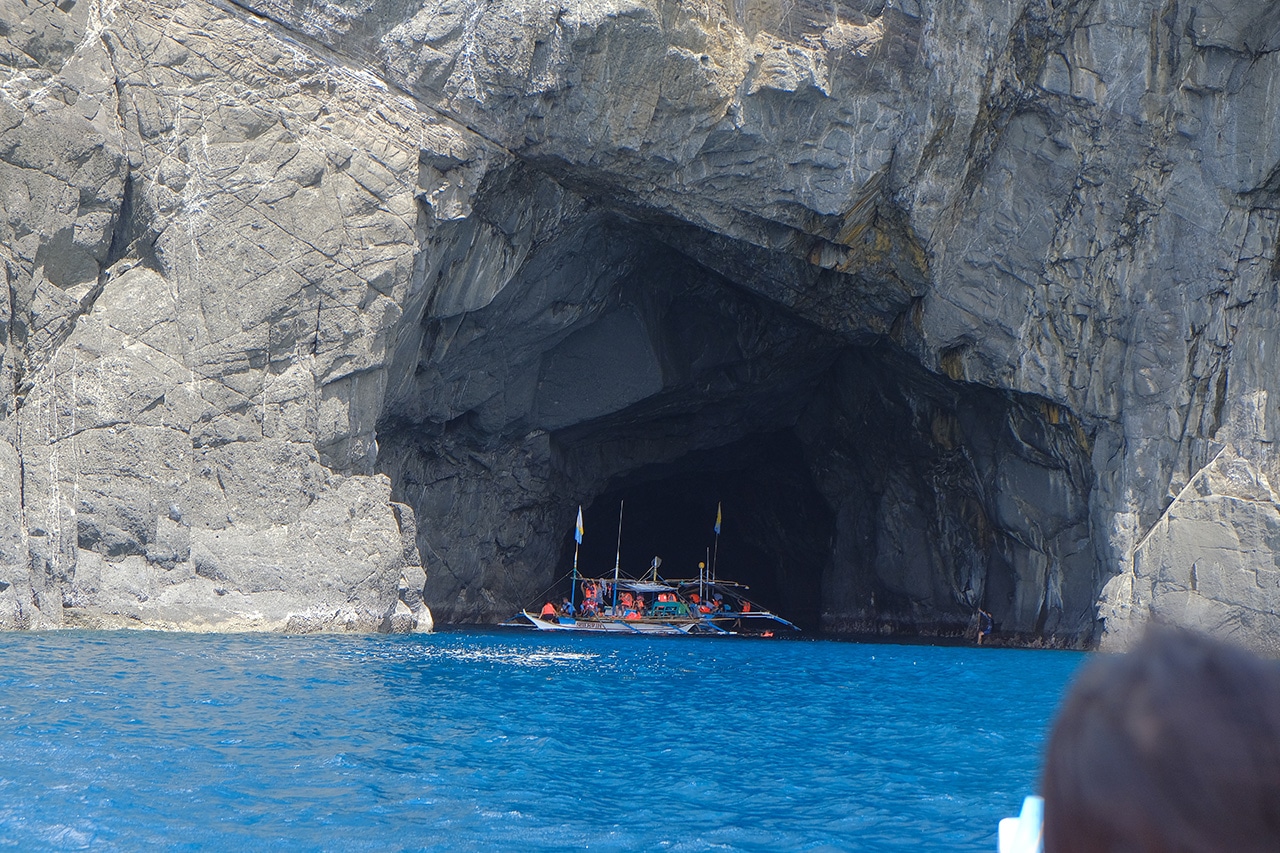
On another note, taking photographs with the X-T30 made it less about me and more about the world around me. When I was using a smartphone, I’ve always taken selfies and asked people to take my photo so I can post it on Instagram. This time around, it’s just me, the camera, and the moments waiting to be captured during my adventures.
Even our producer Vincenz focused more on his surrounding during his travels. Here’s an example of the night shot he perfected by being in tune with the world around him:
-

- Shot by Vincenz Lee | GadgetMatch
-

- Shot by Vincenz Lee | GadgetMatch
Knows how to match you (and your aesthetic)
What I love about Fujifilm is its unique Film Simulation modes. It lets me use a certain film as a preset to be applied to the photo I’m taking. For instance, my favorite is ETERNA, which subdues the color as if it’s a still from a movie. Take a look at the example below:
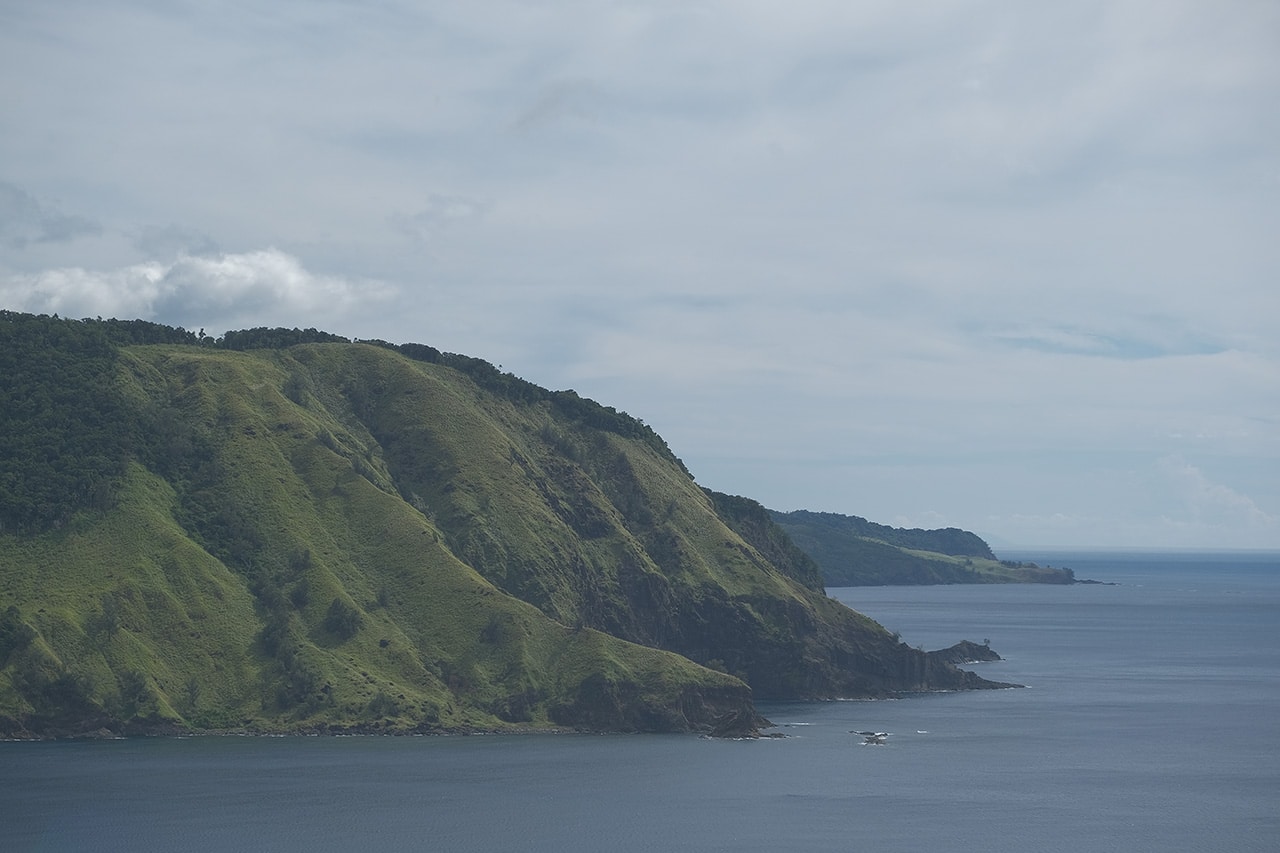
While it’s better to apply our favorite presets and our own editing style during the post-processing, Fujifilm’s Film Simulation modes made me feel like it knows me, my taste, preference, and aesthetics. And even though I have a particular set of style that I like, there are still a lot of films to choose from. I think what I’m saying is we all deserve something (or someone) that offers more than what else you want — and the X-T30 has that.
Some of the film simulations are Fujifilm’s very own photographic films: PROVIA, which delivers radiant colors exactly as you remember them, and Velvia, which provides high saturation and vivid colors.

Film Simulation: PROVIA | Photo by MJ Jucutan
There are also ASTIA offering soft tones for outdoor portraits, CLASSIC CHROME for creating subtle colors and muted tones, ACROS for a monochromatic shot that is rich in texture and deep blacks. Furthermore, PRO Neg. Hi and PRO Neg. Std both offers natural skin tones with the former creating high-contrast portraits while the latter produces realistic and softer tones in portraits.
There are stories that we can keep in our hearts forever
While on the boat looking out on the horizon, it dawned on me that I haven’t checked my smartphone in a while. I started living in the moment. One second, I’ll be stunned by the gorgeous landscapes we encountered along the way. Another second, I’m out shooting these vivid sceneries.
I’m astounded with how Fujifilm made me focus on capturing these wonders. It’s also amazing how it lets me keep these stories and it hit me: We can store these memories in different ways — it can be uploaded on social media, saved on our smartphones’ clouds and galleries, or for old souls, printed on a scrapbook and kept in a photo album.

Photographs, for me, are forms of moments translated into something tangible. Fujifilm lets you decide how to keep these memories. It remains modern in a way that it lets you transfer your photographs to your smartphone through its Camera Remote app and Bluetooth connectivity. It also has a micro USB cable for you to connect it to your laptop or PCs, since I’m sure some of you would opt to print your photographs the old-fashion way.
Is the Fujifilm X-T30 your GadgetMatch?
If you’re looking for a travel companion or getting back into photography as a hobby, the Fujifilm X-T30 is the right match for you. It’s basically a down-sized X-T3 complete with style and power.

The Fujifilm X-T30 starts at a retail price of PhP 52,990 (US$ 1,012) for its body only and PhP 75,990 (US$ 1,452) for the 18-55mm lens kit bundle. It’s now available in stores nationwide.





DJI has announced the global availability of the Osmo Pocket 4P Pearl White, a new color option for its dual-lens gimbal camera. The new edition retains the camera’s 1-inch CMOS sensor, 17 stops of dynamic range, 10-bit HDR video recording, and dual-lens system.
The Pearl White finish uses mica-infused pearlescent pigments and a multilayer spray coating that creates subtle changes in appearance under different lighting conditions. DJI designed the new colorway for creators who want a camera that complements lifestyle photography, travel vlogging, and everyday video production.
DJI Osmo Pocket 4P Pearl White features
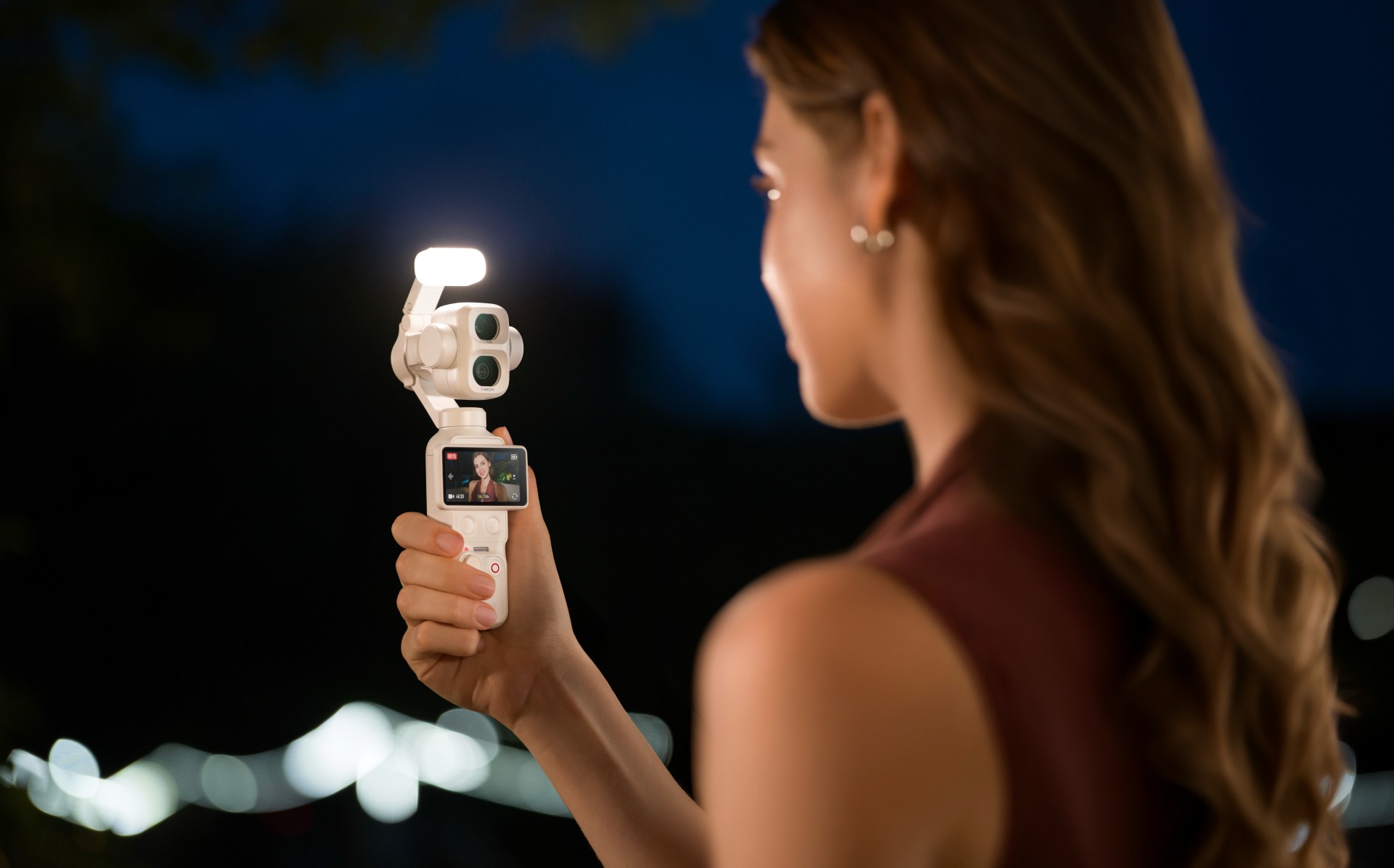
The Osmo Pocket 4P Pearl White features two lenses with different focal lengths. Its primary 20mm wide-angle lens has a 1-inch CMOS sensor and an f/2.0 aperture. It supports video recording at up to 4K at 240 frames per second, with LOFIC technology helping preserve highlight and shadow details in challenging lighting conditions.
The camera also supports up to 17 stops of dynamic range and a 10-bit D-Log 2 color profile. These features give creators greater flexibility when adjusting colors, exposure, and contrast during post-production.
For portraits and tighter compositions, the 60mm medium-telephoto lens has an f/1.8 aperture and supports 3x optical zoom and up to 12x zoom. The camera combines both lenses with gimbal stabilization in a compact body weighing approximately 230 grams.

Other creative features include:
- Slow-motion video: Record up to 4K at 240fps for slow-motion footage.
- High-resolution photos: Capture still images at up to 37 megapixels.
- 4K Live Photos: Record 1.5-second clips alongside photos.
- ActiveTrack 8.0: Track subjects such as people, vehicles, and pets.
- Fast file transfers: USB 3.1 support enables transfer speeds of up to 800MB/s.
- Extended battery life: Record for up to 210 minutes on a single charge.
- Fast charging: Reach 80% battery capacity in as little as 18 minutes.
- Automatic iOS transfers: Transfer newly captured footage to compatible iOS devices after powering off the camera.
Automatic media transfer works best with an iPhone 16 series device or later running iOS 26.4.1 or above, provided the camera battery is above 15%.
The camera also supports HDR 10-bit video recording for footage with a wider range of colors and greater flexibility during editing.
Compatible with DJI Osmo accessories
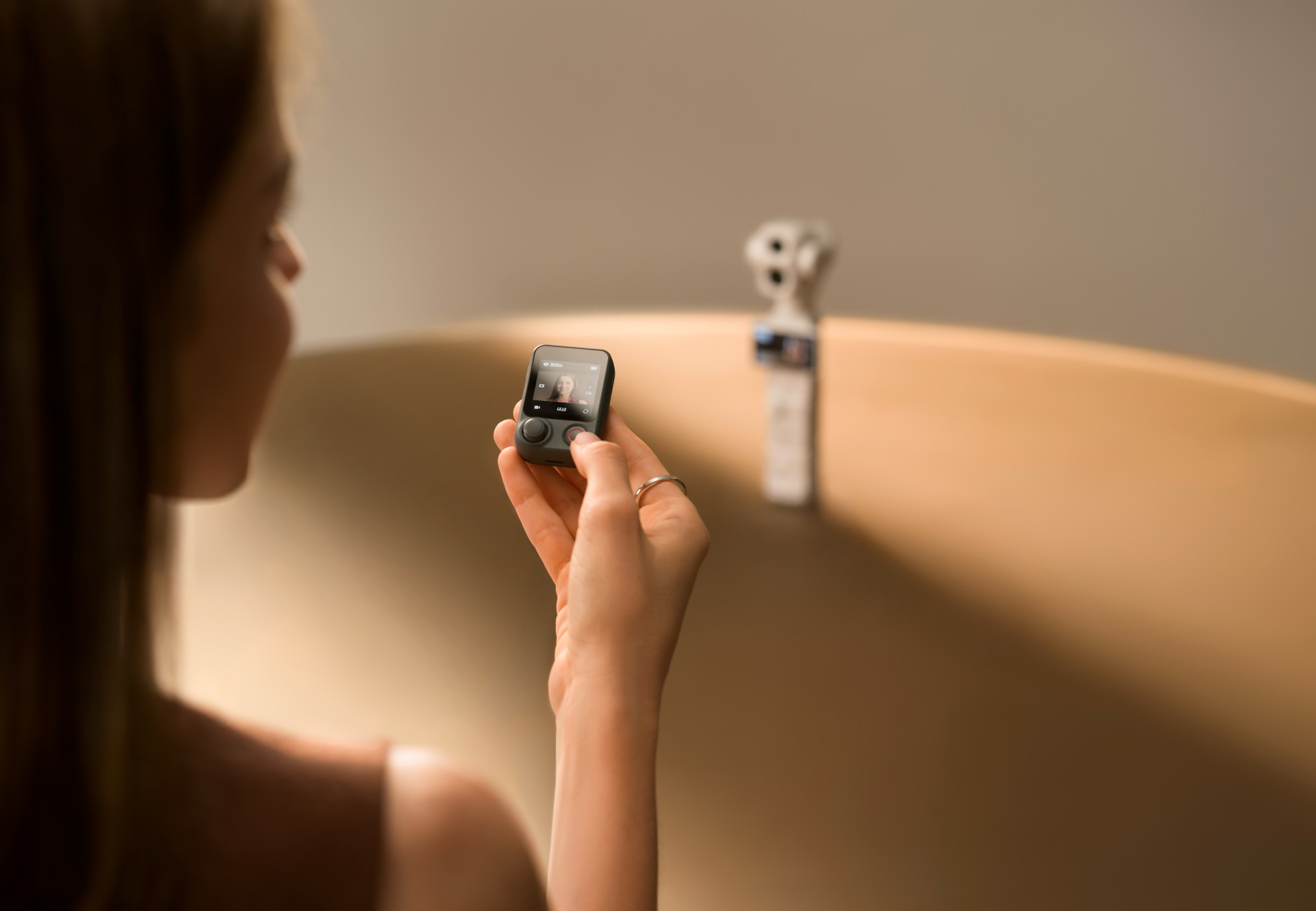
The Osmo Pocket 4P Pearl White works with DJI’s existing Osmo accessory ecosystem. Compatible accessories include the Osmo Pocket 4 Fill Light, ND and polarizing filters, wide-angle lens adapters, battery handle, and OsmoAudio microphones.
These accessories are sold separately, allowing creators to customize their setup for different shooting scenarios.
DJI Care Refresh coverage
DJI Care Refresh is available for the Osmo Pocket 4P Pearl White. The protection plan covers accidental damage, including collisions and water damage, through a replacement service for an additional fee.
The one-year plan includes up to two replacements, while the two-year plan includes up to four replacements. Other benefits include official warranty coverage, international warranty service, and free shipping, subject to DJI’s terms and conditions.
Pricing and availability
The DJI Osmo Pocket 4P Pearl White is now available globally. The Standard Combo is priced at £529 in the UK and €599 in Europe.
For more information, visit the official DJI Osmo Pocket 4P website.
Accessories
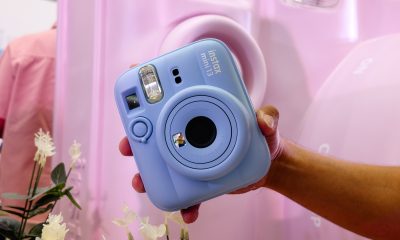
Fujifilm’s new instax Pal 2 and Link WIDE 2 make room for more creative memories
A new pocket camera and a collage-making printer join the instax family.
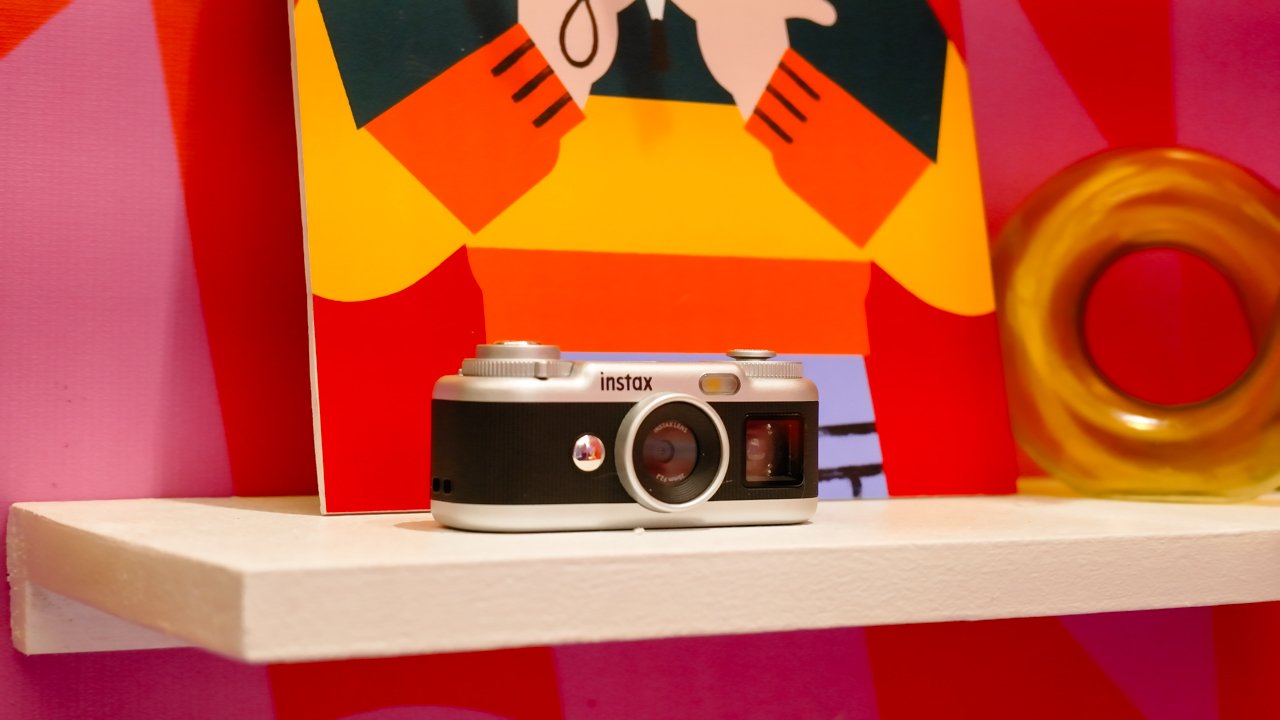
Seeing a memory take shape beyond your screen changes how it feels. A favorite photo becomes a print you can tuck into a journal or pin beside your desk, and the everyday moments you capture get a little more room to live.
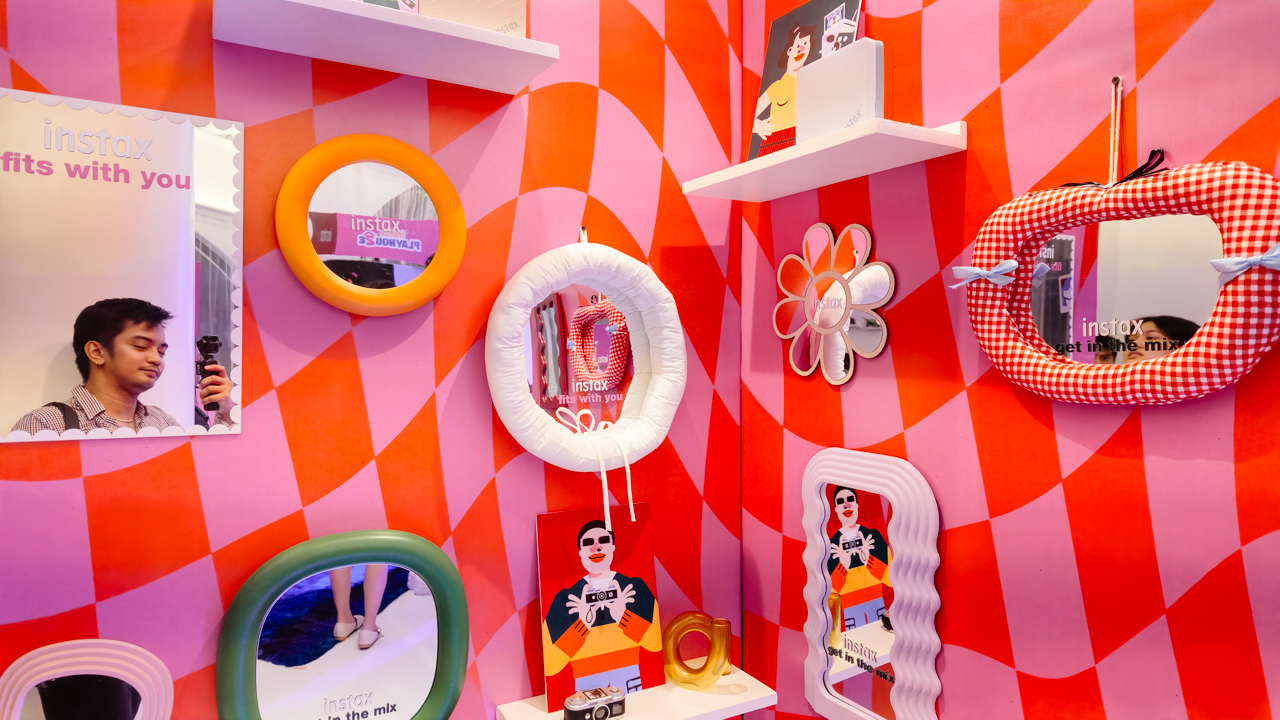
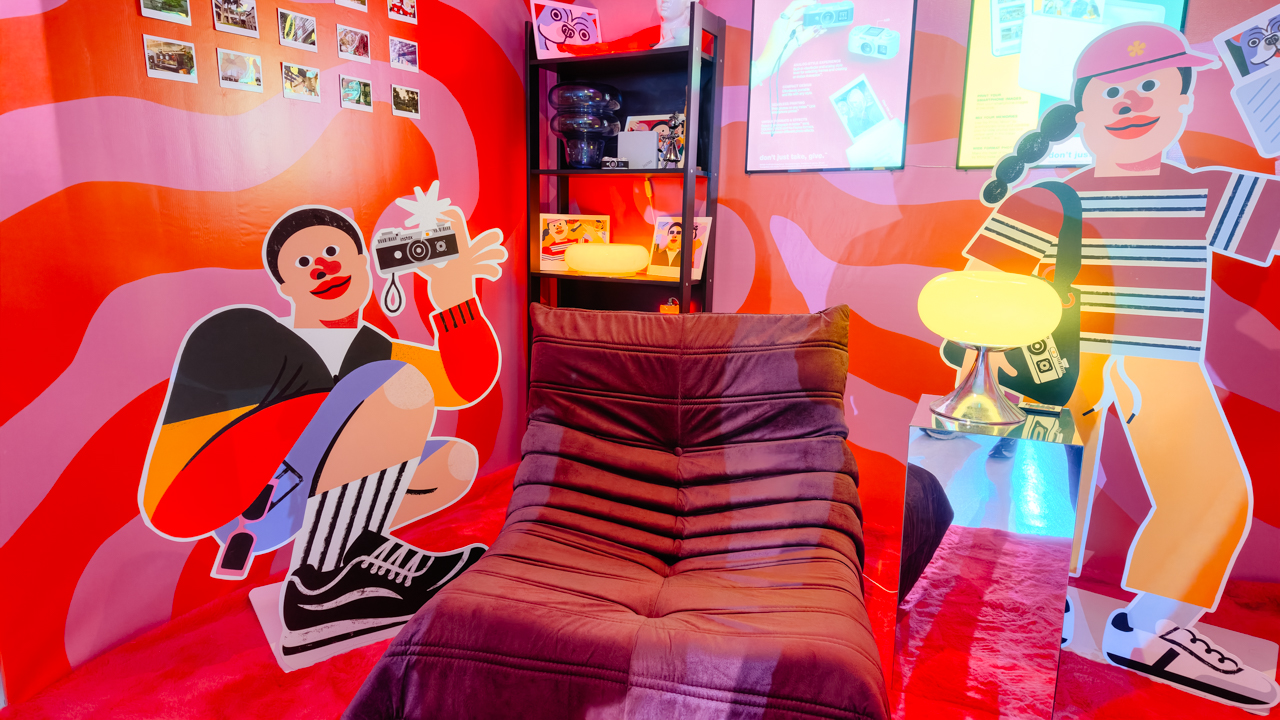
That was the spirit of Fujifilm’s instax Playhou2e launch in Makati, where visual artist Jill Arteche brought her signature illustrations into the event space.
Her artwork surrounded the latest additions to the instax family, the instax Pal 2 and instax Link WIDE 2. Both devices treat photography as a form of personal expression, from the snapshots you take throughout the day to the printed memories you want to keep close.

A pocket-sized camera that goes wherever you do
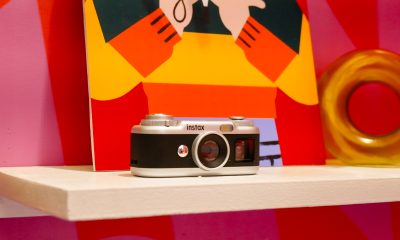
The original instax Pal made the case for carrying a camera without a full-sized setup. Its successor, the instax Pal 2, builds on that with a refreshed design and improved image quality.
The palm-sized camera is built for everyday adventures and can capture angles that are awkward to get with a smartphone. Its compact body also makes it easy to bring along if you like documenting your day as it happens.

Fujifilm gave the Pal 2 a semi-matte finish. A new monitor on top lets you review shots right after you take them, and the added viewfinder, control dial, and lever give it a more tactile feel to shoot with.
The specs have moved up, too. The Pal 2 captures 10-megapixel images, double the original’s five megapixels, and its internal storage holds up to 100 images compared with 50 before. A separately sold microSD card adds more room.
The creative options are where the Pal 2 gets playful. It offers 30 effects, so you can give images different moods without editing each one from scratch. Its instax Animation mode strings up to 10 consecutive shots into a flipbook-style animated video.
Transferring your photos is straightforward. The Pal 2 supports wireless Bluetooth transfers, and a USB Type-C connection offers faster transfers to compatible smartphones. From there, you can edit the images and post them to social media or keep them in your camera roll.
Because the Pal 2 is part of the instax ecosystem, its digital photos can also be printed on instant film through compatible instax printers. That means you can shoot first and decide later which moments deserve a physical copy.
Turning your camera roll into something worth keeping
Taking photos is only half the fun. The other half is deciding what to do with the hundreds of images that pile up on our phones.
The instax Link WIDE 2 is Fujifilm’s answer for anyone who collects travel photos or documents celebrations. As the brand’s WIDE-format smartphone printer, it prints at twice the image area of the instax mini format, which leaves more space for group photos and landscapes.
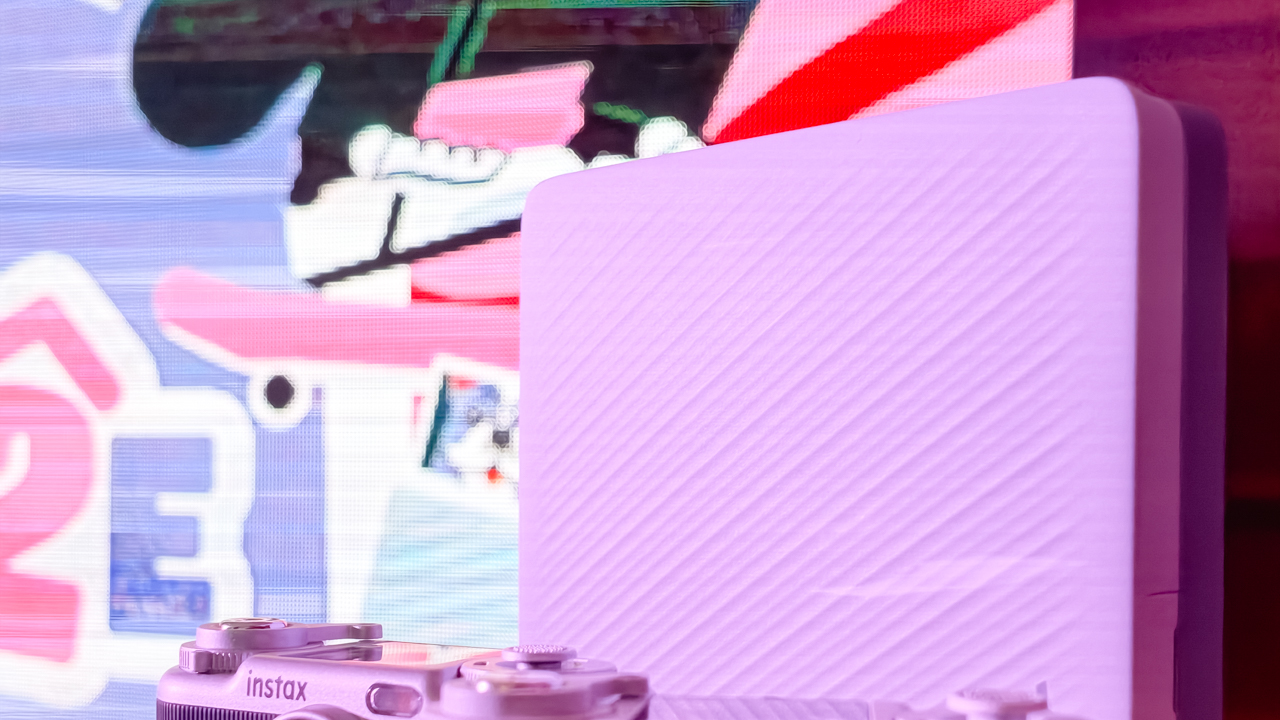
Its biggest new feature is Photo Mixer, which builds scrapbook-style collages from multiple images you pick in the dedicated app. Instead of printing a single photo, you can combine highlights from a trip or a gathering into one larger keepsake.
The app suggests layouts based on your chosen photos and adjusts image sizes, angles, text placement, and fonts to keep the design cohesive. You can then add your own text and stamps. A cutout function identifies people and objects in your photos so you can layer them into the collage.
With Photo Mixer, printing becomes part of the creative process, and your camera roll turns into material for building a visual record of an experience in a single print.
The Link WIDE 2 also gets a design refresh, with two-tone finishes in Duo Beige and Duo Blue. The light and dark surfaces give it a polished look on a shelf or desk, and an illuminated instax logo glows while it prints.
Connectivity has expanded, too. Beyond smartphones and tablets, the printer works with PCs, Fujifilm X Series cameras, and the instax Pal 2, so digital artwork and other compatible images can become physical prints.
A more personal way to keep your memories
The instax Pal 2 and Link WIDE 2 share the idea that photography is a way to express yourself. The Pal 2 makes it easy to capture moments as they happen, and the Link WIDE 2 gives those images a place in the physical world.

Jill Arteche’s artwork at the launch backed that idea up. Her illustrations filled the space with personality and showed how photos and art can make an environment feel more personal. The event also made a case for revisiting and reinterpreting the images we collect.

Taking a photo takes seconds, and printing one can make the memory feel more special. The instax Pal 2 and Link WIDE 2 bring that into everyday life and give your snapshots room for creativity, from the moment you press the shutter to the moment you find a place for the print.
In the Philippines, the Fujifilm instax Pal 2 retails for PhP 10,599, while the Fujifilm instax Link WIDE 2 is priced at PhP 10,999. Both devices are now available on Fujifilm’s authorized stores and retailers nationwide.
Cameras
Sony introduces its 1st Fisheye Zoom G Lens
Broad range for landscapes, architecture, sports, and video production

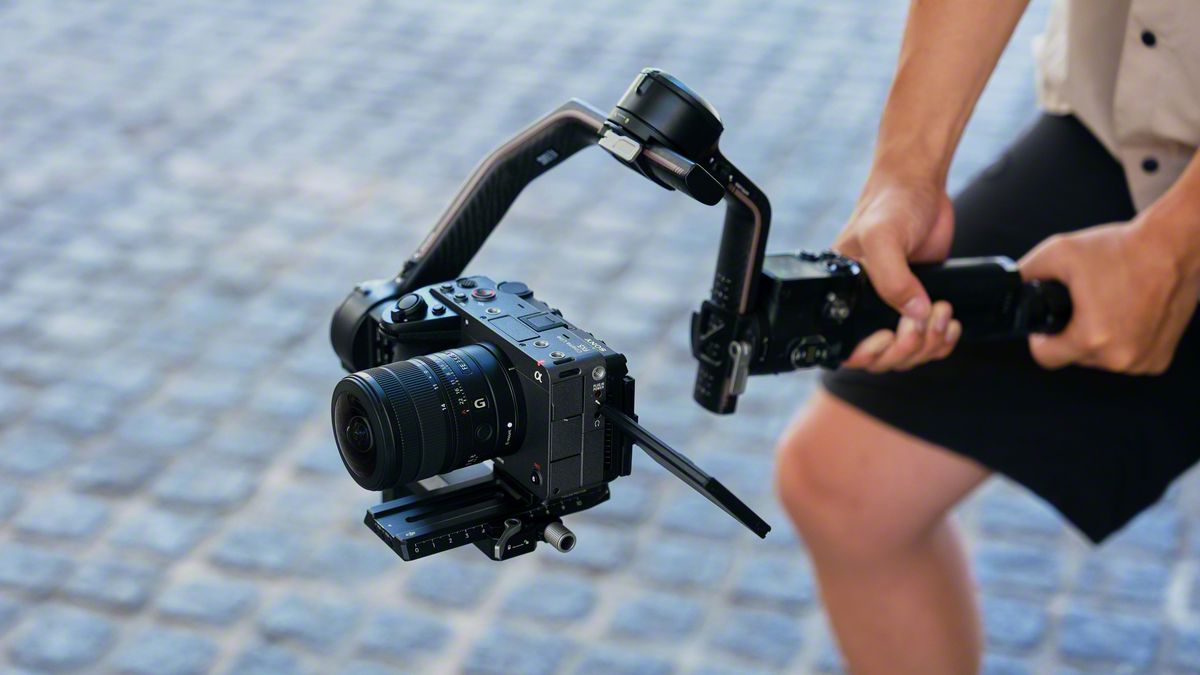
Sony has just launched its first fisheye zoom G Lens for full-frame Alpha E-mount cameras: the Sony FE 8-14mm F3.5 Fisheye G. It will be available from late September for an SRP of US$ 1,599.99 / SG$ 2,049.
The 8 mm to 14 mm zoom focal range covers a broad set of fisheye perspectives in one compact lens.
At 8 mm, the lens shoots circular fisheye with a 180-degree angle of view projected as a circular image on a full-frame sensor.
Meanwhile, at 14 mm, it shoots diagonal fisheye across the full frame with a 180-degree diagonal angle of view.
Users can match the angle of view and composition to the subject and creative intent, across various scenarios like landscapes, architecture, sports, and more.
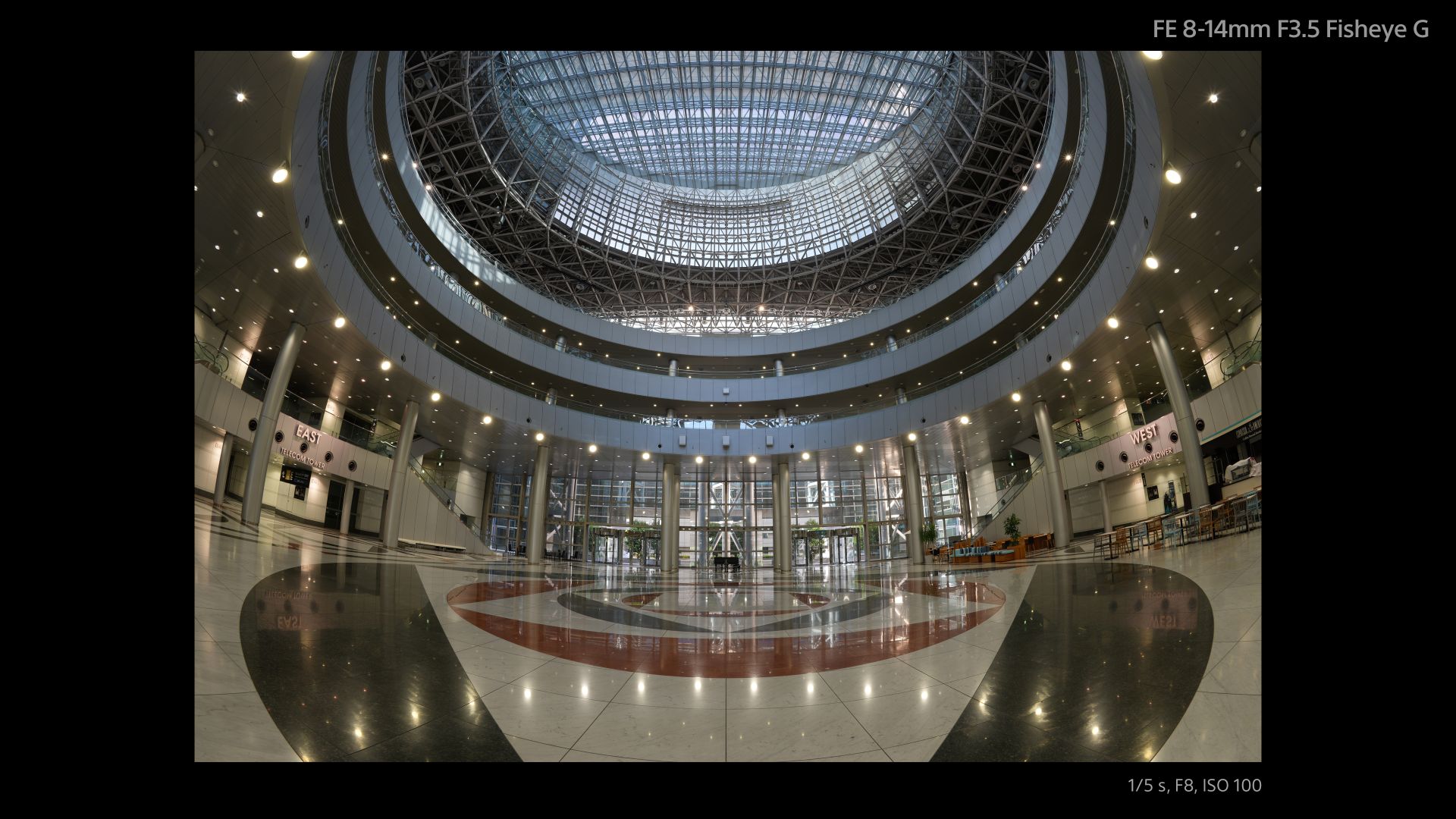
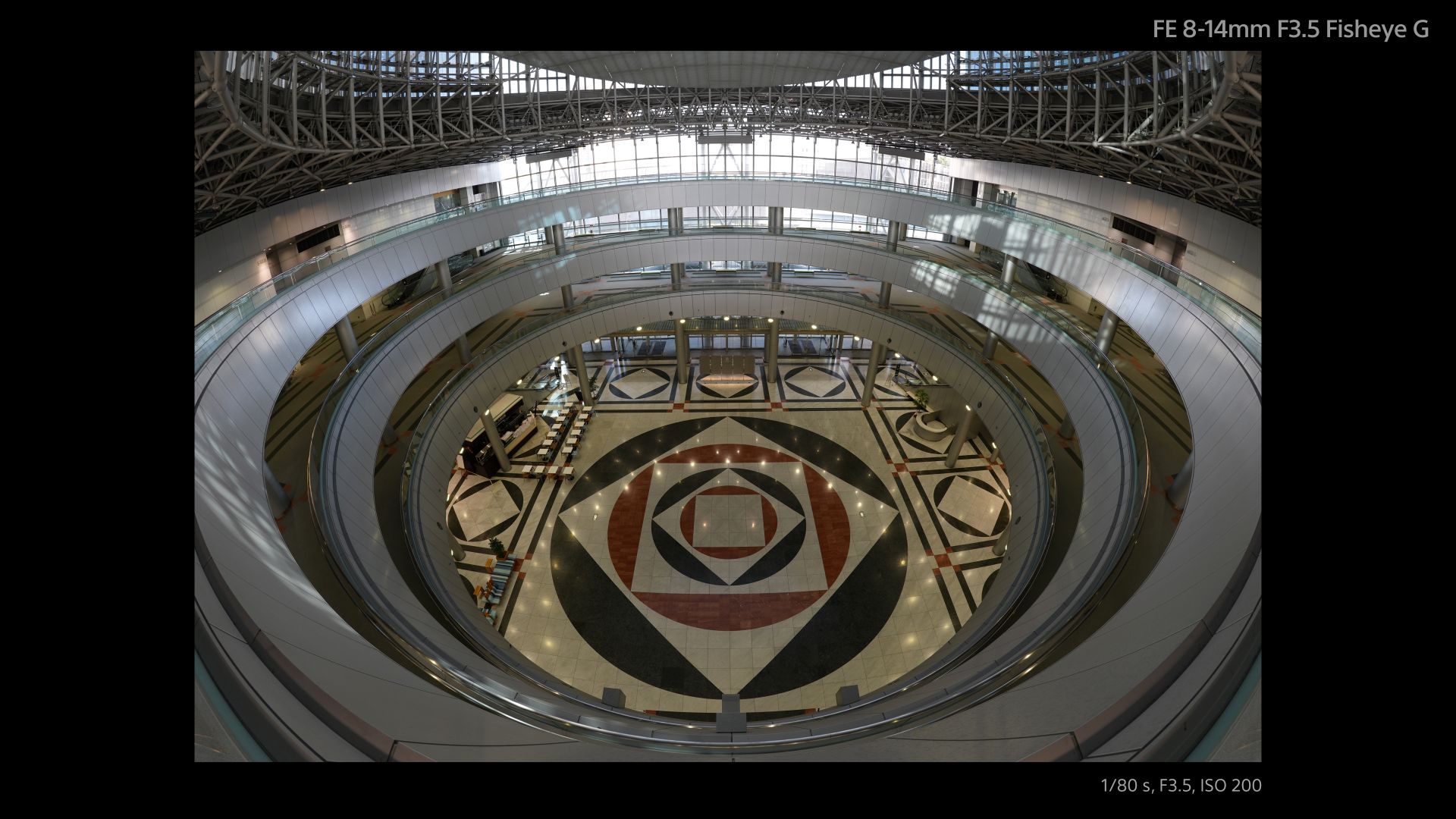
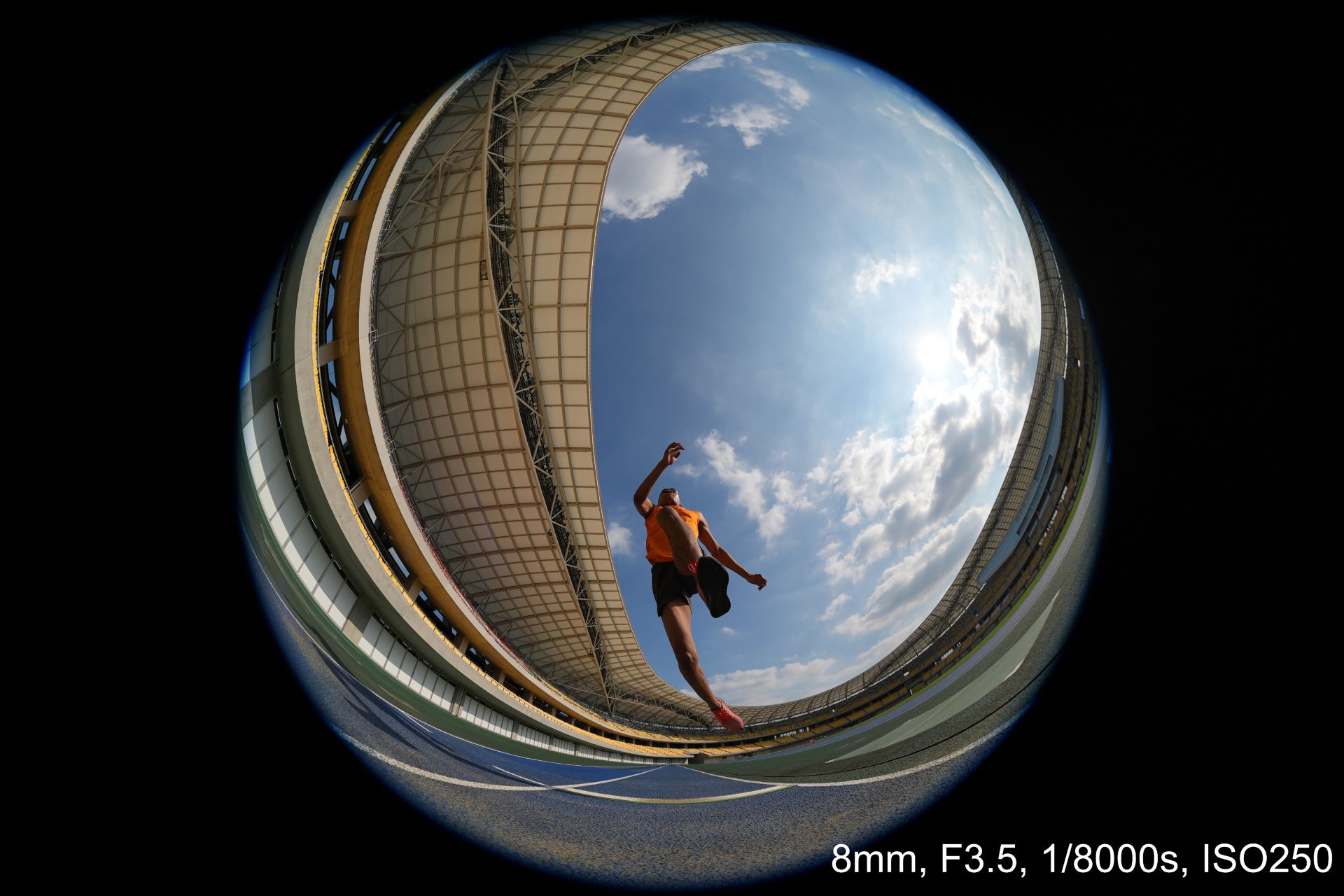
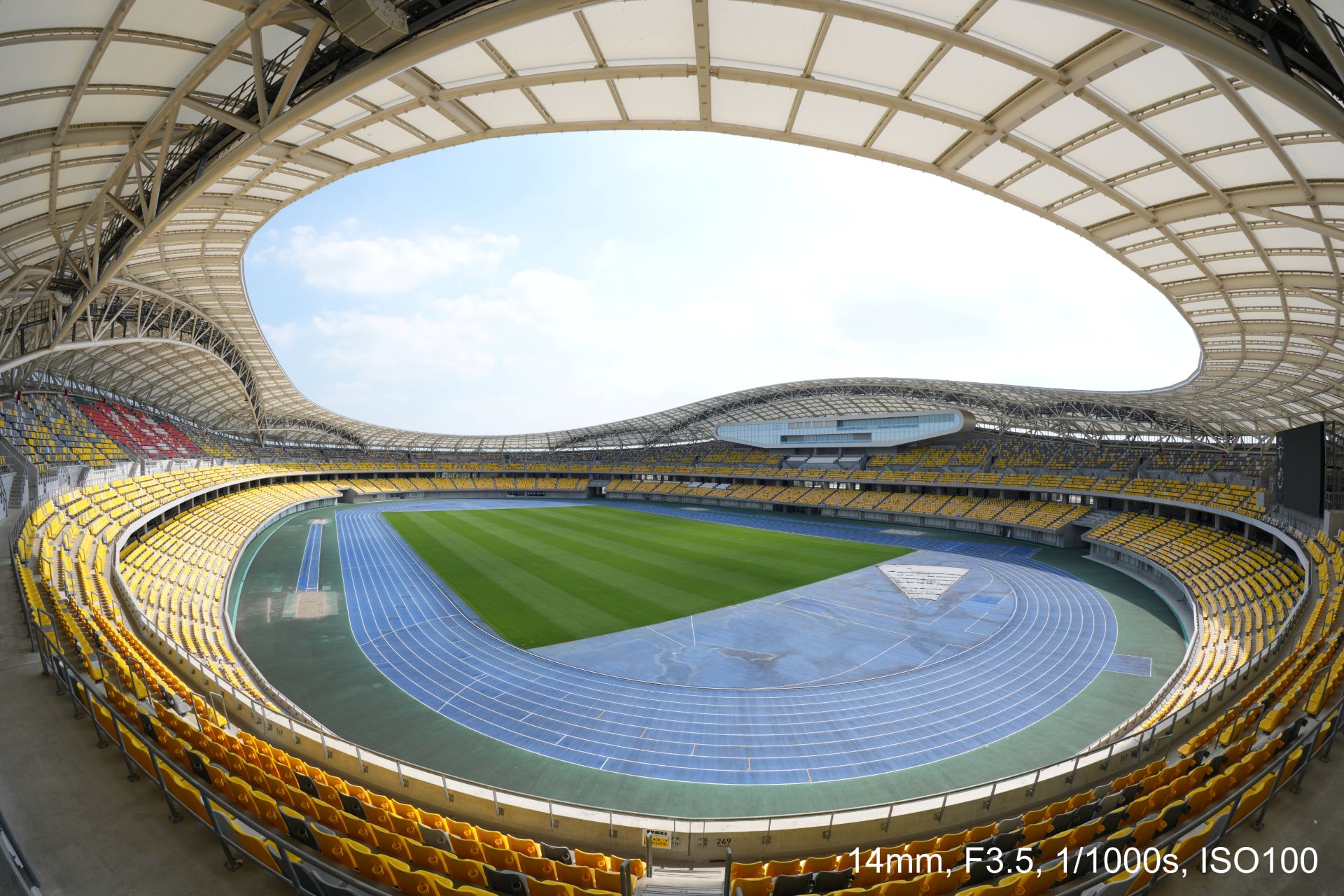


An optical design with ED (extra-low dispersion) glass and aspherical elements suppresses chromatic and other aberrations across the image area.
This enables high resolution throughout the zoom range with fast and precise autofocus and Linear Response MF. All these while suppressing focus breathing and operating quietly for movie production.
Controls include a focus mode switch, zoom lock switch, and an aperture ring with switchable click stops.
A minimum focusing distance of 0.15 meters and maximum magnification of 0.22x at the telephoto end also allow close-up fisheye perspectives both for stills and movies.
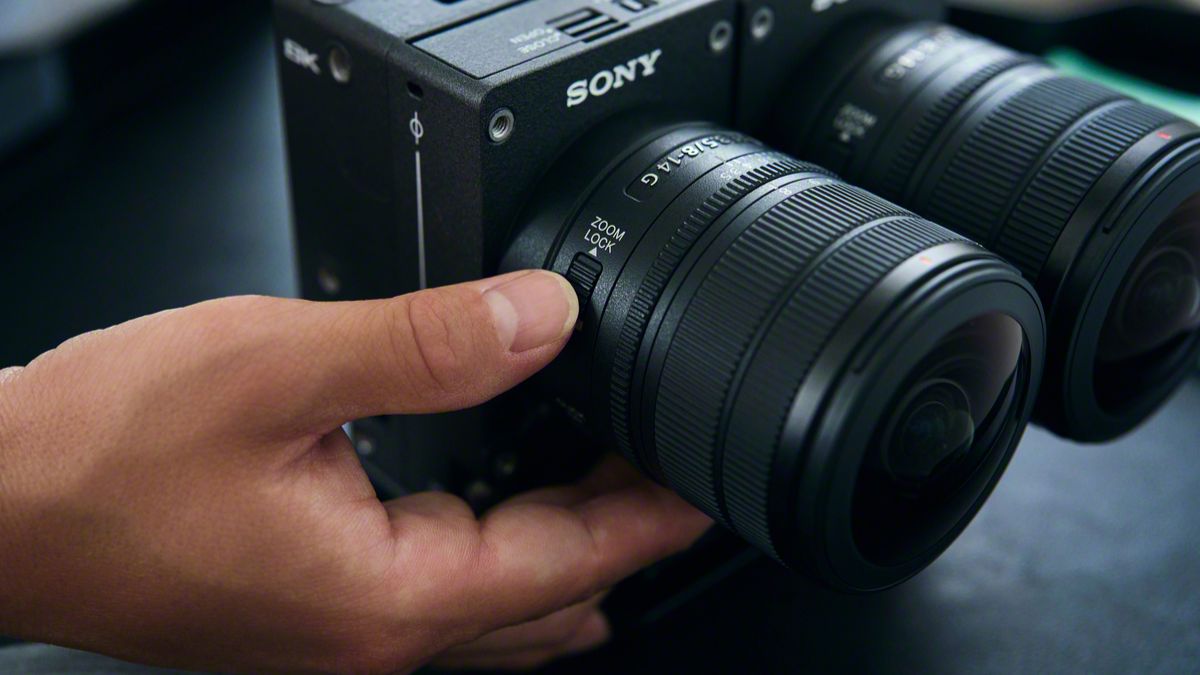
The Sony FE 8-14mm F3.5 Fisheye G measures about 63.1 mm in maximum diameter and 82.8 mm in length.
It weights about 314 grams, giving it mobility for handheld, gimbal, and rig-based shooting. It is also dust and moisture-resistant with a fluorine coating on the front.
In addition, users can opt for a dual-lens configuration with the VENCE Extension System Mini.


ROG G700 review: The best prebuilt PC you can get off the shelf
This PC will make you stop worrying about specs.


HP OMEN Max 16 review: Gamer-maxxing in deep black
Peripherals deemed necessary to max this out


vivo V80 review: Good phone, tough sell
A capable travel companion

Wild Rift Patch 7.3, celebrates K/DA comeback

LG showcases its latest AI TVs in the Philippines

Your coffee nook is getting a makeover with Starbucks’ holiday collections

Petit Planet launches December 4

This pop-up sauna brings the steam room experience into your home


-
Reviews2 weeks ago
vivo V80 review: Good phone, tough sell
-

 News2 weeks ago
OPPO Find X10 Series: Price, availability in the Philippines
-

 Cameras2 weeks ago
DJI Osmo Pocket 4P Pearl White now available globally
-

 News2 weeks ago
OPPO Find X10 Series: Price, availability
-

 Entertainment2 weeks ago
Cyberpunk: Edgerunners 2 now streaming, Cyberpunk 2077 update coming
-
Gaming1 week ago
HP OMEN Max 16 review: Gamer-maxxing in deep black
-

 Laptops2 weeks ago
Lenovo expands Yoga lineup with new AI PCs and tablets
-

 Laptops2 weeks ago
ASUS ProArt P14, P16 laptops with NVIDIA RTX Spark now available