
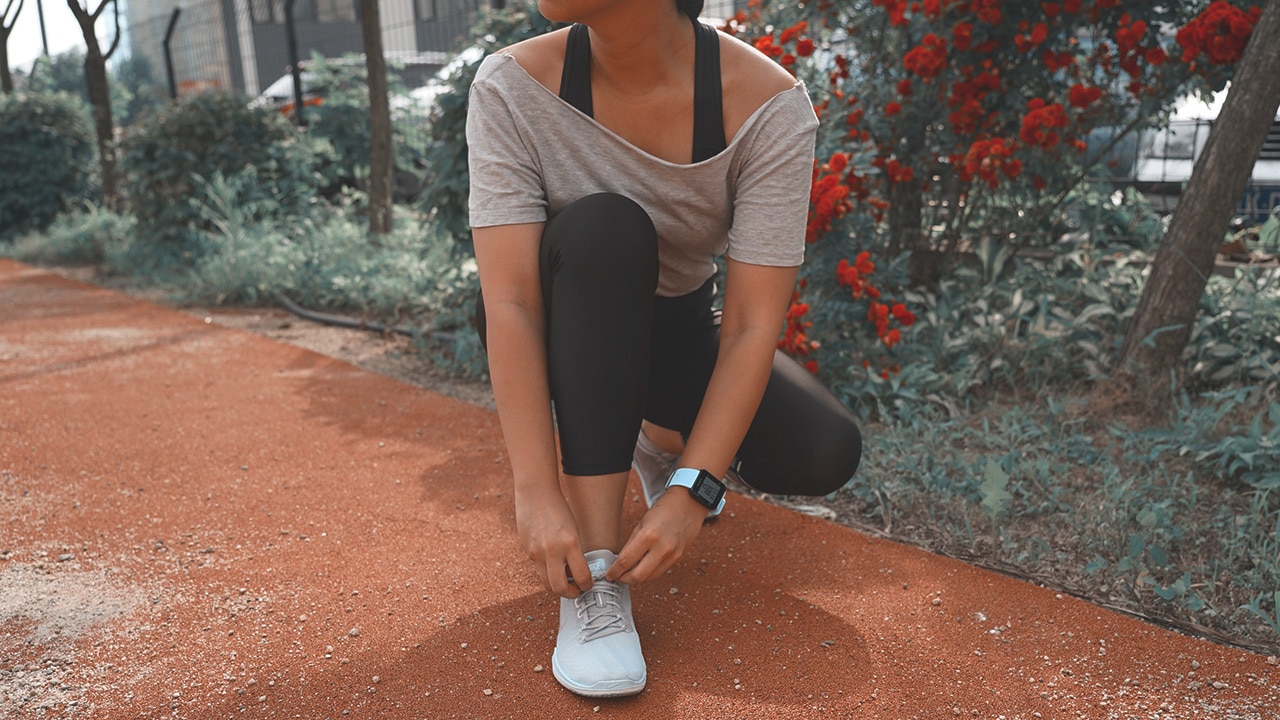

The idea of being healthy and fit wasn’t something I always entertained. The closest I got to a healthier lifestyle was attending yoga classes religiously around four to five years ago. I had a lot of excuses for stopping though: My schedule didn’t allow it, my friends stopped going, it was too expensive, the studio moved, and there was nothing else nearby.
Finding other fitness activities to do since then has been a chore, mostly for the same excuses listed above. While everyone agrees running is one of the easiest and cheapest exercises you can do just about anywhere, it’s simply not something I enjoyed doing. The turning point for me eight months ago was seeing and feeling physical manifestations of being unfit.
Confession #1: My motivation is not abs, but my weaknesses
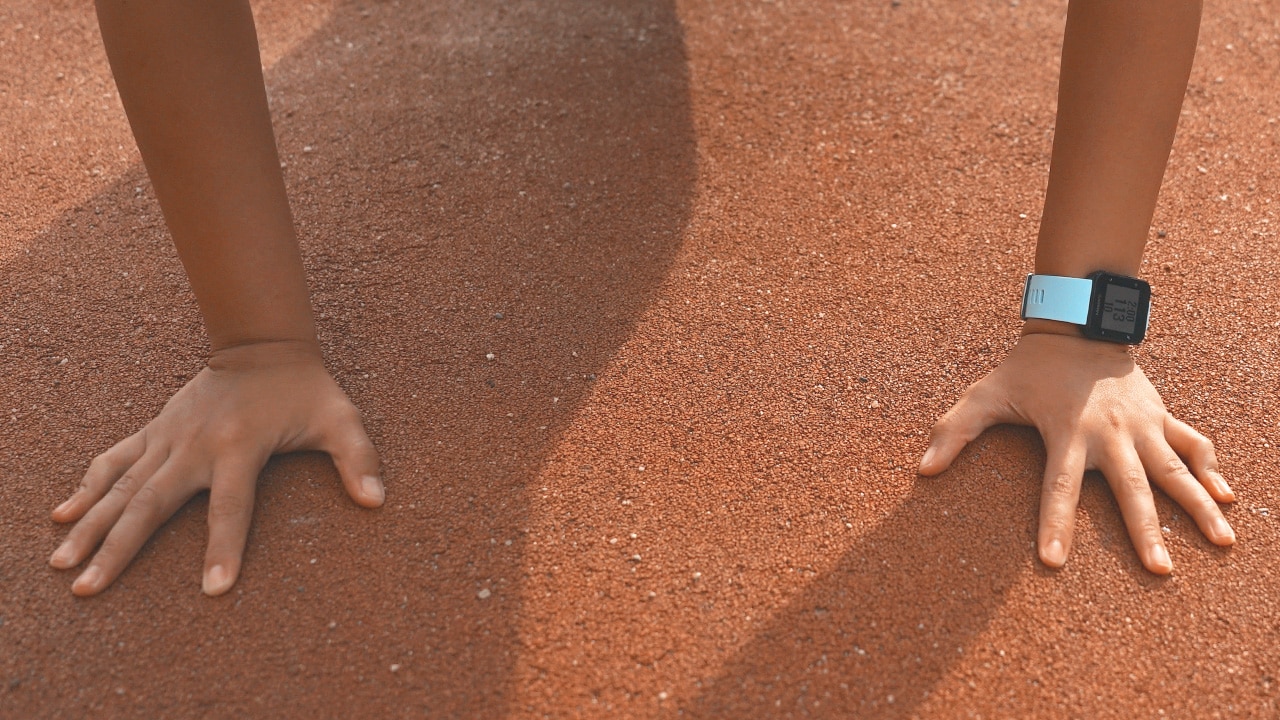
My recent attempt at a healthier lifestyle was not due to any desire to look good in a swimsuit, although getting there wouldn’t hurt because I admittedly cringe at old clips of me with a more prominent double chin.
There is no better motivation for me to exercise than my self-defined weaknesses. Whether that’s not being able to load your own carry-on into the overhead bin, running out of breath during an easy hike, getting too tired and sore from walking and carrying a tripod at a tour or the show floor, not being able to focus at the tasks at hand, and not being able to sleep and wake up at normal hours.
Confession #2: I enjoy working out with weights and machines
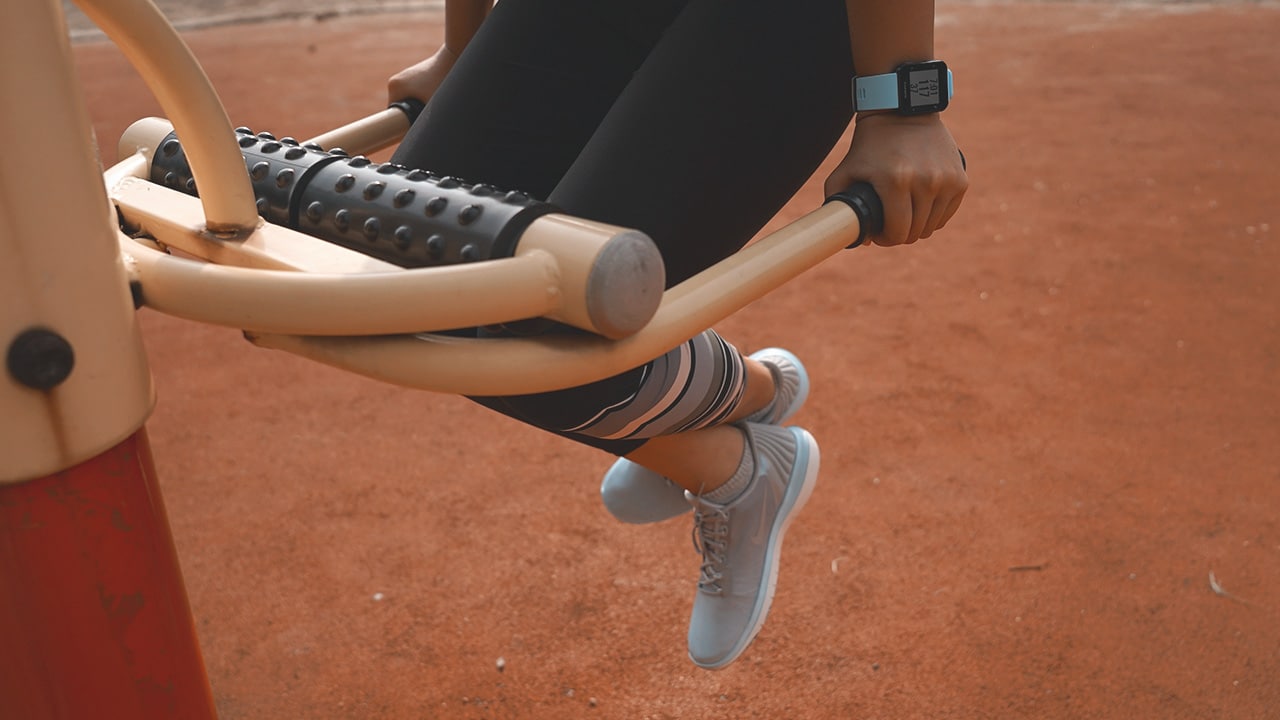
Through the last few months of experimenting with different exercises, I found that strength training is most enjoyable and important to me, especially in addressing my weaknesses.
My only problem is I’m unable to do most of my routine when traveling, which I do often, unless my hotel has its own gym. For those instances, I resort to exercises that don’t require weights or machines, like tricep dips, planking, and crunches.
Confession #3: I hate running as much as I hate counting calories
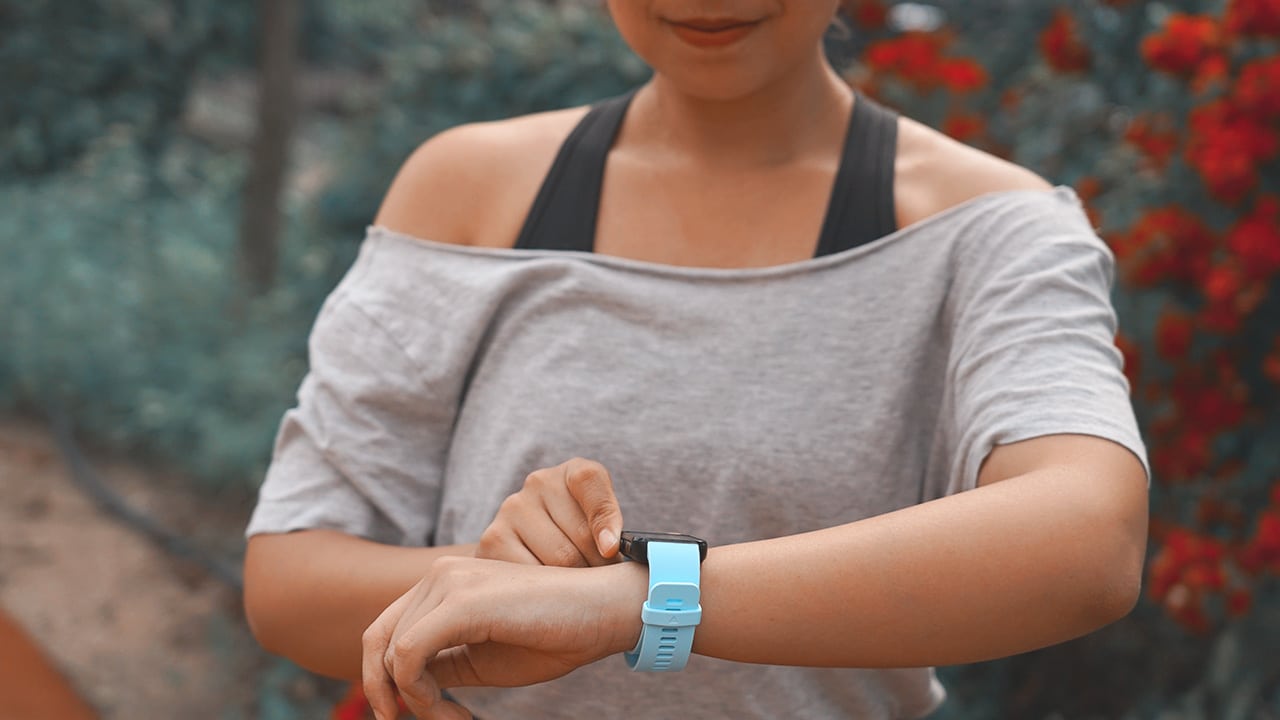
There’s no getting around it: I will most likely be one of the first casualties of the zombie apocalypse. I would rather skip my exercise for the day if running outdoors was my only option.
But I started running anyway — indoors that is — on a treadmill in high-intensity intervals. Telling myself to run for 10 to 20 minutes instead of covering two miles is much easier to commit to, what with the limited time I have in a day. There’s no better feeling than doing something out of my comfort zone and knowing I can survive a quick run tells me I can survive anything, eventually.
Confession #4: I don’t really believe in smartwatches, at least not yet
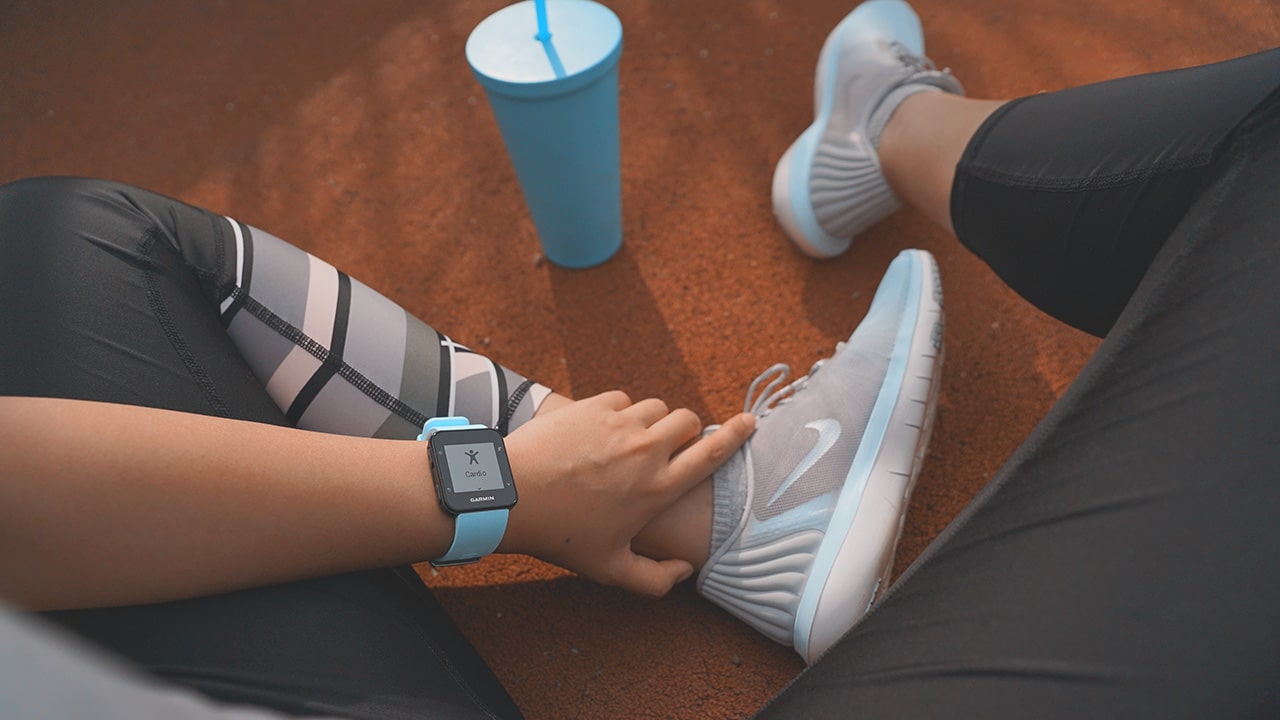
A shiny new thing on your wrist is like a new gym membership; it motivates you at the start, and gives you fake willpower to overcome laziness, mostly because you want to get the most out of the investment you just made. Sometimes you’d even throw in new shoes, a new sports bra, or a fresh pair of cute leggings, just so you’d feel good while working out.
Even for everyday use, I find myself turning off notifications and not using any other function my smartphone can also do on any wearable I get my hands on. I’ve avoided smartwatches ever since the first smartwatch I tried using because of how they look, bad battery life, and not-so-useful functions.
Don’t get me wrong, when it comes to monitoring your health, smartwatches and fitness trackers can be helpful and have improved a lot over the years. But knowing how many calories I’ve burned or steps I’ve taken on a certain day doesn’t mean anything if I didn’t change my habits for the long term. A new piece of tech or clothing can only do so much to motivate me.
Confession #5: I have a fast resting heart rate and that’s not good
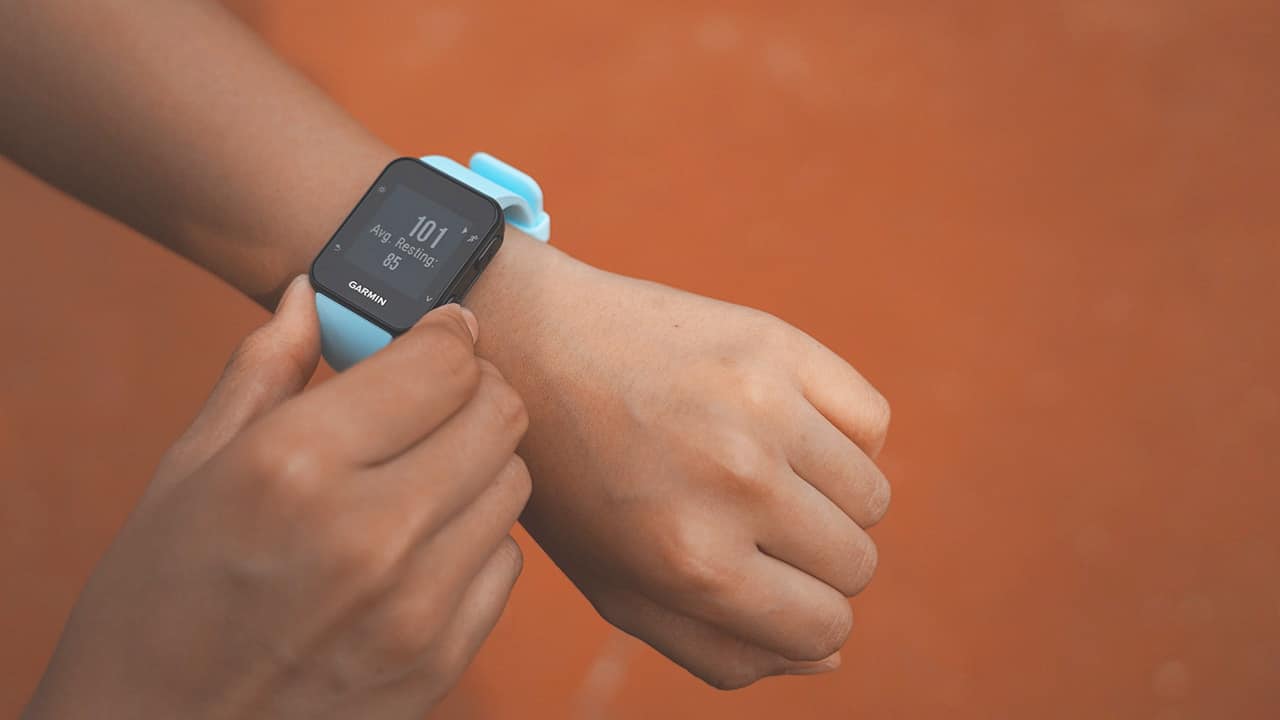
From the overwhelming amount of data a smartwatch gives me, I realized that what matters the most is my heart rate. One’s resting heart rate says a lot about one’s overall well-being, and my average resting heart rate says a lot about the current state of my fitness. I live a very sedentary lifestyle — I sit all day, go in front of my computer, Uber to and from work. I rarely get to walk a lot.
For what it’s worth, using a fitness wearable like the Garmin Forerunner 35 to track how much my heart beats in real time has helped. Seeing how unfit I really am with one press of a button, through a number that isn’t my calorie count and seeing that number lower little by little, motivates me to reach new goals.

It’s only been four months since I started consistently adding 10-minute running intervals before any of my workout routines and I already feel better. I climbed the easternmost part of the Great Wall of China two months ago and I didn’t get as easily tired compared to when I went up the Geumnyeonsan Mountain in Busan, South Korea back in October.
Aside from surviving easy hikes and having stronger arms that can carry a bag full of camera gear overhead, one of my fitness goals now is to have a more normal heart rate — that whenever I press that button on any smartwatch, it should say anything between 60 to 80 instead of 100 and above. Even if I don’t enjoy it as much, I’ve learned that running is still one of the best ways for me to get there. Slowly building up my running time, running at a faster pace, and maybe eventually running outdoors will help me achieve a healthier heart.
In the last few months, it’s been reinforced to me that being fit isn’t so much about how you look — having a thigh gap or toned abs doesn’t necessarily equate to good health. A healthy heart, after all, is a happy one. Everything else (abs included) will eventually follow.





Accessories
Jackery Explorer 300D: Power and portability in one
Uninterrupted workflows for digital nomads, freelance creatives, more

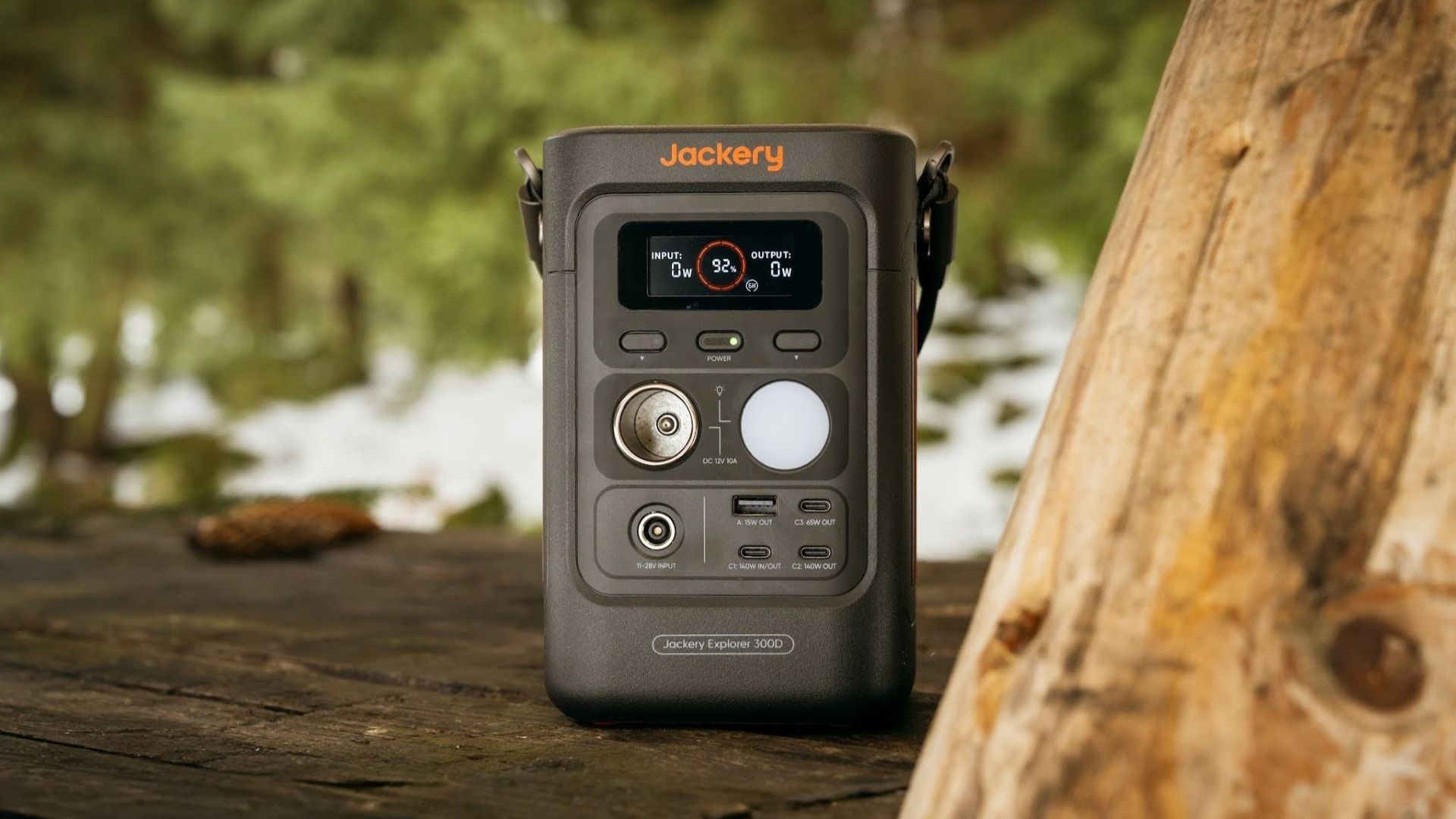
For digital nomads, freelance creatives, and even work-from-home professionals, staying productive on the move means carrying around multiple gadgets, cords, adapters, and power banks to survive the day.
Having to carry such weight, quite literally, is vital for maintaining workflow continuity.
For a more seamless experience and to have just one extra portable device to power all working parts, there’s the Jackery Explorer 300D.
Launched just last month, this grab-and-go offering from Jackery is designed for the modern lifestyle.
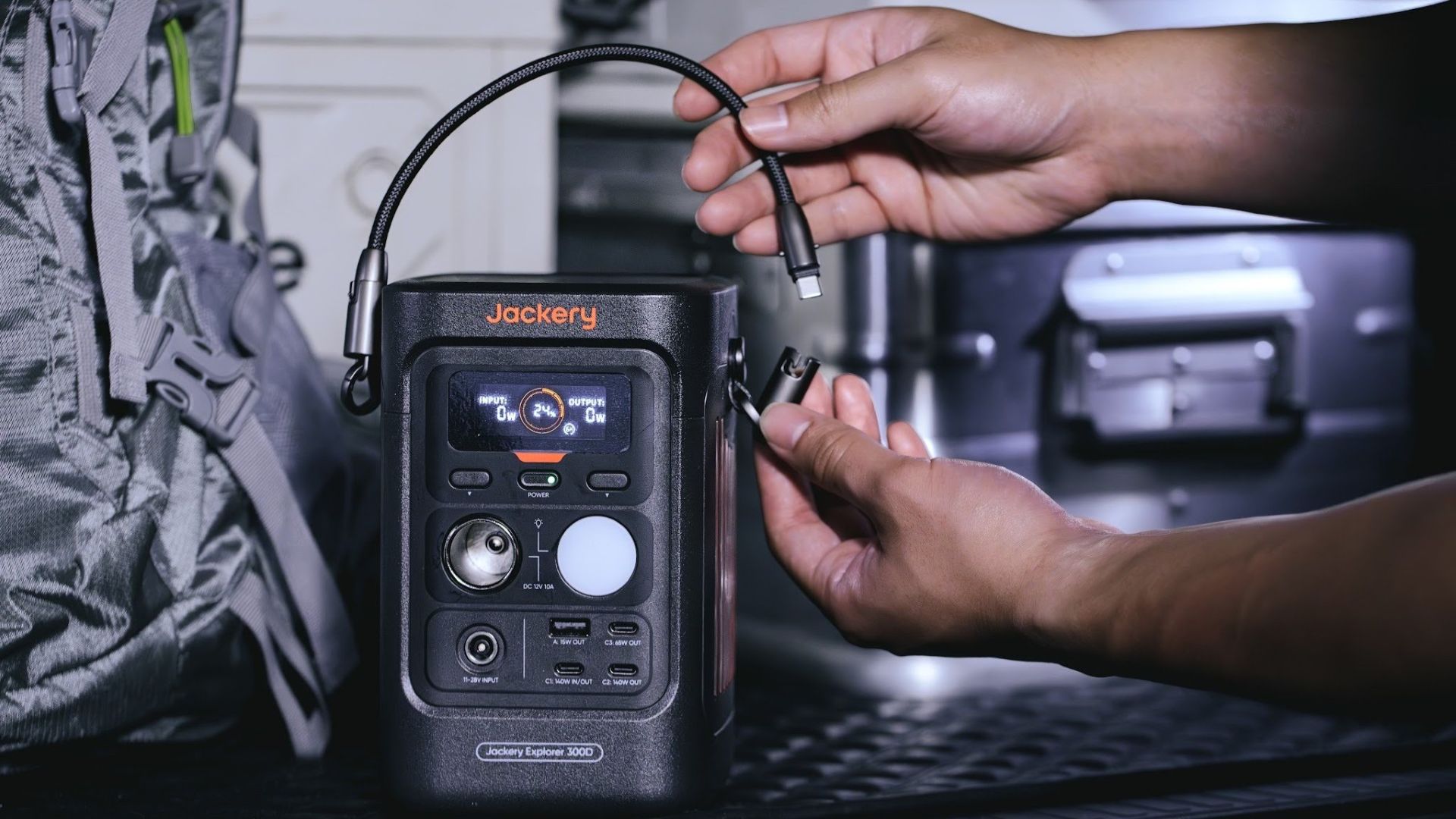
It moves away from Jackery’s traditional aesthetic with a sleek, speaker-like form factor. It weighs just 2.5 kilograms and is 64% smaller than standard 300W units in the market.
This ultra-compact size was made possible by a smart engineering choice of swapping bulky traditional AC wall outlets for highly efficient DC-only and USB-C ports — which also helps eliminate idle power loss.
With a 288Wh capacity, the Jackery Explorer 300D holds enough juice for up to nine power banks.
It can keep a Type-C fast-charging laptop for up to three to four full cycles, a Wi-Fi router alive for hours, and recharge cameras or drone batteries up to five times for a lengthy production day.
For smaller gadgets like smartphones and portable fans, the power station can juice them up for up to 22 times.

It can even charge five devices simultaneously with a total of three USB-C ports, a USB-A port, and a DC 12V car charger port.
All these ensure users are never disconnected, wherever they may set up their mobile office.
Another brilliant touch is the two-in-one shoulder strap that easily unclips to double as a heavy-duty 140W USB-C charging cable.
The everyday carry is available via Lazada and Shopee, and at the official Jackery kiosk in SM Fairview, as well as other partner stores.
Accessories
Apple is reportedly working on its own gaming controllers
It might launch under the Beats brand.

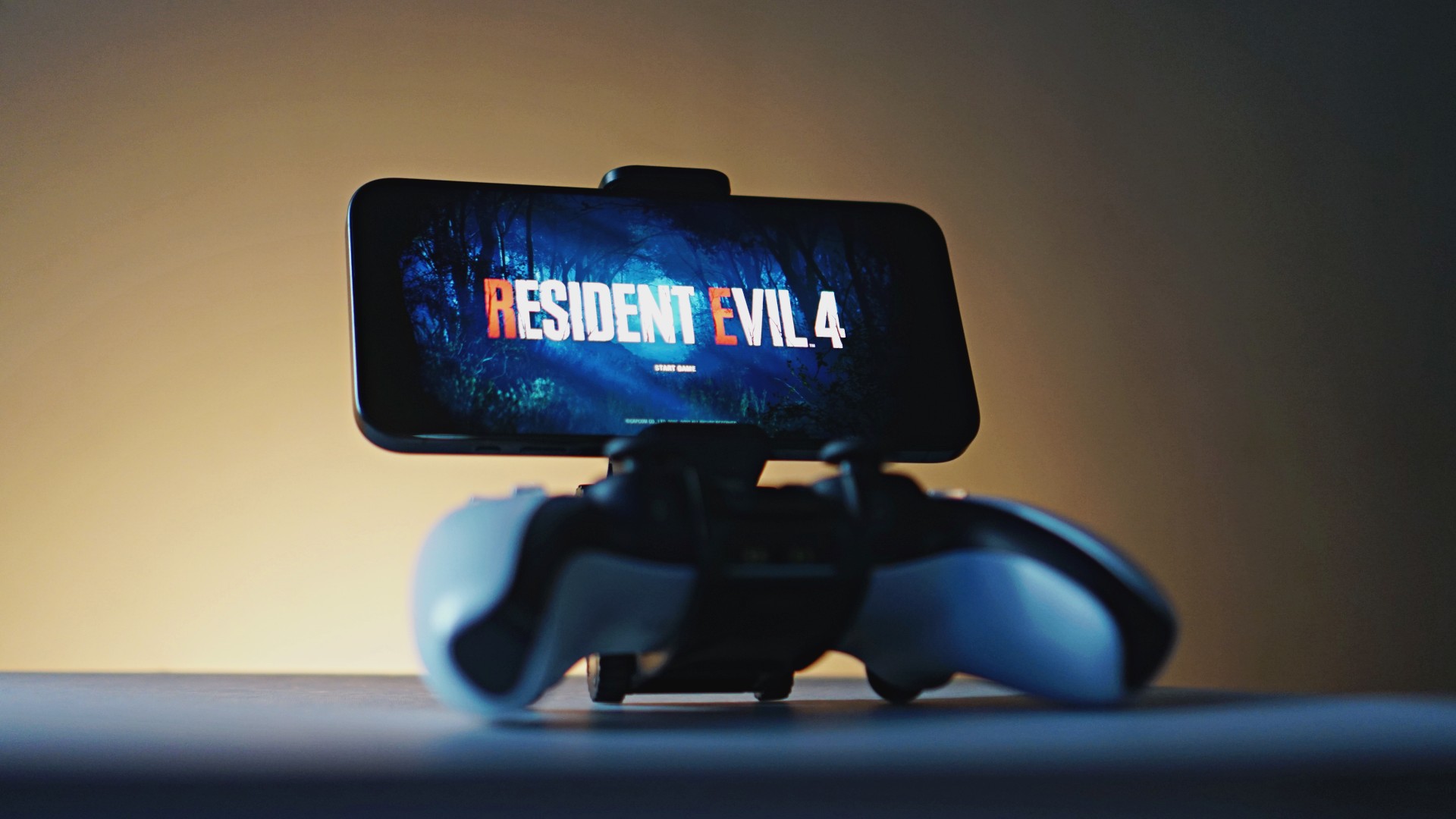
Last week, the iPhone Duo changed how you look at the ubiquitous smartphone. Foldables are in, and Apple is right there with it. But the company isn’t stopping with the foldable segment. Apple is reportedly working on its own branded game controllers.
According to Bloomberg, Apple has been working on a controller since last year. Further, a piece of code linked to macOS 27.4, spotted by MacRumors, includes references to two unknown gaming controllers.
Because Apple just concluded its huge event this month, it will likely be a while before we see confirmation of this controller. And it could be anything. Of course, because the Duo is fresh on our minds, the easiest answer is a mobile controller than can maximize the foldable’s ability to stand by itself. It could also use Apple’s larger screens like the iPad, the MacBook, or the Mac. Some even speculate that this could be Apple’s stronger push into the gaming market.
Outside of the actual hardware, the reports are also claiming that the controller will arrive by way of Beats, rather than from Apple itself. At first, the branding comes off as a surprise, but then again, Beats hasn’t really evolved past an audio brand in a long, long time. Is it time to revitalize Beats as something more than just a peddler of headphones?
SEE ALSO: First Look: Apple iPhone Duo
Accessories
New AGON gaming monitor features up to 1000Hz refresh rate
New level of speed, flexibility for competitive gaming


AGON by AOC has released the new AGON Pro AGP277QK dual-mode gaming monitor for the competitive segment.
This new offering features up to 1000Hz refresh rate at HD and 540Hz at QHD so gamers have the flexibility to prioritize either clarity or speed.
The 27-inch IPS gaming monitor comes with NVIDIA G-SYNC, synchronizing the monitor’s refresh rate with the GPU to help minimize screen tearing, stuttering, and input lag.
This is combined with 0.3ms MPRT and 1ms GtG response times for fast-moving action that is sharp and responsive, giving competitive players a clear visual advantage.
Moreover, the AGON Pro AGP277QK features VESA DisplayHDR 400 certification for enhanced contrast and more vivid, lifelike visuals.
Delta E < 1 color accuracy also provides precise color reproduction not just for gaming but even other scenarios like content creation.
For even smoother high frame-rate gameplay, MBR Sync combines motion blur reduction with variable refresh rate (VRR) technology. This helps maintain clarity during rapid movements.
The monitor also includes Low Input Lag, customizable Light FX ambient RGB lighting, Gaming Mode presets, and Shadow Control.
The display comes with HDMI 2.1 and DisplayPort 2.1 connectivity, along with a height-adjustable stand and G-Menu support.


DJI Lito X1 review: Is this the best lightweight drone for creators?
Making a strong case as a travel companion and a capable B-cam!


REDMI Note 17 Pro Max review: A new breed born from AI greed
Welcome to the new normal


Marvel’s Wolverine review: When the claws come out
A brutal, cinematic superhero adventure

Jackery Explorer 300D: Power and portability in one

Nike’s Alphafly 4 is built for the part of the marathon ~that actually hurts~

SEGA, Netflix announce Crazy Taxi film adaptation

Smart launches LiveSmart App for exclusive deals
DJI Lito X1 review: Is this the best lightweight drone for creators?

TECNO MEGAPAD 2 review: Eyes on the size

realme 16T 5G with 8000mAh battery, IP69 Pro rating launches in PH

HUAWEI Pura X View is 2026’s first WIDE slab-type smartphone

REDMI reveals the refreshed Note 17 and Note 17 Pro series

REDMI Note 17 Series: Price, availability in Singapore


-
 News2 weeks ago
HUAWEI Pura X View is 2026’s first WIDE slab-type smartphone
-

 News2 weeks ago
The CAMON Slim 5G is TECNO’s latest ultra-slim smartphone
-

 News1 week ago
iPhone 18 Pro series: Price, availability in the Philippines
-

 Automotive2 weeks ago
Ford’s new Everest lineup brings V6 engine to the top, tech down the line
-
 Singapore1 week ago
iPhone 18 Pro series: Price, availability in Singapore
-
 IFA 20262 weeks ago
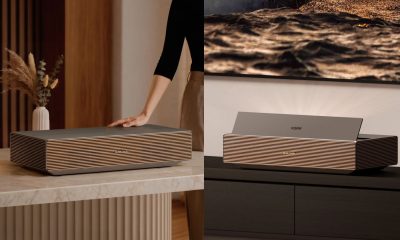
XGIMI announces AURA 3 Series 4K 120Hz UST projectors
-
 News1 week ago
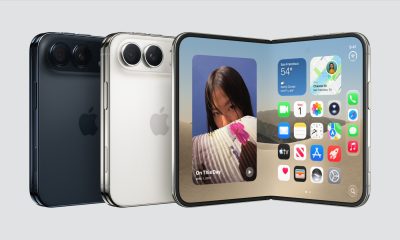
iPhone Duo: Price, availability in the Philippines
-

 Philippines2 weeks ago
Smart cuts 5G Home WiFi price