

Laptops
Huawei MateBook 14 review: Energy-efficient workflow
The work-from-home laptop that keeps you working

At this point in time, everybody is already used to a 9-5 grind from their homes. As we continually adjust to the pandemic’s ways, we also need the proper devices dedicated for our workload in the day. Even if you’re a student taking online classes, you want a laptop that can keep up with all your requirements.
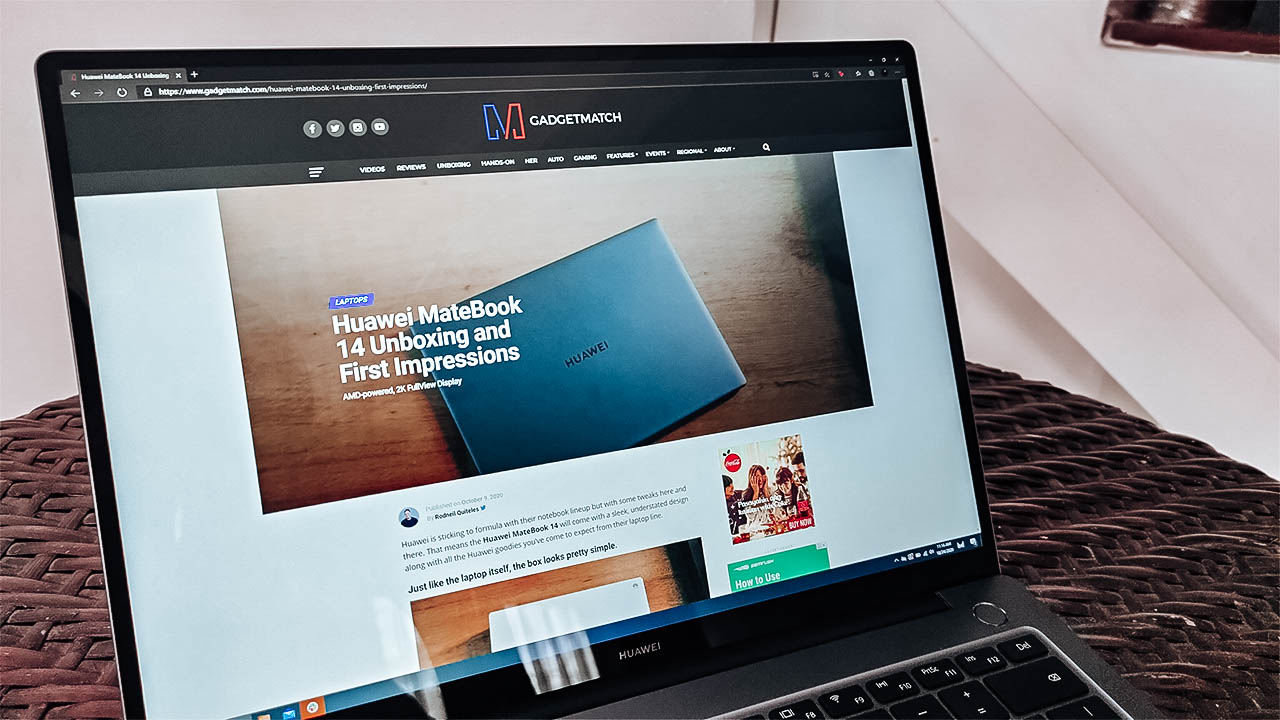
Enter the Huawei MateBook 14, the company’s take on a more productive work laptop. With a sleek design, a powerful processor inside the device, it offers what is essentially a balanced machine. Upon first glance, I thought that it was simply a mixture of the Huawei MateBook D14 and the MateBook X Pro.
The question is whether it stacks up as a power-efficient, balanced work laptop. Well, here’s what you get with the Huawei MateBook 14:
It comes with a 14-inch, 2K FullView Display

An AMD Ryzen 4000-series processor powers the device

It comes with a recessed camera at the top-middle of the keyboard

It only comes in Space Gray

Admire the design first
I know that I usually go straight to how this device performs, but I honestly couldn’t ignore its build quality. Compared to most Huawei laptops I’ve looked at, the Matebook 14 remains consistent with all of them in terms of design. They go for the sleek, subtle yet professional tone with how the laptop looks and feels.
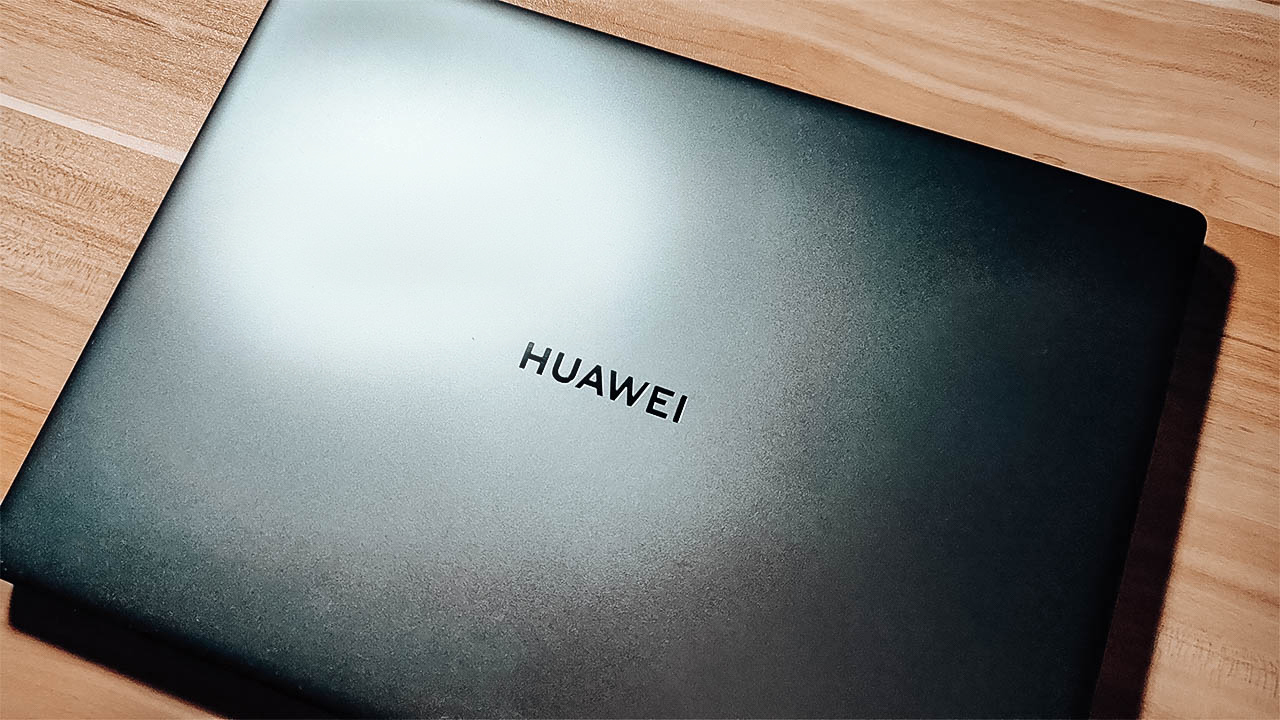
Upon knowing that the build was mostly CNC-ed in, I was expecting durability and hardness in the device. It felt durable enough for me to toss it onto the bed most of the time, and I was pretty confident it wouldn’t break. Also, for a device that weighs almost 1.5 kg, it sure feels light to carry around.
These were some of my observations on the Huawei Matebook X Pro, which I felt is a more powerful version of the Matebook 14. It’s nice to see that Huawei brought that in, leaving no rough surface behind.
Performance that’s great for any type of work
Huawei’s Matebook 14 comes with an AMD Ryzen 5 4600H processor, with 16GB of RAM — which is what most people want out of a work laptop. Because a newer AMD chip is inside, I was expecting great performance right out of the gate. Not to mention that this device also comes with a 512GB SSD, so booting up should be fast.

Just as expected, the device performs well for most work-related tasks I threw at it. I tried using it as my main work laptop for three days, and I was able to do my work in an efficient way. I mean, I still finished overtime for work one day but the device lasted long enough and performed well. Also, I felt that most applications ran pretty smoothly while I was using it.
It was even able to handle close to 100,000 rows of Microsoft Excel data without slowing down significantly. Also, I felt that I didn’t have to manually switch to Performance Mode just to do that. However, because this only comes with built-in Radeon Graphics, I wouldn’t recommend it for creative work and advanced data processing.
Long lasting battery, and it’s surprisingly not warm
The Matebook 14 boasts its 56Wh battery to last all day when you’re doing your usual tasks. Realistically, I don’t think you could keep a laptop running the whole day without plugging the charger. However, on a full charge, I managed to get close to 14 hours mixing work, watching YouTube and streaming Netflix.
Charging the device didn’t take long, either as I got about two hours to fully charge it. That whole thing about a 15-minute charge granting 2.5 hours is close to the truth. Also, I appreciate that Huawei thought of putting a charger that supports SuperCharge, which also charges smartphones.
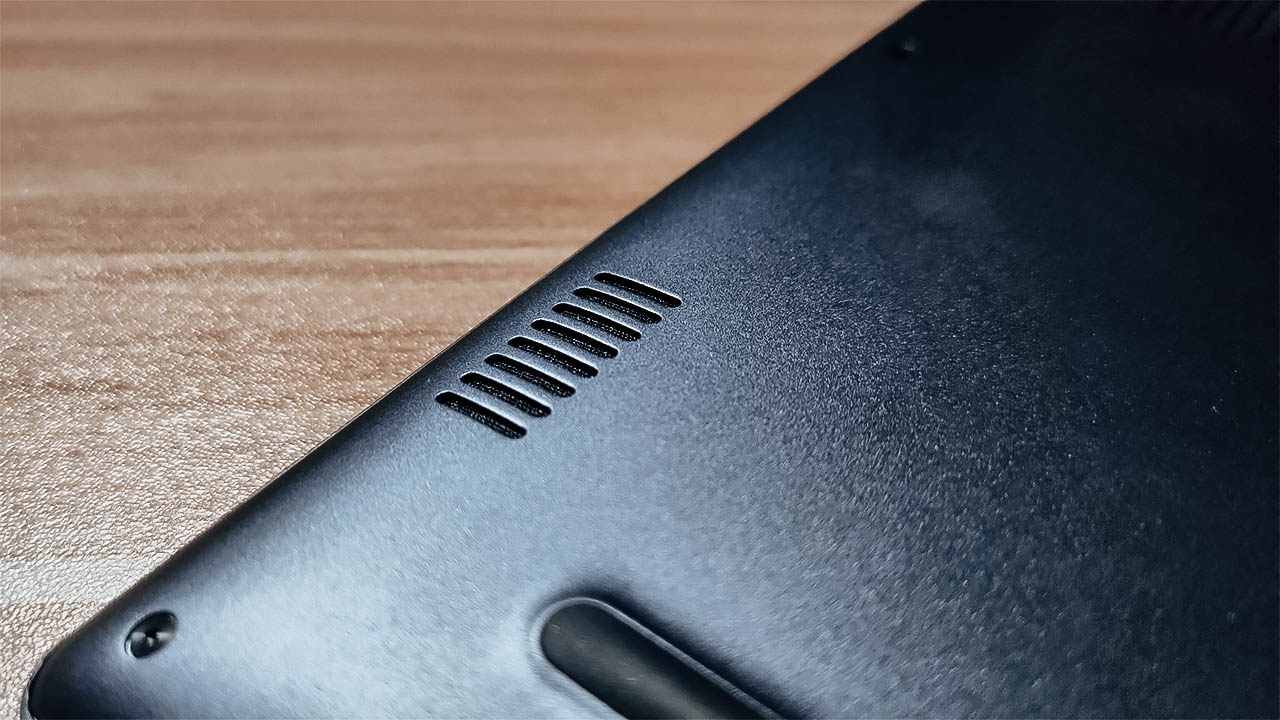
The biggest surprise I found was the thermal setup for the device. Compared to the Matebook X Pro, this did not feel that warm to hold at all — especially while working. Honestly, I give full credit to the AMD chip in keeping it energy-efficient. The dual fan, dual heat pipe design worked wonders, even in a much smaller chassis.
More things that deserved to be noticed, for better or worse
Other things I wanted to bring to light include the usual features it comes with. The hybrid of a fingerprint sensor and the power button still works wonders. It’s pretty easy to set up, and it recognizes your fingerprint pretty fast so you start working right off the bat.

Also, I’m a big fan of the keyboard mostly in terms of the key travel. I’m not drawn to the whole backlit keyboard since it still looks dim in the dark. But in terms of my typing experience, it provides a great one every time I use it. Honestly, it made me work a lot faster so it’s a win for me.
What isn’t a win, and will honestly continue being an L for Huawei is the camera. It’s not because the quality is bad, but it’s just the placement of it. I know that they had to do it for the FullView Display, but it really is an unflattering angle.
Is the MateBook 14 your GadgetMatch?
For PhP 54,999 (US$ 1133), the Huawei MateBook 14 delivers on many fronts as a work laptop. It checks all the important boxes on what you need so you can work better. Plus, it lasts as long as you want it to without reaching for the charger, and stays cool too.
All the usual features Huawei puts in their laptops have their moments to shine. From the keyboard to the display, everything fits quite nicely for what you need it for. At this point, there’s really nothing you can do about the camera being where it is.
If you need a more than decent laptop for work or school, this is a great option to consider. All in all, It gives you premium yet energy-efficient performance that will keep you at the top of your game.






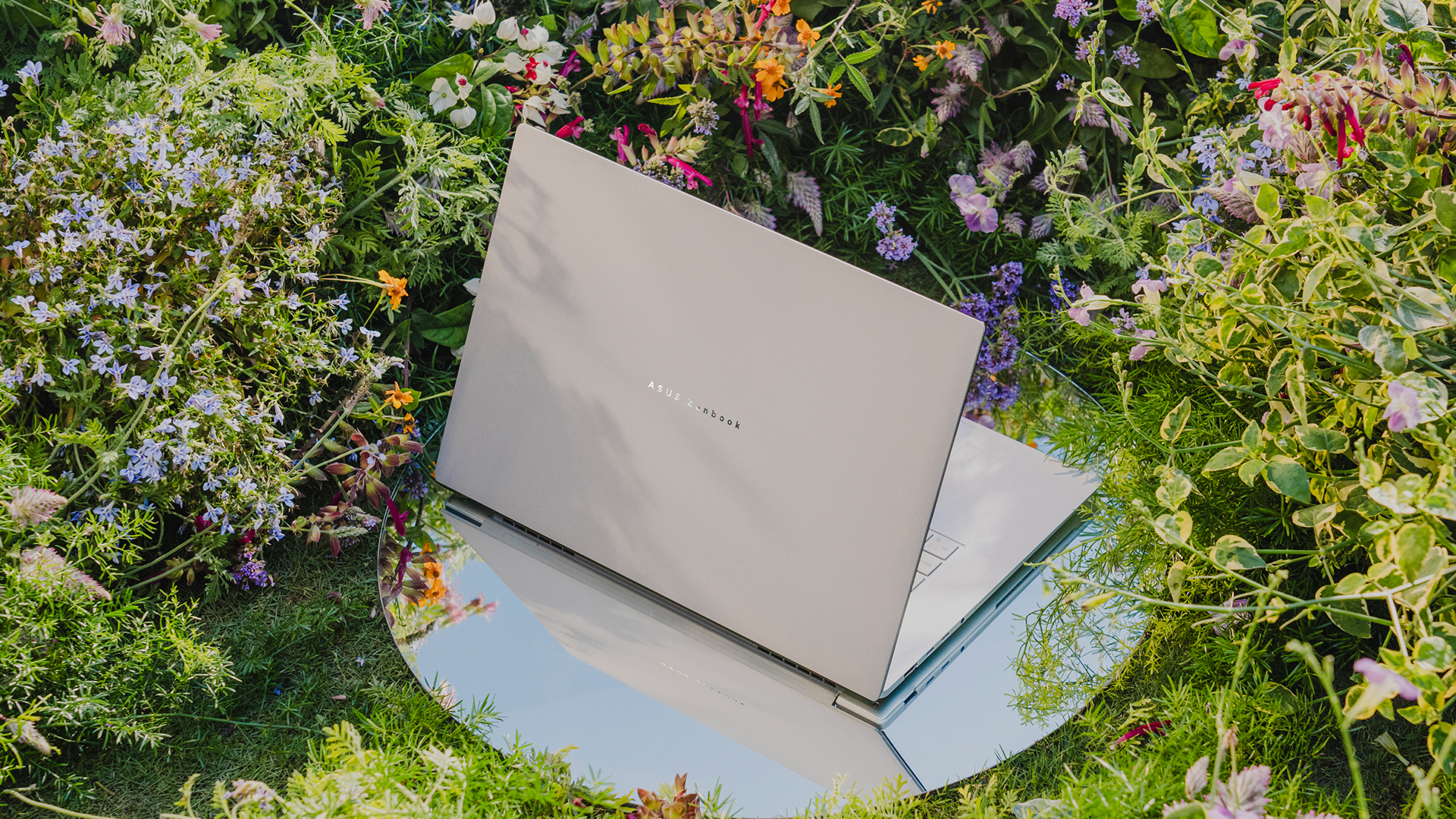
ASUS’s ultrathin notebooks are back. As first revealed during CES 2026, ASUS has officially launched the Zenbook S16, a modest upgrade to the model of the same name from almost two years ago. Accompanying it is a lesser-but-just-as-capable sibling called the Zenbook 14.
ASUS Zenbook S16
Much like its predecessor, the latest Zenbook S16 is designed for ultra portability. In terms of thinness, the notebook measures only 1.1 centimeters. Plus, it weighs only 1.5 kilograms, making it a perfect addition to your daily kit.
As is always expected from the Zenbook S lineup, the Zenbook S16 will have a tactile Ceraluminum lid, bolstered by an EasyLift hinge for ease of use. It will also have an ErgoSense keyboard with dished keycaps.
The 16-inch 3K ASUS Lumina OLED screen has touchscreen capabilities, a refresh rate of 120Hz, and 500nits of brightness. For audio, it has a six-speaker Dolby Atmos system, including four front-firing tweeters and dual woofers.
Under the hood, the new notebook will sport an AMD Ryzen AI 9 465 chipset, which can deliver up to 50 TOPS. Combined with Radeon graphics, this processor is supported by 32GB of RAM and 1TB of storage.
For battery, the notebook will have an 83 Wh battery, which can reportedly last over 21 hours.
ASUS Zenbook 14
Technically, this isn’t the Zenbook S14, but it bears a striking resemblance to that previous notebook, both in terms of design and hardware. For one, the new Zenbook 14 is 14.9mm thin and only 1.2kg light.
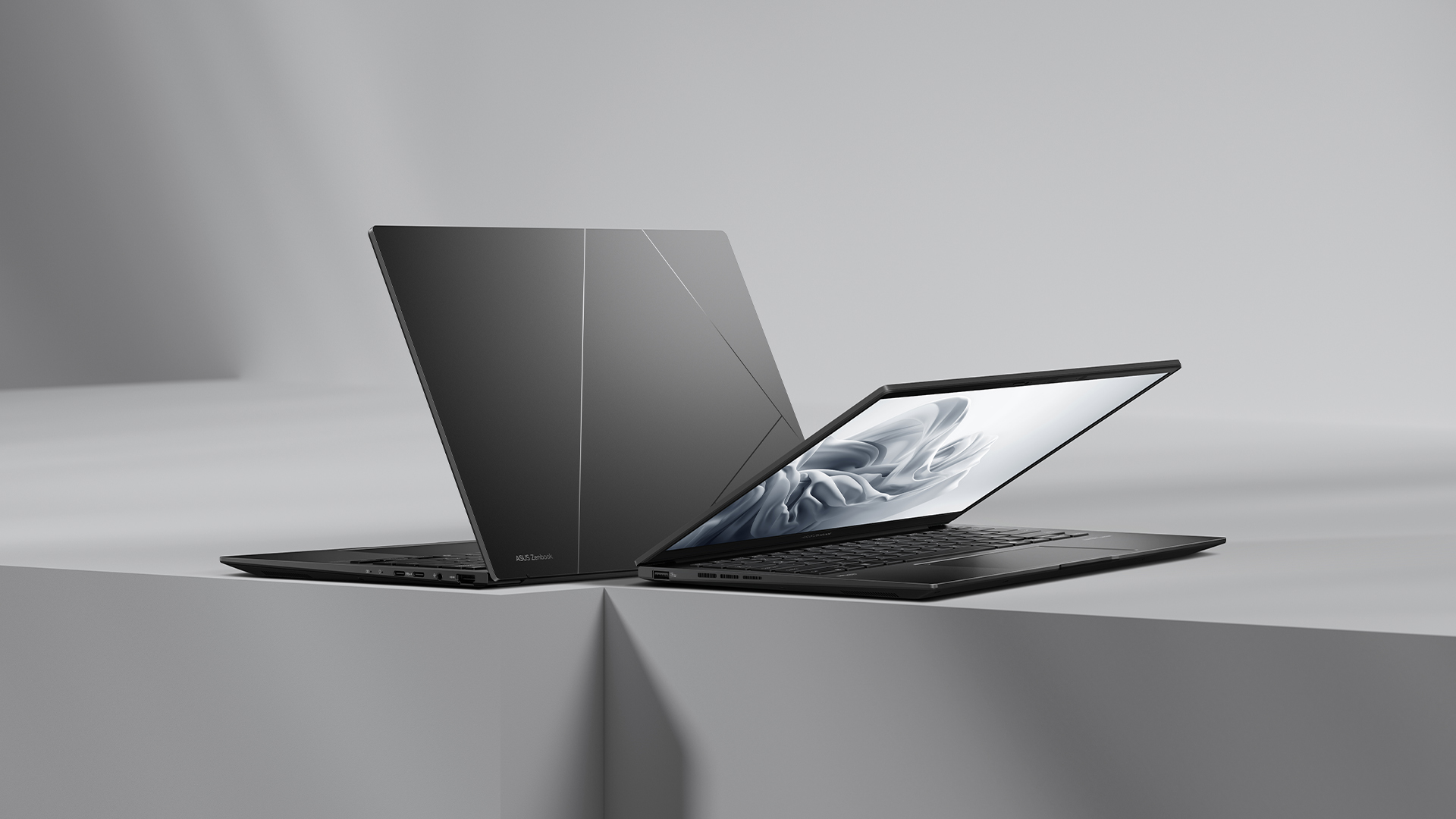
The 14-inch screen carries a WUXGA ASUS Lumina OLED display, putting out images in a 16:10 aspect ratio. The notebook also has an Ergosense keyboard and touchpad for more comfortable typing and more precise controls.
Under the hood, the Zenbook 14 trades the S14’s Intel chip for an AMD Ryzen AI 7 445 processor, capable of up to 50 TOPS. It will also have 16GB of RAM and 1TB of storage.
For battery, the notebook will have a 75 Wh battery, reportedly capable of lasting over 15 hours of unplugged use.
Price, availability
The Zenbook S16 and Zenbook 14 are available now. They both come with a lifetime license of Office 2024 Home, one-year access to Microsoft 365 with cloud storage, and ASUS Warranty (consisting of two-year International Warranty and ASUS Perfect Warranty, plus one-year accidental damage protection).
The Zenbook S16 comes in Scandinavian White and retails for PhP 134,995. Meanwhile, the Zenbook 14 comes in Jade Black and retails for PhP 79,995.
Laptops
Apple accidentally revealed something called the MacBook Neo
Is this the rumored entry-level MacBook?

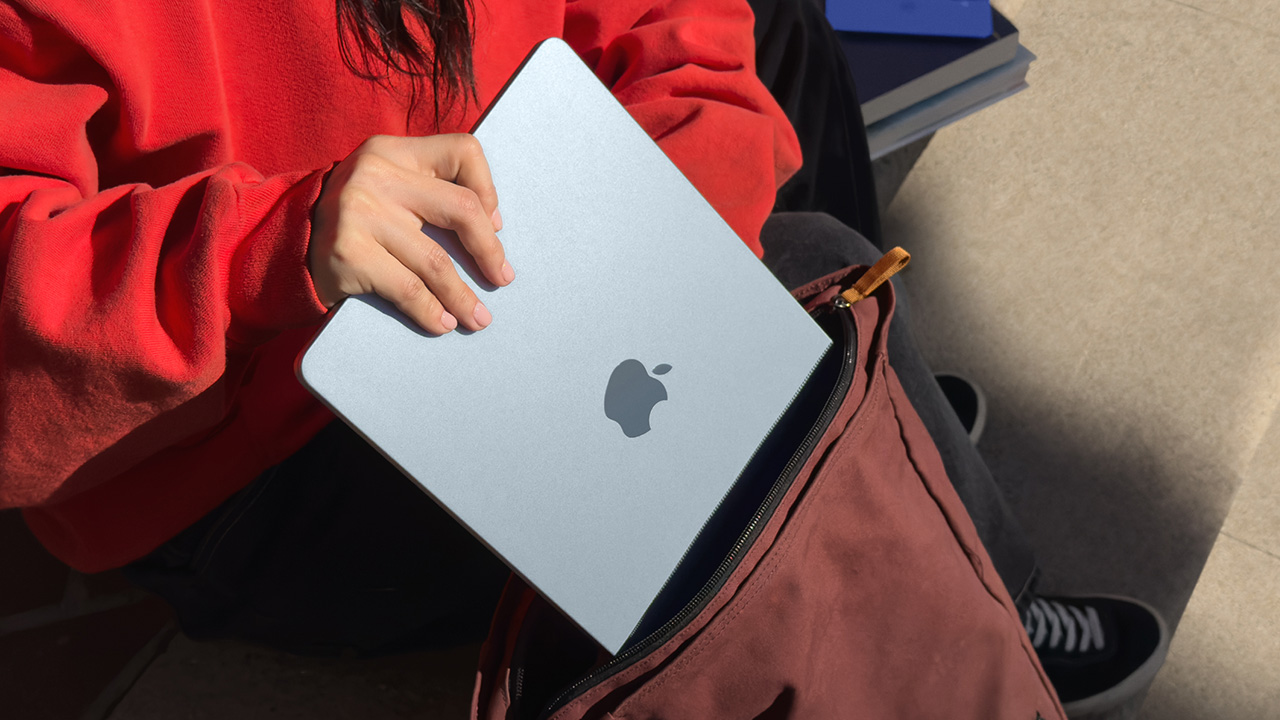
We’re living in the week of Apple. Through the past few days, Apple launched a new iPhone, iPads, and now, MacBooks. But the week isn’t over, so the brand still has a few tricks up its sleeve. Now, on the cusp of its major event, a brand-new notebook lineup has seemingly been leaked ahead of time. Apple has accidentally leaked the name “MacBook Neo” on its official website.
While we’ve seen the launches of the new MacBook Air and the MacBook Pro, the year’s lineup of notebooks is still missing the highly rumored entry-level MacBook. Ahead of this week, the brand was tipped to launch a new lineup that brought the price of the notebook down and introduced quirkier colorway options. Judging by the invite for it, the event scheduled for March 4 seems to be the launch pad for this device.
Today, in a now-deleted mention on a regulatory document on the brand’s official website (via MacRumors), Apple has accidentally leaked a mention of a “MacBook Neo (Model A3404)”. Sadly, the mention did not include any details about this device. Plus, it was deleted soon after it was spotted by the public.
There isn’t much to say about this model yet, if it is indeed the budget-friendly MacBook that everyone is talking about. If anything, it’s been tipped that the lineup will feature a mobile chipset rather than the M-series silicon often prominent in the regular MacBook series. It will also add splashes of color by offering colorway options apart from the usual metallic choices.
Then again, March 4 (in the States) is right around the corner, so the device’s launch might only be a few breaths away.
SEE ALSO: Apple’s March 4 Event signals something BIG is coming
Laptops
Apple unveils MacBook Pro with M5 Pro and M5 Max
Up to 8x AI gains, faster SSD, Wi-Fi 7, and bigger starting storage


Apple has introduced the new 14- and 16-inch MacBook Pro powered by the all-new M5 Pro and M5 Max chips — bringing what feels like a full Super Saiyan moment to its pro lineup.
If M5 Pro is Super Saiyan, then M5 Max is Super Saiyan 2.
Both chips are built using Apple’s new Fusion Architecture, combining two dies into a single system on a chip. The result: massive gains in CPU, GPU, memory bandwidth, and on-device AI performance.
Apple says the new CPU includes the world’s fastest CPU core, with up to 18 cores total — 6 “super cores” and 12 performance cores — delivering up to 30% faster performance. The next-generation GPU now includes a Neural Accelerator in every core, pushing AI workloads significantly further.
Compared to M1 models, the new MacBook Pro delivers:
- Up to 8x faster AI image generation
- Up to 6.9x faster LLM prompt processing
- Up to 5.4x faster video effects rendering
Compared to the previous M4 Pro and M4 Max generation, AI workloads see up to 4x gains, while graphics performance improves by as much as 50%.
This isn’t just about benchmarks. Apple is positioning this as a serious local AI machine. Developers can run advanced LLMs directly on device. Creators can train models, render 3D scenes, process massive photo libraries, and edit complex 8K timelines without leaning on the cloud.
And unlike many performance laptops, it does this with up to 24 hours of battery life.
Storage, bandwidth, and wireless get upgrades too
The performance bump isn’t limited to silicon.
The new MacBook Pro delivers up to 2x faster SSD speeds, reaching up to 14.5GB/s read and write performance. Starting storage also gets a major upgrade:
- M5 Pro models now start at 1TB
- M5 Max models now start at 2TB
- The base 14-inch M5 model also now starts at 1TB
Memory bandwidth scales aggressively depending on configuration:
- M5 Pro supports up to 64GB unified memory and 307GB/s bandwidth
- M5 Max supports up to 128GB unified memory and 614GB/s bandwidth
Connectivity gets a boost as well. Apple introduces its new N1 wireless chip with support for Wi-Fi 7 and Bluetooth 6. Thunderbolt 5 ports come standard, alongside HDMI with up to 8K support, SDXC, and MagSafe 3 with fast charging.
The laptop retains its Liquid Retina XDR display with up to 1600 nits peak HDR brightness, now with a nano-texture option. It also features a 12MP Center Stage camera, studio-quality microphones, and a six-speaker system with Spatial Audio support.
All models run on macOS Tahoe, which deepens integration with Apple Intelligence and introduces updated Spotlight, Live Translation, and more customizable UI elements.
Pricing and availability
In the U.S., pre-orders begin March 4, with availability starting March 11.
U.S. pricing starts at:
- 14-inch MacBook Pro with M5 Pro: US$2,199 (US$2,049 education)
- 16-inch MacBook Pro with M5 Pro: US$2,699 (US$2,499 education)
- 14-inch MacBook Pro with M5 Max: US$3,599 (US$3,299 education)
- 16-inch MacBook Pro with M5 Max: US$3,899 (US$3,599 education)
The 14-inch MacBook Pro with base M5 starts at US$1,699 (US$1,599 education), now with 1TB standard storage.
In Singapore, pre-orders also begin March 4 via apple.com/sg/store, with availability starting March 11.
Singapore pricing starts at:
- 14-inch MacBook Pro with M5 Pro: S$2,999 (S$2,789 education)
- 16-inch MacBook Pro with M5 Pro: S$3,649 (S$3,379 education)
- 14-inch MacBook Pro with M5 Max: S$5,099 (S$4,669 education)
- 16-inch MacBook Pro with M5 Max: S$5,449 (S$5,029 education)
The 14-inch MacBook Pro with base M5 starts at S$2,299 (S$2,159 education).
In the Philippines, customers can order the new 14- and 16-inch MacBook Pro models with M5 Pro and M5 Max soon on apple.com/ph/store and Apple Authorized Resellers.
Philippine pricing starts at:
- 14-inch MacBook Pro with M5 Pro starts at ₱149,990 (₱139,990 for education)
- 16-inch MacBook Pro with M5 Pro starts at ₱179,990 (₱166,990 for education)
- 14-inch MacBook Pro with M5 Max starts at ₱239,990 (₱219,990 for education)
- 16-inch MacBook Pro with M5 Max starts at ₱259,990 (₱239,990 for education)
All models are available in space black and silver.







One Piece: Into the Grand Line unveils final trailer ahead of premiere

AMD announces Ryzen AI 400, AI 400 PRO series at MWC 2026

ASUS launches 2026’s Zenbook S16, Zenbook 14

Apple accidentally revealed something called the MacBook Neo

Apple unveils Studio Display and all-new Studio Display XDR

Xiaomi 17 Ultra is now available outside China

TECNO will showcase the CAMON 50 and POVA 8 series at MWC 2026

PlayStation, LE SSERAFIM Chaewon team for the ‘Love of Play’ campaign

The art of being in and behind the frame

HUAWEI MatePad 11.5 S 2026: The better-than-ever 4-in-1 productivity tablet


-
 News4 days ago
Xiaomi 17 Ultra is now available outside China
-

 Camera Walkthrough2 weeks ago
OPPO Reno15 Pro: Camera Review
-

 Cameras2 weeks ago
Osmo Pocket 4 makes a surprising appearance in public
-

 News2 weeks ago
iPhone 17 Pro Max is somehow the most traded-in phone today
-

 News2 weeks ago
HUAWEI launches Mate X7, MatePad 11.5 S 2026, FreeClip 2
-

 Events2 weeks ago
Capcom to hold Resident Evil Requiem launch event in Jakarta
-
 Gaming2 weeks ago
Pokémon FireRed and LeafGreen are coming to the Switch
-

 News2 weeks ago
vivo V70 launched globally, introduces 4K 60fps, OriginOS 6, more